
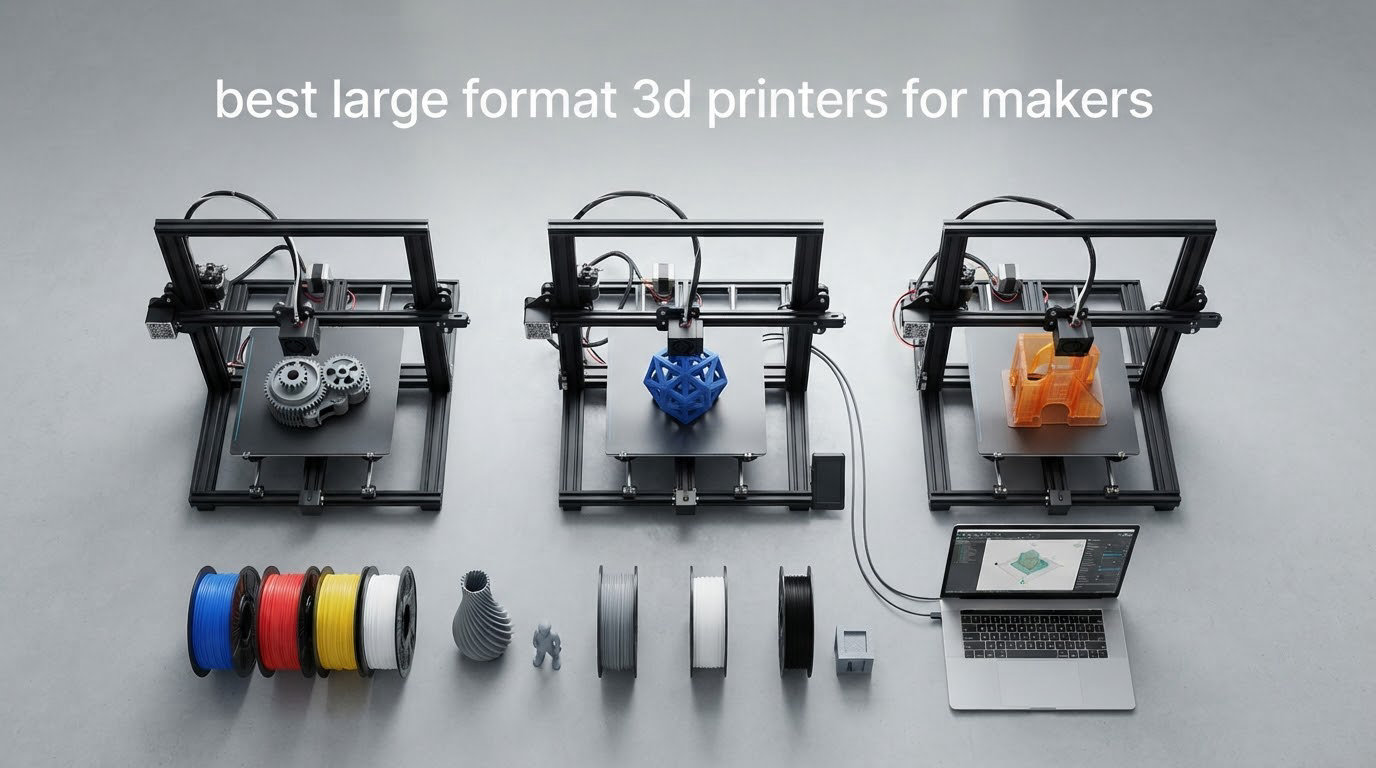
A large-format 3D printer is any machine with a build volume of roughly 300 x 300 x 300 mm or larger, big enough to print full-size cosplay helmets, one-piece armor, large vases and furniture parts in a single job instead of splitting them into sections. Everything below that line is a desktop printer, no matter how capable it is.
Past 300 mm, a printer stops being a bigger version of the same machine and starts behaving like a different category of hardware. The bed is heavier, the frame is longer, the gantry moves further, and every tolerance you never thought about on a 180 mm cube now shows up as a visible defect on a 400 mm part. That is why the best large format 3d printers for makers are not simply the ones with the biggest numbers on the box.
We spent several weeks going through ten large-format machines from Sovol, Creality, Anycubic, QIDI, Snapmaker, Longer and Original Prusa, reading the owner reviews rather than the spec sheets. The pattern was consistent: the machines that hold print quality over a 20-hour job are the ones with a rigid CoreXY frame, an enclosed or chamber-ready build space, multi-point automatic leveling and firmware that recovers from failures. Everything else is a compromise you will tune around.
We also cross-checked our picks against what the community actually buys. If you are still deciding between a desktop machine and something bigger, our beginner 3D printer guide and large-format printer guide for posters cover the smaller end of the market, and our resin printer picks for hobbyists cover the other major process.
Table of Contents
Top 3 Picks for the Best Large Format 3D Printers for Makers (October 2026)
The three machines below cover the three ways most makers approach a large build volume: maximum size, maximum automation, and maximum material range. Everything else in the roundup is a variation on one of these ideas.

Sovol SV08 MAX
- 500x500x500mm build volume
- 700mm/s CoreXY motion
- 50mm^3/s high-flow nozzle
- eddy current bed scanning

Creality K2 Plus Combo
- 350x350x350mm build volume
- up to 16 colors with 4 CFS units
- 60C actively heated chamber
- dual AI cameras

QIDI Max4 Combo
- 390x390x340mm build volume
- 65C active heated chamber
- 800mm/s with closed-loop motors
- AI failure detection
Quick Overview: 10 Large-Format 3D Printers Compared in 2026
All ten machines here clear the 300 mm mark on at least one axis. The table gives you the build volume, the motion system and the single feature that decides who each one is really for, so you can narrow the field before reading the reviews.
| Product | Specifications | Action |
|---|---|---|
| Sovol SV08 MAX |
|
Check Latest Price |
| Creality K2 Plus Combo |
|
Check Latest Price |
 Longer LK5 Pro Longer LK5 Pro |
|
Check Latest Price |
 Creality Ender 5 Max Creality Ender 5 Max |
|
Check Latest Price |
 Anycubic Kobra 3 Max Combo Anycubic Kobra 3 Max Combo |
|
Check Latest Price |
| QIDI Max4 Combo |
|
Check Latest Price |
 Snapmaker Artisan Snapmaker Artisan |
|
Check Latest Price |
 Anycubic Kobra S1 Max Combo Anycubic Kobra S1 Max Combo |
|
Check Latest Price |
 Longer LK10 Plus Longer LK10 Plus |
|
Check Latest Price |
 Original Prusa XL 5-Toolhead Original Prusa XL 5-Toolhead |
|
Check Latest Price |
1. Sovol SV08 MAX – 500 mm Cube With 700 mm/s CoreXY Speed
Sovol SV08 MAX CoreXY 3D Printer, Voron 2.4 700mm/s High Speed 3D Printers
Build volume 500x500x500mm
CoreXY at 700mm/s
50mm^3/s high-flow nozzle
Eddy current bed scanning
Pros
- 500mm cube prints oversized props and panels in one piece
- 700mm/s with 40000 mm/s^2 acceleration keeps big walls moving
- Eddy current scanning levels the bed without manual first-layer work
- Built-in 1280x720 camera for remote monitoring and failure detection
Cons
- Heated chamber is a separate purchase
- 86.8 pounds needs a two-person lift and a heavy table
- Some owners report frame and electrical faults
The Sv08 MAX is one of the largest machines in this roundup, and the one that changes what you can attempt rather than just how long it takes. A 500 x 500 x 500 mm cube means a full-size helmet, a set of armor panels or a large shell comes off the bed in one piece with no seam to sand and fill.
Speed is the headline figure, and at this size it is not just marketing. 700 mm/s with 40,000 mm/s^2 of acceleration on a CoreXY layout keeps perimeter moves quick, and most of the print time on a large part goes into moving the nozzle around the outside of the shape rather than laying infill.
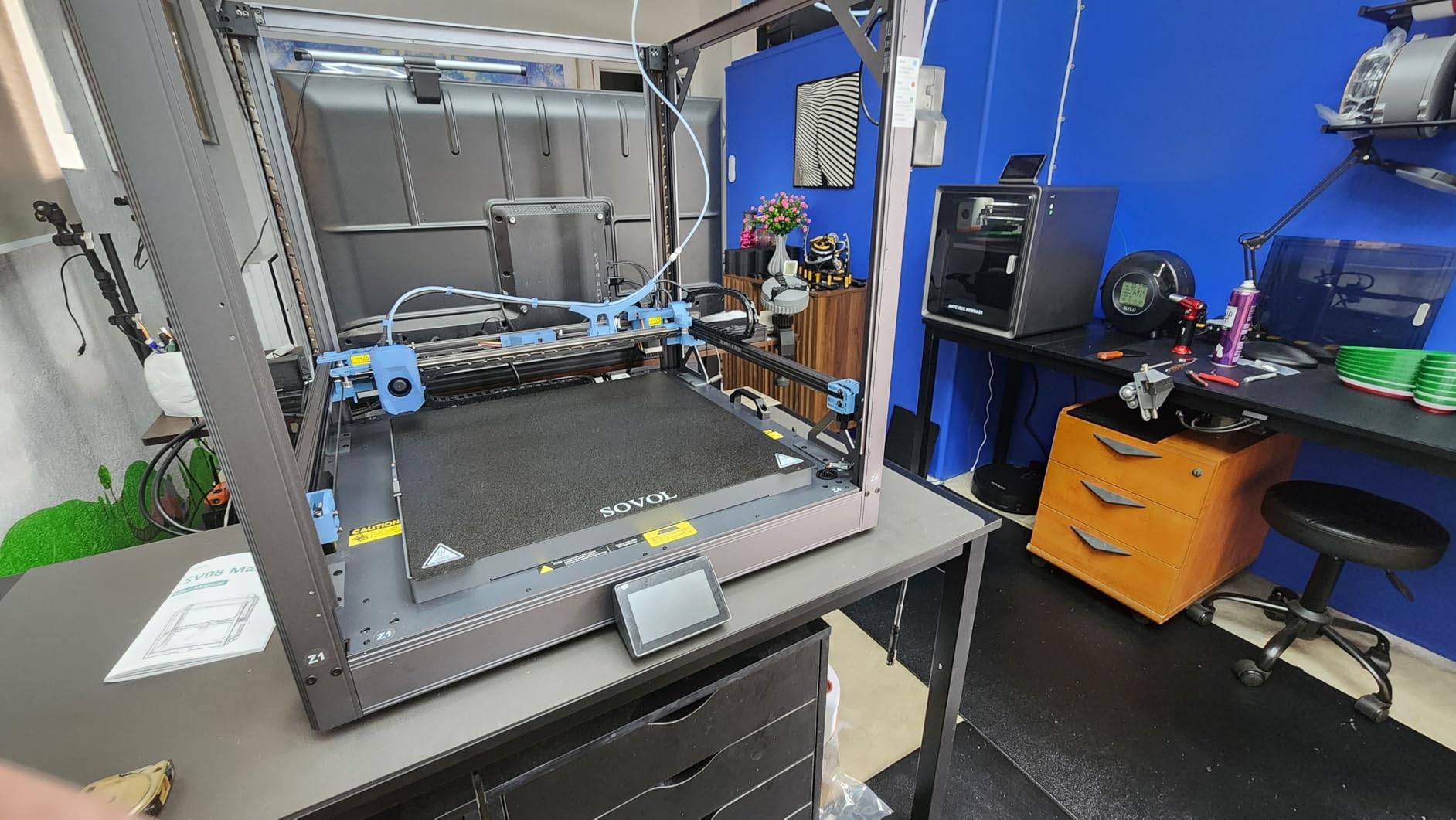
The 50 mm^3/s high-flow nozzle is the detail we would flag hardest for functional work. A standard 0.4 mm hotend becomes the bottleneck well before the motion system does, and forcing a 500 mm part through a slow melt zone turns a two-day job into a five-day one. The machine comes with a 0.4 mm nozzle and sells 0.6 mm and 0.8 mm separately.
Eddy current bed scanning is a contactless sensor that maps the bed surface before printing, so first-layer consistency across a 500 mm plate does not depend on your thumbs. The built-in 1280×720 HD camera with Obico integration lets you watch a 30-hour print from another room, which is the difference between finishing a print and abandoning one.
Who this machine suits
This is the pick for prop makers and small shops where a 350 mm machine means splitting a job into four pieces. Enclosure panels, large decorative vases, robot shells and vehicle body sections all fit the 500 mm cube outright, and a 4.1 average across more than 1400 ratings is one of the largest owner samples here, so the consensus is not based on a handful of early units.
If your work is mostly panels, jigs and functional brackets rather than oversized shells, a 400 mm machine will do the same job on a smaller footprint. The SV08 MAX earns its size when you regularly hit the limit of a smaller bed.
Where it falls short
The heated chamber is not included. There is a reserved interface for an optional chamber module, so you can add one later, but out of the box the machine is effectively open-frame. That makes ABS and ASA prints on a 400 mm-plus part harder than they should be, since a larger bed loses heat faster and corners lift.
It also weighs 86.8 pounds, so plan the table carefully. The 4.1 average is solid rather than exceptional, and owners have reported frame and electrical faults on earlier Sovol models, so treat it as a machine that benefits from a proper dedicated outlet and a sturdy bench rather than a spare shelf.
2. Creality K2 Plus Combo – 350 mm Cube With 16-Color CFS Printing
Creality K2 Plus Combo 3D Printer, Multi Color Printing with New CFS 600mm/s High-Speed Full Auto-Leveling Dual Al Camera Next-Gen Direct Drive Extruder Large Build Volume 13.78×13.78×13.78inch
Build volume 350x350x350mm
Up to 16 colors with 4 CFS units
60C active chamber
350C hotend, dual AI cameras
Pros
- RFID CFS units switch color and material without manual swaps
- Actively heated 60C chamber markedly improves ABS and PPA results
- Dual motorized Z axes and die-cast frame cut layer variance on tall prints
- Two AI cameras catch spaghetti and flow problems early
Cons
- Bundle complexity means more surfaces to service
- 16-color setup is unnecessary for single-color work
- Slicing software and presets need tuning for some users
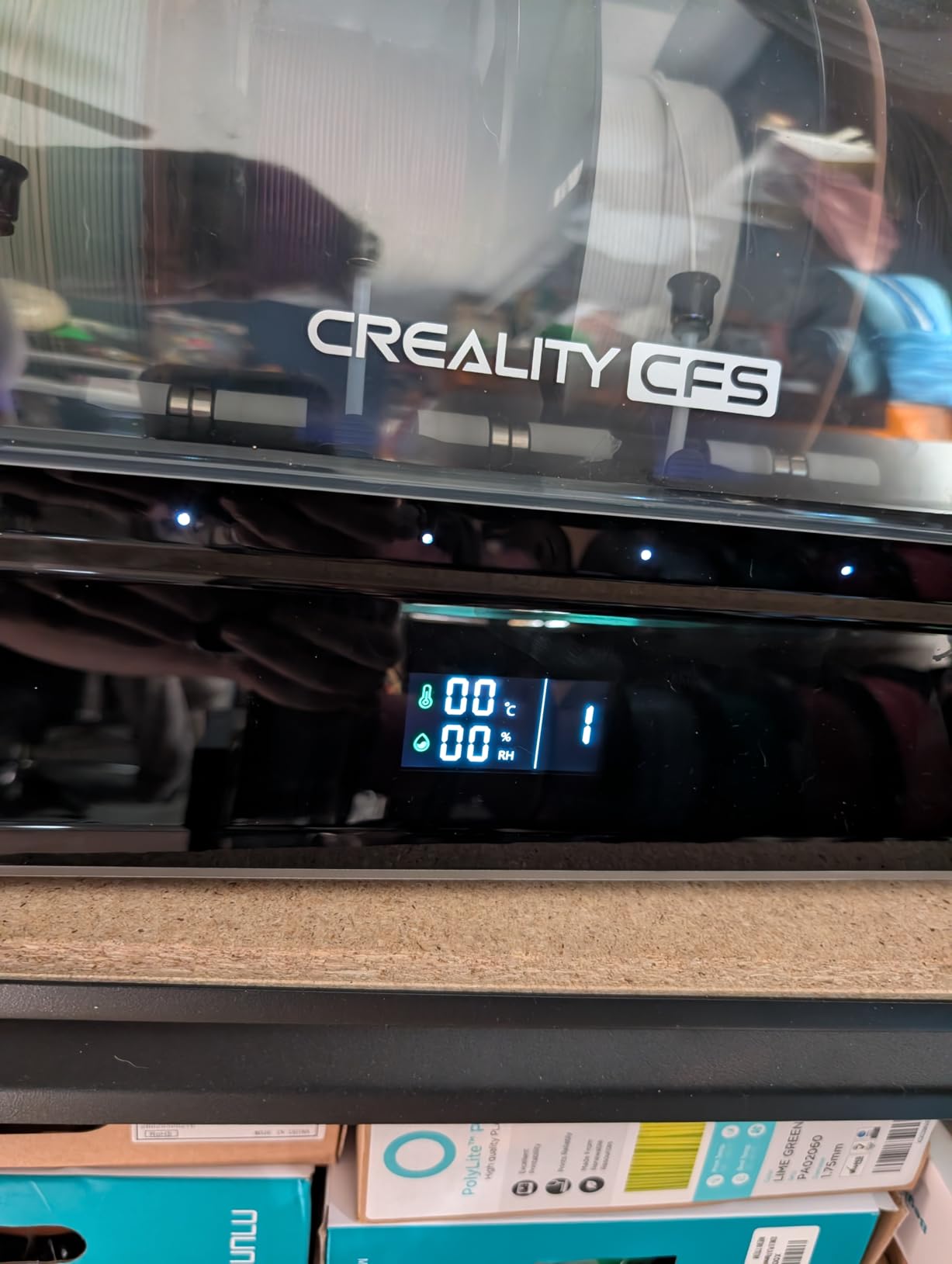
The K2 Plus Combo sits in the size class cosplay makers keep coming back to, and it wins on automation rather than raw size. Four CFS units feed up to 16 colors through RFID-tagged spools, and the machine makes the change itself. For someone printing a multi-part model in four materials, that removes hours of babysitting per job.
Thermal control is the other headline. An actively heated chamber that reaches 60 degrees is unusual at this size, and it is the single feature that most improves ABS, ASA and PPA results. Corner lift on a 350 mm plate is largely a temperature problem, and owning the chamber temperature is how you solve it.
Mechanically it is a serious machine. FOC step-servo motors drive X, Y, Z and the extruder, dual independently motorized Z-axes ride on four linear rods, and the aerospace-grade die-cast aluminum Matrix frame resists the flex that makes tall prints wobble. Top speed is 600 mm/s with 30,000 mm/s^2 of acceleration, and the 40 mm^3/s hardened steel nozzle handles abrasive filament.
Two AI cameras, one in the chamber and one watching the toolhead, work with 18 smart sensors to catch spaghetti detection and flow anomalies and pause the job. In practice that is most valuable on unattended overnight prints, which is when a layer shift normally costs you a whole night of filament.
Who this machine suits
Choose the K2 Plus Combo if color and material changes matter more than maximum build volume. Sign makers, cosplay builders, modelers and anyone selling finished parts will get more out of the four CFS units than from another 100 mm of build space. The 60C chamber also makes it a safe recommendation for anyone printing engineering polymers in a home workshop.
It is also one of the better large-format machines to grow into, since the dual Z motors and rigid frame mean the basics are right before you add the accessories.
Where it falls short
The bundle is complex. Four CFS units, two cameras, a dual-drive extruder and 18 sensors all mean more surfaces to clean, more firmware to keep current and more that can go wrong. Reviewers also point out that the 16-color setup is dead weight if you only ever print one color, so single-material buyers are paying for capability they will not use.
The 4.0 average from nearly 900 ratings is solid, but the review pool contains a 17 percent share of one-star ratings focused on firmware and reliability. Treat the slicer presets as a starting point and expect to tune them, and check the current firmware release before a long multi-color job.
3. Longer LK5 Pro – 300x300x400mm At An Entry-Level Cost
Longer LK5 Pro 3D Printer Fully Open Source Motherboard Upgrade to TMC 2209 4 Silent Driver, DIY for Families and Schools FDM 3D Printers with Large Print Size 11.8×11.8×15.7 Inch, Compatible with PLA
Build volume 300x300x400mm
180mm/s top speed
TMC2209 silent drivers
Open source motherboard
Pros
- Genuine 300x300x400mm volume at an entry-level cost
- TMC2209 drivers make it almost silent at a distance
- Open source motherboard and firmware for tinkering
- 90 percent pre-assembled with all tools included
Cons
- Manual bed leveling across a 300mm plate
- Glass bed sags in the middle
- 180mm/s ceiling makes it a learning printer
The LK5 Pro exists to answer one question: can you get a real large-format build volume without spending serious money. At 300 x 300 x 400 mm it clears the large-format threshold on all three axes, it is 90 percent pre-assembled, and every assembly tool is included in the box.
It is also notably quiet. TMC2209 silent stepper drivers run on all four axes, and owners describe it as audible only from a distance, which matters if the printer lives in an office or a shared workshop rather than a garage.
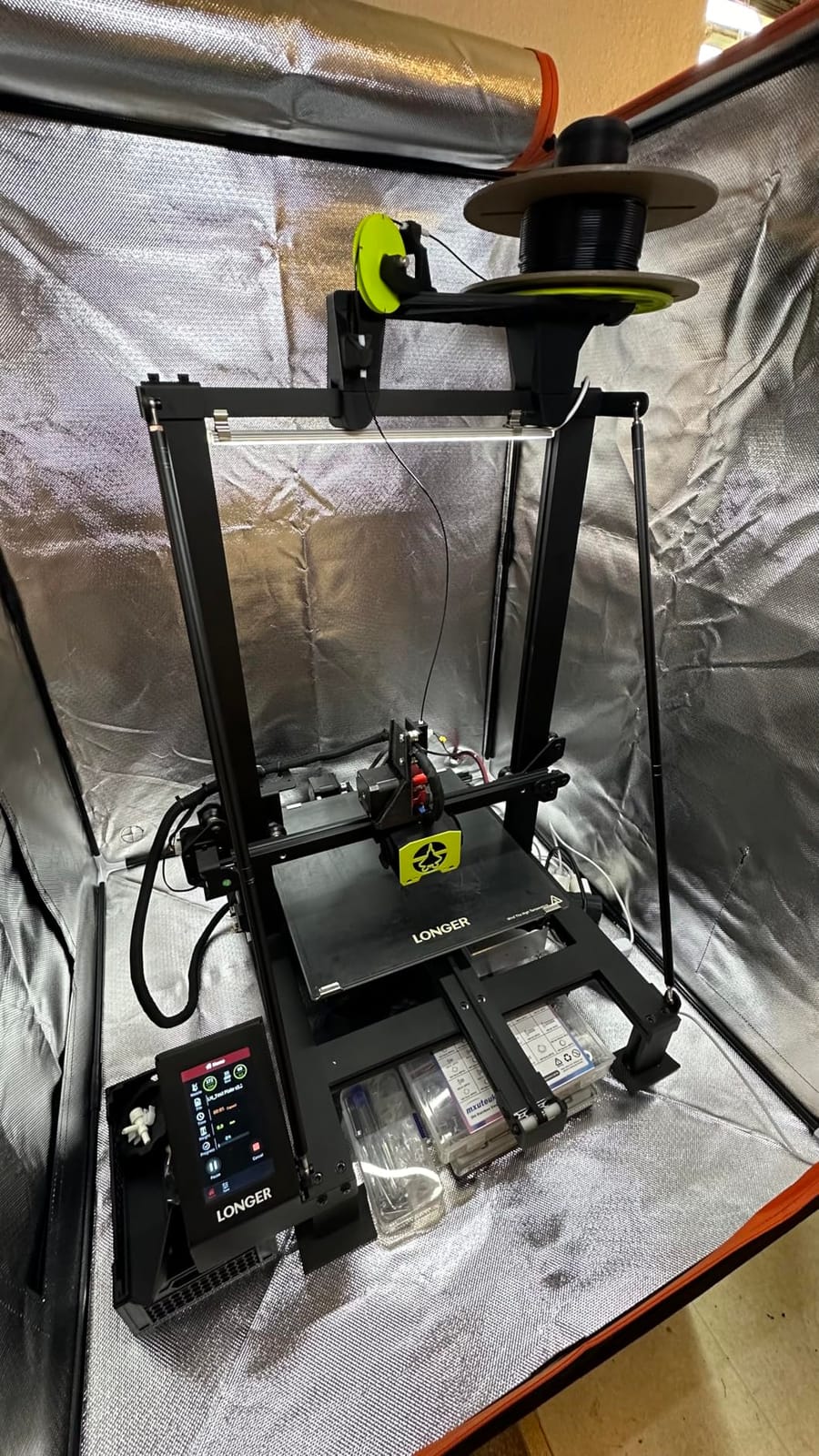
The open source motherboard and firmware are a genuine bonus for a maker audience. You can flash custom firmware, add sensors or fix problems without waiting on a vendor, and the reinforced triangular diagonal bar structure gives the frame more rigidity than the price suggests. Print quality consistently comes in above what the price implies.
Runout detection and power failure detection with resume are both included, which is a real safety net when a job runs for eighteen hours. Losing a filament spool at hour three is the most common avoidable way a large print dies.
Who this machine suits
This is the machine for a maker moving up from a small desktop printer who wants a 300 mm cube for vases, plant pots and costume props, and who is prepared to learn.
This suits schools and family workshops too, since the open design and low purchase cost make it forgiving of a first mistake.
For anyone who wants to understand how a printer works rather than just operate one, the open firmware is worth more than most of the competing spec sheets.
Where it falls short
Manual bed leveling across a 300 mm plate is the biggest compromise, and it is not a small one on a bed that size. You will re-check the level more often than on any auto-levelling machine here, and a long print that starts badly will not recover on its own.
The 180 mm/s speed ceiling and the reported mid-bed sag on the lattice glass hotbed mean this is a learning printer rather than a production one. Owners also report filament sensor and wiring reliability issues on a minority of machines, so check both before starting a long job.
4. Creality Ender 5 Max – 400 mm Cube With 64-Point Auto Leveling
Creality Ender 5 Max 3D Printer 400×400×400mm Large Build Volume, 700mm/s Fast Printing Speed, 64-Point Auto Leveling, All-Metal Frame & Dual Gear Extruder, Multi-Printer Control Over WLAN
Build volume 400x400x400mm
64-point auto leveling with auto Z-offset
Die-cast all-metal frame
700mm/s CoreXY
Pros
- 400mm cube volume suits jigs
- fixtures and tool boards in one job
- 64-point leveling plus auto Z-offset removes manual setup
- Dual gear direct-drive extruder handles abrasive and CF-filled filament
- WLAN grouped control works well for multi-machine shops
Cons
- No enclosure included and reviewers strongly recommend adding one
- Slow bed heat-up compared with rivals
- Some machines arrive with warped beds or loose assemblies
The Ender 5 Max is the one to look at if you make workshop fixtures. 64-point automatic leveling combined with auto Z-offset means the machine calibrates itself for every material change, and a 400 mm cube holds a full set of jigs, brackets or a large multi-part tool board in a single job.
The build volume is a true cube rather than a wide-but-short box, which makes it more useful for anything with height. The die-cast all-metal frame with an X-axis linear rail keeps the gantry steady at the 700 mm/s top speed, and the dual gear direct-drive extruder with hardened gears takes abrasive and carbon fibre filament without complaint.
Multi-printer control over WLAN is a quietly valuable feature if you run more than one machine. A tri-colour status indicator shows the state of each printer in the group, and the bundled software can start and queue jobs across the fleet. It supports PLA, PETG, ABS, ASA and PA out of the box.
It is also a candidate for a small production cell, because auto-leveling plus auto Z-offset removes the single most common reason a job fails on the second run with a different material.
Who this machine suits
Workshop jigs, fixtures, tool organisers and functional brackets are the sweet spot, since the auto-leveling workflow means you can switch from PLA to PETG to a carbon fibre blend without walking over to the machine. It also suits shops running more than one printer, given the WLAN grouping.
If your parts are large but not huge, a 400 mm cube is the most useful size in this whole roundup, and this is the machine that makes it work with minimal effort.
Where it falls short
It arrives without an enclosure, and reviewers strongly recommend adding one. An open 400 mm bed is where warping and corner lift on ABS and ASA get worst, and the epoxy build plate is not ideal for high-temperature materials either. Budget for a chamber before you plan to print engineering polymers on it.
Bed heat-up is slow relative to enclosed rivals with active heating, which adds minutes to every print. Early reviews are also polarized, with a steady group of one-star reports describing early hardware failures, warped beds and poor build plate release, so inspect the machine carefully out of the box and run a bed adhesion test sheet before a real job. The Creality slicing presets and AI detection are hit or miss.
5. Anycubic Kobra 3 Max Combo – 420x420x500mm Tall Build Volume
Bundle Anycubic Kobra 3 Max Combo 3D Printer, Support Multi Color Printing 600mm/s High-Speed Printing, Large Build Volume 420x420x500mm, Auto Leveling & Smart Vibration Compensation PEI Plate
Build volume 420x420x500mm
600mm/s with 20000 mm/s^2 acceleration
G-sensor vibration compensation
Dual-sided PEI spring steel plate
Pros
- 420x420x500mm volume gives a 500mm Z height on a wide base
- Combo bundle adds multi-color at a mid-range price
- G-sensor compensation keeps tall prints clean at speed
- Dual-sided PEI spring steel plate gives reliable adhesion
Cons
- Multi-color hardware is unnecessary for single-color work
- Units in the Kobra line draw reports of repeated errors on complex multi-color jobs
- Small review pool limits how firm a verdict we can give
Most large-format machines are wide and short. The Kobra 3 Max is the opposite, with a 420 x 420 x 500 mm volume whose 500 mm height is among the tallest here. That is the number that matters for floor lamp shades, tall vases, mannequin forms and articulated figures that need to print standing.
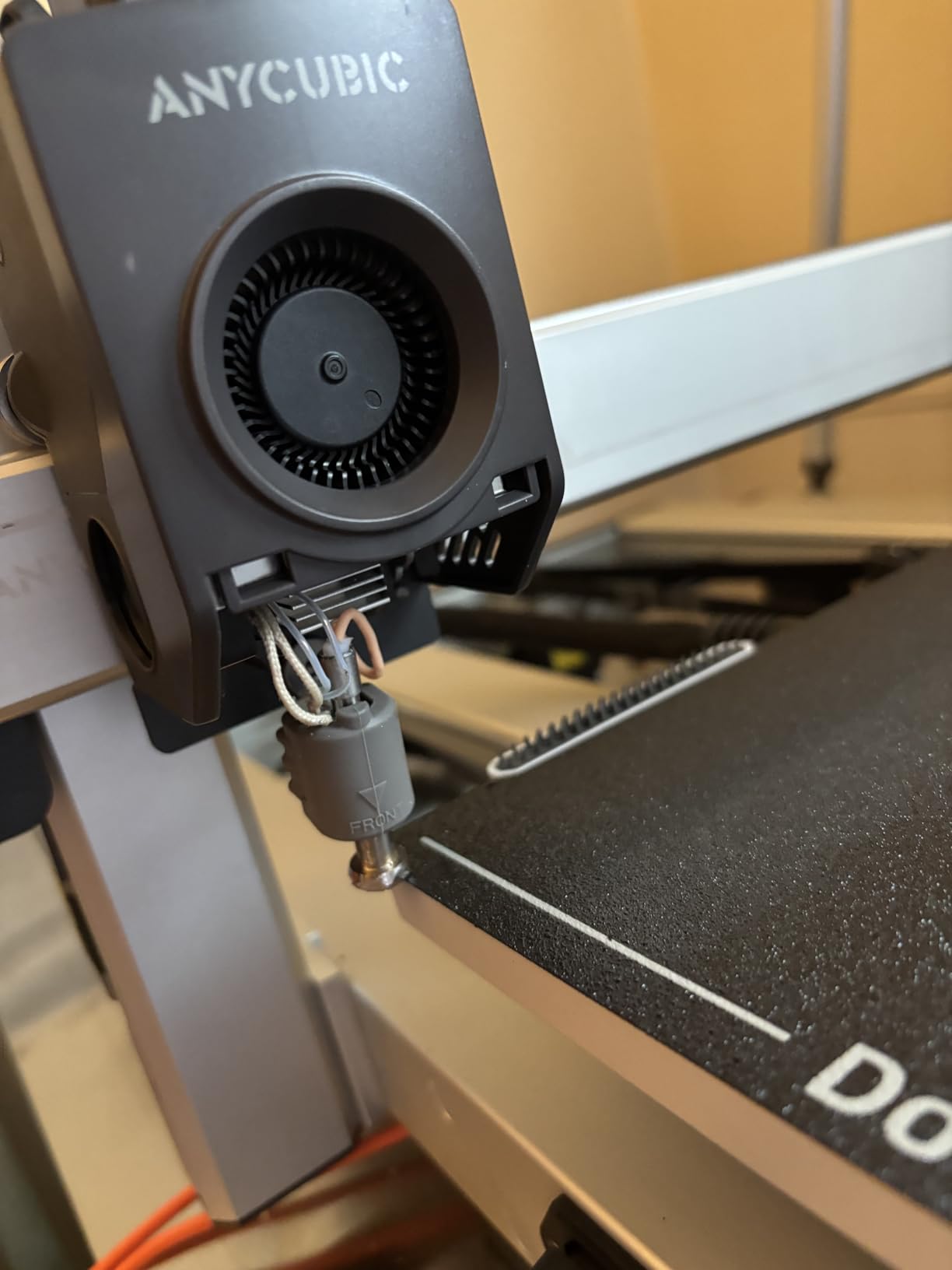
The G-sensor handles the main risk with a tall build. Vibration compensation measures frame movement during printing and corrects for it, which is what stops layer shifts partway up a 400 mm column. It is a cheaper answer to frame flex than a heavier frame, and at this size it is the feature we would prioritise.
Speeds are 600 mm/s with 20,000 mm/s^2 of acceleration, the all-metal hotend reaches 300 degrees, and there is a filament runout sensor with pause plus power outage resume. The dual-sided PEI spring steel plate is a good default bed surface, taking both smooth and textured sheets.
The combo bundle adds multi-color capability in the box, which is the main reason to pick this configuration over the single-extruder version if you want the option later.
Who this machine suits
Choose the Kobra 3 Max for anything defined by height rather than footprint. Lighting, tall decor, large vertical signage and display pieces are all projects a 350 mm cube cannot start, and a first large-format buyer who wants a generous Z without the footprint of a 500 mm machine fits this one well.
For a maker moving up from a desktop machine, the transition is easy because the familiar Anycubic software carries over.
Where it falls short
The honest caveat here is evidence. Thirty-eight ratings is a thin sample for a purchase of this size, and the Kobra line carries a pattern of reports about repeated print errors on complex multi-color jobs. If multi-color is your main reason for buying, test it on a short calibration job first.
It is not a chamber-ready machine, so ABS and ASA over a 420 mm plate will need an enclosure and a good brim strategy. The combo multi-color hardware is wasted money if you only print a single material.
6. QIDI Max4 Combo – Enclosed 65C Chamber For Engineering Filament
QIDI Max4 Combo 3D Printer, 390×390×340mm Build Volume, 65℃ Heated Chamber
Build volume 390x390x340mm
65C active heated chamber
800mm/s closed-loop X/Y motors
40mm^3/s high-flow hotend
Pros
- 4.4 average with 77 percent five-star reviews
- Fully enclosed 65C chamber handles ABS-CF
- PC and PPS-CF out of the box
- Essentially no manual setup needed on unboxing and calibration
- QIDI support sends replacement parts quickly
Cons
- 120 pounds needs a purpose-built heavy table
- Polar Cooler is an extra purchase
- QIDI BOX handling can struggle with older spools
If your large-format work is functional rather than decorative, the Max4 is the machine to shortlist. The fully enclosed 65 degrees actively heated chamber is the reason: ABS-CF, PC and PPS-CF print out of the box without an external chamber, which removes the biggest single barrier to engineering filament on a home machine.
Motion control is the other differentiator. Closed-loop motors on the X and Y axes detect position rather than assuming it, so a lost step becomes a paused print rather than a corrupted one. Top speed is 800 mm/s with 30,000 mm/s^2, and the 2 mm lead screw with an anti-backlash nut keeps Z motion consistent on a 340 mm tall part.
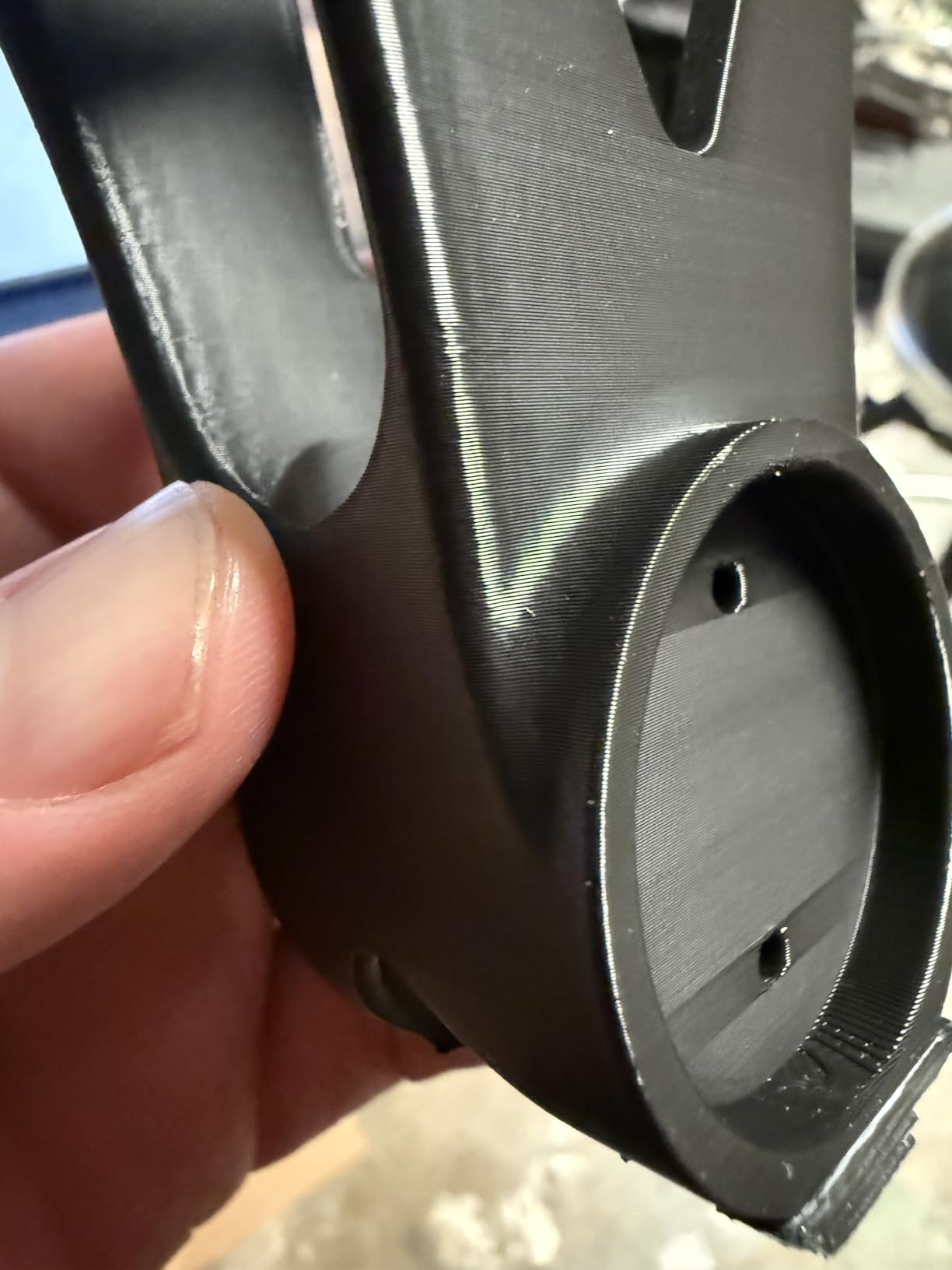
The full-surface silicone heated bed spreads heat evenly across the whole 390 mm plate, which is exactly what warping responds to. A 40 mm^3/s high-flow hotend with a hardened steel nozzle keeps the melt rate ahead of the motion system, and an AI camera with automatic failure detection and pause watches the print for you.
Owners report essentially no manual setup on unboxing and calibration, which is rare at this size, and the QIDI BOX expansion adds 16-color multi-material capability later rather than requiring it now.
Who this machine suits
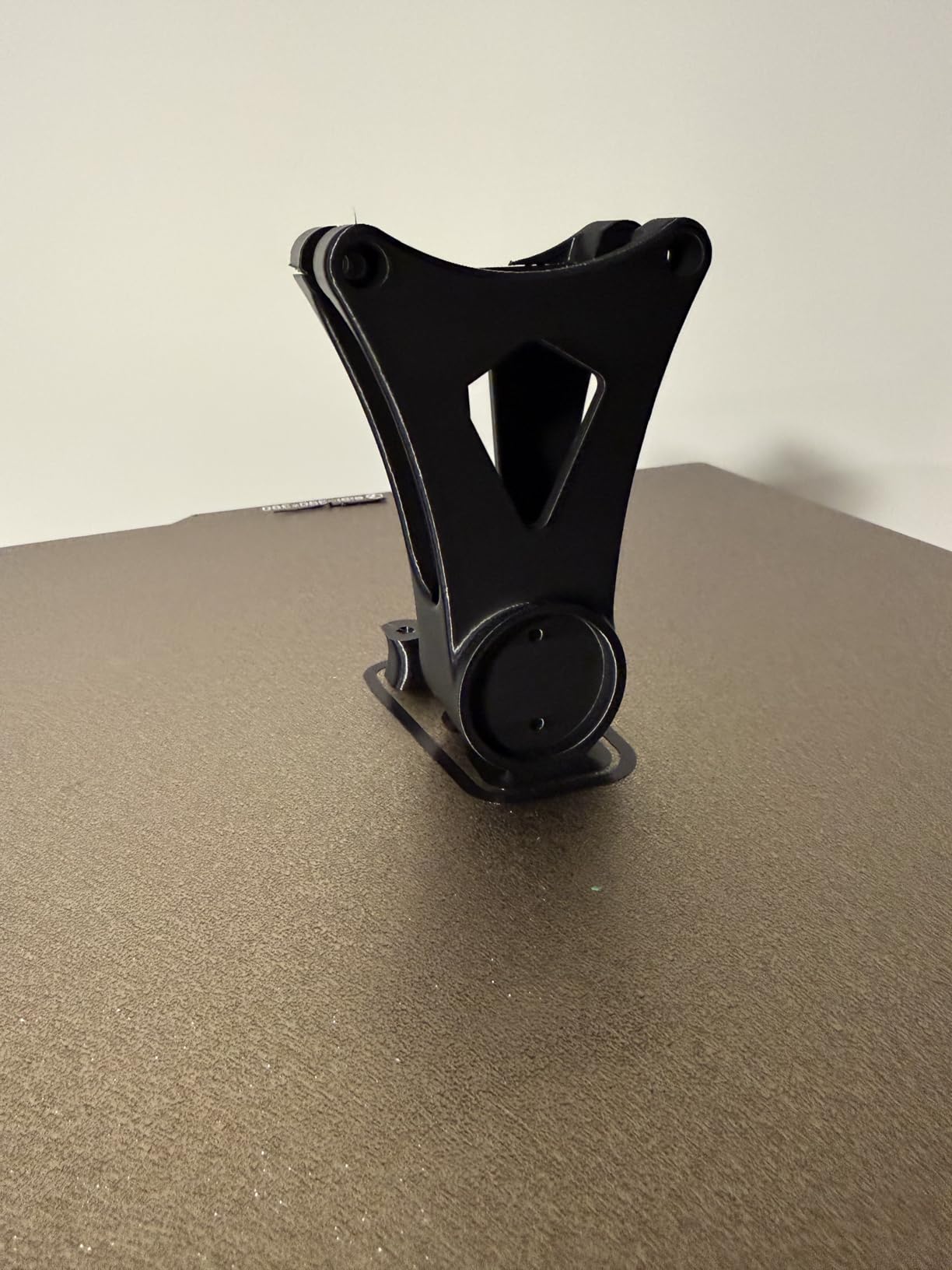
Mechanical engineers, drone and RC builders, and anyone printing brackets, mounts or functional assemblies in carbon fibre composite. The chamber temperature and the hardened high-flow hotend are the pair of features that make those materials realistic rather than experimental, and a 390 x 390 mm plate still covers most functional work.
It also suits a maker who would rather open the box and print than spend a weekend tuning.
Where it falls short
Thirty ratings is a small sample, and this is among the least-proven machines in the roundup despite its 4.4 average. Treat that average as encouraging rather than settled, and give any critical part a test print first.
It weighs 120 pounds, which means a purpose-built heavy table and careful placement. The Polar Cooler is a separate purchase if you run the chamber hot, and the QIDI BOX filament handling can tangle with older spools and occasionally sync poorly with the slicer. One owner also reported a factory-assembled toolhead that jammed on first filament load.
7. Snapmaker Artisan – 400 mm Cube With Dual Extrusion
Snapmaker Artisan 3D Printer,Dual Extrusion 3D Printing,400x400x400mm Large Printing Size,Industrial-Grade Linear Rails Auto Bed Leveling,Quick Swap Modular Design,with 7″ Touchscreen
Build volume 400x400x400mm
Dual extrusion with 7:5:1 planetary
CNC ground steel linear rails
7-inch touchscreen
Pros
- Dual extrusion and a 400mm cube in one chassis
- Industrial linear rails and die-cast base hold rigidity at speed
- Quick-swap modularity adds laser and 200W CNC later
- Large touchscreen simplifies setup and monitoring
Cons
- Laser and CNC functions need extra modules
- 3.8 average on 25 reviews
- Older 2021 platform with less community support
- Heavy and costly for printing-only use
The Artisan is the only machine here that is not solely a 3D printer. Its toolheads and platforms are designed to swap, so the same frame can become a laser engraver or a 200W CNC carver later. For a workshop that already does engraving and routing, consolidating onto one chassis is genuinely appealing.
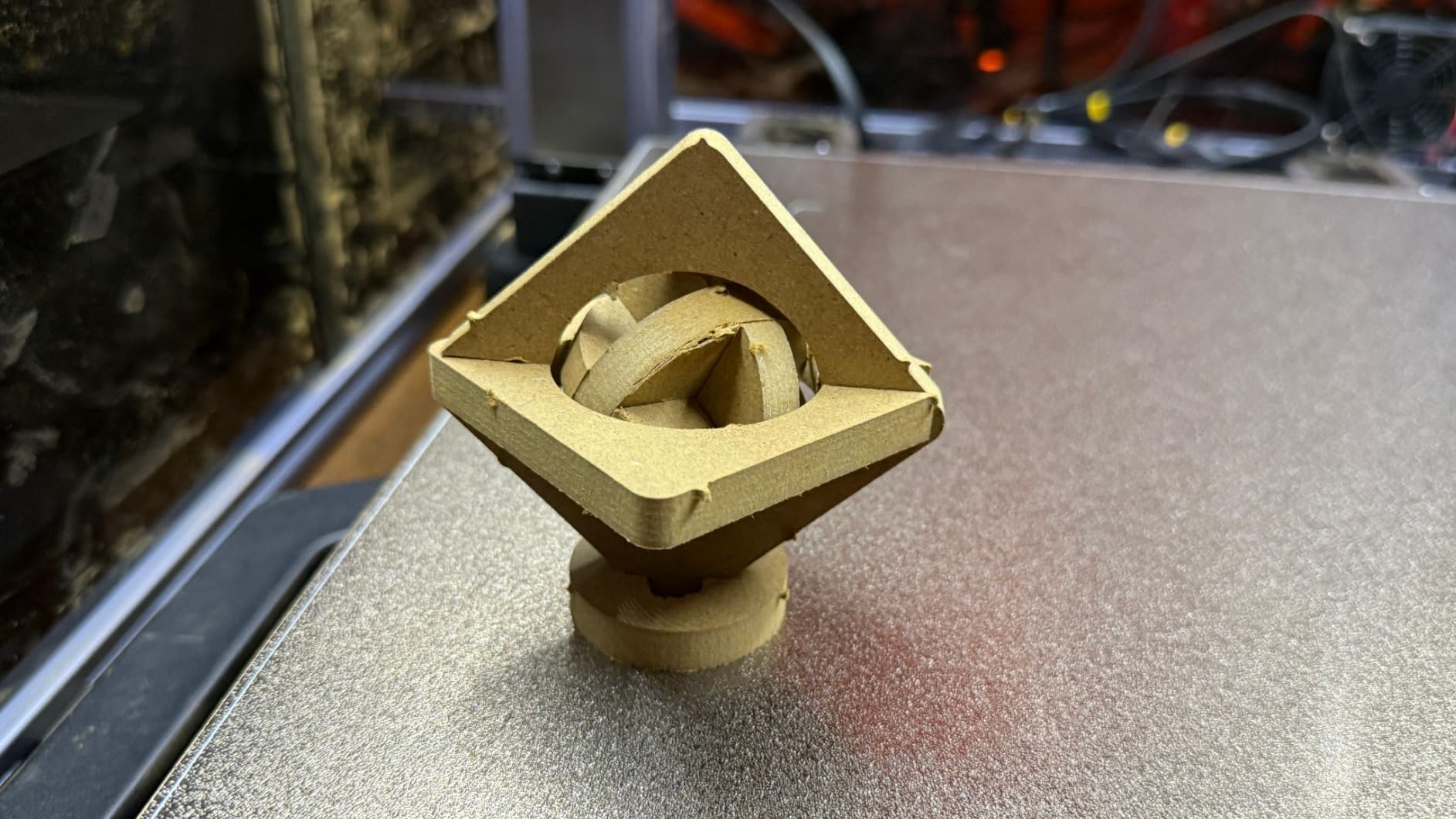
As a printer, the fundamentals are strong. Industrial-grade CNC ground steel linear rails and a one-piece die-cast base plate give it the rigidity that cheaper large-format frames lack, and dual extrusion with a 7:5:1 planetary plus dual gears handles two filaments at once. The 400 x 400 x 400 mm volume is a true cube, and a 7-inch touchscreen makes calibration and monitoring straightforward.
It supports PLA, ABS, PETG, TPU and Nylon, and the unified 3-in-1 software covers the printing, laser and CNC modes under one interface. At 79.8 pounds it is a substantial machine, and the frame is built to stay that way.
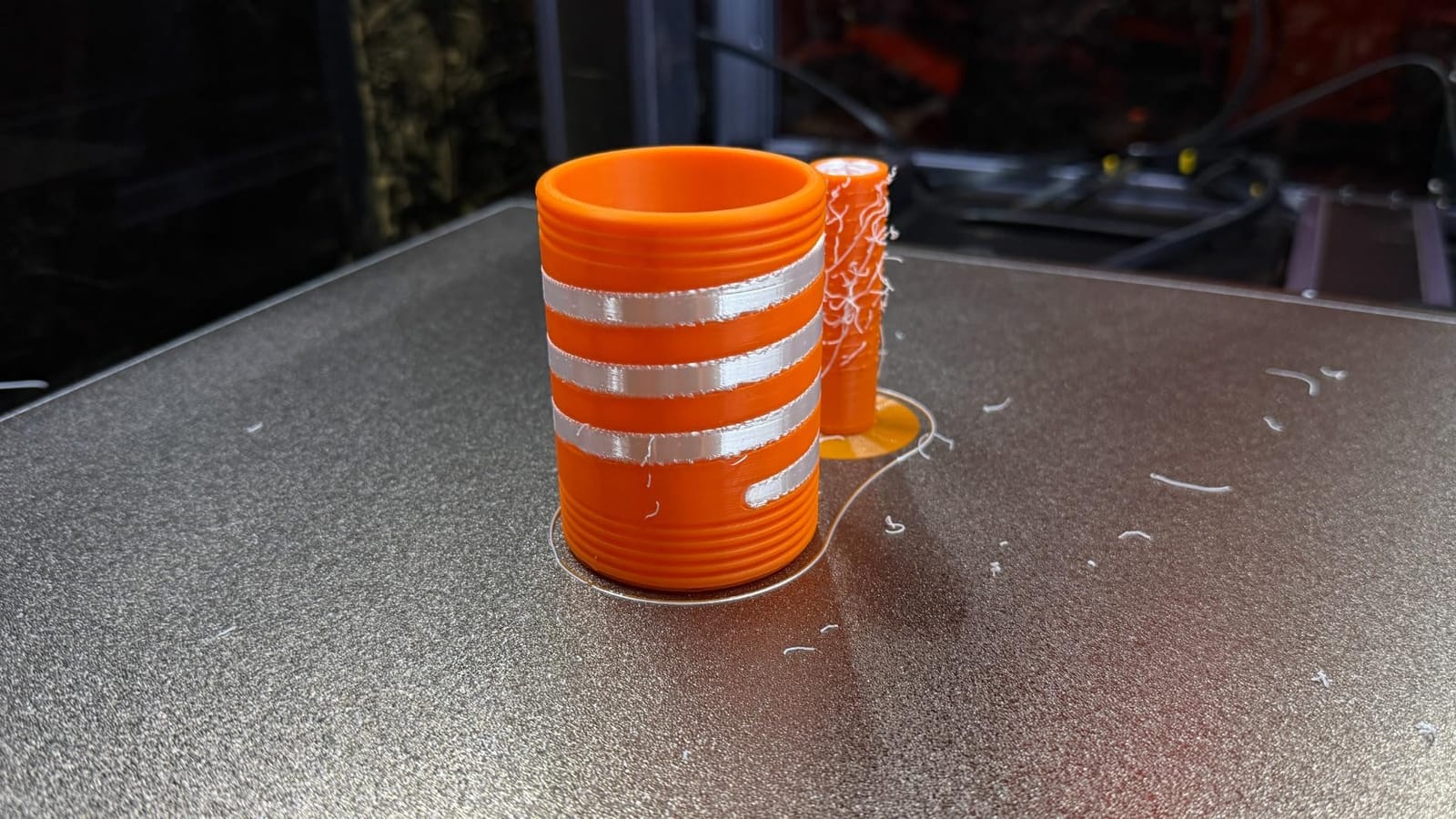
The dual extrusion is a real differentiator for soluble support material, which is the best way to print complex internal channels and hollow cosplay pieces in one go.
Who this machine suits
Workshops that want one machine to cover printing, laser and CNC, and makers who print two materials where a soluble support interface matters. The auto bed leveling takes the usual large-format first-layer headache out of the setup, and the large touchscreen genuinely reduces the learning curve for a bigger machine.
It is also a good fit for anyone who values industrial-grade hardware over the newest firmware features.
Where it falls short
The rating is 3.8 across 25 reviews, so the evidence base is thin and lower than most of this field. The design also dates from 2021, which means less community firmware development and fewer third-party accessories than the newer platforms here.
Most importantly, the headline 3-in-1 pitch is modular in name only for anyone who just wants to print. The laser and CNC features require add-on modules, so a printing-only buyer is carrying the cost of a larger frame and a heavier chassis without using the extra capability.
8. Anycubic Kobra S1 Max Combo – Enclosed CoreXY With ACE 2 Pro
Anycubic Kobra S1 Max Combo 3D Printer, Large Build Size 350x350x350 mm³
Build volume 350x350x350mm
Fully enclosed all-metal CoreXY
65C chamber and 350C hotend
ACE 2 Pro 4-color included
Pros
- Clean large prints across PLA
- PETG and ABS in 300-plus hours of owner use
- Large responsive touchscreen and easy setup
- ACE 2 Pro dries filament and roller-feeds it to reduce jams
- Enclosed 65C chamber plus input shaping for consistent tall prints
Cons
- Slicer is locked to Anycubic software
- AI filament detection false-triggers and stops loads
- Multi-color units draw reports of errors on long color-change jobs
- Sparse setup instructions
The Kobra S1 Max Combo is one of the most complete packages in the roundup. You get a fully enclosed all-metal CoreXY frame at 350 mm, a 65 degree chamber, a 350 degree hotend and the ACE 2 Pro filament unit in the box, and it prints cleanly right after setup. There is no shopping list before the first engineering print.
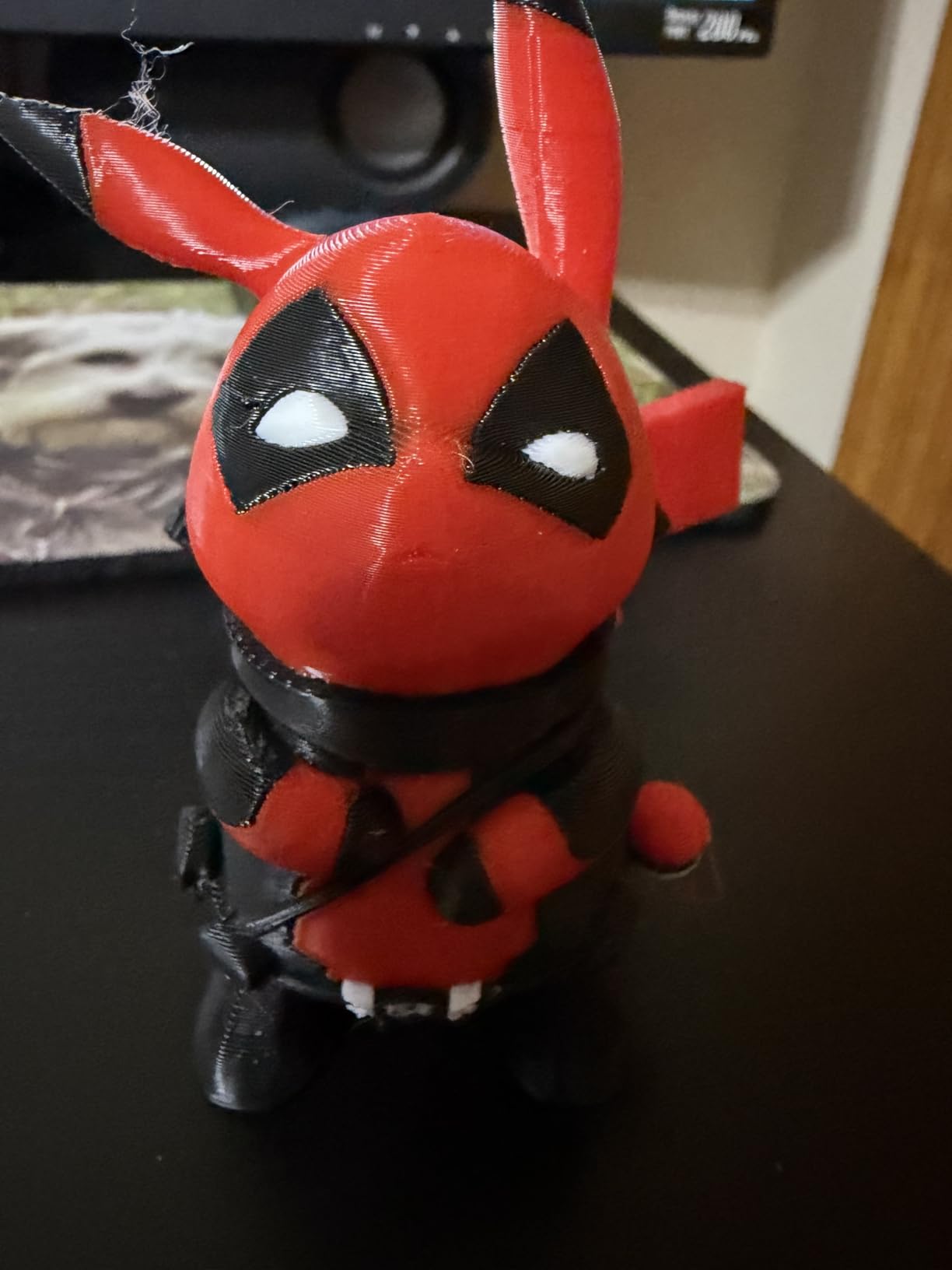
Owners running 300-plus hours report clean large prints across PLA, PETG and ABS, and the ACE 2 Pro is the piece that deserves credit. It dries filament as it feeds and uses a roller-assisted feed path, which is the mitigation for the moisture problems that normally ruin a long print.
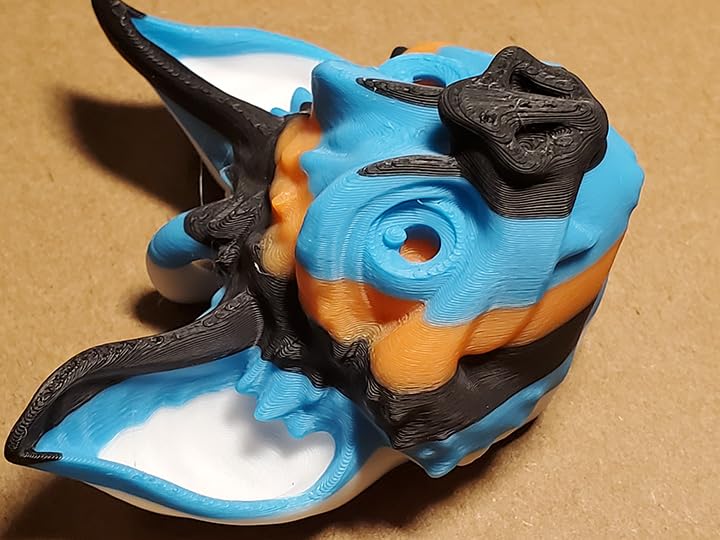
LeviQ 3.0 49-point auto leveling, real-time flow dynamics calibration and input shaping at 600 mm/s with 20,000 mm/s^2 keep the machine consistent at speed. The listed Benchy time of roughly 15 minutes shows how much of the top speed the motion system actually uses on short moves.
The large responsive touchscreen is a genuine quality-of-life feature on a machine this size, where walking back to a small display to check a print is an unnecessary trip.
Who this machine suits
Anyone who wants a working enclosed large-format machine in one purchase rather than a base printer plus an enclosure later. It suits makers who print ABS or ASA at home, who want multi-color without buying an extra unit, and who would rather not spend a first weekend tuning.
It also works well as a second machine, since a self-contained enclosed box needs no external chamber to be useful.
Where it falls short
The main limitation is the software. The slicer is locked to Anycubic tooling, which removes some of the flexibility advanced users expect, and the AI filament detection frequently false-triggers and stops filament loads mid-print. Setup instructions are also sparse.
As with the other multi-color hardware in this roundup, owners running the ACE unit report repeated errors on long color-change jobs and heavy filament waste, so the 4.3 average from 20 reviews reads differently for single-color and multi-color buyers. Single-color owners are consistently happy; treat multi-color as something to test before relying on.
9. Longer LK10 Plus – 320x320x400mm In A 30-Pound Chassis
LONGER New LK10 Plus 3D Printer,320×320×400mm Large Printer Volume
Build volume 320x320x400mm
30.4 pound chassis
320mm x 320mm platform variant
Newly released 2026 model
Pros
- 320x320x400mm volume in a 30-pound chassis
- 4.4 average from early owners
- Light enough to move between rooms without help
Cons
- Very new listing with only 18 reviews and sparse documentation
- No detailed material compatibility or feature listing published yet
- Too little long-term evidence to judge reliability
The LK10 Plus is the newest machine here and the one we would treat most cautiously. It delivers a 320 x 320 x 400 mm build volume, which is a legitimate large-format cube, and early owners rate it well at a 4.4 average.
What makes it interesting is the weight. At 30.4 pounds it is far lighter than most machines in this roundup, and moving it between a workbench and a shelf is a one-person job.
Published detail is thin, though. The listing carries a 320mm x 320mm platform variant note, and the technical information is limited compared with the other nine machines here, so we cannot yet confirm the motion system, top speed or chamber behaviour from documentation alone.
Its 21.7 x 22.6 x 24.6 inch footprint is compact for the build volume, which means it fits a standard office desk more often than a workshop bench.
Who this machine suits
A maker in a small space who needs a 320 mm cube but cannot move a 70-pound machine, and who wants a fresh model with early owner satisfaction. It suits anyone printing large but light parts such as props, containers and decor rather than dense functional hardware.
It is worth watching rather than rushing. As more reviews land, the machine either joins the recommendation list or drops off it.
Where it falls short
Eighteen reviews is not enough to judge long-term reliability, and the listing does not yet publish detailed feature or material compatibility information. Without confirmed chamber and motion specifications, we cannot tell you whether it will handle ABS or how it behaves at speed.
Treat it as a promising budget entry rather than a proven recommendation, and check the current published specification before committing to a specific material workflow.
10. Original Prusa XL 5-Toolhead – Five Materials In One Job
Original Prusa XL 5-Toolhead Multi-Material Large-Format CoreXY 3D Printer
Build volume 360x360x360mm CoreXY
Five independent toolheads
Segmented heated bed zones
Ready-to-print package
Pros
- Five independent toolheads print up to five materials or colors in one job
- Segmented bed zones reduce warping across the large platform
- Maintains speed and precision through repeated tool changes
- Includes a satin print sheet and a 1kg PLA spool
Cons
- The most expensive option in this roundup
- 3.5 average with 16 percent one-star reviews
- Tool change overhead and waste on multi-color jobs
- Fragile parts sent separately need quick assembly
The Prusa XL is the enthusiast answer, because five materials in a single job is the default here rather than an accessory. Five independent toolheads each handle a separate filament, and smart tool management reduces the purge waste that normally makes multi-material printing expensive. The 360 x 360 x 360 mm CoreXY volume is a true cube.
The segmented heated bed is an underrated feature. Rather than heating one large plate, the bed is divided into zones that can be controlled independently, which lets the machine keep a large flat surface at a stable temperature. On a 360 mm platform, that is a direct answer to corner lift.
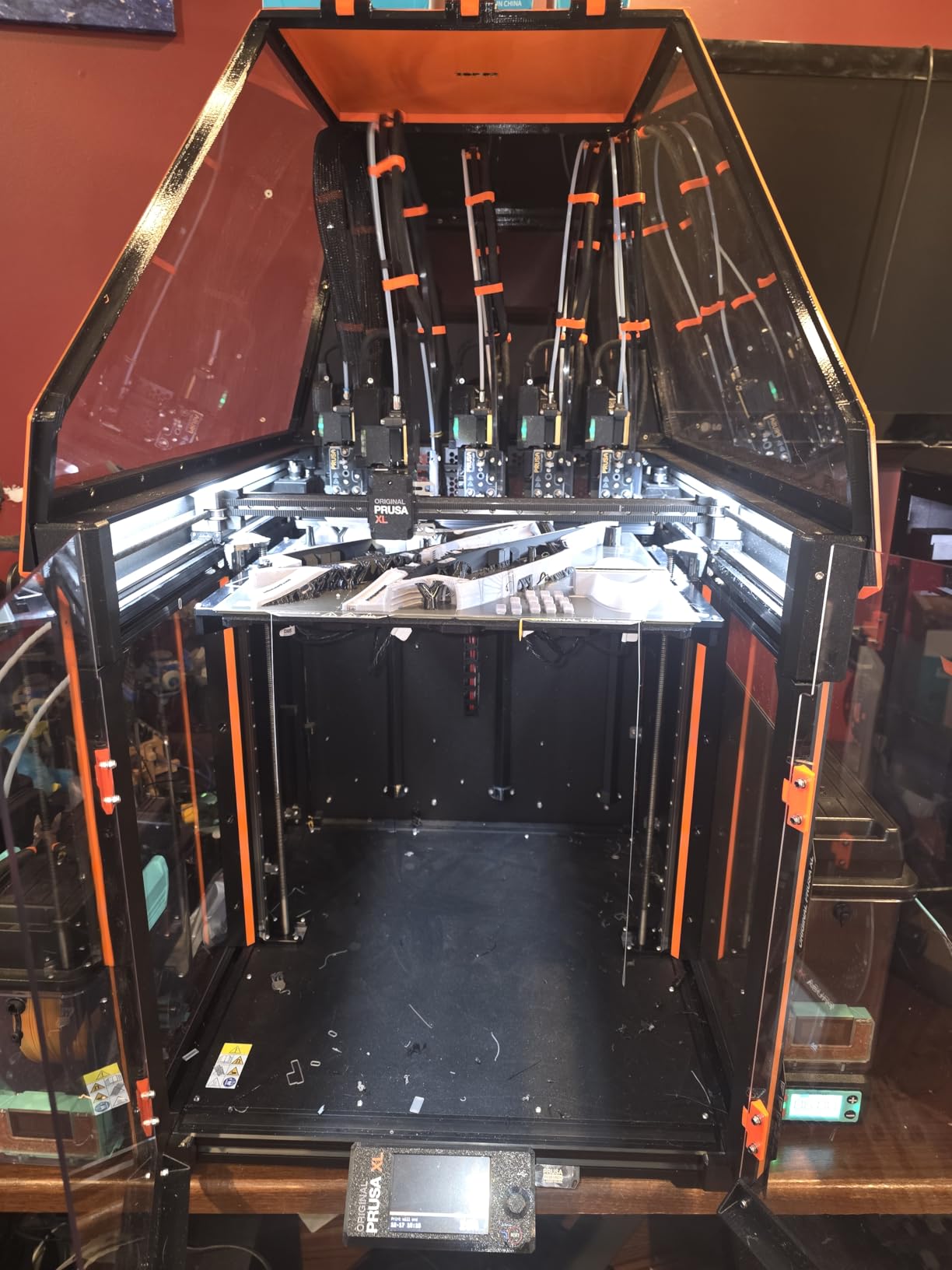
The package arrives ready to print, with a Satin print sheet and a 1 kg spool of Prusament PLA included. It integrates with the Prusa software tools and the Printables model ecosystem, and Prusa Research is known for lifetime technical assistance, which helps with a machine that has this many toolheads to service.
Variants exist with two toolheads or a single tool if multi-material is not the priority, which is the version we would actually consider unless the five-material workflow is central to your work.
Who this machine suits
Makers whose models genuinely need five materials in one pass, such as multi-part functional assemblies, multi-coloured display models or production runs where a single machine change per part would dominate the job time. It also suits anyone who values an open ecosystem and long-term support over headline speed.
For a single-material workshop, the segmented bed and CoreXY motion are good reasons to like the platform, but not the full five-toolhead price.
Where it falls short
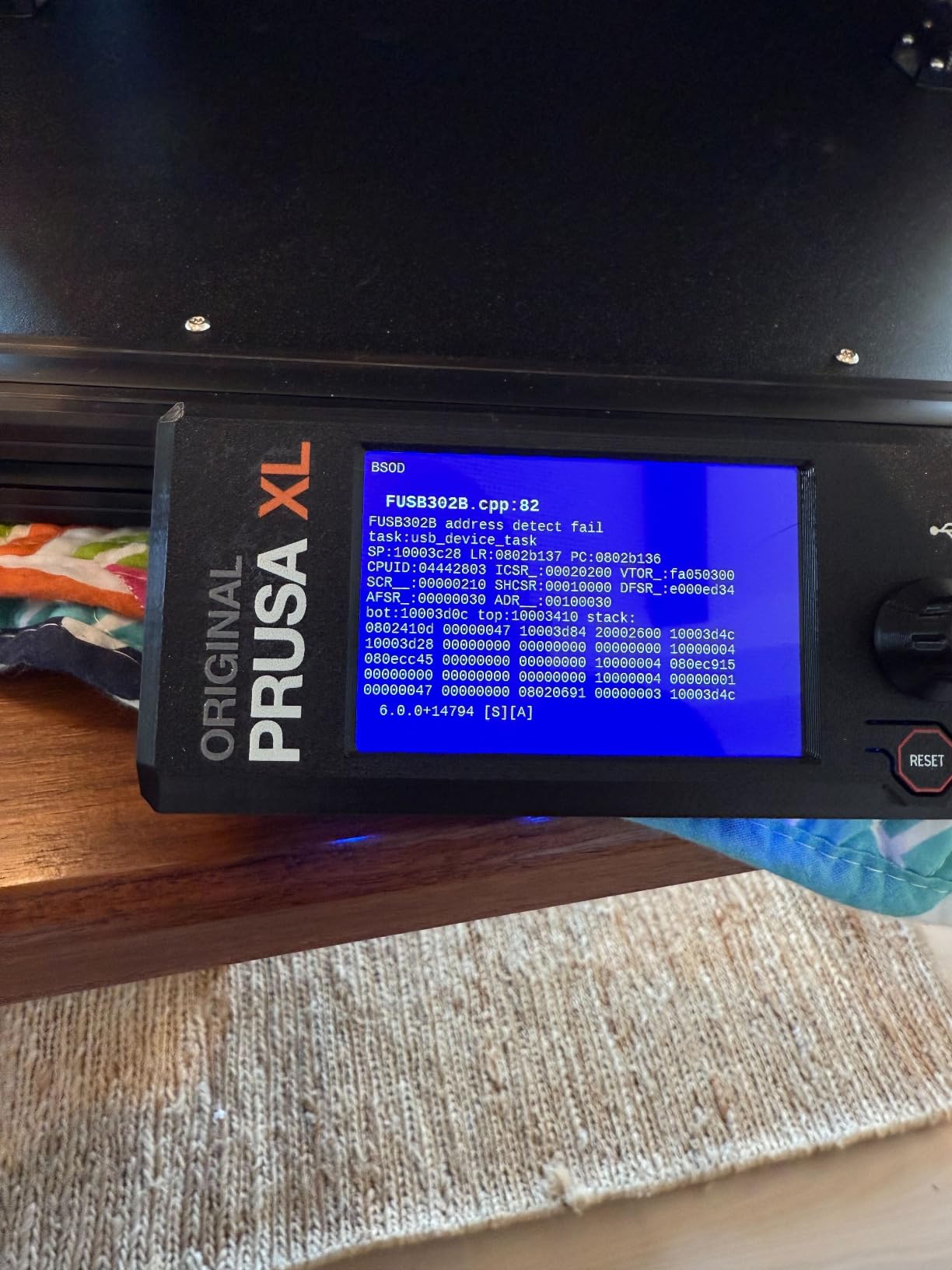
The rating is 3.5 across 29 reviews, with 16 percent one-star reviews, and the review pool is small. Reviewers consistently acknowledge the multi-material capability while questioning whether the toolhead system delivers value at this price.
Tool change overhead and material waste on multi-color jobs is a real running cost that the smart management reduces rather than removes. The machine is also the heaviest commitment here at 75 pounds with a large footprint, and the LCD, extruder assembly, Wi-Fi antenna and spool holder travel separately, so expect assembly work before the first print.
How to Choose a Large-Format 3D Printer in 2026
Build volume is the number sellers lead with, and it is the number that matters least. The factors below decide whether a large printer produces parts you are happy with or a pile of warped, ringing waste.
CoreXY or bedslinger: motion decides print quality
A bedslinger only moves the bed in one axis at a time, so the mass moves while the nozzle is still printing, and the result is ringing and ghosting. CoreXY moves the gantry, keeping the mass low and the nozzle steady, which is why the serious large-format machines here use it. On a 400 mm bed, the difference is not subtle.
Owners who moved from budget large-format machines to CoreXY builds consistently report the biggest quality jump of any upgrade, and a Voron 2.4 is the build most often cited as the point where fast printing stopped producing soft corners. If a machine is not CoreXY, assume ringing and lower usable speed.
Build volume: match the machine to your biggest project
Convert your largest print into a size requirement before you shop. A 350 x 350 x 350 mm cube fits most full-size cosplay helmets in one piece, which is why that class is the sweet spot for costume makers. A chest plate or shield is usually 350 to 450 mm wide, which puts it in the 400 mm class. Anything 500 mm or larger opens up oversized props and shells, not everyday parts.
Height matters separately. Most large-format machines are wide and short, so check the Z axis if you print lamp shades or floor-standing figures, which is exactly the case the 500 mm tall Kobra 3 Max is built around.
Enclosure and heated chamber decide your materials
PLA and PETG work in the open. ABS, ASA, PC and carbon fibre composites do not, because they need a stable elevated temperature and an absence of drafts. A 400 mm open bed loses heat faster than a 250 mm one and warps in bigger corners, which is the pattern the community describes as big printers multiplying every small problem.
If you plan to print engineering polymers, an enclosure plus an active chamber is not an accessory. The machines here that solve it in the box are the QIDI Max4 at 65 degrees, the Anycubic Kobra S1 Max at 65 degrees and the Creality K2 Plus at 60 degrees.
Leveling, input shaping and reliability features
Manual leveling on a 300 mm bed is a real and recurring chore, so multi-point automatic leveling is close to mandatory past 300 mm. Auto Z-offset on top of it means switching filament does not require a manual pass.
Input shaping and closed-loop motors are what let a large machine run at advertised speed without wrecking the surface finish. Filament runout detection and power outage resume are what stop an 18-hour job at hour three. A camera with failure detection is what lets you leave a print alone overnight.
Bed surfaces: smooth PEI, textured PEI and Garolite
Smooth PEI gives the best cosmetic finish on PLA and PETG and releases well. Textured PEI grips harder, which matters for tall or high-speed prints where parts are moving. Garolite, G10 or FR4 sheets are the choice for functional parts that will be machined or abraded, and the common community recommendation for engine and mechanical parts pairs a large machine with a Garolite sheet.
Abrasion is the cost of that choice. A Garolite surface will chew through a brass nozzle, so budget for hardened steel or ruby nozzles and a 0.6 mm or larger orifice if you plan to print functional parts regularly.
Large-format resin and where it still makes sense
FDM is not the only option at this size. MSLA resin printing gives far finer detail and smoother surfaces, and it is the right process for detailed display pieces, miniatures and figurines. Our resin printer guide for hobbyists covers the smaller machines where most makers start.
The catch is that owners of large resin machines consistently report the practical ceiling is the wash and cure station, not the printer. Very few curing chambers are large enough for a 300 mm build, and the resin itself brings gloves, ventilation and washing requirements at a scale a home workshop has to plan for. For one-piece functional parts, FDM stays the sensible default.
The four big-format failures and their fixes
Ringing and ghosting. These are the diagonal ripples left after a corner on every layer. The cause is acceleration into a direction change, and the fix is input shaping with a correctly measured input shaper, plus a slower outer wall speed. If the machine has no input shaping, no amount of tuning removes it.
Warping and corner lift. Almost always temperature. Raise the bed temperature by 5 to 10 degrees, add a brim rather than a raft on large flat footprints, and enclose the chamber so the air around the part stays warm. For ABS, ASA and PC, an active chamber is the real fix.
Layer shifts. The nozzle hit something, the belt loosened, or the frame flexed. Check the gantry for debris first, then confirm belt tension, then look at whether the machine is accelerating beyond what the motors can hold. G-sensor or accelerometer compensation on the Kobra 3 Max handles the last case automatically.
First-layer failure across a large plate. A 400 mm bed with a slightly soft spring steel plate dips in the middle. This is why strain gauge or eddy current leveling matters more here than on a small machine, and why a Garolite or FR4 sheet on a rigid plate often outperforms a spring steel plate even when the machine claims auto leveling.
What not to buy in a large-format printer
Four categories consistently disappoint. First, an oversized bedslinger past 300 mm: the frame flex guarantees ringing and layer shifts, and there is no firmware fix. Second, a large machine with no enclosure and no chamber interface, if you intend to print anything above PLA. Third, any machine with manual bed leveling at this size, because the first layer will not hold across a 400 mm plate. Fourth, a machine whose firmware has no input shaping, which wastes the motion hardware underneath it.
We would also skip any machine where the only reviews are the seller’s own listing photos. A thin review pool on an expensive machine is a worse signal than a lower average on a well-tested one.
Running costs and DIY versus pre-assembled
Filament is the running cost people underestimate. A large part is measured in hundreds of grams rather than tens, so a project that failed at hour twenty is a real waste, and a dry box becomes a sensible addition quickly. Abrasive filaments also consume nozzles, and multi-colour setups waste material on every purge.
On build-it-yourself versus pre-assembled, the community answer is fairly settled. A pre-assembled large machine gets you to a first print this weekend. A kit or a design you build yourself, such as a Voron 2.4, Trident or Rat Rig V-Core, costs a long weekend and a lot of troubleshooting but ends up with a machine tuned to your own standards. Choose the pre-assembled route unless building machines is itself something you enjoy.
Frequently Asked Questions
What counts as a large format 3D printer?
A large-format 3D printer is any machine with a build volume of roughly 300 x 300 x 300 mm or larger on at least one axis. Below that, it is a desktop printer. The 350 to 400 mm cube class is the practical starting point for makers because it fits a full-size cosplay helmet in one piece, while 500 mm and above targets oversized props and shells.
Which large format 3D printer has the best quality?
Quality on a large printer comes down to motion design rather than bed size. A rigid CoreXY frame with input shaping, closed-loop or well-tuned motors, multi-point auto leveling and an enclosed chamber produces the most consistent surfaces. The QIDI Max4 and Creality K2 Plus score best on hardware, and the Sovol SV08 MAX is the strongest all-round combination of size, speed and owner feedback.
Do I need an enclosure for large prints?
You need one for anything above PLA. ABS, ASA, PC and carbon fibre composites need a stable elevated temperature and no drafts, and a large open bed loses heat faster and lifts at the corners. If your material list is PLA and PETG only, an open frame is workable, though a bracket or wrap still helps with drafts and fumes.
Is PETG or PLA more prone to warping?
PETG is more prone to warping than PLA. PETG shrinks more as it cools, sticks to the bed more aggressively, and holds residual stress that pulls large flat surfaces out of shape. A heated and enclosed chamber reduces it substantially. On an open 400 mm bed, PETG needs a brim, a raised bed temperature and slow first layers.
Which 3D printer is best for manufacturing and small production runs?
For genuine manufacturing you need an enclosed machine with auto leveling, runout and power recovery, and repeatable calibration between materials. In this roundup the Creality Ender 5 Max and Creality K2 Plus fit that pattern, and the QIDI Max4 adds a 65 degree chamber for engineering filament. Multi-machine shops get extra value from the Ender 5 Max WLAN grouped control.
What is the average lifespan of a 3D printer?
A well-maintained large-format machine runs for many years. What actually ends service life is neglected maintenance rather than age: worn nozzles from abrasive filament, loose belt tension, worn linear rails, and firmware that stops being supported. Budget for spare nozzles, a spare build plate and periodic belt checks, and keep an eye on manufacturer firmware updates.
Final Verdict: The Best Large Format 3D Printers for Makers
The Sovol SV08 MAX takes our Editor’s Choice. A 500 x 500 x 500 mm cube, 700 mm/s CoreXY motion, eddy current bed leveling and more than 1400 owner ratings make it the best-evidenced pick here, and the 50 mm^3/s high-flow nozzle is what stops a 500 mm part from taking a week.
Buyers who print multi-colour models or engineering polymers at home should look at the Creality K2 Plus Combo, with its 16-colour CFS system and 60 degree chamber, or the QIDI Max4 Combo, which pairs a 65 degree chamber with closed-loop motion for functional work. For a first large-format machine on a tight budget, the Longer LK5 Pro gives a genuine 300 mm cube with open firmware, accepting manual leveling as the trade.
Whichever you pick, the deciding factors are the same: CoreXY motion, automatic leveling, an enclosure if you print above PLA, and a runout sensor. Get those four right and the build volume takes care of itself. For scanners to pair with a bigger printer, our 3D scanner guide for makers covers the options, and for smaller parts our miniature printer picks cover the other end of the range. This roundup was updated for 2026, and every rating quoted here comes from the current owner review pool.