
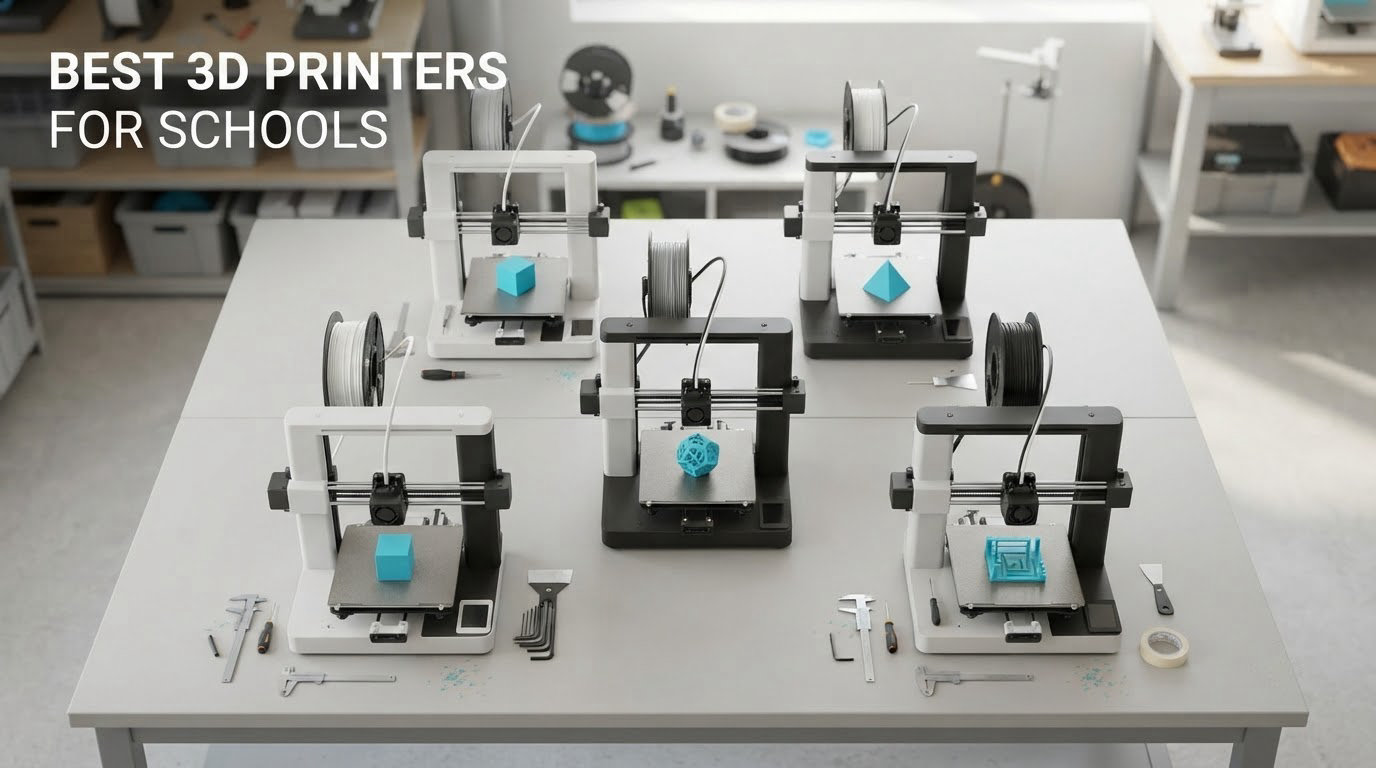
The best 3D printers for schools are enclosed, quiet and low-odor machines that level their own bed, ship assembled and print PLA without fumes — because in a classroom, safety and reliability decide whether a printer teaches anything or stops the lesson. Every machine below is FDM, every one is checked against manufacturer specifications and owner reviews, and every one names the grade band it fits best.
That last part matters more than it sounds. Most 3D printer roundups rank by speed or by print volume, and both numbers are close to meaningless in a school setting. A teacher does not care that a machine can hit 600mm/s if the first layer lifts, if the chamber is open toward thirty students, or if the only way to send a file is a USB stick. What a teacher cares about is how often the printer succeeds unattended between lunch and recess, and whether a fifteen-year-old can send a job without a password reset.
So here is how we built this list. We took the ten most capable FDM machines currently on the market, then filtered them against the criteria that actually show up in teacher accounts: auto bed leveling, an enclosed or semi-enclosed chamber, an onboard camera or remote monitoring, a slicer a non-maker can operate, and consumables a teacher can order again mid-year. Specifications come from the manufacturer listings; reliability, noise and maintenance impressions come from aggregated owner reviews, which is where you will find the things a spec sheet never mentions.
Two things we deliberately left out. Prices change constantly, so use the check buttons rather than trusting any figure you read anywhere, including ours. And we have not repeated manufacturer safety certification claims here — no maker in this group publishes a UL GREENGUARD or ASTM F963-23 listing for a desktop FDM printer, so rather than parrot marketing language, we tell you what each machine’s chamber and filtration actually do. We also cover resin printing separately, because resin printers come up in almost every school conversation and the classroom safety story is very different.
Table of Contents
Top 3 Picks for the Best 3D Printers for Schools (October 2026)


Bambu Lab A1
- Full-auto calibration
- 10000mm/s2 acceleration
- 22 pounds
- App-based print monitoring

FlashForge Adventurer 5M
- CoreXY motion
- One-click auto leveling
- Filament run-out sensor
- Power loss recovery
All 10 Picks at a Glance in 2026
| Product | Specifications | Action |
|---|---|---|
| Creality K1C |
|
Check Latest Price |
 Creality K2 Plus Combo Creality K2 Plus Combo |
|
Check Latest Price |
 FlashForge AD5X FlashForge AD5X |
|
Check Latest Price |
 Creality Ender 3 V3 SE Creality Ender 3 V3 SE |
|
Check Latest Price |
| Bambu Lab A1 |
|
Check Latest Price |
| FlashForge Adventurer 5M |
|
Check Latest Price |
 Bambu Lab P1S Bambu Lab P1S |
|
Check Latest Price |
 Asani TINA2S Asani TINA2S |
|
Check Latest Price |
 Entina Tina2C Entina Tina2C |
|
Check Latest Price |
 Bambu Lab A1 mini Bambu Lab A1 mini |
|
Check Latest Price |
1. Creality K1C — Best Enclosed Printer for a School Lab
Creality K1C 3D Printer, 600mm/s with AI Camera and Auto Leveling
Enclosed CoreXY chassis
600mm/s, 20000mm/s2
AI camera monitoring
45dB silent mode
Pros
- Very high speed and acceleration for the price tier
- AI camera and time-lapse suit classroom supervision
- Enclosed design handles higher-temperature and carbon-fiber filaments
- Quiet mode and carbon filtration reduce disruption
- Auto leveling cuts setup time
Cons
- Enclosure and ducting add weight and bulk
- Direct drive needs nozzle swaps per material
- Advanced filaments are unforgiving for beginners
The K1C is the machine we hand to a school that wants one printer to do everything. Its CoreXY motion system reaches 600mm/s with 20000mm/s² of acceleration, which is genuinely quick, and more importantly the frame does not wobble while it gets there. Bed-slinger machines at the same price sway under fast moves, and that sway shows up as ringing on tall or thin models.
The reason it earns the top slot is the combination of three things rarely found together at this level. The chamber is fully enclosed, so ABS and higher-temperature materials behave. The activated carbon filter and the silent mode at 45dB or under mean it can run through a lesson without becoming the loudest thing in the room. And the built-in AI camera gives a teacher a live feed and time-lapse from a phone.
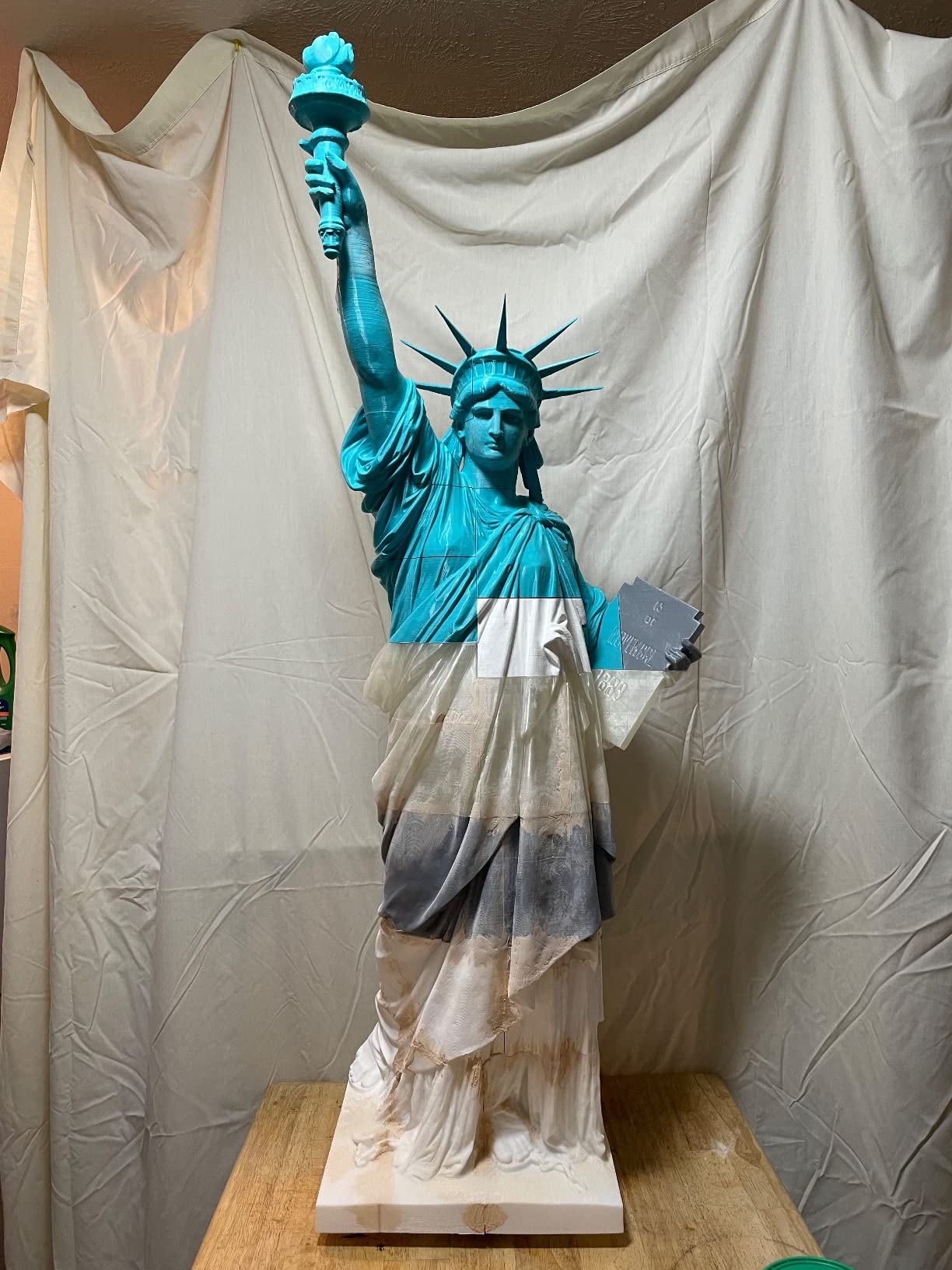
Owners rate it 4.2 out of 5 across 2,728 reviews, with 68 percent five-star. The recurring praise is speed, quiet running and the camera. The recurring complaint is weight: at 35.2 pounds the enclosure and ducting make this a two-person lift, and it is not going to move between classrooms every period without a cart.
A second caution applies to any direct drive hot end, and the K1C is no exception. Swapping the tri-metal nozzle to move between PLA and an engineering filament is a real step, and carbon fiber composites demand cleaning discipline that beginners rarely have. Standardize on PLA and PETG in the student lab, and save the advanced materials for the teacher.
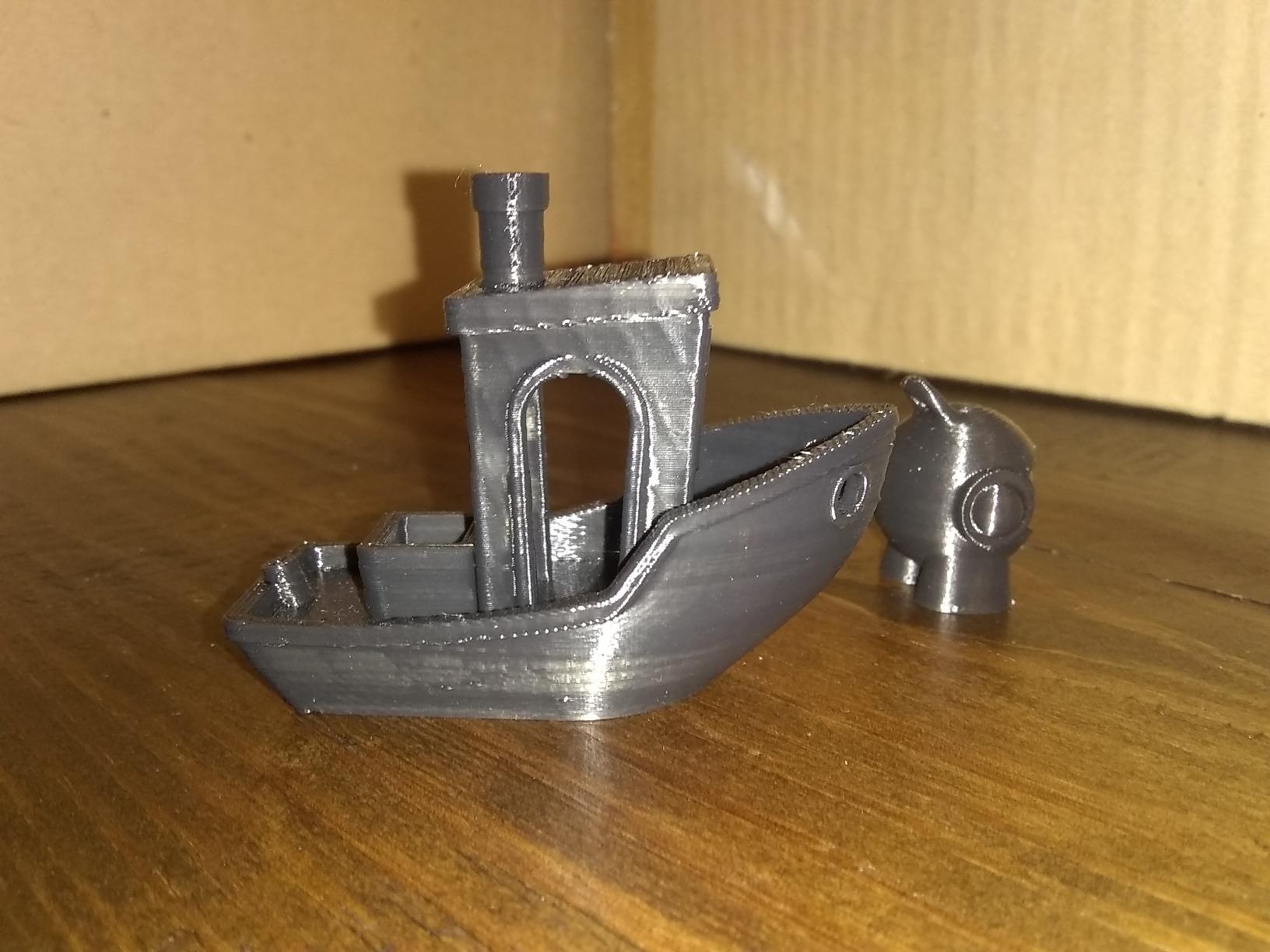
What you get for classroom supervision
The camera is the underrated feature here. A teacher with thirty students cannot stand over a machine for a four-hour print, but they can glance at a phone, confirm the layers are laying down, and get an alert if the job stalls. The filament run-out handling on this class of machine is what turns a print into a lesson rather than a disappointment.
Set prints running before recess or lunch, as teachers in our research consistently report doing, and the camera turns the machine into a talking point. Students come back to a finished part and a visible record of how it was made.
Where it will frustrate you
Budget for a dedicated bench rather than a shared desk. At 35.2 pounds and with the enclosure taking up volume, this is a lab fixture. If your program is a single corner of a sixth-grade classroom, a lighter machine is the better purchase.
Carbon fiber and other reinforced filaments are genuinely capable on this hot end, but they are a trap for a first-year program. Wall thickness, nozzle wear and drying all become your problem. Keep the material list short until the routine is automatic.
2. Creality K2 Plus Combo — Best for Oversized Class Projects
Creality K2 Plus Combo 3D Printer, Multi Color Printing with New CFS 600mm/s High-Speed Full Auto-Leveling Dual Al Camera Next-Gen Direct Drive Extruder Large Build Volume 13.78×13.78×13.78inch
350 x 350 x 350mm build volume
Up to 16 colors
60C heated chamber
18 sensors, dual AI cameras
Pros
- Largest build volume in this group
- 16-color automatic filament management
- Dual AI cameras and 18 sensors automate monitoring
- Chamber heating supports ASA and PPA
- Aerospace-grade aluminum frame adds rigidity
Cons
- 70.4 pounds makes it impractical to move between rooms
- Multi-color workflow creates purge waste between colors
- Acquisition cost is beyond typical school hardware budgets
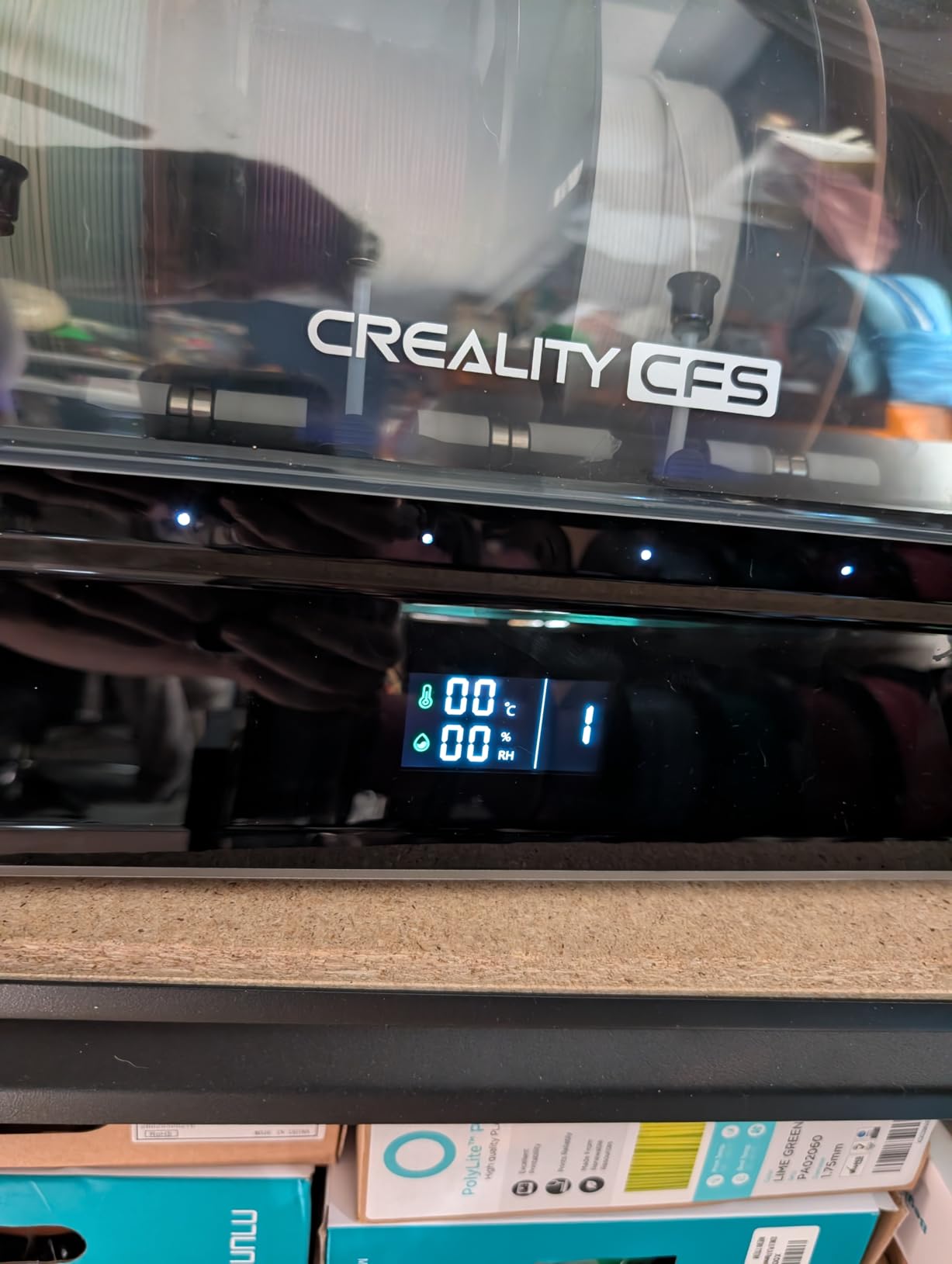
Everything about the K2 Plus Combo is sized for a specific school need: one large object, or a batch of twenty small ones, in one run. The 350mm cube build volume is the largest here by a wide margin, and the 18 smart sensors with dual independently motorized Z-axis and auto bed tilt are what make a 12-hour print on a big model something you can leave overnight.
The four linked CFS units handle up to 16 colors with RFID filament detection and automatic switching. For an art or design class that wants layered color, no other machine in this list gets there without constant human swaps. The 60°C heated chamber and 350°C hardened steel nozzle also open the door to ASA and PPA for engineering coursework.
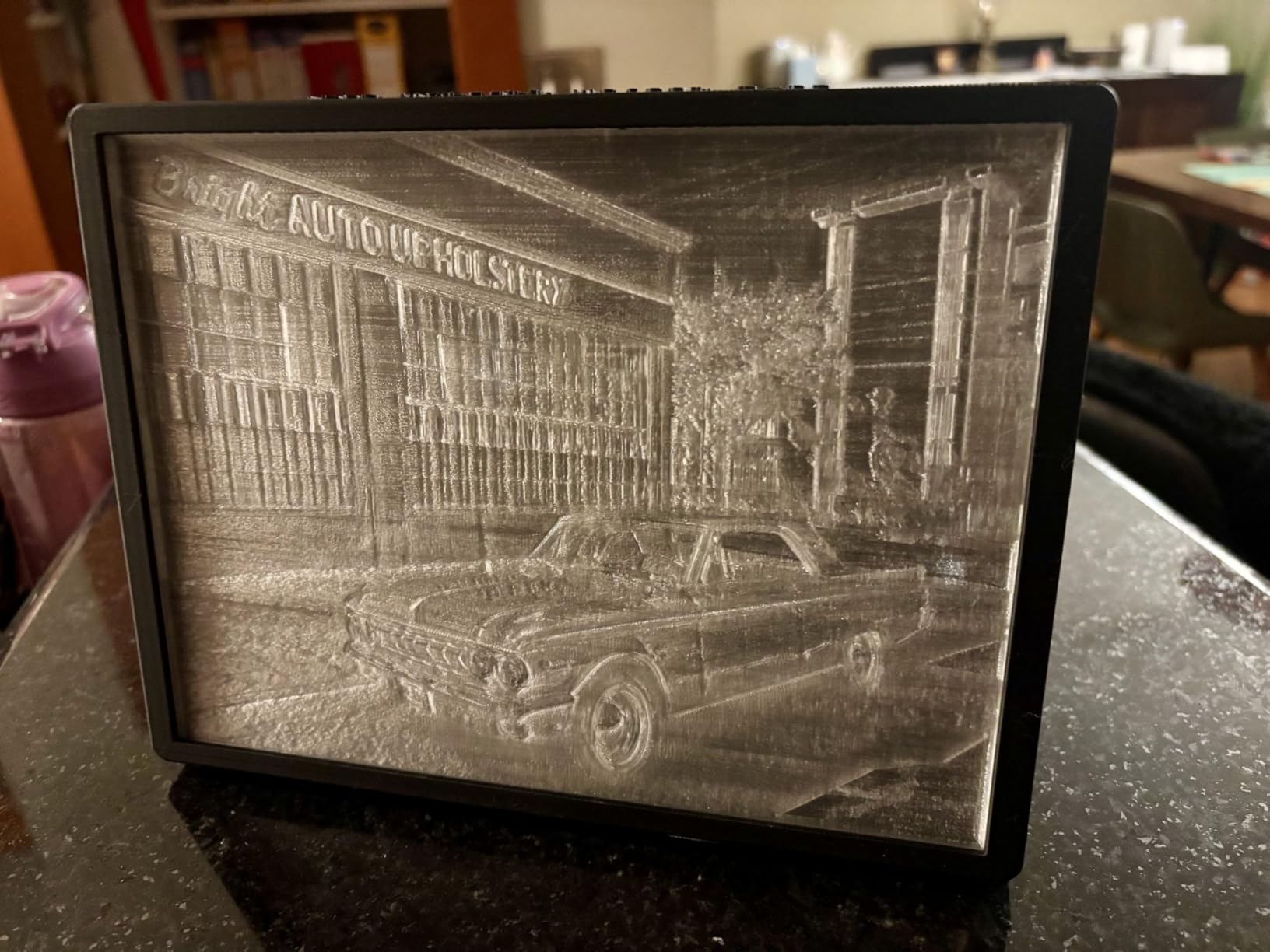
It is rated 4.0 out of 5 from 895 reviews, with 66 percent five-star and 17 percent one-star — the widest one-star share in the group. That split usually reflects the buyer rather than the machine: people who need multi-color at this scale love it, and people who expected a straightforward printer find the setup a steep climb.
The learning curve is real. FOC step-servo control, 30000mm/s² acceleration and 40mm³/s flow are sophisticated systems, and the software expects a user who reads manuals. Budget teacher training time, not just hardware budget time.
When this machine pays for itself
Multi-color and oversized work are where schools waste time with small printers: an object that will not fit gets scaled down and loses its teaching value, or a batch job becomes forty separate machine-hours. This unit collapses both problems into one overnight run.
If your program includes capstone projects, architecture models or a design-and-technology course, the throughput here changes what is assignable. That is a real pedagogical gain, not just a spec-sheet number.
Where it will frustrate you
At 70.4 pounds, plan the room before you buy. This is a floor-standing piece of equipment with a dedicated circuit and a dedicated network position, and schools that buy it for a single classroom usually regret the footprint.
The purge waste from color changes is worth budgeting for honestly. A multi-color print can consume more filament in purges than in the object itself, and students need to know that before they pick sixteen colors for a small part. Restrict color counts for younger students and reserve the full palette for advanced work.
3. FlashForge AD5X — Best for Four-Color Class Projects
FLASHFORGE AD5X Multi-Color 3D Printer, CoreXY 600mm/s High-Speed, 1-Click Auto Leveling, 300°C Direct Drive Extruder, 220x220x220mm Build Volume, Ideal for Precision and Efficiency
CoreXY 600mm/s
Up to 4 colors at once
1-click auto leveling
300C direct drive
220mm cube
Pros
- Four-color printing without manual swapping
- CoreXY speed and rigidity
- Most users printing within 20 to 30 minutes
- Support shipped replacement parts
- Nozzles from 0.25mm to 0.8mm
Cons
- Loud during operation and purging
- Four-in-one color changer jams frequently
- Purge waste can exceed the print itself
The AD5X is the most direct route to automatic multi-color printing in this group, and that is exactly the feature teachers ask for by name. Four colors at once, no manual swap halfway through, and a 1-click auto leveling routine that handles the bed before every job.
Under the hood it is a serious machine. CoreXY motion at 600mm/s and 20000mm/s², a 300°C direct-drive extruder, interchangeable nozzles from 0.25mm to 0.8mm, power loss resume, and automatic filament feed and retraction. Owners running a thousand to three thousand print hours report real accuracy and speed.
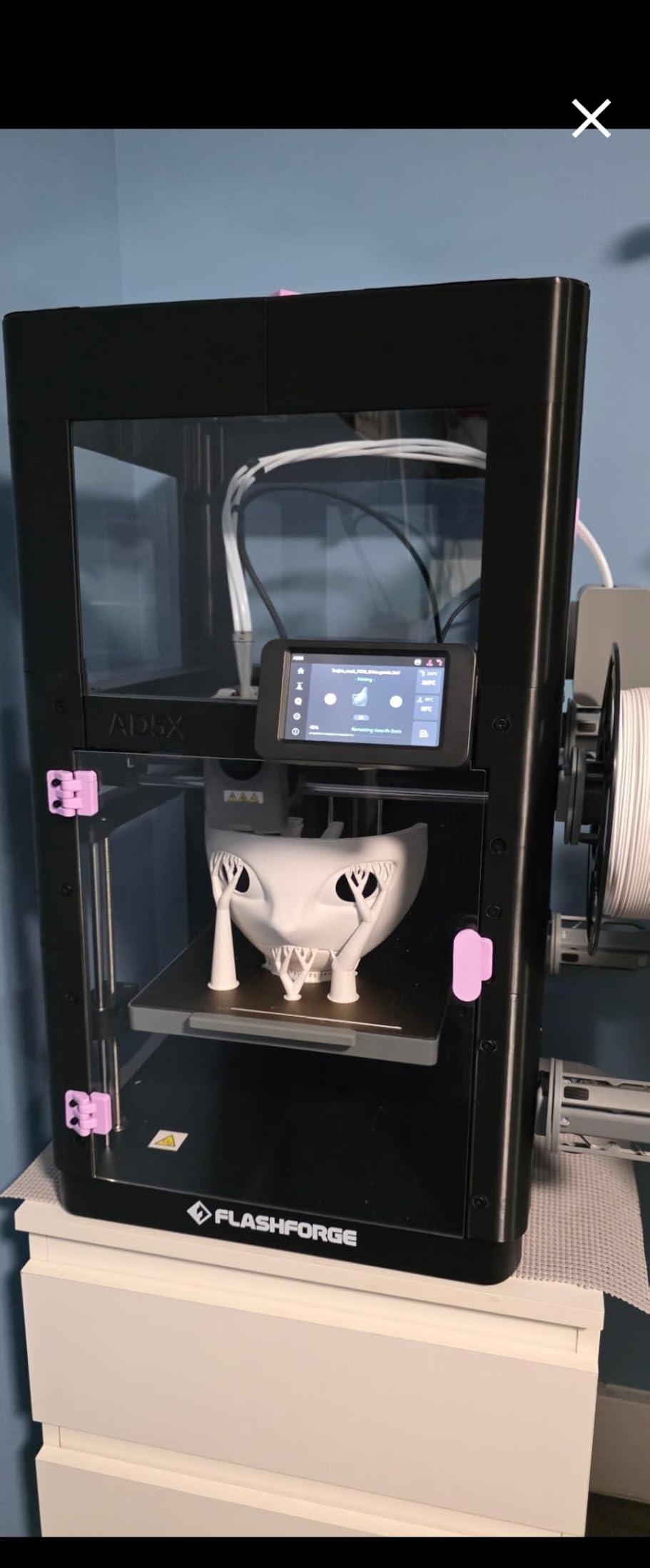
It also carries the lowest average rating here: 3.9 out of 5 across 1,065 reviews. The reasons are specific and worth knowing before you commit. The four-in-one color changer jams, sometimes with filament trapped behind the bracket. The thin plastic build plate makes Z movement loud and can bow in the center. And a mandatory Flash Studio firmware and slicer upgrade degraded print quality until users manually corrected settings.
None of those are fatal, but all of them are adult tasks. A teacher who cannot intervene when the changer jams is a teacher who loses a lesson.
What works well for students
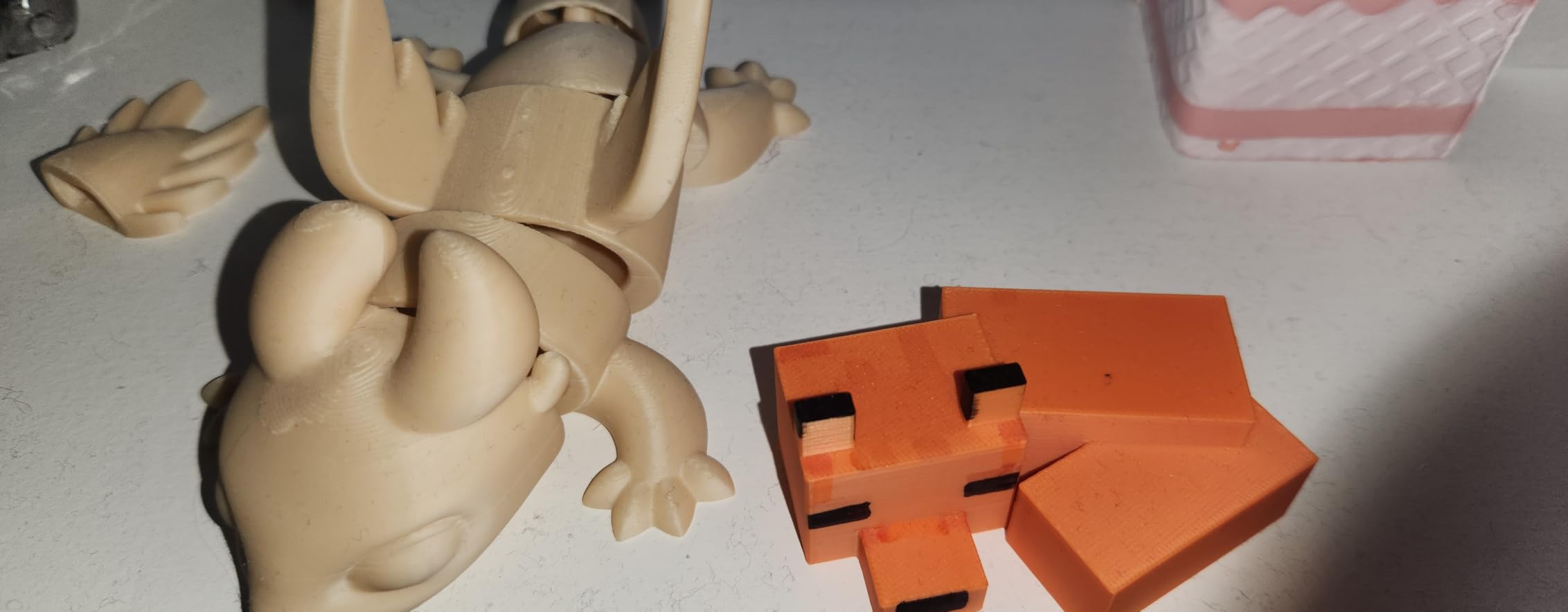
Setup speed is a genuine strength. Reviewers report unboxing to printing in 20 to 30 minutes, and Flashforge support is repeatedly praised for shipping replacement parts within days of a hardware failure. For a school year, that responsiveness matters as much as the machine.
The 0.25mm nozzle option is a real teaching asset. Fine detail is where math models and cell structures live, and a 0.4mm nozzle cannot resolve them.
Where it will frustrate you
Noise is the first thing teachers mention. This printer is loud during operation, during purging and during Z moves — exactly the sounds that carry across a quiet room. Plan it for a workshop, a library corner or a before-and-after school slot rather than a lesson that requires silence.
Purge waste deserves a rule in your classroom policy. A four-color print on a small object can use more filament purging than printing, and if students do not understand that, the filament budget will not survive a term. Show them a purge waste bin as part of the lesson.
4. Creality Ender 3 V3 SE — BUDGET PICK for Multiple Units
Creality Ender 3 V3 SE Beginner-Friendly 3D Printer with Auto Leveling
CR Touch auto leveling
250mm/s print speed
Sprite direct drive
Silent 32-bit mainboard
19.8 pounds
Pros
- Lowest cost per unit in this group
- About 20 minute assembly with an Allen key
- Auto leveling removes the step beginners struggle with
- Direct drive handles PLA PETG and TPU
- Silent mainboard keeps classroom noise down
Cons
- Open frame with no enclosure or fume control
- Short build height limits taller models
- USB drive reliability reported as inconsistent
When a program needs six units instead of one, the per-machine cost decides everything, and the Ender 3 V3 SE is the cheapest reliable option here. Reviewers consistently say it punches well above its price class and that multiple owners run it alongside far more expensive machines without complaint.
The CR Touch sensor handles auto leveling and Z-offset calibration automatically, which removes the single most demoralizing step for a new user. Assembly takes roughly 20 minutes with only an Allen key — short enough for a student volunteer, long enough that a teacher should supervise it once.
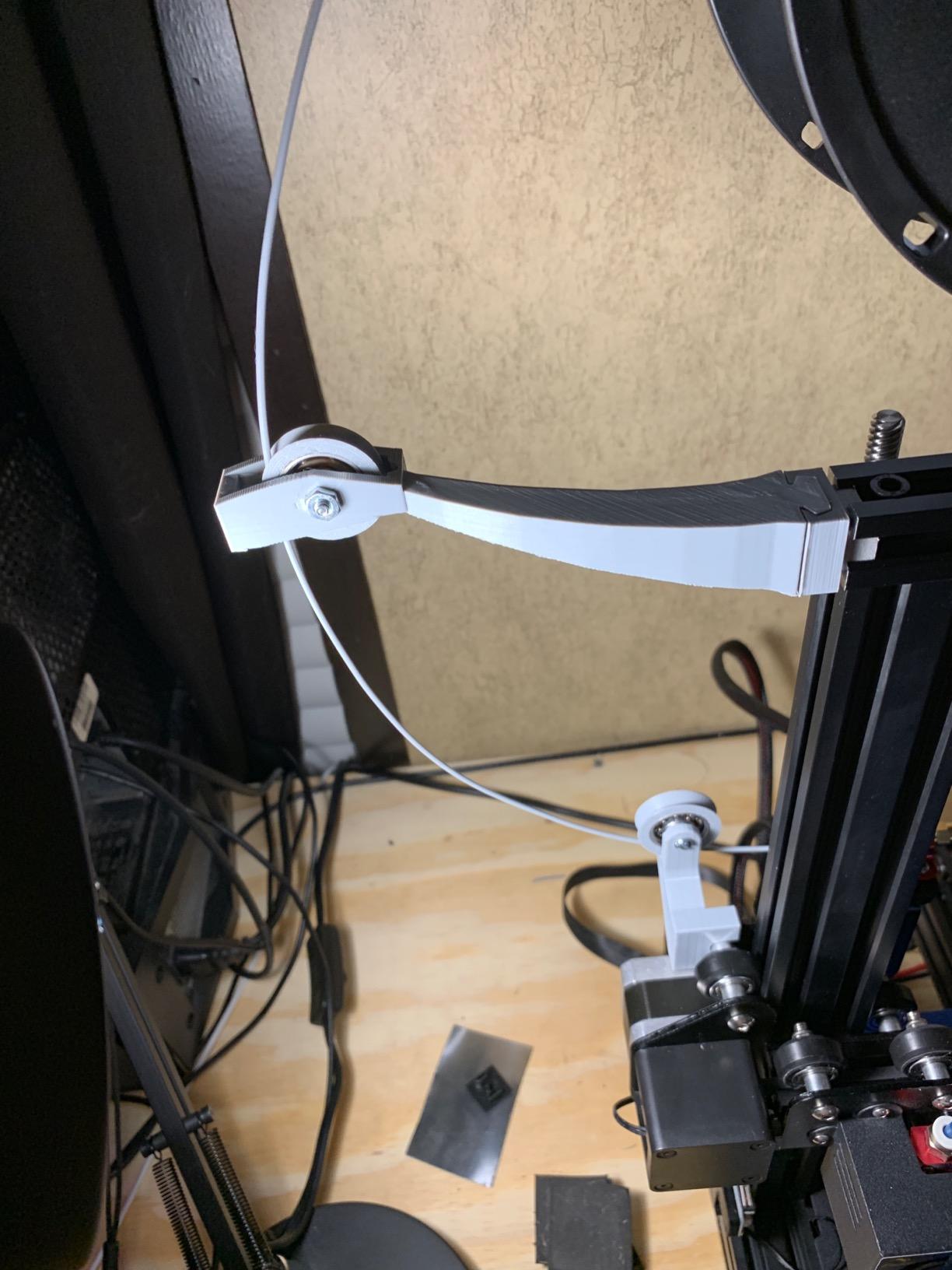
At 4.1 out of 5 from 791 reviews with 65 percent five-star, the sentiment is a reliable “it just works.” The 32-bit silent mainboard is a thoughtful inclusion for a classroom, and the flexible PC spring steel build plate makes print removal easy for small hands.
One setup detail catches people out: some units ship with the rear power switch set to 220V, which leaves the screen dark on a 120V US outlet. It is a 30-second fix, but it produces enough confusion that it is worth putting in your unboxing checklist for every unit in the fleet.
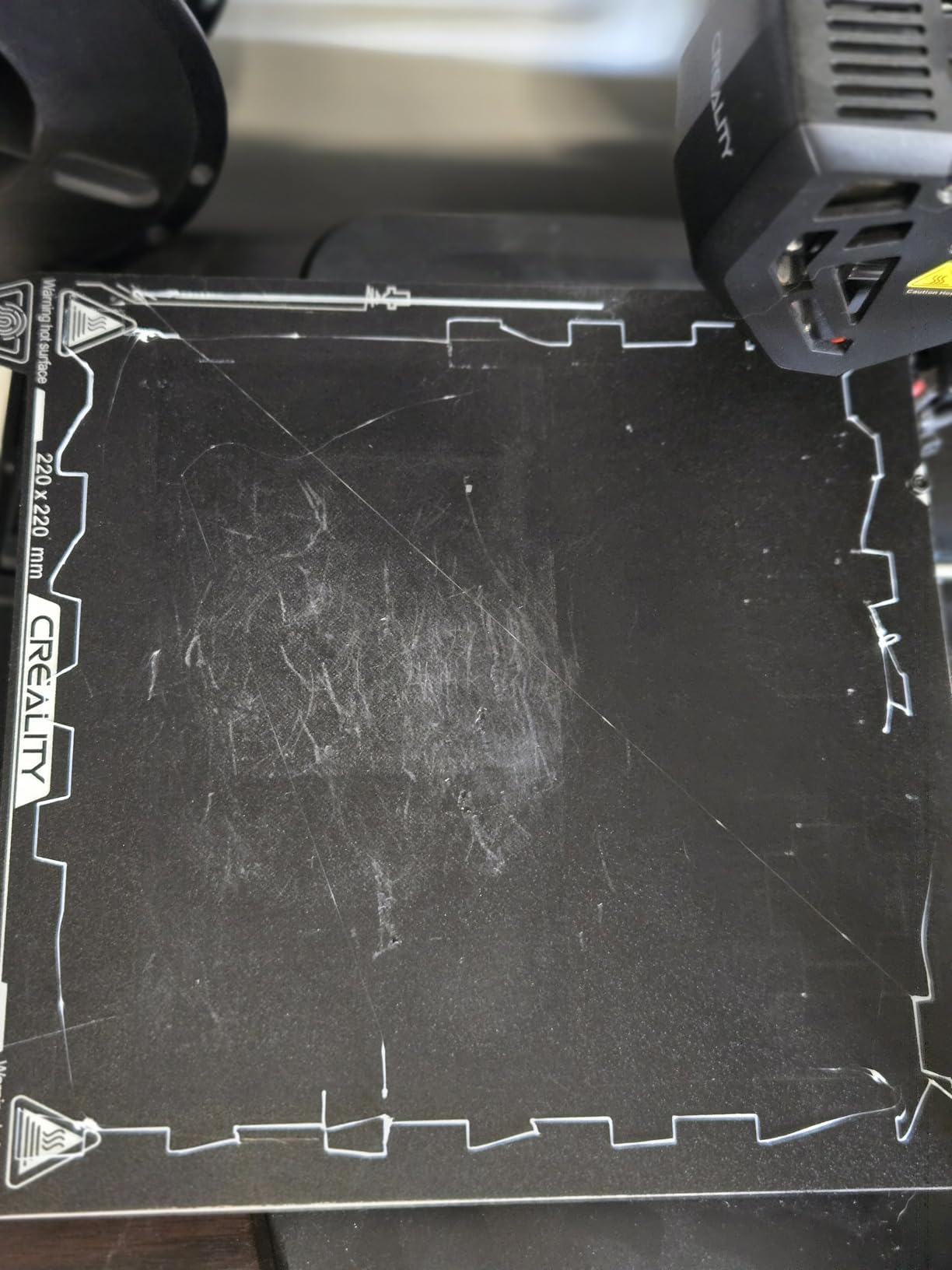
Why schools buy this one in numbers
Three things. It auto-levels, it is light enough at 19.8 pounds for one adult to reposition, and it prints PLA, PETG and TPU on a proven Sprite direct-drive extruder. That combination removes the two failure modes that generate support tickets: manual leveling and filament feeding.
If your plan is a shared print queue across a class, a set of these is a defensible fleet. Start every print before the period ends and let them run through lunch.
Where it will frustrate you
It is an open-frame machine with no enclosure, so no ABS or ASA, no warp control and no fume containment. That is a genuine safety conversation for a room full of younger children, and it is the reason we would not put this in a K-2 classroom.
Build height is also short, which limits taller models. Plan geometry projects around proportions that fit the plate, or those assignments will disappoint students twice — once when the model fails to fit, once when the print looks wrong.
5. Bambu Lab A1 — Top Rated for Teachers New to 3D Printing
Bambu Lab A1 3D Printer, Ready-to-Use FDM 3D Printer for Beginners and Kids
Full-auto calibration
10000mm/s2 acceleration
22 pounds
App monitoring with run-out auto pause
Pros
- Highest satisfaction rating in this group
- Near-zero maintenance and no calibration routine
- Very easy setup for students with no experience
- App control with filament run-out auto-pause
- Owners with Prusa and Creality machines rate it highly
Cons
- AMS lite not included and costs more added separately
- Open frame with no ABS or ASA support
- Closed slicer ecosystem bothers advanced users
The A1 carries the highest satisfaction profile of any machine here: 4.7 out of 5 from 671 reviews, with 87 percent five-star and only 4 percent one-star. For a teacher making this purchase with no prior 3D printing experience, that distribution is the whole argument.
Its full-auto calibration covers Z-offset and bed leveling without a routine, and active flow rate compensation keeps extrusion consistent even as speeds change. The app prints and monitors remotely and pauses the job if filament runs out — the single feature that most reduces frustration in a student setting.
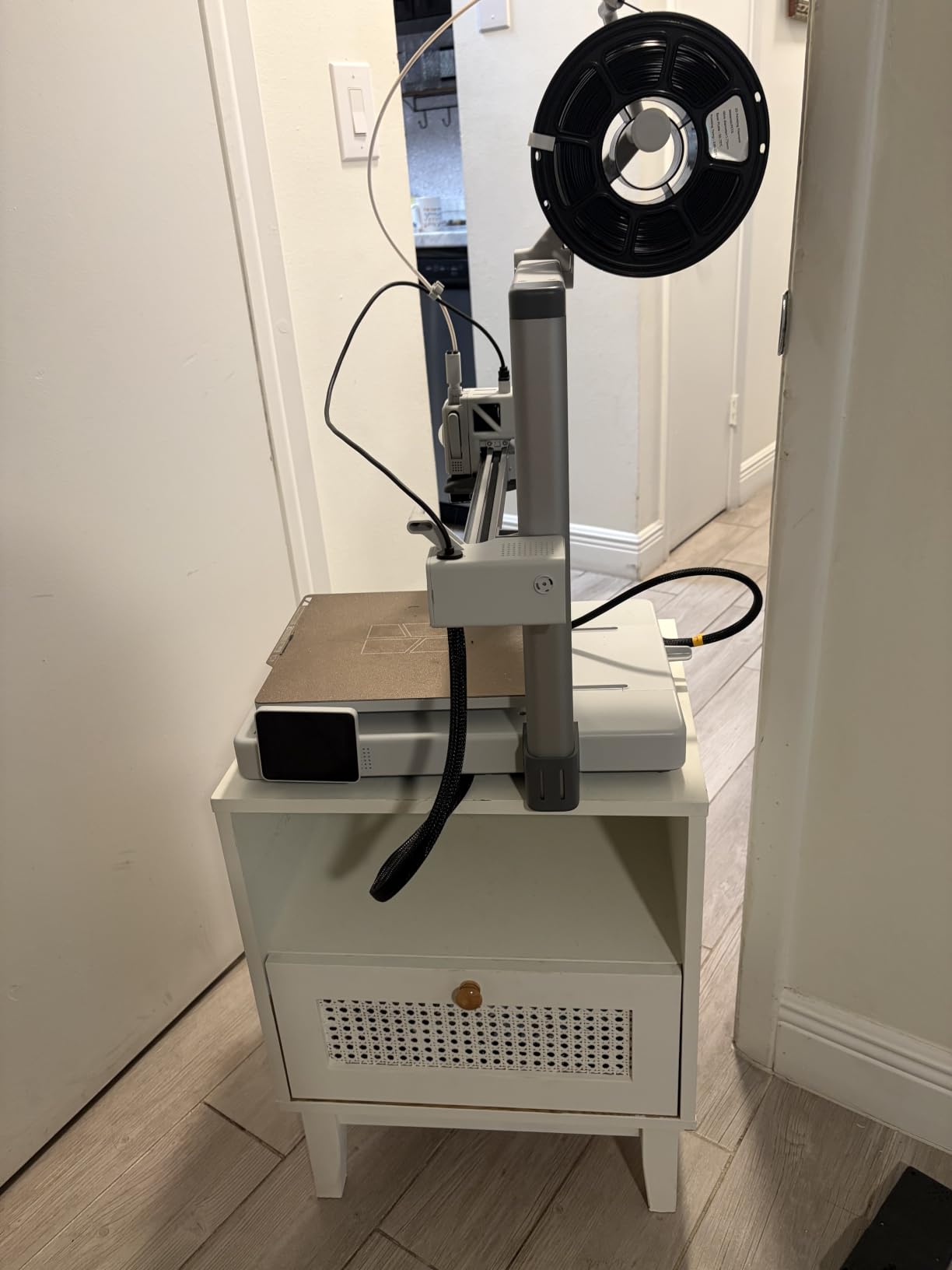
Owners who also run Prusa and Creality machines consistently call it the best in its class, and the quiet operation with active motor noise cancellation is a real classroom advantage. At 22 pounds it moves between rooms without a cart, which matters more than any headline speed in a shared building.
The most common regret in reviews is not buying the version with the AMS lite multi-color unit from the start. If color is part of your curriculum plan, decide that before the purchase order, not after.
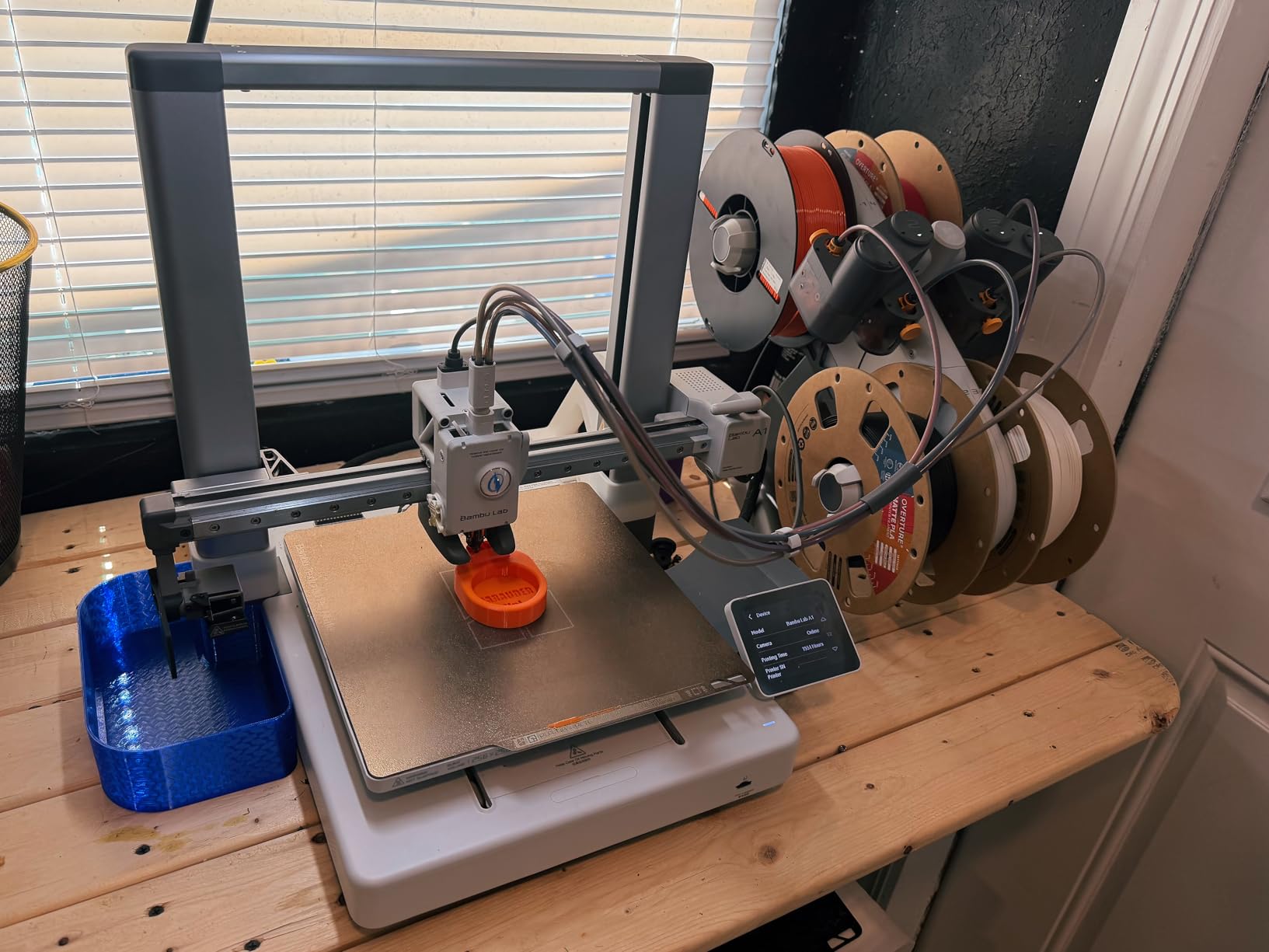
What makes it the safest first purchase
There is almost nothing to maintain. No belt tensioning, no nozzle re-seating, no bed re-leveling between classes. A machine that needs no teacher technical skill in week three is a machine that still gets used in November.
Active flow rate compensation also reduces the visible failure students notice most — a print that looks thin and stringy. Keeping that consistent in a room of beginners protects the confidence the whole program depends on.
Where it will frustrate you
It is not enclosed, so ABS and ASA are out. If a middle or high school program needs engineering thermoplastics, this is the wrong machine and the enclosed picks below are the right ones.
The closed software ecosystem annoys technically inclined users, and that friction is real for advanced courses. Students who want to fine-tune slicer profiles will hit a wall, and a teacher in a gifted program should know it is coming.
6. FlashForge Adventurer 5M — Best for Middle School STEM Labs
FLASHFORGE Adventurer 5M 3D Printer, 600mm/s High-Speed, 1 Click Fully Auto Leveling, Upgraded Direct extruder Quick Detachable 280°C Nozzle, Dual-Sided PEI Coating Plate, Print Size 220x220x220mm
CoreXY with input shaping
600mm/s
One-click auto leveling
Run-out sensor, power loss recovery
Pros
- CoreXY motion and input shaping at a budget price
- Ready to print in about 10 minutes
- Very low failed-print rate for owners
- Consistent fine detail on long jobs
- Support ships replacement parts quickly
Cons
- No multi-color capability
- Intermittent firmware freezes
- WiFi and app connectivity hit and miss
The Adventurer 5M is the closest thing to plug-and-play in this group, which is why it recurs in teacher recommendations. Owners report about ten minutes from unboxing to first print, and long-term owners running multiple kilometers of filament describe a very low failure rate.
Vibration compensation through input shaping eliminates the ghosting you get on bed-slinger machines, and the removable flexible PEI steel plate makes finished parts easy to pop off. A run-out sensor and power loss recovery protect a long student job from a tangle or a tripped breaker.
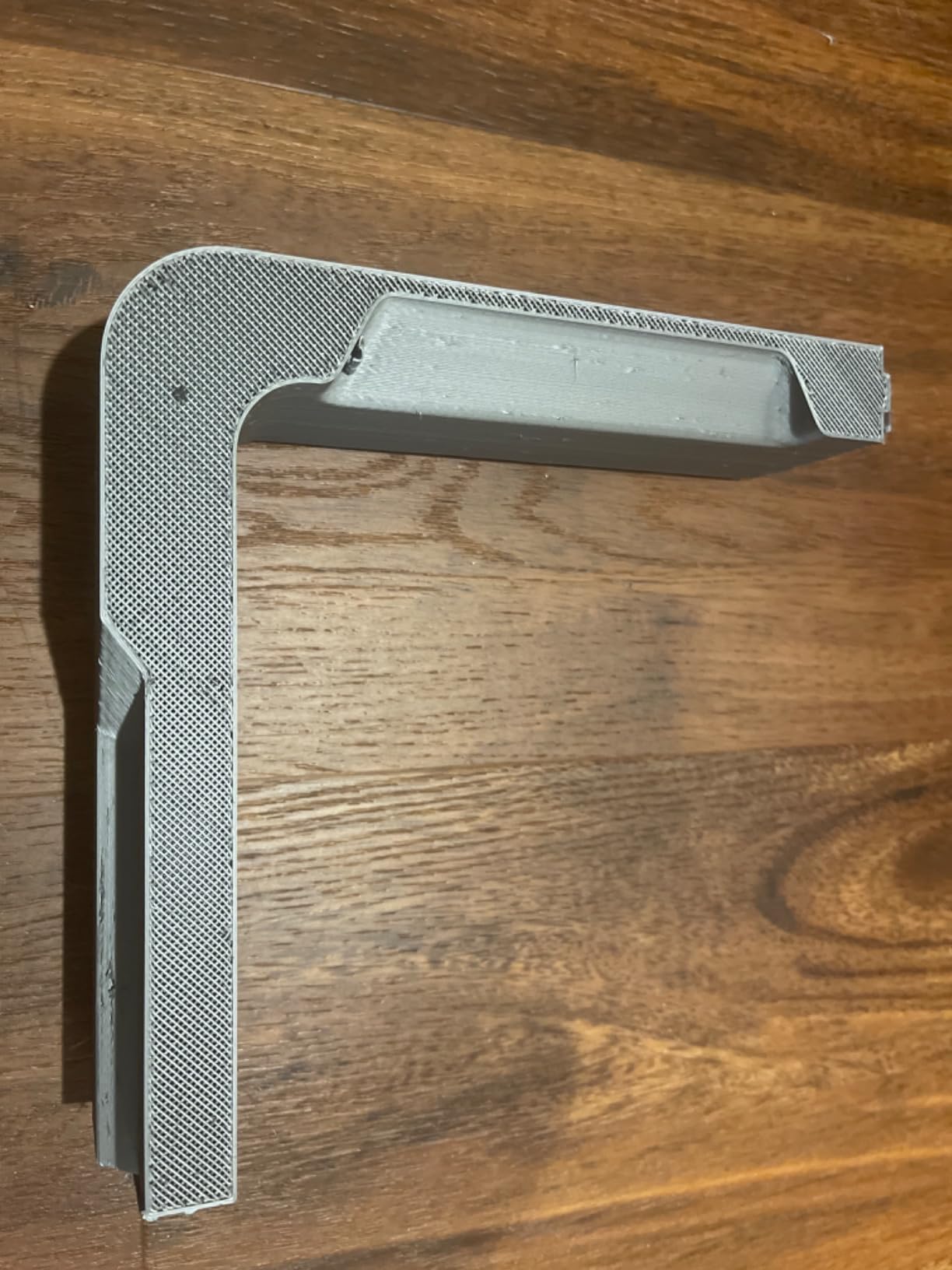
At 4.3 out of 5 from 625 reviews with 74 percent five-star, the profile is strong. Reviewers particularly value fine detail consistency, including 12-hour jobs that complete without failure, and they praise Flashforge support for shipping parts within days.
The practical classroom bonus is WiFi file transfer, which removes the USB drive hunt entirely. That single feature is worth more in a middle school than most of the specification list.
Why it suits a first STEM lab
Nothing about the daily routine requires technical skill. Auto leveling is one click, the plate peels off easily, and students can be sent to start a job at the start of a period without a teacher hovering.
CoreXY rigidity at this price is unusual, and it shows in the finished parts. Ringing artifacts are what make a beginner think they failed, so avoiding them keeps confidence high.
Where it will frustrate you
It prints one color. Any curriculum built around multi-color output will need a different machine, and students will notice the limitation fast.
Firmware freezes and unreliable app connectivity are the recurring negatives. The filament sensor detects an empty tube but not a tangled spool, so a mid-print stall is still possible. A TF card in FAT32 format remains the dependable fallback, and we would keep one on hand.
7. Bambu Lab P1S — Best for Enclosed ABS and ASA Work
Bambu Lab P1S 3D Printer, Ready-to-Use FDM 3D Printer
Fully enclosed body
500mm/s, 20000mm/s2
ABS ASA PA and PC support
Onboard camera
Spare parts included
Pros
- Enclosed design handles ABS and ASA that open frames cannot
- Glass panels show prints during demonstrations
- Very fast with good quality output
- Consistently near-perfect print success
- App and camera support for remote start and time-lapse
Cons
- Translucent and silk filaments cause hot end clogs
- AMS required for multi-color and not included
- Heavy at 38.9 pounds with bulky enclosure
When a school program genuinely needs engineering thermoplastics, enclosure is not optional, and the P1S is the strongest all-round enclosed machine here. It handles PLA, PETG, TPU, PVA, PET, ABS and ASA, and is capable of PA and PC. That material range is the difference between a design class and an engineering class.
It is also fast. A benchmark print completes in under 15 minutes at 500mm/s with 20000mm/s² acceleration, which means a class of small parts fits inside a single period rather than spilling into overnight.
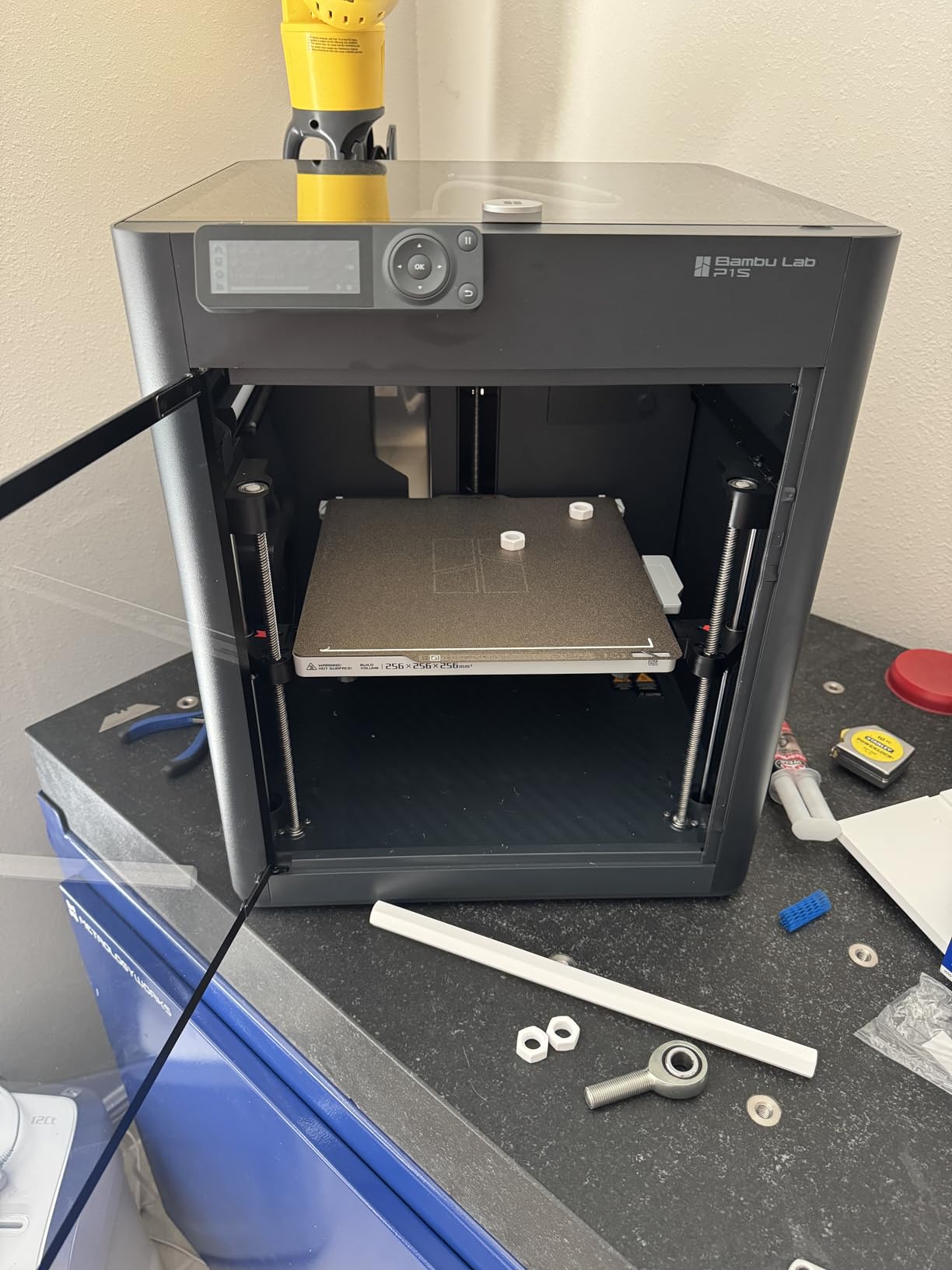
At 4.5 out of 5 from 407 reviews, with 81 percent five-star and a number-one best-seller rank in its category, owners report consistently near-perfect print success and excellent adhesion on the double-sided build plate. A spare parts set and an SD card ship in the box, which saves a procurement conversation.
The glass side panel and top are more useful than they sound. They let you run a demonstration with the class watching the layers form, which is a genuine teaching moment for any age.
What a teacher should know about the enclosure
An enclosed chamber does two things. It keeps ABS and ASA from warping because the heat stays inside, and it contains fumes, which is the argument that matters in a shared room with a closed door policy.
None of that makes a 3D printer child-proof. The hot end still reaches 270°C or more, the chamber still has a door that should stay shut during a print, and ventilation is still your responsibility. Containment is risk reduction, not permission.
Where it will frustrate you
Transparent, silk and fine filaments clog this hot end, and reviewers point upward to the newer P2S for those. Teach students to stick to opaque PLA and PETG and this is a non-issue.
The AMS is required for multi-color and is not in the base package, and the closed ecosystem still bothers advanced users. At 38.9 pounds the enclosure is also bulky for a shared bench. Reserve a footprint before ordering.
8. Asani TINA2S — Best for Individual Desks in Young Classrooms
TINA2S Fully Assembled Mini 3D Printer for Kids and Beginners, Starter Kit
Ships fully assembled
6.4 pounds
8.3 by 8.3 by 11.4 inch footprint
PLA and TPU compatible
2.4 inch LCD
Pros
- Comes fully assembled with filament and a preloaded SD card
- Light at 6.4 pounds so students can handle it
- Auto leveling with dual Z-axis rail
- Works with open source slicers on Mac Windows and Linux
- Active pause and resume protects long prints
Cons
- Only the included metal platform plate works
- Small build volume limits project size
- Basic LCD with no multi-color capability
The TINA2S is built for the situation a school actually faces with first graders: several small machines, one per table, that a child can be trusted with. It arrives fully assembled with 10 meters of PLA, a preloaded microSD card of models and slicing software, and accessories. There is nothing to build.
At 6.4 pounds and 8.3 by 8.3 by 11.4 inches it moves easily, which means a single teacher can redistribute it as a class reorganizes. Auto leveling with a dual Z-axis rail keeps first layers consistent, and the flexible magnetic build plate means students remove their own prints.
It holds a 4.6 out of 5 from 393 reviews with 84 percent five-star. Buyers credit the all-in-one kit for making it work for children and beginners, and the open source file and slicer support is a genuine advantage because teachers can keep using curriculum software they already have.
Active pause and resume is worth more here than on bigger machines. When a class ends early or a fire drill runs long, a nine-year-old can stop and restart a print without adult help.
Why per-student units work at this age
At this level the goal is not part quality, it is the loop of design, print, hold it, change it. A machine small enough to sit on a table and light enough to carry makes that possible for every child rather than for whoever is nearest the printer.
Pair it with a shared model library and the lesson planning disappears. Students pick a model, print, and spend the instructional time on the design change, which is where the learning is.
Where it will frustrate you
The build plate restriction is real and catches schools out. Only the included metal or magnetic TINA2S platform plate works, because a non-metal plate breaks the proximity sensor. Order spares and label them.
The build volume is genuinely small, so a project that looks reasonable on screen will not fit. Set expectations with a size example in week one, or you will spend the term troubleshooting rather than teaching.
9. Entina Tina2C — Best for Guided STEM Lesson Modules
Entina Tina2C 3D Printer for Kids & Beginners, Fully Assembled Starter Mini 3D Printer, Start in 8 Mins, App & WiFi Control, Auto Leveling, 3000+ Model Library, 20+ Creative DIY Modules for STEM, Home
First print in about 8 minutes
3.9 inch cube build volume
25 plus STEM modules
3500 plus model library
5.28 pounds
Pros
- Fastest time to first print of any machine here
- App includes AI search and photo-to-print plus 25 STEM modules
- Model library means no design software needed
- App-guided setup removes the learning curve
- Lightest unit with quiet running and LED lighting
Cons
- Very small 3.9 inch cube build volume
- Nozzle clogging and filament snapping inside the extruder
- Troubleshooting reportedly needs outside help
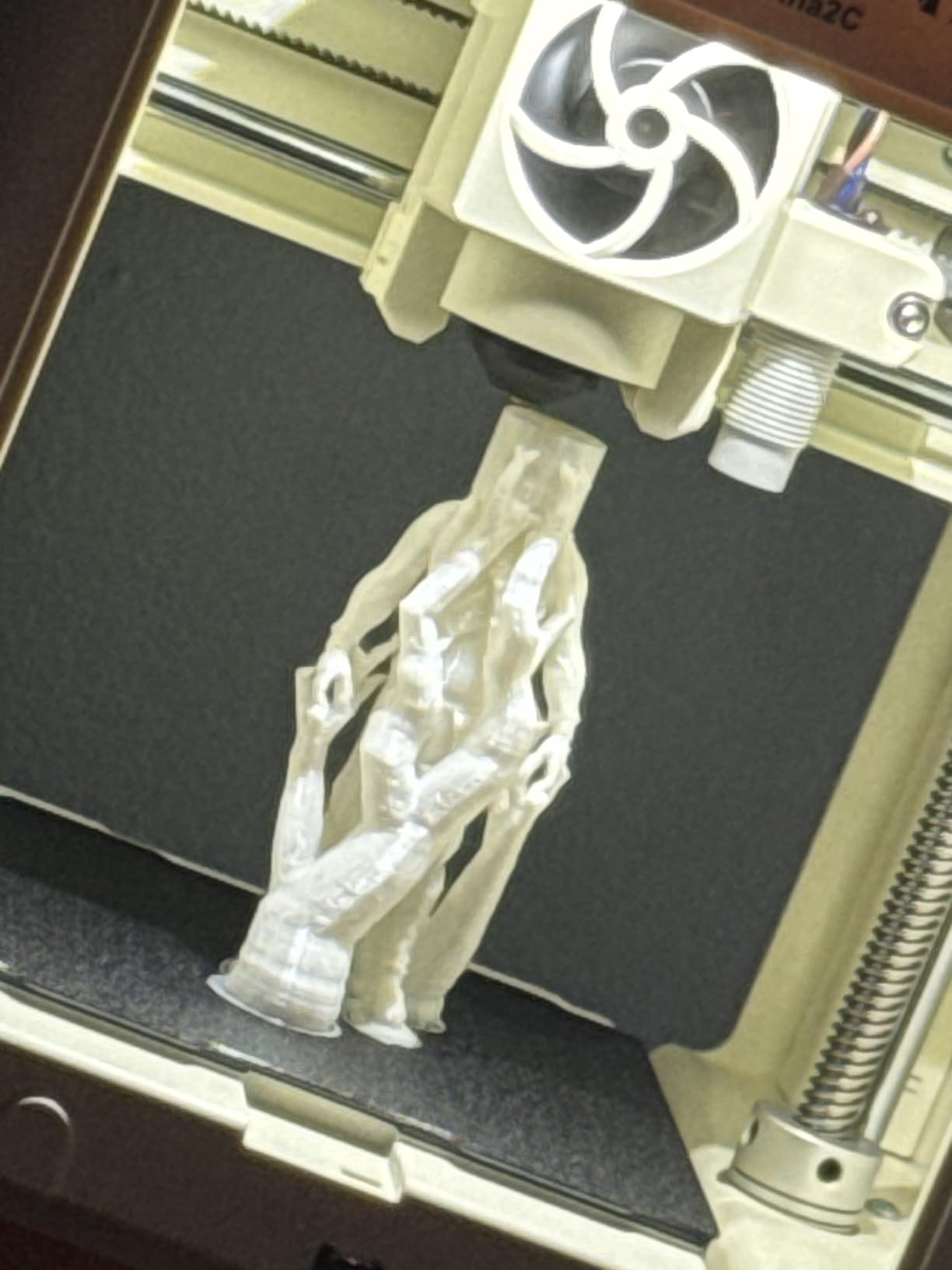
The Tina2C is the least hands-on machine here, and for a teacher with no 3D printing background that is the whole feature set. Guided setup through the Poloprint Cloud app can have a first print running in about eight minutes, which is the shortest time to instruction of any machine on this list.
The app is the differentiator. AI-powered search, photo-to-print, a library of more than 3,500 models with daily updates and 25 creative STEM modules give students a curriculum without requiring any of them to learn a CAD package. For a maker club with mixed ages, that removes the usual barrier.
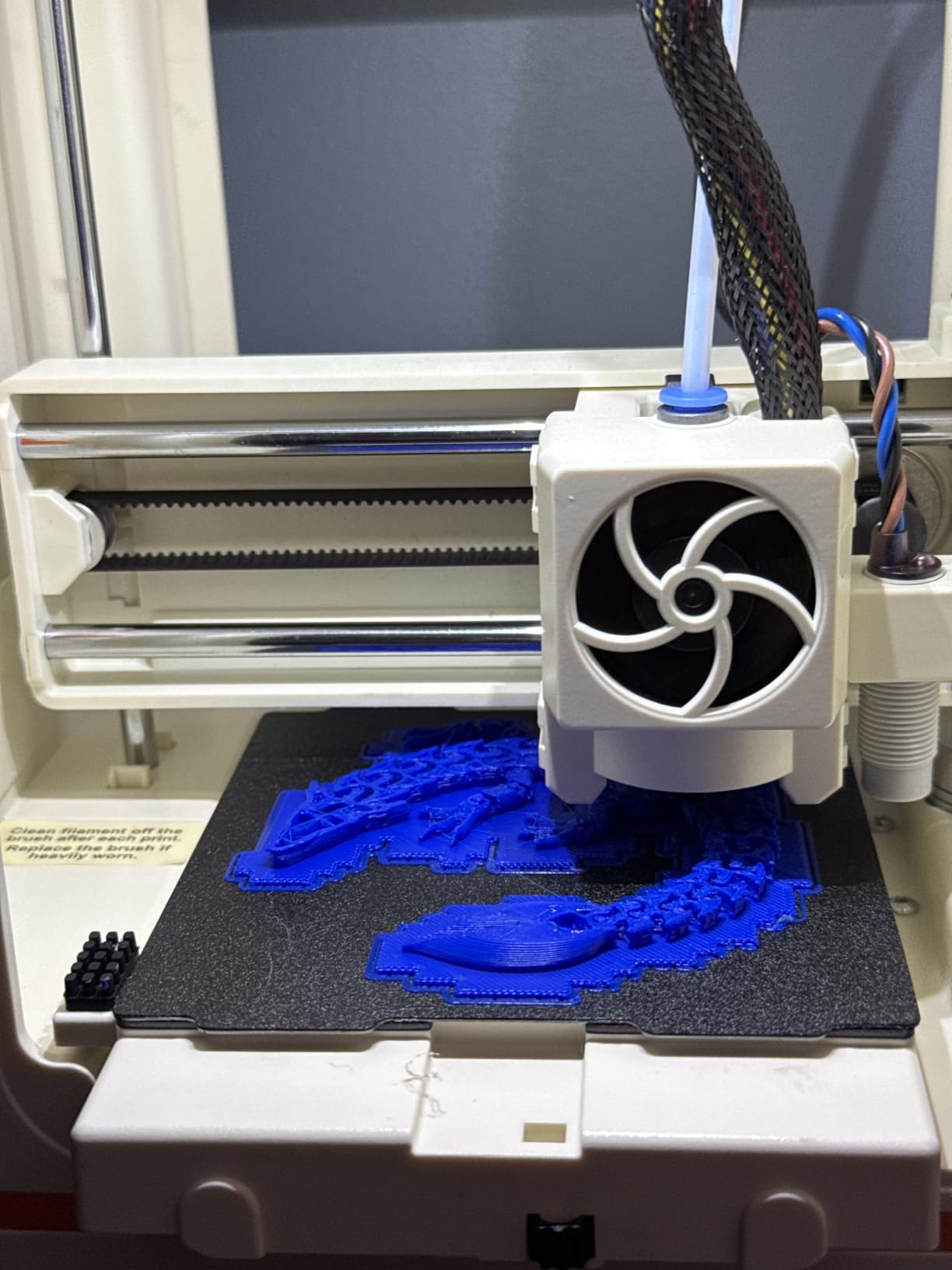
It is rated 4.3 out of 5 from 344 reviews with 73 percent five-star. Parents and gift buyers report children printing successfully within a day, and Chromebook support matters more in schools than most spec sheets admit.
At 5.28 pounds with rounded edges and integrated LED lighting, it is the safest physical object here to hand to a young child. The LED lighting also turns prints into a display, which keeps finished work visible and valued.
What the STEM modules actually give you
Twenty-five guided modules is a meaningful curriculum asset when teacher planning time is the scarcest resource in a building. Each module supplies a model, a concept and a sequence, so a class can start on day one without a teacher designing a project from scratch.
WiFi printing at 2.4GHz plus TF card offline mode means the machine works both on a school network and without one, which solves the connectivity problem in one stroke.
Where it will frustrate you
The 3.9 inch cube build volume is the smallest here and it dictates your curriculum. Anything larger than a model kit, a solid or a small mechanism simply will not fit, and that limit arrives quickly if you have not set it up front.
Nozzle clogs from retraction settings and filament snapping inside the extruder are recurring complaints, and troubleshooting reportedly needs outside help. In a classroom that means a machine can be out of service until someone competent is available. Treat that as a real cost of ownership, not an edge case.
10. Bambu Lab A1 mini — Best for Shared Desks and Small Corners
Bambu Lab A1 mini 3D Printer + LED Lamp Kit, Ready-to-Use for Beginners
12.1 pounds
Compact footprint
Automatic calibration
Quiet operation
Includes LED Lamp Kit
Pros
- Compact and light enough for a shared classroom desk
- Automatic calibration minimizes onboarding time
- LED Lamp Kit gives a functional project beyond static models
- MakerWorld library and app remove the need for design software
- Quiet operation suits a shared workspace
Cons
- Small build volume compared to full-size models
- Open frame with no ABS or ASA printing
- Multi-color requires a separate AMS lite
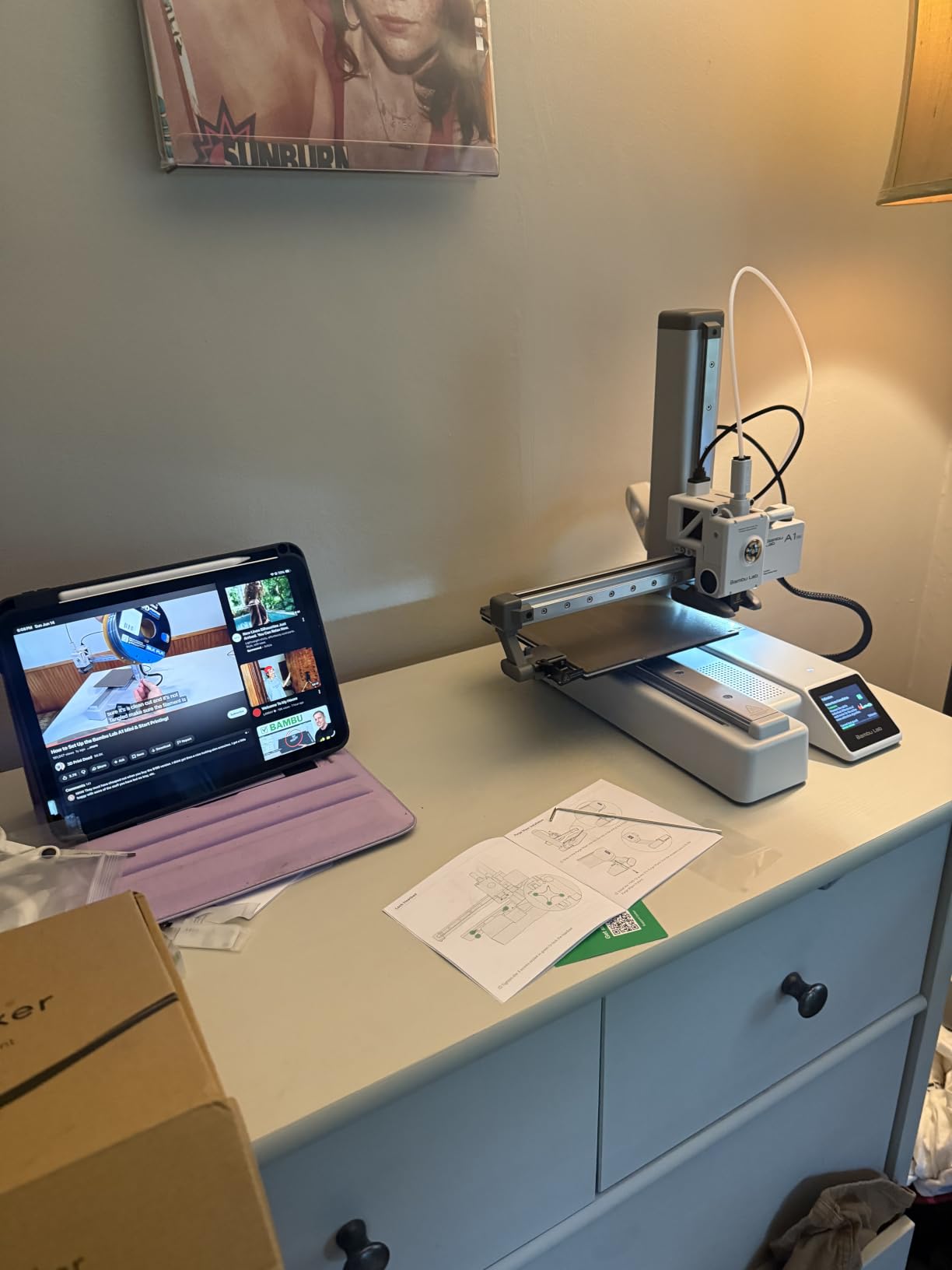
The A1 mini fills a gap none of the bigger machines do: a full-size Bambu Lab machine that fits on a shared desk. At 12.1 pounds it can be moved by one adult between periods, which makes it realistic for a program without a dedicated makerspace.
Automatic calibration and simple setup mean onboarding a new class costs minutes, and the quiet operation keeps it usable next to other student work. The included LED Lamp Kit is a nice touch because it turns printing into a functional object rather than a static model, which motivates beginners considerably better.
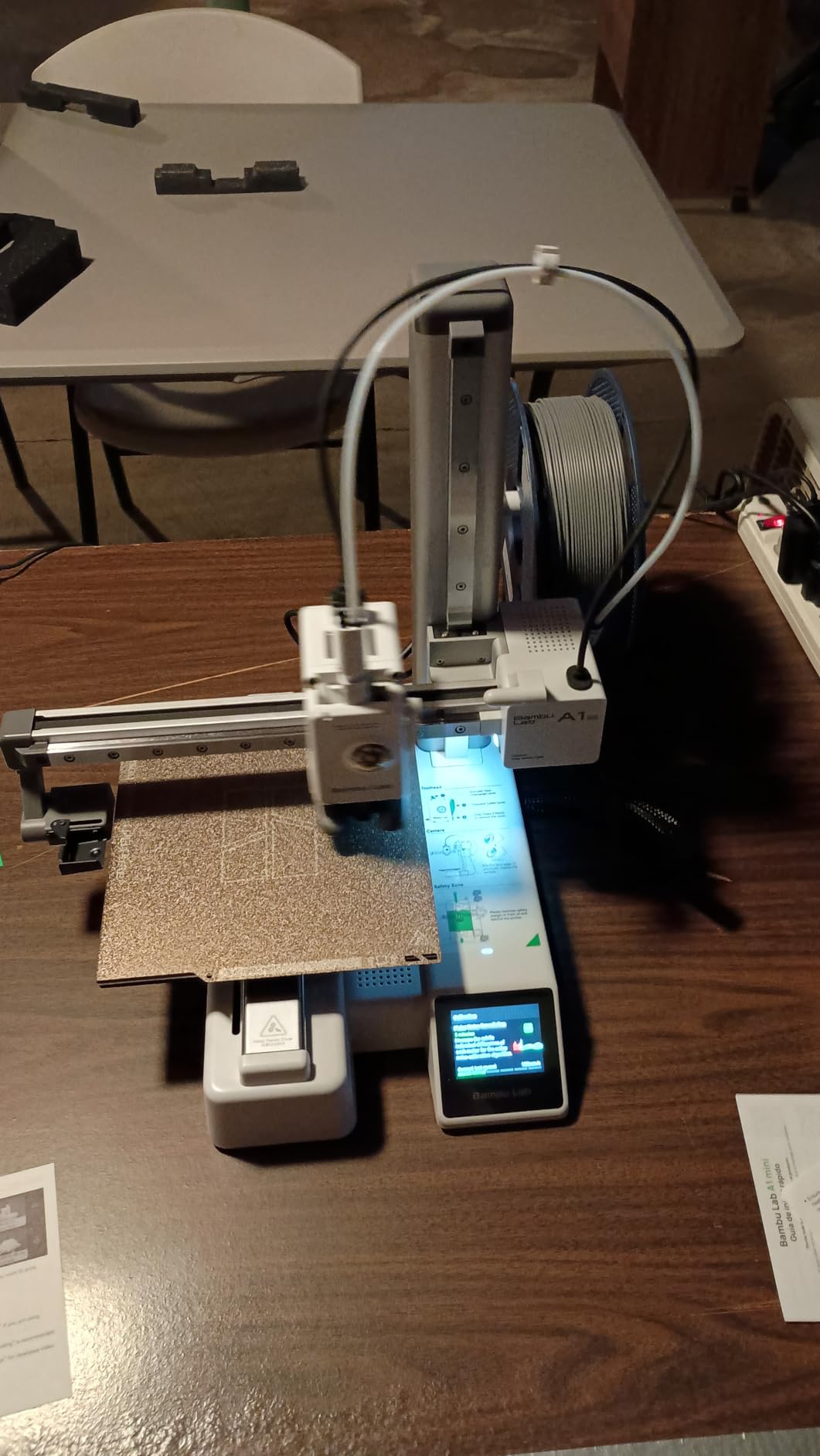
It sits at 4.4 out of 5 from 204 reviews, with 78 percent five-star and only 6 percent one-star. Feedback centers on compact size, quiet automatic running and the LED project kit. That is the lowest review count in the group, so long-term durability is documented less thoroughly than for the full-size machines.
Multi-color needs the AMS lite or the Combo variant, and the open frame rules out ABS and ASA. Decide both of those before the purchase order rather than after a student asks for a color change.
Where it earns its place
A program that starts with one printer and outgrows it in a year should start here rather than with a large machine. The MakerWorld model library and the Bambu Handy app mean students can produce real work on day one, and the footprint means the school does not need a room to justify the purchase.
Quiet running and automatic calibration are the two features that keep it in service across a full school year, because neither requires a teacher with technical confidence.
Where it will frustrate you
The build volume is small for anything structural, and that rules out large assemblies, enclosures and multi-part projects. Teachers using it for math solids or light brackets get a good experience; teachers planning a full-scale prototype program will outgrow it in a year.
It is also an open frame. Around younger children, position the machine on a high bench and out of reach, and treat that as part of the setup rather than an afterthought.
What to Look for in a 3D Printer for Schools
Start with enclosure and understand what it does and does not buy you. An enclosed chamber holds heat in, which is what makes ABS and ASA viable, and it keeps fumes and particles inside the box. It does not make the machine safe to touch, and it does not remove the need for ventilation or supervision. For a classroom with a closed-door policy and younger children, enclosure is close to non-negotiable.
Filtration is the second filter, and the two types do different jobs. HEPA filtration catches fine particulate that a filter on an open frame cannot. Activated carbon handles odor and volatile organic compounds from heated plastic. Machines like the K1C in our top three pair carbon filtration with a quiet mode, which is the combination that lets a print run through a lesson. Ask for both if the room is shared.
Auto bed leveling is the single biggest reliability upgrade for a first-time program. Manual leveling is the most cited recurring pain point among teachers, because it is fiddly, it needs redoing after a machine is moved, and it fails in front of a class. Every machine in this list levels its own bed — if you see manual leveling on a school recommendation, treat that as a red flag.
Pre-assembly and time to first print deserve a full line in your evaluation. A machine that takes 20 minutes to assemble with an Allen key is a manageable Friday afternoon. A machine that needs calibration knowledge is a week of lost instructional time. Favor anything described as ready out of the box, and budget one supervised setup session.
Noise level in decibels is under-covered and directly determines whether a printer gets switched off mid-lesson. Manufacturers rarely publish a figure, so read owner accounts for words like “quiet” or “loud” rather than trusting a marketing adjective. The K1C publishes a silent mode at 45dB or under, and machines with bed-slinger mechanics and purge steps tend to be loudest.
Software and network access is the procurement blocker nobody warns you about. WiFi and cloud printing are genuinely convenient until your district IT department blocks consumer cloud services on a managed network. Every printer here also supports a local route — an SD card, a USB drive, or a desktop slicer — and you should confirm the fallback works on your network before approval. Do not let a purchase depend on an app your IT team has blocked.
Finally, think about beginner-friendly 3D printers in terms of curriculum rather than hardware. If your students are in grades 3 through 8, the ability to print without touching a slicer is worth more than a faster hot end. If they are in high school engineering, material range and enclosure matter more. And if you want fine detail for miniatures or models, look at our miniature printer picks for the nozzle and resolution side of that decision.
How Many 3D Printers Does a Classroom Need?
The usual rule of thumb is one printer for every eight to ten students, and for a full-period class of 25 to 30 that means three units rather than one. A single machine becomes a queue bottleneck, and when a print fails the entire class waits on the same failure.
Run a shared queue across the fleet rather than one machine per small group. Students queue once, prints start automatically as machines free up, and the teacher monitors from a single app. Machines with power loss recovery, like the Adventurer 5M and the Ender 3 V3 SE, matter much more in a fleet because a breaker trip at lunch does not cost the whole class its output.
Split the fleet by capability rather than buying identical units. One enclosed machine for the teacher and any ABS or ASA assignment, and open-frame auto-levelling machines for the bulk PLA workload, gives you a materials lab and a production lab from the same budget line.
Budget bench space deliberately. A sturdy classroom table rated for the load matters when your lightest machine is under 7 pounds and your heaviest is over 60. The enclosed units also need clearance behind them for ventilation and door swing.
Classroom Safety: What Teachers Should Enforce
No desktop FDM printer in this group carries a third-party children’s product certification, and we would be misleading you to imply otherwise. UL GREENGUARD, ASTM F963-23 and EN71 are real standards, but they are not on any of these machines’ documentation. Treat the safety case as risk management rather than certification.
Resin printing is the one place where we will be blunt. Resin requires uncured liquid resin, gloves, a wash and cure station, and ventilation that a classroom rarely has. Resin machines can produce stunning detail, and we cover the hardware in our resin roundups, but for K-12 the honest answer is that FDM with PLA is the appropriate default and resin belongs in a supervised lab with proper ventilation and protective equipment.
Four rules cover most of it. Hot ends and heated beds stay off-limits to students. Chamber doors stay closed during a print. PLA and PETG only, with no ABS, ASA or solvents in the student lab, which keeps odor low and the teacher’s risk simple. And every machine sits on a bench students cannot reach, with a power switch the teacher controls.
Filament choice is a safety decision. 1.75mm PLA is low-odor and plant-based, and it is the default for a reason. PETG is tougher and worth teaching for functional parts. ABS, ASA and any reinforced filament belong in an enclosed machine operated by staff.
Getting a School 3D Printer Funded
Most schools are not buying from a department budget. Common routes are DonorsChoose campaigns, PTA and PTO fundraising, district STEM or technology allocations, a maker grant from a regional education foundation, and vendor education bundles that include curriculum or multi-year service alongside hardware.
Check the district approval threshold before you promise a machine to a class. Under it, a teacher may be able to purchase directly; over it, a purchase order, a formal quote and possibly board approval are required, and that process can take months. Build the timeline backward from the semester you want to teach in.
Ask for a quote with a multi-unit line. Vendors price fleets very differently from single units, and the same machine that is out of reach for one room is often reasonable for six. Then put consumables in the first-year request, because a program with no filament budget stops in November.
Frequently Asked Questions
What is the best printer for classroom use?
For most classrooms, an enclosed, auto-levelling FDM printer that prints PLA and ships assembled is the right answer. Our top pick, the Creality K1C, adds an activated carbon filter, a silent mode rated at 45dB or under and an AI camera so a teacher can monitor a print from a phone. For younger students, a small fully assembled unit such as the Asani TINA2S removes the setup burden entirely. Choose an enclosed machine whenever students are present during printing, and standardize on PLA to keep odor low.
What 3D printers do schools use?
The machines that appear most often in school deployments fall into three groups: enclosed FDM printers for teachers and older students, open-frame auto-levelling FDM machines for bulk student work, and small pre-assembled units for elementary classrooms. MakerBot, Dremel, Ultimaker and Bambu Lab are the most commonly cited names, with FlashForge and Creality growing quickly because of the speed and reliability of their current models. Most schools end up with a mix rather than one model.
What is the most kid friendly 3D printer?
The most kid friendly printers are fully assembled, light, auto-levelling and app-guided, so no adult technical skill is needed. The Asani TINA2S at 6.4 pounds ships with filament and a preloaded card of models, while the Entina Tina2C at 5.28 pounds can be printing through app guidance in about eight minutes and includes 25 STEM modules. Either one is a safe first machine for ages seven and up, and both come with a magnetic build plate students can remove finished prints from themselves.
Is a 3D printer safe to have in a classroom?
A 3D printer can be used safely in a classroom with a few clear rules, but it is not child-proof. Hot ends and heated beds reach temperatures that cause burns, so students should never reach into a running machine and the chamber door should stay closed during a print. Print PLA or PETG, which are low-odor, and keep ABS, ASA and reinforced filaments for staff-operated enclosed machines. Place every unit on a bench students cannot reach, and treat ventilation and supervision as the school’s responsibility.
How much does it cost to run a 3D printer for 1 hour?
Running a 3D printer is dominated by filament, not electricity. A standard 1.75mm PLA spool holds about 1 kilogram of material, and a typical small classroom model consumes only a few grams, so a single spool covers a large number of prints. Machines in this group run their hot end and fans intermittently rather than continuously, so the power draw during a print is a fraction of their rated wattage. Measure your own program by weighing filament consumed per print, since multi-color machines such as the FlashForge AD5X and Creality K2 Plus Combo can waste more material in purges than they use in the object.
Is it illegal to sell 3D prints at school?
Selling student 3D prints is generally not illegal, but your school and district policies almost certainly govern it. Revenue from a sale usually counts as a school activity that needs administrator approval, and district rules may restrict fundraising, pricing, tax handling and where money goes. Some schools require a vendor agreement or keep proceeds for classroom supplies, others prohibit sales outright. The efficient path is to ask the principal or business office before designing any project around selling prints, rather than discovering the rule afterwards.
The Verdict
The Creality K1C is the best 3D printer for schools in 2026 because enclosure, filtration, a published quiet mode and remote camera monitoring solve the four problems teachers actually hit: odor, noise, supervision and reliability. It carries the largest review base in the group at 2,728 ratings, which is what gave us confidence placing it first.
Match the machine to the room rather than to the spec sheet. Enclosed and fast for a teacher-operated lab, small and pre-assembled for a primary classroom, multi-color where art or geography projects justify the purge waste, and a fleet of auto-levelling open-frame machines for bulk student output. Check the district approval threshold early, and budget filament in your first-year request.