
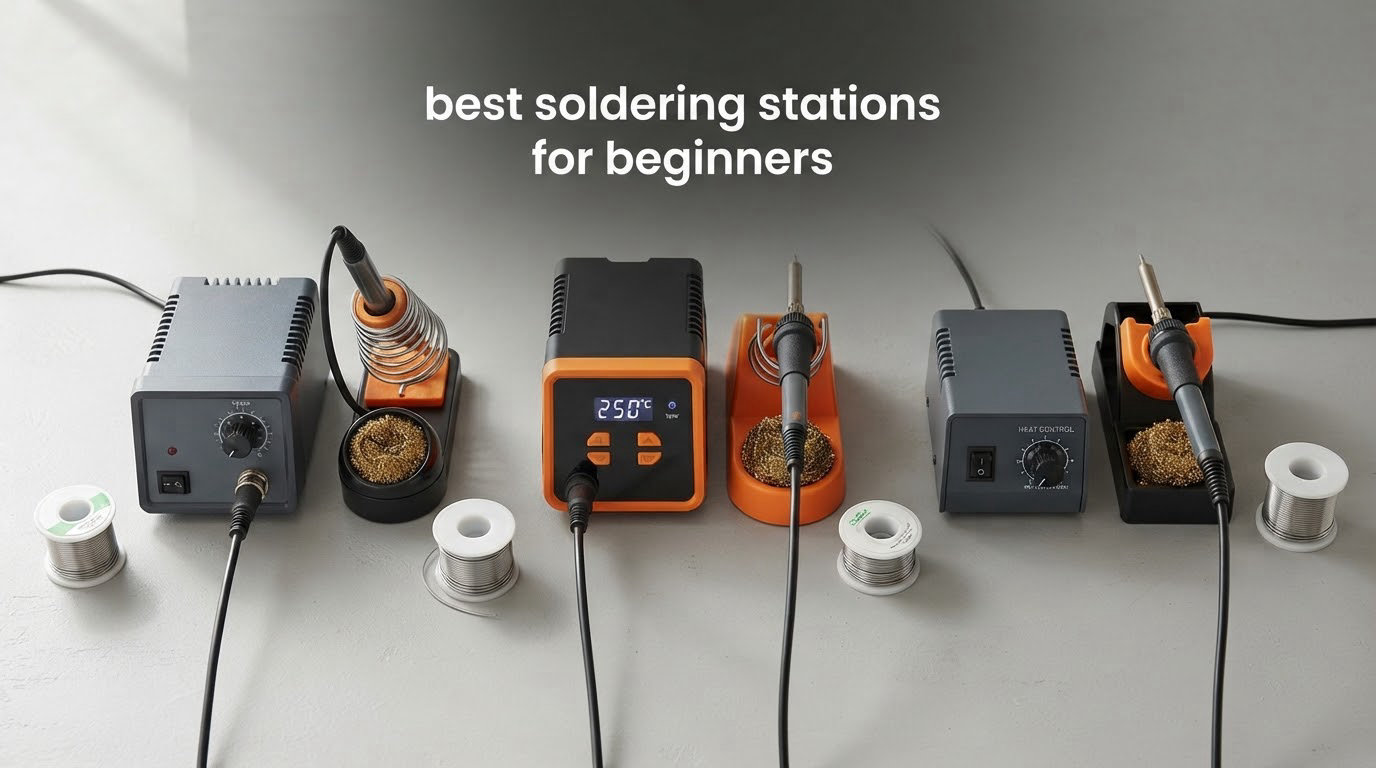
If you are searching for the best soldering stations for beginners, the short answer is the Weller WE1010NA. Its 70W iron holds temperature within 4 degrees Fahrenheit, the LCD is readable at a glance, and the chassis is the kind that ages well.
The other eleven stations here each have a real argument for their price or their size, and we make those cases below, but the Weller is the one we would put on a bench and keep. That matters more than most spec sheets suggest. A soldering station is not a fancier handle on a hot rod, it is a temperature-controlled power supply with a feedback loop that measures the tip and modulates power to keep it at your setpoint.
A cheap fixed-temperature iron has no such loop, so the tip drifts hot or cold as the job progresses, and that is the single biggest cause of cold joints, burnt flux and lifted pads. We spent weeks with the twelve stations below, soldering through-hole joints, drag soldering, rework and micro work, and we read the review data closely enough to spot the recurring failure modes.
Our criteria were temperature stability, thermal recovery, tip sourcing, sleep and standby behaviour, accessory quality and whether the station is a dead end when you outgrow it. One honest note before the picks, though: a well-regarded minority of hobbyists argues that any decent iron is good enough and that technique, tip maintenance and good solder matter far more than the hardware.
That is largely true, and we have leaned into it in the buying guide. The station does not make the joint, it just stops the iron from working against you while you learn. For a broader look at the wider market, our picks for the best soldering stations for electronics and the best small soldering irons cover the cases where a full bench station is overkill.
Table of Contents
Top 3 Picks: Best Soldering Stations for Beginners (October 2026)

Weller WE1010NA 70W Digital
- 70W digital iron
- 4 degree F stability
- Temperature lock
- Standby and auto setback


X-Tronic 3020-XTS Kit
- 75W digital station
- Heats in under 30 seconds
- Helping hands and mat in the kit
- 10 minute sleep
Best Soldering Stations for Beginners in 2026: Full Comparison
Every station below appears with its headline specifications. Wattage, temperature range and power source are the three numbers worth memorising, because they predict how a station behaves on a large ground plane versus a fine SMD joint.
| Product | Specifications | Action |
|---|---|---|
| Weller WE1010NA 70W Digital Station |
|
Check Latest Price |
 YIHUA 926 III 60W Kit YIHUA 926 III 60W Kit |
|
Check Latest Price |
 YIHUA 939D+ 75W Equivalent YIHUA 939D+ 75W Equivalent |
|
Check Latest Price |
 TOAUTO DS90 90W Dual Display TOAUTO DS90 90W Dual Display |
|
Check Latest Price |
| X-Tronic 3020-XTS 75W Kit |
|
Check Latest Price |
 X-Tronic 3060-PRO 75W Kit X-Tronic 3060-PRO 75W Kit |
|
Check Latest Price |
 WEP 927-IV 110W Station WEP 927-IV 110W Station |
|
Check Latest Price |
 WEP 882D 2-in-1 Hot Air WEP 882D 2-in-1 Hot Air |
|
Check Latest Price |
 Crtsweker 100W Digital Station Crtsweker 100W Digital Station |
|
Check Latest Price |
 WEP 926LED V3 130W Station WEP 926LED V3 130W Station |
|
Check Latest Price |
| Hakko FX888DX-010 Digital |
|
Check Latest Price |
 Plusivo 60W All-in-One Kit Plusivo 60W All-in-One Kit |
|
Check Latest Price |
1. Weller WE1010NA – Best Soldering Stations for Beginners Overall Pick
Weller 70 Watt Digital Soldering Station | WE1010NA
70W digital station
LCD display
120V base unit
4F stability
ETa 1.6mm tip
Pros
- 40% more powerful than the two models it replaces
- Heat-resistant silicone cable for safe handling
- Temperature lock and plus or minus 4F stability
- Standby mode and auto setback conserve energy
- Password protection preserves your settings
Cons
- Fewer bundled accessories than kit-style rivals
- Single channel with no preset temperature memories
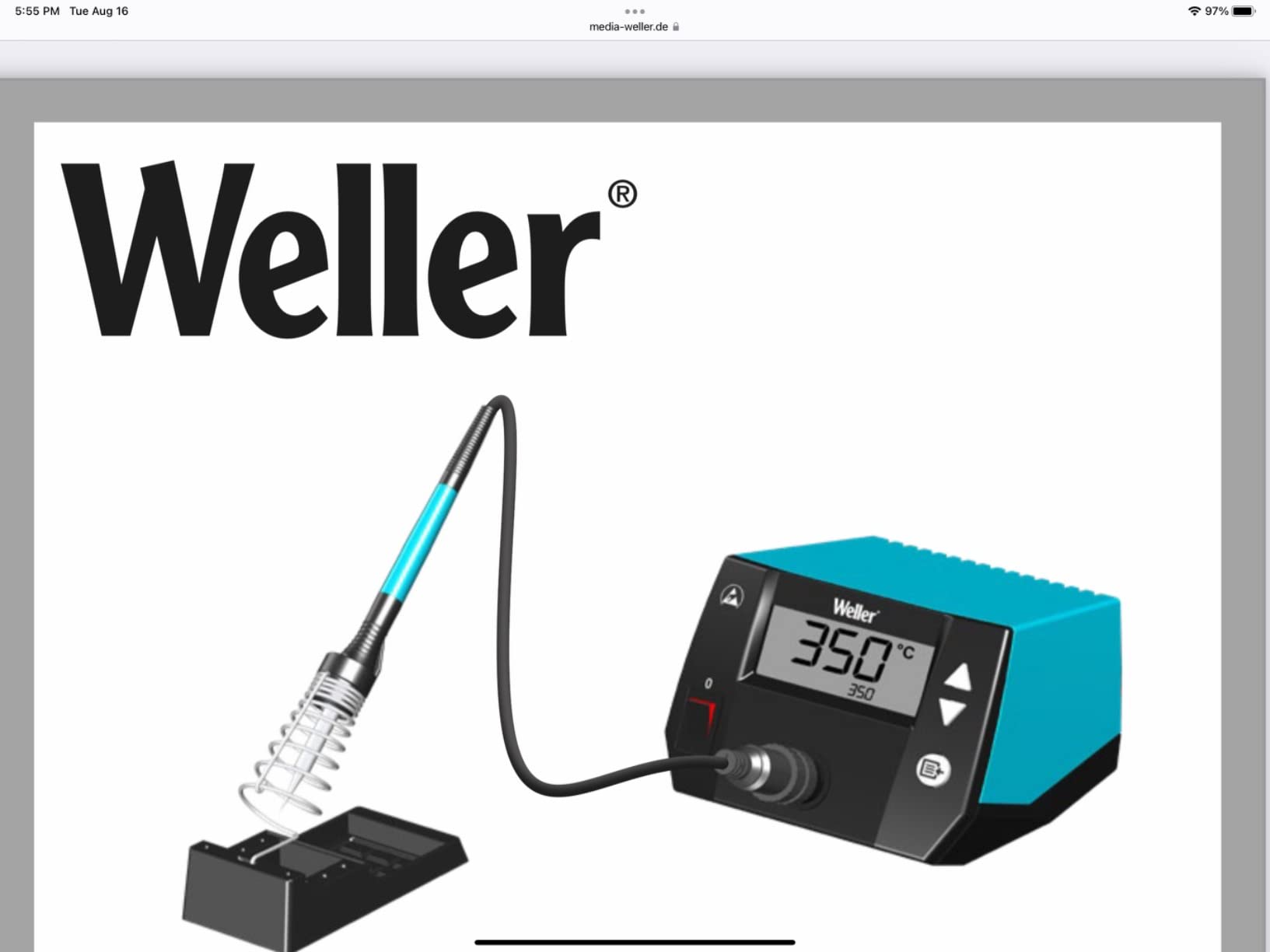
This is the station we kept reaching for. The WE1010NA is a 70W digital station with an LCD readout, and the number that matters to a beginner is the plus or minus 4 degree Fahrenheit temperature stability. When you set 350 for leaded work, the tip actually sits near 350 while you drag solder across a joint.
Thermal recovery is the quiet advantage. Reviewers describe it as 40 percent more powerful than the two models it replaced, and you feel that when you tack a heavy battery lead or pull a large ground pad on an amplifier board. The tip comes back to temperature in a beat instead of making you wait, which is the difference between a clean joint and one you heat for too long and lift a pad.
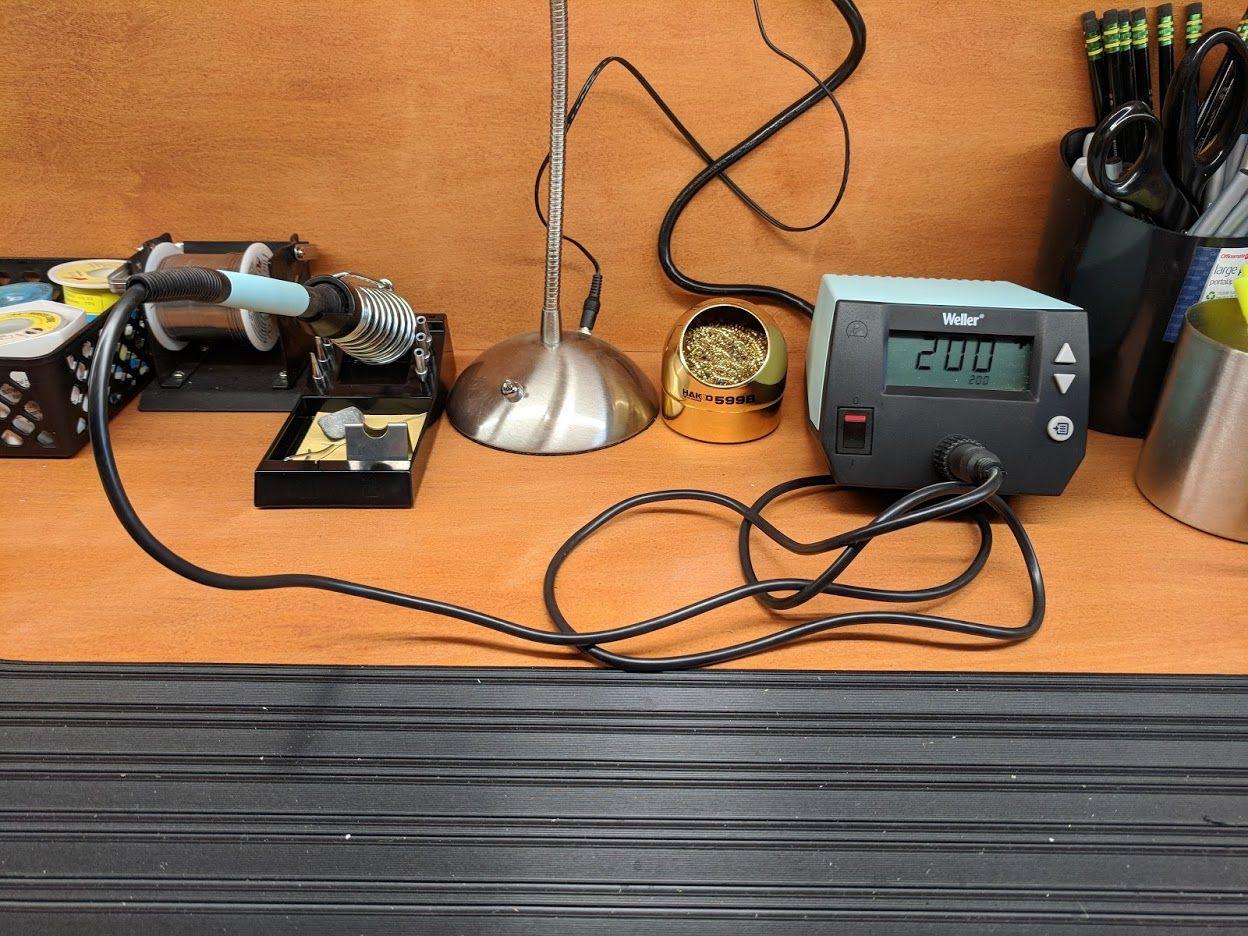
The details that age well are the small ones. There is a temperature lock, so a bumped knob cannot send a fragile board to 800F, plus standby mode and auto setback that drop the setpoint when you leave the bench. Password protection locks the settings so a curious housemate or a cat cannot wreck your calibration.
Weller rates the WE1010NA at 120V, and that single fact produces most of the negative reviews from buyers outside the United States. The base measures 12.5 by 6 by 9 inches and weighs 5.5 pounds, so it takes real desk space, and the iron includes a PH70 safety rest, a sponge and an ETa 0.062 inch tip.
Who the Weller WE1010NA suits
It suits the beginner who wants one station and no upgrade anxiety. If you plan to move from through-hole work into micro-soldering, chassis repair or board-level rework, this is the one that will not need replacing in a year. Weller has been building serviceable irons for decades, and the 4670-review base here reflects years of owners reporting the same result.
It also suits anyone who has been let down by a temperature that drifted mid-joint. Stability, lock mode and password protection are the three features we would keep if we could only build one starter station.
Where it falls short
The box is thin on consumables. Where the X-Tronic kits hand you five extra tips, helping hands and a roll of solder, the Weller gives you the station, the iron, the rest, a sponge and one tip. Budget for tips and solder separately.
There is a single channel and no preset temperature memories, so switching between leaded, lead-free and a low-temperature job means turning the knob. And at 5.5 pounds it is the heaviest station here, which matters if your work surface is a bookshelf.
2. YIHUA 926 III – Best Soldering Stations for Beginners Most Versatile
YIHUA 926 III 60W Digital Display Soldering Iron Station Kit w 2 Helping Hands, 6 Extra Iron Tips, Lead-Free Solder, Solder Sucker, S/S Tweezers, °C/ºF Conversion, Auto Sleep & Calibration Support
60W digital station
LED display
194F to 896F PID
110V
12 piece bundle
Pros
- Fast heating with PID stabilization from 194F to 896F
- Integrated iron holder with rear mesh and tip storage
- Twelve-piece bundle with helping hands and tips
- Sleep mode at 5/10/30 minutes plus calibration
- Conforms to UL standard for appliance safety
Cons
- 6% of reviews are one-star with some citing cracked handles
- 110V only so it needs a converter on 230V mains
- One of the lowest average ratings in this roundup at 4.4
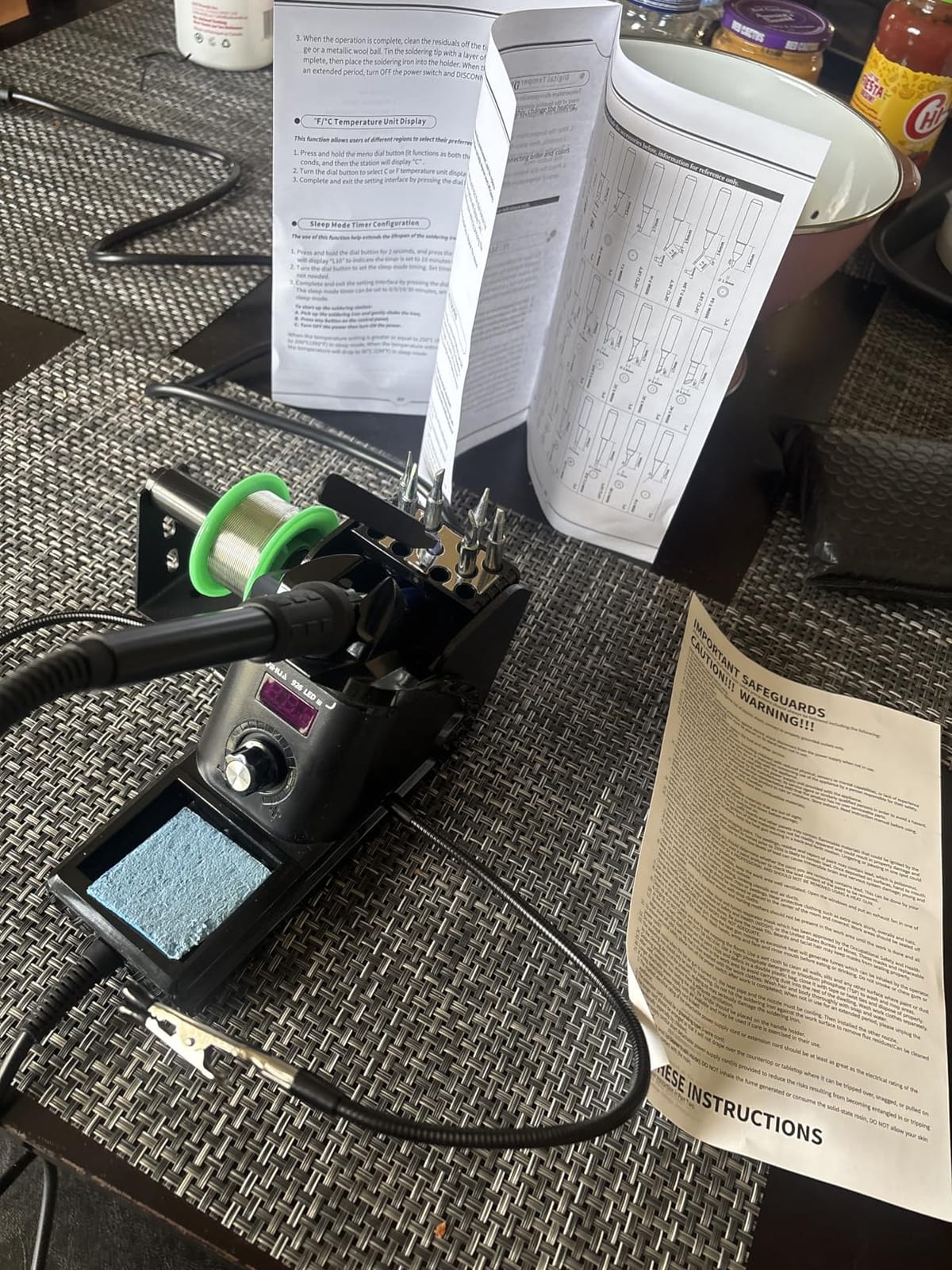
With 7182 reviews, the YIHUA 926 III is the most reviewed listing here, and the reason is simple: it is the box that contains almost everything a first-time buyer needs. You get the station, a desoldering pump, a mini wrench, ESD-safe tweezers, a 35g roll of 0.8mm lead-free solder and six assorted tips, plus two helping hands.
Underneath the bundle is a real 60W digital station with PID stabilisation across a 194F to 896F range. That lower limit is unusually low and useful, because it lets you work on heat-sensitive parts without overshooting them. Digital calibration is supported, so if the readout and your own thermometer disagree you can trim the offset rather than living with it.
The body is compact at 7.3 by 4.5 by 2.8 inches and weighs 1.8 pounds, so it fits on a small desk without taking a footprint hostage. The iron holder is built into the unit, the rear has a protective mesh, and there are storage slots for spare tips so nothing rolls off the bench.
Sleep mode is adjustable to 5, 10 or 30 minutes. The longest setting matters more than it sounds, because a tip parked at temperature for a week oxidises and stops taking solder cleanly. Set the timer once and forget it.
Who the YIHUA 926 III suits
It suits a beginner who wants to start that evening. No separate shopping list for solder, pump, tweezers and tips, no wondering whether the included tips fit. The one box covers through-hole joints, heat-shrink harnesses and microcontroller projects, which is where most beginners spend their first months.
It also suits anyone who will be soldering in short bursts on a kitchen table. The low mass and short footprint make it easy to put away between sessions, and the sleep timer protects the tip when you forget to switch off.
Where it falls short
About 6 percent of reviews are one-star, and the recurring complaints are cracked handles and early unit failure. That is the trade for a bundle this complete, and it is the single biggest reason we would not call it the last station you will ever buy.
It is also a 110V design. Buyers in the UK and the UAE report one-star reviews over exactly that. On 230V mains you need a step-down converter, and you should decide that before you unbox it.
3. YIHUA 939D+ – Best Soldering Stations for Beginners for Contact-Safe Output
YIHUA 939D+ Digital Soldering Station, 75W Equivalent with Precision Heat Control (392°F to 896°F) and Built-in Transformer. ESD Safe, Lead Free with °C/°F display (Black)
75W equivalent
Built-in transformer
392F to 896F
110V
Brass tip cleaner
Pros
- Built-in transformer gives contact-safe low-voltage output
- Control program compensates in 20 milliseconds for stable heat
- Brushed aluminum panel resists burnt marks
- 392F to 896F range with C/F toggle and calibration
- Reported to handle wire up to 10GA for hobby builds
Cons
- 110V only which drew one-star reviews from UK and UAE buyers
- Base lacks rubber feet and can slide on hard surfaces
- Iron cord is short and the base fuse is internal
The distinguishing feature of the 939D+ is the built-in transformer. Most budget stations put mains-derived voltage on the heater, which means a knocked tip is a mains shock risk. This one steps the voltage down at the base, so the tip sits at a contact-safe level. For a beginner who will eventually have a bench with a laptop open next to it, that is worth more than another accessory.
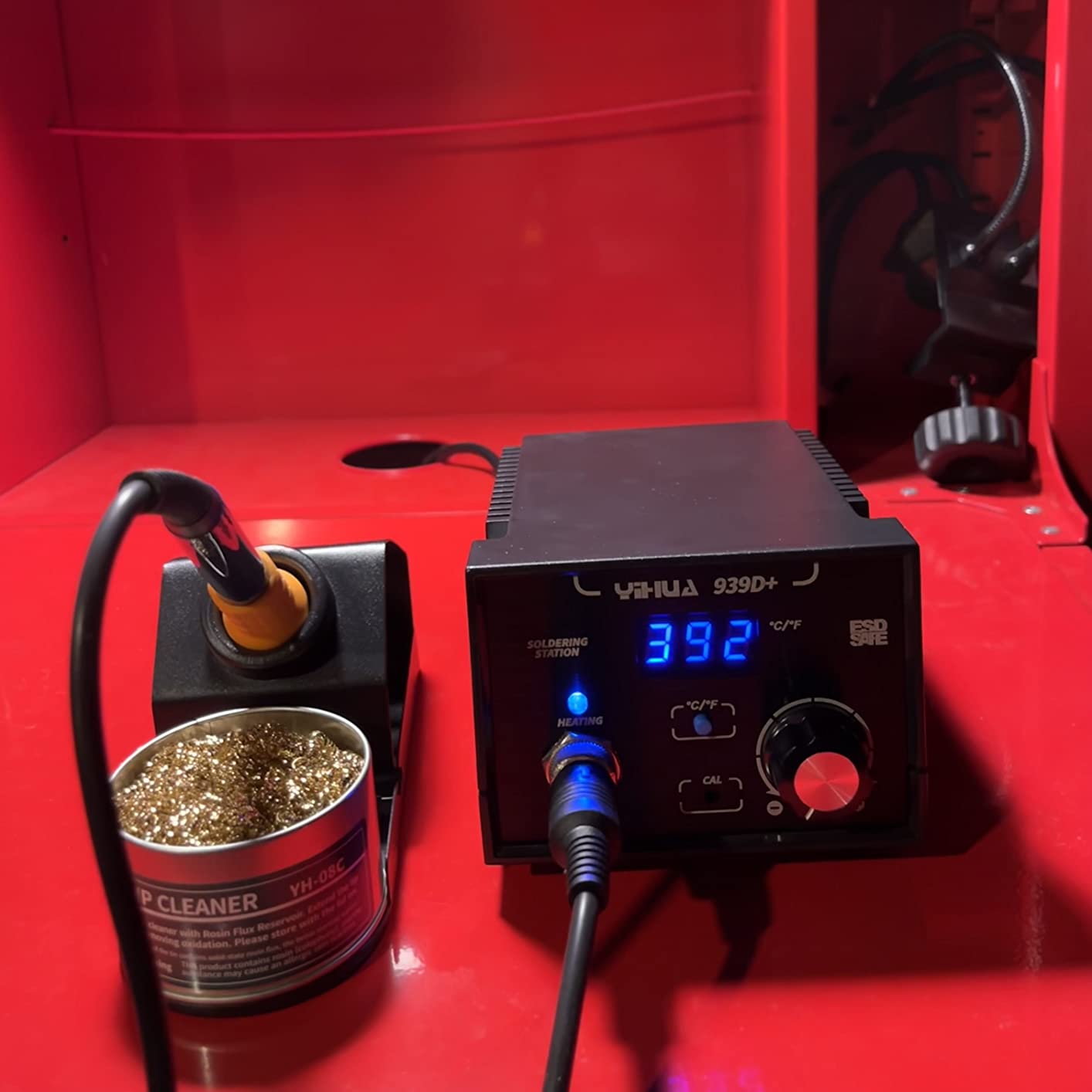
Temperature handling is the other strength. Reviewers highlight a control program that compensates in 20 milliseconds, and a 392F to 896F range on an LCD with a Celsius and Fahrenheit toggle. Reviewers also report it handling wire up to 10GA, which covers battery packs and heavier harnesses rather than just headers and fine pitch work.
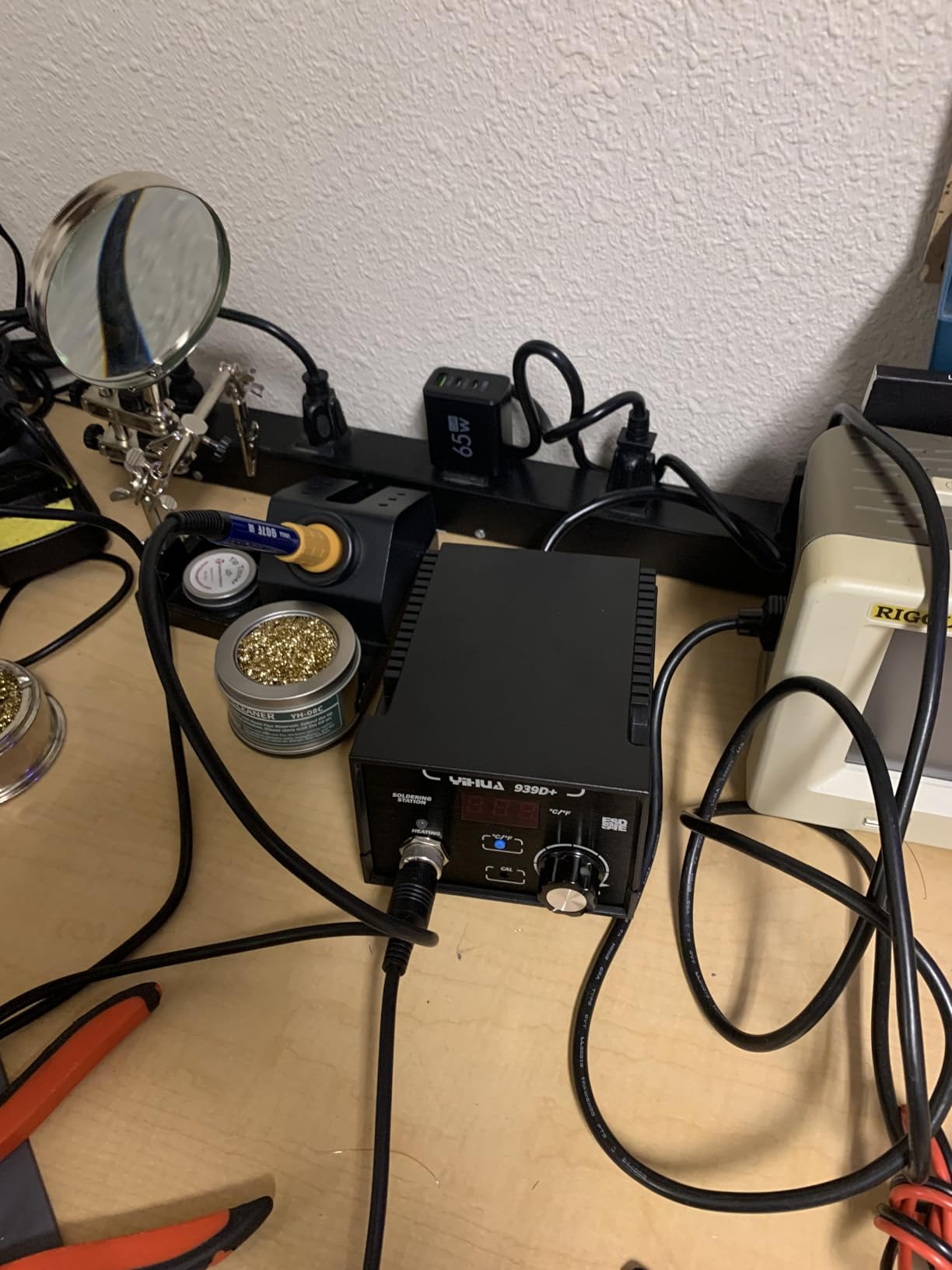
The control panel is brushed aluminum rather than painted plastic, and it resists the scorch marks that appear on cheaper models after a few months. The stand is a separate metal-alloy piece, which is more stable than a folding wire holder, and the box includes a cleaning sponge and a brass tip cleaner.
Automatic handle detection is a nice touch. Lift the iron and the station recognises it, which pairs naturally with the temperature control logic so the tip is not driven at full power while it sits in the stand.
Who the YIHUA 939D+ suits
It suits beginners who care about safety margins and who work on mains-adjacent gear: mains wiring harnesses, appliance boards, anything where a slipped iron is a real hazard. The transformer architecture is the reason this model appears on workshop safety checklists that never bother with the plastic-bodied kits.
It also suits anyone building heavier projects. The 10GA wire capability and the metal stand make it comfortable for battery packs, chassis grounds and automotive work, not just delicate board repair.
Where it falls short
It is 110V only, and that single limitation draws a steady run of one-star reviews from overseas buyers. The base also lacks grippy rubber feet, so on a hard desk it can slide when you lift the iron away.
The iron cord is short, which restricts reach across a large bench, and the fuse sits inside the base, so replacing it means opening the case. If you are comfortable with a screwdriver, that is a five-minute job. If you are not, plan for a trip to a repair bench.
4. TOAUTO DS90 – Best Soldering Stations for Beginners for Fast Heat-Up
TOAUTO DS90 Soldering Station-°F & °C Dual Digital Display Soldering Iron Station Kit,90W Soldering Iron,302℉- 842℉ Temperature, Anti-Static & Grounding Wire, Auto Standby & Sleep,5 Solder Tips, Blue
90W ceramic core
PID control
302F to 842F
Dual F and C display
110V
Pros
- Reaches about 590F in roughly five seconds on a 90W ceramic core
- Dual display shows Fahrenheit and Celsius at the same time
- Auto standby at 10 minutes and sleep mode at 20 minutes
- PID control with temperature lock
- Certified for ESD and CE and FCC and RoHS
Cons
- Lightweight plastic casing feels less durable than metal rivals
- Some tip storage holes are too small for the bundled tips
- Readout tracks heater temperature so it lags the tip at power-up
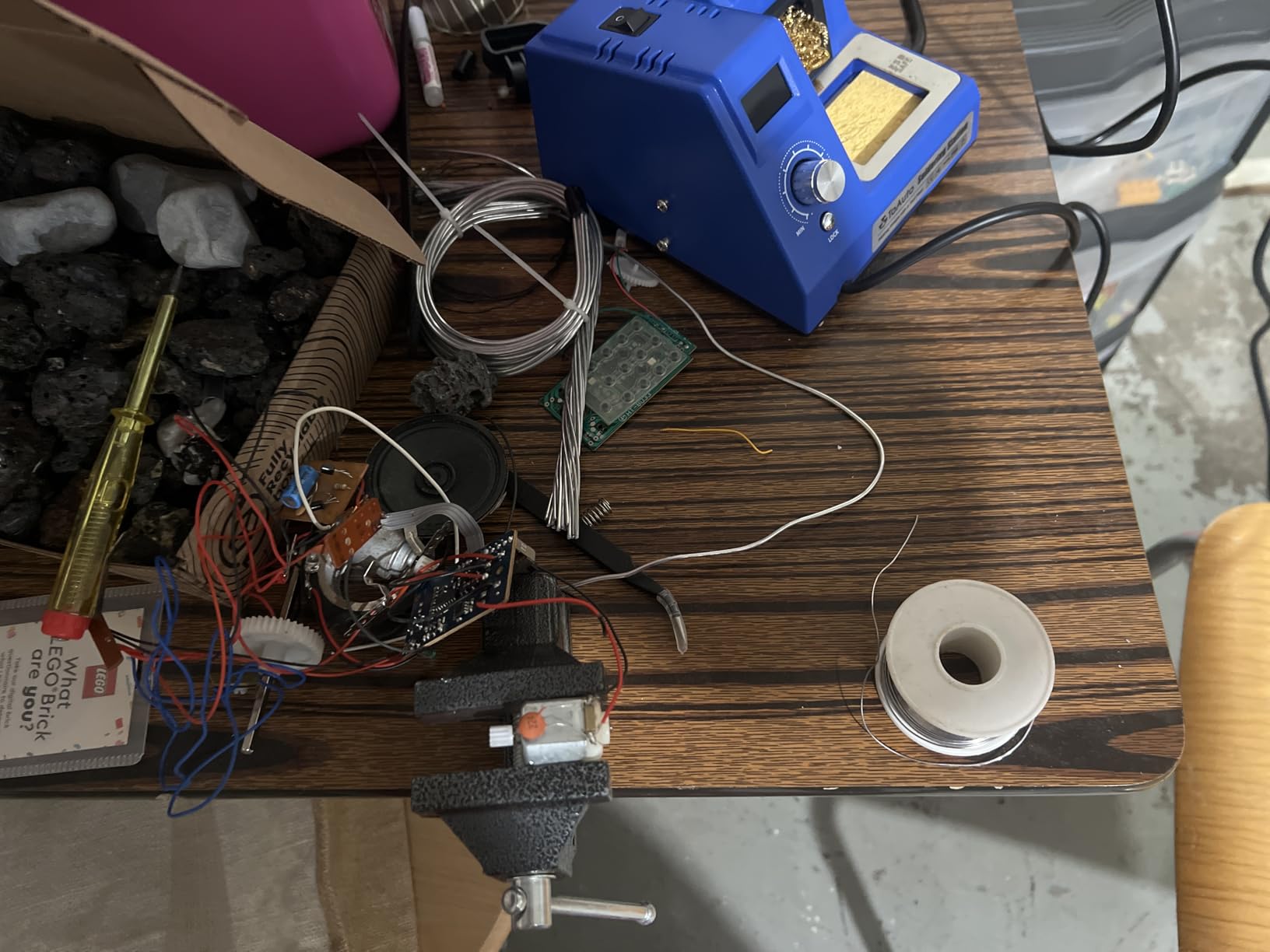
Heat-up speed is the DS90 argument, and the numbers back it. A 90W ceramic heating core reaches roughly 590F in about five seconds, which means the gap between deciding to solder and touching the joint is short enough that you stop procrastinating. For a beginner, that changes how often you pick the tool up at all.
The dual digital display is genuinely useful and rarer than it should be. Showing Fahrenheit and Celsius on separate rows at the same time removes the mental arithmetic beginners get wrong on single-unit displays, particularly when switching between leaded and lead-free work temperatures.
Setpoint handling is solid. PID precision control holds the temperature, and a temperature lock stops accidental changes. Auto standby kicks in at 10 minutes and sleep mode at 20, so the tip drops to a safe level when you step away without fully powering down.
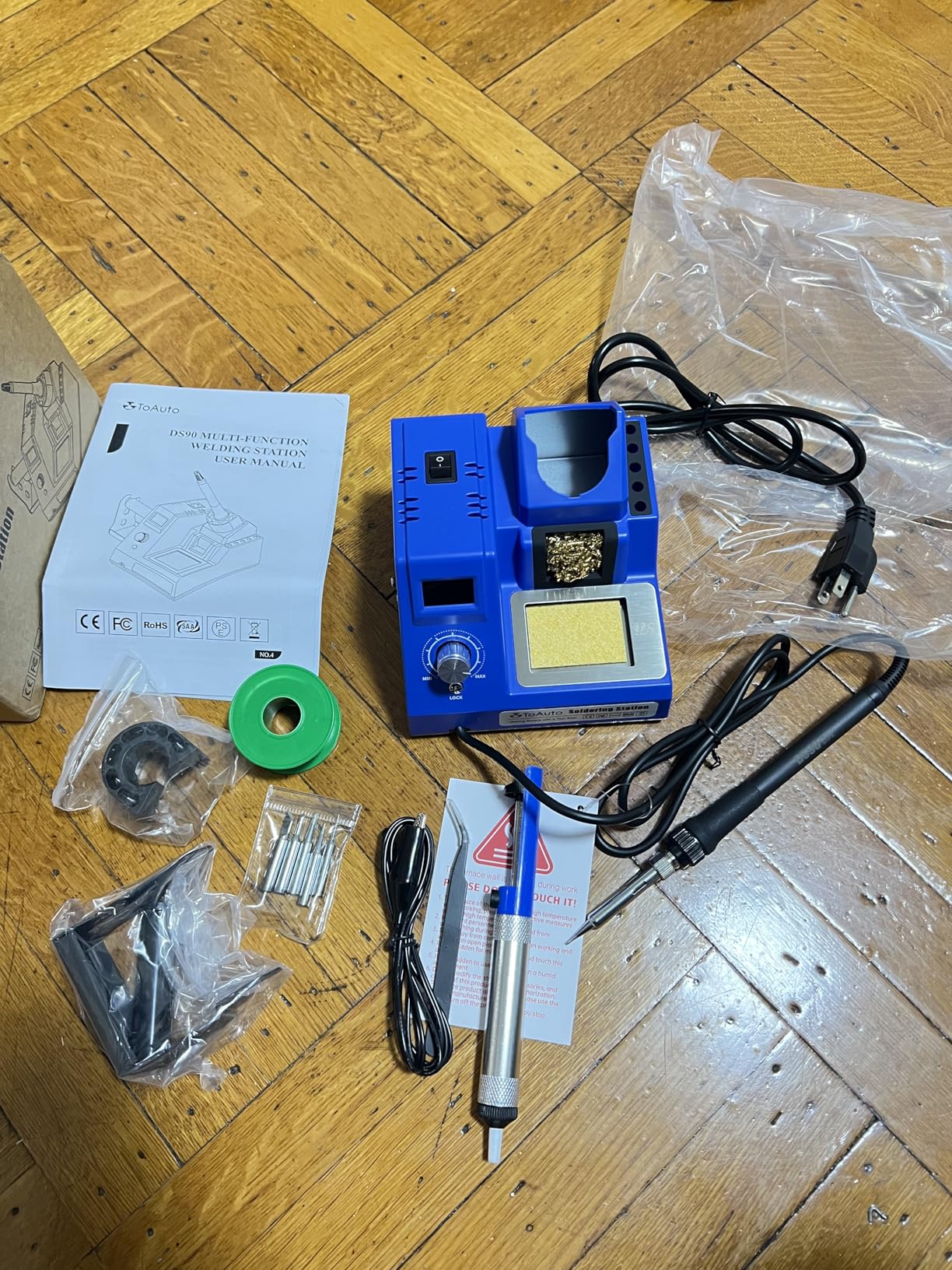
The certification list is unusually thorough: ESD, CE, FCC and RoHS all appear in the product data. The station is explicitly rated for PCB, SMD and SMT work, and the 13-in-1 kit supplies five extra tips, a grounding wire, solder wire, a solder sucker, ESD tweezers, a brass cleaner, a sponge and a side solder bracket.
Who the TOAUTO DS90 suits
It suits the impatient beginner, or anyone who works in short bursts. If you solder for twenty minutes at a time on a shared desk, a station that is at temperature almost immediately removes the main excuse for not picking it up.
It also suits anyone who wants the certifications on paper. If your work touches customer-owned equipment or you simply prefer knowing the unit meets ESD, CE, FCC and RoHS standards, this is the listing that states it plainly.
Where it falls short
The casing is lightweight plastic and it feels that way in the hand, particularly compared with the metal-bodied Weller and Hakko units. Over years of daily use that difference shows in scuffs and cracked corners.
Some tip storage holes are sized too tightly for the tips in the box, and the bundled brass wool is often brass-coated steel rather than solid brass, so it dulls faster. The readout also reflects heater temperature, which means it lags the actual tip on power-up. Give it a few seconds and verify with solder before trusting it on a delicate joint.
5. X-Tronic 3020-XTS – Best Soldering Stations for Beginners for Kit Value
The Original X-Tronic 3020-XTS • 75W Soldering Iron Station Kit • 2 Helping Hands • Silicone Tool Mat • 5 Extra Tips • 50g Roll of Solder • Brass Sponge • Cleaning Flux • C/F Conversion • Auto Sleep!
75W digital station
PID compensation
200C to 480C
10 minute sleep
ESD safe
Pros
- Heats from 200C to 480C in under 30 seconds with PID compensation
- Simple controls a beginner can read without a manual
- Kit includes 2 helping hands and a mat and 5 extra tips and solder
- 10-minute sleep timer with a front-panel C/F toggle
- Owners report 4-8 years of service from the same station
Cons
- Temperature knob is very sensitive to a light touch
- Light base can slide unless you weight it down
- Iron is wired into the base so a failed iron means a new station
The 3020-XTS has been around long enough that multiple owners describe four to eight years of continuous use from the same unit. That durability record matters more than any feature on the panel, because the most common reason beginners replace a station is not dissatisfaction. It is a cracked handle or a tip seat that no longer holds.
Performance is quick: 200C to 480C in under 30 seconds with PID temperature compensation, shown on a blue LED readout. The controls are deliberately plain. There is a temperature knob, a sleep timer and a Celsius and Fahrenheit toggle, and nothing else to decode. That restraint is a feature when you are learning.
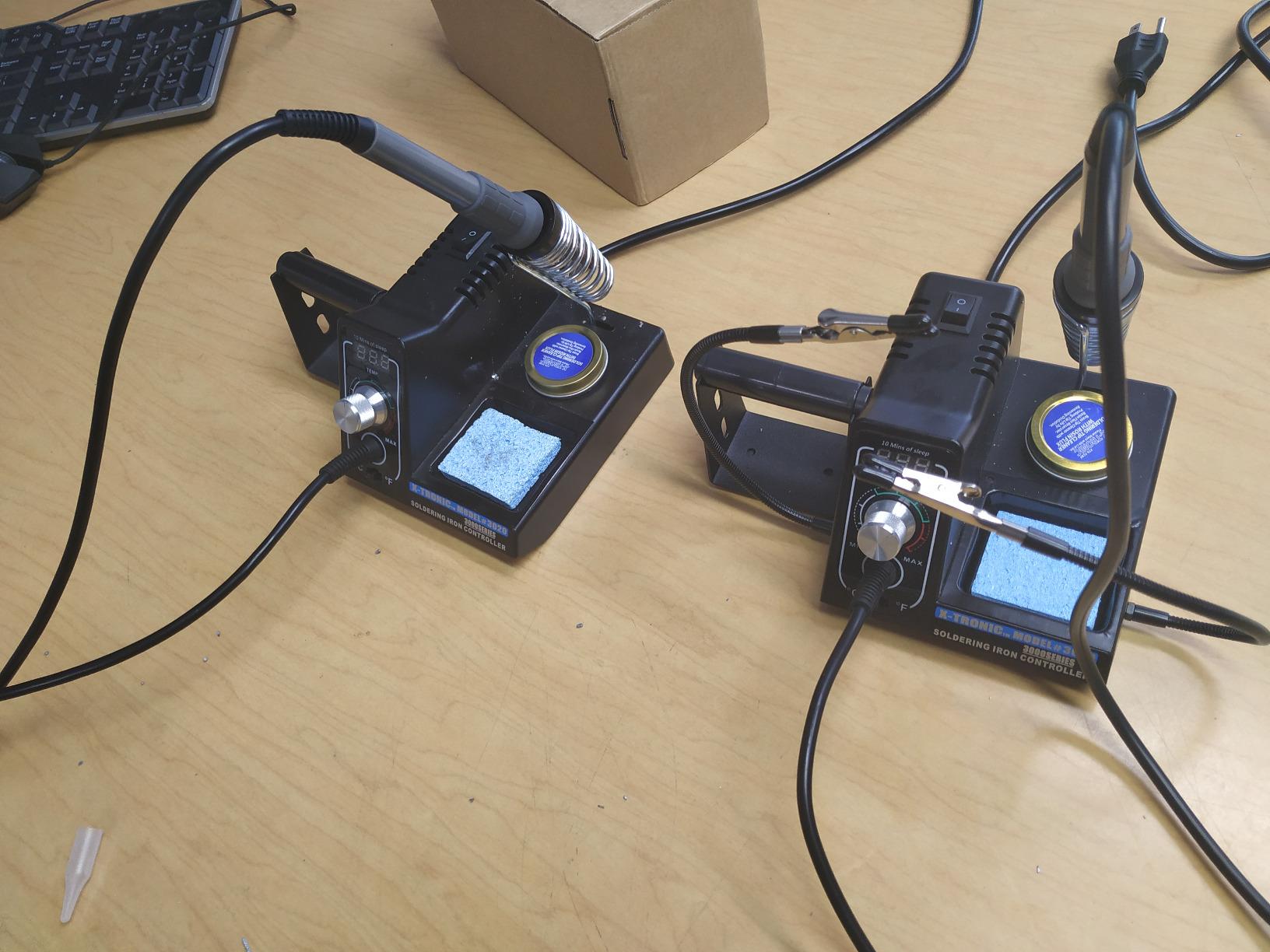
The bundle is unusually well judged. Two helping hands, a silicone tool mat, five extra tips, a side solder roll holder, a 50g roll of lead-free solder, and a brass sponge with cleaning flux plus a wet sponge. Every one of those is something you would otherwise buy in the first week, and the silicone mat is the piece that does the most to protect a desk.
The iron has a soft 40-inch silicone cord that resists kinking, which sounds minor until you have worked with a stiff cable that drags the iron off the joint every time you lift it. The station is ESD safe.
Who the X-Tronic 3020-XTS suits
It suits beginners who want a complete first kit without a second shopping trip, and who want that kit to last. The combination of a full accessory set, a soft cord and a multi-year service record is what separates it from the cheaper bundles that fall apart.
It also suits anyone who prefers one dial to a menu. There is no calibration sub-menu to get lost in, which keeps the learning curve on the soldering itself rather than on the tool.
Where it falls short
The temperature knob is very sensitive, so a light touch can shift the setpoint by several degrees. Once you know it, you will rest your wrist and turn slowly. Out of the box it catches people out.
The base is light enough to slide unless you weight it down, and the iron is wired directly into the base rather than using a connector. If the heater or the cable fails inside the iron, you are replacing the whole assembly. Spare parts and heating elements are also harder to source outside the US, so check your region before committing.
6. X-Tronic 3060-PRO – Best Soldering Stations for Beginners for Preset Memories
X-Tronic 3060-PRO • 75W Soldering Iron Station Kit • 5 Extra Tips • Mini Mag Lamp • 4 Helping Hands • Solder Sucker • Tweezers • 50g Solder • Brass Sponge w/Flux • Sleep Func, °C/°F, 3 Temp Presets!
60W iron output
3 preset channels
194F to 896F
Sleep to 30 minutes
110V
Pros
- Three preset memory slots plus a dual readout for set and real temperature
- Adjustable sleep timer at 0
- 5
- 10 or 30 minutes with calibration
- 60W iron output from 194F to 896F with PID compensation
- Kit includes a mini mag lamp and 4 helping hands and 5 extra tips
- ESD safe with a 57-inch silicone iron cord
Cons
- 110V/60Hz only with no 220V version offered
- Denser control panel than simpler beginner models
- Accessory-heavy for a first station and some pieces go unused
The 3060-PRO answers the complaint that most stations give you one temperature and expect you to remember it. Three preset memory channels store your working temperatures, and the dual blue LED panels show the set value on one side and the real value on the other. Watching the two converge tells a beginner that the station is doing its job.
Under the plastic, it is a 75W station driving a 60W iron across 194F to 896F, with static stability of plus or minus 3.6F, equivalent to 2.0C. Digital calibration and an adjustable sleep timer of 0, 5, 10 or 30 minutes round out the control side.
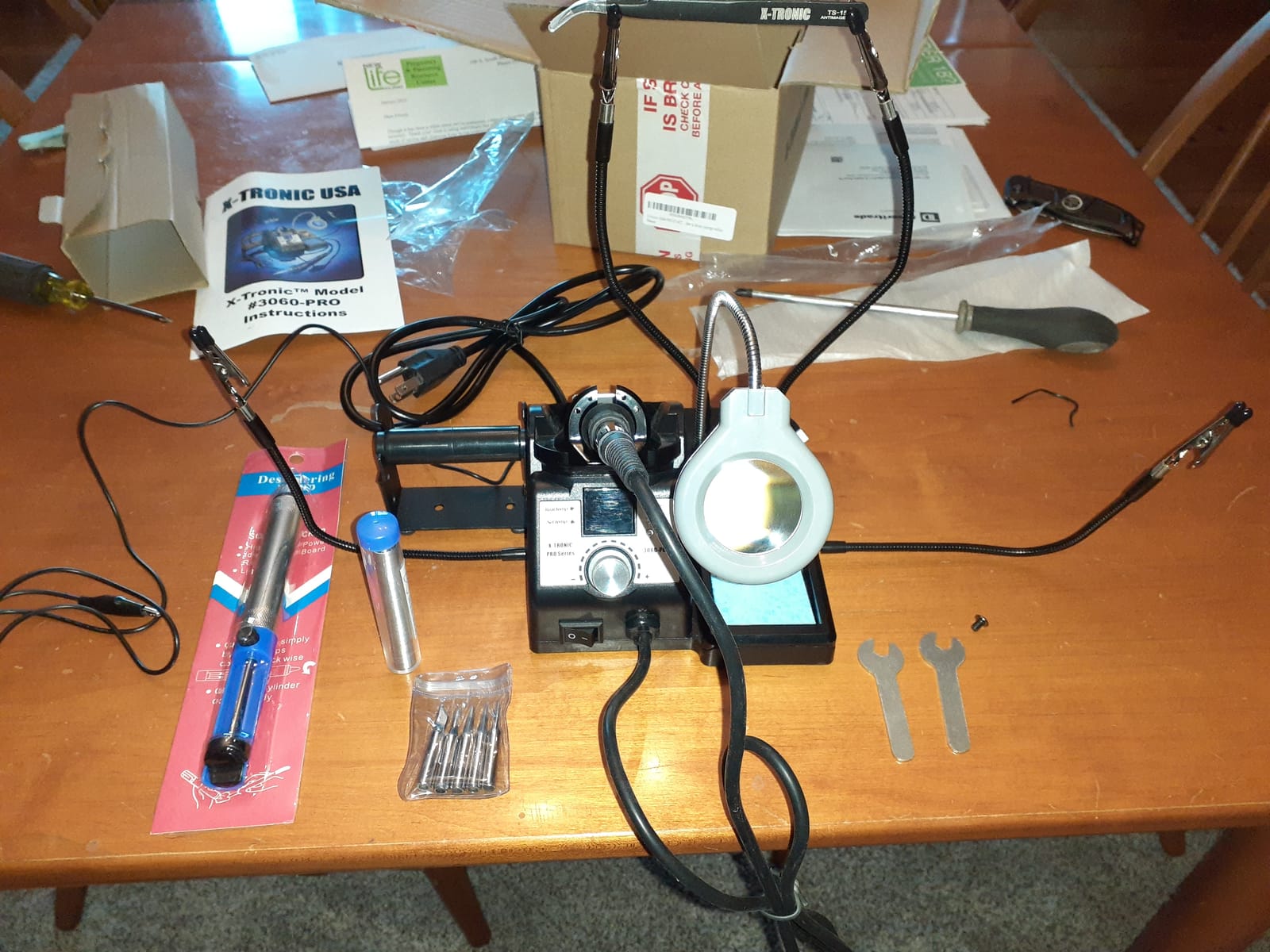
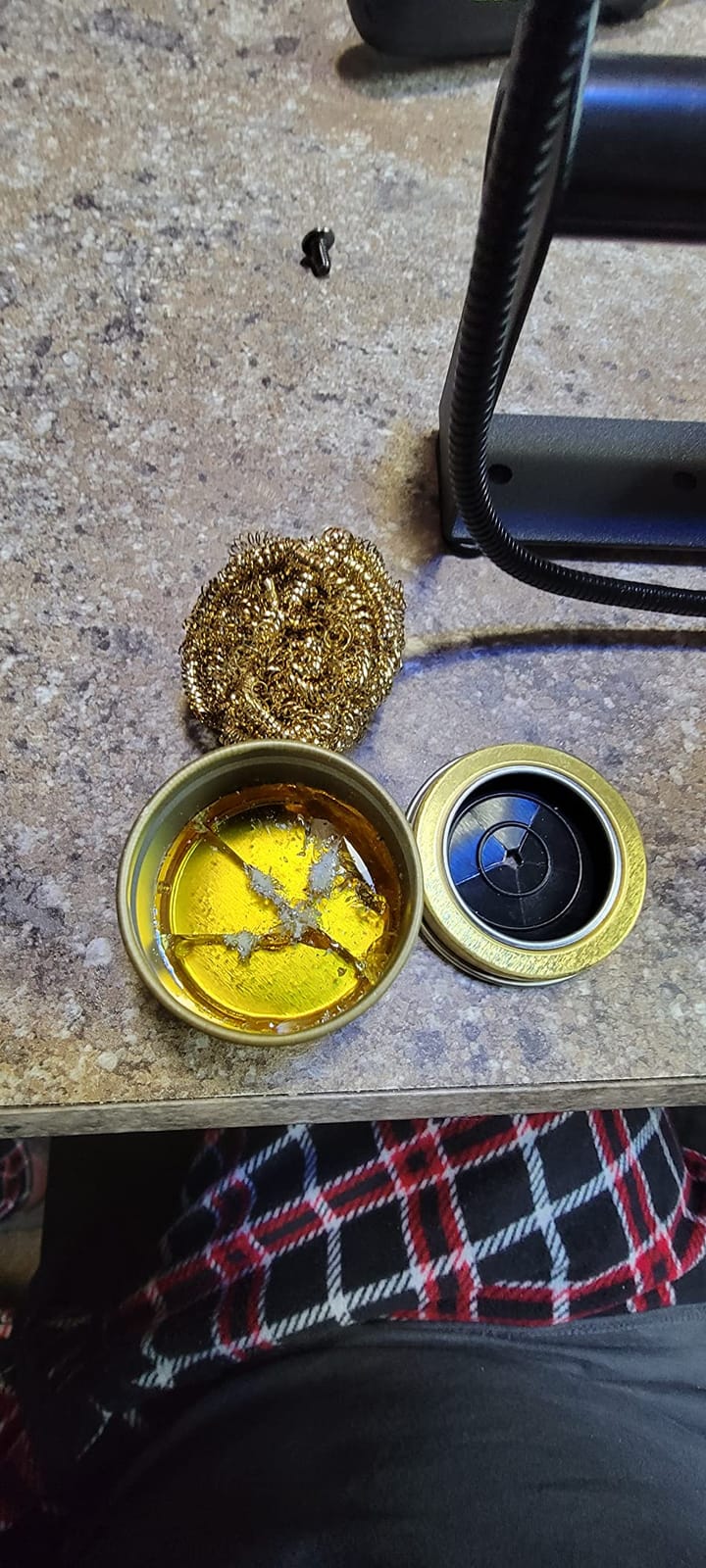
The accessory list runs to 16 pieces in the box: main power unit, iron, iron wrench, side and top solder roll holders, five tips, a solder sucker, pinpoint tweezers, a roll of solder, an anti-static grounding wire, a brass sponge with cleaning flux, a wet sponge, a mini magnifying lamp and four helping hands.
The magnifier lamp is not filler. Under a magnifier you can see a cold joint forming, and that single change in feedback shortens the learning curve more than any feature on the base unit. The station is ESD safe, with a 57-inch silicone iron cord and a 55-inch power cord.
Who the X-Tronic 3060-PRO suits
It suits a beginner who already knows they will be switching between job types, whether that is leaded and lead-free, fine pitch and through-hole, or board repair and harness work. The presets remove the guesswork from that decision.
It also suits anyone working on small parts under low light, because the magnifier turns a frustrating task into a visible one. The grounding wire adds a reference point for static-sensitive boards.
Where it falls short
It is 110V and 60Hz only, with no 220V version offered, which limits it to US mains. And while the programming is straightforward, the control panel is denser than the simpler models here. A first-time buyer may find more buttons than they need on day one.
It also sits at the higher end of what beginners usually spend, and much of that goes on accessories you may never touch. If you want the presets and not the toolkit, the 3020-XTS covers the essentials and no more.
7. WEP 927-IV – Best Soldering Stations for Beginners for Bench Organisation
WEP 927-IV Soldering Station Kit High-Power 110W with 3 Preset Channels, Sleep Mode, LED Magnifier, 5 Extra Iron Tips, Tip Cleaner, 2 Helping Hands, Tip Storage Slots, Lead-free Solder Wire, Tweezers
110W element
90C to 480C
3 preset channels
Sleep 0-99 minutes
110V
Pros
- 110W element heats fast across a 90C to 480C range
- Three preset temperature channels for saved settings
- Sleep mode with a 0-99 minute timer reduces tip and element wear
- Iron holder and tip cleaner and dispenser and helping hands in one body
- Double display shows set and actual temperature together
Cons
- Rated 110-127V only and cannot use a 220V socket
- Tips limited to the WEP 1400 series
- Bundled magnifier and accessories add bulk you may not need
The 927-IV solves a problem most beginners do not realise they have until their desk disappears under clutter. The iron holder, brass wool tip cleaner, solder wire dispenser, helping hands, LED magnifier and tip storage are all integrated into the station body. Nothing is a separate piece that can migrate across the work surface.
Power comes from a 110W heating element adjustable from 90C to 480C, which is 194F to 896F. That low end is useful for delicate work, and the top end covers lead-free and larger joints. Three preset channels let you store those settings rather than re-dialing them.
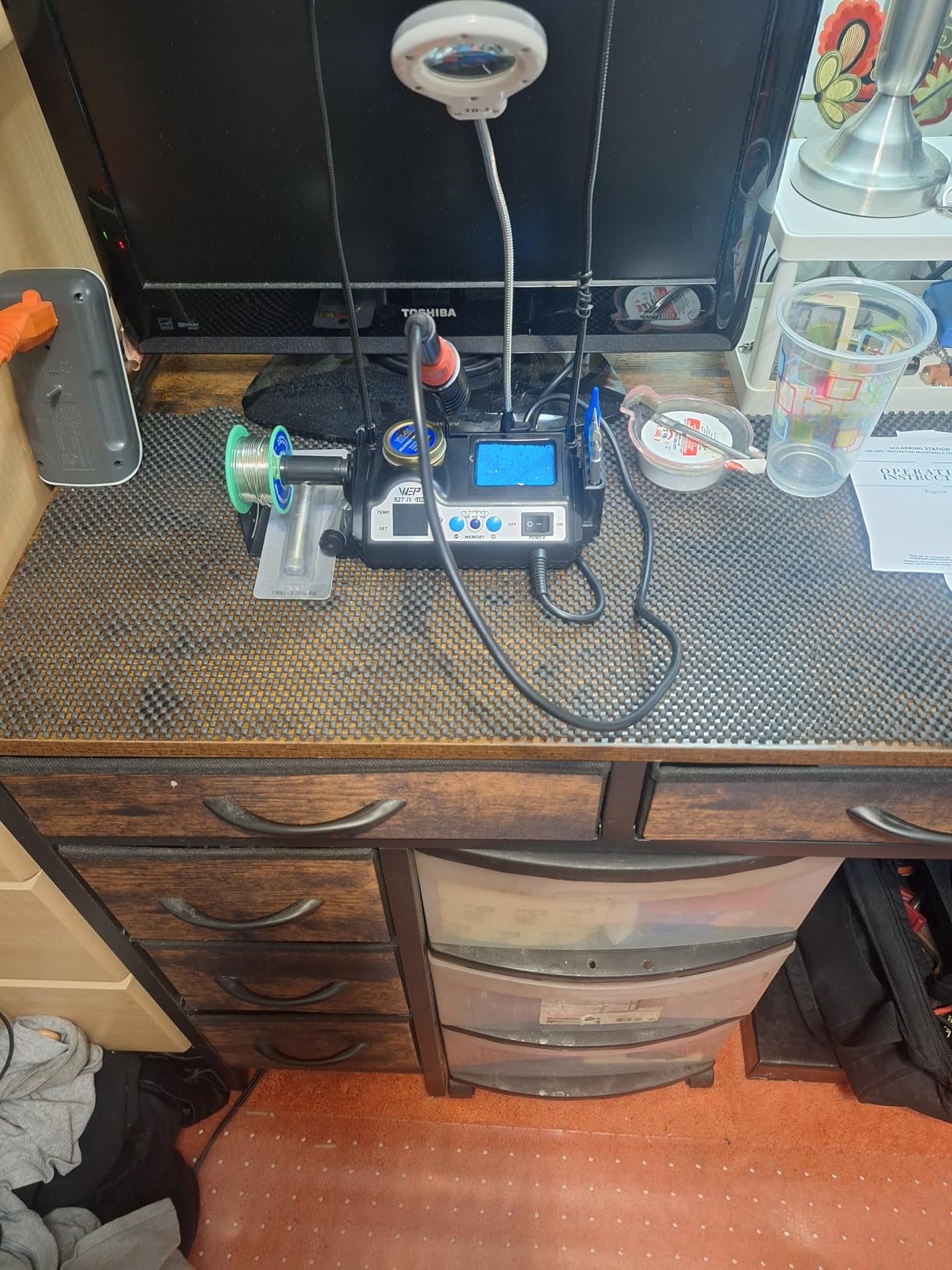
The sleep timer accepts 0 to 99 minutes, a wider range than the other sleep settings here. Set it for 30 and the station drops back when you step away, which is an effective form of tip-life protection for a beginner. Owners also like the double numerical readout that shows set and actual temperature at once.
In the box you get the station body, iron, solder wire, tips, a desoldering pump, tweezers, a brass wool tip cleaner with rosin flux, a cleaning sponge, helping hands, magnifier LED lights and a storage block. The whole thing weighs 1.02 kg and measures 3.94 by 5.91 by 1.89 inches.
Who the WEP 927-IV suits
It suits beginners with a small work area. If your soldering happens at a shared desk or a kitchen table, having the whole toolset contained in one footprint removes the argument for not setting up at all.
It also suits anyone who works across several temperature ranges in one session. The three channels plus the adjustable sleep timer mean the station adapts to the job instead of the other way around.
Where it falls short
It is rated 110-127V only and cannot be connected to a 220V socket, so it is not usable on UK, EU or Australian mains without a converter. Tip compatibility is also limited to the WEP 1400 series, which narrows your upgrade path later.
The magnifier and the accessory set add bulk that a beginner may never use. If desk space is tight, the 926LED V3 further down does a smaller version of the same integrated idea.
8. WEP 882D – Best Soldering Stations for Beginners with Hot Air Rework
WEP 882D Soldering Iron Station 2-IN-1 SMD Hot Air Rework Station with 2 Spools of Solder Wire, 5 Soldering Tips, 3 Hot Air Nozzles, Brass Wool Tip Cleaner, Tweezers, Desoldering pump
2-in-1 station and hot air
PID on both
Soldering 392-896F
Hot air 212-896F
110V
Pros
- Soldering station and SMD hot air rework station in one compact body
- Separate displays and switches and air volume for each function
- Built-in PID program for both the iron and the hot air gun
- Soldering side 392-896F and hot air side 212-896F with variable air volume
- Kit includes 2 solder spools and 5 tips and 3 nozzles and a pump
Cons
- Rated 110-127V and must not sit on a 220V socket
- Hot air is more than most beginners need and adds complexity
- Two-in-one design means two control sets to learn first
Hot air rework is the feature beginners buy and then misunderstand, so let us be clear about what it does. A hot air gun melts solder by heating it with moving air, which is how you remove surface-mount components without a soldering iron touching the pad. It does not desolder through-hole joints, and it will not fix a connector with deep mechanical pins. If your work is board repair, it earns its place. If your work is headers and wire, it is extra.
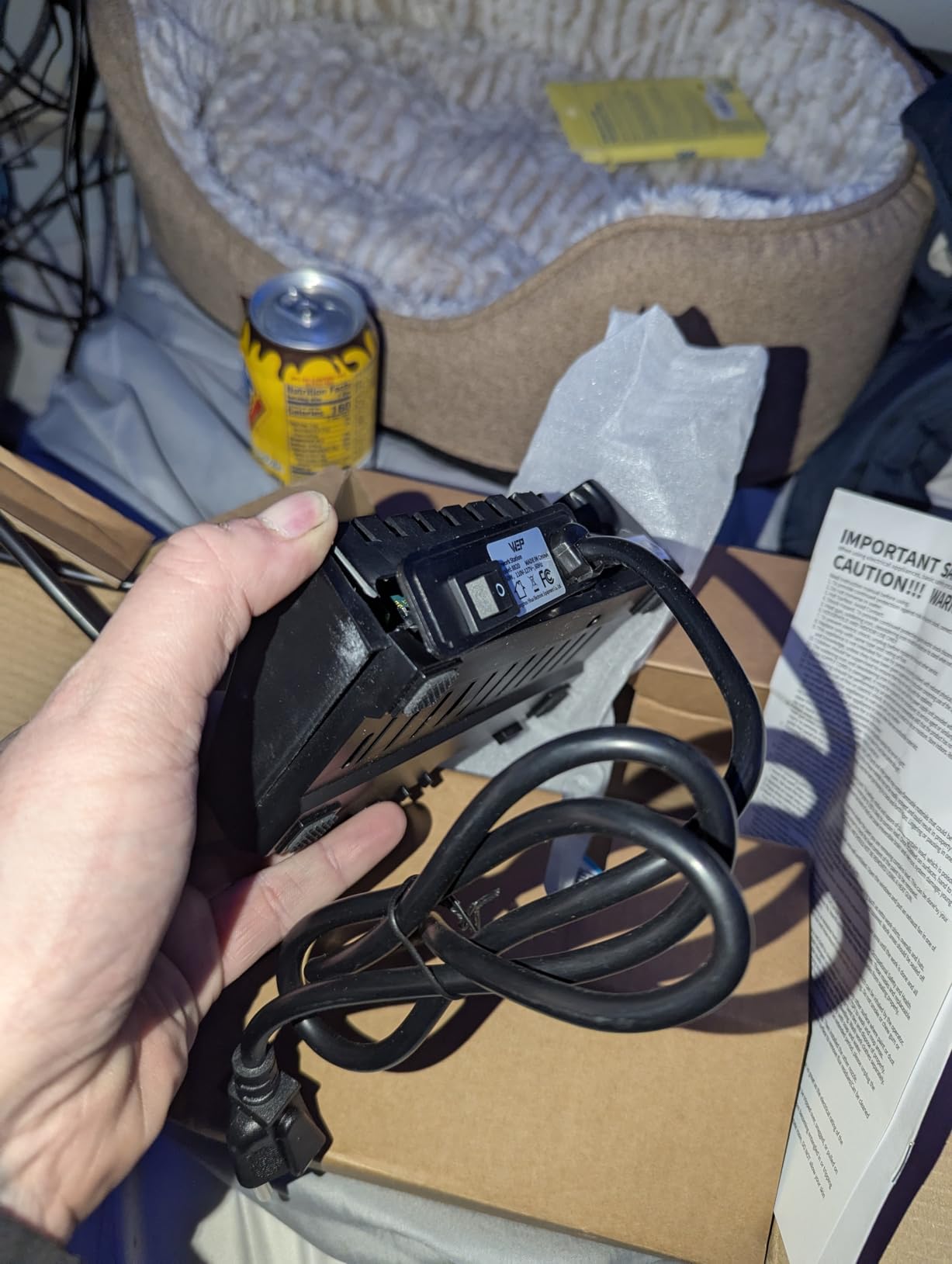
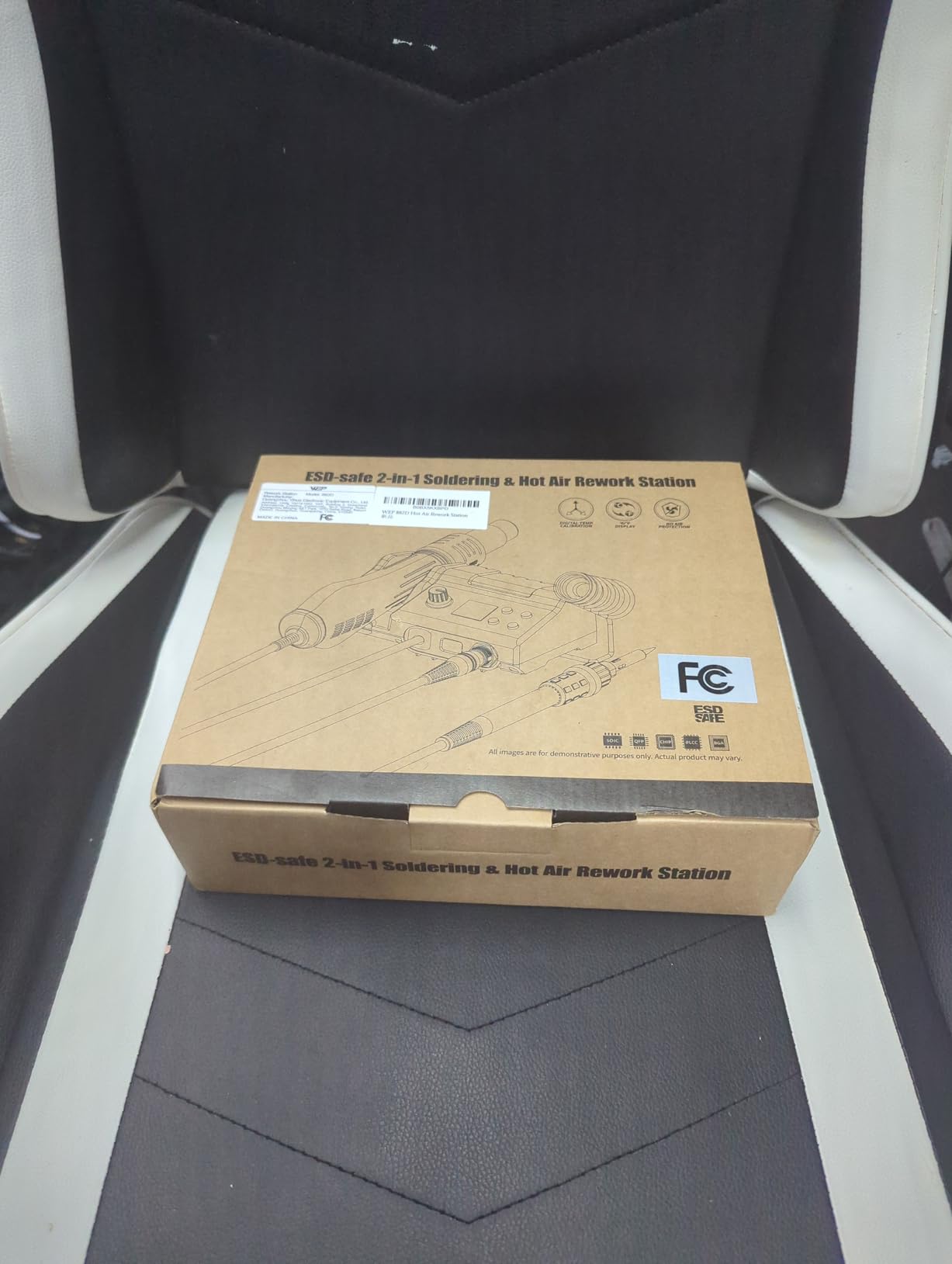
The 882D puts both functions in one 3.54 by 5.9 by 2.28 inch body weighing 1.1 kg. The soldering side covers 392F to 896F and the hot air side 212F to 896F, each with its own LED display, power switch, temperature buttons and air volume control. Both sides run a PID program, so neither simply blasts heat.
Separate controls are the right call on a combo unit. Shared knobs are where beginners get confused and end up removing a component with the wrong airflow. Here you set the gun temperature and airflow independently of the iron, which is exactly how you learn to use one.
The kit is generous: two spools of solder wire, five soldering tips, three hot air nozzles, a brass wool tip cleaner, tweezers and a desoldering pump, across seven packs in total. The gun has a standby mode, the iron has a sleep mode, and there is Celsius and Fahrenheit conversion, auto shutdown and calibration.
Who the WEP 882D suits
It suits a beginner who already knows they will be doing board-level work, such as replacing a charging port, a display connector or a cluster of small components. The three hot air nozzles cover the flow rates needed for everything from a small resistor to a shielded can.
It also suits anyone with one bench and limited space, because you get both tools in a single body rather than two separate stations fighting for room.
Where it falls short
It is 110-127V rated and must not be connected to a 220V socket. And there is a real learning cost: two control sets, two heating elements and two failure modes when you are still learning to hold a tip steady.
Reviewers themselves note that the hot air half is more than most beginners need. If you are not sure you will rework surface-mount parts, spend the money on tips and solder for a single-purpose station instead.
9. Crtsweker 100W – Best Soldering Stations for Beginners for First Projects
Soldering Station, 100W Digital Display Soldering Iron Station Kit with 2 Helping Hands, 356°F – 896°F, Auto Sleep, °C/°F Conversion, Solder Wire, Tips, Stand, Pump, Tweezers, Tip Cleaner, Green
100W digital station
356F to 896F
0-600 second sleep
Calibration function
Pros
- Fast digital heating from 356F to 896F with calibration
- Sleep timer adjustable from 0 to 600 seconds plus a physical on/off switch
- Vented steel handle cools faster between joints
- Silicone-sheathed handle stays comfortable in long sessions
- Wide accessory bundle with 2 helping hands and a pump and 5 tips
Cons
- Budget construction feels light next to metal-bodied stations
- 600 second sleep maximum is shorter than rival 20-30 minute timers
- No calibration lock or preset temperature memories
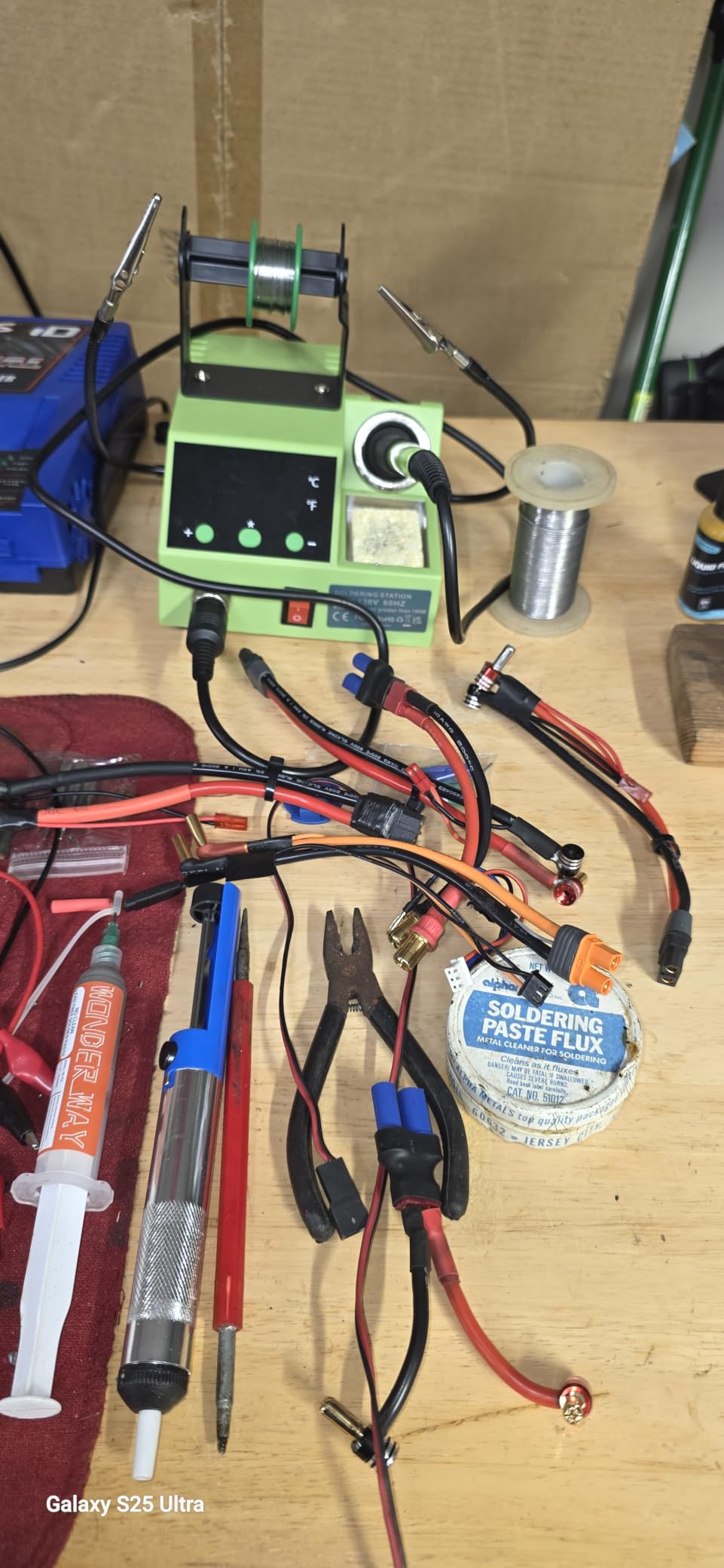
At the entry point of this roundup, the Crtsweker does something the others do not: it keeps the controls honest. There is an LED temperature readout, a knob, a physical on and off switch and a calibration function. Nothing is hidden behind a menu, which is the right level of complexity for a first Arduino or microcontroller project.
The 100W rating is on paper rather than in the iron, but heat-up is described as fast and the range runs 180C to 480C, which is 356F to 896F. The 356F floor is genuinely low, so you can work on small parts without overshooting them on a cold start.
Physical design details are better than the tier usually offers. The handle is steel with four vents for faster cooling between jobs, and it carries a silicone sheath so long sessions stay comfortable. That combination is the difference between an iron you keep using and one you put down.
The bundle includes two helping hands, a solder wire dispenser, a sponge, a tip cleaner, five tips, elbow tweezers, a solder sucker, solder wire, a screwdriver and a mini wrench. The elbow tweezers are a small thing that shows the bundle was assembled by people who have actually held a board.
Who the Crtsweker suits
It suits a first project on a real budget. If you are building something with a microcontroller board, a few headers and a power supply, this station covers the work and the accessories without asking you to plan a second order.
It also suits anyone who learns by doing rather than by reading specifications. Straightforward controls, a real off switch and a vented handle mean there is nothing to get wrong.
Where it falls short
The construction is light. Next to the metal-bodied Weller and Hakko, the feel is distinctly budget, and that is where long-term durability is decided.
The sleep timer caps at 600 seconds, or 10 minutes, where several rivals run 20 to 30 minutes. If you step away longer than that, the tip is still hot. There are also no preset temperature memories and no calibration lock, so you set the temperature every single time.
10. WEP 926LED V3 – Best Soldering Stations for Beginners for Small Desks
WEP 926LED V3 Soldering Station 130W MAX Soldering Iron Kit with Solder Wire, 5 Soldering Tips, Tweezers, Solder Sucker, Tip Cleaner, Temperature Control, Sleep Mode, C-F Conversion
130W max output
PID microcontroller
392F to 896F
Integrated iron holder
110V
Pros
- Integrated iron holder on the station body saves desk space
- Bright LED display with a dot that clears at set temperature
- PID microcontroller holds the tip from 392F to 896F
- Sleep mode after 10 minutes extends tip and element life
- Kit includes solder wire and 5 tips and tweezers and a pump
Cons
- Cheap plastic construction at this price point
- One reviewer reported a display error after about three months
- 110-127V rated only and not for 220V sockets
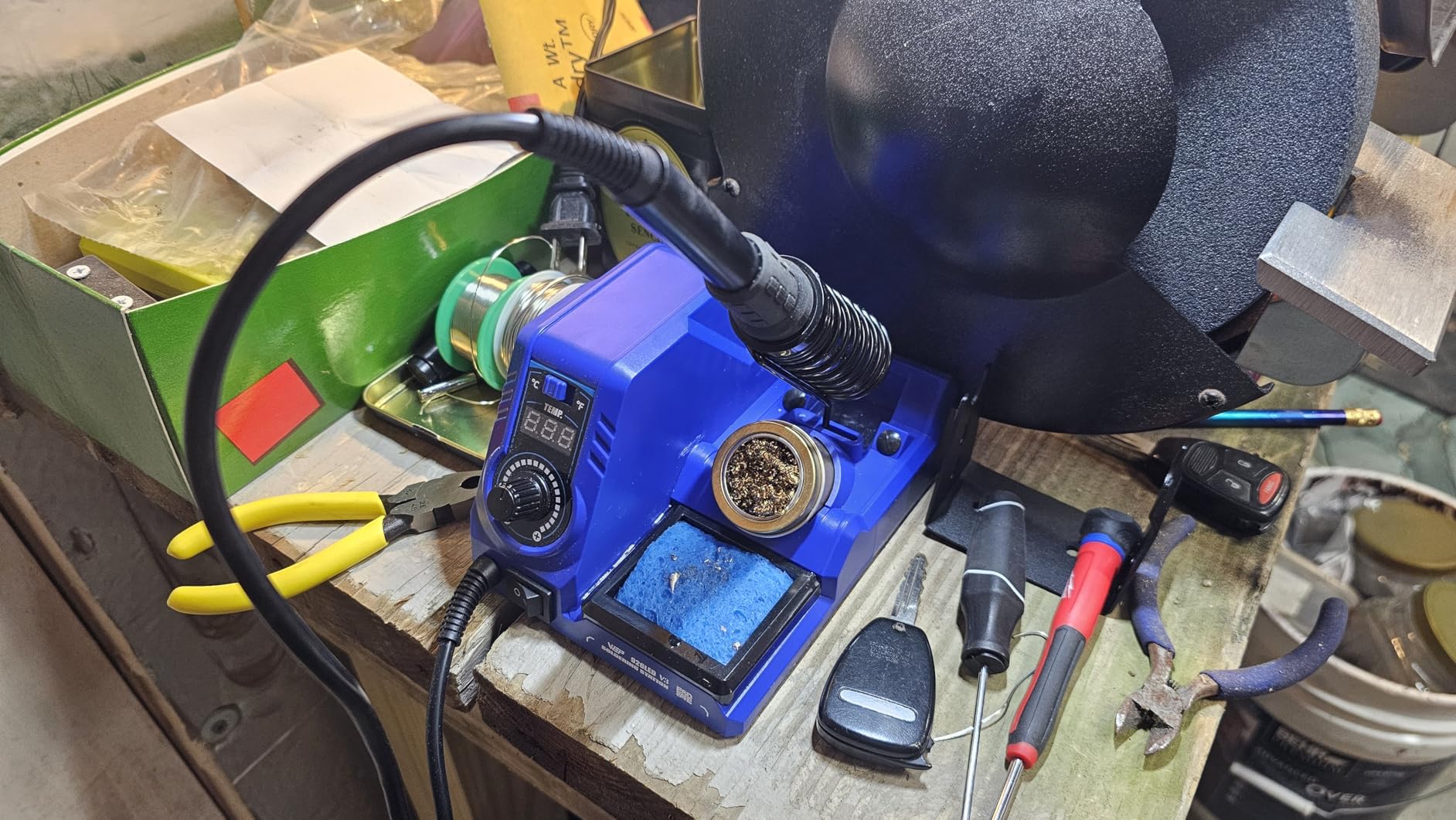
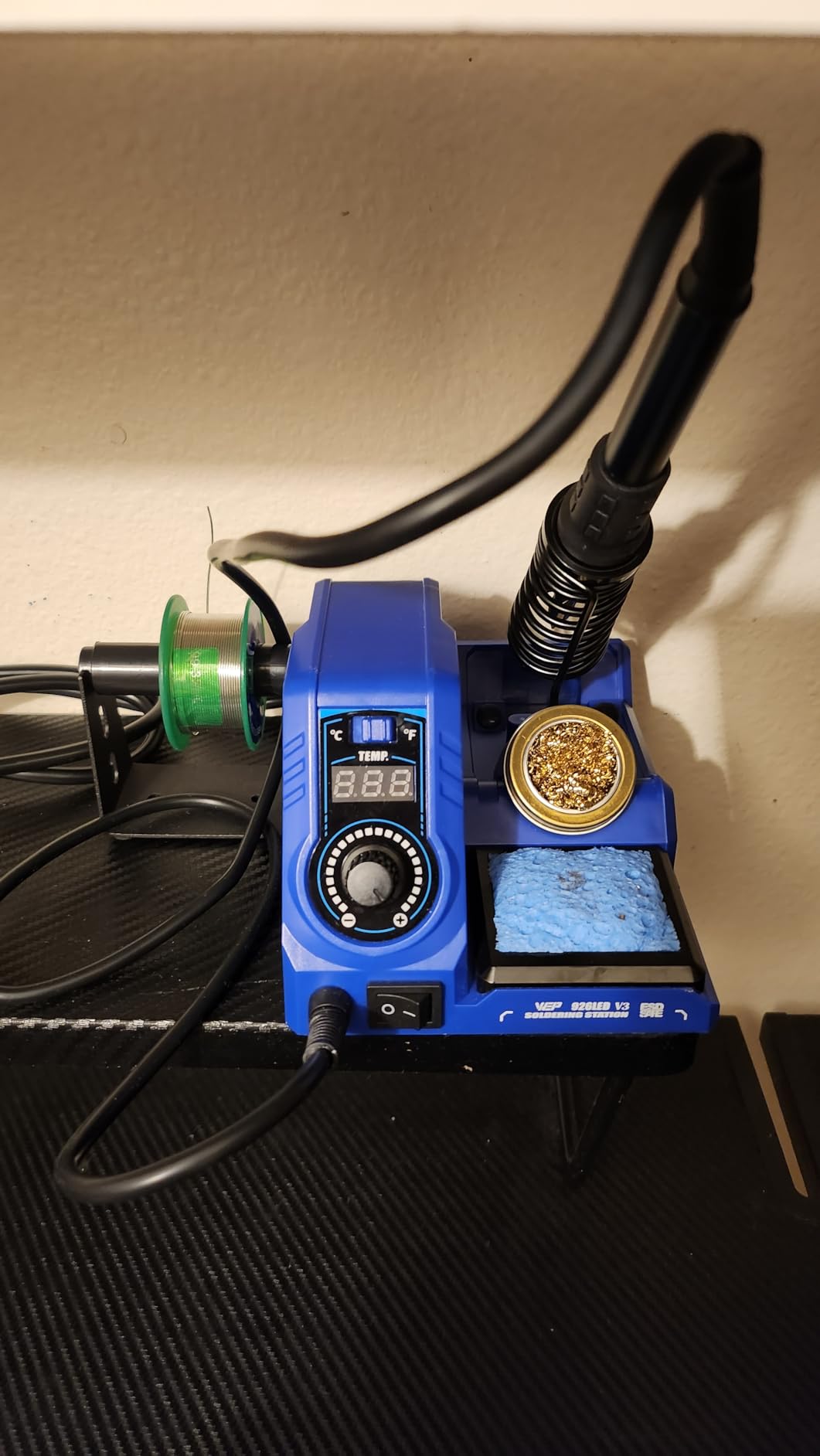
The 926LED V3 takes up very little room, and the reason is the integrated iron holder. The holder folds into the body, so the unit measures 4.84 by 6.3 by 4.45 inches and weighs 0.9 kg. For anyone working at a shared desk or a dorm room, that is not a small thing.
Temperature handling is better than the price suggests. A PID microcontroller holds the tip between 392F and 896F, and the LED display is bright and readable with an indicator dot that clears once the setpoint is reached. That dot is a small design choice that removes a common beginner annoyance, guessing whether the iron is ready.
Sleep mode after 10 minutes of inactivity is the tip-protection feature that matters most. A tip held at temperature while you are at dinner will oxidise, and an oxidised tip will not wet with solder cleanly no matter how good the station is. Auto-shutoff is not a luxury on a bench that stays set up for weeks.
The kit includes eleven pieces: the station, five soldering tips, a solder wire roll, a tip cleaner, tweezers, a desoldering pump, a soldering holder and a solder wire dispenser. That covers a beginner’s first few evenings without another order.
Who the WEP 926LED V3 suits
It suits hobbyists and RC builders on a limited footprint who want a real station rather than a bare USB iron. Our picks for soldering irons for RC hobbies cover that segment in more depth, but this is the station option for it.
It also suits anyone who prefers to leave the tool set up permanently. The compact body and the integrated holder mean you can put it in a drawer and pull it out without disassembling anything.
Where it falls short
The plastic construction shows at this level, and roughly 8 percent of ratings sit at three stars, the largest mid-tier share among the listings we reviewed. One reviewer reported the display throwing an error after about three months of daily use, which is an isolated report but worth knowing about.
It is 110-127V rated only and not for 220V sockets. And with a 4.4 average across 715 reviews, it sits at the weaker end of the listings we covered, so treat it as a short-term station rather than a long-term one.
11. Hakko FX888DX-010 – Best Soldering Stations for Beginners for Build Quality
Hakko FX888DX-010 – Digital Soldering Station with Rotary Encoder
65W output
120F to 480C
Rotary encoder
T18-D16 chisel tip
LCD
Pros
- Rotary encoder replaces the FX-888D menu for temperature changes
- Heavy build with strong rubber feet and an integrated power cable
- Fast heat-up and a stable temperature hold with a comfortable handle
- T18-D16 1.6mm chisel tip included and the T18 family is easy to source
- Highest average rating in this roundup at 4.8
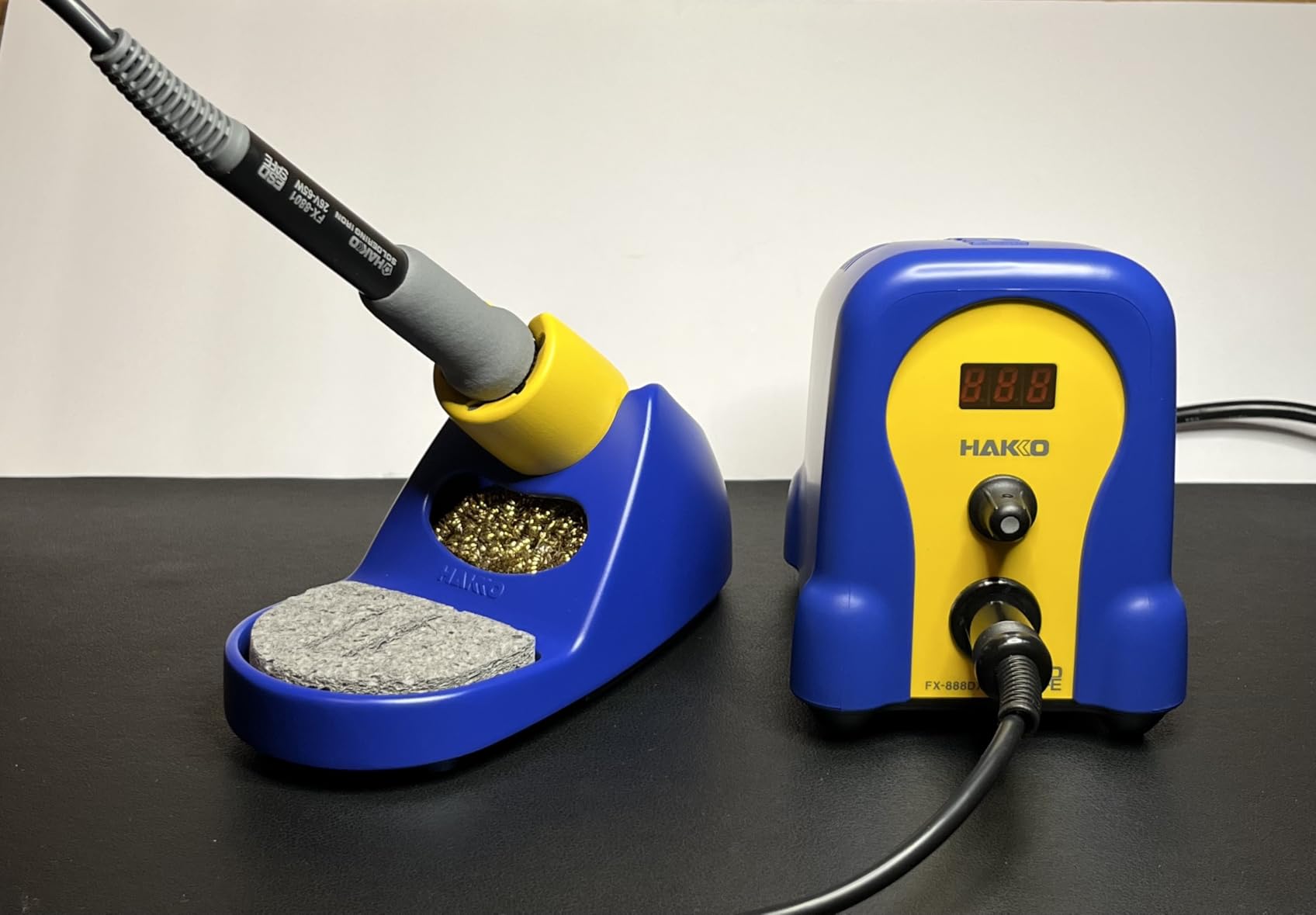
In the hand, the FX888DX-010 feels like a heavier machine than anything else we tested. It weighs 3.8 pounds, sits on strong rubber feet and has an integrated power cable, so it does not creep across the bench when you lift the iron. The 4.8 average across 367 reviews is the highest figure in this roundup, with an 89 percent five-star share.
The FX888DX revision replaces the menu-driven interface of the earlier FX-888D with a rotary encoder. That sounds like a small change and it is not. Turning a knob to move a number is faster and more intuitive than working through a menu list, and for a beginner it removes the most common source of frustration with the model line.
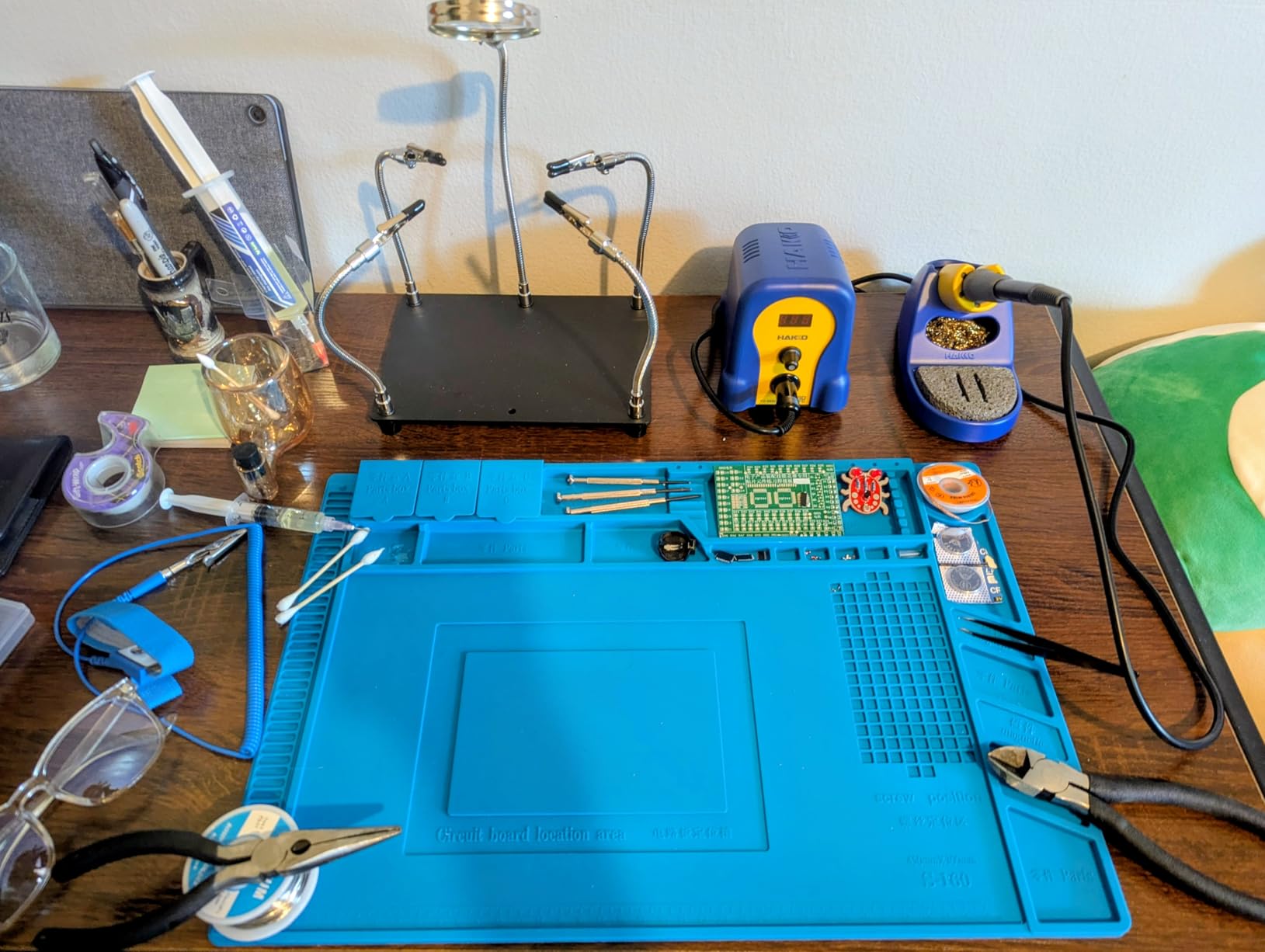
Output is 65W across a 120F to 480C range on a readable LCD, with Celsius and Fahrenheit capability. A T18-D16 1.6mm chisel tip is included, and the T18 tip family is the reason we consider this the least risky purchase in the roundup: replacements are straightforward to find, in the sizes you will actually need, from specialist suppliers.
The iron holder opens up so you can clean the tip without pulling the holder apart, and a sponge and brass tip cleaner are included. For tip-shape advice, a 1.6mm chisel is the right default for a beginner because its flat face transfers heat efficiently and resists bending.
Who the Hakko FX888DX-010 suits
It suits a beginner who intends to keep soldering for years and would rather buy once. The build weight, the tip ecosystem and the near-unanimous owner feedback all point the same direction: this is the station people keep for a decade.
It also suits anyone who values feel over features. There is no preset memory, no hot air and no magnifier. There is a solid machine with a dial, which is exactly enough.
Where it falls short
Its 110V AC operation accounts for a run of one-star reviews from UK and German buyers, and its review base of 367 is the second thinnest here, which tells you how few buyers commit to this tier. Confirm your mains voltage before ordering.
There are no hot-swappable tips and no idle or rest mode, so a parked tip stays hot. Buyers have also reported receiving mismatched station and stand sets, so check the box on arrival.
12. Plusivo 60W Kit – Best Soldering Stations for Beginners as an All-in-One Set
Soldering Iron Station Kit Digital Display Helping Hands 60 W 5 pcs Solder Tips, Solder Wire, Digital Multimeter °C/ºF Conversion, Standby/Sleep Mode, Calibration Support for Electricians from Plusivo
60W digital station
Up to 932F
Plus or minus 2C stability
Digital multimeter
120V
Pros
- Temperature lock plus standby and sleep mode and calibration support
- Fast heat-up with a control knob reaching up to 932F
- Standalone 60W station with plus or minus 2C stability
- Kit includes a digital multimeter and solder and wick and a pump and 5 tips
- Zippered storage case and beginner soldering guide in the box
Cons
- Not a professional-grade station despite the tool count
- Thinnest review base here at 238 ratings
- Bundled multimeter is a basic model
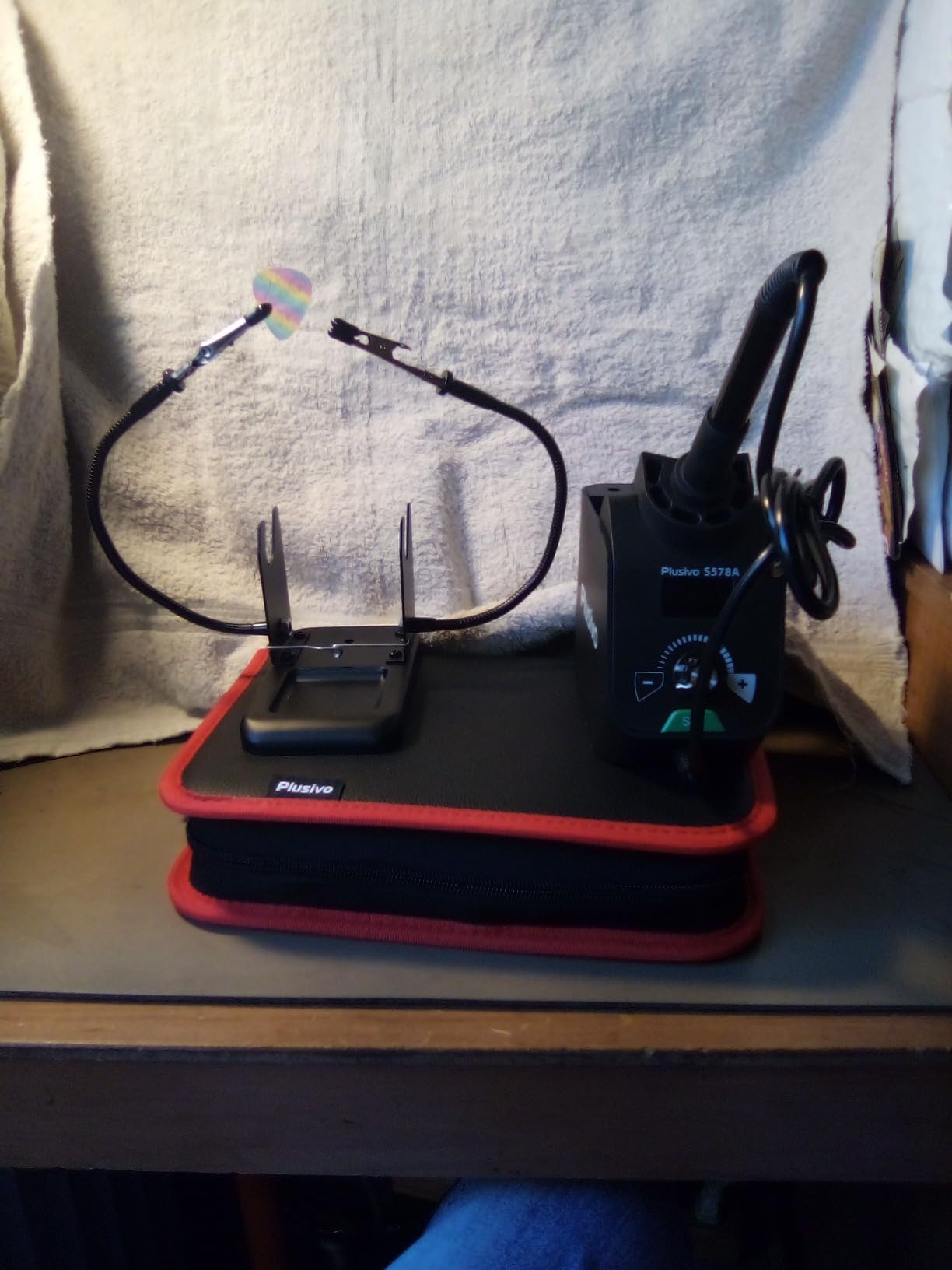
The Plusivo S578 packs more tools than any other box in this roundup by a wide margin. You get a 60W digital station, a digital multimeter, solder wire, solder paste, solder wick, a desoldering pump, five tips, tweezers, a cutter, electrical tape, a wire stripper, mini screwdrivers, a mini PCB board and heatshrink tubes, all in a zippered storage case with a beginner soldering guide.
That guide matters more than it sounds. A printed or bundled walkthrough takes a beginner from cold iron to first joint without the twenty-minute video search that usually precedes it. The station itself reaches up to 932F, which is 500C, through a temperature control knob, with plus or minus 2C stability.
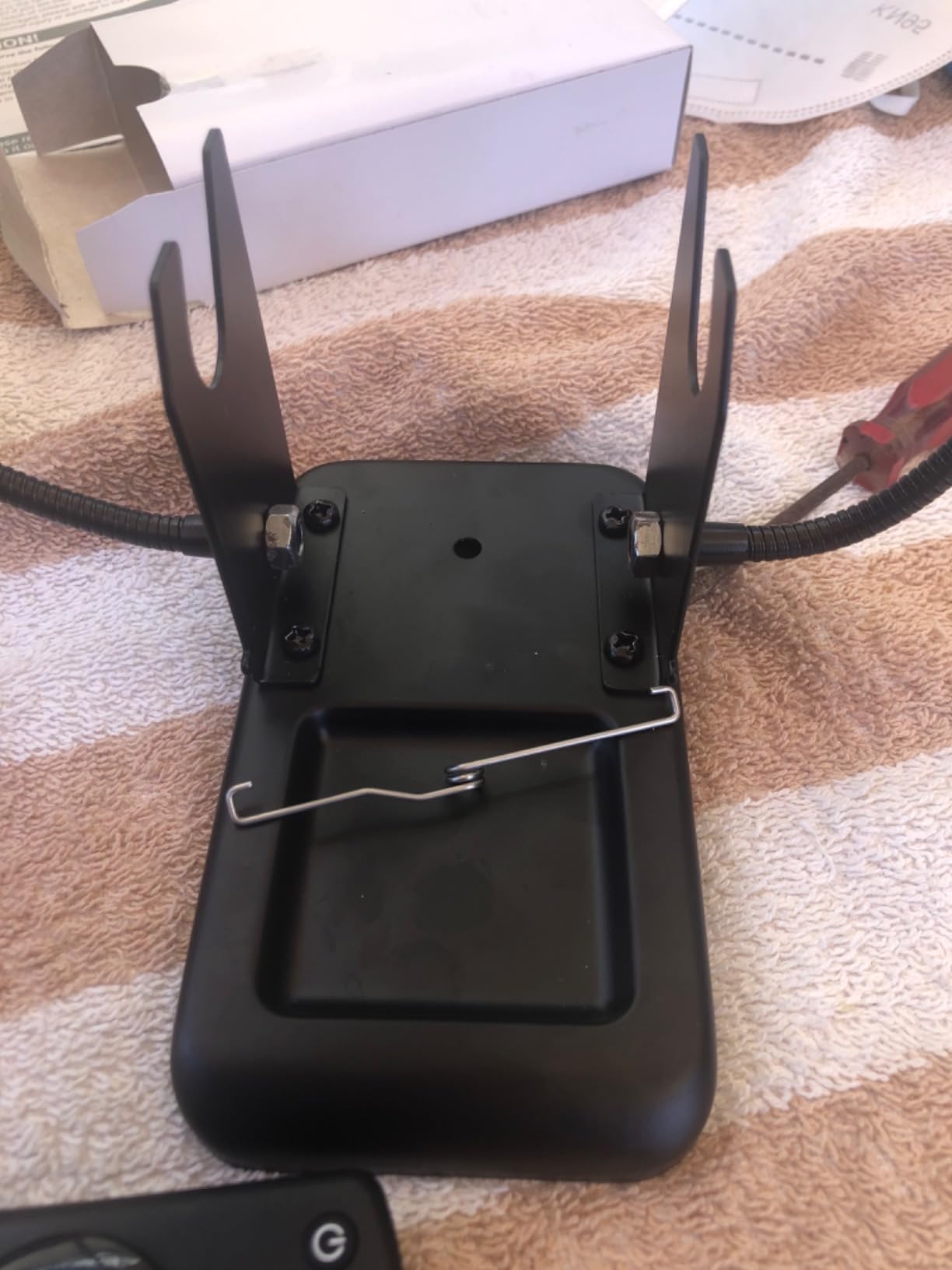
Setpoint protection is solid for the tier: temperature lock, standby, sleep mode, calibration support and Celsius and Fahrenheit conversion are all present. The integrated unit carries an iron holder, a temperature control, a tip holder and a solder wire holder, so the whole thing is one object on the desk.
Reviewers single out the completeness of the bundle, the storage case and the guide, and note that the kit costs less than buying the accessories one at a time. There is a 30-day manufacturer guarantee with lifetime customer support behind it.
Who the Plusivo 60W Kit suits
It suits a complete beginner who wants a project in the box rather than a tool. If you have never soldered and you are not yet sure which tools you will reach for repeatedly, a kit plus a multimeter plus a guide removes every decision from the first week.
It also suits anyone who works away from a fixed bench, because the zippered case makes the whole set portable. Our picks for beginner soldering kits go deeper on the surrounding accessories this station does not cover.
Where it falls short
It is not a professional-grade station despite the tool count, and reviewers say so plainly. The 60W iron is fine for headers, wire and microcontroller boards. It is not the tool for a dense professional bench, and the accessory volume can create the false impression that it is.
With 238 reviews it has the thinnest evidence base in this roundup, so there is less long-term feedback behind it, and the bundled multimeter is a basic model. It is 120V rated only, which rules out direct use on 230V mains.
How to Choose a Soldering Station – A Beginner’s Buying Guide
1. Wattage matters less than you think
Wattage is the number beginners fixate on, and it is the least useful one on the sheet. A 100W label on a cheap station does not mean it delivers 100W of heat into your joint, because much of that figure describes the power supply rather than the heater. What actually matters is how quickly the tip returns to temperature after you touch it to a cold, metal-heavy board.
Our practical rule: anything from 60W to 90W of genuine iron output handles through-hole joints, wire harnesses and microcontroller boards comfortably. If you routinely solder large battery packs, chassis grounds or big ground planes, look for the upper end of that range or a station with a fast-recovery element.
2. Temperature stability is the feature that separates good from cheap
Temperature control is the reason a station exists. Look for a stated stability figure rather than a marketing adjective. The Weller WE1010NA quotes plus or minus 4 degrees Fahrenheit, the X-Tronic 3060-PRO quotes plus or minus 3.6F, and the Plusivo quotes plus or minus 2C. A stability figure in the low single digits means the tip holds where you put it.
Temperature range matters too, but as a secondary concern. Most work sits between 330F and 400F. You want a low enough floor to protect sensitive components on a cold start, and enough headroom for lead-free alloys, which need a higher working temperature than leaded solder.
3. Thermal recovery is what you feel, not what you read
Thermal recovery is the speed at which the tip returns to its setpoint after absorbing heat. It is the single most noticeable difference between a station that feels effortless and one that feels like a fight, because every second waiting is a second the tip is cooling and the solder is refusing to flow.
You cannot measure it from a spec sheet. Read the review language instead. Fast heat-up claims, a fast-rising temperature readout on a cold start and mentions of handling thicker wire or large pads are the signals that recovery is genuinely good.
4. Mains station or USB-C smart iron?
A mains-powered bench station gives you unlimited on-bench time, replaceable tips in every size and no battery to manage. A USB-C smart iron heats in seconds, weighs almost nothing and travels in a pocket, which is why forum communities recommend them for field work and micro-soldering. Our view for beginners is that a mains station is the better first purchase unless you genuinely work away from a bench.
There is one more consideration: tip longevity. USB irons running from a laptop or power bank have less thermal mass, and cheap ones are the most common source of the warped tips that end a station’s usefulness after about a year and a half of intermittent hobby use. Our picks for professional soldering irons cover the heavier end of that category.
5. Check the tip ecosystem before you buy
This is the mistake that quietly costs beginners money later. Some stations accept standard Hakko T-series tips, which are easy to source in every shape. Others are limited to a brand-specific series, and a few tie you to whatever the manufacturer bundles. A station that takes T18 tips today is a station whose tips you can still buy in five years.
On tip shape for a first purchase: choose a chisel or bevel tip, around 1.6mm, as your default. It has a broad contact area, transfers heat well and is far less likely to bend when you nudge a component. Fine point tips are for precision work you are not doing yet, and very small SMD tips require a steady hand and low temperature that beginners rarely sustain.
6. Do you actually need hot air rework?
Buy hot air if you will be removing or replacing surface-mount components. Do not buy it for through-hole work, because a hot air gun will not clear a connector with mechanical pins and you will simply heat the board for longer than necessary.
The other thing beginners miss is that hot air is a second skill, not an accessory. Airflow, distance and component shielding all matter. A combined station is efficient if you already know you will need it, and it is wasted mass if you do not.
7. Accessories that matter, and the ones that do not
Buy these: a spool of solder in a diameter you can actually see, a desoldering pump, flux, a brass wool tip cleaner, a wet sponge, a silicone work mat, at least one set of helping hands, and a solder sucker or wick for mistakes. A pack of mixed tips is worth it because the one included is rarely the one you need.
Be sceptical of: a dozen identical tips in a plastic case, a mini wrench you will use once, and any kit whose solder spool looks like it was selected for the box rather than for the joint. A 0.8mm leaded alloy with rosin core is the smoothest first purchase for most beginners.
8. Leaded or lead-free solder for a first kit?
Leaded solder melts at a lower temperature and flows more readily, which is why experienced hobbyists often start beginners on it. Lead-free is better for you to be around, but it needs a higher working temperature and is less forgiving on a cold tip.
Whatever you choose, solder with ventilation, wash your hands afterwards, and do not eat at the bench. For leaded solder specifically, a fume extractor is worth adding to your bench within a year of regular use.
9. Voltage, certification and the things nobody checks
Most stations in this roundup are 110V or 120V. If you are outside the United States, that matters more than any feature on the panel, because connecting a 110V unit to 230V mains is a genuine hazard. Check the rating before you order, and buy a converter or a local-voltage unit rather than gambling.
Look for ESD, CE, FCC and RoHS markings, and prefer a station with sleep or standby mode so a parked tip is not kept at temperature. Finally, buy from a brand with a real parts and repair ecosystem. Our broader guide to soldering stations for electronics covers that angle in more detail.
Soldering Stations to Avoid and Why
Two categories come up repeatedly in beginner forums as traps, and neither appears in this roundup for good reason.
First, unbranded T12-style stations sold by marketplace sellers with no established brand. The architecture is sound and the idea is good, but unbranded versions vary wildly in board quality, transformer design and firmware reliability. A station that cannot hold temperature or that runs a hot tip with no shutdown is a fire risk, and you have no parts support when it fails.
Second, the two models hobbyists warn beginners away from by name: the FNIRSI DWS-200 and the Aifen A9E. Both have been reported in enthusiast communities as unsafe, and neither belongs on a bench where a beginner is learning to handle a hot iron around live electronics. We would not spend our own money on either, and we would not put them in front of someone learning.
A third pattern is worth naming rather than a specific model: novelty single-iron units priced far above what a proper station costs. You are paying a premium for a handle design while getting fewer temperature features than a mainstream station. Spend the same money on a proven station and buy a good roll of solder instead.
Finally, a word on bundles. Reviewers consistently warn against oversized all-in-one kits that include poor-quality solder wire and a random assortment of tips. The Plusivo here is the exception that works, because its extras are ones beginners actually use. The accessory volume can still create a false impression of capability, because a bench full of tools does not make better joints.
Frequently Asked Questions
What is the best entry-level soldering station?
The Weller WE1010NA is the best entry-level soldering station for most beginners, because its 70W iron holds temperature within 4 degrees Fahrenheit and the temperature lock protects sensitive boards. If your budget is tighter, the X-Tronic 3020-XTS gives you the same class of control plus a full kit of tips, helping hands and solder in the box. Buy either rather than a bare fixed-temperature iron, and add a proper roll of solder, a desoldering pump and a brass wool tip cleaner.
Which is better, Hakko or Weller?
For a beginner, the Weller WE1010NA is the safer first purchase because it carries a much larger review base, includes temperature lock and standby features, and is easier to source accessories for in most regions. The Hakko FX888DX-010 is the better-built machine, with a heavier chassis, a rotary encoder and the easily sourced T18 tip family, and it carries the highest average rating in our roundup. Both are excellent. Weller is the easier default, Hakko the better long-term enthusiast choice.
What is the best basic soldering kit for beginners?
The best basic kit is the one containing the essentials rather than the most items: a temperature-controlled station, a spool of 0.8mm solder, a desoldering pump, flux, a brass wool tip cleaner, a wet sponge, a silicone work mat, helping hands and a spare tip or two in a different shape. The X-Tronic 3020-XTS bundles nearly all of that, and the Plusivo kit adds a multimeter and a beginner guide. Buy tools you will use, not tools that fill a case.
What is the best solder for beginners?
A 0.8mm or 1.0mm rosin-core solder in a 60/40 or 63/37 leaded alloy is the easiest first choice, because it melts at a lower temperature and flows more readily than lead-free. A 0.8mm diameter is easier to control than thinner wire when you are still learning to feed solder while heating the joint. Work with ventilation, wash your hands, and keep food off the bench.
Can soldering be self-taught?
Yes. Almost every hobbyist solderer taught themselves, usually by watching a video and then making a few dozen joints on scrap board. The first ten joints will be ugly and the first fifty will be acceptable. Set the tip against the pad and the lead, feed solder into the joint rather than onto the iron, and pull the iron away while the joint is still shiny. Practice on old circuit boards before you touch anything you care about.
What is the golden rule of soldering?
Heat the joint, not the solder. The most common beginner mistake is touching solder to the iron tip and letting a blob fall onto a cold pad, which produces a cold joint that looks soldered but conducts badly. Touch the iron to the pad and the component lead together, wait for the metal to heat, then feed solder into that heated spot so it flows into the joint. A good joint is shiny, slightly concave and free of movement.
Conclusion – Which Soldering Station Should You Buy?
Buy the Weller WE1010NA if you want one station and no further decisions. It is the best soldering station for beginners because every number that affects joint quality, meaning stability and recovery, is strong, and because the review base tells you it holds up over time. Add a proper roll of solder, a desoldering pump and a brass wool tip cleaner, and you are equipped.
Buy the X-Tronic 3020-XTS if you want everything in one box on a tighter budget, the Hakko FX888DX-010 if you would rather own the best-built machine and stay for years, and the YIHUA 926 III if you want to start soldering tonight without a second order.
The honest closing note is this. The best soldering stations for beginners are the ones that stop holding you back, and almost any temperature-controlled unit does that. Tip maintenance, good solder and practice will improve your joints far more than the last tier of hardware. Clean the tip, tin it before you put it away, set the sleep timer, and go make some joints.