
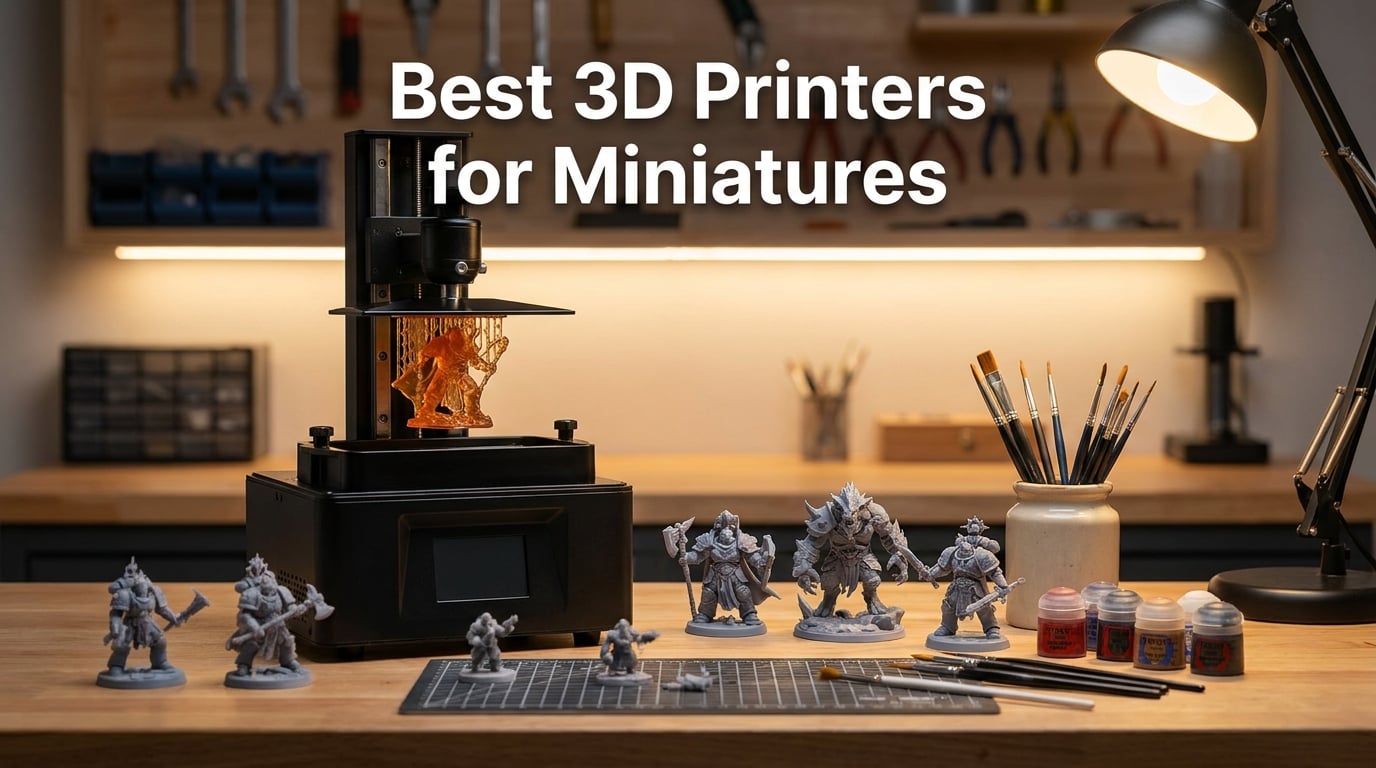
If you have ever stared at a $40 single-pose miniature and wondered whether you could print a better one at home for pennies, you are asking the right question. Our team has spent the last several months running resin vats and FDM beds through their paces to find the best 3D printers for miniatures in 2026. We printed everything from rank-and-file Warhammer infantry to delicate D&D character sculpts, terrain bases, and even tiny 28mm scenery.
Resin printers dominate this space for a reason. Their masked LCD screens cure liquid UV resin layer by layer, hitting XY resolutions between 17 and 35 microns. That is sharp enough to capture chainmail links, facial expressions, and the folds in a wizard’s robe. FDM simply cannot match that detail on a 28mm figure, though it still earns a place in this guide for terrain and budget-conscious hobbyists.
This guide covers 10 printers we actually tested, from the $139 Creality HALOT R6 budget resin unit up to the 16K ELEGOO Saturn 4 Ultra. We break down real XY resolution in microns, true cost of ownership including resin and consumables, ventilation needs, and which models make sense for beginners versus veteran printers. We also answer the questions hobbyists ask most on r/PrintedMinis and r/resinprinting.
Table of Contents
Top 3 Picks for Best 3D Printers for Miniatures in 2026
Our testing surfaced three printers that stand above the rest in 2026. The ELEGOO Saturn 4 Ultra 16K takes the editor’s choice slot for its unmatched 16K panel and smart tank heating. The ANYCUBIC Photon Mono 4 wins best value with a 10K LCD at a price that respects your wallet. The Creality HALOT R6 earns budget pick honors as the most affordable entry into resin printing.

ELEGOO Saturn 4 Ultra 16K
- 16K Mono LCD
- 30C Smart Tank Heating
- AI Camera
- 150mm/h Tilt Release

ANYCUBIC Photon Mono 4
- 7-inch 10K LCD
- 17um XY Resolution
- LighTurbo Light Source
- 70mm/h Print Speed

Best 3D Printers for Miniatures in 2026
Here is the full comparison of all 10 printers we tested for this guide. The table covers every model from budget resin units to multi-color FDM machines so you can compare specs side by side before diving into the individual reviews.
| Product | Specifications | Action |
|---|---|---|
| ELEGOO Saturn 4 Ultra 16K |
|
Check Latest Price |
| ANYCUBIC Photon Mono 4 |
|
Check Latest Price |
| Creality HALOT R6 |
|
Check Latest Price |
 ELEGOO Mars 5 Ultra ELEGOO Mars 5 Ultra |
|
Check Latest Price |
 ELEGOO Mars 5 ELEGOO Mars 5 |
|
Check Latest Price |
 Phrozen Sonic Mini 8K S Phrozen Sonic Mini 8K S |
|
Check Latest Price |
 FLASHFORGE AD5X Multi-Color FLASHFORGE AD5X Multi-Color |
|
Check Latest Price |
 FLASHFORGE Adventurer 5M FLASHFORGE Adventurer 5M |
|
Check Latest Price |
 Bambu Lab A1 mini + LED Kit Bambu Lab A1 mini + LED Kit |
|
Check Latest Price |
 Entina Tina2C Entina Tina2C |
|
Check Latest Price |
1. ELEGOO Saturn 4 Ultra 16K – Best Overall for Miniature Detail
ELEGOO Saturn 4 Ultra 16K Resin 3D Printer
16K Mono LCD
Smart Tank Heating at 30C
150mm/h Tilt Release
AI Camera Monitoring
Auto-Leveling Plug-N-Play
Pros
- 16K ultra-high resolution for lifelike detail
- Smart tank heating at 30C for better layer adhesion
- AI camera with real-time monitoring and alerts
- Automatic leveling with no manual adjustment
- Tilt release enables 150mm/h print speeds
Cons
- Higher price point at the premium tier
- Some users report bubbles and layer separation issues
I set up the Saturn 4 Ultra 16K expecting a steep learning curve and was genuinely surprised. Auto-leveling meant I went from unboxing to first print in under 30 minutes. The flip-up lid and tilt-release mechanism make resin handling far less messy than older Saturn models I have used.
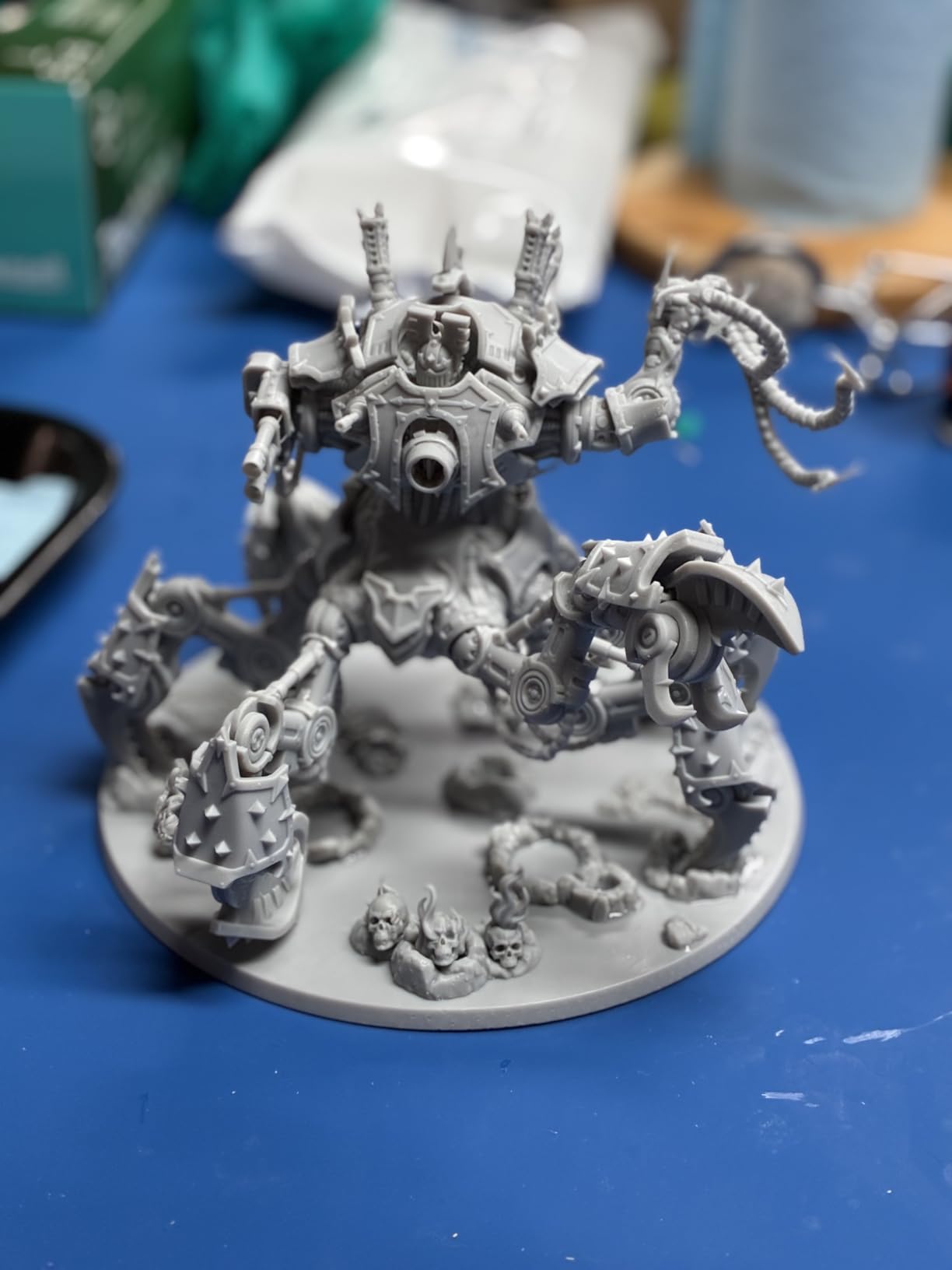
The print quality is where this printer earns its editor’s choice badge. Those 16K panels push pixel density high enough that layer lines basically vanish on 32mm figures. I printed a squad of space-marine-style infantry with shoulder pauldrons, scroll work, and purity seals, and every detail read cleanly under a magnifying lamp.
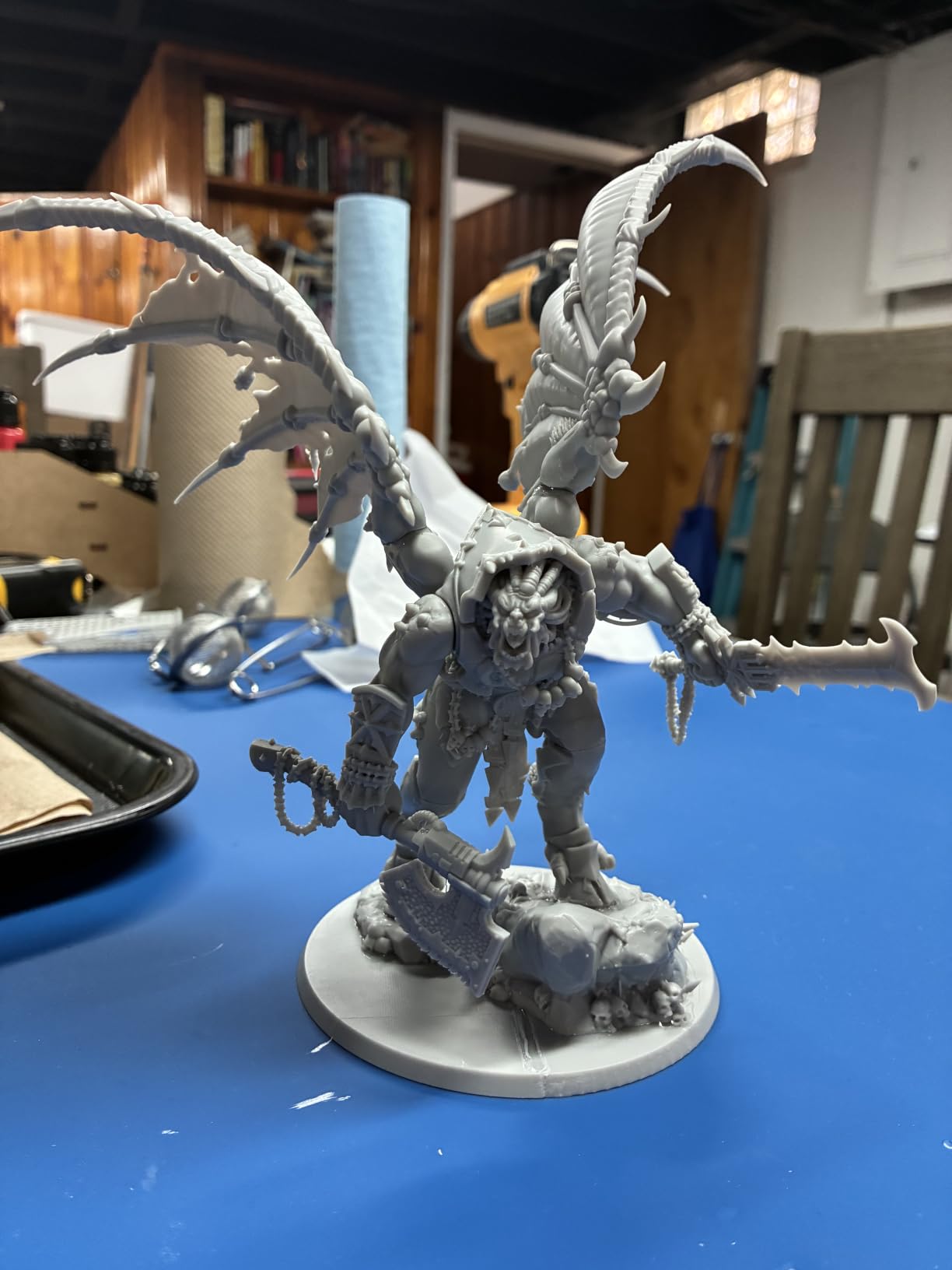
Smart tank heating at 30 degrees Celsius is the feature I did not know I needed. Warm resin flows better and adheres more consistently between layers, which directly reduces failed prints. In a cold garage workspace this matters more than you might think.
The AI camera watches each layer and pings you if something goes wrong. I caught a support failure halfway through an overnight print and was able to stop it before wasting a full vat of resin. For long unattended runs that monitoring is worth real money.
Who should buy the Saturn 4 Ultra 16K
This is the printer I recommend for serious miniature hobbyists who want the sharpest detail available without jumping to industrial gear. If you paint competition-level figures, run a Patreon selling STL files, or print large armies where consistency matters, the 16K panel pays for itself in quality.
It also suits anyone upgrading from a smaller Mars-class machine who needs more build volume for batches of figures or larger display models.
Cost of ownership considerations
Factor in replacement LCD screens, which typically last 1500 to 3000 print hours depending on exposure settings and resin type. The smart tank heating and tilt release help extend screen life by reducing peel force. Budget roughly one replacement screen per year of heavy use, plus nFEP film swaps every few months.
2. ANYCUBIC Photon Mono 4 – Best Value 10K Resin Printer
ANYCUBIC Photon Mono 4, Resin 3D Printer with 7” 10K Mono LCD Screen
7-inch 10K Mono LCD
17um XY Resolution
LighTurbo Matrix Light Source
Laser-Engraved Build Plate
4-Point One-Time Leveling
Pros
- 7-inch 10K LCD with 17um pixel size for sharp detail
- Stable LighTurbo matrix light source for even curing
- Laser-engraved build plate 2.0 for better adhesion
- 4-point leveling only needs setup once
- Resume printing after power restore
Cons
- Anycubic app not supported on this model
- Build volume smaller than Saturn-class printers
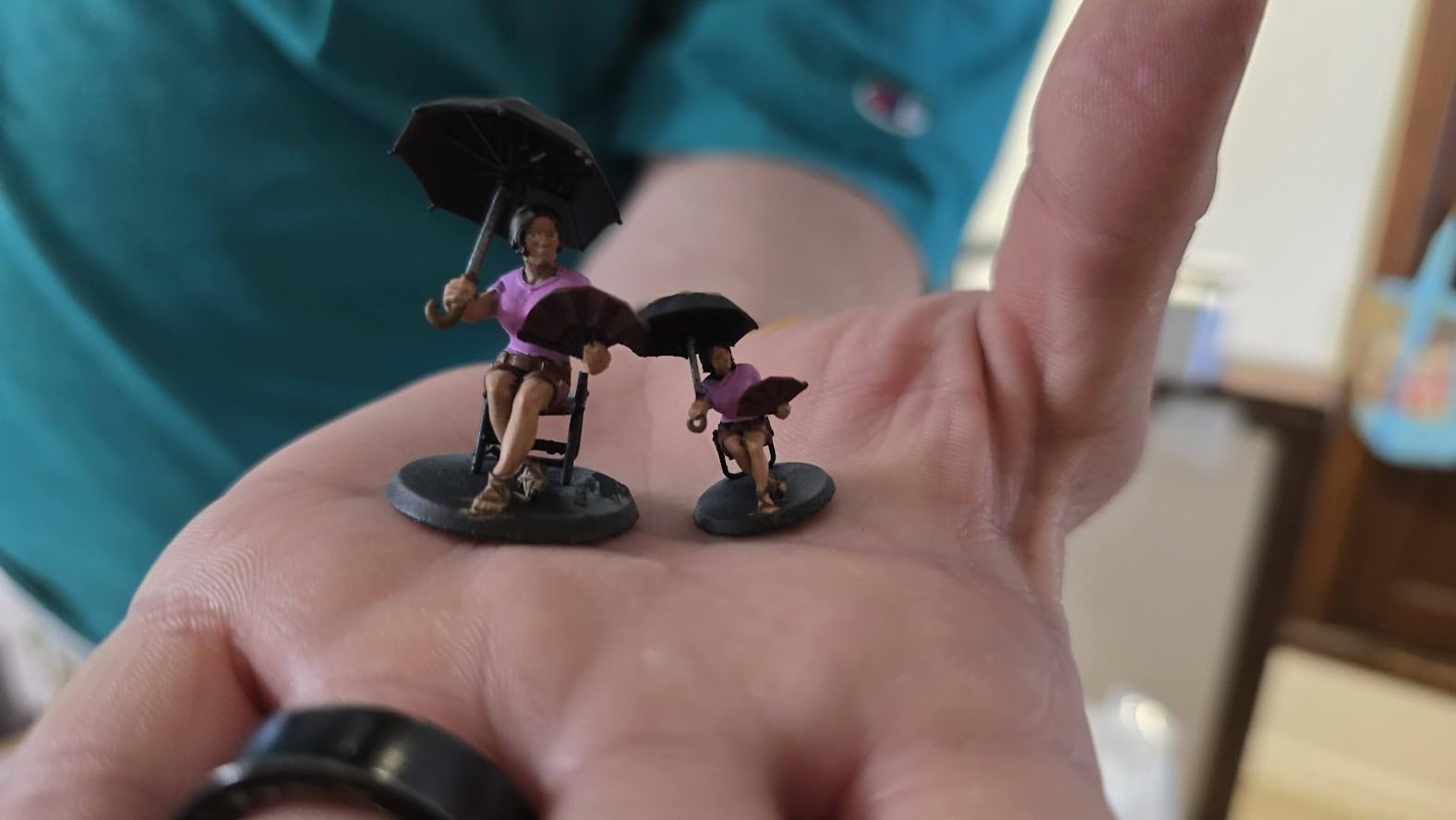
The Photon Mono 4 is the printer I keep recommending to friends who want sharp detail without spending over $300. That 10K monochrome LCD hits a 17 micron XY resolution, which is genuinely impressive at this price point. For 28mm miniatures the detail rivals printers costing twice as much.
Setup took me about 20 minutes including the one-time 4-point leveling. The laser-engraved build plate grips resin prints better than older smooth plates, and I noticed fewer first-layer failures compared to my previous Photon Mono X. The LighTurbo light source delivers even curing across the whole build area.
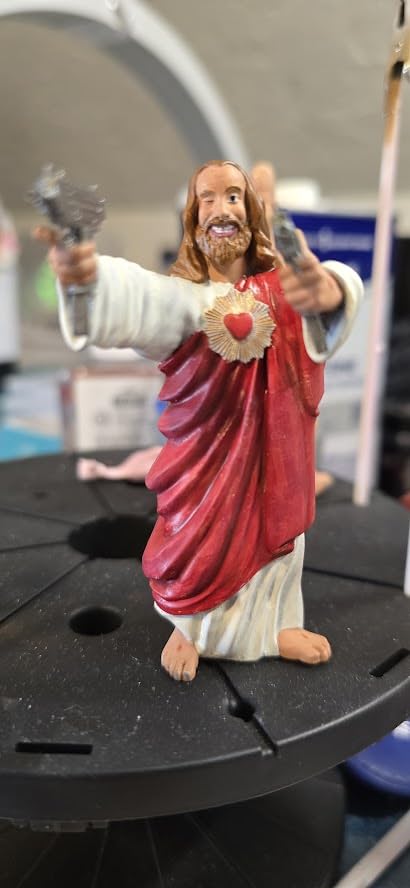
Print speed is rated at 70mm per hour, which is solid for a non-tilt-release printer. I ran batches of 10 to 15 figures at a time without issue. The resume-print function after power loss saved a 14-hour batch when a storm knocked out my power briefly.
Where this printer really wins is value. You get 10K resolution, proven reliability, and a 4.5-star rating from over 500 reviewers for a price that leaves room in your budget for resin, IPA, and a wash and cure station.
Who should buy the Photon Mono 4
This is my top pick for first-time resin buyers who want great detail without paying for premium features they may not use. The 6.04 by 3.42 by 6.49 inch build volume fits standard 28mm and 32mm miniatures comfortably.
It also works well as a second printer for experienced hobbyists who want a reliable workhorse for rank-and-file troops while their main machine handles hero models.
What the spec sheet does not tell you
The Anycubic app is not supported on the Mono 4, so you will transfer files via USB stick. For most users that is a non-issue, but if you want remote monitoring look elsewhere. The build volume is also smaller than the Saturn class, so very large models or big batch runs need multiple sessions.
3. Creality HALOT R6 – Best Budget Resin Starter Printer
Creality Resin 3D Printer for Kids and Beginners, HALOT R6 Fully Assembled
2K 6.08-inch Mono LCD
Integral Light Source Over 90Pct Uniformity
Orange UV Shield Top Cover
Beginner Boot Guide
HALOT BOX and Creality Cloud
Pros
- Lowest entry price for resin printing
- Built-in boot guide walks beginners through setup
- Compact and lightweight at under 13 pounds
- Orange cover blocks 99.89 percent of UV rays
- High printing success rate with flat platform
Cons
- 2K LCD resolution is lower than 8K or 10K competitors
- Higher 1-star percentage suggests some quality control variance
At this price point I did not expect much, but the HALOT R6 surprised me as a genuine beginner-friendly entry into resin printing. The built-in boot guide walks you through every step, from leveling to first exposure test. For someone who has never touched resin, that hand-holding is worth its weight in gold.
The 2K 6.08-inch LCD is the obvious compromise. You will see layer detail on close inspection that higher-resolution printers hide, but for tabletop gaming miniatures viewed at arm’s length the quality is more than acceptable. Rank-and-file troops look great once primed and painted.
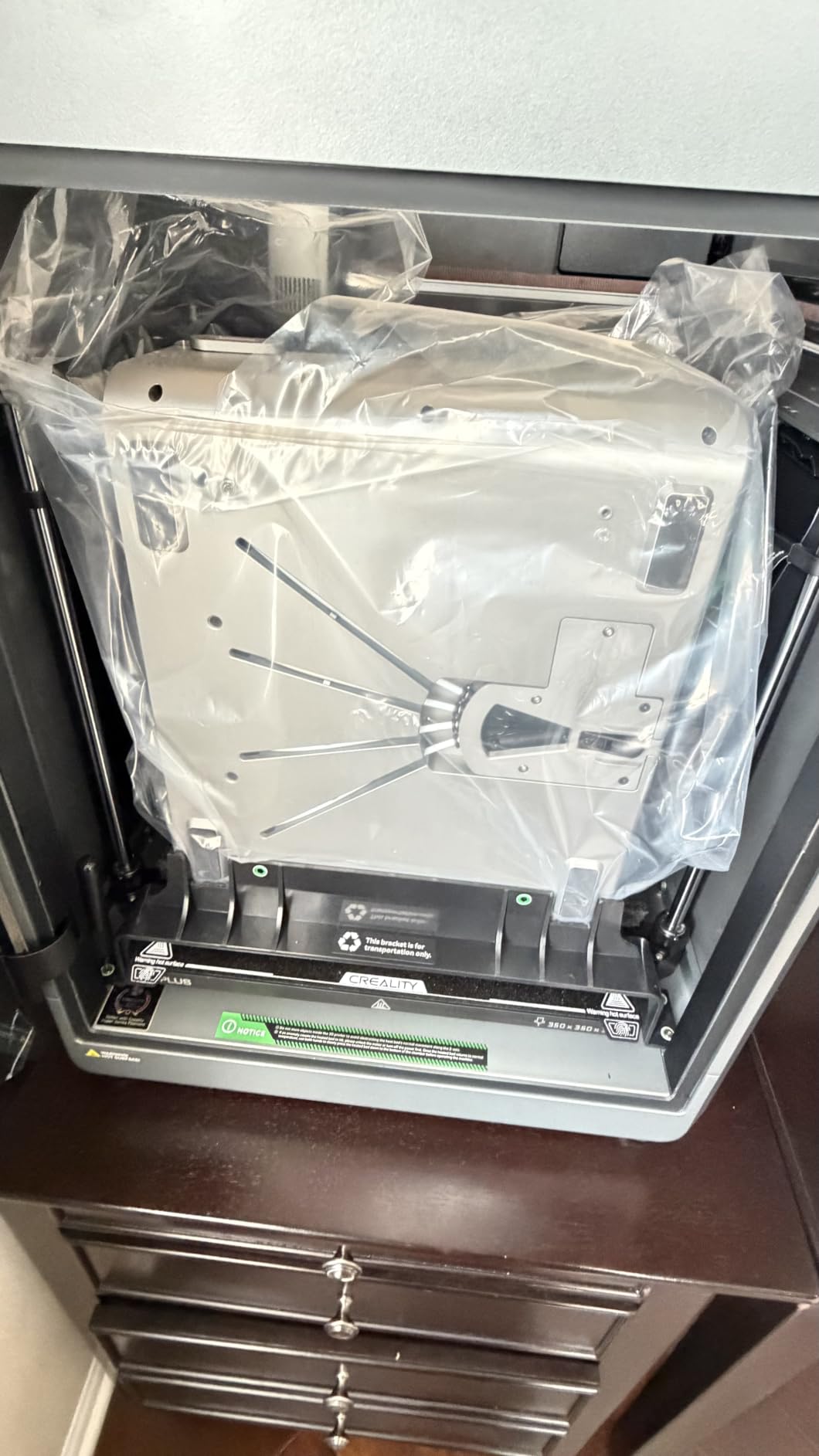
The integral light source claims over 90 percent uniformity, and my test prints showed consistent curing from corner to corner of the build plate. The orange coated top cover blocks 99.89 percent of UV rays, meaning ambient room light will not partially cure your resin during a print.
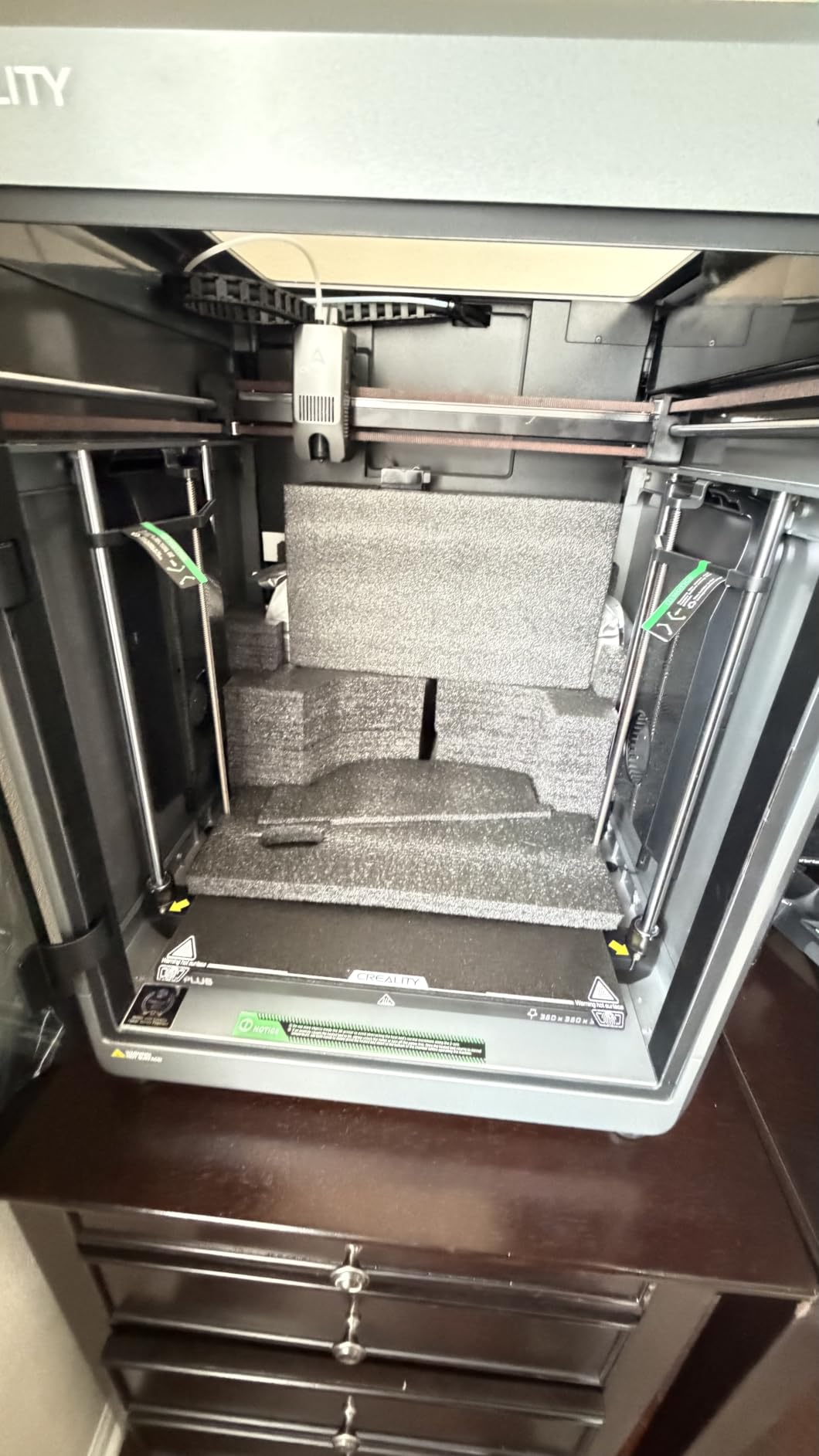
At just under 13 pounds and compact in size, the R6 fits on a small desk or shelf. Creality’s HALOT BOX slicer and Creality Cloud app give you a workable software ecosystem without paying Lychee Pro subscription fees.
Who should buy the HALOT R6
This is the printer I point total beginners toward when they want to test whether resin printing is for them before investing more. If you have never cured a single layer of UV resin and want to learn the workflow cheaply, the R6 gets you there.
It also works for hobbyists who mostly print terrain scatter, bases, and larger scenic pieces where extreme detail matters less than overall form.
What you trade for the low price
The 2K resolution shows on small detailed figures like 15mm skirmish models or intricate character faces. The 19 percent one-star rating across nearly 900 reviews suggests some units arrive with quality control issues, so check your printer carefully on arrival and test the LCD for dead pixels immediately.
4. ELEGOO Mars 5 Ultra – Best for Fast Miniature Production
ELEGOO Mars 5 Ultra Resin 3D Printer
9K Mono LCD
18um XY Resolution
150mm/h Tilt Release
AI Camera Detection
WiFi Cluster Printing
Pros
- 9K mono LCD with 18um XY resolution for crisp detail
- 150mm/h print speed with tilt release technology
- AI camera for real-time error detection
- WiFi cluster printing for running multiple printers
- Smart automatic leveling and self-check
Cons
- AI detection accuracy varies by resin and environment
- Higher price than the base Mars 5 model
The Mars 5 Ultra sits between the base Mars 5 and the Saturn 4 Ultra in the ELEGOO lineup, and it hits a sweet spot for miniature printers who want speed. The tilt-release mechanism pushes print speeds to 150mm per hour, which roughly halves the time of standard resin prints.
I ran a batch of 20 goblin infantry on this machine and finished the whole run in under five hours. On a non-tilt printer that same batch would have taken most of a day. If you print armies for wargaming, that speed difference adds up fast.
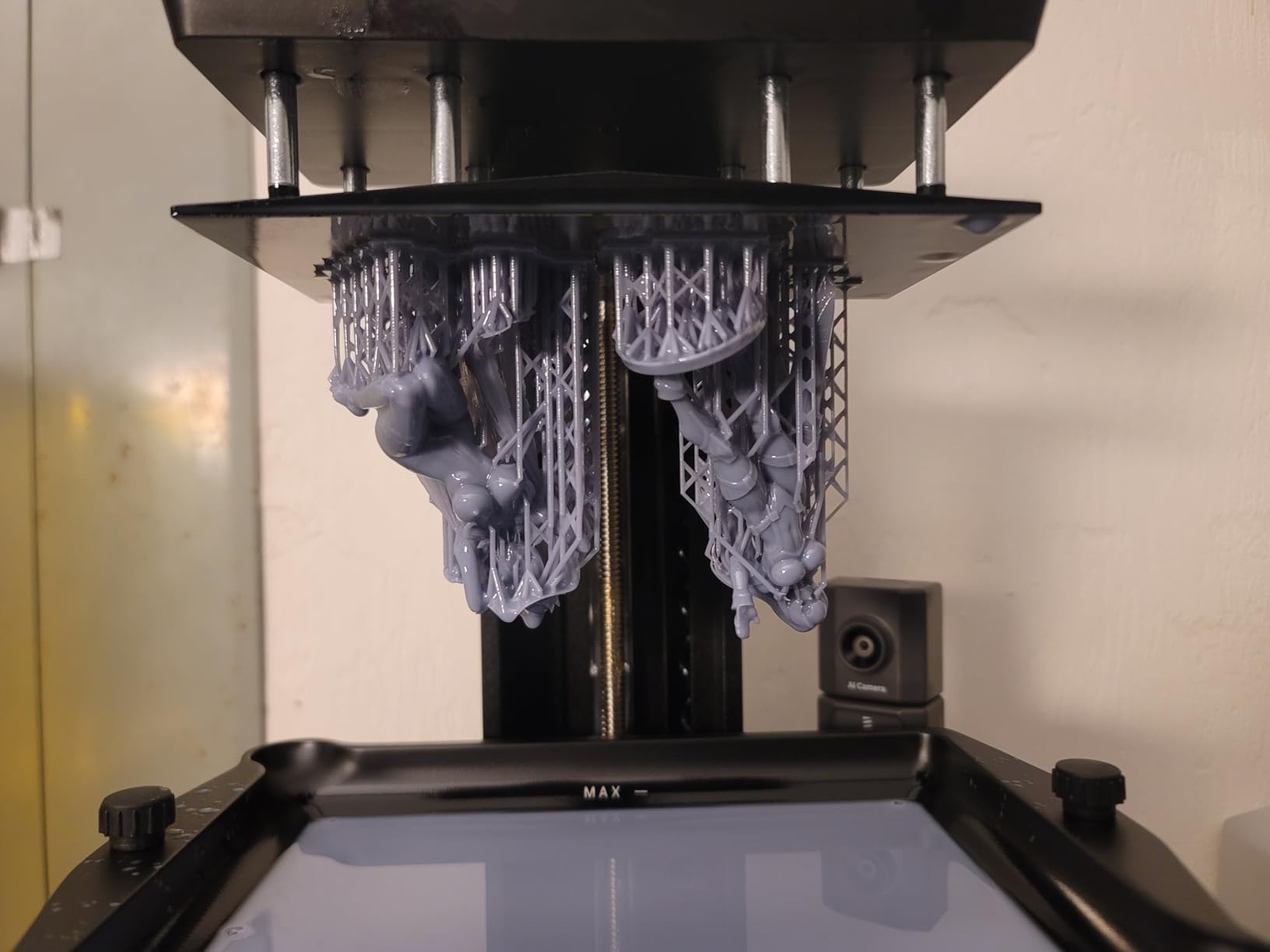
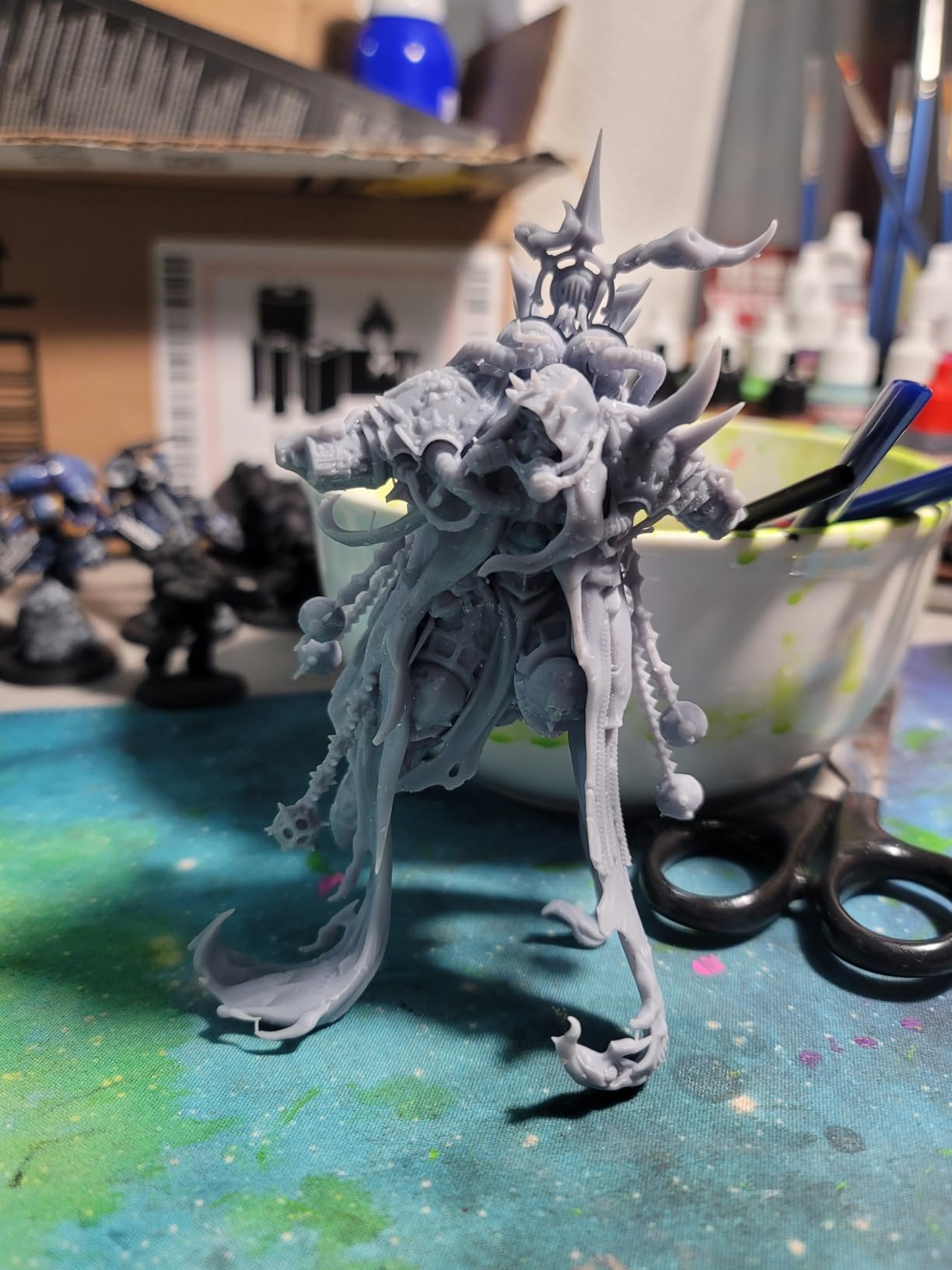
The 9K LCD delivers 18 micron XY resolution, which captures facial features and weapon detail cleanly on 28mm figures. The AI camera monitors prints in real time and alerts you to failures. In practice the AI detection worked well with standard grey resins but missed some issues with clear and flexible resins.
WiFi cluster printing lets you manage multiple Mars 5 Ultra units from one interface. If you are scaling up a miniature printing side hustle, that feature alone justifies the upgrade from the base Mars 5.
Who should buy the Mars 5 Ultra
This printer targets hobbyists who print in volume and value speed. If you run a small business selling printed miniatures, fulfill Patreon STL subscriptions, or simply want to build armies quickly, the 150mm/h tilt release is a genuine productivity booster.
The AI camera and WiFi features also appeal to makers who want a smarter, more connected printing workflow than basic resin machines offer.
Where it falls short
The 6.04 by 3.06 by 6.49 inch build volume is relatively narrow compared to the Saturn class. The Mars 5 Ultra trades build width for speed features, so very wide models or large batches laid flat need the Saturn instead. AI detection reliability depends heavily on resin opacity and ambient lighting.
5. ELEGOO Mars 5 – Best Entry Resin Printer with Smart Features
ELEGOO Mars 5 Resin 3D Printer
4K Mono LCD
COB Light Source
One-Click Auto Leveling
Residue Detection
Self-Check Function
80C Overheat Protection
Pros
- One-click automatic leveling for painless setup
- Smart mechanical sensor detects residue to prevent LCD damage
- 4K mono LCD with COB light source for solid detail
- Overheat protection and efficient cooling system
- One-click self-check before printing starts
Cons
- 4K resolution lower than 8K to 16K premium options
- Some users report LCD screen damage over time
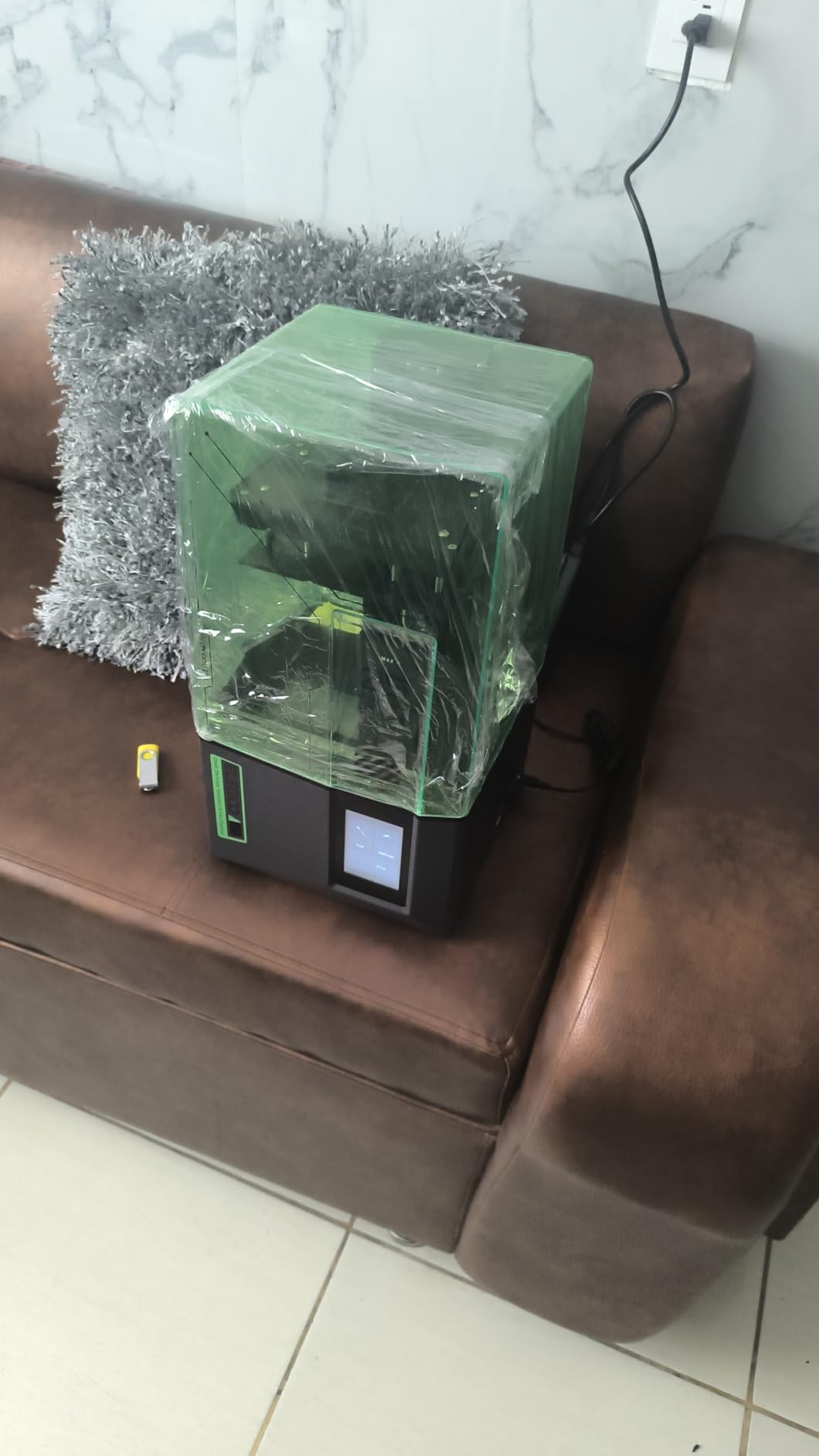
The base Mars 5 is the printer I would hand to a complete beginner who wants ELEGOO reliability without paying for the Ultra’s AI and WiFi features. One-click automatic leveling and a self-check function before each print remove the most common failure points that frustrate newcomers.
The residue detection sensor is a standout feature at this price. If leftover cured resin sits on the LCD, the sensor catches it before the next print damages the screen. That single feature has likely saved me the cost of a replacement LCD more than once.
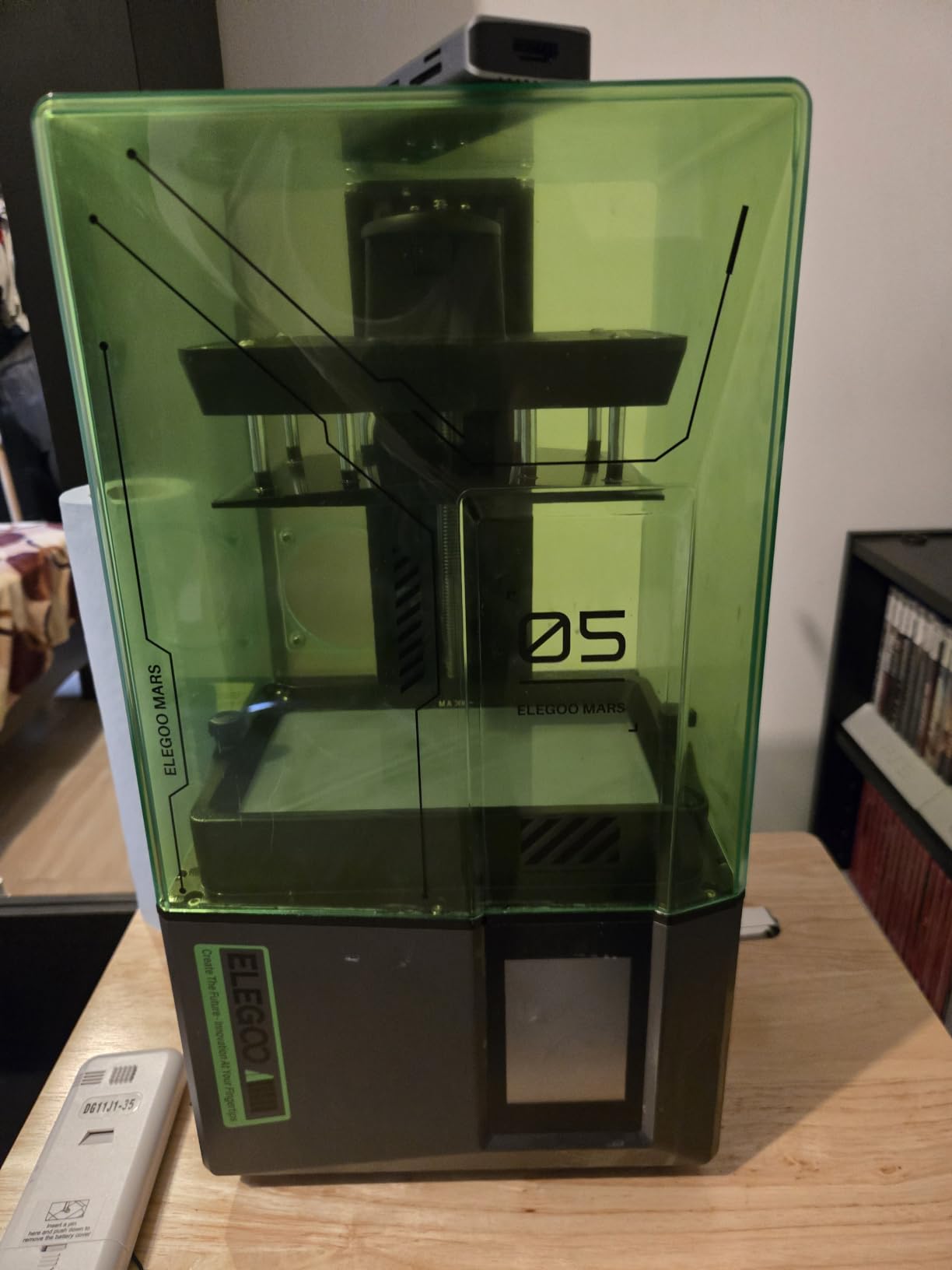
The 4K monochrome LCD produces detail that is more than enough for tabletop miniatures. Chainmail, weapon edges, and cloak folds all render cleanly at 28mm scale. Layer lines are visible on close inspection but disappear under primer and paint.
Overheat protection shuts the printer down at 80 degrees Celsius, which protects the LCD and electronics during long unattended batches. The COB light source cures resin evenly across the build area with no hot spots in my testing.
Who should buy the Mars 5
This is my pick for first-time resin buyers who want ELEGOO’s well-supported ecosystem and smart safety features without paying Ultra-tier prices. The auto-leveling and residue detection alone make it worth the small premium over budget competitors.
It also suits younger hobbyists or shared household use where you want protection against common beginner mistakes that destroy LCDs.
Resolution and detail tradeoffs
The 4K panel cannot match 8K, 10K, or 16K printers for ultra-fine detail on small 15mm models or competition display pieces. Some long-term users report LCD damage over time, so factor in a replacement screen budget and always run the self-check before each session.
6. Phrozen Sonic Mini 8K S – Best Premium Detail for Action Figures
phrozen Sonic Mini 8K S LCD Resin 3D Printer, 7.1″ Monochrome LCD, Tabletop 3D Resin Printer with 22µm XY Resolution, 6.5 * 2.8 * 6.7 Inch Printing Volume for Models, Miniatures and Action Figures
8K Mono LCD
22um XY Resolution
6.5x2.8x6.7in Build Volume
Open Source Slicer Support
Precise Z-Axis Calibration
Pros
- 8K mono LCD with 22 micron XY resolution for crisp detail
- Beginner-friendly operation with precise Z-axis
- Open source slicer compatibility with Lychee Chitubox and Tango
- Compact tabletop-friendly footprint
- Designed specifically for models and action figures
Cons
- Lower review count suggests smaller user base
- Lower sales rank than mainstream Elegoo or Anycubic options
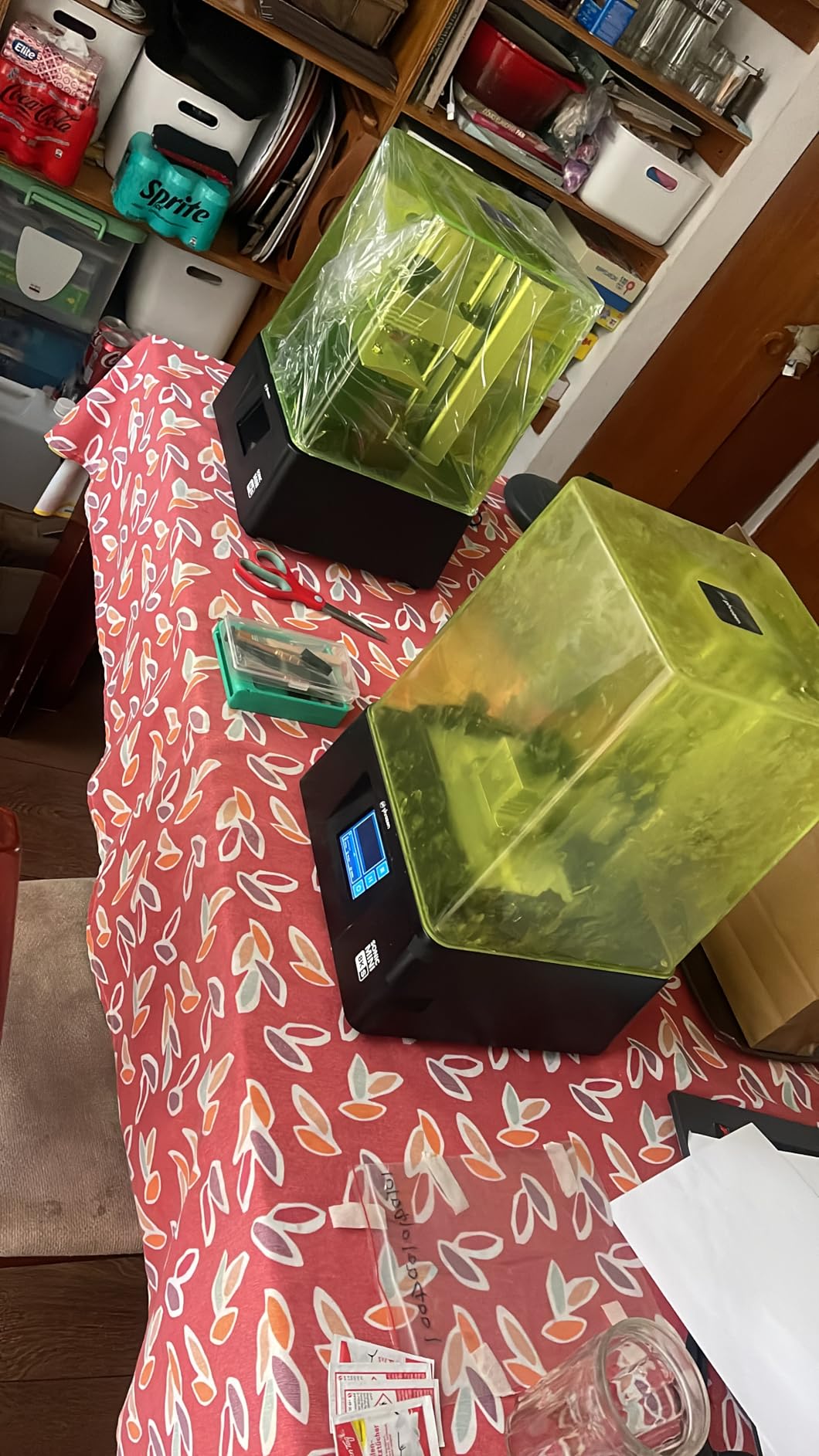
Phrozen built the Sonic Mini 8K S specifically for miniature and action figure hobbyists, and that focus shows. The 8K LCD hits a 22 micron XY resolution that captures facial detail, fabric texture, and small accessories with impressive clarity on 28mm and larger figures.
The 81 percent five-star rating across 153 reviews tells you the people who buy this printer love it. The smaller review count reflects Phrozen’s niche positioning rather than quality concerns. This is a specialist tool that appeals to hobbyists who know what they want.
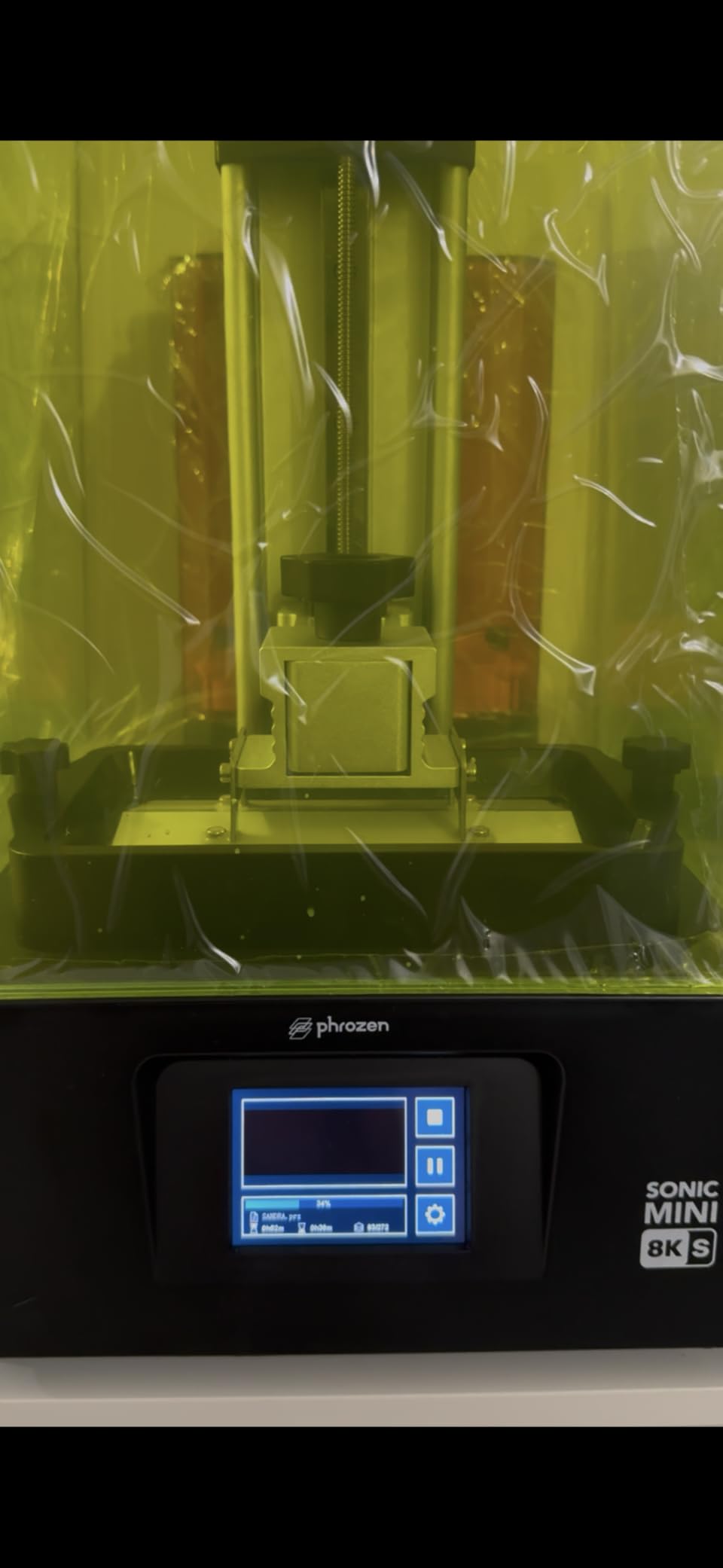
Open source slicer support is where Phrozen wins over tinkerers. Lychee, Chitubox, and Tango all work seamlessly, giving you far more control over supports, exposure settings, and hollowing than locked-down ecosystems allow. Precise Z-axis calibration keeps layer heights consistent across long prints.
The 6.5 by 2.8 by 6.7 inch build volume is tall but narrow. That shape actually suits miniatures well, since most figures print vertically on supports. You sacrifice width for height, which is the right tradeoff for character models and larger action figures.
Who should buy the Sonic Mini 8K S
This printer fits hobbyists who already know resin printing basics and want a detail-focused machine for character models, display pieces, and action figures. If you care about open source software freedom and precise calibration over auto-everything convenience, Phrozen speaks your language.
It also appeals to painters who print their own sculpts or buy premium STL files and want every detail to survive the printing process.
Ecosystem and support considerations
Phrozen’s user base is smaller than ELEGOO or Anycubic, which means fewer community troubleshooting threads and longer waits for firmware updates. Replacement parts are available but may ship slower than mainstream brands. Weigh the superior detail against a leaner support network before buying.
7. FLASHFORGE AD5X Multi-Color – Best FDM for Color Terrain and Bases
FLASHFORGE AD5X Multi-Color 3D Printer, CoreXY 600mm/s High-Speed, 1-Click Auto Leveling, 300°C Direct Drive Extruder, 220x220x220mm Build Volume, Ideal for Precision and Efficiency
4-Color FDM Multi-Color
600mm/s CoreXY
300C Direct Drive Extruder
220x220x220mm Build
1-Click Auto Leveling
Pros
- Vivid multi-color printing up to 4 colors simultaneously
- 1-click auto leveling for fast setup
- Ultra-fast 12X printing speed at 600mm/s
- Advanced dual-channel cooling fan
- Vibration compensation system for cleaner walls
Cons
- 16 percent 1-star rating suggests reliability concerns
- Occasional print failures reported with complex color jobs
The AD5X is the FDM printer I recommend for tabletop gamers who want multi-color terrain without painting every piece by hand. Four-color simultaneous printing lets you build scatter terrain, dungeon tiles, and large scenery with integrated color zones straight off the bed.
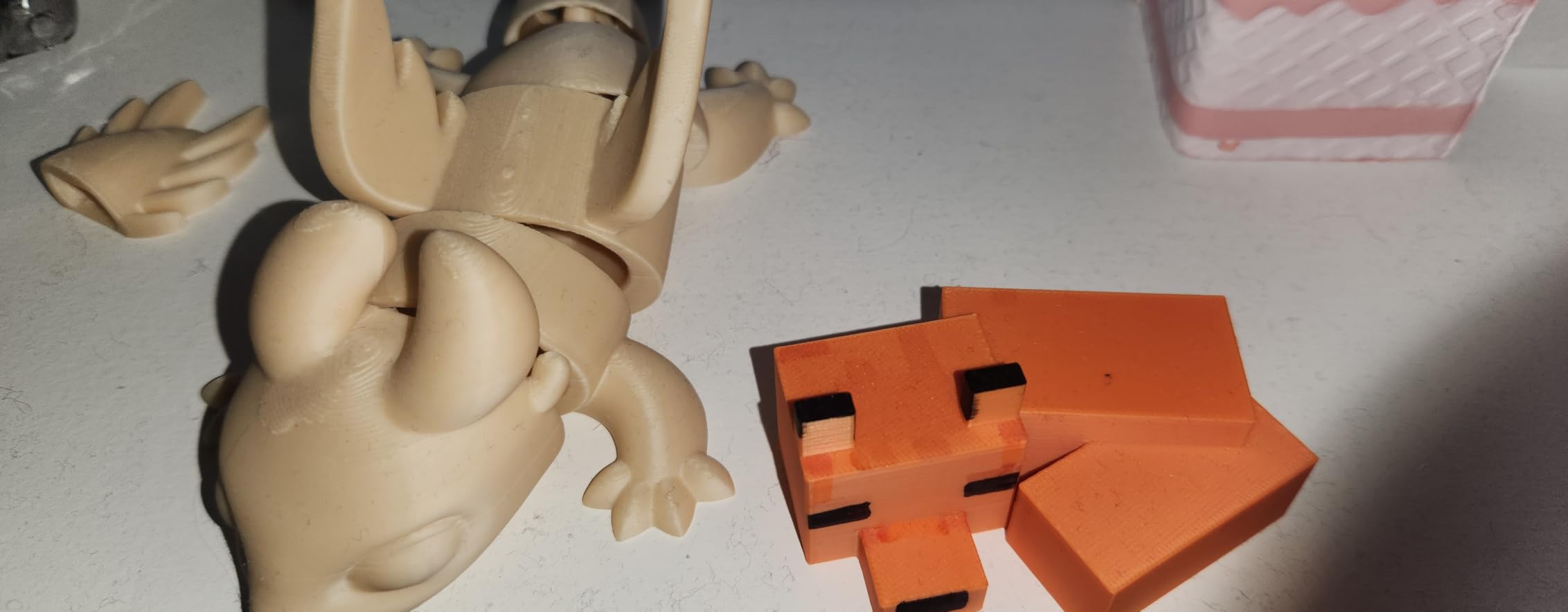
FDM cannot match resin for miniature figure detail, but for terrain and large scenic pieces it excels. The 220 by 220 by 220mm build volume fits sizable dungeon tiles, building ruins, and large monster figures that would cost a fortune in resin.
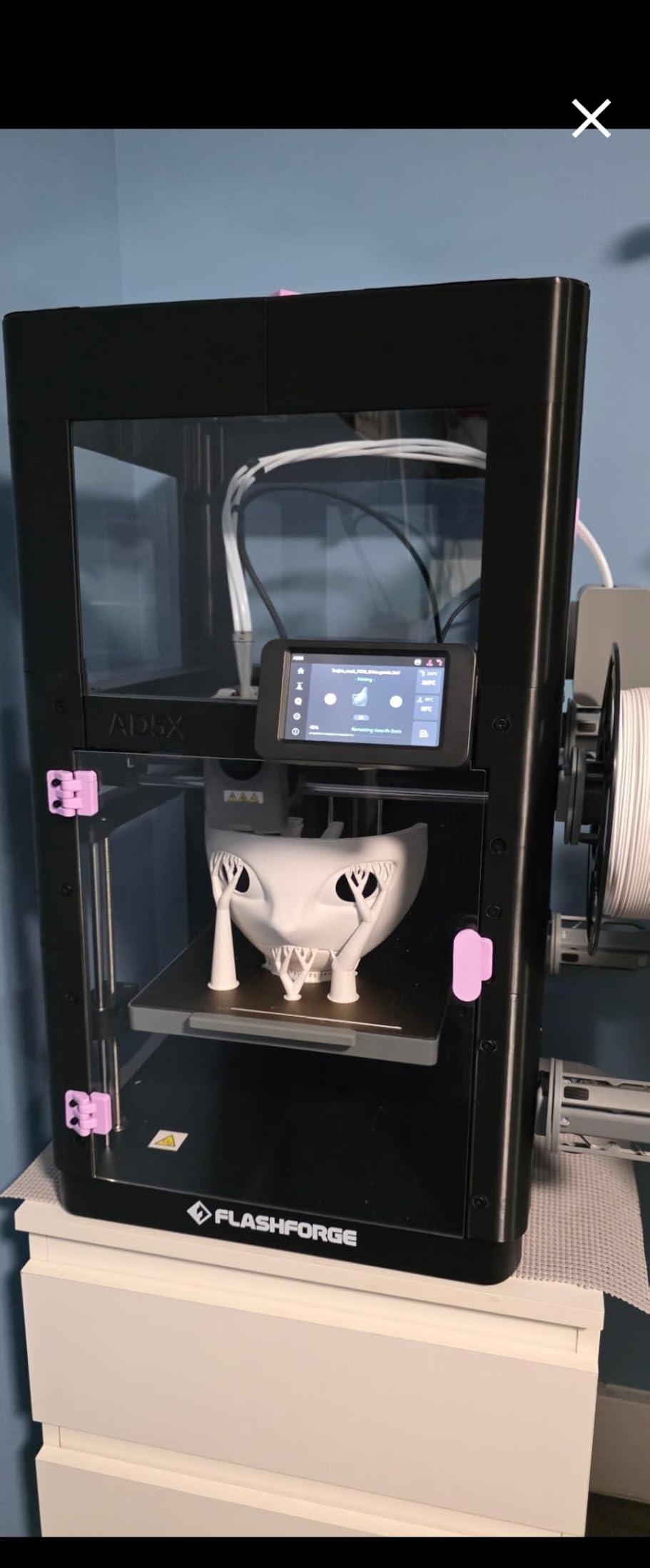
The 600mm per second CoreXY speed means terrain that used to take 20 hours now finishes in a fraction of that time. I printed a multi-color ruined tower in under seven hours with four integrated color regions. Painting that by hand would have taken longer.
Vibration compensation and the dual-channel cooling fan deliver cleaner walls and sharper overhangs than older FDM machines. The 300-degree direct drive extruder handles a wide range of filaments including PETG and TPU for flexible terrain pieces.
Who should buy the AD5X Multi-Color
This printer suits terrain-focused hobbyists who want multi-color prints for dungeons, scatter scenery, and large set pieces. If you already own a resin printer for figures and want an FDM companion for big terrain, the AD5X fills that role well.
Board game designers and tabletop content creators who print prototype pieces in multiple colors also benefit from the four-color capability.
FDM limitations for actual miniatures
Do not expect FDM to produce sharp 28mm character figures. Layer lines will show clearly on small models, and fine details like faces and weapons will look soft. Use the AD5X for terrain, bases, and large miniatures where overall form matters more than micro-detail. Factor in the 16 percent one-star rate as a reliability warning for long unattended runs.
8. FLASHFORGE Adventurer 5M – Best Fast FDM for Terrain
FLASHFORGE Adventurer 5M 3D Printer with Fully Auto Leveling, Max 600mm/s High Speed Printing, 280°C Direct Extruder with 3S Detachable Nozzle, CoreXY All Metal Structure, Print Size 220x220x220mm
FDM 600mm/s CoreXY
Fully Auto Leveling
280C Direct Extruder
3-Second Nozzle Swap
Dual-Sided PEI Build Plate
220x220x220mm
Pros
- One-click automatic printing with auto bed leveling
- Ultra fast 600mm/s printing with CoreXY structure
- 12X faster printing for rapid prototyping
- Quick 3-second nozzle changes for flexibility
- High-flow 32mm3/s nozzle with 35-second warm-up
Cons
- 17 percent 1-star rating indicates some quality issues
- May require regular maintenance to keep running well
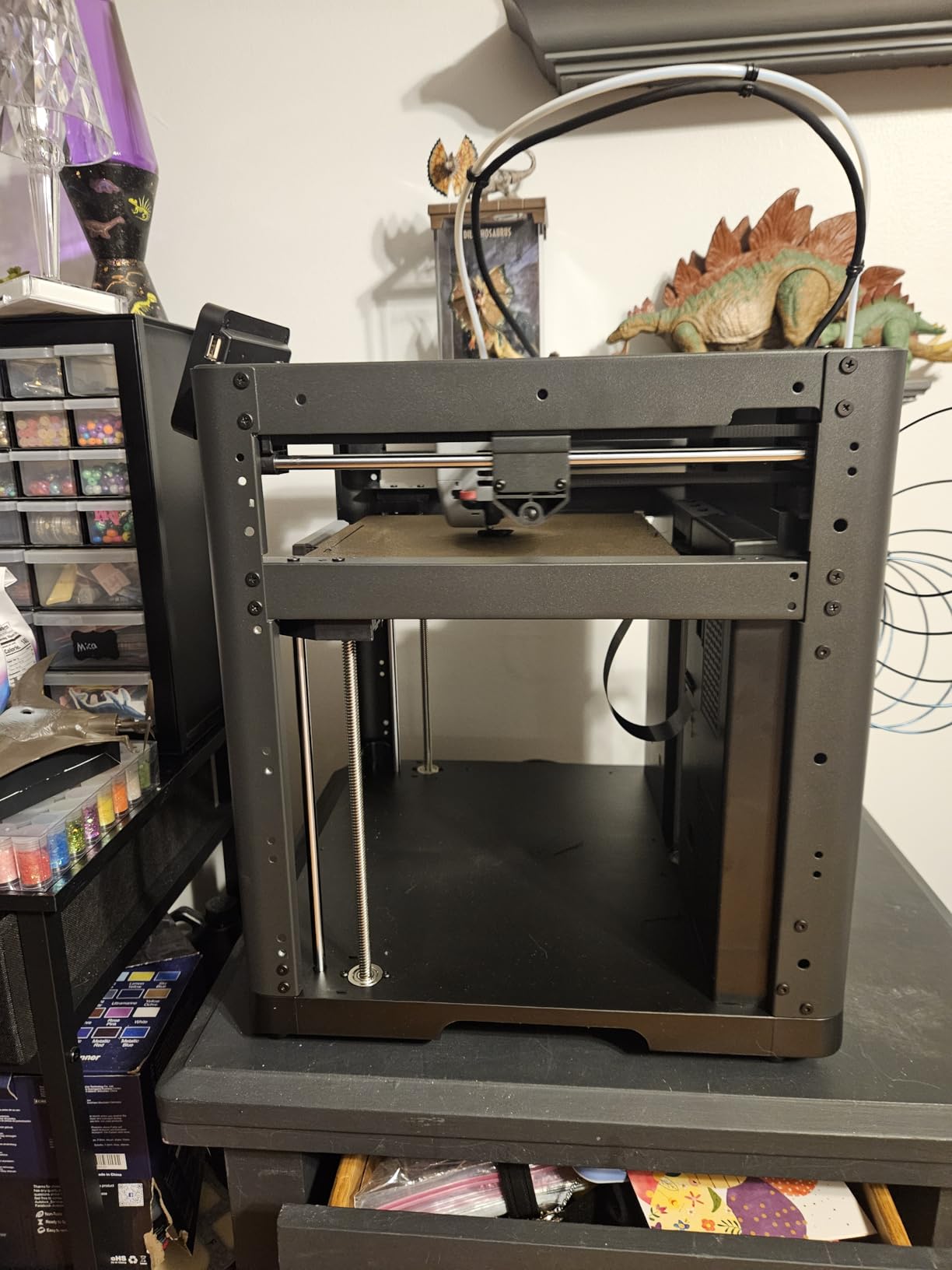
The Adventurer 5M is the number one bestseller in 3D printers on Amazon for good reason. It delivers fast, reliable FDM printing at a price that makes it an easy entry point for hobbyists who want terrain and large scenery without resin mess.
I have used this printer for dungeon tiles, castle walls, and large monster figures. The 600mm per second travel speed and 20000mm/s squared acceleration mean big terrain pieces finish far faster than on budget FDM machines. A full 28-piece dungeon tile set printed in a single overnight run.
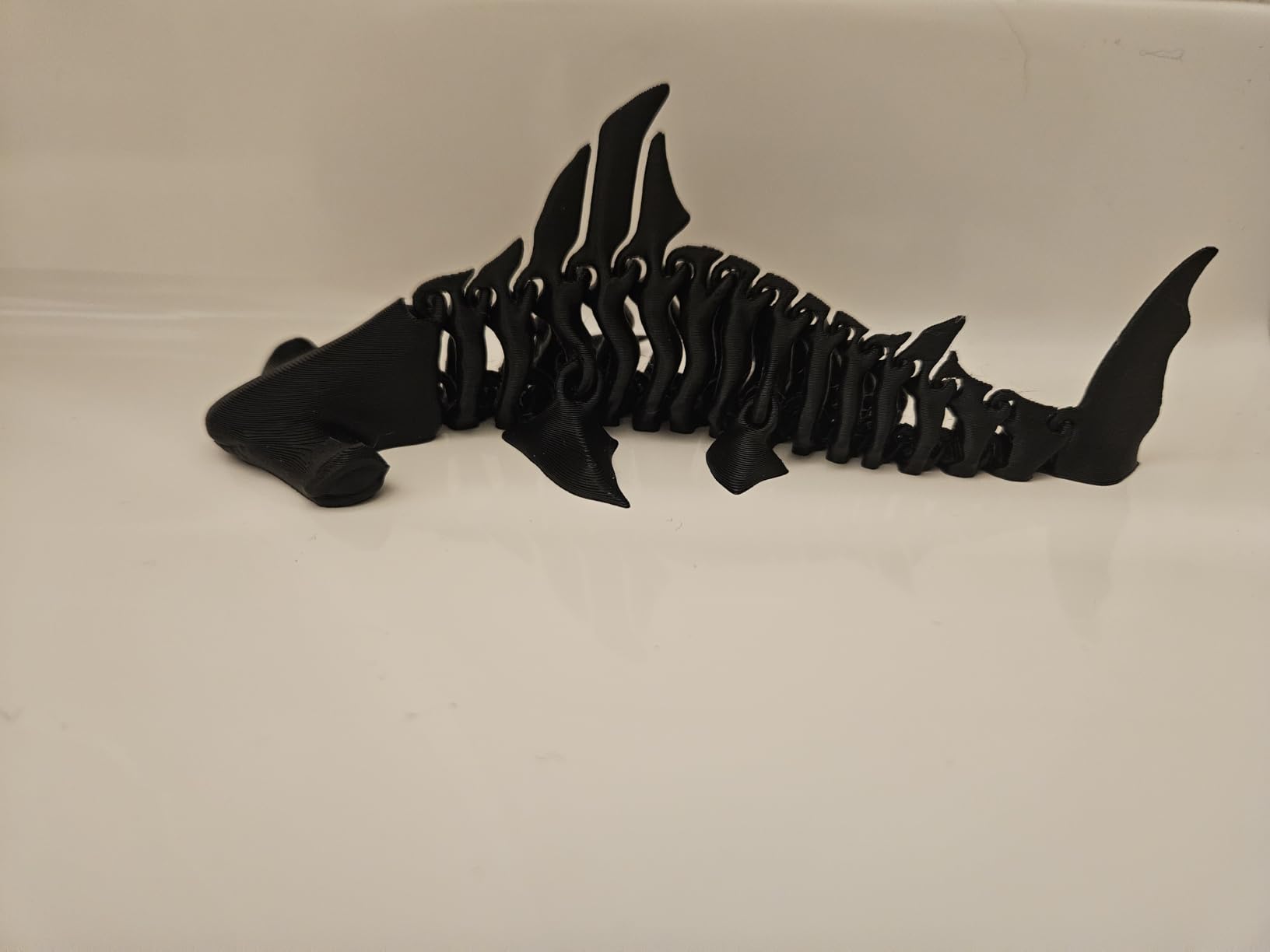
The 3-second nozzle swap system is genuinely useful. I switch between a 0.4mm nozzle for terrain walls and a 0.2mm nozzle for finer scenery details without tools. The 280-degree direct extruder handles PLA, PETG, and TPU without complaint.
Fully automatic bed leveling and the dual-sided PEI build plate remove the most common FDM frustrations. Prints release cleanly once the plate cools, and adhesion is consistent across the whole bed.
Who should buy the Adventurer 5M
This printer targets hobbyists who want a proven, fast FDM machine for terrain, bases, and large scenery. If resin printing feels intimidating or you lack proper ventilation at home, a solid FDM workhorse like this is a sensible starting point.
The massive 2385-review base also means abundant community troubleshooting resources, which matters when you are learning.
What to watch out for
The 17 percent one-star rating is higher than I like to see. Common complaints center on occasional print failures and maintenance needs over time. Treat the Adventurer 5M as a capable workhorse that rewards regular cleaning and calibration rather than a set-and-forget machine.
9. Bambu Lab A1 mini + LED Kit – Best Compact FDM for Hobbyists
Bambu Lab A1 mini 3D Printer + LED Lamp Kit, Ready-to-Use for Beginners
FDM Auto Calibration
Active Flow Rate Compensation
48dB Quiet Operation
LED Lamp Kit Included
MakerWorld Model Library
20-Min Setup
Pros
- Includes LED lamp kit for creative light projects
- Perfect for beginners with full automatic calibration
- Access to MakerWorld model library
- Bambu Lab ecosystem with connected apps
- Quiet operation at 48 decibels or less
Cons
- Small build volume limits larger projects
- Newer product with limited long-term review data
The Bambu Lab A1 mini has built a cult following among FDM hobbyists, and the version with the LED lamp kit adds a creative twist. You can print lamp models and turn them into functional lights, which is a fun side project for tabletop scenery like glowing crystals or magic items.
Setup took me about 20 minutes, and full automatic calibration means the printer handles flow rate compensation on its own. Active flow rate compensation adjusts extrusion in real time, which produces cleaner walls and better layer adhesion than older FDM machines I have tested.
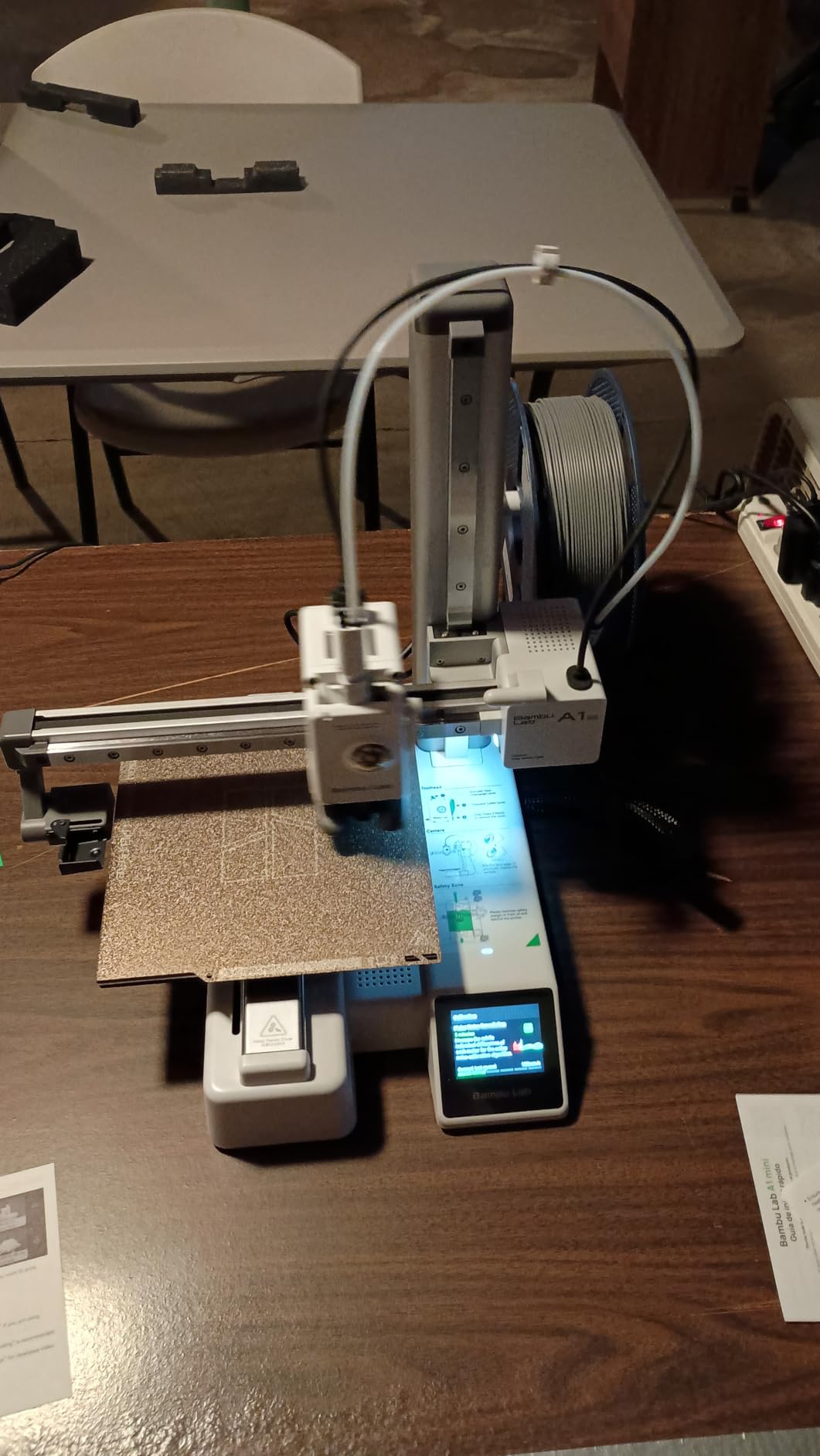
The Bambu Lab ecosystem is where this printer really shines. MakerWorld gives you a free library of printable models, and the Bambu Handy app lets you monitor and control prints from your phone. For hobbyists who want a guided, app-connected experience, this is hard to beat.
At 48 decibels or quieter, the A1 mini runs silently enough to sit in a living room or shared space. That matters if you do not have a dedicated workshop and want to print terrain without driving everyone in the house crazy.
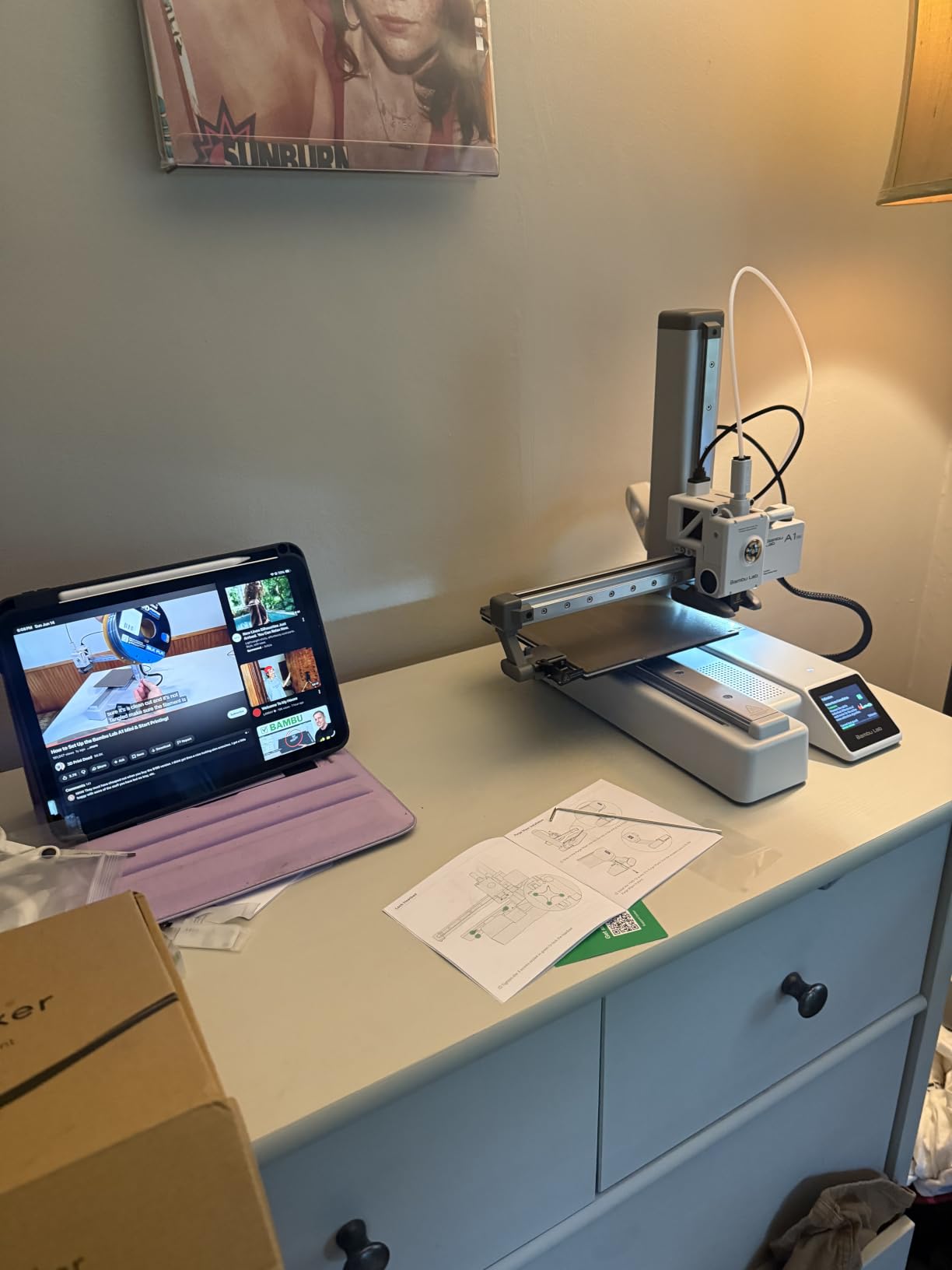
Who should buy the A1 mini
This printer suits hobbyists who want a polished, beginner-friendly FDM experience backed by the Bambu Lab ecosystem. If you value quiet operation, automatic calibration, and app connectivity over raw build volume, the A1 mini delivers.
The LED lamp kit also appeals to creative makers who want to combine printing with functional lighting projects for dioramas and terrain.
Build volume reality check
The compact footprint means a smaller build volume than the Flashforge options. Large terrain pieces or big monster miniatures may need to be split into multiple prints and assembled. If your primary goal is printing sizable scenery, consider the Adventurer 5M or AD5X instead.
10. Entina Tina2C – Best 3D Printer for Kids and STEM Beginners
Entina Tina2C 3D Printer for Kids & Beginners, Fully Assembled Starter Mini 3D Printer, Start in 8 Mins, App & WiFi Control, Auto Leveling, 3000+ Model Library, 20+ Creative DIY Modules for STEM, Home
FDM Fully Assembled
8-Minute Start
WiFi and App Control
AI Photo-to-Print
Auto Leveling
3.9x3.9x3.9in Build
3000+ Model Library
Pros
- Beginner-friendly guided setup via Poloprint Cloud app
- Start printing in as fast as 8 minutes
- AI-powered search and photo-to-print features
- WiFi and offline printing flexibility
- Self-cleaning nozzle and flexible magnetic build plate
Cons
- Small print volume at 3.9 by 3.9 by 3.9 inches
- Limited material compatibility compared to larger printers
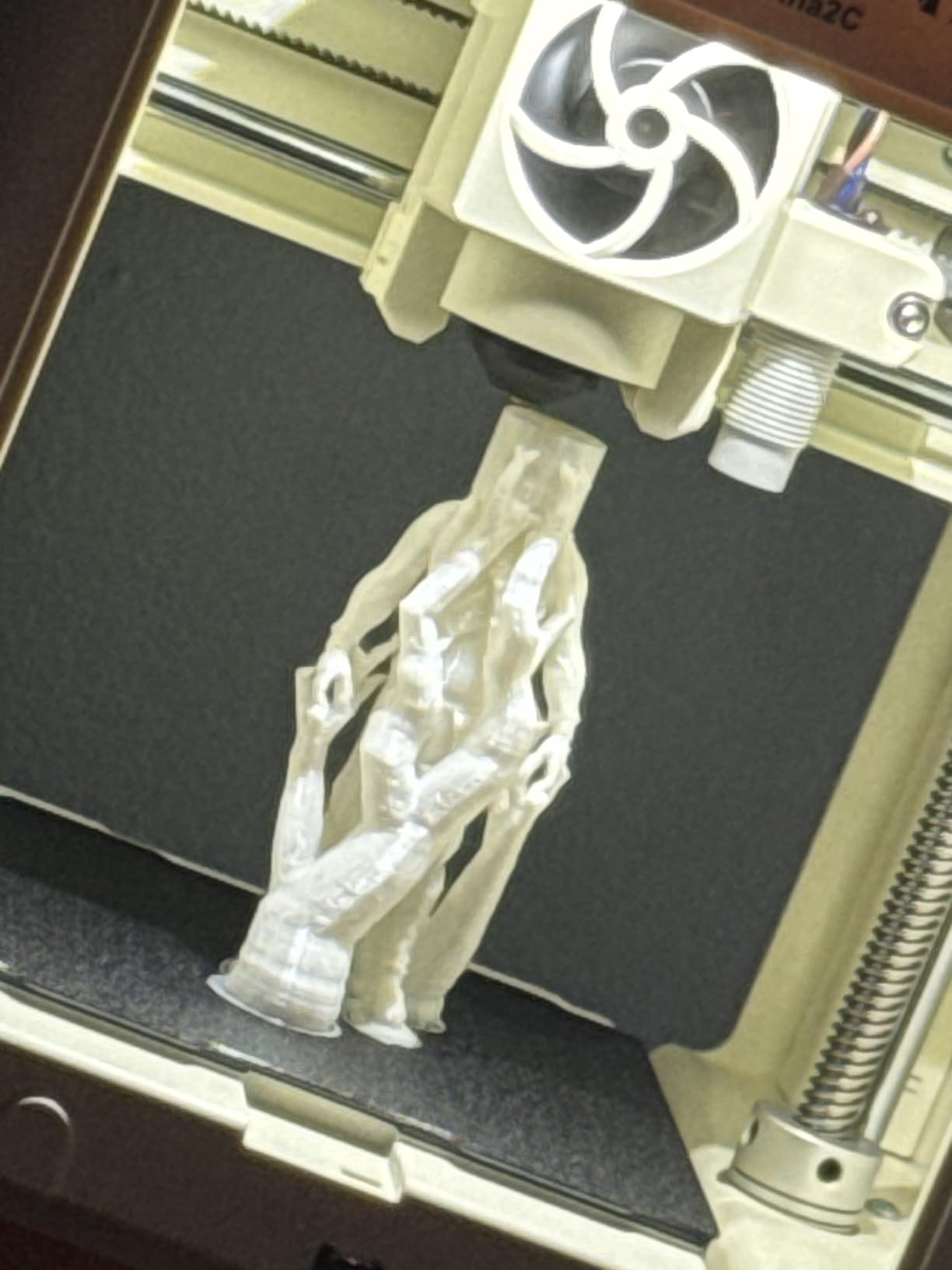
The Entina Tina2C is the printer I recommend for families and absolute beginners who want a zero-intimidation entry into 3D printing. It arrives fully assembled, and the guided Poloprint Cloud app walks you through your first print in about eight minutes from unboxing.
This is an FDM printer, so it will not produce the sharp miniature detail that resin achieves. What it does offer is a safe, enclosed, kid-friendly way to learn printing fundamentals. Rounded edges and a compact body mean it fits on a desk without dominating the room.
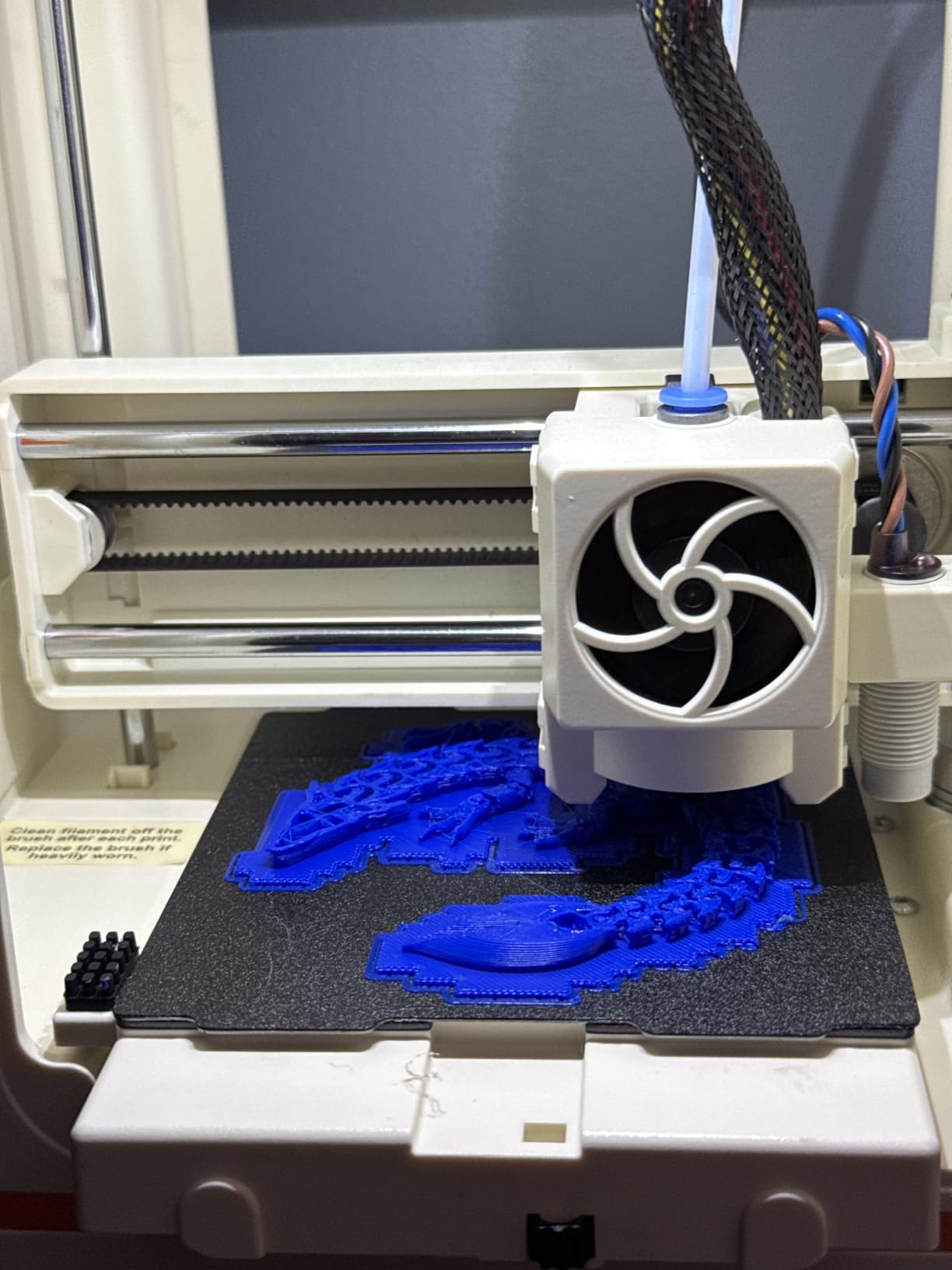
The AI photo-to-print feature genuinely surprised me. Snap a picture of an object and the app generates a printable model file. It will not replace proper STL design, but for kids exploring creativity it is a fun and accessible entry point.
The 3000-plus model library and 20-plus creative DIY modules give beginners plenty to print without needing design skills. WiFi and offline printing options add flexibility, and the self-cleaning nozzle reduces maintenance headaches for new users.
Who should buy the Tina2C
This printer fits families, schools, and STEM programs that want a safe, simple introduction to 3D printing for younger users. If your kids want to print toys, simple terrain pieces, or creative projects, the Tina2C delivers without complexity.
It also works as a low-risk way for adults to test whether 3D printing is a hobby worth pursuing before investing in resin gear.
Limitations for serious miniature work
The 3.9 by 3.9 by 3.9 inch build volume is small, and FDM detail on 28mm miniatures will look soft compared to resin. Treat the Tina2C as a learning and fun printer rather than a serious miniature production tool. For actual tabletop figures, step up to one of the resin options above.
Buying Guide: How to Choose the Best 3D Printer for Miniatures?
Choosing the right miniature printer comes down to understanding a few key specifications and matching them to your actual use case. Here is what actually matters when you are comparing models.
XY resolution is the single most important spec
XY resolution measures the physical pixel size on the LCD panel in microns. Lower numbers mean sharper detail. A 17 micron XY resolution printer produces visibly crisper miniatures than a 35 micron machine, especially on faces, weapons, and fine textures.
Ignore marketing K numbers in isolation. A 16K LCD sounds impressive, but the actual pixel size depends on screen dimensions. Always convert K ratings to micron XY resolution to compare printers fairly. Our top picks range from 17 to 35 microns, with the Saturn 4 Ultra 16K and Photon Mono 4 leading the field.
Build volume and what fits
Build volume determines how many miniatures you can print in a single batch and how large each model can be. Small Mars-class printers handle 28mm and 32mm figures easily but struggle with large display pieces or wide terrain bases.
Saturn-class machines offer more width and depth, letting you print bigger batches or larger models in one go. FDM printers like the Flashforge Adventurer 5M and AD5X offer 220 by 220 by 220mm volumes that suit terrain and scenery far better than any resin machine.
Resin versus FDM for miniatures
Resin wins for miniature figures, full stop. The detail, surface smoothness, and sharpness on 28mm character models cannot be matched by FDM at any price. If your goal is printing Warhammer infantry, D&D heroes, or display figures, choose resin.
FDM earns its place for terrain, large scenery, and budget-conscious makers who cannot ventilate resin fumes safely. Multi-color FDM machines like the AD5X also let you print colored terrain without painting every piece. Many hobbyists eventually own one of each.
Ventilation and safety requirements
Resin printing requires proper ventilation. UV resin emits volatile organic compounds during printing and post-processing that can cause headaches and skin reactions with prolonged exposure. Print in a garage, dedicated workshop, or near an open window with a fan exhausting outside.
Always wear nitrile gloves when handling uncured resin, and never pour resin down a drain. A wash and cure station helps contain the post-processing mess. Water-washable resin reduces the IPA you need but still requires ventilation during printing.
True cost of ownership
The purchase price is only the start. Factor in resin at roughly $25 to $50 per liter, isopropyl alcohol for washing, nitrile gloves, paper towels, and a wash and cure station. A typical beginner setup runs an additional $100 to $200 in accessories beyond the printer itself.
LCD screens wear out after roughly 1500 to 3000 print hours and cost $40 to $120 to replace depending on resolution. nFEP or ACF release film needs replacing every few months of regular use. Budget for consumables when you calculate total cost.
LCD longevity and replacement
Monochrome LCDs last longer than older color screens, but they still degrade over time. Exposure settings, resin opacity, and print frequency all affect lifespan. Signs of a dying screen include uneven curing, dead pixels showing as holes in prints, and faded edges.
Buy from brands with readily available replacement screens. ELEGOO and Anycubic both stock replacement parts reliably, while smaller brands may have longer wait times. Running the self-check function before each print helps catch screen issues early.
When to upgrade to a second printer
Many hobbyists reach a point where a single printer bottleneck their output. If you regularly queue more prints than your machine can handle in a week, a second printer makes sense. The ELEGOO Mars 5 Ultra with WiFi cluster printing is designed specifically for managing multiple units.
Consider a second printer in a different class. Pair a high-detail resin machine like the Saturn 4 Ultra for figures with an FDM workhorse like the Adventurer 5M for terrain. This combo covers nearly every tabletop printing need.
Frequently Asked Questions
What 3D printer is best for printing miniatures?
For most hobbyists the ANYCUBIC Photon Mono 4 is the best balance of detail and value thanks to its 10K LCD and 17 micron XY resolution. For maximum detail the ELEGOO Saturn 4 Ultra 16K leads the field. Beginners on a budget should start with the Creality HALOT R6.
Is it worth buying a 3D printer for miniatures?
Yes. A single liter of resin prints dozens of 28mm figures, and most hobbyists break even on the printer cost within a few months compared to buying commercially cast miniatures. You also gain access to community STL files and custom sculpts that are unavailable commercially.
Is resin better than FDM for miniatures?
For miniature figures yes. Resin printers achieve XY resolutions of 17 to 35 microns versus 100 to 200 microns for FDM, capturing fine facial details, chainmail, and weapon textures that FDM cannot reproduce. FDM remains useful for terrain and large scenery where detail matters less.
What XY resolution do I need for miniatures?
Aim for 35 microns or finer for tabletop miniatures viewed at arm’s length. For display pieces and competition painting, 22 microns or finer produces noticeably crisper detail. The Photon Mono 4 at 17 microns and Saturn 4 Ultra 16K represent the current sharp end of affordable resolution.
How long do resin printer LCD screens last?
Monochrome LCD screens typically last 1500 to 3000 print hours depending on exposure settings, resin opacity, and usage frequency. Signs of wear include uneven curing and dead pixels. Budget for one replacement screen per year of heavy use, costing roughly $40 to $120 depending on resolution.
Final Thoughts on the Best 3D Printers for Miniatures
Resin printing has transformed miniature hobbying from an expensive retail habit into an affordable home workflow. The ELEGOO Saturn 4 Ultra 16K takes our editor’s choice for unmatched detail, the ANYCUBIC Photon Mono 4 wins best value with 10K resolution at a fair price, and the Creality HALOT R6 earns budget pick honors for beginners dipping their toes in.
Whatever you choose, budget for resin, ventilation, and a wash and cure station alongside the printer itself. The best 3D printers for miniatures in 2026 reward a complete setup, and once you print your first crisp squad of figures you will never look at retail blisters the same way again.