
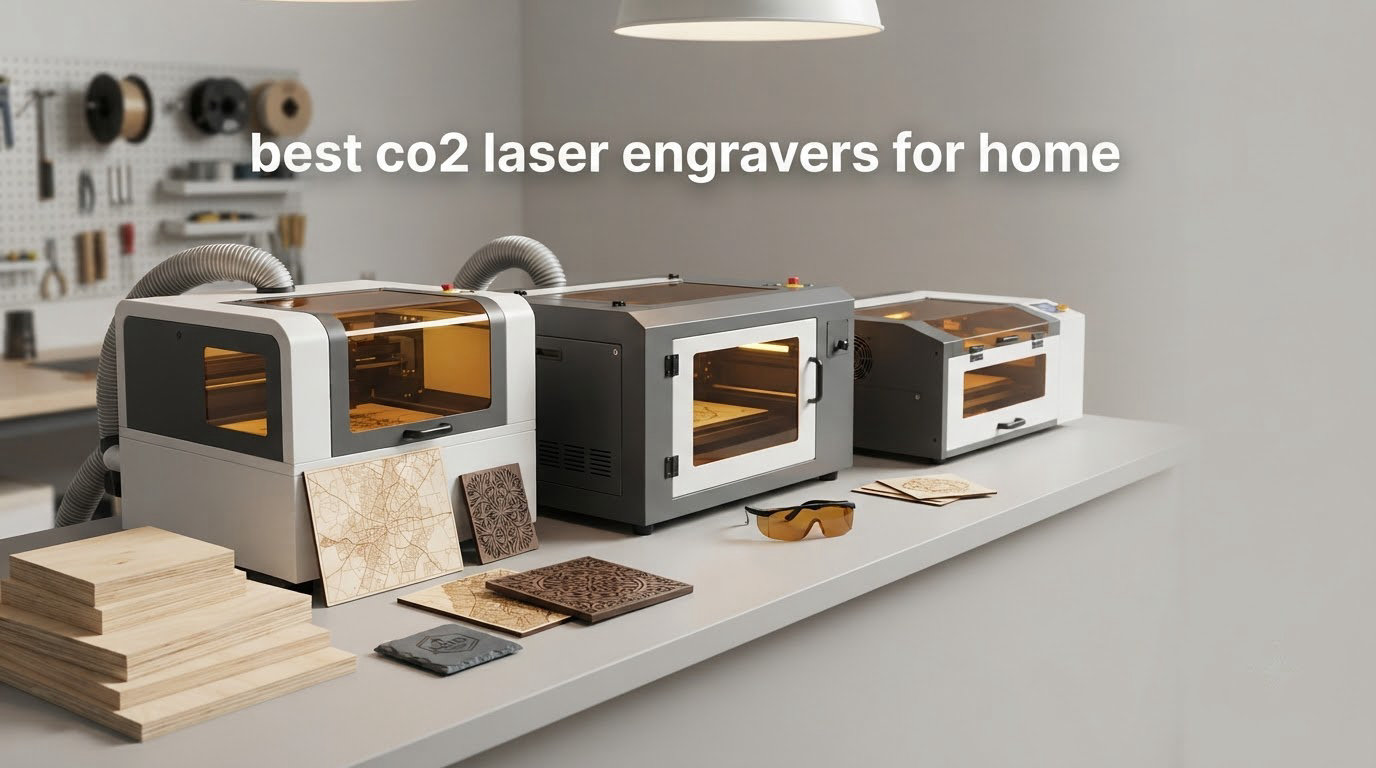
The short answer is that the xTool P2S 55W is the best CO2 laser engraver for home use for most people, because it arrives aligned, engraves at up to 600mm/s, and moves 26 by 14 inch material through a desktop footprint. If your workspace is a spare bedroom rather than a garage, the OMTech K40+ 45W is the value pick, and if you want an open controller you control, the Orion Motor Tech 50W has the strongest software story in the group.
That said, “best” changes a lot once you account for room size, ventilation, and the thickness of material you actually want to cut. A 130W floor machine is a workshop tool that happens to be great, not a home machine, and a 45W desktop unit is a poor fit if you plan to slice 20mm acrylic every weekend. We compared eleven machines across wattage, bed size, safety hardware, software support, and the complaints that show up in real owner reviews, then laid out how to set each one up safely.
If you are still deciding between laser technologies, our home workshop laser engraver guide breaks down the difference between CO2 and diode machines in plain terms. Readers who cut mostly acrylic and plywood should also read our CO2 laser cutter picks for crafts before committing.
Table of Contents
Top 3 Picks: Best CO2 Laser Engravers for Home (October 2026)
Three machines cover almost every home use case. The xTool P2S leads on build quality and out-of-the-box calibration, the OMTech K40+ wins on value and support, and the Orion Motor Tech 50W wins on controller openness. All three run standard Ruida-style workflows that LightBurn supports, and all three fit on a bench rather than taking over a garage.

All 11 Best CO2 Laser Engravers for Home Compared in 2026
Every machine below appears in the individual reviews that follow, in the same order. Ratings and review counts are the current figures shown on each listing.
| Product | Specifications | Action |
|---|---|---|
 xTool P2S 55W CO2 Laser Cutter xTool P2S 55W CO2 Laser Cutter |
|
Check Latest Price |
 WECREAT Vision Pro 45W with Rotary Pro WECREAT Vision Pro 45W with Rotary Pro |
|
Check Latest Price |
 OMTech K40+ 45W Desktop CO2 Laser OMTech K40+ 45W Desktop CO2 Laser |
|
Check Latest Price |
| Orion Motor Tech 50W with Ruida LCD |
|
Check Latest Price |
 OMTech Maker 60W with LightBurn and Chiller OMTech Maker 60W with LightBurn and Chiller |
|
Check Latest Price |
 OMTech Pronto 35 90W with Water Chiller OMTech Pronto 35 90W with Water Chiller |
|
Check Latest Price |
 Generic 50W Ruida 16 x 16 Generic 50W Ruida 16 x 16 |
|
Check Latest Price |
 VEVOR 60W 24 x 16 VEVOR 60W 24 x 16 |
|
Check Latest Price |
 Aliencell X1 Lite 60W Aliencell X1 Lite 60W |
|
Check Latest Price |
 Monport 60W Auto Focus with LightBurn Monport 60W Auto Focus with LightBurn |
|
Check Latest Price |
 VEVOR 130W 55 x 35 VEVOR 130W 55 x 35 |
|
Check Latest Price |
1. xTool P2S 55W – The Best All-Round Desktop CO2 Laser
xTool P2S 55W CO2 Laser Cutter, Smart Desktop CO2 Laser Engraver and Cutter
55W CO2
600mm/s
26 x 14 inch bed
LiDAR autofocus
130.7 pounds
Pros
- Arrives aligned with no calibration needed
- Large 26 x 14 inch bed with 118 inch pass-through
- LiDAR autofocus to 0.001 inch and dual 16MP cameras
- Class 4 enclosed build with AI fire detection and 233.3 CFM exhaust
Cons
- Engraving is slower than some rivals because software cannot skip blank areas
- Coolant fill instructions unclear and reservoir is awkward to reach
- Rotary attachment needs partial disassembly to install
The P2S is the machine we kept coming back to after reading through every owner review. Out of 89 reviews the recurring theme is that it shows up already squared, already focused, and already running. That matters more than any spec line when you are setting up in a spare room rather than a shop with a leveling jig.
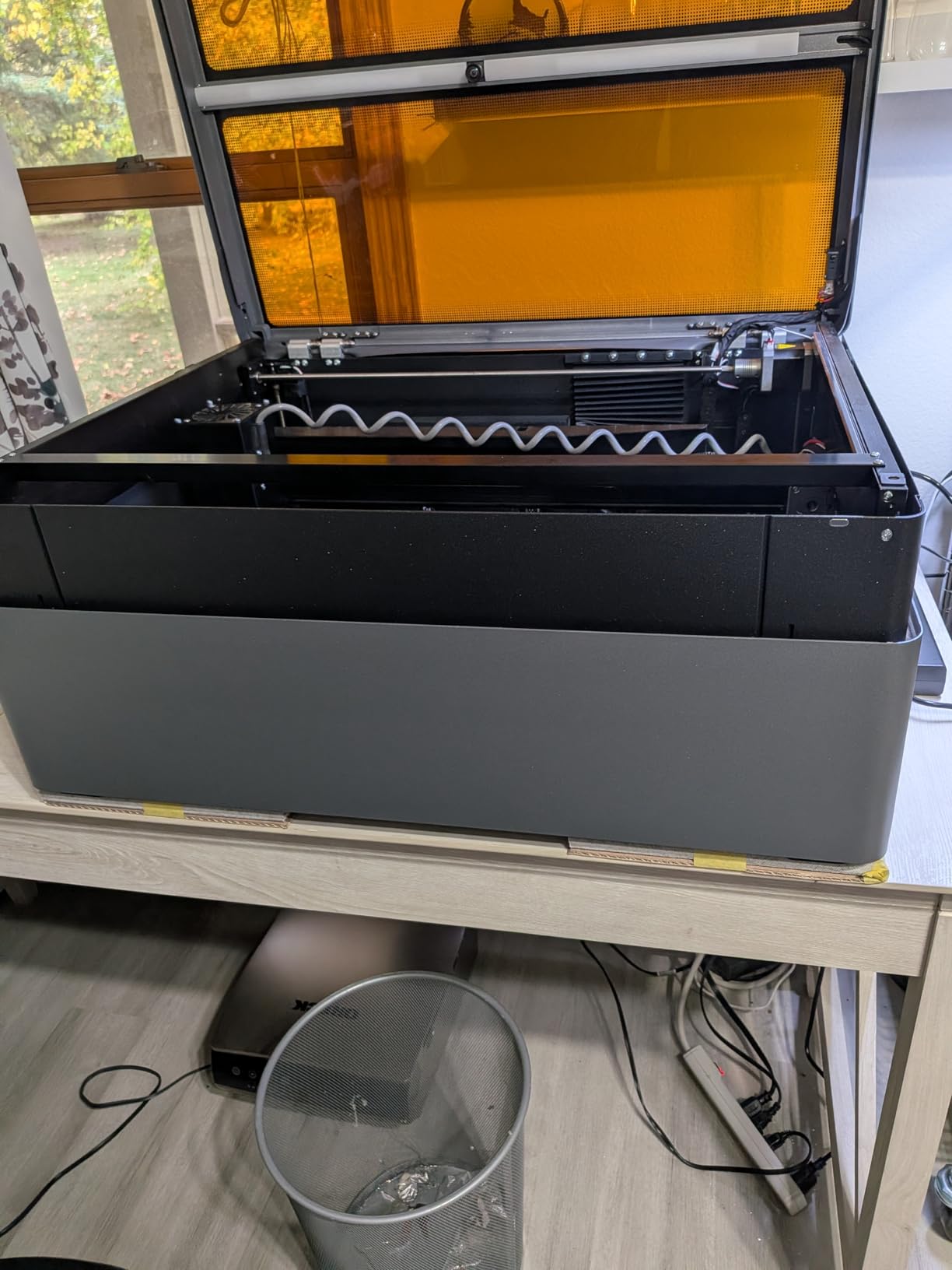
At 130.7 pounds and 44 by 29 by 14 inches it is a genuine desktop unit, yet the 26 by 14 inch bed is larger than most machines in this guide. The auto pass-through extends that to material up to 118 inches long, which is how you handle full plywood sheets without a second machine.
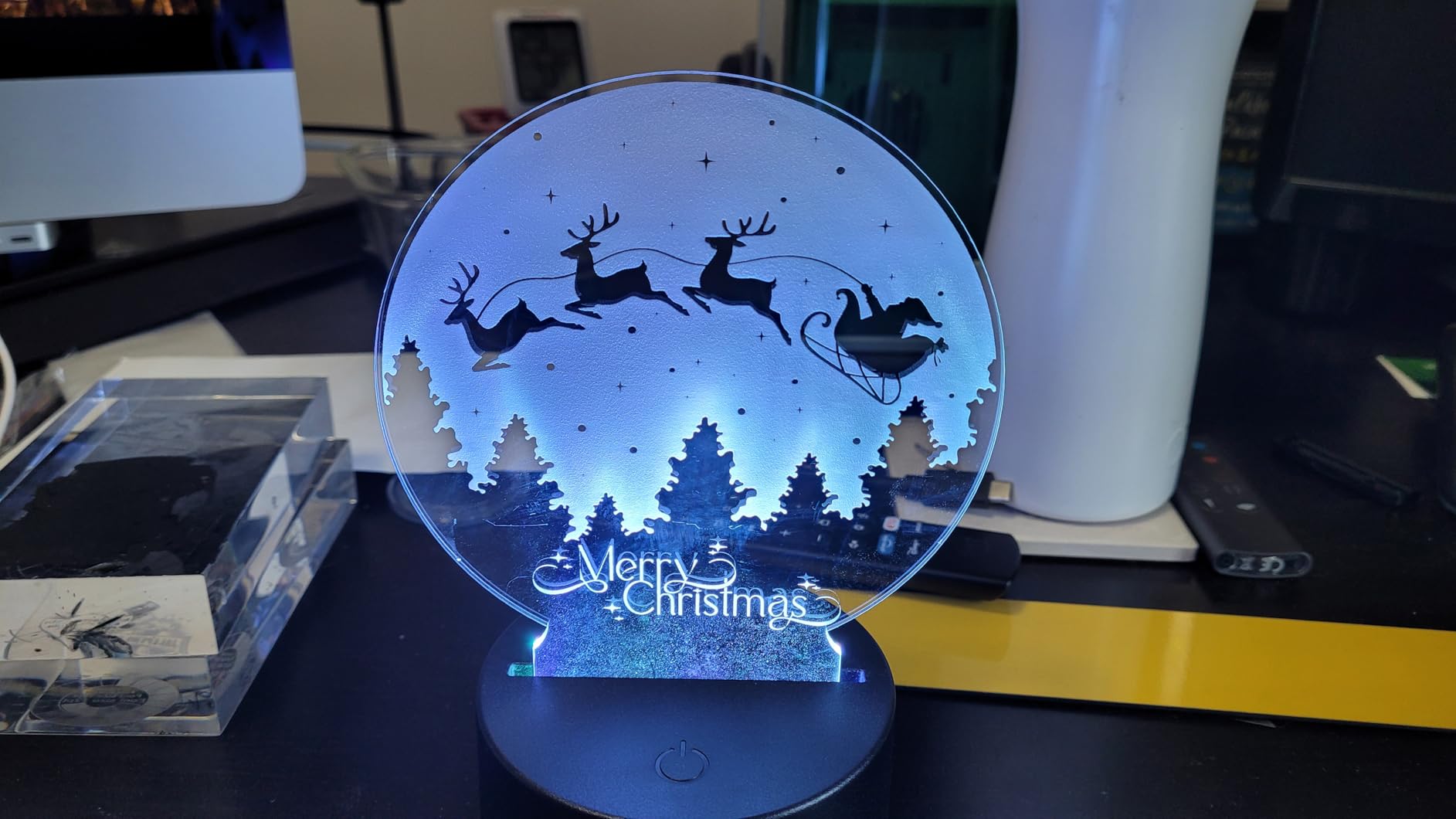
The head carries LiDAR autofocus with 0.001 inch accuracy and two 16MP cameras for position preview, so you can frame a job with the lid closed. Owners also credit the material test array, which fires a grid of settings and lets you pick the result rather than guessing at power and speed.
Cut depth is genuinely useful: 20mm of acrylic in any colour and 18mm of black walnut, both in a single pass. That is more than the tube wattage alone would suggest, and it is where the dual-cylinder air pump and the stronger exhaust earn their keep.
What you get on the first afternoon
Reviewers report setup in under an hour with clear instructions, and the XCS software is described as beginner friendly and still improving. The material test array and the red alignment guides mean most first jobs land without manual focusing.
Be aware of two workflow limits. The gantry does not skip blank regions the way some rival software does, so engraving is slower than machines with that optimisation, and Inkscape still traces raster images better than XCS does.
Where the P2S falls short
The coolant fill is the most common friction point. The instructions were unclear to several owners, and the reservoir is only reachable after removing part of the lid assembly, so budget fifteen minutes for it.
A small number of reviews report a unit that failed during initial startup homing, and the rotary attachment requires partial disassembly to fit. The honeycomb bed is more useful in practice than the decorative slats that come as the default, so swap them early if you work on small parts.
2. WECREAT Vision Pro 45W – Best CO2 Laser Engravers for Home With a Rotary Axis
WECREAT Vision Pro 45W Laser Engraver and Cutter with Rotary Pro, HD Camera & Auto-Lifting, Laser Cutter Cuts 1” Wood, Full Enclosure Laser Engraving Machine for Tumblers, Wood and Metal, Acrylic, etc
45W nominal
22.83 x 15.75 inch bed
600mm/s
LiDAR autofocus
35 kg
Pros
- Rotary Pro handles full-wrap 40oz tumblers out of the box
- Auto-lifting bed adapts from 1mm to 140mm material
- Class 1 metal enclosure with auto-stop when the lid opens
- Support replaced a defective unit and a faulty cable
Cons
- Ribbon cable design shreds unless a drag chain is fitted
- LightBurn camera alignment wizard fails and needs manual work
- Long jobs can freeze around 10-20 percent and need a power cycle
The Vision Pro is the most complete package for someone starting out. You get a 45W nominal tube that its maker rates at 60W-like cutting performance, a rotary attachment for tumblers, an HD camera, and a bed that raises and lowers itself to match material thickness from 1mm to 140mm.
Owners who stay inside WeCreat’s own software report fast, satisfying cuts and an easy learning curve. The camera preview shows what will be engraved inside the work area, and the QuickView Matrix gives you one-click material settings, which is the single most useful feature for a first machine.
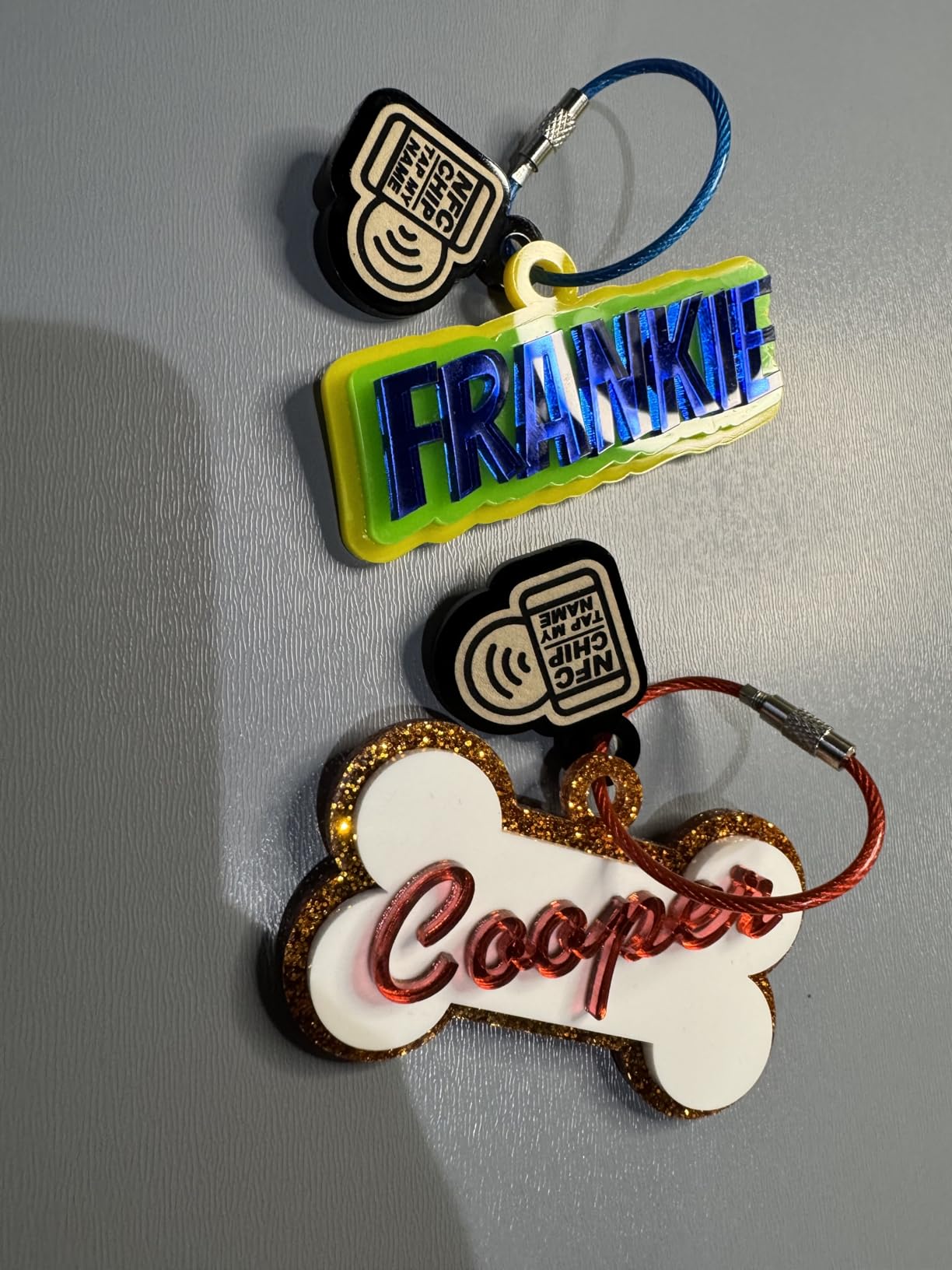
Bed size is a highlight. At 22.83 by 15.75 inches it holds 200 or more dog tags in a single pass at 600mm/s with a 0.08mm spot size, and the auto pass-through feeder extends the workspace to 18.11 by 137 inches for long strips.
The enclosure is Class 1 certified metal with an automatic stop when the lid opens, and the 35 kg weight keeps it firmly in desktop territory at 31.5 by 25.6 by 16.14 inches.
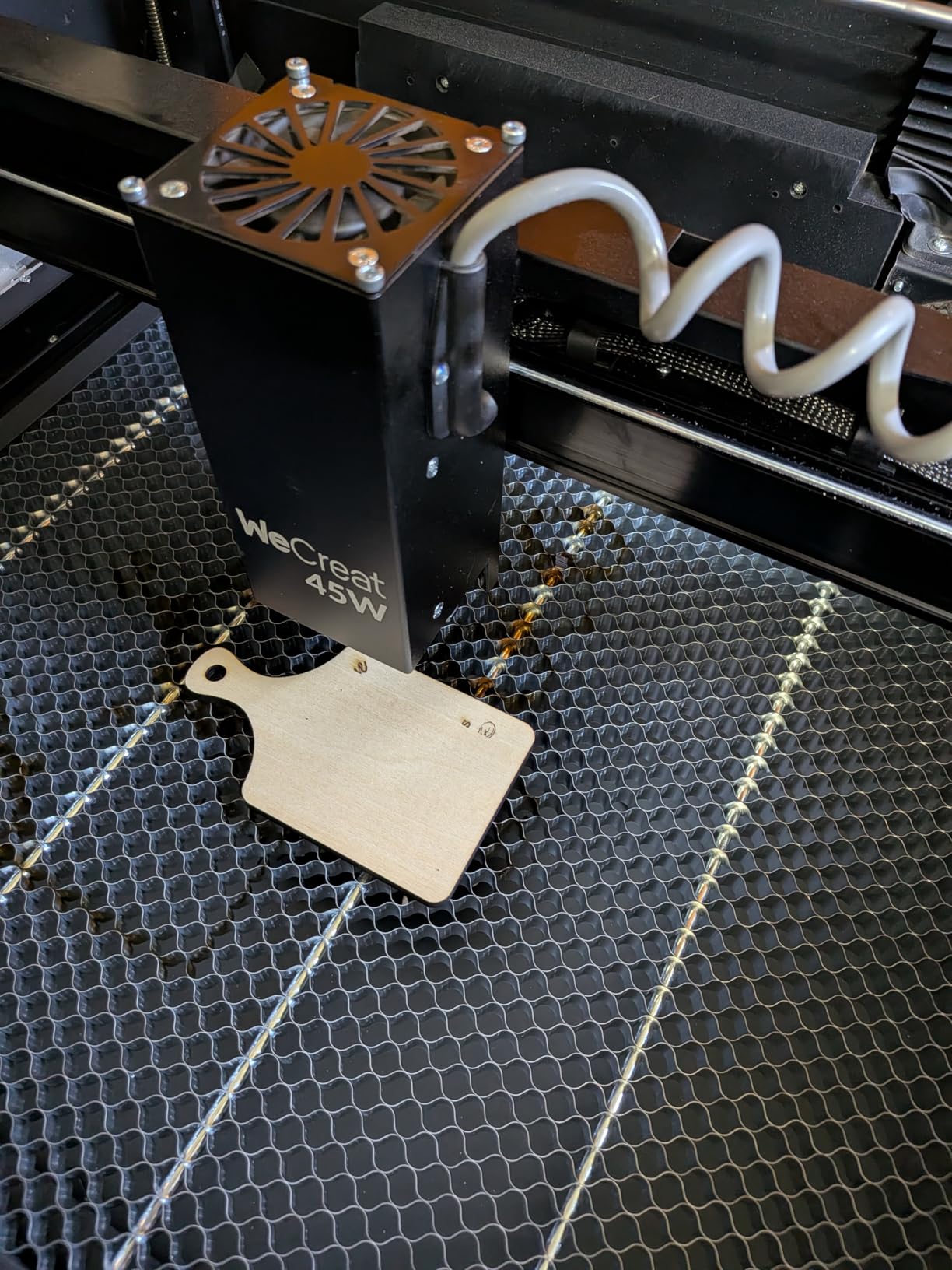
Check this before you buy
The most common physical complaint is the ribbon cable feeding the head, which shreds unless you add a drag chain. At least one owner fixed that on the replacement unit before first power-on, and it is a ten-minute modification with parts that cost very little.
If you plan to run LightBurn, test the camera alignment wizard early. Multiple owners report it raising the head to maximum Z and losing focus, and the HD camera positioning is described as inaccurate at angled placements. The bundled WeCreat software is also thinner on features than XCS or LightBurn.
Who it suits
Long jobs are the second soft spot. Owners report freezes around 10 to 20 percent completion that need a power-cycle reset, so for multi-hour batch runs check the machine’s job recovery behaviour before you commit a whole order to it.
For mugs, tumblers, and mixed-thickness product work in an enclosed frame, this is the most versatile first machine here. It pairs well with our beginner laser engraver guide if you are comparing entry points.
3. OMTech K40+ 45W – Best CO2 Laser Engravers for Home on Value
OMTech K40+ 45W Desktop CO2 Laser Engraver & Cutter
45W tube
Cuts 10mm acrylic and 8mm wood
12 x 8 inch bed
81.8 pounds
Pros
- Excellent value against other 45W CO2 machines
- Cuts acrylic and wood cleanly across many languages of review
- Technician video consultation included with setup
- Full LightBurn and LaserGRBL compatibility
Cons
- One arrival report cited a dented chassis and loose internal fasteners
- Supplied USB cable was faulty and safety switch needed adjustment
- Water hoses can be fitted backwards so the machine will not run at first
The K40+ has the highest rating among the machines here with a meaningful review count, sitting at 4.4 across 37 reviews. Owners consistently call it powerful, quick once running, and good value next to other 45W CO2 units, and several describe it as the step up from a diode laser.
The specification is sensible for a home workshop. It cuts 0.4 inch acrylic and 0.31 inch wood, engraves at up to 300mm/s, and the cutting speed is boosted by 1.5 to 2x with 15 to 20 percent greater depth on the upgraded tube.
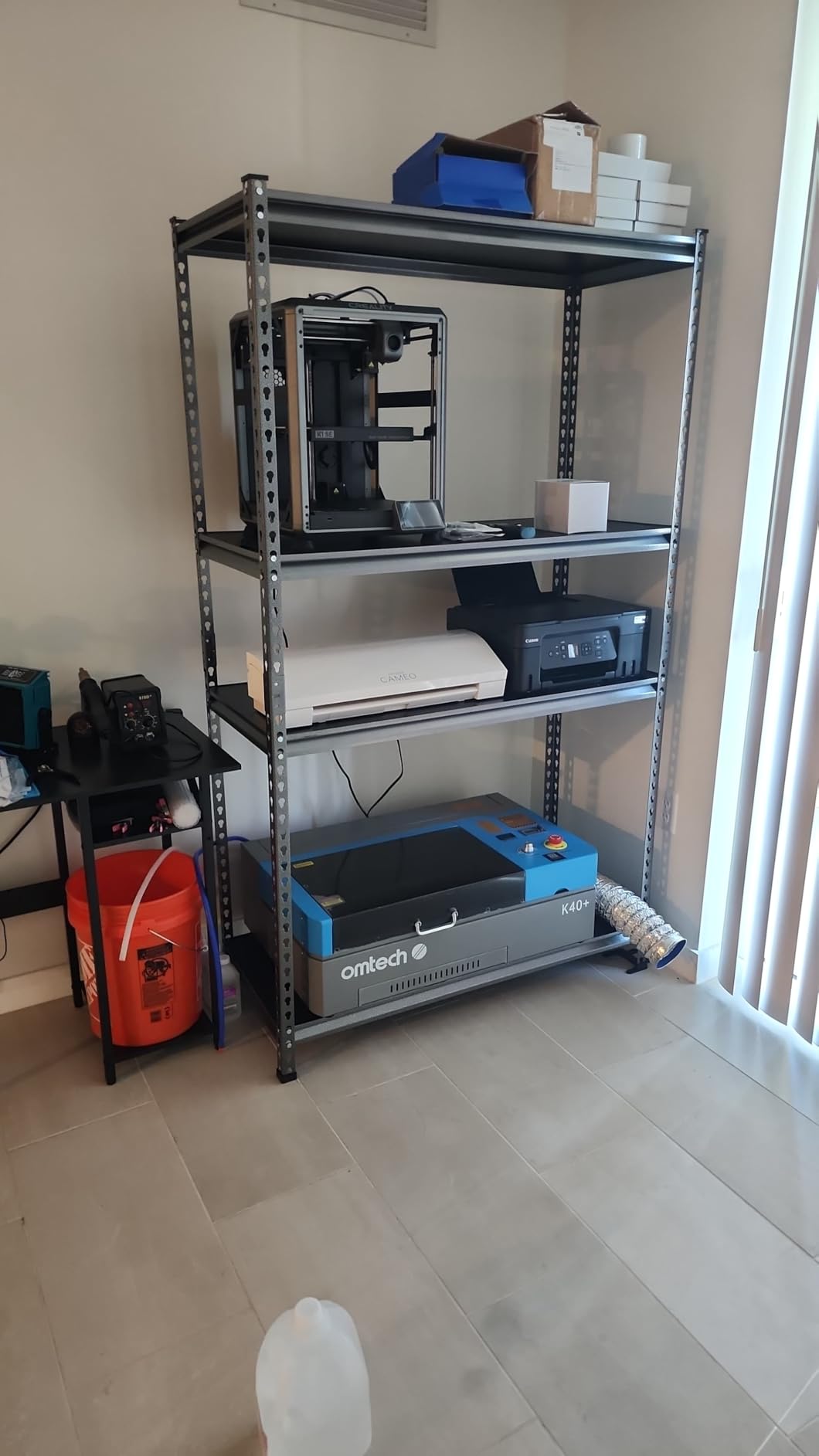
Support is the standout. OMTech offers 24/7 assistance and two years of service coverage, and multiple owners specifically mention scheduled video consultations with a technician to walk through alignment, which turns the most common beginner problem into a solved call rather than a lost weekend.
The 12 by 8 inch honeycomb work area is small, but the detachable base means the machine can sit low for large flat sheets, and an optional rotary axis is available when you outgrow flat work.
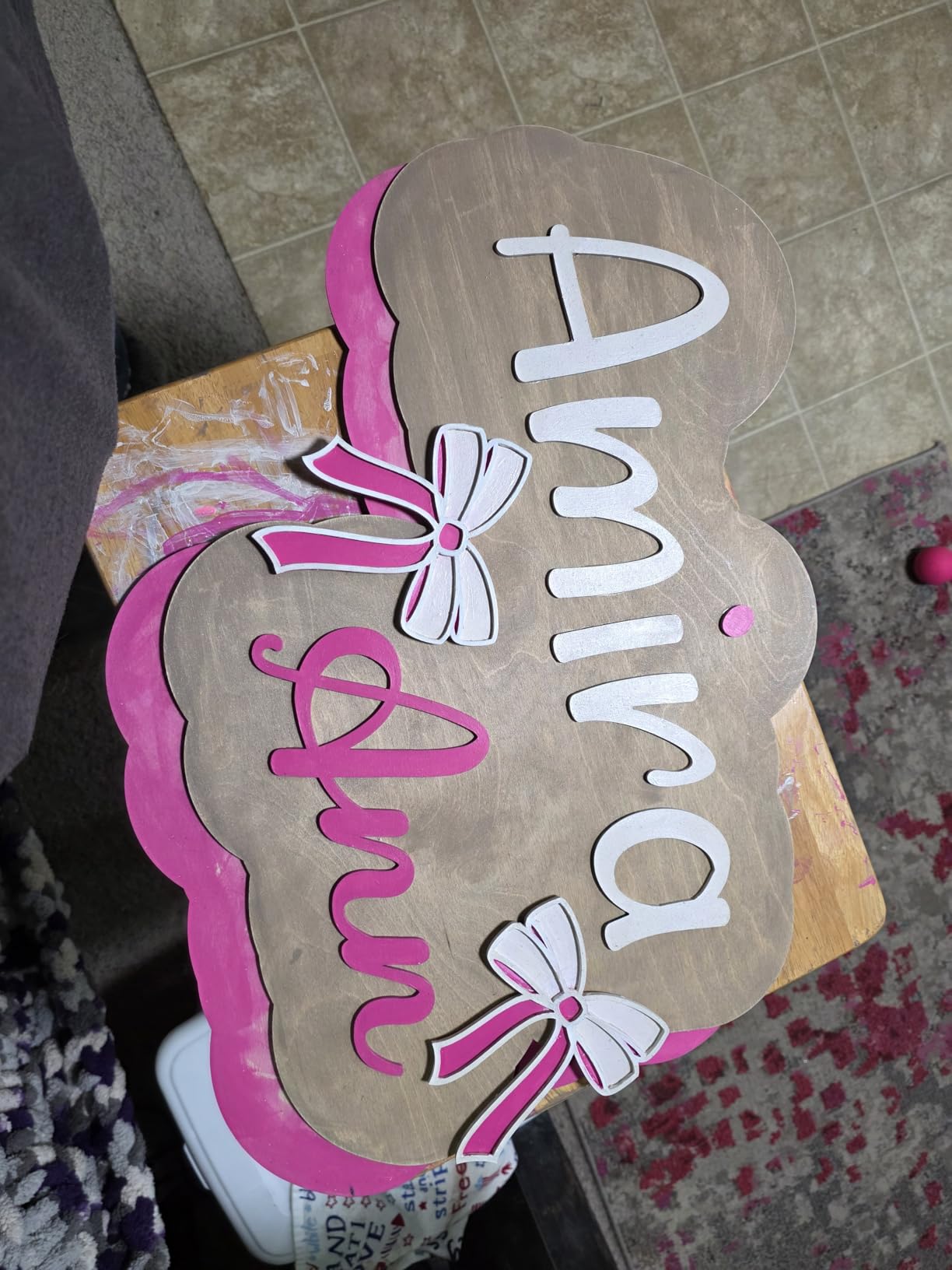
What the reviews flag
Nearly every negative review is about pre-shipment quality control rather than long-term reliability. One buyer reported a dented chassis, loose internal fasteners, a misaligned gantry, and an unsoldered data port on arrival, plus a faulty USB cable and a safety switch that needed adjustment.
There is one genuine setup trap. The water hoses can be connected backwards, which leaves the machine dead until you swap them, so check that before anything else on day one. First-time CO2 owners also point to a real learning curve during setup and alignment.
Why it earns the value slot
LightBurn and LaserGRBL both work, the integrated 45-degree air assist auto-adjusts to the laser power, and safety kit includes door and water protection, an emergency stop, and a flame-retardant acrylic panel.
At 81.8 pounds and 31.9 by 19.7 by 9.8 inches it is one of the more portable enclosed machines in the group, which makes it our pick if your home workshop is a corner of a room rather than a shed. Our small business engraver guide covers the next step up if you outgrow it.
4. Orion Motor Tech 50W – Best CO2 Laser Engravers for Home With an Open Controller
Orion Motor Tech 50W CO2 Laser Engraver Cutter with 12 x 20in Work Area, Laser Engraving Machine with Ruida Digital LCD Control Real-Time Power Data, USB Port, Air Pump, Red Dot Pointer
50W tube
12 x 20 inch bed
Ruida LCD display
0-500mm/s engraving
165 pounds
Pros
- Real-time power and position data on the built-in Ruida display
- Works without a PC from a USB drive
- Built-in air compressor so no separate pump purchase
- One-year warranty plus six months on wear parts
Cons
- At 165 pounds with a 40 inch footprint it needs dedicated floor or bench space
- Bundled RDWorks and CorelLaser are PC only
- Focus is set manually with no autofocus listed
Orion is the machine for someone who wants a real controller instead of a sealed one. The Ruida digital LCD panel with a transparent cover shows live power and position data while a job runs, and the platform stays open to LightBurn, AutoCAD, and CorelDRAW.
It also runs standalone. You can push work to it from a USB stick with no computer connected, which matters in a shared family space where a dedicated workstation is not realistic.

The cutting surface is 12 by 20 inches, more than 2.5 square feet, on a 50W tube. Engraving speed runs 0 to 500mm/s and cutting 0 to 80mm/s, with resolution adjustable up to 4500 dpi, and the file format list covers the usual vector and raster set.
Material range is wide: wood, rubber, plastic, paper, glass, leather, ceramics, tile, fabric, fiberglass, marble, cork, acrylic, and veneer. The built-in air compressor and foil vent piping mean you are not buying a separate pump on day one.
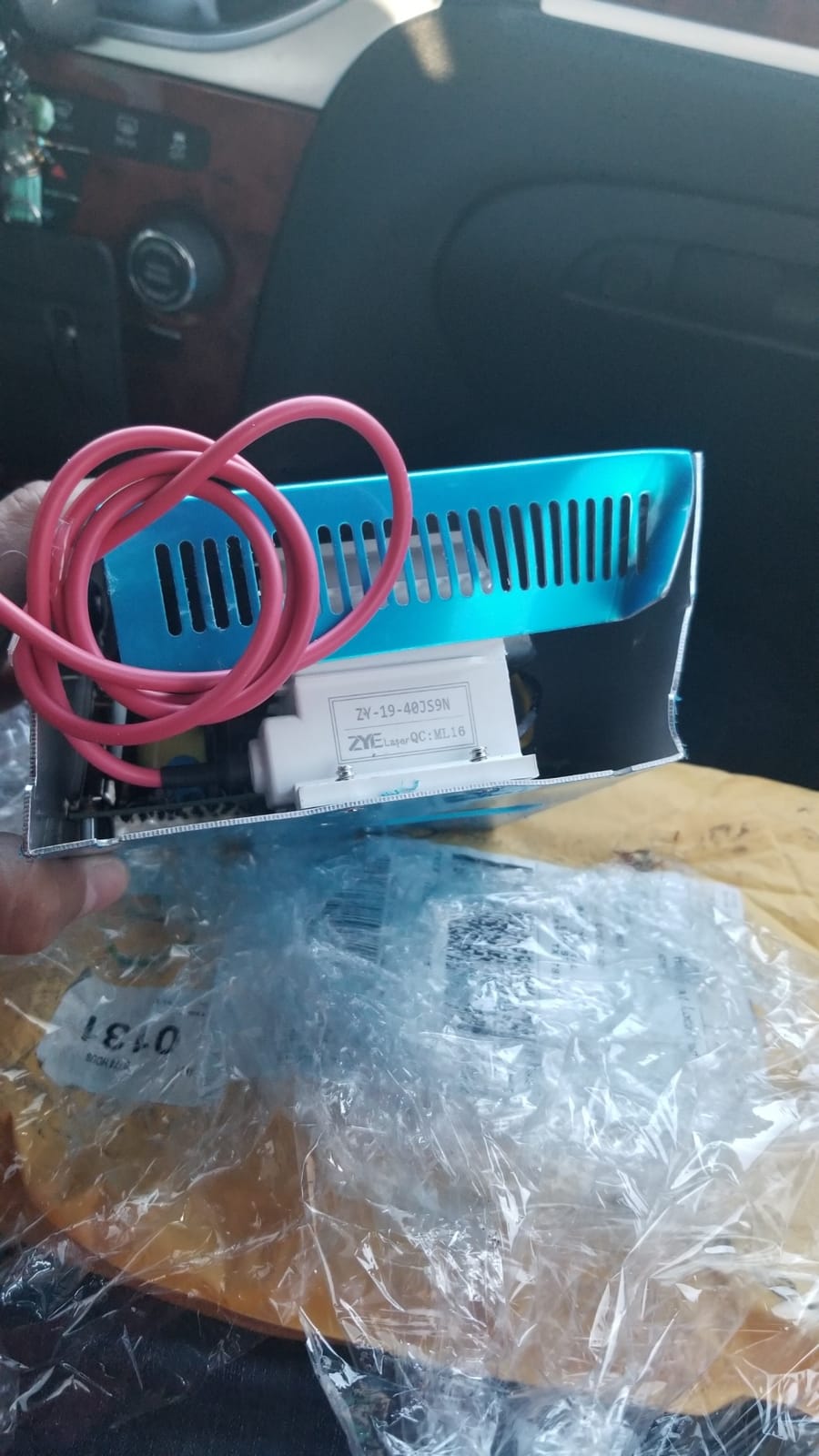
What you give up for the open platform
Size is the main constraint. At 165 pounds with total dimensions of 40 by 26 by 25 inches, this is a workshop-scale cabinet rather than a desktop unit, so you need a dedicated bench and a floor that can take the weight.
Focusing is manual, which means the test-cut routine on day one and a re-check whenever you change material thickness. The bundled RDWorks and CorelLaser software is PC only, and you will likely need some familiarity with Ruida controllers and LightBurn workflows to get the most from it.
Why it suits experienced buyers
Auto-shutdown on opening the cover door and the aluminium foil vent piping make it reasonable indoors with external extraction. The warranty is one year, plus six months on wear parts such as the laser tube, which is a fair read on a consumable-heavy machine.
For anyone moving from a diode machine and already comfortable with vector software, this is the most flexible 50W machine in the group and the strongest excuse to learn LightBurn properly.
5. OMTech Maker 60W – Best CO2 Laser Engravers for Home for Oversized Sheets
OMTech Maker 60W CO2 Laser Engraver with LightBurn & Water Chiller
60W tube
20 x 28 inch bed
Four-way pass-through
Autofocus
249 pounds
Pros
- Cleanest review profile here with a 4.7 average and no critical ratings
- Autofocus removes manual focal length guesswork
- Four-way pass-through doors handle oversized material
- Water chiller and LightBurn included in the bundle
Cons
- Only six reviews so the rating carries limited weight
- At 249 pounds and 47 inches wide it needs a dedicated work area
- No customer photos available to verify real-world output
The Maker 60W is the first machine in this guide where the four-way pass-through genuinely changes what you can make. Doors on all four sides let a full sheet of plywood run through without turning the machine around, and the 20 by 28 inch bed is the largest area in this group that still fits a garage bench.
Autofocus is handled from the control panel with button-operated bed height, so a new material means one button press rather than a test cut. Both honeycomb and aluminium blade beds are included, which covers small engraving pieces and larger cutting jobs.
The bundle includes a water chiller and LightBurn, which removes two extra purchases. Built-in air assist handles smoke and dust, and a flame-retardant widened viewing window is a sensible addition for a shared room.
How to read the rating
The 4.7 average across six reviews is the highest among the well-reviewed machines in this roundup, and every rating is four or five stars with no critical feedback. That is a clean profile on a very small sample, so treat it as a good sign rather than proof.
There are no customer photos for this listing, which means no visual verification of finish quality. The research pass found no matching images after several attempts, so the specification sheet is your only evidence here.
Is it really a home machine?
At 249 pounds and 47.2 by 34.3 by 36.6 inches, no. This is a machine for a garage with a heavy bench, not a spare room. If you have that space and you cut large acrylic or plywood panels, the pass-through doors are worth the footprint.
Owners describe it as a complete package, and the included chiller keeps long runs stable. It is a solid step up from a desktop unit when your projects start exceeding a single sheet.
6. OMTech Pronto 35 90W – Best CO2 Laser Engravers for Home for Cutting Power
OMTech Pronto 35 90W CO2 Laser Engraver Cutter with Water Chiller, 28″x20″ Autofocus Engraving Machine with Air Assist & 2-Way Pass-Through, Laser Cutter for Wood Acrylic Leather Glass
90W tube
Cuts acrylic to 0.8 inch
28 x 20 inch bed
1000mm/s
441 pounds
Pros
- Highest cutting capability of any machine covered here
- Engraves at up to 1000mm/s with V-wheel guide rails
- Temperature and air pressure sensors with automatic stop
- One owner bought a second identical unit for a growing business
Cons
- Only three reviews so the sample is too small to trust
- At 441 pounds and 49.6 inches wide it is a shop machine
- The water chiller arrives in a separate package
The Pronto 35 is about cut depth rather than features. A 90W tube slices 0.8 inch acrylic and 0.4 inch wood, which is double what the 45W and 50W desktop units in this guide manage, and that difference shows up the moment you move from engraving to production.
Motion quality is the other strength. X and Y stepper motors drive V-wheel guide rails to remove wobble, and the advanced autofocus calibrates the focal point with a button press across a 28 by 20 inch workspace.
Extraction is serious for a machine this size, with a powerful air pump and a 318 cfm turbo exhaust fan, plus temperature and air pressure monitoring sensors that trigger an automatic stop. That is a meaningful safety and longevity story for long production days.
The evidence is thin, so test carefully
Three reviews, all five stars, and one of them is a repeat buyer who added a second Pronto 35 for a growing business. That repeat purchase is a stronger signal than a single glowing first review, but it is still a very small base.
Arrive day matters here. Check rail alignment, autofocus accuracy, and the exhaust output before you cut a paid order, and keep in mind the chiller is a separate delivery, so a complete setup takes two receiving days rather than one.
Is it a home machine?
Not really. At 441 pounds and 49.6 by 34.3 by 36.6 inches, it needs a dedicated workshop space. It appears here because it marks the top of the power curve, and because someone with a garage and a growing order book will find it genuinely worthwhile.
Software is RDWorks, CorelLaser, or LightBurn, so it fits the same workflow as everything else in this guide. If your material is thin acrylic and paper only, the extra power buys you nothing.
7. Generic 50W Ruida 16 x 16 – Best CO2 Laser Engravers for Home With a Long Ownership Record
CO2 Laser Engraver Machine, Ruida Control System, 50W, 16 x 16 inches Working Area
50W tube
16 x 16 inch bed
Rotary tool
143 pounds
35.5 inch footprint
Pros
- One owner reports five years of reliable use
- Same owner has run the machine through a third laser tube
- 16 by 16 inch bed in a compact 35.5 by 30 by 16.5 inch body
- Good entry point for a first CO2 laser
Cons
- A single five-star review gives no basis for comparison
- That owner names 50W power as the one thing they would change
- First-time CO2 calibration took effort and YouTube tutorials
- Generic branding offers less documented support
This listing has one review, and that single review is unusually informative. The buyer reports five years of ownership and is already on their third laser tube, which tells you something meaningful about frame and motion system durability that a first-week impression never could.
The spec sheet is a 50W tube on a Ruida control system with a 16 by 16 inch engraving surface and a rotary tool for cylindrical or irregular parts. It handles wood, acrylic, and leather, and accepts multiple file formats and design software.
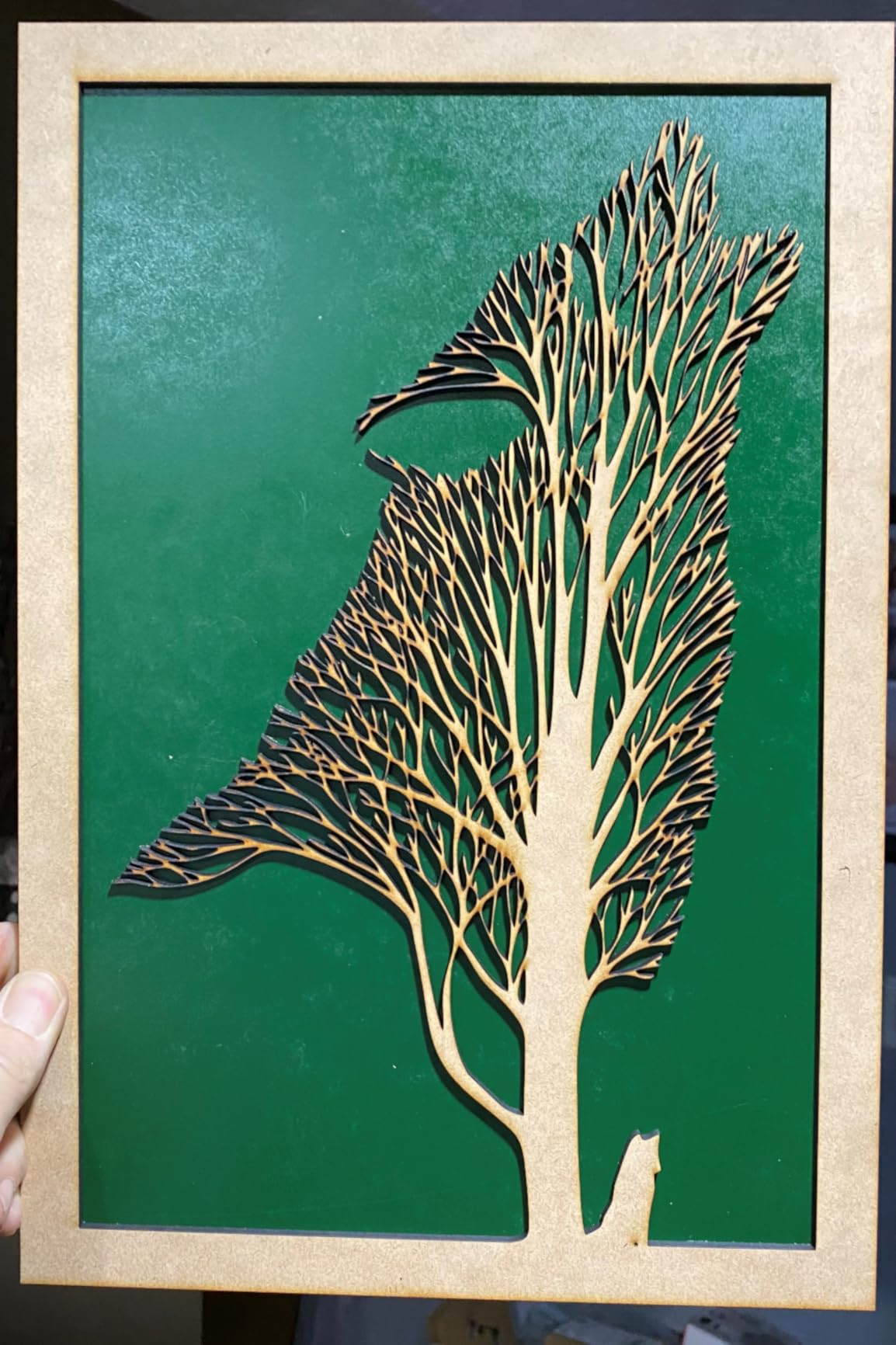
At 143 pounds and 35.5 by 30 by 16.5 inches it is one of the more compact cabinets in the guide, which is why we consider it for home use at all. Square beds like this are also easier to fill evenly than a very wide one.
The three-tube history also hints at parts availability in the long run. When the owner replaced the tube twice, they sourced replacements without mention of difficulty, which suggests the tube format is not exotic.
Read the one review carefully
The owner’s clear regret is power. Fifty watts handled their five years of work, but they would buy more next time, which tells you the tube sits at the practical floor rather than the comfortable middle of the range.
Calibration was the steepest part of ownership, done with YouTube tutorials rather than documentation. Generic branding means less expectation of a support line, so budget more of your own time for setup and for sourcing replacement parts.
Where it fits
If you want a square bed, a rotary tool, and the lowest purchase cost in the 50W class, this does the job. If you want a company behind the warranty or a technician on the phone, the OMTech K40+ is the safer bet even though it costs more.
Treat the five-year, three-tube story as a good sign about build rather than a guarantee. Buy it with the expectation that you will do your own maintenance from day one.
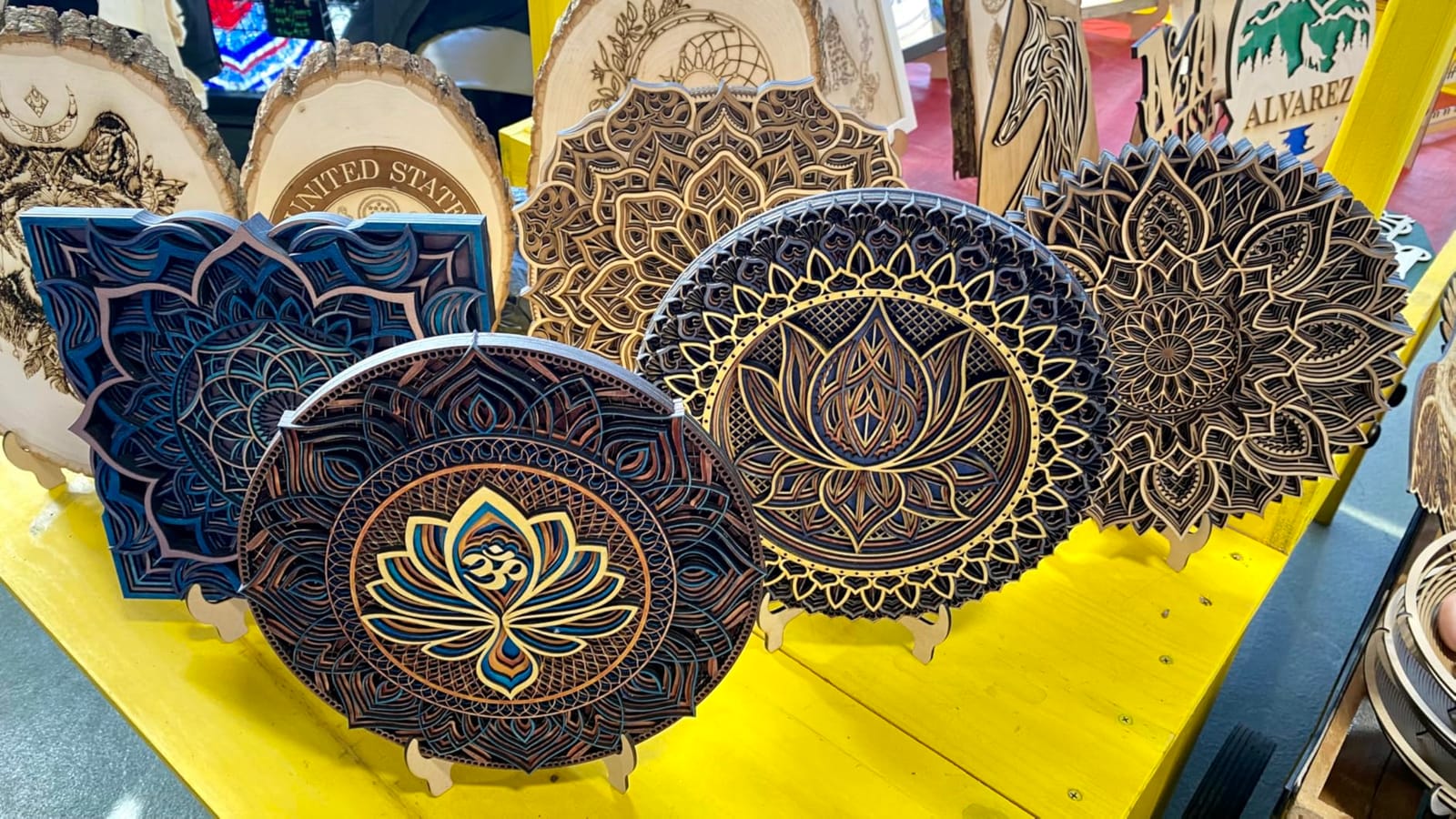
8. VEVOR 60W 24 x 16 – Best CO2 Laser Engravers for Home Across Operating Systems
VEVOR 60W CO2 Laser Engraver, 24 x 16 in, CO2 Laser Engraver Cutter Machine with 4 Way Pass Air Assist, Engraving Cutting Machine, Compatible with LightBurn CorelDRAW RDWorks, for Wood Acrylic Glass
60W tube
24 x 16 inch dual beds
Four-way pass-through
600mm/s
243 pounds
Pros
- Works from Windows macOS and Linux over USB
- Acrylic up to 10mm recommended with a 3500 hour rated tube
- Dual honeycomb and aluminium blade beds
- Four-way pass-through adds real versatility on long material
Cons
- Alignment preview does not match where the laser actually starts
- Focus is manual with no LiDAR or autofocus on this model
- At 243 pounds and 46 inches wide it is floor standing
- Coated metals only and not bare metal
VEVOR’s SH-460 is the only machine in this guide that officially supports Linux alongside Windows and macOS. For anyone running a Linux workstation or a mixed household of operating systems, that alone removes a common software blocker.
The hardware is a 60W tube rated at 3,500 or more hours, speeds to 600mm/s, and acrylic up to 10mm. Dual work beds mean a honeycomb platform for small parts and an aluminium blade bed for cutting, across a 24 by 16 inch area.
Four-way pass-through lets long material run through the machine, and built-in air assist, a pull-out waste tray, and water pump cooling are all standard. Software support covers LightBurn and RDWorks.
Test the alignment offset on arrival
There is one specific and repeatable complaint. The on-screen alignment preview does not line up with the actual laser start position, and the owner compensates by shifting every job leftward. Verify this on a scrap piece before you cut anything paid for.
Focusing is manual, using the control panel, a knob, or bed height with a focusing scale. That is fine once you have a repeatable routine, but it is more work per material change than a LiDAR autofocus gives you.
Is 60W right for home?
For acrylic-heavy work up to 10mm, 60W is a sensible ceiling for a home machine. Beyond that you are paying for idle capacity, and the Pronto 35 exists for deeper cuts. Note the coating limitation: bare metal is not in scope here.
At 243 pounds and 46 by 32 by 28 inches it is floor standing, so this is a garage machine. It is a fair choice if you want the VEVOR support network and a large bed without stepping up to a workshop-scale machine.
9. Aliencell X1 Lite 60W – Best CO2 Laser Engravers for Home for Small Spaces
Aliencell X1 Lite 60W Photo-Quality Laser Engraver Cutter,<5% Deviation
60W tube
26 x 21 inch bed
65 pounds
One-touch autofocus
LightBurn ready
Pros
- Lightest machine in this guide at 65 pounds and genuinely movable
- Material texture simulation with under 5 percent deviation cuts trial-run waste
- One-touch autofocus with crosshair positioning and laser guided alignment
- US based technical support and a built-in AI setup assistant
Cons
- Only three reviews with no detail to learn from
- Lesser known brand with a short track record on Amazon
- One-year warranty is shorter than several rivals
- No customer photos for this listing
At 65 pounds the X1 Lite is the only machine in this roundup you can genuinely carry between rooms with one hand, and it still carries a 60W tube and a 26 by 21 inch bed. That combination is unusual and it is the whole reason this machine is worth a look.
The differentiator is Aliencell Space, which simulates an engraving on the texture of your actual material with under 5 percent deviation. For a home user who wastes material on trial runs, that preview fidelity is arguably more valuable than raw cut speed.
Motion specs back it up: 20,000 mm/s squared acceleration with a 20kHz frequency at 600mm/s, which is aimed at smoother gradients and grayscale detail rather than a headline cut number. The bed is 76 percent larger than the previous generation.
Judge it on the spec sheet, not the reviews
Three five-star reviews and no negatives logged means the appeal rests on the specification sheet entirely. There is no long-term ownership data here, and the 1-year warranty is shorter than several machines in the same class.
One-touch autofocus with crosshair positioning and laser-guided alignment will save you real setup time, and the machine is LightBurn ready if you want a standard workflow, with Aliencell Space as the alternative.
When a portable CO2 actually helps
Class 1 enclosure with air assist, and a bed you can clear and reset. That matters if you are engraving at a kitchen table-adjacent workspace, at a market stall, or moving between a garage and a craft room.
Accept the brand risk. A young listing with three reviews and a one-year warranty means you are buying a well-specified machine, not a proven one. If you can live with that, the portability is a genuine advantage no other 60W unit here offers.
10. Monport 60W – Best CO2 Laser Engravers for Home on Safety Hardware
Monport 60W Auto Focus CO2 Laser Engraver with Lighburn,16″x 24″ Laser Engraving Cutting Machine with 2 Way Pass Air Assist Digital Control Panel RDWorks,Commercial Laser Cutter
60W tube
16 x 24 inch bed
800mm/s engrave
4500 dpi
Ruida controller
Pros
- Fire-resistant polyester window rated between 432 and 488 degrees F
- Enclosed aeronautical aluminium rail shields the motion system from debris
- 800mm/s engraving and 400mm/s cutting with autofocus
- Red dot guidance plus a safety shutdown sensor
Cons
- Published package dimensions contradict the stated 16 by 24 inch bed
- No shipping weight is listed so bench planning is guesswork
- Speed and resolution figures are manufacturer claims with no verification
- Very low sales rank suggests a new listing
The Monport’s distinguishing feature is hardware built around risk. The viewing window is a fire-resistant polyester rated to a melting point of 432 to 488 degrees F in an iron frame, which is a concrete fire-safety step in an enclosed machine sitting in a home.
The rails are enclosed aeronautical aluminium running the length of both axes, with X and Y stepper motors inside. That keeps smoke and fine debris off the motion system, which is one of the main causes of alignment drift over years of use.
Speed claims are the highest in the guide for a machine of this size, with up to 800mm/s engraving and 400mm/s cutting at up to 4500 dpi and a 2.0 inch focal distance. A safety shutdown sensor and control-panel autofocus handle the rest.
Two data problems to resolve first
The listed package dimensions are 11.8 by 11.8 inches, which cannot match a 16 by 24 inch work area. Treat the size data as unreliable until you confirm the actual machine dimensions, and ask before committing to a workspace.
No shipping weight is published either, so you cannot plan the bench or the floor. With one 4-star review, there is effectively no owner history here, and every speed and resolution figure is a manufacturer claim with no independent verification.
What to check on arrival
Confirm the real footprint and weight, then test the autofocus and the red dot guidance on a scrap board. The Ruida digital controller supports LightBurn, RDWorks, AutoCAD, and CorelDRAW, so the workflow is standard even if the hardware data is thin.
Built-in air assist pushes debris, heat, and combustible gases out of the beam path, and the two-way pass-through handles long material. If safety hardware is your priority and you verify the dimensions first, this is a capable machine.
11. VEVOR 130W 55 x 35 – Best CO2 Laser Engravers for Home for Oversized Panels
VEVOR 130W CO2 Laser Engraver, 55 x 35 in CO2 Laser Engraver Cutter Machine with Water Chiller 2 Way Pass Air Assist 1200 mm/s Speed, Autofocus Engraving Cutting Machine for Wood Acrylic Glass
130W tube
55 x 35 inch bed
1200mm/s
Motor autofocus
Water chiller
736 pounds
Pros
- Largest work area in this guide for signs and furniture panels
- Fastest speed figure covered at 1200mm/s with an 8000 hour rated tube
- Motor-controlled autofocus removes manual height adjustment
- Water chiller included for consistent long-run performance
Cons
- At 736 pounds and 77 inches wide this is a commercial floor machine
- The alignment preview offset reported on the 60W VEVOR appears here too
- Needs a dedicated workshop with reinforced flooring and a heavy bench
- Coated metals only
Be clear about what this is. The SH-1490 is the most capable machine in the roundup on paper and the least home-suitable in practice, at 736 pounds and 76.97 by 57.48 by 36.61 inches. It belongs in a small production shop, not a house.
What it does offer is the ceiling: a 130W tube rated at 8,000 or more hours, speeds to 1,200mm/s, and a 55 by 35 inch dual work area with honeycomb and aluminium blade beds. Two-way pass-through handles longer material.
Motor-controlled autofocus takes the thickness from the control panel or by input, and an included water chiller keeps long runs stable. USB connectivity covers Windows, macOS, and Linux, with LightBurn and RDWorks support.
Shared review base, shared quirk
The owner who reviewed the 60W VEVOR filed the same review here, describing fast operation with plenty of power and reporting the identical alignment-preview offset that forces a manual sideways shift. Treat that as a VEVOR software characteristic to test on arrival rather than a one-off fault.
Recommended material is under 10mm, and bare metal is out of scope, with coated metals only. For anything thicker, a fibre laser is the correct tool, not more CO2 wattage.
When it makes sense
If you are building signage or furniture panels and already have a workshop with reinforced flooring, this is the strongest single-machine value in the guide for panel work. If you are in a home setting, look at the Pronto 35 or the 60W VEVOR instead.
Both machines need a heavy bench, and honestly, both need ventilation plumbed outside. Buying bigger before you have solved the room is the most common expensive mistake we see in this hobby.
How to Choose the Best CO2 Laser Engravers for Home
Start with the room, not the wattage. A CO2 laser produces smoke, gas, and a beam you must not look into, and the machines in this guide range from 65 pounds on a desk to 736 pounds on a reinforced floor. Measure first, then shortlist.
1. Beam power and real cut depth
Marketing wattage and useful cut depth are not the same number. The desktop 45W to 50W machines in this guide reliably handle around 8 to 10mm of acrylic and 8mm of wood in a single pass. The 60W machines reach 10mm of acrylic comfortably, and the 90W and 130W units go to 20mm and beyond.
Forum experience is consistent on one point: 40W is enough for engraving and light cutting, and owners who outgrow it do so by moving up a class rather than regretting the step. The OMTech K40+ at 45W with a 12 by 8 inch bed is the sweet spot for a first home machine.
2. Work area and pass-through
Bed size decides what you can make. Below 12 by 8 inches you will be repositioning constantly for anything larger than a coaster. The 16 by 16 inch square and the 20 by 28 inch Maker 60W cover most home projects comfortably.
Pass-through doors are the feature people underrate. A four-way pass-through on the 60W VEVOR or the OMTech Maker 60W lets a full sheet run through without turning the machine around, and the xTool P2S auto pass-through handles material up to 118 inches long.
3. Enclosure, interlocks, and exhaust
For home use, an enclosed cabinet is not a luxury. It contains the beam, the sparks, and most of the smoke, and it means a curious child or a loose sleeve is not a hazard. The WECREAT Vision Pro and the Aliencell X1 Lite are Class 1 certified, and the Monport’s fire-resistant window is the most concrete fire-safety hardware in the group.
Look for an emergency stop, a lid-open interlock, a door shutdown sensor, and adjustable air assist. The Orion Motor Tech shuts down when the cover door opens, and the P2S adds AI fire detection on top of its automatic lock and emergency stop.
4. Software and controller
LightBurn is the default answer for good reason, and nine of the eleven machines here list it as supported. Ruida controllers such as the 6442G and 6445G are widely supported, which is why the open-platform machines are easier to grow into.
Avoid machines that only run bundled software. The Monport and the K40+ both give you LightBurn or LaserGRBL options, while the P2S leans on XCS, which owners say is improving but still trails Inkscape for raster tracing.
5. Rotary axis and autofocus
If you want mugs and tumblers, a rotary attachment is the single biggest workflow upgrade. The WECREAT Vision Pro ships with a Rotary Pro for full-wrap 40oz tumblers, and the 16 by 16 generic machine includes a rotary tool.
Autofocus removes guesswork from every material change. LiDAR units on the P2S and Vision Pro hit 0.001 inch accuracy, the VEVOR 130W uses motor-controlled autofocus, and the VEVOR 60W and Orion rely on manual focusing, which means a test cut whenever thickness changes.
6. Build quality and the parts supply
Frame rigidity and belt tension are the long-term indicators nobody advertises. A wobbling gantry produces inconsistent cut depth no matter how good the tube is, and budget frames need tension adjustment as they settle.
Check that replacement tubes, boards, power supplies, lenses, and mirrors are available for the model. A machine with a thin support network and no published diagrams will cost you weekends. The K40+ counters this with 24/7 assistance and scheduled technician video calls.
7. CO2 or diode for a home?
A CO2 laser engraves and cuts wood, acrylic, leather, glass, paper, and cardboard, and it cuts both clear and opaque acrylic equally well. A diode laser is cheaper, safer indoors, quieter, and better on metals, but it struggles with anything transparent and most woods. Our diode laser guide covers that side in detail.
If you work in an apartment and mostly engrave metal, start with a diode. If you cut acrylic or plywood, a CO2 machine is the right tool and you should budget for proper ventilation before you buy one.
Safety and Ventilation for a Home CO2 Laser Workshop
This is the section that matters most for home use, and it is the one most roundups skip. Ventilation was the number one concern raised in the forum discussions behind this guide, ahead of price and power.
Materials you should never laser
Never put PVC or vinyl in a CO2 machine. It releases chlorine gas when it burns, which corrodes the machine internally and is genuinely hazardous to you. The same applies to any plastic you cannot identify, including unknown extruded plastics and polycarbonate, which chars and catches fire rather than cutting cleanly.
Also keep these away from the bed: anything with a chlorine or fluorine content, paper with metallic coating, treated or painted wood where the finish is unknown, and any material containing an adhesive you have not tested. Fibreglass and fibreglass-reinforced composites produce a fine dust that settles inside the machine.
Safe starter materials are wood, plywood, cardboard, paper, leather, acrylic, glass, ceramic tile, cork, and stone. Confirm a material in a corner of the honeycomb bed first, never across a full job.
Fume extraction, done properly
A window open in the same room is not ventilation. The goal is to move air out of the building, and that means ducting the exhaust through a wall or window to the outside with a sealed adapter, plus a filtered unit to catch what the duct does not catch.
Size the extraction to the machine. The P2S lists a 233.3 CFM exhaust fan, the Pronto 35 carries a 318 cfm turbo fan, and the VEVOR 60W uses a built-in air pump with an exhaust. A small desktop machine in a spare room can usually be handled with a secondary inline filter, but do not run a 60W or larger machine in a closed room.
Fire prevention
Keep a small extinguisher rated for electrical fires within arm’s reach of the machine. Keep the exhaust running before you fire the beam, and never leave a long unattended job going while you sleep or leave the house.
Use a fire-resistant window and an interlocked lid where the machine offers one, and clear the honeycomb bed of offcuts before each session. A hot ember smouldering in a scrap pile is the most common home laser fire, and it has nothing to do with the machine itself.
Eye protection matters too. A Class 4 60W beam is not something to look at, even through an acrylic window that has yellowed. Treat the interlock as the safety system it is, and keep the emergency stop within reach of your seat.
LightBurn, RDWorks and LaserGRBL Compared
Software is where most home laser frustration lives, and it is the easiest thing to get right before you buy. LightBurn is the clear first choice for almost everyone in this guide, and nine of these eleven machines list it as supported.
LightBurn imports artwork, offers library tools, layer control, camera alignment, and a material settings library that you refine over time. It is a paid one-time licence rather than a subscription, and it is the platform most forum users recommend over stock software.
RDWorks and CorelLaser are the OMTech and VEVOR defaults. They are competent for simple jobs and awkward to grow into, particularly for multi-layer or multi-pass work. LaserGRBL is the free option and pairs naturally with the K40+, though it is a less friendly place to start than LightBurn.
One caution from the reviews: the WECREAT Vision Pro’s LightBurn camera alignment wizard does not work correctly, and the P2S’s XCS does not skip blank areas the way LightBurn can, so engraving jobs run slower there. Those are software fit issues rather than hardware faults, and they are worth knowing before you plan a batch schedule.
Maintenance Schedule and Running Costs
No competitor we analysed published a real maintenance schedule, and owners consistently say this is where new buyers are caught out. A simple rhythm covers almost everything.
After every job, clear the honeycomb bed and the exhaust filter, and wipe the lens only with a proper lens tissue and cleaning fluid. A dirty lens burns the coating permanently and is the most common cause of a machine that stops engraving cleanly.
Weekly, check the chiller water level and top it up with the manufacturer mix rather than tap water, and confirm the mirrors are clean. Monthly, clean the exhaust path and the air assist nozzle, and check the lens again under a bright light for pitting.
Quarterly, re-tension the Y-axis belt, check that the bed is level, and re-align the mirrors if cut depth has drifted. Check chiller fluid more often in warm rooms, because evaporation is faster than most owners expect.
On running costs, the big-ticket item is the laser tube. Generic 40W tubes are available in the low hundreds, and RF metal tubes cost considerably more but last far longer. Add lenses, mirrors, a chiller, filters, and acrylic offcuts to a per-year figure and you will find a 50W machine is a modest ongoing expense compared with what it replaces.
Electricity is rarely the issue people expect. A 50W to 60W CO2 laser draws a meaningful but manageable load, and we would still put any machine of this size on a dedicated circuit in a garage rather than a domestic ring, especially if you are running the exhaust and chiller at the same time.
Frequently Asked Questions
What is the best CO2 laser for home use?
For most home users the xTool P2S 55W is the best CO2 laser for home use because it arrives aligned, needs no calibration, offers LiDAR autofocus and dual cameras, and fits a desktop footprint at 130.7 pounds. If you want the lowest cost of entry, the OMTech K40+ 45W is the value pick, and if you want an open controller you control, the Orion Motor Tech 50W runs LightBurn and standalone USB jobs.
Is a CO2 laser engraver worth it?
A CO2 laser engraver is worth it for home use if you cut wood, acrylic, leather, or paper regularly enough that outsourcing becomes expensive. It is not worth it if you mostly engrave metal, since a diode laser is cheaper, quieter, and safer indoors, or if you have no ventilation route to the outside. The machines here start at the desktop end, so a trial run on scrap material before a large purchase is sensible.
What is the best laser engraver for home use overall?
For a home workshop the right answer depends on material. A CO2 machine such as the WECREAT Vision Pro 45W or the OMTech K40+ 45W handles wood, acrylic, leather, glass, and paper and cuts clear and opaque acrylic equally well. A diode laser is the better choice for bare metal and for apartments where fumes and a 60W beam are concerns. We compare both approaches in our home workshop laser engraver guide.
Which CO2 laser is the best?
The xTool P2S 55W takes the top spot on the combination of rating and review volume, with 4.2 stars across 89 reviews, and it is the machine we would put on a home bench first. The OMTech Maker 60W has the highest average in the group at 4.7, but that rests on six reviews. The OMTech Pronto 35 90W and the VEVOR 130W lead on cutting power, though both need workshop space rather than a home room.
What are the health risks associated with laser engraving?
The main risks are eye injury from a Class 4 beam, fume inhalation, and fire. Never look into the beam or through a yellowed acrylic window, run the exhaust and air assist before firing, and duct air out of the building rather than opening a window. Keep a fire extinguisher rated for electrical fires nearby, never leave a long job running unattended, and check the room for ozone build-up during long sessions.
What materials should you never use in a CO2 laser cutter?
Never laser PVC or vinyl, which release chlorine gas that corrodes the machine and harms people. Also avoid any plastic you cannot identify, polycarbonate and other plastics that char rather than cut, unknown coated or painted wood, and fibreglass composites that leave fine dust inside the enclosure. Test a new material in a corner of the honeycomb bed on scrap first, and never run a full job with an untested material.
Which is easier to use, LightBurn or LaserGRBL?
LightBurn is easier for most people. It imports common artwork formats, offers camera alignment, layer control, and a material settings library you refine over time, for a one-time licence rather than a subscription. LaserGRBL is free and pairs naturally with the OMTech K40+, but it is a sparser tool for multi-layer and multi-pass work. Most experienced users in the forum discussions behind this guide recommend LightBurn over stock software.
Final Verdict for Home Makers
After reading through every review set in this roundup, the xTool P2S 55W remains our pick as the best CO2 laser engraver for home use. It ships aligned, engraves at 600mm/s, moves 26 by 14 inch material through a 130.7 pound desktop body, and carries the safety stack an indoor machine needs.
Pick the OMTech K40+ 45W if budget is the deciding factor, the WECREAT Vision Pro 45W if tumblers and mixed-thickness product work matter, and the Orion Motor Tech 50W if you want an open Ruida platform. The larger OMTech and VEVOR machines are better buys, but they are workshop tools, and no amount of wattage fixes a room without ventilation.
Whatever you choose, solve the exhaust and the materials list before your first cut, and check the alignment on a scrap piece on day one. That is the difference between a machine that stays a hobby and one that quietly frustrates you all year. Our home renovation laser level guide covers the other half of a workshop setup.