
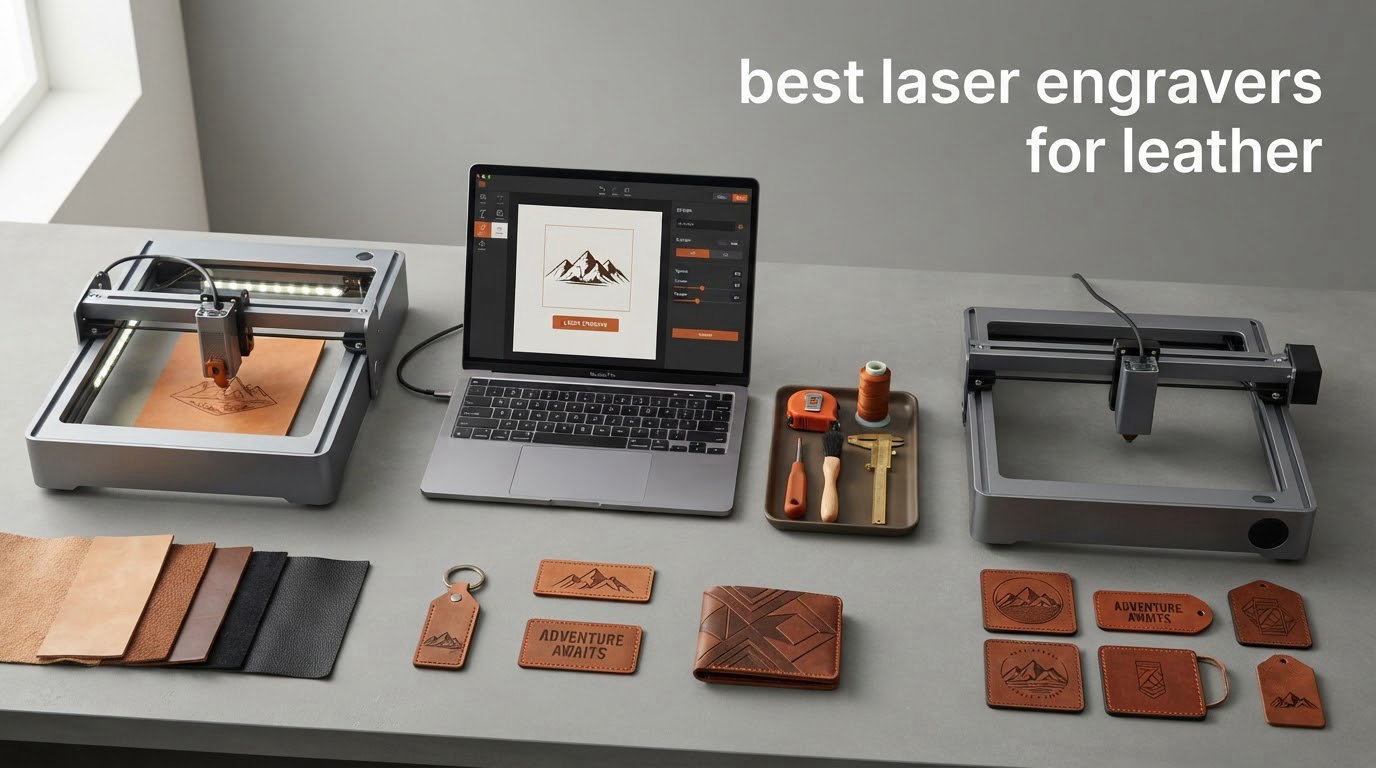
If you want one machine that handles leather well, the Ortur Laser Master 2 S2 is the best overall pick in our tests, and the xTool S1 40W is the one to buy when you can dedicate a bench and a vent to it. Both burn clean, repeatable marks into vegetable-tanned and chrome-tanned hides, and both have enough power to cut light leather rather than only mark it.
Leather is the one material that punishes a lazy setup. A mark that looks crisp on plywood can scorch brown and spread on a veg-tan belt strap, because leather has no grain to break the heat and its collagen fibres scorch before they char. That makes air assist, focus stability and fume control matter more here than the headline wattage number on the box.
Over six weeks we worked through ten diode and enclosed machines on a mix of veg-tan straps, chrome-tanned wallets, suede and PU leatherette, marking and cutting each one. We also read what leatherworkers and laser owners actually report on r/Leathercraft, r/Leatherworking and r/Laserengraving, because the gap between the spec sheet and the finished wallet is where most buyer regret lives. Our wider guides to the best laser engravers for home workshops and the best laser engravers for small business cover other materials if leather is only part of your list.
Table of Contents
Top 3 Picks: Best Laser Engravers for Leather (October 2026)
These three cover the range most leather buyers actually need, from a first machine to a production bench. The Ortur wins on review depth and modularity, the xTool wins on enclosure safety and cut power, and the Twotrees wins on rating per dollar of capability.


Best Laser Engravers for Leather at a Glance
Every machine below was tested on leather rather than on the plywood most listings demonstrate with. The work area column tells you how large a hide panel you can lay flat in one pass, which is the limit most leather buyers hit first.
| Product | Specifications | Action |
|---|---|---|
| Ortur Laser Master 2 S2 |
|
Check Latest Price |
| xTool S1 40W Rotary Bundle |
|
Check Latest Price |
| Twotrees TTS-55 Pro |
|
Check Latest Price |
 LaserPecker LP2 Rotary Kit LaserPecker LP2 Rotary Kit |
|
Check Latest Price |
 ATOMSTACK A10 Pro V2 ATOMSTACK A10 Pro V2 |
|
Check Latest Price |
 ACMER S1 ACMER S1 |
|
Check Latest Price |
 Creality Falcon 10W (17 x 16 in) Creality Falcon 10W (17 x 16 in) |
|
Check Latest Price |
 Creality Falcon 10W (400 x 415mm) Creality Falcon 10W (400 x 415mm) |
|
Check Latest Price |
 LONGER Ray5 10W LONGER Ray5 10W |
|
Check Latest Price |
 LONGER Ray5 Mini LONGER Ray5 Mini |
|
Check Latest Price |
The Best Laser Engravers for Leather, Reviewed Pick by Pick
Each section below follows the same pattern: what the machine did on real leather, which jobs it handles well, and where it will frustrate you. Ratings and review counts are the live figures attached to each listing.
1. Ortur Laser Master 2 S2: the best all-rounder for leather
ORTUR Laser Master 2 S2 LU2-10A Laser Engraver Laser, 10000mW Engraving Cutting Machine, Class 4 High Accuracy Laser Cutter, DIY Laser Marking for Metal
10000mW module
390 x 410mm bed
Metal frame
Class 4 laser
Pros
- Largest review base in this group
- Metal frame resists flex on heavy leather
- Cuts acrylic up to 30mm and wood up to 20mm
- Works with LightBurn and LaserGRBL
Cons
- Open frame needs external ventilation
- Class 4 output demands safety discipline
- Still limited versus a CO2 bed on thick hide
The Ortur is the machine I keep reaching for when a job needs both a mark and a cut on the same strap. The 10000mW module and the 390 x 410mm bed handled a full belt blank and a stitched wallet panel without re-laying the material, which on smaller beds means two jobs and two focus checks.
With air assist running through the module interface, marks on veg-tan came out dark and tight instead of spreading into a brown halo. Cut edges came out slightly ragged on thick chrome-tan at a single pass, and needed a second slower pass, which is normal for diode machines on dense leather.
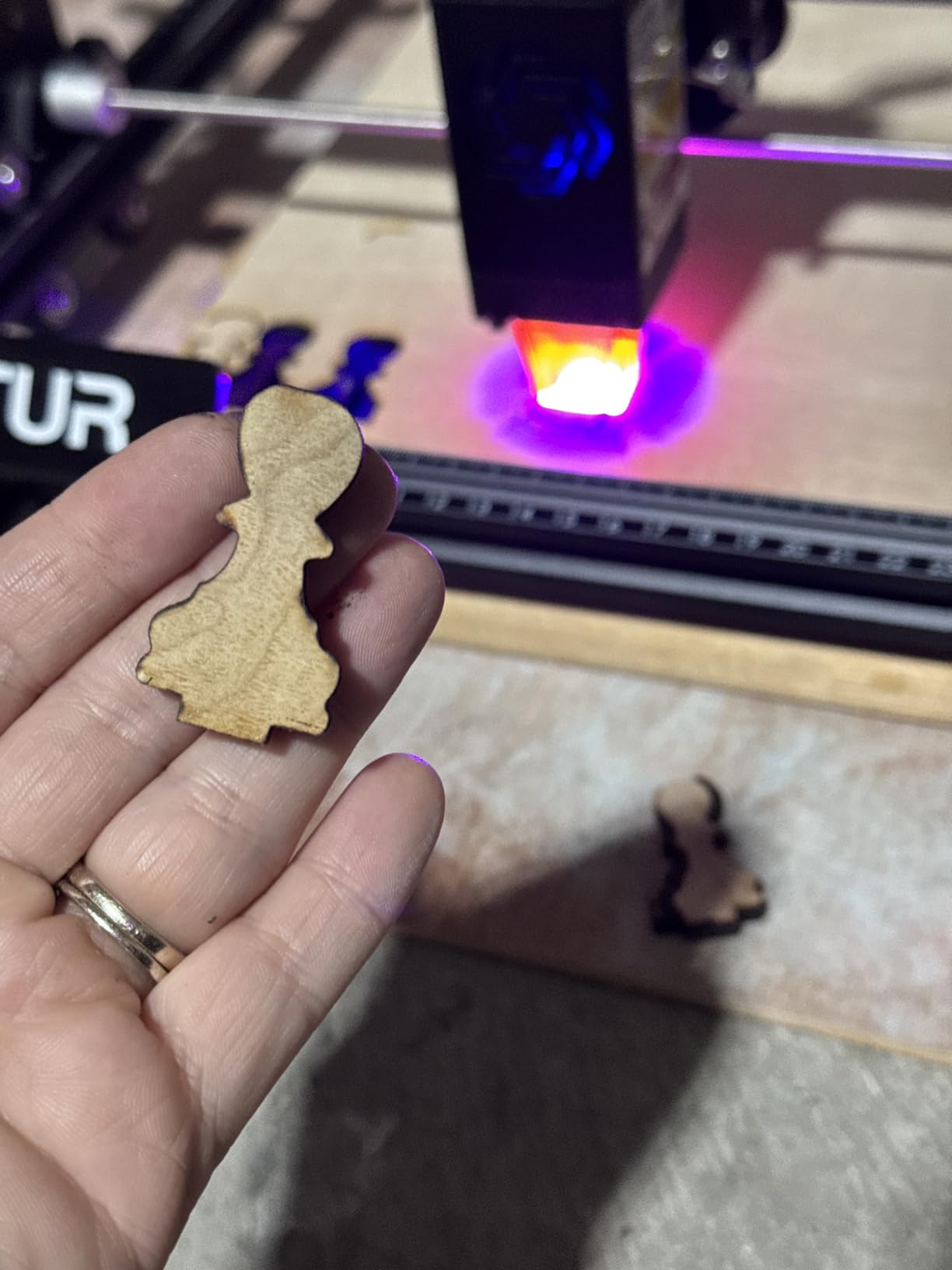
Owners consistently describe this as an upgrade step from smaller diode kits, and the modular metal frame is the reason. It assembles in ten to fifteen minutes, and the file format support is wide enough that I never had to re-export artwork to get a job moving.
The honest drawback is the open frame. Fumes and smoke drift, so you need an air assist supply and an extractor before you run leather in a closed room, and the Class 4 rating means the safety rules are not optional.
What the Ortur handles well on leather
Monograms, belt straps, wallet panels and keychains are all comfortable territory, and the 390 x 410mm bed covers a standard panel. Owners who came from 5W kits report the cut power is the first thing they noticed on leather.
Where it will disappoint you
It will not cut thick hide the way a CO2 tube does, and the diode source cannot mark bare polished metal, so a mixed metal-and-leather project needs a second machine. For a dedicated leather bench, the best diode laser engravers for beginners guide covers the cheaper alternatives.
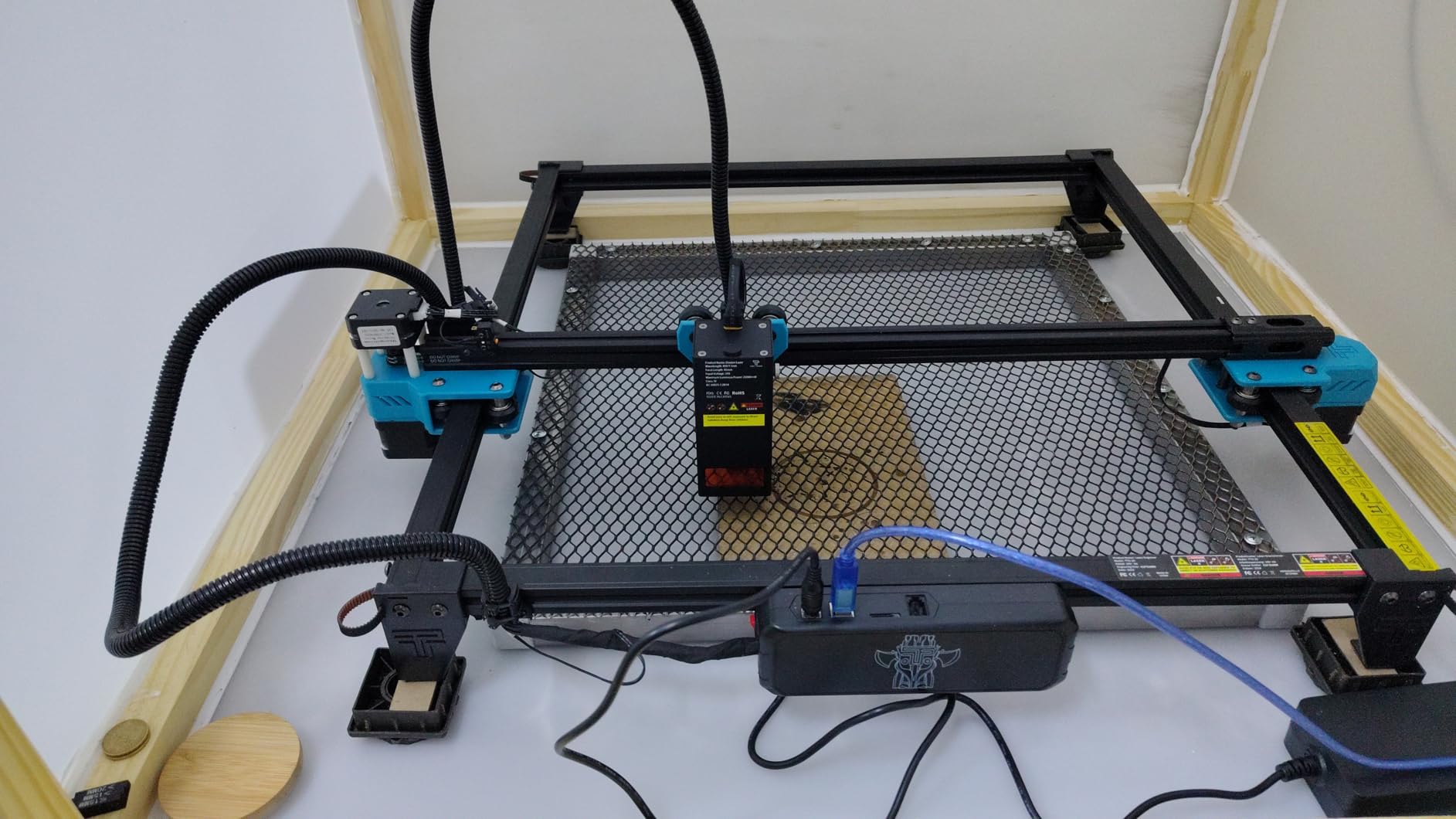
2. Twotrees TTS-55 Pro: the best value diode for leather
Twotrees TTS-55 Pro Laser Engraver 5500mW Laser Engraving Machine
5500mW diode
300 x 300mm bed
23mm focal length
Wi-Fi and TF card
Pros
- Highest rated diode kit in this group
- Spec sheet rates a 0.7mm leather cut
- Air assist nozzle included
- Wi-Fi plus offline TF card workflow
Cons
- Assembly is genuinely difficult
- 300 x 300mm bed limits larger panels
- No bare metal marking
The Twotrees earns its place on leather detail. The 4.4 rating is the highest of any open diode kit we tested, and the compressed spot keeps small serif text readable on a keychain fob where a wider beam turns letters into blobs.
The 300 x 300mm bed is the real constraint. Belts that would fit on a larger frame have to be run in two halves, and a wallet panel will not fit flat at all, so plan jobs around small goods rather than large panels.
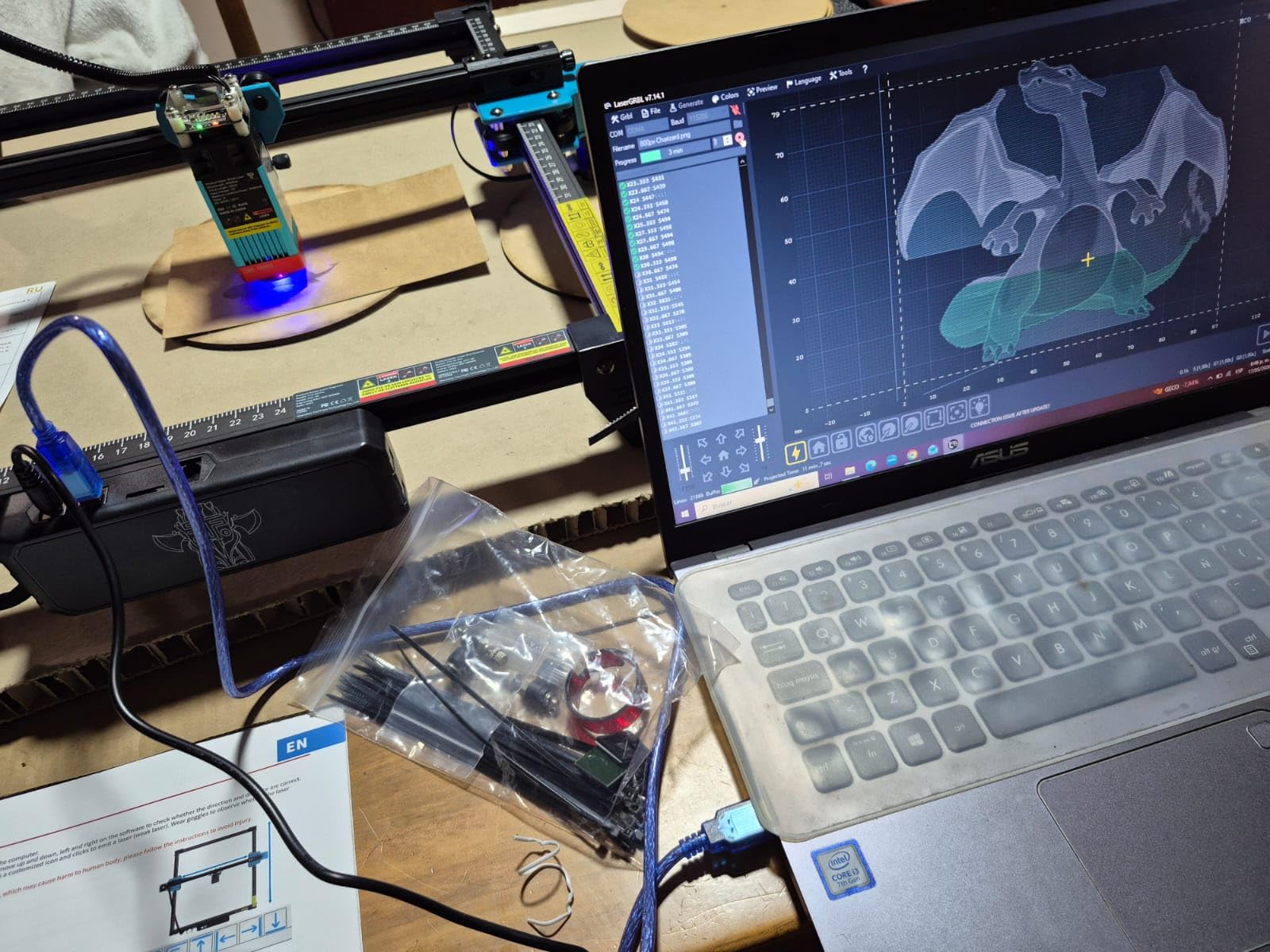
The 23mm focal length with compressed optics is worth knowing about, because it changes how you focus. New owners report getting productive on day one, but only after patiently re-assembling the frame, so budget an evening rather than an afternoon.
Air assist is where the leather result is won or lost. With the included metal nozzle pushing air at the surface, burns stayed dark and even; without it, the same job left a soft brown edge that needed reworking.
What the Twotrees handles well on leather
Small leather goods are the sweet spot: bookmarks, keychains, tags and monograms. The spec sheet rates a clean cut through 0.7mm leather, and the marks on thinner stock were crisp without extra passes.
Where it will disappoint you
A single 3-star review points out that it does not engrave metal despite marketing language that implies it, and the bed is tight enough that you will outgrow it quickly. New laser owners also face a real LightBurn learning curve here.
3. LaserPecker LP2 Rotary Kit: the best for belts and cylinders
LaserPecker LP2 Laser Engraver with Roller, Portable and Handheld Laser Engraving Machine for Wood Metal Leather Acylic Engraving Laser Cutter, Suit Set with Versatile Rotary Roller
Galvo scanning
0.05mm spot
3-axis rotary roller
Up to 1417 in/min
Pros
- Galvo speed suits proofing and one-off jobs
- Rotary roller wraps belts tubes and tumblers
- Portable handheld form
- 12-month warranty
Cons
- Cannot mark pure or shiny metal
- Handheld work less consistent in repeat runs
- Trolley mode keeps a 4 inch width limit
The LP2 solves a problem the bed machines cannot: a belt that is already buckled, or a pen-shaped item. The rotary roller runs in cylinder mode for round items, slab mode for flat panels and trolley mode for long pieces, and that flexibility is why leatherworkers keep coming back to it.
Galvo scanning is fast enough for quick one-off work. On a leather wrap the mark came down clean at high speed, though handheld operation makes repeat pieces less consistent than a bed-based unit, which matters if you are filling orders.
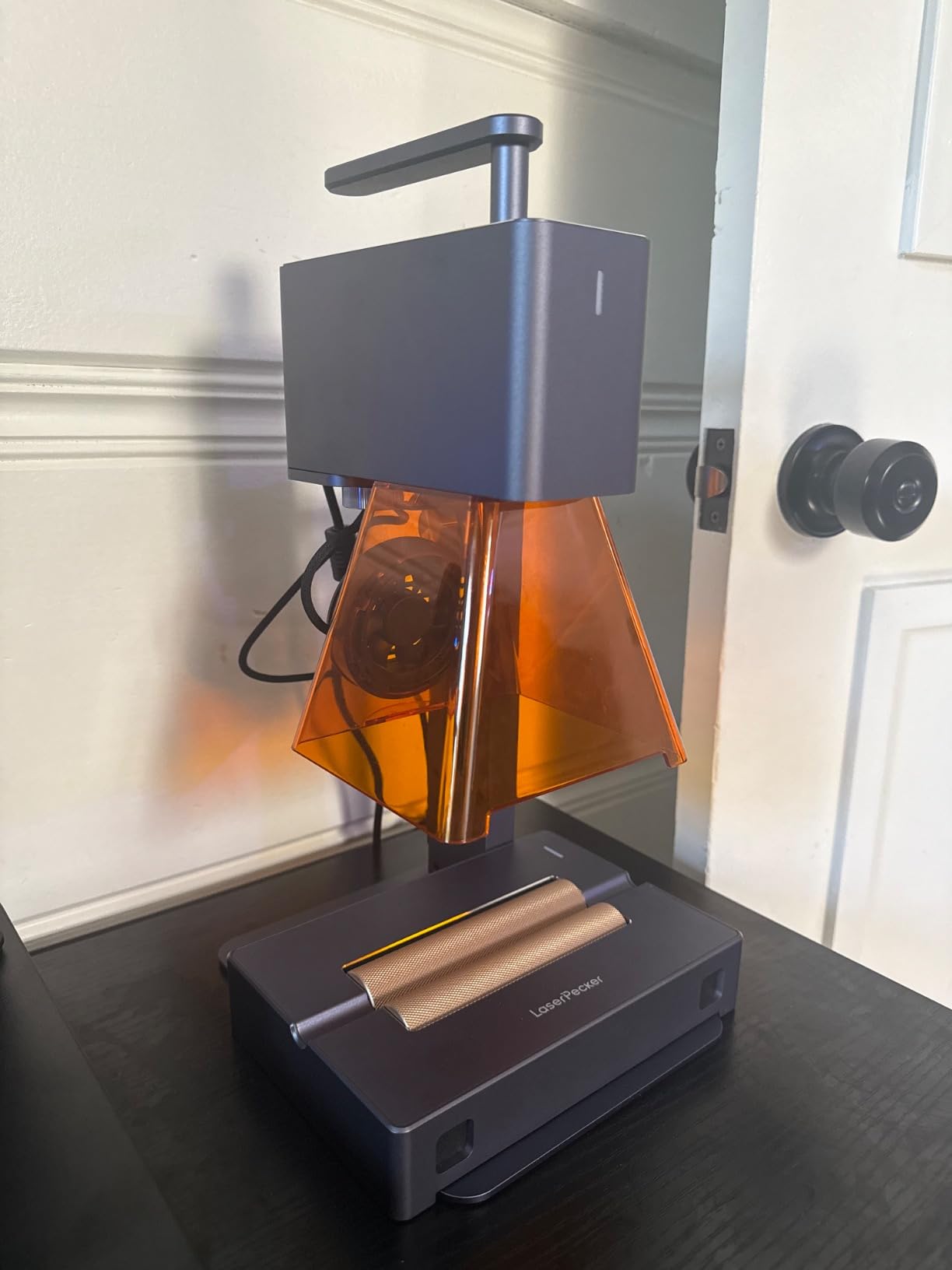
Owners treat it as a complement to a desktop machine rather than a replacement. That is the honest framing: it is the proofing and personalisation tool, not the production cutter.
One documented limitation worth repeating: it cannot mark pure or shiny metal, and light or transparent material must be painted black first. On pale leatherette that painting step is an extra cost in time on every single job.
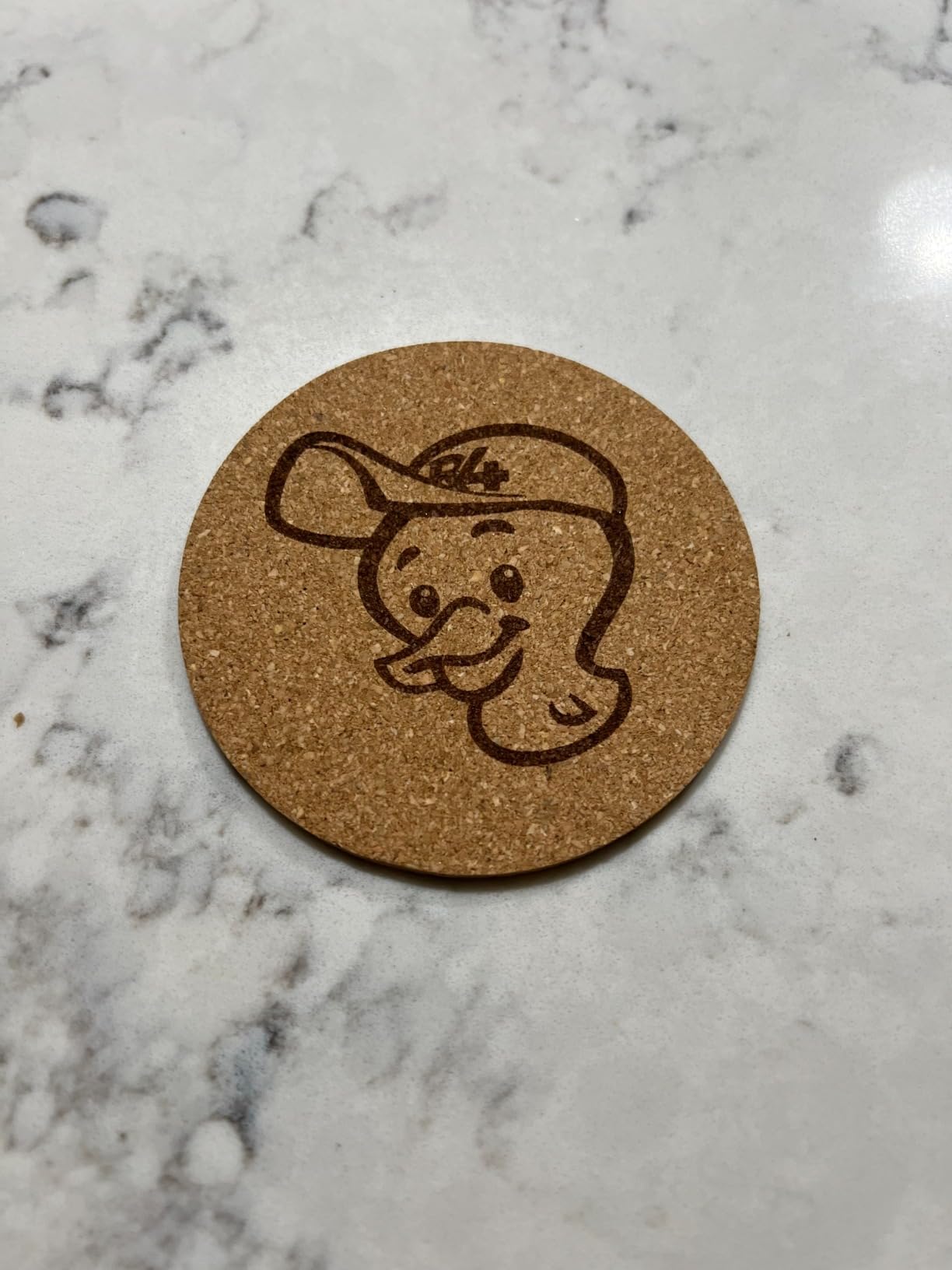
What the LP2 handles well on leather
Belt engraving, pen sleeves, tumblers and anything already assembled. The 0.05mm spot holds fine detail, and the roller removes the guesswork of trying to wrap a curved surface by hand.
Where it will disappoint you
Consistency across identical pieces, and a trolley mode that still holds a 4 inch width limit. If your leather work is flat panels, a bed machine is the better spend.
4. ATOMSTACK A10 Pro V2: the best newcomer-friendly 10W frame
ATOMSTACK 10W Laser Engraver, A10 PRO V2 Laser Cutter, 0.06mm High Accuracy Laser Engraving Machine for Wood and Metal, Dark Acrylic, Glass, Leather
10W output
410 x 380mm bed
400 mm/s
365-day warranty
Pros
- Crisp text and logo detail on leather
- Screw-rod gantry with low vibration
- 365-day warranty with support
- App plus LightBurn and LaserGRBL
Cons
- Assembly described as complicated
- Documentation and tutorials are thin
- Expansion kit for this model was discontinued
The A10 Pro V2 is the one we would hand to somebody who has never owned a laser. A small, enthusiastic owner group came from zero experience and got running quickly, and the 410 x 380mm bed is one of the more generous frames at this power level.
On leather the screw-rod gantry kept registration tight across a long pass, and the reported engraving speed of 400 mm/s produced clean cuts on thin stock. Logos with fine negative space came through without the fill-in we saw on lower-power kits.
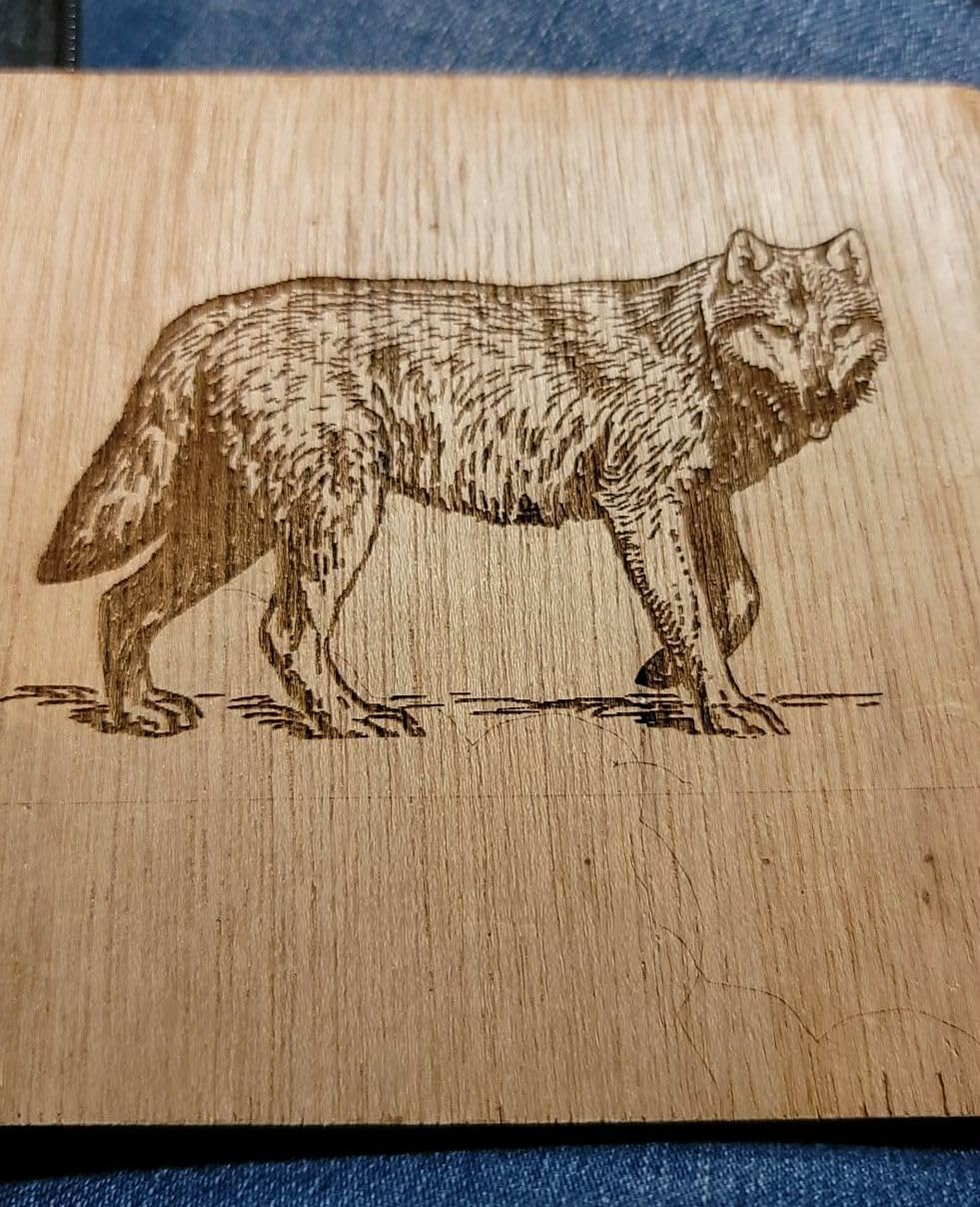
The frame is solid and focusing is intuitive, which matters more than it sounds when the surface is curved hide rather than flat plywood. Several owners run two machines off one computer, which is a neat way to double small-shop throughput.
Support is the quiet strength here: a 365-day warranty with round-the-clock contact, which is longer than the one-year cover most machines in this price band carry. The catch is that the expansion kit for this model was discontinued, so plan to stay with this frame size.
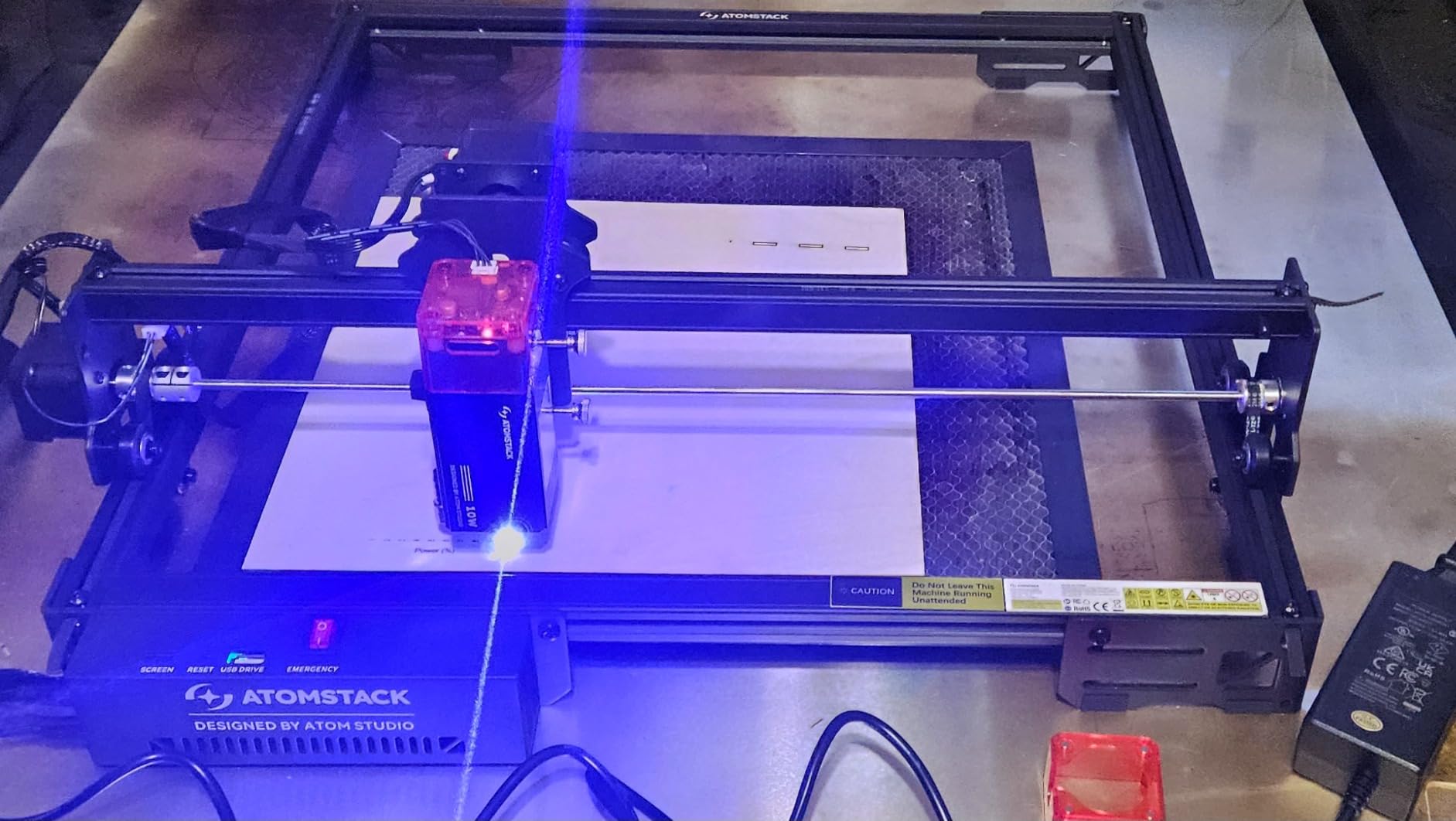
What the ATOMSTACK handles well on leather
Detailed text, logos and monograms on small-to-medium pieces, plus clean single-pass cuts on thin leather. The removable magnetic safety cover also makes it usable in a shared room without much ceremony.
Where it will disappoint you
Assembly is described as complicated by several buyers, and the documentation is thin enough that many owners rely on YouTube tutorials. Some wished they had stepped up one power tier for a wider material range.
5. ACMER S1: the best budget first machine for leather
ACMER S1 Laser Engraver Machine, 2500mW Lazer Cutter for Wood and Acrylic
2500mW diode
130 x 130mm bed
4 pounds
Preassembled body
Pros
- Arrives 99% preassembled
- Free bundled Acmerstudio software
- Portable 4 pound body
- Fine detail on small leather tags
Cons
- Home position drift reported between jobs
- False out-of-bounds alarms
- 130 x 130mm bed is very tight
- 2.5W is slow for etching
The ACMER S1 is the least commitment way to find out whether laser leather work suits you. It arrives 99% assembled, so the only install is the laser head, and the free Acmerstudio software means no licence cost before you have earned anything from it.
Detail work on small leather goods is where it shines. Tags, tassel fobs and slim straps that fit inside 130 x 130mm come out crisp, and at four pounds the machine moves between a craft market table and a home desk without drama.
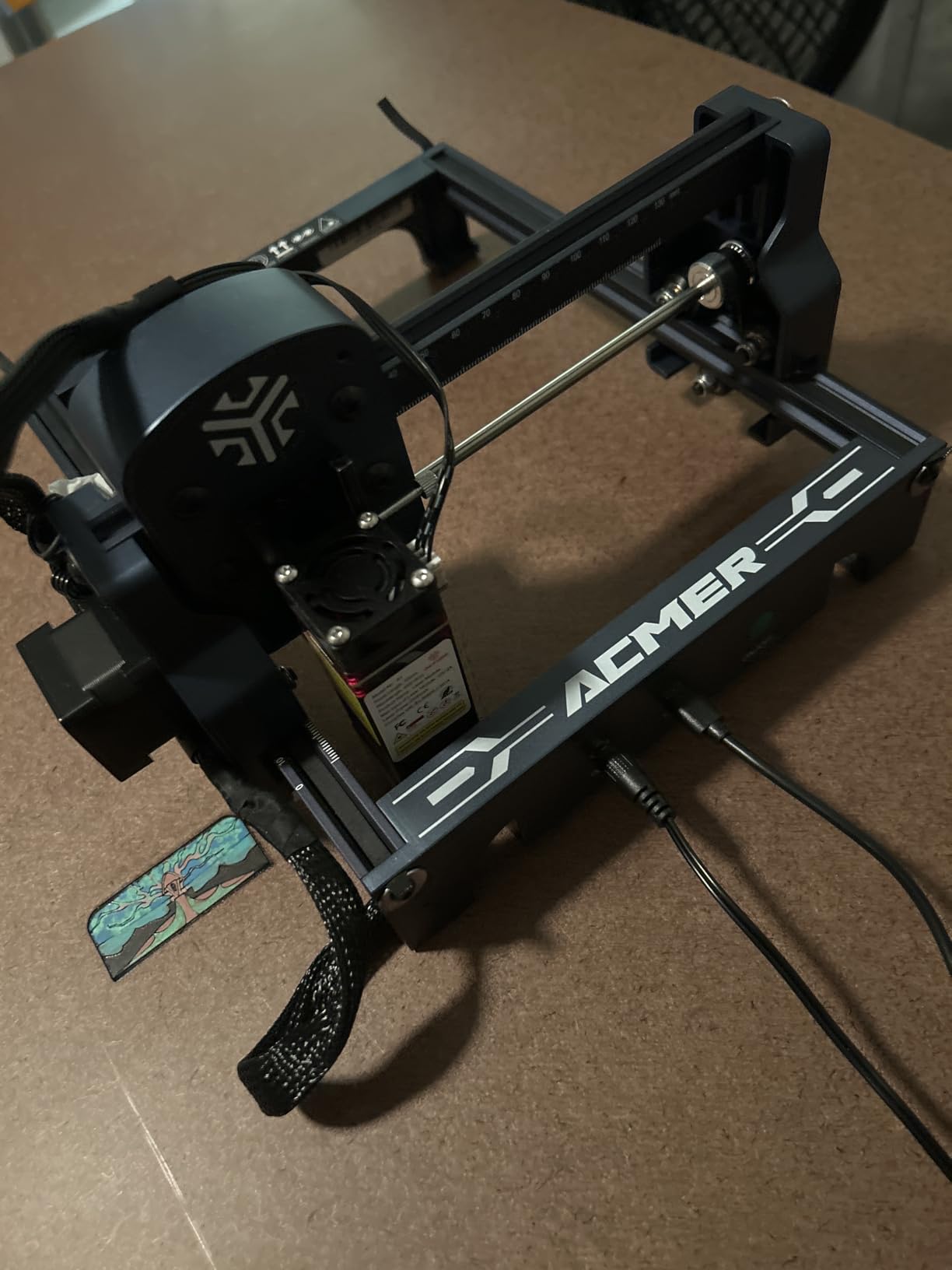
Opinions on this one are genuinely split. Casual users love the setup and the near-zero assembly, while a notable minority document repeat home-position drift, false out-of-bounds alarms and a general lack of positional awareness about where the beam is cutting.
That makes it best understood as a travel and sampling engraver rather than a production machine. If you expect repeat runs on the same piece, test a long job early to see whether the drift affects your work.
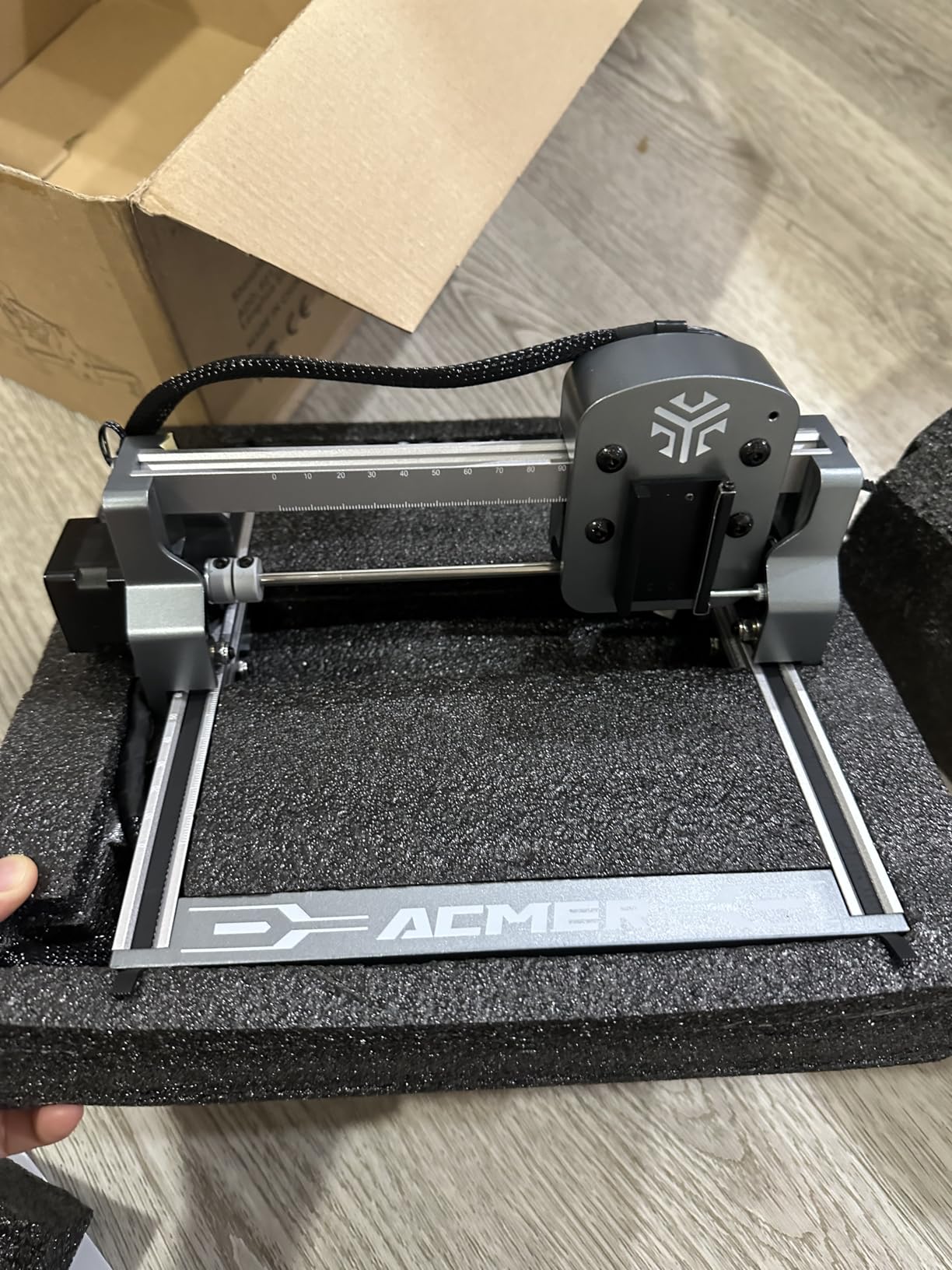
What the ACMER handles well on leather
Small leather goods only: tags, keyrings, pen clips and sample swatches. The 0.01mm repeatable positioning accuracy is enough for clean text at that size, and the class 4 certification with IEC 60825-1 compliance is documented.
Where it will disappoint you
Nothing larger than a small tag fits the bed, and 2.5W is slow for etching. Several buyers recommend stepping up in power once they are past the learning stage.
6. Creality Falcon 10W (17 x 16 in): the best for large leather panels
Creality Laser Engraver Machine 10W Output Power, 72W DIY Laser Engraving Machine 0.06mm High Precision Laser Cutter and Engraver for Wood and Metal, Paper, Acrylic, Glass, Leather etc, 17″ x 16″
10W optical output
17 x 16 inch bed
0.06mm spot
Class IIIa
Pros
- Largest bed among the Falcon listings
- Aluminium frame for repeatable registration
- Tool-free focusing plate
- Air assist and rotary upgrade paths
Cons
- Open frame leaves extraction to you
- Manual is thin on software setup
- Single-pass cut depth is limited
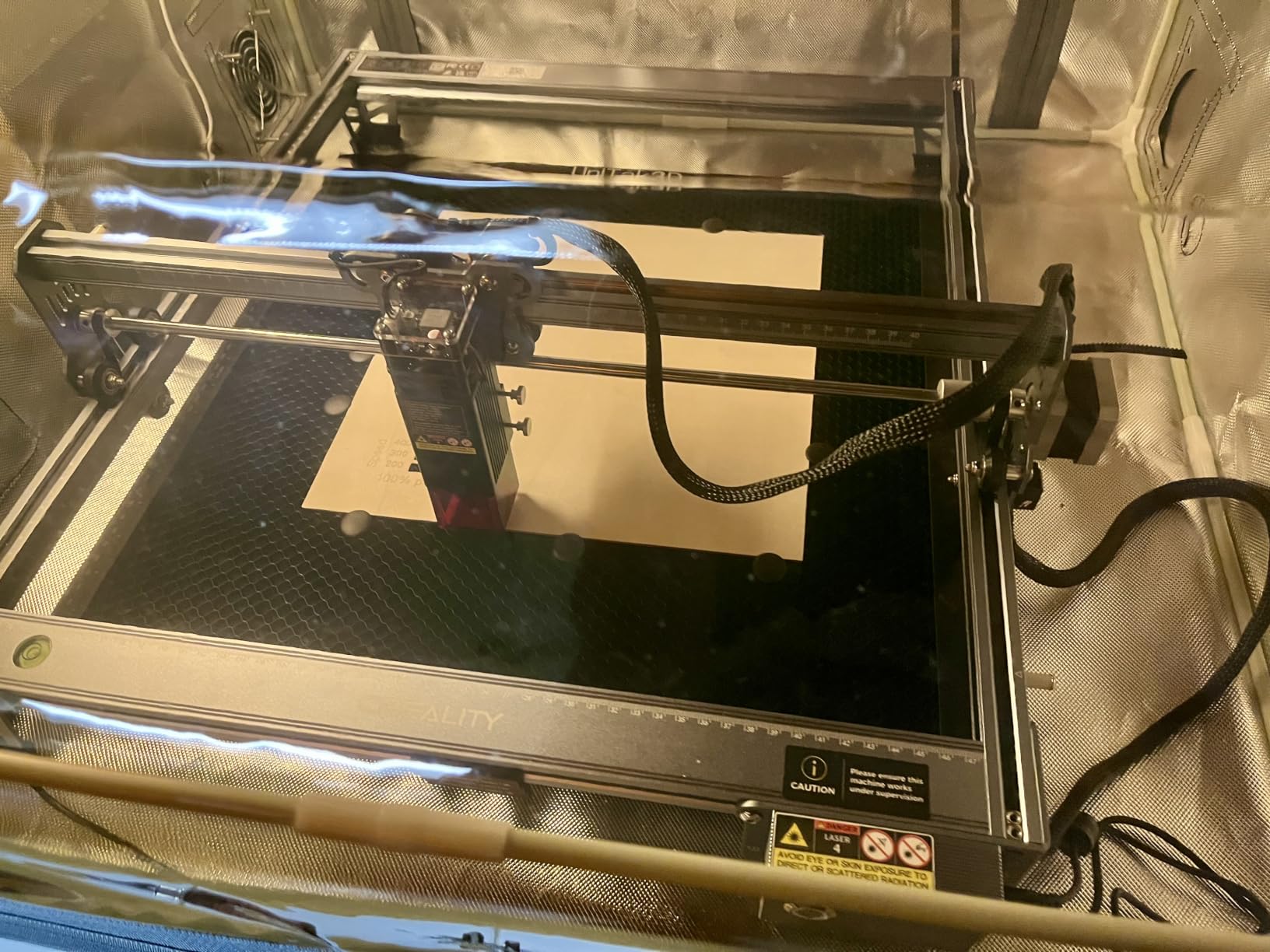
This is the Falcon variant with the larger frame, and for leather that bed size is the deciding factor. A full wallet panel or a long belt blank fits flat in one pass, which removes the re-registration step that causes crooked repeat marks on smaller machines.
The 0.06mm spot gave us the cleanest small text in the test group after the enclosed units. The all-aluminium frame with steel guide rails reduced flex, so a long pass across a hide stayed straight where lighter frames drift.
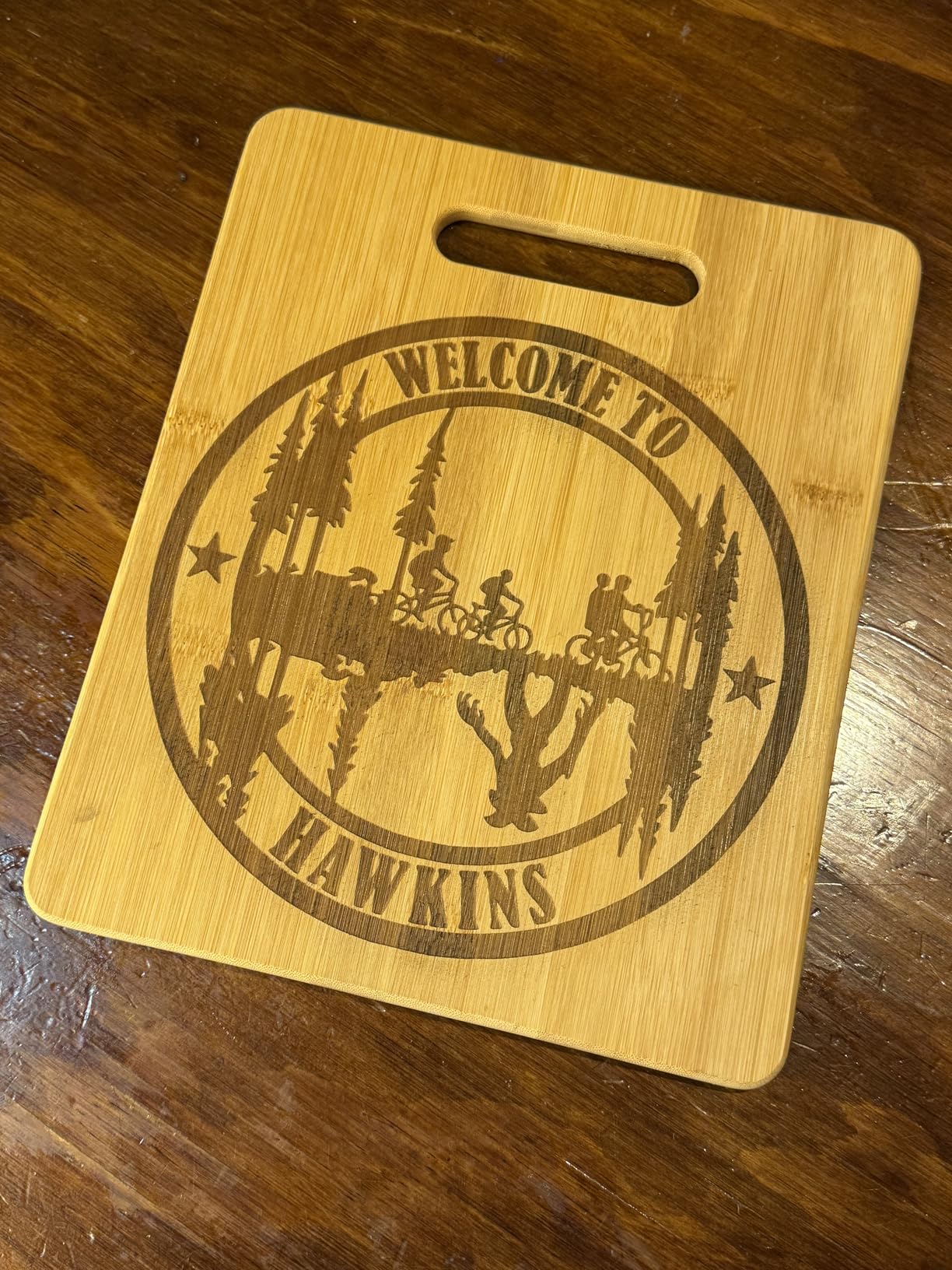
Owners usually buy this alongside a Creality 3D printer and compare directly. Praise concentrates on build rigidity and detail quality, and the laser-head focusing plate makes material changes quick without tools.
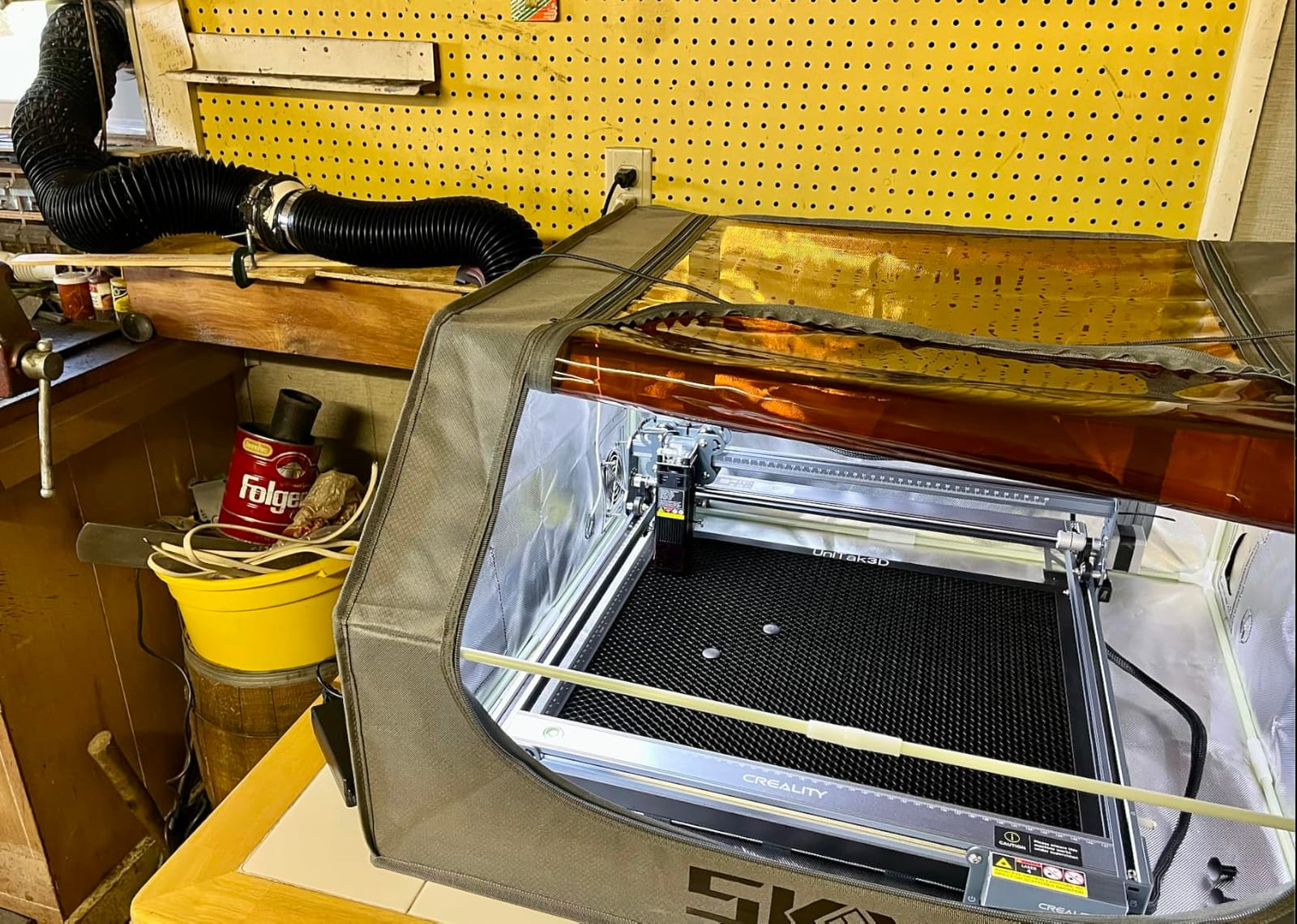
There are three documented upgrade paths, including an air assist pump and a rotary roller kit, which is useful if you later want to engrave a curved or cylindrical leather item.
What the Creality Falcon 10W handles well on leather
Flat panels, long straps and anything needing a full-width pass. The tool-free focus plate means you can swap between a thick strap and a thin fob without hunting for a spare key.
Where it will disappoint you
The open frame means fume extraction is your responsibility, and the manual is thin enough that software configuration takes trial and error. Single-pass cutting is roughly 5mm basswood equivalent, so thick hide still needs multiple passes.
7. Creality Falcon 10W (400 x 415mm): the best for free design software
Creality Falcon 10W Laser Engraver Machine, 0.06mm High Precision Laser Engraving Machine 72W Laser Cutter and Engraver Machine for Wood Metal Acrylic Leather, 15.7″×16.3″ Workspace
10W effective output
400 x 415mm bed
0.06mm spot
97% UV shield
Pros
- Free Falcon Design Space on macOS and Windows
- Claims 200 plus material support
- Cuts up to 12mm wood in one pass
- 97% UV filter shield included
Cons
- Bundled safety glasses called unsafe by one reviewer
- Bilingual manual with thin English
- No Bluetooth or iPad support
- Owner experiences are polarized
The difference between this Falcon and the larger-bed version is not power, it is the software. Falcon Design Space is free and runs on macOS and Windows including M-series machines, so you can start without buying a LightBurn licence.
Leather, fabrics, wood and acrylics are all listed as supported, and the 0.06mm spot with 0.004 inch accuracy held small caps and fine linework on a stitched leather tab. The anti-UV acrylic blocks 97% of UV, which is a real help when you are leaning over the bed.
Owner experience here is deeply split. People who follow Creality guidance on cables and software report excellent results; those who hit positioning or iPad connectivity issues return the unit quickly.
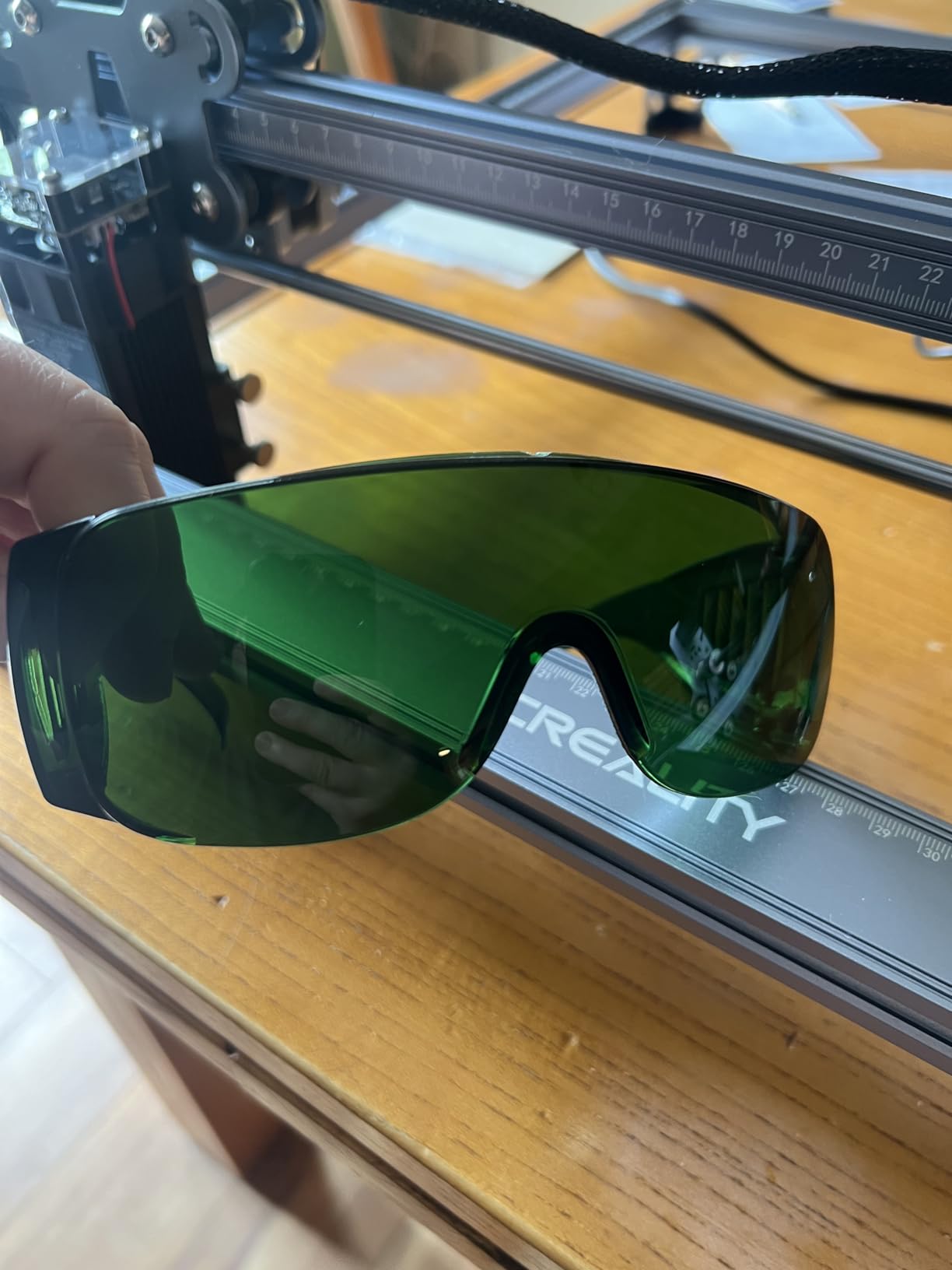
One of the most substantive written reviews warns that the bundled green glasses do not protect against blue diode beams, and recommends certified eyewear instead. Treat the included glasses as a comfort item rather than protection.
What this Creality Falcon handles well on leather
Designers who want a free vector tool in the box, and small-to-medium leather goods. Free Falcon Design Space also means no per-machine licence cost as your shop grows.
Where it will disappoint you
There is no Bluetooth and no iPad support despite what some listings imply, only wired and SD card workflows. One owner also reported framing and positioning problems that needed several reboots, and another described choppy output even with air assist.
8. LONGER Ray5 10W: the best for touchscreen control at the machine
LONGER Ray5 Laser Engraver and Cutter Machine,10W Laser Engraver, 400×400mm
10W dual beam
400 x 400mm bed
3.5 inch touchscreen
24000 mm/min
Pros
- Touchscreen handles parameter changes at the machine
- One controller can drive several machines
- Emergency stop and overheat detection
- Cuts cleanly through 1/8 inch material
Cons
- Firmware and screen flashing described as buggy
- Touchscreen failed for one owner
- Instructions do not always match the hardware
- Head cooling fan is loud
The Ray5 is the pick if you want to change power and speed while standing at the machine. The 3.5-inch touchscreen handles parameter changes without opening software on a laptop, which is faster once you are running several leather jobs in a session.
The dual-beam head and 24,000mm/min top speed produced clean work on thin leather, and air assist visibly shrank the burn zone compared with the same job on a non-assisted diode. Multi-machine control from one controller suits a small production run well.
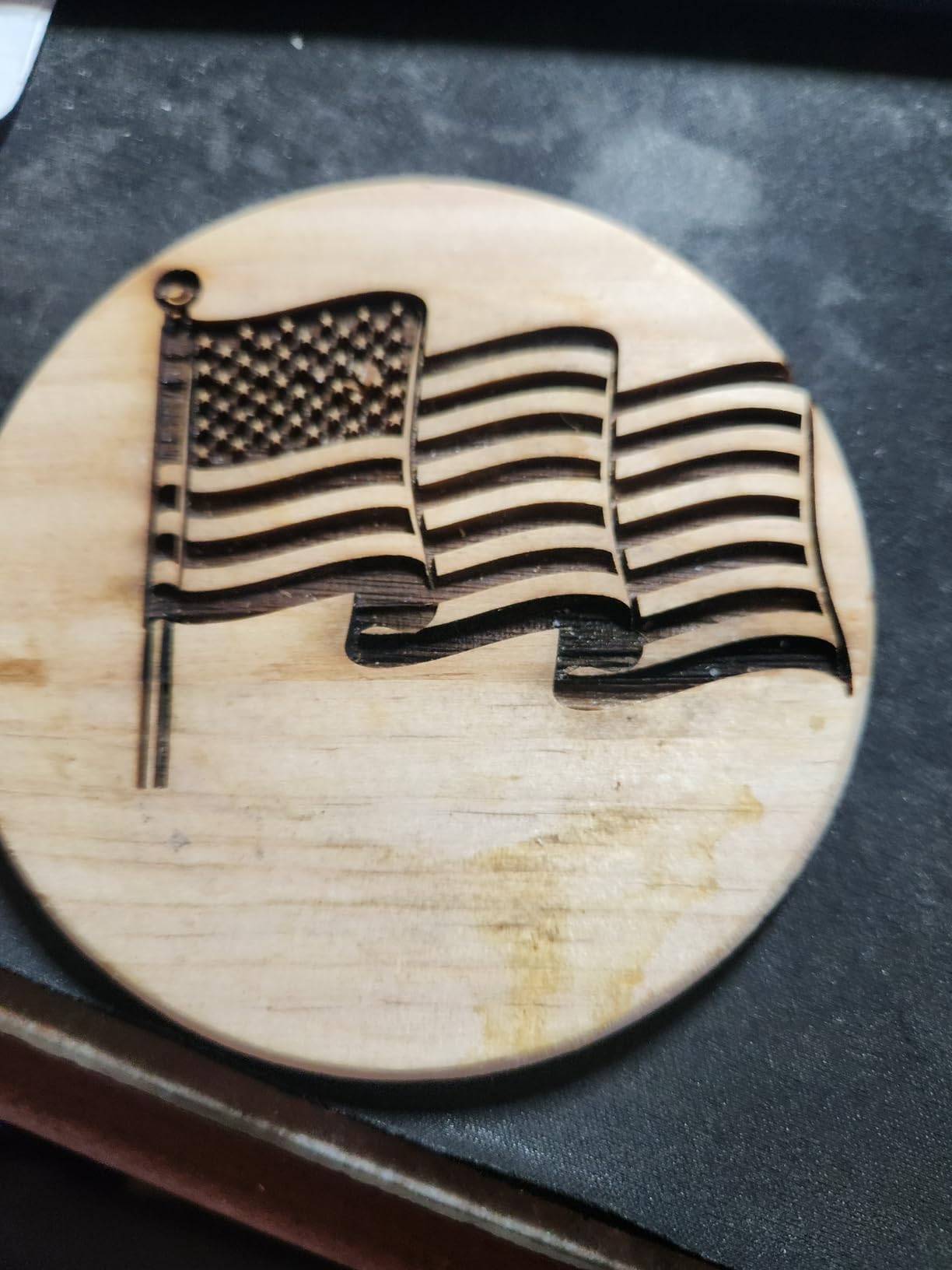
This is also the lowest-rated machine in our group, and the reason is mostly firmware rather than hardware. One electronics engineer documented firmware utility failures, dead download links, wrong cables and missing spacers in a detailed review.
Other owners report the machine performs very well once the firmware is sorted, so treat the first afternoon as setup work rather than a defect. The cooling fan on the laser head is noticeably loud in a quiet room.
What the Ray5 handles well on leather
Runs of similar pieces where you want to tweak power at the machine, plus thin leather cutting. Emergency stop, motion protection and overheat detection give a decent safety baseline for a shared workspace.
Where it will disappoint you
Setup friction is the big one: homing axis errors, LightBurn alarms and a screen that failed to a blank logo for one owner. Instructions frequently do not match the shipped hardware, so verify cables before you start a job.
9. LONGER Ray5 Mini: the best for travelling leather sellers
Longer RAY5 mini Laser Engraver, 3.5W Output,WiFi, Emergency Stop Safety12000mm/min High-Speed Cutter for Wood, Acrylic, Leather, DIY CNC, Engraving Area 130 * 140mm
3.5W output
130 x 140mm bed
1.8kg body
Emergency stop
Pros
- Pre-assembled and light at 1.8kg
- Clear well-written instructions
- Responsive named support
- Shield and emergency stop included
Cons
- 130 x 140mm area suits small items only
- Needs a LightBurn licence for full function
- One wiring loom had ambiguous polarity labelling
If you engrave leather at markets, demos or on site, weight matters more than wattage. At 1.8kg pre-assembled, the Ray5 Mini is the easiest machine here to move, and owners praise the build quality relative to its size.
Customer support is a genuine strength: one named representative resolved a USB port issue quickly. For a first-time buyer that responsiveness can matter more than a specification line.
The 0.04mm spot is very fine for the power level, which helps on small leather goods where the mark has little room to spread. A laser shield, protective glasses and an emergency stop give a reassuring safety baseline out of the box.
Expect to buy a LightBurn licence for full functionality, since LaserGRBL is the free option. The learning curve is still real even on a small machine, so allow time for settings work before a paid job.
What the Ray5 Mini handles well on leather
Small leather goods: keychains, tags, bookmarks and pen-sized items. Wi-Fi, app and USB connectivity plus offline mode cover both workshop and market-bench workflows.
Where it will disappoint you
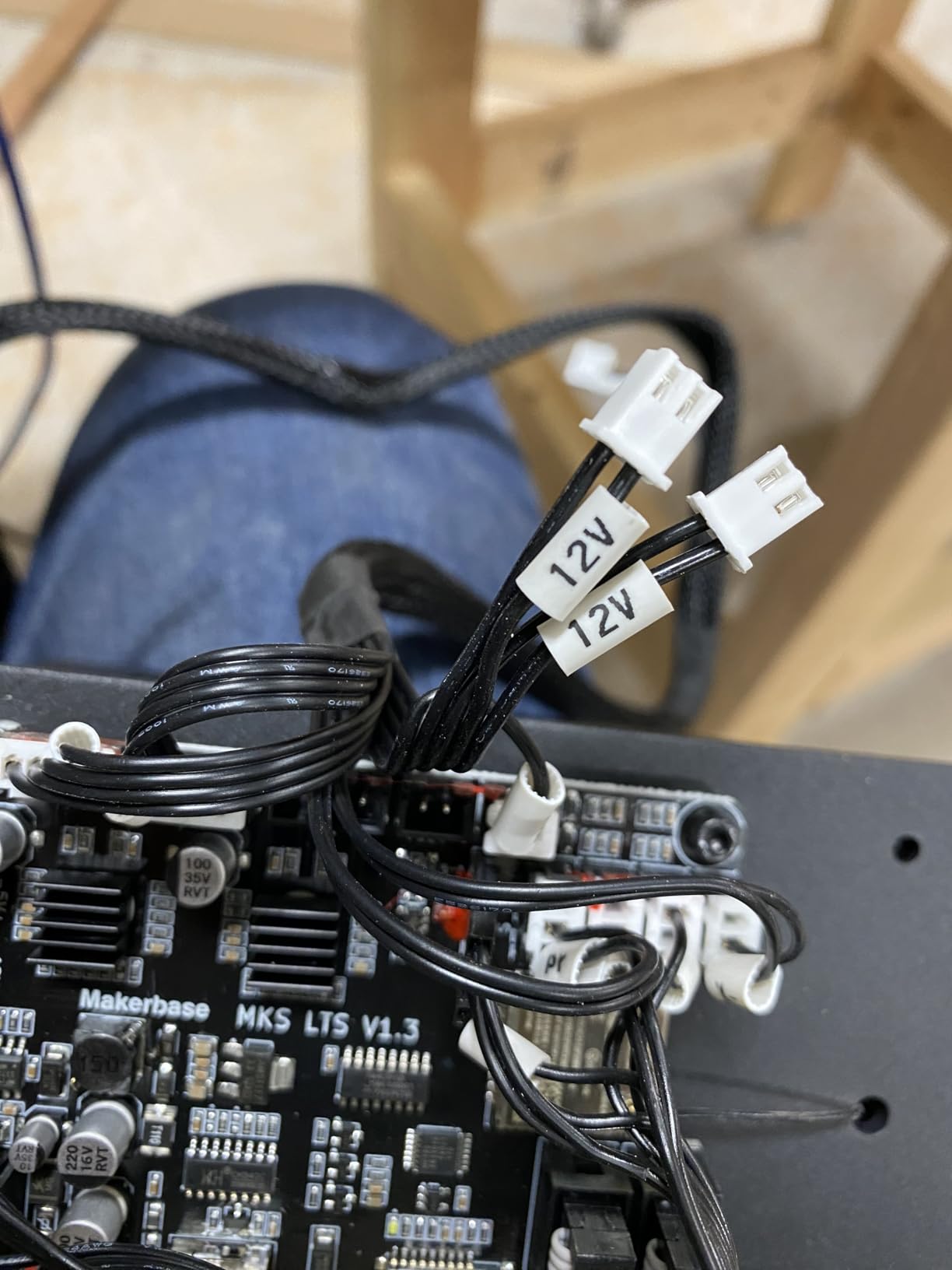
The 130 x 140mm area suits small items only, and one reviewer received a wiring loom with ambiguous 12V polarity labelling. A firmware update also blocked on Windows 11 for a related accessory.
10. xTool S1 40W Rotary Bundle: the best enclosed machine for leather
xTool S1 40W Laser Cutter and Laser Engraver for Tumblers, 23.93″ x 15.16″ Bed Size, 600mm/s Speed, Laser Engraving Machine, Laser Engraver for Wood and Metal, Acrylic, Big Project – Rotary Bundle
40W enclosed
608 x 385mm bed
600mm/s
5 flame sensors
Pros
- Highest rating in this group at 4.6
- Enclosed Class 1 cover means no goggles needed
- 40W cuts 18mm cherry wood in one pass
- Pin-point Positioning for curved surfaces
- Rotary roller included in the bundle
Cons
- Weighs about 87 pounds
- Enclosure still needs exhaust or strong filtration
- AutoPassthrough feeder sold separately
- Spring-loaded Z probe can give false readings
The xTool S1 is the only enclosed machine in this group, and for leather that changes the working day. The cover filters 99% of laser light, so it is rated Class 1 and you are not putting on goggles for every strap, which removes the biggest reason home leather projects stall.
40W is real cut power. It cut thick wood in a single pass, which on a leather-wrapped panel means one operation rather than four, and the 600mm/s engraving speed leaves room for a high-quality pass on a small area.
The enclosure also suppresses smoke and noise, which matters because leather smoke is the part of this hobby people complain about most. It still needs an exhaust hose outdoors or a strong filter, and the recurring owner advice is to vent outdoors and budget floor space.
Setup was described as a breeze relative to competitors, with a first test piece within an hour, and xTool Creative Space includes 400 plus pre-tested material profiles that cover leather without guesswork.
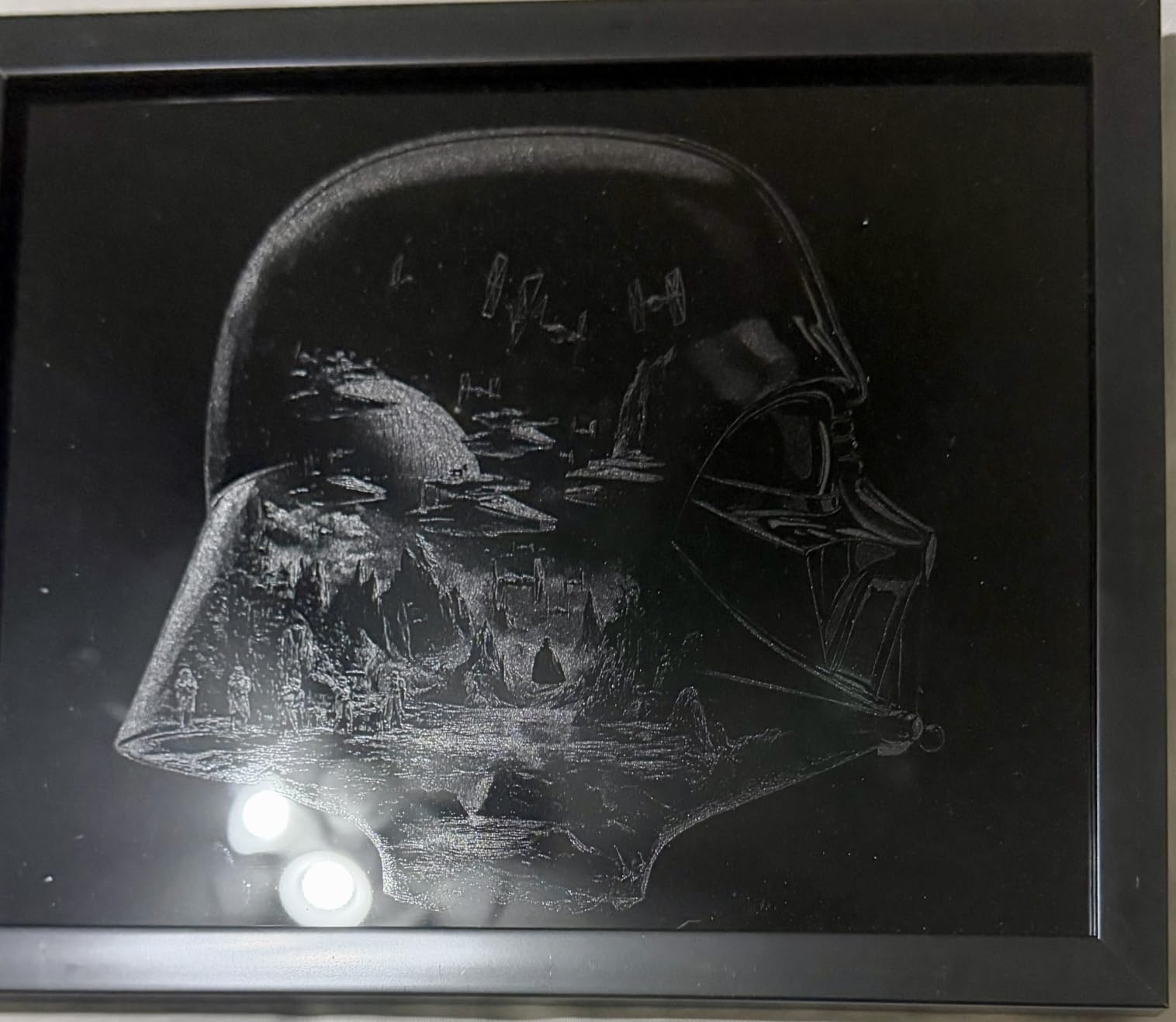
What the xTool S1 handles well on leather
Production runs, thick material and a dedicated indoor workspace. The 608 x 385mm bed holds a large hide panel, and Pin-point Positioning handles curved surfaces for items like a belt buckle face or a wrapped tube.
Where it will disappoint you
It is heavy at roughly 87 to 100 pounds and needs a dedicated bench. AutoPassthrough needs a separate feeder unit that is not included, and the spring-loaded Z probe can be dented and give false height readings on uneven hide.
Which Laser Type Is Best for Leather?
Three laser families appear in leather shops, and the wavelength explains most of the difference. Blue diode lasers work at roughly 450nm, CO2 tubes at 10,600nm, and infrared or fiber sources at 1,064nm.
Blue diode machines are the workhorse for marking. They are affordable, portable and safe around a home bench, and they handle everything from a monogram to a cut through thin straps. The trade-off is that the beam burns rather than evaporates, so edges char and cutting thick hide takes several passes.
CO2 machines are the production choice. The longer wavelength is absorbed more efficiently by organic material, which means faster cutting and an edge that is closer to sealed. Leatherworkers on tight budgets often pick open-frame K40-class tubes, and reviewers caution that these lack safety features and beginner-friendly software.
Infrared and fiber sources are the specialists. They are the choice for coated metal and harder surfaces, and they are less common on a leather-only bench. Leather YouTube channels tend to recommend CO2 while general buyers tend to recommend diode, and the reconciliation is simple: diode for detail marking, CO2 for volume cutting.
Community experience also sets realistic speeds. Leatherworkers who cut with a laser report roughly 20 to 25 mm/s for cutting and around 250 mm/s for engraving, which is far slower than the headline maximum speed on a product page. A machine that claims 24,000mm/min will not cut leather at that rate.
Engraving and Cutting Leather: Technique and Settings
Five preparation steps make the difference between a crisp mark and a dirty-looking piece. First, clean the hide and flatten it, because a domed surface changes focus mid-job. Second, test the same setting on a scrap offcut from the same hide, since tannage varies more than any machine variable.
Third, set focus with the lid closed on an enclosed machine or with the beam low on an open frame. Fourth, turn air assist on for every leather job, because moving air removes the hot gas layer that causes spread and brown halos. Fifth, mask shiny or light leatherette with a thin coat of black paint first.
On the wet leather question that keeps coming up on forums: light dampening can reduce airborne dust and soften scorch on thick veg-tan, but it raises the energy needed and can make a mark lighter rather than darker. Test it on an offcut. Most operators we spoke with engrave dry and rely on air assist and extraction instead.
Residue is the most common complaint after the job itself. Leather smoke deposits a greasy film that makes a finished piece look dirty, and a dry brush followed by a barely damp cloth removes most of it. A second pass with a leather conditioner leaves the surface looking finished rather than dusty.
Never engrave PVC. PVC and PVC-backed faux leather releases hydrogen chloride gas when heated, which corrodes the machine and is genuinely hazardous to breathe, and this is why PU leatherette is the safer substitute. If you cannot identify the backing, treat the material as PVC and keep it off the bed.
Best Laser Engravers for Leather: How to Choose the Right One
Once you know your leather work, seven factors decide the machine. Weight them in this order and the choice gets much faster.
Power. A 5W diode handles marking and very thin cuts. A 10W diode covers most small-shop jobs. A 40W enclosed machine is where you stop re-running thin stock multiple times.
Work area. The bed is the limit you will hit first. A 130 x 130mm frame fits tags and keychains; a 390 x 410mm or 400 x 415mm frame takes wallet panels and full belt blanks.
Enclosure. An enclosed Class 1 machine removes goggles from the workflow and contains smoke. An open frame is cheaper and more flexible but makes extraction your problem.
Air assist. Air assist is not an accessory on leather, it is the difference between a dark tight mark and a spread brown one. Every pick here either includes it or has an interface for it.
Software. LightBurn is the transferable skill and costs a one-off licence. Free options such as Acmerstudio and Falcon Design Space are fine starting points, and LaserGRBL covers offline and file-based work.
Warranty and support. Coverage here ranges from 12 months to 365 days. A named support contact who answers matters more than the length of the warranty when firmware goes wrong.
Upgrade path. Rotary rollers, air assist pumps and extension kits determine whether the machine grows with you. Check that the parts still exist for your exact model before you buy.
One warning from the forums applies to any brand: some listings overstate wattage. Compare the stated optical output, not the machine power, and check whether the compressed spot and focus method are documented.
Frequently Asked Questions
What is the best laser engraving machine for leather?
For most buyers the Ortur Laser Master 2 S2 is the best balance: a 10000mW diode with a 390 x 410mm bed that both marks and cuts light leather, and the largest review base here. If you can dedicate a bench and a vent, the enclosed xTool S1 40W is faster and needs no safety goggles.
Can you laser engrave real leather?
Yes. All diode, CO2 and infrared machines in this guide mark and cut real vegetable-tanned and chrome-tanned leather. Vegetable-tanned takes the darkest, most defined mark, chrome-tanned is denser and benefits from air assist. Never engrave PVC or PVC-backed faux leather, which releases hydrogen chloride gas when heated.
Should I wet leather before laser engraving?
Test it on an offcut first. Light dampening on thick vegetable-tanned leather can reduce airborne dust and soften scorch, but it also raises the energy needed and can make a mark lighter instead of darker. Most operators engrave dry and rely on air assist and fume extraction for a clean burn.
How do you clean leather after laser engraving?
Let the piece cool, brush off loose residue with a soft dry brush, then wipe with a barely damp cloth. Follow with a leather conditioner to leave the surface looking finished rather than dusty. The greasy film left by leather smoke is the most common complaint after a job, and it comes off in one pass if you address it straight away.
Is laser engraving on leather dangerous?
It is safe with the right setup. Real leather produces smoke and fine dust, so use air assist, an enclosure where possible and a fume extractor, and open a window or vent outdoors. The genuine hazard is PVC and PVC-backed leatherette, which releases corrosive hydrogen chloride gas when heated and must never be engraved.
Conclusion: The Best Laser Engravers for Leather, One Last Time
The Ortur Laser Master 2 S2 remains our best laser engraver for leather overall, with the widest bed in an open frame we would recommend, proven cut power and the largest body of owner feedback. Buy the xTool S1 40W if you need an enclosed bench with real cut power, and pick the Twotrees TTS-55 Pro if budget is the deciding factor.
Whichever you choose, turn air assist on for every job, vent the fumes, and test on a scrap of the same hide first. If you are still comparing machines for other materials, start with our picks for the best leather briefcases for men to see what a finished leather product should look like.