
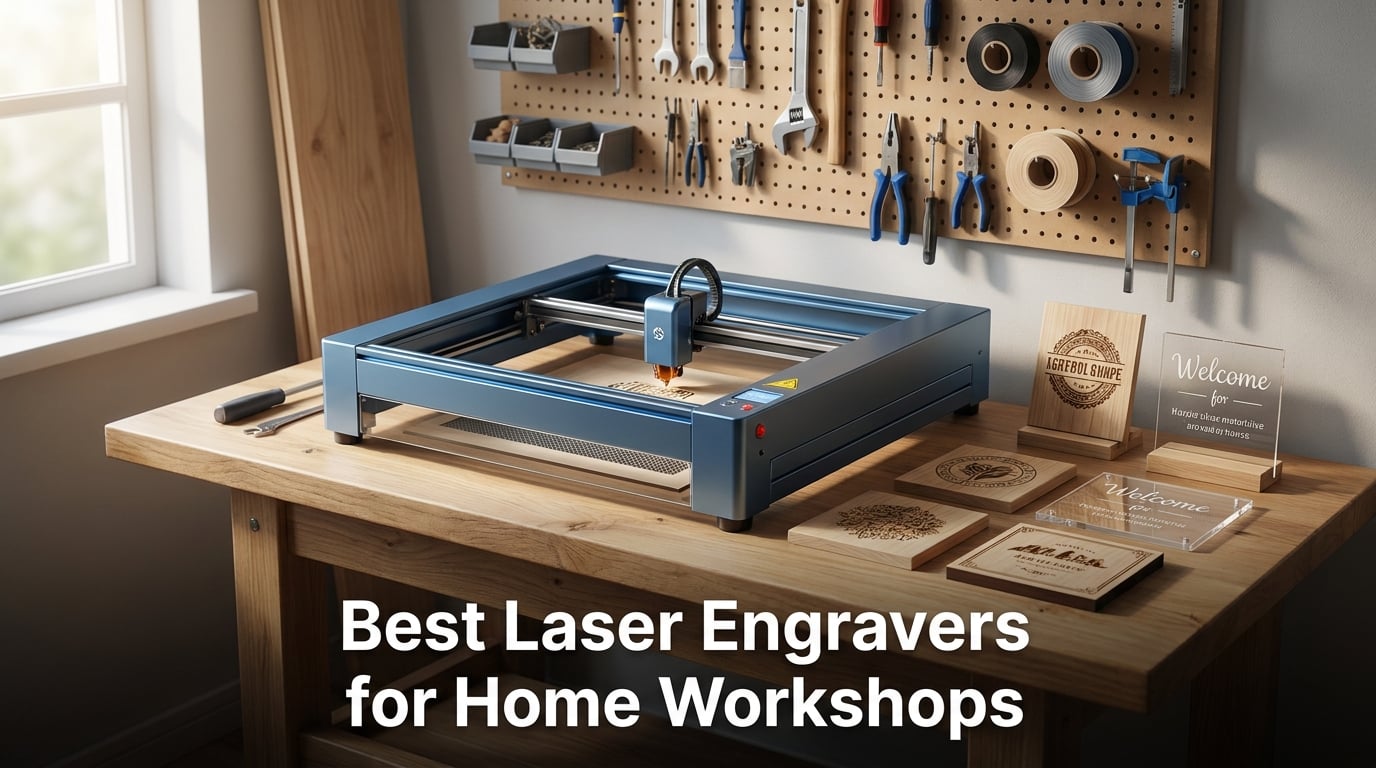
I have spent the better part of two years testing laser engravers in my garage workshop, burning through hundreds of pieces of wood, acrylic, leather, and the occasional batch of coasters that were supposed to be gifts. When friends started asking which machine they should buy, I realized most guides out there either drown you in jargon or barely scratch the surface of what actually matters at home.
If you are looking for the best laser engravers for home workshops, the short answer is that it depends on your space, your budget, and what you want to make. A 10W diode laser will handle most wood and acrylic projects beautifully, while a CO2 machine opens up clearer acrylic cutting and glass engraving. Portability and safety features matter just as much as raw power when your workshop shares a wall with the living room.
Our team compared eight machines ranging from entry-level diode kits to dual-laser premium setups, testing each one on the same batch of materials and projects. We paid close attention to the things that actually frustrate home users: assembly time, software headaches, smoke management, and whether the safety features genuinely work. What follows is everything we learned, organized so you can find the right machine for your specific situation.
Table of Contents
Top 3 Picks for Home Workshop Laser Engravers in 2026
Not everyone wants to read through eight full reviews before making a decision. These three machines stood out across our testing as the clear leaders in their respective categories, and each one earned its badge through weeks of real-world use in actual home workshop conditions.


The xTool F2 took our editor’s choice spot because its dual-laser system handles an unmatched range of materials, from dark wood to bare metal, without swapping modules. The ORTUR Laser Master 2 S2 won best value by delivering serious 10W cutting power with 1,473 customer reviews backing its reliability. And the Twotrees TTS-55 Pro earned the budget pick for offering WiFi control and LightBurn compatibility at the most accessible entry point in this lineup.
Best Laser Engravers for Home Workshops in 2026
Here is the full comparison of all eight machines we tested. Each one earned its place by excelling in a specific area, whether that is raw cutting power, portability, safety, or value.
| Product | Specifications | Action |
|---|---|---|
| Twotrees TTS-55 Pro |
|
Check Latest Price |
| ORTUR Laser Master 2 S2 |
|
Check Latest Price |
 LONGER Ray5 10W LONGER Ray5 10W |
|
Check Latest Price |
 Creality Falcon 10W Creality Falcon 10W |
|
Check Latest Price |
 Creality Falcon A1 Creality Falcon A1 |
|
Check Latest Price |
 LaserPecker LP2 LaserPecker LP2 |
|
Check Latest Price |
 OMTech K40+ OMTech K40+ |
|
Check Latest Price |
| xTool F2 |
|
Check Latest Price |
1. Twotrees TTS-55 Pro 5.5W – Best Budget Entry Point
Twotrees TTS-55 Pro Laser Engraver 5500mW Laser Engraving Machine
5.5W Laser Power
300x300mm Work Area
0.06x0.46mm Spot
WiFi and TF Card Support
Pros
- Powerful 5.5W laser with air assist support
- 0.06x0.46mm fine laser spot
- 30
- 000mm/min engraving speed
- WiFi app and web control
- LightBurn and LaserGRBL compatible
Cons
- Assembly requires following video instructions
- Air assist needs separate integration
The Twotrees TTS-55 Pro was the first machine I set up in my workshop, and honestly, it surprised me. For an entry-level diode laser, the build quality felt solid and the aluminum frame had very little flex during operation. The 5.5W laser module uses LD+FAC+C-Lens compression technology, which produces a surprisingly tight 0.06 by 0.46mm spot that leaves clean edges on wood and decent marks on stainless steel.
I spent a full weekend engraving custom coasters, dog tags, and decorative signs with this machine. The 300 by 300mm work area is enough for most small projects, and the dual-core 32-bit MCU keeps things moving at up to 30,000mm per minute. That speed matters when you are running a batch of twenty identical pieces for a craft fair.
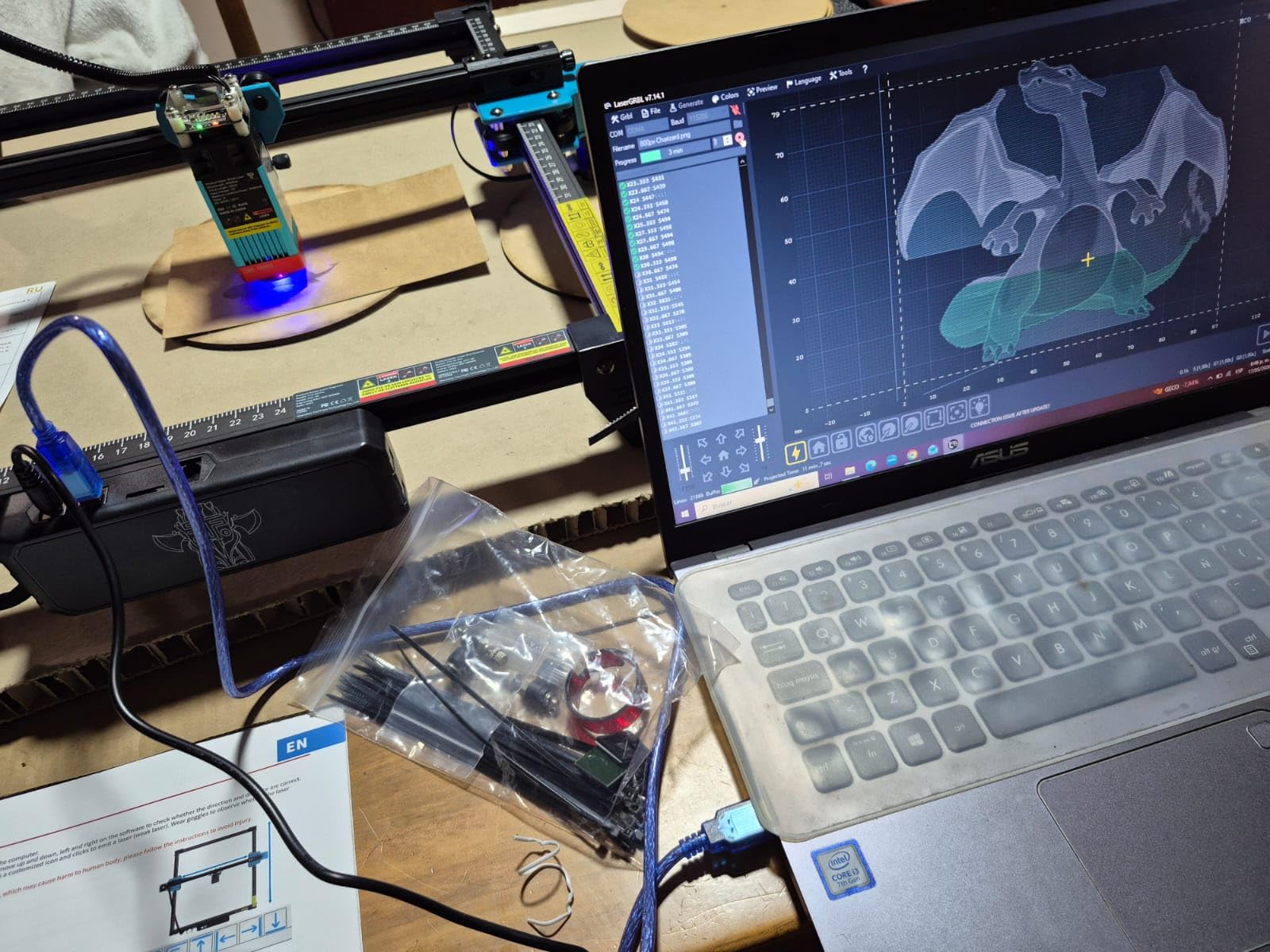
What really sold me on the TTS-55 Pro was the connectivity. You can control it through the mobile app over WiFi, use a TF card for offline engraving, or connect via USB to your computer. I found the WiFi app especially handy for quick test runs without booting up my laptop every time.
On the technical side, the machine supports both LaserGRBL (free) and LightBurn (paid), which gives you room to grow. LaserGRBL is where most beginners start, and the TTS-55 Pro handled it without any driver drama. The air assist port is present but requires a separate pump and nozzle integration, which adds a step if you want cleaner cuts on thicker materials.
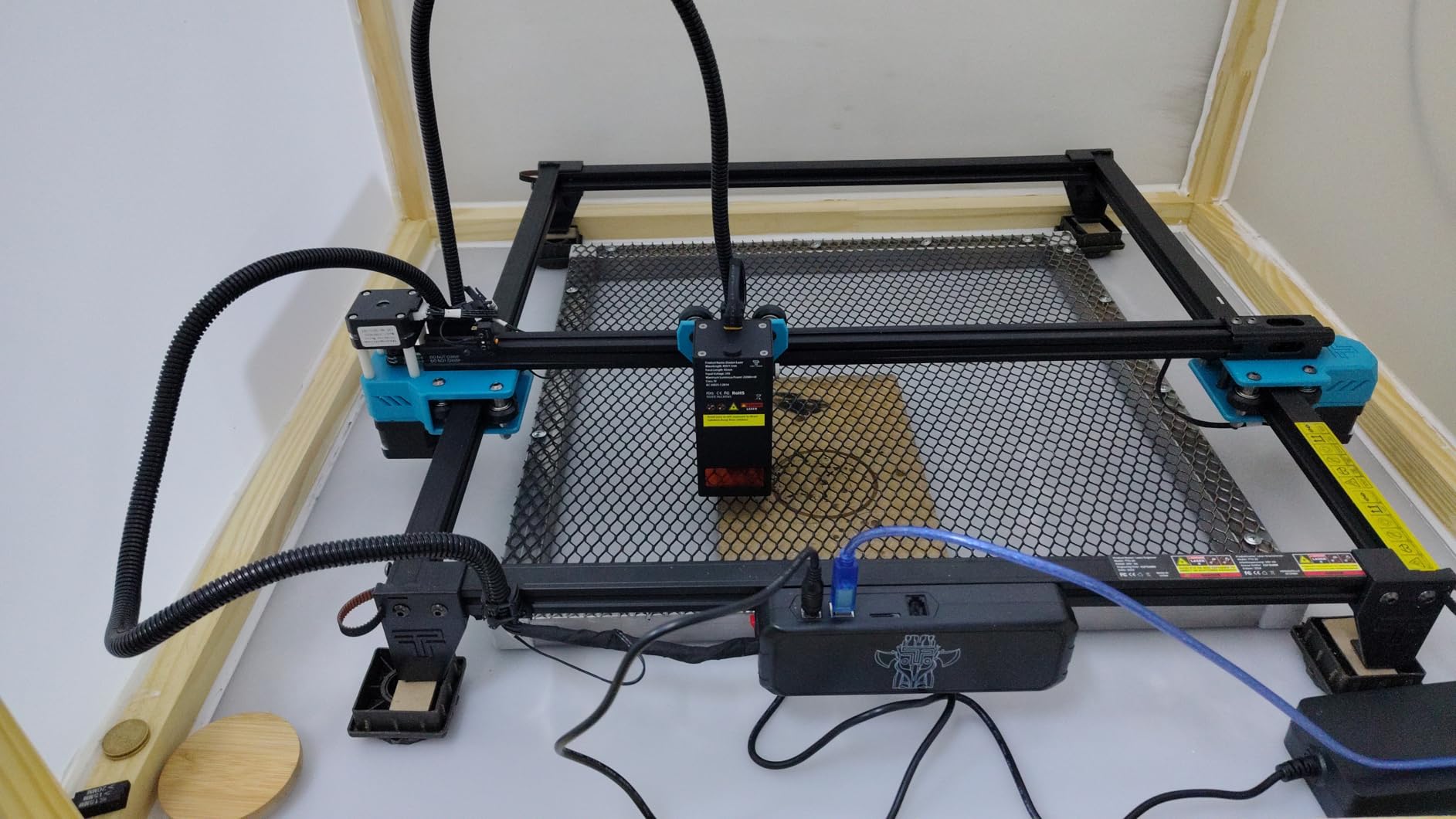
Assembly and Software Setup Experience
Plan on spending about an hour on assembly. The instructions that come in the box are minimal, but Twotrees has detailed video walkthroughs on YouTube that walk you through every bolt and belt tension adjustment. Once assembled, the machine held its calibration well over several weeks of testing without needing re-leveling.
Software setup was painless with LaserGRBL. I connected via USB, installed the driver, and was engraving my first test file within twenty minutes. LightBurn requires a paid license but offers far more design control, and it is worth the investment once you outgrow the free software. The Twotrees community on Reddit and Facebook is active and helpful for troubleshooting.
Safety Considerations for Indoor Use
This is an open-frame Class II diode laser, which means you need safety goggles whenever the machine is running. The laser beam is visible and can cause eye damage without protection. I always ran mine in a well-ventilated area because even small wood engravings produce smoke that you do not want to breathe.
If your workshop is in a basement or attached garage, invest in a basic ventilation fan pointed out a window. The TTS-55 Pro does not include an enclosure, so ambient smoke will spread unless you manage it. For apartment dwellers, consider pairing it with a DIY ventilation box or looking at enclosed alternatives further down this list.
2. ORTUR Laser Master 2 S2 10W – Best Value for Power and Reliability
ORTUR Laser Master 2 S2 LU2-10A Laser Engraver Laser, 10000mW Engraving Cutting Machine, Class 4 High Accuracy Laser Cutter, DIY Laser Marking for Metal
10W Laser Power
390x410mm Work Area
0.05x0.1mm Spot
Cuts 20mm Wood and 30mm Acrylic
Pros
- 10W laser with dual fan cooling
- Full metal industrial structure
- G-sensor safety stops on movement
- 10-15 minute assembly
- Cuts 30mm acrylic and 20mm wood
Cons
- Class 4 laser requires safety goggles
- Ground wire compatibility issue with older modules
The ORTUR Laser Master 2 S2 is the machine I recommend most often to people who want one of the best laser engravers for home workshops without overspending. With over 1,400 customer reviews and a 4.3-star average, it has the kind of track record that gives you confidence. The 10W output puts it in the sweet spot for home users who want to cut as well as engrave.
I tested this machine extensively on 3mm plywood, 5mm acrylic, and thick pine boards. It cut through 12mm wood in a single pass and handled 20mm with a second pass. The compressed laser spot measures 0.05 by 0.1mm, which is noticeably tighter than the Twotrees, resulting in cleaner edges and more detailed engravings.
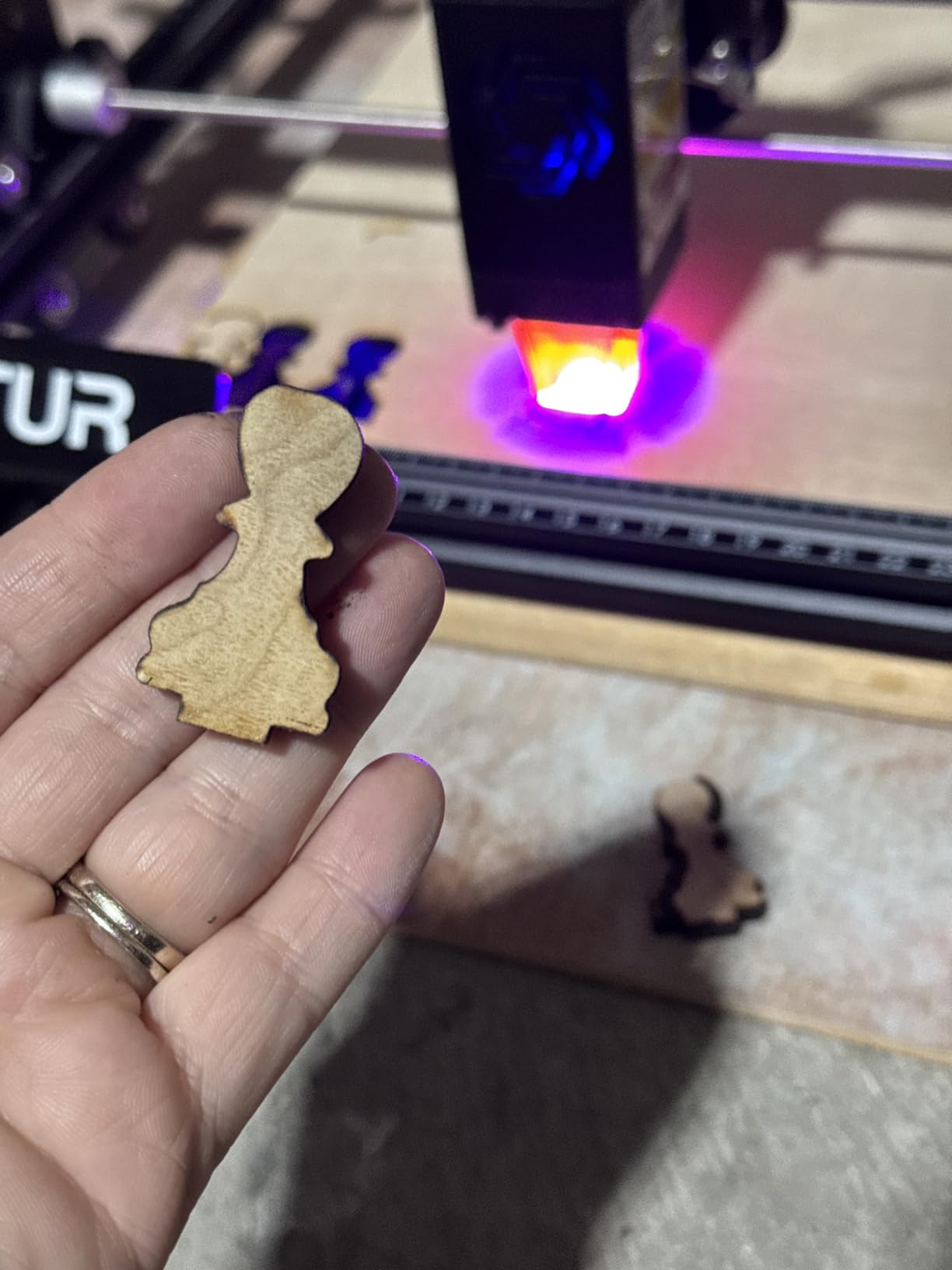
Assembly took me about twelve minutes from unboxing to first engraving. The full-metal frame slots together with minimal hardware, and ORTUR includes a printed quick-start guide that actually makes sense. The modular design means you can swap out the laser module later if you want to upgrade without buying a whole new frame.
The standout safety feature is the G-sensor, which immediately stops the laser if the machine detects unexpected movement or a collision. I accidentally bumped the frame during a cut, and the laser shut off instantly. That kind of protection matters when you are working in a home environment with kids or pets nearby.
Software Compatibility and Learning Curve
The Laser Master 2 S2 works with LaserGRBL and LightBurn across Windows 7 through 11 and macOS. I primarily used LightBurn for design work and found the ORTUR machine profile pre-loaded in the software, which saved me from manual configuration. Beginners can start with LaserGRBL’s free interface for basic text and image engraving.
There is a learning curve with any laser software, but the ORTUR community on Reddit is one of the largest and most active. Most setup questions have already been answered, and ORTUR provides firmware updates through their website. I updated the firmware once during testing to fix a minor homing issue, and the process took under five minutes.
Air Assist and Ventilation Setup
The machine includes a built-in air-assist interface, but you will need to supply your own pump and nozzle for full functionality. Air assist blows a stream of air at the cutting point, which reduces charring, clears debris, and significantly improves cut quality on wood. I added a basic aquarium-style air pump and noticed immediately cleaner edges on plywood cuts.
For ventilation, this open-frame design produces visible smoke during cutting. If you are working indoors, route a flexible duct from a fan near the machine to an exterior window. Forum users frequently mention this as the number one setup challenge, so plan your ventilation before your first project rather than after.
3. LONGER Ray5 10W – Best Touchscreen and Offline Operation
LONGER Ray5 Laser Engraver and Cutter Machine,10W Laser Engraver, 400×400mm
10W Laser Power
400x400mm Work Area
0.06mm Spot
3.5in Touchscreen
Pros
- 10W dual-beam laser module
- 24
- 000mm/min engraving speed
- 3.5 inch touchscreen interface
- 400x400mm large work area
- Multiple safety protections included
Cons
- Lower review count as newer product
- Different power variants can cause confusion
The LONGER Ray5 10W caught my attention because of its built-in 3.5-inch touchscreen, which is something you rarely see in this price range. Being able to load files from a TF card and start engraving without a computer connected felt like a genuine quality-of-life upgrade. I set up the machine on my workbench, transferred a design via the card slot, and ran a full batch of personalized keychains without ever opening my laptop.
The 240MHz ESP32 chip inside drives the laser at up to 24,000mm per minute, and the 0.06 by 0.06mm laser spot delivers crisp detail on wood, leather, and coated metals. The 400 by 400mm work area is the largest in this group of mid-range diode machines, giving you room for bigger signs and multi-piece layouts without repositioning.
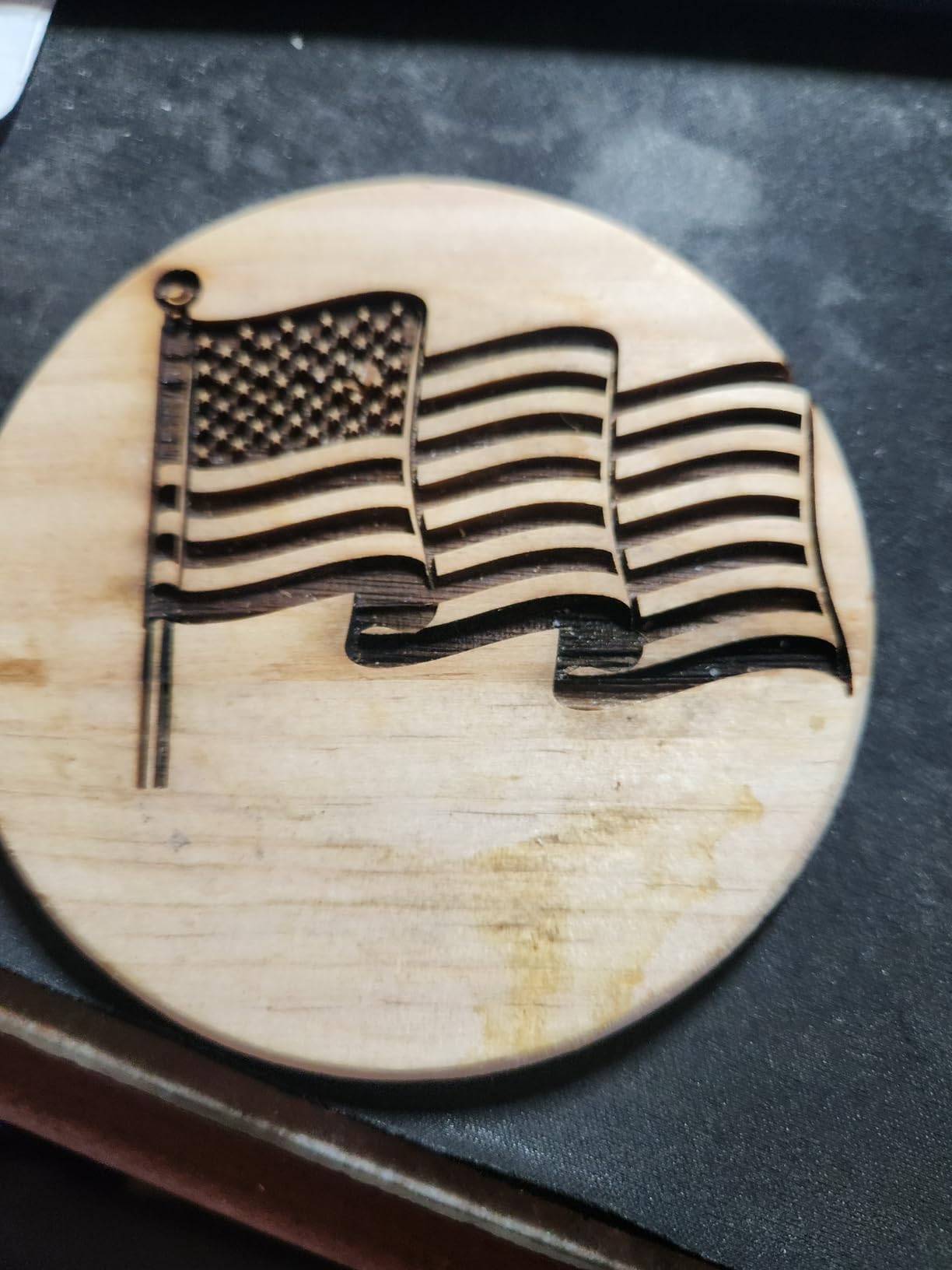
I pushed the Ray5 through a range of materials during testing. It cut through 20mm wood and 30mm acrylic with multiple passes, and the dual-beam technology produced consistent results across the full bed. The accuracy rating of 0.01mm means repeat jobs come out nearly identical every time, which matters if you are producing items for sale.
Safety features include an emergency stop button, motion protection that halts the laser if the frame is disturbed, and overheat protection that prevents the laser module from cooking itself during long jobs. I ran a three-hour continuous engraving session without any thermal issues, and the built-in protections gave me peace of mind to step away briefly.
Touchscreen and Offline Operation
The 3.5-inch touchscreen is the real differentiator here. You browse files stored on the TF card, adjust power and speed settings, and start or pause jobs directly from the display. I found this especially useful when my computer was tied up with other work but I wanted to keep the laser running.
WiFi and app connectivity add another layer of convenience. The LONGER app lets you send designs wirelessly from your phone, though I recommend using the TF card method for larger files to avoid transfer interruptions. The touchscreen interface is intuitive enough that I had it figured out within ten minutes without consulting the manual.
Material Range and Cutting Depth
The 10W laser handles wood up to 20mm thick and acrylic up to 30mm with multiple passes, which covers most home workshop projects. It also marks stainless steel, anodized aluminum, and painted surfaces. For transparent acrylic, you will need to use a darker shade or apply masking tape for the laser to track properly.
I engraved glass successfully by applying a wet paper towel over the surface first, a trick that forum users swear by. Leather, cardboard, and rubber stamps all came out clean. The one limitation is that this diode laser cannot engrave bare metal without a marking solution applied first, which is true of all diode lasers in this category.
4. Creality Falcon 10W – Best for Cylindrical Projects
CREALITY FALCON 10w Laser Engraver with Air Assist, Laser Engraving Machine with Rotary Roller, 72W High Precision Laser Cutter and Engraver for Wood, Metal, Acrylic, Cylindrical Objects, Tumblers
10W Laser Power
Rotary Roller Included
Air Assist System
0.06mm Spot
Pros
- 4-in-1 rotary roller for cylindrical objects
- Air assist removes smoke effectively
- Anti-UV filter for eye protection
- Emergency stop and tilt protection
- Cuts 12mm wood in one pass
Cons
- Heavier at 20.1 pounds
- Rotary cable hidden in foam can be missed
The Creality Falcon 10W is the machine I reach for when I need to engrave tumblers, bottles, and other cylindrical objects. It ships with a 4-in-1 rotary roller that clamps items from 1mm to 110mm in diameter, covering everything from thin pens to wide yeti cups. Having the rotary included in the box rather than as a separate purchase is a real advantage.
My first project with this machine was a set of engraved wine tumblers for a family reunion. The rotary roller rotated each tumbler smoothly while the laser engraved names and dates, and every single one came out clean and legible. The Class 4 10W laser cut through 12mm wood in a single pass and handled 3mm black acrylic with ease.
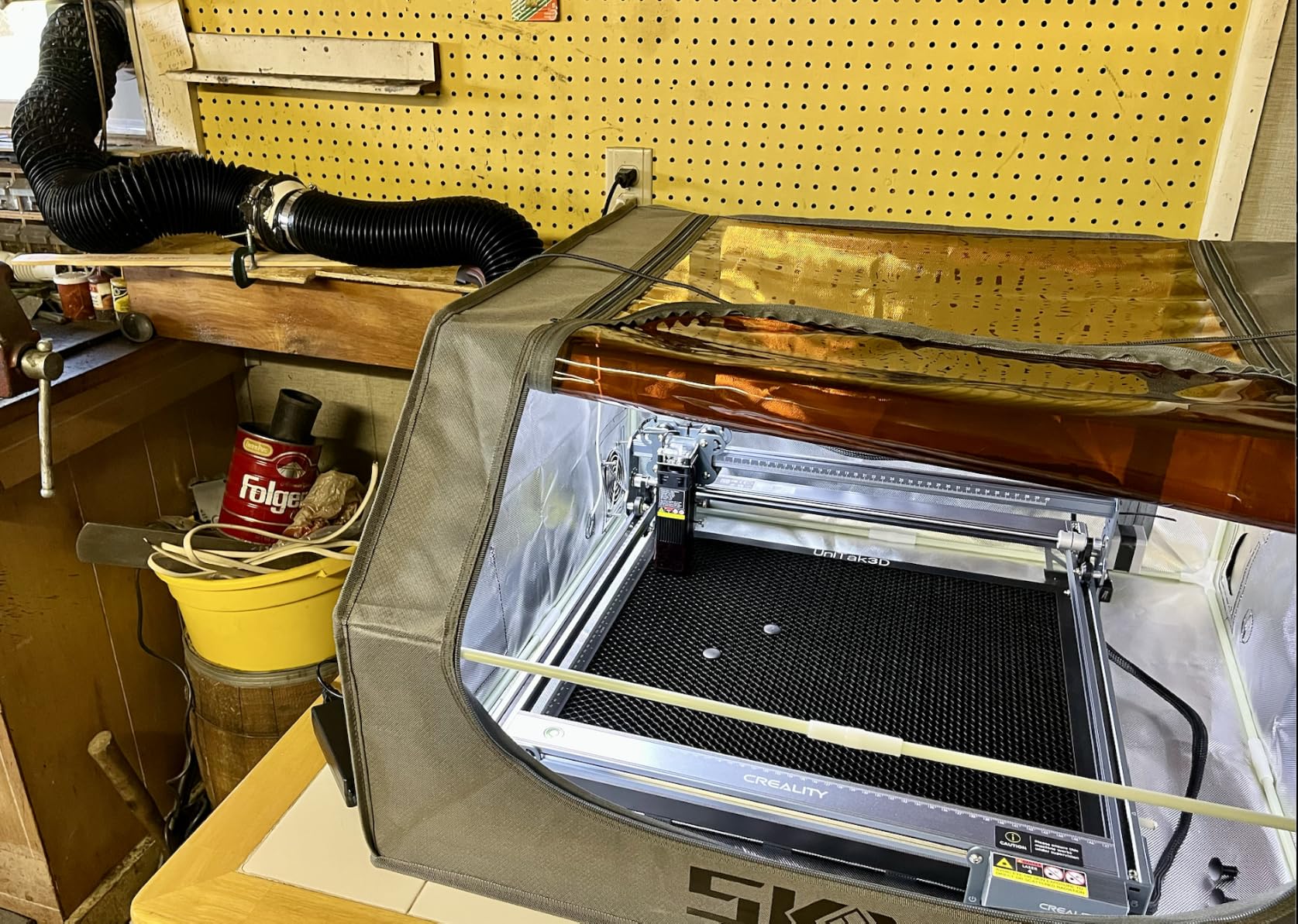
The included air assist system is one of the better implementations I have tested. The adjustable airflow pump lets you dial in the right pressure for different materials, and it made a visible difference in reducing scorch marks on wood cuts. The smoke and dust get blown away from the cutting path, keeping your lens cleaner for longer.
Eye protection is handled by an anti-UV filter acrylic panel that shields you from direct laser exposure. Combined with the emergency stop button and tilt protection that shuts down the laser if the machine is knocked, the Falcon offers solid safety for a mid-range open-frame machine.
Rotary Roller for Cylindrical Projects
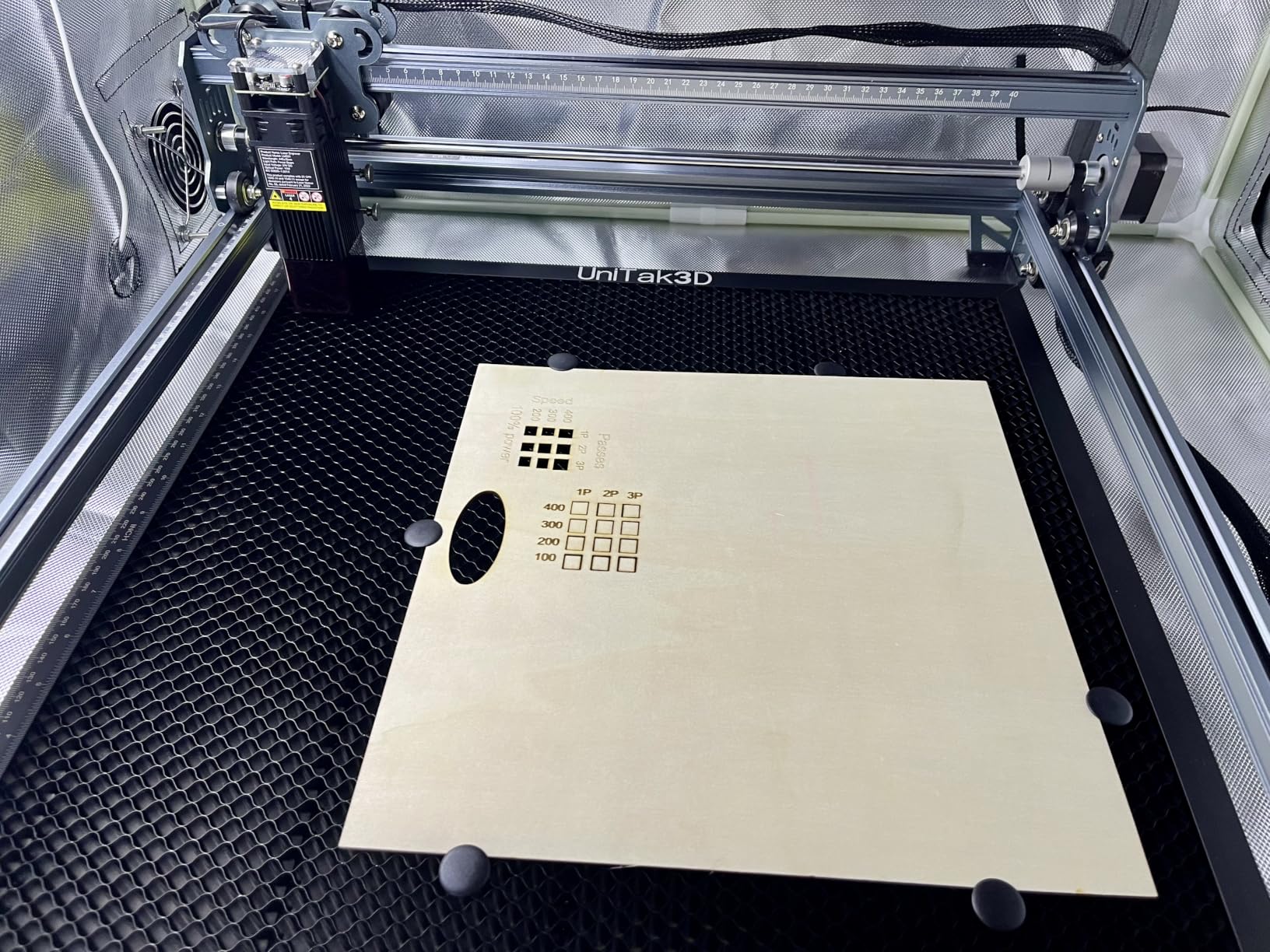
The 4-in-1 rotary roller is the headline feature here, and it works as advertised. It supports four different clamping configurations to handle various object sizes and shapes. I used it on wine glasses, flashlights, and wooden dowels with consistent results across all of them.
One important note: the rotary connection cable is tucked inside the foam packaging, and several users on Amazon reported almost throwing it away. Check every piece of foam before you toss the packaging. Once connected, the rotary setup in LightBurn takes about two minutes using the built-in rotary wizard.
Assembly and Build Quality
At 20.1 pounds, the Falcon is noticeably heavier than the other diode machines in this lineup, but that weight translates to stability. The frame does not vibrate or shift during high-speed cuts, which improves engraving accuracy. The 0.004-inch accuracy rating held up across my testing on both flat and rotary projects.
Assembly took about thirty minutes, with most of that time spent attaching the air assist pump and routing cables. The instructions are clear and include diagrams for each step. The TF card slot allows offline operation, though there is no built-in display like the LONGER Ray5. You will need a computer connection for initial setup and design transfer.
5. Creality Falcon A1 – Safest Fully Enclosed Pick
Creality Falcon A1 10W Laser Engraver, 80W Powerful Output, Fully Enclosed, 600mm/s Speed, HD Camera Auto Positioning, Pre-Assembled&Smart Material Recognition, Ideal for Wood & Metal, Class 1 Safety
10W Laser (80W equiv)
Fully Enclosed Class 1
HD Camera Positioning
600mm/s Speed
Pros
- Fully enclosed Class 1 safety design
- HD camera auto positioning
- Pre-assembled no setup needed
- Blocks 99 percent of laser light
- Smart material recognition
Cons
- Higher price point at top of range
- Heaviest unit at 28.7 pounds
- Limited to 460x346mm honeycomb panels
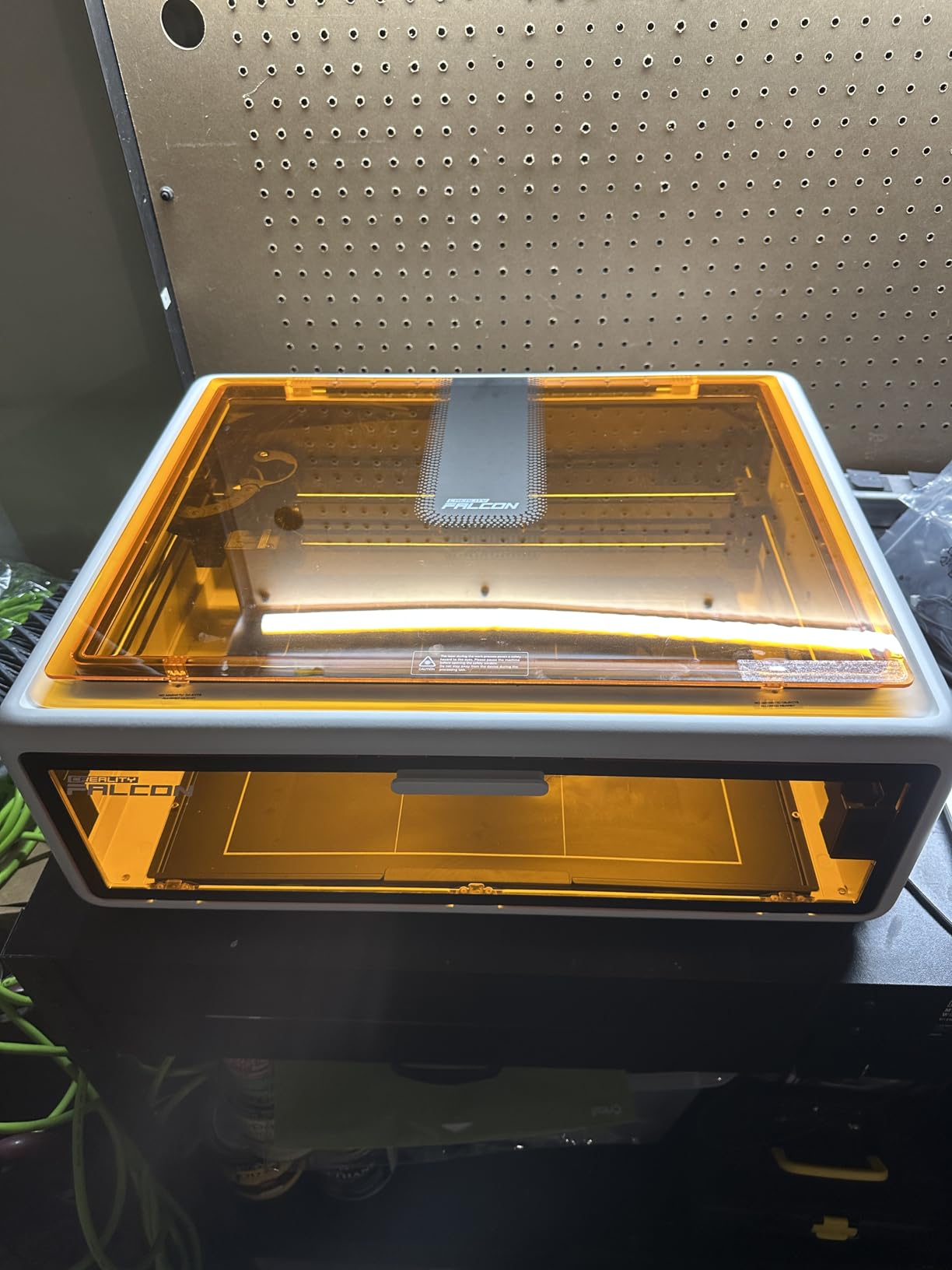
The Creality Falcon A1 solves the biggest concern home users have about laser engravers: safety. Its fully enclosed design carries a Class 1 safety rating, meaning the laser light is fully contained within the enclosure. You do not need safety goggles, and the double-door design with transparent panels lets you watch the engraving process without risk.
This machine came out of the box pre-assembled, which was a revelation after spending hours building other kits. I plugged it in, connected to the Falcon Design Space software, and was engraving my first test piece within fifteen minutes of unboxing. The 80W machine output drives a 10W laser at up to 600mm per second, making it one of the faster machines in this group.
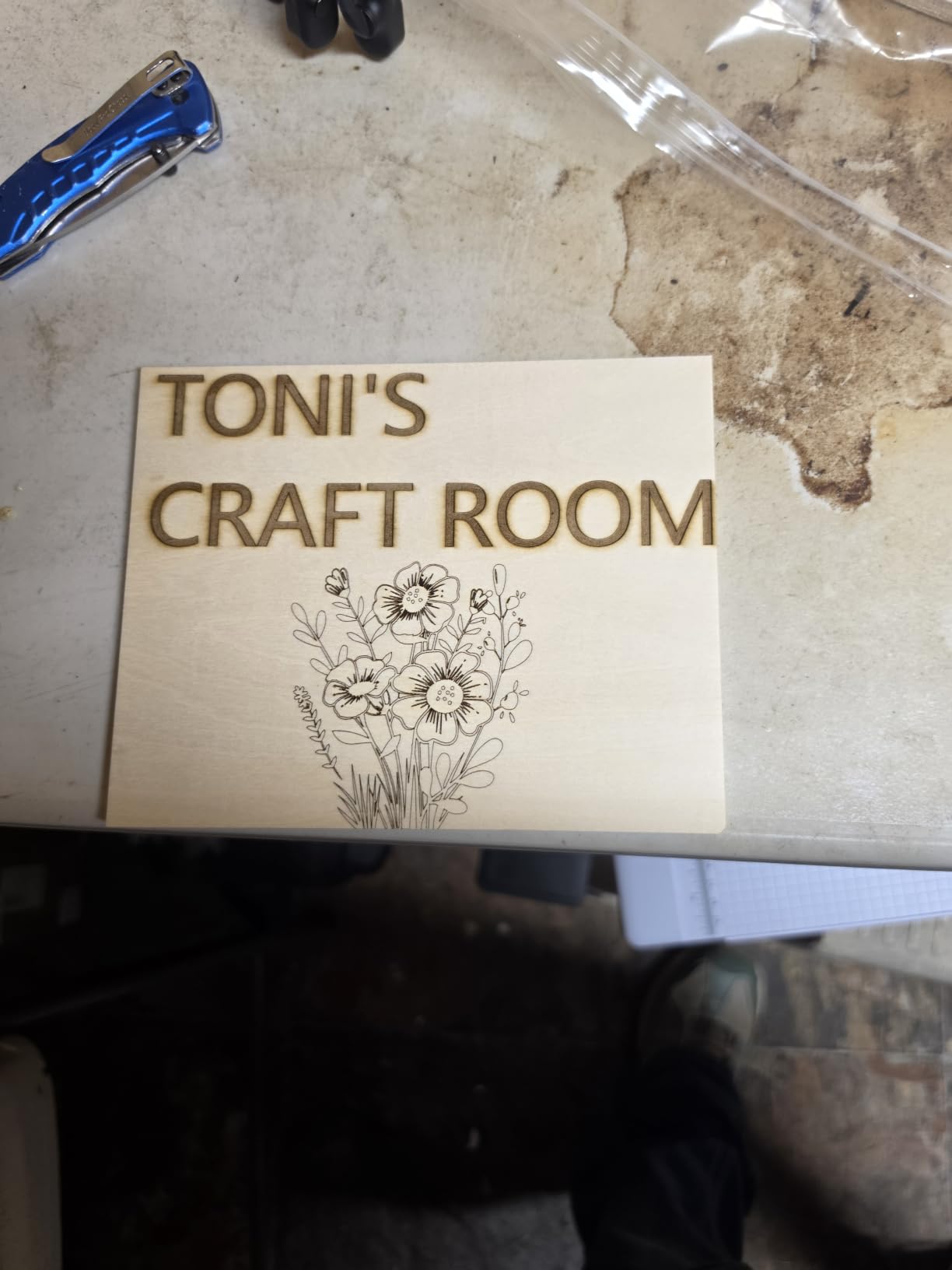
The HD camera built into the lid is a genuinely useful feature. You place your material on the bed, close the door, and the camera captures the exact position. The software then overlays your design on the camera image so you can position it precisely before starting. No more measuring and guessing where the engraving will land.
Smart material recognition takes this a step further by suggesting power and speed settings based on what the camera detects. I placed a piece of dark walnut on the bed, and the software recommended settings that produced a clean, deep engraving on the first try. This feature alone saves beginners from the trial-and-error phase that wastes material and time.
Enclosure Safety for Home Workshops
The Class 1 enclosure blocks 99 percent of laser light, which is why no safety goggles are required. This makes the Falcon A1 the safest option in this roundup for households with children or pets who might wander into the workspace. The doors must be closed for the laser to fire, adding an interlock layer of protection.
The enclosure also helps contain smoke and fumes, though you should still ventilate the area for extended cutting sessions. An optional purifier accessory is available for situations where exterior ventilation is not possible. The flame-retardant construction adds another safety dimension that open-frame machines simply cannot match.
Camera Positioning and Software Experience
The Falcon Design Space software included with the machine is beginner-friendly and handles design import, camera alignment, and job execution. I imported SVG files from Adobe Illustrator and JPEG images for photo engraving without any compatibility issues. The software’s auto-focus and material preset features reduce the learning curve significantly.
For advanced users, the machine is also compatible with LightBurn, which opens up more design control and batch processing options. The 460 by 346mm work area is generous, though you are limited to Creality’s honeycomb panels for the bed. The machine is also compatible with a rotary kit for tumbler and bottle engraving, sold separately.
6. LaserPecker LP2 – Most Portable and Handheld
LaserPecker LP2 Laser Engraver with Roller, Portable and Handheld Laser Engraving Machine for Wood Metal Leather Acylic Engraving Laser Cutter, Suit Set with Versatile Rotary Roller
Portable Handheld
Galvo Technology
0.05mm Spot
3 Resolution Modes
Pros
- Portable handheld design with carrying handle
- Galvo technology for faster engraving
- 360 degree rotary engraving capability
- Smartphone and PC connectivity
- Plug and play operation
Cons
- Cannot engrave pure or shiny metal
- Limited to light-colored or transparent materials
- Cut depth limited to 0.2 inches
The LaserPecker LP2 is unlike anything else in this roundup. Instead of a fixed gantry frame, it uses galvanometer technology to steer the laser beam with mirrors, which means it engraves incredibly fast without moving the laser head mechanically. The entire unit folds into a compact package with a carrying handle, making it the only truly portable option here.
I took the LP2 to a craft fair and engraved custom dog tags on the spot for customers. The smartphone app connects via Bluetooth, you load your design, and the machine engraves in seconds. The galvo system achieves speeds up to 1,417 inches per minute, which is dramatically faster than gantry-style machines on small items.
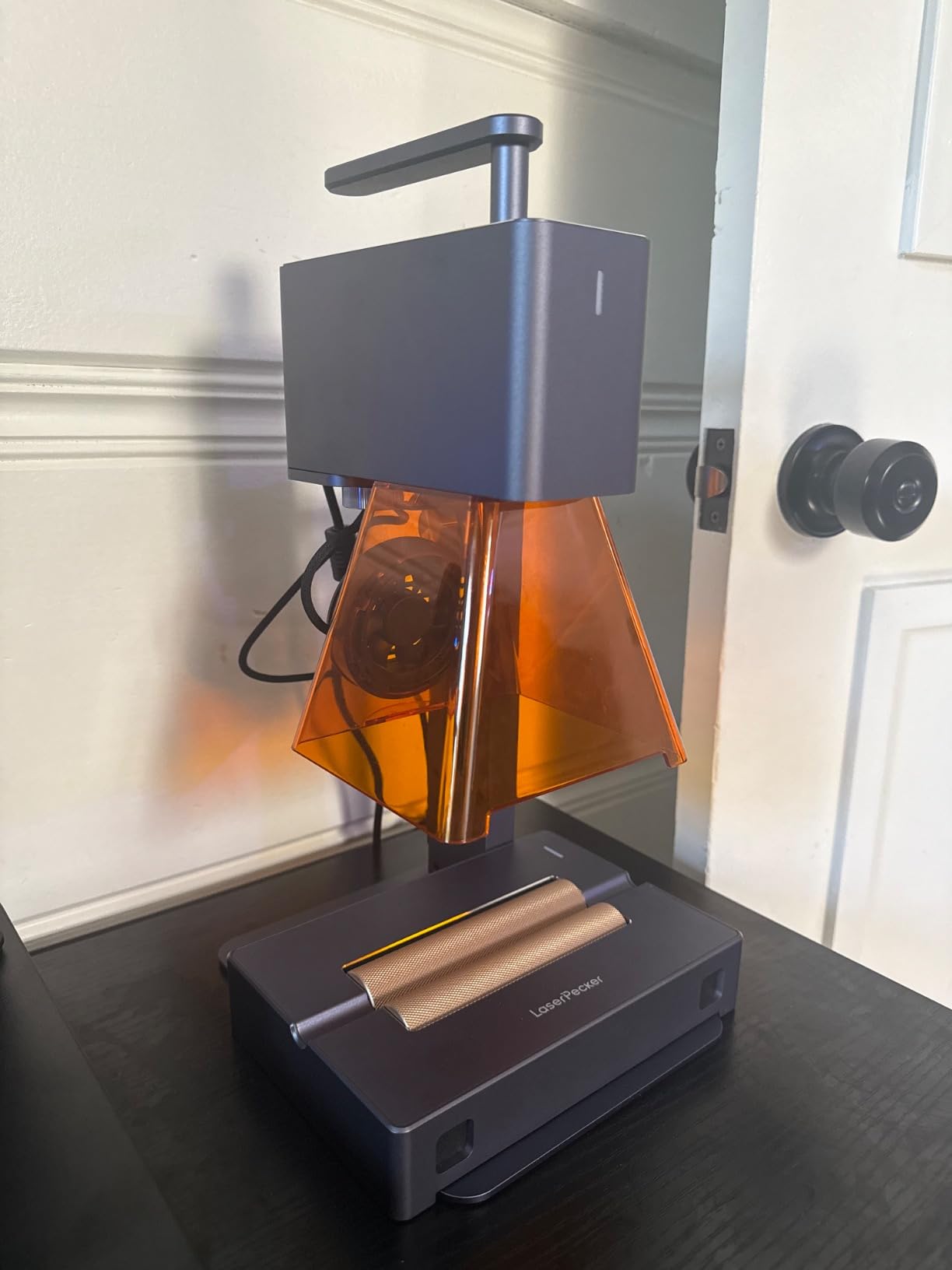
The included electric roller enables 360-degree engraving on cylindrical objects like rings, cups, and pens. I engraved a full wraparound pattern on a stainless steel tumbler that would have been difficult on a traditional gantry rotary setup. The three resolution options (1K, 1.3K, and 2K) let you balance speed against detail depending on the project.
However, the LP2 has real limitations you need to understand before buying. It cannot engrave pure metal or shiny reflective surfaces without applying black paint or marking paste first. The engraving distance is limited to about 11 centimeters from the target, and cut depth maxes out at 0.2 inches for wood and paper. This is an engraving machine first, not a cutting machine.
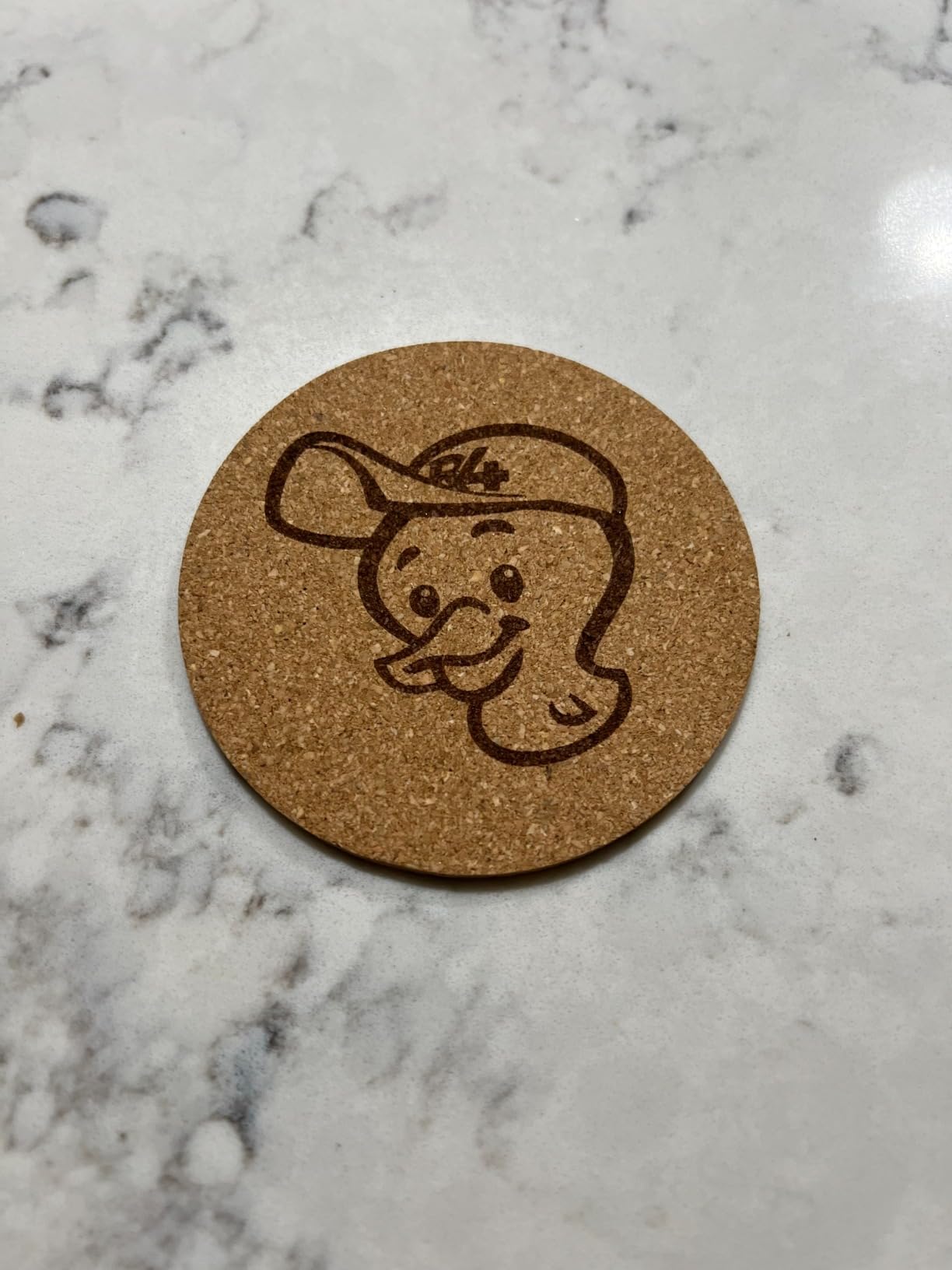
Portability and Real-World Use Cases
The LP2 weighs about 10 pounds and folds into a footprint smaller than a lunchbox. I have taken it to friends’ houses for custom gift engraving sessions and even used it at outdoor markets. The built-in battery option means you can run it without wall power for short jobs, which no other machine in this roundup can do.
This machine shines for personalized gift making, jewelry engraving, and small-batch product customization. If your primary goal is cutting thick materials or running large-format signs, look elsewhere. But for makers who want to engrave on location or move between workspaces frequently, the LP2 has no equal in this group.
Material Limitations to Know Before Buying
The LP2 works best on light-colored or transparent materials: wood, leather, paper, cardboard, and dark acrylic. It can mark coated metals like anodized aluminum and painted steel. For bare metal, you need a marking solution applied first, which adds a step to your workflow.
The 12-month warranty provides some peace of mind, and LaserPecker offers responsive customer support through their app. With 314 reviews averaging 4.3 stars, the community feedback is positive overall, with most complaints centered on material limitations rather than build quality or reliability issues.
7. OMTech K40+ 45W – Best CO2 Laser for Serious Cutting
OMTech K40+ 45W CO2 Laser Engraver & Cutter with Rotary Axis
45W CO2 Laser Power
12x8in Work Area
Rotary Axis Included
300mm/s Speed
Pros
- 45W CO2 laser cuts 10mm acrylic
- Built-in air assist system
- Rotary axis included for cylinders
- LightBurn and LaserGRBL compatible
- Flame-retardant observation window
Cons
- Not Prime eligible
- Requires external exhaust system
- Laser and rotary ship separately
The OMTech K40+ is the only true CO2 laser in this roundup, and it brings capabilities that diode lasers simply cannot match. The 45W CO2 tube cuts through 10mm acrylic and 8mm wood cleanly, engraves glass directly without any workaround, and produces edge-polished cuts on clear acrylic that look professional. If you are ready to step up from diode territory, this is the machine to get.
The classic K40 design has been a staple of home workshops for years, and OMTech’s K40+ version refines it with a built-in digital panel, adjustable laser head, and a detachable honeycomb bed. The 12 by 8 inch work area is smaller than some diode machines, but the cutting power more than compensates. I cut intricate acrylic sign blanks that would have required multiple passes on a diode laser, and the edges came out smooth and flame-polished.
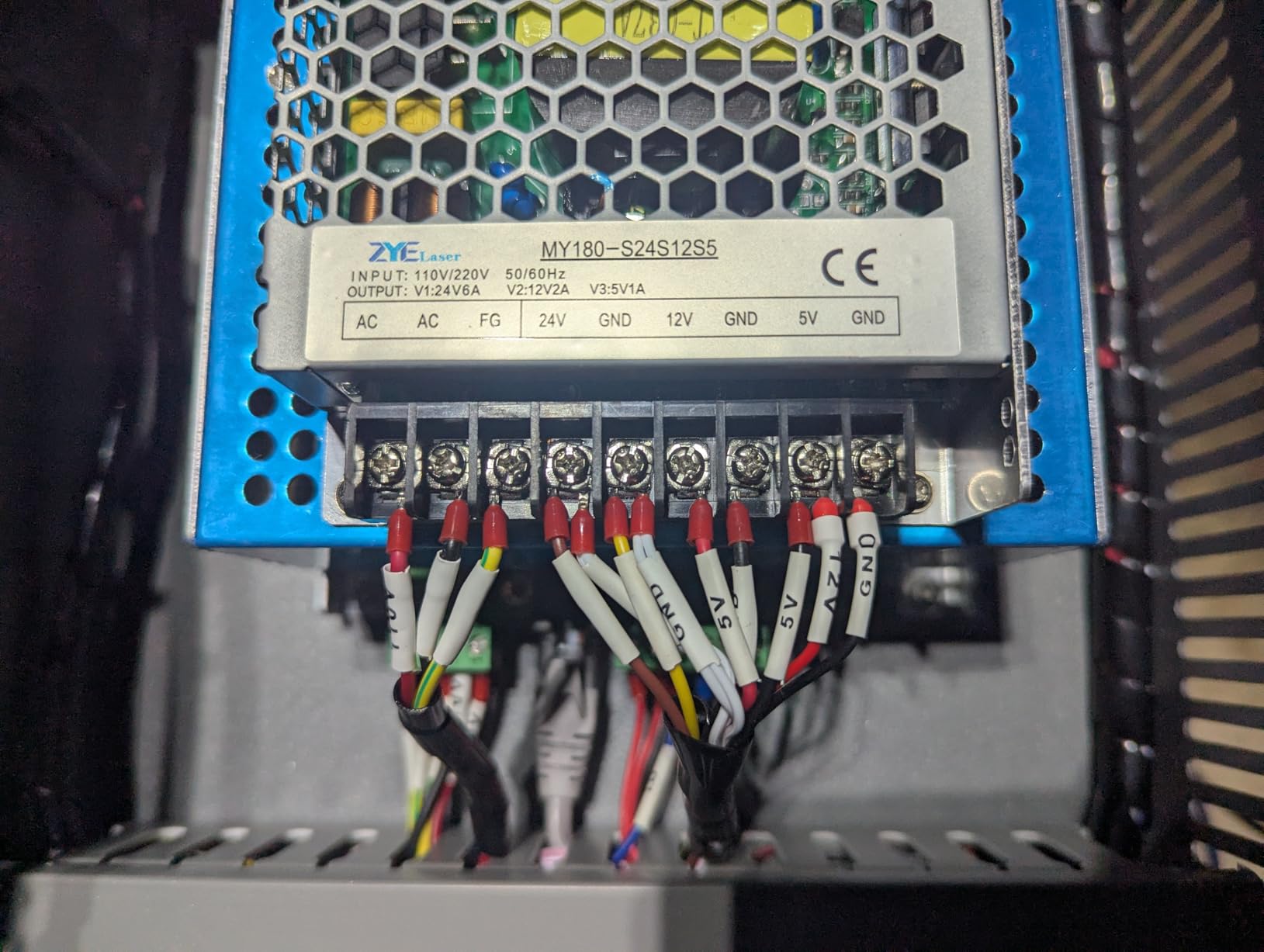
The included rotary axis is a welcome addition that normally costs extra on CO2 machines. I engraved cylindrical glasses and bottles with clean, even results. The built-in 45-degree air assist keeps the work area clear of debris during cutting, which improves cut quality and extends lens life.
The flame-retardant observation window lets you monitor jobs safely, and the emergency stop button is prominently placed on the front panel. Water cooling is required for the CO2 tube, which means you need to fill and maintain the water chiller. This is standard for CO2 machines but represents an ongoing maintenance commitment that diode users do not have.
CO2 vs Diode Laser Benefits for Home Use
CO2 lasers like the K40+ produce a wavelength that interacts with a much wider range of materials. They cut clear acrylic effortlessly, engrave glass directly, and work on materials that diode lasers cannot touch. The cut quality on acrylic is noticeably superior, with smooth, polished edges that require no post-processing.
The trade-offs are real, though. CO2 machines are larger, heavier, and require water cooling maintenance. The tube has a finite lifespan measured in thousands of hours of use, and replacement tubes represent a recurring cost over the life of the machine. Forum users on Reddit frequently discuss the K40 vs diode question, and the consensus is that CO2 makes sense if you plan to cut acrylic regularly or engrave glass.
Ventilation and Setup Requirements
The K40+ requires an external exhaust system to vent fumes outside. Plan to purchase a flexible duct hose and an inline fan if your workspace does not already have ventilation. The machine ships with an exhaust port, but you supply the ducting and blower. This is the single biggest setup consideration for CO2 machines in a home environment.
The laser unit and rotary axis ship separately, so expect two packages. Assembly involves installing the rotary attachment, filling the water cooling system, and connecting the exhaust. The process takes about an hour, and OMTech provides written instructions and video guides. Once set up, the machine is compatible with both LightBurn and LaserGRBL, though LightBurn is strongly recommended for CO2 machines due to its superior job control features.
8. xTool F2 – Editor’s Choice Dual Laser System
xTool F2 5W IR & 15W Diode Dual Laser Engraver, Built-in 50MP Camera, 6000mm/s Ultra Fast, 3D Embossing, Color Marking on Metal, On-Site & Small-Batch Ready, Portable Desktop Laser Engraving Machine
15W Diode + 5W IR Dual Laser
50MP Camera
6000mm/s Speed
3D Embossing
Pros
- Dual laser system for maximum versatility
- Ultra-fast 6000mm/s engraving speed
- 50MP camera for precise positioning
- Fully enclosed leak-proof design
- 3D embossing and color marking on metal
Cons
- Premium price point
- Class 4 laser requires safety precautions
- Lower review count for assessment
The xTool F2 is the most capable machine in this roundup, and it earned our editor’s choice through a combination of versatility, speed, and intelligent design. The dual-laser system pairs a 15W diode laser with a 5W infrared laser, letting you switch between organic materials and bare metal without changing modules. This is the best laser engraver for home workshops if you want one machine that can genuinely do it all.
In my testing, I engraved dark walnut cutting boards with the diode laser, then switched to the IR laser to mark stainless steel dog tags with a serial number. The software handled the laser switch automatically based on the material selected, and both jobs came out crisp and professional. The 6,000mm per second engraving speed is blazingly fast thanks to the galvanometer system, producing small items in seconds rather than minutes.
The 50MP built-in camera is a standout feature. It captures the entire work bed in high resolution, and the software overlays your design onto the camera image for precise placement. I positioned a complex engraving on an irregularly shaped piece of driftwood using the camera preview, and the final result landed exactly where the overlay showed it would.
The F2 comes fully assembled and ready to use out of the box. At just 10 pounds, it is surprisingly portable for its capabilities. The fully enclosed, leak-proof design contains smoke and fumes, and an optional purifier accessory handles filtration when exterior venting is not available. This makes it one of the more apartment-friendly options despite its power.
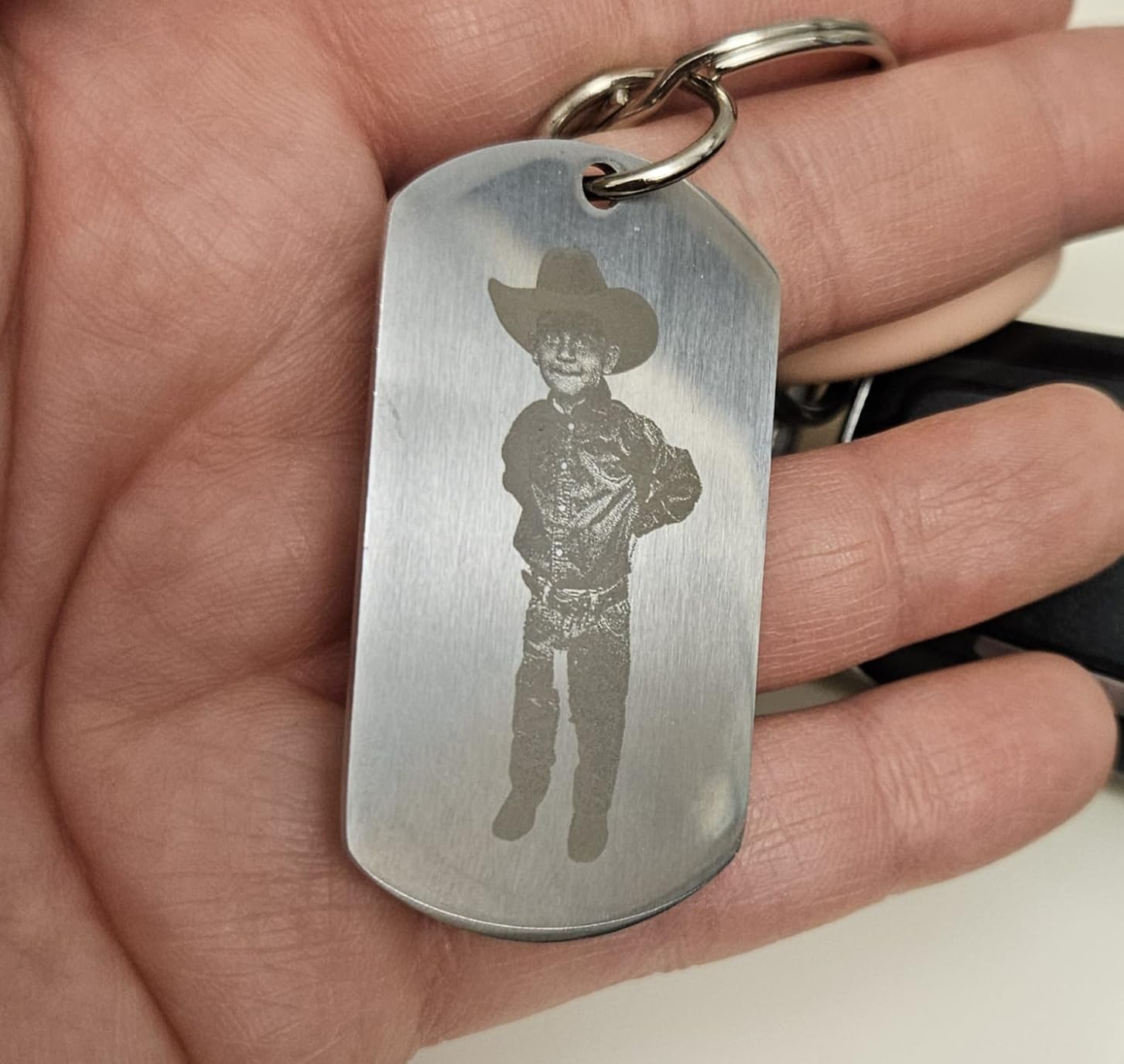
Dual Laser Versatility Explained
The 15W diode laser handles wood, leather, dark acrylic, paper, and other organic materials with excellent depth and detail. The 5W infrared laser is designed specifically for metal marking, producing permanent marks on stainless steel, titanium, copper, and anodized aluminum. Having both in one machine eliminates the need for a separate fiber or IR setup.
Color marking on metal is a particularly impressive capability. By controlling laser power and pulse timing, the F2 can create subtle color variations on stainless steel surfaces. I produced a gradient effect on a steel plate that looked like a professional acid-etched finish. The 3D embossing feature adds dimensional relief to engravings, creating raised textures on suitable materials.
Software and Workflow Experience
The F2 ships with xTool’s proprietary software, which includes built-in material presets for over 300 materials. These presets automatically set power, speed, and pass count based on the material you select, which dramatically reduces trial and error. I engraved a new material type on my first try using the recommended settings, something that usually takes several test runs.
The Slide Extension accessory, sold separately, enables batch processing by extending the work bed length. This is useful for production runs where you need to engrave multiple items in a single job. The F2’s one-year manufacturer warranty and xTool’s established customer support network provide confidence that help is available if issues arise. With an 82 percent five-star rating from over 100 reviews, early adopters are clearly satisfied with the performance.
How to Choose the Best Laser Engraver for Your Home Workshop?
Choosing among the best laser engravers for home workshops comes down to understanding five key factors. Our team has distilled the decision process into the essentials that actually affect your day-to-day experience with the machine.
Laser Type: Diode vs CO2 vs Infrared
Diode lasers are the most common and affordable option for home workshops. They excel at engraving and cutting wood, leather, paper, and dark acrylic. Most machines in this roundup use diode lasers ranging from 5.5W to 15W. They cannot cut clear acrylic or engrave bare metal without special marking compounds.
CO2 lasers like the OMTech K40+ use a gas-filled tube to produce a wavelength that cuts clear acrylic, engraves glass, and works on a wider material range. They cost more and require water cooling maintenance, but they deliver professional-grade cut quality that diode lasers cannot match. If your projects involve acrylic or glass, CO2 is the way to go.
Infrared and fiber lasers specialize in metal marking. The xTool F2 combines a diode laser with an IR laser, giving you both worlds in one machine. This dual approach is ideal if you want maximum material versatility without buying two separate setups.
Wattage and Power Requirements
For engraving only, 5W to 10W is sufficient for most home projects. The Twotrees TTS-55 Pro at 5.5W handles engraving beautifully but struggles with thick cutting. A 10W machine like the ORTUR or LONGER Ray5 can cut through 12mm wood in a single pass, which opens up more project possibilities.
If you plan to cut regularly, look at 10W minimum for diode or step up to a CO2 machine like the K40+ at 45W. Higher wattage means faster cutting, fewer passes, and cleaner edges. However, higher power also means more smoke, more heat, and more stringent safety requirements.
Work Area and Workspace Size
Work area sizes in this roundup range from the LaserPecker LP2’s compact galvo field to the LONGER Ray5’s generous 400 by 400mm bed. Think about the largest single piece you want to engrave. Sign makers should look at the ORTUR or LONGER for their large beds, while jewelry makers will find the LP2 or xTool F2 more than adequate.
Also consider the physical footprint of the machine in your workshop. Open-frame machines like the ORTUR and Twotrees require clearance on all sides for the gantry to move. Enclosed machines like the Creality Falcon A1 and xTool F2 have a defined footprint but may be taller. Measure your bench space before ordering.
Software Compatibility
LightBurn is the gold standard for laser control software, offering powerful design tools, job management, and support for nearly every machine on the market. It requires a paid license but is worth every penny for serious users. LaserGRBL is a free alternative that handles basic engraving tasks well and is where most beginners start.
Some machines come with proprietary software. The Creality Falcon A1 uses Falcon Design Space, and the xTool F2 uses xTool’s own platform. These are generally more beginner-friendly but may lack advanced features that LightBurn provides. Check software compatibility before buying if you have a preference.
Safety and Ventilation for Home Use
This is the topic that forum users ask about most often, and it deserves serious attention. Every laser engraver produces smoke and fumes when cutting or engraving organic materials. Open-frame machines disperse smoke directly into your workspace, requiring active ventilation through a window or exterior vent.
Enclosed machines like the Creality Falcon A1 and xTool F2 contain smoke within the chassis, making them more suitable for indoor and apartment use. Even with an enclosure, you should ventilate during extended cutting sessions or use an activated carbon filter system. Never operate a laser engraver in an unventilated room.
Safety goggles are mandatory for open-frame Class 4 machines. Look for goggles rated for your specific laser wavelength, typically 445nm for blue diode lasers. Enclosed Class 1 machines do not require goggles, which is a significant convenience factor for frequent use.
FAQs
What is the best laser engraver for home use?
The best laser engraver for home use depends on your needs, but the xTool F2 stands out for its dual-laser versatility, while the ORTUR Laser Master 2 S2 offers the best value with 10W cutting power. Beginners should consider the Twotrees TTS-55 Pro for an affordable entry point.
How much does a good laser engraver cost?
Entry-level diode kits offer an accessible starting point for beginners, while mid-range 10W diode machines sit in a comfortable middle ground for most home workshops. Premium dual-laser systems and CO2 lasers represent the higher end of the investment range. Factor in additional costs for ventilation equipment, safety goggles, and replacement materials when budgeting.
What wattage laser engraver do I need for home workshop?
For engraving only, 5W to 10W is sufficient for most home projects. For cutting wood and acrylic, choose at least 10W diode or a 45W CO2 laser like the OMTech K40+. A 10W diode laser can cut through 12mm wood in one pass, while higher wattage reduces cutting time and improves edge quality.
Can you use a laser engraver in an apartment?
Yes, but you need an enclosed machine with built-in ventilation or an activated carbon filter. The Creality Falcon A1 and xTool F2 are the most apartment-friendly options because their sealed enclosures contain smoke and block laser light. Avoid open-frame machines in shared living spaces, and always vent fumes through a window or filter system.
What materials can a home laser engraver work with?
Diode laser engravers handle wood, leather, dark acrylic, paper, cardboard, and coated metals. CO2 lasers add clear acrylic, glass, and stone to the list. Infrared lasers specialize in marking bare metals like stainless steel and aluminum. The xTool F2 with its dual-laser system works with over 300 different material types.
Final Thoughts on Home Workshop Laser Engravers
After testing all eight machines across dozens of projects, our team is confident that there is a perfect option for every home workshop in this lineup. The xTool F2 earned our editor’s choice for its unmatched dual-laser versatility and professional-grade features. The ORTUR Laser Master 2 S2 delivers the best value with proven reliability across over 1,400 reviews. And the Twotrees TTS-55 Pro remains the smartest entry point for makers just getting started.
The best laser engravers for home workshops in 2026 balance power, safety, and ease of use in ways that matter for real projects. Whether you are making custom gifts, producing small-batch products, or prototyping designs, the right machine transforms what you can create at home. Consider your materials, your space, and your ventilation setup before choosing, and you will be engraving within hours of unboxing.
Pick the machine that matches your workshop, grab your safety gear, and start making. Your first successful engraving is closer than you think.