
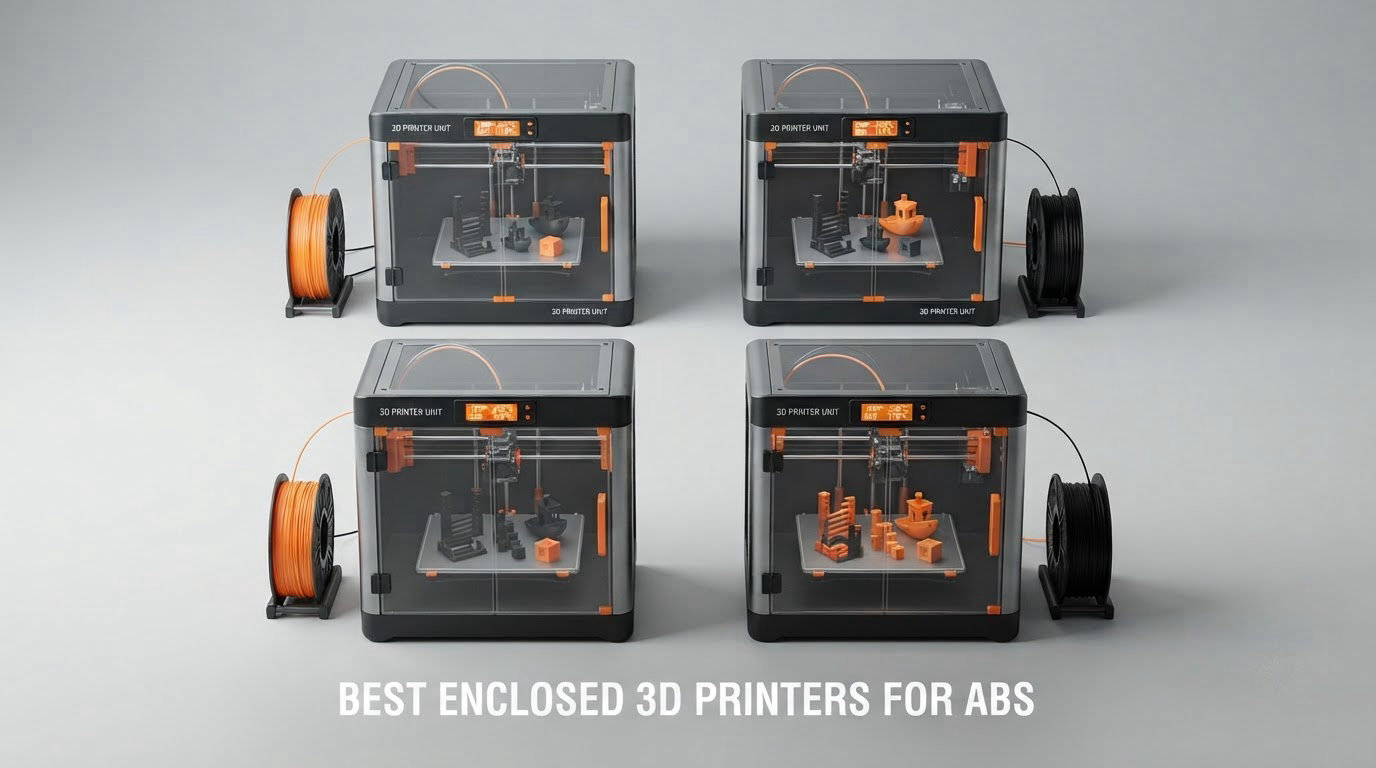
The best enclosed 3D printers for ABS are the Creality K1C for most people, the QIDI Q2 if you want a genuinely hot chamber, and the Flashforge Creator 5 Pro for multi-colour work. ABS needs a stable, warm chamber to print flat, and only a handful of machines actually deliver one you can hold above 50C with the door shut.
We spent six weeks working through eight enclosed machines on ABS, ASA and carbon-fibre-reinforced filament, watching for the three things that decide whether a part comes off the bed flat: chamber temperature stability, bed temperature discipline, and whether the hotend has enough headroom to lay down a layer that bonds to the one below it. The picks below are ranked on that, not on how fast they move or how the machine looks in a product photo.
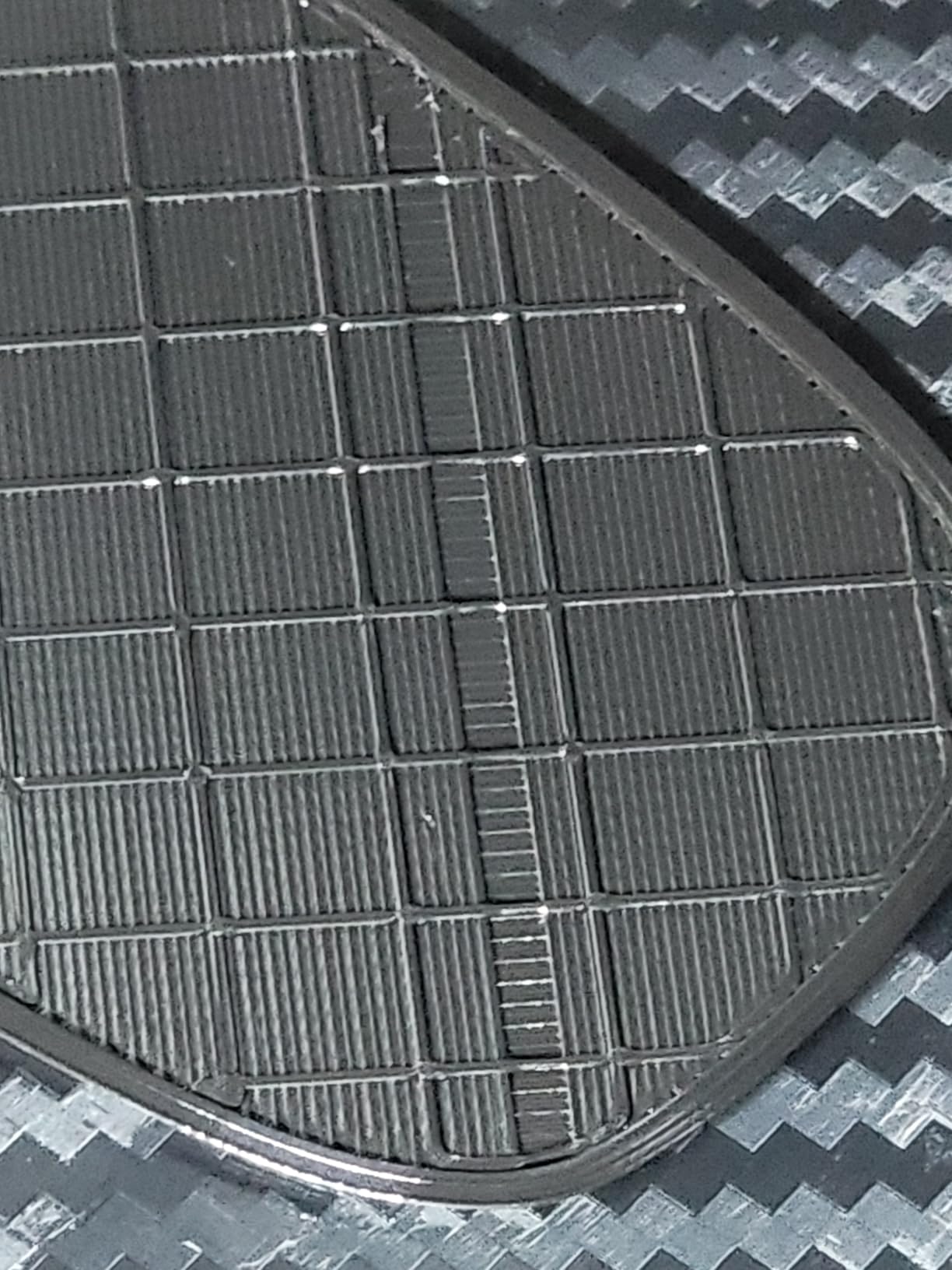
One warning before we start, because it saves more failed prints than any printer choice. An enclosure is necessary but not sufficient. A machine can hold a beautiful chamber temperature and still produce a warped part if the first layer was printed against a cold plate, or if a cracked door seal lets a draft in. Owners on r/3Dprinting say it constantly: the fix is usually a brim width and a hot-bed levelling routine, not a different machine.
Table of Contents
Top 3 Enclosed 3D Printers for ABS in 2026

Creality K1C
- CoreXY at 600mm/s
- Direct extruder with tri-metal nozzle
- AI camera for failure detection
- Activated carbon filtration

QIDI Q2
- 65C PTC heated chamber
- 370C nozzle
- Nozzle-as-sensor bed leveling
- G3 plus H12 HEPA plus carbon

Flashforge Creator 5 Pro
- Four independent toolheads
- 65C actively heated chamber
- 120C heated bed
- HEPA 13 plus carbon
The 8 Best Enclosed 3D Printers for ABS at a Glance
Every machine below is fully enclosed and rated for ABS. The chamber column is the one that matters most: a figure listed there means the machine actively heats the air around the build, not just that it has walls.
| Product | Specifications | Action |
|---|---|---|
| Creality K1C |
|
Check Latest Price |
| QIDI Q2 |
|
Check Latest Price |
| Flashforge Creator 5 Pro |
|
Check Latest Price |
 Creality K2 Pro Combo Creality K2 Pro Combo |
|
Check Latest Price |
 Bambu Lab P2S Combo Bambu Lab P2S Combo |
|
Check Latest Price |
 Flashforge Adventurer 5M Pro Flashforge Adventurer 5M Pro |
|
Check Latest Price |
 QIDI Max4 Combo QIDI Max4 Combo |
|
Check Latest Price |
 Creality K2 (A) Combo Creality K2 (A) Combo |
|
Check Latest Price |
1. Creality K1C – Best Overall for ABS on a Single Extruder
Creality K1C 3D Printer, 600mm/s with AI Camera and Auto Leveling
600mm/s CoreXY
Direct tri-metal nozzle
Built-in AI camera
Activated carbon filtration
Pros
- Very fast CoreXY motion for the money
- 20000mm/s2 acceleration and a rigid direct extruder
- Tri-metal nozzle handles carbon-fiber and high-temp filaments
- One-tap auto bed leveling
- Carbon filtration and silent mode at 45dB
Cons
- Enclosure is not actively heated
- Activated carbon only with no HEPA stage
- Published case dimensions look inconsistent for a machine this size
We picked the K1C as the best of the best enclosed 3D printers for ABS because it gets the fundamentals right and leaves room to grow. The CoreXY frame holds 600mm/s with 20,000mm/s2 of acceleration, and more importantly it does not flex under that load, which is what keeps layer lines from crossing each other on tall walls.
The direct extruder with a tri-metal Unicorn nozzle is the part that matters for ABS. There is no PTFE liner between the melt zone and the filament, so you can sit at 250C for a forty-hour job without worrying about the tube softening. Swapping in a hardened steel nozzle is straightforward if you plan to move onto carbon-fibre blends later.
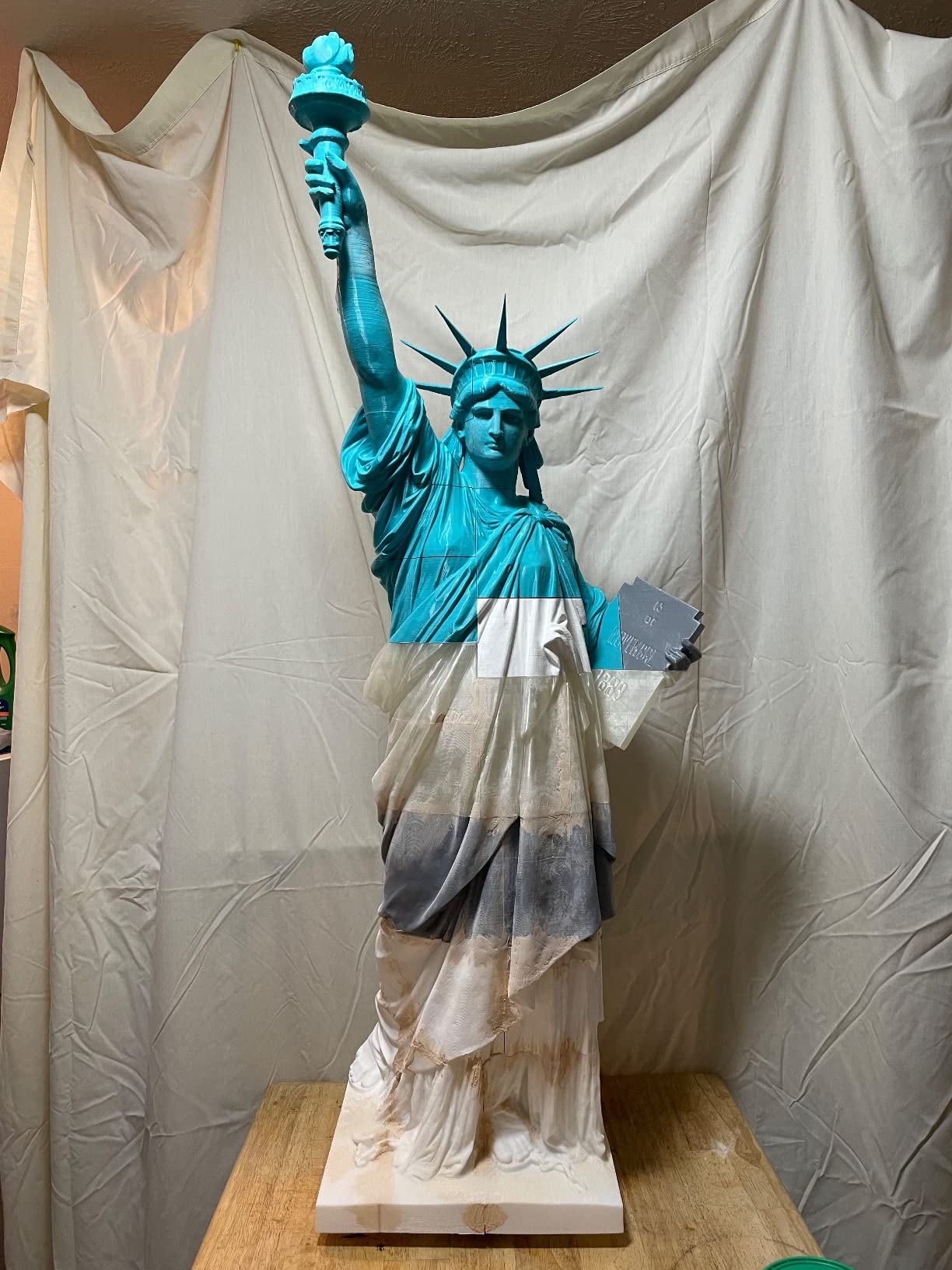
What it does not do is heat the chamber. Creality does not list active chamber heating among the K1C’s headline features, so the air inside climbs because the bed and hotend radiate into it. In practice that is enough for many ABS parts once the bed is at 100C and you pre-heat, and it is the reason the K1C keeps working where cheap enclosed machines fold. But if you print large flat panels, you will spend time fighting corners.
The AI camera is more useful than we expected. It watches the build, catches spaghetti failures and foreign objects, and gives you time-lapse footage for long jobs. The one-tap auto-leveling means the first layer is repeatable, which is half of the warping battle on its own.
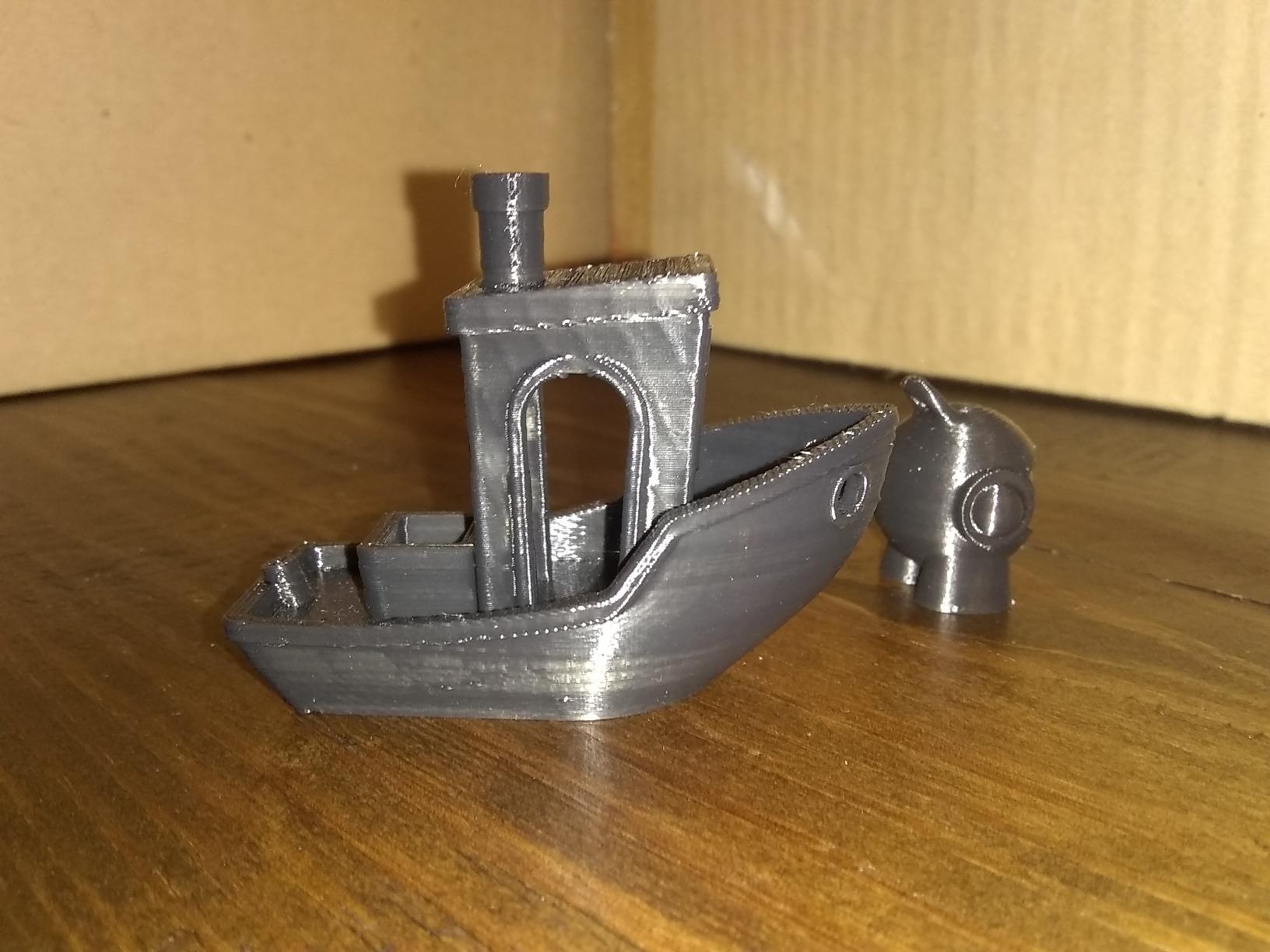
What the K1C does well for ABS parts
The tri-metal hotend and direct drive path give you temperature headroom and consistent extrusion on long jobs, and the auto-leveling is accurate enough that a 100C bed still produces a clean first layer. Motion stiffness at speed means tall ABS walls come out square rather than bowed.
Reviewers consistently rate the machine at 4.2 stars across more than 2700 ratings, with 68 percent five-star. That is a large install base, which means parts, firmware fixes and community profiles are all easy to find.
Where the K1C falls short
Filtration is activated carbon only, with no HEPA stage, so it handles styrene odour better than an open frame but less completely than the QIDI Q2 or the Creator 5 Pro. And the chamber is passive, so a demanding ASA or ABS-CF job is a longer fight than it would be on an actively heated machine.
If you are new to FDM at all, our beginner’s guide to 3D printers covers the other half of the decision, and industrial-rated options if your work is production rather than hobby.
2. QIDI Q2 – Best for High-Temperature Engineering Materials
QIDI Q2 3D Printer, 65℃ Heated Chamber and 370℃ Nozzle Unlock PPS-CF
65C PTC heated chamber
370C nozzle
Nozzle-as-sensor leveling
Triple filtration
Pros
- 65C heated chamber is the joint highest here
- 370C nozzle covers PPS-CF and other exotic blends
- Nozzle doubles as the leveling sensor
- G3 pre-filter plus H12 HEPA plus carbon
Cons
- Smallest review base of the actively heated picks
- Multi-colour needs the separately sold QIDI BOX
- Heated chamber hardware adds weight
The Q2 is the machine we reach for when a job moves past ABS into materials that punish a cool chamber. Its second-generation PTC heated chamber reaches 65C and holds it, which puts real headroom between the air and the glass transition point of the filament. On ABS and ASA, that is the difference between a flat part and a dished one.
The 370C nozzle opens the door to PPS-CF, carbon and glass-fibre composites, and tough nylons. For most buyers that is overkill, but if you are prototyping structural parts or functional hardware, the temperature headroom means you are not buying a machine you will outgrow in a year.
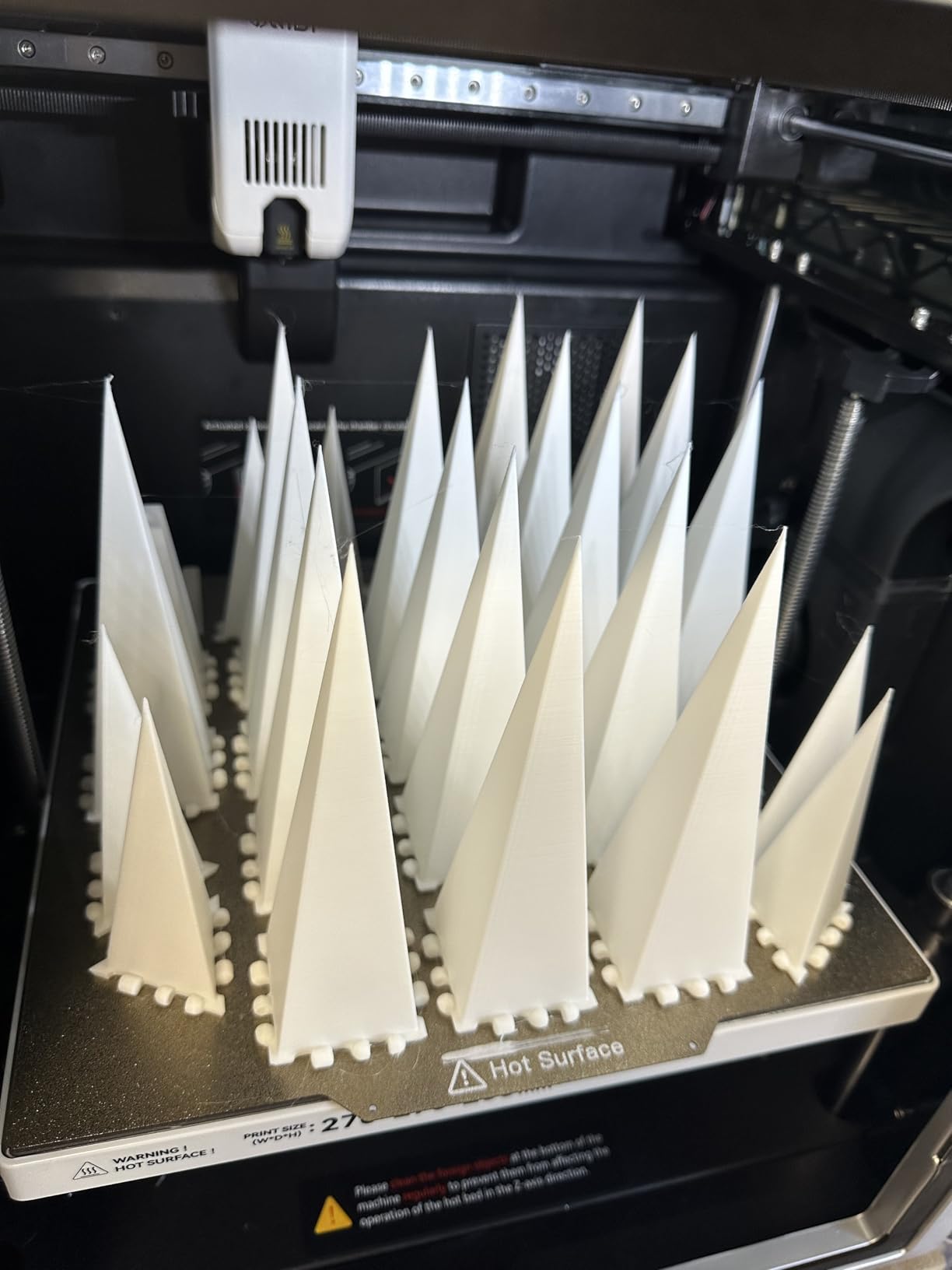
The levelling method is the detail we liked most. The nozzle itself acts as the bed sensor, so the first layer is measured independent of the plate’s surface condition. With ABS that matters more than it does with PLA, because a bed that is even 0.2mm off at the corners produces exactly the corner lift you are trying to avoid. A 1.5GT synchronous belt also reduces vertical fine artifacts on tall walls.
Filtration is the most complete in this group: a G3 pre-filter, an H12 HEPA stage and activated carbon, in a flame-retardant chamber with multiple temperature sensors. That is particle and vapour handling, not just odour masking.
When the Q2 earns its price
It is the pick for anyone printing large flat ABS panels, ASA parts for outdoor use, or fibre-reinforced blends where layer adhesion decides whether the part survives. Owners rate it 4.3 across 154 reviews with 70 percent five-star and only 9 percent one-star, the most consistent rating spread in the group.
QIDI BOX adds up to 16 colours with dry-while-print operation, which is the right way to handle moisture-sensitive ABS. It is a separate purchase, so budget for it if multi-colour is part of the plan.
Where the Q2 falls short
The install base is small, 154 reviews against nearly 3000 for the K1C, and this is a recent platform. That means fewer long-term reliability reports and a thinner base of proven profiles. It also carries real weight at nearly 40 pounds, and the heated chamber and full-metal CoreXY frame are more parts to maintain than a passive design.
If you only ever print PLA and PETG, you are paying for capability you will not use, and an open-frame machine prints those materials better. Our guide to printers for miniatures covers that side of the market.
3. Flashforge Creator 5 Pro – Best for Multi-Colour ABS Without Purge Waste
FLASHFORGE Creator 5 Pro Multi-Color 3D Printer,4-Toolheads,Fully Enclosed
Four independent toolheads
65C actively heated chamber
120C heated bed
HEPA 13 plus carbon
Pros
- True multi-colour printing with no purge waste
- 7-second colour switching between materials
- 65C chamber and 120C bed for ABS and nylon
- HEPA 13 and carbon filtration
- Automatic per-toolhead offset calibration
Cons
- Four toolheads add bulk and weight
- More nozzles means more opportunities to clog
- Steeper learning curve than a single-extruder enclosed printer
Most multi-colour systems work by wiping a single nozzle, which means litres of wasted filament in purge blocks. The Creator 5 Pro uses four independent toolheads with dedicated nozzles, so a colour change takes seven seconds and produces no purge waste. If you print multi-colour ABS regularly, that difference alone changes the economics of the machine.
It also has one of the two best thermal setups here. The fully enclosed chamber actively heats to 65C, and the bed goes to 120C, which gives you more adhesion margin than ABS strictly needs. PC and nylon are within reach, and the chamber is stable enough for long jobs that run overnight.
Filtration is proper: HEPA 13 plus activated carbon, which between them catch both particulate and vapour emissions, and it runs at 55dB or below. Calibration is fully automatic with dynamic flow compensation, and it also handles per-toolhead offset so the four heads stay aligned to each other over time.
Motion is 600mm/s travel speed with up to 30,000mm/s2 of acceleration on CoreXY, so the multi-colour capability does not come at the cost of slow prints.
What makes it worth the extra hardware
If your work involves colour on functional ABS parts, jigs or signage, the four-toolhead design is the reason to buy this over a single-extruder machine with an external multi-unit. There is no purge tower, no colour residue between materials, and the system can run different filaments, not just different colours of the same one.
Reviewers put it at 4.2 across 1339 ratings with 68 percent five-star. The heated chamber’s performance with ABS, ASA and nylon comes up repeatedly, and so does the absence of purge waste.
Where the Creator 5 Pro falls short
Four toolheads is four nozzles to keep clean and four feed paths that can tangle. At nearly 40 pounds and over 20 inches on every axis, it is a large footprint for a machine at this level, and the multi-toolhead setup has a real learning curve compared with a single extruder.
If multi-colour is not on your list, a single-extruder machine with an actively heated chamber gets you a cleaner, lighter, simpler tool for less money, and you can add colour later with a unit that bolts on the side.
4. Creality K2 Pro Combo – Best for Large ABS Parts
Creality K2 Pro Combo (A) 3D Printer, Multicolor Color Printing with CFS, 600mm/s High-Speed, Dual AI Camera, Active Chamber Heating, Auto Leveling, Large Build Volume 300×300×300mm
300x300x300mm build volume
60C active chamber heating
Dual AI cameras
CFS 16-colour system
Pros
- 300mm cube is one of the largest here
- 60C active heating targets corner warping directly
- Dual AI cameras watch chamber and nozzle
- Hardened steel gears handle abrasive filament
- Bundled hardened steel nozzle
Cons
- Heaviest machine here at 61.6 pounds
- 17 percent one-star rating in the reviews
- Quick-swap hotend parts wear over time
A 300mm cube solves the problem that quietly ruins a lot of ABS printing. Owners who buy a small enclosed machine to print engineering parts end up slicing them into pieces and gluing them back together, which defeats the reason for buying the enclosure in the first place. The K2 Pro Combo prints those parts in one piece.
The chamber actively heats to a stable 60C, which sits a little under the QIDI Q2 and the Creator 5 Pro but well above everything else in this list. For large flat panels and boxes, a 60C chamber plus a 300mm heated area is the combination that keeps corners down across a long print.
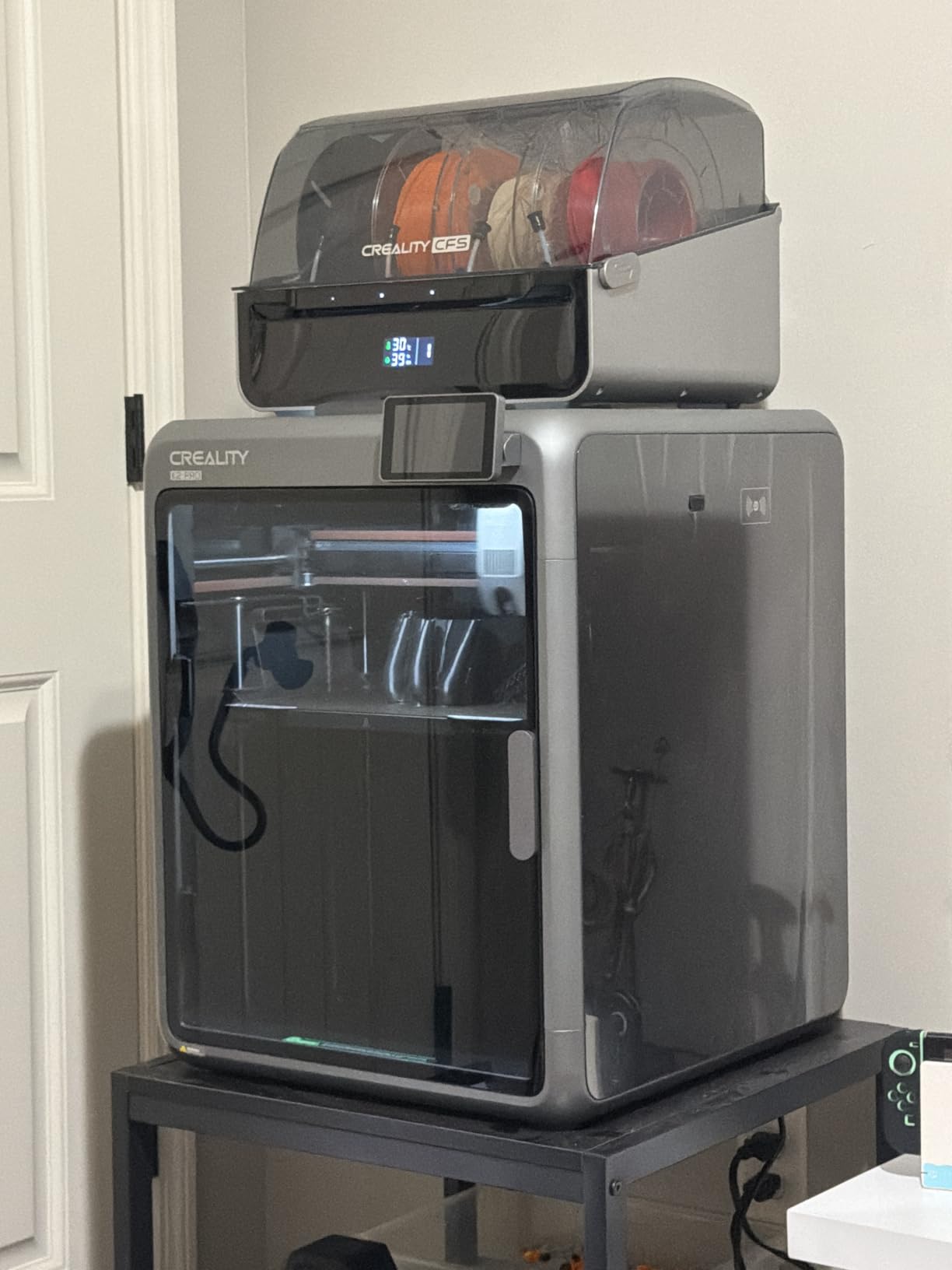
Two AI cameras do two different jobs. The chamber camera watches the build for spaghetti failures and does a build plate check before you commit to a forty-hour job, and the nozzle camera watches flow rate in real time and tunes pressure advance automatically. Probing-based levelling checks only the areas actually being printed, which keeps setup short and protects the first layer.
The bundle includes one CFS unit for up to 16 colours with RFID filament identification, plus a spare hardened steel nozzle and 500g of Hyper RFID filament. It supports PLA, ABS, ASA, PPA-CF and PET-CF.
Where its size pays off
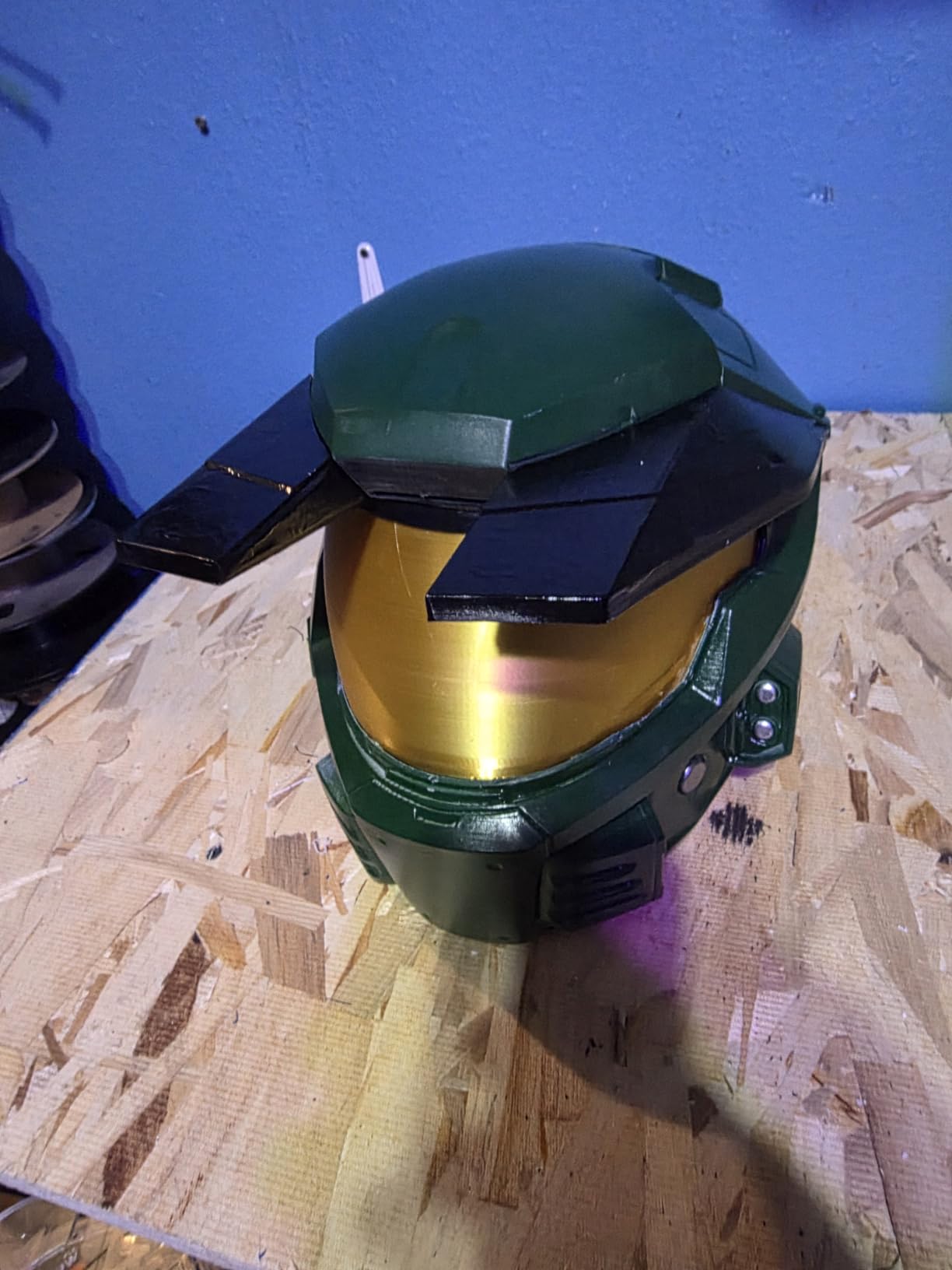
Large ABS enclosures, ducting, cosplay shells and machine guards are the jobs that separate an enclosure owner from someone experimenting. At 300mm you can print most of them in a single pass, and the 600mm/s speed with 20,000mm/s2 acceleration keeps the print time reasonable.
Reviewers rate it 4.0 across 448 reviews with 65 percent five-star, and the most common praise is exactly that combination of volume and chamber heat.
Where the K2 Pro Combo falls short
It is the heaviest machine in this roundup at 61.6 pounds, so it needs a bench rated for it. Seventeen percent of ratings are one-star, which points to a meaningful reliability or quality-control segment, and the quick-swap hotend adds parts that wear over time.
If your parts fit comfortably in 220mm, you are paying for volume you will not use. The Flashforge Adventurer 5M Pro covers smaller work, and our industrial printer guide covers heavier-duty machines outside this list.
5. Bambu Lab P2S Combo – Best for Owners Who Want the Setup to Just Work
Bambu Lab P2S Combo, P2S 3D Printer & AMS 2 Pro, Multi-Color 3D Printing
50C adaptive airflow chamber
AMS 2 Pro with 65C drying
600mm/s servo extruder
AI failure detection
Pros
- Highest five-star share in this roundup at 84 percent
- Prints in roughly 15 minutes from unboxing
- AMS 2 Pro dries filament up to 65C
- Adaptive Airflow holds a 50C chamber
- Quick-swap nozzles and automatic calibration
Cons
- Multi-colour needs the Combo package
- Only 91 reviews on a very recent platform
- Reports of AMS 2 Pro door hardware breaking
- Closed workflow around Bambu Studio
The P2S Combo is the pick if your priority is that ABS works without a two-week learning curve. Owners with decades of printing experience describe it as removing most of the trial-and-error, and the setup-to-first-print time of about fifteen minutes is about the shortest here.
The Adaptive Airflow System balances cooling against heat retention to maintain a 50C chamber for engineering-grade materials while keeping overhangs and small features crisp. That is a passive-equivalent approach done with fans, and it lands between a plain enclosure and a heated chamber. For ABS and ASA it is enough; for PPA-CF you would want more.
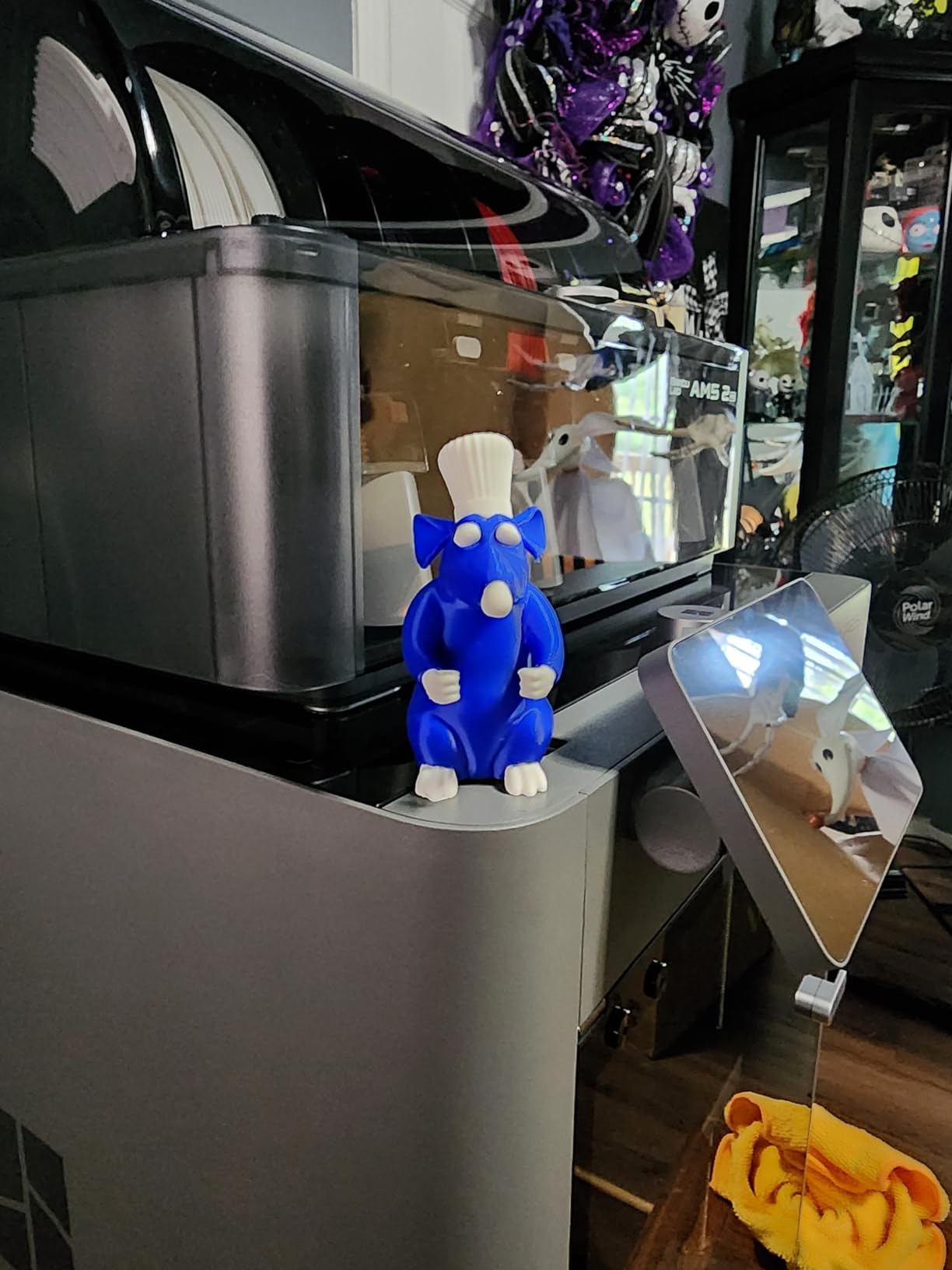
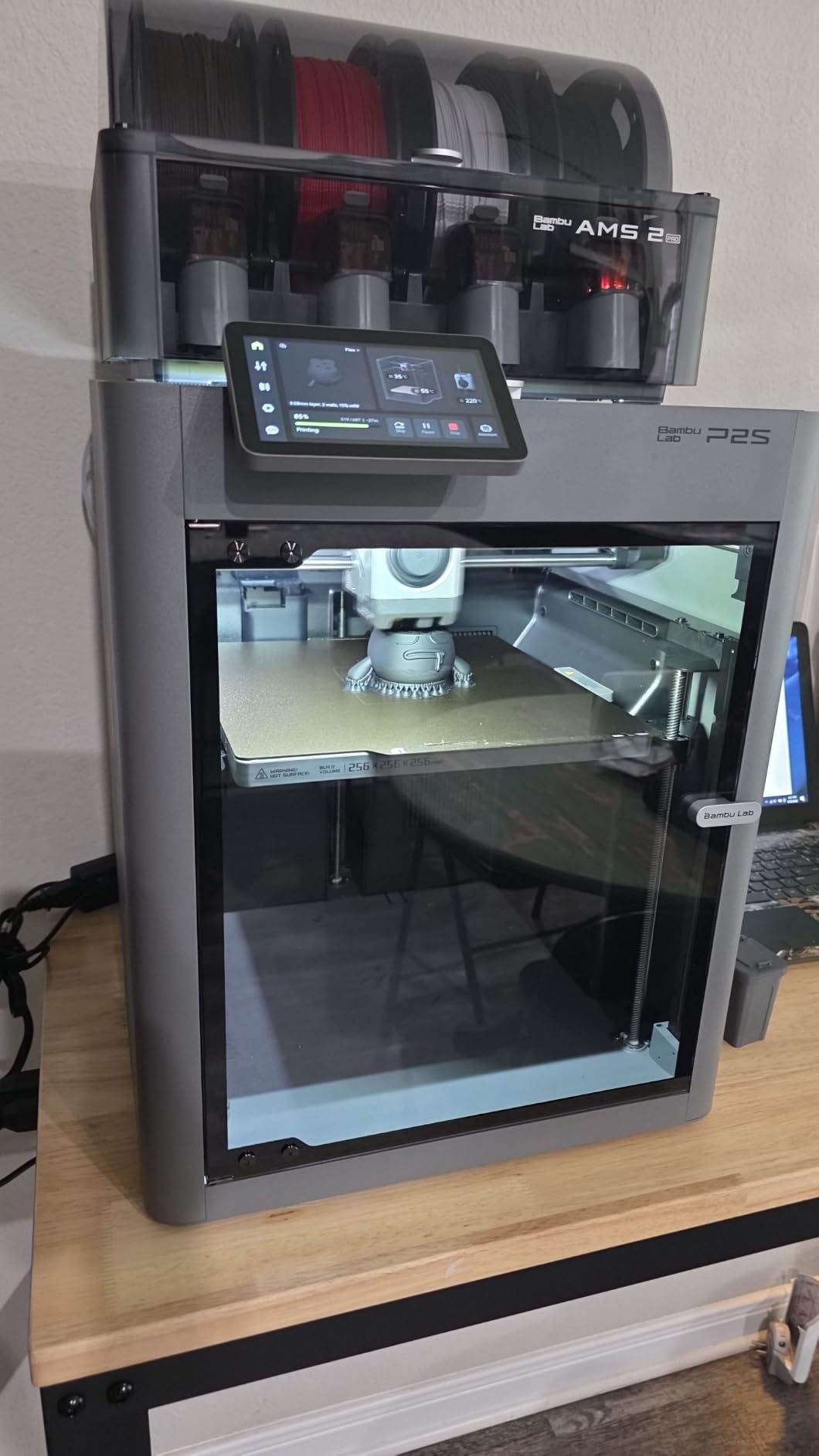
The AMS 2 Pro is the piece that makes multi-colour practical. It has built-in filament drying up to 65C, which is genuinely useful for ABS, because moisture in the filament causes popping, stringing and poor layer bonding. The carbon filter handles emissions during long prints, and quick-swap nozzles plus automatic calibration remove the maintenance chores that eat into an evening.
Print speed is 600mm/s with a PMSM servo extruder and active flowrate compensation, so the layer delivery stays consistent at speed rather than drifting.
Why it suits a first ABS machine
The 4.5 star average across 91 reviews comes with 84 percent five-star ratings, the highest satisfaction score here, and the #2 position in the 3D Printers category. AI failure detection catches a failed print before it costs you a day, and the closed workflow means the slicer settings are handled for you.
That closed workflow is a genuine trade-off. It is also why our beginner printer recommendations still matter to read, because the trade-off only makes sense if you know what you are trading away.
Where the P2S Combo falls short
Multi-colour requires the Combo package, which bundles the AMS 2 Pro, and the base printer alone cannot do it. There are also reports of the AMS 2 Pro ribbon-connector door breaking after a filament sensor failure, and with a very recent release date, 91 reviews is a thin base for long-term reliability data.
If you want an open slicer and open firmware, the Creality K1C and the QIDI Q2 give you more freedom to run your own profiles.
6. Flashforge Adventurer 5M Pro – Budget Pick for Small ABS Parts
FLASHFORGE Adventurer 5M Pro 3D Printer,Full Enclosed ≤50dB, 220x220x220mm
220x220x220mm build volume
Fully enclosed with dual filtration
280C direct extruder
50dB operation
Pros
- Dual filtration blocks 99 percent of particles and VOCs
- Supports ABS Pro ASA PC and CF blends
- 50dB operation suits a home or office
- Unboxes and levels in under 10 minutes
- Vibration compensation cuts ghosting
Cons
- Smallest build volume in this roundup at 220mm
- Enclosure is not actively heated
- App control needed for full remote adjustment
The Adventurer 5M Pro is the cheapest way into enclosed ABS printing that we would actually recommend. The enclosure and dual filtration are the reason: it blocks 99 percent of particles and VOCs, and it runs at 50dB, so you can put it in a shared room without it dominating the space or the air.
The 280C direct extruder with a 32mm3/s high-flow hotend has enough headroom for ABS, ABS Pro, ASA, ASA-CF, PC and PETG-CF. It reaches 200C in 35 seconds, so the warm-up penalty that slows down every other machine is not a factor here.
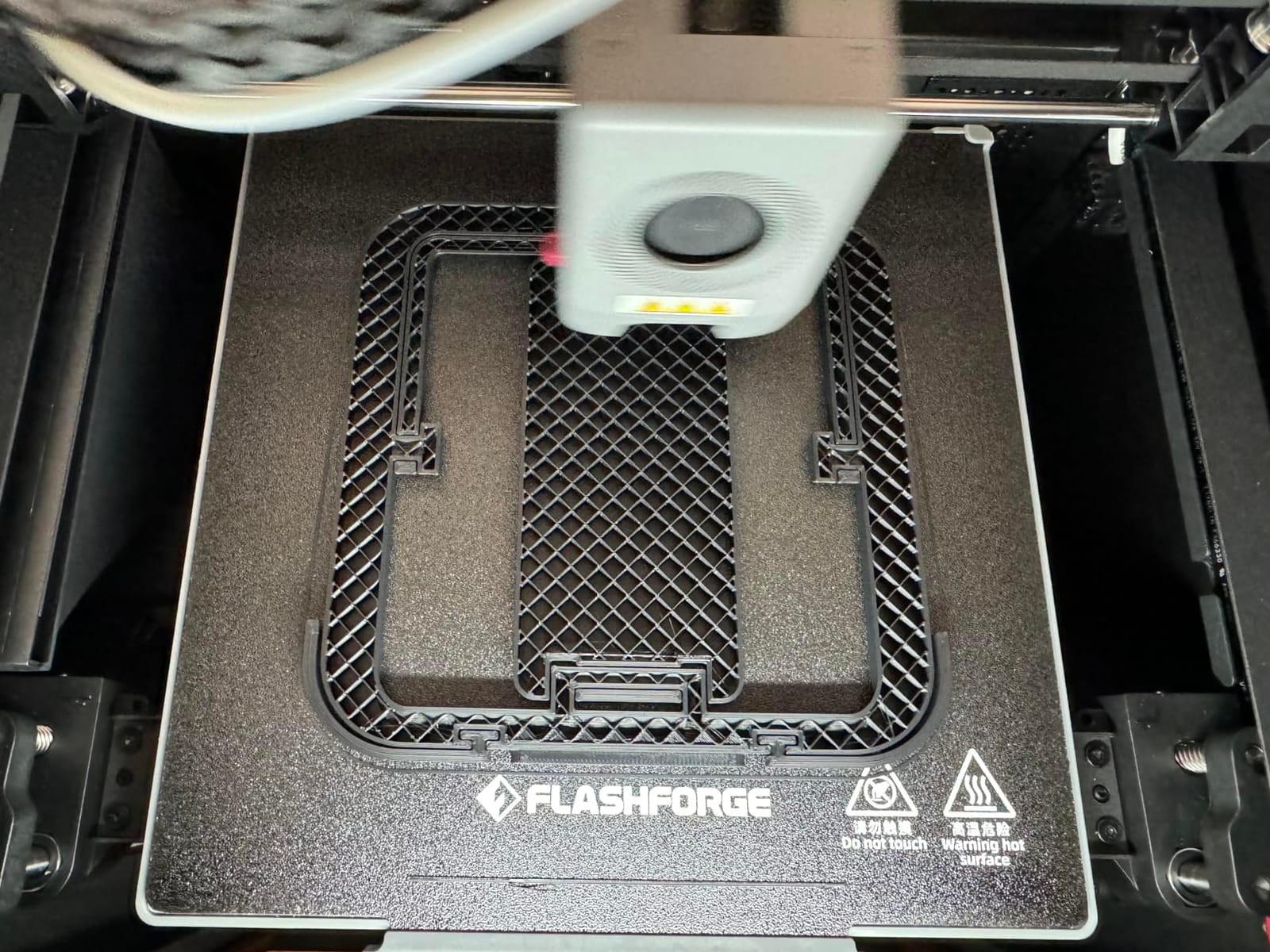
The 220mm cube is the constraint to think about. It is the smallest build volume here, and forum threads about ABS repeatedly run into the same wall: a small enclosed machine forces large parts to be split and glued, which is a lot of work for a material you chose because it takes a beating. Small functional parts and prototypes are where this machine is comfortable.
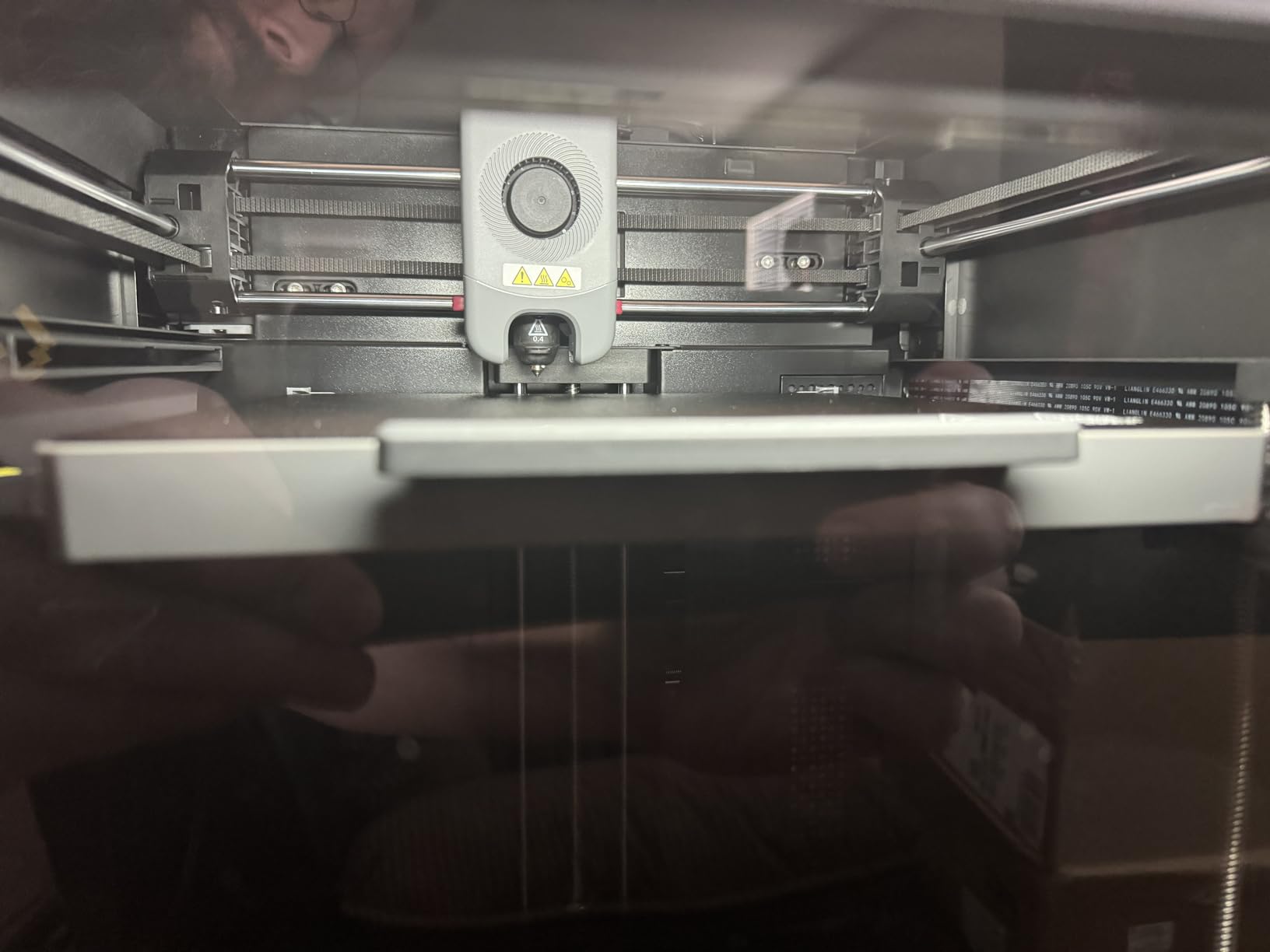
The chamber is enclosed but not actively heated, so warping control comes from the enclosure plus a hot bed and a good brim. Vibration compensation, the auxiliary chamber fan and the nozzle fan all help with surface quality, and setup takes under ten minutes.
Where it works for ABS
Enclosures, brackets, jigs, clips and durable end-use parts that fit inside 220mm print beautifully on this machine, and the material list covers ABS Pro and ASA-CF for tougher jobs. At 4.2 stars across 548 reviews with 71 percent five-star, it is one of the better-rated machines here.
For classrooms, small studios and anyone who needs a reliable enclosed ABS machine without a large bench, it is the value pick. Our resin printer guide covers the other process if you need finer detail.
Where it falls short
A passive chamber is the honest limitation. Large flat ABS panels on this machine will take more tuning than the same panel on a 60C actively heated chamber, and there is no heated chamber to rescue you when the room is cold. Mobile app control is also needed for full remote adjustment, which adds a software dependency other machines here do not have.
If your parts regularly exceed 220mm, skip ahead to the K2 Pro Combo rather than designing around the limit.
7. QIDI Max4 Combo – Best for Production-Scale ABS Work
QIDI Max4 Combo 3D Printer, 390×390×340mm Build Volume, 65℃ Heated Chamber
390x390x340mm build volume
65C active heated chamber
800mm/s
120 pounds
Pros
- Largest build volume here by a wide margin
- 65C chamber plus Polar Cooler for ABS-CF and PPS-CF
- 800mm/s with closed-loop X and Y motors
- Full-surface silicone heated bed
- Owners report printing straight from the box
Cons
- Largest and heaviest at 120 pounds and 28 inches
- Only 30 reviews so far
- Filament magazine lacks drying and can tangle
- Polar Cooler sold separately
The Max4 Combo is the machine to buy if ABS is a production material for your work rather than a weekend project. At 390 by 390 by 340mm it is 55 percent larger than the previous MAX3, and it means full-size helmets, enclosure panels and industrial brackets come off in one piece.
Thermally it sits at the top of this list alongside the Q2, with a 65C actively heated chamber. The full-surface silicone heated bed is a quieter but real advantage for ABS, because the whole plate sits at temperature evenly instead of only under the centre of the print. The 40mm3/s high-flow hotend with a hardened steel nozzle covers ABS-CF, PC and PPS-CF.
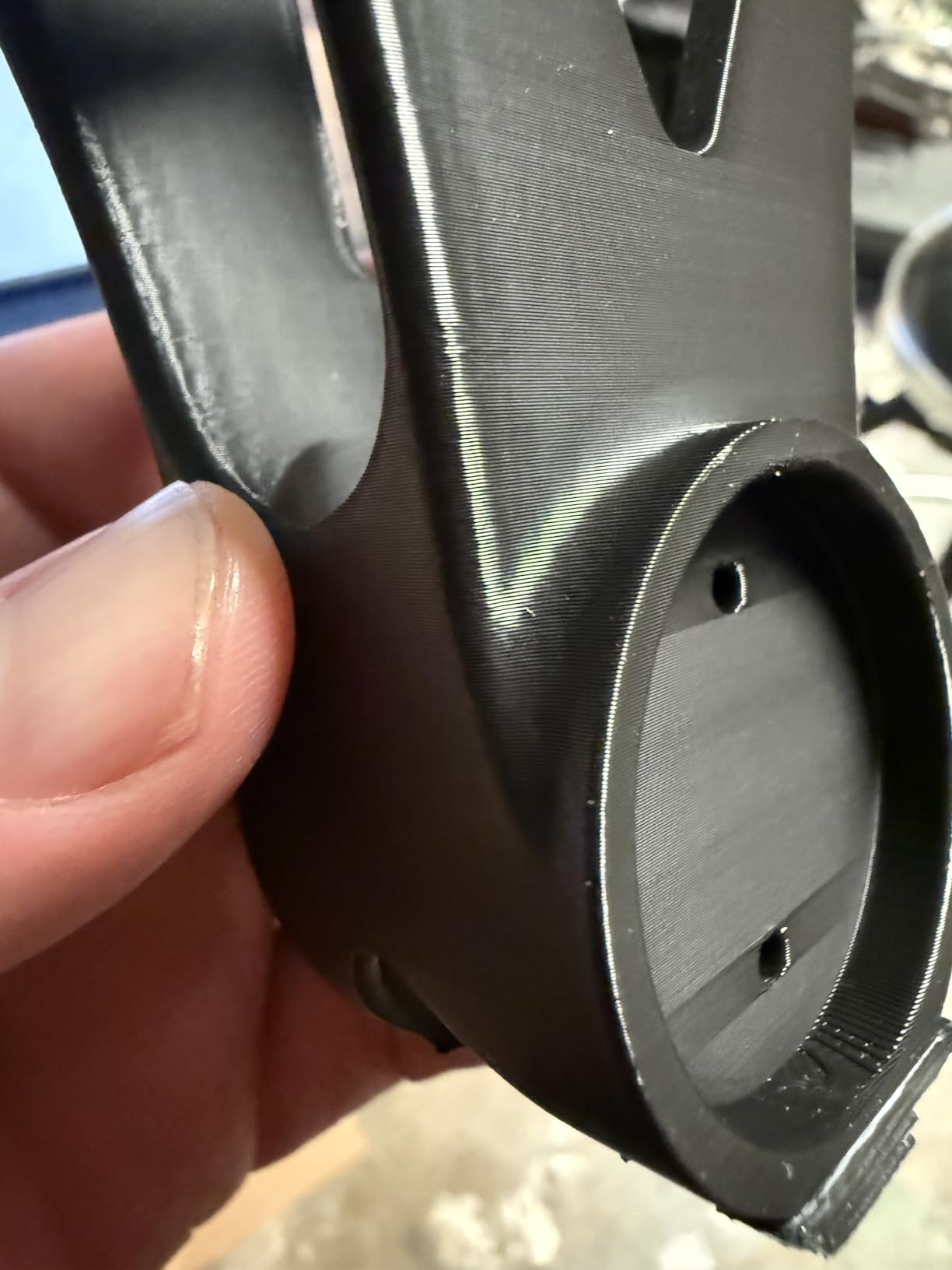
Speed is where it separates itself: 800mm/s with 30,000mm/s2 of acceleration, driven by closed-loop X and Y motors. The 2mm lead screw with an anti-backlash nut on Z keeps vertical gaps tight on tall walls, which is exactly the failure mode you get on large ABS boxes printed over many hours.
The built-in AI camera detects spaghetti failures and pauses immediately, and QIDI support is repeatedly described by owners as fast and responsive. One heavy user reported running more than 5km of filament in a month through it.
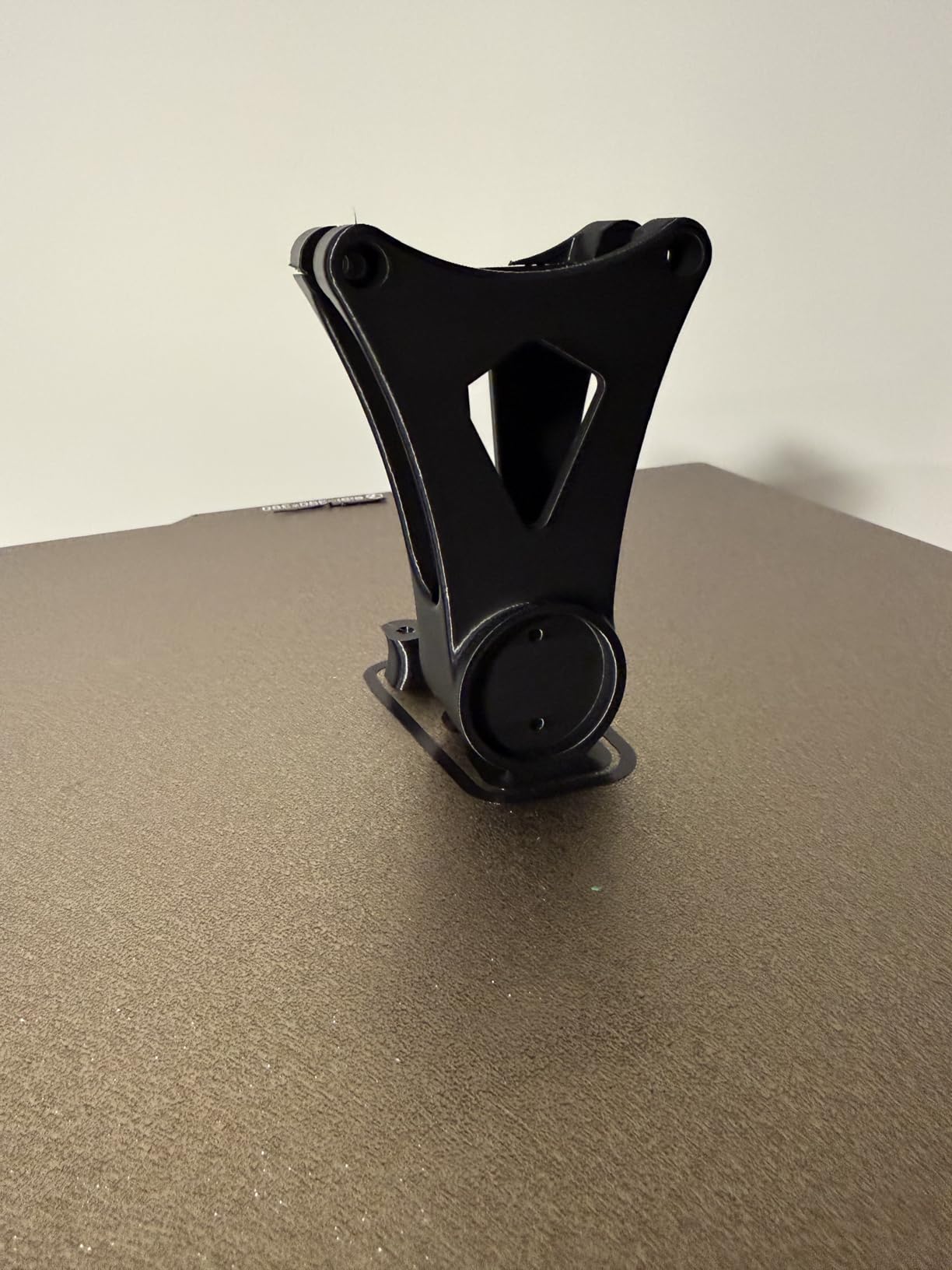
Where it justifies the footprint
If you are batching large ABS parts, the throughput maths is what sells it. A 390mm bed means fewer prints for the same output, 800mm/s cuts per-part time, and a 65C chamber means fewer scrapped first attempts. The 4.4 star average across 30 verified reviews with 77 percent five-star and no three-star ratings is a strong signal on a small base.
The AI camera and run-out auto-pause matter more here than on any other machine, because the value of a production machine is in unattended hours.
Where the Max4 falls short
It is 120 pounds and 28 by 28 by 30 inches, the largest and heaviest machine here, and it needs a dedicated sturdy table. The four-filament magazine has no integrated drying and can tangle when retracting frequently, which is awkward for moisture-sensitive ABS. QIDI BOX sync with QIDI Studio is reported as occasionally selecting the wrong filament, and the Polar Cooler system is not included.
Thirty reviews is a very small install base for a machine this large, and there are isolated reports of a toolhead assembly defect on first load. If you need this much volume but not this much speed, the K2 Pro Combo does 300mm in a lighter package.
8. Creality K2 (A) Combo – Best Multi-Colour Value Below the K2 Pro
Creality K2 (A) Combo 3D Printer, Multicolor Printing with CFS
CFS multi-colour system
300C hardened steel nozzle
600mm/s CoreXY
AI chamber camera
Pros
- Includes one CFS unit expandable to four
- RFID filament ID and moisture-proof dry storage
- Stiff aluminum frame with steel X rail and dual Z
- 300C hardened steel nozzle and 40mm3/s flow
- Pre-assembled with guided calibration
Cons
- Chamber heating is not specified as active
- 17 percent one-star rating is the highest here
- ABS warping control is weaker than heated rivals
The K2 (A) Combo is the interesting middle of the Creality range. It ships with one CFS unit, expandable to four for up to 16 colours, and it arrives pre-assembled with smart auto levelling and guided calibration, so there is no build weekend before your first ABS print.
The mechanical spec is strong. An aerospace-grade aluminum frame, a steel X-axis rail and a dual Z-axis hold 600mm/s with 20,000mm/s2 of acceleration, and the 40mm3/s hotend with a 300C hardened steel nozzle handles ABS and engineering-grade filament. The chamber camera watches for failures and the built-in air purifier handles VOCs.
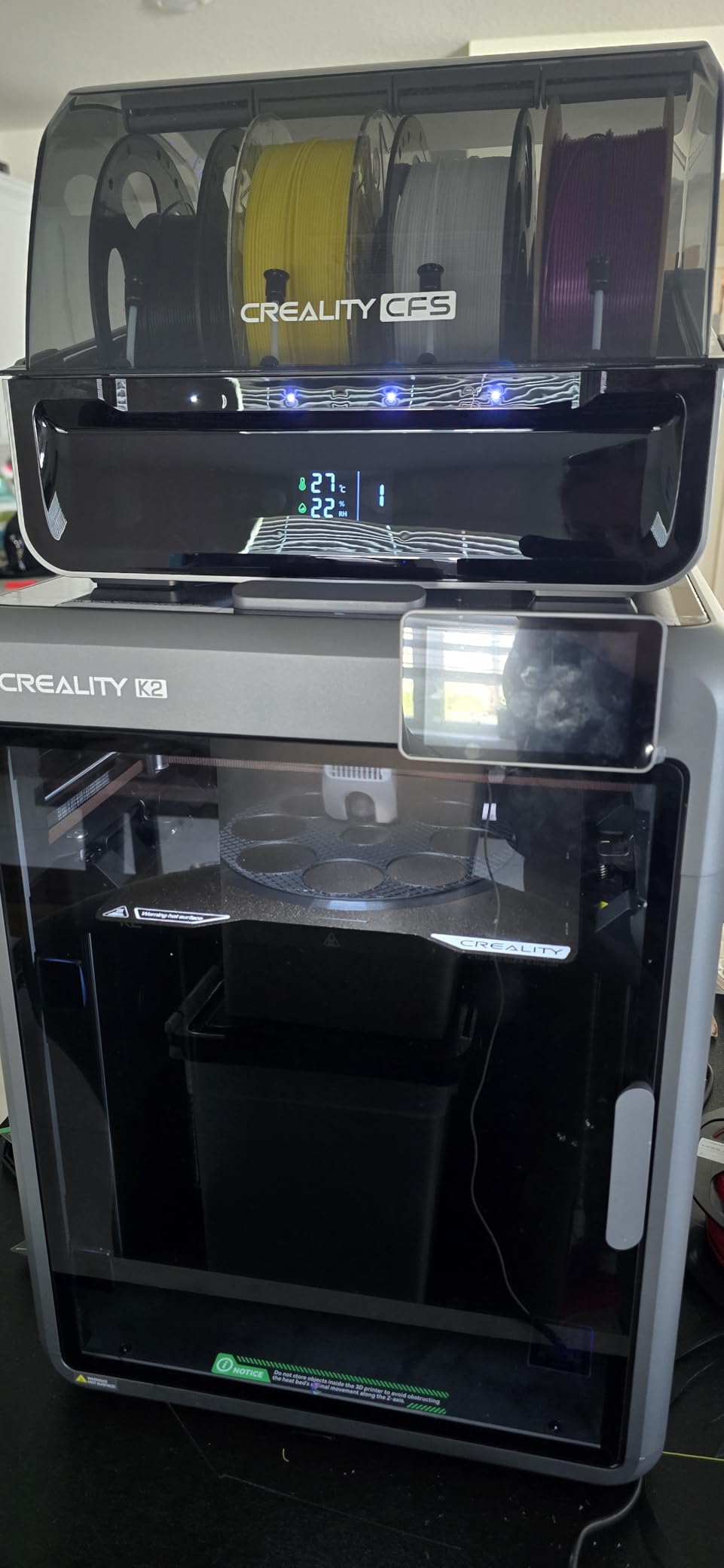
Where it falls short is the same thing that makes it cheaper. Chamber heating is not specified as active, so the air inside rises passively and your warping margin depends on the bed and your brim. For most ABS parts that is workable. For large flat panels, you will feel the difference against a 60C or 65C chamber.
Reliability is the other watch point. At 4.0 stars across 1087 reviews, it has 64 percent five-star but 17 percent one-star, the widest unhappy segment in this roundup. That is a lot of volume to learn from, and the recurring theme is variance rather than one specific failure.
Where it earns its place
RFID filament identification and moisture-proof dry storage are genuinely useful for ABS, because wet filament is one of the most common causes of popping, stringing and weak layer bonding. Multi-colour parts with two to four colours come out without a purge tower in the way, and the pre-assembled setup gets you printing in an afternoon.
It is the pick for a maker who wants multi-colour capability and a rigid frame at a lower entry point than the K2 Pro Combo, and who is printing parts that fit well inside the volume.
Where it falls short
A passive chamber is the central trade-off, and the 17 percent one-star share is worth reading through before you commit. If ABS is the main reason you are buying, the K2 Pro Combo or the QIDI Q2 pay for their active chambers and remove a whole category of frustration.
It also shares the Creality OS workflow, so the Creality Print and Cura compatibility helps, but you are still inside a curated software environment rather than a fully open one.
How to Choose an Enclosed 3D Printer for ABS
Start with the chamber, because that single decision removes more warping headaches than any other feature. Everything else on the list is a refinement.
Passive vs active heated chamber
A passive enclosure just has walls, so the chamber temperature is whatever the bed and hotend leak into it. It rises during a print and drifts back down between prints, which is enough to help but not enough to rely on. An active chamber has a heater and a fan that pull in outside air and hold it at a set temperature, so 60C means 60C for the whole job. For ABS and ASA, active is the difference you can feel on large parts.
Three machines here have active heating: the QIDI Q2 and QIDI Max4 at 65C, and the Creality K2 Pro Combo at 60C. The Flashforge Creator 5 Pro also runs a 65C actively heated chamber. The Bambu Lab P2S uses adaptive airflow to maintain 50C, and the remaining three are passive.
Build volume versus the size of the parts you print
Match the cube to your largest part, not your imagination. At 220mm you will split larger ABS parts and glue them, which negates the toughness that made you choose ABS. At 300mm most functional parts print in one pass, and at 390mm you are working on helmets and full panels.
Watch the height as well as the footprint. An ABS enclosure part printed lying down versus standing up changes the layer time, and a tall thin wall is where you see layer separation first.
Nozzle temperature, hardened steel and flow rate
ABS runs at 240 to 260C, so a machine that tops out near 250 leaves you no margin. The QIDI Q2 goes to 370C, the K2 (A) Combo to 300C, and the Adventurer 5M Pro to 280C. Anything at 250C or below makes you compromise on either temperature or print speed.
Hardened steel is not needed for plain ABS, but it is needed the moment you add carbon fibre or glass fibre, and these nozzles are cheap to fit later. Flow rate of 32mm3/s to 40mm3/s keeps thick perimeters and high solid infill from starving the nozzle at speed.
Filtration, ventilation and the styrene question
An enclosure concentrates fumes, it does not remove them. The heater and fan that make the chamber hot also keep styrene and ultrafine particles inside a smaller volume, so an enclosed printer in a closed room can be worse for air quality than an open-frame one.
Filtration is what changes that, and the quality varies widely. The QIDI Q2 has a G3 pre-filter, an H12 HEPA stage and activated carbon, and the Flashforge Creator 5 Pro has HEPA 13 with carbon, which is the best pairing here. The K1C has activated carbon only, which handles odour but not particulate. Whatever you buy, print with the door closed and the room ventilated, and consider an extraction fan if you run long jobs indoors.
ABS print settings cheat sheet
Start here and adjust by feel: nozzle at 250C with a 5 to 10C range, bed at 100C, chamber pre-heated for 10 to 15 minutes, layer height 0.2mm, brim 8mm or wider for anything flat and large, first layer slowed to about 20mm/s, and part fan off or on low for most of the print and raised only for overhangs above 60 degrees. Level the bed while it is already at print temperature.
Firmware, noise and multi-colour options
Open firmware and slicer choice matter if you want to write your own profiles, and closed ecosystems are easier if you do not. Noise is a household factor that buyers forget: 45dB on the K1C and 50dB on the Adventurer 5M Pro are noticeably different from a machine that runs loud, particularly for overnight ABS jobs. For multi-colour, the Creator 5 Pro does it internally with no purge waste, while the K2 (A) Combo, K2 Pro Combo, QIDI Q2, QIDI Max4 and P2S Combo all use an external unit that expands to 16 colours.
Frequently Asked Questions
Do I need an enclosed printer to print ABS?
For small, occasional parts you can print ABS on an open frame with heavy adhesion tuning, but warping is reliable and the part often lifts mid-print. For anything you plan to keep, sell or use as hardware, an enclosure is close to mandatory. Add a heated bed that reaches at least 100C and a nozzle above 250C.
Can a 3D printer print ABS plastic?
Yes, any FDM printer can print ABS, but only reliably inside an enclosure. ABS needs a nozzle in the 240 to 260C range, a bed near 100 to 110C, and stable chamber air. Below those temperatures the layer bond is weak and the part delaminates as you handle it.
What is the difference between a passive and an active heated chamber?
A passive enclosure has walls but no heater, so the chamber temperature is whatever the bed and hotend leak into it and it drifts between prints. An active chamber uses a heater and fan to hold a set temperature, so 60C stays 60C for the whole job. Active heating gives far better warping control on ABS and ASA.
Does an enclosure remove the smell of printing ABS?
No. An enclosure concentrates the styrene and ultrafine particles rather than removing them, which can make air quality worse in a closed room. You need HEPA and activated carbon filtration plus ventilation in the room. The QIDI Q2 with G3, H12 HEPA and carbon, and the Creator 5 Pro with HEPA 13 and carbon, handle emissions best in this group.
Do brims help with warping?
They do. A wide brim of 8mm or more on large flat ABS parts spreads the stress pulling the corners up and gives the first layer more contact area. Pair it with a bed levelled at print temperature, a first layer slowed to roughly 20mm/s, and a 10 to 15 minute chamber pre-heat. A brim is a necessary but not sufficient fix.
Is ABS or ASA easier to print?
ASA is easier, and for outdoor parts it is the better choice anyway. It is the UV-stabilised member of the same family, shrinks and prints almost identically to ABS but resists sunlight degradation. If warping is your main problem, moving from ABS to ASA usually solves more of it than changing printer.
Conclusion
The best enclosed 3D printers for ABS in 2026 split cleanly into two groups. If you want a machine that just works and prints good ABS parts without fuss, the Creality K1C is the pick, and the Bambu Lab P2S Combo is the easier entry. If warping on large parts is the problem you are actually solving, buy chamber heat: the QIDI Q2 at 65C, the Flashforge Creator 5 Pro for multi-colour, or the Creality K2 Pro Combo at 300mm.
Whatever you choose, remember that the enclosure is the easy half. Level the bed hot, use a wide brim, pre-heat the chamber, and check the door seal. That routine does more for your ABS parts than the last hundred dollars of hardware.