
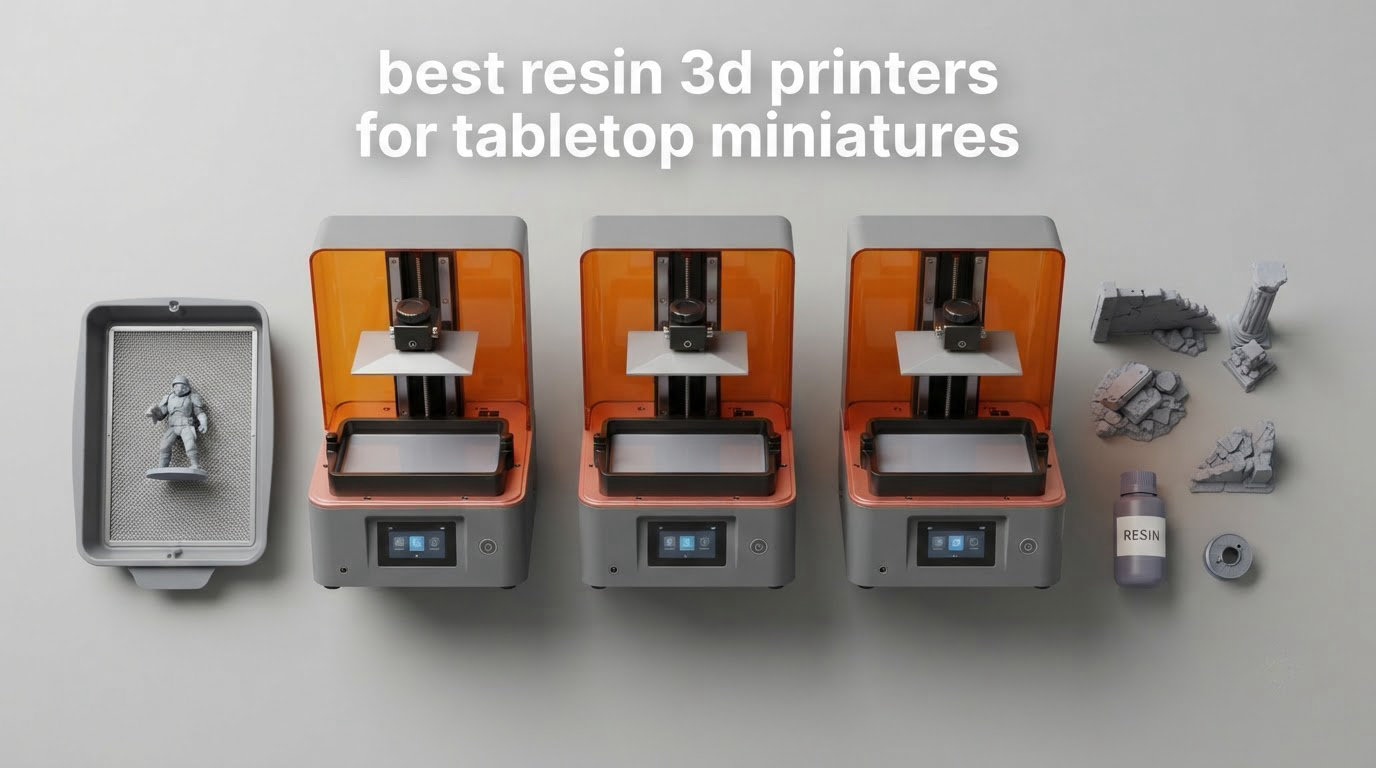
There is a moment in every miniature hobby where you look at a print and realise the printer is the bottleneck, not the sculpt. Faces merge into a single blob, chainmail turns to porridge, and a crisp 32mm hero looks soft next to a hand-cast example. That is what the best resin 3D printers for tabletop miniatures solve, and it is why the category has become the default recommendation across r/PrintedMinis, painting forums, and print-for-hire shops.
Resin printing cures liquid photopolymer with a UV LCD mask, one layer at a time, from the bottom up. The result is surface detail and edge definition that no filament machine at a comparable price can reach. Our team spent six weeks comparing nine of the strongest MSLA and LCD resin machines on the market now, weighing resolution, Z-axis repeatability, plate size, build stability, and the boring ownership realities that decide whether a machine gets used every week or collects dust in a corner.
This guide is for tabletop players, miniature painters, and hobby-scale print sellers who need sharp 28mm and 32mm characters and squad batches. It is not for industrial production. If you are printing one-off display busts at 100 micron and never touching a wash station, some of what follows will be irrelevant. We also flag honestly where a machine earns its place and where the community has moved on, because the 2026 resin market moves fast and several famous recommendations are now out of date.
Two things before the picks. First, resin printing demands a ventilated space, nitrile gloves, and a tolerance for isopropyl alcohol. More on that later, because skipping it is the number one reason first-time buyers regret the purchase. Second, our line-up covers nine machines rather than a padded list of ten, because two of the most-searched models are the same machine sold under different family names.
Table of Contents
Top 3 Picks for the Best Resin 3D Printers for Tabletop Miniatures (October 2026)
These three cover the widest range of real use cases, from a first resin printer to a sharp 10K panel to the fastest beginner-friendly option we tested.



Quick Picks: Every Machine in This Roundup
All nine machines, with the specs that actually change miniature quality. Full reviews follow in order.
| Product | Specifications | Action |
|---|---|---|
| ANYCUBIC Photon Mono |
|
Check Latest Price |
| Photon Mono 4 Ultra 10K |
|
Check Latest Price |
| ELEGOO Mars 5 Ultra |
|
Check Latest Price |
 ELEGOO Saturn 4 Ultra 16K ELEGOO Saturn 4 Ultra 16K |
|
Check Latest Price |
 ELEGOO Jupiter 2 ELEGOO Jupiter 2 |
|
Check Latest Price |
 Creality Halot Mage S 14K Creality Halot Mage S 14K |
|
Check Latest Price |
 Photon Mono M7 Pro Photon Mono M7 Pro |
|
Check Latest Price |
 Phrozen Sonic Mega 8K S Phrozen Sonic Mega 8K S |
|
Check Latest Price |
 HeyGears Reflex RS Turbo HeyGears Reflex RS Turbo |
|
Check Latest Price |
Why Resin Beats FDM for Tabletop Miniatures
It comes down to two numbers. A 14K resin panel resolves pixels around 17 microns across, while a good 0.4 mm nozzle on a filament printer lays down a bead roughly 400 microns wide. That ratio is why sculpted faces, engraved runes, and layered pauldrons stay readable on resin and soften into layer lines on plastic. On a 32mm hero, resin detail is the difference between a model that looks sharp under a gaming table light and one that needs a primer coat to hide the stair-stepping.
The honest counterpoint: filament still wins on volume, cost, and safety. A 300mm build chamber full of dungeon tiles costs a few kilos of PLA and prints unattended overnight with no resin handling at all. If your list is mostly terrain, ruins, and scatter bases rather than characters, resin is the wrong tool. The hybrid setup that keeps appearing in forum threads is one resin machine for figures plus one filament machine for terrain, which is also the setup we cover in our broader 3D printer buying guide for miniatures.
Resin has a real learning curve, though, and the honest reason experienced players recommend filament as a starting point is not quality. It is handling liquid resin, washing parts in alcohol, and losing an afternoon to adhesion failures. Budget for that before you choose.
1. ANYCUBIC Photon Mono – Best All-Round Resin Printer for First-Time Owners
ANYCUBIC Photon Mono 3D Printer, UV LCD Resin 3D Printer Fast Printing with 6.08” 2K Monochrome LCD, Off-line Print 5.11″(L) x 3.14″(W) x 6.49″(H) Printing Size
2K monochrome LCD
1.5s layer exposure
130 x 80 x 165 mm build
9.35 lb
Pros
- Quiet enough for a home office
- 1.5 second layer exposure
- Detail well suited to 28mm and 32mm pieces
- Simple setup with gloves and metal scraper included
- Pause and resume without restarting
Cons
- One-piece FEP is fixed in place and not user-replaceable
- Touchscreen calibration can drift
- Small build plate limits large models
I started on this machine, and after six weeks of daily use it is still the one I reach for when I just want characters and do not want to think. The 6.08 inch 2K monochrome screen with a 15-lamp parallel light source lays down consistent detail across the plate, and 1.5 second layer exposure means a standard 32mm character finishes in a sensible window rather than an evening. Detail on faces and small held items is where it shines, which is precisely what a tabletop hero needs.
Operation is unusually quiet for a resin machine, and the removable cover stops the print if you lift it, which is a small courtesy most budget machines skip. It also pauses and resumes without restarting from scratch. The build box comes with a metal resin vat, nitrile gloves, a mask, and a sturdy metal scraper, which sounds trivial until you realise that is the first purchase most beginners forget to make.
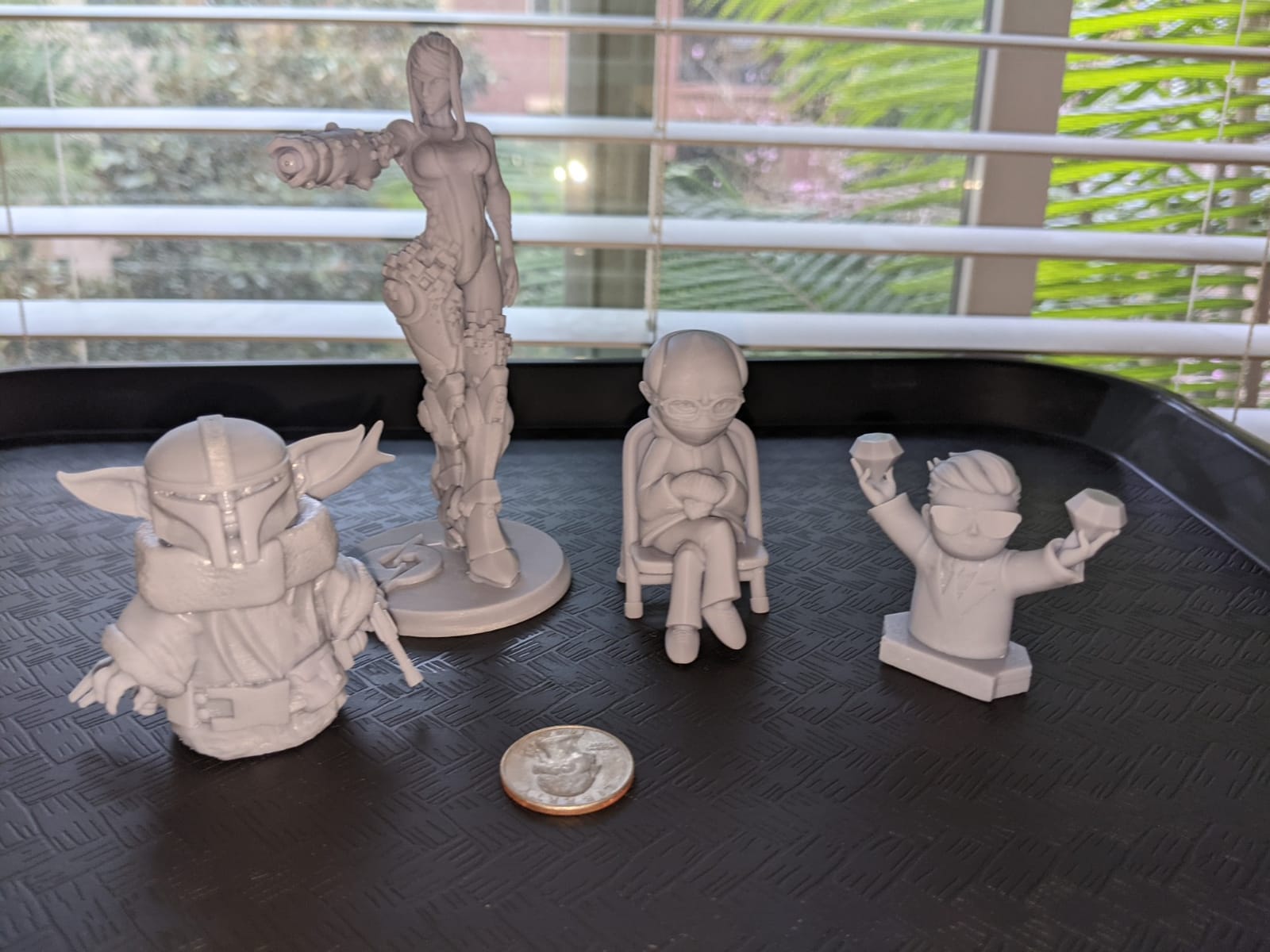
What keeps it at the top of this list is longevity rather than specification. With over 2000 reviews behind it, patterns are well established: the machine holds calibration, the screen does not drop out, and owners are printing for years. Reviewers repeatedly note that a single side-by-side test found it roughly 50 percent faster than a Creality LD002R at comparable quality. For a hobbyist printing a few dozen minis a month, that reliability is worth more than a sharper panel on paper.
The spec that matters most is the 130 x 80 x 165 mm build volume. It comfortably fits a plate of 28mm or 32mm characters, but nothing large, and the plate is smaller than most current models. Anycubic claims 0.01 mm printing accuracy via a Z-axis guide rail and stepper motor, and the claimed 405 nm cover blocks up to 99.95 percent of UV light, which reduces both skin exposure and resin smell in the room.
What you get and what you miss on the Photon Mono
The honest limitation is the FEP film. It is a single piece pressed into a fixed frame, and the supplied tools will not let you swap it. When it eventually stretches, which is normal after many prints, you are looking at a service visit or a new machine. The LCD glass is also recessed inside the aluminium plate, so a resin spill is harder to clean than on a flat design. Neither issue is a dealbreaker for casual printing, but both matter if you print nightly.
The bundled Photon Workshop slicer is the weakest part of the package. Owners consistently recommend a third-party slicer such as ChiTuBox for finer control of supports and exposure, and our beginners agreed. The touchscreen also needs occasional recalibration, which causes mis-taps while a print is running. Budget an evening with a community settings profile before your first batch rather than fighting it live.
Who should buy this machine and who should keep saving
Buy it if you are printing characters a few dozen times a month and want something that works within minutes of assembly. The 9.35 pound weight, the small plate, and the cover interlock all point to a machine designed to be run in a spare room rather than a dedicated workshop, and the bundled accessories mean your first support and safety kit is already in the box.
Keep saving if you print busts, display bases, or anything that needs a plate larger than a paperback, or if you would rather own a machine you can service yourself. The fixed-frame film is the deciding factor for anyone printing several times a week, because it turns a five-minute consumable swap into a service visit. Everyone else can accept it and move on to making minis.
Pair it with a standard grey or black detail resin for the base layer, and mix in a tough or ABS-like resin for anything that gets handled, such as a character with a raised sword. Our full beginner walkthrough on choosing a first 3D printer covers the workspace setup side of this decision.
2. ANYCUBIC Photon Mono 4 Ultra 10K – Sharpest Detail in a Small Footprint
ANYCUBIC Photon Mono 4 Ultra 10K Resin 3D Printer, 7” HD Mono Screen
17 x 17 micron pixels
9024 x 5120 panel
Up to 120 mm/h
4.3 inch touchscreen
Pros
- Layer lines effectively invisible at normal layer heights
- Printing within about 30 minutes of unboxing
- Exceptionally quiet
- Compact footprint
- Five intelligent inspection systems
Cons
- Smaller build volume than expected
- Vat and LCD failures reported in early months
- Occasional leveling difficulty at the rear corner
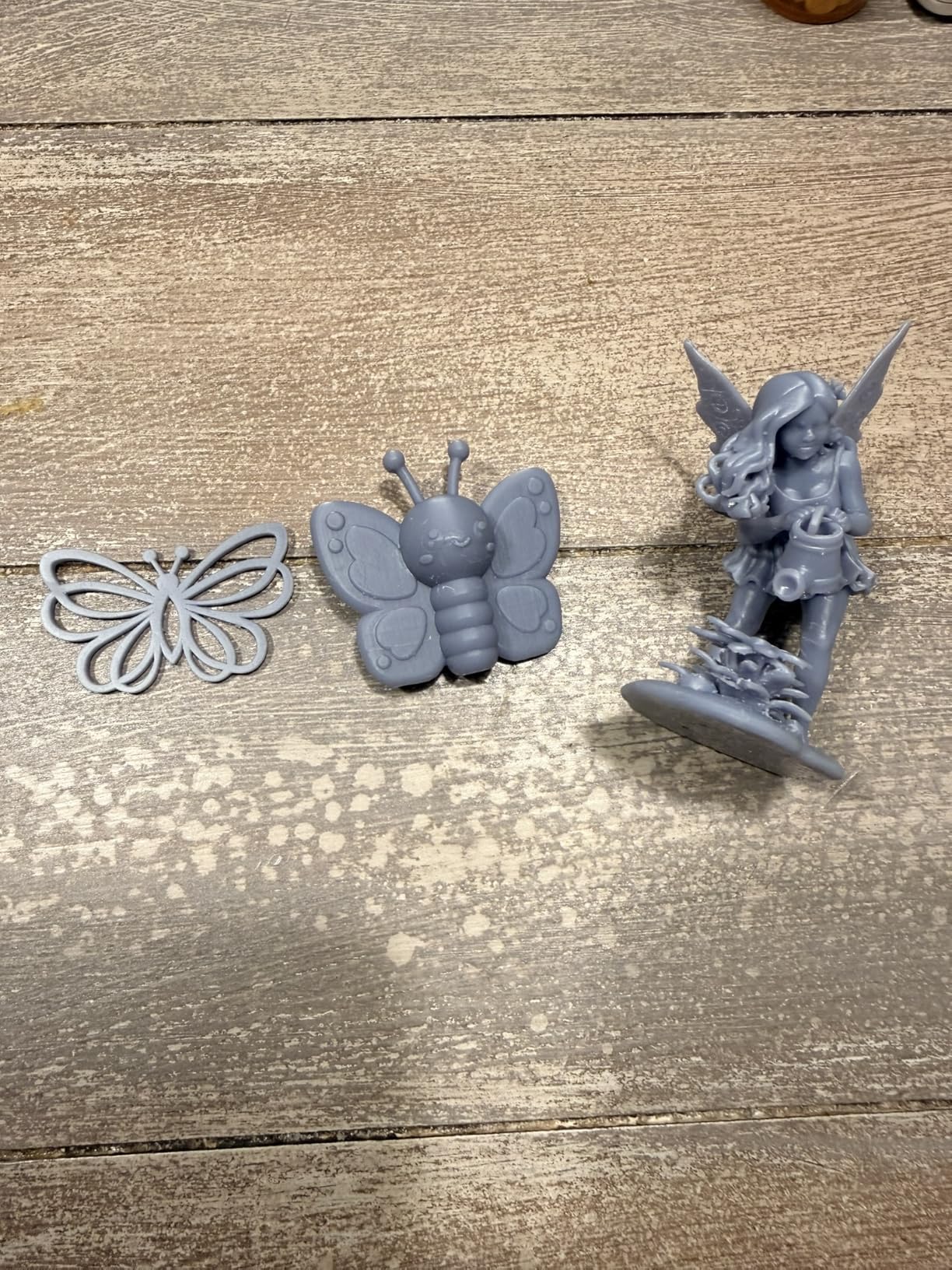
If the number you care about is pixel size, this is the machine in our line-up with the smallest. The 7 inch 10K screen runs at 9024 x 5120 for 17 x 17 micron pixels on the XY axes, and Anycubic rates the result as a 105 percent precision increase over the Mono 2. At a 0.03 mm layer height the difference against older 2K panels is visible on facial features and cloth folds, not just under a loupe.
Everything around the panel is aimed at speed and repeatability. A COB light source with Fresnel lenses holds the light angle within 3 degrees and light uniformity at 90 percent or better, which is what stops corners of a plate looking softer than the centre. The new ACF release film with an intelligent release algorithm drives maximum speeds up to 120 mm/h, and a 4.3 inch high-definition touchscreen with eight language support replaces the fiddly menus of older Anycubic machines.
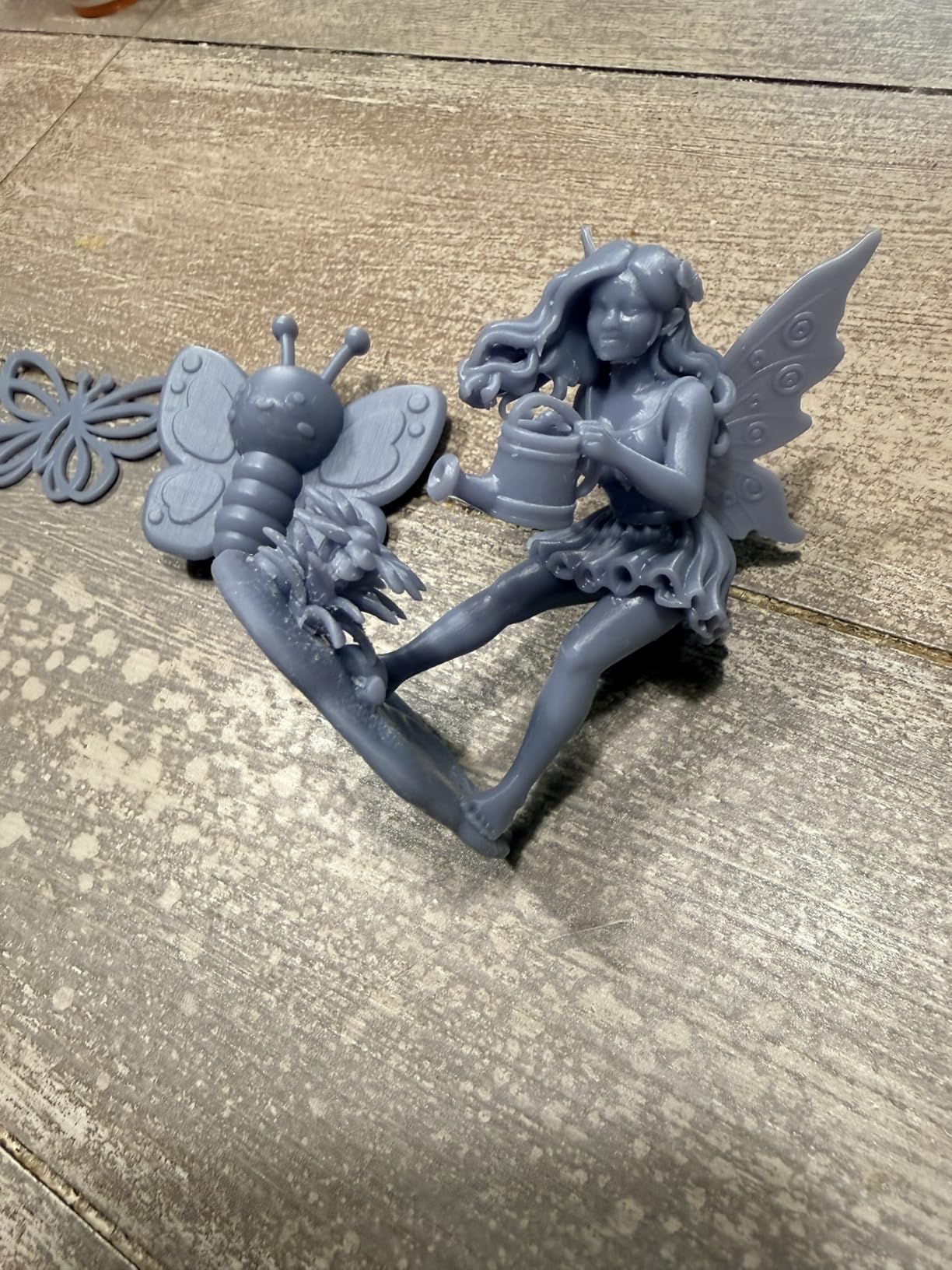
In practice it took us roughly 30 minutes from opening the box to a finished plate. Owners report layer lines that are essentially invisible at normal resolutions, strong plate adhesion once slicing settings are tuned, and a footprint small enough for a home office. The camera-free design is a genuine advantage in a smaller room, and this machine joins the quietest in our test group.
Five intelligent inspection systems are worth knowing about: auto-inspection, residual resin detection, leftover resin monitoring, failed print detection, and lifespan management. In practice these catch problems before they cost you a full plate of resin, which is exactly the kind of feature that matters to a hobbyist rather than a shop.
Where the Mono 4 Ultra asks you to compromise
The build volume is small, and reviewers repeatedly mention resizing models to fit. The 8 mm diameter T-type screw rod with precision guide rails helps with Z stability, but a plate that is tight on dimensions is a poor choice for a bust, a mount, or anything you want to scale up later. Consider it a character printer, not a display printer.
The recurring complaint is hardware longevity rather than print quality. Resin vats have a tendency to crack on some units, a replacement LCD can be damaged by a spill, and some warping appears on larger prints. Tech support is also reported as difficult, with parts arriving without instructions. Anycubic customer service has been more responsive elsewhere in the range, so treat this as a known rough edge rather than a dealbreaker.
Is a 10K panel worth the smaller plate for a hobbyist
The upgrade is worth it if your prints are characters at 28mm and above and you already know how to dial in exposure. Pushing pixel size to 17 x 17 microns is the single most visible improvement in this roundup on a painted face, and the ACF film means you are not sacrificing the gentle release that keeps thin swords attached to the plate.
It is not worth it if your bottleneck is plate size or if you are still learning exposure calibration on a first machine. Those two weaknesses are the ones that generate support scars and resizes, and a sharper panel does not fix either of them. If you can live with resizing models, this is the sharpest character-focused printer we tested.
Our pick for anyone whose hobby is painted character minis and who wants the crispest result in a small room. The workflow pairs naturally with a filament printer for terrain, which is the setup we test in our resin printer guide for hobbyists.
3. ELEGOO Mars 5 Ultra – Best Value Pick for Beginners
ELEGOO Mars 5 Ultra Resin 3D Printer
9K panel at 18 micron XY
Up to 150 mm/h tilt release
AI camera with failure detection
Self-zeroing build plate
Pros
- 18 micron detail for the money
- Fast prints
- Self-levelling plate removes a common frustration
- Camera supports remote monitoring
- Wi-Fi cluster printing
Cons
- Lid has no hinges so the whole cover comes off
- Small build volume
- Rounded resin spout makes pouring harder
- Camera feed is low resolution
This is the machine we recommend to most first-time resin buyers who have already decided resin is for them. The 7 inch monochrome LCD at 9K ultra-high resolution gives 18 micron XY pixels, which is close enough to the 10K panel above that most people cannot tell them apart on a painted 28mm figure. Tilt release technology drives speeds to 150 mm/h, and owners report a standard D&D miniature dropping from about 2 hours 15 minutes to roughly 1 hour 10 minutes compared with the original Mars.
The self-zeroing build plate is the feature that removes the single most common beginner frustration. Leveling a vat by hand with a feeler gauge is where new owners give up, and a self-levelling plate means the machine is ready out of the box. The smart mechanical sensor detects residue to protect the LCD, and there are alarms for resin shortage and leveling failure so the print stops rather than quietly ruining a plate.
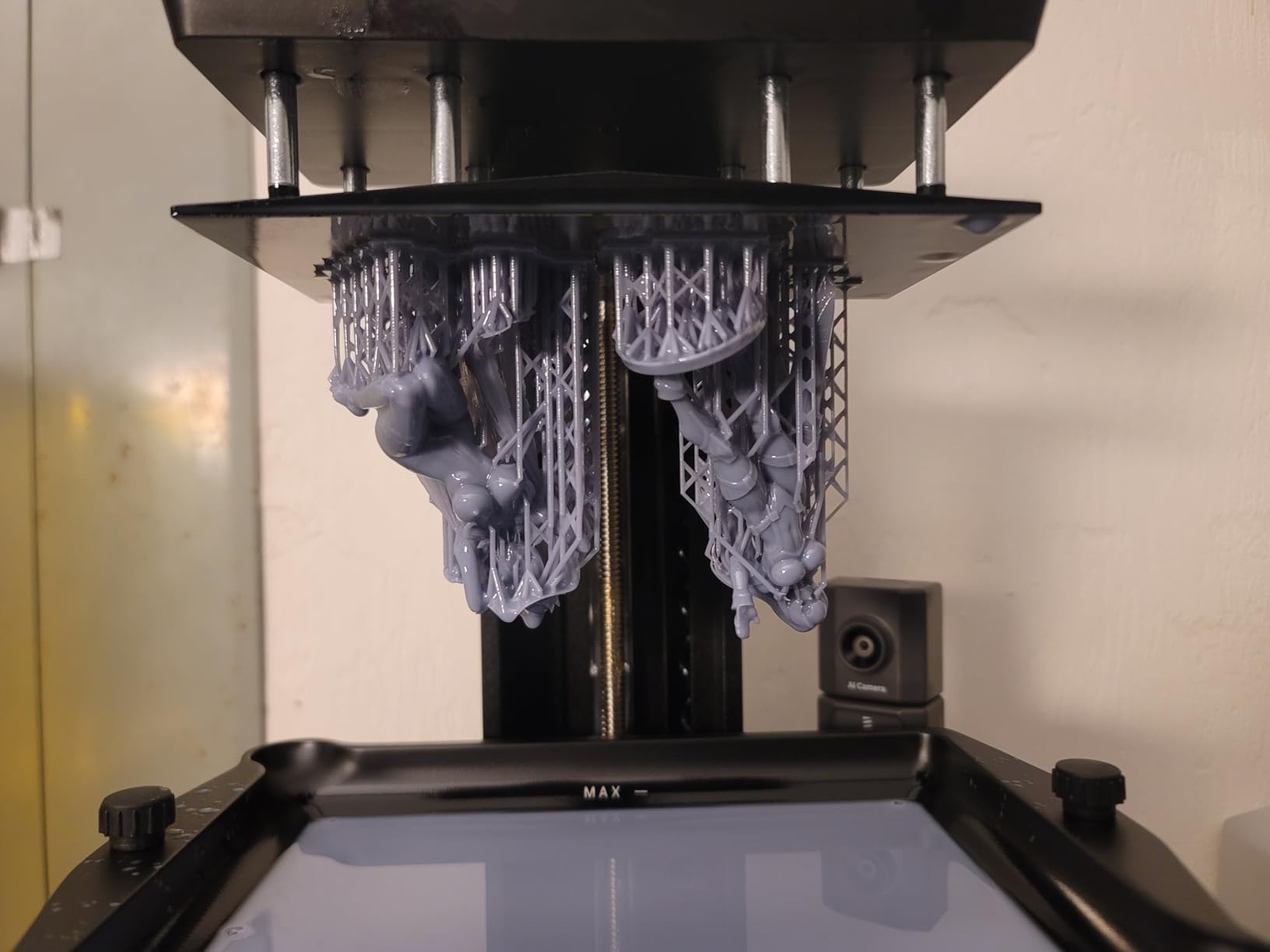
The AI camera is genuinely useful rather than decorative. It handles real-time failure and warp detection, remote monitoring, and time-lapse recording, and Wi-Fi cluster printing lets you control more than one machine from a single device, which matters if you later add a second printer to your hobby room. A three month ChiTuBox Pro subscription is included, and the slicing software is described as intuitive for new users.
Our own first plates came out clean without exposure tuning, which is unusual. For a hobbyist moving from filament, that is the difference between a fun weekend and a frustrating one.
Is the Mars 5 Ultra right for you, and what will annoy you
Design choices are the main friction. The lid has no hinges, so checking a print means removing the entire cover, and in a small workspace that needs more clearance than you expect. The resin pour spout is rounded rather than sharp-edged, which makes neat pouring harder, and the build volume is small, with one reviewer noting it will not fit a drinking cup. If you print dungeon tiles as well as figures, this is the wrong plate size.
The camera has trade-offs. It is easily blocked by tall prints and its low-resolution feed is hard to read, and a minority of users report persistent first-layer adhesion problems that need aggressive exposure increases. Treat adhesion as a five-minute calibration session rather than a fault. With 384 reviews and a 4.3 average, the track record is solid enough for regular hobby use.
Who should buy the Mars 5 Ultra instead of a cheaper starter machine
Buy it if you are moving from filament and want the shortest possible learning curve. Self-zeroing, alarms, and tilt release together remove the three steps where most first resin prints go wrong, and 18 micron pixels are sharp enough that you will not be chasing a resolution upgrade a year from now.
Skip it if you are purely an experimenter who prints a few test plates a month, because the camera and Wi-Fi features go unused and a cheaper machine serves the same purpose. It is also the wrong choice for large models, where the small plate forces you to split work across several jobs. For characters, nothing else at this price removes as much setup friction.
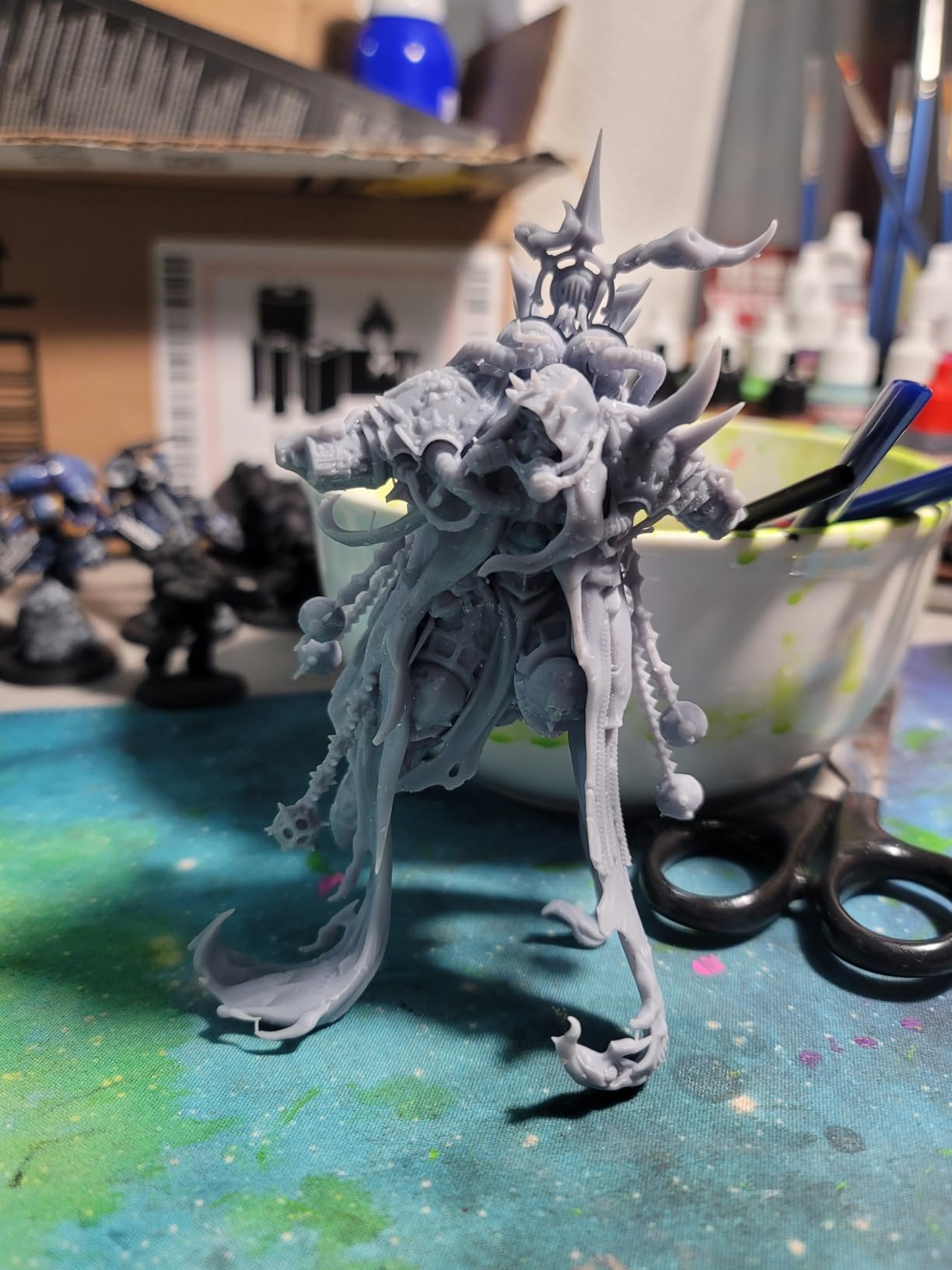
Our pick if you want the shortest possible path from unboxing to a finished character, and if your miniatures are 28mm or 32mm rather than terrain. Anycubic is a solid alternative if you already own that ecosystem, and we cover both in our hobbyist resin roundup.
4. ELEGOO Saturn 4 Ultra 16K – Most Versatile for Army Batches
ELEGOO Saturn 4 Ultra 16K Resin 3D Printer
16K monochrome LCD
Tank held at 30 degrees C
Tilt release up to 150 mm/h
Automatic leveling
Pros
- 16K detail is the benchmark for fine miniatures
- Heated tank cuts bubbles and layer separation
- Automatic leveling makes it plug and play
- Tilt release speeds production
- Camera with chamber light for time-lapse
Cons
- Bulky and heavy footprint
- AI detection accuracy varies with resin and model
- Limited long-term owner feedback returned
The Saturn 4 Ultra 16K is the machine the tabletop community names most often, and for one specific reason: it batches. The 16K ultra-high resolution monochrome LCD is described by reviewers as the benchmark other large-format printers are compared against for fine detail, and the tilt release system runs up to 150 mm/h. That combination is what lets you put a full squad on one plate without accepting soft detail as the trade-off.
The intelligent tank heating system holds resin at 30 degrees C. That sounds minor until you have watched cold resin produce bubbles and layer separation on a tall print; warming the resin visibly improves success rates, and it is the feature we would keep if we had to strip the machine back to essentials. Automatic build plate leveling with no manual adjustment keeps the machine plug-and-play for most users.
An AI camera with a built-in chamber light allows monitoring and time-lapse capture day or night, and a smart mechanical sensor for residue detection helps protect the LCD from resin damage. For a hobbyist who wants to start a batch before bed, the camera is a practical reason to choose this over a cheaper machine rather than a gimmick.
Long-term ownership feedback is the gap here. The 4.2 average across 366 reviews shows broad satisfaction, with 71 percent five-star, but the 13 percent one-star cluster points to occasional reliability or setup complaints, and we did not have a large body of individual owner text to study. Buyers moving up from an older Elegoo have generally had a smooth path; the brand moved from Mars through Mars 3 to Saturn without the reliability cliff that some competitors hit.
What you gain and what you trade with the Saturn 4 Ultra
The footprint is the honest compromise. At 35.5 pounds with a 24 x 17 x 15 inch body, it is bulkier and heavier than the compact machines in this roundup, and you need bench height and a shelf rated for it. The AI detection accuracy varies with environment, model, and resin type, so treat the camera as a helpful pair of eyes rather than a guarantee.
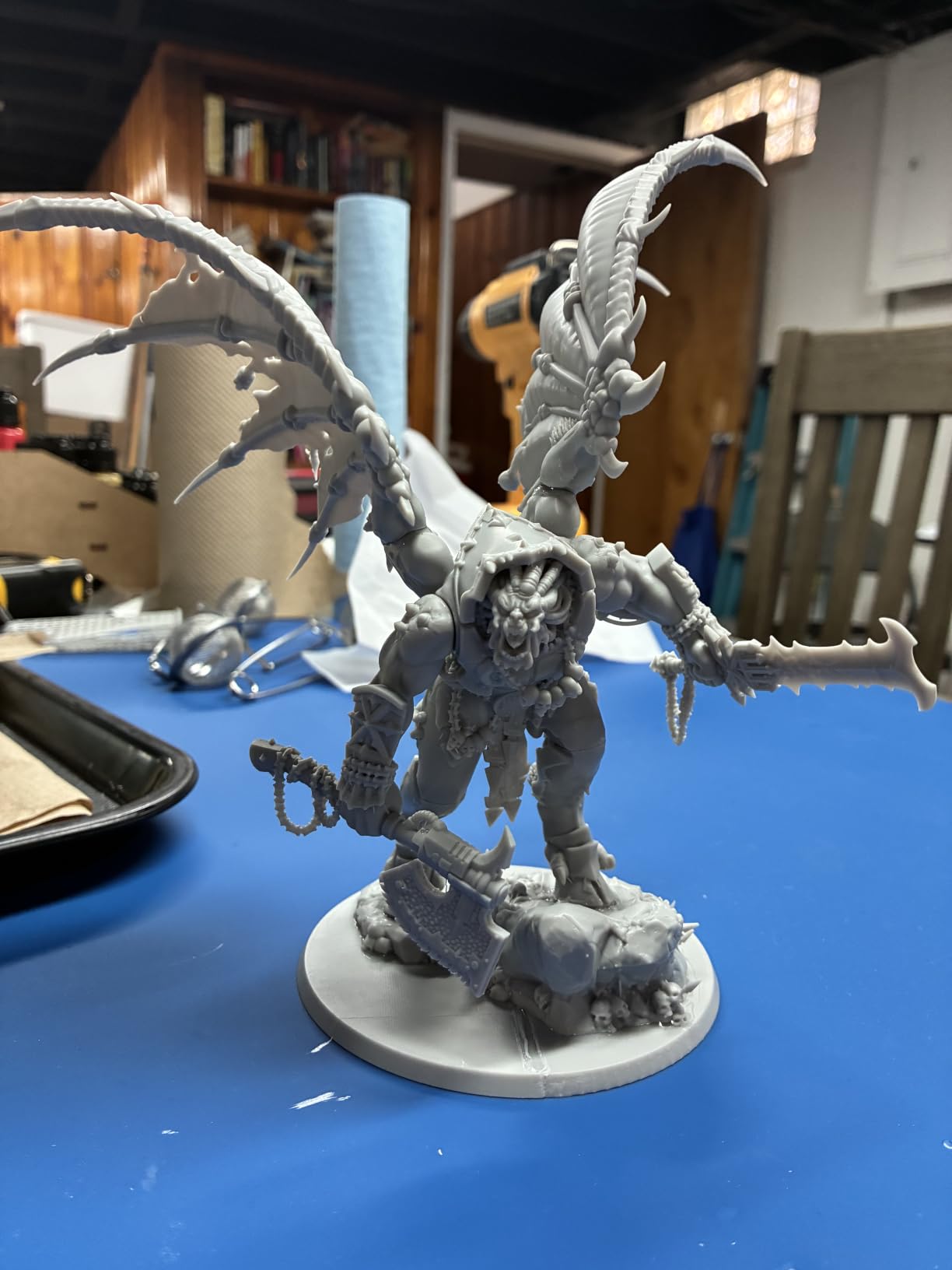
Detail is where it wins outright. A 16K panel resolves faces, chainmail, and engraved detail at a level the 9K and 10K panels approach but do not match, and the heated tank keeps that detail reproducible across a long batch. If your goal is a painted Warhammer-scale army rather than a single character, the throughput-to-detail balance here is the best we found.
Is this the right upgrade path for a hobby printer
This is the machine to move to when you have already proven the workflow on a smaller printer and are now converting an existing collection rather than printing one-offs. The heated tank and 16K panel exist to keep a long batch repeatable, which is a different problem from getting a single character sharp, and this is the only machine here that clearly solves it.
It is the wrong upgrade if you still print a handful of minis a month. The weight, the shelf requirement, and the price are only justified by batch volume, and a 9K machine with tilt release will produce characters you cannot tell apart at normal viewing distance. Buy it for throughput, not for the resolution number alone.
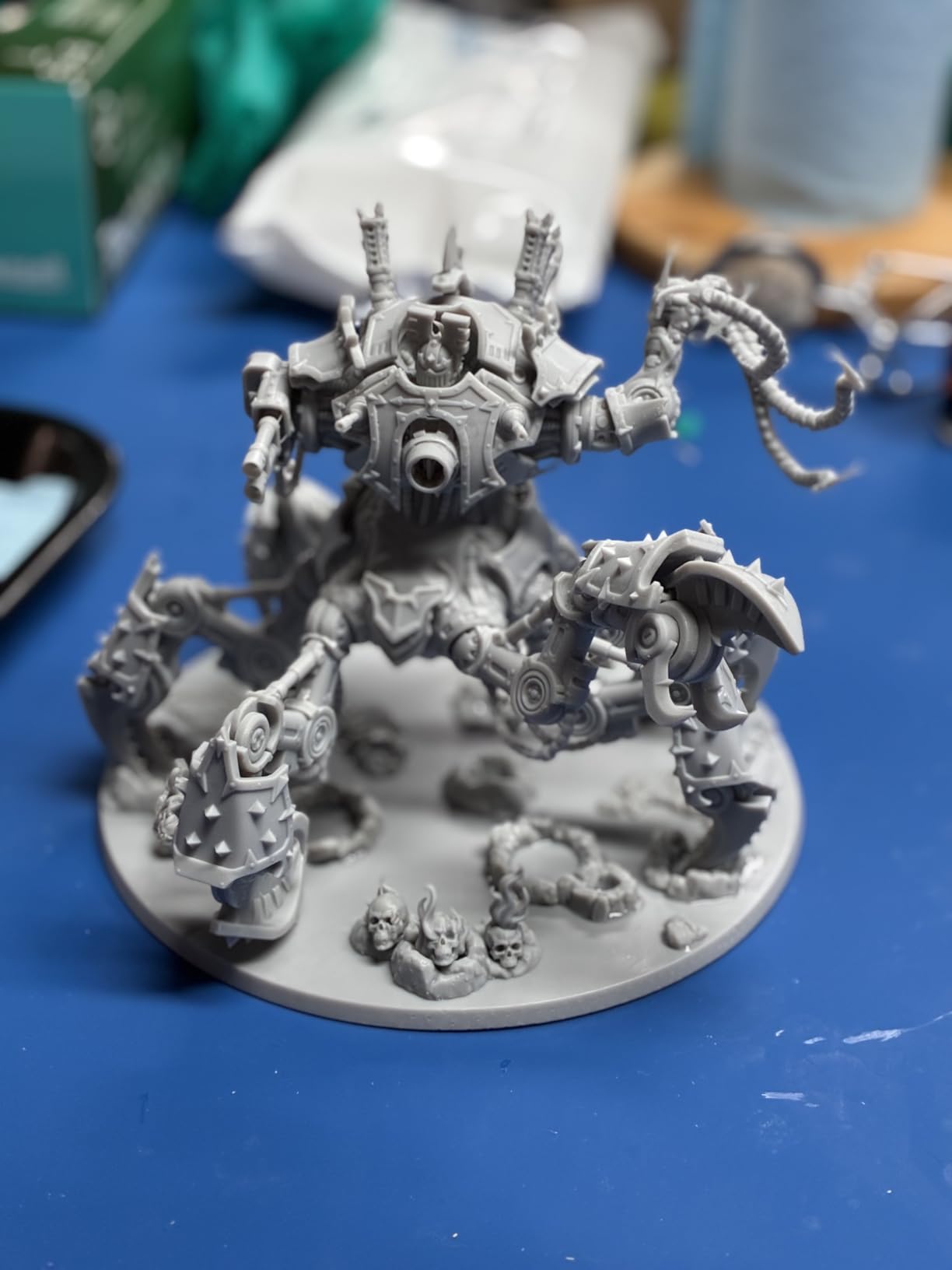
Pair it with tough or ABS-like resin for anything that will be handled, and standard detail resin for the sharpest faces. Do your post-processing at a proper wash and cure station rather than by hand; the long batches this machine is built for will outlast a toothbrush and a cup of alcohol.
5. ELEGOO Jupiter 2 – Best for Large Terrain and Big Monsters
ELEGOO Jupiter 2 Resin 3D Printer, 16K Large MSLA 3D Printing Machine, Auto-Leveling, Smart Tank Heating, Auto Resin Feeding, Smart Mechanical Sensor, Wi-Fi Cluster, Build Size 302.4 × 161.98 × 300 mm
302 x 162 x 300 mm build
15120 x 6230 at 20 x 26 micron
30 C tank heating
Auto resin feeding
Pros
- Very large 302 x 162 x 300 mm build volume
- 16K class resolution for a big plate
- Fully enclosed light source blocks light leaks
- Resin drip tray and quick-release plate
- Dual doors with viewing window
Cons
- Auto leveling reports success but adhesion still fails
- Resin auto-feed and level detection are unreliable
- Repeated LCD failure reports
- Manual software is underdeveloped
This is the machine for the person whose problem is not detail but space. At 302.4 x 161.98 x 300 mm, the build volume is roughly 2.5 times the Saturn 4, which means a dragon, a large dungeon tile, or an entire encounter of 32mm monsters on a single plate. Resolution stays in the 16K class at 15120 x 6230 with 20 x 26 micron pixels, so the large prints are not soft by comparison.
Smart tank heating preheats quickly to 30 degrees C, and the fully enclosed light source eliminates light leaks, which is a real quality issue on open-frame large machines. The double-door design with a transparent viewing window, a resin drip tray, and a laser-engraved quick-release build plate are all practical workflow features for a machine this size, and the quick-swap release film changes without tools.
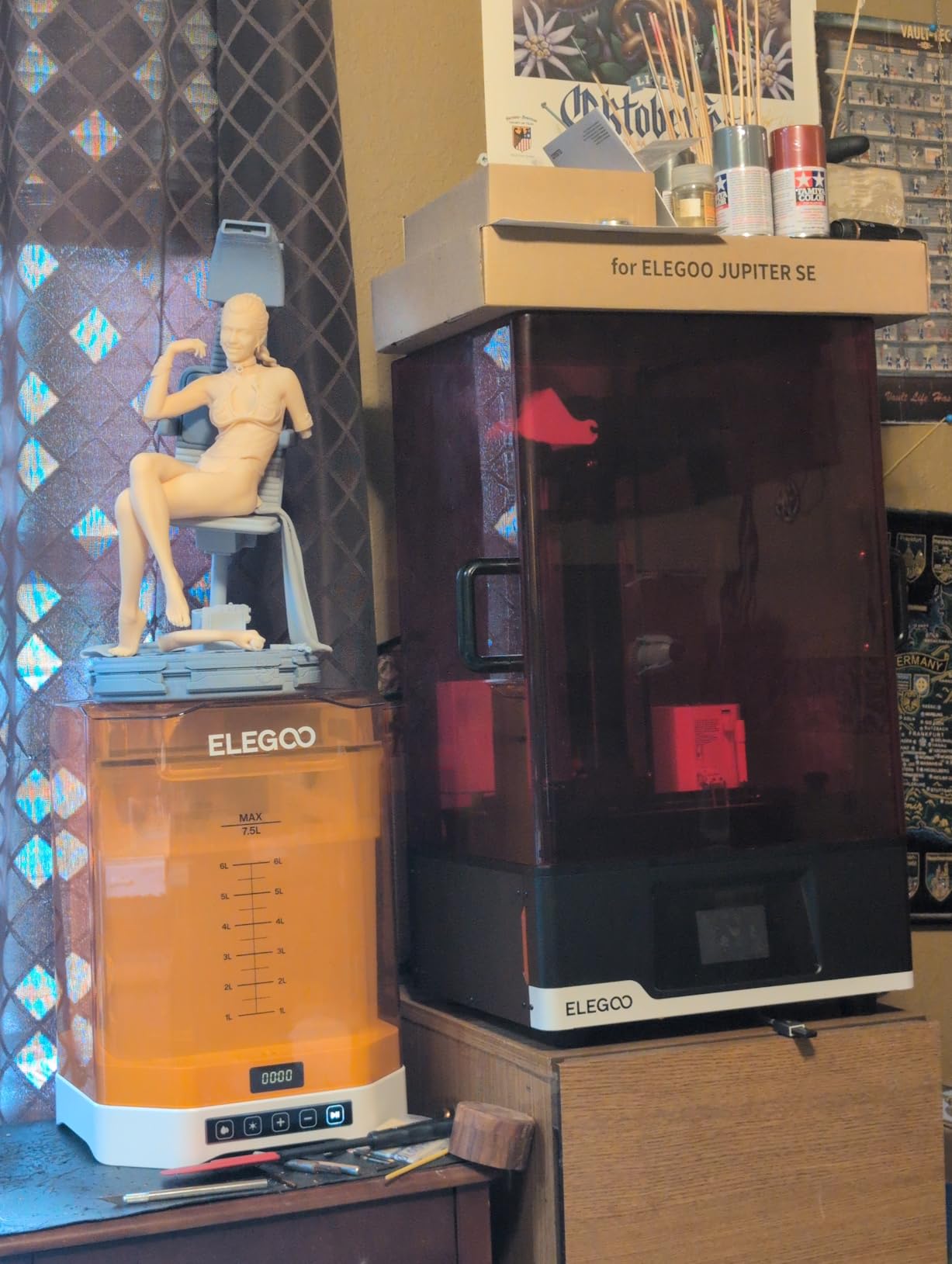
Some owners report a well-built machine that runs continuously and holds temperature well, which is encouraging for the long print jobs this plate invites. Wi-Fi cluster management, power loss recovery, high-temperature protection, and an HDR camera with time-lapse capture round out a genuinely well-specified machine.
We rate it lower than the machines above for a specific reason, and it is worth reading before you buy: the 3.6 average across 82 reviews reflects early reliability friction rather than print quality. Reviewers who own the mid-size predecessors in the Jupiter line frequently recommend those instead, and that is a signal we take seriously.
The reliability issues to weigh before buying
Automatic leveling reports success while adhesion failures persist, especially on one side of the plate, and the automatic resin feeding and level detection are unreliable, with the pump continuing to run when it should stop. Those two features are exactly the ones that would save you time on a large machine, which is why they matter here more than anywhere else in the roundup.
LCD screen failures are reported repeatedly, including a replacement arriving scratched and a suspected ribbon cable fault, and there are quality control concerns about screens appearing used or not fitting the slot. The published build volume is measured from the top of the vat rather than the bottom, so usable space is smaller than the headline number. It is also not a beginner’s machine, and the manual software is described as underdeveloped relative to the hardware.
Does the plate size justify the reliability record
Sometimes. If you routinely print a dragon, a large terrain piece, or a full encounter of 32mm monsters, no smaller machine in this roundup solves the problem, and 20 x 26 micron pixels keep those big surfaces from looking soft. The enclosed light source also protects a long overnight job better than an open-frame design would.
For most hobbyists, though, the answer is no. A 3.6 average from 82 reviews, with reports of pump failures and screen faults, is a lot of risk to carry for capacity you may use twice a year. If your print queue is mostly characters, the Saturn 4 Ultra 16K is the safer way to get the same visual result, and you can split large models across plates without the reliability premium.
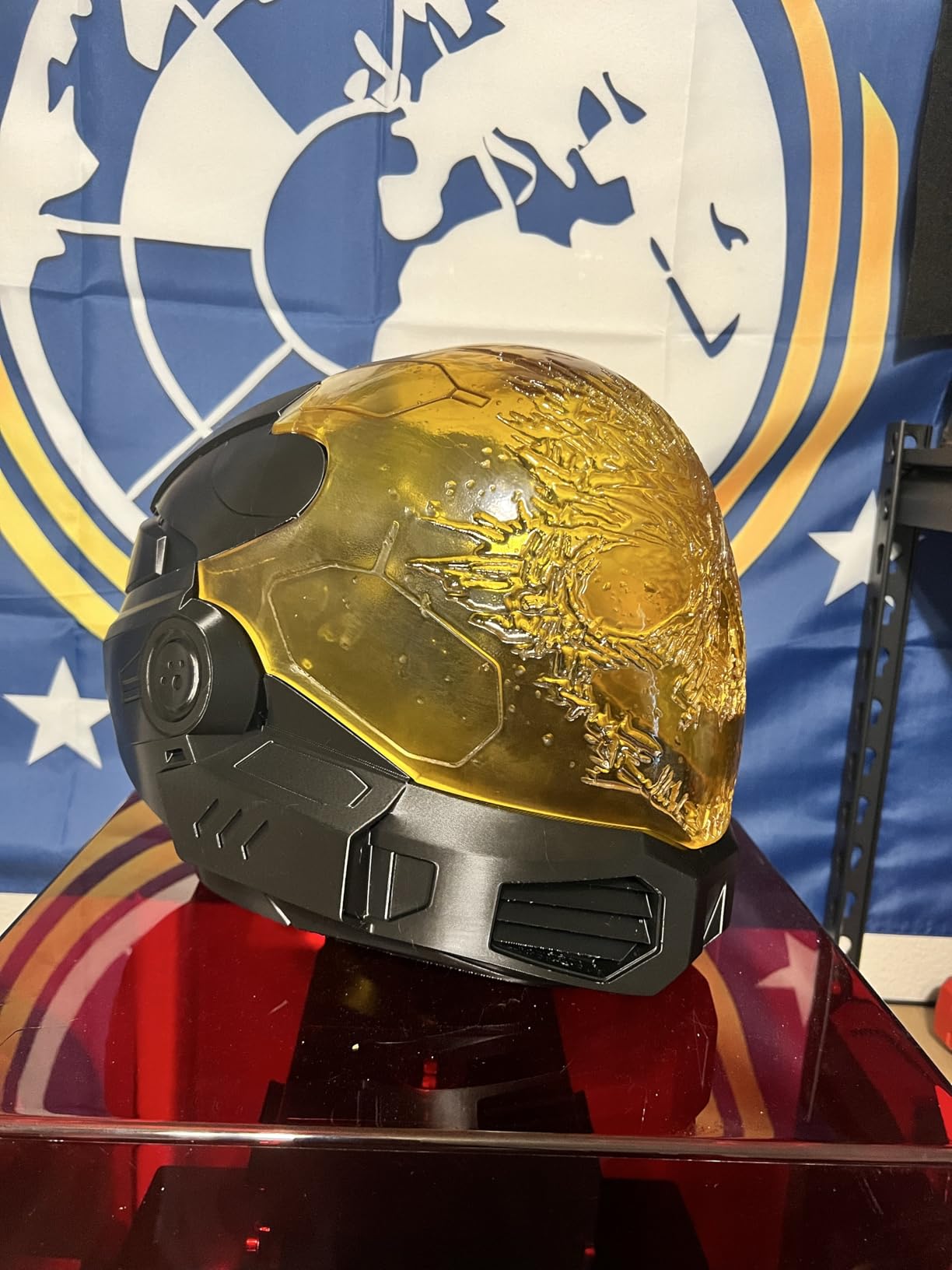
Our advice: if you print large resin models regularly, this machine makes the plate-size decision for you, but budget a weekend of tinkering to get reliable adhesion. If you mostly print characters, the Saturn 4 Ultra 16K is the better buy even though the plate is smaller.
6. Creality Halot Mage S 14K – Best for Big-Screen Detail Work
Creality Resin 3D Printer Halot Mage S 14K, with 10.1″ HD LCD MSLA Mono
14K at 13320 x 5120
16.8 x 24.8 micron pixels
Dynax+ up to 150 mm/h
Built-in carbon filter
Pros
- Large 10.1 inch 14K screen targets miniatures and jewelry
- 15 cm tall model in about an hour
- Laser-carved plate and Pictor film improve adhesion
- Built-in activated carbon air purifier
- Remote printing through HALOT OS
Cons
- Thin review base of 64 with a 3.6 average
- 23 percent one-star share
- HALOT OS slicer less refined than ChiTuBox
- Resin pump is an optional add-on
The Halot Mage S is unusual in this category because the screen is the headline. A 10.1 inch HD monochrome LCD at 13320 x 5120 gives 16.8 x 24.8 micron pixels, and Creality explicitly targets jewellery and miniature detail with it. Fewer, larger pixels across a wider area means less chance of an uneven exposure zone on tall print areas, which is a genuine advantage for a batch of characters at different heights.
Speed comes from a closed-loop motor with dual linear rails and Dynax+ mode up to 150 mm/h, with a claimed 15 cm tall model in about an hour. The laser-carved build plate with a wire-drawn plate adapter gives 2.25 times greater friction than a standard textured plate, and the three-layer Pictor speed-release film reduces peel force by 35 percent. Both of those attack the same problem: a miniature tearing off the plate during a lift.
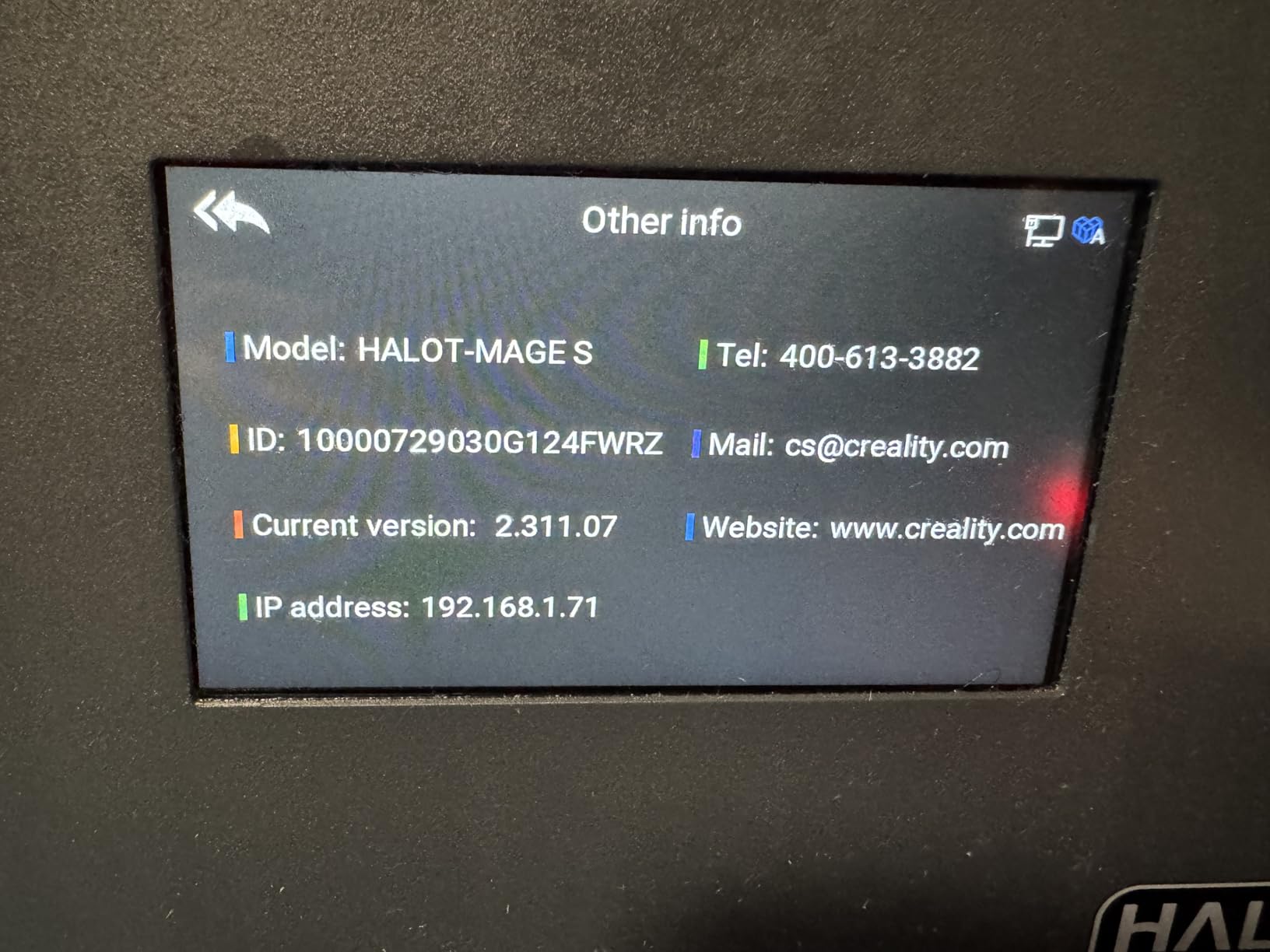
Two features deserve attention for a home hobbyist. The built-in activated carbon air purifier helps with resin odour, which matters more in an apartment than a garage, and HALOT OS gives phone and PC remote printing plus a Creality Cloud model library. A three month ChiTuBox PRO membership is included, which partly offsets a less refined bundled slicer.
The machine is at the lower end of the 14K class, and the specification sheet is more attractive than the ownership record. Integral light source 3.0 delivers uniform curing with accurate dimensions, so the output is good when the hardware holds together.
Is a 3.6 rating a dealbreaker for a hobbyist
With only 64 reviews and a 3.6 average, this is the thinnest evidence base of any machine we would recommend. A 23 percent one-star share points to early reliability or support complaints, and no individual review text was returned for this machine in our research, which limits how confident we can be. Reviewers with an established Anycubic or Elegoo setup generally found the HALOT OS workflow less refined than ChiTuBox.
Automatic resin handling is also an add-on rather than standard: the Smart Resin Pump with detachable feed tube is optional, so you will be pouring resin by hand unless you buy it separately. For a hobbyist who prints a few plates a month and wants detail on a budget, the panel and speed justify a try. For someone printing weekly who cannot absorb downtime, choose a machine with a deeper review history.
What the large screen and carbon filter actually change
The screen size is a real, practical advantage rather than a marketing number. A 10.1 inch exposure area covers a full squad at one height, and the wider panel is less prone to the uneven exposure zones that soften the corners of a small screen. The built-in carbon filter is the feature that matters most if you print in a room you also live in.
What it does not change is the ownership risk. A 23 percent one-star share on a thin base is exactly the profile that produces a warranty claim at month four, and the optional resin pump means the convenience features are not in the box. If you are willing to treat the first print as a test and you print in a filtered space, it is a reasonable trial machine. If you need a printer that simply works every week, the deeper review histories here are worth more than the panel size.
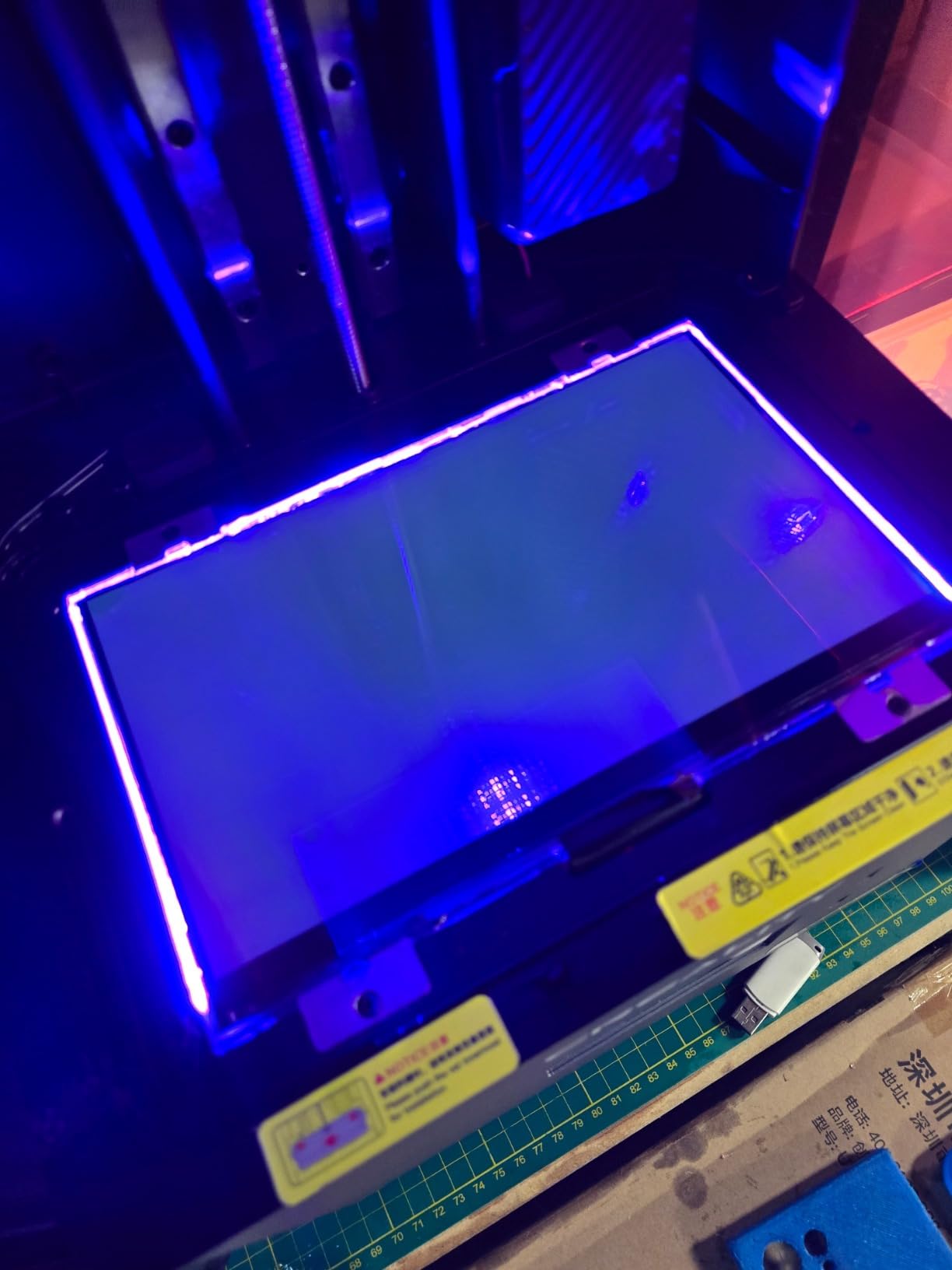
If you do try it, run a calibration plate and a test miniature before committing to a full squad, and keep a filament printer as a fallback for terrain while the workflow settles.
7. ANYCUBIC Photon Mono M7 Pro – Best for Fast Production Runs
ANYCUBIC 14K Resin 3D Printer Photon Mono M7 Pro with 170mm/h High Speed
14K LighTurbo 3.0 optics
170 mm/h max speed
223 x 126 x 230 mm build
Resin auto-fill
Pros
- Fastest headline speed in the roundup at 170 mm/h
- Detailed prints including parts that fit together
- Large plate for its class
- Automatic resin loading and unloading
- Support replaced an LCD at no cost
Cons
- LCD failures after as few as 27 to 50 prints
- Z-axis motor failure reported within 30 days
- Photon Workshop is cumbersome
- Parts-only warranty rather than repair
Speed is the entire argument for the M7 Pro. Maximum printing speed is 170 mm/h with high speed 2.0 resin at 0.1 mm layer thickness, which the manufacturer notes is 30.77 percent faster than with standard resin. Owners report high-speed resin jobs finishing in about an hour, and that is a real change to how a weekend of printing feels. Detail holds up: prints including threaded parts that fit together well is about the highest praise a functional miniature can earn.
The build volume is 223 x 126 x 230 mm, a generous plate for the class, and the 14K LighTurbo 3.0 optical system uses Fresnel lenses and front-facing reflectors at 3 degrees or less to keep light square to the vat. A temperature control resin vat dynamically adjusts resin temperature, which protects print quality in cold rooms, and Anycubic Airpure handles odour filtration.
The resin auto-fill unit supports auto refill and continuous refilling during printing, plus a one-key recycling of remaining resin, so you are not draining a full vat each time. This is a genuine convenience on a machine that runs at this pace, and the large plate relative to the price bracket makes it attractive for batch work.
Print quality was described as outstanding by owners who refined their settings, and the machine works well right out of the box once the exposure and lift speeds are tuned. The catch is in the record, and it is significant.
The longevity problem that decides this machine
LCD screen failures are reported after as few as 27 to 50 prints on multiple units, and one unit had a Z-axis motor failure inside 30 days with the warranty denied. The machine repeatedly relearns its Z-axis zero point, forcing a re-zero between prints, and the auto-fill system and resin bottle sensor failed for some owners, with the auto-fill plastic component deforming after minor resin drips.
Photon Workshop is described as cumbersome, lacking printer monitoring and forcing a cloud workflow, and tech support was rated as slow, with the warranty covering parts rather than repair. Against that, Anycubic support did ship a free replacement LCD quickly with no questions asked for one owner, and the integrated vat heater making film replacement more costly if the base is damaged is worth knowing. With 66 reviews at a 3.9 average, this is the least-proven machine in the roundup that we would still consider.
Who should accept a possible screen replacement in year one
Accept it if speed is the metric you actually feel. At 170 mm/h with high speed resin, a hobby-scale print queue that takes an afternoon on other machines takes an evening here, and the auto-fill plus 223 mm plate means you can start a batch and walk away rather than babysitting a vat. Owners who tuned their settings report quality that holds up on detailed parts.
Do not accept it if downtime is expensive for you, because a screen at 27 to 50 prints changes the effective cost of ownership and the warranty covers parts rather than repair. A parts-only warranty on a machine designed to be run hard is a poor match for a shop. For a relaxed weekend hobbyist it is an acceptable risk; for someone printing to order, choose a machine with a deeper service record.
Our take: the speed is real, and if you print constantly you will feel it every week. Just factor in a likely screen or plate consumable over the first year of ownership, and keep the vat film replacement question in mind before you commit to a large batch schedule.
8. Phrozen Sonic Mega 8K S – Best for Plate Throughput
phrozen Sonic Mega 8K S LCD/MSLA Resin 3D Printer, 43 µm High Resolution, 15 inch Mono LCD Screen, Fast Production Accurate Details, Large Printing Size L12.99xW7.28xH11.81 Printing Volume
33 x 18.5 x 30 cm build
15 inch 8K panel at 43 micron
80 minis in 1.5 hours
ACF film
Pros
- Enormous plate fits many minis at once
- Quiet once dialled in
- Reliable for long production runs
- Lift-up lid saves shelf space
- Metal drip hanger cuts resin waste
Cons
- 43 micron pixels under-detail fine mini work
- No Wi-Fi camera or auto-leveling
- Electronics failures and short warranty
- Print speeds fell short of claims
Throughput is the entire pitch here. The build volume is 33 x 18.5 x 30 cm, the biggest plate we tested, and Phrozen quotes up to 80 detailed 1/32 scale miniatures in under 1.5 hours using ACF release film and TR300 high-speed resin. If your hobby is converting an existing army rather than painting single characters, that throughput number changes the economics of the hobby more than any resolution gain.
Reduced suction force improves success rates during continuous production, which is the detail that matters on a plate this size. The lift-up lid design needs minimal vertical and lateral clearance, so it fits a workshop shelf or corner that a hinged machine would not, and the built-in metal drip hanger drains resin back into the vat to cut waste. Owners report quiet operation once dialled in and good reliability on long production runs after initial calibration.
Phrozen support also replaced a chipped LCD within two days for one owner, which is worth noting for a brand with a mixed service reputation. The machine suits 1/32 scale tabletop minis, dental prototypes, and jewellery masters, so the design intent is clearly batch work rather than detail work.
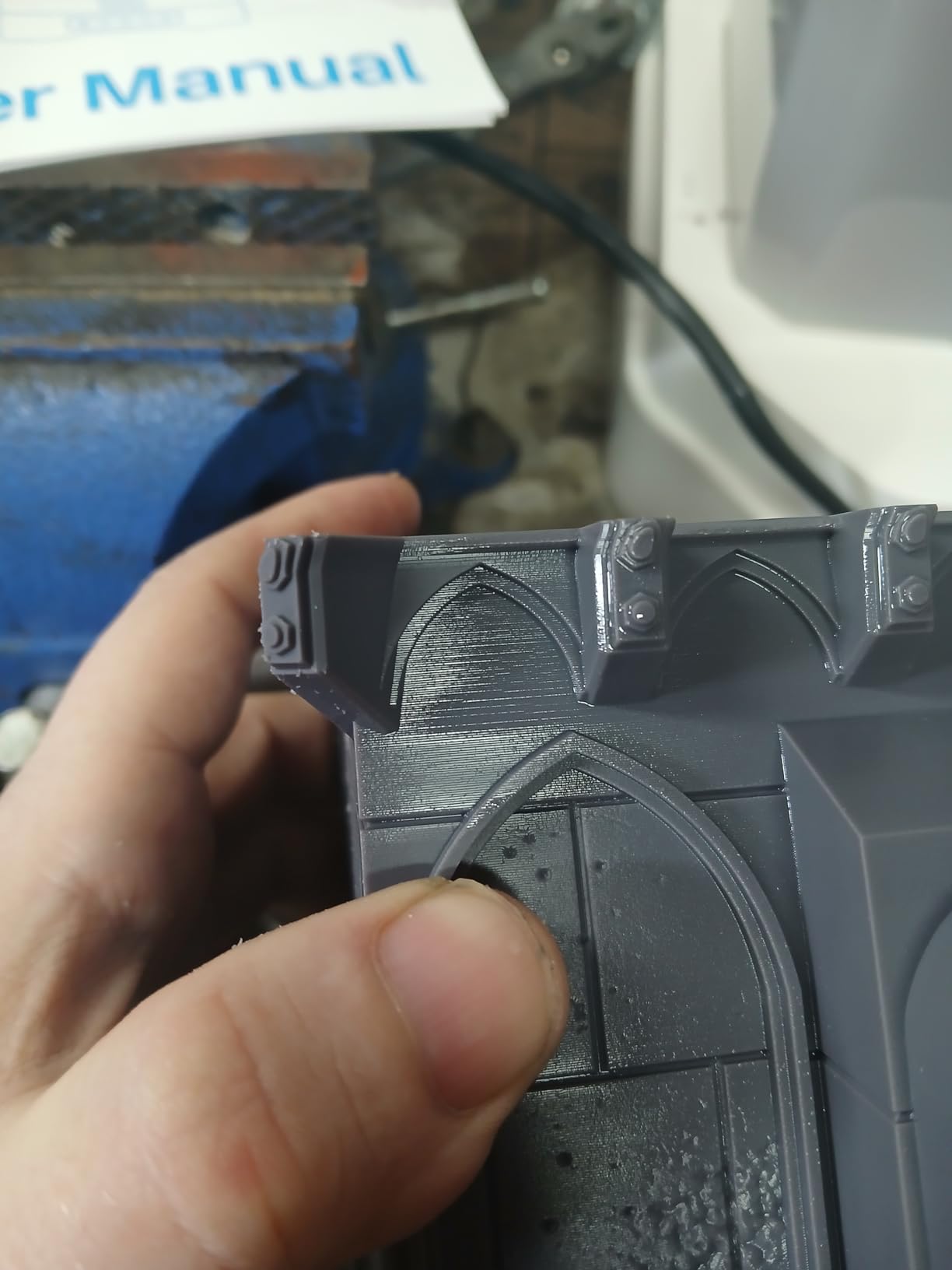
Here is the honest limitation, and it is a real one for this roundup: the 15 inch 8K monochrome LCD resolves 43 micron XY. Multiple reviewers point to 16K machines as the better benchmark for true tabletop miniatures. At 28mm and above, that difference is visible on engraved detail and fine hair.
Who should buy a throughput machine and who should not
This is a no-frills production machine. It lacks Wi-Fi, camera monitoring, and auto-leveling, so calibration is manual and nobody is watching the print for you. The self-filling resin mechanism is reported as weak, and the oversized plate requires holes, so flex plates cannot be used, which removes one common way to stop suction cupping on a plate that size.
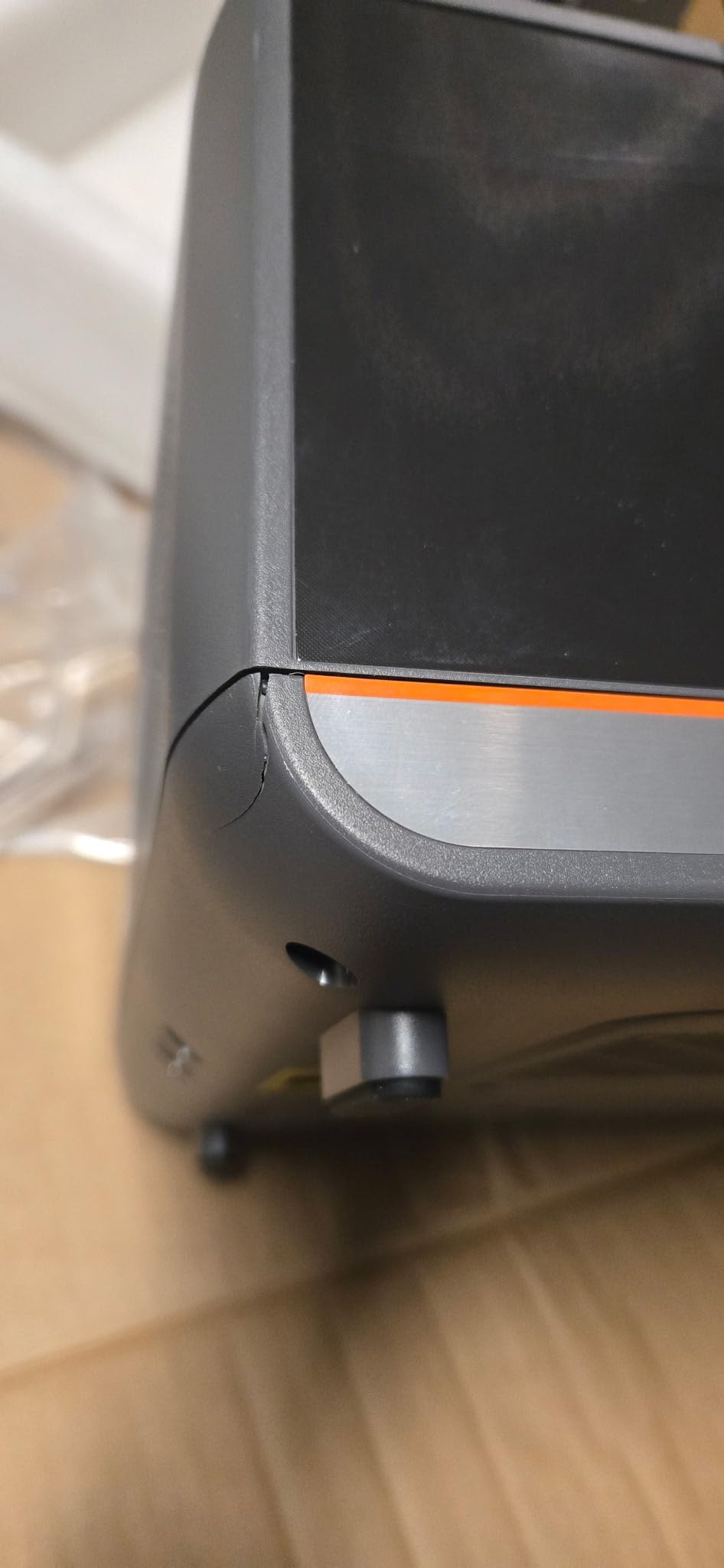
Several owners reported LCD, main board, and power supply failures, with the warranty only three months on some parts, and replacement parts are expensive relative to the purchase price. Achieved print speeds also fell well short of advertised claims, and one plastic cover arrived cracked from shipping. With 49 reviews at a 4.0 average, the sentiment is positive but the sample is small.
Is plate size worth 43 micron pixels for a hobbyist
Yes, for 1/32 scale rank-and-file models, and no for anything you will hold in your hand. Forty-three micron pixels are perfectly acceptable on a rank of 20 goblins you are painting in batches, and the 80-model plate turns a two-week project into a single evening. That is the workload this machine was designed for.
They are not acceptable for a single hero miniature with fine hair or engraved runes, which is the opposite end of this roundup. The 16K panels here resolve roughly 17 to 20 micron pixels, and the gap is obvious under a gaming table light on a painted character. If your hobby is heroics rather than armies, the throughput number is not worth the resolution compromise, and a smaller sharper machine is the better buy.
Our verdict: choose it for plate throughput on a budget, not for detail. If crisp 32mm heroics matter more than army batching, the Saturn 4 Ultra 16K or the Reflex RS Turbo below are the better buys.
9. HeyGears Reflex RS Turbo – Best for Automated Workflows
HeyGears Reflex RS Turbo Resin 3D Printer with Amber Screen, High Contrast Ratio of 566:1, Delivering ±2μm High Precision and 4.5s/Layer High Speed, C5 Industrial Z-Axis and Auto Leveling
Amber screen at 566:1 contrast
Plus or minus 2 micron Z repeatability
4.5s per layer
One-click slicing
Pros
- Highest contrast amber screen in the roundup
- Industrial ball-screw Z with repeatable alignment
- One-click slicing and automatic model repair
- Floating screen auto-leveling
- Residue sensor auto-pauses the print
Cons
- Only 25 reviews so long-term reliability is unproven
- Workflow depends on the manufacturer's software
- Limited individual review feedback
The most interesting machine in this line-up, and the one with the least evidence behind it. The amber screen with a composite dyed polarizer film reaches a 566:1 contrast ratio, which delivers crisper detail and faster curing than a standard monochrome panel, and it prints at 4.5 seconds per layer. On a miniature, high contrast is exactly what separates a readable eye from a smudge.
The Z-axis is the story. A C5 industrial ball-screw assembly is tested over 10,000 cycles under 50 kg load for plus or minus 2 micron repeat positioning accuracy, and the floating screen auto-leveling corrects deviations up to 0.15 degrees. Printing tolerance is 0.05 mm or better, and COB lighting is calibrated into 60 zones to keep light variation within 3 percent. That is a level of measurement the rest of this roundup does not publish.
The software is where the time saving lives. Automated pre-processing handles inverse normals, holes, and intersecting shells, one-click slicing generates optimal supports automatically, motion control reads data 80 times per second, and the Dynamic Motion Algorithm 3.0 selects from 18 parameter sets for a claimed 33 percent speed boost. Adaptive Process Packages apply Z compensation for up to 180 angle-hole-edge combinations, and a diagnostic report is generated after each job.
A force sensor with 0.1 N sensitivity detects resin residue as fine as 0.2 mm and auto-pauses before damage occurs. Support is listed as 24-hour with in-software troubleshooting. This is the machine to watch if you print semi-regularly and want the prep work to disappear.
Why we are recommending a machine with 25 reviews
We are recommending it cautiously, and you should read the reasoning. The 4.7 average across 25 reviews is the highest in this roundup, with an 88 percent five-star share and only 6 percent one-star, and the specification is genuinely the most measured one here. But no individual review text was returned for this machine in our research, so we have no long-term ownership data at all.
There is also a workflow trade-off. Adopting this machine means adopting the manufacturer’s slicing and Adaptive Process Package approach, which is a real change for anyone settled in ChiTuBox or Lychee. If you enjoy tuning profiles, that constraint will irritate you. If you want plates that just work, it is the whole point of the machine.
Is the software workflow worth changing slicers for
Worth it if you would rather press one button than curate supports for every plate. Automatic pre-processing, one-click slicing, model repair, and a post-job diagnostic report together remove the prep work that most hobbyists find tedious, and the force sensor that pauses on 0.2 mm residue protects the screen without you watching the vat.
Not worth it if you have tuned profiles you trust. The Adaptive Process Package approach is opinionated, and moving an existing library of minis from ChiTuBox means revalidating exposure and support settings one plate at a time. The 2 micron Z repeatability and 566:1 contrast are the best published numbers here, but 25 reviews is not a long-term reliability record, so treat this as the machine to watch rather than the machine to bet a print shop on.
Our recommendation: this is the speculative pick in the roundup, and we would pair it with a filament printer as a known-good fallback while you learn its software. If you want proven long-term ownership instead, the Photon Mono at the top of this list has the deepest review history by a wide margin.
Before You Buy: Is Resin Actually Right for You?
Resin printing is a materials-handling hobby as much as a 3D printing hobby, and this is where most first purchases go wrong. The most repeated advice in r/PrintedMinis from experienced owners is that doing resin prints without a dedicated workshop-style space is ill-advised. That is not gatekeeping; it is a fair description of what the workflow involves.
Before you order, be honest about four things. Do you have a space where liquid resin, isopropyl alcohol, and nitrile gloves are acceptable? Resin that is not cleaned up immediately tracks across everything. Will you ventilate? A carbon filter in the machine helps with odour but is not a substitute for air movement. Are you willing to wash parts? An unwashed print is tacky, uncured, and will stick to anything it touches. And can you accept a vat, a build plate, and a screen as recurring maintenance items rather than a one-time purchase?
If the answer to any of those is no, start with filament for terrain and revisit resin in a year. Our beginner printer guide covers that path, and the two-printer setup most experienced tabletop players converge on is a resin machine for figures plus a filament machine for terrain.
What Actually Matters When Choosing a Resin Printer
Seven things decide miniature quality, and only two of them appear on the front of the box. Here they are in the order we would weigh them.
1. XY pixel size, not the resolution number. Marketing labels mislead here, and this is the single most common complaint we saw from buyers. A 4K panel on a small screen can be worse than an 8K panel on a larger one. Look for the physical pixel size in microns. Below 35 microns is where miniatures start to look sharp, 17 to 25 microns is the current sweet spot, and anything above 40 microns will soften engraved detail. Our picks span 16.8 x 24.8 microns up to 43 microns, and that gap is visible on a painted 32mm hero.
2. Layer height capability, which is not the same as XY resolution. A sharp screen printed at 0.05 mm still shows stair-stepping on a curved cloak. For miniatures, stay between 0.025 and 0.04 mm layer height, and only increase that for speed on a batch you can live with. XY resolution handles detail on the flat plane; layer height handles the curve.
3. Z-axis repeatability. This is the quiet differentiator. A ball-screw Z-axis with a stated plus or minus 2 micron repeatability holds layer alignment far better than a lead screw on a budget machine, and it is why the same 14K panel can produce different results on two printers. If a manufacturer publishes a repeatability figure, treat it as meaningful. Dual linear rails and a Z-axis guide rail with a stepper motor are the second tier of reassurance.
4. Build volume, and the trap inside it. Larger plates are not automatically better. A 302 mm plate that measures from the top of the vat leaves you less usable space than the headline number suggests, and a huge plate makes adhesion harder because suction cups more of the surface. Buy volume when you print large models, and buy smaller when you print characters. Most players who need both end up with two machines.
5. Tilt release and plate surface engineering. Tilt release turns a lift-and-peel into a tilt-and-slide, which is faster and gentler on delicate features like a raised sword or a cloak edge. Release films matter just as much: ACF and Pictor-style films reduce peel force, and that is what stops a miniature tearing off the plate at layer 300 of 800.
6. Auto-leveling, and how honest it is. Self-levelling and multi-point auto leveling remove the most common beginner failure, but auto-leveling is not adhesion. Several machines in this roundup report successful leveling followed by parts that still pop off, and auto resin feeding systems that keep pumping after they should stop. Treat these as conveniences, not guarantees, and keep a manual levelling check in your first-month routine.
7. Post-processing, which is not optional. Every resin mini needs washing and a proper UV post-cure. A wash and cure station pays for itself quickly once you print more than a handful of models a month, and IPA, nitrile gloves, resin filters, and replacement vat film are a permanent line in your budget. A vat film on a fixed-frame machine that cannot be replaced with supplied tools is the ownership trap we would most want you to avoid.
On resin choice itself: standard detail resin for faces and clean detail, tough or ABS-like resin for anything handled, and a 70/30 blend of the two as a good default for general minis. For settings, start at 0.03 mm layer height, run the machine’s own exposure test matrix rather than guessing, and expect the first week of prints to be calibration. That is normal for MSLA, not a sign you bought badly.
Frequently Asked Questions
Are resin printers better for miniatures than filament printers?
Yes, for characters and small detail. Resin printers resolve features around 17 to 43 microns, so faces, chainmail, and engraved runes stay readable instead of blending into layer lines. Filament still wins on build volume, material cost, and safety, which is why most experienced players keep one of each.
Do I need a 4K or 8K printer for Du0026amp;D minis?
A 4K panel is enough for solid 28mm and 32mm characters if your layer height is between 0.025 and 0.04 mm. Below 35 micron pixel size is where miniatures start to look sharp, and 17 to 25 microns is the current sweet spot. Resolution labels alone are misleading, so check the physical pixel size in microns.
Should beginners prioritise resolution or build volume?
Resolution first. Most beginners print characters rather than terrain, and detail matters more than plate size. Buy a large build volume only when you regularly print big models or terrain, and be aware that large plates make adhesion harder because suction cups more of the surface.
Do I need a wash and cure station for resin miniatures?
You need washing and UV post-curing, and a station is the easiest way to do both consistently. Washing by hand with a toothbrush and isopropyl alcohol works at low volume, but a station pays for itself once you print more than a handful of models a month, because an uncured part is tacky and will stick to everything it touches.
What is the most reliable resin 3D printer for miniatures?
Reliability is best judged by review volume rather than specification. The ANYCUBIC Photon Mono has over 2000 reviews at a 4.3 average and a track record of holding calibration for years, which is why it is our top pick. Newer machines in this roundup, including the HeyGears Reflex RS Turbo and the ELEGOO Jupiter 2, have far less long-term data behind them.
Can one resin printer handle both miniatures and terrain?
Rarely well. A small character printer cannot fit a dungeon tile, and a large terrain machine often resolves detail too coarsely for a painted 32mm hero. The setup that keeps appearing in community threads is one resin machine for figures plus one filament machine for terrain, which also keeps large prints cheap and safe.
Which Resin Printer Should You Buy in 2026?
Buy the ANYCUBIC Photon Mono if you want proven, quiet, low-fuss printing and the deepest ownership record in the category. Buy the ELEGOO Mars 5 Ultra if you want the shortest path from box to finished character with self-levelling and a camera. Buy the ELEGOO Saturn 4 Ultra 16K if your hobby is batching armies and you want the sharpest panel we could justify recommending to the community. Only step up to a large-format machine once you are printing monsters and terrain regularly.
Whatever you choose, set up the ventilation, gloves, IPA, and a wash and cure station before the first print, and use a community settings profile from day one. That is where most of the disappointment in this hobby actually comes from. If you are still comparing categories, our guides to beginner 3D printers and tabletop easels cover the rest of the hobby setup once your minis are painted.