

A Raspberry Pi starter kit is a bundle that pairs a Raspberry Pi single-board computer with the parts you cannot skip: a correctly rated power supply, a case, active cooling, and a pre-loaded microSD card. Our best overall pick for home projects is the CanaKit Raspberry Pi 4 4GB Starter PRO, a 4.8-rated kit with more than 6500 reviews that boots to a desktop without a single extra purchase.
We spent weeks comparing ten kits against the questions that actually trip people up: does the box include the board, does the power supply meet spec, is there a fan, and is the documentation good enough to build something on day two. Five of our ten picks arrive without a Raspberry Pi board at all, which is the single biggest reason first-timers get frustrated.
This guide covers complete board bundles, sensor learning kits, and add-on bundles for people who already own a Pi. We also map each kit to the home projects it can realistically build, because that is the part competitor roundups leave out.
If you want the short version, the CanaKit PRO is the safest first machine. If you plan to wire sensors into GPIO pins, the Raspberry Pi kits for beginners guide we published earlier covers the learning side in more depth.
Table of Contents
Top 3 Raspberry Pi Starter Kits for Home Projects in 2026

CanaKit Pi 4 4GB Starter PRO
- 4GB board
- 32GB preloaded card
- 3.5A USB-C supply
- case with fan mount


Best Raspberry Pi Starter Kits (October 2026)
| Product | Specifications | Action |
|---|---|---|
| CanaKit Raspberry Pi 4 4GB Starter PRO |
|
Check Latest Price |
| Vilros Raspberry Pi 4 Complete Starter Kit |
|
Check Latest Price |
| Vilros Raspberry Pi 4 4GB Basic Starter Kit |
|
Check Latest Price |
 iRasptek Basic Kit for Raspberry Pi 5 4GB iRasptek Basic Kit for Raspberry Pi 5 4GB |
|
Check Latest Price |
 Freenove Ultimate Starter Kit Freenove Ultimate Starter Kit |
|
Check Latest Price |
 SunFounder Raphael Ultimate Starter Kit SunFounder Raphael Ultimate Starter Kit |
|
Check Latest Price |
 RasTech Raspberry Pi 5 8GB 64GB Kit RasTech Raspberry Pi 5 8GB 64GB Kit |
|
Check Latest Price |
 Freenove Complete Starter Kit Freenove Complete Starter Kit |
|
Check Latest Price |
 SunFounder Da Vinci Starter Kit SunFounder Da Vinci Starter Kit |
|
Check Latest Price |
 KOOKYE 16-in-1 Smart Home Sensor Kit KOOKYE 16-in-1 Smart Home Sensor Kit |
|
Check Latest Price |
1. CanaKit Raspberry Pi 4 4GB Starter PRO – Best Overall for Home Projects
CanaKit Raspberry Pi 4 4GB Starter PRO Kit – 4GB RAM
Pi 4 4GB board
32GB preloaded microSD
3.5A USB-C supply
Case with fan mount and heat sinks
Pros
- Pre-loaded 32GB EVO+ card so it boots immediately
- Fan-mount case plus low-noise bearing fan
- CanaKit USB-C PiSwitch for clean on and off
- 4K60p display cable included
Cons
- 32GB card fills up fast once you install extra services
- Older Pi 4 platform than Pi 5 kits
- No breadboard or sensors in the box
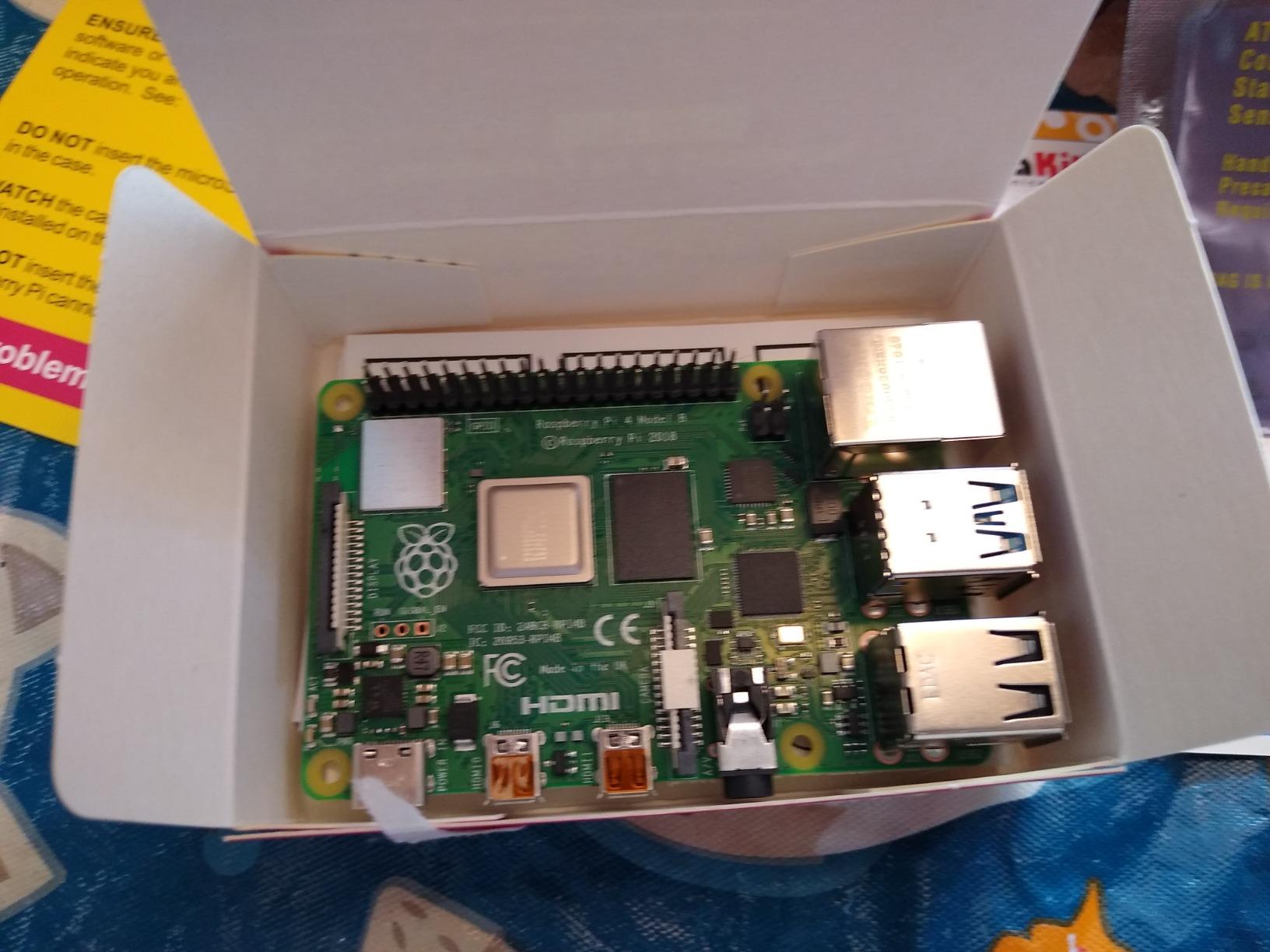
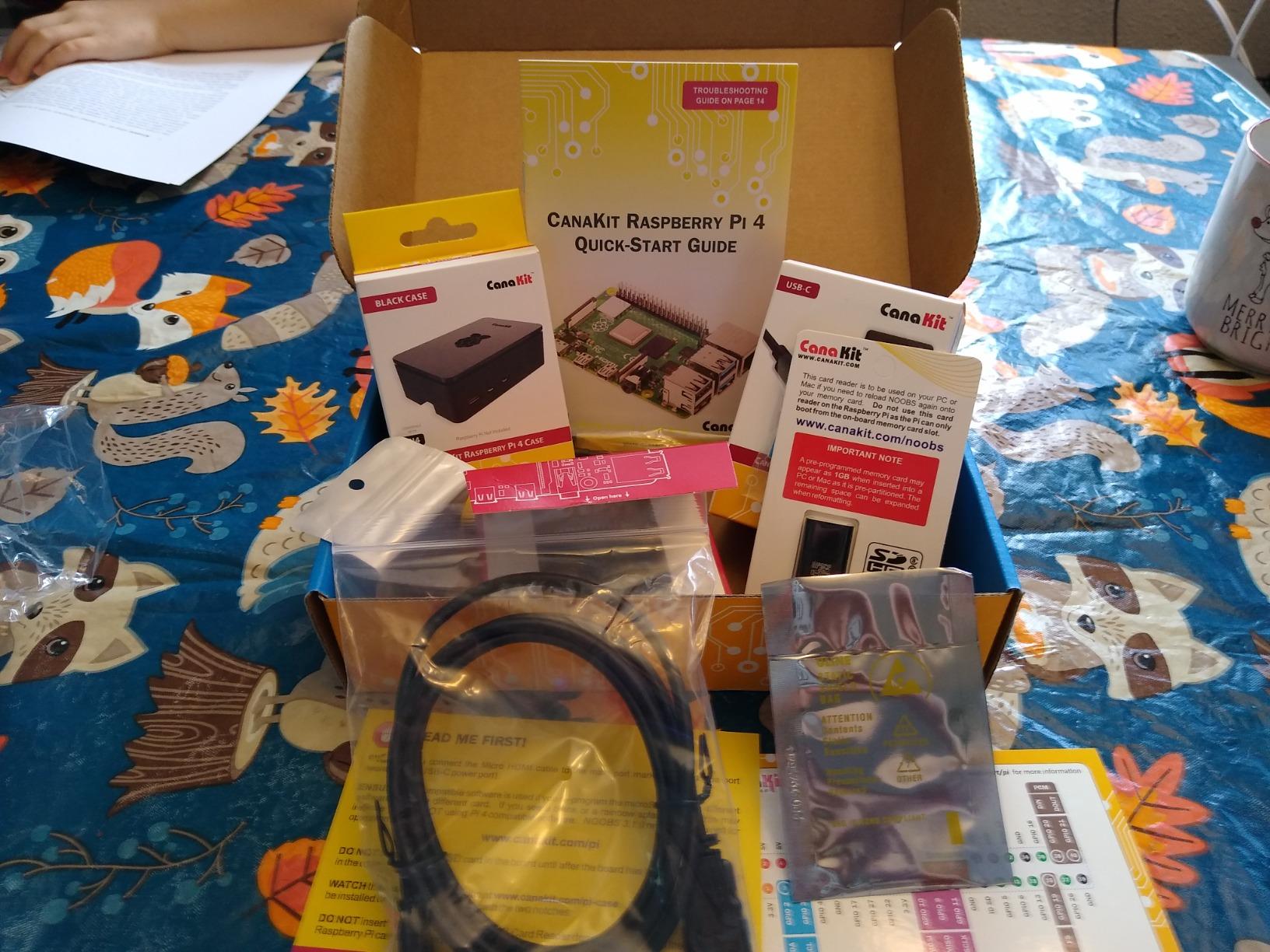
This is the kit I hand to friends who have never touched a single-board computer. The box holds a Raspberry Pi 4 4GB Model B, a 32GB Samsung EVO+ card already imaged with an operating system, a high-gloss case with an integrated fan mount, a USB-C power supply rated at 3.5A, heat sinks, and a six foot micro-HDMI to HDMI cable.
The part that matters most is the power supply. Undervoltage warnings and random reboots are the number one cause of a failed first Pi setup, and a correctly rated USB-C supply removes that failure mode before it starts. The PiSwitch adds a physical on and off button so you do not have to yank the cable to shut down cleanly.
Our first three home projects on this board were Pi-hole for network-wide ad blocking, a RetroPie image on a spare monitor, and a Home Assistant node feeding two sensors. All three are documented well enough that a beginner can finish them in an evening.
The 32GB card is the weak spot. Once you add Pi-hole, a media library, and a few container images, you are close to full, and swapping to a larger card or booting from NVMe is the first upgrade most people make. A 1.5GHz Broadcom quad-core with 4GB of LPDDR4 handles all of that comfortably at desktop-lite speeds.
Reviewers consistently single out the case and the fan as the reasons this kit holds up over time. On r/Microcenter, one buyer put it plainly: better case, better cooling, better microSD. That matches what we saw across thousands of reviews.
What it is genuinely good for
It suits a first machine that will sit beside a router or a television. Pi-hole, a RetroPie console, a file server, and a Home Assistant node all run comfortably on the 1.5GHz quad-core, and the included cables mean nothing extra to buy before the first boot.
It also suits anyone who wants GPIO projects later without another purchase. The 40-pin header is exposed on this case, so breadboards and jumper wires reach it directly.
Where it falls short
The 32GB card is genuinely tight for a self-hosting setup. Plan on a 64GB or 128GB card, or an NVMe HAT, within the first few months.
This is a Pi 4 kit, not a Pi 5 kit. If your workload includes compiling code, running several containers, or local AI experiments, the Cortex-A76 boards in this list run two to three times faster. For browsing, media, ad blocking, and sensors, the Pi 4 is the sensible purchase.
2. Vilros Raspberry Pi 4 Complete Starter Kit – Best Bundled Pi 4 Package
Vilros Raspberry Pi 4 Complete Starter Kit- Includes Raspberry Pi 4 Board, Fan Cooled Case, 64GB Preloaded Micro SD Card and More (4GB, Clear Transparent Case)
Pi 4 4GB board
64GB preloaded microSD
Clear fan-cooled case
Neoprene storage bag
Pros
- 64GB card gives you double the capacity of a 32GB bundle
- Storage bag is genuinely useful for moving projects
- Inline on and off switch on the power lead
- No tools needed to assemble
- Works with 2GB 4GB and 8GB Pi 4 variants
Cons
- Fan develops a hum over time on some units
- QuickStart guide is thin for beginners
- No warranty listed
This is one of the more generous Pi 4 bundles in the list. You get a 4GB Raspberry Pi 4 Model B, a 64GB card pre-loaded with Raspberry Pi OS, a clear fan-cooled case, four heat sinks, a USB-C power supply with an inline switch, an HDMI cable, a USB adapter, a quick-start guide, and a neoprene storage bag.
The 64GB card is the differentiator. It removes the most common first-week complaint we hear, which is running out of space, and it means you can install Pi-hole plus a media library plus Home Assistant without an immediate card swap.

The case is well ventilated with a pre-installed fan, so cooling is handled before you add anything. Assembly needs no tools.
The recurring complaint is fan noise. Reviewers report a low buzz that develops after months of use, and several note that tightening the case screws reduces it. If the machine will sit in a living room next to a television, that is worth knowing.

What it is genuinely good for
Choose this one if your home projects are services rather than gadgets. A Pi-hole DNS resolver, a Samba file server, a media centre attached to a television, and a lightweight Home Assistant install all benefit from the extra storage headroom.
The storage bag also makes it practical to move the machine between the living room, the office, and a friend house without improvising a container.
Where it falls short
The quick-start guide does not walk a first-timer through imaging an SD card or enabling a GPIO library in any depth. If you already know your way around a terminal you will never open it again.
Like most kits here, there is no monitor, keyboard, or mouse in the box. Plan to run it headless with SSH after the first boot, or borrow a screen from an existing computer.
3. Vilros Raspberry Pi 4 Basic Starter Kit – Best Value When You Already Have Storage
Vilros Raspberry Pi 4 4GB Basic Starter Kit with Fan-Cooled Heavy-Duty Aluminum Alloy Case
Pi 4 4GB board
Heavy-duty aluminium alloy case
Pre-installed fan
USB-C supply with on and off switch
Pros
- Aluminium case dissipates heat better than plastic cases
- Fan already fitted so cooling is not an add-on
- One year warranty included
- 4GB RAM handles retro gaming and media centre work
- Cleaner build than buying a board and case separately
Cons
- SD card not included so you must source one
- No HDMI cable or storage bag
- Fewer accessories than the complete kit
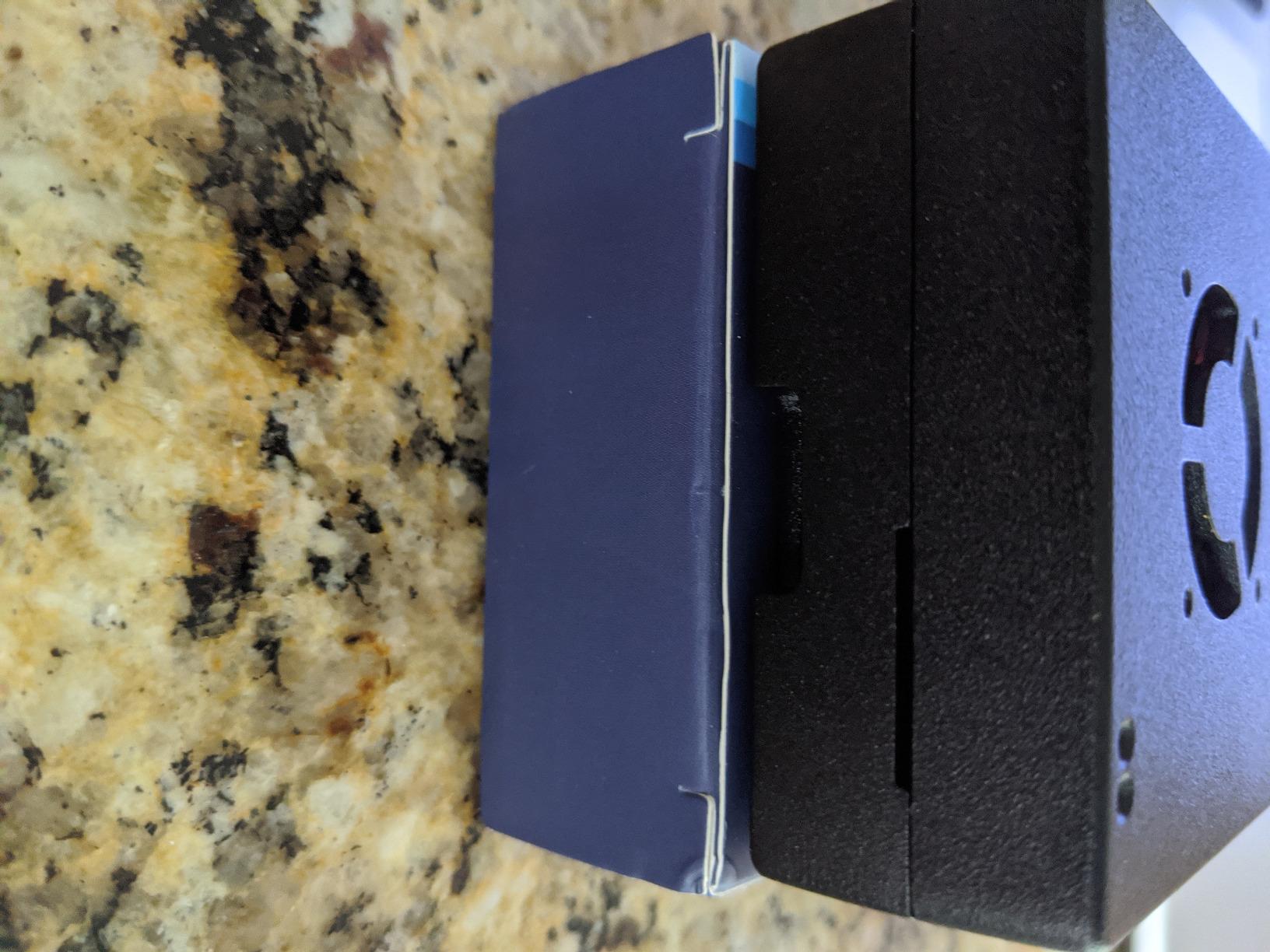
This is the aluminium-case version of the same 4GB Pi 4 board. The heavy-duty aluminium alloy enclosure with a pre-installed fan is a better thermal solution than the plastic cases used by most bundles, and the USB-C power supply has an on and off switch.
Here is the catch, and it is the one thing you must read before buying: the SD card is not included. You supply your own card and flash it yourself, which is a longer job the first time and quicker on every build after.
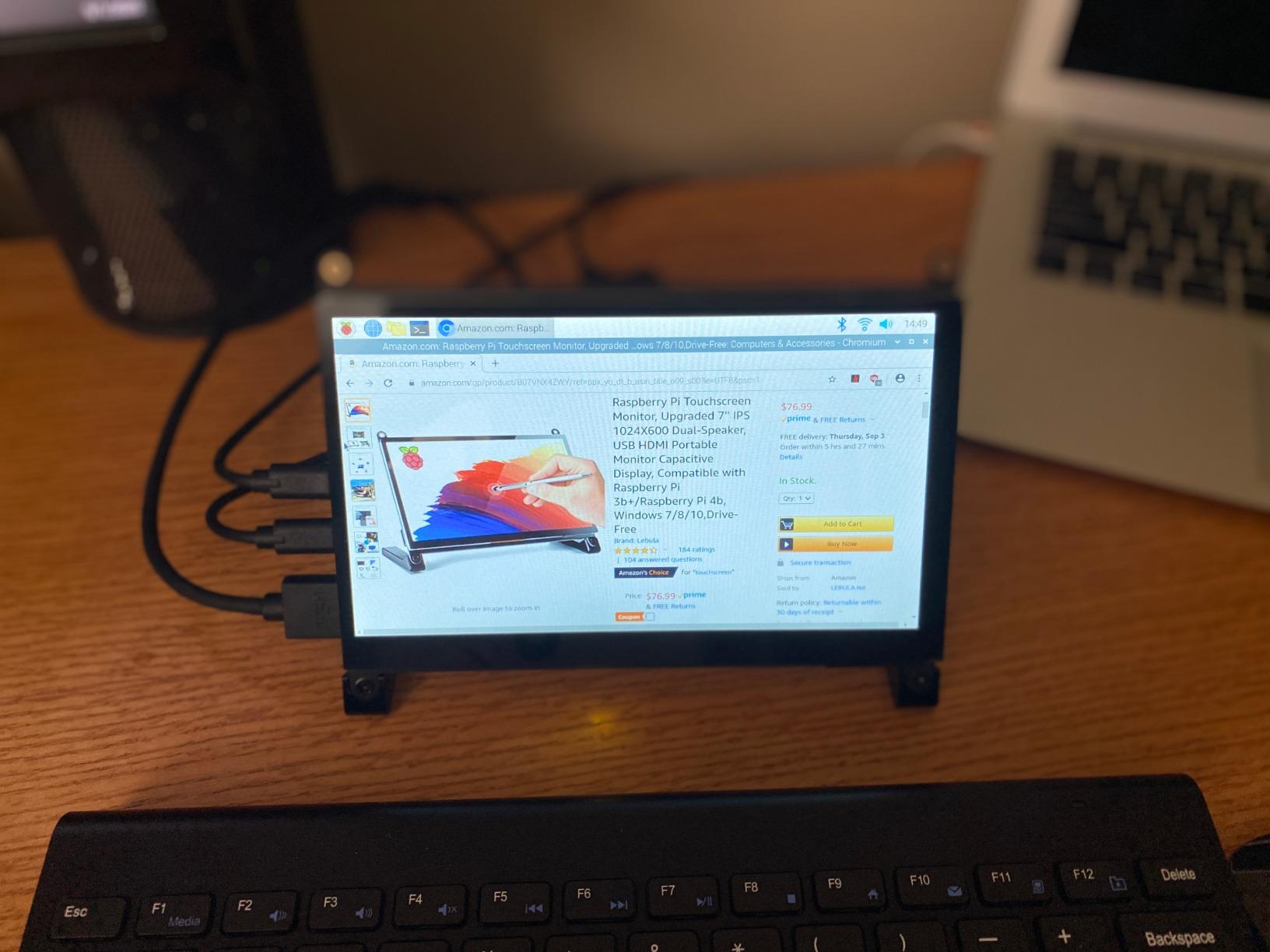
If you already own cards, a reader, or a spare screen from an older build, this kit makes the most sense. The aluminium shell is also the one we would trust for a retro gaming image, which hammers the CPU for hours.
The build quality feels higher than the price suggests. The 1.5GHz quad-core processor and 4GB of DDR4 handle RetroPie, a media centre, a time-lapse camera, or an ad-blocking server without complaint.
What it is genuinely good for
It suits retro gaming, ad blocking, and time-lapse builds where the machine runs hot for long stretches. Aluminium plus a fan is a better answer to thermal throttling than heat sinks alone.
It is also the sensible choice for anyone who has been through a first Pi already and knows which case and card they want.
Where it falls short
The missing SD card makes this a poor gift. Anyone who has never flashed an image will hit a wall before the interesting part begins, and that is exactly the friction a starter kit exists to remove.
No HDMI cable and no storage bag means you will need one cable purchase anyway. Factor that in before treating it as the cheaper option.
4. iRasptek Raspberry Pi 5 Basic Kit 4GB – The Pi 5 Board and Cooler Without the Rest
iRasptek Basic Kit for Raspberry Pi 5 RAM 4GB with Pi 5 Case and Active Cooler
Pi 5 4GB board
Anodized aluminium active cooler
Custom ABS case
Dual 4Kp60 output
Pros
- Includes a Pi 5 Cortex-A76 board running at 2.4GHz
- Active cooler included so the board throttles far less
- Cooler and case are cut for the Pi 5
- Dual 4Kp60 display output
- One year warranty
Cons
- No power supply or SD card in the box
- No cables included at all
- Only 109 reviews so far
This kit gives you the current-generation board and the two pieces that matter most on a Pi 5: a proper active cooler and a fitted case. The anodized aluminum cooler uses a PWM fan, which is the difference between a Pi 5 that throttles under load and one that sustains its clocks.
On paper the silicon is impressive. Four Cortex-A76 cores running at 2.4GHz and an 800MHz VideoCore VII GPU deliver roughly two to three times the CPU performance of the Pi 4 boards above, with dual 4Kp60 output.

Call it a bundle rather than a complete kit. There is no power supply, no microSD card, and no display cable in the box. A Pi 5 needs a proper USB-C Power Delivery supply, and pairing it with a phone charger is the classic cause of the undervoltage warning and reboots that make people think their board is faulty.
The case is moulded ABS in a red and white scheme with a partially hollowed shell for airflow and a transparent power button window. It looks good but does nothing for heat the way metal does.

What it is genuinely good for
If you already own a USB-C power supply and spare cards, or if you are assembling a multi-board home lab and want an extra Pi 5, this bundle makes sense. The board and cooler are the two things you would buy anyway.
For a desktop replacement or a coding box with several services running, the extra clock speed is real and measurable.
Where it falls short
The review base is thin. At 109 reviews it is the least proven board kit here, so treat the early rating as encouraging rather than settled.
It is also the least complete. Add a proper 27W-class USB-C supply, a micro-HDMI adapter, and a card, and you have spent more than a Pi 4 bundle for the same experience.
5. Freenove Ultimate Starter Kit – Our Pick for Learning GPIO
Freenove Ultimate Starter Kit for Raspberry Pi 5 4 Zero 2 W (NOT Included)
223 components
962-page tutorial
128 projects
Board not included
Pros
- Tutorial depth is the standout feature here
- 962 pages covering 128 projects with schematics and code
- Code in Python C Java Scratch and Processing
- Works with Pi models from the Zero up to the Pi 5
- Support responses are quick per reviewers
Cons
- Raspberry Pi board not included
- Tutorial is digital only with no printed copy
- Some wiring diagrams show the GPIO orientation inconsistently
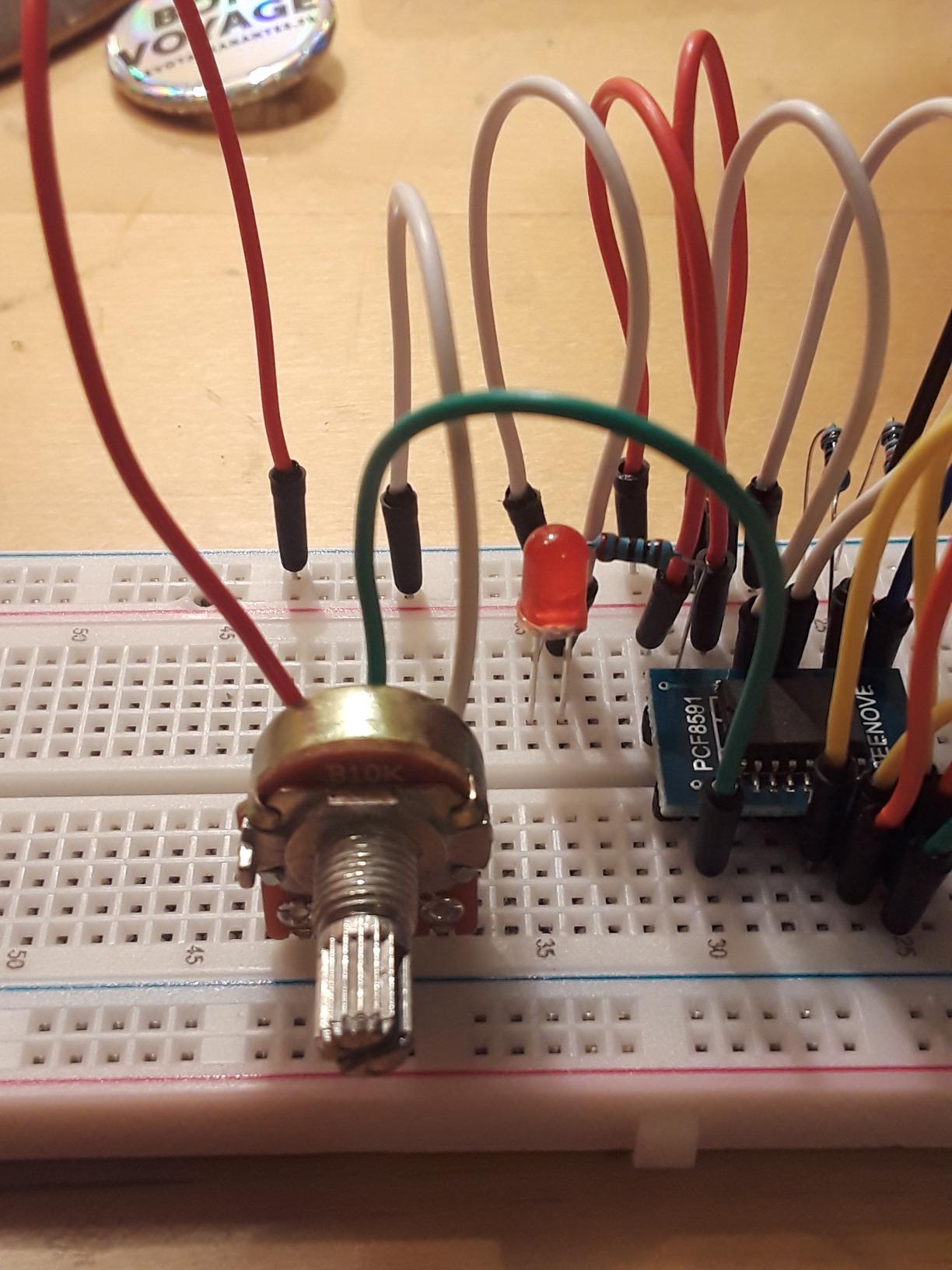
This is not a complete computer and it does not pretend to be. The Freenove Ultimate is a parts bin: 223 sensors, modules, jumper wires, and electronic components, paired with a 962-page tutorial covering 128 projects from a blinking LED up to wired automation.
That documentation depth is why this kit has stayed popular. Most included tutorial books stop at the first ten pages of blinking LEDs. This one has schematics, wiring diagrams, complete code, and an explanation for every project.
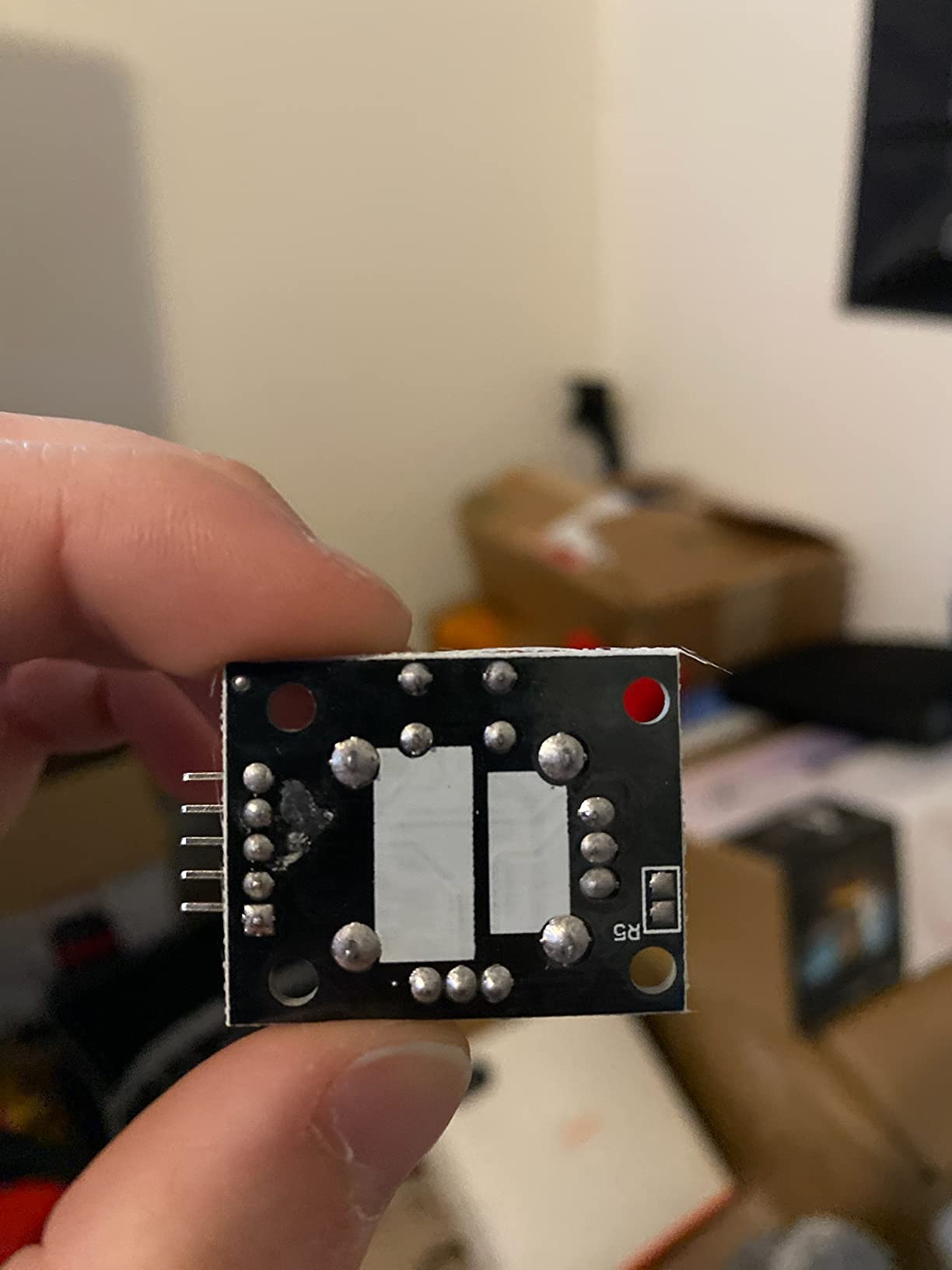
Code ships in five languages: Python, C, Java, Scratch, and Processing. That makes it a full programming course rather than a parts bundle, and the Scratch and Processing sections give younger learners a graphical way in.
Compatibility covers Raspberry Pi 5, 500, 400, 4B, 3B+, 3B, 3A+, 2B, 1B+, 1A+, Zero 2 W, Zero W, and Zero. Components arrive in a divided storage container, and resistors are 1% tolerance.
What it is genuinely good for
Pair it with any of the Pi 4 bundles above and you can build a weather station with DHT11 and BMP180 sensors, a PIR motion alarm, a relay-controlled lamp, or a soil moisture rig without buying a single extra part.
On r/RASPBERRY_PI_PROJECTS we regularly see the Freenove Ultimate mentioned as the kit people already own, usually alongside an older board. On the Raspberry Pi forums it gets recommended as an everything-but-the-Pi option.
Where it falls short
The Raspberry Pi board is not included, and the box says so on the front. Beginners sometimes read the word starter kit and assume a complete machine, so check the listing carefully.
223 components is overwhelming without a plan. Pick three projects, do them in order, and resist building a home server out of a parts bin.
6. SunFounder Raphael Ultimate Starter Kit – Our Pick for Video-Led Learners
SunFounder Raphael Ultimate Starter Kit for Raspberry Pi 5 4 B 3B B+ 400, Zero 2 W, RoHS Compliant, Python, C Java, Online Tutorials & Video Courses for Beginners (Raspberry PI NOT Included)
337+ components
70+ video lessons by Paul McWhorter
161 projects
Board not included
Pros
- The video course is the standout feature here
- Includes camera and speaker modules most kits skip
- 161 projects with a mix of sensors and actuators
- Code in Python C Java Node.js and Scratch
- Dedicated community forum and technical support
Cons
- Raspberry Pi board not included
- Videos are online only with no offline option
- Node.js adds a second language to learn
Where Freenove wins on written documentation, SunFounder wins on video. The Raphael kit includes more than 70 lessons led by Paul McWhorter, and 161 projects that walk from first wiring to multi-sensor builds.
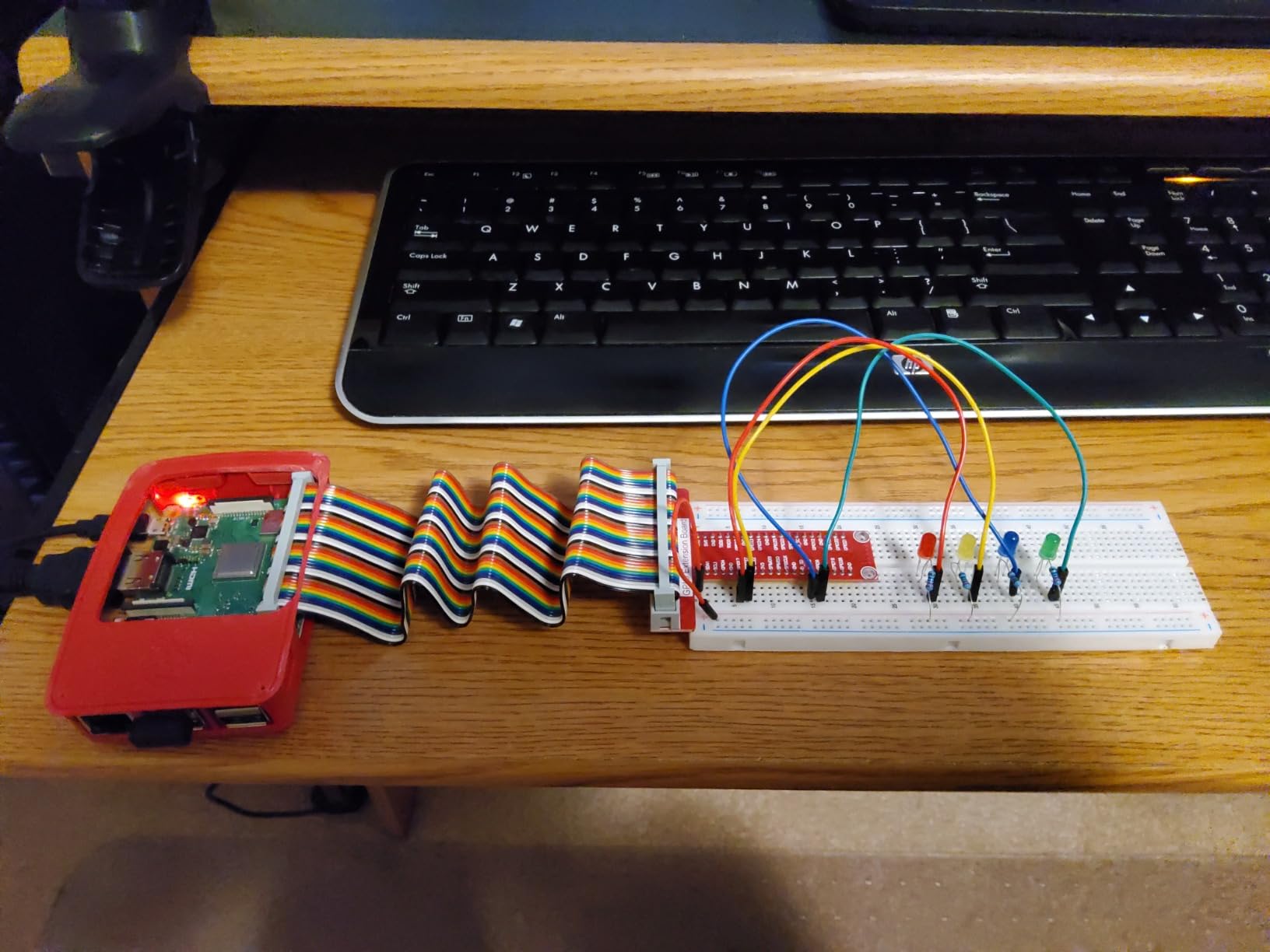
Video works well for GPIO work, because seeing the physical placement of a jumper wire removes most of the mistakes beginners make in their first hour of wiring.
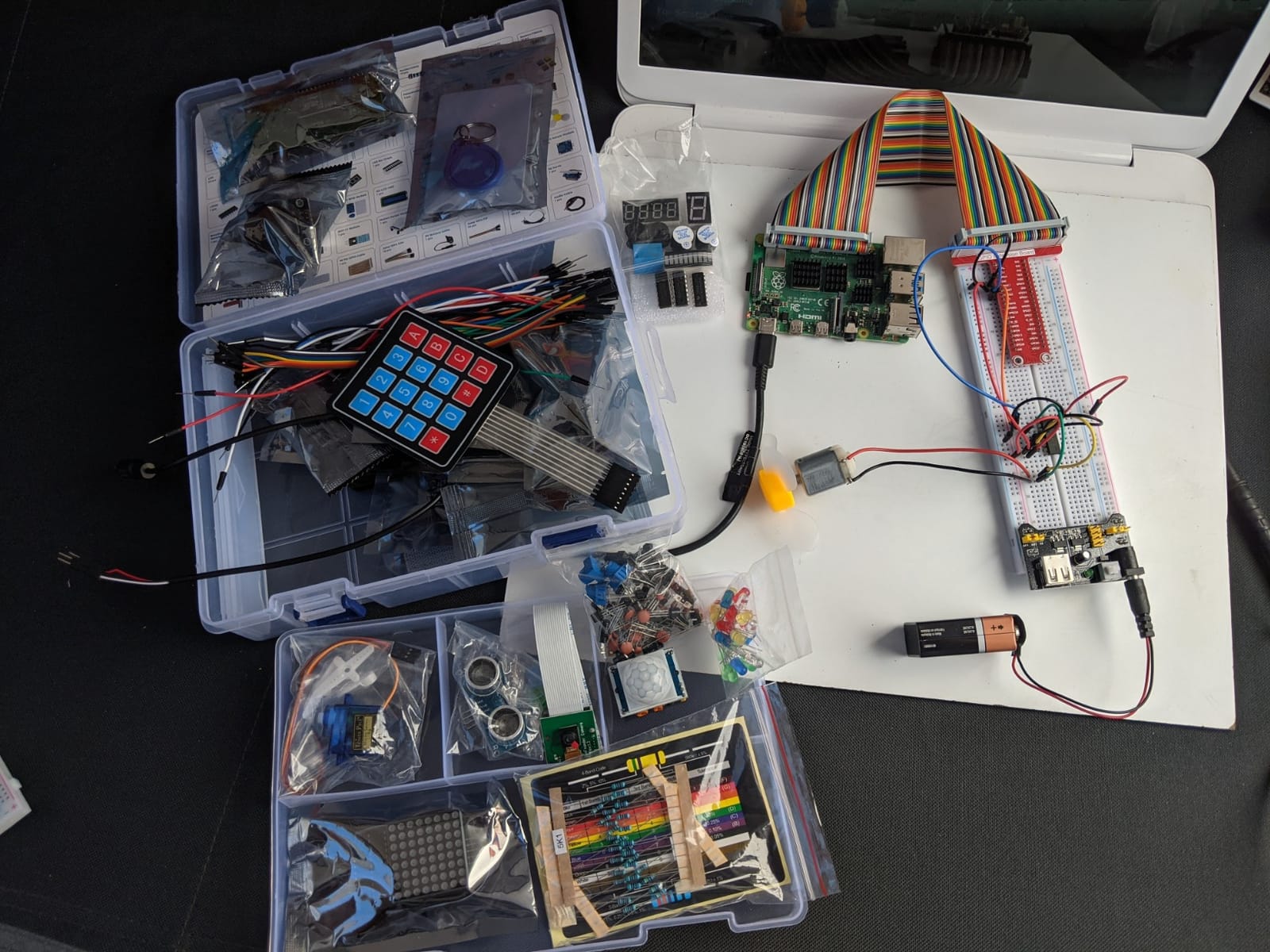
The hardware mix is also broader than most rivals at this level. You get more than 337 components including a camera module and a speaker, plus sensors, actuators, LEDs, and LCD displays. A camera and speaker in one box saves two separate purchases.
Code examples cover Python, C, Java, Node.js, and Scratch, and the components are RoHS compliant with a one year guarantee. Compatibility runs from the Pi 5 and Pi 400 down to the Zero 2 W.
What it is genuinely good for
This suits anyone who learns by watching. It works well for a camera-based project such as a smart mirror or a timed photo rig, and the speaker module gives you audio output without extra hardware.
The Node.js coverage helps if you want to push your projects towards web-connected devices rather than staying in Python.
Where it falls short
The board is not included, and the video course needs a reliable connection. There is no offline download path, which matters if you want the kit on a bench without reliable internet.
The listing shows a 1MB RAM field that is almost certainly a metadata error for an included component rather than the Pi. It is a small detail, but it is the kind of thing that erodes confidence on a first unboxing.
7. RasTech Raspberry Pi 5 8GB 64GB Kit – The Most Complete Pi 5 Package Here
RasTech Raspberry Pi 5 8GB Kit 64GB Edition with Active Cooler,27W GaN 5.1V5A USB-C Power Supply,Pi5 8GB Board,64GB Card Readers Kit,Pi 5 Case,Dual 4K Micro HD Out Cables and User Manual
Pi 5 8GB board
27W GaN USB-C supply
64GB card and readers
Active cooler and case
Pros
- Comes with a Pi 5 8GB board
- a rarity in kits
- 27W GaN supply removes undervoltage warnings
- 64GB SanDisk card plus two card readers
- Dual 4K micro-HDMI cables and a screwdriver included
- Active cooler and case fitted out of the box
Cons
- Most expensive kit in the list
- Case power button can clash with the board button
- Limited headroom for HAT expansion
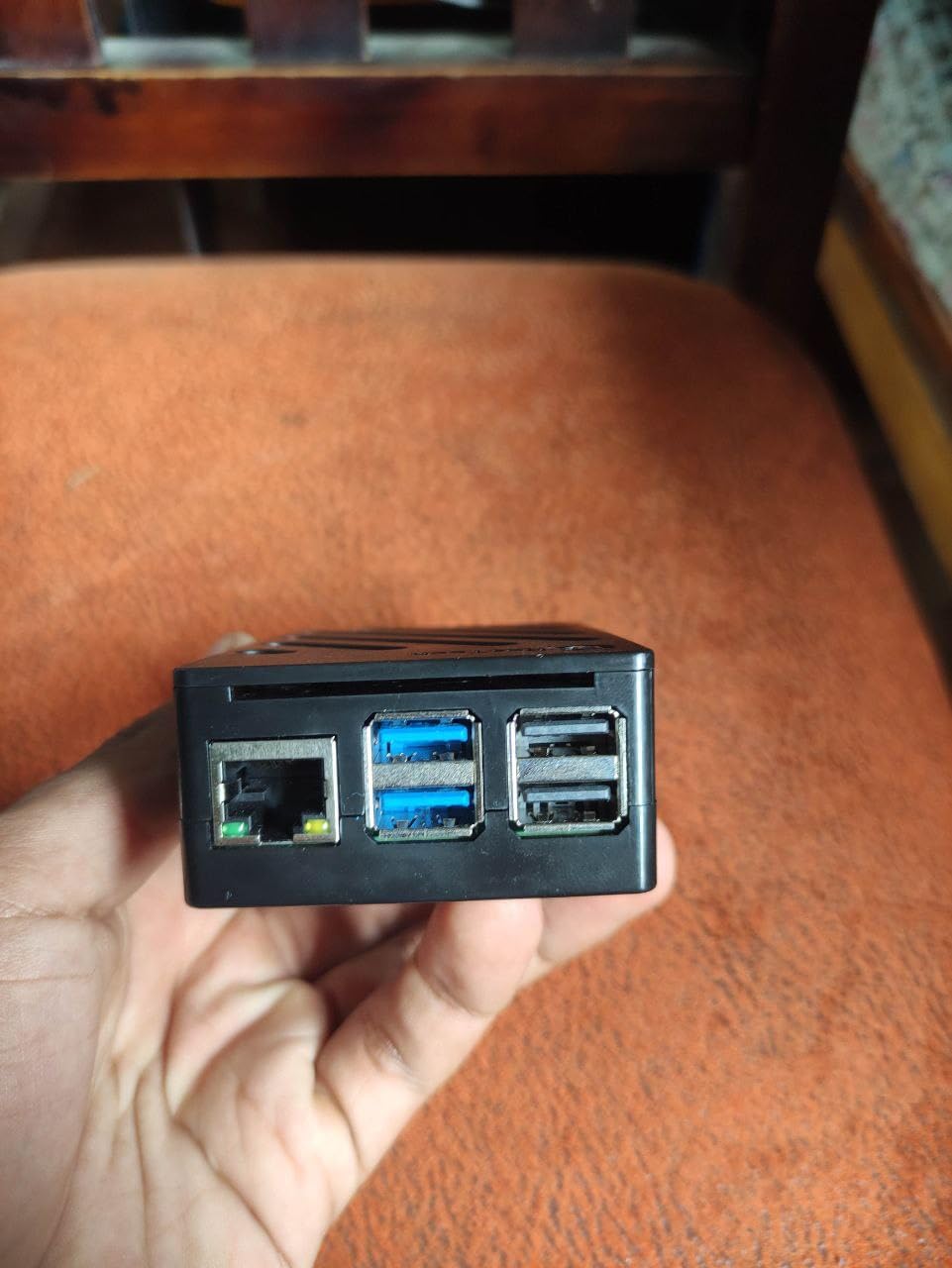
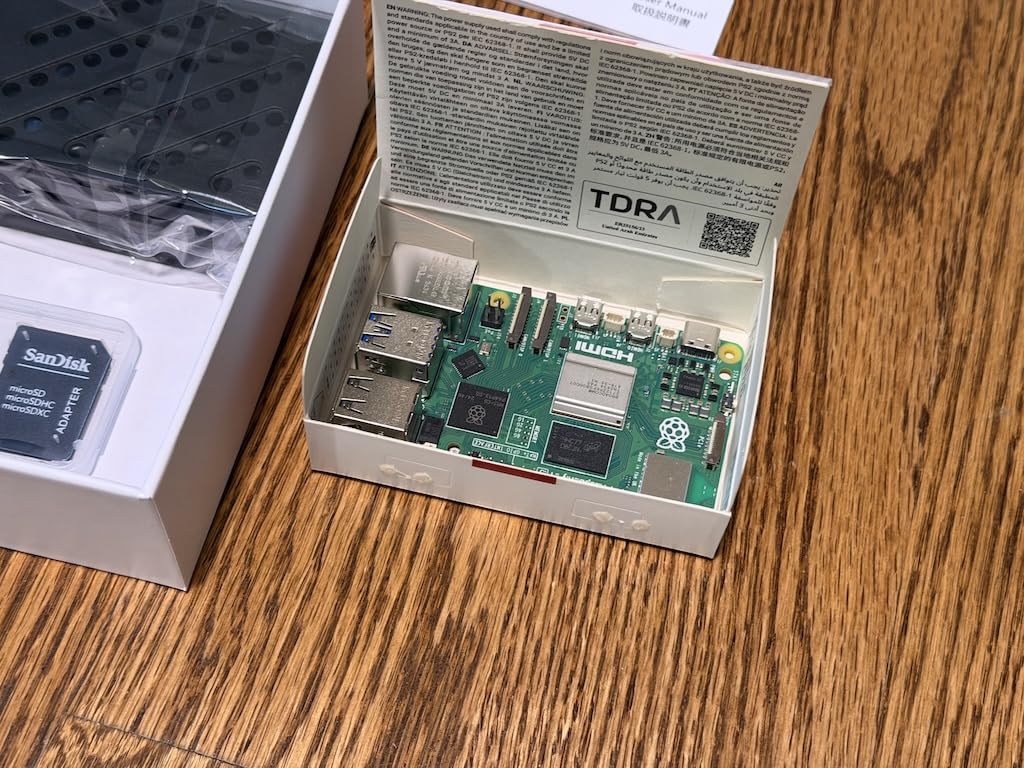
This is the most complete Pi 5 package in the roundup. The 8GB board uses LPDDR4X memory, and it arrives with a 27W GaN USB-C supply, a 64GB SanDisk microSD card, two card readers, an active cooler, a fitted case, dual 4K micro-HDMI to HDMI cables, a screwdriver, and a manual.
The 27W GaN supply is the standout part. It outputs 5.1V at 5A and offers higher voltage profiles, which is exactly what a Pi 5 with a USB SSD and an active cooler demands. Undervoltage warnings are effectively a non-issue here.
Eight gigabytes of RAM is the difference between a Pi that runs one service and a Pi that runs a handful. Add Home Assistant, Pi-hole, a file server, and a couple of containers and you still have room, where a 4GB board would be paging to the card.
The two card readers are a small thoughtful touch. Flashing images gets easier when you do not have to hunt for a reader.
What it is genuinely good for
It suits a homelab node or a self-hosting box. The 8GB headroom and 64GB of storage mean you can run several services from day one without a card swap or a second purchase.
On r/homeassistant the recurring advice is a Pi 4 or Pi 5 with SSD-backed storage rather than a kit, because reliability matters more than novelty. This kit is a close match to that advice out of the box.
Where it falls short
It costs the most of the ten. If your plan is one Pi-hole instance and a retro gaming image, you are paying for memory you may not use.
There are two documented case quirks: the case power button can interfere with the board button, and the thermal pad placement is not documented well enough, so several owners followed outside guides to get it right. The case is also tight for HAT expansion boards.
8. Freenove Complete Starter Kit – More Components and a Camera in the Box
Freenove Complete Starter Kit for Raspberry Pi 5 4 Zero 2 W (NOT Included)
386 components
1170-page tutorial
164 projects
Camera and speaker included
Pros
- 386 components
- the largest count in this roundup
- Longest tutorial here at 1170 pages with 164 projects
- Camera and speaker modules included
- Works across Pi models from the Zero up to the Pi 5
- Divided storage container keeps parts organised
Cons
- Raspberry Pi board not included
- Lower rating and review count than the Freenove Ultimate
- Camera and speaker modules do not work on Pi 5
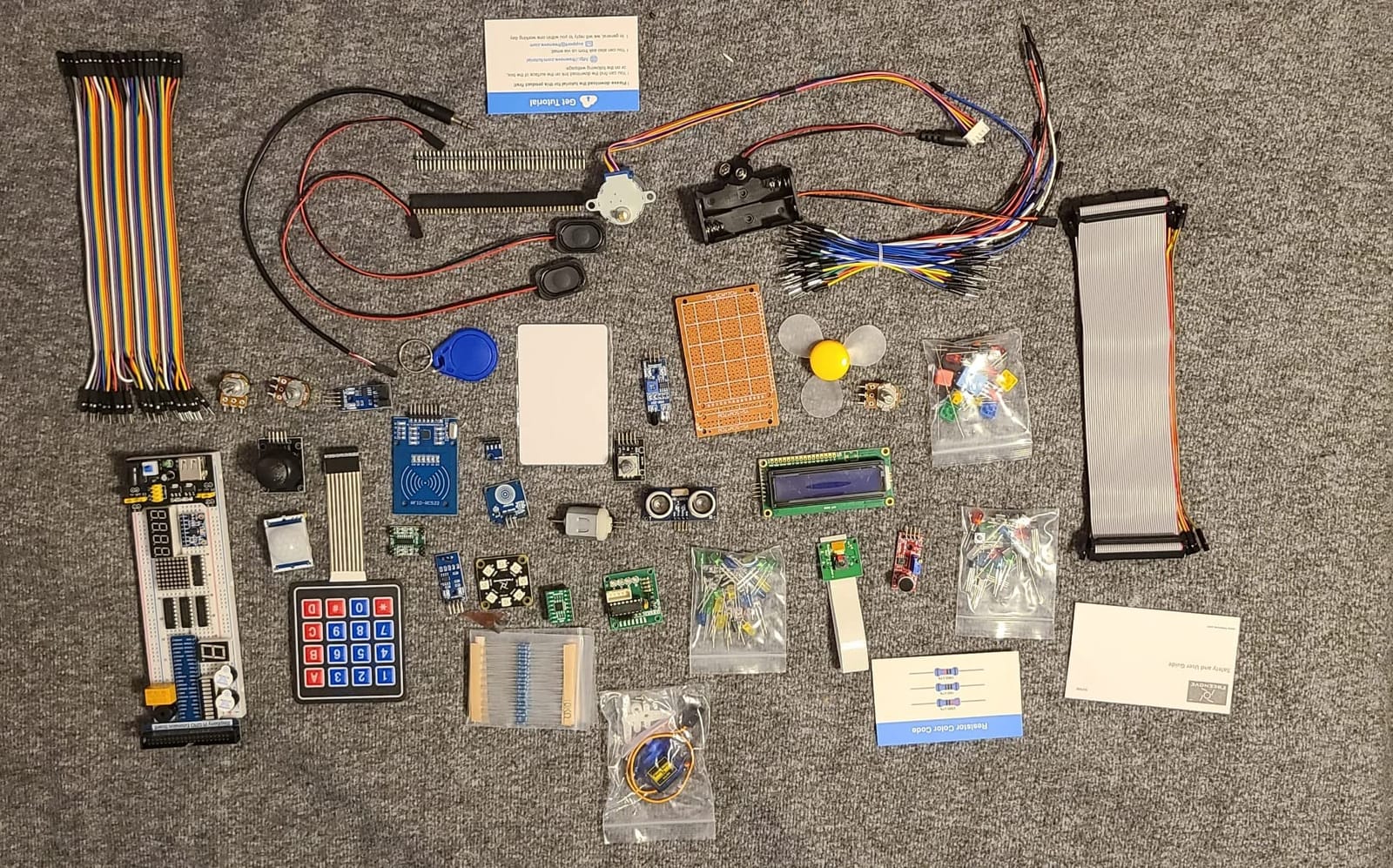
This is the bigger Freenove box: 386 components against 223 in the Ultimate, a 1170-page tutorial against 962, and 164 projects against 128. It also includes camera and speaker modules, which the Ultimate does not.
Example code counts are itemised in the listing: 51 Python, 46 C, 27 Java, 15 Scratch, and 25 Processing projects. That spread is what makes this a genuine course rather than a parts bundle.
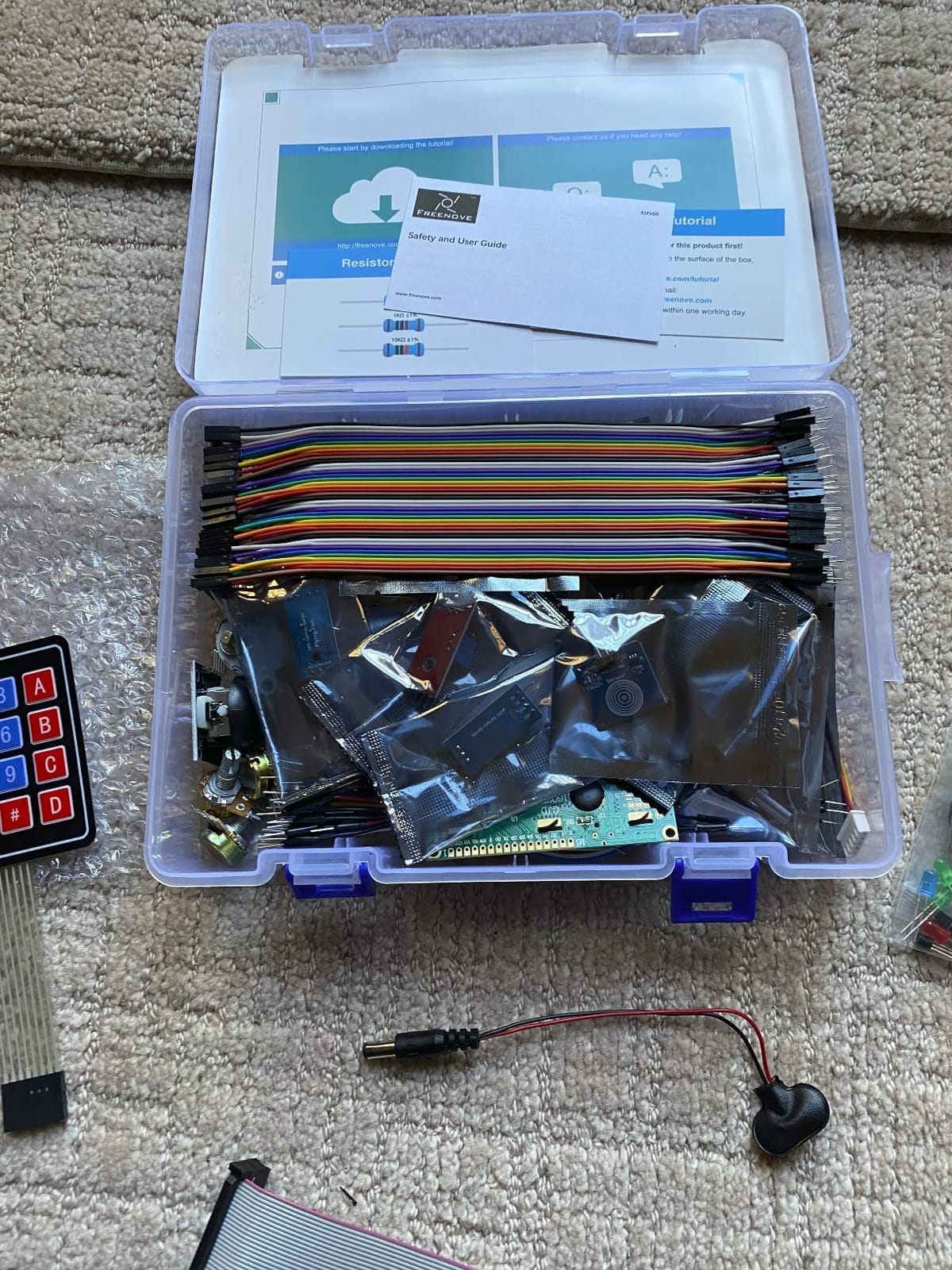
Compatibility is wide, covering the Pi 5, 500, 400, 4B, 3B+, 3B, 3A+, 2B, 1B+, 1A+, Zero 2 W, Zero W, and Zero. There is a one year limited warranty.
There is one compatibility trap to check before you buy. The speaker module does not work with the Pi 5, and the 400, 500, and Zero series do not support the camera or speaker modules.
What it is genuinely good for
It suits camera-based home projects. A motion-triggered security camera, a smart mirror feed, or an automated photo booth all need exactly the camera and speaker hardware this box includes.
If you want one kit to last several years of hobby work without buying modules individually, the component count is the reason to choose it over the Ultimate.
Where it falls short
The rating is lower than the Freenove Ultimate at 4.4 across 350 reviews, and a few buyers report rough edges in the tutorial translations. The Ultimate is the safer buy if documentation consistency matters most.
The board is not included, so this pairs with a Pi 4 or Pi Zero 2 W rather than the Pi 5 if you want the camera and speaker hardware to function.
9. SunFounder Da Vinci Starter Kit – Our Budget Video-Guided Pick
SunFounder Da Vinci Starter Kit for Raspberry Pi 5 4B 3B B+ 400, Zero 2 W, Python C Java Scratch Node.js, Online Tutorials & Video Courses for Beginners & Experts (Raspberry PI NOT Included)
300+ components
150+ projects
70+ video lessons
0.41 kg
Pros
- Weighs just 0.41 kg and stores easily on a workbench
- Same expert video course as the Raphael kit
- 300+ components covering sensors actuators LEDs and LCDs
- One year guarantee and dedicated support forums
Cons
- Raspberry Pi board not included
- No camera or speaker modules
- Some tutorials still reference the deprecated wiringpi library
The Da Vinci kit is the lighter, lower-cost sibling of the Raphael. It weighs 0.41 kg, holds more than 300 components across sensors, actuators, LEDs, and LCD displays, and comes with over 150 projects plus the same 70-plus video lessons.
For a learner who wants video instruction but does not need a camera, this is the sensible choice. You keep the teaching material and drop two expensive modules you may never open.
The five language support is the same: Python, C, Java, Node.js, and Scratch. Compatibility covers the Pi 5, Pi 400, Pi 4B, Pi 3B+, Pi 3B, and the Zero 2 W, with a one year guarantee.
What it is genuinely good for
It suits traffic light simulators, LCD dashboards, and sensor logging rigs where the display is the focus. Anyone building a workbench setup with limited shelf space will appreciate the low weight.
It works well for a classroom or a family sharing a box of parts between two or three learners.
Where it falls short
Some tutorial sections still reference the wiringpi library, which has been deprecated for years. Code copied straight from those pages will not run on a current Raspberry Pi OS without rework, and that is a real trap for a beginner following along step by step.
A few owners also report weak LCD contrast. If your project depends on reading a display from across a room, test that early. And with 226 reviews, this is among the least proven kits in the roundup.
10. KOOKYE 16-in-1 Smart Home Sensor Kit – Sensing Add-On for Home Automation
KOOKYE 16 in 1 Smart Home Sensor Modules Kit for Arduino Raspberry Pi DIY Professional
16 sensor modules
Jumper wire set included
DHT11 and DS18B20 temperature sensors
HC-SR501 PIR motion
Pros
- Sixteen modules in one compact box
- Curated sensor selection with no duplicates
- Works with both Arduino and Raspberry Pi
- Includes 20-pin 40-piece and 10-pin jumper sets
- Online tutorial with circuit diagrams and sample code
Cons
- Sensors only with no board or breadboard
- Not a complete starter kit in the usual sense
- Tutorial is online only
This one is not a starter kit in the way the others are, and that is why it earns a place. It is sixteen smart-home sensor modules in a box that weighs 9 grams and works with both Arduino and Raspberry Pi boards.
The selection is tight and free of filler duplicates. Environmental sensing covers DHT11 temperature and humidity, DS18B20 temperature, and BMP180 pressure, while security covers HC-SR501 PIR motion, flame detection, and MQ2, MQ5, and MQ7 gas sensors.
Interaction covers touch, vibration, sound, photosensitive, and water level.
Control hardware includes a two-way relay module, a passive buzzer, and a voltage sensor. A full jumper wire assortment is included across male-to-female, male-to-male, and female-to-female sets.

Our gas, water leak, and motion-triggered lighting projects all came from this box. Adding it to an existing Pi turns a bare board into a home automation node for the cost of a single component.
Compatibility covers Arduino UNO R3, Mega2560, Mega328, and Nano as well as Raspberry Pi, and the online tutorial includes circuit diagrams, video, and verified sample code.

What it is genuinely good for
It is a low-cost way to add real sensing to a home automation build. Combine it with a CanaKit or Vilros board and you have the inputs for a leak alarm, an occupancy light, or a kitchen gas warning.
It also works with Arduino boards, which makes it useful if your household is split between the two ecosystems.
Where it falls short
There is no board, no breadboard, and no display in the box. Treat it as an expansion, not a first purchase, and the word starter kit in the listing will make more sense.
The design is several years old, so the modules are dated next to the kits above. They work, but you will not find newer sensors or a better relay module in here.
How We Picked These Raspberry Pi Starter Kits
We scored every kit on four things: whether the box boots without an extra purchase, whether the power supply meets the board requirement, whether cooling is fitted, and whether the documentation lets a beginner finish a real project.
That last criterion carried more weight than component count, and it is why the Freenove kits rank where they do. A box with 386 parts and no board ranks below a box with 223 parts and a 962-page tutorial, because the second one produces finished projects.
We also read forum threads before scoring, because the same questions come up repeatedly. On r/Raspberry_Pi there is a long-running argument that you do not need a kit at all and should buy a bare board plus a couple of accessories. That argument has merit once you know what you are doing, and it is why we ranked the aluminium-case Vilros kit well despite its missing SD card.
The most common thread topic is what sits outside the box: monitor, keyboard, mouse, HDMI adapter. None of these kits include a screen, and only a few include a display cable.
Most of these boards end up on a workbench rather than a shelf, so the physical build matters as much as the electronics. If you need somewhere sturdy to put it, our scaffolding guide for home projects covers the bench and stand side of the build.
Prices in this category move often, so check the current listing before you commit rather than relying on a figure from an older guide. We earn from qualifying purchases, which does not change the ranking.
How to Choose a Raspberry Pi Starter Kit for Home Projects
Work through these seven questions in order and the right kit becomes obvious. Skip them and you will end up buying a board, a case, and a power supply separately and paying for a mistake you could have avoided.
Is a starter kit actually worth it?
Worth it for your first Pi, not for your second. The value is not the components, it is the working first boot. A kit removes the undervoltage warning, the missing fan, and the un-flashed card, which are the three reasons first-time setups fail.
Once you own one, buy parts individually. That is the standard advice on the Raspberry Pi forums and it is correct.
Is the Raspberry Pi 5 overkill for home projects?
For Pi-hole, a media centre, a retro console, and Home Assistant, a Pi 4 kit is the right answer and the Pi 5 buys you nothing you will notice.
The Pi 5 earns its place when you run several services at once, compile code, run containers, or drive heavy GPIO work. It also needs a proper USB-C supply and active cooling, so the total cost is higher than the board suggests.
What a kit does not include
Almost nothing includes a monitor, keyboard, or mouse. Budget for a screen or plan to run headless over SSH, and buy a micro-HDMI to HDMI cable if your kit includes a bare board.
The Pi 5 uses micro-HDMI, so a full-size HDMI cable will not fit without an adapter. That catches more first-timers than any other single detail.
Power supply and cooling specs that matter
A Pi 4 wants a USB-C supply around 3.5A. A Pi 5 wants a USB-C Power Delivery supply rated for 27W at 5V and 5A, and pairs it with the official active cooler.
Random phone chargers and underpowered supplies cause constant rebooting that looks like a dead board. Buy the specified supply and you remove that entire class of problem.
How much RAM do you actually need?
Two gigabytes is fine for a Pi-hole or a simple camera server. Four gigabytes covers retro gaming, media, and light Home Assistant use, which is why most kits here ship 4GB.
Eight gigabytes only matters if you run several containers or a full Home Assistant install with add-ons. Then it is the reason to look at the RasTech 8GB kit.
microSD versus NVMe boot
The microSD card is the reliability weak point in every kit. Buy a card from a reputable brand rather than a marketplace seller with a suspiciously high capacity claim, and verify it after imaging.
For a machine that runs 24 hours a day, an NVMe HAT moves storage off the card entirely. It is the first upgrade we recommend after the first month.
Five home projects ranked by difficulty
Start with Pi-hole, a short install that gives an immediate result on every device in the house. Next is a RetroPie image on a spare screen, roughly an hour.
Then move to a motion-triggered light using the KOOKYE PIR and relay modules, a day including wiring. A weather station with DHT11 and BMP180 sensors from the Freenove kit takes a weekend and introduces real data logging.
Save Home Assistant or a camera-based security rig for last. Both work on any kit here, but both assume you can already wire a breadboard without reversing a pin.
One last thing: if your smart-home plans lean heavily on lighting, our Philips Hue starter kit guide covers the bulb side of the same projects.
Frequently Asked Questions
Are Raspberry Pi starter kits worth it?
For a first Raspberry Pi, yes. A kit bundles a correctly rated power supply, a case, cooling, and a pre-loaded microSD card, which removes the undervoltage warnings, overheating, and un-flashed card failures that cause most failed first setups. For a second Pi, buy parts individually.
What Raspberry Pi should I buy as a beginner?
A Raspberry Pi 4 with 4GB of RAM in a kit that includes the board, power supply, case, and pre-loaded card. The CanaKit Raspberry Pi 4 4GB Starter PRO is the complete, low-risk choice. Move to a Pi 5 with 8GB only when you plan to run several services at once.
Is the Raspberry Pi 5 overkill for home projects?
For Pi-hole, a media centre, retro gaming, and a single-home Home Assistant node, yes, it is overkill. A Pi 4 kit handles all of those. The Pi 5 earns its extra cost when you run several containers, compile code, or want NVMe storage, and it always needs a 27W-class USB-C supply and active cooling.
What is the best Raspberry Pi starter kit for beginners?
The CanaKit Raspberry Pi 4 4GB Starter PRO. It includes the board, a 32GB card already imaged, a 3.5A USB-C supply, a case with a fan mount, heat sinks, a display cable, and an on and off switch, so it boots to a desktop with nothing else to buy.
What are good Raspberry Pi projects for beginners at home?
Pi-hole for network-wide ad blocking is the fastest first project to finish. RetroPie on a spare monitor comes next. Then a motion-triggered light using a PIR sensor and relay module, a weather station with DHT11 and BMP180 sensors, and finally Home Assistant or a camera-based security rig.
Is Raspberry Pi still worth buying today?
Yes. The Pi 4 is still the sensible entry point for ad blocking, media, retro gaming, and light home automation because the tutorials are mature and the hardware is inexpensive. Pricing moves with the memory market, so compare current listings rather than relying on older guide figures.
The Raspberry Pi Starter Kit We Would Buy First
Buy the CanaKit Raspberry Pi 4 4GB Starter PRO. It is a kit where a complete beginner can unbox it, plug in one cable, and reach a desktop without hitting a missing part. The 4.8 rating across more than 6500 reviews is the strongest evidence in this roundup that it holds up.
If your projects lean towards wiring sensors rather than running services, add the Freenove Ultimate for its 962-page tutorial. If you already own a Pi, the KOOKYE 16-in-1 is a compact sense-and-control bundle that adds gas, water, and motion detection to an existing board.
Whichever you pick, budget for a micro-HDMI adapter if you own a Pi 5, a card from a reputable brand, and a screen or an SSH workflow. Those three add-ons are what separate a smooth first weekend from a frustrating one.
We update this roundup as listings change through 2026. Start with the CanaKit PRO, and check the current details before you order.