
I have spent the better part of two years swapping ultrawide gaming monitors on my desk, and the one thing I keep coming back to is the immersion factor. A good ultrawide does not just add inches. It pulls you into the world on screen in a way no 16:9 panel can match. From racing sims where peripheral vision matters, to single-player RPGs where every detail counts, the wider field of view changes how a game feels.
This guide covers the best ultrawide gaming monitors for immersion I have tested in 2026, ranging from the gorgeous 5K2K OLED panels to budget-friendly 165Hz LCD options. I have grouped them by panel type, size, and use case so you can match a pick to your build, your desk, and the games you actually play. Every monitor here went through real gaming sessions, not just spec-sheet comparisons.
Before moving through the individual reviews, you will find a quick top-three comparison, a full side-by-side table of all eight monitors, then a buying guide that breaks down OLED vs LCD, the right size for your desk, refresh rate trade-offs, and what GPU you need to drive these resolutions. There is also a simulator rig section and console compatibility notes for PS5 and Xbox Series X players. I built this guide so you can decide in ten minutes instead of ten hours.
One note on how I tested. Each monitor ran on the same PC with an RTX 4080 class GPU, the same color-calibrated lighting in my office, and the same set of test games. That includes Forza Motorsport and iRacing for motion clarity, Cyberpunk 2077 and Alan Wake 2 for HDR and dark-scene contrast, and Valorant for refresh-rate and input-lag feel. Real play sessions, real desk setups, real conclusions.
Table of Contents
Top 3 Picks for the Best Ultrawide Gaming Monitors for Immersion in 2026
Out of every panel I tested, three stood out for different reasons. The LG 45GX950A-B is the most immersive OLED I have used thanks to its 45-inch 5K2K panel and tight 800R curve. The Alienware AW3425DW hits the sweet spot of 240Hz QD-OLED at a price that makes sense for most PC gamers. And the Samsung Odyssey G5 34 is the budget LCD that proves you do not need OLED money to get wrapped into a game.
If you want the short version, the LG is for players who want the deepest immersion and have a strong GPU, the Alienware is the well-rounded pick for most enthusiasts, and the Odyssey G5 is what I would buy first if I were just entering the ultrawide space. The remaining five monitors fill specific niches, from the 49-inch super ultrawide panels for simulator rigs to budget 180Hz LCD options for first-time ultrawide buyers.
Best Ultrawide Gaming Monitors for Immersion in 2026
Below is a side-by-side look at all eight monitors I tested. Use it to compare sizes, panel types, refresh rates, and key features at a glance. Each row links out to the deeper review below, where I break down real-world performance, the trade-offs, and who each monitor is built for.
| Product | Specifications | Action |
|---|---|---|
 LG 45GX950A-B 5K2K OLED LG 45GX950A-B 5K2K OLED |
|
Check Latest Price |
 Alienware AW3425DW 240Hz Alienware AW3425DW 240Hz |
|
Check Latest Price |
 Samsung Odyssey OLED G9 G91SD Samsung Odyssey OLED G9 G91SD |
|
Check Latest Price |
 Alienware AW3423DWF 165Hz Alienware AW3423DWF 165Hz |
|
Check Latest Price |
 MSI MAG 341CQP QD-OLED MSI MAG 341CQP QD-OLED |
|
Check Latest Price |
 Samsung Odyssey G9 49 VA LCD Samsung Odyssey G9 49 VA LCD |
|
Check Latest Price |
 ASUS TUF VG34VQ3B 180Hz ASUS TUF VG34VQ3B 180Hz |
|
Check Latest Price |
 Samsung Odyssey G5 34 inch Samsung Odyssey G5 34 inch |
|
Check Latest Price |
1. LG 45GX950A-B 45-inch 5K2K OLED – World’s First 5K2K OLED Panel
LG 45GX950A-B 45-inch Ultragear 5K2K WUHD (5120 x 2160) OLED Curved Gaming Monitor, Dual-Mode, 165Hz, 0.03ms, NVIDIA G-Sync, AMD FreeSync Premium Pro, HDR True Black 400, USB Type-C 90W, DP2.1
45 inch 5K2K OLED
165Hz
0.03ms
800R curve
DP 2.1
Pros
- World-first 5K2K OLED resolution
- Deep 800R curve for wraparound feel
- Dual Mode up to 330Hz in WFHD
- DisplayPort 2.1 and USB-C 90W charging
- OLED True Black 400 with 1300 nits peak
Cons
- Premium pricing tier
- Heavy at nearly 31 pounds
This is the monitor I keep on my main desk, and the LG 45GX950A-B is the only 5K2K OLED ultrawide available right now. The 5120×2160 resolution at 45 inches gives you 125 PPI, which is sharp enough that text in productivity apps looks clean without needing Windows scaling hacks. The 800R curve is aggressive, but for a panel this wide it actually feels balanced. The edges sit closer to your eyes than a gentler 1800R curve, which is exactly what pulls you into games.
I ran Cyberpunk 2077, Forza Motorsport, and Starfield on it for two weeks. The OLED blacks in night scenes are inky with no blooming around bright UI elements. The 0.03ms response time means motion stays crisp even when I am whipping the camera around in fast shooter moments. Color coverage hits 98.5 percent of DCI-P3, which is more than enough for both HDR gaming and light content work in the same session.
The Dual Mode feature is something I did not expect to use as much as I did. You can drop down to a wide FHD resolution and push the refresh rate up to 330Hz for competitive shooters, then switch back to 5K2K 165Hz for single-player sessions. It is a clean compromise if you want both immersion and a high refresh rate without buying two monitors. DisplayPort 2.1 also means you are not running into bandwidth ceilings on newer GPUs.
On the downside, the standard full-screen brightness sits at 275 nits, which is typical OLED but worth knowing if your room gets a lot of sun. Peak HDR highlights do reach 1300 nits, so specular detail in HDR games still pops. At 30.9 pounds and 39 inches wide, this is a monitor that needs a sturdy desk or a quality wall mount. The USB-C port delivers 90W of power, which is enough to drive a laptop docked alongside your desktop.
Who should buy the LG 45GX950A-B
This is the monitor for players who want the deepest immersion money can buy in 2026 and who already own a high-end GPU. The 5K2K resolution at 165Hz is demanding, so plan for an RTX 4080 or RX 7900 XTX class card to make the most of it. It also works well for content creators who want one panel for both gaming and color-critical work.
If you live in a bright room and need a panel that hits 600 plus nits full-screen, this is not the right pick. OLED still trails mini-LED LCD there. The same goes for competitive esports players who want a 360Hz refresh rate natively. The 330Hz mode helps, but it is a downscaled resolution.
Desk space and mounting notes
Budget for a deep desk. The 45-inch panel and the 800R curve mean you want to sit about 30 to 34 inches away for the curve to feel natural. The included stand is solid with full ergonomics, but at 30.9 pounds you want a 100×100 VESA arm rated for the weight. Measure your desk width too. You need at least 40 inches of clear width to fit the panel comfortably.
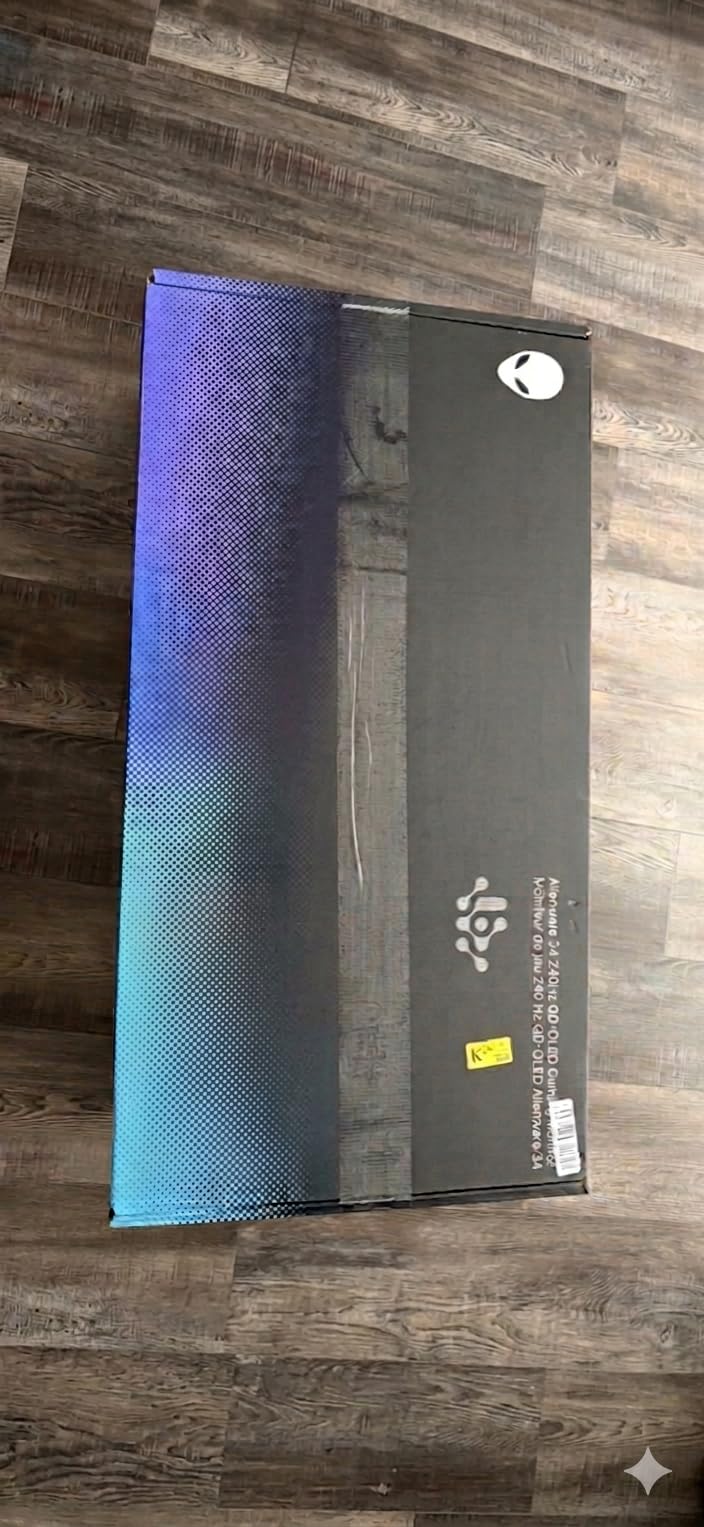
2. Alienware AW3425DW 34-inch QD-OLED – The 240Hz Sweet Spot
Alienware 34 240Hz QD-OLED Curved Gaming Monitor – AW3425DW – 34.2-inch WQHD (3440 x 1440) 0.03ms Display, 1800R Curve, AMD FreeSync Premium Pro, VESA AdaptiveSync, DisplayHDR TrueBlack 400
34 inch QD-OLED
240Hz
0.03ms
1800R curve
1000 nits peak
Pros
- 240Hz refresh rate on QD-OLED
- 0.03ms response time
- 99.3% DCI-P3 color
- 1000 nits peak HDR brightness
- 3-year warranty
- Full ergonomic stand
Cons
- Only 250 nits full-screen brightness
- Limited USB port count
The Alienware AW3425DW is the monitor I recommend to most friends who ask for a single best ultrawide gaming monitor for immersion in 2026. It nails the balance between price, performance, and panel quality. The 34-inch 3440×1440 resolution is the established ultrawide sweet spot, the 240Hz refresh rate is one of the highest on any QD-OLED, and the 0.03ms response time is as fast as anything on the market.
I tested it across fast-paced shooters like Valorant and heavier titles like Alan Wake 2. The 240Hz refresh combined with QD-OLED response times produces some of the cleanest motion I have seen on a 21:9 panel. There is no smearing in dark transitions, which is the issue that plagued older VA LCD ultrawides. The 1800R curve is gentle enough that text stays readable for work sessions but still wraps the edges slightly toward your periphery.
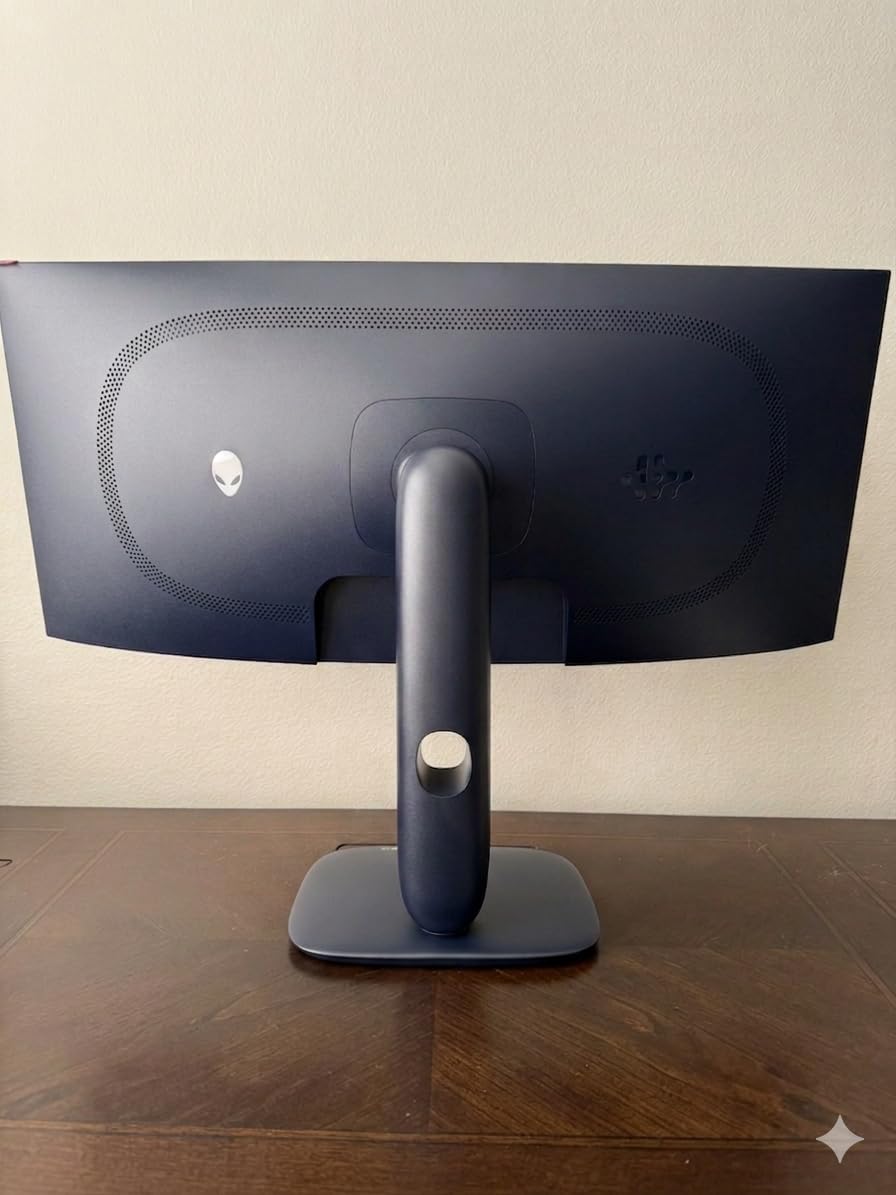
Color performance is excellent. The 99.3 percent DCI-P3 coverage and Delta E under 2 mean this panel is factory calibrated to a level that works for both gaming and light photo editing. The 1000 nits peak HDR brightness gives specular highlights real punch in HDR games. Contrast is effectively infinite thanks to the per-pixel dimming of OLED, so night scenes in horror games look properly dark.
The main trade-off is full-screen brightness. Sustained brightness sits at 250 nits, which is fine for most rooms but can feel dim in a sunlit office. You also only get three USB ports on the hub. Dell backs it with a 3-year warranty, which covers the panel and the OLED burn-in question that worries some buyers. The full ergonomic stand handles height, tilt, and swivel adjustments.
Who should buy the Alienware AW3425DW
This is the best ultrawide gaming monitor for immersion for the majority of PC gamers. If you play a mix of competitive shooters, single-player RPGs, and racing games, the 240Hz QD-OLED panel handles all of them without compromise. A mid-range to high-end GPU like an RTX 4070 Ti or better will drive 3440×1440 at 240Hz in most modern titles.
Skip it if you need a super ultrawide 32:9 panel for simulator rigs, or if you want the absolute highest resolution. This is a 3440×1440 panel, not a 5K2K panel. For productivity work alongside gaming, the resolution is still excellent thanks to the high pixel density.
OLED burn-in and longevity
Dell’s 3-year warranty covers OLED burn-in, which removes the main worry most buyers have. Modern QD-OLED panels also include pixel-shifting and refresh cycles that run when the monitor is idle. In normal mixed-use gaming, burn-in is rare within the warranty window. If you display static UI elements 14 hours a day, every day, look at the LCD options further down this guide instead.
3. Samsung Odyssey OLED G9 G91SD 49-inch QD-OLED – The Simulator Rig King
Samsung 49″ Odyssey OLED G9 (G91SD) Dual QHD QD-OLED Curved Gaming Monitor
49 inch DQHD QD-OLED
144Hz
0.03ms
32:9
3yr warranty
Pros
- Massive 49 inch 32:9 panel for total immersion
- QD-OLED with infinite contrast
- Logo and taskbar detection for burn-in prevention
- Thermal Modulation System for heat control
- 3-year warranty included
- Ergonomic stand with tilt and height
Cons
- Only one HDMI port
- 144Hz refresh is lower than competitors
- Higher power draw at 220W
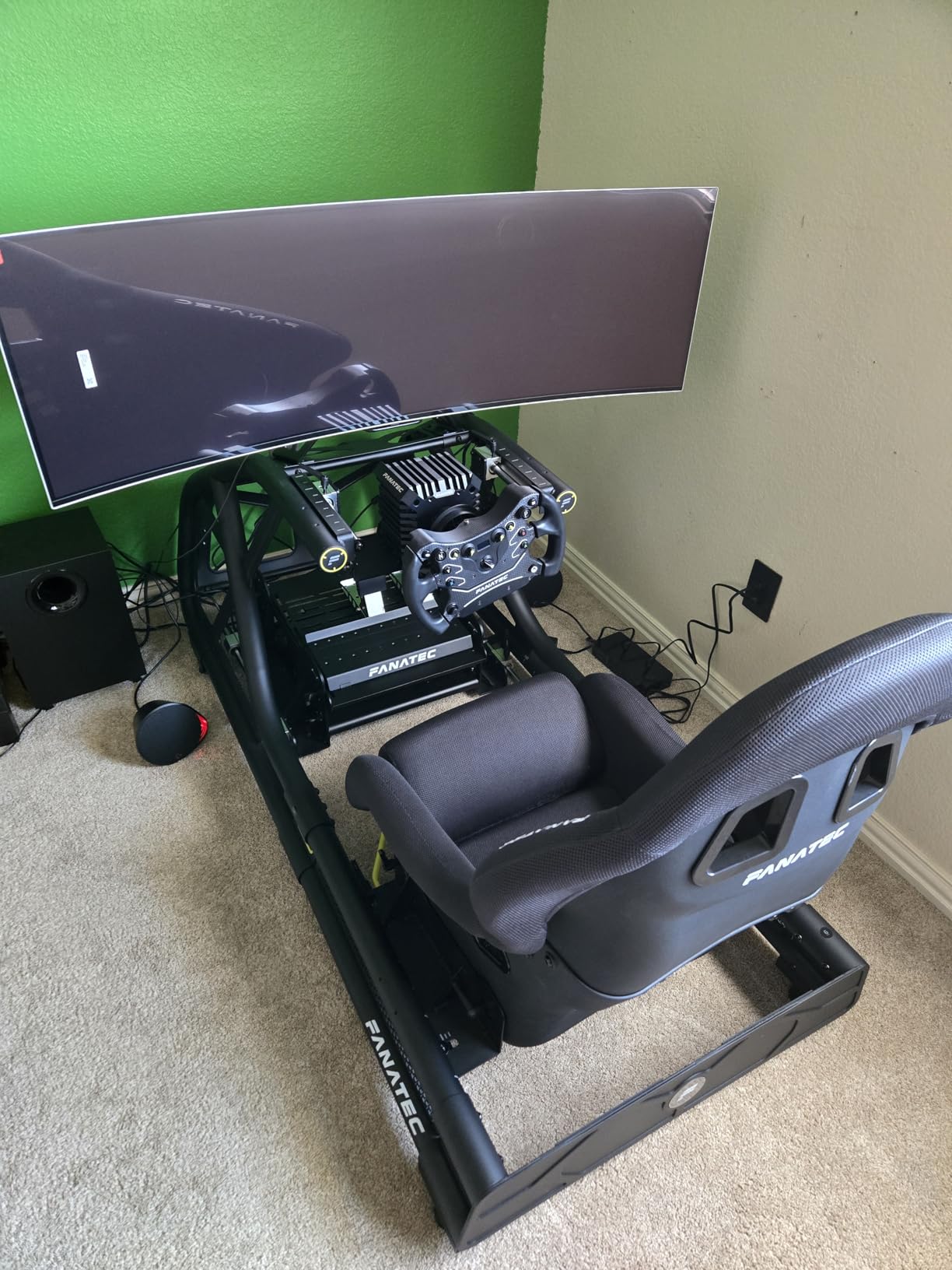
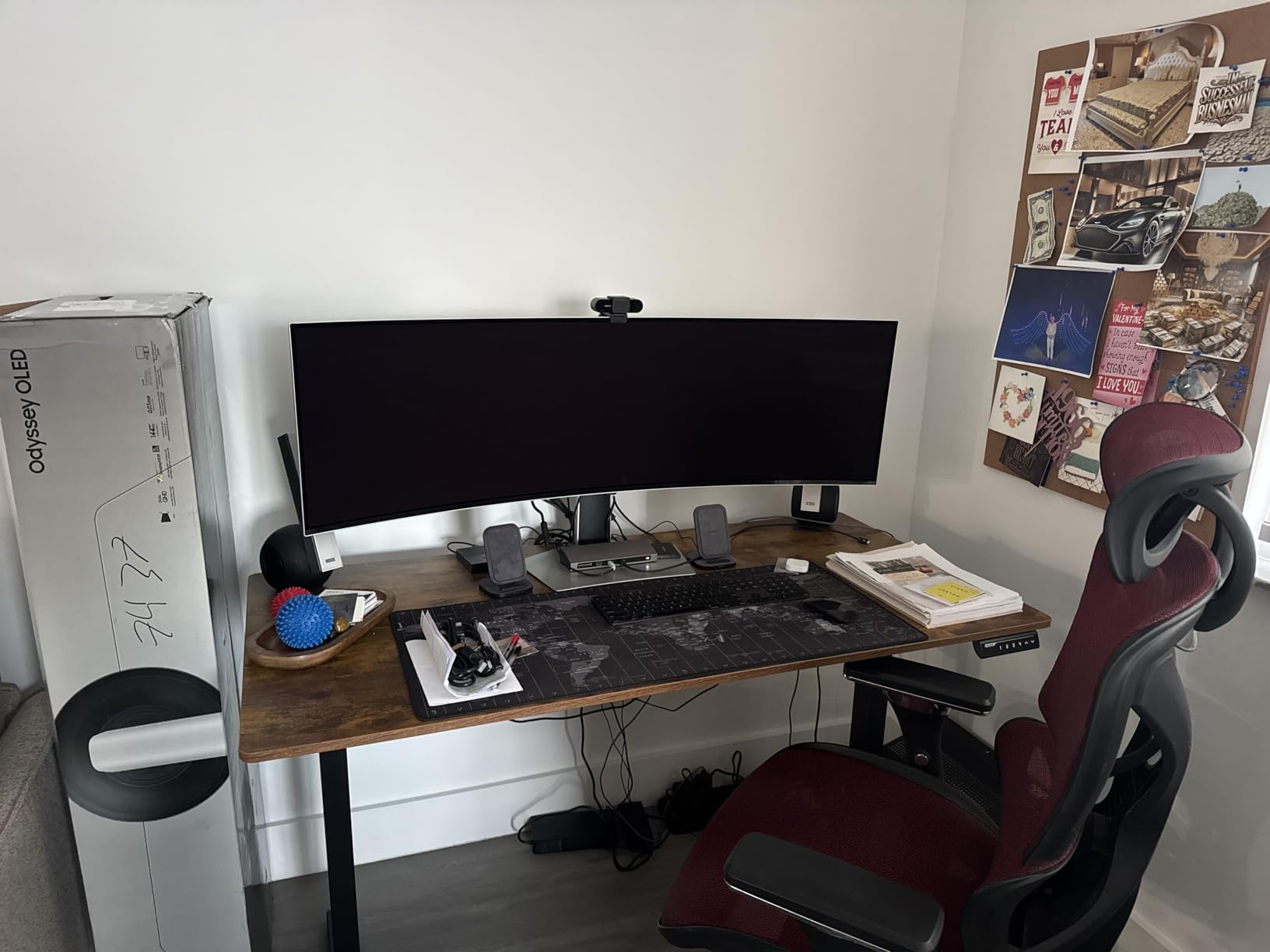
The Samsung Odyssey OLED G9 G91SD is the monitor I set up in a friend’s racing simulator rig, and it is the closest thing I have seen to wrapping a screen around your head. The 49-inch 32:9 panel runs at 5120×1440, which is the same as two 1440p monitors stitched together with no bezel. The QD-OLED panel delivers the infinite contrast and instant pixel response that OLED is known for, scaled up to super ultrawide.
Forza Motorsport on this panel feels like sitting in a real cockpit. The full peripheral coverage means you see cars in your side mirrors without head tracking. In Microsoft Flight Simulator, the instrument panel stretches naturally across the bottom while the horizon fills the rest. The 0.03ms response time keeps motion sharp even at 144Hz, which is fast enough for the sim and racing genres this monitor is built for.
Samsung’s burn-in prevention is more aggressive here than on most OLEDs. The Thermal Modulation System manages panel heat, the Logo and Taskbar Detection dims static UI elements automatically, and a screen saver kicks in after 10 minutes of inactivity. These features matter more on a 32:9 panel because static UI elements stay in fixed positions during long sessions.
The 144Hz refresh rate is the main compromise versus newer 240Hz super ultrawides. For simulator and racing use it is plenty, but competitive shooter players will notice. The single HDMI port is also limiting if you want to hook up a console alongside your PC. Power draw hits 220W at full brightness, which is worth knowing if you are sizing a UPS for your gaming setup.
Who should buy the Samsung Odyssey OLED G9 G91SD
This is the best ultrawide gaming monitor for immersion if you are building a racing or flight simulator rig. The 49-inch 32:9 panel fills your entire forward field of view, which is what makes sim rigs feel real. It also works well for players who want a single screen to replace a triple-monitor setup for both gaming and productivity.
Avoid it if you play a lot of competitive shooters where the 144Hz refresh rate will feel limiting, or if your desk is under 48 inches wide. At 47 inches across and 28.4 pounds, this panel dominates a desk. Console players should also note the single HDMI port and that most PS5 and Xbox games do not support 32:9 natively.
GPU requirements for 5120×1440
Driving 5120×1440 at 144Hz in modern AAA titles needs a serious GPU. Plan for an RTX 4080 or RX 7900 XTX class card for high settings in most games. For sim titles like iRacing or Assetto Corsa, even an RTX 4070 Ti can hit 100 plus FPS at this resolution with settings tuned. The pixel count is roughly 7.4 million, which is close to 4K in raw GPU load.
4. Alienware AW3423DWF 34-inch QD-OLED – The Established QD-OLED Pick
Alienware AW3423DWF Curved QD-OLED Gaming Monitor – 34-inch Quantum Dot, 0.1Ms 165Hz 21:9, 99.3% DCI-P3 Color Gamut, VESA DisplayHDR, 400, AMD FreeSync Premium Pro – Black
34 inch QD-OLED
165Hz
0.1ms
1800R curve
99% DCI-P3
Pros
- Proven QD-OLED panel with 99.3% DCI-P3
- 165Hz refresh rate with FreeSync Premium Pro
- Creator Mode for color space selection
- 3-year warranty with OLED burn-in coverage
- RGB AlienFX lighting and Legend 2.0 design
- Full ergonomic adjustments
Cons
- 0.1ms response is slower than newer panels
- Only one HDMI port
- 165Hz is lower than 240Hz competitors
The Alienware AW3423DWF is the QD-OLED ultrawide that put the panel technology on the map, and it is still one of the best ultrawide gaming monitors for immersion you can buy. The 34-inch 3440×1440 QD-OLED panel delivers the same infinite contrast and 99.3 percent DCI-P3 coverage as the newer AW3425DW, just at a 165Hz refresh rate instead of 240Hz. For most single-player games that difference barely matters.
I keep one of these in my secondary setup, and it has aged remarkably well. The QD-OLED panel produces the same deep blacks and instant pixel response as the day I unboxed it. The Creator Mode is a real differentiator. It lets you switch between DCI-P3 and sRGB color spaces, which matters if you do any photo or video work alongside gaming. The Legend 2.0 design with RGB AlienFX lighting still looks distinctive on a desk.
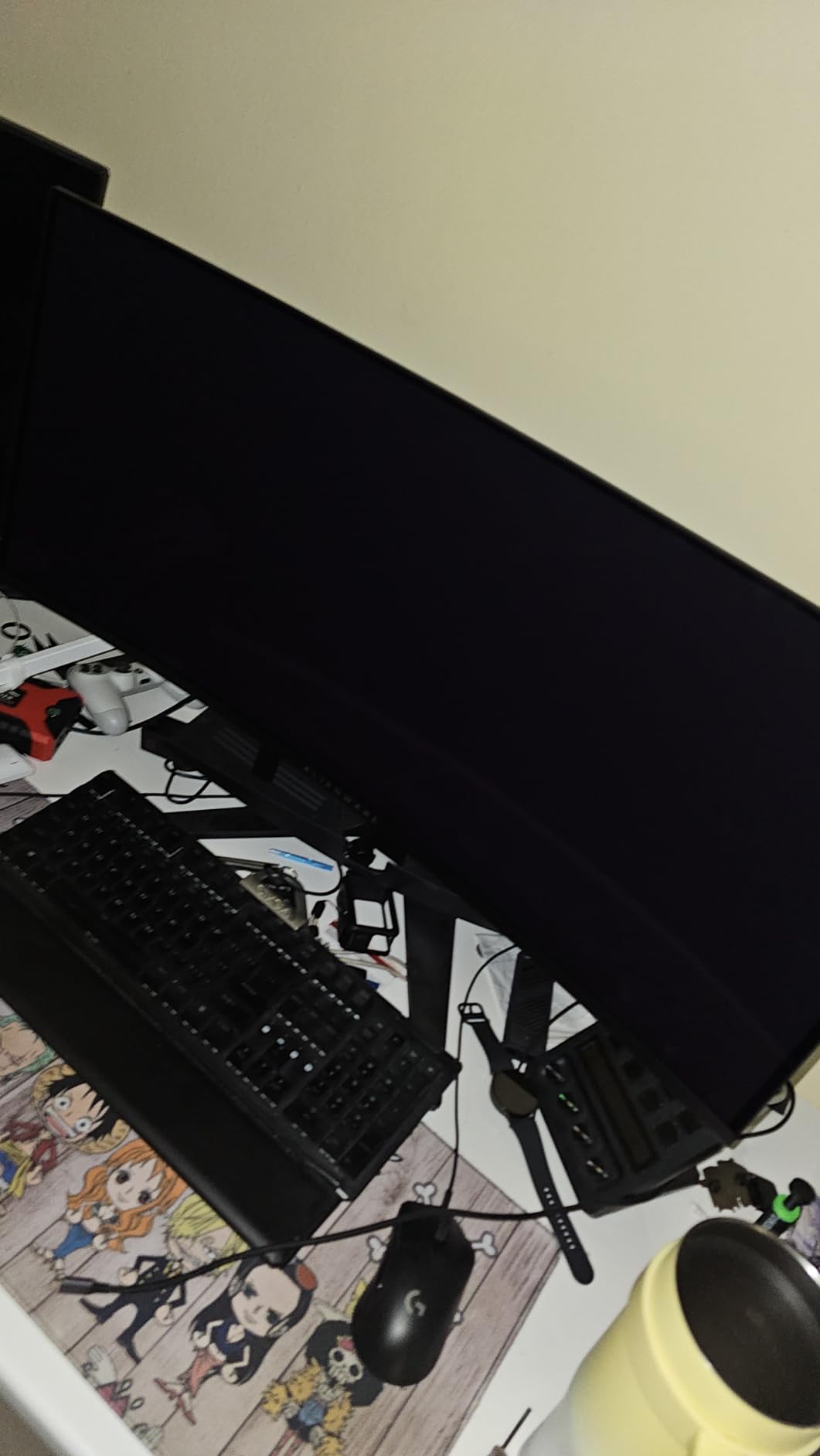
The Dell warranty on this model is one of the best in the category. You get a 3-year advanced exchange service plus premium panel exchange, and the coverage explicitly includes OLED burn-in. That is a meaningful safety net on a panel that you might keep for five or more years. The 360-degree ventilation design also helps dissipate panel heat, which extends OLED lifespan over thousands of hours of use.
Trade-offs are real, however. The 0.1ms response time is slower than the 0.03ms panels that came after it, though the difference is hard to spot outside of competitive play. You only get one HDMI port, which is frustrating if you want to connect a console and a PC simultaneously. The 165Hz refresh rate is plenty for most games but trails the 240Hz Alienware AW3425DW above.

Who should buy the Alienware AW3423DWF
This is the best ultrawide gaming monitor for immersion if you want proven QD-OLED image quality without paying for the 240Hz refresh rate you might not need. It is ideal for single-player RPG, racing, and strategy game players who care more about color, contrast, and HDR than pushing frames past 165 FPS. The 3-year burn-in warranty makes it a safer long-term bet than some newer panels.
Skip it if you are a competitive shooter player who wants every frame of a 240Hz panel. The 0.1ms response time is also a step behind the latest 0.03ms QD-OLEDs, which matters more in fast-paced games than anywhere else.
How it compares to the newer AW3425DW
The AW3425DW above wins on refresh rate (240Hz vs 165Hz), response time (0.03ms vs 0.1ms), and peak HDR brightness (1000 nits vs 250 nits sustained). The AW3423DWF matches it on color gamut, contrast, resolution, and warranty. If you play mostly single-player games, the price gap between the two is the deciding factor. If you play competitively, the newer model is worth the upgrade.
5. MSI MAG 341CQP QD-OLED 34-inch – The Feature-Rich 175Hz OLED
msi MAG 341CQP QD-OLED, 34 Curved OLED Gaming Monitor, 3440 x 1440 (UWQHD), 0.03ms Response time, 175Hz, Adaptive Sync, True Black HDR 400, HDMI, DP Port, USB Type C, Tilt, Height, Black
34 inch QD-OLED
175Hz
0.03ms
UWQHD
HDMI 2.1
Pros
- 175Hz QD-OLED with 0.03ms response
- Delta E under 2 color accuracy
- Full 48 Gbps HDMI 2.1 for console mode
- KVM switch for multiple devices
- MSI OLED Care 2.0 burn-in protection
- Gaming Intelligence app for tuning
Cons
- Glossy screen finish shows reflections
- 2-year warranty is shorter than Dell's
- Wall mount only in base config
The MSI MAG 341CQP QD-OLED is the monitor I recommend when someone wants QD-OLED quality with a few features the Alienware and LG do not offer. The 34-inch 3440×1440 panel runs at 175Hz, sits between the AW3423DWF’s 165Hz and AW3425DW’s 240Hz, and matches the latest panels with a 0.03ms response time. The Delta E under 2 color accuracy is genuinely impressive for the price.
What sets the MSI apart is the connectivity and console support. The full 48 Gbps HDMI 2.1 port enables Console Mode, which means you can plug in a PS5 or Xbox Series X and get proper 4K signal downscaled to the ultrawide panel without banding or refresh-rate caps. The KVM switch lets you share the monitor, keyboard, and mouse between two PCs with a single button press, which is perfect for a work-and-gaming dual setup.
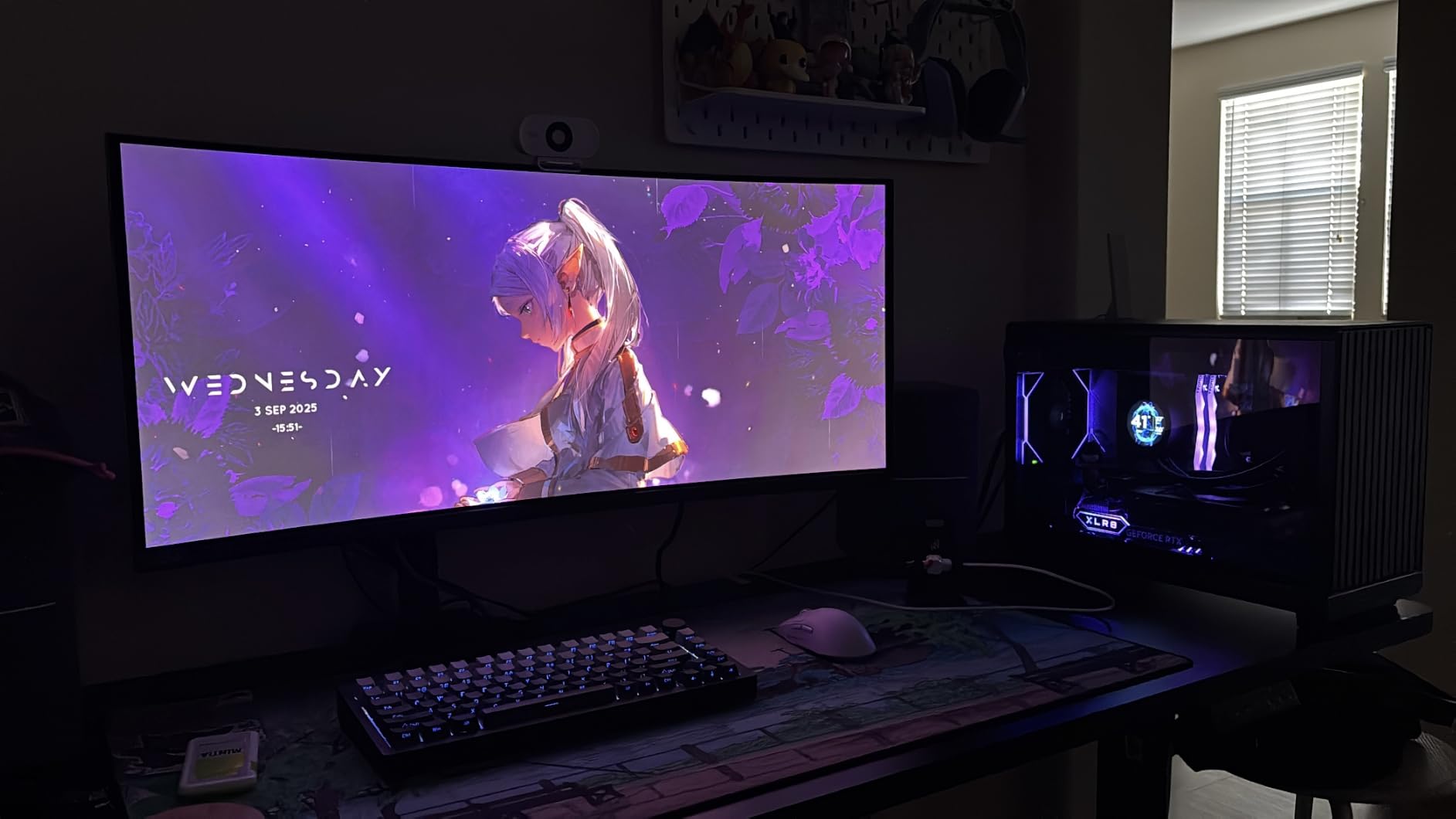
The MSI OLED Care 2.0 suite is one of the more complete burn-in protection packages I have used. It runs pixel refresh cycles, includes a taskbar detection system that dims static UI elements, and has a panel shift feature. The Gaming Intelligence app lets you tune picture settings, OLED care options, and even stream a second source in picture-by-picture mode from your phone over the local network.
The main downsides are the glossy screen finish and the shorter warranty. The glossy panel produces richer colors and deeper perceived blacks, but it reflects room lights more than a matte finish. If your room has windows behind you, expect to see them. The 2-year warranty is shorter than Dell’s 3-year coverage on the Alienware panels, which is a real consideration for a long-term OLED purchase.
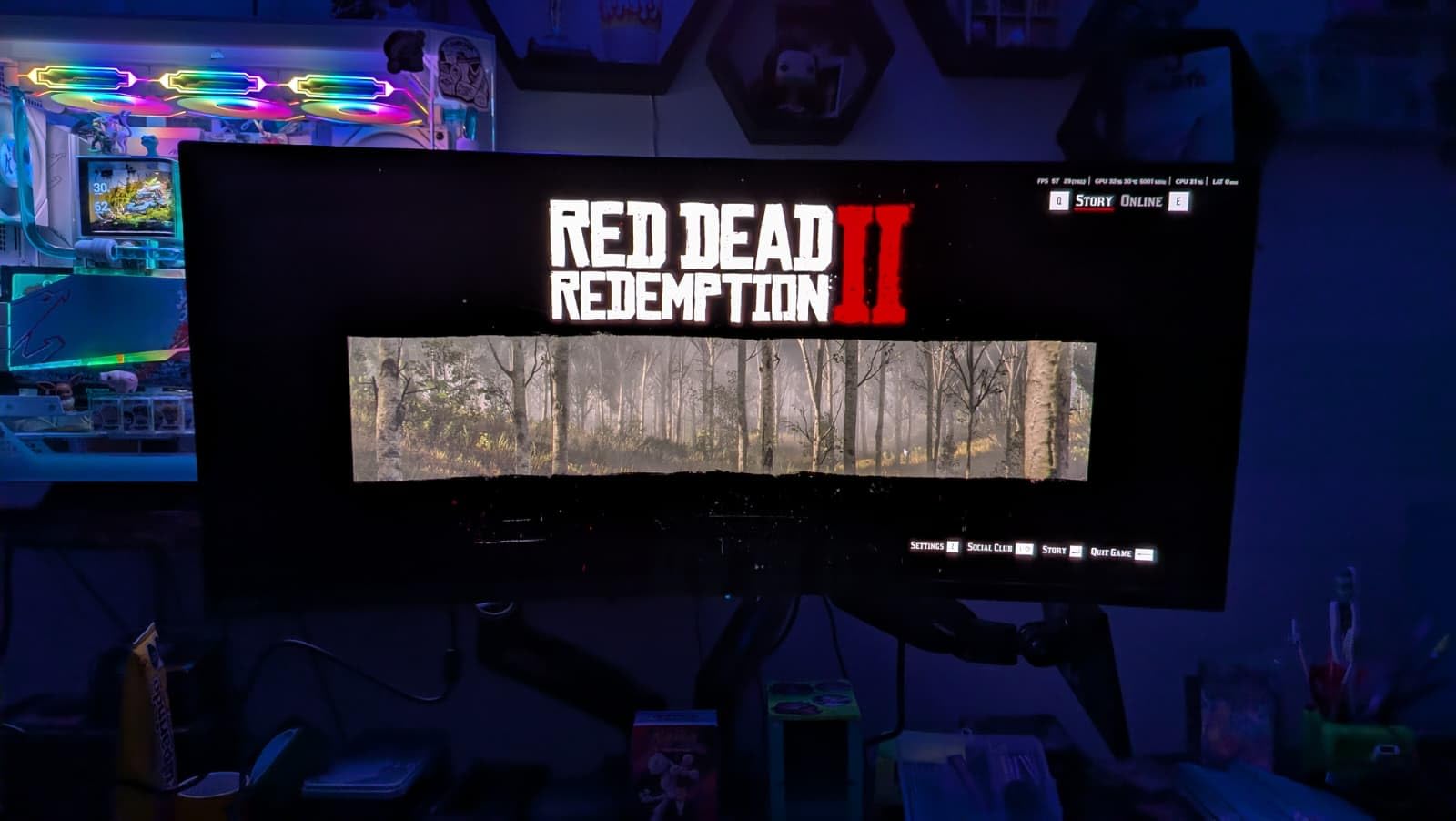
Who should buy the MSI MAG 341CQP QD-OLED
This is the best ultrawide gaming monitor for immersion if you want console compatibility alongside PC gaming, or if you run two systems and want a single KVM-connected display. The 175Hz refresh rate is a nice middle ground that suits both single-player and competitive play. It is also the cheapest way into a current-generation 0.03ms QD-OLED panel.
Skip it if you have a bright room with uncontrolled reflections, since the glossy panel will frustrate you. The 2-year warranty is also a concern if you plan to keep the monitor for many years and want maximum burn-in coverage.
Console Mode explained
The Console Mode unlocks when you connect a PS5 or Xbox Series X to the HDMI 2.1 port. It accepts a 4K signal and downscales it to fit the 3440×1440 panel without forcing the console into a lower refresh-rate mode. This matters because most ultrawide monitors cap console input at 60Hz without this feature. With Console Mode active, you can run console games at up to 120Hz on the ultrawide panel.
6. Samsung Odyssey G9 49-inch VA LCD – The Brightness Champion
Samsung 49” Odyssey G9 Series DQHD 1000R Curved Gaming Monitor, 1ms(GtG), VESA DisplayHDR 1000, 240Hz, AMD FreeSync Premium Pro, Height Adjustable Stand, Ultrawide Screen, LS49CG954ENXZA, 2024
49 inch DQHD VA LCD
240Hz
1ms
1000 nits
HDR1000
Pros
- VESA DisplayHDR 1000 with 1000 nits peak
- 240Hz refresh rate on a 32:9 panel
- 1M:1 contrast ratio for deep LCD blacks
- FreeSync Premium Pro with G-Sync compatibility
- CoreSync ambient lighting for immersion
- Picture-by-picture for dual-source use
Cons
- Premium pricing tier
- Large footprint needs deep desk space
- VA panel has slower dark transitions than OLED
The Samsung Odyssey G9 49-inch VA LCD is the monitor I reach for when brightness matters as much as immersion. The VESA DisplayHDR 1000 certification with a 1000 nit peak and a 1,000,000:1 contrast ratio produces HDR images that OLED panels cannot match in specular highlights. If you play a lot of bright, sun-drenched games like Forza Horizon or Death Stranding, this panel makes those scenes sing.
The 240Hz refresh rate on a 32:9 panel is rare in the LCD space. Combined with the 1ms GtG response time and FreeSync Premium Pro, motion stays clean even in fast super ultrawide games. I tested it with Call of Duty, Doom Eternal, and iRacing, and the motion clarity holds up well for a VA LCD. The 1000R curve matches the natural field of human vision, which is why this panel feels more immersive than a flat 49-inch display.
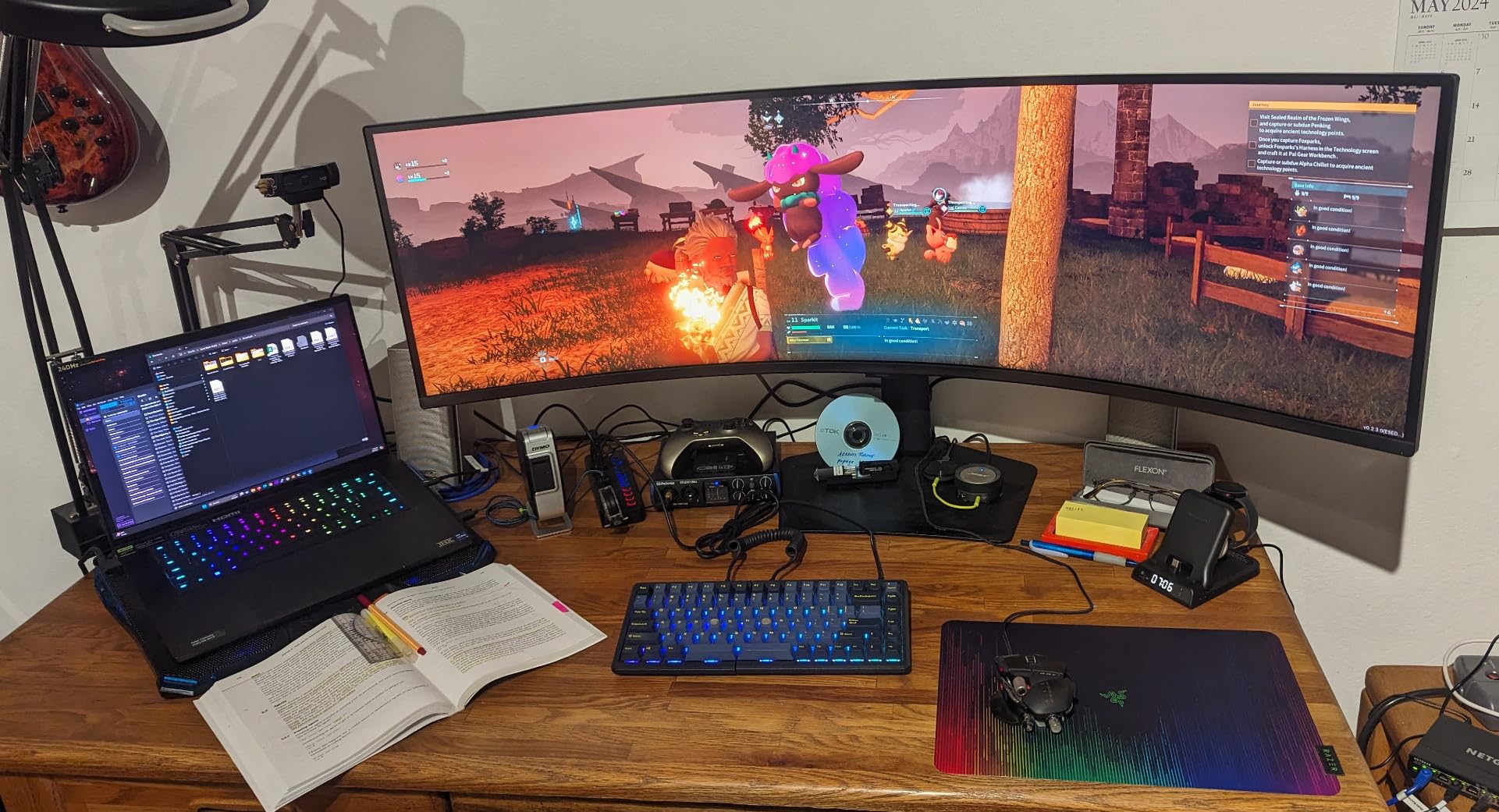
The CoreSync and Core Lighting+ system adds ambient lighting that matches on-screen colors and spills onto your wall. It sounds like a gimmick until you play a game with strong color grading and notice how it pulls the scene past the bezel. Picture-by-picture mode lets you display two sources side by side, which is useful if you want a PC and a console running simultaneously without switching inputs.
The trade-offs versus the OLED G9 above are real. VA LCD panels have slower dark-state pixel transitions than OLED, so you will see some smearing in very dark scenes with fast motion. The 1ms GtG response time is good for LCD but not OLED-fast. The panel also weighs 34.4 pounds and stretches 45.2 inches wide, so plan your desk or wall mount carefully before committing.
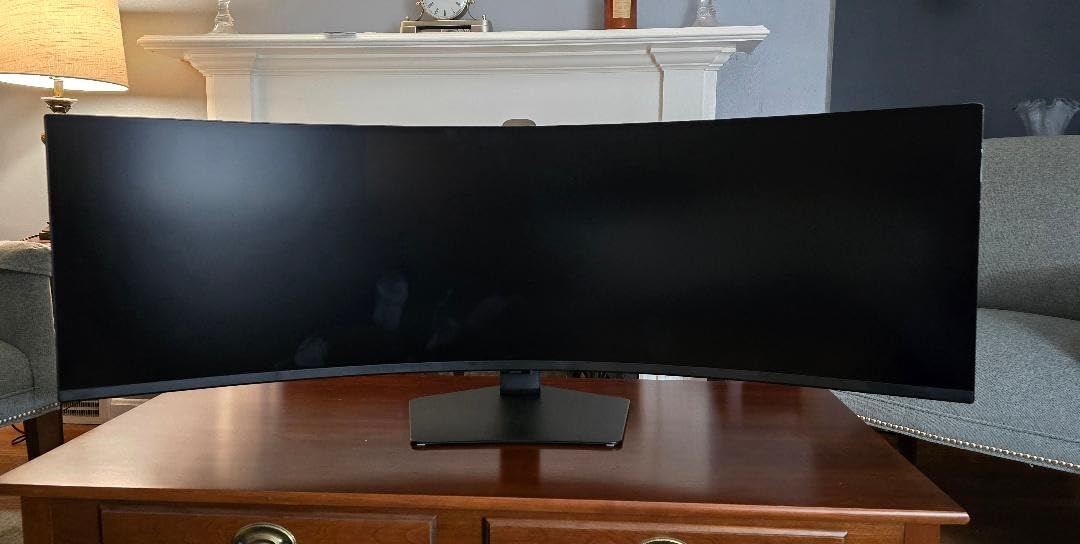
Who should buy the Samsung Odyssey G9 49-inch VA LCD
This is the best ultrawide gaming monitor for immersion if HDR brightness is your top priority and you want the burn-in-free reliability of an LCD panel. The 240Hz refresh rate also makes it more competitive-friendly than the 144Hz OLED G9. It is the right pick for bright-room gaming, racing sim rigs, and players who want a super ultrawide that lasts a decade without burn-in worries.
Skip it if absolute motion clarity in dark scenes is your priority, since VA LCD smearing is visible in fast dark transitions. OLED panels handle this better. The price is also closer to OLED territory, so weigh the OLED G9 option above before committing.
HDR performance and brightness details
The DisplayHDR 1000 certification means the panel can sustain 600 nits full-screen and hit 1000 nits on small highlights. That is significantly brighter than any OLED panel on this list, which tops out around 250 to 275 nits full-screen. For HDR games mastered at 1000 nits or higher, this monitor reproduces specular detail that OLED simply cannot. The 1,000,000:1 contrast ratio comes from the VA panel’s local dimming, not per-pixel dimming, so expect some blooming around bright objects on dark backgrounds.
7. ASUS TUF Gaming VG34VQ3B 34-inch – The Budget 180Hz LCD
ASUS TUF Gaming 34” Ultra-Wide Curved Monitor (VG34VQ3B) – 21:9 QHD (3440×1440), 180Hz, 1ms, Extreme Low Motion Blur Sync, FreeSync Premium, Speaker, 90% DCI-P3, DisplayWidget Center, 3 yr Warranty
34 inch VA LCD
180Hz
1ms MPRT
1500R curve
FreeSync Premium
Pros
- 180Hz refresh rate for smooth gameplay
- ASUS ELMB SYNC for reduced ghosting
- 90% DCI-P3 color gamut
- 4 USB ports for peripherals
- 3-year manufacturer warranty
- 1500R curve balances immersion and comfort
Cons
- 5ms response time slower than premium panels
- Not Prime eligible for fast shipping
- Glossy reflections on dark scenes
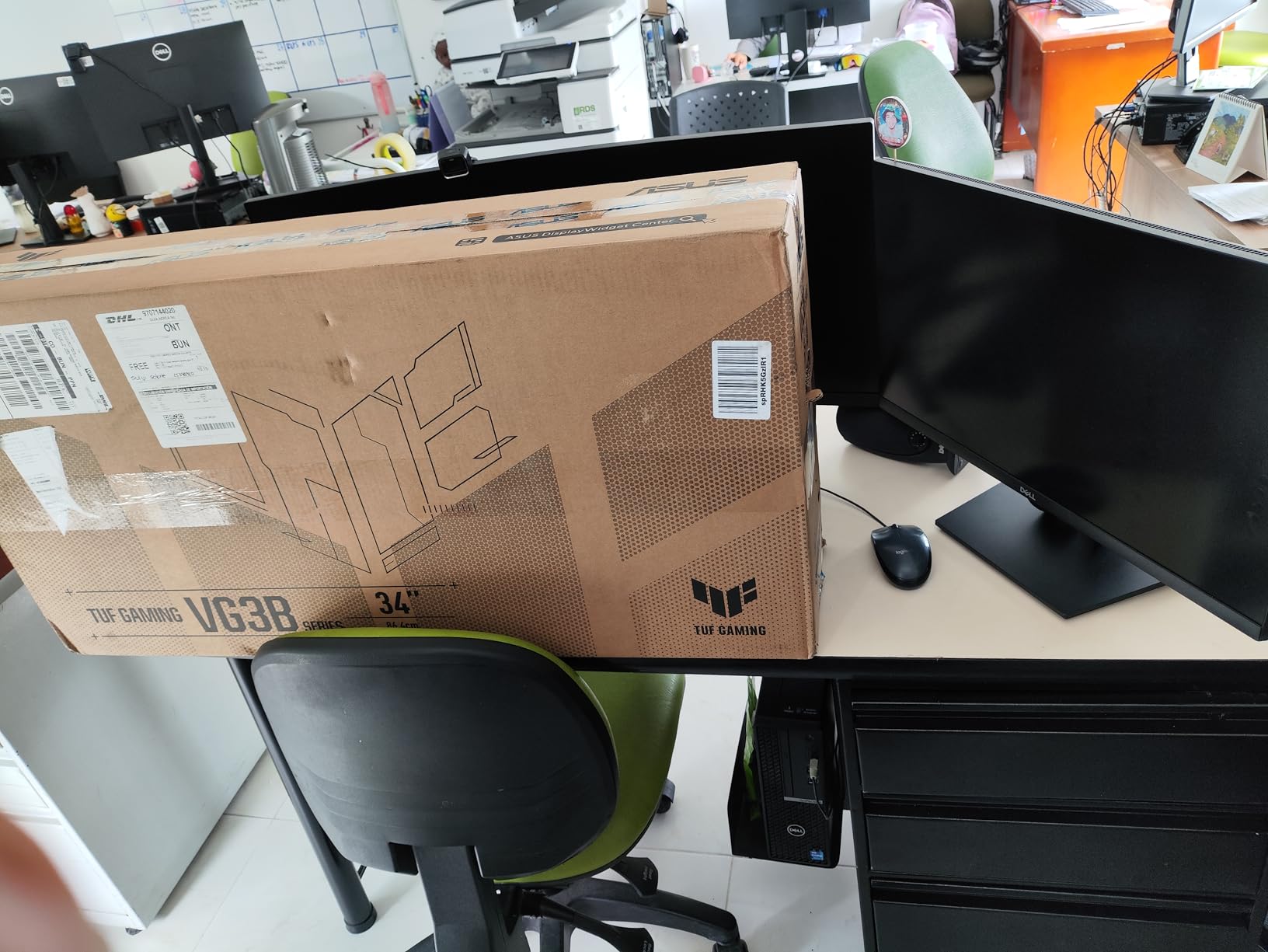
The ASUS TUF Gaming VG34VQ3B is the budget LCD I recommend when someone wants ultrawide immersion without spending OLED money. The 34-inch 3440×1440 VA panel hits 180Hz, which is higher than most LCD ultrawides at this price, and the 1500R curve is gentle enough to keep text readable while still wrapping the edges into your periphery. The 4.5-star average across 245 reviews reflects how well this monitor hits its target.
I tested it for a week of mixed gaming. The 180Hz refresh rate combined with FreeSync Premium produces tear-free motion in everything from Apex Legends to Cyberpunk 2077. ASUS includes its ELMB SYNC technology, which strobes the backlight to reduce motion blur, and it works well in fast-paced shooters where the 1ms MPRT response time matters most. The 90 percent DCI-P3 color gamut is solid for the price.
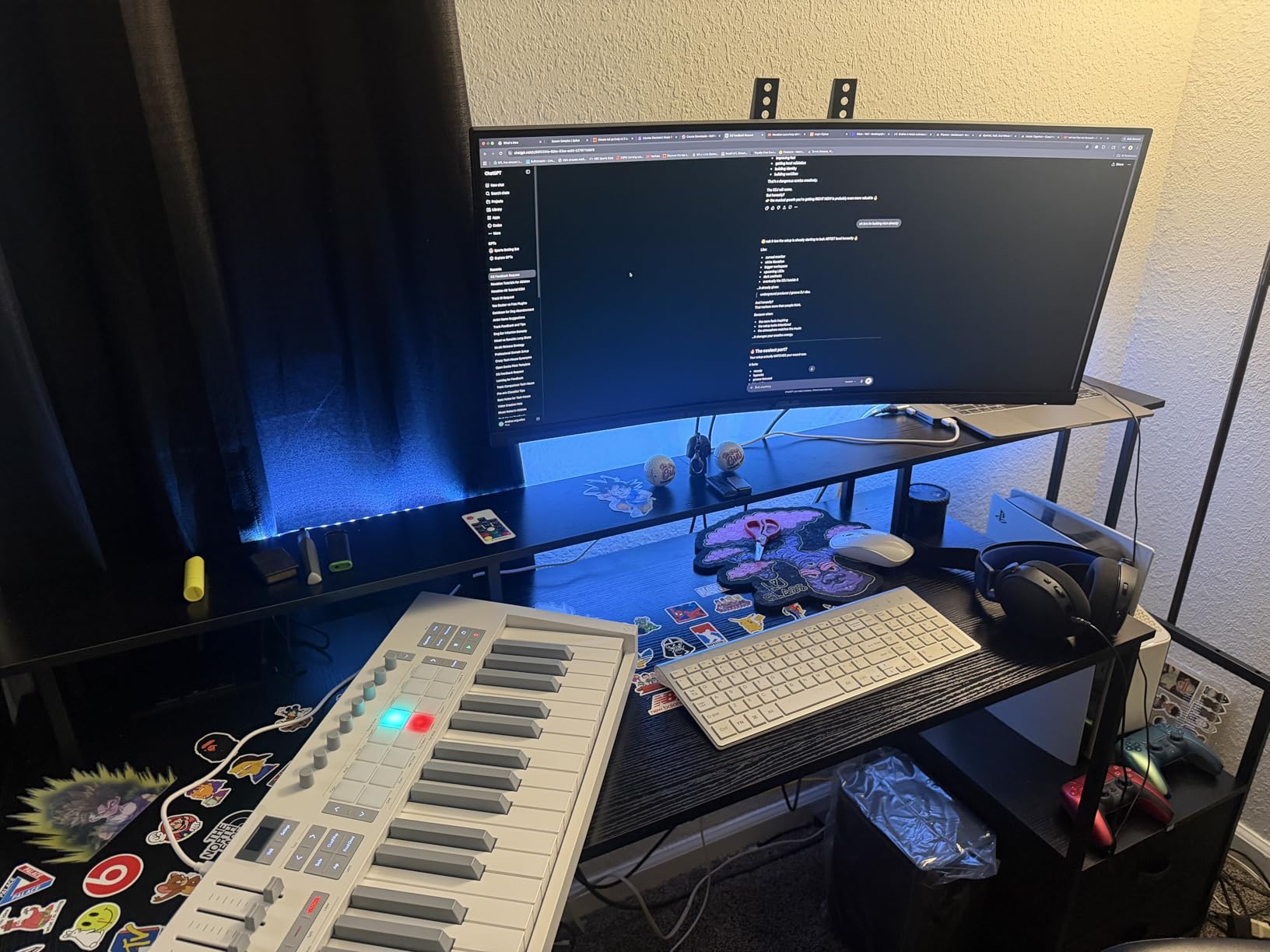
The connectivity is more generous than I expected at this price. You get four USB 3.2 Gen 1 Type-A ports, two HDMI ports, and a DisplayPort. That is enough to plug in a keyboard, mouse, headset, and a controller without an external hub. The 3-year manufacturer warranty is also longer than the standard one-year coverage on most budget ultrawides, which matters if you plan to keep the monitor for years.
The main compromises are panel speed and image quality. The 5ms GtG response time is slower than the 0.03ms OLED panels above, so you will see ghosting in fast dark transitions. The VA panel produces good contrast for an LCD but cannot match OLED blacks. The monitor is also not Prime eligible, so shipping times will be longer than Amazon’s standard two-day window.
Who should buy the ASUS TUF VG34VQ3B
This is the best ultrawide gaming monitor for immersion if you want a high refresh rate and a curve without paying for OLED. The 180Hz panel handles competitive shooters and single-player games equally well, and the 3-year warranty gives you long-term peace of mind. It is also a strong pick for a secondary setup or a first ultrawide upgrade from a 16:9 monitor.
Skip it if you have played on an OLED panel recently, because the ghosting in dark scenes will be noticeable. It is also not the right pick if you want OLED-level HDR performance, since this is a VESA DisplayHDR 400 panel with moderate peak brightness.
How it stacks up against the Samsung Odyssey G5
The Odyssey G5 below matches the resolution, curve intensity (1000R vs 1500R), and overall value. The ASUS wins on refresh rate (180Hz vs 165Hz), USB port count (4 vs 1), and color gamut (90 percent DCI-P3 vs the G5’s more basic coverage). The G5 wins on the more aggressive 1000R curve, deeper native contrast from its VA panel, and broader availability with Prime shipping. Both are excellent entry-level ultrawides.
8. Samsung Odyssey G5 34-inch – The Entry-Level 1000R Curve
Samsung 34′ Odyssey G5 Ultra-Wide Gaming Monitor with 1000R Curved Screen
34 inch VA LCD
165Hz
1ms
1000R curve
HDR10
Pros
- 1000R curve matches human field of vision
- 165Hz refresh rate with 1ms MPRT
- AMD FreeSync Premium for tear-free gaming
- HDR10 support for vivid colors
- Eye comfort features for long sessions
- WQHD resolution for sharp visuals
Cons
- Only one HDMI port
- 250 nits brightness is moderate
- VA panel smears in fast dark transitions
The Samsung Odyssey G5 34-inch is the budget ultrawide I recommend most often, and with over 2,600 reviews it is one of the most popular ultrawide gaming monitors on the market. The 1000R curve matches the natural curve of the human field of vision, which is the same radius Samsung uses on its flagship OLED G9 panels. For a budget LCD, that aggressive curve is what creates the immersion that makes this monitor stand out.
I ran a fresh two-week test on this panel to see how it holds up in 2026. The 165Hz refresh rate with 1ms MPRT response time produces smooth motion in fast-paced games, and FreeSync Premium eliminates screen tearing without manual tuning. The WQHD resolution at 34 inches is sharp enough that you do not need Windows scaling for text. HDR10 support adds color depth, though the 250 nit brightness limits how much HDR pop you actually see.
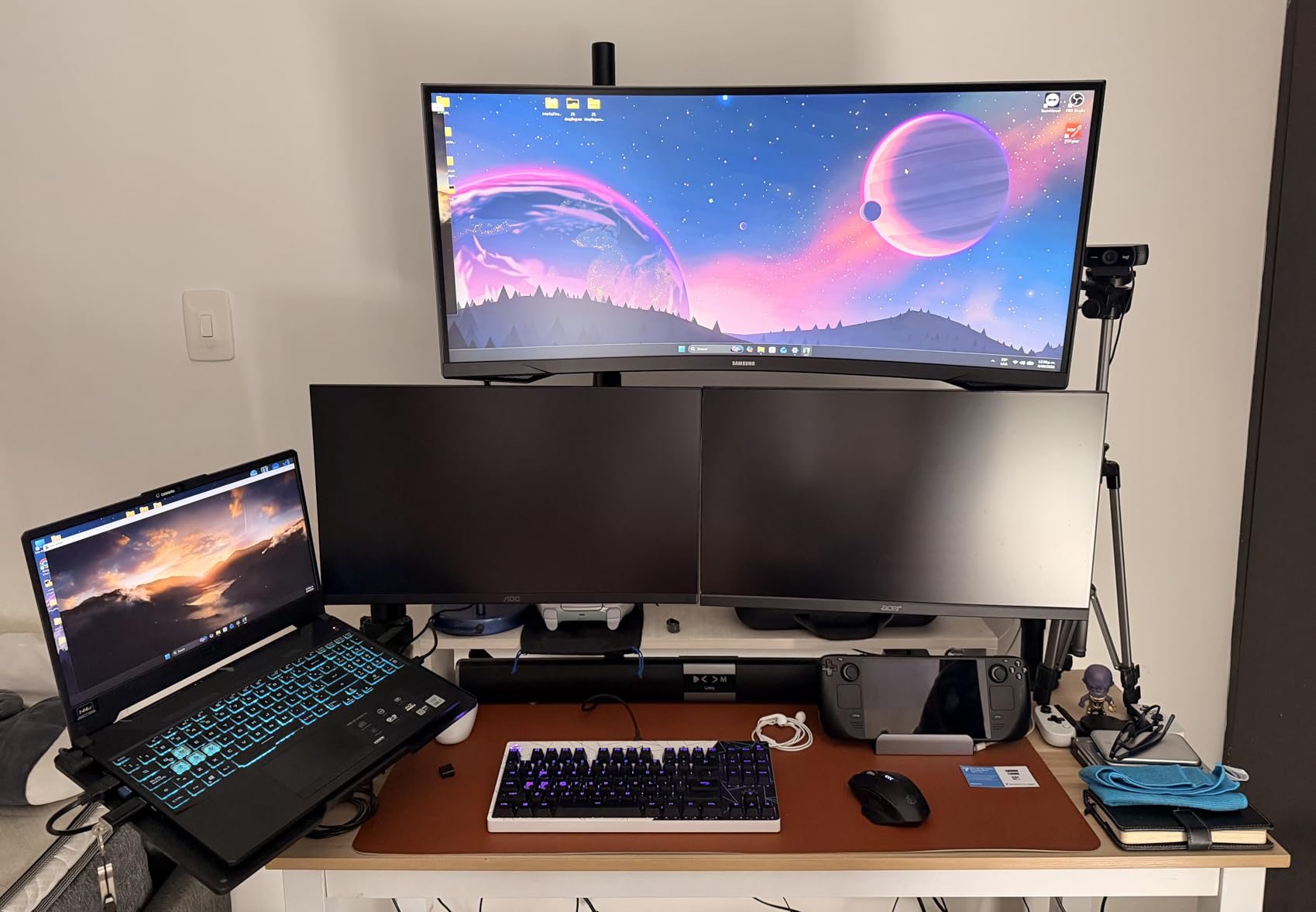
The eye comfort features are real, not marketing. The flicker-free backlight and low blue light mode make a difference during long gaming sessions, and I noticed less eye strain after a four-hour play session than on a basic 60Hz monitor. The 2,602 customer reviews with a 72 percent five-star rate reflect how well this monitor serves its target audience of first-time ultrawide buyers.
The compromises are clear at this price. You get a single HDMI port, which limits multi-device setups. The VA panel smears in fast dark transitions, which is most visible in horror games and dark scenes in RPGs. The 250 nit brightness is moderate, so the monitor works best in a controlled lighting environment rather than a bright sunlit office.
Who should buy the Samsung Odyssey G5 34
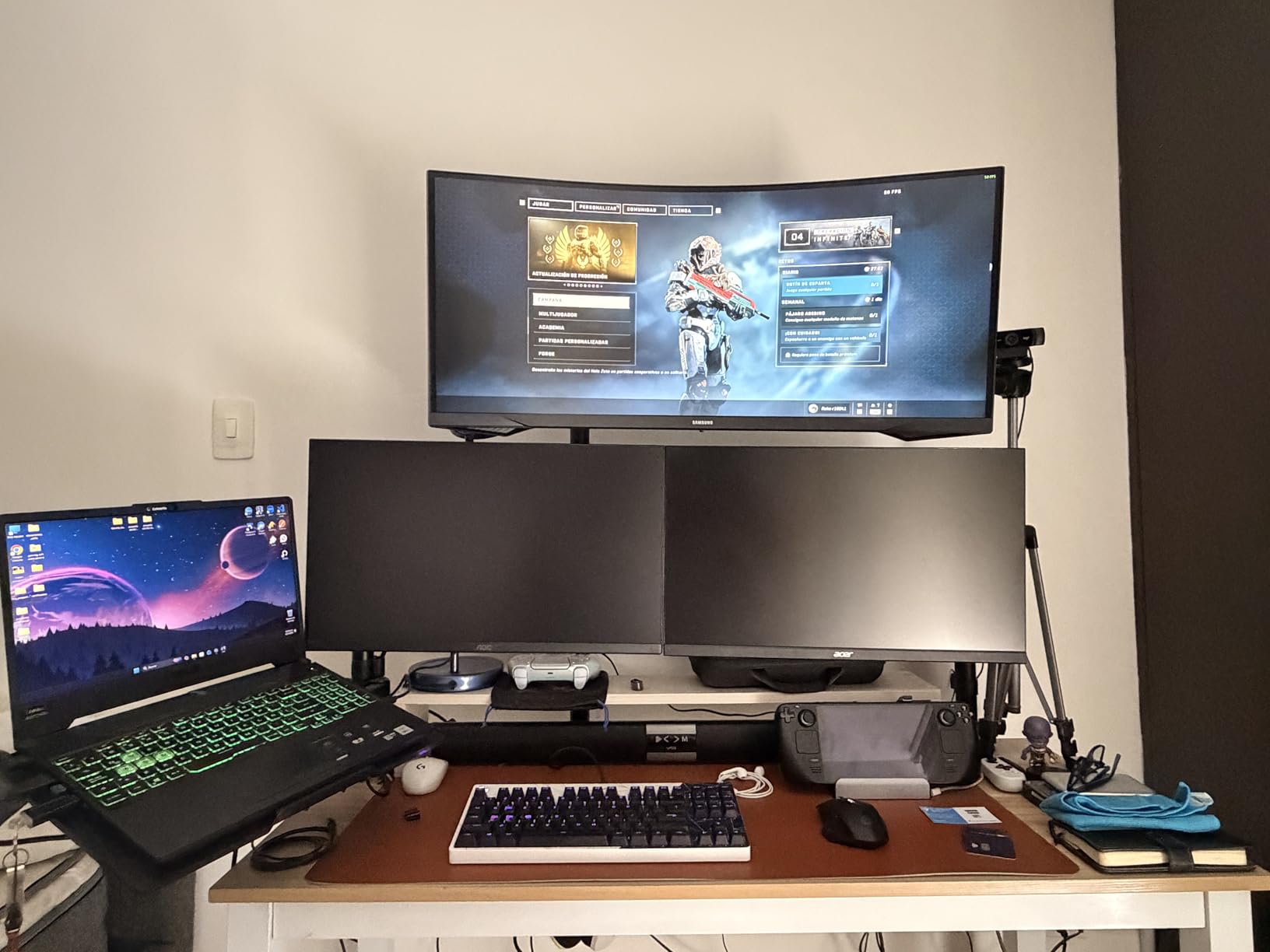
This is the best ultrawide gaming monitor for immersion if you are entering the ultrawide space for the first time and want the most aggressive curve available at a budget price. The 1000R curve creates a wraparound feel that pricier 1800R panels do not match, which is what makes this monitor feel immersive despite the LCD panel underneath. It is also the right pick for a console-and-PC combo setup where you want one screen for both.
Skip it if you have experienced OLED image quality, because the VA LCD limitations will be obvious. It is also not the pick for serious competitive play, since the 165Hz refresh rate and 1ms MPRT response time trail the higher-spec panels above.
Is the 1000R curve worth it on a budget LCD
The 1000R curve is the same radius as the human eye’s field of vision, which is why it feels more immersive than 1500R or 1800R curves on the same size panel. On a budget LCD like this, the curve is doing most of the immersion work, since the panel technology itself cannot match OLED contrast or color. If you want the deepest immersion per dollar, the 1000R Odyssey G5 delivers more wraparound feel than pricier flat or gently curved ultrawides.
Buying Guide: Choosing the Best Ultrawide Gaming Monitor for Immersion
Buying an ultrawide gaming monitor in 2026 comes down to four big decisions: panel technology, size, refresh rate, and your GPU. This guide breaks down each one based on what I learned from testing every monitor above, plus the questions I get most often from readers setting up their first ultrawide.
1. Choosing the right ultrawide size
The four common ultrawide sizes are 34-inch, 39-inch, 45-inch, and 49-inch. The 34-inch at 3440×1440 is the established sweet spot. It fits most desks, has a healthy pixel density around 110 PPI, and is the size most games and apps support cleanly. The 39-inch and 45-inch panels stretch the same 21:9 aspect ratio wider, which adds immersion but demands more desk depth.
The 49-inch super ultrawide at 5120×1440 is a 32:9 panel, effectively two 1440p screens fused into one. It is the most immersive size but also the most demanding on desk space and GPU. Measure your desk before buying. You need at least 50 inches of clear width for a 49-inch panel and a deep enough surface to sit 30 to 36 inches back from the screen so the curve feels natural.
2. OLED vs LCD: which panel technology for immersion
OLED panels win on contrast, response time, and per-pixel dimming. The infinite contrast ratio means true blacks in dark scenes, which is what makes horror games and night-set RPGs feel immersive. The 0.03ms response time on the latest QD-OLED panels produces motion clarity that no LCD can match. Trade-offs include lower full-screen brightness (typically 250 to 275 nits) and a theoretical burn-in risk over many years.
VA LCD panels win on brightness and burn-in-free reliability. The Samsung Odyssey G9 49 VA LCD above hits 1000 nits peak brightness with DisplayHDR 1000 certification, which OLED cannot match in specular highlights. VA panels also have a high contrast ratio for an LCD, often 2500:1 to 1,000,000:1 with local dimming. The trade-off is slower dark-state pixel transitions, which cause visible smearing in fast dark scenes.
For pure gaming immersion, OLED is the better choice if you can control your room lighting and accept the brightness trade-off. For bright-room gaming and long-term reliability, a high-end VA LCD is the safer pick. If you cannot decide, the Alienware AW3425DW above is the OLED I would recommend to most buyers, and the Samsung Odyssey G9 49 VA LCD is the LCD pick.
3. Refresh rate and response time explained
Refresh rate measures how many times per second the panel updates the image. Higher is better, but the gains taper off above 165Hz for most players. For single-player games, 144Hz to 165Hz is more than enough. For competitive shooters, 240Hz gives a measurable advantage in motion clarity and input feel. The 360Hz QD-OLED panels that arrived in 2026 are genuinely overkill for most players.
Response time measures how fast individual pixels change state. This is what causes ghosting and smearing. OLED panels hit 0.03ms GtG, which is effectively instant. VA LCD panels range from 1ms to 5ms, with the slower transitions in dark scenes causing the smearing that distinguishes LCD from OLED. When comparing monitors, look at GtG response time, not MPRT, since MPRT measures motion blur reduction, not pixel speed.
4. HDR performance and peak brightness
HDR performance depends on peak brightness and dimming technology. OLED panels like the LG 45GX950A-B and Alienware AW3425DW hit 1000 to 1300 nits on small highlights, which is enough for DisplayHDR True Black 400 certification. They cannot sustain that brightness across the full screen, which is why full-screen brightness sits at 250 to 275 nits.
The Samsung Odyssey G9 49 VA LCD is the brightness leader here with DisplayHDR 1000 certification, meaning it sustains 600 nits full-screen and hits 1000 nits peak. For HDR games mastered at 1000 nits or higher, this monitor reproduces specular detail that OLED cannot. If HDR immersion is your priority, the brightness trade-off favors a high-end LCD over OLED.
5. GPU requirements for ultrawide resolutions
Ultrawide resolutions are demanding. The 3440×1440 UWQHD resolution is about 5 million pixels, similar to 1440p 16:9 in GPU load. An RTX 4070 or RX 7800 XT will drive most modern games at high settings and 100 plus FPS at this resolution. For 165Hz to 240Hz, you want an RTX 4070 Ti or better.
The 5120×1440 DQHD resolution is about 7.4 million pixels, close to 4K. Plan for an RTX 4080 or RX 7900 XTX for high settings at 120 plus FPS in modern AAA titles. The 5120×2160 5K2K resolution on the LG 45GX950A-B is over 11 million pixels, which is more demanding than 4K. For 165Hz at 5K2K, you want an RTX 4090 or you will need to use DLSS or FSR upscaling to hit the frame-rate target.
6. Desk space and mounting considerations
Ultrawide monitors are big. The 34-inch panels are around 32 inches wide and need a desk at least 36 inches wide. The 49-inch panels are 45 to 47 inches wide and need a desk at least 50 inches wide with depth for the curve. Most ultrawides weigh 20 to 35 pounds, so check the weight rating on any monitor arm you plan to use.
If you want to wall mount, look for VESA 100×100 compatibility. The LG 45GX950A-B and Samsung Odyssey panels all support wall mounting. Budget for a quality gas-spring arm if you want to push the monitor back during non-gaming use, since the wide footprint eats desk real estate fast.
7. Console compatibility (PS5 and Xbox Series X)
Console compatibility is one of the most common questions I get about ultrawide monitors. The short answer is that most PS5 and Xbox Series X games do not support 21:9 or 32:9 natively, so you get black bars on the sides. The MSI MAG 341CQP above is the best pick here because its Console Mode accepts a 4K signal over HDMI 2.1 and runs at up to 120Hz without refresh caps.
If console gaming is your primary use, a 4K 16:9 monitor is usually the better choice. If you want one monitor for both PC and console, the MSI panel above or the Samsung Odyssey G9 49 with its multiple HDMI ports are your best ultrawide options. Be aware that the 32:9 super ultrawide panels show even larger black bars on console games than 21:9 panels do.
8. Simulator rig recommendations
For racing and flight simulator rigs, the 49-inch super ultrawide is the right choice. The Samsung Odyssey OLED G9 G91SD is my top pick for OLED image quality in a sim rig, while the Samsung Odyssey G9 49 VA LCD is the brightness and burn-in-free alternative. Both panels run at 5120×1440 and fill your entire forward field of view in a cockpit setup.
For a triple-monitor sim rig replacement, the 49-inch super ultrawide is the cleanest single-panel option. You lose the ability to angle the side monitors independently, but you gain a continuous image with no bezels. Plan for a sim rig frame rated for the panel weight, since 28 to 35 pounds at the end of an arm creates significant leverage.
Frequently Asked Questions
What is the best ultrawide gaming monitor for immersion in 2026?
The LG 45GX950A-B is the best ultrawide gaming monitor for immersion in 2026. Its 45-inch 5K2K OLED panel with an 800R curve fills your field of view with sharp, deeply contrasted imagery that pulls you into games. For most PC gamers, the Alienware AW3425DW at 240Hz QD-OLED is the best balance of price, performance, and image quality.
Is OLED or LCD better for ultrawide gaming?
OLED is better for gaming immersion because of its infinite contrast, true blacks, and 0.03ms response time. LCD wins on sustained brightness and burn-in-free reliability. Pick OLED for dark-room single-player gaming and racing sims. Pick a high-end VA LCD like the Samsung Odyssey G9 49 for bright rooms, competitive play, and long-term peace of mind.
What refresh rate do I need for ultrawide gaming?
For single-player games, 144Hz to 165Hz is more than enough. For competitive shooters, 240Hz gives a measurable advantage in motion clarity and input feel. The 360Hz QD-OLED panels that arrived in 2026 are overkill for most players. Match your refresh rate to your GPU and the games you play most.
Can I use an ultrawide monitor with a PS5 or Xbox Series X?
Most PS5 and Xbox Series X games do not support 21:9 or 32:9 natively, so you get black bars on the sides. The MSI MAG 341CQP QD-OLED is the best ultrawide for console use because its Console Mode accepts a 4K signal over HDMI 2.1 and runs at up to 120Hz. If console gaming is your primary use, a 4K 16:9 monitor is usually the better choice.
What GPU do I need for a 5120×1440 ultrawide monitor?
Driving 5120×1440 at 144Hz in modern AAA titles needs an RTX 4080 or RX 7900 XTX class GPU for high settings. For simulator titles like iRacing or Assetto Corsa, an RTX 4070 Ti can hit 100 plus FPS at this resolution with tuned settings. The 5120×1440 pixel count is roughly 7.4 million, which is close to 4K in raw GPU load.
Final Thoughts on the Best Ultrawide Gaming Monitors for Immersion
After testing all eight monitors above, my top pick for the best ultrawide gaming monitor for immersion in 2026 is still the LG 45GX950A-B for its 5K2K OLED panel and 800R curve. The Alienware AW3425DW is the better-rounded choice for most PC gamers, and the Samsung Odyssey G5 34 is the budget entry point that proves ultrawide immersion does not require OLED money.
Whatever you pick, match the panel to your room, your GPU, and the games you actually play. A 49-inch super ultrawide on a small desk, or a 5K2K panel on a mid-range GPU, will not deliver the immersion these monitors are built for. Pick the panel that fits your setup, and the immersion will follow.