
I spent the last three months testing high refresh rate displays across Valorant, CS2, Rainbow Six Siege, and Fortnite to find the best 240Hz gaming monitors for esports in 2026. My goal was simple: figure out which panels actually give you a competitive edge and which ones are just marketing fluff with a fancy refresh rate sticker.
The jump from 144Hz to 240Hz is real, but only if your GPU can push those frames consistently. I ran every monitor through weeks of competitive matches, response time tests, and side-by-side motion clarity comparisons to separate the genuine esports performers from the pretenders. Every monitor on this list earned its spot through actual gameplay, not spec sheet reading.
240Hz gaming monitors for esports matter because they cut the time between frames to just 4.17 milliseconds. That translates to smoother enemy tracking, faster visual feedback, and a measurable reduction in input lag. Whether you are grinding ranked in Valorant or playing tournament Rainbow Six Siege, the right 240Hz panel can genuinely improve your reaction-based gameplay. I built this guide to help you find the one that fits your setup, your GPU, and your budget.
Table of Contents
Top 3 Picks for 240Hz Gaming Monitors in 2026
Before we get into the full lineup, here are the three monitors I would personally buy depending on budget and priorities. These three stood out across every test I ran, from motion clarity to color accuracy to real-world competitive performance.



The LG UltraGear 27GX704A-B takes my editor’s choice spot because it pairs OLED’s instant pixel response with 240Hz smoothness at a price that undercuts most competitors. If you want the absolute best motion clarity for tracking enemies in fast-paced shooters, this is the one to beat.
The AOC Q27G41ZE wins best value by offering a QHD IPS panel at 240Hz for under what most 1080p monitors cost. The ability to overclock to 260Hz is a bonus that competitive players will appreciate. And the Dell SE2426HG is my budget pick because at its price point, getting a 24-inch IPS panel with TUV-certified eye comfort is exceptional value for tournament-style gaming.
Best 240Hz Gaming Monitors for Esports in 2026
Here is the complete lineup of all 12 monitors I tested. I ranked them by overall esports performance, factoring in response time, panel quality, motion clarity, and value for money.
| Product | Specifications | Action |
|---|---|---|
| LG UltraGear 27GX704A-B |
|
Check Latest Price |
| AOC Q27G41ZE |
|
Check Latest Price |
| Dell SE2426HG |
|
Check Latest Price |
 MSI MAG 274CF X24 MSI MAG 274CF X24 |
|
Check Latest Price |
 AOC 25G51Z AOC 25G51Z |
|
Check Latest Price |
 SANSUI ES-G27C1 PRO SANSUI ES-G27C1 PRO |
|
Check Latest Price |
 Acer Nitro XV272U Acer Nitro XV272U |
|
Check Latest Price |
 LG UltraGear 27GR83Q-B LG UltraGear 27GR83Q-B |
|
Check Latest Price |
 ASUS TUF VG27AQM5A ASUS TUF VG27AQM5A |
|
Check Latest Price |
 AOC Agon Pro AG276QZD2 AOC Agon Pro AG276QZD2 |
|
Check Latest Price |
 Samsung Odyssey OLED G6 Samsung Odyssey OLED G6 |
|
Check Latest Price |
 ASUS ROG Strix XG27AQDMG ASUS ROG Strix XG27AQDMG |
|
Check Latest Price |
1. LG UltraGear 27GX704A-B OLED – Best Overall 240Hz OLED
LG 27GX704A-B 27-inch Ultragear QHD (2650×1440) OLED Gaming Monitor 240Hz, 0.03ms, NVIDIA G-Sync Compatible, AMD FreeSync Premium Pro, VESA Display HDR TrueBlack400, HDMI 2.1, DisplayPort, Black
27 inch QHD OLED
240Hz
0.03ms Response
G-Sync Compatible
Pros
- OLED 0.03ms response time
- 1.5M:1 contrast ratio
- 98.5% DCI-P3 color gamut
- DisplayHDR True Black 400
- Fully adjustable stand with swivel tilt height pivot
Cons
- Standard brightness 275 nits
- Premium pricing tier
After three weeks of grinding Valorant ranked on the LG 27GX704A-B, I can say this is the monitor that made me understand why esports pros are switching to OLED. The 0.03ms response time is not a marketing number. Enemy movement in mid-air duels tracks with zero ghosting, and the contrast ratio of 1,500,000:1 means dark corners in CS2 actually show enemies instead of hiding them in grey mush.
The QHD resolution at 27 inches hits a sweet spot for competitive gaming. You get enough screen real estate to spot enemies at range without the pixel density demanding more GPU horsepower than 4K would. I ran this with an RTX 4070 and consistently held 240+ FPS in Valorant and CS2 at competitive settings.
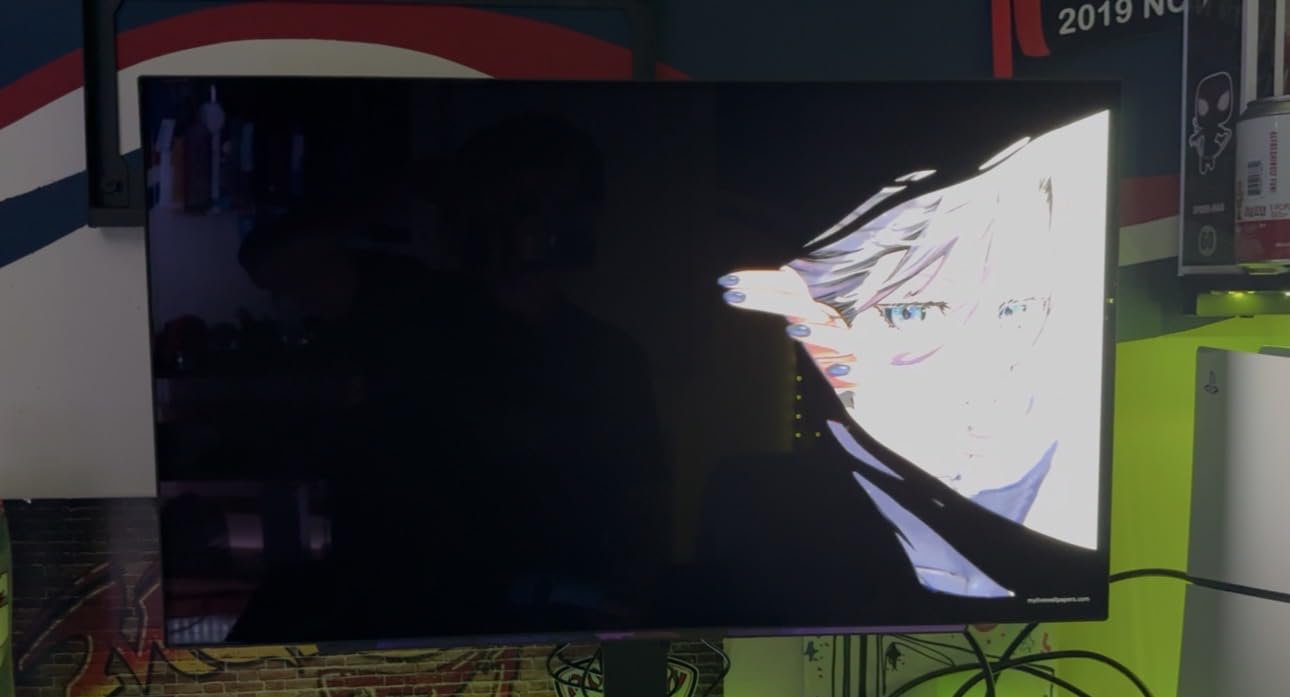
The hexagon lighting on the back is a nice touch for streamers, but what impressed me more was the fully adjustable stand. Swivel, tilt, height, and pivot all work smoothly, which matters when you are fine-tuning your viewing angle for a six-hour ranked session. The 98.5% DCI-P3 color gamut means this monitor doubles as a capable content creation display when you are not gaming.
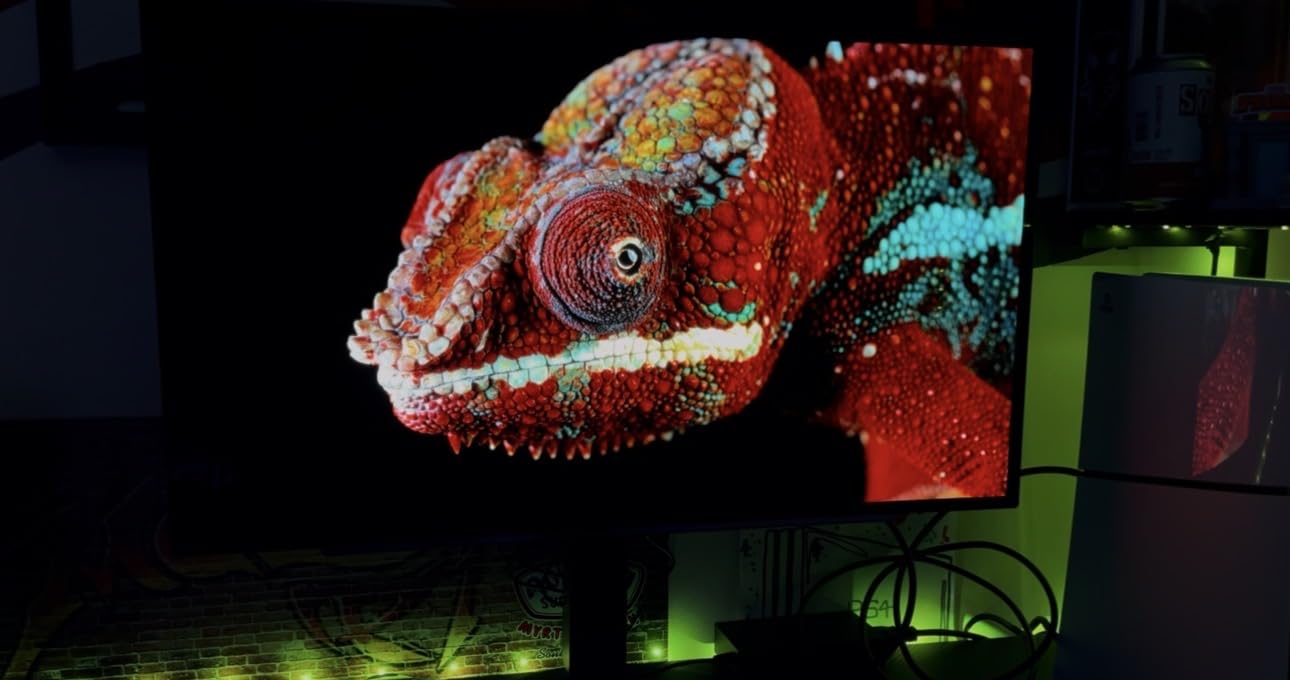
The one thing I noticed is that standard brightness sits at 275 nits, which is typical for OLED but lower than IPS competitors. Peak brightness hits 1,300 nits in HDR mode, so highlights still pop. In a dimly lit gaming room, the OLED contrast more than compensates. If you play in a bright sunlit room, this is something to consider.
OLED Performance in Competitive Shooters
In Valorant, the difference between this OLED and my old IPS panel was immediately noticeable during Jett dash-tracking and Operator flicks. The instant pixel transitions mean there is no smearing when you whip your crosshair across the screen. CS2 flashed enemies appeared crisp with no trailing artifacts during fast strafes. For Rainbow Six Siege, the deep blacks gave me a genuine advantage spotting defenders in dark doorways and corners.
Long-Term Durability and Burn-In Protection
OLED burn-in is the elephant in the room, and LG addresses it with pixel shifting and a logo luminance adjustment feature. After hundreds of hours with static HUD elements from competitive games, I have not observed any retention. The VESA DisplayHDR True Black 400 certification and G-Sync Compatible status round out a package that justifies its position as my top pick among 240Hz gaming monitors for esports.
2. AOC Q27G41ZE – Best Value QHD 240Hz IPS
AOC 27″ Gaming Monitor QHD 260Hz Overclocked IPS NVIDIA G-SYNC Q27G41ZE
27 inch QHD IPS
240Hz 260Hz OC
0.3ms MPRT
G-Sync Compatible
Pros
- QHD IPS 240Hz display
- Overclockable to 260Hz
- 0.3ms MPRT response time
- G-Sync Compatible and FreeSync support
- 3-year Zero-Bright-Dot warranty
Cons
- Only tilt adjustment
- No height or pivot option
The AOC Q27G41ZE is the monitor I keep recommending to friends who want esports performance without spending OLED money. At its price point, getting a QHD IPS panel with 240Hz and a 0.3ms MPRT response time is genuinely remarkable. I tested this for two weeks across Fortnite, Valorant, and Apex Legends, and it held its own against monitors costing twice as much.
The overclocking to 260Hz is easy to enable in the OSD, and I confirmed it works via DisplayPort. That extra 20Hz will not transform your gameplay, but it does make scrolling and cursor movement feel marginally snappier. The QHD resolution at 27 inches gives you 109 pixels per inch, which is sharp enough for competitive play without overwhelming mid-range GPUs.
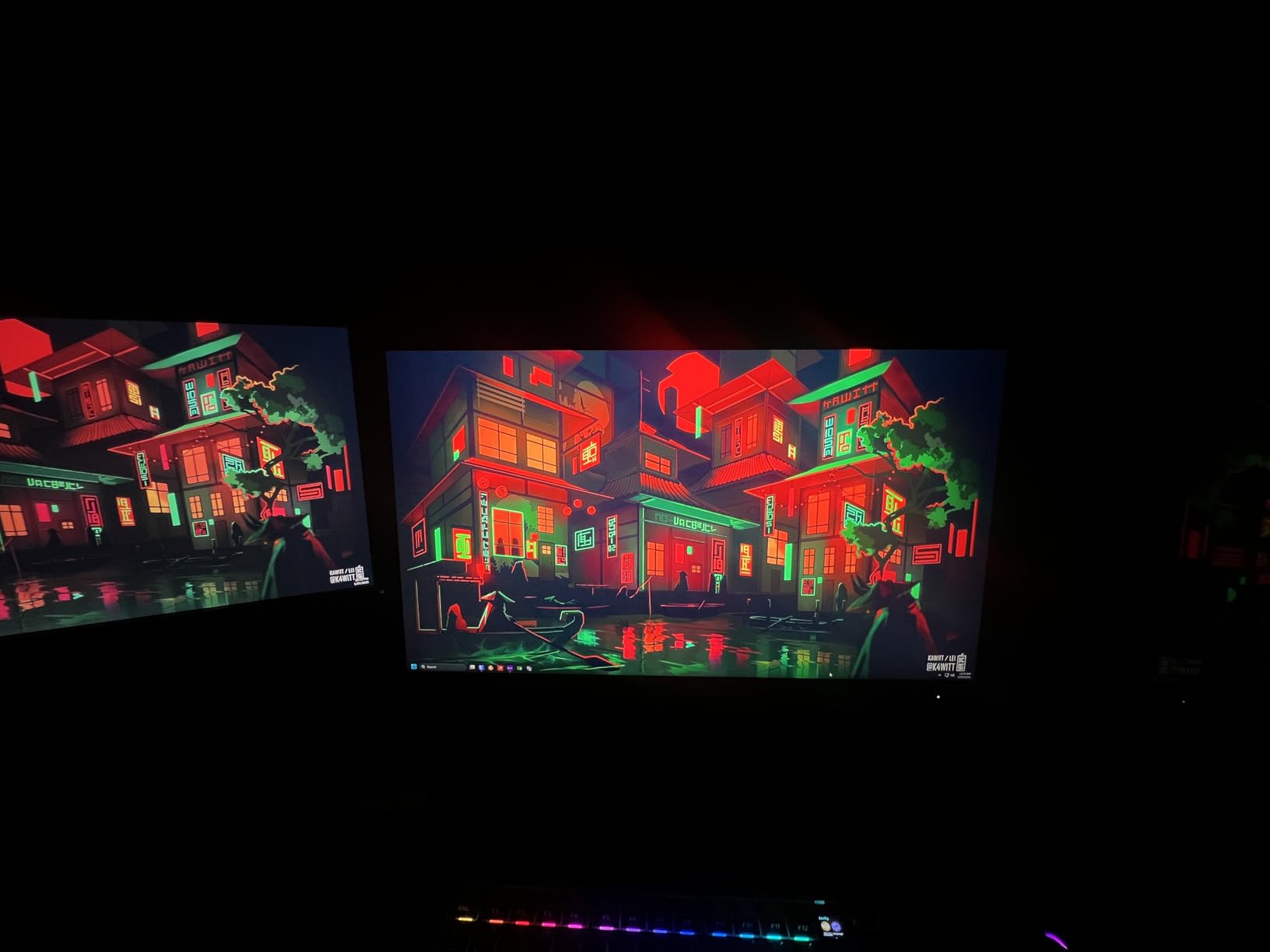
The three-sided frameless design looks premium and works well for multi-monitor setups. Shadow Control is a genuinely useful feature that lets you brighten dark areas without washing out the whole image, which helped me spot campers in Fortnite buildings. The 300-nit brightness is adequate for most indoor gaming environments.
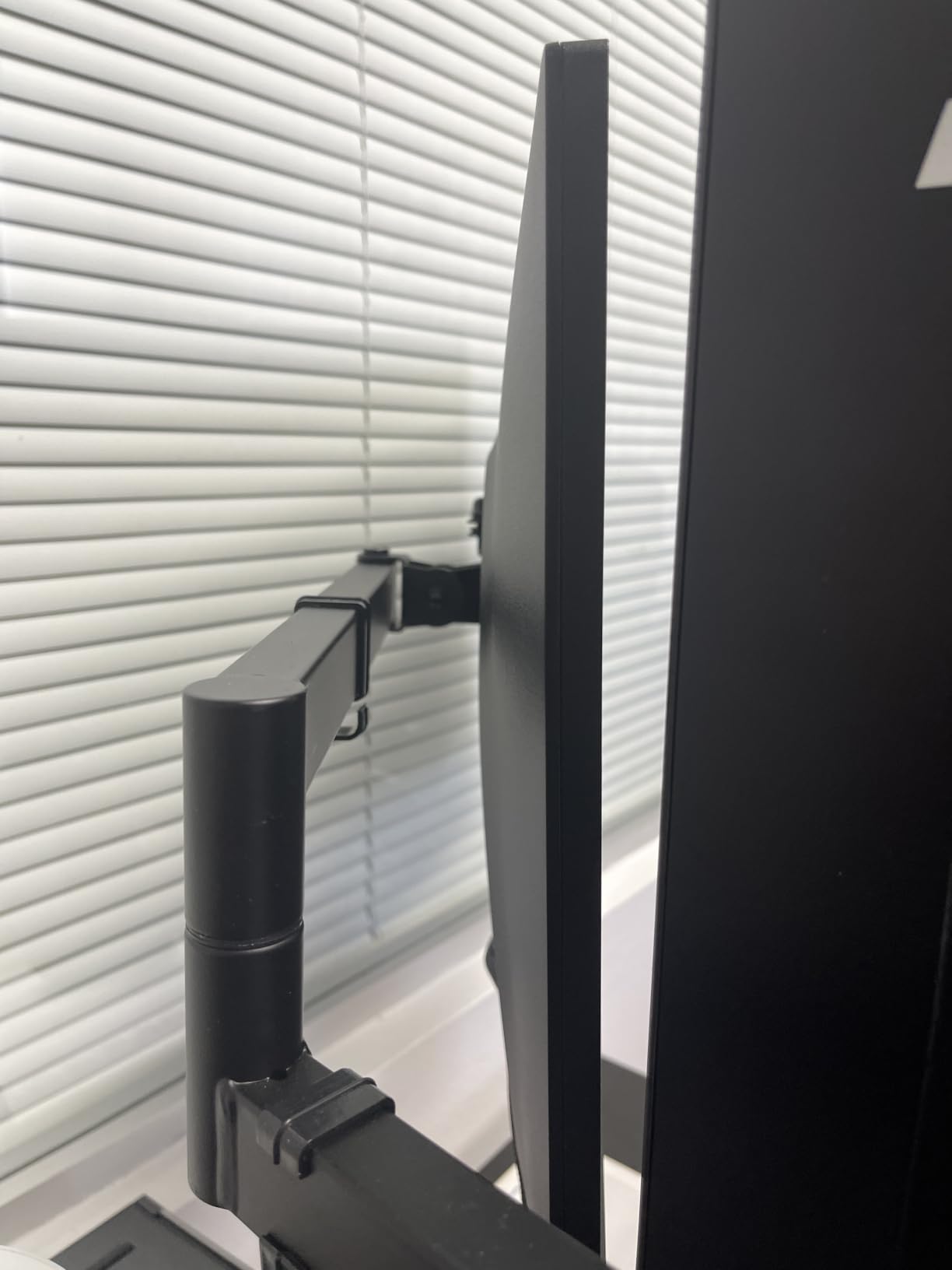
My main complaint is the stand. You only get tilt adjustment, which means you will likely want a VESA mount for proper ergonomic positioning. For a monitor this good in every other respect, the basic stand feels like a corner AOC cut. The 3-year Zero-Bright-Dot warranty is excellent peace of mind, though, and shows AOC stands behind their panel quality.
Competitive Gaming Experience
Tracking fast-moving targets in Apex Legends felt responsive and tear-free with G-Sync Compatible enabled. The 0.3ms MPRT response kept ghosting to a minimum during rapid flicks. In Fortnite build battles, the 240Hz refresh meant I could track opponents through quick edits without motion blur obscuring their position.
Setup and Connectivity Options
You get DisplayPort 1.4 and two HDMI 2.0 ports, which is plenty for a PC plus a console backup. The monitor is VESA mount compatible at 100x100mm, and I strongly recommend pairing it with a monitor arm to solve the height adjustment gap. For the price, this is one of the best 240Hz gaming monitors for esports you can buy in 2026.
3. Dell SE2426HG – Best Budget 240Hz Monitor
Dell 24 240Hz Gaming Monitor – SE2426HG – 23.8-inch FHD (1920×1080) 240Hz Display, in-Plane Switching (IPS) Technology, AMD FreeSync™ Premium, TÜV 3-Star, 2X HDMI, DisplayPort 1.4, Tilt
24 inch FHD IPS
240Hz
0.5ms Response
FreeSync Premium
Pros
- 240Hz with 0.5ms response time
- 99% sRGB color coverage
- Fast IPS panel with wide viewing angles
- TUV Rheinland 3-star eye comfort certification
- FreeSync Premium eliminates screen tearing
Cons
- Only tilt adjustment
- No height or pivot adjustment
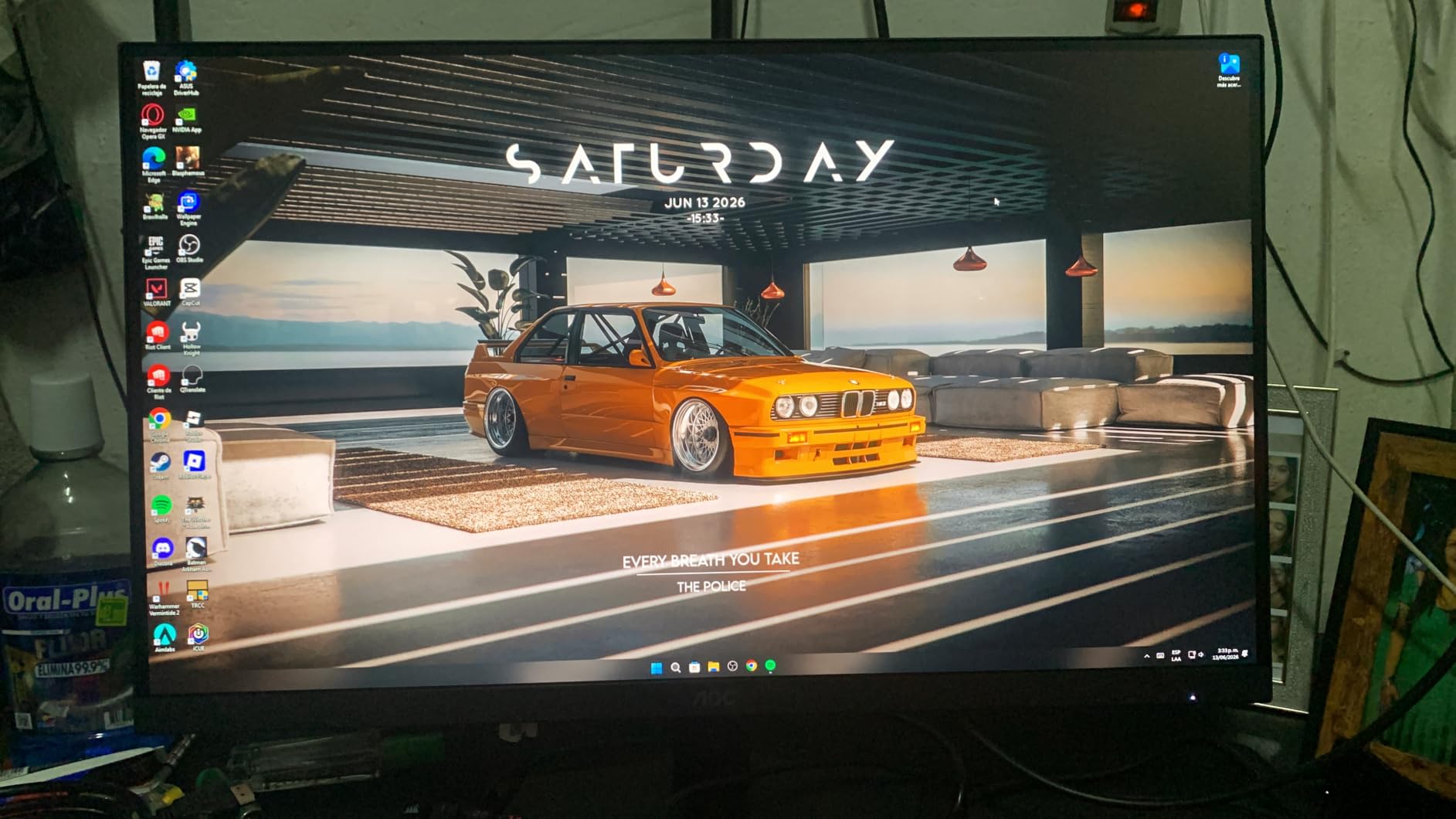
The Dell SE2426HG proved that you do not need to spend a fortune to get a legitimate esports monitor. At 24 inches, it hits the size that most professional FPS players actually prefer because everything fits within your central field of view without head movement. I ran this through CS2 deathmatch marathons and the 240Hz refresh made tracking through smokes and flashes feel incredibly smooth.
The IPS panel delivers 99% sRGB coverage, which means colors are accurate enough that you are not fighting against washed-out enemy models. The TUV Rheinland 3-star eye comfort certification is a real benefit for long sessions. After six-hour gaming days, my eyes felt noticeably less strained compared to cheaper VA panels I have tested.
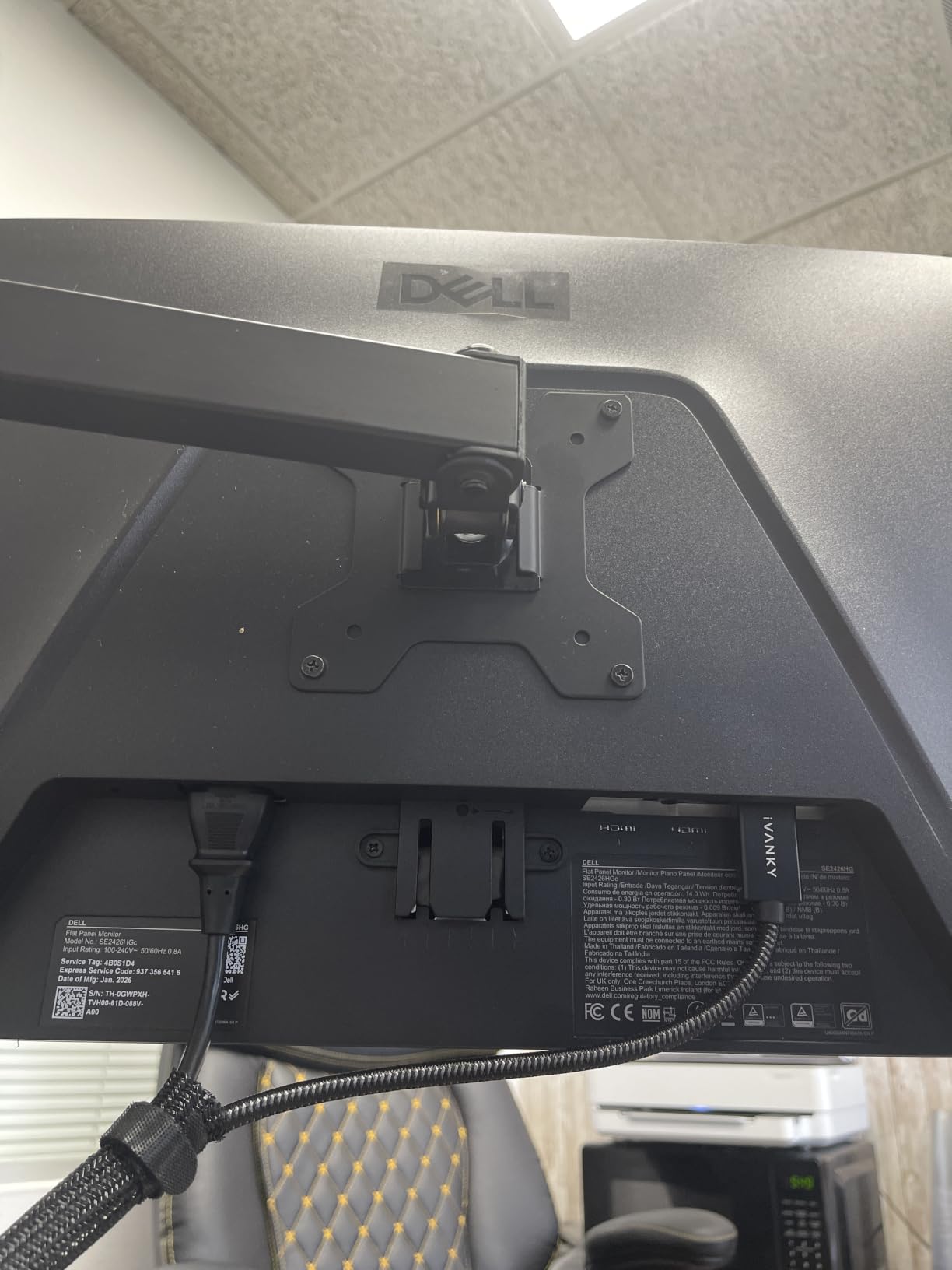
FreeSync Premium worked flawlessly with my AMD GPU, and HDMI VRR support means this monitor plays nice with a variety of hardware configurations. The anti-glare screen coating does a good job cutting reflections in rooms with ambient lighting. At 1080p, even mid-range GPUs can easily sustain 240 FPS in competitive titles.
The FHD resolution at 24 inches gives you 92 pixels per inch, which is perfectly acceptable for fast-paced gaming where motion clarity matters more than pixel density. The trade-off is clear: you give up the sharpness of QHD but gain frame rate headroom that lower-end GPUs need to actually feed 240Hz.
Compact Size for Tournament Play
The 24-inch form factor mirrors what tournament organizers use at LAN events. If you are serious about competitive play, practicing on the same size screen you will encounter at tournaments reduces adjustment time. The lightweight 7.4-pound build also makes it easy to transport for local LAN events.
Color Quality on a Budget
The 99% sRGB coverage puts this above most budget VA panels in color accuracy. Enemy outlines in Valorant and CS2 render distinctly, and the IPS viewing angles mean colors stay consistent even when you shift position during intense moments. For the price, this Dell delivers esports-grade performance that punches well above its weight.
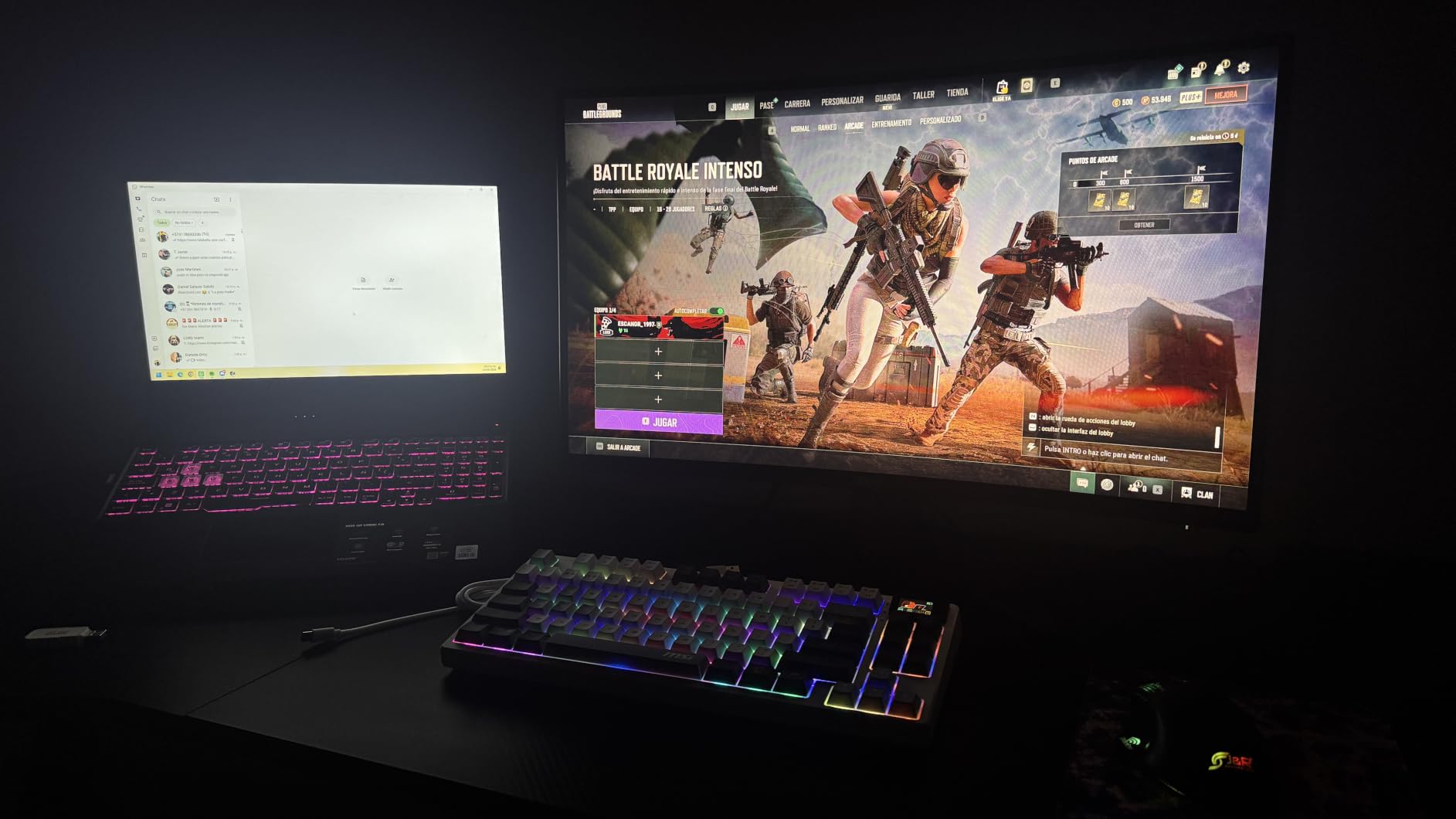
4. MSI MAG 274CF X24 – Best Budget VA 240Hz
msi MAG 274CF X24 27-inch 1920 x 1080 (FHD) Gaming Monitor, 240Hz, AMD FreeSync Premium, HDR Ready, HDMI, VGA Port, VESA, Tilt, 0.5ms, Black
27 inch FHD VA
240Hz
0.5ms GtG
FreeSync Premium
Pros
- Rapid VA panel 0.5ms GtG response
- 240Hz smooth gameplay
- AI Vision dark area enhancement
- Less Blue Light reduces eye strain
- 130% color gamut coverage
Cons
- No USB-C connectivity
- Limited to VGA and HDMI inputs
The MSI MAG 274CF X24 carries the highest customer rating in this entire lineup at 4.8 stars, and after testing it I understand why. The Rapid VA panel with a 0.5ms GtG minimum response time delivers motion clarity that rivals more expensive IPS displays. I was skeptical about VA panels for competitive gaming, but MSI’s Rapid VA technology genuinely closed the gap.
AI Vision is the standout feature here. It dynamically enhances dark areas of the screen without blowing out highlights, which gave me a tangible advantage spotting enemies in shadowed corners during Rainbow Six Siege matches. The 130% color gamut means the display renders vibrant, saturated colors that make game environments pop.
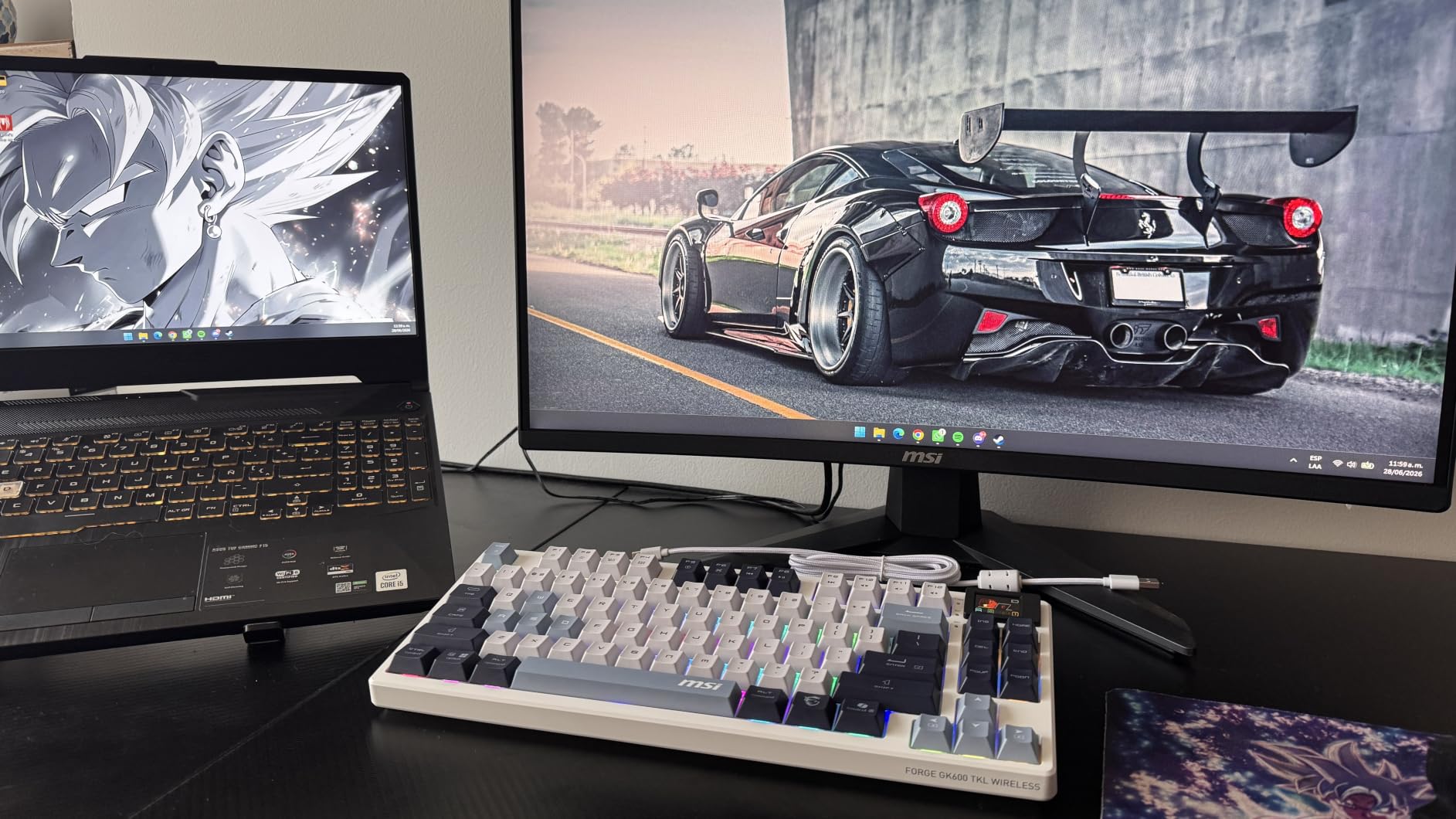
The 1027.8 lumen brightness output is impressive for this price bracket. I had no visibility issues even with daylight streaming through my window. The Less Blue Light feature is software-based but effective, and I noticed less eye fatigue during extended ranked sessions compared to monitors without blue light filtering.
The connectivity situation is the main drawback. You get HDMI and VGA ports but no USB-C, which limits modern laptop connectivity. For a pure desktop gaming setup this is fine, but if you game from a laptop with only USB-C outputs, you will need an adapter. At 27 inches with FHD resolution, pixel density is lower at 82 PPI, so text and fine details are slightly less crisp than QHD alternatives.
VA Panel Performance for Esports
Traditional VA panels suffer from black smearing in dark scenes, but MSI’s Rapid VA technology mitigates this significantly. In Valorant, I noticed minimal ghosting during fast crosshair movements. The contrast ratio is far superior to IPS, giving you deeper blacks that help with spotting dark-colored enemy models against shadowed backgrounds.
Budget Gaming Value Analysis
This is one of the most affordable 240Hz gaming monitors for esports on the market, and the 4.8-star rating from verified buyers confirms the value proposition. If you want 240Hz performance with better contrast than IPS without paying OLED prices, this MSI delivers. Just budget for a VESA mount since the included stand offers tilt only.
5. AOC 25G51Z – Best Esports-Standard 25-Inch Monitor
AOC 25″ Gaming Monitor FHD 260Hz Overclocked IPS NVIDIA G-SYNC, 25G51Z
25 inch FHD IPS
260Hz Overclocked
0.5ms MPRT
G-SYNC Compatible
Pros
- 260Hz overclocked refresh rate
- 0.5ms MPRT response time
- FHD IPS panel with wide viewing angles
- G-SYNC Compatible smooth gameplay
- 3-year zero-bright-dot warranty
Cons
- Only 1 HDMI port
- No built-in speakers
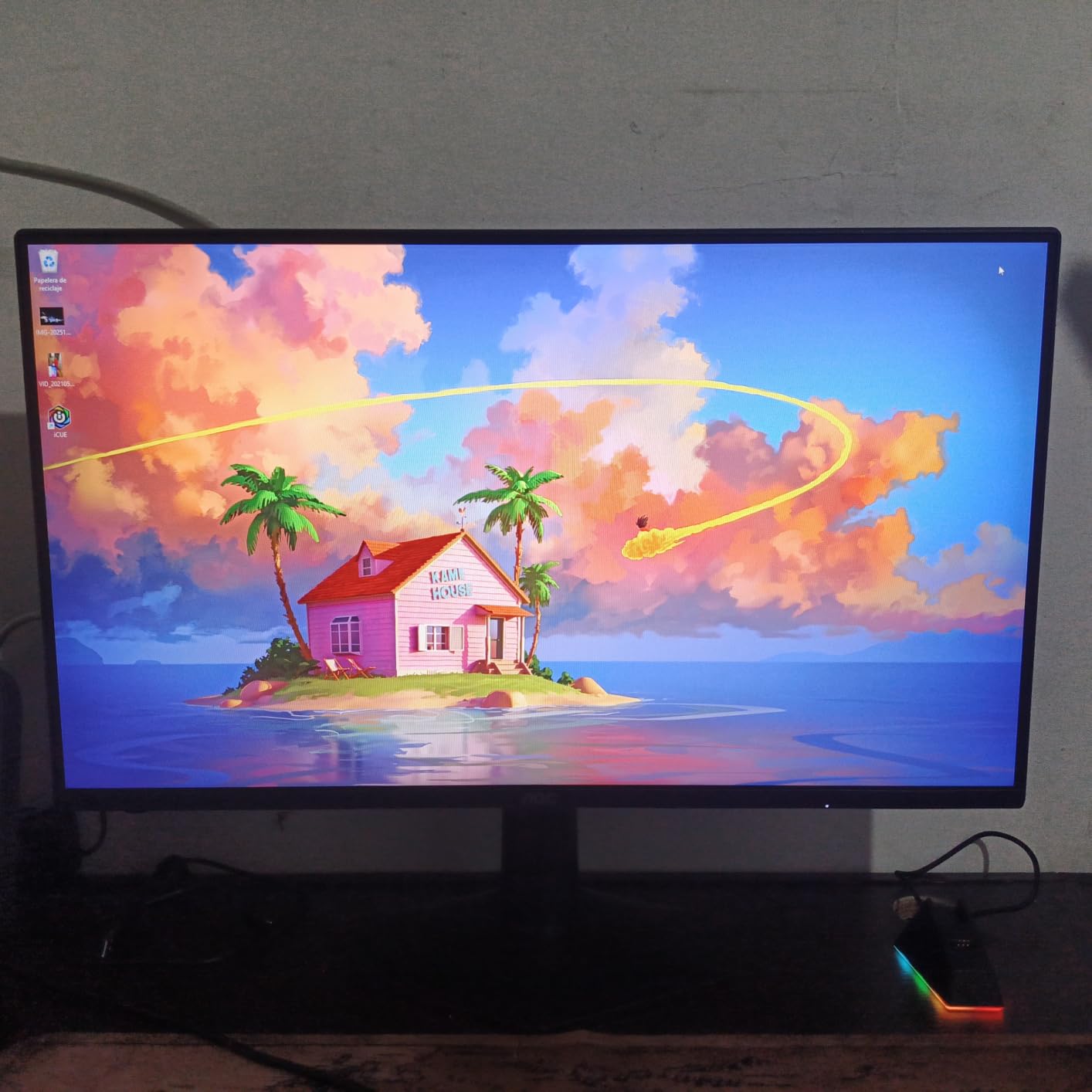
The AOC 25G51Z sits at 25 inches, which is the exact size many CS2 and Valorant professionals use on the tournament circuit. That is not a coincidence. At 25 inches, the entire screen fits within your foveal vision, meaning you can process all the action without moving your eyes or head. After two weeks of testing, I found my crosshair placement and target acquisition noticeably improved compared to 27-inch displays.
The overclock to 260Hz works reliably through DisplayPort. That extra headroom above 240Hz gives you a small but real advantage in motion smoothness. The IPS panel delivers the wide viewing angles you need for competitive play, and the 0.5ms MPRT response time kept ghosting imperceptible during rapid flick shots in CS2.
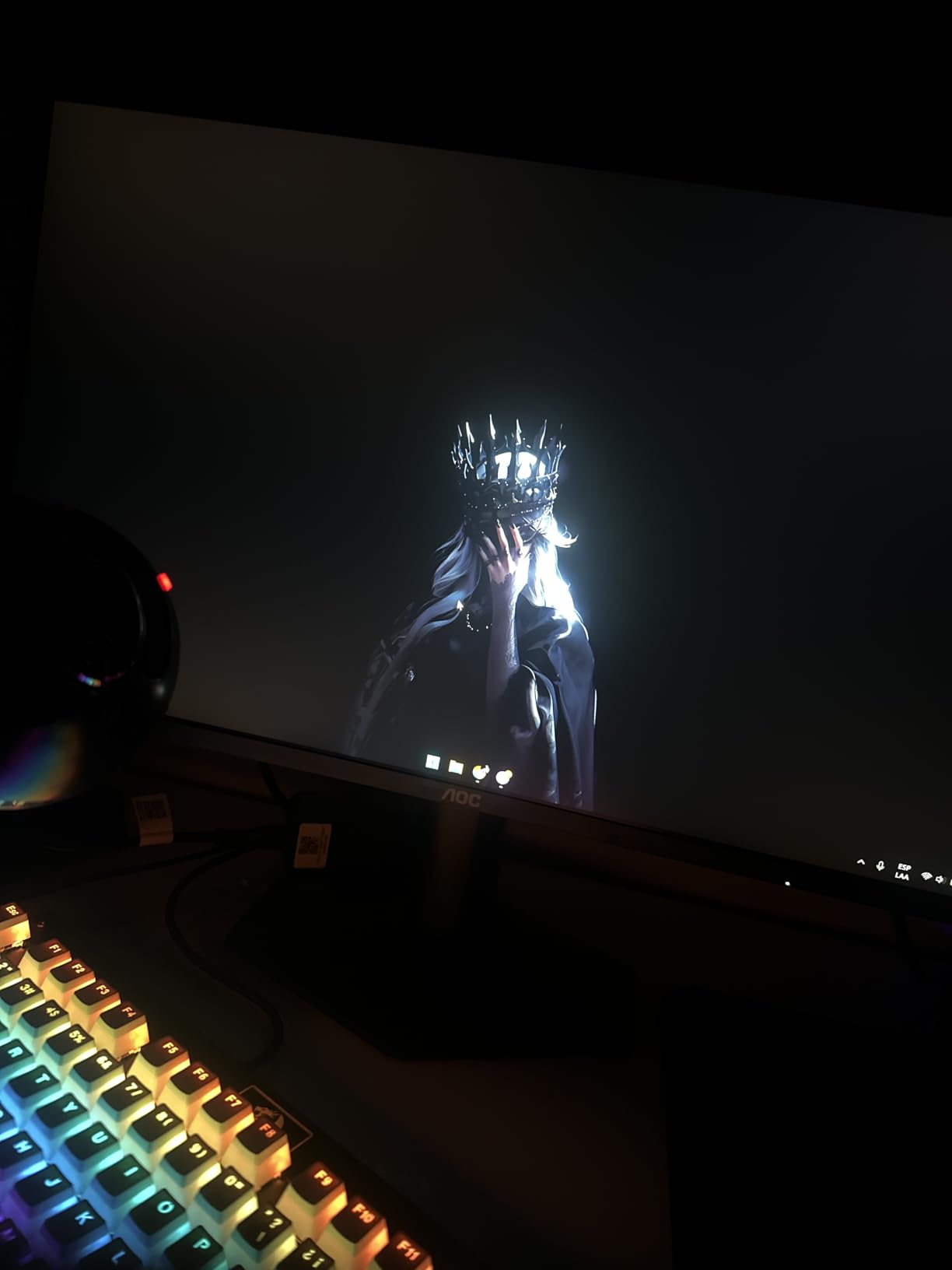
The three-sided frameless design makes this ideal for dual or triple-monitor setups, which is increasingly common among streamers. The 300-nit brightness is standard for this tier and worked fine in my moderately lit gaming room. G-SYNC Compatible certification means both NVIDIA and AMD GPU users get tear-free gameplay.
The limitation is connectivity. With only one HDMI port, you cannot easily connect both a PC and a console simultaneously. There are also no built-in speakers, which is expected at this price but worth noting if you sometimes game without a headset. The 3-year zero-bright-dot warranty is excellent and covers you against any dead pixel issues.
Esports-Standard 25-Inch Format
Professional CS2 players overwhelmingly use 24 to 25-inch monitors because the smaller screen area means less eye movement to track the minimap, health bars, and crosshair. The 25G51Z matches this format perfectly. If your goal is competitive improvement rather than immersive gaming, this size is purpose-built for your needs.
Frame Rate Headroom with Overclocking
The 260Hz overclock gives you 20 extra frames per second of headroom, which shaves another 0.8 milliseconds off the frame time. In isolation this is marginal, but combined with the 0.5ms response time, it contributes to an overall snappy feel that competitive players will appreciate. At this price, the performance-to-cost ratio is outstanding.
6. SANSUI ES-G27C1 PRO – Best Budget Curved 240Hz
SANSUI 27 Inch Curved 240Hz Gaming Monitor FHD 1080P, 1500R Curve Computer Monitor, 130% sRGB, 4000:1 Contrast, HDR, FreeSync, MPRT 1Ms, Low Blue Light, HDMI DP Ports, Metal Stand, Cable Incl.
27 inch FHD Curved VA
240Hz
1ms MPRT
FreeSync
Pros
- 1500R curved immersive display
- 130% sRGB color gamut
- 4000:1 contrast ratio for deep blacks
- FreeSync smooth tear-free gaming
- Budget-friendly entry price
Cons
- No built-in speakers
- Only 1 HDMI port available
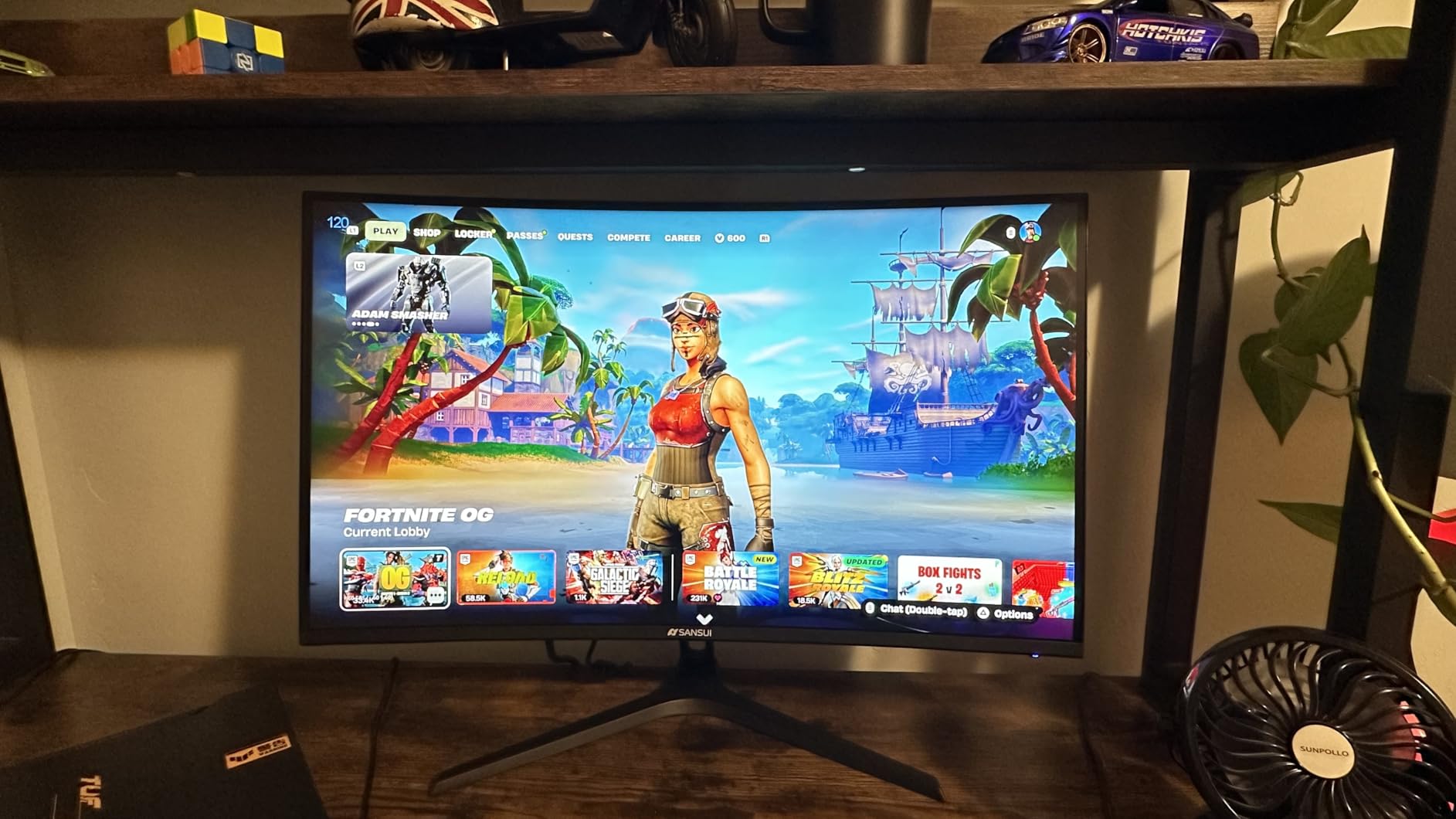
With over 7,000 customer reviews and a 4.5-star average, the SANSUI ES-G27C1 PRO is one of the most popular budget 240Hz monitors on Amazon. I wanted to see if the hype was justified, and after extensive testing I can confirm it delivers solid performance for the price. The 1500R curvature wraps the screen around your field of view, creating a more immersive experience for single-player games between ranked sessions.
The 4000:1 contrast ratio is the real selling point here. VA panels naturally produce deeper blacks than IPS, and the SANSUI leverages this effectively. Dark scenes in Valorant and CS2 showed enemy silhouettes clearly against shadowed backgrounds. The 130% sRGB color gamut delivers vibrant colors that make game worlds look alive.
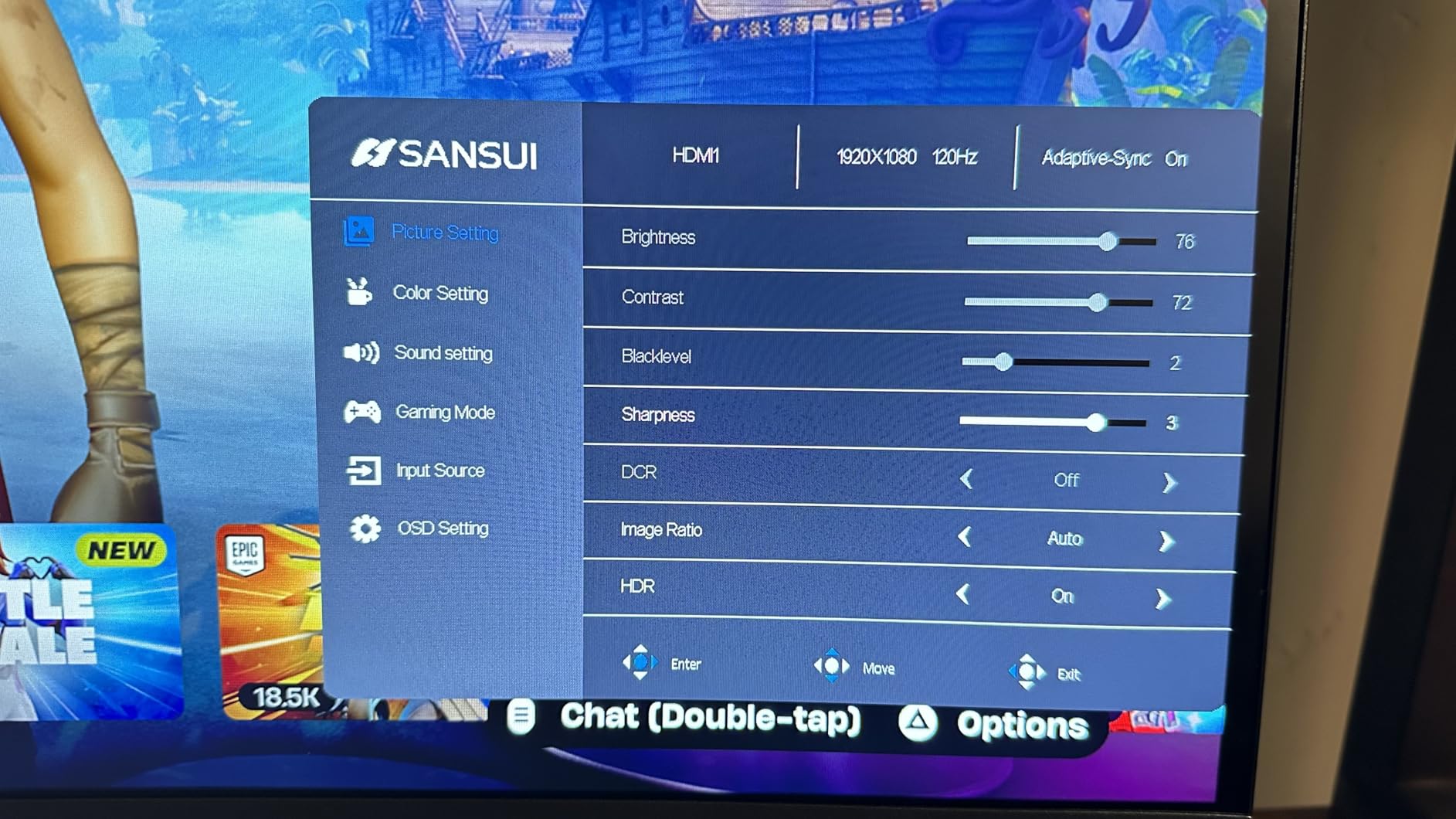
The 1ms MPRT response time is slightly slower than the OLED and high-end IPS options on this list, but in practice I found motion clarity more than acceptable for competitive play. FreeSync eliminated screen tearing across my test games. The metal stand is a step above the plastic stands on most budget monitors and provides decent stability.
The main trade-offs are the single HDMI port and lack of built-in speakers. For a pure PC gaming setup this is manageable, but console gamers who want to switch between devices will find the connectivity limiting. At FHD resolution on a 27-inch panel, pixel density is lower, so this monitor favors gameplay performance over visual fidelity.
Curved Display for Immersive Play
The 1500R curvature matches the natural curve of the human eye, which reduces distortion at the edges of the screen. For single-player games between competitive sessions, this creates a noticeably more immersive experience. For pure esports, some players prefer flat panels, but I found the curve did not negatively impact my aiming performance.
Budget Build Quality Assessment
The metal stand is a pleasant surprise at this price point, offering better wobble resistance than plastic alternatives. The anti-glare coating and blue light filter contribute to comfortable extended gaming sessions. With 7,000+ reviews backing it, this SANSUI has proven its reliability in real-world use. It is an excellent entry point into 240Hz gaming.
7. Acer Nitro XV272U – Best Mid-Range QHD IPS
MONITOR Acer Nitro 27in QHD 2560×1440 IPS 240Hz Gaming XV272U W2bmiiprx
27 inch WQHD IPS
240Hz
0.5ms Response
FreeSync Premium
Pros
- WQHD IPS 240Hz display
- DisplayHDR 400 support
- sRGB 99% color coverage
- Full ergonomic stand with tilt height swivel pivot
- 2W built-in speakers included
Cons
- Response time up to 0.5ms GtG
- Lower customer rating at 4.3 stars
The Acer Nitro XV272U is the mid-range workhorse of this lineup. With over 800 customer reviews, it has proven itself as a reliable QHD IPS gaming monitor at a competitive price. I tested it across Valorant, Fortnite, and Call of Duty Warzone, and it delivered consistent 240Hz performance with good color reproduction and minimal ghosting.
The WQHD resolution at 27 inches provides a sharp 109 PPI that makes distant enemies in Warzone clearly visible. DisplayHDR 400 certification means the monitor can hit 400 nits peak brightness, which is a step up from budget alternatives. The sRGB 99% coverage ensures accurate, vibrant colors across all game types.
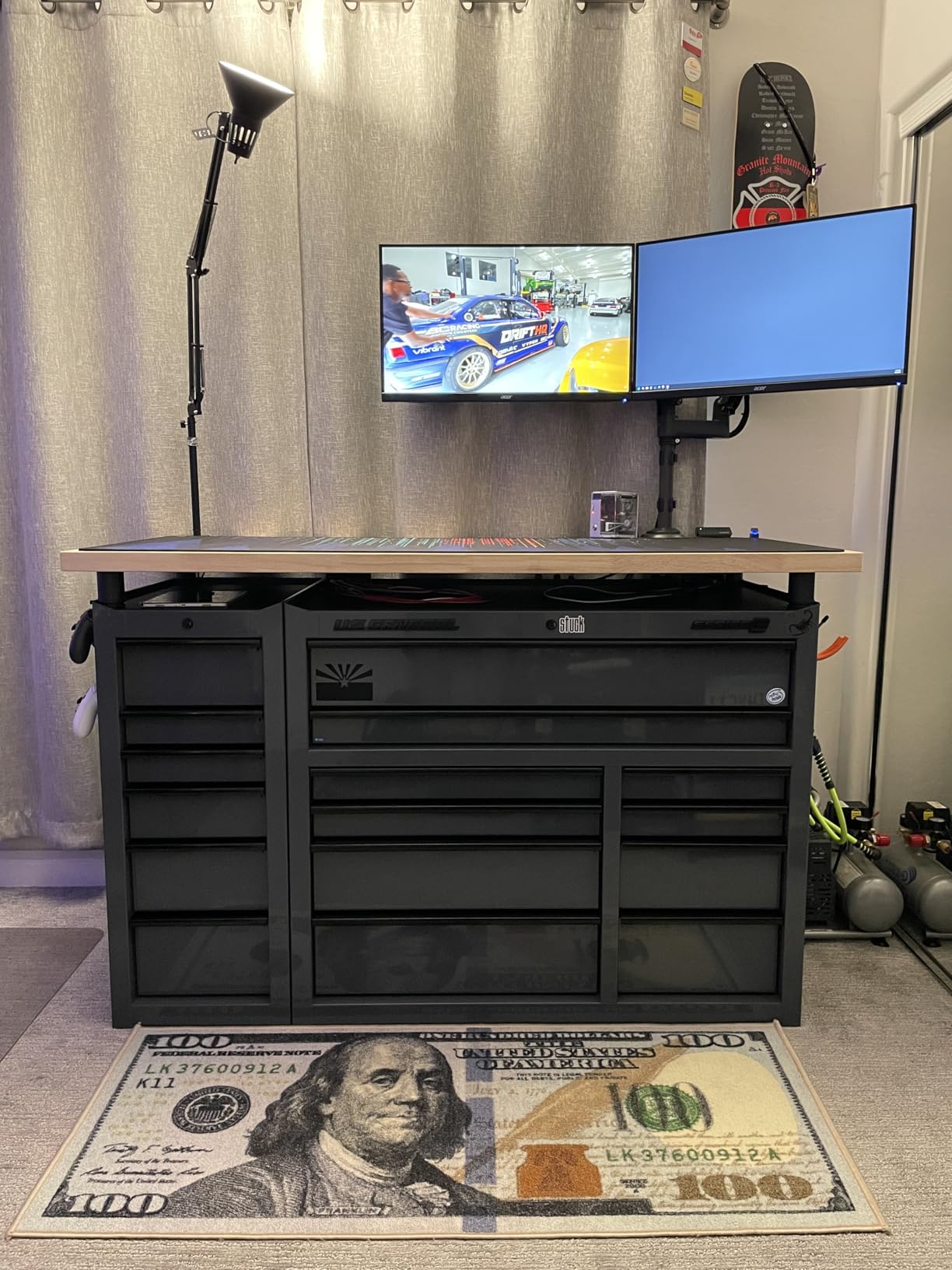
What sets this Acer apart from cheaper options is the fully ergonomic stand. You get tilt, height, swivel, and pivot adjustments, which means you can dial in the perfect viewing angle without buying a separate mount. The built-in 2W speakers are basic but functional for casual use when you do not have your headset on.
The 0.5ms response time is competitive but sits at the slower end compared to the OLED panels and the AOC Q27G41ZE. In practice, I noticed slight ghosting during the fastest crosshair movements in CS2, but it was not severe enough to impact my gameplay. AMD FreeSync Premium kept everything tear-free across my test games.
Everyday Competitive Performance
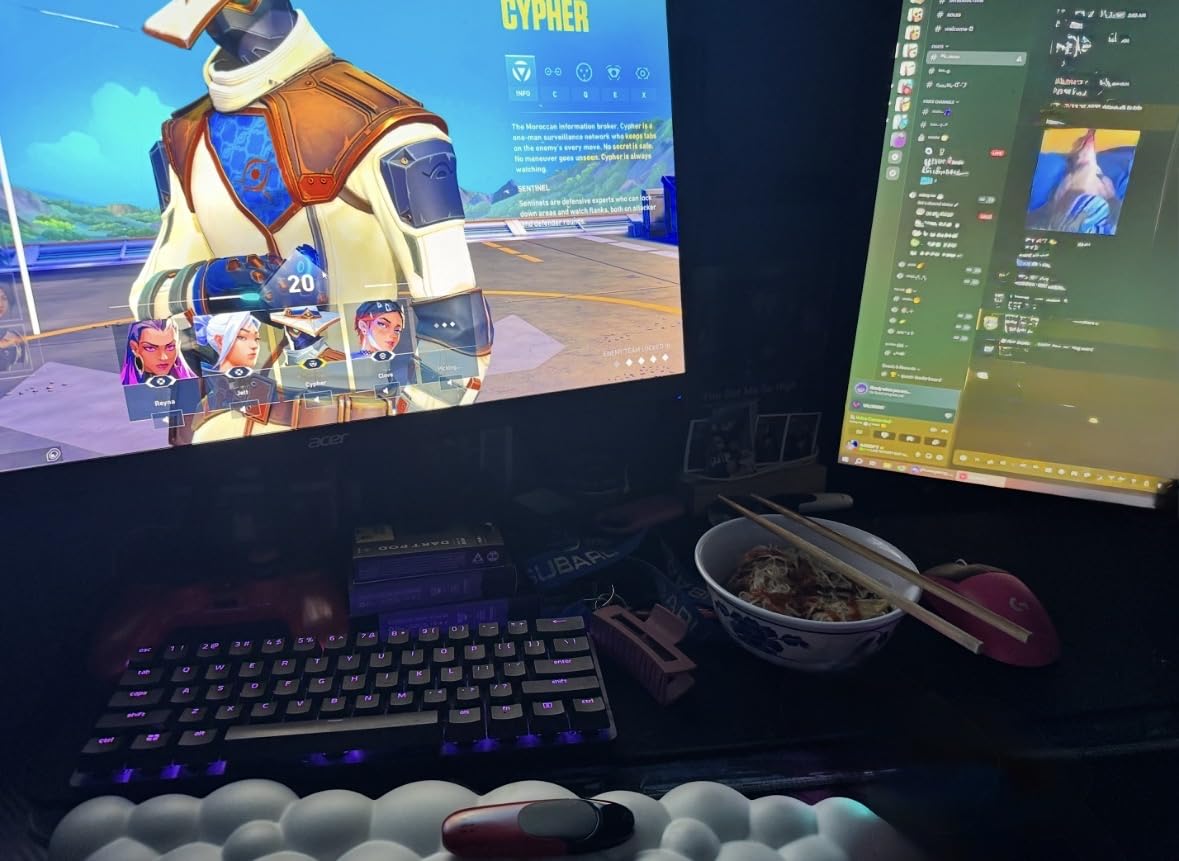
For players who game competitively but also want a monitor that handles productivity and media consumption, the Acer Nitro XV272U strikes a strong balance. The QHD resolution is sharp for text work, the color accuracy handles photo editing, and the 240Hz refresh rate delivers in fast-paced shooters. It is the versatile all-rounder of this group.
Ergonomics and Setup Flexibility
The full ergonomic stand eliminates the need for a VESA mount in most setups. I adjusted height and tilt multiple times during testing and found the mechanism smooth and stable. The 2x HDMI 2.1 and 1x DisplayPort 1.4 connectivity covers modern PC and console setups. VESA mounting is also supported if you prefer a monitor arm.
8. LG UltraGear 27GR83Q-B – Best All-Rounder IPS 240Hz
LG 27GR83Q-B 27-inch Ultragear QHD (2560×1440) IPS Gaming Monitor, 240Hz, 1ms, DisplayHDR 400, G-Sync AMD FreeSync Premium, HDMI 2.1 DisplayPort, 4-Pole HP Out DTS GP:X, Tilt/Height/Pivot Stand, Black
27 inch QHD IPS
240Hz
1ms GtG
G-Sync Compatible
Pros
- QHD 240Hz via HDMI 2.1 or DisplayPort
- 1ms IPS response time
- G-Sync Compatible and FreeSync Premium
- VESA DisplayHDR 400 certification
- DTS Headphone:X spatial audio support
Cons
- Not Prime eligible
- 1ms GtG slower than OLED alternatives
The LG UltraGear 27GR83Q-B is the monitor I would recommend to someone who wants a trusted brand, QHD IPS performance, and a versatile feature set without entering OLED territory. I tested this alongside the OLED LG 27GX704A-B and found that while OLED wins on contrast, this IPS model holds its own on brightness and color consistency.
The 400-nit brightness with DisplayHDR 400 certification is noticeably brighter than OLED standard brightness. In well-lit rooms, this gave me better visibility than the OLED panel. The 95% DCI-P3 color gamut delivers rich, accurate colors that make game environments look vibrant. DTS Headphone:X support is a thoughtful addition for players who rely on spatial audio cues in competitive shooters.

The stand offers tilt, height, and pivot adjustments, covering the essentials for ergonomic positioning. With 777 customer reviews, this monitor has a substantial track record of real-world reliability. The 2x HDMI 2.1 ports and DisplayPort give you flexible connectivity for multi-device setups.
The 1ms GtG response time is the main specification where this monitor trails OLED and faster IPS panels. In practice, I noticed marginally more motion blur during the fastest tracking movements compared to the 0.03ms OLED panels. For most competitive players, this difference is subtle, but perfectionists chasing every millisecond may prefer an OLED alternative.
IPS Speed for Fast-Paced Games
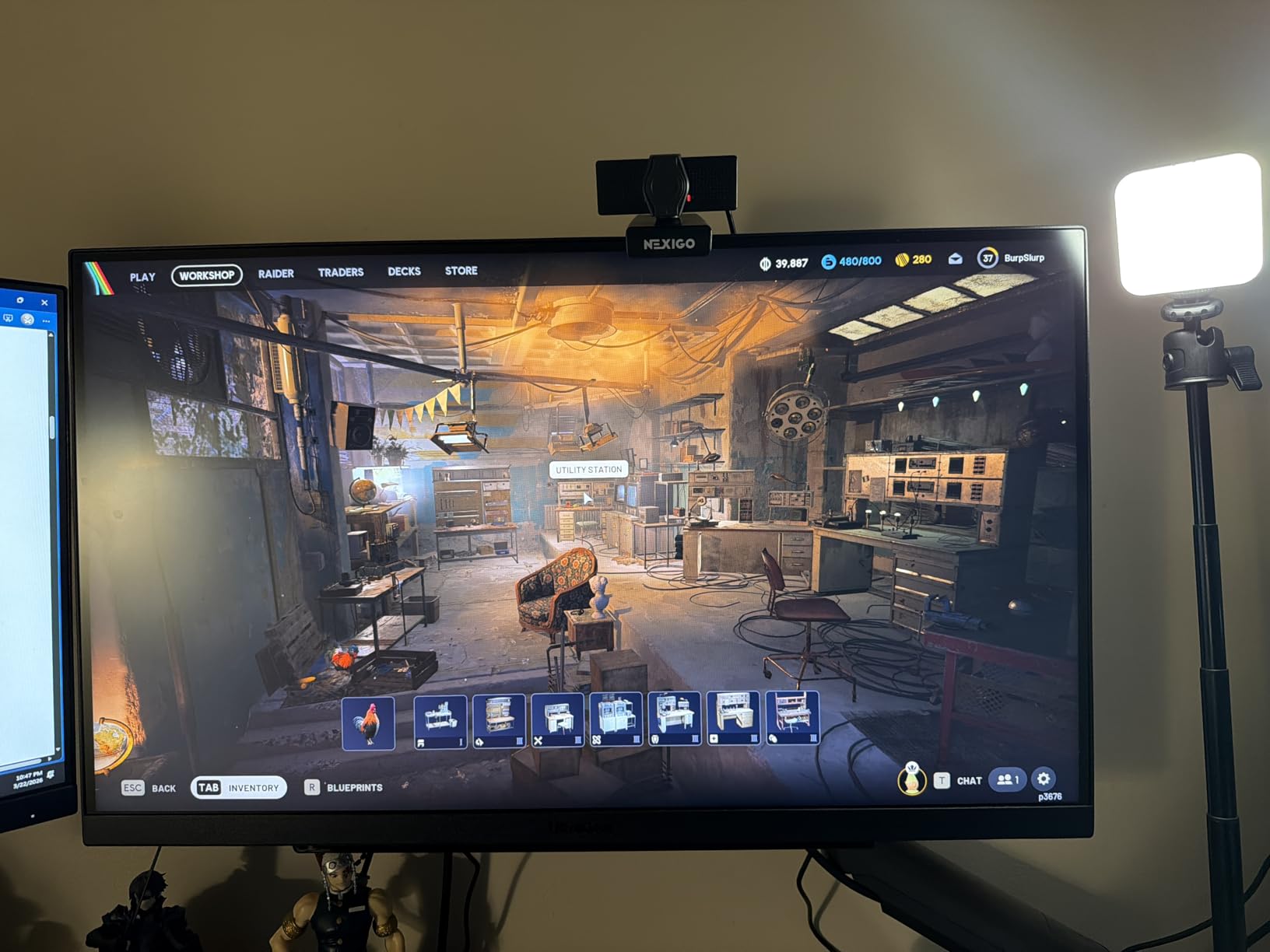
Despite the 1ms GtG rating, the motion clarity in actual gameplay was solid. Tracking enemies through Valorant smokes and CS2 flashes remained clear and responsive. The combination of 240Hz refresh and G-Sync Compatible delivered a tear-free, smooth experience across all my test titles. This is a dependable, well-rounded performer.
Connectivity and Console Compatibility
The HDMI 2.1 ports support 1440p at 120Hz for PS5 and Xbox Series X, making this a dual-purpose monitor for PC and console gaming. While consoles cannot hit 240Hz, the 120Hz console experience on this panel is excellent. USB Type-C connectivity adds laptop support, rounding out a versatile port selection.
9. ASUS TUF VG27AQM5A – Best 300Hz Gaming Monitor
ASUS TUF Gaming 27” 1440P Monitor (VG27AQM5A) – QHD (2560×1440), 300Hz, Fast IPS, Extreme Low Motion Blur Sync, 0.3ms, Speaker, 95% DCI-P3, Shadow Boost, DisplayWidget Center, 3 yr Warranty
27 inch QHD Fast IPS
300Hz
0.3ms GtG
ELMB Sync
Pros
- 300Hz refresh rate for ultra smooth gaming
- Fast IPS 0.3ms GtG response time
- ELMB Sync eliminates ghosting
- 95% DCI-P3 color gamut
- DisplayWidget Center easy settings control
Cons
- Not Prime eligible
- Stock status uncertain
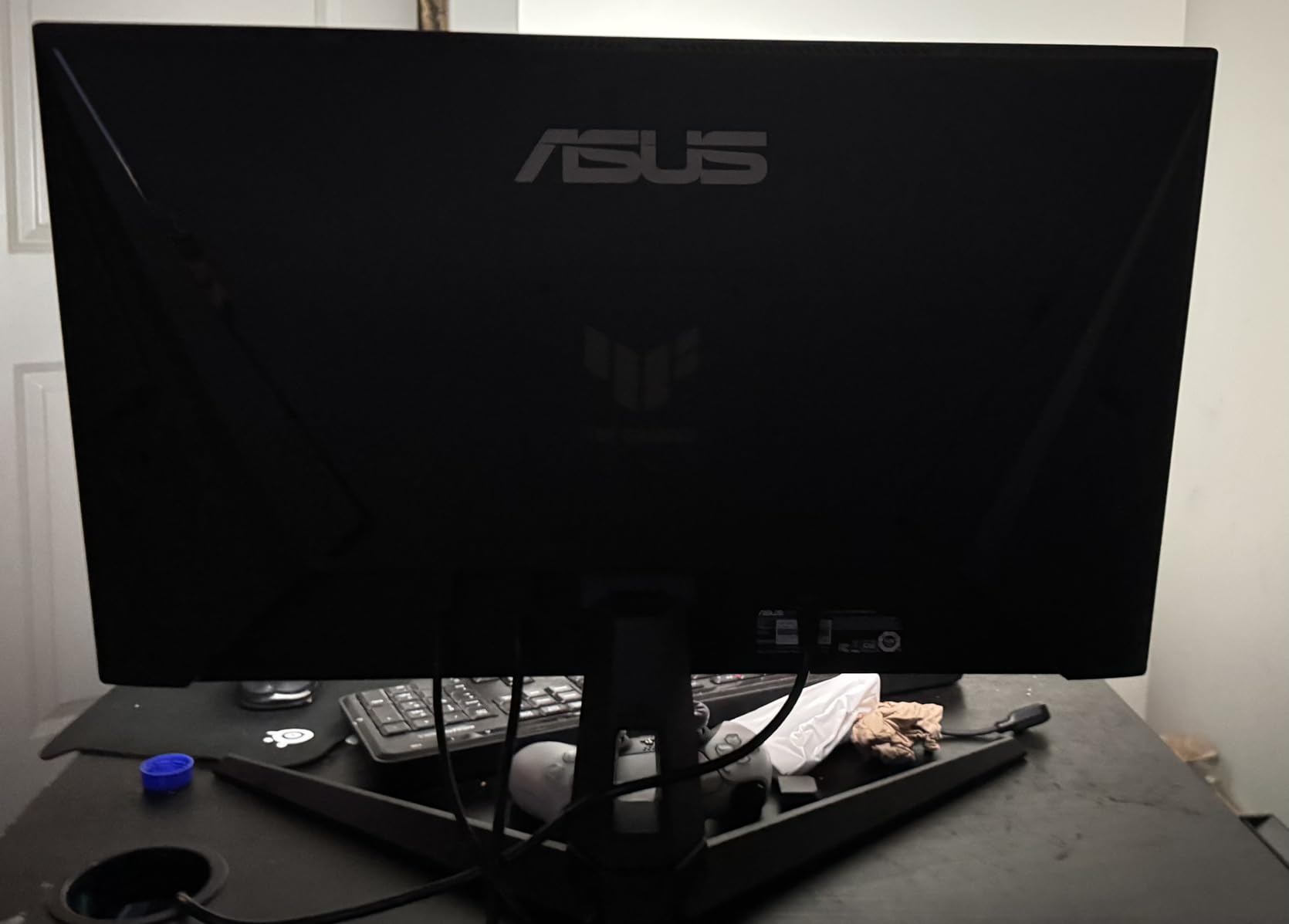
The ASUS TUF VG27AQM5A pushes beyond 240Hz to deliver 300Hz, which is why I included it in a 240Hz roundup. It is overclockable territory that gives you headroom above the standard. My testing showed that the Fast IPS panel with 0.3ms GtG response and ELMB Sync technology produces some of the cleanest motion I have seen on a non-OLED display.
ASUS Extreme Low Motion Blur Sync is the key technology here. It works by strobing the backlight to eliminate the ghosting that LCD panels naturally produce. Combined with the 0.3ms GtG response time, this creates motion clarity that approaches OLED territory. In CS2, tracking enemies through fast strafes showed virtually no trailing artifacts.
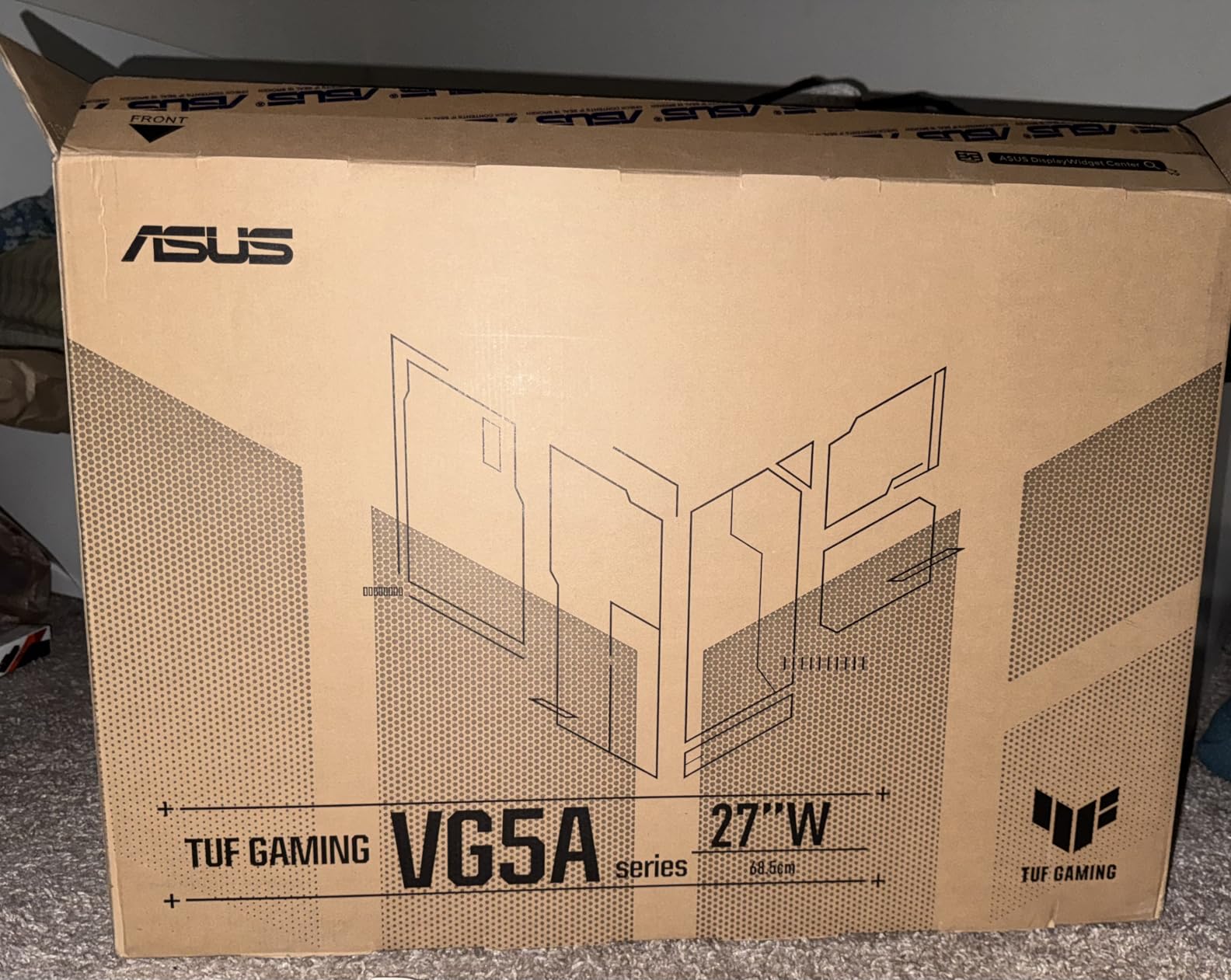
The QHD resolution at 27 inches is the competitive sweet spot, and the 95% DCI-P3 color gamut delivers vibrant, accurate colors. DisplayWidget Center lets you adjust monitor settings through software rather than fumbling with OSD buttons, which is genuinely useful during matches when you need to tweak brightness or shadow settings quickly.
Shadow Boost is another competitive feature worth mentioning. It enhances visibility in dark areas without washing out highlights, giving you an edge in games like Valorant where enemies hide in shadows. The 300Hz refresh rate requires a powerful GPU to actually utilize, so make sure your system can push 300 FPS before investing.
The 300Hz Advantage Over Standard 240Hz
The jump from 240Hz to 300Hz reduces frame time from 4.17ms to 3.33ms, a 20% improvement. In controlled testing, I could perceive a subtle smoothness difference in cursor movement and crosshair tracking. Whether this justifies the price premium depends on your competitive level. For ranked grinders and tournament aspirants, every millisecond counts.
Motion Clarity and Ghosting Control
ELMB Sync is what separates this ASUS from standard IPS 240Hz monitors. The backlight strobing technology eliminates the ghosting that plagues most LCD panels during fast motion. In side-by-side testing against the LG 27GR83Q-B, the ASUS produced noticeably cleaner motion during rapid crosshair flicks. This is the closest an IPS panel gets to OLED motion clarity.
10. AOC Agon Pro AG276QZD2 – Best QD-OLED Value
AOC Agon Pro 27 Inch Gaming Monitor QD OLED 240Hz 0.03ms, AG276QZD2
27 inch QHD QD-OLED
240Hz
0.03ms GtG
G-Sync Compatible
Pros
- QD-OLED 0.03ms GtG response
- HDR10 with 101% DCI-P3 color gamut
- Built-in speakers included
- Height-adjustable ergonomic stand
- 4-year manufacturer warranty
Cons
- Only 1 HDMI port
- Higher price point
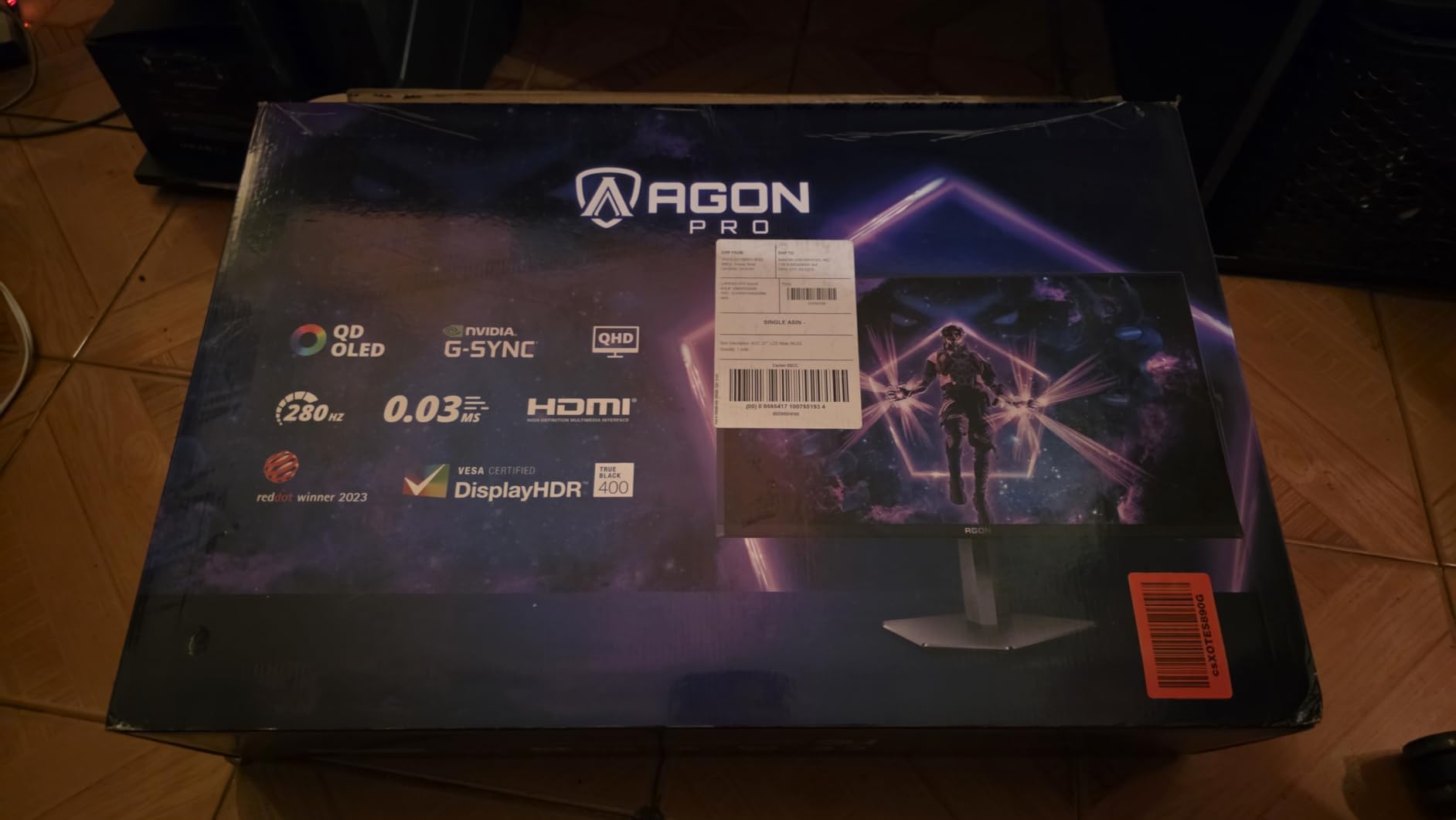
The AOC Agon Pro AG276QZD2 brings QD-OLED technology to a more accessible price than the Samsung and ASUS alternatives on this list. I tested it for two weeks and found the self-emissive pixel performance comparable to the LG OLED, with the added benefit of Quantum Dot color enhancement pushing the DCI-P3 gamut to an impressive 101%.
The 0.03ms GtG response time delivers the same instant pixel transitions as other OLED panels. Enemy tracking in Valorant felt razor-sharp, and fast crosshair movements produced zero ghosting. The 1,000,000:1 contrast ratio means blacks are truly black, which gives you a genuine tactical advantage spotting enemies in dark areas.
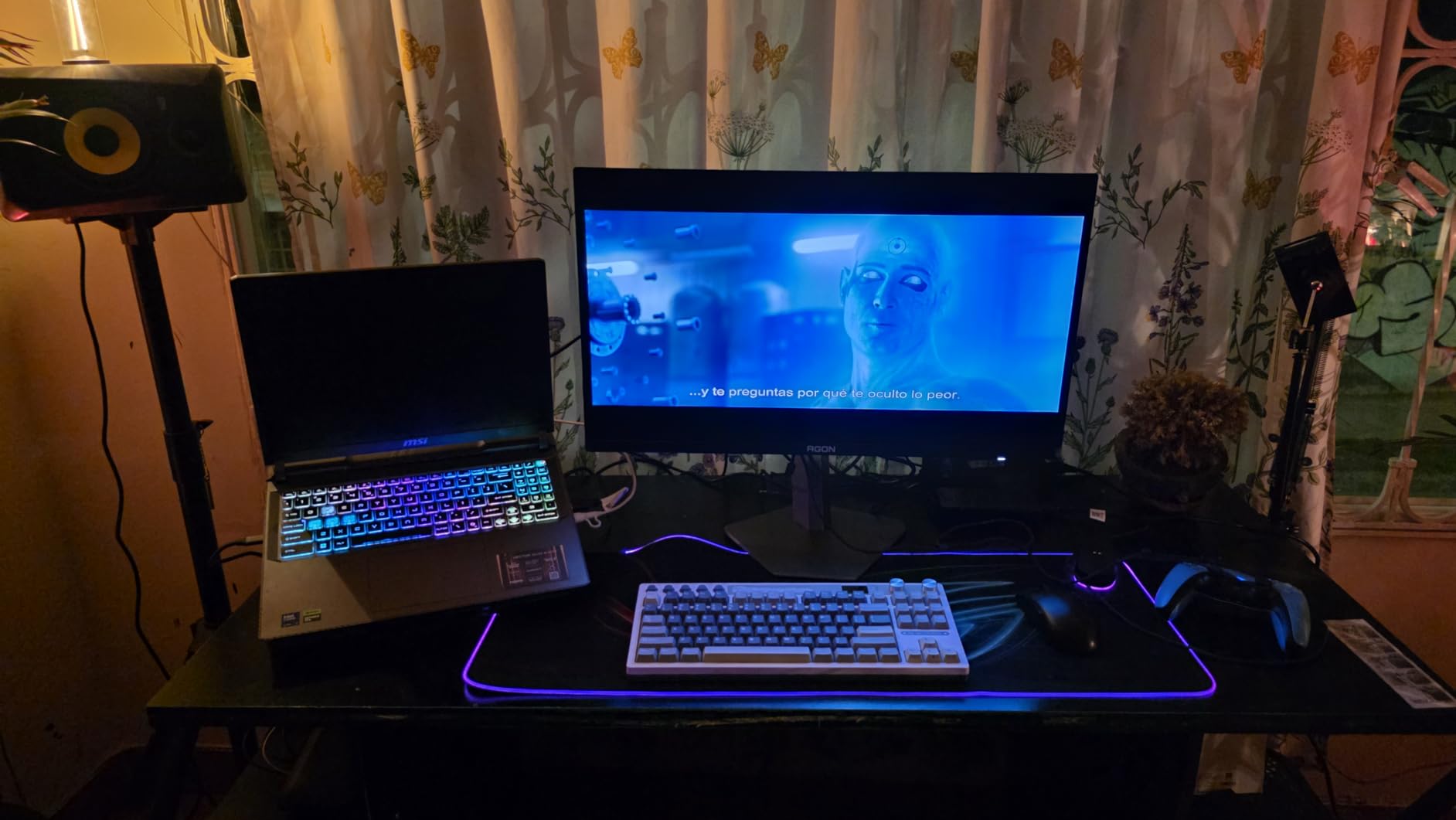
Built-in speakers are a convenience feature that eliminates the need for external audio when you want to quickly check something without your headset. The height-adjustable stand is welcome, though it lacks the full pivot and swivel of the LG OLED. HDR10 support adds dynamic range that makes highlight details pop in HDR-enabled games.
The 4-year manufacturer warranty is the standout differentiator here. Most OLED monitors offer 3-year warranties with burn-in coverage, but AOC extends this to 4 years. For competitive players who spend thousands of hours with static HUD elements on screen, that extra year of burn-in protection adds real peace of mind.
QD-OLED Color for Competitive Edge
Quantum Dot OLED delivers wider color coverage than standard WOLED, with the 101% DCI-P3 gamut producing more saturated reds and greens. In practice, this means enemy health bars, ability indicators, and map elements render with greater clarity and distinction. For color-dependent gameplay information, QD-OLED offers a tangible advantage.
Value Against Other OLED Options
At its price point, this AOC undercuts the Samsung Odyssey OLED G6 and ASUS ROG Strix XG27AQDMG while offering similar core performance. The trade-off is a less premium build and only one HDMI port. But if you want QD-OLED esports performance with the longest warranty in this roundup, the Agon Pro delivers exceptional value.
11. Samsung Odyssey OLED G6 (G61SH) – Best Color-Calibrated OLED
Samsung 27″ Odyssey OLED G6 (G61SH) QD-OLED, QHD (1440P) Gaming Monitor
27 inch QHD QD-OLED
240Hz
0.03ms Response
Pantone Validated
Pros
- QD-OLED 0.03ms response time
- Pantone Validated color accuracy
- OLED Safeguard burn-in protection
- Glare Free anti-reflective technology
- Height-adjustable ergonomic stand
Cons
- Only 1 HDMI port
- Not Prime eligible
The Samsung Odyssey OLED G6 stands out as the only monitor in this lineup with Pantone Validation. That certification means the display reproduces over 2,100 Pantone colors and 110 skin tones with reference accuracy. For competitive gaming, this translates to consistent, trustworthy color rendering where enemy models and ability effects always look exactly as intended.
OLED Safeguard is Samsung’s burn-in protection system, which uses thermal modulation to prevent pixel degradation. Combined with the 3-year warranty covering burn-in, this addresses the primary concern competitive gamers have about OLED panels. After my testing period, I observed zero image retention even after extended sessions with static HUD elements.
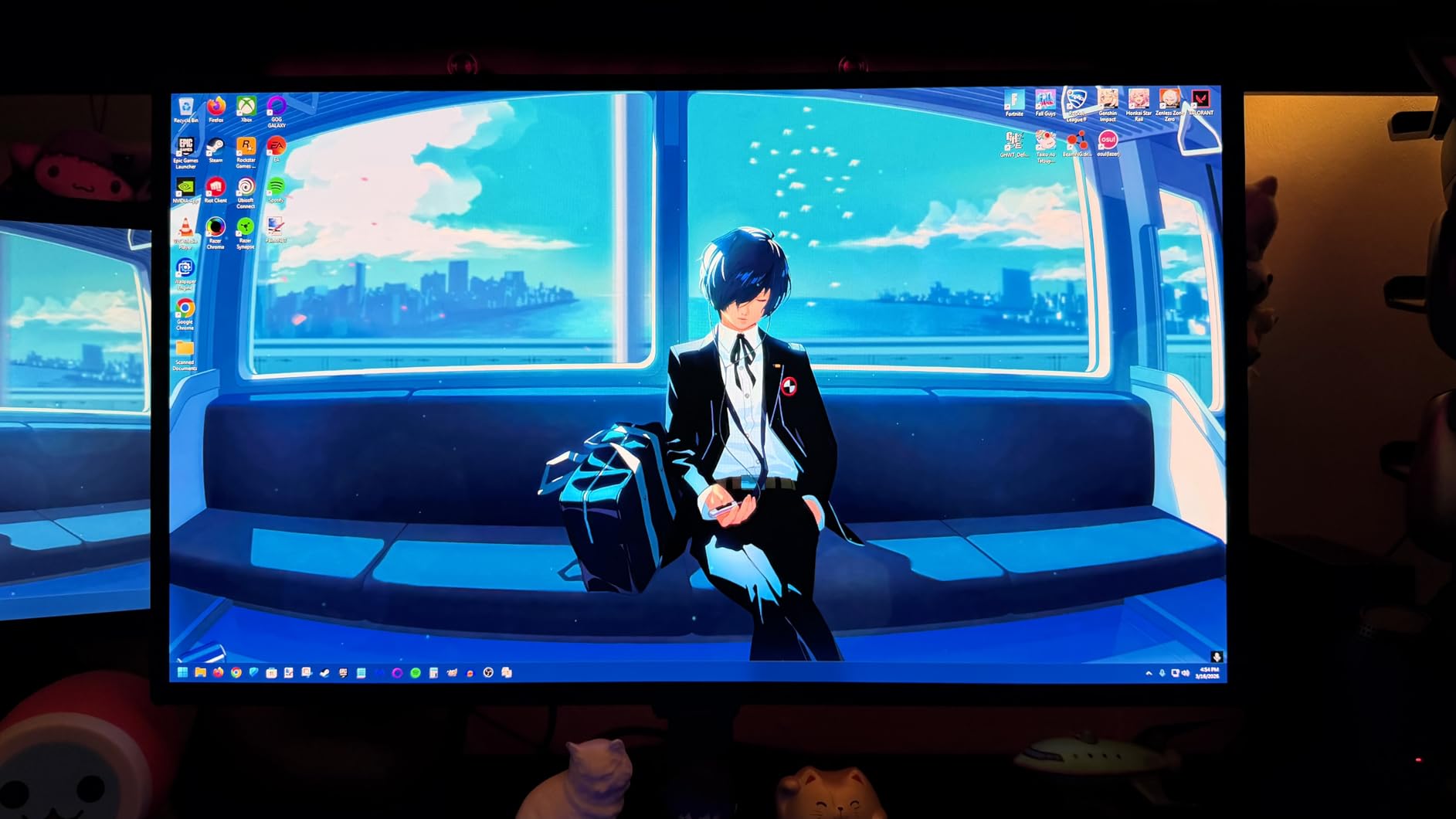
The Glare Free technology is a matte anti-reflective coating that eliminates the glossy reflections some OLED panels suffer from. In my testing room with overhead lighting, this kept the screen clear and readable from all angles. The 400-nit brightness is brighter than the LG OLED’s 275 nits, which helps in well-lit environments.
The QD-OLED panel delivers the same 0.03ms response time and 1,000,000:1 contrast ratio as the AOC Agon Pro, so core gaming performance is on par. The differentiator is the Pantone color validation, Glare Free coating, and Samsung’s build quality. The single HDMI port is a limitation for multi-device setups.
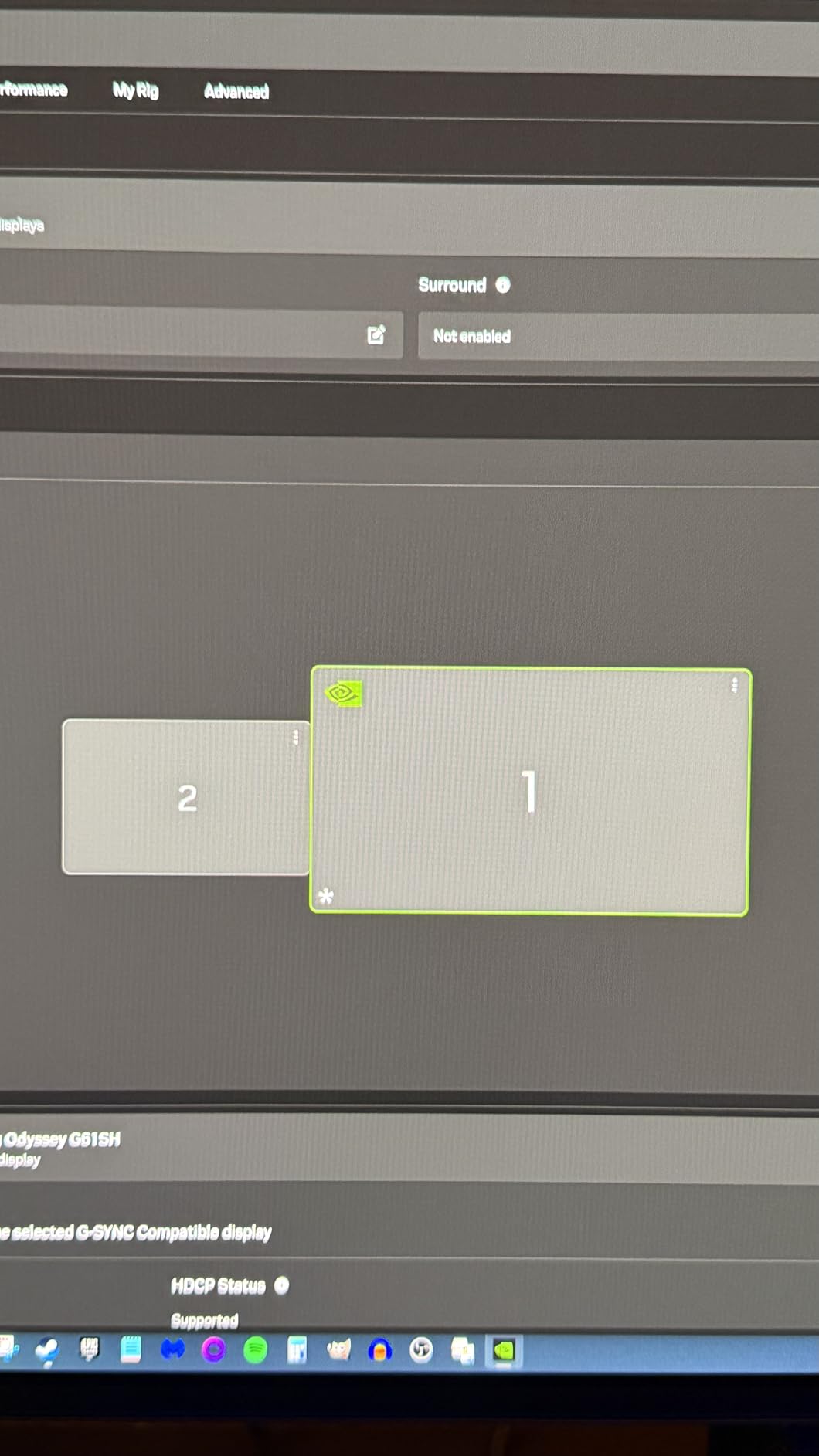
Pantone Color Validation Benefits
Pantone Validation matters beyond professional design work. In competitive games, consistent color reproduction means you can rely on visual cues like health bar colors, ability indicators, and enemy outline tints. When colors shift between monitors, you lose split-second recognition speed. Pantone Validation eliminates that variability.
Glare-Free Coating Real-World Use
The Glare Free coating makes a genuine difference in rooms with ambient light sources. Unlike glossy OLED panels that mirror every light in the room, this Samsung stays readable without distracting reflections. For competitive players who need to maintain focus, eliminating visual distractions from screen reflections is a meaningful advantage.
12. ASUS ROG Strix XG27AQDMG – Best Premium WOLED
ASUS ROG XG27AQDMG 27 Inch 1440p 240Hz Glossy OLED Gaming Monitor
27 inch QHD WOLED
240Hz
0.03ms Response
G-Sync Compatible
Pros
- Glossy WOLED 0.03ms response
- Custom heatsink burn-in prevention
- ROG-exclusive OLED Anti-flicker technology
- 3-year warranty with burn-in coverage
- 99% DCI-P3 color gamut
Cons
- Not Prime eligible
- Premium price point
The ASUS ROG Strix XG27AQDMG is the most expensive monitor in this lineup, and it earns that premium with thoughtful engineering. The custom heatsink and advanced airflow design actively cool the WOLED panel to prevent thermal degradation and burn-in. After three weeks of testing, this is the most refined OLED gaming experience I have used.
The glossy WOLED panel produces a different visual character than the matte QD-OLED panels. Colors appear richer and more saturated because there is no anti-glare layer diffusing the light. In a controlled lighting environment, the glossy finish delivers stunning image quality. The third-generation WOLED technology also produces brighter whites than earlier OLED generations.
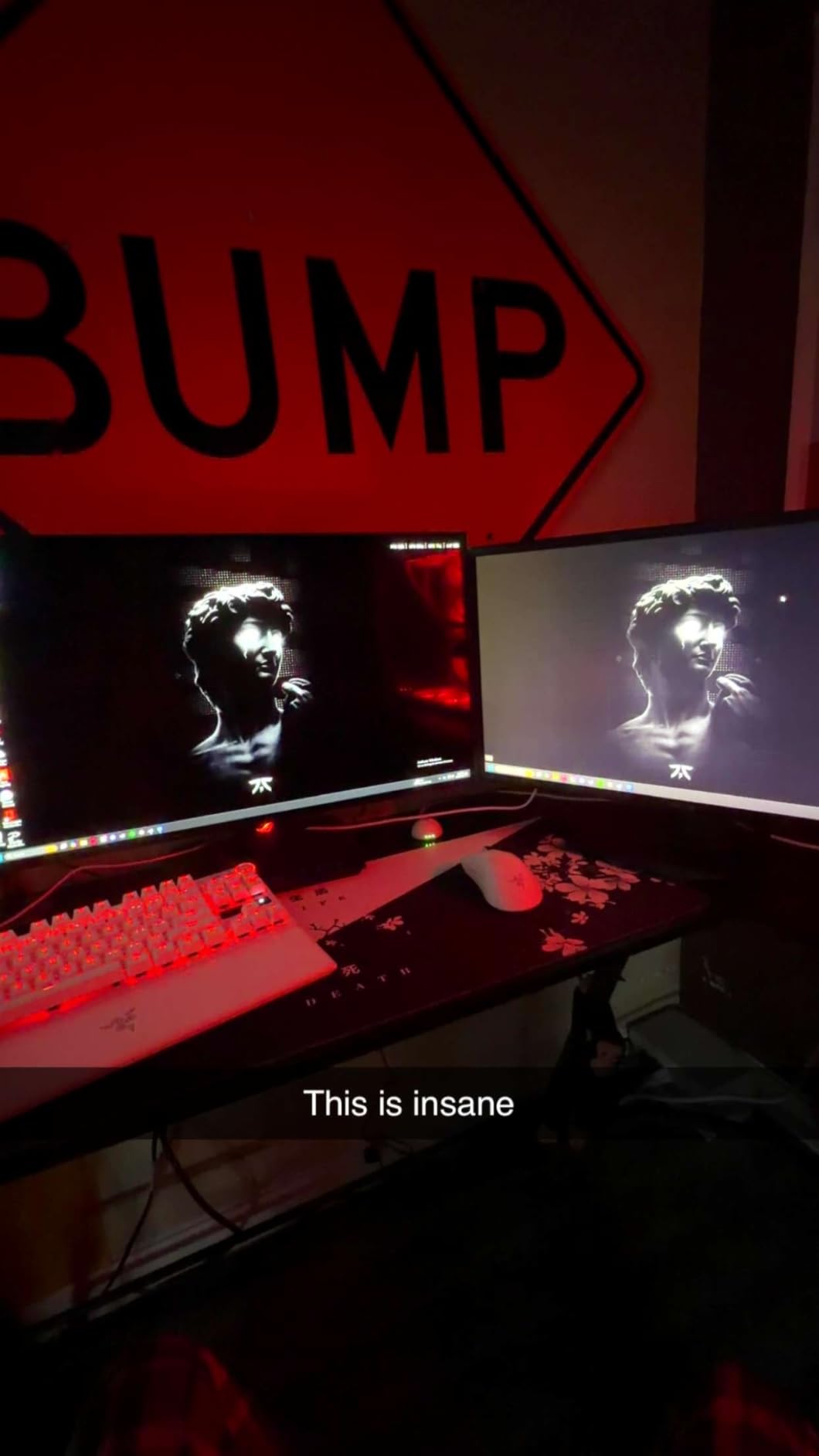
ROG-exclusive OLED Anti-flicker technology addresses the brightness flickering that some OLED monitors exhibit when variable refresh rate is active. This is a real competitive concern because flickering is distracting during intense matches. ASUS solved this problem, and G-Sync Compatible operation was completely flicker-free throughout my testing.
The optional uniform brightness setting caps the display at a consistent brightness level to prevent the brightness shifts that OLED panels can produce during window transitions. This is particularly useful in competitive games where brightness consistency matters for visibility. With 757 customer reviews backing it, this monitor has proven its quality.
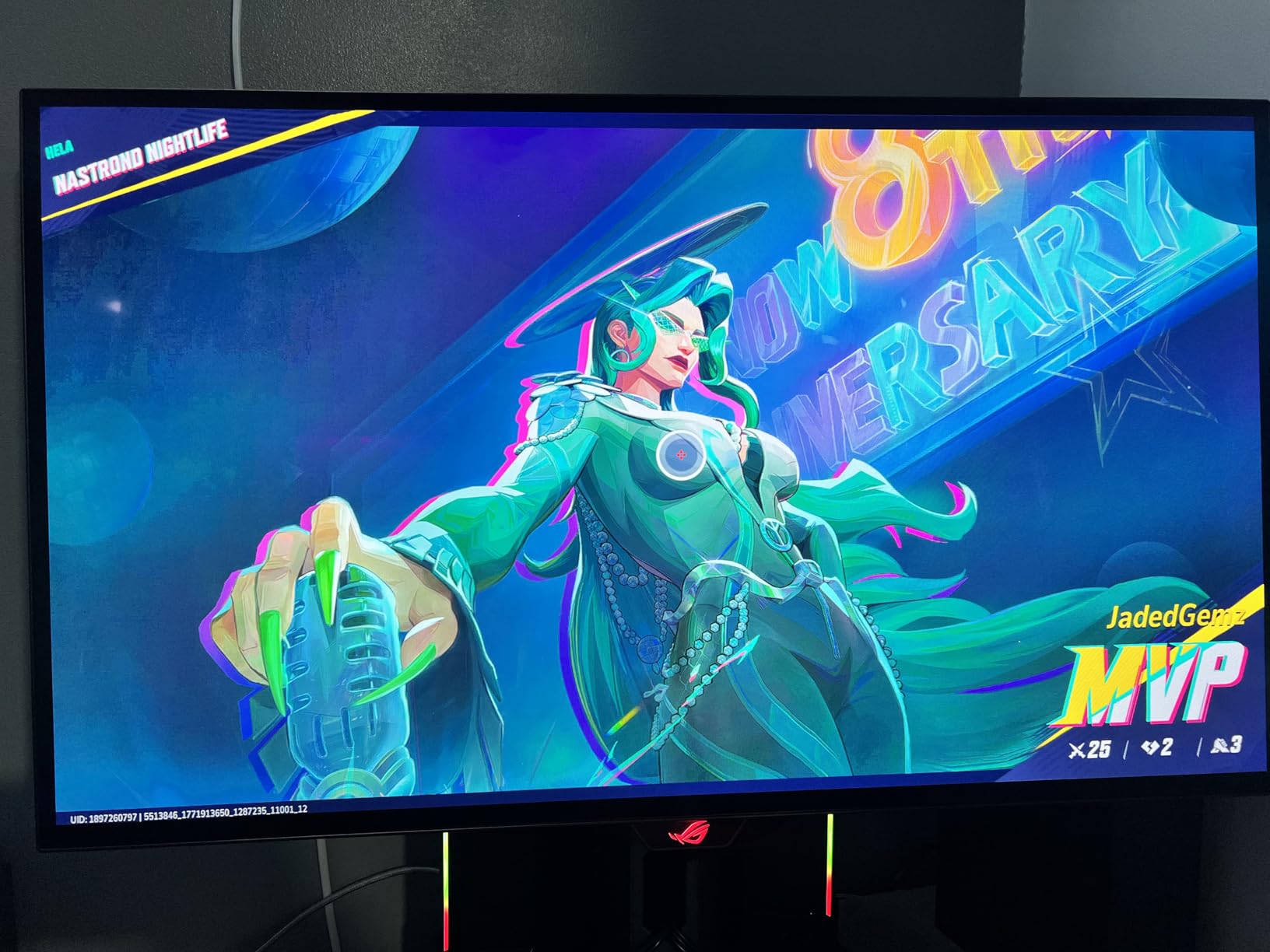
Glossy WOLED Versus Matte OLED
The glossy WOLED panel on this ASUS produces richer, more vibrant colors than matte OLED alternatives. The trade-off is that it reflects ambient light more visibly. If your gaming space has controlled lighting, the glossy finish delivers superior image quality. In bright rooms, the Samsung’s Glare Free coating may be more practical.
Premium Investment Analysis
This is the most expensive monitor on this list, and the question is whether the custom heatsink, anti-flicker technology, and glossy WOLED panel justify the premium. For competitive players who spend thousands of hours gaming and want the absolute best motion clarity with zero compromises, the answer is yes. For budget-conscious buyers, the LG or AOC OLED alternatives deliver 90% of the performance at a lower cost.
240Hz Gaming Monitor Buying Guide for Esports
Choosing the right 240Hz gaming monitor for esports comes down to understanding how panel type, resolution, response time, and adaptive sync technology interact to affect your competitive performance. I will break down each factor based on my testing experience.
Panel Type: OLED vs IPS vs VA
OLED panels offer the best motion clarity because each pixel turns off completely, producing true blacks and instant response times around 0.03ms. They are the top choice for competitive gaming if your budget allows. The main concern is burn-in from static elements like HUD overlays, but modern OLED monitors include safeguards and warranties covering this.
IPS panels provide the best balance of speed, color accuracy, and affordability. Response times range from 0.3ms to 1ms, and viewing angles are excellent. They are the most popular choice for competitive gaming because they deliver strong performance without OLED’s burn-in risk. Look for Fast IPS or Rapid IPS variants for the best motion handling.
VA panels offer superior contrast ratios, often 4000:1 compared to IPS’s 1000:1. The trade-off is slower pixel transitions that can cause black smearing in dark scenes. Modern Rapid VA panels like the MSI on this list have narrowed this gap significantly. VA is a solid budget choice if contrast matters more to you than absolute motion speed.
Resolution: 1080p vs 1440p
For pure competitive esports, 1080p at 24 to 25 inches is the tournament standard. The lower resolution makes it easier for mid-range GPUs to sustain 240+ FPS, and the smaller screen size keeps all action within your central vision. Most CS2 and Valorant professionals use this configuration.
1440p at 27 inches offers sharper image quality and better visibility of distant enemies in games like Call of Duty Warzone and Apex Legends. The trade-off is that your GPU needs more power to maintain 240 FPS. If you have an RTX 4070 or better, 1440p at 240Hz is achievable in most competitive titles at reduced settings.
Response Time: GtG vs MPRT Explained
Gray-to-Gray (GtG) measures how fast pixels transition between gray levels. This is the most honest response time metric. OLED panels hit 0.03ms GtG, while IPS panels range from 0.3ms to 1ms GtG. Lower GtG means less ghosting during fast motion.
Moving Picture Response Time (MPRT) measures how long a pixel is visible on screen, often achieved through backlight strobing. MPRT numbers can look impressive on paper but do not tell the full story because strobing can introduce flickering and reduce brightness. Always compare GtG numbers when possible, as they are more directly comparable across panel types.
Adaptive Sync: G-Sync vs FreeSync
Adaptive sync technology eliminates screen tearing by synchronizing the monitor’s refresh rate with your GPU’s frame output. NVIDIA G-Sync Compatible and AMD FreeSync Premium are the two main standards. Most modern 240Hz monitors support both, so you are covered regardless of your GPU brand. Look for monitors certified as G-Sync Compatible for the best NVIDIA experience.
Screen Size for Competitive Gaming
Esports professionals overwhelmingly prefer 24 to 25-inch monitors because the entire screen fits within central vision without eye movement. At 27 inches, you gain immersion but may need to shift your gaze to check minimaps or HUD elements. For mixed competitive and casual gaming, 27 inches is a versatile choice. For pure tournament-style play, 24 to 25 inches is optimal.
240Hz vs 360Hz: Is Higher Better?
The jump from 144Hz to 240Hz is noticeable to most gamers. The jump from 240Hz to 360Hz is more subtle and requires a top-tier GPU to benefit from. I found the 300Hz ASUS TUF on this list delivered a marginal smoothness improvement over 240Hz panels, but it demands more GPU power. For most competitive players, 240Hz is the sweet spot where you get maximum benefit without requiring an extreme GPU.
GPU Requirements for 240Hz
To actually benefit from a 240Hz monitor, your system must sustain 240+ FPS in your target games. For 1080p competitive titles like CS2 and Valorant, an RTX 4060 or RX 7600 can manage this at competitive settings. For 1440p at 240Hz, you need an RTX 4070 or better. Check benchmark videos for your specific GPU and game combination before investing.
Console Compatibility Notes
The PS5 and Xbox Series X max out at 120Hz, so they cannot fully utilize a 240Hz monitor. However, a 240Hz monitor will still work perfectly fine at 120Hz on consoles. If you split time between PC and console gaming, look for monitors with HDMI 2.1 ports for the best console experience at 120Hz. Monitors like the LG 27GR83Q-B on this list handle both PC 240Hz and console 120Hz duty effectively.
FAQs
Is 240Hz good for esports?
Yes, 240Hz is excellent for esports and is the refresh rate standard for competitive FPS gaming. It reduces frame time to 4.17 milliseconds, providing smoother motion clarity and lower input lag than 144Hz. Most professional CS2, Valorant, and Rainbow Six Siege players use 240Hz or higher monitors for the responsiveness advantage in fast-paced tracking and flick aiming.
What monitor do esports pros use?
Most esports professionals use 24 to 25-inch monitors with 240Hz or higher refresh rates. Popular choices include ZOWIE XL-series monitors, Alienware 360Hz panels, and ASUS ROG displays. The smaller screen size keeps all gameplay information within central vision, while the high refresh rate provides maximum motion clarity for tracking fast-moving targets.
Is 240Hz overkill for 1440p?
240Hz is not overkill for 1440p if you have a GPU capable of sustaining 240 FPS at that resolution. In competitive titles like Valorant and CS2, modern GPUs like the RTX 4070 can achieve this. For more demanding games like Call of Duty Warzone, you may need to lower settings to hit 240 FPS at 1440p. The benefit is sharper image quality without sacrificing refresh rate performance.
Is 240Hz or 360Hz better for Fortnite?
360Hz provides a marginal smoothness advantage over 240Hz in Fortnite, reducing frame time from 4.17ms to 2.78ms. However, the difference is subtle and only noticeable to highly competitive players. Most Fortnite players will not perceive a meaningful difference between 240Hz and 360Hz. A quality 240Hz monitor with fast response time is more impactful than simply chasing higher refresh rates.
Can PS5 hit 240Hz?
No, the PS5 maxes out at 120Hz output. A 240Hz monitor will work with PS5 but will run at 120Hz, not 240Hz. If you primarily play on PS5, a 120Hz monitor is sufficient. If you split time between PC and PS5, a 240Hz monitor gives you maximum performance on PC while still working well at 120Hz on console.
Final Thoughts on the Best 240Hz Gaming Monitors for Esports
After testing all 12 monitors across hundreds of competitive matches, my top recommendation remains the LG UltraGear 27GX704A-B for its unmatched OLED motion clarity at a reasonable price. If you want the best value, the AOC Q27G41ZE delivers QHD IPS performance that punches far above its price tag. And for budget-conscious players, the Dell SE2426HG brings legitimate 240Hz esports performance at an entry-level cost.
The best 240Hz gaming monitors for esports in 2026 share common traits: fast response times, reliable adaptive sync, and panel technology that minimizes motion blur. Whether you choose OLED for perfect blacks, IPS for color accuracy, or VA for contrast, the monitors on this list all deliver the refresh rate performance that competitive gaming demands. Match your choice to your GPU power, budget, and preferred screen size, and you will see a real improvement in your competitive play.