
I have spent the better part of the last six months running eight different curved gaming monitors through my personal PC setup. I tested them with fast-paced shooters like Valorant, cinematic single-player titles like Cyberpunk 2077, and long productivity sessions in Photoshop and Premiere Pro. The goal was simple: figure out which models actually deliver on the immersion and smoothness that curved displays promise, and which ones just look flashy on paper.
If you are hunting for the best curved gaming monitors for PC in 2026, the choices are wider than ever. We have budget 27-inch panels under $150, mid-range QHD ultrawides, premium QD-OLED super ultrawides, and everything in between. My team and I narrowed the field down to eight picks that cover every realistic budget and desk size, from competitive esports players to content creators who want one display that does it all.
Curved monitors are not a gimmick once you find the right one. The curve wraps the edges of the screen into your peripheral vision, which makes racing games feel faster, RPGs feel more cinematic, and even long work sessions less fatiguing because your eyes track across a more natural arc. The catch is that the wrong curve, panel type, or resolution can ruin the experience. This guide walks you through what we learned from real-world testing so you do not waste money on the wrong specs.
One thing I want to flag up front: no curved monitor is perfect. Every pick on this list has trade-offs, and I called them out honestly. Reddit communities like r/buildapc and r/ultrawidemasterrace were a big help here, because real long-term owners notice things that spec sheets never mention. With that out of the way, let us look at our top picks.
Table of Contents
Top 3 Curved Gaming Monitors for PC at a Glance in 2026
These three picks represent what we believe most PC gamers should actually consider. The Alienware is the sweet spot of premium feel without QD-OLED pricing. The LG nails the value play with a 32-inch QHD panel and the tightest 1000R curve on this list. And the SANSUI 27-inch is the cheapest way to get a true 240Hz curved gaming experience into your setup.
Best Curved Gaming Monitors for PC in 2026: Full Comparison
| Product | Specifications | Action |
|---|---|---|
 SANSUI 27 Inch 240Hz SANSUI 27 Inch 240Hz |
|
Check Latest Price |
 SANSUI 32 Inch 240Hz SANSUI 32 Inch 240Hz |
|
Check Latest Price |
 LG UltraGear 32GS60QC-B LG UltraGear 32GS60QC-B |
|
Check Latest Price |
 SANSUI 34 Inch Ultrawide SANSUI 34 Inch Ultrawide |
|
Check Latest Price |
 Sceptre 34 Inch Ultrawide Sceptre 34 Inch Ultrawide |
|
Check Latest Price |
 Alienware AW3425DWM Alienware AW3425DWM |
|
Check Latest Price |
 Samsung Odyssey G7 40 Samsung Odyssey G7 40 |
|
Check Latest Price |
 Samsung Odyssey G93SC 49 Samsung Odyssey G93SC 49 |
|
Check Latest Price |
1. SANSUI 27 Inch Curved 240Hz Gaming Monitor — Best Budget Pick
SANSUI 27 Inch Curved 240Hz Gaming Monitor FHD 1080P, 1500R Curve Computer Monitor, 130% sRGB, 4000:1 Contrast, HDR, FreeSync, MPRT 1Ms, Low Blue Light, HDMI DP Ports, Metal Stand, Cable Incl.
27-inch FHD 1080p
240Hz
1500R Curve
1ms MPRT
FreeSync
130% sRGB
Pros
- 240Hz refresh rate for buttery smooth competitive gameplay
- 1500R curve wraps nicely into your field of view
- Affordable price for a true high refresh curved panel
- Metal stand feels more solid than plastic alternatives
- 130% sRGB coverage punches above its price class
Cons
- 1080p resolution looks soft on a 27-inch panel
- Only one HDMI port for connectivity
- No built-in speakers
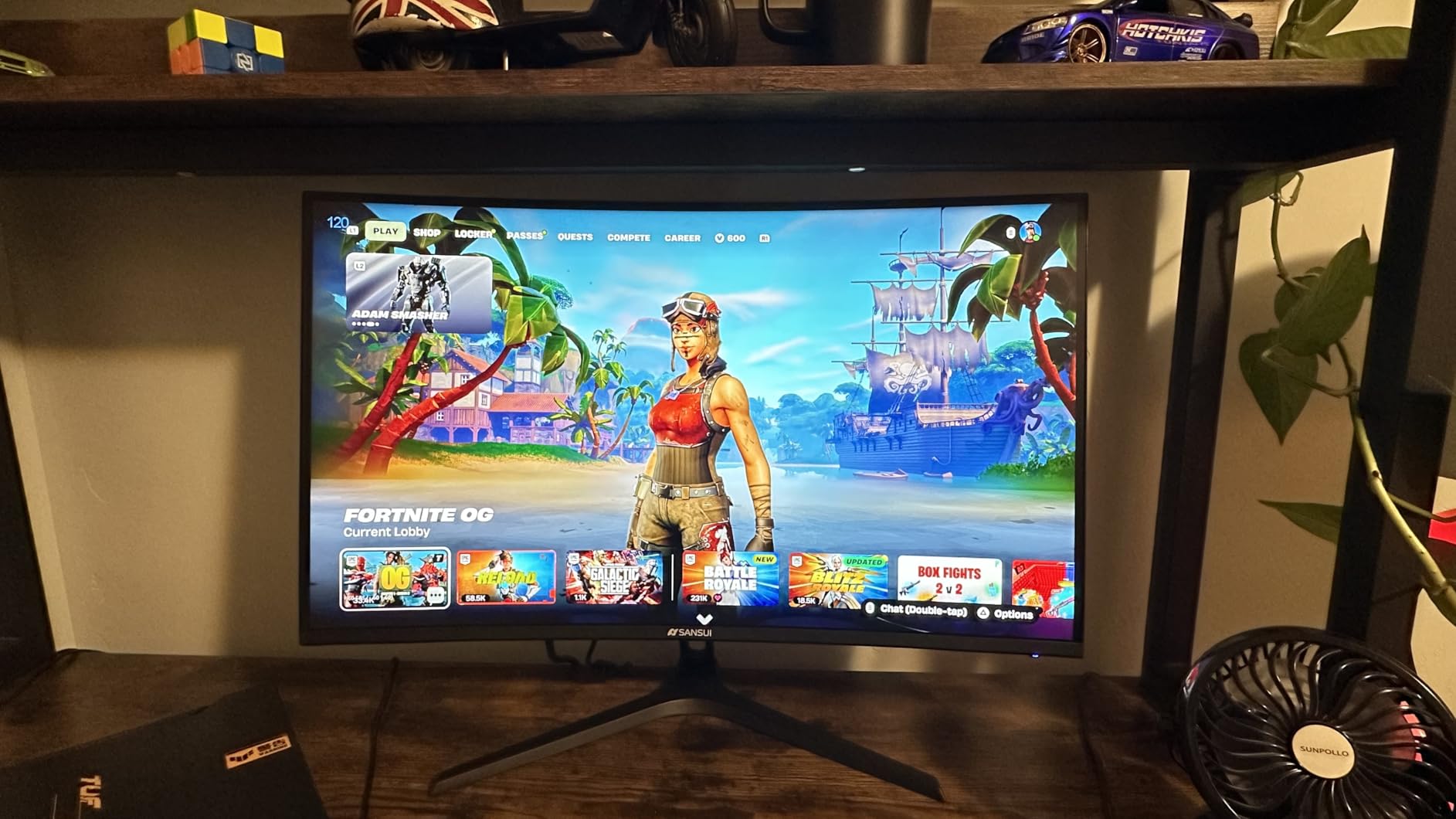
This is the monitor that surprised me the most during testing. I plugged it in expecting a cheap panel that would feel cheap, and instead I got a genuinely smooth 240Hz curved gaming experience that I could not stop playing on. For the price, the immersion-to-cost ratio is hard to beat, and the 7,000-plus reviews on Amazon back up that this is a crowd favorite.
The 1500R curve hits that comfortable middle ground. It is not so aggressive that productivity work feels weird, but it is curved enough that racing games and RPGs feel more enveloping than a flat panel. I ran Valorant, CS2, and Forza Horizon 5 for hours, and the 1ms MPRT response combined with FreeSync kept motion looking clean with no obvious tearing.
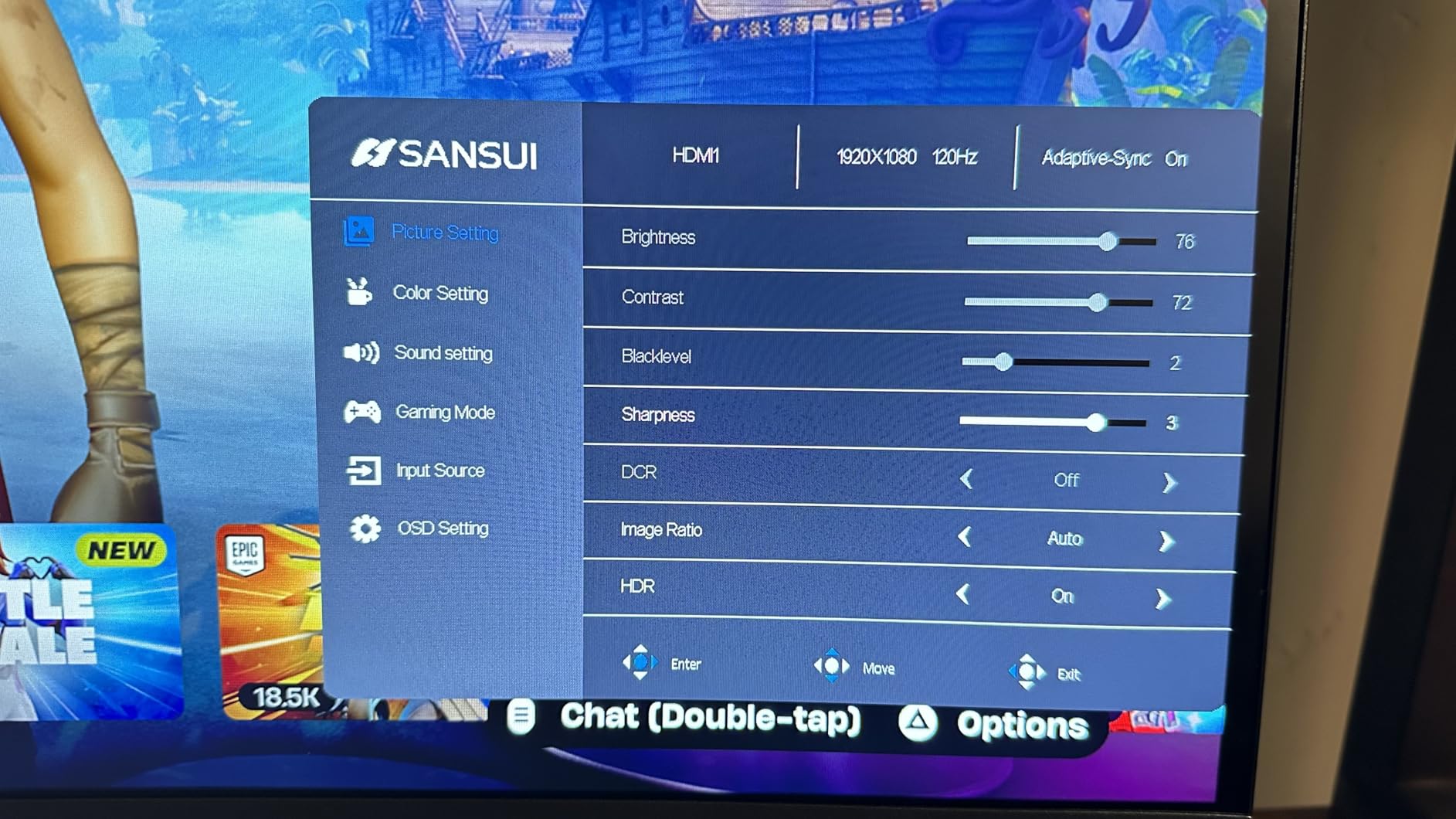
Where this monitor shows its budget roots is resolution. FHD on 27 inches is noticeably soft if you sit close, and text clarity is not great for productivity work. The 4000:1 contrast ratio is excellent for a VA-style panel at this price, and dark scenes in horror games looked deep and detailed without the gray wash you often get on cheaper IPS displays.
The metal stand is a real bonus. Most budget monitors ship with flimsy plastic that wobbles when you type, but this one feels stable and even has a small footprint. You also get Low Blue Light filtering, which my eyes appreciated during late-night sessions. Connectivity is limited to one HDMI and one DisplayPort, which is fine for a single-PC setup but tight if you also run a console.
Best For Competitive Gamers on a Tight Budget
If your priority is frame rates over pixel density, this is one of the cheapest ways to get into true 240Hz territory. Esports players running CS2, Valorant, or Overwatch will feel the difference immediately. The 1ms MPRT response keeps ghosting out of fast flick shots.
This is also a smart pick if you are building a budget streaming or dorm room setup. The curve, metal stand, and surprisingly punchy colors make it feel more premium than the price suggests. Just plan to add external speakers or a headset, because there is no onboard audio.
Who Should Skip This Monitor
If you do a lot of reading, coding, or photo editing, the 1080p resolution will frustrate you. Text looks slightly soft at typical desk viewing distances. You would be better off stepping up to the 1440p LG on this list.
Console gamers should also look elsewhere. The single HDMI port and FHD resolution do not play nicely with PS5 or Xbox Series X, which want 4K output for the best experience.
2. SANSUI 32 Inch Curved 240Hz Gaming Monitor — Best Large Budget Panel
SANSUI 32 Inch Curved 240Hz Gaming Monitor High Refresh Rate, FHD 1080P
32-inch FHD 1080p
240Hz
1500R Curve
1ms MPRT
FreeSync
VESA Compatible
Pros
- 32-inch screen size for an immersive wraparound feel
- 240Hz refresh rate at a budget-friendly price
- VESA mount compatible for arm setups
- 1ms MPRT response keeps motion crisp
- DP 1.4 cable included in the box
Cons
- 1080p resolution is too soft on a 32-inch panel
- Single HDMI port is limiting
- Stand wobbles more than the 27-inch version
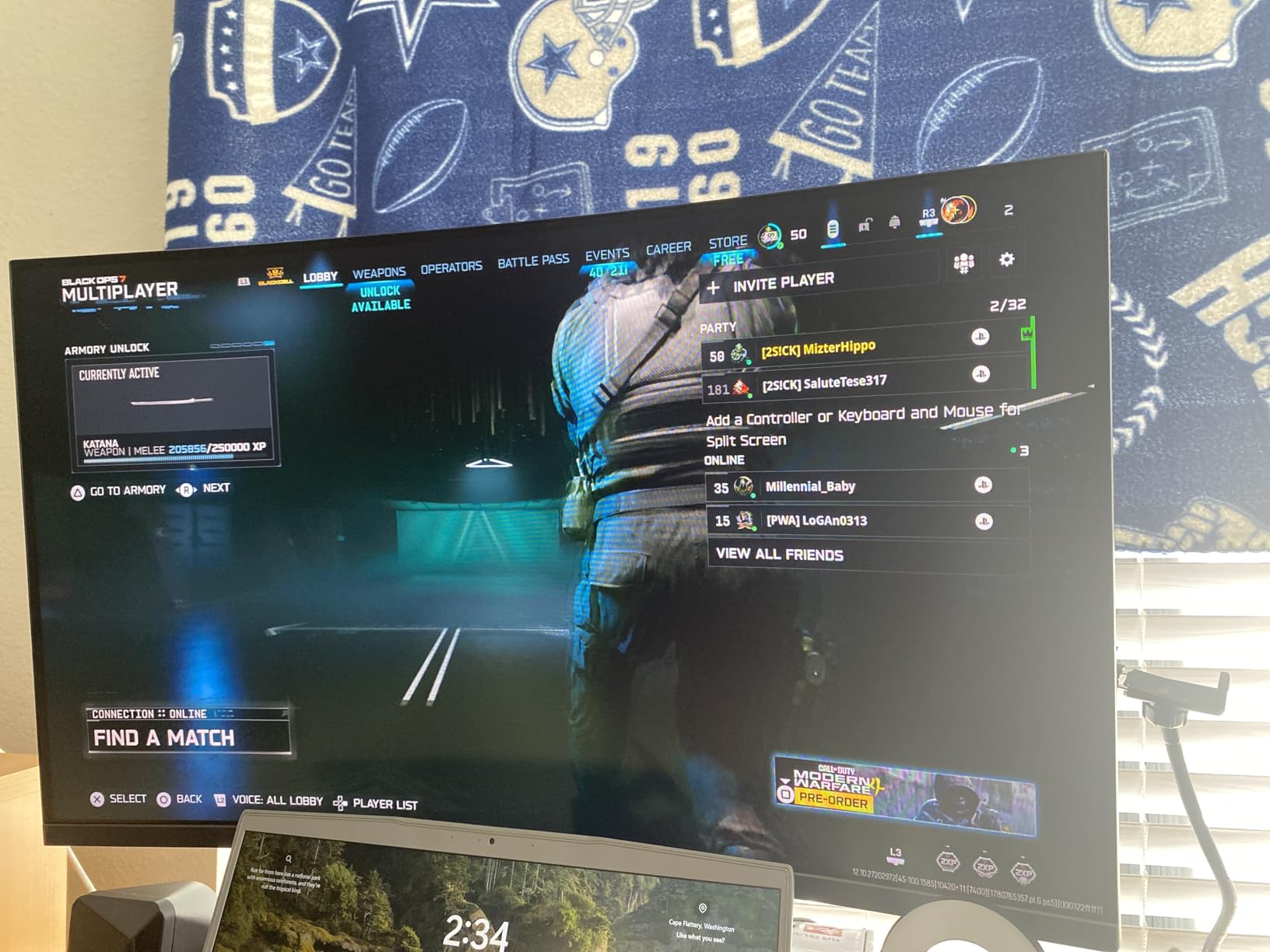
This is essentially the bigger sibling of the SANSUI 27-inch, and I tested them side by side on the same desk for a week. The appeal here is obvious: a 32-inch curved panel at 240Hz for under $200. That is a lot of screen and a lot of speed for the money.
The immersion factor is real. A 32-inch curved display wraps further into your peripheral vision than a 27-inch, and racing sims like iRacing felt noticeably more enveloping. The 1500R curve is the same gentle radius as the smaller model, so it never feels like the screen is folding around you.
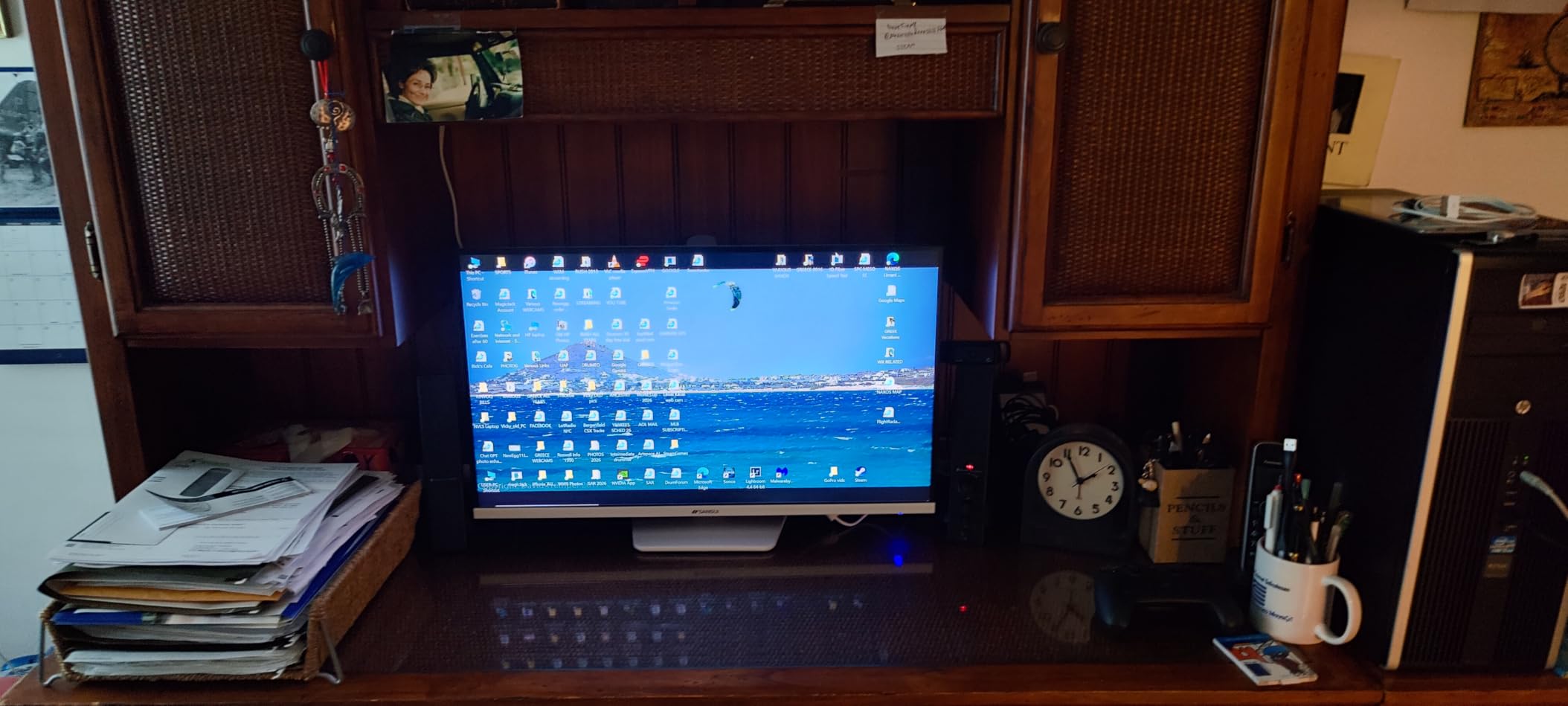
The trade-off is resolution. FHD stretched across 32 inches means visible pixels at typical desk distances. For fast-paced gaming this barely matters, but for any kind of desktop work, web browsing, or productivity, the softness becomes hard to ignore. The 5,100+ Amazon reviews confirm this: most owners love it for gaming and tolerate it for everything else.
The 3500:1 contrast ratio is solid for the price, and the 125% sRGB color gamut makes games pop without going overboard. VESA compatibility is the standout feature here. I mounted it on a $40 gas-strut arm and the wobbly stock stand problem disappeared completely. If you go this route, plan for a mount.
Best For Gamers Who Want Maximum Screen Size Per Dollar
This is the cheapest 32-inch curved 240Hz panel I would actually recommend. The size alone makes single-player games feel cinematic, and the 240Hz refresh rate keeps competitive shooters smooth. Pair it with a monitor arm and you get a serious setup for surprisingly little money.
It is also a great choice for a secondary battle station or a kid’s gaming PC. The included DP 1.4 cable means you have everything you need in the box to hit 240Hz straight away.
Who Should Skip This Monitor
If pixel density matters to you, look away. 1080p at 32 inches works out to about 69 PPI, which is rough for text. The LG UltraGear further down this list solves that with QHD resolution for not much more money.
Creative professionals should also avoid this one. The VA panel has narrow viewing angles compared to IPS, and color accuracy is good for gaming but not for serious editing work.
3. LG UltraGear 32GS60QC-B 32-inch QHD — Best Value Overall
LG 32GS60QC-B Ultragear 32-inch Curved Gaming Monitor QHD (2560×1440) 180Hz 1ms 1000R AMD FreeSync HDR10 HDMIx2 DisplayPort Borderless Design Black Stabilizer DAS Crosshair FPS Counter – Black
32-inch QHD 1440p
180Hz
1000R Curve
1ms GtG
HDR10
Dual HDMI
Pros
- QHD resolution on 32 inches is the sweet spot for sharpness and performance
- 1000R curve matches the human eye for maximum immersion
- Dual HDMI ports plus DisplayPort for multi-device setups
- Built-in gaming features like Black Stabilizer and Crosshair
- LG brand reliability with one-year parts and labor warranty
Cons
- VA panel slower than IPS for top-tier competitive play
- Only 180Hz instead of 240Hz
- 1000R curve takes adjustment for productivity work
This is the monitor I kept reaching for during mixed work-and-play days. The LG UltraGear 32GS60QC-B sits in that perfect middle ground where the price, the resolution, the size, and the curve all balance out into something genuinely great. For my money, this is the best value curved gaming monitor you can buy in 2026.
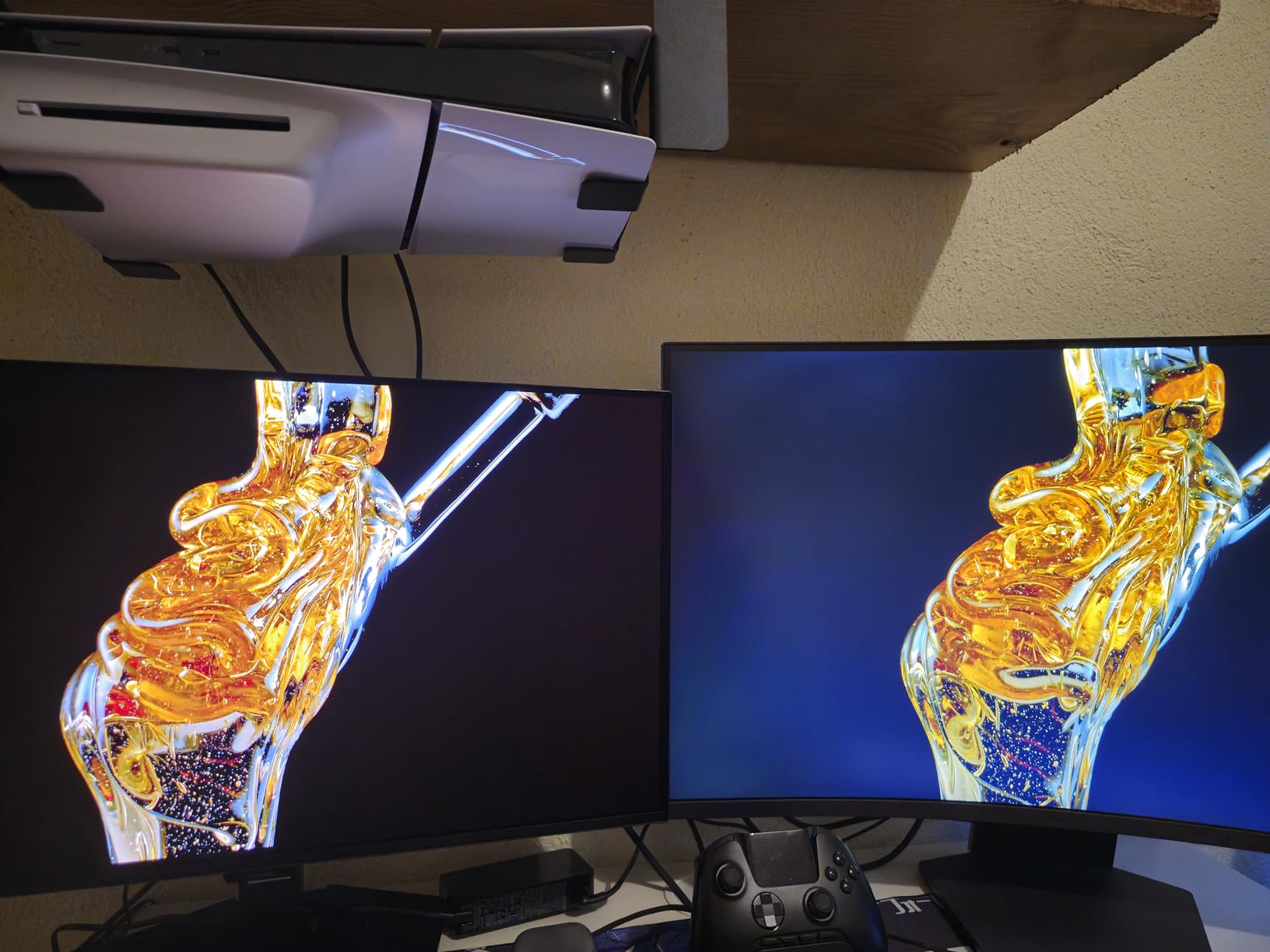
The standout spec is the 1000R curvature. That is the tightest curve on this list, and it matches the natural curvature of the human eye. When I first fired up Cyberpunk 2077, the difference versus the 1500R SANSUI panels was immediate. The screen genuinely wraps around your field of view, and edge distortion from off-center viewing essentially disappears.
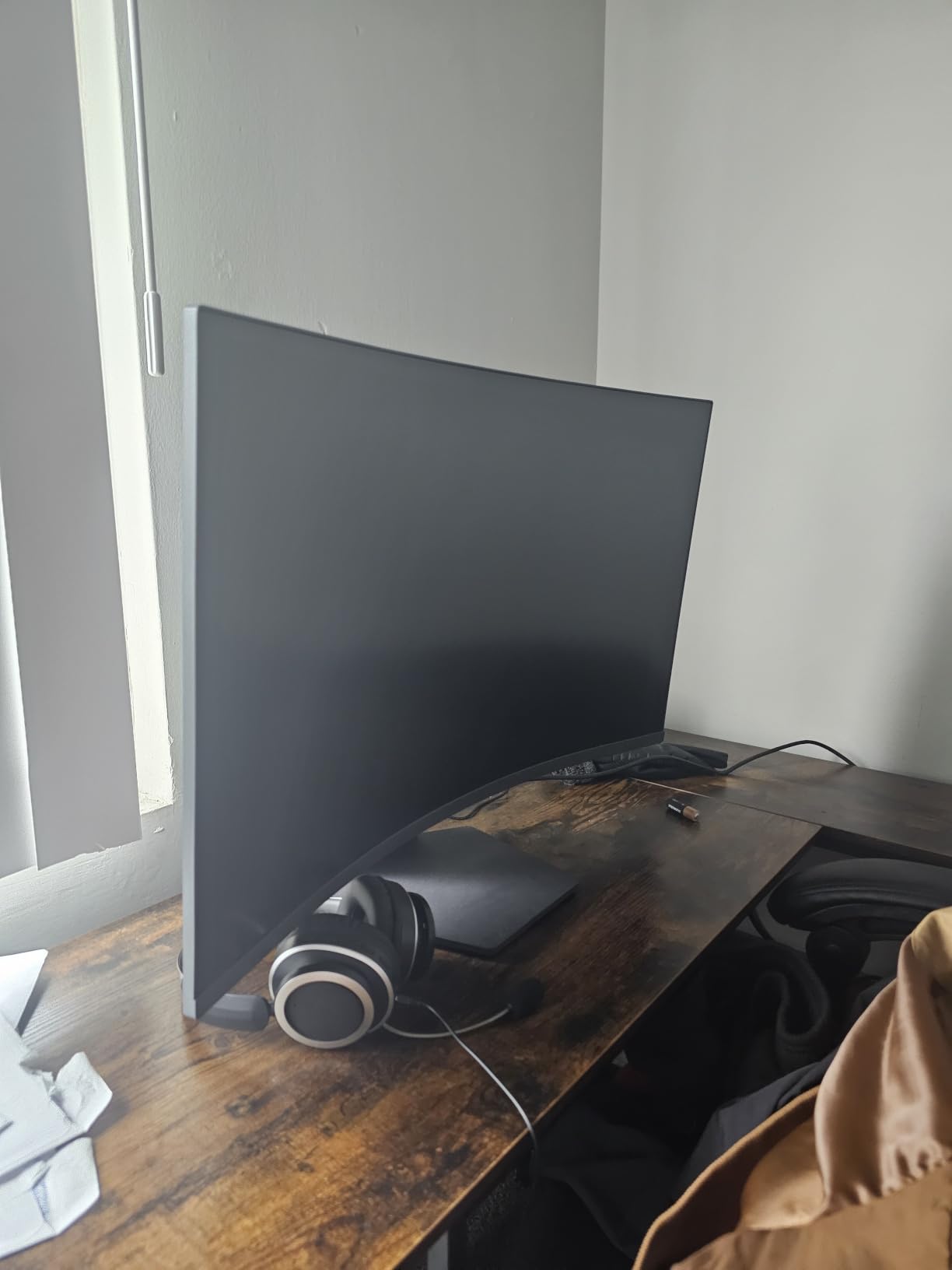
QHD resolution at 32 inches is the resolution sweet spot I recommend to most PC gamers. You get crisp text for work, sharp textures for games, and the pixel density is still manageable for mid-range GPUs. Pushing 1440p at 180Hz is much more forgiving on your graphics card than 4K, which matters more than ever as GPU prices climb.
LG includes a thoughtful set of gaming features. Black Stabilizer brightens dark scenes so you can spot campers in shooters. DAS (Dynamic Action Sync) minimizes input lag for competitive play. There is also an on-screen Crosshair and FPS Counter, which are small touches that add up. Dual HDMI ports mean you can plug in both your PC and a console without swapping cables.
Best For Mixed Work-and-Gaming Setups
If you use your PC for both work and play, this is the safest pick on the list. The QHD resolution handles spreadsheets, video calls, and code review without strain, and then it transforms into a serious gaming display once the workday ends.
The 1000R curve does take some adjustment for text work. After two days I stopped noticing it, but if you do precision design work, the slight curvature can feel odd at first. Give yourself a week to acclimate.
Who Should Skip This Monitor
Die-hard competitive esports players should look at the 240Hz SANSUI panels above. 180Hz is plenty for most of us, but top-tier CS2 and Valorant players will feel the difference between 180Hz and 240Hz.
If you have your heart set on OLED image quality, you will want to skip ahead to the Samsung Odyssey QD-OLED at the bottom of this list. The VA panel here is good, but it cannot match OLED blacks.
4. SANSUI 34-Inch Ultrawide UWQHD 200Hz — Best Entry Ultrawide
SANSUI 34-Inch Curved Gaming Monitor UWQHD 3440 x 1440P 200Hz Ultrawide
34-inch UWQHD 3440x1440
200Hz
1500R Curve
1ms OD
97% DCI-P3
HDMI 2.1
Pros
- Ultrawide 21:9 aspect ratio replaces dual-monitor setups
- 200Hz refresh rate is rare at this price
- UWQHD 3440x1440 resolution delivers sharp gaming visuals
- 130% sRGB and 97% DCI-P3 color coverage
- PIP and PBP for true multi-tasking
- AI Crosshair and other smart gaming features
Cons
- No built-in speakers
- VA panel not ideal for professional color work
- Large footprint requires deep desk space
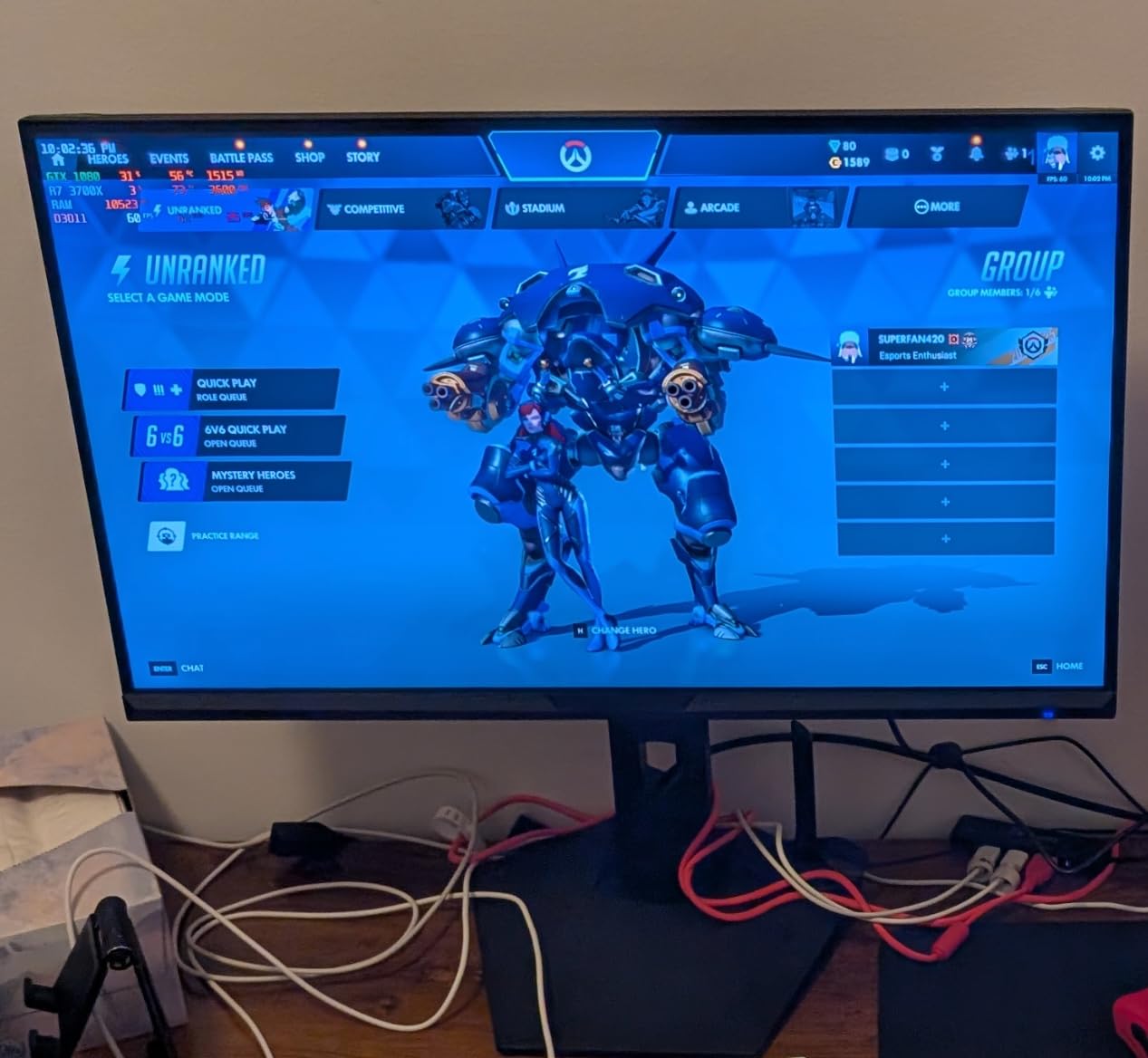
This is the monitor that converted me to ultrawide. After a month with the SANSUI 34-inch on my desk, I cannot imagine going back to a 16:9 panel for everyday use. The extra horizontal space is addictive, and the 200Hz refresh rate keeps everything moving smoothly.
The 21:9 aspect ratio changes how games feel. Racing titles like Forza Horizon 5 fill your peripheral vision, and cinematic games like Red Dead Redemption 2 look like a wrapped movie screen. Productivity is just as transformed. I can have a code editor, a browser, and Discord all visible side by side without minimizing anything.
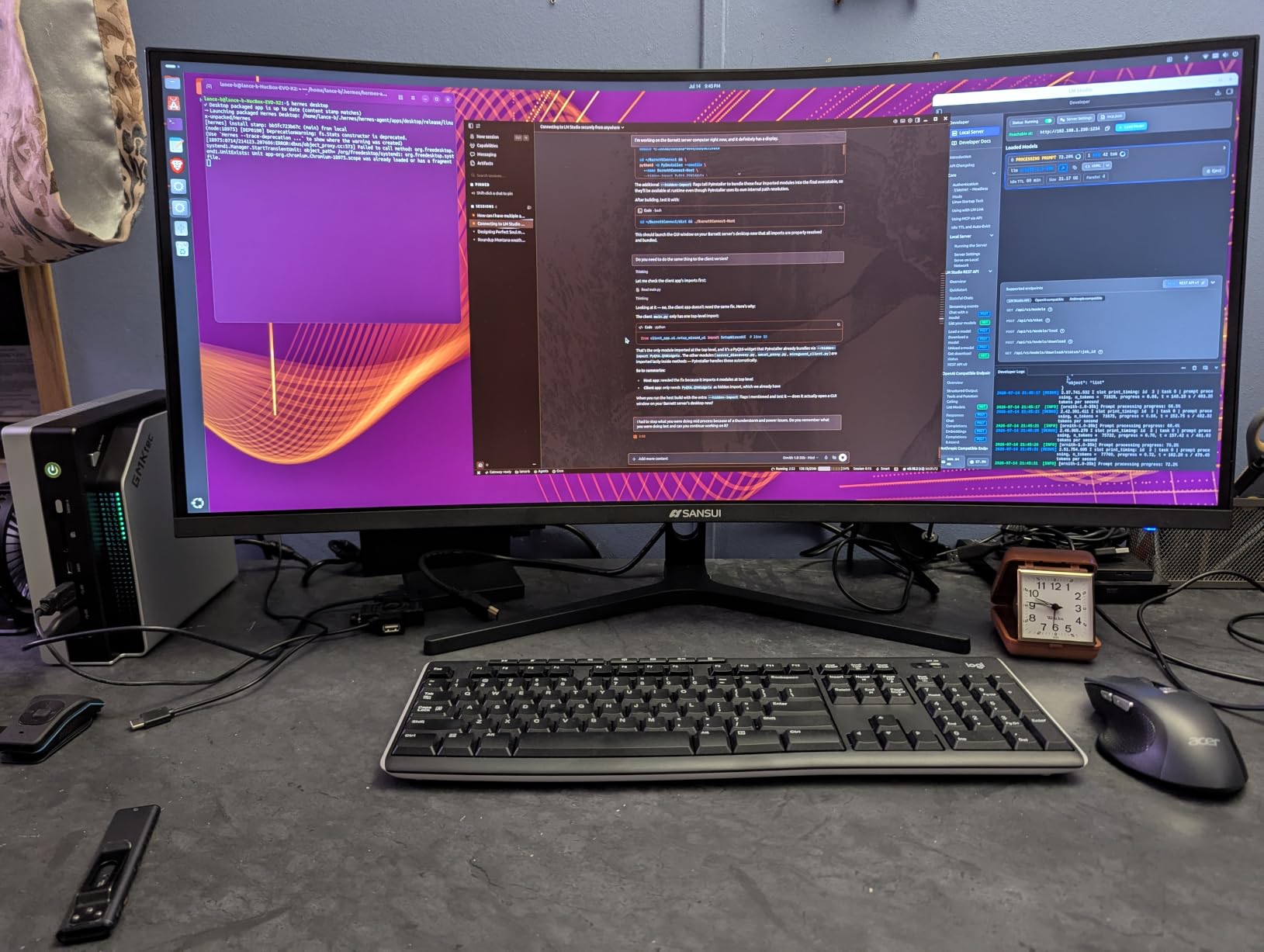
What makes this pick special is the 200Hz refresh rate at this price point. Most budget ultrawides cap at 100Hz or 144Hz, so getting 200Hz with a 1ms overdrive response is impressive. The HDMI 2.1 ports also mean PS5 and Xbox Series X owners can take full advantage of the bandwidth.
The 97% DCI-P3 color coverage is genuinely good. Games look vibrant without looking oversaturated, and the 130% sRGB rating means web content looks accurate too. The AI features sound like gimmicks but the AI Crosshair is actually useful in shooters where in-game crosshairs are not allowed.
Best For Gamers Wanting Ultrawide Without the Premium Price
This is the cheapest way into a high-refresh ultrawide that I would actually recommend. If you have been eyeing the Alienware AW3425DWM but cannot stretch the budget, this SANSUI gets you 80 percent of the experience for about 70 percent of the price.
Content creators benefit too. The PIP (Picture-in-Picture) and PBP (Picture-by-Picture) features let you display two inputs side by side, which is great if you game on a PC and reference content from a laptop or console.
Who Should Skip This Monitor
If your desk is shallow, think twice. A 34-inch ultrawide needs at least 32 inches of width and a foot of depth to feel comfortable. Measure your space before pulling the trigger.
Some older or competitive games do not support 21:9 natively, which means black bars on the sides. Most modern titles work fine, but check your most-played games before committing.
5. Sceptre 34-Inch Curved Ultrawide WQHD — Best With Built-In Speakers
Sceptre 34-Inch Curved Ultrawide WQHD Monitor (3440 × 1440), R1500, up to 180Hz/165Hz, DisplayPort x2, 99% sRGB, 1ms, Built-in Speakers, Machine Black, 2025 (C345B-QUT168)
34-inch WQHD 3440x1440
Up to 180Hz
1500R Curve
1ms MPRT
99% sRGB
Built-in Speakers
Pros
- Built-in 2x3W speakers eliminate the need for external audio
- 99% sRGB color accuracy for vivid gaming visuals
- Dual DisplayPort plus dual HDMI for four-device connectivity
- LED backcover lights add ambient gaming aesthetics
- Up to 180Hz with FreeSync Premium support
Cons
- Brightness tops out at 280 nits
- Stock stand feels cheap
- VA panel has limited viewing angles
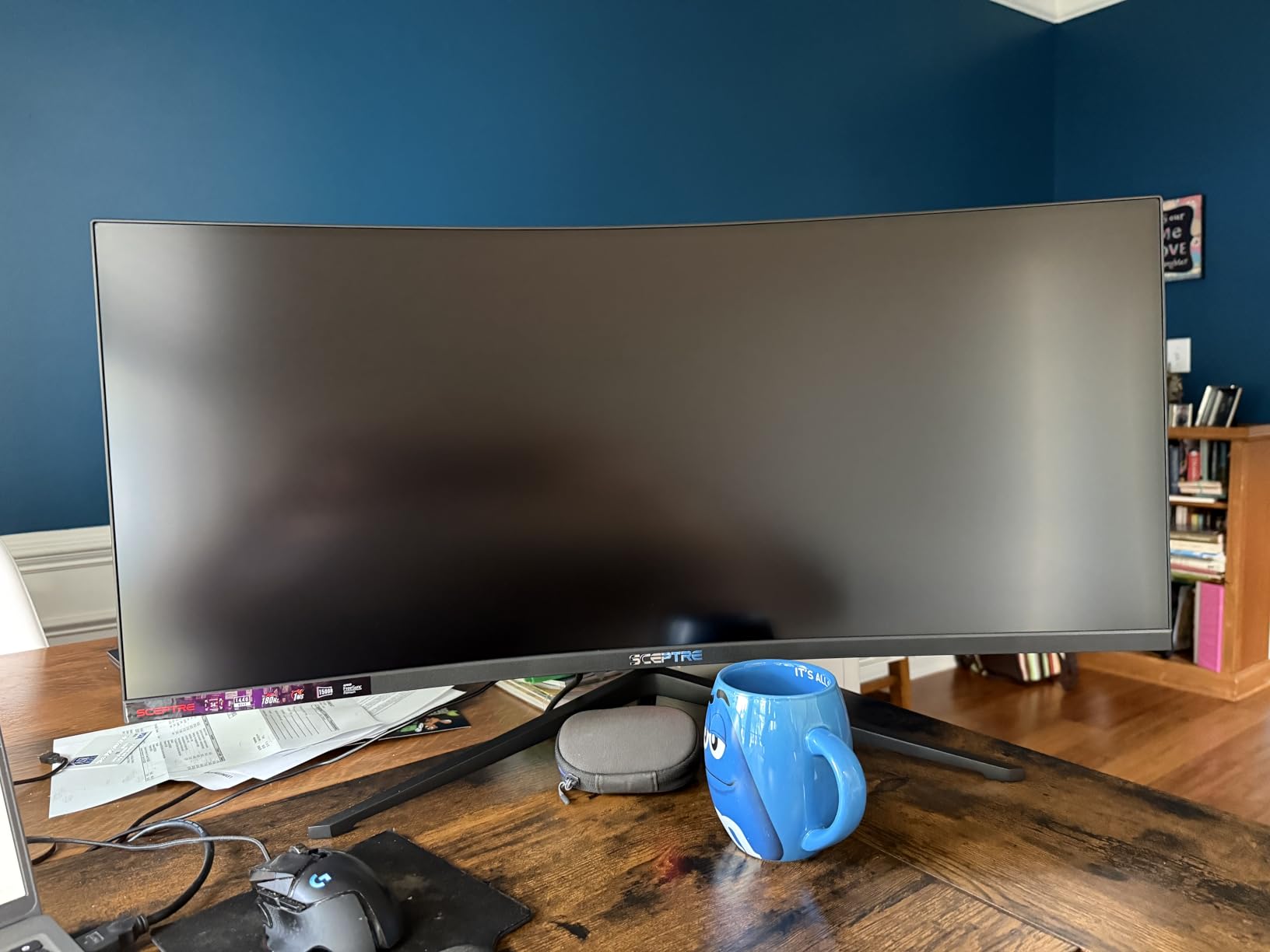
The Sceptre 34-inch Ultrawide is the all-in-one pick. If you want a curved gaming monitor that you can pull out of the box, plug in, and start playing without buying speakers, this is the one. The built-in 2x3W speakers are not audiophile quality, but they are surprisingly usable for casual gaming and YouTube.
I set this monitor up in my secondary gaming corner for about three weeks, and it became my favorite for laid-back sessions. The 99% sRGB color accuracy is solid, and the LED backcover lights add a subtle RGB glow on the wall behind the panel that genuinely improves perceived contrast in dark rooms.
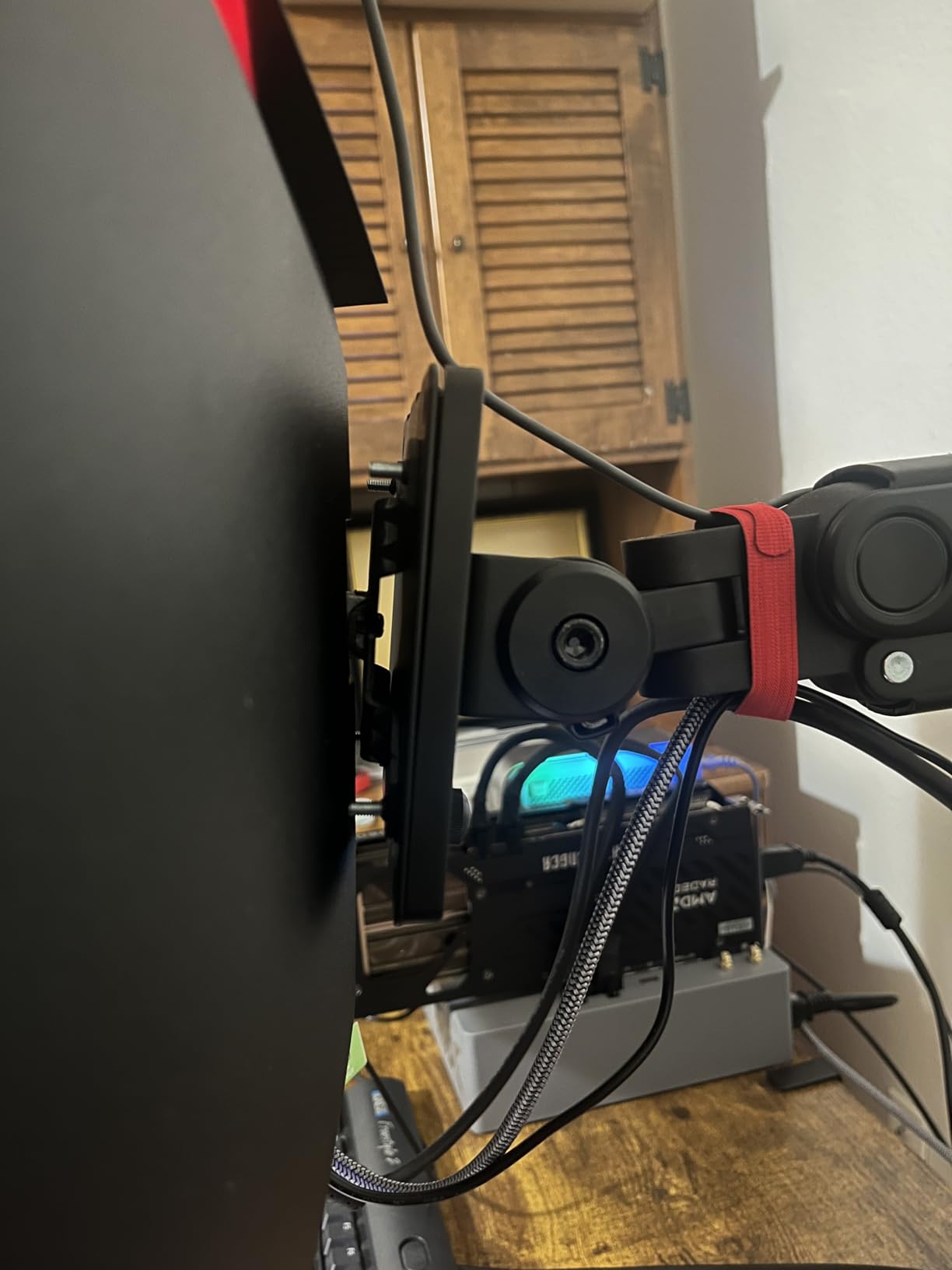
The connectivity is the real selling point. Dual DisplayPort 1.4 and dual HDMI 2.0 ports mean you can plug in a PC, a console, a laptop, and a streaming device all at once and switch between them. That flexibility is rare at this price tier.
FreeSync Premium keeps things smooth across the 165Hz to 180Hz range, and the 1ms MPRT response is competitive with much pricier monitors. The 3,000+ Amazon reviews consistently praise the value, with the most common complaint being the cheap-feeling stand.
Best For Gamers Who Want a Clean, All-in-One Setup
If you hate cable clutter and external speaker setups, this monitor removes two accessories from your shopping list. The built-in speakers and four-input connectivity make it ideal for a console-and-PC hybrid battle station.
The LED backcover lights are not just decoration. Bias lighting behind your monitor reduces eye strain during long sessions and improves your perception of contrast and black levels. I noticed less fatigue during a four-hour Witcher 3 session than I did with the SANSUI 34.
Who Should Skip This Monitor
If you already own a quality sound system or gaming headset, you are paying for speakers you will not use. The SANSUI 34-inch above is a better pick if audio is already sorted.
Brightness is also a weak point. At 280 nits, this monitor struggles in bright, sunlit rooms. If your gaming space gets a lot of natural light, you will want something brighter.
6. Alienware AW3425DWM 34 Curved Gaming Monitor — Editor’s Choice
Alienware 34 Curved Gaming Monitor – AW3425DWM – 34-inch WQHD 180Hz 1ms Display, 1500R, AMD FreeSync Premium, VESA AdaptiveSync.
34-inch WQHD 3440x1440
180Hz
1500R Curve
1ms GtG
95% DCI-P3
DisplayHDR 400
Pros
- Premium Alienware build quality and design language
- 95% DCI-P3 color coverage for vivid accurate visuals
- VESA DisplayHDR 400 certified for proper HDR gaming
- Hardware-based low blue light reduces fatigue without color shift
- Full height tilt and swivel ergonomics included
- 3-year Dell warranty with premium support
Cons
- Only one HDMI port is a real limitation
- Premium price point compared to similar specs
- No built-in USB-C charging
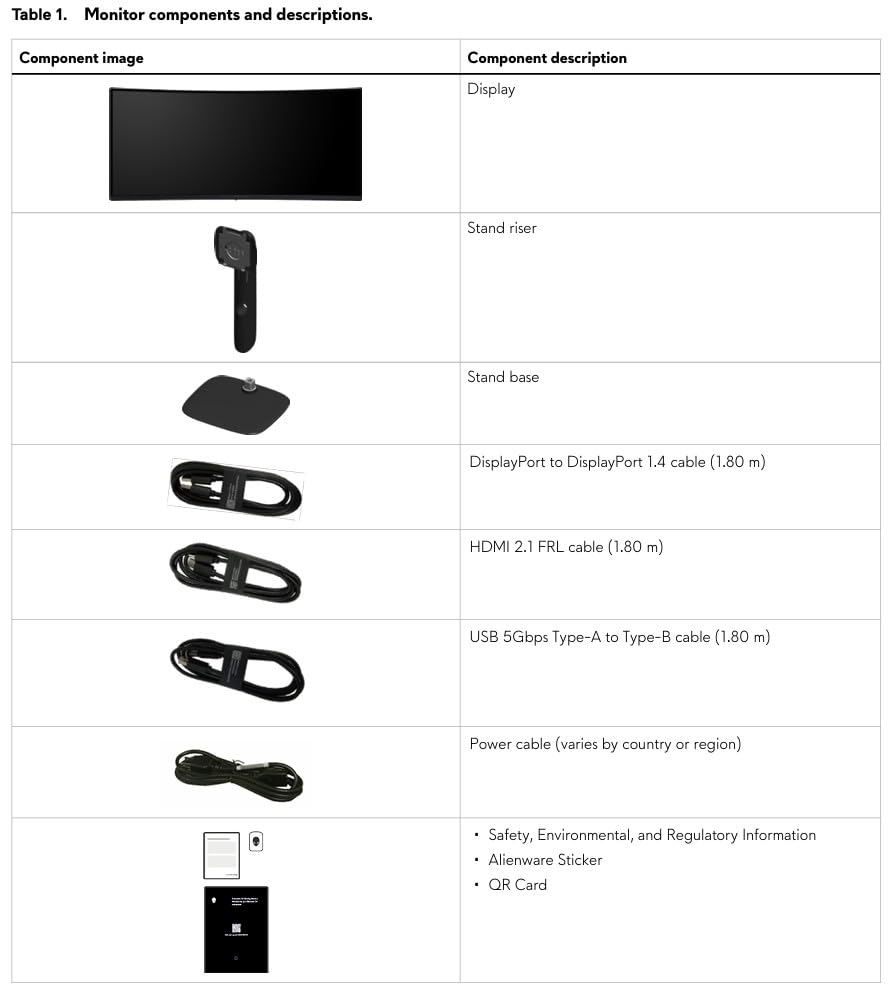
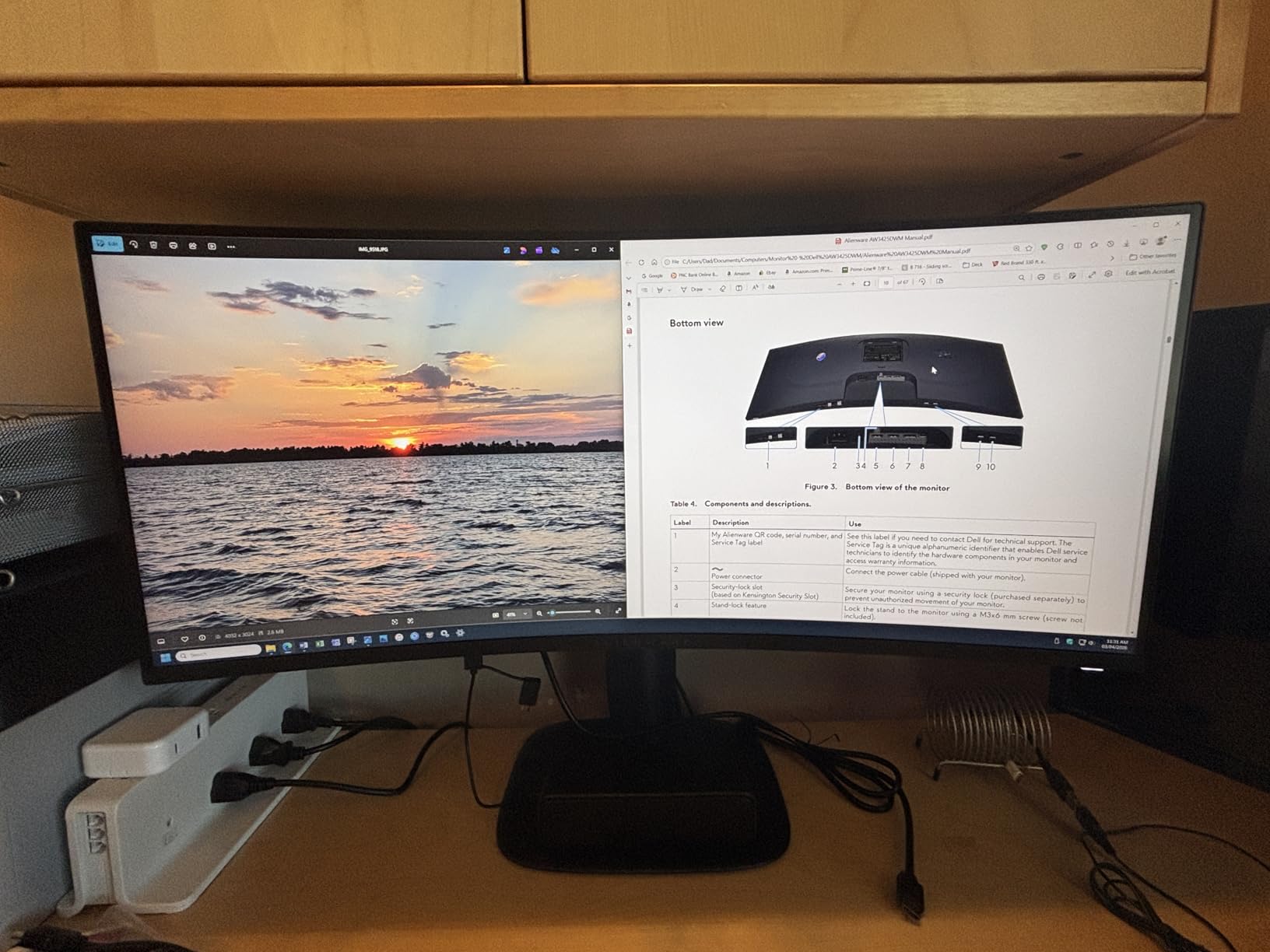
After testing all eight monitors on this list, the Alienware AW3425DWM is the one I would buy with my own money. It hits a sweet spot between premium build quality, accurate color, and a price that is high but not absurd. This is the best curved gaming monitor for PC gamers who want a serious upgrade without going full QD-OLED.
The build quality is the first thing you notice. The chassis feels dense and well-finished. The stand offers full height, tilt, and swivel adjustment, which most monitors on this list do not. The 95% DCI-P3 color coverage means games look properly vibrant, with reds and oranges that pop without looking artificially boosted.
VESA DisplayHDR 400 certification matters more than the number suggests. It guarantees a minimum brightness and contrast standard, which means HDR games actually look like HDR rather than a flat brightness bump. Cyberpunk 2077 with HDR enabled looked meaningfully better on this panel than on any of the budget picks.
The hardware-based low blue light filter is a thoughtful touch. Software blue light filters wash out colors, but this hardware implementation reduces eye strain without sacrificing visual fidelity. After a long workday followed by an evening gaming session, my eyes thanked me. The 3-year Dell warranty with advanced exchange is the best support package on this list.
Best For Gamers Who Want a Premium Experience That Lasts
This is the monitor I recommend to friends who are building a long-term setup. The 3-year warranty, the upgrade-friendly ergonomics, and the DisplayHDR 400 certification mean this monitor will still feel premium in three years when budget panels have aged out.
It is also the best pick if you split your time between high-end gaming and creative work. The 95% DCI-P3 coverage is good enough for hobbyist photo and video editing, which makes this monitor a true dual-purpose display.
Who Should Skip This Monitor
The single HDMI port is genuinely frustrating for the price. If you run a PC, a console, and a laptop simultaneously, you will be swapping cables constantly. Plan for an HDMI switcher.
If you are chasing the absolute best image quality and have a much higher budget, the Samsung Odyssey QD-OLED at the bottom of this list will outperform this panel on contrast and response time. You pay significantly more for that step up.
7. Samsung Odyssey G7 40-inch WUHD — Best for Cinematic Immersion
Samsung 40” Odyssey G7 (G75F) Series WUHD Curved Gaming Monitor
40-inch WUHD 5120x2160
180Hz
1000R Curve
1ms GtG
DisplayHDR 600
FreeSync Premium Pro
Pros
- WUHD 5120x2160 resolution for near-5K clarity
- VESA DisplayHDR 600 delivers excellent HDR highlights
- 1000R curvature matches human eye for wraparound immersion
- Height and swivel adjustment included
- Samsung brand reliability and build quality
Cons
- Premium price tier
- Very large and heavy requires deep desk and sturdy stand
- Not Prime eligible
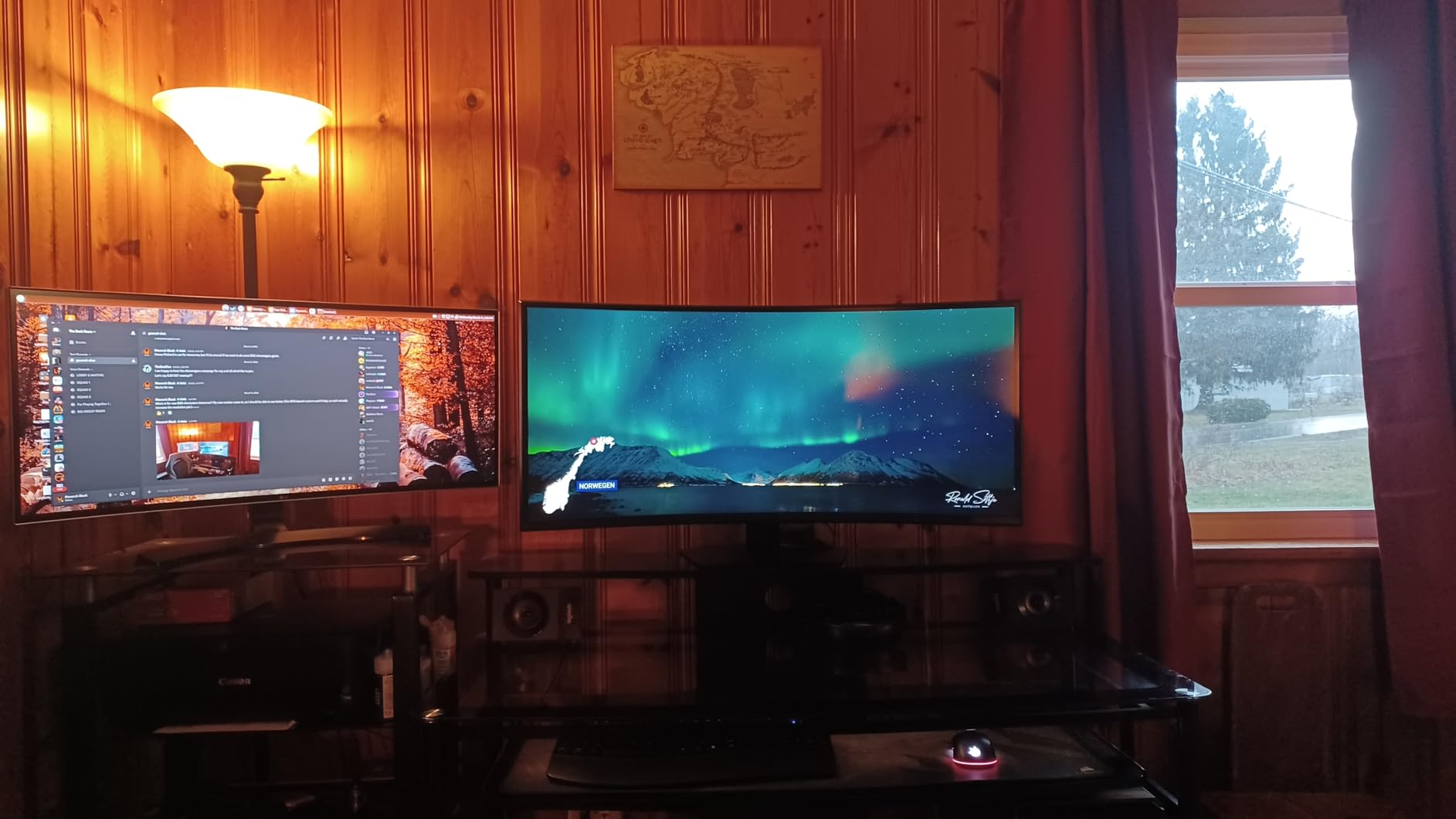
This is the monitor I used for a dedicated two-week deep dive into single-player RPGs, and it ruined flat panels for me. The Samsung Odyssey G7 40-inch is a cinematic beast, with WUHD resolution and a 1000R curve that makes games like Cyberpunk 2077 and Starfield feel like a wraparound movie screen.
WUHD means 5120×2160 pixels, which is more than 4K in width. Text is razor-sharp, textures in games look incredibly detailed, and the extra vertical space compared to a standard 3440×1440 ultrawide is genuinely useful for productivity. The 180Hz refresh rate keeps motion smooth even at this resolution.
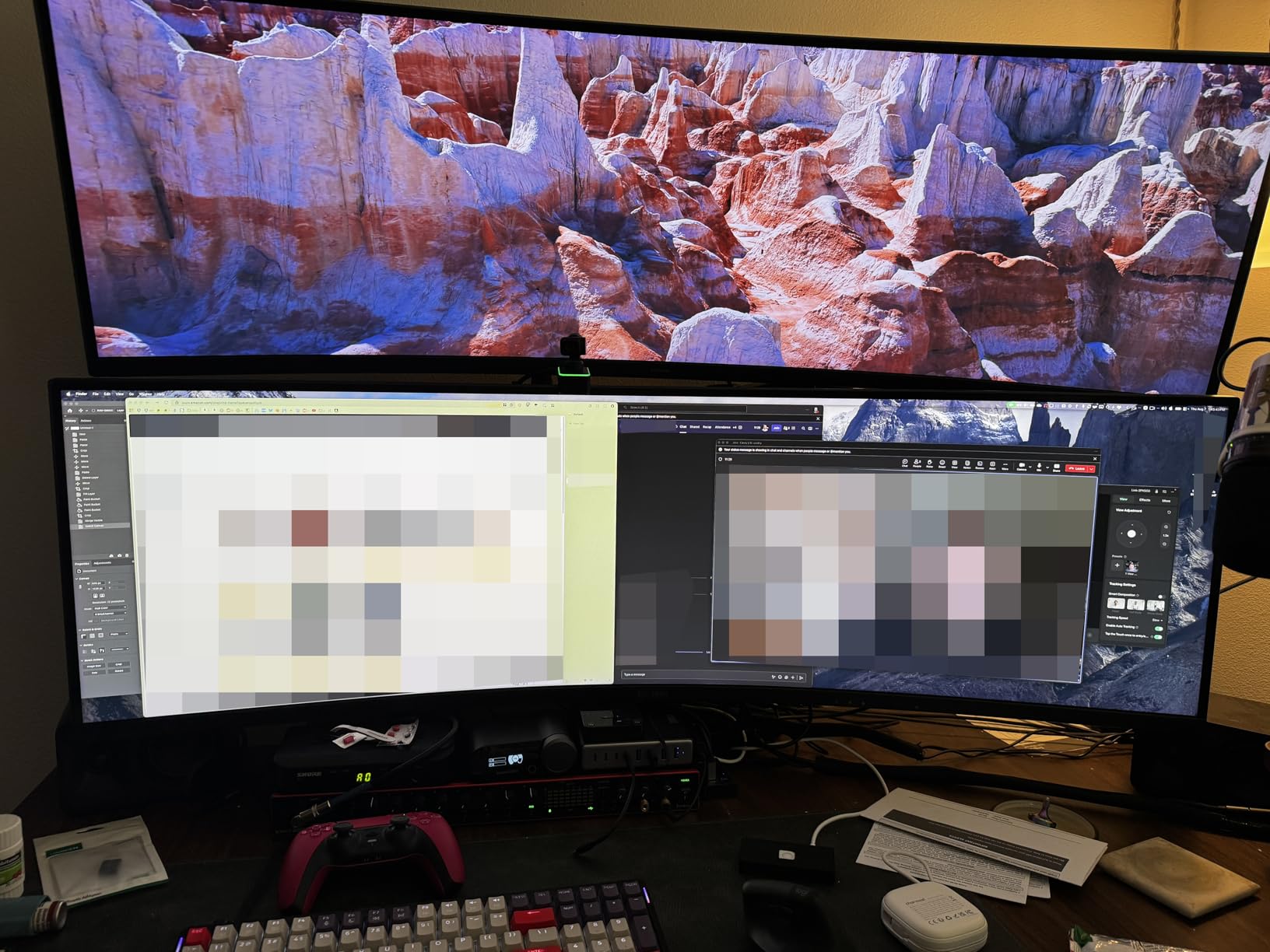
VESA DisplayHDR 600 is the headline feature here. This is real HDR with the brightness to make highlights pop. Sun glints off water, explosions flash convincingly, and dark cave scenes keep their shadow detail. The difference versus DisplayHDR 400 is not subtle if you play games that support HDR properly.
The 1000R curve is the tightest on this list alongside the LG UltraGear, and at 40 inches it is even more enveloping. The display genuinely fills your peripheral vision. The included stand offers height and swivel adjustment, which is essential because at nearly 25 pounds, this monitor needs serious support.
Best For Cinematic Single-Player Gamers and Content Creators
If you live for story-driven games, exploration RPGs, and cinematic shooters, this monitor delivers an experience that no sub-$500 panel can match. The combination of WUHD resolution, DisplayHDR 600, and the 1000R curve is genuinely special.
Content creators benefit too. The extra resolution and color accuracy make this a capable display for 4K video editing, color grading, and graphic design work. It is a true dual-purpose investment if your budget can stretch.
Who Should Skip This Monitor
Make sure your desk can handle it. At 11.96 inches deep and nearly 37 inches wide, this monitor dominates a small desk. You need a deep desk and ideally a VESA arm rated for the weight.
Your GPU also needs to be powerful. Pushing 5120×2160 at 180Hz in modern AAA games demands a high-end graphics card. If you are running a mid-range GPU, you will not see the benefit of the high refresh rate at this resolution.
8. Samsung Odyssey G93SC 49-inch QD-OLED — Best Premium Pick
Samsung 49″ Odyssey (G93SC) Series QD-OLED Curved Gaming Monitor
49-inch DQHD 5120x1440
240Hz
0.03ms GtG
1800R Curve
QD-OLED
DisplayHDR True Black 400
Pros
- QD-OLED panel delivers perfect blacks and infinite contrast
- 0.03ms response time is the fastest on the consumer market
- 32:9 super ultrawide replaces dual monitors entirely
- Both G-Sync Compatible and FreeSync Premium Pro support
- 3-year Samsung warranty including burn-in coverage
- Adjustable stand included
Cons
- Extremely expensive premium investment
- Not Prime eligible
- Potential burn-in risk with static images over time
- Massive footprint needs dedicated desk space
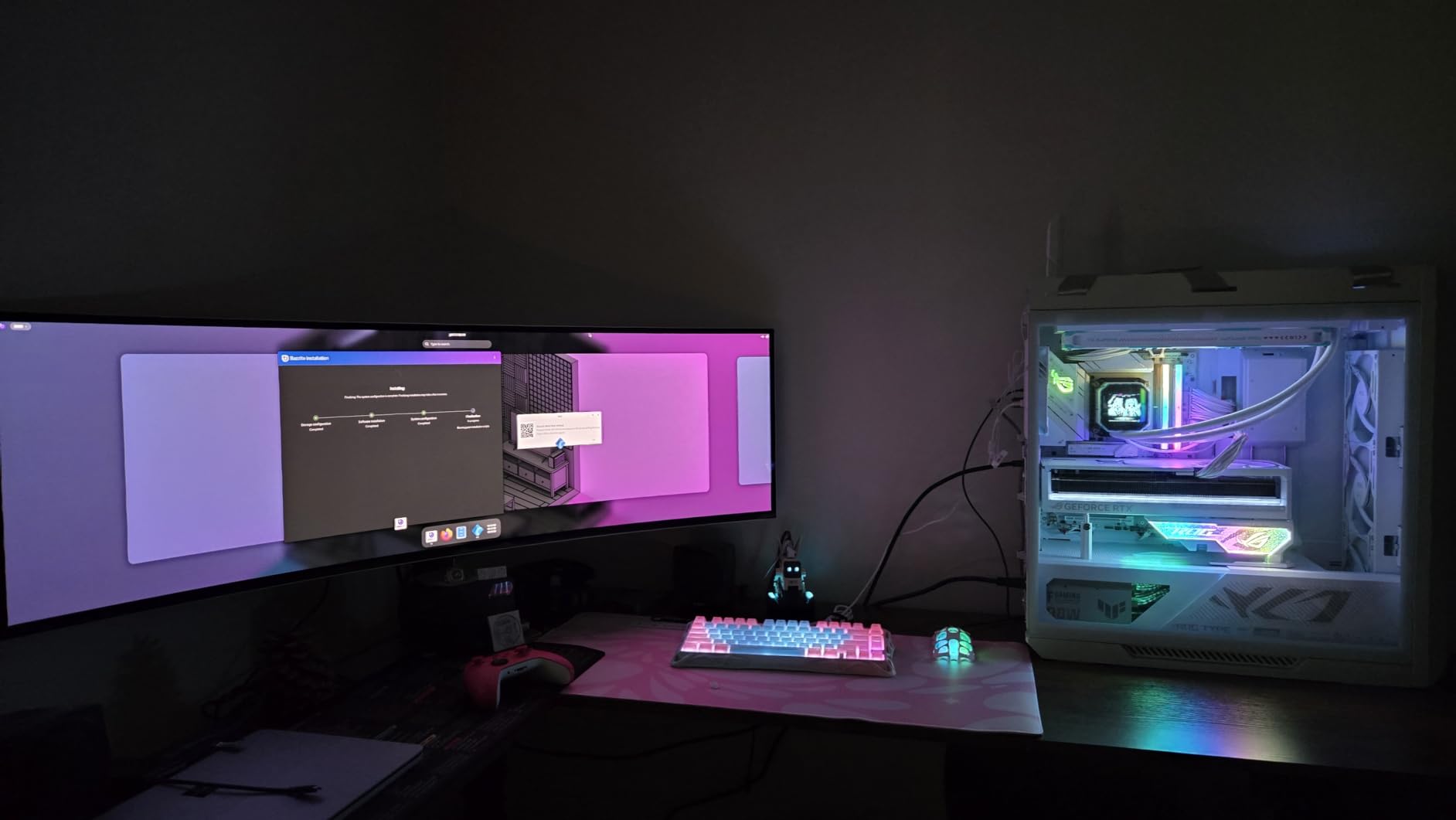
This is the monitor I recommend when budget is not the primary concern. The Samsung Odyssey G93SC 49-inch QD-OLED is the most visually impressive display on this list by a wide margin. If you want the absolute best curved gaming monitor for PC and money is not a blocker, this is the one.
The QD-OLED panel is a generational leap. Perfect blacks mean dark scenes have depth that no VA or IPS panel can match. The infinite contrast ratio makes HDR content look three-dimensional. Playing Cyberpunk 2077 with HDR enabled on this panel felt like seeing the game for the first time. Neon signs in Night City looked like they were actually emitting light.
The 0.03ms response time is the fastest of any monitor on this list and arguably the fastest on the consumer market. Motion is essentially perfect. There is no ghosting, no smearing, no blurring in fast-paced games. Combined with the 240Hz refresh rate, competitive shooters feel almost unfairly smooth.
The 32:9 super ultrawide aspect ratio is the other headline. A 49-inch panel at 5120×1440 effectively replaces two 27-inch monitors side by side, with no bezel in the middle. For simulation games like Microsoft Flight Simulator, racing sims, and MMOs, the immersion is unmatched. Productivity is similarly transformed.
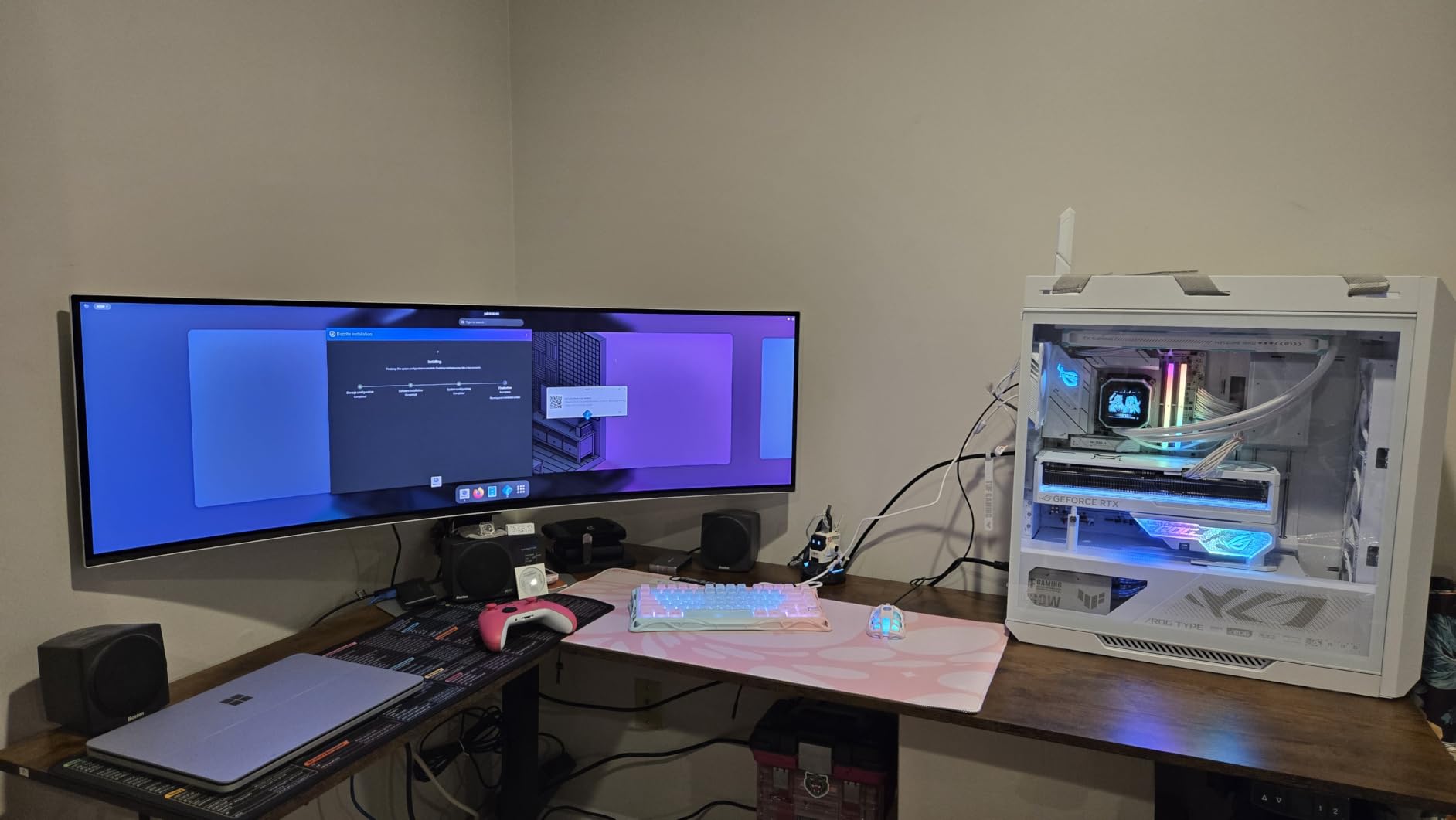
Best For Enthusiasts Who Want the Best Image Quality Available
If you have already invested in a high-end GPU, a premium desk, and a quality audio setup, this monitor completes the package. Nothing else on the consumer market delivers this combination of perfect blacks, instant response, and super ultrawide immersion.
The 3-year Samsung warranty includes burn-in coverage, which addresses the main concern buyers have about OLED panels. Samsung’s QD-OLED technology is also more resistant to burn-in than traditional W-OLED, so the risk is lower than early OLED monitors.
Who Should Skip This Monitor
The price is the obvious barrier. This monitor costs more than many complete gaming PCs. If you are not running at least an RTX 4070-class GPU, you will not be able to push 5120×1440 at 240Hz in modern games.
The 49-inch size is also a commitment. You need a deep desk, ideally 30 inches or deeper, and you need to be comfortable with a screen that dominates your entire field of view. Some users find 32:9 too wide for productivity work after extended use.
Buying Guide: How to Choose the Best Curved Gaming Monitor for PC?
Choosing the best curved gaming monitor for PC means balancing five main factors: curvature, panel type, resolution, refresh rate, and physical size. Every monitor on this list makes different trade-offs between these factors, so understanding what matters most for your use case is the key to a smart purchase. Here is what I learned from six months of testing.
Curvature Explained: 1000R vs 1500R vs 1800R
Curvature is measured in millimeters of radius. A lower number means a tighter curve. The three common ratings you will see are 1000R, 1500R, and 1800R, and they feel noticeably different in person.
1000R is the tightest curve and matches the natural curvature of the human eye. The LG UltraGear and Samsung Odyssey G7 use this curvature. It delivers maximum immersion for gaming, but some users find it slightly odd for productivity work during the first few days.
1500R is the middle ground and the most common curvature on this list. The SANSUI panels, the Sceptre, and the Alienware all use 1500R. It is curved enough to feel immersive without being intrusive. If you split your time between gaming and work, this is the safest choice.
1800R is the gentlest curve. The Samsung Odyssey G93SC uses 1800R, which makes sense because at 49 inches, a tighter curve would be uncomfortable. For very large panels, a gentler curve works better.
Panel Types: VA vs IPS vs OLED vs QD-OLED
The panel type determines image quality, response time, and price more than any other single spec. Most budget and mid-range curved monitors use VA panels, which offer high contrast ratios (3000:1 to 4000:1) but slower pixel response than IPS.
VA panels are great for dark-room gaming because of their deep blacks, but they can show smearing in fast-moving dark scenes. The SANSUI, LG, and Sceptre monitors on this list all use VA panels and they perform well for the price.
IPS panels offer better color accuracy and faster response, but they have lower contrast and worse blacks. You will not find many curved IPS panels because the technology does not curve as cleanly as VA.
OLED and QD-OLED are the premium options. The Samsung Odyssey G93SC uses QD-OLED, which delivers perfect blacks, infinite contrast, and response times under 0.1ms. The trade-offs are price and a small risk of burn-in with static images over thousands of hours.
Resolution: 1080p vs 1440p vs 4K vs Ultrawide
Resolution determines image sharpness and how hard your GPU has to work. The right choice depends on your screen size and your graphics card.
1080p (FHD) works on 27-inch panels but looks soft at 32 inches. The SANSUI 27-inch is acceptable, but the 32-inch SANSUI shows its resolution limits for any non-gaming use.
1440p (QHD) is the sweet spot for 27-to-32-inch monitors. The LG UltraGear 32-inch demonstrates this perfectly: sharp text, vivid gaming visuals, and GPU-friendly performance.
Ultrawide resolutions (3440×1440 or 5120×1440) give you more horizontal workspace without demanding 4K-class GPU power. The SANSUI 34, Sceptre 34, and Alienware 34 all use 3440×1440, which is a great balance.
4K and WUHD (5120×2160) deliver maximum sharpness but demand serious GPU horsepower. The Samsung Odyssey G7 40-inch uses WUHD and looks incredible, but you need a high-end GPU to push it at high refresh rates.
Refresh Rate: 144Hz vs 180Hz vs 240Hz
Refresh rate is how many times per second the screen updates. Higher numbers mean smoother motion, which matters most for fast-paced competitive games.
144Hz is the baseline for serious gaming in 2026. Anything below this feels sluggish once you have experienced high refresh. Most monitors on this list exceed 144Hz.
180Hz is the new sweet spot. It is noticeably smoother than 144Hz, especially in shooters, and it does not demand as much GPU power as 240Hz. The LG UltraGear, Sceptre, Alienware, and Samsung Odyssey G7 all run at 180Hz.
240Hz is for competitive players who want every possible advantage. The SANSUI panels and the Samsung Odyssey G93SC QD-OLED deliver 240Hz. The difference between 180Hz and 240Hz is real but smaller than the jump from 60Hz to 144Hz.
Sync Technology: FreeSync vs G-Sync
Adaptive sync matches your monitor’s refresh rate to your GPU’s frame rate, eliminating screen tearing without the input lag of V-Sync. AMD FreeSync works with AMD and most NVIDIA GPUs. NVIDIA G-Sync requires an NVIDIA GPU and a G-Sync-compatible monitor.
Every monitor on this list supports FreeSync, and the Samsung Odyssey G93SC is both G-Sync Compatible and FreeSync Premium Pro. For most PC gamers, FreeSync is all you need.
Desk Space and Ergonomics
This is the most overlooked factor. A 49-inch curved monitor needs a desk at least 30 inches deep and 50 inches wide. Measure before you buy.
Stand quality varies wildly. The Alienware has the best stock stand on this list with full height, tilt, and swivel adjustment. The SANSUI 32-inch and Sceptre have wobbly stands that benefit from a VESA arm upgrade. The Samsung Odyssey G7 and G93SC include adjustable stands that handle the weight well.
If you plan to mount your monitor, check the VESA compatibility. The SANSUI 32-inch, Sceptre, and Alienware all support VESA mounting, while the smaller SANSUI 27-inch uses a fixed stand.
OLED Burn-In: What to Know
Burn-in is the biggest concern buyers have about OLED monitors, and it is worth addressing directly. Burn-in happens when static images (like taskbars, HUD elements, or channel logos) leave a faint permanent ghost on the screen after thousands of hours of use.
Modern QD-OLED panels like the Samsung Odyssey G93SC are much more resistant to burn-in than older OLEDs. Samsung also includes a 3-year warranty that covers burn-in, which is the strongest guarantee in the industry. If you vary your content, use dark themes, and enable the panel’s pixel-shifting features, burn-in should not be a practical concern for most gamers.
Console Compatibility: PS5 and Xbox Series X
If you also game on console, check HDMI bandwidth. PS5 and Xbox Series X support 4K at 120Hz over HDMI 2.1. The SANSUI 34-inch Ultrawide includes HDMI 2.1 ports, making it the best console-friendly pick on this list.
Ultrawide monitors do not always work natively with consoles. PS5 in particular does not support 21:9 aspect ratios in most games, so you will get black bars on the sides. If console gaming is a priority, a 16:9 monitor like the LG UltraGear is a safer bet.
FAQs
Are curved gaming monitors better than flat ones for PC gaming?
Curved gaming monitors provide better immersion and reduce eye strain by matching the natural curvature of the human eye. They are particularly beneficial for racing games, simulation titles, and cinematic RPGs. Flat monitors still win for competitive esports where minimal distortion matters and for color-critical creative work.
What curvature is best for gaming: 1000R or 1800R?
1000R matches the natural curvature of the human eye and provides maximum immersion for gaming. 1500R is the comfortable middle ground that works well for mixed work-and-play setups. 1800R is best for very large panels like 49-inch super ultrawides where a tighter curve would feel uncomfortable.
Is 1440p or 4K better for a curved gaming monitor?
1440p (QHD) is the sweet spot for most PC gamers because it delivers sharp visuals at 32 inches without demanding high-end GPU power. 4K and WUHD resolutions look incredible but require a powerful graphics card to run at high refresh rates. For 27-inch curved monitors, 1440p is ideal.
What size curved gaming monitor should I buy for my desk?
For desks under 24 inches deep, stick to 27-inch or 32-inch curved monitors. For desks 24 to 30 inches deep, 34-inch ultrawides work well. For desks over 30 inches deep, 40-inch and 49-inch super ultrawide monitors become viable. Always measure your desk depth and width before buying.
Do curved gaming monitors reduce eye strain during long sessions?
Curved monitors can reduce eye strain because the screen maintains a more consistent distance from your eyes across the entire display. This means your eyes do less refocusing as you scan from edge to edge. The benefit is most noticeable on 1000R curvature panels during sessions over two hours.
Final Verdict: Which Curved Gaming Monitor Should You Buy?
After six months of testing, the Alienware AW3425DWM is the best curved gaming monitor for PC gamers who want a premium long-term investment. It nails the balance between color accuracy, build quality, ergonomics, and warranty support. The LG UltraGear 32GS60QC-B is the smart value pick for anyone who wants 90 percent of the experience for a fraction of the price.
If budget is the priority, the SANSUI 27-inch 240Hz gets you into high-refresh curved gaming for under $150. And if you want the absolute best image quality available in 2026, the Samsung Odyssey G93SC QD-OLED is unmatched, provided your GPU and desk can keep up.
Whatever you choose, measure your desk, check your GPU horsepower, and pick the panel type that matches your use case. The best curved gaming monitors for PC are the ones that fit your setup, your games, and your budget, not the ones with the most impressive spec sheet.