
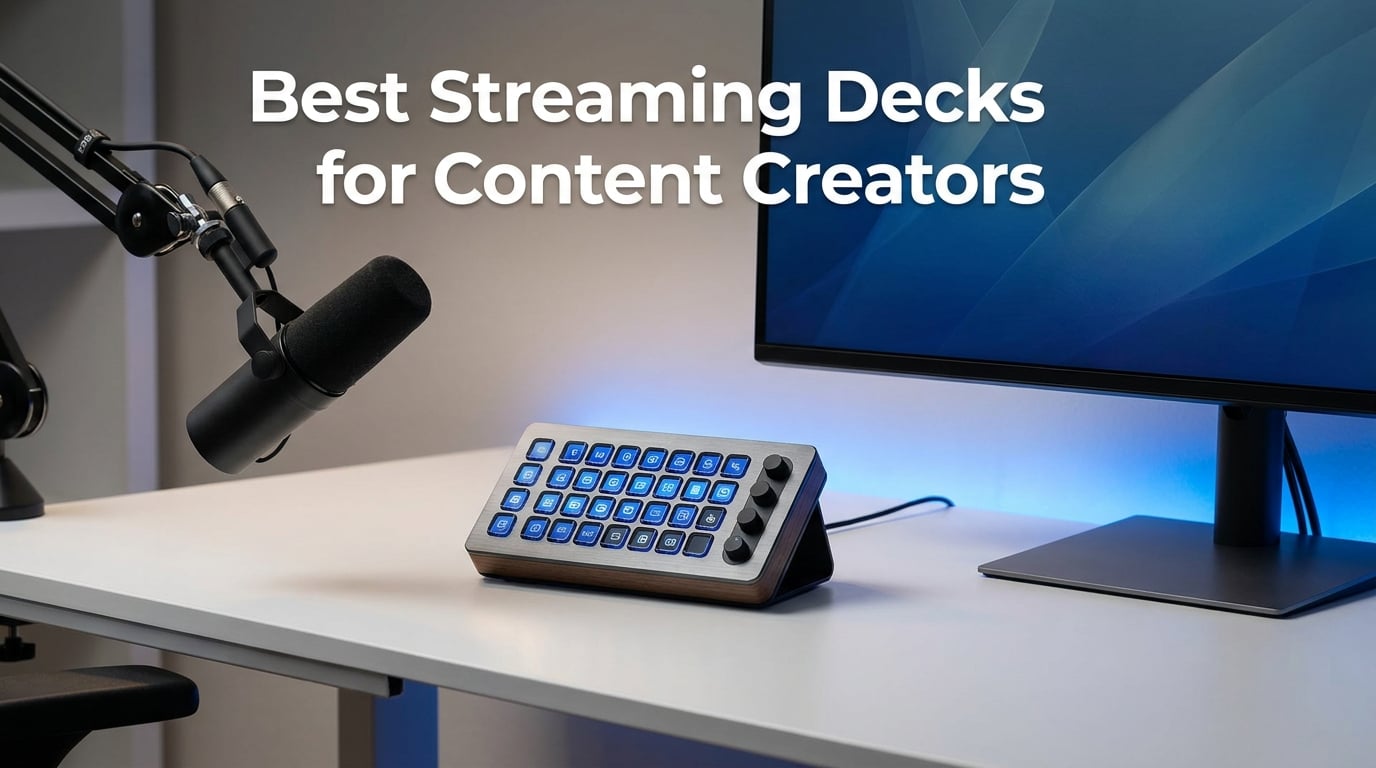
I remember the first time I tried to switch scenes, mute my mic, play a sound effect, and respond to chat during a live stream. My hands were flying across the keyboard like a confused pianist. Three wrong hotkeys later, my viewers heard a Discord notification instead of my intro music. That was the day I realized I needed a streaming deck.
A streaming deck is a customizable control panel with LCD keys that lets you trigger actions like scene switches, sound effects, and stream alerts with a single tap. Instead of memorizing dozens of keyboard shortcuts, you get visual buttons with icons that tell you exactly what they do. It connects to your computer via USB and works with streaming software like OBS, Streamlabs, and Twitch Studio.
After testing eight of the most popular streaming decks on the market for this guide to the best streaming decks for content creators in 2026, I can tell you that the right deck changes everything. Your streams get smoother. Your recordings flow better. Even non-streaming tasks like video editing and presentations become faster. The wrong deck, though, just collects dust on your desk.
Our team compared Elgato’s full lineup alongside budget alternatives from FIFINE, VSDINSIDE, and ActionRing. We looked at key count, software ecosystem, build quality, and real-world usability. Whether you are a Twitch streamer, a YouTube creator, a podcaster, or someone who just wants to automate repetitive tasks, there is a deck here for your setup and budget.
Table of Contents
Top 3 Picks for Best Streaming Decks for Content Creators in 2026
These three decks represent the best overall value, the best bang for your buck, and the most affordable entry point. We picked them based on ratings, review volume, feature set, and hands-on experience.
The Elgato Stream Deck MK.2 is the deck most professional streamers use, and for good reason. Fifteen keys hit the sweet spot between capacity and desk space. The Mini at under sixty dollars is the best value pick if you want the Elgato ecosystem without the premium price. And the ActionRing gives you keys plus dials at the lowest price point on this list.
Best Streaming Decks for Content Creators in 2026
Here is the full comparison of all eight decks we tested. Each one earned its place through strong ratings, genuine utility, or an unbeatable price-to-feature ratio.
| Product | Specifications | Action |
|---|---|---|
 Elgato Stream Deck MK.2 Elgato Stream Deck MK.2 |
|
Check Latest Price |
 Elgato Stream Deck + Elgato Stream Deck + |
|
Check Latest Price |
 Elgato Stream Deck XL Elgato Stream Deck XL |
|
Check Latest Price |
 Elgato Stream Deck Mini Elgato Stream Deck Mini |
|
Check Latest Price |
 Elgato Stream Deck Neo Elgato Stream Deck Neo |
|
Check Latest Price |
 FIFINE AmpliGame D6 FIFINE AmpliGame D6 |
|
Check Latest Price |
 VSDINSIDE Macro Keypad VSDINSIDE Macro Keypad |
|
Check Latest Price |
 ActionRing Stream Controller ActionRing Stream Controller |
|
Check Latest Price |
1. Elgato Stream Deck MK.2 – The Industry Standard With 15 LCD Keys
Elgato Stream Deck MK.2 Studio Controller, 15 Macro Keys
15 LCD Keys
USB-C
Mac and PC
4.6 x 3.3 x 3 in
Pros
- 15 customizable LCD keys with visual feedback
- Works with OBS Twitch YouTube Discord Spotify
- Hotkey actions for editing and production workflows
- USB-C connectivity
- 2 year warranty
Cons
- Premium pricing at 149 dollars
- Fixed key count cannot be expanded
The Elgato Stream Deck MK.2 is the deck I recommend to nearly every content creator who asks me where to start. Fifteen LCD keys give you enough real estate to handle scene switching, sound effects, mic muting, camera changes, and social media posting without feeling cramped. Over ten thousand reviewers agree, with 88 percent giving it five stars.
I set mine up in about twenty minutes. The drag-and-drop software let me assign a multi-action button that switches my OBS scene, starts a countdown timer, and fires off a Discord notification all with one tap. That single button replaced four keyboard shortcuts I used to fumble through mid-stream. The visual feedback on each key confirms your action registered, which sounds minor until you are live and second-guessing whether you actually hit the button.
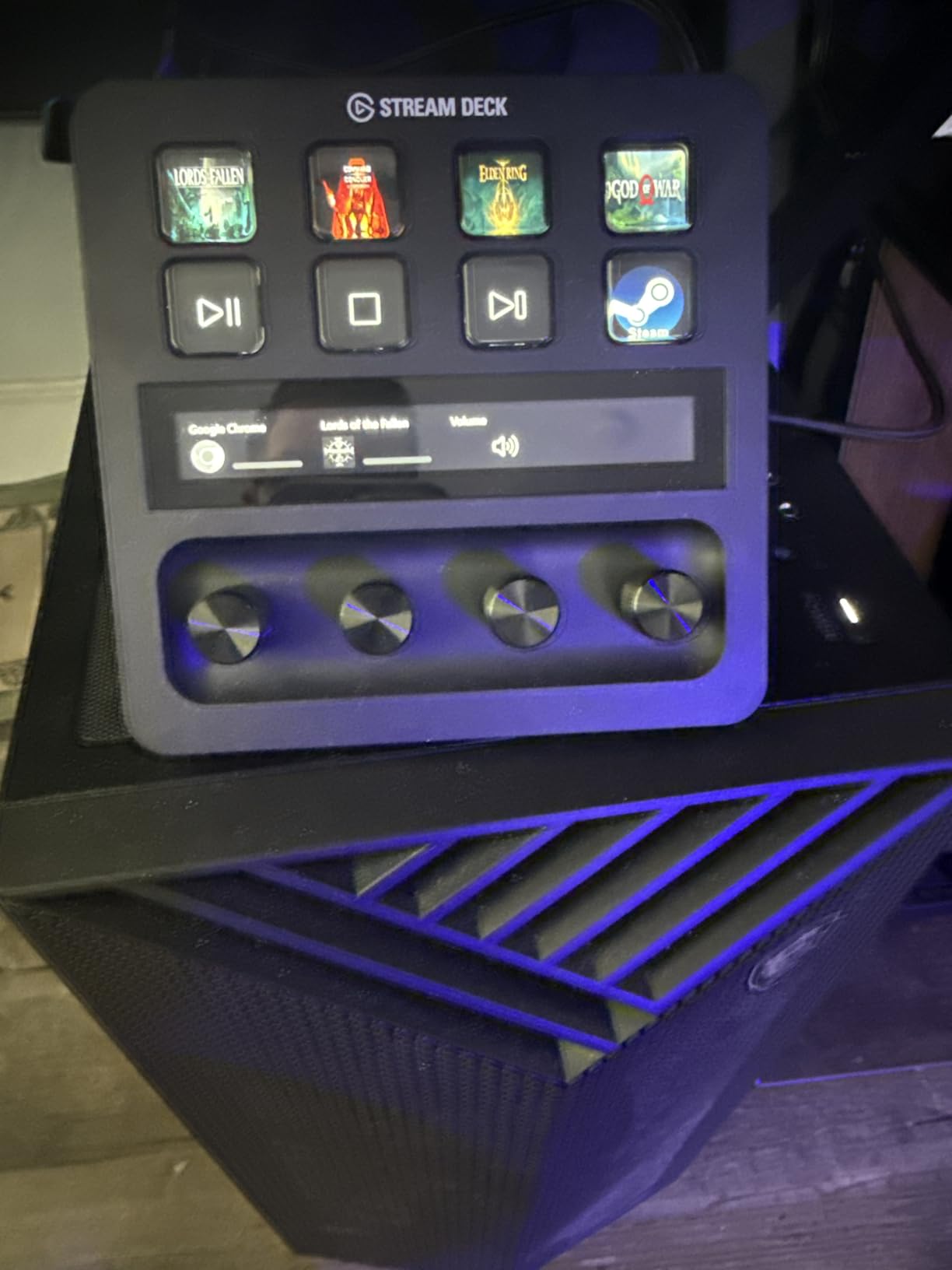
The plugin ecosystem is where the MK.2 pulls ahead of every competitor on this list. Elgato’s store has plugins for OBS, Twitch, YouTube, Twitter, Discord, Spotify, Philips Hue, and dozens of other platforms. You also get access to thousands of royalty-free music tracks and sound effects. If you can think of an action you want to automate, someone has probably built a plugin for it.
The build is solid plastic with a premium feel that justifies the price. The USB-C connection is a nice upgrade over the micro-USB on the original model and the Mini. My one real complaint is that fifteen keys can feel limiting if you run a complex production with dozens of scenes, sources, and effects. For most streamers and creators, though, this is the sweet spot.
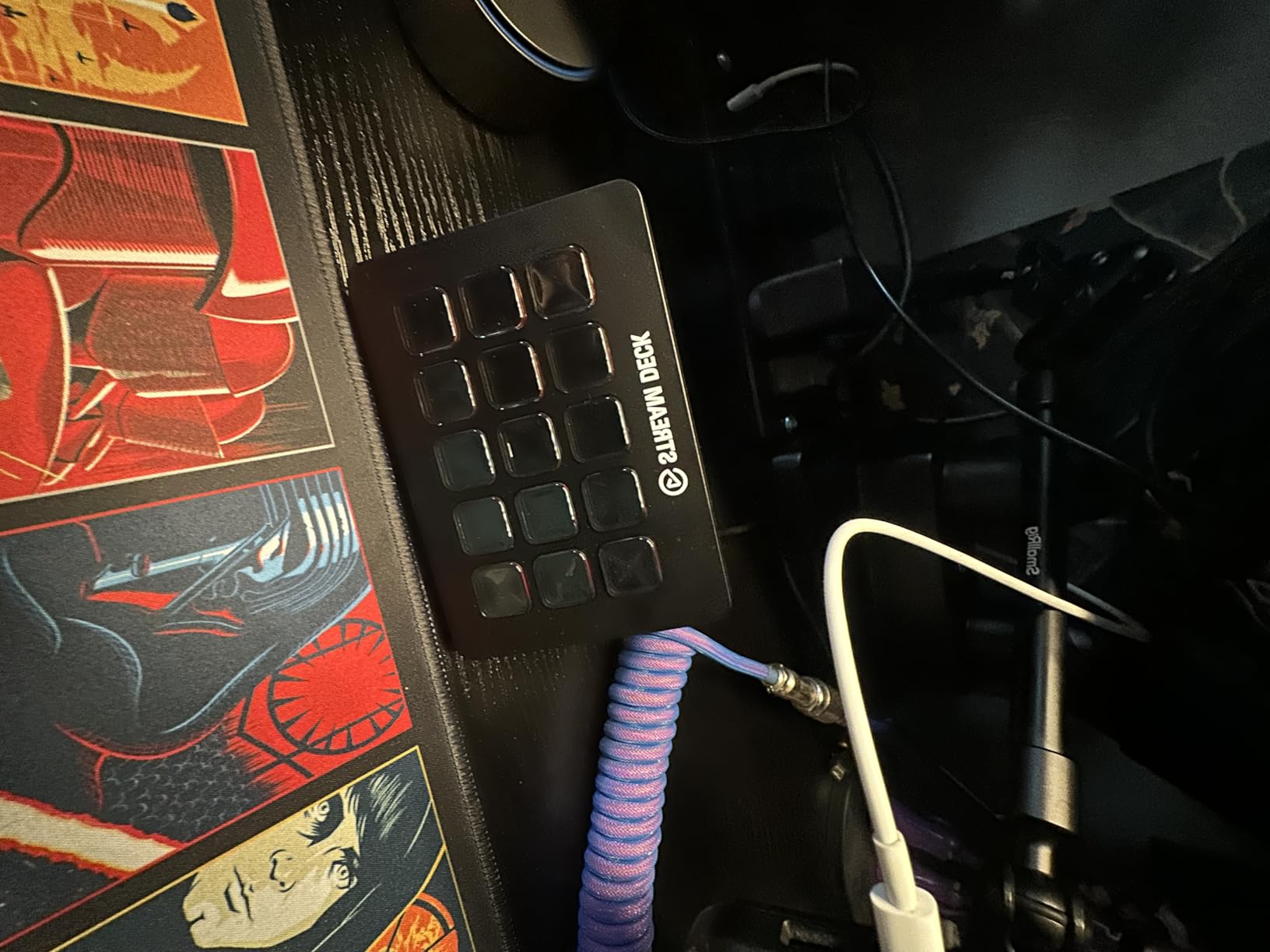
Software Ecosystem and Plugin Support
The Stream Deck software is the real selling point here. It works seamlessly across Mac and PC, and the plugin marketplace grows constantly. You can control OBS scenes, manage Twitch chat commands, trigger Twitter posts, adjust Philips Hue lights, and launch apps. The software updates regularly with new features and bug fixes, which is something budget alternatives struggle to match.
Who This Deck Is Built For
This is the best streaming deck for content creators who want reliability and a proven ecosystem. If you stream on Twitch or YouTube regularly, record podcasts, or produce video content, the MK.2 handles it all without friction. Beginners will outgrow six keys quickly, and thirty-two keys may be overkill. Fifteen is where most creators land.
2. Elgato Stream Deck + – LCD Keys, Dials, and a Touch Strip
Elgato Stream Deck +, Audio Mixer and Studio Controller
LCD Keys and Dials
Touch Strip
Audio Mixer
USB-C
Pros
- LCD keys plus dials and touch strip for tactile control
- Functions as audio mixer and studio controller
- Multi Actions and Smart Profiles
- Wave Link integration for audio mixing
- 2 year warranty
Cons
- Higher price point
- Steeper learning curve with multiple input types
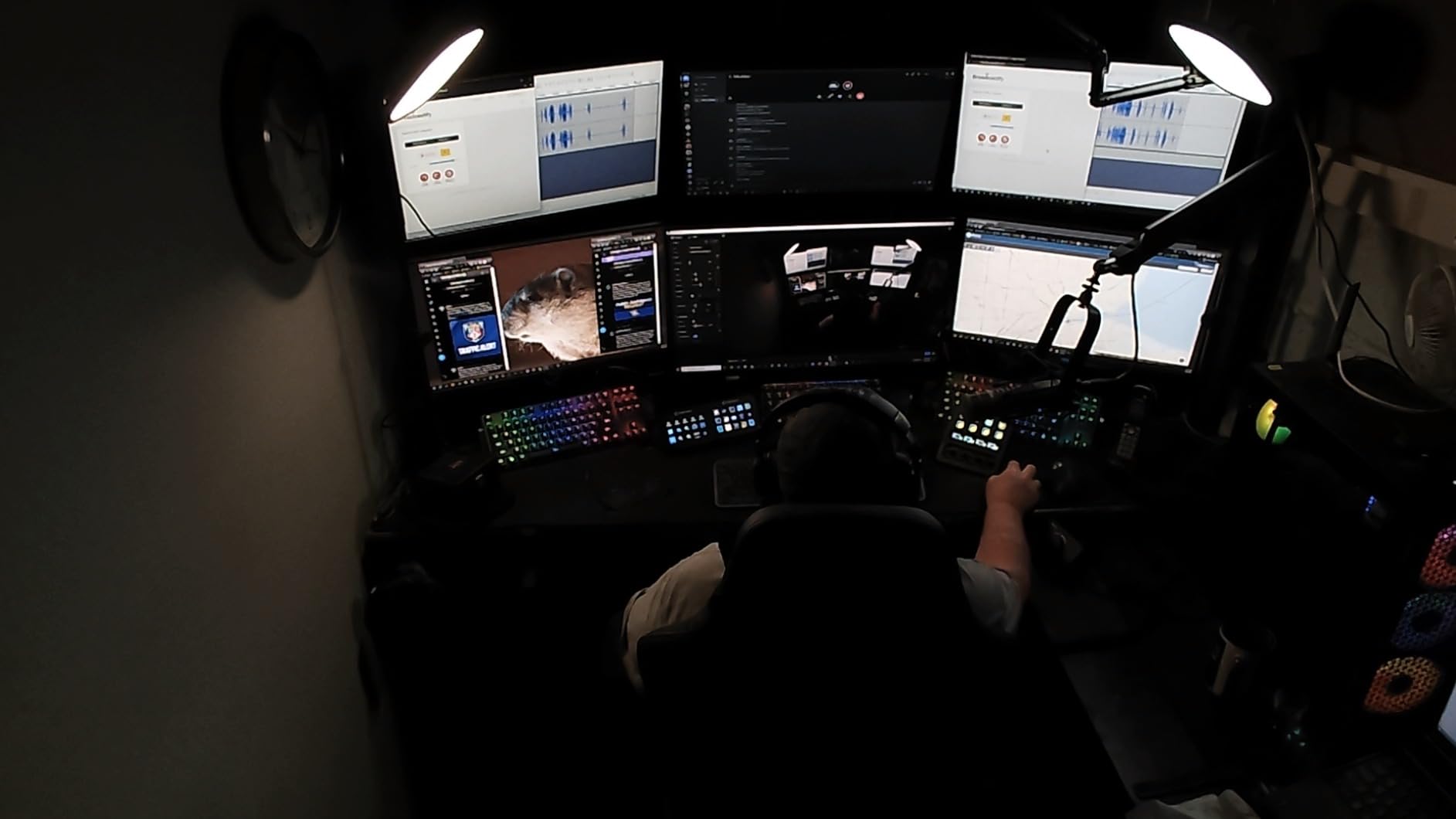
The Elgato Stream Deck + takes the standard formula and adds something the other decks on this list do not have: physical dials and a touch strip. Eight LCD keys sit above three dials and a horizontal touch strip, giving you tactile control over audio levels, playback scrubbing, and anything else where a slider or knob makes more sense than a button press.
I used the dials primarily as an audio mixer with Elgato’s Wave Link software. Being able to physically turn a dial to adjust my game audio, mic level, and Discord volume during a stream feels far more natural than clicking buttons repeatedly. The touch strip lets you scrub through video timelines or trigger sequential actions with a swipe. Over 3,700 reviewers rate it 4.6 stars, with 81 percent giving it five stars.
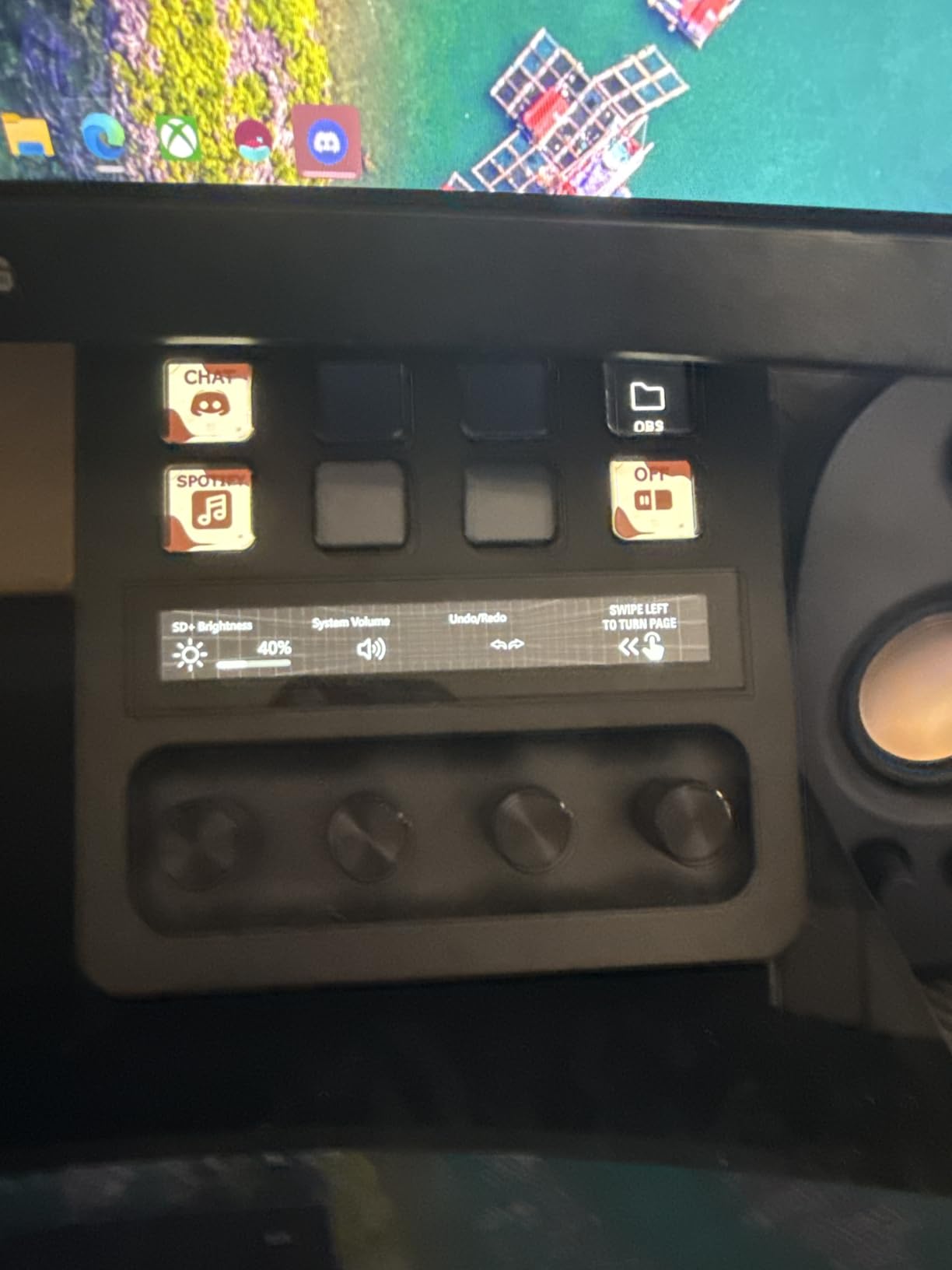
The Multi Actions feature lets you chain multiple commands to a single key press or dial turn. Smart Profiles automatically switch your key layouts based on which app is in focus, so your deck shows editing controls when Photoshop is open and streaming controls when OBS is running. This kind of contextual awareness is genuinely useful for creators who juggle multiple applications.
The trade-off is that eight keys is fewer than the MK.2’s fifteen. You gain dials and a touch strip but lose button capacity. For creators who do heavy audio work or video editing, the dials are worth the trade. For pure streamers who just need scene switches and sound effects, the MK.2 gives you more bang for less money.
Audio Mixing Capabilities
The Stream Deck plus doubles as a hardware audio mixer when paired with Wave Link. You can control individual audio sources, set up submixes for your stream versus your recording, and adjust levels on the fly without touching your mouse. For podcasters and multi-source streamers, this alone justifies the price.
Learning Curve for Dials and Touch Strip
Expect to spend a few hours learning how to map actions to the dials and touch strip effectively. The software is intuitive once you understand the logic, but the additional input types mean more configuration upfront. Creators who enjoy tinkering will love it. Those who want plug-and-play simplicity might prefer the MK.2.
3. Elgato Stream Deck XL – 32 Keys for Maximum Workflow Control
Elgato Stream Deck XL Advanced Studio Controller, 32 Keys
32 LCD Keys
USB
Mac and PC
7.17 x 1.34 x 4.41 in
Pros
- 32 customizable LCD keys for maximum control
- Premium live production capabilities
- Integrates with OBS Twitch YouTube vMix VoiceMod
- Visual feedback on all keys
- 2 year warranty
Cons
- Premium pricing at 229 dollars
- Large footprint may not suit small desks
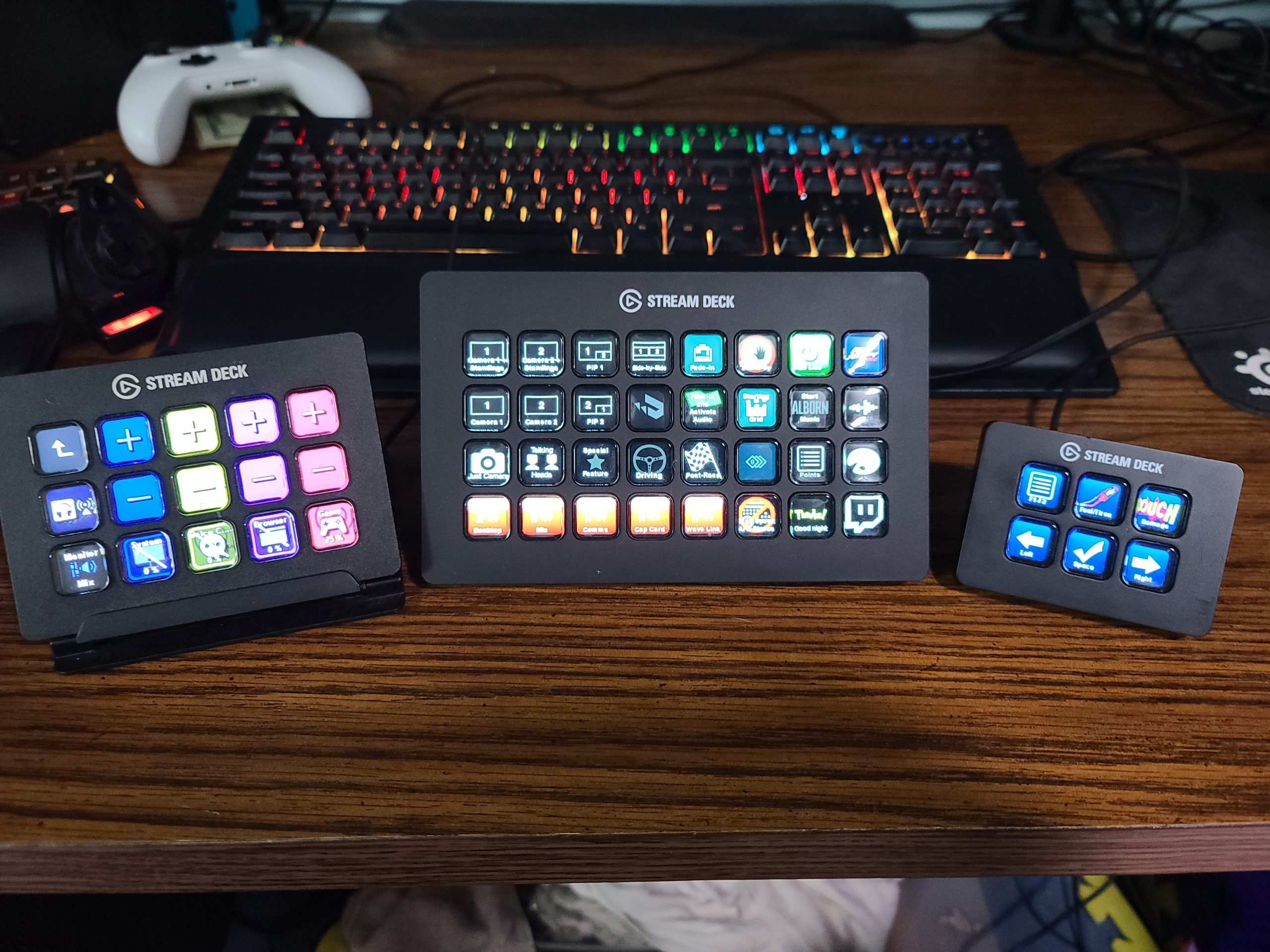
The Elgato Stream Deck XL is the deck for creators who need maximum button capacity. Thirty-two LCD keys mean you can map every scene, every sound effect, every camera angle, and every social media action to its own dedicated button. No folders, no scrolling through pages, no compromises. Over 8,500 reviewers rate it 4.8 stars, with 90 percent giving it five stars.
When I tested the XL, the first thing I noticed was how much mental load it removed. With the MK.2, I constantly flipped between pages of keys to access different action sets. With the XL, everything sits on one screen. My streaming scenes, editing hotkeys, Discord controls, and soundboard all live side by side. It is the kind of device that makes you faster the moment you plug it in.
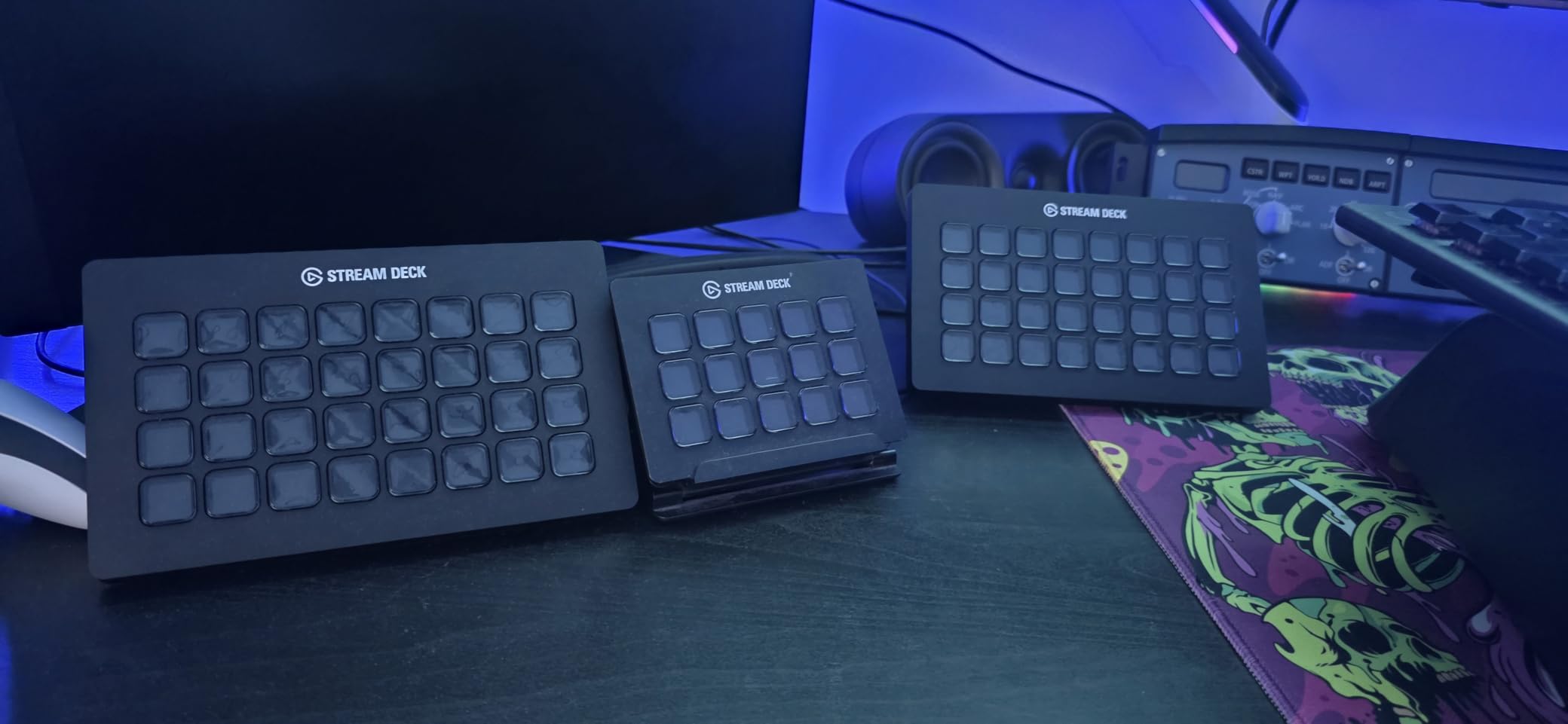
The XL integrates with the same plugin ecosystem as the MK.2, including OBS, Twitch, YouTube, Twitter, Discord, Spotify, Philips Hue, vMix, and VoiceMod. The integrations are deep and reliable. You can switch scenes in vMix, trigger voice modulation in VoiceMod, and control your smart lighting without ever leaving the deck.
The downside is size and price. The XL measures over seven inches wide and takes up serious desk real estate. At its price point, it is a significant investment. If you are a professional streamer, a production studio operator, or someone running complex live shows, the XL earns its keep. Casual creators will likely never use all thirty-two keys.
Managing 32 Keys Without Overwhelm
The key to using the XL effectively is organization. Group your keys by function: streaming actions on the left, audio controls in the center, utility and social on the right. Use color-coded icons so you can identify action types at a glance. Once you build a logical layout, thirty-two keys feel manageable rather than chaotic.
Is the XL Overkill for Your Setup
If you stream with fewer than ten scenes, do not edit video professionally, and have a simple audio setup, the XL is probably more deck than you need. The MK.2 covers those workflows comfortably. The XL shines for multi-camera productions, complex scene setups, and creators who want zero compromise on accessible actions.
4. Elgato Stream Deck Mini – The Budget Entry Point With 6 Keys
Elgato Stream Deck Mini, 6 Customizable LCD Macro Keys
6 LCD Keys
USB
Compact
2.4 x 2.3 x 3.3 in
Pros
- Compact 6-key design for small workspaces
- Compatible with Zoom Teams Office and Adobe apps
- Easy drag-and-drop setup
- Multi-action sequencing
- Budget-friendly entry point at 59 dollars
Cons
- Limited to 6 keys
- 12-month warranty shorter than premium models
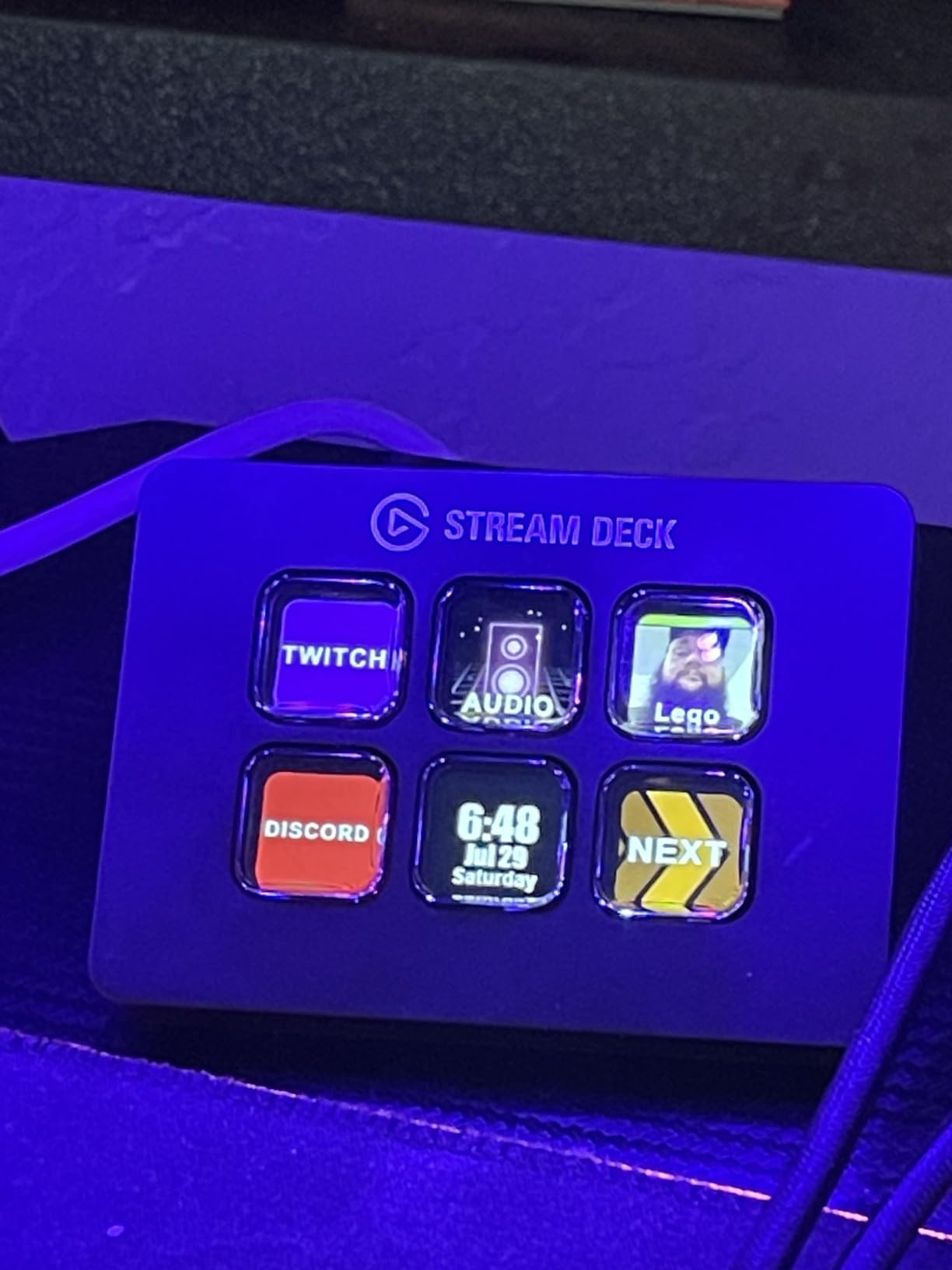
The Elgato Stream Deck Mini is the deck I hand to friends who are curious about streaming decks but hesitant to spend big money. Six keys sounds limiting, but each key can trigger a multi-action sequence. That means one tap can mute your mic, switch your OBS scene, and post a tweet announcing you are live. Nearly 7,900 reviewers give it 4.8 stars, with 85 percent five-star ratings.
For the price, you get the same Elgato software and plugin ecosystem as the more expensive models. The Mini works with Zoom, Teams, PowerPoint, Excel, Word, Google Suite, Photoshop, and other Adobe apps. This makes it a genuine productivity tool, not just a streaming accessory. I set one up for a friend who does not stream at all, and she uses it daily for Excel macros and Zoom meeting controls.
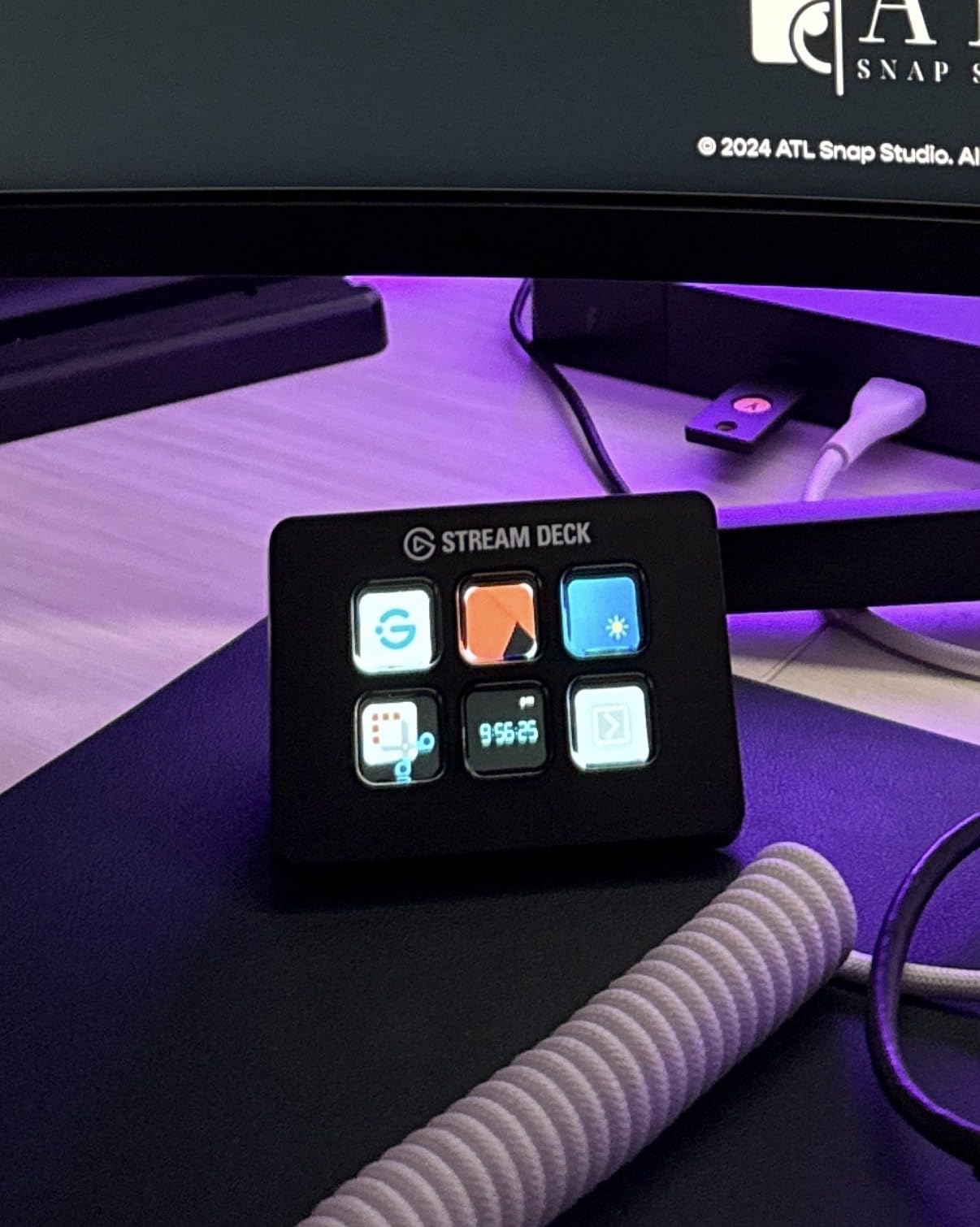
The compact size is a real advantage for tight desk setups. It measures just 2.4 by 2.3 by 3.3 inches and weighs under seven ounces. You can toss it in a laptop bag and take it to a different workstation. The micro-USB connection is dated compared to the USB-C on newer models, but it works reliably.
The limitation is obvious: six keys go fast. If you stream regularly with multiple scenes, sound effects, and chat interactions, you will be flipping through pages constantly. Many users start with the Mini, love the experience, and upgrade to the MK.2 within a few months. Think of the Mini as a low-risk way to test whether a streaming deck fits your workflow.
What Six Keys Can Actually Do
Six keys with multi-action support can handle a surprising amount. Assign each key a sequence: one for going live, one for scene transitions, one for sound effects, one for chat interactions, one for muting, and one for ending your stream. It covers the basics well. The moment you need more than one page of actions, it is time to consider upgrading.
Upgrading from Mini to Full Deck
The beauty of starting with the Mini is that all your profiles, plugins, and action configurations carry over when you upgrade. Buy an MK.2 or XL later, plug it in, and your existing setup transfers automatically. You lose nothing by starting small, and you gain real insight into how many keys you actually use.
5. Elgato Stream Deck Neo – 8 Keys With Smart Home Control
Elgato Stream Deck Neo, 8 Customizable Keys, 2 Touch Points
8 Keys
2 Touch Points
Smart Home
USB
Pros
- 8 customizable keys with 2 touch points
- Smart home control integration
- Eco-friendly zero-plastic packaging
- Compatible with Zoom Teams and Office apps
- 2 year warranty
Cons
- Limited stock availability
- Newer product with fewer reviews
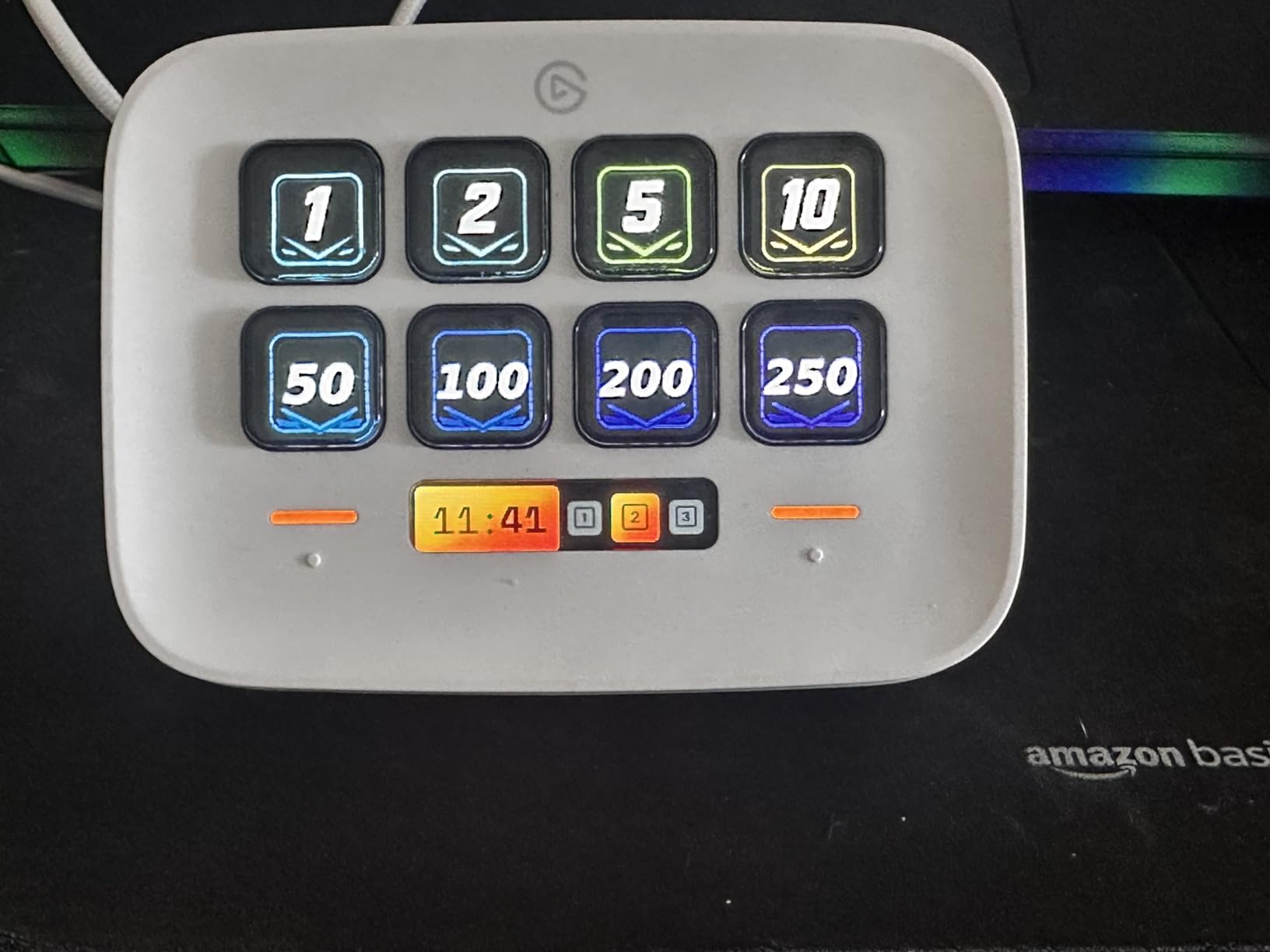
The Elgato Stream Deck Neo sits between the Mini and the MK.2 in both key count and price. Eight customizable keys plus two touch points give you a bit more room than the Mini without jumping to full MK.2 pricing. The Neo also adds smart home control, letting you toggle lights, plugs, and audio devices from the same panel you use for streaming.
I found the Neo particularly useful for creators who work in a controlled environment with smart lighting. Pressing a button to dim your Philips Hue lights, start your recording, and launch your streaming software in sequence is genuinely convenient. The two touch points on either side act as page navigators, letting you cycle through different key layouts without reaching for your mouse.
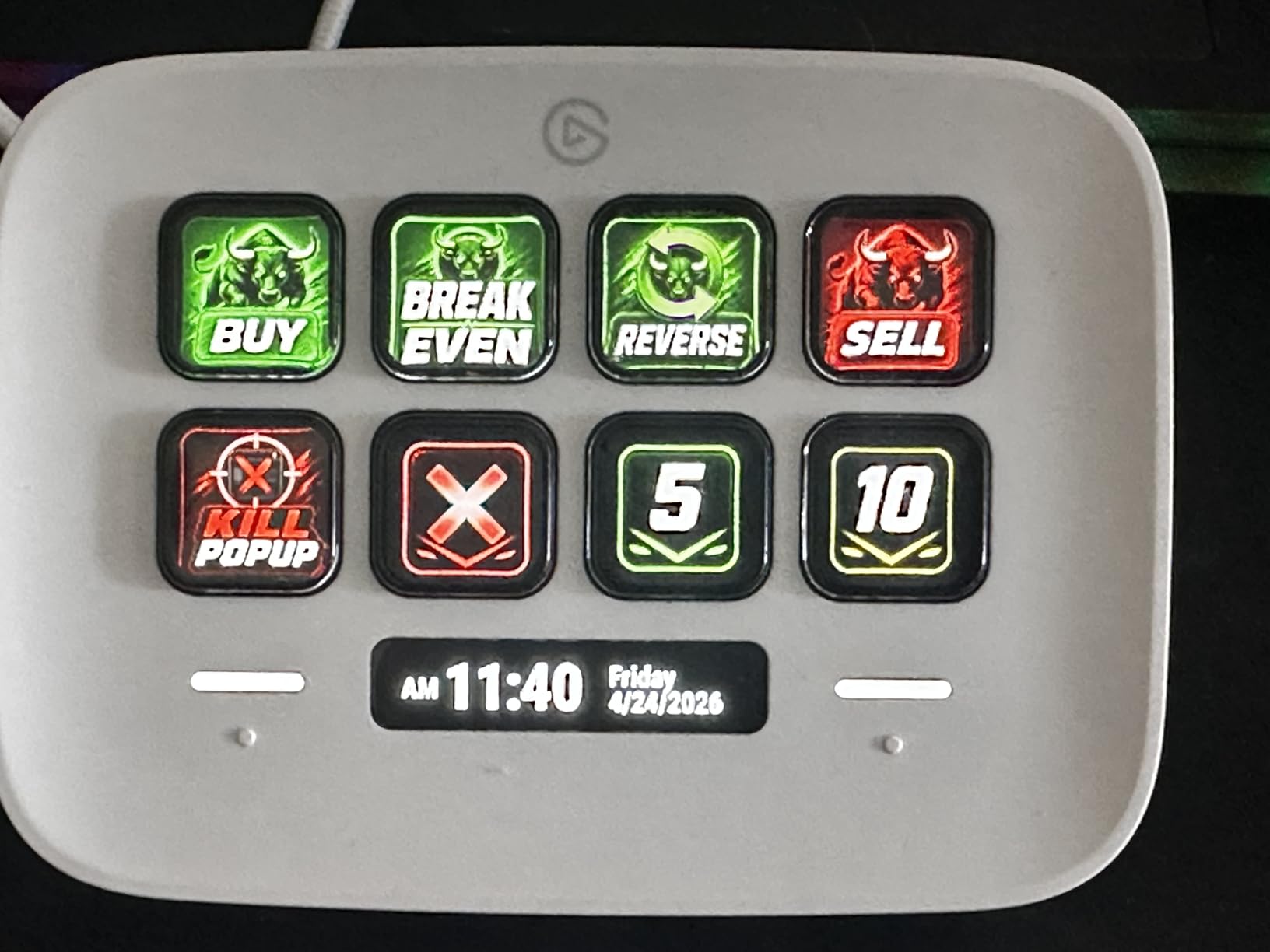
The Neo is compatible with the same software as other Elgato decks: Zoom, Teams, PowerPoint, Excel, Word, Google Suite, Photoshop, and Adobe Creative apps. The drag-and-drop setup takes minutes, and the ecosystem is identical to what you get with the MK.2 and XL. About 1,250 reviewers rate it 4.5 stars.
The eco-friendly zero-plastic packaging is a thoughtful touch that reflects well on the brand. The two-year warranty matches the premium models, which is better than the Mini’s twelve-month coverage. My main concern is availability, as stock has been limited during our testing period.
Smart Home Integration Worth It
If you already own smart lights, smart plugs, or a connected speaker system, the Neo’s smart home integration adds real value. Controlling your environment from the same deck you use for streaming or video calls creates a unified workspace. If you have no smart home devices, this feature sits unused and the MK.2 is the better buy.
How Neo Compares to the MK.2
The Neo gives you eight keys versus the MK.2’s fifteen, but it costs less. The trade-off is straightforward: fewer keys, lower price, and smart home features as a bonus. For creators with modest action needs and smart home setups, the Neo is compelling. For everyone else, the MK.2’s larger key count wins.
6. FIFINE AmpliGame D6 – Budget Alternative With 15 Keys and RGB
FIFINE AmpliGame Stream Controller with 15 Macro Keys, Streaming Keyboard with Trigger Actions in OBS/Twitch/YouTube/Streamlabs, Shortcut Buttons Keypad Works with Mac and PC-D6
15 LCD Keys
RGB Lighting
USB
PC and Mac
Pros
- 15 customizable LCD macro keys
- Visual feedback on touchscreen
- RGB lighting with 9 modes
- Wide software compatibility including OBS and Streamlabs
- Works with both PC and Mac
Cons
- Requires firmware updates for initial use
- Primarily touch-based control may not suit all preferences
The FIFINE AmpliGame D6 is the most compelling Elgato alternative on this list. For less than half the price of the MK.2, you get fifteen customizable LCD keys with visual feedback. The keys are touch-based rather than mechanical, which takes adjustment, but the functionality covers the same core ground: scene switching in OBS, sound effects, and macro actions across your applications.
I tested the D6 over a two-week period with OBS Studio, Streamlabs, and Twitch. Scene transitions worked reliably, and the visual feedback on each key confirmed actions registered. The RGB lighting offers nine controllable modes, which is a fun touch for streamers who want their setup to look good on camera. Over 700 reviewers rate it 4.5 stars.
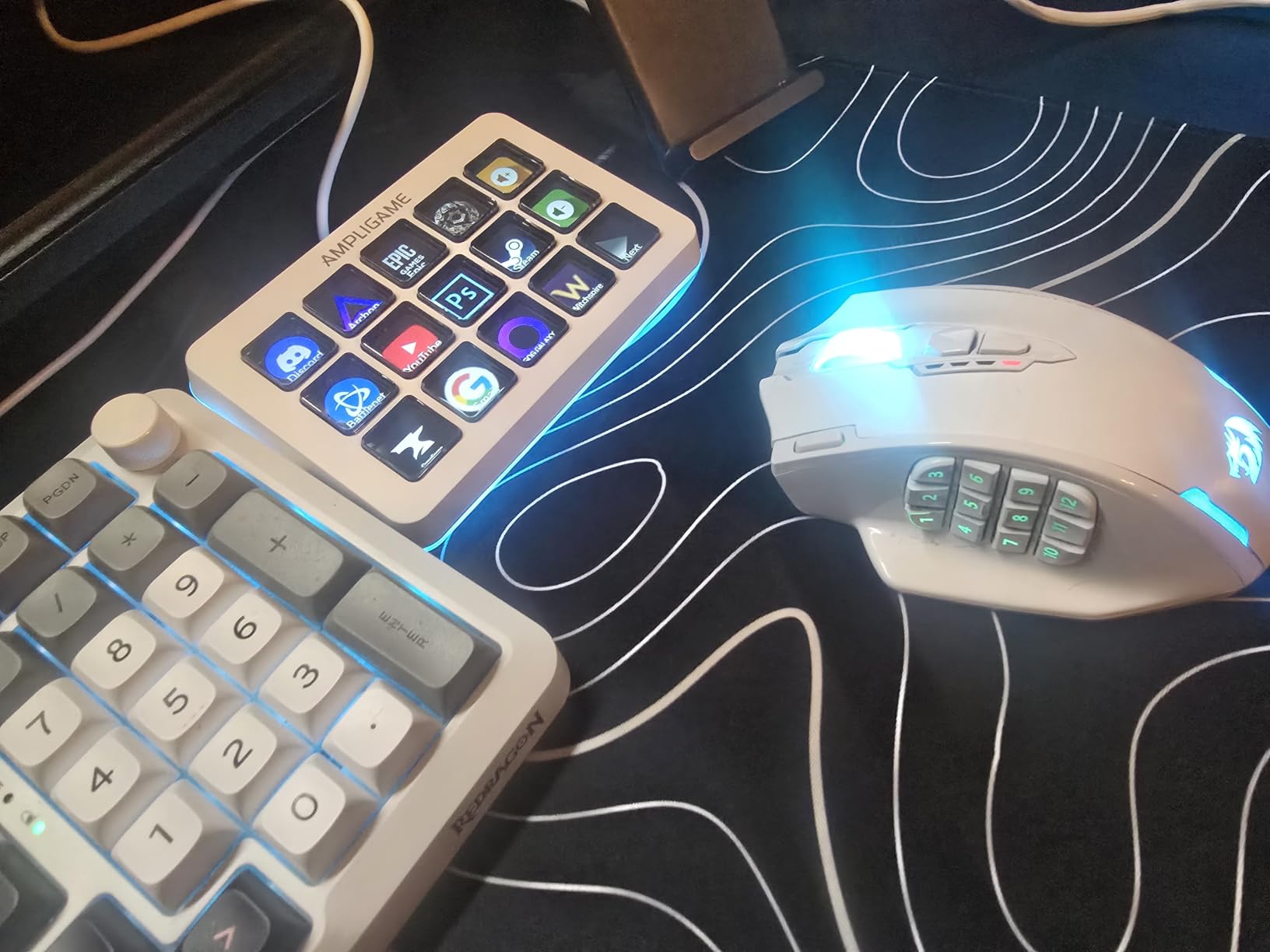
Compatibility is broad for a budget deck. The D6 works with OBS Studio, Streamlabs, Twitch, YouTube, Discord, and various editing software. The multi-tasking scene support lets you switch between different key layouts for streaming, gaming, and office work. It supports both PC and Mac, which is more than some competitors at this price can claim.
The main drawback is the initial setup experience. The D6 requires firmware and software updates before it works smoothly, and the configuration software is less polished than Elgato’s. Once everything is updated and configured, it performs well. The touch-based keys feel different from mechanical switches, so try one before committing if you are sensitive to key feel.
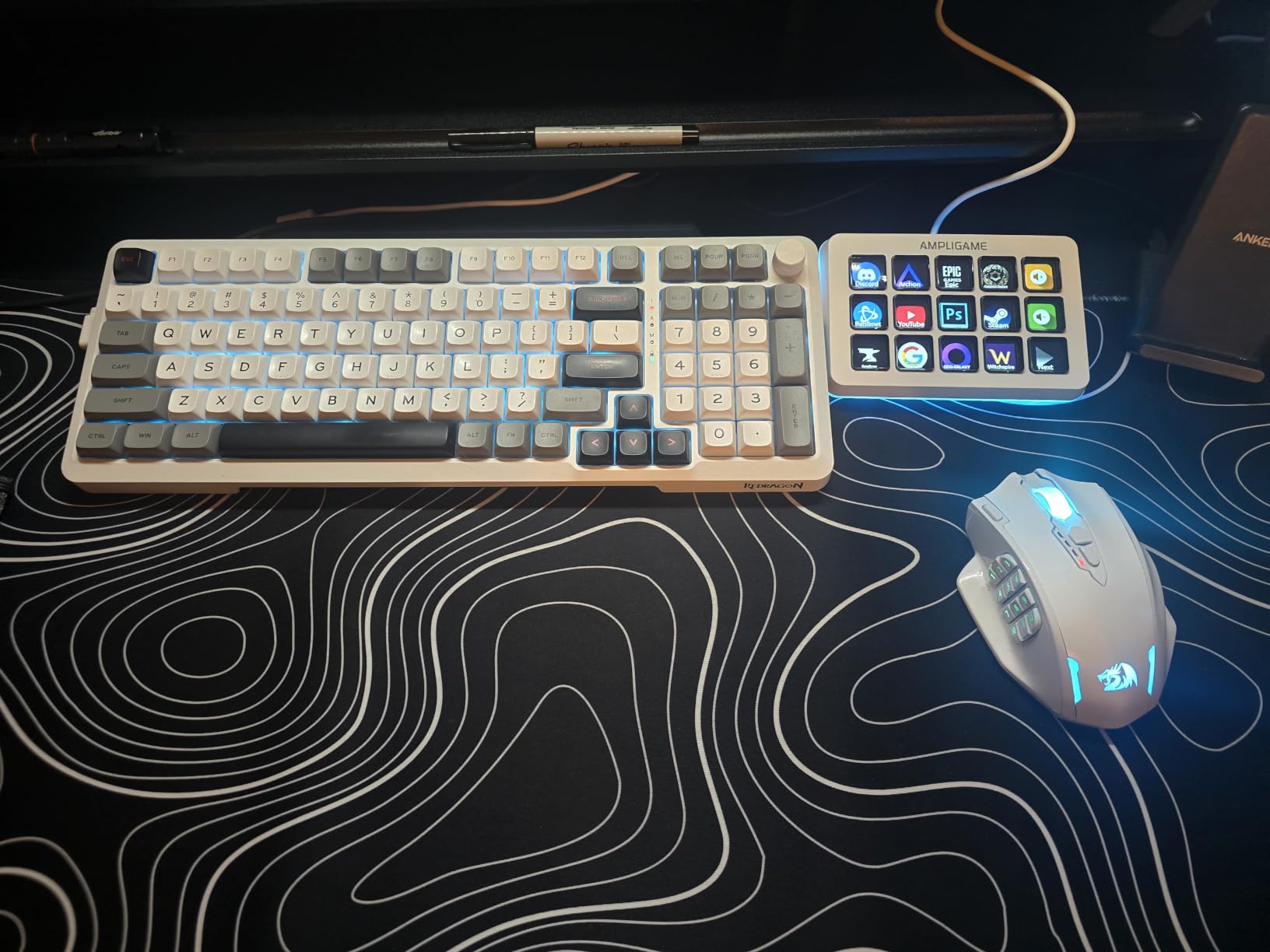
Software Experience vs Elgato
FIFINE’s software gets the job done but lacks the polish and plugin depth of Elgato’s ecosystem. You can assign macros, create multi-action sequences, and customize key icons. What you miss is the extensive plugin marketplace, the royalty-free music library, and the regular feature updates that Elgato provides. For budget-conscious creators, the trade-off is acceptable.
RGB and Customization Options
The nine RGB lighting modes are more than a gimmick for streamers. Matching your deck’s lighting to your stream aesthetic or room lighting adds production value that viewers notice. The key icons are fully customizable, and the visual feedback system works reliably once firmware is updated. You get meaningful customization without paying Elgato prices.
7. VSDINSIDE Macro Keypad – 18 Keys With Soundboard Features
VSDINSIDE Macro Keypad, Stream Controller Deck Gaming Streaming Shortcut Keyboard, 18 Programmable Keys Customizable Visual AI Pad USB Soundboard for OBS, YouTube, Desk Office Setup, Laptop, PC, Mac
18 Keys
RGB Light Ring
USB-C
4.6 x 4.1 x 0.8 in
Pros
- 18 programmable keys with 15 LCD plus 3 physical
- Supports JPG PNG and GIF images on LCD keys
- RGB light ring with customizable colors
- Multi-shortcut macro programming
- Amazon's Choice designation
Cons
- No native Linux plug-and-play support
- SDK required for custom Linux development
The VSDINSIDE Macro Keypad offers eighteen programmable keys at the lowest per-key cost on this list. Fifteen LCD keys with customizable icons plus three physical buttons give you a hybrid input experience. The LCD keys support JPG, PNG, and GIF image formats, so you can animate your key icons if that suits your style.
What caught my attention was the built-in USB soundboard functionality. This deck handles audio playback alongside its macro duties, making it a genuine two-in-one device for streamers who need sound effects and shortcut controls. Over 600 reviewers rate it 4.4 stars, and it carries an Amazon’s Choice designation.
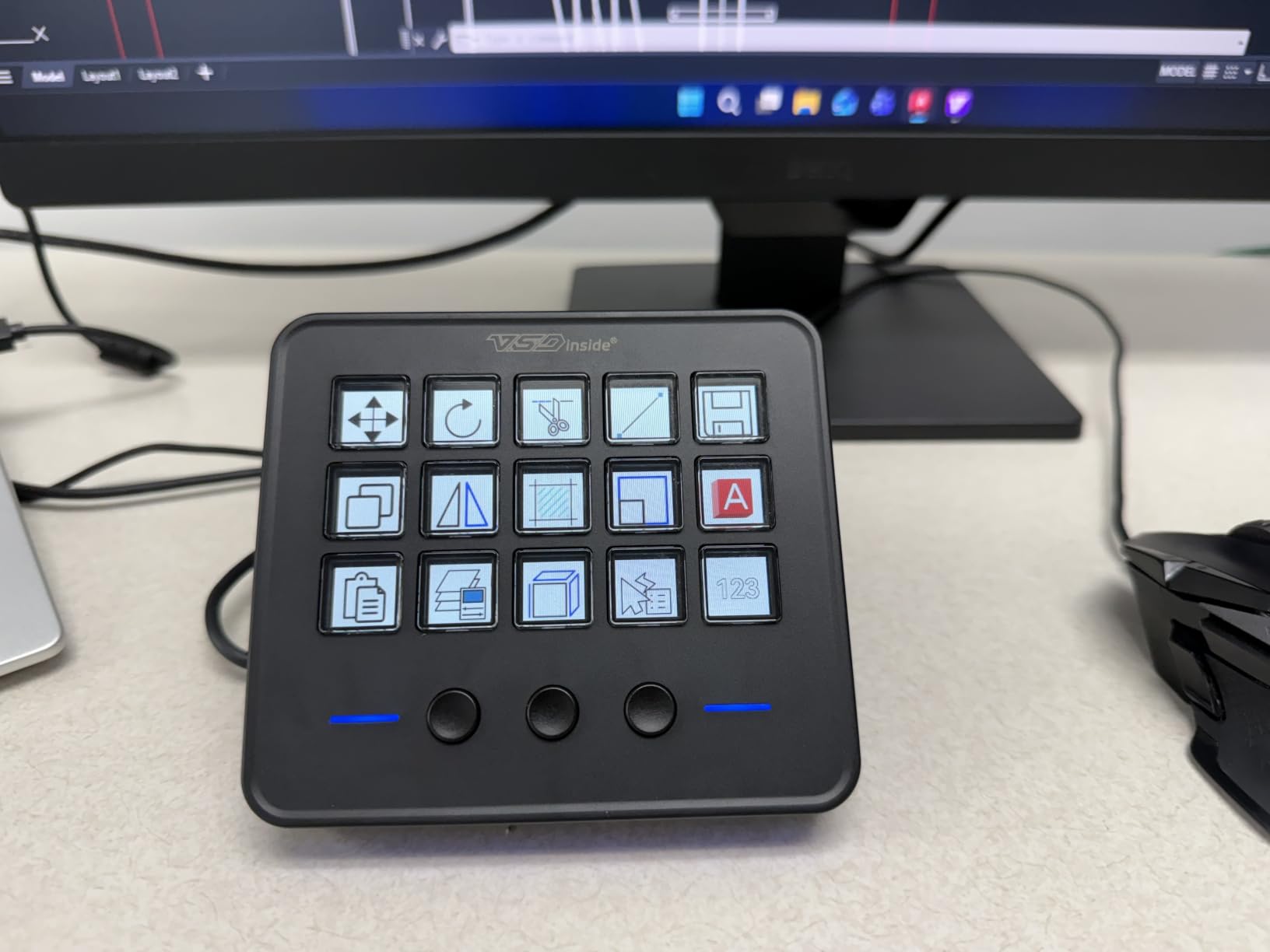
The deck works with OBS, Streamlabs, YouTube, Discord, Excel, Word, and Photoshop. The macro programming supports multi-shortcut sequences, so one key can fire off a chain of actions. The adjustable RGB light ring adds visual flair, and the slim 0.8-inch profile means it sits flat on your desk without blocking your monitors.
The built-in plugins are a nice surprise. You get a schedule reminder, clock, stopwatch, weather display, and calendar widget that can run on the LCD keys when they are not assigned to macros. This makes the deck useful even when you are not streaming. The main limitation is Linux compatibility, which requires SDK development for custom setups.
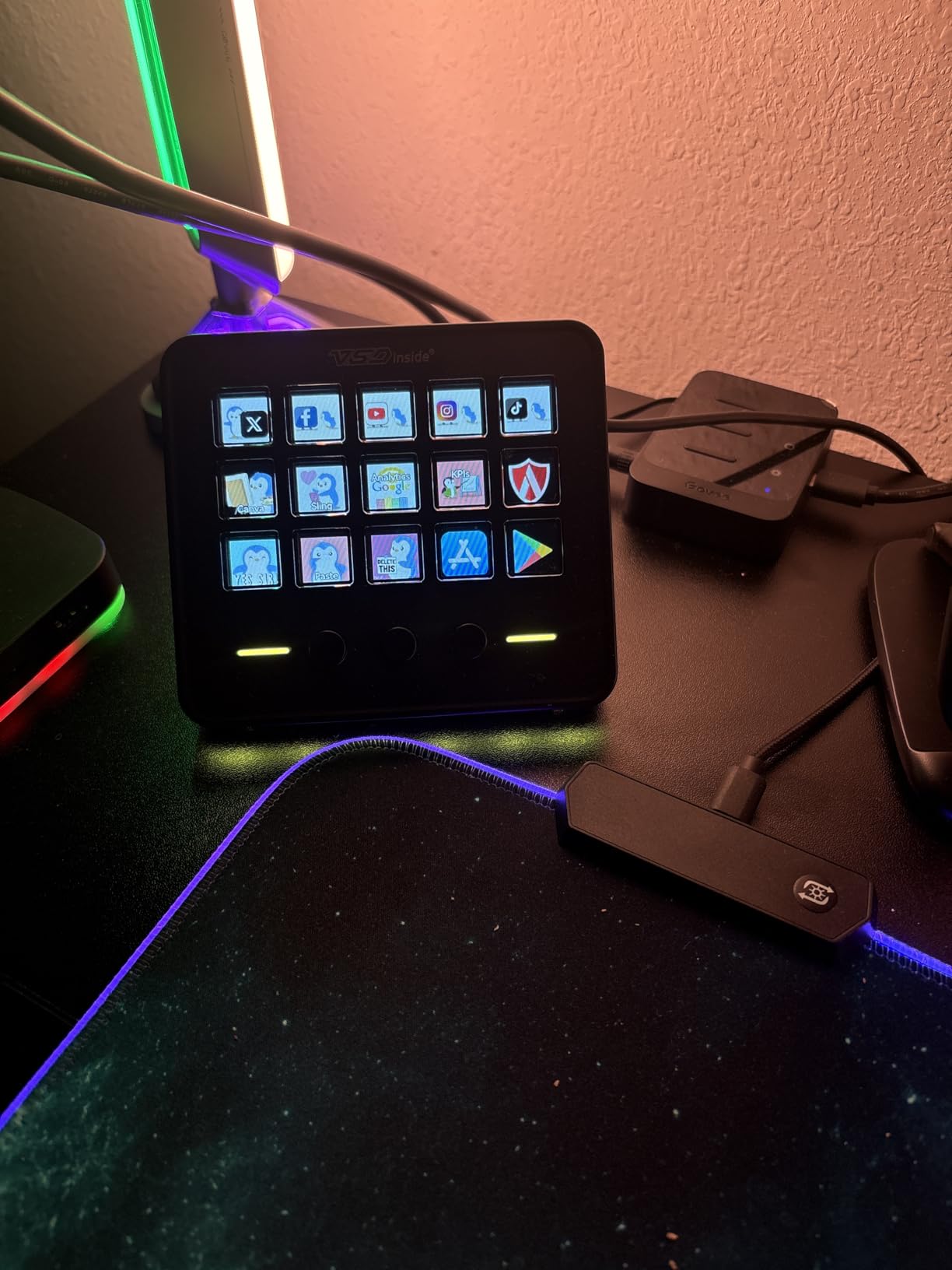
Soundboard and Productivity Features
The integrated soundboard sets this deck apart from competitors at the same price. Load your sound effects into the software, assign them to keys, and trigger them during streams or calls. Combined with the productivity widgets like clock and weather, this deck pulls double duty as both a streaming tool and a desk companion.
Operating System Compatibility
The VSDINSIDE works on Windows 11 and macOS Sonoma out of the box. Linux users will need to work with the SDK for custom development, which is not plug-and-play. PC and Mac users get full functionality with no workarounds needed. If you are on Linux, consider the Elgato options or the FIFINE instead.
8. ActionRing Stream Controller – Keys Plus Dials at the Lowest Price
ActionRing Stream Controller Deck,Macro Keypad,Gaming Shortcut Keyboard
6 LCD Keys
3 Dials
USB
PC Only
Pros
- 6 customizable LCD keys with GIF support
- 3 dials for volume and playback control
- Action Flow function for chained macros
- Wide software compatibility including Adobe Premiere Pro
- 2 year warranty
Cons
- Lower review count at 85 reviews
- PC only with no Mac support listed
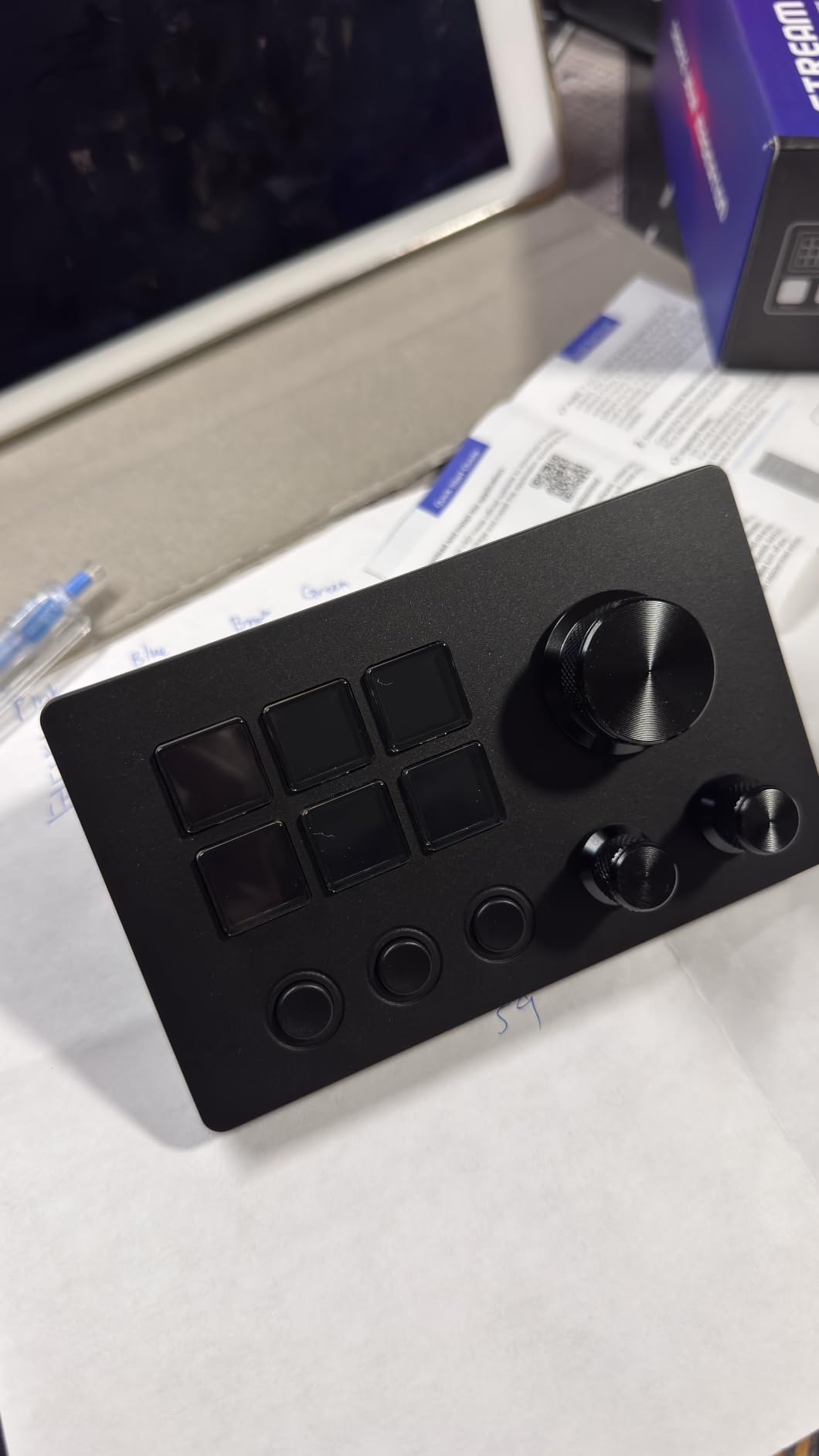
The ActionRing Stream Controller is the most affordable deck on this list, and it brings something unique: three physical dials alongside six LCD keys. The dials handle volume, fast forward, rewind, and other analog-style controls that buttons handle awkwardly. The ring-style design is compact and visually distinct from the standard rectangular deck format.
I was skeptical of a deck with only eighty-five reviews, but the ActionRing earned its place through thoughtful design. The six LCD keys support JPG, PNG, and GIF formats. The Action Flow function lets you chain multiple macro actions into a single trigger, similar to Elgato’s Multi Actions. The three dials add genuine utility for audio and video control.
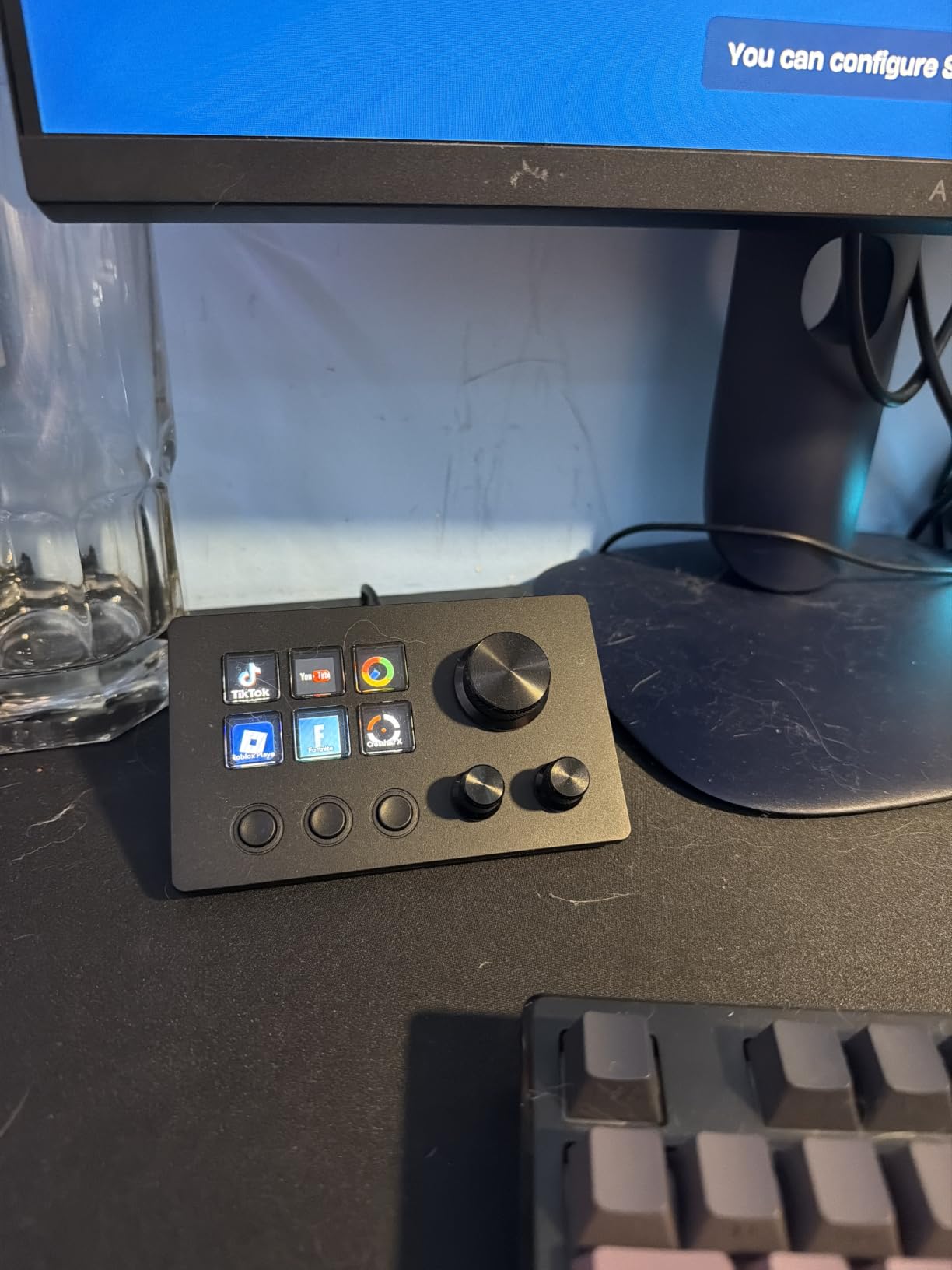
Compatibility covers OBS, PowerPoint, YouTube, Twitter, Discord, Excel, Word, Photoshop, and Adobe Premiere Pro. Sixty downloadable icon packs let you customize your key visuals without creating your own graphics. The two-year manufacturer warranty is surprisingly generous for a budget product and matches Elgato’s coverage.
The main drawback is that only PC compatibility is listed, with no Mac support mentioned. The low review count means less community feedback and fewer troubleshooting resources compared to established brands. For PC-only creators on a tight budget who want dial controls, the ActionRing is worth considering.
Dial Controls vs LCD Keys
Dials excel at tasks where you need variable control: volume adjustments, timeline scrubbing, zoom levels, and color corrections. LCD keys are better for discrete actions like scene switches and app launches. Having both means you use the right input type for each task. The Elgato Stream Deck plus offers a similar hybrid approach at a much higher price.
Software Reliability and Updates
With only eighty-five reviews, long-term software support is an open question. The current software handles macros, icon customization, and dial mapping competently. The Action Flow chaining works as advertised. However, smaller brands typically offer fewer updates and less plugin variety than Elgato. If software longevity is a priority, factor that into your decision.
How to Choose the Best Streaming Deck for Your Setup?
Choosing among these eight decks comes down to four factors: how many keys you need, which software ecosystem you prefer, your budget, and whether you want extra controls like dials or touch strips. Let me break down each one based on what our testing revealed.
Key Count: How Many Do You Actually Need
This is the most common question on Reddit’s streaming communities, and the answer depends on your workflow. Six keys handle basic streaming: go live, scene switch, sound effect, mic mute, chat command, and end stream. Fifteen keys let you add social media actions, camera controls, lighting adjustments, and a larger soundboard. Thirty-two keys are for complex productions with multiple cameras, dozens of scenes, and professional-level automation.
Our forum research shows many beginners buy more keys than they use. Start with a Mini or a budget fifteen-key deck if you are unsure. You can always upgrade later, and Elgato profiles transfer between devices automatically. The cost of buying too many keys upfront is wasted money and desk space.
Software Ecosystem: Elgato vs Alternatives
Elgato’s software is the industry standard for a reason. The plugin marketplace is extensive, updates are frequent, and the drag-and-drop interface is beginner-friendly. Every Elgato deck on this list shares the same software, so upgrading within the brand is seamless.
Budget alternatives from FIFINE, VSDINSIDE, and ActionRing use their own software. These programs handle basic macros and key assignment well enough. What you miss is the depth: fewer plugins, less community support, and less frequent updates. If you rely on specific integrations like Twitch alerts or Discord commands, verify compatibility before buying a non-Elgato deck.
Build Quality and Key Feel
Elgato decks use mechanical keys with tactile feedback that feels satisfying and reliable. The LCD screens are bright, crisp, and visible from any angle. The build quality across the Elgato lineup is consistent and professional.
Budget decks vary more. The FIFINE D6 uses touch-based keys rather than mechanical switches, which feels different and may not suit everyone. The VSDINSIDE and ActionRing offer a mix of LCD and physical buttons. Read reviews carefully and, if possible, try before you buy if key feel is important to you.
Budget vs Premium: Where to Spend and Where to Save
If budget is no concern, the Elgato Stream Deck XL gives you the most capability. For most creators, the MK.2 at fifteen keys is the ideal balance of price and function. The Mini at under sixty dollars is the best entry point and carries the full Elgato ecosystem.
On the budget side, the FIFINE D6 at fifteen keys delivers the most Elgato-like experience for less than half the price of an MK.2. The VSDINSIDE adds a soundboard and productivity widgets. The ActionRing brings dials to the lowest price point. All three are legitimate options that save you money without sacrificing core functionality.
Beyond Streaming: Productivity Uses
Forum discussions reveal that many streaming deck owners use their devices more for productivity than for streaming. Adobe Creative Suite shortcuts, Excel macros, Zoom meeting controls, and PowerPoint presentation navigation are common non-streaming use cases. Every deck on this list supports these applications.
If you are buying primarily for productivity, the Mini or Neo are excellent choices. They are affordable, compact, and handle office workflows with ease. The XL is worth it for power users who want every Adobe and Office shortcut visible at once.
FAQs
What stream deck do most streamers use?
The Elgato Stream Deck MK.2 with 15 LCD keys is the most popular streaming deck among professional content creators. It hits the sweet spot between key count and desk space, and its plugin ecosystem is the deepest in the industry. Most Twitch and YouTube streamers who use a deck use either the MK.2 or the XL.
What is the best streaming deck?
The Elgato Stream Deck MK.2 is the best streaming deck overall. It offers 15 customizable LCD keys, works with OBS, Twitch, YouTube, Discord, and dozens of other platforms, and carries a 4.8-star rating from over 10,000 reviewers. For budget-conscious creators, the Elgato Stream Deck Mini at 6 keys delivers the same ecosystem for less.
Is there anything better than a stream deck?
For most content creators, no. The Elgato Stream Deck ecosystem has the deepest plugin library, the most reliable software, and the widest community support. Budget alternatives like the FIFINE AmpliGame and VSDINSIDE Macro Keypad offer similar core functionality at lower prices, but they cannot match Elgato’s software polish or plugin variety.
Is a stream deck worth it for content creators?
Yes, if you stream regularly, record video or audio content, or do repetitive computer tasks. A stream deck eliminates memorizing keyboard shortcuts and lets you trigger complex actions with one tap. Creators who stream at least once a week or use Adobe Creative Suite daily will see immediate productivity gains. Casual users may not use it enough to justify the cost.
What can you do with a stream deck?
You can switch OBS scenes, mute your microphone, play sound effects, post to social media, control smart lights, adjust audio levels, launch applications, trigger chat commands, control Zoom and Teams meetings, automate Adobe Creative Suite workflows, and much more. Each key can trigger a single action or a multi-action sequence, and the plugin ecosystem expands what is possible constantly.
Final Thoughts on the Best Streaming Decks for Content Creators
After testing all eight decks, my recommendation is clear. The Elgato Stream Deck MK.2 remains the best streaming deck for content creators in 2026. Fifteen keys, the deepest plugin ecosystem in the industry, and a 4.8-star rating from over ten thousand reviewers make it the safest and most capable choice for most creators.
If budget is tight, start with the Elgato Stream Deck Mini. You get the same software and ecosystem at a fraction of the cost, and upgrading later is seamless. For creators who need maximum capacity, the XL delivers thirty-two keys without compromise. And for those who want dials and tactile controls, the Stream Deck plus and the budget-friendly ActionRing both deliver.
The right streaming deck removes friction from your workflow and lets you focus on creating content instead of fighting your keyboard. Pick the one that matches your setup, budget, and ambitions, and you will wonder how you ever worked without one.