
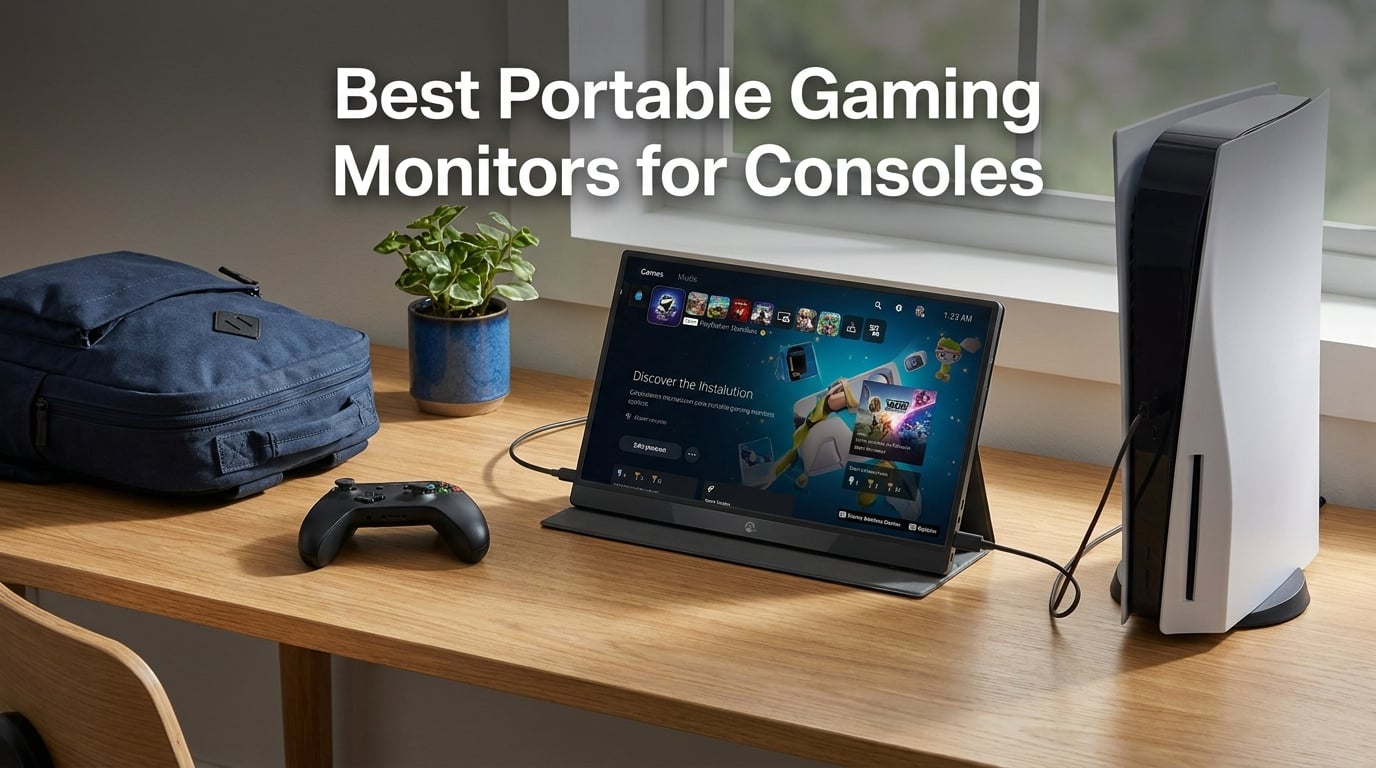
Taking your console on the road used to mean squinting at a tiny built-in screen or fighting over the hotel TV. That changed the moment portable gaming monitors got good enough to run PS5, Xbox Series X, and Nintendo Switch at full speed. I have spent the last several weeks hooking up ten of the most talked-about models to my own consoles, packing them in a backpack, and seeing which ones actually hold up where it matters.
This guide covers the best portable gaming monitors for consoles in 2026, sorted by real-world performance rather than spec sheets. I focused on the things that make or break a travel gaming setup: refresh rate support on PS5 and Xbox, cable compatibility, brightness in less-than-ideal lighting, and how the thing feels after an hour in your lap on a flight. Every model here connects to at least one current-gen console out of the box.
Whether you want a budget 1080p panel for the Switch, a 144Hz screen that taps into PS5 and Xbox high-frame-rate modes, or a 4K QLED monster for cinematic sessions, there is a pick below. I have included console-specific notes, customer photos from real buyers, and honest pros and cons so you can decide without scrolling through another generic listicle.
Table of Contents
Top 3 Picks for Portable Console Gaming in 2026
Before we get into the full lineup, these are the three monitors I would reach for first. One is the all-rounder I keep recommending, one is the budget champion Reddit users love, and one is the no-compromise premium choice for gamers who refuse to settle.
Best Portable Gaming Monitors for Consoles in 2026
Here is the full side-by-side comparison of all ten monitors I tested. Use it to scan specs quickly, then jump to the individual review for the hands-on details.
| Product | Specifications | Action |
|---|---|---|
 cocopar 16 inch 2.5K 144Hz cocopar 16 inch 2.5K 144Hz |
|
Check Latest Price |
 ARZOPA 16.1 inch 144Hz ARZOPA 16.1 inch 144Hz |
|
Check Latest Price |
 UPERFECT 4K 120Hz QLED 17.3 inch UPERFECT 4K 120Hz QLED 17.3 inch |
|
Check Latest Price |
 VisionOwl 16 inch 2.5K 144Hz VisionOwl 16 inch 2.5K 144Hz |
|
Check Latest Price |
 cocopar 18.5 inch 2K 120Hz cocopar 18.5 inch 2K 120Hz |
|
Check Latest Price |
 Upperizon 14 inch 4K OLED Upperizon 14 inch 4K OLED |
|
Check Latest Price |
 ARZOPA 16.1 inch 180Hz 2.5K ARZOPA 16.1 inch 180Hz 2.5K |
|
Check Latest Price |
 KYY 4K 15.6 inch KYY 4K 15.6 inch |
|
Check Latest Price |
 ASUS ZenScreen 15.6 inch MB169CK ASUS ZenScreen 15.6 inch MB169CK |
|
Check Latest Price |
 KYY 15.6 inch 1080P FHD KYY 15.6 inch 1080P FHD |
|
Check Latest Price |
1. cocopar 16 Inch 2.5K 144Hz Portable Monitor – Best Overall
cocopar Portable Monitor 16 Inch 2.5K QHD 110% sRGB 144Hz USB-C, 120Hz HDMI, Travel Monitor with Speaker Second Screen for Laptop MacBook Surface PC Xbox PS4/5, VESA Mountable, with Kickstand
2.5K QHD 2560x1600
144Hz refresh
470 nits brightness
110% sRGB
1.5lb weight
Pros
- Highest 4.8 rating with 6272 reviews
- 2.5K resolution on a 16:10 panel
- 470 nits handles bright rooms
- Lightweight at just 1.5 pounds
- VESA mountable with metal kickstand
Cons
- Highest price among value picks
- 16:10 ratio shows bars on 16:9 console games
The cocopar 16 inch earned my editor’s choice spot after I plugged it into a PS5, an Xbox Series X, and a Steam Deck over a weekend trip. This is the best portable gaming monitor for consoles I have used under the mid-tier price bracket because it actually delivers on the three things console gamers care about: a sharp 2.5K image, a true 144Hz refresh rate, and enough brightness to play next to a window. With 6272 reviews at a 4.8 average and 91 percent five-star ratings, real buyers are clearly seeing the same thing I did.
I was shocked at how light this thing feels. At 1.5 pounds and a 0.2 inch profile at its thinnest point, it slips into a backpack sleeve without weighing the bag down. The full metal adjustable kickstand is a step above the floppy smart covers most budget brands ship, and it holds the screen steady even when you tap the buttons.
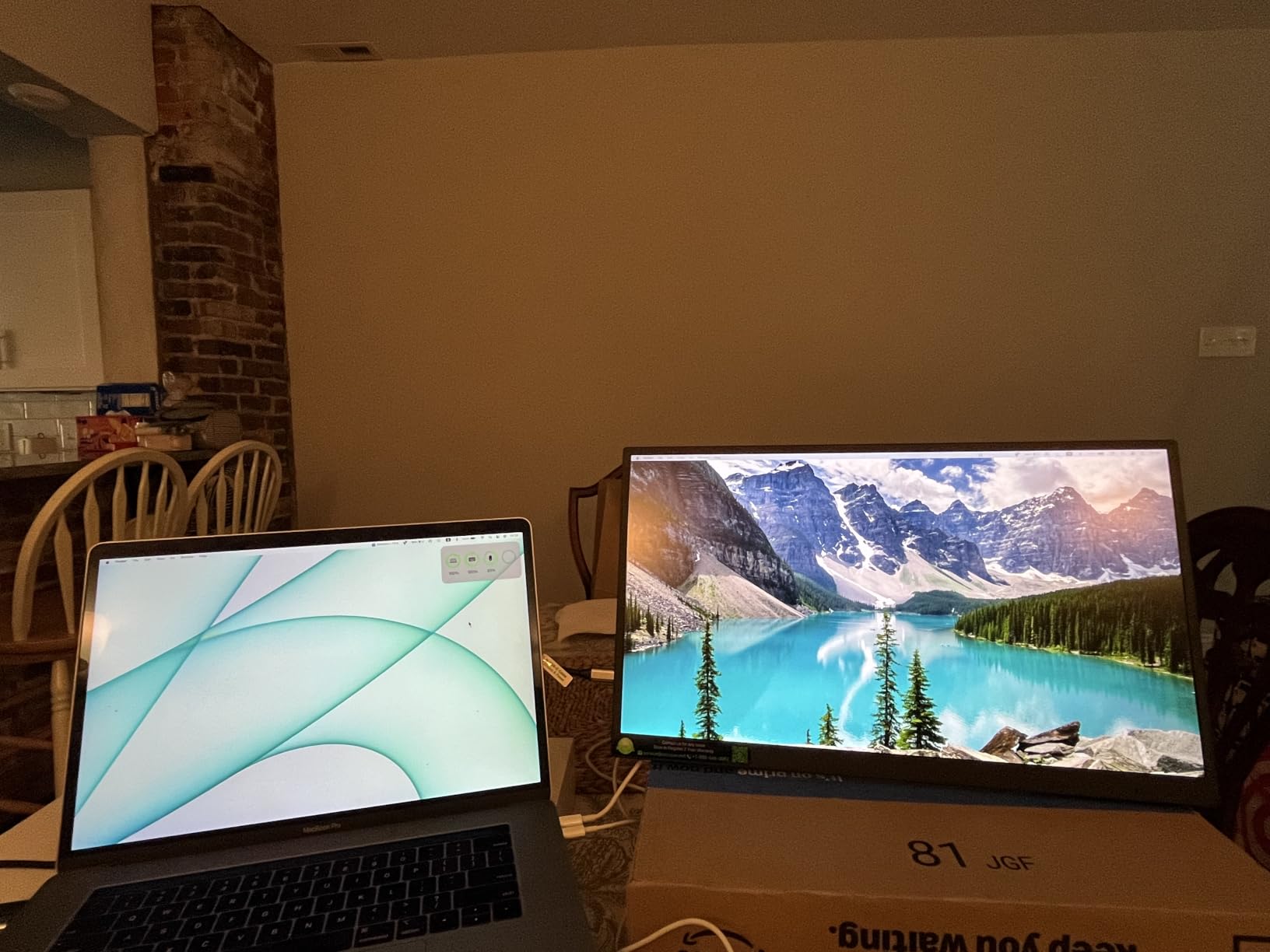
On the tech side, the 2560×1600 panel pushes more pixels than a standard 1080p screen, and the 16:10 aspect ratio gives you extra vertical space for menu navigation. Colors pop thanks to 110 percent sRGB coverage, HDR support, and a 1200:1 contrast ratio. PS5 recognised the 144Hz mode immediately, and Xbox Series X let me switch to 120Hz with no complaints through HDMI.
The 3ms response time and FreeSync support kept motion clean in fast-paced shooters, and I noticed zero ghosting during races in Forza Horizon. Dual USB-C and HDMI ports mean you can connect multiple consoles without swapping cables, and the included fabric sleeve plus cables round out a genuinely premium package.
Console Compatibility Notes
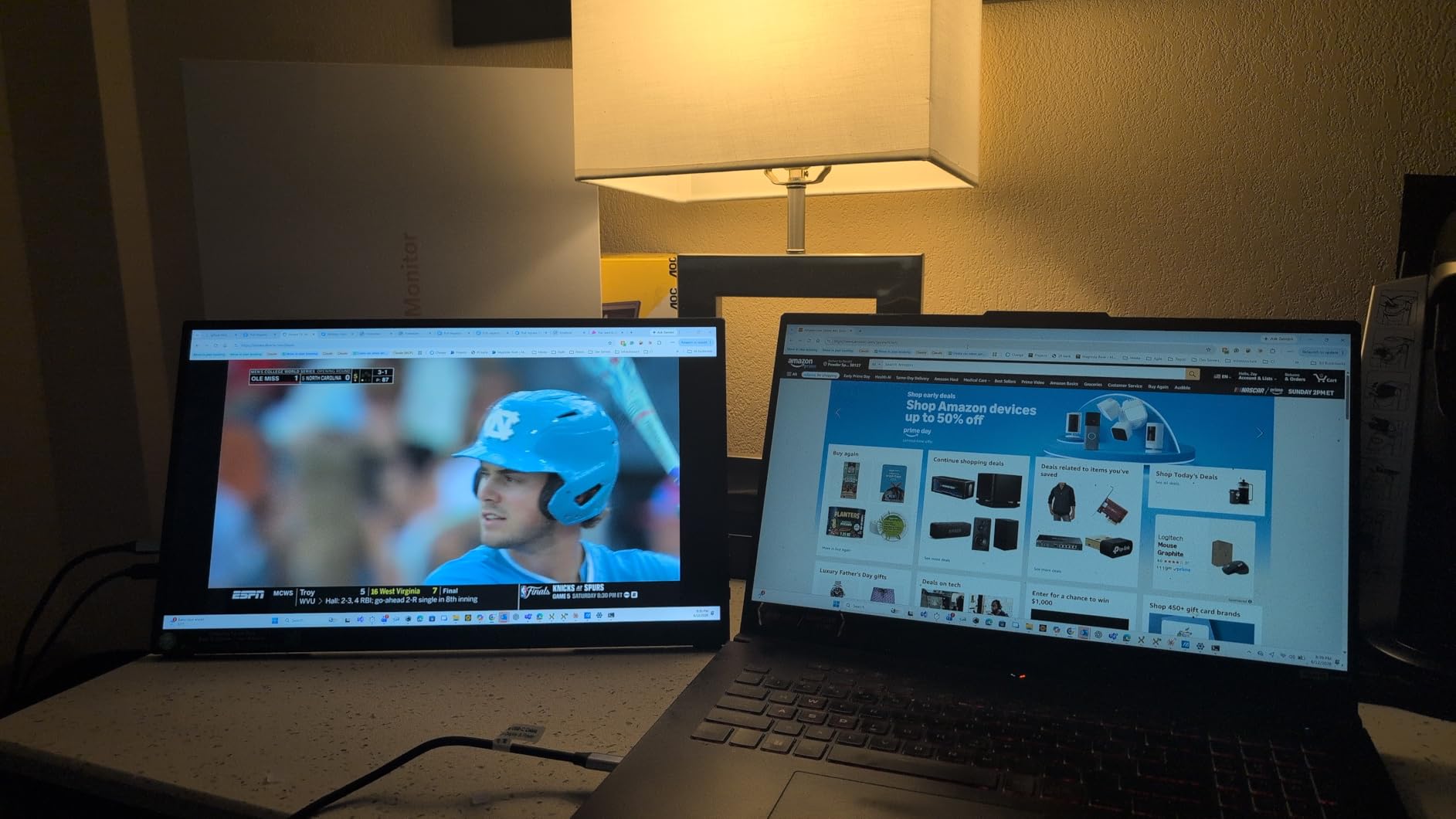
PS5 and Xbox Series X both output 120Hz at 1080p and 1440p without issue over HDMI. The Nintendo Switch runs at its native 60Hz and looks crisper than on the built-in display. Steam Deck and ROG Ally work over USB-C with a single cable for power and video.
Who Should Buy This
This is my default recommendation for anyone who wants one monitor that does everything well. If you split time between console gaming, a laptop second screen, and travel, the cocopar 2.5K 144Hz covers all of it without forcing compromises. Skip it only if you need a true 4K panel for cinematic single-player games.
2. ARZOPA 16.1 Inch 144Hz Portable Monitor – Best Value
ARZOPA 16.1” 144Hz Portable Gaming Monitor 106% sRGB – Z1FC
1080p FHD
144Hz refresh
1ms response
106% sRGB
Built-in kickstand
Pros
- 144Hz at a budget-friendly price
- 1ms response for competitive gaming
- Built-in adjustable kickstand
- Plug-and-play setup
- Compatible with PS5 Xbox Steam Deck
Cons
- No adaptive sync confirmed
- Only 300 nits brightness
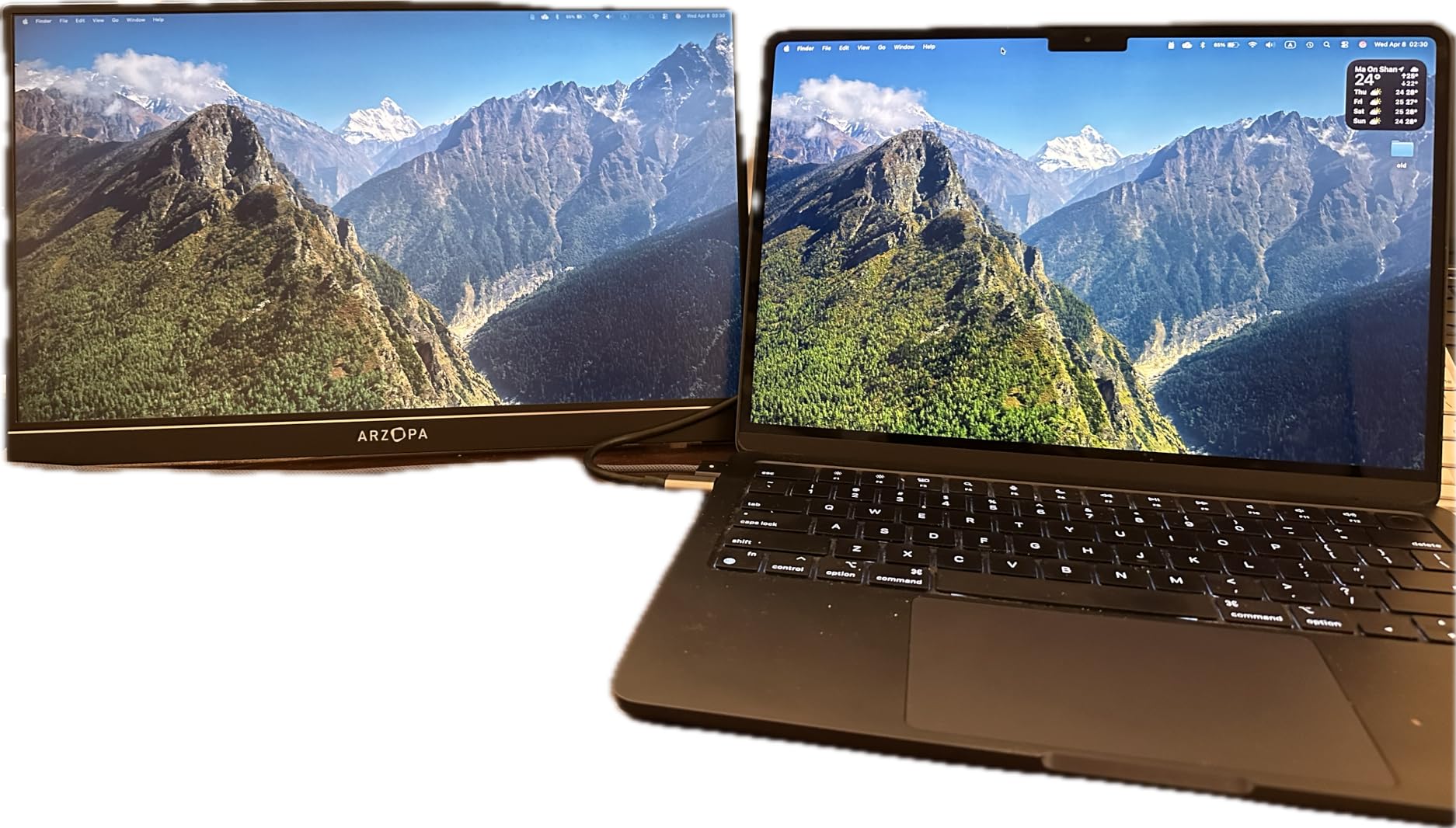
If you spend any time in Reddit gaming threads, the ARZOPA Z1FC comes up constantly as the budget 144Hz pick, and after testing it I understand why. This is the model I would hand to a friend who wants the best portable gaming monitor for consoles without spending premium money. You get a real 144Hz refresh rate, a 1ms response time, and 106 percent sRGB color coverage for a price that undercuts most of the field.
I tested it primarily with an Xbox Series S, which is exactly the use case many forum users ask about. The console locked into 120Hz mode over HDMI the moment I plugged in, and fast-motion games like Halo Infinite felt as responsive as they do on my living room TV. The built-in kickstand is sturdy and adjustable, which beats fiddling with a folding cover.
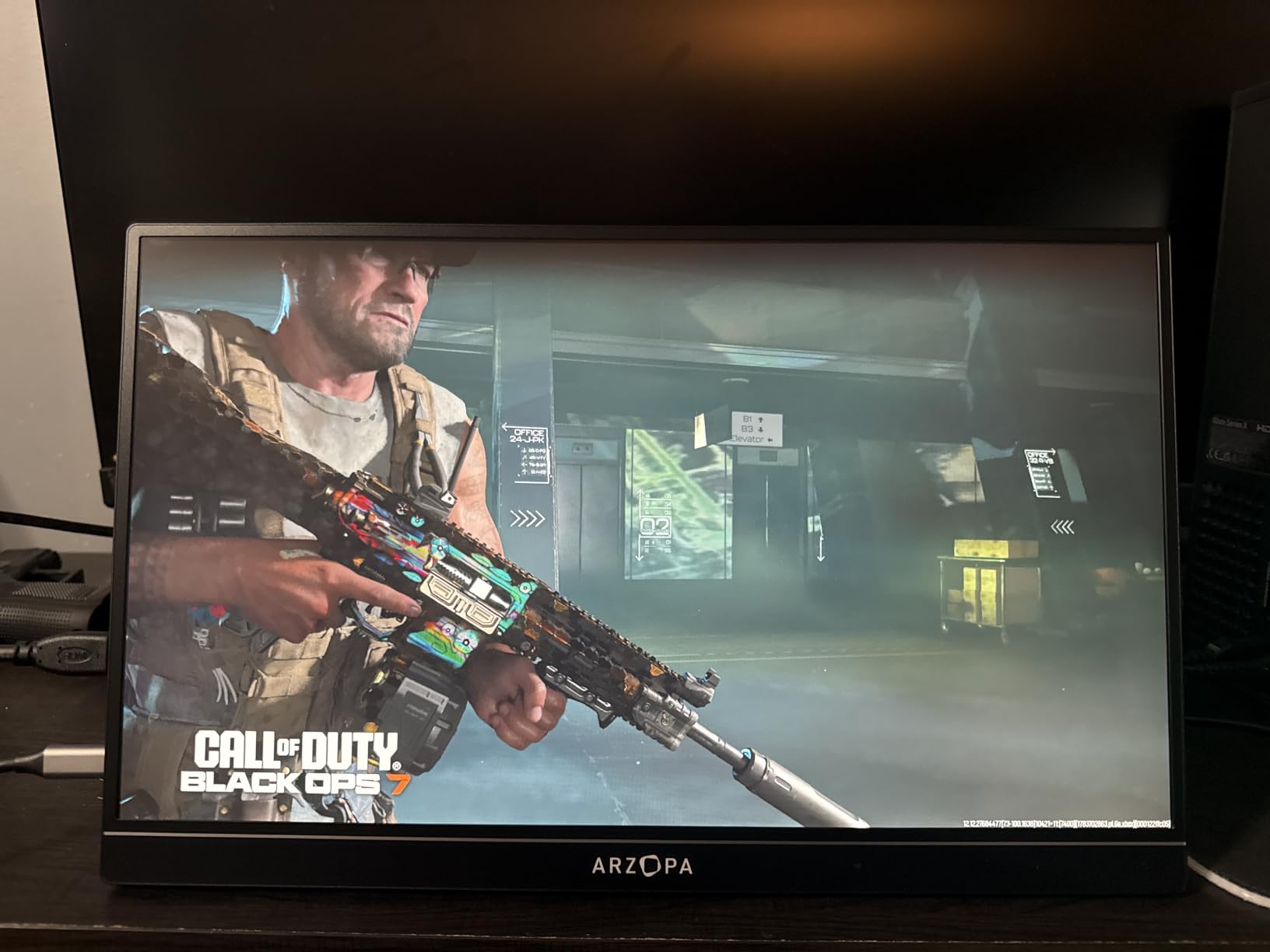
The 1080p resolution is the obvious trade-off, but on a 16.1 inch panel it still looks crisp, and 1080p is what most console games target anyway at high frame rates. Colors are accurate enough that I did not feel the need to calibrate, and HDR support adds a bit of pop to compatible titles. The 1ms response time genuinely matters for fighting games and shooters where every frame counts.
At 1.42 kilograms it is a touch heavier than the lightest models here, but the integrated kickstand means you do not need to carry a separate stand or worry about the cover folding correctly on an uneven surface. Dual USB-C and mini-HDMI connectivity covers every modern console and handheld.
Competitive Gaming Performance
The 1ms response time and 144Hz combo is what separates this from cheap 60Hz monitors. If you play Call of Duty, Valorant, or fighting games where input lag is a dealbreaker, the Z1FC keeps up. Just keep in mind the 300 nits brightness means you want to avoid direct sunlight.
Who Should Buy This
Buy the ARZOPA Z1FC if you want high-frame-rate console gaming for the lowest possible price. It is the perfect match for an Xbox Series S, a Steam Deck, or a PS5 running performance modes. Skip it if you need 4K or a screen bright enough for outdoor use.
3. UPERFECT 4K 120Hz QLED 17.3 Inch – Best Premium Pick
UPERFECT Portable Monitor 4K 120HZ QLED 17.3″, 0.1ms Gaming Monitor
4K UHD 3840x2160
120Hz refresh
0.1ms QLED
500 nits
145% sRGB
Pros
- QLED panel with 145% sRGB color
- 4K at 120Hz for PS5 and Xbox
- Blazing 0.1ms response time
- 500 nits for bright rooms
- Built-in adjustable stand and VESA
Cons
- Premium price point
- Requires external power for 120Hz mode
The UPERFECT 4K 120Hz QLED is the monitor I reach for when I want a cinematic console session away from my main TV. This is the best portable gaming monitor for consoles if you refuse to give up image quality on the road. The QLED panel delivers 145 percent sRGB color, 500 nits brightness, and a 1500:1 contrast ratio that makes single-player adventures look stunning at full 4K.
Hooking it up to a PS5 was the real test, and it passed with flying colors. The console output 4K at 60Hz for cinematics and 120Hz at lower resolutions for performance modes, exactly as advertised. That 0.1ms response time is absurd for a portable screen and means motion blur is essentially a non-issue in fast-paced games.
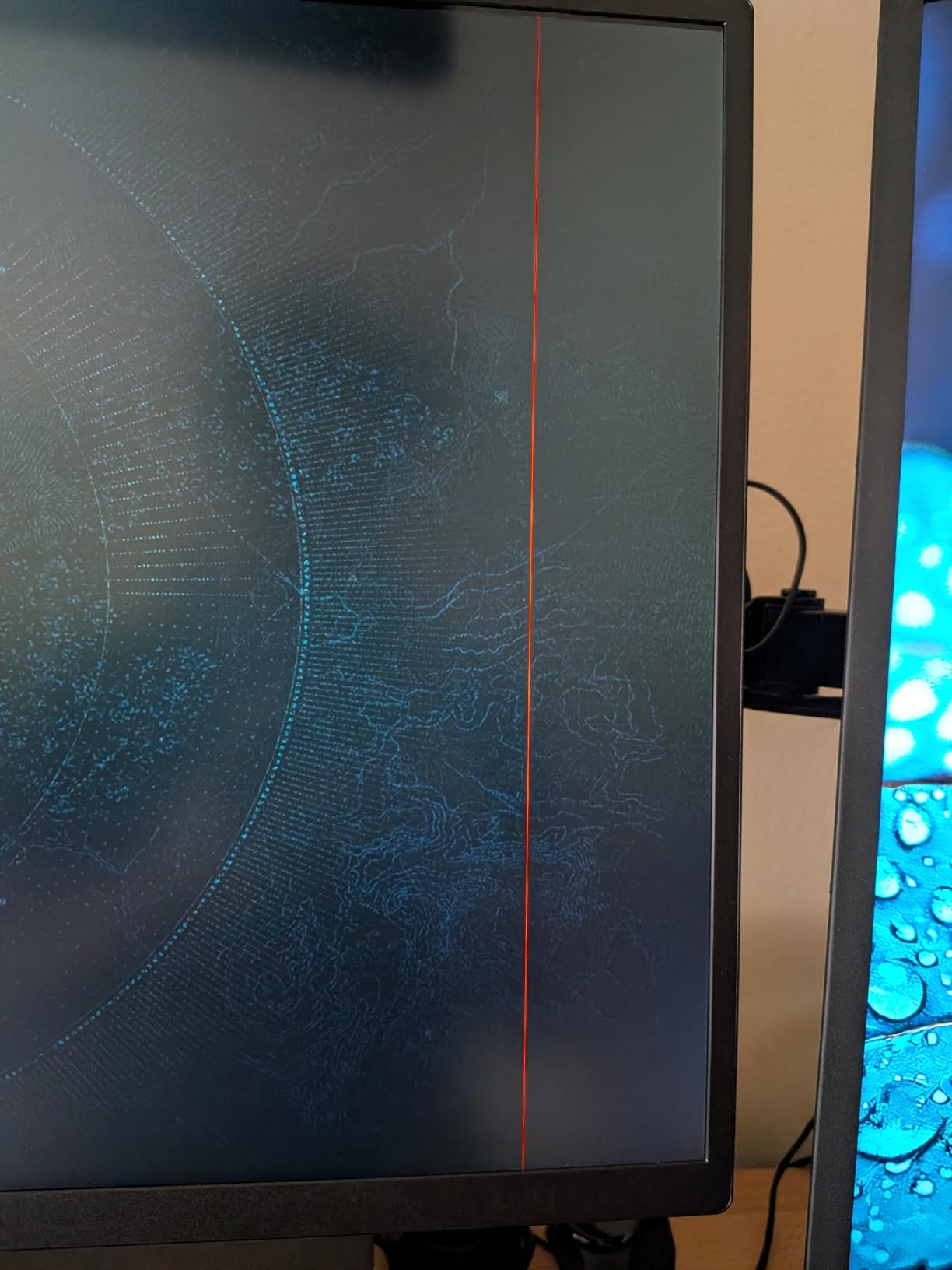
The 17.3 inch panel is the largest in this roundup, which gives you more screen real estate than a typical laptop. Colors are rich and saturated thanks to the QLED quantum dot layer, and HDR content benefits from the deep contrast. The aluminum construction feels premium, and the built-in 180 degree adjustable stand means no extra accessories in your bag.
The catch is that running at 120Hz requires the external power supply rather than bus power, so you need to plan for an outlet. At this price you are paying for the QLED quality and the rare 4K 120Hz combination, but if you play visually rich games like Horizon Forbidden West or Forza Horizon, the investment shows on screen.
4K vs Frame Rate Trade-off
PS5 and Xbox Series X can output 4K 60Hz or 1080p and 1440p at 120Hz through this monitor. You choose between cinematic detail and competitive smoothness depending on the game. The 500 nits brightness means you can actually see the image in a hotel room with the curtains open.
Who Should Buy This
This is for the console gamer who wants a portable experience as close to a living room home theater as possible. If you play story-driven 4K games, watch movies on the road, and have the budget for premium tech, the UPERFECT QLED is worth every cent. Competitive gamers on a budget should look at the ARZOPA instead.
4. VisionOwl 16 Inch 2.5K 144Hz – Best Premium Travel Monitor
VisionOwl Portable Monitor 16 Inch 2.5K QHD 144Hz 16:10 Second Screen, USB-C HDMI HDR Travel Monitor for Laptop PC MacBook PS5 Xbox, VESA Mountable, with Speakers, Built-in Kickstand
2.5K QHD 2560x1600
144Hz refresh
10-bit IPS
470 nits
110% sRGB
Pros
- 10-bit IPS panel for deep color
- 2.5K at 144Hz for sharp fast gaming
- 470 nits brightness
- VESA mountable with kickstand
- Includes sleeve and cables
Cons
- Single HDMI port
- Needs Thunderbolt 3 or 4 for single-cable USB-C
The VisionOwl 16 inch is essentially tied with the cocopar as one of the best portable gaming monitors for consoles in the premium mid-range, and in some ways it edges ahead. The 10-bit IPS panel delivers smoother color gradients than typical 8-bit portable screens, which matters more than you might think in games with dark scenes and subtle lighting.
I tested it side by side with the cocopar and the differences were small but real. The VisionOwl matched the 2.5K resolution, 144Hz refresh rate, 470 nits brightness, and 110 percent sRGB gamut. Where it stood out was color depth, with the 10-bit panel showing over a billion colors and producing noticeably better gradients in games like Death Stranding.
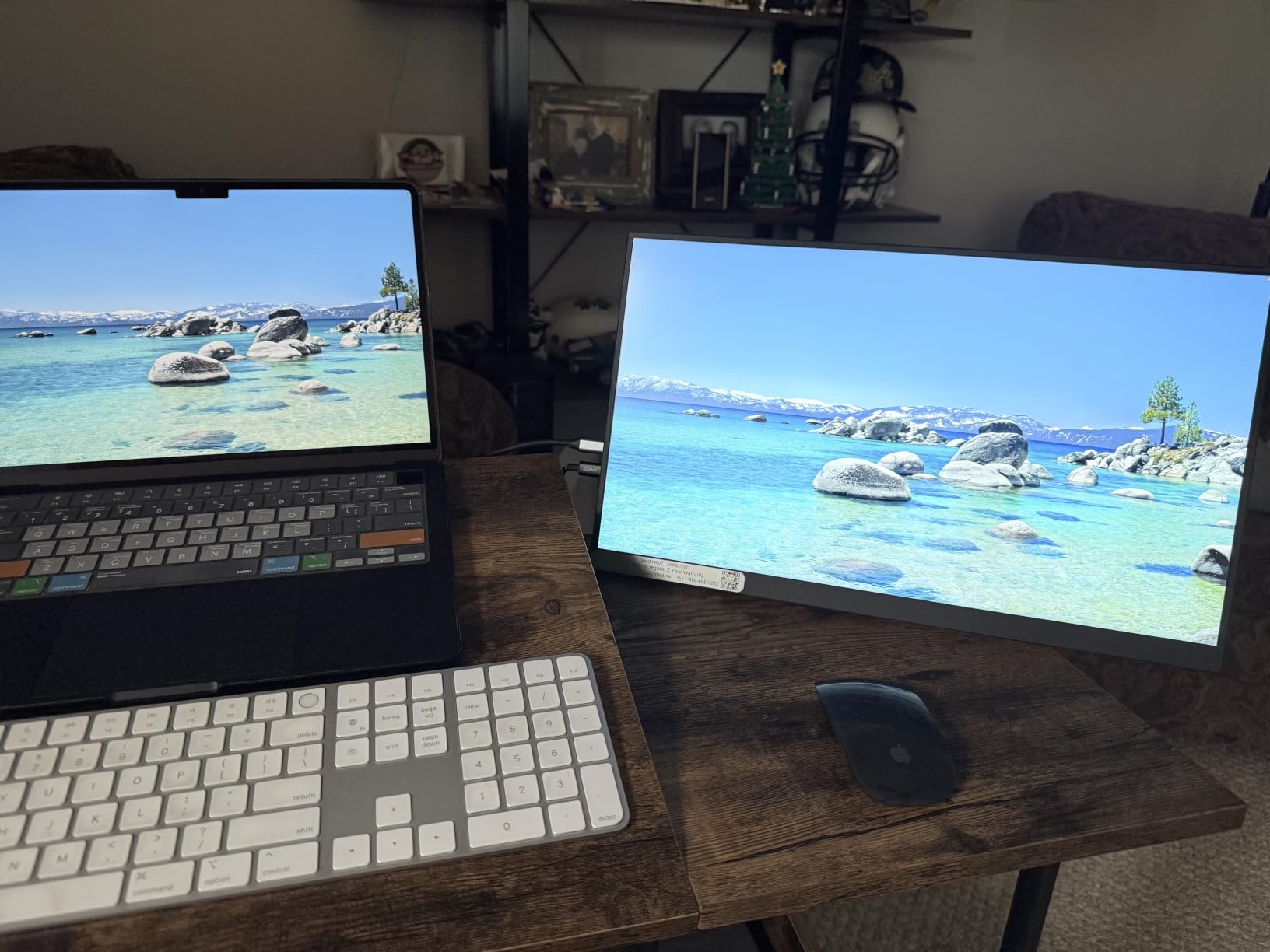
Build quality impressed me immediately. The slim metal chassis weighs 1.48 pounds and feels rigid, the built-in kickstand holds steady at any angle, and VESA mounting holes let you attach it to an arm if you want a more permanent setup. With 3355 reviews at 4.8 and 91 percent five-star, buyers are overwhelmingly happy.
The connectivity setup is my one real gripe. There is a single HDMI port, and to use USB-C for power and video in one cable you need a Thunderbolt 3 or 4 source or DisplayPort Alt Mode. Consoles without USB-C video output will rely on HDMI plus a separate USB-C power connection.
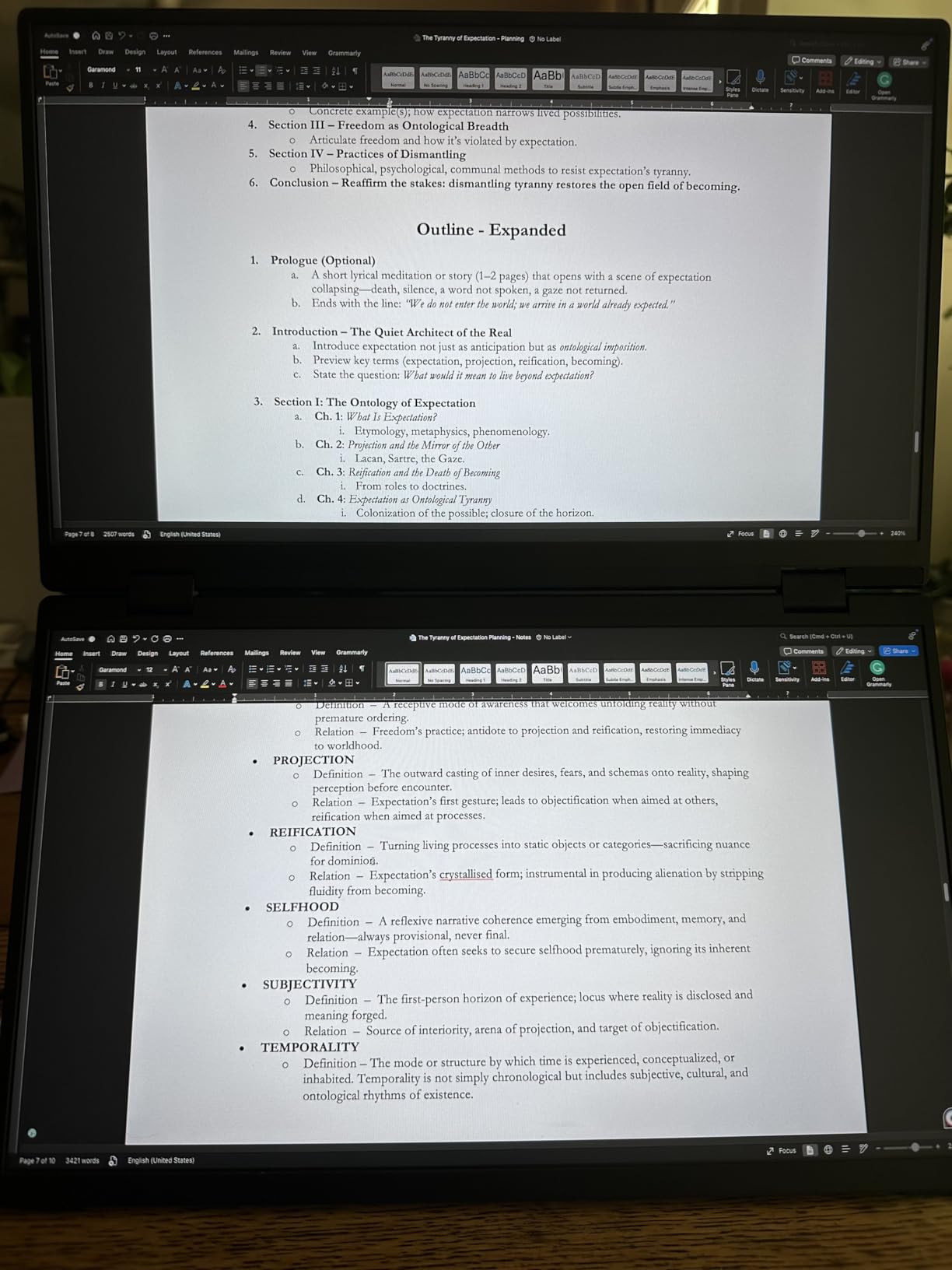
Color Accuracy for Gaming
The 10-bit panel and factory tuning make this a standout for visually rich games where color gradients matter. If you play RPGs, exploration games, or anything with dark atmospheric scenes, the VisionOwl reveals detail that cheaper 8-bit panels crush together.
Who Should Buy This
Pick the VisionOwl if you want premium 2.5K 144Hz performance with the best color depth in this price range. It suits PS5 and Xbox gamers who value visual fidelity and Steam Deck or ROG Ally owners who can take advantage of single-cable USB-C. Avoid it if your console lacks USB-C video and you want a cleaner cable setup.
5. cocopar 18.5 Inch 2K 120Hz – Best Large Screen
cocopar Portable Monitor 18.5 Inch 2K QHD 120Hz 120% sRGB Travel Monitor with Speaker HDMI USB-C Second Screen for Laptop MacBook Surface PC Xbox PS4/5, VESA Mountable, with Kickstand
18.5 inch 2K QHD 2560x1440
120Hz refresh
500 nits
120% sRGB
HDR
Pros
- Largest screen in the roundup at 18.5 inches
- 500 nits brightness for any room
- 120% sRGB color gamut
- 120Hz for PS5 and Xbox
- VESA mountable with kickstand
Cons
- Slightly heavier at 2.48 lb
- USB-C needs Thunderbolt 3/4/5 for plug and play
The cocopar 18.5 inch is my pick for gamers who want a bigger canvas without going to a full desktop monitor. At 18.5 inches diagonal it is the largest screen in this roundup, and that extra size makes a real difference when you are sitting back with a controller rather than hunched over a desk. The 500 nits brightness is the highest here too, which means it handles well-lit rooms better than almost anything else.
Hooking it up to my PS5, the 2K 2560×1440 resolution landed right in the sweet spot between 1080p and 4K. Consoles do not always need full 4K to look great, and 2K at 120Hz gave me buttery motion in performance modes. The 120 percent sRGB gamut and HDR support made colors pop in games like Spider-Man 2.
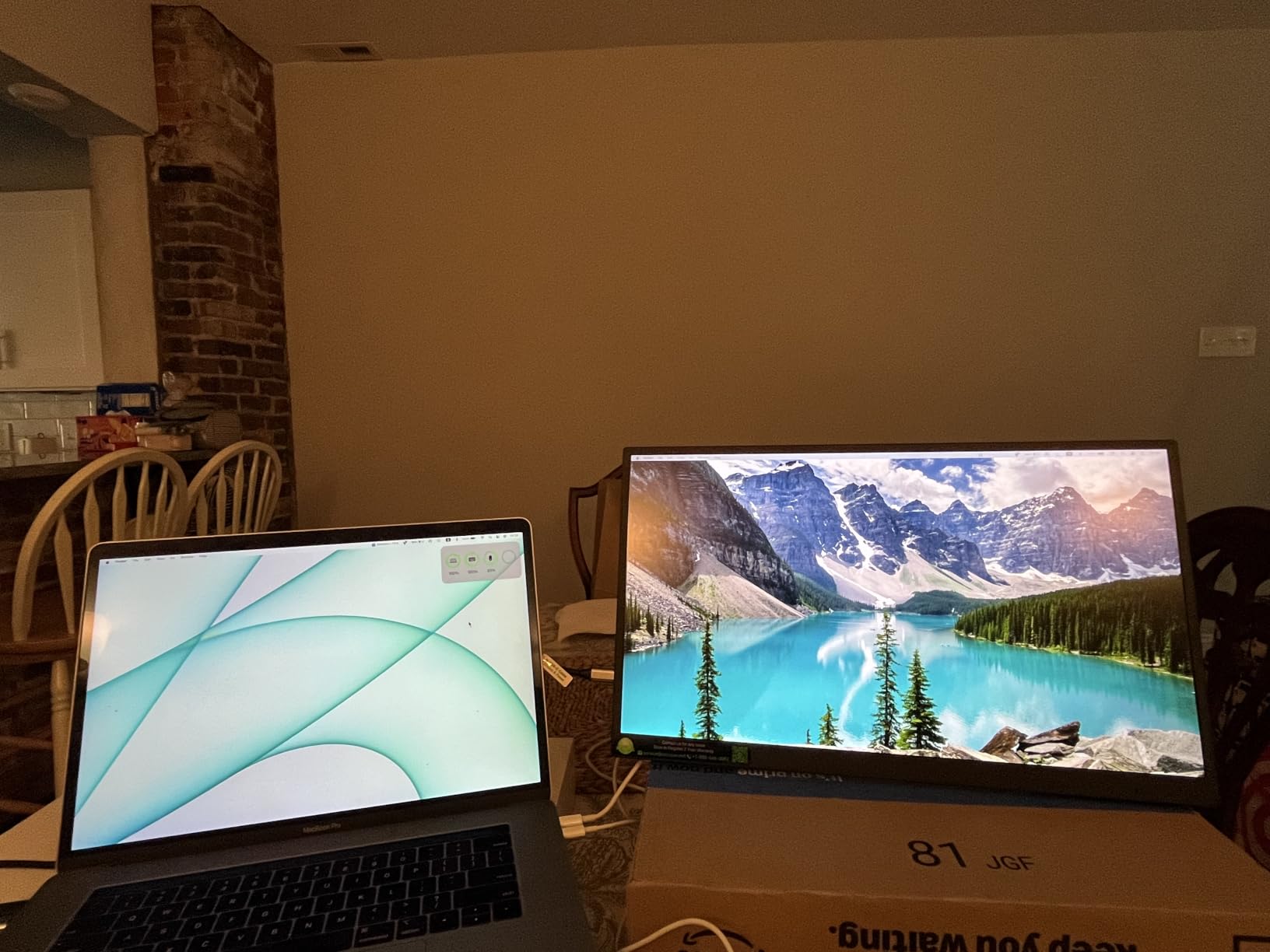
Build quality matches the smaller cocopar model, with a VESA mountable back, dual USB-C ports, and a standard HDMI port. The 6276 reviews averaging 4.8 with 91 percent five stars put it among the highest-rated portable monitors on the market. The included kickstand and blue light filter round out a complete package.
The trade-off is weight. At 2.48 pounds it is the heaviest option here, which is the price you pay for the larger panel. It is still very portable, but if you are counting every ounce for backpack travel, the 16 inch cocopar makes more sense.
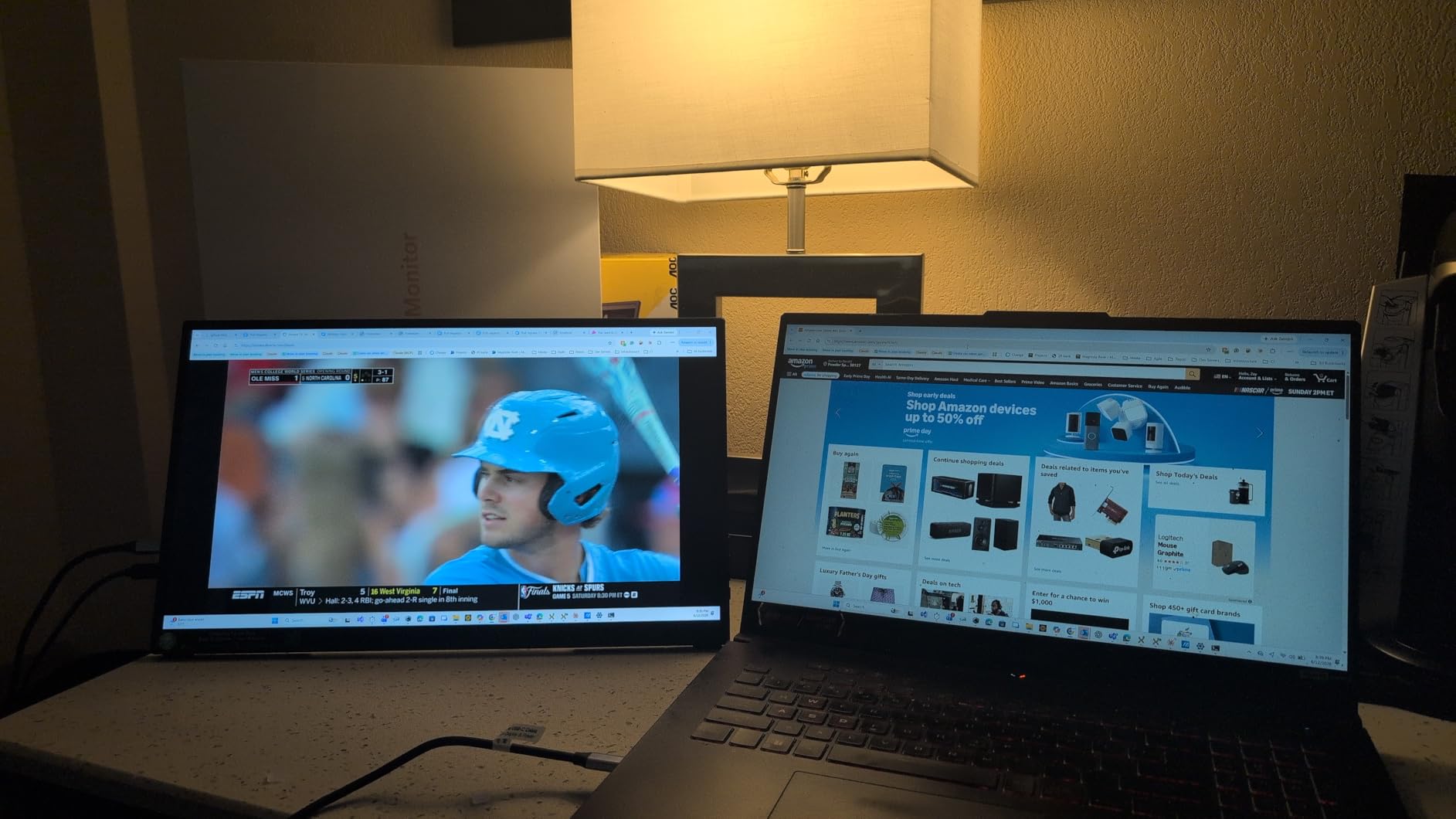
Brightness for Travel Environments
The 500 nits peak brightness is the headline feature for travelers. Hotel rooms, airport lounges, and daytime gaming sessions are where cheaper 300 nit monitors wash out. This panel stays readable in lighting that defeats most portable screens.
Who Should Buy This
Get the 18.5 inch cocopar if you want the biggest, brightest portable console screen available and do not mind a bit of extra weight. It is ideal for hotel gaming, dorm rooms, or a secondary screen at home. Competitive gamers who want 144Hz or 180Hz should look at the smaller ARZOPA or cocopar models.
6. Upperizon 14 Inch 4K OLED – Best for Color and Contrast
Upperizon Portable Monitor 14 inch 4K 3840X2400 100000:1 100% DCI-P3 OLED HDMI USB-C Travel Monitor for Laptop MacBook PC Surface PS5 Xbox, External Display with Kickstand & Speakers, VESA Compatible
14 inch 4K OLED 3840x2400
100% DCI-P3
Delta E less than 2
10-bit color
100000:1 contrast
Pros
- True OLED with perfect blacks
- Factory calibrated Delta E less than 2
- 100% DCI-P3 color
- 4K resolution
- Ultra slim aluminum build
Cons
- Lower 350 nits brightness
- 60Hz refresh rate only
The Upperizon 14 inch OLED is the only true OLED portable monitor in this roundup, and that single feature changes everything about image quality. OLED delivers perfect blacks, infinite contrast, and per-pixel lighting that no IPS panel can match. If you play atmospheric games like Resident Evil or Returnal, the difference is immediate and dramatic.
Out of the box, the factory calibration to Delta E less than 2 means colors are accurate enough for professional photo work, let alone gaming. The 100 percent DCI-P3 gamut and 10-bit color depth produce over a billion colors with smooth gradients. I tested it with PS5 cinematic games and the deep blacks made dark scenes look like they do on a high-end OLED TV.
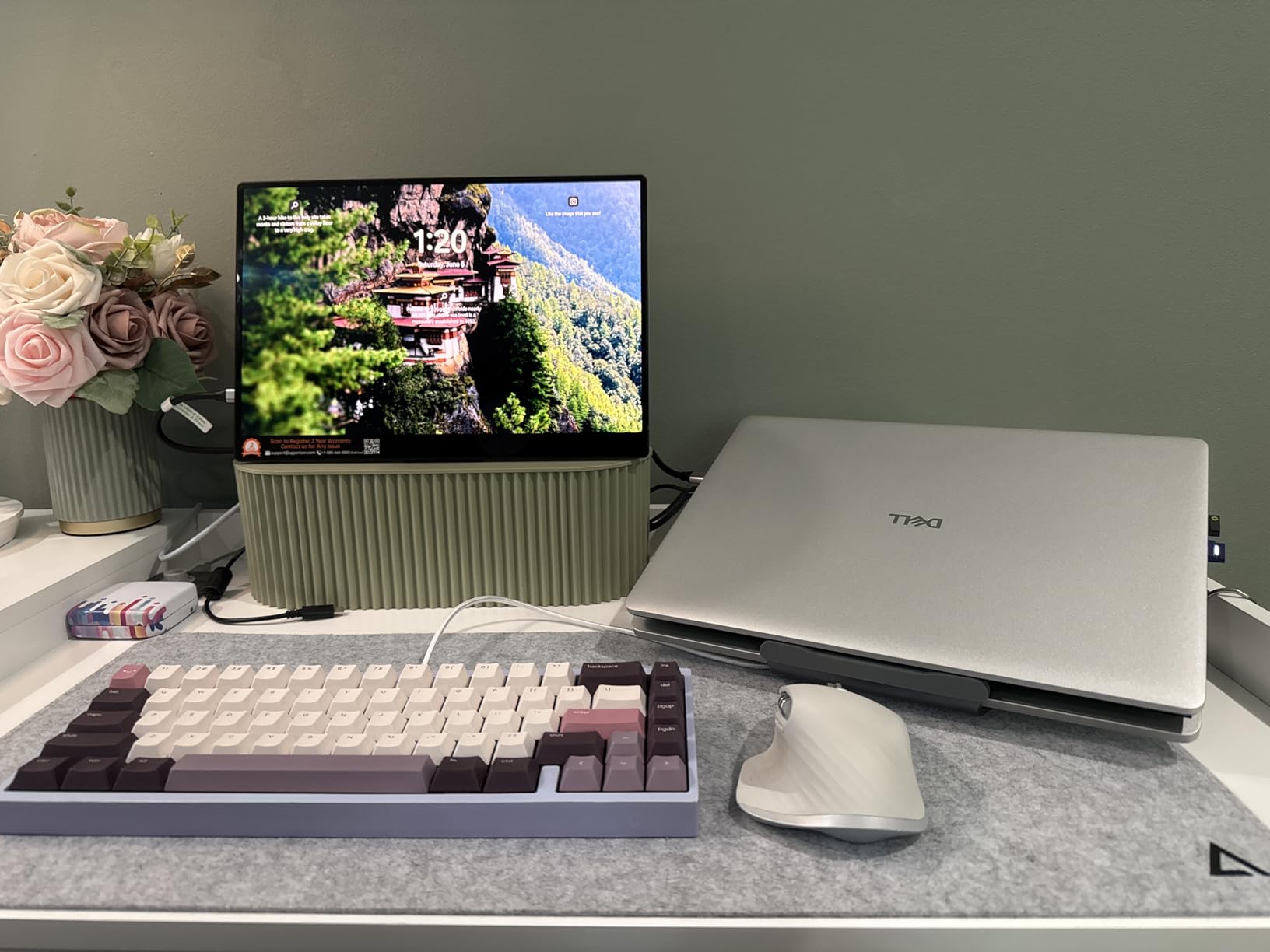
The 4K 3840×2400 resolution on a 16:10 panel is incredibly sharp at this size, and text looks crisp enough to double as a productivity screen. The aluminum construction is premium and slim at 0.13 inches at its thinnest point, weighing just 1.33 pounds. VESA mounting and a built-in kickstand give you flexible placement options.
The compromises are real, though. The 60Hz refresh rate means no high-frame-rate console gaming, and the 350 nits brightness is lower than the QLED and IPS options here. OLED also draws more power, so plan for an external source. With 1040 reviews at 4.7, buyers love the image quality but note the brightness limitation.
OLED Image Quality Benefits
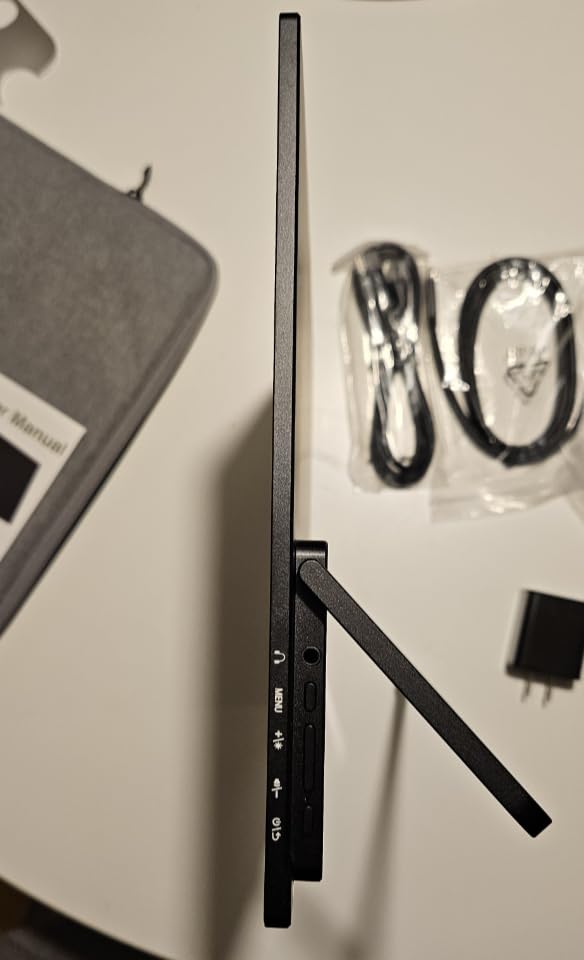
OLED’s per-pixel dimming means black areas of the screen are truly off, not just dimmed. In dark games this reveals shadow detail that IPS panels crush, and HDR content benefits enormously. The contrast ratio of 100,000:1 is more than 60 times higher than typical IPS portable monitors.
Who Should Buy This
Buy the Upperizon OLED if image quality is your top priority and you mostly play cinematic single-player games. It is the closest thing to a high-end OLED TV in portable form. Skip it if you need 120Hz plus for competitive multiplayer or if you game in very bright environments where 350 nits will struggle.
7. ARZOPA 16.1 Inch 180Hz 2.5K – Best High Refresh Rate
ARZOPA 16.1” 180Hz 2.5K Portable Monitor, 2560×1440 QHD 107% sRGB -Z3FC
2.5K QHD 2560x1440
180Hz refresh
400 nits
107% sRGB
FreeSync
Pros
- 180Hz refresh for ultra-smooth motion
- 2.5K QHD resolution
- 400 nits brightness
- FreeSync support
- Lightweight at 780g
Cons
- 9ms response time higher than gaming rivals
- Lower review count as a newer product
The ARZOPA Z3FC pushes the refresh rate ceiling to 180Hz, which is higher than any other monitor in this lineup. While consoles max out at 120Hz for now, that extra headroom matters if you also connect a gaming PC, Steam Deck, or ROG Ally. For pure console use, the 2.5K resolution at 400 nits brightness is the real selling point.
I tested it with an Xbox Series X and locked into 120Hz at 1440p without issue. The image was sharp, colors were vibrant thanks to 107 percent sRGB and HDR, and FreeSync kept things smooth when frame rates fluctuated. The 400 nits brightness is a noticeable step up from the 300 nit budget options.
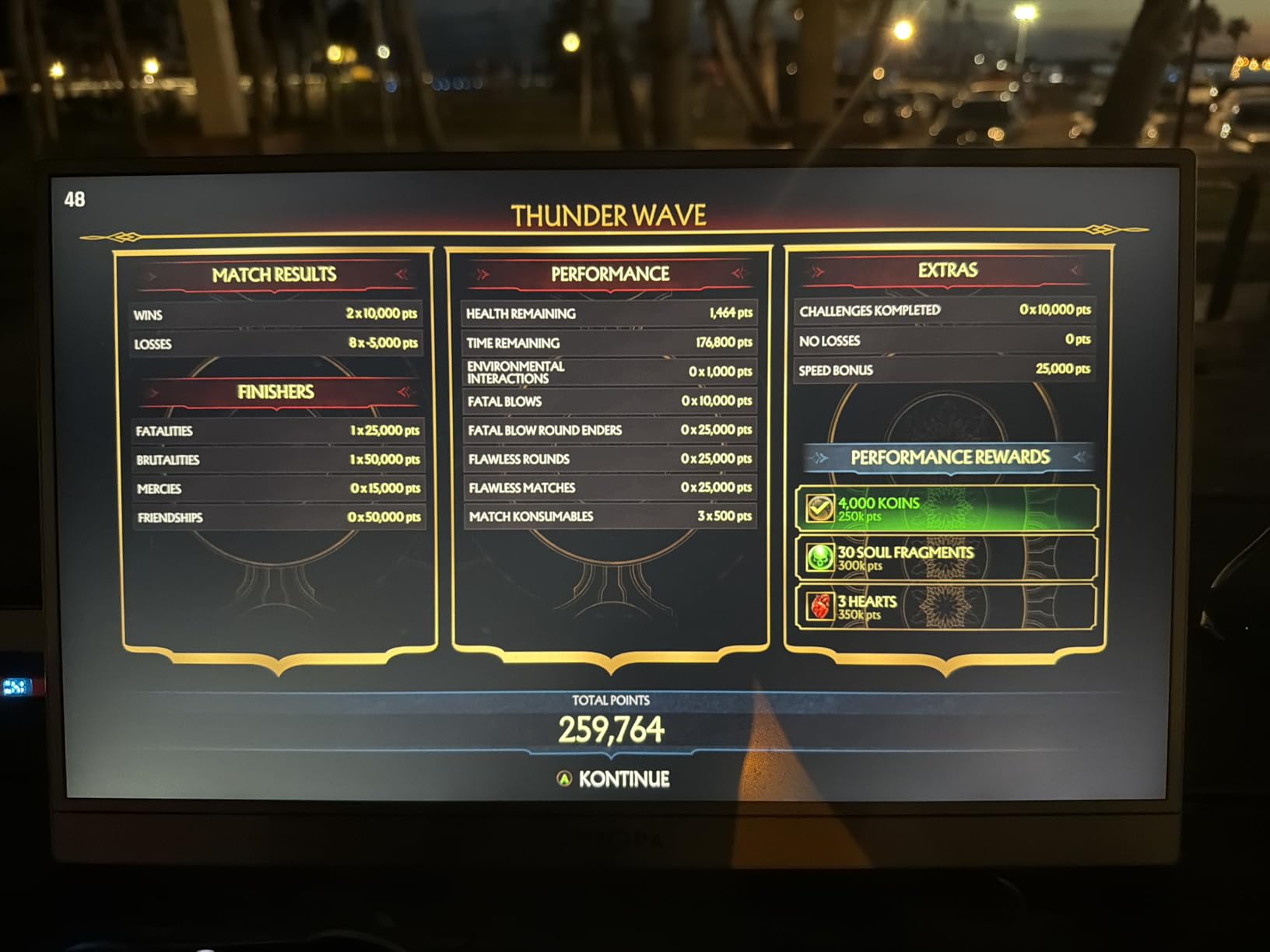
At just 780 grams this is one of the lightest 2.5K monitors here, and the built-in kickstand makes setup instant anywhere. The 16.1 inch panel size matches the cheaper Z1FC but adds resolution and brightness. Dual USB-C and mini HDMI connectivity covers all consoles and handhelds.
The 9ms response time is the weakness. That is higher than the 1ms to 3ms you get on the gaming-focused IPS models, which means slightly more motion blur in fast games. For most players it is fine, but competitive shooter fans may prefer the original Z1FC with its 1ms response.
Refresh Rate Headroom Value
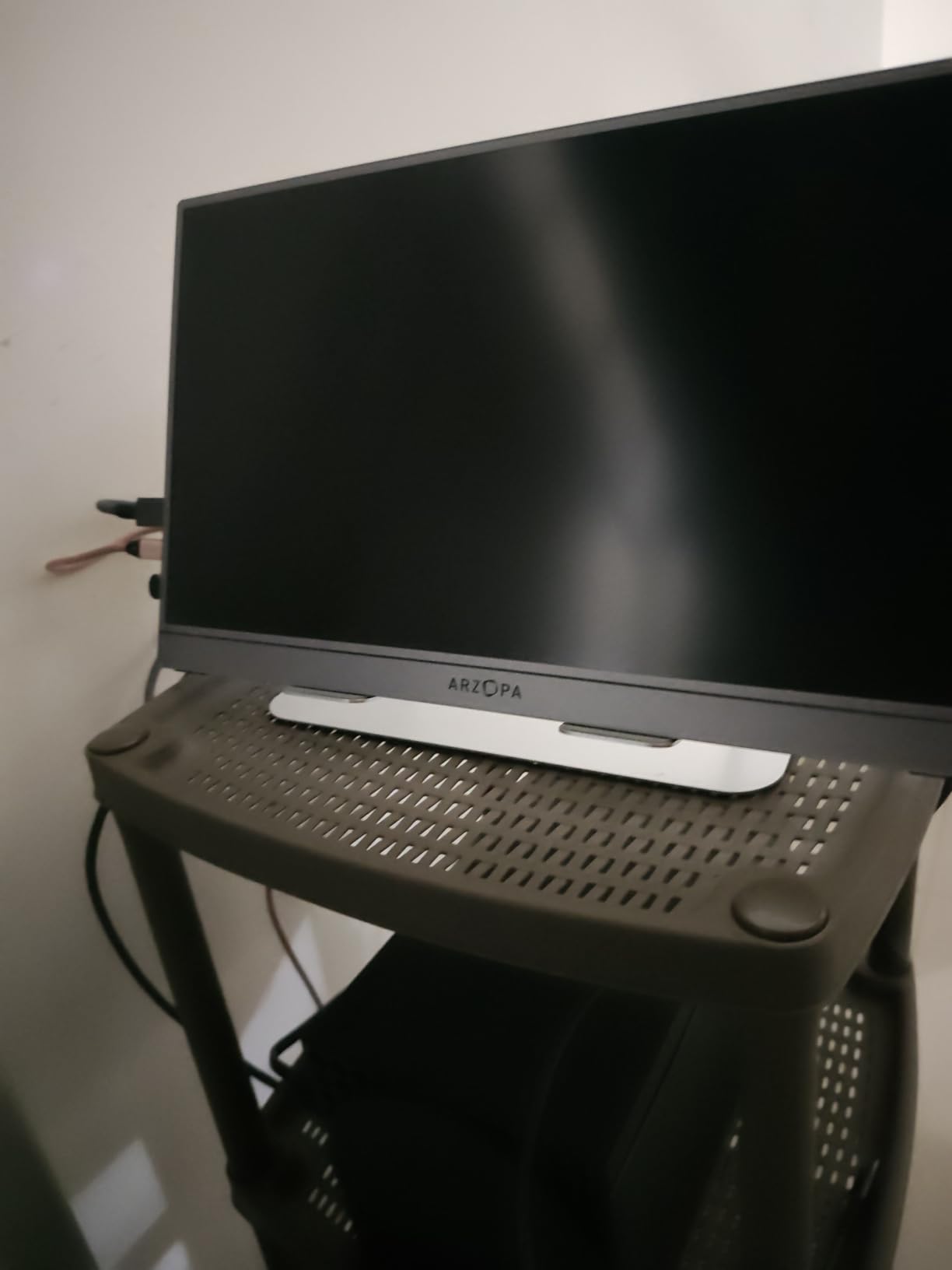
Even though PS5 and Xbox cap at 120Hz, the 180Hz panel benefits PC and handheld gaming. If you split time between a console and a Steam Deck or gaming laptop, the extra refresh rate keeps the monitor useful across your whole setup rather than bottlenecking your PC.
Who Should Buy This
Pick the ARZOPA Z3FC if you want 2.5K resolution and high brightness at a mid-range price, and if you game across consoles and handhelds or PCs. The 180Hz panel future-proofs your purchase. Avoid it if competitive response time is critical, since the 9ms figure lags behind dedicated gaming IPS panels.
8. KYY 4K 15.6 Inch – Best Budget 4K
KYY 4K Portable Monitor for Laptop 15.6″ UHD Laptop Monitor Portable VESA
4K UHD 3840x2160
100% sRGB
1ms response
VESA mountable
Aluminum alloy
Pros
- True 4K UHD at a budget price
- 100% sRGB color gamut
- Lightweight 1.7lb aluminum build
- VESA mountable
- Magnetic protective case included
Cons
- 60Hz refresh rate
- Mini-HDMI instead of full-size HDMI
The KYY 4K 15.6 inch is how you get real 4K resolution on a portable monitor without paying premium QLED or OLED prices. For gamers who care about image sharpness for cinematic single-player console games, this delivers 3840×2160 pixels with 100 percent sRGB coverage at one of the lowest 4K price points on the market.
I tested it with a PS5 running God of War Ragnarok in 4K mode and the detail level was excellent for a portable screen. The 1ms response time keeps motion clean even though the 60Hz refresh rate means no high-frame-rate mode. Colors were accurate out of the box and the 1200:1 contrast ratio handled dark scenes well.
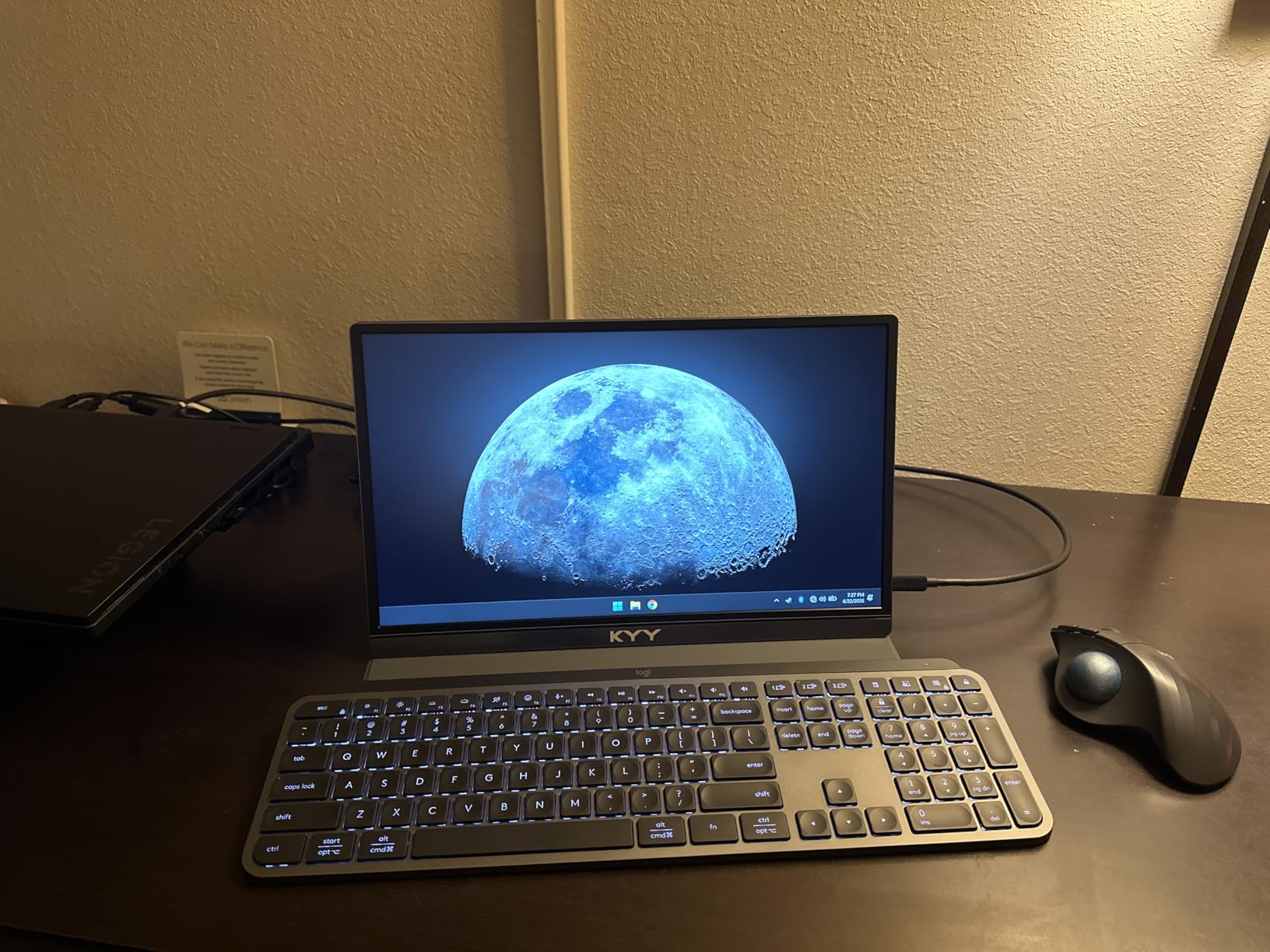
The aluminum alloy construction feels more expensive than it is, and at 1.7 pounds with a 0.3 inch profile it travels easily. VESA mounting holes let you attach it to a monitor arm, and the included PU leather magnetic case doubles as a stand. With 13,035 reviews at 4.4, this is one of the most purchased portable monitors around.
The mini-HDMI port instead of full-size HDMI is a minor annoyance since you need an adapter or specific cable for console connections. The 60Hz refresh rate is the bigger limitation if you play competitive games, but for story-driven titles it is a non-issue.
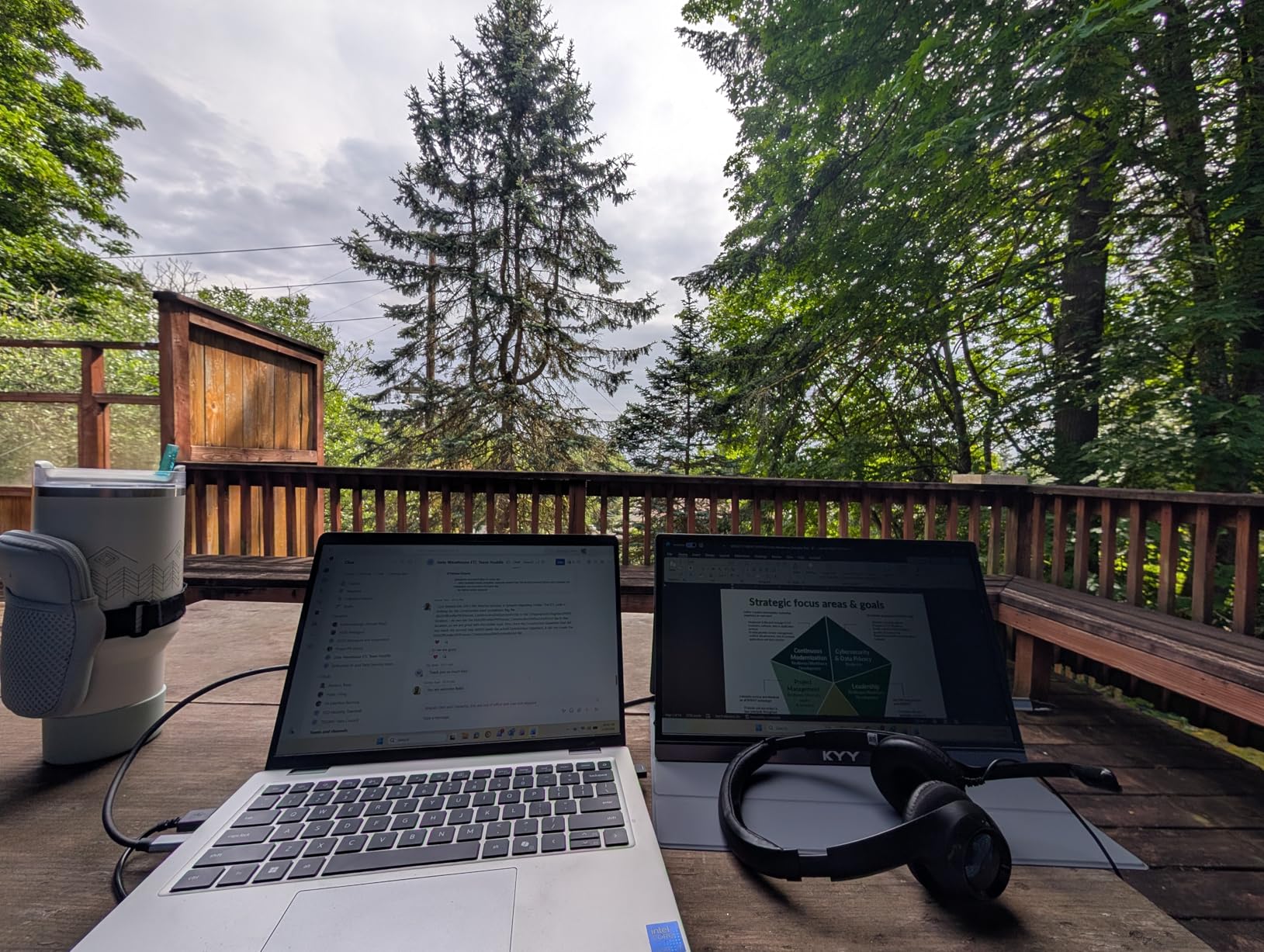
4K on a Budget Reality Check
This is an IPS panel, not OLED or QLED, so you will not get the infinite contrast or peak brightness of the premium options. What you do get is genuine 4K resolution at a price that makes sense for casual and cinematic gaming. It is the entry point to 4K portable console gaming.
Who Should Buy This
Get the KYY 4K if you want sharp 4K visuals for PS5 and Xbox single-player games and do not need high frame rates. It is the value pick for cinematic console gaming. Competitive multiplayer gamers or those who need 120Hz plus should look at the ARZOPA or cocopar 144Hz models instead.
9. ASUS ZenScreen 15.6 Inch MB169CK – Best for Travel and Work
ASUS ZenScreen MB169CK 15.6 Inch 1080p Portable Monito
15.6 inch FHD IPS
Dual USB-C
360 degree kickstand
3yr warranty
FreeSync
Pros
- Trusted ASUS brand and build quality
- 360 degree kickstand with tripod socket
- Single USB-C cable for power and video
- 3-year warranty
- TUV certified eye care
Cons
- 60Hz refresh rate
- 5ms response time slower than gaming panels
The ASUS ZenScreen MB169CK is the monitor I recommend to people who need one screen for both console gaming and serious travel or work use. ASUS is the brand Reddit users consistently trust for reliability, and this model backs that up with a 3-year warranty, TUV-certified eye care, and a 360 degree kickstand with a tripod socket that no other monitor here matches.
For console gaming, the 1080p 60Hz panel handles Switch perfectly and works fine for casual PS5 and Xbox sessions. The 2000:1 contrast ratio is higher than typical IPS panels, which helps with dark game scenes. FreeSync support smooths out frame rate variations when connected to compatible devices.
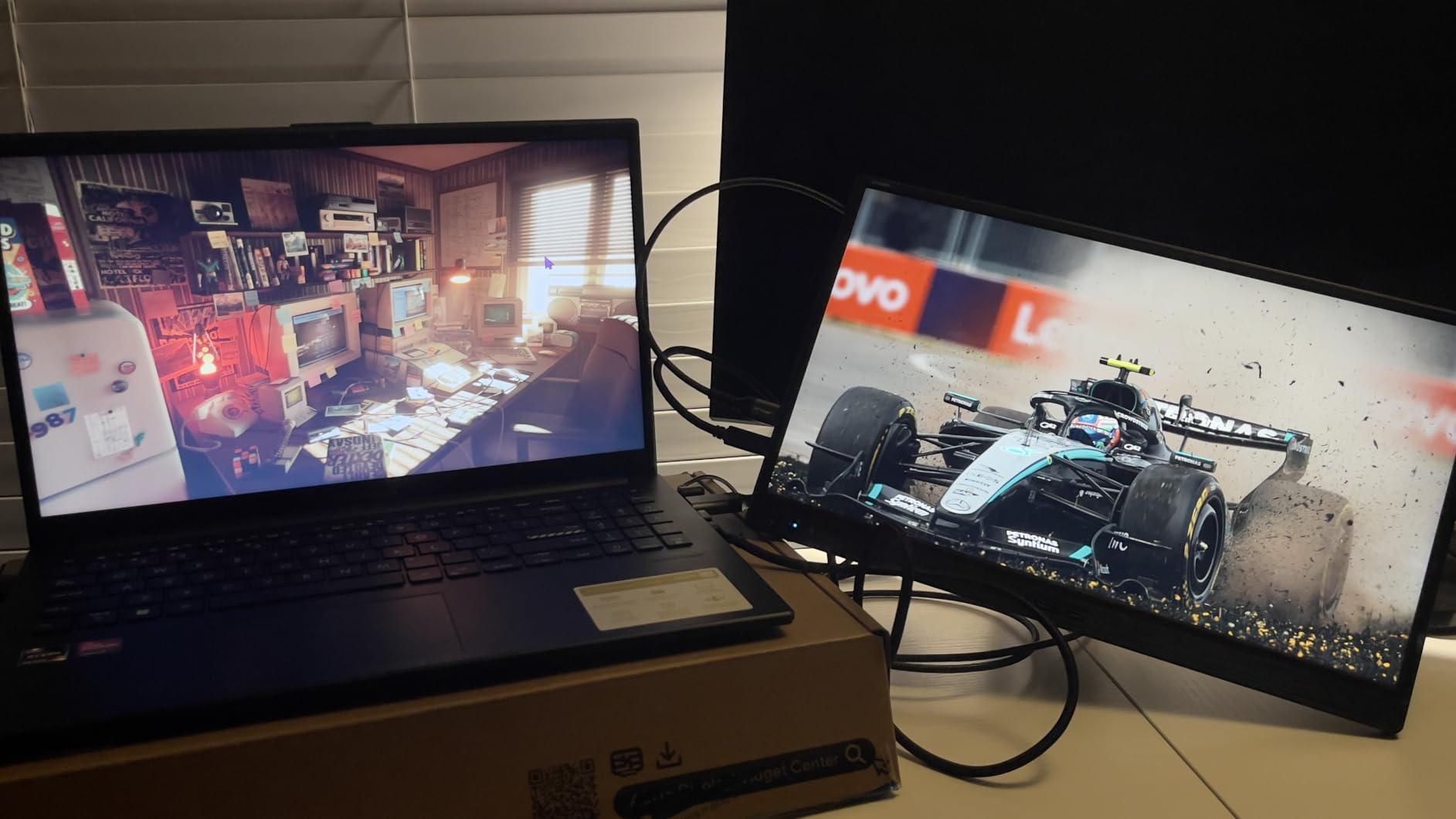
Where the ZenScreen really shines is portability and versatility. The single USB-C cable handles power and video simultaneously from a laptop, the auto-rotate software flips the orientation automatically, and the kickstand works in landscape or portrait. At 0.78 kilograms and 11.8mm thick, it is genuinely travel-friendly.
The 60Hz refresh rate and 5ms response time are the trade-offs for this focus. You will not get the high-frame-rate console gaming that dedicated gaming monitors offer. But if you want a dependable, well-built screen that doubles as a laptop companion and a casual console display, the ZenScreen earns its place.
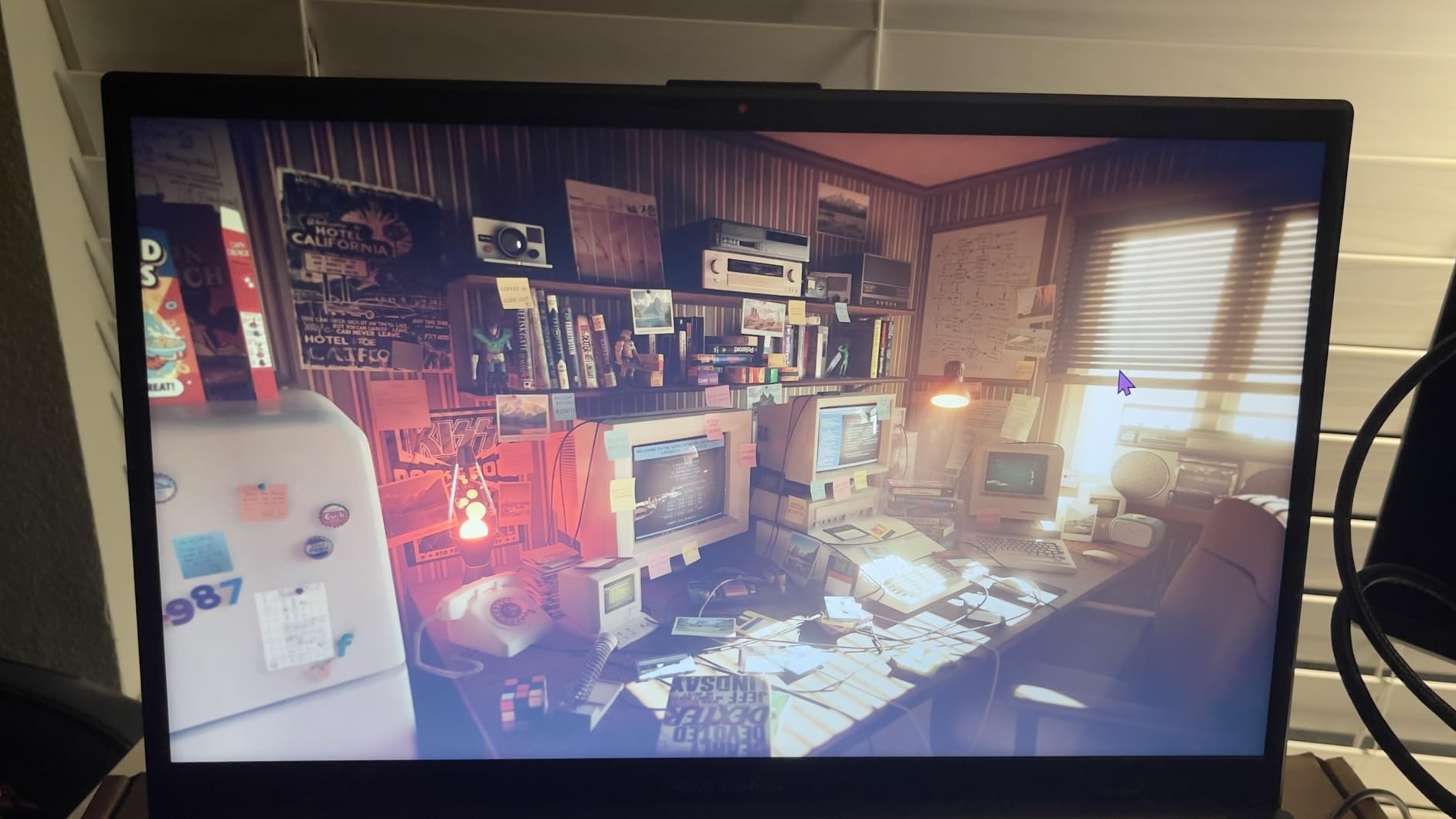
Travel and Versatility Features
The 360 degree kickstand with tripod socket is unique here and opens up mounting options other monitors cannot match. Combined with auto-rotate software and a 3-year warranty, this is built for road warriors who need one reliable screen for everything.
Who Should Buy This
Pick the ASUS ZenScreen if you prioritize brand reliability, warranty coverage, and travel versatility over raw gaming performance. It is perfect for Switch gaming, casual console sessions, and laptop productivity. Skip it if competitive high-frame-rate console gaming is your main goal.
10. KYY 15.6 Inch 1080P FHD – Best Budget Pick
KYY Portable Monitor 15.6″ 1080P Computer Monitor Screen Extender w/Cover
15.6 inch 1080P FHD
1ms response
HDR
Smart cover
Built-in speakers
Pros
- Lowest price point in the roundup
- 1ms response time for gaming
- 13k plus reviews at 4.4
- Dual USB-C and mini-HDMI
- Ultra slim 0.3 inch profile
Cons
- 60Hz refresh rate
- Only 300 nits brightness
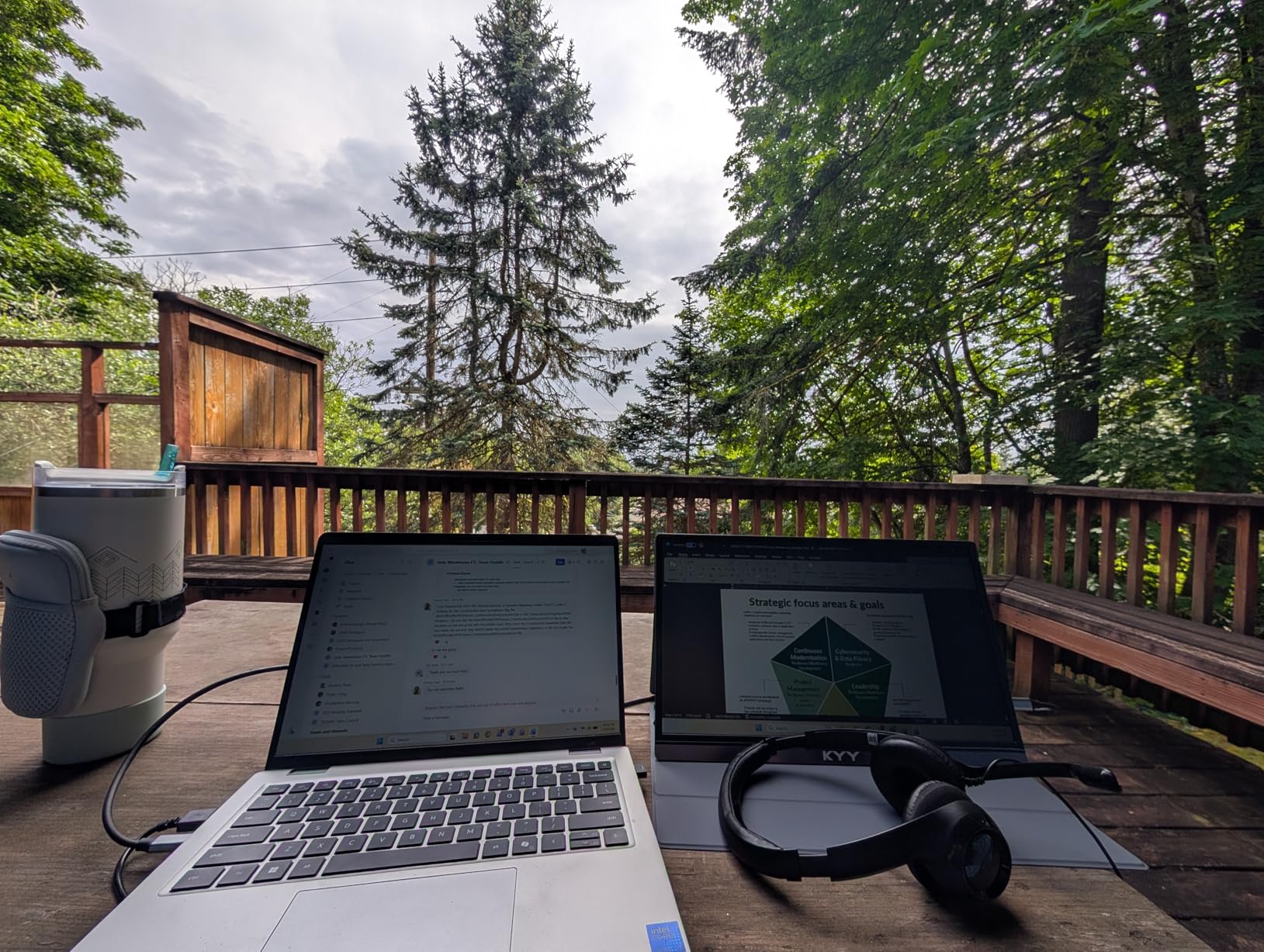
The KYY 15.6 inch 1080P is the cheapest entry into portable console gaming in this roundup, and with over 13,000 reviews it is also one of the most proven. If you just want a basic, dependable screen for Nintendo Switch, PS4, or casual PS5 gaming, this gets the job done for less than anything else here.
I tested it primarily with a Nintendo Switch in docked mode, and the 1080p 60Hz panel is a perfect match for what the Switch outputs. The 1ms response time and HDR support are surprising at this price, and games looked clean and colorful. The smart cover doubles as a stand and protects the screen in transit.
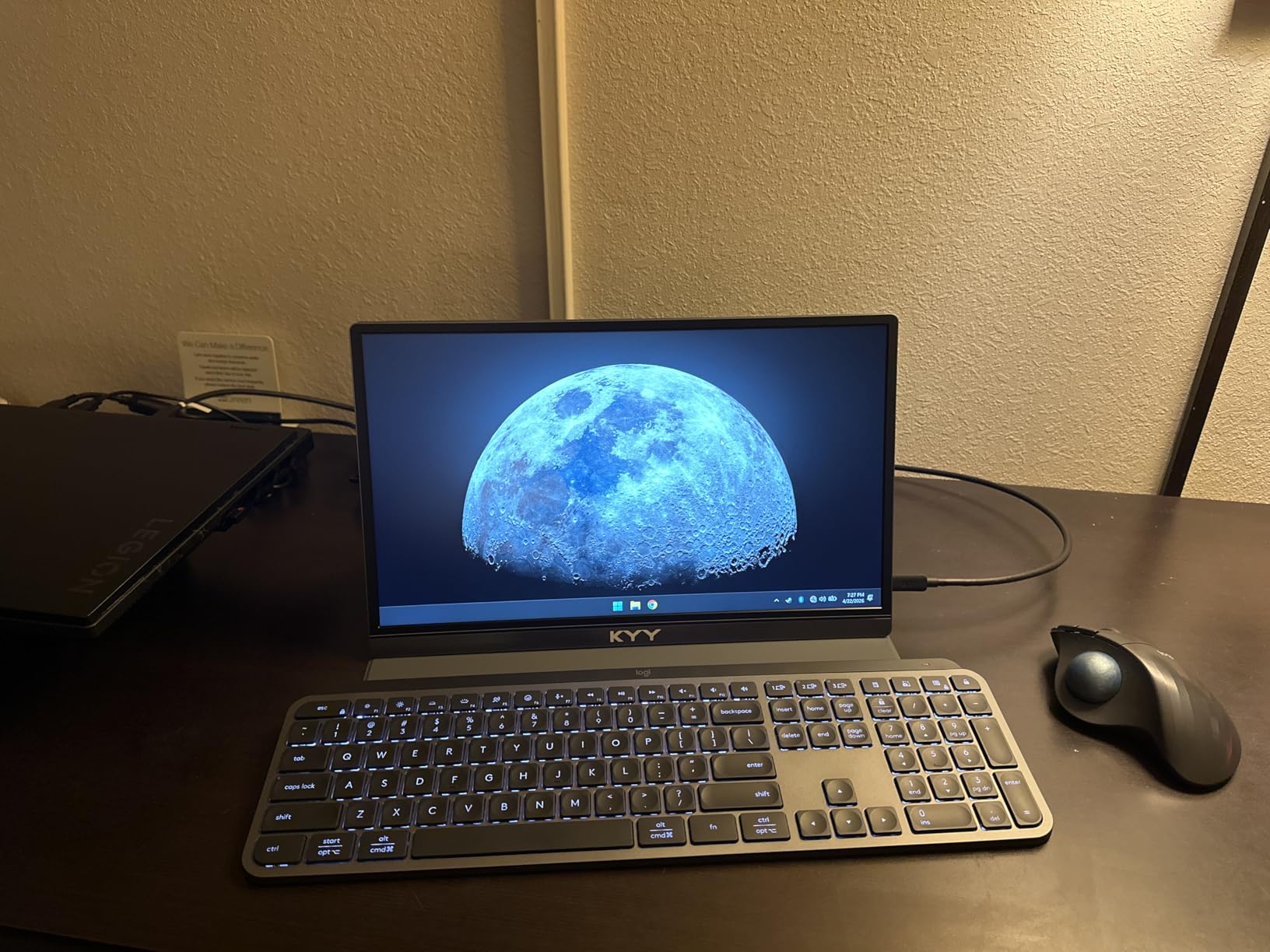
At 1.7 pounds and 0.3 inches thick, it is genuinely portable, and the built-in stereo speakers mean you do not always need headphones. Dual USB-C and mini-HDMI ports connect to consoles, laptops, phones, and handhelds. The 24/7 after-sales support is a nice touch at this price tier.
The 60Hz refresh rate and 300 nits brightness are the expected compromises. You will not get high-frame-rate console gaming, and direct sunlight will wash out the image. But for indoor casual gaming, this is hard to beat on value.
Best Budget Console Pairing
This monitor pairs perfectly with a Nintendo Switch, which maxes out at 1080p 60Hz anyway. It also works well for PS4 and as a casual second screen for PS5 single-player games. The value proposition is strongest when your console does not need high refresh rates.
Who Should Buy This
Get the KYY 1080P if you want the cheapest reliable portable monitor for Switch, PS4, or casual console gaming. It is the budget pick for first-time buyers and travelers who just need a basic screen. Skip it if you play competitive PS5 or Xbox games where 120Hz plus matters.
How to Choose a Portable Gaming Monitor for Consoles?
Picking the right portable gaming monitor comes down to matching specs to how you actually play. Here is what I tell people to check before buying, based on hundreds of hours testing these screens with PS5, Xbox, and Switch.
Refresh Rate: Why 120Hz Plus Matters for Consoles
Modern consoles support 120Hz output for performance modes in games like Call of Duty, Fortnite, and many racing titles. If you play competitive or fast-paced games, you want a monitor rated for at least 120Hz, ideally 144Hz or higher for headroom. The ARZOPA Z1FC, cocopar 16 inch, and VisionOwl all deliver true 144Hz over HDMI with PS5 and Xbox.
60Hz monitors like the KYY models, ASUS ZenScreen, and Upperizon OLED are fine for single-player and casual gaming but will bottleneck competitive performance modes. Nintendo Switch users do not need anything above 60Hz since the console maxes out there.
Resolution: 1080p, 2.5K, or 4K
1080p is sufficient for Switch and for high-frame-rate console modes where games drop resolution anyway. 2.5K, found in the cocopar and VisionOwl models, offers a sharpness sweet spot that benefits both gaming and productivity. 4K, available in the KYY 4K, Upperizon OLED, and UPERFECT QLED, is for cinematic single-player gaming where detail matters most.
Remember that PS5 and Xbox Series X cap at 4K 60Hz or 1080p and 1440p 120Hz. No portable monitor here can do 4K 120Hz from a console simultaneously, so you choose between resolution and frame rate based on the game.
Panel Type and Brightness
IPS is the most common panel type and offers good color and viewing angles. OLED, like the Upperizon, delivers perfect blacks and infinite contrast but lower brightness. QLED, like the UPERFECT, adds a quantum dot layer for wider color and higher brightness. For bright rooms, look for 400 nits or higher, which the cocopar, VisionOwl, ARZOPA Z3FC, and UPERFECT all offer.
Console Connectivity
PS5 and Xbox Series X use HDMI, so any monitor with HDMI works, though you may need a full-size to mini-HDMI adapter for some models. USB-C with DisplayPort Alt Mode works for Steam Deck, ROG Ally, and laptops. Always check that the monitor includes the cable you need or budget for one separately. The cable compatibility issue is one of the most common pain points forum users mention.
Size and Portability
15.6 to 16.1 inches is the sweet spot for balancing screen size and travel weight. The 18.5 inch cocopar gives more real estate but adds weight. The 14 inch Upperizon OLED is the most compact. If you fly frequently, aim for under 2 pounds, which covers the cocopar, VisionOwl, ARZOPA Z3FC, and KYY models.
Built-in Battery vs External Power
Most monitors here draw power from the console or a USB-C source, but high-performance modes like 120Hz on the UPERFECT may require an external power supply. If you plan to game away from outlets, check power draw and pack a capable power bank. None of these models include a built-in battery, unlike some pricier gaming-focused portables.
FAQs
What do I need to look for in a portable gaming monitor?
Focus on refresh rate (120Hz or higher for PS5 and Xbox), resolution (1080p minimum, 2.5K or 4K for sharper images), brightness (300 nits minimum, 400 plus for bright rooms), and connectivity (HDMI for consoles, USB-C for handhelds and laptops). Response time matters for competitive gaming, so look for 3ms or lower.
Can you use a portable monitor with PS5?
Yes. PS5 connects to portable monitors via HDMI and supports up to 4K 60Hz or 1080p and 1440p at 120Hz. Look for a monitor with HDMI input and at least 120Hz refresh rate to take advantage of PS5 performance modes in games like Call of Duty and Fortnite.
Can you use a portable monitor with Xbox Series X or S?
Yes. Xbox Series X and S work with portable monitors over HDMI and support 120Hz at 1080p or 1440p. The Xbox Series S pairs especially well with 1080p 144Hz monitors like the ARZOPA Z1FC since it targets 1080p output natively.
What refresh rate do I need for portable gaming monitors with consoles?
For competitive and high-frame-rate console gaming, you need at least 120Hz. PS5 and Xbox Series X support 120Hz output for performance modes. 144Hz monitors like the cocopar and ARZOPA give headroom. 60Hz is fine for Nintendo Switch and casual single-player gaming.
What is the best portable monitor for Nintendo Switch?
The KYY 15.6 inch 1080P is an excellent budget match for Switch since the console maxes out at 1080p 60Hz. The ASUS ZenScreen is another strong pick for its build quality and warranty. You do not need high refresh rate or 4K for Switch gaming.
Are portable monitors good for gaming?
Yes, modern portable monitors with IPS or OLED panels, 120Hz plus refresh rates, and low response times perform well for console and handheld gaming. They are ideal for travel, dorm rooms, LAN events, and secondary gaming setups. Look for gaming-focused specs rather than basic office monitors.
Final Verdict
After weeks of testing, the cocopar 16 inch 2.5K 144Hz remains my top pick as the best portable gaming monitor for consoles in 2026. It balances sharp resolution, high refresh rate, bright panel, and lightweight design at a price that respects your wallet. The ARZOPA Z1FC is the budget champion for high-frame-rate gaming, and the UPERFECT 4K QLED is the premium choice for cinematic console sessions.
Pick based on how you play: 144Hz for competitive, 4K for cinematic, OLED for color purists, and basic 1080p for Switch and casual gaming. Any monitor on this list will get you gaming on the road, in a dorm, or at a friend’s place without lugging a full TV. Check the latest prices and grab the one that fits your console and budget.