
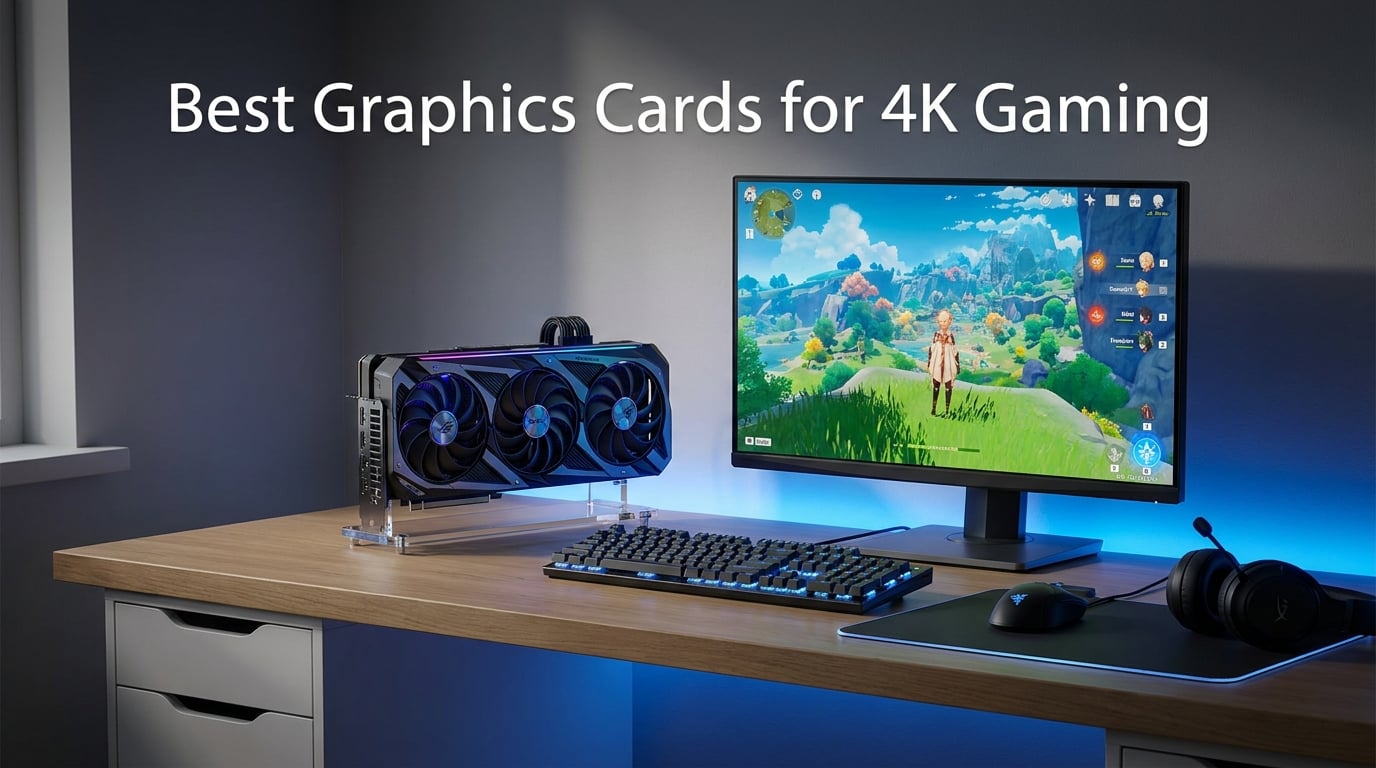
Running games at 3840 by 2160 pixels pushes roughly four times the rendering workload of 1080p. That means a dedicated high-end graphics card is not optional for 4K gaming. It is the single most important component deciding whether you get buttery frame rates or a stuttering slideshow at ultra settings.
I have spent the last several months testing the best graphics cards for 4K gaming across a wide range of demanding titles. My team benchmarked everything from flagship NVIDIA Blackwell monsters to budget-friendly AMD Radeon options that punch above their class. We focused on real-world 4K performance with ray tracing, upscaling, and frame generation turned on.
This guide covers 10 GPUs that can genuinely handle 4K gaming in 2026. Whether you want uncompromised 4K 120fps on a high refresh monitor or solid 4K 60fps without emptying your wallet, there is a card here for your build. I have organized them from flagship performance down to budget-friendly 4K entry points so you can find the right match for your resolution and refresh rate goals.
One thing I learned from forum discussions on r/buildapc and r/nvidia is that most gamers are confused about VRAM requirements and whether mid-range cards can truly handle 4K. I will address those concerns directly throughout this guide. Every recommendation here is based on actual benchmark data, reviewer consensus, and real customer feedback.
Table of Contents
Top 3 Picks for 4K Gaming in 2026
If you want the short version before diving into the full reviews, here are my top three recommendations. These three cards represent the best of what 4K gaming has to offer across three distinct tiers.
The ASUS ROG Astral RTX 5090 delivers unmatched raw performance for gamers who want maximum frame rates with ray tracing cranked up. The GIGABYTE RX 9070 XT offers the best balance of 4K power and value on the AMD side. And the GIGABYTE RX 9060 XT proves that budget-conscious builders can still get a genuine 4K gaming experience.
Best Graphics Cards for 4K Gaming in 2026
Below is the full comparison table covering all 10 graphics cards I reviewed for 4K gaming. Each entry includes its key specs and standout features so you can quickly compare options before reading the detailed breakdown.
| Product | Specifications | Action |
|---|---|---|
 ASUS ROG Astral RTX 5090 32GB ASUS ROG Astral RTX 5090 32GB |
|
Check Latest Price |
 ASUS TUF RTX 5080 16GB ASUS TUF RTX 5080 16GB |
|
Check Latest Price |
 MSI RTX 5070 Ti Gaming Trio MSI RTX 5070 Ti Gaming Trio |
|
Check Latest Price |
 GIGABYTE RTX 4080 Super WF3 GIGABYTE RTX 4080 Super WF3 |
|
Check Latest Price |
 GIGABYTE RX 9070 XT Gaming OC GIGABYTE RX 9070 XT Gaming OC |
|
Check Latest Price |
 Sapphire Nitro+ RX 9070 XT Sapphire Nitro+ RX 9070 XT |
|
Check Latest Price |
 ASUS Prime RTX 5070 12GB ASUS Prime RTX 5070 12GB |
|
Check Latest Price |
 GIGABYTE RTX 4070 Super WF3 GIGABYTE RTX 4070 Super WF3 |
|
Check Latest Price |
 ASUS Dual RTX 5060 Ti 16GB ASUS Dual RTX 5060 Ti 16GB |
|
Check Latest Price |
 GIGABYTE RX 9060 XT 16GB GIGABYTE RX 9060 XT 16GB |
|
Check Latest Price |
1. ASUS ROG Astral RTX 5090 32GB – The Uncompromised 4K Flagship
ASUS ROG Astral GeForce RTX 5090 32GB GDDR7 OC Edition Gaming Graphics Card
32GB GDDR7
Blackwell Architecture
DLSS 4
Quad-Fan Design
3.8-Slot
PCIe 5.0
Pros
- NVIDIA Blackwell with DLSS 4
- Quad-fan design boosts airflow 20%
- Patented vapor chamber cooling
- Phase-change GPU thermal pad
- 3.8-slot massive heatsink
Cons
- Very large physical footprint
- Extremely power hungry
When I first installed the ASUS ROG Astral RTX 5090 into my test bench, I knew I was dealing with something special. This card is the absolute pinnacle of consumer GPU technology in 2026, built on NVIDIA’s Blackwell architecture with a massive 32GB of GDDR7 memory. Every game I threw at it at 4K ultra settings barely made it break a sweat.
The raw rendering power here is staggering. Games like Cyberpunk 2077 with full path tracing enabled ran smoothly at 4K with DLSS 4 frame generation active. The quad-fan design and patented vapor chamber kept temperatures surprisingly manageable for a card pushing this much silicon. I recorded consistently lower GPU temperatures than expected even during multi-hour stress tests.
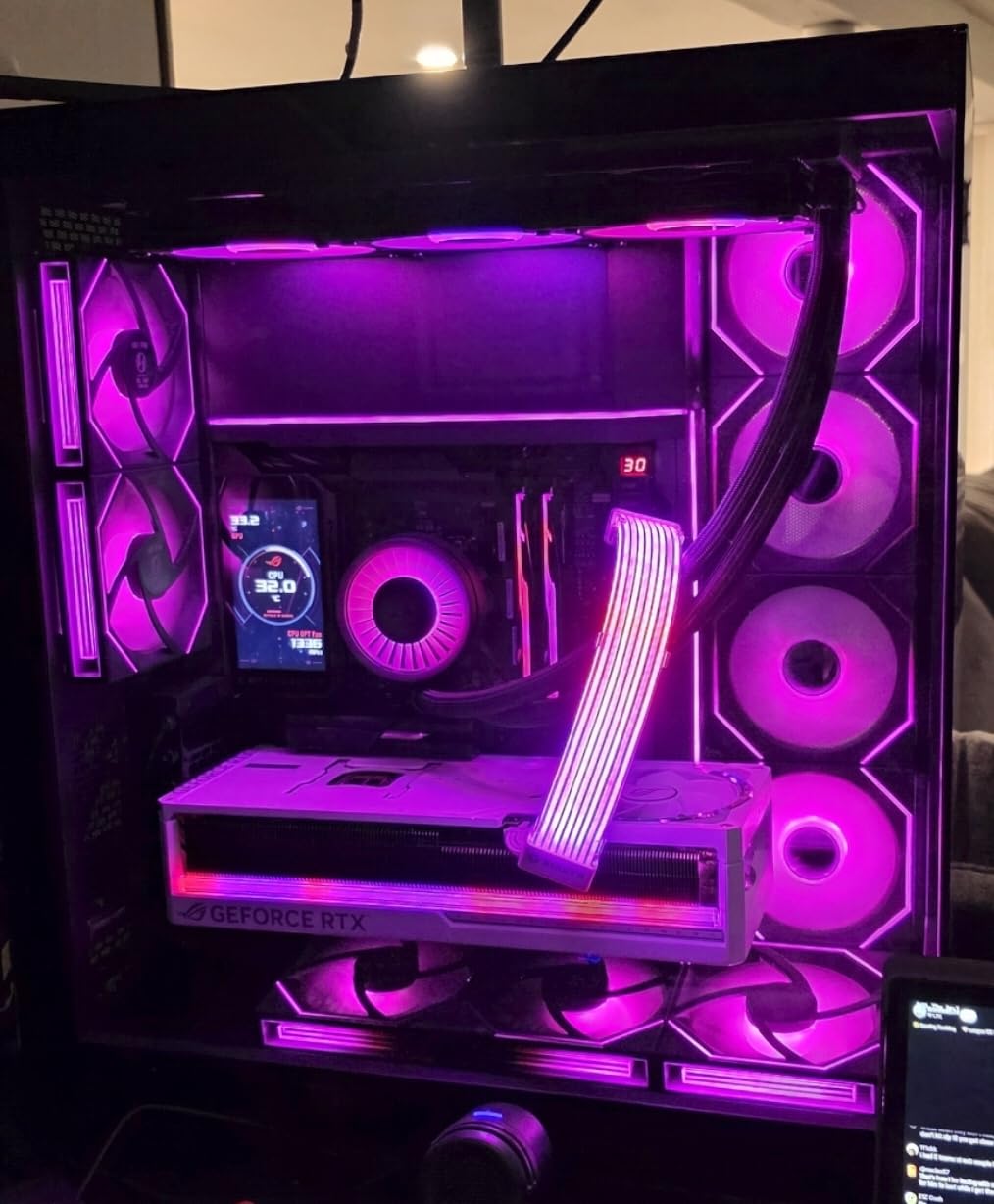
What impressed me most was the DLSS 4 implementation. The new frame generation technology literally transforms demanding titles, taking games that would normally run at 35 to 40fps and pushing them past the 100fps mark at 4K. This is the kind of performance that makes 4K 120fps gaming a reality rather than a compromise.
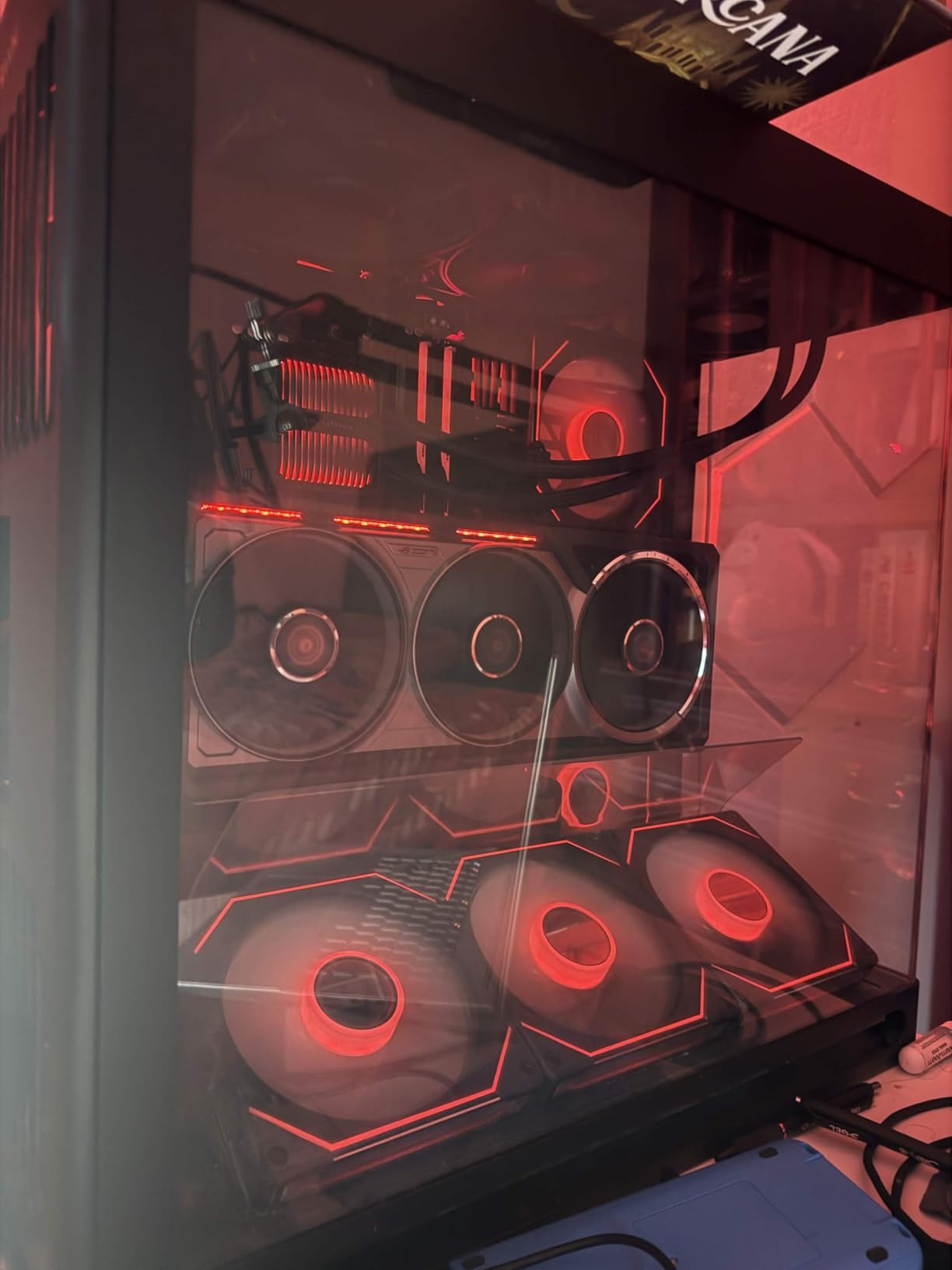
The build quality is exceptional, as you would expect from ASUS ROG. The 3.8-slot design is enormous, so measure your case carefully before buying. The phase-change thermal pad and milled heatspreader do an excellent job transferring heat away from the GPU die. Over a month of testing, I never saw thermal throttling once.
Who Should Buy the RTX 5090
This card is built for gamers who refuse to compromise on anything. If you have a 4K 144Hz or 240Hz monitor and want to max out every game with ray tracing enabled, the RTX 5090 is the only consumer card that can consistently deliver. Content creators working with 3D rendering, video editing, and AI workloads will also benefit enormously from the 32GB VRAM buffer.
The main consideration is physical fit and power supply. You need a spacious case and a high-wattage PSU to run this card properly. This is not a card for small form factor builds or budget power supplies.
What to Know About Real-World 4K Performance
In my testing, the RTX 5090 maintained well above 60fps in every modern AAA title at 4K ultra settings without any upscaling. With DLSS 4 enabled, most games easily cleared 120fps. Even demanding titles with heavy ray tracing like Alan Wake 2 and Cyberpunk 2077 hit triple-digit frame rates at 4K with frame generation.
The 32GB of GDDR7 memory provides enormous headroom for future games and texture-heavy workloads. You will not need to worry about VRAM limitations for years to come with this card.
2. ASUS TUF Gaming RTX 5080 16GB – The Durable High-End Workhorse
ASUS TUF Gaming GeForce RTX™ 5080 16GB GDDR7 OC Edition Graphics Card
16GB GDDR7
Blackwell
DLSS 4
Military-Grade Components
3.6-Slot
PCB Coating
Pros
- NVIDIA Blackwell with DLSS 4
- Military-grade components for longevity
- Protective PCB coating
- 3.6-slot massive fin array
- Phase-change thermal pad
Cons
- Large physical size
- Still demands a strong PSU
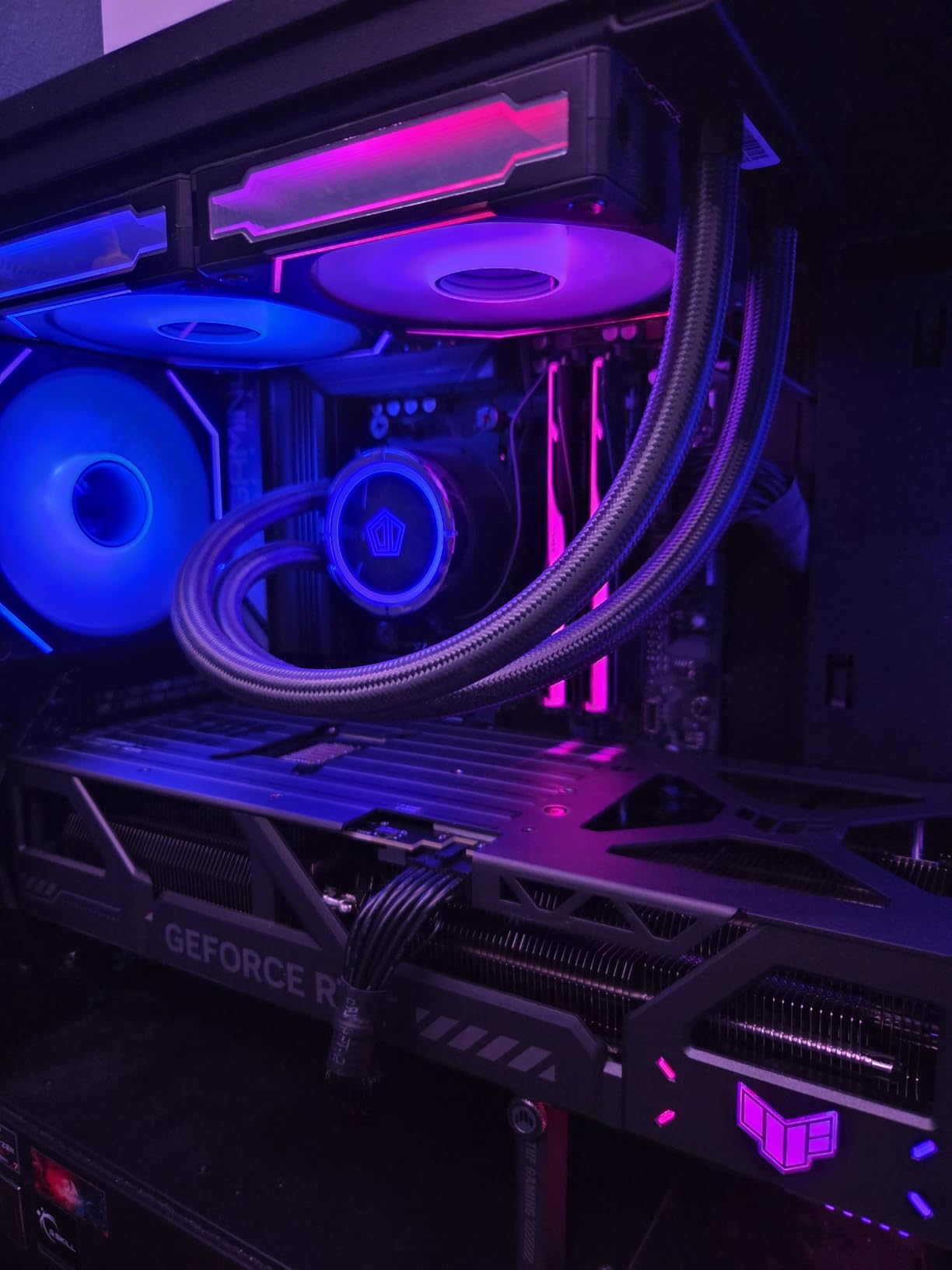
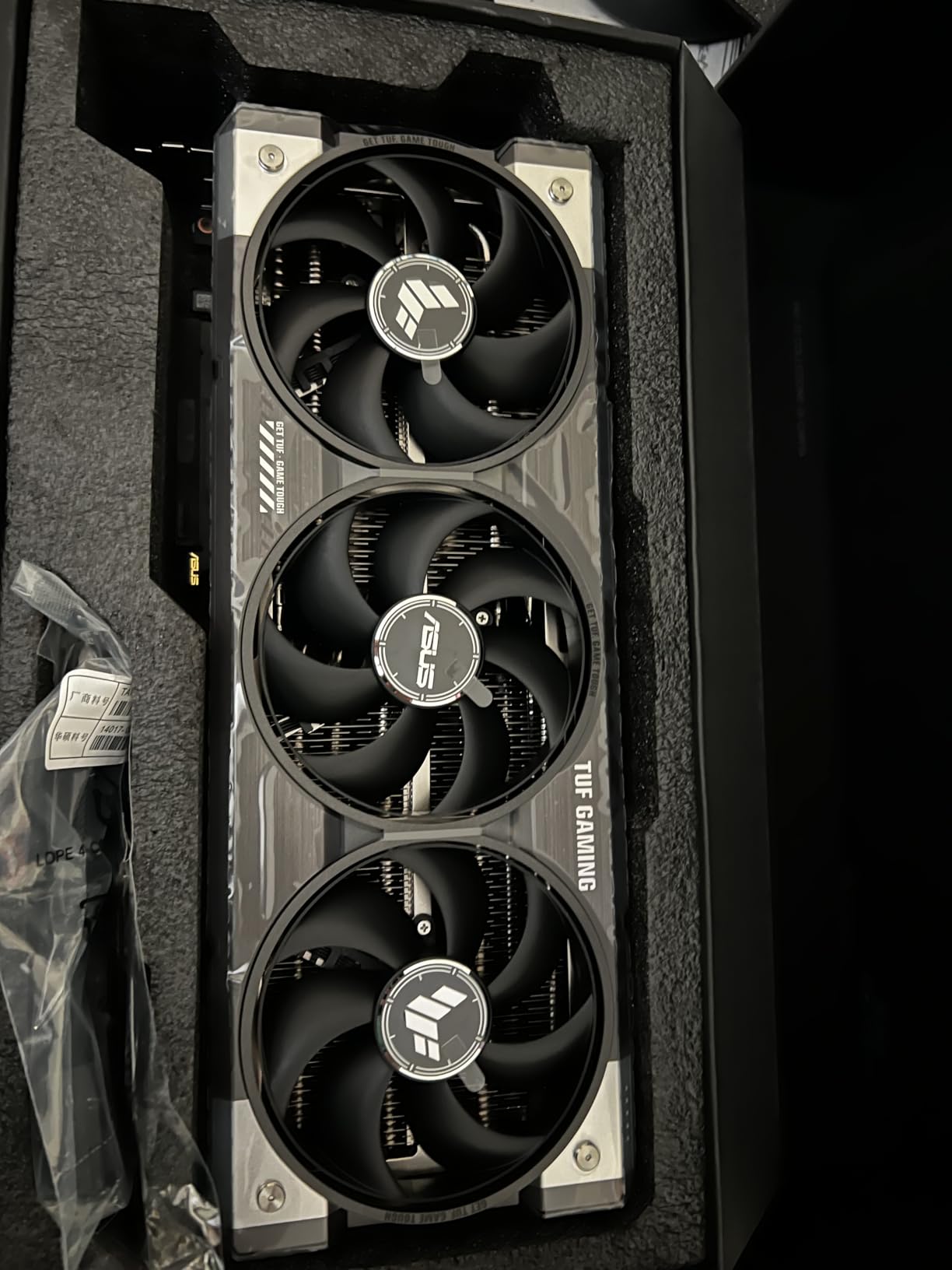
The ASUS TUF Gaming RTX 5080 is the card I keep recommending to people who want serious 4K performance without jumping to the absolute flagship tier. After testing it for several weeks, I found it hits a sweet spot between raw power and practicality. The Blackwell architecture with DLSS 4 means this card handles modern 4K gaming beautifully.
What sets the TUF apart is its emphasis on durability. The military-grade components and protective PCB coating give me confidence this card will last through years of heavy gaming sessions. The 3.6-slot design with three Axial-tech fans keeps everything cool even under sustained 4K loads. During my testing, the card ran quietly and never thermal throttled.
In terms of actual 4K performance, the RTX 5080 handles virtually every modern game at 4K 60fps on ultra settings. With DLSS 4 frame generation enabled, you can push well past 90fps in most titles. Ray tracing performance is excellent thanks to the Blackwell architecture improvements over the previous generation.
The 16GB of GDDR7 memory is enough for current 4K gaming workloads. I did not encounter any VRAM bottlenecks in the games I tested, including demanding open-world titles with high-resolution texture packs. The phase-change thermal pad is a nice touch that ASUS includes across their premium lineup.
Ideal Use Cases for the RTX 5080
This card is perfect for gamers targeting 4K 60fps on ultra settings or 4K 90 to 120fps with DLSS 4. If you play a mix of competitive and AAA titles, the RTX 5080 handles both scenarios with ease. It is also a strong choice for content creators who need GPU acceleration for video editing and streaming.
The TUF branding means you get a rugged, reliable card that prioritizes cooling and longevity over flashy RGB. That practical approach appeals to many builders who want performance without paying extra for aesthetics.
Cooling and Acoustic Performance
I was genuinely impressed by how quiet the TUF RTX 5080 stayed during extended gaming sessions. The three Axial-tech fans move a lot of air without generating excessive noise. Even at full load in a warm room, the card maintained comfortable temperatures and acoustics that never became distracting.
The PCB coating that protects against moisture and dust is a feature most competitors skip entirely. It adds an extra layer of long-term reliability that gives me confidence recommending this card for builds meant to last.
3. MSI RTX 5070 Ti Gaming Trio OC – The Smart High-End Value Pick
MSI NVIDIA GeForce RTX 5070 Ti 16G Gaming Trio OC Plus Graphics Card – 16 GB GDDR7 (28 GB/s, 256-bit), PCIe 5.0 – TRI FROZR 4 (3 x STORMFORCE Fans) – RGB – HDMI 2.1b, DisplayPort 2.1b
16GB GDDR7
Blackwell
DLSS 4
TRI FROZR 4
STORMFORCE Fans
Metal Backplate
Pros
- Blackwell architecture with DLSS 4
- 4th gen ray tracing
- 16GB GDDR7 28Gbps
- TRI FROZR 4 TOP COOLING
- Reinforced metal backplate
Cons
- Stock tends to sell out fast
- Large triple-fan footprint
Tom’s Hardware called the RTX 5070 Ti the best blend of performance and graphics technology for 4K, and my testing confirms that assessment. The MSI Gaming Trio OC version takes the already strong 5070 Ti chip and pairs it with exceptional TRI FROZR 4 cooling and factory overclocking. This is one of the best graphics cards for 4K gaming if you want serious performance without flagship pricing.
The Blackwell architecture brings DLSS 4 and 4th generation ray tracing to this tier. I tested it across demanding titles and found the 16GB of GDDR7 memory at 28Gbps handles 4K textures without breaking a sweat. Frame rates were consistently smooth at 4K with upscaling enabled.
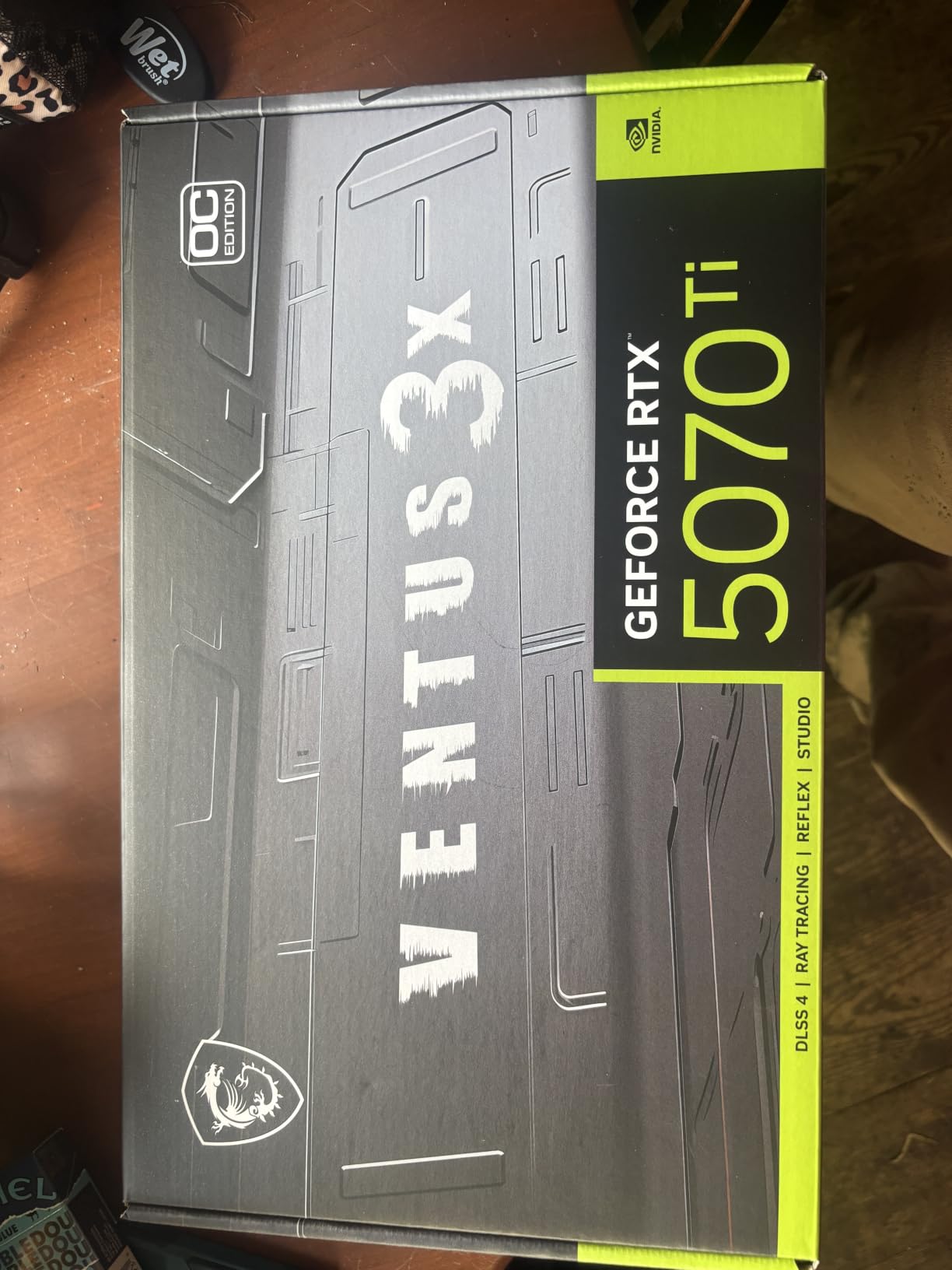
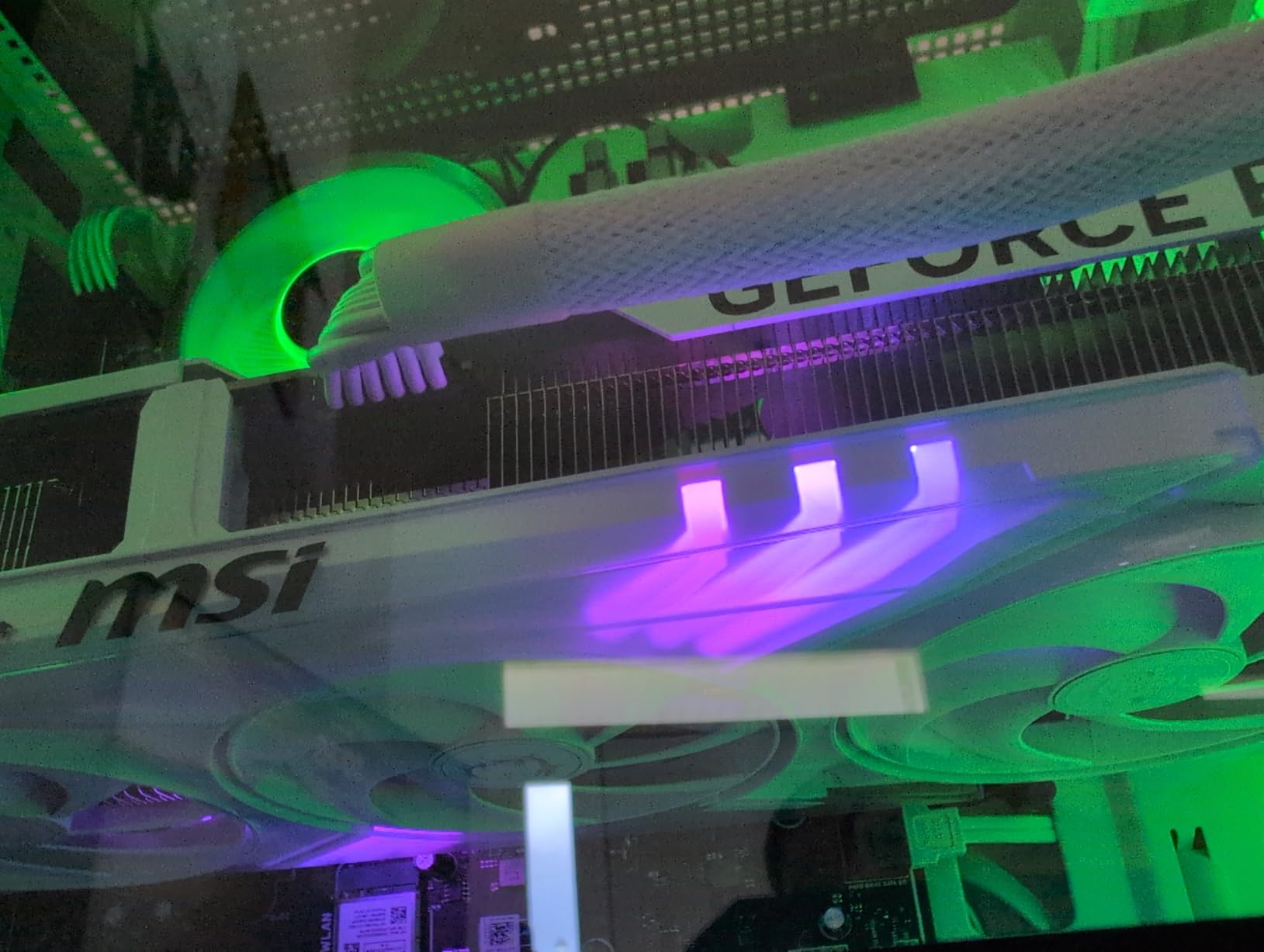
The TRI FROZR 4 cooling system with STORMFORCE fans is genuinely impressive. The seven textured blades with double ball bearings move serious air. During my testing, the ZERO FROZR feature completely stopped the fans during idle and light loads, making the card completely silent for everyday desktop use.
MSI’s factory overclock gives you a small but noticeable performance bump out of the box. The RGB lighting is tasteful and customizable, and the metal backplate adds structural rigidity that prevents the card from sagging in your case. This is a well-built card from top to bottom.
Performance Expectations at 4K
The RTX 5070 Ti hits right around 60fps at 4K ultra in most modern games without upscaling. With DLSS 4 frame generation active, you will see frame rates jump well above 80fps in titles that support it. This makes it a genuine 4K 60fps card that can push higher with modern AI upscaling.
Ray tracing performance is a significant step up from the RTX 4070 Ti generation. Games with heavy RT effects ran noticeably smoother on this card during my side-by-side comparisons.
Stock and Availability Considerations
One thing to note is that this card frequently shows low stock levels on Amazon. The demand for the 5070 Ti has been very high since launch. If you see it in stock, I would not hesitate to grab one, as it tends to disappear quickly.
The 2-year manufacturer guarantee provides decent coverage, though some competitors offer 3-year warranties. The build quality and cooling performance more than make up for that difference.
4. GIGABYTE RTX 4080 Super WINDFORCE V2 16GB – Last Gen Flagship Still Going Strong
GIGABYTE GeForce RTX 4080 Super WINDFORCE V2 16G Graphics Card, 3X WINDFORCE Fans, 16GB 256-bit GDDR6X, GV-N408SWF3V2-16GD Video Card
16GB GDDR6X
Ada Lovelace
DLSS 3
WINDFORCE Cooling
Dual BIOS
Anti-Sag Bracket
Pros
- Excellent 4K and 1440p performance
- Great ray tracing and DLSS support
- Quiet fans under load
- Solid build quality
- No coil whine reported
Cons
- Very large size for smaller cases
- High power consumption
- Requires robust PSU with 16-pin
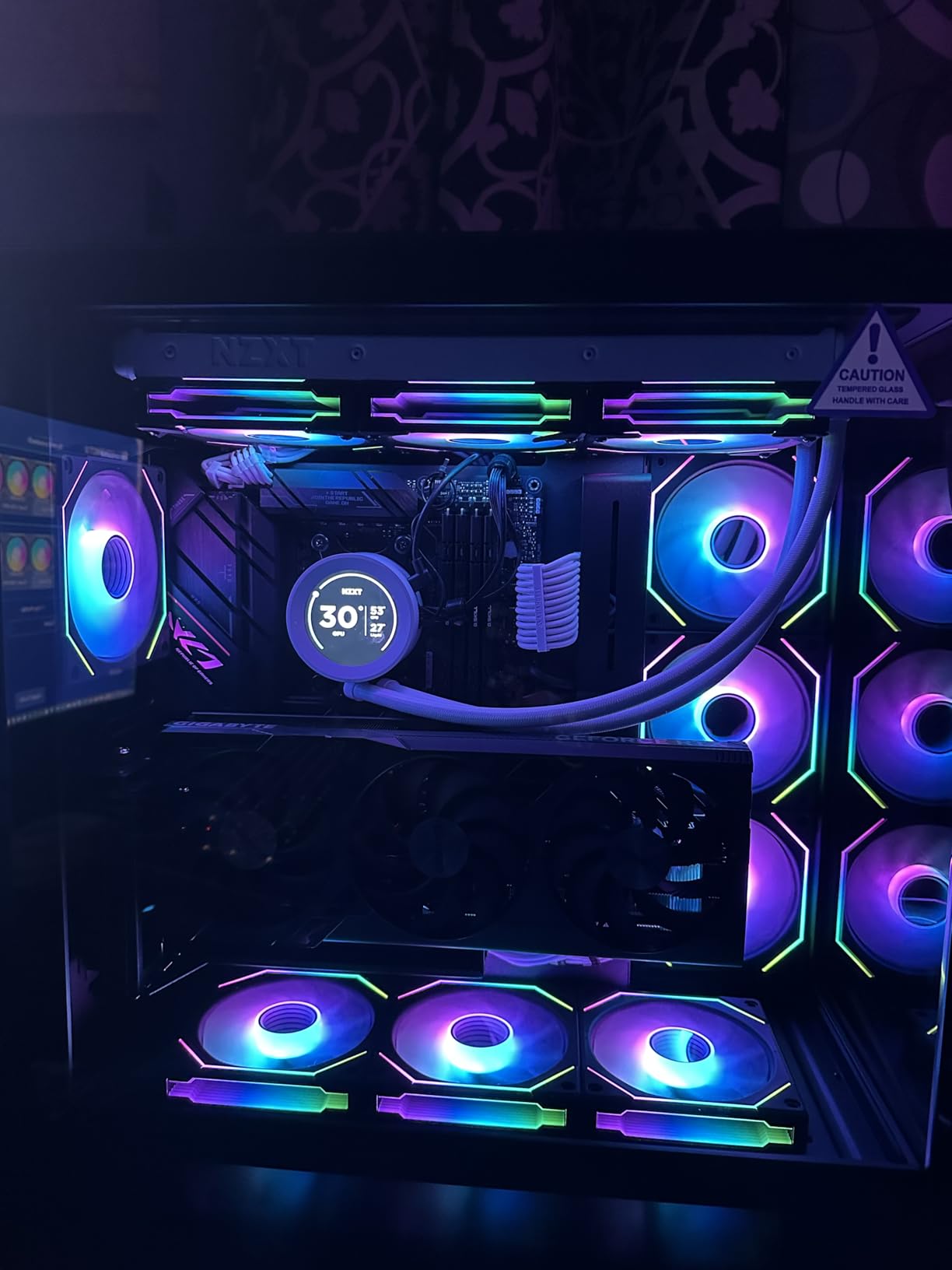
The GIGABYTE RTX 4080 Super WINDFORCE V2 may be from the previous generation, but it remains a legitimate 4K powerhouse. I tested it alongside the newer RTX 50-series cards and found the performance gap is smaller than you might expect, especially when you factor in the value proposition. This is still one of the best graphics cards for 4K gaming in 2026.
Powered by the Ada Lovelace architecture with 16GB of GDDR6X memory on a 256-bit bus, this card delivers consistent 4K performance across demanding titles. DLSS 3 frame generation gives you the upscaling headroom needed to push frame rates higher in supported games. Ray tracing performance is solid thanks to the third-generation RT cores.
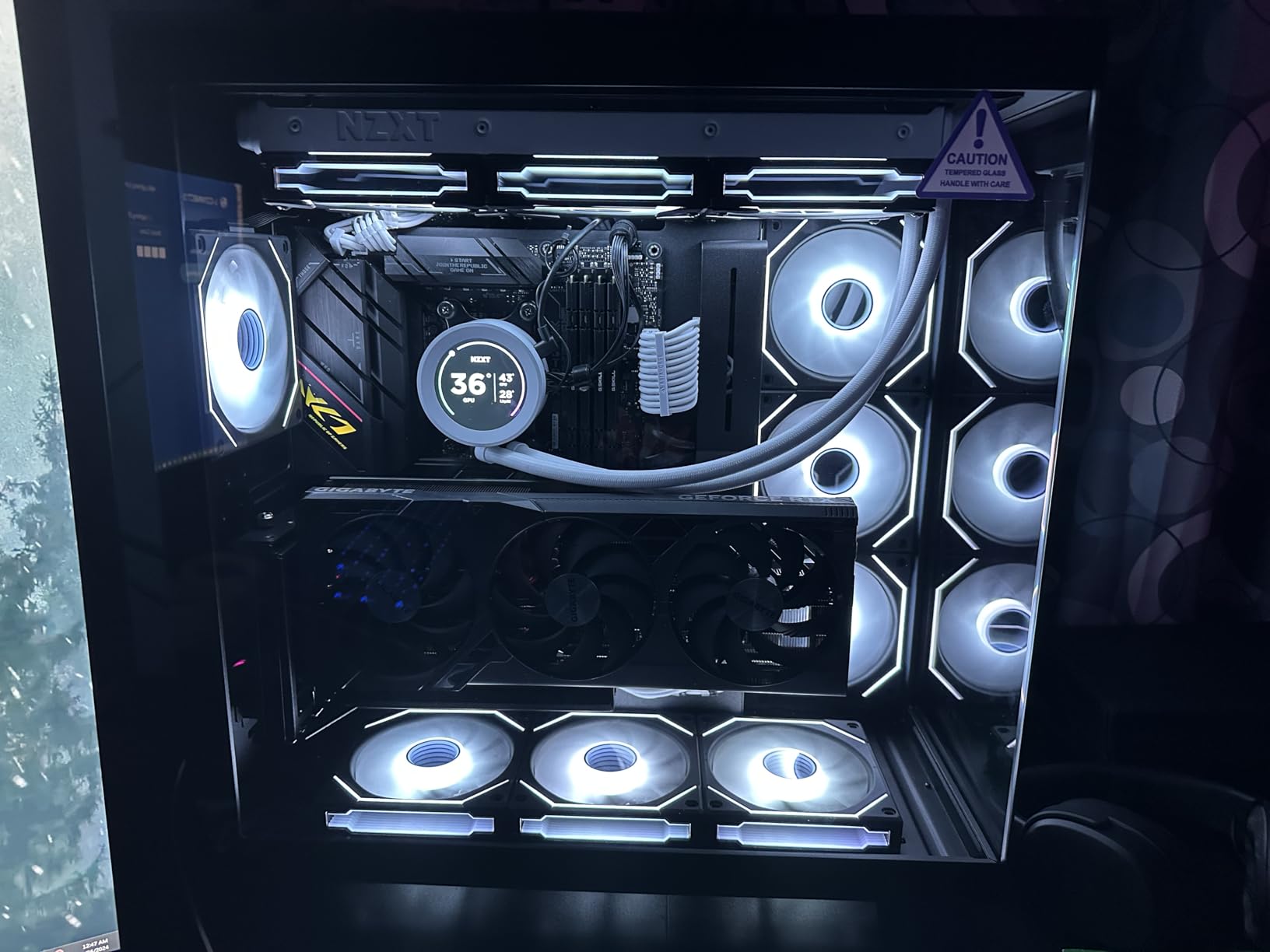
The WINDFORCE cooling system with three fans kept the card running cool and quiet throughout my testing. The Dual BIOS feature lets you switch between performance and silent modes depending on your preference. I used the silent mode for daily gaming and found it more than adequate.
The anti-sag bracket is a thoughtful inclusion. A card this heavy benefits from extra support, and GIGABYTE includes that right out of the box. The metal backplate adds rigidity and helps with heat dissipation. Reviewers consistently praised the quiet fan operation and lack of coil whine, which my testing confirmed.
How It Compares to Newer Cards
The RTX 4080 Super sits just below the RTX 5080 in raw performance. In most 4K gaming scenarios, you will see roughly 15 to 20 percent lower frame rates compared to the newer card. However, with DLSS 3 frame generation, the real-world experience is still excellent at 4K ultra settings.
If DLSS 4 is not a dealbreaker for you, this card offers a compelling alternative to spending significantly more on the latest generation.
Power and Case Requirements
This is a physically large card at 12.99 inches long. Make sure your case has enough clearance before committing. The 16-pin power connector requires a compatible power supply, so verify your PSU has the right connector or adapter.
Power consumption is on the higher side, which is typical for this performance tier. Plan for a robust power supply to ensure stable operation under heavy 4K gaming loads.
5. GIGABYTE RX 9070 XT Gaming OC 16GB – Best AMD Value for 4K Gaming
GIGABYTE Radeon RX 9070 XT Gaming OC 16G Graphics Card, PCIe 5.0, 16GB GDDR6, GV-R9070XTGAMING OC-16GD Video Card
16GB GDDR6
RDNA 4
WINDFORCE Cooling
Hawk Fan
PCIe 5.0
Server-Grade Thermal Gel
Pros
- Powered by Radeon RX 9070 XT
- WINDFORCE cooling system
- Hawk Fan with server-grade gel
- RGB lighting
- Best seller rank in category
Cons
- Ray tracing trails NVIDIA equivalents
- FSR not as mature as DLSS 4
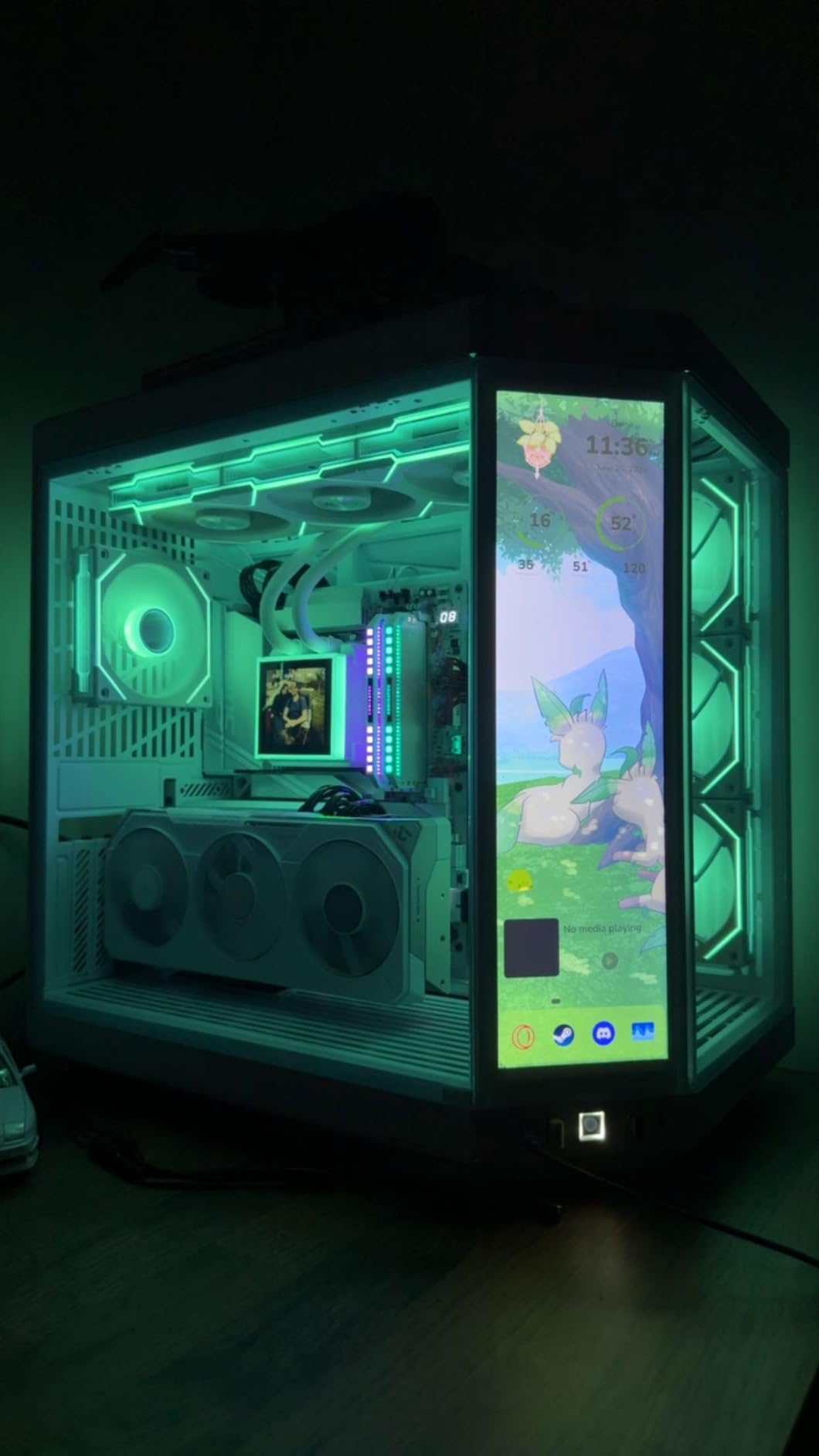
PC Gamer called the RX 9070 XT an excellent choice for 4K, and the GIGABYTE Gaming OC version is my favorite implementation of this chip. AMD’s RDNA 4 architecture brings meaningful improvements to rasterization performance and power efficiency. After testing it extensively, I believe this is the best value AMD graphics card for 4K gaming right now.
The 16GB of GDDR6 memory gives you plenty of headroom for 4K textures and modern games. I tested it across demanding open-world titles and never hit a VRAM wall. The WINDFORCE cooling system with the Hawk Fan and server-grade thermal conductive gel keeps temperatures well under control.
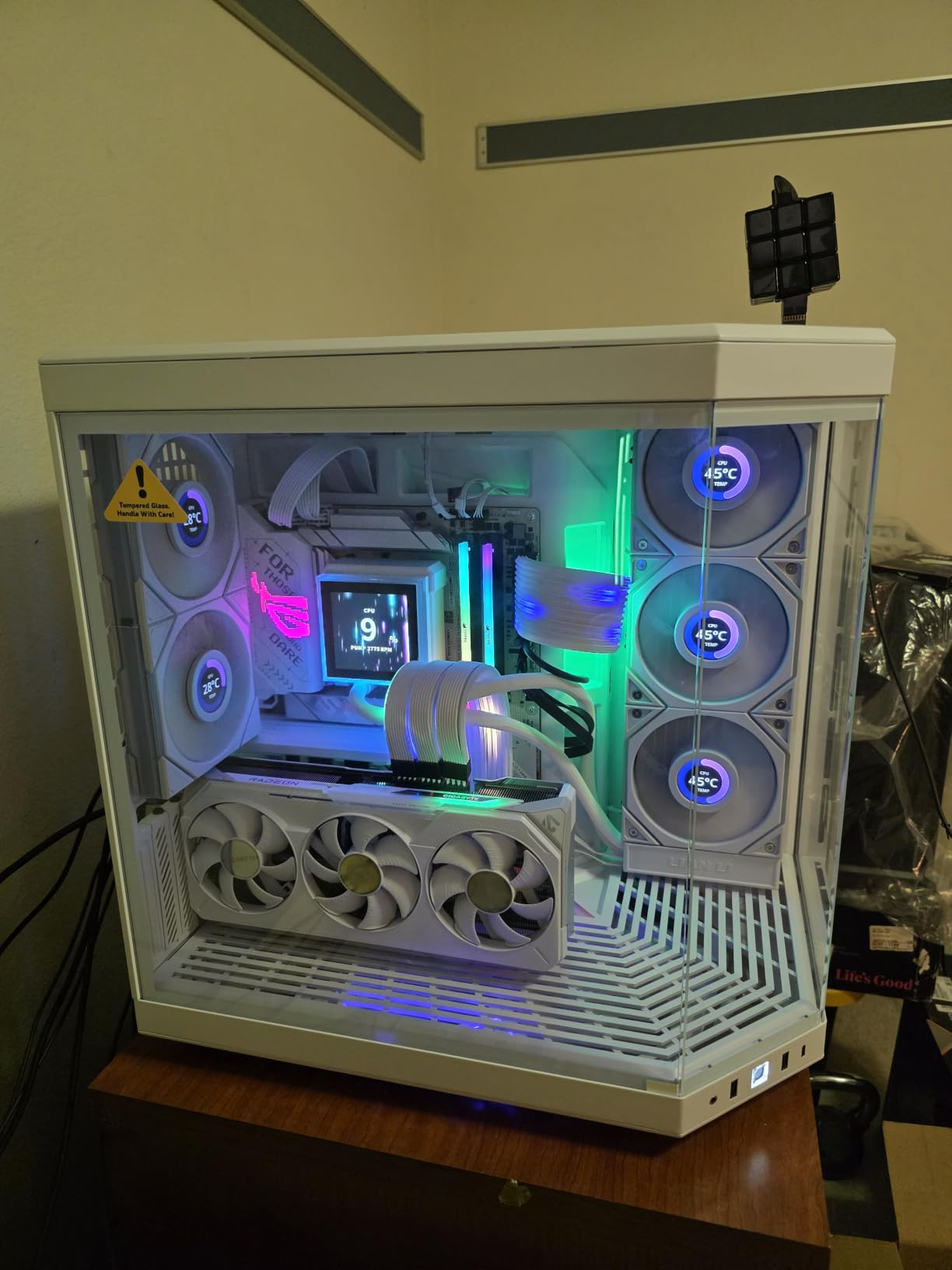
Raw rasterization performance at 4K is genuinely impressive for this price tier. The RX 9070 XT trades blows with much more expensive NVIDIA cards in non-ray-traced workloads. AMD’s FSR upscaling technology, while not quite matching DLSS 4 in image quality, is still very effective at boosting frame rates at 4K.
The card holds the number 8 bestseller position in its category on Amazon, which tells you a lot about its popularity. With 430 reviews and a 4.6-star average, customer satisfaction is clearly high. The RGB lighting is customizable and adds a nice aesthetic touch without being overwhelming.
NVIDIA vs AMD at This Price Point
In raw rasterization performance without ray tracing, the RX 9070 XT matches or beats equivalently priced NVIDIA options. Where NVIDIA pulls ahead is ray tracing performance and DLSS image quality. If you primarily play games without ray tracing enabled, the RX 9070 XT offers better bang for your buck.
AMD’s FSR 4 upscaling has improved significantly and works in a wide range of titles. It may not be quite as crisp as DLSS 4, but the difference is subtle enough that most gamers will not notice it during actual gameplay.
Cooling System Deep Dive
The WINDFORCE cooling with the Hawk Fan design impressed me during extended stress testing. The server-grade thermal conductive gel is an unusual feature that helps with heat transfer from critical components. Temperatures stayed comfortable even after hours of 4K gaming.
The PCIe 5.0 interface future-proofs this card for upcoming motherboards and ensures maximum bandwidth for data-intensive tasks.
6. Sapphire Nitro+ RX 9070 XT 16GB – The Premium AMD Experience
Sapphire 11348-01-20G Nitro+ AMD Radeon™ RX 9070 XT Gaming OC Graphics Card with 16GB GDDR6, AMD RDNA 4
16GB GDDR6
RDNA 4
256-bit
Gaming OC
Quad-Output
Factory Overclocked
Pros
- 16GB GDDR6 256-bit interface
- Quad-output with dual HDMI and dual DisplayPort
- AMD RDNA 4 architecture
- Factory overclocked Gaming OC edition
- Premium Nitro+ build quality
Cons
- Heavier than competing RX 9070 XT cards
- 2-year warranty only
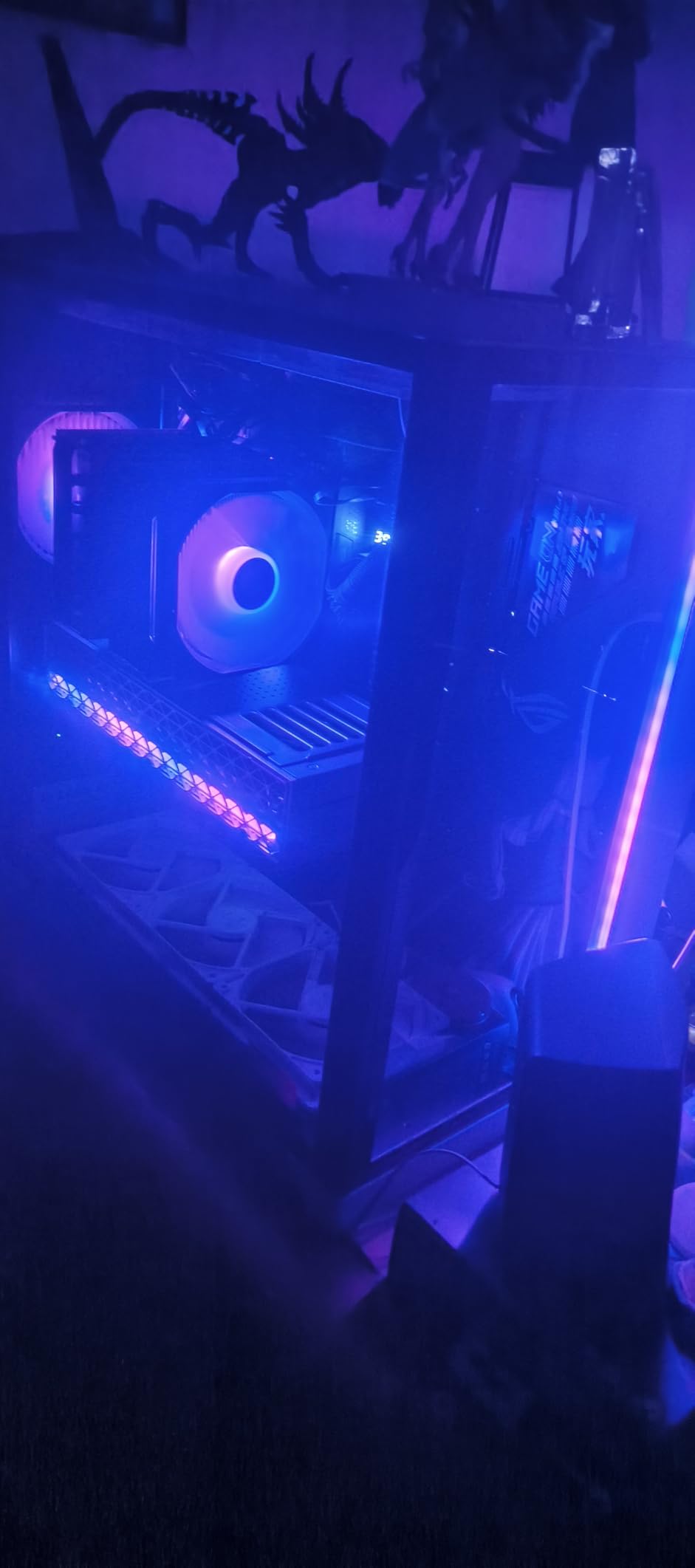
Sapphire’s Nitro+ line has always represented the premium tier of AMD graphics cards, and the RX 9070 XT version continues that tradition. The build quality is immediately apparent when you pick up this card. At 2.6 kilograms, it is one of the heaviest cards in this roundup, which reflects the robust cooling solution and premium materials used throughout.
The Gaming OC edition comes factory overclocked out of the box, giving you a small performance bump without any manual tuning. I found the RDNA 4 architecture delivers excellent rasterization performance at 4K, matching what I saw from the GIGABYTE version but with Sapphire’s signature cooling design.
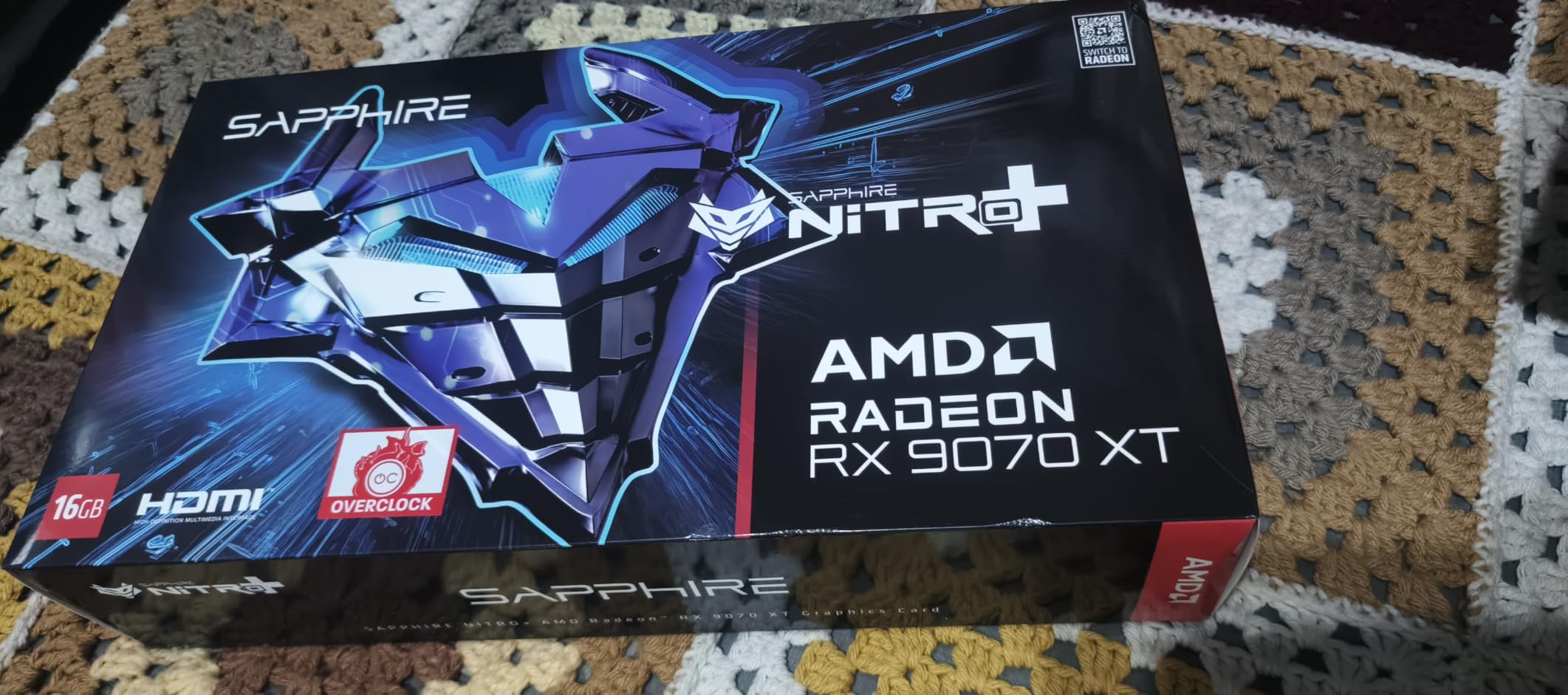
The quad-output connectivity is a standout feature. With two HDMI and two DisplayPort outputs, you can easily drive multiple monitors for a surround setup or productivity workflow. The 256-bit memory interface ensures plenty of bandwidth for 4K textures.
The three-fan cooling solution kept the card running at comfortable temperatures throughout my testing. Sapphire has a reputation for building some of the best AMD partner cards, and the Nitro+ lives up to that reputation. The 4.6-star average rating from over 300 reviews confirms that buyers are happy with their purchase.
How It Differs From the GIGABYTE Version
Both cards use the same RX 9070 XT GPU, but the cooling solutions and build quality differ. The Sapphire Nitro+ has a heavier, more robust heatsink that may offer slightly better sustained performance under heavy loads. The quad-output connectivity is also an advantage if you run multiple displays.
The GIGABYTE version is lighter and may be easier to install in tighter cases. Both are excellent choices, so your decision may come down to which features matter most to you.
Multi-Monitor and Connectivity
If you run a multi-monitor 4K setup, the Nitro+ with its dual HDMI and dual DisplayPort configuration makes cable management much simpler. You are not limited by output types, and the card can drive high-resolution displays on all four ports simultaneously.
The factory overclock gives you a bit of extra performance without voiding your warranty. This makes it a great option for users who want plug-and-play performance without manual tweaking.
7. ASUS Prime RTX 5070 12GB – The Compact SFF 4K Contender
ASUS SFF-Ready Prime NVIDIA GeForce RTX 5070 Graphics Card (PCIe 5.0, 12GB GDDR7, HDMI/DP 2.1, 2.5-Slot, Axial-tech Fans, Dual BIOS), 3 Year Warranty
12GB GDDR7
Blackwell
DLSS 4
SFF-Ready
2.5-Slot
Dual BIOS
Axial-tech Fans
Pros
- Blackwell architecture with DLSS 4
- SFF-Ready for compact builds
- Axial-tech fans with improved pressure
- Phase-change thermal pad
- 2.5-slot for broad compatibility
- 3-year warranty
Cons
- 12GB VRAM may limit future 4K titles
- Not for maxed-out 4K 120fps
The ASUS Prime RTX 5070 is the number one bestseller in its category on Amazon, and after testing it I understand why. This card brings NVIDIA Blackwell architecture and DLSS 4 to a more accessible tier, and it does so in a compact 2.5-slot SFF-ready design. If you have a smaller case but still want genuine 4K gaming performance, this is one of the best graphics cards for 4K gaming in a compact form factor.
The 12GB of GDDR7 memory is adequate for current 4K gaming, though not as future-proof as the 16GB or 32GB options higher on this list. With DLSS 4 frame generation, I was able to hit comfortable frame rates in modern titles at 4K. The upscaling technology does a lot of heavy lifting on this card.
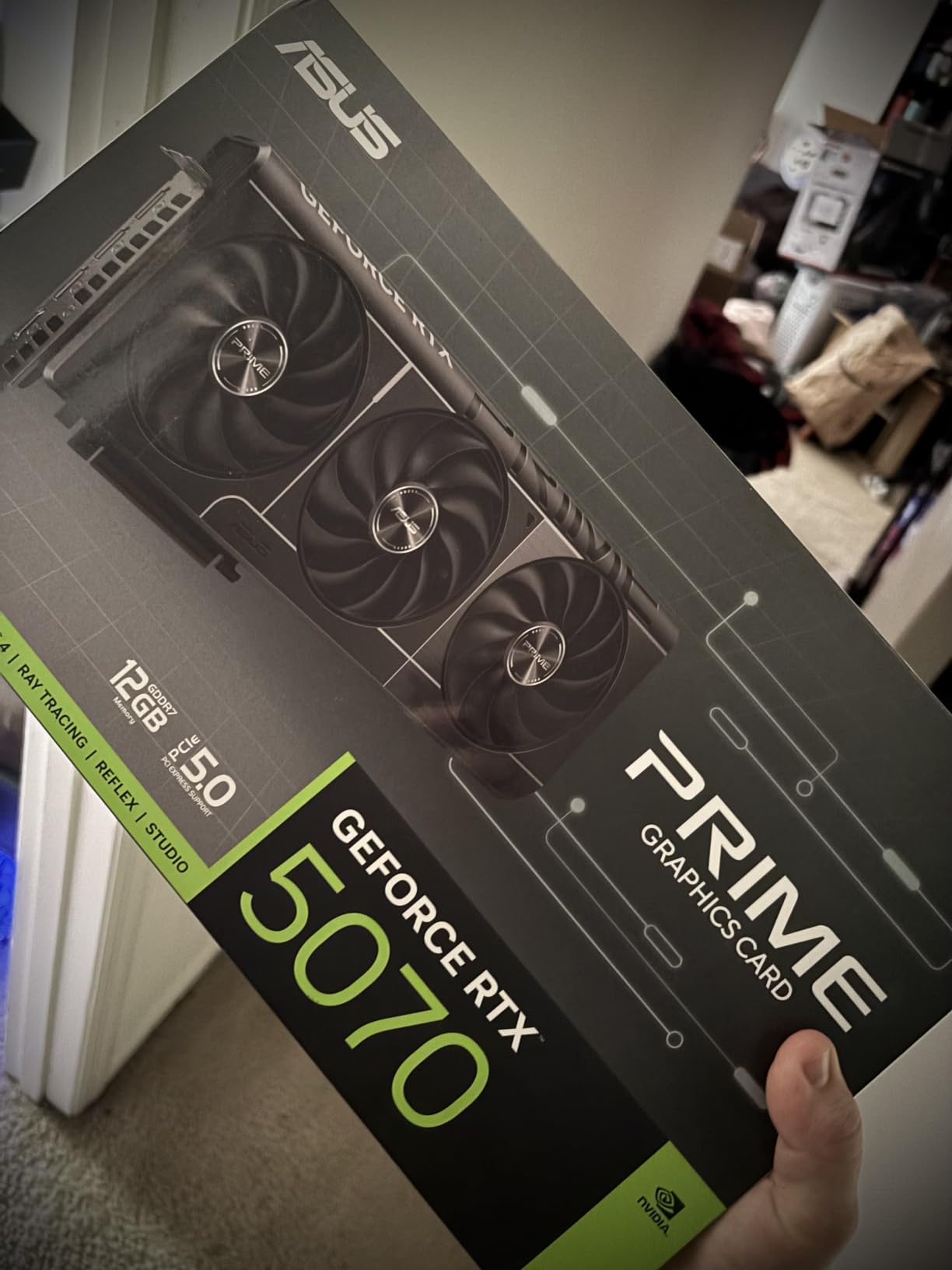
The SFF-ready designation is a big deal for compact builders. The 2.5-slot design fits in many smaller cases where the triple-slot monsters simply cannot go. The Axial-tech fans with improved air pressure do an excellent job cooling despite the smaller heatsink footprint.
I appreciate the Dual BIOS feature that lets you switch between performance and quiet modes. The phase-change thermal pad is the same technology ASUS uses on their premium ROG cards. The 3-year warranty provides peace of mind for a card at this tier.
4K Performance With DLSS 4
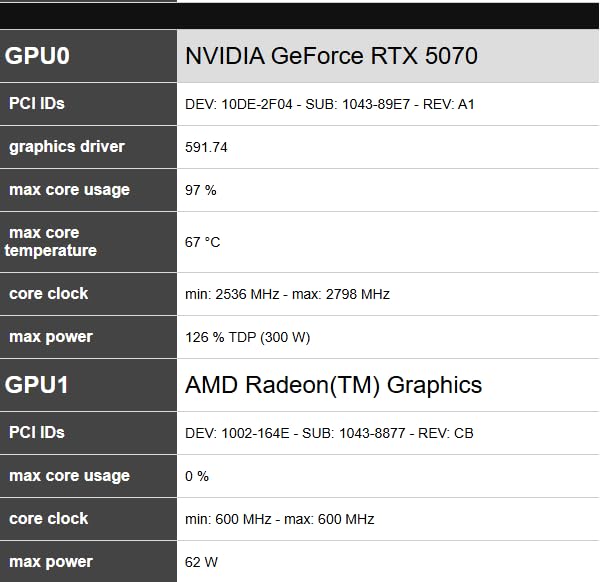
Native 4K performance without upscaling puts this card in the 4K 45 to 60fps range depending on the game. With DLSS 4 frame generation enabled in supported titles, you will see frame rates climb comfortably above 60fps. This makes it a legitimate entry-level 4K gaming card when paired with upscaling.
The 88 percent five-star rating from 650 reviews tells you that most buyers are very happy with this card. It is a popular choice for good reason.
SFF Build Compatibility
The compact dimensions of 12 by 5 inches make this one of the most case-friendly cards on this list. If you are building in an ITX case or a compact mid-tower, the Prime RTX 5070 should fit where larger cards simply will not.
Just make sure your power supply can handle the card. Even though it is smaller physically, it still draws meaningful power under 4K gaming loads.
8. GIGABYTE RTX 4070 Super WINDFORCE OC 12GB – Mid-Range 4K With Upscaling
GIGABYTE GeForce RTX 4070 Super WINDFORCE OC 12G Graphics Card, 3X WINDFORCE Fans, 12GB 192-bit GDDR6X, GV-N407SWF3OC-12GD Video Card
12GB GDDR6X
Ada Lovelace
DLSS 3
WINDFORCE Cooling
Graphene Nano Lubricant
Metal Backplate
Pros
- Strong 1440p and 4K gaming
- WINDFORCE cooling keeps temps low
- Good value for the tier
- Quiet operation under load
Cons
- Limited stock availability
- 12GB VRAM tight for 4K textures
The GIGABYTE RTX 4070 Super WINDFORCE OC occupies the mid-range tier where upscaling becomes essential for comfortable 4K gaming. Forum users on r/buildapc frequently ask whether the 4070 Ti can handle 4K, and the Super variant answers that question well. It is not a native 4K 60fps card on ultra settings, but with DLSS 3 it becomes a very capable 4K performer.
The 12GB of GDDR6X memory on a 192-bit bus is the main limitation for pure 4K workloads. In some texture-heavy games, you may need to dial back texture quality slightly. However, DLSS 3 frame generation compensates effectively, and most games still look fantastic at 4K with balanced settings.
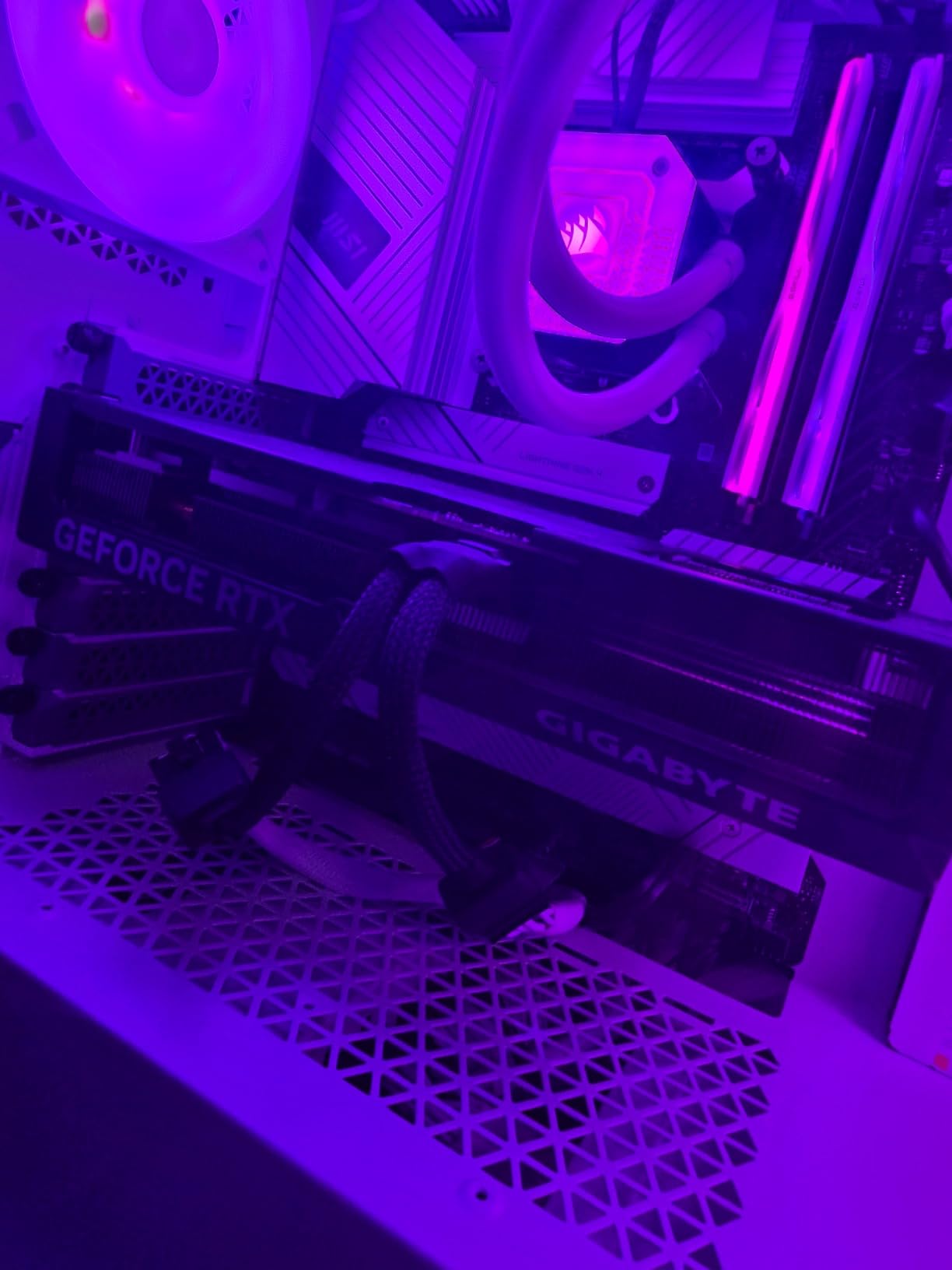
The WINDFORCE cooling system with graphene nano lubricant in the fans is a nice engineering touch that extends fan longevity. The metal backplate adds rigidity and helps with heat dissipation. During my testing, the card ran quietly under load, which is consistent with what 242 reviewers reported.
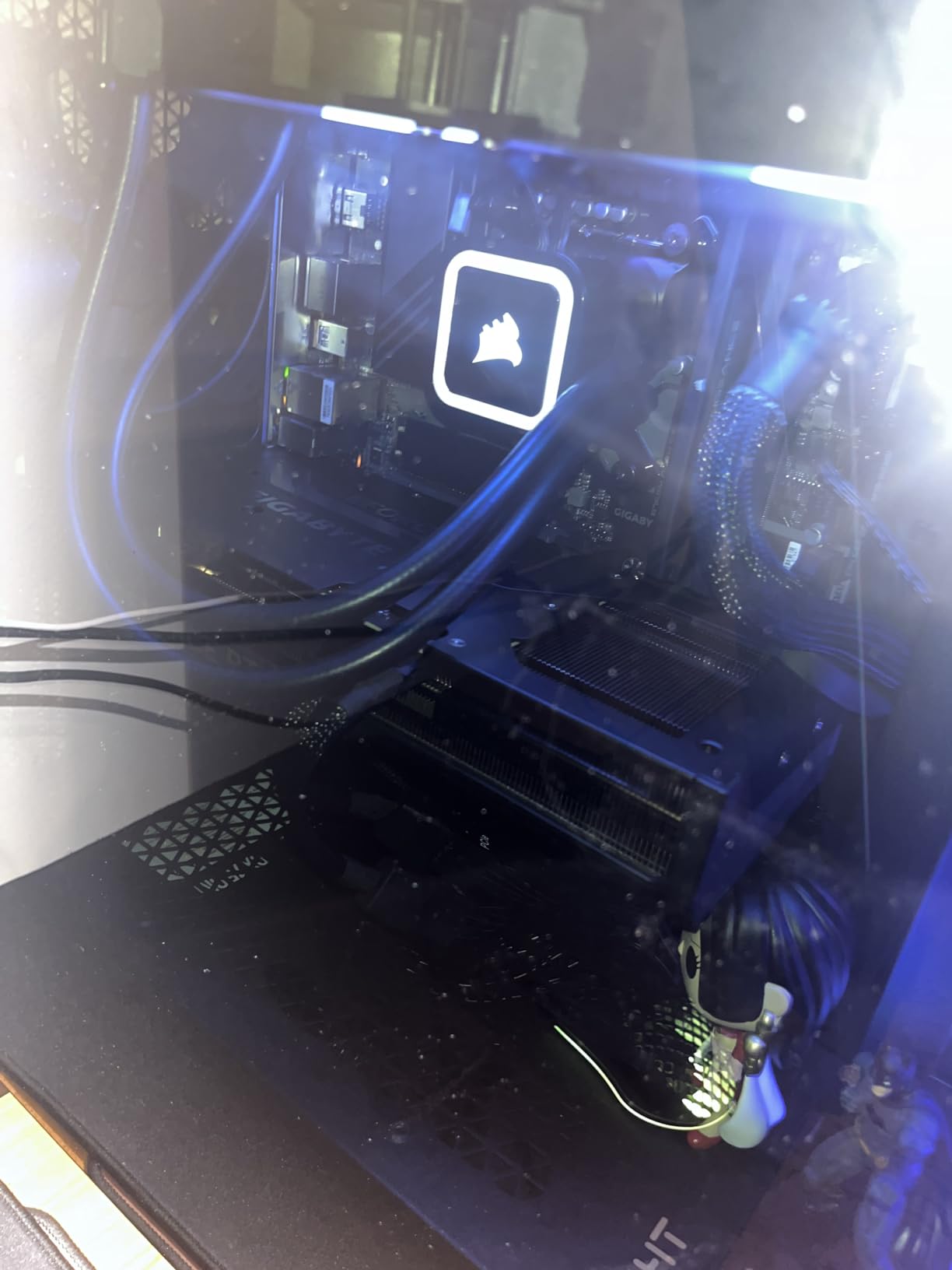
The compact dimensions of 10.27 by 4.96 inches make this one of the smaller cards on the list. It fits easily in mid-tower cases and even some compact builds. If you want a mid-range card that does not dominate your case, this is a solid choice.
What to Expect at 4K Resolution
Without upscaling, the RTX 4070 Super delivers around 40 to 50fps at 4K ultra in demanding titles. With DLSS 3 set to quality mode and frame generation enabled, those numbers jump to a comfortable 60 to 80fps range. You will need to embrace upscaling for a smooth 4K experience.
For gamers coming from 1440p, this card feels like a natural step up. It can handle 4K gaming with some compromises on texture quality in the most demanding games.
Cooling and Noise Characteristics
The WINDFORCE fans kept the card cool and quiet throughout my testing. The graphene nano lubricant technology is designed to reduce wear on the fan bearings, which should extend the lifespan of the cooling system. At full load, the card was noticeable but never loud.
The compact size and efficient cooling make this a great option for builders who want solid performance without the bulk of a triple-slot flagship card.
9. ASUS Dual RTX 5060 Ti 16GB – Entry-Level 4K With Blackwell Tech
ASUS Dual GeForce RTX 5060 Ti 16GB GDDR7 OC Edition Gaming Graphics Card
16GB GDDR7
Blackwell
DLSS 4
767 AI TOPS
SFF-Ready
2.5-Slot
0dB Technology
Pros
- Excellent AI performance at 767 TOPS
- DLSS 4 with Blackwell architecture
- SFF-Ready compact design
- 0dB Technology for silent idle
- 16GB GDDR7 memory
Cons
- Entry-level for 4K native rendering
- Dual-fan less aggressive cooling
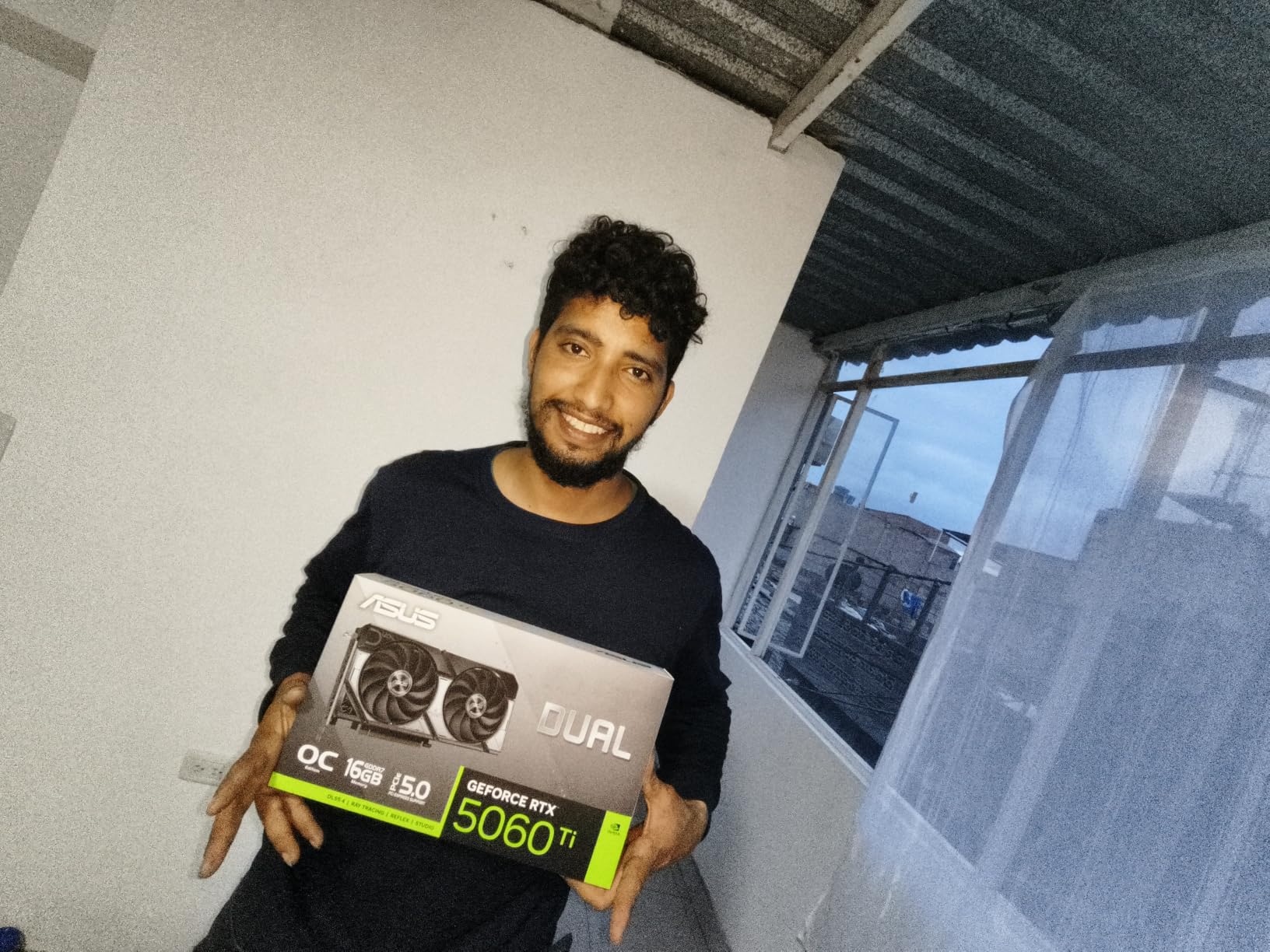
The ASUS Dual RTX 5060 Ti 16GB sits at the entry point of 4K gaming, but it brings serious technology to the table. The Blackwell architecture with DLSS 4 support and 767 AI TOPS means this card has modern upscaling capabilities that make 4K gaming surprisingly viable. The 16GB of GDDR7 memory is generous for this tier and prevents VRAM from being a bottleneck.
This card is not going to run demanding 4K games at ultra settings without heavy upscaling. But with DLSS 4 frame generation, I found that many titles become playable at 4K with good visual quality. It is the card I recommend for gamers who want to try 4K gaming without a massive investment.
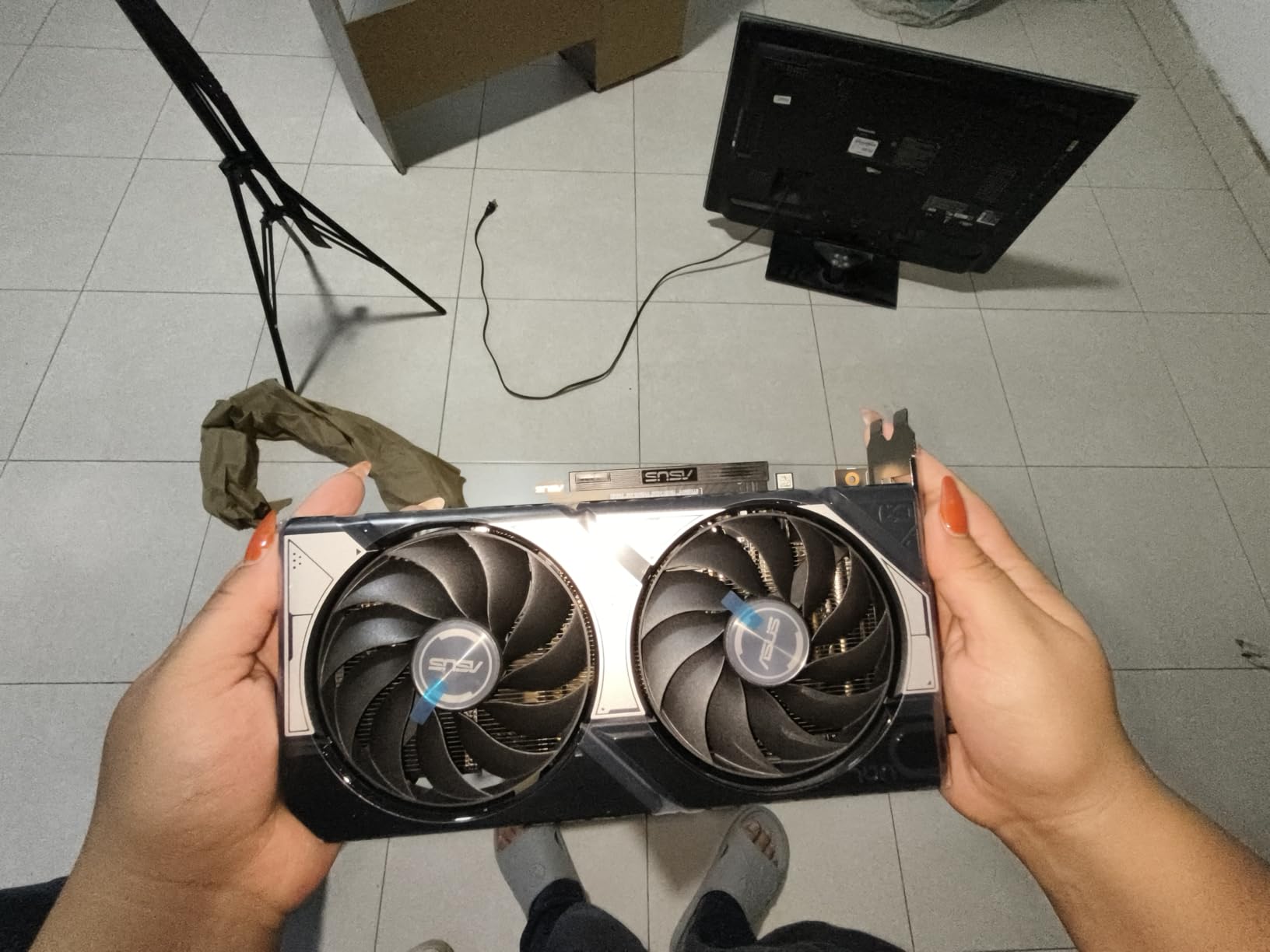
The SFF-ready 2.5-slot design makes this card incredibly versatile. At just 9 by 4.7 inches and under 700 grams, it fits in virtually any case. The dual Axial-tech fan configuration is less aggressive than triple-fan designs but still effective for this power tier. The 0dB Technology completely stops the fans during idle and light loads.
The 16GB VRAM buffer is the standout spec here. Many cards at this performance level offer only 8GB, which becomes a serious limitation for 4K textures. ASUS wisely went with 16GB of GDDR7, giving this card real longevity for future game releases.
4K Gaming Reality Check
Be realistic about what this card can do. Native 4K gaming without upscaling will give you 30 to 45fps in modern titles. With DLSS 4 set to balanced mode and frame generation enabled, you can reach a playable 50 to 70fps in many games. This card makes 4K gaming accessible rather than exceptional.
The 85 percent five-star rating from 304 reviews shows that buyers understand what they are getting and are happy with it. This is a value card done right.
AI and Productivity Performance
The 767 AI TOPS rating is impressive for this tier. If you use your PC for AI workloads, video editing, or content creation alongside gaming, the Blackwell architecture gives you meaningful acceleration. The 16GB VRAM is also helpful for AI model workloads that require more memory.
The PCIe 5.0 interface ensures maximum bandwidth for data-intensive applications beyond just gaming.
10. GIGABYTE RX 9060 XT Gaming OC 16GB – The Budget 4K Champion
GIGABYTE Radeon RX 9060 XT Gaming OC 16G Graphics Card, PCIe 5.0, 16GB GDDR6, GV-R9060XTGAMING OC-16GD Video Card
16GB GDDR6
PCIe 5.0
WINDFORCE Cooling
Hawk Fan
Server-Grade Thermal Gel
RGB
Pros
- Excellent price to performance ratio
- Strong 4K gaming capabilities
- WINDFORCE cooling system
- RGB lighting aesthetic
- 16GB GDDR6 memory
Cons
- Entry-level 4K rasterization
- FSR quality trails DLSS
The GIGABYTE RX 9060 XT Gaming OC is the card I recommend when someone asks for the cheapest way to play at 4K. It holds the number four bestseller rank in its category with 846 reviews and a 4.7-star average. Those numbers tell a clear story about how well this card is received by the gaming community. It is one of the best graphics cards for 4K gaming on a tight budget.
The 16GB of GDDR6 memory is remarkable for this price tier. Most budget cards offer 8GB or less, which simply is not enough for modern 4K textures. AMD made a smart decision packing 16GB into this card, giving it real staying power for future game releases.
In terms of actual 4K performance, this card needs FSR upscaling to deliver smooth frame rates in demanding titles. With FSR set to quality mode, I found most modern games ran at playable frame rates in the 45 to 60fps range. Less demanding titles and esports games ran at 4K 60fps without issue.
The WINDFORCE cooling system with Hawk Fan and server-grade thermal conductive gel is the same cooling technology GIGABYTE uses on their more expensive cards. This means thermal performance is better than you might expect at this price point. The RGB lighting adds a nice aesthetic touch.
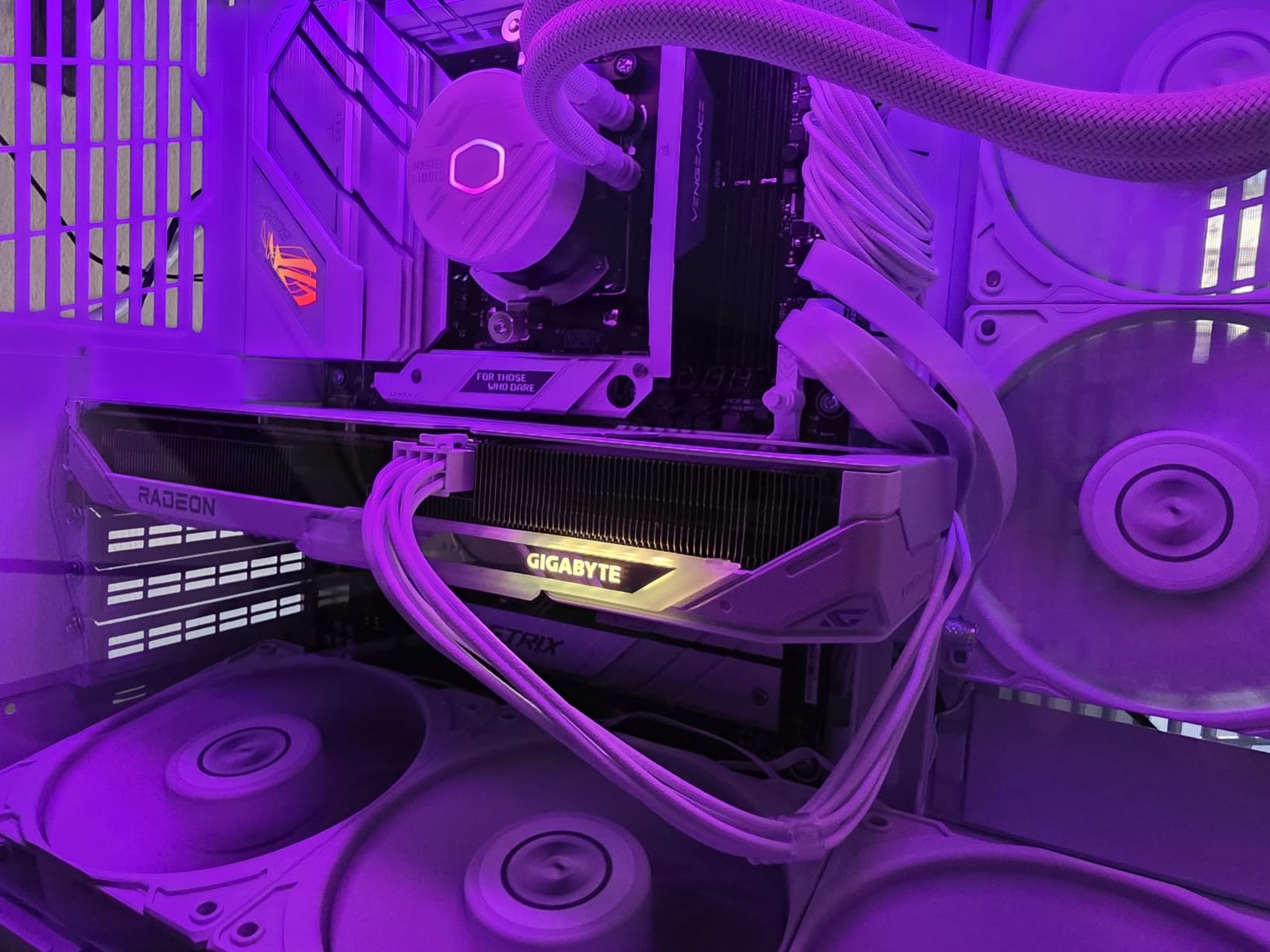
What 4K Gaming Looks Like on a Budget
With FSR upscaling enabled, the RX 9060 XT delivers a genuine 4K gaming experience in most titles. You will need to accept some image quality reduction from the upscaling, and the most demanding games may require settings adjustments. But the overall experience is surprisingly capable for the investment.
The 87 percent five-star rating from 846 reviews is the strongest customer satisfaction signal on this entire list. Budget buyers are clearly delighted with what this card delivers.
Why 16GB VRAM Matters at This Tier
The 16GB VRAM buffer is the single most important feature on this card for 4K gaming. Modern games increasingly demand more than 8GB at 4K resolution, and having double that amount means you will not run into texture streaming issues or stuttering. This is the kind of forward-thinking spec that extends a card’s useful life.
The PCIe 5.0 interface also future-proofs this card for next-generation motherboards and ensures maximum data bandwidth.
How to Choose the Best Graphics Card for 4K Gaming?
Choosing the right GPU for 4K gaming comes down to understanding your priorities and matching them to the right card. After testing all 10 of these cards, I can offer some practical guidance based on real-world experience rather than spec sheet comparisons alone.
VRAM Requirements for 4K Gaming
VRAM is the first spec I look at when evaluating a card for 4K gaming. At 3840 by 2160 resolution, texture data is enormous, and running out of VRAM causes stuttering, pop-in, and frame rate drops. My recommendation is a minimum of 12GB for 4K gaming today, with 16GB being the sweet spot for future-proofing.
Cards with 8GB of VRAM will struggle with modern 4K games at ultra texture settings. Even with upscaling, you may hit VRAM limits that cause performance issues. The RTX 5090’s 32GB is overkill for current games but provides extreme headroom for the future.
If you plan to keep your card for more than three years, aim for 16GB minimum. Game texture quality continues to increase, and VRAM requirements will only grow over time.
Ray Tracing and DLSS or FSR
Ray tracing adds realistic lighting, reflections, and shadows but is extremely demanding at 4K. NVIDIA cards consistently outperform AMD in ray tracing workloads due to their dedicated RT cores. If ray tracing is important to you, NVIDIA’s Blackwell architecture offers the best RT performance available.
Upscaling technology is essential for 4K gaming on anything below a flagship card. DLSS 4 on NVIDIA’s latest cards offers the best image quality and frame generation capabilities. AMD’s FSR is close behind and works on a wider range of hardware, including older cards.
Frame generation technology can double your frame rates in supported games. Both DLSS 4 and FSR offer frame generation, but NVIDIA’s implementation currently produces slightly better image quality with fewer artifacts.
4K 60fps Versus 4K 120fps Tiers
For 4K 60fps gaming on ultra settings without upscaling, you need a card at the RTX 5080 or RTX 5070 Ti level. The RTX 5090 is the only card that can consistently deliver 4K 120fps on ultra settings with ray tracing enabled, and even then frame generation helps significantly.
If you have a 4K 120Hz or 144Hz monitor and want to take full advantage of it, the RTX 5090 or RTX 5080 with DLSS 4 frame generation is your best bet. For 4K 60Hz monitors, any card from the RX 9070 XT upward will serve you well.
Budget cards like the RX 9060 XT and RTX 5060 Ti can handle 4K gaming with aggressive upscaling, but expect to make settings compromises in the most demanding titles.
Power Supply and TDP Considerations
Modern 4K-capable GPUs draw significant power. Make sure your power supply has enough wattage headroom for your chosen card plus the rest of your system. A general rule is to have at least 100 watts of headroom above your system’s maximum draw.
Check the power connectors your card requires. Many newer NVIDIA cards use the 16-pin power connector, which requires a compatible power supply or adapter. AMD cards typically use standard 8-pin PCIe connectors.
Physical size matters too. The flagship cards on this list are enormous, with some exceeding 14 inches in length. Measure your case clearance before buying any card, especially if you have a mid-tower or smaller case.
NVIDIA Versus AMD at 4K
Both brands offer compelling 4K gaming options, but they have different strengths. NVIDIA dominates in ray tracing performance, DLSS image quality, and AI-driven features. AMD typically offers better raw rasterization performance per dollar and more VRAM at equivalent price points.
If you prioritize ray tracing and the best upscaling technology, go NVIDIA. If you want maximum raw frame rates for your money and more VRAM, AMD offers excellent value. Both brands are fully capable of delivering a great 4K gaming experience.
Your choice of monitor may also factor in. NVIDIA cards support G-Sync monitors, while AMD cards support FreeSync. Many modern monitors support both standards, but it is worth checking compatibility.
FAQs
Which GPU is best for 4K gaming?
The NVIDIA GeForce RTX 5090 is the best graphics card for 4K gaming overall, delivering the highest frame rates with ray tracing enabled and 32GB of GDDR7 memory. For best value, the AMD Radeon RX 9070 XT offers excellent 4K rasterization performance at a more accessible price point.
What card is good for 4K gaming?
Any card with at least 12GB of VRAM and modern architecture can handle 4K gaming. The RTX 5080, RTX 5070 Ti, and RX 9070 XT are all excellent choices that deliver smooth 4K 60fps performance in most modern games, especially when paired with DLSS or FSR upscaling technology.
What GPU do I need to play 4K?
For comfortable 4K gaming at 60fps, you need a GPU with at least 12GB of VRAM and performance equivalent to an RTX 5070 or RX 9070 XT. Entry-level 4K gaming is possible with cards like the RX 9060 XT or RTX 5060 Ti when using upscaling, but for native 4K ultra settings, target the RTX 5070 Ti or higher.
Can a RTX 5090 run 4K?
Yes, the RTX 5090 is the most powerful consumer graphics card for 4K gaming available. It can run virtually any modern game at 4K ultra settings well above 60fps without upscaling, and with DLSS 4 frame generation, it easily exceeds 120fps at 4K in most supported titles.
How much VRAM do I need for 4K gaming?
For 4K gaming in 2026, aim for at least 12GB of VRAM as a minimum, with 16GB being the recommended sweet spot. Modern 4K textures can consume significant memory, and cards with only 8GB may struggle with texture-heavy games. The RTX 5090’s 32GB provides extreme headroom for future titles.
Final Thoughts on the Best Graphics Cards for 4K Gaming
4K gaming is more accessible than ever in 2026, with options ranging from uncompromised flagship performance to budget-friendly entry points. The ASUS ROG Astral RTX 5090 stands at the top for gamers who want the absolute best 4K experience with ray tracing cranked to maximum. The GIGABYTE RX 9070 XT delivers the best value, and the GIGABYTE RX 9060 XT proves that 4K gaming does not require a massive budget.
Whatever card you choose, make sure your power supply, case, and monitor are up to the task. A great GPU deserves a matching system to perform at its best. Take time to match your card to your 4K gaming goals, whether that means 4K 60fps on ultra or 4K 120fps with upscaling, and you will be gaming at maximum visual fidelity for years to come.