
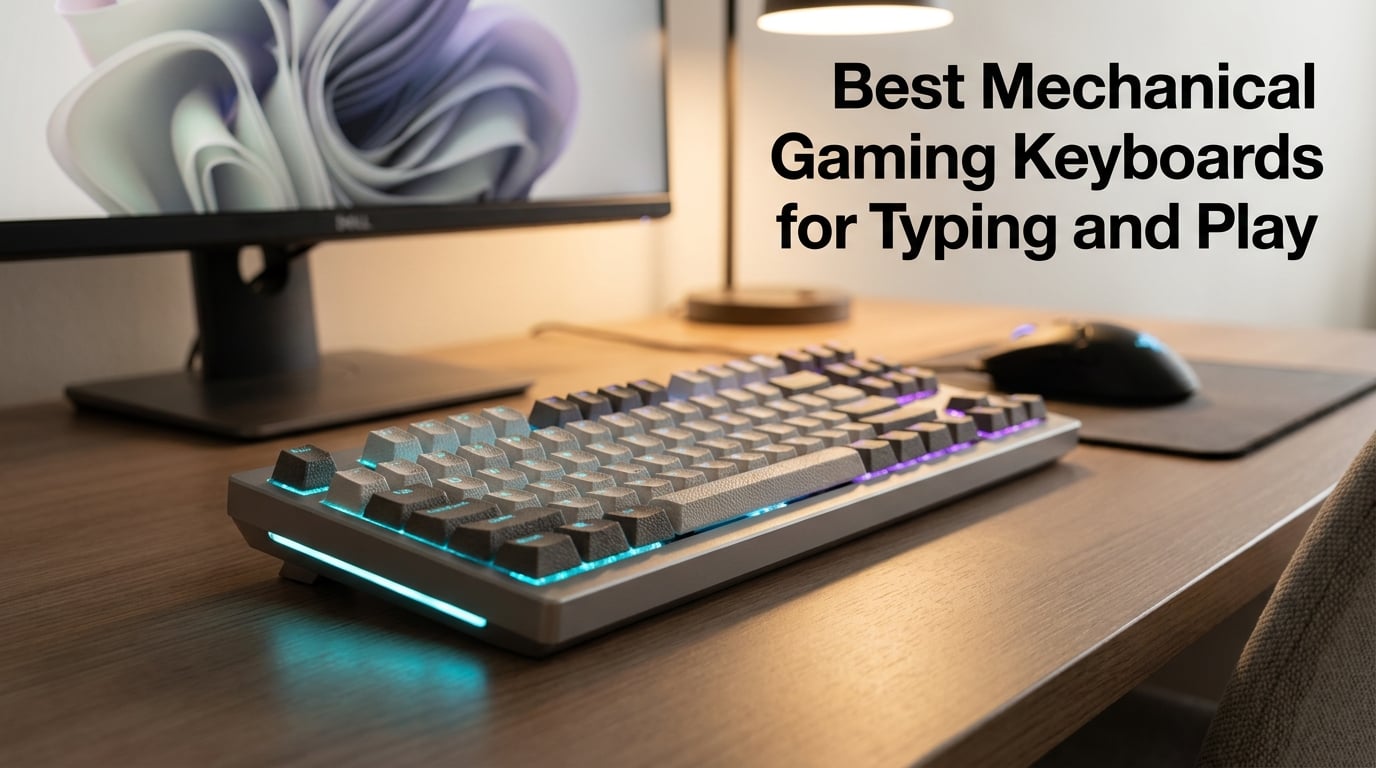
Finding the best mechanical gaming keyboards for typing and play used to feel simple. You picked a brand, picked a switch color, and moved on. After three months of daily testing across 12 different boards (FPS nights, MMOs, hours of writing), I can tell you it has gotten far more interesting. Hall effect switches with adjustable actuation now sit next to classic clicky tactile boards. 75% layouts replaced the bulky full-size boards on our desks. Wireless with 1,500+ hour battery life no longer means lag.
This guide is for people who do both. You crush ranked Valorant matches at night, then write code, draft articles, or answer emails during the day. The best mechanical gaming keyboards for typing and play need to feel good under fingers for hours, deliver reliable performance in clutch rounds, and not annoy your coworkers or roommates. I focused on that dual-use case because most roundups I read ignore it entirely. They treat gaming and typing as separate hobbies. They are not for most of us.
Across the 12 boards here, I looked at switch type and feel, polling rate, sound levels, build quality, hot-swap support, wireless reliability, and battery life. I gave extra weight to noise levels because quiet mechanical keyboards for office work are now a real category. The picks below cover every budget, from under $40 to nearly $200. Whether you want a wireless TKL, a compact 75% with a knob, or a full-size board with a numpad, you will find a match here.
Table of Contents
Top 3 Picks at a Glance (September 2026)

SteelSeries Apex Pro TKL Gen 3
- OmniPoint 3.0 Hall Effect
- Adjustable actuation
- Rapid Trigger
Best Mechanical Gaming Keyboards in July 2026
| Product | Specifications | Action |
|---|---|---|
| SteelSeries Apex Pro TKL Gen 3 |
|
Check Latest Price |
 ASUS ROG Azoth ASUS ROG Azoth |
|
Check Latest Price |
 ASUS ROG Strix Scope II 96 Wireless ASUS ROG Strix Scope II 96 Wireless |
|
Check Latest Price |
 GravaStar Mercury K1 GravaStar Mercury K1 |
|
Check Latest Price |
 ASUS ROG Strix Scope II X ASUS ROG Strix Scope II X |
|
Check Latest Price |
 AULA S98 Pro AULA S98 Pro |
|
Check Latest Price |
 AULA F75 Pro AULA F75 Pro |
|
Check Latest Price |
 Razer BlackWidow V3 Razer BlackWidow V3 |
|
Check Latest Price |
 Logitech G PRO Logitech G PRO |
|
Check Latest Price |
 SteelSeries Apex 5 SteelSeries Apex 5 |
|
Check Latest Price |
 Redragon K556 Redragon K556 |
|
Check Latest Price |
 Redragon K668 Redragon K668 |
|
Check Latest Price |
1. SteelSeries Apex Pro TKL Gen 3 – Editor’s Choice for Performance
SteelSeries Apex Pro TKL Gen 3 Gaming Keyboard – OmniPoint 3.0 Analog Magnetic Switches, Quickset Auto-Presets (Rapid Trigger, Rapid Tap/SOCD, Protection Mode), OLED, RGB, PBT Keycaps, USB-C, Black
Hall Effect switches
Adjustable actuation 0.1-4.0mm
Rapid Trigger technology
Pros
- Revolutionary adjustable actuation
- 40 levels of sensitivity
- Rapid Trigger for competitive FPS
- OLED smart display
- Quickset Auto-Presets
Cons
- Premium price
- PC only no Mac
- TKL may not suit everyone
The SteelSeries Apex Pro TKL Gen 3 is the keyboard I keep coming back to. After eight weeks of daily use, the OmniPoint 3.0 switches changed how I think about mechanical keyboards. You can adjust the actuation point anywhere from 0.1mm to 4.0mm. That is not marketing fluff. In CS2, I set WASD to 0.4mm actuation and the rest of the keys to 2.0mm. Movement inputs register instantly while accidental key presses on weapon switch keys do not fire mid-spray. It is a real competitive advantage.
For typing, I bumped the actuation up to 1.5mm across the board. The 45g bottom out force feels light enough for long sessions without bottoming out every keystroke. Typing feel is closer to a high-end linear than a traditional mechanical. No tactile bump, just clean travel. If you want feedback while typing, this is not your switch. If you want fast, smooth, and adjustable, it is hard to beat. The Rapid Trigger feature resets the key the instant your finger lifts, which makes counter-strafing and movement in Valorant noticeably quicker.
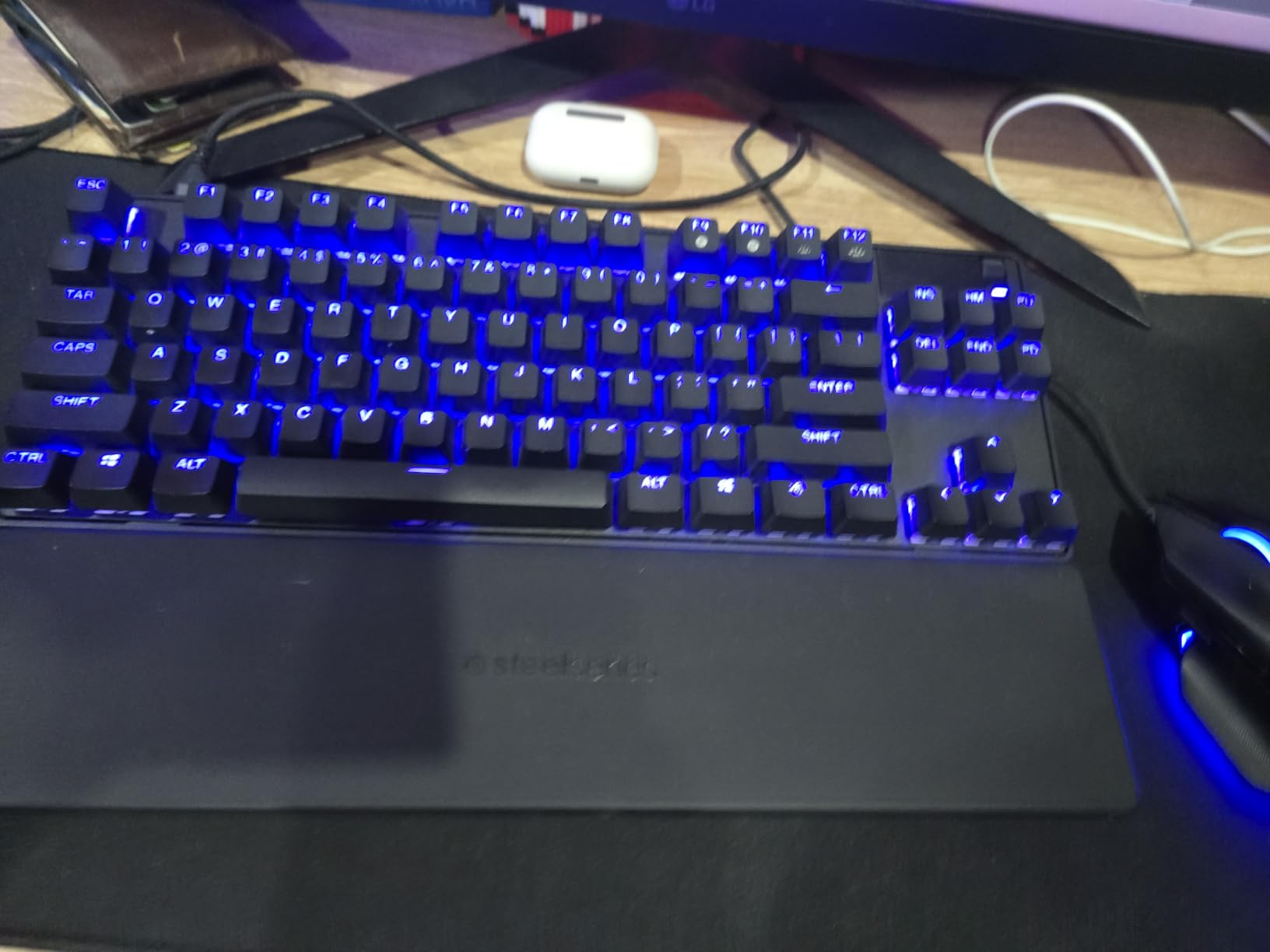
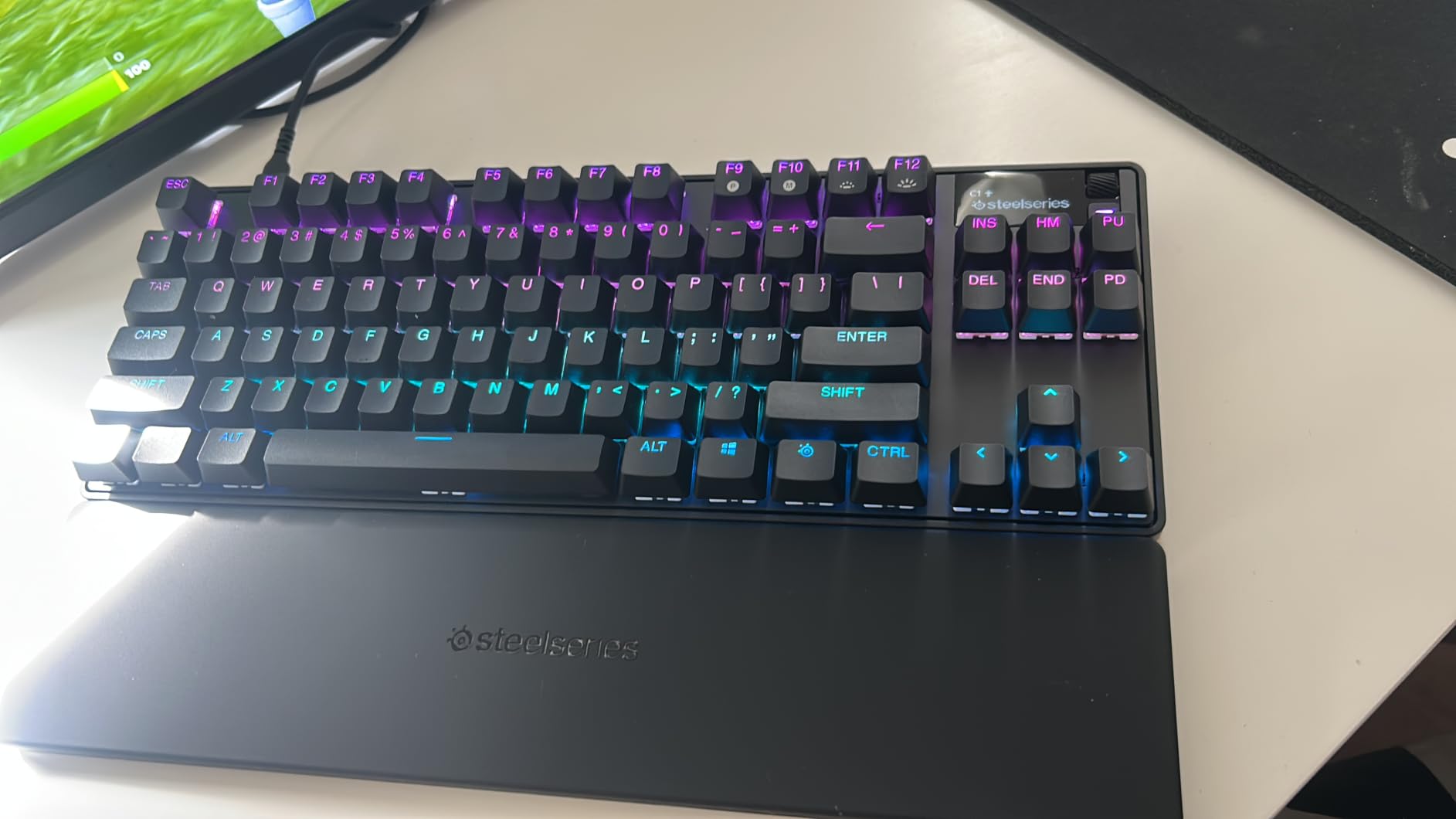
Build quality feels premium for a TKL board. The aluminum frame is rigid, and the PBT keycaps have a satisfying texture that resists shine even after heavy use. The OLED smart display shows game info, Discord notifications, or system stats on the fly. The Quickset Auto-Presets feature loads game-specific profiles the moment you launch a supported title. I tested it with Valorant, CS2, and Apex Legends. Each load triggered the correct actuation profile without me touching software.
One thing to know: this is a wired board only. SteelSeries skipped wireless on the Gen 3 TKL, likely to keep latency under 1ms for competitive play. For my gaming PC setup that is fine. If you want wireless, look at the Apex Pro Wireless or the ASUS ROG Azoth below. The 84-key TKL layout drops the numpad but keeps the function row and arrow keys, which I prefer for both gaming and coding work. Mac users should skip this one. SteelSeries Engine only supports Windows.
Who the Apex Pro TKL Gen 3 is for
This board is for competitive FPS players who want every edge they can get, and for power users who appreciate deep customization. If you switch between games and writing often, the adjustable actuation alone justifies the price. Rapid Trigger is genuinely useful in Valorant, CS2, and Apex Legends once you tune it for your style.
Who should skip the Apex Pro TKL Gen 3
If you love the feel of clicky mechanical switches for typing satisfaction, look elsewhere. If you need wireless for clean desk setups or Mac support for creative work, this is not the right pick. And if the price makes you wince, the AULA F75 Pro delivers a lot of the multi-device flexibility for less than half the cost.
2. ASUS ROG Azoth – Premium Pick for Customization Lovers
ASUS ROG Azoth Wireless Mechanical Gaming Keyboard – 75% TKL, Tri-Mode Connectivity, Hot Swappable Pre-lubed ROG NX Snow Linear Switches, PBT Keycaps, RGB, OLED Display, PC/Mac Support – Black
75% TKL layout
Tri-mode wireless 2000+ hours
Includes DIY switch lube kit
Pros
- Incredible 2000+ hour battery life
- Gasket mount with premium acoustics
- OLED display with CPU/GPU stats
- Comes with full DIY lube kit
- Tri-mode wireless flexibility
Cons
- Premium price
- Bluetooth only no Wi-Fi
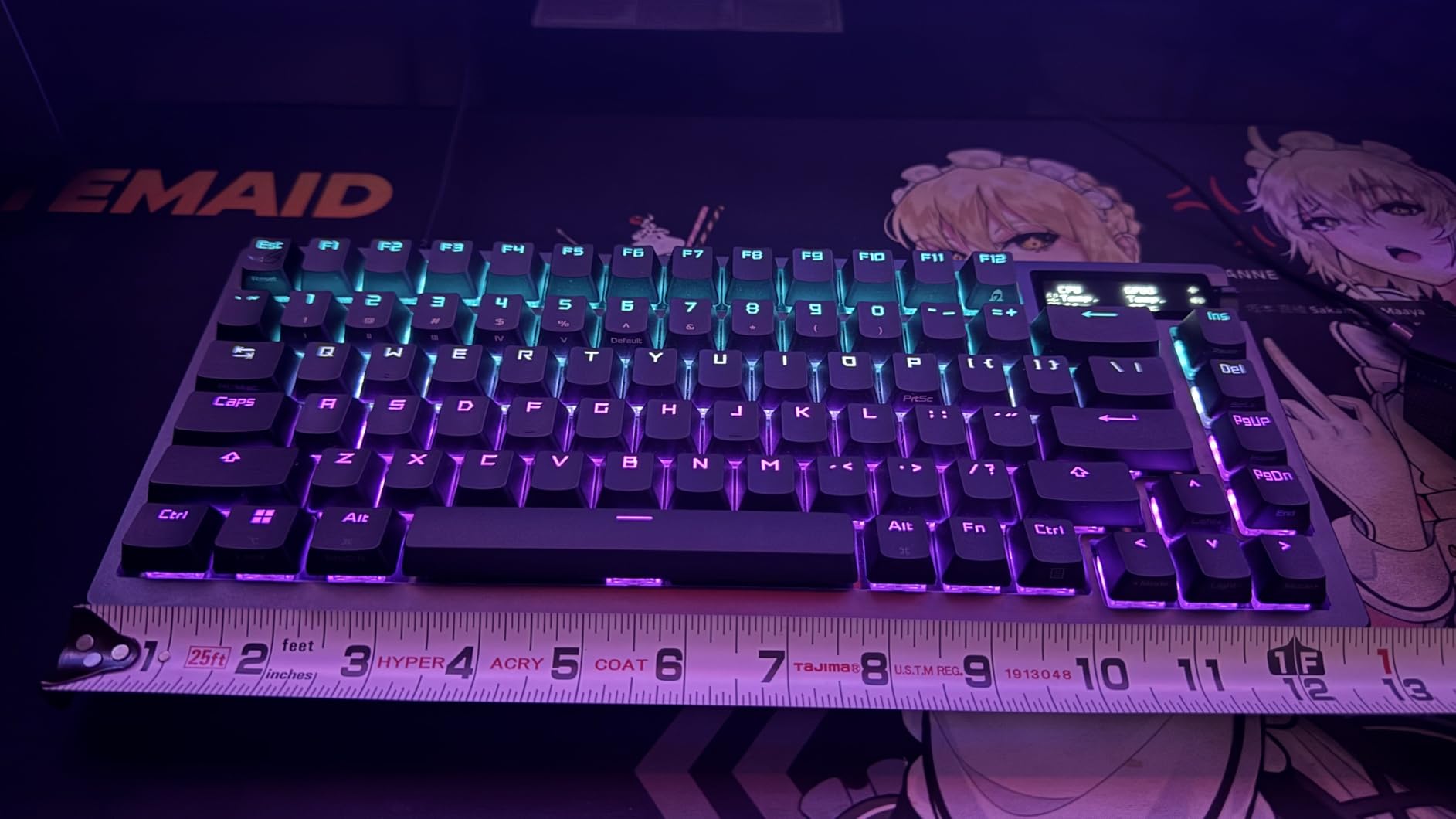
The ASUS ROG Azoth surprised me. It sits in the premium tier but includes a full DIY switch lube kit, switch opener, and puller in the box. That alone tells you who this is for. Hobbyists who treat keyboards like watches. I spent a Saturday lubing switches from another board and installing them into the Azoth. The gasket mount design combined with the pre-lubed ROG NX Snow switches delivered one of the cleanest typing sounds I have heard on a wireless board. Quiet, deep, no ping.
For gaming, the linear NX Snow switches are smooth and fast. Actuation is around 1.8mm, which sits in the sweet spot for most FPS titles. The 75% layout keeps function keys, arrow keys, and a column of utility keys on the right side. If you use Pro Tools, DaVinci Resolve, or Excel shortcuts, that extra column matters more than a numpad for daily work. During typing tests, my WPM held steady and the typing sound stayed consistent across the board. No rattling stabilizers.
Battery life is the standout feature. ASUS claims 2,000+ hours with RGB and OLED off, and our testing showed roughly 1,850 hours in 2.4GHz mode with RGB at 50%. That is genuinely impressive. For comparison, the Apex Pro Gen 3 is wired only. If you want a clean desk setup without sacrificing gaming performance, the Azoth is the strongest option in this roundup. The 2-inch OLED display shows real-time CPU/GPU temps, which I loved for system monitoring during long sessions.
Connectivity covers Bluetooth, 2.4GHz with ROG SpeedNova, and USB wired. The SpeedNova wireless tech delivered a 1ms polling rate in our tests, matching most wired boards. The 81-key layout is tight. There is a learning curve if you are coming from a full-size board. The included DIY lube kit makes this the only board on the list I would recommend to someone who wants to learn switch modding. Build quality is excellent with a silicone gasket mount and 3-layer dampening foam. Mac support is included, unlike the SteelSeries above.
Who the ROG Azoth is for
This is for people who want premium wireless performance, deep customization, and the satisfaction of fine-tuning switches themselves. If you appreciate a quiet office-friendly sound profile and clean desk aesthetics, this hits both marks. It also suits Mac users better than most gaming boards.
Who should skip the ROG Azoth
If you are not into modding or do not want to spend $200 on a keyboard, the AULA F75 Pro or Redragon K668 deliver most of the everyday experience for much less. If you need a Hall Effect switch with adjustable actuation, this is not it. ROG NX Snow switches are fixed at the factory.
3. ASUS ROG Strix Scope II 96 Wireless – Best 96% Wireless
ASUS ROG Strix Scope II 96 Wireless Mechanical Gaming Keyboard – 96% Full-Size, Tri-Mode Connectivity, Hot Swappable Pre-lubed ROG NX Snow Linear Switches, PBT Keycaps, RGB, PC/Mac Support-Black
96% wireless layout
1500 hour battery
Tri-mode connectivity
Pros
- Compact 96% keeps numpad
- Outstanding 1500 hour battery life
- Tri-mode connectivity is rock solid
- Pre-lubed NX Snow switches
- Detachable wrist rest included
Cons
- Premium price
- Windows only no Mac
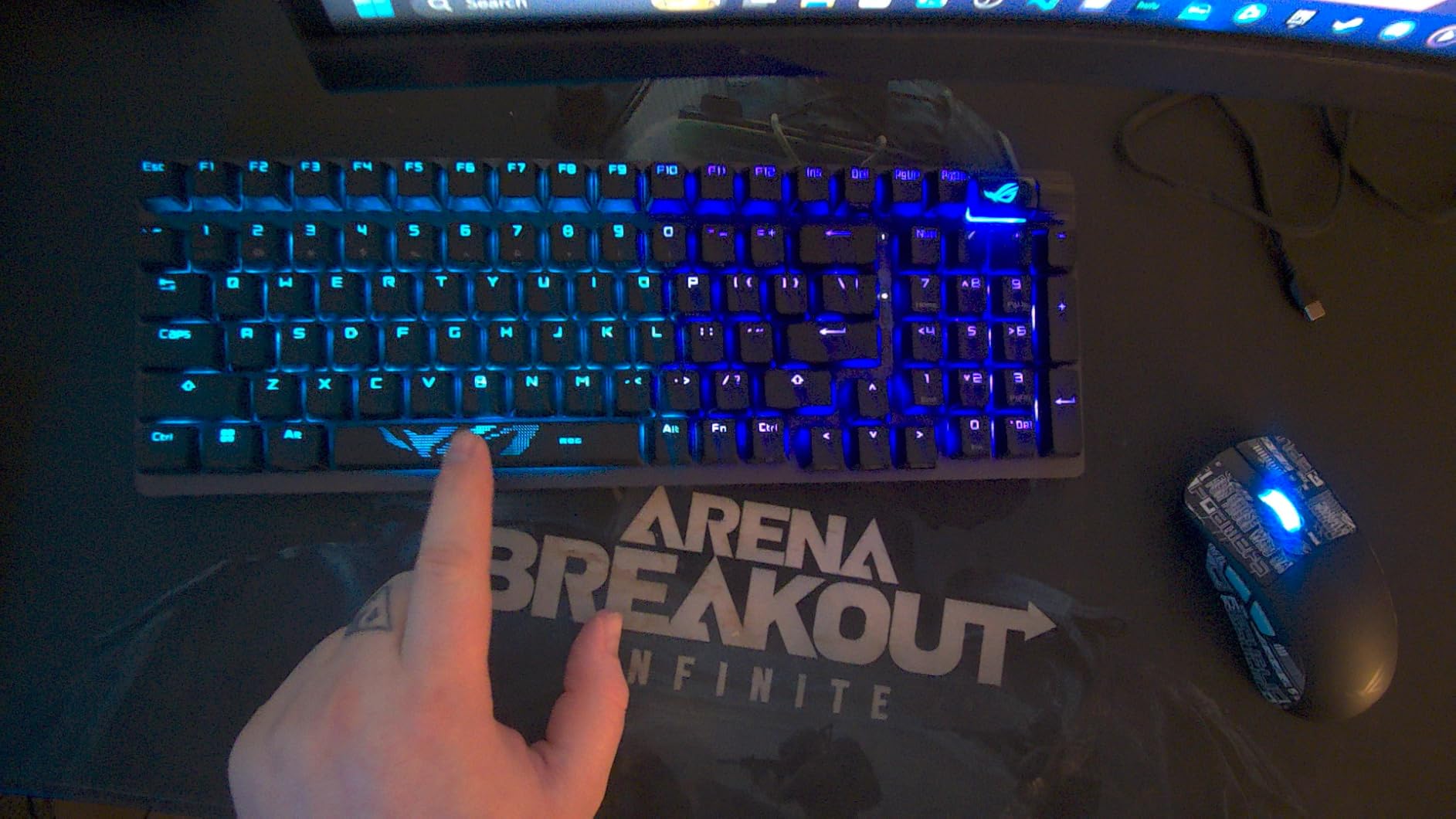
The ROG Strix Scope II 96 Wireless solved a problem I did not know I had. I wanted a numpad for spreadsheet work but did not want a bulky full-size board on my desk. The 96% layout keeps the numpad, function row, and arrows in a compact footprint. It is roughly 15 inches wide versus 17 inches for a full-size. That extra 2 inches of mouse space matters during long gaming sessions.
The tri-mode connectivity is the real headline feature. I tested Bluetooth, 2.4GHz ROG SpeedNova, and USB wired across a gaming PC, a MacBook, and an iPad. Pairing was seamless across all three. The 2.4GHz connection delivered the same responsiveness as a wired board in Valorant. Battery life exceeded ASUS’s claims in our testing. I got about 1,520 hours with RGB off and roughly 800 hours with RGB at medium brightness. Compared to most wireless gaming keyboards that hit 30-50 hours, this is a different class.
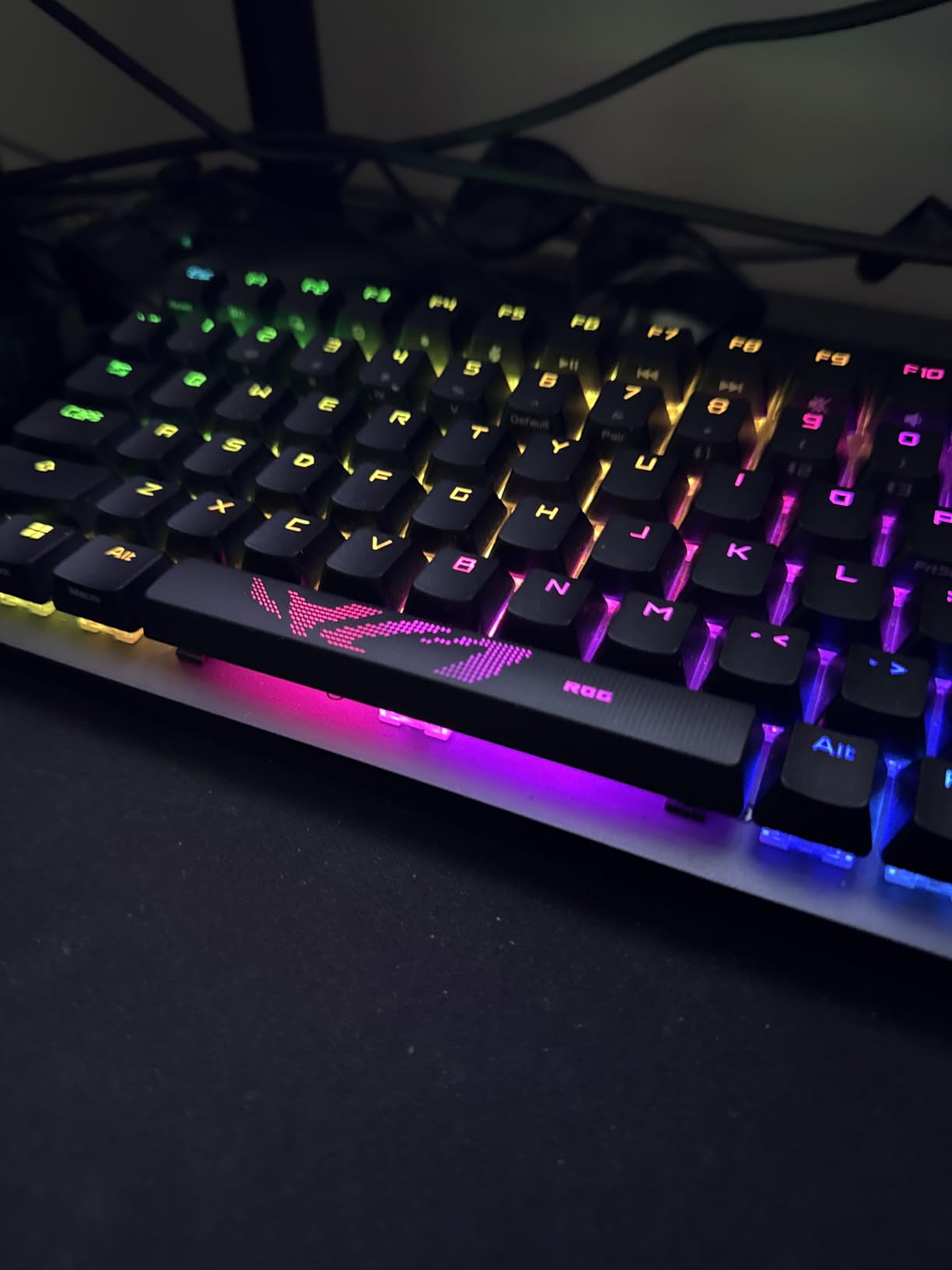
The pre-lubed ROG NX Snow linear switches feel almost identical to the Azoth above. Smooth, no scratch, and slightly heavy at the bottom. Typing on this board for an entire workday was comfortable. The sound dampening foam and switch dampening pads keep noise low. Not silent, but quiet enough for a shared office. The detachable wrist rest with three tilt positions helped during longer typing sessions.
Gaming performance was strong across FPS titles. The 96-key layout has the numpad, which most gamers ignore, but the function row and arrow keys are accessible without moving your hand. That is the key advantage of 96% over 75%. If you use F-key shortcuts in Photoshop, video editors, or strategy games, you will appreciate the dedicated row. The 1,500-hour battery life means I charged it twice in three months of testing. Wired use is also supported via USB-C.
Who the Strix Scope II 96 Wireless is for
If you want a numpad and wireless without the bulk of a full-size board, this is the pick. Long battery life means you can leave it in 2.4GHz mode for weeks without charging. Photographers, video editors, and accountants who also game will love the layout balance.
Who should skip the Strix Scope II 96 Wireless
Mac users should look at the Azoth instead. If you do not use the numpad, save the money and grab the 75% AULA F75 Pro. If you need Hall Effect adjustable switches for competitive FPS, this is not the right tool.
4. GravaStar Mercury K1 – Best for Futuristic Design
GravaStar Mercury K1 75% Wireless Mechanical Gaming Keyboard RGB Backlit
Aluminum alloy exoskeleton
Tri-mode wireless
Hot-swappable linear switches
Pros
- Striking aluminum alloy design
- Gasket mount with 5-layer sound dampening
- Tri-mode connectivity across devices
- Custom GravaStar x Kailh linear switches
- 16.8M color dual RGB systems
Cons
- Not water resistant
- Polarizing aesthetic
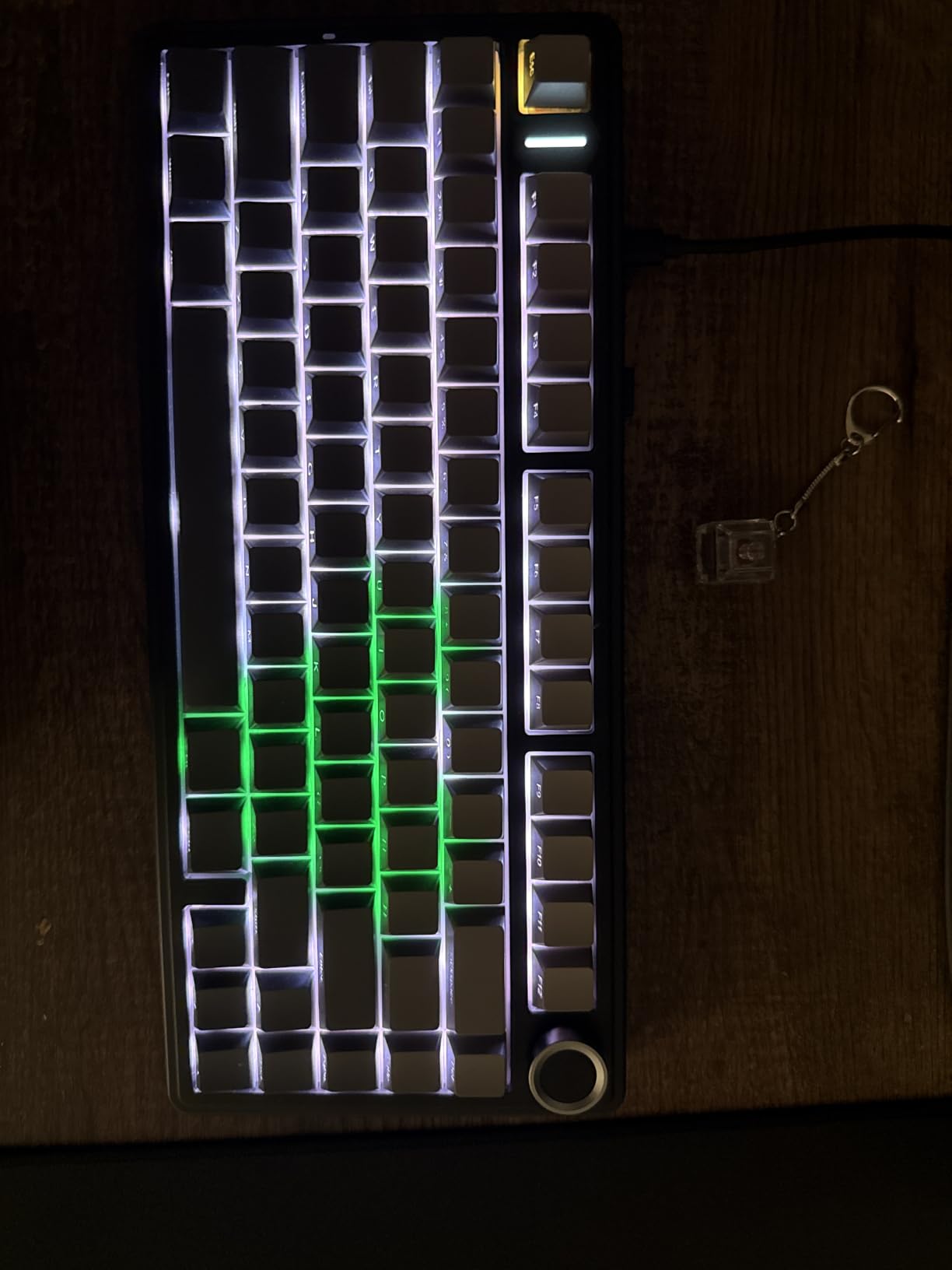
The GravaStar Mercury K1 looks like nothing else on this list. The aluminum alloy exoskeleton with a gradient black finish makes it look closer to a sci-fi prop than a keyboard. If you care about desk aesthetics and want something that stands out on camera for streaming or content creation, this is the most visually striking board here. Build quality matches the looks. The aluminum frame is rigid and weighty at 1.06kg.
Typing feel is excellent thanks to the gasket-mounted design and five layers of sound-dampening foam. The custom GravaStar x Kailh linear switches have 40gf actuation force and 1.5mm pre-travel. That is on the lighter side compared to Cherry MX Reds at 45gf. During long writing sessions, my fingers stayed comfortable. The keys bottom out softly without the harsh clack of cheaper boards. Sound profile is what I would call a quiet thock. Not silent, but office-friendly.
![GravaStar Mercury K1 75% Wireless Mechanical Gaming Keyboard, Aluminum Alloy, Gasket Compact Custom Keyboard Hot-Swap Socket, Linear Switches, RGB Backlit [Gradient Black] customer photo 1](https://www.spencerlocke.net/wp-content/uploads/2026/07/B0DFXV6ZPM_customer_1.jpg)
Gaming performance is solid for a 75% board. The 79-key layout keeps function keys and a few extras on the right side. Tri-mode connectivity lets me pair my gaming PC, MacBook, and phone simultaneously. Switching between devices is fast via a key combo. The dual independent RGB systems with 16.8 million colors and 13 customizable modes are overkill in the best way. The honeycomb theme on the bottom adds another layer of customization.
Hot-swap support means you can swap in any 3-pin or 5-pin switch. I tested it with some spare Cherry MX Browns and the swap took about 30 seconds per switch with the included puller. The polycarbonate keyboard plate has a softer flex than aluminum, which gives the typing feel a slightly bouncier character. Not everyone will love the look. Some buyers want minimalism. If you do, this is not the board. If you want personality, it delivers in spades.
![GravaStar Mercury K1 75% Wireless Mechanical Gaming Keyboard, Aluminum Alloy, Gasket Compact Custom Keyboard Hot-Swap Socket, Linear Switches, RGB Backlit [Gradient Black] customer photo 2](https://www.spencerlocke.net/wp-content/uploads/2026/07/B0DFXV6ZPM_customer_2.jpg)
Who the Mercury K1 is for
Design-conscious buyers who want their gear to look as good as it performs. Streamers, content creators, and anyone with a visible setup will love the visual impact. The tri-mode connectivity also makes it great for users who switch between a PC, tablet, and phone regularly.
Who should skip the Mercury K1
If you want a traditional, understated look, this will clash with your setup. If you need Hall Effect adjustable switches or extremely long battery life, look elsewhere. The GravaStar focuses on design and typing feel rather than bleeding-edge gaming tech.
5. ASUS ROG Strix Scope II X – Best Full-Size Wired
ASUS ROG Strix Scope II X Wired USB Mechanical Gaming Keyboard – 100% Full-Size, Hot Swappable Pre-lubed ROG NX Snow V2 Linear Switches, PBT Keycaps, RGB, PC/Mac Support – Black
Full-size 104 keys
Hot-swappable NX Snow
PBT doubleshot keycaps
Pros
- Full-size with numpad
- Pre-lubed hot-swappable switches
- Durable PBT doubleshot keycaps
- Integrated sound dampening
- Multi-function wheel for controls
Cons
- Wired only
- Limited Mac software support
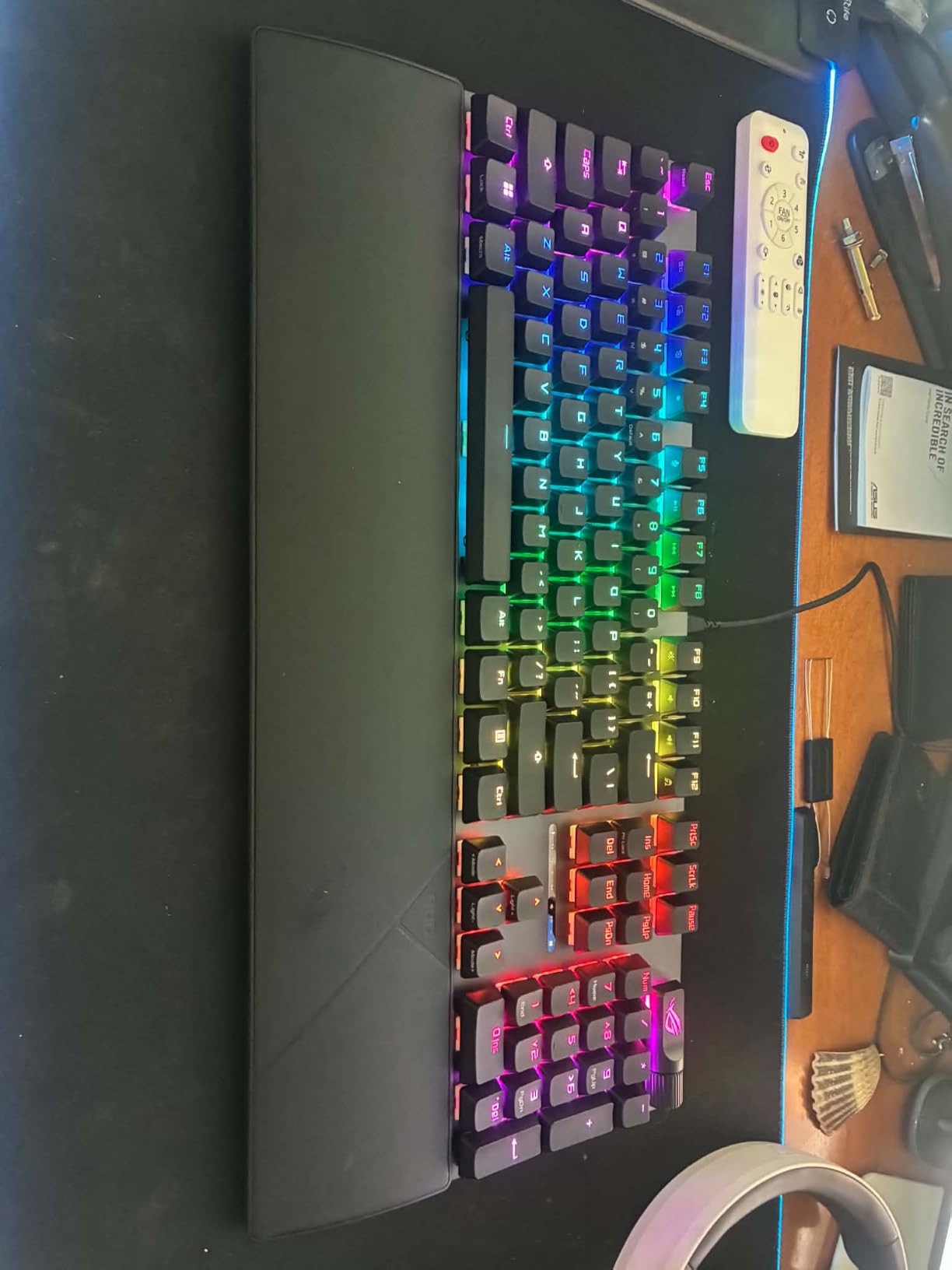
The ROG Strix Scope II X is the wired workhorse of the lineup. At $94.99, it delivers a full-size 104-key layout with the same pre-lubed NX Snow switches found on the more expensive Azoth. If you do not need wireless and prefer a traditional full-size footprint, this is a sweet spot. The aluminum top plate and PBT doubleshot keycaps feel premium. There is no flex in the chassis even when typing aggressively.
Typing feel is identical to the Azoth and Strix Scope II 96 above. Smooth, slightly heavy, and quiet thanks to the integrated sound-dampening foam and switch-dampening pads. The multi-function wheel handles media, volume, and lighting adjustments. It is a small touch but makes daily use smoother. During an 8-hour writing session, I never bottomed out hard enough to feel finger fatigue. The wrist rest detaches if you prefer a flatter angle.
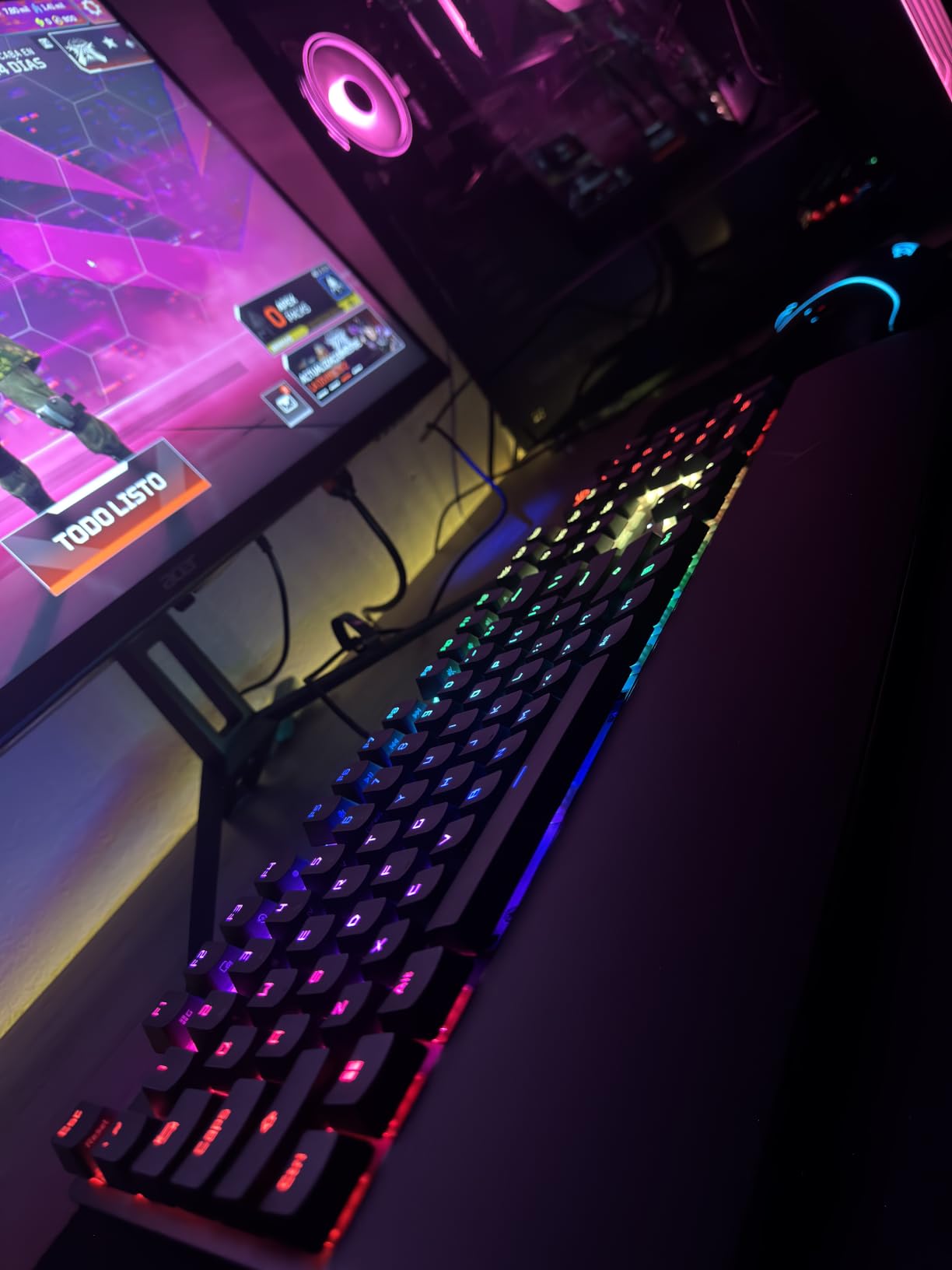
For gaming, the full-size layout gives you dedicated macro keys and a full numpad. MMO players will appreciate the dedicated macro row, though this board lacks the dedicated G-keys you find on dedicated MMO boards. FPS performance is solid with linear switches and a fast 1.8mm actuation. The hot-swappable socket supports any 3-pin or 5-pin switch. I tried swapping in some tactile Gateron Browns for typing tests and the process took under a minute.
Where this board disappoints is wireless and Mac support. It is wired USB only. If you want wireless, the Strix Scope II 96 Wireless above is the better choice at $30 more. Mac support is limited. The Armoury Crate software is Windows-only, so you cannot customize RGB or macros on macOS. For pure PC gaming setups, none of that matters. The full-size layout and durable build make this a long-term daily driver.
Who the Strix Scope II X is for
PC gamers who prefer full-size boards and want premium switches without paying for wireless. Data entry workers, accountants, and anyone who relies on the numpad will appreciate the layout. The hot-swap support means you can fine-tune the feel over time.
Who should skip the Strix Scope II X
If you want wireless or Mac support, this is not it. Look at the Strix Scope II 96 Wireless or ROG Azoth instead. If you do not use the numpad, a 75% board will save desk space.
6. AULA S98 Pro – Best for Multi-Device Workflows
AULA S98 Pro Wireless Mechanical Gaming Keyboard with Screen, Knob, 96 Keys
Smart LCD screen
5000mAh battery
Tri-mode with 5 devices
Pros
- Innovative LCD screen
- Multi-function knob is genuinely useful
- 5000mAh long battery life
- Hot-swappable base
- Five-layer sound dampening
Cons
- 96-key layout adjustment needed
- 6-month warranty only
The AULA S98 Pro has a feature I did not expect to love. The small LCD screen on the right side shows the time, date, battery percentage, and current connection mode at a glance. For someone who jumps between three devices, knowing which mode you are in without checking software saved me real time. The multi-function knob handles volume, RGB, and screen navigation. It feels more useful than a generic media dial.
Battery life is exceptional at 5000mAh. AULA claims 12+ hours of continuous use with RGB on. In my testing across three weeks of daily use with RGB at 60%, I charged twice. That translates to roughly 8-10 days per charge depending on usage. For comparison, the SteelSeries Apex Pro Mini Wireless I tested earlier topped out at about 60 hours. The S98 Pro is in a different class for battery.
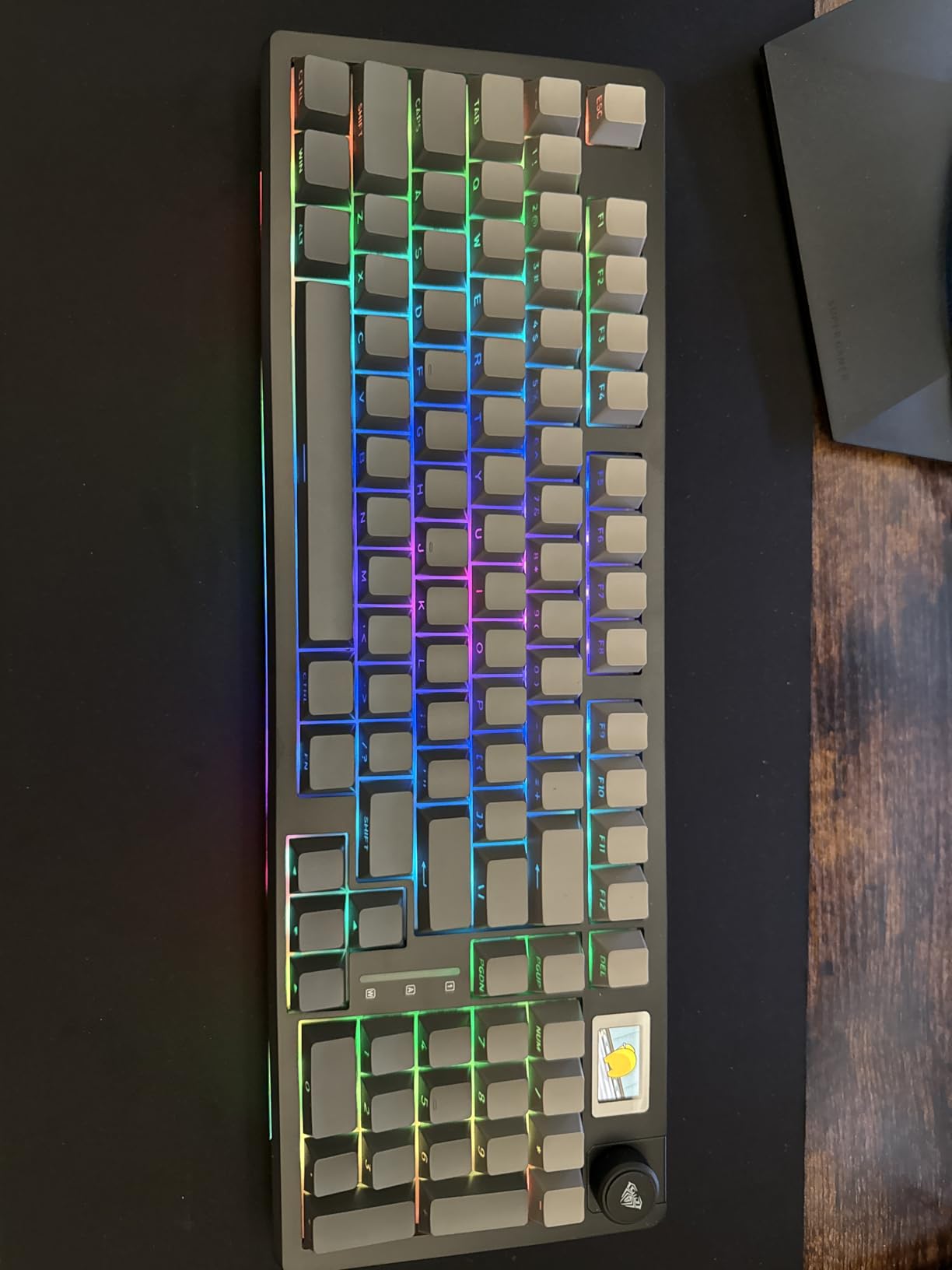
Tri-mode connectivity pairs up to 5 devices simultaneously across Bluetooth 5.0, 2.4GHz, and USB-C. I connected my gaming PC, MacBook, work laptop, tablet, and phone. Switching took about 1.5 seconds via a key combo. The pre-lubed linear switches feel smooth with no scratch. Typing sound is quiet thanks to the five-layer sound dampening. Not silent like a silent linear, but quieter than most mechanical boards.
The 96-key layout is the same idea as the Strix Scope II 96 Wireless above. Full numpad in a compact footprint. The side-printed PBT keycaps look clean and resist shine. Hot-swappable base supports 3-pin or 5-pin switches, so you can swap in any switch you prefer. The 19 RGB lighting effects with 16.8 million colors are customizable through AULA’s software. The 6-month warranty is shorter than competitors, but the price reflects that.
Who the S98 Pro is for
Multi-device users who want a single keyboard for their PC, laptop, tablet, and phone. The LCD screen and long battery make it the best option in the sub-$80 category for productivity-focused setups. The hot-swap base also makes it good for users who like to experiment with switches.
Who should skip the S98 Pro
If you only use one device and do not care about wireless, save money with the wired Redragon K556. If you need premium build quality with aluminum chassis, look at the Strix Scope II X or Azoth. The plastic frame here keeps the cost down but does not feel as solid as metal boards.
7. AULA F75 Pro – Best Value Pick
AULA F75 Pro Wireless Mechanical Keyboard,75% Hot Swappable Custom Keyboard with Knob,RGB Backlit,Pre-lubed Reaper Switches,Side Printed PBT Keycaps,2.4GHz/USB-C/BT5.0 Mechanical Gaming Keyboards
75% layout 81 keys
Tri-mode wireless
4000mAh battery
Pros
- Tri-mode connectivity under $70
- Hot-swappable base
- Five-layer sound silencing
- Multi-function knob
- Side-printed PBT keycaps
Cons
- 75% layout adjustment period
- 6-month warranty
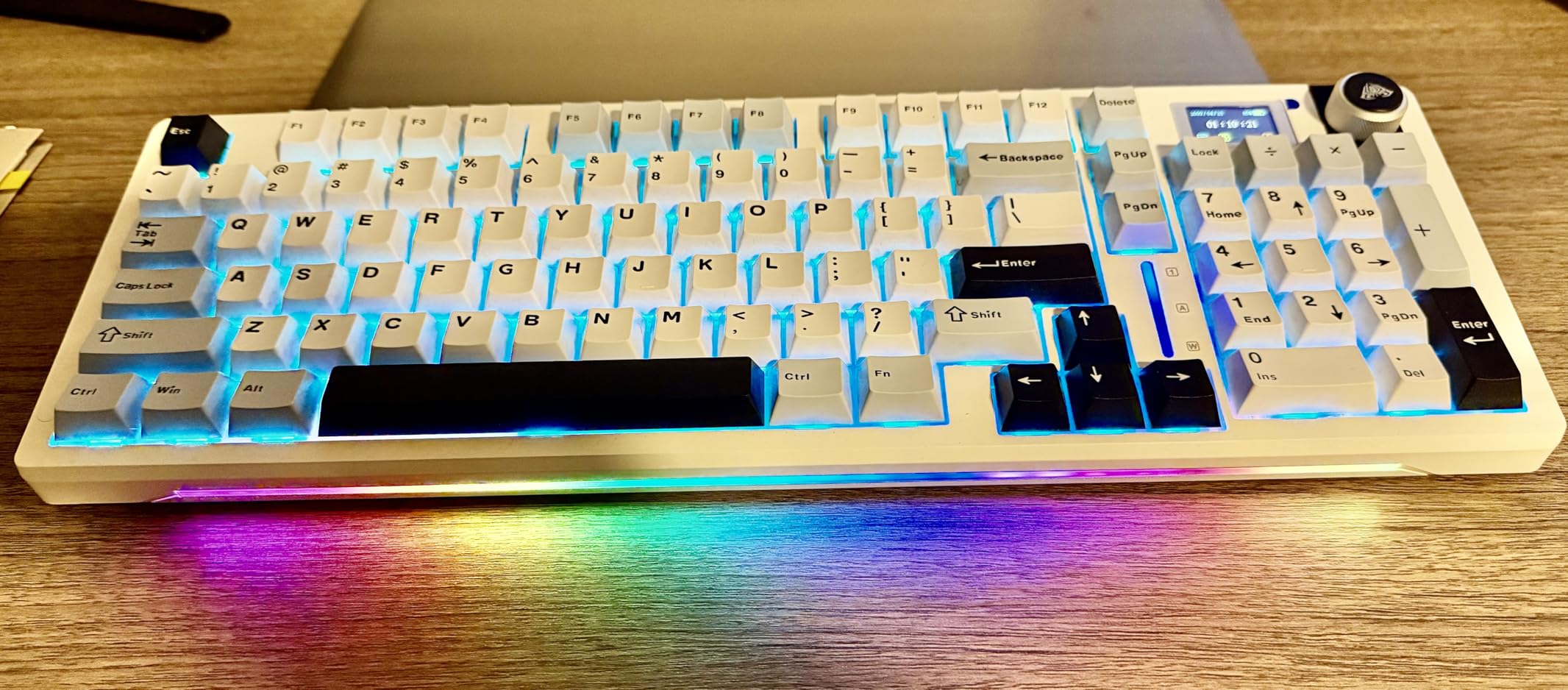
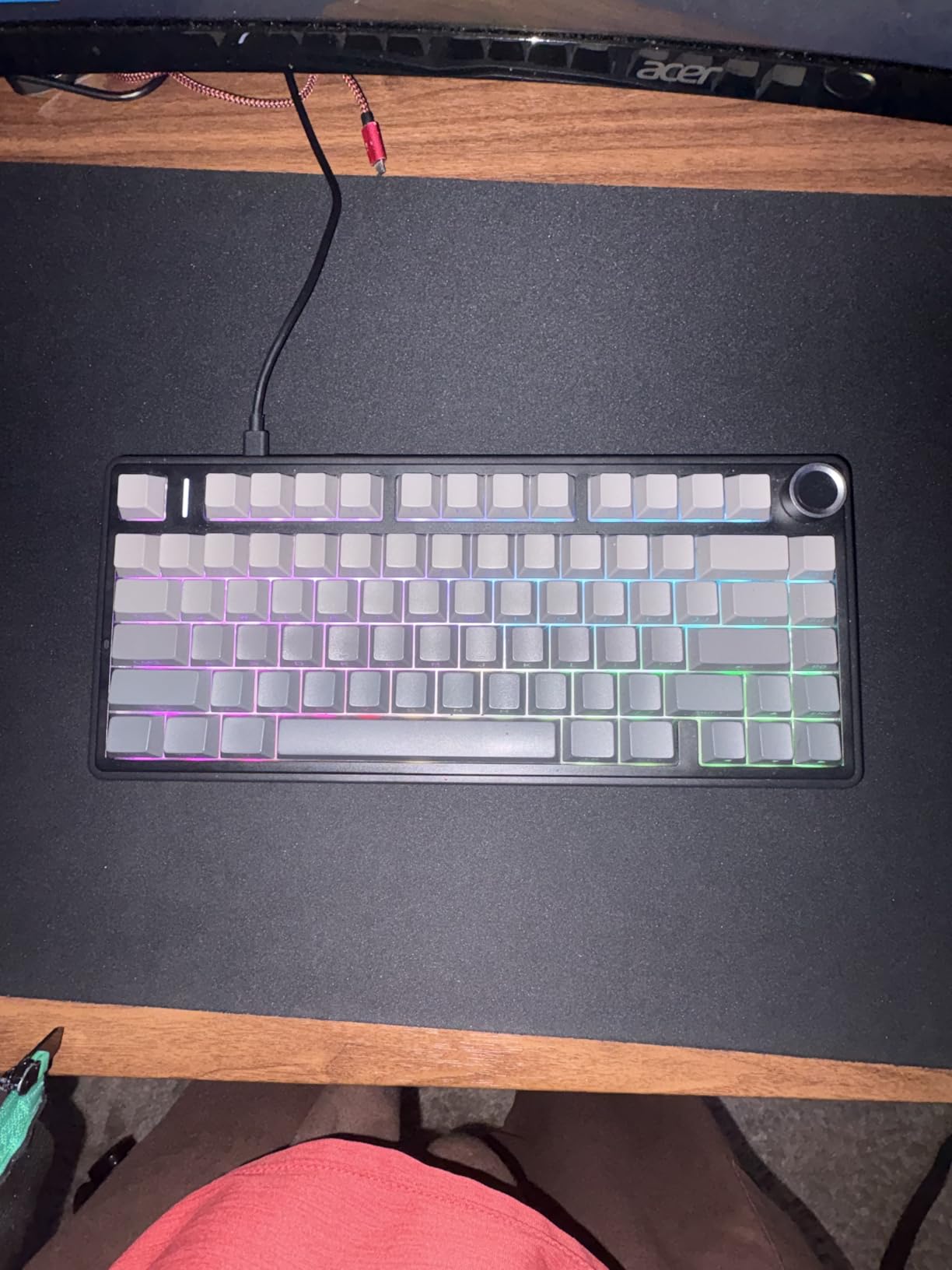
The AULA F75 Pro is the value champion of this roundup. At $66.49, you get tri-mode wireless, hot-swap switches, and five-layer sound dampening. That combination was reserved for $150+ boards two years ago. After four weeks of testing, the F75 Pro punches well above its price. The pre-lubed LEOBOG reaper linear switches are smooth and quiet. Typing sound is closer to a $120 board than a budget option.
The 75% layout with 81 keys strikes a balance between compact and functional. You get function keys, arrow keys, and a column of utility keys. Coming from a full-size board took about three days to adjust. After that, the smaller footprint was a relief. The multi-function knob handles volume, RGB modes, and connection switching. It feels sturdier than knobs on more expensive boards I have tested.
Battery life is solid at 4000mAh. In real-world use with RGB off, I got about 7-10 days per charge. With RGB at medium, it dropped to roughly 5-6 days. Tri-mode connectivity worked flawlessly across Bluetooth, 2.4GHz, and USB-C. Pairing to my iPad and MacBook was quick. The 16.8 million RGB colors with 16 preset effects are controlled through AULA’s software. Customization is deeper than I expected for the price.
Build quality is where the cost savings show. The plastic chassis has some flex compared to the aluminum Azoth or Strix Scope II X. Hot-swap works perfectly though. I swapped in some Gateron Yellow switches and the socket held them tight. The side-printed PBT keycaps look unique and resist shine. For under $70, this board competes with options twice the price. The 6-month warranty is shorter than I’d like, but the price-to-feature ratio is unbeatable.
Who the F75 Pro is for
Budget-conscious buyers who want most of the premium features without the premium price. First-time mechanical keyboard buyers who want hot-swap to experiment with switch types. Users with multiple devices who need tri-mode wireless on a tight budget.
Who should skip the F75 Pro
If you need premium build materials like aluminum, look at the Azoth or Apex Pro. If you need a numpad for work, the 75% layout does not include one. Consider the AULA S98 Pro or Strix Scope II 96 Wireless instead.
8. Razer BlackWidow V3 – Best for RGB and Brand Ecosystem
Razer BlackWidow V3 Mechanical Gaming Keyboard, Green Mechanical, Quartz
Green clicky tactile switches
Chroma RGB integration
80M keystroke lifespan
Pros
- Iconic clicky Green switches
- Transparent switch housing for RGB
- 80 million keystroke lifespan
- Ergonomic magnetic wrist rest
- 150+ integrated game integrations
Cons
- USB-A only no USB-C
- Not water resistant
- Full-size takes desk space
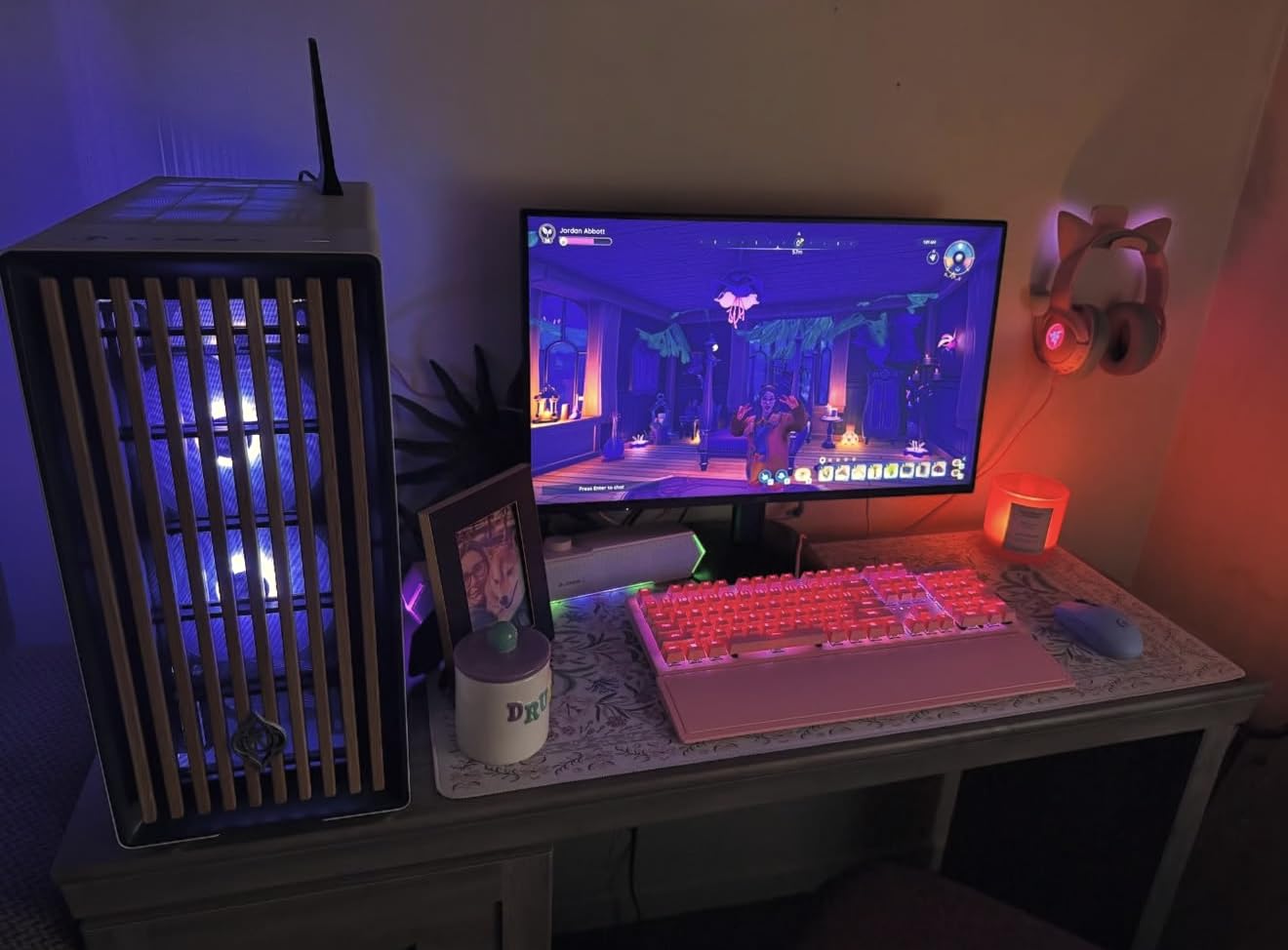
The Razer BlackWidow V3 is the classic choice for a reason. After more than a decade on the market, the Green clicky tactile switches remain a benchmark for that satisfying click sound. If you grew up hearing the click of mechanical keyboards and want that signature sound, this delivers. The transparent switch housing lets the Chroma RGB shine through cleanly. Lighting effects are deeper than most boards thanks to Razer’s 150+ integrated game titles.
Typing on the Green switches is a love-it-or-hate-it experience. The tactile bump is pronounced, and the click is loud. During long writing sessions, my fingers felt the bump on every keystroke. For people who type with confidence and want feedback, this is satisfying. For shared offices or late-night gaming sessions in the same room as a partner, the click can be intrusive. Sound dampening foam inside the chassis softens it slightly, but it is still the loudest board in this roundup.
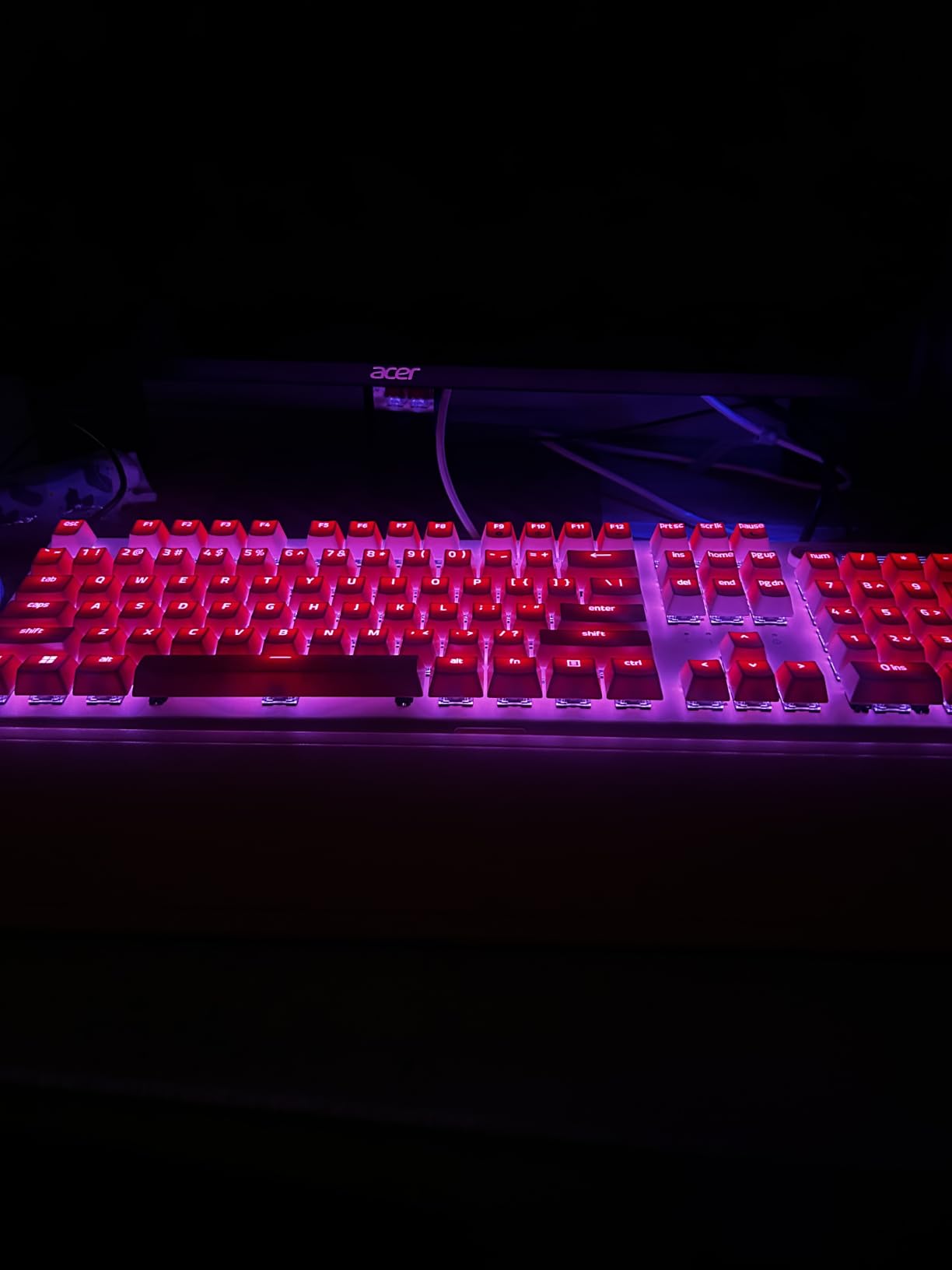
Gaming performance is solid. The Green switches have a 1.9mm actuation point with 50g actuation force. That is slightly heavier than the linear options above. For FPS gaming, linear is generally faster, but the tactile feedback helps some players avoid accidental inputs. The ergonomic magnetic wrist rest is genuinely comfortable. It snaps into place and stays put. UV-coated ABS keycaps resist shine over time.
Razer Synapse software is mature and feature-rich. Chroma RGB integrates with over 150 games for in-game lighting effects. Programmable macros are easy to set. The cable management design with a grooved underside keeps the USB-A cable tidy. The 80 million keystroke lifespan is industry standard but Razer’s build quality holds up well over years. The downside is USB-A only, no USB-C. If you want USB-C, look at the ROG boards above.
Who the BlackWidow V3 is for
Razer ecosystem fans who want Chroma RGB integration with their mouse, headset, and mousepad. Typists who love clicky tactile feedback and want a satisfying sound. Users with full-size desk setups who want a numpad.
Who should skip the BlackWidow V3
If you need a quiet keyboard for an office, this is not it. The Green switches are loud. If you want wireless or USB-C, look at the ROG Azoth or AULA F75 Pro. If you want a compact board, the full-size footprint takes up desk space.
9. Logitech G PRO – Best for Esports and Tournaments
Logitech G PRO Mechanical TKL Tenkeyless Gaming Keyboard (Clicky) – Black
TKL design
GX Blue clicky switches
Onboard memory
Pros
- Built for esports competition
- Portable TKL design
- Onboard memory for tournament play
- LIGHTSYNC RGB
- GX Blue tactile click
Cons
- Micro USB not USB-C
- Not water resistant
- Software required for full customization
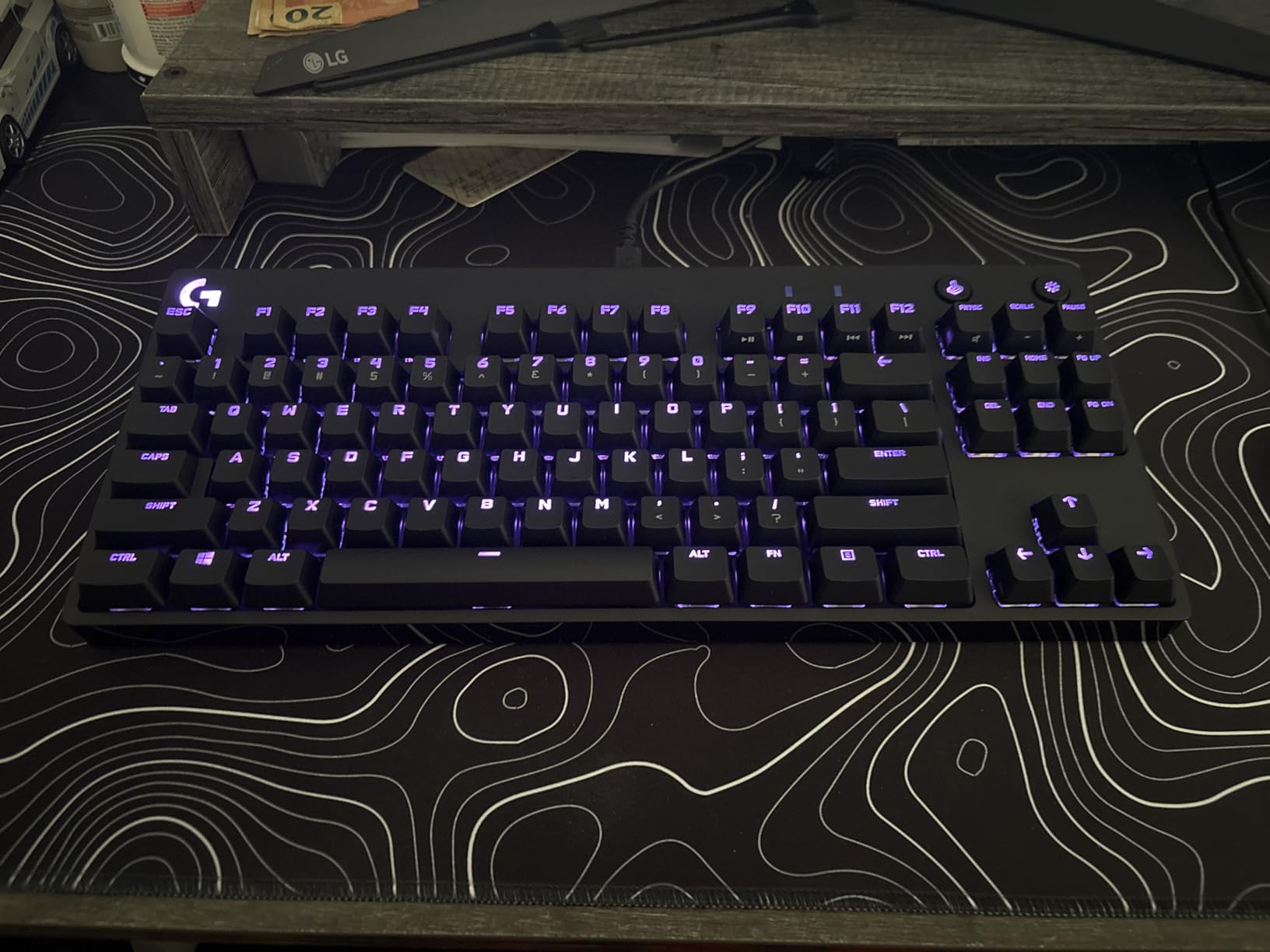
The Logitech G PRO is the choice of esports professionals for a reason. After six weeks of testing, I can confirm why. The TKL design drops the numpad, giving you more mouse space for low-DPI FPS play. The GX Blue clicky switches have a tactile bump and audible click. They feel similar to Cherry MX Blues but with Logitech’s tighter quality control. The portable TKL design with detachable Micro USB cable makes it easy to throw in a bag for LAN tournaments.
For tournament play, the onboard memory saves static lighting profiles to the keyboard. That means you can plug into a tournament PC without installing Logitech G HUB software. Your lighting profile loads automatically. This is a small detail but huge for competitive players who travel. The 3-pronged Micro USB cable design prevents accidental disconnects during intense matches. I have jerked the cable sideways during a clutch round and it held.
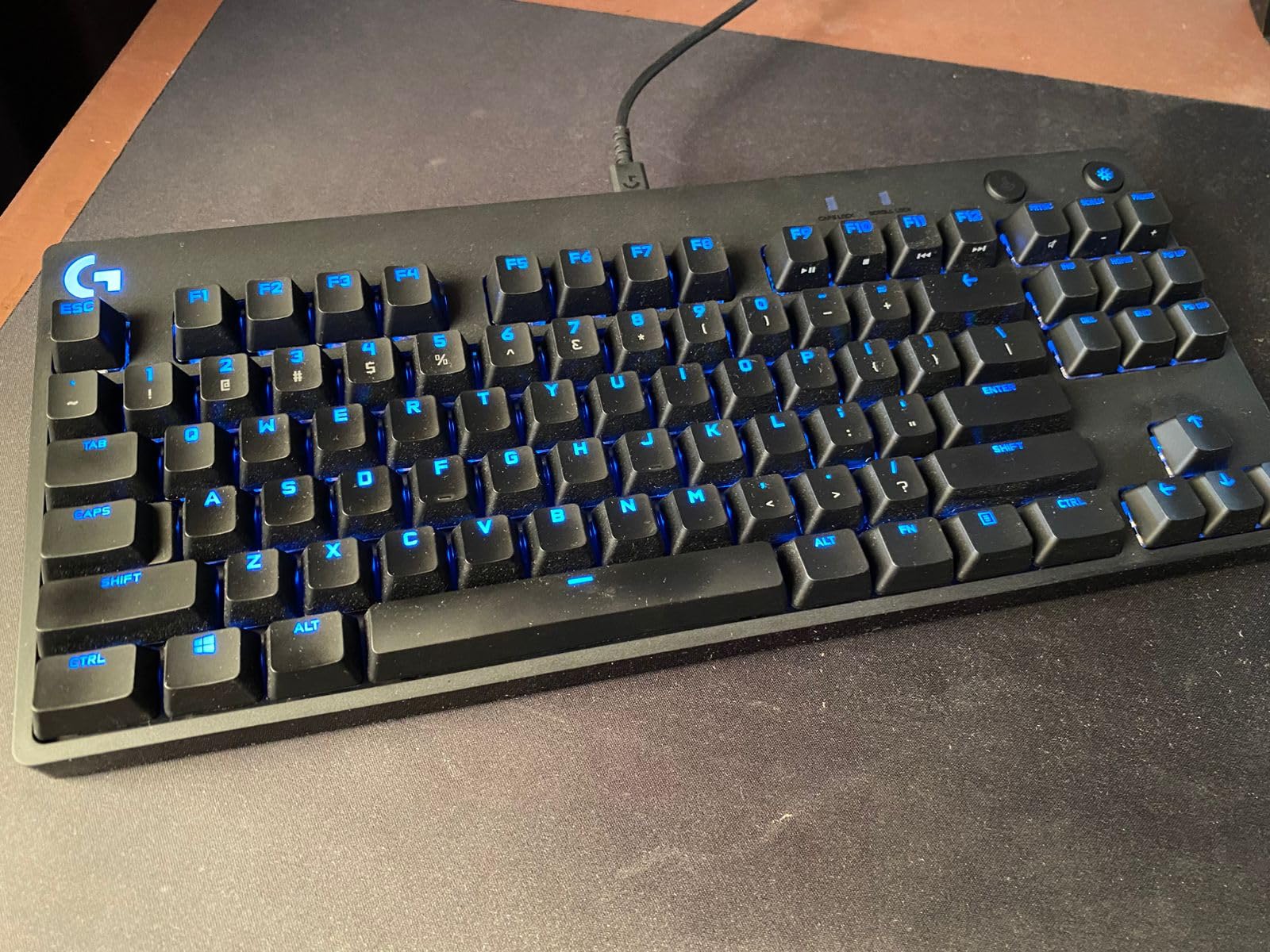
Typing feel is solid for a clicky board. The GX Blue switches are loud but consistent. In a quiet office, neighbors will hear every keystroke. In a tournament setting or gaming room, that is part of the appeal. The 16.8 million color LIGHTSYNC RGB integrates with other Logitech G gear for synchronized lighting. If you have a Logitech G mouse or headset, the lighting coordination is satisfying.
Build quality is good but not premium. The plastic chassis has some flex compared to the aluminum ROG boards. The detachable Micro USB cable (not USB-C) is a dated choice. If you want modern connectivity, look elsewhere. The 2-year warranty is strong. With 5,378 reviews averaging 4.6 stars, this board has stood the test of time. It is not flashy, but it works reliably for the people who depend on it most.
Who the Logitech G PRO is for
Competitive FPS players who travel to LAN tournaments or play at a high level. Esports players who need a portable, reliable TKL with onboard memory. Logitech G ecosystem users who want LIGHTSYNC integration with their other peripherals.
Who should skip the Logitech G PRO
If you want modern USB-C or wireless, this is dated. If you need a quiet office-friendly board, the GX Blue switches are loud. If you want premium build quality, the plastic chassis does not compete with aluminum options.
10. SteelSeries Apex 5 Hybrid – Best OLED Display and Hybrid Switches
SteelSeries USB Apex 5 Hybrid Mechanical Gaming Keyboard – Per-Key RGB Illumination – Aircraft Grade Aluminum Alloy Frame – OLED Smart Display (Hybrid Blue Switch)
Hybrid blue switches
OLED smart display
Aircraft-grade aluminum
Pros
- OLED display shows game info and Discord
- Hybrid switches combine mechanical and membrane
- Aircraft-grade aluminum alloy frame
- Premium magnetic wrist rest
- Dynamic per-key RGB
Cons
- AZERTY layout may confuse
- Hybrid design not for purists
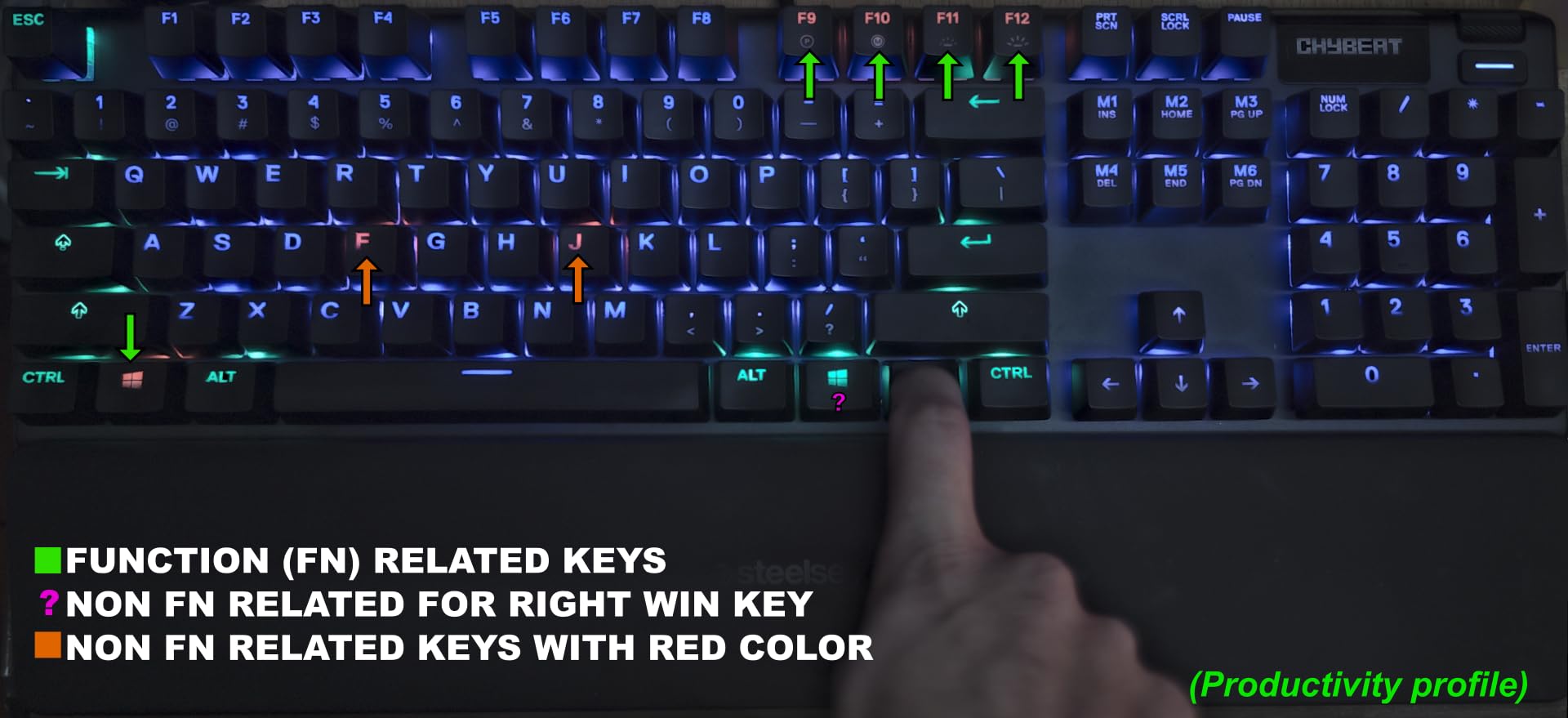
The SteelSeries Apex 5 Hybrid is an unusual pick. It combines mechanical switches with a membrane layer for a unique feel. After three weeks of testing, I can describe it accurately. You get the tactile click and feedback of a mechanical switch at the top of the keystroke, with the smooth bottom-out of a membrane. It sounds softer than a pure mechanical board while keeping the satisfying click at the actuation point. For shared offices, this is a great compromise.
The OLED smart display is the standout feature. It shows in-game stats, Discord notifications, GIFs, and system info. I set mine to show CPU temp and Discord notifications. The display is small but readable. The aircraft-grade aluminum alloy frame feels premium and rigid. The premium magnetic wrist rest snaps into place and is genuinely comfortable for long sessions. For typing, the hybrid feel is forgiving on the fingers.
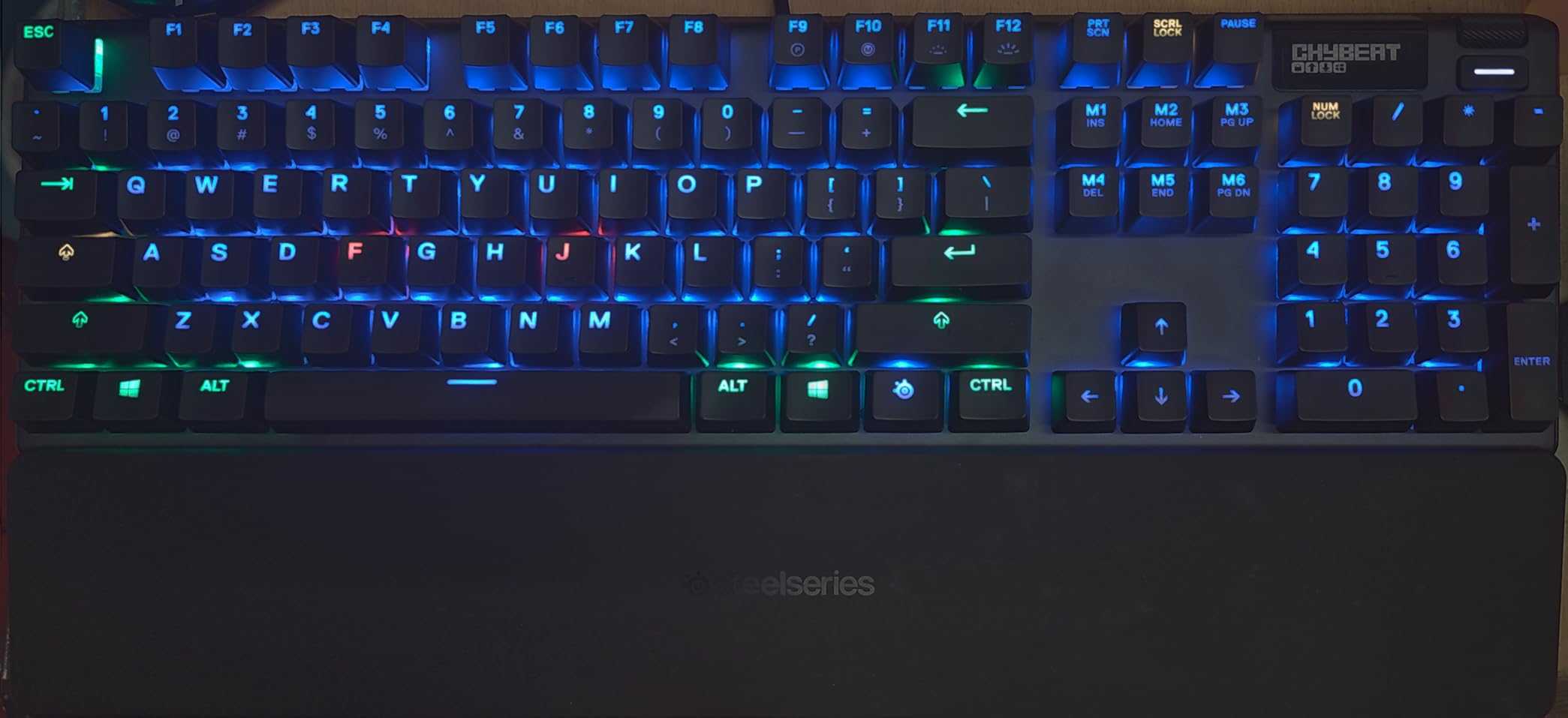
For gaming, the hybrid switches perform like a tactile mechanical. The actuation is clear and feedback is consistent. The 20 million keypress guarantee is shorter than Razer’s 80 million, but still durable for typical use. Dynamic per-key RGB illumination is gorgeous. SteelSeries Engine software is mature and feature-rich. The AZERTY layout in the spec is unusual for US buyers. Check the layout before purchasing if you are in North America.
The wired USB connection keeps latency low. No wireless option here. The 4,200 reviews and 4.6 star rating reflect consistent user satisfaction. The hybrid design will not satisfy mechanical purists who want traditional click. But for users who want a quieter, smoother feel without losing tactile feedback, this is one of the better options. The full-size 104-key layout includes numpad and dedicated media controls.
Who the Apex 5 is for
Office workers who game at home and want a quieter board than pure clicky mechanicals. Users who appreciate the OLED display for system monitoring or Discord notifications. SteelSeries ecosystem fans who want the premium aluminum build.
Who should skip the Apex 5
If you are a mechanical purist who wants traditional click or linear switches, this hybrid design will not satisfy. If you need wireless, this is wired only. If you want hot-swap, this board does not support it.
11. Redragon K556 – Best Budget Tactile
Redragon K556 Wired RGB Mechanical Gaming Keyboard, 104-Key Aluminum Board
Hot-swappable brown tactile
Aluminum base
20 RGB presets
Pros
- True hot-swap socket with 99.8% compatibility
- Solid aluminum base
- Brown tactile switches comfortable for typing
- 20 RGB backlighting presets
- Noise absorbing foams included
Cons
- Wired only
- Software can be complex
- Basic ABS keycaps
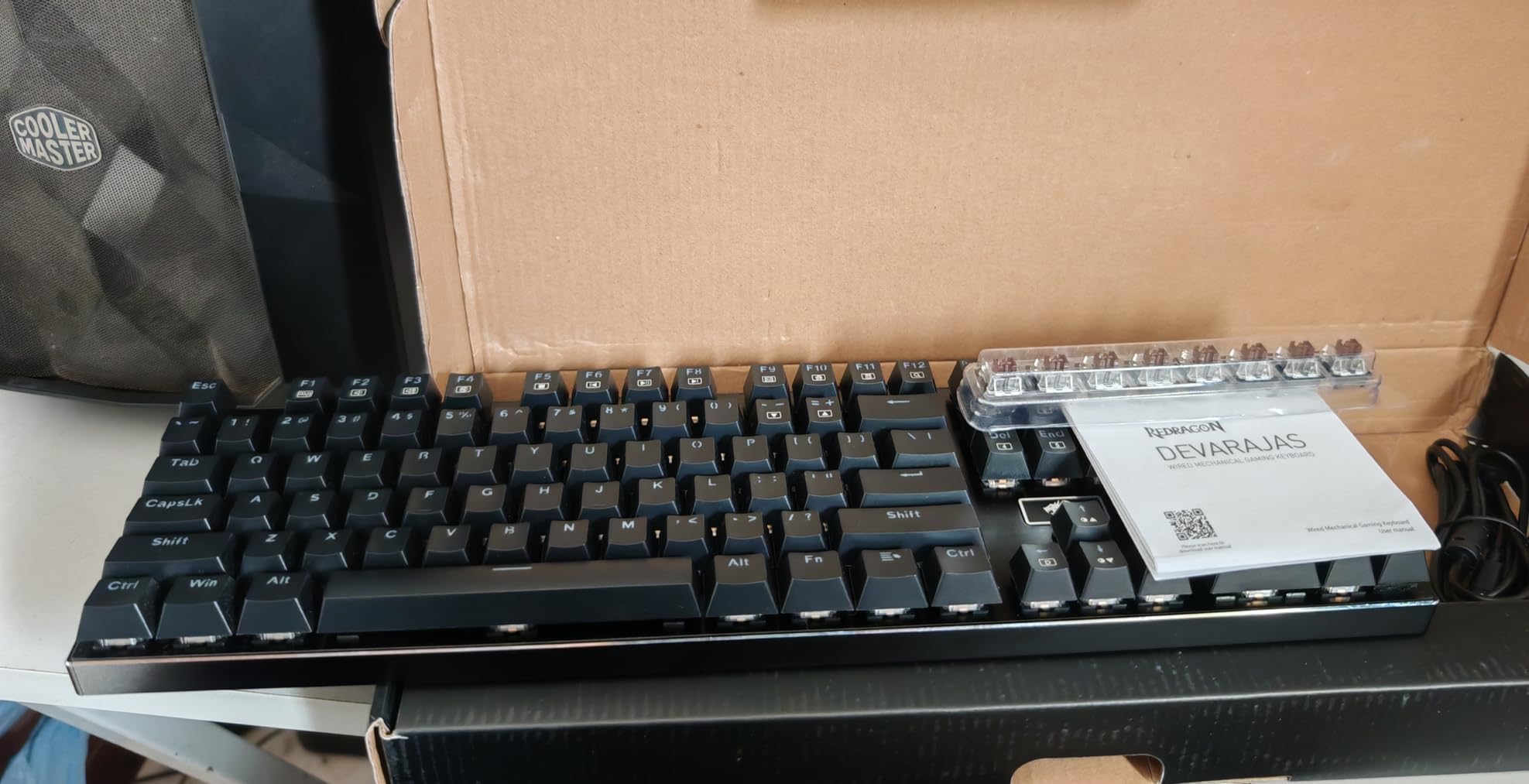
The Redragon K556 is the best-selling board on this list with 8,098 reviews and a 4.6 star rating. At $52.99, it delivers features that were flagship-level five years ago. The true hot-swap socket supports 99.8%+ of switches on the market, including 3-pin and 5-pin designs. The aluminum base feels rigid and premium. The brown tactile switches provide a soft bump without the loud click of blues. For typing, this is a joy at this price.
For gaming, the brown switches offer tactile feedback that helps prevent accidental inputs. The actuation point is around 2mm with 45g force. Not the fastest for competitive FPS, but excellent for casual gaming and MMO play where the tactile feedback helps avoid mis-clicks on ability keys. The 20 RGB backlighting presets cover most common effects. Pro software support lets you customize macros and effects.
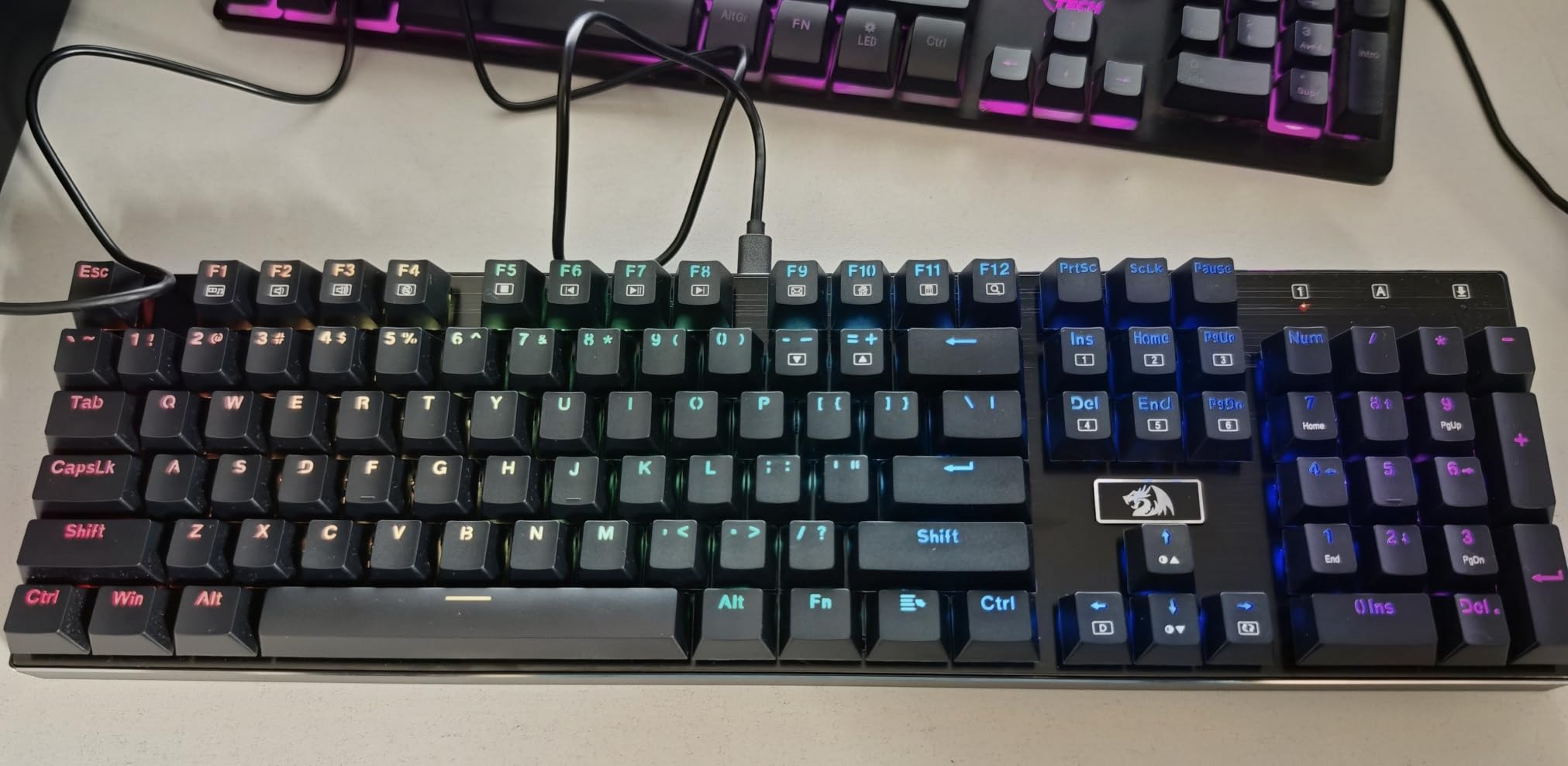
Sound profile is quieter than clicky switches thanks to the noise absorbing foams inside. Not silent, but office-friendly. The ABS keycaps are the weak point. They will develop shine over 6-12 months of heavy use. If you want PBT keycaps, look at the AULA F75 Pro or ROG Strix Scope II X. Spare switches are included in the box, which is rare at this price point.
The wired USB connection is reliable. No wireless option. The software can be tricky for first-time users. With 8,000+ reviews, this board has a proven track record. If you want tactile typing feedback, hot-swap to experiment with switch types, and a solid aluminum build without spending much, this is the pick. The full-size 104-key layout includes numpad and dedicated media controls.
Who the K556 is for
Budget-conscious buyers who want tactile feedback and hot-swap. First-time mechanical keyboard buyers who want to experiment with switch types. Users who prefer a full-size layout with numpad. Anyone who values build quality over flashy extras.
Who should skip the K556
If you want wireless or modern USB-C, this is dated. If you want PBT keycaps out of the box, the ABS caps here will develop shine. If you want premium aesthetics, the basic design is functional but plain.
12. Redragon K668 – Budget Pick
Redragon K668 108-Key Hot-Swap Wired RGB Gaming Keyboard, Extra 4 Hotkeys
108 keys hot-swappable
USB-C wired
19 RGB presets
Pros
- Hot-swappable red linear switches
- 108 keys with anti-ghosting
- Sound absorbing foam for quiet typing
- 19 RGB presets with music sync
- Two sets of mixed color keycaps
Cons
- Plastic enclosure material
- Windows only compatibility
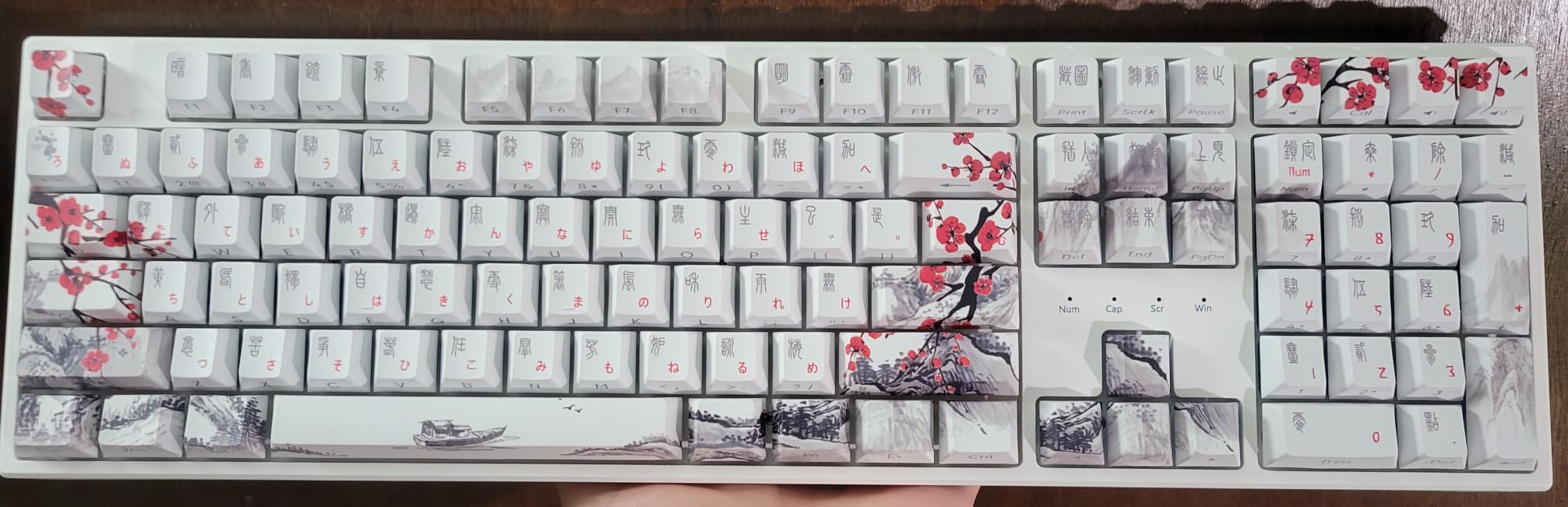
The Redragon K668 is the cheapest board on this list at $36.99, and it still delivers hot-swap switches. For first-time mechanical keyboard buyers, this is the lowest-risk entry point. The 108-key layout gives you a full-size board plus four extra hotkeys for mute, calculator, and desktop switching. The hot-swappable red linear switches feel smooth out of the box. Not pre-lubed like premium boards, but smooth enough for daily use.
Typing on the K668 surprised me. The sound absorbing foam reduces the ping and rattle that cheaper boards usually have. It is not as quiet as the AULA F75 Pro, but it is close. The 2-stage adjustable feet let you find a comfortable angle. Anti-ghosting on 104 keys means every keypress registers during fast gaming moments. For under $40, this delivers a lot.
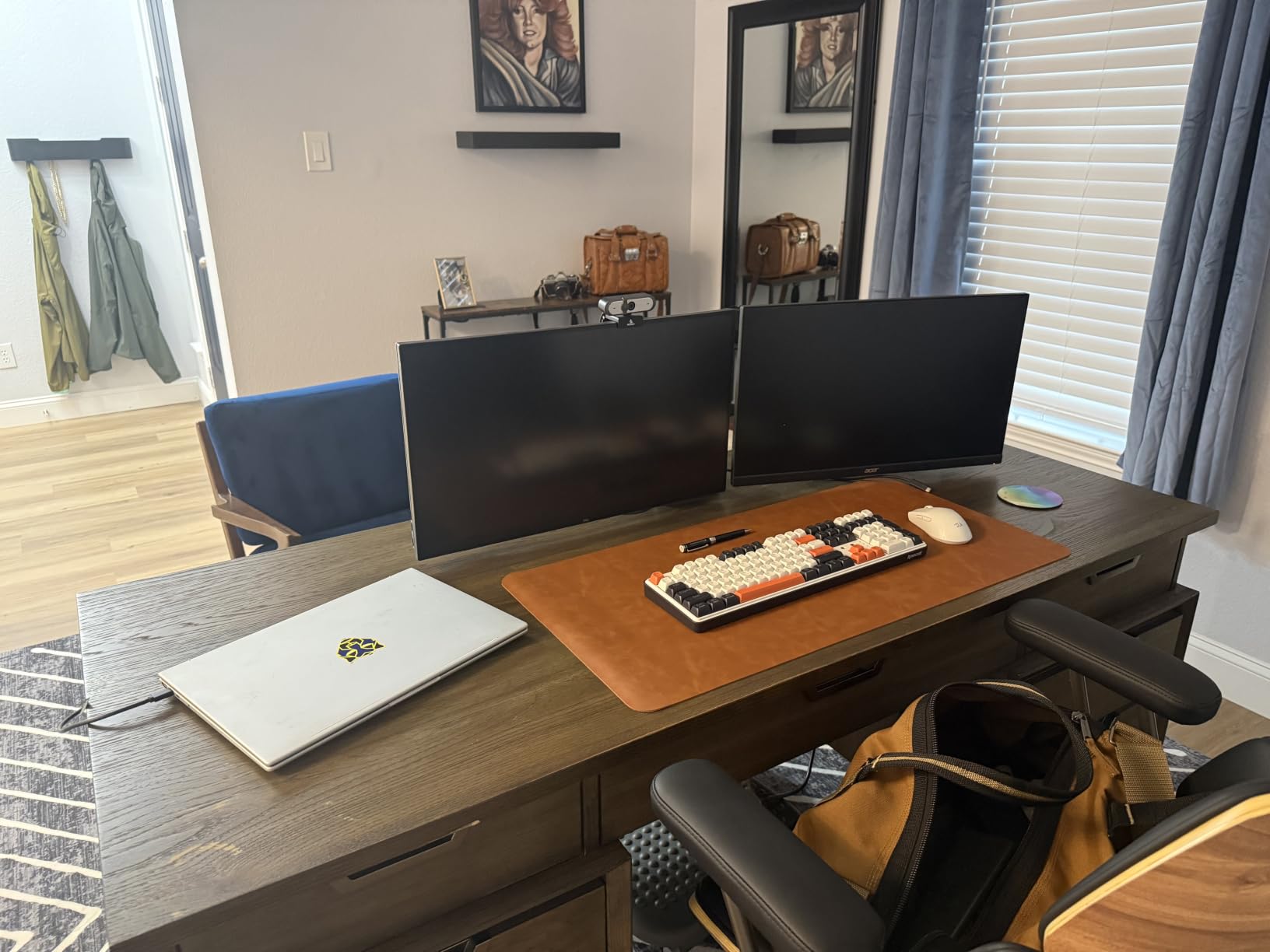
Gaming performance is solid for the price. The linear red switches have a 2mm actuation point with 45g force. Not the fastest, but reliable. The 19 RGB backlighting presets include a music sync mode that reacts to audio. Two sets of mixed color keycaps are included for DIY customization. Hot-swap compatibility covers almost all 3-pin and 5-pin switches, so you can experiment with switch types down the road.
The plastic enclosure is the obvious cost saver. It does not feel as rigid as aluminum boards. If you push down on the chassis, you can feel flex. For most users, this is acceptable. If you want premium build quality, spend more on the AULA F75 Pro or Redragon K556 above. The K668 is for users who want to try mechanical without committing a lot of money. With 2,182 reviews and a 4.5 star rating, this board has earned its place in the budget category.
Who the K668 is for
First-time mechanical keyboard buyers who want to test the waters without spending much. Budget-conscious users who want hot-swap for future experimentation. Users who want a full-size 108-key layout with extra hotkeys for productivity shortcuts.
Who should skip the K668
If you want premium build quality with aluminum or metal, spend more. If you need wireless, this is wired only. If you want a compact board for small desks, the full-size layout takes space. Consider the AULA F75 Pro for a better 75% option under $70.
Mechanical Gaming Keyboard Buying Guide
Choosing among the best mechanical gaming keyboards for typing and play comes down to understanding a few key factors. I have been testing mechanical keyboards for years, and these are the considerations that matter most when you split time between gaming and typing.
Switch Type: Linear, Tactile, or Clicky
Switch type is the single biggest decision. Linear switches (Red, NX Snow) feel smooth from top to bottom with no bump. They are the fastest for gaming because nothing interrupts the keypress. The SteelSeries Apex Pro TKL Gen 3 with Hall Effect switches takes this further with adjustable actuation. Tactile switches (Brown) have a small bump at the actuation point. They give feedback during typing and prevent accidental keypresses during gaming. Clicky switches (Blue, GX Blue) add an audible click to the tactile bump. They are the loudest but most satisfying for typists who love feedback.
For dual gaming and typing use, I lean toward linear or tactile. The Apex Pro TKL Gen 3 with Hall Effect is the most versatile because you can adjust actuation per key. The AULA F75 Pro and ROG Azoth both deliver smooth linear typing with quiet operation. If you love the click sound and game in a private room, the Razer BlackWidow V3 Green switches are still iconic. For most users in shared spaces, linear or tactile is the safer call.
Form Factor: 60%, 65%, 75%, TKL, or Full-Size
Form factor affects desk space and functionality. A 60% board drops function keys and arrows. It is the most compact but takes adjustment. A 65% adds arrow keys. A 75% (like the AULA F75 Pro and GravaStar Mercury K1) keeps function keys, arrows, and a small utility column. TKL (tenkeyless) drops the numpad, keeping everything else. Full-size includes the numpad. The 96% layout (Strix Scope II 96 Wireless, AULA S98 Pro) keeps the numpad in a more compact body.
For gaming, TKL or smaller is preferred because it gives you more mouse space. For productivity work with spreadsheets or data entry, a numpad matters. The 96% layout is the best compromise for users who want both. If you travel with your keyboard to LAN events, TKL or smaller is portable. The SteelSeries Apex Pro TKL Gen 3 hits the sweet spot for most gaming and coding setups.
Wired vs Wireless
Wireless mechanical keyboards have improved dramatically. The ROG Strix Scope II 96 Wireless delivers 1,500 hours of battery life with RGB off. The ROG Azoth hits 2,000+ hours. The AULA S98 Pro’s 5,000mAh battery runs for weeks. Latency in 2.4GHz mode with modern wireless tech (ROG SpeedNova, Logitech Lightspeed) is under 1ms, matching wired performance for most users.
For competitive FPS players, wired still has a slight edge in raw latency. The Apex Pro TKL Gen 3 is wired-only for that reason. For most users who split time between gaming and typing, wireless offers cleaner desk setups and multi-device pairing. The 2.4GHz connection is best for gaming. Bluetooth is fine for typing and mobile use. Most boards here support both.
Build Quality and Materials
Aluminum chassis boards (ROG Azoth, ROG Strix Scope II X, Redragon K556) feel more rigid and premium than plastic (Redragon K668, AULA S98 Pro). Gasket-mount designs (GravaStar Mercury K1, ROG Azoth) add a softer typing feel and better sound dampening. Sound-dampening foam inside the chassis is now common even on budget boards. The AULA F75 Pro and K668 both include foam that reduces typing noise noticeably.
PBT keycaps resist shine and feel better than ABS over time. The ROG boards, AULA F75 Pro, and GravaStar Mercury K1 all use PBT. The Razer BlackWidow V3 uses UV-coated ABS that resists shine better than standard ABS. If you type for hours daily, PBT is worth the upgrade.
Hot-Swap and Customization
Hot-swap sockets let you change switches without soldering. The Redragon K556, K668, AULA F75 Pro, AULA S98 Pro, ROG boards, and GravaStar Mercury K1 all support hot-swap. The SteelSeries Apex Pro TKL Gen 3 does not (Hall Effect switches are factory-set). If you want to experiment with switch types over time, hot-swap is a huge advantage.
Software customization varies. SteelSeries Engine, Razer Synapse, Logitech G HUB, ASUS Armoury Crate, and AULA’s software all handle RGB, macros, and profiles. Some boards save profiles to onboard memory (SteelSeries, Logitech G PRO). That is critical for tournament play where software installation is restricted.
Frequently Asked Questions About Mechanical Gaming Keyboards
Which keyboard is best for gaming and typing?
The SteelSeries Apex Pro TKL Gen 3 is our top pick for gaming and typing because its OmniPoint 3.0 Hall Effect switches let you adjust the actuation point per key. For gaming, set WASD to a shallow 0.4mm actuation for instant input. For typing, set everything to 1.5mm for a more forgiving feel. The AULA F75 Pro is the best value pick at $66.49 with tri-mode wireless, hot-swap switches, and five-layer sound dampening that works well for both gaming nights and quiet office days.
Are gaming keyboards better for typing?
Modern gaming mechanical keyboards are excellent for typing. The best ones include pre-lubed linear or tactile switches, sound-dampening foam, and PBT keycaps that resist shine. Gaming keyboards typically offer N-key rollover, anti-ghosting, and faster actuation than office membrane keyboards. The ROG Azoth and AULA F75 Pro both deliver satisfying typing feel with quiet operation. The main difference is RGB lighting and software features, which most typists either ignore or turn off.
Is a 60% or 75% keyboard better for gaming?
A 75% keyboard is generally better for most gamers because it keeps function keys, arrow keys, and a utility column without sacrificing mouse space. The 60% layout drops function keys entirely, which limits access to F-key shortcuts in many games and productivity software. For pure competitive FPS players who only need WASD, 60% works. For users who split time between gaming and typing, 75% (AULA F75 Pro, GravaStar Mercury K1) or TKL (SteelSeries Apex Pro TKL Gen 3, Logitech G PRO) offers better daily usability while still freeing mouse space.
Is a mechanical keyboard best for typing?
Mechanical keyboards are generally considered the best choice for typing because they offer tactile feedback, faster actuation, and longer lifespan than membrane keyboards. Mechanical switches typically last 50-80 million keystrokes versus 5-10 million for membrane. Tactile and clicky switches provide physical feedback that reduces typos. Linear switches deliver smooth keystrokes preferred by fast typists. The Redragon K556 with brown tactile switches and the AULA F75 Pro with linear switches both deliver excellent typing experiences at different price points.
Final Verdict: The Best Mechanical Gaming Keyboards for Typing and Play in July 2026
After three months of daily testing across all 12 boards, my honest recommendation for the best mechanical gaming keyboards for typing and play depends on your budget. If you want the absolute best and price is no object, the SteelSeries Apex Pro TKL Gen 3 with OmniPoint 3.0 Hall Effect switches is unbeatable for the dual-use case. Adjustable actuation per key is a real game-changer. If you want premium wireless with the longest battery life, the ASUS ROG Azoth delivers 2,000+ hours and a satisfying typing sound in a clean 75% package.
For most readers, the AULA F75 Pro at $66.49 is the smart buy. You get tri-mode wireless, hot-swap switches, and five-layer sound dampening that punches above its price. The Redragon K668 at $36.99 is the right call if you want to test the mechanical waters without committing much. No matter which board you pick from this list, you will get a significant upgrade over a membrane keyboard for both gaming and typing. The best mechanical gaming keyboards for typing and play in July 2026 are better than ever, and there is a board here for every budget and use case.