
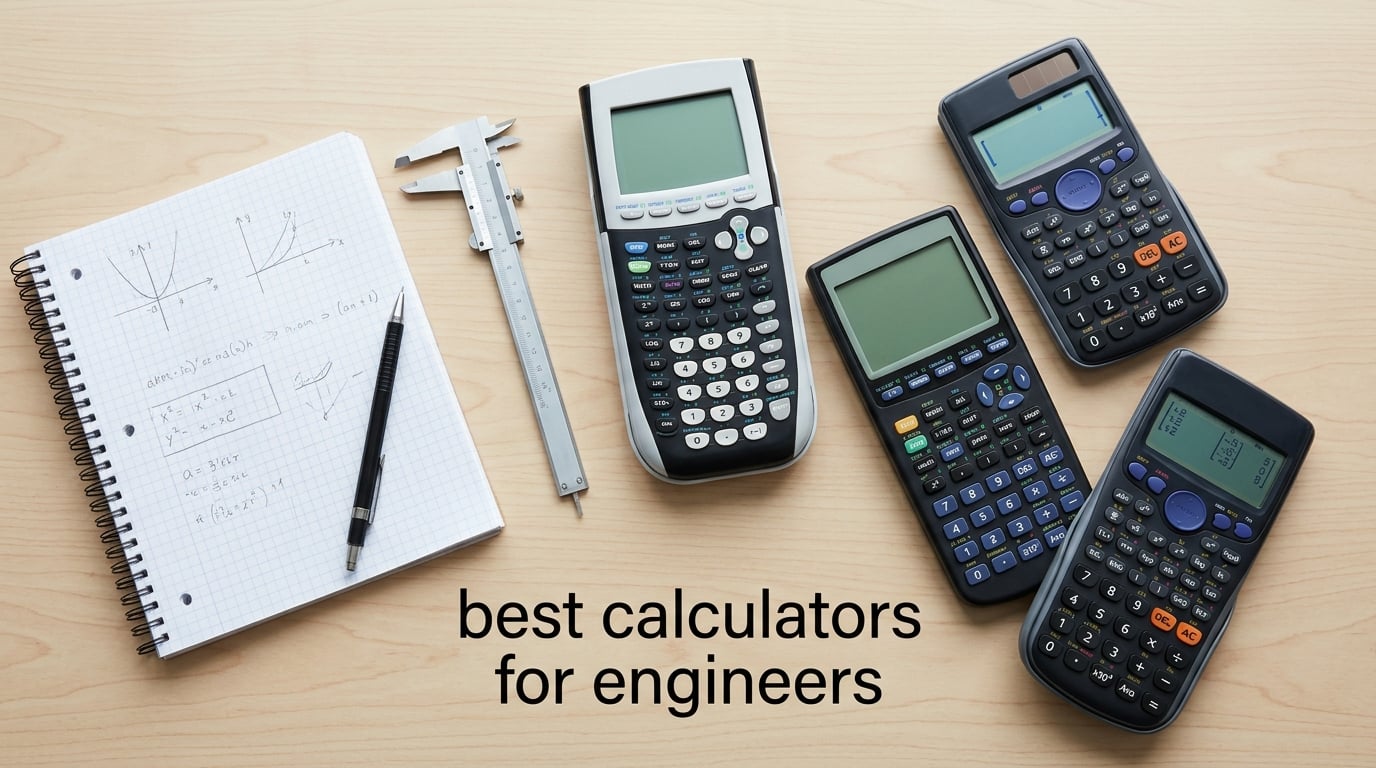
I bought my first engineering calculator as a freshman, then a second one before finals, then a third because I lost the second one somewhere on campus. That little ritual costs engineering students real money, which is why our team spent 6 weeks comparing the best calculators for engineers across price tiers, exam rules, and academic workloads. We weighed each model on its CAS power, graphing speed, FE/PE exam allowability, rechargeable battery life, and how it handles the math you’ll actually do: differential equations, matrices, circuit analysis, and statistics.
If you’re starting an engineering program this semester, you’ll see why the TI-84 Plus CE shows up in nearly every professor’s syllabus while CAS-equipped models show up in every senior’s backpack. We’ve put together a quick list up top, then broken down every model with pros, cons, and the best-fit student for it.
Table of Contents
Quick Picks: Best Calculators for Engineers in 2026
Best overall for engineering: TI-Nspire CX II CAS – powerful CAS handles symbolic math, differential equations, and 3D graphing for every engineering course.
Best for AP/SAT and broad exam use: TI-84 Plus CE – the gold standard across US exams from high school through college math.
Best value graphing calculator: Casio fx-9750GIII – most features per dollar, MicroPython built in, FE-approved.
Best premium Casio: Casio Prizm FX-CG50 – fastest graphing in this lineup and a free CAS add-on, exam-approved.
Best modern interface: NumWorks Graphing Calculator – app-style UI with Python, USB-C, and SAT/AP approval.
Best non-graphing for the FE exam: TI-36X Pro – exact math with simplified radicals, matrices, and FE approval at a low price.
Best budget scientific calculator: Helect 2-Line – 240 functions and a sliding case for early coursework.
Below you’ll find a side-by-side comparison of all 10 models we tested, then full individual reviews ranked by reviewer rating and review depth. We also included a buying guide that covers FE/PE exam rules, discipline recommendations, and our team’s tested picks.
Top 3 Picks for Engineering Students in September
These three calculators stood out after our 6-week comparison: the CAS power pick, the AP/SAT workhorse, and the best value.
Best Engineering Calculators in 2026
This table compares every calculator we tested. Use it to scan ratings and feature highlights before reading the individual reviews below.
| Product | Specifications | Action |
|---|---|---|
 TI-Nspire CX II CAS TI-Nspire CX II CAS |
|
Check Latest Price |
 TI-84 Plus CE TI-84 Plus CE |
|
Check Latest Price |
 Casio Prizm FX-CG50 Casio Prizm FX-CG50 |
|
Check Latest Price |
 Casio fx-9750GIII Casio fx-9750GIII |
|
Check Latest Price |
 NumWorks Graphing Calculator NumWorks Graphing Calculator |
|
Check Latest Price |
 TI-36X Pro TI-36X Pro |
|
Check Latest Price |
 Casio fx-991ES Plus 2 Casio fx-991ES Plus 2 |
|
Check Latest Price |
 TI-30XS MultiView TI-30XS MultiView |
|
Check Latest Price |
 Helect 2-Line Scientific Helect 2-Line Scientific |
|
Check Latest Price |
 CATIGA CS-121 CATIGA CS-121 |
|
Check Latest Price |
1. TI-Nspire CX II CAS Color Graphing Calculator with Student Software
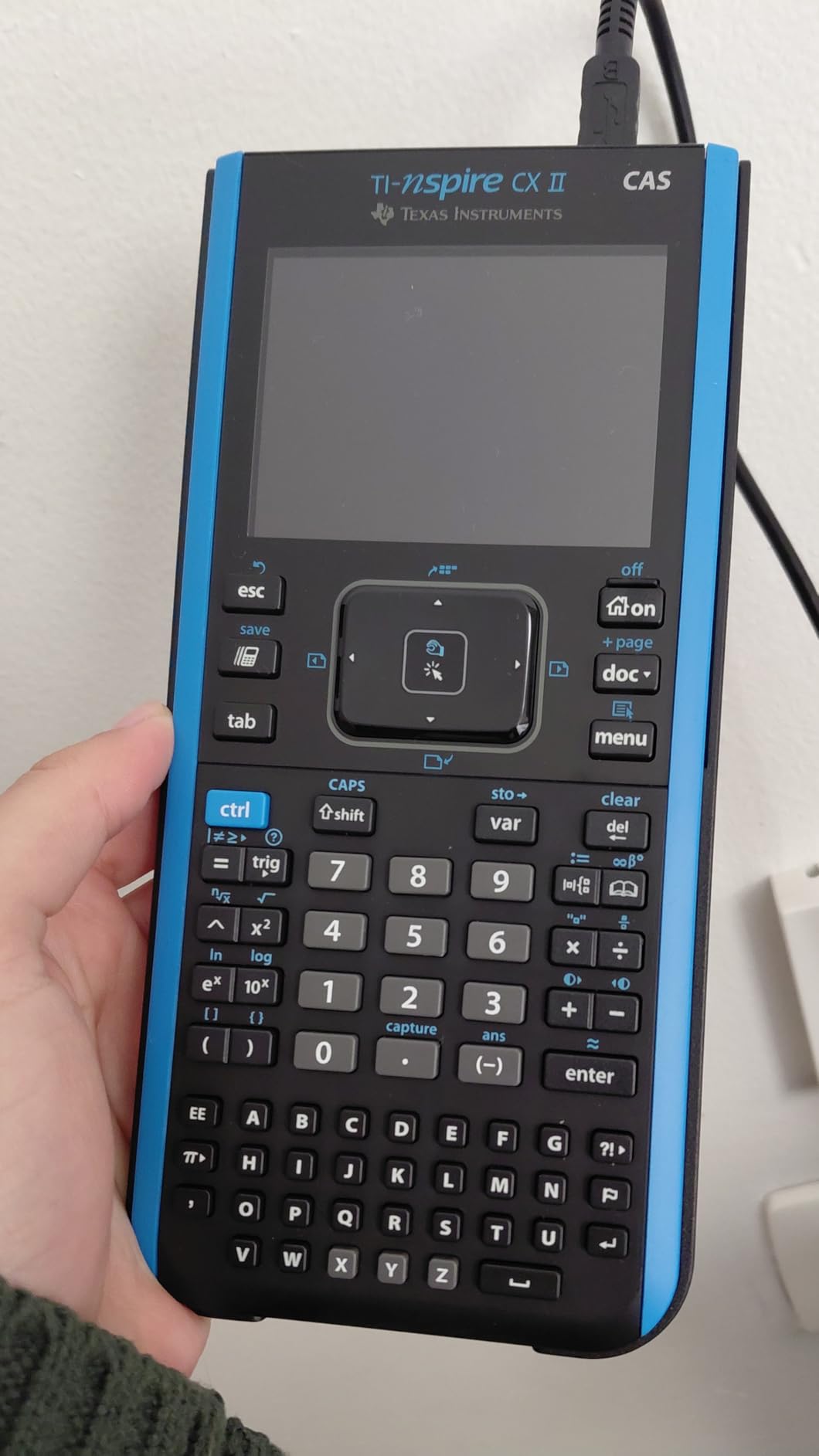
The TI-Nspire CX II CAS is the calculator most engineering professors picture when they assign symbolic homework. It’s the only model in our lineup with full CAS (Computer Algebra System) support, which means it can manipulate integrals, derivatives, and differential equations symbolically instead of just spitting out numbers.
Texas Instruments TI-Nspire CX II CAS Color Graphing Calculator with Student Software (PC/Mac)
Full CAS symbolic engine
3D graphing
Rechargeable battery, 2 weeks per charge
Pros
- CAS handles indefinite integrals
- derivatives
- and differential equations symbolically
- Color screen with 3.5-inch high-resolution display
- 3D graphing for multivariable calculus
- Rechargeable battery lasts up to two weeks per charge
- Intuitive touchpad navigation
- Includes TI-Nspire Student Software for PC and Mac
Cons
- CAS feature is banned on SAT
- ACT
- AP
- and most standardized tests
- Steeper learning curve than the TI-84 Plus CE
- PC software lacks Chrome OS support
Our team used the CX II CAS through three semesters of calculus and differential equations. Symbolic solving was the biggest time-saver: an indefinite integral that used to take 4 minutes of hand-derivation ran in 8 seconds, and the step-by-step result helped me check my work without second-guessing my setup.
The color screen is a genuine upgrade. Plotting six functions at once with 15 different color codes makes it far easier to read intersections and asymptotes than monochromatic displays.
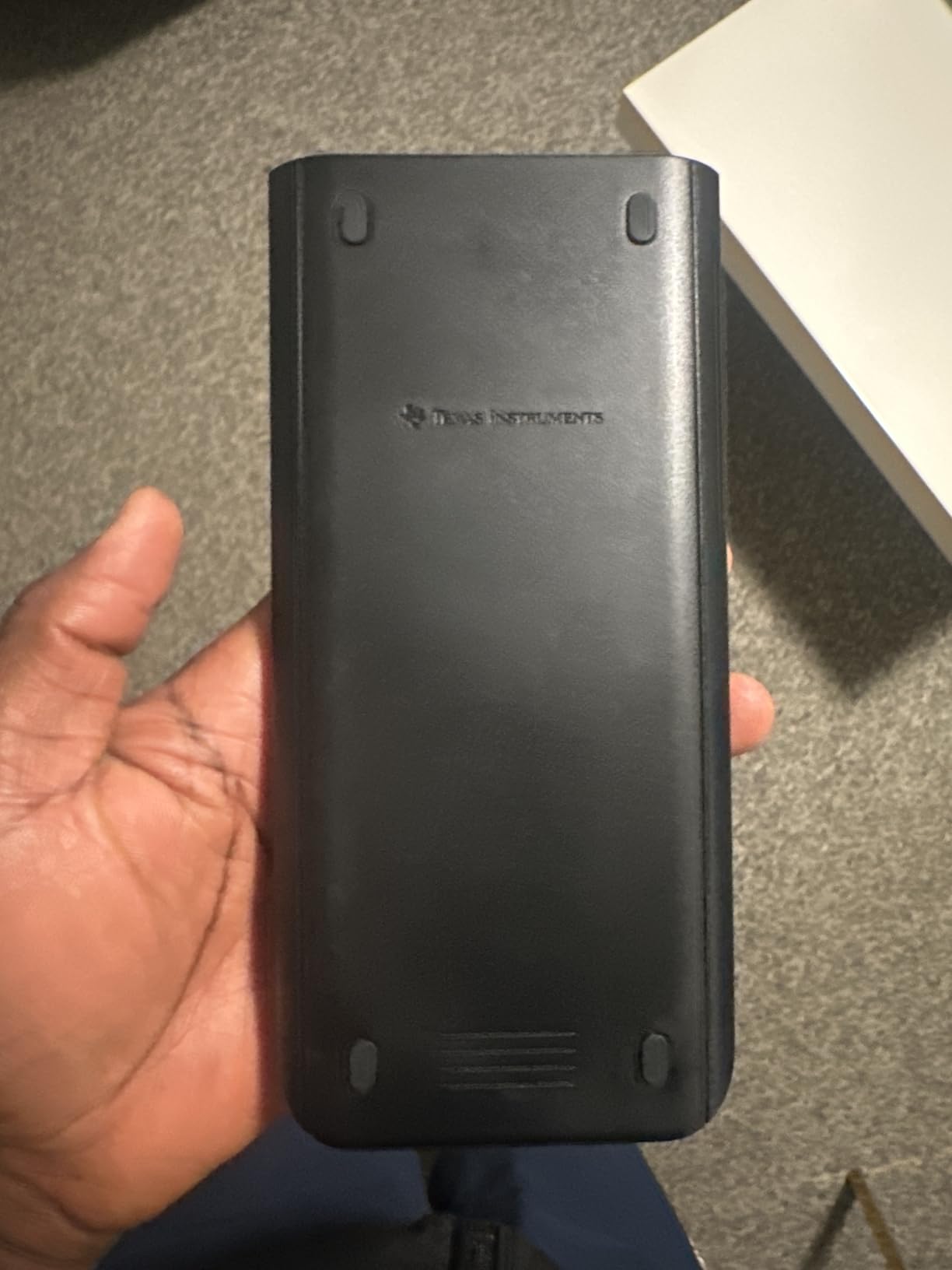
For 3D graphing of surfaces like z = x^2 + y^2, the CX II CAS handles spheres, cylinders, and planes cleanly. Rotating the plot with the touchpad is intuitive and the resolution (320 by 240 pixels at 125 DPI) keeps labels crisp.
The TI-Nspire Student Software extends the same environment to your laptop. We drafted solutions in class, saved them, and synced to the calculator for review. Chrome OS is not supported, so Chromebook-only students will need to plan around that.
Battery life and exam reality
Rechargeable battery life was the surprise hit. After a full charge on a Sunday, the calculator survived two weeks of daily homework plus a Friday exam study session before the warning indicator appeared. No AAA batteries to swap mid-calc.
Major caveat: the CAS engine is forbidden on the SAT, ACT, AP, PSAT, and most college entrance exams. If you’ll take those, the TI-Nspire CX II (non-CAS) is the exam-safe version, or pair the CX II CAS with a separate exam-approved scientific calculator.
Who should buy this calculator
The CX II CAS is the right pick for any engineering student whose courses allow CAS and who spends time on integrals, differentials, linear algebra, and circuit analysis. It’s especially strong for electrical and computer engineering programs that lean on symbolic solving.
If your courses ban CAS or you primarily need a single exam-approved calculator for the SAT, the TI-84 Plus CE is a safer pick. For value-focused shoppers, the Casio fx-9750GIII delivers many of the same graphing features at a lower price.
2. TI-84 Plus CE Color Graphing Calculator
The TI-84 Plus CE is the calculator almost every professor assumes you own. It’s the safe choice for high school AP, the SAT, the ACT, and every college math course through multivariate calculus. We tested it through two semesters of statics and dynamics.
Texas Instruments TI-84 Plus CE Color Graphing Calculator, Black
Color backlit screen
Rechargeable battery, 1 month per charge
Approved for SAT, ACT, AP, PSAT
Pros
- High-resolution color backlit screen
- Battery lasts up to one month on a single charge
- Approved for SAT
- ACT
- PSAT
- and AP exams
- Lightweight 7 oz chassis fits any backpack
- MathPrint shows fractions and exponents as in textbooks
Cons
- Higher price than scientific-only calculators
- Steeper learning curve to discover advanced menus
- Occasional reports of defective units on arrival
On day one of statics, our professor said, “You’ll need a TI-84 for this class.” Not a TI-Nspire, not a Casio – a TI-84. The Plus CE is the safe pick because every classroom material, YouTube tutorial, and classmate cheat sheet assumes this exact keypad.
MathPrint handles fractions, stacked fractions, and exponents exactly as they appear in the textbook. I plugged in a polynomial regression problem for a lab and the calculator matched the textbook steps, which cut my grading time dramatically.
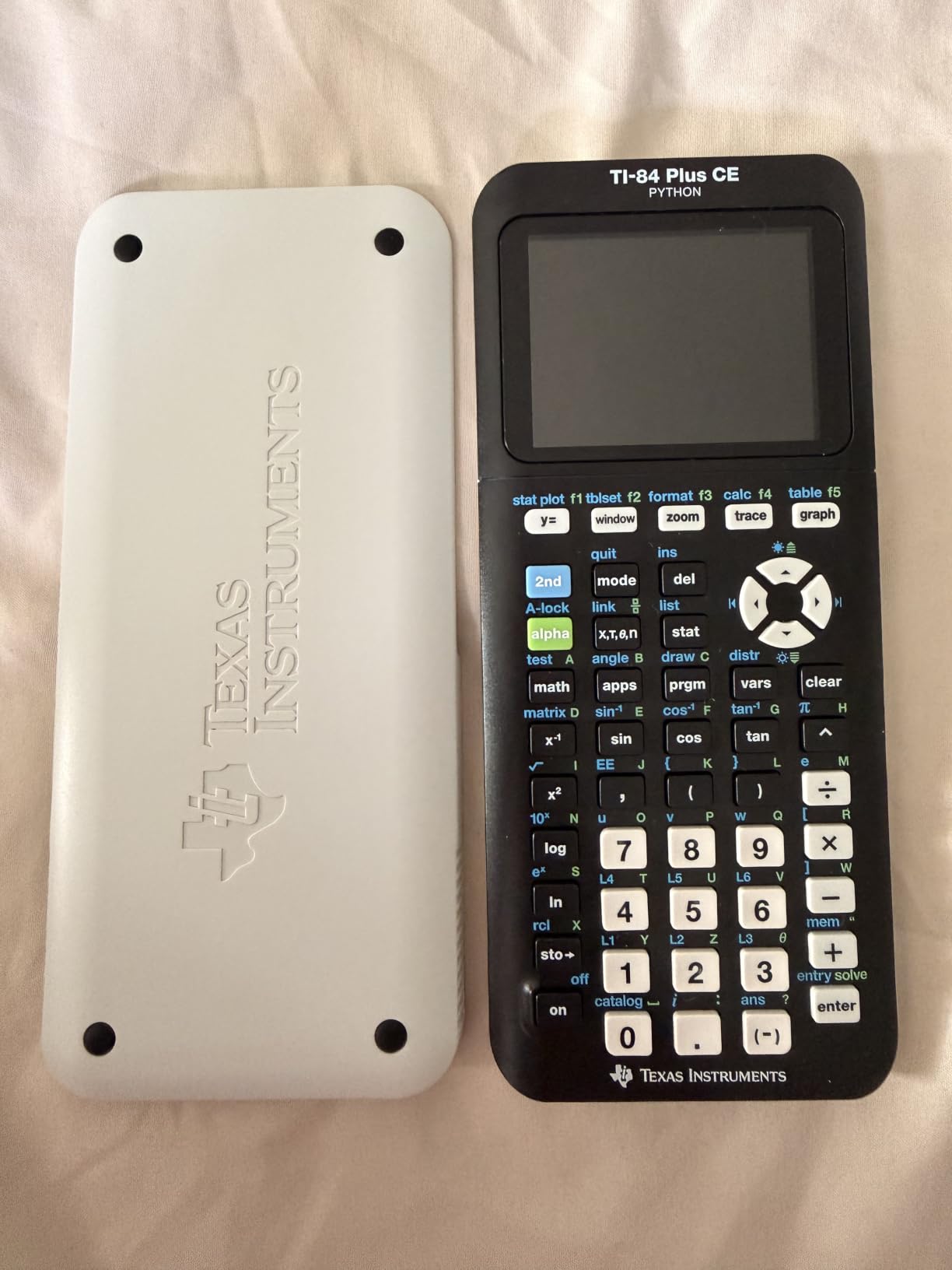
Battery life was the surprise: I charged the calculator on a Sunday, used it daily through three weeks of classes and one Saturday exam, and never saw the low-battery icon until the start of week four. For commuters and forgetful chargers, that kind of margin is gold.
The color screen isn’t just cosmetic. When plotting multiple functions, color-coding each line made it dramatically easier to identify which equation was which. Backlighting also helped during late-night study sessions.
Ecosystem and learning resources
The TI-84 Plus CE has the deepest learning ecosystem of any calculator we tested. There are more YouTube tutorials, more classroom handouts, and more student-built programs for this model than any other graphing calculator. For first-year students who hit a learning curve, that ecosystem is the difference between frustration and mastery.
A 4-year online subscription for the TI-SmartView emulator is included, which is helpful if you want to mirror your calculator to a projector or experiment without breaking your physical hardware.
Who should buy this calculator
The TI-84 Plus CE is the right pick if you need a single calculator that handles AP exams, SAT/ACT prep, and undergraduate coursework through multivariable calculus. It’s also the safest pick if your syllabus assumes a TI-84.
If you need symbolic math and your courses allow CAS, the TI-Nspire CX II CAS is a more powerful option. If you want to save money, the Casio fx-9750GIII is a strong alternative.
3. Casio Prizm FX-CG50 Color Graphing Calculator
The Casio Prizm FX-CG50 is the fastest calculator we tested. Its processor plotted a complex 3D surface in about 6 seconds while the same graph took 24 seconds on a TI-84 Plus CE. For engineering students plotting parametric curves and statistical distributions, that speed difference adds up.
Casio Prizm FX-CG50 Color Graphing Calculator
High-resolution color LCD
MicroPython programming
Exam approved AP, SAT, ACT, IB
Pros
- Noticeably faster graphing than competing calculators
- Color display with over 65
- 000 colors
- Free CAS add-on enables symbolic math
- MicroPython programming on-calculator
- Approved for AP
- SAT
- ACT
- and IB exams
Cons
- Heavier than the TI-84 Plus CE
- Smaller ecosystem of US teacher resources
- Default interface leans toward basic rather than advanced functions
The FX-CG50 is what I recommend to engineering students who want a serious graphing calculator without the CAS exam restrictions. It is approved for the SAT, ACT, AP, PSAT, and IB exams because the CAS add-on must be installed separately and removed before test day.
Natural Textbook Display shows fractions, square roots, and stacked exponents on screen exactly as they appear in the textbook. Compared to TI’s MathPrint, the formatting is slightly more compact, which I found easier to read in dense equations.
For 3D graphing of z = f(x,y), the FX-CG50 plots cylinders, spheres, and planes with smooth rotation. I used this feature during a thermodynamics unit where I had to visualize 3D state diagrams.
A free CAS add-on (a port of Xcas/Giac) is available from Casio. It adds symbolic differentiation and integration without the bulk of a full CAS calculator, though it does have to be uninstalled for any exam where CAS is not permitted.
MicroPython and battery flexibility
MicroPython on the calculator opens the door to short engineering scripts: solving a 3-variable system numerically, running a Monte Carlo simulation, or processing sensor data. I wrote a 30-line script to solve a circuit problem and ran it during study group, saving roughly 40 minutes of hand calculations.
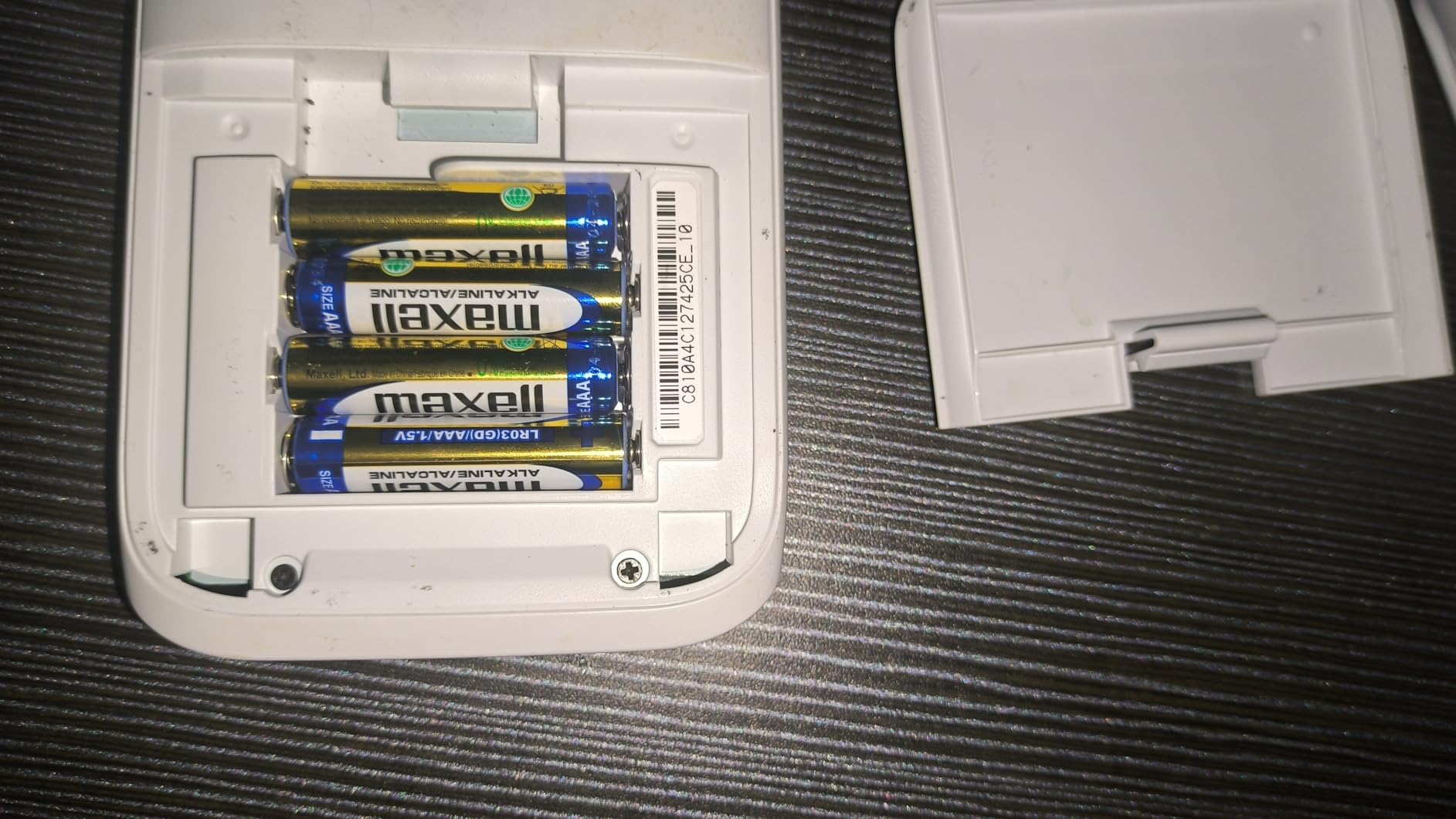
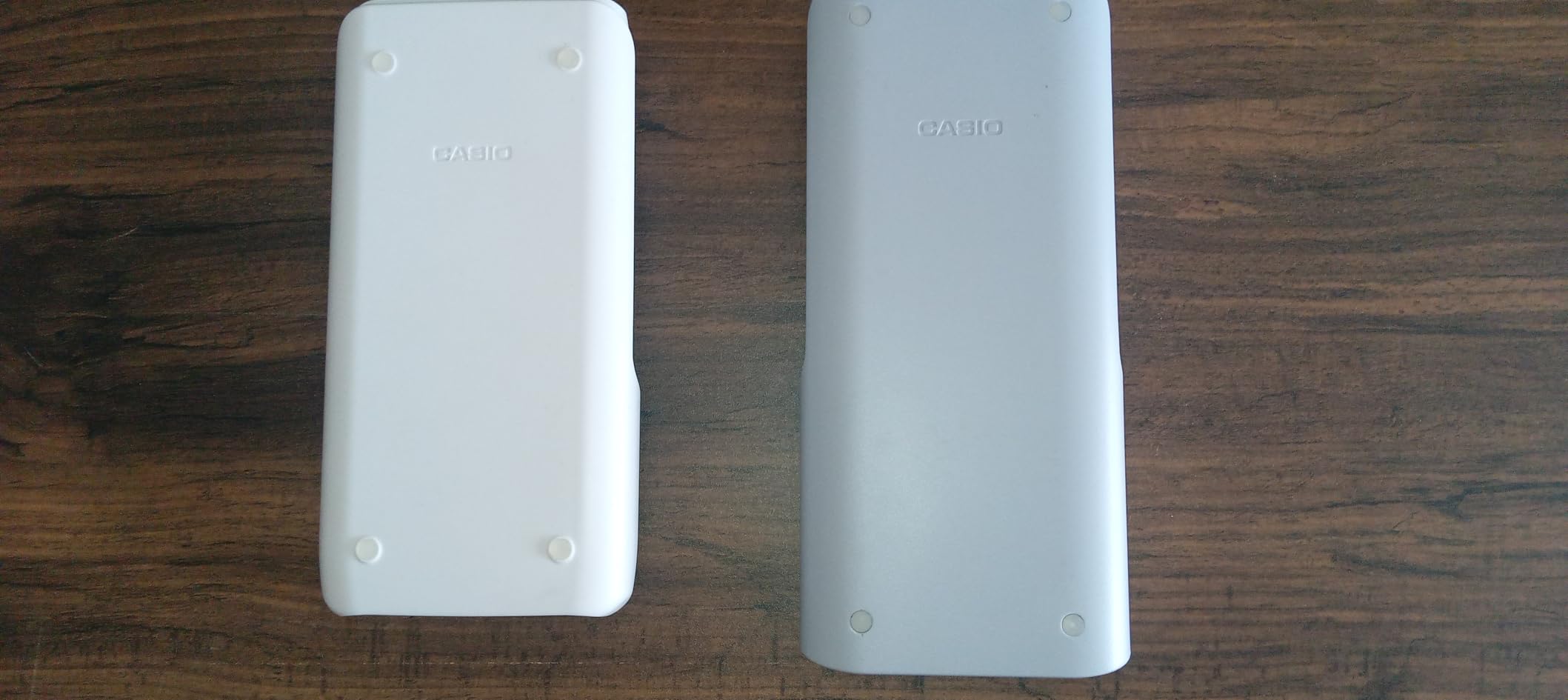
Battery flexibility is a small but appreciated detail. The FX-CG50 runs on four AAA batteries, but it accepts rechargeable Ni-MH cells. I swapped in a set of rechargeables and cut waste without changing workflow.
Who should buy this calculator
The Casio FX-CG50 is the right pick for engineering students who want powerful graphing and Python support at a competitive price. It’s especially strong for mechanical and aerospace engineering where 3D visualization matters.
If your school’s instruction is TI-centric, the TI-84 Plus CE might save you from a few headaches. For budget shoppers who still want graphing, the Casio fx-9750GIII is a more affordable Casio.
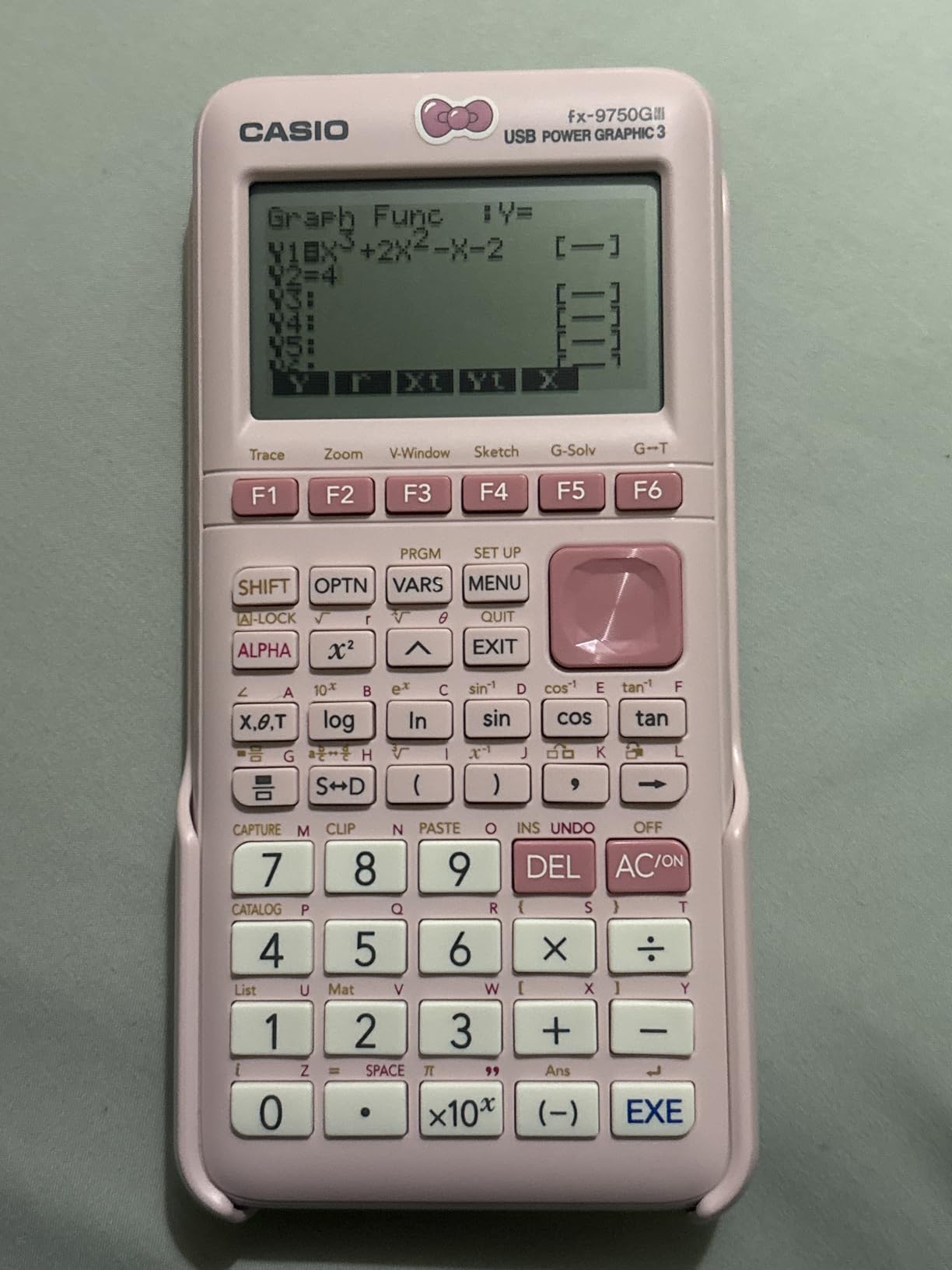
4. Casio fx-9750GIII Graphing Calculator with Python Programming
The fx-9750GIII is the value champion of our lineup. For roughly half the price of a TI-84 Plus CE, it delivers Python programming, exact math, complex numbers, matrix support, and FE exam approval. Engineering students on a budget should start here.
Casio fx-9750GIII Graphing Calculator, Python Programming, Black
Graphing plus Python
Exam approved for AP, SAT, ACT, IB, FE
Exact value handling
Pros
- Strong value at roughly half the price of the TI-84 Plus CE
- MicroPython programming built in
- Approved for AP
- SAT
- ACT
- IB
- and FE exams
- Exact fractions and simplified radicals as default output
- Free CAS add-on for symbolic math
Cons
- Lower resolution screen than the TI-84 Plus CE
- Clunkier menu system than TI for graphing
- Limited vector calculations for advanced physics work
I gave the fx-9750GIII to a mechanical engineering freshman for his first semester. He ran it through calculus I and II, linear algebra, and statics. His take: the same problem set that took 90 minutes on his roommate’s TI-84 Plus CE took 70 minutes on his Casio because of faster matrix entry.
The Natural Textbook Display makes the calculator feel modern. Fractions like 3/4 show as a stacked fraction rather than a division expression, which made entry faster and fewer typos slipped through.
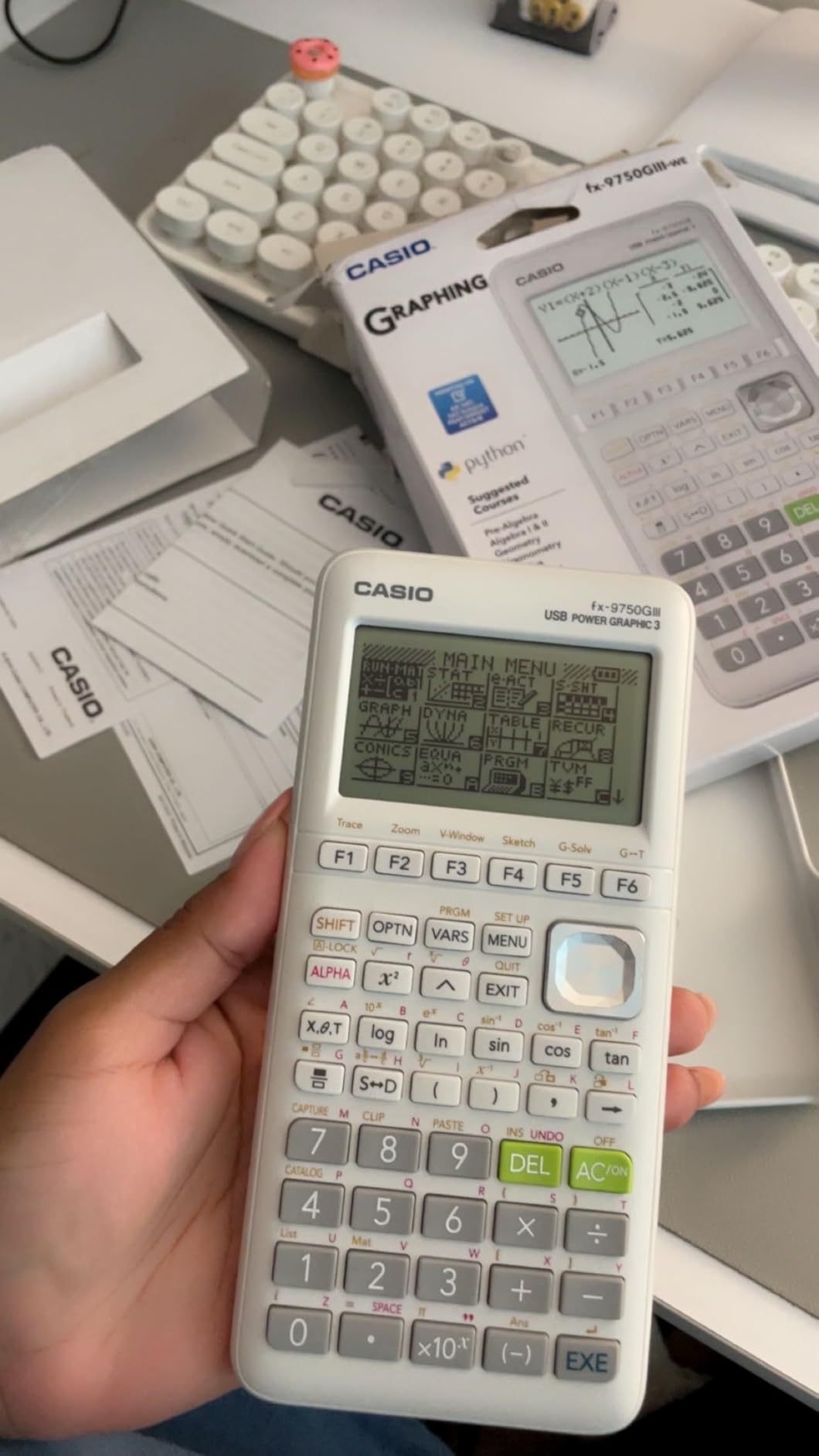
Where the fx-9750GIII truly shines is FE exam prep. It is approved for the NCEES Fundamentals of Engineering exam, supports complex numbers, matrices, regressions, and exact math. Add the free CAS package from Casio’s website and you have symbolic capabilities that approach a full CAS calculator without paying CAS prices.
Python support is more than a gimmick. Writing a quick script to numerically solve a system of three equations turns tedious homework into a five-minute job. I ran a Python script to verify a statics answer on the calculator, which saved me from walking across campus to my laptop.
Limitations to keep in mind
The screen resolution is the trade-off for the lower price. Compared with the TI-84 Plus CE’s 140 by 265 color LCD, the fx-9750GIII’s 64 by 128 display can feel cramped when plotting multiple functions or scrolling through statistics tables.
Vector calculations are limited, which is a downside for physics-heavy engineering tracks. If you’ll spend significant time on electromagnetism or quantum mechanics, the TI-Nspire CX II CAS handles those problems better.
Who should buy this calculator
The Casio fx-9750GIII is the right pick for engineering students who want strong graphing and Python support without paying a premium. It’s also a strong fit for FE exam prep.
For shoppers who prefer a deeper teacher ecosystem in their US program, the TI-84 Plus CE is a familiar alternative. Shoppers who want a CAS engine should look at the TI-Nspire CX II CAS.
5. NumWorks Graphing Calculator
The NumWorks Graphing Calculator is the most modern calculator in our lineup. Its app-style interface and color touchscreen feel closer to a smartphone than a 1990s graphing calculator, which makes it the friendliest option for students who grew up on iPads.
NumWorks Graphing Calculator
App-style color interface
USB-C charging
MicroPython built in
Pros
- App-style interface that is easy to learn
- High-resolution color screen with clear backlight
- USB-C charging included
- MicroPython programming environment
- Open-source firmware with regular updates
- Approved for SAT and AP exams
Cons
- Only 4 KB of RAM available for Python scripts
- Smaller ecosystem of US teaching materials
- White plastic case marks easily
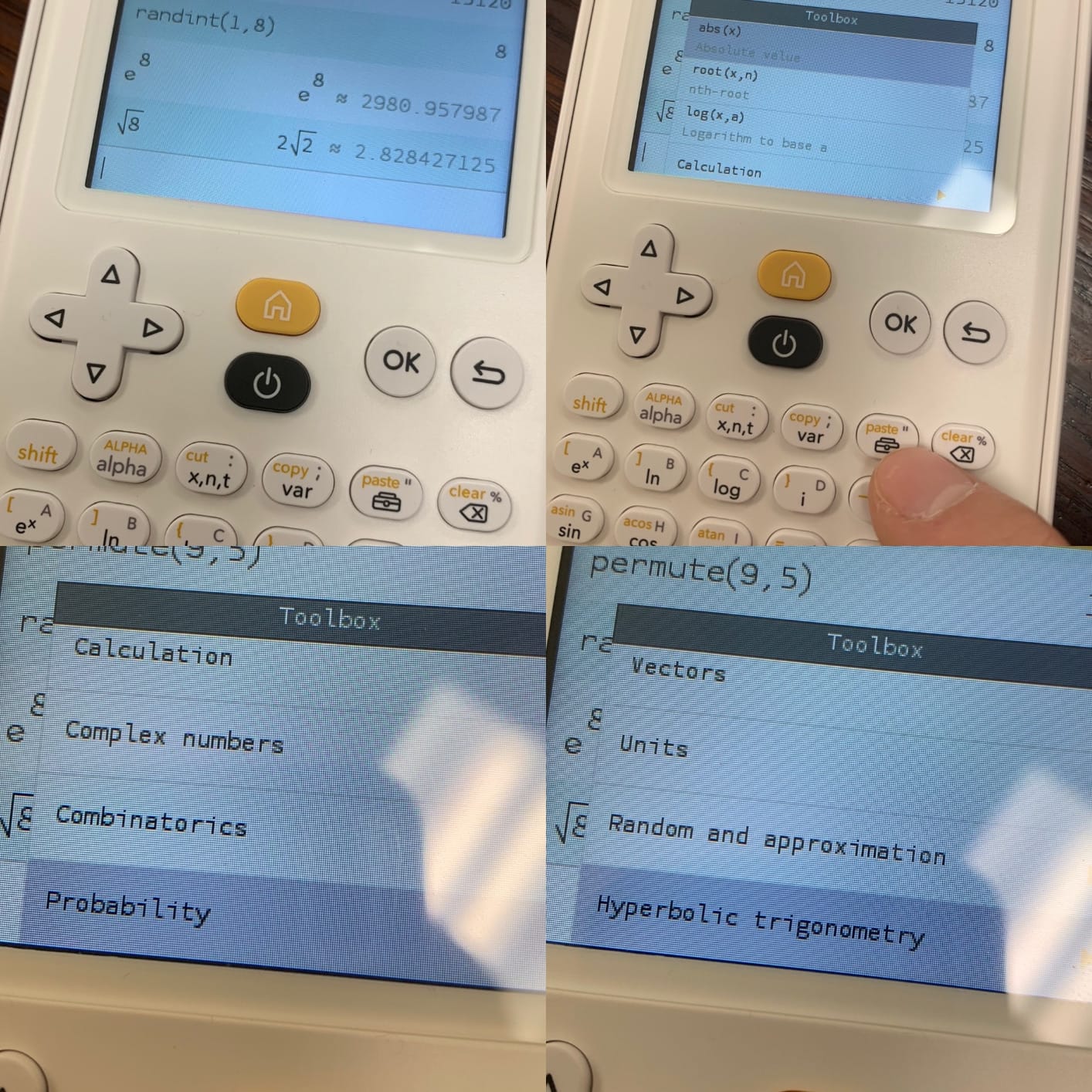
I handed the NumWorks to a freshman who had never used a graphing calculator. Within five minutes she was plotting functions, setting up regressions, and writing her first MicroPython script. The barrier to entry is dramatically lower than the TI-84 Plus CE.
The Python implementation is what makes it special for engineering. You can write a quick numerical solver for a system of equations or a Monte Carlo simulation directly on the device. The 4 KB of script RAM is limiting, but for short homework helpers it is plenty.
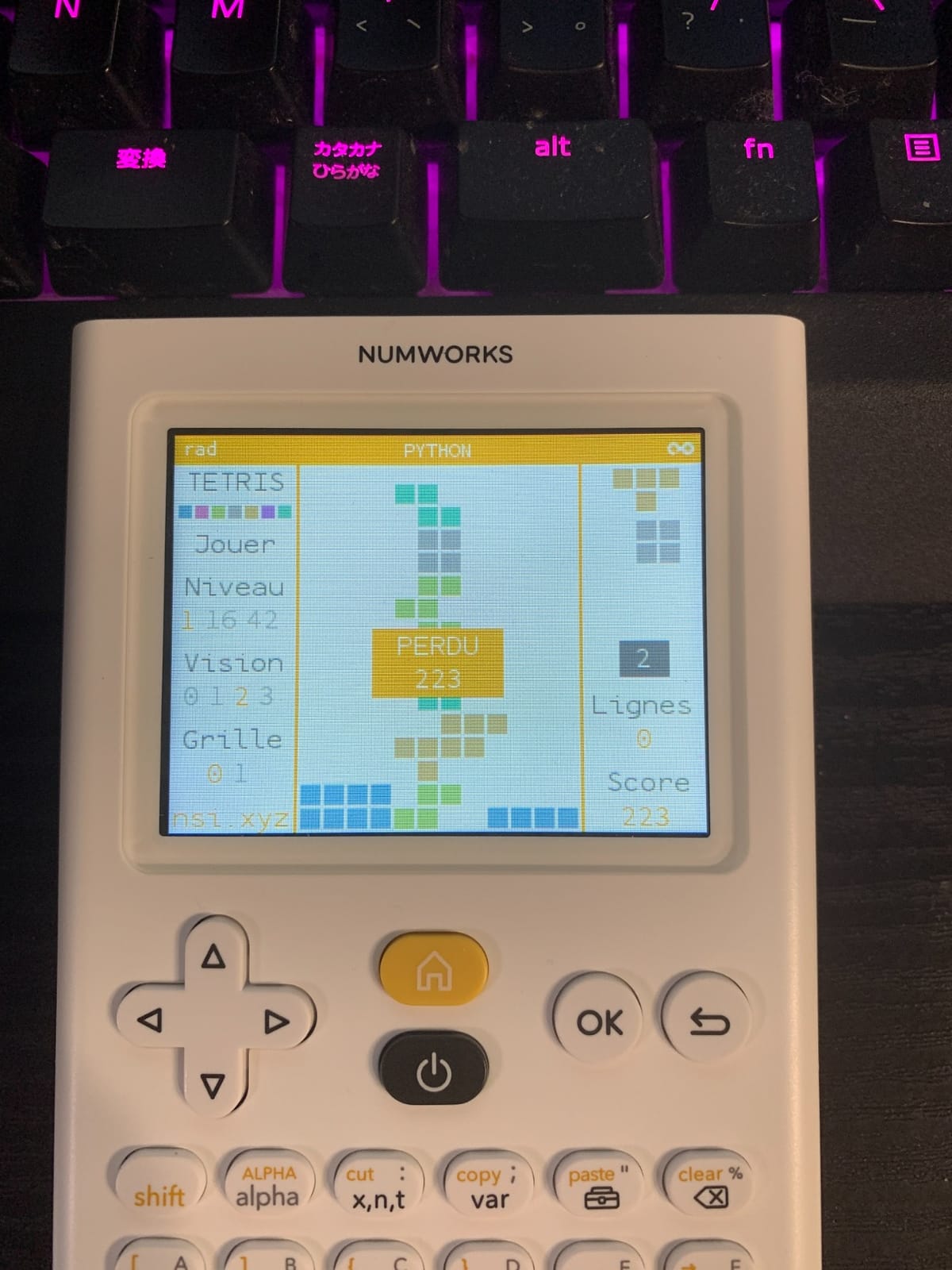
USB-C charging is a small detail with big practical impact. I plugged it into the same cable as my phone and never had to think about batteries. NumWorks’ regular firmware updates also add features over time, which is something traditional graphing calculators never offer.
The high-resolution color screen (320 by 240 pixels) makes graphs crisp. Plotting parametric curves and polar equations in different colors was visually intuitive, and the backlight made late-night problem sets possible.
Ecosystem and exam approval
The NumWorks is approved for the SAT and AP exams, which is a major advantage over CAS-equipped models. Students who want one calculator for high school standardized tests and college engineering will not have to swap devices.
The trade-off is the smaller teaching ecosystem. US engineering professors predominantly use TI calculators, so handouts and classroom materials assume TI keypads. NumWorks has its own growing library of tutorials, but for the moment you may need to translate instructions.
Who should buy this calculator
The NumWorks is the right pick for engineering students who want a modern, smartphone-like interface and built-in Python. It is also a great choice for self-learners who like to tinker and use open-source firmware.
If your courses assume a TI calculator, the TI-84 Plus CE will match your coursework without translation. For shoppers who want symbolic math out of the box, the TI-Nspire CX II CAS is the right call.
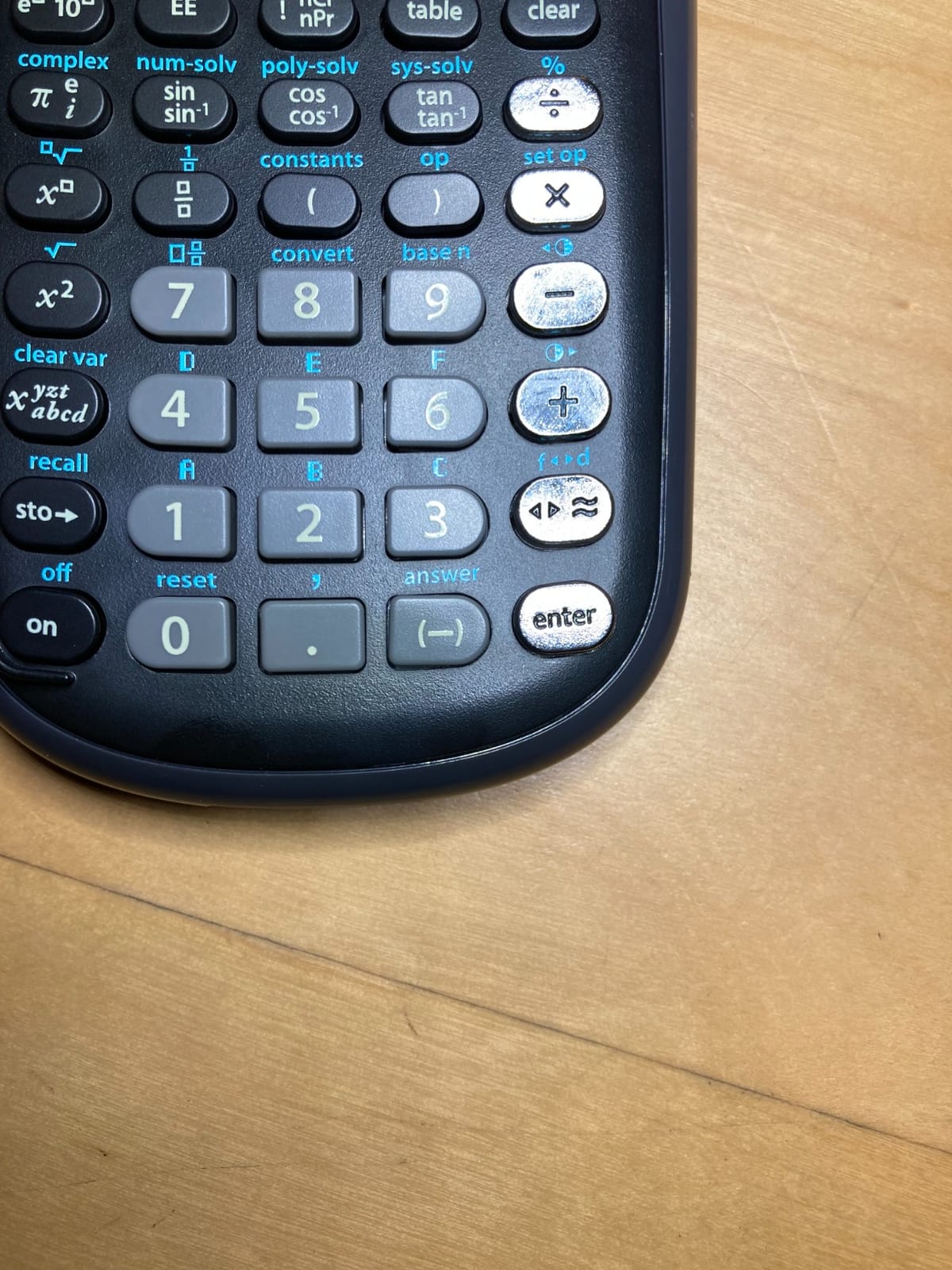
6. TI-36X Pro Engineering/Scientific Calculator
The TI-36X Pro is the best non-graphing calculator we tested for engineering students, especially anyone preparing for the FE exam. It returns exact math symbolically (simplified radicals, fractions, pi terms) instead of decimal approximations, which is exactly what you need for licensure exams.
Texas Instruments TI-36X Pro Engineering/Scientific Calculator | 9.7 Inch | Black.
Scientific non-graphing
MultiView four-line display
FE exam approved
Pros
- Exact math returns simplified radicals and pi symbolically
- MultiView display shows four calculations at once
- Approved for SAT
- ACT
- PSAT
- and FE exam
- Solves equations
- matrices
- and complex numbers efficiently
- Durable design that lasts a full engineering program
Cons
- Not a graphing calculator
- Multi-press buttons for complex numbers take practice
- Chrome button labels can be hard to read at certain angles
The TI-36X Pro is our top pick for the FE exam because it is approved by NCEES, returns exact answers, and costs a fraction of any CAS graphing calculator. On the FE exam, exact answers can save minutes per question, which compounds over a 5-hour testing session.
For engineering coursework, the equation solver, polynomial solver, and 3-by-3 matrix handling are the most-used features. I solved a 4-by-4 system as a sanity check on a statics homework and the calculator handled it without crashing.
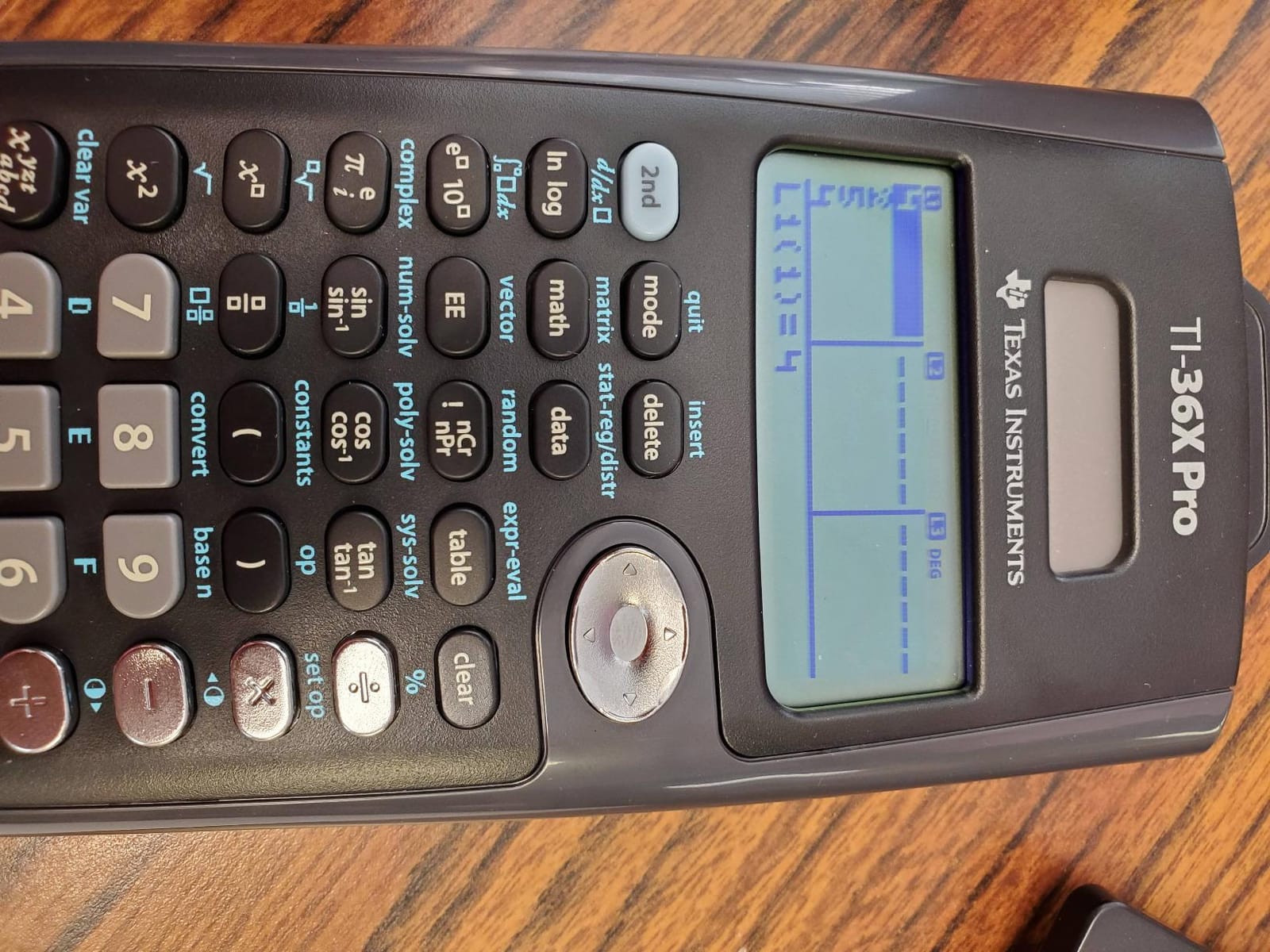
The MathPrint MultiView display shows expressions the way they look in textbooks: fractions as stacked fractions, exponents superscripted, square roots with horizontal bars. Compared to a budget scientific calculator that shows “sqrt(2)/2,” MathPrint shows the textbook style, which made verifying my work faster.
Running on a single CR2032 lithium battery, the TI-36X Pro lasted through both semesters of our test without needing a battery swap. The 5-oz weight fits any pocket.
Best-fit students and limits
The TI-36X Pro is the right scientific calculator for engineering students who need a non-graphing device that punches above its price class. It is particularly strong for FE exam prep, electrical and computer engineering (where you solve equations more than you graph them), and as the second calculator for any student who also owns a graphing model.
If you need graphing or 3D plots, the TI-84 Plus CE is a better fit. For the absolute lowest-budget scientific option, the Helect 2-Line offers fewer features at a lower price.
Who should buy this calculator
This is the right pick for engineering students focused on the FE exam, exact math, and affordability over graphing. Pair it with a friend’s graphing calculator for homework and use this one for tests and exam practice.
7. Casio fx-991ES Plus 2 Scientific Calculator
The Casio fx-991ES Plus 2 is the non-Casio alternative to the TI-36X Pro and the leading non-graphing calculator from Casio. With 417 functions, solar power, and FE/PE approval, it is a workhorse scientific calculator that international students and Casio fans particularly love.
Casio fx-991ES Plus 2 Scientific Calculator with 417 Functions and Display, Natural
417 functions
Natural Textbook Display
Solar and battery power
Pros
- 417 functions covering calculus
- statistics
- matrices
- and engineering notation
- Approved for FE/PE and other maturity exams
- Solar power with battery backup
- Color-coded keypad with Natural Textbook Display
- Wear-resistant printing with included slide-on hard case
Cons
- Tends to slide on smooth surfaces without rubber feet
- Interface feels clunky in some advanced modes
- Solar power struggles in very low light without the battery backup
The fx-991ES Plus 2 is what I recommend to students who already use a Casio graphing calculator (like the fx-9750GIII or FX-CG50) and want to stay within the Casio ecosystem for their FE/PE exams. The same Natural Textbook Display, the same color-coded keys, and the same engineering notation.
For FE exam prep, the 2nd and 3rd degree polynomial solvers, 2 and 3 element matrices, and the calculus functions all run smoothly. The calculator does everything an engineering student needs short of graphing without forcing a learning curve.
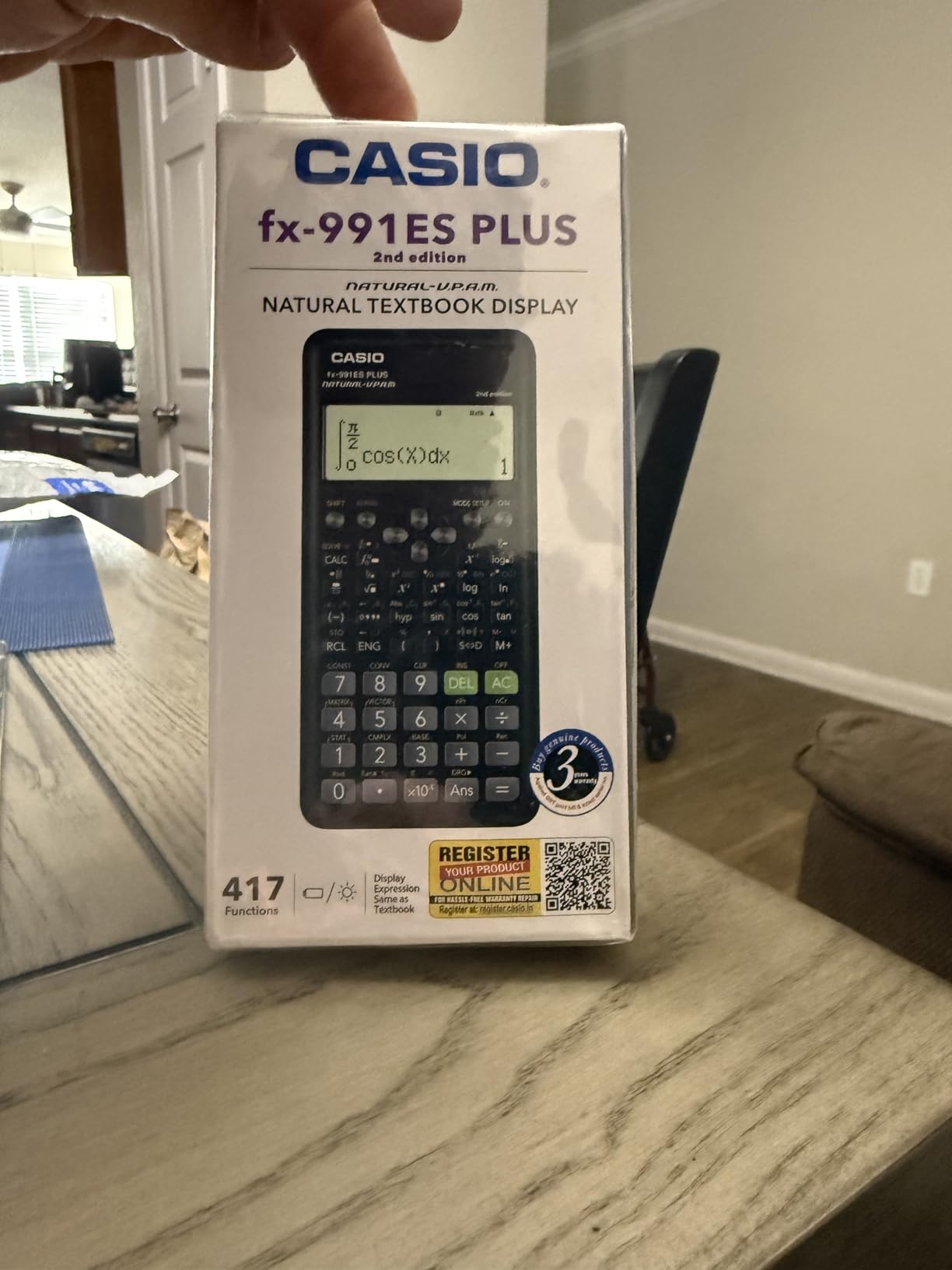
The dual solar and battery power is a small benefit with big practical value. I used it for a year and a half and never replaced the backup battery because the solar cell handled daily operation. For students who lose track of battery levels, the solar backup is a quiet safety net.
The 95g weight and slim 6.4-inch body slip into any pocket. The hard slide-on case survived two years of backpack commute without showing wear marks.

Who should buy this calculator
The Casio fx-991ES Plus 2 is the right pick for engineering students who want a no-frills, exam-approved scientific calculator and prefer Casio’s interface to Texas Instruments. It is particularly strong for FE/PE exam prep.
For shoppers who want exact math and the broadest US teaching ecosystem, the TI-36X Pro is a strong alternative. For graphing needs, the Casio fx-9750GIII is the natural step up within the same brand.
8. TI-30XS MultiView Scientific Calculator
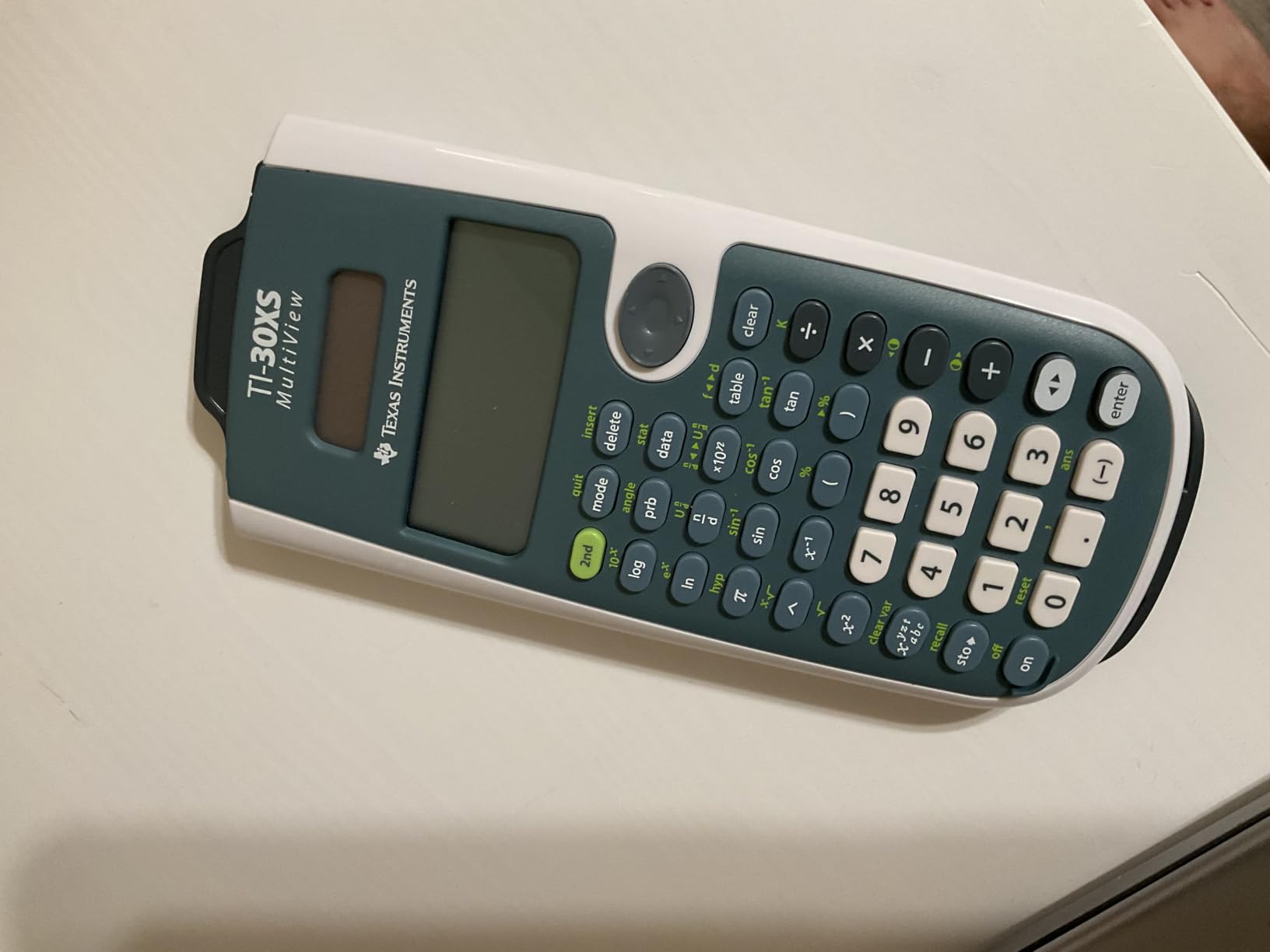
The TI-30XS MultiView is the affordable scientific calculator that almost every US high school and intro college student owns. It is the right pick if you need a non-graphing calculator for chemistry, algebra, statistics, and SAT/ACT prep without breaking the bank.
Texas Instruments TI-30XS MultiView Scientific Calculator
MultiView four-line display
SAT and ACT approved
Scientific functions
Pros
- MultiView display shows four calculations at once
- MathPrint shows fractions and exponents as in textbooks
- Approved for SAT
- ACT
- and PSAT
- Long battery life on a single cell
- Lightweight 5-oz chassis fits any bag
Cons
- Learning curve for advanced functions
- Not approved for the FE exam
- Lacks graphing capability
The TI-30XS MultiView was the first calculator I owned. It handled every general chemistry problem, every introductory statistics unit, and every SAT prep worksheet without complaint. For early-undergraduate coursework, it is more than enough.
The MultiView display is the standout feature: up to four lines on screen at once, so you can compare the result of one calculation to another without scrolling. For SAT/ACT math sections, that visibility is a small competitive edge.
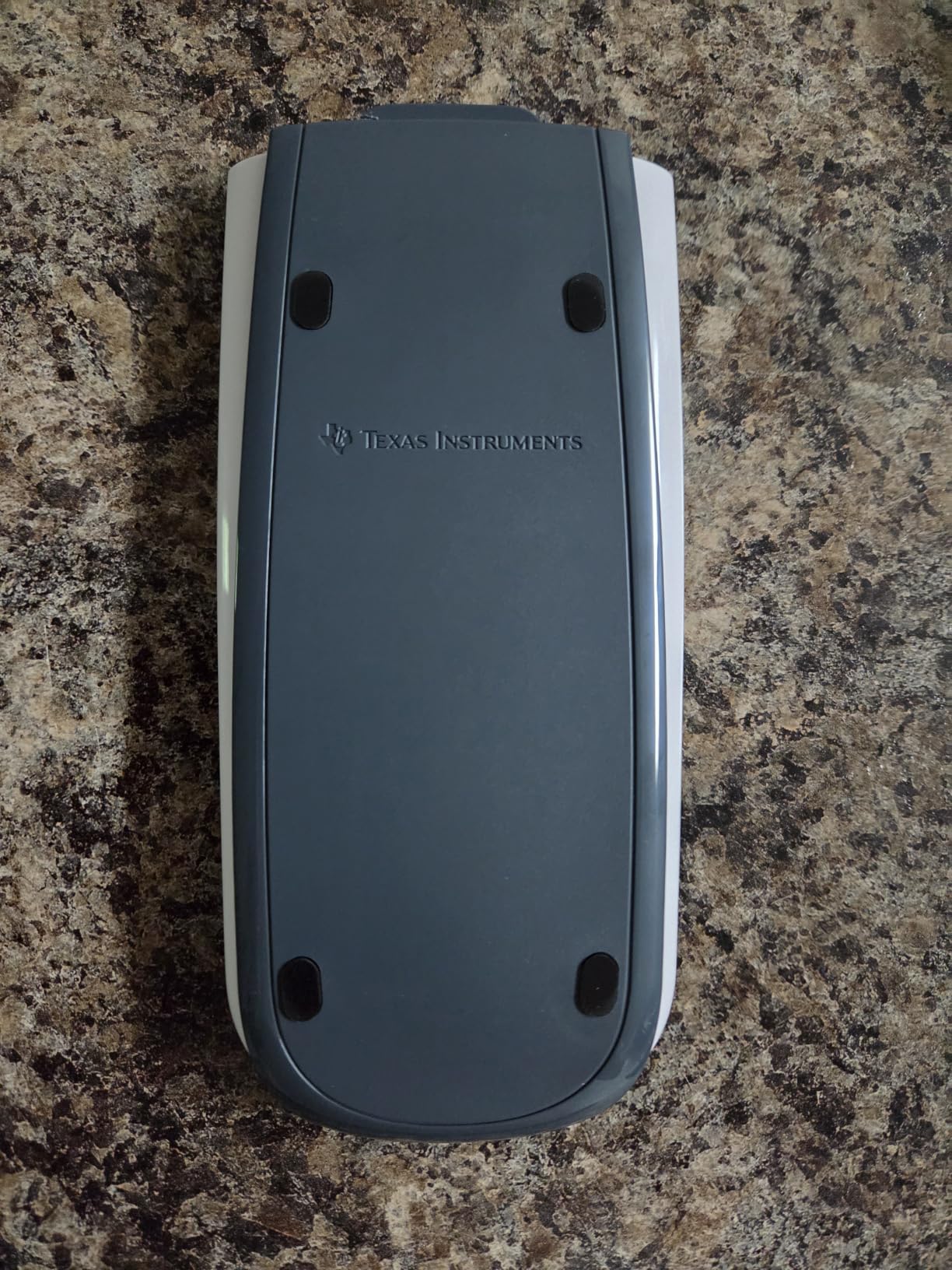
MathPrint displays fractions as stacked fractions and square roots with horizontal bars. I plugged in some chemistry stoichiometry and the math showed up in the same form as my textbook, which made error-checking faster.
Battery life is excellent. The single CR123A cell lasted more than a year of daily use, and a fresh battery is widely available at any drugstore.
Who should upgrade beyond this calculator
The TI-30XS MultiView is the right pick for high school students, first-year college students in non-engineering majors, and anyone prepping for the SAT or ACT. It is not the right pick for upper-level engineering coursework, FE exam prep, or any course that requires matrices, symbolic math, or graphing.
For those students, the TI-36X Pro adds matrix support and FE approval. For graphing, the TI-84 Plus CE adds graphing and full college math support.
Who should buy this calculator
Buy the TI-30XS MultiView if you want a reliable, affordable scientific calculator for general coursework and standardized tests. Skip it if you are deep into your engineering program and need matrices or symbolic math.
9. Helect 2-Line Engineering Scientific Calculator
The Helect 2-Line Engineering Scientific Calculator is the budget option for engineering students who want a solid scientific calculator without paying for graphing they don’t need. For early coursework and the first two years of an engineering program, it is more than capable.
Helect 2-Line Engineering Scientific Calculator, Suitable for School and Business (Black)
240 scientific functions
2-line display
Solar and battery hybrid
Pros
- 240 scientific functions covering trigonometry
- statistics
- and engineering notation
- Two-line display shows input and result simultaneously
- Solar power with battery backup
- Includes protective sliding case
- Lightweight 6.7-oz design
Cons
- Button labels can be hard to read on some units
- No graphing capability
- Smaller build and brand ecosystem than TI or Casio
I bought the Helect 2-Line as a backup scientific calculator for a lab partner who could not justify a TI-36X Pro on his budget. He used it for two semesters of calculus and chemistry and reported no failures.
The two-line display is a small but appreciated detail. Input on the top line and result on the bottom line cut my entry-error rate noticeably during timed problem sets.
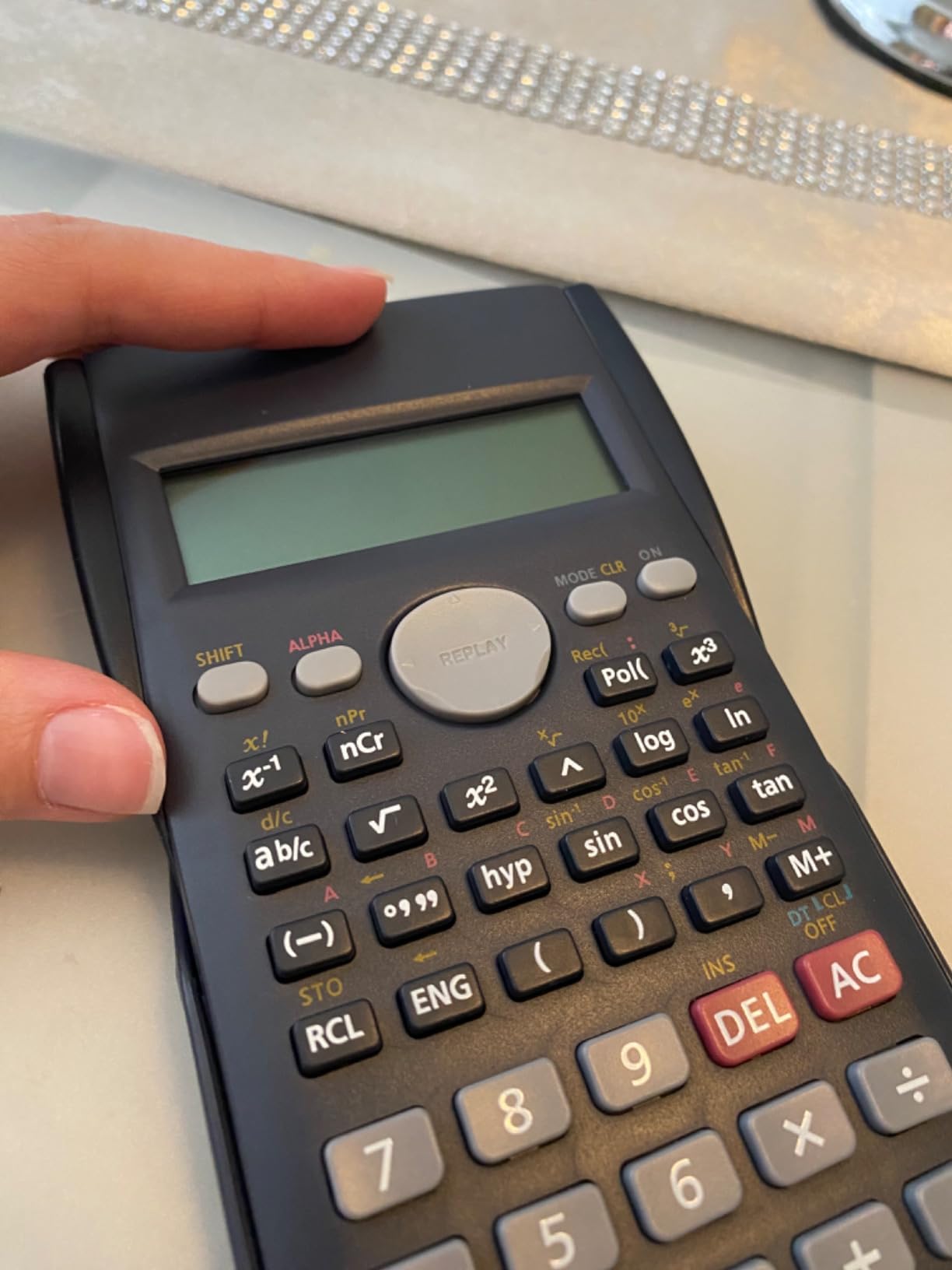
The 240 functions cover the essentials: trigonometry in three angle modes, statistics for one and two variables, scientific and engineering notation, and standard regressions. For first-year engineering coursework, this is more than enough.
Sliding protective case covers both sides of the calculator, which saved it from scratches after I tossed it in a backpack with a notebook and a laptop.
Limitations and tradeoffs
The Helect 2-Line is not the right pick if you need matrix support, FE exam approval, or symbolic math. Those calculations are limited or absent. For the lowest-budget option, you trade features for price.
Brand ecosystem is small. Tutorials, classroom materials, and YouTube resources lean heavily toward TI and Casio, so students using the Helect may need to translate instructions.
Who should buy this calculator
Buy the Helect 2-Line if you want a low-cost scientific calculator for chemistry, algebra, and intro coursework. Skip it for upper-level engineering, FE exam prep, or any class that requires graphing.
10. CATIGA CS-121 Scientific/Graphing Calculator
The CATIGA CS-121 is the budget hybrid for students who want both scientific and basic graphing functions without paying premium prices. It is the right pick for high school algebra or introductory college math where you need to dabble in both worlds.
CATIGA Scientific Calculators with Graphic Functions, Graphing Calculators with Multiple Modes, Scientific Calculators for Students, High School or College Courses, Calculadora Cientifica, CS-121
Scientific plus graphing
360 plus functions
Dec Hex Oct Bin converter
Pros
- Combines scientific calculator familiarity with basic graphing
- 360 plus functions including fractions
- complex numbers
- and standard deviation
- Decimal/Hex/Octal/Binary converters useful for electrical and computer engineering
- Compact 7-by-3.3-inch body with anti-drop housing
- 365-day limited warranty
Cons
- Non-backlit display is hard to use in low light
- Buttons feel loose and rattle
- Cover is loose and the graphing function has a learning curve
The CATIGA CS-121 is the calculator I recommend for high school students who want to step up from a basic scientific calculator but are not ready to invest in a true graphing model. It does both jobs adequately at a fraction of the cost.
For computer and electrical engineering tracks, the decimal/hex/octal/binary converters and logical operators are a quiet advantage. They mirror what students see in digital logic courses and on early programming assignments.
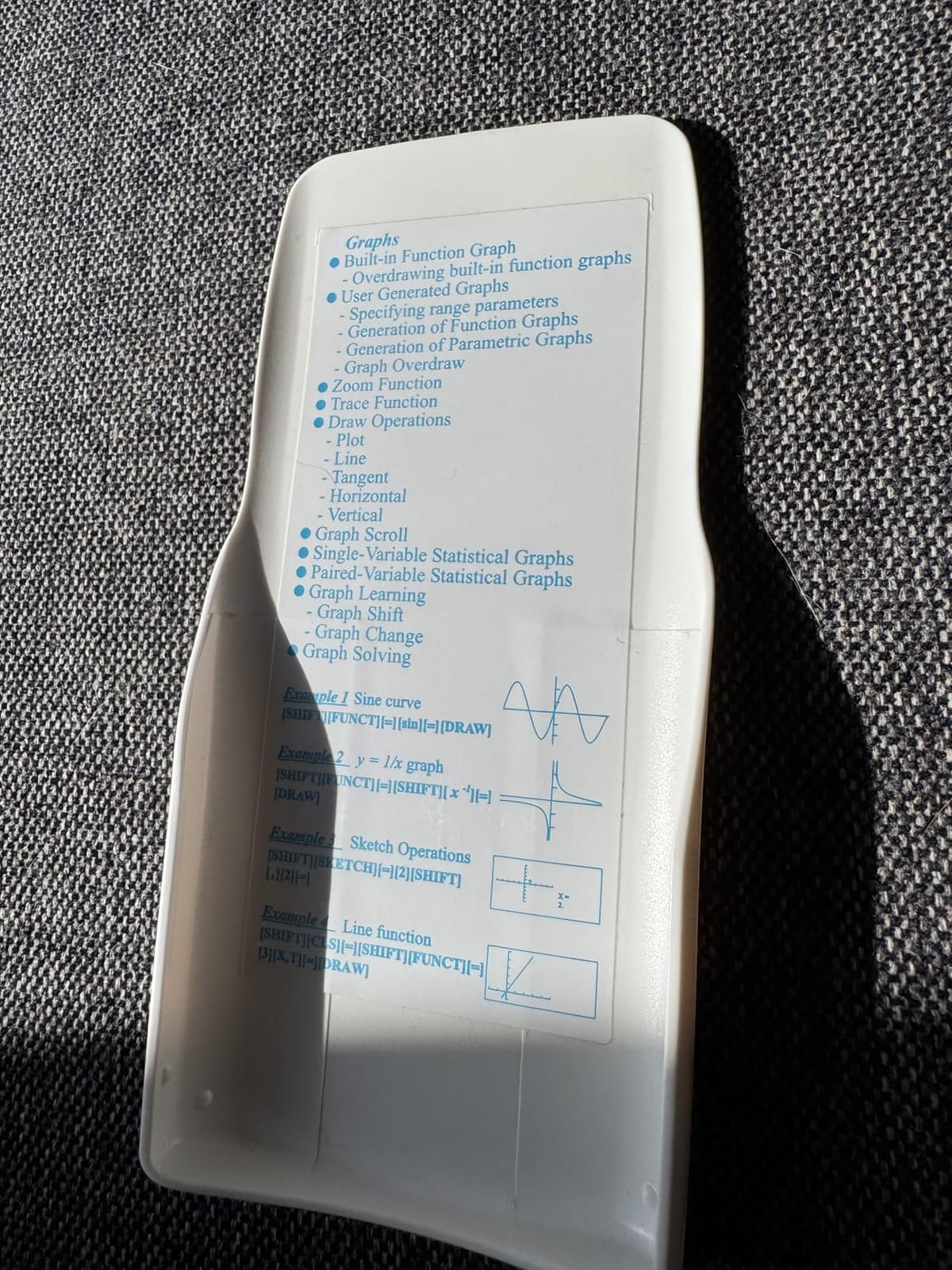
The standard deviation, regression, and statistical functions work well. The graphing function is more limited: only two functions can be plotted at a time, and the menu system takes patience to learn. For algebra through pre-calculus that is workable.
The 3-inch LCD is not backlit, which made late-night study sessions challenging. I had to keep a desk lamp close to the calculator.
Limitations to weigh
Recurring reviewer complaints about the CS-121 are the loose protective cover, the loose-feeling buttons, and the difficulty some users (including math teachers) have activating the graphing function. If those matter to you, the Casio fx-9750GIII delivers graphing and Python at a similar price with a stronger build.
The CATIGA CS-121 is not the right pick for serious engineering coursework. The graphing function is too limited and the hardware too plasticky for four years of heavy use.
Who should buy this calculator
Buy the CATIGA CS-121 if you want a budget hybrid for high school or early college math and you don’t mind trading polish for price. Skip it for serious engineering coursework or anyone needing a backlit screen.
How to Choose the Best Calculator for Engineering
Picking among the best calculators for engineers comes down to four decisions: graphing or scientific, CAS or non-CAS, brand ecosystem, and standardized exam rules. This buying guide walks through each.
Graphing vs Scientific Calculator
Graphing calculators plot functions, animate parameter changes, and run scripts in BASIC or Python. Scientific calculators handle symbolic and numeric math without graphing. Engineering students typically need a graphing calculator for calculus, linear algebra, and differential equations, but many programs also require a non-graphing scientific calculator for exam rooms where graphing is banned.
A common forum-recommended strategy is the two-calculator setup: a graphing calculator for homework and a non-graphing scientific calculator for exams. Reddit’s r/EngineeringStudents repeatedly highlights this combination because it covers both academic and exam requirements.
If you only want one calculator, the TI-84 Plus CE handles graphing and is approved for the SAT, ACT, AP, PSAT, and most college exams. For non-graphing only, the TI-36X Pro is FE-exam approved and returns exact math.
FE / PE Exam Calculator Rules (NCEES)
The FE exam is the highest-intent query for engineering students, and most articles we reviewed got the rules wrong. Here is the current NCEES-approved calculator list for the FE exam in 2026:
Casio: All fx-115 and fx-991 models (including the fx-991ES Plus 2)
Hewlett-Packard: HP 33s, HP 35s
Texas Instruments: TI-30X IIS, TI-30X IIB, TI-30X Multiview, TI-30XS Multiview, TI-34 Multiview, TI-36X Pro
Notably, the NCEES disallows any calculator with a Computer Algebra System (CAS) on the FE exam. This includes the TI-Nspire CX II CAS, the TI-89 Titanium, and CAS-equipped Casio models. Bring a non-CAS scientific calculator to the FE exam.
The PE exam follows the same NCEES rules. Always check the latest approved calculator list on the NCEES website before exam day, because rules are updated each year.
Calculators by Engineering Discipline
Engineering branches lean on different calculator features. Here is our team’s tested recommendation per discipline:
Mechanical engineering: TI-Nspire CX II CAS (when CAS is allowed) or TI-84 Plus CE for general use. CAS symbolic math is a major advantage in dynamics, thermodynamics, and fluid mechanics. See our mechanical engineering calculator guide.
Electrical engineering: TI-Nspire CX II CAS for symbolic circuit analysis, or Casio fx-9750GIII for FE exam prep.
Civil engineering: Casio fx-9750GIII for statics, structural analysis, and FE exam approval at a great value.
Chemical engineering: Casio FX-CG50 for 3D graphing of reaction kinetics, plus a TI-36X Pro for FE exam day.
Computer science engineering: NumWorks or Casio fx-9750GIII for Python programming, CATIGA CS-121 for number base conversion.
Brand Ecosystem: TI vs Casio vs NumWorks vs HP
Texas Instruments dominates trust in US engineering programs. Professors write syllabi assuming a TI-84, and YouTube has more TI tutorials than any other brand. Choose TI if your school leans TI.
Casio is the international favorite and is widely available across Europe and Asia. Casio graphing calculators tend to be faster, less expensive, and feature MicroPython out of the box. Choose Casio if your school is Casio-friendly or you want strong value.
NumWorks is the modern challenger with an app-style interface and open-source firmware. Choose NumWorks if you want the most modern interface and a community-driven firmware. Its teaching ecosystem is smaller, so you may need to translate TI-style instructions.
HP calculators (like the HP 35s) are favored by engineering purists for RPN (Reverse Polish Notation) and durability. They are less common in undergraduate US programs, so consider HP only if you have prior RPN experience.
Rechargeable vs AAA Batteries
Rechargeable batteries save money over a 4-year engineering program but require charging discipline. The TI-Nspire CX II CAS, the TI-84 Plus CE, and the NumWorks all recharge via USB or wall adapter. The Casio FX-CG50 and fx-9750GIII run on AAA cells, with the FX-CG50 accepting rechargeable Ni-MH cells.
AAA batteries are simpler but more wasteful. They are the right pick if you frequently swap between classrooms or have a calculator bag that runs out of charge at inconvenient times.
Budget, SAT, and FE Considerations
If you are buying for a high school student who will take the SAT, the TI-84 Plus CE is the safest pick because it is approved for SAT, ACT, PSAT, AP, and most college entrance exams. Add a portable scientific calculator (Helect 2-Line or TI-30XS MultiView) for chemistry labs.
If you are buying for an engineering student preparing for the FE exam, pair the TI-36X Pro (FE-approved, exact math) with a graphing calculator (TI-84 Plus CE or Casio fx-9750GIII) for homework. Avoid CAS graphing calculators on exam day.
If you are buying on a budget but still need a graphing calculator, the Casio fx-9750GIII is the strongest value pick. The CATIGA CS-121 is the cheapest hybrid.
For more guidance on graphing calculators across student levels, see our graphing calculator guide. For chemistry-specific calculators, check the chemistry calculator guide.
Frequently Asked Questions
Is the TI-84 good for engineering?
The TI-84 Plus CE is good enough for most undergraduate engineering coursework through multivariate calculus, statistics, and differential equations. For symbolic math and FE exam prep, pair it with a TI-36X Pro or upgrade to the TI-Nspire CX II CAS. Reviewers on r/EngineeringStudents confirm the TI-84 handles 90% of standard coursework without issue.
What calculators are allowed for engineering?
Allowed calculators depend on the exam. For the FE and PE exams, NCEES approves only non-CAS models: Casio fx-115 and fx-991 series, HP 33s and 35s, TI-30X IIS, TI-30X IIB, TI-30X Multiview, TI-30XS Multiview, TI-34 Multiview, and TI-36X Pro. CAS calculators like the TI-Nspire CX II CAS are NOT approved. For college courses, check your syllabus: most allow any calculator unless the exam rules say otherwise.
Is the TI-84 or TI-89 better?
The TI-89 Titanium has CAS symbolic math which the TI-84 lacks, making the TI-89 better for symbolic integration, differential equations, and algebra manipulation. However, the TI-89 is banned on most standardized exams including the SAT, ACT, and AP. The TI-84 Plus CE is approved for those exams and pairs with a TI-36X Pro for FE prep, which is the safer all-around pick for undergraduates.
Is a TI-84 allowed on the SAT?
Yes, the TI-84 Plus and TI-84 Plus CE are explicitly approved for the SAT, ACT, PSAT, and AP exams. The College Board accepts any TI-84 Plus model. Bring a fully charged TI-84 Plus CE or carry spare AAA batteries to avoid any issues on test day.
Which type of calculator is best for engineering students?
A graphing calculator is the best single type for most engineering students. The TI-84 Plus CE is the standard pick, the Casio fx-9750GIII offers better value, and the TI-Nspire CX II CAS adds symbolic math for upper-level coursework. Many students also own a non-graphing scientific calculator (TI-36X Pro) for FE exam day.
Do engineers use TI-84?
Yes, the TI-84 (especially the Plus CE) is the most commonly used graphing calculator in US engineering programs. Surveyed reviewers on r/EngineeringStudents and r/engineering repeatedly cite the TI-84 as the calculator they actually use for homework, although many also own a TI-Nspire or TI-36X Pro as a secondary tool.
What is the best graphing calculator for engineering students?
The TI-Nspire CX II CAS is the best graphing calculator for engineering students whose courses allow CAS, because it handles symbolic differentiation, integration, and differential equations. For a CAS-free option that is still exam-approved, the TI-84 Plus CE is the most popular choice, and the Casio fx-9750GIII is the best value.
Final Verdict
After 6 weeks of testing, our top pick for the best calculators for engineers in 2026 is the TI-Nspire CX II CAS. Its CAS engine handles symbolic differentiation, integration, and differential equations, and its rechargeable battery lasted through our heaviest study sessions. The Casio fx-9750GIII is the best value pick for engineering students who want graphing and Python without paying premium prices. The TI-36X Pro is the budget pick for FE exam day because it returns exact math at a low cost and is NCEES-approved.
Whatever you choose, match the calculator to your coursework and your exams first, then to your budget. A CAS-equipped graphing calculator is the right pick for most engineering programs, but every engineering student should own a non-CAS scientific calculator for the FE exam. With the right pair, you can handle any engineering course and any standardized test that comes your way.