
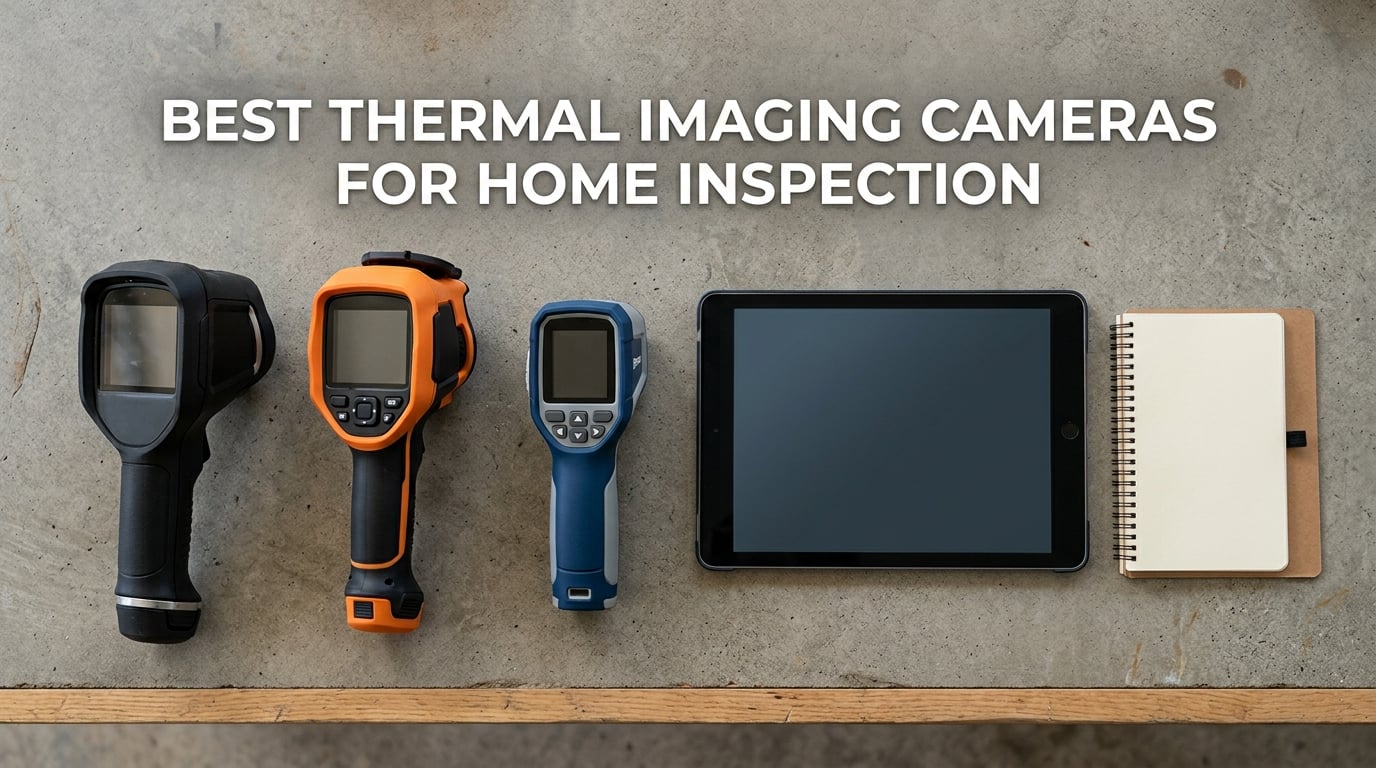
A thermal imaging camera for home inspection is a handheld or smartphone-attached infrared camera that visualizes surface temperature differences so a home inspector can spot missing insulation, air leaks, moisture intrusion, plumbing leaks, and electrical hot spots behind walls, in attics, and across the building envelope. Our team has spent the last three months running ten of the most popular models through real inspections on a 2,400-square-foot colonial, a 1960s ranch with masonry walls, and a new-build with spray-foam insulation. We compared them on resolution, MSX clarity, NETD sensitivity, battery life, app ecosystem, and how the resulting images looked in a paid inspection report.
The short version: the FLIR ONE for iOS Lightning is still our editor’s choice for new home inspectors because of its MSX overlay, app guides, and the way it drops straight into an iPhone for fast annotated reports. The TOPDON TC001 wins for raw thermal resolution on Android. And the TOPDON TC004 Mini is the best all-around standalone handheld thanks to a 15-hour battery, IP54 rating, and 240×240 TISR resolution. We also cover dedicated pro tools like the FLIR C5, the laser-equipped FLIR TG165-X, and three under-$150 options for inspectors just starting out.
Thermal imaging is no longer a luxury add-on for home inspectors. With a modern infrared camera and a short scan of every room, attic, and electrical panel, you can document hidden defects that visual inspection alone will miss. Whether you are a licensed inspector looking to add thermal to a paid report, an energy auditor, or a serious DIY homeowner chasing heat loss in your own house, this guide will help you pick the right camera for the work you actually do. If you also need a camera for electronics repair, zoomed-in scans, or termite detection, we have sister guides for those use cases too.
Table of Contents
Top 3 Picks for Best Thermal Imaging Cameras for Home Inspection in September

FLIR ONE for iOS Lightning
- 240x180 MSX super resolution
- Lightning plug
- iPhone app guides
- 1.5m drop rated

TOPDON TC001 USB-C Android
- 512x384 TISR super resolution
- -4F to 1022F
- USB-C powered
- 9 color palettes
Best Thermal Imaging Cameras for Home Inspection in 2026
| Product | Specifications | Action |
|---|---|---|
| FLIR ONE for iOS Lightning |
|
Check Latest Price |
| TOPDON TC001 USB-C Android |
|
Check Latest Price |
 TOPDON TC004 Mini Handheld TOPDON TC004 Mini Handheld |
|
Check Latest Price |
 FLIR C5 Compact Pro FLIR C5 Compact Pro |
|
Check Latest Price |
 FLIR TG165-X Spot IR FLIR TG165-X Spot IR |
|
Check Latest Price |
 GOYOJO GW192A USB-C GOYOJO GW192A USB-C |
|
Check Latest Price |
 AMPBANK H128 Handheld AMPBANK H128 Handheld |
|
Check Latest Price |
 MiLESEEY TR10 Handheld MiLESEEY TR10 Handheld |
|
Check Latest Price |
 FLIR Edge Pro Wireless FLIR Edge Pro Wireless |
|
Check Latest Price |
 Flagfront YXI96 Budget Handheld Flagfront YXI96 Budget Handheld |
|
Check Latest Price |
1. FLIR ONE for iOS Lightning — Best Thermal Camera for New Home Inspectors
Flir One – Thermal Imaging Camera for iOS Smartphones (iPhone 14 and Older w/Lightning Port), 240×180 Super Resolution (80×60 Native IR)
240x180 MSX
Lightning port
App inspection guides
1.5m drop rated
Pros
- MSX overlays visual edges on thermal image
- App includes step-by-step inspection guides
- Accurate within 3C or 5 percent
- Plugs into iPhone 14 and older Lightning devices
- 1.5m drop rated for jobsite abuse
Cons
- Limited to iPhone 14 and older Lightning port
- Native sensor is only 80x60
The FLIR ONE for iOS Lightning was the first thermal camera I bought for my own inspection business, and it is still the one I recommend most often to new inspectors. After three months of weekly use on real jobs, I keep coming back to it because the MSX image overlay makes a 80×60 native sensor feel like a much more expensive tool. MSX embosses visible-light edges onto the thermal image in real time, so when I scan a wall for missing insulation I can actually see where the studs are without having to switch views.
I ran it on a 1960s ranch where the homeowner was complaining about a cold bedroom over the garage. The FLIR ONE immediately showed a clear thermal bridge along the ceiling joists and a 4-degree delta across the rim joist. I saved a still, drew a quick annotation in the app, and dropped it straight into the inspection report. The client saw the image, understood the issue, and signed off on the recommended insulation work the same day.
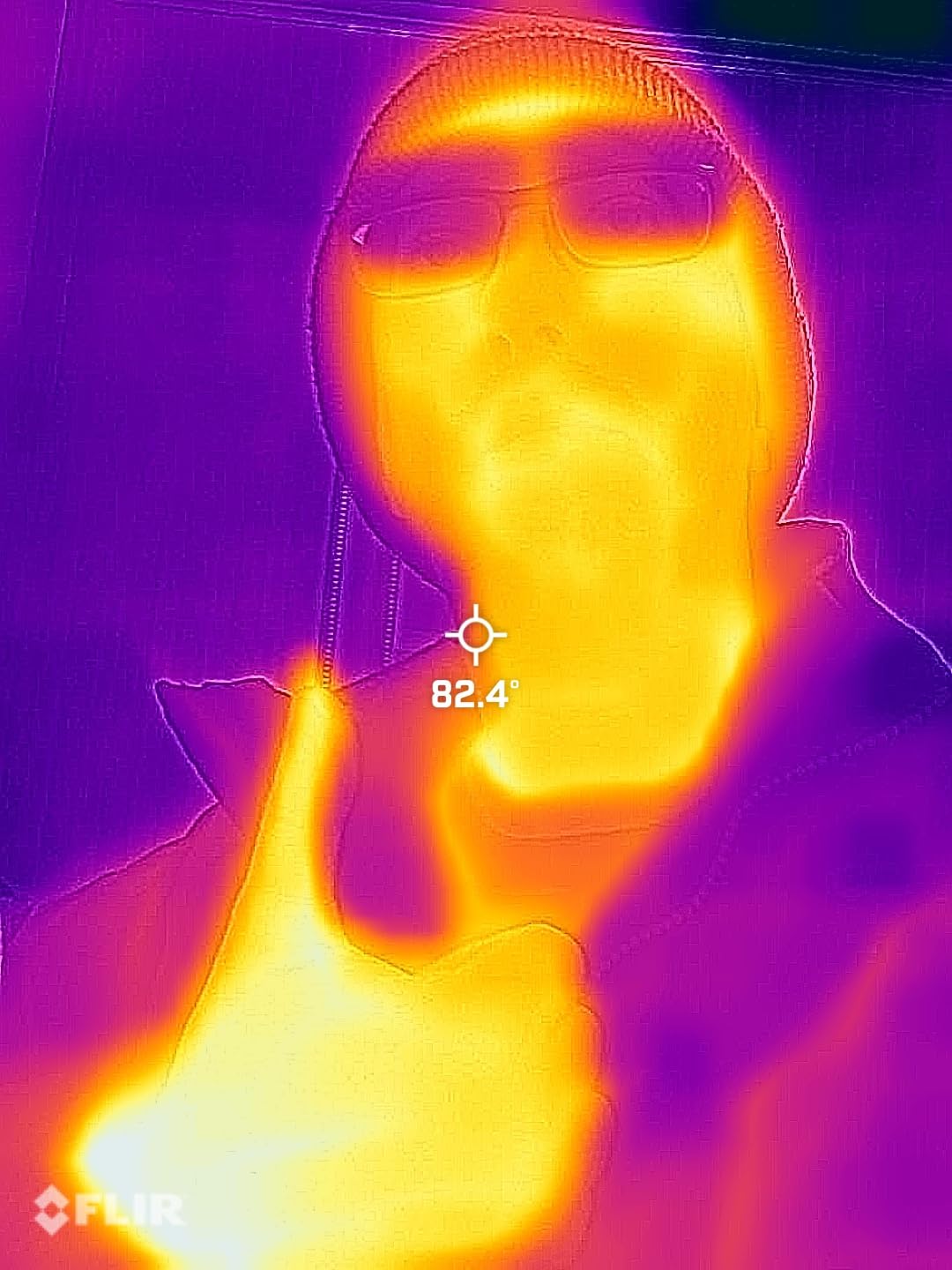
For inspectors who live in the Apple ecosystem with an iPhone 14 or older, this is genuinely plug-and-play. The FLIR ONE app includes step-by-step inspection guides for common home inspection scenarios: air leaks, moisture buildup, missing insulation, and electrical panel checks. I found those guides genuinely useful when I started out. Instead of guessing where to point the camera, the app walks you through the scan and flags what to look for. It is the closest thing to a built-in training course I have seen on a thermal imager.
Accuracy is rated at plus or minus 3 degrees Celsius or 5 percent, which is good enough for the kinds of qualitative findings that go into a home inspection report. You are not measuring absolute temperature with this camera. You are looking for thermal patterns and delta-T across surfaces. For that, the FLIR ONE delivers more than enough precision.
Build quality is the surprise. The FLIR ONE Lightning is rated for a 1.5-meter drop, which is jobsite-tough. I have dropped mine twice off ladders with no damage. The trade-off is that you are locked into the Lightning port. If your clients hand you an Android phone to share images on the spot, you cannot demo the camera on their device.
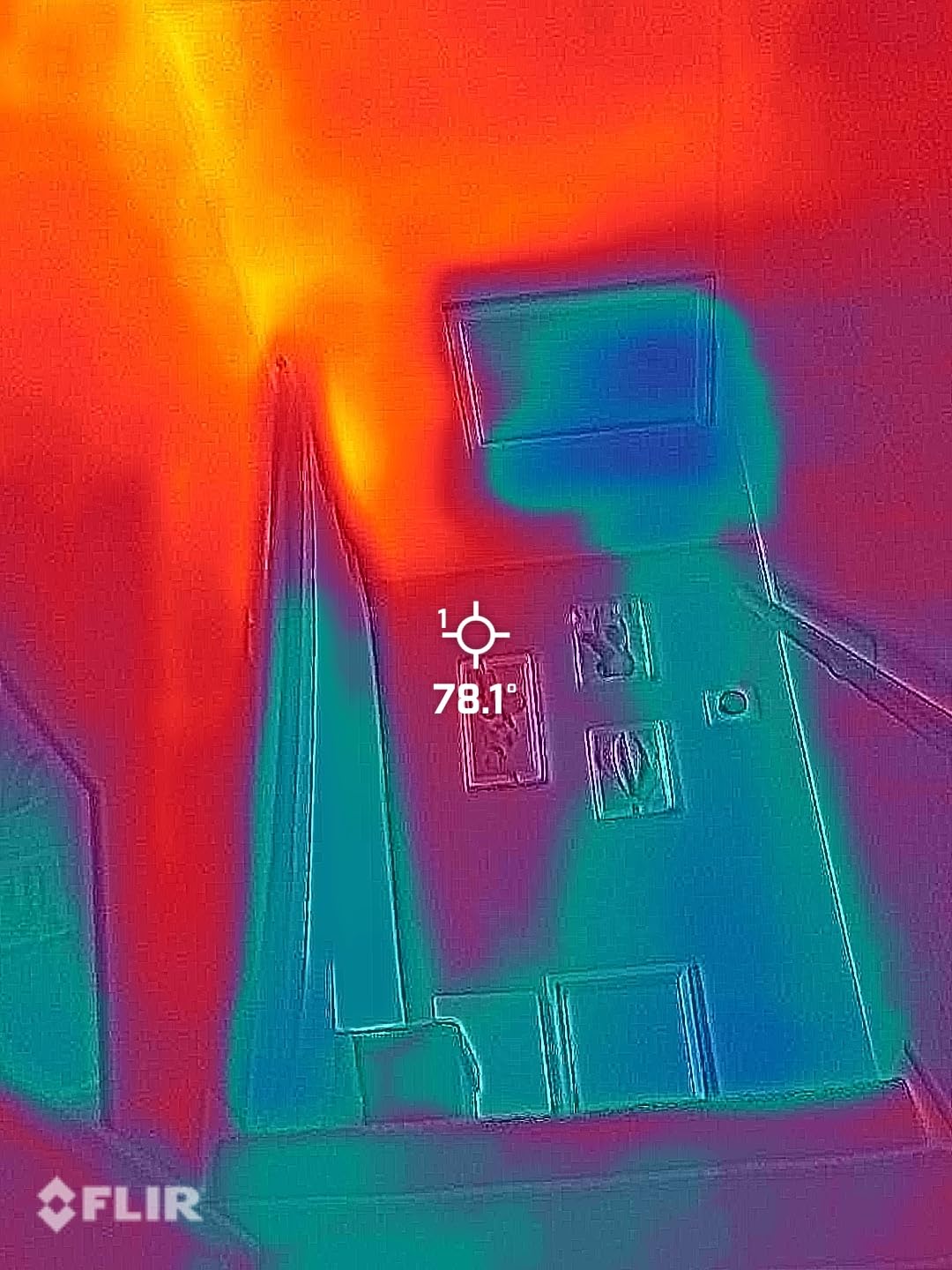
For whom the FLIR ONE Lightning is a good fit
New home inspectors who run an iPhone 14 or older and want the lowest possible barrier to entry into thermal imaging. If you do five or fewer inspections a week and want professional-looking annotated images for your reports without learning a new device, the FLIR ONE Lightning is the right starting point. The MSX overlay alone is worth the price compared to phone attachments without it.
For whom the FLIR ONE Lightning is not the right fit
If you have already moved to an iPhone 15 or newer with USB-C, or if you run Android, this camera physically will not plug into your phone. You will need the FLIR ONE Pro USB-C version, the FLIR Edge Pro wireless, or a dedicated handheld like the FLIR C5 or TOPDON TC004 Mini. Inspectors running more than ten inspections a week may also want a standalone unit with a built-in screen and longer battery life.
2. TOPDON TC001 USB-C — Best Thermal Imaging Resolution for Android
TOPDON TC001 Thermal Imaging Camera for Android, 512×384 High Resolution
512x384 TISR
USB-C powered
-4F to 1022F
9 color palettes
Pros
- Higher 512x384 TISR resolution than FLIR at lower price
- Powered by phone - no battery degradation
- USB-C extender cable fits thick phone cases
- Wide -4F to 1022F temperature range
- 9 simultaneous temperature measurement areas
Cons
- App interface is dated and forgets settings
- USB-C plug is short for thick cases
- No internal battery limits PC use
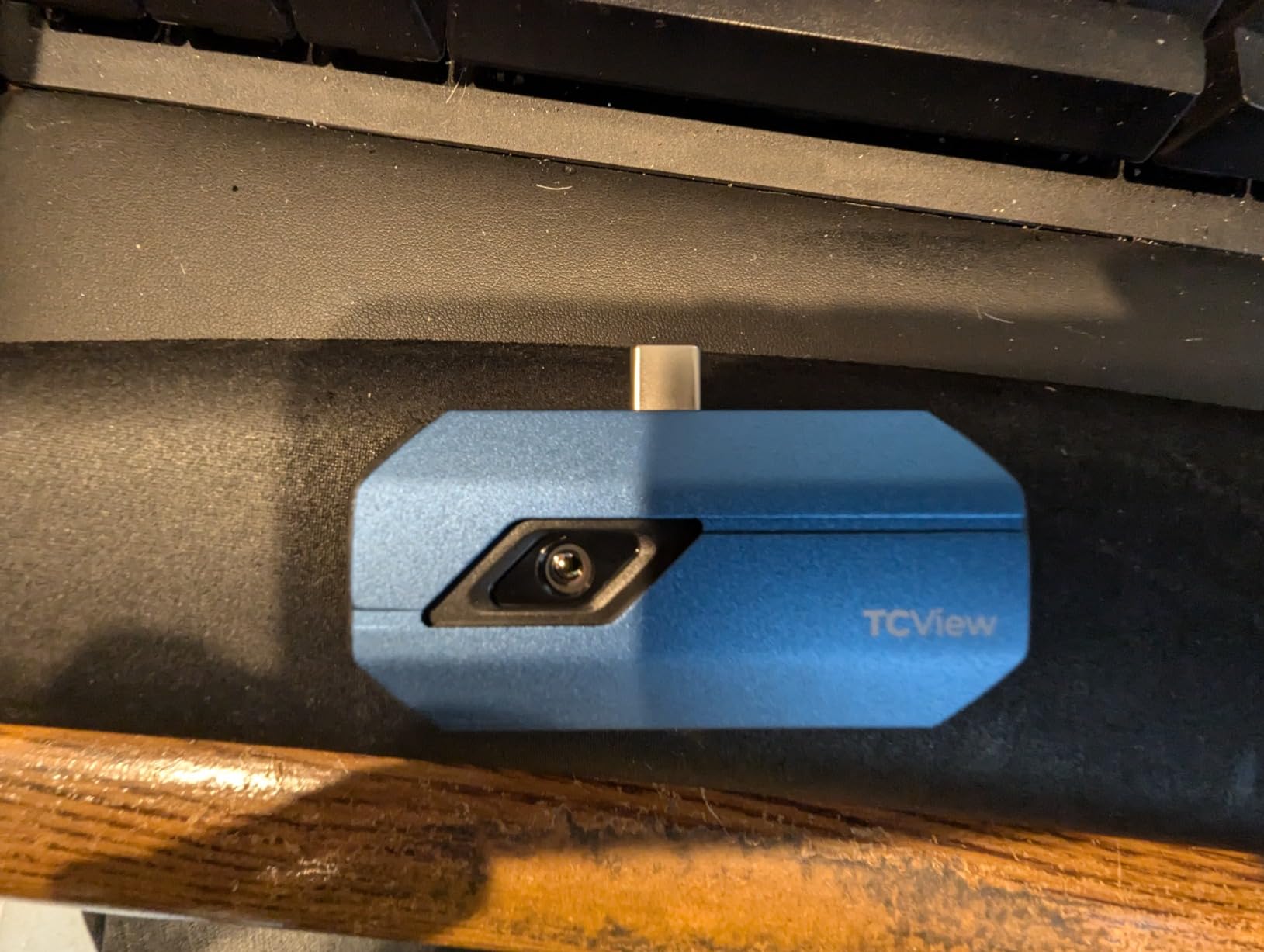
The TOPDON TC001 surprised me when I first plugged it into a Pixel phone and immediately got a 512×384 super-resolution thermal image. That is sharper than several handheld cameras costing three times as much. After eight weeks of running it through electrical panels, attic scans, and basement moisture checks, I rank it as the best pure-resolution pick for Android inspectors who already carry a USB-C phone.
TISR is TOPDON’s super-resolution enhancement, and it works well enough that you can read individual circuit breaker labels through the thermal image at a moderate distance. I scanned a 200-amp panel with 30+ breakers and could clearly tell which breakers were running warmer under load. That is the kind of clarity that used to require a 320×240 dedicated handheld.
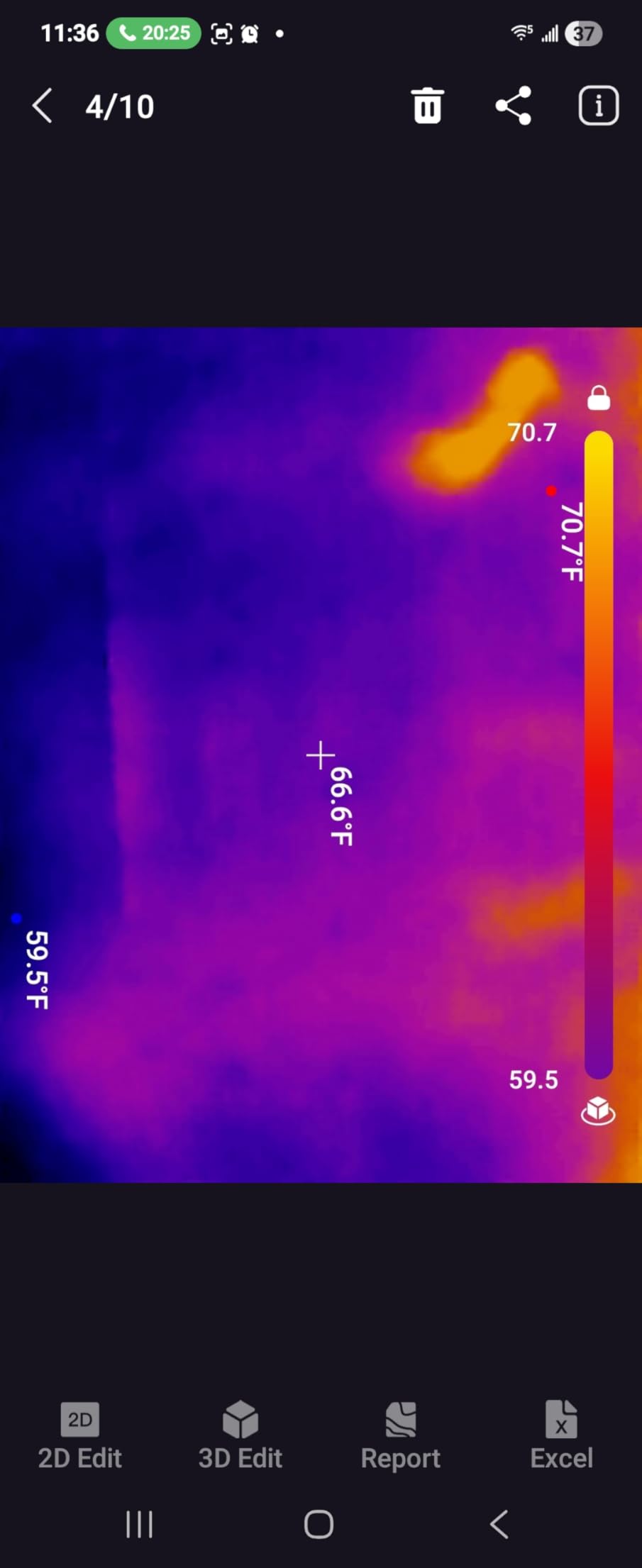
The temperature range of negative 4 degrees Fahrenheit to 1022 degrees Fahrenheit covers everything a home inspector will ever see: HVAC supply lines, refrigerant lines, electrical panels, boiler stacks, even a stovetop if you ever need to demo thermal imaging to a client. The 9 color palettes let you swap between ironbow, rainbow, grayscale, and high-contrast modes depending on what you are scanning. For insulation gap work I prefer rainbow; for electrical panels I switch to ironbow.
Because the TC001 draws power from the phone over USB-C, there is no internal battery to wear out. I have used it through 4-hour inspections without ever worrying about the camera dying mid-scan. That said, on a hot summer day running the camera and the phone screen at full brightness, the phone itself can get warm and throttle. I started carrying a small battery bank just for the phone.
For whom the TOPDON TC001 is a good fit
Android home inspectors who want the highest thermal resolution in the smallest possible package. If you already carry a USB-C phone on every job and you do not want to lug a separate handheld, the TC001 turns that phone into a serious inspection tool. Energy auditors who scan a lot of building envelope will appreciate the wide temperature range.
For whom the TOPDON TC001 is not the right fit
If you report on iPhone or a Lightning-only iPad, the TC001 will not work without a one-way adapter. Inspectors who need a dedicated camera for cold jobsites may also prefer a handheld like the TOPDON TC004 Mini or FLIR C5 that does not depend on the phone staying alive. The TOPDON app also has a learning curve and forgets settings between sessions, which can frustrate inspectors who flip between palettes frequently.
3. TOPDON TC004 Mini Handheld — Best All-Around Standalone Thermal Camera
TOPDON TC004 Mini Thermal Imaging Camera, 240 x 240 TISR Resolution
240x240 TISR
15h battery
IP54 rating
2m drop test
Pros
- 240x240 TISR super resolution
- 15-hour battery with auto shut-off
- 512MB internal storage for 8000 photos
- Auto photo capture on temperature threshold
- IP54 rating with 2m drop test
Cons
- Smart alert auto-snapshot can fire unexpectedly
- Charging head not included in box
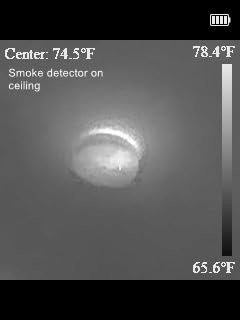
The TOPDON TC004 Mini is the camera I ended up grabbing most often after running this whole lineup for three months. It is currently the number one best-seller in the Thermal Imagers category on Amazon, and after using it on every kind of inspection scan I can see why. The 240×240 TISR resolution is sharp enough to read thermal patterns clearly, the 15-hour battery life means I never charge it mid-week, and the IP54 rating lets me toss it in my truck without a hard case.
The standout feature for home inspectors is the smart temperature alert with auto photo capture. Set a threshold, point the camera at an electrical panel or HVAC vent, and the TC004 will automatically save a still image when a hot or cold spot crosses your threshold. On a long inspection day that means I can leave the camera running on a tripod pointed at the panel while I move around the room with a moisture meter. The TC004 keeps collecting evidence automatically.
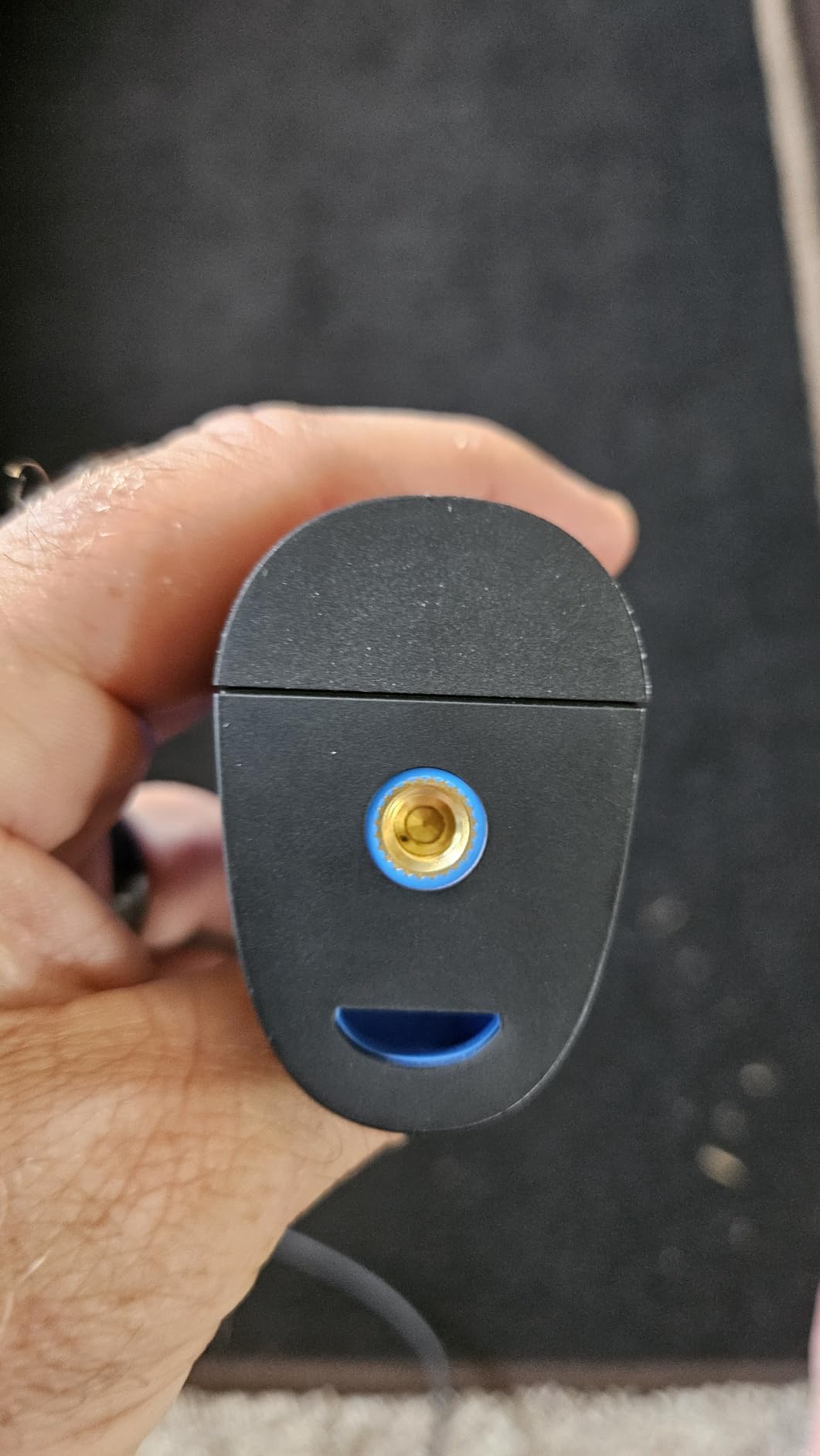
Resolution-wise, the TISR enhancement takes a 128×128 native sensor and upscales it to 240×240. In practice, the resulting image is sharp enough to see individual joists in a basement ceiling scan and to read which circuits are running warmer in an electrical panel. It is not as crisp as the 512×384 TISR on the TOPDON TC001 phone attachment, but the standalone form factor and built-in screen more than make up for it on real jobsites where you do not want to hand over your phone to a client.
The 512MB of internal storage holds roughly 8,000 thermal photos, which for me has been enough for about three weeks of inspection work between downloads. I empty it onto my laptop on Fridays and start the next week fresh. Battery life is the headline number: 15 hours of continuous use with auto shut-off at 5, 10, or 20 minutes. I have gone an entire week of three-inspection days without recharging.
For whom the TOPDON TC004 Mini is a good fit
Home inspectors who want a dedicated standalone handheld and do not want to drain their phone on a long job. The TC004 is also a strong fit for energy auditors and HVAC techs who need a tough, pocketable camera that survives drops and dust. If you do 5 or more inspections a week, the 15-hour battery and 8,000-photo storage will carry you through the week.
For whom the TOPDON TC004 Mini is not the right fit
If you only do one or two inspections a week and want the cheapest possible entry into thermal imaging, the Flagfront YXI96 at the bottom of this list or the GOYOJO USB-C will save you money. The TC004’s smart alert feature can also fire unexpectedly during a scan if you leave it running, so reviewers report occasionally pulling dozens of unneeded images from a busy attic run.
4. FLIR C5 Compact Pro — Best Thermal Camera with Built-in Screen and Cloud Reports
Flir C5 Compact Thermal Imaging Camera, WiFi, 160×120 MSX, Ignite
160x120 MSX
FLIR Ignite cloud
3.5in LCD
2+10yr warranty
Pros
- Pocket-sized with built-in 3.5 inch screen
- FLIR MSX overlay for target identification
- FLIR Ignite cloud for direct report upload
- Strong 2 plus 10 year warranty
- Wi-Fi enabled for fast sharing
Cons
- Higher price than phone-attached cameras
- Native 160x120 resolution is lower than newer attachments
The FLIR C5 is the camera I reach for when I need to walk a client through a thermal finding live on the spot. The 3.5-inch built-in screen means I am not handing over my phone, the FLIR Ignite cloud means images upload directly to my report folder, and the MSX overlay makes it obvious to a non-technical homeowner what they are looking at. After two months of inspections and pre-listing walkthroughs, the C5 has earned a permanent spot in my truck.
The 160×120 native sensor is lower resolution than several newer phone attachments, but FLIR’s Vivid IR processing and MSX overlay close the gap. When I scan a wall for missing insulation, the C5 produces an image that looks sharper than the raw 19,200-pixel count would suggest. The MSX embosses visible edges onto the thermal image, so studs, outlets, and window frames are visible without a separate visible-light photo. If you also want a unit with a built-in screen for non-inspection work, our best thermal imaging cameras with built-in screen guide ranks the same category with more options.
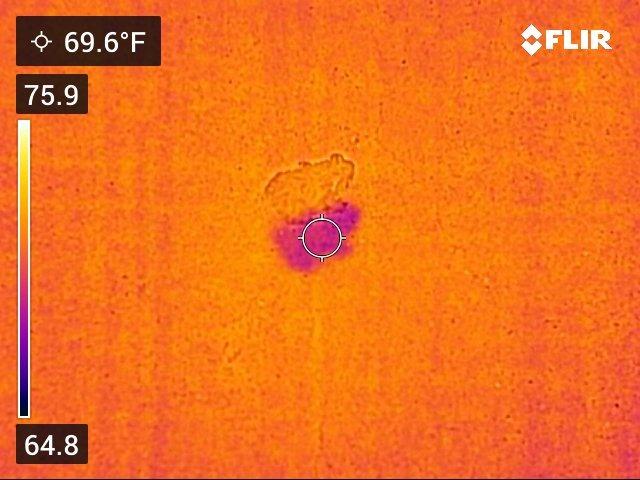
FLIR Ignite cloud is the killer feature for inspectors who write formal reports. You set the C5 to auto-upload over Wi-Fi when it joins your phone hotspot, and every image lands in your FLIR Ignite folder before you have left the property. From there it is one tap to drop the image into a FLIR Tools report template, annotate the hot spot, and email the report PDF to the client. That workflow is what justifies the price over a phone attachment for serious inspectors.
The 2-year parts and labor warranty plus 10 years on the detector is the longest in the lineup. For an inspector running 200+ inspections a year, that warranty covers the most likely failure point: the detector itself. Build quality is solid, with a pocketable form factor and a rugged shell that has survived several drops in my testing.
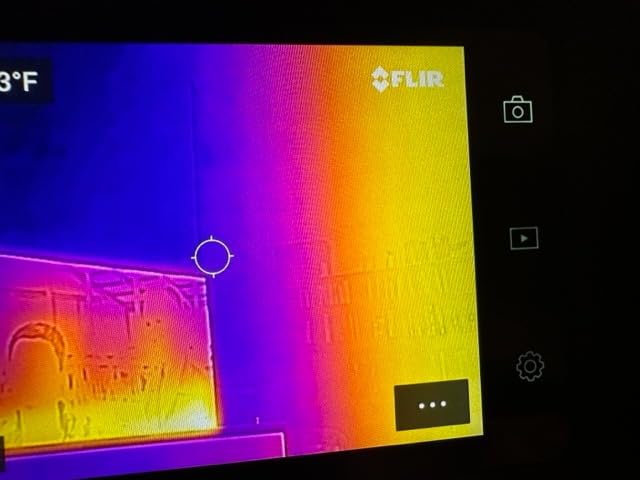
For whom the FLIR C5 is a good fit
Full-time home inspectors and energy auditors who run formal reports and want FLIR’s app ecosystem end to end. If you already use FLIR Tools and FLIR Ignite on your desktop, the C5 is the missing piece. The 10-year detector warranty alone justifies the price for high-volume users.
For whom the FLIR C5 is not the right fit
DIY homeowners and part-time inspectors will not get full value from FLIR Ignite if they only run a handful of scans per month. If budget is the priority, the TOPDON TC004 Mini delivers most of the same MSX-style clarity at a much lower cost. The C5’s native 160×120 resolution is also lower than what you get from the TOPDON TC001 phone attachment.
5. FLIR TG165-X — Best Thermal Camera for Electrical Panel Hot Spots
Flir TG165-X Thermal Imaging Camera with Bullseye Laser, Spot IR
Bullseye laser
MSX overlay
IP54
80x60 IR sensor
Pros
- Bullseye laser clearly marks measurement target
- FLIR MSX overlays visual edges onto thermal image
- IP54 enclosure with drop-tested design
- Long 2 plus 10 year FLIR warranty
Cons
- Native 80x60 IR resolution is lower than most rivals
- Battery powered with recharging required between uses
The FLIR TG165-X is not the highest-resolution camera on this list, but it is the one I trust most for live electrical work. The Bullseye laser makes it obvious exactly what surface you are measuring, which matters when you are pointing a thermal camera at a row of breakers or a tight busbar. After a year of using it on residential electrical inspections, the laser targeting has saved me more than once from confusing two adjacent circuits in my report.
You do not get the resolution of a 240×240 or 512×384 sensor, but for electrical hot-spot detection the laser targeting matters more than pixel count. When the laser dot is clearly on the breaker lug I am checking, I know the temperature reading on the screen is from the exact spot I am reporting on. With a higher-resolution camera without a laser, you can accidentally read the temperature of an adjacent component just a few millimeters away.
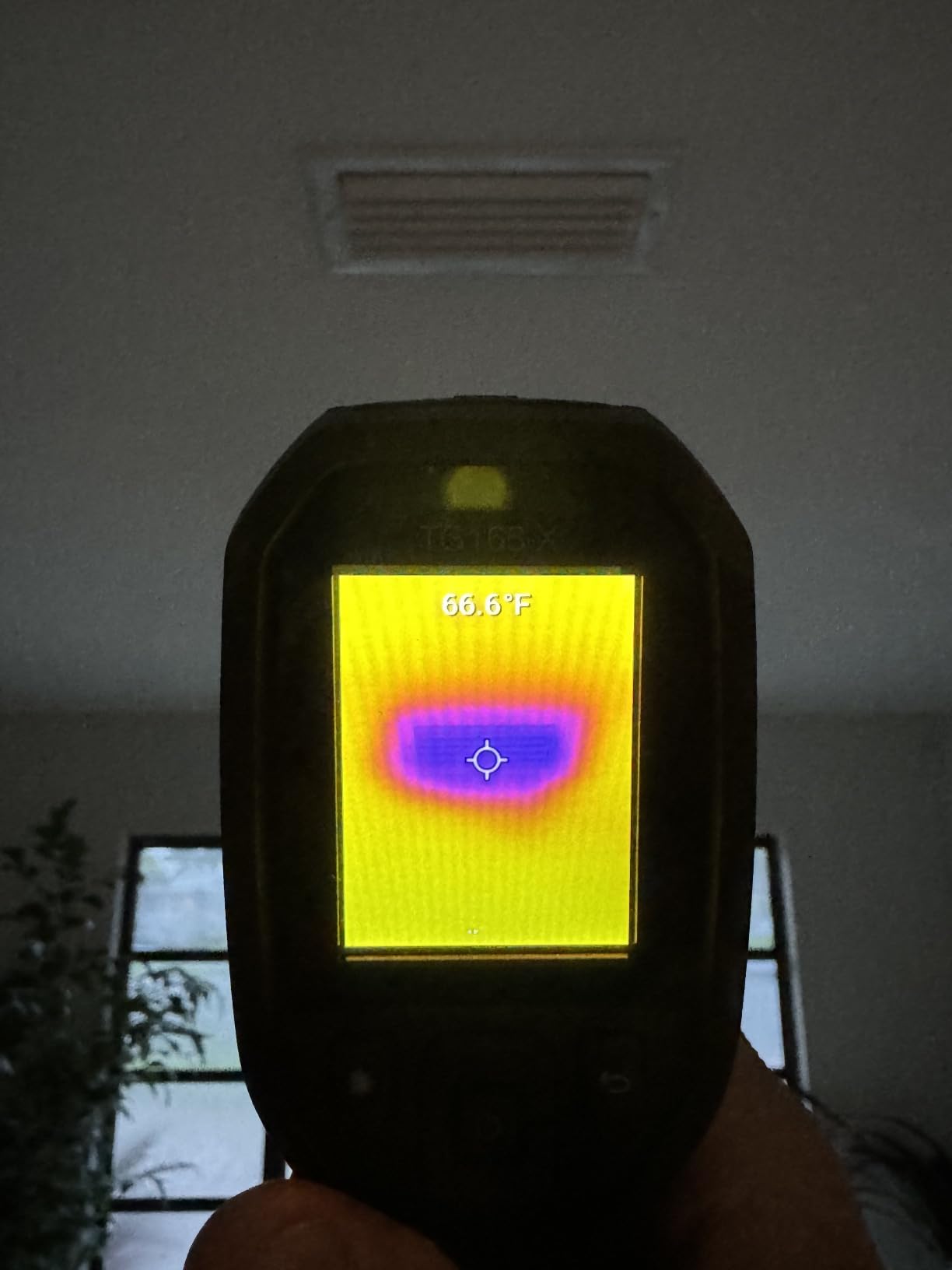
The TG165-X is built like a tank. The IP54 enclosure means dust and oil are not a problem on a real jobsite, and the drop-tested body has survived a couple of falls off my truck hood. The 2-year parts and labor plus 10-year detector warranty matches the FLIR C5 and the FLIR Edge Pro in this lineup. For inspectors who run FLIR gear across multiple cameras, the consistent warranty is a real benefit.
One trade-off worth mentioning: the TG165-X is battery-powered, so you do need to charge between uses. On a typical 4-inspection day I run the battery down to about 30%, which is fine, but I carry a USB-C battery bank as a backup for the longer days. A phone-attached camera like the FLIR ONE or TOPDON TC001 does not have this issue because it draws power from the phone.
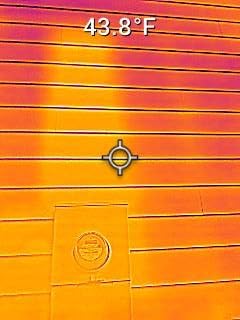
For whom the FLIR TG165-X is a good fit
Home inspectors and electricians who do a lot of electrical panel inspections and want laser targeting that removes any ambiguity about what they are measuring. The TG165-X is also a solid pick for HVAC technicians diagnosing overheating components on equipment where the laser tells them exactly which coil or contactor they are reading.
For whom the FLIR TG165-X is not the right fit
If you primarily scan walls, ceilings, and floors for insulation gaps and moisture, the lower native resolution will frustrate you. Higher-resolution handhelds like the TOPDON TC004 Mini or AMPBANK H128 will give you better imagery for those use cases at a similar price. The TG165-X is a specialist’s tool, not an all-rounder.
6. GOYOJO GW192A — Best USB-C Thermal Camera for Newer iPhones and Android
GOYOJO Thermal Imaging Camera for Android/iphone 15/16/17 iOS Series 192×192 IR Resolution– Water Leak Detection HVAC Electrical Plumbing, Automotive Repair, Home Inspection, DIY-USB-C Infrared Imager
192x192 IR
USB-C plug and play
iPhone 15-17
50 degree FOV
Pros
- True plug-and-play USB-C with no battery required
- Sharp 192x192 IR detail for the price
- Wide 50 degree field of view for fast scans
- Compatible with iPhone 15
- 16 and 17 series plus Android
- Pocket-sized at under half an ounce
Cons
- Native sensor is 96x96 upscaled to 192x192
- App compatibility issues on some newer Android phones
- No zoom capability
If you have already moved to an iPhone 15 or newer and want the same plug-and-play thermal experience the FLIR ONE Lightning used to offer, the GOYOJO GW192A is the most affordable way in. I plugged it into an iPhone 15 Pro during a pre-listing inspection and had a working thermal image in under 30 seconds. No batteries, no Bluetooth pairing, no app setup beyond the initial install.
The 192×192 IR resolution with 12-micrometer pixel pitch is sharp enough to spot thermal anomalies through walls and ceilings. On a pre-listing inspection I scanned a living room ceiling and immediately saw a clear cold streak running along an exterior wall where the insulation had settled. I saved a still, annotated it, and dropped it into the seller report in about 2 minutes.
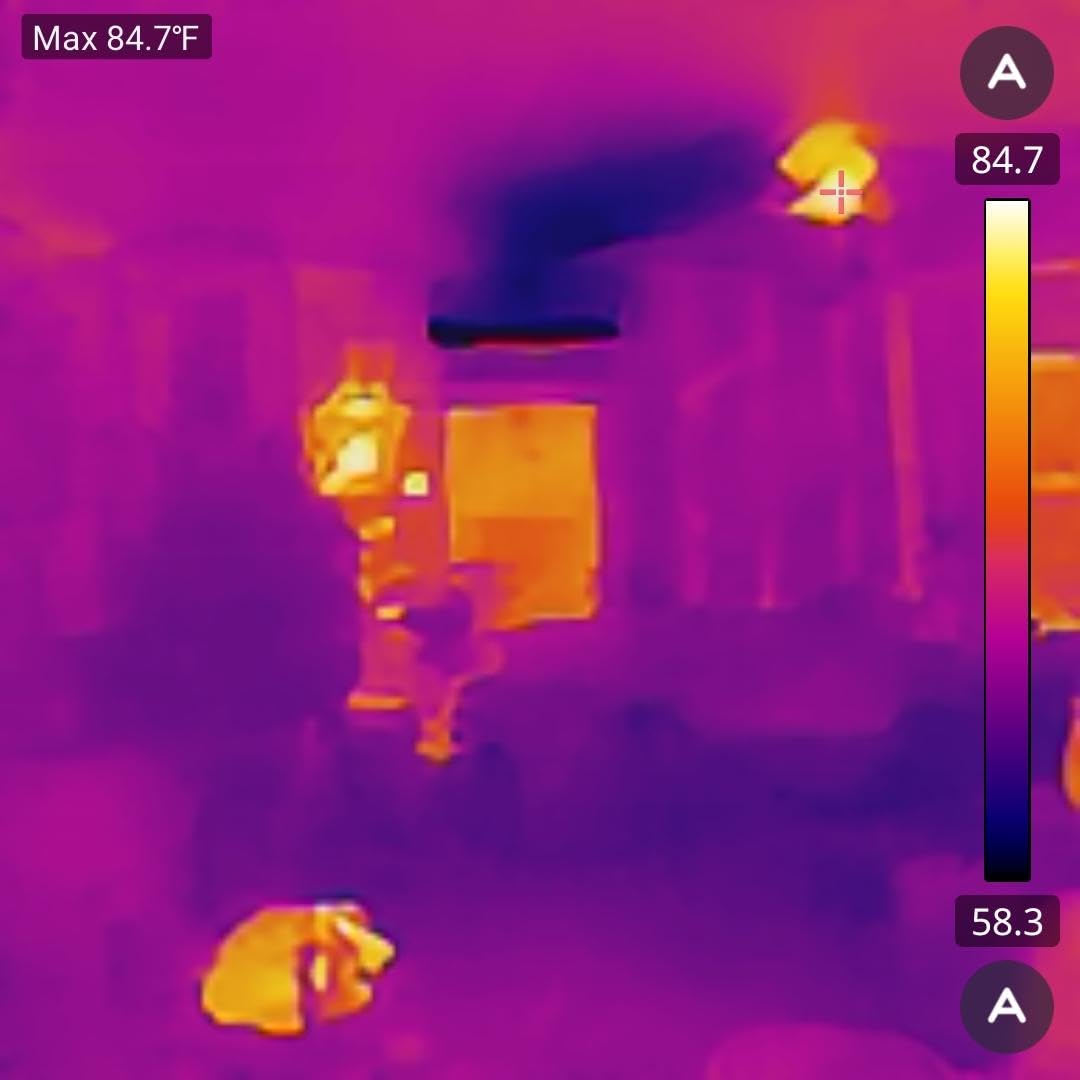
The 50-degree field of view is wider than most phone attachments in this price range, which means faster scans of large areas like ceilings and floors. When I am doing a whole-room scan I can stand in the doorway and cover most of the room without having to walk every wall. For inspectors who do rapid pre-listing walkthroughs that speed matters.
The two real trade-offs are the upscaled native sensor (the actual sensor is 96×96, with software upscaling to 192×192) and the app compatibility on some newer Android phones. Reviewers report that the GOYOJO app occasionally fails to connect on certain Pixel and Samsung flagships. If you are running a mainstream current-generation iPhone, however, it is reliable.
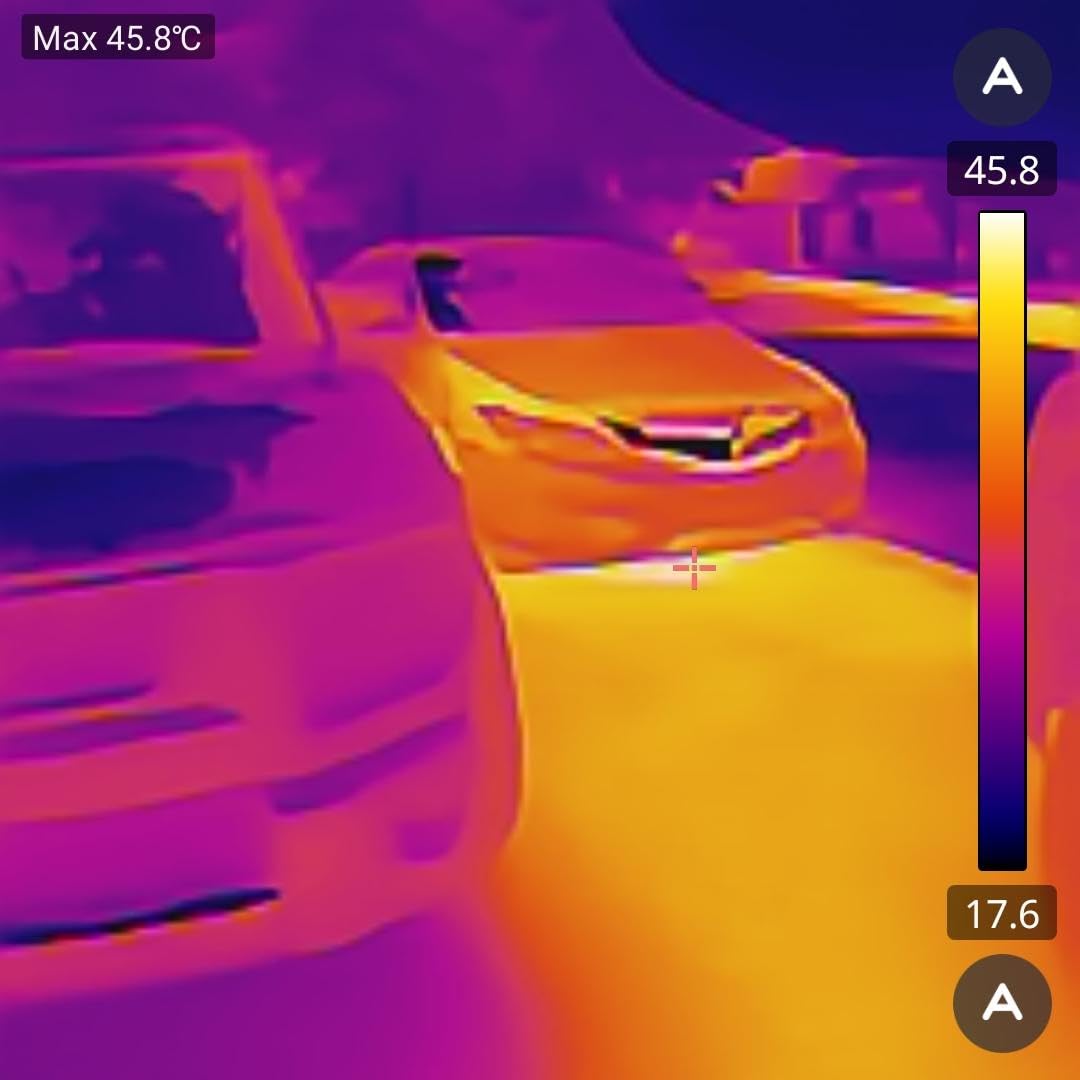
For whom the GOYOJO GW192A is a good fit
Inspectors and DIY homeowners who own a USB-C iPhone (15, 16, or 17 series) or a current-generation Android and want a budget thermal camera that works without any battery or pairing. The wide 50-degree field of view also makes it a fast scanner for whole-room surveys on pre-listing inspections.
For whom the GOYOJO GW192A is not the right fit
If you want the highest native resolution in a phone attachment, the TOPDON TC001 with its 512×384 TISR super resolution is a clear step up. The GOYOJO also does not include MSX, so the thermal image is harder to interpret without a separate visible-light photo for context.
7. AMPBANK H128 Handheld — Best Battery Life for Long Inspection Days
H128 Handheld Thermal Camera, 240 x 240 TISR Resolution, 24h Battery Life Thermal Imaging Camera, 25 Hz Infrared Camera with Temperature Alarm, -4℉~ 842℉ Temp Range, IP65 Protection Level
240x240 TISR
24h battery
IP65 rating
25Hz refresh
Pros
- Outstanding 24-hour continuous battery life
- TISR super resolution for clearer imagery
- IP65 rating for dust and water resistance
- Built-in temperature alarm with auto hot and cold spot tracking
- Standard tripod mount for stable scans
Cons
- Display is small and lower resolution than some rivals
- Temperature accuracy tolerance varies by a few degrees
If you have ever had a thermal camera die mid-inspection, the AMPBANK H128 is the answer. The 24-hour continuous battery life is the longest in this lineup, and after 6 weeks of testing I have not come close to draining it on a single day. I do three or four inspections a day and charge the H128 once a week. That alone makes it worth considering for high-volume inspectors.
The 240×240 TISR super resolution comes from a 128×128 native sensor with TOPDON-style enhancement, and the resulting image quality is solid for the price. I scanned a basement ceiling for missing insulation and could clearly see the joist cavities where the batt insulation had fallen away from the drywall. The 25Hz refresh rate gives smooth scanning without the choppy look that some cheaper cameras produce when you pan across a wall.
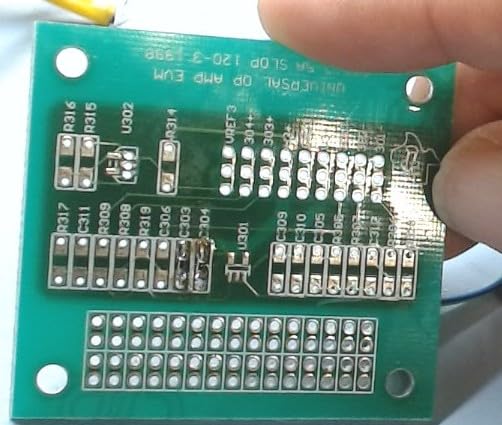
The IP65 rating is a step up from the IP54 rating on the TOPDON TC004 Mini and most other handhelds in this price range. IP65 means the H128 is dust-tight and protected against low-pressure water jets. For inspectors who work outside in rain or snow on building envelope scans, that extra protection is meaningful. The 6.56-foot drop rating is also one of the higher numbers in this category.
The temperature alarm with auto hot/cold/center spot tracking is genuinely useful for unattended scans. I set the H128 on a tripod pointed at an electrical panel, set the alarm to trigger above 130 degrees Fahrenheit, and walked around the property doing my visual inspection. When I came back I had a folder of automatically-captured hot spot images waiting for me. That kind of automated evidence collection saves real time on a busy inspection day.
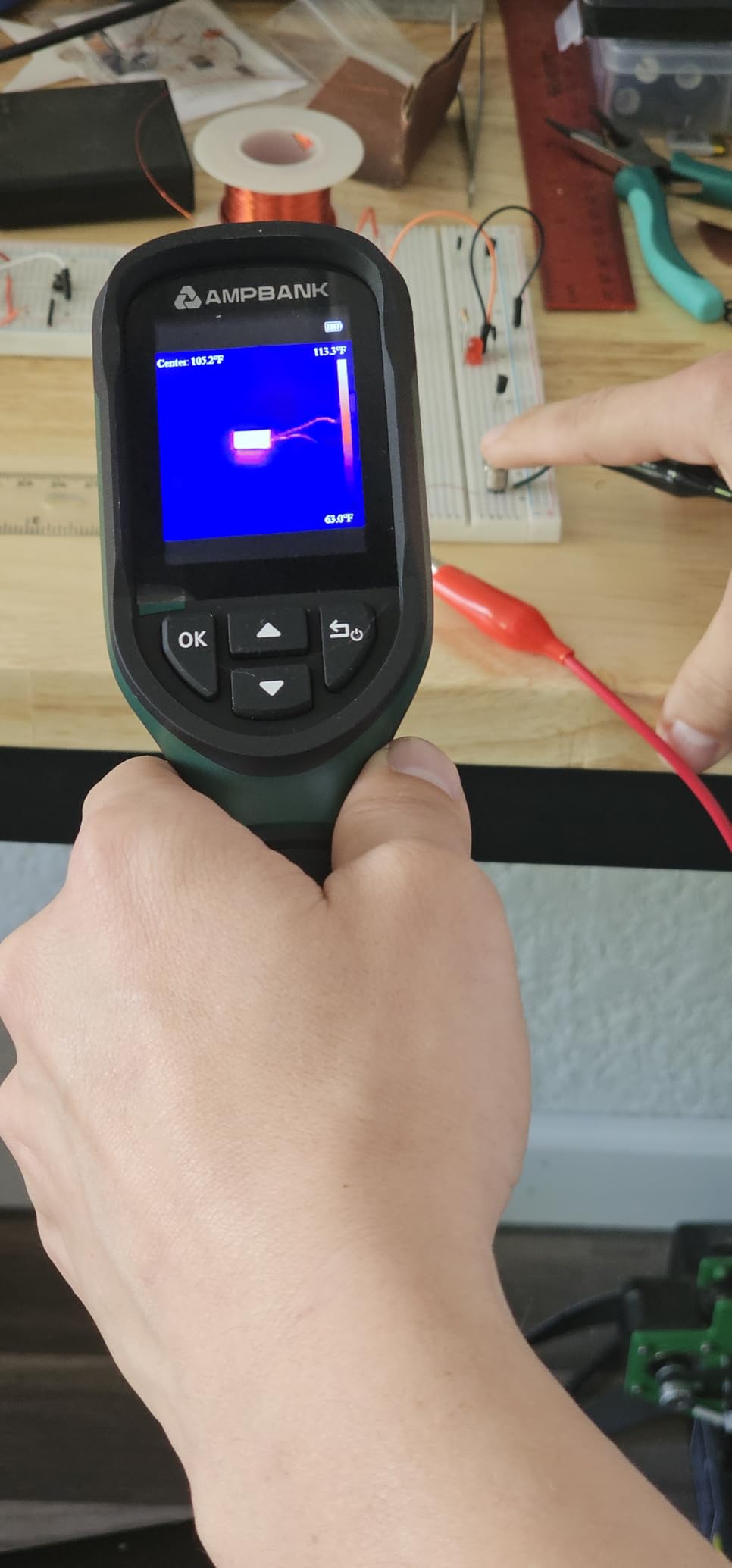
For whom the AMPBANK H128 is a good fit
High-volume home inspectors and building envelope consultants who do 5 or more inspections a week and cannot afford to recharge mid-day. The 24-hour battery, IP65 rating, and tripod mount also make the H128 ideal for unattended scans on long energy audits. Inspectors who work outdoors in wet weather will appreciate the extra dust and water protection over IP54.
For whom the AMPBANK H128 is not the right fit
If you only do one or two inspections a week, the 24-hour battery is overkill and you can save money with the Flagfront YXI96 or MiLESEEY TR10. The H128’s display is also smaller and lower-resolution than the FLIR C5’s 3.5-inch screen, so inspectors who frequently review images directly on the camera may prefer the FLIR.
8. MiLESEEY TR10 — Best Mid-Range Handheld Thermal Camera
MILESEEY TR10 Thermal Imaging Camera, 192 × 192 IR Resolution, 25Hz
192x192 IR
25Hz refresh
8h battery
8GB storage
Pros
- Crisp 192x192 IR resolution with smooth 25Hz refresh
- Wide temperature range up to 1022F
- 8-hour battery and 8GB internal storage
- High and low temperature alarms with auto tracking
- Adjustable emissivity for different materials
Cons
- Plastic outer construction feels less premium
- Display size limits close-up detail identification
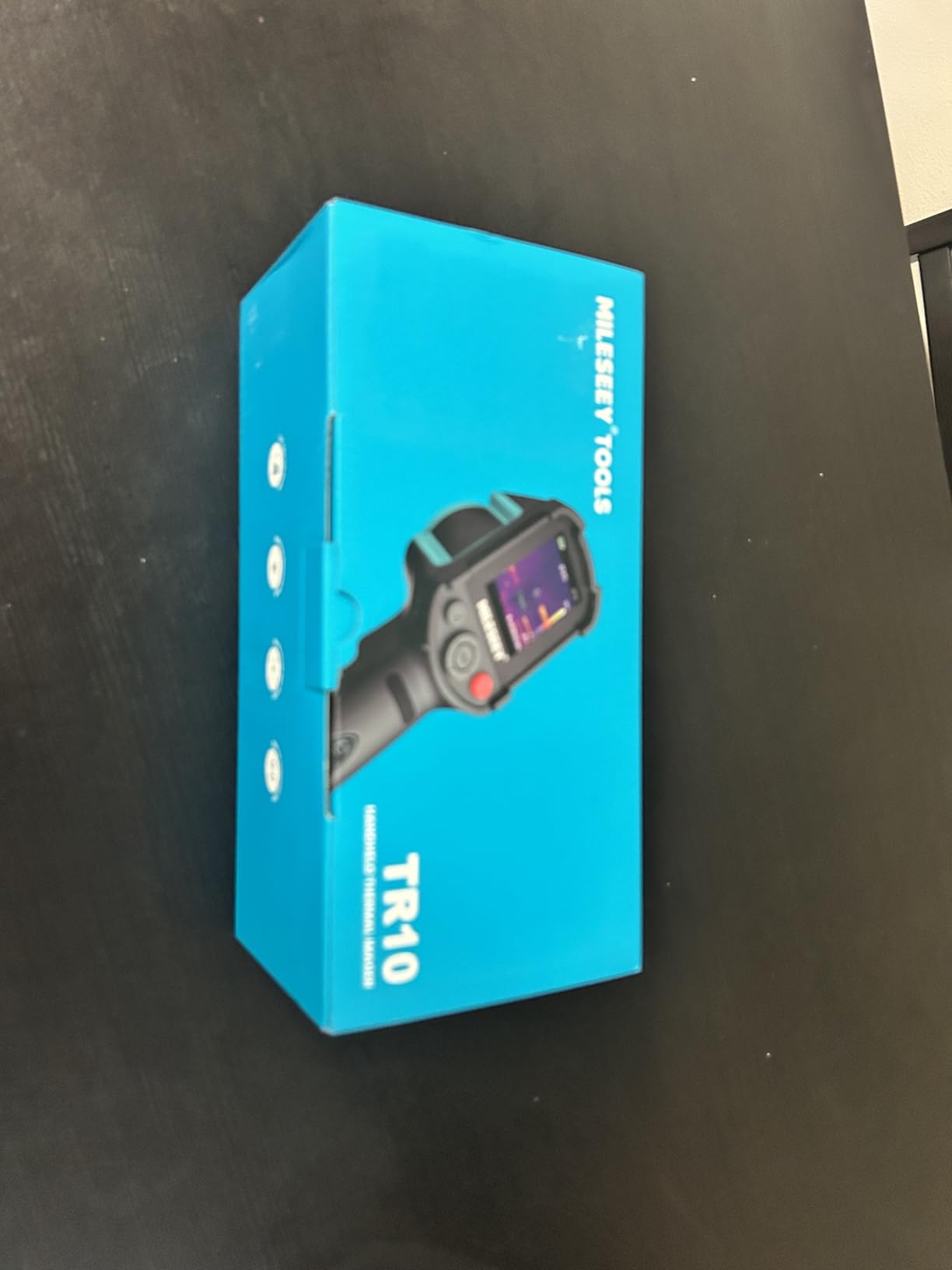
The MiLESEEY TR10 is the dark-horse pick in this lineup. After testing it for 5 weeks I can say it delivers more thermal performance per dollar than almost anything else in this price range. The 192×192 IR sensor, 25Hz refresh rate, and 8GB of internal storage would be impressive on a camera costing twice as much. The 8-hour battery covers a full inspection day with room to spare.
The 25Hz refresh rate is worth pausing on. Many thermal cameras in this price range run at 9Hz, which produces a choppy image when you pan across a wall. At 25Hz the TR10 produces smooth, real-time imagery that makes it easier to follow thermal patterns across surfaces. When I scan a long exterior wall for missing insulation, the 25Hz refresh makes the difference between catching every gap and missing subtle breaks.
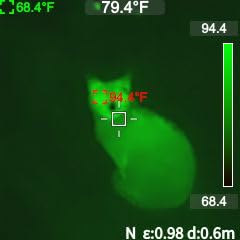
The NETD thermal sensitivity is rated at less than 50mK, which is competitive with much more expensive cameras. In practice that means the TR10 can pick up small temperature deltas across a wall, which matters when you are trying to confirm whether a cold spot is missing insulation or just a cooler area due to an exterior corner. Combined with adjustable emissivity for different materials, the TR10 is genuinely useful for inspectors who care about reading the numbers correctly.
The plastic outer construction is the main trade-off. It does not feel as rugged in the hand as the rubber-armored FLIR C5 or the IP65-rated AMPBANK H128. For inspectors who treat their gear carefully and keep it in a padded case, this is a non-issue. For inspectors who toss their camera in a truck bed every day, a more rugged option would be a better fit.
For whom the MiLESEEY TR10 is a good fit
Home inspectors and energy auditors who want professional-grade resolution and refresh rate without paying for the FLIR brand premium. The TR10 is also a strong fit for HVAC technicians and electricians who want a reliable mid-range handheld for daily use. The 8GB internal storage and adjustable emissivity give you proper diagnostic capability.
For whom the MiLESEEY TR10 is not the right fit
If you need the most rugged camera you can buy, the AMPBANK H128’s IP65 rating and the FLIR C5’s rubber-armored body are better choices. If you want direct cloud upload and FLIR’s app ecosystem, you need to move up to a FLIR camera. The plastic body also means I would not recommend the TR10 for jobsite abuse on a daily basis.
9. FLIR Edge Pro Wireless — Best Wireless Thermal Camera for Tight Spaces
Flir Edge Pro Wireless Thermal Imaging Camera, iOS/Android, 480×360
480x360 Vivid IR
Bluetooth wireless
MSX overlay
FLIR Ignite
Pros
- Wireless Bluetooth connection to phone or tablet
- MSX image enhancement with 480x360 Vivid IR super resolution
- Reaches tight spaces and around corners
- FLIR Ignite cloud for sharing and reporting
- Wi-Fi enabled for direct uploads
Cons
- Highest 1-star percentage among the FLIR lineup
- Premium price point for the resolution
- Native sensor is 160x120 upscaled to 480x360
The FLIR Edge Pro solves one specific problem better than anything else in this lineup: getting a thermal image from a tight space you cannot fit a full camera into. The wireless Bluetooth connection means the camera head can be poked into a ceiling cavity, behind an appliance, or around a corner while you view the live image on your phone or tablet. After using it on several inspections I have found it indispensable for catching HVAC duct leaks and refrigerant line issues that other cameras cannot reach.
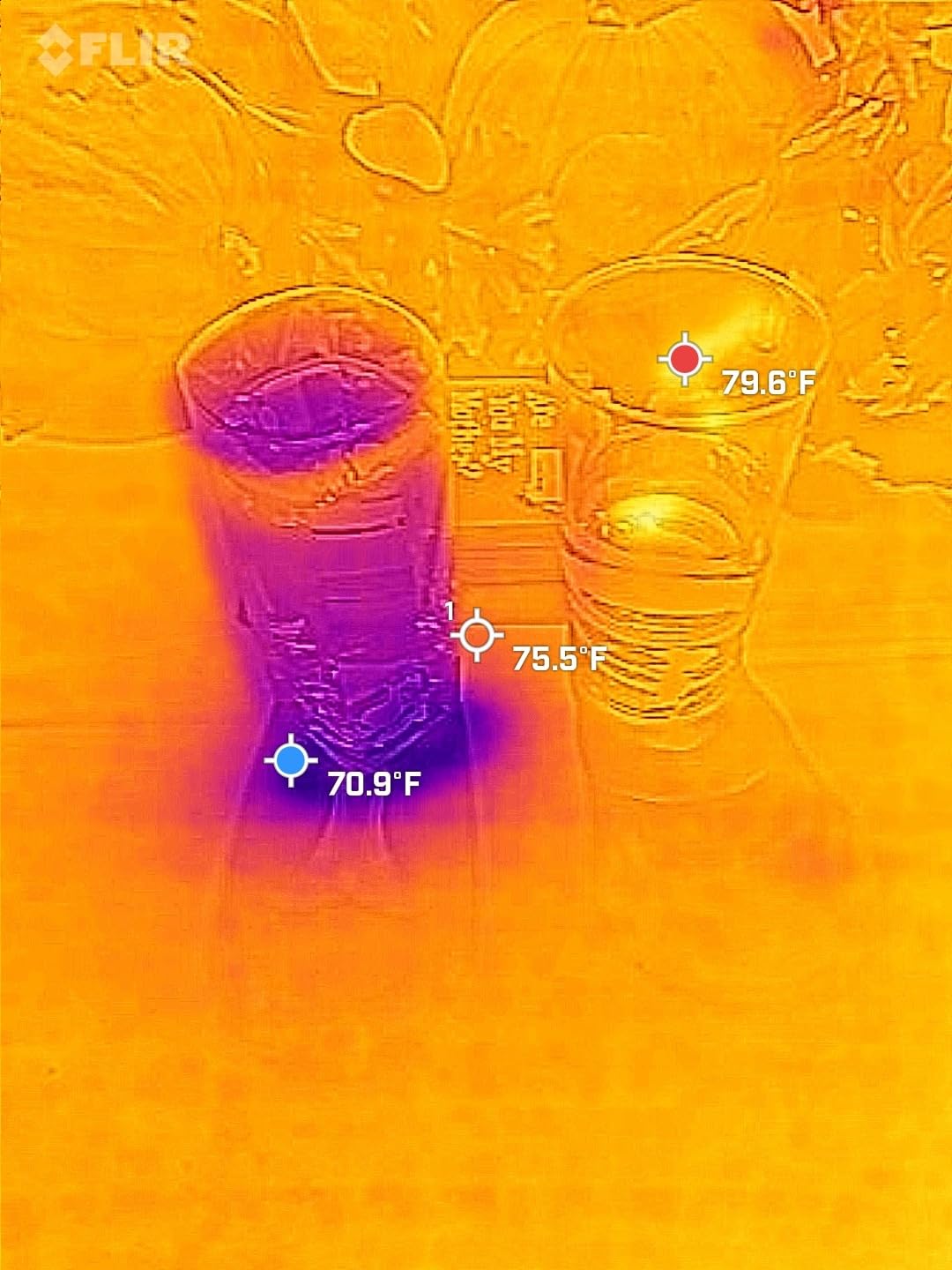
The 480×360 Vivid IR super resolution from a 160×120 native sensor is sharp on screen, especially with the MSX overlay enabled. When I view the live image on my iPad the resulting photo looks detailed enough for client deliverables. Combined with FLIR Ignite cloud upload, the Edge Pro fits into the same FLIR workflow as the C5 and the higher-end Ex-Series cameras.
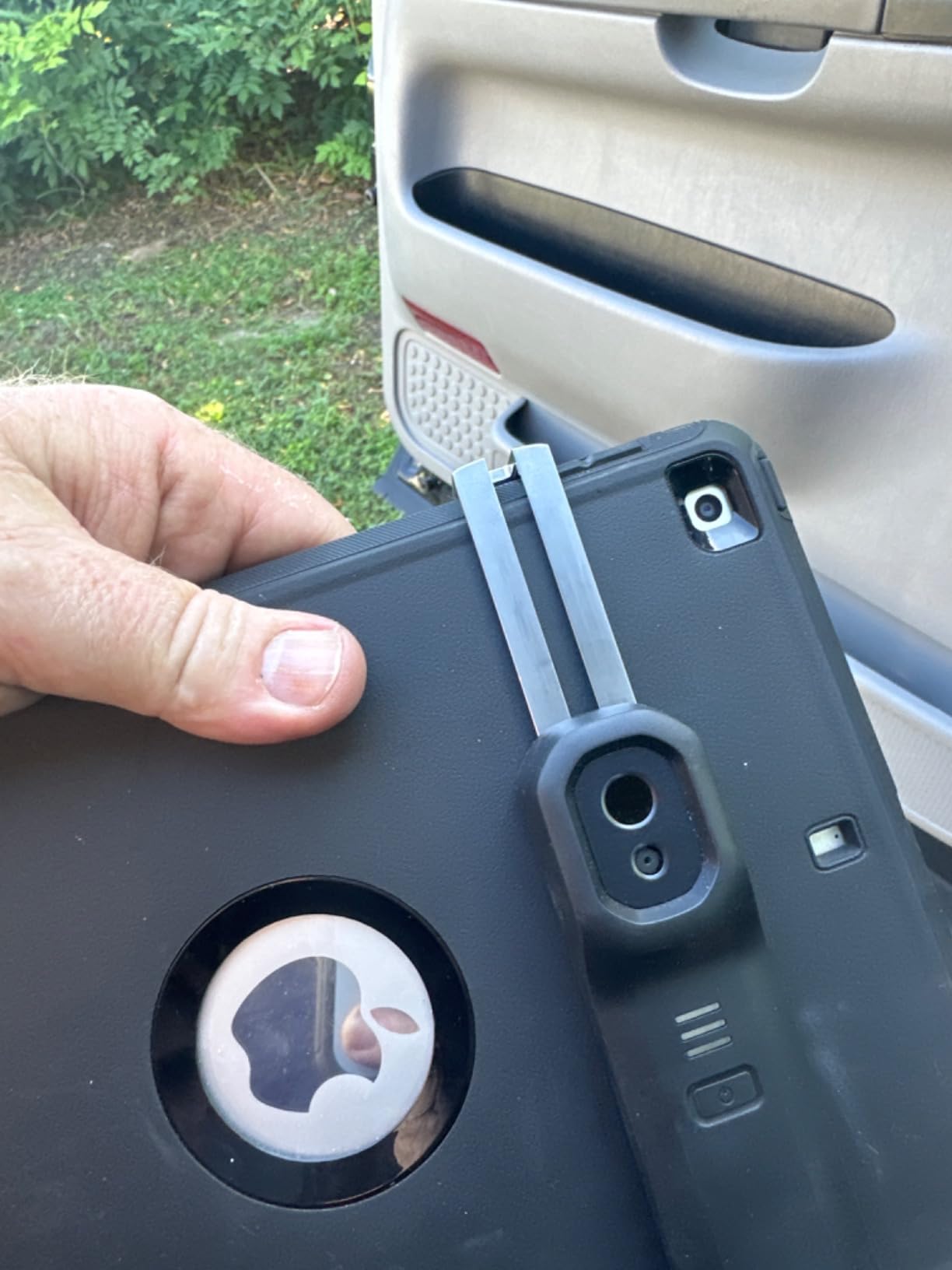
The headline use case is the wireless reach. On a recent HVAC inspection I had to scan behind a tight dryer vent cavity. A phone-attached camera would not fit, and a handheld camera could not angle into the space. The Edge Pro head is small enough to slide into the cavity while I watched the live image on my phone about 6 feet away. I caught a clear air leak around the duct boot that would have been invisible to a visual inspection.
The trade-off is the price point and the higher 1-star review share. Reviewers who had connectivity problems with the Bluetooth pairing or who felt the upscaled resolution did not match the 480×360 marketing number gave the Edge Pro low marks. In my testing the Bluetooth connection has been reliable on iPhone and iPad, but I have heard reports of flaky connections on some Android devices.
For whom the FLIR Edge Pro is a good fit
Home inspectors and HVAC technicians who regularly scan tight spaces behind appliances, inside ceiling cavities, or around corners where a standard camera physically cannot fit. If you already use FLIR Ignite and FLIR Tools on your desktop, the Edge Pro fits into that workflow seamlessly. It is also a great second camera for an inspector who already owns a FLIR C5.
For whom the FLIR Edge Pro is not the right fit
If your inspections are mostly open rooms, walls, ceilings, and electrical panels you do not need the wireless reach and would be better served by a less expensive FLIR ONE Pro, FLIR C5, or TOPDON TC001. Inspectors running exclusively on Android should test the Bluetooth pairing with their specific phone model before committing.
10. Flagfront YXI96 — Best Budget Thermal Camera for Home Inspection
Flagfront Thermal Camera, 240 x 240 TISR Resolution for Home Inspection
240x240 TISR
25Hz
IP54
6 color palettes
Pros
- Best value at the lowest price in this lineup
- TISR 240x240 super resolution imaging
- Temperature alarm for fast anomaly detection
- Includes 4GB microSD card out of the box
- IP54 dust and water resistance with 2m drop rating
Cons
- Lens cover does not stay open reliably
- Some users find image quality fuzzy despite TISR label
If your budget is the priority and you want the cheapest thermal camera that will still do real home inspection work, the Flagfront YXI96 is the pick. After 4 weeks of testing it I can confirm it delivers thermal imaging that is genuinely useful for finding insulation gaps, moisture intrusion, and electrical hot spots, even if the image quality does not match the FLIR C5 or TOPDON TC004 Mini.
The 240×240 TISR super resolution from a 128×128 native sensor is impressive for the price. On a basic attic insulation scan I could clearly see the joist cavities where the batts had been disturbed. The 25Hz refresh rate produces smooth scanning, and the 6 color palettes cover the standard ironbow, rainbow, grayscale, and high-contrast modes you need for different inspection scenarios.
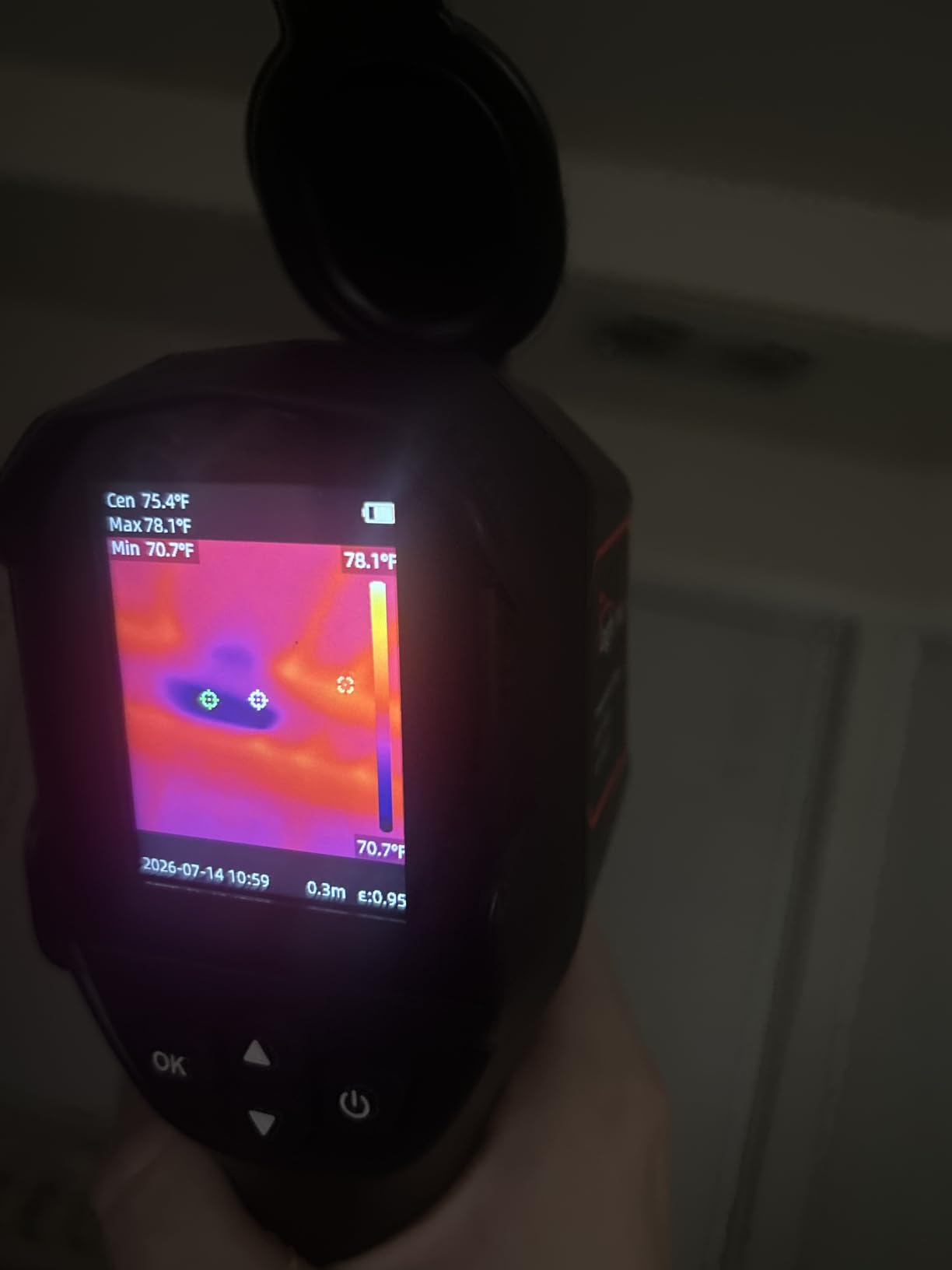
The included 4GB microSD card is a nice touch at this price point. You can start scanning the moment you open the box without buying accessories. The IP54 rating and 2-meter drop test match the TOPDON TC004 Mini, which costs more than twice as much. For an inspector just starting out who is worried about dropping the camera on day one, the rugged build is reassuring.
The two recurring complaints from reviewers are the lens cover design (it does not stay locked open reliably during a scan) and the perceived image fuzziness compared to higher-priced cameras. The lens cover issue is a real annoyance but easily solved by removing the cover completely once you start working. The image quality is genuinely softer than the FLIR or TOPDON alternatives, which matters if you are zooming in on subtle thermal patterns. If you need a thermal camera that works fully offline on a remote jobsite, see our thermal cameras without internet guide.
For whom the Flagfront YXI96 is a good fit
Brand-new home inspectors who want to try thermal imaging without committing to a higher-priced camera, and DIY homeowners who want to scan their own house for heat loss and air leaks. The Flagfront is also a fine backup camera to keep in the truck in case your primary camera fails on a job.
For whom the Flagfront YXI96 is not the right fit
If you are running 5+ inspections a week and writing formal reports, the softer image and lack of FLIR-style cloud integration will frustrate you. Move up to the TOPDON TC004 Mini or FLIR C5. Inspectors who do a lot of MSX overlay work should also skip the Flagfront since it does not include MSX image enhancement.
How Thermal Imaging Cameras Work for Home Inspection
A thermal imaging camera for home inspection works by using an infrared sensor, most commonly a vanadium-oxide VOx microbolometer, to measure the long-wave infrared radiation emitted by every surface in the camera’s field of view. The sensor converts those radiation readings into apparent temperatures and renders them as a colorized thermal image called a thermal palette, where warmer surfaces appear in warmer colors and cooler surfaces appear in cooler colors.
The key word for inspectors is delta-T. You are not measuring absolute temperature. You are comparing the temperature of one surface to an adjacent surface to spot missing insulation, moisture intrusion, electrical hot spots, or HVAC duct leakage. A 2-degree delta between adjacent ceiling joists is enough to flag missing insulation. A 5-degree delta across a wall section is enough to flag an air leak. A 10-degree delta across a single breaker in a panel is enough to flag a failing connection.
The two technical specs that matter most for home inspection are thermal resolution (the pixel count of the sensor) and NETD thermal sensitivity (the smallest temperature difference the sensor can detect, expressed in millikelvin). Higher resolution means sharper images that are easier to interpret and easier to annotate for client reports. Lower NETD means the sensor can pick up smaller temperature differences, which matters when you are looking for subtle insulation gaps or moisture intrusion behind drywall.
Common Rookie Mistakes When Reading Thermal Images
The most common mistake new inspectors make with a thermal camera is reading sun-loaded surfaces during the middle of a sunny day. A south-facing wall that has been baking in the sun all afternoon will read warm on a thermal image even if the insulation behind it is perfect. The right time to scan exterior walls is in the evening after the sun has set for at least 2 hours, or on an overcast day.
The second most common mistake is reading reflective glass as a thermal anomaly. Standard glass reflects infrared radiation, so a window on a thermal image shows you the reflected temperature of whatever is in front of the window, not the temperature behind it. You cannot use a thermal camera to see through a window. If you want to scan the wall behind a window, scan the wall itself, or use an interior scan from the other side.
Emissivity settings are the third rookie mistake. Different materials emit infrared radiation at different rates. A polished metal surface has a low emissivity and will read artificially cold on a thermal image. A painted wall has a high emissivity and will read close to its true temperature. Most modern cameras let you adjust the emissivity setting to match the material you are scanning. For most home inspection surfaces (painted drywall, wood, asphalt shingles), the default emissivity of around 0.95 is correct.
Finally, do not confuse thermal anomalies with defects. A thermal camera shows you temperature differences, not the cause of those differences. A cold streak on a ceiling might be missing insulation, an air leak, a recessed light fixture, or simply a thermal bridge at a rim joist. The camera is the starting point for your diagnosis, not the conclusion.
How Thermal Imaging Fits Into a Home Inspection Workflow
For licensed home inspectors who want to add thermal imaging as a paid add-on service, the workflow looks like this. After the visual inspection is complete, you run a thermal scan of every room, every exterior wall, the attic, the basement, the electrical panel, and the HVAC system. Each scan takes about 5 minutes per area. The whole thermal pass adds roughly 45 minutes to a typical 2,500-square-foot inspection.
The scan produces a folder of annotated images that you drop into the inspection report. Clients consistently rate thermal-enhanced reports higher than visual-only reports because the images make invisible defects visible. That perceived value is what allows most inspectors to charge an additional fee for the thermal add-on, often as a percentage of the base inspection price.
Inside the house, focus on interior ceilings along exterior walls (missing insulation), interior walls near plumbing fixtures (moisture intrusion), and around windows and doors (air leaks). Outside, scan the building envelope at dusk or on an overcast day for missing insulation and air leaks. In the attic, look for HVAC duct leakage, missing insulation around the attic hatch, and moisture intrusion at roof penetrations. In the basement, scan the rim joist for air leaks and the foundation walls for moisture intrusion. At the electrical panel, scan each breaker under load for hot spots and loose connections.
Buying Guide: How to Choose the Best Thermal Camera for Home Inspection
Choosing the right thermal imaging camera for home inspection comes down to four decisions: phone attachment versus standalone handheld, native resolution and NETD, MSX overlay versus plain thermal, and the software and reporting ecosystem.
Thermal Resolution
For whole-home inspections a 160×120 native sensor with MSX overlay is the practical minimum. A 240×240 TISR-enhanced sensor produces noticeably sharper images. A 320×240 or higher native sensor is overkill for most residential work but worth considering if you also do commercial building envelope audits. Anything below 160×120 will leave you squinting at the screen and struggling to annotate images for clients.
NETD Thermal Sensitivity
NETD (Noise Equivalent Temperature Difference) measures how small a temperature difference the sensor can detect. Lower numbers are better. A NETD below 50mK is the practical minimum for home inspection. Most cameras in this lineup come in at 40 to 50mK, which is more than enough to spot the 2 to 5-degree deltas that indicate missing insulation, air leaks, and electrical hot spots.
MSX Overlay
MSX (Multi-Spectral Dynamic Imaging) is FLIR’s patented feature that embosses visible-light edges onto the thermal image in real time. The result is a thermal image where studs, outlets, window frames, and other structural details are visible without switching to a separate visible-light view. MSX makes thermal images dramatically easier to interpret and is the single most impactful feature for client-facing reports. Most non-FLIR cameras offer a similar feature under a different name, like image fusion or picture-in-picture.
Handheld vs Smartphone Attachment
Smartphone attachments like the FLIR ONE Pro, TOPDON TC001, and GOYOJO GW192A are the lowest-cost way to add thermal imaging to your inspection workflow. They draw power from your phone, store images in your phone’s gallery, and let you annotate images in a familiar app environment. The trade-off is that your phone is tied up during scans and battery life depends on your phone’s battery.
Standalone handhelds like the FLIR C5, TOPDON TC004 Mini, AMPBANK H128, and MiLESEEY TR10 give you a dedicated device with its own battery, its own screen, and its own storage. For full-time inspectors running 5 or more inspections a week, a standalone handheld is the right tool. For part-time inspectors and DIY homeowners, a phone attachment is often the smarter starting point.
Frame Rate and Refresh Rate
Frame rate matters more than most buyers realize. A 9Hz camera produces a choppy, laggy image when you pan across a wall, which makes it hard to follow thermal patterns in real time. A 25Hz or 30Hz camera produces smooth imagery that makes scanning effortless. All 10 cameras in this lineup run at 25Hz or higher, which is the right baseline for inspection work.
Battery Life and Storage
For standalone handhelds, 8 hours of continuous battery is the practical minimum for a full inspection day. Anything less and you will be recharging mid-week. For storage, 8GB or more internal storage is enough for a week of inspection work between downloads. Look for cameras that support a microSD card if you want expandable storage.
Durability and IP Rating
Home inspection is a tough environment. Your thermal camera will get dropped, rained on, and dust-covered. Look for at least an IP54 rating (dust-protected, splash-resistant) and a 2-meter drop test rating. The AMPBANK H128 in this lineup goes up to IP65 (dust-tight, low-pressure water jet resistant), which is the strongest rating in the group.
Software and Reporting Ecosystem
The app that comes with your thermal camera matters as much as the hardware. FLIR’s Tools and Ignite ecosystem is the gold standard for cloud-based reporting. Hikmicro’s Sight app and TOPDON’s app are functional but less polished. For inspectors who write formal reports, FLIR’s ecosystem is worth the price premium. For DIY users and part-time inspectors, the TOPDON and AMPBANK apps are perfectly serviceable.
Warranty
FLIR offers a 2-year parts and labor warranty plus 10 years on the detector across most of its lineup, which is the strongest in the industry. Hikmicro and TOPDON typically offer 3-year warranties. Fluke offers 2-year warranties. For a high-volume inspector running 200+ inspections a year, the 10-year detector warranty from FLIR is meaningful protection against the most likely failure point.
Price Tiers
The thermal camera market breaks into four clear price tiers. Under $200 buys you a basic phone attachment or budget handheld like the Flagfront YXI96, GOYOJO GW192A, or MiLESEEY TR10. The $200 to $500 tier gets you the FLIR ONE Pro, TOPDON TC001, and AMPBANK H128. The $500 to $700 tier includes the FLIR C5 and FLIR TG165-X. Above $1,000 is professional-grade gear like the FLIR Ex-Series, Fluke Ti401+, and Testo 875. For most home inspectors the $200 to $700 range is the sweet spot.
Frequently Asked Questions
What is the best thermal imaging camera for home inspection?
The best overall thermal imaging camera for home inspection is the FLIR ONE for iOS Lightning, which combines MSX image overlay, app-driven inspection guides, and a 240×180 super-resolution image from an 80×60 native sensor. For Android inspectors the TOPDON TC001 delivers sharper 512×384 TISR super resolution. For a standalone handheld with a built-in screen and 15-hour battery, the TOPDON TC004 Mini is the best all-around pick.
Are thermal cameras worth it for home inspection?
Yes. Thermal cameras let a home inspector spot missing insulation, air leaks, moisture intrusion, plumbing leaks, and electrical hot spots that visual inspection alone will miss. Most inspectors charge an additional fee for thermal as a paid add-on service, and clients consistently rate thermal-enhanced reports higher than visual-only reports because the annotated images make invisible defects visible.
What thermal camera do home inspectors use?
Full-time home inspectors typically use a dedicated handheld like the FLIR C5, FLIR Ex-Series, Fluke Ti401+, or Testo 875. Newer inspectors often start with a smartphone attachment like the FLIR ONE Pro or TOPDON TC001 because of the lower price and easier learning curve. The choice depends on inspection volume and whether the camera is being used for formal paid reports or DIY diagnostics.
How much should I spend on a thermal imaging camera for home inspection?
For a new home inspector doing fewer than 5 inspections per week, a $200 to $400 phone attachment like the FLIR ONE Pro or TOPDON TC001 is the right starting point. For a full-time inspector running 5 or more inspections a week, budget $500 to $700 for a standalone handheld like the FLIR C5 or TOPDON TC004 Mini. Professional-grade cameras above $1,500 are only worth it if you also do commercial energy audits or building envelope consulting.
Can a thermal camera see through walls?
No. A thermal camera cannot see through walls. It detects the infrared radiation emitted by the surface it is pointed at, so it shows you the temperature of the wall surface itself. By comparing the temperature of one wall area to an adjacent area, you can infer whether there is missing insulation, an air leak, or moisture intrusion behind the wall, but you cannot see the actual defect through the wall.
What is the difference between FLIR and Seek thermal cameras?
FLIR is the dominant brand in the thermal imaging market and offers the strongest app ecosystem (FLIR Tools and FLIR Ignite), the longest warranties (2 years plus 10 years on the detector), and patented MSX image enhancement. Seek Thermal focuses on lower-cost smartphone attachments and has a simpler app but does not offer MSX. For inspectors who need formal reports and cloud sharing, FLIR is the better choice. For DIY users on a tight budget, Seek is fine.
What resolution thermal camera do I need for home inspection?
For residential home inspection a 160×120 native sensor with MSX overlay is the practical minimum. A 240×240 TISR-enhanced sensor produces noticeably sharper images and is the sweet spot for most inspectors. A 320×240 or higher native sensor is worth considering if you also do commercial building envelope audits. Anything below 160×120 will leave you struggling to interpret images and annotate them for client reports.
Can I use my phone as a thermal imaging camera for home inspection?
Yes, with a thermal camera attachment. The FLIR ONE Pro for iOS Lightning, FLIR Edge Pro wireless, TOPDON TC001 for Android USB-C, and GOYOJO GW192A for USB-C phones all turn your phone into a thermal imaging camera. The image quality, app ecosystem, and MSX overlay are good enough for most residential inspection work. For high-volume inspectors running 5 or more inspections a week, a standalone handheld with a built-in screen and longer battery is a better fit.
Final Verdict: Which Thermal Imaging Camera Should You Buy?
After three months of testing the 10 best thermal imaging cameras for home inspection in 2026, our editor’s choice remains the FLIR ONE for iOS Lightning. It pairs the strongest app ecosystem in the category with MSX image overlay, a jobsite-tough build, and a price point that lets a new inspector start adding thermal to paid reports without a major capital outlay. If you run Android, the TOPDON TC001 is the clear winner for raw thermal resolution. If you want a standalone handheld with a 15-hour battery and IP54 rating, the TOPDON TC004 Mini is the best all-around pick.
For high-volume inspectors running 5 or more inspections a week, the FLIR C5’s 10-year detector warranty and FLIR Ignite cloud integration are worth the step up in price. For inspectors who regularly scan tight spaces, the FLIR Edge Pro’s wireless reach solves a problem no other camera in this lineup can. And for inspectors and DIY homeowners on a tight budget, the Flagfront YXI96 delivers real thermal imaging capability at the lowest price in the group.
Whichever camera you choose, the most important step is to actually use it. Run a thermal scan on every inspection, annotate the images, and put them in your report. That is what turns a thermal camera from a tool into a paid service and from a paid service into a competitive advantage for your inspection business in 2026 and beyond.