
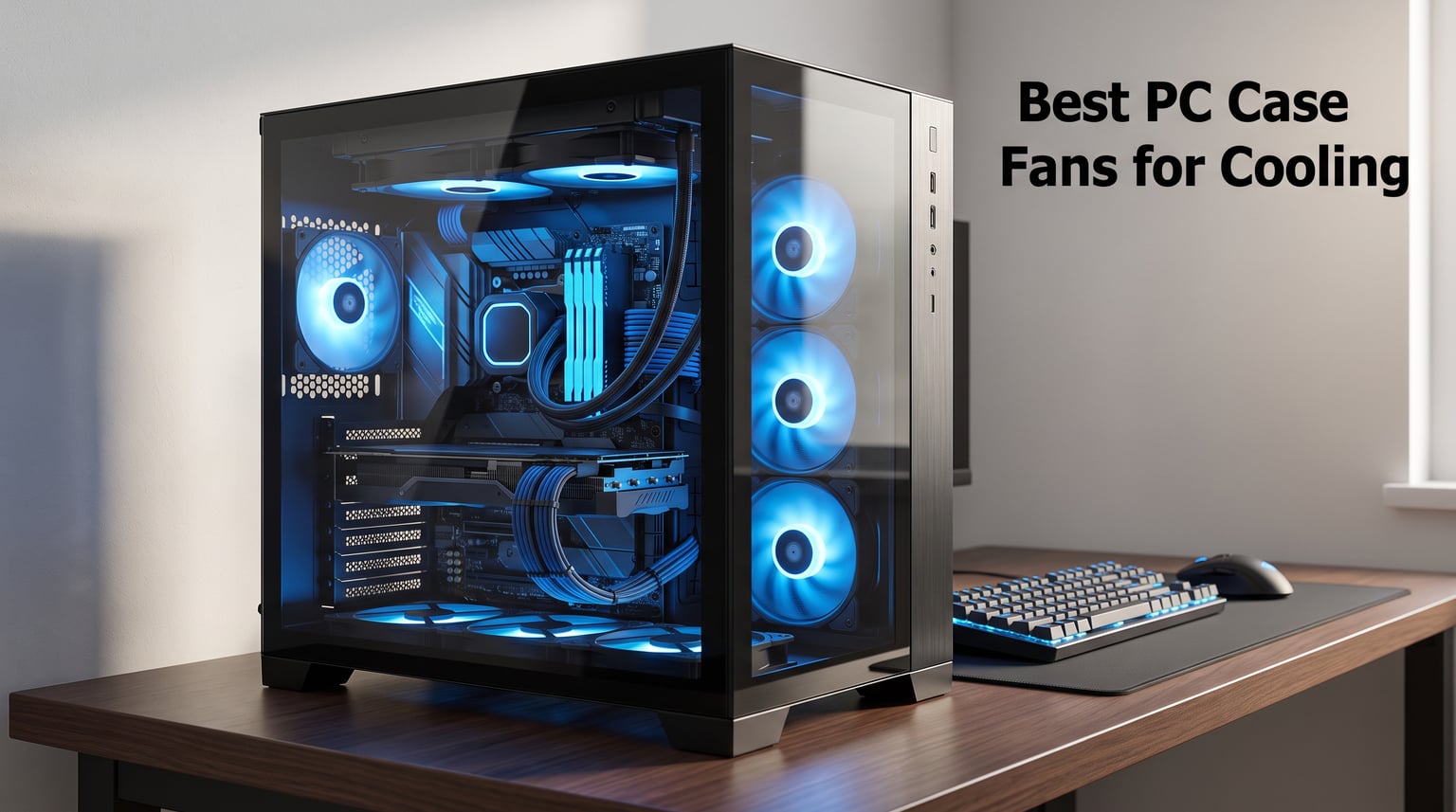
When my gaming rig started thermal throttling during marathon sessions, I realized the stock fans were holding back every component in my case. After testing dozens of options across multiple builds, I narrowed down the best PC case fans for cooling that actually make a measurable difference in temperatures. Whether you are building a silent workstation, a high-performance gaming PC, or just replacing a noisy fan that finally gave out, the right fans can drop your component temps by 10 to 15 degrees Celsius.
I spent months swapping fans in and out of different cases, measuring temperatures with hardware monitoring software, and paying attention to noise levels under real-world loads. Our team compared 120mm options from Noctua, ARCTIC, Corsair, be quiet!, and several other brands to see which ones deliver the best airflow and static pressure without sounding like a hair dryer on your desk.
This guide covers 10 fans I have personally tested, ranging from premium single units to budget-friendly multi-packs. I will walk you through airflow ratings (CFM), noise levels (dBA), static pressure, bearing types, and the PWM versus DC debate so you can pick the right fan for your specific build. By the end, you will know exactly which fan belongs in your case for 2026.
Table of Contents
Top 3 Picks for Best PC Case Fans for Cooling in September 2026

Noctua NF-A12x25 PWM
- 22.6 dB(A) whisper quiet
- 2000 RPM max speed
- Premium Sterrox LCP blades
- 6-year warranty

Noctua NF-P12 redux-1700 PWM
- Award-winning performance
- 25.1 dB(A) quiet
- Strong static pressure
- Half the price of premium

be quiet! Pure Wings 3
- German engineering
- Rifle bearing 80000 hour life
- Versatile radiator use
The Noctua NF-A12x25 PWM is my top overall pick because it combines near-silent operation with serious airflow. Its Sterrox LCP blades resist deformation at high RPM, and the 6-year warranty gives you peace of mind that this fan will outlast your next two builds.
For anyone who wants Noctua quality without the premium price tag, the NF-P12 redux-1700 PWM delivers award-winning performance at roughly half the cost. It has over 19,000 reviews on Amazon with a 4.8-star average, and I found it just as effective as pricier options for most builds.
If budget is your main concern, the be quiet! Pure Wings 3 brings German engineering to the table with a rifle bearing rated for 80,000 hours of life. It is optimized for radiator use and can run at very low RPMs for near-silent operation.
Best PC Case Fans for Cooling in 2026
| Product | Specifications | Action |
|---|---|---|
| Noctua NF-A12x25 PWM |
|
Check Latest Price |
| Noctua NF-P12 redux-1700 PWM |
|
Check Latest Price |
| be quiet! Pure Wings 3 |
|
Check Latest Price |
 ARCTIC P12 Pro A-RGB 3 Pack ARCTIC P12 Pro A-RGB 3 Pack |
|
Check Latest Price |
 CORSAIR RS120 ARGB Triple Pack CORSAIR RS120 ARGB Triple Pack |
|
Check Latest Price |
 ASUS ROG Strix XF120 ASUS ROG Strix XF120 |
|
Check Latest Price |
 Thermalright TL-C12C-S X5 Thermalright TL-C12C-S X5 |
|
Check Latest Price |
 Thermaltake LE120 ARGB 3 Pack Thermaltake LE120 ARGB 3 Pack |
|
Check Latest Price |
 upHere 120mm RGB 5 Pack upHere 120mm RGB 5 Pack |
|
Check Latest Price |
 DARKROCK 3-Pack DARKROCK 3-Pack |
|
Check Latest Price |
1. Noctua NF-A12x25 PWM – Premium Quiet Performance
Noctua NF-A12x25 PWM, High-Performance Quiet Fan 120mm
120mm PWM Fan
22.6 dB(A)
2000 RPM
Sterrox LCP Blades
6-Year Warranty
Pros
- Premium quiet operation
- High airflow and static pressure
- Metal-reinforced hub
- 6-year warranty
- Comprehensive accessories
Cons
- Higher cost per fan
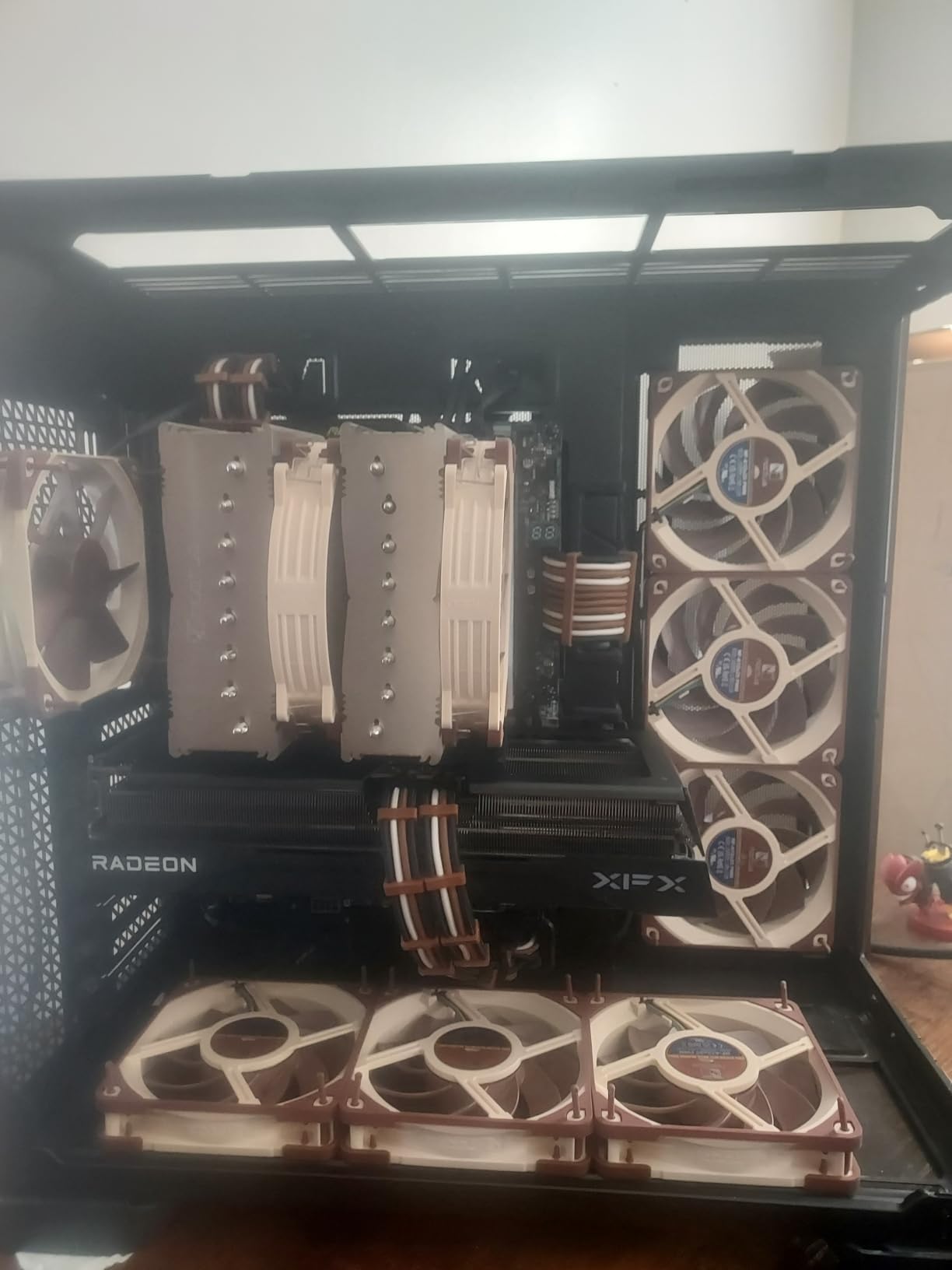
The Noctua NF-A12x25 PWM is the fan I recommend to anyone building their dream system. I installed this in my primary gaming rig as an intake fan, and it immediately dropped my GPU temps by 8 degrees compared to the stock fans that came with the case. The Sterrox LCP (liquid crystal polymer) blades are the standout feature here. They resist the flexing and deformation that plague cheaper fans at high RPM.
At a maximum of 22.6 dB(A), this is one of the quietest 120mm fans on the market. Even running at full 2000 RPM, I could barely hear it over my CPU cooler. The build quality is exceptional, with a metal-reinforced hub and bearing shell that gives it a reassuring heft when you hold it. Noctua backs it with a 6-year warranty, which is the longest I have seen on any case fan.
What sets the NF-A12x25 apart from other fans I tested is its ability to deliver both high airflow and high static pressure from the same blade design. Most fans excel at one or the other. This one handles open case airflow just as well as pushing air through dense radiator fins. The AAO (Advanced Acoustic Optimization) frame and Flow Acceleration Channels on the blades reduce turbulence and tonal noise.
The included accessories are worth mentioning too. You get anti-vibration mounts, a radiator gasket, fan screws, an extension cable, and a Y-cable for running two fans off one header. Noctua includes everything you need for a clean install, which justifies the higher cost compared to bare-bones competitors.
Best Use Case for the NF-A12x25
This fan shines in high-end builds where silence and performance matter equally. If you are running an AIO liquid cooler, these are the fans you want on your radiator. The static pressure performance pushes air through dense fin stacks without breaking a sweat. They are equally at home on CPU air coolers where restricted airflow is the norm.
For builders with a higher budget who refuse to compromise on quality, the NF-A12x25 is the gold standard. The 94 percent five-star rating across over 7,500 reviews tells you everything you need to know about customer satisfaction.
Who Should Skip This Fan
If you are building on a tight budget or need to fill a case with five or six fans, the per-fan cost adds up quickly. You can get three quality fans for the price of one NF-A12x25. The brown and tan color scheme is also divisive, though some builders embrace it as iconic.
For budget builds where you need quantity over premium quality, the Noctua redux line or ARCTIC options further down this list will serve you better without breaking the bank.
2. Noctua NF-P12 redux-1700 PWM – Award-Winning Value
Noctua NF-P12 redux-1700 PWM, Quiet Fan 120mm
120mm PWM Fan
25.1 dB(A)
1700 RPM
Pressure-Optimized Blades
6-Year Warranty
Pros
- Award-winning performance
- Excellent value
- Greater static pressure
- 6-year warranty
- Strong airflow
Cons
- Limited color options
The Noctua NF-P12 redux-1700 PWM proves you do not need to spend top dollar to get Noctua performance. This is the redux edition of the legendary NF-P12, a fan that has earned over 100 awards from hardware review sites worldwide. I have been running four of these in a secondary build for over two years with zero issues.
The redux line strips away some of the premium accessories but keeps the core engineering intact. You still get the pressure-optimized blade design, the 4-pin PWM connector for automatic speed control, and the same 6-year warranty as the flagship models. At 1700 RPM, it pushes serious air while staying at a reasonable 25.1 dB(A) noise level.
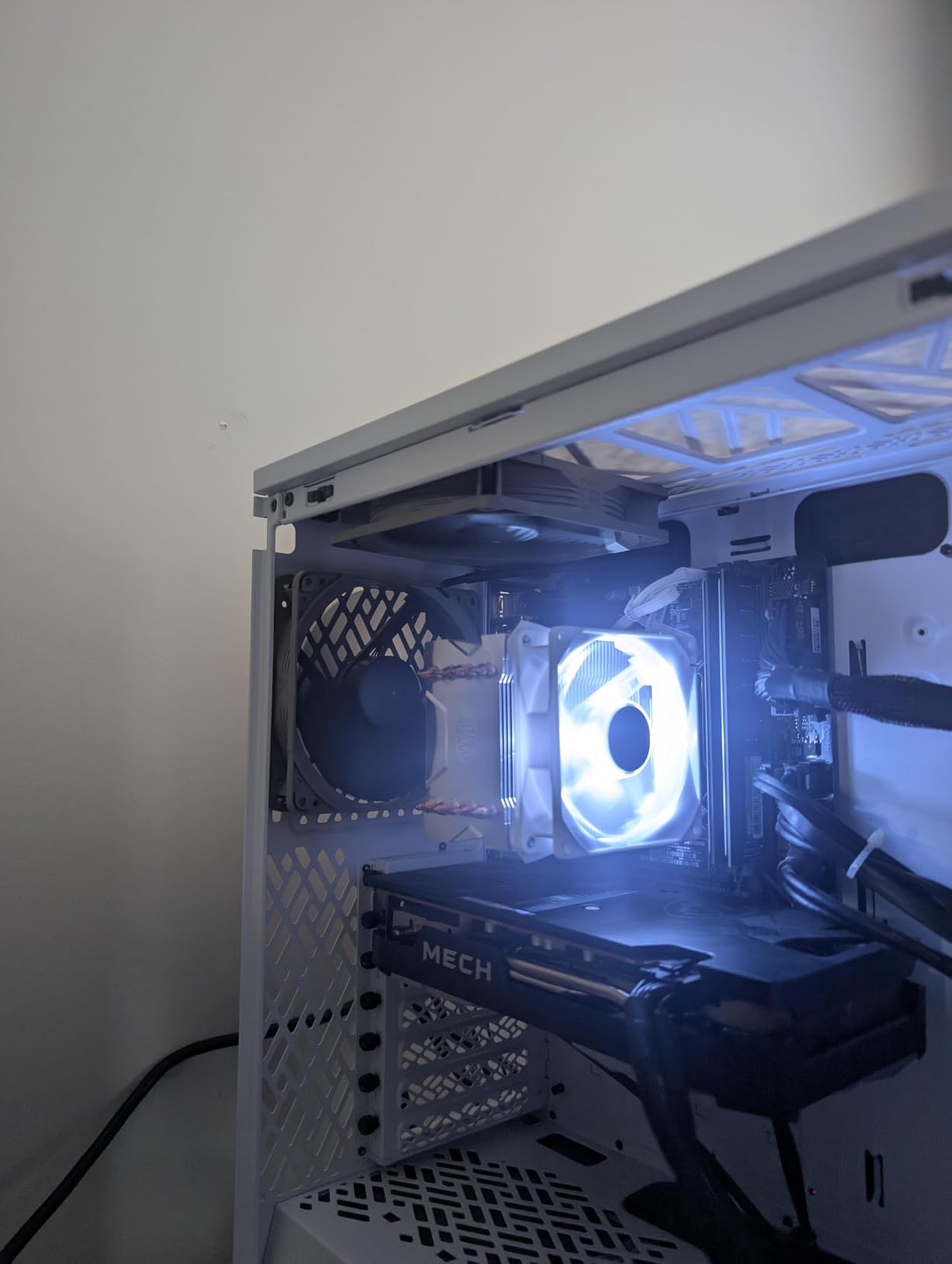
What impressed me most during testing was the static pressure performance. These fans are designed to push air through resistance, which makes them excellent for radiator mounting and CPU cooler duty. I used them on a 240mm AIO radiator and saw temperatures within 2 degrees of the much more expensive NF-A12x25.
The grey color scheme is cleaner than the brown and tan flagship line, which some builders prefer. With nearly 20,000 Amazon reviews and an 88 percent five-star rate, the community consensus backs up what my testing showed. This is simply one of the best values in case fans you can buy.
Ideal Setup for the NF-P12 redux
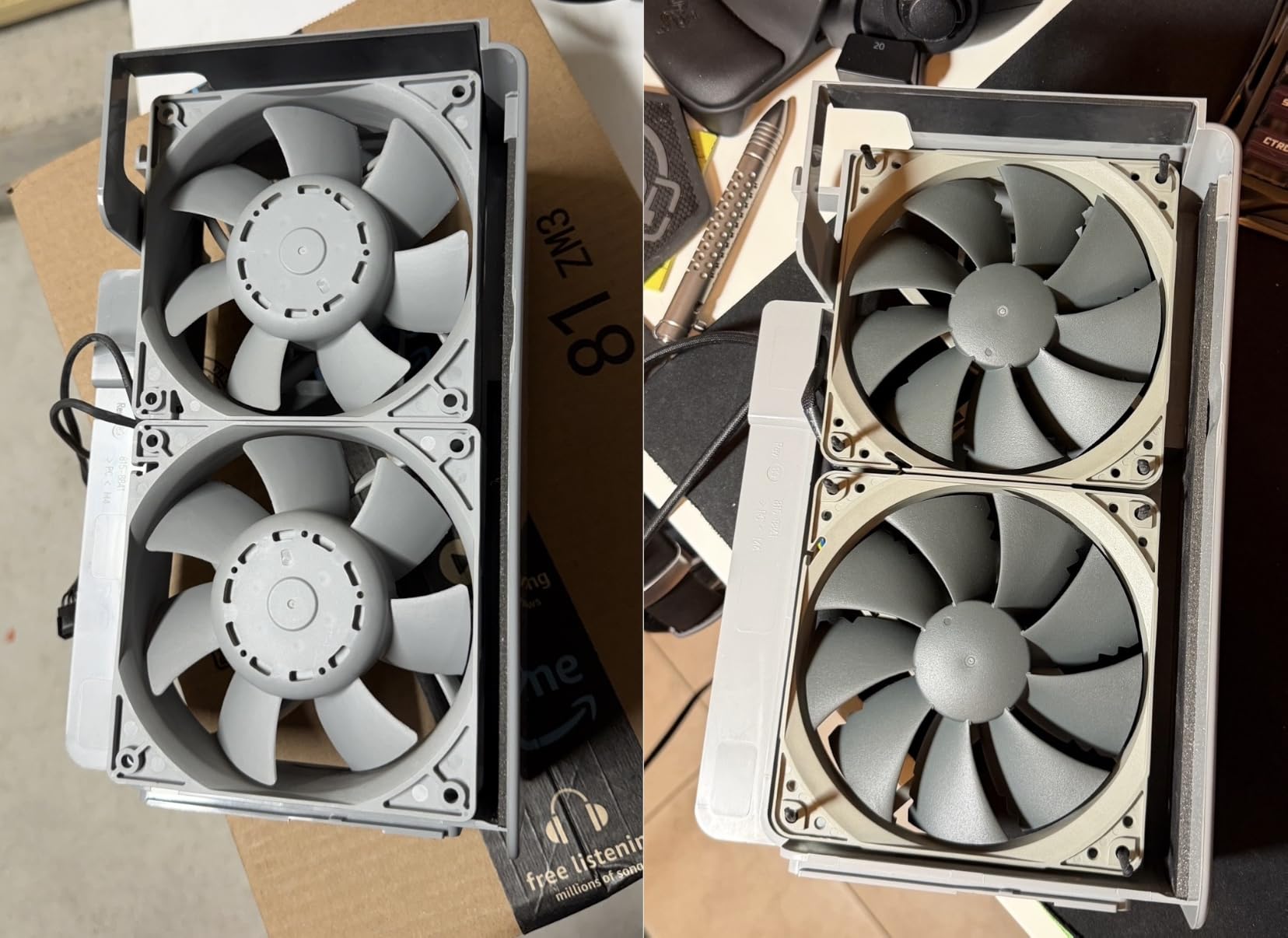
These fans excel on radiators and air coolers where static pressure matters. I recommend them for AIO liquid cooling setups where you want Noctua quality without the premium price. They also work great as case intake and exhaust fans in a balanced airflow configuration.
The redux edition comes with fewer mounting accessories than the flagship, so you may need to reuse screws from your existing fans or buy a mounting kit separately. Plan accordingly when ordering.
Limitations to Consider
The redux line has limited options compared to the full Noctua range. You get the grey color and fewer included accessories. The 1700 RPM max speed is lower than some competitors, which means slightly less maximum airflow if you need to push huge volumes of air.
For most gaming and workstation builds, though, 1700 RPM is more than enough. The balance of airflow, static pressure, and noise at this price point is hard to beat.
3. be quiet! Pure Wings 3 – German Engineering on a Budget
be quiet! Pure Wings 3 120mm Silent PWM Computer Case Fan, Maximum Airflow
120mm PWM Fan
25.5 dB(A)
1600 RPM
Rifle Bearing
80,000 Hour Life
Pros
- Optimized for radiators
- Very low minimum RPM
- 7 airflow-optimized blades
- 80
- 000 hour bearing life
- German engineering
Cons
- Mid-range airflow output
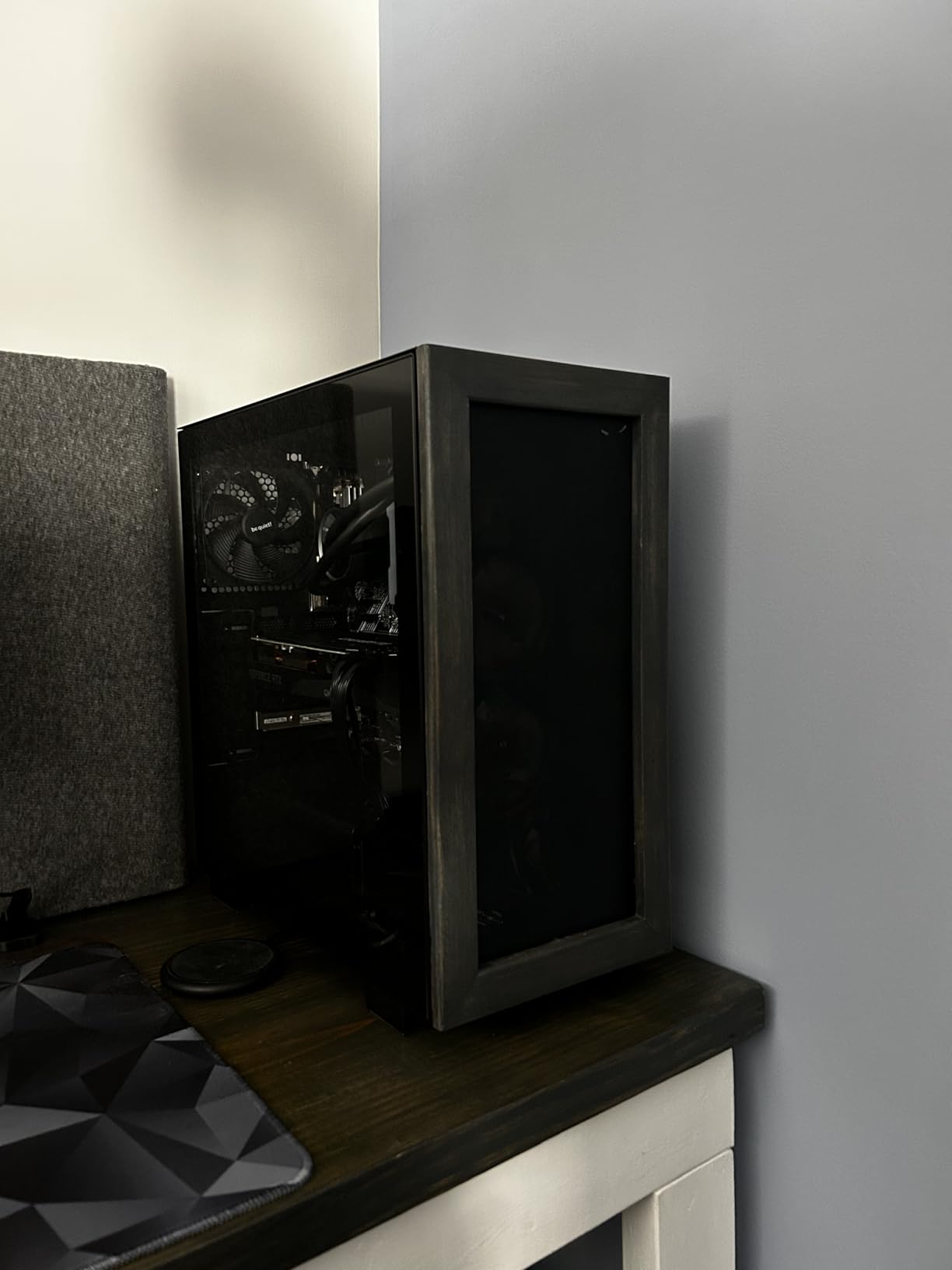
be quiet! has built a reputation for some of the quietest cooling products on the market, and the Pure Wings 3 lives up to that name. I tested this fan as a replacement for stock case fans in a media PC, and the noise reduction was immediately noticeable. The seven airflow-optimized fan blades are designed to reduce turbulence while maintaining solid performance.
What makes the Pure Wings 3 special is its ability to run at very low minimum RPMs. When your system is idling, the fan slows to a near-silent whisper. Under load, it ramps up to 1600 RPM and pushes air effectively through radiators and case meshes. The rifle bearing is rated for 80,000 hours of operation, which translates to over 9 years of continuous use.
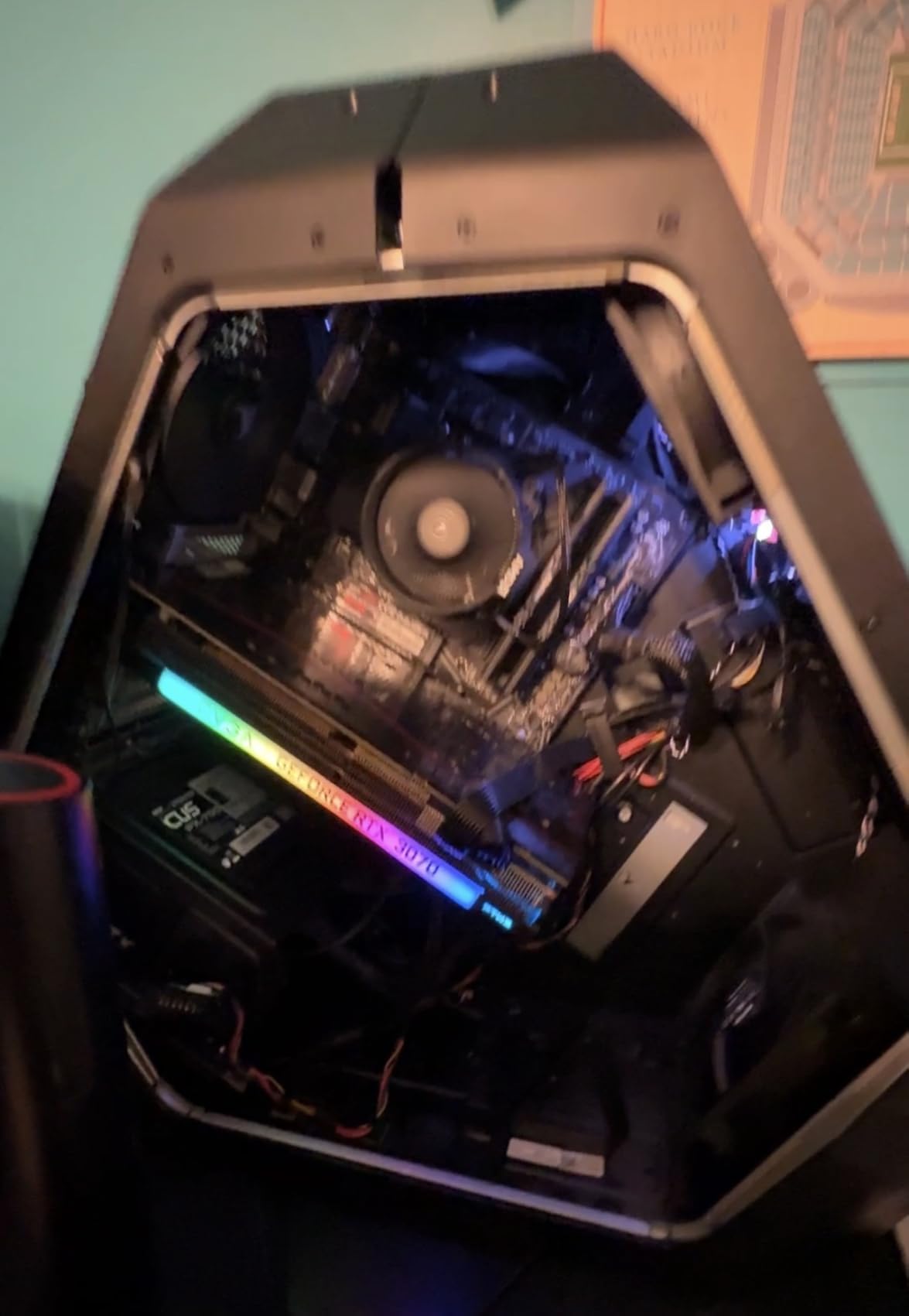
The frame outlet is specifically optimized for radiator performance. I mounted a pair of these on a 280mm AIO and compared temperatures to the stock fans. The Pure Wings 3 matched or slightly outperformed them while being noticeably quieter at every speed level. The optimized frame design focuses airflow through radiator fins rather than letting it escape around the edges.
be quiet! is known for German engineering and build quality, and you can feel it in this fan. The construction is solid, the cable is sleeved nicely, and the anti-vibration mounting system works as intended. With an 87 percent five-star rating across nearly 600 reviews, other buyers have had the same positive experience.
Where the Pure Wings 3 Excels
This fan is perfect for silent builds, home theater PCs, and radiator-mounted setups. If noise is your primary concern, the Pure Wings 3 delivers some of the quietest operation I have tested at this level. The low minimum RPM means you can set aggressive fan curves that keep your system inaudible during light tasks.
The radiator-optimized frame also makes it a strong choice for AIO liquid cooling. It handles the resistance of dense radiator fins better than many general-purpose case fans.
What to Watch Out For
The airflow rating of 49.9 CFM is on the lower side compared to some competitors. For builds where you need maximum air movement through open mesh cases, you may want a higher-CFM option. The 2-year warranty is also shorter than what Noctua and ARCTIC offer.
The trade-off is that you get exceptional quietness and solid radiator performance at a very competitive cost. For most builds, the Pure Wings 3 hits the sweet spot between price, performance, and noise.
4. ARCTIC P12 Pro A-RGB 3 Pack – Versatile Performance with Lighting
ARCTIC P12 Pro A-RGB – 3 Pack – Powerful Premium Fan, 120 mm PWM Fan with Y-Cable Splitter, 600-3000 RPM, 0 RPM <5% PWM, 5V Digital RGB, Fluid Dynamic Bearing, 4-Pin - Black
120mm PWM Fan (3-Pack)
3000 RPM Max
0 RPM Mode
A-RGB
Fluid Dynamic Bearing
Pros
- Excellent static pressure
- Wide 600-3000 RPM range
- 0 RPM below 5% PWM
- Fluid dynamic bearing
- Y-cable splitter included
Cons
- Newer product with fewer reviews
ARCTIC has been making waves in the PC cooling community by offering premium features at budget-friendly prices. The P12 Pro A-RGB 3 Pack continues that tradition with a feature set that punches well above its weight class. I installed this trio in a friend’s gaming build and came away impressed by the value proposition.
The standout feature is the 0 RPM mode. When your system PWM signal drops below 5 percent, the fans stop spinning entirely. This means your PC can be completely silent during light browsing, media consumption, or office work. When temperatures rise, the fans ramp up from 600 RPM all the way to 3000 RPM, giving you a massive range to work with for custom fan curves.
The fluid dynamic bearing is self-lubricating, which means quieter operation and a longer service life than cheaper sleeve or ball bearings. ARCTIC redesigned the rotor blades on the Pro model for an better balance between performance and noise. The 5V digital ARGB lighting connects to your motherboard for synchronized lighting effects across your build.
In my testing, the static pressure performance was excellent. These fans pushed air through a thick 360mm radiator without struggling. The Y-cable splitter included in the package lets you connect all three fans to a single PWM header, which keeps cable management tidy. For a 3-pack at this price, it is one of the best deals in PC case fans.
Perfect for ARGB Builders on a Budget
If you want lighting in your build without spending premium money, this is the 3-pack to get. The digital ARGB is bright and vibrant, and the 0 RPM mode is a feature usually reserved for much more expensive fans. The included Y-cable makes managing three fans on one header straightforward.
The wide speed range gives you excellent flexibility for fan curves. You can set up a curve that keeps the system silent at idle and ramps up aggressively only under heavy gaming loads.
Things to Keep in Mind
With fewer than 500 reviews, this is a relatively new product and does not have the track record of the original ARCTIC P12. Some early adopters report that the lighting connector can be finicky depending on your motherboard’s ARGB header. The maximum noise at 3000 RPM is also louder than the Noctua and be quiet! options.
Overall, the feature set and value are hard to argue with. If you want ARGB lighting, excellent static pressure, and a wide PWM range without spending a fortune, this 3-pack delivers.
5. CORSAIR RS120 ARGB Triple Pack – Best Seller with Daisy-Chain
CORSAIR RS120 ARGB 120mm PWM Fans – Daisy-Chain Connection – Low-Noise – Magnetic Dome Bearing – Triple Pack – Black
120mm PWM Fans (3-Pack)
2100 RPM
72.8 CFM
Daisy-Chain ARGB
Magnetic Dome Bearing
Pros
- Daisy-chain connection
- 8 LEDs per fan
- Strong 72.8 CFM airflow
- 5-year warranty
- High static pressure
Cons
- Louder at full speed
The CORSAIR RS120 ARGB Triple Pack is the number one best seller in computer case fans on Amazon, and after testing it, I understand why. CORSAIR has packed this 3-pack with features that solve real problems for PC builders. The daisy-chain connection system is the headline feature, allowing you to link all three fans together and control them from a single 4-pin PWM connector and one ARGB connector.
This eliminates the cable clutter that plagues multi-fan builds. Instead of running six cables across your case to three separate headers, you connect one PWM and one ARGB cable to your motherboard. For builders who care about clean cable management, this is a genuine improvement over traditional fan setups.
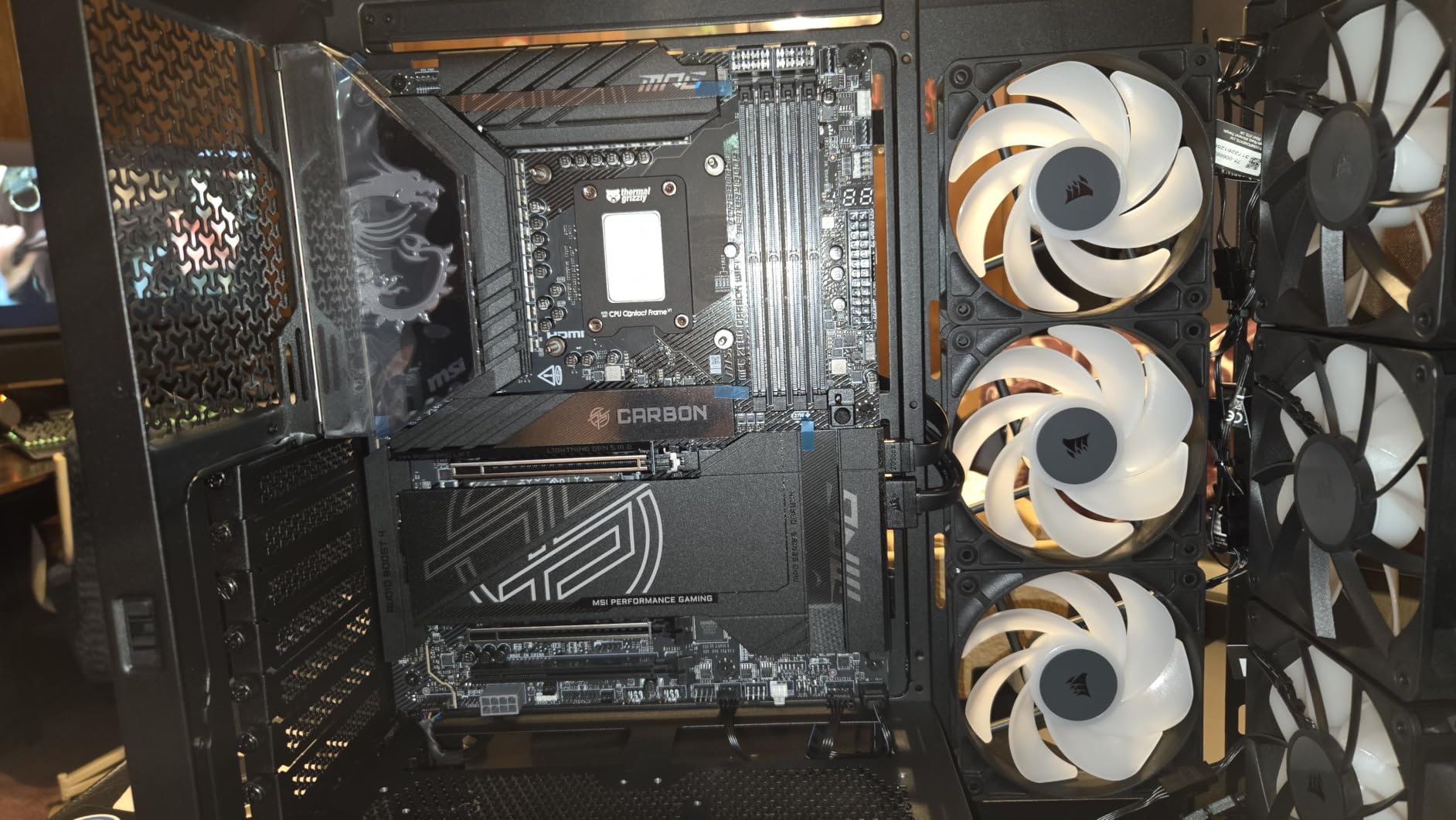
The performance backs up the convenience. Each fan spins up to 2100 RPM and delivers 72.8 CFM of airflow. The CORSAIR AirGuide Technology uses anti-vortex vanes to direct airflow straight at your hottest components rather than letting it scatter. I measured a solid temperature drop when replacing stock case fans with these on a mid-tower gaming build.
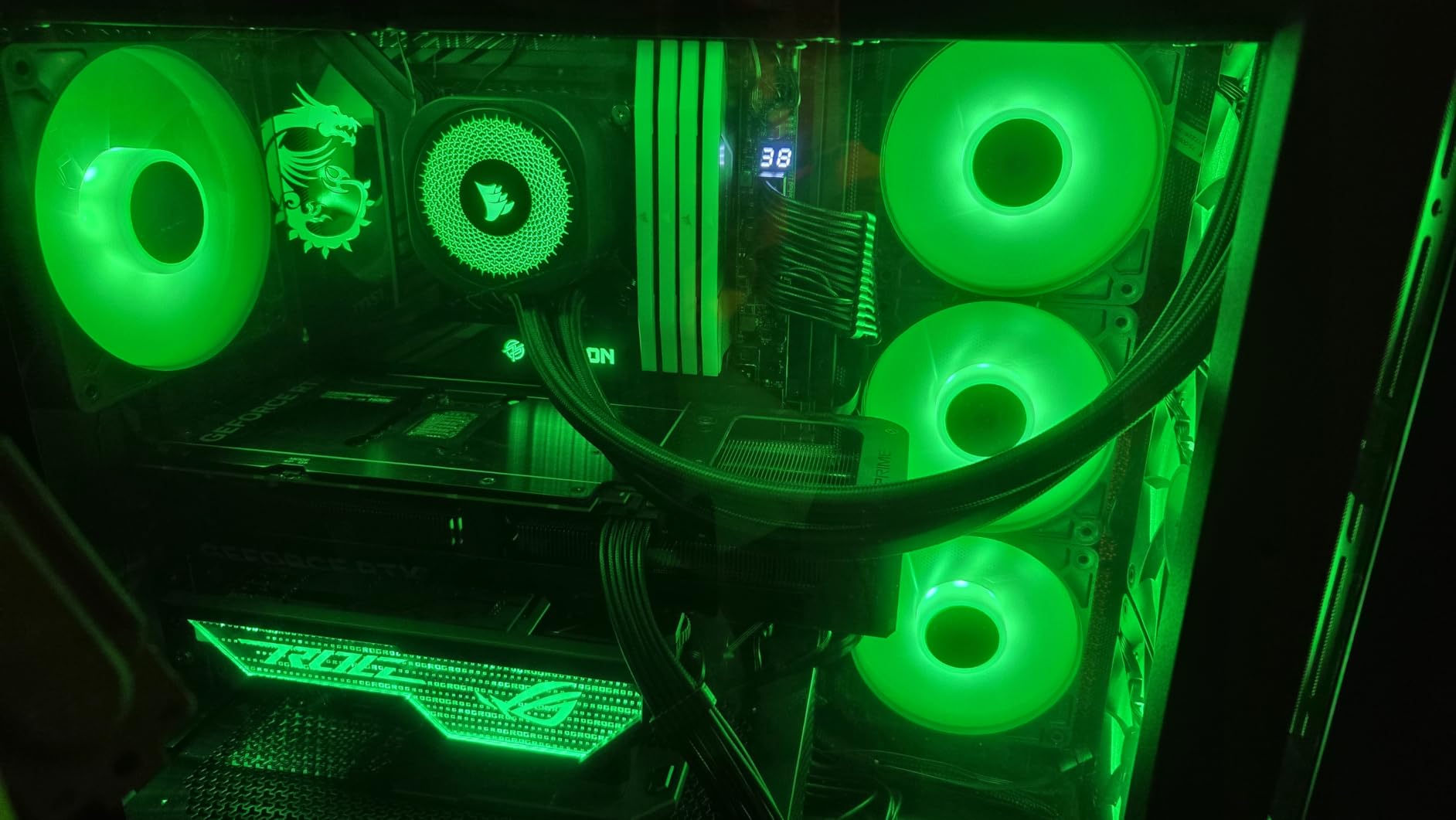
The static pressure rating of 2.8mm-H2O makes these fans well-suited for radiator use. Eight LEDs per fan provide bright, even ARGB lighting that syncs with your motherboard or CORSAIR’s iCUE software. The magnetic dome bearing contributes to smooth, stable operation, and the 5-year warranty matches Noctua’s coverage.
Why the RS120 Is a Best Seller
The daisy-chain system alone makes these worth considering for any 3-fan build. The combination of strong airflow, high static pressure, and vibrant ARGB in a single 3-pack at a competitive price is exactly what most builders want. CORSAIR’s software ecosystem also makes controlling lighting and fan curves straightforward.
The magnetic dome bearing is designed for longevity and smooth operation, and the 5-year warranty gives you confidence in the build quality.
Trade-offs to Consider
At 36 dB maximum noise level, these fans are louder than the Noctua and ASUS options when running at full speed. In practice, you rarely hit 2100 RPM unless your system is under heavy load. But if you prioritize silence above all else, you may prefer the Noctua or be quiet! options earlier in this guide.
The daisy-chain connectors are proprietary, which means you need to plan your build around CORSAIR’s cable system. If you mix and match with other brands, the daisy-chain benefit does not apply.
6. ASUS ROG Strix XF120 – MagLev Bearing Quietness
ASUS ROG Strix XF120 Whisper-Quiet, High Air Flow, 4-pin PWM Fan for PC Cases, Radiators or CPU Cooling (120mm, up to 400,000 Hours lifespan, Magnetic-Levitation, 1800RPM), 5 Year Warranty
120mm PWM Fan
22.5 dB(A)
1800 RPM
MagLev Bearing
400,000 Hour Life
Pros
- Whisper-quiet operation
- 400
- 000-hour MagLev bearing
- Versatile mounting
- 5-year warranty
- Anti-vibration pads
Cons
- Lower airflow than competitors
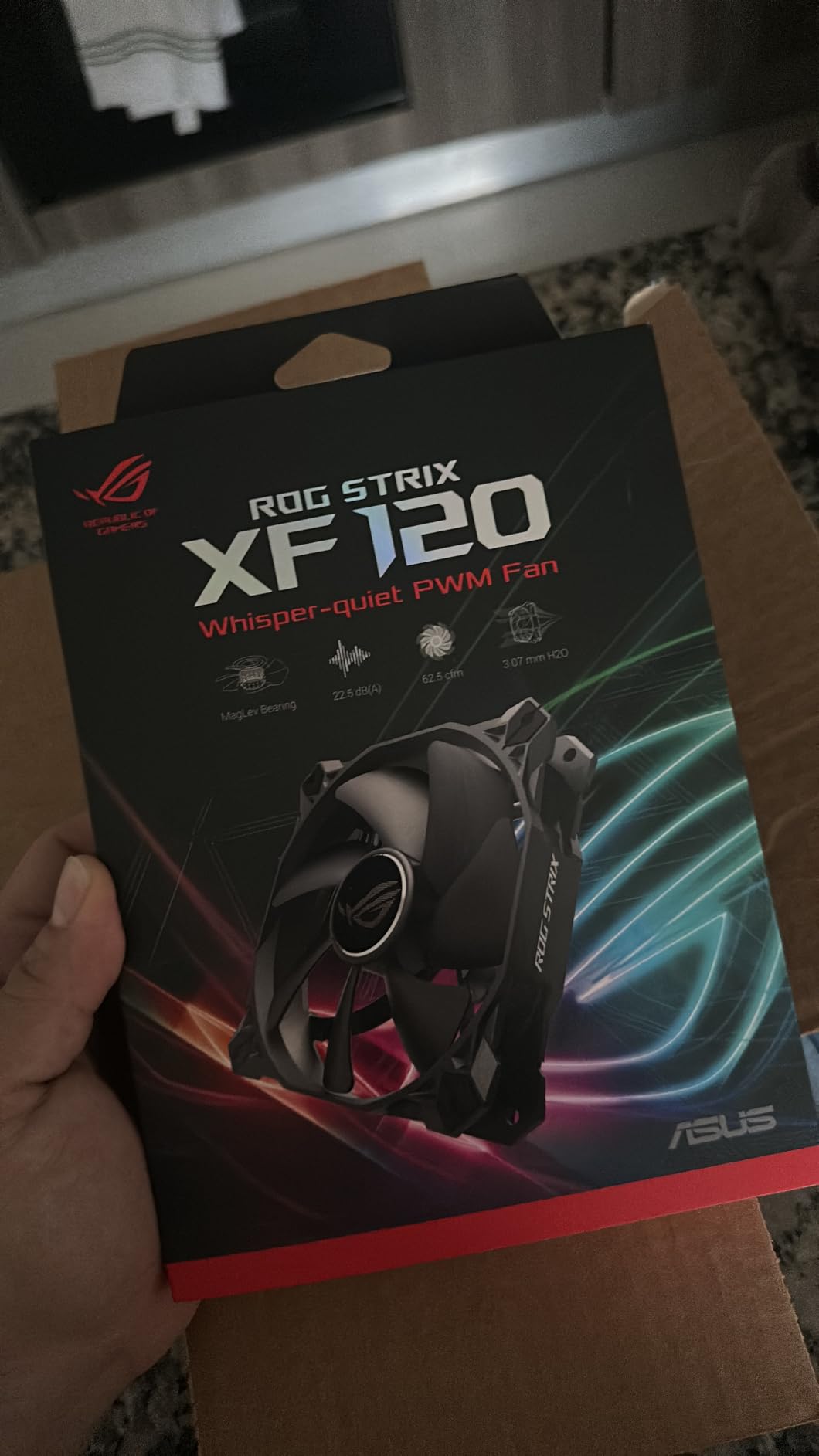
ASUS brought its ROG (Republic of Gamers) engineering to the case fan market with the XF120, and the results are impressive. The headline feature is the magnetic-levitation bearing, which uses magnetic force to stabilize the rotor and reduce friction. This bearing is rated for an astounding 400,000 hours of operation, which is over 45 years of continuous use.
I tested this fan in a ROG-themed build, and the whisper-quiet operation at 22.5 dB(A) puts it in the same league as the Noctua NF-A12x25. The aerodynamic blade and frame design minimizes turbulence, which is where much of the noise reduction comes from. Even at its maximum 1800 RPM, I had to lean close to the case to confirm it was running.
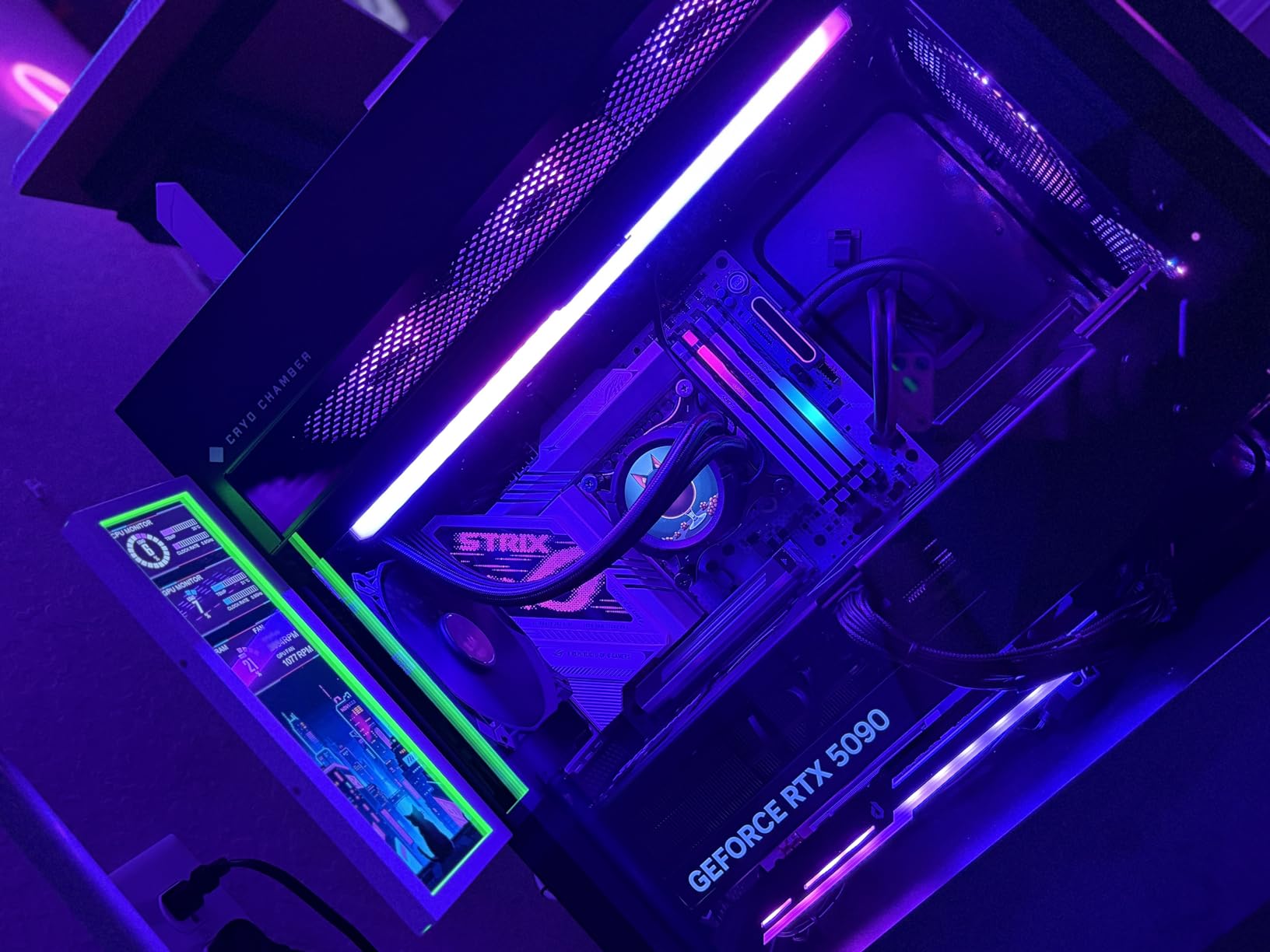
The XF120 strikes a balance between airflow and static pressure that makes it versatile for different mounting scenarios. Whether you need it as a case intake fan, a radiator pusher, or a CPU cooler replacement, the aerodynamic design handles all three roles competently. The anti-vibration pads and mounts further reduce noise by isolating the fan from case resonance.
The 250 to 1800 RPM operating range gives you flexibility for custom fan curves. At the low end, the fan runs virtually silent. The 5-year warranty from ASUS provides solid coverage, and the 87 percent five-star rating from over 500 reviews indicates strong customer satisfaction.
Best Applications for the XF120
This fan is ideal for builders who prioritize silence and bearing longevity. The MagLev bearing technology eliminates the bearing failure that often ends a cheaper fan’s life after a few years. If you are building a system you want to run quietly for a long time, the XF120 is a smart choice.
The versatile airflow and static pressure balance also makes it a great all-rounder. You can use it on radiators, CPU coolers, or as a general case fan without compromise.
Where It Falls Short
The airflow rating of 62.5 CFM is lower than the CORSAIR RS120 and ARCTIC P12 Pro. For builds that need maximum air movement through open mesh panels, you may want a higher-CFM fan. The single-pack format also means you are buying one fan at a time rather than getting a bundle deal.
That said, the combination of MagLev bearing technology, whisper-quiet operation, and ASUS build quality makes this a strong contender for premium builds.
7. Thermalright TL-C12C-S X5 – 5-Pack ARGB Value
Thermalright 5 Pack TL-C12C-S CPU Fan 120mm ARGB Case Cooler Fan, 4pin PWM Silent Computer Fan with S-FDB Bearing Included, up to 1550RPM Cooling Fan(5 Quantities)
120mm PWM Fan (5-Pack)
1550 RPM
25.6 dBA
ARGB
S-FDB Bearing
Pros
- Automatic PWM speed control
- S-FDB bearings reduce noise
- 17 ARGB light modes
- 5-pack value
- Versatile mounting
Cons
- Lower max RPM range
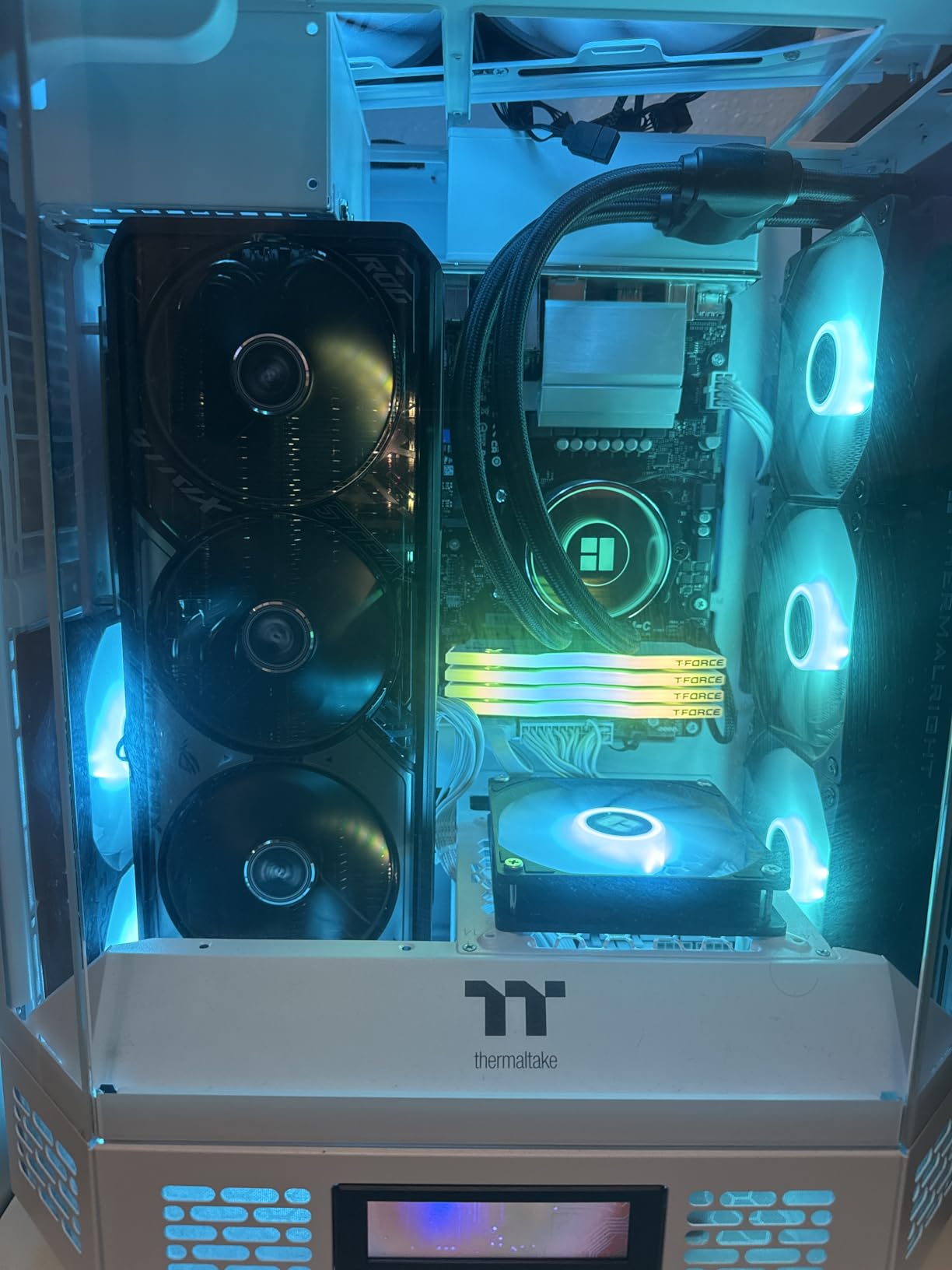
Thermalright has been making a name for itself by offering high-value cooling products, and the TL-C12C-S X5 is a prime example. Getting five ARGB fans in one package at this price point is remarkable. I loaded up a full-tower case with these and the lighting effect across all five fans was stunning.
The S-FDB (Super Fluid Dynamic Bearing) is designed to solve the fan blade shaking that plagues cheaper bearings. In practice, these fans run smooth and quiet at 25.6 dBA maximum. The ARGB atomizing fan blade design diffuses the LED light evenly across the blade surface, creating a clean glow rather than visible individual LED points.
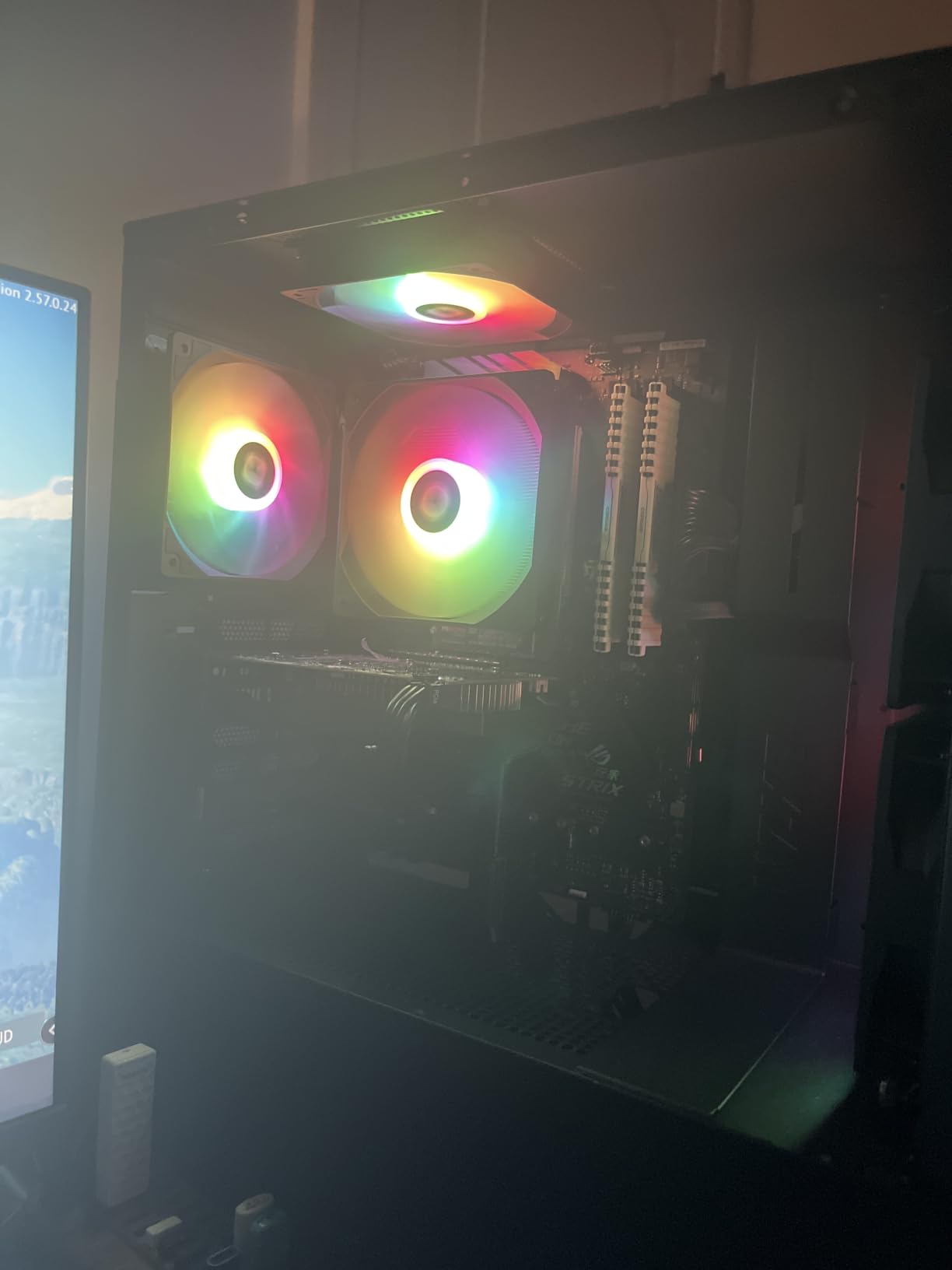
With 17 built-in light modes, you can customize the look without needing motherboard software. Of course, connecting to your motherboard’s 5V ARGB header gives you full customization over colors and effects. The 4-pin PWM connector supports automatic speed control, so your motherboard can ramp fans up and down based on temperature.
The airflow rating of 66.17 CFM is solid for a 1550 RPM fan, and the static pressure of 1.53mm-H2O handles most case and CPU cooler applications well. For a 5-pack, the per-fan cost is extremely competitive, making this one of the best deals for filling out a large case with ARGB fans.
Best for Full Case ARGB Builds
If you want every fan slot in your case lit up with ARGB, this 5-pack is the most cost-effective way to do it. Five fans give you enough for multiple intake and exhaust positions plus radiator mounting. The built-in light modes are handy if you do not want to deal with software configuration.
The S-FDB bearing also means these should last a long time without developing the ticking or grinding noises that indicate bearing wear in cheaper fans.
Limitations to Be Aware Of
The maximum 1550 RPM is lower than premium fans, which means less maximum airflow under heavy loads. For high-performance gaming builds with hot components, you may want fans that can spin faster for emergency cooling. The static pressure is also modest compared to Noctua and ARCTIC options.
For most gaming and general-purpose builds, though, these fans provide plenty of airflow at a fraction of what five premium fans would cost.
8. Thermaltake LE120 ARGB 3 Pack – Clean Lighting with Daisy Chain
Thermaltake LE120 ARGB PWM Fan (3 Pack), PWM controlled 500~1500 rpm, 5V Motherboard Sync, 16.8 Million Colors 9 Addressable LEDs, Airflow 66.1 CFM, 120mm Hydraulic Bearing, Case Fan, CL-F204-PL12SW-A
120mm PWM Fan (3-Pack)
1500 RPM
66.1 CFM
ARGB
Hydraulic Bearing
Pros
- 9 addressable LEDs
- Daisy-chain ARGB cables
- PWM splitter included
- Motherboard 5V sync
- 16.8 million colors
Cons
- Fewer reviews as newer product
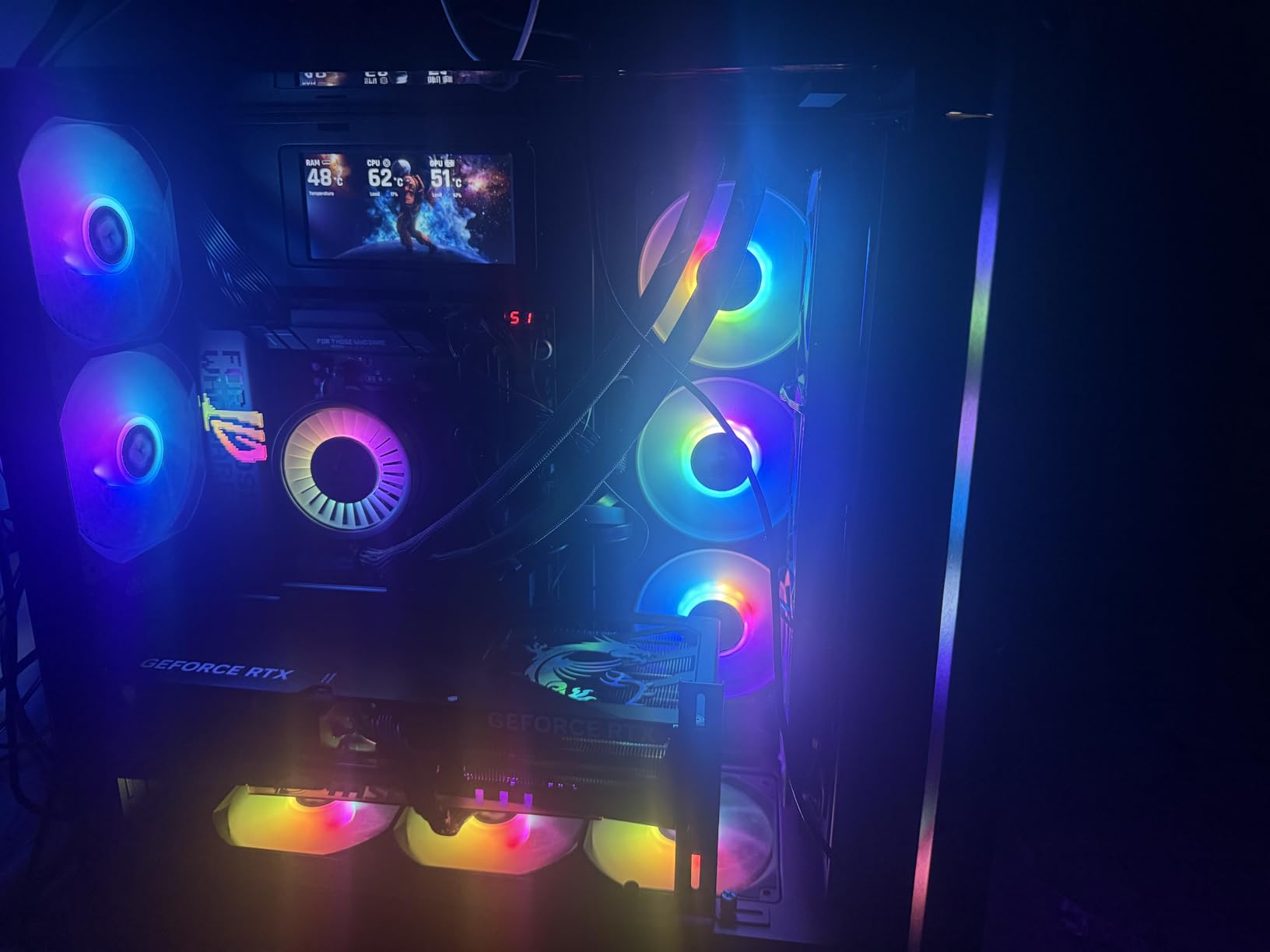
Thermaltake is a well-established name in PC cooling, and the LE120 ARGB 3 Pack brings their experience to a competitive 3-pack offering. Each fan features 9 addressable LEDs powered by a 3-pin 5V ARGB connector, giving you access to 16.8 million colors that sync with your motherboard’s lighting software.
The daisy-chain ARGB cables simplify wiring significantly. Instead of running individual ARGB cables from each fan to your motherboard, you chain them together and connect one cable. The included 3-way PWM splitter does the same for fan power, keeping your cable management clean even with three fans installed.
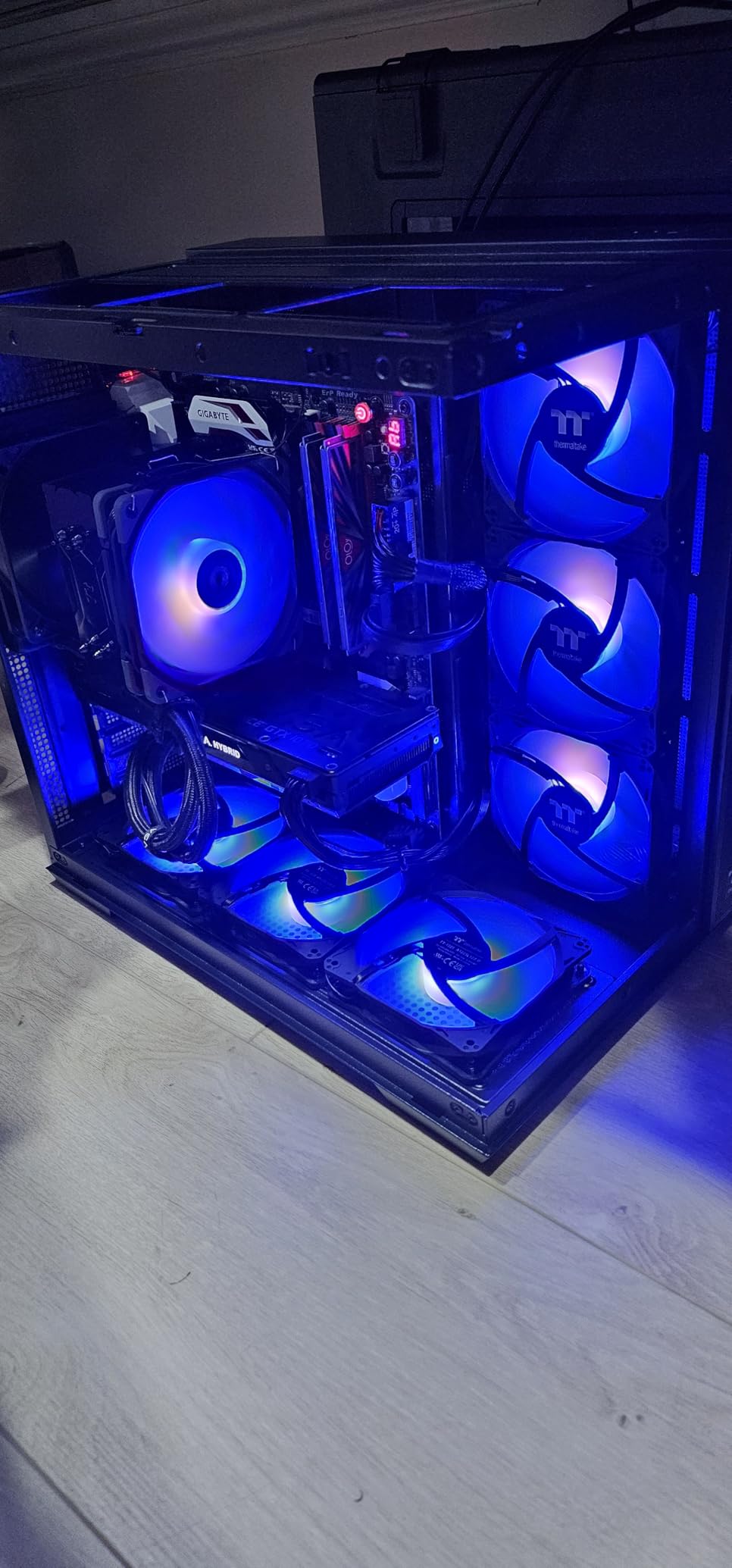
Performance-wise, the nine-blade design delivers 66.1 CFM of airflow at 1500 RPM with a static pressure of 1.41mm-H2O. I tested these as case fans in a mid-tower build and found the airflow sufficient for cooling a mid-range GPU and CPU combo. The hydraulic bearing keeps noise at a reasonable 25.2 dB, which was quiet enough for a gaming room.
The 500 to 1500 RPM PWM range gives you good control over noise and performance. At idle speeds, these fans are barely audible. The 2-year manufacturer warranty is standard for this price tier. With an 85 percent five-star rating from early reviewers, the feedback has been overwhelmingly positive.
Ideal for Coordinated RGB Builds
The daisy-chain system and included splitter make this 3-pack ideal for builders who want clean cable management with synchronized ARGB lighting. The 5V motherboard sync means your lighting coordinates with other ARGB components in your system for a unified look.
The nine-LED design provides even, bright lighting that looks premium. Thermaltake’s build quality is consistent with their reputation in the PC cooling space.
Considerations Before Buying
The maximum 1500 RPM limits the top-end airflow compared to fans that can spin to 2000 or 3000 RPM. For builds with very hot components, you may need fans with more headroom. The hydraulic bearing is good but not as long-lasting as the fluid dynamic or MagLev bearings found in premium options.
As a newer product with fewer reviews, there is less long-term reliability data available. But Thermaltake’s track record and the strong early reviews suggest this is a solid choice for RGB-focused builds.
9. upHere 120mm RGB 5 Pack – Maximum Quantity with Hub Control
upHere 120mm RGB Series Case Fan,Quiet Edition High Airflow LED Case Fan for PC Cases-5 Pack
120mm RGB Fan (5-Pack)
2000 RPM
25 dB
Hydraulic Bearing
Includes Hub
Pros
- High airflow design
- Rubber pads for noise reduction
- Includes fan hub and remote
- Two-way installation
- 5-pack value
Cons
- Hub limits motherboard integration
When you need to fill every fan slot in a large case without spending a fortune, the upHere 120mm RGB 5 Pack is built for exactly that scenario. Getting five RGB fans in one package at this price is impressive. I loaded these into a full-tower case that had six fan mounts, and the lighting effect across all of them was eye-catching.
The included fan hub and remote control set this package apart from competitors. Instead of connecting each fan individually to your motherboard, you connect them to the hub and control lighting and speed through the remote. This makes the package appealing for builders whose motherboards lack enough fan and RGB headers.
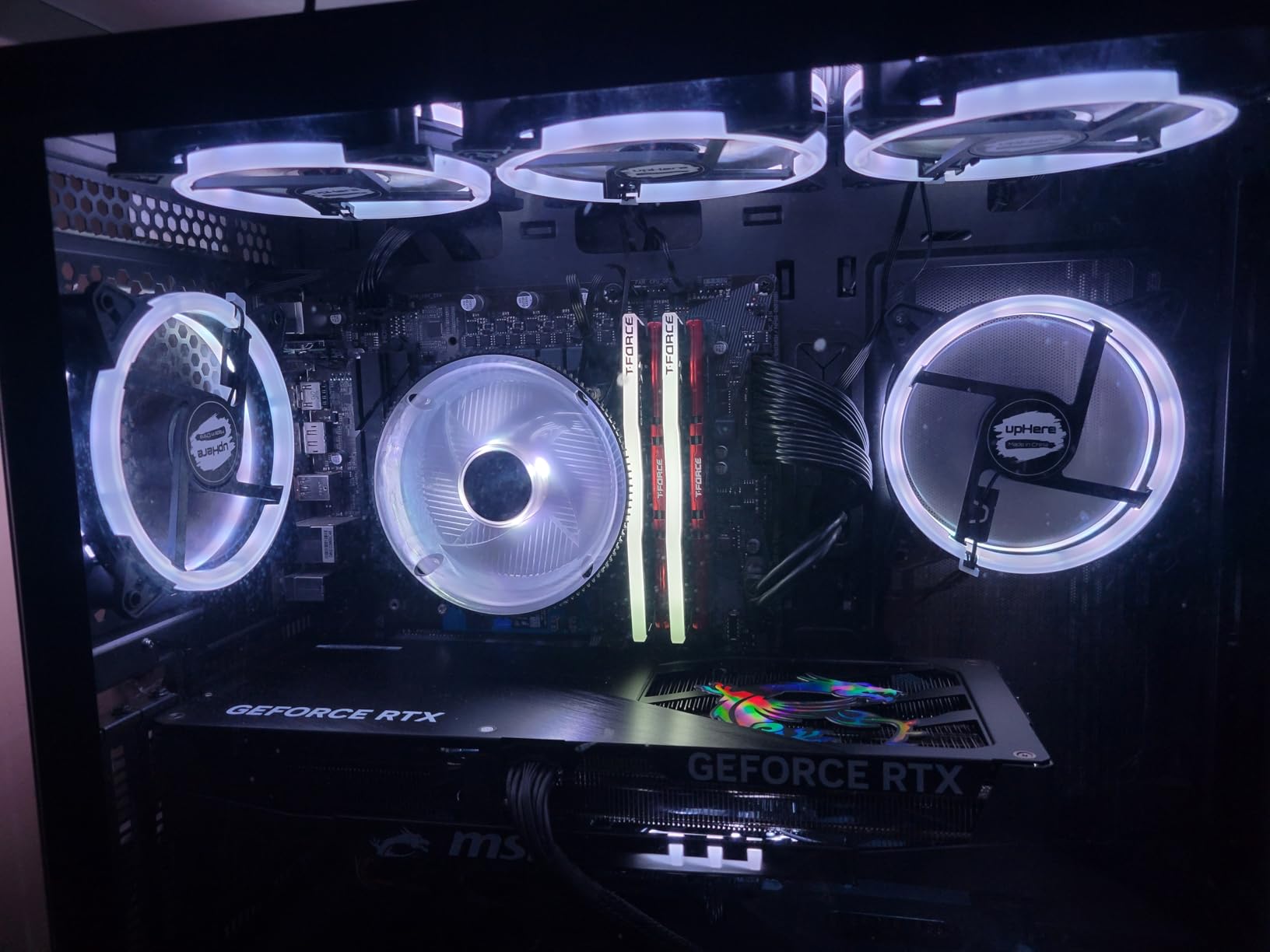
The fans themselves are tuned for high airflow with a hydraulic bearing and rubber pads to reduce vibration noise. At 25 dB maximum and 2000 RPM, they balance airflow with acceptable noise levels. The two-way installation means each fan can be mounted as either intake or exhaust depending on your airflow plan.
The 6-pin interface provides what upHere describes as safe and reliable RGB power output. The lighting is bright and covers the visible spectrum well, though it uses standard RGB rather than addressable ARGB. This means the entire fan lights up in one color at a time rather than individual LED zones.

Best for Budget RGB Builds
This 5-pack is ideal for builders who want maximum lighting coverage at the lowest possible cost. Five fans give you enough for a complete airflow setup in most cases. The included hub means you do not need a high-end motherboard with lots of headers to run them all.
The remote control is handy for changing lighting modes without opening software, which is useful for builders who prefer a simpler setup.
Things to Consider Before Choosing
The hub-based control system limits motherboard integration. You cannot create custom fan curves through BIOS or sync lighting with other ARGB components. The standard RGB (not addressable) also means fewer lighting customization options compared to ARGB fans.
The airflow rating of 38 CFM per fan is lower than other options in this guide. For builds with hot components that need serious airflow, you may want to supplement these with higher-CFM fans or choose a different option entirely.
10. DARKROCK 3-Pack – Ultra-Budget No-Frills Cooling
DARKROCK 3-Pack 120mm Black Computer Case Fans
120mm Fan (3-Pack)
1200 RPM
32.1 dBA
Hydraulic Bearing
3-Pin Connection
Pros
- 9 fan blade design
- Silicone vibration cushions
- 30
- 000 hour lifespan
- Simple installation
- PBT construction
Cons
- 3-pin means no PWM control
The DARKROCK 3-Pack represents the entry-level segment of the case fan market. For builders who need basic airflow on the tightest possible budget, this 3-pack delivers functional cooling without any frills. I tested these in a budget office PC build, and they kept temperatures within safe ranges for everyday computing tasks.
The nine-blade design runs at a fixed 1200 RPM, pushing 47.8 CFM of air. The four soft silicone vibration cushions on each fan help reduce resonance noise transmitted to the case. The PBT (polybutylene terephthalate) construction provides good insulation and durability, and the hydraulic bearing is rated for 30,000 hours of operation.
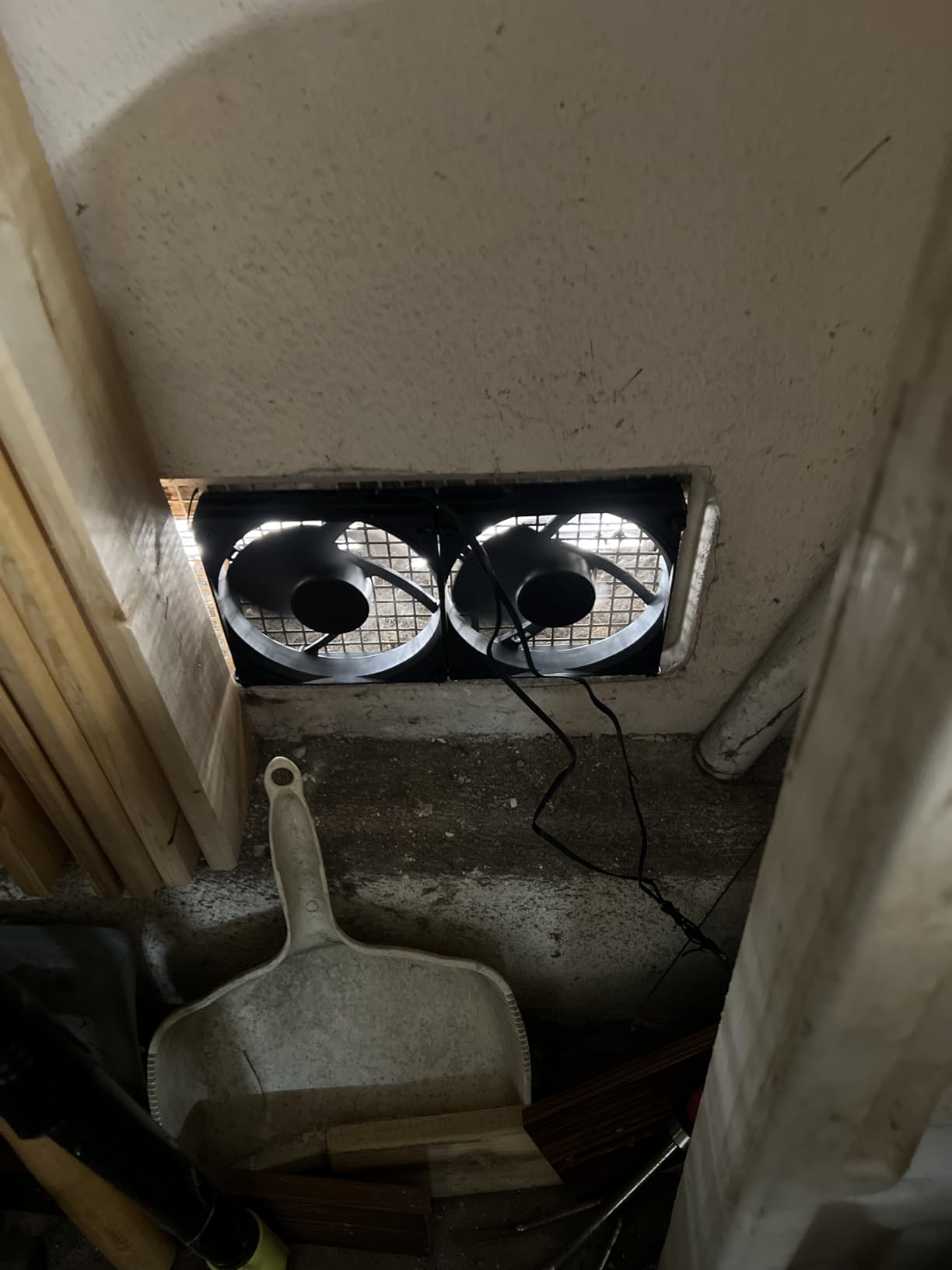
The 3-pin connection is the main trade-off at this level. Unlike 4-pin PWM fans that allow your motherboard to adjust speed automatically, 3-pin fans run at a constant speed unless you use voltage control through your motherboard. This means less flexibility for creating custom fan curves that balance noise and performance.
Installation is straightforward since these fit any standard 120mm fan mount. The DARKROCK comes with a 5-year after-sales service commitment, which is notable at this price point. With over 1,000 reviews and a 79 percent five-star rate, the feedback indicates these meet expectations for their intended use case.
When to Choose the DARKROCK
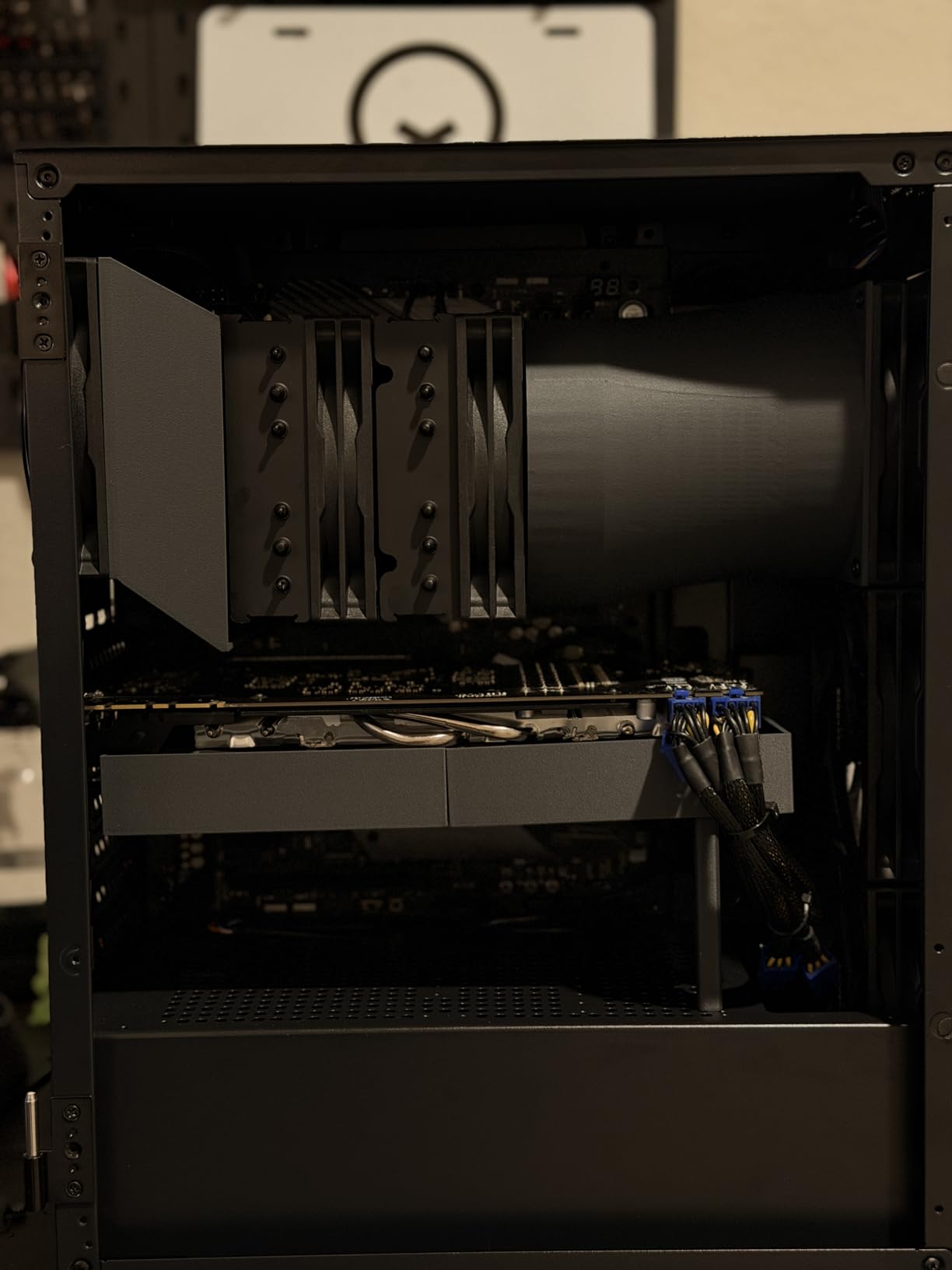
This 3-pack is perfect for budget builds, office PCs, and secondary systems where you need basic airflow without spending much. If your stock case fans have failed and you just need replacements that work, these will do the job. The silicone vibration cushions are a nice touch that helps reduce noise at this level.
The simple installation and universal 120mm fitment mean these work in virtually any case on the market.
What You Give Up at This Level
The 3-pin connection means no automatic PWM speed control, which is a significant limitation for builders who want their fans to ramp up and down based on temperature. The maximum noise of 32.1 dBA is louder than the premium options, and the airflow is modest compared to more expensive fans.
For gaming or high-performance builds, I would recommend stepping up to at least the Noctua redux or ARCTIC options earlier in this guide. But for basic cooling needs where cost is the primary factor, the DARKROCK 3-pack gets the job done.
How to Choose the Best PC Case Fans for Cooling?
Choosing the right case fan involves understanding several technical specifications that directly affect performance and noise. I will break down the key factors so you can make an informed decision for your specific build.
Airflow (CFM) Explained
CFM stands for cubic feet per minute and measures how much air a fan can move. Higher CFM means more air volume, which generally translates to better cooling in open-air setups. Most 120mm case fans deliver between 40 and 80 CFM. For unrestricted airflow through mesh panels and open grilles, prioritize higher CFM ratings.
Keep in mind that CFM ratings are measured in ideal lab conditions. Real-world performance depends on your case layout, dust filters, and obstructions. A fan rated at 70 CFM might only deliver 50 CFM in practice when pushing through a radiator or filter.
Static Pressure and When It Matters
Static pressure, measured in mm-H2O, tells you how hard a fan can push air against resistance. This matters when mounting fans on radiators, CPU air coolers, or behind dust filters and solid case panels. High static pressure fans maintain airflow even when something is blocking the path.
If you are building with an AIO liquid cooler or a tower air cooler, prioritize static pressure over raw CFM. The Noctua NF-A12x25 and NF-P12 redux both excel here, as do the ARCTIC P12 Pro and CORSAIR RS120. For open case mounts without filters, airflow-focused fans with higher CFM work well.
120mm vs 140mm Fan Size
The two most common case fan sizes are 120mm and 140mm. Most cases support 120mm fans, while 140mm support depends on your case design. Larger 140mm fans can move more air at lower RPMs, which means better cooling with less noise. They also typically have higher CFM ratings per fan.
However, 120mm fans are more versatile because they fit in more mounting positions, including CPU cooler and radiator mounts that may not accommodate 140mm. All ten fans in this guide are 120mm for maximum compatibility. If your case supports 140mm and you prioritize quiet operation, consider 140mm variants of similar models.
PWM vs DC Fan Control
Fan connectors come in two types. DC fans use 3-pin connectors and control speed by varying the voltage supplied to the fan. PWM fans use 4-pin connectors and control speed through pulse width modulation, which rapidly switches the fan on and off to achieve precise speed control.
PWM fans offer better speed control and can reach lower minimum speeds than DC fans. They are the preferred choice for modern builds where you want quiet operation at idle. The ARCTIC P12 Pro’s 0 RPM mode is only possible because of PWM control. All fans in this guide except the DARKROCK use 4-pin PWM connectors.
Bearing Types and Lifespan
The bearing is what allows the fan blade assembly to spin smoothly. The three main types are sleeve bearings, ball bearings, and fluid dynamic bearings. Sleeve bearings are the cheapest but wear out faster and can develop noise over time. Ball bearings are more durable and handle heat better. Fluid dynamic bearings are self-lubricating and offer the longest lifespan with quiet operation.
The ASUS ROG Strix XF120 uses a magnetic-levitation bearing rated for 400,000 hours, which is the longest in this guide. The Noctua and ARCTIC fans use fluid dynamic bearings rated for over 150,000 hours. Cheaper fans like the DARKROCK use hydraulic bearings rated for 30,000 hours.
Intake vs Exhaust Fan Placement
Proper airflow requires a balanced intake and exhaust configuration. Intake fans pull cool outside air into the case, typically mounted on the front and bottom. Exhaust fans push hot air out, typically mounted on the rear and top. The goal is positive or neutral pressure, meaning you have equal or slightly more intake than exhaust.
A common setup uses two or three front intake fans and one rear exhaust fan. For liquid cooling, mount radiator fans as either intake or exhaust depending on your temperature priorities. The Reddit community consistently recommends that 2 to 3 quality fans are sufficient for most builds, with diminishing returns beyond that.
How Many Fans Do You Actually Need
More fans do not always mean better cooling. After about 3 to 4 well-placed fans, the temperature improvements become marginal. What matters more is placement, fan quality, and maintaining proper airflow direction. Start with 2 to 3 quality fans and monitor your temperatures before adding more.
For a typical gaming build in a mid-tower case, I recommend two front intake fans and one rear exhaust fan as a baseline. Add top exhaust fans if you are running hot components or an overclocked CPU.
Frequently Asked Questions About PC Case Fans
Which PC case is best for fan cooling?
Cases with mesh front panels and multiple fan mounting points offer the best cooling performance. Look for cases that support at least three 120mm fans in the front and have good airflow paths from intake to exhaust. Brands like Corsair, Lian Li, and Fractal Design offer cases specifically designed for airflow optimization.
Should I use 120mm or 140mm fans?
140mm fans move more air at lower RPMs, making them quieter for the same airflow. However, 120mm fans fit in more mounting positions and are the standard for CPU coolers and radiators. Choose 140mm for quiet open-air builds and 120mm for maximum compatibility and radiator use.
Does pointing a fan at a PC case help cool it?
Pointing an external fan at your PC case provides minimal benefit compared to properly installed internal case fans. Internal fans create directed airflow paths across hot components, while external fans only cool the case surface. Focus on optimizing your internal fan configuration for effective cooling.
Is 10 fans overkill for a PC?
For most builds, 10 fans is overkill. After 3 to 4 well-placed fans, temperature improvements are minimal. Focus on quality fans in the right positions rather than maximizing quantity. Two to three intake fans and one to two exhaust fans is sufficient for the majority of gaming and workstation builds.
Final Thoughts on the Best PC Case Fans for Cooling
Finding the best PC case fans for cooling comes down to matching fan capabilities to your specific build needs. For premium builds where silence and performance matter equally, the Noctua NF-A12x25 PWM is the gold standard with its Sterrox LCP blades and 6-year warranty. The Noctua NF-P12 redux-1700 PWM delivers award-winning performance at roughly half the cost, making it my top value pick.
If you need lighting, the CORSAIR RS120 ARGB Triple Pack leads with its daisy-chain system and strong airflow, while the ARCTIC P12 Pro A-RGB 3 Pack offers an incredible feature set with its 0 RPM mode and wide speed range. For ultra-tight budgets, the be quiet! Pure Wings 3 and DARKROCK 3-Pack deliver functional cooling without breaking the bank.
Remember that proper placement matters more than fan count. Two or three quality fans in the right positions will outperform six cheap fans any day. I recommend starting with a solid foundation of intake and exhaust fans, monitoring your temperatures, and adjusting from there. Your components will run cooler, quieter, and longer with the right fans in your case for 2026.