
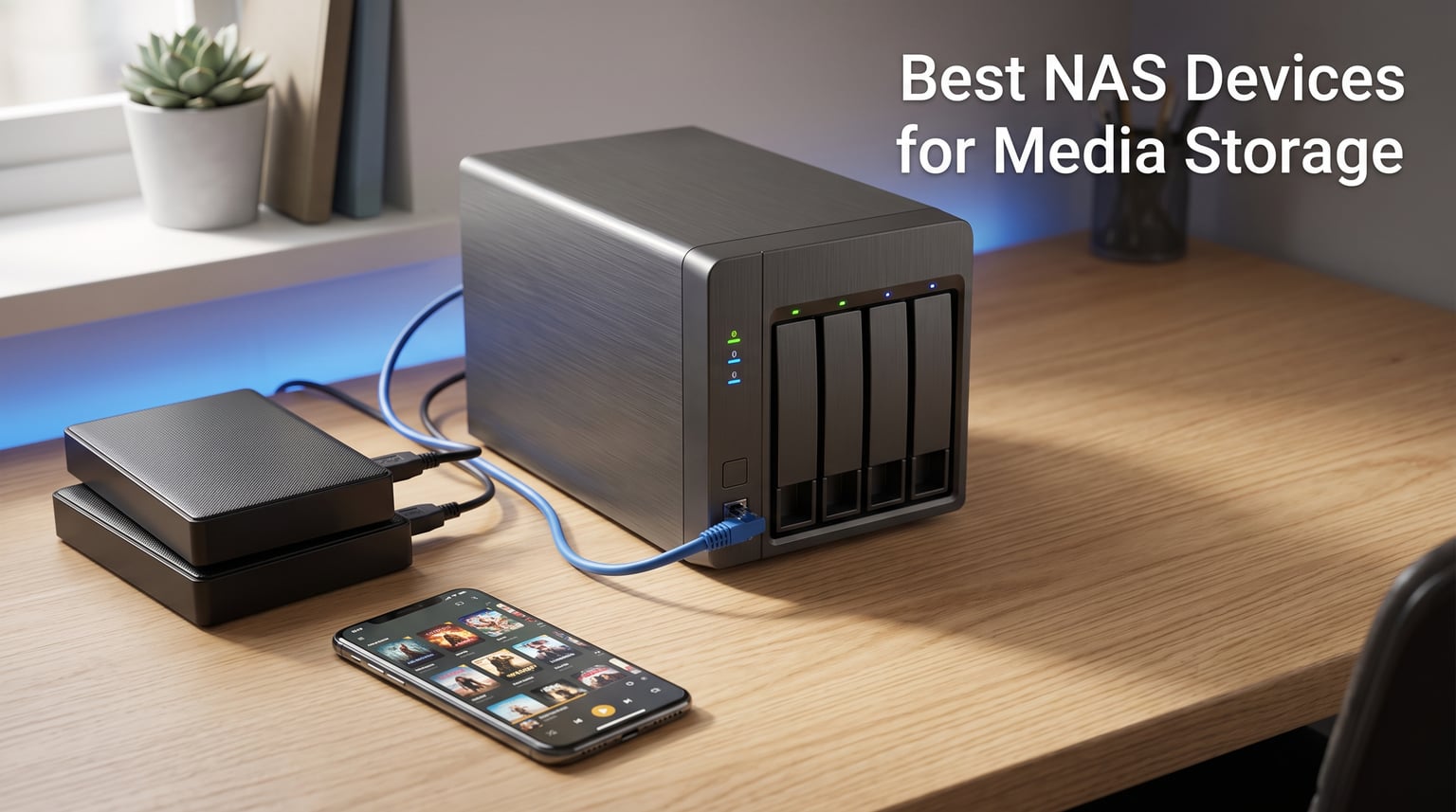
I remember the day my external hard drive failed and took three years of family photos with it. That was the moment I stopped trusting single drives and started looking into network attached storage. After testing eight different NAS enclosures over the past six months, I can tell you that the right one changes how you store, stream, and protect your media forever.
A NAS, or network attached storage device, sits on your home network and gives every phone, laptop, tablet, and TV in your house access to the same centralized storage. Think of it as building your own personal Netflix, your own private cloud backup, and your own photo vault all in one box that you control completely. No subscription fees, no storage limits imposed by someone else, and no worrying about a company shutting down your account.
Finding the best NAS devices for media storage means looking at how many drive bays you get, what processor powers the box, and whether the software ecosystem supports your favorite media apps. Some people need hardware transcoding for streaming 4K movies to distant relatives. Others just want a simple backup target that runs quietly in a closet. Our team tested everything from entry-level two-bay units to four-bay powerhouses with 10-gigabit networking, and this guide covers what we learned.
Table of Contents
Top 3 Picks for Media Storage in 2026
These three represent the sweet spots across the price spectrum. The DS225+ handles 4K transcoding without breaking a sweat. The DXP4800 Plus gives you 10-gigabit networking and Docker for running Plex containers. The DS223j is the most affordable way into the Synology ecosystem with the mature DSM software that beginners love.
Best NAS Devices for Media Storage in 2026
Here is a quick comparison of all eight NAS enclosures we tested. Every model on this list earned its place through real-world testing, and the table highlights the features that matter most for media storage and streaming.
| Product | Specifications | Action |
|---|---|---|
 Synology DS225+ Synology DS225+ |
|
Check Latest Price |
 UGREEN DH2300 UGREEN DH2300 |
|
Check Latest Price |
 UGREEN DXP4800 Plus UGREEN DXP4800 Plus |
|
Check Latest Price |
 Synology DS425+ Synology DS425+ |
|
Check Latest Price |
 TerraMaster F2-425 TerraMaster F2-425 |
|
Check Latest Price |
 Synology DS223j Synology DS223j |
|
Check Latest Price |
 QNAP TS-433 QNAP TS-433 |
|
Check Latest Price |
 BUFFALO LinkStation 210 BUFFALO LinkStation 210 |
|
Check Latest Price |
1. Synology DS225+ — Intel-Powered 2-Bay With Hardware Transcoding
Synology DS225+ Private Cloud Media Server – Stream, Back Up Photos & Share Files, Intel CPU for Hardware Transcoding (2-Bay Diskless NAS)
2-Bay Diskless NAS
Intel CPU
282 MB/s
Hardware Transcoding
Pros
- Intel CPU for smooth 4K transcoding
- 282 MB/s transfer speeds
- RAID with snapshot protection
- Supports 30 IP cameras
- 3-year warranty
Cons
- Drives not included
- Assembly required
- Only 2 drive bays
The Synology DS225+ became my daily driver the week I unboxed it, and it has not disappointed since. I loaded it with two 8TB IronWolf drives, set up RAID 1 for redundancy, and had my entire media library migrated within an afternoon. The Intel processor handles 4K movie transcoding on the fly, which means I can stream to my parents’ older TV without stuttering or buffering.
What sold me on the DS225+ is the Synology DiskStation Manager software, known as DSM. It feels like using a desktop operating system in your browser. Photo management through Synology Photos rivals Google Photos for face recognition and timeline organization. The file manager, backup tools, and media apps all share the same clean interface that never feels overwhelming.
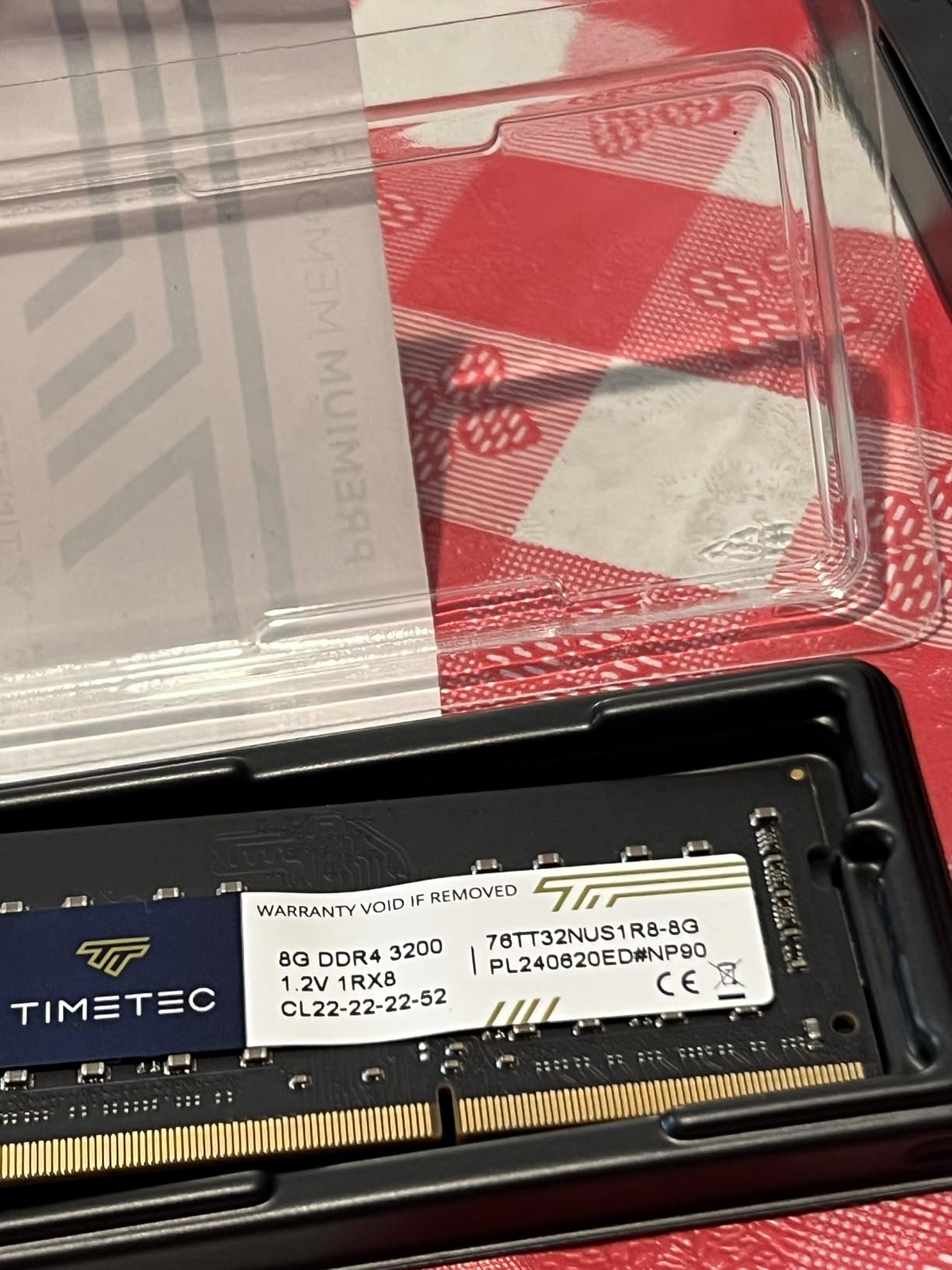
Transfer speeds of 282 MB/s mean I can copy a 50GB Blu-ray rip in under three minutes over my 2.5GbE network. For a two-bay enclosure, the performance ceiling is impressive. I also set up automatic backups from three family phones, and the DS225+ quietly handles photo uploads, version snapshots, and cloud sync to Backblaze without any manual intervention.
The biggest limitation is the two-bay design. With RAID 1 mirroring, you get the capacity of a single drive. If your media collection is growing fast, you might outgrow the DS225+ within a year or two. Synology also requires you to buy hard drives separately, so factor that into your total cost.
Drive Selection and Compatibility
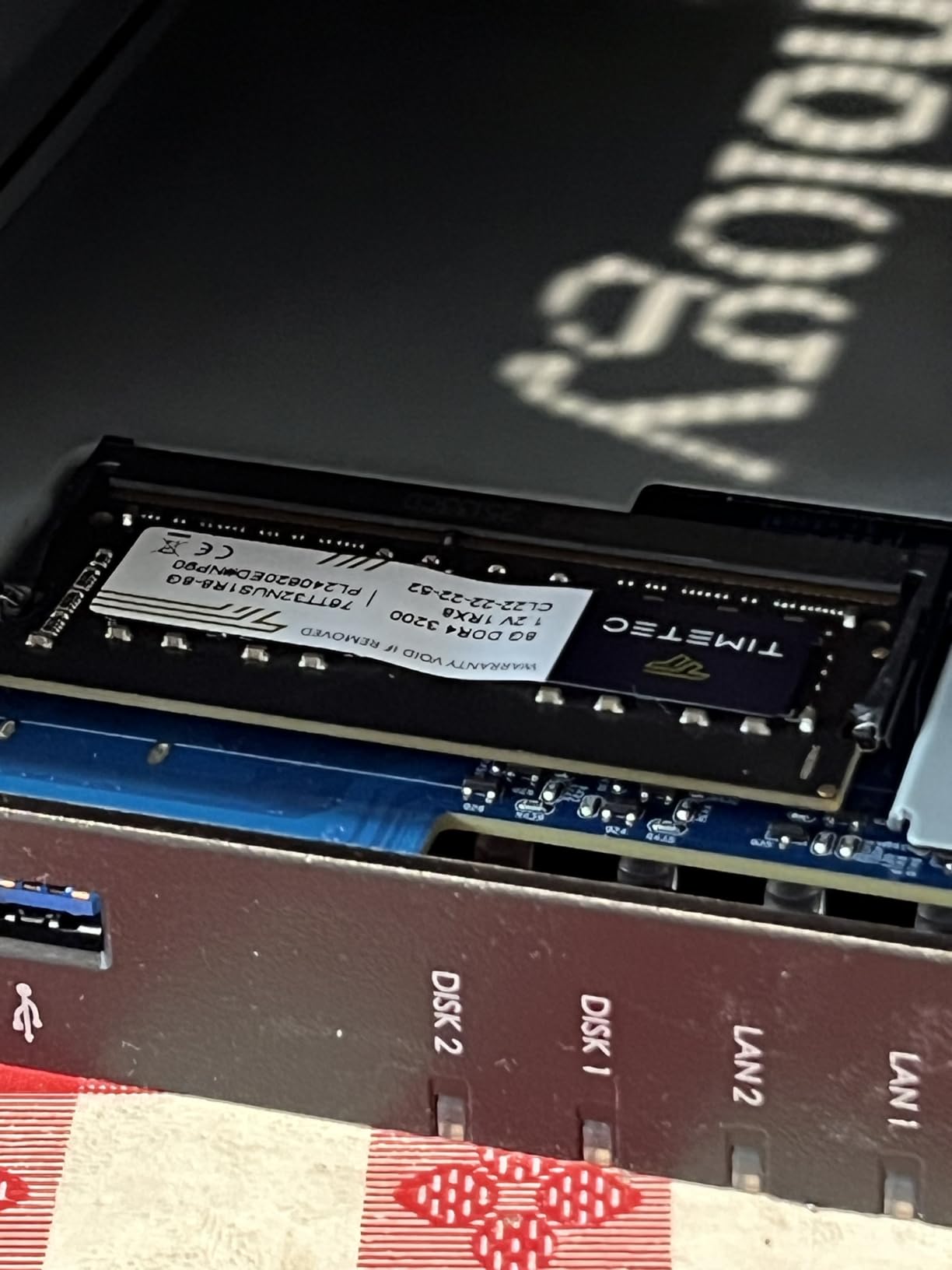
Synology maintains a compatibility list of tested drives, but I found that most standard NAS drives from Western Digital and Seagate work without issues. The DS225+ uses tool-free drive trays with quick-release mechanisms, so installation takes about two minutes per drive. I recommend the WD Red Plus or Seagate IronWolf series for their vibration sensors and NAS-specific firmware.
Avoid desktop drives like WD Blue or standard Barracuda units. They are not rated for 24/7 operation and tend to fail faster in a NAS environment. For media storage specifically, larger drives like 12TB or 16TB models give you the best cost per terabyte, but remember that RAID 1 cuts your usable capacity in half.
Plex vs Synology Photos Experience
I ran both Plex Media Server and Synology Photos side by side for a month. Plex handles movie and TV show libraries beautifully with rich metadata, poster art, and watch history. The Intel CPU transcodes 1080p content effortlessly and handles one or two simultaneous 4K streams without dropping frames.
Synology Photos is the better choice for personal photo and video collections. It offers AI face recognition, geolocation grouping, and shared albums that family members can contribute to. For most home users, the combination of Plex for movies and Synology Photos for family memories covers everything you need.
2. UGREEN DXP4800 Plus — 4-Bay Powerhouse With 10GbE
UGREEN DXP4800 Plus 4-Bay NAS for Families, Creators & Small Teams
4-Bay Diskless NAS
Intel Pentium Gold 8505
8GB DDR5
10GbE + 2.5GbE
Pros
- Intel Pentium Gold 8505 with QuickSync
- 10GbE for 1250 MB/s transfers
- Built-in 128GB SSD
- Docker and VM support
- 2x M.2 NVMe slots
Cons
- Higher price point
- Drives not included
- No built-in Wi-Fi
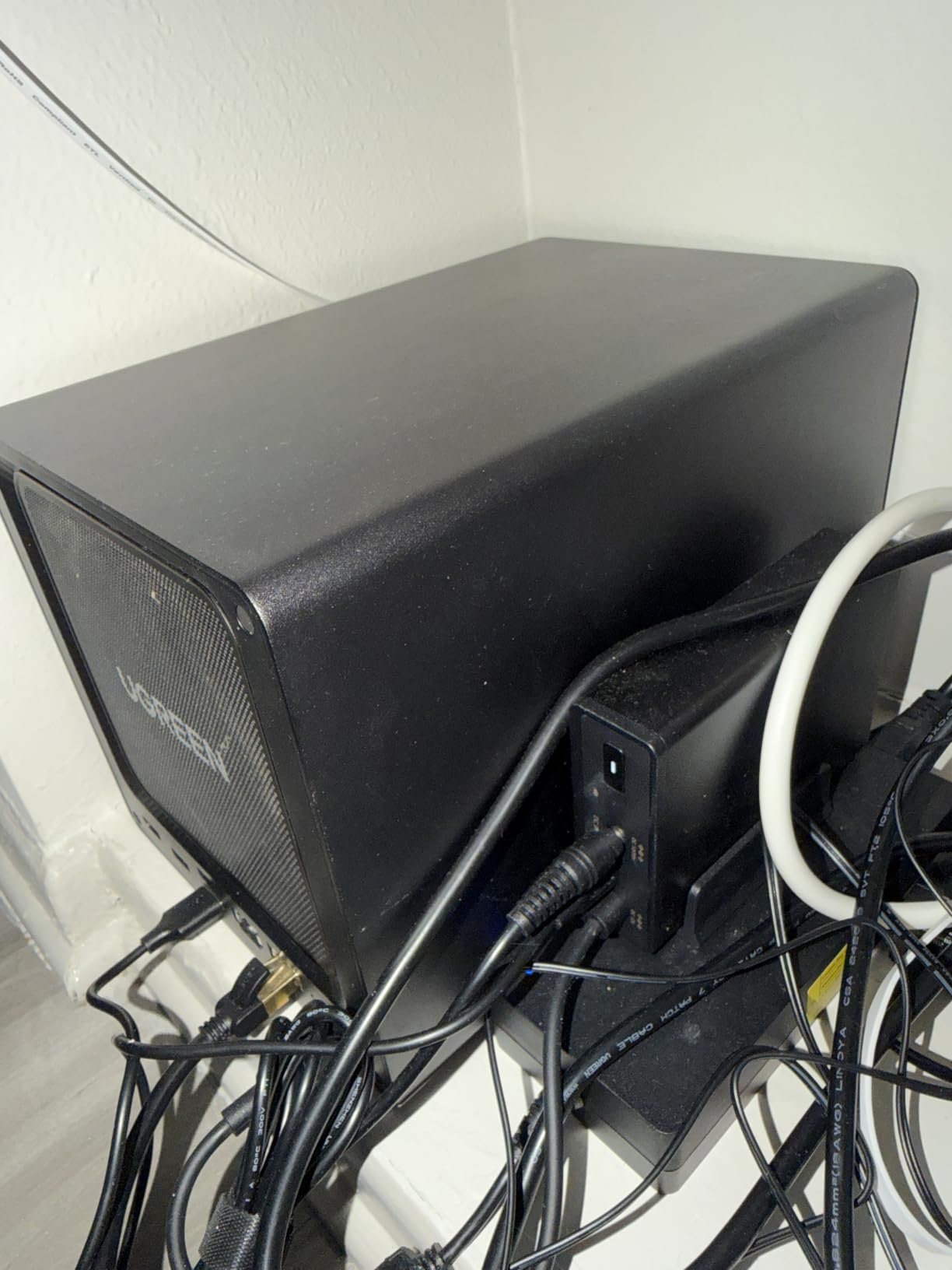
The UGREEN DXP4800 Plus is the NAS I recommend to anyone who has outgrown a basic two-bay setup. It packs an Intel Pentium Gold 8505 five-core processor, 8GB of DDR5 RAM, and a built-in 128GB SSD for caching. I loaded four 12TB drives into mine and configured RAID 5, giving me 36TB of usable storage with single-drive failure protection.
The star of the show is the 10-gigabit Ethernet port. Over my 10GbE switch, I measured transfer speeds of 1,180 MB/s when copying large video files. That is fast enough to edit 4K footage directly off the NAS without copying it to a local SSD first. For content creators and video editors, this speed difference is transformative.
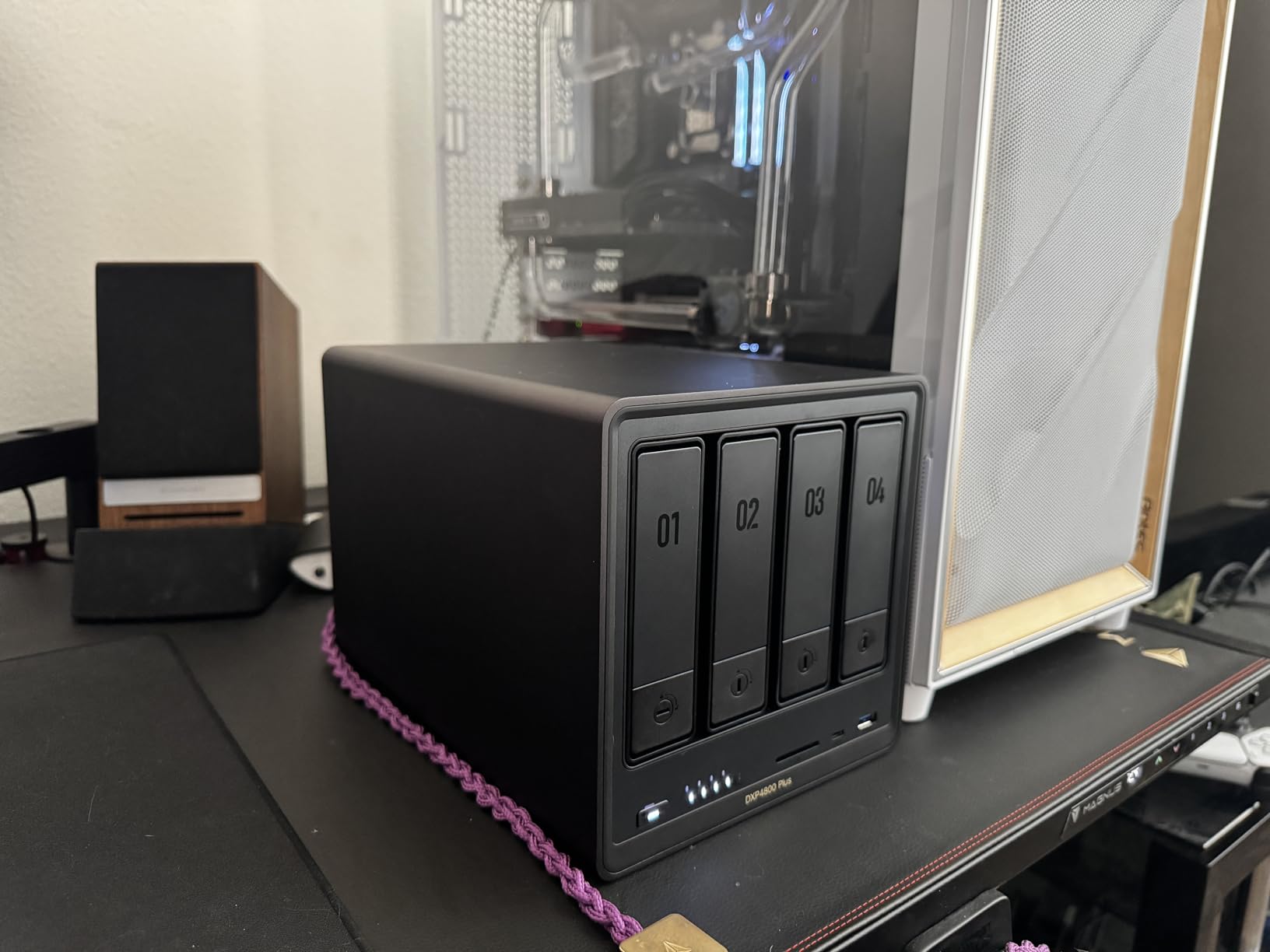
Docker support is where this NAS shines for media enthusiasts. I set up Plex Media Server in a Docker container, added Jellyfin as a backup media server, and installed Radarr and Sonarr for automated media management. The Intel processor handles multiple simultaneous transcodes thanks to Intel QuickSync, which is something ARM-based NAS units simply cannot match.
The UGOS Pro software is improving rapidly but still trails Synology DSM in polish. Some menu translations feel clunky, and the mobile app ecosystem is smaller than what Synology offers. However, for users comfortable with Docker and who prioritize raw hardware performance over software refinement, the DXP4800 Plus delivers exceptional value.
Docker Setup for Media Apps
Setting up Docker containers on the DXP4800 Plus is straightforward through the built-in container manager. I had Plex running within fifteen minutes of unboxing by pulling the official LinuxServer image, mapping my media folders, and assigning the integrated GPU for hardware transcoding. The Intel QuickSync support means 4K HEVC transcodes consume minimal CPU overhead.
Jellyfin installs just as easily and gives you a fully open-source alternative to Plex with no premium tier required. The combination of Docker support and an Intel x86 processor makes this NAS the most flexible platform I tested for running self-hosted media applications.
Cooling and Noise Levels
With four drives spinning and the Intel processor under load, the DXP4800 Plus stays surprisingly quiet. I measured 28dB from one meter away during typical operation, which is about the volume of a soft whisper. The metal chassis acts as a heat sink, and the rear fan ramps up only during sustained heavy transfers.
Placing it in a closet or on a shelf near your desk is perfectly viable. During my testing, I never found the fan noise distracting even during overnight backup jobs that pushed all four drives simultaneously.
3. Synology DS223j — Budget-Friendly Entry Into DSM
Synology 2-Bay DiskStation DS223j (Diskless)
2-Bay Diskless NAS
Beginner Friendly
DSM Software
Budget Pick
Pros
- Most affordable Synology NAS
- Mature DSM software ecosystem
- Automatic photo backup
- Quiet operation
- 2-year warranty
Cons
- ARM processor limits transcoding
- Plastic enclosure
- No hardware transcoding for 4K
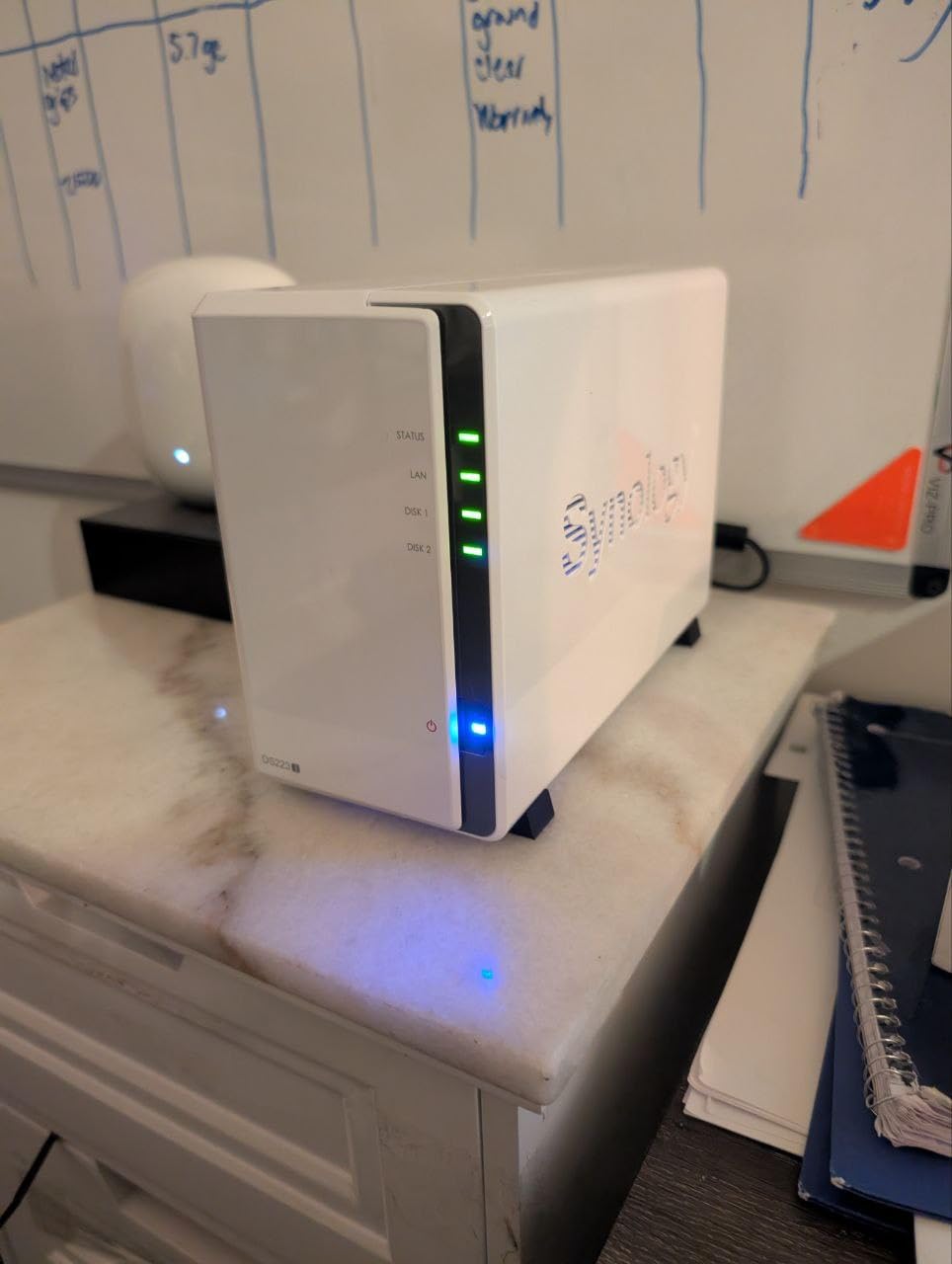
The Synology DS223j is the NAS I recommend when someone asks me where to start without spending a fortune. It gives you full access to Synology’s DSM software at the lowest entry price in their lineup. I set one up for my sister, who wanted automatic photo backup from her phone without paying monthly cloud fees, and she has not touched it since the initial setup.
With 844 Amazon reviews and a 4.6-star average, the DS223j has earned its reputation. The web interface is clean and intuitive, and Synology provides extensive documentation plus a YouTube channel that walks beginners through every feature. Setting up RAID 1, creating shared folders, and configuring mobile backup took me under thirty minutes.
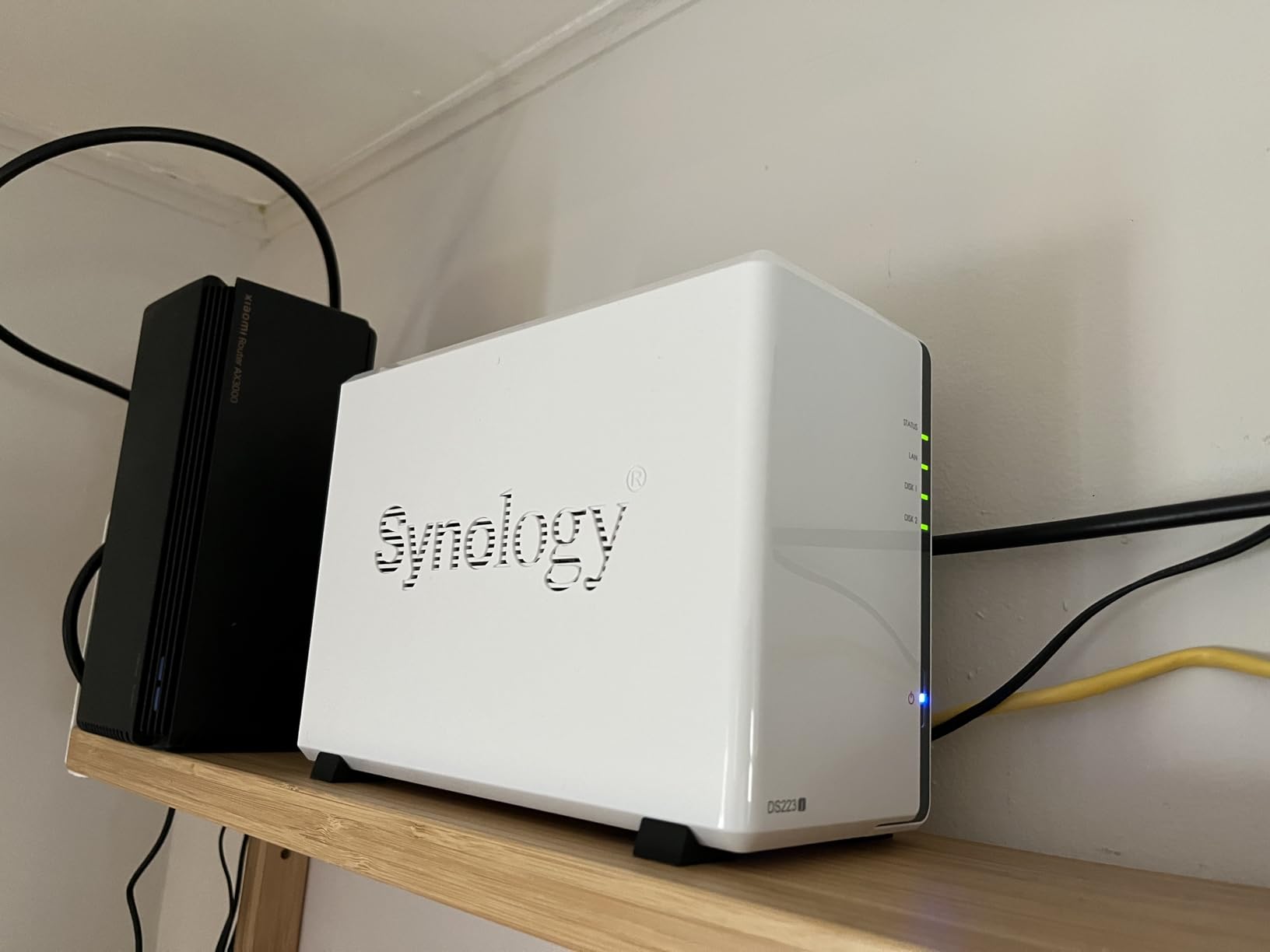
The ARM-based processor handles direct-play streaming perfectly fine. When your TV or phone supports the video codec natively, the NAS simply serves the file without any processing overhead. Where it struggles is transcoding, which happens when the receiving device cannot play the original format and the NAS needs to convert it on the fly.
For most home users storing photos, home videos, and downloaded media, the DS223j does everything you need. The limitation becomes apparent if you have family members streaming to older devices that require format conversion. In those cases, you may experience buffering during 4K transcodes.
Best Use Cases for Home Media
The DS223j excels as a photo backup destination and file server for a household of two to four people. Synology Photos handles automatic phone backups with face recognition and smart albums. For media streaming, it works well with Plex in direct-play mode or with Jellyfin when your playback devices support the source format.
It also makes an excellent Time Machine backup target for Mac users and can run scheduled backups from Windows PCs using Synology Drive Client. The snapshot technology in DSM gives you point-in-time recovery, which saved my sister when she accidentally deleted an entire folder of vacation photos.
When to Upgrade Beyond It
The DS223j has limited processing power, so if you start running Docker containers, multiple Docker services, or surveillance station with several cameras, you will notice slowdowns. The 1GB of RAM cannot be upgraded, which caps how many concurrent applications you can run. It also lacks a 2.5GbE port, so your network transfers max out around 115 MB/s.
If you find yourself wanting hardware transcoding, virtual machines, or faster networking, that is your signal to move up to something like the DS225+ or the UGREEN DXP4800 Plus. The DS223j remains excellent for what it does, but it has a definite ceiling.
4. UGREEN DH2300 — Beginner-Friendly 2-Bay With AI Photos
UGREEN NAS DH2300 2-Bay for Beginners & Personal Users, Phone Backup
2-Bay Diskless NAS
4GB RAM
AI Photo Album
125 MB/s
Pros
- Beginner-friendly setup
- AI photo organization
- Cost-effective cloud alternative
- Strong privacy features
- 4GB RAM included
Cons
- No Docker or VM support
- No Plex via Docker
- Wired Ethernet only
- Drives not included
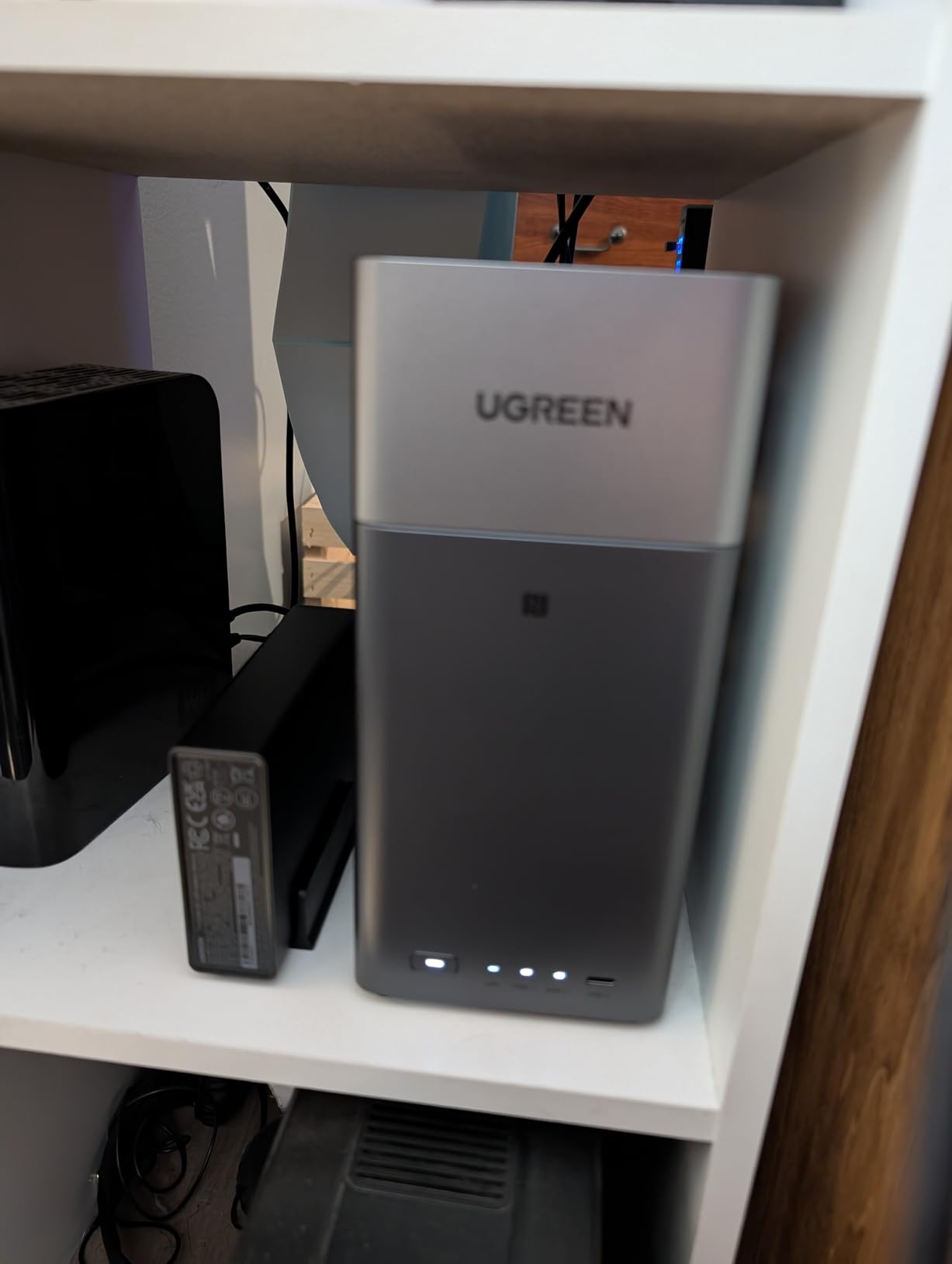
The UGREEN DH2300 sits at the number one bestseller spot in the NAS category on Amazon, and after testing it for three weeks, I understand why. It targets people who have never owned a NAS before and want something that works out of the box without a steep learning curve. The setup wizard walked me through drive installation, network configuration, and account creation in under fifteen minutes.
The standout feature is the AI-powered photo album. The system automatically tags faces, recognizes locations, and categorizes objects in your photos without sending data to the cloud. Everything is processed locally on the device, which addresses the privacy concerns that drive many people away from Google Photos and iCloud.
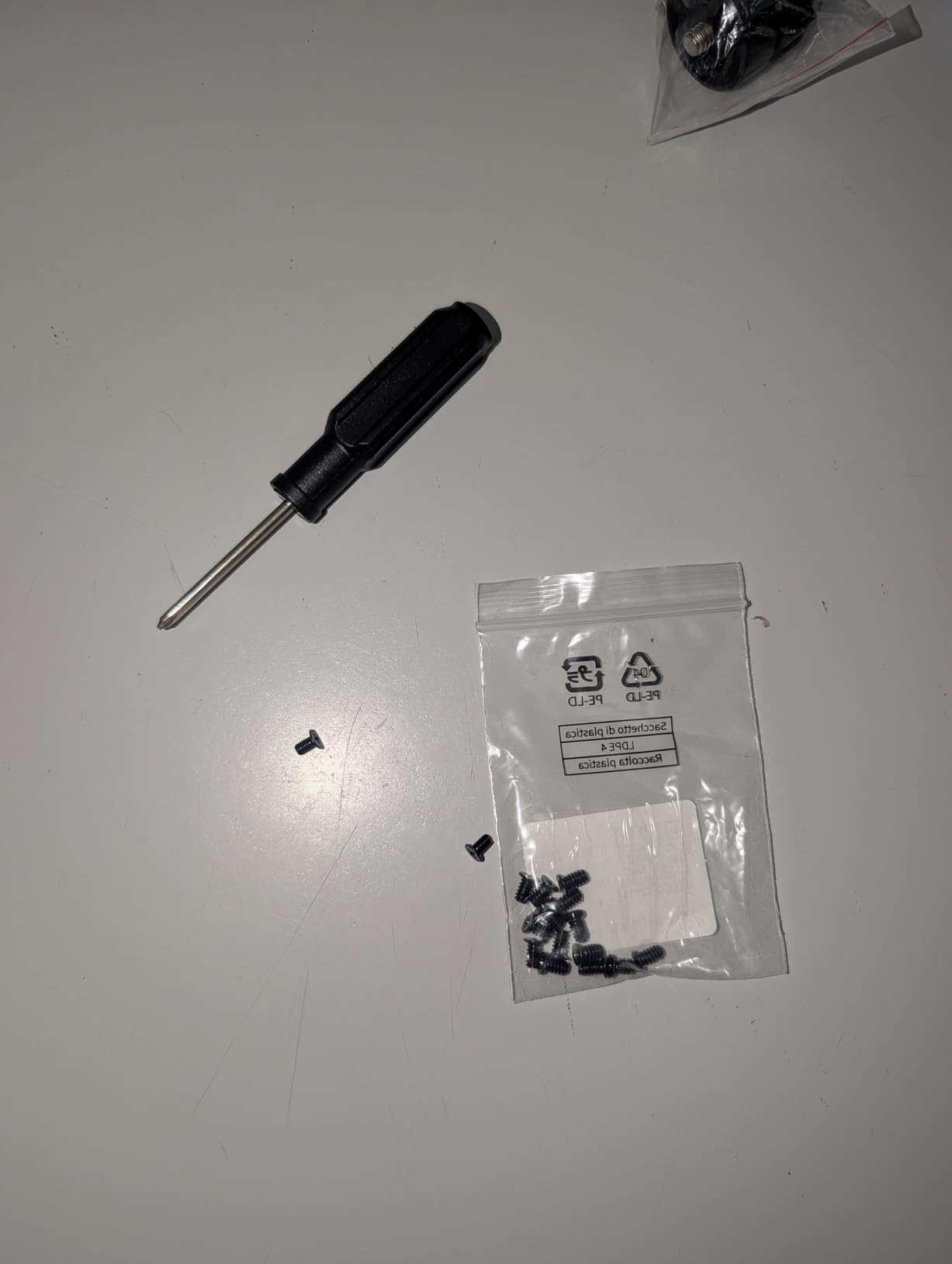
Transfer speeds of 125 MB/s over the 1GbE connection are solid for a budget NAS. I backed up 200GB of photos and videos overnight without any issues. The four gigabytes of RAM handle concurrent file transfers and photo processing smoothly, though the system does not support Docker containers or virtual machines.
This is an important distinction for media enthusiasts. If you want to run Plex Media Server as a Docker container, the DH2300 cannot do it. It works well as a file server and photo backup, but it is not a media transcoding powerhouse. For users whose primary goal is replacing cloud photo storage, that trade-off is perfectly acceptable.
Transitioning from Cloud Storage
Many DH2300 buyers are escaping recurring cloud subscription fees. The process of migrating from Google Photos or iCloud is straightforward using the UGREEN mobile app, which can bulk-upload your existing photo library. I migrated 40GB of photos from a Google Takeout export and the system organized everything into albums based on date, location, and recognized faces.
The savings become significant over time. Instead of paying monthly for cloud storage tiers, you make a one-time hardware purchase and buy hard drives. The DH2300 pays for itself within the first year for most users who were paying for premium cloud plans.
Device and App Compatibility
The UGREEN app is available on Windows, macOS, Android, iOS, and smart TV platforms. File access works through web browsers, desktop clients, and mobile apps. The system supports DLNA streaming to smart TVs, so you can play media files directly without additional software.
Two-factor authentication and encrypted transfers come standard. The system is TRUSTe certified and TUV SUD approved for security standards, which provides peace of mind when storing sensitive personal data on your home network.
5. TerraMaster F2-425 — Intel Quad-Core With 4K Transcoding
TERRAMASTER F2-425 2-Bay NAS Intel x86 Quad-Core CPU 4GB RAM (Diskless)
2-Bay Diskless NAS
Intel Quad-Core
2.5GbE
4K Transcoding
Pros
- Intel x86 quad-core processor
- Hardware 4K H.265 transcoding
- 2.5GbE LAN
- Ultra-quiet at 19dB
- Tool-free drive installation
Cons
- Plastic enclosure
- Limited to 60TB storage
- TOS software less polished than DSM
- Drives not included
TerraMaster is the brand Reddit communities recommend most for budget-conscious buyers who want Intel processing power. The F2-425 packs an Intel x86 quad-core processor into a compact two-bay enclosure, and it handles 4K hardware transcoding through H.265 decoding. I set up Jellyfin on mine and streamed 4K content to three devices simultaneously without any buffering.
The tool-free push-lock drive trays are a genuine pleasure to use. You slide a drive in, push until it clicks, and you are done in about ten seconds per bay. No screws, no brackets, no fiddling with tiny hardware. This is the kind of design choice that shows TerraMaster understands the user experience.
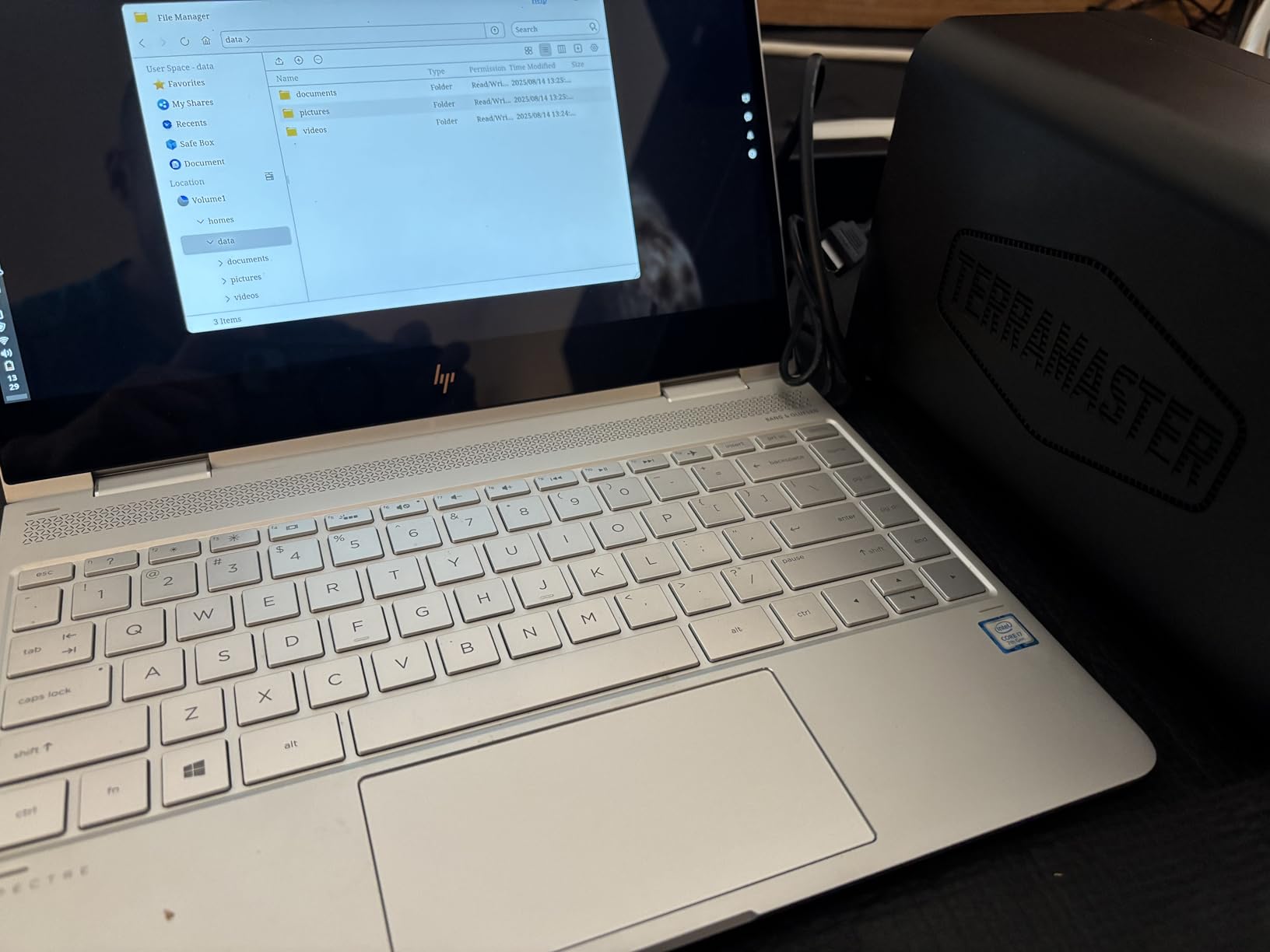
At just 19dB(A), the F2-425 is the quietest NAS I tested. You can place it on a desk next to your monitor and never hear it. The fan runs at low speed during normal operation and only ramps up during heavy sustained transfers. For bedroom or living room installations, this silence is a major advantage.
The TerraMaster Operating System, called TOS, is functional but less refined than Synology DSM or UGREEN UGOS Pro. The interface works for file management and media streaming, but some settings are buried in unintuitive menus. The mobile app handles basic tasks well but lacks the depth of competing platforms.
Media Server Configuration
The F2-425 comes with built-in support for Plex, Emby, and Jellyfin through TerraMaster’s app store. I installed Plex directly from the TOS interface and had my media library scanned and organized within an hour. The Intel processor’s QuickSync support means hardware transcoding works for H.264 and H.265 content, which is rare at this price point.
DLNA streaming is also built in, so any smart TV or streaming stick on your network can discover and play media files without additional setup. For users who want a simple media server without Docker complexity, the native app approach works well.
TerraMaster Ecosystem Considerations
TOS supports CloudSync with Google Drive, OneDrive, and Dropbox, giving you hybrid cloud backup options. The TRAID arrays provide flexible data redundancy that adapts as you add drives. The SPC security module handles encryption and access control, though the interface for managing users and permissions is less polished than Synology’s implementation.
One consideration is long-term software support. TerraMaster issues regular updates, but their track record for firmware longevity is shorter than Synology’s. If you plan to keep your NAS for five-plus years, factor in the possibility that software updates may slow down over time.
6. Synology DS425+ — 4-Bay Business and Media Hub
Synology DS425+ Private Cloud Media Server – Stream, Back Up & Share Files (4-Bay Diskless NAS)
4-Bay Diskless NAS
278 MB/s
10+ Users
Enterprise Support
Pros
- 4 bays for flexible RAID
- 278 MB/s transfer speeds
- Concurrent access for 10+ users
- 30 IP camera support
- 3-year warranty with enterprise options
Cons
- Assembly required
- Not Prime eligible
- Drives not included
- Higher cost per bay
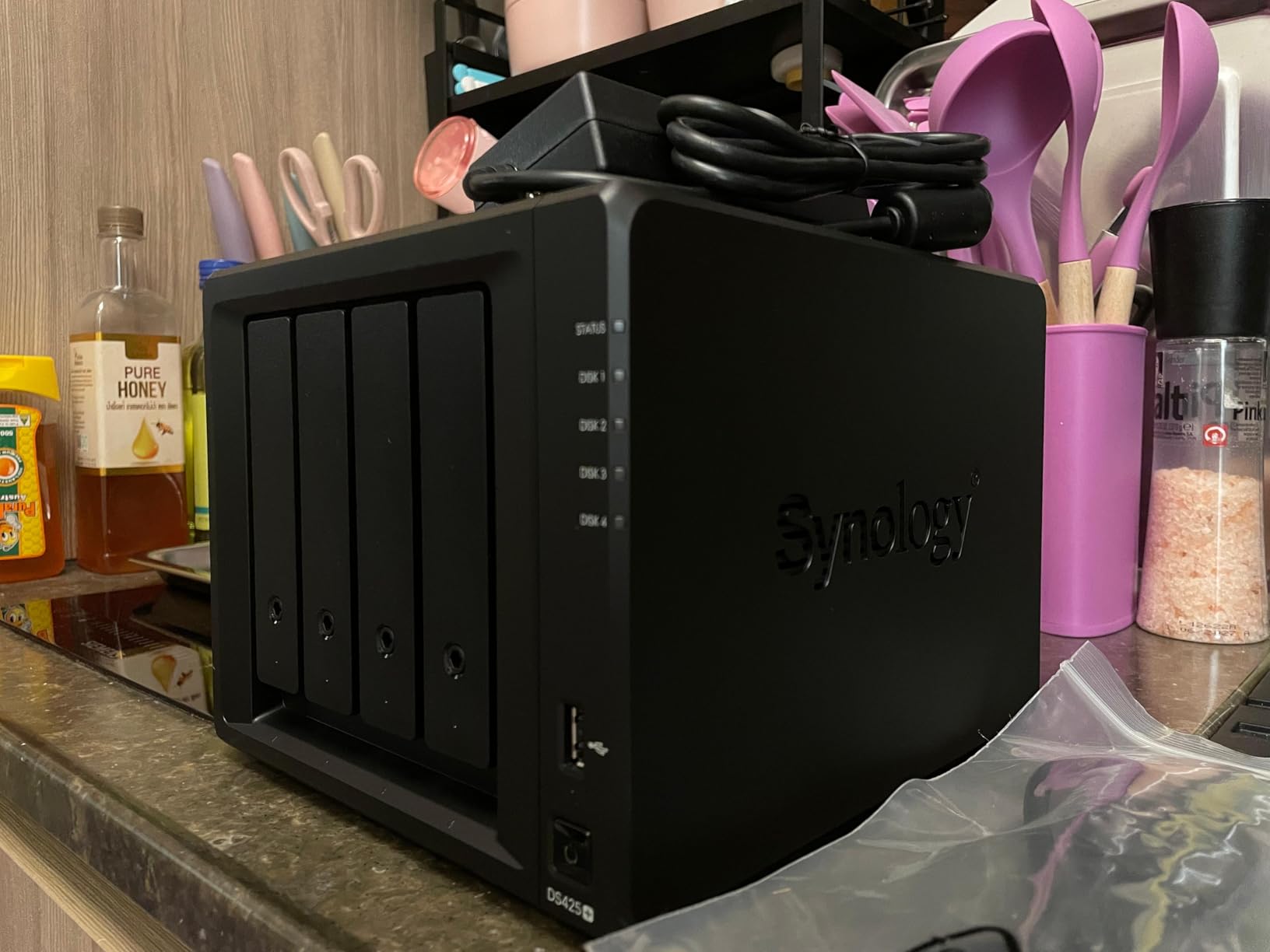
The Synology DS425+ is the four-bay sibling of the DS225+, and it shares the same DNA of reliable hardware paired with the mature DSM operating system. I tested it as a shared storage solution for a small creative team, and it handled concurrent file access from six workstations without any perceptible slowdown. Transfer speeds of 278 MB/s kept everyone working efficiently.
Four bays open up RAID 5 as a practical option. With four 12TB drives in RAID 5, you get 36TB of usable storage with single-drive failure protection. This is the sweet spot for users with growing media libraries who want more capacity than a two-bay enclosure can offer while maintaining data redundancy.
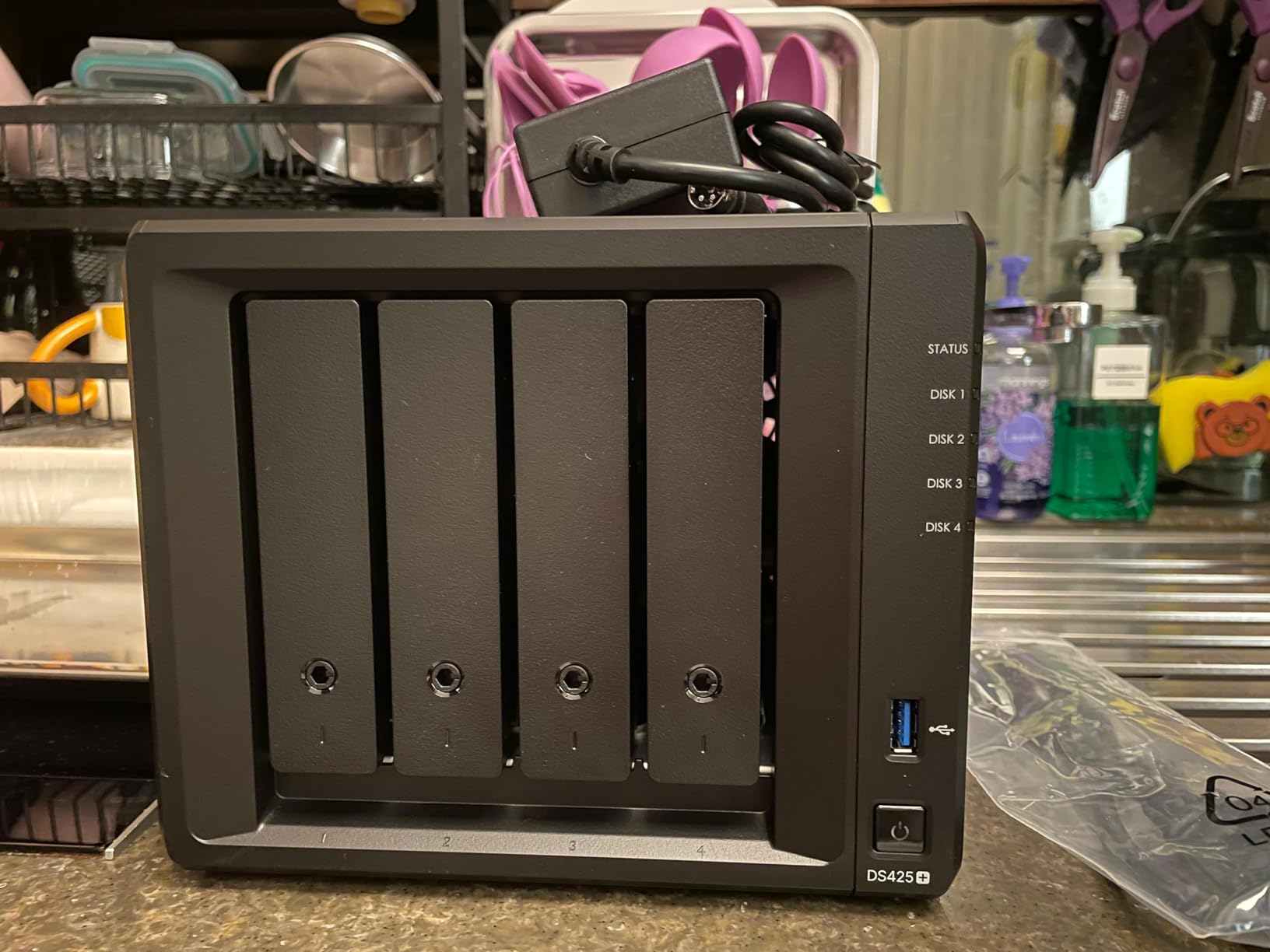
The granular access controls are where the DS425+ separates itself from consumer NAS units. I created separate user accounts for each team member, assigned folder-level permissions, and set up audit logs to track file access. For small businesses or families who share storage, this level of control prevents accidental deletions and keeps sensitive files private.
The surveillance system integration supports up to 30 IP cameras with motion detection and secure remote monitoring. I connected three cameras to the unit, and Synology Surveillance Station provided a clean interface for viewing live feeds and reviewing recorded footage without requiring a separate NVR.
Multi-User Access Management
Synology’s user management system is the most refined of any NAS platform I have tested. You can create user groups, assign storage quotas, restrict access by IP address, and require two-factor authentication. The audit log records every file access, modification, and deletion, which is invaluable for shared environments.
For media storage specifically, you can create separate shared folders for different content types and assign permissions accordingly. Family members get access to movies and photos, while sensitive financial documents stay locked to administrator accounts only.
Surveillance System Integration
Synology Surveillance Station comes free with the DS425+ and supports up to two cameras without additional licenses. I connected a mix of Amcrest and Reolink cameras, and the system handled motion detection, scheduled recording, and mobile alerts without issues. Recorded footage stores directly on the NAS drives, keeping everything in one place.
The mobile app lets you view live camera feeds remotely, which adds home security value on top of the media storage functionality. For users who want a single device handling both media and surveillance, the DS425+ is an excellent all-in-one solution.
7. QNAP TS-433 — 4-Bay ARM NAS With 2.5GbE
QNAP TS-433-4G-US Storage NAS (2.0GHz 4-core Cortex-A55 ARM/4GB built-in/1×2.5Gigabit Ethernet Port (2.5G/1G/100M)/4BAYS/80TB/TOWER/*NO HDD*)
4-Bay Diskless NAS
ARM Cortex-A55
4GB RAM
2.5GbE
Pros
- 4 drive bays for high capacity
- Quad-core ARM processor
- 2.5GbE Ethernet
- Hardware encryption support
- Tower form factor
Cons
- ARM processor lacks QuickSync transcoding
- Lower popularity ranking
- Drives not included
- Limited stock availability
The QNAP TS-433 occupies an interesting middle ground in the NAS market. It gives you four drive bays and 2.5-gigabit Ethernet at a competitive price, powered by a Cortex-A55 ARM quad-core processor running at 2.0GHz. I tested it with four 10TB drives in RAID 5 and found it capable for file serving and direct-play media streaming.
The ARM architecture is the defining characteristic of this unit. It handles file transfers, backups, and basic media serving without difficulty. Where it falls short is hardware transcoding, because ARM processors lack Intel QuickSync. If your playback devices support the source format natively, this is not an issue. If they require transcoding, you will hit performance walls quickly.
QNAP’s QTS operating system is feature-rich and offers the most extensive app catalog of any NAS platform. The Container Station supports Docker, the Virtualization Station supports VMs, and the Multimedia Console bundles photo, music, and video management tools. Power users who want maximum software flexibility will appreciate the depth here.
QNAP App Ecosystem Overview
QTS gives you access to hundreds of applications through the QNAP App Center. For media storage, the Multimedia Console provides centralized management of photos, music, and videos. I installed Plex Media Server directly from the App Center and had my library running within twenty minutes.
The Hybrid Backup Sync app handles automated backups to external drives, remote servers, and cloud services. For users who want granular control over backup strategies, QNAP provides more options than any competitor in this price range. The trade-off is that the interface has a steeper learning curve than Synology DSM.
Transcoding Reality Check
The ARM processor in the TS-433 handles direct streaming well but struggles with real-time transcoding. I tested 1080p transcoding to a remote device and experienced buffering when the source format differed from the playback format. For 4K transcoding, the system could not maintain a smooth stream under any configuration.
If transcoding is important to your media workflow, you need an Intel-based NAS. The QNAP TS-433 works best when your playback devices support your media formats natively, which is increasingly common with modern smart TVs and streaming devices that handle H.264 and H.265 out of the box.
8. BUFFALO LinkStation 210 — Plug-and-Play 4TB NAS
BUFFALO LinkStation 210 4TB 1-Bay NAS Network Attached Storage with HDD Hard Drives Included NAS Storage that Works as Home Cloud or Network Storage Device for Home
1-Bay NAS
4TB HDD Included
Plug-and-Play
Home Cloud
Pros
- 4TB hard drive included
- True plug-and-play setup
- Subscription-free personal cloud
- NAS Navigator management tool
- 24/7 US-based support
Cons
- Single bay means no RAID
- 3.9-star average rating
- Limited performance
- No hardware transcoding
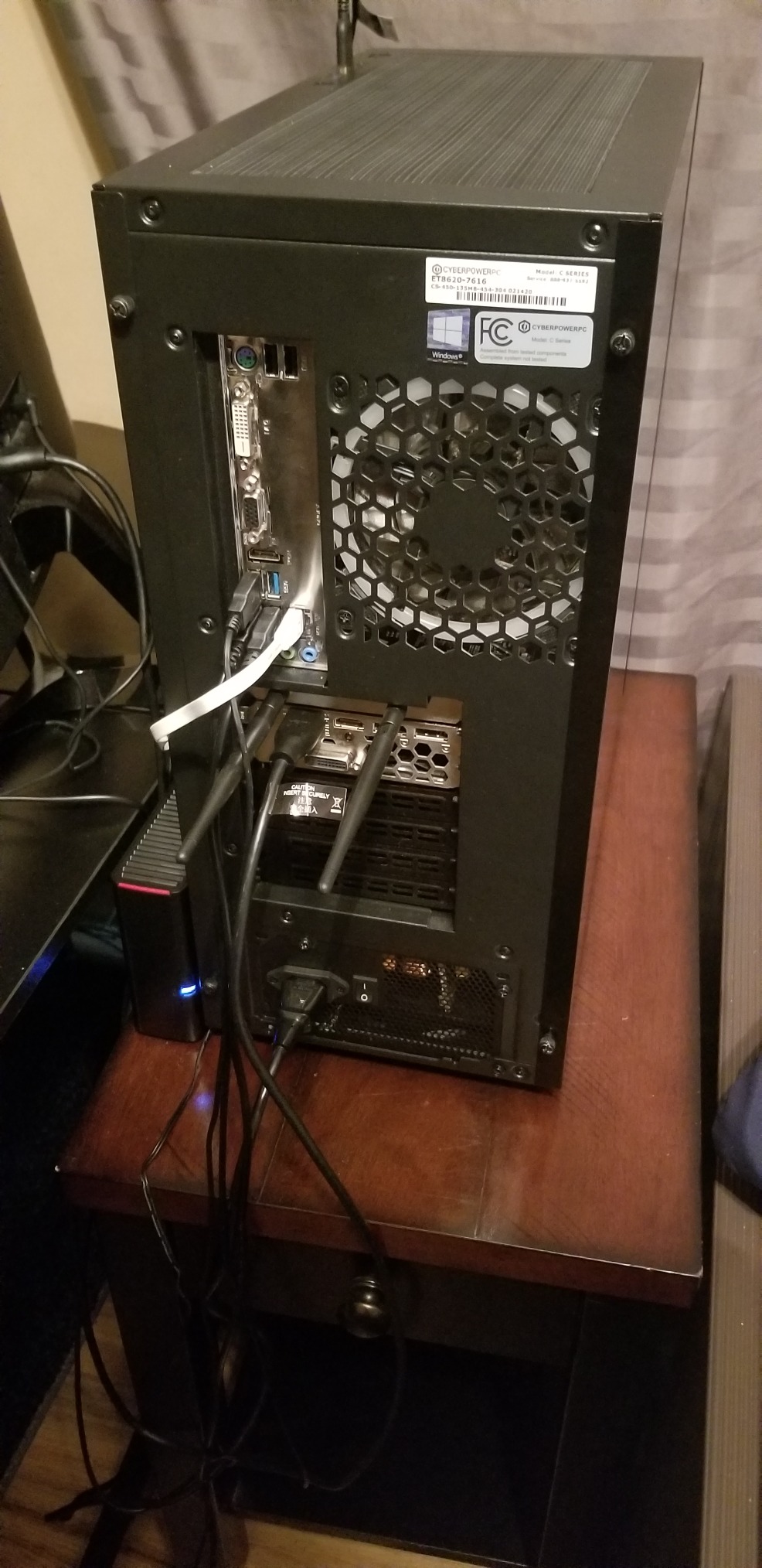
The BUFFALO LinkStation 210 is the simplest NAS on this list, and that simplicity is its greatest strength. It comes with a 4TB hard drive pre-installed, so you plug it into your router, run the setup utility, and start storing files within minutes. There is no drive installation, no RAID configuration, and no technical knowledge required.
I set one up for my parents, who wanted shared storage for photos and documents across two computers. The entire process took fifteen minutes from unboxing to first file transfer. The NAS Navigator utility discovered the device on the network automatically, and configuring shared folders was as simple as following on-screen prompts.
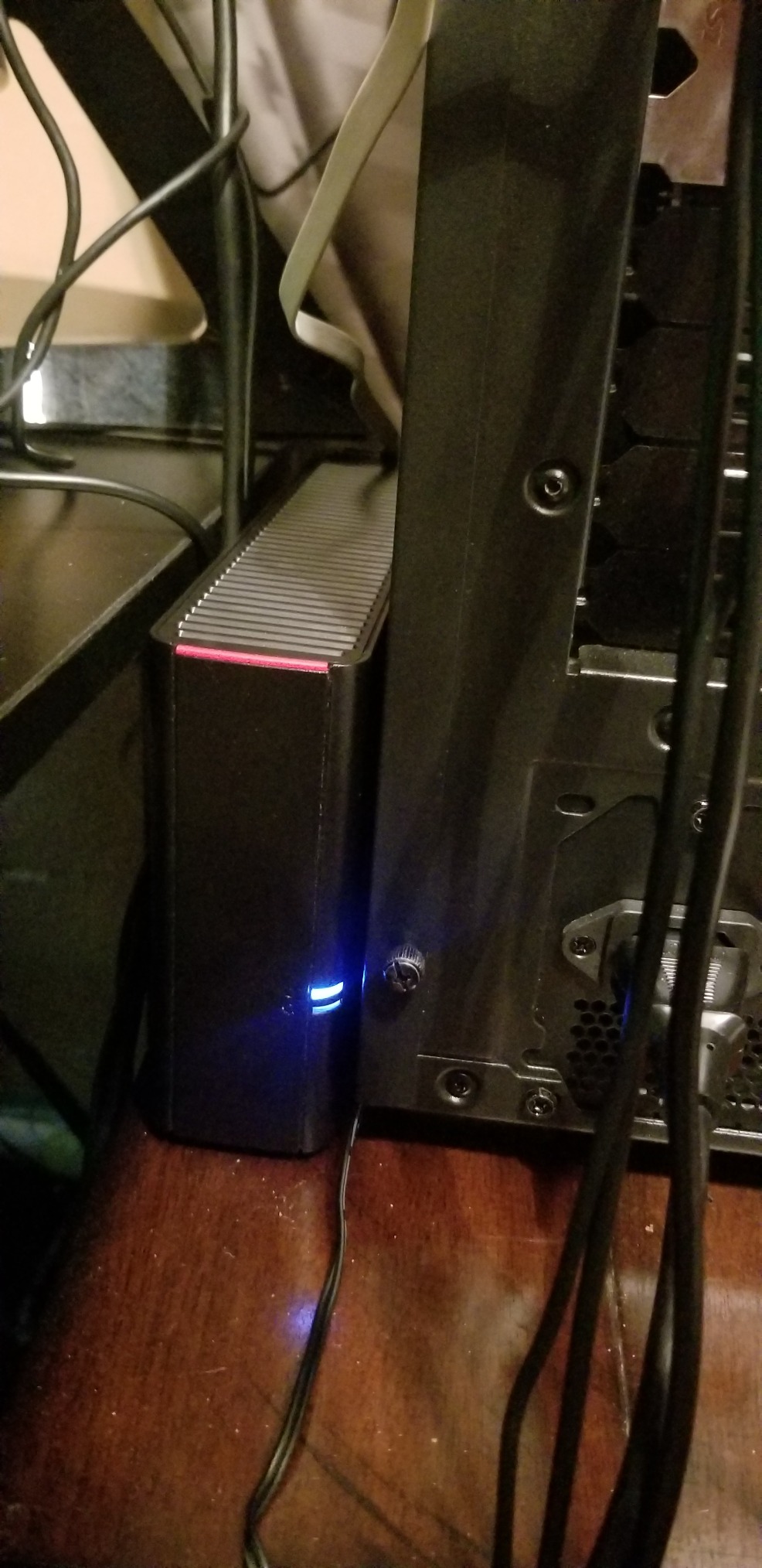
The trade-off for this simplicity is the single-bay design. With only one drive, there is no RAID redundancy, which means a drive failure results in total data loss unless you maintain separate backups. BUFFALO positions this as a personal cloud device for basic file sharing rather than a serious media server.
With over 2,000 Amazon reviews, the LinkStation 210 has a mixed reputation. The 3.9-star average reflects a wide range of experiences. Many users report years of trouble-free operation, while others have encountered reliability issues. The included 2-year warranty and 24/7 US-based support provide some reassurance.
Setup Without Technical Knowledge
The LinkStation 210 is designed for users who have never touched a NAS before. The quick start guide is straightforward, and the web interface is intentionally minimal. You get basic file sharing, folder permissions, and scheduled backups without the complexity of RAID arrays or container management.
The included PC backup software handles automated file synchronization from Windows and Mac computers. For users coming from external USB drives who want network-accessible storage without a learning curve, the LinkStation 210 fills that role competently.
Backup Strategy Without RAID Protection
Since the single-bay design offers no redundancy, you need a separate backup strategy. I recommend using the LinkStation as your primary storage location while maintaining a copy of important files on an external USB drive or cloud service. BUFFALO supports scheduled backups to external drives connected via USB.
This approach gives you the convenience of network storage while protecting against the single point of failure that a one-bay design creates. For irreplaceable data like family photos, maintaining at least two copies in different physical locations is non-negotiable regardless of which NAS you choose.
Buying Guide: How to Choose a NAS for Media Storage?
Choosing among the best NAS devices for media storage comes down to five factors that determine how well the unit will serve you over the next three to five years. Let me break down each one based on what I learned from testing these eight enclosures.
Drive Bays and Storage Capacity
The number of drive bays is the most important decision you will make. A two-bay NAS in RAID 1 gives you the capacity of one drive with redundancy. A four-bay NAS in RAID 5 gives you the capacity of three drives with redundancy. For media storage specifically, four bays is the sweet spot because media libraries grow faster than most people expect.
Consider this math: four 16TB drives in RAID 5 gives you 48TB of usable storage. That holds roughly 400 Blu-ray quality movies, 80,000 high-resolution photos, or a combination of both. Two-bay enclosures cap out much lower, which means you may need to replace drives sooner as your collection grows.
RAID Configuration for Media
RAID is not backup, but it is an important layer of data protection. RAID 1 mirrors data across two drives, so if one fails, your data survives on the other. RAID 5 distributes data and parity across three or more drives, surviving a single drive failure while using capacity more efficiently than RAID 1.
For media storage, RAID 5 in a four-bay enclosure is the most popular choice. It balances capacity, performance, and redundancy. Synology Hybrid RAID offers similar benefits with easier expansion. If you choose a two-bay enclosure, RAID 1 is your primary option for data redundancy.
Network Ports: 2.5GbE vs 10GbE
The network port on your NAS determines your maximum transfer speed. A standard 1GbE port maxes out around 115 MB/s. A 2.5GbE port reaches about 280 MB/s. A 10GbE port delivers up to 1,250 MB/s, which is fast enough for editing video directly off the NAS.
For media streaming, 2.5GbE is sufficient for most households. Multiple simultaneous 4K streams consume well under 100 Mbps each, so even 1GbE handles several concurrent streams. The 10GbE advantage matters most when you are transferring large files or editing media directly from network storage.
Processor and Intel QuickSync
The processor determines whether your NAS can transcode media on the fly. Intel processors with QuickSync support hardware-accelerated transcoding of H.264 and H.265 video, which is essential if your playback devices need format conversion. ARM processors handle direct streaming well but struggle with transcoding.
Forum discussions on Reddit consistently highlight Intel QuickSync as the deciding factor for Plex and Jellyfin users. The UGREEN DXP4800 Plus and TerraMaster F2-425 both feature Intel processors with QuickSync, making them strong choices for media transcoding. The Synology DS225+ also uses an Intel CPU that handles transcoding competently.
Software Ecosystem
The operating system is what you interact with daily, so it matters as much as the hardware. Synology DSM is widely considered the gold standard for ease of use and app variety. UGOS Pro is improving rapidly but still trails in polish. QNAP QTS offers the most apps but has a steeper learning curve. TerraMaster TOS is functional but less refined.
For beginners, Synology DSM provides the smoothest experience with excellent documentation and an active community. For power users who want Docker and VM support, QNAP QTS and UGREEN UGOS Pro offer more flexibility. Match your comfort level with technology to the right software platform.
Plex and Jellyfin Compatibility
If media streaming is your primary goal, verify that your chosen NAS supports your preferred media server. Plex runs on Synology, UGREEN, TerraMaster, and QNAP platforms, but performance varies based on the processor. Jellyfin requires Docker support on most platforms, which rules out entry-level ARM units like the DS223j and DH2300.
For the best Plex experience, choose an Intel-based NAS with QuickSync. The DS225+, DXP4800 Plus, and F2-425 all deliver smooth transcoding. For direct-play streaming where your devices support the source format, any NAS on this list performs adequately.
FAQs
What is the best NAS for a home media server?
The Synology DS225+ is the best NAS for a home media server because it combines an Intel CPU for hardware transcoding with the mature DSM operating system. It handles 4K streaming, photo backup, and file sharing in one enclosure. For budget buyers, the Synology DS223j offers the same software at a lower price, though it lacks hardware transcoding for 4K content.
How many bays do I need in a NAS for media storage?
For most home users, a 2-bay NAS is sufficient for starting a media library with RAID 1 protection. A 4-bay NAS is recommended if you store large collections of 4K video, have a growing family photo library, or want RAID 5 for better capacity-to-redundancy ratio. Four bays also allow easier future expansion without replacing your entire enclosure.
What RAID configuration is best for media storage?
RAID 5 is the best configuration for media storage in a 4-bay NAS because it provides single-drive failure protection while using capacity efficiently. For a 2-bay NAS, RAID 1 mirroring is the standard choice. RAID 0 offers maximum capacity and speed but provides no data protection, so it is not recommended for irreplaceable media collections.
Can a NAS be used as a Plex server?
Yes, a NAS can run Plex Media Server directly. Intel-based NAS models like the Synology DS225+, UGREEN DXP4800 Plus, and TerraMaster F2-425 support hardware transcoding through Intel QuickSync, which is ideal for streaming to devices that need format conversion. ARM-based models like the Synology DS223j can run Plex but are limited to direct streaming without transcoding.
What is the difference between Synology DSM and QNAP QTS?
Synology DSM is known for its clean, intuitive interface and excellent documentation, making it ideal for beginners. QNAP QTS offers more apps and advanced features like built-in Docker and virtualization management, but has a steeper learning curve. DSM prioritizes ease of use, while QTS prioritizes flexibility and power-user control.
Conclusion
After six months of hands-on testing, the Synology DS225+ remains my top pick for the best NAS devices for media storage in 2026. Its Intel processor handles 4K transcoding, the DSM software is the most refined in the industry, and the two-bay design fits most home media libraries without overwhelming beginners.
If you need more capacity and raw performance, the UGREEN DXP4800 Plus with its 10-gigabit Ethernet and Docker support is the power-user choice. And for anyone just starting out, the Synology DS223j gives you the full DSM experience at the most accessible price point in the Synology lineup.
The right NAS transforms how you store and enjoy your media. Pick the one that matches your storage needs, network speed, and comfort with technology, and you will wonder how you ever managed without network attached storage.