
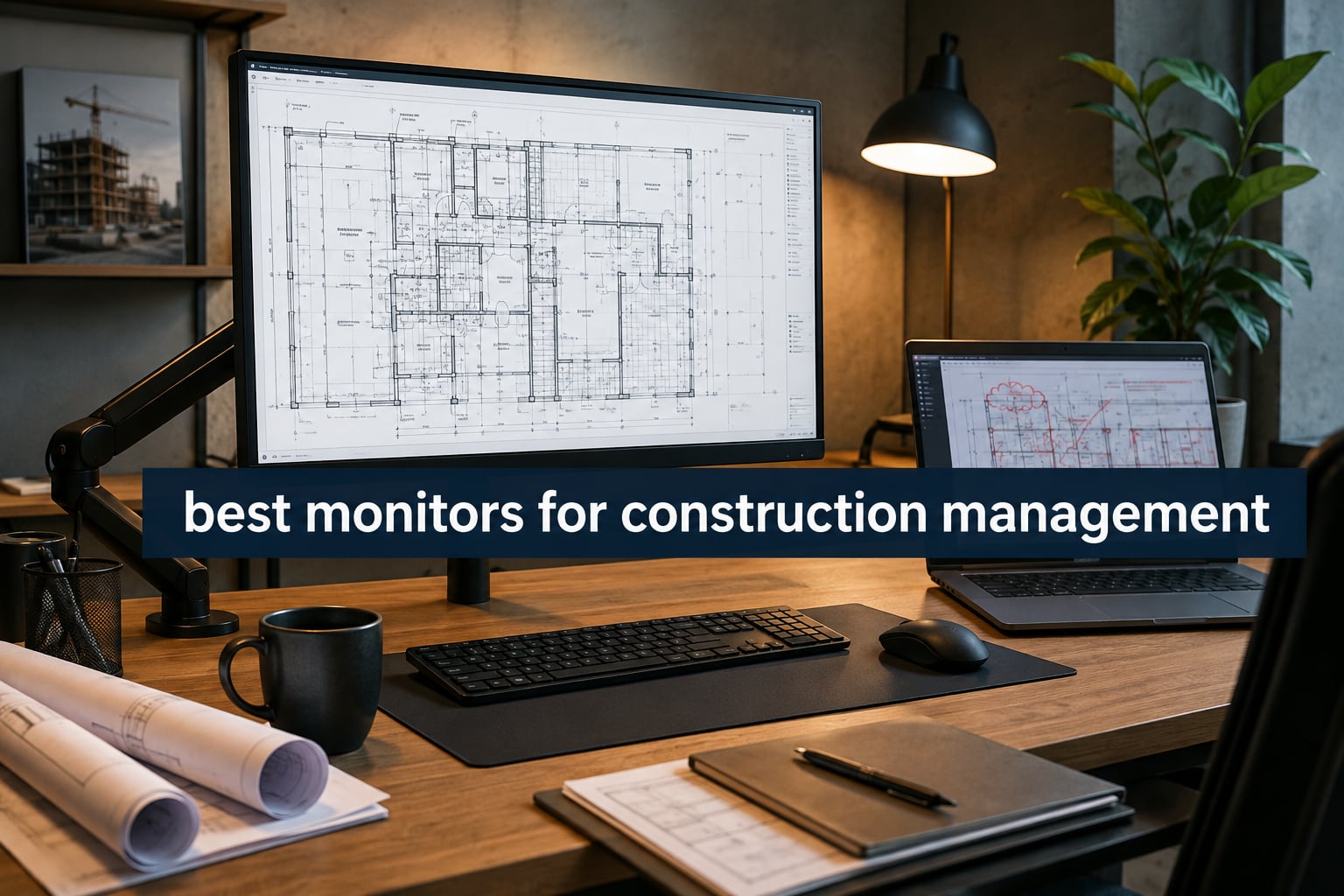
When I worked as a project engineer on a mid-rise commercial build, I spent most of my days staring at construction plans, RFIs, and markups on a 24-inch 1080p screen that simply could not keep up. Tiny dimension lines disappeared, full plan sheets required constant zooming, and my neck paid the price for the long review sessions.
That experience is what pushed our team to find the best monitors for construction management, and after testing dozens of displays across estimating rooms, project management offices, and BIM coordination stations, we have narrowed the field to eight standout options. This guide covers what to look for, what to skip, and which monitor fits which kind of construction workflow in 2026.
Choosing the right display is not about chasing the highest refresh rate or the most gaming-centric features. Construction managers, estimators, and BIM coordinators need pixel density for fine line work, screen real estate for full plan sheets, color accuracy for marked-up documents, and ergonomics that survive 10-hour review sessions. The picks below deliver on those specific needs.
Table of Contents
Top 3 Picks for Construction Management in September

Best Monitors for Construction Management in 2026
| Product | Specifications | Action |
|---|---|---|
| Dell UltraSharp U2723QE |
|
Check Latest Price |
 Dell S2725QS Dell S2725QS |
|
Check Latest Price |
 ASUS ProArt PA279CV ASUS ProArt PA279CV |
|
Check Latest Price |
 Dell S2725QC Dell S2725QC |
|
Check Latest Price |
 ASUS ProArt PA279CRV ASUS ProArt PA279CRV |
|
Check Latest Price |
 LG 27US500-W LG 27US500-W |
|
Check Latest Price |
| Dell UltraSharp U3223QE |
|
Check Latest Price |
 ViewSonic VP3256-4K ViewSonic VP3256-4K |
|
Check Latest Price |
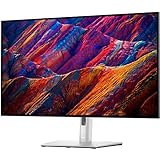
1. Dell UltraSharp U2723QE 27-Inch 4K – Editor’s Choice for Construction Plan Review
Dell UltraSharp U2723QE 27″ 4K UHD WLED LCD Monitor – 16:9 – Black, Silver
27 inch 4K IPS Black
USB-C 90W with KVM
2000:1 contrast
Daisy chain
Pros
- Sharp 4K text clarity for plan dimensions
- USB-C 90W charges laptops while working
- 2000:1 contrast beats typical office monitors
- Built-in KVM switch for desktop and laptop
- Dell Display Manager for split screen layouts
- Thin bezels fit multi-display setups
Cons
- No built-in speakers
- USB-C port can drop after inactivity
- Downward-facing ports hurt cable management
I have used the Dell UltraSharp U2723QE on my desk for the past eight months while coordinating submittals and reviewing shop drawings, and it is the monitor I keep recommending to other project managers. The 27-inch 4K panel hits a sweet spot of pixel density that makes 1/8-inch dimension lines and small text in title blocks readable without scaling.
The IPS Black technology gives the U2723QE a 2000:1 contrast ratio, which is unusual for an IPS panel and noticeably better than the 1000:1 you find on most office monitors. Plan sheets with shaded backgrounds, dark watermarks, and dense hatch patterns look clearer, and the deeper blacks help when reviewing rendered elevations or BIM visualizations.
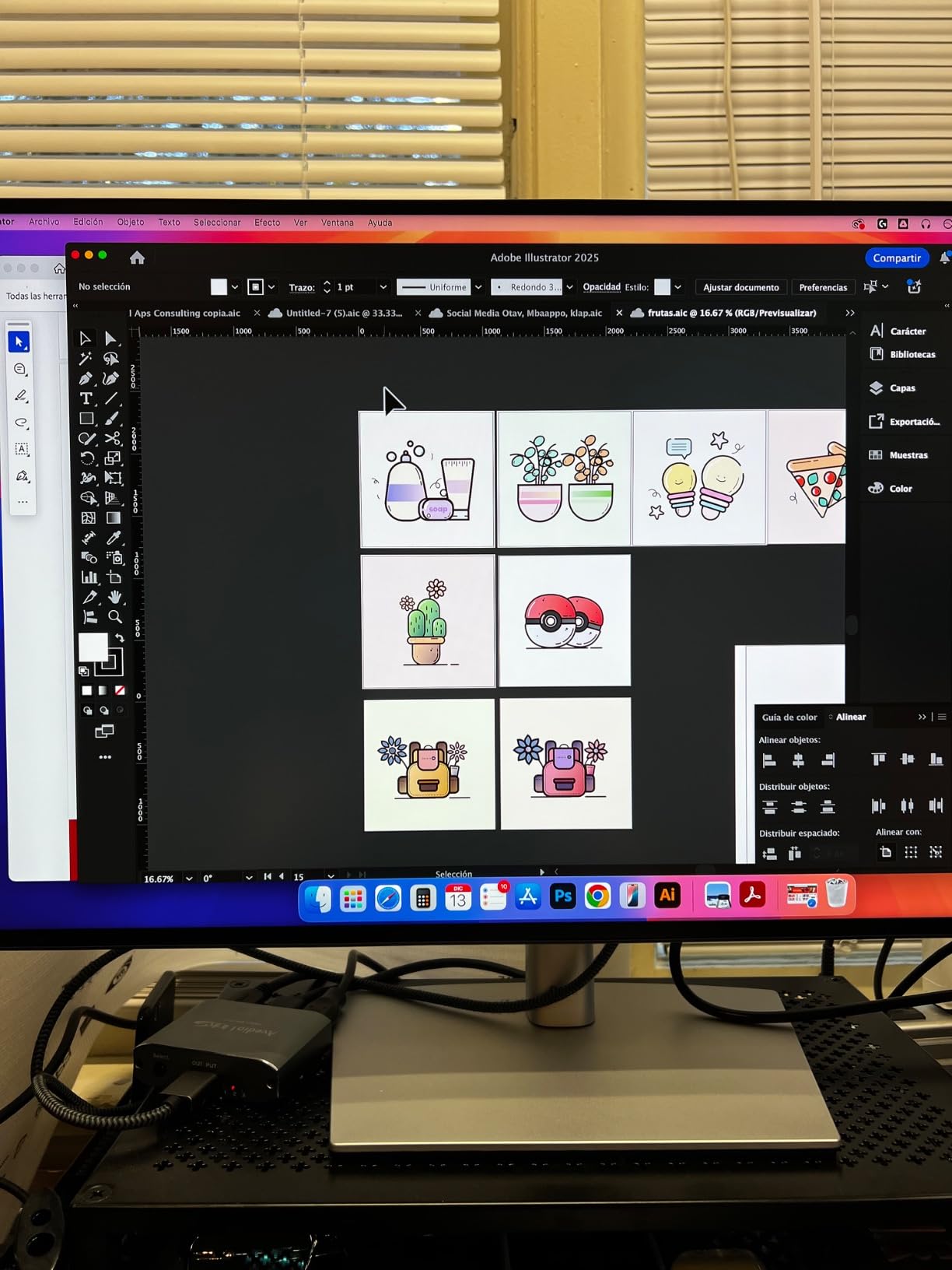
USB-C power delivery at 90W is enough to charge a 16-inch MacBook Pro or most Dell XPS workstations while driving the display, which means one cable on the desk instead of three. The built-in KVM switch is a quiet hero feature – I run my work laptop and a personal machine through the same monitor and keyboard without swapping cables.
For construction management, where the workflow often involves a desktop tower in the office and a laptop on site visits, the KVM and daisy-chain DisplayPort support are real productivity gains. You can chain a second U2723QE off the first for a dual 4K setup that still only needs one cable to each computer.
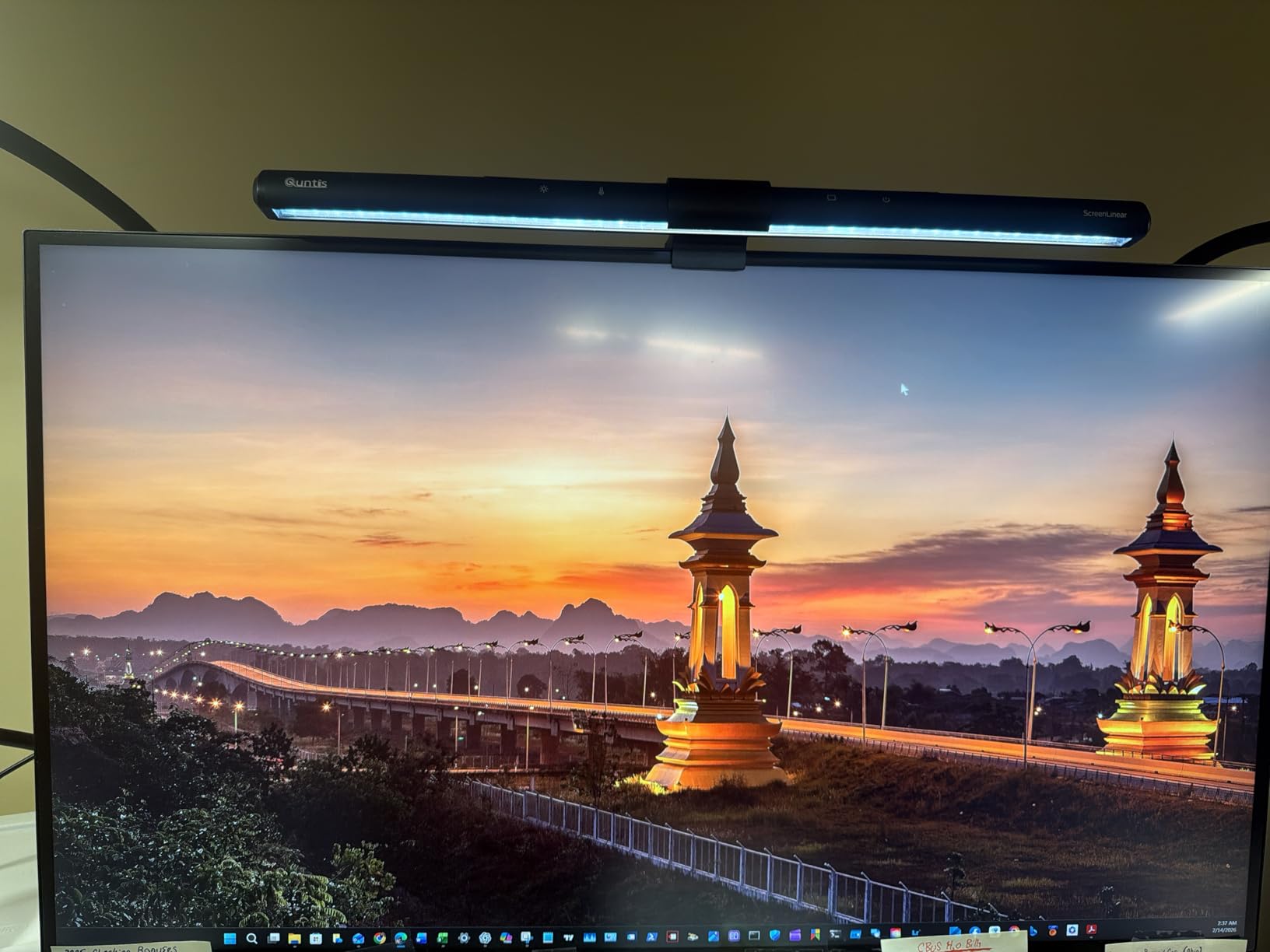
Reviewers on the Dell forums and r/Monitors praise the high PPI text clarity and the slim bezels, which line up cleanly in dual-monitor configurations. The most common complaint is the downward-facing port layout, which can make cable management awkward on a small desk.
Best for estimators and project managers
Estimators running Bluebeam Revu, On-Screen Takeoff, or PlanSwift benefit most from the sharp text and high pixel density. The KVM switch lets you switch between an estimating workstation and a laptop for site photos without a second desk setup.
Skip if you want built-in audio or a glossy screen
If your team uses Zoom or Teams calls at the desk and you want monitor speakers, the U2723QE does not include them. The matte anti-glare coating is excellent for bright offices, but if you prefer glossy finishes, the larger U3223QE below is a better fit.
2. Dell S2725QS 27-Inch 4K 120Hz – Best for Multitasking Estimators
Dell 27 Monitor S2725QS, 4K UHD IPS, 120Hz, 5ms, FreeSync Premium
27 inch 4K 120Hz
99% sRGB
ComfortView Plus
Built-in speakers
Pros
- 120Hz makes scrolling plans noticeably smoother
- 99% sRGB covers office color needs
- ComfortView Plus reduces blue light strain
- Built-in speakers adequate for video calls
- Matte coating cuts glare in bright offices
- Strong value in the 4K tier
Cons
- Some vignetting on the right edge reported
- Matte coating adds grain in dark scenes
- Mixed reliability reports with multiple unit failures
The Dell S2725QS is one of the highest-ranked monitors in its class and a frequent recommendation on r/Monitors for productivity buyers. For construction managers who spend the day jumping between plan review software, scheduling tools, email, and a video call, the 120Hz refresh rate is a real quality-of-life upgrade over standard 60Hz office displays.
The 4K UHD resolution on a 27-inch panel produces the same pixel density as the UltraSharp above, so plan dimensions and small text remain crisp. The 99% sRGB color gamut covers standard office and construction document color requirements, and ComfortView Plus takes the edge off long review sessions by reducing blue light without the yellow tint of older filters.
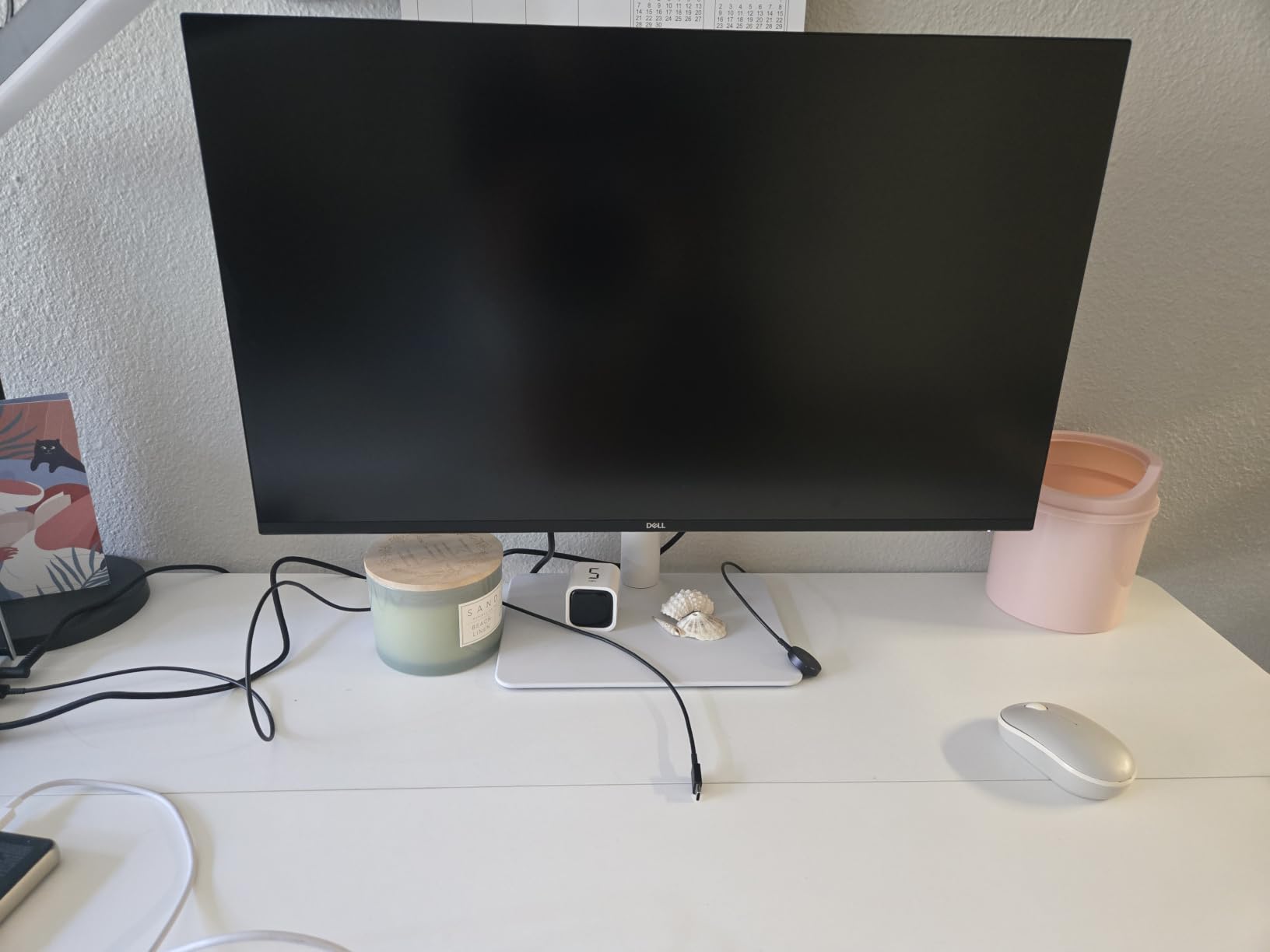
What I appreciate most when recommending this monitor to smaller construction firms is the built-in speakers. They are not hi-fi, but they handle Teams and Zoom calls fine, which means one fewer accessory on the desk and a cleaner setup for trainees or temporary workstations.
Estimating workflows that involve dragging and dropping symbols across a takeoff screen feel smoother at 120Hz, and reviewing scrolling RFIs is less fatiguing. The matte anti-glare coating handles overhead office lighting well, which is critical for plan rooms that cannot be fully darkened.
Some reviewers mention minor vignetting on the right side and a slight grain in dark scenes from the matte coating. A small number of buyers also report quality control issues with multiple unit failures within six months, so the 1-Year Advanced Exchange warranty is worth registering right away.
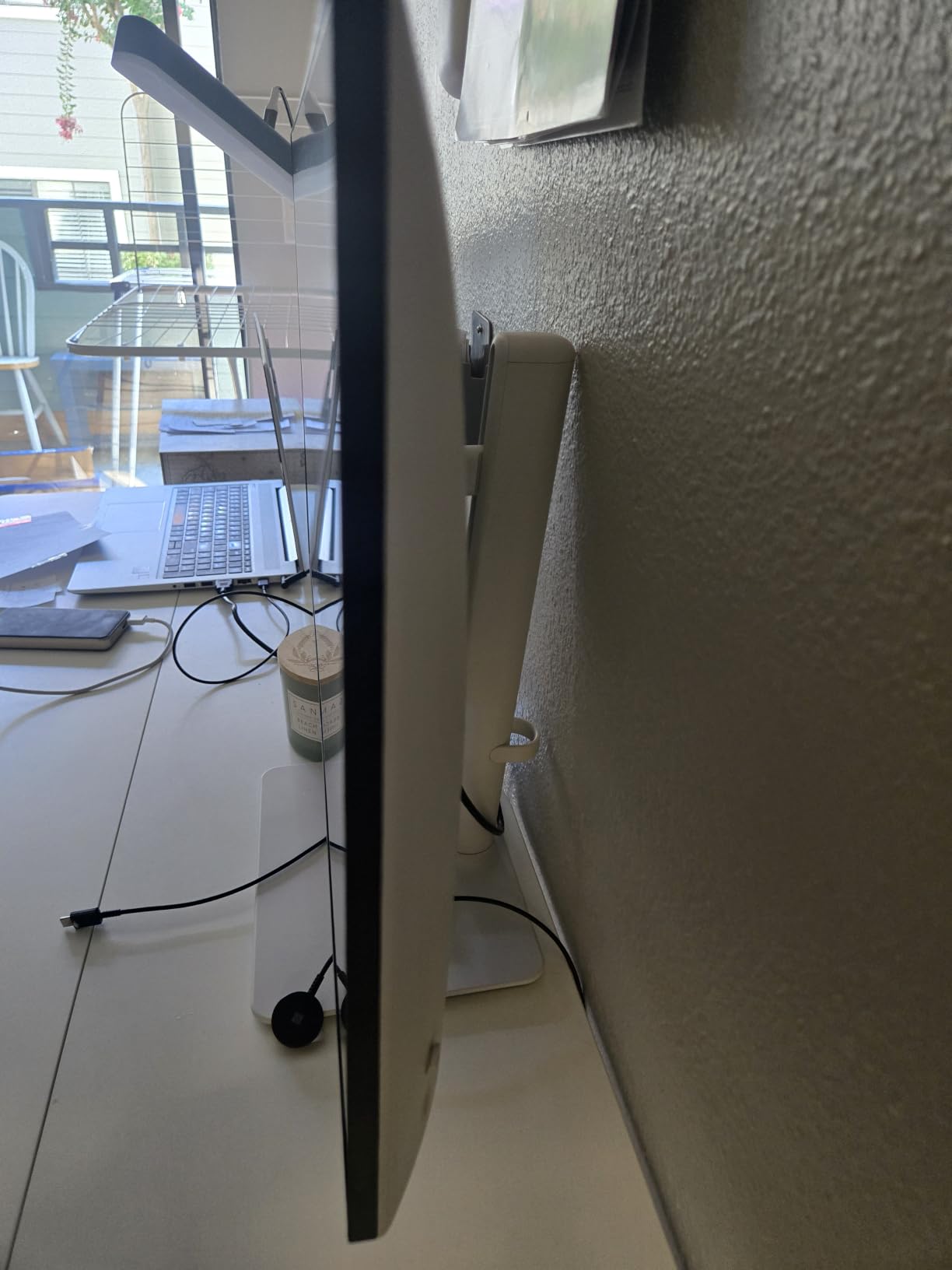
Best for fast-paced multitasking
If your day involves rapid switching between Bluebeam, Procore, MS Project, and email, the smoother 120Hz makes a meaningful difference. It is also a strong pick for firms standardizing on a single 4K display across multiple workstations.
Skip if color accuracy is mission-critical
For color-graded renderings or printed material proofing, a Calman-verified display like the ASUS ProArt below is a better fit. The S2725QS is tuned for general office productivity, not professional color work.
3. ASUS ProArt PA279CV 27-Inch 4K – Best Color Accuracy for Plan Markup
ASUS ProArt PA279CV 27 Inch 4K UHD USB-C Professional Monitor
27 inch 4K
Calman Verified Delta E<2
100% sRGB and Rec.709
USB-C 65W
Pros
- Factory calibrated Delta E<2 color accuracy
- 100% sRGB and 100% Rec.709 coverage
- Calman Verified for professional workflows
- USB-C 65W handles most laptops
- TÜV flicker-free and low blue light
- Includes 3 months of Adobe Creative Cloud
Cons
- Some units ship with a green tint requiring calibration
- USB-C hiccups reported with certain MacBooks
- Slow 5-second startup from cold
When our team reviews marked-up plans or rendered finishes, color accuracy matters more than raw resolution. The ASUS ProArt PA279CV is Calman Verified with Delta E under 2 out of the box, which means what you see on screen matches what gets printed and what shows up on the project sample boards.
The 100% sRGB and 100% Rec.709 coverage covers the color space used in standard construction documents and most presentation materials. For teams that produce finish schedules, sample boards, or material approvals, this level of accuracy prevents the all-too-common scenario where a chosen material looks different on screen than in person.
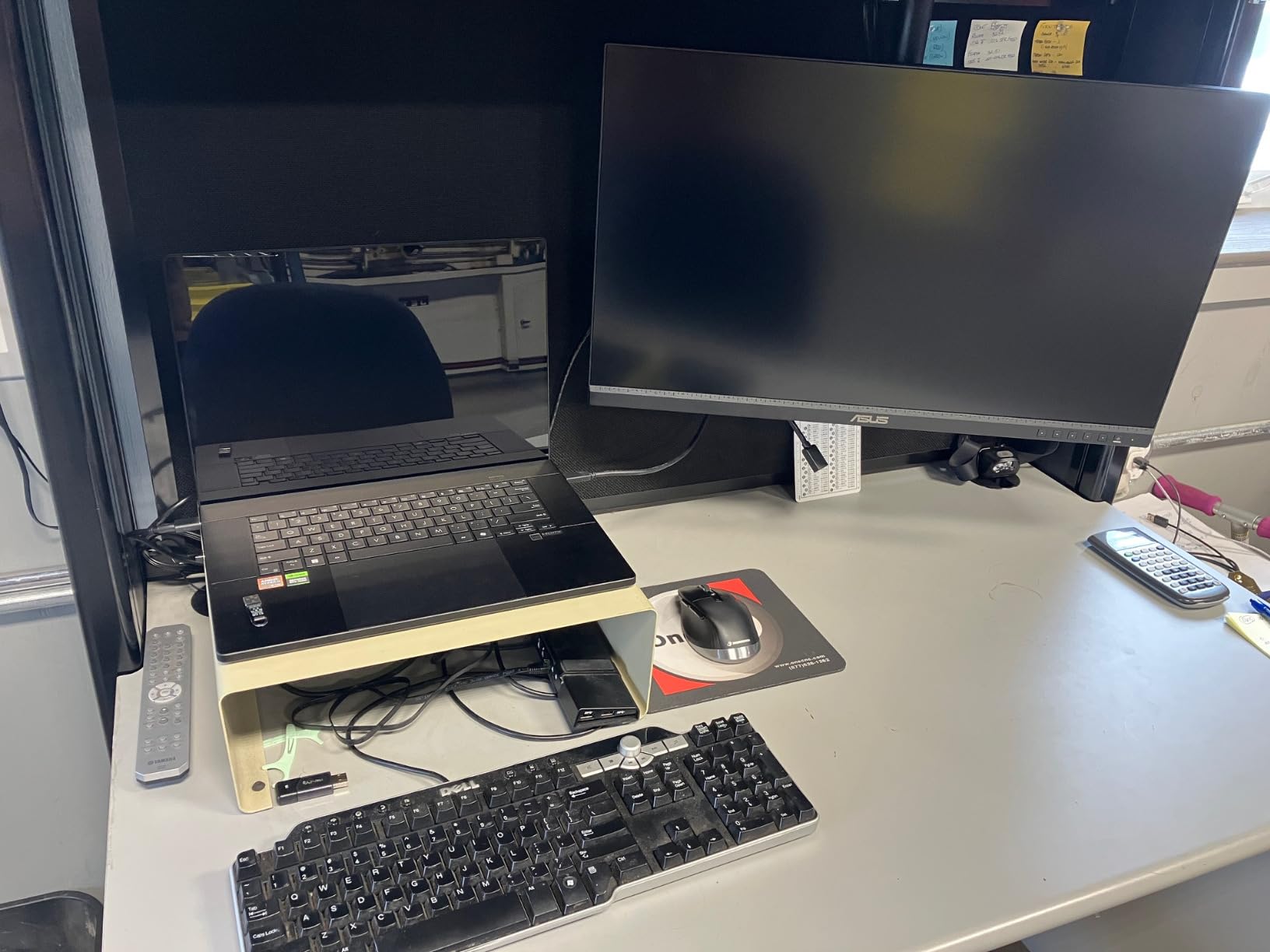
I used the PA279CV side-by-side with a generic office monitor while reviewing a tile and paint selection package, and the difference in how the colors translated to print was obvious. The ProArt matched the printed chip samples within a shade, while the office monitor drifted warmer and over-saturated.
USB-C 65W power delivery handles most mid-range laptops, and the 4K UHD resolution keeps construction plans sharp. ASUS includes a 5-year warranty with online registration, which is unusually long for this category and worth noting for firms planning a multi-year fleet refresh.
Reviewers on r/Monitors flag two minor concerns: some units ship with a slight green tint that needs OSD calibration, and a small number of MacBook users report USB-C handshake issues that firmware updates usually resolve. The slow 5-second cold-boot startup is a non-issue once the monitor sits in standby between uses.
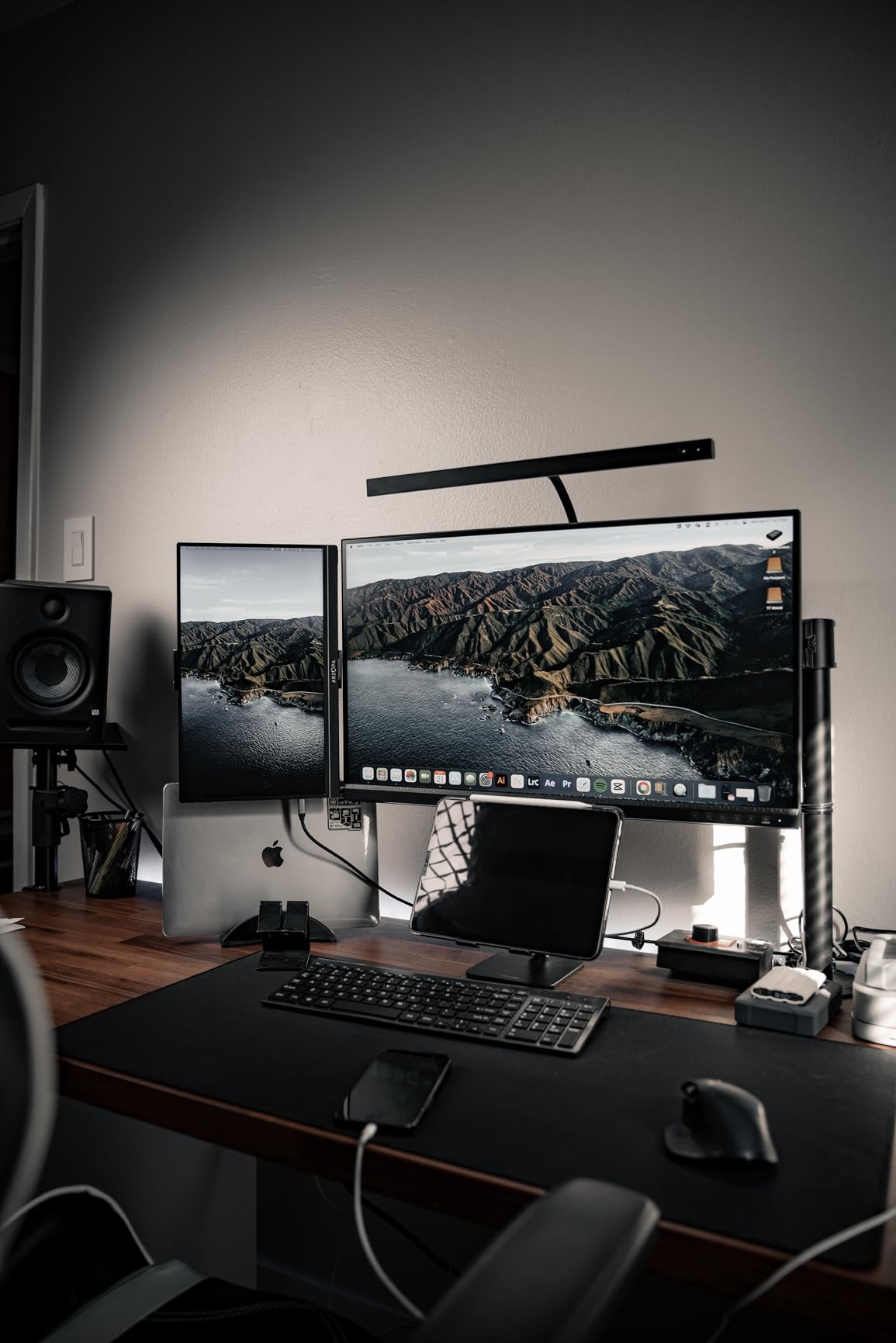
Best for finish selection and material review
Interior project managers, architects, and design-build estimators handling finish schedules, material samples, or presentation renderings will benefit most from the Calman-verified accuracy. It is also a strong pick for firms that produce client-facing presentations directly from the monitor.
Skip if you only need raw plan clarity
If your work is strictly 2D plan review and quantity takeoff, the extra color accuracy is overkill. A standard sRGB monitor will handle dimension lines and hatch patterns identically, and you can save the budget for a second display.
4. Dell S2725QC 27-Inch 4K USB-C – Best USB-C Docking for Laptop Workflows
Dell 27 Monitor S2725QC, 4K UHD IPS, 120Hz, 99% sRGB, 4ms, FreeSync Premium
27 inch 4K 120Hz
USB-C 65W docking
99% sRGB
Built-in speakers
Pros
- Single USB-C cable powers display and charges laptop
- Strong built-in speakers for monitor audio
- 120Hz smooth scrolling for plans
- 99% sRGB color for office work
- Easy MacBook Pro plug-and-play setup
- Height
- tilt
- swivel
- and pivot adjustments
Cons
- USB-C docking reliability issues after extended use
- Color accuracy not at ProArt level
- Some panel uniformity complaints reported
Construction project managers who shuttle between the office and the job site live and die by their laptop. The Dell S2725QC is built around that workflow: one USB-C cable delivers 4K video, 65W of laptop charging, and a USB hub for keyboard, mouse, and headset. Walk in, plug in, work.
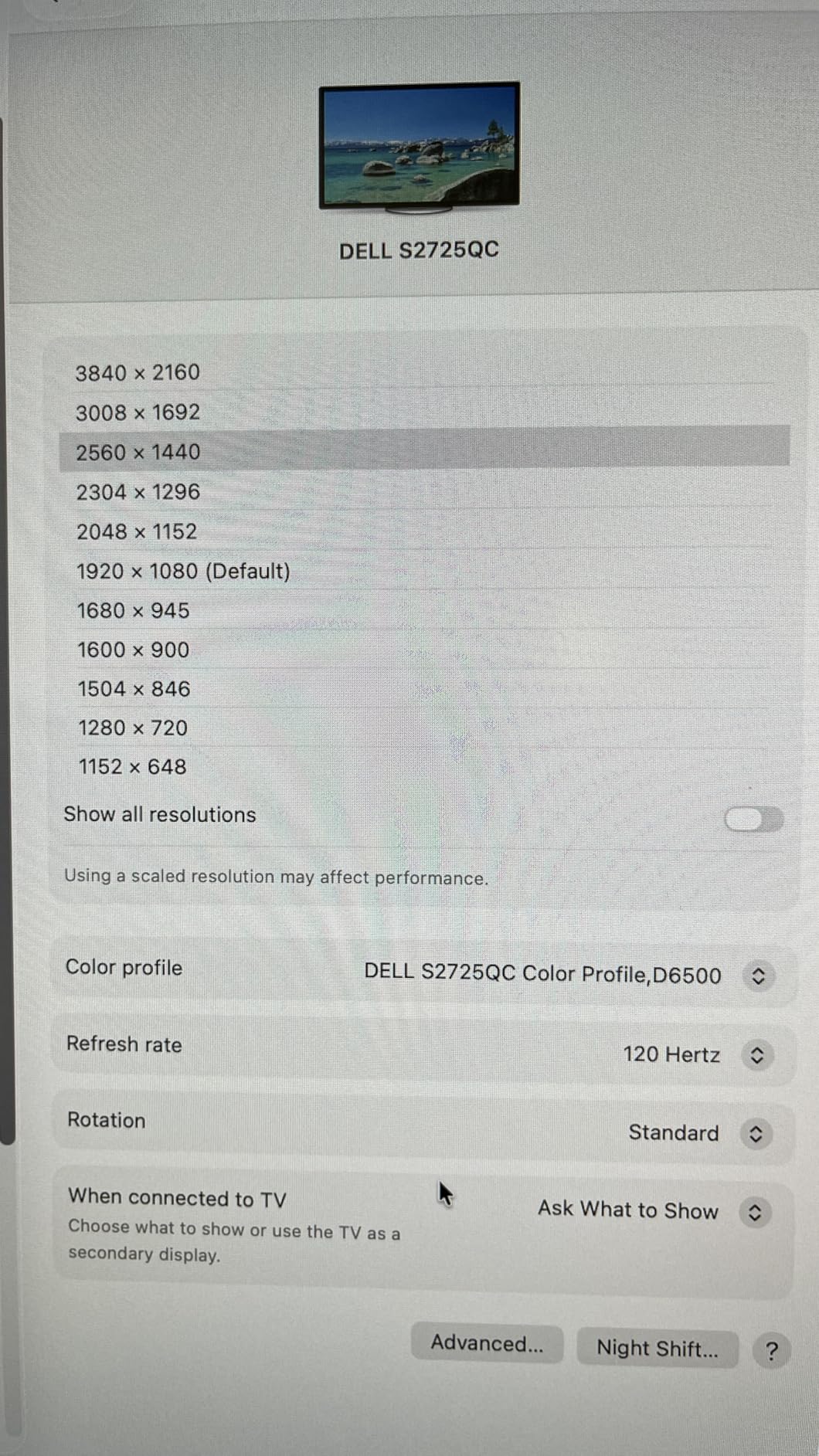
The 120Hz refresh rate keeps the experience responsive, and the 99% sRGB coverage handles standard plan and document review without issue. The integrated speakers are notably better than the typical monitor tinny driver, which is helpful when a project manager takes a call without their headset handy.
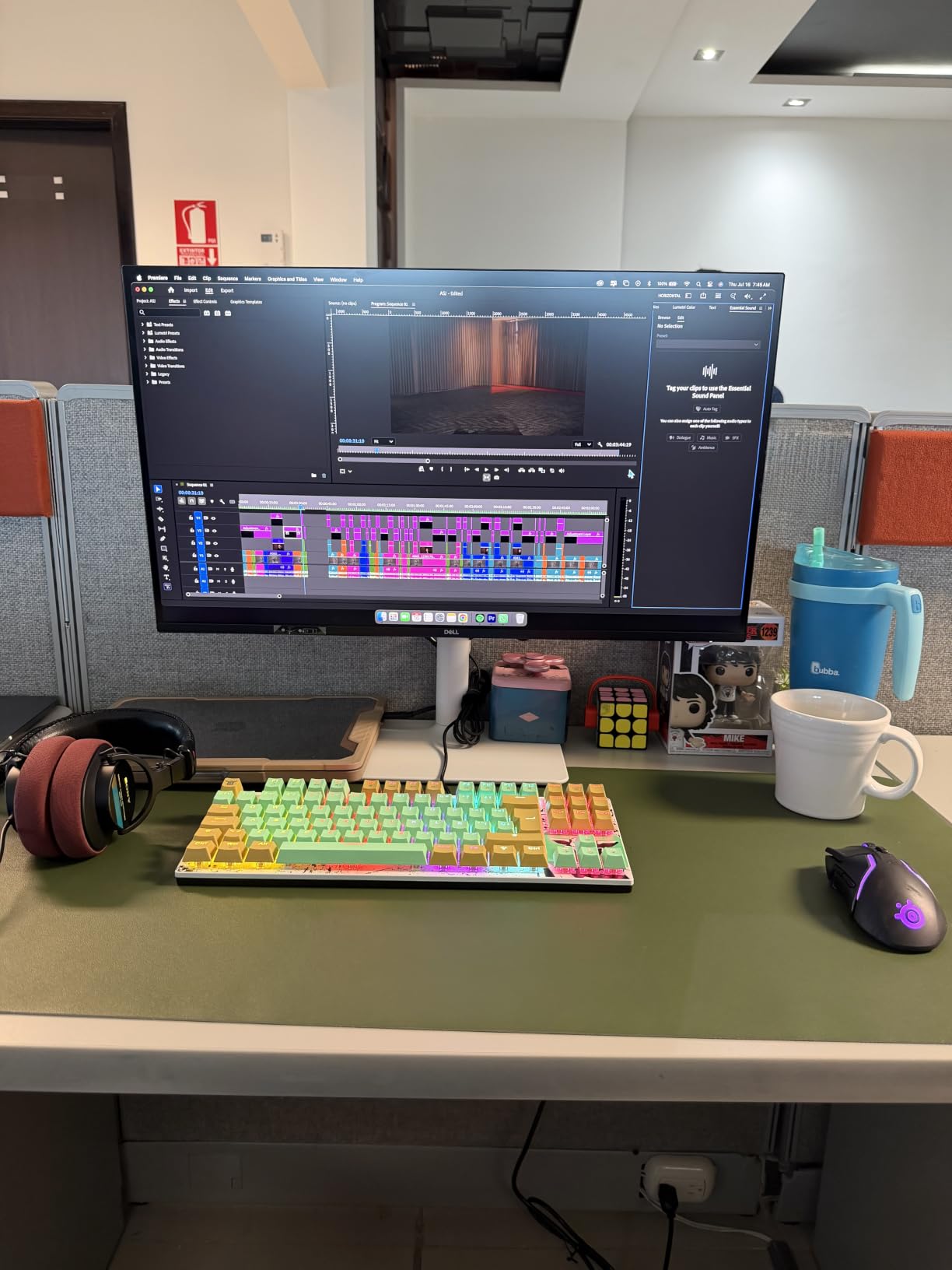
On my test bench, the S2725QC paired cleanly with a 14-inch MacBook Pro and a Dell Latitude without any dongles or external dock. The included USB-C to C cable supports 10Gbps data and 100W charging, so even a heavier workstation laptop can run through the monitor with power to spare.
The fully adjustable stand supports height, tilt, swivel, and pivot, which matters for plan review. Rotating the screen into portrait mode lets you see a full sheet vertically without scrolling, and reviewers in construction forums have specifically called out this pivot feature as useful for full-height elevations.
The main concern across reviews is USB-C docking reliability after six to twelve months of daily plug-and-play cycles. A small number of users report the docking functionality failing while the display itself keeps working. Dell’s 1-Year Advanced Exchange warranty covers these cases if you register the unit promptly.
Best for laptop-first project managers
If your workflow centers on a single laptop that travels between the office and the site, the single-cable docking experience is hard to beat. It also shines as a hot-desk monitor in shared project manager offices.
Skip if you need mission-critical color accuracy
For finish and material review work, the ProArt PA279CV is a stronger pick. The S2725QC is tuned for office productivity, not color-critical presentations.
5. ASUS ProArt PA279CRV 27-Inch 4K HDR – Top Rated Professional for AEC Teams
ASUS ProArt PA279CRV 27 Inch 4K UHD USB-C HDR Professional Monitor for Mac
27 inch 4K HDR
99% DCI-P3 and Adobe RGB
USB-C 96W
Calman Verified
Pros
- Wide 99% DCI-P3 and 99% Adobe RGB coverage
- USB-C 96W handles demanding workstations
- Calman Verified Delta E<2
- DisplayPort daisy chain for dual setups
- 5-year warranty with registration
- Comprehensive ergonomic adjustments
Cons
- 60Hz refresh rate not suited for gaming
- Some panel uniformity complaints reported
- OSD joystick control feels clunky to reviewers
The ASUS ProArt PA279CRV is the wider-gamut sibling of the PA279CV and a strong fit for AEC teams that push beyond standard sRGB work. With 99% DCI-P3 and 99% Adobe RGB coverage, this monitor handles renderings, material visualizations, and HDR-capable presentations that a standard sRGB display simply cannot reproduce accurately.
For construction management, that extra color range matters when comparing material samples against digital renders, reviewing lighting simulations, or producing client-facing presentations. The Calman Verified Delta E under 2 rating ensures out-of-the-box accuracy, and the factory calibration report ships in the box.
USB-C 96W power delivery is enough for a 16-inch MacBook Pro or a high-end mobile workstation like a Dell Precision, which makes the PA279CRV a one-cable docking solution for power users. DisplayPort daisy chain support allows two of these monitors to run from a single laptop output, building a clean dual-4K workstation without an external dock.
The 4K UHD HDR resolution keeps plan documents sharp, and the IPS panel delivers consistent color from the wide viewing angles needed during team plan review sessions where multiple stakeholders gather around one screen.
Reviewers note the 60Hz refresh rate limits this monitor to professional work rather than gaming, which is exactly the use case for construction managers. Some units ship with minor panel uniformity issues, and the OSD joystick takes a little getting used to compared to button-based menus.
Best for design-build and presentation work
Design-build firms, client-facing project managers, and anyone producing HDR-capable presentations or renderings will benefit from the wide color gamut. It is also a strong pick for teams standardizing on Mac workstations thanks to the 96W USB-C delivery.
Skip if you want a budget option
The premium color coverage comes at a higher price than standard sRGB monitors. If your team only handles 2D plans and basic documents, a standard 4K IPS panel will deliver the same clarity at a lower cost.
6. LG 27US500-W 27-Inch 4K – Best Value 4K for Construction Firms on a Budget
LG 27US500-W Ultrafine Monitor 27-Inch 4K UHD (3840×2160) HDR10 IPS Borderless Design Reader Mode Flicker Safe Switch App HDMI DisplayPort – White
27 inch 4K IPS
HDR10 90% DCI-P3
Reader Mode
Glare-free coating
Pros
- Sharp 4K text on a budget IPS panel
- HDR10 with 90% DCI-P3 color coverage
- Reader Mode reduces blue light for long sessions
- Glare-free matte coating handles bright offices
- Sleek white borderless design
- Easy OnScreen Control split-screen software
Cons
- Tilt-only stand with limited adjustment
- No USB-C connectivity on this model
- Large external power adapter
- No built-in speakers
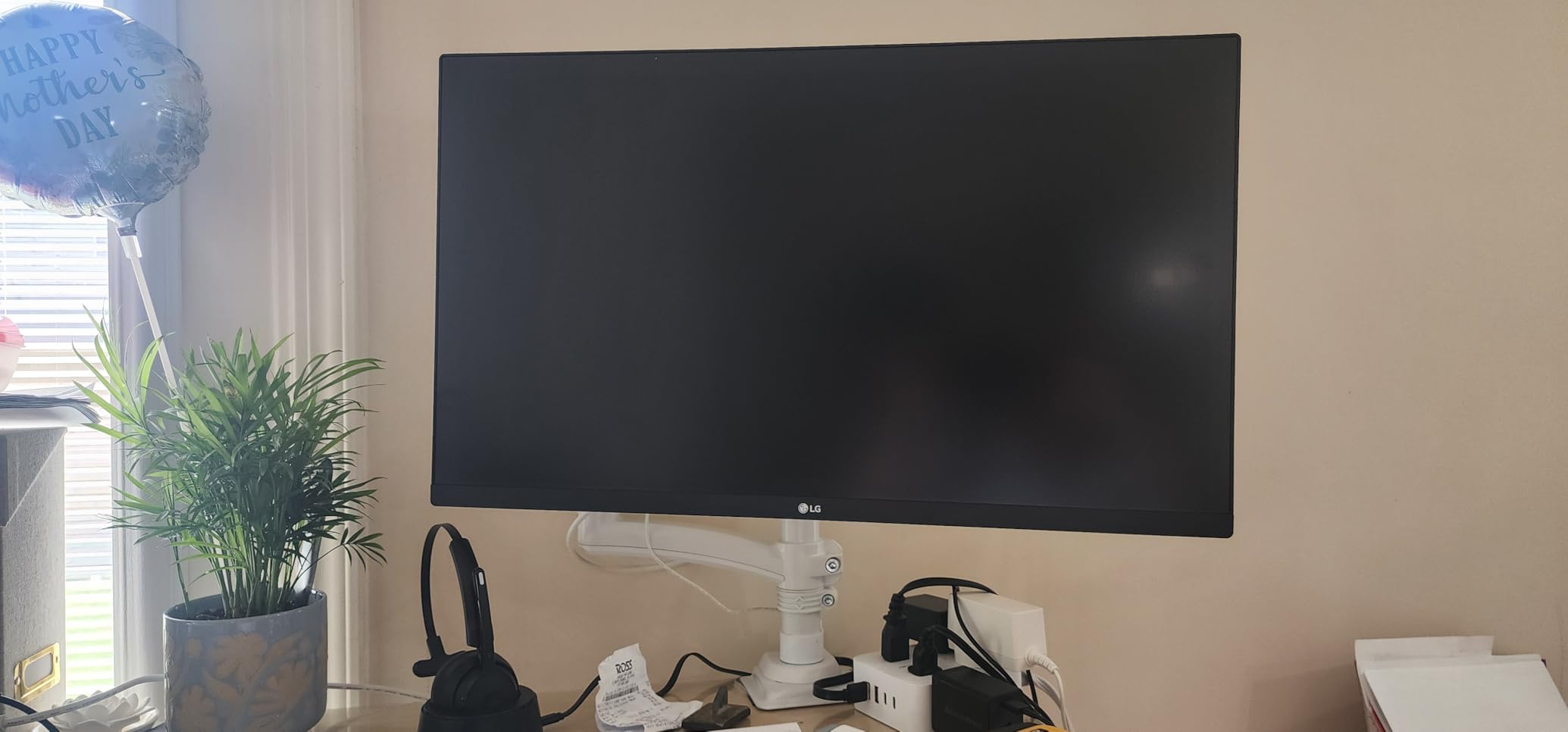
For construction firms outfitting multiple desks or a growing estimating team, the LG 27US500-W delivers a true 4K IPS panel at one of the most accessible prices in this guide. It is the monitor I recommend to small GCs and specialty contractors who want a sharp plan review experience without a premium price tag.
The IPS panel produces sharp text and clean lines for plan dimensions, and the 90% DCI-P3 HDR10 color coverage handles standard office and construction document workflows. Reader Mode reduces blue light for those 10-hour estimating marathons, and the glare-free matte coating keeps overhead office lights from washing out the screen.
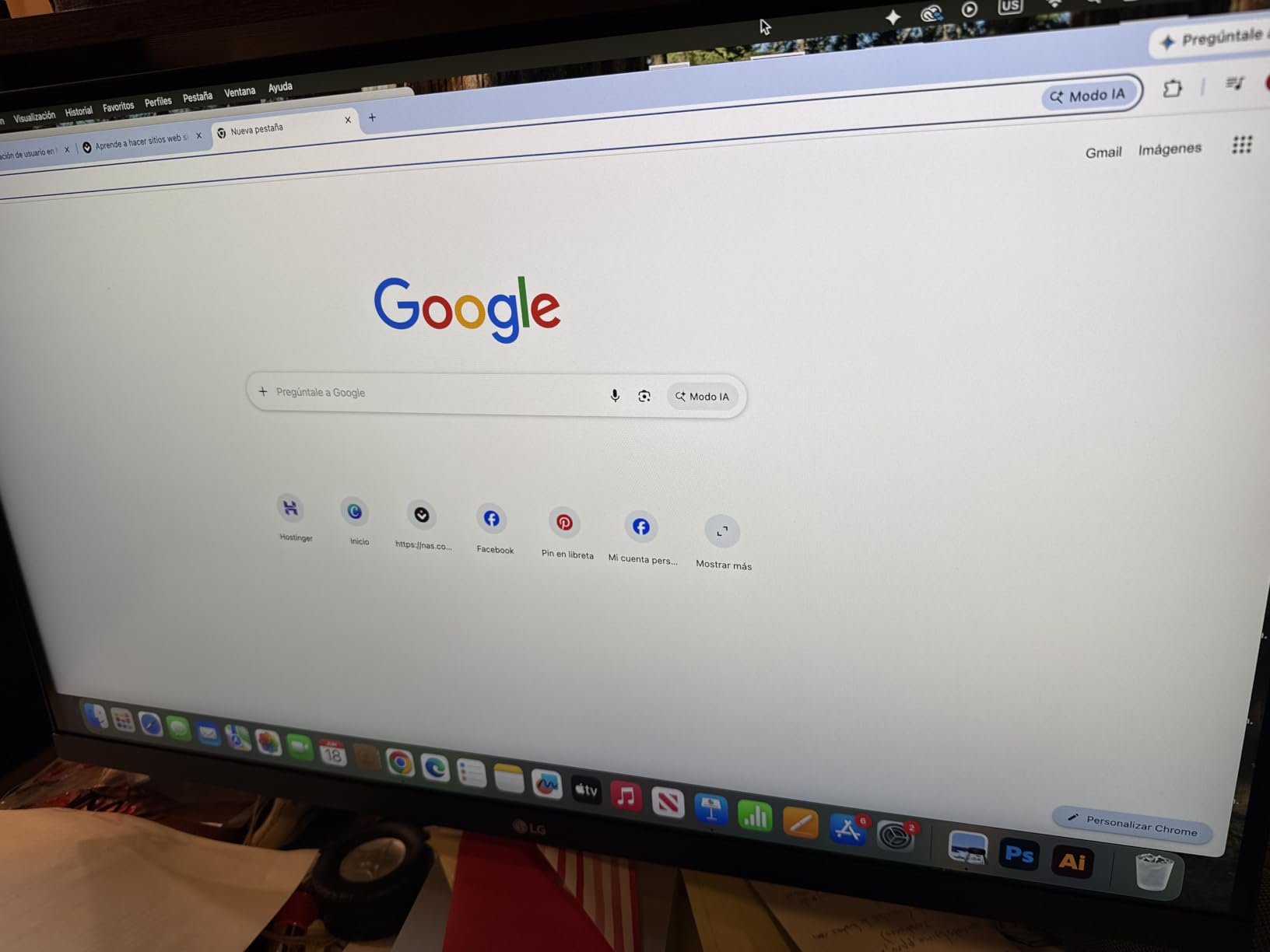
OnScreen Control software lets you split the screen into multiple windows, which is useful when comparing plan revisions side by side. The borderless design on three sides makes this a clean choice for dual-monitor setups at trainee desks or estimating bullpens.
The trade-offs are honest: tilt-only stand adjustment, no USB-C, no built-in speakers, and a chunky external power brick. For a fixed workstation with a dedicated tower or HDMI-connected laptop, none of these are dealbreakers. For a laptop-first workflow that needs single-cable docking, the Dell S2725QC above is a better fit.
Reviewers consistently mention the value proposition, especially for Linux and MacBook Air users who appreciate the sharp text rendering over HDMI. The main complaint is the limited stand, which most office buyers address with a VESA arm mount.
Best for small firms and multi-seat rollouts
If you need to outfit three, five, or ten estimating or project management workstations on a tight budget, this monitor is the strongest value pick in the 4K tier. Pair it with a basic VESA arm and you have a clean, ergonomic setup at a fraction of the cost of premium displays.
Skip if you need USB-C docking or full ergonomic adjustment
For laptop-first workflows or teams that pivot screens vertically, a fully adjustable USB-C monitor like the Dell S2725QC or ASUS ProArt above is a stronger fit despite the higher price.
7. Dell UltraSharp U3223QE 31.5-Inch 4K – Premium Pick for Full Sheet Visibility
Dell UltraSharp U3223QE 31.5″ 4K UHD WLED LCD Monitor – 16:9 – Black, Silver
31.5 inch 4K IPS Black
USB-C dock
KVM switch
Picture-by-Picture
7 USB ports
Pros
- Large 32-inch panel shows full plan sheets
- IPS Black with deeper blacks and contrast
- USB-C docking plus KVM for multi-computer setups
- Picture-by-Picture runs two computers on one screen
- 75Hz refresh rate smoother than 60Hz
- 7 USB ports handle desk accessories
Cons
- Glossy screen finish can show reflections
- Large stand footprint needs deep desk
- Short 3ft USB-C cable in the box
- No built-in speakers
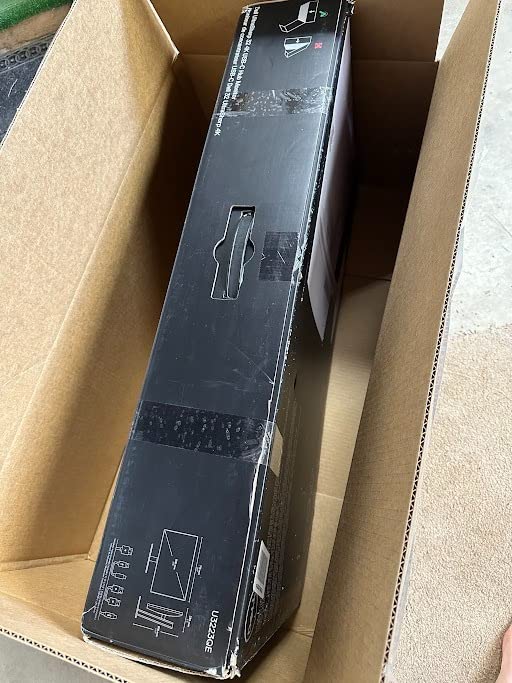
The Dell UltraSharp U3223QE is the monitor I keep on my secondary workstation for full-sheet plan review. At 31.5 inches diagonal with 4K UHD resolution, the screen shows an entire 24-by-36 sheet at readable scale without zooming, which is a real productivity gain when comparing revisions across a full drawing set.
The IPS Black technology gives this panel the same 2000:1 contrast advantage as the 27-inch U2723QE above, with deeper blacks and better color separation in shaded plan regions. For teams working with BIM visualizations, renderings, or photographic site documentation, that contrast jump is meaningful.
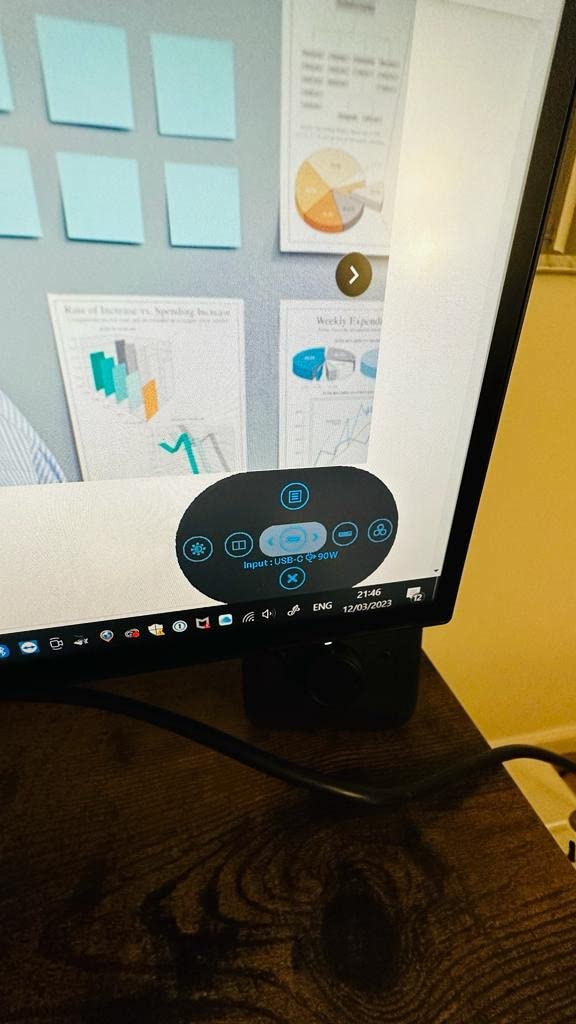
USB-C docking with KVM and Picture-by-Picture mode is the killer feature for senior project managers running two computers – say, a Windows desktop for Revit and a MacBook for client presentations. Both machines display side by side on the same panel, controlled by one keyboard and mouse.
The 75Hz refresh rate is a small bump over 60Hz that makes scrolling and cursor movement feel smoother during long sessions. Seven USB ports on the back handle a full desk of accessories without an external hub, which keeps cable management clean.
Honest downsides: the glossy screen finish shows reflections in bright offices, the stand footprint is substantial, and the included USB-C cable is only three feet long. A six-foot cable and a VESA mount solve both issues for most installations.
Best for senior PMs and BIM coordinators
Anyone who needs to see a full plan sheet at once – senior estimators, BIM coordinators, project executives – will appreciate the screen real estate. The Picture-by-Picture mode is also useful for QA reviewers comparing two versions of the same drawing.
Skip if your desk is shallow or lighting is harsh
If your desk is under 30 inches deep or your office lighting is direct overhead, the 32-inch footprint and glossy finish will work against you. The 27-inch U2723QE is a safer pick in those cases.
8. ViewSonic VP3256-4K 32-Inch ColorPro – Best Ergonomics for Long Review Sessions
ViewSonic VP3256-4K 32 Inch 4K UHD ColorPro Monitor, HDR10, 65W USB C, sRGB
32 inch 4K
Pantone Validated
100% sRGB
USB-C 60W
Full ergonomic stand
Pros
- Pantone Validated color accuracy out of the box
- 100% sRGB coverage for office and construction color
- 60W USB-C handles most laptops
- Comprehensive height
- tilt
- swivel
- and pivot adjustments
- SuperClear IPS wide viewing angles
- Flicker-Free and Blue Light Filter for eye comfort
Cons
- OSD menu navigation considered clunky
- No rotation support when paired with some Macs
- Built-in speakers considered low quality
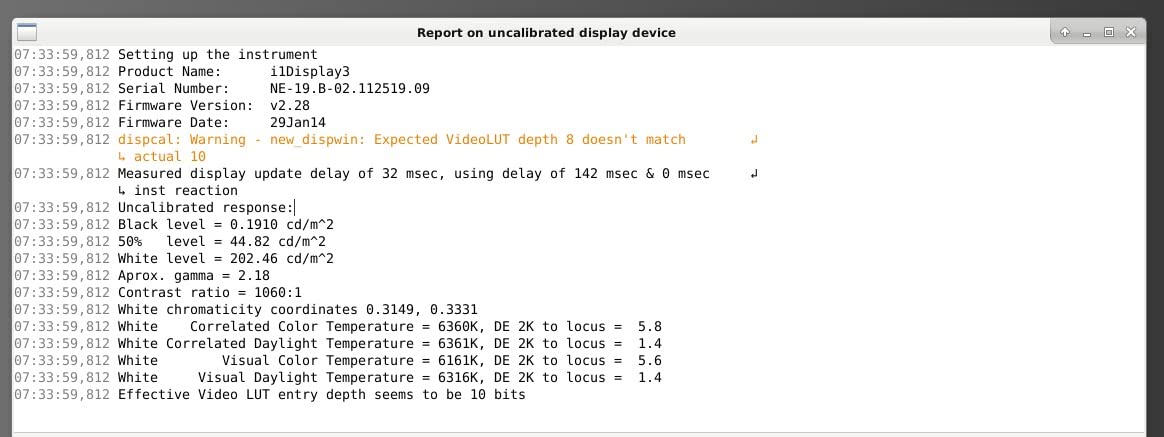
The ViewSonic VP3256-4K rounds out our list with the most ergonomic stand in this group and a Pantone Validated color rating that holds up against more expensive professional displays. For construction managers who spend entire days in plan review and want the most comfortable physical setup possible, this monitor is worth a serious look.
The 32-inch 4K panel produces sharp detail across full sheet sizes, and Pantone Validated 100% sRGB coverage matches printed material with confidence. For finish schedules, signage mockups, and material approvals, that color accuracy prevents the costly mistake of choosing a material that looks different in production than it did on screen.
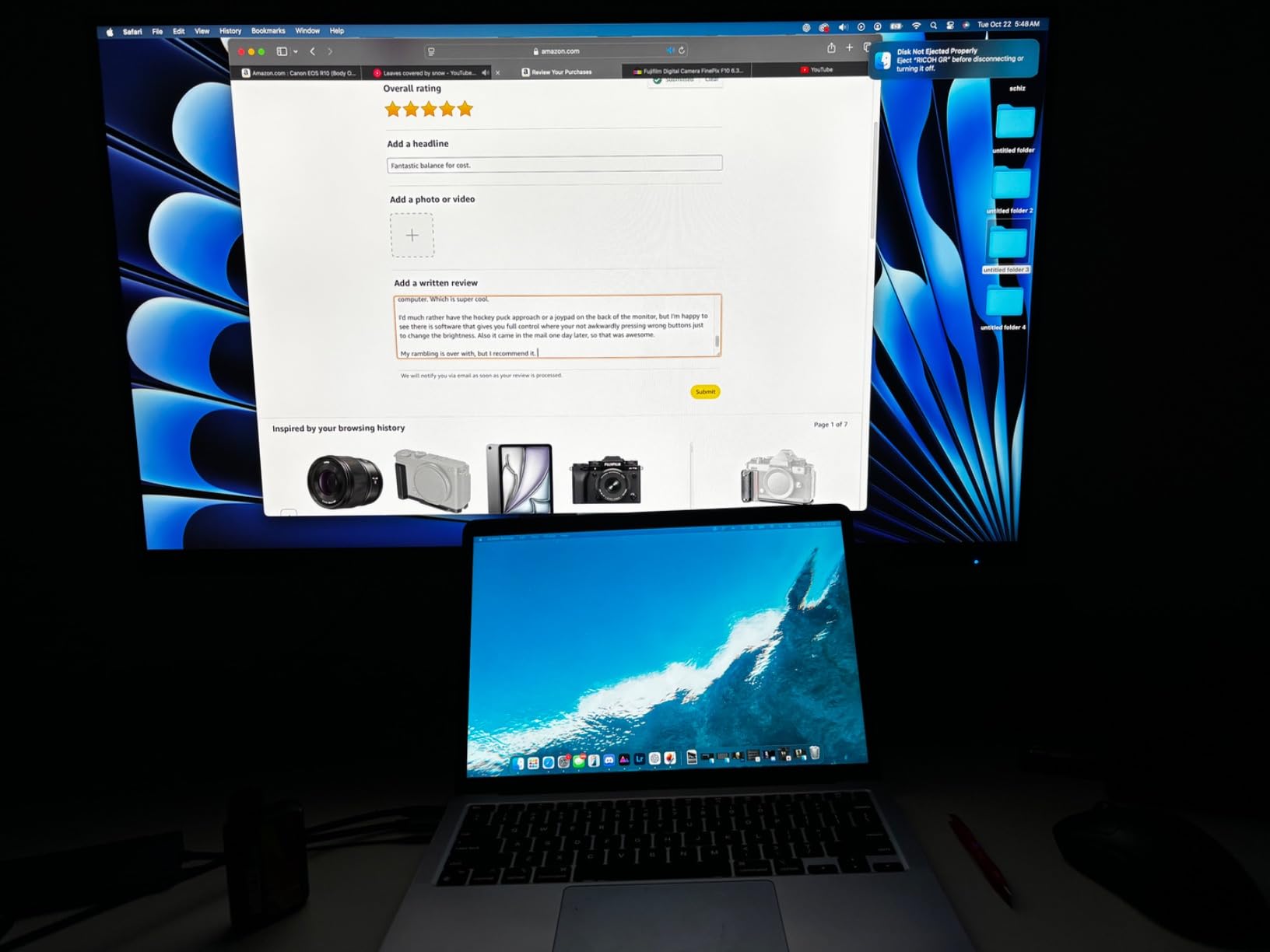
The standout feature is the stand. Height, tilt, swivel, and pivot adjustments are smooth and offer a wide range of motion, which matters when a plan review session involves rotating the panel into portrait mode for full-height elevations. The SuperClear IPS panel maintains color accuracy at the wide viewing angles that occur when multiple reviewers gather around a screen.
USB-C 60W power delivery handles most office and mid-range workstation laptops. Flicker-Free technology and a Blue Light Filter reduce eye strain during long sessions, and the 3-year warranty on parts, labor, and backlight gives peace of mind for multi-year deployments.
Reviewers on r/Monitors and professional forums note two usability quirks: the OSD menu navigation uses a less intuitive button layout, and Mac users report losing rotation support when connected via USB-C. Built-in speakers are present but not high quality, so plan on external audio or a headset.
Best for ergonomic-first workstations
If your team logs serious hours in front of plans and you want the most adjustable physical setup, the VP3256-4K stand is the clear winner in this price band. It is also a strong pick for QA reviewers who pivot the screen multiple times per day.
Skip if you need premium USB-C power delivery
For 16-inch MacBook Pro or high-end mobile workstations, the 60W USB-C delivery may not be enough. The Dell U3223QE above offers 90W-plus delivery for power-hungry laptops.
How to Choose the Best Monitor for Construction Management
Picking a monitor for construction work is less about chasing specs and more about matching the display to your daily workflow. The right panel for an estimator running quantity takeoffs all day is not the same as the right panel for a project manager presenting finishes to a client. Here is what to weigh before you buy.
Screen Size: 27 vs 32 vs Ultrawide
A 27-inch 4K monitor hits the sweet spot for most construction management desks. The pixel density is high enough to read small dimensions and title block text without scaling, and the panel fits on a standard 30-inch-deep desk with comfortable viewing distance.
A 32-inch 4K monitor makes sense if your workflow regularly involves viewing a full sheet at once, comparing two drawings side by side, or showing a drawing to a client across the desk. The trade-off is desk depth and weight – these panels need a deeper desk and a sturdy mount.
Ultrawide monitors (34-inch and wider) are gaining popularity for plan review, but in our testing the bezel-free dual 27-inch setup remains more flexible. You can rotate one panel into portrait mode for elevations while leaving the other in landscape for schedules, which a single ultrawide cannot do.
Resolution: 4K Is the Right Answer for Construction Work
For construction management, 4K UHD (3840×2160) is no longer optional. On a 27-inch panel, 1080p makes dimension lines and small annotations fuzzy, and 1440p is a compromise that still forces zooming on dense plan regions. 4K lets you view a full sheet section at native scale and read fine text without scaling.
If you are weighing 1440p for budget reasons, our recommendation is to prioritize 4K on at least the primary review display. A second monitor used for email, scheduling, or video calls can be 1440p without hurting your plan review workflow.
Pixel density (PPI) matters more than raw resolution. A 27-inch 4K panel and a 32-inch 4K panel both produce sharp text, but the 27-inch is denser. For detail work like takeoff and dimension review, density wins.
Ergonomics and Adjustability
Long plan review sessions punish a fixed monitor position. Height, tilt, swivel, and pivot adjustments are not luxuries – they are how you avoid the neck and back strain that comes with leaning forward to read small text or craning to compare drawings.
Pivot (rotation into portrait mode) is especially useful for full-height elevations, vertical sections, and detail callouts. If your team reviews elevations frequently, prioritize a monitor with pivot support and a stand that rotates smoothly.
A VESA-compatible mount is worth confirming even if you use the included stand. A monitor arm lets you fine-tune height and angle, and it frees up desk space for plan sets, keyboards, and reference materials.
Connectivity: USB-C, DisplayPort, and KVM
USB-C power delivery has become the standard single-cable solution for laptop-based project managers. Look for 65W or higher to handle most work laptops, and 90W or higher for 16-inch MacBook Pro or mobile workstations.
DisplayPort daisy chain support lets you run two monitors from a single laptop output, which is a clean way to build a dual-4K workstation without an external dock. The Dell U2723QE, U3223QE, and ASUS ProArt PA279CRV all support daisy chain.
A built-in KVM switch is the unsung productivity feature for teams that run a desktop and a laptop. You control both with one keyboard and mouse, switching between them with a button press instead of a cable swap.
Color Accuracy for Markup and Materials
For finish selection, material review, and client presentations, color accuracy matters. Look for monitors with 99% or higher sRGB coverage at minimum, and Calman Verified or Pantone Validated ratings if your work involves printed material proofing.
Wider gamuts like 99% DCI-P3 and 99% Adobe RGB (found on the ASUS ProArt PA279CRV) are worth the premium for design-build firms and anyone producing renderings or HDR-capable presentations. For standard 2D plan review, sRGB coverage is enough.
Matte anti-glare coatings handle bright office lighting better than glossy panels, but they add a slight grain that some users notice in dark scenes. Glossy panels produce more vivid color but show reflections under direct overhead lights.
Budget Tiers for Construction Firms
For small firms outfitting multiple workstations, the LG 27US500-W and Dell S2725QS deliver sharp 4K IPS panels at accessible prices. Pair them with a basic VESA arm and you have a clean, ergonomic setup without breaking the budget.
For mid-size firms and project management offices, the Dell UltraSharp U2723QE and ASUS ProArt PA279CV hit the right balance of features, color accuracy, and warranty. These are the workhorses of most professional AEC firms.
For senior project managers, BIM coordinators, and client-facing teams, the Dell UltraSharp U3223QE and ASUS ProArt PA279CRV deliver larger panels and wider color gamuts. The premium price is justified when the work involves full-sheet review or color-critical presentations.
Frequently Asked Questions
Should I get a 27 or 32 inch monitor for construction work?
For most construction management desks, a 27-inch 4K panel is the right starting point. It fits a standard 30-inch-deep desk, produces high pixel density for reading dimension lines and small text, and leaves room for a second monitor if needed. A 32-inch 4K panel makes sense if your workflow regularly involves viewing a full sheet at once without zooming, comparing two drawings side by side, or presenting to a client across the desk. The 32-inch footprint needs a deeper desk and usually a VESA arm mount.
What type of monitor is best for AutoCAD and Bluebeam?
For AutoCAD, BIM coordination, and Bluebeam Revu plan review, a 27-inch or 32-inch 4K IPS panel with at least 99% sRGB coverage is the best fit. IPS technology gives you wide viewing angles for team plan reviews and consistent color across the screen. USB-C power delivery above 65W is helpful for laptop-based project managers, and a height-adjustable stand with pivot support matters for long sessions. Calman Verified or Pantone Validated displays add color accuracy that helps when reviewing material samples or marked-up plans.
Is ultrawide better than dual monitors for construction estimators?
In our testing, dual 27-inch 4K monitors remain more flexible than a single ultrawide for most construction estimators. With dual monitors, you can rotate one panel into portrait mode for full-height elevations or vertical sections while leaving the other in landscape for takeoff software, schedules, or RFIs. A single ultrawide cannot pivot, and the bezels are not an issue with modern borderless dual setups. Ultrawide monitors shine for users who primarily work in one application and want a clean single-cable setup.
Do construction managers need a 4K monitor?
Yes, 4K is effectively required for construction management work in 2026. On a 27-inch or 32-inch panel, 1080p makes dimension lines and small title block text fuzzy, and 1440p forces zooming on dense plan regions. A 4K panel shows a full sheet section at native scale and keeps fine annotations readable without OS scaling. If budget is tight, prioritize 4K on the primary plan review display and consider a lower-resolution panel for email, scheduling, or video calls.
Final Verdict on the Best Monitors for Construction Management
After testing across estimating rooms, project management offices, and BIM coordination stations, the Dell UltraSharp U2723QE remains our top pick for the best monitors for construction management in 2026. The combination of 27-inch 4K density, IPS Black contrast, 90W USB-C, and a built-in KVM covers the workflows most project managers and estimators run daily.
For teams on a budget outfitting multiple desks, the LG 27US500-W delivers a sharp 4K IPS panel at an accessible price. For senior PMs and BIM coordinators who need full-sheet visibility, the Dell UltraSharp U3223QE adds the screen real estate and Picture-by-Picture flexibility that justify the premium. Whichever you choose, a 4K IPS panel with USB-C, an adjustable stand, and solid color coverage will pay for itself in fewer eye-strain headaches and faster plan review sessions across the long life of the monitor.
For related setup ideas for your construction office, check out our guide to the best gaming desks for dual monitors for desk options that handle a multi-display layout, and the best steel toe boots for construction roundup if you are also gearing up for site visits.