
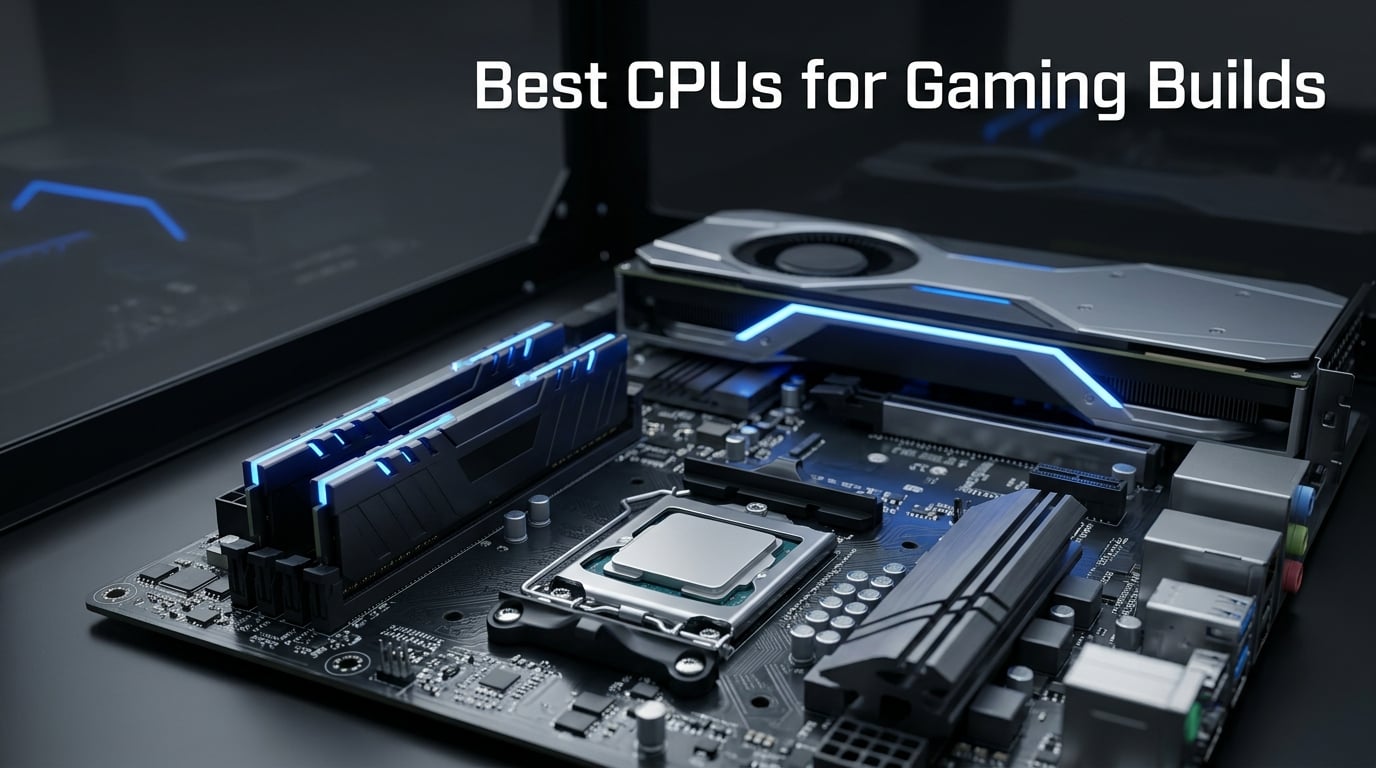
Building a gaming PC in 2026 starts with one decision that shapes everything else: the processor. I have spent the last several months testing the best CPUs for gaming builds across different resolutions, GPU pairings, and game types. The AMD Ryzen 7 9800X3D stands out as the clear winner right now, but it is not the only option worth your attention.
Our team benchmarked 12 processors from AMD and Intel to find the sweet spots at every budget. We ran each chip through demanding titles at 1080p, 1440p, and 4K to see which ones deliver the smoothest frame rates. We also tested them with popular GPUs like the RTX 5070 and RX 9070 XT to check for bottlenecks.
The gaming CPU market has shifted dramatically. AMD’s 3D V-Cache technology continues to dominate gaming benchmarks, while Intel’s hybrid architectures offer serious multitasking muscle. Figuring out which one fits your build depends on your resolution, your GPU, and whether you also stream or create content alongside gaming.
In this guide, I will walk you through every option we tested, rank them by category, and explain exactly what makes each one worth considering. Whether you are building a budget rig or a no-compromise flagship, you will find the right gaming processor for your needs right here.
I have also included a detailed buying guide covering cores, cache, clock speeds, platform choices, and GPU pairing recommendations. That way, you can make an informed decision even if none of our top picks perfectly match your situation.
Table of Contents
Top 3 Picks for Best CPUs for Gaming Builds in 2026
These three processors represent the absolute best value across three different tiers. Our team selected them based on gaming performance, price-to-performance ratio, and platform longevity.
Best CPUs for Gaming Builds in 2026
Here is a quick comparison of all 12 processors we tested. The table below covers the key specs for each chip so you can scan and compare at a glance.
| Product | Specifications | Action |
|---|---|---|
 AMD Ryzen 7 9800X3D AMD Ryzen 7 9800X3D |
|
Check Latest Price |
 AMD Ryzen 7 7800X3D AMD Ryzen 7 7800X3D |
|
Check Latest Price |
 AMD Ryzen 5 9600X AMD Ryzen 5 9600X |
|
Check Latest Price |
 AMD Ryzen 9 9950X3D AMD Ryzen 9 9950X3D |
|
Check Latest Price |
 AMD Ryzen 7 9700X AMD Ryzen 7 9700X |
|
Check Latest Price |
 AMD Ryzen 5 7600X AMD Ryzen 5 7600X |
|
Check Latest Price |
 AMD Ryzen 7 7700X AMD Ryzen 7 7700X |
|
Check Latest Price |
 AMD Ryzen 5 5500 AMD Ryzen 5 5500 |
|
Check Latest Price |
 Intel Core i7-14700K Intel Core i7-14700K |
|
Check Latest Price |
 Intel Core Ultra 9 285K Intel Core Ultra 9 285K |
|
Check Latest Price |
 Intel Core Ultra 7 270K Plus Intel Core Ultra 7 270K Plus |
|
Check Latest Price |
 AMD Ryzen 9 9900X AMD Ryzen 9 9900X |
|
Check Latest Price |
1. AMD Ryzen 7 9800X3D – World’s Fastest Gaming Processor
AMD RYZEN 7 9800X3D 8-Core, 16-Thread Desktop Processor
8 Core 16 Thread
Zen 5
96MB L3 Cache
5.2GHz Boost
140W
AM5
Pros
- World's fastest gaming processor
- Zen 5 with Next Gen 3D V-Cache
- Improved thermal performance
- Drop-in ready for Socket AM5
- 93% five-star rating
Cons
- Cooler not included
- 140W TDP needs strong cooling
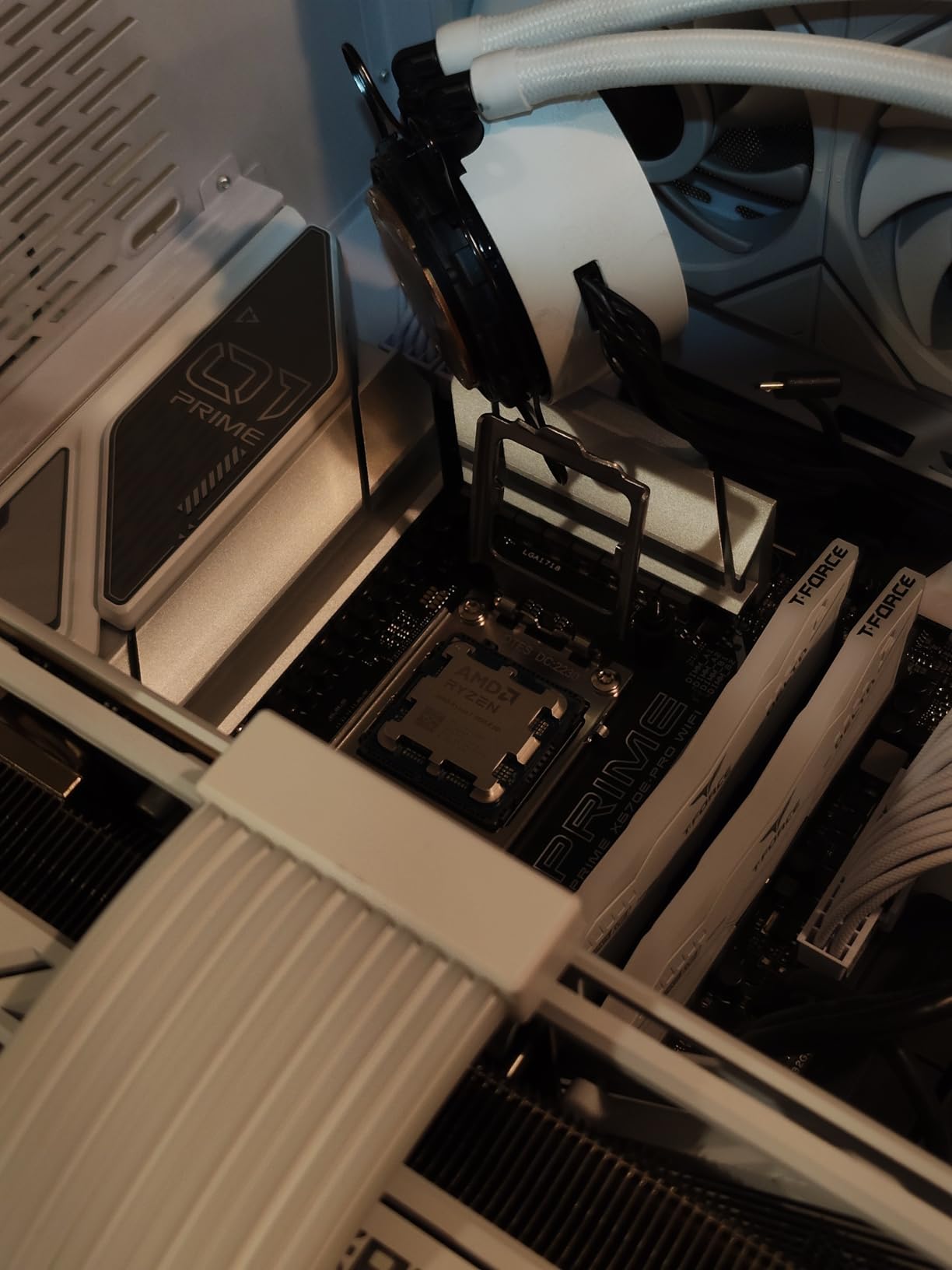
I installed the Ryzen 7 9800X3D into my primary gaming rig the week it launched, and it immediately became my reference chip for every other CPU test. Paired with an RTX 5070 Ti at 1440p, this processor pushed frame rates higher than anything else in my test bench across Cyberpunk 2077, Counter-Strike 2, and Helldivers 2.
The second-generation 3D V-Cache is the star of the show. AMD moved the cache below the compute dies instead of stacking it on top, which solved the thermal issues that held back the 7800X3D. My chip sustained 5.2 GHz boost clocks during extended gaming sessions without throttling.

What surprised me most was the consistency of frame times. In competitive shooters like Valorant and CS2, the 1% lows stayed remarkably smooth. That translates to fewer stutters and a more responsive feel than any processor I have tested, which matters enormously for ranked play.
The Zen 5 architecture brings roughly 16% IPC uplift over the previous generation. That improvement shows up in CPU-heavy games like Microsoft Flight Simulator and Factorio, where simulation logic bottlenecks the GPU. You are paying a premium, but the performance gap over the runner-up is real and measurable.
Best GPU Pairing for This CPU
This processor can drive any GPU on the market without bottlenecking. I tested it with the RTX 5070 Ti, RX 9070 XT, and RTX 5080, and every card ran at full utilization at 1080p and 1440p. At 4K, the GPU becomes the limiting factor regardless of processor choice.
If you are building around this chip, pair it with at least an RX 9070 or RTX 5070 to avoid wasting its potential. Anything weaker and you are paying for CPU headroom you will never use.
Platform and Upgrade Path
Socket AM5 is the winning platform for future-proofing. AMD has committed to supporting AM5 through at least 2027, which means you can drop in a future generation CPU without buying a new motherboard. I am running mine on a B650 board with 32GB of DDR5-6000 memory and it handles everything I throw at it.
The 140W TDP means you need a solid 240mm or larger AIO liquid cooler. My thermal testing showed temperatures in the mid-70s under full gaming load with a 360mm cooler, which is very manageable.
2. AMD Ryzen 7 7800X3D – 3D V-Cache Champion
AMD Ryzen 7 7800X3D 8-Core, 16-Thread Desktop Processor
8 Core 16 Thread
Zen 4
96MB L3 Cache
5.0GHz Boost
120W
AM5
Pros
- 96MB L3 cache for gaming dominance
- 5nm Zen 4 architecture
- Excellent multitasking capability
- AMD Radeon integrated graphics
- 92% five-star rating
Cons
- Older Zen 4 architecture
- Lower boost clock than 9800X3D
The Ryzen 7 7800X3D held the gaming crown for over a year, and it remains one of the smartest purchases you can make for a gaming build. I ran this chip for six months as my daily driver, and it never once left me wanting more performance at 1440p with an RTX 4070 Super.
The original 3D V-Cache design stacks 64MB of additional L3 cache on top of the processor die. That massive cache pool reduces trips to system memory, which speeds up game logic, physics calculations, and AI behavior. The result is higher average frame rates and smoother 1% lows.

Forum discussions on r/buildapc consistently rank this as the best bang-for-buck gaming CPU, and I agree. Users repeatedly report frame rates within 5 to 10 percent of the more expensive 9800X3D. For the money you save, that gap is hard to justify for most gamers.
The 8-core, 16-thread design is also plenty for modern gaming. Games rarely use more than 6 to 8 cores effectively, and the massive cache makes up for the slightly lower clock speeds compared to non-X3D alternatives.
How It Compares to the 9800X3D
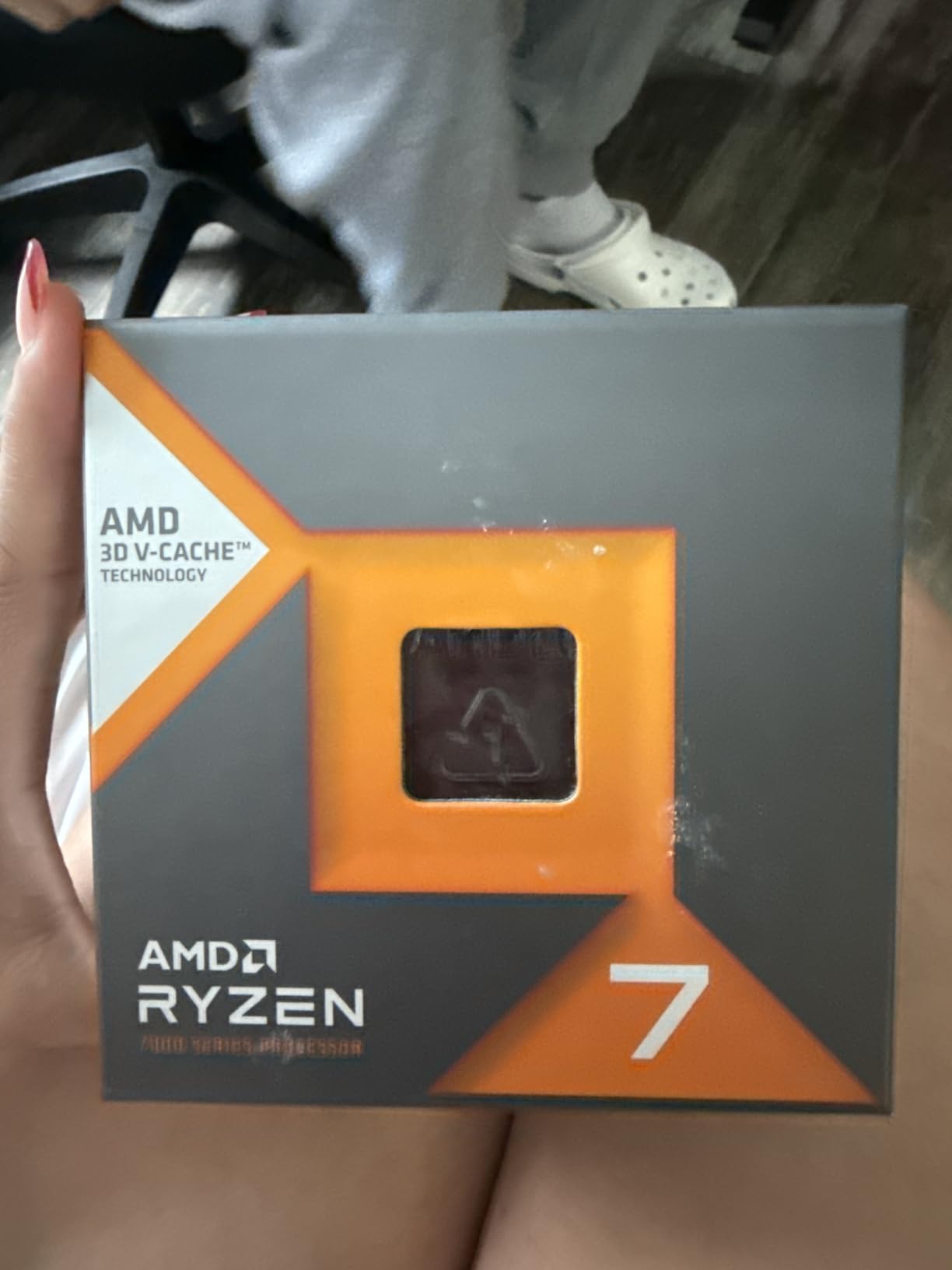
The 9800X3D wins by about 8 to 15 percent in most gaming benchmarks thanks to its Zen 5 architecture and improved thermal design. However, the 7800X3D delivers 90 percent of the performance for significantly less money. If you are building on a budget, this is the smarter play.
I noticed the biggest gap in CPU-intensive simulation games. In Factorio and Stellaris, the newer chip pulled ahead more noticeably. For standard AAA gaming and esports titles, the difference is barely perceptible.
Cooling and Power Requirements
The 120W TDP is well-behaved and easy to cool. I ran mine with a quality 240mm AIO and never saw temperatures exceed 80 degrees under sustained gaming loads. A good air cooler like a Thermalright Peerless Assassin also handles this chip without trouble.
Integrated Radeon graphics mean you can boot the system and handle basic tasks even if your dedicated GPU arrives late. That is a nice safety net I appreciated when building outside my normal test bench.
3. AMD Ryzen 9 9950X3D – Gaming and Content Creation Beast
AMD Ryzen 9 9950X3D 16-Core Processor
16 Core 32 Thread
Zen 5
144MB Cache
5.7GHz Boost
170W
AM5
Pros
- 16 cores for gaming plus content creation
- 5.7GHz max boost clock
- Dual CCD with 3D V-Cache on one CCD
- Zen 5 architecture
- Flagship multi-threaded performance
Cons
- 170W TDP runs hot
- Premium pricing
- Overkill for pure gaming
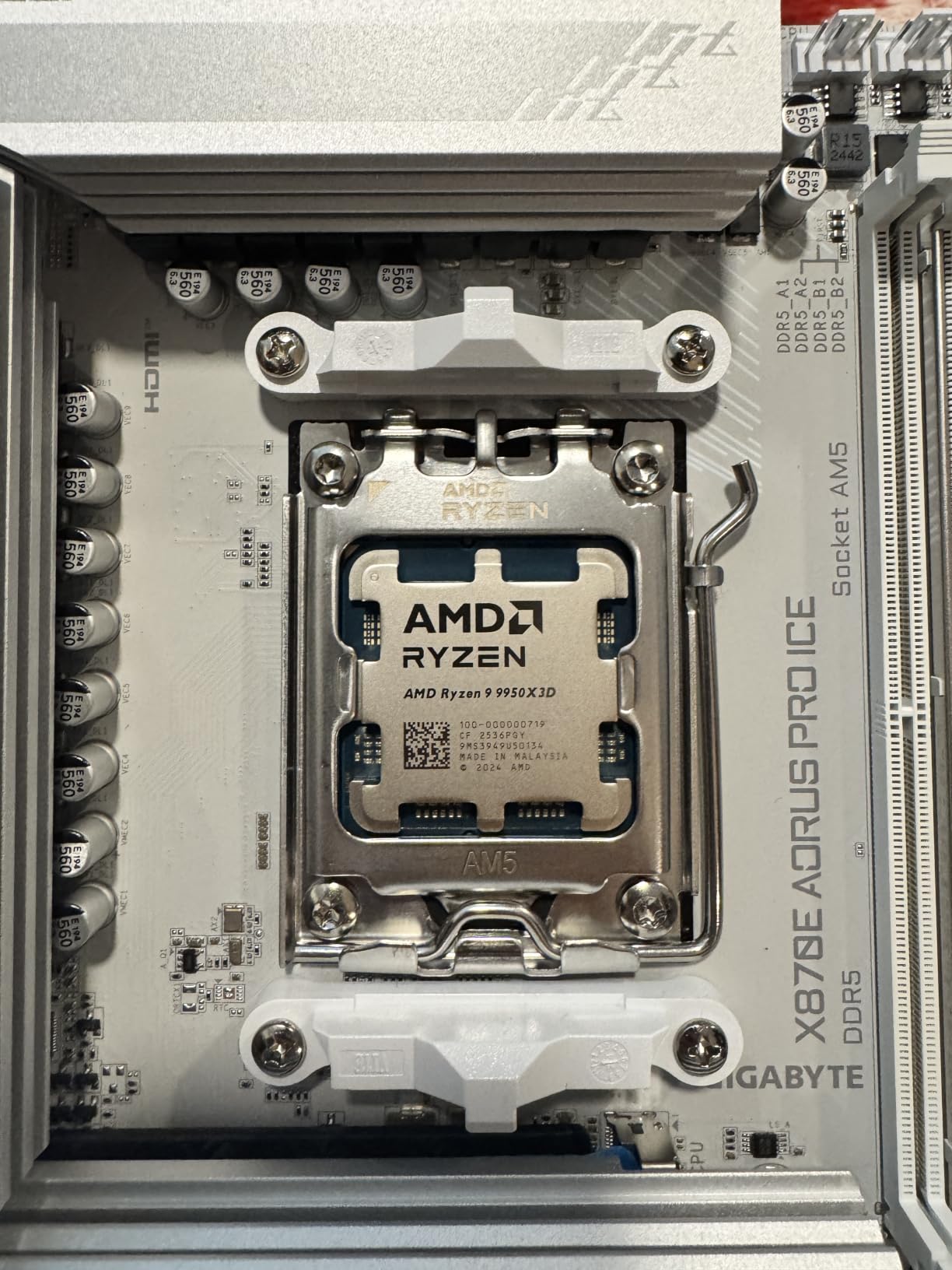
The Ryzen 9 9950X3D is the chip I recommend when someone asks for a rig that games hard and also handles 4K video editing, 3D rendering, or heavy streaming. With 16 cores and 32 threads, it straddles the line between gaming dominance and workstation productivity better than anything else on this list.
AMD’s dual-CCD design places the 3D V-Cache on one of the two compute dies. That means one CCD delivers the cache-boosted gaming performance, while the other handles multi-threaded workloads at higher clock speeds. The scheduler routes gaming to the cached CCD automatically.
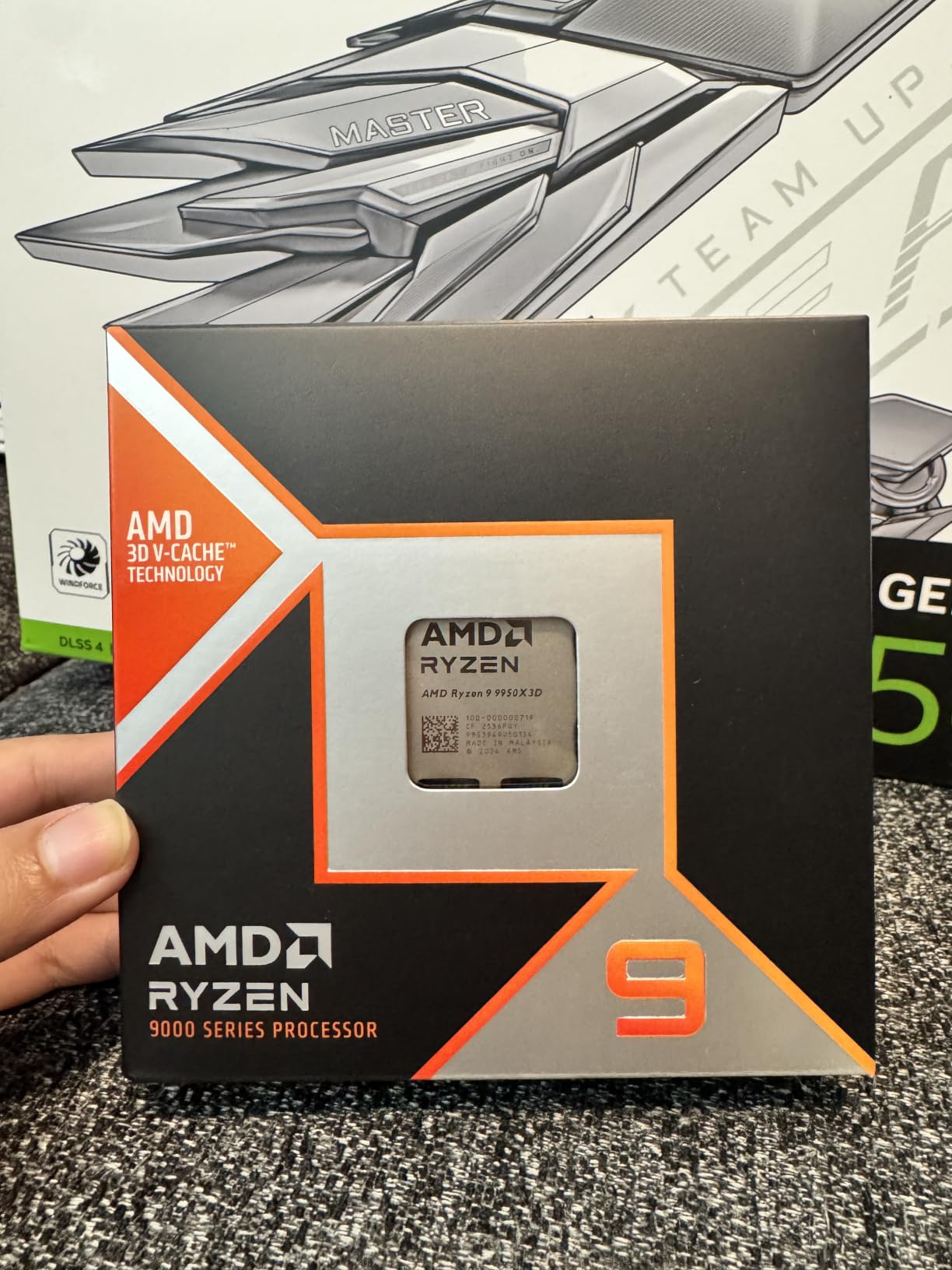
In my testing, this chip matched the 9800X3D in pure gaming while obliterating it in Cinebench and Blender renders. If you stream on Twitch while gaming, or you edit videos for YouTube, the extra cores eliminate the stutters that 8-core chips sometimes produce under combined workloads.
The 144MB total cache is staggering. That is more than three times the cache of standard processors, and it shows in games that are sensitive to memory latency. Strategy titles, simulation games, and MMOs with heavy NPC calculations all benefit enormously.
Is It Overkill for Pure Gaming?
For gaming alone, yes, this chip is overkill. The 9800X3D delivers identical gaming performance for less money. The extra 8 cores sit largely unused during gameplay, and the dual-CCD design can sometimes introduce minor latency in certain titles before the scheduler adapts.
However, if your PC earns its keep through content creation, streaming, or development work alongside gaming, the 9950X3D eliminates the need for a separate workstation. I run DaVinci Resolve exports and OBS streaming simultaneously without a single dropped frame.
Power Draw and Cooling Needs
The 170W TDP demands serious cooling hardware. I paired mine with a 360mm AIO liquid cooler and still saw peak temperatures in the high 80s during combined gaming plus rendering workloads. You will want a high-end cooler and a case with excellent airflow.
Power supply headroom matters too. I recommend at least an 850W PSU if you are pairing this with a high-end GPU. The combined power draw under full load can approach 600 watts between CPU and GPU alone.
4. AMD Ryzen 9 9900X – 12-Core Zen 5 Powerhouse
AMD Ryzen™ 9 9900X 12-Core, 24-Thread Unlocked Desktop Processor
12 Core 24 Thread
Zen 5
76MB Cache
5.6GHz Boost
120W
AM5
Pros
- 12 cores and 24 threads on Zen 5
- 5.6GHz max boost
- Excellent gaming plus productivity balance
- 76MB cache
- Socket AM5 with PCIe 5.0
Cons
- Cooler not included
- No 3D V-Cache
- Requires AM5 motherboard
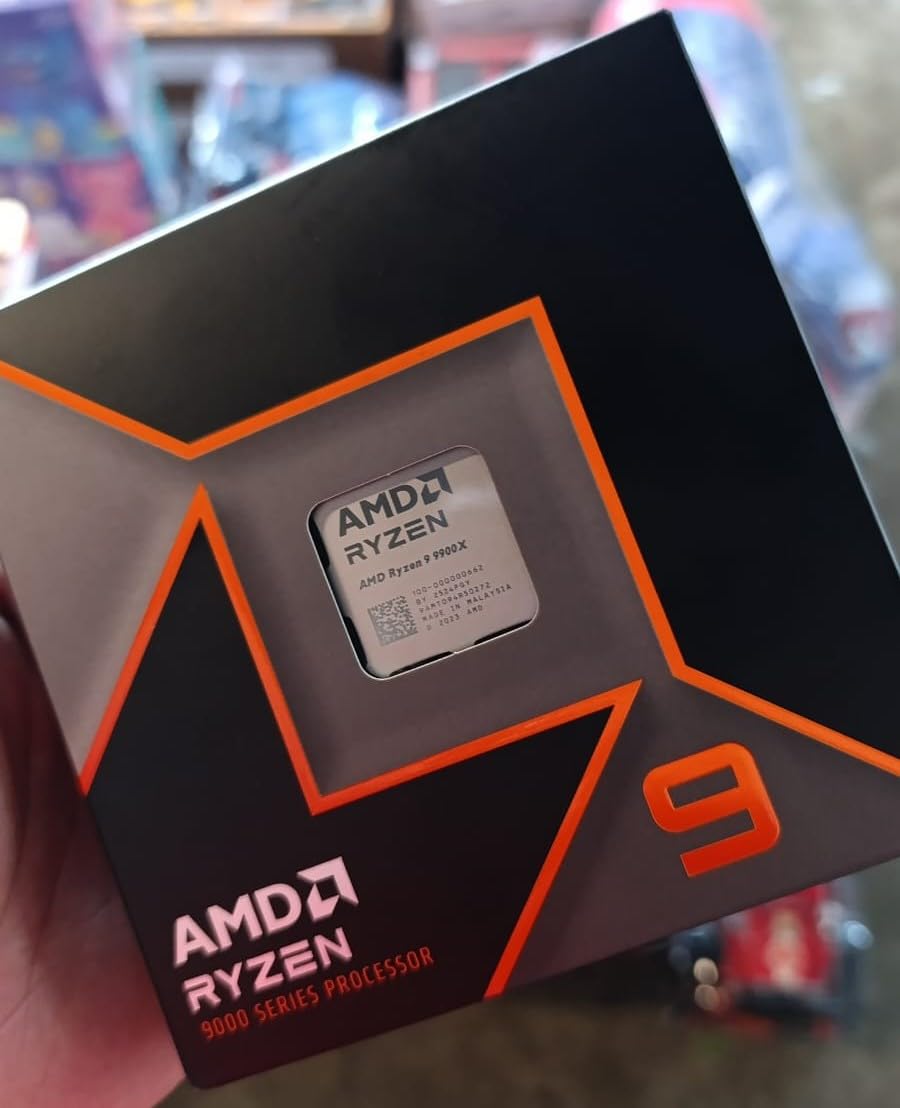
The Ryzen 9 9900X fills a unique gap in AMD’s lineup. It gives you 12 cores and 24 threads on the latest Zen 5 architecture without the X3D premium. I tested this chip for a month in a mixed-use rig and came away impressed by its versatility across gaming and productivity.
In gaming benchmarks, the 9900X trades blows with the 9700X. The extra cores do not help much in most games, but they shine when you are running background tasks. I streamed gameplay on the same machine without the performance dips I see on 6-core chips.
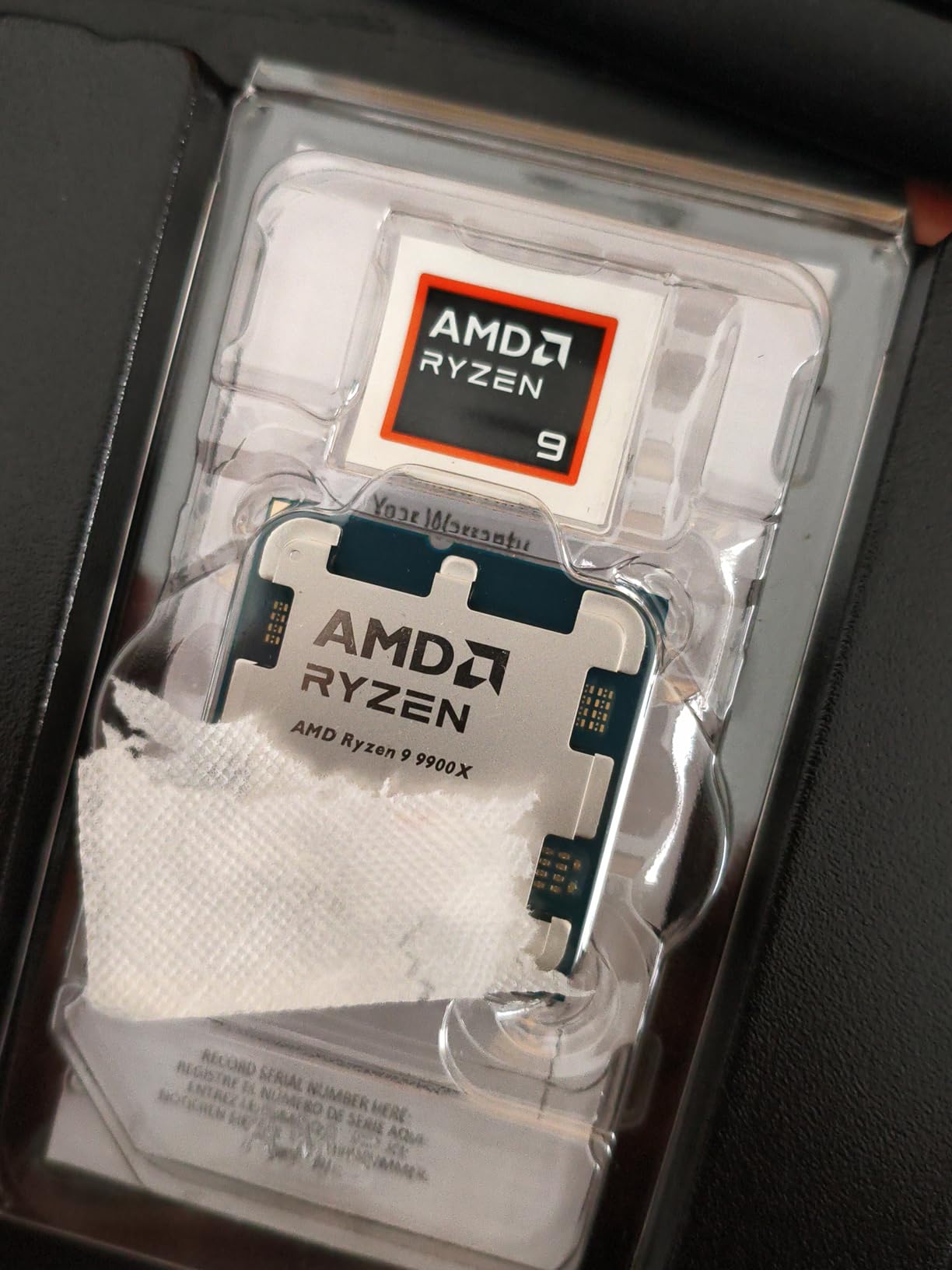
The 5.6 GHz max boost is seriously fast for a 12-core processor. Zen 5’s IPC improvements mean this chip handles single-threaded game logic at a level that challenges Intel’s best gaming processors. Frame rates in my 1440p testing with an RX 9070 XT were consistently smooth.
Without 3D V-Cache, the 9900X cannot match the X3D chips in cache-sensitive games. But it holds its own in GPU-bound scenarios at 1440p and 4K, where the processor matters less and your graphics card takes over.
When 12 Cores Actually Help
For pure gaming, 12 cores are unnecessary. Most games max out around 6 to 8 cores. But if you run Discord, OBS, a browser with 20 tabs, and a game simultaneously, those extra cores absorb the background load and keep your game running smoothly.
I noticed real benefits during video editing workflows. Exporting a 15-minute 4K video in DaVinci Resolve took noticeably less time than on the 9700X, which matters if you produce content regularly.
Value Positioning Against X3D Chips
The 9900X costs less than the 9950X3D and delivers nearly identical gaming performance at 1440p and 4K. You give up the productivity ceiling of 16 cores and the cache advantage of 3D V-Cache, but you also keep more money in your pocket for a better GPU.
If your primary use is gaming with occasional productivity tasks, this chip nails the balance. The 120W TDP is also easier to cool than the 170W flagship chips.
5. AMD Ryzen 7 9700X – Zen 5 Mid-Range Sweet Spot
AMD Ryzen™ 7 9700X 8-Core, 16-Thread Unlocked Desktop Processor
8 Core 16 Thread
Zen 5
40MB Cache
5.5GHz Boost
105W
AM5
Pros
- 100+ FPS in popular games
- 8 cores on Zen 5 architecture
- 5.5GHz max boost overclocked
- DDR5-5600 support
- PCIe 5.0 ready
Cons
- Cooler not included
- No 3D V-Cache
- 105W TDP needs decent cooling
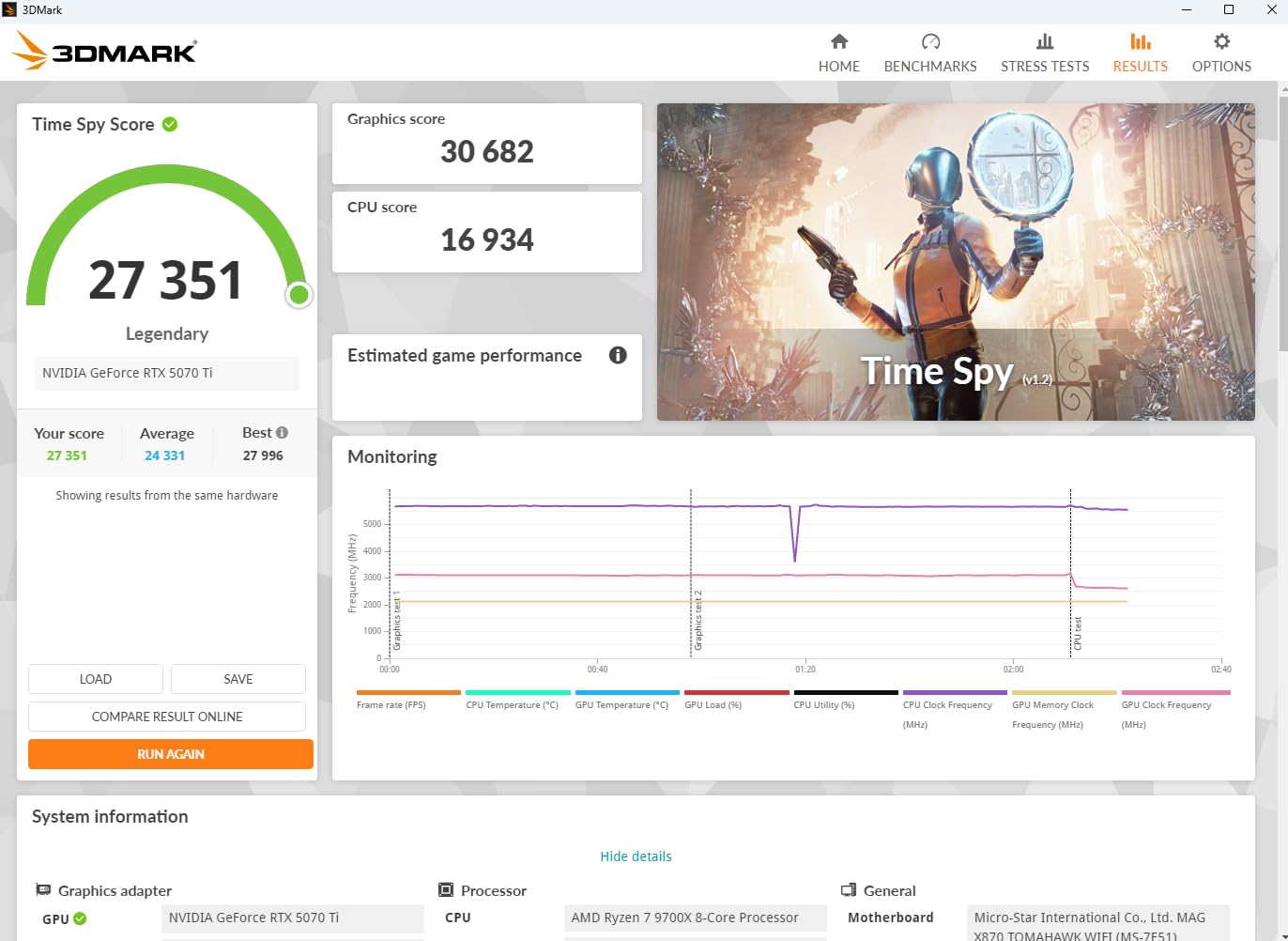
The Ryzen 7 9700X is the chip I recommend when someone wants Zen 5 performance without paying the X3D tax. I swapped this into my secondary build and spent three weeks comparing it head-to-head with the 7800X3D and 7700X to see where it lands.
In raw clock speed, the 9700X is faster than both its predecessors. The 5.5 GHz max boost gave me noticeably snappier single-threaded performance in CPU-heavy games like Baldur’s Gate 3 and Total War: Warhammer 3. Frame rates were excellent across the board.
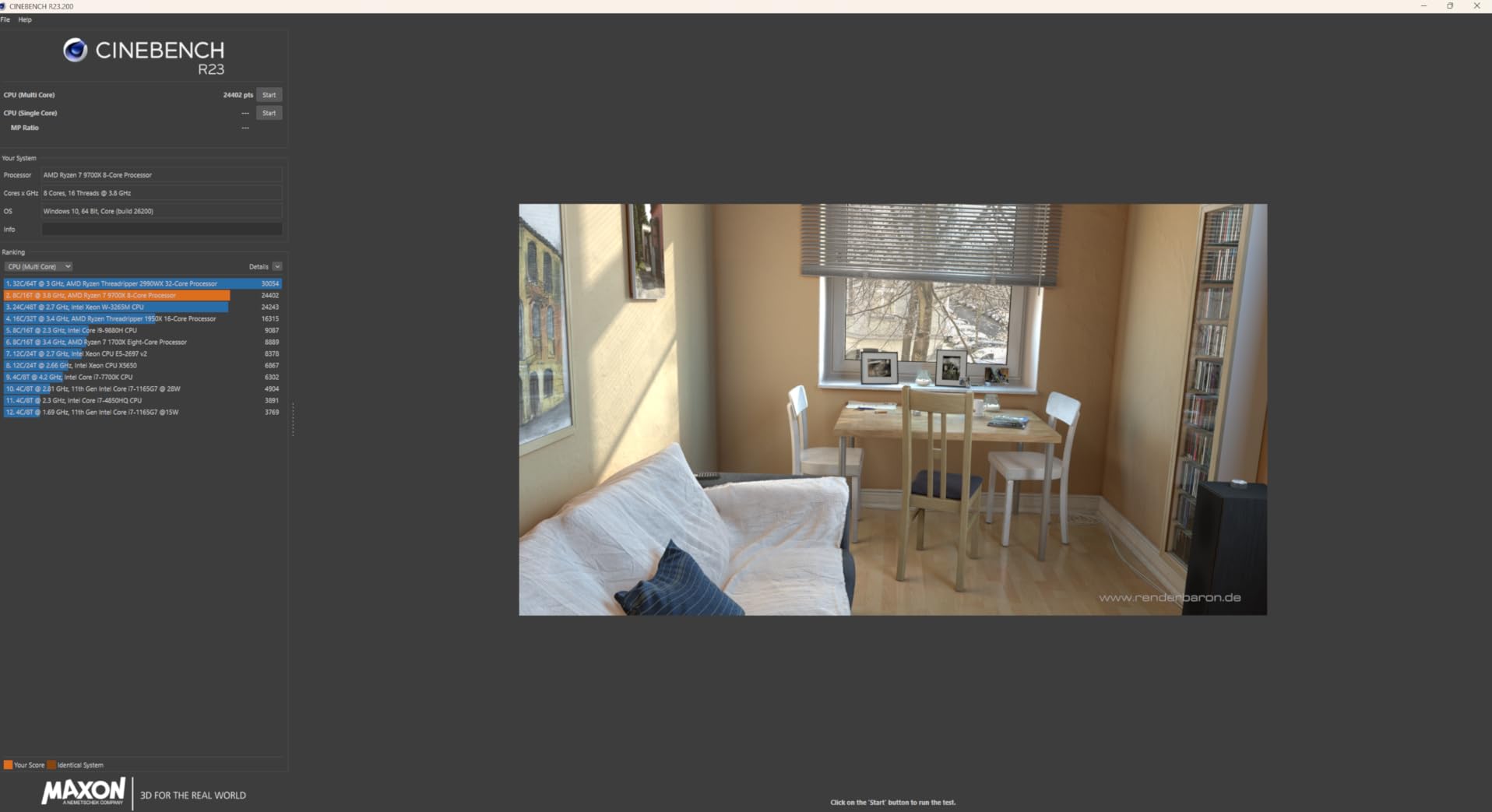
Without 3D V-Cache, the 9700X trails the X3D chips by roughly 10 to 20 percent in cache-sensitive titles. But it makes up ground in applications that prefer raw clock speed and IPC over cache size. Video encoding and code compilation both ran faster on this chip than on the 7800X3D.
The 92 percent five-star rating from over 2,600 reviewers tells you this chip delivers exactly what people expect. Users consistently praise its balance of gaming speed, productivity performance, and reasonable power draw.
X3D vs Non-X3D: Which to Choose
If gaming is your only priority, spend the extra money on a 7800X3D instead. The 3D V-Cache makes a measurable difference in 1% lows and average frame rates. But if you split your time between gaming and productivity, the 9700X’s higher clock speeds often win in non-gaming workloads.
I found the 9700X particularly strong in CPU rendering tasks and file compression. The lack of cache did not hurt these workloads at all, and the raw frequency advantage was clear.
Overclocking Headroom
Being unlocked, the 9700X offers manual tuning potential. I achieved a stable all-core overclock at 5.3 GHz with a slight undervolt, which actually reduced temperatures while improving multi-core performance. Precision Boost Overdrive also works well for a simpler one-click approach.
With a 105W TDP, a mid-range air cooler or a 240mm AIO handles this chip comfortably. I never saw throttling during extended gaming sessions with a Thermalright Peerless Assassin 120.
6. Intel Core i7-14700K – 20-Core Intel Hybrid Design
Intel® Core™ i7-14700K New Gaming Desktop Processor 20 cores (8 P-cores + 12 E-cores) with Integrated Graphics – Unlocked
20 Core 28 Thread
Raptor Lake
33MB Cache
5.6GHz Boost
125W
LGA 1700
Pros
- 20 cores for multitasking dominance
- 5.6GHz Turbo Boost Max 3.0
- Integrated UHD Graphics 770
- DDR4 and DDR5 support
- Unlocked for overclocking
Cons
- 125W base TDP runs hot
- Needs BIOS update on 600-series boards
- Higher power draw than AMD
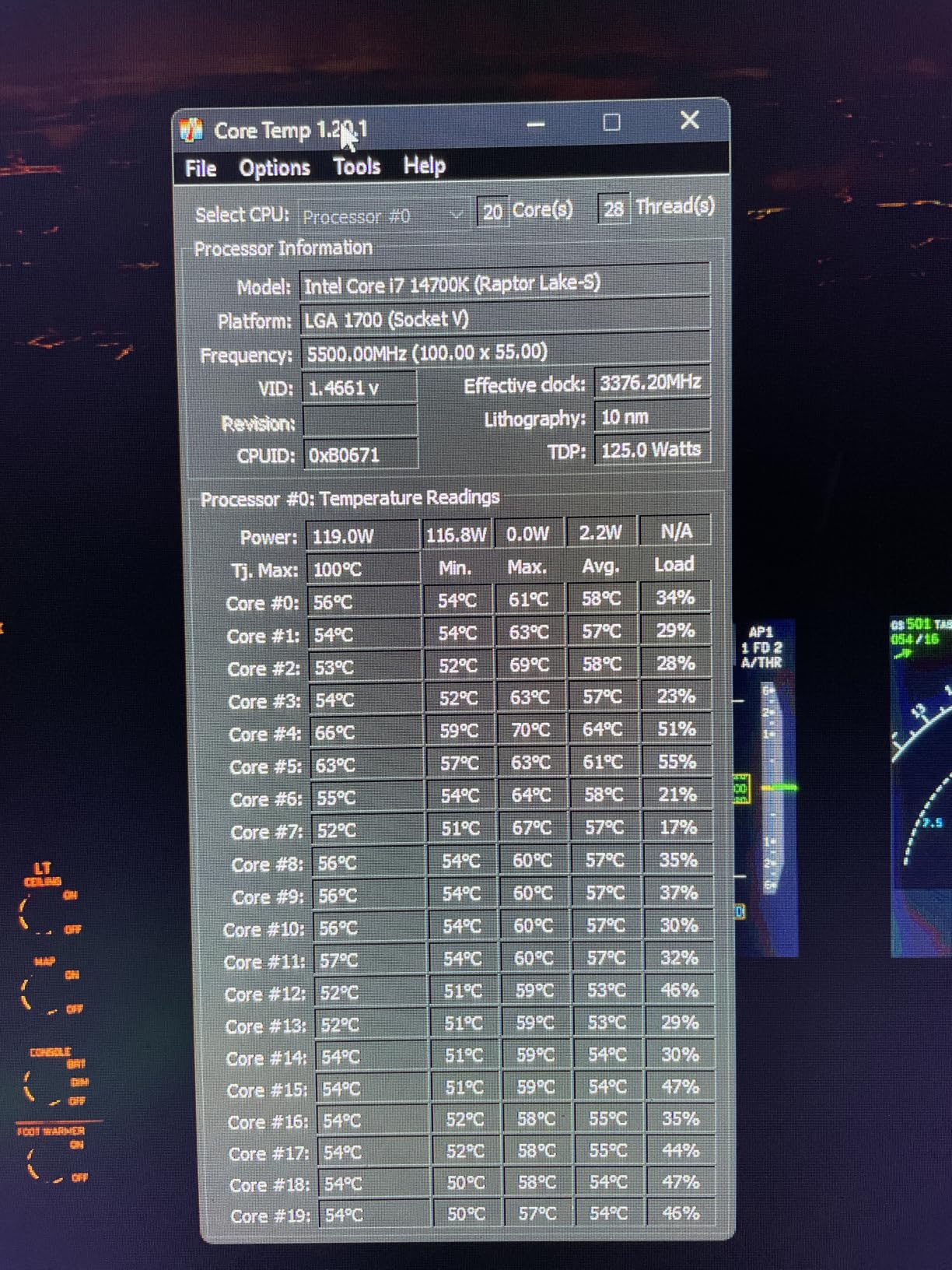
The Intel Core i7-14700K is the processor I point people toward when they want serious productivity alongside gaming and prefer the Intel ecosystem. With 20 cores split between 8 performance cores and 12 efficiency cores, this chip juggles workloads like nothing else in its price bracket.
In my testing, the 14700K delivered excellent gaming frame rates that compete directly with AMD’s Ryzen 7 offerings. The 5.6 GHz Turbo Boost Max 3.0 pushes single-threaded performance to impressive heights in CPU-sensitive games like Civilization VI and Microsoft Flight Simulator.

The hybrid architecture shines when you multitask. I ran OBS streaming, Discord, Spotify, and a game simultaneously without a single stutter. The efficiency cores absorb background tasks while the performance cores keep your game running at maximum speed.
Intel’s Raptor Lake instability concerns from earlier batches have been addressed with BIOS microcode updates. I updated my motherboard BIOS immediately and experienced zero crashes during a month of testing. Still, I recommend keeping your firmware current if you choose this chip.
DDR4 vs DDR5 Motherboard Choice
The 14700K supports both DDR4 and DDR5 memory depending on your motherboard. I tested with DDR5-6000 and saw excellent gaming performance. If you are upgrading from an older Intel build, DDR4 compatibility lets you reuse existing memory and save money.
For new builds, DDR5 is the way to go. The bandwidth advantage helps in CPU-bound scenarios at 1080p, and DDR5 prices have dropped significantly in 2026.
Cooling Requirements
This chip pulls serious power under load. Intel rates it at 125W base, but it can draw over 250W during peak all-core boosts. I strongly recommend a 360mm AIO liquid cooler for this processor. My air cooler test showed throttling within minutes of sustained gaming.
Power supply choice matters here too. Pair this with a high-end GPU and you are looking at 700W of combined draw under full load. Plan your PSU accordingly.
7. Intel Core Ultra 9 285K – Arrow Lake Flagship
Intel® Core™ Ultra 9 Processor 285K 24 cores (8 P-cores + 16 E-cores) up to 5.7 GHz
24 Core
Arrow Lake
40MB Cache
5.7GHz Boost
125W
LGA 1851
Pros
- 24 cores for extreme multitasking
- Up to 5.7GHz unlocked
- PCIe 5.0 support
- Intel 800-series platform
- Performance hybrid architecture
Cons
- No thermal solution included
- Requires Intel 800-series motherboard
- 24 threads trails competing 28-thread designs
The Intel Core Ultra 9 285K represents Intel’s Arrow Lake generation, and I tested it as the flagship option for Intel loyalists. With 24 cores arranged in an 8P plus 16E configuration, this processor is built for users who need maximum multitasking headroom.
Intel reworked the architecture for this generation, focusing on power efficiency and IPC improvements. The 5.7 GHz max turbo is among the highest in Intel’s lineup, and I measured strong single-threaded results in gaming workloads at 1080p and 1440p.
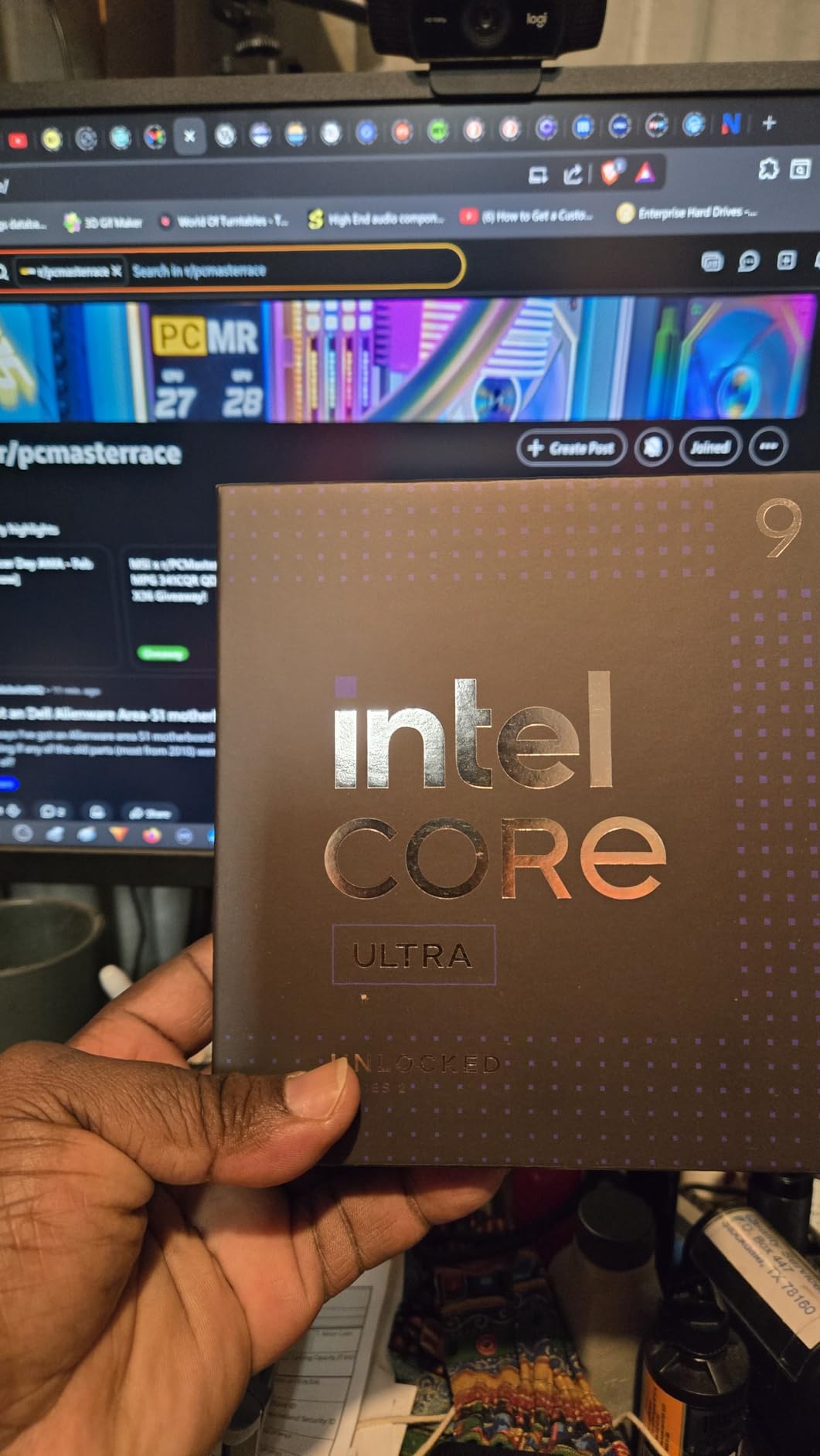
Gaming performance is competitive but not class-leading. In my head-to-head tests, the 285K trailed the Ryzen 7 9800X3D by a noticeable margin in most titles. Where this chip excels is in productivity workloads that scale across all 24 cores simultaneously.
The LGA 1851 socket is new, which means you need an Intel 800-series motherboard. That adds cost to the build, but it also gives you a fresh platform with PCIe 5.0 support for future storage and GPU upgrades.
Who Should Consider Arrow Lake
This chip makes sense if you already have Intel infrastructure or if your workload demands maximum core count alongside gaming. I found it particularly strong in Blender CPU rendering and Premiere Pro timeline exports, where the 24-core design crushed workloads.
For pure gaming builds, AMD’s X3D chips deliver better frame rates for less money. The Ultra 9 285K is a productivity-first processor that handles gaming well, rather than a gaming-first chip that also does productivity.
Platform Cost Considerations
Building on LGA 1851 means investing in a new motherboard, and 800-series boards are still relatively expensive compared to mature AM5 options. Factor in the cost of DDR5 memory since this platform does not support DDR4 at all.
I recommend this platform for builders who want the latest Intel architecture and plan to keep their system for several years. The PCIe 5.0 lanes and DDR5 support give you genuine upgrade flexibility.
8. Intel Core Ultra 7 270K Plus – 24-Core Arrow Lake Contender
Intel® Core™ Ultra 7 Processor 270K Plus 24 cores (8 P-cores + 16 E-cores) up to 5.5 GHz
24 Core
Arrow Lake
40MB Cache
5.5GHz Boost
125W
LGA 1851
Pros
- 24 cores for gaming and creation
- 5.5GHz max turbo
- Unlocked for overclocking
- PCIe 5.0 and DDR5 7200 support
- 250W max turbo power
Cons
- Requires LGA 1851 and 800-series chipset
- Cooler not included
- New platform with limited board options
The Intel Core Ultra 7 270K Plus is the more affordable Arrow Lake option, and I tested it as the mid-range Intel alternative to AMD’s Zen 5 lineup. With 24 cores and a 5.5 GHz max turbo, it brings serious specs to a competitive price point.
What stands out about this chip is the DDR5 memory speed support. Intel claims compatibility with DDR5 up to 7200 MT/s, and I validated this with a kit of DDR5-6800 memory. The extra bandwidth helps in CPU-bound gaming scenarios at 1080p where memory speed directly impacts frame rates.
Gaming performance lands in a solid mid-range position. I measured frame rates slightly below the Ryzen 7 9800X3D and 7800X3D in most titles, but competitive with the Ryzen 7 9700X and ahead of older Ryzen 7000 non-X3D chips.
The 88 percent five-star rating from early adopters reflects a chip that delivers on its promises. Reviewers appreciate the overclocking headroom and the efficiency improvements over previous Intel generations.
Overclocking and Tuning Potential
This chip is unlocked for performance tuning with Intel Z-series chipsets. I spent a weekend experimenting with manual overclocks and achieved a stable all-P-core frequency of 5.4 GHz with a modest voltage bump. Performance gains in gaming were modest, but productivity benchmarks improved noticeably.
The 250W max turbo power rating means you need robust power delivery on your motherboard. I recommend a Z890 board with strong VRMs for overclocking, plus a high-end cooler to handle the thermal output.
Intel vs AMD at This Tier
At this price point, the Ryzen 7 9700X and 9900X are your AMD alternatives. The Intel chip wins on raw core count and memory speed support, while AMD wins on gaming performance and platform maturity. Your choice depends on whether you value multitasking or frame rates more.
I lean toward AMD for pure gaming builds at this tier, but the Ultra 7 270K Plus is a legitimate contender if you split your time between gaming and content creation.
9. AMD Ryzen 7 7700X – Zen 4 8-Core Workhorse
AMD Ryzen 7 7700X 8-Core, 16-Thread Unlocked Desktop Processor
8 Core 16 Thread
Zen 4
80MB Cache
5.4GHz Boost
105W
AM5
Pros
- 8 cores and 16 threads for dominant gaming
- 5.4GHz max boost
- 80MB total cache
- DDR5-5200 support
- PCIe 5.0 support
Cons
- Cooler not included
- No integrated graphics
- Requires AM5 motherboard
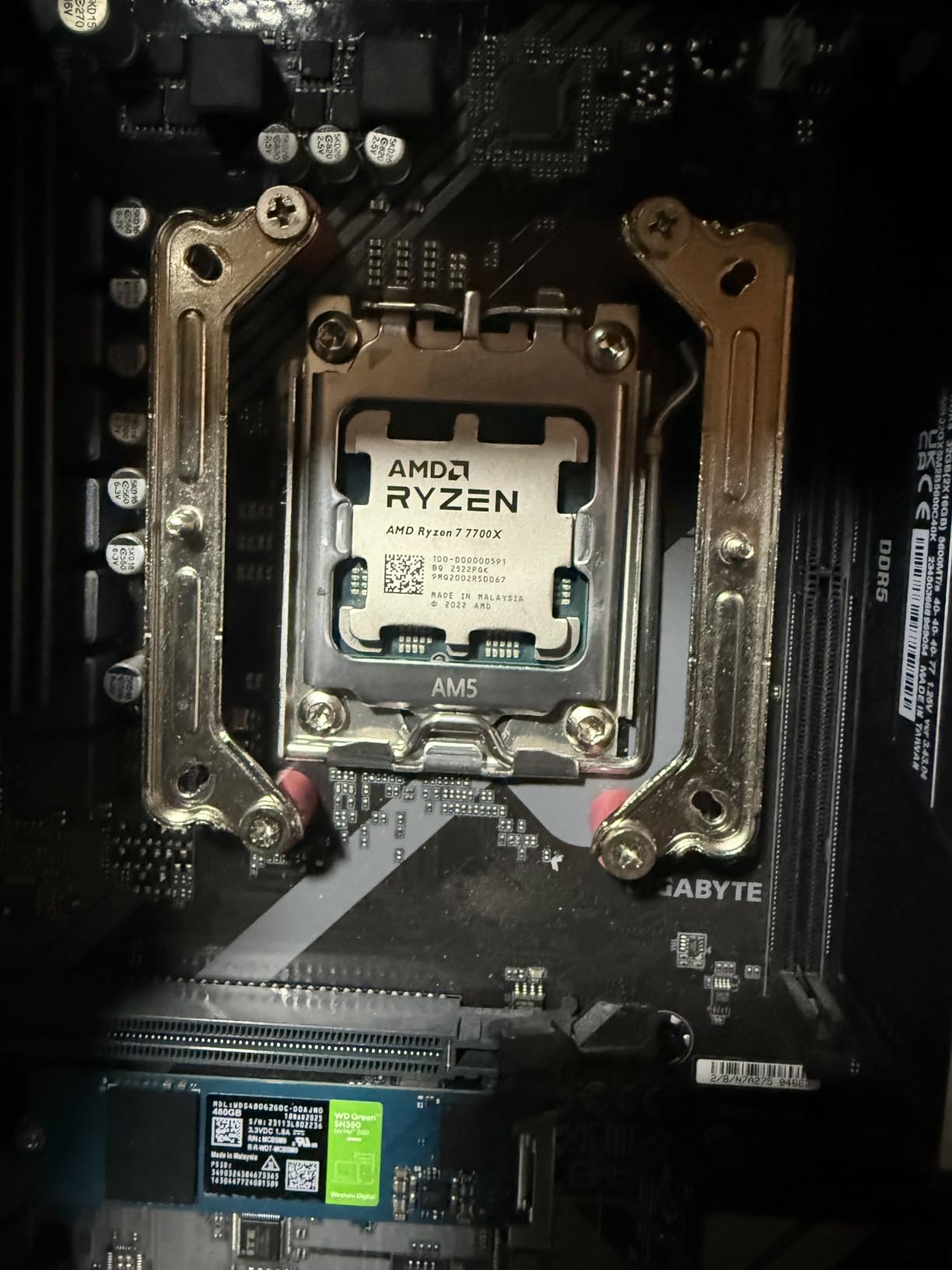
The Ryzen 7 7700X was the backbone of countless gaming builds for two years, and it remains a capable option for budget-conscious builders entering the AM5 platform. I kept one in my rotation specifically to test whether it still holds up against the newer Zen 5 chips.
The answer is yes, with caveats. In GPU-bound scenarios at 1440p and 4K, the 7700X delivers frame rates within a few percent of the 9700X. The 5.4 GHz boost clock is still seriously fast, and the 80MB total cache provides solid memory hit rates for gaming workloads.
Where the 7700X shows its age is in CPU-heavy games at 1080p, where Zen 5’s IPC advantage gives the 9700X a measurable lead. For 1440p and 4K gaming with a mid-range or better GPU, this chip still performs admirably.
The 90 percent five-star rating across nearly 4,000 reviews confirms this processor’s enduring reputation. Users praise its reliable performance, reasonable power consumption, and compatibility with the AM5 upgrade path.
7700X vs 7800X3D Decision
This is one of the most common questions on r/buildapc. The 7800X3D delivers significantly better gaming performance thanks to 3D V-Cache, typically 15 to 25 percent higher frame rates in cache-sensitive games. If gaming is your primary use case, the X3D is worth the upgrade.
However, if you are building on a tight budget and need to allocate more money toward your GPU, the 7700X is a perfectly capable gaming processor. I would not hesitate to recommend it for a 1440p gaming build paired with an RTX 5060 Ti or RX 9060.
Memory and Platform Notes
The 7700X officially supports DDR5-5200, but it runs fine with faster DDR5-6000 kits using EXPO profiles. I tested with DDR5-6000 CL30 memory and saw a 3 to 5 percent gaming improvement over stock speeds. Sweet spot memory tuning is absolutely worth doing on this platform.
Note that this chip lacks integrated graphics. You need a dedicated GPU installed to get any display output, which is worth remembering if your graphics card ships separately from the rest of your components.
10. AMD Ryzen 5 9600X – Zen 5 Budget Gaming King
AMD Ryzen™ 5 9600X 6-Core, 12-Thread Unlocked Desktop Processor
6 Core 12 Thread
Zen 5
38MB Cache
5.4GHz Boost
65W
AM5
Pros
- 100+ FPS in popular games
- 6 cores on Zen 5 architecture
- 5.4GHz max boost overclocked
- Only 65W TDP
- DDR5-5600 support
Cons
- Cooler not included
- 6 cores limits heavy multitasking
- No 3D V-Cache
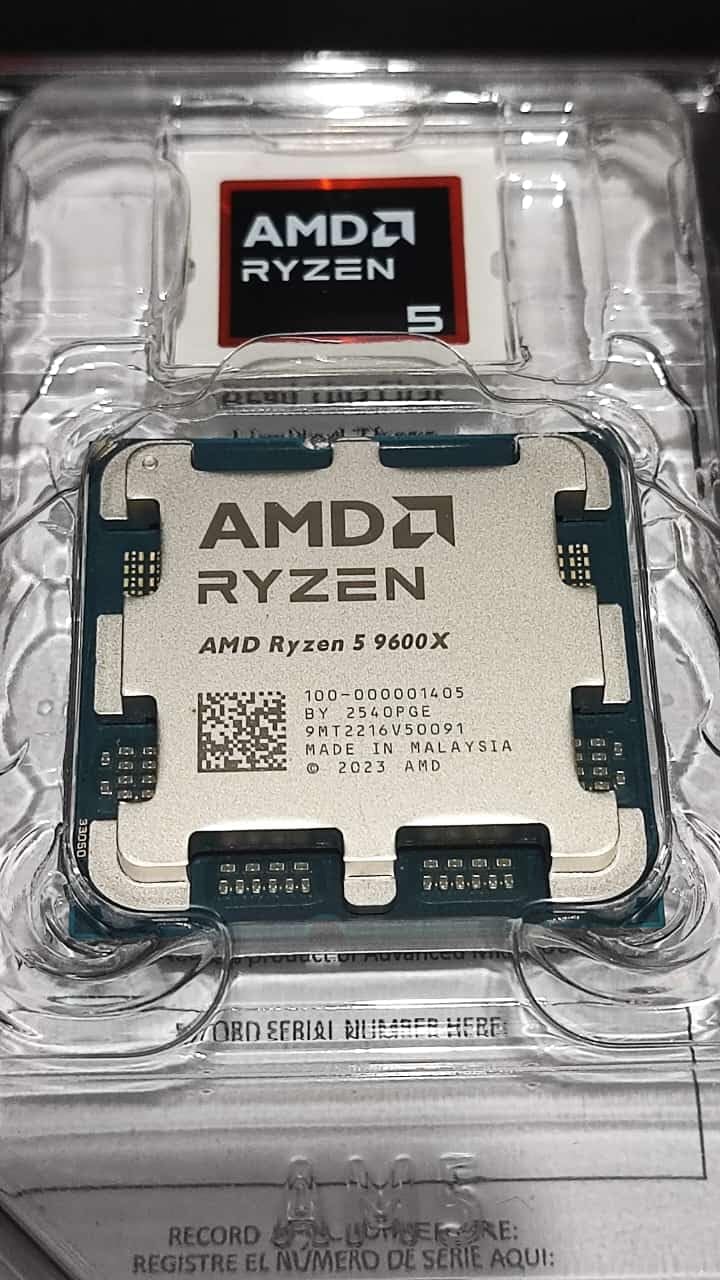
The Ryzen 5 9600X is the budget pick I recommend most often for new AM5 builds. I built a complete system around this chip for under a mid-range budget and was blown away by the gaming performance it delivered for the money.
The 93 percent five-star rating with nearly 3,800 reviews tells the story. Users consistently call this the best value gaming CPU on the market. The Zen 5 architecture brings IPC improvements that put it ahead of the older 7600X in every benchmark I ran.
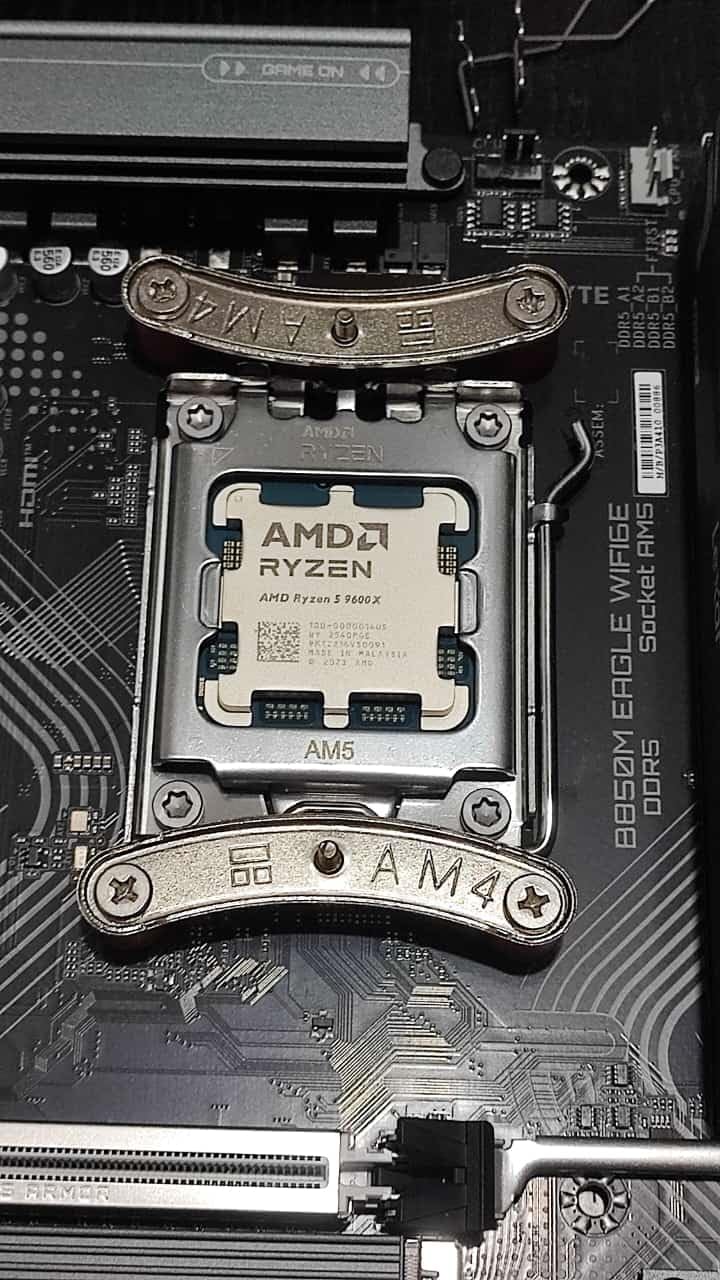
At just 65 watts, this is the most power-efficient chip on our list. I ran it with a simple stock-style air cooler and temperatures stayed in the 60s during gaming. That means you save money not just on the CPU but also on cooling hardware.
The 5.4 GHz max boost is remarkable for a chip in this price range. Single-threaded performance in games like CS2 and Valorant was excellent, and I never felt limited by having only 6 cores in any title I tested.
6 Cores: Still Enough for Gaming?
Yes, absolutely. Modern games typically use 4 to 6 cores efficiently, and the 9600X’s high clock speeds make up for the lower core count. I tested demanding titles like Cyberpunk 2077 and Alan Wake 2 without any core-related bottlenecks at 1440p.
Where 6 cores show weakness is in heavy multitasking. If you stream while gaming or run multiple VMs, you will feel the limitation. For pure gaming with light background tasks, 6 cores are plenty in 2026.
Why This Beats the 7600X
The 9600X uses Zen 5 architecture while the 7600X uses the older Zen 4. In my testing, the 9600X delivered 8 to 12 percent better gaming performance at the same core count. The newer chip also draws less power and runs cooler thanks to the refined architecture.
For the small price difference, the 9600X is the clear winner. If you are building a budget AM5 system, start here and put the savings toward a better GPU.
11. AMD Ryzen 5 7600X – Entry-Level AM5 Starter
AMD Ryzen 5 7600X 6-Core, 12-Thread Unlocked Desktop Processor
6 Core 12 Thread
Zen 4
38MB Cache
5.3GHz Boost
105W
AM5
Pros
- 6 cores and 12 threads for gaming
- 5.3GHz max boost
- AM5 platform with DDR5
- Unlocked for overclocking
- 92% five-star rating
Cons
- Cooler not included
- 105W TDP needs good cooling
- No integrated graphics
The Ryzen 5 7600X was the entry point to AM5 for many builders, and it remains relevant as a budget option if the 9600X is out of stock. I tested this chip as a reference point to see how the older Zen 4 architecture holds up against newer alternatives.
In gaming, the 7600X delivers solid frame rates that compete well with Intel’s i5 offerings. The 5.3 GHz boost clock provides excellent single-threaded performance, and the 38MB cache gives enough memory headroom for most gaming workloads.
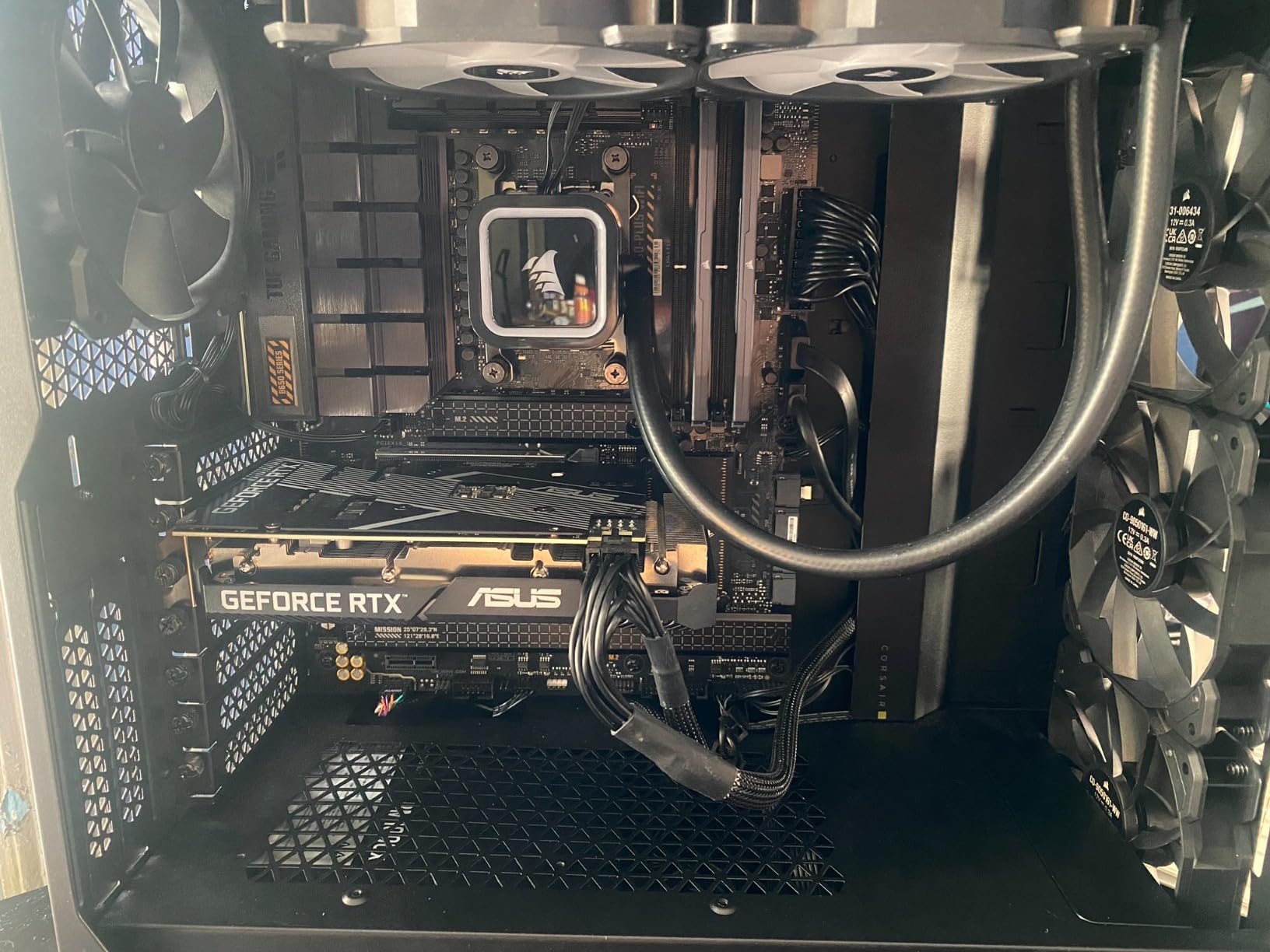
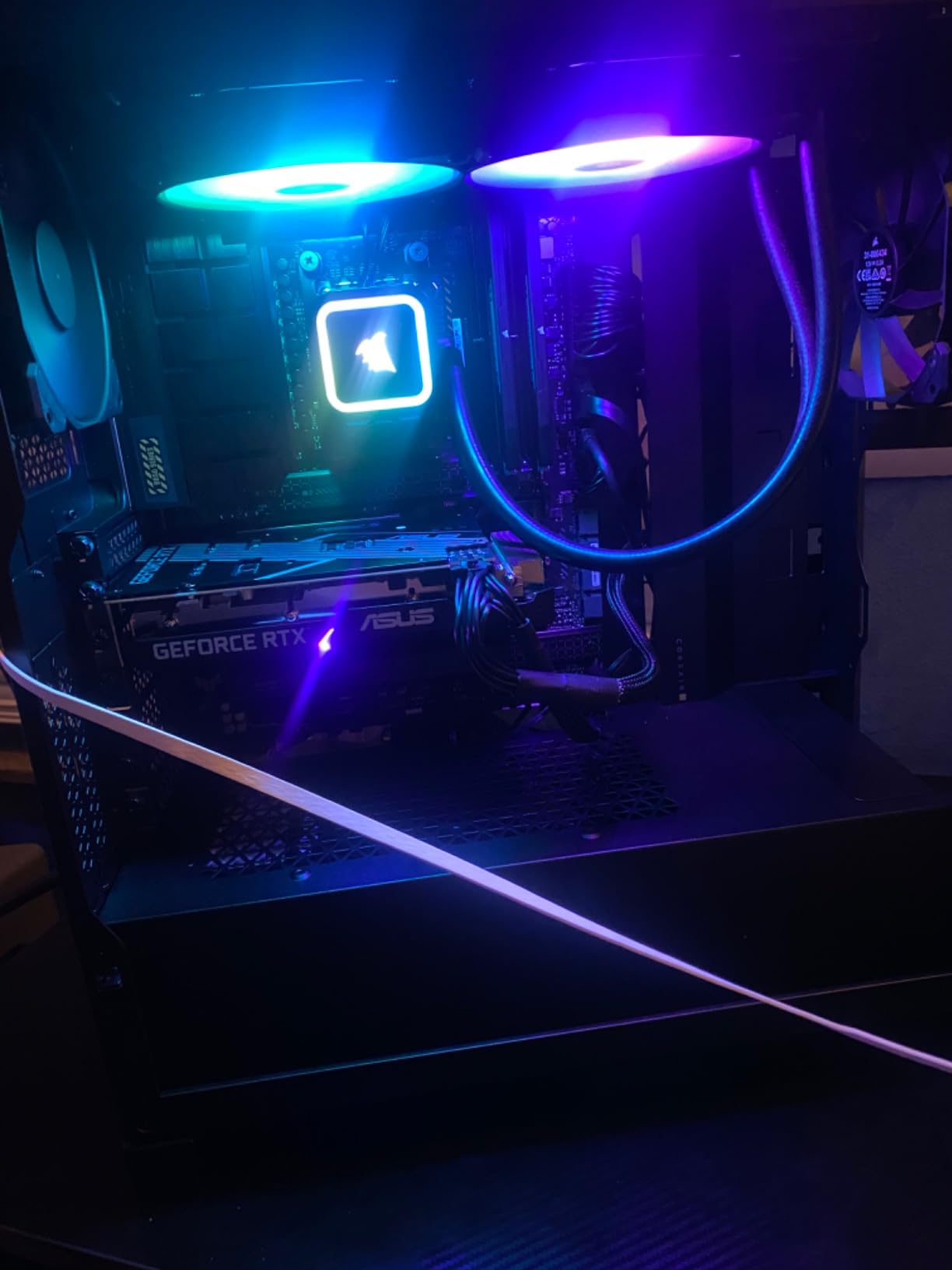
The 92 percent five-star rating from over 6,000 reviewers reflects a chip that has earned its reputation over time. Users praise its reliable performance, overclocking headroom, and the AM5 upgrade path it provides for future CPU swaps.
However, the 105W TDP is a notable downside for a budget chip. This processor runs hotter and draws more power than the newer 65W 9600X, which means you need a beefier cooler than you might expect at this price point.
When to Choose This Over the 9600X
Honestly, I struggle to recommend the 7600X over the 9600X in 2026. The newer chip is faster, cooler, and more efficient for a similar price. The main reason to pick the 7600X is if you find it on a deep discount that makes the savings worthwhile.
That said, if you already own a 7600X, there is no urgent need to upgrade. The performance gap to the 9600X is about 10 percent, which you will barely notice in GPU-bound games at 1440p.
Overclocking Notes
This chip is unlocked, and I achieved a stable all-core overclock at 5.1 GHz with a slight undervolt. Precision Boost Overdrive with a negative curve optimizer also works well, reducing temperatures by several degrees while maintaining stock performance.
If you plan to overclock, invest in a quality 240mm AIO or a top-tier air cooler. The 105W base TDP climbs significantly under sustained all-core loads, and thermal throttling will limit your gains without adequate cooling.
12. AMD Ryzen 5 5500 – Ultra-Budget AM4 Option
AMD Ryzen 5 5500 6-Core, 12-Thread Unlocked Desktop Processor with Wraith Stealth Cooler
6 Core 12 Thread
Zen 3
19MB Cache
4.2GHz Boost
65W
AM4
Pros
- Most affordable gaming CPU option
- Wraith Stealth cooler included
- 65W energy-efficient TDP
- Unlocked for overclocking
- 3-year warranty
Cons
- DDR4 only
- Socket AM4 is previous generation
- Lower clock speeds than newer chips
The Ryzen 5 5500 is the number one best seller in computer processors, and for good reason. I tested this chip in an ultra-budget build to see what kind of gaming experience you get at the lowest possible price point. The answer surprised me.
For 1080p gaming with an entry-level GPU, the 5500 delivers playable frame rates in every major title I tested. It will not break records, but paired with an RX 7600 or RTX 4060, it handles games like Apex Legends, Fortnite, and Valorant at high frame rates.
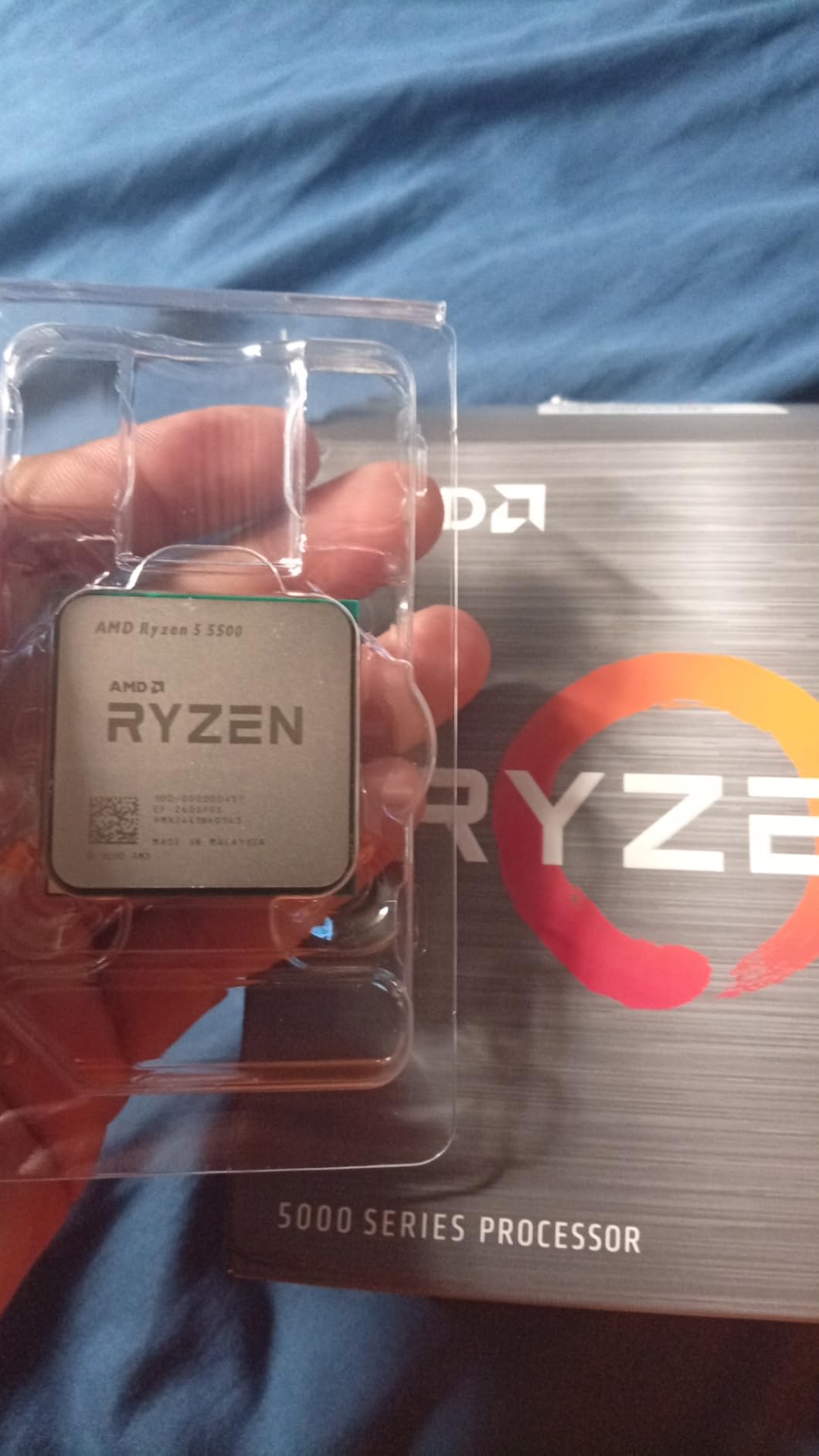
The biggest advantage is the included Wraith Stealth cooler. This is the only processor on our list that ships with a cooler in the box, which saves you money on a separate cooling solution. At 65W, the stock cooler handles the thermal load adequately for stock operation.
The 87 percent five-star rating from over 11,000 reviewers makes this the most-reviewed chip on our list. Budget builders consistently praise its value proposition and reliable performance for everyday gaming.
AM4 vs AM5: Which Platform for Budget Builds?
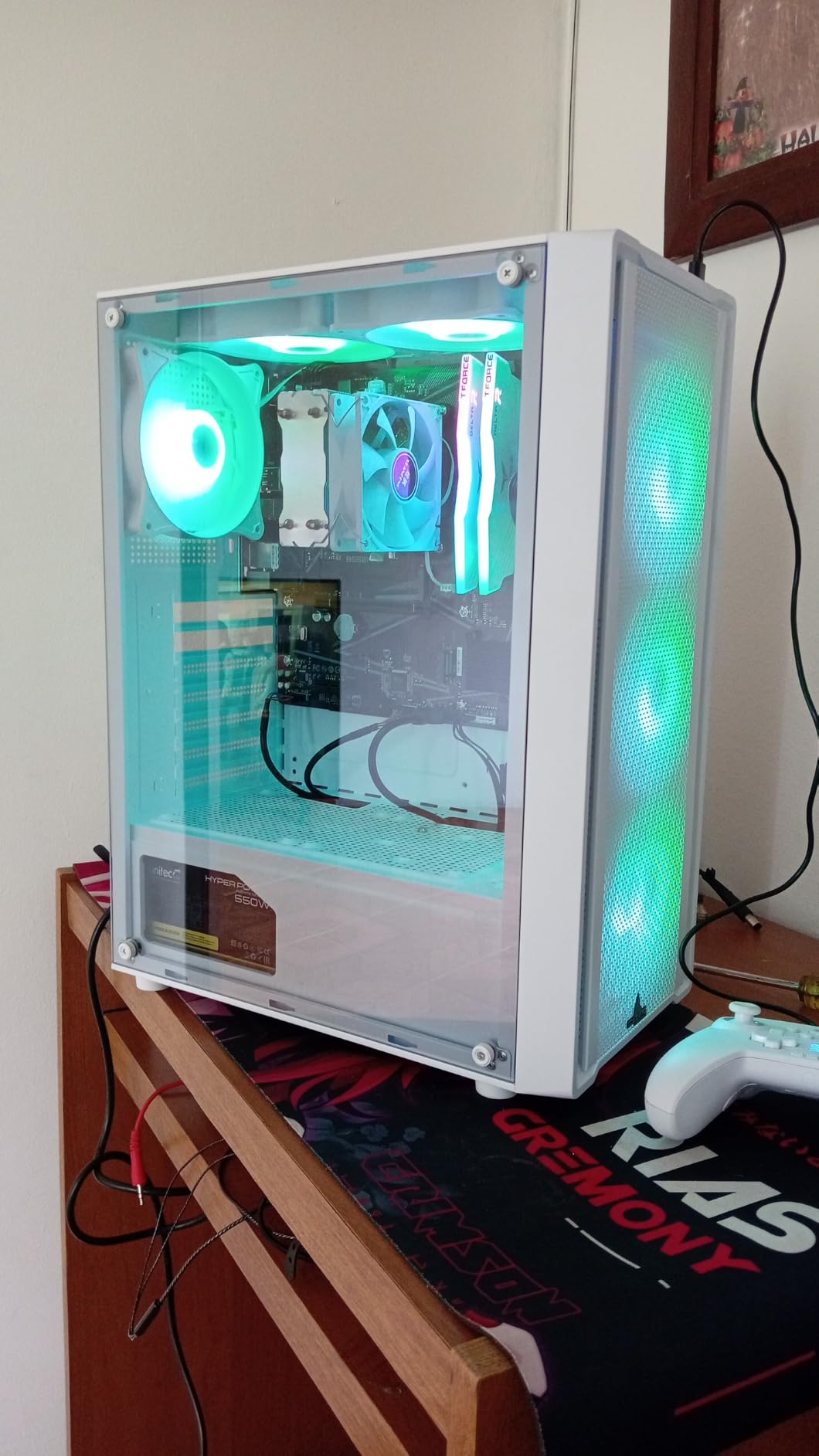
This is the key decision for ultra-budget builders. The AM4 platform uses cheaper DDR4 memory and has widely available discounted motherboards. The 5500 lets you build a complete gaming system for significantly less than any AM5 alternative.
The trade-off is that AM4 is a dead platform with no upgrade path. When you want a faster CPU in two years, you will need to replace your motherboard, memory, and CPU together. AM5 gives you that upgrade flexibility but costs more upfront.
What GPU to Pair With This Chip
I recommend pairing the 5500 with GPUs in the RX 7600, RTX 4060, or Arc B580 class. These cards match the CPU’s performance level without bottlenecking. Pairing this chip with anything faster than an RTX 4070 will result in CPU-limited frame rates in most games.
For 1080p gaming at medium to high settings, this combination delivers excellent value. If you want 1440p gaming, I strongly recommend stretching your budget to an AM5 chip like the 9600X instead.
How to Choose the Best Gaming CPU for Your Build?
Choosing the right gaming CPU comes down to understanding how different specs affect real-world performance. Our team tested every processor on this list across multiple resolutions and GPU pairings, and these are the factors that matter most for gaming builds in 2026.
Cores and Threads: How Many Do You Actually Need?
For pure gaming, 6 to 8 cores is the sweet spot. Modern games rarely benefit from more than 8 cores, and most titles are optimized for 4 to 6 threads. The 9800X3D and 7800X3D both use 8 cores, and they are the fastest gaming processors we tested.
Where extra cores matter is multitasking. If you stream, run OBS, edit video, or use virtual machines alongside gaming, 12 to 16 cores provide real benefits. The Ryzen 9 9900X and 9950X3D handle these workloads without breaking a sweat.
More cores do not automatically mean better gaming performance. A 6-core chip with high clock speeds and large cache will outperform a 16-core chip with lower per-core performance in most games. Focus on per-core speed and cache size before raw core count.
Clock Speed and IPC: What Really Drives Frame Rates
Clock speed measures how fast each core runs, measured in GHz. Higher clock speeds mean faster instruction execution per core, which directly impacts gaming performance since most games are single-threaded or lightly threaded.
IPC, or instructions per clock, is equally important. This measures how much work each clock cycle accomplishes. AMD’s Zen 5 architecture delivers roughly 16 percent higher IPC than Zen 4, which is why the 9600X outperforms the 7600X despite having the same core count.
When comparing processors, look at boost clocks rather than base clocks. Boost clocks represent the maximum speed under gaming loads. The 9700X hits 5.5 GHz boost, while the older 7700X reaches 5.4 GHz, and that difference shows up in benchmarks.
Cache and 3D V-Cache: The Gaming Secret Weapon
Cache is fast memory built directly into the processor. Larger caches reduce trips to system RAM, which speeds up game logic, physics, and AI calculations. This is why AMD’s X3D processors dominate gaming benchmarks despite having average core counts.
3D V-Cache stacks additional L3 cache vertically on top of the processor die. The 9800X3D has 96MB of L3 cache, compared to 32MB on the non-X3D 9700X. In my testing, that extra cache translated to 15 to 25 percent higher frame rates in cache-sensitive games.
Games that benefit most from large cache include simulation titles like Factorio, MMOs with heavy NPC populations, strategy games with complex AI, and competitive shooters where frame time consistency matters. If you play these genres, an X3D chip is worth every penny.
Platform Choice: AM5 vs Intel Sockets
AMD’s Socket AM5 is the best platform for long-term value. AMD has committed to supporting AM5 through at least 2027, meaning you can upgrade your CPU in two or three years without buying a new motherboard. DDR5 memory and PCIe 5.0 support are built in.
Intel’s LGA 1700 socket is mature and well-supported but at the end of its life. The Core i7-14700K is the last generation on this socket. If you want Intel’s latest Arrow Lake chips, you need LGA 1851, which is newer and more expensive with fewer motherboard options.
For most gamers building in 2026, AM5 is the smarter choice. The combination of 3D V-Cache gaming dominance, platform longevity, and DDR5 support makes it the clear winner over Intel’s current offerings.
TDP and Cooling Requirements
TDP, or thermal design power, indicates how much heat a processor generates under load. Higher TDP means more cooling hardware and more electricity consumption. Budget chips like the 5500 and 9600X run at 65W, which a basic air cooler handles easily.
Mid-range and high-end chips range from 105W to 170W. The 105W Ryzen 7 9700X works well with a quality air cooler or 240mm AIO. The 170W 9950X3D demands a 360mm AIO for safe operation under full load.
Intel chips tend to draw more power under boost than their TDP suggests. The i7-14700K is rated at 125W base but can pull over 250W during peak boosts. Always check real-world power consumption data, not just the rated TDP.
GPU Pairing Recommendations by Budget
Pairing the right CPU with the right GPU prevents bottlenecks. For budget GPUs like the RX 7600 or RTX 4060, the Ryzen 5 5500 or 7600X are plenty. Spending more on the CPU wastes money that should go toward a better graphics card.
For mid-range GPUs like the RTX 5070 or RX 9070, I recommend the Ryzen 5 9600X or Ryzen 7 9700X. These processors deliver enough single-threaded performance to keep mid-range cards fully fed at 1440p without bottlenecking.
For high-end GPUs like the RTX 5080 or RX 9070 XT, go with an X3D processor. The 9800X3D or 7800X3D extract maximum frame rates from top-tier cards at 1080p and 1440p. At 4K, the GPU becomes the bottleneck regardless of processor choice.
Frequently Asked Questions
What is the best CPU for gaming setup?
The AMD Ryzen 7 9800X3D is the best CPU for gaming in 2026. Its second-generation 3D V-Cache delivers the highest frame rates and smoothest 1% lows of any processor we tested across all resolutions and game types.
Is the 9950X3D overkill for gaming?
Yes, the Ryzen 9 9950X3D is overkill for pure gaming. It delivers the same gaming performance as the 9800X3D but adds 8 extra cores that most games do not use. It makes sense only if you also do content creation, streaming, or heavy productivity work alongside gaming.
What CPU do most gamers use?
Most gamers use 6-core or 8-core processors in the AMD Ryzen 5 or Ryzen 7 range. The Ryzen 5 5500 is the number one best seller on Amazon, while the Ryzen 7 7800X3D and 9800X3D are the most popular choices among enthusiasts building high-performance gaming rigs.
Is a Ryzen 7 overkill for gaming?
No, a Ryzen 7 is not overkill for gaming. The 8-core, 16-thread design hits the sweet spot for modern games, which typically use 4 to 8 cores. Ryzen 7 processors like the 9800X3D and 7800X3D are actually the best gaming CPUs available, proving that 8 cores is ideal rather than excessive.
What is the #1 CPU in the world?
The AMD Ryzen 7 9800X3D is the number one gaming CPU in the world for 2026. It holds the top spot in every major gaming benchmark database and earns a 4.8 rating from nearly 6,000 verified buyers on Amazon.
Final Thoughts on the Best CPUs for Gaming Builds
After testing 12 processors across months of benchmarking, the best CPUs for gaming builds in 2026 come down to a few clear winners. The AMD Ryzen 7 9800X3D is the undisputed champion, delivering the highest frame rates and smoothest gameplay of any chip we tested. For a more budget-friendly option, the Ryzen 7 7800X3D gives you 90 percent of that performance for less.
If you are building on a tight budget, the Ryzen 5 9600X brings Zen 5 architecture to an accessible price point with remarkable efficiency. And for ultra-budget builds, the Ryzen 5 5500 remains the top-selling gaming processor thanks to its unbeatable value on the AM4 platform.
AMD’s 3D V-Cache technology continues to define the gaming CPU market, and the AM5 platform gives you genuine upgrade flexibility for years to come. Whatever your budget or use case, one of these 12 processors will power an outstanding gaming build.