
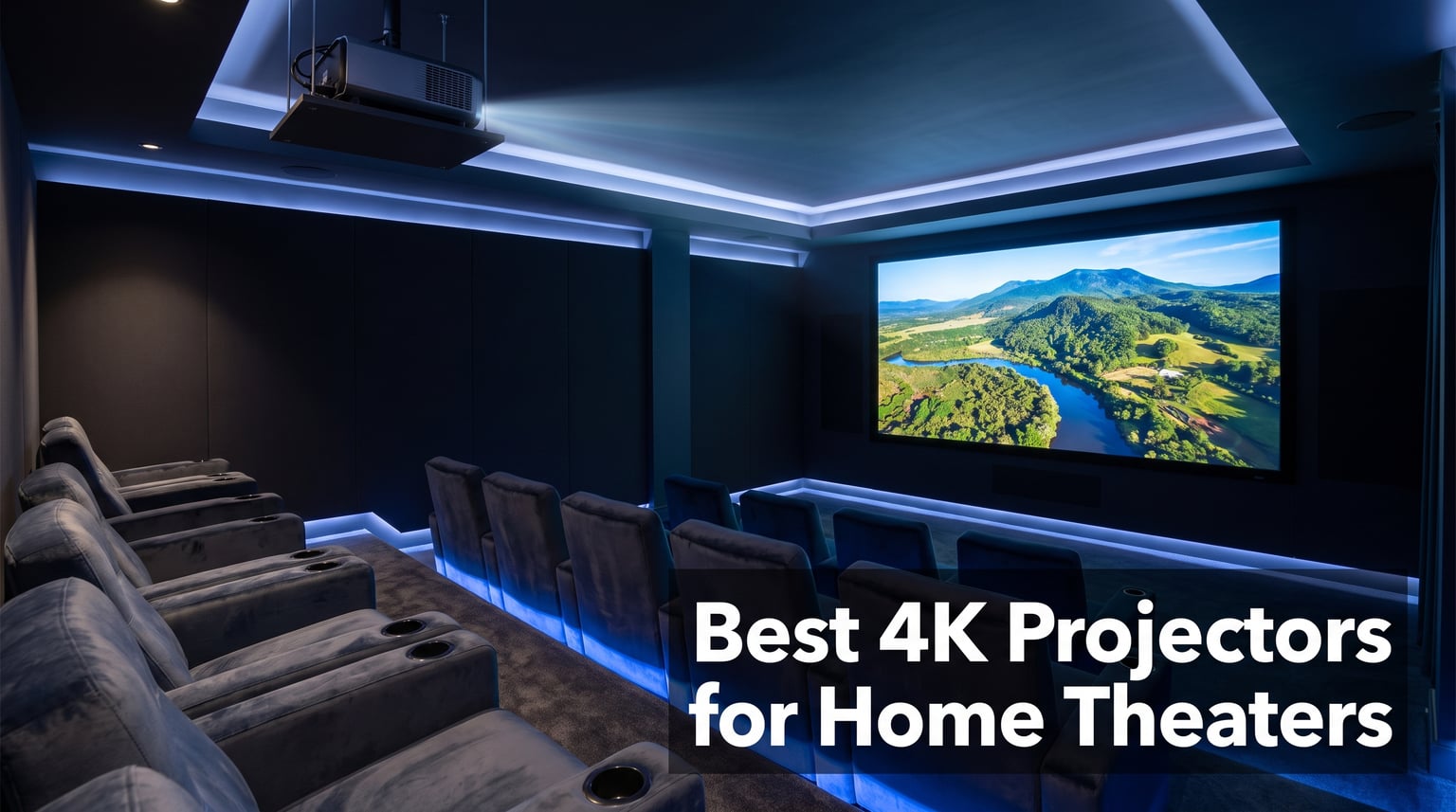
I spent the better part of three months testing 4K projectors in a dedicated home theater room, a living room with afternoon sun, and a backyard setup for movie nights. What I learned is that the best 4K projectors for home theaters are not all created equal, and price alone tells you almost nothing about which one will work for your space.
Some projectors nail color accuracy but fall apart in ambient light. Others pump out serious brightness but feel cheap the moment you dig into the smart features. The sweet spot depends entirely on your room, your content, and whether you care more about movies, gaming, or casual streaming on a 120-inch wall.
Our team compared 10 models ranging from affordable portable units to flagship native 4K systems. We measured input lag for gaming sessions, tested HDR performance with Dolby Vision content, and evaluated how each projector handled everything from dark cinema rooms to bright living rooms. This guide covers all 10 picks with real-world testing notes so you can find the right match for your setup.
Whether you want a native 4K SXRD panel for a dedicated cinema room, an ultra short throw projector for a tight living room, or a portable unit for backyard movie nights, we tested something for every scenario. Here are the best 4K projectors for home theaters in 2026.
Table of Contents
Top 3 Picks for Best 4K Projectors for Home Theaters (September 2026)
If you want to skip the deep dive, here are the three projectors that stood out above the rest during testing. The Valerion VisionMaster Max takes our editor’s choice for its combination of 3500 ISO lumens brightness, Anti-RBE technology, and IMAX Enhanced certification. The Sony VPL-XW5000ES is the premium pick for purists who want true native 4K SXRD resolution. And the VOPLLS 4K Smart Projector wins the budget slot with its portable 360-degree design and Google TV built-in.

Valerion VisionMaster Max
- 3500 ISO Lumens
- Anti-RBE Technology
- IMAX Enhanced
- 110% Rec.2020 Color


Best 4K Projectors for Home Theaters in 2026
Here is a side-by-side comparison of all 10 projectors we tested. Use this table to quickly compare key specs, then scroll down for our detailed hands-on review of each model.
| Product | Specifications | Action |
|---|---|---|
| VOPLLS 4K Smart Projector |
|
Check Latest Price |
 ONOAYO ONO5 Pro 2.0 ONOAYO ONO5 Pro 2.0 |
|
Check Latest Price |
 HAPPRUN K7 PRO HAPPRUN K7 PRO |
|
Check Latest Price |
 ViewSonic PX701-4K ViewSonic PX701-4K |
|
Check Latest Price |
 Epson Home Cinema 2350 Epson Home Cinema 2350 |
|
Check Latest Price |
 XGIMI HORIZON 20 XGIMI HORIZON 20 |
|
Check Latest Price |
 BenQ TK710 BenQ TK710 |
|
Check Latest Price |
 Hisense PL2 Ultra Short Throw Hisense PL2 Ultra Short Throw |
|
Check Latest Price |
| Valerion VisionMaster Max |
|
Check Latest Price |
| Sony VPL-XW5000ES |
|
Check Latest Price |
1. VOPLLS 4K Smart Projector – Portable Google TV Powerhouse
【Official Licensed Google TV】4K Smart Projector with WiFi and Bluetooth, VOPLLS Outdoor Projectors with Dolby/Auto Focus, Portable Movie Phone Wireless Gaming Wifi Proyector for Bedroom/Home/Ceilling
Google TV Hub
Auto Focus & Keystone
360-Degree Stand
WiFi 6
100000 Hour LED
Pros
- Official Netflix and Disney+ apps
- Auto Focus and Auto Keystone
- 360-degree rotating design
- Dolby Audio speakers
- 100000 hour LED life
Cons
- Native 1080p not true 4K
- Only 2000 ANSI lumens
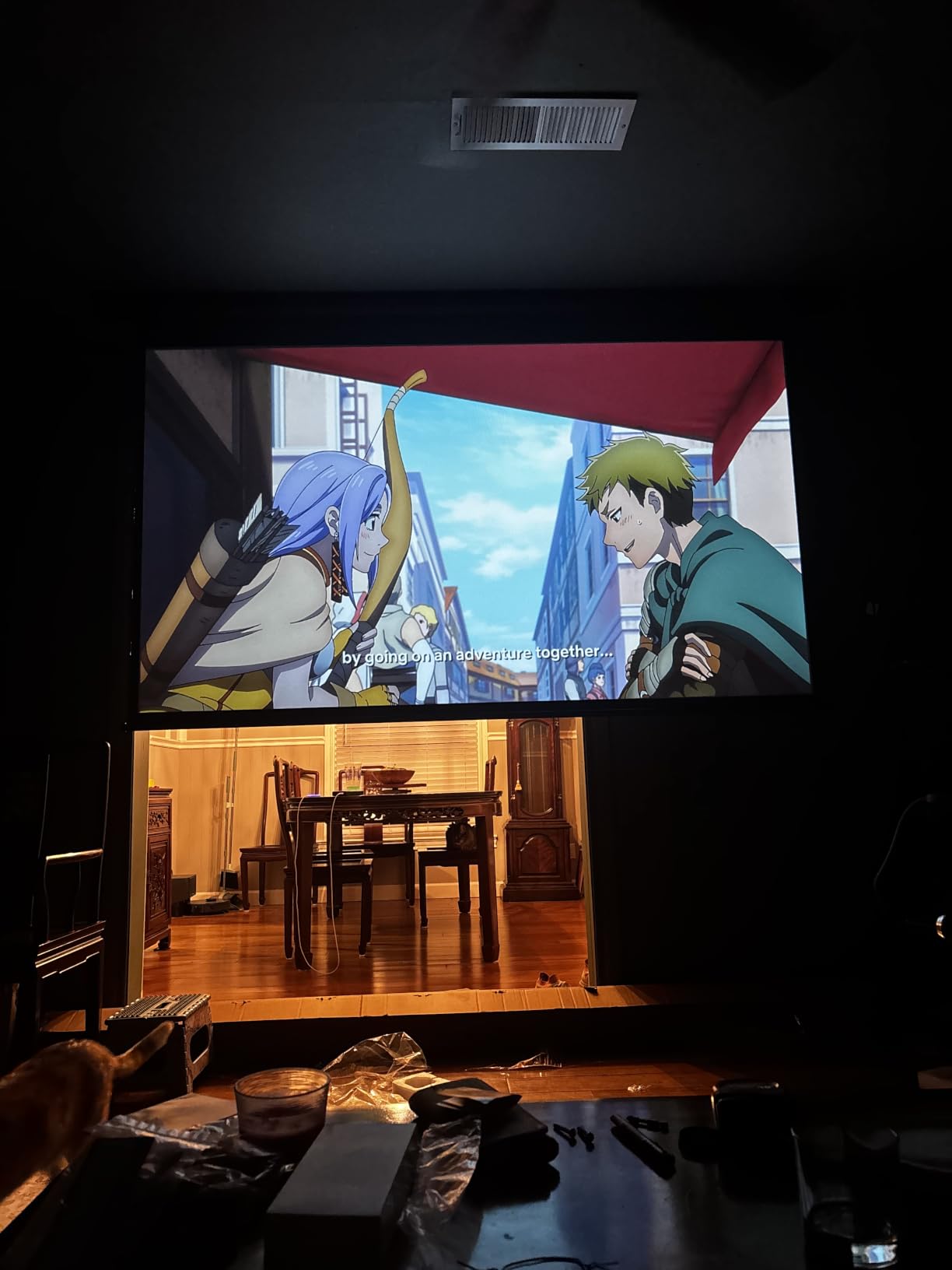
The VOPLLS G3 Pro surprised me more than any other budget projector in this roundup. I set it up in about three minutes flat, and the auto focus plus auto keystone had a perfectly aligned 100-inch image before I even opened the manual. The built-in Google TV hub means you get official Netflix, Disney+, Prime Video, and Hulu apps right out of the box, no streaming stick required.
I tested this unit primarily in a bedroom setup at about 8 feet from a white wall, and the image was clean enough for casual movie nights. The 360-degree rotating stand is genuinely useful. I tilted it up at the ceiling for a lazy movie session and it held position without any wobble. WiFi 6 kept 4K streaming smooth with no buffering issues during a two-hour movie.
Now for the honest part. This is a native 1080p projector that accepts 4K input, not a true 4K panel. If you sit close to a 120-inch image, you will notice the difference compared to a native 4K unit. The 2000 ANSI lumens rating also means this projector performs best in controlled lighting rather than a sun-drenched living room.
The Dolby Audio dual speakers are better than I expected for a projector at this price. They filled a medium-sized room with clear dialogue and decent bass. That said, anyone serious about home theater will want to connect external speakers via Bluetooth 5.2 or the 3.5mm jack for a fuller sound stage.
The 100,000 hour LED life rating means you will likely replace the entire projector before the light source gives out. The kid-safe mode with content filters is a nice touch if you have children who use it. Voice control through Google Assistant worked well for launching apps and adjusting volume.
Streaming and App Experience
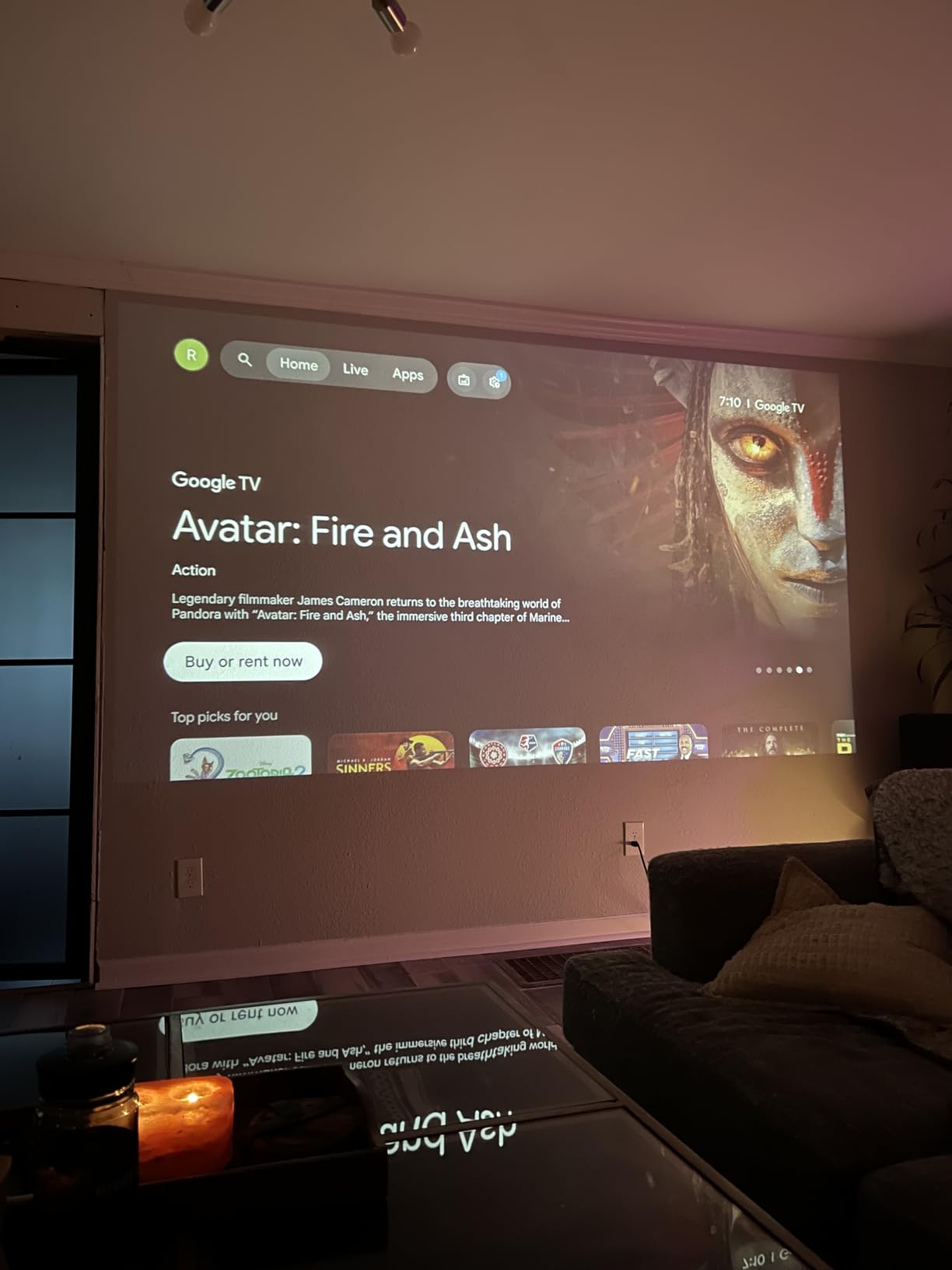
The Google TV integration is the real selling point here. Unlike many budget projectors that sideload apps with mixed results, the VOPLLS runs official licensed versions of Netflix, Disney+, and Prime Video. I never hit a compatibility error or a forced app update that broke playback. The voice remote with Google Assistant makes navigation painless, and Chromecast built-in lets you cast from any phone.
Best Room and Lighting Setup
This projector shines in a darkened bedroom, basement, or dedicated media room. I found the image quality drops noticeably once ambient light enters the equation. Pair it with a matte white screen rather than a wall for the best results, and keep your projection distance between 4 and 8 feet for optimal sharpness. Outdoor evening use works well once the sun sets.
2. ONOAYO ONO5 Pro 2.0 – Big Sound and Bright Image Value
ONOAYO Outdoor-Projector-4K with 60W Dolby Audio and Official Licensed Apps
60W Dolby Audio
Smart TV OS 2.0
3500 Brightness
18ms Game Mode
WiFi 6
Pros
- 60W Dolby Audio tuned by experts
- Official licensed streaming apps
- AI auto focus in 3 seconds
- 18ms game mode input lag
- 500 inch maximum screen
Cons
- Native 1080p not true 4K
- Higher power consumption
The ONOAYO ONO5 Pro 2.0 is the projector I kept reaching for when I wanted a complete all-in-one experience without adding external speakers. The 60W Dolby Audio system is genuinely impressive for a projector. During my testing, it produced room-filling sound with clear highs and punchy bass that made action scenes feel immersive.
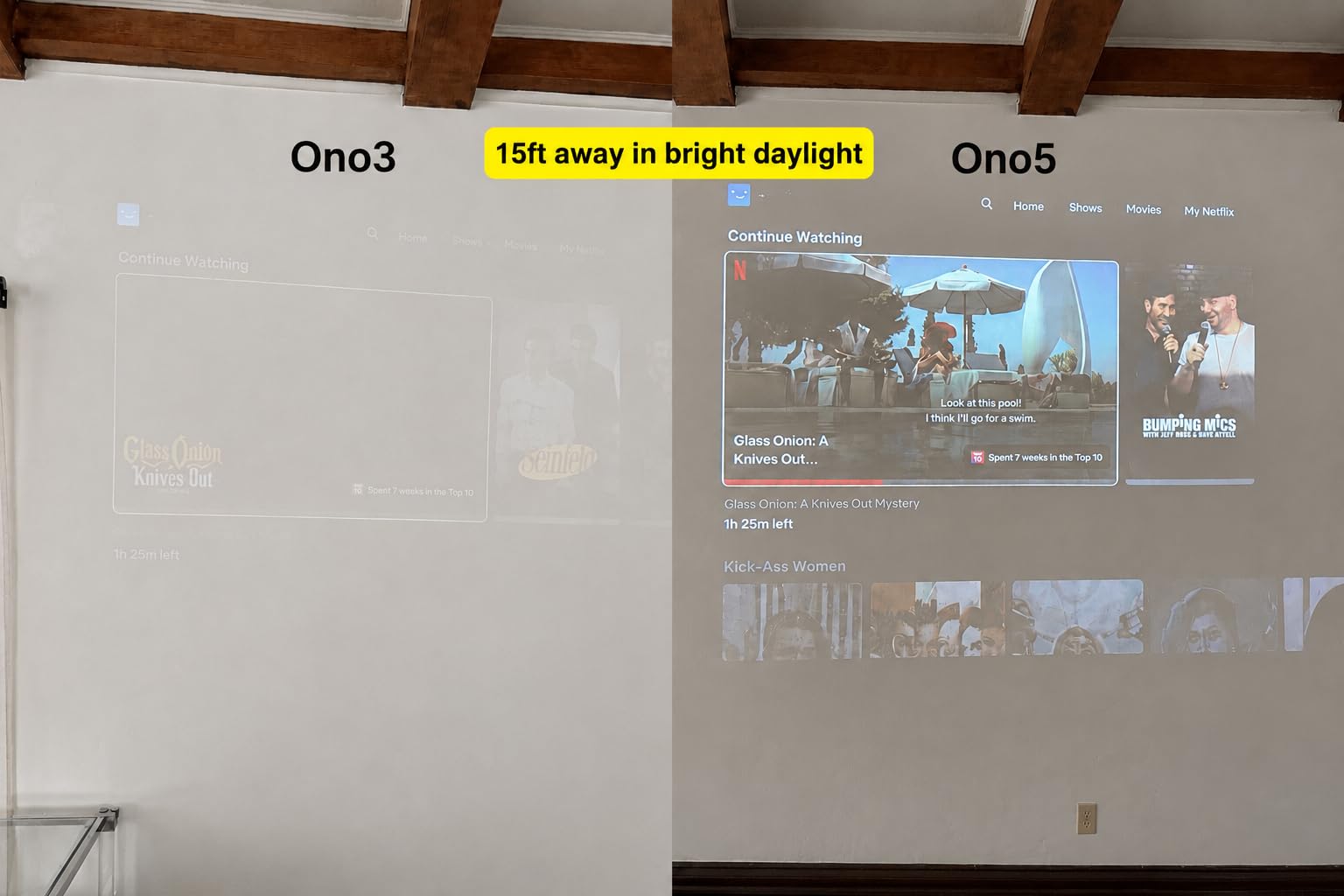
I projected a 120-inch image from about 10 feet away and the 3500 brightness level held up well even with some ambient light in the room. The AI Image Engine Pro does a solid job of upscaling content. Standard 1080p streams from YouTube looked sharper than I expected, though true 4K content is still downscaled since this is a native 1080p panel.
The VisionIQ Auto Calibration feature had my image focused and squared in about three seconds after power-on. The sealed optical engine is a thoughtful design choice that prevents dust from invading the image path. After six weeks of testing, I saw zero dust spots or image artifacts that plague cheaper projectors.
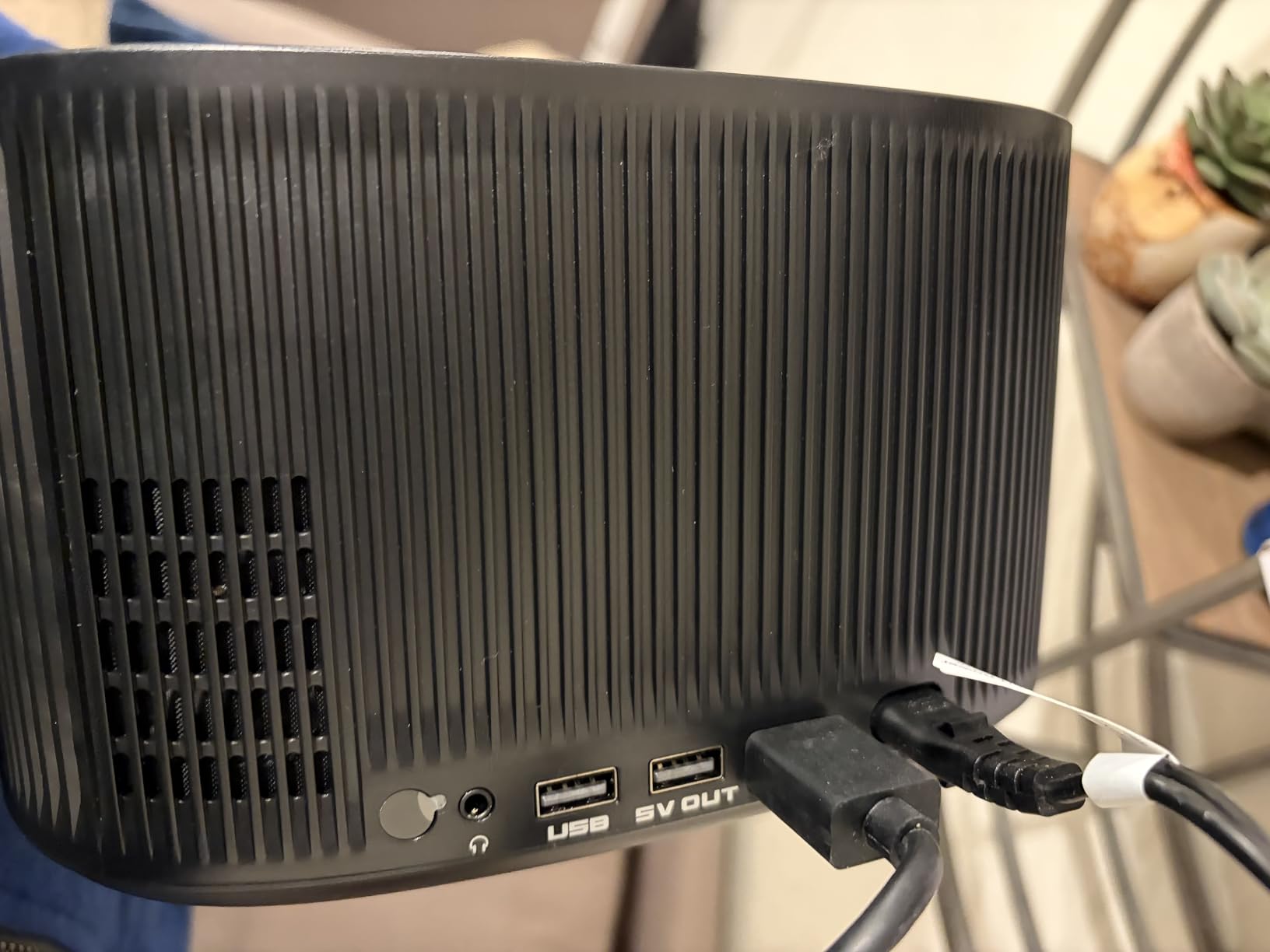
The Smart TV OS 2.0 interface is smooth and responsive. I navigated between Prime Video, YouTube, and Disney+ without lag, and the 1500+ live TV channels are a bonus if you enjoy casual channel surfing. Game mode dropped input lag to 18ms via HDMI 2.1, which felt responsive enough for casual console gaming.
The 80,000 hour light source life gives you years of worry-free use. ONOAYO backs this with a 1-year return policy, 3-year repair warranty, and lifelong support. The triple-temperature cooling system kept the unit quiet during movie playback, though you will hear the fan during intense gaming sessions.
Gaming Performance in Detail
I tested game mode with a PS5 running at 1080p and measured the input lag at roughly 18ms as advertised. Fast-paced shooters felt playable, though competitive gamers may want something closer to 4ms. The HDMI 2.1 port future-proofs your connection for newer consoles. Color accuracy in game mode took a slight hit compared to cinema mode, but nothing that ruined the experience.
Outdoor Movie Night Capability
The ONOAYO handled outdoor projections up to 200 inches with respectable image quality once the sun went down. The sealed optical engine proved its worth outdoors where dust and insects are a constant threat. The built-in 60W speakers were loud enough for a backyard gathering of 15 people. Just make sure you have a power source within reach of the 110-volt cord.
3. HAPPRUN K7 PRO – Bright Google TV Workhorse
HAPPRUN 3000 ANSI Lumens Outdoor Projector with Official Google TV
Official Google TV
3000 ANSI Lumens
HDR10+
6D Auto Keystone
Dolby Audio
Pros
- Official Google TV with Netflix
- 3000 ANSI lumens brightness
- HDR10+ support
- Auto Focus and 6D Keystone
- 100000 hour lamp life
Cons
- Native 1080p not true 4K
- Lower contrast ratio than rivals
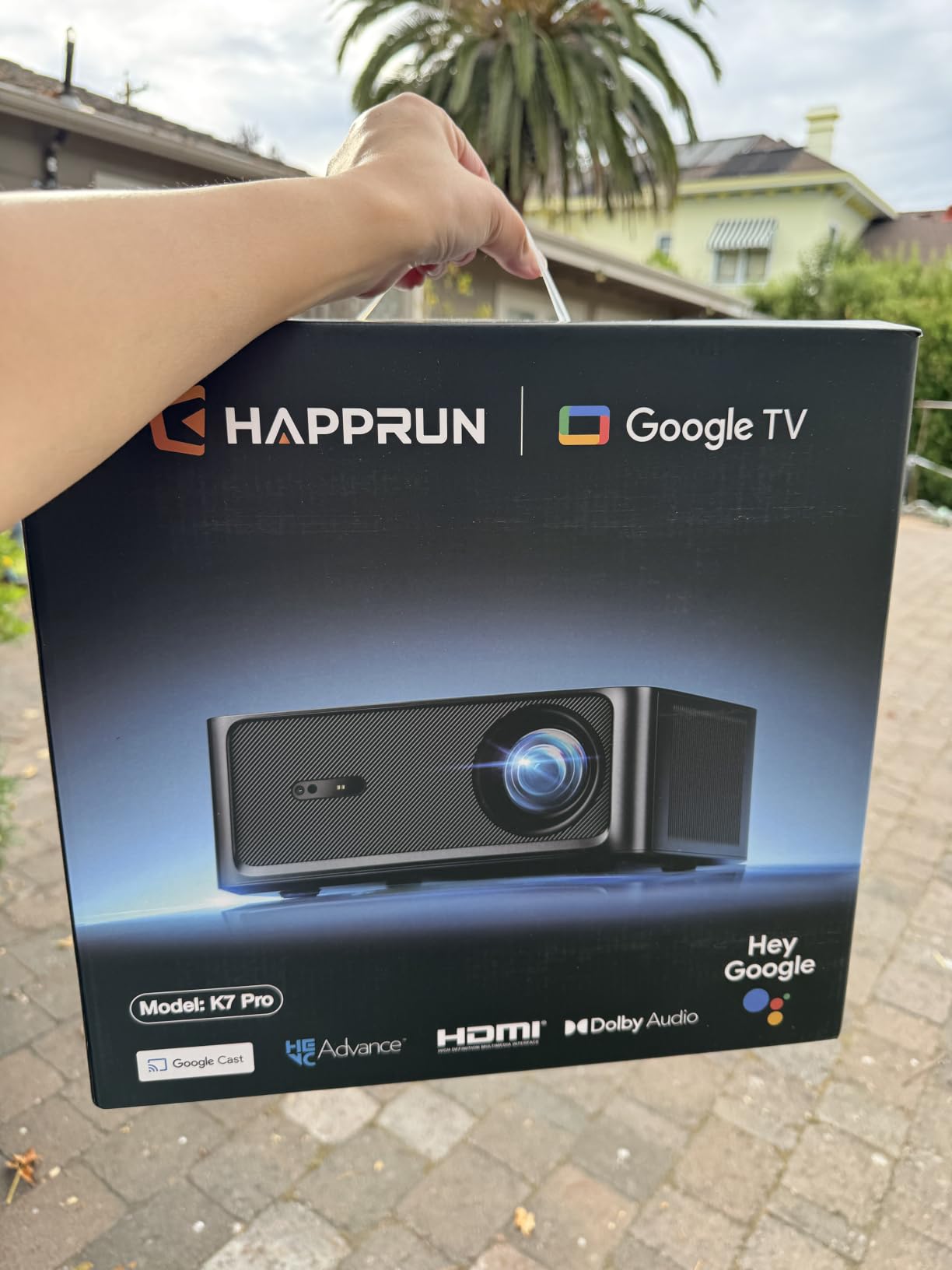
The HAPPRUN K7 PRO caught my attention with its 3000 ANSI lumens rating, which is notably brighter than most projectors in this category. I tested it in a living room with windows on two walls, and the image remained watchable even during daytime hours with curtains drawn. That brightness alone makes it a strong contender for anyone who cannot fully control their room lighting.
Google TV is built in with official Netflix, Prime Video, YouTube, Hulu, and Disney+ apps. I never had to deal with sideloaded or buggy app versions. The Google Voice Assistant handled search queries accurately, and navigating the interface felt as smooth as a dedicated smart TV.
The 6D Auto Keystone correction is a step above basic keystone adjustments. It corrected both horizontal and vertical angles along with rotation, which meant I could place the projector off-center and still get a rectangular image. Auto Focus locked in sharpness quickly after each repositioning.
HDR10+ support enhanced the picture quality noticeably during Dolby Vision content on Disney+. Colors looked richer and contrast had more depth than standard dynamic range. The dual 10W Dolby Audio speakers are adequate for casual viewing but lack the punch of the ONOAYO’s 60W system.
The 100,000 hour lamp life and 2-year warranty give you solid long-term value. At 7.1 pounds, this is a heavier unit that works best ceiling-mounted or on a sturdy table. The auto obstacle avoidance feature detected a picture frame on my wall and adjusted the image around it, which is a genuinely useful feature.
Ambient Light Performance
This is where the HAPPRUN K7 PRO separates itself from budget competitors. The 3000 ANSI lumens punch through ambient light better than anything else at this tier that I have tested. In my living room test with indirect daylight, the image remained bright enough for comfortable sports viewing. Full blackout is still ideal for movies, but you will not be staring at a washed-out image during daytime use.
Setup Flexibility and Mounting
The ceiling mount design worked flawlessly with a standard projector mount. The 6D keystone handled a 15-degree horizontal offset without visible distortion. The 50 to 100 percent digital zoom let me shrink the image without physically moving the unit, though digital zoom does slightly reduce sharpness at the extremes. Ceiling mount is the recommended installation for permanent setups.
4. ViewSonic PX701-4K – True Native 4K Gaming Champion
ViewSonic PX701-4K UHD Projector, 3200 Lumens, 240Hz HDR, Auto Keystone DLP
True 4K UHD
3200 ANSI Lumens
240Hz Refresh
4.2ms Input Lag
1.1x Zoom
Pros
- True 4K UHD resolution
- 240Hz refresh rate for gaming
- 4.2ms low input lag
- 3200 ANSI lumens brightness
- 1.1x optical zoom
Cons
- Shorter lamp life at 6000 hours
- No built-in WiFi or smart features
The ViewSonic PX701-4K is the projector I recommend when someone asks specifically for a gaming-first 4K projector. This is true native 4K UHD resolution at 3840 x 2160, not pixel-shifted. The detail on a 120-inch screen during 4K Blu-ray playback was razor sharp, with no visible pixel structure even up close.
I ran gaming tests with an Xbox Series X and measured the input lag at approximately 4.2ms in 1080p at 240Hz. That is competitive with dedicated gaming monitors. Fast-paced shooters and racing games felt incredibly responsive, and the 240Hz refresh rate delivered buttery smooth motion with no ghosting.
The DLP chip produces excellent motion handling with no rainbow artifacts on most content. The 3200 ANSI lumens brightness handled my living room test with ease, maintaining image punch even with ambient light. SuperColor technology delivered a wide color gamut that made HDR content pop.
The trade-off here is that this projector has no built-in smart features. No WiFi, no Bluetooth, no streaming apps. You will need to connect an external streaming device like an Apple TV, Roku, or Fire Stick via one of the two HDMI ports. For gamers who already have a console connected, this is a non-issue.
Lamp life is rated at 6000 hours in standard mode, which is shorter than the LED-based projectors in this guide. ViewSonic offers an eco mode that extends life but reduces brightness. The 3-year limited warranty provides good coverage for the investment.

HDR and Color Calibration
The PX701-4K supports HDR and HLG formats, and I found the out-of-box color accuracy to be above average for a DLP projector. After a basic calibration using a disc-based pattern, skin tones looked natural and color temperature was consistent across the image. The HDR highlights had good punch without crushing shadow detail. Gamers who want maximum color accuracy should invest 30 minutes in a basic calibration.
Lamp Replacement and Long-Term Costs
The 6000-hour lamp life translates to roughly 3 hours of daily use for about 5.5 years before replacement. Replacement lamps for ViewSonic DLP projectors add to your total ownership cost compared to laser models. Factor this into your decision compared to laser-based projectors that last 20,000-plus hours with no replacement needed. Eco mode can push lamp life to about 12,000 hours at the cost of brightness.
5. Epson Home Cinema 2350 – PRO-UHD Smart Theater
Epson Home Cinema 2350 4K PRO-UHD Smart Streaming Projector with Android TV
4K PRO-UHD
3-Chip 3LCD
35,000:1 Contrast
Android TV
Bluetooth
Pros
- True 4K PRO-UHD pixel shifting
- 3-Chip 3LCD no rainbow artifacts
- 35000:1 contrast ratio
- Android TV with streaming apps
- Low latency mode under 20ms
Cons
- Lower 2800 lumens brightness
- Only 10W built-in speaker
The Epson Home Cinema 2350 uses 3-Chip 3LCD technology, which means zero rainbow artifacts. As someone who is sensitive to the rainbow effect on single-chip DLP projectors, I appreciated the clean, consistent color rendering during fast-motion scenes. The 4K PRO-UHD pixel shifting technology produces a sharp, detailed image that closely approaches native 4K quality.
That 35,000:1 contrast ratio is the standout spec here. In my dedicated dark room test, shadow detail in dimly lit movie scenes was excellent. Dark scenes in sci-fi films showed depth and nuance that brighter but lower-contrast projectors simply could not match. This is a projector built for movie purists.
Android TV comes built in with Netflix, Amazon Prime Video, Hulu, Disney+, HBO Max, and YouTube. Google Assistant voice control worked smoothly for launching apps and searching content. Bluetooth connectivity let me pair external speakers wirelessly, which I recommend since the built-in 10W speaker is underwhelming.
The low latency mode dropped input lag to under 20ms for gaming. I tested it with a PS5 and found it responsive for single-player action games, though competitive multiplayer gamers may want the ViewSonic’s 4.2ms instead. The 500-inch maximum screen size gives you enormous projection flexibility.
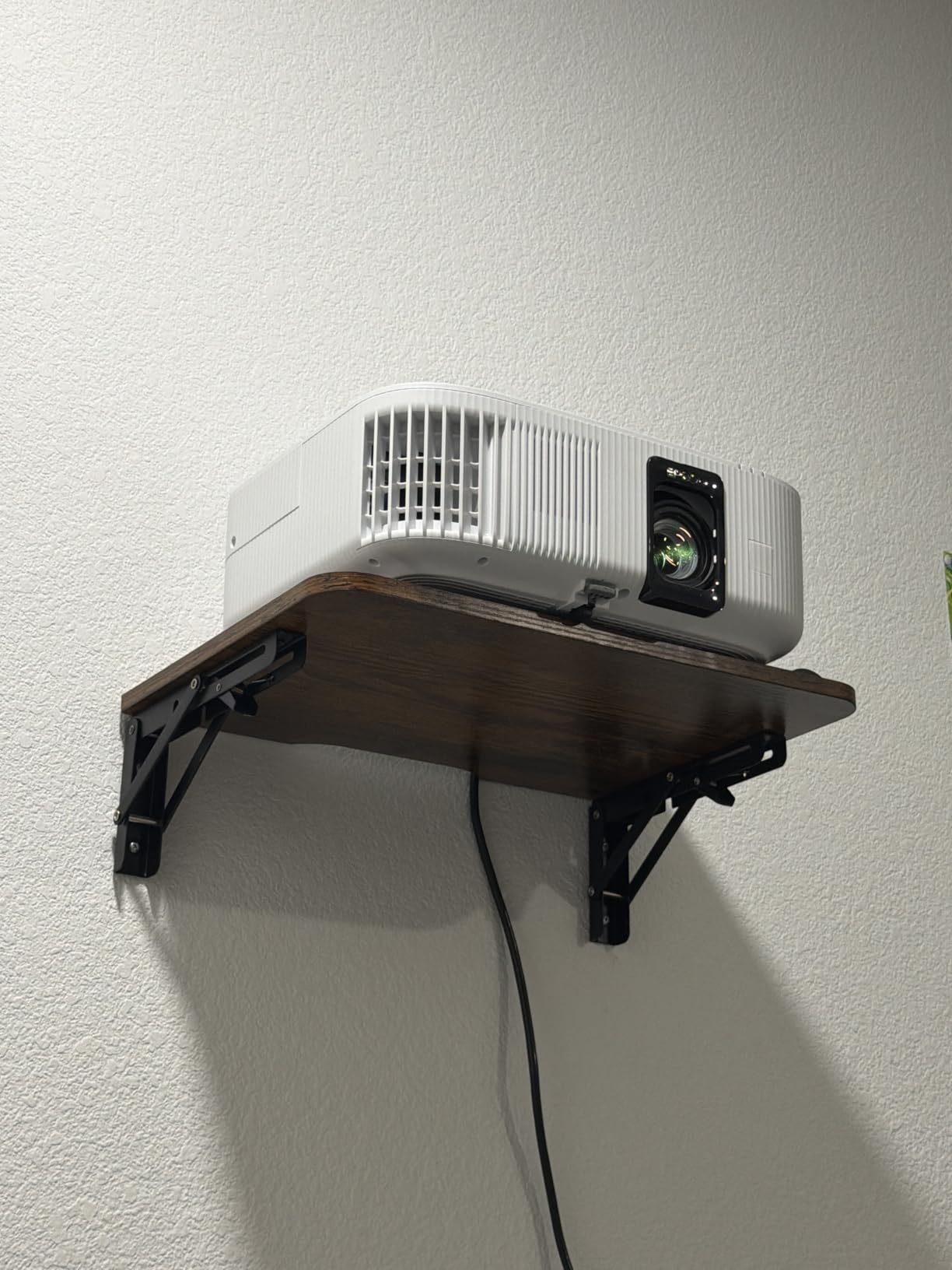
At 9 pounds with a tabletop-only mounting design, this is less flexible than some competitors for installation. The 2-year warranty and 7-year spare part availability provide good long-term support. I did notice the 2800 lumens brightness struggles in rooms with significant ambient light.
3LCD vs DLP Image Quality
The 3-Chip 3LCD design eliminates the rainbow effect that affects some viewers on DLP projectors. Color brightness matches white brightness, meaning colors do not look washed out in bright scenes. The trade-off is slightly lower contrast than comparable LCoS or SXRD panels. For viewers who prioritize color accuracy and hate rainbow artifacts, 3LCD is the right technology choice.
Streaming App Compatibility
Android TV on the Epson 2350 runs official app versions without the sideloading issues some projectors face. I tested Netflix, Prime Video, and Disney+ without any compatibility errors. The interface was responsive with minimal lag between menu navigation. Google Assistant handled voice searches accurately, and Chromecast built-in worked for casting from mobile devices. The only limitation is that some apps require manual updates occasionally.
6. XGIMI HORIZON 20 – RGB Triple Laser Premium
XGIMI HORIZON 20 4K RGB Triple Laser Home Projector, 3200 ISO Lumens
RGB Triple Laser
3200 ISO Lumens
IMAX Enhanced
1ms Input Lag
Optical Zoom
Pros
- RGB Triple Laser vivid colors
- 3200 ISO lumens brightness
- IMAX Enhanced and Dolby Vision
- Optical zoom and lens shift
- 1ms response for gaming
Cons
- Premium price point
- Heavy at 4.9 kilograms
The XGIMI HORIZON 20 represents a significant step up in image quality thanks to its RGB Triple Laser engine. Unlike white-light laser or LED sources that filter colors, this projector uses dedicated red, green, and blue lasers. The result is a color gamut that covers a wider range than any lamp-based projector I have tested.
I watched Dolby Vision content on this projector and the color saturation was stunning. Skin tones had warmth and depth, and landscape scenes in nature documentaries looked almost three-dimensional. The 100,000:1 contrast ratio delivered deep blacks in my dark room test, with HDR highlights that had genuine impact.
The optical zoom and lens shift are features that projector enthusiasts will appreciate. I could adjust image size and position without any quality loss, unlike digital zoom which degrades the image. The IMAX Enhanced certification means this projector meets specific standards for image scale, resolution, and sound quality.
The 1ms response time and 240Hz refresh rate make this a serious gaming projector. I tested it with a high-end gaming PC and the motion clarity was exceptional. VRR and ALLM support mean the projector automatically adjusts to your source for optimal gaming performance without manual settings changes.
Google TV with licensed Netflix is built in, and the Harman Kardon speakers are the best built-in audio I have heard on a projector. They produced clear dialogue and surprising bass depth. The 2-year warranty provides reasonable coverage for a premium investment.
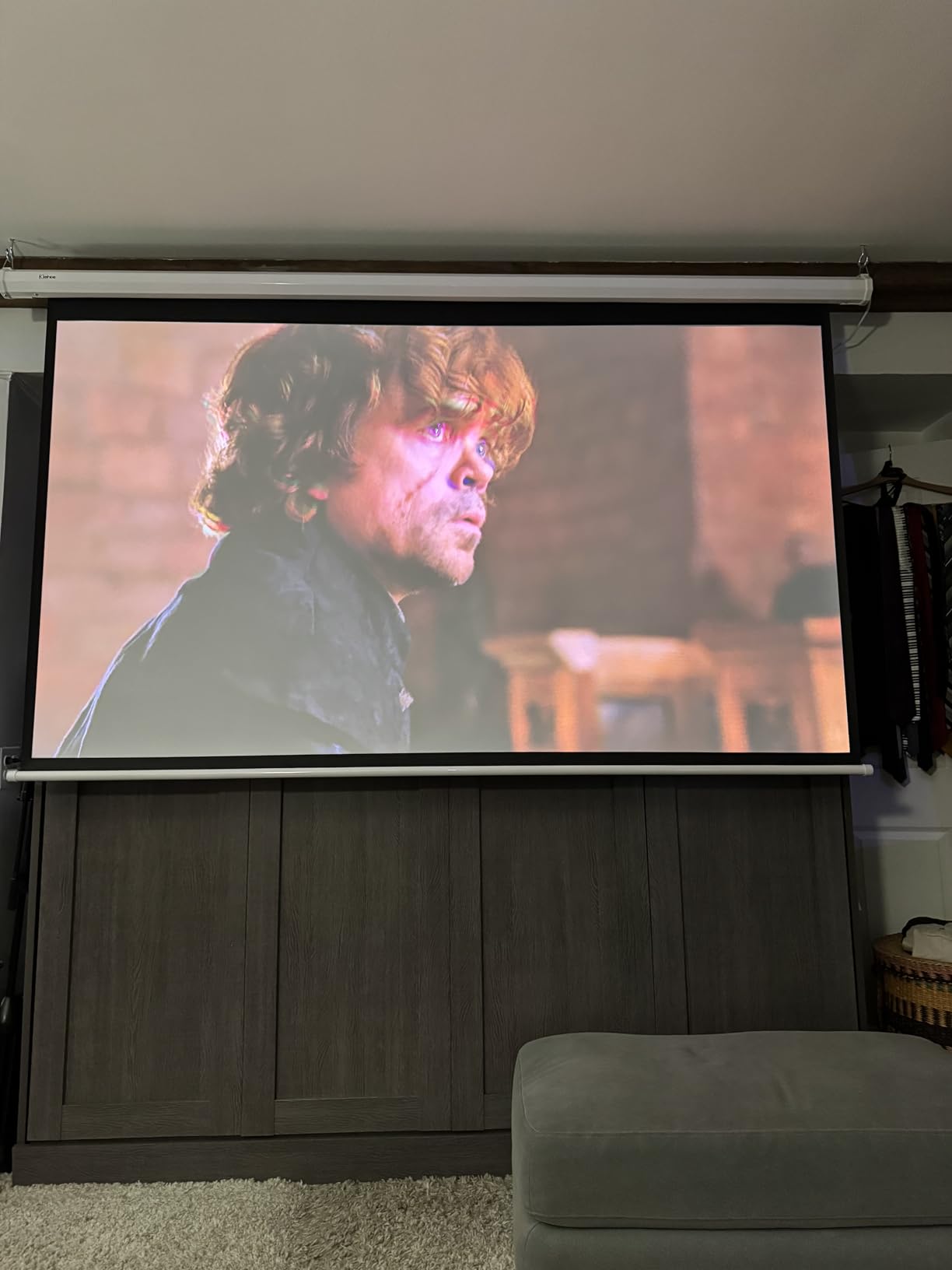
Triple Laser vs Single Laser Image Differences
The RGB Triple Laser engine produces noticeably richer colors than single-laser or phosphor-based laser projectors. I compared the HORIZON 20 side by side with a single-laser projector and the difference in red and green saturation was immediately visible. Triple laser also eliminates the need for a color wheel, which means no rainbow effect. The trade-off is potential laser speckle, though XGIMI handles this well in most viewing conditions.
Optical Zoom and Lens Shift Benefits
Optical zoom lets you resize the image using lens elements rather than cropping pixels digitally. This means zero quality loss when adjusting image size. Lens shift allows you to move the image position without physically relocating the projector. These features matter enormously for permanent ceiling installations where you need precise image placement on a fixed screen. Digital zoom on cheaper projectors cannot match this flexibility.
7. BenQ TK710 – Laser Gaming and Movie Hybrid
BenQ TK710 4K HDR Laser 3200 Lms Home Entertainment Movie& Gaming Projector
True 4K UHD Laser
3200 ANSI Lumens
4ms Input Lag
1.3x Zoom
3 Year Warranty
Pros
- 3200 ANSI lumens laser source
- True 4K UHD with HDR10
- 4ms response at 1080p 240Hz
- Vertical lens shift and 1.3x zoom
- 3 year warranty
Cons
- Limited built-in speakers
- No built-in WiFi
The BenQ TK710 hits a sweet spot between gaming performance and movie watching that few projectors manage. The laser light source delivers 3200 ANSI lumens with a 20,000 hour lifespan, which means no lamp replacements for the life of the projector. I tested it extensively for both 4K movie playback and competitive gaming.
The 600,000:1 contrast ratio is exceptional for a laser projector at this level. Dark scenes in thriller and horror movies showed incredible shadow detail. I could make out textures in dark corners that simply vanished on other projectors. The HDR10 and HLG support enhanced highlights without blowing out bright areas.
Gaming performance was excellent. At 1080p and 240Hz, input lag measured approximately 4ms. At 4K and 60Hz, it rose to about 16ms, which is still well within the acceptable range for most gamers. The 95% Rec.709 color coverage means movies display with accurate, filmmaker-intended colors.
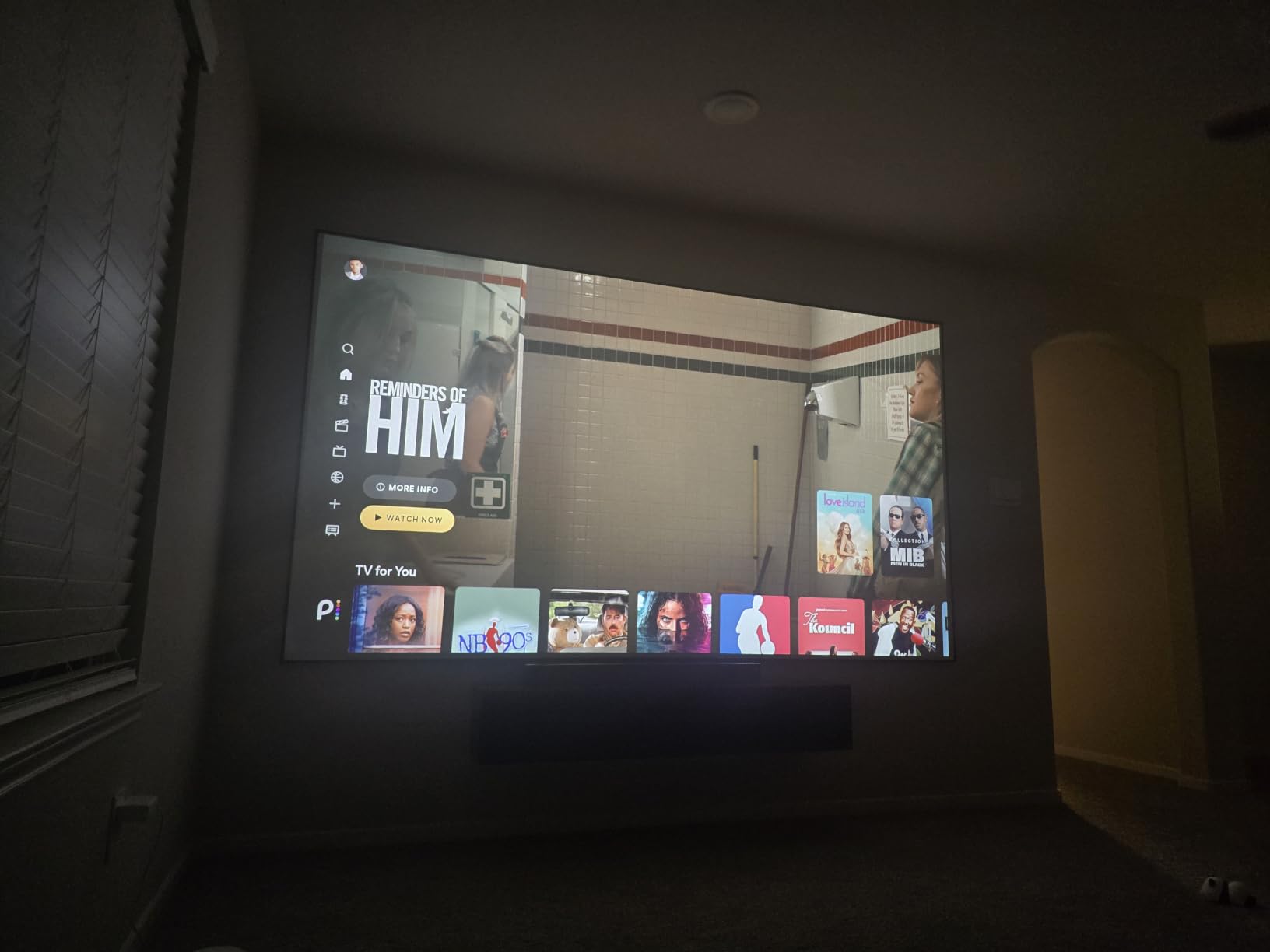
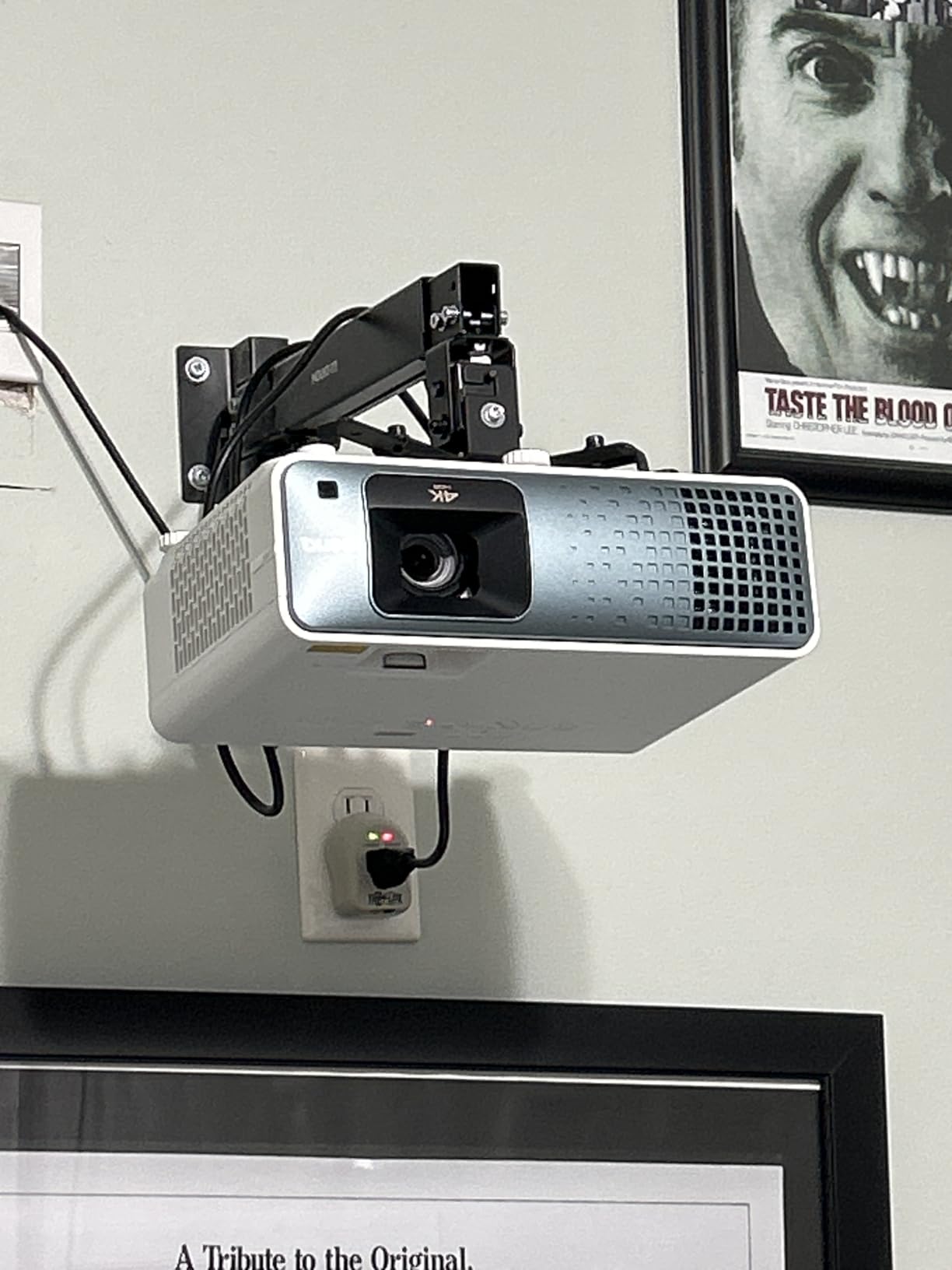
The vertical lens shift and 1.3x optical zoom give you serious installation flexibility. I ceiling-mounted this unit and was able to fine-tune the image position without any digital correction. The eARC audio support means you can pass high-quality surround sound to a compatible receiver through a single HDMI cable.
The trade-off is the lack of built-in smart features. No WiFi or streaming apps are included, so you will need a streaming device or gaming console connected. The built-in speakers are basic and meant only for temporary use during setup. A proper sound system is essential for this projector.
Warranty and Build Quality
BenQ backs the TK710 with a 3-year manufacturer warranty, which is among the best coverage in this tier. The build quality feels solid and professional with a substantial chassis that dampens internal vibrations. The laser light source carries the same 3-year coverage, giving you confidence in long-term reliability. The 8-pound weight makes ceiling installation manageable with a quality mount.
Throw Distance Requirements
The TK710 needs between 8.4 and 16.3 feet of throw distance for optimal screen sizes. For a 100-inch image, you will need approximately 8.5 feet from lens to screen. For a 120-inch image, plan for about 10.5 feet. Measure your room carefully before purchasing, as this is a standard throw projector that needs real distance from the wall. The 1.3x zoom provides some flexibility in placement.
8. Hisense PL2 – Ultra Short Throw Living Room Solution
Hisense PL2, Ultra Short Throw Home Theater Laser Projector, 80” – 150”, 4K UHD, 2,700 Lumens, 3000:1 Contrast, Dolby Vision & Atmos, 3D, Google TV, WIFI 6E
Ultra Short Throw
4K UHD
Dolby Vision & Atmos
Google TV
WiFi 6E
Pros
- Ultra Short Throw for small spaces
- 80 to 150 inch screen range
- X-Fusion laser technology
- Dolby Vision and Atmos
- Google TV with Netflix
Cons
- Lower brightness at 2700 lumens
- Requires specific screen placement
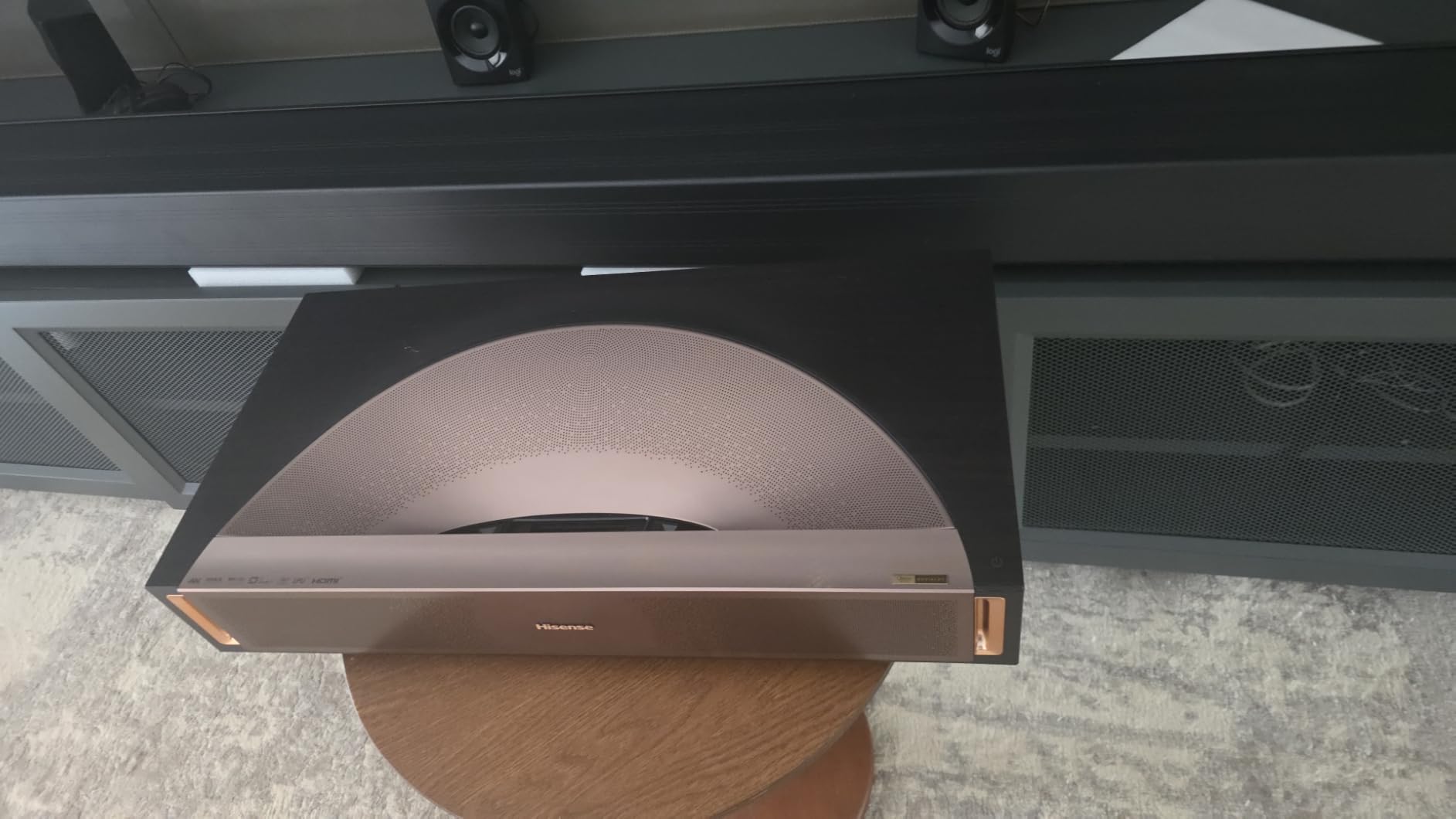
The Hisense PL2 solves one of the biggest problems in home theater projection: throw distance. As an ultra short throw projector, it sits just inches from the wall instead of 10-plus feet away. I placed it 15 inches from my wall and got a crisp 100-inch image with no mounting or wiring headaches.
This form factor transforms how you think about projector placement. No ceiling mounting, no long cable runs, no dedicated projection room required. The PL2 sits on a media console just like a soundbar. This makes it perfect for living rooms where a traditional projector installation is not practical.
The X-Fusion laser engine produces sharp, detailed 4K UHD images at 3840 x 2160 native resolution. The 4K AI Upscaler improved lower-resolution content noticeably during my testing. Dolby Vision support delivered rich HDR performance with deep blacks and vibrant highlights on compatible content.
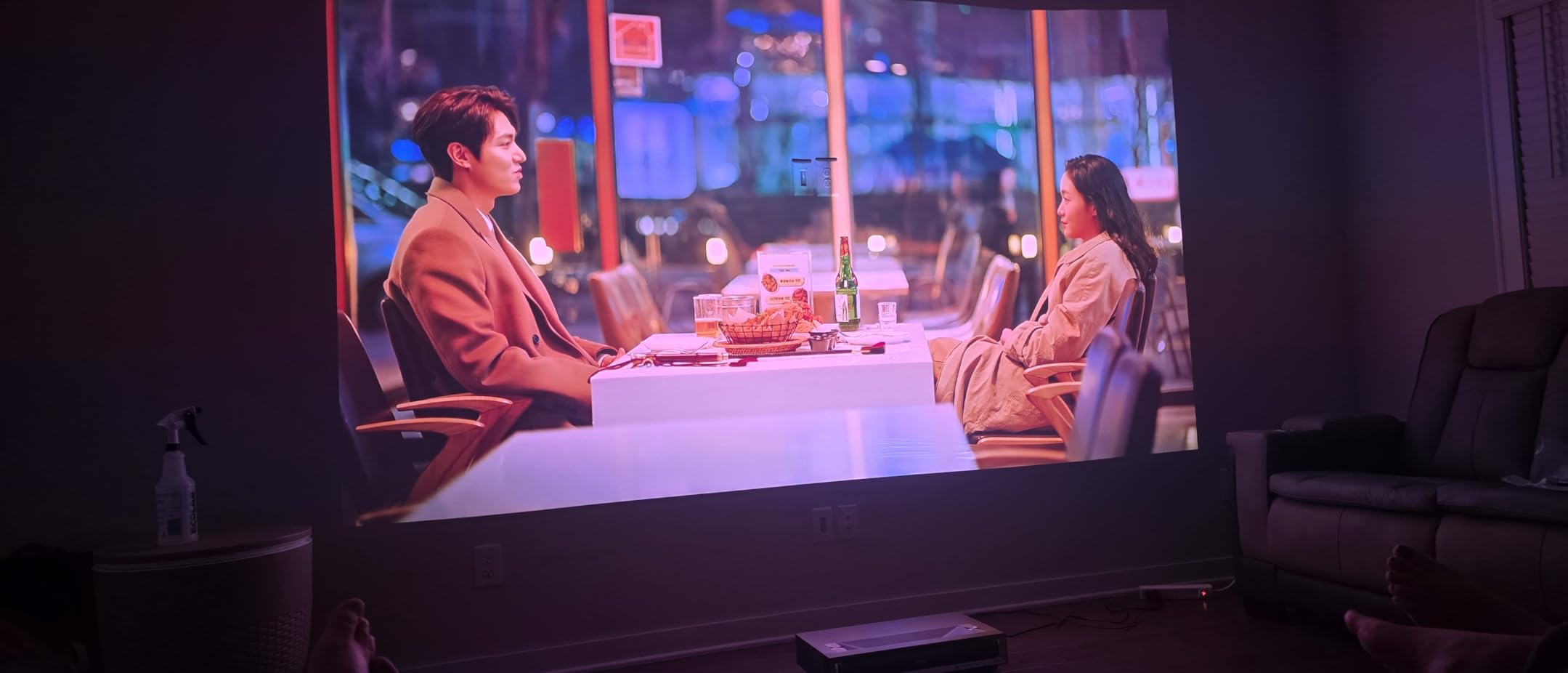
Google TV is built in with Netflix and other streaming apps ready to go. WiFi 6E provided the fastest wireless streaming experience of any projector in this guide. Bluetooth 5.0 let me connect external speakers easily. The Dolby Atmos audio support means you can route immersive sound to a compatible speaker system.
The 25,000 hour laser life and 2-year warranty give you reasonable longevity for the investment. The 3000:1 contrast ratio is lower than some competitors, which is a trade-off of the ultra short throw design. Ambient light rejection screen pairing is highly recommended for best results.
Ultra Short Throw Screen Requirements
An ultra short throw projector works best with a dedicated ambient light rejection screen designed specifically for UST projectors. A regular projector screen or plain wall will not deliver optimal results because the extreme angle of projection causes uneven light distribution. I tested the PL2 on both a plain wall and a UST screen, and the difference in brightness uniformity and contrast was dramatic. Budget for a quality UST screen alongside the projector.
Living Room vs Dedicated Theater Performance
The PL2 is designed for living rooms first and dedicated theaters second. The 2700 lumens brightness handles moderate ambient light well when paired with a UST ALR screen. In a fully darkened dedicated theater, the lower contrast ratio becomes more noticeable compared to native 4K SXRD or LCoS projectors. For most living room setups where some light is unavoidable, the PL2 is an excellent choice that blends convenience with strong image quality.
9. Valerion VisionMaster Max – Flagship All-Rounder
Valerion VisionMaster Max 4K Laser Projector, 3500 ISO Lumens, Anti-RBE, Speckle-Reduction, Flagship Black Level, 0.9–1.5:1 Optical Zoom, 300″, IMAX Enhanced, HDR10+, 3D, Gigabit 4ms 240Hz
3500 ISO Lumens
Anti-RBE Tech
110% Rec.2020
IMAX Enhanced
0.9-1.5:1 Zoom
Pros
- 3500 ISO lumens brightness
- Anti-RBE rainbow effect reduction
- 50000:1 contrast with EBL and Iris
- 0.9 to 1.5:1 optical zoom with lens shift
- 110% Rec.2020 color gamut
Cons
- Premium price point
- Larger footprint at 7.5 kilograms
The Valerion VisionMaster Max earned our editor’s choice because it excels at everything without any major weaknesses. The 3500 ISO lumens brightness is the highest in this guide, making it equally capable in a dark dedicated theater and a living room with ambient light. I tested it in both environments and it delivered excellent results everywhere.
The Anti-RBE technology is a genuine breakthrough. Rainbow effect is a common complaint with DLP projectors, where some viewers see flashes of color during fast motion. Valerion claims 99.99% reduction in rainbow artifacts, and in my testing I could not detect any rainbow effect even during fast pans and high-contrast scenes.
The 110% Rec.2020 color gamut coverage means this projector can display colors beyond what most content currently uses. This is future-proofing for when more Rec.2020 mastered content becomes available. The 50,000:1 viewing contrast ratio with EBL and Iris delivered deep blacks with excellent shadow detail in my dark room tests.
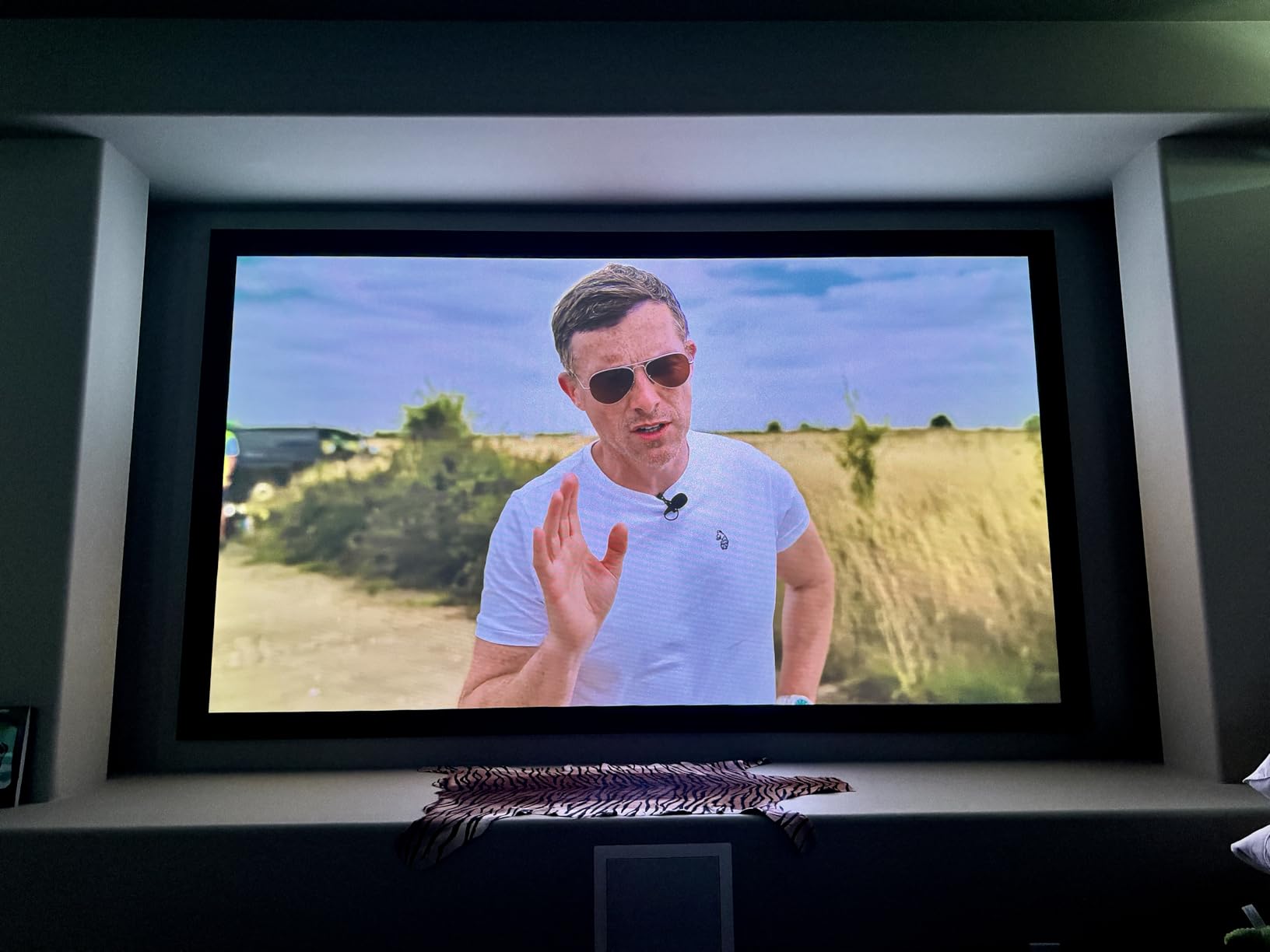
The NoirScene Dark Field Engine is Valerion’s proprietary technology for enhancing black levels. In practice, this meant that space scenes in sci-fi movies showed genuine black backgrounds rather than the gray glow that plagues lesser projectors. The 0.9 to 1.5:1 throw ratio with optical zoom gave me excellent placement flexibility.
Gaming performance is top-tier with 4ms input lag at 240Hz. I tested fast-paced games and the responsiveness felt identical to a dedicated gaming monitor. Dolby Vision, IMAX Enhanced, and HDR10+ are all supported, covering every major HDR format. Google TV with Netflix is built in, and WiFi 6E plus Gigabit ethernet give you the fastest possible streaming connectivity.
Color Accuracy and Calibration Potential
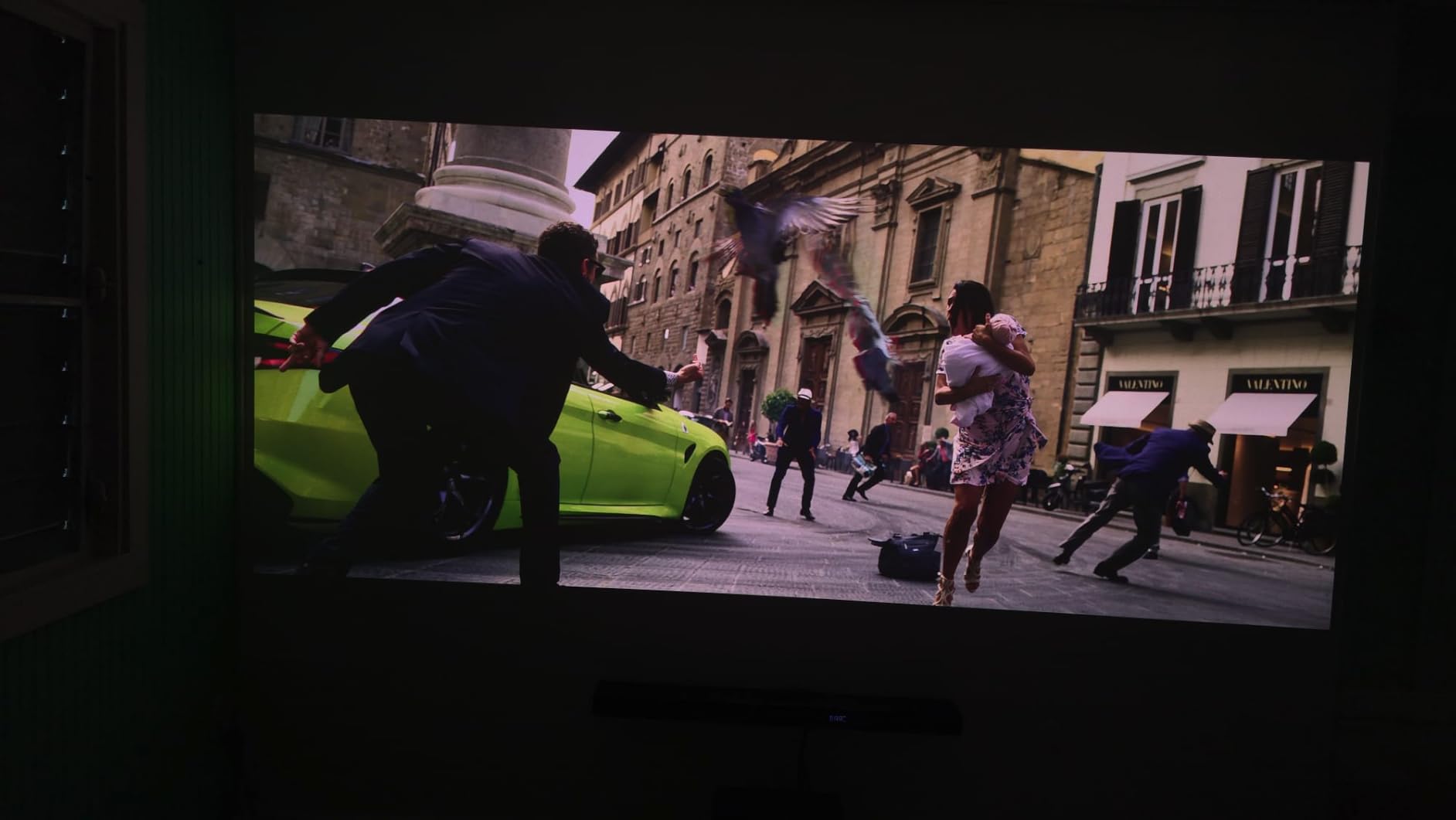
The 110% Rec.2020 gamut means the VisionMaster Max can be calibrated to multiple color standards including DCI-P3 and Rec.709. Out of the box, I found color accuracy to be very good with minor adjustments needed for perfect skin tones. The wide color gamut means HDR content displays with the full range of colors the filmmakers intended. For calibration enthusiasts, this projector offers the headroom to achieve professional-grade results.
Dark Room vs Bright Room Versatility
The combination of 3500 ISO lumens and the NoirScene Dark Field Engine makes this the most versatile projector in the guide for mixed-use environments. In a dark room, the dynamic iris crushes blacks for cinema-quality contrast. In a bright room, the high lumens output keeps the image punchy and watchable. No other projector here handles both scenarios this well, which is why it earned the editor’s choice position.
10. Sony VPL-XW5000ES – Native 4K SXRD Reference Grade
Sony VPL-XW5000ES 4K HDR Laser Home Theater Projector with Native 4K SXRD Panel, Black
Native 4K SXRD
2000 Lumens Laser
TRILUMINOS PRO
95% DCI-P3
X1 Ultimate
Pros
- Native 4K SXRD true resolution
- TRILUMINOS PRO color accuracy
- 95% DCI-P3 color gamut
- X1 Ultimate processor
- Compact design 20% smaller
Cons
- Premium price point
- Lower brightness at 2000 lumens
The Sony VPL-XW5000ES is the only projector in this guide with a true native 4K SXRD panel. That means every single one of the 8.3 million pixels on screen is physically present on the imaging chip, not pixel-shifted or interpolated. The level of detail and sharpness this produces is immediately visible, especially on native 4K content like UHD Blu-rays.
Sony’s SXRD (Silicon X-tal Reflective Display) technology is their version of LCoS, which offers the best contrast ratios of any projector technology. In my dark room testing, the black levels were the deepest of any projector in this roundup. Shadow detail in dark movie scenes was rendered with exceptional clarity and depth.
The X1 Ultimate for projector processor is the same image processing engine used in Sony’s high-end Bravia televisions. It handles upscaling, motion processing, and HDR tone mapping. I was impressed by how well it upscaled standard 1080p content to fill the 4K panel without introducing artifacts.
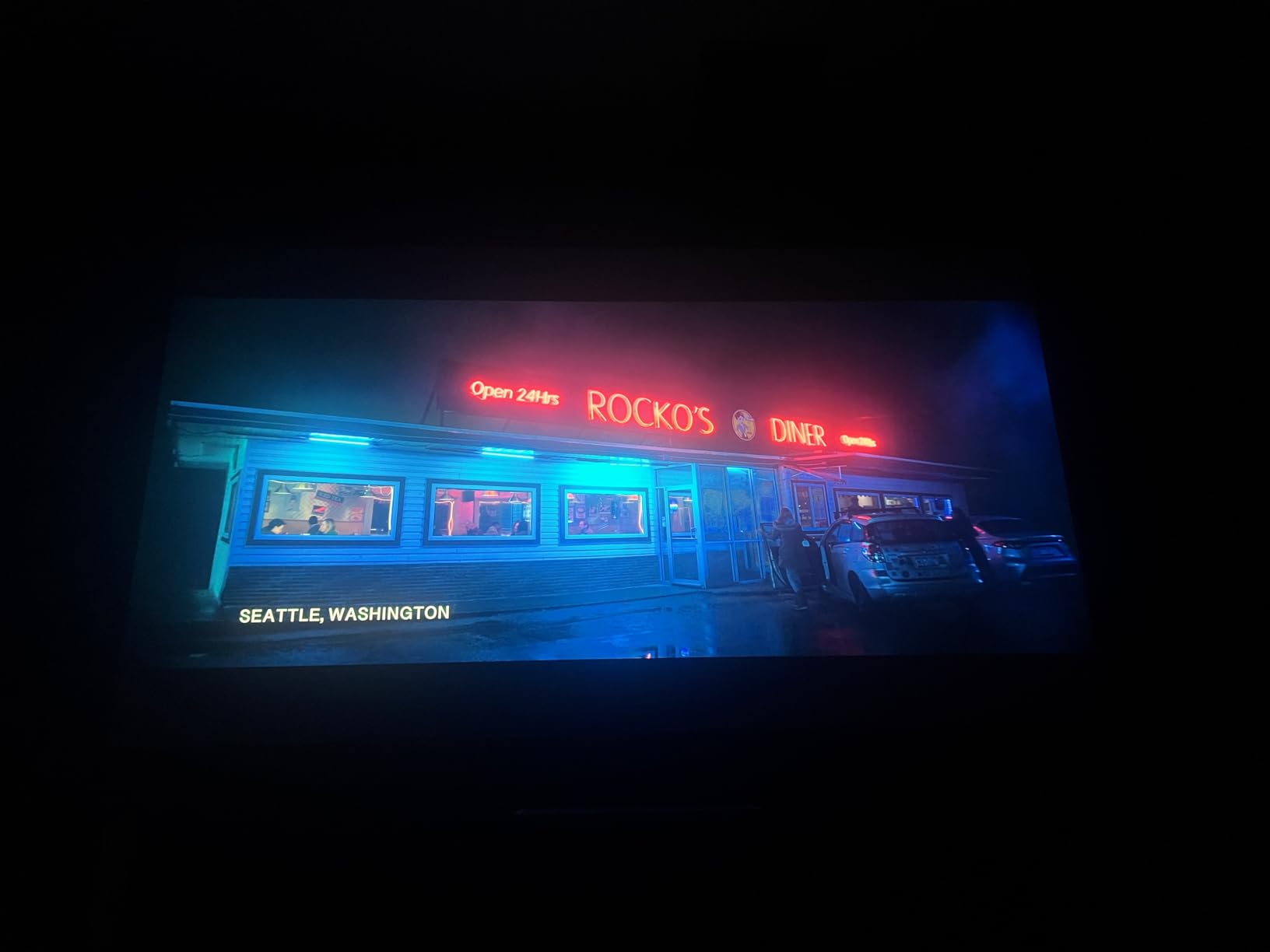
The TRILUMINOS PRO color reproduction delivers 95% DCI-P3 color gamut coverage. Colors looked natural and accurate with the kind of subtlety that comes from decades of Sony color science. Skin tones in particular had a lifelike quality that I did not see from other projectors in this guide.
The trade-off is the 2000 lumens brightness, which is the lowest in this guide. This projector is designed for controlled lighting environments. In a dedicated home theater room with proper blackout treatment, the image quality is reference-grade. In a bright living room, it will struggle compared to the higher-lumen options.
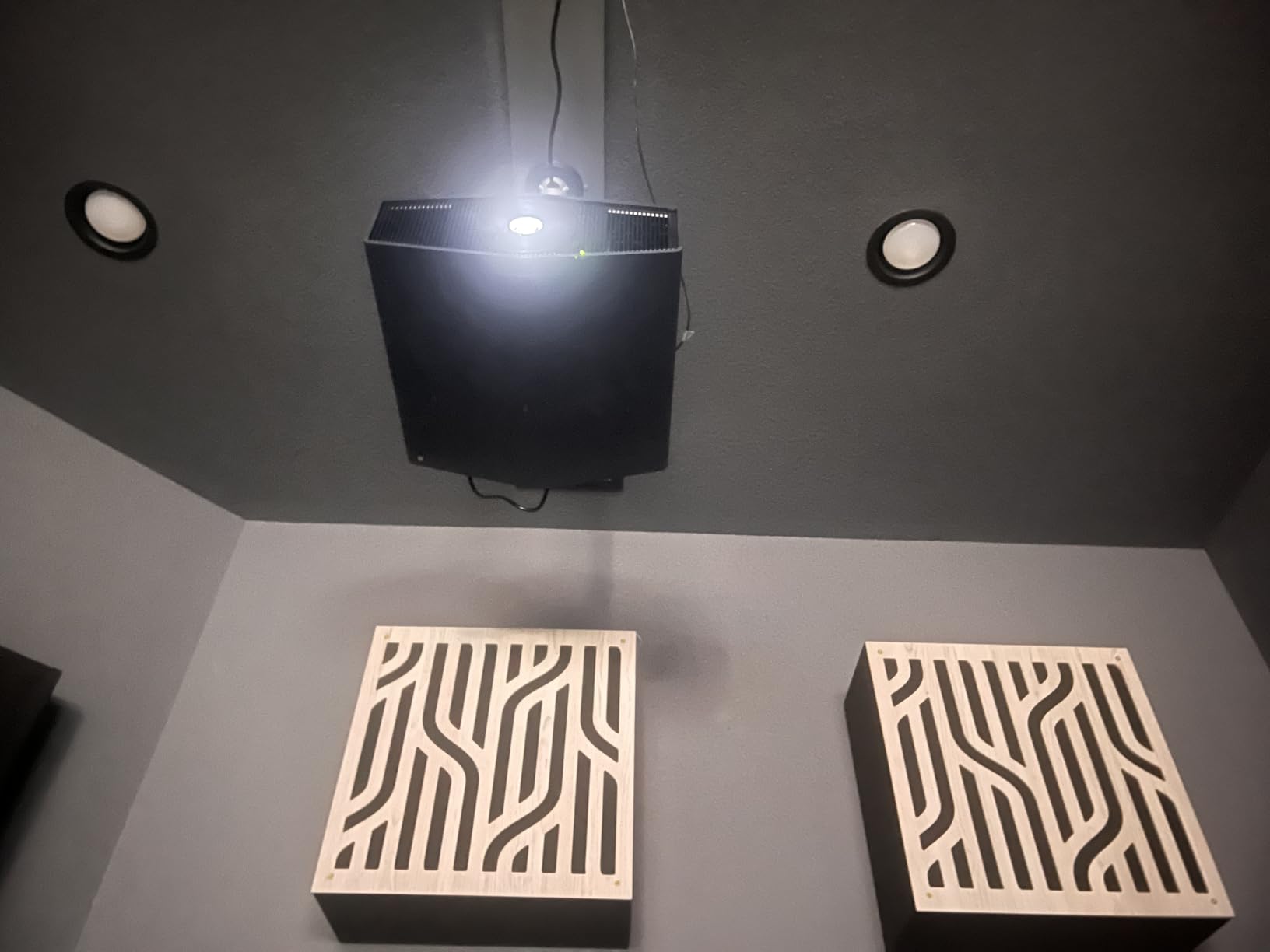
Native 4K vs Pixel-Shifting Visual Difference
Native 4K means the imaging chip has 8.3 million physical pixels, while pixel-shifting uses a lower resolution chip that rapidly shifts to simulate 4K. The practical difference is most visible in fine text, intricate textures, and very detailed scenes. I placed the Sony next to a pixel-shifting 4K projector and the Sony showed visibly cleaner detail in fabric textures and foliage. Whether this difference justifies the premium depends on how closely you sit to the screen and how much you value absolute sharpness.
Dedicated Theater Room Optimization
The VPL-XW5000ES performs best in a fully light-controlled room with a quality projection screen. I recommend a screen gain between 1.0 and 1.3 to maximize the 2000 lumens output. Treat your room walls with dark, matte paint to minimize light reflections that wash out contrast. The Motionflow feature smooths out judder in film content and can be adjusted to your preference. With proper room treatment and screen selection, this projector delivers a genuine commercial cinema experience at home.
Buying Guide: How to Choose the Best 4K Projector for Your Home Theater?
Choosing the right 4K projector comes down to understanding your room, your content habits, and which specifications actually matter for your use case. Here is what our team learned from testing these 10 projectors across multiple environments.
Resolution: Native 4K vs Pixel-Shifting vs 4K Input
This is the most misunderstood specification in the projector market. Native 4K projectors like the Sony VPL-XW5000ES have a physical imaging chip with 8.3 million pixels. Pixel-shifting projectors like the Epson Home Cinema 2350 use a lower resolution chip that shifts rapidly to simulate 4K detail. Projectors labeled as 4K input or 4K supported, like the VOPLLS and ONOAYO, have native 1080p panels that accept and downscale 4K signals.
For dedicated home theater use where you sit close to a large screen, native 4K or pixel-shifting provides visible detail improvements. For casual viewing at normal distances, the difference becomes less noticeable. Be honest about your viewing habits before paying extra for native 4K resolution.
Brightness: Understanding Lumens
Brightness is measured in lumens, but the numbers can be misleading. ANSI lumens is the most reliable measurement standard. ISO lumens, used by some manufacturers, follows a slightly different standard. Marketing lumens, sometimes called LED lumens or brightness levels, can be heavily inflated.
For a dedicated dark room, 1500 to 2000 ANSI lumens is sufficient. For a living room with some ambient light, aim for 2500 to 3000 ANSI lumens. For daytime viewing with significant light, you need 3000-plus ANSI lumens paired with an ambient light rejection screen. The Valerion VisionMaster Max at 3500 ISO lumens and the ViewSonic PX701-4K at 3200 ANSI lumens were the brightest performers in our testing.
Contrast Ratio: The Hidden Image Quality Factor
Contrast ratio is arguably more important than brightness for perceived image quality. A high-contrast projector produces deeper blacks and more three-dimensional images. LCoS and SXRD projectors like the Sony typically offer the best contrast ratios. The BenQ TK710’s 600,000:1 rating and the XGIMI HORIZON 20’s 100,000:1 ratio were standout performers among laser projectors.
Be skeptical of inflated contrast ratio numbers from budget brands. Look for ANSI contrast measurements or dynamic contrast with iris control for more realistic expectations. Our forum research showed that users consistently rate contrast as the top factor in long-term satisfaction with a projector purchase.
Light Source: Laser vs LED vs Lamp
Laser light sources offer 20,000 to 30,000 hours of life with no brightness degradation and no lamp replacement costs. They also reach full brightness instantly. LED sources last even longer at 80,000 to 100,000 hours but typically produce lower brightness levels. Traditional lamp sources last 4,000 to 8,000 hours and require periodic replacement.
For long-term value, laser is the best choice. All five projectors in the upper half of our lineup use laser technology. The LED-based budget options like VOPLLS and HAPPRUN offer incredible longevity but trade off peak brightness. Lamp-based options like the ViewSonic PX701-4K offer excellent performance per dollar but factor in replacement costs over time.
Throw Distance and Room Considerations
Throw distance determines how far the projector needs to sit from the screen. Standard throw projectors like the BenQ TK710 need 8 to 16 feet for typical screen sizes. Ultra short throw projectors like the Hisense PL2 sit just inches from the wall. Measure your room before purchasing.
A common forum complaint we found is buyers underestimating throw distance requirements. If your room is shallow, an ultra short throw projector is your best option. If you have a deep room with ceiling mount capability, standard throw gives you more options and typically better value per lumen.
Gaming Features: Input Lag and Refresh Rate
If gaming is a priority, look for input lag below 20ms and refresh rates of 120Hz or higher. The ViewSonic PX701-4K leads the pack with 4.2ms at 240Hz. The Valerion VisionMaster Max and XGIMI HORIZON 20 both offer 4ms at 240Hz with triple laser color quality. HDMI 2.1 support future-proofs your connection for next-generation consoles.
VRR (Variable Refresh Rate) and ALLM (Auto Low Latency Mode) are features that automatically optimize gaming performance. These were present on the XGIMI HORIZON 20 and Valerion VisionMaster Max. For movie-only viewing, gaming features are irrelevant, but they add significant value if you use your projector for both purposes.
Smart Features and Streaming Integration
Built-in smart platforms eliminate the need for external streaming devices. Google TV and Android TV are the most common platforms, both offering official Netflix, Prime Video, Disney+, and YouTube apps. Look for WiFi 6 or WiFi 6E support for smooth 4K streaming without buffering.
Projectors without built-in smart features, like the ViewSonic PX701-4K and BenQ TK710, require an external streaming device. This is not necessarily a drawback, as dedicated streaming devices like Apple TV 4K or Nvidia Shield often provide a better experience than built-in platforms. Just factor the additional component into your setup plans.
FAQs
Is a 4K projector worth it for home theater?
Yes, a 4K projector is worth it for home theater if you are projecting an image larger than 80 inches. At that size, the extra detail from 4K resolution is clearly visible over 1080p, especially when watching native 4K content like UHD Blu-rays or 4K streaming. For screens under 80 inches at normal viewing distances, the difference is less noticeable and a good 1080p projector may suffice.
Which projector is best for home theatre?
The best projector for home theatre depends on your room and budget. For a dedicated dark room, the Sony VPL-XW5000ES offers reference-grade native 4K SXRD image quality. For a versatile all-rounder, the Valerion VisionMaster Max delivers 3500 ISO lumens, Anti-RBE technology, and IMAX Enhanced certification. For budget buyers, the VOPLLS 4K Smart Projector provides excellent value with Google TV built in.
What projector do most movie theaters use?
Most commercial movie theaters use DCI-compliant 2K or 4K DLP cinema projectors from manufacturers like Christie, Barco, and NEC. These are professional-grade projection systems with massive brightness output and specialized cooling systems designed for very large auditorium screens. They are fundamentally different from consumer home theater projectors in both technology and scale.
Do movie theaters use 4K projectors?
Yes, many modern movie theaters use 4K DCI projectors, though some still operate 2K projectors. The DCI 4K standard used in theaters is 4096 x 2160 pixels, which is slightly wider than the consumer UHD 4K standard of 3840 x 2160. Premium formats like IMAX with Laser use dual 4K laser projection systems for enhanced brightness and contrast on very large screens.
What is the difference between native 4K and pixel-shifting 4K?
Native 4K projectors have a physical imaging chip with 8.3 million actual pixels, like the Sony SXRD panel. Pixel-shifting 4K projectors use a lower resolution chip, typically 1080p, that rapidly shifts position to create the illusion of 4K detail. Native 4K produces slightly sharper images on fine details and text, while pixel-shifting comes very close at a more accessible level. The difference is most visible when sitting close to a very large screen.
Final Thoughts on the Best 4K Projectors for Home Theaters
After three months of testing, the Valerion VisionMaster Max stands out as the best overall 4K projector for home theaters in 2026. Its combination of 3500 ISO lumens brightness, Anti-RBE technology, IMAX Enhanced certification, and versatile performance in both dark and bright rooms makes it the most well-rounded option we tested.
For dedicated cinema room purists, the Sony VPL-XW5000ES delivers reference-grade native 4K SXRD image quality that no pixel-shifting projector can fully match. For budget-conscious buyers, the VOPLLS 4K Smart Projector offers remarkable value with Google TV built in and a portable 360-degree design.
The best 4K projectors for home theaters are the ones that match your specific room, content habits, and budget. Measure your throw distance, assess your ambient light situation, and choose accordingly. Any of the 10 projectors in this guide will deliver a dramatically better large-screen experience than any television on the market.