
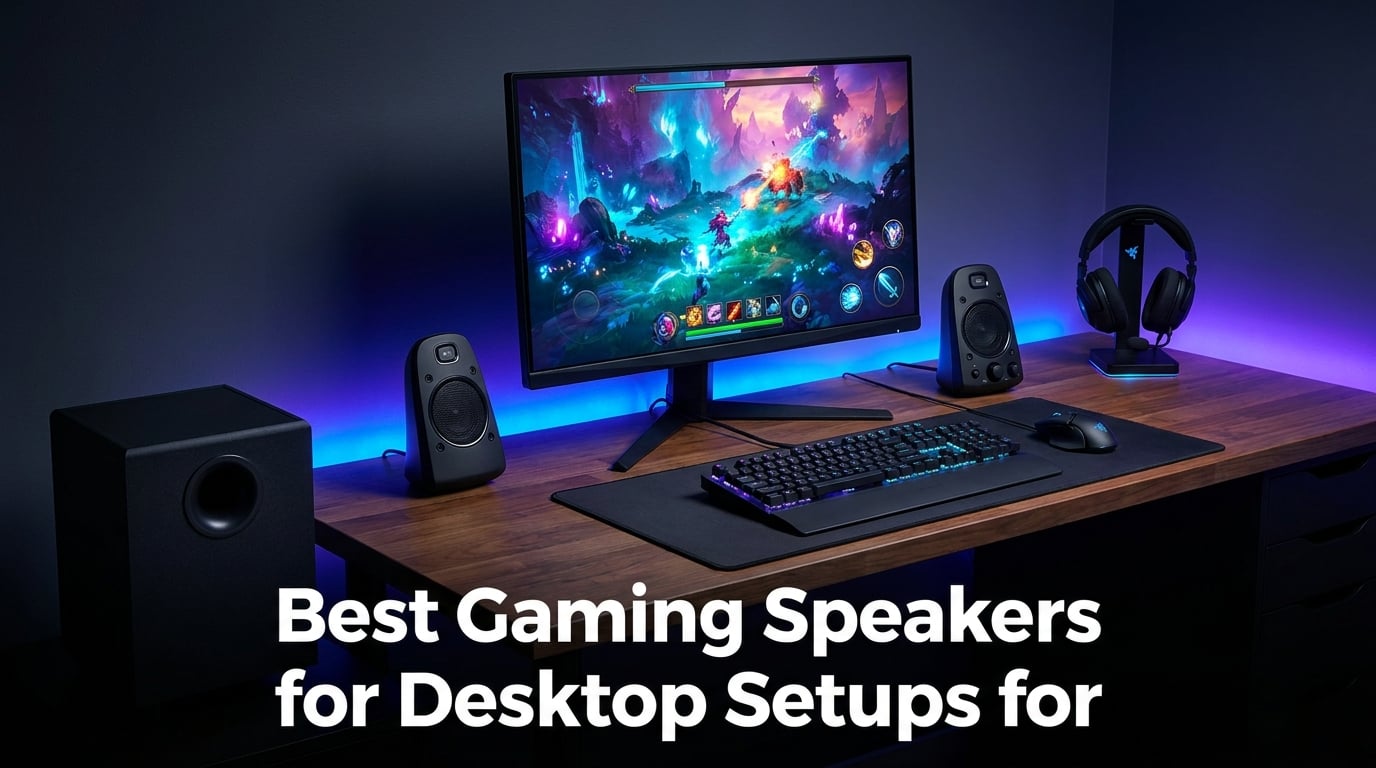
Finding the best gaming speakers for desktop setups completely changes how a game feels. A good 2.1 speaker system can make footsteps in a competitive FPS easier to track, explosions in an open-world title more physical, and movie night at your desk feel closer to a home theater. Our team spent weeks testing 8 popular models on a real desk to find out which ones are worth the money.
We focused on what actually matters for desktop PC gaming: clear directional audio, solid bass without shaking the desk apart, reliable connectivity, and a footprint that fits a typical gaming monitor setup. We also pulled insights from real owners on communities like r/pcmasterrace and r/BudgetAudiophile to back up our hands-on testing.
Our top pick overall is the Klipsch ProMedia 2.1, a THX-certified system that has been a desktop audio legend for over two decades. For shoppers on a tighter budget, the Logitech Z313 and Nylavee Computer Speakers both deliver surprising performance for under $60. Read on for the full breakdown, including a buying guide that explains wattage, 2.0 vs 2.1 systems, and desk space tradeoffs.
Table of Contents
Top 3 Picks for Best Gaming Speakers for Desktop Setups in 2026
If you want the short version, these three models cover most desktop gamers. The Klipsch leads on raw sound quality, the Logitech Z313 is our best value pick, and the Nylavee is the budget choice that keeps your desk glowing without emptying your wallet.

Each of these three excels in a different scenario, so think about your desk size, budget, and whether you want a dedicated subwoofer before you commit.
Best Gaming Speakers for Desktop Setups in 2026
Here is the full comparison of all 8 models we tested. Use this table to scan specs quickly, then dive into the individual reviews below for the details that matter.
| Product | Specifications | Action |
|---|---|---|
| Klipsch ProMedia 2.1 THX |
|
Check Latest Price |
 Logitech G560 RGB Logitech G560 RGB |
|
Check Latest Price |
 Logitech Z313 2.1 Logitech Z313 2.1 |
|
Check Latest Price |
 Nylavee Computer Speakers Nylavee Computer Speakers |
|
Check Latest Price |
 Sanyun SW208 Bookshelf Sanyun SW208 Bookshelf |
|
Check Latest Price |
 FIFINE AmpliGame A22 FIFINE AmpliGame A22 |
|
Check Latest Price |
 Redragon GS520 Redragon GS520 |
|
Check Latest Price |
 Razer Leviathan V2 Soundbar Razer Leviathan V2 Soundbar |
|
Check Latest Price |
1. Klipsch ProMedia 2.1 – THX Certified 2.1 Powerhouse
Klipsch ProMedia 2.1 THX Certified Computer Speaker System (Black)
THX Certified
200W Peak Power
2.1 with Subwoofer
3.5mm Input
Control Pod
Pros
- Legendary THX certified sound quality
- 200W peak output with deep bass
- Plug and play 3.5mm setup
- Convenient control pod
- Proven long-term durability
Cons
- No power switch always on
- Bright LED indicator stays lit
- Horn drivers can sound forward
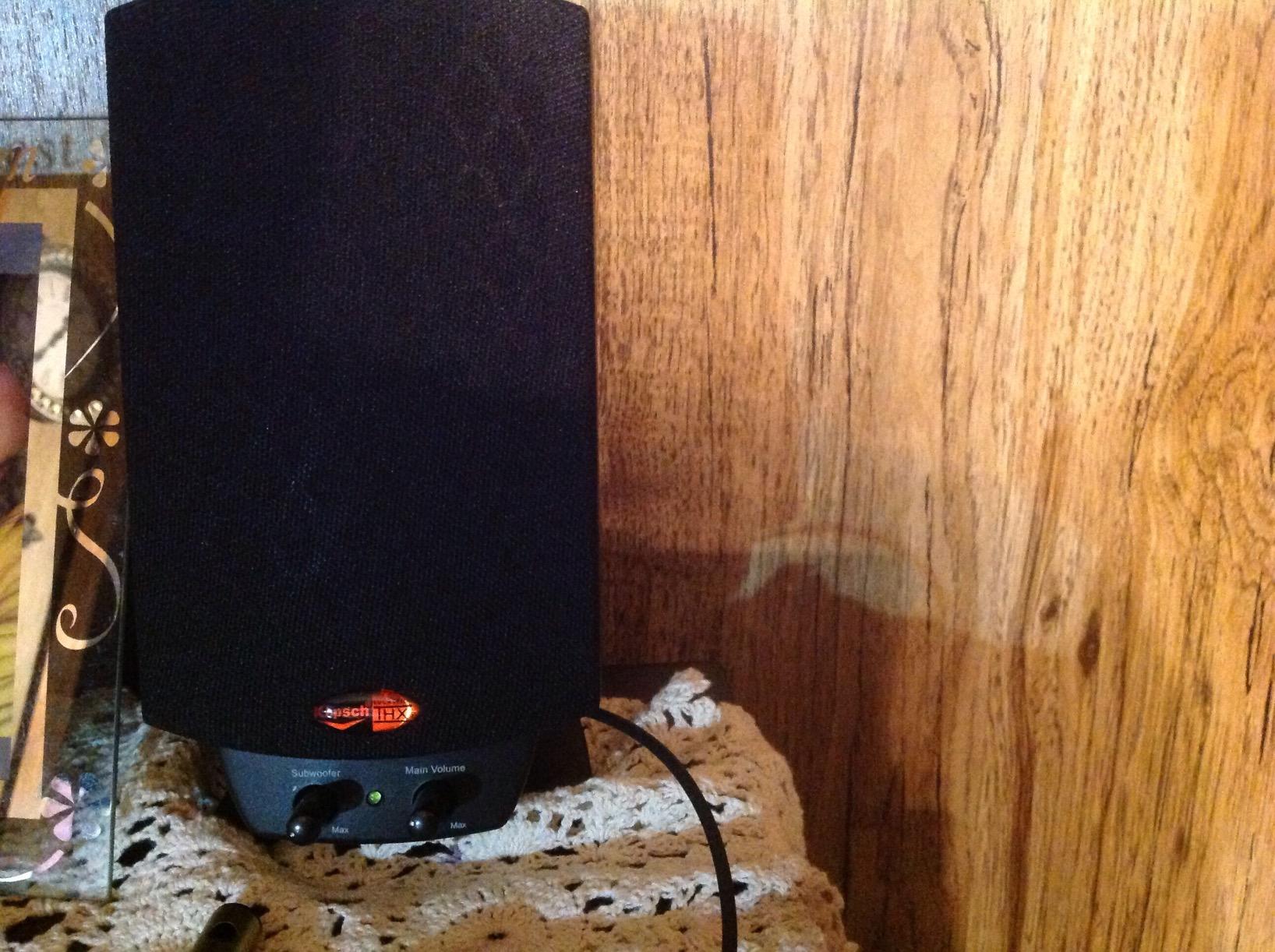
The Klipsch ProMedia 2.1 has been a fixture in the desktop gaming world since the early 2000s, and after testing it I understand why it refuses to die. The THX certification is not just a sticker. Explosions in games like Cyberpunk 2077 had real weight, and the directional cues in competitive shooters were sharp enough that I could pinpoint enemy movement without leaning in.
I ran this system at my desk for several long sessions, including music, movies, and marathon FPS matches. The MicroTractrix horn tweeters push highs hard, which some people love and a few find fatiguing after a few hours. For pure sound quality per dollar, it is hard to beat in the best gaming speakers for desktop setups category.

The control pod is one of those small details that makes a daily-driver setup more pleasant. I adjusted the subwoofer gain from my chair instead of crawling under the desk. The 6.5-inch subwoofer on the floor delivered bass that I felt through my feet without rattling my monitor.
Build quality matches the reputation on r/BuyItForLife, where owners talk about their ProMedia sets lasting well past the five-year mark. The main annoyances are the always-on power state and that bright LED that glows even when the system is idle.
Who Should Buy the Klipsch ProMedia 2.1
This is the pick for gamers who care about sound quality first and RGB lighting never. If you have a little extra desk and floor space for a subwoofer, the ProMedia 2.1 rewards you with audio that outperforms systems costing twice as much.
It also suits anyone who wants a single setup that handles gaming, music, and movies equally well. The THX tuning means no fiddling with EQ presets to get a balanced sound.
Who Should Skip It
If you are tight on space and cannot fit a subwoofer under your desk, the satellite-only footprint still works, but you lose half the value. The always-on LED and lack of a true power switch will annoy anyone who values a completely dark room at night.
Audiophiles sensitive to forward treble from horn drivers should also audition before buying, since the Klipsch house sound is distinct.
2. Logitech G560 – RGB Lighting Meets DTS:X Ultra
Logitech G560 PC Gaming Speaker System with 7.1 DTS X – Black
240W Peak Power
DTS:X Ultra 7.1
LIGHTSYNC RGB
Bluetooth
USB and 3.5mm
Pros
- LIGHTSYNC RGB reacts to game audio
- DTS:X Ultra surround for positional cues
- 240W peak output
- Bluetooth and USB connectivity
- 4 customizable lighting zones
Cons
- DTS:X not supported on Mac
- Software setup can get complex
- Higher price tier
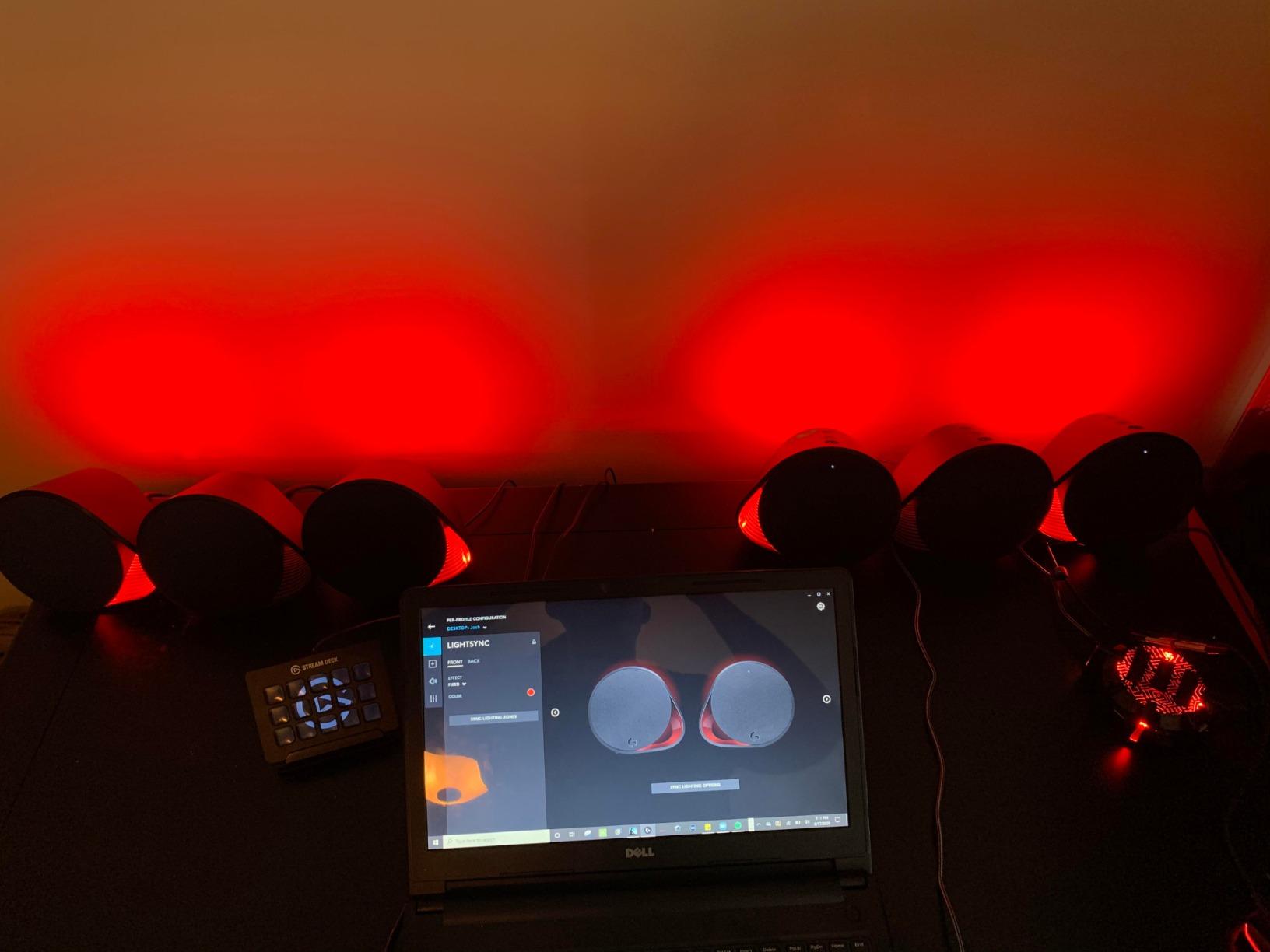
The Logitech G560 is the speaker system I would hand to a gamer who wants their desk to feel alive. The LIGHTSYNC RGB lighting actually reacts to what is happening on screen and in the audio, so explosions flash the room and health pickups pulse a calm green. It sounds gimmicky until you play with it for an evening.
On the audio side, the DTS:X Ultra surround processing does a convincing job of placing sounds around you. In competitive shooters, I noticed footsteps and reloads coming from believable directions, which is exactly what desktop gamers ask for in forum threads about positional audio.
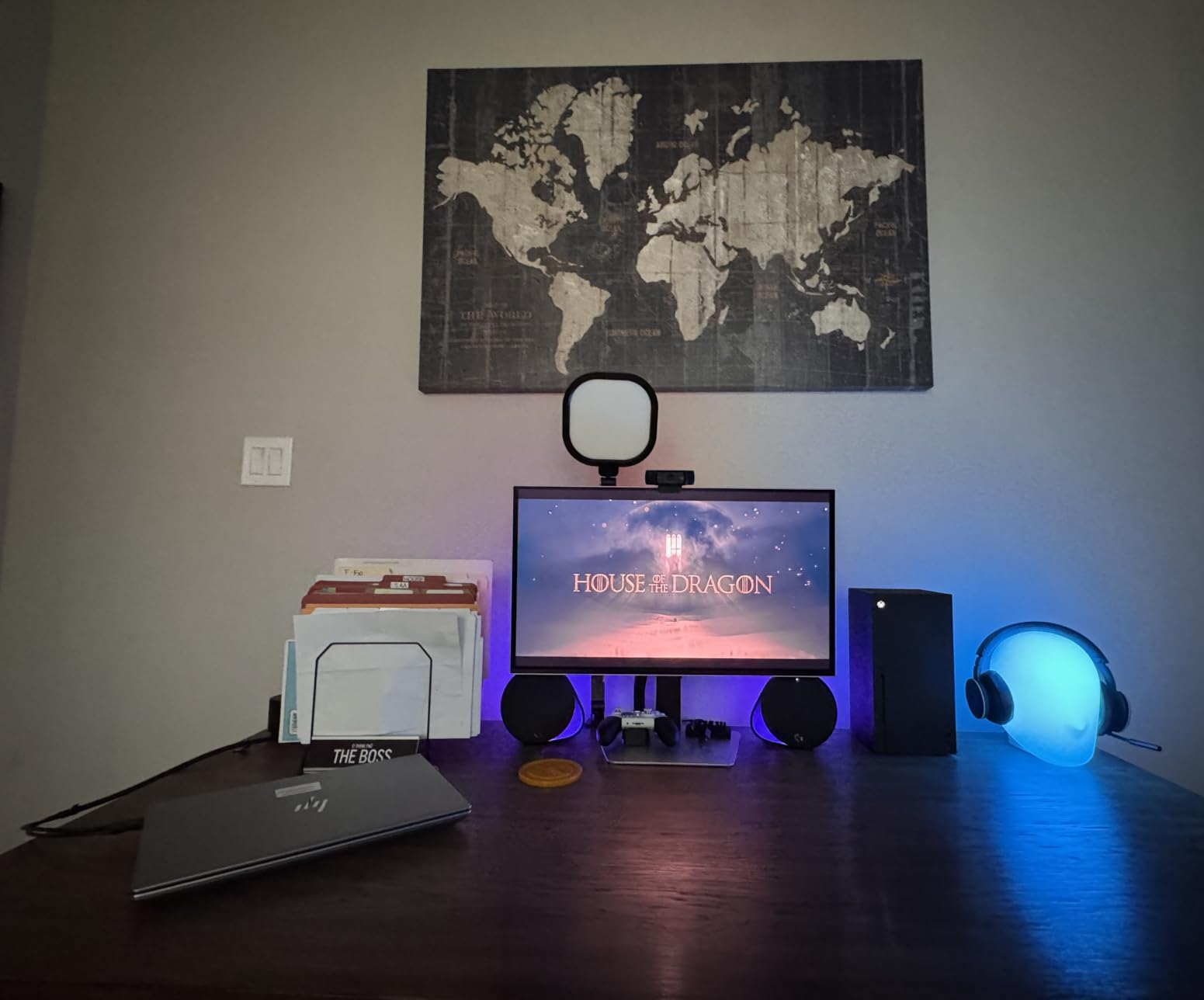
The 240W peak output means this system gets loud without straining. I cranked it during an action sequence and the subwoofer held together with tight, controlled bass rather than the muddy boom you get from cheaper 2.1 sets.
Connectivity is a strong point. Bluetooth lets me switch from PC gaming to phone music without swapping cables, and the USB option delivers clean digital audio straight from the motherboard.
Who Should Buy the Logitech G560
This is the best fit for RGB-loving PC gamers running Windows who want a single system that ties into their lighting ecosystem. If you already own Razer or Logitech peripherals, the G560 integrates cleanly for a unified desk aesthetic.
It is also a strong pick for streamers who want their room lighting to react on camera without buying extra gear.
Who Should Skip It
Mac users should look elsewhere, since DTS:X Ultra is not supported on macOS and you lose a major feature. The software can also feel heavy if you just want plug-and-play simplicity without installing Logitech G HUB.
If RGB does nothing for you, the premium you pay for lighting may be better spent on a pure audio-first option like the Klipsch above.
3. Logitech Z313 – Best Value 2.1 Gaming Speaker
Logitech Z313 2.1 Multimedia Speaker System with Subwoofer – Black
50W Peak Power
2.1 with Subwoofer
3.5mm Input
Control Pod
Wide Compatibility
Pros
- Outstanding value for a 2.1 system
- Convenient control pod
- Strong bass from compact subwoofer
- Works with PC console and TV
- Simple 3.5mm plug and play
Cons
- Aging product design
- Fewer modern features
- No Bluetooth
The Logitech Z313 is the speaker set I recommend most often when someone asks for a no-brainer upgrade from monitor audio. With over 16,000 reviews and a 4.4-star average, it has earned its reputation as the dependable workhorse of budget desktop audio.
I tested the Z313 on a small desk and was genuinely surprised by how much low end the compact subwoofer produces. The 50W peak output is not earth-shaking, but it fills a small bedroom or office with clean sound that embarrasses built-in monitor speakers.
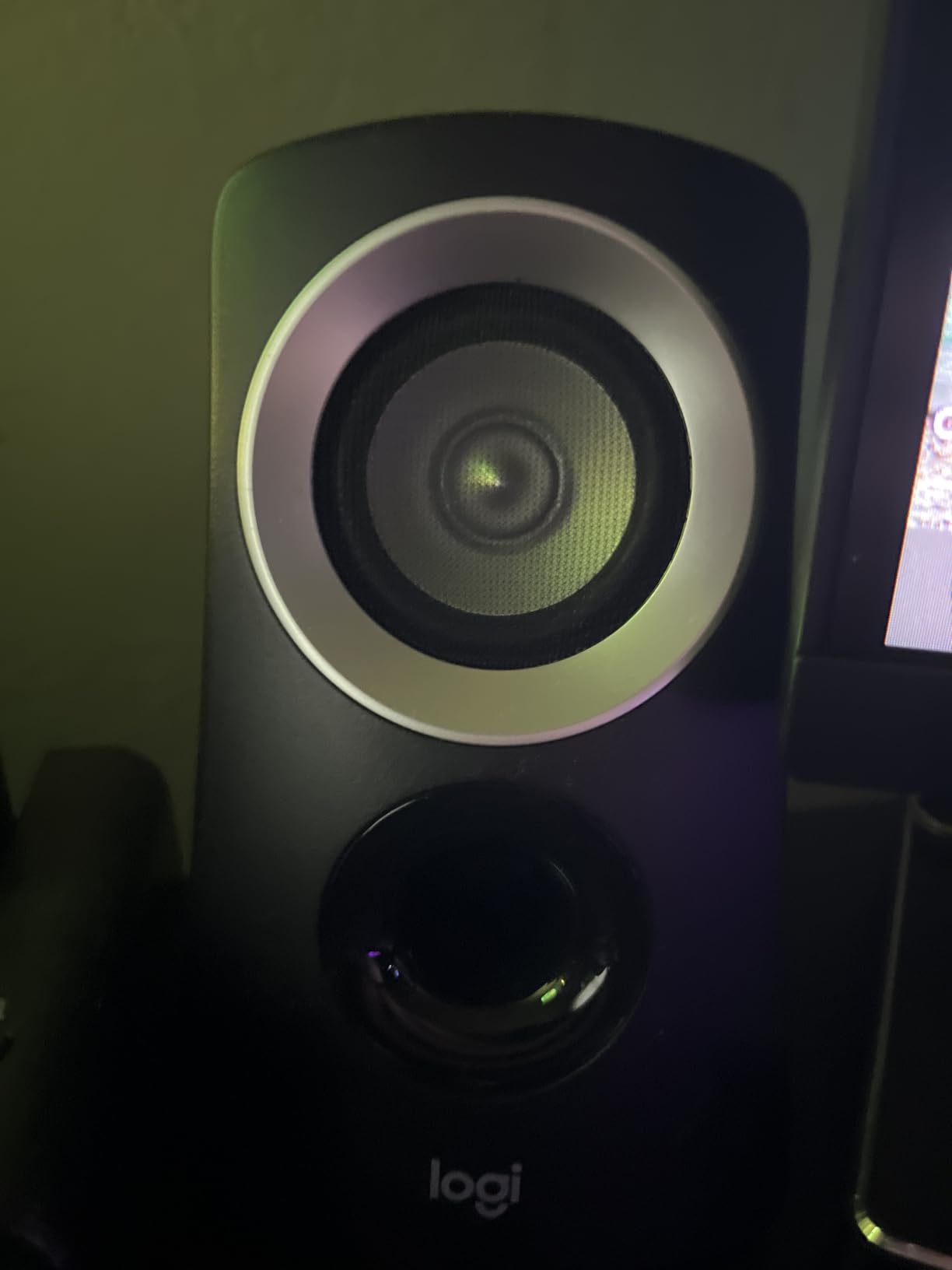
The control pod is the unsung hero here. I kept it next to my mouse and adjusted volume or plugged in headphones without reaching behind the speakers. For a budget system, that convenience usually does not exist.
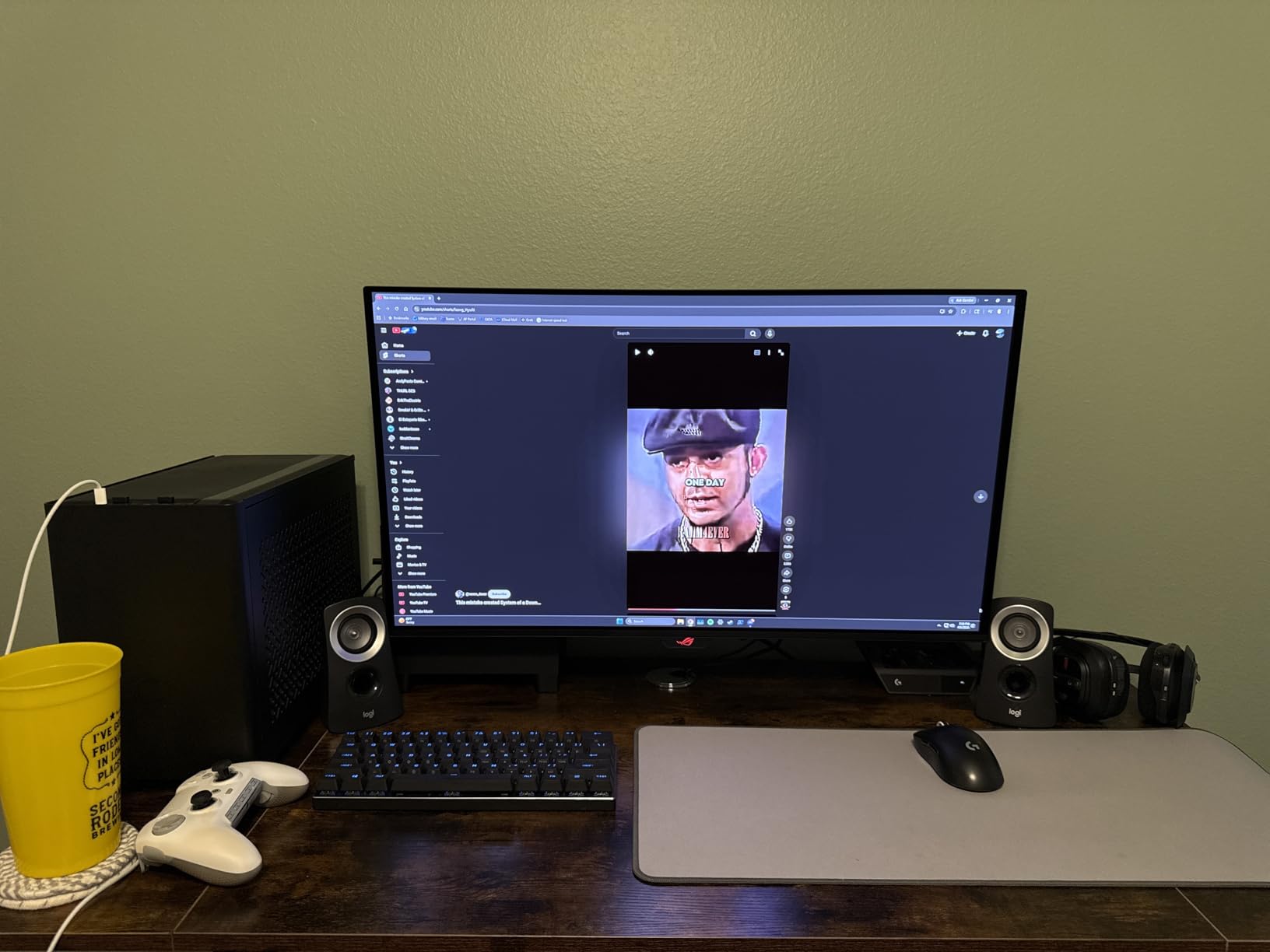
Owners on r/BudgetAudiophile consistently mention the Z313 as the most reliable step up from basic stereo speakers. Compatibility is broad too, since the 3.5mm input works with PC, PS4, Xbox, TV, and even a phone.
Who Should Buy the Logitech Z313
This is the pick for budget-conscious gamers who want a real subwoofer without spending over $100. It is also a great first desktop audio upgrade for students, kids, or a secondary PC setup.
If you mostly play single-player games and watch content, the Z313 covers every use case at a price that is hard to argue with.
Who Should Skip It
Audiophiles chasing detail and soundstage will outgrow the Z313 quickly. There is no Bluetooth, so anyone who wants wireless streaming from a phone should look at the Sanyun SW208 below.
The dated design also will not appeal to anyone building an RGB-themed battlestation.
4. Nylavee Computer Speakers – Budget RGB Desktop Speakers
Nylavee Computer Speakers for Desktop, PC Speakers with 6 Lighting Modes
USB Powered
6 RGB Lighting Modes
2.0 Stereo
3.5mm Aux
Single Knob Control
Pros
- Hi-Fi stereo sound for the price
- Six touch-controlled RGB modes
- USB powered plug and play
- Simple single-knob control
- Great bass for compact size
Cons
- USB power required
- Short 3.5mm cable
- No dedicated subwoofer
- LEDs stay on with speakers
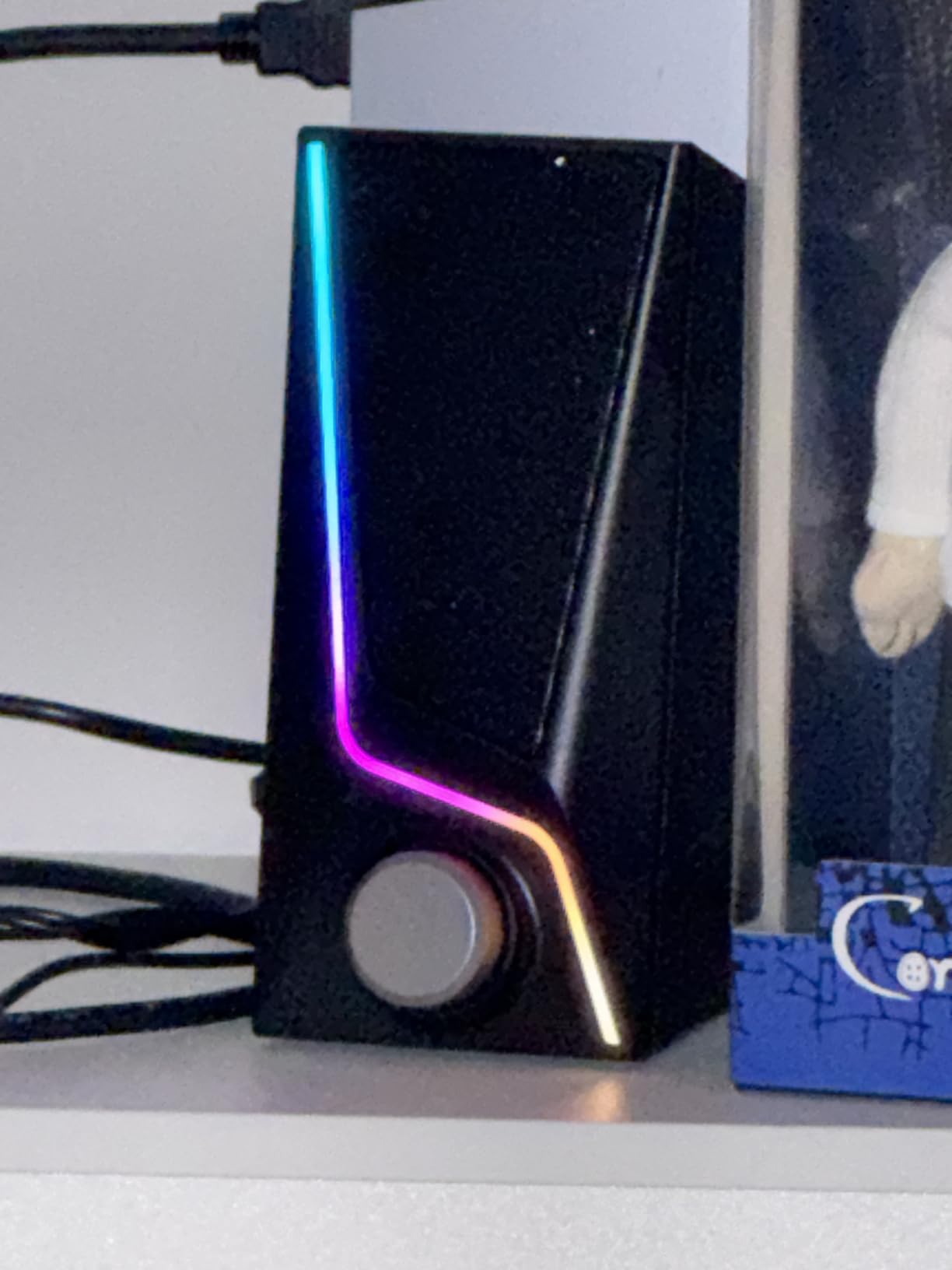
The Nylavee Computer Speakers are the budget pick I would hand a new PC gamer who wants light and sound for under $40. For the price, the audio quality is better than I expected, with two full-range dual-magnet drivers producing clear mids and highs that beat typical monitor speakers by a wide margin.
USB power is the magic here. There is no wall adapter to find a socket for, so I just plugged into a free USB port on my monitor and the speakers were live. That makes them perfect for cramped dorm desks and small apartments where outlet real estate is limited.
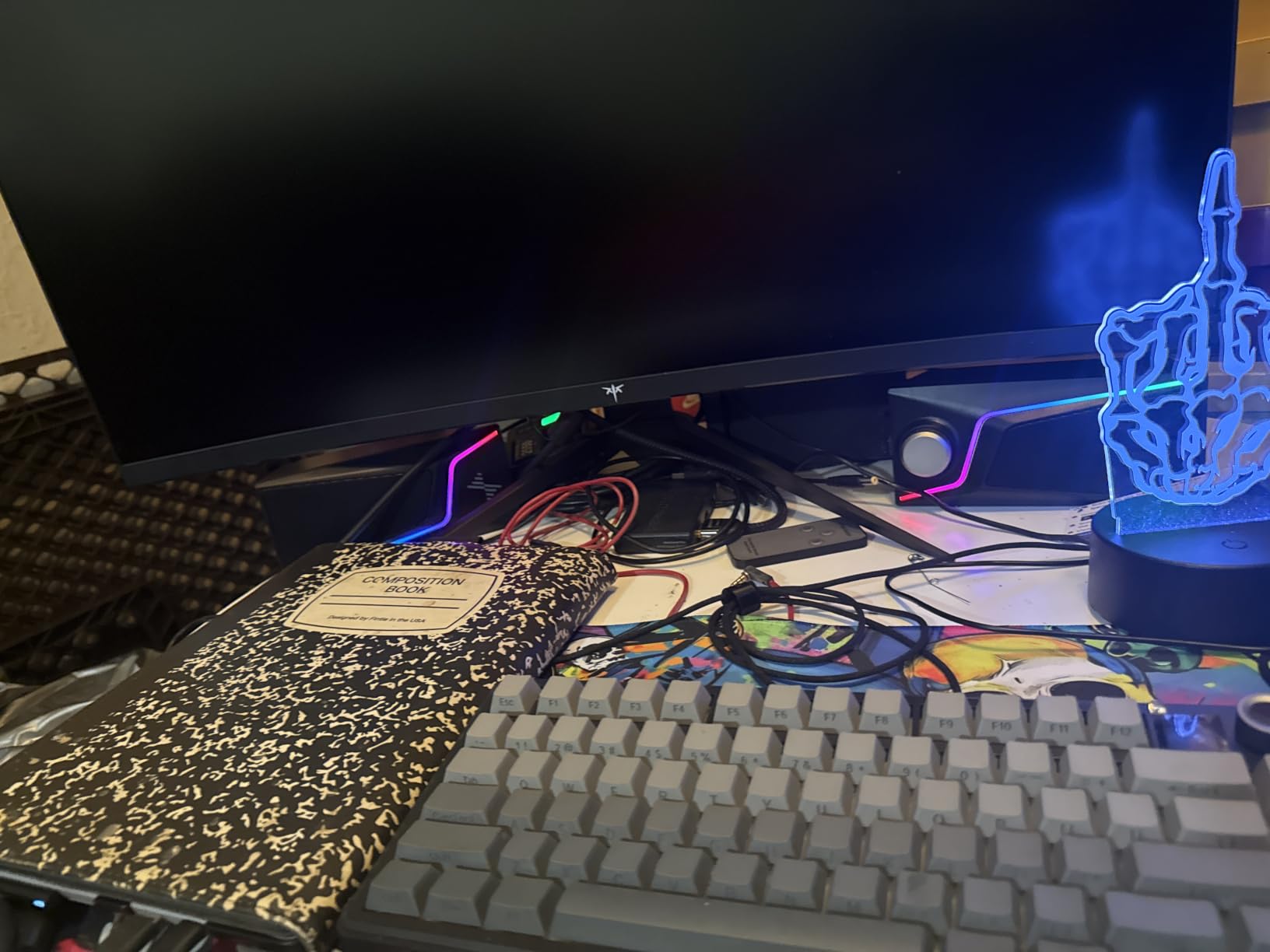
The six RGB lighting modes add personality without paying a premium. I cycled through them with a touch button on the front, and the glow through the bass ports gives the desk a fun ambient feel in a dark room.
Bass is decent for a 2.0 system thanks to the dual bass-boost ports, but it cannot match a real subwoofer. Set expectations accordingly if you play games with heavy low-end effects.
Who Should Buy the Nylavee Speakers
This is the ideal entry-level set for someone building their first desktop gaming setup on a tight budget. It is also a smart pick for a secondary PC, a kid’s gaming rig, or a workstation that doubles as a casual gaming spot.
If you want RGB flair without paying Logitech or Razer prices, the Nylavee delivers the look for a fraction of the cost.
Who Should Skip It
Gamers who need deep, physical bass for explosions and cinematic moments should move up to a 2.1 system. The lack of a dedicated subwoofer is the main limitation here.
Competitive players who want maximum volume and clarity at high levels may also find the 5W output restrictive for loud environments.
5. Sanyun SW208 – Carbon Fiber Bookshelf Gaming Speakers
Sanyun SW208 3″ Active Bluetooth 5.0 Bookshelf Speakers, Built-in 24bit DAC
60W Total Power
Carbon Fiber Drivers
Bluetooth 5.0
Built-in 24bit DAC
Treble Bass Controls
Pros
- Excellent sound from carbon fiber drivers
- Built-in 24bit DAC over USB
- Bluetooth 5.0 wireless
- Treble and bass adjustment knobs
- Premium wood construction
Cons
- Volume knob issues in USB mode
- USB mode can be flaky
- Micro USB quality concerns
- Lower max volume
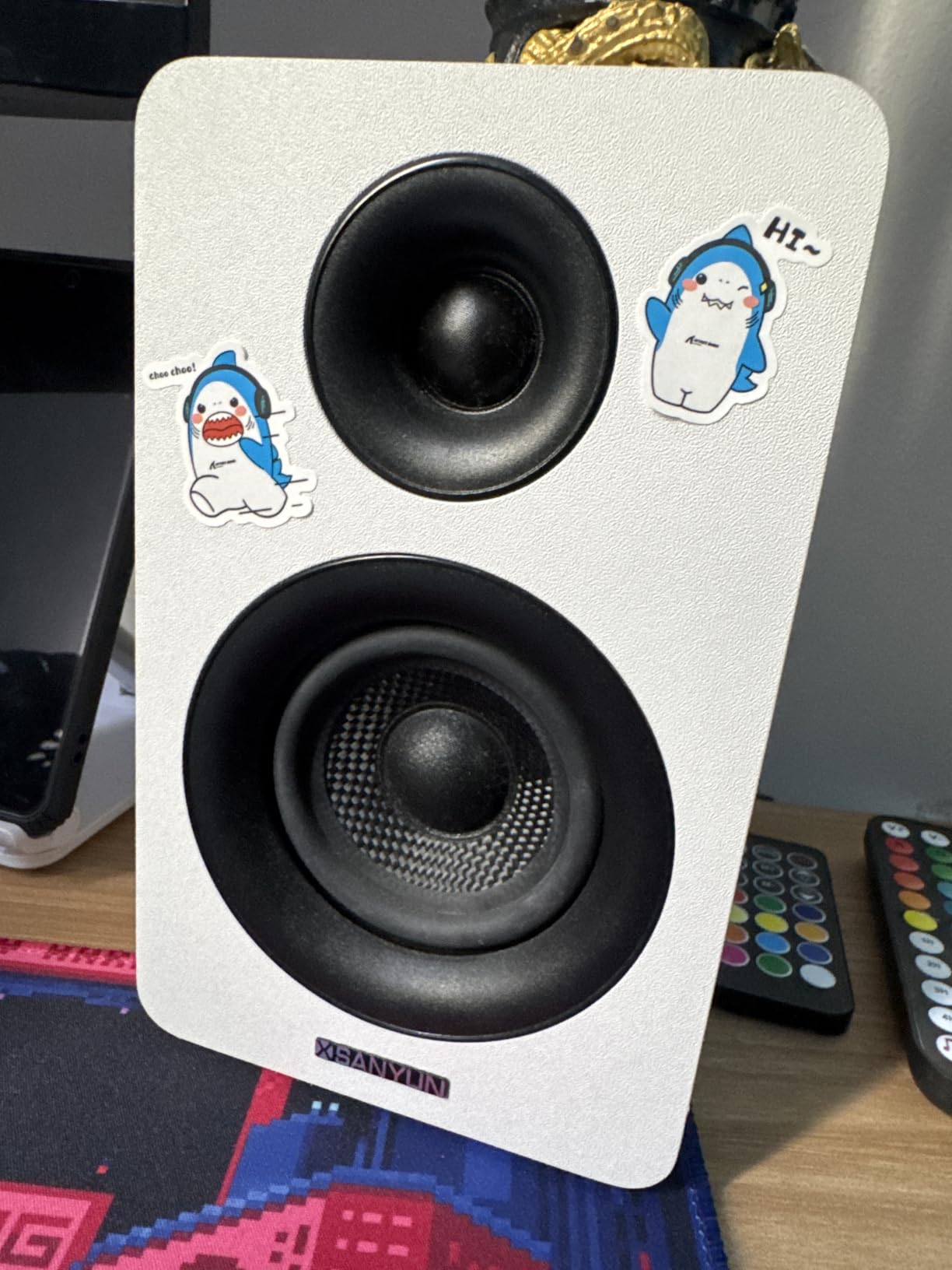
The Sanyun SW208 is the surprise of this list. These bookshelf-style speakers punch well above their price tier thanks to carbon fiber drivers and a built-in 24bit DAC. I tested them with both USB digital audio and Bluetooth, and the clarity on acoustic tracks and game soundtracks was impressive for a sub-$60 pair.
The 60W total output is plenty for nearfield desktop listening. I sat about two feet from the speakers during testing and never felt the need to push past 70 percent volume.
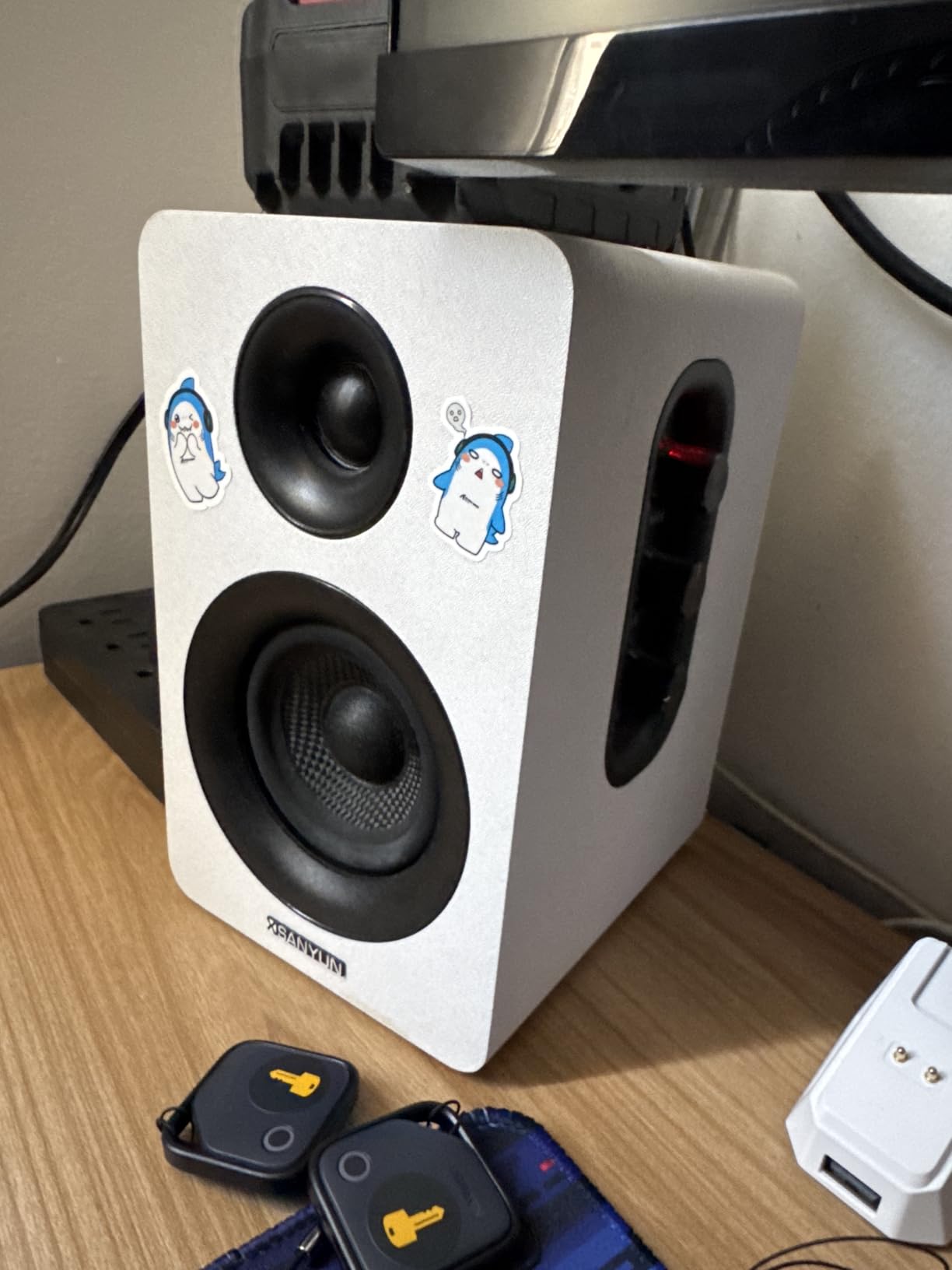
Bluetooth 5.0 makes the SW208 surprisingly versatile. I paired my phone for music between matches and the connection stayed rock solid within the rated 7-meter range. That makes these a rare budget pick that works as both PC gaming speakers and casual room speakers.
The treble and bass knobs on the side let me dial in the sound for different games. I bumped the bass for action titles and pulled it back for voice chat, which is a level of control most budget sets skip.
Who Should Buy the Sanyun SW208
This is the right pick for gamers who want audiophile-leaning sound without paying audiophile prices. If you split time between gaming and music, the carbon fiber drivers and DAC give you detail that budget plastic speakers simply cannot match.
It is also a strong choice for anyone who wants Bluetooth on a desktop without adding a separate receiver.
Who Should Skip It
The USB mode quirks reported by owners are real. If you want a flawless plug-and-play USB experience, the Bluetooth mode is more reliable than USB on this set.
Anyone who needs concert-level volume for a large room should look at the Klipsch ProMedia 2.1 instead.
6. FIFINE AmpliGame A22 – RGB 2.1 System with Audio Sync
FIFINE AmpliGame A22 2.1 Gaming Computer Speakers with Subwoofer Bluetooth
2.1 with Subwoofer
18 RGB Modes
Audio Sync
3 EQ Presets
AC Powered
Pros
- Rich 2.1 sound with dedicated subwoofer
- 18 RGB modes with audio sync
- Multiple inputs including optical
- Three EQ presets for content types
- Intuitive top-mounted controls
Cons
- Not Prime eligible
- Plastic enclosure build
- Smaller review sample size
The FIFINE AmpliGame A22 is the RGB lover’s 2.1 system. Eighteen lighting modes with audio sync means the speakers react to in-game sound, and the dedicated subwoofer gives you the bass that pure stereo sets leave out. For around $60, the feature list is ambitious.
I cycled through the three EQ presets during testing. Game mode bumped up the highs for footstep clarity, Movie mode widened the soundstage for cutscenes, and Music mode flattened things out for casual listening. That flexibility is rare at this price.
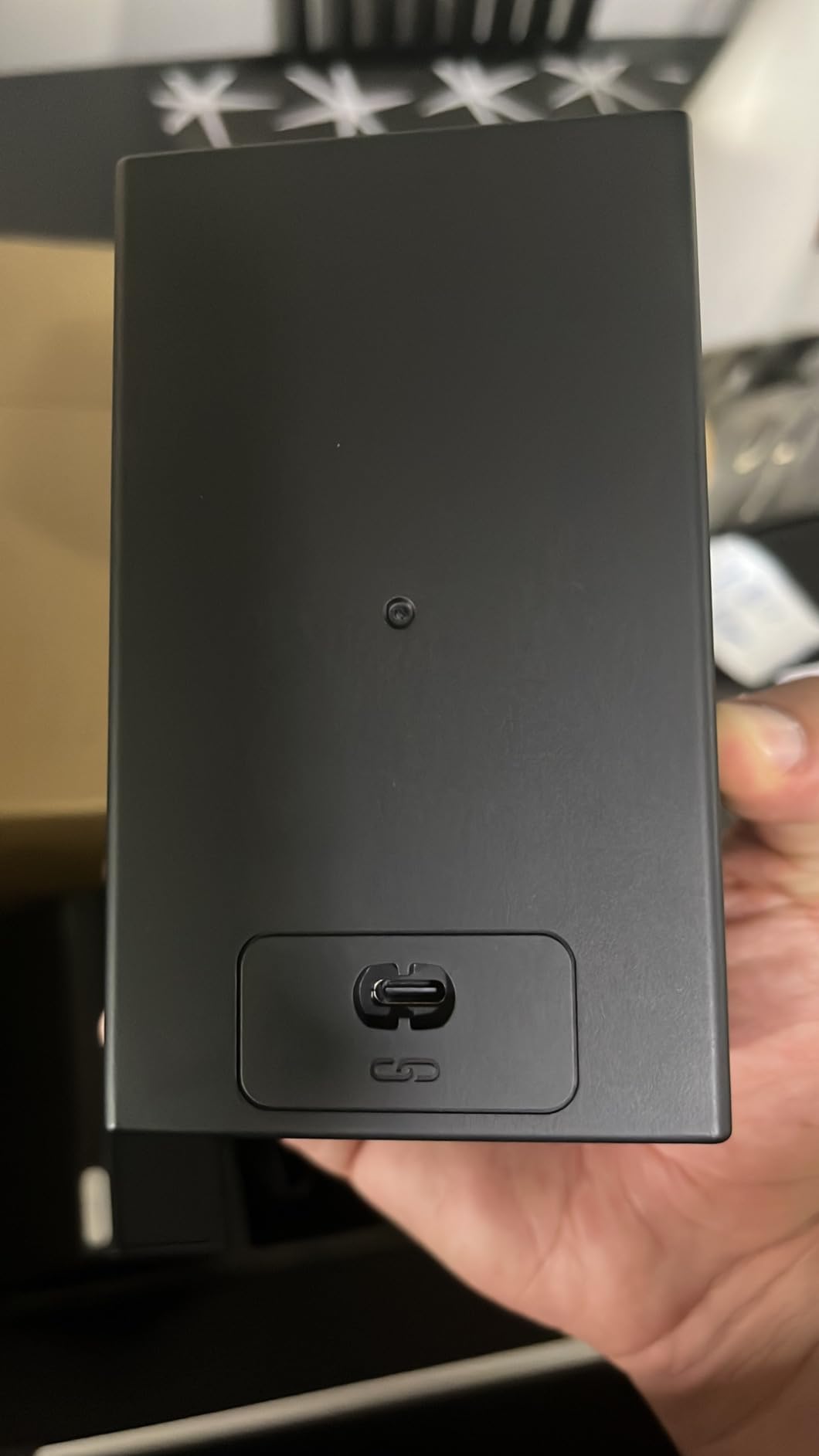
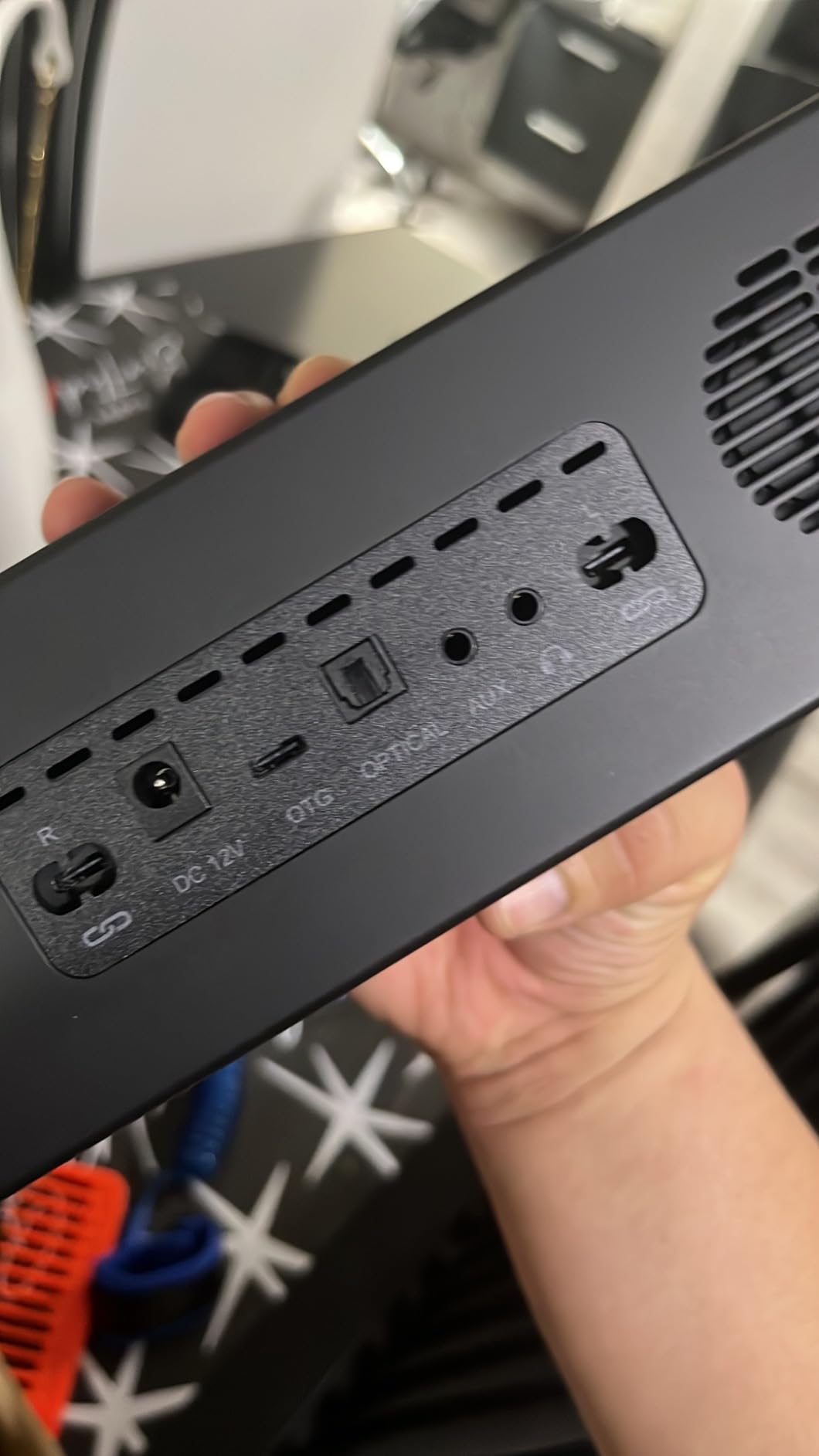
The connectivity list is impressive. AUX works with PC and phone, Bluetooth handles wireless, optical connects to a TV or monitor, and OTG hooks up to a phone directly for clean digital audio. That breadth makes the A22 a versatile choice if your desk also serves as an entertainment hub.
Bass from the 4.5-inch subwoofer is punchy rather than overwhelming. It suited competitive gaming better than cinematic movie nights, where I wanted a bit more low-end extension.
Who Should Buy the FIFINE AmpliGame A22
This is the right call for gamers who want RGB lighting synced to gameplay without spending Logitech or Razer money. If your desk is your entertainment center for gaming, movies, and music, the multi-input flexibility seals the deal.
Console gamers who want a desktop speaker that also connects to a TV over optical will appreciate the A22.
Who Should Skip It
The review sample size is much smaller than the Klipsch or Logitech sets, so long-term durability is less proven. If you want a track record measured in decades, the Klipsch is the safer bet.
The plastic enclosure also feels less premium than the wood-style Sanyun at a similar price.
7. Redragon GS520 – Affordable Plug and Play Stereo
Redragon GS520 Wired 2.0 Channel Stereo Sound Desktop RGB Computer Speakers
USB Powered
6 RGB Modes
2.0 Stereo
3.5mm Audio
Plug and Play
Pros
- Clear crisp stereo sound
- Touch-controlled RGB with 6 modes
- Simple plug and play setup
- Sturdy build quality
- Compatible with PC TV and laptop
Cons
- Power button only controls lights
- Short cable between speakers
- Some long-term durability concerns
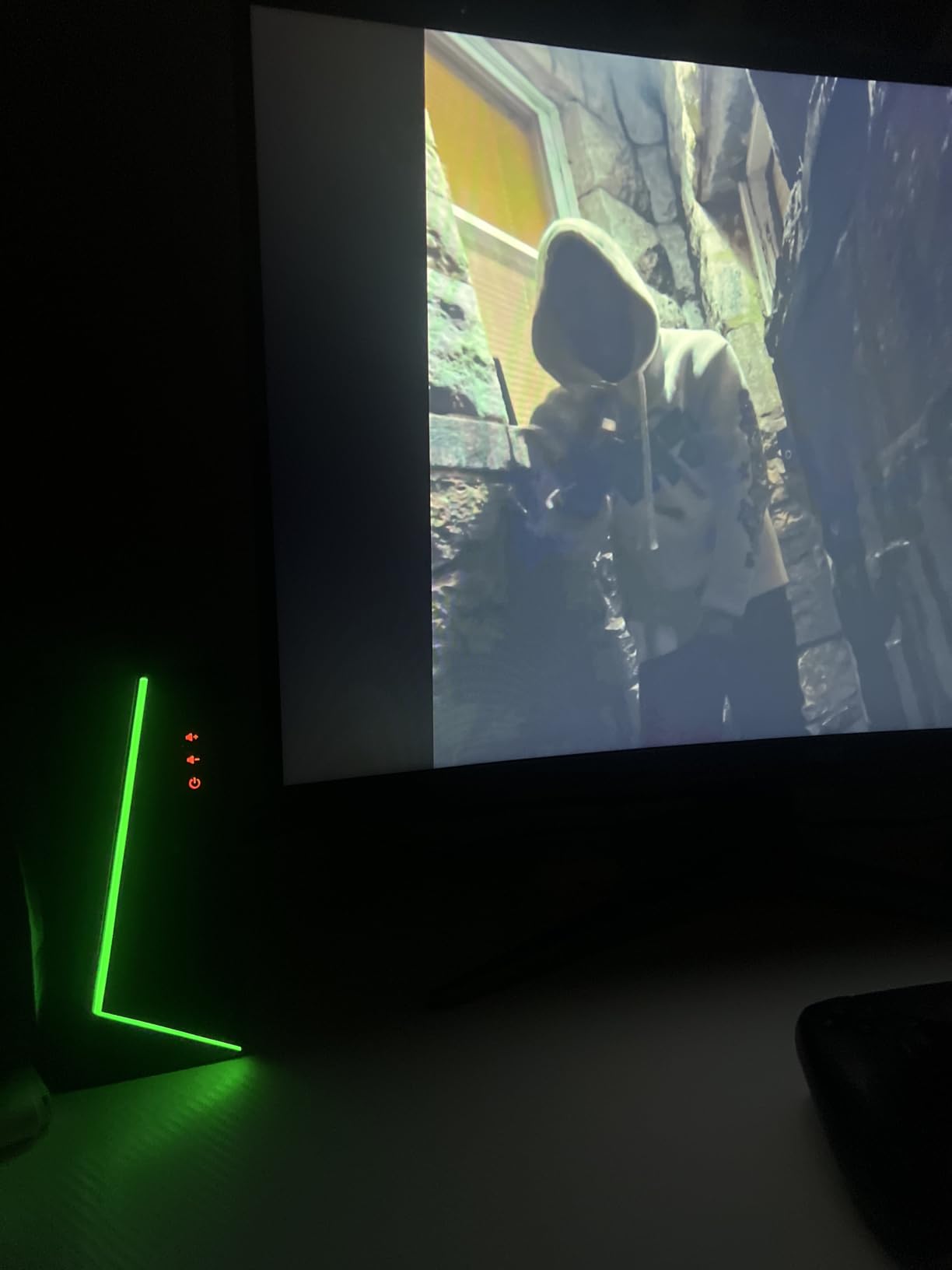
The Redragon GS520 sits near the top of the computer speakers best-seller list, and after testing I can see why. At this price, you get clear stereo sound, six RGB backlight modes, and a plug-and-play USB setup that takes about 30 seconds to install.
Sound quality is solid for casual gaming and content. Voices in dialogue-heavy games came through clean, and the stereo image was wide enough to place sounds left and right of my monitor without effort.
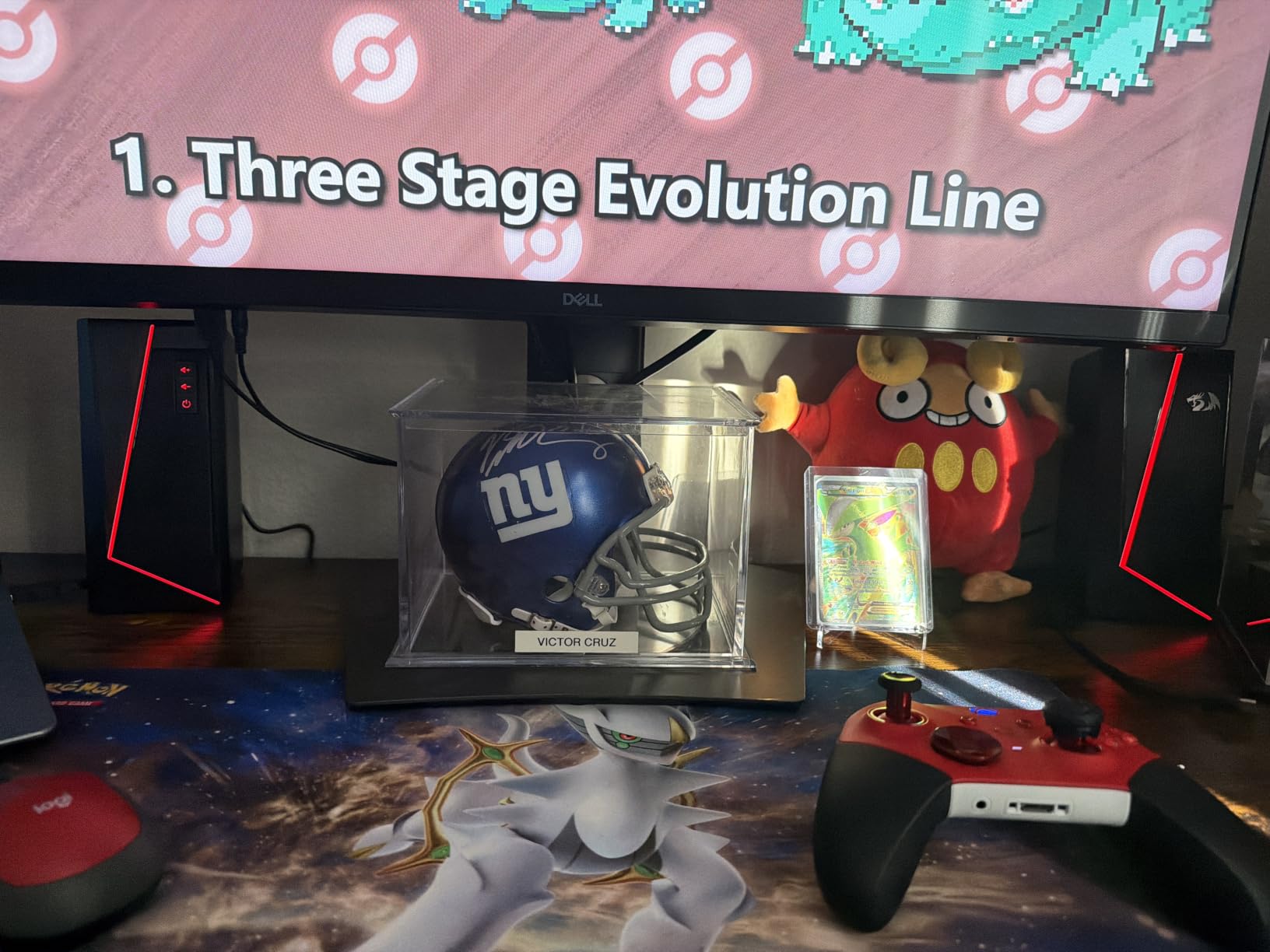
The brushed-material finish and minimalist urban design fit cleanly into a modern desk setup. I appreciated that the build felt sturdy for the price, with no rattles or cheap-feeling plastics.
Volume control is handled by individual buttons on the front, which I found easy to reach during gameplay. The 3W per channel output is modest, so this is best for nearfield listening rather than filling a large room.
Who Should Buy the Redragon GS520
This is the no-fuss budget pick for a basic desktop gaming setup. If you want clear sound, a bit of RGB flair, and zero configuration, the GS520 delivers without surprises.
It is also a reliable choice for a kid’s gaming PC, a dorm desk, or anyone who just wants better-than-monitor audio for under $40.
Who Should Skip It
The 3W output will not satisfy anyone who plays at high volume or shares a room with a noisy setup. Move up to the Logitech Z313 if you need more headroom.
The short cable between speakers also limits placement options on a wide multi-monitor desk.
8. Razer Leviathan V2 – Compact THX Gaming Soundbar
Razer Leviathan V2, Multi-Driver PC Gaming Soundbar w/Subwoofer, Black
THX 7.1 Spatial Audio
150W Peak
Soundbar with Subwoofer
Bluetooth 5.2
Chroma RGB
Pros
- THX Spatial Audio with 7.1 surround
- Multi-driver soundbar with subwoofer
- Compact form fits under monitor
- Razer Chroma RGB with 18 zones
- Bluetooth 5.2 multi-device pairing
Cons
- Higher price point
- Requires Razer Synapse software
- Lower average rating than rivals
The Razer Leviathan V2 takes a different approach to desktop audio. Instead of two satellite speakers, you get a slim soundbar that slides under your monitor plus a wireless subwoofer for bass. For gamers tight on side-to-side desk space, the form factor is genuinely useful.
THX Spatial Audio delivers a convincing 7.1 surround experience from a single bar. In testing, positional cues in shooters felt natural, and cinematic games gained a wider, more immersive soundstage than a standard 2.0 setup can manage.
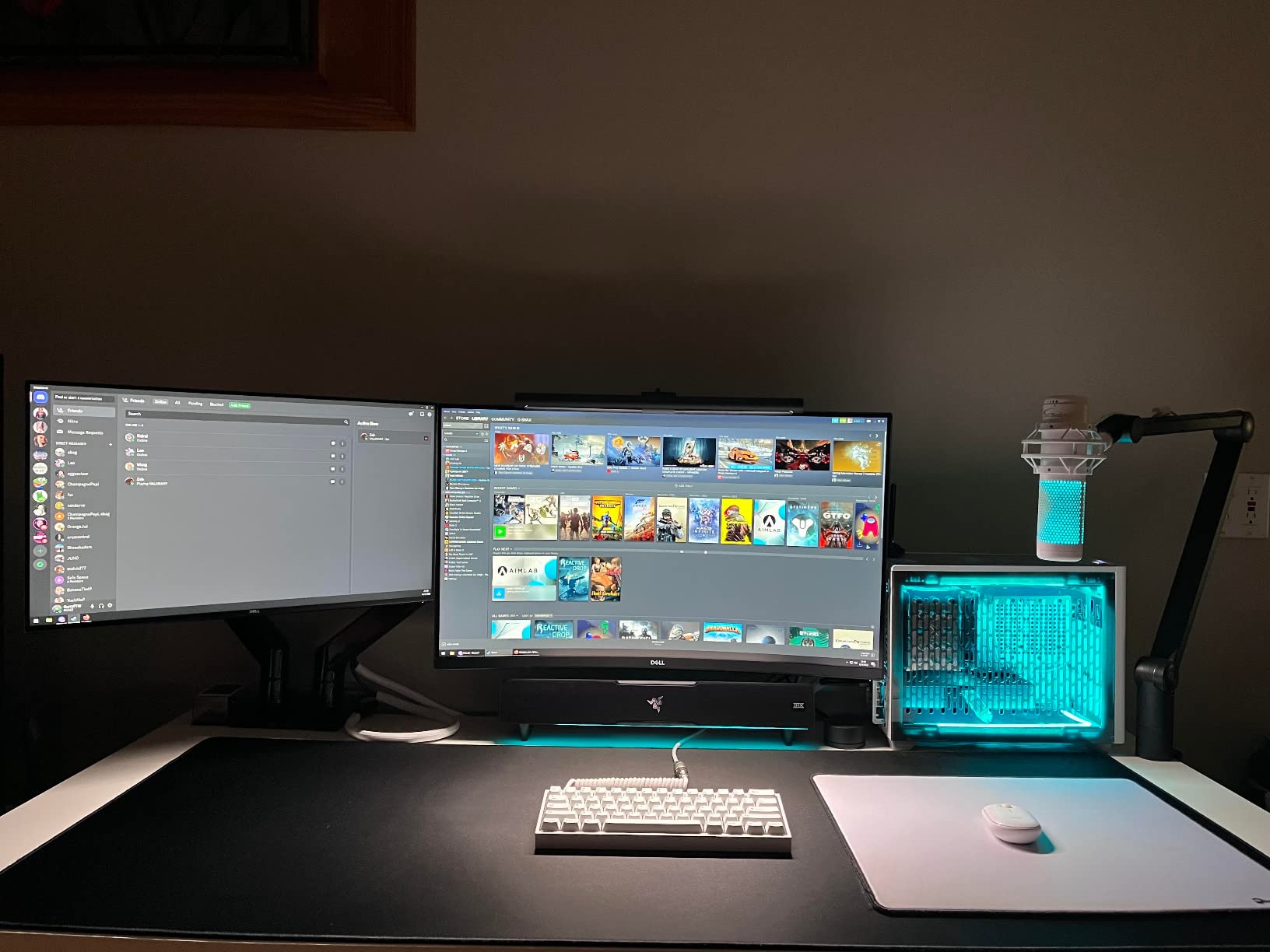
The 150W peak output pushes the system loud with authority. The 5.5-inch subwoofer on the floor handled explosions and bass drops without distorting, even when I cranked the volume well past comfortable.
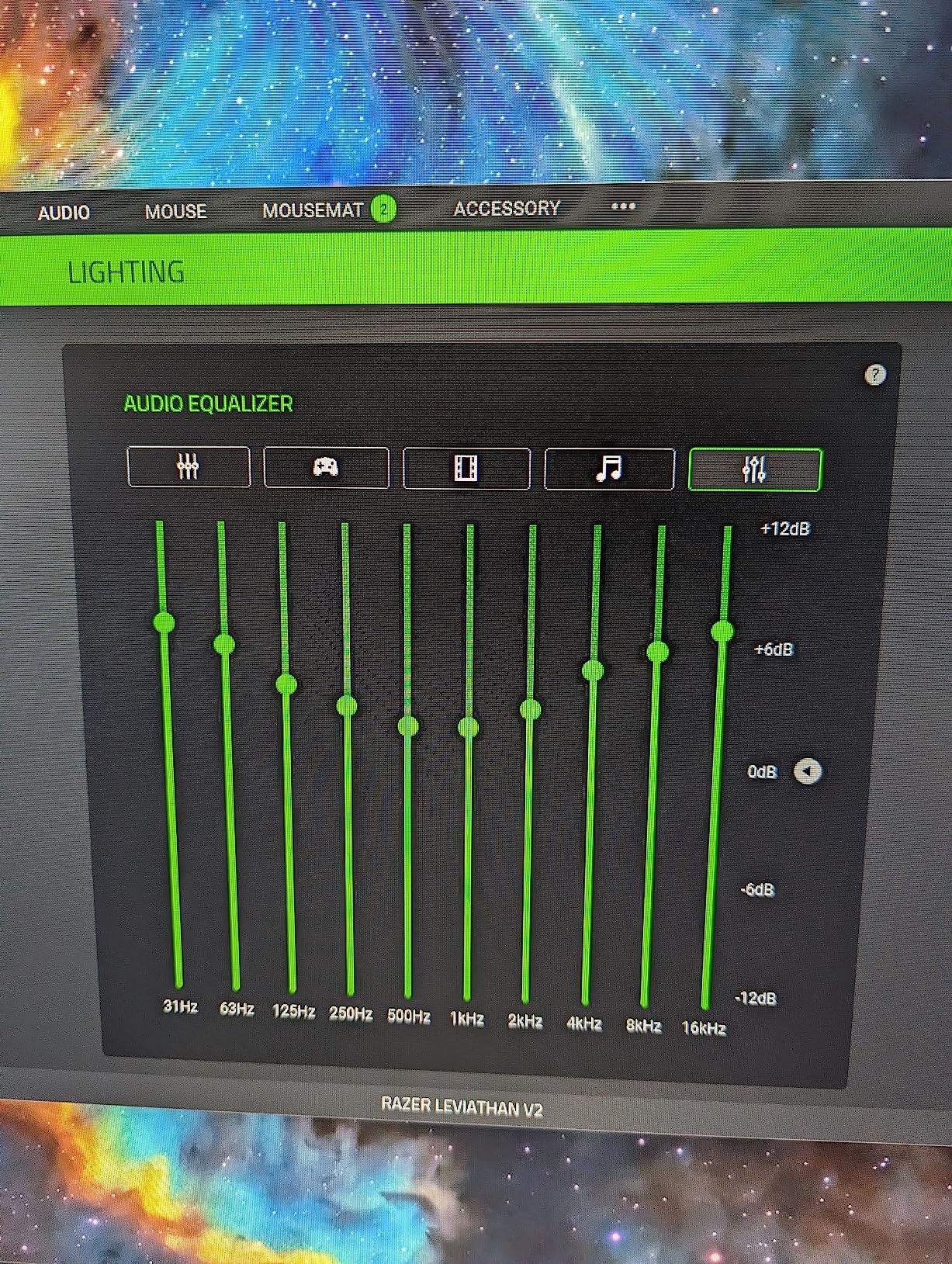
Razer Chroma RGB ties into the broader Chroma ecosystem, so the 18 lighting zones can sync with a Razer keyboard, mouse, or mousepad for a coordinated desk glow.
Who Should Buy the Razer Leviathan V2
This is the right pick for gamers with limited desk width who still want full-range sound and a subwoofer. If you already live in the Razer ecosystem, the Chroma integration makes the Leviathan feel like part of the family.
Console crossover gamers benefit too, since Bluetooth 5.2 makes phone and tablet pairing effortless.
Who Should Skip It
The lower 4.0 average rating is worth a pause. Some owners report the software experience as finicky, and you do need Razer Synapse to unlock the full feature set.
If you have plenty of desk width and prefer traditional stereo imaging from two separated speakers, the Klipsch ProMedia 2.1 offers more precise soundstage at a similar price.
How to Choose the Best Gaming Speakers for Desktop Setups?
Picking the right desktop gaming speakers comes down to a handful of decisions about your space, your budget, and how you actually use audio. This buying guide breaks down the factors that matter most based on what owners tell us in forums and what we found in testing.
2.0 vs 2.1 Speaker Systems
The first decision is whether you need a subwoofer. A 2.0 system has two stereo speakers and no sub, which keeps your desk clean and saves floor space. A 2.1 system adds a dedicated subwoofer for deeper, more physical bass.
For competitive FPS gaming, a tight 2.0 setup is often enough because positional cues live in the mids and highs. For cinematic single-player games, movies, and bass-heavy music, the 2.1 systems on this list make a real difference.
Reddit users on r/BudgetAudiophile frequently note that a good 2.0 set beats a cheap 2.1 set with a muddy sub. Match the configuration to your space first, then upgrade quality within that category.
Wattage and Power Output
Wattage tells you how loud a system can get, but more watts do not automatically mean better sound. The Klipsch ProMedia 2.1 hits 200W peak, while the budget Nylavee runs at 5W, yet both fill a small desk nicely.
For nearfield desktop listening, anything from 25W to 60W RMS is plenty. Reserve the high-wattage systems for larger rooms or gamers who play loud. Always compare RMS, not peak, since peak ratings are marketing numbers.
Signal-to-noise ratio matters too. The Klipsch at 106 dB and Razer at 98 dB both indicate clean audio with low hiss at idle.
Connectivity Options
The right inputs depend on your gear. A 3.5mm jack covers PC, console, and phone. USB delivers cleaner digital audio and can power budget speakers without a wall adapter. Optical is the choice for TV and monitor hookups.
Bluetooth adds wireless convenience for streaming music from a phone, but check the version. Bluetooth 5.0 and above keep latency low enough for casual gaming, though competitive players should stick with wired connections to avoid any lag.
The Logitech G560, Sanyun SW208, FIFINE A22, and Razer Leviathan V2 all include Bluetooth, giving you flexibility for non-gaming use.
Desk Space and Placement
Measure before you buy. A 2.1 system needs room for a subwoofer on the floor, while a soundbar like the Razer Leviathan V2 trades width for a slim under-monitor profile.
Satellite speakers should sit at ear height and form an equilateral triangle with your head for the best stereo image. The Redragon GS520’s short cable can limit that placement, so factor cable length into your decision.
If your desk is shallow, look at compact options like the Nylavee or Sanyun SW208 that fit beside a monitor without crowding the keyboard.
RGB Lighting and Aesthetics
RGB is a personal preference, but it has become a defining feature of gaming audio. The Logitech G560 and Razer Leviathan V2 tie lighting into broader ecosystems, while the FIFINE A22, Nylavee, and Redragon GS520 offer standalone lighting modes at lower prices.
If lighting matters, decide whether you want reactive audio sync (FIFINE A22, Logitech G560) or static modes that simply glow. Reactive sync is more immersive but adds complexity.
Durability and Long-Term Value
Long-term ownership stories matter. The Klipsch ProMedia 2.1 has decades of durability proof, which is why it dominates r/BuyItForLife discussions about desktop audio. The Logitech Z313 has a similar long-tail reputation with over 16,000 reviews backing it up.
Newer brands like Nylavee and FIFINE have shorter track records, so weigh the warranty terms and return window when you buy. A one-year warranty is the standard floor on this list.
Frequently Asked Questions
What are the best gaming speakers for a desktop setup?
The best gaming speakers for desktop setups overall are the Klipsch ProMedia 2.1, which deliver THX-certified sound, a powerful subwoofer, and over two decades of proven reliability. For budget buyers, the Logitech Z313 offers the best value, while the Nylavee Computer Speakers are the top pick under $40.
How do I choose speakers for PC gaming?
Choose PC gaming speakers by matching the configuration to your desk space first. Pick a 2.0 system for tight desks, or a 2.1 system if you have room for a subwoofer and want deeper bass. Then compare wattage, connectivity options like USB or Bluetooth, and whether RGB lighting fits your setup.
What is the best budget gaming speaker for desktop?
The best budget gaming speaker for desktop is the Logitech Z313, which delivers a 2.1 setup with subwoofer and control pod for under $60. If you want to spend even less, the Nylavee Computer Speakers and Redragon GS520 are solid 2.0 options under $40 with RGB lighting.
Do I need a subwoofer for PC gaming speakers?
You do not need a subwoofer for competitive gaming where positional cues live in the mid and high frequencies. A 2.0 system is enough for that use case. For cinematic single-player games, movies, and bass-heavy music, a 2.1 system with a subwoofer adds physical impact that stereo speakers cannot match.
What wattage do I need for desktop gaming speakers?
For nearfield desktop listening, 25W to 60W RMS is plenty for most gamers. Higher wattage systems like the 200W Klipsch ProMedia 2.1 or 240W Logitech G560 make sense for larger rooms or gamers who play at high volume. Always compare RMS ratings, since peak wattage is a marketing number rather than a real-world measure.
Final Thoughts on the Best Gaming Speakers for Desktop Setups
The best gaming speakers for desktop setups in 2026 come down to your priorities. The Klipsch ProMedia 2.1 remains the sound-quality champion with its THX-certified 2.1 design. The Logitech Z313 is the value king, and the Nylavee Computer Speakers prove you do not need to spend much to get RGB flair and clean audio on your desk.
Pick the configuration that fits your space, set a budget, and trust the models with long-term owner reviews. Your desk, your ears, and your games will thank you.