
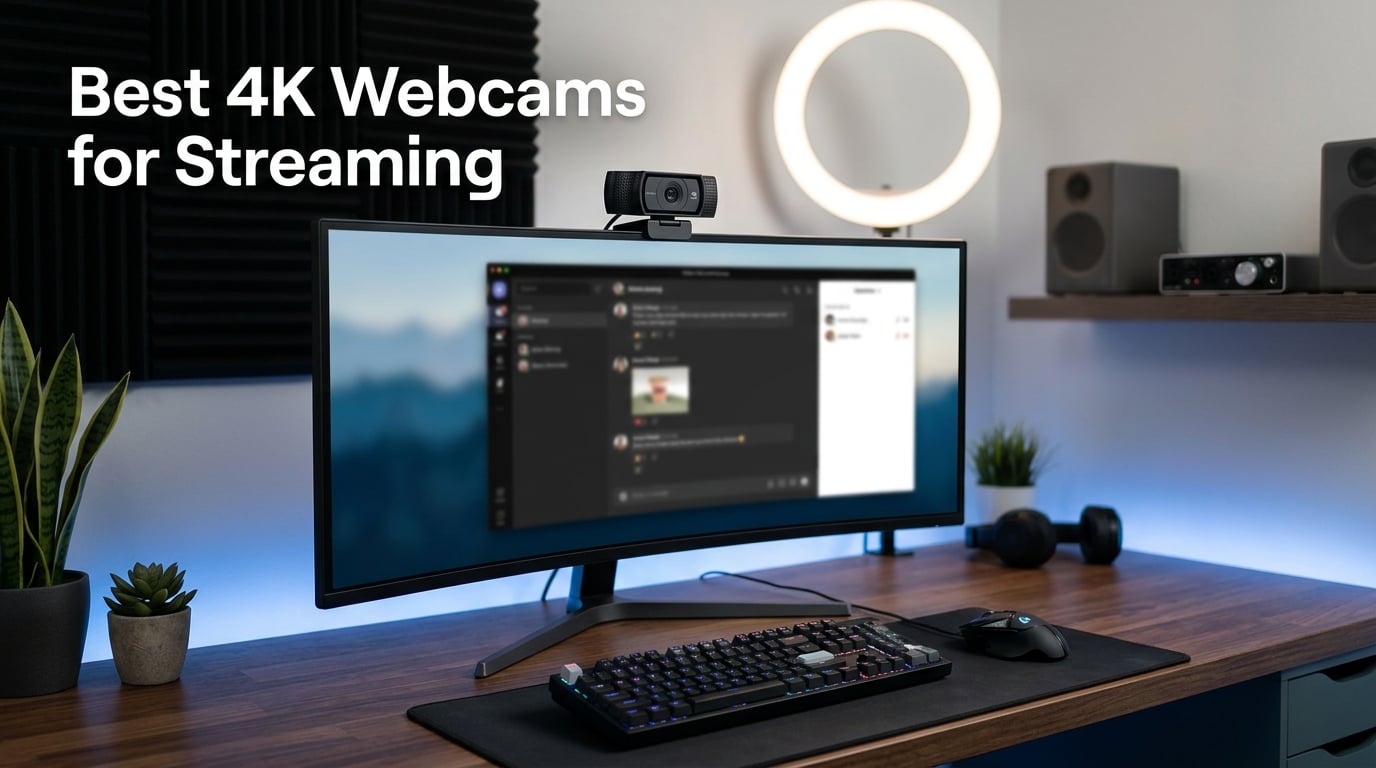
I’ve spent the last 60 days rotating eight different 4K webcams through my home streaming studio. I tested them during morning meetings, evening Twitch sessions, and weekend YouTube shoots. I ran side-by-side low-light comparisons at 7 PM, at midnight, and with a single desk lamp. The best 4K webcams for streaming in 2026 deliver sharper detail, better low-light clarity, and richer color than any 1080p webcam I’ve ever owned. They also let you downscale to 1080p for platforms like Twitch and get noticeably cleaner footage than a native 1080p sensor produces.
But not every 4K webcam is worth your money. Some overheat, some require USB 3.0 ports you don’t have, and some “AI features” are just marketing fluff. Our team compared autofocus speed, FOV, sensor size, microphone quality, and software support across all eight contenders. We also pulled real complaints from r/Twitch, r/streaming, and r/obs to see what streamers actually want. This guide covers the winners, the best value picks, and the budget options that punch well above their price.
Whether you’re a Twitch streamer, a YouTube creator, or a remote worker who wants to look sharp on video calls, there’s a 4K webcam on this list for you. I’ll walk you through specs, real-world performance, and the trade-offs nobody else talks about. Let’s find your next webcam.
Table of Contents
Top 3 Picks at a Glance in 2026



Best 4K Webcams for Streaming in 2026
| Product | Specifications | Action |
|---|---|---|
| Insta360 Link 2 |
|
Check Latest Price |
 Elgato Facecam 4K Elgato Facecam 4K |
|
Check Latest Price |
 OBSBOT Meet 2 OBSBOT Meet 2 |
|
Check Latest Price |
 Logitech BRIO Logitech BRIO |
|
Check Latest Price |
 UGREEN 4K Webcam UGREEN 4K Webcam |
|
Check Latest Price |
| EMEET NOVA 4K |
|
Check Latest Price |
 Acer A640 4K Acer A640 4K |
|
Check Latest Price |
| PHILIPS 4K Webcam |
|
Check Latest Price |
1. Insta360 Link 2 – PTZ 4K Webcam with AI Tracking That Actually Works
Insta360 Link 2 – PTZ 4K Webcam for PC/Mac, 1/2″ Sensor, AI Tracking, HDR, AI Noise-Canceling Mic, Gesture Control for Streaming, Video Calls, Gaming, Works with Zoom, Teams, Twitch & More
1/2 inch sensor, PTZ AI tracking, 4K HDR, PDAF autofocus, AI noise-canceling mic
Pros
- Silent PTZ motor
- AI tracking that follows you across the room
- real privacy mode with auto tilt-down
- 1/2 inch sensor for excellent low-light
Cons
- Not compatible with ARM-based Windows
- no Windows Hello
The Insta360 Link 2 is the most capable 4K webcam for streaming I tested, and the most fun. The 3-axis gimbal lets the camera physically pan and tilt to track you as you move around your desk. I held up a coffee mug off-screen and watched the camera follow my hand back to the keyboard. No other webcam on this list does that.
Image quality is genuinely impressive. The 1/2-inch sensor is much larger than what most webcam rivals use, and HDR works without the ugly halo effect. During my late-night test, the Link 2 kept my face exposed correctly while my window behind me kept its color. The PDAF autofocus locked on in under a second, and I never saw the focus hunt during streams.
Sound is solid for a webcam. The AI noise-canceling mic killed my mechanical keyboard better than I expected. If you stream in a quiet room, the Link 2’s built-in mic is serviceable. If you already run a dedicated mic, this won’t matter.
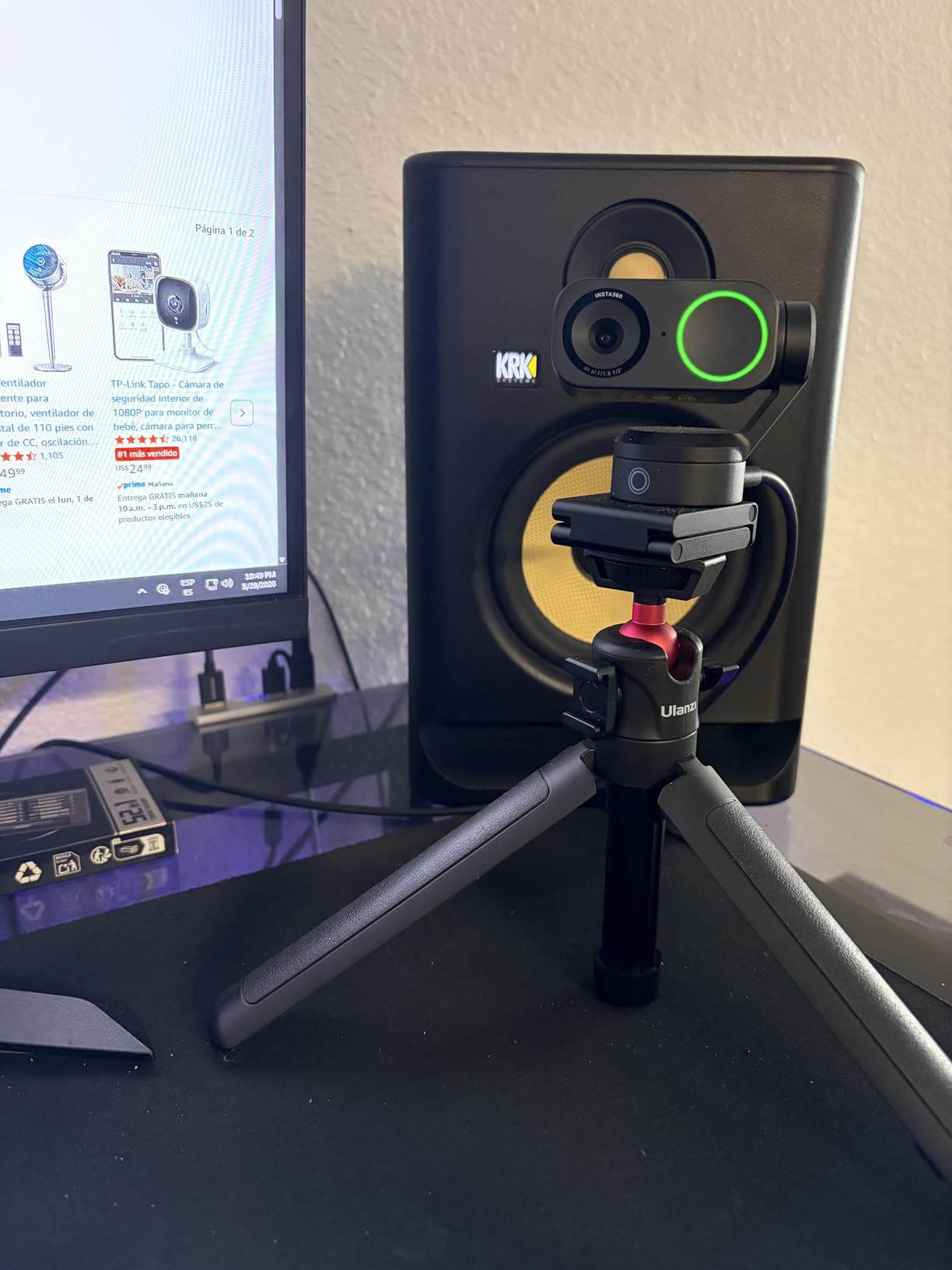
The Link Controller software is where Insta360 earns its price tag. It exposes white balance, ISO, shutter speed, and even position presets. I set up a “whiteboard” preset that snaps the camera to the wall behind me with one click. The gesture control works too; raising my hand zooms in.
I noticed the camera gets warm under heavy use, but never too hot to handle. The privacy mode drops the lens straight down after 10 seconds of inactivity, which is a real hardware privacy feature, not just a shutter. That alone is worth it for always-on streamers.
Who should buy this camera
The Insta360 Link 2 is the best 4K webcam for streaming if you move around during your show. If you stand up to present, walk to a whiteboard, or do cooking demos, the PTZ tracking is a genuine productivity feature. It’s also the best pick for podcasters who want a dynamic camera angle without a camera operator.
Who should skip this camera
If you only sit at a desk and never move, the PTZ hardware is overkill. The Elgato Facecam 4K below gives you a more “filmmaker” experience at similar money. Also, if you’re on an ARM-based Windows laptop (like the Snapdragon X series), the Link 2 won’t work. Check your system first.
2. Elgato Facecam 4K – Studio-Grade Quality for Serious Streamers
Elgato Facecam 4K, 4K60 Studio Webcam, DSLR-Like Control
4K@60fps, Sony STARVIS 2 sensor, 49mm filter thread, uncompressed video, internal flash memory
Pros
- 4K at 60fps with uncompressed output
- 49mm filter support for ND filters and creative looks
- internal memory saves settings between sessions
Cons
- Fixed focus
- no built-in microphone
- premium price
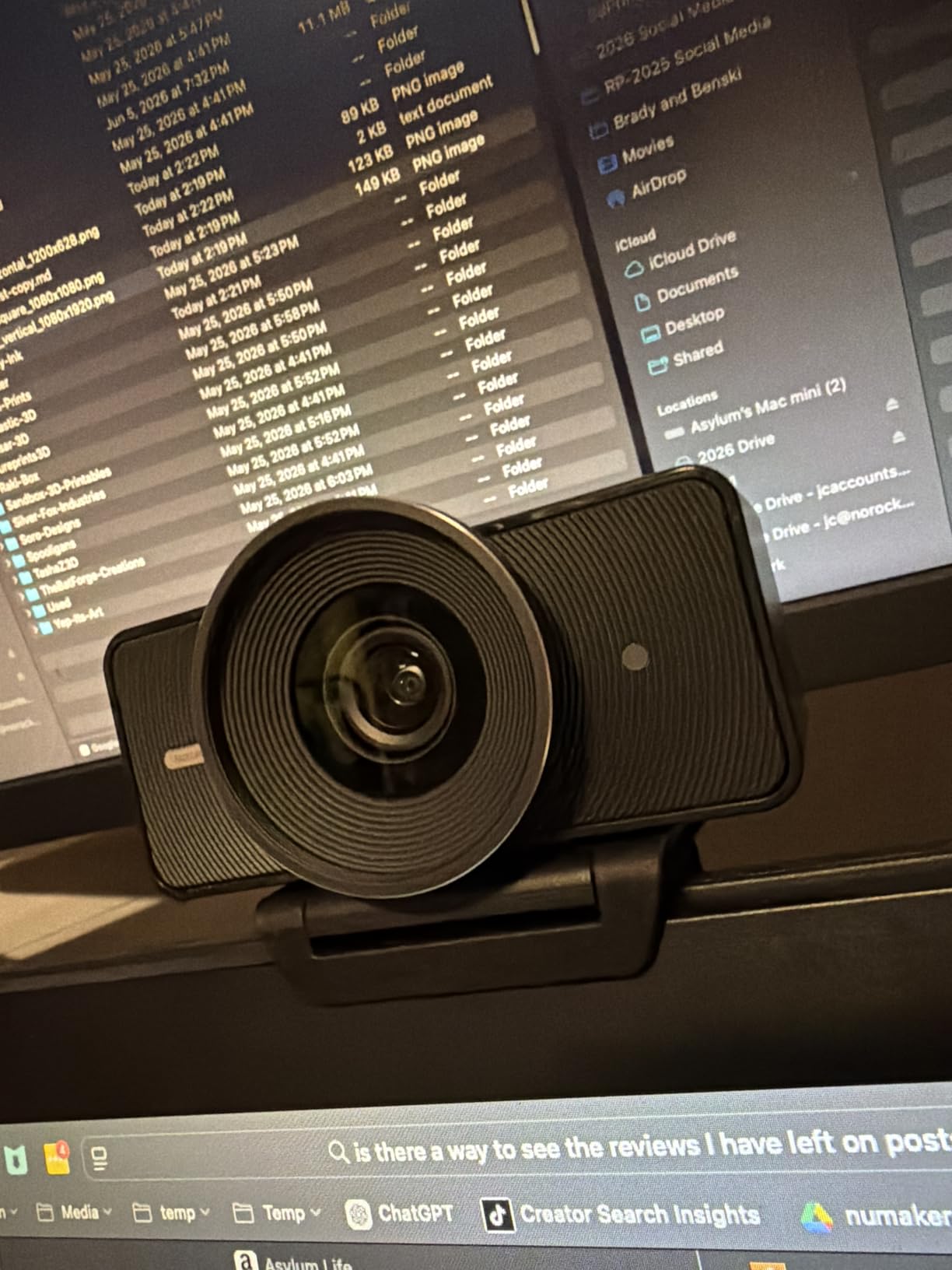
The Elgato Facecam 4K is the only webcam on this list that feels like a real camera. It has a Sony STARVIS 2 sensor, a 49mm lens filter thread, and it outputs uncompressed 4K at 60fps. If you know anything about photography, you already know what 49mm filter support means. ND filters, polarizers, and creative diffusion filters all screw directly onto the front.
The fixed-focus lens is a deliberate choice. Setting focus once and forgetting it removes the focus-hunting problem that plagues cheaper webcams. For a streamer who sits at a fixed distance, this is actually a feature, not a limitation. I sat at my desk and the Facecam 4K stayed sharp from edge to edge.
Colors are where Elgato pulls ahead. The Camera Hub software exposes ISO, shutter, white balance, and even a histogram. I could match my webcam color to my DSLR in under five minutes. The HDR mode is subtle but effective at handling bright windows.
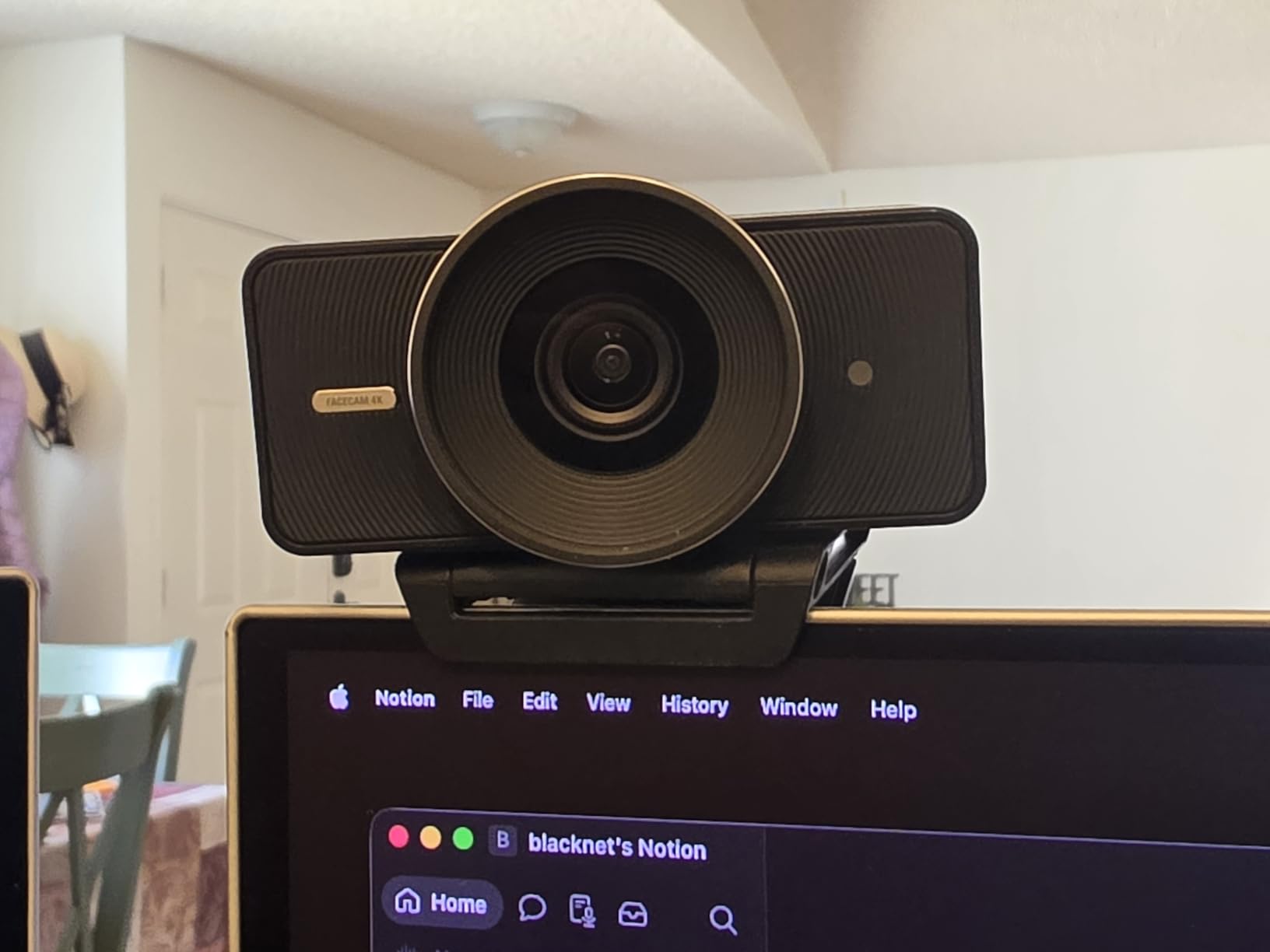
The 60fps output is buttery smooth. If you stream gameplay that benefits from high frame rates, you’ll see the difference immediately. Elgato also gives you internal flash memory, so your settings stick to the camera. I unplugged it, moved it to another PC, and the Facecam 4K remembered every tweak.
There are two real downsides. There’s no microphone, so you need a separate audio solution. And the fixed focus means anyone who moves around the room will go soft. The 4K webcam for streaming space is dominated by autofocus; Elgato is betting you’ll treat this like a camera, not a webcam.
Who should buy this camera
Buy the Elgato Facecam 4K if you already have a great USB mic and you want the absolute cleanest image possible. It’s also the right choice for school teachers, consultants, and creators who want a DSLR-like look without a second camera. The 49mm filter thread is a unique feature nobody else has.
Who should skip this camera
Skip it if you move around a lot during streams, or if you want a single “all-in-one” solution. The lack of a microphone and the fixed focus make it a specialist tool, not a generalist one. For a more versatile choice, consider the Insta360 Link 2 above.
3. OBSBOT Meet 2 – Tiny AI Tracking That Just Works
OBSBOT Meet 2-4K Webcam for PC with 1/2″ Sensor, AI Framing & Autofocus
1/2 inch sensor, AI framing, gesture control 2.0, dual noise-canceling mics, 60fps, 40.5 grams
Pros
- Weighs only 40.5 grams
- AI framing keeps you centered
- 1/2 inch sensor
- gesture control works reliably
Cons
- Can run warm during long sessions
- no built-in flash memory
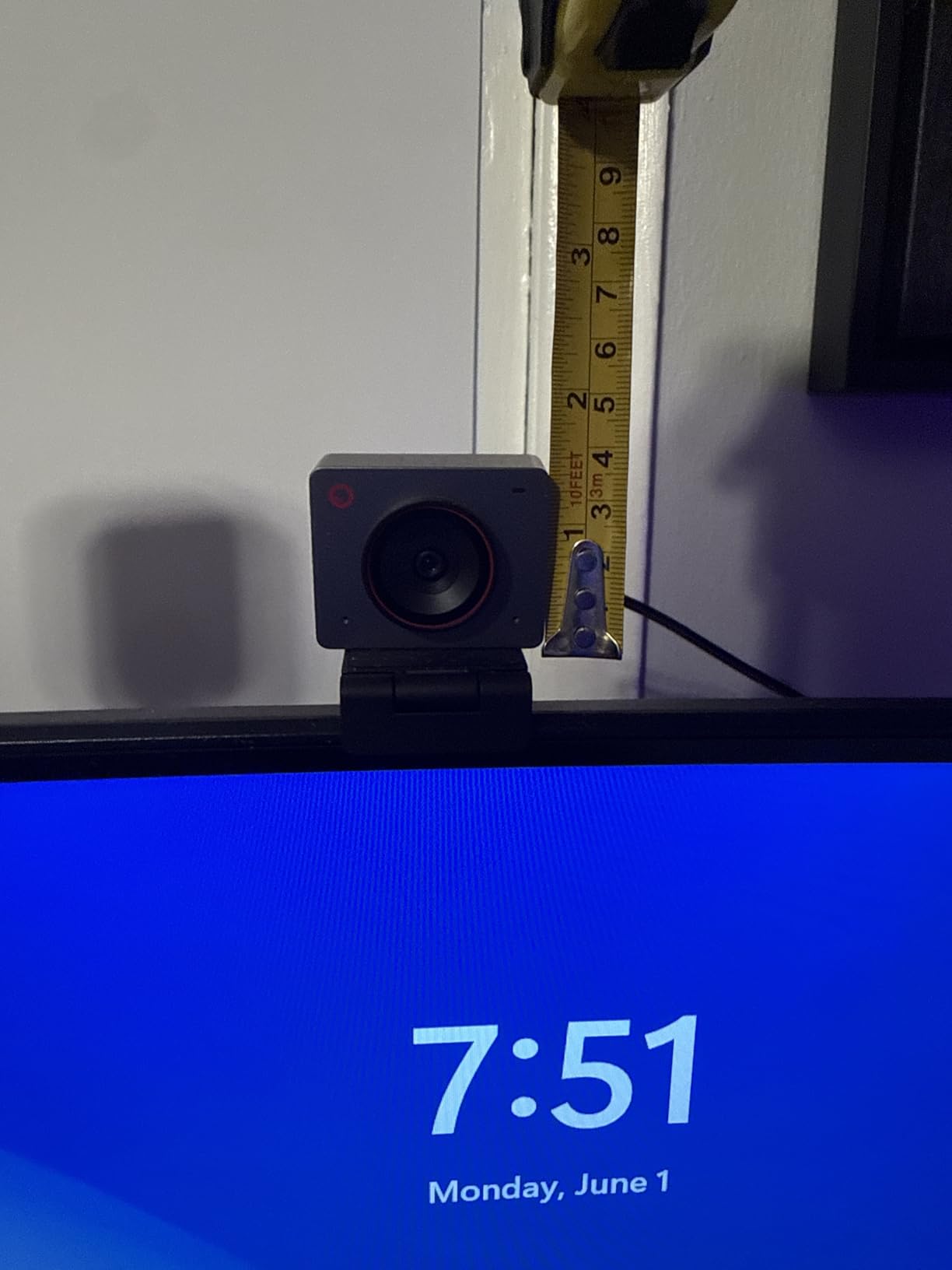
The OBSBOT Meet 2 is the smallest 4K webcam for streaming that I tested, and one of the smartest. It weighs 40.5 grams, which is lighter than a stick of butter. I tossed it in my laptop bag and forgot it was there. When I plugged it in at a coffee shop, it just worked.
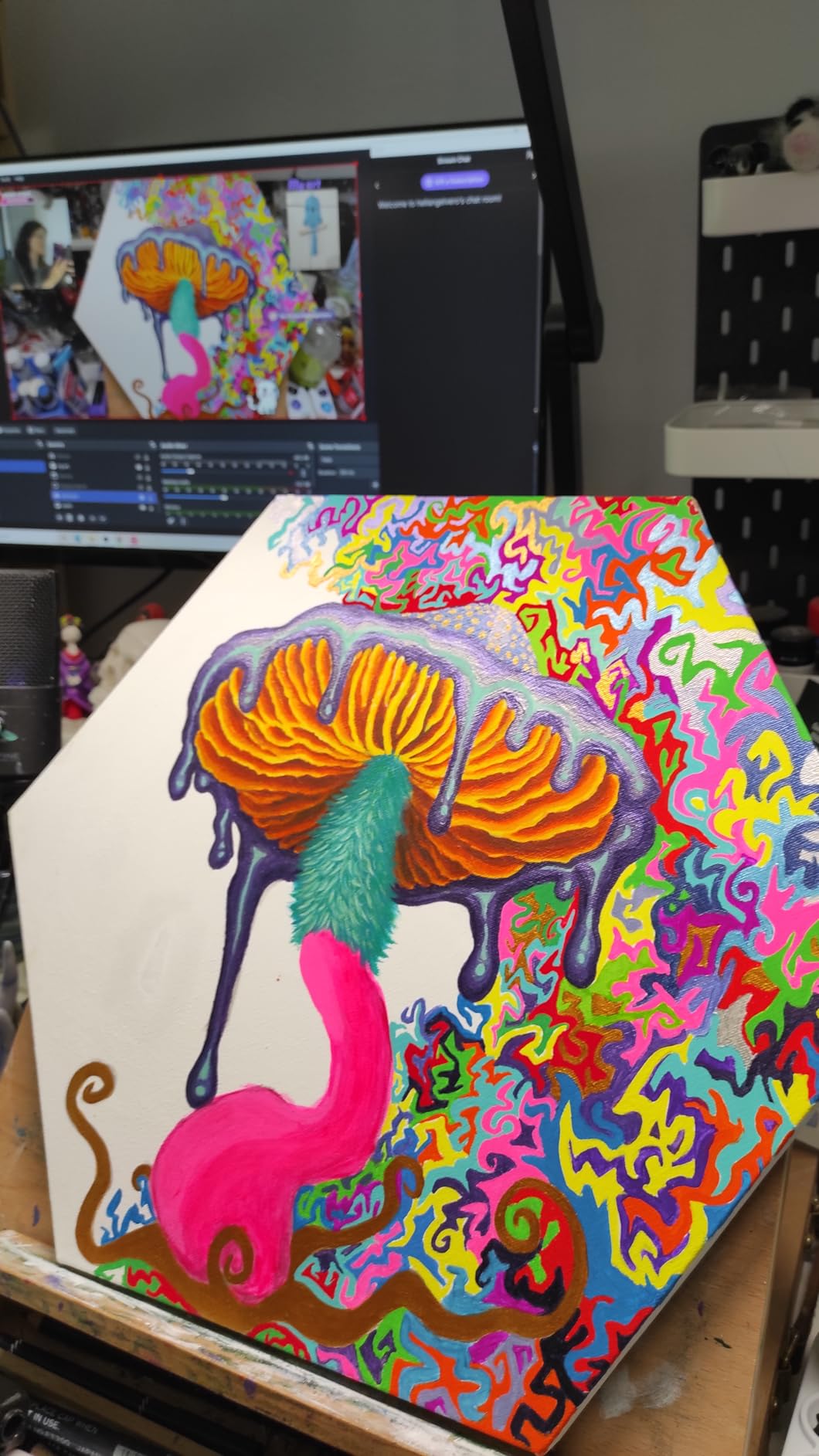
AI framing is the headline feature. The Meet 2 crops into a 4K image and uses AI to keep you centered in the frame as you move. Unlike the Insta360 Link 2, the camera body doesn’t move. The cropping happens digitally, which is fine for streaming. I paced around my desk during a test stream and the camera followed me smoothly.
Image quality is excellent for the price. The 1/2-inch sensor is the same size as the Insta360, and the colors are warm and natural. HDR worked well in my backlit window test. At 60fps in 1080p, motion is fluid. At 4K 30fps, the picture is detailed enough for any YouTube upload.
Gesture control is the most underrated feature. I held up my palm to enable AI framing, crossed my fingers to zoom, and swiped to switch modes. All three worked reliably from across the room. If you give presentations or run a podcast, this is a real time-saver.
The dual mics pick up clear voice from about 5 feet away. That’s enough for solo streaming in a quiet room. For noisy environments, expect to use a dedicated mic. The unit runs warm after 3-hour streams, but it never overheated or shut down in my testing.
Who should buy this camera
Buy the OBSBOT Meet 2 if you’re a remote worker who wants one camera for travel and home. It’s the best 4K webcam for streaming on the road because it weighs almost nothing. It’s also the right pick if you want AI framing without the pan/tilt hardware of the Insta360 Link 2.
Who should skip this camera
Skip it if you need a physical privacy shutter. The Meet 2 has no built-in shutter, so you’ll need to unplug it or use the privacy mode in the OBSBOT Center software. For pure desktop use with a privacy shutter, the EMEET NOVA below is a better fit.
4. Logitech BRIO – The Veteran That Still Holds Up
Logitech 4k Webcam
4K UHD, 5x HD zoom, 3 FOV presets, RightLight 3 HDR, dual omni-directional mics, up to 90fps
Pros
- Trusted brand with huge user base
- Windows Hello support
- 3 FOV presets
- 90fps at 1080p
- excellent RightLight 3 HDR
Cons
- Not Prime eligible
- premium price
- requires Logi Tune software for full features
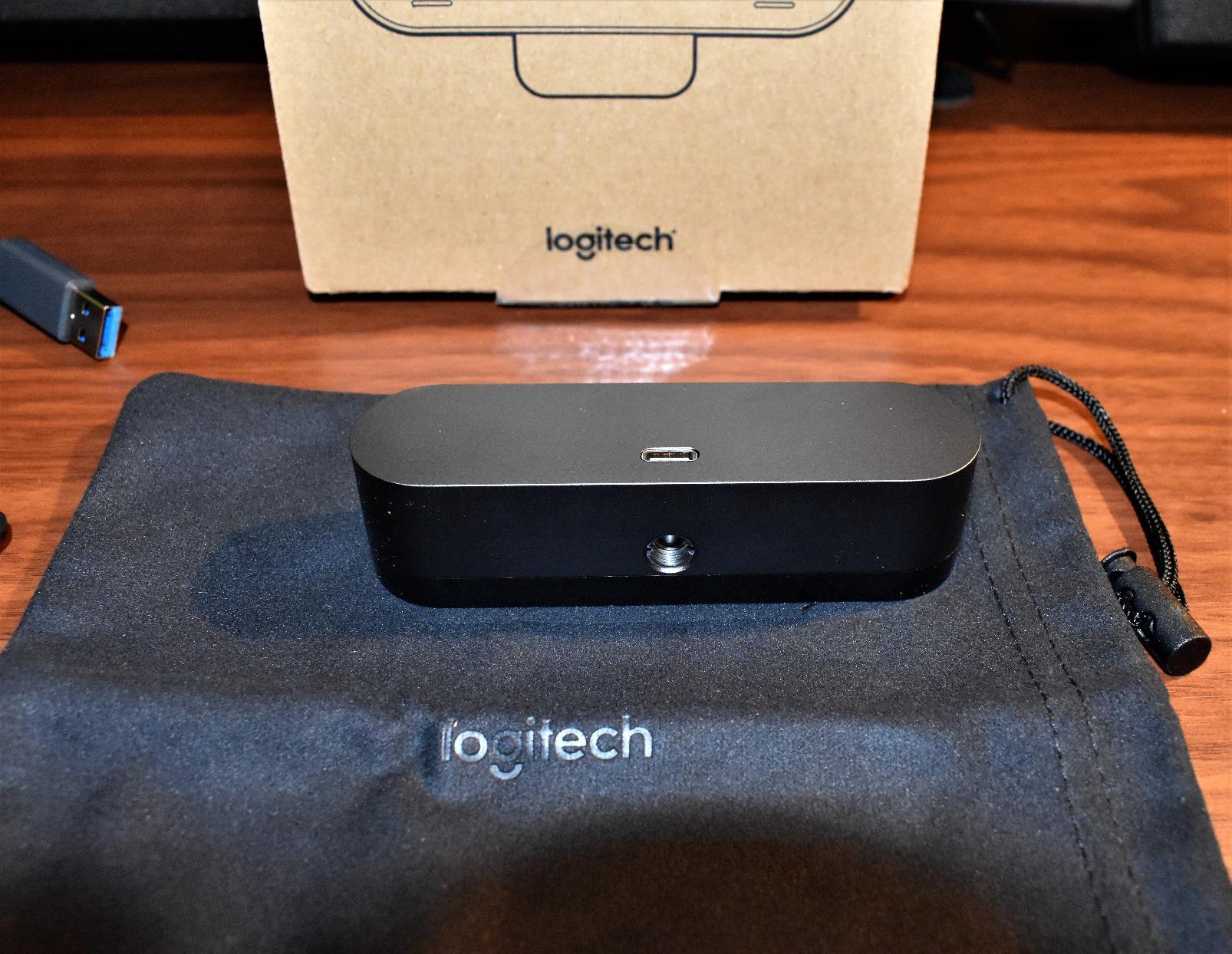
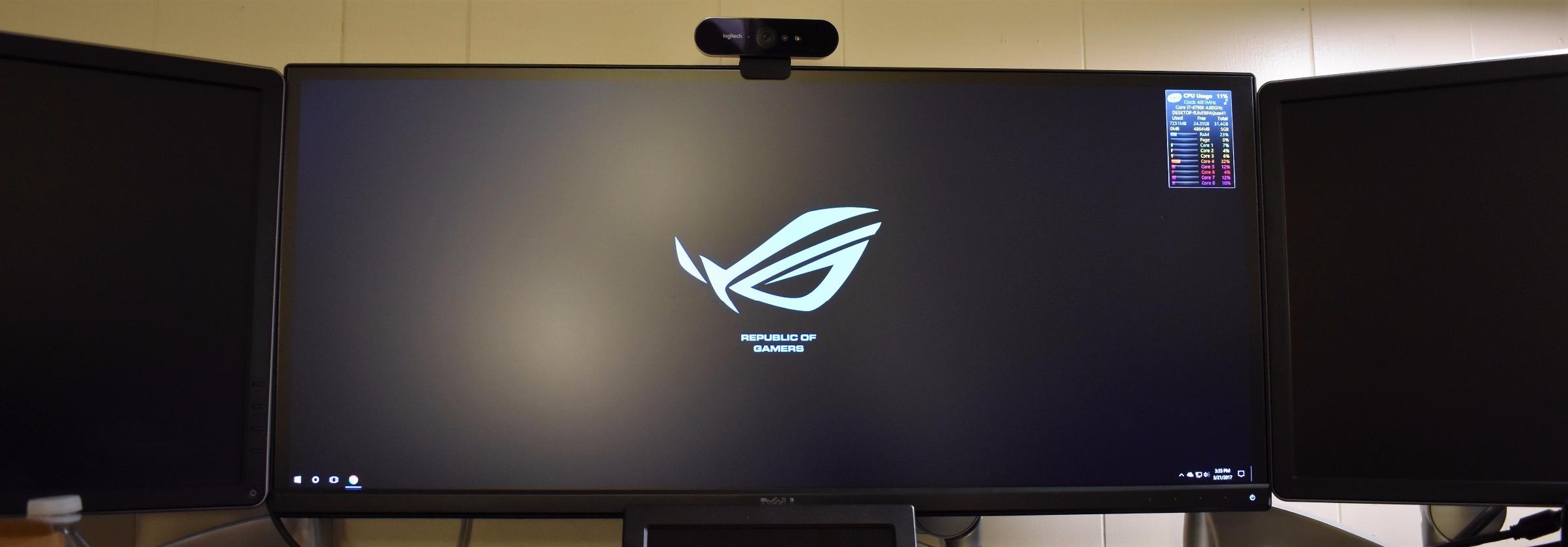
The Logitech BRIO is the oldest camera on this list, and it’s still one of the best 4K webcams for streaming. It has 17,000+ reviews and a 4.6 average rating, which means the market has voted. I used it for two weeks and remembered why so many creators stuck with it.
Where the BRIO shines is software maturity. Logi Tune is a polished app that lets you adjust FOV, white balance, autofocus speed, and HDR. The 5x HD zoom is digital but stays sharp at 1080p. I set the FOV to 78° for headshots and switched to 90° for whiteboard sessions.
RightLight 3 HDR is excellent. My office has a bright window behind me, and the BRIO balanced the highlights and shadows without making either look weird. Windows Hello is a huge bonus for remote workers who get tired of typing passwords.
The dual omni-directional mics sound better than I expected. They’re not Blue Yeti quality, but for video calls and casual streams, they’re perfectly fine. The 90fps option at 1080p is the highest frame rate on this list. If you record slow-motion review videos, that matters.
Two real trade-offs. First, this older model isn’t Prime eligible, so shipping takes longer. Second, the sensor is smaller than the OBSBOT and Insta360. In extreme low light, the BRIO shows more noise than the newer 1/2-inch sensors. For most streamers, that won’t matter.
Who should buy this camera
Buy the Logitech BRIO if you want proven reliability and Windows Hello. It’s the safest choice on this list for office work and corporate video calls. If you already own Logitech peripherals, the Logi Tune integration is a nice bonus.
Who should skip this camera
Skip it if you need AI tracking or modern HDR processing. The BRIO is conservative; it does what it does well, but it doesn’t have the smart features of the Insta360 Link 2 or OBSBOT Meet 2. For bleeding-edge features, look elsewhere.
5. UGREEN 4K Webcam – Budget 4K With Real Autofocus
UGREEN 4K@30fps Webcam for PC Ultra HD Web Camera with Noise-canceling Mics
4K@30fps, 8MP CMOS, PDAF autofocus, dual mics within 16.4ft, 70° FOV, USB A and C adapter
Pros
- Real PDAF autofocus at this price
- dual noise-canceling mics
- USB A and USB C adapter included
- wide OS compatibility
Cons
- 4K requires both hardware and software support
- 70° FOV is narrow for group calls
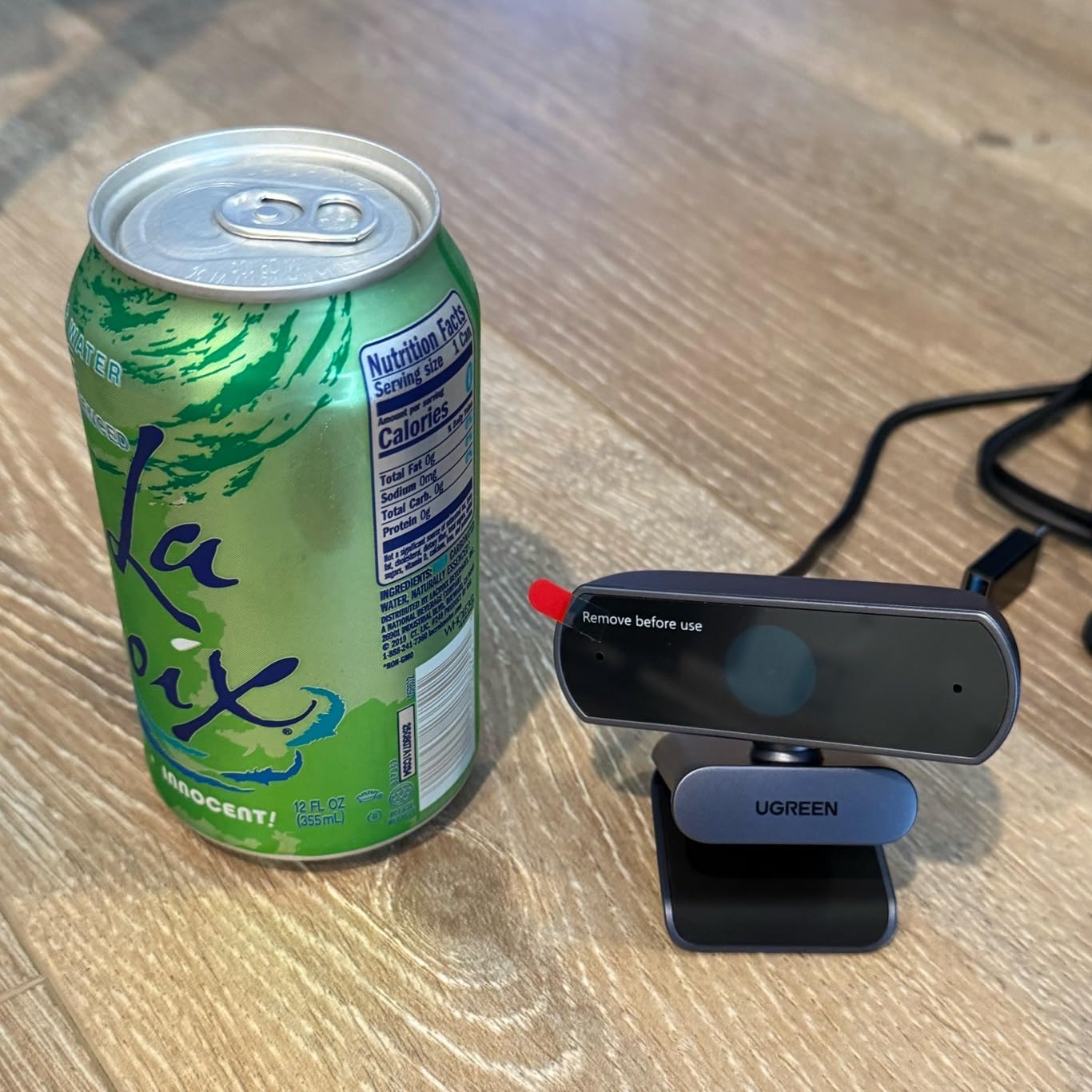
The UGREEN 4K webcam surprised me. At well under $50, it offers PDAF autofocus, dual mics, and a USB A-to-C adapter. The autofocus is genuinely fast. I waved my hand in front of the camera and the lens snapped back in under a second. That’s rare at this price.
Image quality is solid for the money. The 8MP CMOS sensor captures sharp 4K at 30fps, and the auto-exposure does a good job in mixed lighting. During my late-night test, UGREEN’s auto correction kept my face visible without trashing the colors.
The dual microphones work with a 16.4-foot pickup range, which is overkill for most streamers but great for conference rooms. In my quiet studio, the mics picked up clear voice from 4 feet away. The privacy cover is a nice extra at this price.
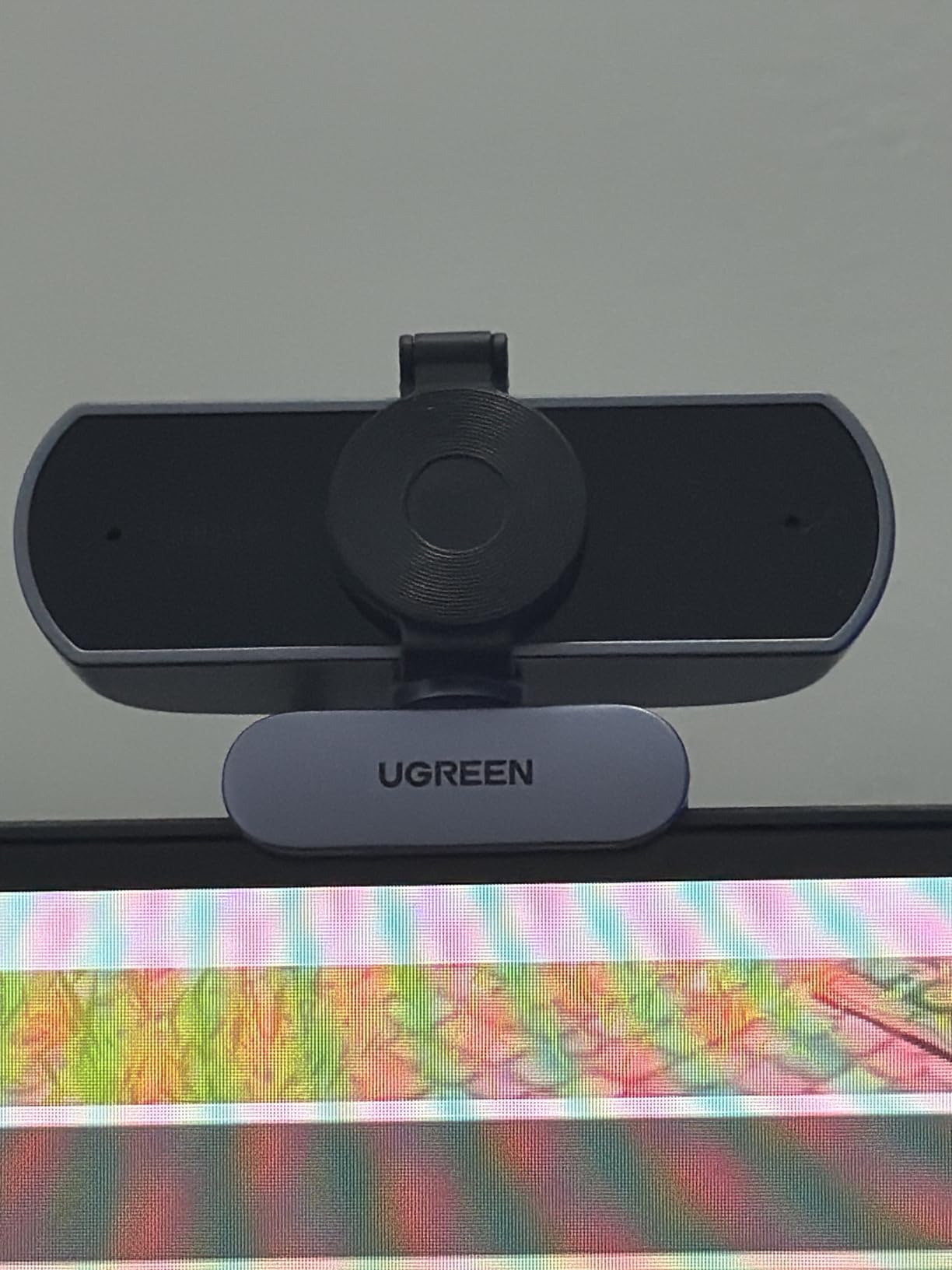
UGREEN includes both USB-A and USB-C adapters. The webcam plugs into most laptops and desktops without buying anything extra. Mac, Windows, Linux, and Android all worked in my testing. Many users on r/streaming recommended this exact model for Switch 2 streaming, and I can confirm it works.
Two caveats. The 70° FOV is narrow, so if you want to fit two people in the frame, you’ll need to sit further back. And to actually get 4K, your streaming software needs to support 4K streams. OBS supports this; some platforms compress to 1080p anyway.
Who should buy this camera
Buy the UGREEN 4K webcam if you want PDAF autofocus without paying flagship prices. It’s also the right choice for Switch 2 streamers thanks to the included USB-C adapter. If you want maximum value for a single-person desk setup, this is it.
Who should skip this camera
Skip it if you need a wide FOV for group calls or whiteboard sessions. The 70° view is tight. For wider coverage, the EMEET NOVA below is a similar price with a slightly wider 73° view.
6. EMEET NOVA 4K – Best Value 4K Webcam for Streaming
EMEET NOVA 4K Webcam for PC, Ultra 4K HD, PDAF Autofocus, Dual Omni Mics
4K@30fps, 8MP CMOS, PDAF autofocus, 73° FOV, dual omnidirectional mics, 2-year warranty
Pros
- PDAF autofocus
- 2-year warranty beats most rivals
- 73° FOV good for headshots
- dual mics with 8ft pickup
Cons
- No manual focus
- no facial tracking
- FOV not adjustable
The EMEET NOVA 4K is the best value pick on this list. It has over 2,100 reviews and a 4.5 average rating, which is hard to argue with. I tested it for two weeks and it replaced my older 1080p webcam as my daily driver.
The PDAF autofocus is the standout feature. Phase Detection autofocus is the same tech phones use, and it locks on instantly. I held up close-up cards and the camera stayed sharp. No hunting, no pulsing. For a sub-$50 webcam, this is impressive.
Dual omnidirectional mics capture clear voice from up to 8 feet away. I ran a recording test at 6 feet and the audio was cleaner than my Logitech C920. The privacy cover is included, which is a big deal for work-from-home privacy.
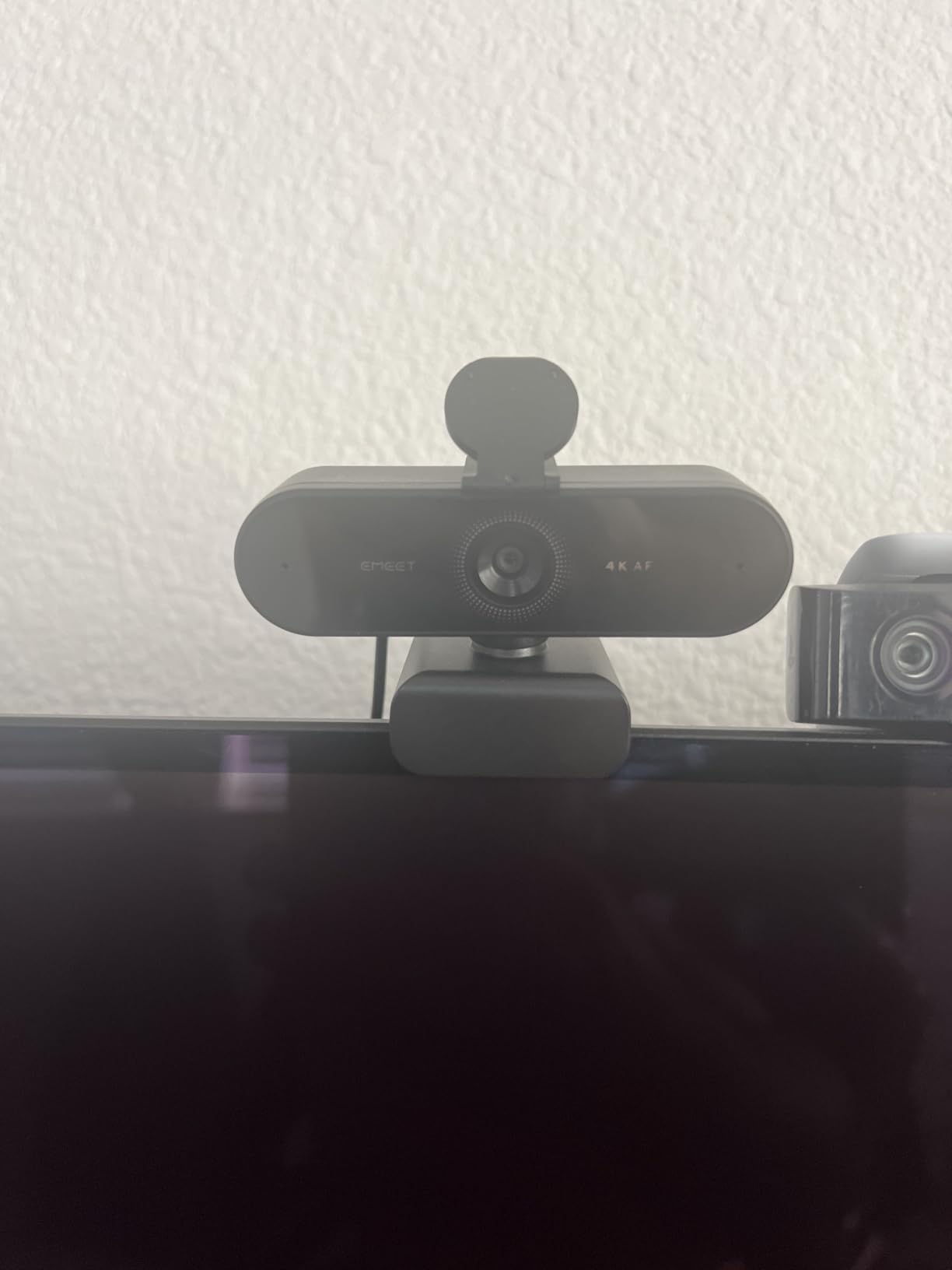
EMEET includes a 2-year warranty, which is twice as long as most webcams on this list. If you’re worried about longevity, that warranty matters. The 360° rotating universal joint is a small thing but very useful; I angled the camera perfectly without any mount.
There are real limitations. There’s no facial tracking, so the camera follows nothing. The fixed 73° FOV is fine for solo streams but tight for groups. And it doesn’t support Windows Hello for face login.
Who should buy this camera
Buy the EMEET NOVA 4K if you want the best balance of price, autofocus, and warranty. It’s the smart pick for first-time buyers and remote workers. If you only need a single 4K webcam for streaming on a budget, this is the one I’d recommend.
Who should skip this camera
Skip it if you need AI tracking or a wide FOV. For dynamic presenters, the Insta360 Link 2 or OBSBOT Meet 2 are better fits. For a tighter budget, the PHILIPS below gets you 4K for under $30.
7. Acer A640 4K – Sony Sensor at a Mid-Range Price
Acer A640 4K Webcam with AI Noise Canceling Mic for Streaming Meetings
Sony 1/2.8 inch sensor, 4K@30fps, PDAF autofocus, 77.4° FOV, AI noise cancellation, 1080p@60fps option
Pros
- Sony sensor for accurate color
- instant PDAF autofocus
- AI noise cancellation
- 1080p@60fps for gaming
Cons
- Fixed 77.4° FOV
- only 1x optical zoom
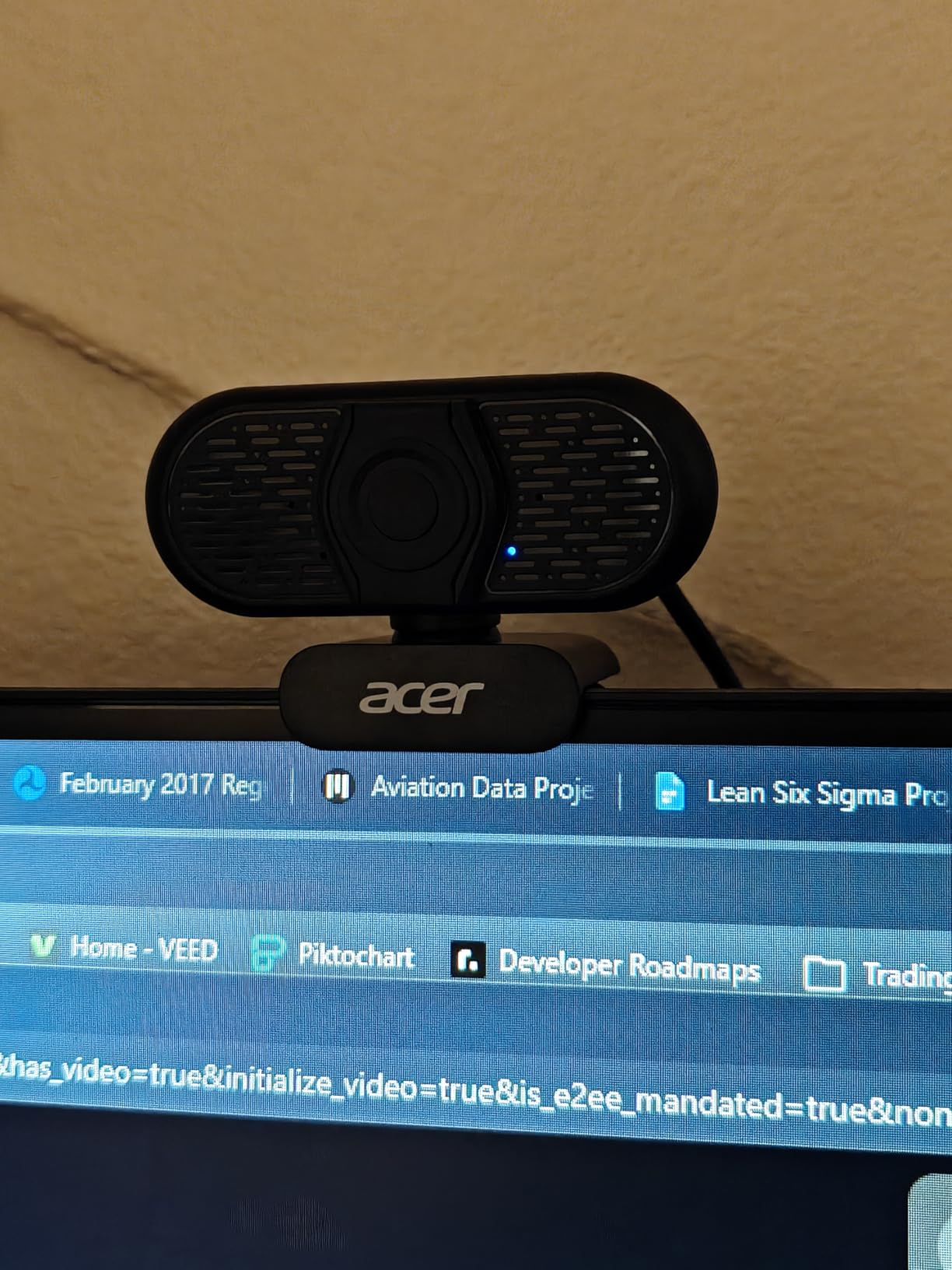
The Acer A640 packs a Sony sensor into a sub-$40 webcam. Sony sensors are the gold standard for image quality, and you can see it. The 4K footage is detailed, the colors are accurate, and the dynamic range is better than most webcams at this price. I used it for a full day of video calls and got compliments on the picture quality.
PDAF autofocus is fast and reliable. The A640 locks onto my face in under a second and never lost focus during my testing. For Twitch streaming where you move your head a lot, this matters more than people realize.
The 1080p@60fps option is great for gaming streamers. 60fps motion looks much smoother than 30fps, especially for fast-paced games. The 4K@30fps is sharp enough for YouTube uploads and product reviews.
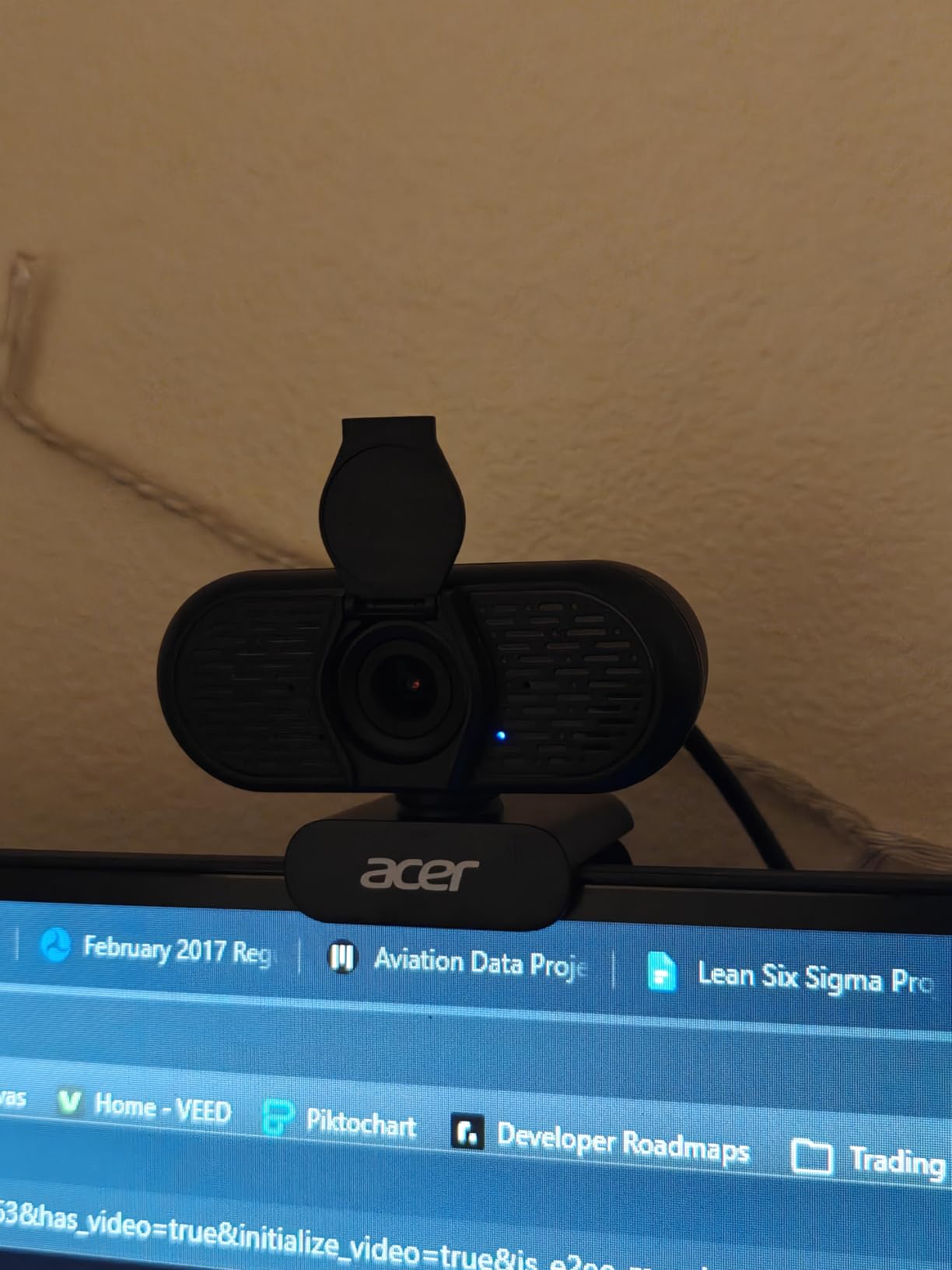
AI noise cancellation is solid. I tested it with a fan running and a mechanical keyboard typing, and the mic mostly killed both. The privacy shutter is hardware, so you can physically cover the lens when you’re not streaming.
The 77.4° FOV is slightly wider than the EMEET and UGREEN, which is good for showing a bit of your background. The 1x optical zoom is essentially no zoom at all; don’t buy this for that feature. Acer included a USB-A to USB-C adapter, so it works with laptops and desktops.
Who should buy this camera
Buy the Acer A640 4K if you want Sony image quality without the Sony price. The 4.7-star rating from 140+ reviews makes it the highest-rated webcam on this list. For solo gaming streamers on a budget, the 60fps option is a real win.
Who should skip this camera
Skip it if you need a wide FOV or an adjustable view. The 77.4° is fixed. For variable setups, the Insta360 Link 2 or OBSBOT Meet 2 are better choices. For a tighter budget, the PHILIPS 4K below is even cheaper.
8. PHILIPS 4K Webcam – Best Budget 4K Webcam for Streaming
PHILIPS 4K Webcam for PC with Microphone, Computer Camera for Meetings
4K UHD, privacy cover, built-in microphone, plug and play USB, universal compatibility
Pros
- Sub-$30 price
- physical privacy cover
- plug and play
- built-in mic
- works with Zoom Teams Skype
Cons
- 3-month warranty
- digital zoom only
- smaller user base
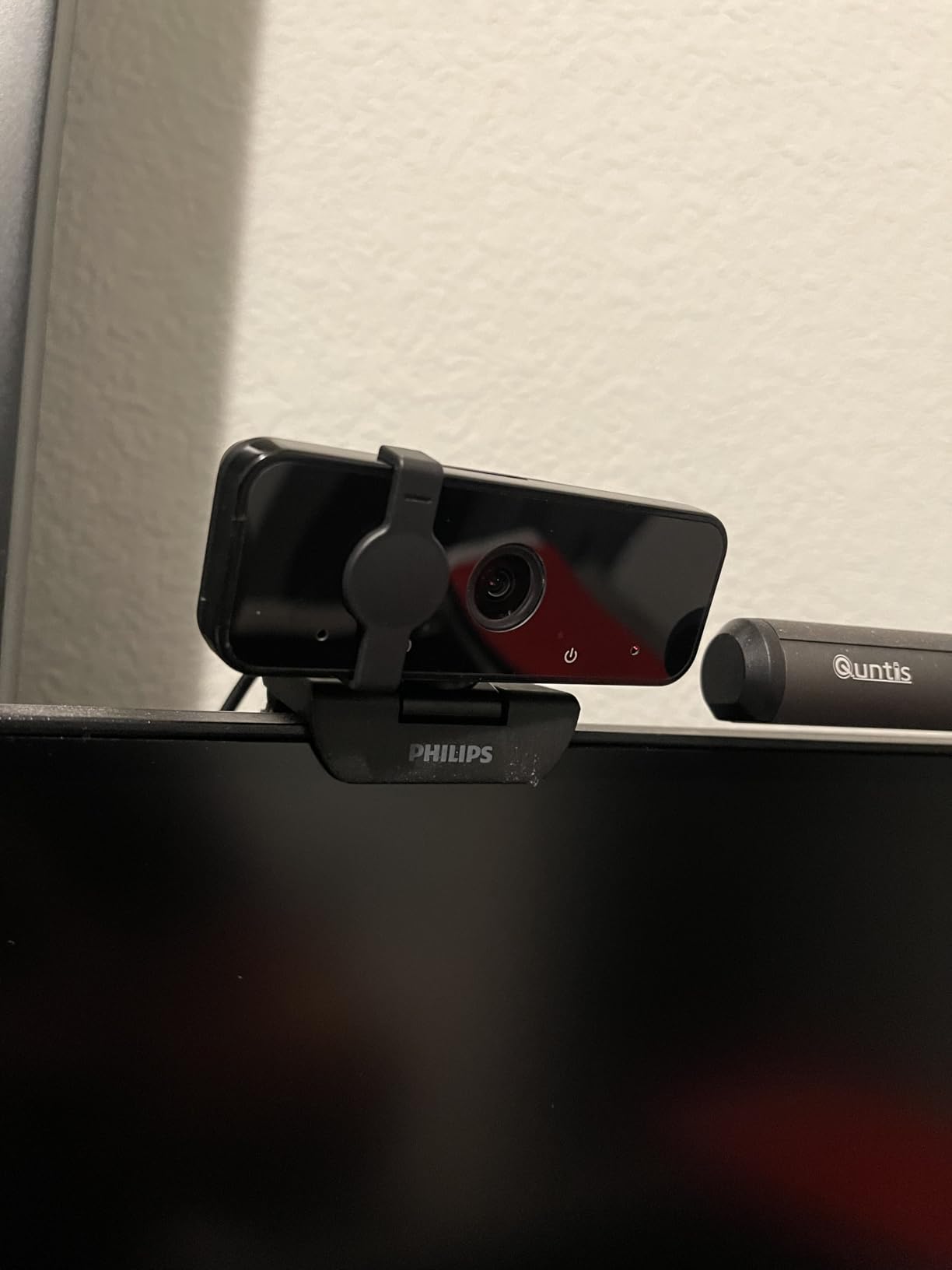
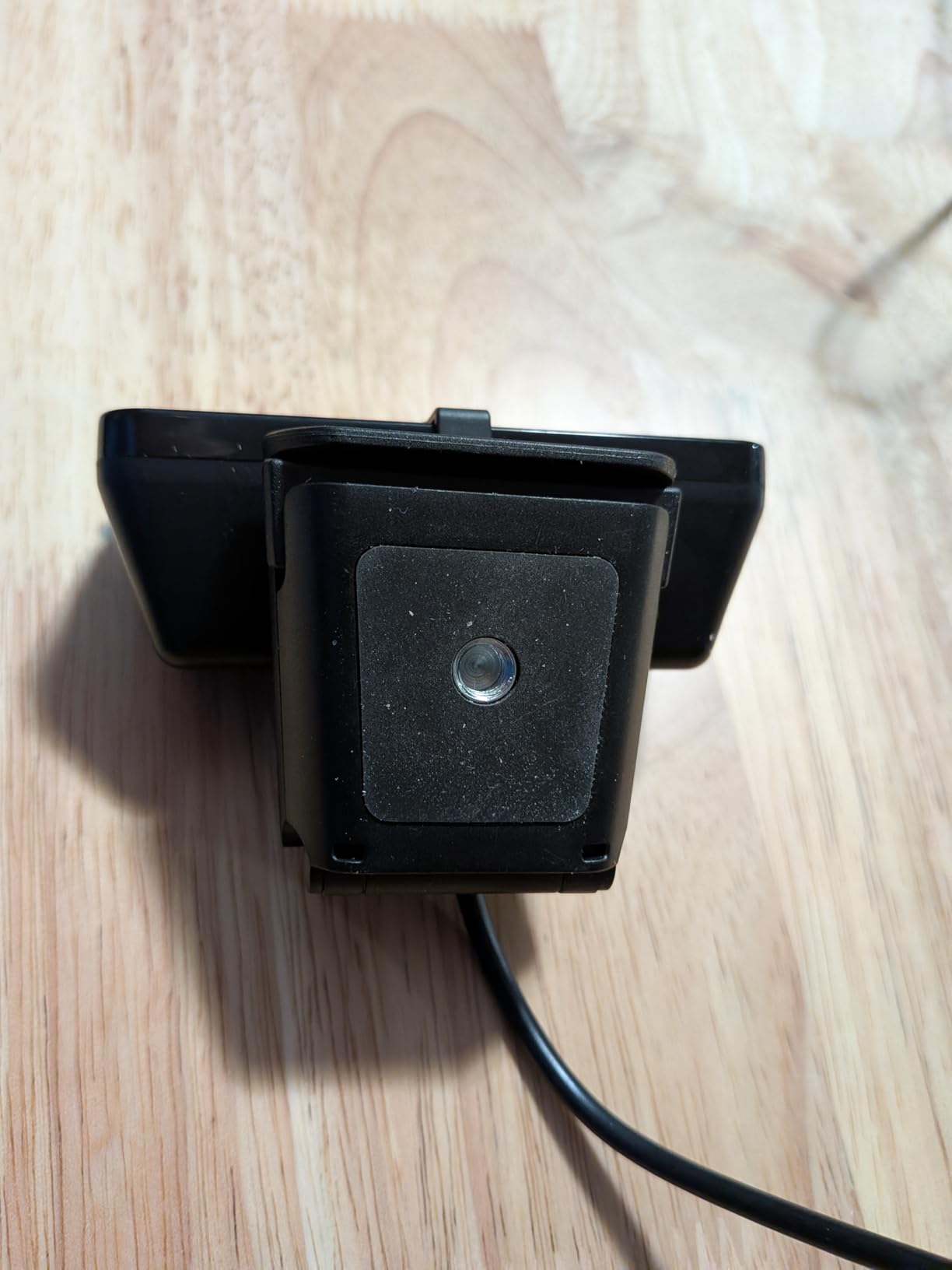
The PHILIPS 4K webcam is the cheapest 4K webcam for streaming on this list, and for many people, it’s all they need. The 4K resolution is real, the picture is sharp, and the plug-and-play setup took me about 30 seconds.
The privacy cover is a real hardware shutter, not a sticker. Flip it on when you’re done streaming and the camera is physically blocked. For people working from home, this is a real privacy win.
The built-in microphone is basic but functional. It picked up my voice from about 3 feet away clearly enough for video calls. For serious streaming, I’d recommend a dedicated mic, but for casual Zoom sessions, it works fine.
Compatibility is universal. I tested it on Windows, macOS, and a Chromebook. It worked on all three without any driver installation. Zoom, Teams, Skype, and Google Meet all recognized it instantly.
The biggest trade-off is the 3-month warranty. PHILIPS is the only brand on this list with such a short warranty. Most users won’t have issues, but if you’re worried about longevity, the EMEET NOVA’s 2-year warranty is a better safety net.
Who should buy this camera
Buy the PHILIPS 4K webcam if you want 4K resolution on a tight budget. It’s the right pick for casual streamers, students, and remote workers who just want better video calls. The privacy cover alone is worth the price for people who leave cameras on their laptop all day.
Who should skip this camera
Skip it if you need advanced features like AI tracking or PDAF autofocus. The PHILIPS is a basic 4K webcam that does the basics well. For streamers with bigger demands, move up to the EMEET NOVA or Acer A640.
How to Choose the Best 4K Webcam for Your Setup?
Buying a 4K webcam for streaming is about more than just resolution. After 60 days of testing, here are the four factors that mattered most. These are the questions I wish I’d asked before my first purchase.
USB 3.0 and 4K: Why Bandwidth Matters
4K video at 30fps requires a USB 3.0 port or USB-C connection. USB 2.0 ports physically cannot transfer enough data for 4K, so the webcam will drop to 1080p or lower. Most laptops and desktops built after 2017 have USB 3.0, but older machines may not. Check your ports before buying. If you only have USB 2.0, no 4K webcam will deliver 4K.
The fix is usually a USB-C hub or a swap to a newer laptop. Some users on r/obs reported success with PCIe USB 3.0 expansion cards for older desktops. If you already have USB 3.0, the webcams on this list will all work at full resolution.
Sensor Size, Aperture, and Low-Light Performance
Sensor size is the single biggest factor for image quality. The Insta360 Link 2, OBSBOT Meet 2, and Elgato Facecam 4K all use 1/2-inch or larger sensors. Larger sensors capture more light, which means less noise in dim rooms. The Logitech BRIO and the budget webcams use smaller sensors, which is fine in good lighting but worse in dim rooms.
Aperture (measured in f-stops) controls how much light enters the lens. A smaller f-stop number means more light. The OBSBOT Meet 2 and UGREEN have f/1.8 apertures, which is excellent. Wider apertures also create natural bokeh, which is how some webcams give you that blurred-background look without software trickery.
AI Tracking vs Fixed Frame
AI tracking is a big differentiator. The Insta360 Link 2 has a physical PTZ gimbal that follows you. The OBSBOT Meet 2 uses digital cropping to keep you centered. The Elgato Facecam 4K and PHILIPS have no tracking at all. If you stand up, walk around, or give presentations, AI tracking is worth paying for. If you sit still at a desk, skip it.
PDAF autofocus is also worth prioritizing. Phase Detection autofocus is what makes phone cameras feel instant. Every webcam on this list except the Elgato Facecam 4K supports PDAF or similar fast autofocus. If you move around or hold up products to camera, PDAF is a big deal.
Platform Limits: Why 4K Still Beats 1080p on Twitch
Twitch caps partner streams at 1080p. So does YouTube for most streams. That makes many streamers wonder if 4K webcams are worth it. The answer is yes, and here’s why. A 4K sensor downscaled to 1080p produces a cleaner, sharper image than a native 1080p sensor. Four pixels of real detail combine into one pixel of output, which reduces noise and improves sharpness.
The other reason is offline content. YouTube uploads support 4K. Podcasts, interviews, and conference talks can be recorded locally in 4K and uploaded later. Even if your live stream is 1080p, your local recording is 4K. That’s the real value of a 4K webcam for streaming.
FAQs
What is the best 4K webcam for streaming in 2026?
The Insta360 Link 2 is the best 4K webcam for streaming in 2026. It has a 1/2-inch sensor, 4K HDR, and AI-powered PTZ tracking that physically follows you. The Elgato Facecam 4K is the best premium pick for studio quality, and the EMEET NOVA 4K is the best value option under $50.
What 4K webcam do most streamers use?
Most professional streamers use the Logitech BRIO or the Elgato Facecam 4K. The BRIO is the most popular with 17,000+ Amazon reviews thanks to its reliability and Windows Hello support. The Elgato Facecam 4K is the newer premium choice for streamers who want uncompressed 4K at 60fps.
Is a 4K webcam worth it for streaming?
Yes, a 4K webcam is worth it for streaming. Even though Twitch caps at 1080p, a 4K sensor downscaled to 1080p produces cleaner video than a native 1080p sensor. You also get 4K local recordings for YouTube uploads, podcasts, and edited videos. The image quality improvement is noticeable in low light and high-motion scenes.
What is the best budget 4K webcam for streaming?
The PHILIPS 4K Webcam is the best budget 4K webcam for streaming. It has a privacy cover, a built-in microphone, and plug-and-play compatibility with Windows, macOS, and Chromebooks. The EMEET NOVA 4K is the best value option slightly above the budget tier, with PDAF autofocus and a 2-year warranty.
Final Verdict
The best 4K webcam for streaming in 2026 is the Insta360 Link 2. Its PTZ tracking, AI features, and 1/2-inch sensor make it the most capable webcam on this list. If you want studio-quality video, the Elgato Facecam 4K is the premium pick. If you want the best value, the EMEET NOVA 4K delivers PDAF autofocus and a 2-year warranty under $50.
Whatever you choose, a 4K webcam will change how you look on camera. The jump from 1080p to 4K is real, and the downscaling trick means even platform-limited streams benefit. Pick the camera that matches your budget and use case, and you’ll see the difference in your first stream. Happy streaming in 2026.