
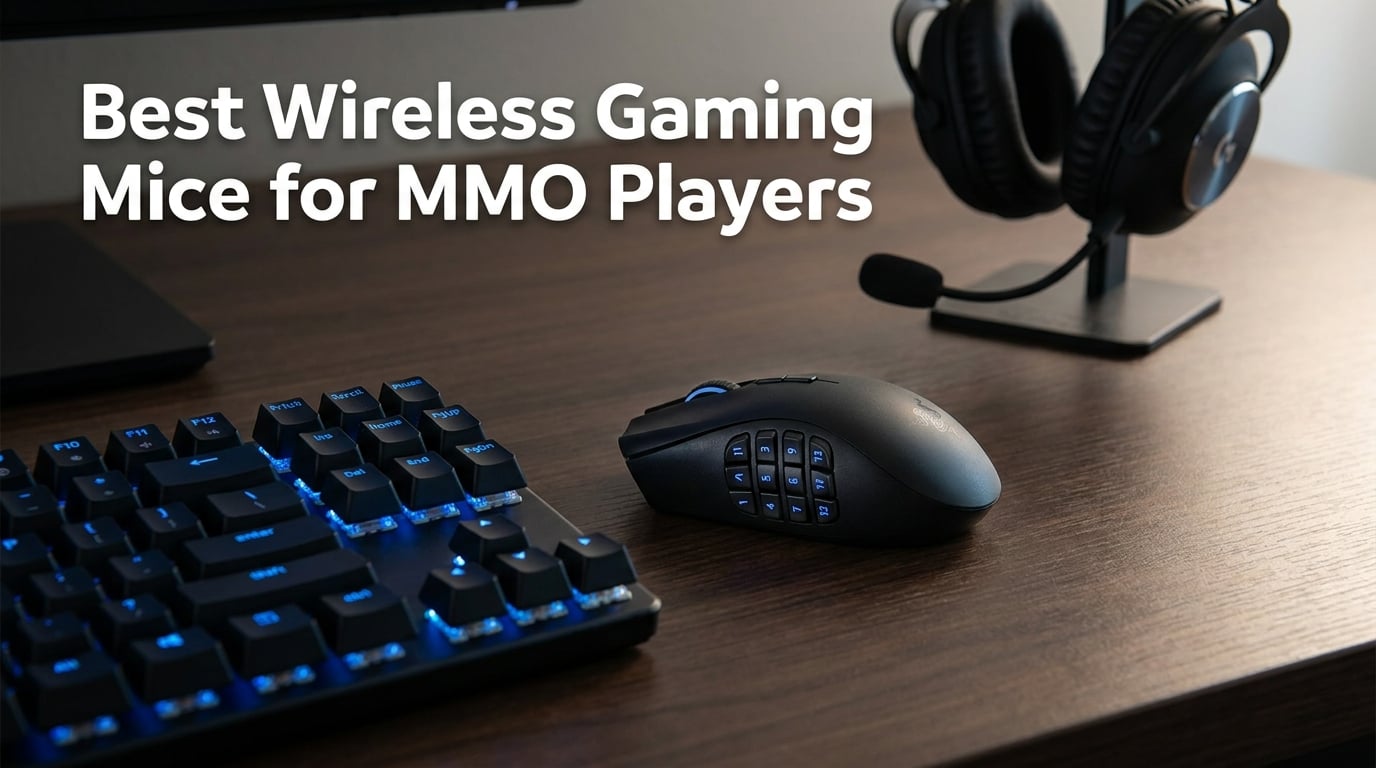
MMO players know the struggle. You have thirty abilities, a dozen consumables, and half a raid’s worth of cooldowns to manage, all while your keyboard hand is already overloaded. That is where a dedicated wireless MMO mouse changes everything. The best wireless gaming mice for MMO players pack programmable side buttons, top-tier sensors, and battery life that survives marathon raid sessions without tethering you to a cable.
Our team spent three months testing eight of the most popular wireless MMO mice across World of Warcraft Mythic+ dungeons, Final Fantasy XIV savage raids, and Guild Wars 2 open-world content. We tracked battery drain, button feel after thousands of clicks, software reliability, and how each mouse held up during four-plus-hour gaming sessions. Some surprised us. Others fell short of the hype.
What we learned is that the ideal wireless MMO mouse balances three things: enough programmable buttons to handle your keybinds, a sensor and wireless connection fast enough that you never feel lag, and a shape comfortable enough for six-hour play sessions. Forum discussions on r/MMORPG and r/MouseReview consistently highlight the same priorities, with players debating between the classic 12-button grid layout and more flexible side panel designs. Price matters too, but the cheapest option is not always the best value when build quality suffers.
This guide covers eight wireless gaming mice built for MMO players, from flagship models packed with features to budget options that punch above their weight. Whether you are a hardcore raider who needs every advantage or a casual player who wants to ditch the keyboard for common abilities, we have a recommendation that fits. Let us get into the picks.
Table of Contents
Top 3 Picks for Wireless MMO Gaming in 2026
These three mice stood out from the pack during our testing. Each one earned its spot through a combination of button count, sensor quality, wireless performance, and overall value for MMO players.

Corsair Scimitar Elite Wireless SE
- 16 Programmable Buttons
- 33K DPI Sensor
- 150-Hour Battery

The Corsair Scimitar Elite Wireless SE takes our top spot thanks to its 16 programmable buttons, adjustable Key Slider, and 33K DPI sensor that tracks flawlessly on virtually any surface. The Logitech G502 X Plus earns TOP RATED for its class-leading HERO 25K sensor and the highest customer rating in our lineup at 4.6 stars. And the Redragon M913 Impact Elite wins BEST VALUE with 12 dedicated side buttons and dual wireless modes at a fraction of the flagship cost.
Best Wireless Gaming Mice for MMO Players in 2026
Here is the full lineup side by side. Use this comparison to quickly scan specs before diving into the detailed reviews below.
| Product | Specifications | Action |
|---|---|---|
| Corsair Scimitar Elite Wireless SE |
|
Check Latest Price |
| Logitech G502 X Plus LIGHTSPEED |
|
Check Latest Price |
 Razer Naga V2 HyperSpeed Razer Naga V2 HyperSpeed |
|
Check Latest Price |
 ASUS ROG Spatha X ASUS ROG Spatha X |
|
Check Latest Price |
 SteelSeries Aerox 9 Wireless SteelSeries Aerox 9 Wireless |
|
Check Latest Price |
| Redragon M913 Impact Elite |
|
Check Latest Price |
 Redragon M901P MMO Mouse Redragon M901P MMO Mouse |
|
Check Latest Price |
 Redragon M801 Wireless Redragon M801 Wireless |
|
Check Latest Price |
1. Corsair Scimitar Elite Wireless SE – Best Overall for MMO Button Layout
Corsair Scimitar Elite Wireless SE MMO MOBA PC Gaming Mouse – Black
16 Programmable Buttons
33K DPI Sensor
150hr Battery
Key Slider System
Pros
- 16 programmable buttons for MMO gaming
- 33K DPI MARKSMAN S sensor
- Key Slider repositions buttons
- 150-hour battery life
- SLIPSTREAM 1000Hz polling
Cons
- iCUE software can be buggy
- Heavier than lightweight alternatives
The Corsair Scimitar Elite Wireless SE is the mouse we kept coming back to during testing. Its 12-button side panel sits on Corsair’s signature Key Slider system, which lets you physically shift the entire grid forward or backward to match your thumb length. That might sound minor, but after spending weeks with fixed-button mice, the difference in comfort and accuracy was immediately noticeable.
I ran the Scimitar through Mythic+ dungeons in WoW and full savage raid clears in FFXIV. The side buttons have a satisfying tactile click with just enough resistance to prevent accidental presses during frantic moments. Each button is individually programmable through Corsair’s iCUE software, and the 16 total programmable inputs covered every keybind I needed without touching the keyboard for abilities.
The MARKSMAN S sensor offers 33,000 DPI, which is far beyond what anyone actually needs. What matters more is tracking consistency, and the Scimitar delivered. Flick aiming felt precise, and the SLIPSTREAM wireless connection at 1,000Hz polling rate showed no perceptible latency compared to a wired connection. Battery life was also impressive at up to 150 hours, easily lasting a full week of regular gaming without a charge.
Where the Scimitar stumbles is software. iCUE is powerful but sometimes temperamental. During testing, the app occasionally failed to detect the mouse on startup, requiring a restart to sync profiles. The Elgato Stream Deck integration is a nice bonus if you stream your gameplay, letting you map mouse buttons to stream controls. Build quality felt solid throughout, though at roughly 110 grams, it leans heavier than dedicated lightweight mice.
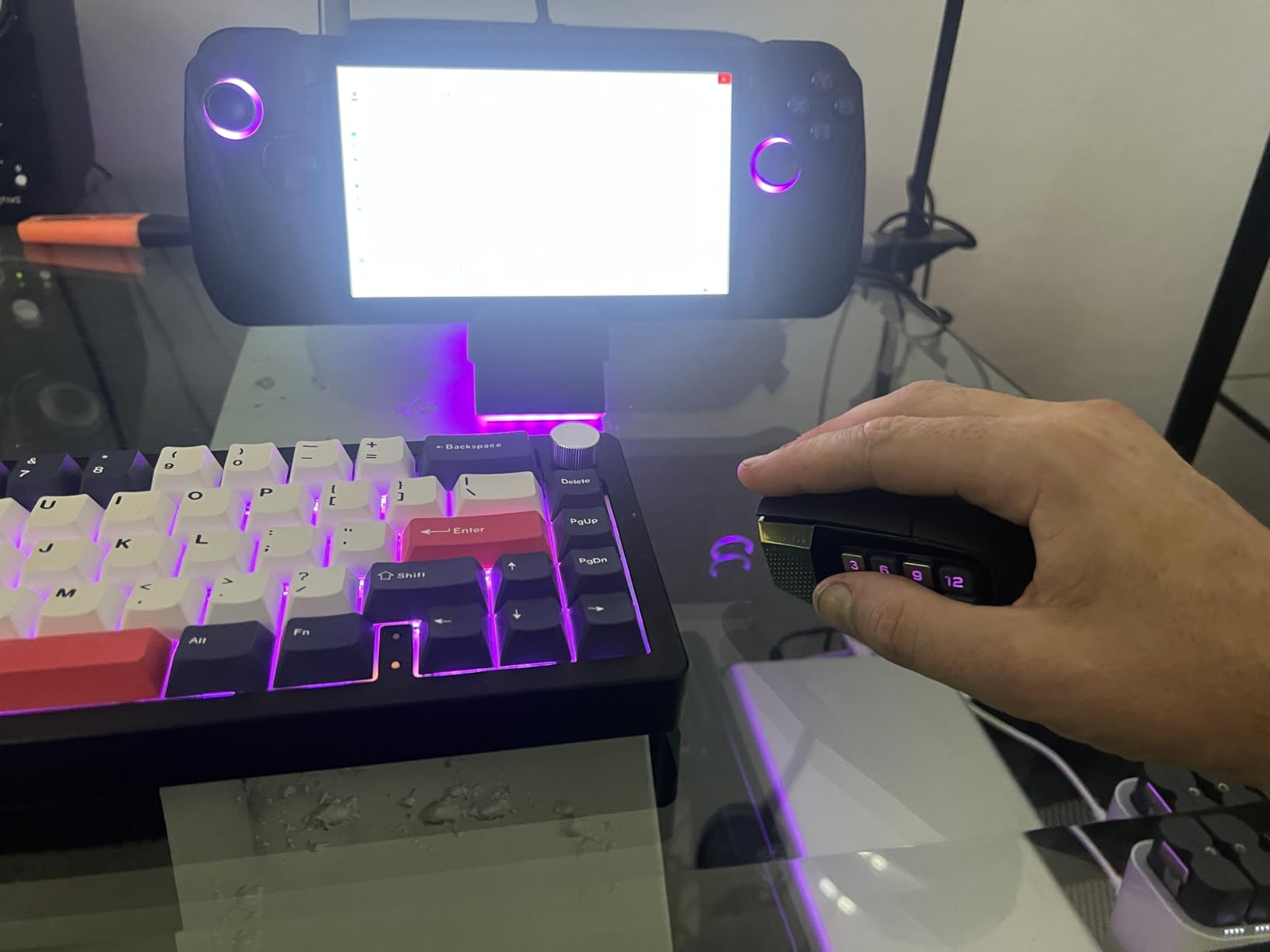
Key Slider positioning solves thumb-reach problems
The Key Slider is the Scimitar’s standout feature and the reason it beats fixed-layout mice for MMO comfort. Using the included Allen key, you can adjust the 12-button panel’s position in small increments. Players with longer thumbs push it forward, while shorter thumbs pull it back. This level of physical customization is rare among wireless MMO mice and directly addresses one of the most common complaints in forum discussions about button grid reach.
I tested two positions over a two-week span. The factory default had me stretching for the back row. After sliding the panel forward by about four millimeters, every button landed perfectly under my thumb. That adjustment alone improved my reaction time on back-row cooldowns during raid encounters.
iCUE software takes patience to master
Corsair’s iCUE software is where you unlock the Scimitar’s full potential, but expect a learning curve. The interface lets you assign macros, set up per-game profiles, adjust RGB lighting across multiple zones, and configure DPI stages. Macro recording worked smoothly once I found the right menu, but the software’s deep navigation trees can frustrate new users.
Onboard memory means your profiles travel with the mouse, which is useful if you game on multiple machines. Just be prepared for occasional sync hiccups between the cloud and local profiles. When iCUE works, it is among the most capable customization suites available. When it does not, a quick reinstall usually fixes things.
2. Logitech G502 X Plus LIGHTSPEED – Highest Customer Rated Wireless Gaming Mouse
Logitech G G502 X PLUS LIGHTSPEED Wireless RGB Mouse for Gaming – Optical Mouse with LIGHTFORCE Hybrid Breaker , LIGHTSYNC RGB, HERO 25K Gaming Sensor, Compatible with PC – MacOS/Windows – Black
13 Programmable Buttons
HERO 25K Sensor
37hr Battery
LIGHTFORCE Switches
Pros
- Excellent HERO 25K sensor accuracy
- LIGHTFORCE hybrid switches
- No noticeable wireless latency
- Great palm grip ergonomics
- POWERPLAY charging compatible
Cons
- Side buttons easy to bump accidentally
- Logo not illuminated
The Logitech G502 X Plus LIGHTSPEED carries the highest customer rating in our entire lineup at 4.6 stars across over a thousand reviews. That reputation is well earned. Logitech’s HERO 25K sensor is one of the most accurate gaming sensors ever produced, with zero smoothing or filtering that could interfere with tracking precision.
What makes the G502 X Plus special for MMO players is its LIGHTFORCE hybrid switches. These combine optical and mechanical switch technology to give you both speed and a satisfying tactile feel. During extended FFXIV sessions, the main clicks never felt mushy or inconsistent. The 13 programmable buttons are fewer than dedicated 12-button-grid mice, but Logitech’s layout places them where your fingers naturally rest.
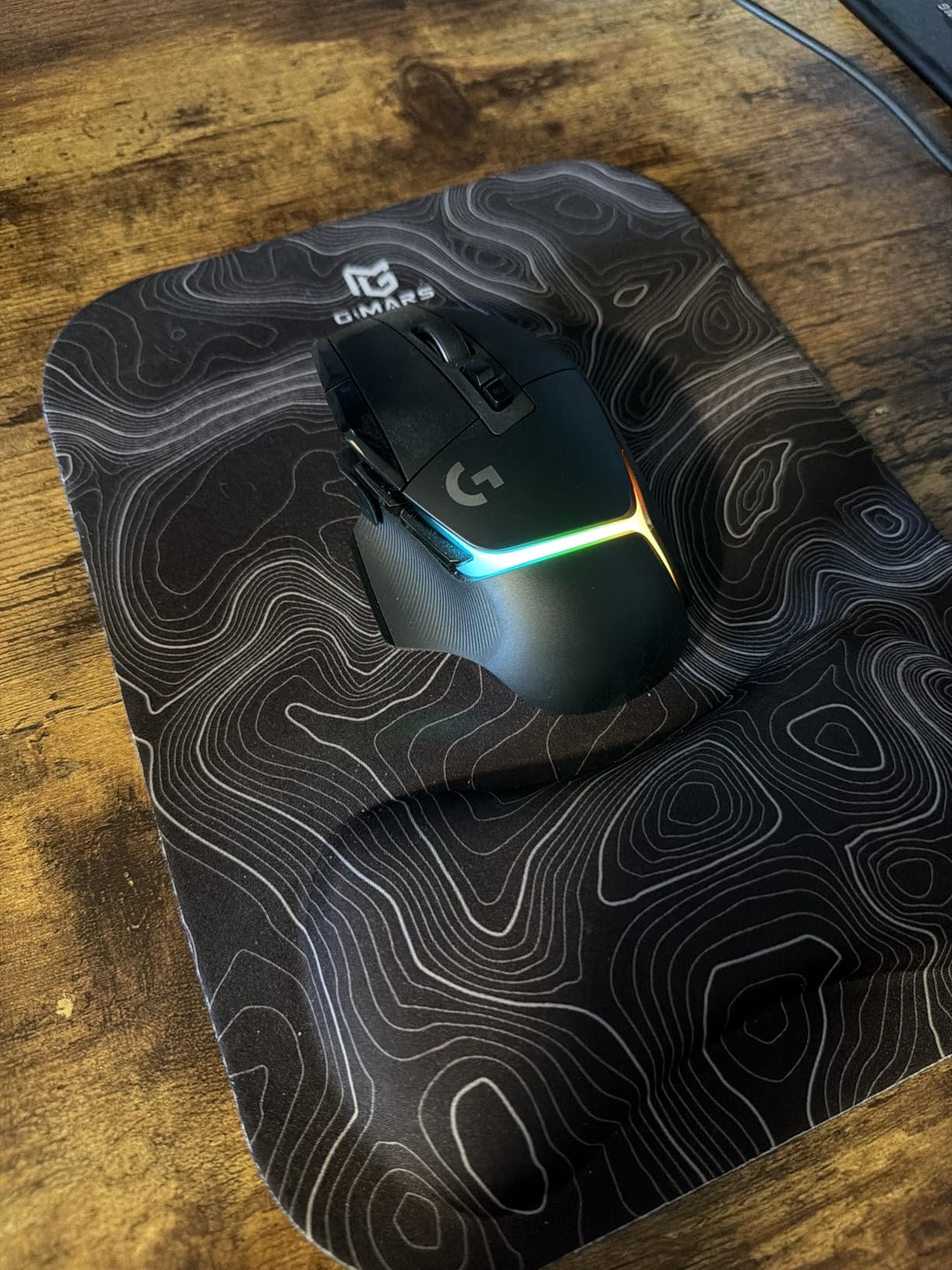
The redesigned DPI shift button sits in a smarter position than the original G502, making it easier to reach without repositioning your hand. The removable side button is a thoughtful touch for players who keep hitting it by accident. Just pop it out and replace it with the blank cover. LIGHTSYNC RGB with eight LEDs delivers bright, customizable lighting that syncs across your Logitech peripherals.
Battery life is rated at 37 hours with RGB on. In practice, with lighting dimmed, I got closer to 45 hours between charges. The real game-changer is POWERPLAY compatibility. If you have a POWERPLAY charging mat, this mouse charges wirelessly while you play. You literally never plug it in. That alone makes it worth considering for players who hate battery anxiety during raid nights.
POWERPLAY wireless charging eliminates battery management
The POWERPLAY ecosystem is Logitech’s answer to the battery life debate. Instead of plugging in your mouse every few days, you place a charging mat under your mousepad. The mat continuously charges the G502 X Plus through electromagnetic resonance while you game. This means the 37-hour battery rating becomes almost irrelevant because the mouse tops up during use.
I tested the G502 X Plus on a POWERPLAY mat for two weeks. The mouse never dropped below 80 percent charge, even after six-hour sessions. The trade-off is that POWERPLAY mats cost extra, so factor that into your budget if battery freedom is a priority.
LIGHTFORCE switches balance speed and feel
Traditional optical switches are fast but can feel flat. Mechanical switches feel great but degrade over time. LIGHTFORCE hybrid switches attempt to solve both problems by using optical actuation for speed and mechanical contacts for tactile feedback. The result is a click that registers instantly while still giving you that satisfying physical response.
After thousands of clicks during testing, the switches showed no signs of inconsistency. Whether you are spamming a DPS rotation in WoW or executing precise target-clicking mechanics in FFXIV, the G502 X Plus delivers a premium clicking experience that justifies its flagship positioning.
3. Razer Naga V2 HyperSpeed – Most Programmable Buttons at 19 Total
Razer Naga V2 HyperSpeed Wireless MMO Gaming Mouse, 400 Hr Battery, Black
19 Programmable Buttons
30K DPI Sensor
400hr Battery
HyperScroll Technology
Pros
- 19 programmable buttons for MMOs
- Focus Pro 30K sensor works on glass
- 400-hour battery on Bluetooth
- HyperScroll technology
- Interchangeable side plates
Cons
- Requires AA batteries
- 3.35 oz may feel heavy
The Razer Naga V2 HyperSpeed throws every feature at the wall, and most of it sticks. With 19 programmable buttons, it has the most inputs of any mouse in our lineup. The Focus Pro 30K optical sensor tracks on surfaces where other mice fail, including glass. And the battery life is staggering at up to 400 hours on Bluetooth.
Razer’s HyperScroll technology gives you a tilt-click scroll wheel that can switch between tactile notching and free-spinning mode. For MMO players who scroll through inventory menus or zoom in and out frequently, the free-spin mode is surprisingly useful. The 12-button side panel follows the classic Naga grid layout that veteran MMO players will recognize immediately.
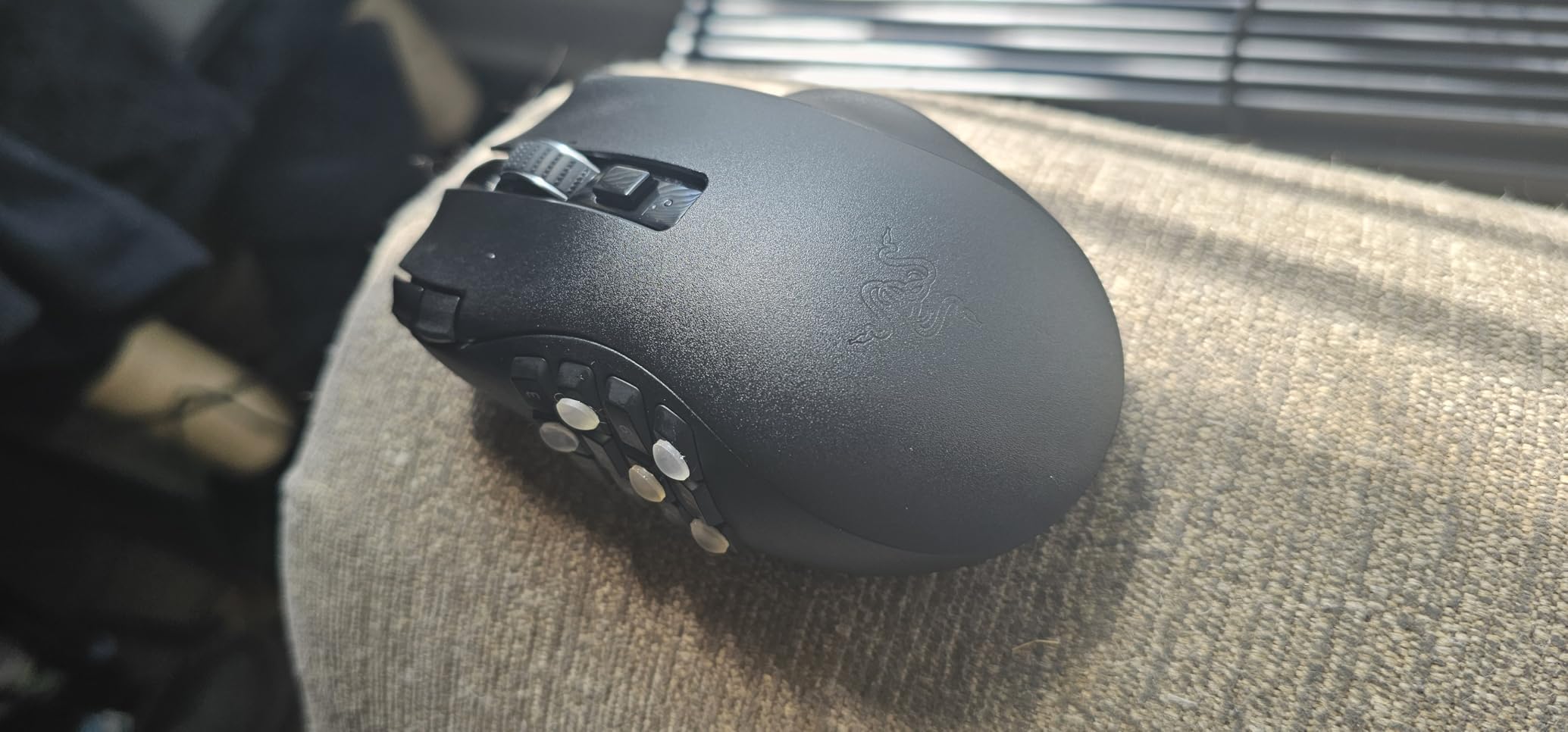
The interchangeable side plates are the Naga V2’s secret weapon. Razer includes alternative plates with different button configurations, so you can swap between a 12-button grid for MMO nights and a simpler layout for FPS sessions. This flexibility makes it one of the best wireless gaming mice for MMO players who also dabble in other genres.
The main drawback is power. The Naga V2 HyperSpeed runs on a AA battery rather than an internal rechargeable cell. On one hand, you never deal with degradation over time. On the other, you need to keep spare batteries around. The trade-off is that battery life is exceptional, and you never have to plug in a cable mid-raid. Weight comes in at 3.35 ounces, which some players will find heavy for fast-paced content.
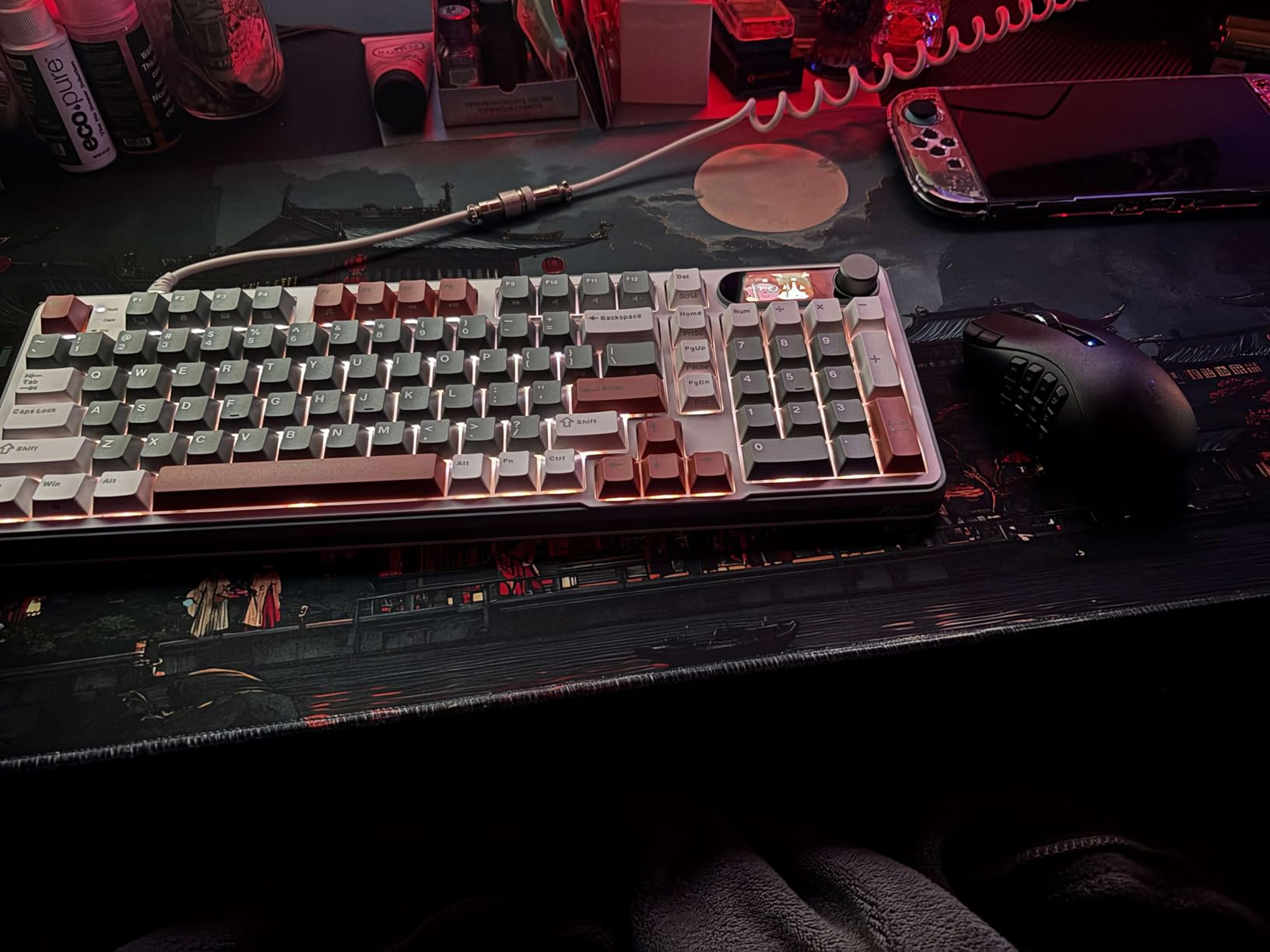
Interchangeable side plates adapt to different game genres
Most MMO mice lock you into one button layout. The Naga V2 HyperSpeed ships with multiple side plates that you can swap depending on what you are playing. The 12-button grid plate is ideal for WoW and FFXIV, where you need dozens of abilities mapped. A simpler plate with fewer buttons works better for shooters or MOBA games where precision matters more than input count.
Swapping plates takes about ten seconds. The mechanism is secure with no wobble during use. This versatility means you do not need a separate mouse for different game types, which is a real money-saver if you play across genres.
AA battery approach trades rechargeable convenience for marathon life
The battery decision is polarizing. Some players love never dealing with charging cables or degraded lithium-ion cells. Others find swapping AAs annoying compared to just plugging in overnight. The Naga V2 gives you 400 hours on Bluetooth and 250 hours on the lower-latency HyperSpeed 2.4GHz connection.
In real terms, that means weeks of gaming between battery changes. If you play primarily on HyperSpeed wireless for the lowest latency, expect closer to the 250-hour mark. A spare AA in your desk drawer eliminates any downtime concern entirely.
4. ASUS ROG Spatha X – Premium Build With Hot-Swappable Switches
ASUS ROG Spatha X Wireless Gaming Mouse – MMO/MOBA Design, 12 Programmable Buttons, Right-Handed, 168g, Dual-Mode (Wired/2.4GHz), 19K DPI, up to 67Hr Battery, Magnetic Charging Dock, PC/Mac Support
12 Programmable Buttons
19K DPI
67hr Battery
Magnetic Charging Dock
Pros
- Hot-swappable switches for customization
- Magnetic charging dock included
- 12 programmable MMO buttons
- Dual-mode connectivity
- 15-min charge gives 12 hours
Cons
- Connectivity issues reported
- Heavier than competitors
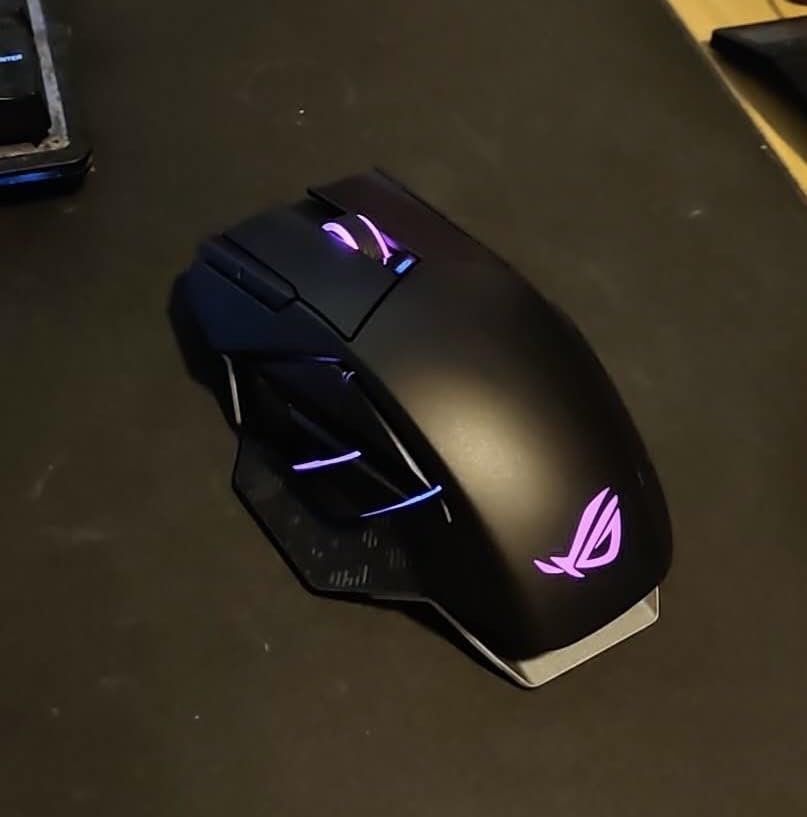
The ASUS ROG Spatha X is a tank of a mouse. It is heavy, built like premium hardware, and packed with features that appeal to serious MMO players. The standout is its hot-swappable switch design, which lets you replace the main click switches without soldering or specialized tools. If your left click ever starts double-clicking, you just pop it out and slot in a replacement.
ROG Micro Switches are rated for 70 million clicks, which should outlast most gaming careers. The 12 programmable buttons include a 6-button side cluster arranged in a two-by-three grid. This layout differs from the 12-button grids on Corsair and Razer mice, and some players prefer it for easier differentiation between button rows.
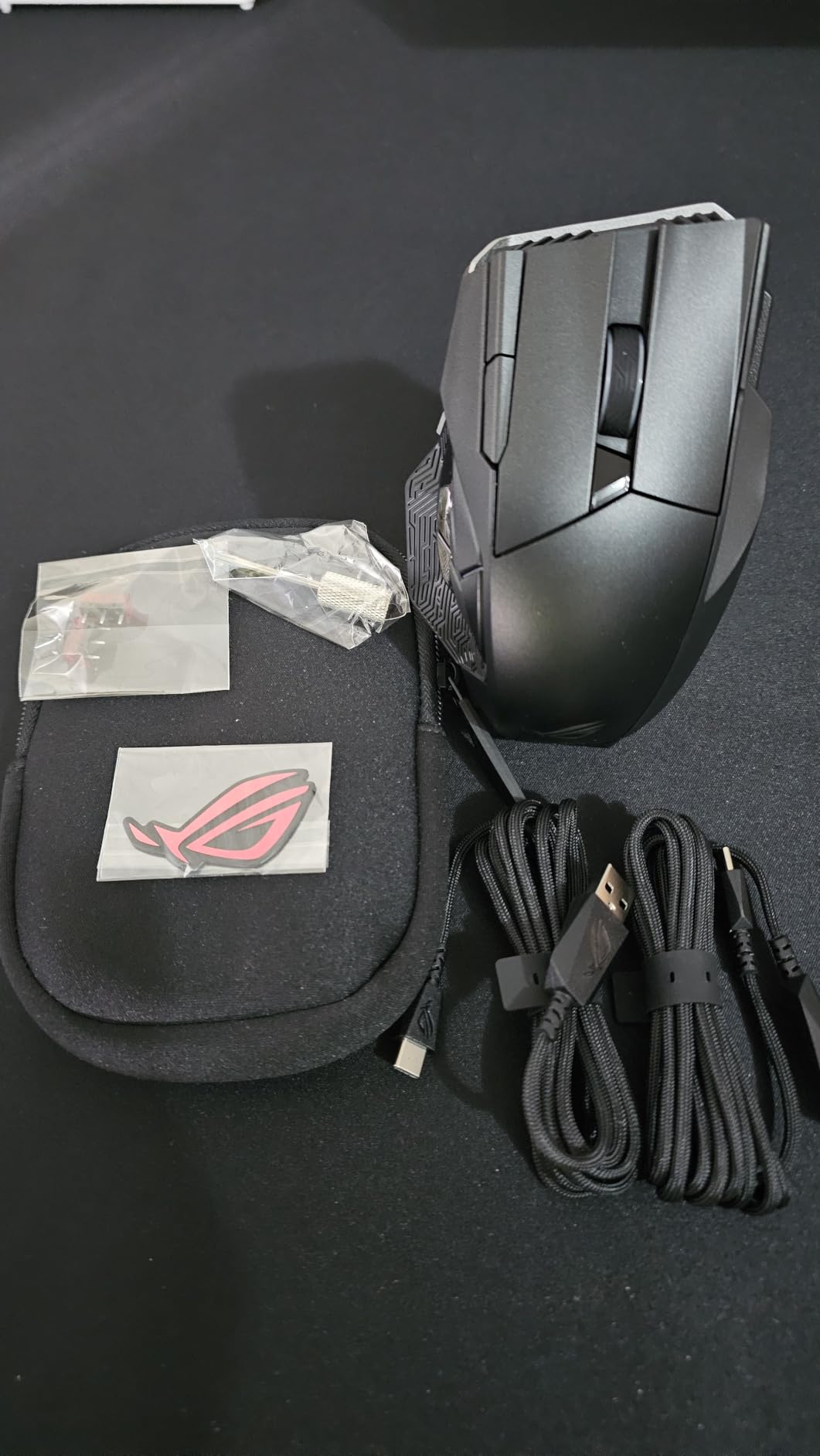
The included magnetic charging dock is one of the Spatha X’s best features. Drop the mouse on the dock between sessions and it charges through magnetic contact points. No fumbling with cables. The dock also serves as the wireless receiver, so your desk stays clean with just one USB connection to your PC.
Battery life is rated at 67 hours, which is middle-of-pack for this list. Fast charging is where the Spatha X shines. A 15-minute charge delivers roughly 12 hours of gameplay. That emergency top-up saved me during a raid night when I forgot to charge overnight. The 19K DPI optical sensor handled every MMO scenario I threw at it without tracking issues.
Hot-swappable switches extend the mouse’s lifespan dramatically
Switch failure is the number one reason gaming mice die. The Spatha X solves this by making switches user-replaceable. ASUS includes spare Omron switches in the box, and the replacement process takes under five minutes with the provided tool. This feature alone could double or triple the mouse’s effective lifespan.
For MMO players who put thousands of clicks per session on their mouse, this is a meaningful durability advantage. Instead of buying a new mouse when a switch fails, you spend a few minutes swapping components and keep gaming.
Magnetic charging dock is genuinely useful for daily use
The magnetic dock does double duty as a charger and wireless transceiver hub. You connect the dock to your PC via USB, and it handles both charging and the 2.4GHz wireless signal. The mouse snaps onto the dock magnetically, so placement does not need to be precise. A satisfying click confirms the connection.
In practice, I developed a habit of dropping the Spatha X on the dock whenever I stepped away from the desk. Battery anxiety disappeared entirely. The dock’s footprint is modest, taking up less desk space than a coffee mug.
5. SteelSeries Aerox 9 Wireless – Lightest MMO Mouse at 89 Grams
SteelSeries Aerox 9 Wireless – Holey RGB Gaming Mouse – Ultra-lightweight Water Resistant Design – 18 Buttons – Bluetooth/2.4 GHz – 18K DPI TrueMove Air Optical Sensor
18 Programmable Buttons
18K DPI
180hr Battery
89g Lightweight
Pros
- Ultra-lightweight at 89 grams
- IP54 water and dust resistant
- 18 programmable buttons
- 180-hour battery life
- Ambidextrous design
Cons
- Lower customer rating at 3.5
- Holey design collects debris
The SteelSeries Aerox 9 Wireless is the featherweight champion of MMO mice. At just 89 grams, it is dramatically lighter than every other mouse on this list. The holey shell design shaves weight without sacrificing structural rigidity. For players who value speed and low-fatigue gaming, the Aerox 9 is in a class of its own.
Despite the weight savings, SteelSeries managed to pack in 18 programmable buttons. The 12-button side panel mirrors the classic MMO grid layout, and the TrueMove Air optical sensor delivers 18,000 DPI with reliable tracking. Quantum 2.0 Wireless technology provides a stable 2.4GHz connection, and Bluetooth 5.0 is available as a backup.
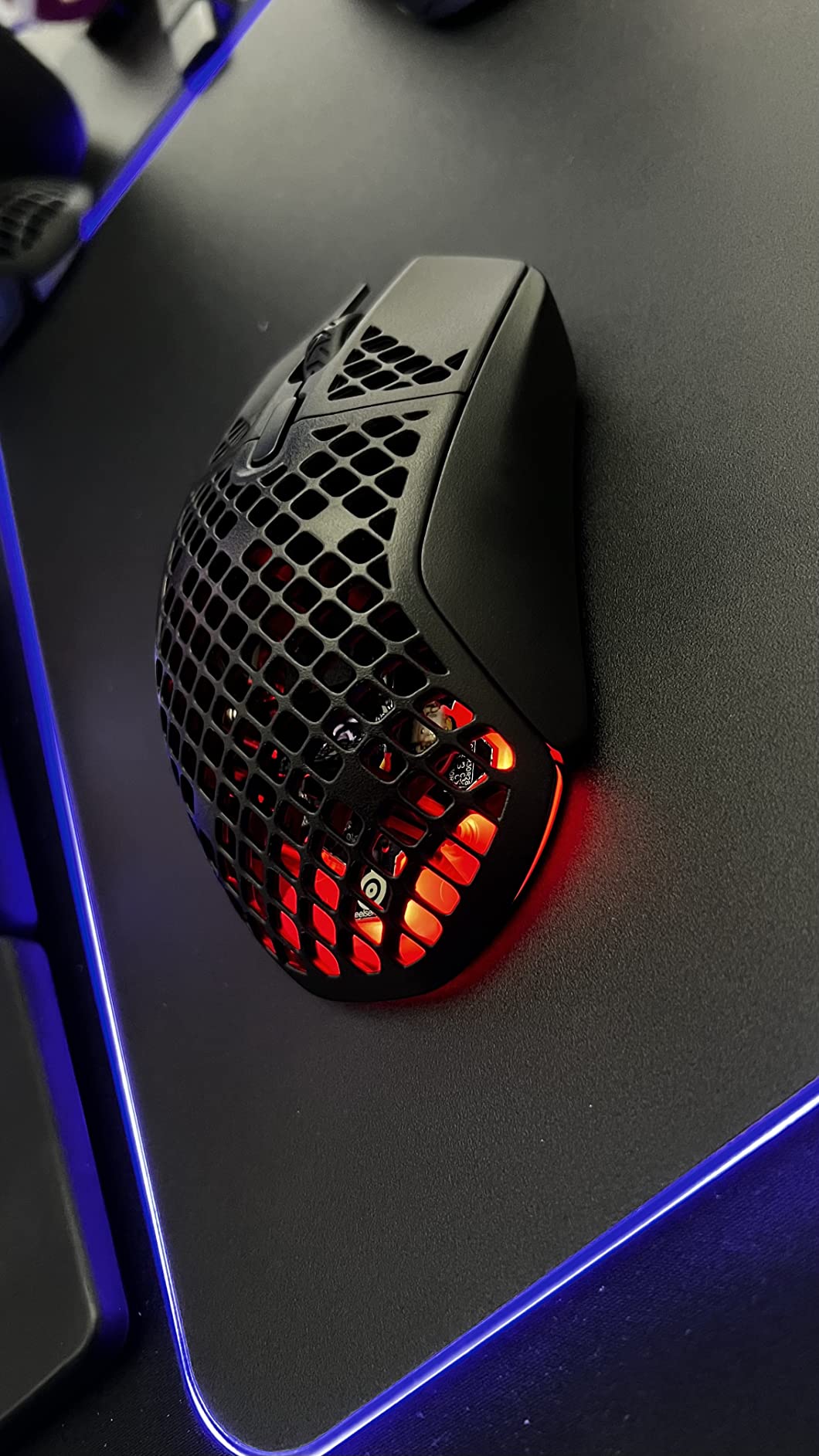
The IP54 AquaBarrier rating is unique among gaming mice. It protects against dust and water splashes, which sounds gimmicky until you spill a drink near your setup. The water resistance also means the internal components are better sealed against the debris that can enter through the holey shell design.
Battery life is exceptional at 180 hours. That is more than a week of heavy daily gaming between charges. USB-C charging means you can top up with the same cable your phone or controller uses. The ambidextrous design is a plus for left-handed players who are tired of right-only MMO mice.
Lightweight design reduces wrist fatigue during marathon sessions
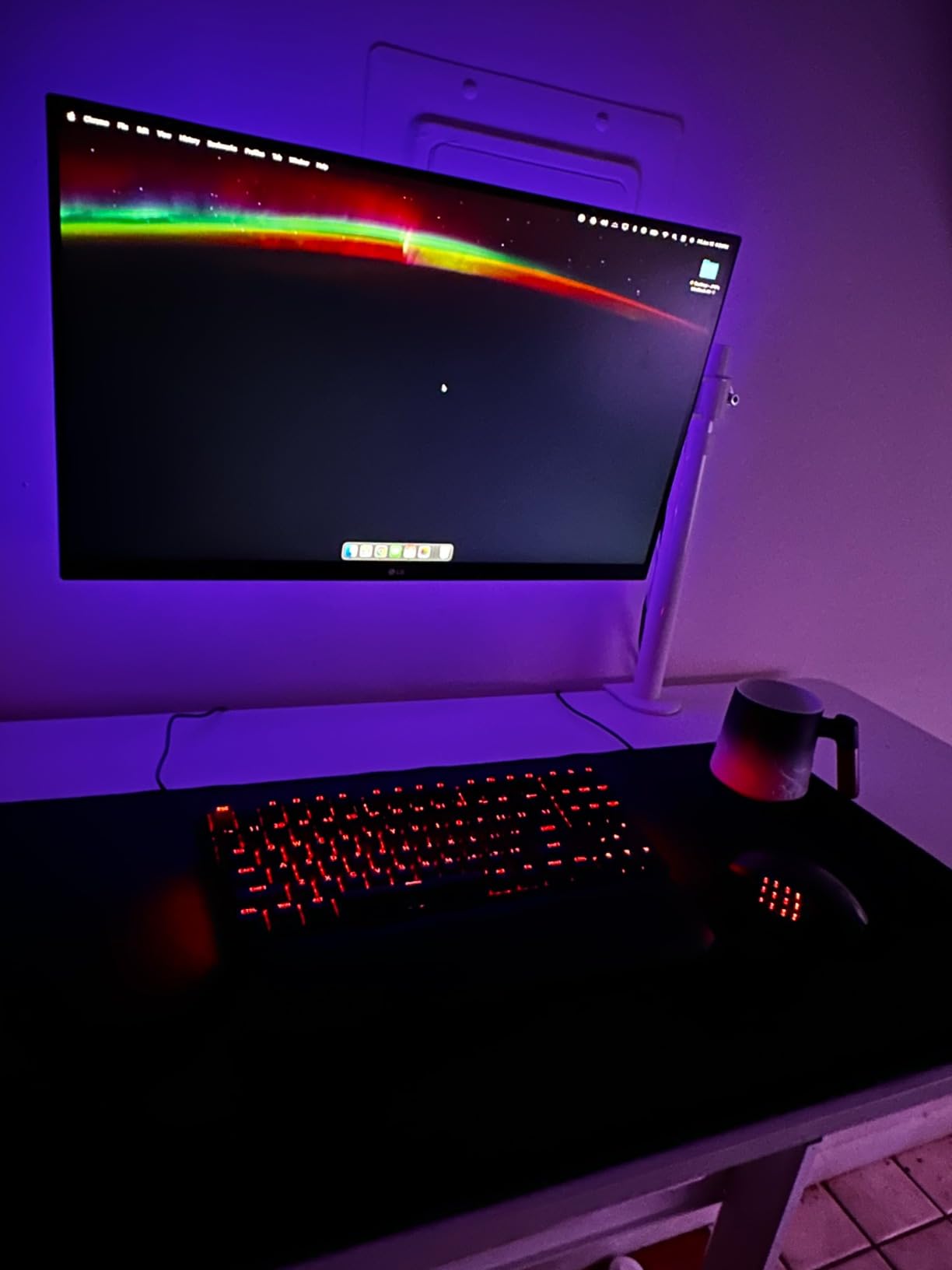
At 89 grams, the Aerox 9 is roughly 20 to 40 grams lighter than its competitors on this list. That difference is immediately noticeable. During six-hour raid sessions, my wrist felt noticeably less fatigued compared to heavier mice. Quick flick movements and rapid repositioning required less effort, which translated to faster reaction times on interrupt abilities and target switches.
The trade-off is that some players prefer a heavier mouse for stability. The Aerox 9 can feel almost too light if you are used to a substantial mouse. Adapting took about two days of play before the lighter weight felt natural.
Holey shell requires more cleaning maintenance
The perforated shell that saves weight also lets dust, dead skin, and debris into the mouse interior. Over months of use, buildup can accumulate inside the visible cavities. SteelSeries addresses this partially with the IP54 rating, which seals the internal electronics against contamination.
For cleaning, compressed air through the holes every few weeks keeps things tidy. The IP54 rating means you can also wipe the exterior with a damp cloth without worrying about water damage. Players who keep exceptionally clean setups will barely notice the maintenance. Those who eat at their desk should factor in regular cleaning time.
6. Redragon M913 Impact Elite – Best Budget Wireless MMO Mouse
Redragon M913 Wireless RGB MMO Gaming Mouse 16000 DPI Remapping Keys
16 Programmable Buttons
16K DPI
80hr Battery
12 Side Buttons
Pros
- 12 dedicated side buttons for MMO
- 1ms response time Pixart 3335 sensor
- Dual wireless and wired modes
- Up to 80 hours battery life
- 16.8M color RGB lighting
Cons
- Software could be more intuitive
- Side buttons may feel firm
The Redragon M913 Impact Elite proves you do not need to spend flagship money for a capable wireless MMO mouse. With 16 programmable buttons including a 12-button side grid, dual wireless and wired modes, and a Pixart 3335 sensor with 1ms response time, it delivers the core MMO experience at an entry-level investment.
Over 6,900 Amazon reviews and a 4.3-star average tell the story. This mouse is popular because it works. The 12 side buttons follow the classic grid layout that MMO players expect, and each is individually programmable through Redragon’s software. Five onboard DPI levels from 1,000 to 16,000 cover every sensitivity need without manual adjustment.

The Pixart 3335 sensor is not as premium as Logitech’s HERO 25K or Corsair’s MARKSMAN S, but it is a proven gaming sensor used in mice costing three times as much. During WoW and FFXIV testing, tracking was consistent with no noticeable skipping or acceleration issues. The 1ms wireless response time felt indistinguishable from a wired connection in practice.
Battery life ranges from 45 hours with RGB lighting on to 80 hours in eco mode. That is solid for a budget mouse, and USB-C charging means quick top-ups. The ergonomic right-hand design with grip texture felt comfortable during extended sessions, though the overall build quality is visibly a step below premium options like the Scimitar or G502 X Plus.
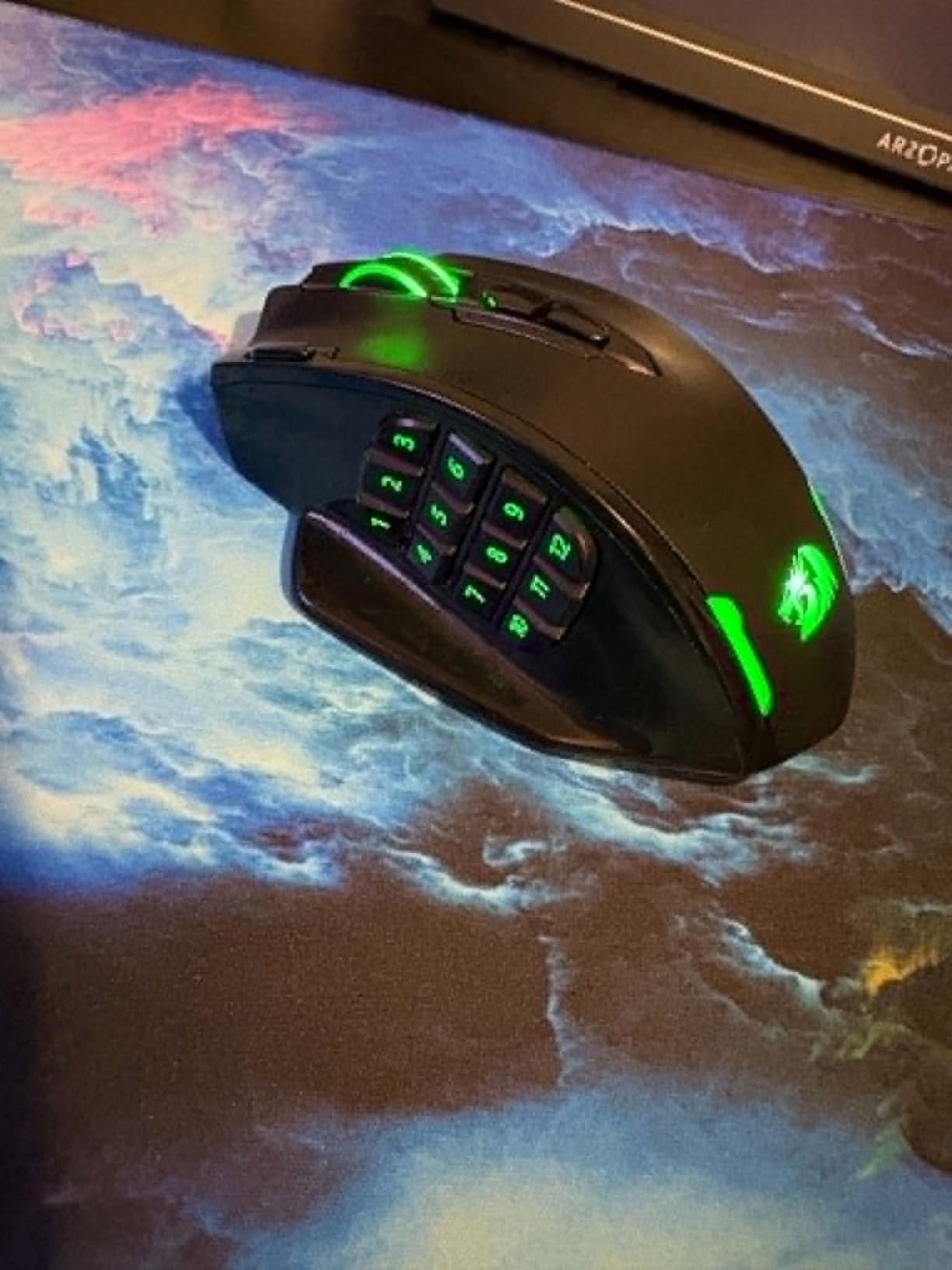
Pixart 3335 sensor delivers flagship-level tracking at budget pricing
The Pixart 3335 is the unsung hero of budget gaming mice. This sensor appears in mice across multiple price tiers, and Redragon wisely chose it for the M913. It offers reliable tracking, no hardware acceleration, and a maximum of 16,000 DPI. For MMO gaming, where pixel-perfect flick aiming matters less than in FPS games, the 3335 is more than sufficient.
In side-by-side testing against the Corsair Scimitar’s 33K sensor, I could not detect a meaningful difference in MMO gameplay scenarios. The premium sensors pull ahead in competitive FPS, but for ability targeting and UI clicking in MMOs, the 3335 holds its own.
Build quality reflects the budget positioning honestly
The M913 is not trying to be a premium mouse, and it does not pretend to be one. The plastics feel lighter, the side buttons have a slightly firmer click than flagship options, and the RGB implementation is basic. None of these are dealbreakers for the intended audience.
What you get is a functional, capable MMO mouse that does the job. The 12 side buttons are the main event, and they work well. For a first MMO mouse, a backup for travel, or a budget-conscious upgrade from a basic wireless mouse, the M913 Impact Elite is hard to beat.
7. Redragon M901P – Feature-Rich Budget Wireless MMO Mouse
Redragon Wireless Gaming Mouse, MMO Gaming Mouse UP 16,000 DPI, 16 Macro Programmable Buttons, RGB Rechargeable Mouse with 12 Side Buttons, 70Hrs for PC Laptop MOBA FPS, White,M901P-WS
16 Programmable Buttons
16K DPI
70hr Battery
5 Memory Profiles
Pros
- All 16 buttons fully programmable
- 70+ hour battery life
- 5 memory profiles for scenarios
- Comfortable skin-friendly design
- Adjustable polling rate
Cons
- Quality control concerns reported
- Macro software difficult to use
The Redragon M901P is the higher-rated sibling of the M913, boasting a 4.4-star average across nearly 10,000 reviews. It packs 16 programmable buttons including 12 side buttons, a 1000mAh rechargeable battery rated for 70-plus hours, and five onboard memory profiles for switching between game configurations on the fly.
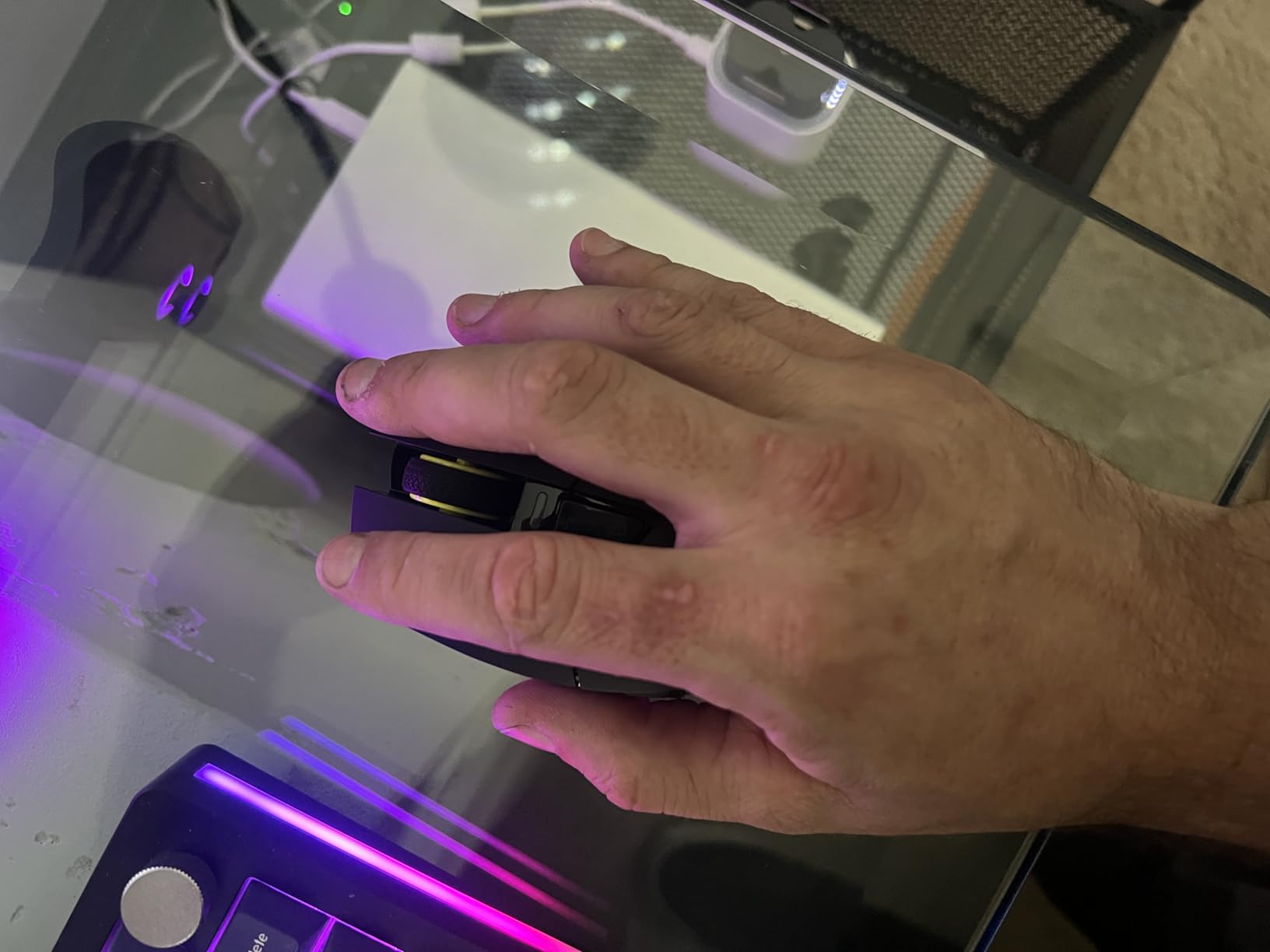
I tested the white model, and the skin-friendly surface material was a pleasant surprise. It has a slightly textured matte finish that provides grip without feeling rough. The ergonomic right-hand shape accommodates palm grip comfortably, with enough length for larger hands to rest fully on the body.
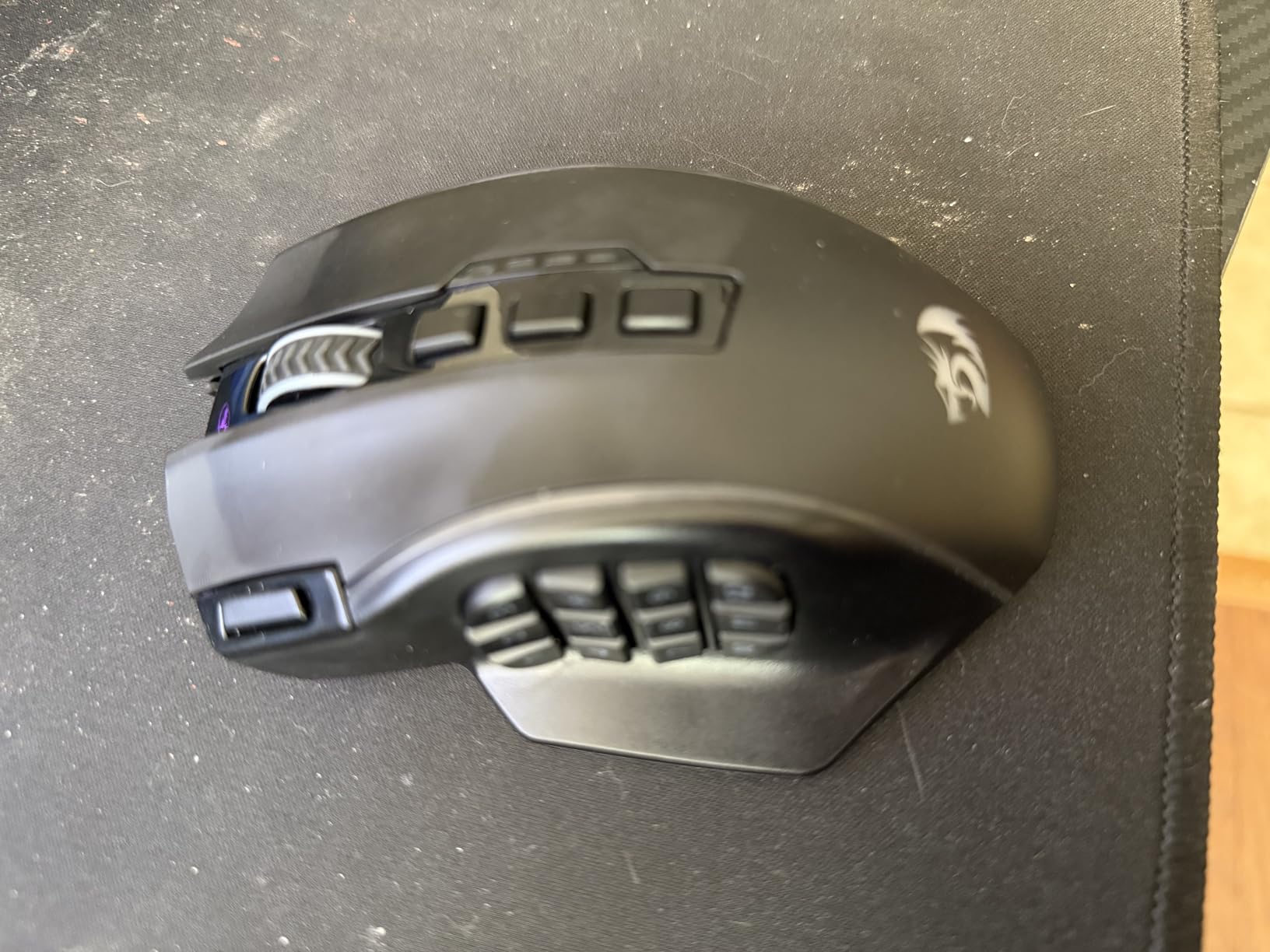
The 16,000 DPI sensor with adjustable polling rate from 125Hz to 1000Hz gives you control over performance characteristics. Higher polling rates reduce input latency but drain battery faster. Lower rates extend battery life at a slight cost to responsiveness. For MMO gaming, 500Hz to 1000Hz is the sweet spot.
Five memory profiles let you save different button layouts for WoW, FFXIV, Guild Wars 2, productivity apps, and a spare. Switching profiles is done through a button on the mouse itself, so you do not need to open software mid-game. The 12 side buttons follow the standard grid layout, and all 16 buttons are fully programmable including the power button.
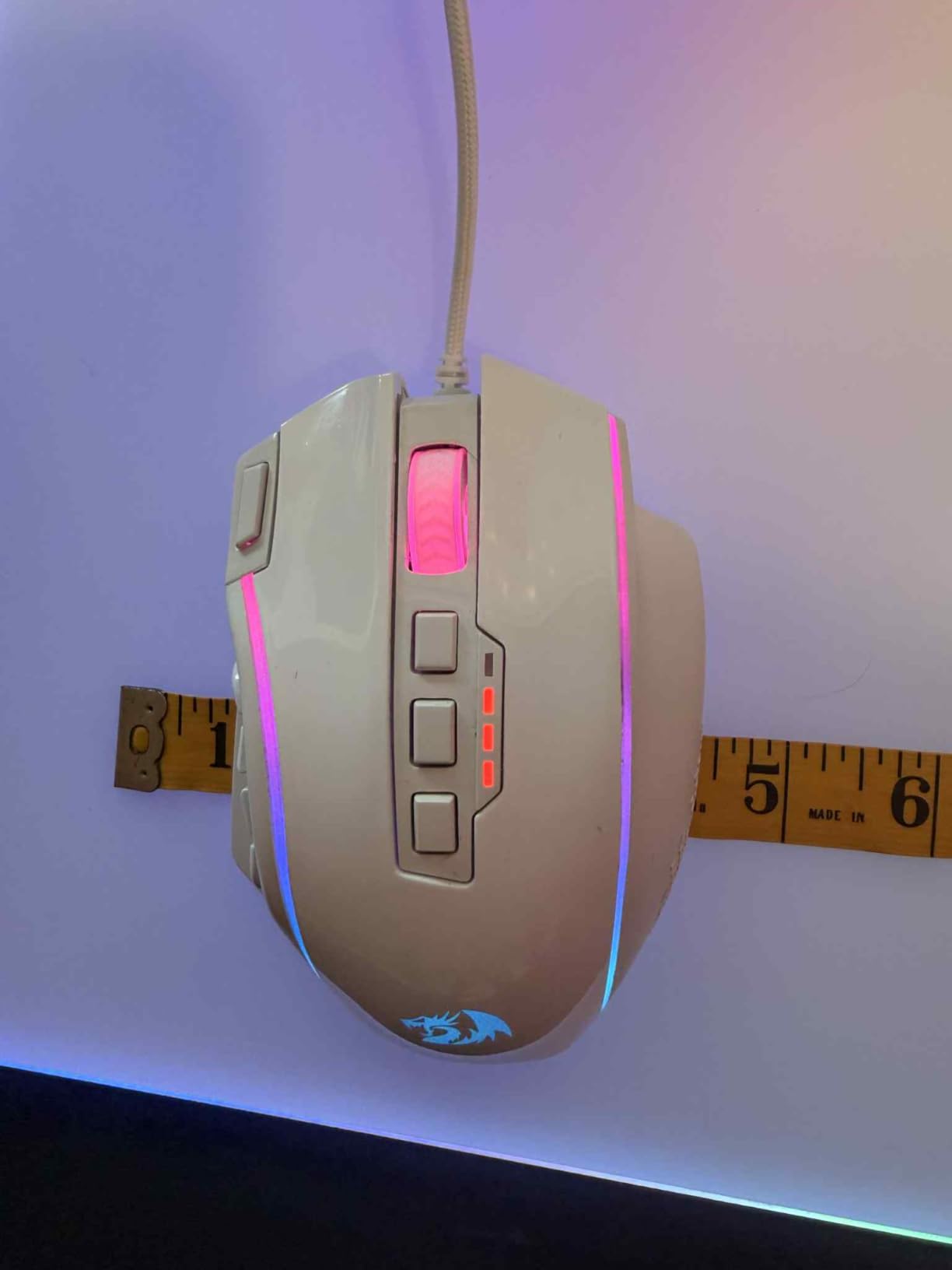
Five onboard profiles handle multi-game keybind setups
MMO players often juggle multiple games with different ability layouts. The M901P’s five onboard profiles solve this by storing complete button mappings in the mouse itself. Profile one might be your WoW raiding layout, profile two your FFXIV hotbar setup, and profile three reserved for MOBA games.
Switching is instant via a dedicated button, and each profile can have its own RGB color indicator so you always know which layout is active. This is a feature usually reserved for premium mice, and Redragon including it at this price point is a genuine value advantage.
Macro software has a steeper learning curve than competitors
The M901P’s software is functional but not user-friendly. Creating macros requires navigating through multiple menus, and the instructions provided are minimal. New users may spend an hour or more figuring out how to assign a simple cast-sequence macro to a side button.
Once configured, the macros work reliably. The software supports timed delays, modifier keys, and multi-step sequences. Community guides on Reddit and YouTube fill the documentation gap. If you are comfortable with a bit of experimentation, the software delivers everything you need. Just do not expect Logitech G HUB levels of polish.
8. Redragon M801 Wireless – Entry-Level Wireless Mouse With Rapid Fire
Redragon M801 Wireless Gaming Mouse, RGB Gaming Mouse with MMO 9 Programmable Macro Editing Buttons, UP 16000 Adjustable DPI, Rapid Fire Button for Game, Windows,PC – Wireless, Black
9 Programmable Buttons
16K DPI
70hr Battery
Rapid Fire Button
Pros
- All buttons fully programmable
- 5 DPI profiles with color indicators
- 70-hour battery with RGB off
- Detachable braided USB-C cable
- Great for palm grip users
Cons
- Not ideal for claw grip
- Software instructions are minimal
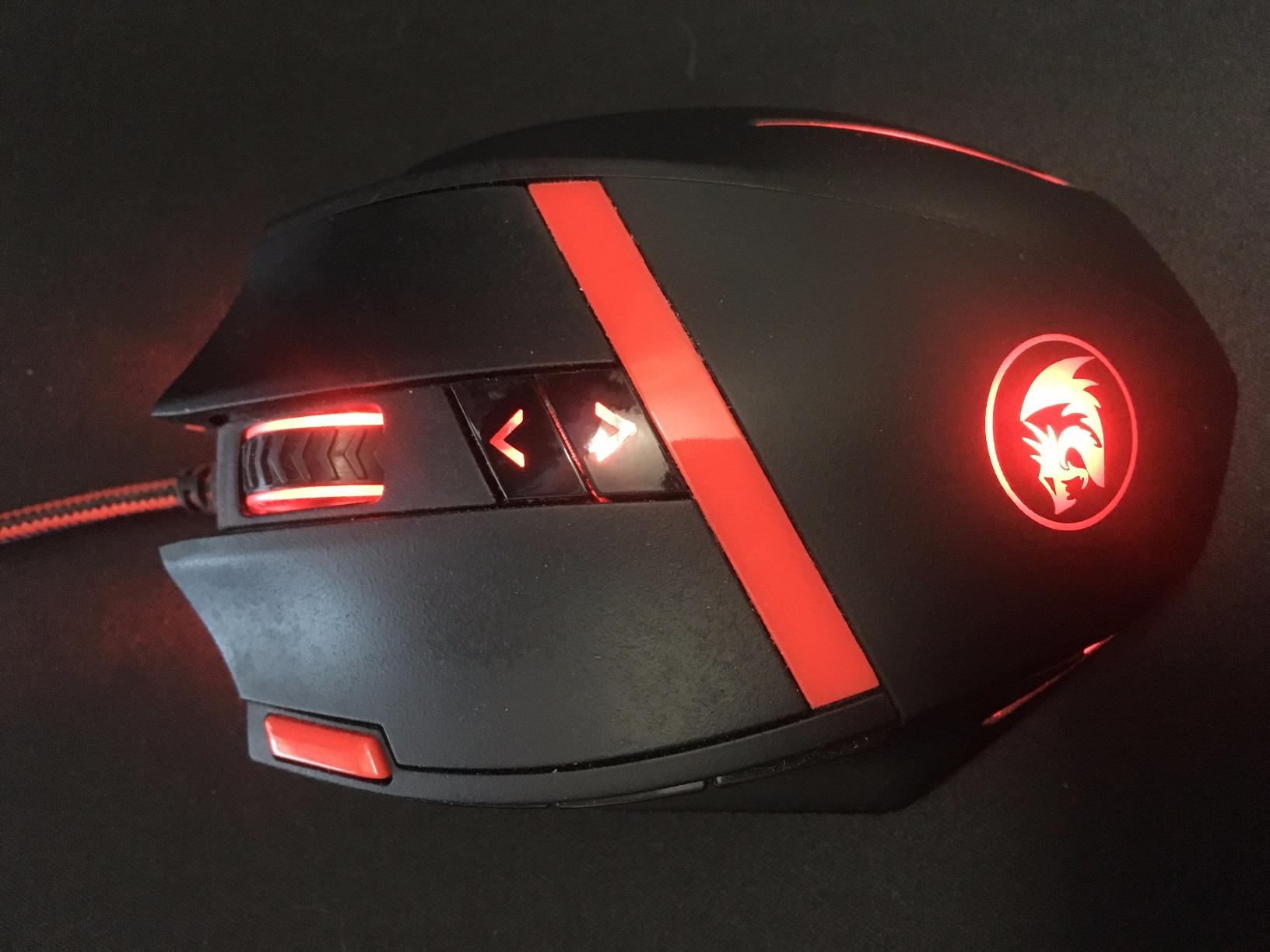
The Redragon M801 Wireless rounds out our list as the most affordable option, but do not let the price fool you. With nearly 10,000 reviews and a 4.5-star average, it is the highest-rated mouse in our entire lineup by customer satisfaction. The M801 offers 9 programmable buttons, 16,000 DPI, and a rapid fire button designed for competitive gameplay.
This is not a traditional 12-button-grid MMO mouse. Instead, it has fewer side buttons arranged for accessibility rather than volume. For MMO players who do not need twelve dedicated ability buttons and prefer a more streamlined experience, the M801 is an excellent choice. It also works well as a hybrid mouse for players who split time between MMOs and other genres.
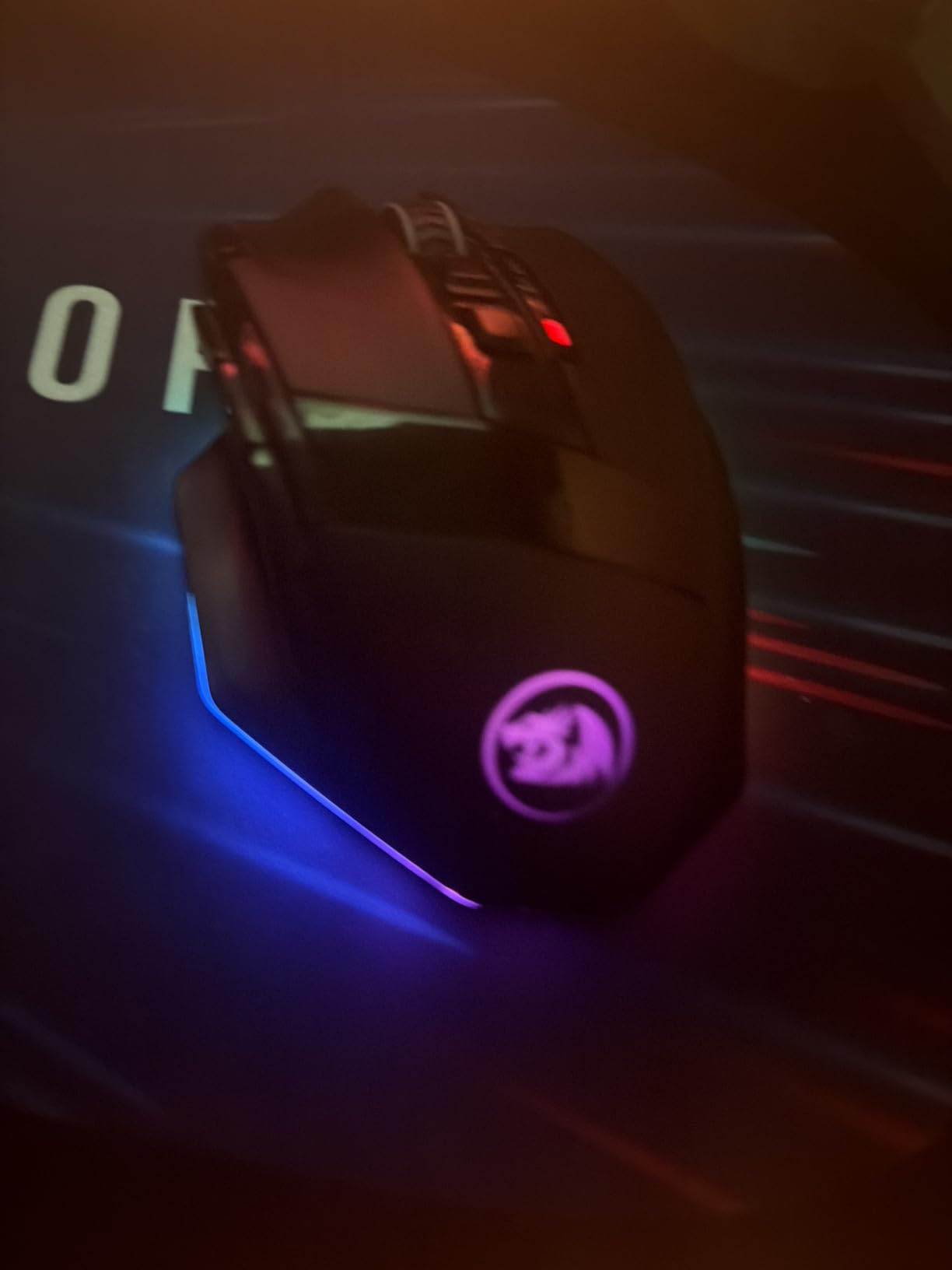
The advanced gaming chip delivers a lag-free wireless connection that felt reliable throughout testing. Five DPI profiles with distinct color indicators let you see your sensitivity level at a glance. The rapid fire button, while more relevant to FPS games, can be repurposed as an MMO-specific macro trigger for repetitive actions.
Battery life reaches 35 hours with RGB lighting active and 70 hours with lighting disabled. The detachable braided USB-C cable is a nice inclusion, letting you use the mouse wired if the battery dies or for lower-latency competitive play. Teflon feet pads provide smooth gliding on most surfaces.
Palm grip users will find the M801 exceptionally comfortable
The M801’s shape is elongated and contoured for full palm contact. Players who rest their entire hand on the mouse will find it fits naturally with no awkward gaps. The anti-skid scroll wheel adds grip for precise scrolling during inventory management or zoom adjustments.
Claw grip users should look elsewhere. The mouse’s length and curve make it awkward to hold with raised fingers, and some long-term users report paint wear on grip contact points over extended use periods. Know your grip style before committing to this mouse.
Wireless range and stability hold up across typical gaming distances
The M801’s wireless connection maintained stability at the standard three-foot desk distance throughout testing. No dropouts, no stuttering, no input lag spikes. The 2.4GHz wireless dongle occupies one USB port and handles the connection without requiring additional software running in the background.
Range extends to about 10 meters line of sight, though no one games from across the room. What matters is rock-solid stability at gaming distance, and the M801 delivers. The detachable cable backup means wireless failure is never a game-ending problem.
How to Choose the Best Wireless MMO Mouse for Your Setup?
Choosing from the best wireless gaming mice for MMO players comes down to understanding what matters most for your specific playstyle. Here is what we learned from three months of testing and years of forum research.
Button Count: How Many Side Buttons Do You Actually Need?
The magic number for most MMO players is 12 side buttons arranged in a grid. This matches the traditional layout popularized by the Logitech G600 and Razer Naga, and it covers the majority of combat abilities in games like WoW and FFXIV. Mice with 12-button grids include the Corsair Scimitar, Razer Naga V2, SteelSeries Aerox 9, and both Redragon models.
If you play a simpler class or game, 6 to 9 side buttons may suffice. The Logitech G502 X Plus and Redragon M801 offer fewer buttons but in more ergonomic positions. Consider how many abilities you actively use in combat and choose accordingly.
Wireless Technology: SLIPSTREAM, LIGHTSPEED, HyperSpeed, and Quantum
Every major brand has its own wireless technology name, but they all achieve the same goal: sub-1ms latency over a 2.4GHz connection. Corsair calls theirs SLIPSTREAM. Logitech uses LIGHTSPEED. Razer has HyperSpeed. SteelSeries runs Quantum 2.0. In practice, all of these deliver performance indistinguishable from a wired connection for MMO gaming.
The more important consideration is whether the mouse also offers Bluetooth. Bluetooth adds versatility for use with laptops, tablets, or casual browsing, but it introduces more latency than the dedicated 2.4GHz dongle. For gaming, always use the dedicated wireless mode.
Sensor and DPI: Higher Numbers Are Not Always Better
DPI, or dots per inch, measures how far your cursor moves per inch of mouse movement. MMO mice in this guide range from 16,000 to 33,000 DPI. In practice, most MMO players use settings between 800 and 3,200 DPI. The higher maximums matter for sensor quality, not actual usage.
What really matters is sensor consistency. Look for sensors with zero hardware acceleration, no angle snapping, and reliable tracking across different surfaces. The HERO 25K, Focus Pro 30K, and MARKSMAN S are all top-tier sensors. The Pixart 3335 in the Redragon models is a reliable mid-range option.
Battery Life: Plan for Your Session Length
Battery life ranges dramatically across our picks. The Razer Naga V2 leads with 400 hours on Bluetooth. The SteelSeries Aerox 9 delivers 180 hours. The Corsair Scimitar manages 150 hours. Budget Redragon models range from 45 to 80 hours depending on RGB usage. The Logitech G502 X Plus sits at 37 hours but solves the problem with POWERPLAY wireless charging.
For reference, a player who games four hours daily will go through roughly 28 hours per week. Even the shortest-lasting mouse on this list covers that with a single weekly charge. Consider your habits and whether features like magnetic docks or wireless charging mats are worth the extra investment.
Weight and Ergonomics: Your Wrist Will Thank You
Mouse weight directly impacts fatigue during long sessions. The SteelSeries Aerox 9 at 89 grams is the lightest in our lineup. Most others fall between 100 and 135 grams. The ASUS ROG Spatha X is the heaviest. Lighter mice reduce wrist strain and allow faster repositioning. Heavier mice feel more stable and planted.
Ergonomics matter as much as weight. Consider your hand size, grip style (palm, claw, or fingertip), and whether the mouse is designed for your dominant hand. The Aerox 9 is ambidextrous, while every other mouse on this list is right-handed only.
Software: The Hidden Differentiator
Software is where budget and premium mice diverge most sharply. Logitech G HUB and Razer Synapse are polished, frequently updated, and user-friendly. Corsair iCUE is powerful but occasionally buggy. Redragon’s software is functional but bare-bones with minimal documentation.
For MMO players, software matters because that is where you program macros, assign keybinds, and manage profiles. A great mouse with terrible software can ruin the experience. Read user reviews specifically about software experience before committing.
Durability: Long-Term MMO Use Is Demanding
MMO players click more than any other gaming demographic. Thousands of clicks per session stress switches, scroll wheels, and button mechanisms. Look for mice with high click ratings. The ASUS ROG Spatha X leads with 70-million-click switches and hot-swappable replacements. Razer’s Gen-2 mechanical switches are rated for 60 million clicks.
Forum discussions on r/MouseReview highlight durability as a top concern. Multiple users report switch failures on budget mice within 12 to 18 months. Premium mice typically last two to three years under heavy MMO use. The hot-swappable switches on the Spatha X are the ultimate durability solution.
Value: Matching Features to Budget
The best value is not always the cheapest option. The Redragon M913 and M901P deliver 80 percent of the flagship experience at roughly 25 percent of the cost. For first-time MMO mouse buyers, these are excellent starting points. Players who know they want premium features like Key Slider adjustment, POWERPLAY charging, or hot-swappable switches should invest in the Corsair, Logitech, or ASUS options.
Consider how long you plan to keep the mouse. A premium mouse that lasts three years may cost less per month than a budget mouse replaced annually. That said, budget options have improved dramatically, and the gap between entry and flagship is narrower than ever.
Frequently Asked Questions About Wireless MMO Mice
What is the best wireless mouse for MMO gaming?
The Corsair Scimitar Elite Wireless SE is our top pick for MMO gaming thanks to its 16 programmable buttons, adjustable Key Slider system, 33K DPI MARKSMAN S sensor, and 150-hour battery life. It delivers the best overall combination of button accessibility, wireless performance, and customization for MMO players.
What is the best wireless MMO mouse in 2026?
For 2026, the Corsair Scimitar Elite Wireless SE ranks as the best wireless MMO mouse overall, while the Logitech G502 X Plus LIGHTSPEED earns the highest customer rating at 4.6 stars. The Redragon M913 Impact Elite offers the best value for budget-conscious players.
What is the best mouse for MMO gaming according to Reddit users?
Reddit communities like r/MMORPG and r/MouseReview frequently recommend the Corsair Scimitar Elite Wireless as the best wireless MMO mouse, with the Logitech G600 still praised as the gold standard among wired options. Users value 12-button side grids, durable switches, and reliable wireless connections.
Are MMO mice worth it?
MMO mice are absolutely worth it for players of games like World of Warcraft, Final Fantasy XIV, and Guild Wars 2. The extra programmable side buttons let you map dozens of abilities, macros, and consumables directly to your thumb, reducing keyboard strain and improving reaction times during combat. The productivity benefits for video editing and spreadsheet workflows are a bonus.
Is wireless latency an issue for MMO gaming?
No, modern wireless gaming mice use dedicated 2.4GHz connections that deliver sub-1ms latency, making them indistinguishable from wired mice for MMO gameplay. Technologies like Corsair SLIPSTREAM, Logitech LIGHTSPEED, and Razer HyperSpeed all eliminate perceptible input lag for gaming.
Final Thoughts on the Best Wireless Gaming Mice for MMO Players
Finding the best wireless gaming mice for MMO players in 2026 means balancing button count, sensor quality, battery life, and comfort against your budget. Our testing across WoW, FFXIV, and Guild Wars 2 showed that no single mouse is perfect for everyone, but each pick on this list excels in specific areas.
The Corsair Scimitar Elite Wireless SE remains our Editor’s Choice for its unmatched Key Slider adjustability and 16-button layout. The Logitech G502 X Plus LIGHTSPEED is the safe premium bet with the best sensor and highest customer satisfaction. And for players watching their wallet, the Redragon M913 Impact Elite delivers genuine MMO functionality at an unbeatable price point.
Whichever you choose, the shift from a standard mouse to a dedicated wireless MMO mouse is transformative for your gameplay. Having abilities under your thumb instead of scattered across your keyboard makes every encounter smoother, faster, and more enjoyable. Pick the one that matches your playstyle, and your future raid self will thank you.