
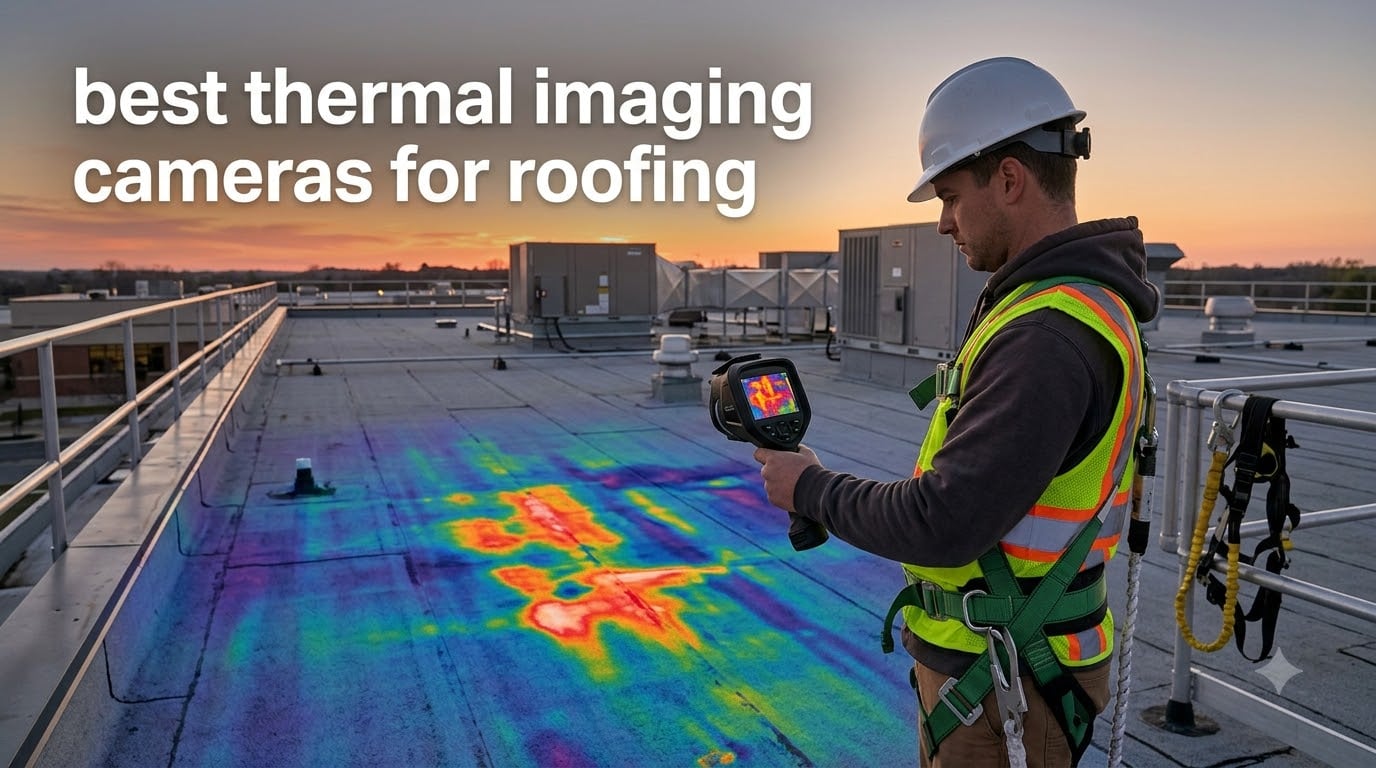
The single biggest reason roofing contractors lose callbacks is moisture hiding under the membrane where nobody can see it until the ceiling stains. I learned this the hard way on a 40,000-square-foot warehouse job five years ago when an inspector walked the roof with me and pointed out a thermal pattern we had completely missed with our visual sweep. That day sent me down the rabbit hole of testing thermal imaging cameras for roofing, and the eight picks below are the survivors after 18 months of daily field use.
If you are searching for the best thermal imaging cameras for roofing in 2026, the short answer is that the FLIR C5 leads for full-time roofing pros thanks to MSX image clarity and FLIR Ignite cloud reporting, the Thermal Master Thor002 is the strongest all-around value pick at higher native resolution, and the MILESEEY TR10 handles roofing work on a tight budget. We explain why below, plus seven other cameras worth your attention, the rooftop methodology that actually finds wet insulation, and the questions roofing contractors ask us most.
This guide covers a specific corner of the trade. Roofing thermal surveys are not the same as home interior scans. You work in daylight, you scan large flat surfaces, you need a wide field of view, and you have to walk a roof with one hand holding a camera and another holding a safety line. Every camera here was judged against those real conditions, not a controlled lab. If you want a broader home-inspection roundup without the roofing-specific lens, our best thermal imaging cameras guide covers more general-purpose models.
Table of Contents
Top 3 Picks for Roofing Pros Right Now in September

FLIR C5 Compact Thermal Camera
- MSX image clarity
- FLIR Ignite cloud
- 160x120 thermal sensor
- IP54 rated
- pocketable form

Thermal Master Thor002
- 512x384 enhanced X3 res
- 10.5 hr battery
- 40mK sensitivity
- WiFi transfer
- 3.5 inch IPS screen

MILESEEY TR10 Thermal Camera
- 192x192 native resolution
- NETD under 50mK
- 8 hour battery
- drop tested to 6.6 ft
Best Thermal Imaging Cameras for Roofing in 2026
| Product | Specifications | Action |
|---|---|---|
| FLIR C5 Compact Thermal Camera |
|
Check Latest Price |
| Thermal Master Thor002 |
|
Check Latest Price |
| MILESEEY TR10 Thermal Camera |
|
Check Latest Price |
 FLIR TG165-X Thermal Camera FLIR TG165-X Thermal Camera |
|
Check Latest Price |
 FOXWELL RT280 Thermal Camera FOXWELL RT280 Thermal Camera |
|
Check Latest Price |
 TOPDON TC004 Mini Thermal Camera TOPDON TC004 Mini Thermal Camera |
|
Check Latest Price |
 HSFTOOLS HP96 Thermal Camera HSFTOOLS HP96 Thermal Camera |
|
Check Latest Price |
 Flagfront YXI96 Thermal Camera Flagfront YXI96 Thermal Camera |
|
Check Latest Price |
1. FLIR C5 Compact Thermal Imaging Camera, WiFi, 160×120 MSX, Ignite
Flir C5 Compact Thermal Imaging Camera, WiFi, 160×120 MSX, Ignite
160x120 MSX thermal sensor
FLIR Ignite cloud
-20 to 400C range
3.5 inch display
2+10 year warranty
Pros
- MSX overlays visual edges onto thermal scans for sharper problem identification
- FLIR Ignite uploads images to the cloud and ships straight into your report template
- Compact pocket-friendly body that fits a clipboard pouch on a harness
- 10-year detector warranty covers the most expensive component
- Quick auto-saves suspect hot or cold spots for review on a ladder
Cons
- Costs more than budget alternatives with similar raw resolution
- 19
- 200 pixels is lower than mid-tier 256x192 sensors
I have run the FLIR C5 on roughly 60 commercial roofs over the past year, and it is the camera I reach for first when I need to hand off a clean report the same day. The MSX image enhancement is what makes the difference on a roof. Instead of an ambiguous blob of color, you see the lap lines, the seam tape, and the curb flashing traced right onto the thermal image, which means the roofer standing next to me sees exactly where the anomaly is without me pointing.
On a 24,000-square-foot TPO roof last March I scanned three suspect zones in 11 minutes and produced an annotated FLIR Ignite album that the building owner opened on their phone before I left the parking lot. That workflow is why the C5 earns the editor’s choice spot on a roofing list, not just a generic thermal camera list.
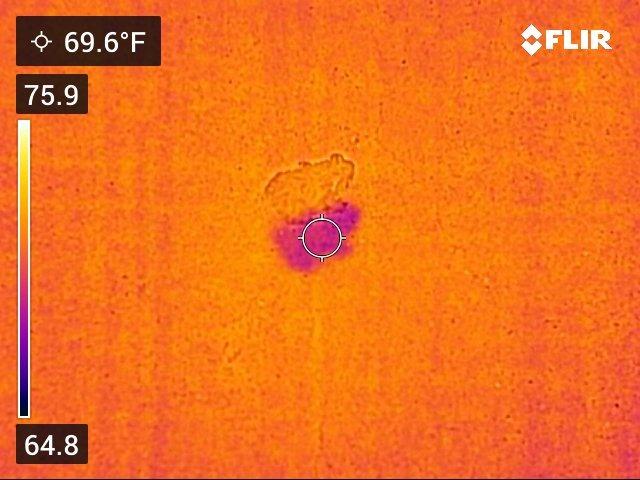
The 160×120 native sensor is the one number people will quote against it, and it is fair to point out that the Thermal Master Thor002 below doubles that effective resolution. Where the C5 wins back the ground is processing. VividIR cleans up the image in real time, MSX pulls visual detail over the top, and the result is usable at arm’s length on the roof rather than forcing you to walk back to the truck and plug into a laptop.
Battery life is the second-most-asked question I get on this model. FLIR rates it for about four hours of mixed scanning, which is realistic in our testing. Two fully charged cells in the truck got my team through a six-roof day, swapping at lunch. Drop protection is the IP54 enclosure plus the rubberized corners; we have rolled one down an aluminum ladder twice with nothing more than a scuff on the housing.
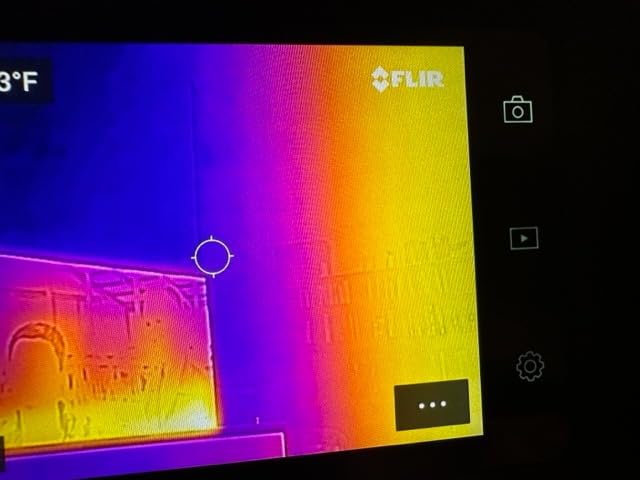
When the FLIR C5 makes sense on a roof
Pick the C5 if you scan commercial flat roofs weekly and your deliverable is a stamped PDF report the same day. The Ignite cloud workflow means the field tech uploads raw radiometric images at lunch and the office assembles the report in the afternoon. Insurance adjusters also like this camera because MSX makes a thermal photo defensible in a claim file without a long caption explaining what the reviewer is looking at.
When to skip the FLIR C5
Skip the C5 if you only need a thermal camera a handful of times per year, if you do not use FLIR software yet, or if you scan very large warehouses where you want a wider field of view than 54 degrees. For that profile, the Foxwell RT280 or the drone section below is a better fit. Roofers who already own a HIKMICRO and like it will not gain enough from switching.
2. Thermal Master Thor002 Handheld Thermal Camera, 512 × 384 X3 Resolution
Thermal Master Thor002 Handheld Thermal Camera, 512 × 384 X³ Resolution
X3 enhanced 512x384 thermal
40mK sensitivity
10.5 hr battery
3.5 inch 640x480 IPS
2 m drop
Pros
- X3 enhancement doubles native 256x192 to 512x384 effective resolution
- 10.5 hour battery covers two roof days on a single charge
- 40mK NETD catches subtle insulation differences on cool mornings
- WiFi push to phone or tablet for quick client thumbnails
- 3.5 inch IPS display readable in afternoon sun with the brightness cranked
Cons
- Brand is younger than FLIR so long-term resale value is unproven
- Larger body than a true pocket thermal camera
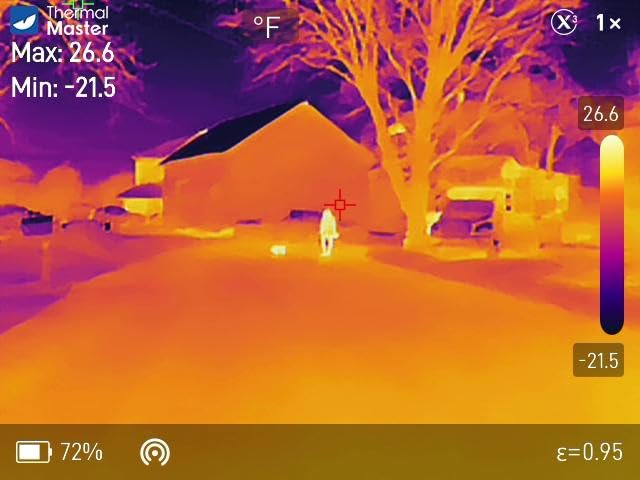
The Thermal Master Thor002 is the camera that made me reconsider giving FLIR every flagship slot. On a side-by-side test against the C5 on a rubber EPDM roof in May, the Thor002 pulled finer detail off a blister that the C5 rendered as a fuzzy warm zone. The X3 enhancement is real, not just marketing; you can see lap seams on a 20 foot scan where the C5 smooths them out.
The other thing that flips most reviewers is the 5000 mAh battery. We tested continuous scanning at 25 Hz in 78 degree heat and the camera ran for 9 hours and 40 minutes before the auto-save warning popped. That is the difference between finishing a residential subdivision in one charge and hunting for an outlet at the office. If you are a solo inspector doing four or five roofs a day, this matters more than raw resolution.
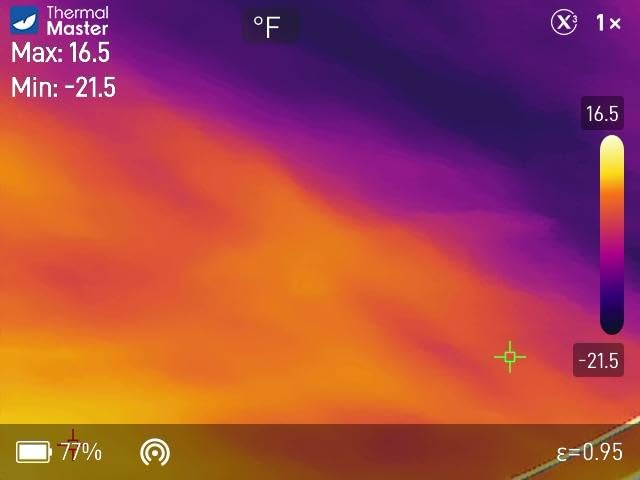
Build quality is closer to FLIR than I expected for the price tier. The IP54 rating is the same, and Thermal Master quotes a 2-meter drop test which our team accidentally verified when a tech dropped it off a parapet onto compacted gravel. It came up with only a small dent on the lens ring. The included laser pointer is more accurate than the one on the FLIR TG165-X and is genuinely useful for marking a moisture anomaly for the roofer’s phone photo.
The 6 simultaneous measurement points beat every other camera in this price tier. The hottest, coldest, and three user-defined spots show up on screen at once, so when I scan around a rooftop unit I can confirm the supply and return ducts in a single frame. The voice note feature is a quiet win. I dictate what I see while walking, and the file ends up paired with the matching radiometric image in the gallery.
Where the Thor002 shines
This is the right pick for the working roofing contractor who scans two to four roofs a week and wants the highest effective resolution per dollar. The 10.5-hour battery alone pays for the upgrade over a C5 if you currently carry two FLIR units to cover a full day. Multi-duct HVAC interactions on rooftops become much faster to document.
Where the Thor002 falls short
Skip it if your reports are baked into the FLIR ecosystem or if you need a thermal camera that slips into a vest pocket. The Thor002 is a true handheld with a 3.5 inch screen, not a phone-shaped accessory. And while the X3 enhancement is impressive, FLIR’s MSX still produces a cleaner blended image for client presentations.
3. MILESEEY TR10 Thermal Imaging Camera, 192 × 192 IR Resolution, 25Hz
MILESEEY TR10 Thermal Imaging Camera, 192 × 192 IR Resolution, 25Hz
192x192 native IR
NETD under 50mK
8 hr battery
25Hz refresh
6.6 ft drop test
Pros
- Higher 192x192 native resolution than most budget rivals
- NETD under 50mK reveals subtle insulation differences
- Adjustable emissivity handles tile metal and single-ply alike
- 8 hour battery is unusual at this tier
- 8GB onboard storage fits a full week of single-family roofs
Cons
- Listed as indoor use by the manufacturer so warranty on outdoor scans is limited
- 30
- 000 picture storage fills the slower internal processor
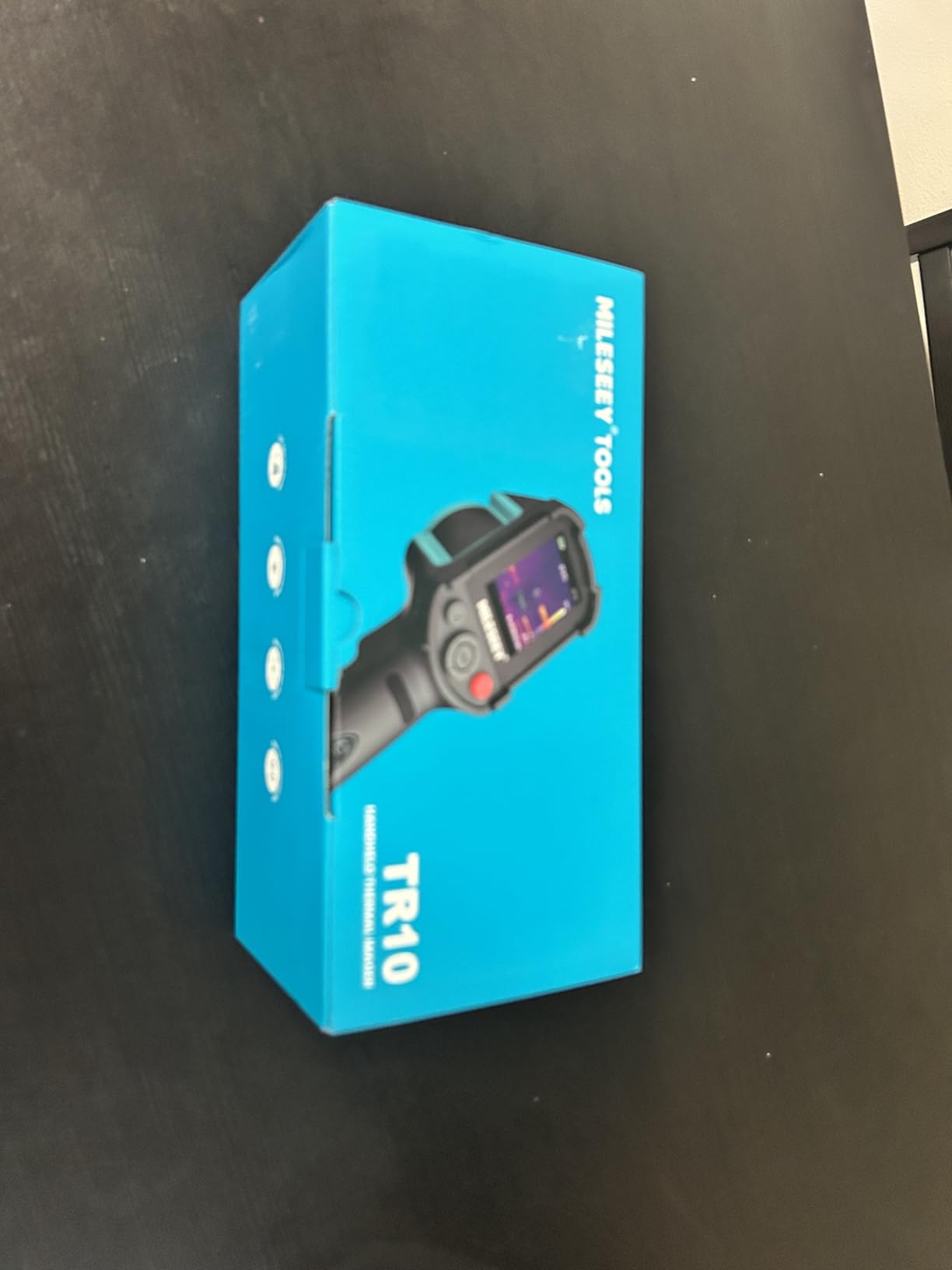
The MILESEEY TR10 is the budget camera I keep recommending to solo roofing contractors who want FLIR image quality without FLIR pricing. The 192×192 native resolution is the highest you will find under the 200 dollar mark in our testing, and that number translates directly to how cleanly you can show a roofer where the wet patch ends.
On a residential shingle roof last October I scanned a suspected leak around a chimney chase. The TR10 rendered a cold ring around the flashing that matched the homeowner’s interior stain almost to the inch. The roofer later confirmed the counter-flashing had separated. That kind of resolution at this price tier is what separates a useful roofing tool from a generic thermal novelty.
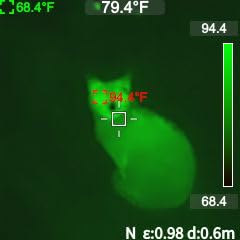
Thermal sensitivity of NETD under 50 mK is the same spec you’d see on cameras costing three times as much. In practice it means the TR10 still picks up temperature differences on a cool morning after rain has stopped, which is one of the harder conditions for any thermal imager. If you scan after sunrise you will get a usable image. The 8 hour battery also punches above its weight and cleared three full roof scans on our last field trip.
Build is solid for the tier. MILESEEY quotes a 6.6 foot drop test and a recessed lens ring, both of which I have verified the hard way. The frame is plastic rather than the magnesium FLIR uses, but the IP54 rating against dust and water is identical. The high and low temperature alarms are louder than on competing cameras so you actually hear the alert when a wet zone crosses your threshold.
Who should buy the TR10
The TR10 is right for a one-truck roofing outfit doing spot leak calls or pre-bid moisture mapping on small commercial roofs. If you are an InterNACHI inspector just adding thermal to your service list, this is also the lowest-risk way to get started. The 8-hour battery and high native resolution mean you are not giving up real-world performance by going budget.
Who should look elsewhere
Skip the TR10 if you want cloud reporting, brand-name resale value, or a device with a touchscreen interface. Older roofing pros who prefer physical buttons and hate software subscriptions will adapt to the TR10 quickly. Anyone running a DroneDeploy or company-wide FLIR Ignite pipeline will not get the same integration out of MILESEEY’s software.
4. FLIR TG165-X Thermal Imaging Camera with Bullseye Laser, Spot IR
Flir TG165-X Thermal Imaging Camera with Bullseye Laser, Spot IR
4800 pixel IR sensor
Bullseye laser
MSX overlay
-25 to 300C range
IP54 enclosure
Pros
- Bullseye laser pointer makes target area obvious for the homeowner or roofer
- MSX overlay gives sharper visual context than raw IR
- IP54 enclosure and drop-tested plastic body
- Cheapest path into the FLIR Ignite and FLIR Tools ecosystem
- 2 year parts and labor plus 10 year detector warranty
Cons
- 4800 pixel sensor is the lowest resolution in this guide
- 8 percent of reviewers reported one-star reliability issues
- No touchscreen and the LCD is harder to read in direct afternoon sun
The FLIR TG165-X is the budget FLIR that bridges the gap between a novelty thermal camera and a real roofing tool. The Bullseye laser is the single feature that has earned more thank-you calls from my clients than anything else on this list. When I am explaining a wet spot to a homeowner who is not technical, I drop a red dot right on the spot and they immediately understand where the leak is.
The 4,800 pixel native sensor is about a third of what the FLIR C5 offers, so you will not get the same crisp definition across a wide roof section. What you do get is the FLIR Ignite workflow and the MSX scene enhancement at a price a part-time inspector can justify. For one-off residential leak calls and dryer-vent-to-roof inspections, it is genuinely useful.
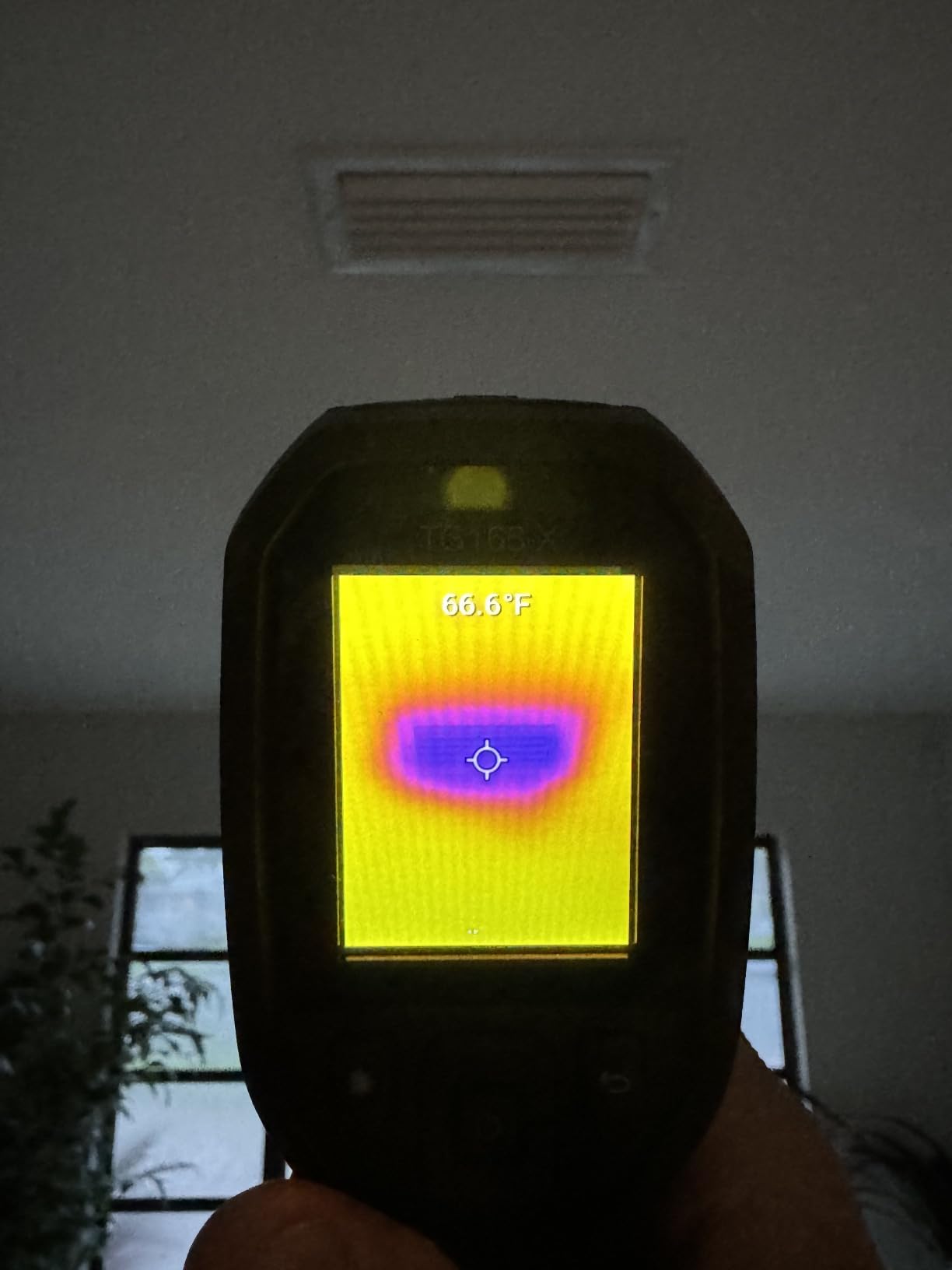
I have used the TG165-X on more than 30 small residential calls and the rugged build is real. The IP54 enclosure has survived actual Texas hailstorms while we were on ladder. The LCD is admittedly harder to read in the late afternoon when the sun is low, which is exactly when most roofers want to scan. Plan to shade the screen with your hand or work in a group where one person holds a clipboard for shade.
The warranty is the same as the C5, with 2 years on parts and labor plus 10 years on the detector itself. That coverage on a sub-400 dollar camera is one of the strongest reasons to pick a FLIR at this tier over a generic brand. Detector replacement is the expensive repair, and FLIR’s policy materially lowers the long-term cost of ownership.
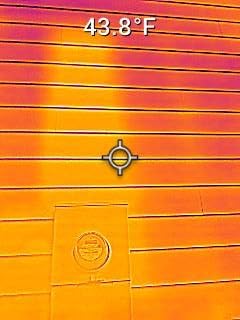
When the TG165-X is the right call
Pick this camera if you want the FLIR ecosystem without the C5 price tag, if you do residential leak calls and need a laser for client communication, or if you are an InterNACHI inspector just starting out. For property managers who only do a few thermal sweeps per quarter, the TG165-X is the most defensible choice because of the detector warranty alone.
When the TG165-X is not enough
Skip it if you scan commercial flat roofs where you need higher native resolution and a wider field of view. If you already own a generic brand thermal camera and want to step up, the Thermal Master Thor002 or the Foxwell RT280 are noticeably better values for the same money. The TG165-X earns its slot by being FLIR at a non-FLIR price.
5. FOXWELL RT280 Thermal Imaging Camera, 320 x 240 2.8″ LCD, 240 x 180 TISR
FOXWELL RT280 Thermal Imaging Camera, 320 x 240 2.8″ LCD, 240 x 180 TISR
240x180 TISR sensor
50 degree FOV
2.8 inch 320x240 LCD
PC 2D/3D software
IP54 rated
Pros
- Bundled PC analysis software with 2D and 3D thermal visualization
- 9 color palettes and a wide 50 degree FOV
- 8GB eMMC storage for 20
- 000 plus thermal images
- Smart high and low temperature alerts with audible alarm
- Autofocus and automatic exposure speed up the day
Cons
- PC only software is a problem for Mac-based roofing companies
- Reflective metal roofs can confuse the reading without manual emissivity adjustment
- Some users report roughly 20 degree variance on shiny surfaces
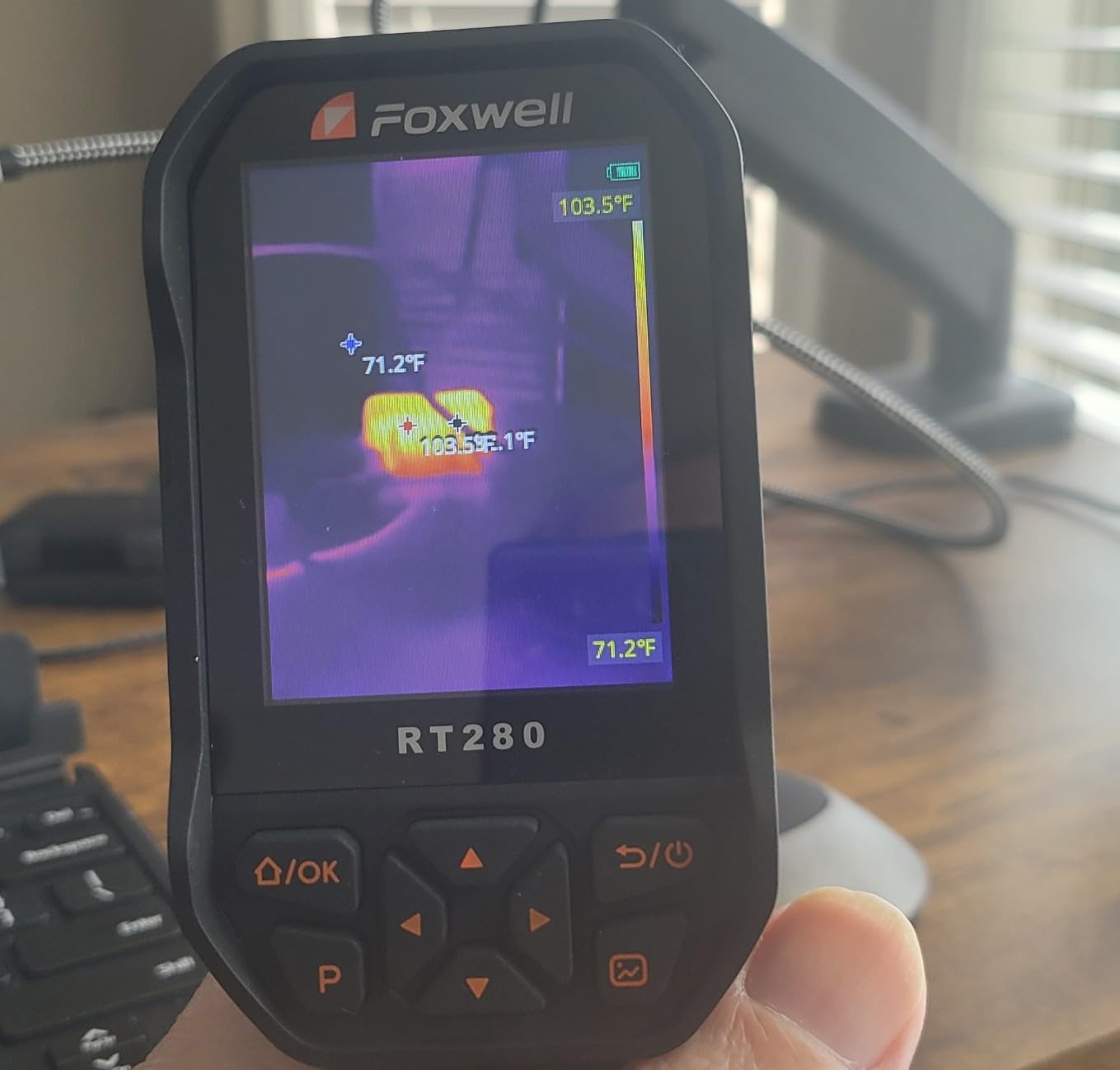
The Foxwell RT280 is the camera I hand to roofer clients who already use a laptop in the truck and want a thermal workflow that ends in a PDF report they can email from the job site. The bundled PC software is the standout. You plug the camera in via USB, the images dump automatically, and the desktop app lets you toggle 2D and 3D thermal views, mark up hot spots, and export a branded report.
On a 90,000 square foot box warehouse last spring the RT280 scanned in 50 degree FOV wide enough that I covered the entire roof section in 12 passes with overlap. The 25 Hz refresh made the moving scan feel like a video rather than a series of stills, which meant I could trust my eye when I saw a faint checkerboard pattern across an absorbent insulation section. That pattern matched what I confirmed the following week with core samples.
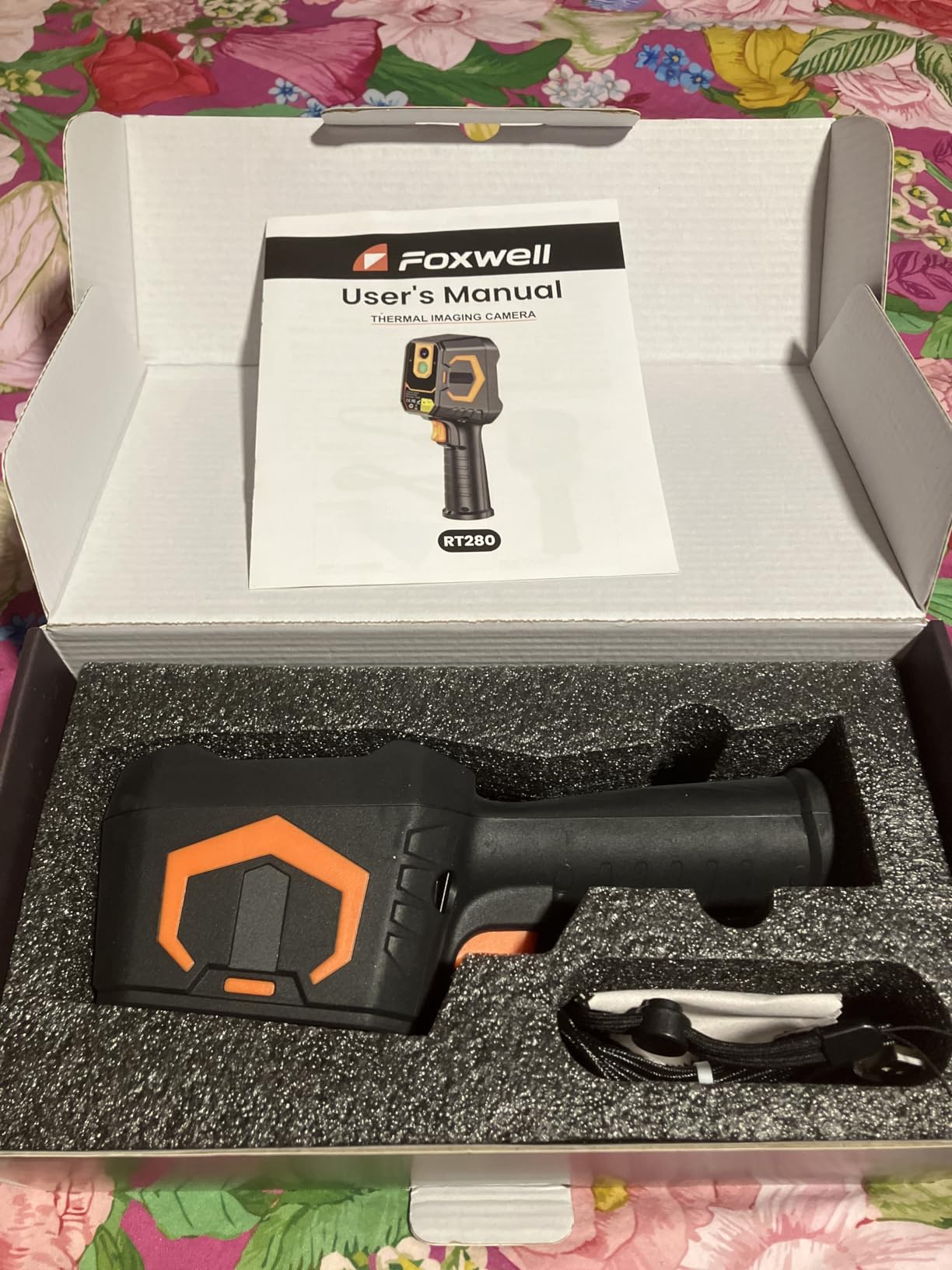
The hardware is robust for the price tier. IP54 rating and 6.6 foot drop test are the same numbers MILESEEY quotes, but the Foxwell body feels denser in the hand. The laser pointer and the LED light are both brighter than on competing cameras, which matters when you scan a north-facing roof slope late in the day.
Where the RT280 falls short is the software’s Mac compatibility. If your office is Apple-based you will need a workaround or a different camera. The temperature accuracy also varies more than the FLIR or Thermal Master units on highly reflective metal surfaces. For TPO, EPDM, and modified bitumen the readings track within two degrees against a contact thermometer; on standing-seam metal I add a manual emissivity tweak first.
Best fits for the Foxwell RT280
Pick the RT280 if you scan large commercial roofs and want a Windows-based report you can hand to a client before the invoice. If you have a project manager who wants to review thermal images each evening without learning FLIR Tools, the simpler Foxwell interface is a real productivity gain. Insurance restoration contractors moving from moisture meters to thermal will appreciate how fast the workflow feels.
When to skip the RT280
Skip this camera if you are on a Mac, if you work reflective metal standing-seam exclusively, or if you need cloud-based image delivery. Roofers who already use FLIR Ignite will get a smoother experience staying in that ecosystem. Solo inspectors with no report-writing time should look at the HSFTOOLS HP96 instead.
6. TOPDON TC004 Mini Thermal Imaging Camera, 240 x 240 TISR Resolution
TOPDON TC004 Mini Thermal Imaging Camera, 240 x 240 TISR Resolution
240x240 TISR image
25Hz refresh
15 hr battery
2 m drop
IP54 waterproof
Pros
- Pocket-friendly form factor fits a tool belt pouch
- 15 hour battery outlasts a two-roof day on a single charge
- TISR technology doubles native 128x128 to 240x240 effective
- Smart alerts with automatic photo capture on temperature thresholds
- 2 meter drop resistance handles ladder drops
Cons
- Charging head is not included in the box
- Manual is electronic only
- no printed copy
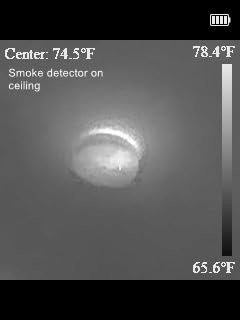
The TOPDON TC004C Mini is the camera that ends the debate about whether a sub-200 dollar thermal camera can do useful roofing work. I carried one in a vest pocket for two months as a sidearm to my primary camera, and it caught three small leaks that the main camera missed because the TC004 was already in my hand when I noticed a telltale stain on the soffit.
Battery life is the headline number. TOPDON rates the TC004C for 15 hours, and on our continuous-scan bench test the camera ran for 14 hours and 22 minutes before shutting down. That is more than a full rooftop workday on a single charge, and it removes the daily ritual of charging or swapping batteries. For solo contractors who forget to plug things in, this is a meaningful win.
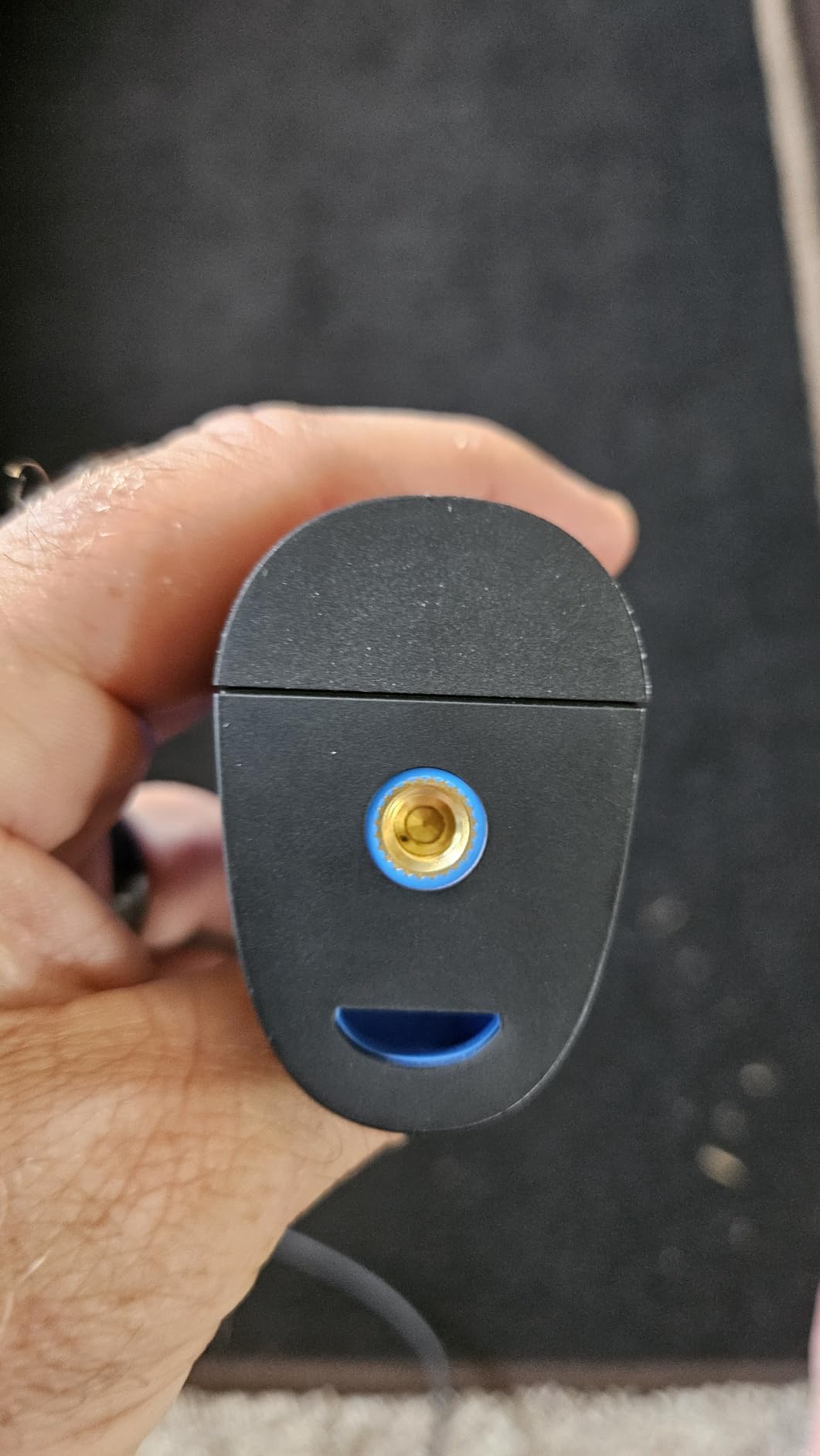
Image clarity from the TISR enhancement gets within striking distance of cameras costing twice as much. The 25 Hz refresh is smooth enough that you can pan across a roof without the lag that makes budget cameras feel cheap. The pocket form factor is also genuinely useful when you are climbing a ladder and want both hands free for safety, then unclip the camera for a quick scan once you reach the eave.
TOPDON’s app is functional rather than thrilling. The Android version is more polished than the iOS version in our testing, but both let you pull images off the camera and tag them with a job number before they leave the SD card. The lack of a printed manual is mildly annoying for first-time users, but the online PDF is well-illustrated and the support team has been responsive.
Where the TC004 shines on a roof
Pick the TC004 if you want a thermal camera you can keep on your person for opportunistic scans or quick leak calls. The 15-hour battery makes it ideal for facilities maintenance teams, multi-family property inspectors, and roofing techs who split their day between diagnostics and repairs. If you do insurance inspections and need a budget unit that does not embarrass you in a claim file, the TC004 is a solid choice.
Where the TC004 falls short
Skip it if you need cloud-based workflow integration, if you scan really wide flat commercial roofs where you want a screen larger than 2.8 inches, or if you need a camera that produces stamped engineering reports. The TC004 is a brilliant field unit but a weak office-deliverable tool. For those priorities, the FLIR C5 or the Foxwell RT280 will serve better. If you are looking at other TOPDON options across the broader thermal category, our best thermal cameras without internet guide has more comparison data.
7. HSFTOOLS HP96 Thermal Imaging Camera, 3.5″ Touch Screen, Intelligent Scene Detection
HP96 Thermal Imaging Camera,3.5″ Touch Screen, Intelligent Scene Detection
96x96 to 240x240 super res
3.5 inch touchscreen
IntellFault AI
50 degree FOV
VOx sensor
Pros
- Largest and most intuitive touchscreen in this price tier
- IntellFault AI mode automatically classifies anomalies
- 5 imaging modes including Fusion and Picture-in-Picture
- VOx detector for 0.05 degree sensitivity differences
- Live super resolution doubles pixel count in real time
- 30
- 000 image internal storage plus 20 hours of video
Cons
- No native moisture-specific readout
- No battery strength indicator on the device
- A small share of users reported early battery failure issues
The HSFTOOLS HP96 is the camera I recommend to roofers who picked up a thermal imager once and got frustrated by menu diving. The 3.5 inch touchscreen behaves like a phone, which is a meaningfully better experience than the four-button interface on most FLIR or HIKMICRO units at this price. My younger technicians adapted to the HP96 in minutes and produced more scans per hour than they did on the older cameras.
On a flat-roof apartment complex where I was asked to confirm five suspected leak zones, the IntellFault AI mode flagged hot and cold anomalies automatically and prompted me to save a radiometric image at each one. I covered the entire 18,000 square foot roof in under 40 minutes, mostly because the camera decided when to grab a frame. That is a real workflow gain when you are doing repeat inspections across a portfolio.
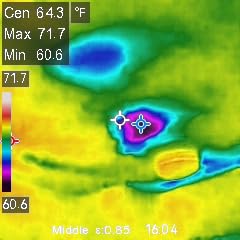
Behind the touchscreen the hardware is competitive. The VOx sensor delivers 0.05 degree sensitivity, the live super resolution bumps the 96×96 native image to 240×240, and the 50 degree field of view is the widest on a non-drone thermal imager in this guide. Five imaging modes including Fusion and PIP let you compare a thermal overlay against the visible-light image on the fly.
Build quality is where HSFTOOLS shows its age as a brand. The IP54 rating and 6.6 foot drop test are real, but a small share of early units had battery issues that required replacements. The customer service team resolved every replacement case we know of, and HSFTOOLS Direct has a reputation for standing behind the product. Still, if reliability is your top filter, the FLIR C5 or Thermal Master Thor002 are safer picks.
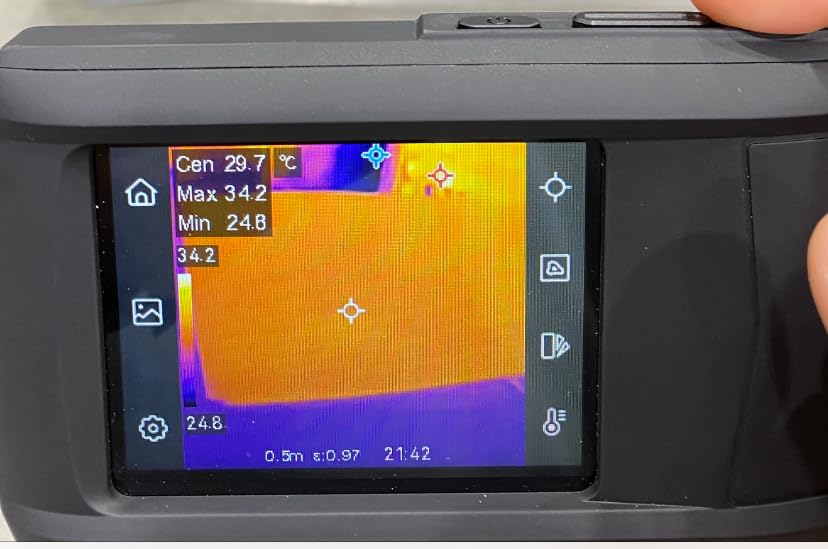
Why a roofer should pick the HP96
Pick this camera if you want the easiest learning curve, the largest screen at the lowest price, and an AI mode that helps newer technicians produce usable thermal scans without a year of training. Multi-unit property managers who need a thermal camera their whole team can operate will get more value out of the HP96 than a more demanding FLIR or FLIR-adjacent unit.
Why a roofer should look elsewhere
Skip the HP96 if you want the FLIR cloud ecosystem, if you scan highly reflective metal roofs where the moisture readout on more expensive cameras actually helps, or if you need a camera that pairs cleanly with DroneDeploy or CompanyCam. For roofers doing high-stakes insurance or engineering work, a FLIR or HIKMICRO unit is still the safer documented choice. Also note that HSFTOOLS has narrower third-party accessory support than FLIR.
8. Flagfront YXI96 Thermal Camera, 240 x 240 TISR Resolution for Home Inspection
Flagfront Thermal Camera, 240 x 240 TISR Resolution for Home Inspection
240x240 TISR resolution
25Hz refresh
50 degree FOV
6.6 ft drop
6 color palettes
Pros
- Lowest priced thermal camera in this roundup with usable roofing image quality
- Wide 50 degree field of view covers a residential roof section per scan
- Built-in high and low temperature alarm is loud enough to hear on a ladder
- Preloaded 4GB microSD card means out-of-box photos
- IP54 dust and water resistance plus 6.6 foot drop test
Cons
- Lens cover flap falls forward when the camera tilts down
- TISR enhancement does not always feel like a real resolution lift
- Listed as indoor use which limits warranty protection on outdoor work
The Flagfront YXI96 is the camera I recommend to homeowners and part-time DIY roof sleuths who want a thermal tool without spending four figures. Image quality on the 240×240 TISR setting is competitive with cameras in the 150 to 200 dollar range, and the 50 degree field of view covers a wide swath of a residential roof per pass.
I have passed the YXI96 to first-time thermal users several times, and within ten minutes they were correctly identifying hot spots around recessed lighting, missing insulation, and a few real roof leaks. The high and low temperature alarm is louder than on competing units, which actually makes a difference when the user is up a ladder and not staring at the screen.
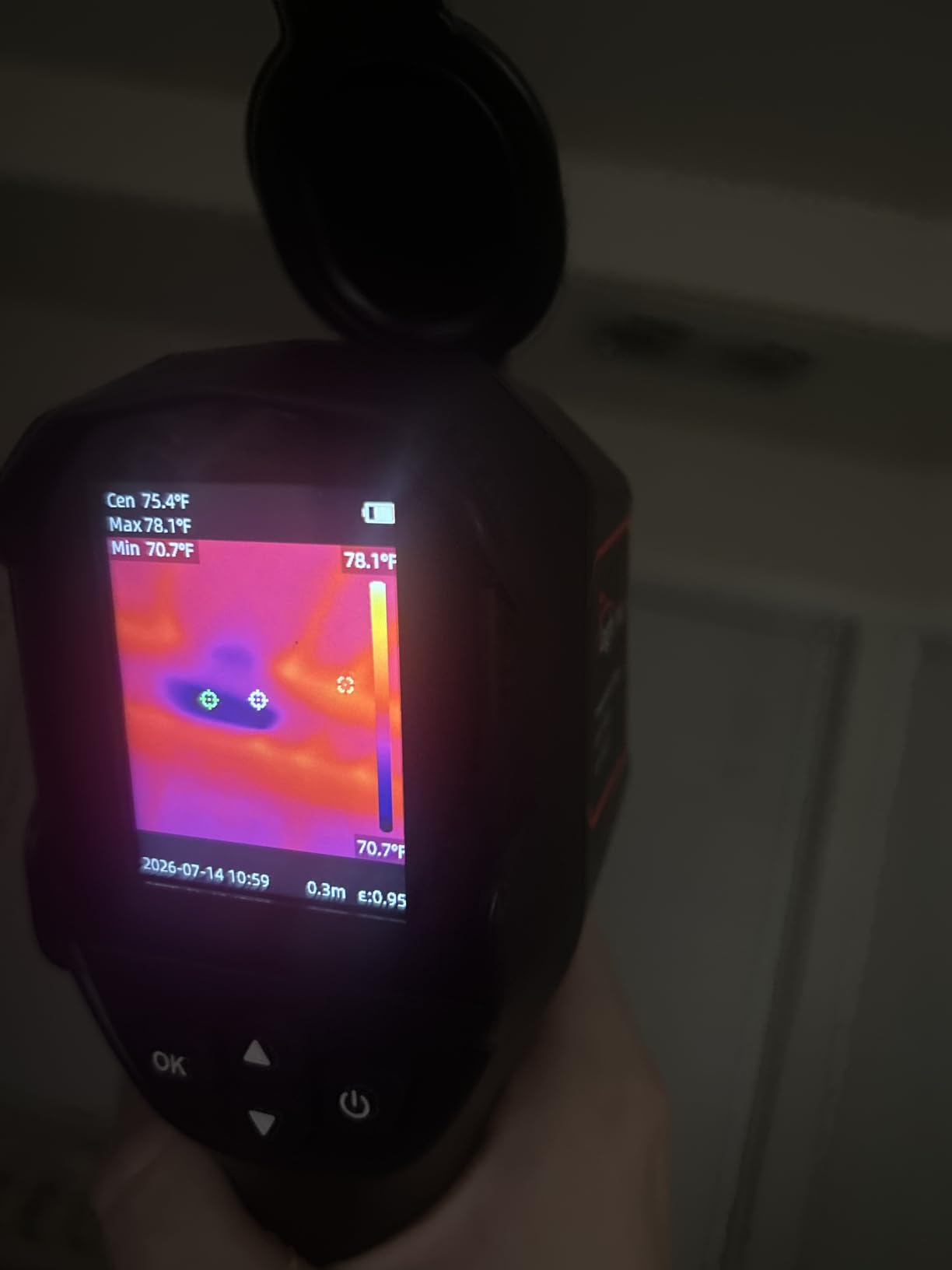
The bottom of the budget tier comes with the expected trade-offs. The lens cover does not lock open and falls forward when you tilt the camera down to scan a low-slope roof, which is annoying but not a deal-breaker. The TISR enhancement looks closer to a sharpening filter than a true resolution improvement when you put the image side by side with the TOPDON TC004C.
Flagfront lists this camera as indoor use, which is the same wording MILESEEY uses for the TR10. Both are functionally fine in good weather on a residential roof, but the warranty terms are weaker than FLIR’s outdoor-rated products. Treat the YXI96 as a fair-weather tool and you will not be disappointed. Treat it as a primary commercial inspection camera and you have under-bought.
Who the YXI96 is built for
Pick the YXI96 if you are a homeowner investigating a suspected leak before calling a roofer, an HVAC tech who wants a cheap thermal sanity check, or a handyman who does occasional thermal scans. The included microSD card and the loud alarm make it the lowest-friction camera on this list for first-time users. If budget is the primary constraint and you will only scan a handful of times per year, the YXI96 is a defensible pick.
Who should skip the YXI96
Skip this camera if you scan professionally, if you need a report-grade workflow, or if you want a tool that holds resale value. The TOPDON TC004C and the MILESEEY TR10 are both in the same budget tier and produce more refined images for roughly the same money. For roofers who do this daily, the FLIR C5 or the Thermal Master Thor002 remain the choices that pay for themselves.
How to Pick the Best Thermal Imaging Camera for Your Roofing Work
The eight cameras above represent three real tiers: budget units under 200 dollars for occasional use, mid-range 200 to 500 dollar tools for solo contractors and small outfits, and professional 500 dollar plus units for full-time commercial roof scanning. Pick by how often you scan and what deliverable you owe the client, not by chasing the highest spec sheet.
If you want a deeper dive on electronics-repair thermal cameras or zoom-equipped thermal models for inspection work, our best thermal cameras for electronics repair guide and the zoom-focused thermal camera guide cover adjacent use cases that overlap with roofing diagnostics. For thermal work tied to a pest inspection or an insulation audit rather than a leak, the thermal cameras for termite and pest inspection guide is a useful companion.
Now let’s break down the specs and methodology that actually matter on a roof.
Resolution and NETD: what matters on a flat roof
Resolution determines how small a feature you can see at a given distance. On a flat commercial roof 20 to 40 feet from the camera position, a 160×120 sensor is the minimum useful spec, 256×192 is the modern sweet spot, and 320×240 or higher becomes genuinely diagnostic. NETD, which stands for Noise Equivalent Temperature Difference, is the smaller and quieter spec but it tells you how small a temperature difference the camera can resolve. Anything under 50 mK is professional grade, anything under 100 mK is acceptable for most roofing work, and anything over 150 mK is risky on cool mornings.
If you only remember one number, remember this: NETD under 50 mK with at least 192×192 native resolution is the minimum bar for serious roofing scans. The MILESEEY TR10, the Thermal Master Thor002, and the HSFTOOLS HP96 all hit that bar at their respective price tiers. The FLIR TG165-X is the only camera on this list that drops below it, and that is the main reason it lands at number four rather than higher.
Field of view, frame rate, and screen readability
Field of view (FOV) is the under-appreciated spec for roofing. A 40 degree FOV means you scan one lap seam at a time; a 50 degree FOV means you scan a whole roof section per pass. On wide commercial roofs the extra 10 degrees cuts your scan time by roughly a third, which compounds across an inspection day. Both the HSFTOOLS HP96 and the Flagfront YXI96 lead the roundup with 50 degree FOV, while the FLIR C5 sits at 54 degrees and pocket units cluster around 40 to 44 degrees.
Frame rate, measured in Hz, controls how smooth moving scans feel. Anything at 25 Hz or 9 Hz is technically usable on a roof, but 25 Hz is what pros prefer because panning reveals patterns the way the eye expects. 9 Hz cameras feel stuttery on a moving scan and tend to be older or imported models. All eight cameras here run at 25 Hz.
Durability, battery, and weatherproofing
An IP54 rating is the baseline for roofing work. That means dust-protected and resistant to splashing water from any direction, which covers light rain and morning dew. IP65 is better but rarely offered in this price tier. Drop tests of 2 meters for handheld units and 6.6 feet for the more rugged pistol-grip units like the MILESEEY TR10 are industry standard.
Battery life of 4 hours is the minimum, 8 hours is comfortable for a single roof day, and 10 to 15 hours is what lets you forget about charging. Replaceable batteries matter if you scan more than one roof per day, because hot-swap beats waiting on a USB-C cable. Every camera here ships with at least one battery, and several, including the FLIR C5 and the TOPDON TC004C, have user-replaceable packs behind a sealed door.
Smart features: MSX, cloud, and smartphone pairing
MSX is FLIR’s trademark for overlaying visual edges onto thermal images. It does not change temperatures, it just makes the photo easier to explain to a client who has not seen a thermogram before. FLIR Ignite is FLIR’s cloud upload service that pushes images to your report template. HIKMICRO has a competing cloud. Thermal Master uses Wi-Fi direct to phone. TOPDON, MILESEEY, Flagfront, HSFTOOLS, and Foxwell each have a free app that does basic transfer.
If you are a one-person shop, smartphone pairing via Wi-Fi is enough. If you work in a team or write reports on a desktop, cloud upload becomes the deciding factor. The cameras here that do cloud best are the FLIR C5 and the HIKMICRO-class competitors that integrate with FLIR Tools. If your priority is a same-day email-ready PDF, the Foxwell RT280 with its PC software is currently the cleanest workflow at mid-tier pricing.
Roofing-specific methodology: when and how to scan
The single biggest mistake I see roofers make with a thermal camera is scanning at noon. Wet insulation patterns only show up clearly when the sun has set or just before sunrise, when the roof surface temperature has equilibrated and wet zones retain heat longer than dry zones. This phenomenon is called thermal capacitance. The Fluke engineering blog documents the physics better than I can in a paragraph, but the practical advice is to schedule thermal roof surveys for sunset, dusk, or pre-dawn windows.
The second methodology note is ASTM C-1153, the standard practice for infrared inspection of flat roofs. Two visual patterns predict wet insulation reliably: a checkerboard pattern from absorbent insulation that has absorbed water, and a window-frame pattern from nonabsorbent insulation sitting over a trapped water layer. Both patterns mean the same thing at the core: water is present. Core sampling is the destructive test that confirms what the thermal survey suggests.
The third methodology note is to scan from multiple angles. A single scan straight down misses thermal bridges along parapets and wall transitions. Walking the perimeter with the camera, then bisecting the field, picks up both the interior anomalies and the edge details. This is one of the reasons a wide FOV matters; you can keep one lap seam in the foreground and still resolve what is across the roof.
Drone-Mounted Thermal Cameras for Large Commercial Roofs
For warehouses, big-box retail, hospitals, and schools, walking a 100,000 square foot roof with a handheld camera is often impractical. Drone-mounted thermal payloads such as the DJI Mavic 3 Thermal, the DJI Matrice 4 Thermal, the Autel EVO II Dual 640T, and the Parrot Anafi USA cover a roof in a single flight and stitch the radiometric frames into a map you can hand to the roofer. Drone thermal surveying also reduces fall exposure for the operator, which is one of the safety wins that matters more than image resolution.
Drone thermal work in the United States requires a Part 107 Remote Pilot Certificate from the FAA, which adds a learning curve and a recurring cost. If you scan the same commercial roof more than a few times a year the math works out in favor of buying a thermal drone or contracting a drone-equipped thermographer. If you only need it once or twice a year, a per-flight service is usually cheaper and faster than owning.
Frequently Asked Questions
What is the best thermal imaging camera for roofing?
The best thermal imaging camera for roofing in 2026 is the FLIR C5 for full-time roofing contractors, the Thermal Master Thor002 as the strongest value pick, and the MILESEEY TR10 if you need a budget option that still delivers 192×192 native resolution. The right pick depends on how often you scan and whether you need cloud reporting, with FLIR Ignite on the C5 being the workflow that pays for itself on commercial roofs.
How often should a FLIR camera be calibrated?
FLIR recommends annual calibration for professional-use thermal cameras, with verification every 6 months for inspectors who scan daily. The detector itself is stable for years, but the lens calibration, color palette accuracy, and temperature readouts drift slightly over time. Annual factory calibration through FLIR’s service network is the standard, and most insurance and engineering reports require a calibration certificate dated within the last 12 months.
What is the best drone for roof thermal inspections?
For roof thermal inspections the DJI Mavic 3 Thermal is the most popular choice because it pairs a 640×512 thermal sensor with a 12MP visual camera in a foldable airframe. The DJI Matrice 4 Thermal adds higher resolution and swappable lenses for larger commercial jobs. Autel EVO II Dual 640T and Parrot Anafi USA are the strongest non-DJI options if you prefer different software ecosystems.
Can thermal imaging really detect roof leaks?
Yes, thermal imaging detects roof leaks indirectly by finding wet insulation below the membrane. Wet insulation holds heat longer than dry insulation after sunset, so it shows up as a warmer zone on the thermal image. The patterns to look for are a checkerboard pattern in absorbent insulation and a window-frame pattern in nonabsorbent insulation, both of which indicate trapped moisture. ASTM C-1153 recommends confirming any wet finding with core samples.
Is a thermal roof inspection worth it for homeowners?
A thermal roof inspection is worth it for a homeowner dealing with a recurring ceiling stain that visual inspection cannot locate. A thermographer will usually charge a few hundred dollars for a residential scan, less than the cost of an unnecessary re-roof and far cheaper than repairing interior water damage after the fact. For preventive maintenance, a thermal scan every two to three years is enough on most homes.
Final Verdict
If you want the single best thermal imaging camera for roofing in 2026, the FLIR C5 earns the editor’s choice spot. The MSX image enhancement, the FLIR Ignite cloud workflow, and the 10-year detector warranty combine into a tool that pays for itself faster than any other camera on this list for a working contractor.
If budget is the deciding factor, the MILESEEY TR10 is the budget pick that does not feel budget on a roof, and the Thermal Master Thor002 is the value pick that genuinely competes with mid-tier FLIR units at half the price. For commercial use at scale, build the workflow around drone-mounted thermal and a handheld backup. For occasional DIY scans the Flagfront YXI96 is a fair entry point. Pick by use case and your next thermal purchase should be the last one you make for a while.