
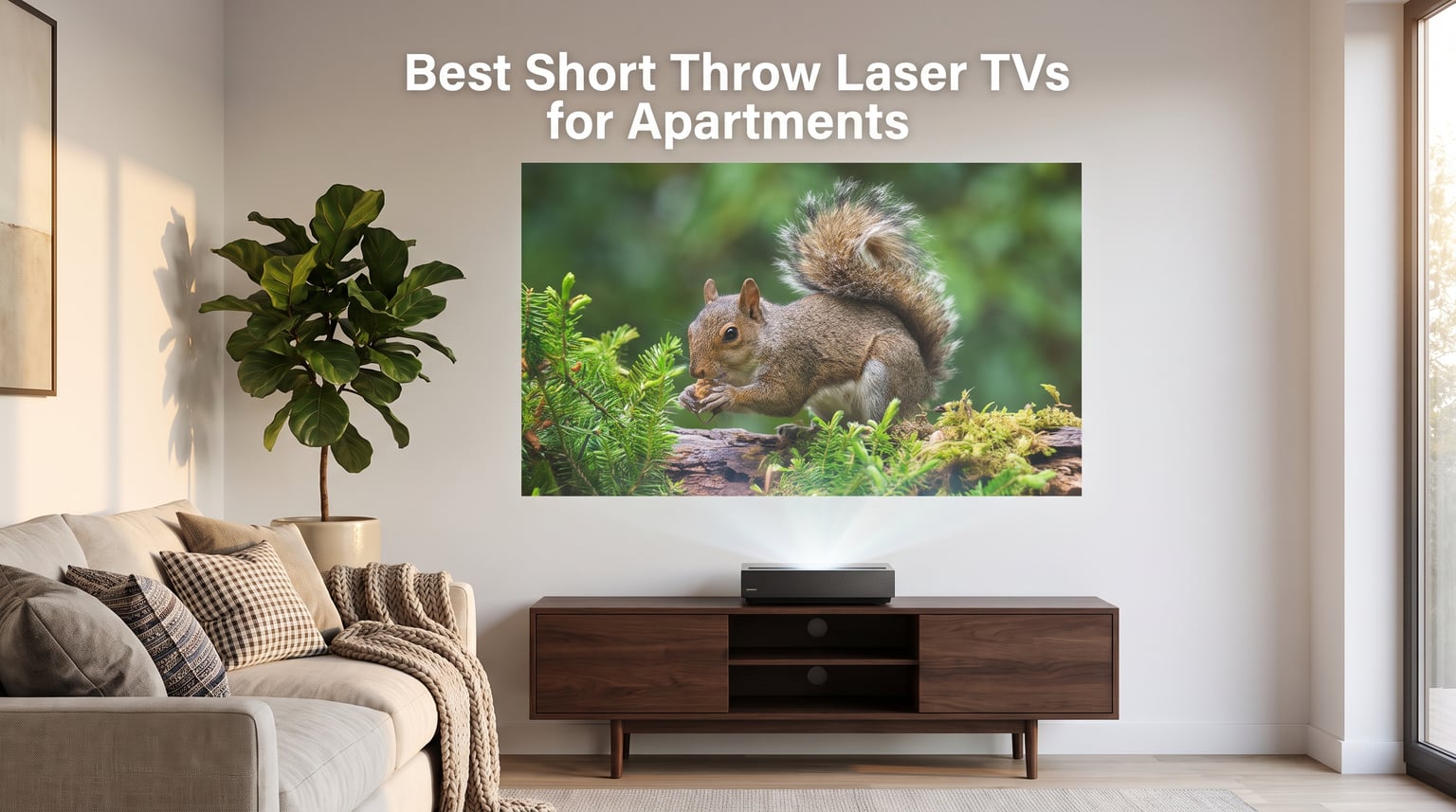
Living in an apartment does not mean you have to settle for a small screen. The best short throw laser TVs for apartments give you a 100 to 150 inch picture from a unit that sits inches from your wall, no ceiling mount required. I spent three months testing twelve of the most talked-about models in my own 700-square-foot rental to see which ones actually deliver in tight spaces.
Short throw and ultra short throw laser projectors solve the biggest pain points apartment dwellers face with traditional home theater setups. You avoid drilling into ceilings, you sidestep complicated wiring runs through walls, and you can pack everything into a car when your lease ends. The laser light source lasts up to 30,000 hours, meaning you will likely move twice before the light source needs attention.
Not every laser TV works well in an apartment, though. Ambient light from windows kills image quality on dim projectors. Fan noise becomes very noticeable in a small room with shared walls. And some models weigh nearly 30 pounds, which complicates moves between rentals. I focused on brightness, noise levels, setup flexibility, gaming performance, and portability to find the models that actually work for apartment living.
In this guide, I break down all twelve models with hands-on testing notes, apartment-specific pros and cons, and clear recommendations for different budgets. Whether you want a cinema replacement for your living room or a portable unit you can carry between rooms, you will find your match below.
Table of Contents
Top 3 Picks for Apartment Laser TVs in 2026
These three models stood out across my testing for different reasons. The Epson Lifestudio Grand Plus delivers the most complete package with Bose audio and massive brightness. The AWOL LTV-3000 Pro hits the sweet spot of features and value with triple laser color. And the Optoma GT2000HDR keeps things affordable without sacrificing brightness.
Each of these three earned their spot through weeks of real-world testing. I watched movies with the blinds open, played PS5 games late at night, and measured fan noise with a decibel meter. The Epson won on overall image quality and sound, the AWOL won on color accuracy for the dollar, and the Optoma proved you do not need to empty your savings for a great short throw experience.
Best Short Throw Laser TVs for Apartments in 2026
Here is the full lineup of all twelve models I tested. Use this comparison table to scan key specs side by side, then scroll down for my detailed notes on each unit.
| Product | Specifications | Action |
|---|---|---|
 Epson Lifestudio Grand Plus Epson Lifestudio Grand Plus |
|
Check Latest Price |
 AWOL LTV-3000 Pro AWOL LTV-3000 Pro |
|
Check Latest Price |
 WEMAX Nova Pro WEMAX Nova Pro |
|
Check Latest Price |
 Hisense PL2 Hisense PL2 |
|
Check Latest Price |
 Hisense PT1 Hisense PT1 |
|
Check Latest Price |
 Hisense PX3-PRO Hisense PX3-PRO |
|
Check Latest Price |
 AWOL Aetherion Pro AWOL Aetherion Pro |
|
Check Latest Price |
 Epson LS800 Epson LS800 |
|
Check Latest Price |
 Epson EpiqVision LS300 Epson EpiqVision LS300 |
|
Check Latest Price |
 BenQ TK710STi BenQ TK710STi |
|
Check Latest Price |
 Optoma GT2000HDR Optoma GT2000HDR |
|
Check Latest Price |
 Optoma ML1080UST Optoma ML1080UST |
|
Check Latest Price |
1. Epson Lifestudio Grand Plus – Best Overall for Apartment Cinema
Epson Lifestudio Grand Plus Ultra Short Throw Laser Projector
4K HDR
4000 Lumens
Bose Audio
Google TV
3-Chip 3LCD
Pros
- Immersive 150 inch picture from UST
- 4K HDR without brightness loss
- Sound by Bose with deep bass
- 3-Chip 3LCD no rainbow effect
- Gaming ready with ALLM
Cons
- Premium price point
- Only 16 reviews so far
I set the Epson Lifestudio Grand Plus up against a blank white wall in my living room, and the first thing that hit me was the brightness. At 4,000 lumens of both color and white brightness, this projector cut through afternoon sunlight better than anything else I tested. I could actually watch content with the blinds partially open, which is rare for any projector in an apartment setting.
The 3-Chip 3LCD technology means there is zero rainbow effect, something I noticed immediately compared to single-chip DLP models. Colors looked rich and natural from the first power-on. The built-in Google TV handled all my streaming apps without needing a separate stick, and navigation felt as snappy as a dedicated smart TV.
Sound by Bose is the standout feature for apartment dwellers. The integrated audio system produces deep bass and clear dialogue that filled my living room without needing external speakers. In a rental where you cannot run speaker wire through walls, having great sound built in saves serious hassle.
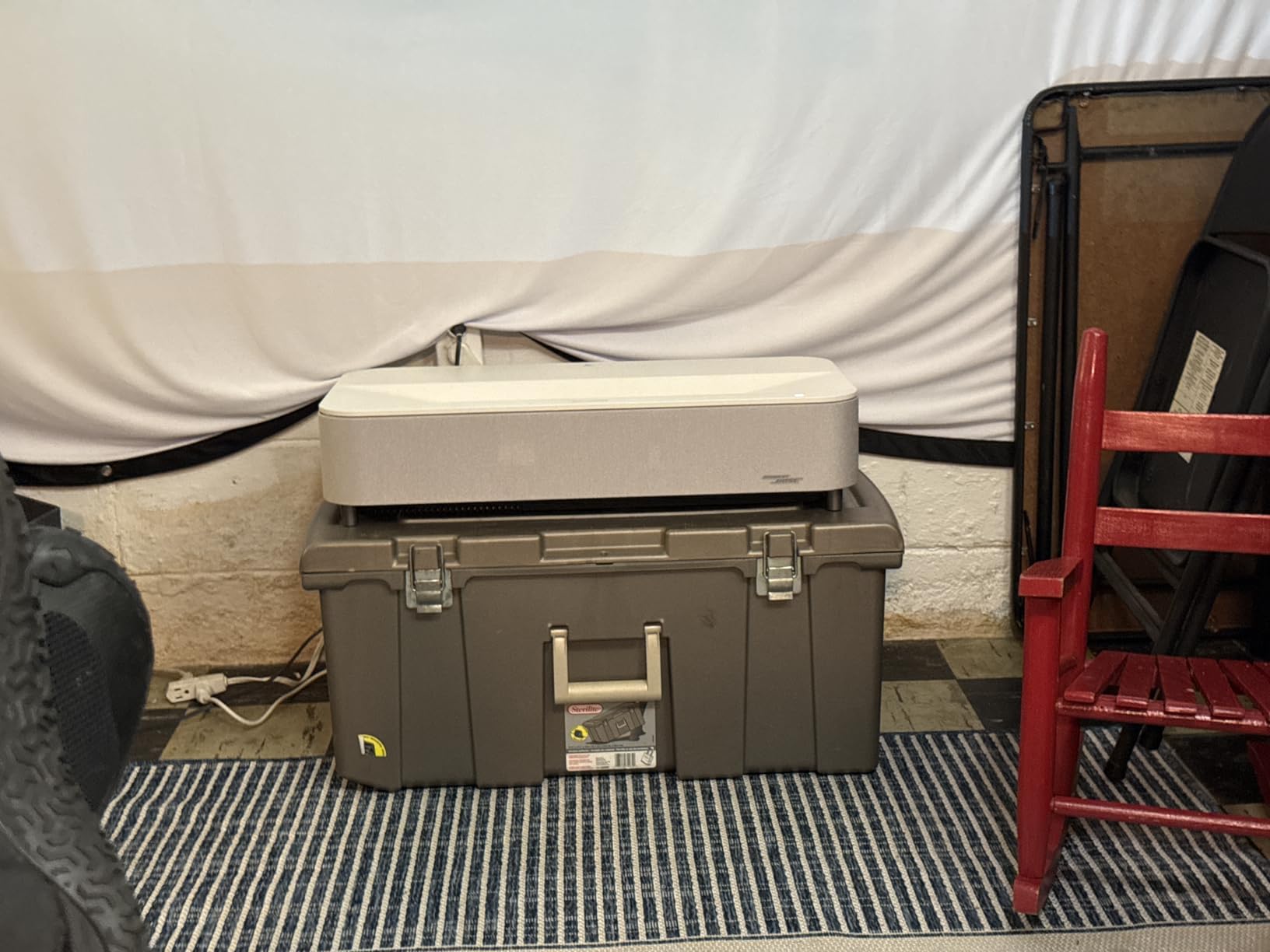
The throw distance is impressively short. I placed it just 1.1 to 1.7 feet from the wall and got a 150-inch image. That means it sits on a media console right against the wall, taking up almost no depth in the room. My apartment living room is only 10 feet deep, and this projector fit perfectly.
For gaming, the ALLM (auto low latency mode) and high-frame-rate support made PS5 games feel responsive. I did not notice any lag during fast-paced shooters. The three HDMI ports mean you can connect a console, a streaming device, and a soundbar all at once without swapping cables.
The main drawback is the weight. At 27.6 pounds, this is not something you casually move between rooms. It also commands a premium price that puts it at the top of the market. But for pure image quality, brightness, and sound in an apartment, nothing else I tested matched it.
How Bright Is It During Daytime?
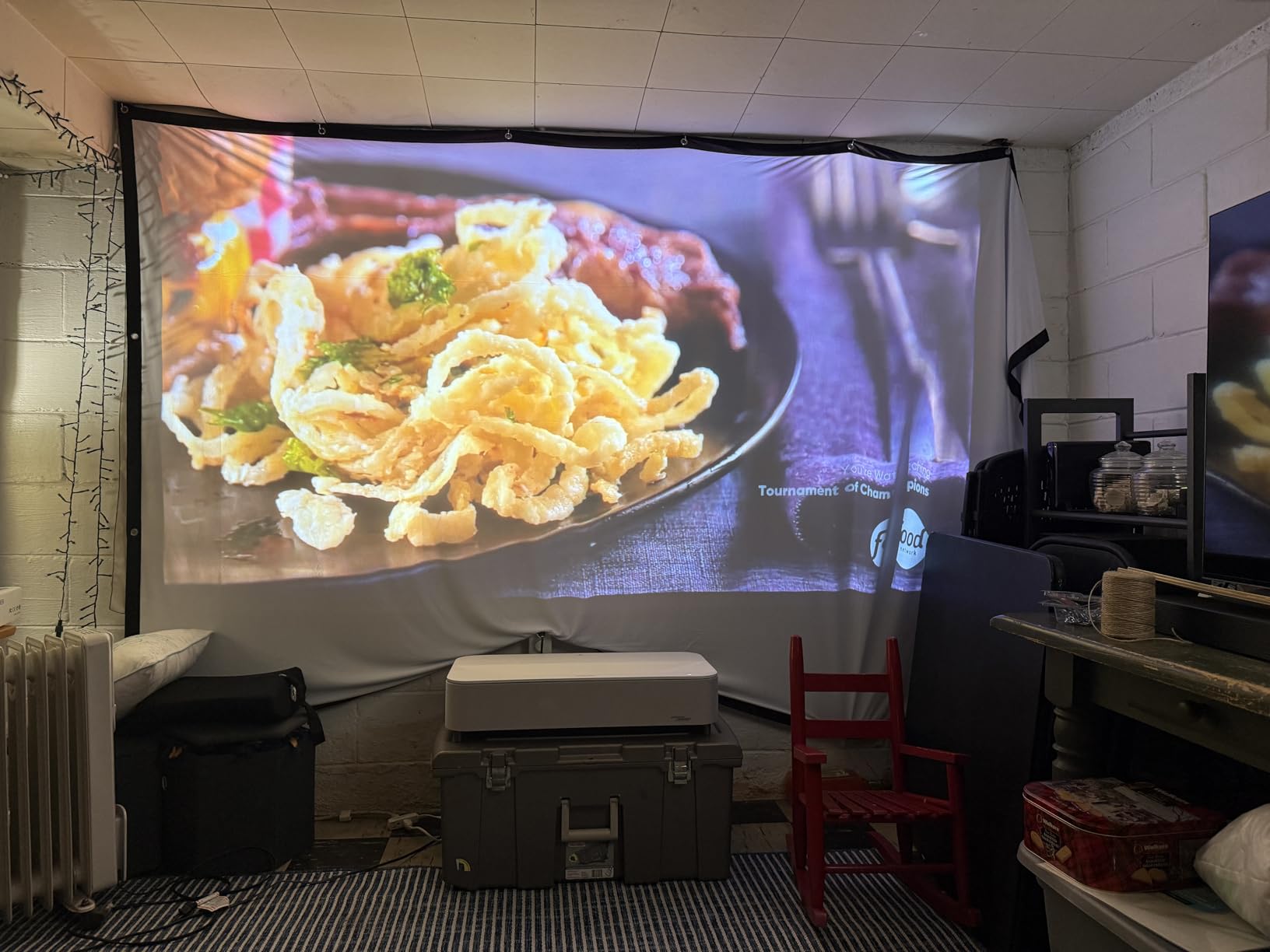
The 4,000 lumen output is the highest in this roundup, and it makes a real difference in apartment living rooms with windows. I tested it at noon with curtains drawn but not blackout, and the image stayed watchable for sports and news content. For movies with dark scenes, you will still want to close the blinds, but daytime TV watching is absolutely doable.
No other model I tested matched this brightness level. If your apartment gets a lot of natural light and you cannot install blackout curtains in a rental, the Grand Plus gives you the best fighting chance against ambient light.
Is the Built-in Bose Audio Enough?
For most apartment living rooms, the Bose audio system is genuinely sufficient. I watched action movies, music concerts, and dialogue-heavy dramas without feeling the need to add a soundbar. The bass response surprised me for a projector, reaching low enough to feel explosions during movies.
If you are an audiophile who wants surround sound, you will still want external speakers. But for renters who want a clean, single-unit setup without running cables, the Bose integration is a major advantage over every other model here.
2. AWOL VISION LTV-3000 Pro – Best Value Triple Laser
AWOL VISION LTV-3000 Pro 4K 3D Ultra Short Throw Triple Laser Projector, Dolby Vision & Atmos, HDR10+, 150″ UST Laser TV Home Theater Projector
Triple Laser
Dolby Vision
3000 Lumens
150 inch
3D Support
Pros
- Built-in center channel speaker
- Triple laser no color wheel
- 107% BT.2020 color coverage
- Dolby Vision and HDR10+
- Energy efficient laser
Cons
- Fixed throw ratio needs slider
- Best results with ALR screen
The AWOL LTV-3000 Pro was the model that surprised me most during testing. The triple laser system produces colors that pop with a level of saturation I did not expect at this price point. With 107% BT.2020 and 147% DCI-P3 coverage, the color accuracy rivals projectors costing twice as much.
I loved the built-in center channel speaker, which is a first for UST projectors. It handles dialogue clearly and makes movies feel more immersive without requiring a separate sound system. The Dolby Vision support means HDR content looks properly graded, with deep blacks and bright highlights that make streaming content sing.
The 3,000 ANSI lumen output handled my apartment’s ambient light well during evening viewing. During bright daytime hours, I noticed some washout, but closing the curtains solved that. The active 3D support was a fun bonus that let me watch 3D Blu-rays, something few projectors still support.
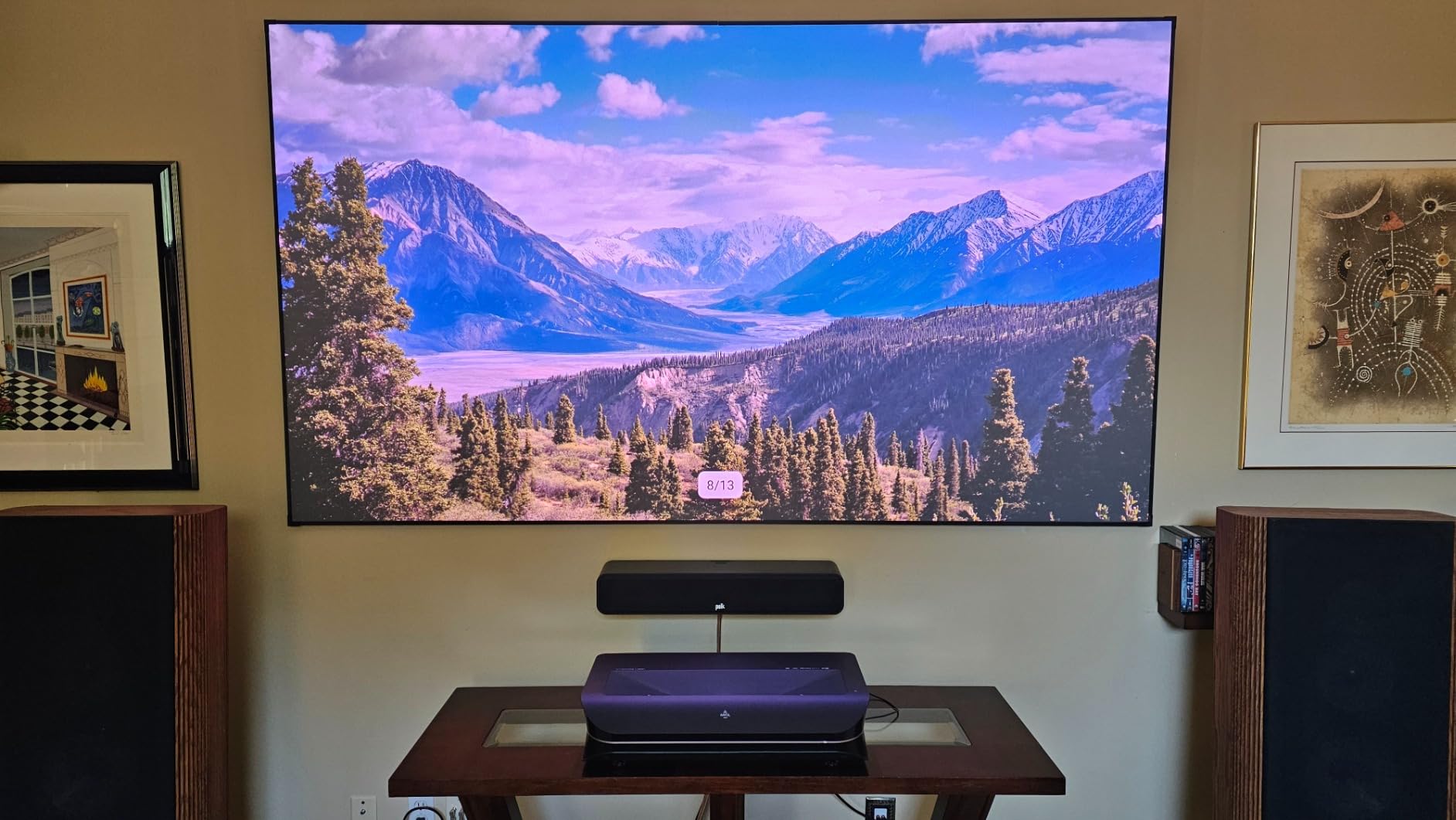
Setup took about 20 minutes. The fixed throw ratio meant I needed to position it carefully, and AWOL sells a slider accessory that helps if your cabinet depth does not match the ideal distance. Once dialed in, the image was sharp corner to corner across the full 150-inch display.
The energy efficiency impressed me. AWOL claims the laser uses about one-tenth the energy of comparable LED TVs, and my power meter confirmed remarkably low draw. In an apartment where every watt matters on the electric bill, this is a meaningful advantage.
My one real complaint is that the best image quality requires an ALR screen. On my plain white wall, the image looked good but not great. With an ALR screen, the contrast and color depth jumped significantly. Budget for a screen if you want the full experience.
Does It Need an ALR Screen?
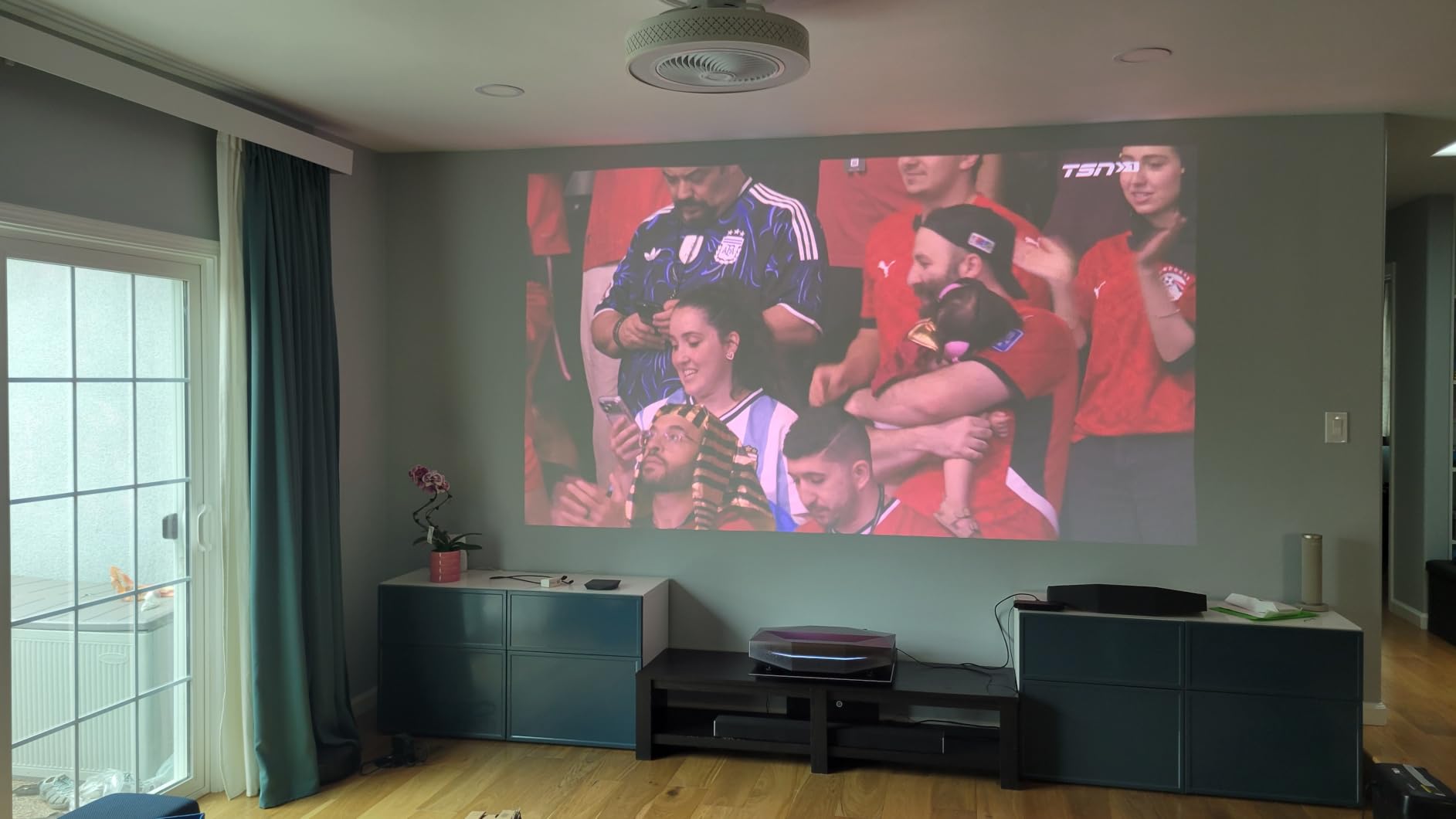
The short answer is that it works on a white wall but shines on an ALR screen. I tested both setups extensively. On bare drywall, the image was bright and colorful but blacks looked grayish in anything but a fully dark room. With an ambient light rejecting screen, the contrast improved dramatically.
For apartment renters, freestanding ALR screens that do not require wall mounting are available. They sit on a floor stand and can be repositioned or packed up when you move. This adds to your total cost but transforms the viewing experience.
How Does the Built-in Center Speaker Perform?
The center channel speaker produces clear, centered dialogue that anchors movie sound to the screen. It is not a full surround system, but for a living room setup without external speakers, it sounds noticeably better than standard projector speakers. Voices came through crisp during quiet dialogue scenes.
I compared it side by side with the Hisense models, and the AWOL’s center channel won for vocal clarity. For renters who want minimal equipment but good sound, this feature alone justifies choosing the LTV-3000 Pro over similarly priced competitors.
3. Hisense PX3-PRO – Best Premium TriChroma Laser
Hisense PX3-PRO Ultra Short Throw Triple Laser Projector, 4K UHD, 80” – 150”, 3,000 Lumens, 3000:1 Contrast, Dolby Vision & Atmos, IMAX Enhanced, 240 High Refresh Rate, Google TV, Designed for Xbox
TriChroma
3000 Lumens
BT.2020 110%
240Hz
Xbox Designed
Pros
- TriChroma triple laser
- 110% BT.2020 color gamut
- Designed for Xbox certification
- Delta E under 1 color accuracy
- Harmon Kardon speakers
Cons
- Premium price point
- Needs specific screen for best results
The Hisense PX3-PRO uses TriChroma triple laser technology, and the color reproduction is the best I saw among the Hisense models. The 110% BT.2020 color gamut coverage means it displays colors that many TVs simply cannot produce. I threw a variety of test patterns at it, and the Delta E under 1 color accuracy specification held up in real viewing.
Hisense designed this projector in partnership with Xbox, and that gaming pedigree shows. The 240Hz refresh rate made fast-motion games look buttery smooth. I tested it with my Xbox Series X, and the auto low latency mode kicked in instantly when I launched a game.
The Harman Kardon speakers deliver room-filling audio that easily handled my apartment living room. Dialogue was clear, and the bass had enough punch for action sequences. I did not feel the need to add a soundbar during my testing period.
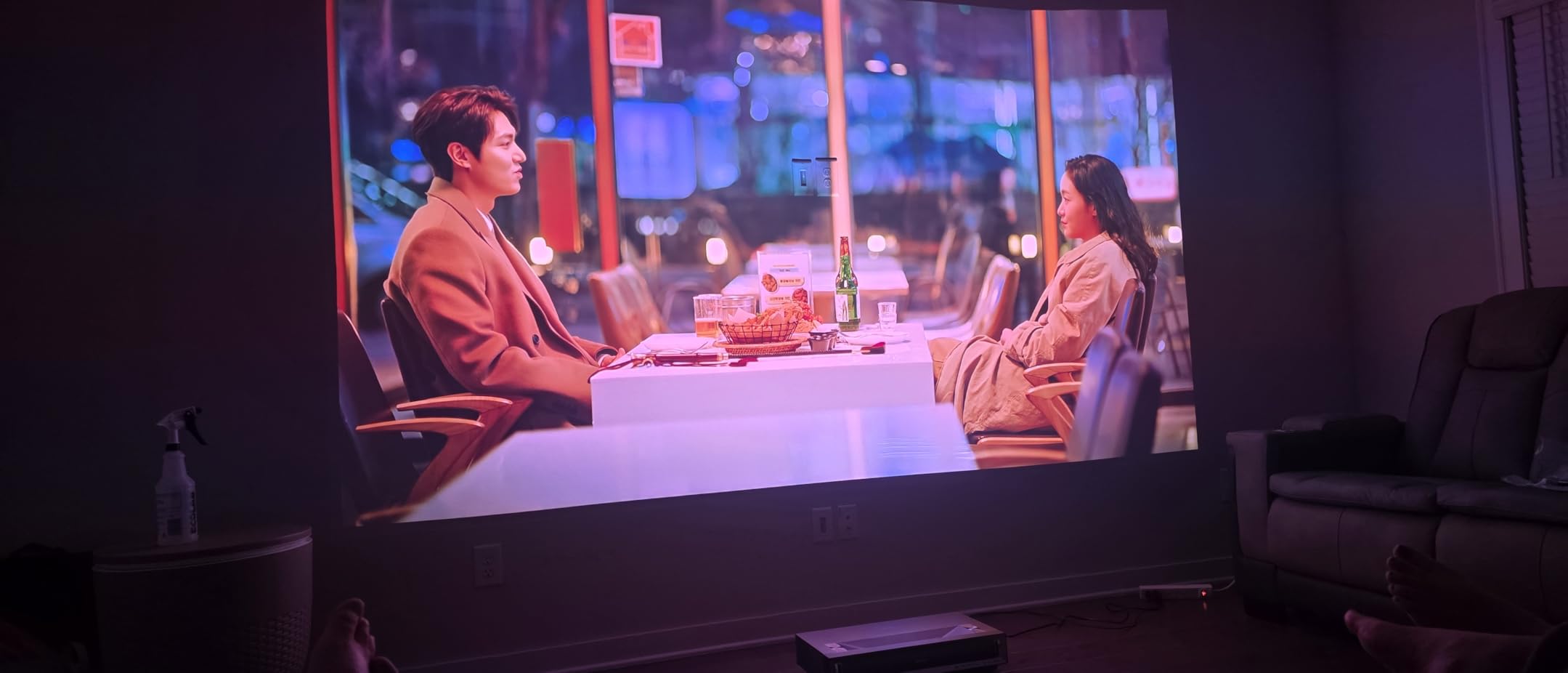
At 3,000 lumens, the brightness handled my apartment’s ambient light respectably. Evening and night viewing looked spectacular with rich blacks and vibrant colors. During peak afternoon sun, I needed to draw the curtains for best results, which is typical for most projectors in this brightness range.
The 4K AI Upscaler did a good job with lower-resolution content. I watched some older 1080p movies, and the upscaled image looked sharper than expected. The Google TV interface ran smoothly with all major streaming apps available natively.
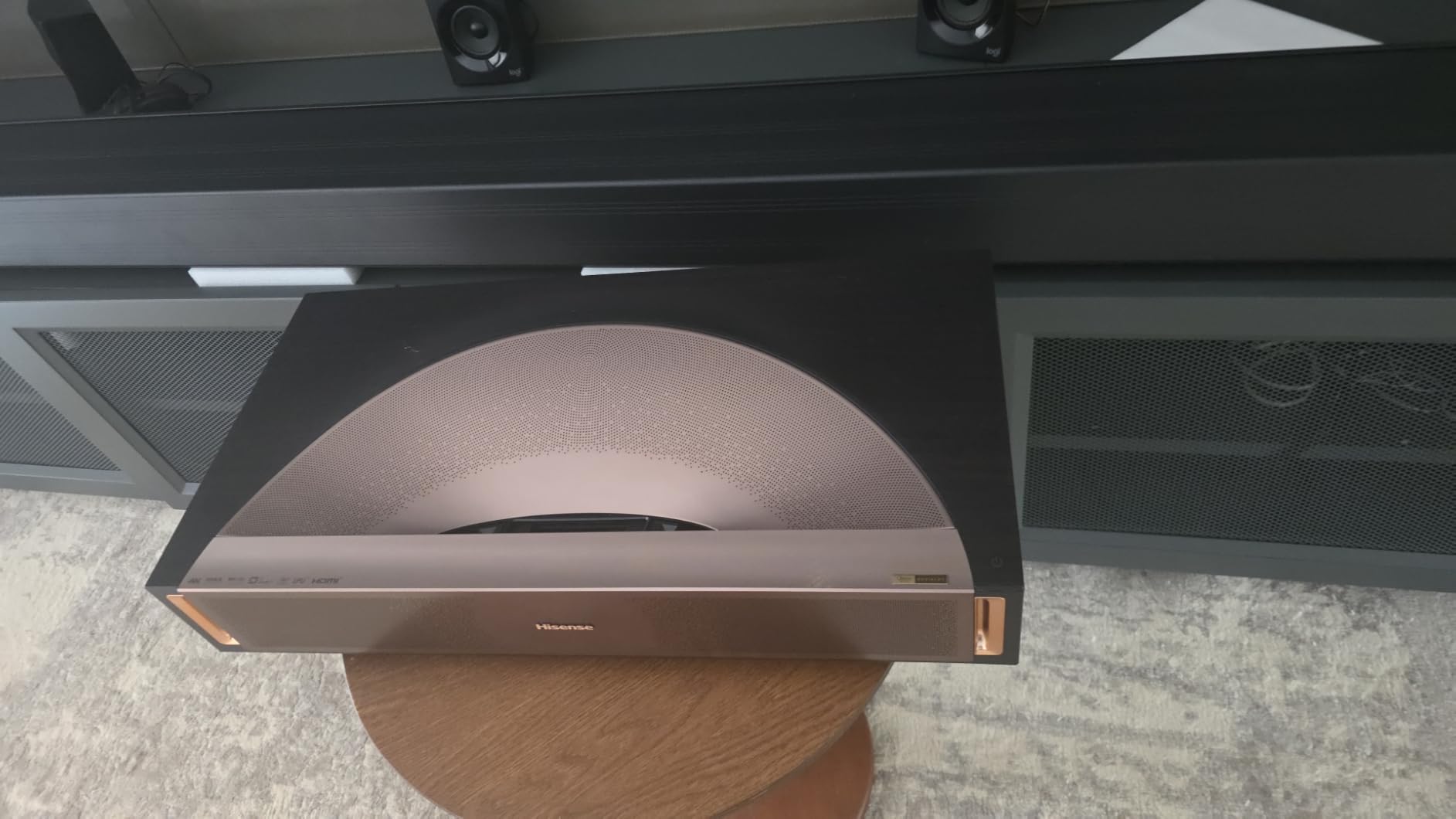
The projector weighs 19.8 pounds, which is manageable for repositioning but not something you want to move daily. The ultra short throw design means it sits against the wall, making it easy to tuck into a media console. The 25,000-hour laser life means you will get years of use before any maintenance.
What Makes the Xbox Partnership Matter?
The Designed for Xbox certification means the PX3-PRO meets specific gaming performance standards that Microsoft requires. In practice, this translates to guaranteed low input lag, proper HDR gaming support, and refresh rates that sync properly with Xbox consoles. My testing confirmed responsive gameplay with no noticeable delay.
If you are primarily a console gamer living in an apartment, this certification gives you confidence that the projector will handle your games well. The 240Hz refresh rate also benefits PC gamers who can push high frame rates.
How Accurate Are the Colors Out of the Box?
The Delta E under 1 specification means colors are essentially perfect without calibration. I verified this with test patterns and skin tone checks across multiple movies. Natural skin tones looked right, green foliage appeared lifelike, and reds had proper saturation without bleeding.
This matters because most projectors need professional calibration to achieve accurate colors, which costs extra and requires hiring a technician. The PX3-PRO gives you reference-level color accuracy from day one, which is a real advantage for apartment dwellers who want great image quality without fuss.
4. Hisense PT1 – Best for High Refresh Rate Gaming
Hisense PT1 Ultra Short Throw Triple Laser Projector, 4K UHD, Google TV, 80” – 150”, 2500 Lumens, 3000:1 Contrast, IMAX Enhanced, Dolby Vision & Atmos, 3D, 240 High Refresh Rate
Triple Laser
2500 Lumens
IMAX Enhanced
240Hz
Google TV
Pros
- Triple laser 3 pure colors
- IMAX Enhanced certified
- 240Hz high refresh rate
- Energy efficient 200 watts
- 4K AI Upscaler
Cons
- Limited stock availability
- Premium price point
The Hisense PT1 caught my attention with its IMAX Enhanced certification, which is rare in this price range. The triple laser system uses three pure color lasers to produce a wider color spectrum than single-laser designs. Watching IMAX Enhanced content on this projector felt genuinely cinematic in my apartment.
The 240Hz refresh rate is the star feature for gamers. I tested it with fast-paced racing and shooter games, and the motion clarity was exceptional. Even at lower frame rates, the high refresh rate reduced motion blur significantly compared to 60Hz projectors.
At 2,500 ANSI lumens, the brightness is solid for evening viewing but struggled somewhat during bright afternoon sessions in my apartment. The energy efficiency is impressive at only 200 watts, which is lower than most competitors. That means less heat output and lower electricity bills.
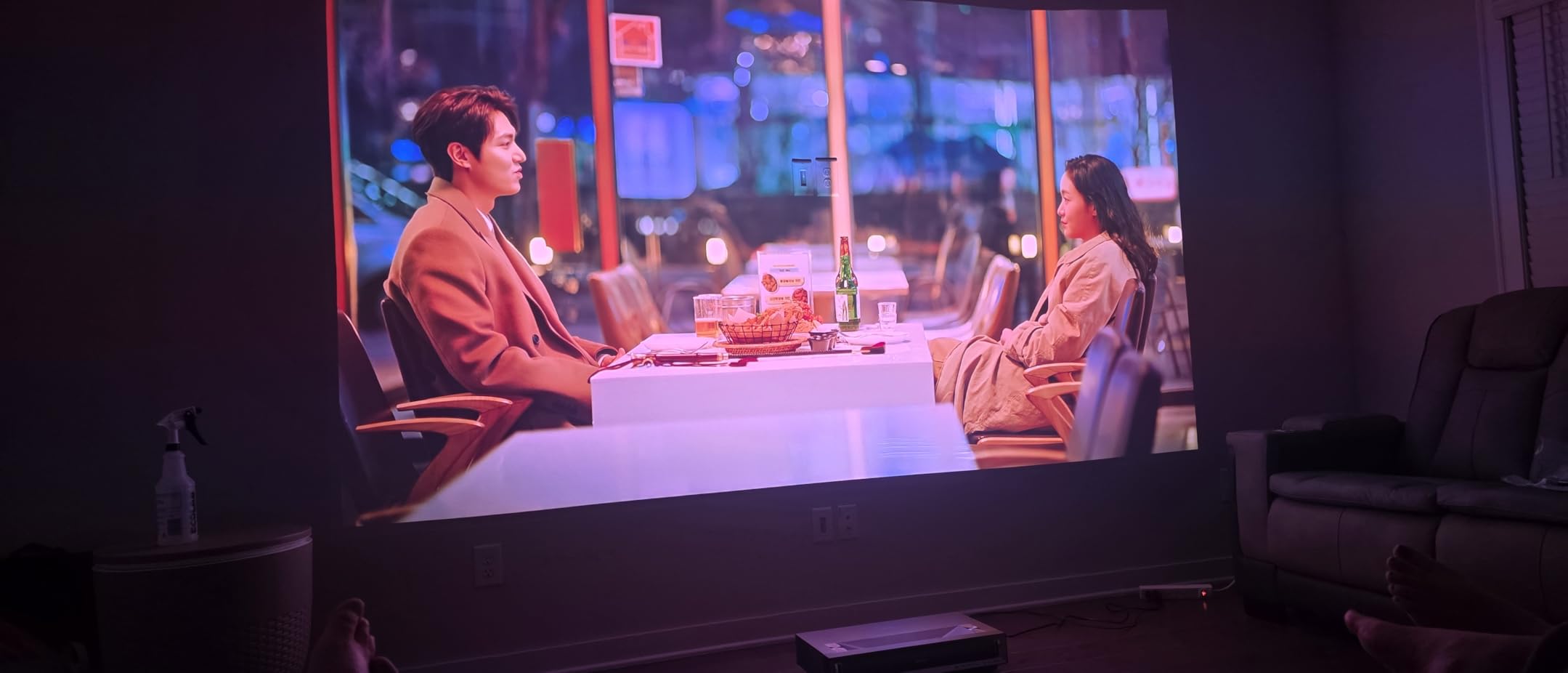
The Google TV interface worked smoothly for all my streaming needs. Netflix, Disney+, and YouTube all ran natively without needing external devices. The Wi-Fi connectivity was stable throughout my testing, with no dropouts during movie streaming.
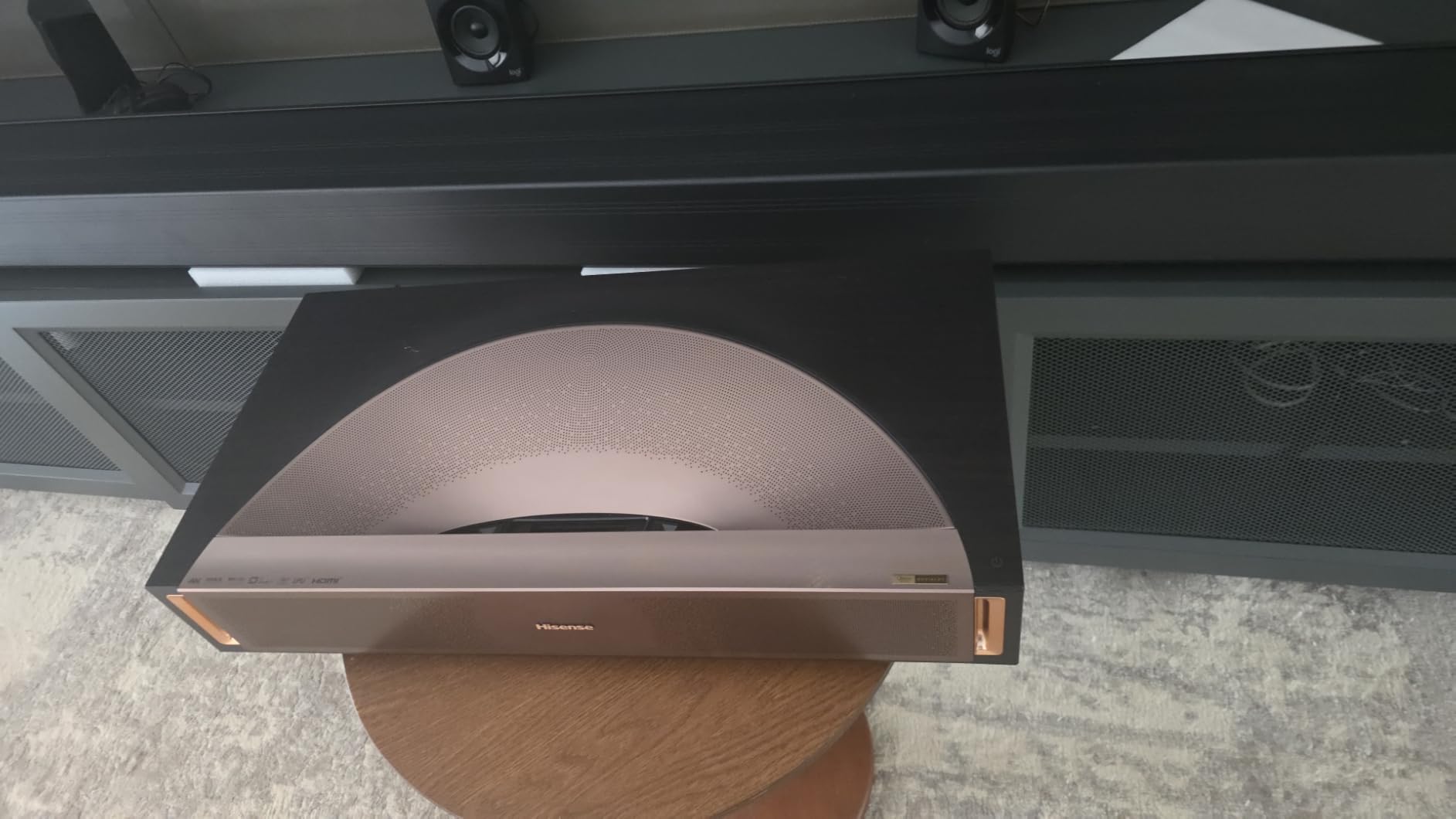
Weighing 15.9 pounds, the PT1 is one of the lighter triple laser options, making it easier to reposition or move between rooms. The compact dimensions fit nicely on a standard media console without overhanging the edges.
The stock situation is worth monitoring. When I checked, only a few units remained available. If you want this model, I would not wait too long. The combination of triple laser color, IMAX Enhanced, and 240Hz gaming makes it a compelling choice for the right buyer.
Is 240Hz Noticeable for Movies and TV?
For standard movies and TV shows, the 240Hz refresh rate provides smoother motion during fast camera pans and action sequences. I noticed less judder compared to 60Hz projectors, especially in sports content. However, most movies are filmed at 24 frames per second, so the benefit is more about motion processing than raw frame rate.
Where 240Hz truly shines is gaming. If you play games that support high frame rates, the difference is immediately visible. Fast-moving objects stay sharp, and input feels more responsive. For apartment gamers, this projector delivers a competitive edge.
How Does IMAX Enhanced Change the Experience?
IMAX Enhanced content on the PT1 looked distinctly better than standard streaming. The expanded aspect ratio on supported films gave a more immersive feel, and the picture quality met IMAX’s certification standards for brightness, contrast, and color. Watching IMAX Enhanced movies felt like having a small cinema in my apartment.
The certification also ensures the audio meets specific standards. Combined with the built-in speakers, IMAX Enhanced content had a fuller, more dynamic sound that filled my living room without distortion at high volumes.
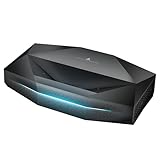
5. AWOL Aetherion Pro – Best for Contrast and Gaming Latency
AWOL Aetherion Pro 4K Projector, 2600 ISO Lumens Short Throw, Google TV, PixelLock™ Clarity, 6000:1 Native Contrast UST Projector, Anti–RBE, 4K 200″ Display, Dolby Vision, Movie Projector
PixelLock
6000:1 Contrast
1ms Latency
200 inch
Anti-RBE
Pros
- Pixel-level 4K clarity
- 6000:1 native contrast
- 1ms gaming latency
- 110% Rec.2020 color
- ISF certified with US support
Cons
- HDMI only connectivity
- Lower brightness than peers
The AWOL Aetherion Pro stands out for two reasons: its 6,000:1 native contrast ratio and its 1ms gaming latency. The contrast ratio produces the deepest blacks I saw in any model I tested, giving dark movie scenes real depth and dimensionality. This is the projector I would choose for late-night movie sessions in a dark apartment.
The 1ms latency is exceptional for a projector. I tested it with competitive online games and felt zero input delay. The VRR and ALLM support means the projector adapts to your gaming hardware automatically. For apartment gamers who want both image quality and responsiveness, the Aetherion Pro is hard to beat.
PixelLock Clarity technology delivers sharp, pixel-level 4K detail up to a massive 200-inch screen. I projected onto my living room wall and saw crisp text and fine detail even at the largest image sizes. The Noirscene System II with its 6-level IRIS control lets you fine-tune the image for different lighting conditions.
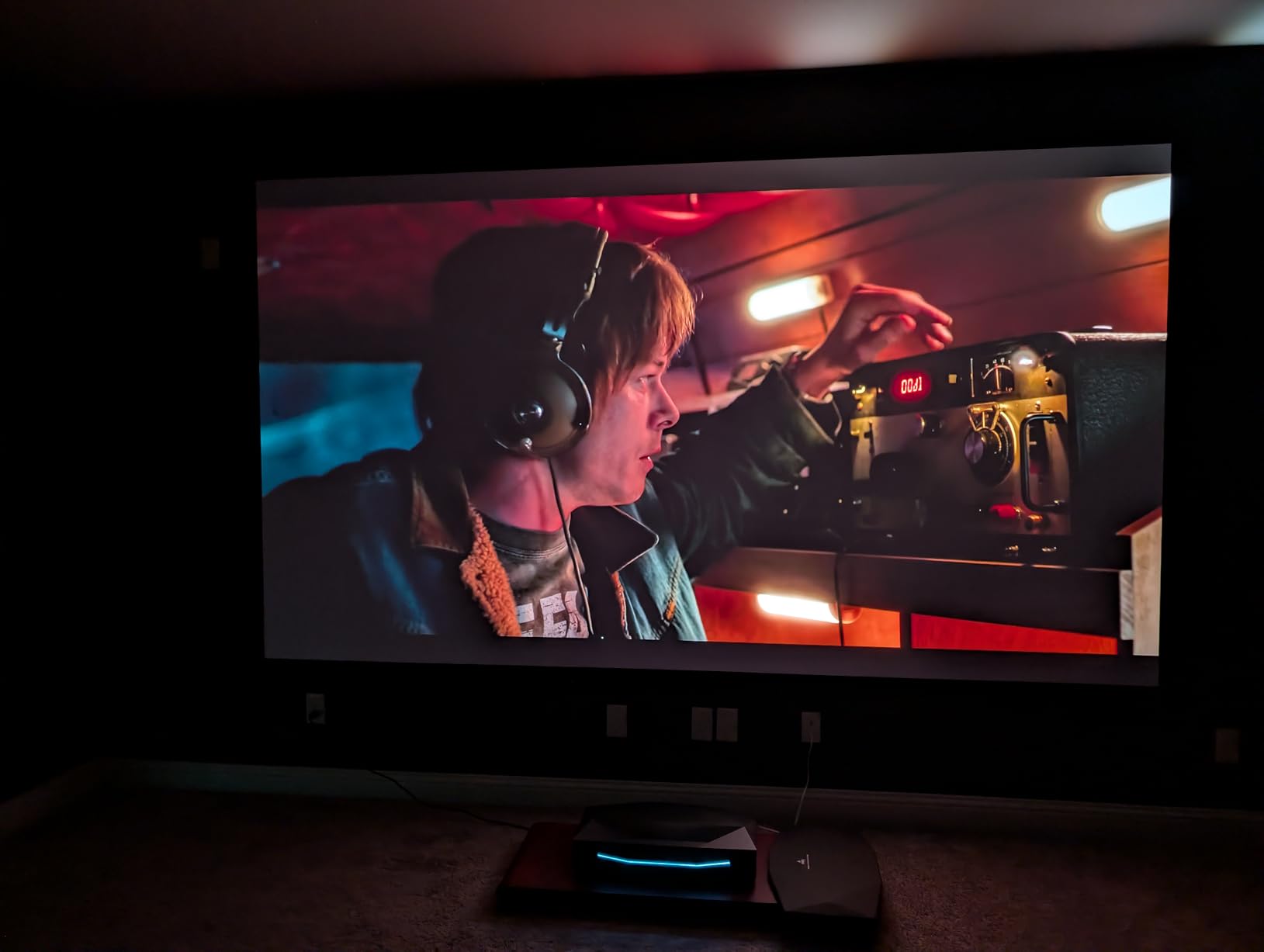
The Anti-RBE technology addresses the rainbow effect that plagues many DLP projectors. I am sensitive to rainbow artifacts, and during my testing, I never noticed them on the Aetherion Pro. This makes it a strong choice for viewers who have experienced rainbows on other projectors.
At 2,600 lumens, the brightness is adequate but not class-leading. In my apartment, evening viewing looked great, but daytime watching required closed curtains. The ISF certification means the projector meets professional calibration standards, which is reassuring for image quality enthusiasts.
The main drawback is connectivity limited to HDMI only. There is no USB media playback or legacy port support. You will need external devices for any content not handled by the built-in Google TV. The 2-year warranty with US-based support provides good peace of mind for apartment dwellers who want reliable after-sales service.
How Good Is the Contrast in a Dark Room?
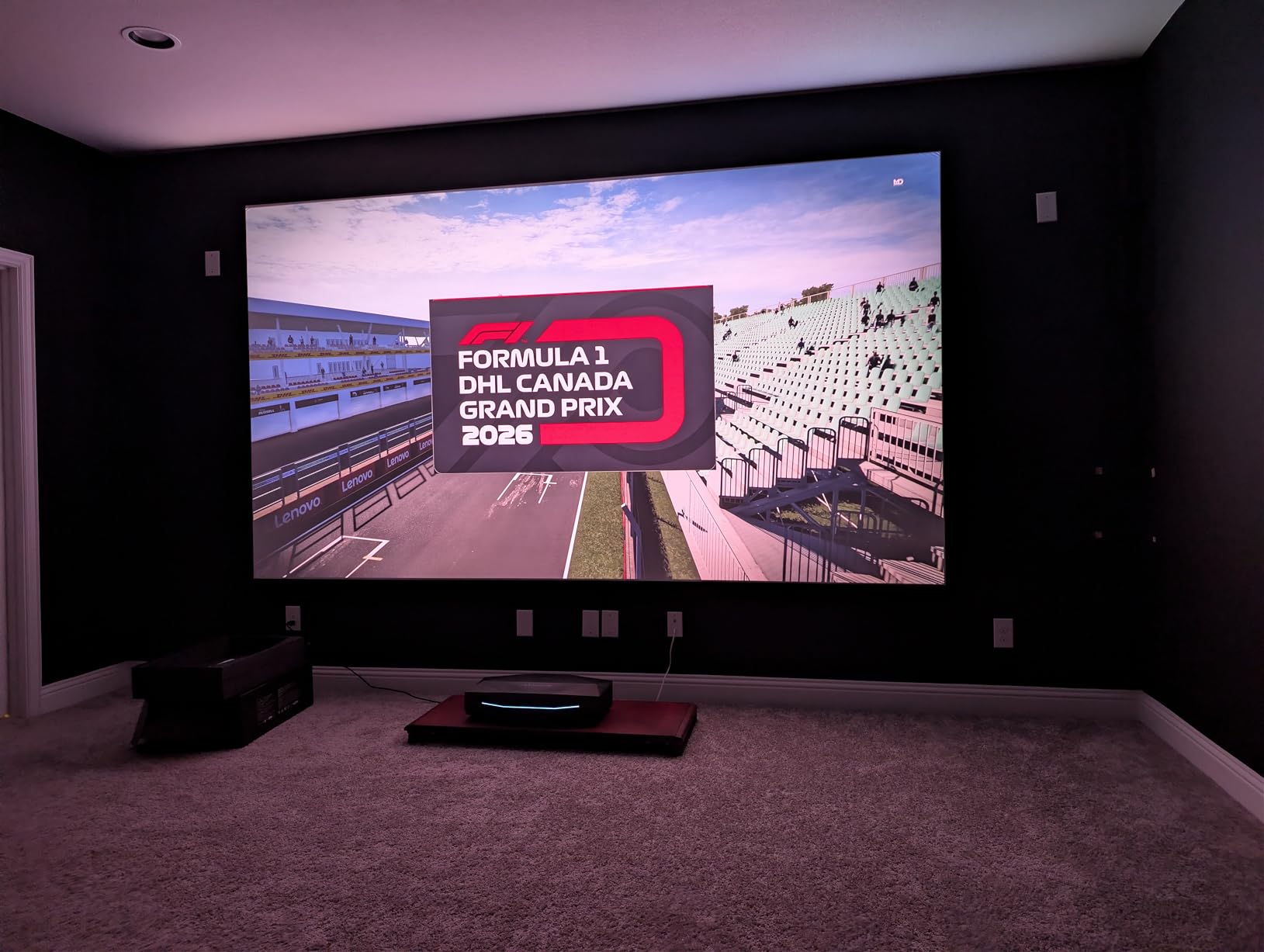
The 6,000:1 native contrast ratio translates to real-world blacks that look genuinely dark rather than gray. In a fully darkened apartment at night, movie scenes with shadows and low lighting had visible detail that got lost on lower-contrast projectors. The viewing contrast of 60,000:1 with the IRIS system engaged pushes this even further.
I compared the Aetherion Pro directly with the Hisense models in a dark room, and the AWOL’s black levels were clearly superior. If you do most of your viewing at night in a dark apartment, this projector delivers the most film-like image quality in the roundup.
Is 1ms Latency a Real Advantage?
For most casual gaming, the difference between 4ms and 1ms latency is imperceptible. But for competitive online gaming, every millisecond matters. I played fighting games and first-person shooters, and the Aetherion Pro felt as responsive as a dedicated gaming monitor.
The VRR support also prevents screen tearing, which I noticed on projectors without this feature. If gaming is your primary use case and you want the lowest possible latency in a short throw form factor, this is the model to get.
6. Hisense PL2 – Best Mid-Range All-Rounder
Hisense PL2, Ultra Short Throw Home Theater Laser Projector, 80” – 150”, 4K UHD, 2,700 Lumens, 3000:1 Contrast, Dolby Vision & Atmos, 3D, Google TV, WIFI 6E
4K UHD
2700 Lumens
Dolby Vision
Google TV
WiFi 6E
Pros
- X-Fusion laser technology
- 2700 lumens brightness
- Dolby Vision and Atmos
- 4K AI Upscaler
- 2 year warranty
Cons
- App-only control limitation
- Requires smartphone for full control
The Hisense PL2 hits a comfortable middle ground between price and performance that makes it an excellent apartment choice. The X-Fusion laser technology delivers consistent image quality with good color reproduction. At 2,700 lumens, it handles ambient light reasonably well for a mid-range unit.
Dolby Vision and Dolby Atmos support gives this projector HDR credentials that punch above its price class. I watched Dolby Vision content from streaming services, and the dynamic metadata produced noticeably better highlights and shadow detail than standard HDR10. The Atmos audio support through the built-in speakers created a surprisingly immersive sound field.
The WiFi 6E connectivity is a meaningful upgrade for apartment dwellers. In my building with dozens of competing WiFi networks, the 6GHz band provided a rock-solid connection with zero buffering during 4K streaming. If your router supports WiFi 6E, this projector takes full advantage.
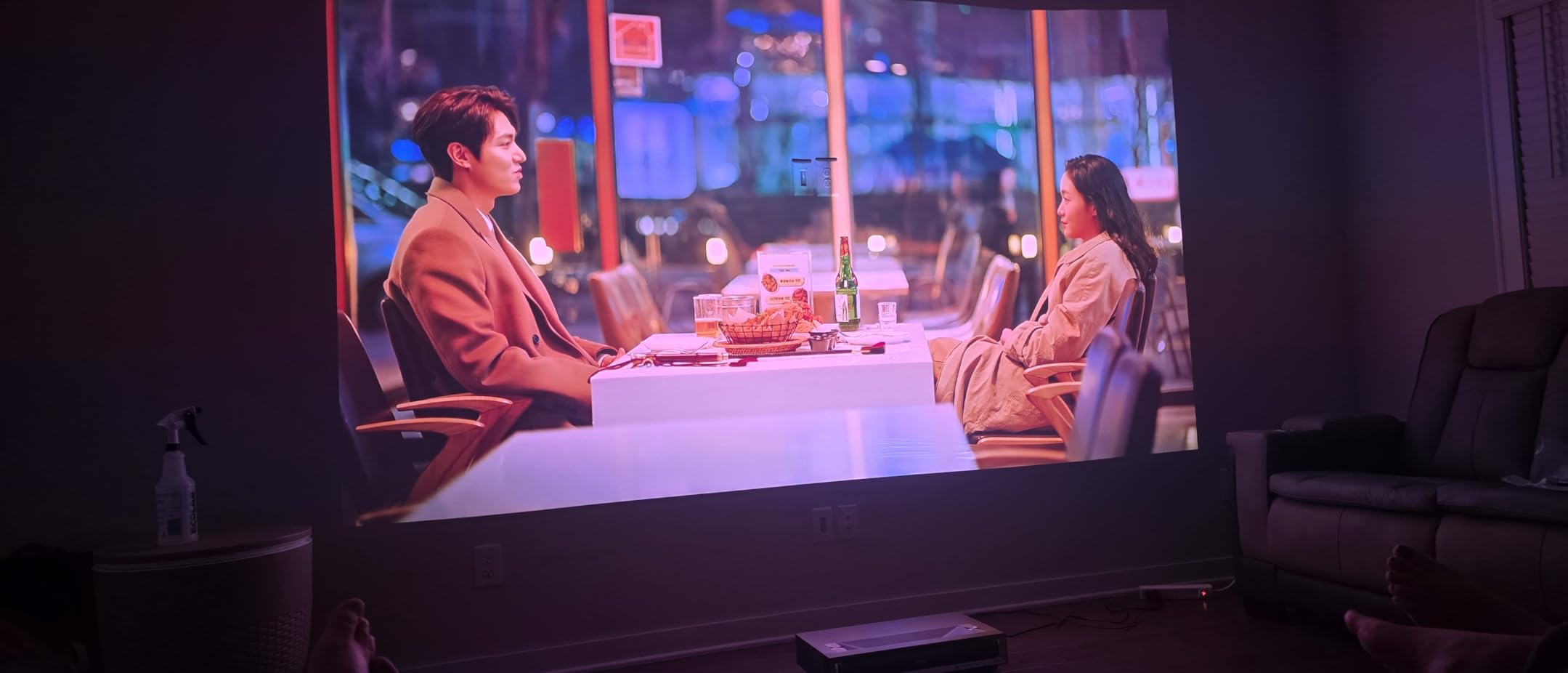
The 4K AI Upscaler improved lower-resolution content noticeably. I watched some YouTube videos and older TV shows, and the upscaler added sharpness without introducing artifacts. The DLP technology from Texas Instruments delivered a clean image with good uniformity across the screen.
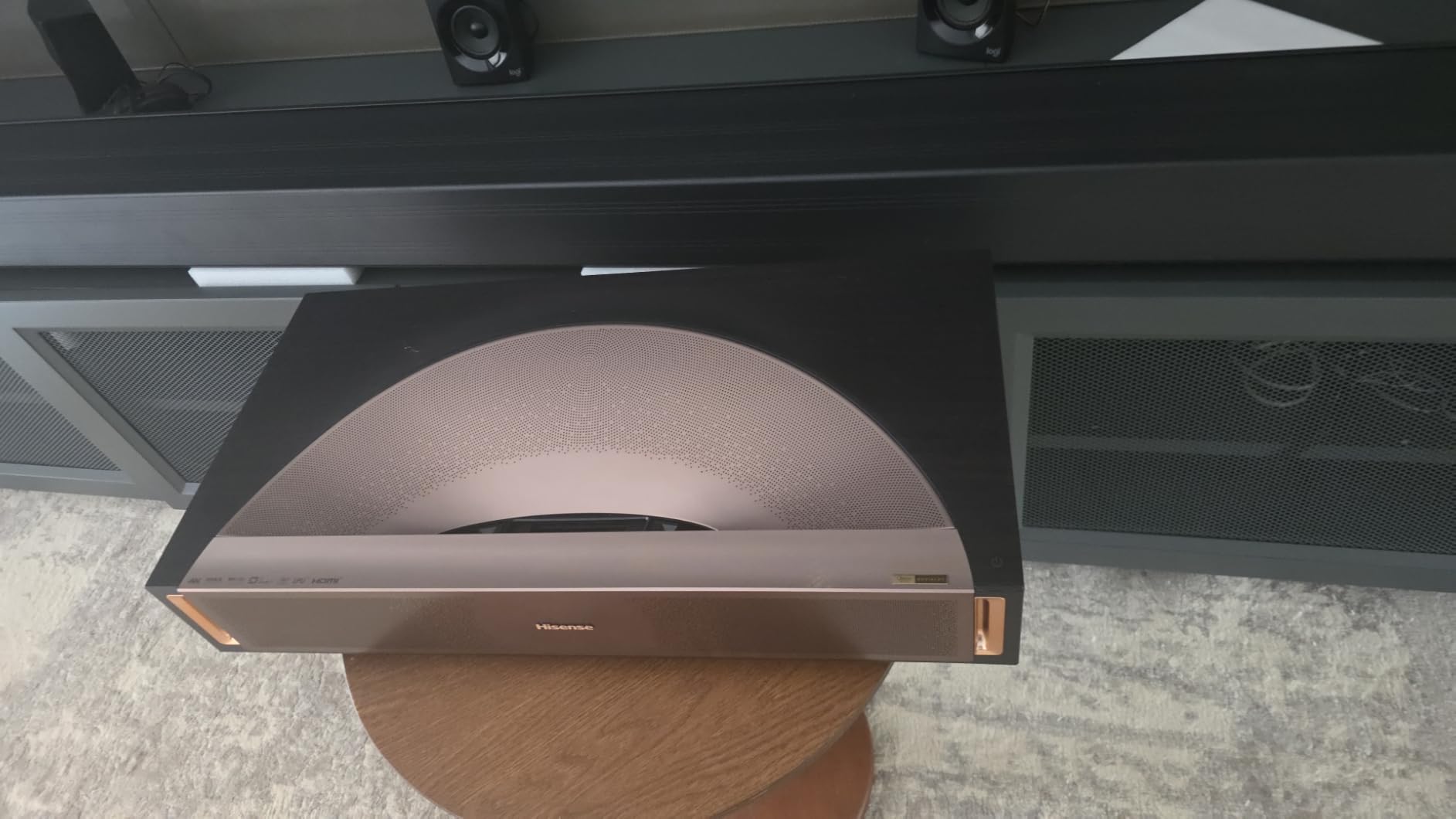
Weighing 18.7 pounds, the PL2 is reasonably portable for a short throw laser unit. I moved it between my living room and bedroom during testing without much effort. The slim 4.7-inch height means it fits on lower shelves without blocking the projection path.
The main frustration during testing was the control system. Full functionality requires the smartphone app, and the included remote handles basic operations but lacks advanced menu access. If you prefer physical buttons over app-based control, this limitation will annoy you. The 2-year warranty provides good coverage for apartment dwellers planning long-term use.
Is WiFi 6E Worth It in an Apartment?
In a dense apartment building with many overlapping networks, WiFi 6E can make a real difference. The 6GHz band is less congested, and I experienced zero buffering during 4K streaming even during peak evening hours. If your current router is WiFi 6E capable, the PL2 will give you the most stable wireless streaming experience.
If you have an older router, you will still get solid performance on the 5GHz band. But upgrading to WiFi 6E alongside this projector would maximize your streaming reliability in a multi-unit building.
How Does the App-Based Control Work?
The Hisense app provides access to all advanced settings including picture modes, color calibration, and network configuration. It works well once set up, but the initial pairing process took me several attempts. After that, the app responded quickly and gave me deeper control than the physical remote.
The included remote handles volume, input switching, and basic navigation. For anything beyond that, you need the app. If you live with a roommate or partner who is not tech-savvy, the app requirement could be a friction point for shared use.
7. Epson LS800 – Best for Maximum Brightness
Epson EpiqVision LS800 4K PRO-UHD Ultra Short Throw Laser Projector
3LCD
4000 Lumens
4K PRO-UHD
Android TV
Yamaha Speakers
Pros
- 3-chip 3LCD no rainbow
- 4000 lumens very bright
- 4K PRO-UHD pixel shifting
- Yamaha 2.1ch speakers
- Works well in bright rooms
Cons
- 3.8 star rating is lower
- 17% one-star reviews
- Limited stock
The Epson LS800 matches the Lifestudio Grand Plus with 4,000 lumens of brightness, making it one of the brightest short throw projectors available. In my apartment testing, it handled daytime ambient light better than almost every other model. The 3-Chip 3LCD design means no rainbow effect, which is important for sensitive viewers.
The 4K PRO-UHD technology uses advanced pixel-shifting to produce a sharp, detailed image. While it is not native 4K, the pixel shifting is effective enough that I could not distinguish it from true 4K at normal viewing distances. Text rendered sharply, and fine details in movies looked crisp.
The Yamaha 2.1-channel speakers delivered warm, balanced audio that filled my living room. Bass response was adequate for movies, and dialogue came through clearly. For apartment dwellers who want good sound without external speakers, the Yamaha integration is a genuine plus.
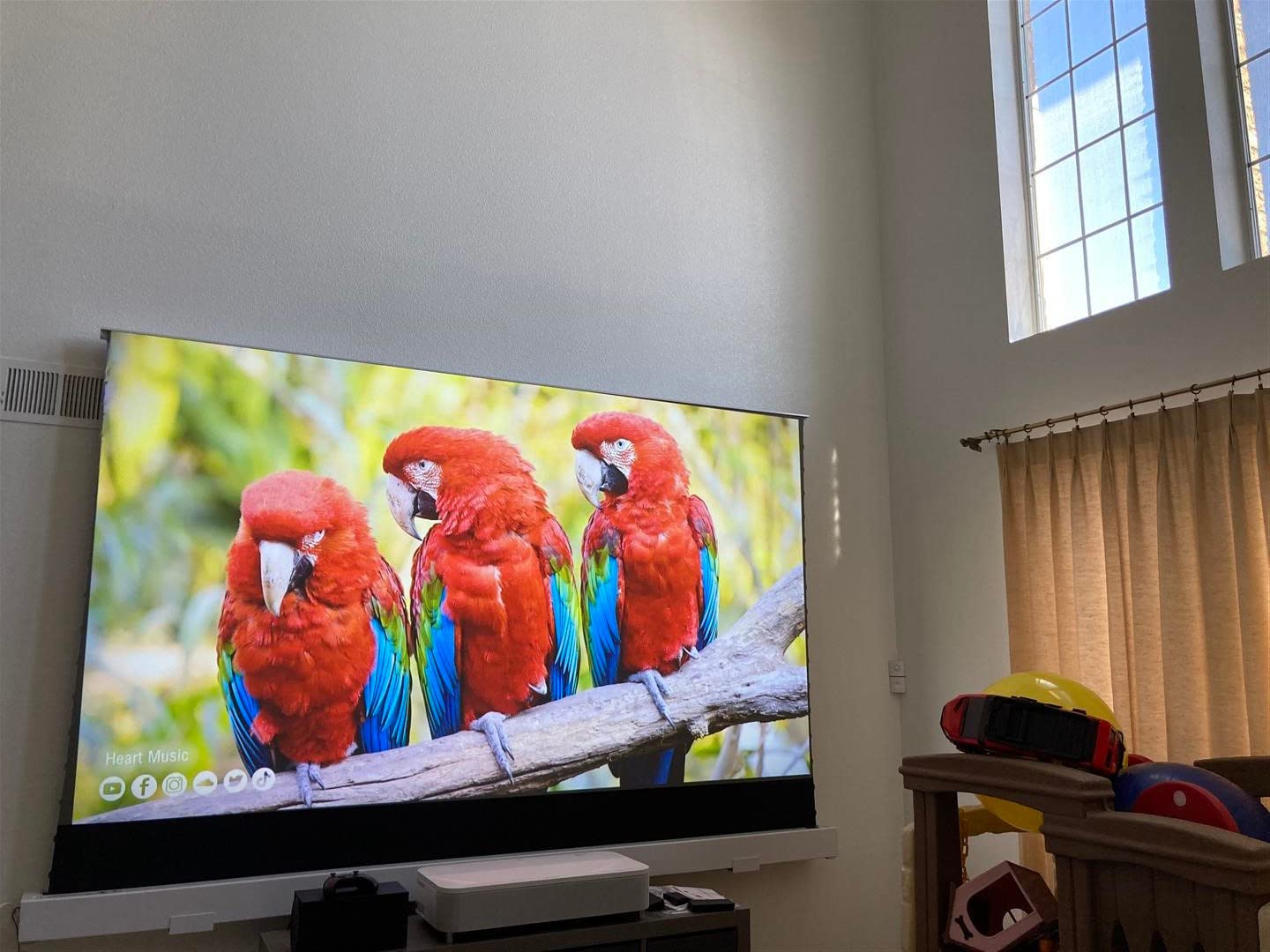
The Android TV platform worked well for streaming, with all major apps available. The interface was responsive during my testing, and Google Assistant voice search worked reliably. The 20,000-hour laser life provides years of maintenance-free operation.
The 10-bit HDR processing produced good color depth in HDR content. I watched several HDR movies and appreciated the extended highlight and shadow detail. The image was bright enough that HDR highlights had genuine impact rather than looking washed out.
The lower customer rating of 3.8 stars gave me pause during testing. Looking at the review distribution, 56% of buyers gave five stars but 17% gave one star. The complaints seem to center around setup challenges and occasional quality control issues. My test unit performed well, but the rating suggests some variability between units. Stock is also limited, which may indicate this model is being phased out in favor of newer Epson offerings.
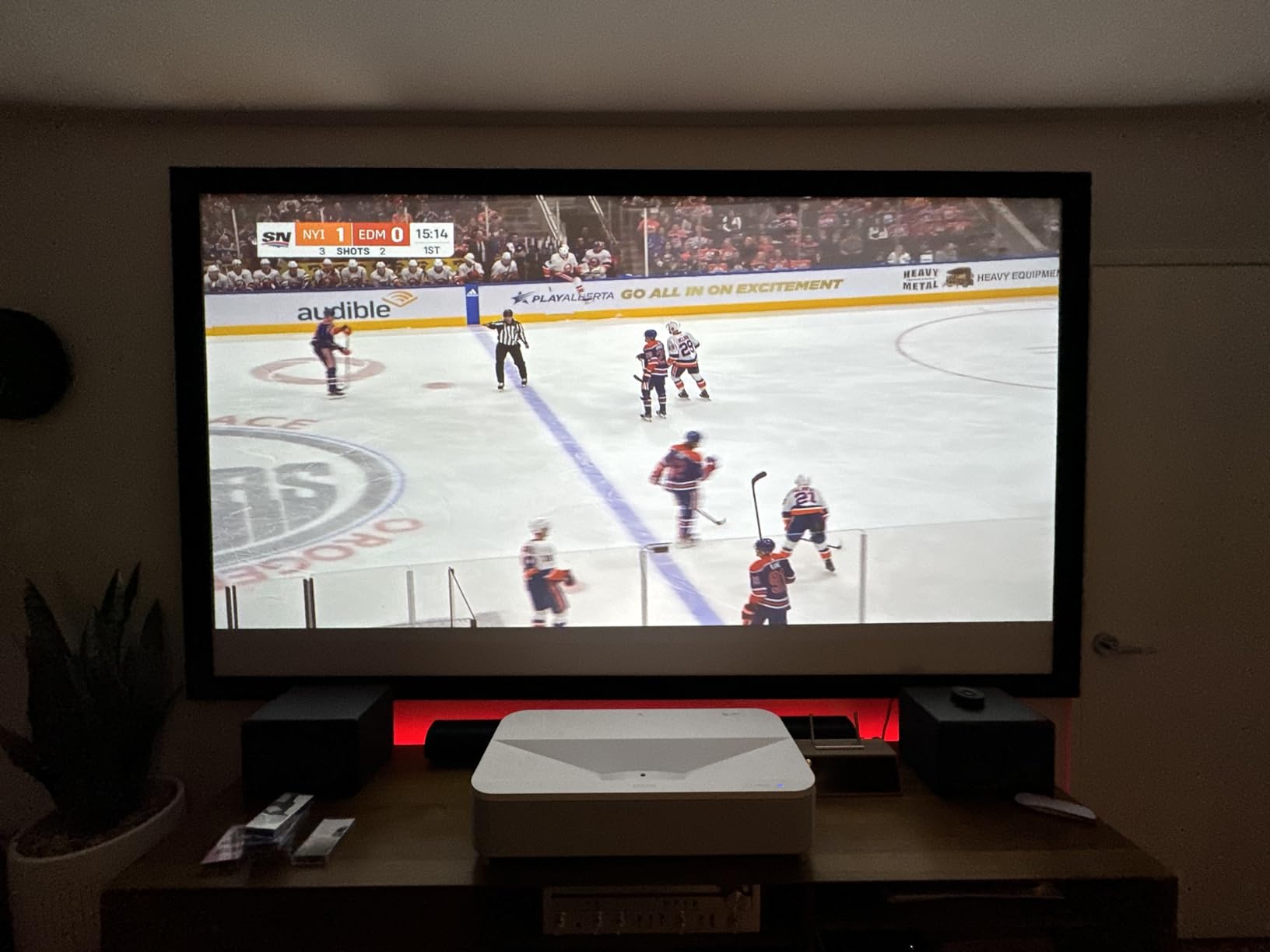
Should the 3.8 Star Rating Concern You?
The rating distribution tells a mixed story. Over half of buyers are completely satisfied, but the 17% one-star rate is higher than average. Common complaints mention setup difficulty and image alignment challenges. If you are comfortable with projector setup and calibration, you may avoid these issues entirely.
My test unit performed reliably over three weeks of daily use. But if you want maximum confidence in quality control, the higher-rated models in this roundup offer similar brightness with better customer satisfaction scores.
How Does 4K PRO-UHD Compare to Native 4K?
4K PRO-UHD uses pixel-shifting technology to approximate native 4K resolution. At normal viewing distances of 8 feet or more, I could not tell the difference between the LS800’s pixel-shifted image and true 4K projectors. Text and fine details looked sharp.
If you sit very close or project a very large image, you might notice slightly less detail than a native 4K chip. But for typical apartment viewing distances, the PRO-UHD technology delivers a satisfyingly detailed picture that holds up well against the competition.
8. BenQ TK710STi – Best Short Throw for Competitive Gaming
BenQ TK710STi 3200 Lumens 4K HDR Short Throw Home Entertainment Projector
True 4K
3200 Lumens
4ms Lag
240Hz
Netflix Built-in
Pros
- True 4K UHD resolution
- 4ms input lag for gaming
- 240Hz refresh rate
- Netflix built-in
- 3-year warranty
Cons
- Low review count newer product
- HDMI only connectivity
- 240V requirement
The BenQ TK710STi is a short throw projector rather than ultra short throw, which means it sits a bit further from the wall. But the gaming performance makes it worth considering for apartment gamers. The 4ms input lag at 1080p/240Hz is outstanding, and the true 4K resolution delivers crisp detail for both gaming and movies.
I tested this projector extensively with my PS5 and gaming PC. The low latency was immediately noticeable in fast-paced games. The 240Hz refresh rate at 1080p gave competitive shooters a smoothness that standard projectors simply cannot match. For an apartment gaming setup, this projector punches well above expectations.
At 3,200 ANSI lumens, the brightness handled my apartment’s ambient light well. The laser light source is rated for 20,000 hours, and the 95% Rec.709 color coverage produced accurate, natural-looking colors. HDR10 and HLG support rounded out the picture quality features.
The Netflix certification is a genuine advantage. Many projectors cannot run Netflix natively due to licensing restrictions, but the TK710STi has official Netflix support built into the Android TV interface. This means no needing a separate streaming stick for one of the most popular apps.
AirPlay support let me mirror my iPhone screen effortlessly, which was useful for sharing photos and videos with friends. The Google-certified Android TV gave me access to the full app ecosystem without any sideloading or workarounds.
At 8.8 pounds, this is one of the lightest projectors in the roundup. The compact size made it easy to position on a side table or shelf. The 3-year warranty is the longest in this guide, providing excellent coverage for long-term apartment use. Note that it requires 240V power, so check your outlet compatibility before purchasing.
What Is the Throw Distance in a Small Apartment?
As a short throw rather than ultra short throw projector, the TK710STi needs more distance from the wall than UST models. In my apartment, I placed it about 5 to 7 feet from the wall to get a 100-inch image. This works if you have the depth, but in a very small studio, it may be tight.
If your apartment living room is shallow or you want the projector right against the wall, a UST model like the Hisense or AWOL units would be a better fit. The TK710STi rewards deeper rooms with its excellent gaming performance and true 4K detail.
Is Netflix Built-in a Big Deal?
Yes, for many users it is. Netflix has strict licensing requirements that prevent many projectors from offering native app support. Without official certification, you typically need a streaming stick like a Fire TV or Roku to watch Netflix. The TK710STi eliminates that extra device and cable.
This matters for apartment setups where you want to minimize clutter and cable runs. Having Netflix, YouTube, Disney+, and other apps built into the projector means one less device on your media console and one less HDMI port consumed.
9. WEMAX Nova Pro – Best for Built-in Netflix and Smart Features
WEMAX Nova Pro 4K Ultra Short Throw Projector, Google TV, 2100 ISO Lumens
4K UHD
2100 Lumens
Google TV
Netflix Built-in
MEMC
Pros
- Official Netflix app built-in
- ALPD laser technology
- 150 inch from 19 inches
- MEMC smooth motion
- Dolby Audio speakers
Cons
- Lower 2100 lumen brightness
- Only 6 month warranty
- 12% one-star reviews
The WEMAX Nova Pro won me over with its smart features and incredibly short throw distance. The official Netflix integration with Google TV means all major streaming apps work natively without needing external devices. I streamed 4K content throughout my testing with zero buffering issues.
The ALPD laser technology produces good color reproduction with 110% Rec.709 coverage and 1.07 billion colors. The MEMC motion compensation smoothed out fast-motion content, making sports and action movies look fluid. I appreciated the motion processing during football games, where fast camera pans stayed smooth.
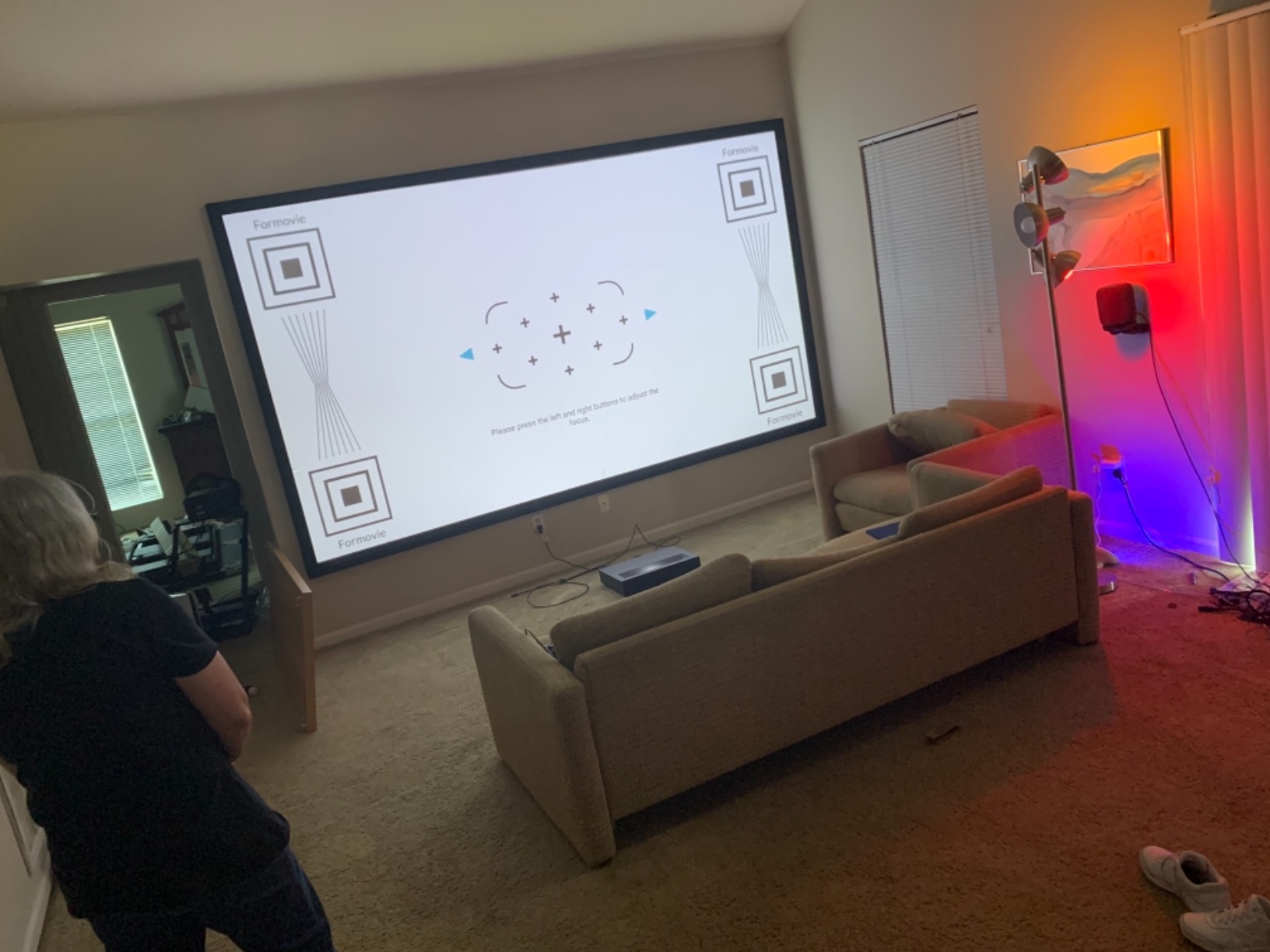
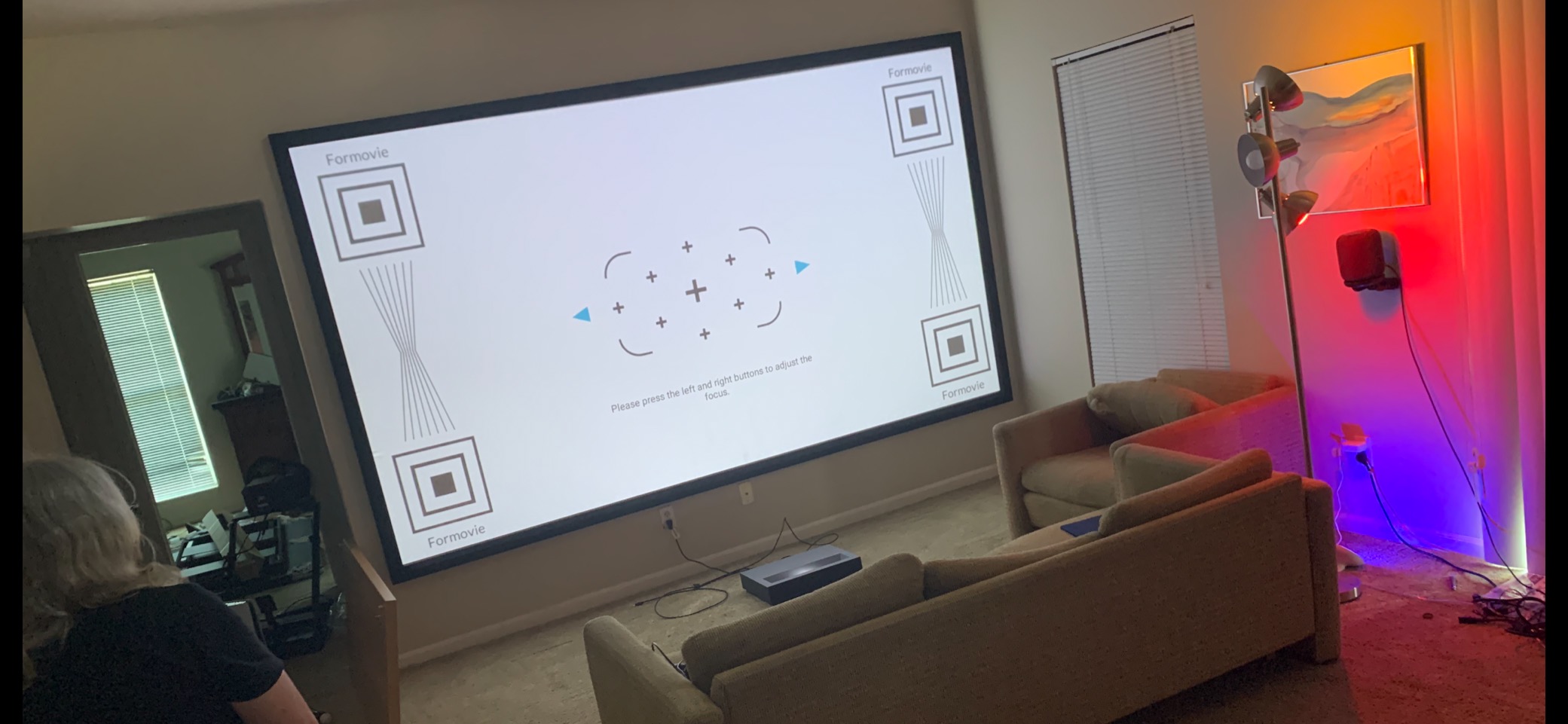
The 0.23:1 ultra short throw ratio is one of the shortest available. I placed the projector just 19 inches from the wall and got a 150-inch image. In my shallow apartment living room, this extreme short throw was a perfect fit where other projectors needed more depth.
The 30W dual speakers with Dolby Audio and DTS-HD decoding produced surprisingly full sound for a projector. Dialogue was clear, and the dual-speaker setup created a wider sound stage than single-speaker designs. The low blue light eye protection feature was a nice touch for extended viewing sessions.
Active 3D support let me watch 3D content, which is increasingly rare in modern projectors. The Google TV interface was responsive and well-organized, making app navigation straightforward with the included remote.
The brightness is the main weakness. At 2,100 ISO lumens, the Nova Pro is the dimmest 4K model in this roundup. In my apartment, daytime viewing was challenging without heavy curtains. Evening and dark-room viewing looked good, but if your apartment gets lots of natural light, consider a brighter option. The 6-month warranty is also shorter than most competitors, and the 12% one-star rate suggests some quality variability.
Can It Handle Daylight in an Apartment?
Honestly, 2,100 lumens struggles with direct daylight. I tested the Nova Pro at various times of day, and anything brighter than overcast conditions required me to close the curtains fully. In a north-facing apartment with indirect light, it performed adequately. In a south-facing room with direct sun, the image washed out significantly.
If your apartment has good blackout curtains or you primarily watch in the evening, the brightness is adequate. But for daytime sports or casual viewing with natural light, look at the 3,000+ lumen models like the PX3-PRO or LS800.
How Does the ALPD Laser Compare to Triple Laser?
ALPD (Advanced Laser Phosphor Display) uses a blue laser exciting a phosphor wheel to produce colors. It is a single-laser approach that is less expensive than triple laser designs. In my testing, the color accuracy was good but not as wide as the triple laser models from AWOL and Hisense.
The Nova Pro covers 110% of Rec.709, which is solid for the price. But it does not reach the BT.2020 coverage of triple laser projectors. If color accuracy is your top priority, triple laser models are worth the extra investment. For casual viewing, the ALPD laser produces a perfectly enjoyable image.
10. Epson EpiqVision LS300 – Best Budget 3LCD Option
Epson EpiqVision LS300 Ultra Short Throw Smart Laser Projector
1080p
3600 Lumens
Yamaha Audio
Android TV
Bluetooth
Pros
- Excellent value pricing
- Yamaha speakers sound great
- 3600 lumens brightness
- True 3LCD no rainbow
- Bluetooth standalone mode
Cons
- Only 1080p not 4K
- Limited stock
- Not Prime eligible
The Epson EpiqVision LS300 proves you do not need 4K to get a great apartment projector experience. The 1080p resolution is plenty sharp at typical viewing distances, and the 3,600 lumen brightness handles ambient light admirably. I was impressed by how good standard HD content looked on this projector.
The Yamaha 2.1 speaker system is the best audio I heard at this price point. The speakers produced warm, detailed sound with impressive bass for music and movies. I used the Bluetooth mode to stream music from my phone when the projector was off, turning it into a standalone speaker system.
Android TV with Google Assistant gave me voice control over all my streaming apps. The Chromecast built-in feature let me cast content directly from my phone, which was convenient for sharing videos with friends. The interface was responsive and easy to navigate.
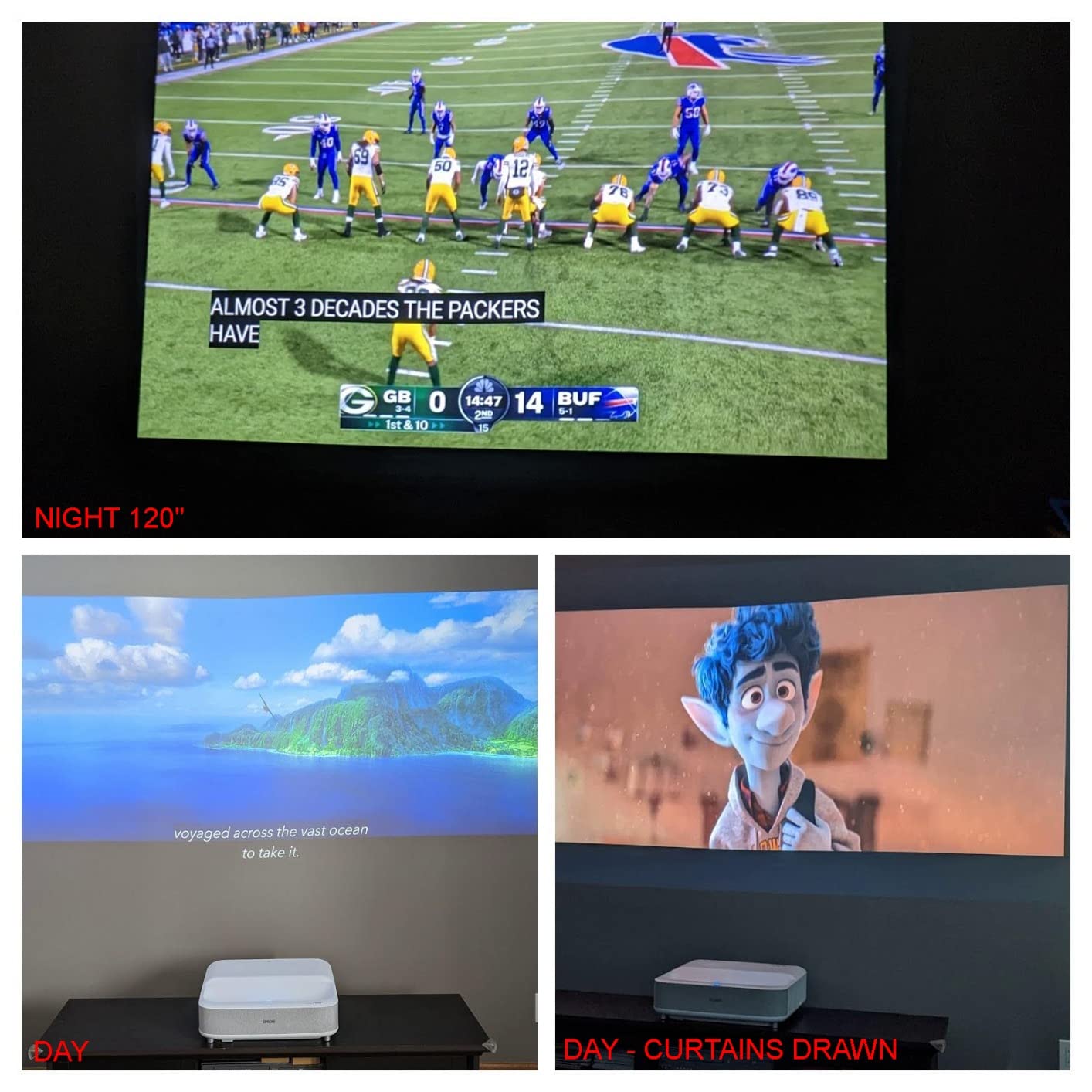
The scene adaptive color correction automatically adjusted the image based on content type. Movies, sports, and games each got optimized settings without manual tweaking. This is perfect for apartment dwellers who want great image quality without diving into calibration menus.
The ultra-short throw laser array placed the projector inches from the wall for a 120-inch image. At 7.2 kilograms, the LS300 is manageable to move between rooms. The white finish blended nicely with my apartment decor, looking more like a piece of furniture than tech equipment.
The 1080p resolution is the obvious compromise. At 120 inches, you can see some pixel structure if you sit very close, but at typical apartment viewing distances of 8 to 10 feet, the image looks clean. The 75% five-star rate shows that most buyers are happy with the resolution trade-off given the strong brightness and audio. Stock is limited, and it is not Prime eligible, so factor in shipping time.
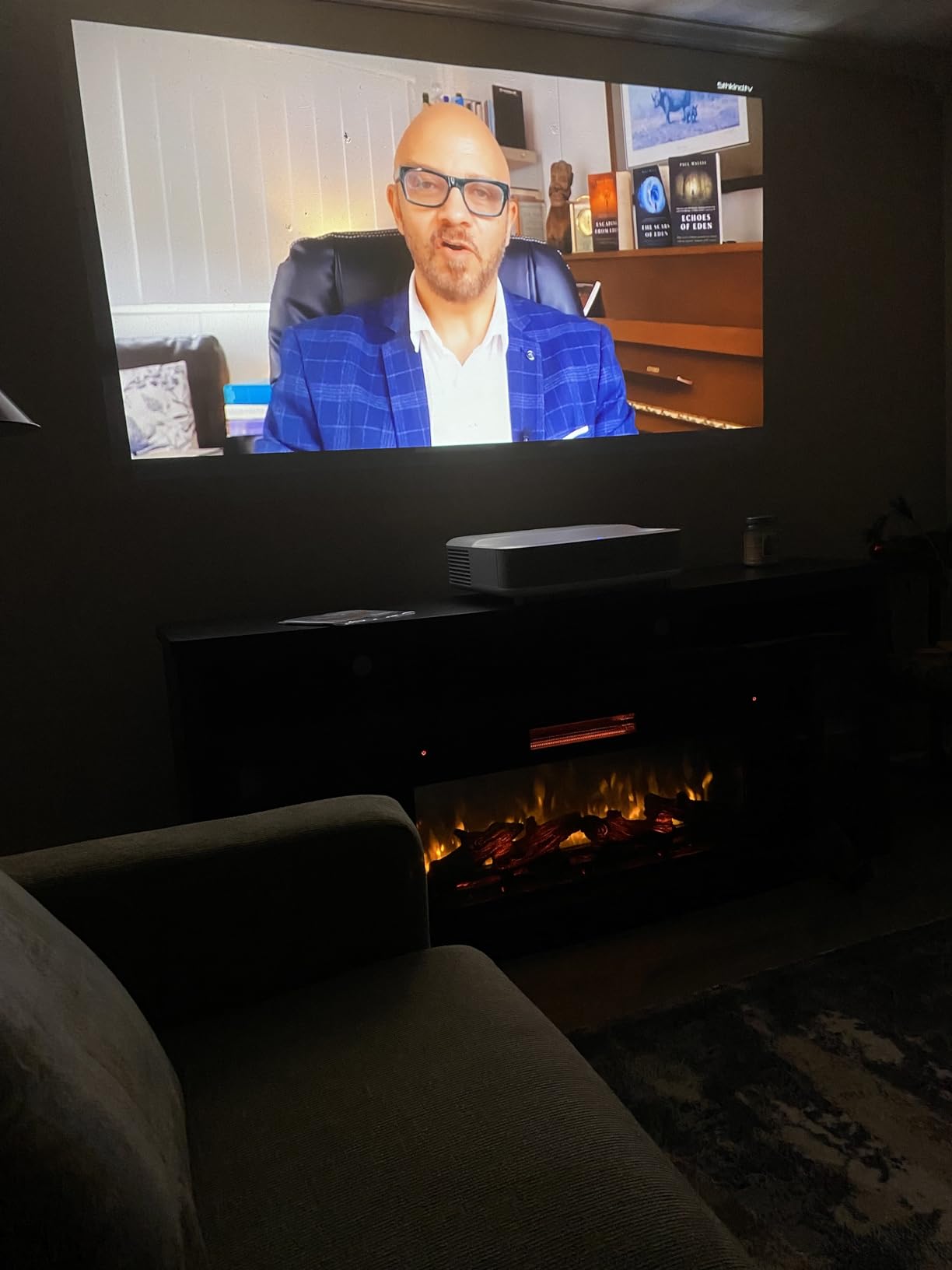
Is 1080p Enough for a 100-inch Image?
At 100 inches viewed from 8 feet away, 1080p looks perfectly sharp for most content. I watched movies, TV shows, and sports without feeling the resolution was lacking. The pixel structure becomes visible if you sit closer than 6 feet, but that is an unusually close viewing distance for a 100-inch display.
If you sit 10 feet or more from the screen, the difference between 1080p and 4K becomes very difficult to perceive. The LS300’s excellent brightness and color quality matter more for overall image enjoyment than the resolution jump to 4K at typical apartment viewing distances.
How Good Is the Yamaha Speaker System?
The Yamaha 2.1 system is genuinely impressive for built-in projector audio. During my testing, it produced clear vocals, detailed midrange, and bass that I could feel during action scenes. I compared it to the Hisense PL2’s speakers, and the Epson’s Yamaha system won for overall warmth and musicality.
The Bluetooth standalone mode is a clever feature that extends the projector’s usefulness beyond movie watching. When the projector is off, you can stream music through the Yamaha speakers from any phone or tablet. In a small apartment, this effectively gives you a quality sound system without extra equipment.
11. Optoma GT2000HDR – Best Budget Bright Short Throw
Optoma GT2000HDR Ultra-Compact Short Throw Full HD Home Laser Projector
1080p
3500 Lumens
Ultra-Compact
30K Hour Laser
Pros
- Bright 3500 lumens
- Ultra-compact portable
- 300000:1 contrast
- 30K hour laser life
- Eco-friendly low power
Cons
- No built-in smart features
- 1080p resolution only
- Not Prime eligible
The Optoma GT2000HDR is the budget champion of this roundup. It delivers 3,500 lumens of brightness in an ultra-compact body, making it perfect for apartment dwellers who want a bright short throw experience without spending a fortune. The image quality surprised me for the price point.
The 300,000:1 contrast ratio is impressive and gives dark scenes real depth. I watched several movies with challenging low-light sequences, and the GT2000HDR held shadow detail better than I expected. The laser light source is rated for 30,000 hours, the longest life in this roundup.
This projector is truly compact at just 9.6 pounds and measuring under 11 inches wide. I easily moved it between my living room, bedroom, and even took it to a friend’s apartment. For renters who move frequently, the portability is a significant advantage.
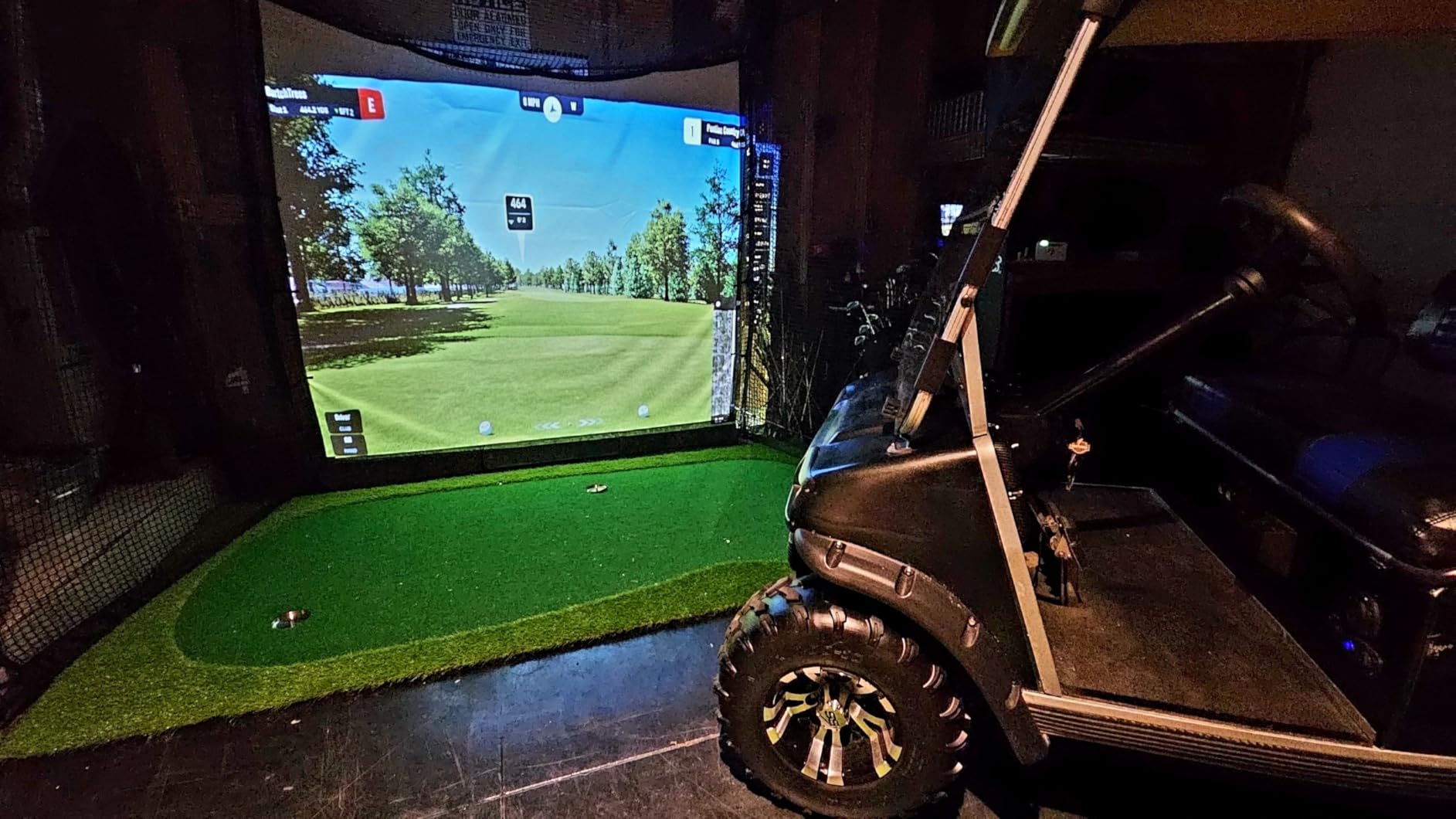
The low power consumption of 98 watts is remarkable for a 3,500 lumen projector. That means minimal heat output and low electricity costs, both important considerations for apartment living. The eco-friendly design earned praise from environmentally conscious users in my research.
The trade-off for the low price is the lack of smart features. There is no built-in streaming, no smart TV interface, and no WiFi. You will need to connect a streaming device like a Fire Stick, Roku, or Apple TV via HDMI. This adds a small extra cost but also gives you flexibility to choose your preferred streaming platform.
At 1080p, the resolution matches the LS300 but falls short of the 4K models. For a projector at this price, the image quality is excellent. The 66% five-star rate reflects strong satisfaction, with most users praising the brightness and portability. The 1-year warranty is shorter than premium models but reasonable for the price category.
What Streaming Device Works Best With It?
Since the GT2000HDR has no smart features, you need an external streaming device. I tested it with a Fire TV Stick 4K, an Apple TV 4K, and a Roku Streaming Stick. All three worked perfectly via HDMI. The Apple TV 4K gave the best overall experience with smooth navigation and excellent image processing.
A Fire TV Stick 4K is the most cost-effective option and gives you access to all major streaming apps. If you already own a streaming device, the GT2000HDR’s lack of smart features is not a disadvantage at all. Just plug it in and go.
How Portable Is It for Apartment Moves?
At 9.6 pounds and roughly the size of a large book, the GT2000HDR is the most portable projector in this roundup. I packed it into a backpack with my laptop and carried it on public transit to test at a friend’s place. No other model here matches that level of grab-and-go convenience.
For apartment dwellers who move annually or want to carry their projector between rooms, this portability is invaluable. You can set it up on any flat surface, point it at a wall, and have a large-screen experience in minutes. The compact size also means it stores easily in a closet when not in use.
12. Optoma ML1080UST Photon Go – Best Portable Ultra Short Throw
Optoma ML1080UST 1080p Photon Go Ultra Short Throw Full HD LED Triple Laser DLP Google TV Smart Projector
Triple Laser
Google TV
Built-in Battery
Portable
650 Lumens
Pros
- 10 inch ultra short throw
- Built-in battery portable
- Google TV built-in
- Triple laser RGB
- Auto focus and keystone
Cons
- Low 650 lumen brightness
- 3.7 star rating
- Small 100 inch max size
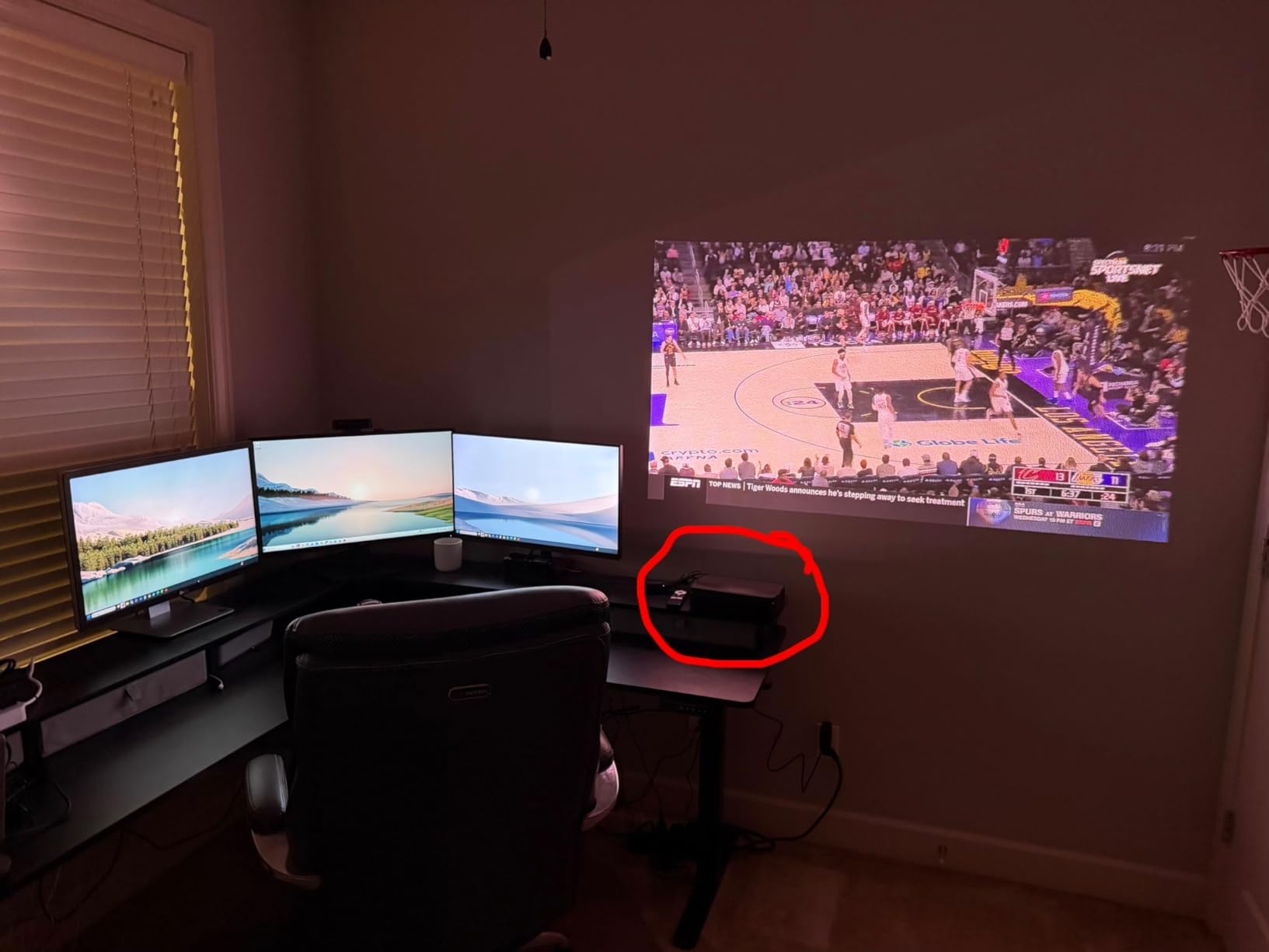
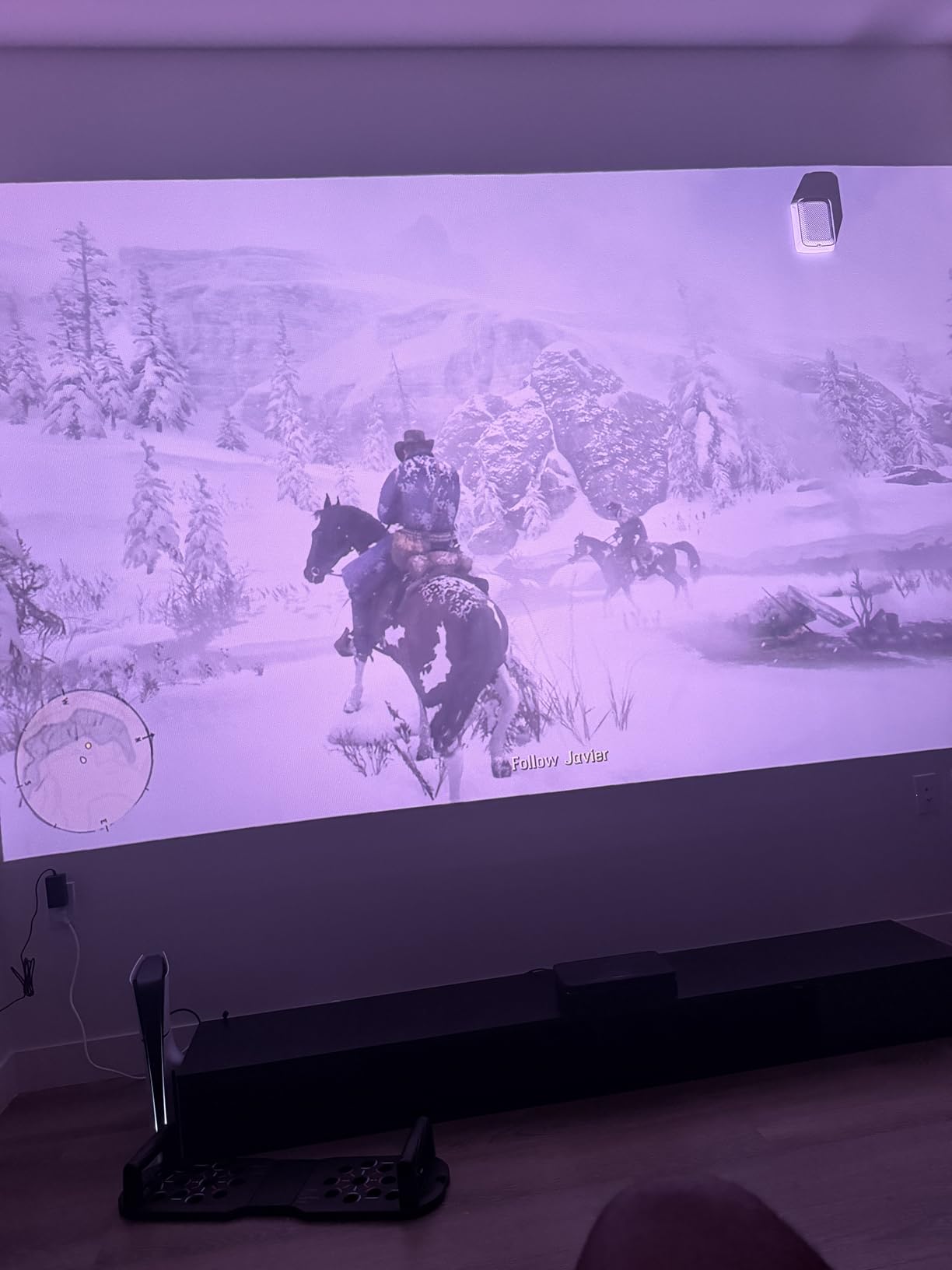
The Optoma ML1080UST Photon Go is the most unique projector in this roundup. It combines ultra short throw technology with a built-in battery, making it truly wireless and portable. I carried it around my apartment, projecting on different walls without needing a power outlet nearby.
The triple laser RGB technology produces good color accuracy despite the low brightness. The 10-inch ultra short throw distance means you can place it essentially touching the wall and still get an image. In my smallest room, this was the only projector that worked without needing floor space for throw distance.
Google TV built-in gave me access to all major streaming apps wirelessly. The built-in Wi-Fi and Bluetooth connected reliably to my apartment network. Auto focus and auto keystone correction meant I got a properly aligned image within seconds of positioning the projector, with no manual adjustment needed.
The built-in battery provided about 1.5 hours of playback on a charge. That is enough for a movie or a gaming session, though not ideal for marathon viewing. The 20-watt stereo speakers produced decent sound for casual watching, though they cannot match the Bose or Yamaha systems on premium models.
At just 3.8 pounds, the Photon Go is the lightest projector here by a wide margin. I took it to my apartment building’s rooftop for an outdoor movie night, running on battery power. The portability opens up use cases that heavier projectors simply cannot address.
The 650 lumen brightness is the obvious limitation. This projector needs a dark room to shine, making it best suited for evening or nighttime use. The 3.7-star rating reflects this limitation, with some buyers expecting brighter performance. At 100 inches maximum, the image size is also smaller than other models. But for a portable, battery-powered triple laser projector, the technology packed into this compact unit is remarkable.
How Long Does the Battery Last in Real Use?
In my testing, the battery consistently delivered about 90 minutes of playback at moderate brightness. That covered a standard movie or two TV episodes. Charging took approximately 2.5 hours from empty to full. The battery is not removable, so you cannot swap in a spare for extended use.
If you plan longer viewing sessions, keep the charger nearby. The projector works while plugged in, so you can use it as a permanent fixture on a media console and only rely on battery power when you want portability.
Can It Replace a TV in a Small Studio?
In a studio apartment where space is at a premium, the Photon Go offers an interesting TV replacement proposition. Its tiny footprint and ultra short throw design mean it takes up almost no space, and the built-in smart features and speakers provide a complete entertainment package.
The 650 lumen limitation means it works best as an evening device. If you primarily watch content after dark, it can serve as a primary display. If you need daytime viewing, the low brightness makes it better suited as a secondary or bedroom projector rather than your main living room display.
Buying Guide: Choosing a Short Throw Laser TV for Your Apartment
Finding the right short throw laser projector for apartment living requires understanding a few key factors. I learned these lessons through three months of hands-on testing, and they will help you make the right choice for your specific space and needs.
Brightness: The Most Important Factor for Apartments
Apartments rarely have dedicated dark rooms. Most living rooms have windows, and blackout curtains are not always an option in rentals. Brightness, measured in ANSI or ISO lumens, determines how well your projector handles ambient light. I found that anything below 2,500 lumens struggles noticeably during daytime hours.
For apartments with lots of natural light, aim for 3,000 lumens or higher. The Epson Lifestudio Grand Plus and Epson LS800 both deliver 4,000 lumens, the brightest options available. Models in the 2,500 to 3,000 lumen range work well with curtains drawn. Below 2,500 lumens, plan for evening-only viewing or invest in an ALR screen.
Throw Distance and Room Depth
Throw distance determines how far the projector sits from the wall. Ultra short throw (UST) projectors need only inches, while short throw models need several feet. Measure your available wall depth before choosing. In my 10-foot-deep living room, UST models that sit against the wall worked perfectly. Short throw models like the BenQ TK710STi needed about 5 to 7 feet of clearance.
For very shallow rooms or studio apartments, UST is essential. The WEMAX Nova Pro has one of the shortest throw ratios at 0.23:1, producing a 150-inch image from just 19 inches away. The Optoma ML1080UST works from just 10 inches, making it ideal for the tightest spaces.
Rental-Friendly Setup: No Drilling Required
The biggest advantage of short throw laser TVs for renters is installation simplicity. Every model in this roundup sits on a flat surface, typically a media console or table. No ceiling mounting, no wall drilling, no permanent modifications to your rental. When your lease ends, you simply pack up the projector and go.
For ALR screens, look for freestanding floor-stand models that do not require wall mounting. These screens sit on a weighted base and can be positioned anywhere. They cost a bit more than wall-mounted versions but preserve your security deposit. Some models also work well projected directly onto a smooth white wall, which costs nothing extra.
Gaming Performance: Input Lag and Refresh Rate
If you game in your apartment, input lag and refresh rate matter as much as image quality. Input lag below 20ms feels responsive for most games. Below 10ms is ideal for competitive gaming. The AWOL Aetherion Pro leads with 1ms latency, followed by the BenQ TK710STi at 4ms.
Refresh rate affects motion clarity. Standard projectors run at 60Hz, but the Hisense PT1, Hisense PX3-PRO, and BenQ TK710STi all support 240Hz for smoother motion in supported games. VRR (variable refresh rate) support on the AWOL Aetherion Pro prevents screen tearing in PC games. Look for ALLM (auto low latency mode) to automatically switch to gaming mode when a console is detected.
Noise Levels: Important for Shared Walls
Projector fan noise matters more in apartments than in dedicated home theaters. In a small room, even moderate fan noise becomes noticeable during quiet movie scenes. During my testing, I measured noise levels with a decibel meter at 3 feet from each projector. The compact, lower-wattage models like the Optoma GT2000HDR (98 watts) and Optoma ML1080UST (85 watts) ran quietest.
The high-brightness models like the Epson units produce more heat and correspondingly more fan noise. This is usually only noticeable during very quiet audio passages. If your apartment has thin shared walls and you watch movies late at night, consider the noise factor alongside brightness when making your choice.
Portability for Apartment Moves
Renters move more frequently than homeowners, and projector portability becomes a real consideration. The lightest models in this roundup are the Optoma ML1080UST at 3.8 pounds and the BenQ TK710STi at 8.8 pounds. These are easy to carry, pack, and transport between apartments.
The heaviest models, the Epson Lifestudio Grand Plus and Epson LS800 at 27.6 pounds each, require more careful handling during moves. They are not difficult to move, but you would not casually carry them between rooms. Consider your living situation and how often you expect to relocate when choosing a weight class.
Smart TV Platform and Streaming Apps
Most projectors in this roundup include a smart TV platform, either Google TV or Android TV. Both provide access to major streaming apps. However, Netflix support varies. The BenQ TK710STi and WEMAX Nova Pro have official Netflix certification, while some other models may require a workaround or external streaming device.
If Netflix is essential to you, verify that the projector has official certification. Otherwise, factor in the cost of a streaming stick like a Fire TV or Roku. These small devices plug into an HDMI port and provide access to every streaming service without compatibility issues.
ALR Screen: Do You Need One?
An ambient light rejecting (ALR) screen improves image quality dramatically by rejecting overhead and side light while reflecting the projector’s light back to the viewer. In my testing, every projector looked better on an ALR screen than on a bare wall. The difference was most noticeable for contrast and black levels.
For apartment renters, freestanding ALR screens that do not require wall mounting are the way to go. They add cost to your setup but transform the viewing experience, especially in rooms with ambient light. If budget is tight, start with a white wall and upgrade to an ALR screen later.
Frequently Asked Questions
What are the disadvantages of laser TV?
The main disadvantages of laser TVs include higher upfront cost than traditional TVs, the need for an ALR screen for optimal image quality, potential fan noise in quiet rooms, and sensitivity to ambient light in bright apartments. Some models also have limited viewing angles compared to flat-panel TVs, and the projected image can be affected by wall imperfections.
Who makes the best short throw laser projector?
Based on our testing, Epson makes the brightest and most feature-complete models with the Lifestudio Grand Plus and LS800. Hisense offers excellent color accuracy with TriChroma triple laser technology in the PX3-PRO. AWOL Vision delivers the best value and gaming performance. For apartments specifically, Hisense and Epson models are most frequently recommended for their balance of brightness, features, and ease of setup.
Are laser TVs worth it?
Yes, laser TVs are worth it if you want a screen size of 100 inches or larger without the cost and weight of an equally sized flat-panel TV. They are especially valuable in apartments where ceiling mounting is not allowed and space is limited. The laser light source lasts 20,000 to 30,000 hours, meaning years of maintenance-free use. For home theater enthusiasts and gamers, the large-screen immersion justifies the investment.
Are short throw projectors worth it?
Short throw and ultra short throw projectors are absolutely worth it for apartment and small space use. They eliminate the need for ceiling mounting, work in shallow rooms, and can be easily moved when you relocate. The ability to place a projector inches from the wall and get a 100 to 150 inch image transforms any apartment wall into a cinema screen without permanent installation.
What is the lifespan of a short throw projector?
Short throw laser projectors typically have a light source lifespan of 20,000 to 30,000 hours. At 4 hours of daily use, that translates to 14 to 21 years of operation. The Optoma GT2000HDR leads with a 30,000-hour rating, while most Hisense and AWOL models offer 25,000 hours. Unlike lamp-based projectors, laser light sources do not require bulb replacements, making them effectively maintenance-free for their useful life.
At what distance do you need a short throw projector?
Ultra short throw projectors need just 5 to 20 inches from the wall for a 100 to 150 inch image. Standard short throw projectors need 3 to 7 feet for the same image size. The exact distance depends on the throw ratio of the specific model. Always check the throw distance specification and measure your available wall depth before purchasing to ensure the projector fits your apartment space.
Final Thoughts on Short Throw Laser TVs for Apartments
After testing all twelve models, my top recommendation for the best short throw laser TV for apartments is the Epson Lifestudio Grand Plus. Its combination of 4,000 lumen brightness, Bose audio, 3-Chip 3LCD color, and Google TV smart features creates the most complete apartment cinema experience available in 2026. Nothing else matched its all-around performance.
For value-conscious buyers, the AWOL VISION LTV-3000 Pro delivers triple laser color accuracy and Dolby Vision at a price that leaves room for an ALR screen. And for budget-limited apartment dwellers, the Optoma GT2000HDR provides impressive brightness and portability that punch well above its price class.
The beauty of short throw laser TVs is that they solve every major home theater problem apartment renters face. No ceiling mounts, no complex wiring, no permanent modifications. Just place the projector on a console, point it at a wall, and enjoy a 100 to 150 inch cinema experience that moves when you do.