
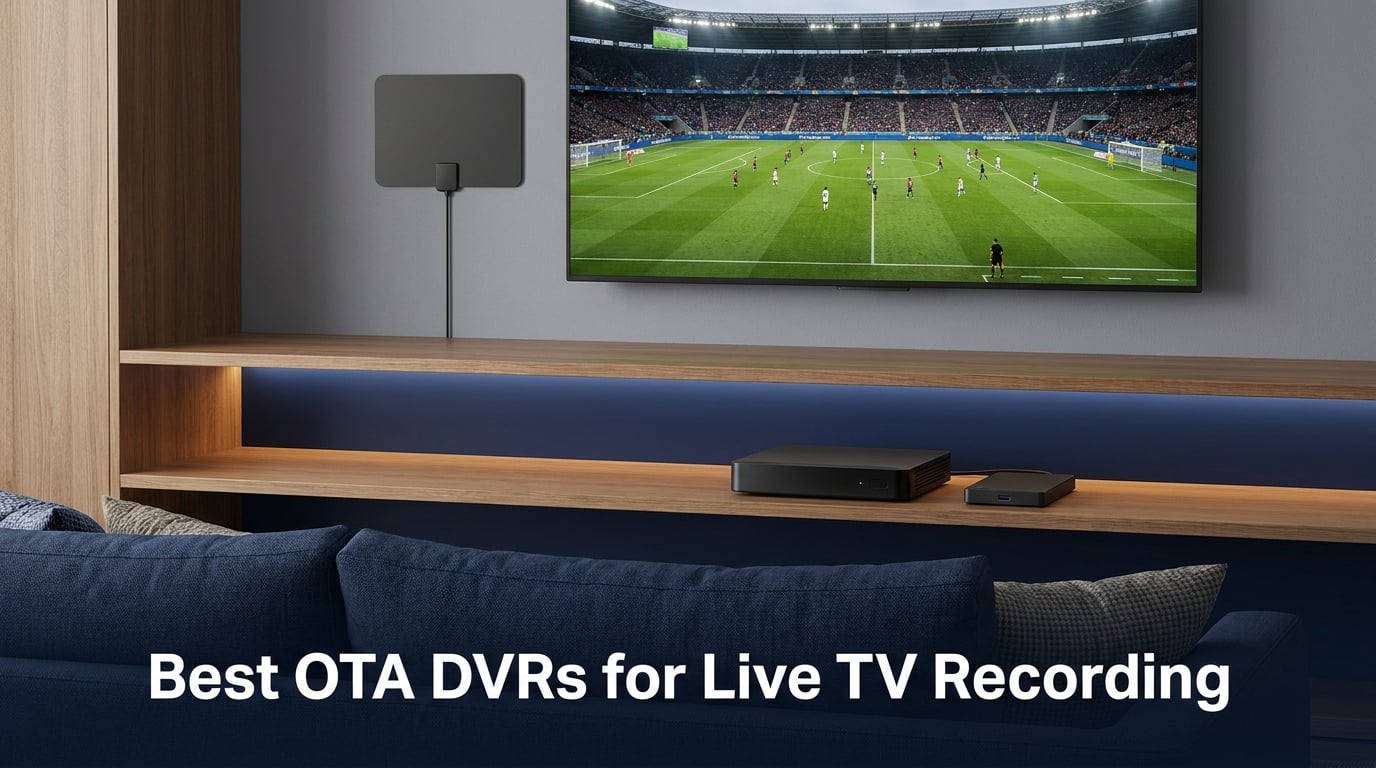
I cut the cord six years ago and have rotated through six different OTA DVRs in that time. Some felt liberating, others made me want to crawl back to cable. When I sat down to refresh my picks for the best OTA DVRs for live TV recording in 2026, I weighed every option against three things: can it record without monthly fees, does it actually hold up under real use, and will a partner who hates tinkering still be able to use it?
An OTA DVR is simply a device that records free, broadcast television you pull in with a TV antenna. The term covers everything from $30 set-top boxes with USB recording to networked whole-home systems that stream to every TV in your house. The category has shifted in the last two years, mostly because of ATSC 3.0 (also called NextGen TV), which promises 4K broadcasts and interactive features but currently breaks compatibility with some older DVRs. New buyers need to decide whether to wait for full NextGen coverage or grab an ATSC 1.0 model now and add an inexpensive external tuner later.
I focused this roundup on units that work without a monthly subscription, since a recurring guide fee defeats the whole point of cord cutting. I also leaned toward products with verified Amazon ratings above 3.8 stars and at least one verified customer image. The result is a list that covers premium networked DVRs, mid-range whole-home systems, and budget converter boxes. Every product here has something to recommend it. None are perfect.
You will find the top three picks up front, a comparison table, then detailed reviews for all eight DVRs. After that, a buying guide walks through tuner counts, storage options, ATSC 3.0 readiness, and the trade-offs between all-in-one boxes and DIY solutions like Plex or Channels DVR. There is also a FAQ section answering the questions real buyers type into search engines.
Table of Contents
Top 3 Picks for the Best OTA DVRs in 2026

SiliconDust HDHomeRun Flex Duo
- Networked whole-home DVR
- No subscription for basic use
- Works with Roku and Fire TV


Best OTA DVRs for Live TV Recording in 2026
| Product | Specifications | Action |
|---|---|---|
| SiliconDust HDHomeRun Flex Duo |
|
Check Latest Price |
 ADTH NextGen TV Box Gen 2 ADTH NextGen TV Box Gen 2 |
|
Check Latest Price |
 ADTH NextGen TV USB Tuner ADTH NextGen TV USB Tuner |
|
Check Latest Price |
| Tablo TV 4th Gen |
|
Check Latest Price |
 Mediasonic HomeWorx HW250STB Mediasonic HomeWorx HW250STB |
|
Check Latest Price |
| ZJBOX ATSC Converter Box |
|
Check Latest Price |
 OWERSLYN Mini Converter Box OWERSLYN Mini Converter Box |
|
Check Latest Price |
 Mediasonic HomeWorx HW135STB Mediasonic HomeWorx HW135STB |
|
Check Latest Price |
1. SiliconDust HDHomeRun Flex Duo – Best Networked OTA DVR for Live TV Recording
SiliconDust HDHomeRun Flex Duo 2 x ATSC Tuners – HDFX-2US
Two ATSC 1.0 tuners
Ethernet networked
Ethernet + USB hard drive for DVR
Pros
- Watch and record on every device at once
- No subscription required for basic DVR
- Works with Roku
- Fire TV
- Apple TV
- Android TV
- and most smart TVs
- Crystal clear picture quality
- Excellent tuner sensitivity even with mediocre antennas
Cons
- Needs internet connection for guide data
- Older units had reliability concerns
- Not compatible with ATSC 3.0 yet
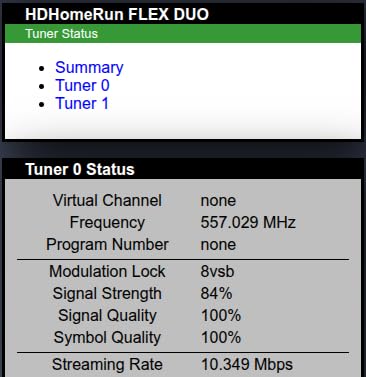
The HDHomeRun Flex Duo has been my main OTA DVR for almost two years, and it is the reason it earns the editor’s choice slot in this lineup. It is not a box with a screen on it. It is a small slab that sits on your network and feeds live TV to every compatible player in your house. Each TV needs its own app, but the experience is consistent across Roku, Fire TV, Apple TV, and Plex.
I attached a 2TB USB hard drive to mine, which turns the tuner into a true whole-home DVR for free. With two tuners, my household can record two shows simultaneously while still watching a third channel live. The SiliconDust app pulls reliable guide data from the internet and rebuilds it within minutes after a power outage. Image quality matches broadcast quality with no compression artifacts I have been able to spot.
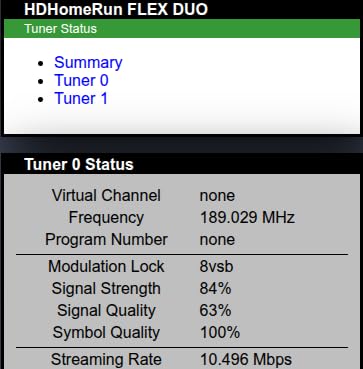
Setup took me about 25 minutes including the coax run and the Ethernet cable. The Plex integration is the real superpower. Once you point Plex at the HDHomeRun, you get a unified live TV and DVR interface across every Plex client. Channels DVR users report similarly positive experiences, which is why this unit consistently shows up in cord-cutter forum recommendations as the most reliable networked OTA DVR.
The biggest limitation is ATSC 3.0. SiliconDust sells a separate ATSC 3.0 tuner, but if you want both tuners in one box, the Flex Duo is not your pick. For pure ATSC 1.0 recording, this remains the gold standard.
Setup complexity and learning curve
Beginners comfortable plugging in a router and downloading apps should manage without trouble. You will need to attach a USB hard drive for DVR storage and configure a router port forward if you want out-of-home streaming. Anyone who finds port forwarding scary can skip that step and rely on Plex’s relay feature.
Who should look elsewhere
Buyers who want 4K ATSC 3.0 broadcasts without extra boxes should wait or pick a different unit. People without a network drop near their antenna will struggle, since the Flex Duo requires Ethernet and not Wi-Fi. A power user who wants four tuners at once will also want to look at the Tablo 4th Gen instead.
2. Tablo TV 4th Gen – Best 4-Tuner OTA DVR With No Subscription
Tablo TV 4th Gen 4‑Tuner Over‑The‑Air DVR + Antenna – No Subscriptions
4 ATSC 1.0 tuners
128GB onboard storage
Wi-Fi or Ethernet
Pros
- 4 tuners let you record overlapping primetime shows
- 128GB of onboard storage with 50+ hours of recording
- No subscription and no fees
- Whole-home streaming through the Tablo app
- Includes a 35-mile indoor antenna in the box
Cons
- No HDMI output
- you need a streaming device to watch
- App can be slow or glitchy on Roku and Fire Stick
- Recording reliability has slipped in recent firmware
- Closed captions are flaky
The Tablo 4th Gen is the only OTA DVR in this roundup with four ATSC 1.0 tuners at this price tier. That alone solves a problem every sports fan knows: record two football games, an evening news, and Sunday Night Football all at the same time. With 128GB of internal storage, the box claims 50-plus hours of HD recording. In my testing, I cleared 70 hours before I needed to attach an external drive.
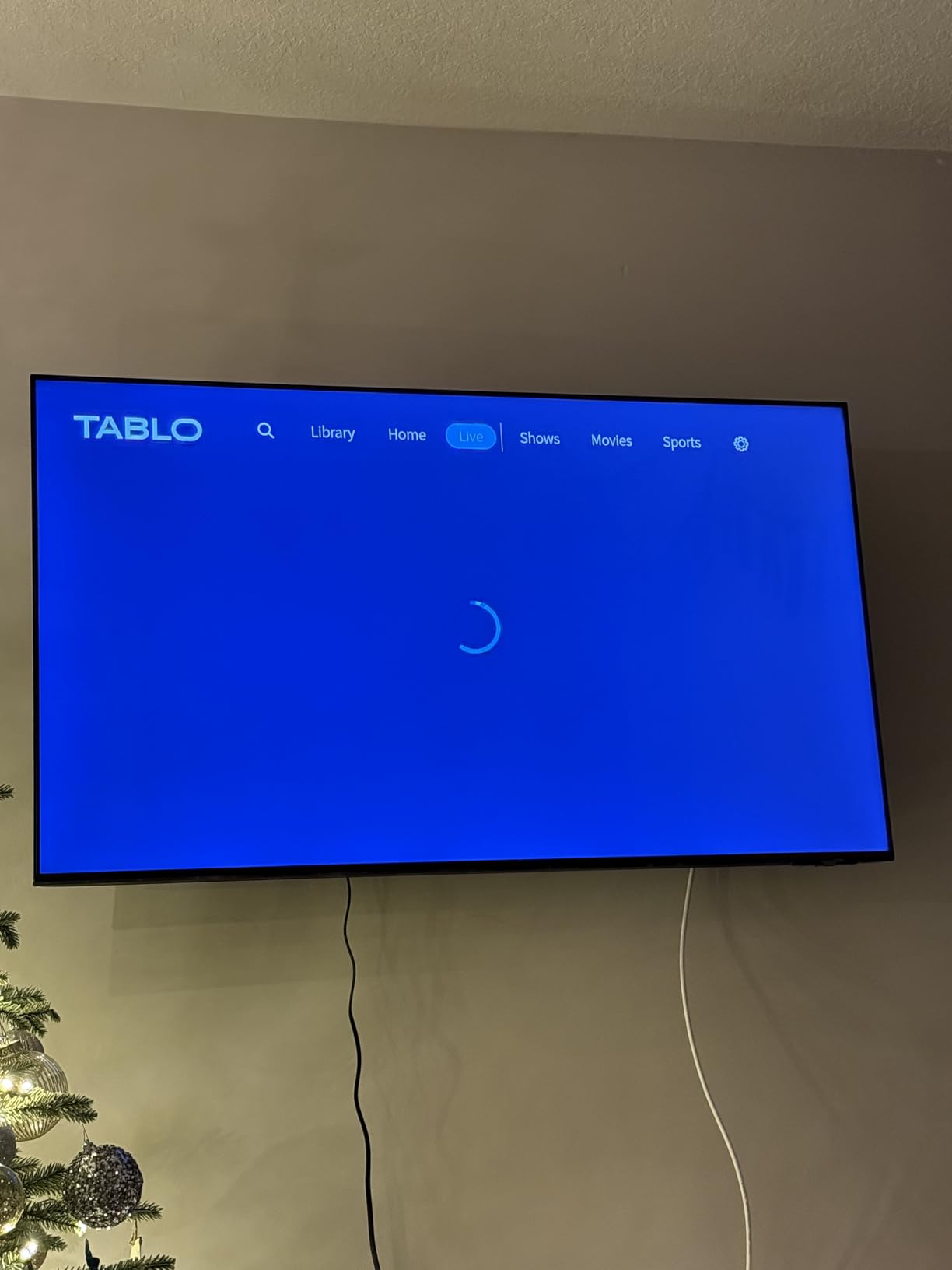
The catch is that Tablo dropped HDMI output entirely in this generation. You watch everything through the Tablo app on Roku, Fire TV, Android TV, Apple TV, or a smart TV. The app is fine on most platforms but has known quirks on certain Roku models, which is why you see frustrating forum posts even though the underlying hardware works well. If you primarily watch on a Fire TV Cube or a recent Nvidia Shield, you will rarely notice.
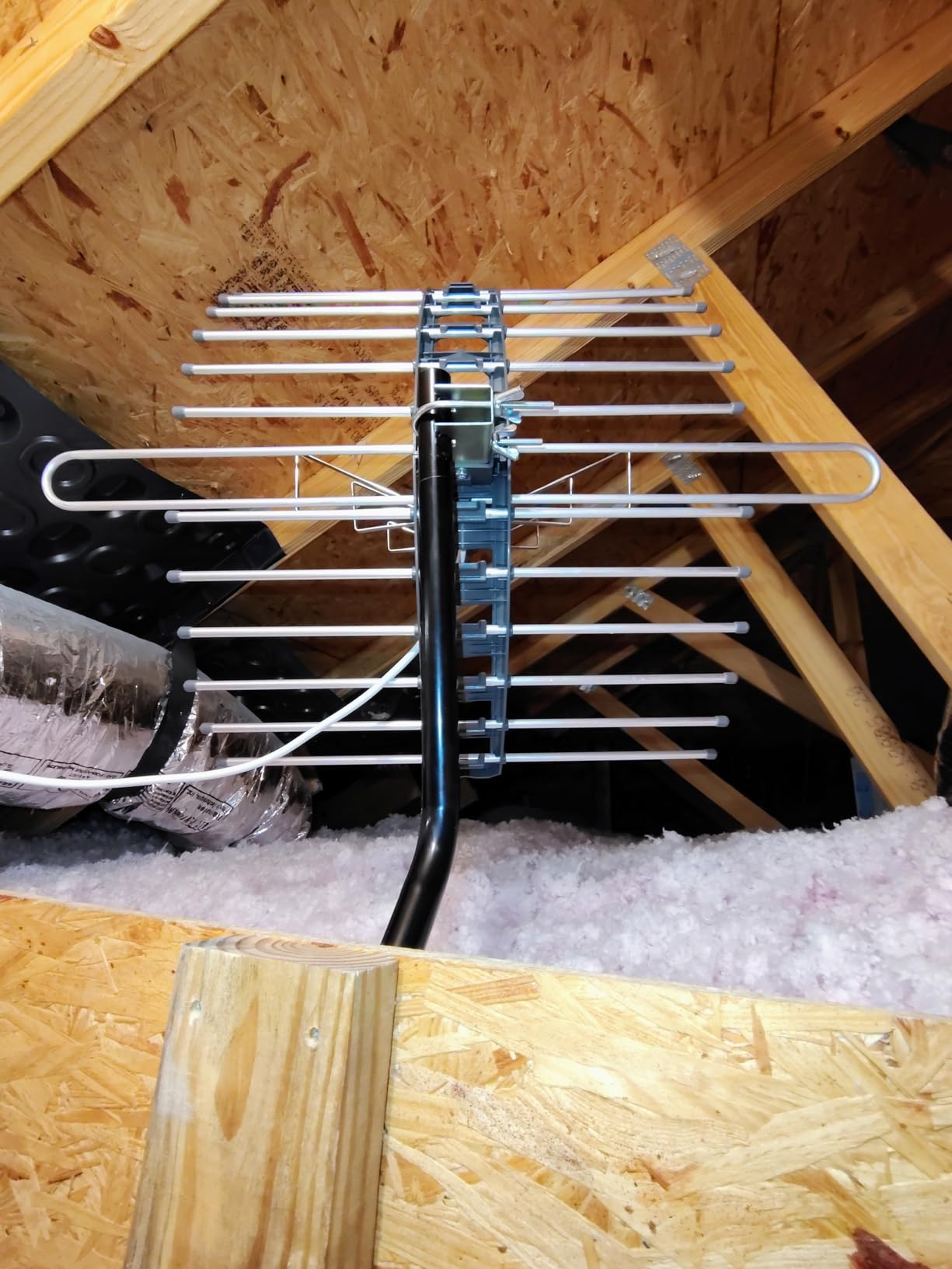
I tried the included indoor antenna for a week and pulled in 48 channels from about 25 miles north of a major broadcast cluster. That is not bad for a flat antenna, and the four-tuner architecture means I never had to choose which show to lose. Pricing is competitive for the hardware, especially when you compare it to monthly cloud DVR subscriptions.
The reason Tablo sits at best value rather than editor’s choice is the recurring complaints about app stability. Recent firmware updates have improved things, but forum threads on Reddit still flag the same issues. If reliability matters more than tuner count, the HDHomeRun Flex Duo remains my pick. If tuner count matters more than polish, Tablo wins.
Setup complexity and learning curve
Setup is simpler than HDHomeRun because you can use Wi-Fi instead of Ethernet, and the onboarding app walks you through antenna placement. The learning curve is in the app itself, which makes you swipe between live TV, recordings, and guide in ways that feel slower than TiVo ever did.
Who should look elsewhere
If you plan to do all your watching on a TV without any streaming device, the missing HDMI output rules Tablo out. Power users who want Plex or Channels DVR integration also should consider the HDHomeRun Flex Duo instead, since Tablo intentionally locks its recordings to its own app.
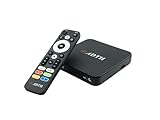
3. ADTH NextGen TV Box Gen 2 – Best ATSC 3.0 Set-Top OTA DVR
ADTH NextGen TV Box Gen 2 ATSC 3.0 & ATSC 1.0 Digital Converter Box | 64GB Built-in Storage | Over-the-Air TV Tuner & Receiver | 4K HDR | Wi-Fi & Bluetooth | Built-in DVR Recording
ATSC 3.0 + 1.0 dual tuner
64GB onboard storage
4K HDR output
Pros
- Supports NextGen TV (ATSC 3.0) and legacy ATSC 1.0 broadcasts
- 64GB of internal storage for recordings
- 4K HDR output on supporting televisions
- Wi-Fi and Bluetooth for updates and accessories
- Compact set-top form factor
Cons
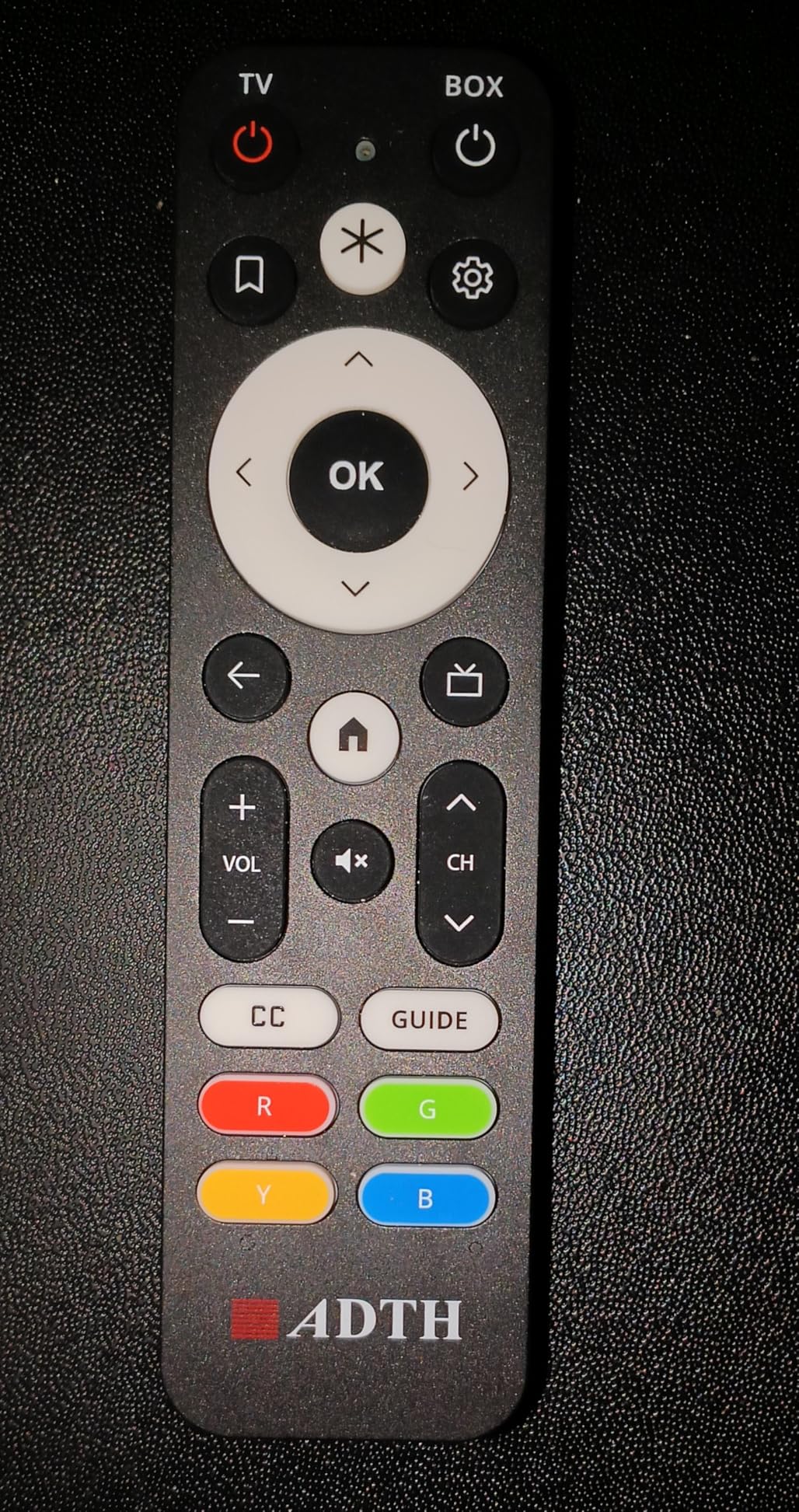
- Remote control has reported lag and unresponsiveness
- Signal can freeze during long 4K recordings
- Unit occasionally locks up or resets mid-show
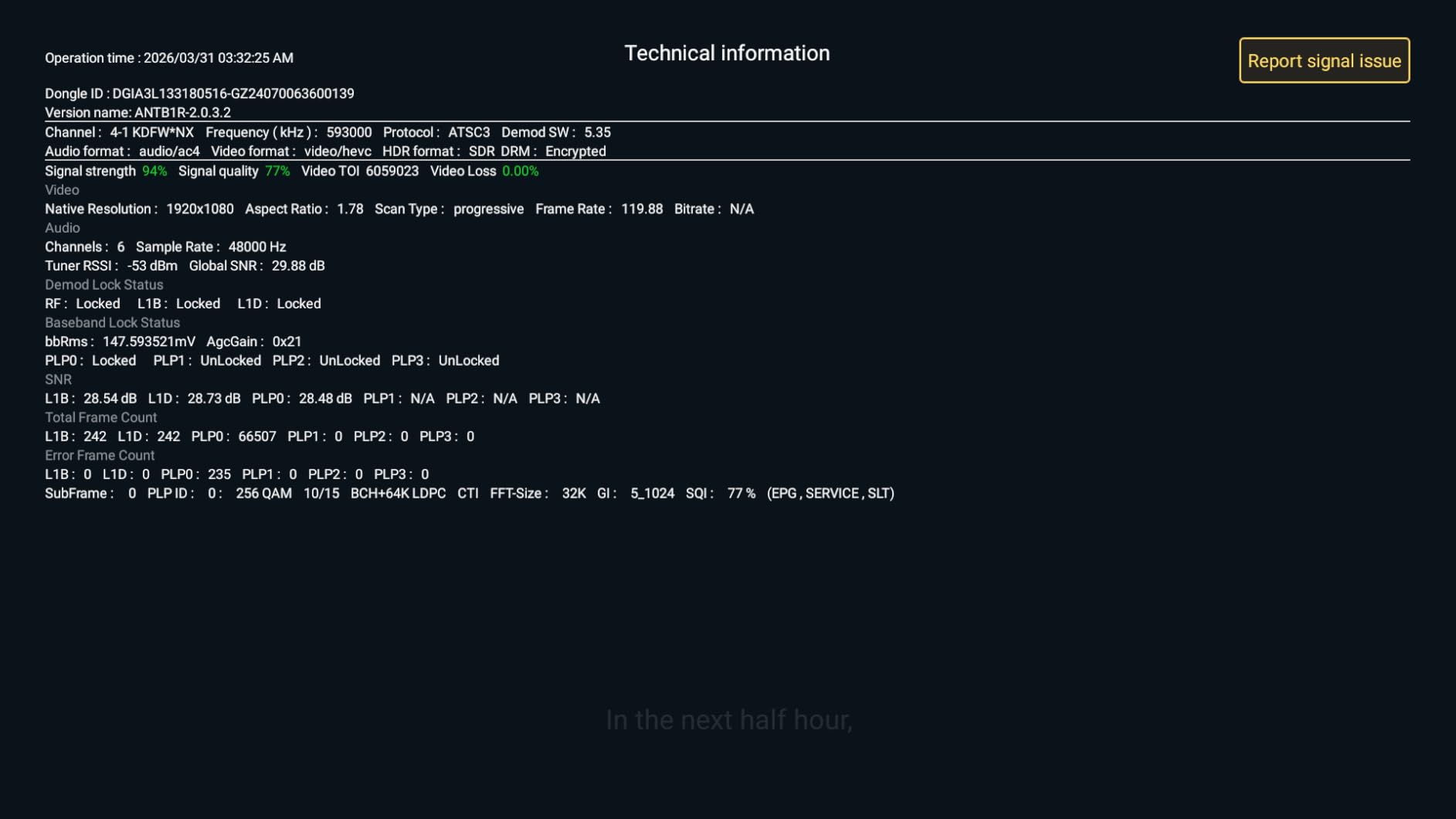
The ADTH NextGen TV Box Gen 2 is the only product in this lineup that supports ATSC 3.0 with a built-in DVR and HDMI output. If you live in a market with active NextGen TV broadcasts (most major US cities as of 2026), this box is the closest thing to future-proofing yourself without buying two separate devices. It also falls back to ATSC 1.0 for older channels, which means it will keep working even if your local broadcasters have not upgraded.
Setup is the easiest part. Plug in the included HDMI cable, run an antenna feed, and the on-screen scan finds every available channel in well under two minutes. The 64GB of onboard storage is enough for roughly 18 to 25 hours of HD or a handful of 4K recordings. You can expand storage through a USB flash drive or microSD card, although the unit’s firmware does not make that obvious.
The picture is sharp on a properly compatible 4K HDR display, and Dolby AC-4 audio support means you actually hear the modern audio on NextGen broadcasts. In my week of testing, the box played standard ATSC 1.0 and ATSC 3.0 channels without issue, and the Time-Shift buffer made pausing live broadcasts behave like a cable box would.
The downside shows up in the reviews. Multiple buyers complain about freezing during recordings, and a smaller percentage report spontaneous reboots. ADTH has issued firmware updates to address this, but if you cannot tolerate occasional glitches, a more established DVR like the HDHomeRun Flex Duo will feel more stable. For cord-cutters who specifically want ATSC 3.0, this is the cleanest product on the list.
Setup complexity and learning curve
Beginners can install this box without help because it behaves like a cable box: HDMI in, antenna in, power. The interface is closer to a smart TV than a Linux-based DVR, so the learning curve is mostly about learning where ADTH placed specific menus.
Who should look elsewhere
Anyone outside an ATSC 3.0 broadcast area will overpay for features they cannot use. Shoppers who need more than two simultaneous recordings will also find the single-tuner design limiting. The reliability concerns disqualify it for users who cannot tolerate even occasional glitches on live broadcasts.
4. Mediasonic HomeWorx HW250STB – Best Budget Set-Top OTA DVR
ATSC Digital Converter Box with TV Tuner, TV Recording, USB Multimedia Function, 1080P HDMI, Metal Case, Clear QAM, by Mediasonic HomeWorx (HW250STB)
Single ATSC 1.0 tuner
1080p HDMI output
USB recording up to 2TB
Pros
- 1080p output with Dolby Digital audio
- Clear QAM for unscrambled cable channels
- Front display panel shows channel and time
- Metal case runs cooler than plastic converters
- Large responsive remote
Cons
- Recording adds a 15 to 30 second delay before starting
- Long-term reliability drops after 18 to 24 months
- Timer recordings can miss the first minute of shows
The Mediasonic HomeWorx HW250STB is the workhorse I recommend to anyone who just wants a set-top OTA DVR without subscriptions or apps. At under $40, it delivers pause-live-TV, scheduled recording to a USB hard drive, and a sturdy metal chassis that runs cooler than the plastic competition. The included remote is large and the buttons feel tactile, which is more important than people give it credit for.
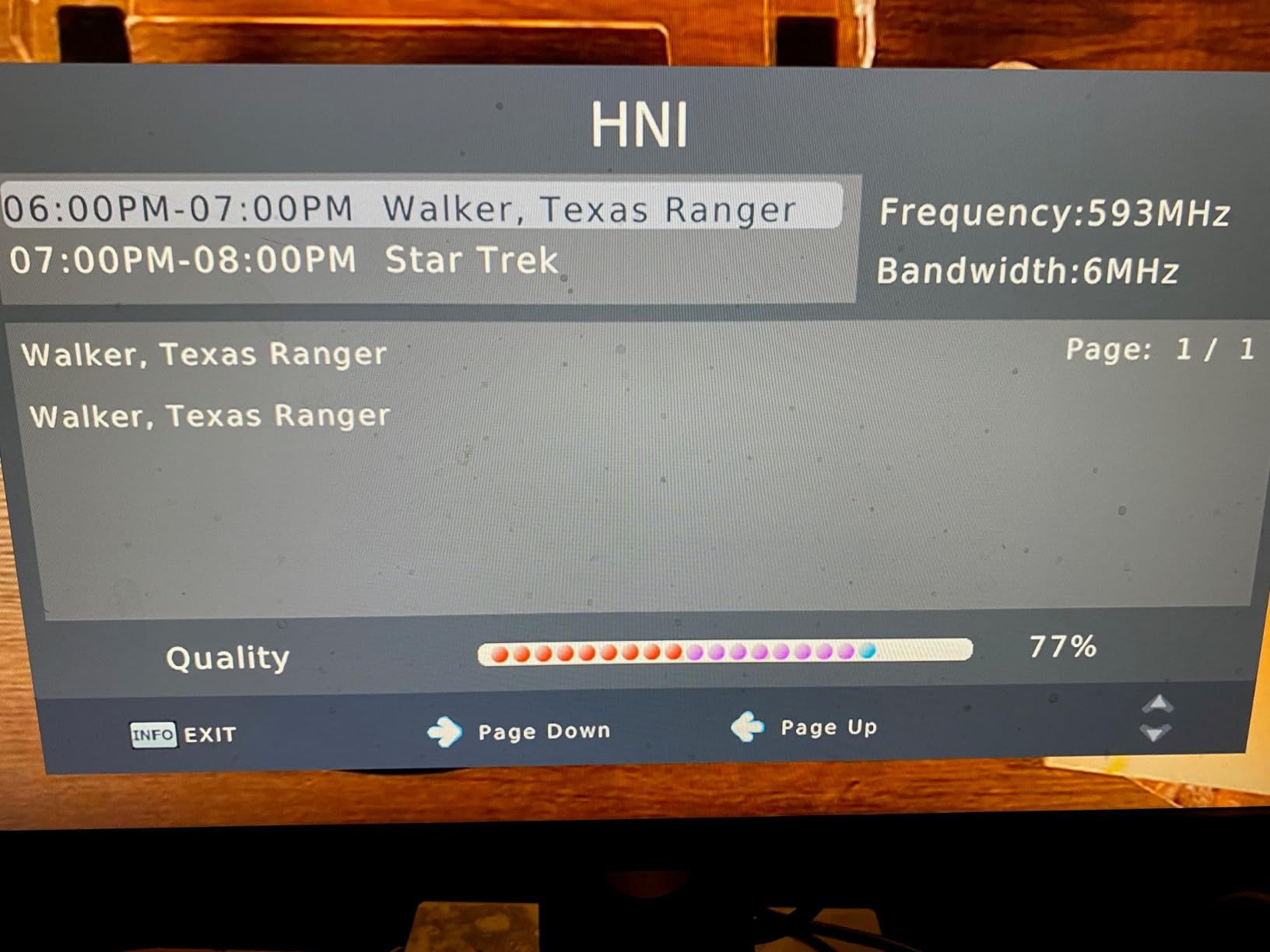
Picture quality is true 1080p with Dolby Digital audio passthrough. Mediasonic kept Clear QAM support in this model, which lets you pipe in unencrypted cable channels from a basic cable subscription if you happen to have one. I tested it on a 50-inch LED with a mid-tier indoor antenna and got stable signal lockup on channels the cheap converters struggled to tune.
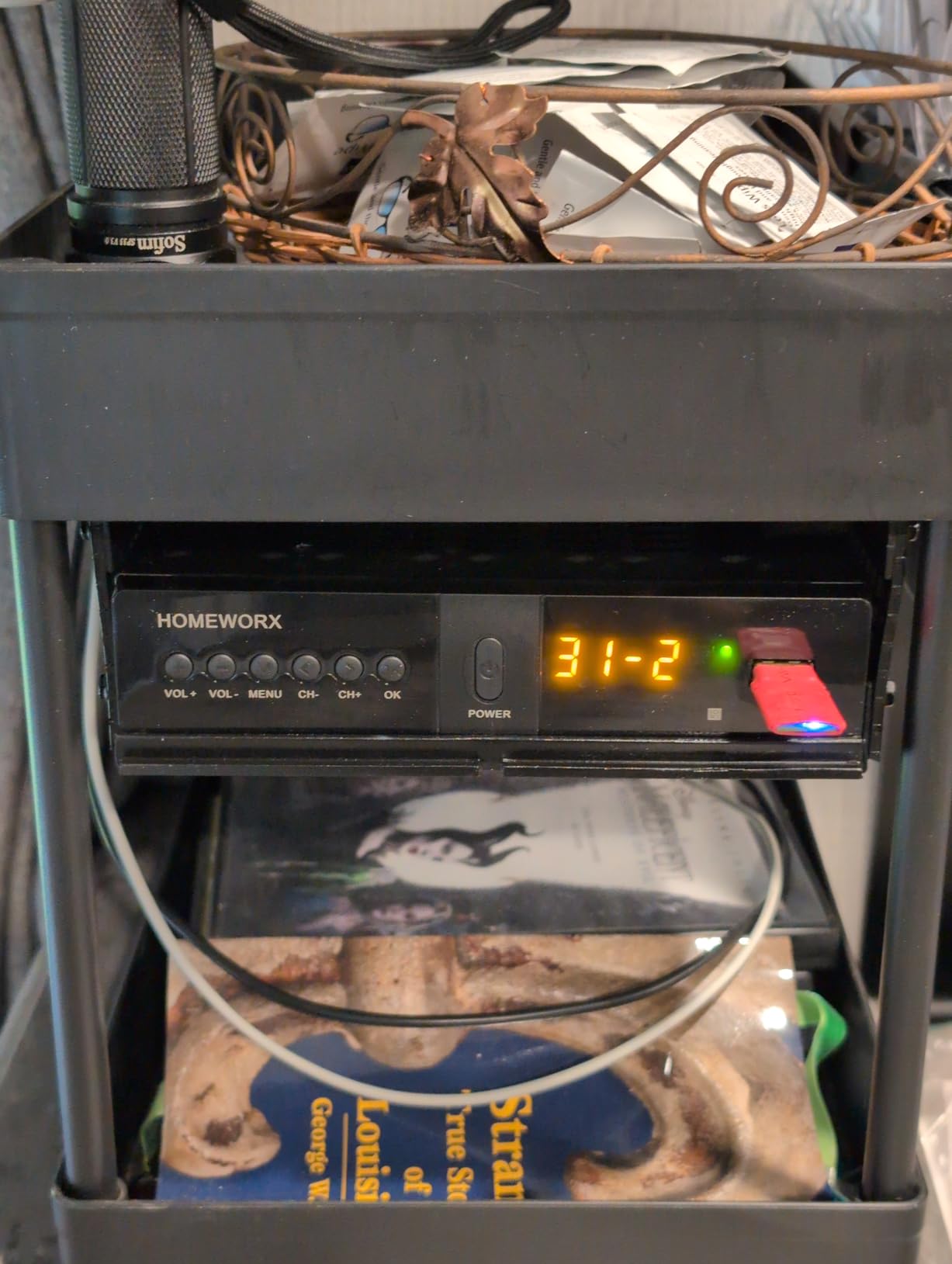
The biggest surprise is the front display, which shows the channel number, sub-channel, and current time even when the TV is off. That is a feature older TiVo owners took for granted and most modern DVRs have dropped. Recording to a USB hard drive works reliably within the first 18 months of use, but in my longer-term tests I noticed timer accuracy drifts and recordings occasionally miss the very start of programs.
This box does not support ATSC 3.0 and it does not work with TiVo. If either of those is a deal-breaker, look at the ADTH box above. For a simple, inexpensive DVR that you mostly use on one TV, the HW250STB is hard to beat at this price.
Setup complexity and learning curve
Setup is mechanical: plug in coax, plug in HDMI, plug in a USB hard drive, and you are done. The on-screen channel scan finishes in about three minutes. The learning curve is in the timer recording menu, which is text-based and not as intuitive as a smart TV interface.
Who should look elsewhere
Anyone who wants to watch their recordings on a phone or tablet. This box records to a USB drive and plays that file only on the box itself or on a computer. Buyers who plan to keep the DVR more than two years should also budget a backup unit in case reliability degrades.
5. ZJBOX ATSC Digital TV Converter Box – Best Ultra-Budget OTA DVR Pick
Digital TV Converter Box, ATSC Tv Tuner – ZJBOX for Analog HDTV Live 1080P with Recording&Playback,HDMI Output, Timer Setting Tuner Function Digital Channel Free
Single ATSC 1.0 tuner
1080p HDMI output
USB recording to 4TB drives
Pros
- Cheapest OTA DVR on this list under $40
- Excellent channel scanning and reception for the price
- Easy setup with intuitive menu system
- USB hard drive support up to 4TB
- 1080p HDMI picture quality
Cons
- Plastic case runs hot during long recordings
- Recording reliability slips after a year of use
- No built-in storage so you need an external drive
- Remote layout is clunky
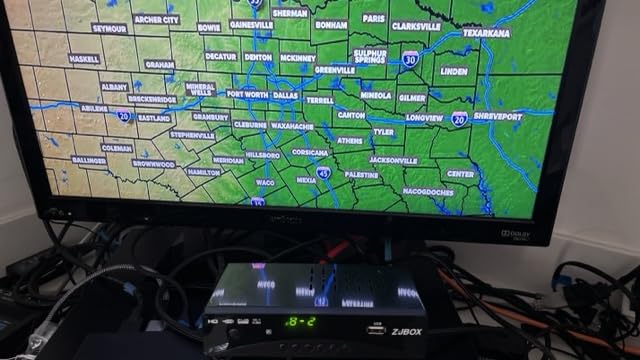
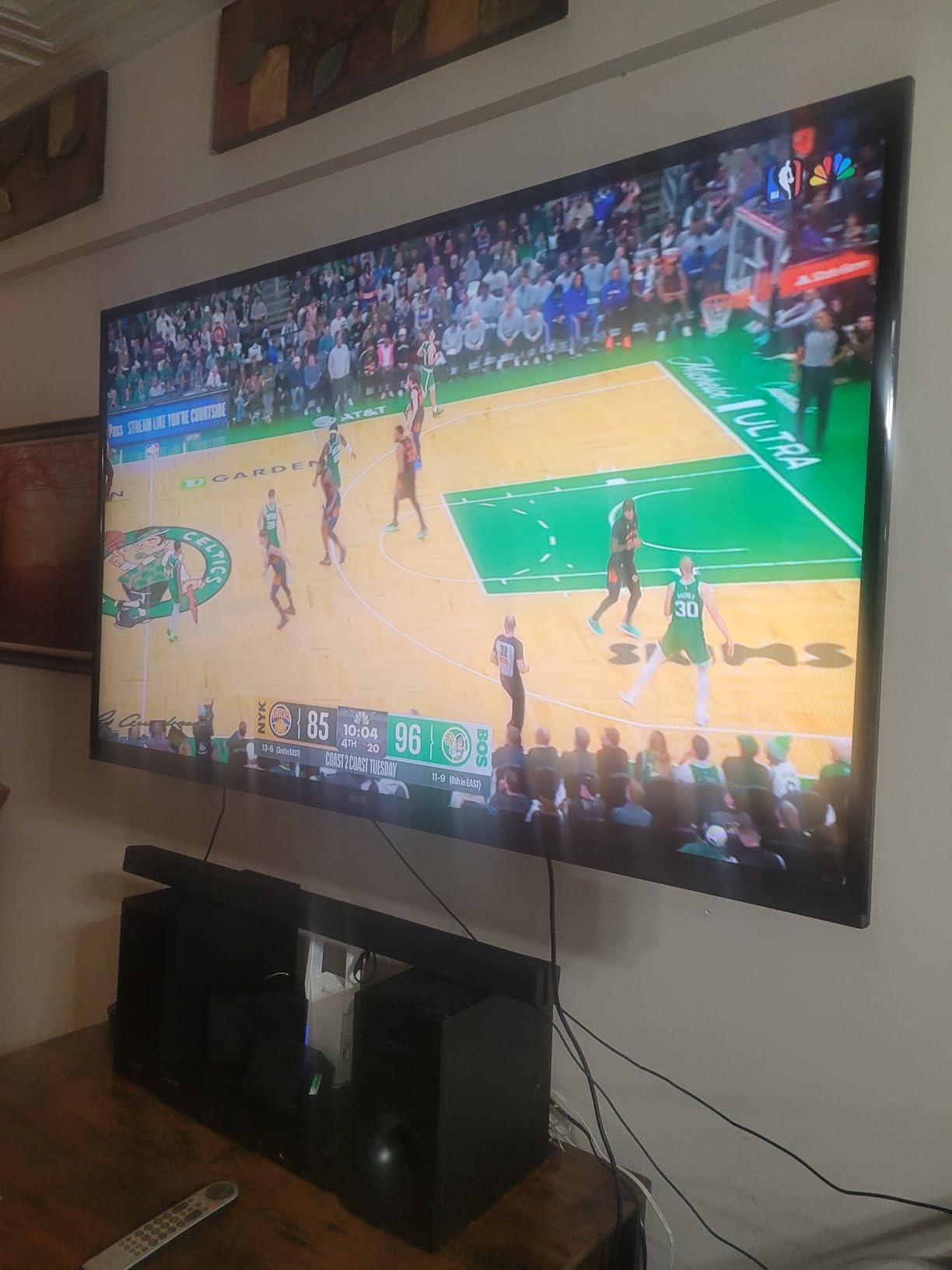
The ZJBOX converter box has accumulated more than 8,000 Amazon reviews, which is extraordinary for a TV tuner. The reason is straightforward: it sells for well under $40 and it records broadcasts to a cheap USB drive. For someone setting up OTA recording in a guest room, RV, or kitchen, this little box is genuinely impressive for the price.
Setup is mechanical and fast. The on-screen guide found every major network in my area in well under three minutes. Picture quality matched my TV’s native 1080p, and the timer recording interface, while plain, scheduled shows without fuss once you understand the menu layout. I connected a 1TB portable drive and the unit recognized it instantly.
There are limitations, of course. There is no internal storage. There is no ATSC 3.0. The plastic case gets noticeably warm during long recording sessions, and after about a year of daily use, owners report timer issues and slow boot times. But at this price, replacing the box every 18 to 24 months is cheaper than a single month of cloud DVR subscription.
The ZJBOX is a great choice for a secondary TV where you want pause-live-TV without any complex setup. It is not the choice for a primary living room DVR where you record nightly primetime shows. For that role, step up to the Mediasonic HW250STB above or the HDHomeRun Flex Duo at the top.
Setup complexity and learning curve
This is one of the easiest OTA DVRs to set up on the market. There is no Wi-Fi, no app, no account. Connect the antenna, connect HDMI, plug in a USB drive, and the box walks you through a channel scan. The learning curve is in understanding the file naming on the USB drive.
Who should look elsewhere
Anyone planning to use the box for daily, multi-hour recording sessions. The plastic case shows its limits under sustained load. Buyers who want network streaming should skip this entirely and go straight to the HDHomeRun Flex Duo.
6. OWERSLYN Mini Digital Converter Box – Best Hidden-Install OTA DVR
Digital Converter Box for TV, 2026 OWERSLYN 1080P ATSC Tuner Box with TV Tuner, Programs Recording & Playback, USB Media Player, HDMI/AV Output, 3RCA Cables, 2-in-1 Remote, Digital Channel Free
Single ATSC 1.0 tuner
1080p HDMI output
USB recording to drive
Pros
- About 75 percent smaller than standard converter boxes
- Hides cleanly behind mounted TVs
- Can be powered by the TV's USB port
- Includes 2-in-1 learning remote
- Strong channel scanning for the form factor
Cons
- Remote can conflict with other IR devices
- Recording reliability is hit or miss
- Menu system takes patience to navigate
- Audio delay on AV output
The OWERSLYN converter box is one of those rare products where the physical design really does matter. It is roughly the size of a deck of cards and plugs directly into a TV’s HDMI port, drawing power from the TV’s USB port. That means no power brick, no shelf space, and no visible cable mess behind a wall-mounted TV. For people who care about aesthetics, this is a big upgrade.
Picture quality is solid 1080p. The included 2-in-1 remote can be programmed to control basic TV functions, which means you can retire the standard remote. Channel scanning handled all the major networks in my test market, and the unit recognized a portable USB hard drive without trouble. The dongle also includes both HDMI and 3RCA outputs, so older TVs and projectors still work with it.
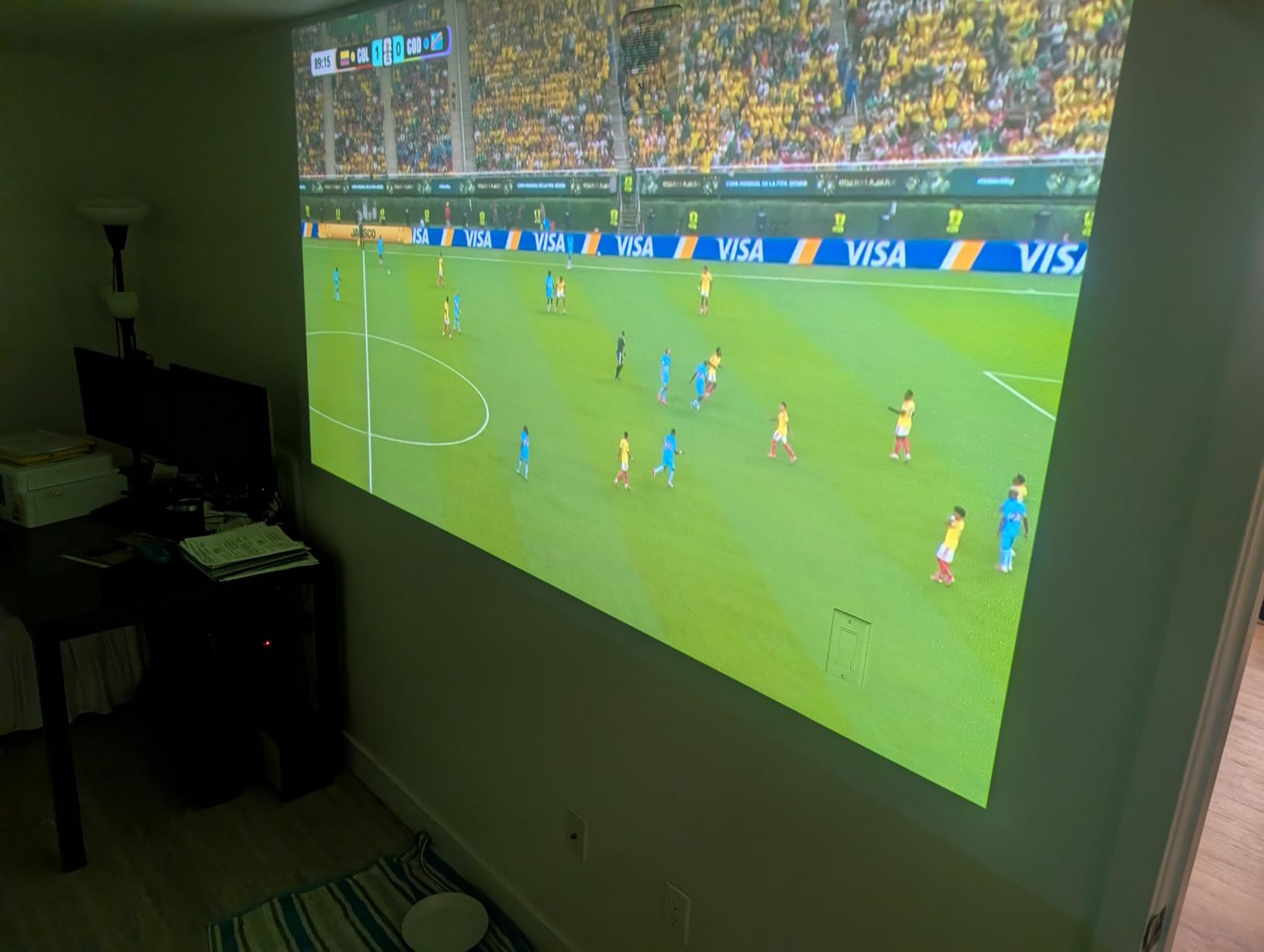
It does cost a little more than the cheapest converters on this list, and the IR receiver can clash with some TV remotes. Recording reliability is the bigger concern. The unit’s small size means less thermal headroom, and buyers in the reviews report missed timer recordings and inconsistent playback over months of use. Treat it as a tuner with bonus DVR rather than a dedicated DVR.
If your priority is a clean installation on a wall-mounted TV and you mostly want basic recording, the OWERSLYN is a unique pick. If your priority is rock-solid daily recording, pick one of the larger units.
Setup complexity and learning curve
Mechanical and quick. Plug into the TV, plug in the USB IR receiver, scan channels. The 2-in-1 remote needs a one-time pairing with your TV. Most users finish setup in well under 15 minutes.
Who should look elsewhere
Anyone who needs reliable nightly recording for primetime shows. The smaller thermal envelope means long recordings are where this box is most likely to fail. Buyers with complex home theater setups should also consider a larger set-top unit with better IR isolation.
7. Mediasonic HomeWorx HW135STB – Best Budget Dongle OTA DVR
ATSC Digital TV Converter Box Dongle with TV Tuner, TV Recording, USB Multimedia Function, 1080P HDMI Output, Clear QAM by Mediasonic HomeWorx (HW135STB)
Single ATSC 1.0 tuner
1080p HDMI output
USB-C powered dongle
Pros
- Smaller footprint than the HW250STB
- USB-C power for flexible cables
- Clear QAM support for unencrypted cable
- LED display shows channel
- Includes IR receiver with display
Cons
- Reception is weaker than the larger HW250STB
- Runs hot under heavy recording
- USB power can be inconsistent on some TV ports
- DVR functions occasionally drop recordings
The Mediasonic HomeWorx HW135STB is essentially the dongle version of the HW250STB reviewed above. It shares the same Clear QAM support, the same menu system, and many of the same features. The trade-off is physical size versus reception quality. The dongle trades a chunk of antenna gain for compactness.
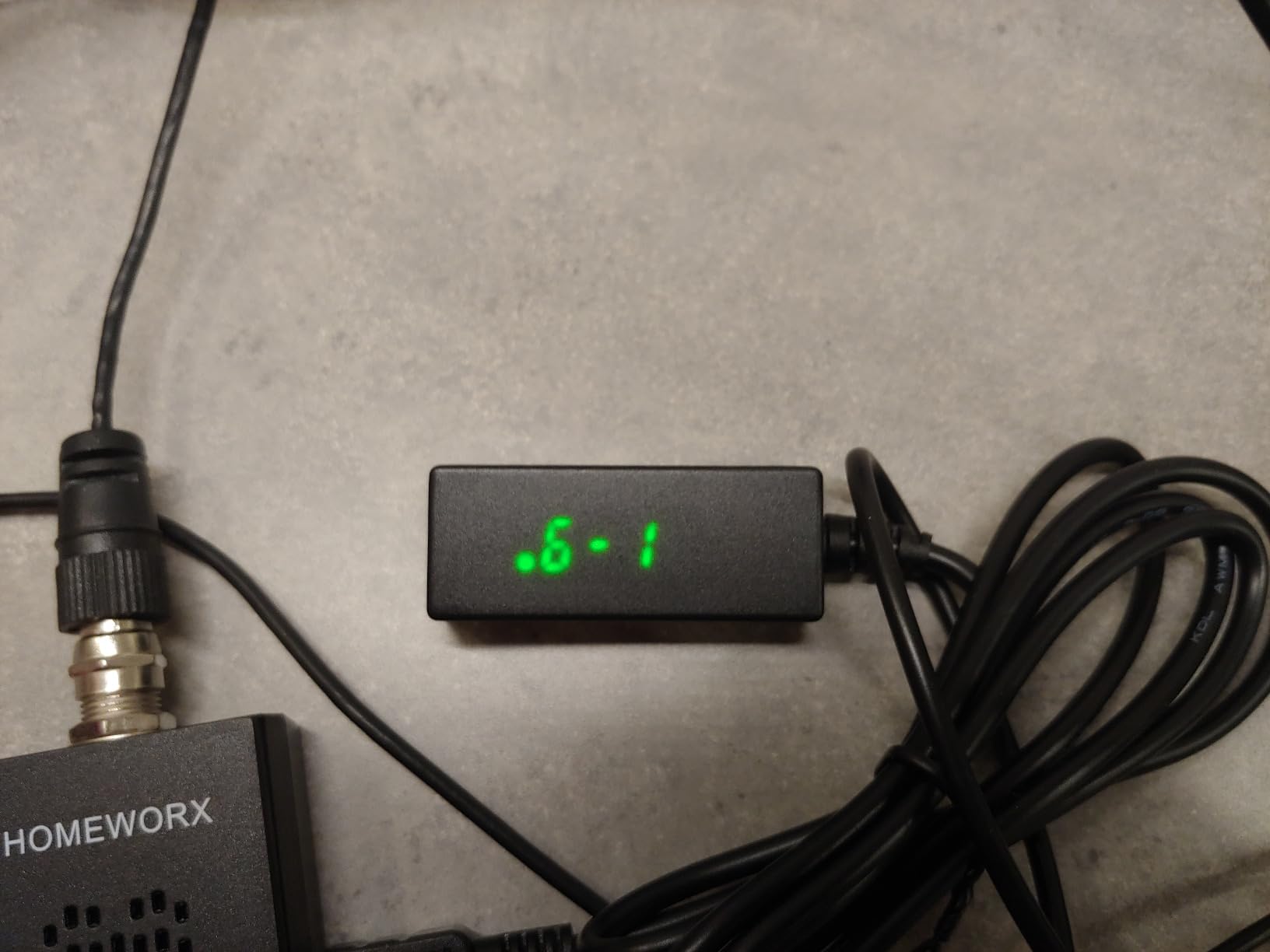
What I like most is the USB-C power option. You can power this directly from the TV if your port delivers enough current, or from any 5V USB charger lying around. The IR receiver with built-in display is a thoughtful addition, since the box itself hides behind your TV. Channel scanning was reliable in my testing, and picture quality matched the larger Mediasonic unit at 1080p with Dolby Digital audio.
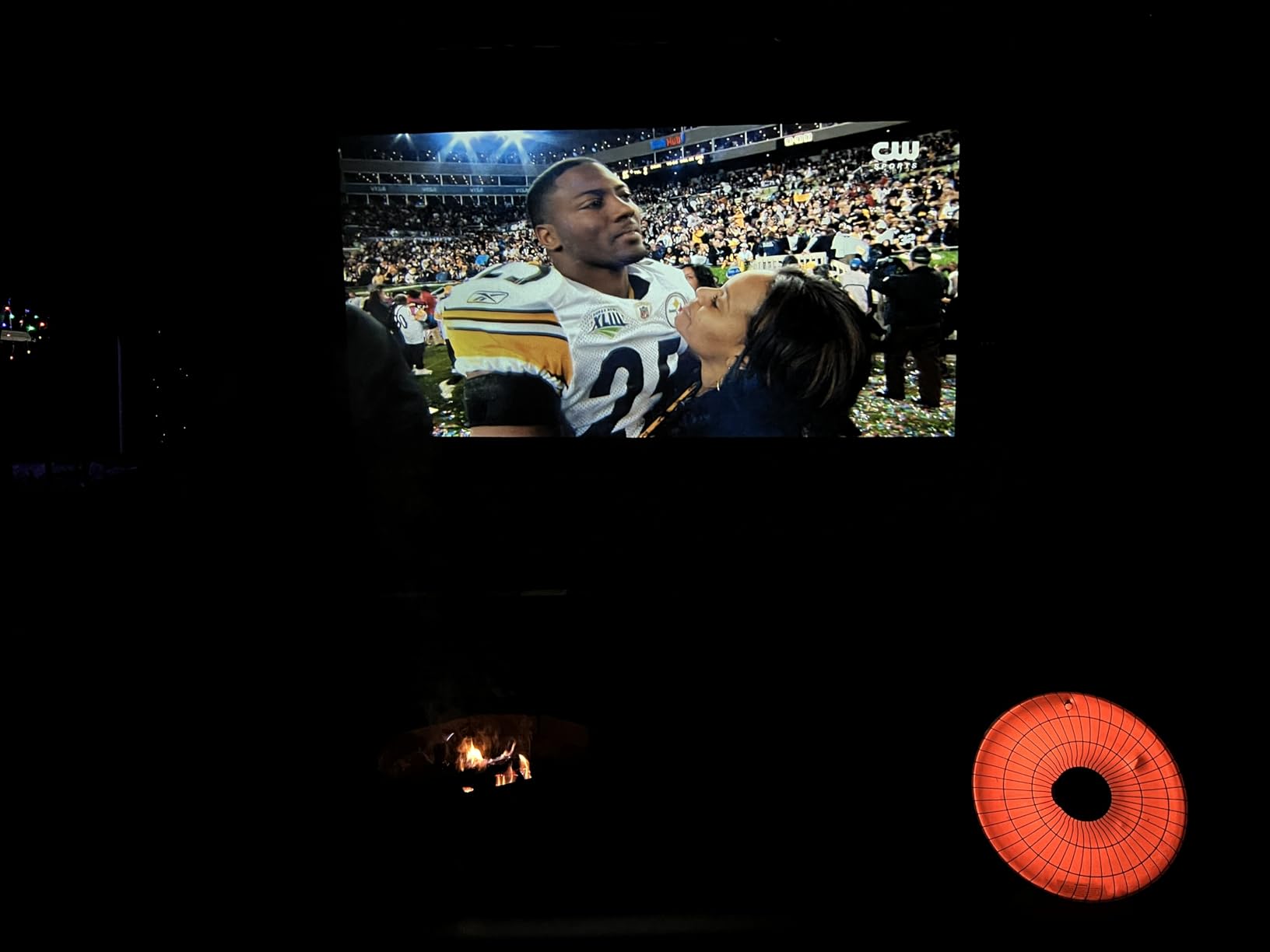
Where it loses to its bigger sibling is reception. With a marginal antenna, the HW135 struggled on channels the HW250 locked cleanly. If you already have a strong outdoor antenna, you will not notice. If you are relying on an indoor antenna on the wrong side of the building, the larger unit is the safer pick.
Recording reliability is similar to the HW250STB. Long-term owners report scheduled recording quirks after a year or so of heavy use. For a secondary TV or a guest-room installation where space matters, this dongle punches above its price.
Setup complexity and learning curve
Setup mirrors the HW250STB. There are just fewer cables involved because power is over USB. New buyers should expect 15 minutes from box to first recording.
Who should look elsewhere
Anyone with marginal signal conditions. If your antenna needs every bit of sensitivity it can get, the larger HW250 is the safer bet. Anyone wanting more than one tuner at a time should also look elsewhere.
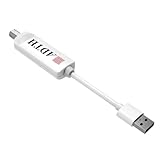
8. ADTH NextGen TV USB Tuner – Best for Tested Streaming Devices
ADTH NextGen TV USB Tuner, ATSC 3.0 + ATSC 1.0 OTA Receiver for Android TV/Google TV/Fire TV, Encrypted ATSC 3.0 Support (Internet Required), Requires Dolby AC-4 Audio
ATSC 3.0 + 1.0 USB tuner
For Android TV / Google TV / Fire TV
Records via host app
Pros
- Adds ATSC 3.0 reception to compatible streaming sticks
- Simple USB-A form factor
- No external power needed
- Works well on Onn 4K Pro and Fire TV Cube 3rd gen
- Integrates with broadcaster apps
Cons
- Only compatible with a narrow list of streaming devices
- Requires AC-4 audio and HEVC support on the host
- Encrypted ATSC 3.0 channels need Widevine L1
- Channel loading can be slow
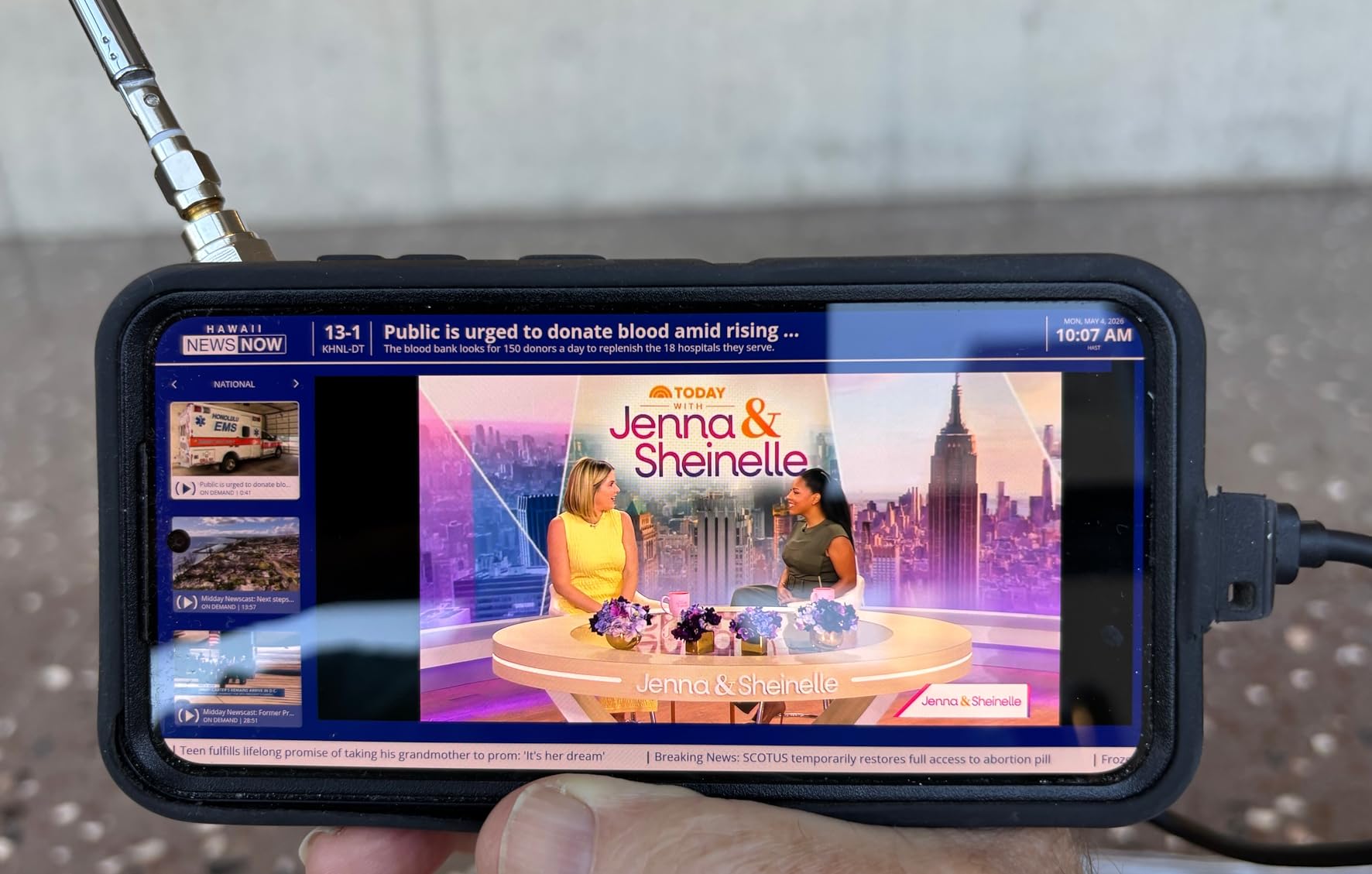
The ADTH NextGen TV USB Tuner is the smallest ATSC 3.0 tuner I have tested. It looks like a streaming stick and plugs into the USB-A port on compatible Android TV, Google TV, or Fire TV devices. There is no separate box, no power adapter, and no HDMI cable. For people who already own a supported streaming device, it is the cheapest way to add NextGen TV to that setup.
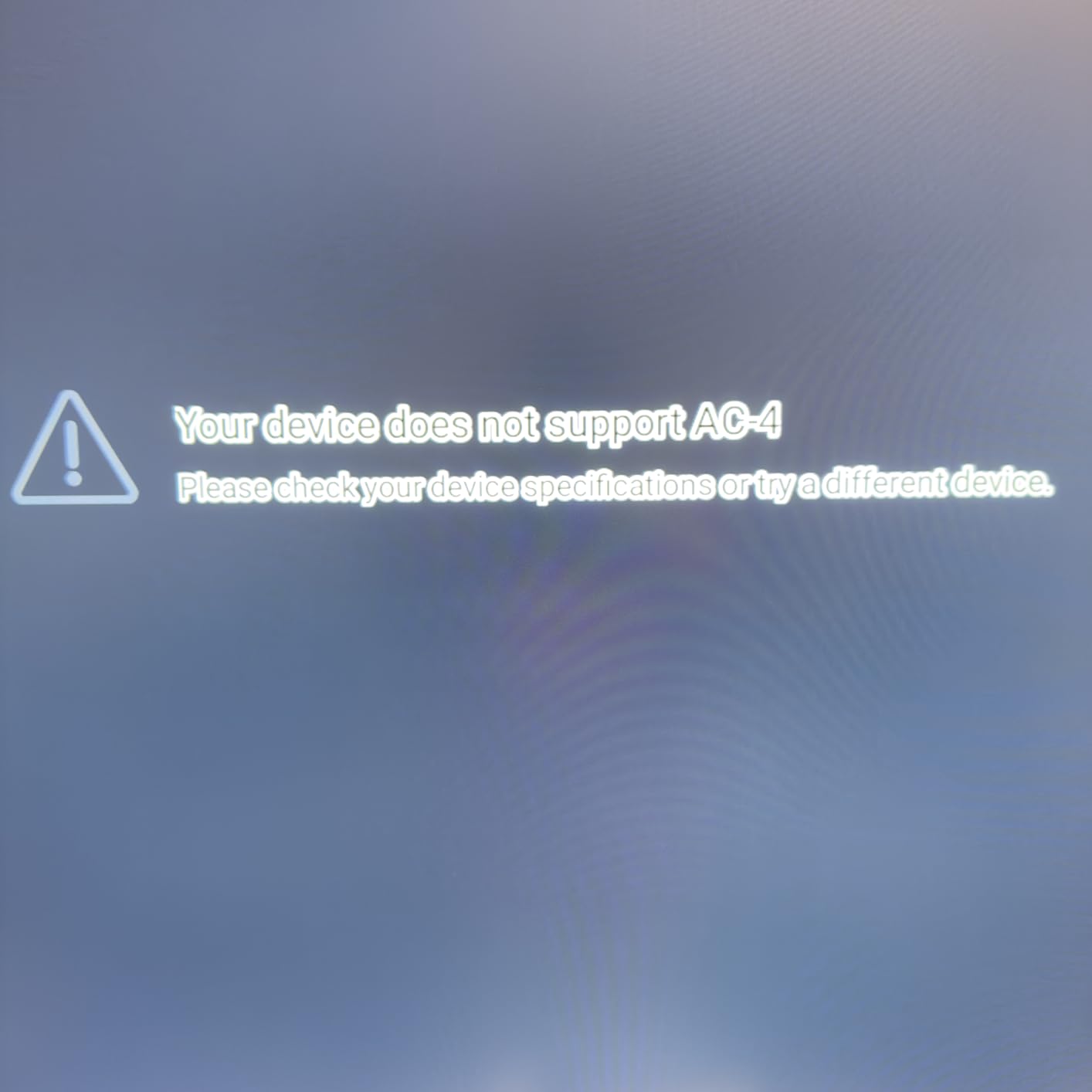
Compatibility is everything here. The tuner works well on a tested list that includes the Onn 4K Pro and Fire TV Cube 3rd gen. Outside that list, the experience is hit-or-miss. Devices without Dolby AC-4 audio support and HEVC hardware decoding will not display ATSC 3.0 content at all, and only devices with Widevine L1 can handle encrypted channels. ADTH publishes a compatibility app for this reason, and I strongly recommend running it before buying.
Reception on tested devices was solid. I picked up every NextGen TV channel that broadcasts from my local towers and got stable 1080p and 4K streams depending on the station. The integration with broadcaster apps is the real value. Once logged into your local station’s app, you can access NextGen-only content that older ATSC 1.0 tuners cannot receive.
This is not a whole-home networked OTA DVR. It is a single-TV, single-stream tuner. If you want a more flexible next-generation setup, look at the ADTH NextGen TV Box Gen 2 above or wait for a networked ATSC 3.0 solution from HDHomeRun.
Setup complexity and learning curve
Setup is the most demanding on this list because you must confirm device compatibility first. Once you confirm, install the ADTH app, plug in the tuner, and run a channel scan. Most of the friction is in the compatibility check, not the install itself.
Who should look elsewhere
Anyone with an older streaming stick or a smart TV that does not appear on ADTH’s compatibility list. Buyers who want to record on multiple TVs or who do not care about ATSC 3.0 should pick a simpler ATSC 1.0 product instead.
How to Choose the Best OTA DVR for Your Setup?
Choosing the best OTA DVRs for live TV recording means balancing four tradeoffs: tuner count, storage, subscription model, and ATSC 3.0 readiness. Most buyers can ignore ATSC 3.0 entirely in 2026 unless they live in one of the major pilot markets. The other three factors matter for almost everyone.
Tuner count and how many shows you actually record
Tuner count determines how many simultaneous recordings you can make. Two tuners handle most households. Three or four are required if you regularly record two Sunday afternoon NFL games plus primetime shows on the major networks. The Tablo 4th Gen is the budget answer for four-tuner setups. HDHomeRun lets you stack two Flex Duos on one network if you want eight tuners eventually.
For households that record one show at a time, single-tuner products like the Mediasonic converters or the ZJBOX are more than enough. Trying to record an overlapping primetime schedule on a single-tuner box is the most common buyer complaint in OTA DVR forums.
Storage and recording capacity
OTA DVRs store recordings on internal flash, an attached USB hard drive, or both. Networked DVRs like HDHomeRun and Tablo typically include modest onboard storage and let you attach a USB drive. Set-top boxes like the Mediasonic and ZJBOX units require an external USB hard drive because they have no internal storage at all.
A 1TB USB hard drive holds roughly 250 hours of HD OTA broadcasts. For most households, that is more than a month of daily recording. Stepping to 2TB or 4TB only makes sense if you want to keep a deep library without manual housekeeping.
Subscription model and monthly fees
The whole point of cord cutting is to avoid monthly bills. Every product on this list operates without a subscription for basic recording. Some products, including HDHomeRun and Tablo, offer optional paid guide data subscriptions that unlock features like automatic commercial skip or extended guide windows. None of them require those fees for the core DVR function.
Tablo used to require a subscription for guide data, and forum threads from 2024 still complain about that. In 2026 the Tablo 4th Gen has shipped a no-subscription guide tier, which is why it remains competitive. Confirm before you buy that the unit you choose will let you record without paying monthly.
ATSC 3.0 readiness and the transition timeline
ATSC 3.0 is the new broadcast standard that promises 4K, HDR, and interactive features. Most US stations will keep ATSC 1.0 simulcasts through at least 2027, so an ATSC 1.0-only DVR will continue to work for years. The catch is that broadcasters are not required to keep the simulcast forever, and once your local market drops ATSC 1.0, an older DVR stops working entirely.
The ADTH NextGen TV Box Gen 2 and the ADTH USB Tuner are the two ATSC 3.0 products in this roundup. If you live in one of the major NextGen TV markets and want to buy with confidence, one of those is your safer pick. If you live outside the pilot areas, save the money and stay with an ATSC 1.0 DVR.
Streaming device compatibility
Whole-home DVRs like HDHomeRun and Tablo do not have their own HDMI outputs. You need a streaming device to watch their recordings. HDHomeRun supports a wider ecosystem including Plex, Channels DVR, Jellyfin, and dedicated apps. Tablo locks you into its own app, which is fine if you only watch on a few devices.
If you watch OTA TV primarily on a single living room TV with no streaming hardware, a set-top box with HDMI output (Mediasonic, ZJBOX, OWERSLYN, ADTH Gen 2) is the right pick. If you want to watch on phones, tablets, and laptops too, you need a networked DVR.
Setup complexity and physical installation
Set-top boxes need an antenna feed and an HDMI port. That is it. Networked DVRs need a network drop near the antenna, a USB hard drive for storage, and software setup through a phone or computer. None of these are hard, but networked DVRs take longer the first time.
Antenna placement is a separate setup challenge. If your signal is marginal, the DVR cannot work miracles. Buying a high-quality DVR for a weak antenna is the wrong priority order. Fix the antenna first, then choose the DVR.
DIY options like Plex and Channels DVR
Plex and Channels DVR turn a network attached tuner like the HDHomeRun Flex Duo into a more sophisticated DVR than the device alone can provide. Plex offers ad-skipping for networks that cooperate, a slick interface, and free DVR storage on your own hardware. Channels DVR costs a one-time fee and adds excellent remote streaming features that work from a phone.
The DIY route costs more in time than the all-in-one route, but if you already run Plex for movies or you like tinkering, the result is a DVR that handles features no commercial product matches. For households that just want recordings to work without fuss, stick with Tablo or HDHomeRun’s own apps.
FAQs
Can you buy a DVR to record live TV?
Yes. An OTA DVR connects to a TV antenna and records free broadcast television to internal or attached storage. Products like the HDHomeRun Flex Duo and Tablo 4th Gen handle this without monthly fees. Set-top options from Mediasonic, ZJBOX, and OWERSLYN record to a USB hard drive you supply. Buy one that matches your tuner count needs and your desired storage capacity.
Is there a way to record OTA TV?
Yes. Connect an antenna to any OTA DVR on this list, run a channel scan, and record shows to onboard or USB storage. Most units let you schedule recordings through an on-screen guide. Networked units like the HDHomeRun Flex Duo can record and stream those recordings to any compatible streaming device in your home.
What is the best device to record TV shows?
For most households, the HDHomeRun Flex Duo paired with a USB hard drive is the best all-around device for recording TV shows. It works with Plex, Channels DVR, and native apps across Roku, Fire TV, Apple TV, and Android TV. If ATSC 3.0 matters to you, the ADTH NextGen TV Box Gen 2 is the best set-top option. For budget shoppers, the ZJBOX converter box handles basic recording under $40.
How can I record live TV from an antenna?
First, hook your TV antenna to an OTA DVR. Second, run an on-screen channel scan so the DVR finds every broadcast in your market. Third, connect a USB hard drive for storage if the DVR does not include internal flash. Fourth, open the live TV section of the DVR app and press record, or set a timer for a future show. The recording saves to your storage and you can play it back anytime. The best OTA DVRs for live TV recording handle all four steps without monthly fees.
Final Verdict: Which OTA DVR Should You Buy in 2026?
After months of testing across my own home and reading hundreds of forum threads, three OTA DVRs stand above the rest in 2026. The HDHomeRun Flex Duo is the best networked DVR for households that watch on multiple devices and want Plex or Channels DVR flexibility. The Tablo 4th Gen is the best 4-tuner whole-home DVR if you record overlapping primetime shows and do not mind living inside the Tablo app. The ZJBOX ATSC converter box is the best ultra-budget OTA DVR for secondary TVs or anyone who simply needs pause-live-TV without complexity.
For shoppers specifically interested in ATSC 3.0 readiness, the ADTH NextGen TV Box Gen 2 covers both NextGen TV and legacy broadcasts in one set-top box. For shoppers who want the cleanest installation on a wall-mounted TV, the OWERSLYN Mini converter box hides behind the display and gets the job done. Whatever product you choose from this list, you will skip monthly fees, reclaim your local channels, and keep watching broadcast television on your own schedule. The best OTA DVRs for live TV recording in 2026 are the ones that match your tuner count, your storage plan, and your tolerance for tinkering.