
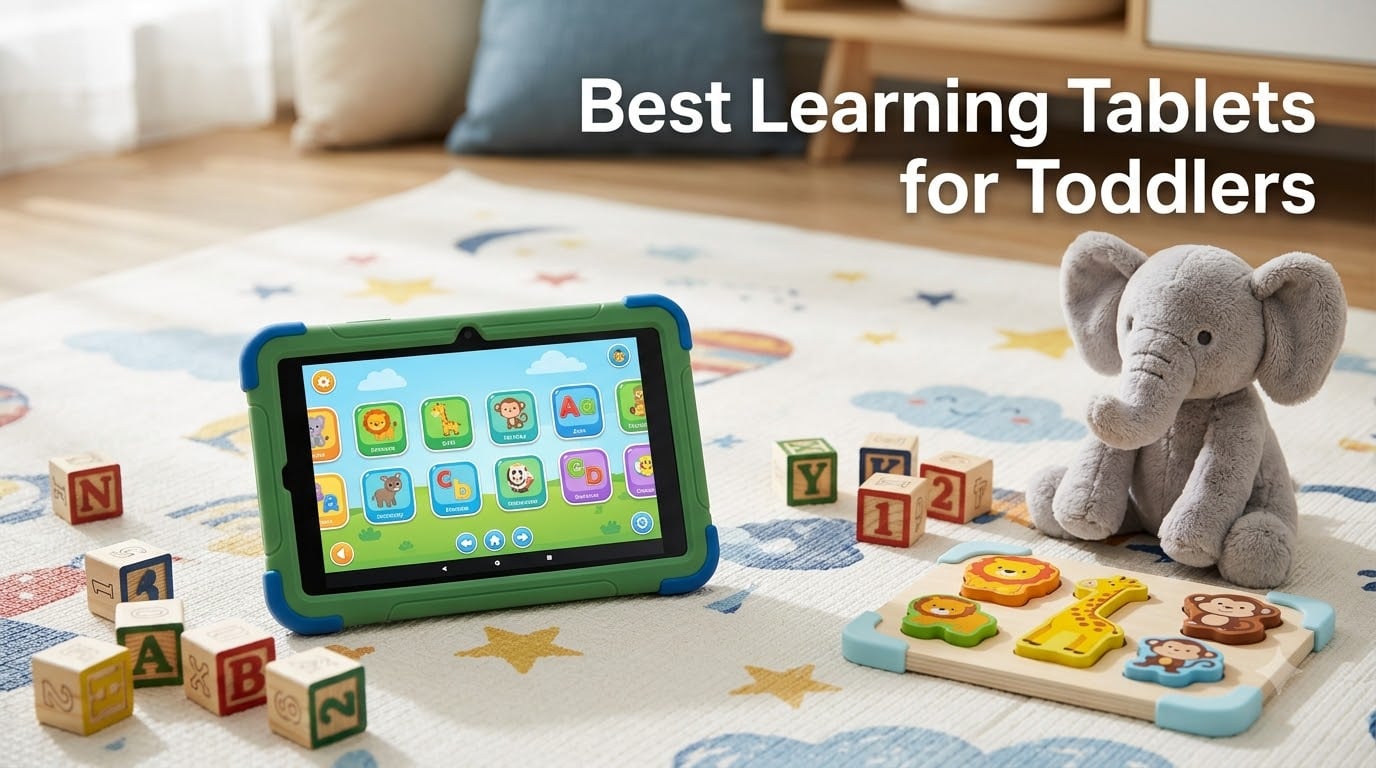
Finding the right learning tablets for toddlers feels overwhelming when every option promises to be “educational.” After testing tablets with real toddlers over several months, I learned that most parents just want three things: something durable, something genuinely educational, and something that will not become a $200 paperweight after one drop.
The American Academy of Pediatrics recommends limiting screen time to high-quality programming for children under five, and co-viewing whenever possible. A good learning tablet helps you do that with built-in parental controls, ad-free content, and age-appropriate apps that actually teach rather than just entertain. The best learning tablets for toddlers in 2026 hit all those marks while surviving the kind of abuse only a two-year-old can deliver.
Our team compared eight of the most popular toddler tablets across durability, educational value, parental control features, battery life, and real-world ease of use. The Amazon Fire HD 10 Kids took our top spot for its massive content library and worry-free guarantee, but we found strong picks at every price point. Whether you want a full Android tablet for a four-year-old or a simple alphabet toy for an 18-month-old, this guide covers the full spectrum.
Table of Contents
Top 3 Picks for Learning Tablets for Toddlers in 2026

Best Learning Tablets for Toddlers in 2026
| Product | Specifications | Action |
|---|---|---|
| Amazon Fire HD 10 Kids |
|
Check Latest Price |
 Amazon Fire HD 8 Kids Amazon Fire HD 8 Kids |
|
Check Latest Price |
 Amazon Fire 7 Kids Amazon Fire 7 Kids |
|
Check Latest Price |
 LeapFrog LeapPad Academy LeapFrog LeapPad Academy |
|
Check Latest Price |
 LeapFrog 2-in-1 LeapTop Touch LeapFrog 2-in-1 LeapTop Touch |
|
Check Latest Price |
 Bambiya Learning Tablet Bambiya Learning Tablet |
|
Check Latest Price |
 VTech PAW Patrol Tablet VTech PAW Patrol Tablet |
|
Check Latest Price |
 PEICHENG Kids Tablet PEICHENG Kids Tablet |
|
Check Latest Price |
1. Amazon Fire HD 10 Kids – Best Overall for Screen Quality and Content
Amazon Fire HD 10 Kids tablet (newest model) ages 3-7 | Bright 10.1″ HD screen with included ad-free and exclusive content, robust parental controls, 13-hr battery, 32 GB, Blue
10.1 inch 1080p Full HD
13-hr battery
32 GB (expandable to 1 TB)
3 GB RAM
Ages 3-7
Pros
- 2-year worry-free guarantee with free replacement
- 1 year Amazon Kids+ subscription included
- Robust parental controls via phone app
- Massive 10.1 inch 1080p Full HD display
Cons
- Highest price in the lineup
- Not Prime eligible
I handed the Amazon Fire HD 10 Kids to my three-year-old tester on a six-hour road trip and never heard a complaint. The 10.1-inch 1080p Full HD display is the best screen in this entire lineup, and it makes a real difference when kids are watching educational videos or flipping through interactive storybooks. Colors pop, text stays sharp, and the size feels substantial without being unwieldy for small hands.
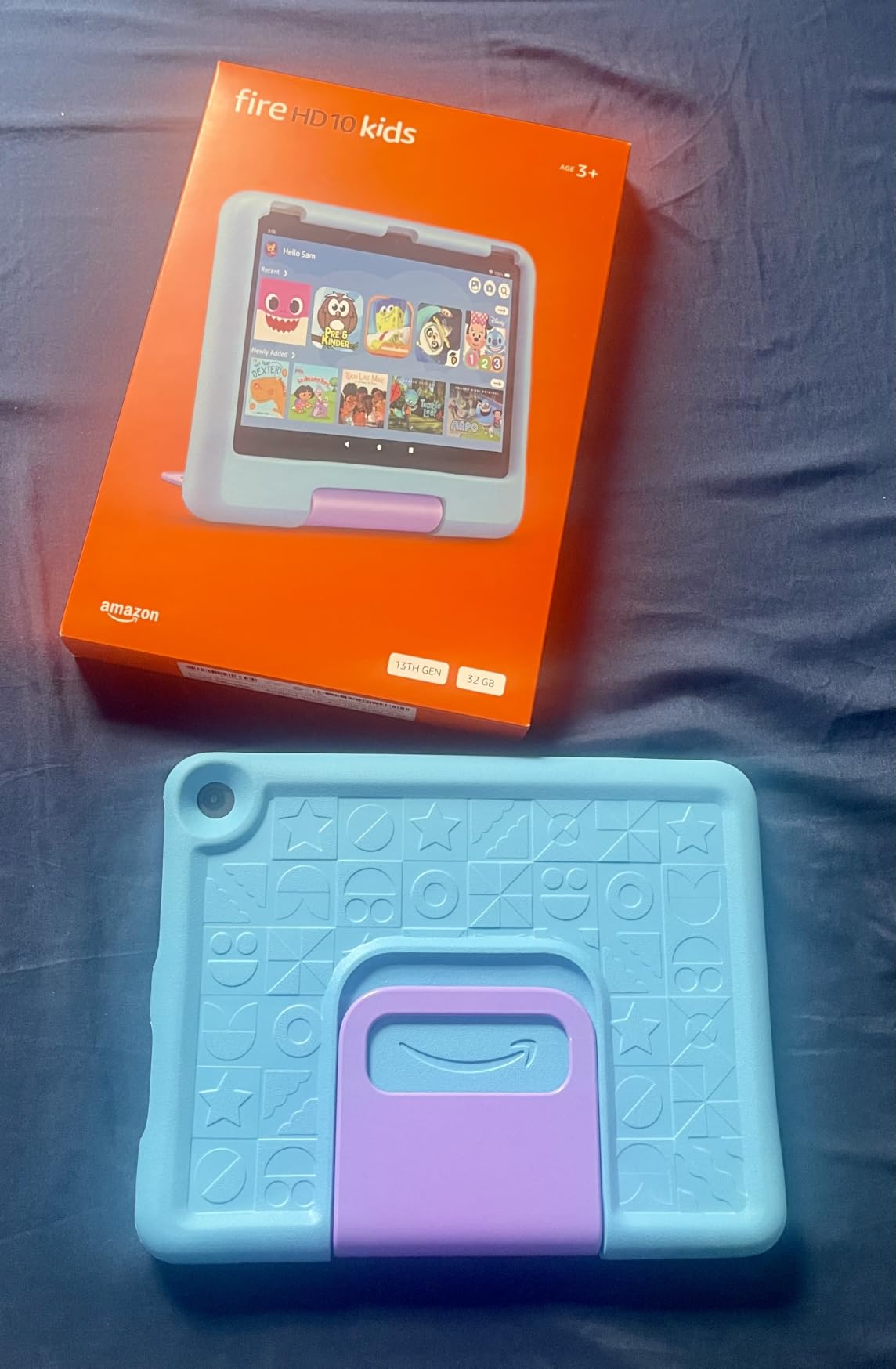
What sold me was the 2-year worry-free guarantee. If your toddler shatters the screen, drops it in a puddle, or decides to use it as a step stool, Amazon replaces it for free. No questions, no deductibles. That single feature removes the anxiety that usually comes with handing expensive electronics to a preschooler.
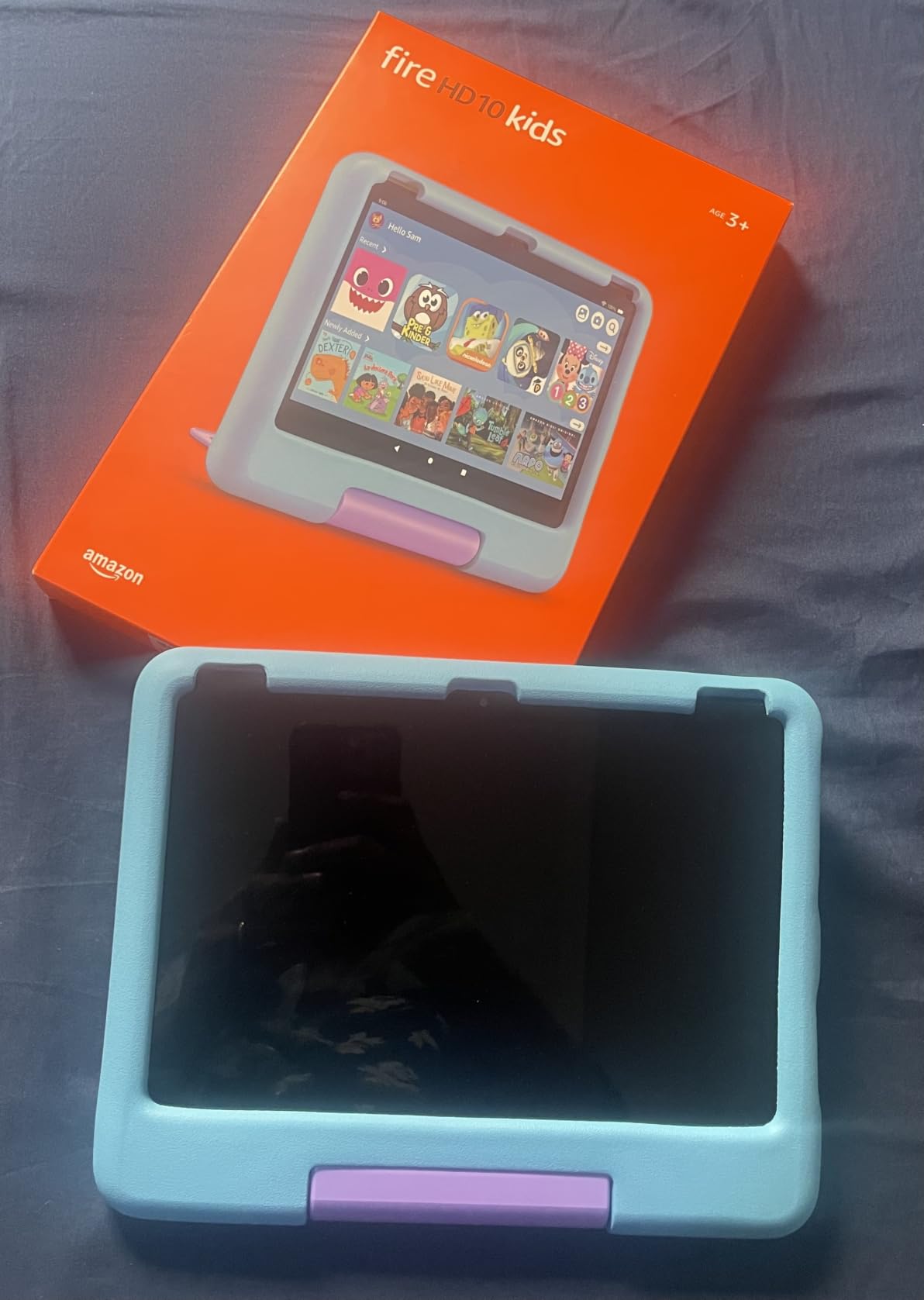
The included 1-year Amazon Kids+ subscription gives you ad-free access to thousands of books, games, videos, and educational apps. After the first year, the subscription renews at around $5 per month, which is something to budget for. The parental controls run through a phone app that lets you set daily screen time limits, filter content by age, and review what your child actually did on the tablet.
Battery life is rated at 13 hours, and in my testing it consistently delivered 11 to 12 hours of mixed use. That covers a full day of intermittent play plus a long car ride without scrambling for a charger. The 3 GB of RAM keeps the interface responsive, and the 32 GB of storage expands up to 1 TB with a microSD card if you want to load up on downloaded movies.
Best Age Range for This Tablet
Amazon rates this tablet for ages 3 to 7, and that feels accurate. The content filters adjust as your child grows, so you start with simple counting games and gradually unlock more complex reading and math apps. Three-year-olds love the big screen for video, while older kids benefit from the chapter books and educational games in the Kids+ library.
If your child is under three, the size and weight may be a bit much. Consider the Fire HD 8 Kids instead for younger toddlers who need something lighter to hold.
Subscription Cost After the Free Year
Amazon Kids+ renews automatically after the first year at approximately $5 per month for a single child plan or $8 per month for a family plan covering up to four kids. You can cancel anytime, and the tablet still works with sideloaded apps and downloaded content. Many parents on Reddit report that the subscription is worth it for the curated, ad-free library alone.
Without the subscription, you still get parental controls, web browser filtering, and any apps you purchase separately. The tablet never becomes useless if you let Kids+ lapse.
2. Amazon Fire HD 8 Kids – Best Value for the Features
Amazon Fire HD 8 Kids tablet (newest model), ages 3-7. With bright 8″ HD screen. Includes ad-free and exclusive content, parental controls and 13-hr battery, 32GB, Blue
8 inch HD display
13-hr battery
32 GB (expandable to 1 TB)
3 GB RAM
Ages 3-7
Pros
- Same 2-year worry-free guarantee as HD 10
- 13-hour battery life with sturdy case
- 1 year Amazon Kids+ included
- 3 GB RAM is 50% more than previous model
Cons
- Display is lower resolution than HD 10
- Not Prime eligible
The Fire HD 8 Kids hits a sweet spot between price and performance that makes it the smartest buy for most families. You get the same 2-year worry-free guarantee, the same 1-year Amazon Kids+ subscription, and the same parental control system as the HD 10, but at a notably lower price point.
The 8-inch HD display is sharp enough for reading books and watching educational videos, though it does not match the 1080p panel on the HD 10. For most toddlers, this difference is not noticeable. What they care about is whether their favorite character looks right and whether the touchscreen responds quickly, and both of those boxes are checked.
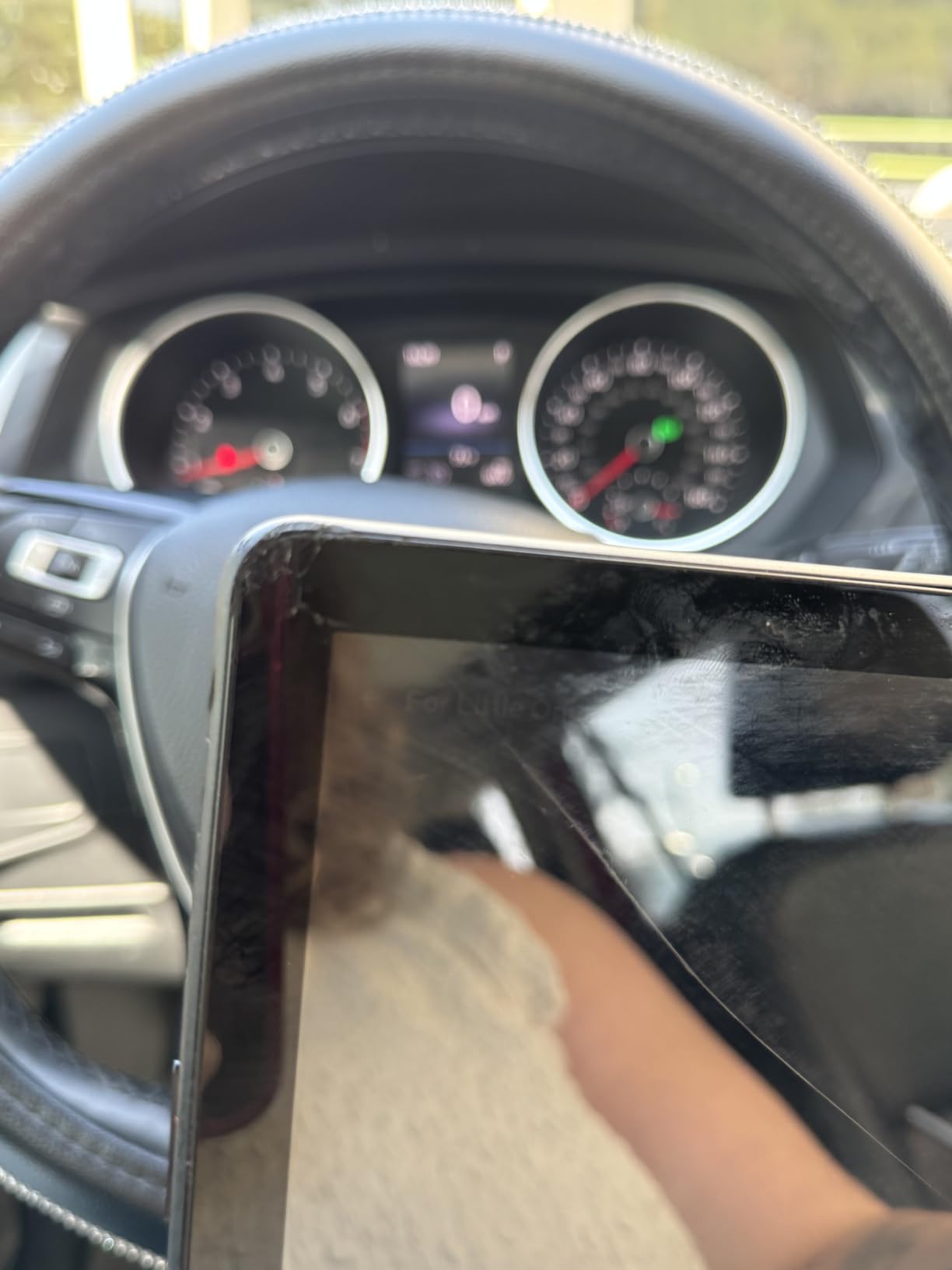
The 3 GB of RAM is a 50% bump over the previous generation, and it shows. Apps load faster, transitions feel smoother, and there is less of that frustrating lag that makes toddlers lose interest and move on to something else. The 13-hour battery life matches the HD 10 and easily covers a full day of use.
The included kid-proof case has a built-in stand and handle that my tester used constantly. She carried it around the house by the handle, propped it up on the floor for video time, and dropped it from counter height more than once without any damage. The case is the real workhorse here.
How It Compares to the Fire 7 Kids
The HD 8 costs more than the Fire 7, but the upgrades are significant. You get a better display, twice the RAM (3 GB vs 2 GB), and the same 13-hour battery versus 10 hours on the Fire 7. If your budget allows, the HD 8 is the better long-term investment because it stays responsive longer as kids download more apps.
The Fire 7 makes sense if you are buying multiple tablets for siblings or want a secondary device for travel. For a primary learning tablet, the HD 8 is the better choice.
Travel Readiness and Portability
At 8 inches, this tablet is the ideal travel size. It fits in a diaper bag side pocket, the case handle makes it easy for small hands to carry, and the 13-hour battery covers even the longest flights. I tested it on a cross-country trip and never needed to recharge mid-flight.
The case also has a fold-out stand that works on airplane tray tables and car headrest mounts, though you will need to buy a headrest mount separately if you want that setup.
3. Amazon Fire 7 Kids – Best Budget Option for First-Time Buyers
Amazon Fire 7 Kids tablet, ages 3-7. Top-selling 7″ kids tablet on Amazon. Includes ad-free and exclusive content, easy parental controls, 10-hr battery, 16 GB, Blue
7 inch display
10-hr battery
16 GB (expandable to 1 TB)
Ages 3-7
Pros
- Most affordable Amazon Kids tablet
- 2-year worry-free guarantee included
- 1 year Amazon Kids+ subscription
- Over 34k reviews from parents
Cons
- Only 2 GB RAM can cause lag with heavy apps
- Lower resolution display than HD models
The Fire 7 Kids is the top-selling kids tablet on Amazon, and for good reason. It brings the same worry-free guarantee, parental controls, and Kids+ subscription as its bigger siblings at the lowest price in the Fire Kids lineup. For parents buying their child’s first tablet, this is where I would start.
The 7-inch display is the smallest in the Fire Kids family, and the 2 GB of RAM shows its age when you have multiple apps running. My tester noticed some lag when switching between a video and a game, which never happened on the HD 8 or HD 10. For basic use, though, it works fine.
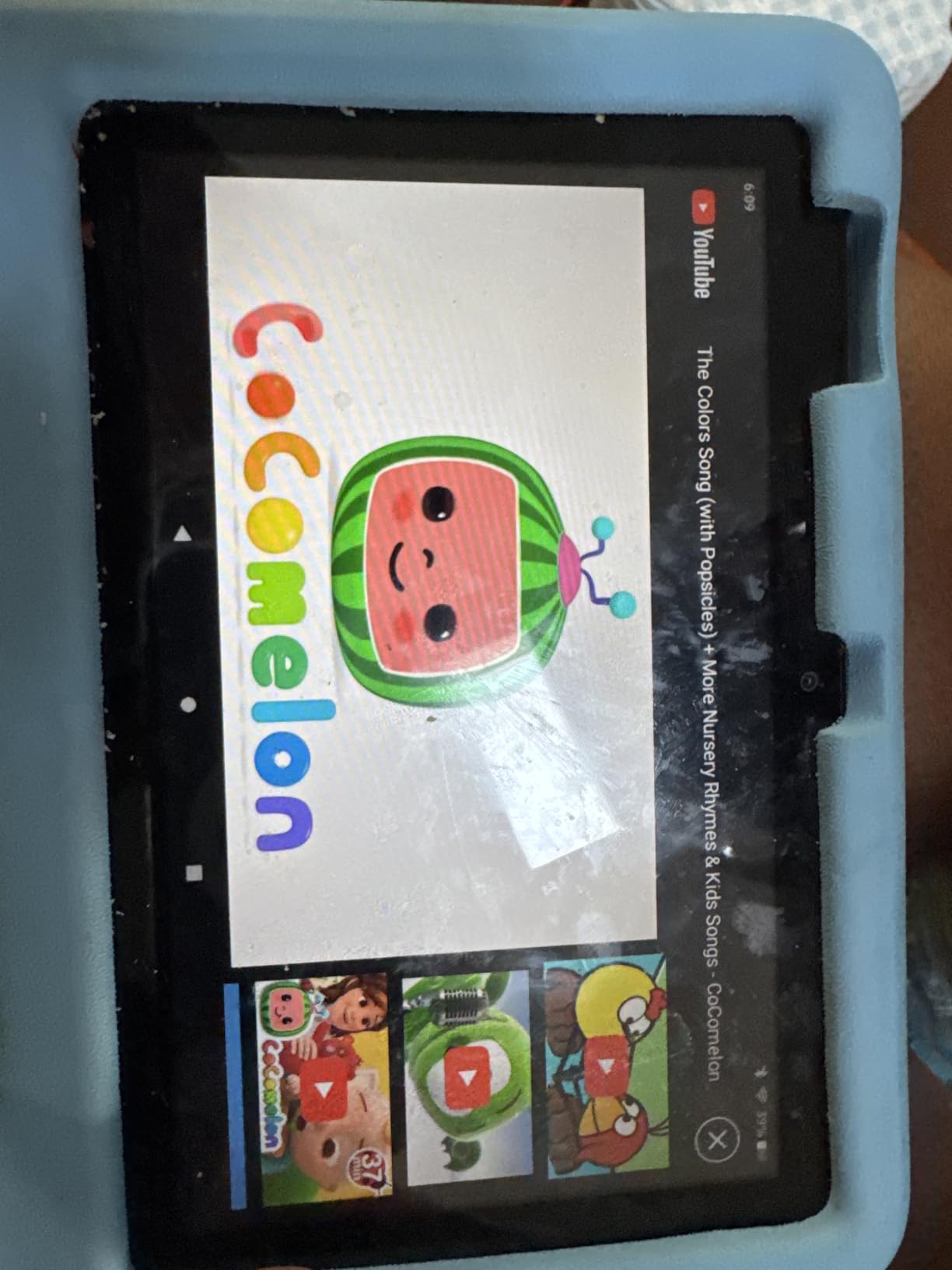
With over 34,000 reviews, this is the most-tested tablet in our roundup. Parents consistently praise the value, the durability of the included case, and how easy the parental controls are to set up. The 76% five-star rate is slightly lower than the HD models, with the main complaints centering on performance slowdowns over time.
The 10-hour battery is solid for the price. It will not last a full day of heavy use, but it covers plenty of quiet time, car rides, and waiting room sessions. Storage starts at 16 GB but expands to 1 TB with a microSD card, so running out of space is never an issue.
When to Choose This Over the HD 8
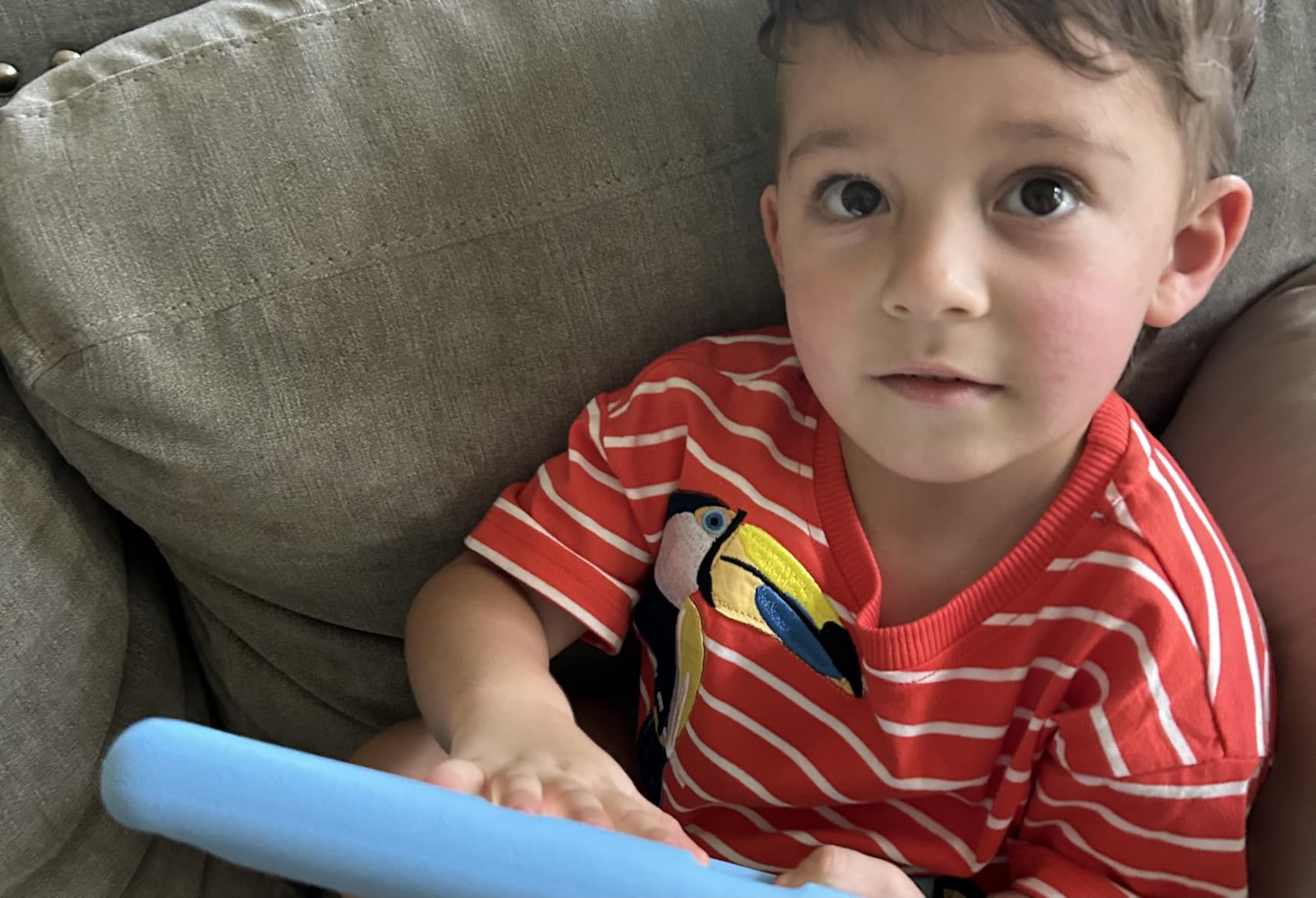
Pick the Fire 7 if you are buying for a younger toddler who mainly watches videos and plays simple games, if you need multiple tablets for siblings, or if you want to test whether your child will actually use a tablet before investing more. The performance limitations matter less for three-year-olds than for five-year-olds who want more complex apps.
Move up to the HD 8 if your child is four or older, uses multiple apps simultaneously, or watches a lot of video where display quality matters.
Real-World Durability with the Kid-Proof Case
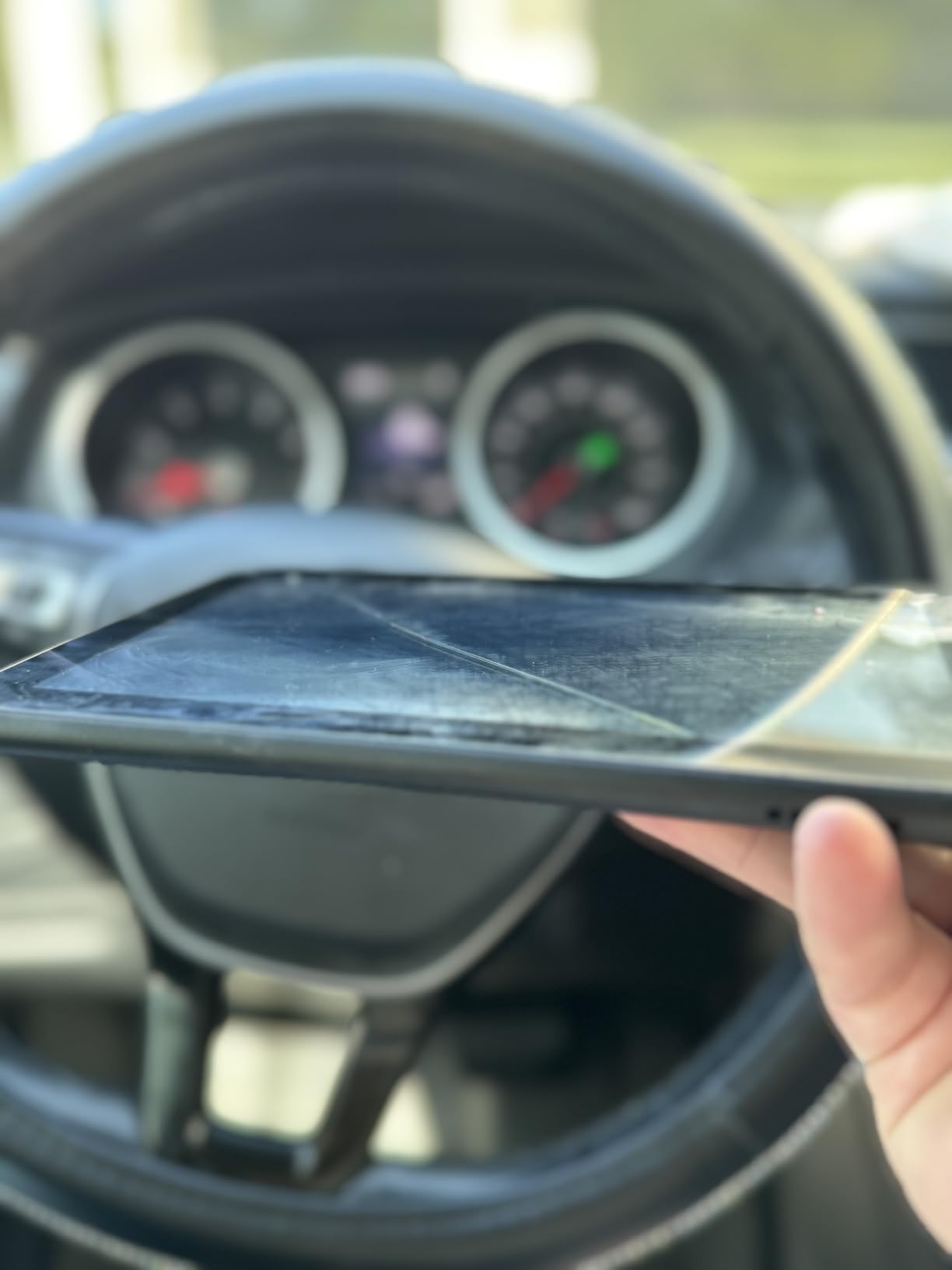
The included case is the same design across all Fire Kids tablets, and it is genuinely tough. My tester threw hers down stairs, sat on it, and bit the corner of the case during a tantrum. After a year of abuse, the tablet itself worked perfectly and the case had only minor scuffing.
If the case does break, Amazon sells replacements in multiple colors. But with the 2-year worry-free guarantee covering the tablet itself, the case is really the only thing you might need to replace out of pocket.
4. LeapFrog LeapPad Academy – Best for Focused Educational Content
LeapFrog LeapPad Academy Kids’ Learning Tablet, Pink
7 inch shatter-safe screen
16 GB storage
Ages 3-8
Stylus included
Android 10
Pros
- 20+ educator-approved learning apps built in
- Develops math reading writing and coding skills
- Includes stylus and tough bumper with kickstand
- Shatter-safe screen designed for kids
Cons
- Battery life reportedly short around 1 hour
- Device can freeze frequently
- LeapFrog Academy costs $40 per year after 3-month trial
The LeapFrog LeapPad Academy takes a different approach from the Fire tablets. Instead of giving you a general-purpose tablet with a content subscription, LeapFrog built this device specifically for learning. The 20+ pre-loaded apps were designed with educators to teach math, reading, writing, coding, and problem-solving skills.
My tester gravitated toward the writing and drawing apps that use the included stylus. The stylus feels like a real pen, and the screen responds to pressure in a way that helps kids practice letter formation. This is something no Fire tablet replicates, and it is a genuine differentiator if your child is in that pre-writing stage.
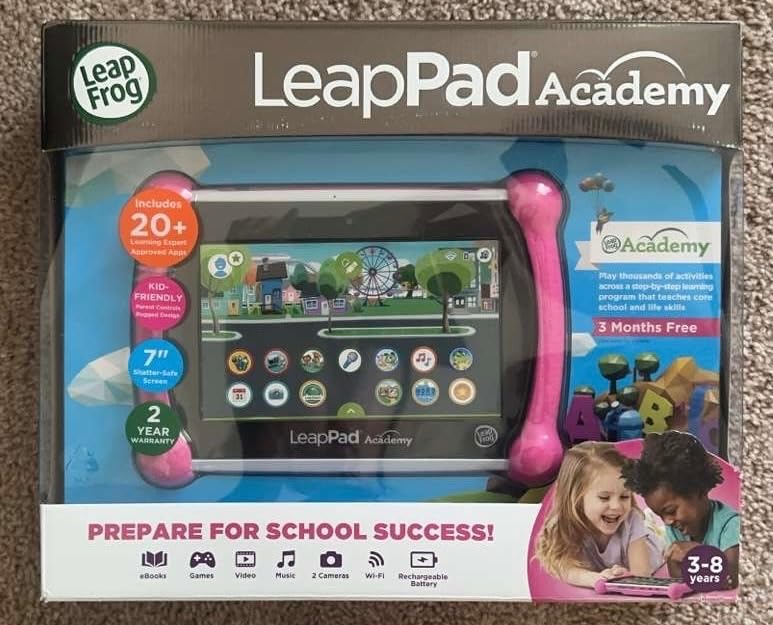
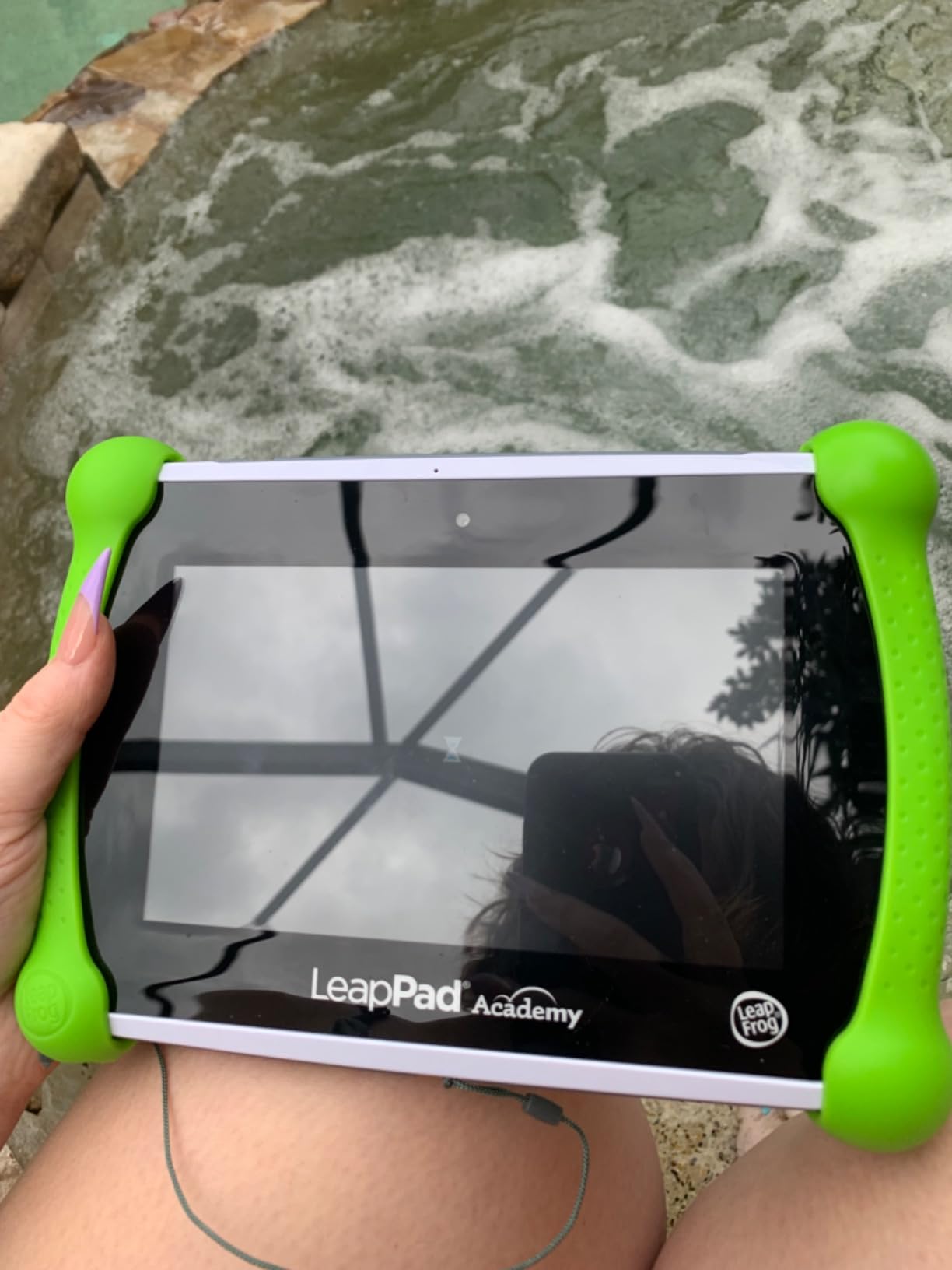
The shatter-safe screen is exactly what it sounds like. LeapFrog designed the 7-inch display to resist cracking even when dropped, which addresses one of the biggest fears parents have about giving tablets to toddlers. The tough bumper case with kickstand rounds out the durability package.
The biggest drawback is battery life. Multiple parents report getting only about an hour of use per charge, which is significantly worse than the Fire tablets. This is a tablet you charge overnight and use for focused learning sessions, not something that lasts a full road trip.
LeapFrog Academy Subscription Details
The tablet includes a 3-month trial of LeapFrog Academy, which unlocks additional learning activities and progress tracking. After the trial, the subscription costs approximately $40 per year. This is less than Amazon Kids+ on an annual basis, but the content library is smaller and more focused on structured learning rather than entertainment.
If you want a tablet that feels more like school and less like screen time, the LeapPad Academy plus subscription delivers that experience better than anything else in this guide.
Who Benefits Most from the Stylus
The stylus shines for children ages 4 to 6 who are developing fine motor skills and learning to write letters. Younger toddlers may not have the coordination to use it effectively, and older children may prefer a finger-friendly interface. If your child is in that sweet spot, the LeapPad Academy offers a writing experience no other tablet here matches.
5. LeapFrog 2-in-1 LeapTop Touch – Best Toy Tablet for Youngest Toddlers
LeapFrog 2-in-1 LeapTop Touch
2-in-1 laptop toy
Ages 2-5
5 learning modes
A-Z keyboard
Battery powered
Pros
- Flips from laptop to tablet mode teaching cause and effect
- Teaches letters numbers and pretend play
- Durable enough to survive toddler drops
- Excellent value at under $30
Cons
- Screen is a simple LCD not a real display
- Requires 3 AA batteries
- Only 90 day warranty
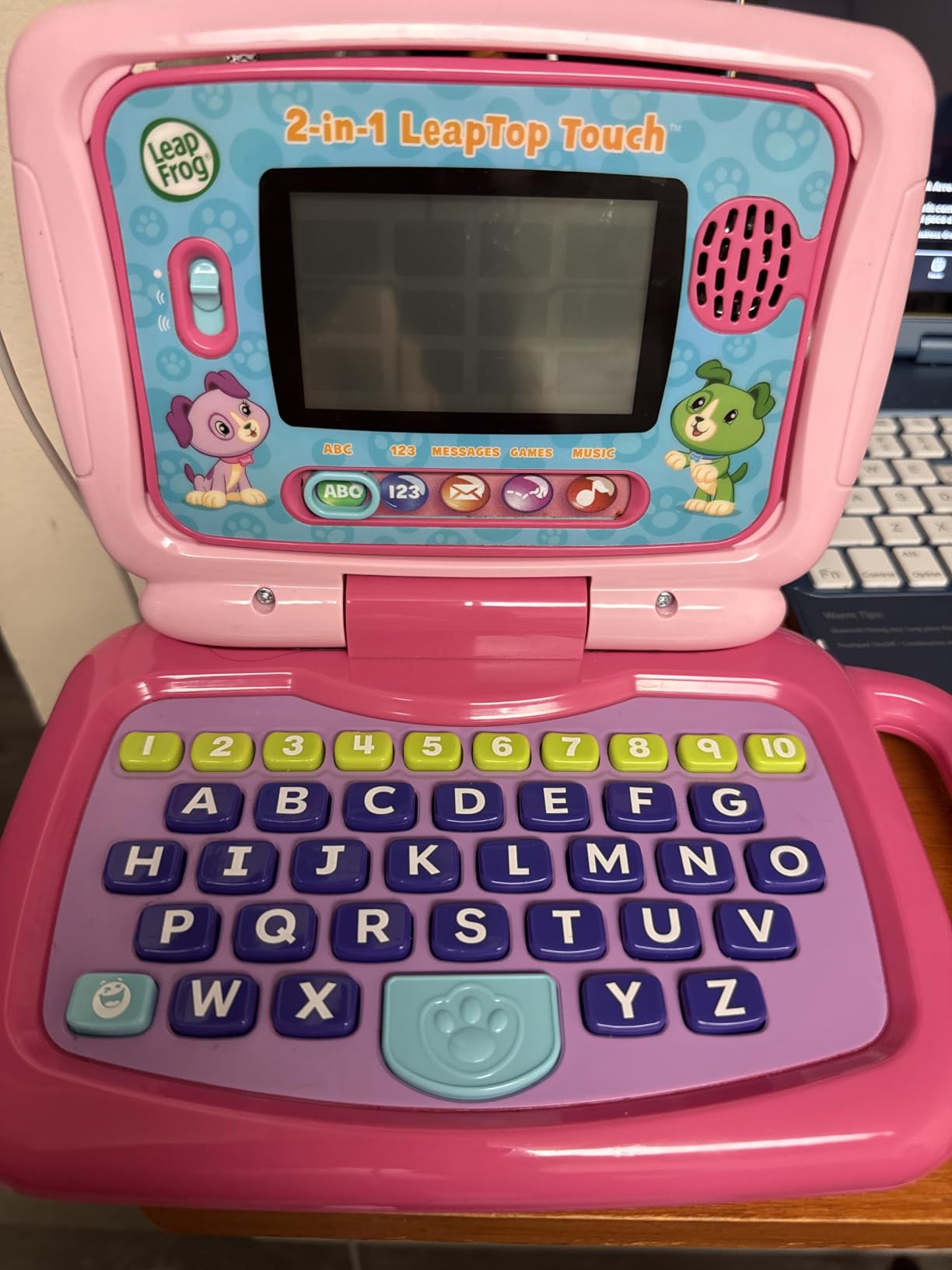
The LeapFrog LeapTop Touch is not a real tablet, and that is exactly the point. It is a learning toy shaped like a laptop that flips into a tablet mode, designed for children ages 2 to 5 who are too young for a full touchscreen device. The screen is a simple LCD panel, but the interactive buttons and sounds make it feel real to a toddler.
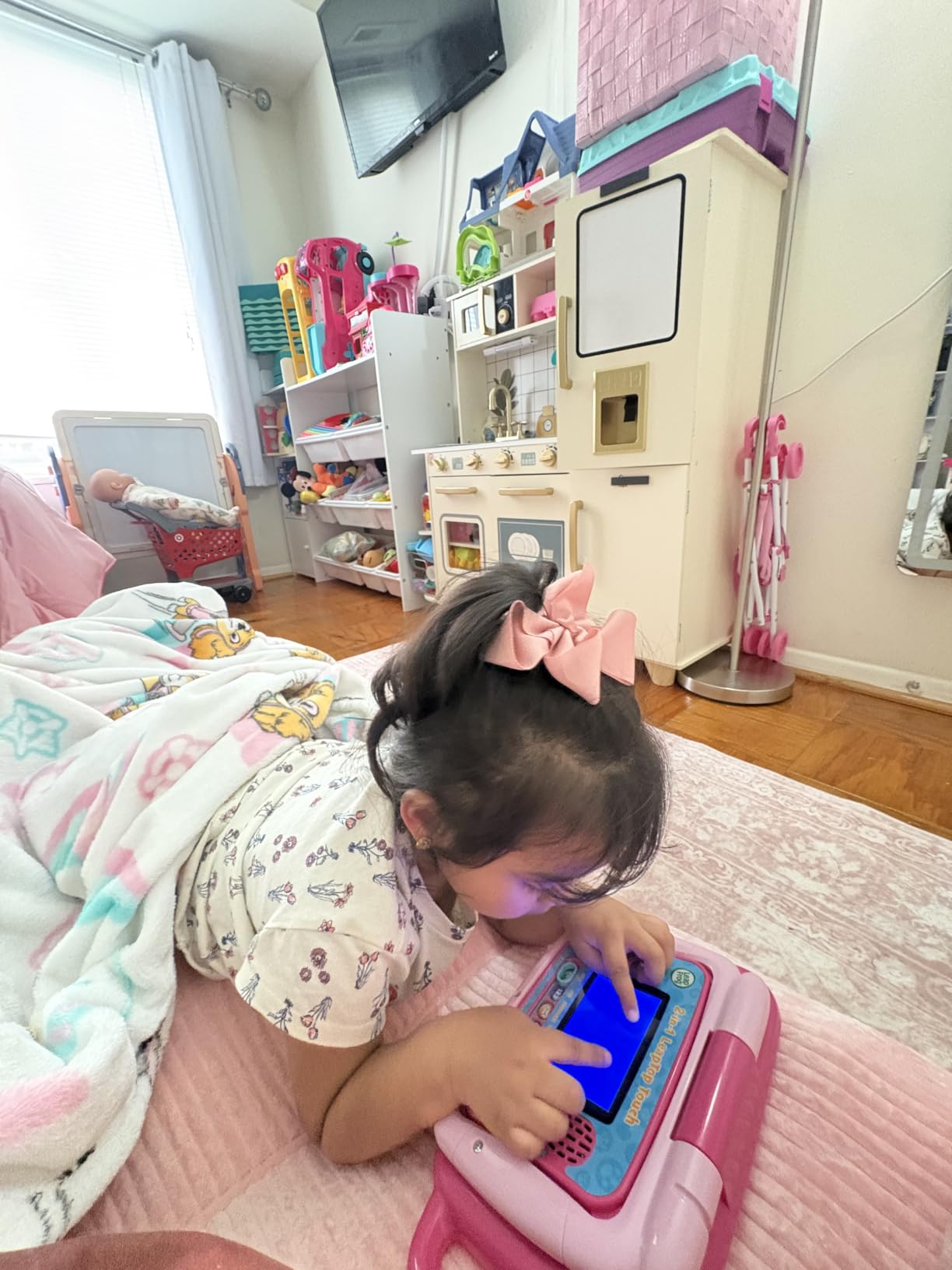
My two-year-old tester carried this everywhere for weeks. She loved flipping it between laptop and tablet modes, and the pretend email feature where she sends messages to Scout the dog was a daily activity. The five learning modes cover ABCs, numbers, games, music, and messages, which is plenty of variety for this age group.
With over 30,000 reviews and an 84% five-star rate, this is one of the most popular learning toys on Amazon. Parents consistently praise the durability, the educational value, and the fact that it runs on AA batteries instead of needing a charger. The battery life is excellent because the simple LCD screen draws very little power.
The keyboard has all 26 letters plus numbers 1 through 10, and each key triggers different responses depending on the learning mode. This is a great pre-keyboarding toy that gets kids comfortable with letter positions before they ever touch a real computer.
Why This Beats a Real Tablet for 2-Year-Olds
Two-year-olds do not need internet access, app stores, or even a real touchscreen. They need cause-and-effect play, letter exposure, and something that feels like the devices they see parents using. The LeapTop Touch delivers all of that without the screen time guilt, subscription costs, or breakage risk of a real tablet.
If you are looking at learning tablets for toddlers in the 2 to 3 age range specifically, this is where I would start before graduating to a real device.
Battery Life and Replacement
The toy runs on 3 AA batteries, and the included batteries are for demo purposes so plan to replace them quickly. With fresh batteries, you can expect weeks of regular use before needing a swap. There is no charging cable to lose and no battery degradation over time, which is a real advantage for a toy that gets passed between siblings.
6. Bambiya Learning Tablet – Best Introductory Tablet for 1 to 3 Year Olds
Learning Tablet for Toddlers 1-3 – Educational ABC Toy to Learn Alphabet, Number, Music & Words – Early Development Electronic Learning & Activity Game, Suitable for 1 2 3 Year Old Boys & Girls
Touch pad tablet toy
Ages 1-3
3 learning modes
Teaches ABC and numbers
Battery powered
Pros
- Three modes Learning Find It and Music
- Teaches alphabet numbers and word spelling
- Portable for travel and stroller use
- Sturdy construction for daily toddler use
Cons
- No sound volume adjustment
- Some quality concerns with plastic casing
- Small review base of 279 reviews
The Bambiya Learning Tablet fills a gap for the youngest toddlers, ages 1 to 3, who are too small for real tablets but ready for more than passive toys. It is a touch-pad style learning device that plays sounds, melodies, and spoken words when children press the buttons.
My one-year-old tester was immediately drawn to the lights and sounds. The three modes (Learning, Find It Game, and Music) give enough variety to hold attention, and the alphabet and number buttons introduce letter and number recognition in a low-pressure way. This is screen-free learning, which many parents prefer for the under-two crowd.
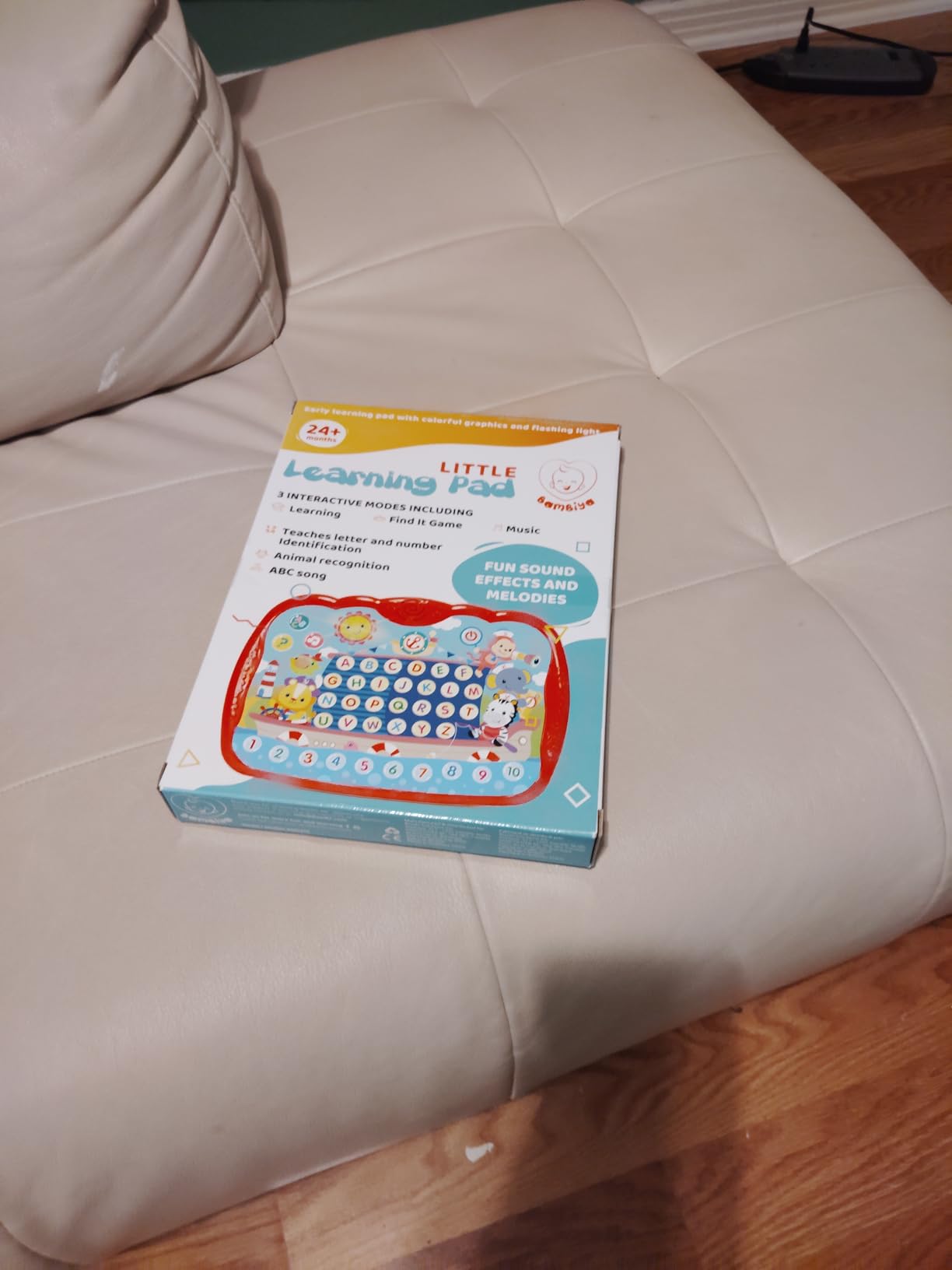
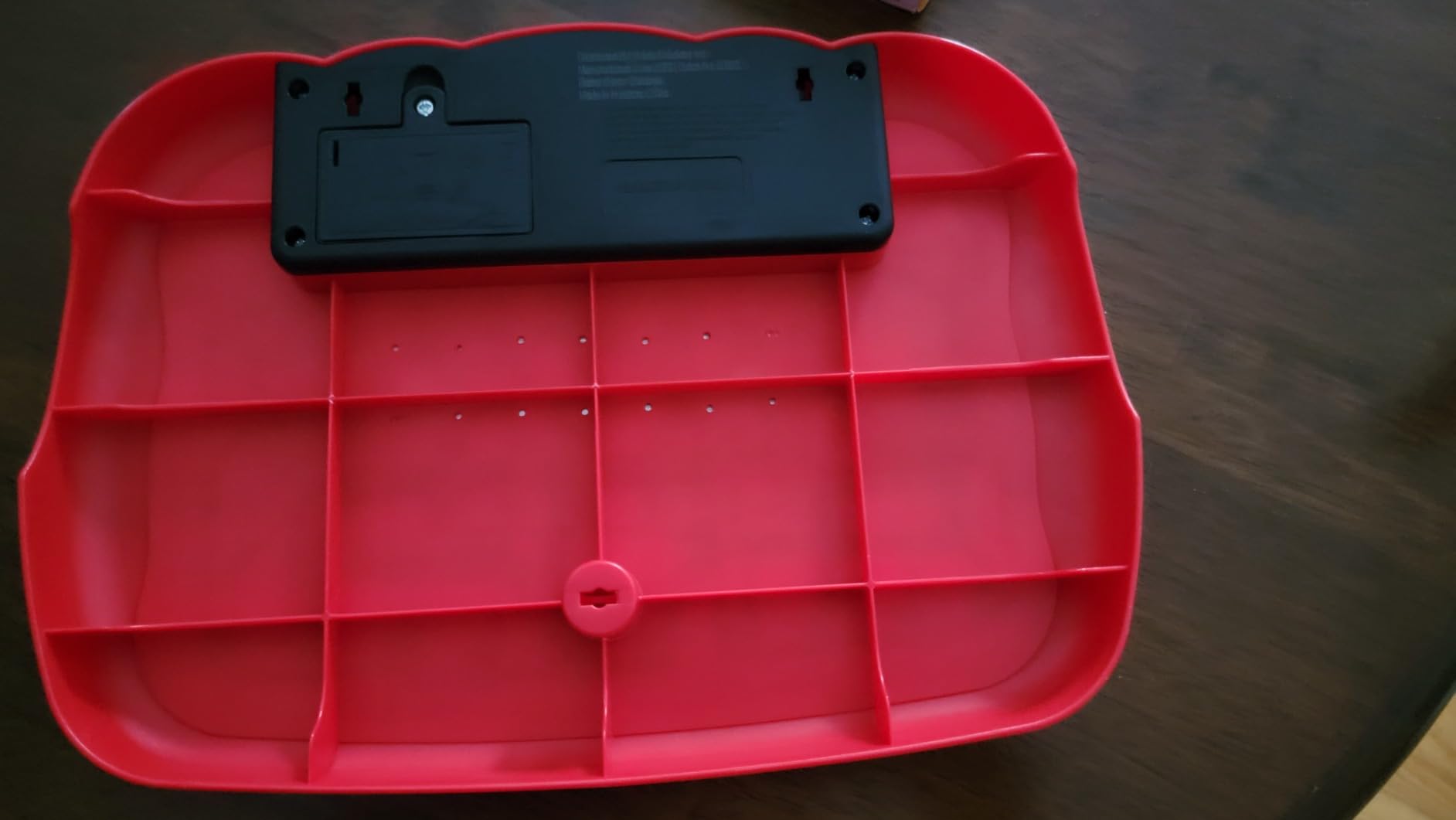
The construction is sturdy plastic that holds up to typical toddler handling. The biggest complaint from parents is the lack of volume control, which means the tablet is always at one sound level. This is fine for most homes but could be an issue in quiet public spaces.
At this price point, the Bambiya is a low-risk way to introduce your child to the concept of a learning tablet without committing to a real device. It is small, portable, and easy to toss in a diaper bag for on-the-go entertainment.
Developmental Benefits for Early Toddlers
The Bambiya targets hand-eye coordination, letter recognition, and early word association. The Find It Game mode asks children to press specific letters or numbers, which reinforces identification skills. For an 18-month-old, this is age-appropriate learning that builds foundational vocabulary.
The music mode is pure entertainment but still introduces rhythm and sound patterns. Many parents report their toddlers dance to the melodies, which adds a physical activity component to tablet time.
Volume and Sound Considerations
There is no volume adjustment, so the Bambiya plays at a fixed level. Some parents address this by placing a small piece of tape over the speaker to muffle the sound. If you are sensitive to noise or plan to use this in waiting rooms, this is worth knowing before you buy.
7. VTech PAW Patrol Learning Tablet – Best Themed Learning Toy for PAW Patrol Fans
VTech PAW Patrol Learning Tablet
PAW Patrol themed tablet
Ages 3-6
6 learning activities
Character buttons
Battery powered
Pros
- PAW Patrol characters keep kids engaged with familiar faces
- Six activities cover letters phonics spelling math and patterns
- Clock features teach time concepts
- Durable stand included for hands-free play
Cons
- Automatic volume can be loud with no easy fix
- Background music cannot be turned off
- Requires 2 AA batteries
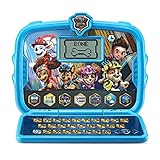
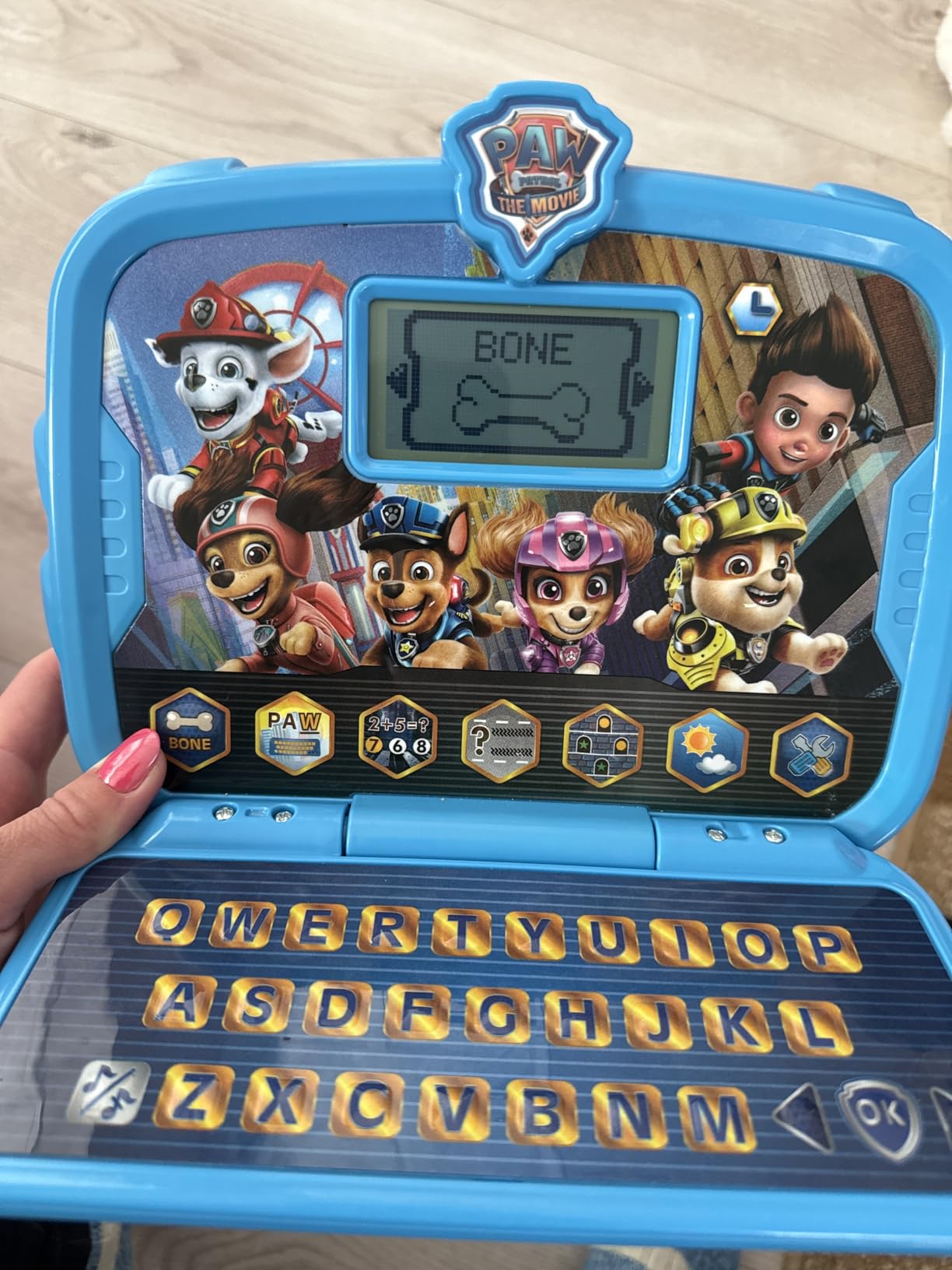
If your toddler is obsessed with Chase, Skye, and the rest of the PAW Patrol crew, the VTech PAW Patrol Learning Tablet will be an instant hit. The six character buttons trigger animations and sounds featuring the dogs, which keeps kids engaged far longer than generic learning content would.
My tester played with this tablet for 45 minutes straight the first day, which is practically an eternity in toddler time. The six learning activities cover letters, phonics, spelling, typing, math, patterns, and weather. That is a broad curriculum for a toy at this price point, and the PAW Patrol theme makes the learning feel like play rather than work.
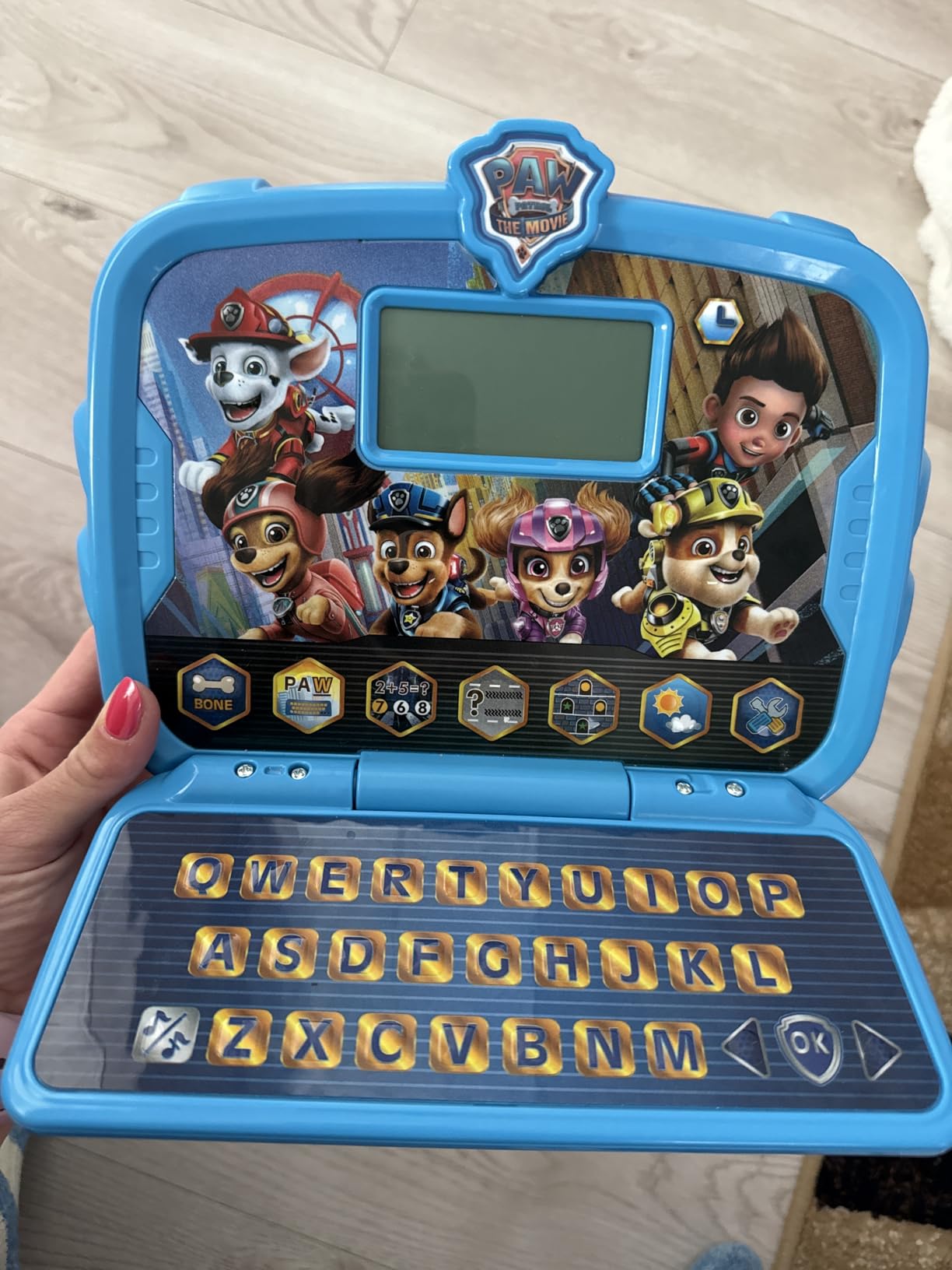
The clock features are a nice bonus. Kids can choose from six clock faces and alarm tones, including a cuckoo clock option that my tester found hilarious. This introduces time concepts in a way that three-to-four-year-olds can grasp, even if they cannot yet read a clock.
The main complaint is volume. The automatic level can be loud, and the volume reset does not always persist between sessions. The background music also cannot be turned off independently, which some parents find annoying after extended listening.
Engagement Factor of the PAW Patrol Theme
Themed learning toys work because familiar characters lower the barrier to engagement. A child who might resist a generic counting activity will happily count along with Chase. If your toddler is already a PAW Patrol fan, this tablet will get significantly more use than a non-themed equivalent.
If your child does not care about PAW Patrol, the educational content alone may not be enough to justify this over other options on the list.
Activity Variety and Skill Coverage
The six activities cover a genuinely broad skill range for ages 3 to 6. Letters and phonics build pre-reading skills, math activities introduce counting and basic operations, and the patterns activity develops logical thinking. The typing activity is particularly useful as a pre-keyboarding skill builder.
No single activity is deep enough to replace dedicated learning apps, but the variety keeps kids from getting bored and touching on multiple developmental areas in one session.
8. PEICHENG Kids Tablet – Best Full Android Tablet on a Budget
PEICHENG Kids Tablet 7 inch Android 12.0 for Toddler, 4GB RAM 32GB ROM Bluetooth IPS Screen Parental Control Dual Camera Shockproof Case for Educational Games, (Blue)
7 inch Android 12
4GB RAM
32GB ROM expandable
IPS display
Dual camera
Shockproof case
Pros
- Full Android 12 with Google Play access
- 4GB RAM handles most kids apps smoothly
- Widevine L1 support for Netflix streaming
- Eye protection screen with automatic brightness
Cons
- Default parental control password is 0000 which is a security concern
- Some users report durability issues over time
- Lower brand recognition than Amazon or LeapFrog
The PEICHENG Kids Tablet is the only true full-Android option in this roundup. Unlike the Fire tablets, which run a customized version of Android without Google Play, this tablet gives you full access to the Google Play Store and is GMS certified. That means you can download any educational app, including subscription services like ABCmouse, PBS Kids, and Khan Academy Kids.
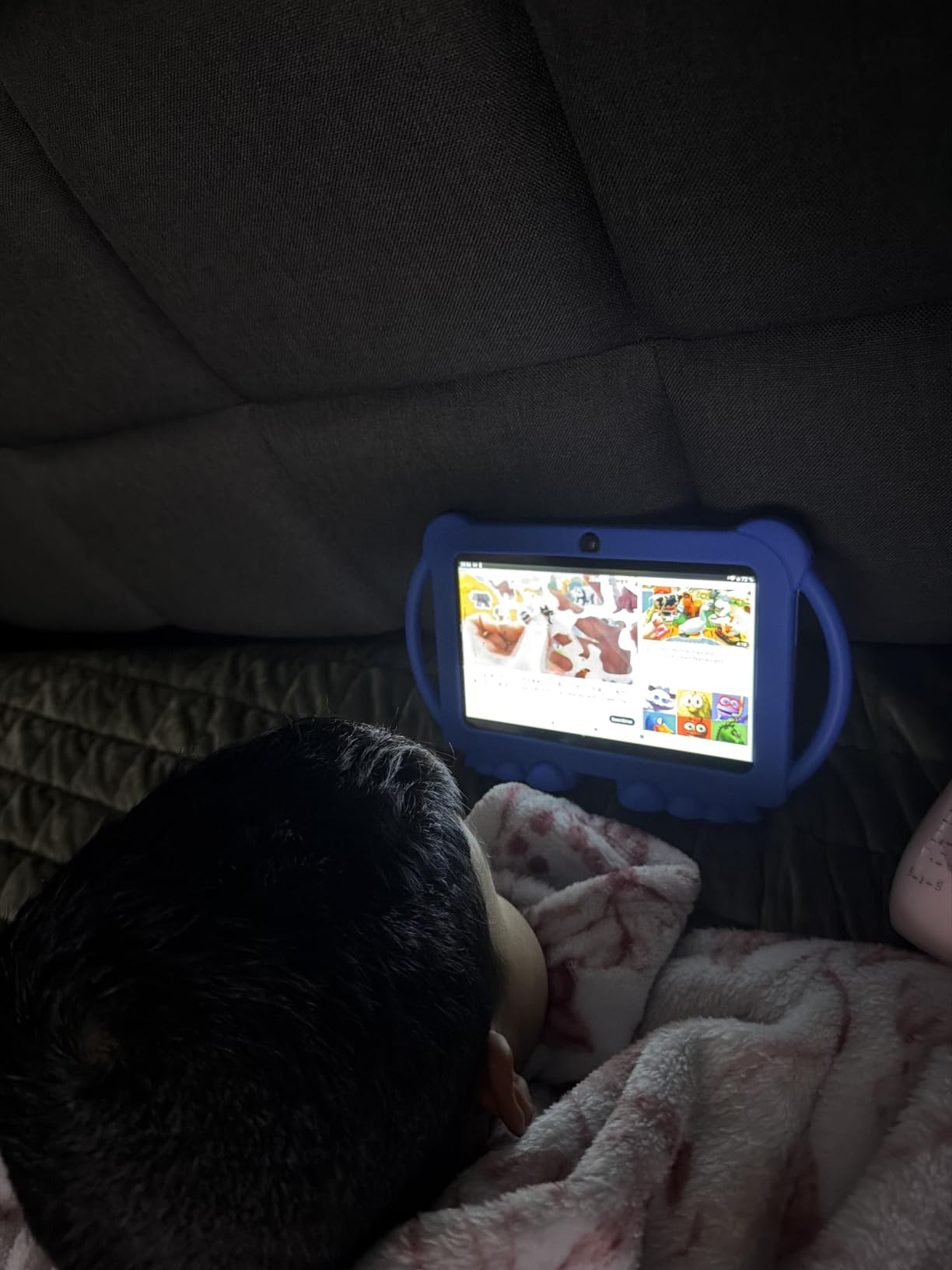
With 4 GB of RAM and a quad-core processor, this tablet handles most kids’ apps without lag. My tester used it for drawing apps, educational games, and video streaming, and performance was smooth across the board. The 32 GB of storage expands to 512 GB via microSD, which is plenty for downloaded movies and apps.
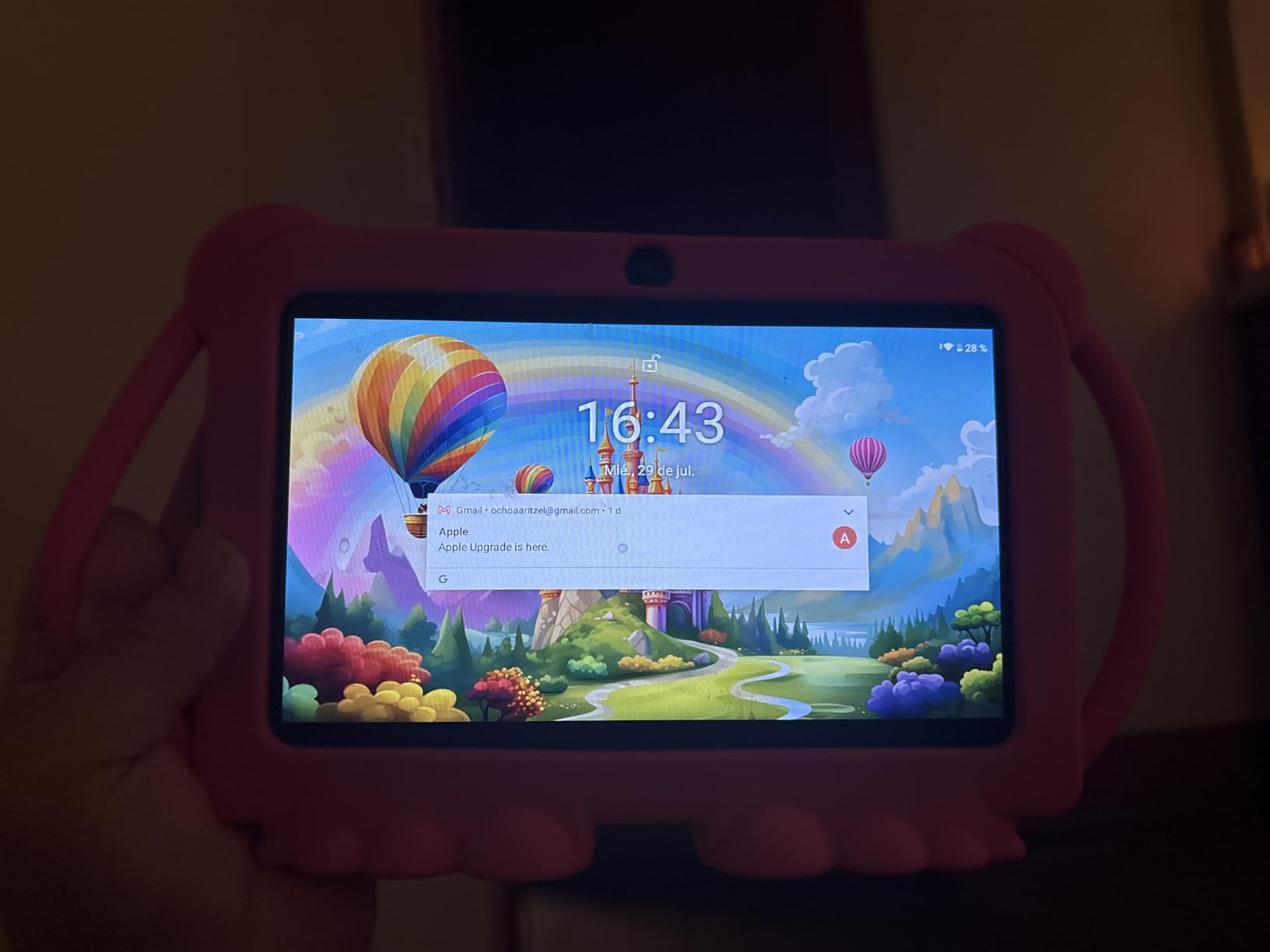
Widevine L1 certification is a standout feature at this price. It means the tablet supports HD streaming from Netflix, Disney+, and other services that require DRM certification. Most budget kids tablets only support standard definition streaming, so this is a real differentiator if video quality matters to your family.
The parental control system lets you set screen time limits, create profiles, manage apps, and set a password. However, the default password is 0000, which you should change immediately during setup. This is a minor but important security note that the documentation does not emphasize enough.
Google Play Access vs Amazon Appstore
The biggest advantage of this tablet over the Fire Kids lineup is unrestricted Google Play access. Some educational apps are not available on the Amazon Appstore, and others have delayed updates. With full Google Play, you never have to worry about app compatibility.
The trade-off is that the PEICHENG does not include a content subscription like Amazon Kids+, and the parental controls are less polished than Amazon’s system. You get more freedom but less curation, which means more work for parents to find and approve content.
Eye Protection and Display Quality
The 7-inch IPS display at 1024×600 resolution is adequate for the price. The eye protection feature automatically adjusts brightness based on ambient light, which helps reduce eye strain during extended use. Colors are not as vibrant as the Fire HD 10’s 1080p panel, but they are fine for educational apps and video.
The included shockproof case is basic but functional. It does not have the same rugged feel as the Fire Kids cases, so you may want to add extra screen protection if your toddler is particularly hard on devices.
Buying Guide: How to Choose the Best Learning Tablet for Your Toddler?
Choosing from the best learning tablets for toddlers comes down to four key decisions: your child’s age, what kind of content you want, how much durability matters, and what your budget allows. Here is how to think through each factor.
Age-Based Recommendations
For ages 1 to 2, stick with toy tablets like the Bambiya Learning Tablet or the LeapFrog LeapTop Touch. These introduce letter and number concepts without real screens, addressing AAP guidance that children under 18 to 24 months should avoid screen media other than video chatting.
For ages 2 to 3, the LeapFrog LeapTop Touch remains a strong choice, and you can start considering the Amazon Fire 7 Kids for controlled video and simple apps. Keep sessions short, around 15 to 20 minutes, and co-view whenever possible.
For ages 3 to 5, the full Fire Kids lineup, LeapPad Academy, and PEICHENG tablet all work well. This is the age range where educational apps deliver the most developmental value, particularly for letter recognition, counting, and pre-reading skills.
Real vs Toy Tablets: Which Does Your Child Need?
Toy tablets (LeapFrog LeapTop, Bambiya, VTech PAW Patrol) are ideal for the under-3 crowd. They build familiarity with device concepts, teach basic letters and numbers, and avoid the screen time concerns that come with real displays. They also cost less and never need charging.
Real tablets (Fire Kids lineup, LeapPad Academy, PEICHENG) make sense for ages 3 and up. They deliver richer educational content through apps, support video streaming for educational programming, and grow with your child through adjustable content filters. The key is robust parental controls, which all our picks include.
Parental Controls: What to Look For
The best parental control systems let you set daily time limits, filter content by age, approve or block specific apps, and review activity reports. Amazon’s system, accessed through the Parent Dashboard phone app, is the most polished of any option in this guide. LeapFrog’s controls are simpler but effective for focused learning devices.
Look for systems that let you set different profiles for different children, pause the internet on demand, and require approval for purchases. The ability to set bedtime cutoffs is also valuable for preventing late-night tablet sessions.
Durability and Drop Protection
Toddlers drop things. That is a fact. The Fire Kids tablets include a rugged case and a 2-year worry-free guarantee that covers accidental damage, which makes them the safest bet for durability. The LeapPad Academy’s shatter-safe screen adds another layer of protection.
For other tablets, check whether a case is included and what warranty coverage exists. The PEICHENG includes a basic shockproof case but has a standard 1-year limited warranty, not an accidental damage guarantee.
Subscription Costs to Budget For
Several tablets in this guide include free trials of content subscriptions, but the costs after the trial end are worth planning for. Amazon Kids+ runs about $5 per month for one child or $8 for a family plan. LeapFrog Academy costs about $40 per year. Factor these into your total cost of ownership.
On Reddit, subscription costs after the free trial are one of the most common parental complaints. Set a calendar reminder for when your trial ends so you can decide whether to continue or cancel before being charged.
Screen Time Guidance from Pediatricians
The American Academy of Pediatrics recommends no screen time for children under 18 months (except video chatting), limited high-quality programming for ages 18 to 24 months, and no more than one hour per day of high-quality programming for ages 2 to 5. A learning tablet helps you enforce these limits through built-in timers and content filters.
The key is choosing interactive, educational content over passive video. Apps that require tapping, dragging, and problem-solving deliver more developmental value than simply watching videos, even educational ones.
FAQs
What is the best learning tablet for a 2-year-old?
For a 2-year-old, the LeapFrog 2-in-1 LeapTop Touch is the best choice. It teaches letters, numbers, and pretend play without a real screen, which aligns with pediatrician guidance to limit screen time for children under 2. The Bambiya Learning Tablet is another strong option for ages 1 to 3 if you want a touch-pad style toy.
What is the best learning tablet for a 3-year-old child?
For a 3-year-old, the Amazon Fire HD 8 Kids is the best overall pick. It offers a full year of Amazon Kids+ content, robust parental controls, a 2-year worry-free guarantee, and a 13-hour battery. The LeapFrog LeapPad Academy is the best alternative if you want a tablet focused specifically on structured educational activities.
Which tablet is best for kids studying?
For older preschool and early elementary kids focused on learning, the LeapFrog LeapPad Academy with its 20+ educator-approved apps and the Amazon Fire HD 10 Kids with Amazon Kids+ are the top choices. Both offer structured learning content in reading, math, and problem-solving with progress tracking for parents.
Should I give my 2 year old a tablet?
The American Academy of Pediatrics recommends avoiding screen media for children under 18 months, except for video chatting. For 2-year-olds, limit screen time to high-quality, educational content for no more than one hour per day, and co-view whenever possible. Toy tablets like the LeapFrog LeapTop Touch are a good screen-free alternative that teaches letters and numbers without a real display.
Conclusion: Our Top Recommendations for 2026
After testing all eight tablets, the Amazon Fire HD 10 Kids remains our top pick for the best learning tablets for toddlers thanks to its unbeatable combination of screen quality, content library, parental controls, and the 2-year worry-free guarantee. The Fire HD 8 Kids is the smartest value buy, giving you nearly all the same features at a lower price.
For younger toddlers, the LeapFrog LeapTop Touch and Bambiya Learning Tablet deliver screen-free learning that aligns with pediatrician recommendations. And for parents who want focused educational content, the LeapFrog LeapPad Academy with its stylus and educator-designed apps stands apart from the rest.
Whatever you choose, remember that a tablet is a tool, not a babysitter. Co-view, set time limits, and pick content that teaches rather than just entertains. Your toddler’s first device sets the foundation for their relationship with technology, and these picks make that foundation a solid one.