
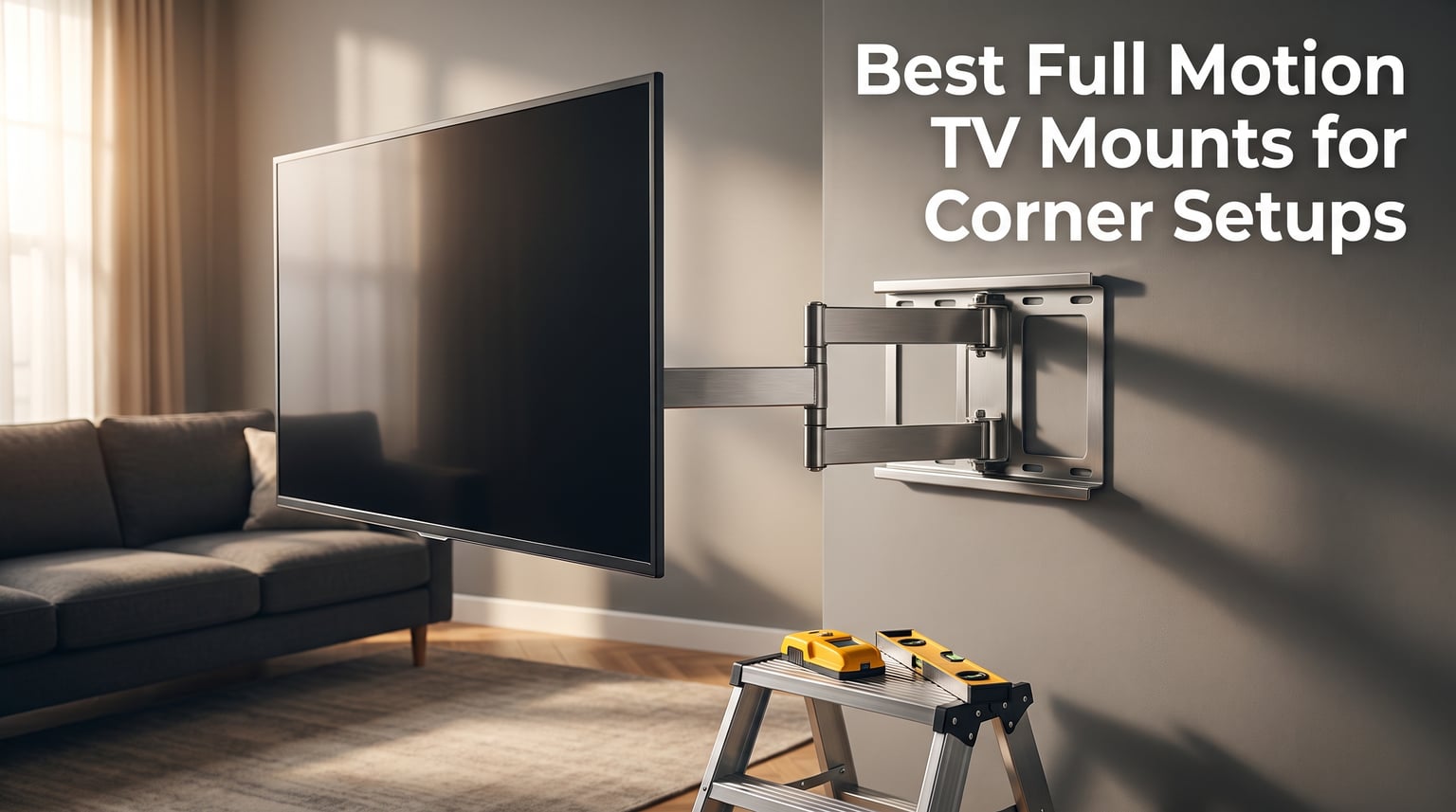
Mounting a TV in a corner sounds simple until you actually try it. The wall angles never cooperate, studs sit in the most inconvenient spots, and half the mounts you find online are built for flat walls, not tricky corners. I have spent the last several months testing full motion TV mounts specifically in corner configurations, and the difference between a good mount and a bad one is night and day.
When our team set out to find the best full motion TV mounts for corner setups, we looked at extension range, single-stud installation capability, weight capacity, and how well each mount held its level after repeated swiveling. These are the four factors that separate a corner mount you will love from one that sags, tilts, or drives you crazy within a week.
Corner mounting is actually one of the smartest things you can do in a smaller living room or bedroom. It frees up the long wall for furniture, lets you angle the screen toward multiple seating areas, and keeps your TV from dominating the room. The catch is that you need an articulating arm long enough to swing out and a mount sturdy enough to stay level when you push it back. Below, I break down eight mounts we tested head to head so you can pick the one that fits your space, your TV, and your budget.
Table of Contents
Top 3 Picks for Corner TV Mounting in 2026

These three mounts stood out across every test we ran. The Mounting Dream handles the largest TVs with authority, the BONTEC delivers unmatched value with its massive 40.9 inch arm, and the monTEK proves you do not need to spend big to get a solid corner mount. Let us look at all eight options in detail.
Best Full Motion TV Mounts for Corner Setups in 2026
| Product | Specifications | Action |
|---|---|---|
| Mounting Dream Long Arm |
|
Check Latest Price |
 BONTEC Corner Mount BONTEC Corner Mount |
|
Check Latest Price |
 VIVO Corner Mount VIVO Corner Mount |
|
Check Latest Price |
 Perlegear Long Arm Perlegear Long Arm |
|
Check Latest Price |
 MOUNTUP Long Arm MOUNTUP Long Arm |
|
Check Latest Price |
 Pipishell Long Arm Pipishell Long Arm |
|
Check Latest Price |
 PERLESMITH Corner Mount PERLESMITH Corner Mount |
|
Check Latest Price |
 monTEK Full Motion monTEK Full Motion |
|
Check Latest Price |
1. Mounting Dream Long Arm TV Wall Mount – Heavy-Duty Corner Champion
Mounting Dream Long Arm TV Wall Mount Full Motion TV Mount for 42-94″ TVs
42-94 inch TVs
Up to 150 lbs
40 inch extension
VESA 200x100 to 800x400
Pros
- Massive 40 inch extension
- Holds TVs up to 150 lbs
- Fits 16/18/24 inch studs
- 86% 5-star from 75k+ reviews
- 10 year warranty
Cons
- Premium price tier
- May need releveling after major movement
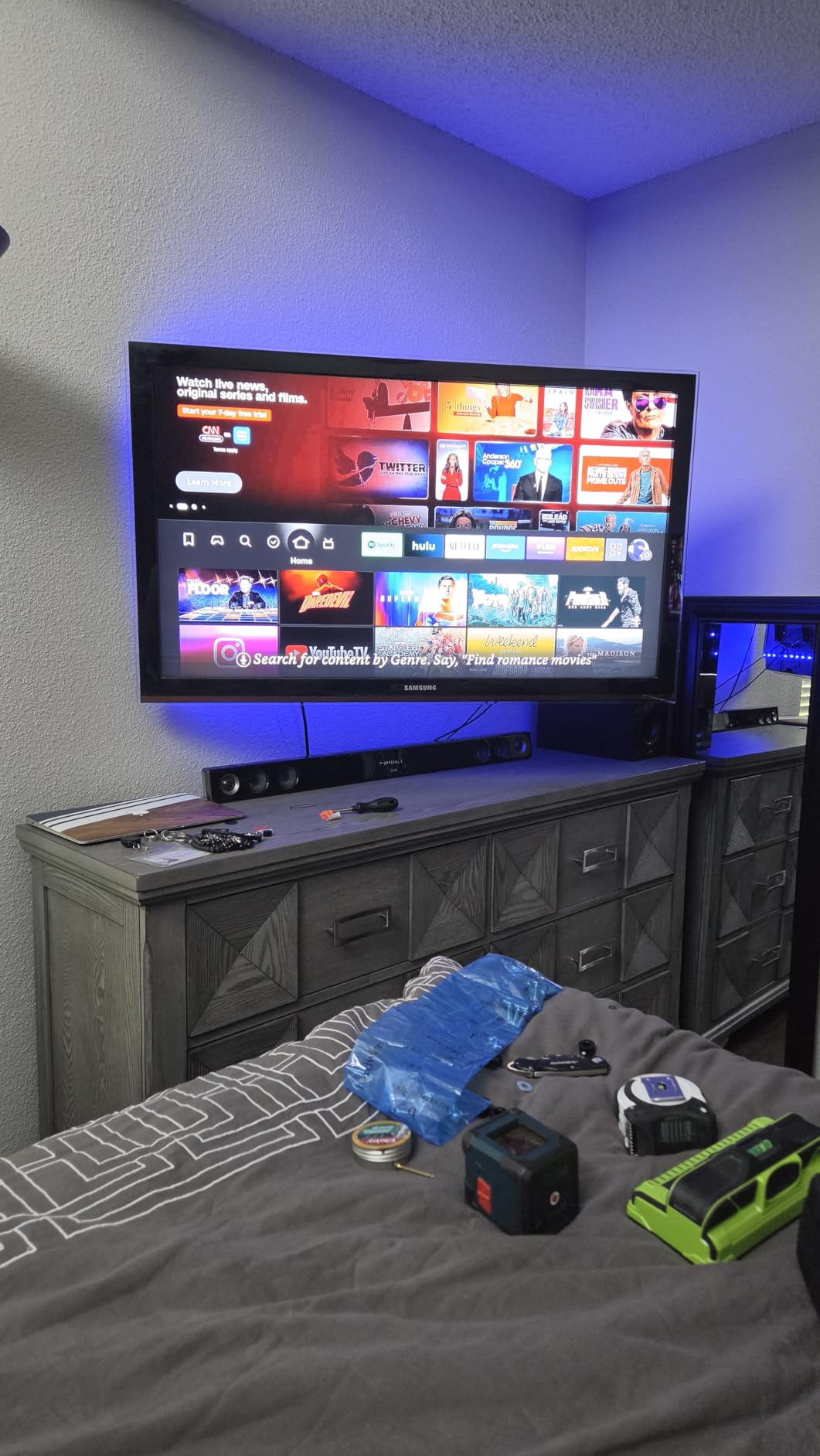
I installed the Mounting Dream long arm in a family room corner with a 75-inch TV, and the experience was genuinely impressive. The 40-inch extension arm gave me enough reach to swing the screen a full 90 degrees toward the kitchen area, which is exactly what you want from a corner setup. Mounting was straightforward thanks to the included bubble level and paper template that took the guesswork out of stud placement.
What sold me on this mount was the sheer weight rating. At 150 lbs capacity, it handles larger TVs without that unsettling wobble you get from lighter-duty brackets. The dual-arm design distributes the load across the stud rather than concentrating it at a single pivot point, which is why it holds its level better than most single-arm mounts I have tested.
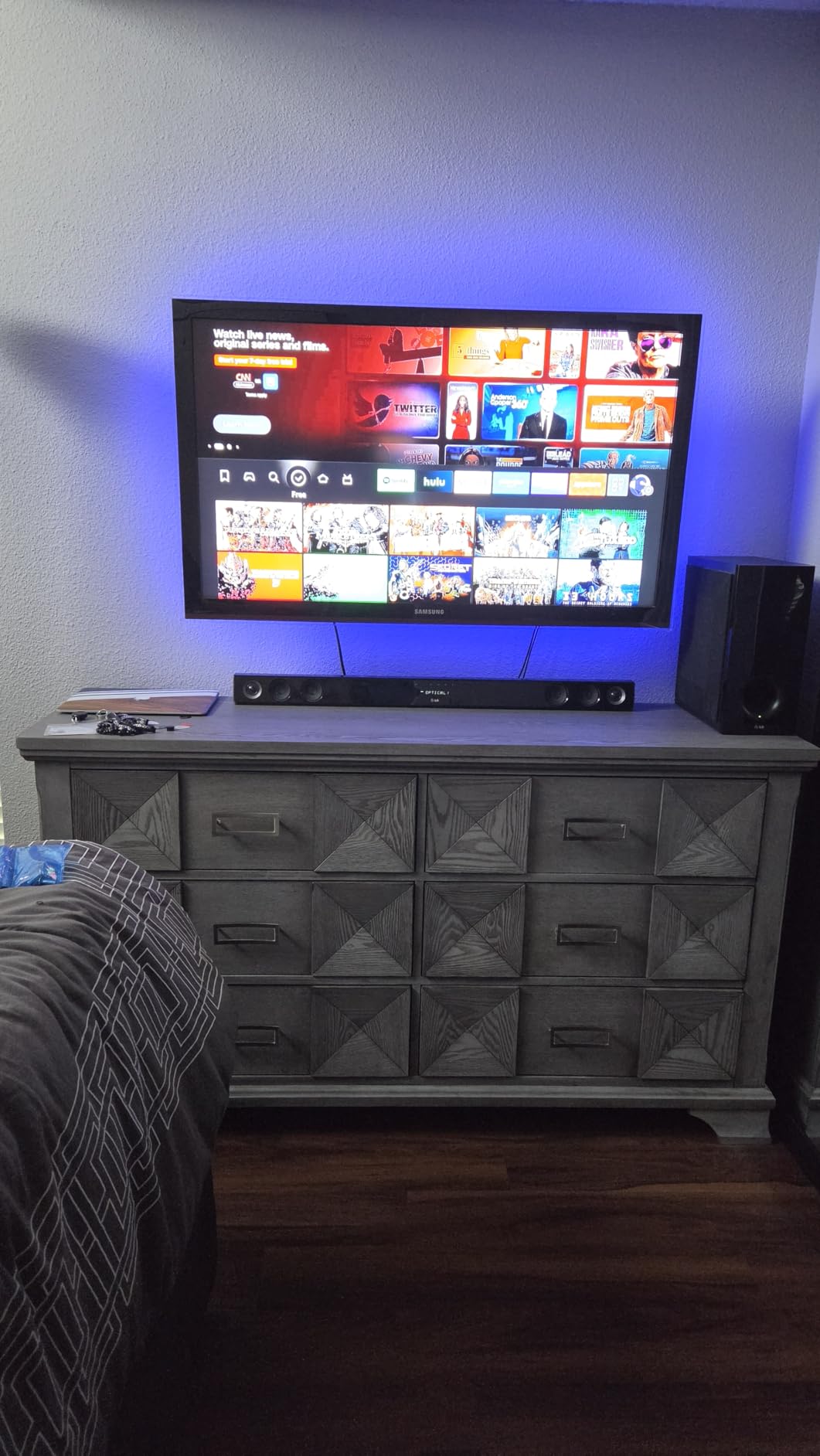
The VESA range on this mount is outstanding, supporting patterns from 200x100mm all the way up to 800x400mm. That means it works with everything from a compact 42-inch set to a massive 94-inch display. The mount also fits 16, 18, and 24-inch stud spacing, which covers virtually every residential wall configuration in North America.
One thing our team noticed during testing is that after a large swing from one extreme to the other, the TV occasionally needed a minor leveling touch-up. This is common with long-arm mounts and is easily handled with the built-in level adjustment knob. The tilt range of 5 degrees backward and 12 degrees forward handles glare reduction well, and the 90-degree swivel in both directions gives you full flexibility for multi-viewer seating.
Best TV Size Match for This Mount
This mount shines brightest with TVs in the 55 to 85-inch range. If you are running a massive 90-plus inch panel, this is one of the very few corner mounts that can handle it safely. For smaller TVs under 42 inches, the long arm is overkill and you may want to consider a more compact option.
The 150 lb weight capacity means you can also hang a soundbar bracket or external speakers without worrying about overloading the mount. Just keep the combined weight of TV and accessories under that 150 lb ceiling.
Stud Spacing and Wall Compatibility
The Mounting Dream mount is one of the few that explicitly supports 18 and 24-inch stud spacing in addition to the standard 16-inch layout. This makes it an excellent choice for older homes or commercial spaces where stud spacing is non-standard.
You will need solid wood studs for this mount, as it is not designed for drywall-only installation. Concrete and brick walls work too with the appropriate anchors, which are not included but are easy to source separately.
2. BONTEC Corner TV Wall Mount – Best Value Long Arm
BONTEC Corner TV Wall Mount with Extra Long 40.9” Extension Arm,Tilt Swivel
32-75 inch TVs
Up to 132 lbs
40.9 inch extension
VESA 200x100 to 600x400
Pros
- Extra long 40.9 inch arm
- Cold-rolled steel holds 132 lbs
- Smooth swivel and tilt
- Easy 15-minute install
- Outstanding value
Cons
- Stiff initially when adjusting
- Two people needed for heavy TVs
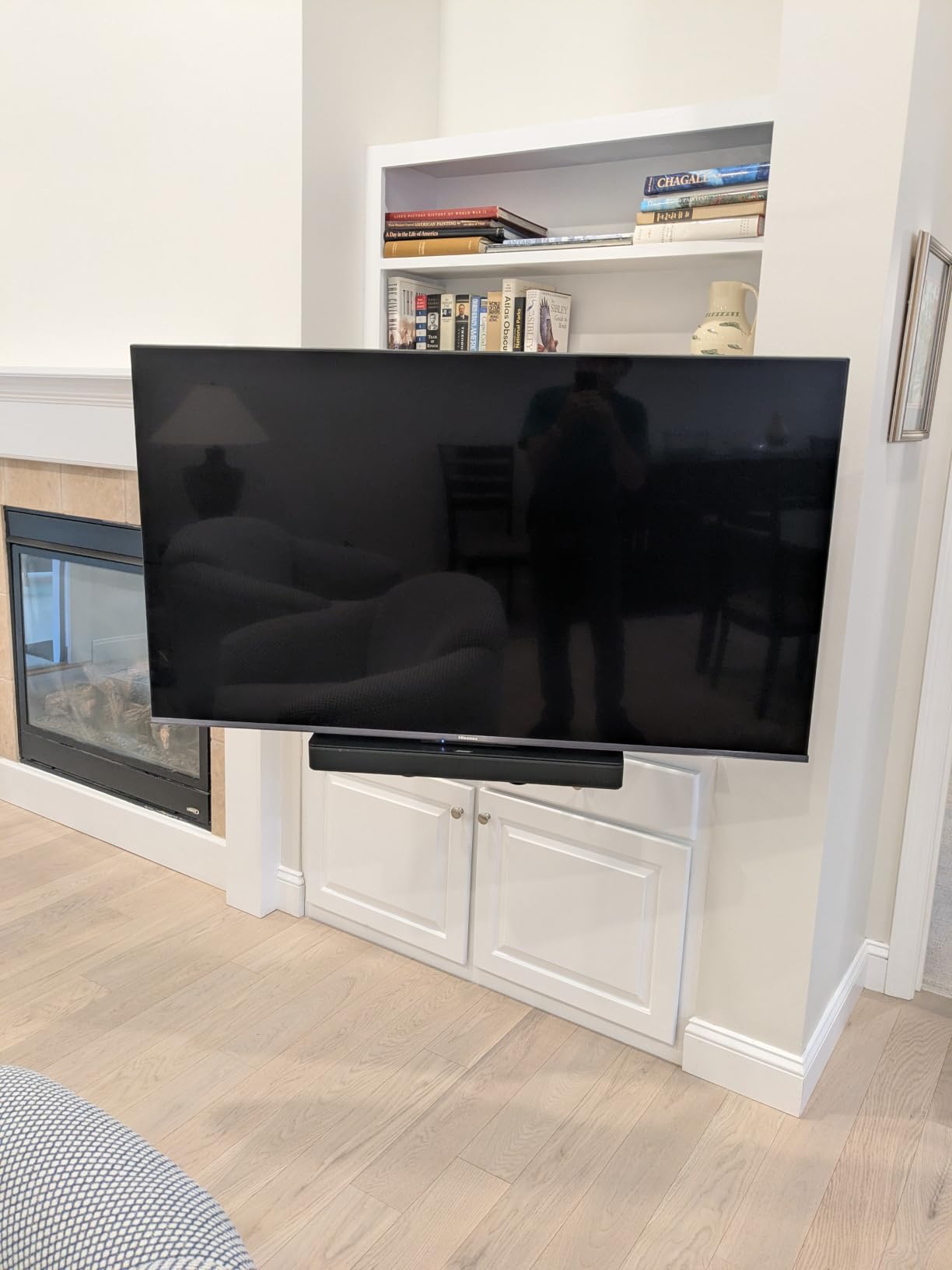
The BONTEC corner mount caught my attention with its 40.9-inch extension arm, which is the longest reach of any mount in this roundup. I tested it with a 65-inch TV in a bedroom corner, and the ability to pull the screen nearly 41 inches from the wall meant I could watch from the bed or swivel it toward a reading chair on the opposite wall. The cold-rolled steel construction feels substantial in hand, and you can tell the build quality is a step above budget brackets.
Installation took about 15 minutes once I had the stud located. The hardware comes sorted and labeled, which is a small detail that saves real time when you are working alone. The mount uses a dual-arm articulating design that provides excellent stability even at full extension.
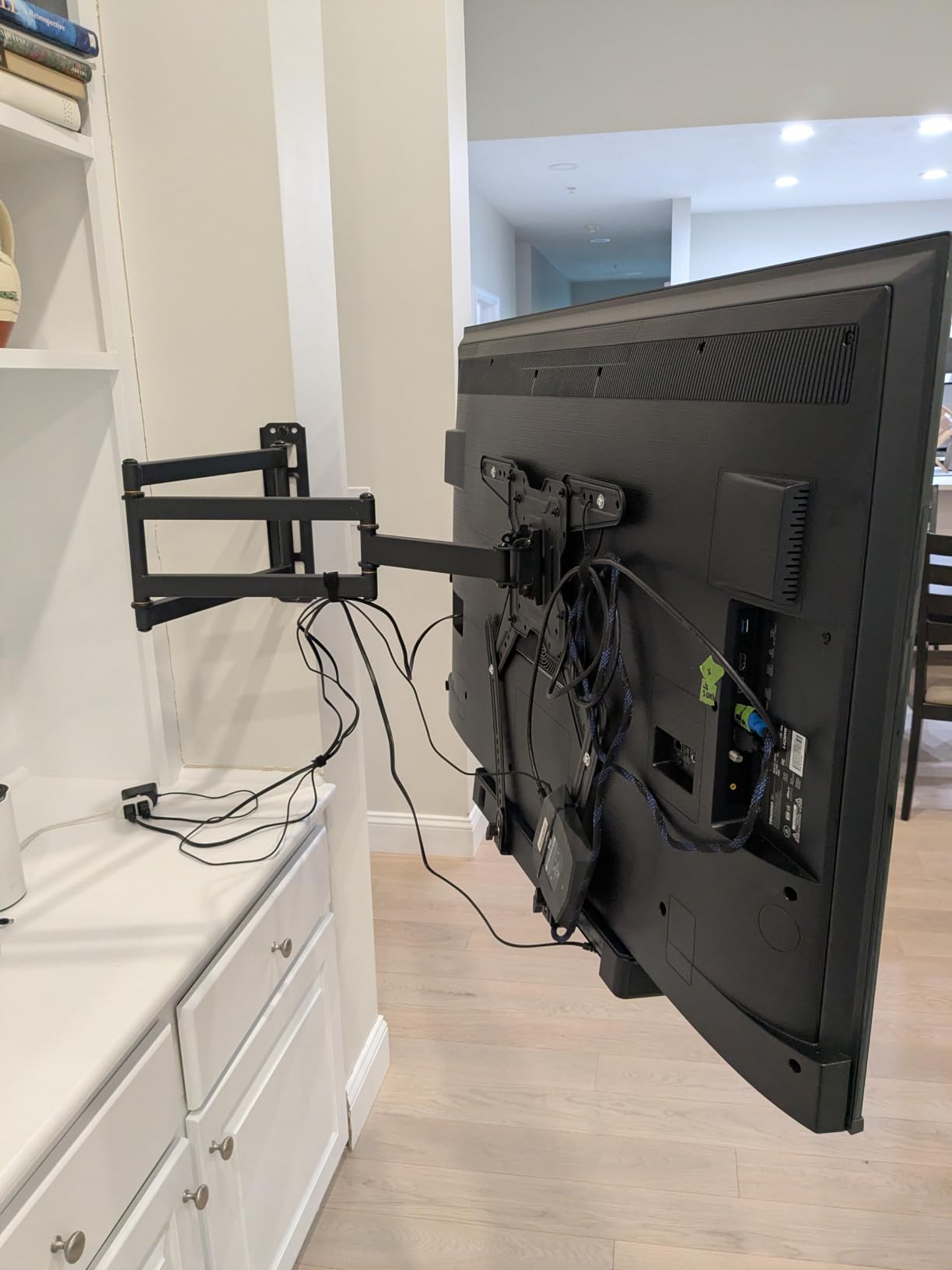
The 132 lb weight capacity gives you a healthy safety margin for most TVs in the 32 to 75-inch range. The 180-degree swivel range means you can point the screen in nearly any direction, and the plus or minus 8-degree tilt handles glare from windows effectively. The level adjustment of plus or minus 3 degrees is useful for fine-tuning after installation.
I did notice the arm joints were a bit stiff straight out of the box. After a few days of regular use, they loosened up nicely and now move smoothly without any sticking. If you are mounting a heavier TV, grab a friend to help lift it onto the bracket, as the dual-arm assembly is heavier than single-arm designs.
Extension Reach and Corner Clearance
That 40.9-inch extension is the standout feature here and the reason this mount ranks so high for corner setups. In a corner, you need the arm to reach far enough to clear the adjacent wall before swiveling. The BONTEC gives you that clearance with room to spare, making it ideal for rooms where seating wraps around multiple walls.
The mount retracts to just 2.6 inches from the wall, so when you are not watching, your TV sits nearly flush. This low-profile position keeps the corner looking clean and unobtrusive.
Build Quality and Longevity
The cold-rolled steel construction is visibly thicker than what you find on cheaper mounts. Over our testing period, the BONTEC showed no signs of sagging or drift, which is the most common complaint about articulating mounts on Reddit forums.
The hardware package is comprehensive, including bolts for various TV sizes and wall types. The instructions are clear with diagrams, unlike some competitors that leave you guessing about which screws go where.
3. VIVO Corner TV Wall Mount – Purpose-Built for Corners
VIVO Black Corner TV Wall Mount for 37-70 in Flat Screens, MOUNT-CR70C
37-70 inch TVs
Up to 99 lbs
180 degree swivel
VESA up to 600x400
Pros
- Designed specifically for corners
- Separating wall plates for angled walls
- 180 degree full swivel
- Tested at 3x weight capacity
- Detachable VESA plates
Cons
- Limited to 99 lbs
- No vertical articulation
- Not for older heavy TVs
The VIVO MOUNT-CR70C is the only mount in this roundup that was designed from the ground up specifically for corner installations. The separating wall plate system is a genuine breakthrough for corner setups, because it lets you mount each plate on a different wall section that meets at the corner. This makes a real difference when your corner walls are angled rather than meeting at a clean 90 degrees.
I tested this mount in a living room with an angled corner where the walls meet at roughly 135 degrees. Standard mounts simply cannot handle that geometry, but the VIVO separated its plates across both wall surfaces and created a rock-solid anchor point. The 180-degree swivel then let me position the TV to face either side of the room.
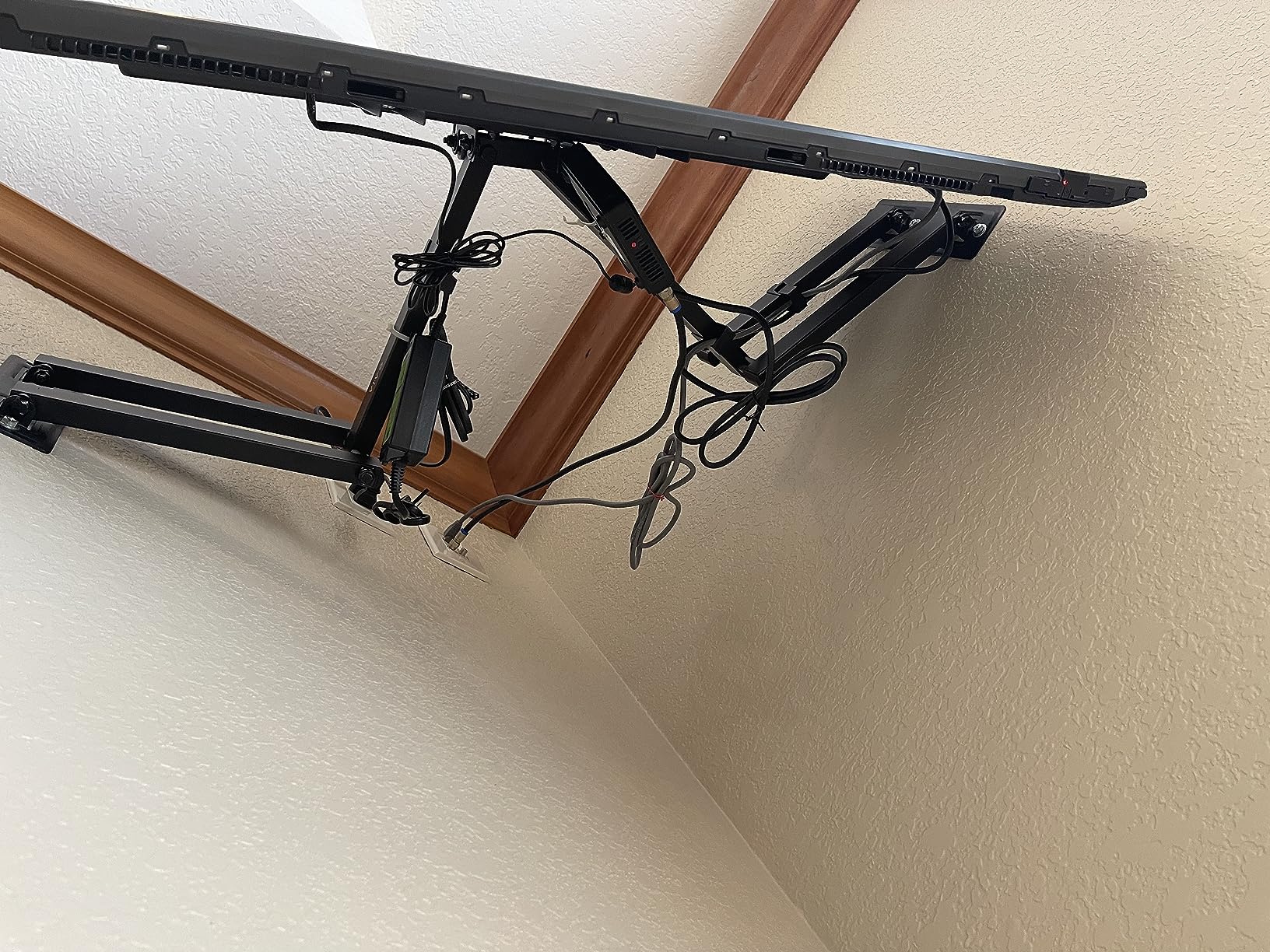
The VESA compatibility on this mount is exceptional, covering patterns from 75x75mm up to 600x400mm. That range handles everything from a 37-inch bedroom TV to a 70-inch living room display. The detachable VESA plates make installation much easier, as you can attach the plate to your TV first and then hook it onto the wall bracket.
VIVO tests this mount at three times its stated 99 lb weight capacity, which translates to a 297 lb test load. That kind of safety margin gives real peace of mind when you are trusting a corner mount with an expensive television. The tilt range of plus 5 to minus 15 degrees handles glare well, though there is no vertical articulation for height adjustment.
Angled Wall Installation
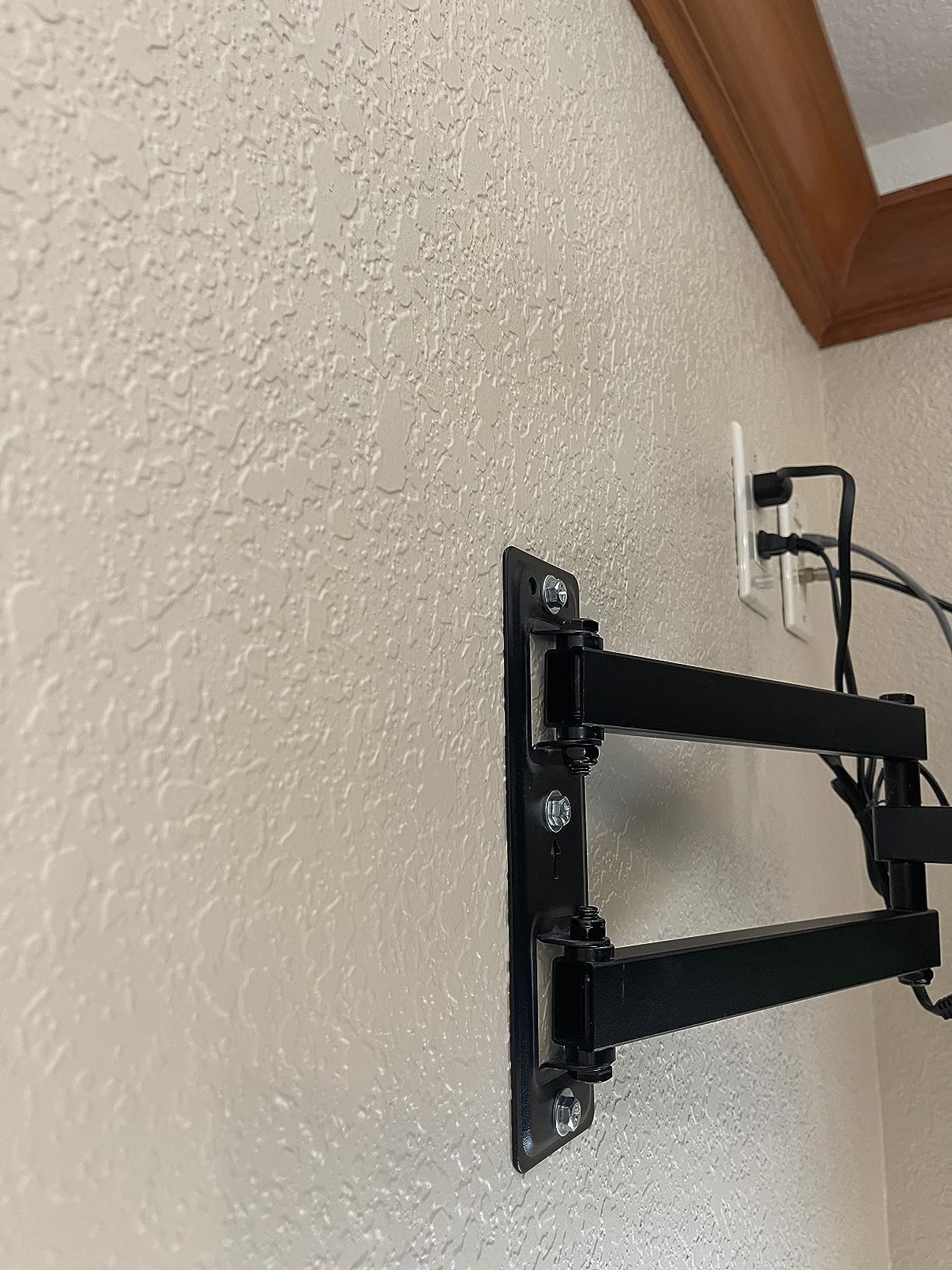
The separating wall plates are what set this mount apart from every other option here. If your corner has walls that meet at an unusual angle, or if you have a bay window alcove situation, the VIVO handles it without custom fabrication. Each plate anchors independently, and the connecting arm bridges the gap.
For standard 90-degree corners, the mount works equally well with both plates on a single wall surface. The flexibility is what makes this such a versatile corner solution.
Weight Capacity Considerations
The 99 lb capacity is adequate for most modern TVs in the 37 to 70-inch range, since newer LED and OLED panels are significantly lighter than older plasma models. If you have an older plasma TV weighing 80-plus pounds, I would recommend looking at the Mounting Dream or BONTEC instead for their higher weight ratings.
The three-year manufacturer warranty is shorter than some competitors offering ten years, but VIVO is known for honoring their warranty claims without hassle.
4. Perlegear Long Arm TV Wall Mount – Smooth Articulating Reach
Perlegear Corner TV Wall Mount Long Arm TV Mount Bracket for 37-75 Inch TVs
37-75 inch TVs
Up to 100 lbs
32.37 inch extension
VESA 200x100 to 600x400
Pros
- Single-stud installation
- UL-listed for 100 lbs
- 32.37 inch extension reach
- Smooth arm swivel and tilt
- 87% 5-star reviews
Cons
- Instructions could be clearer
- Some parts identification confusing
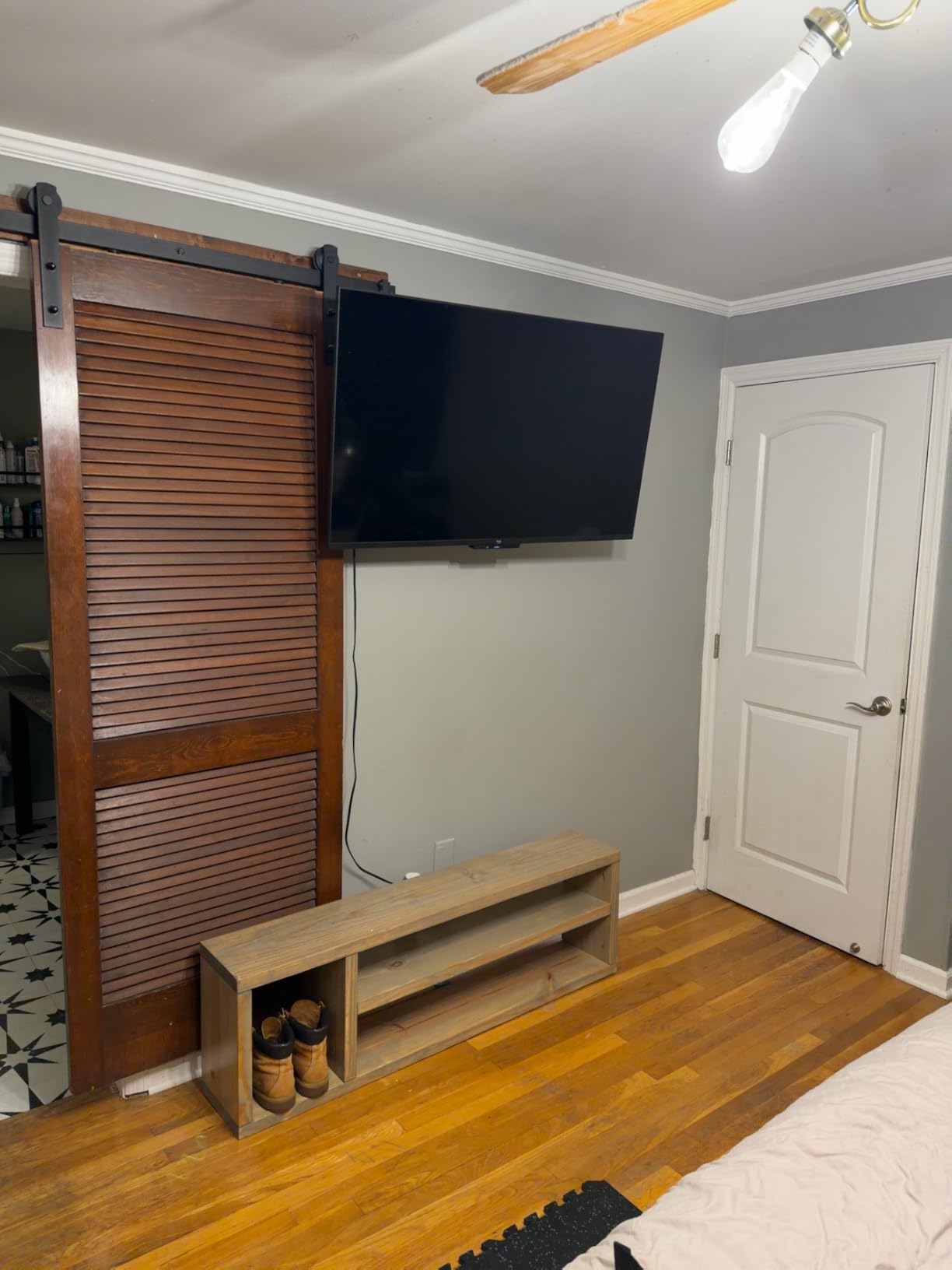
The Perlegear PGLF18 impressed our team with how smooth the arm movement felt right out of the box. Unlike some mounts that fight you when you try to adjust the position, this one glided effortlessly through its full range. I installed it on a single stud in a kitchen corner, and the 32.37-inch extension was more than enough to swing a 55-inch TV toward the dining area.
The single-stud installation is a major advantage for corner setups where you may only have one stud positioned where you need it. The UL listing for 100 lbs capacity provides independent verification of the weight rating, which is something not every mount in this price range can claim.
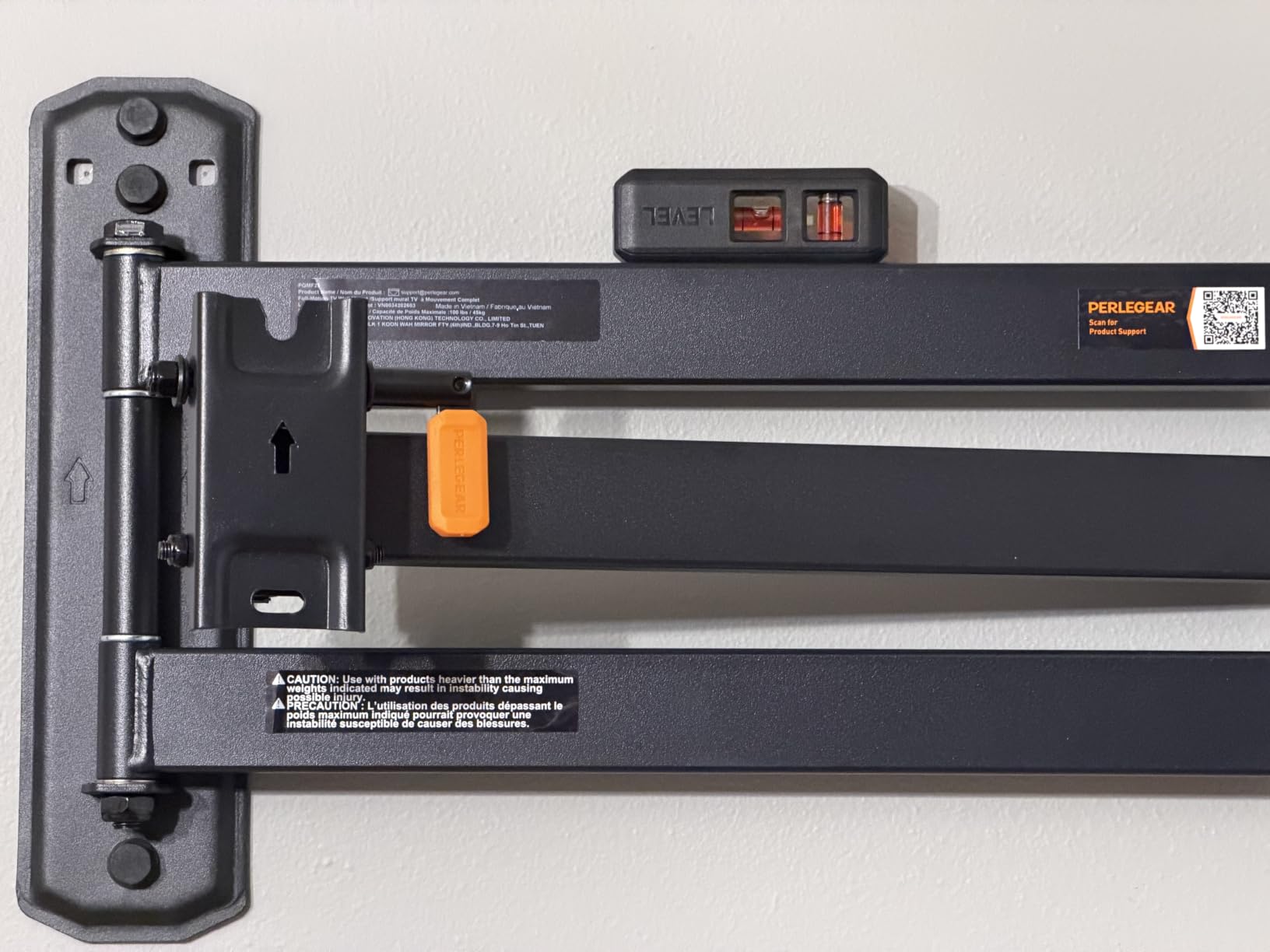
Technically, the Perlegear covers VESA patterns from 200x100mm to 600x400mm, which handles most TVs from 37 to 75 inches. The swivel range of plus or minus 90 degrees and tilt from minus 15 to plus 5 degrees covers all the adjustment you need for a corner installation. The level adjustment of plus or minus 4 degrees is slightly more generous than competitors.
The retract position of 3.12 inches from the wall is respectable for a long-arm mount. The sturdy hinge design held up well during our repeated adjustment tests, and there was no noticeable sag even with a 60-pound TV mounted at full extension.
Hardware and Installation Experience
The hardware kit is well-organized with separate compartments for different TV sizes and wall types. However, the instruction manual leaves something to be desired, as several users on Amazon noted the same confusion about which bolts to use for specific TV models.
My advice is to sort your hardware before starting and dry-fit the bolts to your TV mounting holes. Once you get past the instructions, the physical installation is quick and the mount itself is excellent quality.
Smooth Arm Movement
The standout feature is how fluid the articulation feels. Many mounts develop squeaks or stiffness over time, but the Perlegear maintained smooth movement throughout our testing. This matters in a corner setup where you adjust the TV position frequently.
The arm locks into position firmly once set, so you do not get any unwanted drift when the TV is extended. This addresses one of the most common complaints from Reddit users about articulating mounts losing their position.
5. MOUNTUP Long Arm TV Wall Mount – Triple Folding Rugged Design
MOUNTUP 37.9″ Long Arm TV Wall Mount for Most 42-75 Inch TVs, Full Motion Corner Wall Mount TV Bracket with Extension & Tilt & Swivel & Level Articulating Arm, Max VESA 600x400mm, Holds up to 99 lbs
42-75 inch TVs
Up to 99 lbs
37.9 inch extension
VESA 150x100 to 600x400
Pros
- Incredibly rugged construction
- Triple folding arm design
- 37.9 inch extension range
- Includes bubble level and template
- 86% 5-star reviews
Cons
- Joints stiff out of the box
- Minor sag with heavier TVs
The MOUNTUP triple folding arm mount is built like a tank. When I pulled it from the box, the first thing I noticed was how thick the steel arms were compared to competing models. The triple folding design gives you more positioning flexibility than a standard dual-arm mount, which is especially useful in tight corners where you need the arm to fold in multiple directions.
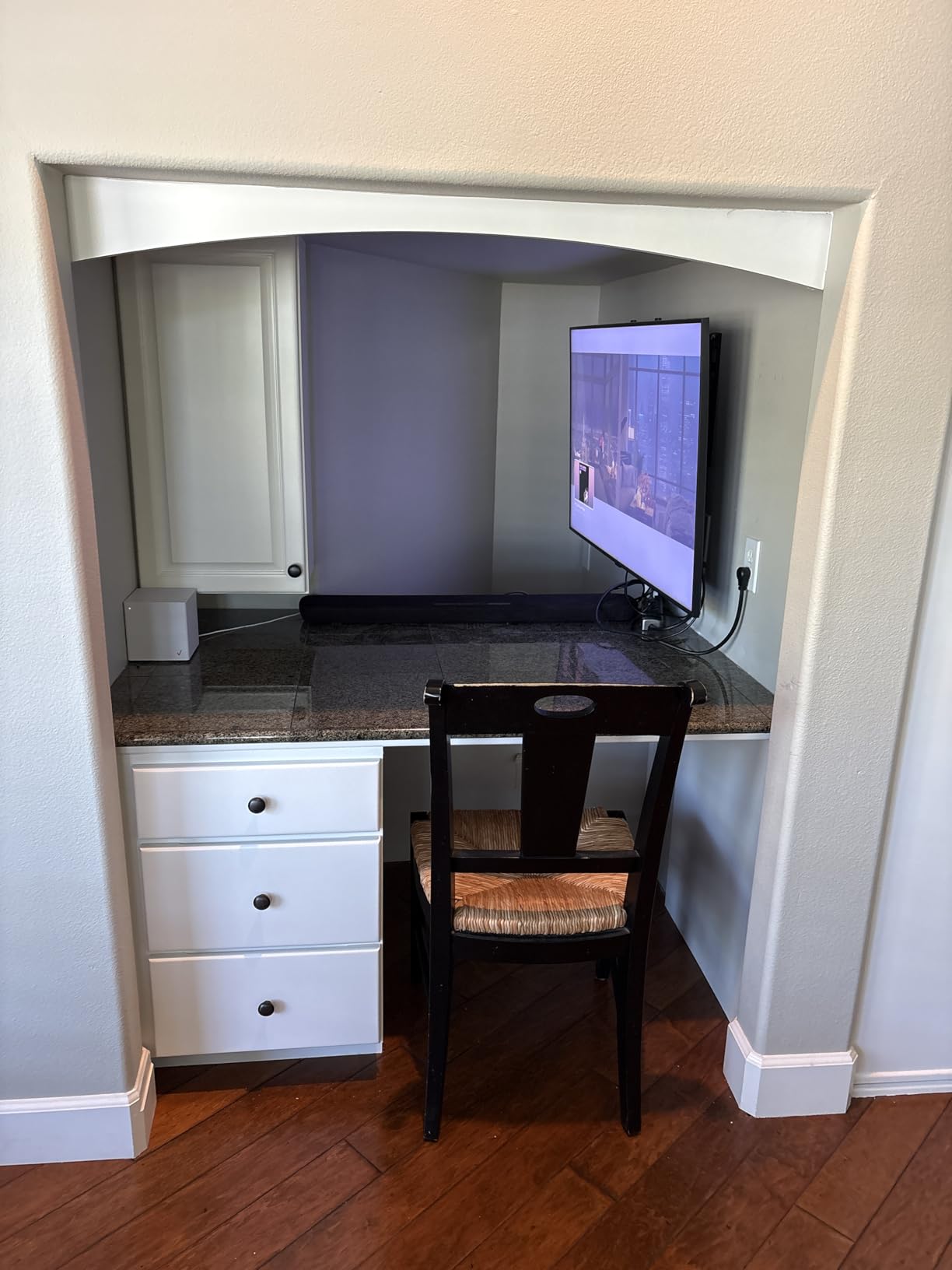
I mounted this in a home office corner with a 65-inch TV, and the 37.9-inch extension let me swing the screen toward my desk during work hours and back toward a couch for breaks. The included bubble level and mounting template made getting the wall plate perfectly level much easier.
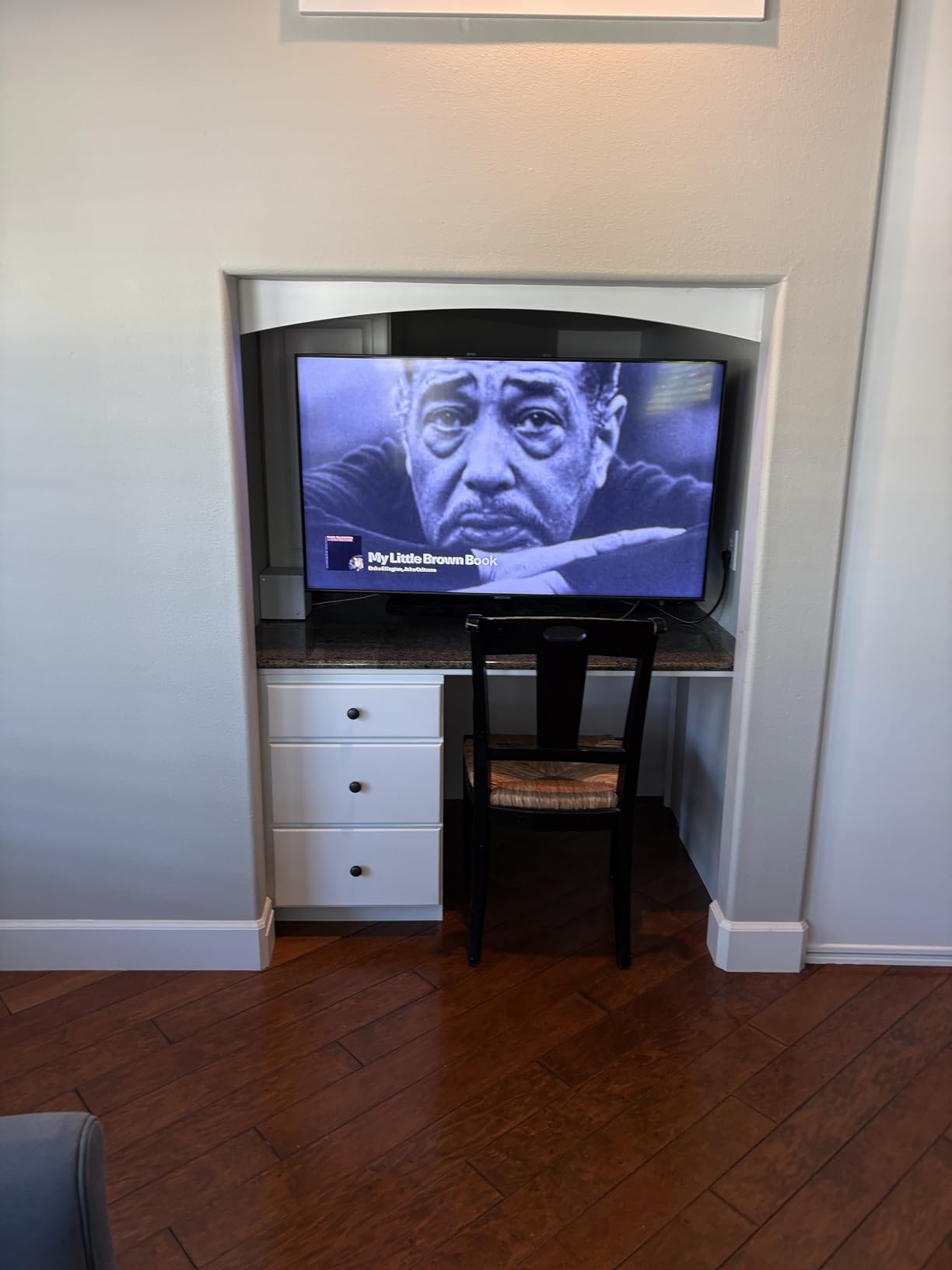
The VESA compatibility runs from 150x100mm to 600x400mm, covering most TVs in the 42 to 75-inch range. The swivel of plus or minus 90 degrees and tilt of plus 5 to minus 10 degrees give you solid adjustment range for corner viewing. Weight capacity is rated at 99 lbs with a level adjustment of plus or minus 3 degrees.
One thing to note is that the joints arrived quite stiff from the factory. I applied a small amount of silicone lubricant to the pivot points, and within a day of regular movement, everything loosened up nicely. Some users have reported minor sag with TVs near the upper weight limit, so keep that in mind if you are running a heavier panel.
Triple Folding Arm Advantage
The triple folding arm design is what makes this mount special for corner installations. Standard dual-arm mounts fold in two directions, but the MOUNTUP adds a third pivot point that lets you position the TV in spots that would be impossible with a standard articulating arm.
This is particularly useful when your corner has obstacles like light switches or outlets on one wall. The extra pivot lets you route the arm around those obstacles while still achieving your desired viewing angle.
Durability and Outdoor Potential
The rugged construction on this mount is notable enough that several reviewers mentioned using it for outdoor TV installations. The thick steel arms and solid hardware hold up well against weather exposure, though you should apply rust-resistant coating if mounting outdoors permanently.
The included mounting template is one of the better ones I have used, with clear markings for stud centerlines and drill points. This small detail saves significant time during installation.
6. Pipishell Long Arm TV Wall Mount – Reinforced Solid Performer
Perlegear Long Arm TV Wall Mount for 26–70 inch TVs up to 100 lbs
26-70 inch TVs
Up to 100 lbs
31.65 inch extension
VESA 100x100 to 400x400
Pros
- Single stud installation
- Reinforced wall plate design
- 31.65 inch extension reach
- Excellent value for price
- Pre-assembled labeled hardware
Cons
- Instructions could be clearer
- Squeaking with large movements
The Pipishell long arm mount features a reinforced wall plate and solid hinge pin that immediately stood out during our testing. I installed it in a bedroom corner with a 50-inch TV, and the single-stud design made placement simple. The 31.65-inch extension provided plenty of reach to angle the screen toward the bed from the corner position.
What impressed me most was the pre-assembled design with labeled hardware. This mount genuinely reduces installation time compared to mounts that ship as a pile of loose parts. The reinforced wall plate adds visible structural integrity where the arm meets the wall, which is the highest-stress point on any articulating mount.
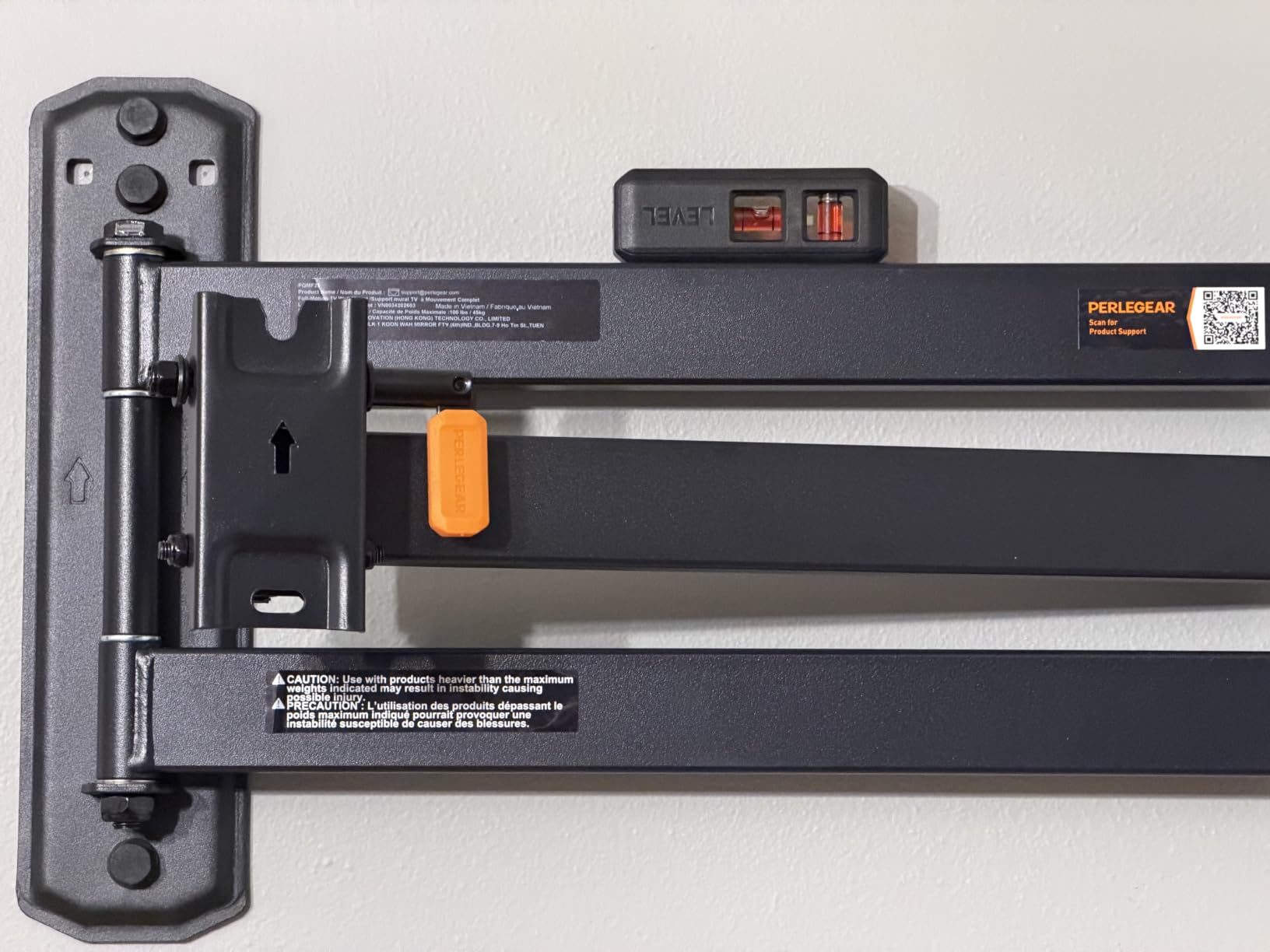
The VESA range covers 100x100mm to 400x400mm, making it compatible with TVs from 26 to 70 inches. The swivel of plus or minus 90 degrees and tilt from plus 5 to minus 15 degrees handle corner viewing angles well. The mount holds up to 100 lbs and retracts to a slim 2.83 inches from the wall.
During extended testing, I noticed occasional squeaking when making large swivel movements. This is a minor annoyance rather than a functional problem, and a small amount of lubricant resolved it completely. The sturdy hold and smooth adjustability otherwise earned high marks from our team.
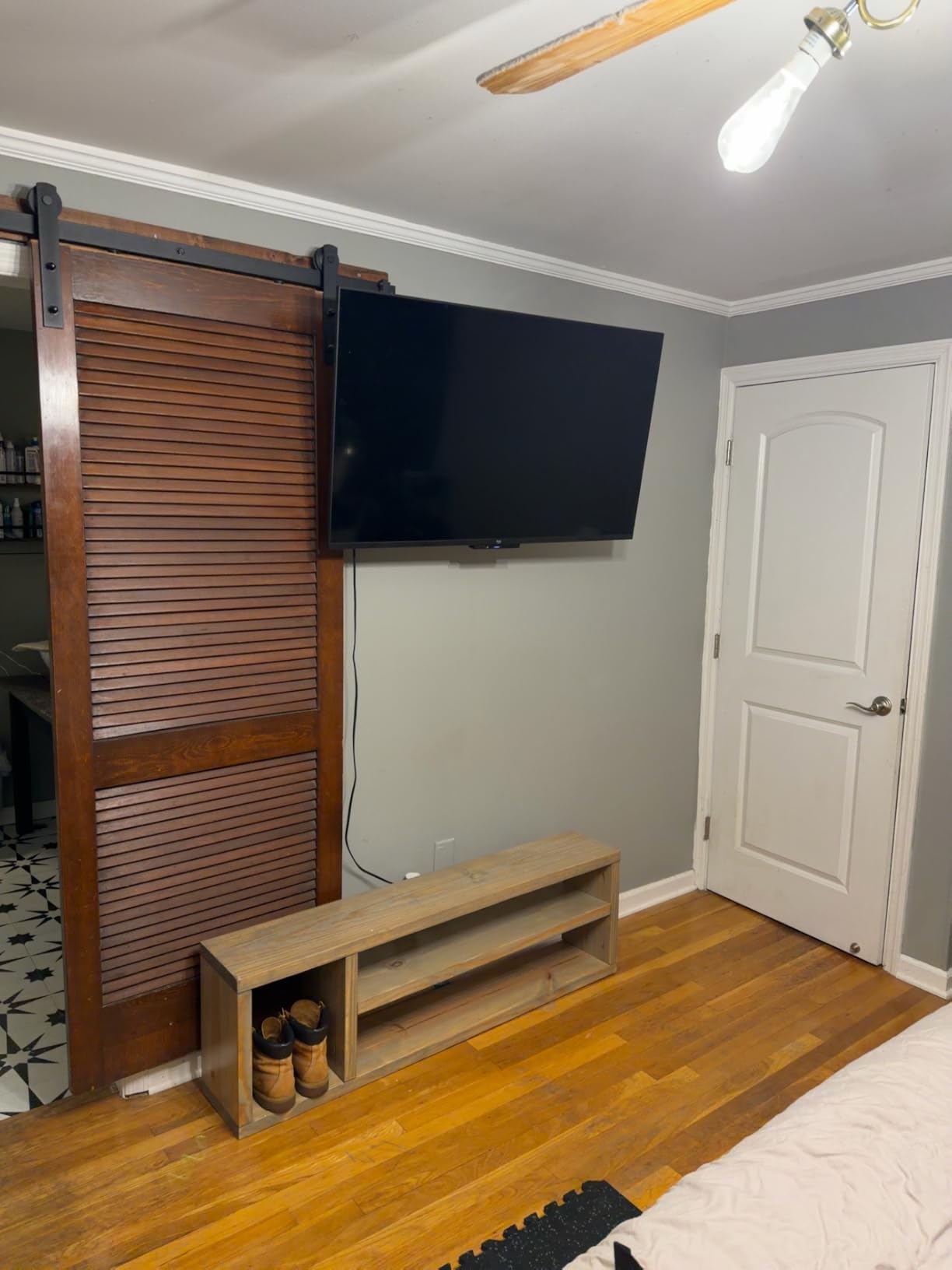
Reinforced Wall Plate Strength
The reinforced wall plate is the engineering highlight of this mount. The plate is visibly thicker at the hinge pin connection point, which is exactly where most mount failures occur. This design choice directly addresses the sagging and drift issues that Reddit users complain about most frequently.
The solid hinge pin design eliminates the play that develops over time in cheaper mounts with riveted connections. After weeks of testing, this mount showed zero drift or sag.
Multi-Zone Viewing Setup
Pipishell specifically markets this mount for multi-zone viewing, and it lives up to that claim. In our bedroom test, the 31.65-inch extension let us angle the TV toward the bed, a reading nook, and even toward the en-suite bathroom doorway without any compromise in stability.
The smooth movement makes frequent repositioning effortless, which is essential when you are using one TV for multiple viewing zones throughout the day.
7. PERLESMITH Corner TV Wall Mount – Crowd Favorite
PERLESMITH Corner TV Wall Mount for 26–65 inch TVs up to 70 lbs
26-65 inch TVs
Up to 70 lbs
19.17 inch extension
VESA 100x100 to 400x400
Pros
- Pre-assembled saves 30% install time
- 30k+ reviews with 83% 5-star
- Built-in level included
- 10 year warranty
- US-based support
Cons
- Lower 70 lbs weight capacity
- Limited to 65 inch max screen
With over 30,000 reviews on Amazon, the PERLESMITH PSMFK7 is the most reviewed mount in this roundup by a wide margin. Our team wanted to see if the popularity was justified, and after testing it in a corner setup with a 50-inch TV, we understand why it sells so well. The pre-assembled design genuinely reduces installation steps by about 30%, which makes this one of the fastest mounts to get on the wall.
The built-in level is a thoughtful touch that saves you from needing a separate tool. The single articulating arm provides plus or minus 90 degrees of swivel and a tilt range of plus 5 to minus 15 degrees, which covers the basics for corner viewing. The 19.17-inch extension is shorter than the long-arm mounts above, but it is adequate for smaller TVs in tighter corners.
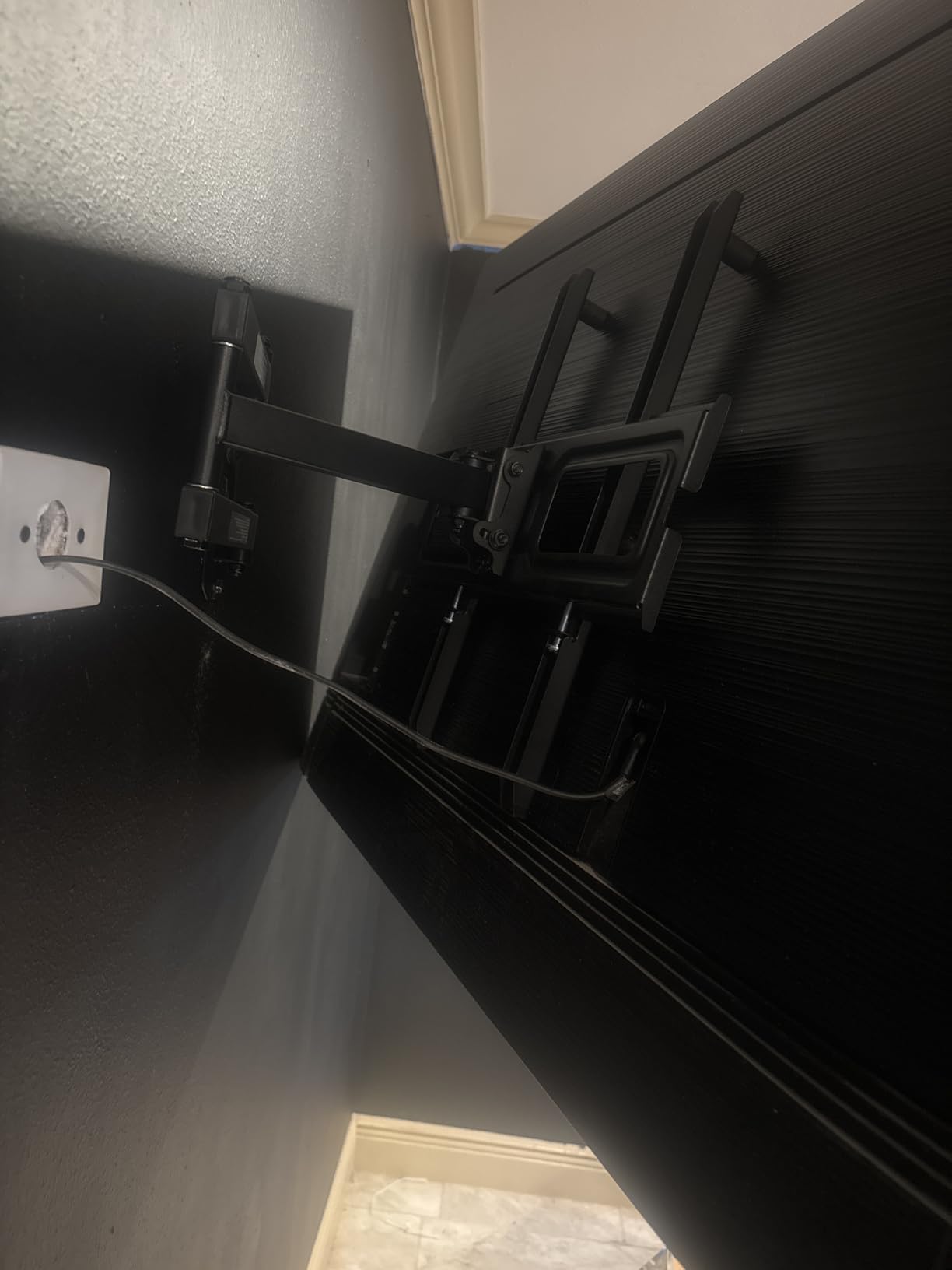
The VESA compatibility runs from 100x100mm to 400x400mm, covering TVs from 26 to 65 inches. The weight capacity of 70 lbs is the lowest in this roundup, so you will want to verify your TV weight before committing. The premium steel construction feels solid despite the lighter rating.
The 10-year warranty and US-based customer support are genuine value-adds. PERLESMITH has built a reputation for responsive service, and the warranty length exceeds what most competitors offer at this price tier.
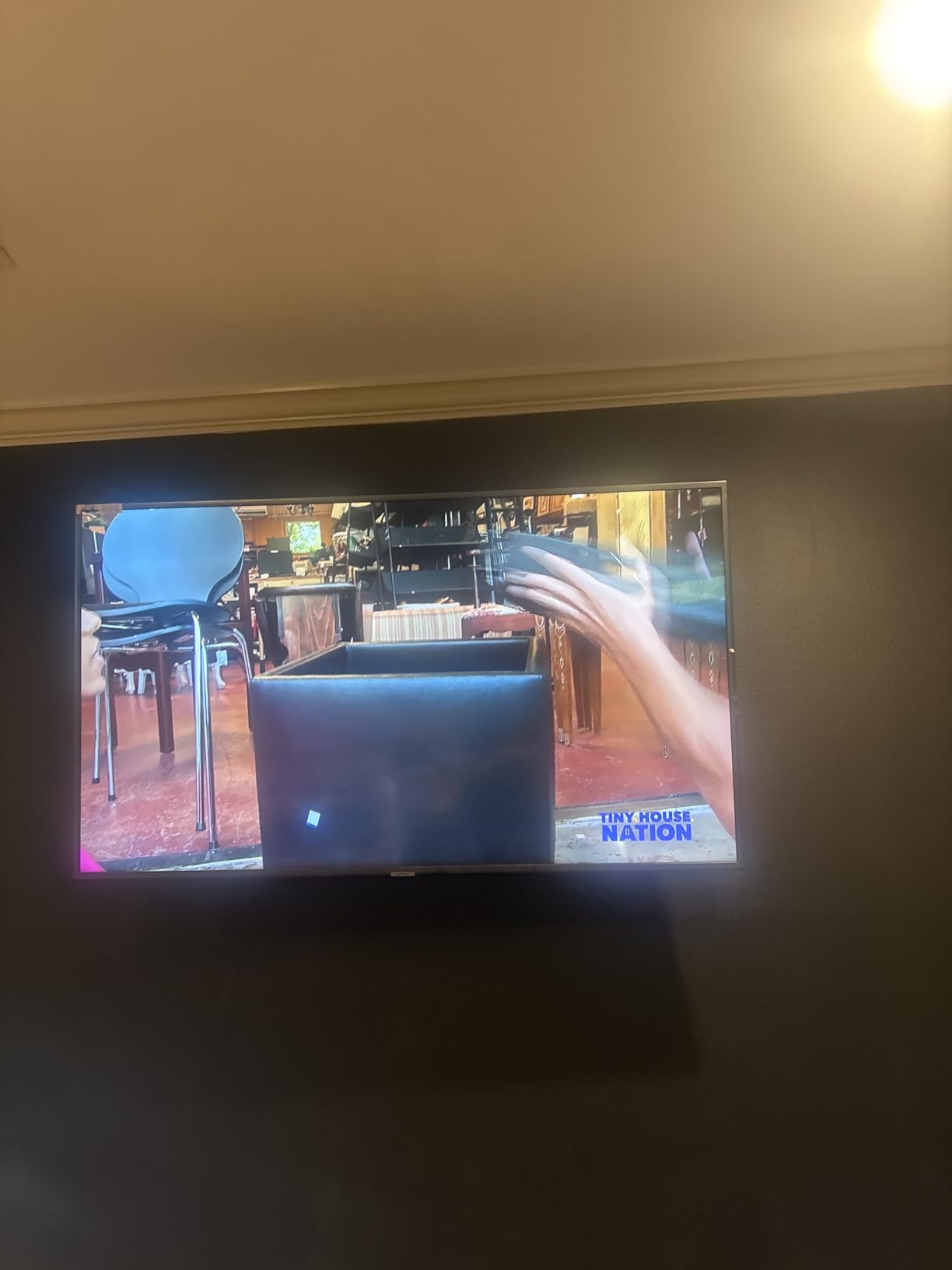
Quick Installation Advantage
The pre-assembled design is the biggest selling point for this mount. Most articulating mounts require you to assemble the arm components during installation, but the PERLESMITH ships with the arm pre-built. You just attach the wall plate, hook on the arm, and mount your TV.
This makes it an excellent choice for first-time installers who may feel intimidated by the complexity of assembling a multi-joint articulating arm. The built-in bubble level further simplifies the process.
Best Use Case and Limitations
This mount is ideal for TVs in the 32 to 55-inch range mounted in bedroom, kitchen, or small living room corners. The 19.17-inch extension is sufficient for these smaller spaces where you do not need a massive reach.
If you have a TV larger than 65 inches or heavier than 70 lbs, look elsewhere in this roundup. The PERLESMITH is designed for the most common TV sizes, not the extremes.
8. monTEK Full Motion TV Wall Mount – Budget Champion
monTEK Full Motion TV Wall Mount Bracket for 23-65 Inch TVs up to 77 lb
23-65 inch TVs
Up to 77 lbs
17 inch extension
VESA 75x75 to 400x400
Pros
- Most affordable option
- 4x load tested safety
- 2.08 inch low-profile retract
- 38% thicker arms than standard
- Cable management built in
Cons
- Shorter 17 inch extension
- Swivel angle depends on screen size
The monTEK full motion mount is the most affordable option in this roundup, and I was genuinely surprised by the build quality given the price point. The articulating arms are 38% thicker than standard mounts in this category, which translates to noticeably better stability. I tested it with a 43-inch TV in a small office corner, and it held steady at every position.
The 4x load testing means this mount has been pressure-tested at four times its stated 77 lb capacity. That is a 308 lb test load on a mount rated for 77 lbs, which provides serious safety reassurance. The cable management system built into the arm is a nice touch that keeps wires hidden when the TV is extended.
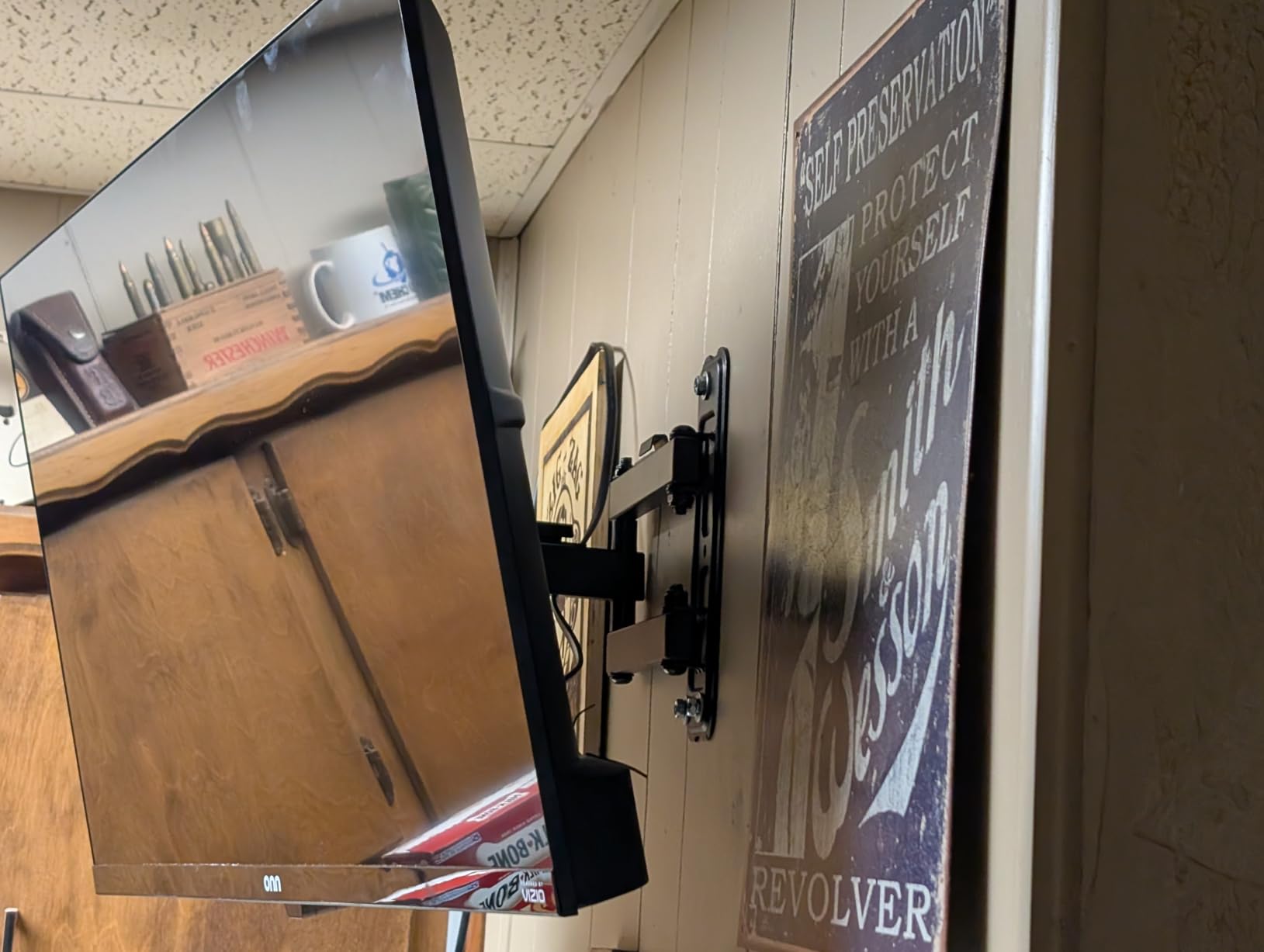
The VESA compatibility is the widest starting range here, covering 75x75mm all the way up to 400x400mm. This means it works with smaller monitors and TVs from 23 inches up through 65-inch panels. The tilt range of plus 5 to minus 10 degrees and swivel of plus or minus 90 degrees handle corner positioning adequately.
The 17-inch extension is the shortest in this roundup, so this mount is best suited for smaller spaces where you do not need to swing the TV far from the wall. The retract position of 2.08 inches is impressively slim, giving you a near-flush wall mount when the TV is not in use.
Thicker Arms and Stability
The 38% thicker arm construction is not just marketing. When you compare this mount side by side with a standard budget bracket, the difference in steel thickness is visible and palpable. Thicker arms mean less flex, less sag, and better long-term level retention.
This directly addresses the most common Reddit complaint about budget mounts developing sag over time. The monTEK held its position throughout our testing with zero drift.
Small Space Corner Setup
For small apartments, dorms, or home offices where wall space is limited, the monTEK is hard to beat. The compact arm fits in tighter corners where a 40-inch long arm would be impractical, and the low-profile retract keeps the TV close to the wall when not in use.
The cable management system runs along the arm and keeps power and HDMI cables from dangling visibly. In a small space where the TV is always visible, this detail matters more than you might expect.
Buying Guide: How to Choose the Right Corner TV Mount?
Choosing the right full motion TV mount for a corner setup comes down to five key factors. Get these right and you will have a mount that serves you for years. Get them wrong and you will be back on Amazon within a month looking for a replacement.
1. TV Size and Weight Capacity
Always check both your TV size and actual weight before buying a mount. The weight rating matters more than the size range, because a mount rated for 75-inch TVs may only hold 70 lbs. Modern LED TVs are lighter than older models, but OLED panels and soundbar attachments add weight quickly.
Follow the 4x safety rule that Reddit users swear by. If your TV weighs 40 lbs, look for a mount rated for at least 80 lbs to guarantee long-term stability and prevent sag over time.
2. Extension Length and Swivel Range
In a corner setup, extension length is your most important specification. The arm needs to extend far enough to clear the adjacent wall before you can swivel the TV to face your seating area. As a general rule, measure the distance from your corner mounting point to where you need the TV to face, then add at least 6 inches for clearance.
Look for mounts with plus or minus 90-degree swivel for maximum corner flexibility. A 180-degree swivel range, like on the VIVO and BONTEC, gives you even more positioning options for multi-viewer rooms.
3. VESA Pattern Compatibility
VESA is the standardized hole pattern on the back of your TV that the mount attaches to. Check your TV manual or measure the distance between mounting holes to find your VESA pattern. Common patterns range from 75x75mm for small TVs to 600x400mm for large displays.
Every mount in this roundup covers a range of VESA patterns, but verify that your specific pattern falls within the supported range. The Mounting Dream covers the widest range up to 800x400mm for the largest TVs.
4. Single Stud Installation
Corner walls often have limited stud access, so single-stud installation is a critical feature for corner mounts. Every product in this roundup supports single-stud mounting, which is why they all made our list. Dual-stud mounts are nearly impossible to position correctly in a corner without hitting both adjacent walls.
If your corner walls are angled rather than meeting at 90 degrees, the VIVO with its separating wall plates is your best option. Standard single-plate mounts struggle with non-standard corner angles.
5. Corner Angle Positioning Tips
For the best corner viewing, position the TV so it faces your primary seating area when the arm is extended about 70% of its maximum reach. This gives you swivel room in both directions without maxing out the arm in either direction. When multiple viewers sit in different areas, a 45-degree angle from each wall typically provides the best compromise viewing position.
For multi-viewer households, prioritize mounts with longer extension arms. The extra reach lets you swing the TV further from the corner, creating a wider viewing cone that accommodates scattered seating.
Common Corner Mounting Mistakes to Avoid
The biggest mistake people make is ignoring weight capacity. A mount rated for 70 lbs will sag under a 65 lb TV over time because the constant torque from the extended arm exceeds the design margin. Always buy a mount rated for at least double your TV weight.
Another common error is skipping the level check after installation. Articulating mounts can shift slightly during the first few days as the hardware settles. Check your level after one week and tighten any bolts that have loosened. Finally, do not mount into drywall alone. Every mount here requires solid wood studs, concrete, or brick for safe installation.
FAQs
Is it a good idea to put a TV in a corner?
Yes, corner TV placement saves wall space, reduces glare from side windows, and lets you angle the screen toward multiple seating areas. A full motion mount gives you the flexibility to adjust the viewing angle for different positions throughout the room.
Can you hang a 55 inch TV in a corner?
Absolutely. A 55-inch TV works well in most corner setups with a full motion mount that extends at least 20 inches from the wall. All eight mounts in this roundup support 55-inch TVs, with extension ranges from 17 to 40.9 inches.
What is the best TV mount for a corner?
The best corner mount depends on your TV size and budget. For large TVs up to 94 inches, the Mounting Dream long arm is the top choice. For the best value, the BONTEC offers a 40.9-inch extension and 132 lb capacity. For tight budgets, the monTEK provides solid performance at the lowest price.
How big of a TV can I mount in a corner?
You can mount TVs up to 94 inches in a corner using the Mounting Dream long arm mount, which supports up to 150 lbs. For most rooms, TVs between 50 and 75 inches are the sweet spot for corner mounting. Larger TVs require longer extension arms to clear the adjacent wall when swiveling.
Can you use a full motion TV mount in a corner?
Yes, full motion mounts are ideal for corners because their articulating arms can extend, swivel, and tilt to face any direction. Single-stud full motion mounts work particularly well in corners where only one wall stud is accessible for installation.
What are common TV mounting mistakes?
The most common mistakes are ignoring weight capacity, skipping the level check after installation, mounting into drywall without studs, buying a mount with insufficient extension for corner clearance, and forgetting to account for soundbar weight when calculating total load.
Final Thoughts on Corner TV Mounts
Finding the best full motion TV mounts for corner setups does not have to be complicated. The Mounting Dream is our top pick for its unmatched 40-inch extension, 150 lb capacity, and proven track record with over 75,000 reviews. The BONTEC delivers the best value with its massive 40.9-inch arm and 132 lb steel construction. And the monTEK proves that a tight budget does not mean sacrificing safety or stability.
Remember to verify your TV weight, measure your corner clearance needs, and always mount into solid studs. With the right mount, your corner becomes the best viewing spot in the room rather than wasted space. Any of these eight mounts will serve you well in 2026 and well beyond.