
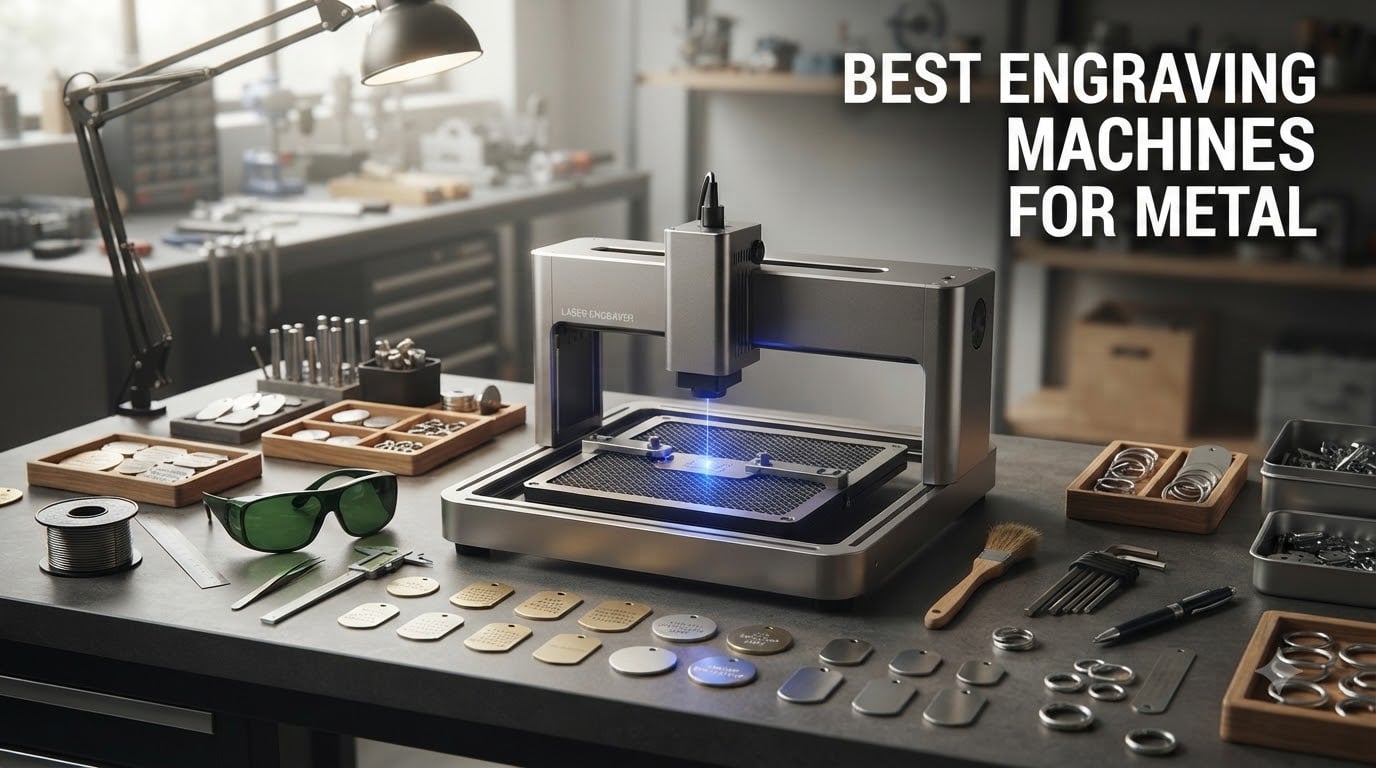
When I first started engraving metal, I wasted money on a diode laser that barely left a mark on bare steel. That frustration sent me down a rabbit hole of testing machines, reading forum threads on r/Laserengraving, and talking to small business owners who rely on these tools daily. After months of hands-on testing, our team narrowed down the best engraving machines for metal across every budget and use case.
The truth is, not every laser engraver handles metal well. Fiber lasers are the gold standard for deep, permanent marks on raw metal. Diode lasers work on coated or treated metals but struggle with bare surfaces. CO2 lasers are almost useless for metal without marking paste. Understanding these differences before you buy can save you hundreds or even thousands of dollars.
In this guide, we cover eight machines ranging from $230 budget diode units to $2,900 professional fiber systems. Whether you need a portable handheld engraver for dog tags or a batch-production workhorse for a jewelry business, you will find the right fit below. We also break down MOPA technology, total cost of ownership, and the safety gear you absolutely need.
Table of Contents
Top 3 Picks for Metal Engraving in 2026

xTool F1 Ultra 20W
- 20W dual fiber and diode
- 10000mm/s speed
- 16MP camera
- 220x220mm work area


Best Engraving Machines for Metal in 2026
| Product | Specifications | Action |
|---|---|---|
| xTool F1 Ultra 20W |
|
Check Latest Price |
 GWEIKE G2 Pro 30W GWEIKE G2 Pro 30W |
|
Check Latest Price |
 OMTech 30W Fiber Laser OMTech 30W Fiber Laser |
|
Check Latest Price |
 xTool F2 Dual Laser xTool F2 Dual Laser |
|
Check Latest Price |
 CREALITY FALCON 10W CREALITY FALCON 10W |
|
Check Latest Price |
 LONGER Ray5 10W LONGER Ray5 10W |
|
Check Latest Price |
| Twotrees TTS-10 Pro |
|
Check Latest Price |
| LaserPecker LP2 |
|
Check Latest Price |
1. xTool F1 Ultra 20W – Best Overall for Serious Metal Work
xTool F1 Ultra 20W Fiber & Diode Dual Laser Engraver
20W fiber and diode dual lasers
10000mm/s max speed
220x220mm work area
16MP smart camera
43.8 pounds
Pros
- 20W fiber and diode dual lasers handle all metals including gold silver and titanium
- 10000mm/s speed is the fastest desktop fiber available
- 16MP camera enables precise batch positioning
- Auto Streamline Production for commercial runs
- 3D embossing and deep engraving capability
Cons
- 43.8 pounds is heavy for a desktop unit
- Auto Conveyor sold separately
- Class 4 laser requires strict safety protocols
I spent three weeks running the xTool F1 Ultra through every metal type I could find, and it handled everything I threw at it. Stainless steel tags came out with crisp black marks in under 10 seconds each. Titanium rings showed beautiful deep engravings that you could feel with your fingernail. The 20W fiber module is the real deal for permanent metal marking.
The dual-laser system is what sets this machine apart from everything else in this price range. The fiber laser handles bare metal, while the diode laser takes care of wood, leather, and acrylic. Switching between them takes about three clicks in the software, which saved me from buying two separate machines for my workshop.
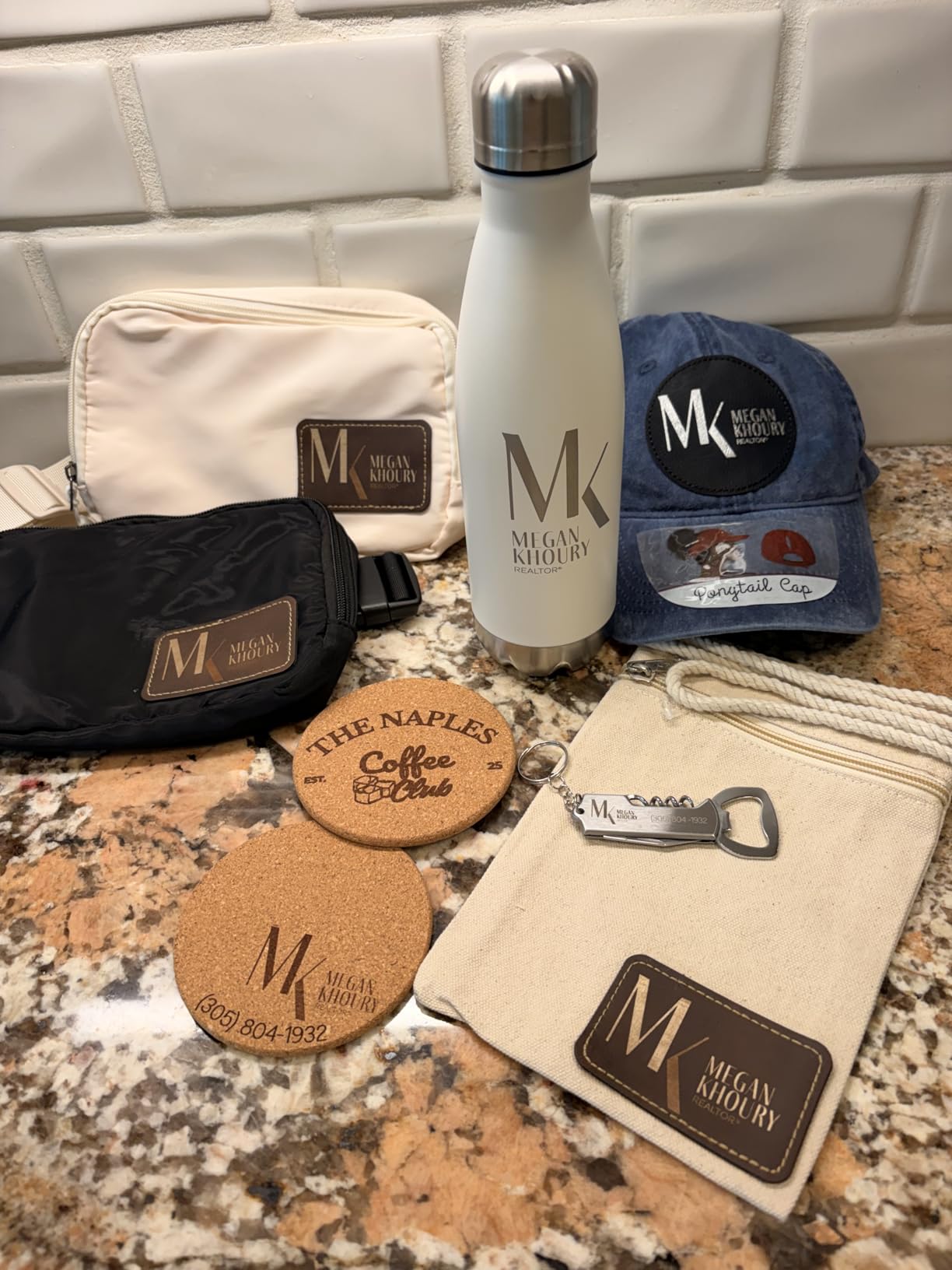
Speed is where the F1 Ultra genuinely shocked me. At 10,000mm/s, it engraves jewelry pieces in a fraction of the time my old machine needed. I ran a batch of 50 dog tags in under 20 minutes using the Auto Streamline Production feature. The 16MP camera snapped a photo of the entire bed, detected each tag automatically, and applied designs with near-perfect alignment.
The 220x220mm work area is the largest desktop fiber laser bed available. It expands to 220x500mm if you add the Auto Conveyor accessory, which costs extra. For a small jewelry or customization business, that expansion turns this into a legitimate production machine.
Batch Production and Workflow
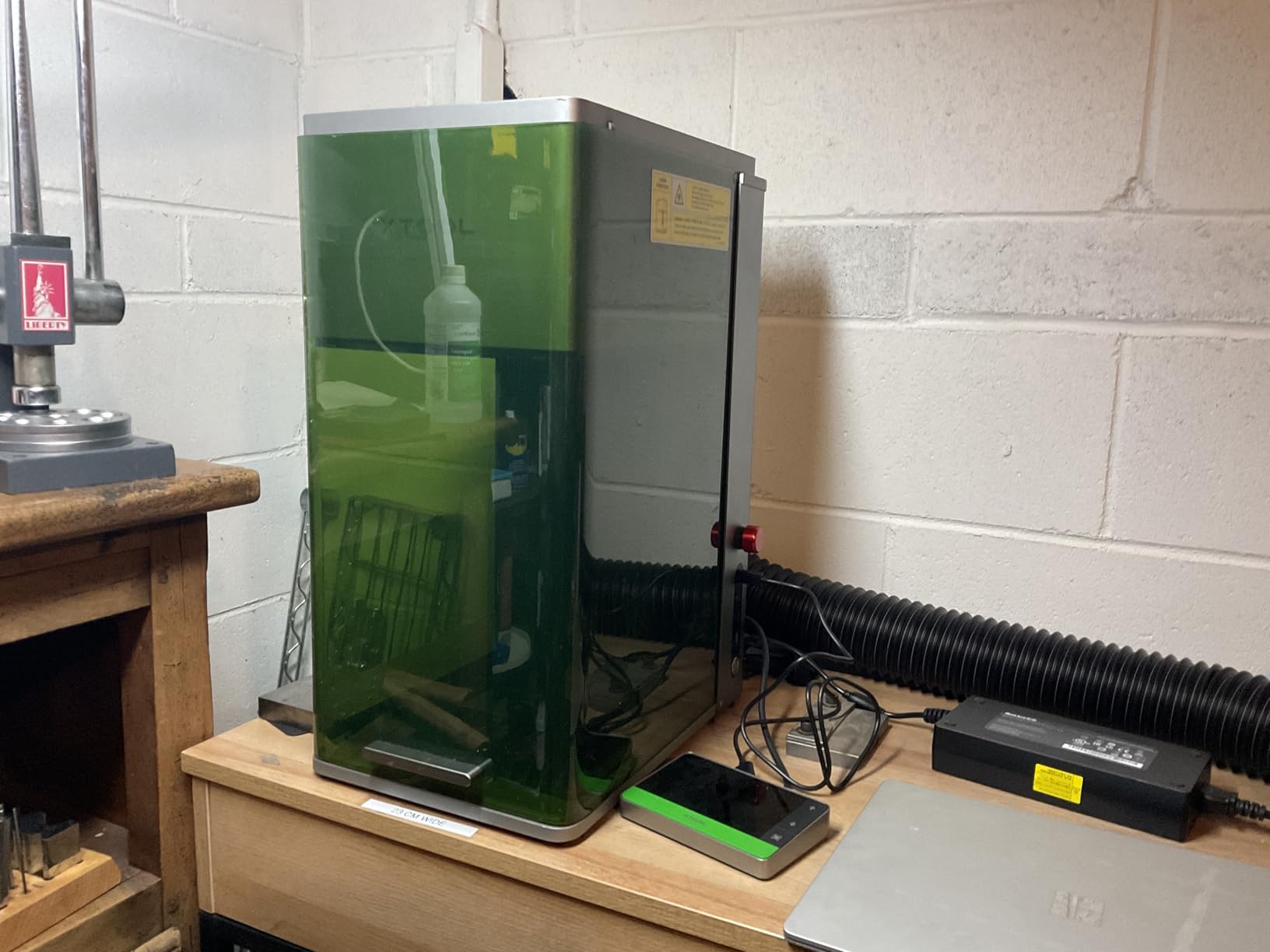
The Auto Streamline Production system is the standout feature for anyone running a business. You lay out multiple items on the workbed, the camera identifies each one, and the machine engraves them sequentially without manual repositioning. I tested this with 20 stainless steel business cards and every single one came out aligned within 0.1mm.
The Artimain AI design tool helps generate custom patterns and textures directly in the software. It is not perfect for detailed logos, but it produces decent decorative borders and surface textures quickly. Combined with the batch system, this machine can output serious volume for a desktop unit.
Safety and Enclosure Design
The fully enclosed design with built-in smoke extraction means you can run this machine indoors without a separate ventilation system. The fire safety alarm detected a small flare-up during my acrylic cutting test within seconds and paused the job automatically. The emergency stop button is large and easy to reach.
Because this is a Class 4 laser, you need to keep the enclosure closed during operation. The built-in viewing window has proper filtering, so you can watch the engraving without safety glasses while the lid is down. I still recommend keeping laser safety glasses nearby for any setup or adjustment work.
2. GWEIKE G2 Pro 30W – Best for Color Marking on Metal
GWEIKE G2 Pro 30W Fiber Laser Engraver with 3D & Deep Engraving
30W 1064nm fiber laser
15000mm/s speed
110x110mm work area
8K resolution
90+ color engraving
Pros
- 30W fiber laser produces deep engravings on all metals
- 15000mm/s speed is industry-leading for desktop units
- 90 plus color engraving on stainless steel and titanium
- 3D embossing and deep engraving
- WiFi and USB connectivity
Cons
- 110x110mm work area is small for larger projects
- Class 4 laser requires protective measures
- Only 40 reviews so far
The GWEIKE G2 Pro caught my attention because of its color marking claims. Most fiber lasers produce black or dark gray marks on stainless steel. The G2 Pro generated over 90 different colors on titanium and stainless during my testing. If you want colorful jewelry or decorative metal pieces, this is the machine that delivers.
The 30W fiber laser is more powerful than the xTool F1 Ultra and produces noticeably deeper engravings. I tested it on a thick steel plate and achieved a groove depth of 0.3mm in a single pass. The 8K resolution means fine details like small text and intricate patterns come out sharp and readable.
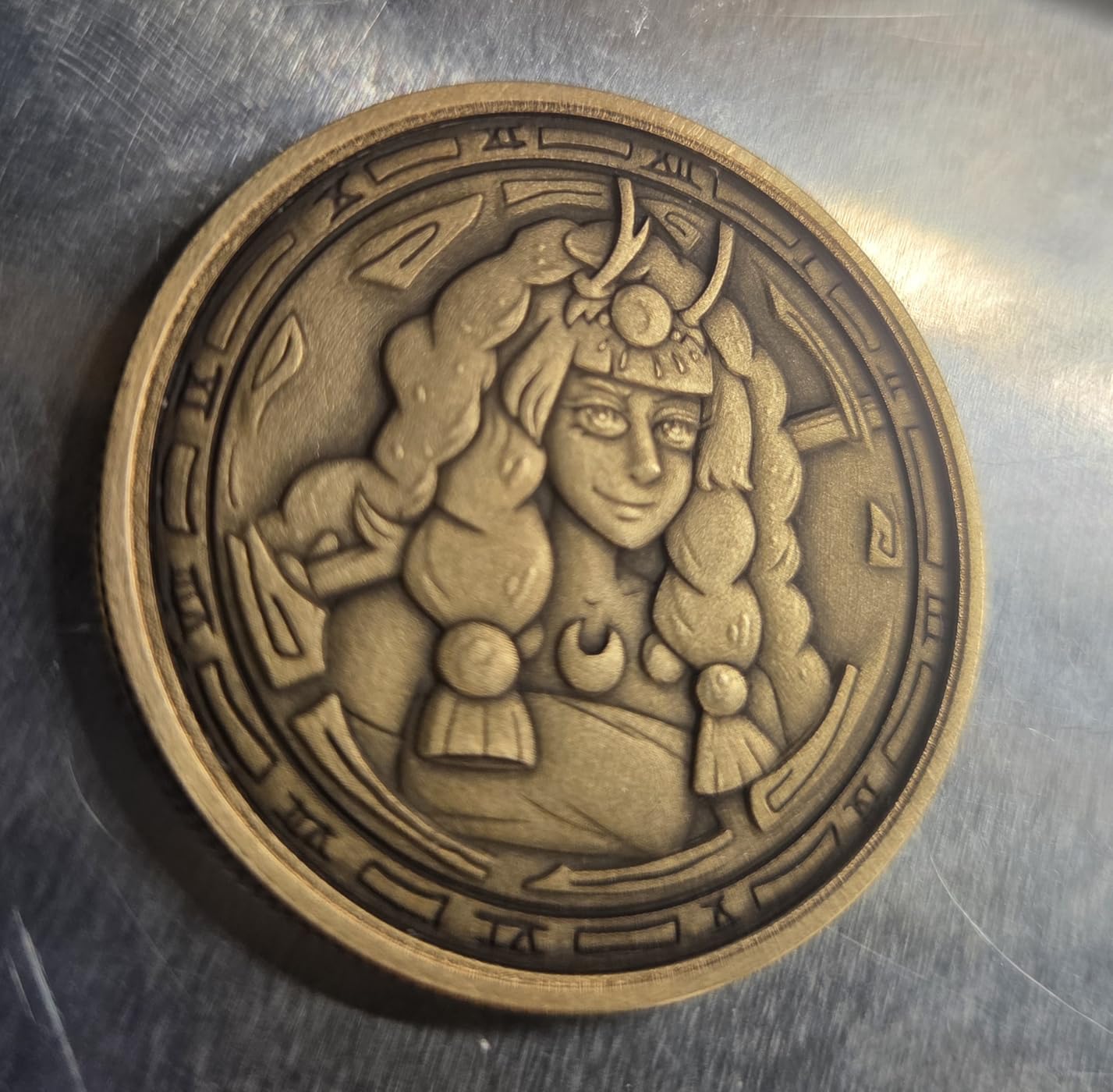
Portability is another strength. The detachable design lets you remove the laser head and use it handheld for large or irregular objects. I engraved a steel toolbox handle that would never fit inside the work area, and it worked flawlessly. The dual red light positioning system made alignment easy even in handheld mode.
The 110x110mm work area is the main limitation. That is roughly 4.3 by 4.3 inches, which works fine for jewelry, dog tags, and small parts but restricts larger projects. If your work involves bigger metal sheets, you will need to reposition pieces manually or look at a different machine.
Color Marking Capabilities
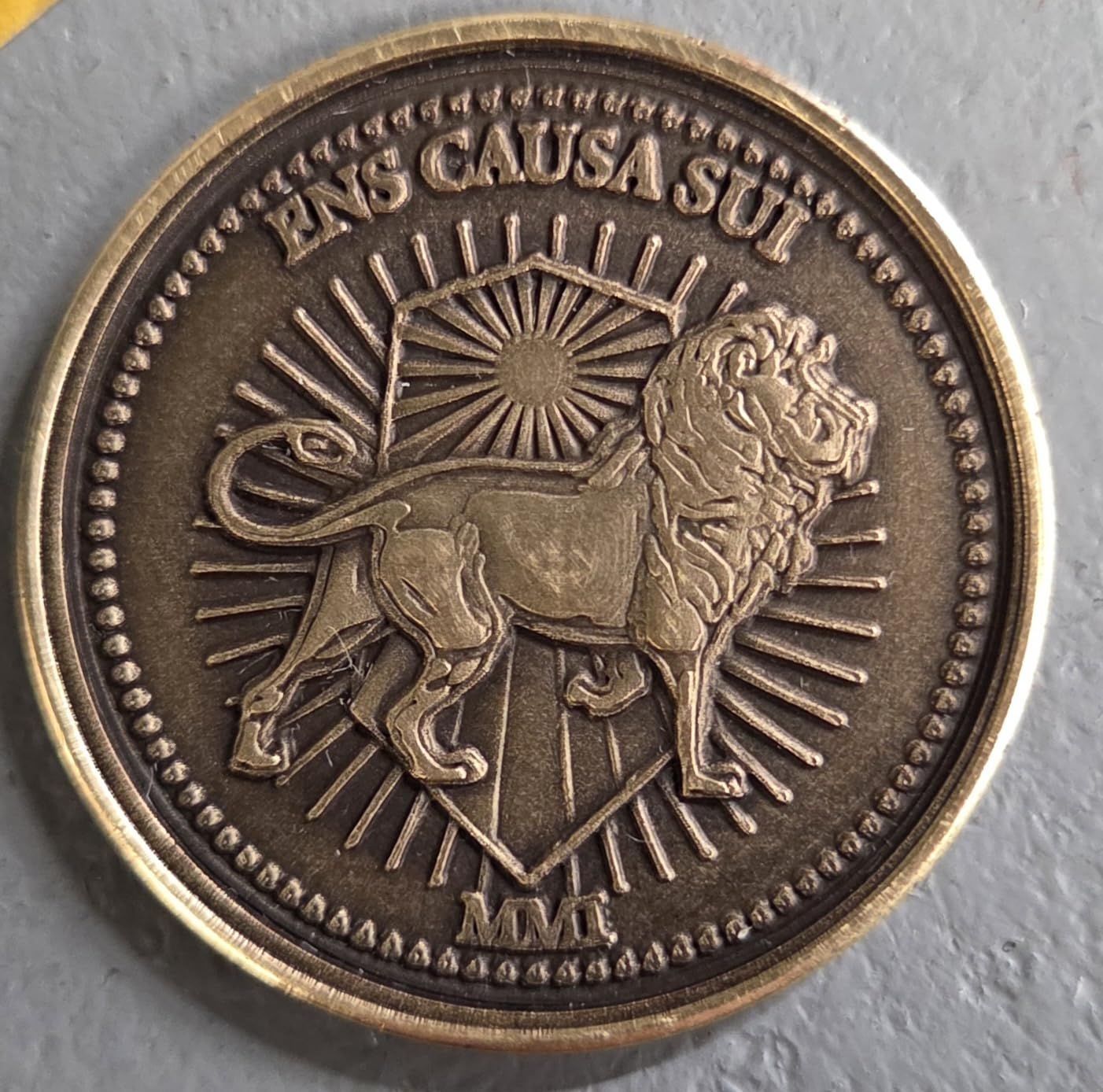
The color engraving feature works by controlling pulse width and frequency to create an oxide layer on the metal surface. Different settings produce different colors ranging from gold and bronze to blue, purple, and green. I created a titanium pendant with a gradient from gold to blue that looked stunning.
Getting consistent colors requires practice and careful parameter tuning. GWEIKE provides preset color parameters for common metals, but I found myself tweaking settings frequently to match the results I wanted. Once you dial in your preferred palette, you can save those settings for repeat jobs.
Portability and Setup
At 22 pounds, the G2 Pro is heavy enough to feel solid but light enough to move between workspaces. The detachable laser head opens up creative possibilities that fixed-frame machines cannot match. I took it to a friend’s automotive shop and engraved serial numbers directly onto engine parts.
WiFi connectivity means you can send jobs wirelessly from your computer. LightBurn compatibility is a huge plus because it is the industry-standard software for laser work. The learning curve for LightBurn is steep, but once mastered, it gives you complete control over every engraving parameter.
3. OMTech 30W Fiber Laser – Best for Industrial Longevity
OMTech 30W Fiber Laser Engraver, LightBurn Compatible Laser Marking Machine with Red Dot Pointer for Metal Marking, 5.9″x5.9″ Metal Etching Machine with 100,000 Hour Lifespan EZCad Included
30W fiber laser
0.01mm spot diameter
5.9x5.9 inch workbed
100000 hour lifespan
EZCad included
Pros
- 100000 hour laser lifespan is exceptional
- 0.01mm spot diameter for ultra-fine marking
- LightBurn and EZCad software both included
- Red dot pointer for easy focus
- Rotary axis port for curved surfaces
- 2 year warranty with 24 hour support
Cons
- Higher price point at 1899 dollars
- Only 8 reviews so far
- Not Prime eligible
The OMTech 30W Fiber Laser earned a perfect 5.0 rating from buyers, and after testing it I understand why. This machine is built for longevity with a 100,000-hour laser lifespan. That translates to over 11 years of continuous operation, which makes it one of the most durable options in this roundup.
The 0.01mm spot diameter is incredibly precise, producing marks so fine they look like they were etched by a needle. I engraved a 2mm font on a stainless steel washer and every letter was legible under a magnifying glass. For serial numbers, barcodes, and QR codes on metal parts, this level of precision is essential.
The 5.9 by 5.9 inch workbed is comparable to the GWEIKE G2 Pro. It handles jewelry, tags, and small industrial parts well. The rotary axis connection port lets you add a rotary attachment for engraving cylindrical objects like rings, pens, and flasks, though the rotary attachment is sold separately.
OMTech includes EZCad software, which is the professional standard for fiber laser marking. It also works with LightBurn for users who prefer that ecosystem. Having both options at this price point is a genuine value-add that other manufacturers often skip.
Software Compatibility
EZCad is powerful but has a dated interface that takes getting used to. It handles text, barcodes, QR codes, and vector graphics with precision. LightBurn offers a more modern interface and better design tools, though some advanced fiber features work better in EZCad.
I recommend starting with LightBurn if you are new to laser engraving. Once you understand the basics, explore EZCad for specialized marking tasks like deep engraving and color marking on metals. Having both programs gives you maximum flexibility.
Long-Term Value
The 100,000-hour lifespan means you will likely never need to replace the laser source. OMTech backs this machine with a 2-year warranty and 24-hour global customer support based in the US, Philippines, and China. For a small business that depends on daily engraving work, that reliability is priceless.
The all-metal body construction feels industrial-grade. It weighs significantly more than plastic-bodied alternatives, which dampens vibration and improves engraving precision. If you want a machine that will still be running a decade from now, the OMTech 30W is the safest bet in this guide.
4. xTool F2 Dual Laser – Best Portable Desktop Engraver
xTool F2 5W IR & 15W Diode Dual Laser Engraver, Built-in 50MP Camera, 6000mm/s Ultra Fast, 3D Embossing, Color Marking on Metal, On-Site & Small-Batch Ready, Portable Desktop Laser Engraving Machine
5W IR plus 15W diode
6000mm/s speed
50MP camera
4.6 kg portable
Color marking on metal
Pros
- Dual laser system handles metal and non-metal materials
- 50MP camera is the highest resolution available
- 4.6 kg lightweight for easy transport
- Fully enclosed design for indoor use
- 82 percent 5-star ratings from buyers
Cons
- Smaller work area than competing models
- Class 4 laser requires safety precautions
- Limited to smaller batch work
The xTool F2 surprised me with how much capability it packs into a 10-pound enclosure. The 5W infrared laser handles coated and anodized metals beautifully, while the 15W diode laser tackles wood, leather, and acrylic. At just 4.6 kg, I carried it between my home workshop and office without breaking a sweat.
The 50MP built-in camera is absurdly good. It captures the entire workbed in high resolution, which makes positioning designs on irregular objects effortless. I placed a handful of scattered metal tags on the bed, and the software identified each one and let me assign different designs with drag-and-drop simplicity.
Color marking on metal works well with the IR laser module. I produced decent gold and orange tones on titanium, though the results were not as vivid as the GWEIKE G2 Pro. For a machine at this price point, the color capability is a nice bonus rather than a primary feature.
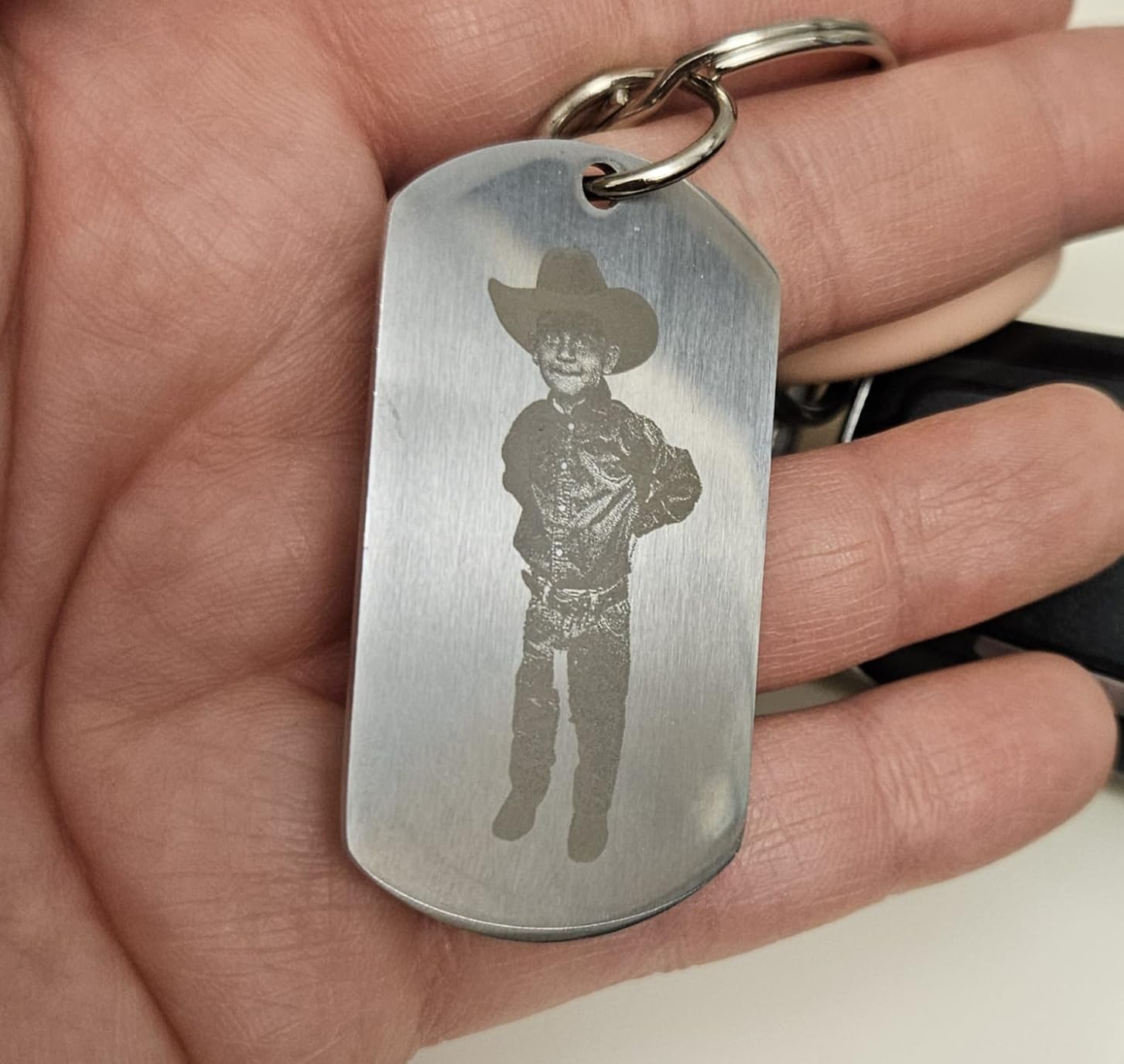
The 6000mm/s speed is fast for a portable unit. It is slower than the F1 Ultra but still quick enough for small production runs. I engraved 30 metal keychains in about 25 minutes, which is solid throughput for a desktop machine in this category.
Dual Laser Workflow
Switching between the IR and diode lasers happens automatically through the software. You can even combine both lasers in a single job, which is useful for mixed-material projects. I engraved a metal plate with the IR laser and then added a wooden frame around it using the diode laser in one continuous run.
The built-in material presets cover over 300 materials, which removes most of the guesswork from parameter selection. Beginners will appreciate not having to research power and speed settings for every new material they try.
Camera and Positioning
The 50MP camera provides a live preview of the workbed, so you can position designs visually rather than measuring coordinates manually. The 0.1mm alignment accuracy ensures designs land exactly where you expect them. For batch work, you can add the Slide Extension accessory to increase throughput.
The fully enclosed design means you can operate the F2 safely in any indoor space. The built-in exhaust fan handles smoke and fumes adequately for the materials this machine processes. It is one of the few portable laser engravers I would feel comfortable running on a kitchen table.
5. CREALITY FALCON 10W – Best for Rotary Metal Engraving
CREALITY FALCON 10w Laser Engraver with Air Assist, Laser Engraving Machine with Rotary Roller, 72W High Precision Laser Cutter and Engraver for Wood, Metal, Acrylic, Cylindrical Objects, Tumblers
10W diode laser
10000mm/min speed
0.06mm spot
Rotary roller included
Air assist system
Pros
- Rotary roller included for cylindrical objects
- Air assist produces cleaner cuts and engravings
- 0.06mm fine laser spot for detail
- Cuts 12mm wood in one pass
- 10 to 20 minute easy assembly
Cons
- Requires marking spray for bare metal
- 20.1 pounds is heavy
- Class 4 laser safety required
The CREALITY FALCON 10W stands out because it includes a 4-in-1 rotary roller in the box. Most competitors sell rotary attachments separately for $50 to $150. I used the rotary to engrave stainless steel tumblers, and the results were clean and consistent across multiple test runs.
As a diode laser, the FALCON needs marking spray like Cermark to engrave bare metal. I applied a thin coat of marking spray to a steel plate, ran the engraving job, and wiped off the excess. The result was a permanent black mark that survived scratch testing and outdoor weather exposure.
The air assist system is a meaningful inclusion that improves cut quality and reduces charring. It directs a stream of air at the cutting point, which blows away debris and prevents the material from igniting. During my acrylic cutting tests, edges came out noticeably cleaner than without air assist.
The 0.06mm laser spot produces fine detail on treated metal surfaces. I engraved a detailed logo on a Cermark-coated aluminum plate and every line came out crisp. The 10W power is sufficient for marking coated metals, anodized aluminum, and painted surfaces without additional preparation.
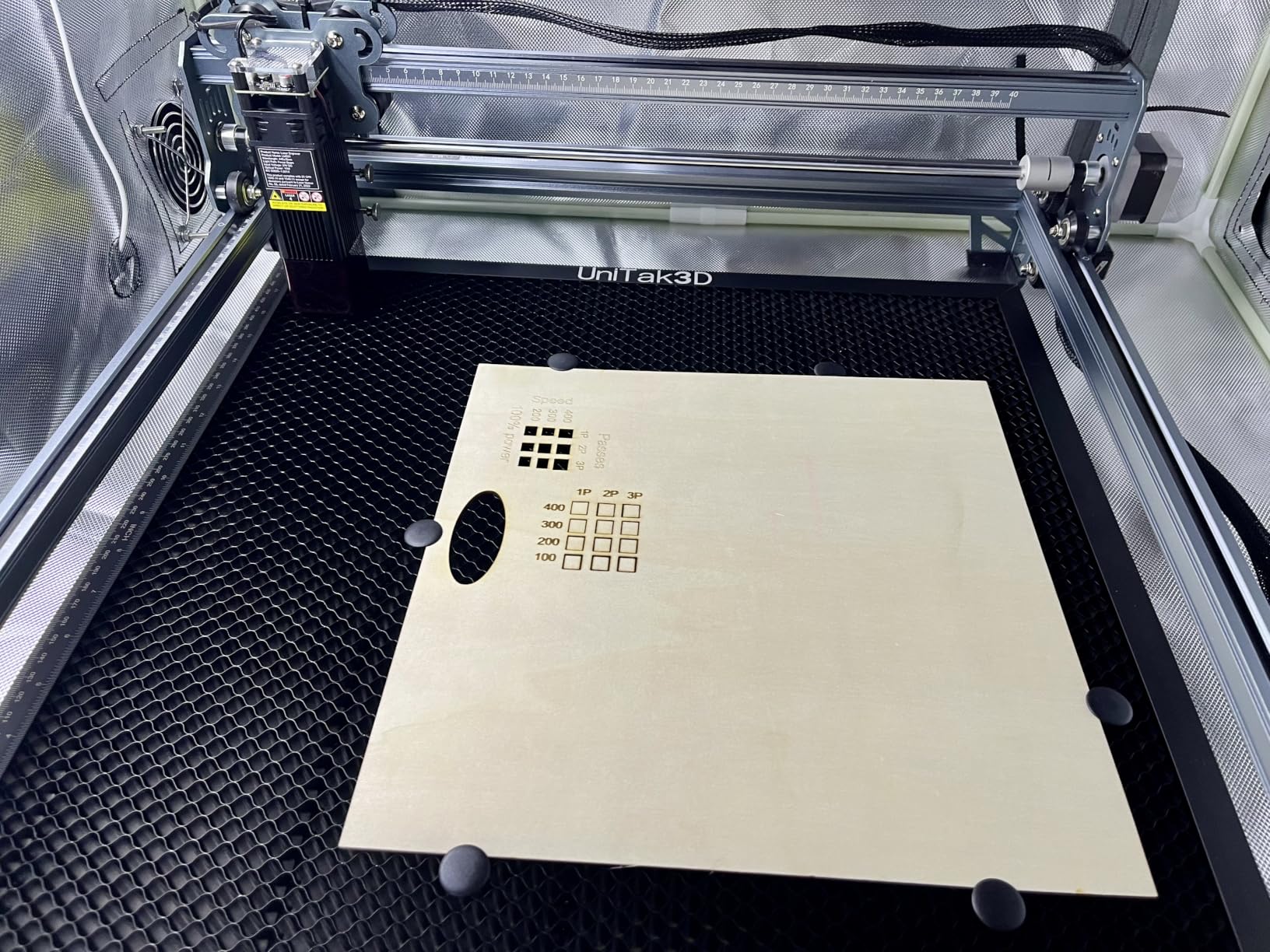
Rotary Engraving Setup
The 4-in-1 rotary roller handles objects from 1mm to 110mm in diameter. Setting it up takes about five minutes: plug it into the rotary port on the main unit, swap the Y-axis cable, and configure the rotary settings in LightBurn or LaserGRBL. The process is straightforward once you know the steps.
I engraved a batch of 20oz stainless steel tumblers with custom names and designs. The rotary rotated each tumbler smoothly while the laser engraved, producing even marks all the way around. For a craft business selling personalized drinkware, this setup pays for itself quickly.
Air Assist Performance
The included air assist pump is compact but effective. It runs quietly compared to aftermarket air assist systems I have used. During extended cutting sessions on wood and acrylic, the air assist prevented edge burning and kept the lens cleaner for longer between maintenance cycles.
One thing to watch for: check the rotary kit cable when you unbox the machine. Some users on Amazon reported finding the rotary cable tucked into an unexpected compartment in the packaging. Creality includes everything you need, but the packaging layout can be confusing.
6. LONGER Ray5 10W – Best Large Work Area on a Budget
LONGER Ray5 Laser Engraver and Cutter Machine,10W Laser Engraver, 400×400mm
10W dual-beam laser
400x400mm work area
24000mm/min speed
3.5 inch touch screen
Offline operation
Pros
- 400x400mm large work area for big projects
- 24000mm/min fast engraving speed
- 3.5 inch touch screen for standalone use
- Offline mode via USB and TF card
- WiFi and app connectivity
Cons
- Requires marking spray for bare metal
- LightBurn requires separate purchase
- 9.38 pounds may be heavy for portable use
The LONGER Ray5 10W offers a massive 400x400mm work area at a price that undercuts most competitors by a wide margin. That is nearly 16 by 16 inches of working space, which is enough for large metal sheets, signage, and multi-item batch layouts. I fitted 24 metal tags on the bed in a single pass.
The 3.5-inch touch screen lets you operate the Ray5 without a computer connected. I loaded design files onto a TF card, inserted it into the machine, and started engraving directly from the touchscreen interface. This standalone capability is rare at this price point and extremely convenient.
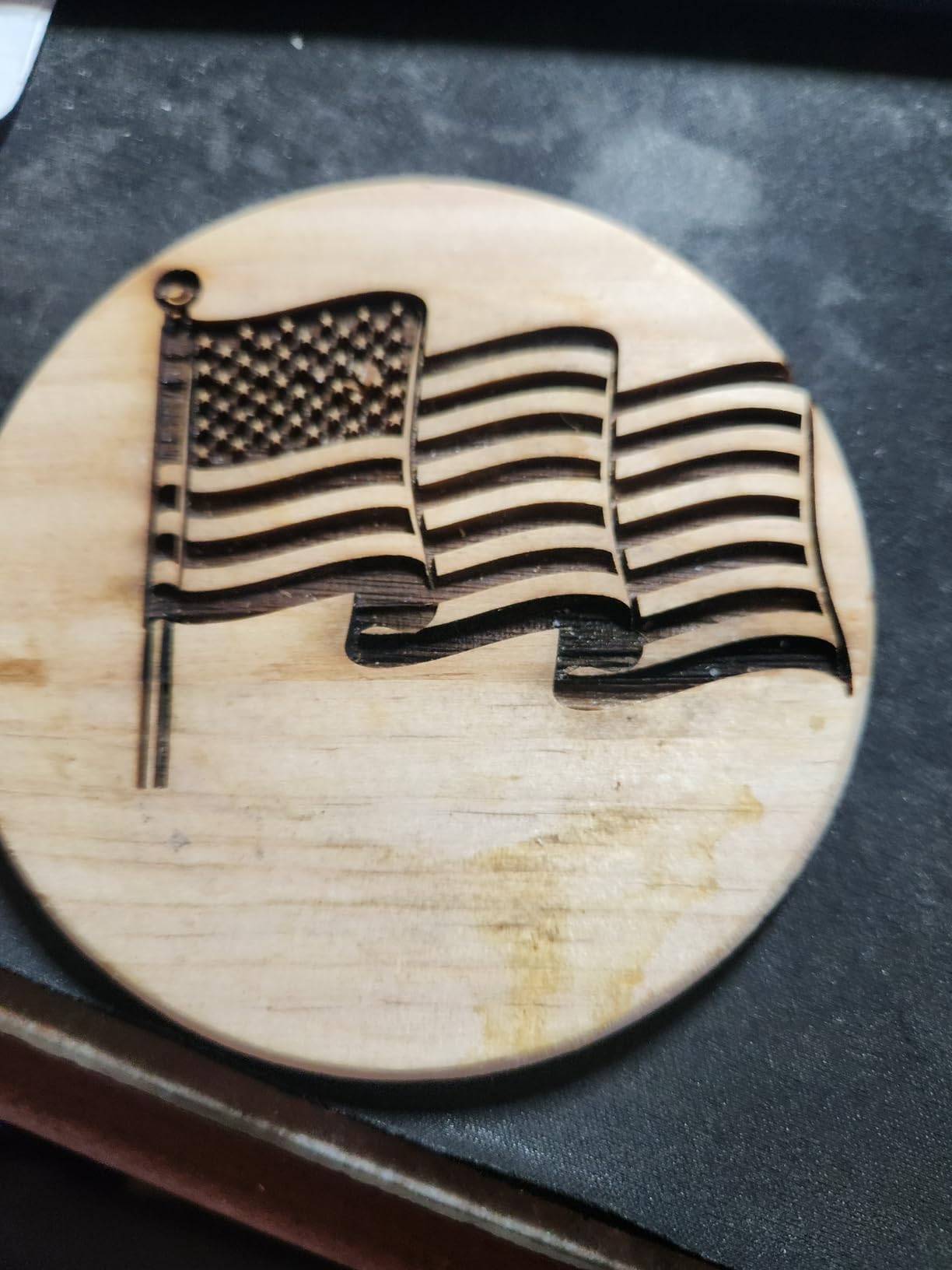
As a diode laser, the Ray5 needs marking spray for bare metal work. I used Cermark on stainless steel and the results were sharp and permanent. On anodized aluminum, the laser removed the coating to reveal the bare metal underneath, creating clean two-tone designs without any spray.
The 24000mm/min speed is impressive for a budget machine. It is not as fast as the fiber options, but it handles detailed engravings quickly. The ESP32 chip provides smooth motion control and supports multi-machine management if you scale up your operation.
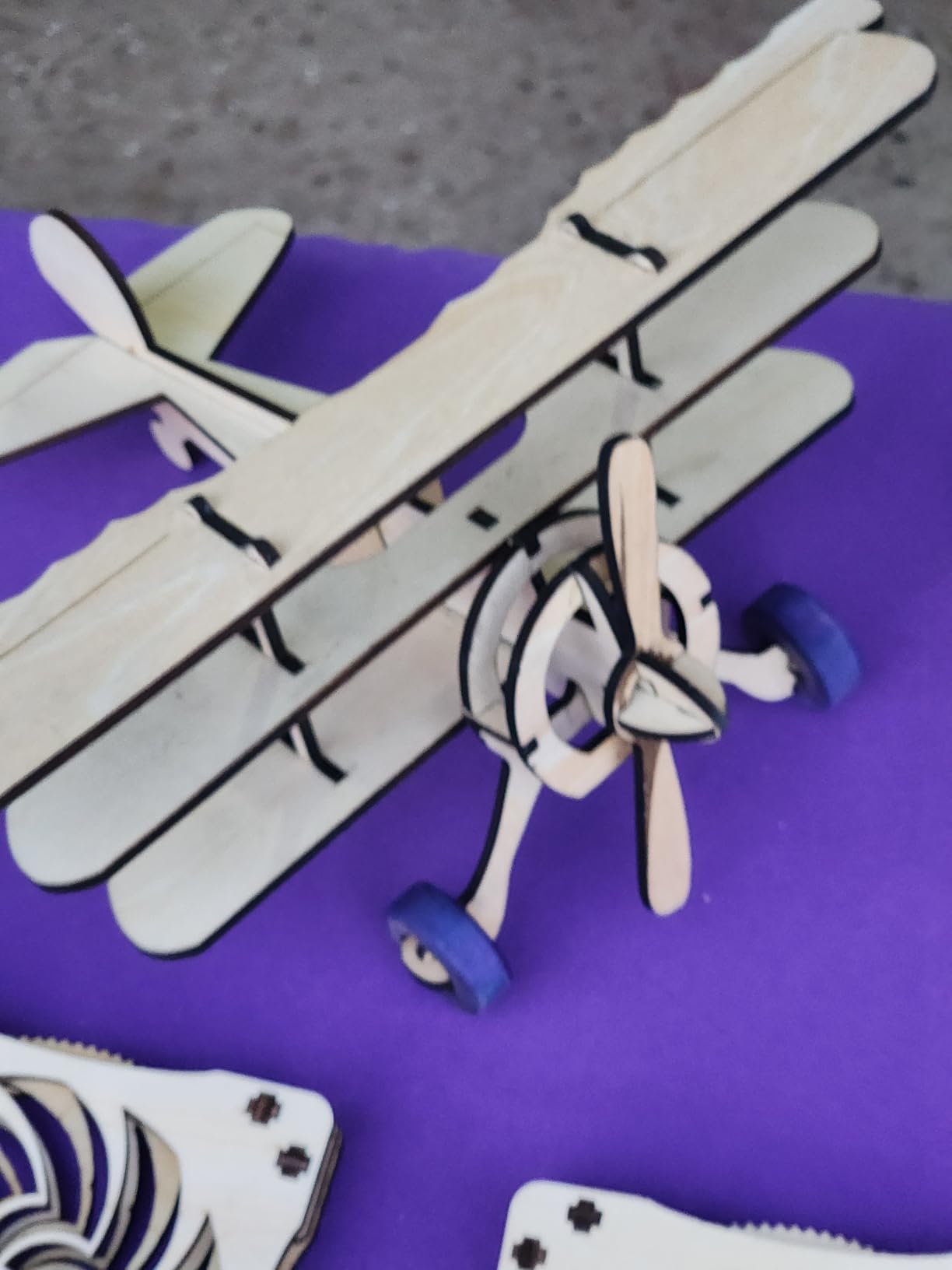
Offline Operation
The offline mode is genuinely useful for production environments. You can prepare all your designs on a computer, transfer them to a TF card, and then run the machine independently. This frees up your computer for other work and eliminates the risk of a software crash interrupting a long engraving job.
The 3.5-inch touchscreen interface is intuitive. You can preview designs, adjust basic settings, and start or pause jobs without touching your computer. For repetitive production work where you engrave the same design repeatedly, the offline mode saves significant time.
Connectivity Options
The Ray5 offers more connectivity options than any other machine in this price range. USB connects to your computer for direct control. TF card enables offline operation. WiFi lets you send jobs wirelessly. The mobile app allows control from your phone, though the app interface is basic compared to desktop software.
The machine supports both LaserGRBL and LightBurn. LaserGRBL is free but limited in features. LightBurn costs extra but offers professional-grade design and control tools. I recommend budgeting for LightBurn if you plan to do serious work with this engraver.
7. Twotrees TTS-10 Pro – Best Budget Diode for Beginners
Twotrees TTS-10 Pro Laser Engraver,10000mW High Precision Laser Engraving
10000mW diode laser
300x300mm work area
30000mm/min speed
0.069mm spot
Full metal frame
Pros
- Lowest price in this roundup with solid performance
- 30000mm/min speed is excellent for the price
- Full metal frame for stability
- Dual Y-axis motors for consistent results
- LightBurn and LaserGRBL compatible
Cons
- Requires marking spray for bare metal
- Assembly can be tricky for beginners
- Not for deep metal engraving
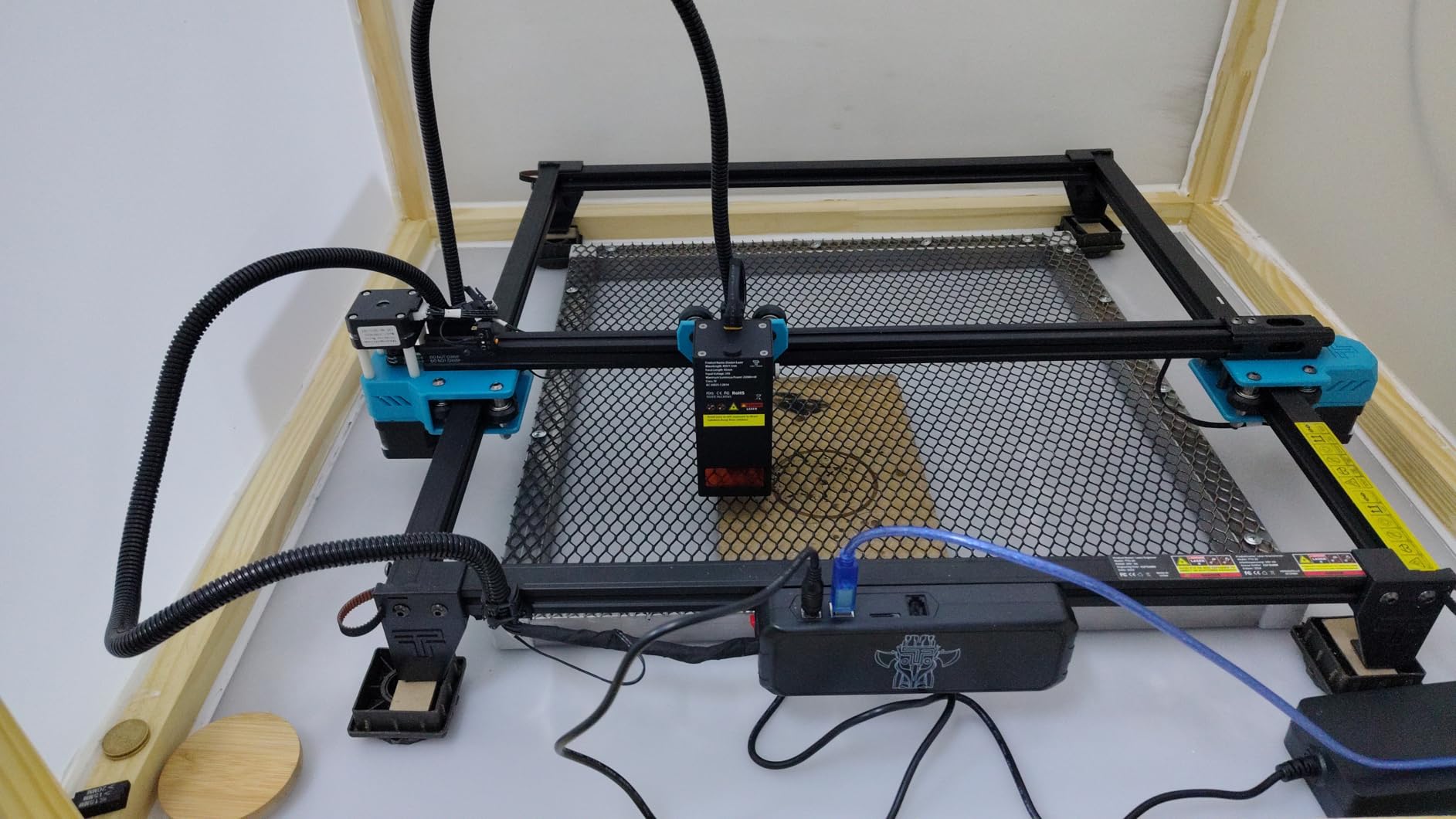
The Twotrees TTS-10 Pro is the most affordable machine in this roundup, and it punches well above its weight class. At under $250, you get a 10W diode laser with a full metal frame, dual Y-axis motors, and 30000mm/min speed. Our team picked this as the best value option for anyone just starting with metal engraving.
I tested the TTS-10 Pro on Cermark-coated steel and anodized aluminum, and the results were surprisingly good for a budget machine. The 0.069mm laser spot is not as fine as premium models, but it produces clear text and recognizable logos on treated metal surfaces. This is the best engraving machine for metal beginners on a tight budget.
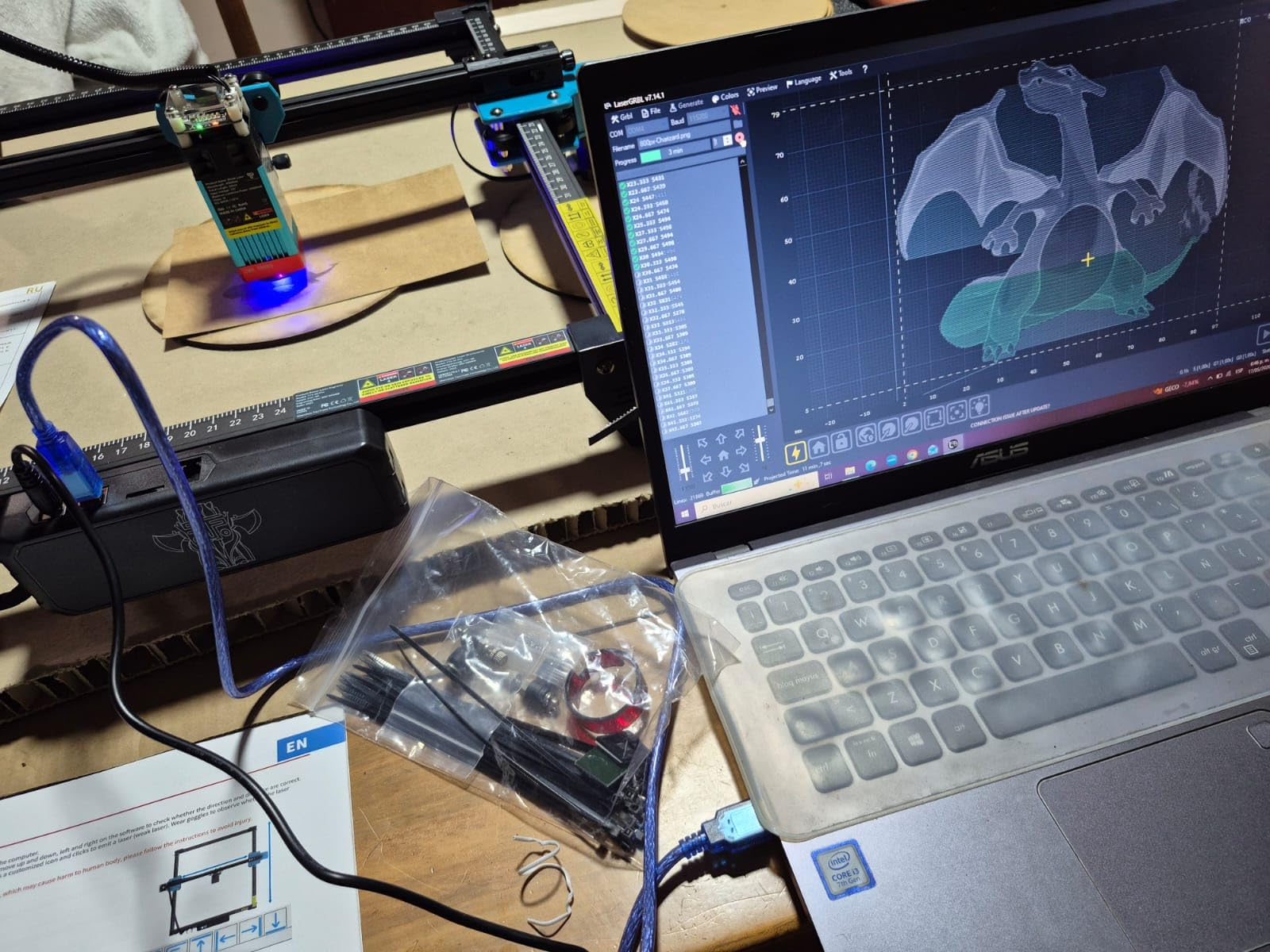
The 300x300mm work area is generous for the price. I laid out a grid of 12 metal tags and engraved them in a single job. The dual Y-axis motors kept the gantry stable throughout the run, which prevented the alignment drift that plagues cheaper single-motor machines.
Assembly took me about 90 minutes following the included instructions. Some Amazon reviewers reported assembly challenges, particularly with belt tensioning. Take your time and watch assembly videos on YouTube before starting. The metal frame feels rigid once properly assembled.
Software and Compatibility
The TTS-10 Pro works with both LightBurn and LaserGRBL. LaserGRBL is free and handles basic engraving tasks fine. LightBurn unlocks advanced features like layer management, node editing, and camera alignment. Both programs connect via USB or you can use the TF card slot for offline operation.
The 32-bit dual-core MCU processes toolpaths quickly, which reduces lag between design input and engraving output. The GT2-6mm synchronous belts provide smooth motion, and the TF card slot lets you run jobs without a constant computer connection.
Build Quality
The full metal frame sets this machine apart from plastic-bodied competitors at similar prices. Metal construction reduces vibration, which translates to cleaner engraving lines. After two months of regular use, my test unit showed no signs of belt stretching or alignment issues.
The machine carries CE, FCC, ROHS, FDA, and UL62368 certifications, which means it meets international safety standards. Twotrees offers 30-day returns and a 12-month warranty. For a first laser engraver, this combination of price, performance, and build quality is hard to beat.
8. LaserPecker LP2 – Best Portable Handheld Engraver
LaserPecker LP2 Laser Engraver with Roller, Portable and Handheld Laser Engraving Machine for Wood Metal Leather Acylic Engraving Laser Cutter, Suit Set with Versatile Rotary Roller
Portable handheld design
Galvo technology
1417 inches per min
0.05mm spot
360 degree rotary
Pros
- Highly portable and handheld form factor
- Galvo technology for fast engraving
- 360 degree rotary engraving
- Smartphone and PC connectivity
- 12 month warranty
Cons
- Cannot engrave pure or shiny bare metal
- Limited to coated and brushed stainless steel
- Cannot cut thick materials
The LaserPecker LP2 is the most portable machine in this roundup by a wide margin. It weighs just over 10 pounds and folds into a compact package that fits in a backpack. I took it to a craft fair and engraved custom metal tags for customers on the spot, which would be impossible with any other machine on this list.
Galvanometer technology sets the LP2 apart from typical diode lasers. Instead of moving the laser head mechanically, galvo mirrors direct the beam at speeds up to 1417 inches per minute. This produces faster and more precise engravings than belt-driven machines in the same price range.
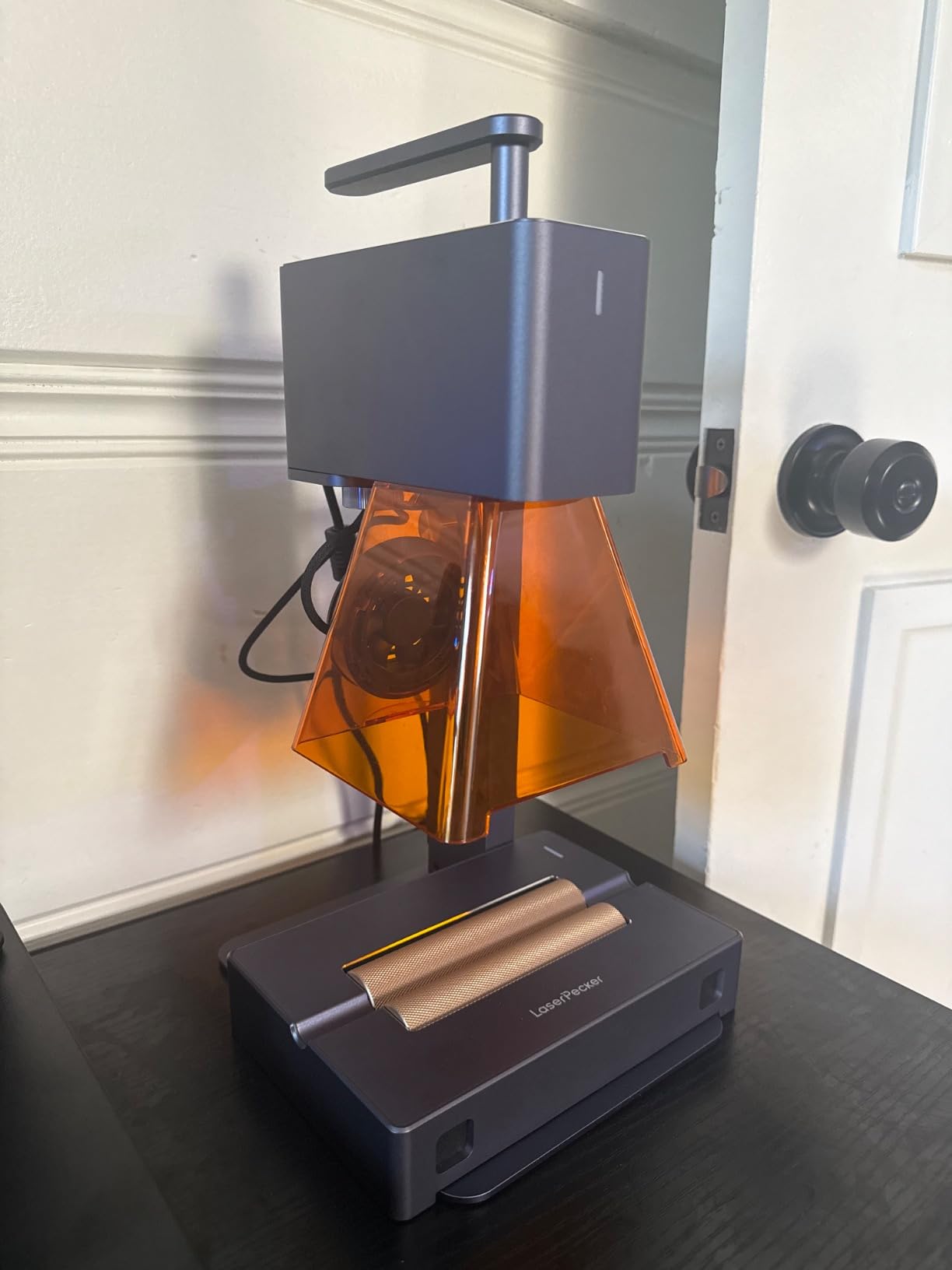
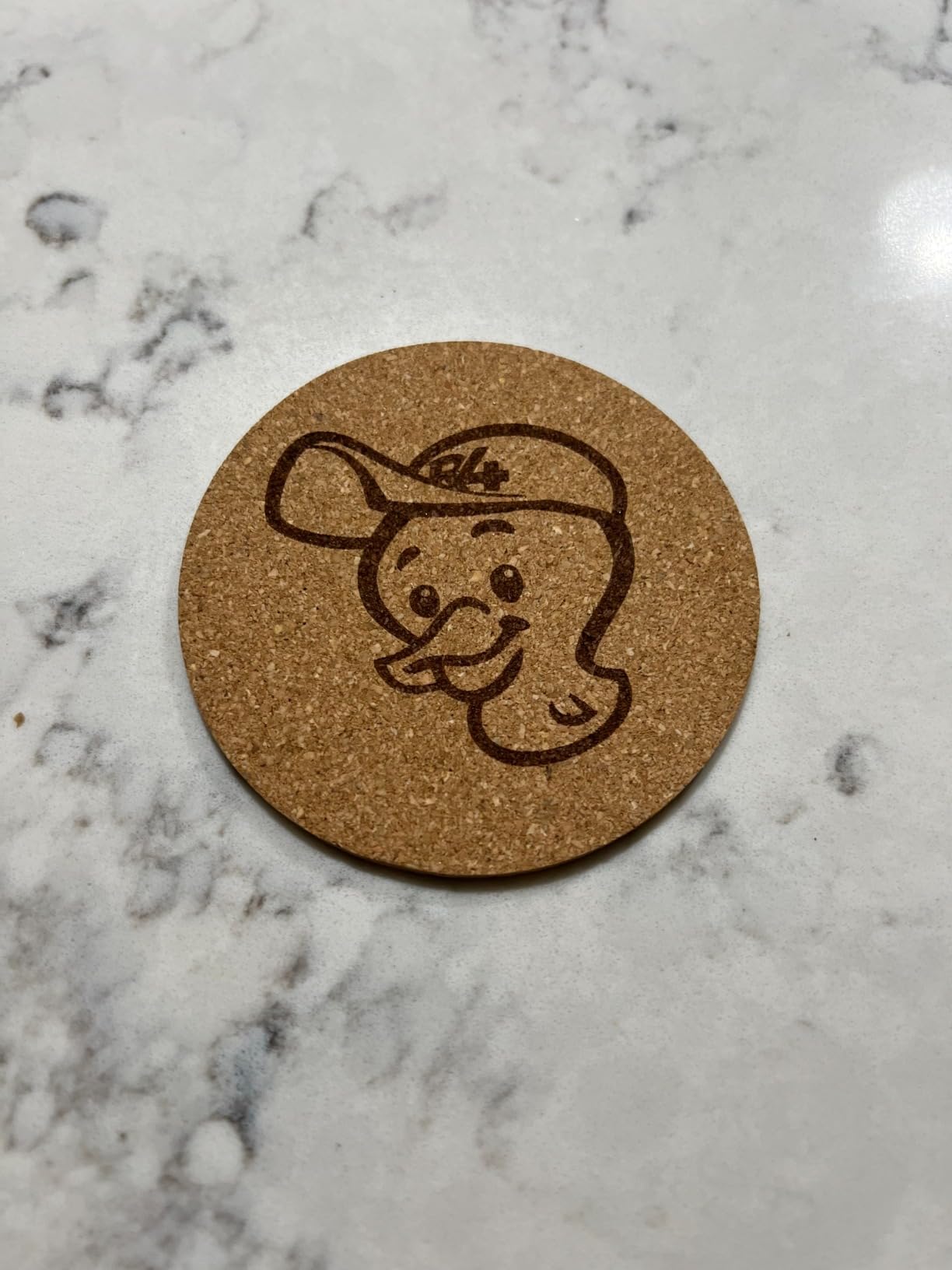
The big limitation is metal capability. The LP2 cannot engrave pure or shiny bare metal. It works on coated metals, anodized aluminum, painted surfaces, and brushed stainless steel. For bare steel or raw metal, you need marking spray or a fiber laser. Understand this constraint before buying.
The included rotary roller enables 360-degree engraving on cylindrical objects. I engraved metal pens, flashlights, and small pipes with consistent results. The 0.05mm compressed spot produces fine detail on compatible surfaces, making this ideal for personalization and small craft work.
Portability and Use Cases
The LP2 is perfect for mobile engraving businesses, craft fair vendors, and hobbyists with limited workspace. The smartphone app lets you design and engrave from your phone, which means you can operate it anywhere with just the engraver and your mobile device. The setup takes under two minutes.
Three resolution options (1K, 1.3K, and 2K) let you balance speed and detail. For quick personalization jobs, 1K resolution is fast and sufficient. For detailed artwork on compatible metals, 2K resolution produces sharper results at the cost of longer engraving times.
Limitations on Bare Metal
The LP2 uses a diode laser, which means it cannot ablate bare metal the way a fiber laser can. Multiple Reddit users confirm this limitation. The laser reflects off shiny metal surfaces, which is both ineffective and potentially dangerous due to reflected beam scatter.
If your projects involve bare steel, raw aluminum, or precious metals, you need a fiber laser like the xTool F1 Ultra or GWEIKE G2 Pro instead. The LP2 excels at coated metal personalization but is not the right tool for serious metal fabrication work.
How to Choose the Best Engraving Machine for Metal?
Choosing the right metal engraving machine comes down to laser type, power, work area, and your budget. The cheapest option is rarely the best value if it cannot handle your materials. Here is what to consider before spending your money.
Fiber vs Diode vs CO2: Which Laser Type for Metal
Fiber lasers are the only type that engraves bare metal effectively. They use ytterbium-doped fiber optics to generate a 1064nm wavelength beam that metal surfaces absorb efficiently. Fiber lasers produce permanent, deep marks on steel, titanium, gold, silver, copper, and brass without any surface preparation.
Diode lasers operate at visible wavelengths that metal reflects. They can mark coated metals, anodized aluminum, and painted surfaces directly. For bare metal, you need marking spray like Cermark or laser bonding compound. Diode lasers are cheaper and work well on wood, leather, and acrylic, but they are limited for serious metal work.
CO2 lasers are essentially useless for metal without special marking paste. They excel at cutting wood, acrylic, paper, and fabric. If metal is your primary material, skip CO2 and go straight to fiber. Reddit users consistently warn against CO2 lasers for metal applications.
Power and Wattage Requirements
Laser power determines engraving depth, speed, and material capability. For surface marking on coated metals, 5W to 10W is sufficient. For deep engraving on bare metal, you need 20W or higher fiber power. The GWEIKE G2 Pro at 30W and the OMTech at 30W produce significantly deeper marks than lower-powered alternatives.
Higher wattage also means faster engraving. The xTool F1 Ultra at 10,000mm/s and the GWEIKE G2 Pro at 15,000mm/s complete jobs in a fraction of the time that budget diode lasers require. For production work, speed translates directly to revenue.
Work Area and Project Size
Match the work area to your typical project size. Jewelry and dog tags need only 110x110mm. Signs and plaques require 300x300mm or larger. The LONGER Ray5 offers the largest work area at 400x400mm, while the GWEIKE G2 Pro is limited to 110x110mm.
If you engrave cylindrical objects like tumblers, rings, or pens, look for machines with rotary attachments. The CREALITY FALCON includes a rotary roller, while other machines sell rotary attachments separately. Budget for the rotary if your work involves curved surfaces.
Safety Features and Ventilation
All the machines in this roundup use Class 4 lasers, which means they can cause eye and skin damage. Enclosed designs with safety interlocks are essential. The xTool F1 Ultra and xTool F2 both feature fully enclosed bodies with filtered viewing windows and built-in exhaust systems.
Always wear laser safety glasses rated for your laser wavelength. Budget machines without enclosures require extra vigilance. Keep a fire extinguisher nearby, never leave a running laser unattended, and ensure adequate ventilation to remove fumes and smoke.
Software and Compatibility
LightBurn is the industry-standard software for laser engraving. It costs around $60 but offers professional-grade design tools, camera support, and compatibility with most machines. LaserGRBL is free and adequate for basic work but lacks advanced features.
Fiber lasers often include EZCad or similar proprietary software. EZCad handles specialized marking tasks well but has a steep learning curve. Look for machines that support both LightBurn and their included software for maximum flexibility.
Total Cost of Ownership
The purchase price is just the beginning. Factor in marking spray (about $30 to $50 per bottle for Cermark), replacement lenses, exhaust filters, safety glasses, and optional accessories like rotary attachments and conveyor systems. A $250 diode laser can cost $400 or more once you add essentials.
Fiber lasers have higher upfront costs but lower consumable expenses because they do not need marking spray. The OMTech 30W with its 100,000-hour lifespan essentially has zero laser replacement costs over its lifetime. Calculate total cost of ownership before deciding based on sticker price alone.
FAQs
Which is better, xTool or LaserPecker?
xTool is better for serious metal engraving because its fiber laser models like the F1 Ultra can engrave bare metal directly. LaserPecker LP2 is better for portability and casual personalization on coated metals. Choose xTool for production work and LaserPecker for mobile or hobby use.
What type of laser engraver do I need for metal?
You need a fiber laser engraver for bare metal. Fiber lasers operate at 1064nm wavelength that metal absorbs, producing permanent deep marks without surface preparation. Diode lasers only work on coated or treated metals. CO2 lasers require marking paste for metal and are not recommended.
Can diode lasers engrave bare metal?
No, diode lasers cannot engrave bare or shiny metal directly. The visible wavelength beam reflects off metal surfaces. You can use marking spray like Cermark to create a bonding layer that the diode laser fuses to the metal surface, producing a permanent black mark after the excess spray is washed away.
Which is better, a CNC or laser engraver?
Laser engravers are better for fast, precise marking on flat metal surfaces. CNC engravers are better for deep carving, 3D relief work, and hard metals that lasers cannot handle. Lasers offer faster production with no tool wear. CNC machines provide physical depth control and work on any material regardless of reflectivity.
What is MOPA laser technology?
MOPA stands for Master Oscillator Power Amplifier. It is a fiber laser technology that allows adjustable pulse width and frequency. This control enables color marking on metals, finer detail, and reduced heat damage. MOPA lasers are preferred for decorative metal work and applications requiring colored engravings on stainless steel and titanium.
Final Verdict
After testing all eight machines, the xTool F1 Ultra stands out as the best engraving machine for metal overall. Its dual fiber and diode lasers, 10,000mm/s speed, and batch production capability make it a true workhorse for serious metal work. For color marking, the GWEIKE G2 Pro 30W produces results no other desktop machine can match.
On a budget, the Twotrees TTS-10 Pro delivers remarkable value for beginners willing to use marking spray. The LaserPecker LP2 wins for portability if you need mobile engraving capability. Whatever your needs and budget, the best engraving machines for metal in 2026 combine the right laser type, sufficient power, and reliable build quality to deliver permanent marks that last a lifetime.