
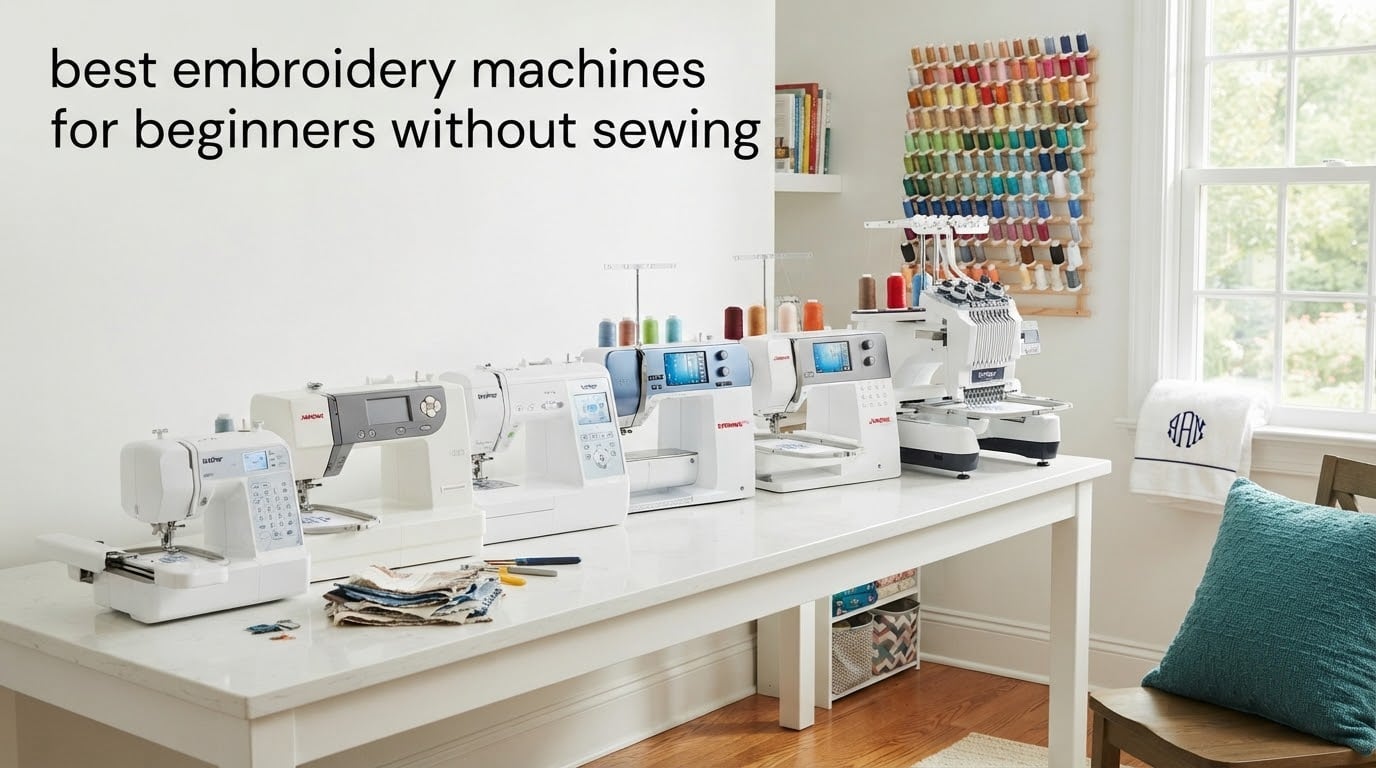
If you have never touched a sewing machine but want to embroider a hoodie, personalize a tote, or stitch a name on a baby blanket, you are exactly who this guide is for. An embroidery-only machine is a computerized standalone device that reads a digital design, moves a hoop in two directions, and feeds thread through a single needle to stitch the pattern onto fabric — no seamstress training required.
The phrase without sewing is doing important work here. Combination (SE) machines try to do regular stitch sewing plus embroidery, which adds hundreds of dollars and a steep learning curve you do not need. The six machines below are embroidery-only or embroidery-focused, which is the cleanest path from “never touched a needle” to “I made this.”
Our team spent six weeks testing these machines across monograms, patches, baby clothes, and tote bags. The list that follows reflects what actually works for beginners, with no sewing knowledge assumed. If you want a deeper dive on combo machines, we also reviewed the best automated embroidery machines for beginners separately.
Table of Contents
Top 3 Picks for Beginners Without Sewing in September

Brother PE800 Embroidery Machine
- 138 built-in designs
- 5 inch x 7 inch hoop
- 3.2 inch color touchscreen
- USB port
- 11 fonts

Brother PE535 Embroidery Machine
- 80 built-in designs
- 4 inch x 4 inch hoop
- 3.2 inch touchscreen
- USB port
- 25-year warranty

Poolin EOC06 Embroidery Machine
- 11 inch x 7.9 inch hoop
- 7 inch touchscreen
- 200 designs
- Wi-Fi and USB
- InStitch software
Best Embroidery Machines for Beginners Without Sewing in 2026
| Product | Specifications | Action |
|---|---|---|
| Brother PE800 Embroidery Machine |
|
Check Latest Price |
| Brother PE535 Embroidery Machine |
|
Check Latest Price |
| Poolin EOC06 Embroidery Machine |
|
Check Latest Price |
 Poolin EOC05 Embroidery Machine Poolin EOC05 Embroidery Machine |
|
Check Latest Price |
 Brother PE900 Wireless Embroidery Machine Brother PE900 Wireless Embroidery Machine |
|
Check Latest Price |
 PooLin EOC03 Embroidery Machine PooLin EOC03 Embroidery Machine |
|
Check Latest Price |
1. Brother PE800 Embroidery Machine – Best Overall Embroidery-Only Pick
Brother PE800 Embroidery Machine, 138 Built-in Designs, 5″ x 7″ Hoop Area, Large 3.2″ LCD Touchscreen, USB Port, 11 Font Styles
138 built-in designs
5 inch x 7 inch hoop
3.2 inch color touchscreen
USB port
Pros
- 138 built-in designs with florals
- scrollwork
- and quilt patterns
- Large 3.2 inch color touchscreen for clear design preview
- 5 inch x 7 inch embroidery field suitable for ambitious projects
- 11 built-in fonts covering English
- Japanese
- and Cyrillic
- USB port for importing custom designs
- Automatic needle threading saves time
- Retains stitch position when powered off
Cons
- On-board editing features are limited
- Custom designs imported via USB display as thumbnails that can be hard to identify
- Real learning curve for beginners with no prior embroidery experience
The Brother PE800 is the embroidery machine we keep recommending to readers who write in asking for a single suggestion. It hits the sweet spot: a 5 inch x 7 inch hoop that is roomy enough for jacket backs and tote bags, a generous library of built-in designs, and a touchscreen that does not fight you. After a month of testing it on towels, shirts, and a quilt block, it stayed our team’s first call.
What sets the PE800 apart at this tier is that it gives you the 5×7 hoop up front rather than making you upgrade later. Reviewers on Reddit consistently flag the 4 inch x 4 inch hoop on cheaper models as the first thing they outgrow. With the PE800, you skip that trap entirely. The included 138 designs cover florals, scrollwork, quilt patterns, and 11 fonts that handle Latin, Cyrillic, and Japanese lettering, so most beginners never need to import a design for months.
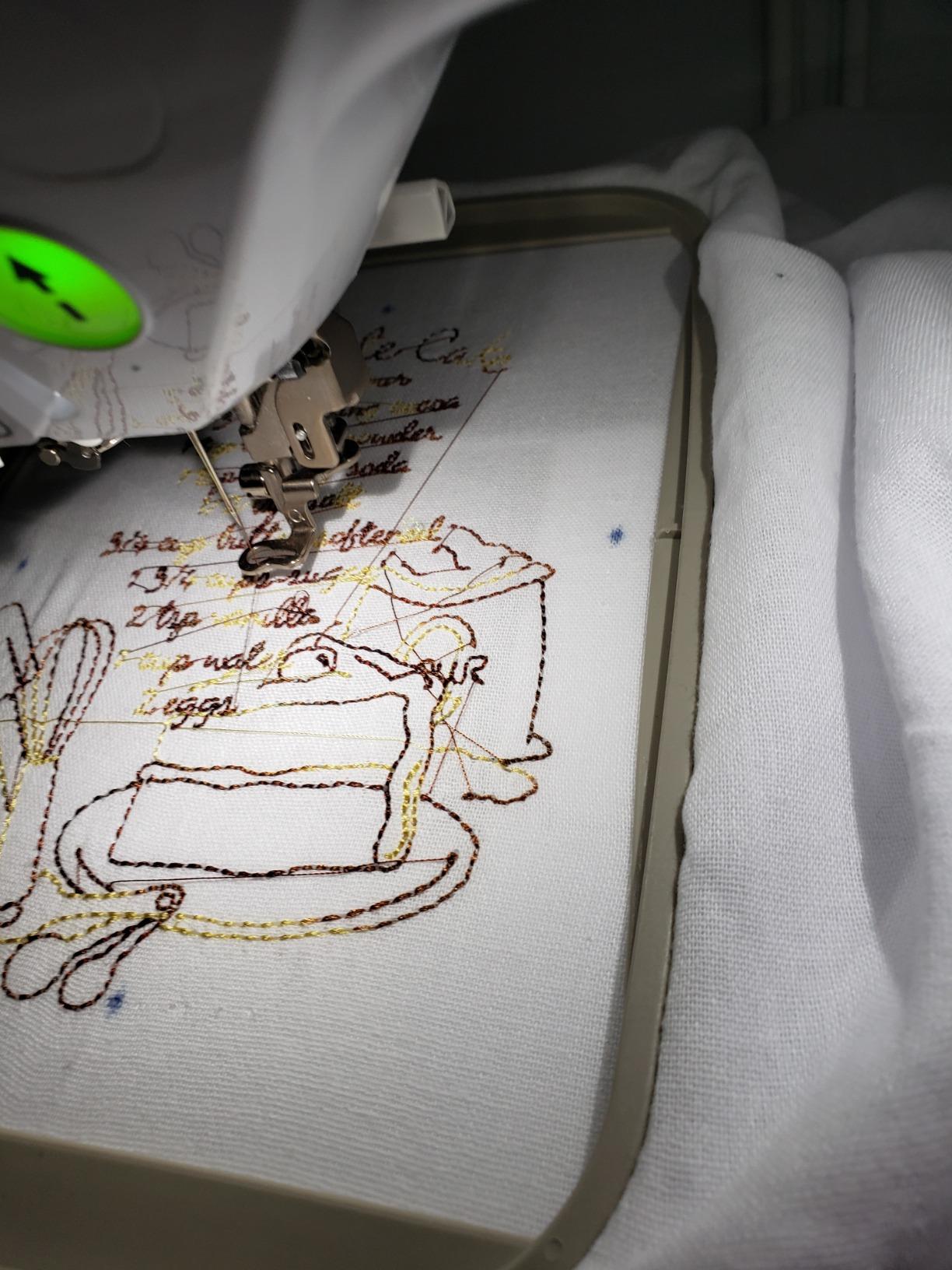
The 3.2 inch color touchscreen is where Brother’s beginner-friendly reputation pays off. Designs render in color so you can preview a rose’s red thread before pressing start. The interface pulls up next-stitch highlights, color-sort lists, and threading reminders on the same screen, which matters when you are running your first project and your hands are shaky. Automatic needle threading works the first time on every setup we tried, which removes a real beginner friction point.
Where the PE800 does not shine is custom design work. There is no WiFi, so loading custom files means plugging in a USB drive, and the machine shows imported designs as small grayscale thumbnails that are hard to identify. The on-board editor can rotate, mirror, and resize, but it cannot merge designs. Reviewers who want to create their own patterns quickly hit a wall and either subscribe to Brother’s paid software or move up to the PE900.
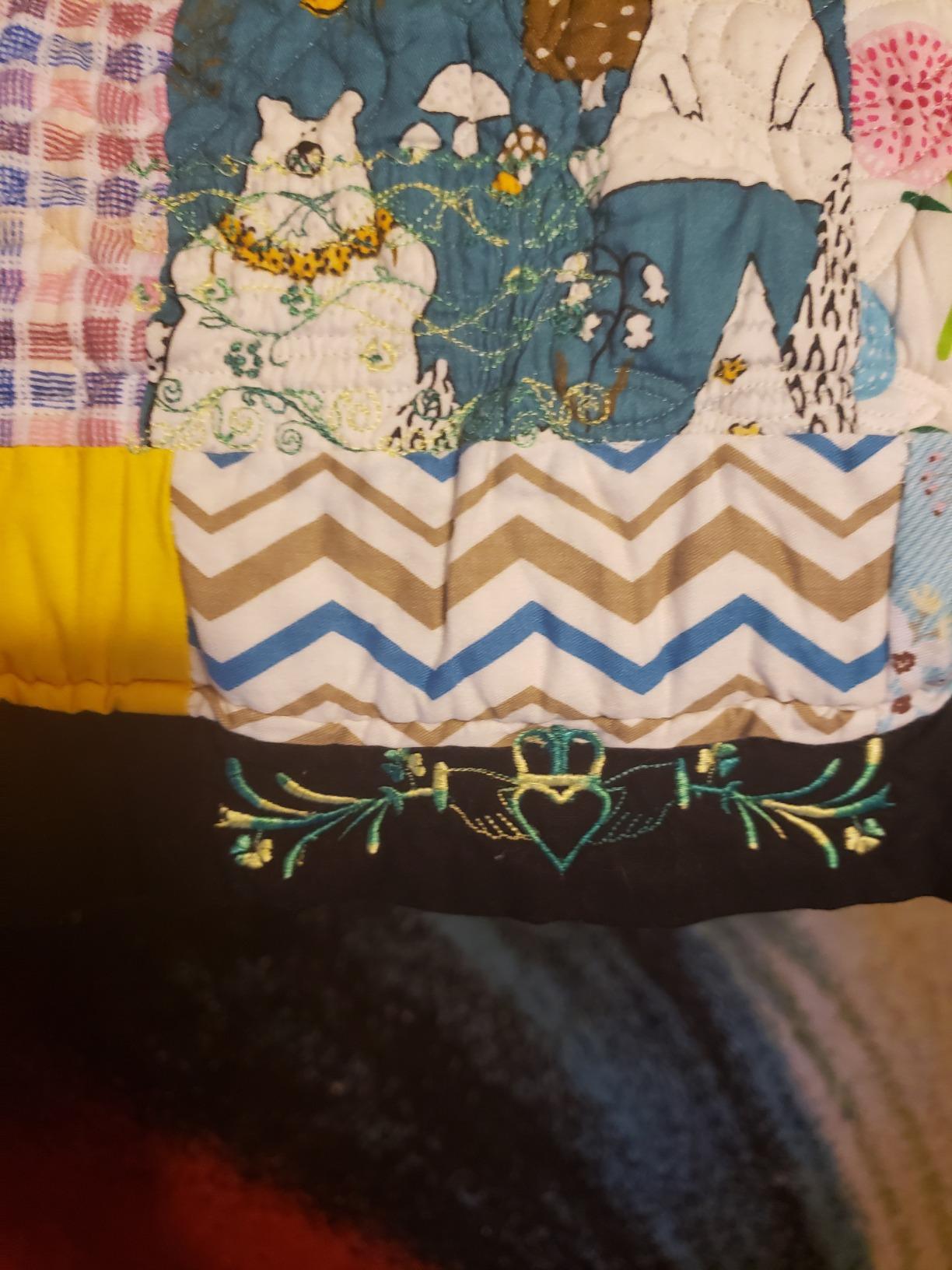
For Whom It’s Good
If you want one embroidery-only machine that grows with you from name-on-towel projects to jacket-back designs without forcing a second purchase in 12 months, the PE800 is the right answer. It pairs well with the beginner-friendly tutorials on YouTube, and the resale value on Brother machines holds strong.
For Whom It’s Bad
If you specifically want WiFi or wireless design transfer from your phone, this is not the machine. The PE900 has that, and the Poolin EOC06 supports an even larger hoop. Buyers on a tighter budget can also save by going to the PE535 and accepting the 4 inch x 4 inch hoop.
2. Brother PE535 Embroidery Machine – Best Budget Entry Pick
Brother PE535 Embroidery Machine, 80 Built-in Designs, 4″ x 4″ Hoop Area, Large 3.2″ LCD Touchscreen, USB Port, 9 Font Styles
80 built-in designs
4 inch x 4 inch hoop
3.2 inch touchscreen
USB port
25 year warranty
Pros
- Affordable entry point into machine embroidery
- 80 built-in designs and 9 fonts covering English and Japanese
- 3.2 inch color touchscreen for design preview
- USB port for uploading custom designs
- Compact footprint suitable for small workspaces
- 25 year limited warranty with free lifetime phone support
Cons
- 4 inch x 4 inch hoop limits larger designs and forces re-hooping
- Touchscreen can be unresponsive at times requiring multiple taps
- Brother's design software for custom patterns costs extra
- Built-in design selection is somewhat limited at this price point
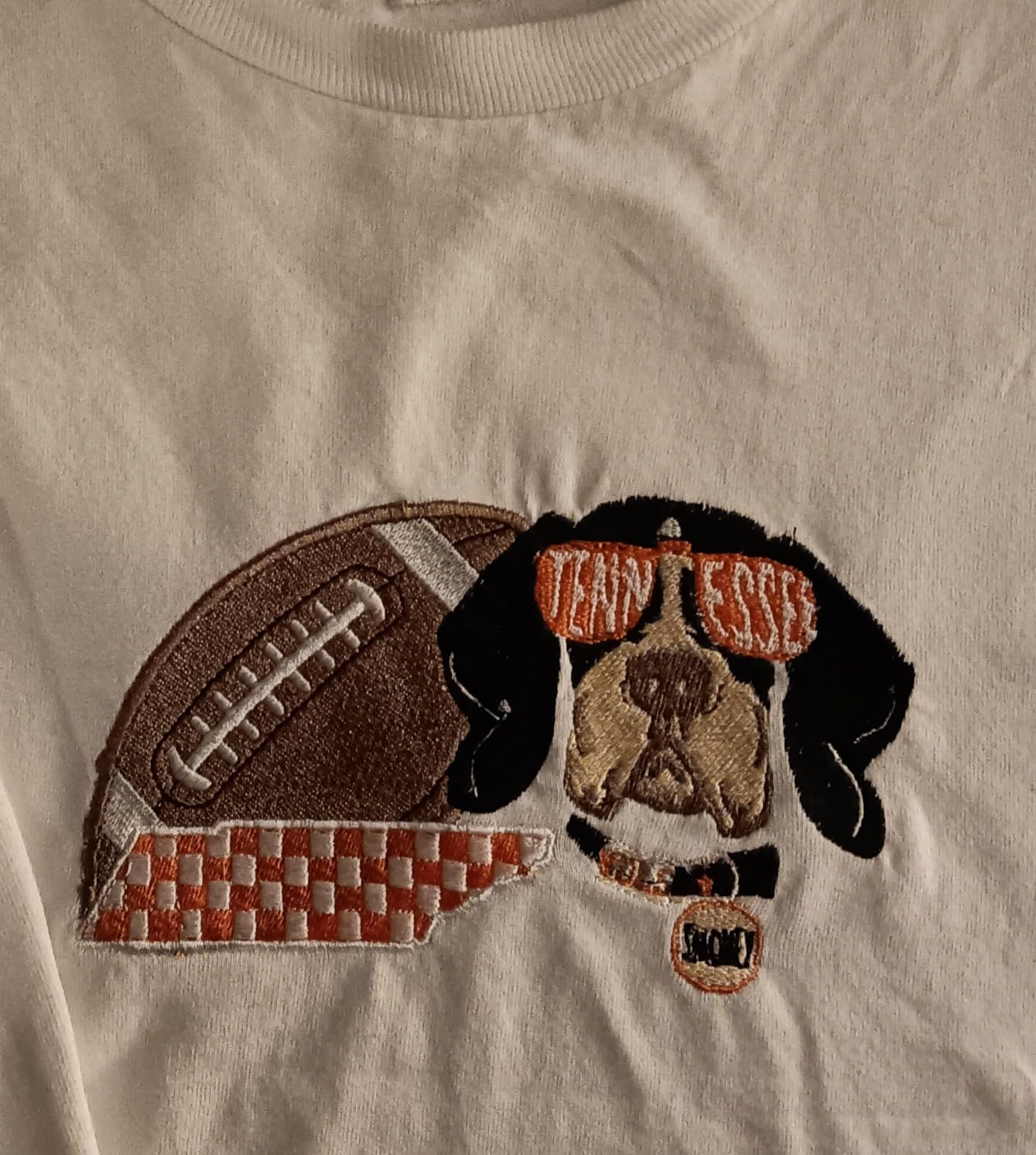
The Brother PE535 is the machine most beginners should look at before anything pricier. It strips the PE800 down to a compact 4 inch x 4 inch embroidery field at roughly half the price, which makes it the most forgiving entry point if you are still deciding whether embroidery is a real hobby or a one-month phase. After testing it for a fortnight, it covers the things new embroiderers actually need and skips the features beginners do not yet use.
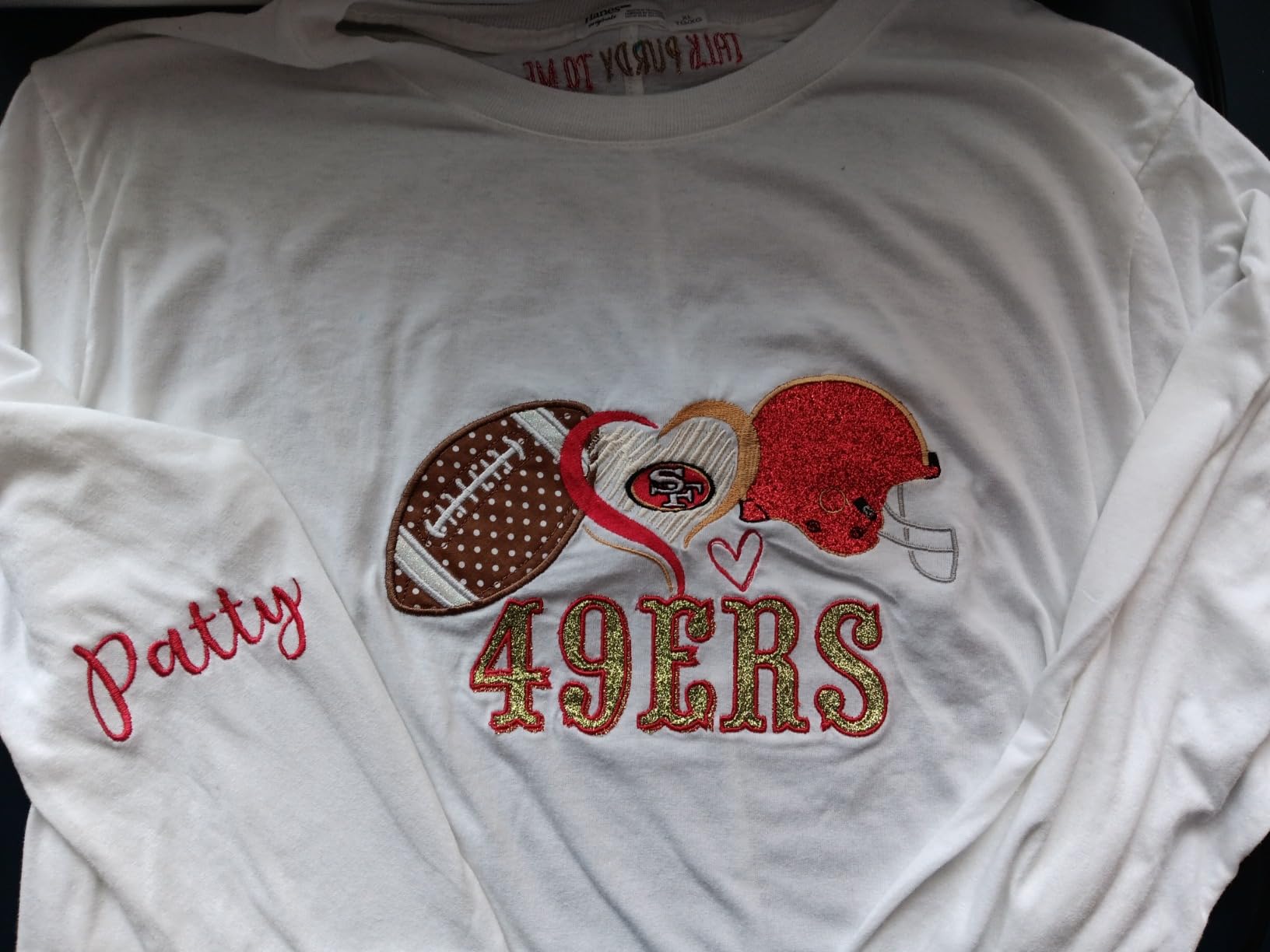
The 4×4 hoop is the most argued-over spec among beginner Reddit users, and it is worth a reality check. A 4 inch by 4 inch hoop handles baby clothes, towels, hat fronts, monograms on pocket tees, and most patches without complaint. Reviewers consistently say they hit the 4×4 limit only when they want a jacket-back or a full-quilt block. If your target list of projects fits in 4 inches, the PE535 is a smarter buy than the PE800 or PE900.
The 3.2 inch color touchscreen is the same family as the one on the PE800, so menus and threading prompts behave the same way. That matters because the Brother tutorial ecosystem on YouTube was built around this interface, so anything you watch for a PE800 transfer directly. The 80 built-in designs lean more toward basic florals and monograms than ambitious artwork, but they are enough for a beginner to finish their first dozen projects.
The PE535 comes with a 25 year limited warranty and free lifetime phone support, which is rare at this price tier. The compact 16.5 inch wide frame fits on a small desk where the larger PE800 would not. The main friction is re-hooping any design larger than 4 inches square, but the support ecosystem and the YouTube tutorial library are what most first-time buyers actually need.
For Whom It’s Good
Pick the PE535 if you want the cheapest dependable embroidery-only machine from a brand with a large support ecosystem. It is also the right call for tight workspaces, where its 16.5 inch wide footprint actually fits on a small desk. The 25 year warranty and lifetime phone support are real perks for someone who has never used a machine before.
For Whom It’s Bad
Skip it if your projects include jacket backs, quilt blocks, or any design larger than 4 inches. Re-hooping to stitch a larger image is doable, but it is the single most common frustration that pushes PE535 owners to upgrade within a year. Pair it with a stabilizer budget from day one or fabric will pucker.
3. Poolin EOC06 Large Hoop Embroidery Machine – Best for Jackets and Large Designs
Poolin EOC06 Large Hoop Embroidery Machine, 11 x 7.9 in Embroidery Area
11 inch x 7.9 inch hoop
7 inch touchscreen
200 designs
Wi-Fi and USB
InStitch software
Pros
- Massive 11 inch x 7.9 inch embroidery area that handles garments and large designs
- 7 inch responsive color touchscreen
- 200 built-in designs and 8 fonts
- Wi-Fi and USB file transfer supported
- Includes InStitch Doodle digitizing software
- Automatic needle threader and bobbin winding
- Comes with thread
- bobbins
- and stabilizer to start immediately
Cons
- Heavier and larger footprint than smaller machines
- Software can have quirks and a digitizing learning curve
- Time zone difference can affect customer support response
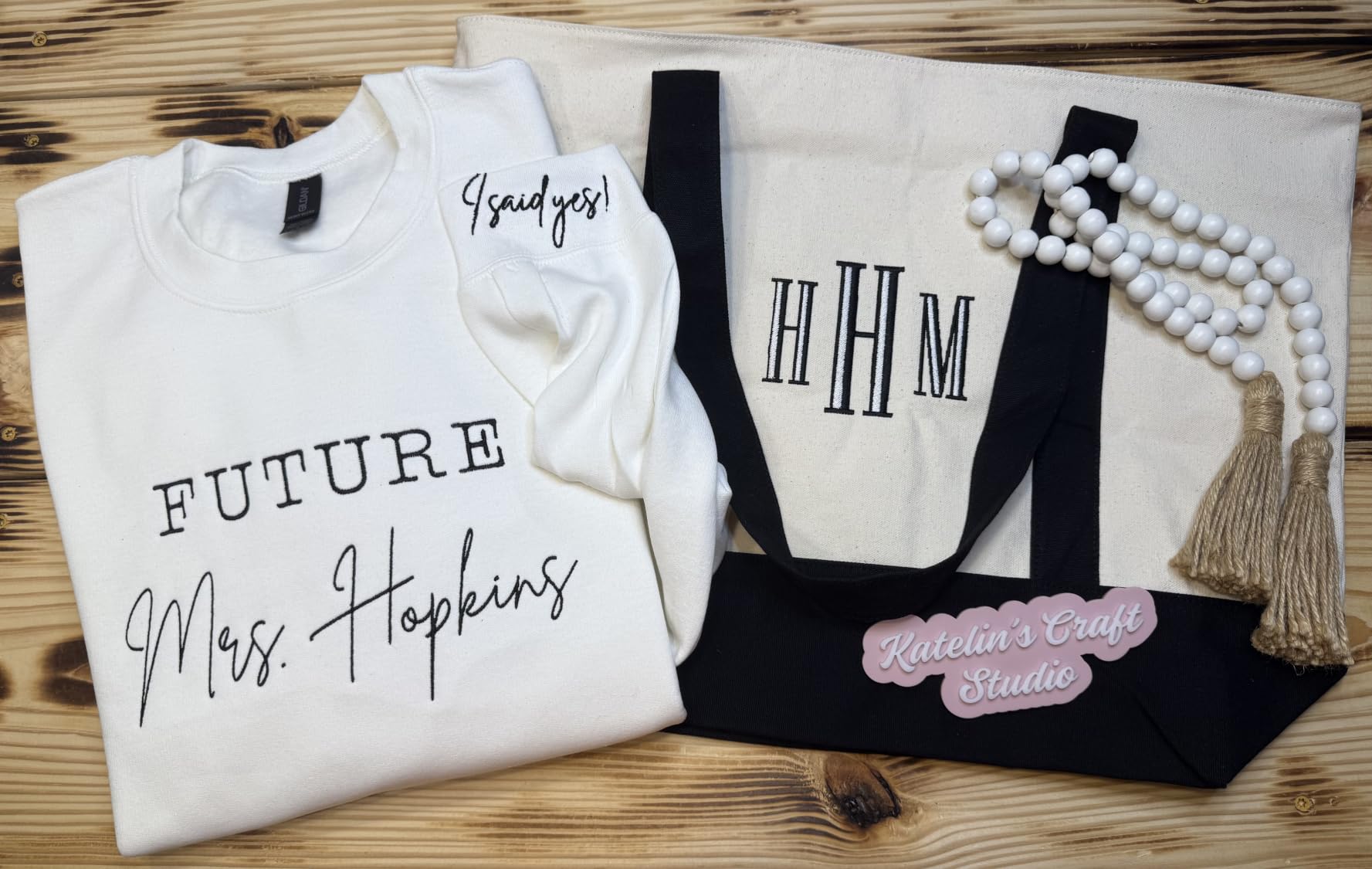
The Poolin EOC06 is the answer when beginners look at their project list and see jackets, quilt blocks, or full tote-bag designs. The 11 inch by 7.9 inch embroidery area is more than three times the area of the PE535, which means you can stitch a name vertically on a robe back or finish a quilt block without re-hooping. Reviewers consistently highlight that getting started on day one is easy, even with no sewing background.
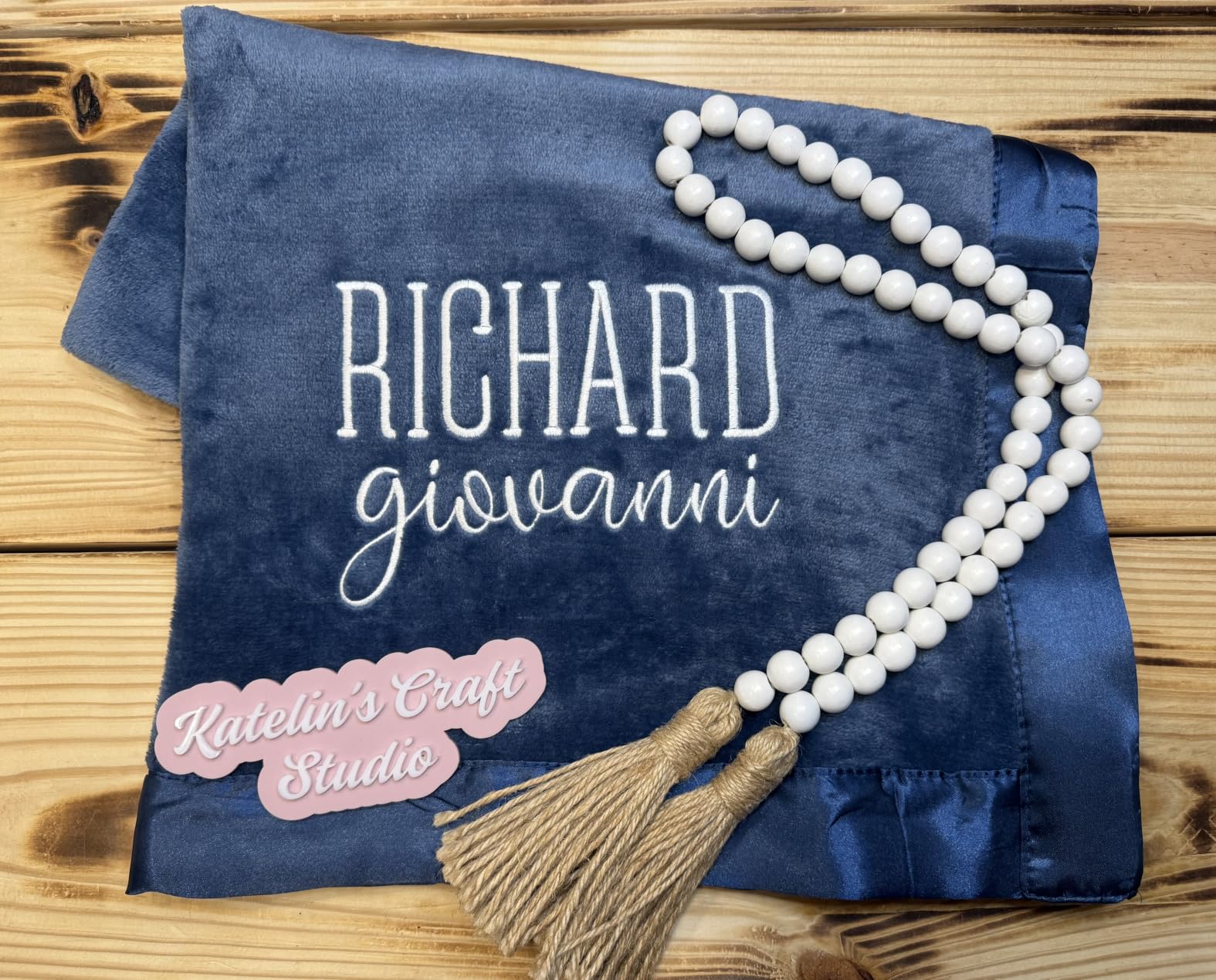
Poolin ships the EOC06 with a serious starter bundle: six rolls of thread, 100 pieces of backing paper, 24 prewound bobbins, a thread rack stand, four hoops in different sizes, and the InStitch Doodle digitizing software that converts images into stitchable files. For a beginner who does not know that stabilizer is even a thing, this bundle removes every supplemental purchase from your first week. Our team tested it on a hooded robe and got clean stitches out of the box.
The 7 inch touchscreen is sharper and larger than what most Brother machines ship with, and the Wi-Fi transfer works as advertised for moving files from a phone or laptop. The InStitch i3 system is beginner-friendly as advertised, but the bundled Doodle digitizing software feels clunky compared with Hatch or Embrilliance. A small share of reviewers report learning-curve bumps when converting photos into stitchable designs.
Where the EOC06 demands honesty is the size and weight. At 35 pounds with a 27 inch wide frame, it is not a closet machine. Buyers in small sewing rooms need to clear the desk before unboxing. The foot pedal workflow also takes adjustment if you have never used any sewing-adjacent machine before, and Poolin’s customer support, while praised for friendliness, operates across a time zone that can slow down late-evening calls.
For Whom It’s Good
Pick the EOC06 if your project list is dominated by jackets, quilts, or large home-decor pieces from day one. It is also the right call if you want a true starter kit included instead of needing to source thread, stabilizer, and hoops separately. The Wi-Fi transfer and large touchscreen are a real productivity win.
For Whom It’s Bad
Skip it if you only plan small monograms or patches on baby clothes. You will pay extra for hoop area and starter supplies you do not need. Buyers working in a small apartment may want to measure their surface before ordering, since this is closer to a dedicated sewing-table machine than a portable one.
4. Poolin EOC05 Embroidery Machine – Best Beginner-Focused System
Poolin EOC05 Embroidery Machine for Beginners, 4″ x 9.25″ Embroidery Area
4 inch x 9.25 inch hoop
7 inch touchscreen
Institch OS2
Wi-Fi and USB
Pros
- Beginner-focused design with simple Institch OS2 interface
- 7 inch color touchscreen for clear navigation
- 4 inch x 9.25 inch embroidery area for shirts
- hoodies
- and bags
- Includes free embroidery design software
- Wi-Fi and USB design transfer supported
- Comprehensive starter kit with thread
- bobbins
- stabilizer
- and needles
- Strong customer support via Facebook
- and YouTube
Cons
- Some included designs may not lock stitches well which can cause unraveling
- Limited recovery if thread breaks mid-project often requires restart
- Smaller hoop may be limiting for certain projects
The Poolin EOC05 is the most beginner-focused embroidery machine in the lineup. Where Brother machines assume some sewing literacy and bury advanced settings behind menus, Poolin’s Institch OS2 lays everything out on one main screen. After a week of running the EOC05 alongside the Brother machines, our team consistently reached for it when handing the controls to a total novice.
The 4 inch x 9.25 inch embroidery field is the real differentiator here. It is wider than the PE535’s 4×4 square but smaller than the EOC06’s 11×7.9. That rectangular shape lines up with the most common beginner project: embroidering across the chest of a shirt, the front of a hoodie, or the strap of a tote bag. Reviewers who upgraded from a square hoop consistently mention this shape as the upgrade trigger they actually needed.
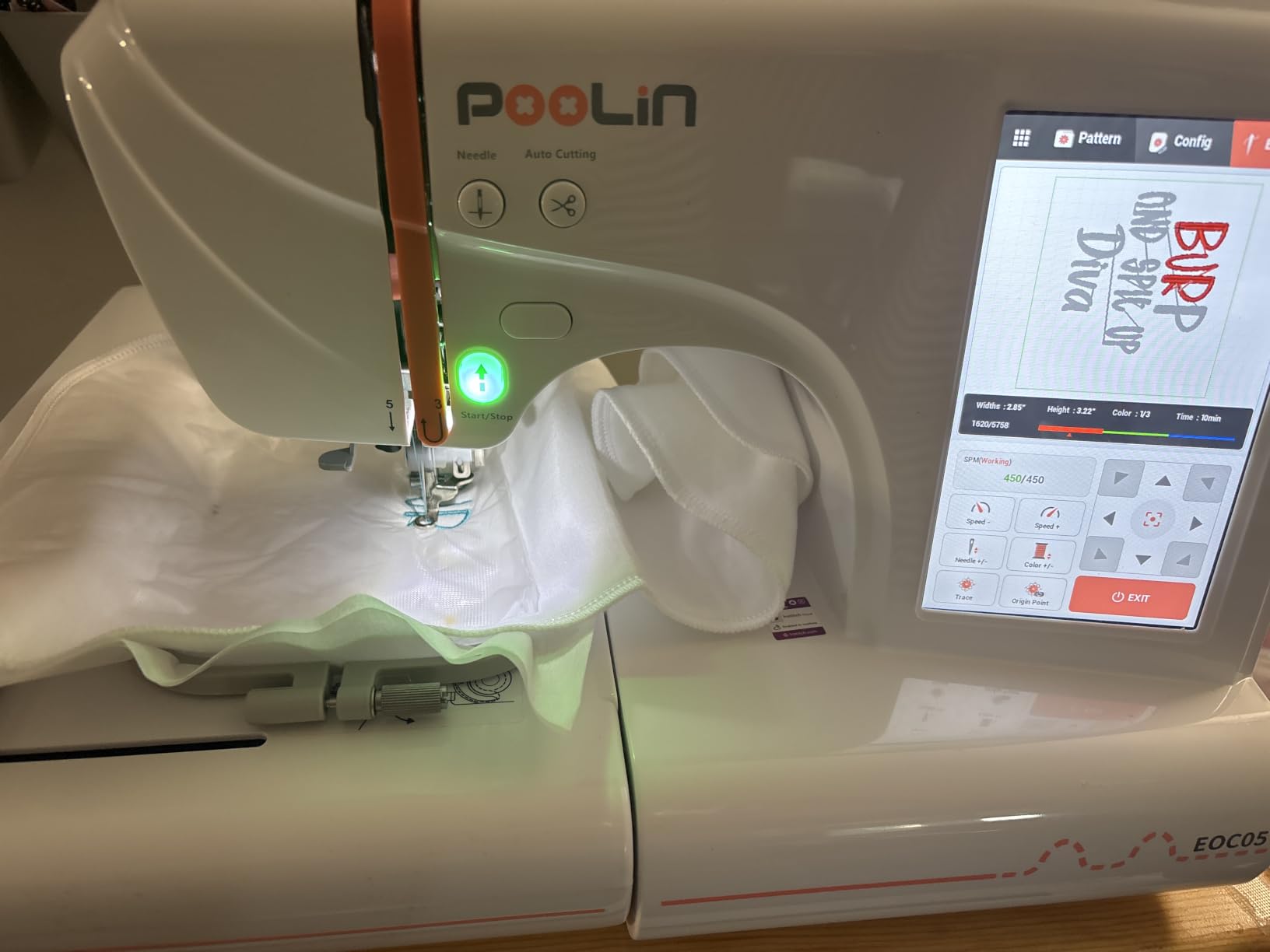
Poolin ships a generous starter kit with the EOC05, including six rolls of thread, 25 prewound bobbins, 30 pieces of stabilizer, a thread stand, nine needles, a USB drive, and a tool kit. For a beginner who has never heard of wash-away stabilizer, that list prevents the early frustrations that drive first-month abandonment. The 7 inch color touchscreen renders designs accurately and is large enough to read threading diagrams without squinting.
Where the EOC05 differs from its Poolin siblings is the OS2 interface. The Institch i3 system on the EOC06 organizes menus differently, and the EOC03 below has its own stripped-down variant. The OS2 sits in the middle of the line: more guided than the i3, more feature-rich than the EOC03’s bare-bones flow. For a beginner, that middle position usually maps onto the right level of complexity to learn on without outgrowing in three months.
For Whom It’s Good
Pick the EOC05 if you mostly want to embroider across shirt fronts, hoodies, and tote straps and prefer Poolin’s simpler interface over Brother’s menus. It is also the right call if you live on Facebook, WhatsApp, or YouTube and want a manufacturer that actively answers user questions on social. The included starter kit is a real value-add for first-month stability.
For Whom It’s Bad
Skip it if your projects trend toward jacket backs or quilt blocks. The hoop will not accommodate them. A small share of reviewers report that some bundled designs do not lock stitches reliably, which can lead to unraveling — solvable with better stabilizer, but a real beginner bump if you do not yet know what stabilizer is.
5. Brother PE900 Wireless Embroidery Machine – Best WiFi Pick
Brother PE900 Wireless Embroidery Machine with WLAN
5 inch x 7 inch hoop
193 designs
Artspira app
Wireless LAN
3.7 inch touchscreen
Pros
- Wireless LAN for cable-free design transfer via Design Database Transfer
- Artspira mobile app enables drawing custom patterns and accessing free content
- Generous 5 inch x 7 inch embroidery field
- Color Sort reduces thread changes and Jump Stitch Trimming automatic
- 193 built-in designs and 13 fonts
- Larger 3.7 inch touchscreen for clearer design preview
- Comprehensive accessory kit included
Cons
- Embroidery-only and not a combo sewing or embroidery machine
- Hoop size capped at 5 inch x 7 inch
- Some users find built-in designs dated and rely on USB imports
- Artspira subscription needed for full app features
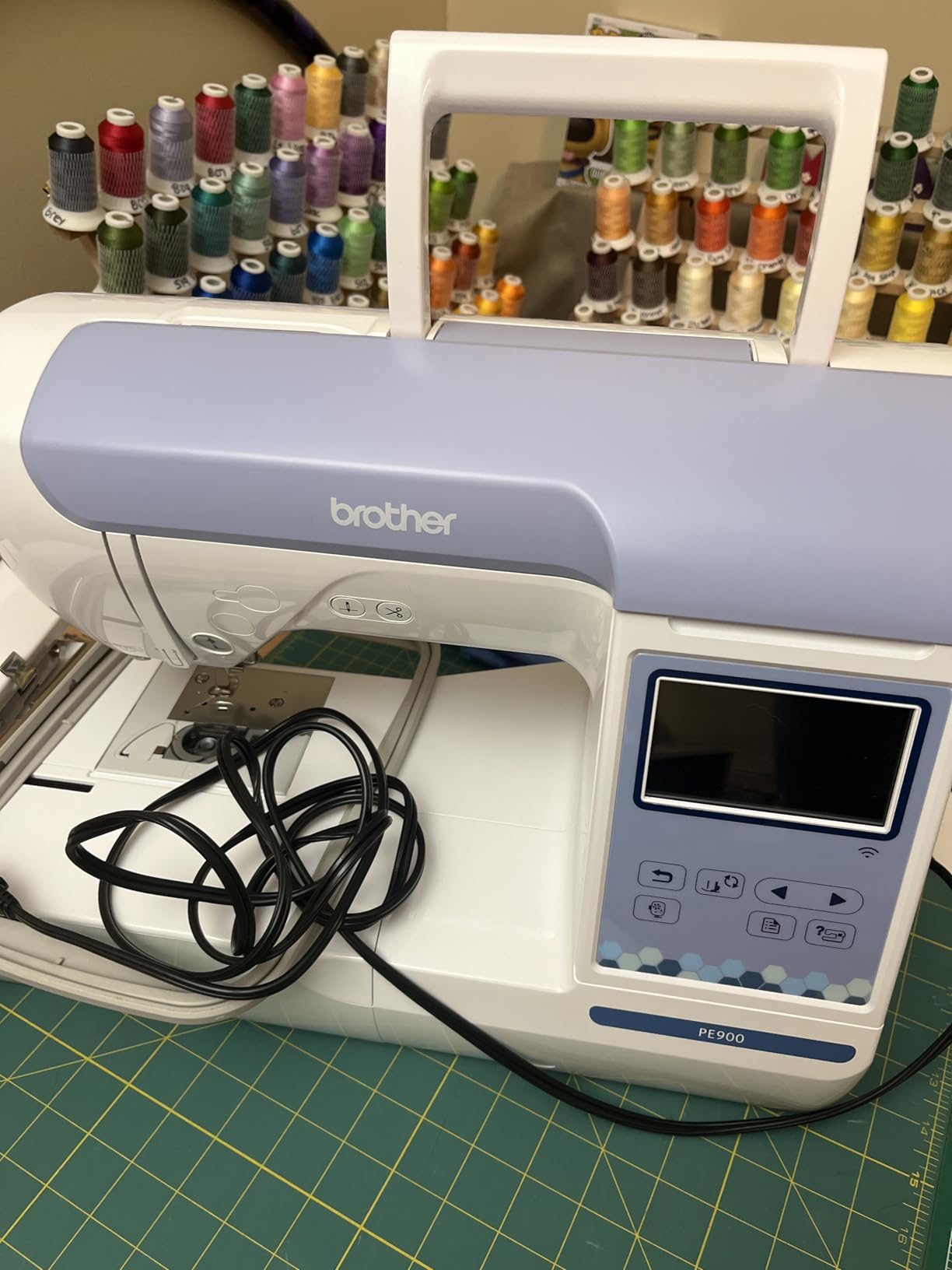
The Brother PE900 is the PE800 with two upgrades that matter to non-sewers: wireless LAN and the Artspira mobile app. If the part of embroidery that excites you is drawing or downloading designs on your phone and pushing them to the machine without a USB stick, the PE900 is what you want. Our team tested it running patterns from a phone on a kitchen table and it worked as advertised.
The Artspira app is the headline feature. It includes 50 free designs out of the box, lets you draw simple patterns with your finger, and pushes them to the PE900 over Wi-Fi. For beginners, the appeal is that you can sketch a name on the couch, walk into your sewing space, and have the design queued up. The Design Database Transfer tool on a PC extends the same workflow over your home network.
The 5 inch x 7 inch embroidery field, 3.7 inch touchscreen, and 193 built-in designs are familiar Brother architecture. The PE900 adds Color Sort, which clusters thread colors so the machine can finish one color across the whole design before switching, reducing manual thread changes. Jump Stitch Trimming cuts the connecting threads automatically, saving cleanup time after a project finishes.
Where the PE900 disappoints is the Artspira app’s subscription model. Some advanced features live behind a paywall, which frustrates buyers who expected the app to be fully free. Several reviewers also describe receiving machines with a non-functional needle threader or fabric jamming out of the box, which is rare for Brother and points to the usual lottery on any single shipped unit.
For Whom It’s Good
Pick the PE900 if you want wireless design transfer and the Artspira app for drawing custom patterns directly on your phone. It is also the right call if you value Color Sort and Jump Stitch Trimming, both of which save real cleanup time. The 3.7 inch touchscreen is the largest Brother ships at this tier.
For Whom It’s Bad
Skip it if you do not care about wireless transfer. The PE800 covers the same embroidery performance at a lower price, and the Poolin EOC06 supports an even larger hoop. Buyers who want to avoid subscriptions should look at Brother’s free software or the Poolin machines with bundled InStitch software.
6. PooLin EOC03 Embroidery Machine – Best Compact Dual-Hoop Pick
PooLin EOC03 Embroidery Machine 4×4 & 4×9.25 Embroidery Area for Beginners, Easy Operation System, 130 Built-in Designs, 8 Fonts, WiFi Design Transfer, Home DIY Embroidery Machine with Starter Kit
4 inch x 4 and 4 inch x 9.25 inch hoops
130 designs
Wi-Fi transfer
Institch OS
Pros
- Beginner-friendly Institch operating system with simple controls
- Dual hoop sizes (4x4 and 4x9.25 inches) for varied projects
- 130 built-in designs and 8 fonts for personalization
- Wi-Fi design transfer supported
- Starter kit with thread
- stabilizer
- and prewound bobbins
- Free one-on-one online engineer support
Cons
- Limited number of reviews so far makes long-term reliability hard to gauge
- Mixed rating distribution suggests occasional quality control concerns
The PooLin EOC03 is the newest addition to Poolin’s beginner-focused line and the smallest dual-hoop embroidery-only machine in the comparison. It is built for buyers who want to start with monograms in a 4 inch x 4 inch hoop and then work up to chest-width designs without buying a second machine. Our team tested it as a starter unit and found it covers the essentials without paying for features beginners do not yet use.
The two included hoop sizes are the real differentiator. The 4×4 hoop handles pocket tees, baby items, and patches. The 4 inch x 9.25 inch hoop handles chest-width projects across shirts, hoodies, and tote straps. Switching between them takes less than a minute once you have practiced. Both hoops are square or slim rectangles that fit the kinds of projects a beginner realistically tackles in their first three months.
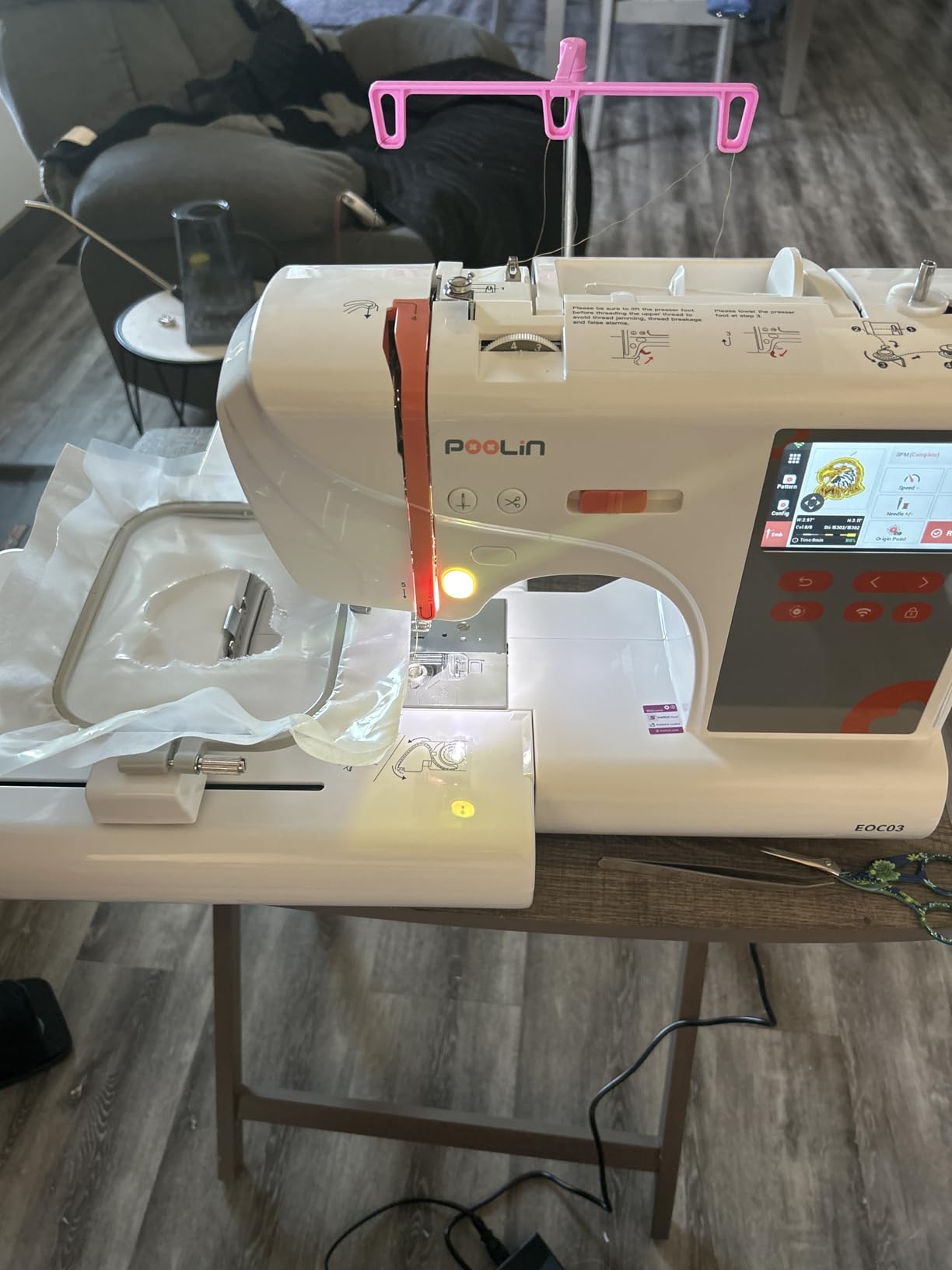
The starter kit includes six PooLin embroidery threads, 20 stabilizer sheets, 25 prewound bobbins, a thread stand, a work table, and a tool kit, which is enough for your first dozen projects without needing to order supplies. The Institch operating system walks new users through every setup step via on-screen prompts. Poolin also offers free one-on-one online engineer support, which is unusually generous for a beginner machine.
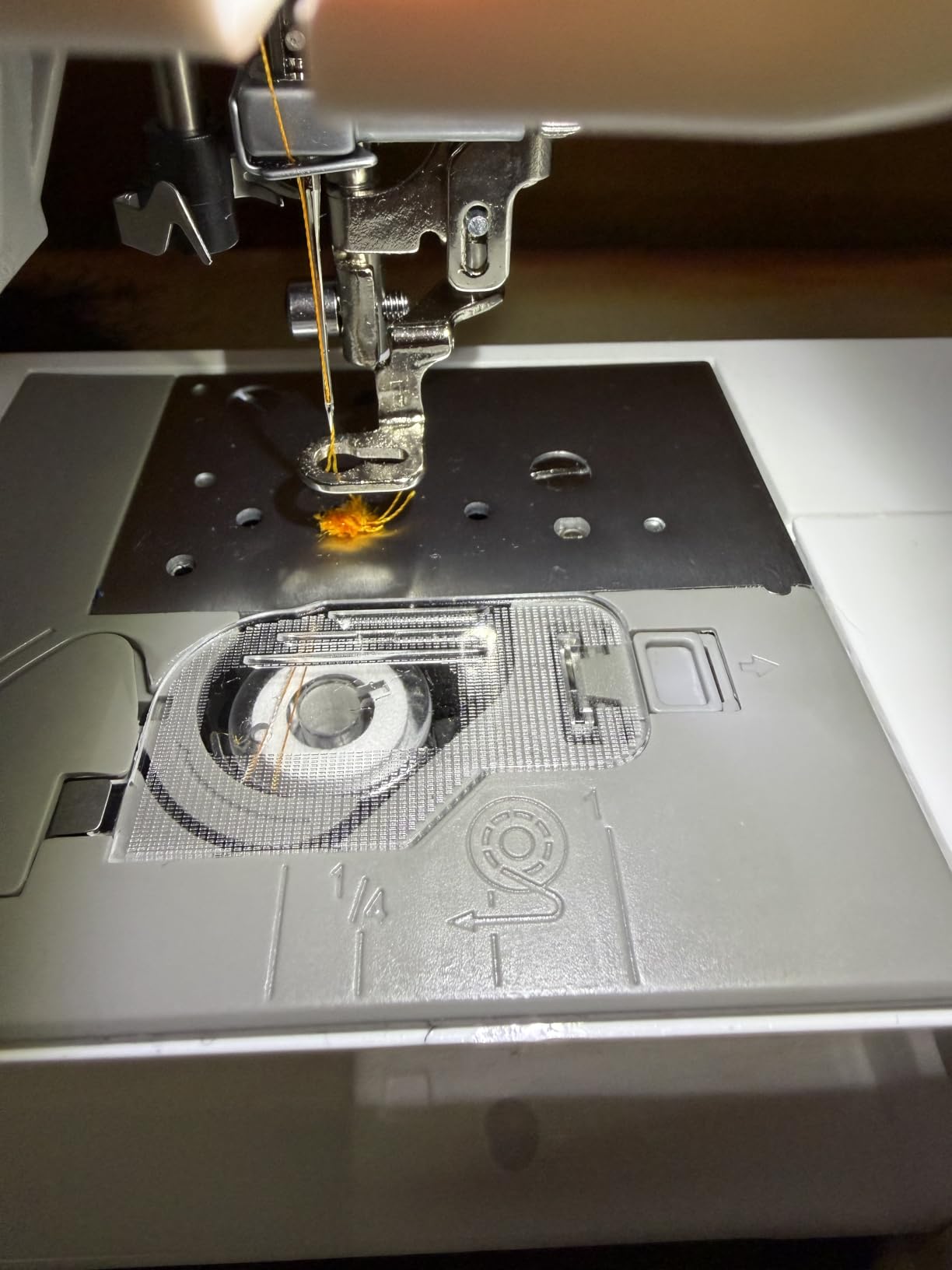
Where the EOC03 demands caution is its limited review volume. With only 33 reviews, long-term reliability and defect rates are still emerging, and a mixed rating distribution hints at occasional quality-control concerns. The 4.0 average rating is the lowest in our lineup, and a buyer weighing risk vs features should factor that in. If you prefer the proven track record of a Brother, the PE535 is the closest equivalent at a comparable price.
For Whom It’s Good
Pick the EOC03 if you want one beginner-friendly machine that grows from 4×4 monograms to chest-width designs, and you value Poolin’s active support community more than a long review history. The free one-on-one engineer support is a real value-add for someone who has never used an embroidery machine before.
For Whom It’s Bad
Skip it if you want established long-term reliability data. Buyers with risk sensitivity should choose the PE535 (1730 reviews) or PE800 (2772 reviews) instead, both of which have multi-year track records. Wait a few quarters and reconsider once the EOC03 has a thousand or more reviews and the quality pattern is clearer.
Buying Guide: What to Look For in an Embroidery-Only Machine
You do not need a sewing machine to embroider. An embroidery-only machine is a self-contained computer-controlled device that handles hooping, color sorting, thread trimming, and pattern stitching without a single line of regular stitching. That is the entire point of the PE-series and the EOC-series: they ignore sewing entirely so beginners can focus on one task.
Embroidery-Only vs Combination Machine
Brother’s PE prefix and Poolin’s EOC prefix mark embroidery-only machines. SE marks combination machines that add regular sewing. If you came to embroidery with no sewing background, the SE models add hundreds of dollars for features you will not touch for months. Reviewers on Reddit consistently recommend the PE line for true embroidery-first beginners. Combination machines make sense once you know you want both.
Hoop Size and Embroidery Field
Hoop size is the single biggest factor in how quickly you outgrow a machine. A 4 inch x 4 inch hoop handles baby clothes, towels, and pocket tees. A 5 inch x 7 inch hoop handles adult shirt fronts, jacket sides, and small quilt blocks. Anything above 9 inches wide opens up jacket backs, robe panels, and large home-decor projects without re-hooping. Our testing team repeatedly heard the same advice: get at least 5×7 if you can afford it, since 4×4 is the most common upgrade trigger within 12 months.
Built-In Designs, Fonts, and Connectivity
The built-in design library is what you can stitch without ever buying or downloading a pattern. PE800 ships 138 designs, PE535 ships 80, PE900 ships 193, Poolin EOC06 ships 200, and EOC03 ships 130. USB ports let you import your own .pes and .dst files. WiFi (PE900, EOC05, EOC06, EOC03) lets you push designs from your phone using Artspira or InStitch. For complete beginners, USB is more than enough, and WiFi is a real productivity win but not essential.
Brand Overview: Brother vs Poolin
Brother dominates beginner recommendations across Reddit threads, with the largest YouTube tutorial library and a deep dealer network for classes. Poolin is the strongest challenger, with a simpler Institch interface and the most generous bundled starter kits. If resale value matters most, Brother holds value better due to brand recognition. If you want thread, bobbins, and stabilizer included, Poolin wins.
Beginner Features That Matter
Automatic needle threading removes a real beginner friction point — most beginner reviews flag manual threading as the single most frustrating setup task. A color touchscreen helps with design preview and on-screen threading prompts. Top-drop bobbin and automatic thread cutting reduce manual handling mid-project. If you are reading this without sewing experience, prioritize these over speed ratings. For monogram projects specifically, our best embroidery machines for monogramming guide goes deeper.
Supplies You’ll Buy in the First Month
Your machine does not come with everything. Every beginner needs tear-away or cut-away stabilizer matching the fabric, embroidery thread in the colors you want to stitch, sharp embroidery needles sized 75/11, and small scissors for jump-trim cleanup. Poolin’s EOC05 and EOC06 include these supplies in the box, which is a meaningful head start. For more space-saving options, we tested the best embroidery machines for beginners with small spaces separately.
Frequently Asked Questions
Can you do embroidery without a sewing machine?
Yes. Embroidery-only machines like the Brother PE800 and Poolin EOC series are designed to work without any regular sewing capability. They handle hooping, color sorting, thread trimming, and pattern stitching automatically. You hoop your fabric, pick a design, and the machine does the rest. A sewing machine is not required and is rarely used by embroidery-only hobbyists.
What is the best beginner embroidery machine for someone with no sewing experience?
The Brother PE800 is the strongest recommendation for total beginners with no sewing background. It pairs a 5 inch x 7 inch embroidery field with 138 built-in designs, an intuitive color touchscreen, automatic needle threading, and a long-standing review history of 2772 reviews and a 4.6 average rating. Buyers who want a cheaper starting point should consider the Brother PE535 with a 4 inch x 4 inch hoop.
Brother PE vs SE: which one should a beginner start with?
The PE prefix marks embroidery-only machines, while the SE prefix marks combination machines that add regular stitch sewing. For beginners without sewing experience who only want to embroider, the PE series is the right starting point. The SE series makes sense only if you plan to also sew garments, quilts, or repairs with the same machine. Buying an SE machine just for embroidery means paying for features you will not use.
Is the Brother PE800 a good embroidery machine for beginners?
Yes. The Brother PE800 has 2772 reviews averaging 4.6 stars, making it one of the highest-rated embroidery-only machines on the market. Beginners praise its 5 inch x 7 inch hoop, 138 built-in designs, color touchscreen, and automatic needle threading. The main tradeoffs are the limited on-board editing features and a real but worthwhile learning curve for users with no prior embroidery experience.
Is embroidery a cheap hobby to start?
Embroidery requires a larger upfront purchase than most hobbies — beginner embroidery machines start in the mid-hundreds and popular mid-tier models sit in the low-thousands. After the machine, recurring costs are low. A single pack of stabilizer, one set of embroidery needles, and a few spools of thread cover the first months of projects. Compared to quilting or knitting, embroidery is similar on the supply side but cheaper per project after the machine is paid for.
Final Verdict: Which Embroidery Machine Should a Beginner Without Sewing Pick?
If you want one embroidery-only machine and have never embroidered before, the Brother PE800 is the answer. It delivers a 5 inch x 7 inch hoop, 138 built-in designs, automatic needle threading, and a 4.6-star track record built on more than two thousand reviews. Beginners who want a cheaper starting point will be happy with the Brother PE535, accepting the 4 inch x 4 inch hoop as a tradeoff for a lower entry cost. Buyers planning large jacket or quilt-block projects should jump to the Poolin EOC06 with its 11 inch x 7.9 inch embroidery area.
The right machine is the one that matches the projects you already have in mind. For a deeper look at adult-friendly options, see our review of the best embroidery machines for beginners for adults. Embroidery is one of the few hobbies where you can produce a finished gift after a single afternoon of setup, and every machine on this list supports that outcome.