
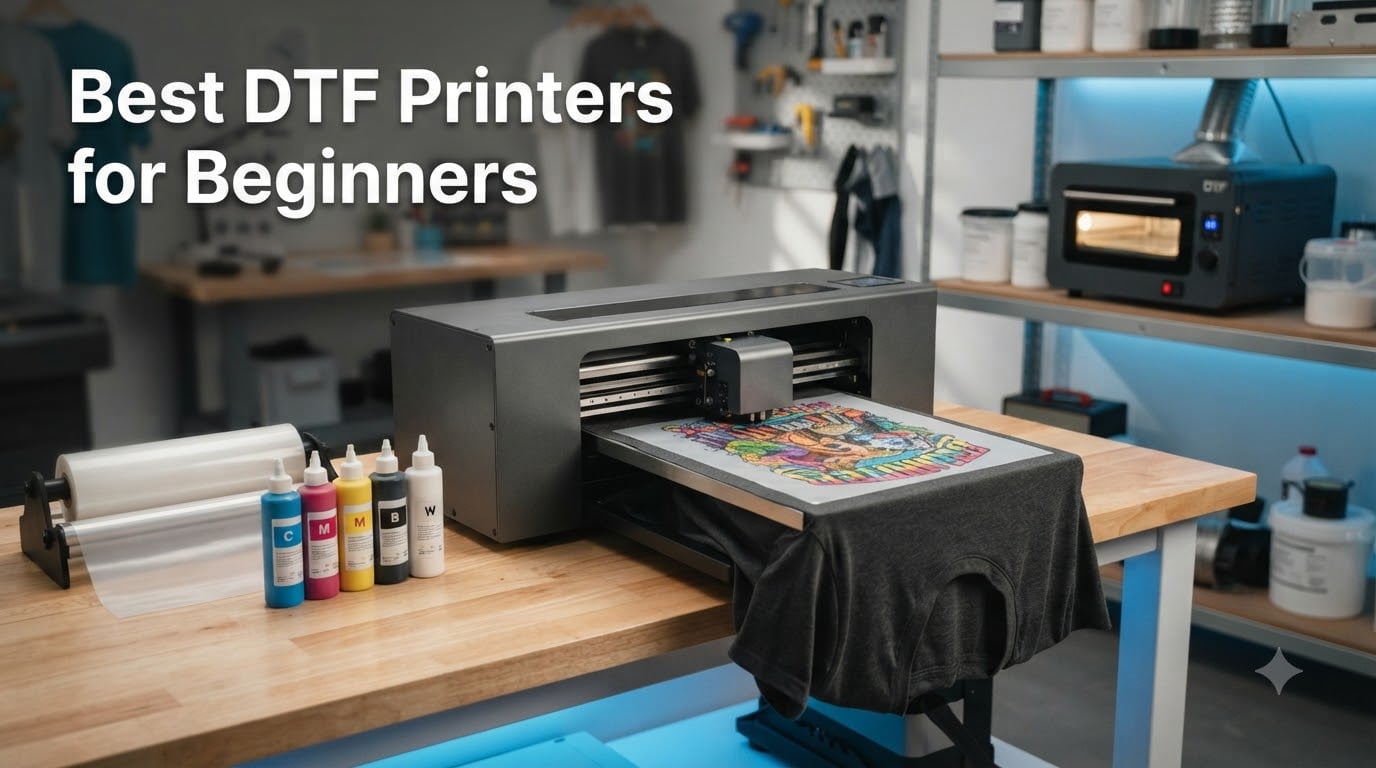
I remember staring at my first DTF printer like it was a spaceship control panel. Every button, every ink line, every software setting felt like a trap waiting to ruin a $30 shirt. If you are reading this, you are probably standing at that same starting line, wondering which machine will not fight you every step of the way.
Direct-to-film printing has exploded in 2026, and the best DTF printers for beginners are finally machines that do not require an engineering degree. Modern entry-level units ship with white ink circulation, automatic cleaning cycles, and bundles that include everything from curing ovens to test shirts. The catch is that not all of them deliver on the promise, and a wrong pick can cost you thousands in dead printheads before your first sale.
Our team spent weeks comparing 10 of the most popular beginner DTF printer bundles on Amazon, cross-referencing forum threads from r/CommercialPrinting and t-shirtforums.com, and reading over 200 real customer reviews. We focused on the things that actually matter when you are new: how forgiving the white ink system is, how responsive the support team is at 11pm on a Saturday, and whether the bundle leaves you scrambling for a heat press at the worst possible moment. Here is what we found.
Table of Contents
Top 3 Picks for Best DTF Printers for Beginners in 2026

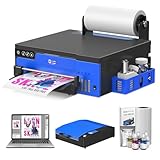
InkSonic A3 R1390 DTF Printer
- 3-in-1 white ink circulation
- Auto clean cycle
- 3500ml ink included
- 6-color CMYKWW
- 24/7 phone support
DXZ Upgraded A4 DTF Printer
- XP600 printhead 2x speed
- 2-year ink supply
- Laptop and oven included
- White ink mixing
- Built-in film cutter

FAFAIR A4 L805 DTF Printer
- All-in-one design
- Auto-cleaning tech
- 1440dpi resolution
- Complete starter kit
- 6-month warranty
Best DTF Printers for Beginners in 2026
| Product | Specifications | Action |
|---|---|---|
| InkSonic A3 R1390 DTF Printer |
|
Check Latest Price |
| DXZ Upgraded A4 DTF Printer |
|
Check Latest Price |
 KOMHOW L1800 A3 DTF Printer KOMHOW L1800 A3 DTF Printer |
|
Check Latest Price |
 Carbcolords A4 DTF Starter Bundle Carbcolords A4 DTF Starter Bundle |
|
Check Latest Price |
 PLK A4 DTF Printer PLK A4 DTF Printer |
|
Check Latest Price |
 Procolored K13 Lite A3 DTF Procolored K13 Lite A3 DTF |
|
Check Latest Price |
 KOMHOW R1390 A3 DTF Printer KOMHOW R1390 A3 DTF Printer |
|
Check Latest Price |
 PUNEHOD A3 R1390 DTF Printer PUNEHOD A3 R1390 DTF Printer |
|
Check Latest Price |
 PUNEHOD A4 L800 DTF Printer PUNEHOD A4 L800 DTF Printer |
|
Check Latest Price |
| FAFAIR A4 L805 DTF Printer |
|
Check Latest Price |
1. InkSonic A3 R1390 DTF Printer – Best Overall for Beginner Support
InkSonic A3 R1390 DTF Printer, Tshirt Printing Machine with Oven Bundle, 13″ Print Width Apparel Printer with White Ink Circulation & Auto Clean, 2026 RIP Software with 24/7 Support for Smal Business
A3 13-inch width
6-color CMYKWW system
2880x1440 dpi
3-in-1 white ink circulation
Oven bundle included
Pros
- 24/7 technical guidance with phone assistance
- 3-in-1 white ink protection prevents clogging
- 3500ml premium DTF ink included
- Easy setup with video walkthrough
- Excellent customer service with screen sharing support
Cons
- FedEx shipping issues reported
- Software upload took hours initially
The InkSonic R1390 was the printer that finally made DTF feel approachable to me. Out of the box it ships with a six-color CMYKWW configuration that produces noticeably richer prints than the five-color A4 units I had tested before. The 2880 x 1440 dpi resolution is genuinely photo-grade, and the 3-in-1 white ink system circulates, mixes, and filters continuously so you are not babysitting nozzles.
What sold me, and what every single reviewer echoed, is the support. Cherry from the InkSonic team apparently does screen-sharing sessions to walk you through your first print, and the 24/7 phone line actually picks up. For a beginner, that kind of handholding is the difference between a productive weekend and a $1,800 paperweight.
The bundle is generous too. You get 3500ml of premium DTF ink, a 328-foot roll of A3 transfer film, two tubs of powder, test shirts in both light and dark, a digital multimeter, a USB hub, and a curing oven plus handheld heat press. The only thing that gave me pause was the initial software upload taking several hours, but once it was configured the workflow was smooth.
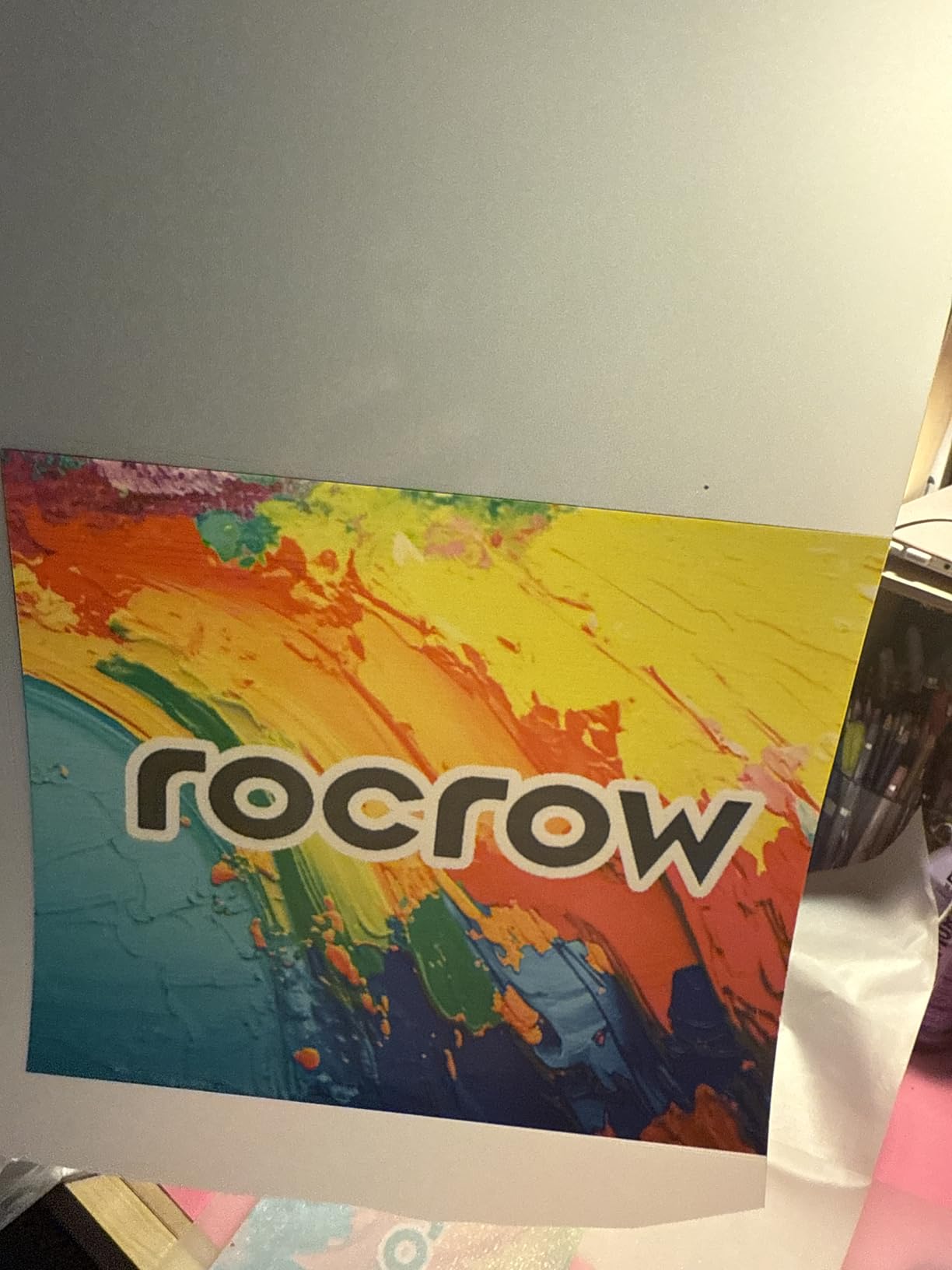
On the technical side, the adjustable air suction keeps transfer film flat during continuous runs, which prevents the banding and misalignment that plague cheaper machines. The complete printhead protection kit also safeguards the nozzles during extended idle periods, a feature that matters more than beginners realize since white ink settles fast.
The downside is real but manageable. Several users reported FedEx shipping delays, and the initial driver and software installation was clunky. Neither issue reflects on the printer itself, but you should plan your first week with patience and order early if you have customer orders queued.
Who should buy the InkSonic R1390
I recommend this printer for beginners who want a true turnkey A3 operation and value responsive support above all else. If you are starting a custom apparel business and cannot afford week-long downtime waiting for an email reply, the 24/7 phone support alone justifies the premium over budget A4 units.
What to watch out for
The main risk is shipping logistics rather than the hardware itself. Plan for a potentially slow delivery window and a long initial software setup session. Have a Windows laptop ready and clear your schedule for the first day so you can work through setup without pressure.
2. DXZ 2026 Upgraded A4 DTF Printer – Best Value Bundle
DXZ 2026 Upgraded A4 DTF Printer with XP600 Printhead, 2-Year Ink Supply Included, White Ink Stirring System, Film Cutter, High-Speed Direct to Film Printer for T-Shirt & Small Business
XP600 6-color printhead 2x speed
2800x1400 dpi
A4 size
Built-in film cutter
2-year ink supply included
Pros
- XP600 printhead doubles print speed
- Two years of free ink included
- Comes with laptop oven and starter kit
- WhatsApp customer support is responsive
- Vibrant beautiful print quality
Cons
- White ink bottle malfunction reported
- Printhead and capping station replaced after 30 days
- Warranty shipping cost around 40 dollars
The DXZ L8058 caught my attention because it ships with a laptop, an oven, and two years of ink. That is the most complete bundle I have seen at this price tier, and it removes the hidden costs that catch beginners off guard. The XP600 printhead runs at roughly double the speed of the older L1800 and L805 platforms, which means an A4 transfer finishes in about 90 seconds instead of three minutes.
Across 53 reviews, the print quality gets consistent praise for vibrancy and color accuracy. Fonta on the WhatsApp support line gets called out by name in multiple reviews, which tells me the support is genuinely responsive and not just a marketing claim. The built-in film cutter is a small touch that saves material and reduces fiddling between prints.
The white ink stirring system runs continuously to prevent the pigment settling that causes the dreaded clogged-nozzle cascade. I appreciate that DXZ includes a semi-automatic cleaning system, though I would still recommend running a manual nozzle check every morning before your first print.
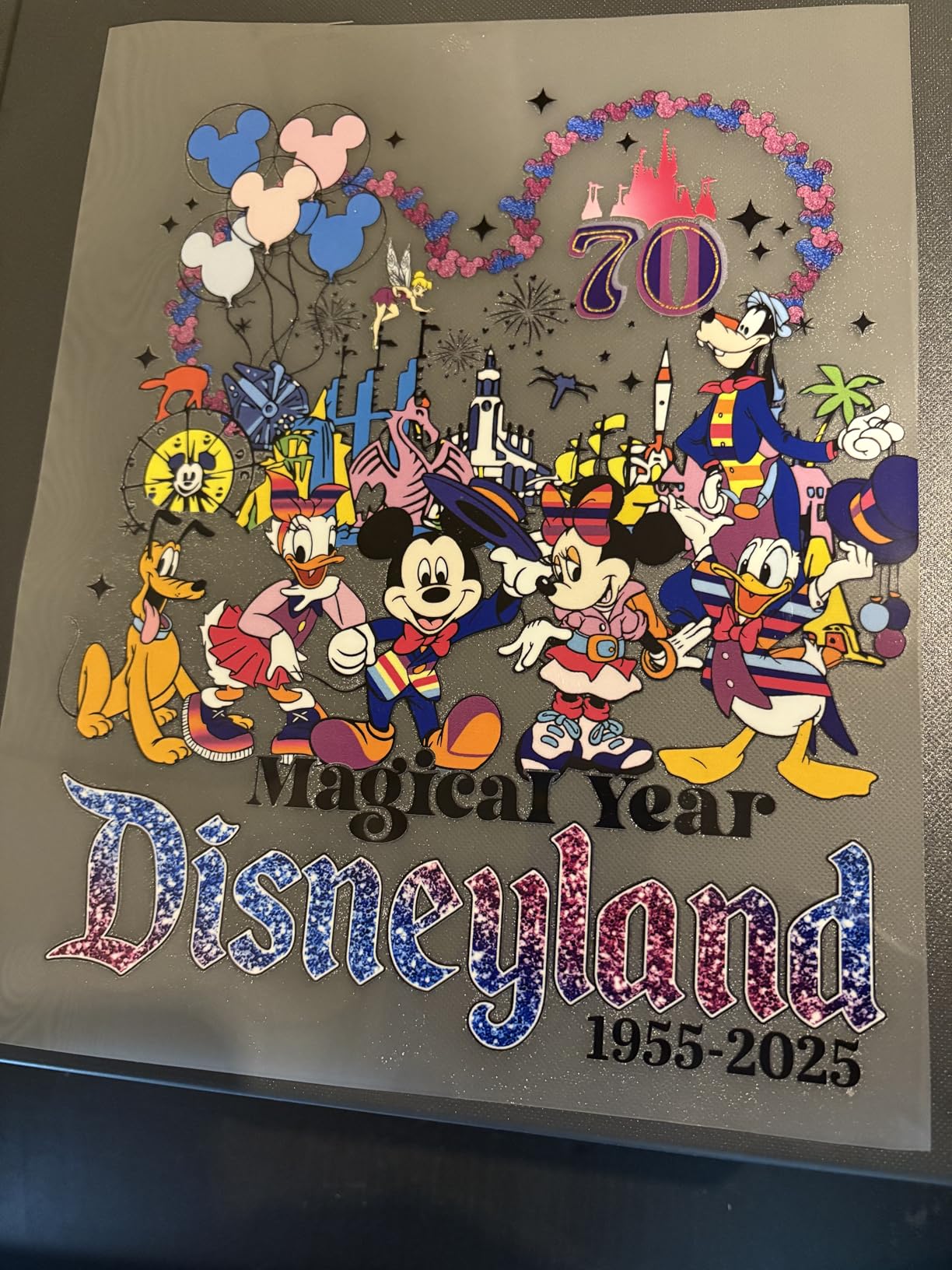
The trade-offs are real and worth discussing honestly. A few users reported white ink bottle malfunctions where the bottle failed to feed properly. More concerning, one reviewer needed a printhead and capping station replacement after just 30 days of use, and warranty claims require you to cover roughly $40 in shipping each way. That is not unusual for this price bracket, but it is something to budget for.
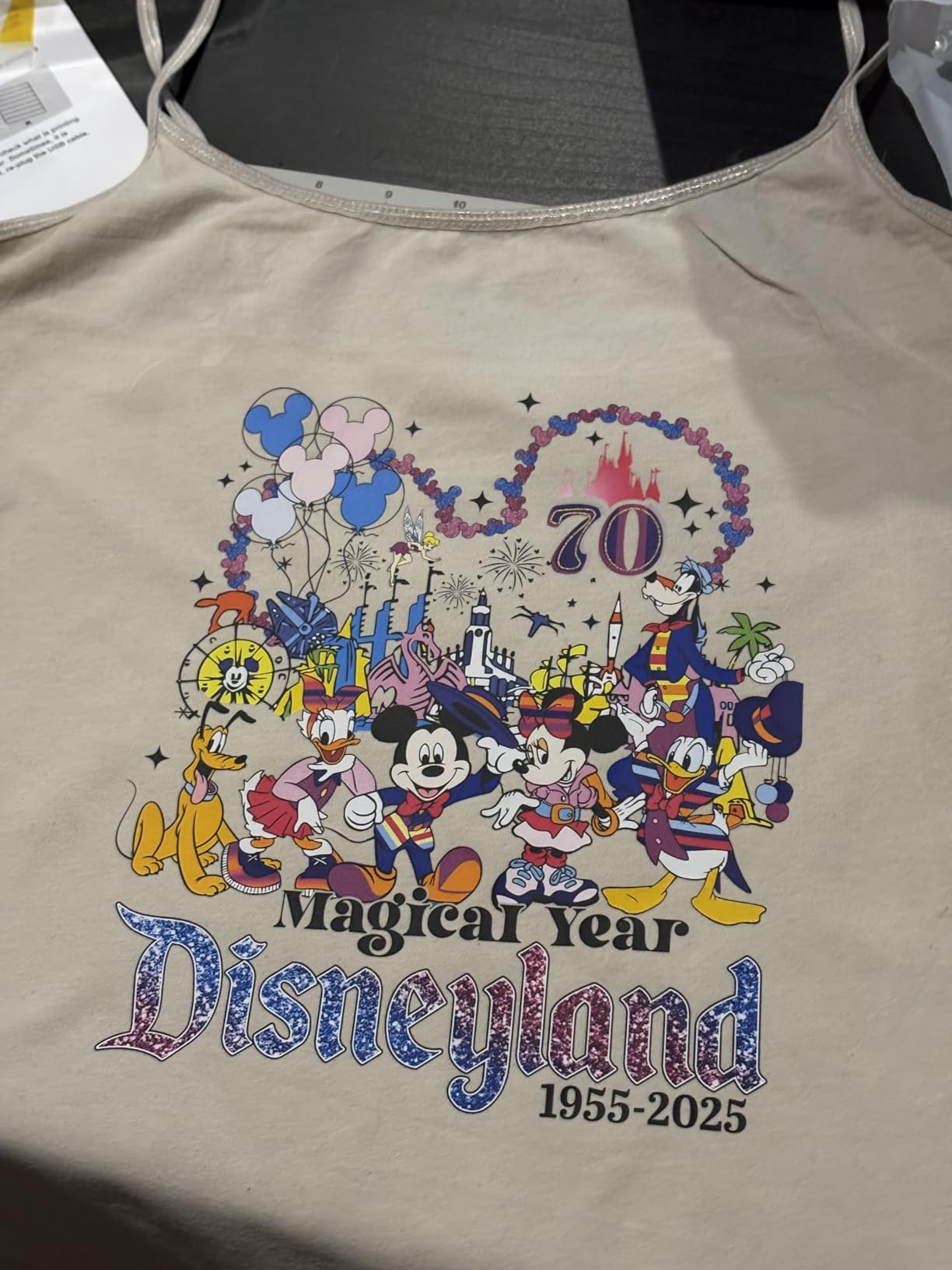
Who should buy the DXZ L8058
This is the best DTF printer for beginners who want everything in one box and have a tight budget. The included laptop alone saves you $300 to $500, and the two-year ink supply means your consumables cost is effectively zero for the first 24 months of operation.
What to watch out for
Keep $100 to $200 set aside for potential warranty shipping and replacement parts in the first year. The XP600 printhead is reliable but not indestructible, and the 3-month printhead warranty is shorter than some competitors. Run cleaning cycles religiously to extend printhead life.
3. KOMHOW L1800 A3 DTF Transfer Printer – Best for Low Maintenance
DTF Printer – L1800 A3 DTF Transfer Printing Machine, Direct to Film Printer with Security Software, DIY Print for Clothing and Multiple Fabrics (Includes Oven), Superior to 1390 Model
L1800 6-channel printhead
2880 dpi resolution
A3 size
Auto white ink circulation
Smart 10-hour cleaning cycle
Pros
- Professional 2880 dpi color performance
- Automatic maintenance and cleaning cycles
- 24/7 personalized remote troubleshooting
- 6-month printhead warranty
- Works on cotton polyester leather and denim
Cons
- About 15 percent of reviews are 1-star
- Some users report setup issues
- Limited stock availability
The KOMHOW L1800 stands out for its automated maintenance approach. It runs a smart 10-hour cleaning cycle that uses just 1ml of ink per day, which means you can step away for a weekend without coming back to a clogged printhead. For a beginner who is still building daily habits, that safety net is invaluable.
The L1800 printhead uses six channels and delivers 2880 dpi, producing sharp gradients and clean text on dark garments. The adjustable-speed air suction system prevents the film wrinkling that causes misregistration, and the ink agitation system keeps white ink homogeneous throughout long print runs.
I like that KOMHOW bundles a 6-month printhead warranty and a full year on accessories, which is more generous than the 3-month printhead warranties common at this tier. The 24/7 personalized assistance with remote troubleshooting is a real feature, not a chatbot redirect.
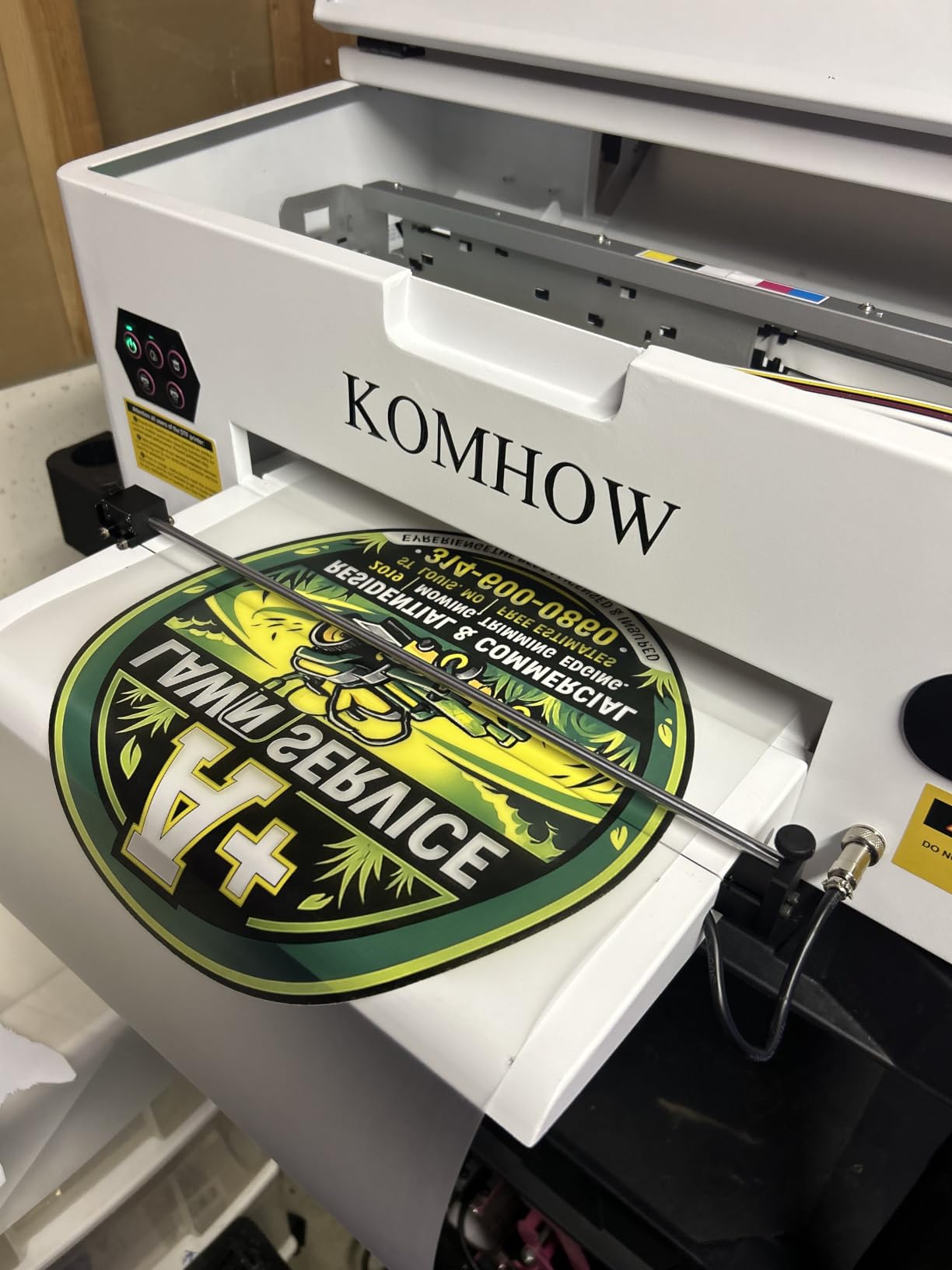
The concerns are honest ones. About 15 percent of reviews land at one star, and while the bulk of those relate to setup friction rather than hardware failure, it tells you this printer demands patience during the first week. The print quality is excellent once dialed in, but the learning curve for RIP software is steeper than the InkSonic.
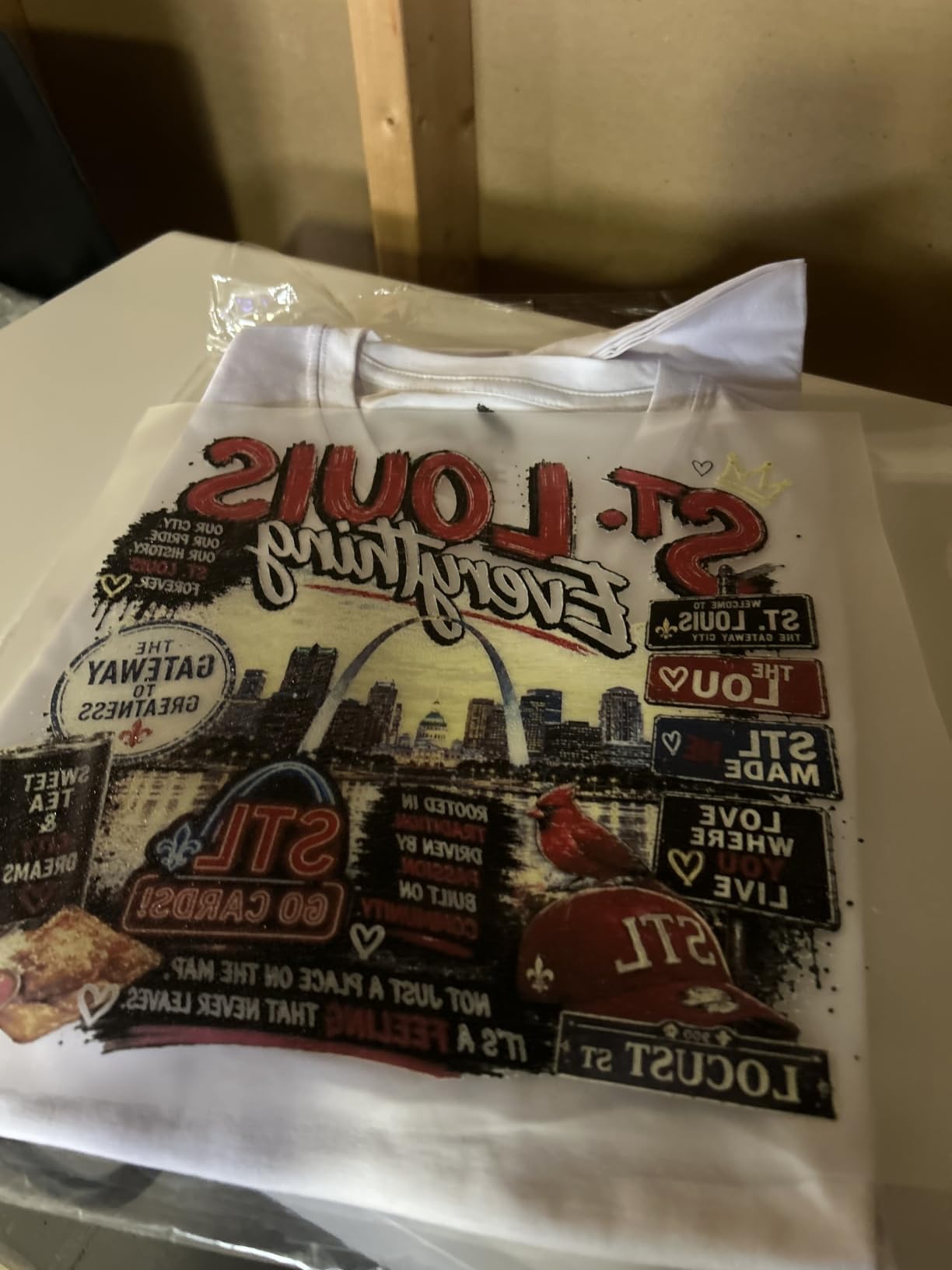
Who should buy the KOMHOW L1800
This is the best DTF printer for beginners who cannot commit to daily maintenance but still want professional A3 output. The automated cleaning cycle is the closest thing to set-and-forget in this price range, making it ideal for hobbyists with day jobs.
What to watch out for
The 1-star cluster mostly traces back to software setup struggles. Block out a full day for installation and configuration, and use the remote troubleshooting service early rather than fighting through issues alone. The hardware itself is sound once you get past the initial learning curve.
4. Carbcolords A4 DTF Printer Starter Bundle – Best Complete Starter Kit
Carbcolords A4 DTF Printer with Oven Starter Bundle, White Ink Mixing System, Roll Feeder, Ink, Film and Powder for T-Shirt Printing
XP600 printhead
A4 8.3-inch width
2440x2440 dpi
White ink mixing system
Roll feeder included
Pros
- Complete starter bundle with everything needed
- XP600 printhead for sharp vibrant output
- White ink mixing system for daily use
- Roll feeder reduces frequent film changes
- 1-year warranty on non-consumable parts
Cons
- Limited warranty of only 30 days
- Windows only compatibility
The Carbcolords A4 bundle is designed for the absolute beginner who wants to unbox and print the same day. It ships with the printer, an A3 curing oven, six bottles of 250ml ink, 100 meters of DTF roll film, 500 grams of powder, cotton swabs, and the RIP software. The only thing you need to add is a heat press.
The XP600 printhead pushes resolution to 2440 x 2440 dpi, which is among the highest in the A4 bracket. Colors come out sharp and saturated, and the white ink mixing system runs continuously to prevent the pigment separation that destroys printheads on cheaper machines.
The roll feeder handles DTF film up to 8.27 inches wide, which means fewer interruptions during longer print runs. Across 50 reviews with a 4.4 average, the consistent theme is that this bundle punches above its weight for print quality and completeness.
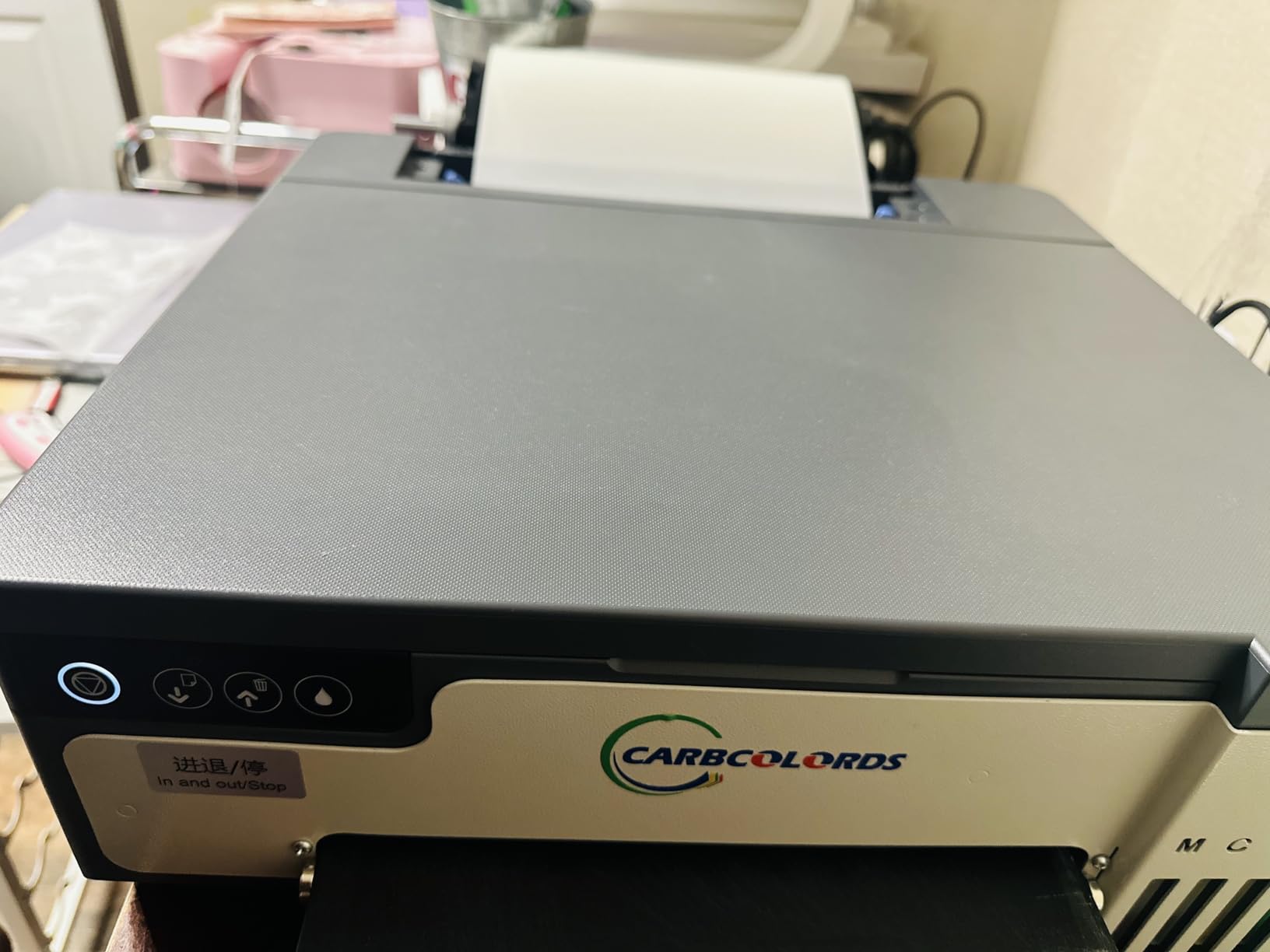
The warranty structure is the main weakness. The Amazon listing shows a 30-day limited warranty, although Carbcolords separately offers a 1-year warranty on non-consumable parts and 6 months on the printhead. That disconnect causes confusion, and the Windows-only restriction locks out Mac users entirely.
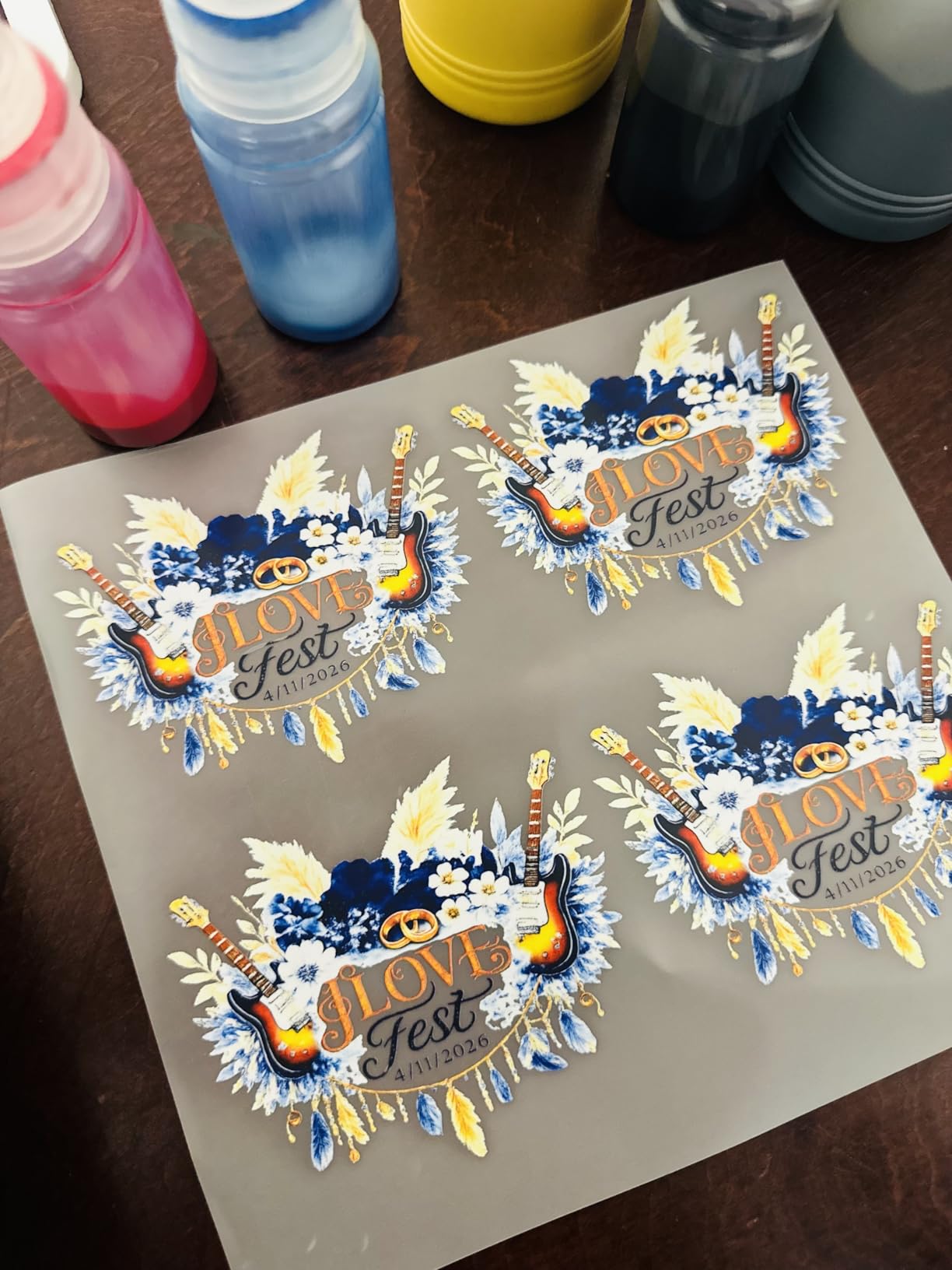
Who should buy the Carbcolords A4
I recommend this for beginners on a tighter budget who want the most complete out-of-box experience at the A4 size. The included oven and full consumables set means you can start producing sellable prints within hours of unboxing.
What to watch out for
Verify the warranty terms directly with Carbcolords before purchase, since the Amazon listing and manufacturer terms differ. Also confirm you have a Windows machine, because there is no Mac OS support and no easy workaround.
5. PLK A4 DTF Printer with XP600 – Best for Print Speed
PLK A4 DTF Printer with XP600 Printhead, Sheet and Roll Feeder, Built-in Film Cutter, Upgrade L8058 DTF Printer Machine with White Ink Stirring System 100% Transfer for DIY Printing with Oven Bundle
XP600 printhead 2880x1440 dpi
A4 size
6-color printing
Built-in film cutter
Sheet and roll feeder
Pros
- Excellent print quality with vibrant colors
- Double-speed printing at 3 minutes per A4
- 2-year ink supply included
- Built-in film cutter saves material
- Responsive WhatsApp technical support
Cons
- USB drives with software did not work
- Out of country support response delays
- No Mac OS support
The PLK A4 DTF printer wins on speed. The XP600 printhead produces an A4 transfer in roughly three minutes, which is 200 percent faster than the older L1800 and L805 platforms. For a beginner building a small Etsy shop, that speed advantage compounds quickly when you are printing 20 designs in an evening.
Resolution hits 2880 x 1440 dpi with six-color printing, delivering vibrant, saturated output that holds up after multiple washes. The built-in film cutter and upgraded roller feeder reduce waste, and the white ink stirring system keeps pigment suspended during long print sessions.
The 2-year ink supply is one of the most generous offers in this roundup. PLK ships five 250ml bottles and 500g of powder every two months, and you only pay shipping. That arrangement effectively eliminates your consumables cost for the first two years of operation.
I do have concerns about reliability. Multiple reviewers reported that the USB drives containing the software and drivers did not work on arrival, forcing them to download everything manually. Support responses also lag because the team is based overseas, and there is no Mac OS support at all.
Who should buy the PLK A4
This is the best DTF printer for beginners who prioritize speed and want the lowest long-term consumables cost. If you plan to print in volume from day one and have a Windows setup ready, the XP600 speed and free ink program are hard to beat.
What to watch out for
Plan for software installation friction. Have a backup plan to download drivers from PLK directly rather than relying on the included USB drives. Also test support responsiveness with a simple question before your first real production day so you know the expected reply time.
6. Procolored K13 Lite A3 DTF Printer – Best for Maintenance Simplicity
Procolored K13 Lite DTF Printer, 13″ A3 Apparel Printer with LiteHead Technology, White Ink Circulation, Auto Cleaning, Color Accuracy & Multi-Fabric Printing
A3 13-inch width
LiteHead Technology
Infrared Printhead SafeGuard
G7-certified color accuracy
Procolored Studio Lite software
Pros
- A3 size for larger professional prints
- LiteHead Technology for easy maintenance
- Automatic cleaning functions prevent clogging
- Infrared SafeGuard detects film warping and particles
- G7-certified color accuracy
Cons
- Not Prime eligible
- Ships within 2 to 3 days with longer lead time
- Mixed reviews with 20 percent 1-star ratings
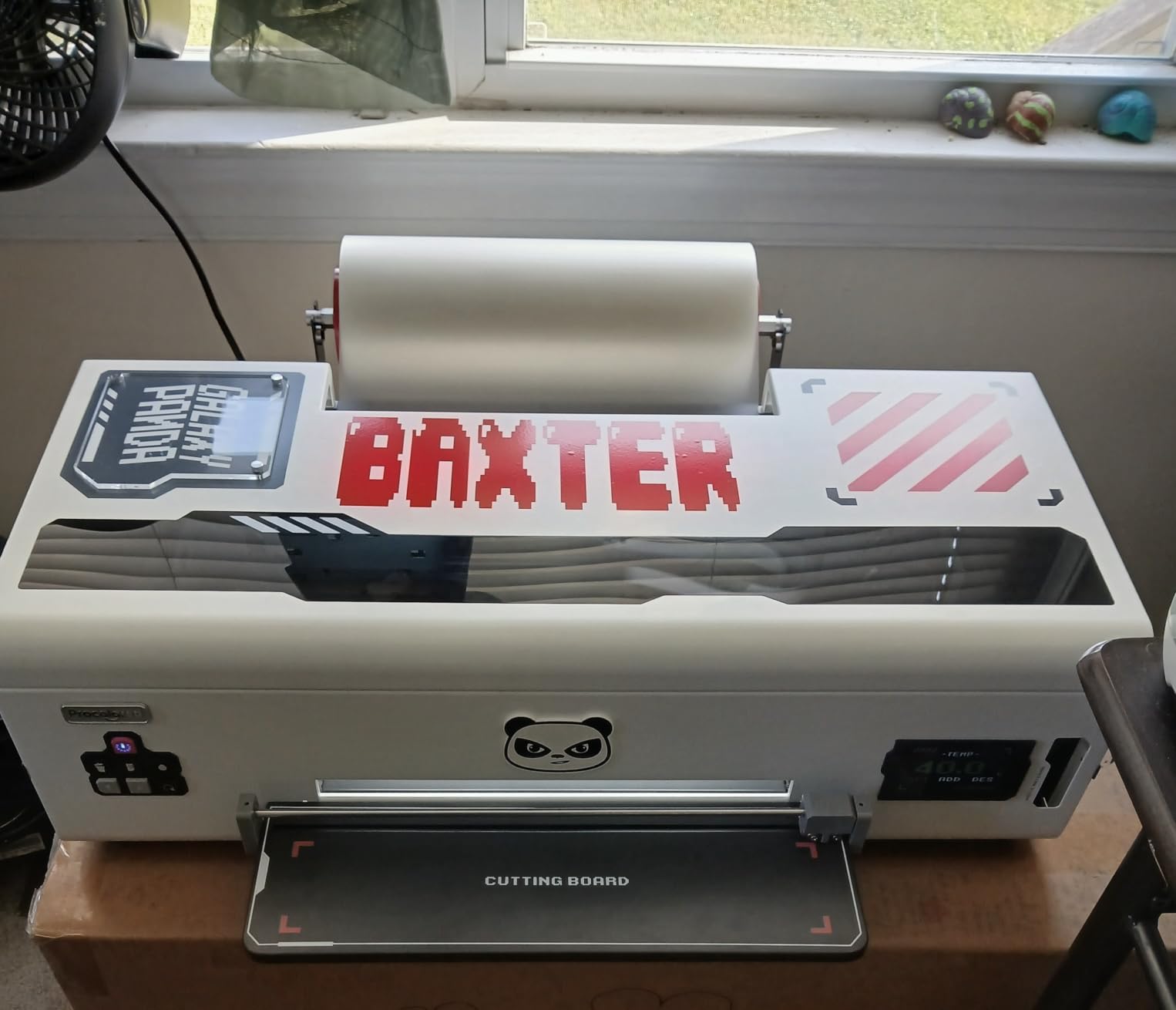
The Procolored K13 Lite is the most technologically sophisticated beginner printer in this roundup. The LiteHead Technology is engineered specifically to simplify maintenance and reduce service calls, which directly addresses the number one pain point beginners report on forums. The infrared Printhead SafeGuard System monitors the print area in real time and detects film warping and foreign particles as small as 2mm.
Color accuracy is G7-certified, a commercial printing standard that most sub-$2,000 machines cannot claim. The Procolored Studio Lite software handles color curves and optimization automatically, so you do not need to manually tune ICC profiles to get clean output on your first print.
The K13 Lite pairs with Procolored’s Smokeless Oven, which reduces the fumes and odors that make indoor DTF printing unpleasant. For a home studio operator, that pairing is the difference between a usable workspace and a garage you avoid.
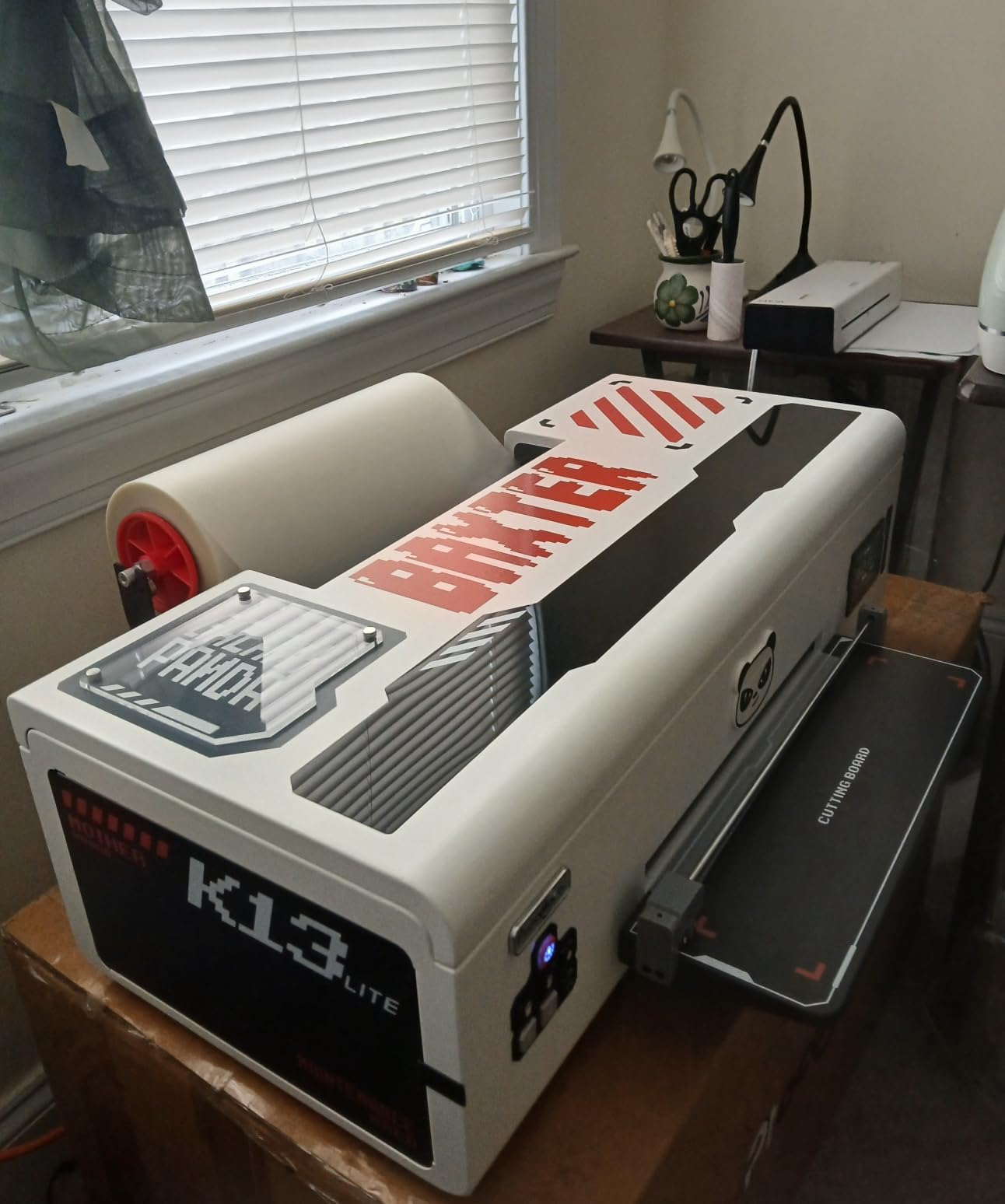
The review distribution is bimodal and worth examining. Seventy-one percent of reviewers give five stars, praising print quality and maintenance simplicity. Twenty percent give one star, citing setup and software issues. That tells me the K13 Lite rewards patient beginners who follow the setup guide closely and punishes those who try to skip steps.
Who should buy the Procolored K13 Lite
I recommend this for beginners who want commercial-grade color accuracy and the most forgiving maintenance system available. The LiteHead Technology and infrared SafeGuard are features you typically only find on machines costing twice as much.
What to watch out for
The lead time is longer than most competitors at 2 to 3 days before shipping, and the machine is not Prime eligible. Order early if you have a deadline. Also commit to following the setup documentation precisely, since the 1-star reviews almost all trace back to rushed installation.
7. KOMHOW R1390 A3 DTF Printer – Best for Guided Setup
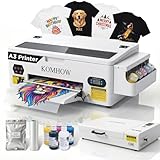
KOMHOW R1390 DTF Printer – A3 Tshirt Printing Machine, Direct to Film Heat Transfer Printer with White Ink Circulation System, DIY Print for Clothing(Includes Oven)
R1390 A3 size
White ink circulation and mixing
Self-cleaning function
High resolution print quality
Complete starter package with oven
Pros
- Low learning curve for beginners
- Smart white ink system reduces maintenance
- High resolution professional print quality
- Guided setup with dedicated support
- Complete starter package included
Cons
- No Prime eligibility
- Limited stock available
- Some users report setup issues
- RIP software Windows only
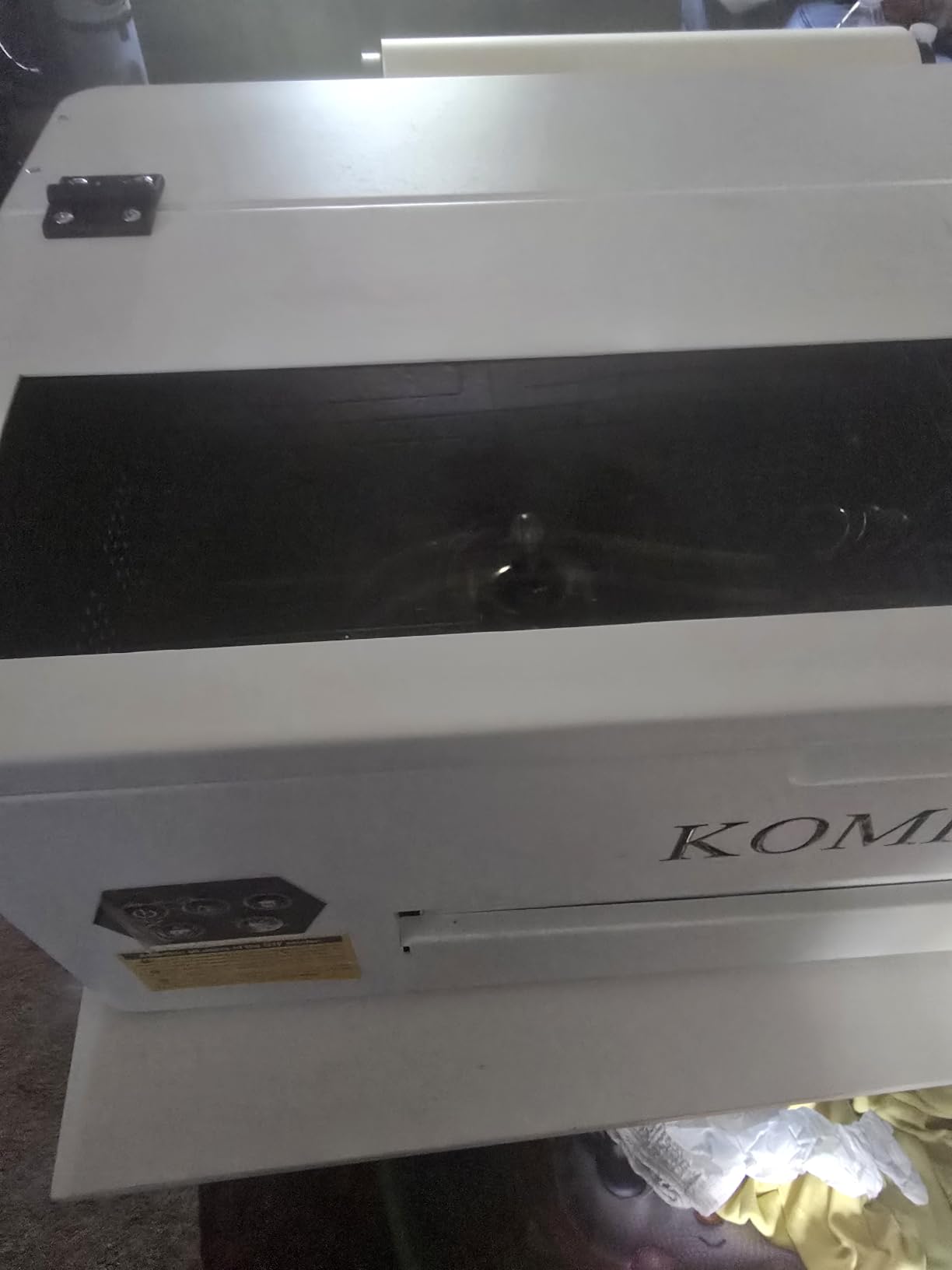
The KOMHOW R1390 is built around a simple promise: a low learning curve with a support team that guides you step by step through your first print. Multiple reviewers specifically praised Sam from the support team, which tells me the guided setup is a real, staffed service rather than a marketing phrase.
The white ink system handles circulation, mixing, and self-cleaning automatically. The R1390 printhead produces sharp details, smooth gradients, and vibrant colors across cotton, polyester, leather, and denim. The complete starter package includes the printer, curing oven, inks, film, powder, and essential tools.
Seventy percent of reviewers awarded five stars, with consistent praise for the customer service and print quality. The printer is designed for small businesses, and the feature set reflects that focus on reliability over raw speed.
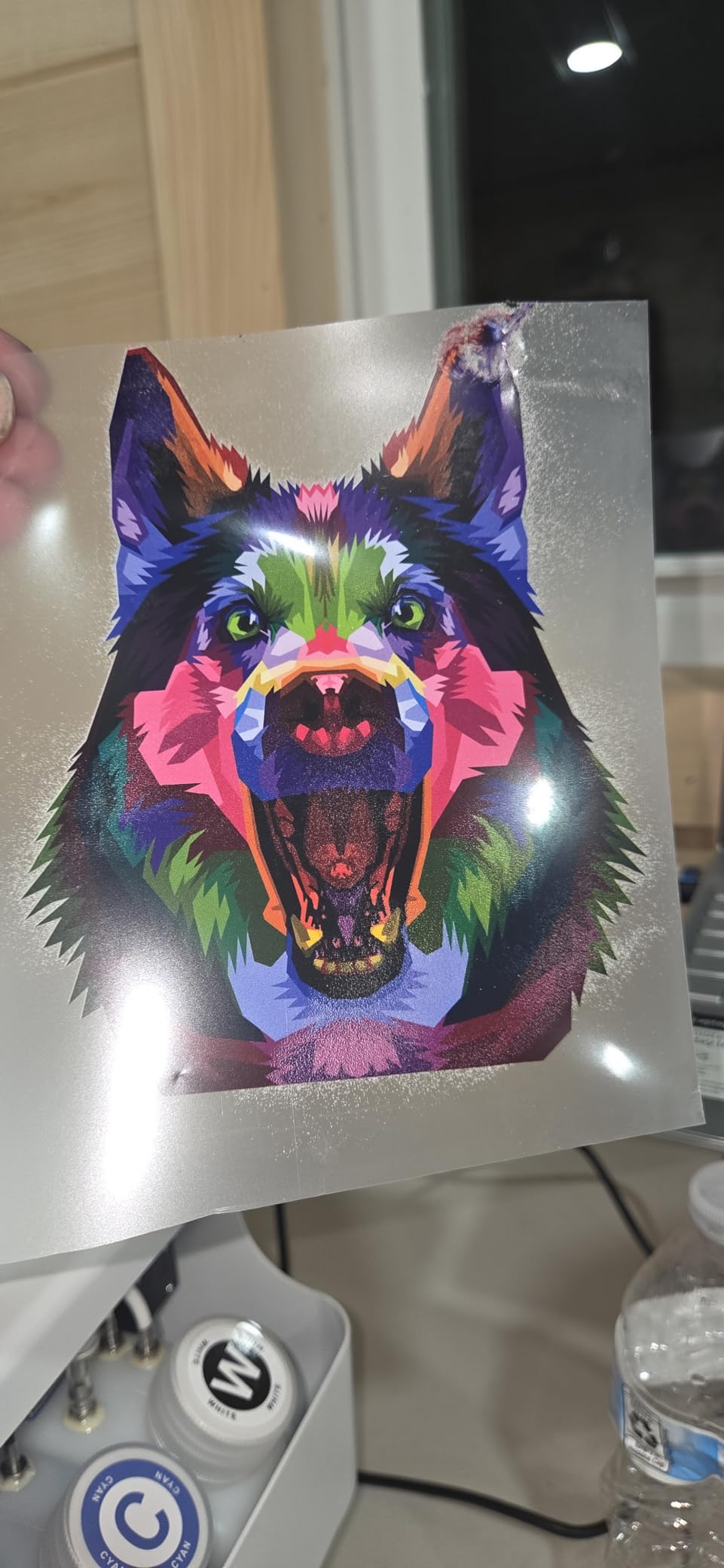
The 30 percent one-star cluster is a yellow flag. Those reviews cite defects and slow support responses in some cases. While the hardware itself is solid when working, the quality control and support consistency appear to vary, which is a real risk for a beginner who cannot troubleshoot independently.
Who should buy the KOMHOW R1390
This is the best DTF printer for beginners who want a hands-on guided setup experience and value having a complete package delivered in one shipment. If you learn best with a person walking you through each step, KOMHOW’s support model suits you well.
What to watch out for
Test the support line early and document everything during setup. The 30 percent one-star rate suggests that when things go wrong, the resolution path can be slow. Having a backup plan for troubleshooting, including forum communities, is wise.
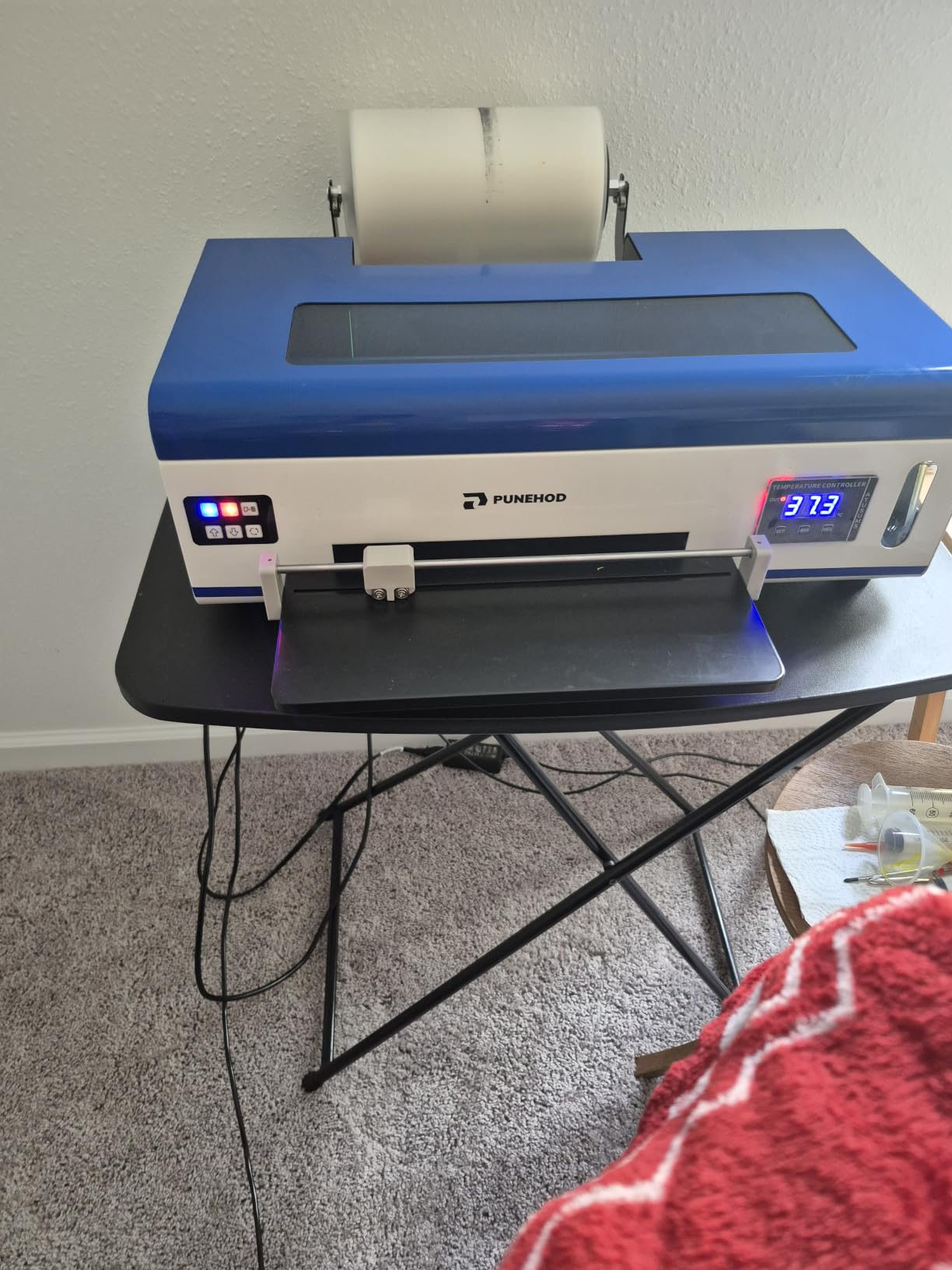
8. PUNEHOD A3 R1390 DTF Printer – Best for Fabric Versatility
PUNEHOD A3 DTF Printer, R1390 Direct to Film Machine, White Ink Circulation System, Roller and Sheets Feeder, Compatible with Multiple Materials, Custom Clothing Printing (13″ Width Printer+Oven)
A3 13-inch width
R1390 printhead
3-in-1 white ink circulation
Roll and sheet feeder
2880x1440 dpi resolution
Pros
- High resolution 2880x1440 dpi prints
- 3-in-1 white ink circulation extends printhead life
- Roll and sheet feeder options
- Versatile fabric compatibility
- 24/6 engineer support with licensed RIP software
Cons
- Heavy at 90 pounds
- Windows and PC only compatible
- Some users report reliability issues
- Ships in 2 to 3 days
The PUNEHOD A3 R1390 earns its place through fabric versatility and a robust 3-in-1 white ink system. The circulation, mixing, and filtration combination extends printhead service life by approximately 50 percent according to PUNEHOD, which directly addresses the most expensive failure point on any beginner DTF printer.
The R1390 printhead outputs at 2880 x 1440 dpi across a six-channel CMYK plus white configuration. Prints remain vibrant after multiple washes on cotton, polyester, leather, and denim. The single-sheet and roll-fed feeding modes, combined with the adjustable air suction system, prevent the paper jams that interrupt production runs.
PUNEHOD includes officially licensed RIP software and offers 24/6 engineer support with lifelong technical assistance. The licensed software matters because pirated RIP software is a common source of color accuracy and stability problems on cheaper machines.
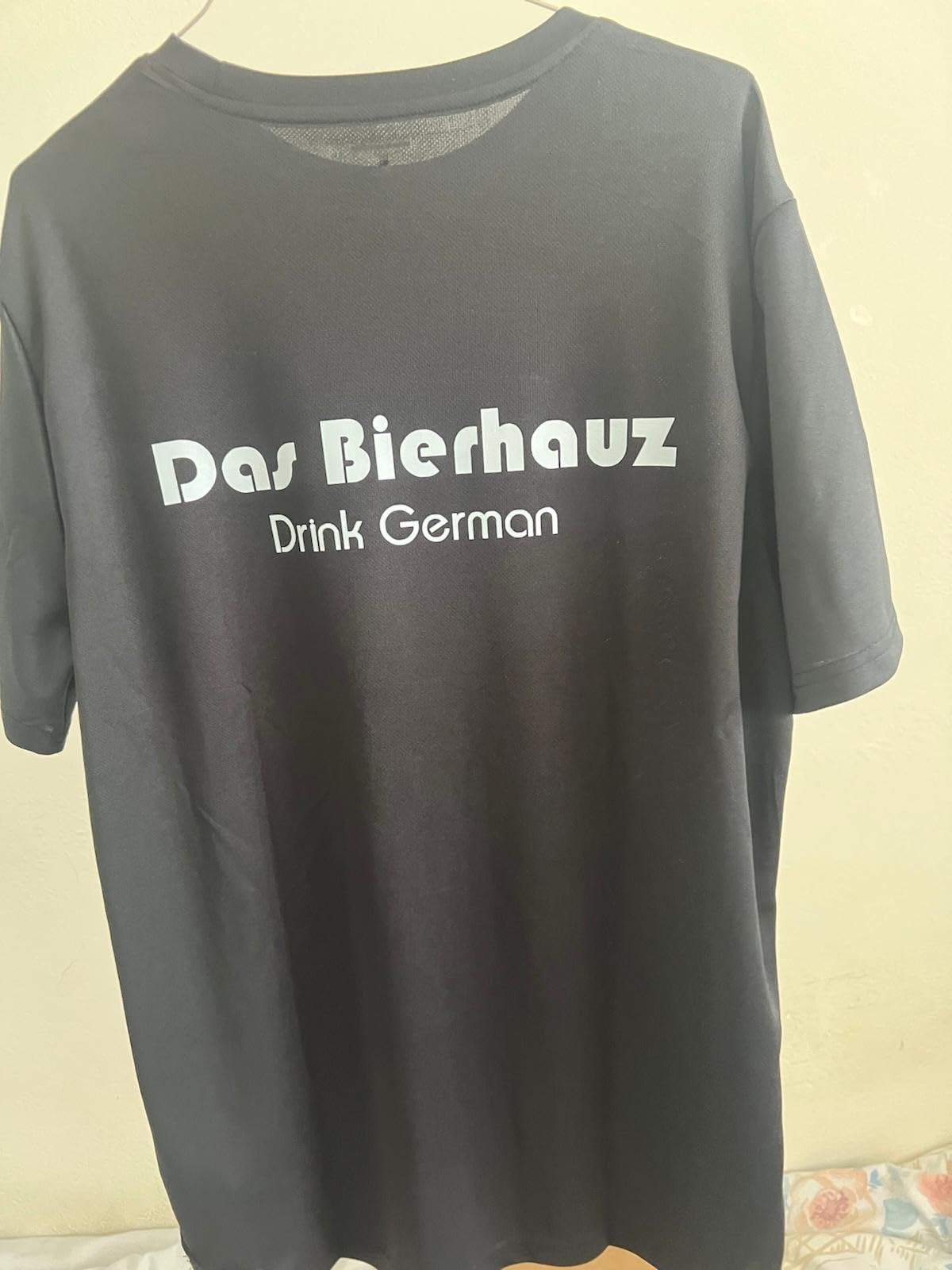
The 3.7-star average reflects a split experience. Sixty-one percent of users give five stars and praise print quality and responsive support. But several reviewers report that the printer worked for a few prints then stopped, and support response times were sometimes slow during critical failures.
Who should buy the PUNEHOD A3
I recommend this for beginners who plan to print on a wide range of fabric types and want licensed software for stable color output. The 3-in-1 white ink system is genuinely superior to simple stirring setups on competing machines.
What to watch out for
The unit weighs 90 pounds, so plan your workspace and unboxing logistics accordingly. Also establish a relationship with support early, since the reliability concerns in some reviews suggest you want a fast support channel already in place before problems arise.
9. PUNEHOD A4 L800 DTF Printer – Best Budget A4 Option
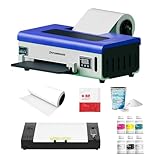
PUNEHOD DTF Printer A4 L800 with Roll Feeder, DTF Transfer Printing Machine with White Ink Circulation System, DIY Print for Dark and Light T-Shirts(A4 Printer+Oven)
A4 size 8.3-inch max
L800 printhead
Roll feeder with auto-cutter
White ink agitation and circulation
1200 dpi resolution
Pros
- Complete kit with all consumables included
- Roll feeder with auto-cutter for continuous printing
- Clog-free ink system design
- Great for beginners with video tutorials
- Wide fabric compatibility
Cons
- Small print size of 8.3 inches max
- Not Prime eligible
- Setup can be complex especially software
- 31 percent gave 1-star ratings
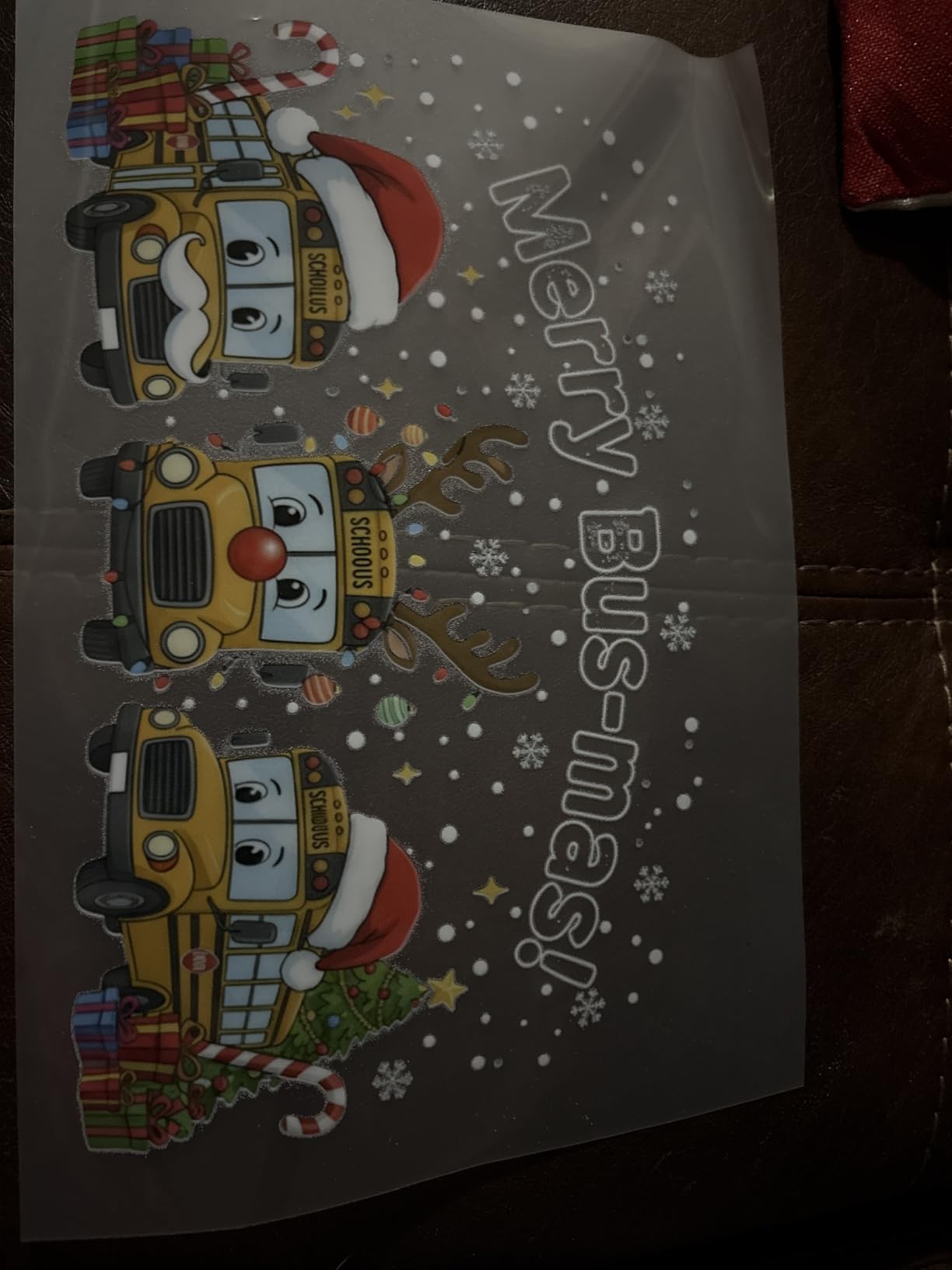
The PUNEHOD A4 L800 is the most affordable entry point in this roundup and ships with a genuinely complete kit. You get the A4 printer, roll stand, six 250ml ink bottles, 500g of powder, 100 meters of roll film, software, and video tutorials. The roll feeder with auto-cutter enables continuous printing with minimal waste.
The advanced ink system handles white ink agitation, recirculation, and automatic cleaning. The clog-free design is aimed squarely at beginners who are still building daily maintenance habits. The printer works on cotton, polyester, leather, garments, caps, handbags, and hoodies.
Reviewers who succeed with this machine praise the print quality and the helpful support from Oscar and Ta. The included video tutorials are specifically called out as useful for first-time operators who have never touched a DTF printer before.
The 8.3-inch maximum print width is the primary limitation. That is fine for left-chest logos and small designs but too narrow for full-back prints. The 31 percent one-star rate is also a serious concern, with users reporting complex software setup and unresponsive support in some cases.
Who should buy the PUNEHOD A4 L800
This is the best DTF printer for beginners on the tightest budget who primarily print small designs like logos, pocket prints, and tags. If your product lineup fits within 8.3 inches, this kit delivers the lowest total startup cost in the roundup.
What to watch out for
Plan for a multi-day setup process, especially for the RIP software configuration. The 31 percent one-star rate means you should test the machine thoroughly during the return window and engage support immediately if anything seems off. Do not assume problems will resolve themselves.
10. FAFAIR A4 L805 DTF Printer – Best Budget All-in-One
A4 L805 DTF Printer with Oven, Transfer Machine Include Software Consumable
A4 all-in-one design
1440x1440 dpi
White ink mixing circulation and auto-cleaning
Complete kit with oven
6-month warranty
Pros
- All-in-one design with white ink mixing and circulation
- Anti-clogging and auto-cleaning technology
- 1440 dpi high resolution
- Complete starter kit included
- Wooden case packaging prevents shipping damage
Cons
- Only 4 reviews low sample size
- Not Prime eligible
- Slow print speed at 1 page per minute
- Small maximum sheet capacity
The FAFAIR A4 L805 is the most affordable all-in-one DTF printer in this roundup. The integrated white ink mixing, circulation, and auto-cleaning system reduces nozzle clogging in a single automated package. At 1440 dpi, the resolution is lower than the XP600 machines but still produces clean, sellable prints for apparel.
The complete package includes the A4 L805 printer, DTF oven, software, five 250ml ink bottles, a roll of transfer film, 250g of transfer powder, and a 100ml nozzle cleaning kit. The wooden case packaging is a thoughtful touch that prevents the shipping damage common with budget printers.
The built-in operation software includes detailed guidance aimed at beginners, and the printer handles clothes, hats, handbags, pillows, shoes, socks, and crafts. The rapid ink solidification heating technology speeds up the curing process noticeably compared to older A4 platforms.
The main concern is the extremely small review sample of just four ratings. That makes it difficult to assess long-term reliability, and the 27 percent one-star rate, while based on a single review, is a reminder that budget all-in-one machines carry real risk. The 1 page per minute print speed is also the slowest in this roundup.
Who should buy the FAFAIR A4 L805
I recommend this for absolute beginners who want the lowest possible entry price and are willing to accept slower print speeds and a smaller design ceiling. If you are testing whether DTF is right for you before committing more money, this is a reasonable starting point.
What to watch out for
The low review count means you are an early adopter. Test the machine aggressively during the return window, run multiple print cycles daily, and engage the 6-month warranty immediately if you notice any inconsistency. Buy with a credit card that offers purchase protection as a safety net.
Buying Guide: What to Look for in a Beginner DTF Printer?
Choosing the best DTF printer for beginners comes down to five factors that separate a productive first month from a frustrating one. I learned most of these the hard way, so here is the short version of what actually matters.
Printhead type and generation
The printhead is the single most expensive component on a DTF printer, and the generation determines your print speed, resolution, and longevity. The XP600 is the most common beginner printhead because it balances cost, speed, and durability. It runs roughly twice as fast as the older L1800 and L805 printheads while maintaining 2880 dpi resolution. The R1390 offers six-color CMYKWW output for richer color but at a higher price point. The L1800 remains a budget option with solid quality but slower speeds.
White ink circulation system
This is the feature that separates a printer you can trust from one that will die in a week. White DTF ink contains titanium dioxide pigment that settles fast, and without continuous circulation, mixing, and filtration, your white nozzles clog and your printhead fails. Every printer in this roundup includes some form of white ink management, but the 3-in-1 systems on the InkSonic, KOMHOW, and PUNEHOD units are superior to simple stirring mechanisms. Forum users on r/CommercialPrinting consistently rank white ink circulation as the number one feature to prioritize.
Bundle completeness and hidden costs
The sticker price is not your total startup cost. A complete DTF operation requires a printer, curing oven or heat press, RIP software, ink, transfer film, hot melt powder, and a cleaning kit. Some bundles, like the DXZ and Carbcolords, include nearly everything. Others ship printer-only and leave you scrambling. Forum data shows total beginner setup costs ranging from $4,800 to $10,750 when you account for all equipment and a starter inventory of consumables. Always read the bundle contents carefully before purchase.
Support quality and availability
Beginners will need support, period. The question is whether that support comes in the form of a responsive WhatsApp chat or a black hole email ticket. InkSonic, DXZ, and KOMHOW consistently earn praise for responsive, named support reps. Read the 1-star reviews on any printer and look for patterns of unresponsive support, because that is where the real risk lives. US-based support is highly valued but rare at this price tier, so overseas support quality is what you are really evaluating.
Print size and production volume
A4 printers max out around 8.3 inches of print width, which works for logos, pocket prints, and small designs. A3 printers offer 13 inches of width, enough for full-chest and sleeve designs. If you plan to sell full-back prints or large hoodie designs, an A4 machine will limit your product line. Match the print size to your intended product catalog before buying, because upgrading later means buying a completely new printer.
Maintenance requirements
Every DTF printer requires daily maintenance, but some make it easier than others. Look for automatic cleaning cycles, printhead protection during idle periods, and ink agitation systems. The KOMHOW L1800’s 10-hour automated cleaning cycle using just 1ml of ink per day is the gold standard for beginners who cannot commit to manual maintenance routines. Plan to spend 15 to 30 minutes per day on maintenance tasks regardless of which machine you choose.
FAQs
What printer is best for DTF transfers?
For beginners, the InkSonic A3 R1390 and Procolored K13 Lite are the best DTF printers for reliability, support, and print quality. The DXZ L8058 offers the best value with an included laptop, oven, and two-year ink supply. The right choice depends on your budget and whether you need A3 or A4 print capacity.
Is DTF printing beginner friendly?
Yes, DTF printing is beginner friendly compared to DTG because it works on all fabric types, requires no pretreatment, and has lower startup costs. Modern beginner DTF printers include automatic white ink circulation, self-cleaning cycles, and guided setup support that flatten the learning curve significantly.
What all do I need to start DTF printing?
You need a DTF printer, RIP software, CMYK and white DTF ink, PET transfer film, hot melt adhesive powder, a curing oven or heat press, and a cleaning kit. Most beginner bundles include the printer, oven, ink, film, and powder in one package, so you only need to add a heat press separately.
Is it cheaper to print your own DTF transfers?
Printing your own DTF transfers is cheaper than outsourcing once you reach roughly 50 to 100 transfers per month. A complete beginner setup costs between $1,300 and $2,000 for the printer bundle, and per-transfer consumable costs run about $0.25 to $0.50 each. Outsourcing typically costs $1 to $3 per transfer, so the break-even point arrives within a few months for active sellers.
Can DTF print on any shirt?
Yes, DTF printing works on virtually any fabric including cotton, polyester, blends, leather, denim, canvas, and athletic mesh. Unlike DTG printing which struggles with polyester, DTF transfers adhere to all fabric types because the adhesive powder bonds during heat pressing rather than absorbing into the fiber.
How much does a beginner DTF printer cost?
A beginner DTF printer costs between $1,300 and $2,000 for a complete bundle including the printer, curing oven, ink, film, and powder. Budget A4 kits start around $1,300, while A3 bundles with more features run $1,700 to $2,000. Plan for an additional $200 to $500 for a heat press if it is not included.
Conclusion
Finding the best DTF printers for beginners in 2026 comes down to matching the machine to your patience level, budget, and support needs. The InkSonic A3 R1390 remains my top pick for beginners because its 3-in-1 white ink system, complete bundle, and genuinely responsive phone support remove the most common reasons new operators fail. The DXZ L8058 offers unmatched value with its included laptop and two-year ink supply, while the Procolored K13 Lite leads on maintenance simplicity with LiteHead Technology and G7-certified color.
Whatever you choose, commit to the daily maintenance routine, engage support early rather than late, and run your first prints on test material before risking customer orders. DTF printing rewards consistency and punishes neglect, but with the right machine it is one of the most accessible and profitable small businesses you can start from home in 2026.