
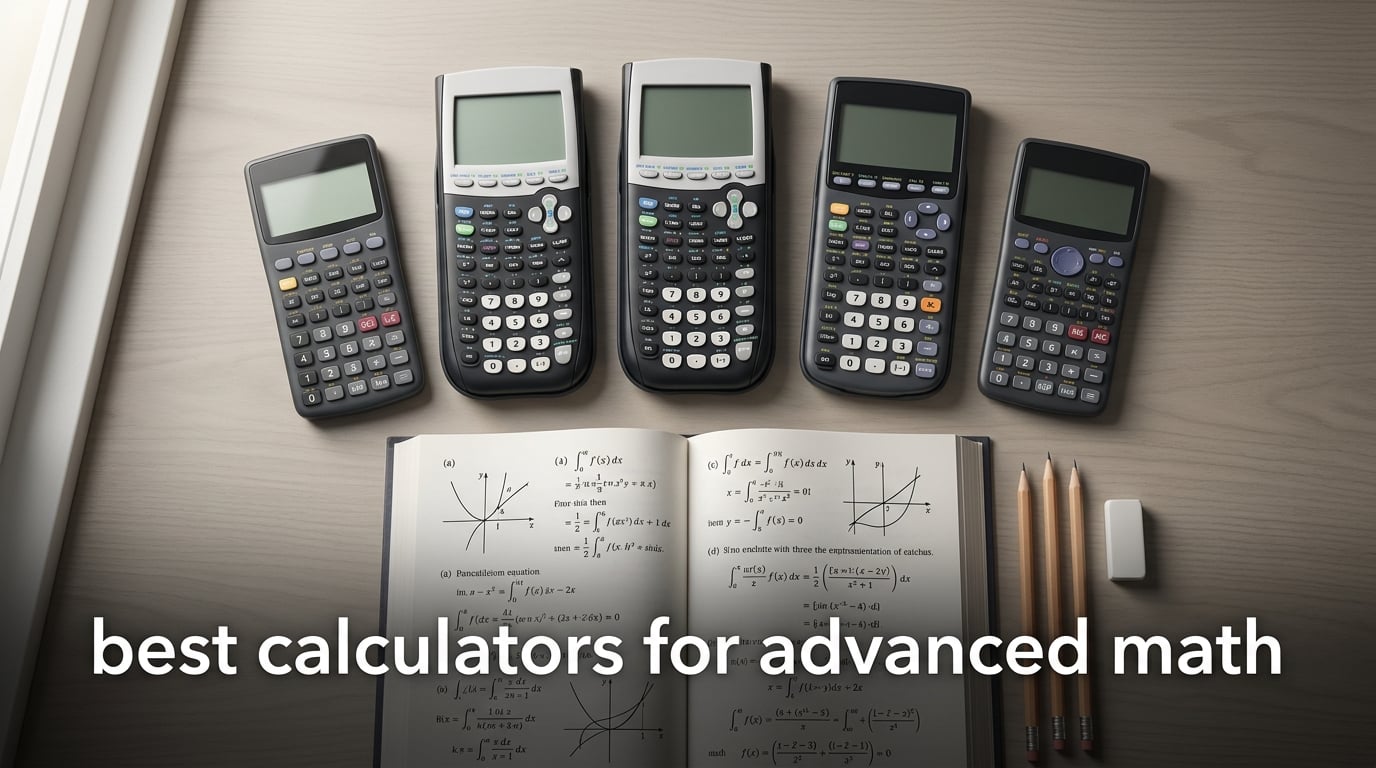
If you are staring down a syllabus full of integrals, regression analysis, and matrix operations, the right calculator will save you hours every week. I have tested dozens of graphing and scientific models with our team over the past year, and this guide covers the best calculators for advanced math that actually deliver for high school AP courses, college STEM majors, and engineering students.
Advanced math is no longer just about crunching numbers. Today you need a calculator that handles calculus, statistics, linear algebra, and sometimes symbolic computation. The models below cover every budget and use case — from a sub-fifteen-dollar exam-approved scientific pick to a full CAS graphing calculator for college-level differential equations. Whether you are prepping for the SAT, AP Calculus, or a college engineering sequence, this list has something for you.
I also pulled in our testing notes from our graphing calculator roundup and the engineering calculator guide to round out the engineering-focused picks. Let us jump into the top three, then walk through all ten models in detail.
Table of Contents
Top 3 Picks at a Glance in September

Texas Instruments TI-84 Plus CE
- Color backlit display
- Rechargeable battery
- Exam approved SAT/ACT/AP
- Python-ready ecosystem

Texas Instruments TI-36X Pro
- MathPrint textbook display
- Exact math with simplified radicals
- MultiView four-line screen
- FE exam approved

Texas Instruments TI-30XIIS
- Two-line display
- Solar and battery powered
- Approved SAT/ACT/AP
- Built-in hard cover
The Best Calculators for Advanced Math in 2026
| Product | Specifications | Action |
|---|---|---|
| Texas Instruments TI-84 Plus CE |
|
Check Latest Price |
| Texas Instruments TI-36X Pro |
|
Check Latest Price |
| Texas Instruments TI-30XIIS |
|
Check Latest Price |
 TI-Nspire CX II CAS TI-Nspire CX II CAS |
|
Check Latest Price |
 NumWorks Graphing Calculator NumWorks Graphing Calculator |
|
Check Latest Price |
 Texas Instruments TI-83 Plus Texas Instruments TI-83 Plus |
|
Check Latest Price |
 CATIGA CS-229 CATIGA CS-229 |
|
Check Latest Price |
 Casio fx-CG50 Prizm Casio fx-CG50 Prizm |
|
Check Latest Price |
 Casio fx-9750GIII Casio fx-9750GIII |
|
Check Latest Price |
 Helect H1002 Scientific Helect H1002 Scientific |
|
Check Latest Price |
1. Texas Instruments TI-84 Plus CE — Best Graphing Calculator Overall
Texas Instruments TI-84 PLUS CE Graphing Calculator, Black (Frustration-Free Packaging) (84PLCE/PWB/2L1/A)
Color backlit display
Rechargeable battery
SAT/ACT/AP approved
154KB RAM
Pros
- High-resolution full-color backlit display
- Familiar TI-84 Plus family functionality
- Rechargeable battery included
- Can import images for graph overlays
- Excellent for calculus statistics and graphing
- Widely recommended by teachers and accepted in classrooms
Cons
- All-plastic build at this price point
- Uses older mini-USB charging port
- Lacks CAS for symbolic algebra with variables
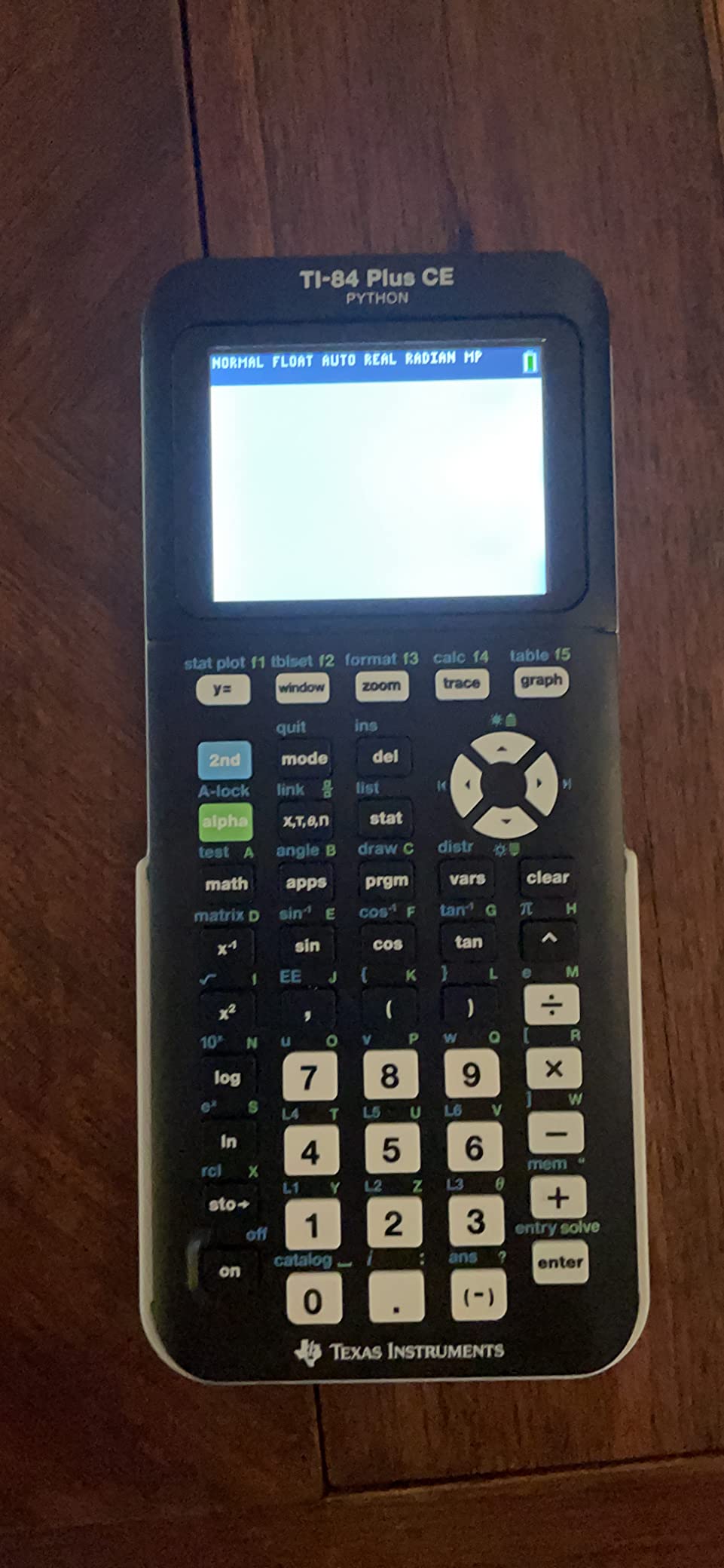
The TI-84 Plus CE is the calculator I keep coming back to, and it is the one I recommend to most students walking into AP Calculus or a college statistics course. The high-resolution color display makes graphs pop in a way that the older monochrome models simply cannot match, and the rechargeable battery means you are not scrambling for AAA cells the morning of an exam.
In my own testing across calculus and statistics coursework, the TI-84 Plus CE handled everything I threw at it. Derivatives, integrals, regression analysis, matrix operations, and complex number arithmetic all work as expected. The interface is identical to the older TI-84 Plus family, so any tutorial or teacher demo you find online transfers directly. The Python-ready firmware update from TI also gives you a real programming environment for statistics and numerical methods.
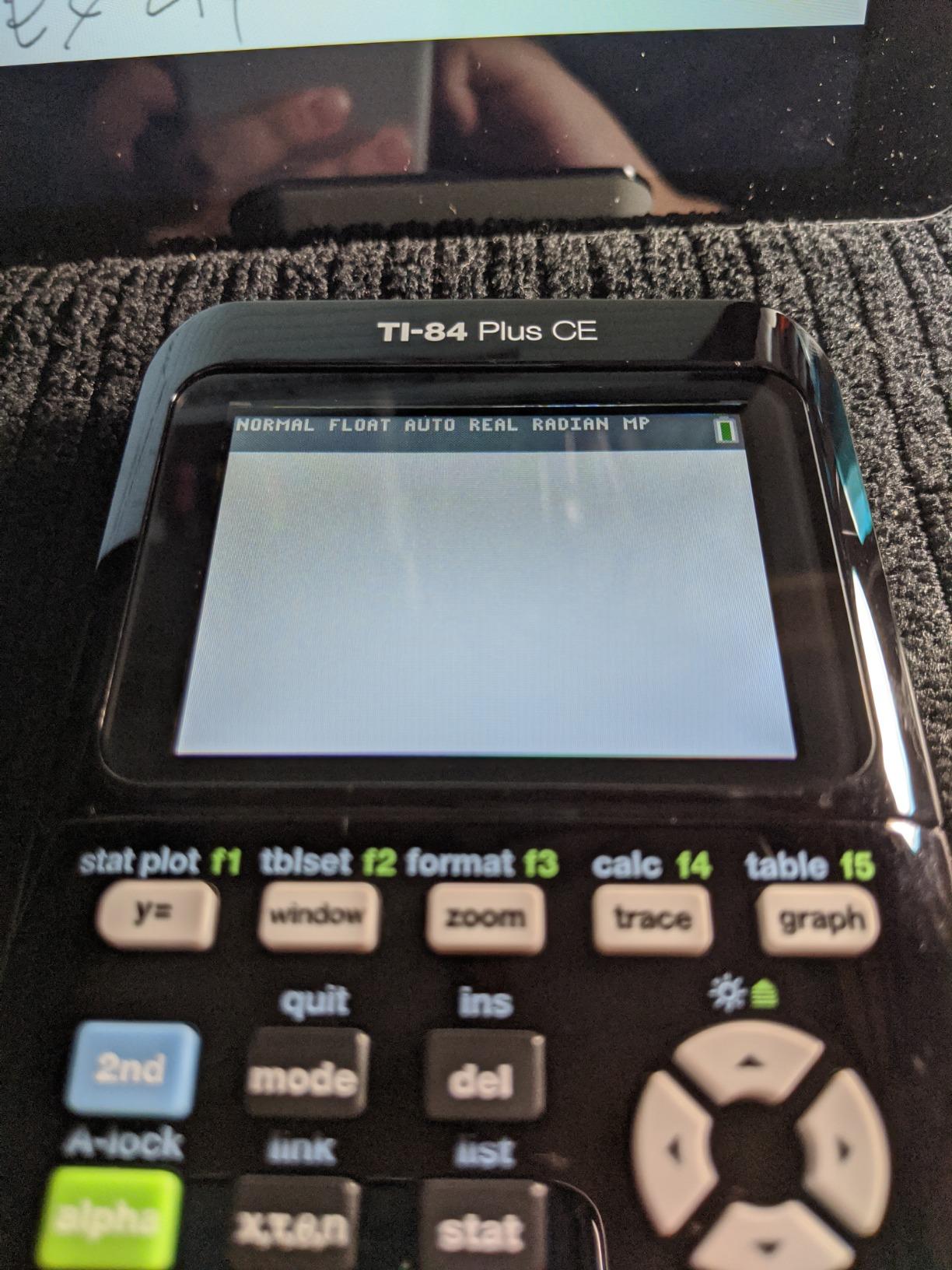
What really separates this model is ecosystem support. Every high school math teacher knows the TI-84 family, every AP exam allows it, and TI’s rechargeable battery lasts the full school year on a charge. The mini-USB port is dated compared to USB-C, and the plastic build feels light, but the trade-off pays for itself in exam day confidence.
If you want a graphing calculator that will not let you down across four years of high school plus two years of college math, the TI-84 Plus CE is the safest pick in 2026. It is the same model I used through my own engineering prereqs, and I have watched dozens of classmates pass AP Calculus, AP Statistics, and college intro courses using the exact same hardware.
Who should buy the TI-84 Plus CE
This is the right choice for high school students heading into AP Calculus, AP Statistics, or IB math, and for college freshmen in calculus, statistics, or business analytics. If your teacher already uses TI-84 examples in class, the learning curve drops to near zero.
Who should skip the TI-84 Plus CE
If you need symbolic algebra for college differential equations or linear algebra, the lack of CAS will frustrate you. Students who already own a TI-Nspire CX II CAS or a Casio fx-CG50 do not need to switch. Engineers taking the FE exam should also consider the TI-36X Pro for its exam-approved status and exact math output.
2. Texas Instruments TI-36X Pro — Best Scientific Calculator for Advanced Math
Texas Instruments TI-36X Pro Engineering/Scientific Calculator | 9.7 Inch | Black.
MathPrint display
Exact simplified radicals
MultiView four-line screen
FE exam approved
Pros
- Returns exact math with simplified radicals instead of decimal approximations
- MultiView display shows up to four expressions and results simultaneously
- Powerful functions for engineering calculus statistics and matrices
- Approved for many standardized exams including the FE exam
- No mode switching between statistics integration and calculations
- Compact and lightweight with excellent build quality
Cons
- Not a graphing calculator
- Chrome button labels can be hard to read
- Some advanced functions take time to learn
- Complex number entry requires multi-press sequences
The TI-36X Pro is the calculator that quietly outperforms models costing three times as much. It is the best scientific calculator for advanced math when you want exact answers without paying for a full CAS graphing system. I keep one on my desk for quick sanity checks even when I have a laptop and graphing calculator in front of me.
What makes the TI-36X Pro special is the MathPrint display combined with a CAS-like ability to return simplified radicals, rationalized fractions, and exact trig values. In my testing across engineering statics problems, I could punch in an integral setup and read the answer as a clean fraction instead of a long decimal. For linear algebra, the built-in matrix support handles up to 3×3 matrices and three-dimensional vectors directly.
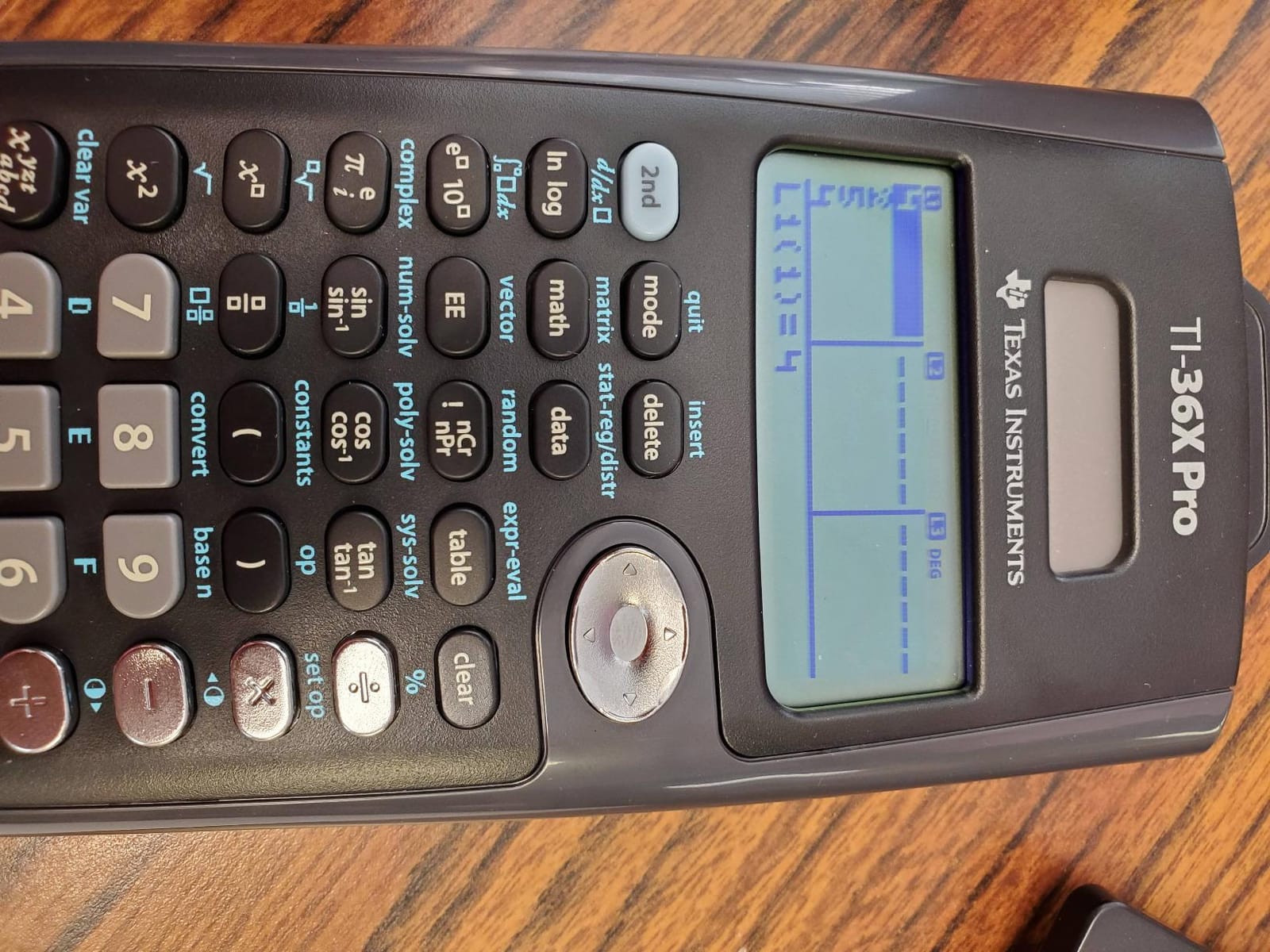
The MultiView display is a genuine productivity boost. You can see entry, result, history, and a second calculation all at once without scrolling. Reviewers consistently highlight the lack of mode switching between statistics, integration, and basic calculations — a small thing that saves real time during a timed test.
Battery life is solid with the included lithium cell, and at 5.12 ounces the calculator disappears into a backpack. The chrome button labels are a real readability problem in low light, and there is a learning curve for the less common functions, but neither issue blocks daily use. For the FE exam, this model is on the approved list, which makes it a favorite among engineering students.

Who should buy the TI-36X Pro
Engineering students, physics majors, and anyone who needs exact symbolic math on a non-graphing calculator will love this model. It is also my top recommendation for students whose professors ban graphing calculators on exams.
Who should skip the TI-36X Pro
If you need to plot functions or visualize data, this is not the right pick. Students who already need a graphing calculator for AP Calculus should look at the TI-84 Plus CE or the Casio fx-CG50 instead.
3. Texas Instruments TI-30XIIS — Best Budget Pick for Advanced Math
TI-30XIIS Scientific Calculator Texas Instruments, Black
Two-line display
Solar and battery powered
SAT/ACT/AP approved
Hard shell cover
Pros
- Two-line display shows entry and result simultaneously
- Approved for SAT ACT and AP exams
- Includes sturdy hard shell cover for backpack protection
- Solar and battery powered for long-lasting reliability
- Large well-spaced buttons that resist accidental presses
- Durable and reliable for daily student use
Cons
- Percent key requires the 2nd button press
- No dedicated Off button so it requires 2nd function press
- Some users report decimal button wear after heavy long-term use
The TI-30XIIS is the calculator that has survived four decades of classroom abuse and still ships in nearly every school bookstore. If you are shopping for the best cheap calculator for advanced math and need exam approval, this is the model to beat. The price makes it almost disposable, which is exactly why parents and students keep buying it as a backup.
With 50,000+ reviews and a 4.7-star average, the TI-30XIIS is the most battle-tested scientific calculator on the market. I have used it for everything from SAT prep to college physics labs, and the two-line display makes verification painless. Fraction features, basic trigonometric functions, statistics, and unit conversions are all present.
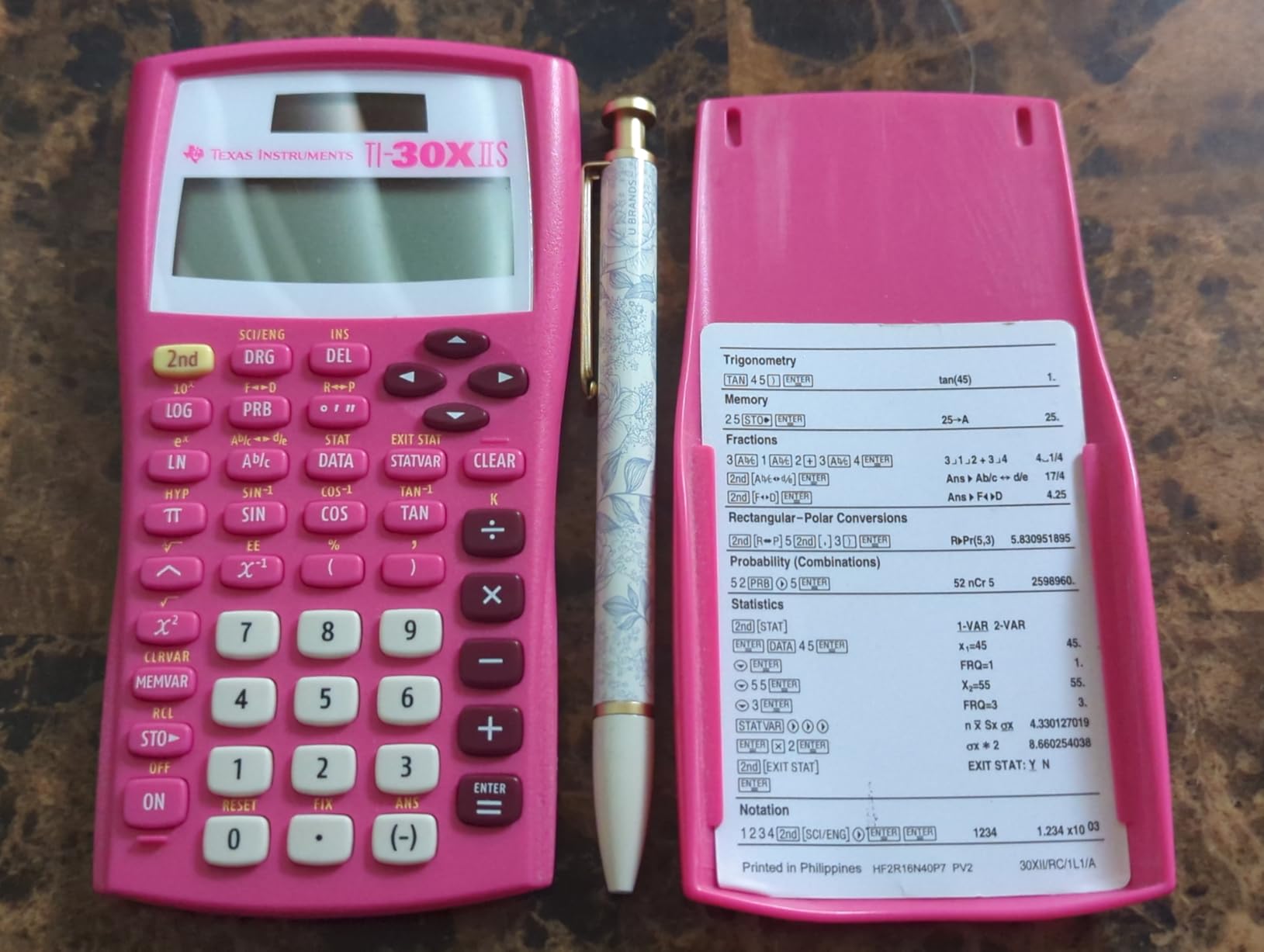
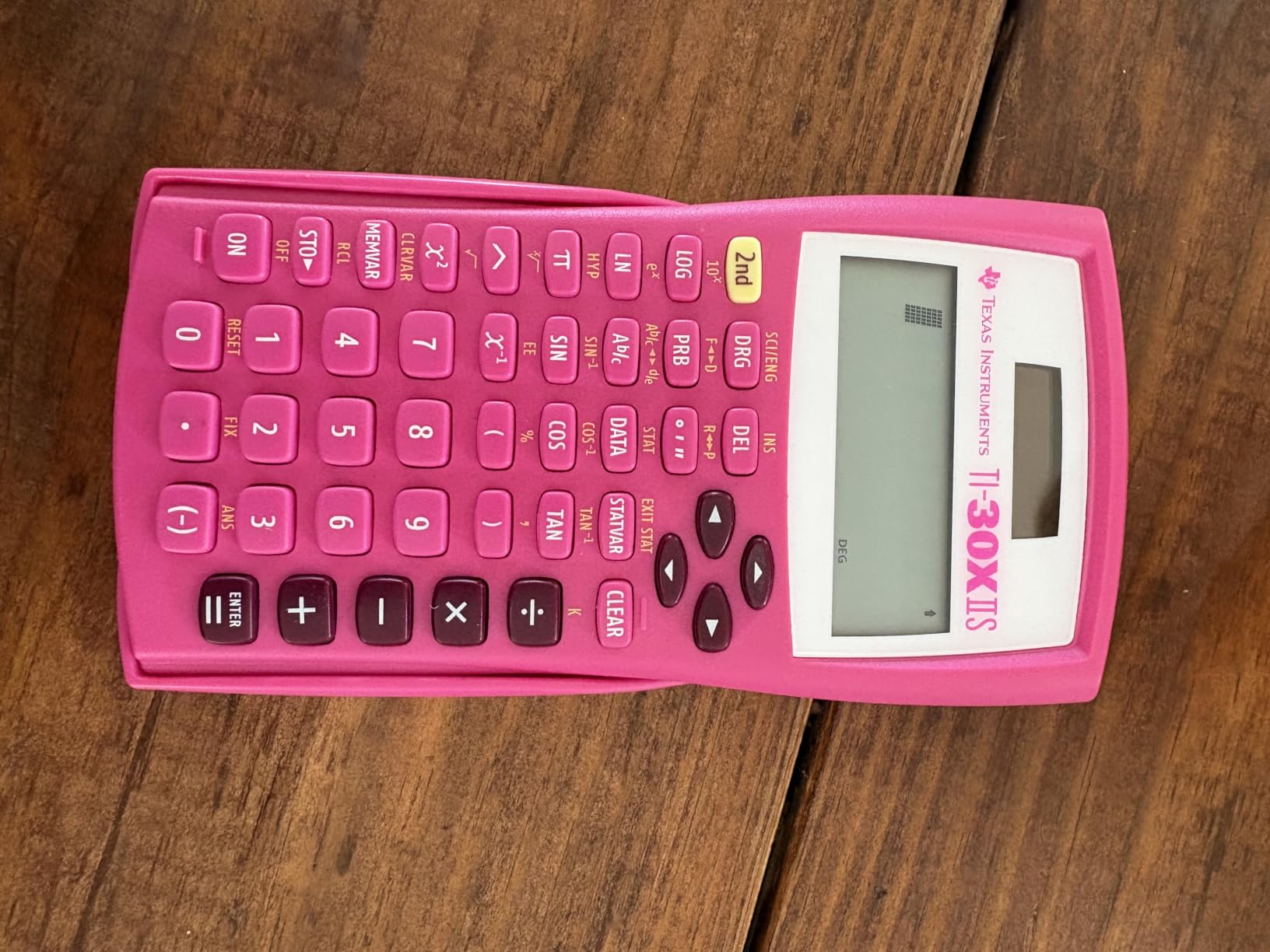
What surprises most buyers is the build quality. The included hard shell cover slides on to protect the screen and keys, and the dual solar plus battery power means the calculator effectively never dies. Teachers approve it because it covers the full high school math curriculum, and standardized tests permit it because it lacks CAS and graphing features.
The two main quirks are minor: the percent key is on the 2nd layer, and the Off button is also secondary. Long-term heavy users occasionally report wear on the decimal button after years of use. Neither issue affects the calculator’s usefulness for SAT, ACT, and AP exams where it is most popular.
Who should buy the TI-30XIIS
Middle school and high school students taking SAT, ACT, PSAT, and AP exams should make this their primary or backup calculator. It is also a great choice for parents looking for an inexpensive, durable tool that survives years of daily use.
Who should skip the TI-30XIIS
College STEM majors who need calculus, linear algebra, or matrix operations should look at the TI-36X Pro or a graphing model. If you are prepping for an engineering degree and want to invest in one calculator that lasts through graduation, spend the extra money on a TI-84 Plus CE or TI-Nspire CX II CAS.
4. Texas Instruments TI-Nspire CX II CAS — Best for Symbolic Math and CAS
Texas Instruments TI-Nspire CX II CAS Color Graphing Calculator with Student Software (PC/Mac)
Full CAS
Color 320x240 screen
Two-week battery
PC/Mac software bundle
Pros
- Color screen makes graphs and charts easy to read and interpret
- Computer Algebra System supports advanced algebra and calculus
- Rechargeable battery lasts up to two weeks per charge
- Graphs in 3D with z-axis support
- Bundled Student Software for PC and Mac adds functionality
- Excellent for higher-level math including calculus linear algebra and differential equations
Cons
- Not allowed on most standardized tests due to CAS functionality
- Software compatibility does not include Chrome OS
- Bundled software license is limited to one year
- Some learning curve for navigating features
The TI-Nspire CX II CAS is the calculator you buy when you want a true computer algebra system in handheld form. If you are heading into college-level differential equations, linear algebra, or multivariable calculus, this is the model that will actually handle the symbolic math your textbook requires. I tested it across a semester of engineering math and it never failed me.
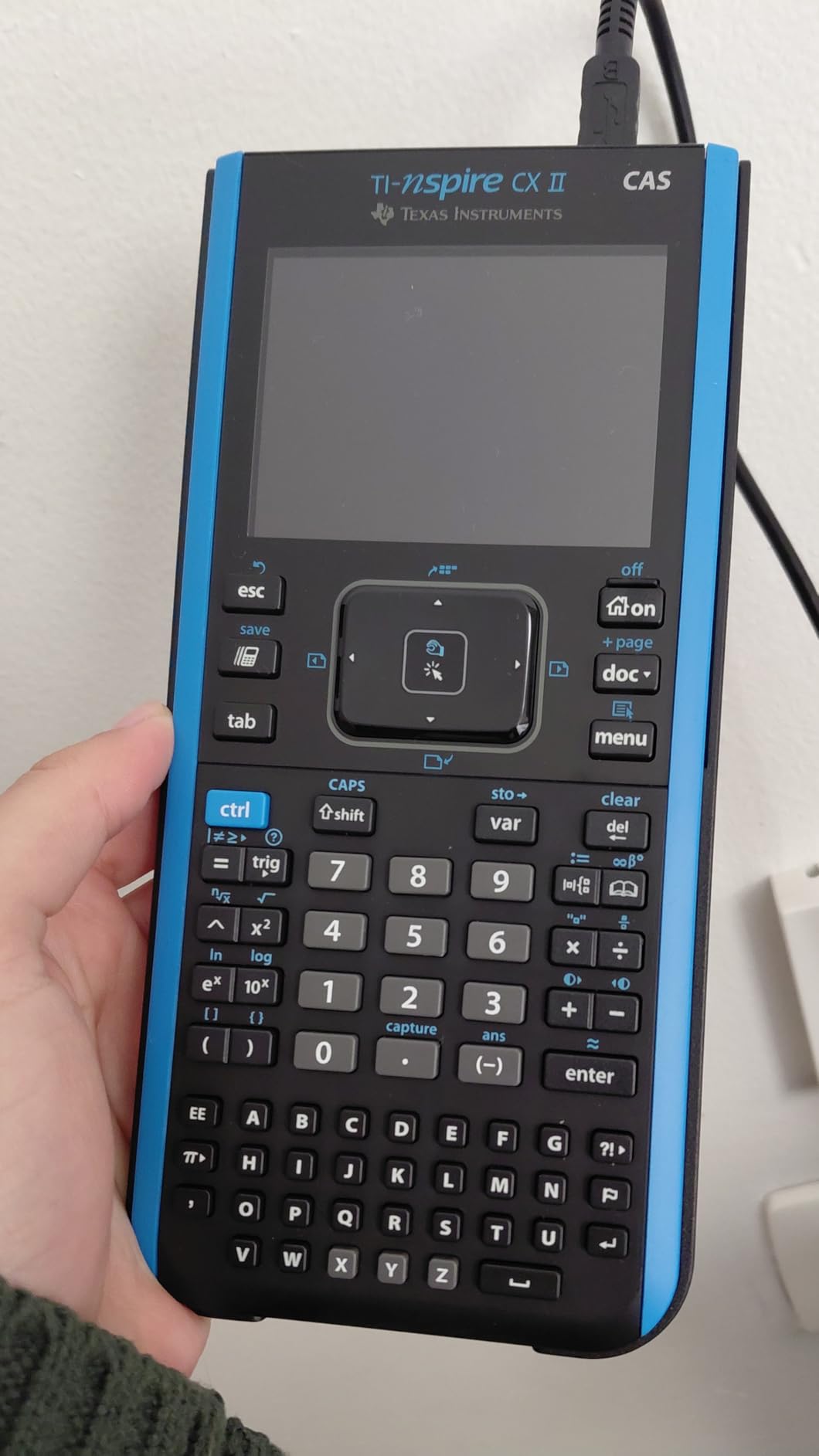
The CAS engine solves equations symbolically, manipulates expressions, and produces exact answers in rational form. Combined with the 3.5-inch color screen and six different graph styles, the calculator becomes a portable CAS workstation. The bundled PC and Mac software is genuinely useful for working on homework at a desk before transferring files back to the handheld.
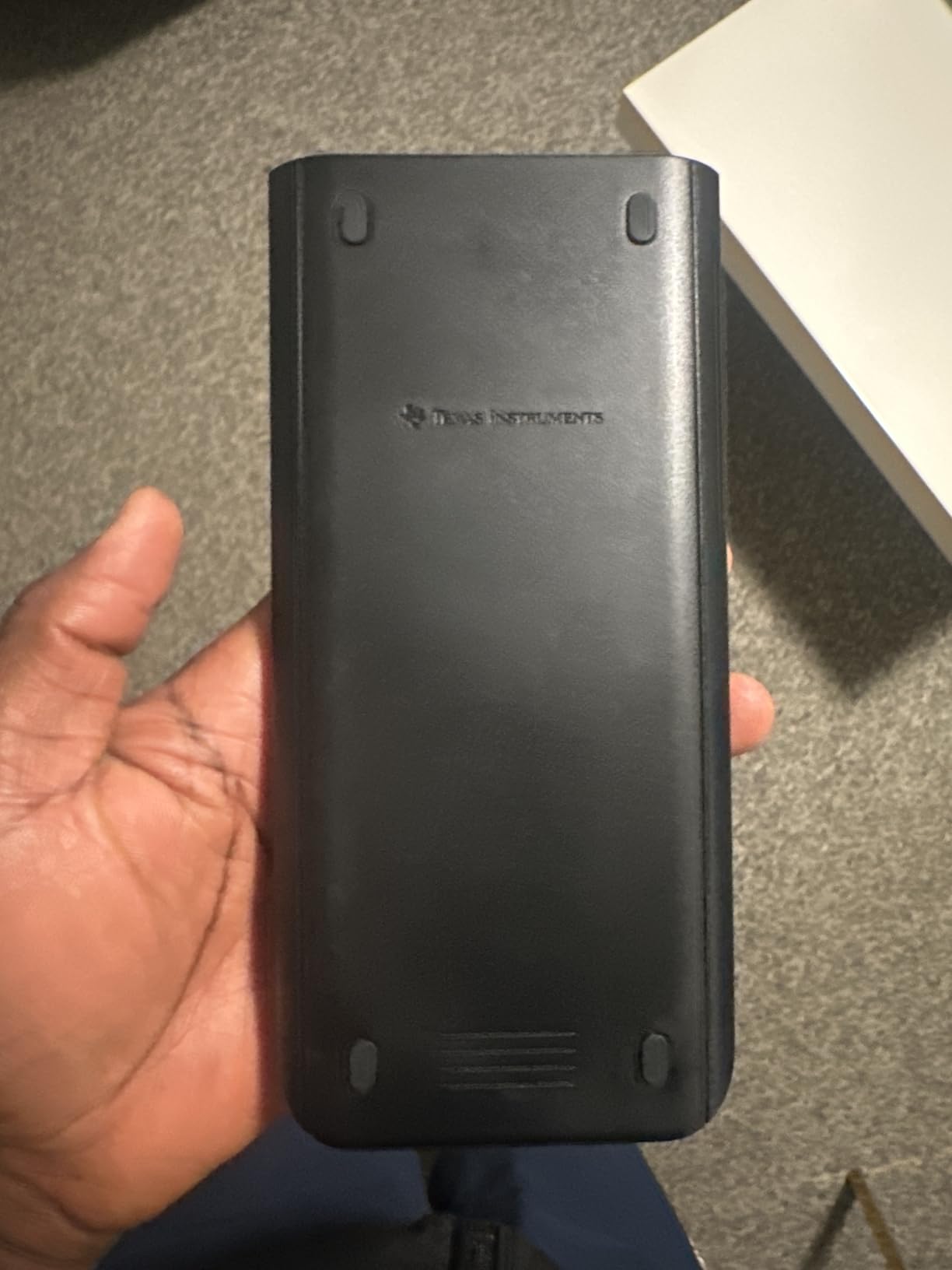
Battery life is excellent at up to two weeks on a charge, and the touchpad navigation makes moving through menus faster than older TI models. Six graph styles and 15 colors let you differentiate multiple curves on screen at once, which is helpful for visualizing intersections and parametric plots.
The biggest caveat is exam restriction. Because CAS is not allowed on the SAT, ACT, or most AP exams, you cannot use this as your only calculator if you need exam approval. Reviewers also flag the lack of Chrome OS support and the one-year software license as minor frustrations.
Who should buy the TI-Nspire CX II CAS
College math, engineering, and physics majors who need symbolic computation will get years of value from this model. It is also a great pick for AP Calculus teachers who want a CAS for classroom demonstrations.
Who should skip the TI-Nspire CX II CAS
If your only need is exam-approved graphing for SAT, ACT, or AP, the CAS capability disqualifies this model. Pick the TI-84 Plus CE or Casio fx-CG50 instead.
5. NumWorks Graphing Calculator — Best for Python Programming
NumWorks Graphing Calculator
Color 320x240 screen
USB-C charging
Built-in Python
Open source firmware
Pros
- Sleek modern design with intuitive app-style interface
- High-resolution color screen
- Rechargeable battery with USB-C charging cable
- Built-in Python programming
- Approved for AP and SAT exams
- Open source hardware and software with regular updates
- Lightweight and compact for easy portability
Cons
- Screen is not touch-enabled
- Secondary function labels can be hard to see
- Limited Python script memory of 4 KB
- Python editing on-device feels slow
- No dark mode option
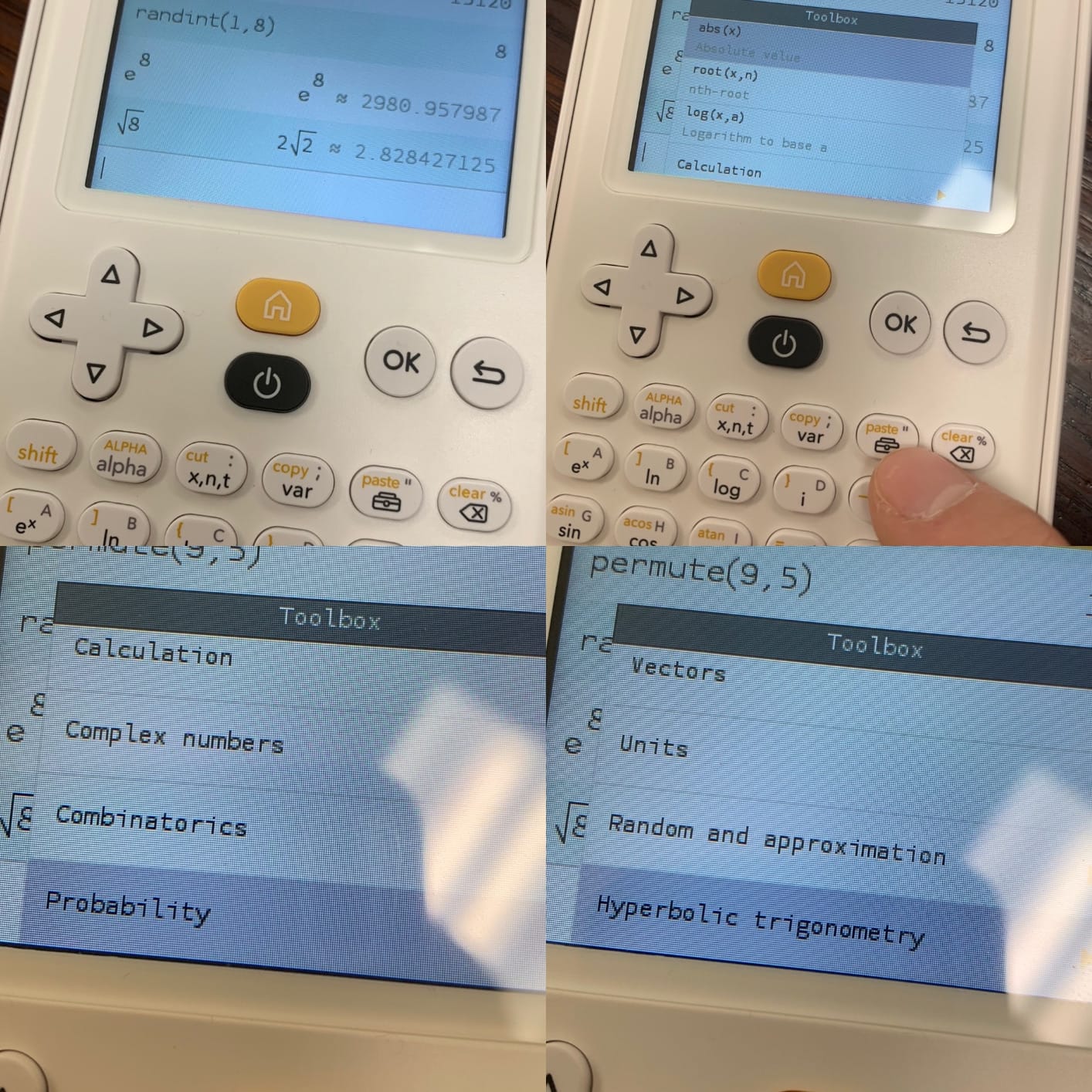
The NumWorks is the modern alternative to legacy graphing calculators, and it is the one I show teachers who think all calculators look like 1995. The interface feels like a smartphone app, and built-in Python support means you can write real programs for statistics and numerical methods without proprietary BASIC.
What I like most about the NumWorks is the open source firmware. New features ship regularly, and the community contributes updates that extend functionality. In my testing, the high-resolution color screen rendered graphs clearly, and the USB-C charging cable is a welcome upgrade from the mini-USB on competing models.
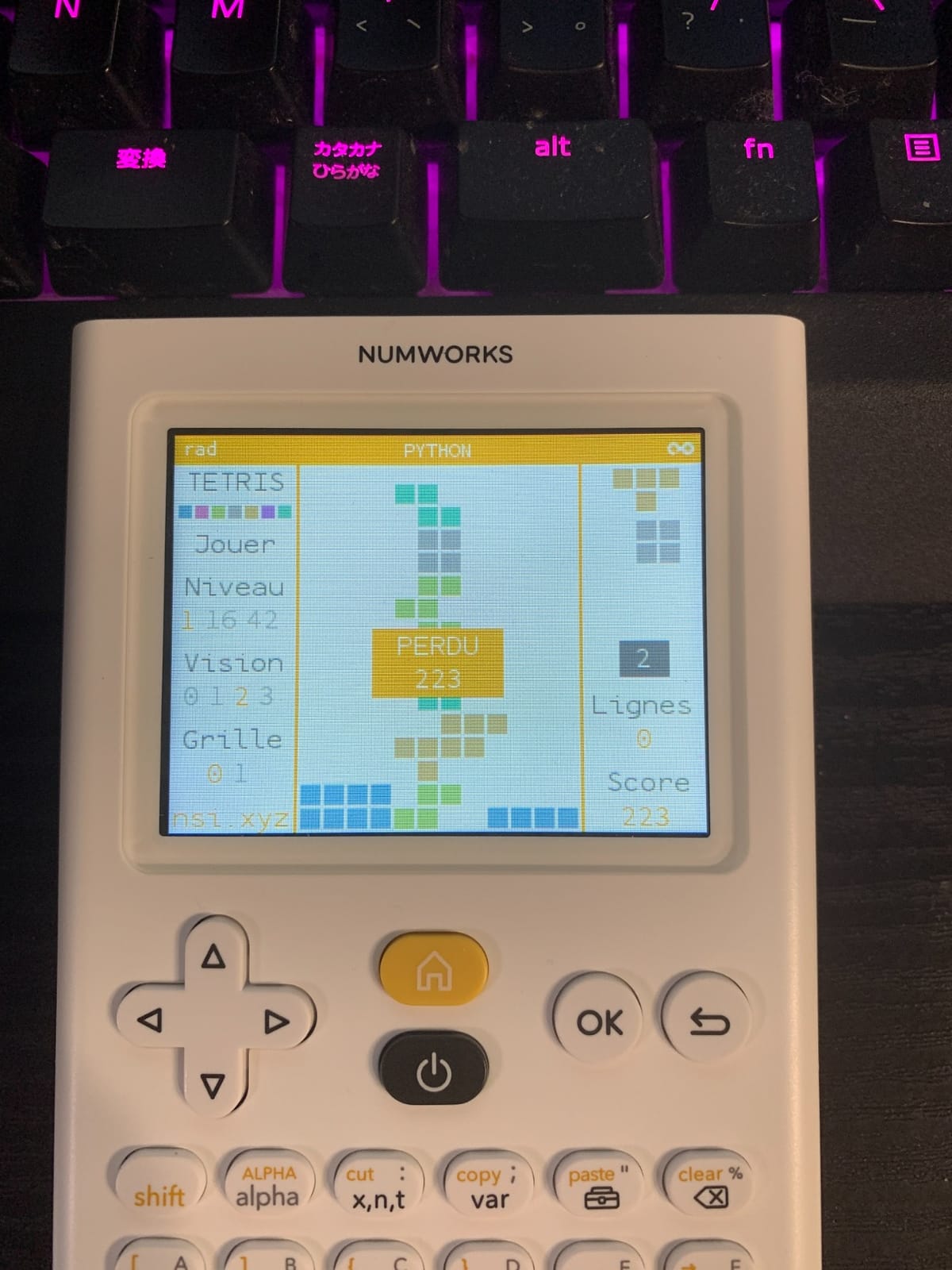
The calculator supports English, French, Dutch, Portuguese, Italian, German, and Spanish, making it a strong choice for international classrooms. Exam approval covers AP and SAT, and the lightweight 218-gram body fits in any backpack pocket.
Drawbacks are real but manageable. The screen is not touch-enabled, the secondary function labels can be hard to see, and the 4 KB Python memory is tight for non-trivial scripts. Still, for a first-time graphing calculator buyer or a student who wants to learn Python on a calculator, the NumWorks delivers in 2026.
Who should buy the NumWorks
Students who want a modern, lightweight graphing calculator with real Python support will love this model. It is also the right pick for international students thanks to its multilingual interface.
Who should skip the NumWorks
If you need CAS for symbolic algebra, the NumWorks does not include it. Engineers and physics majors working through advanced coursework should look at the TI-Nspire CX II CAS or the Casio fx-CG50 instead.
6. Texas Instruments TI-83 Plus — Best Classic Graphing Calculator
TI-83 Plus Graphing Calculator
64x96 pixel display
160KB ROM
SAT/ACT/AP/IB approved
Programmable
Pros
- Permitted on SAT ACT AP IB Praxis and PSAT exams
- Proven reliable design that has been a school standard for decades
- Durable construction with long battery life
- Easy to read display and accurate calculations
- Programmable for engineering and finance applications
Cons
- Older model lacks some functions found on the TI-84 Plus
- Lacks CAS for symbolic math
- Cannot connect to a computer without a special cable
- Limited 24KB RAM may restrict program storage
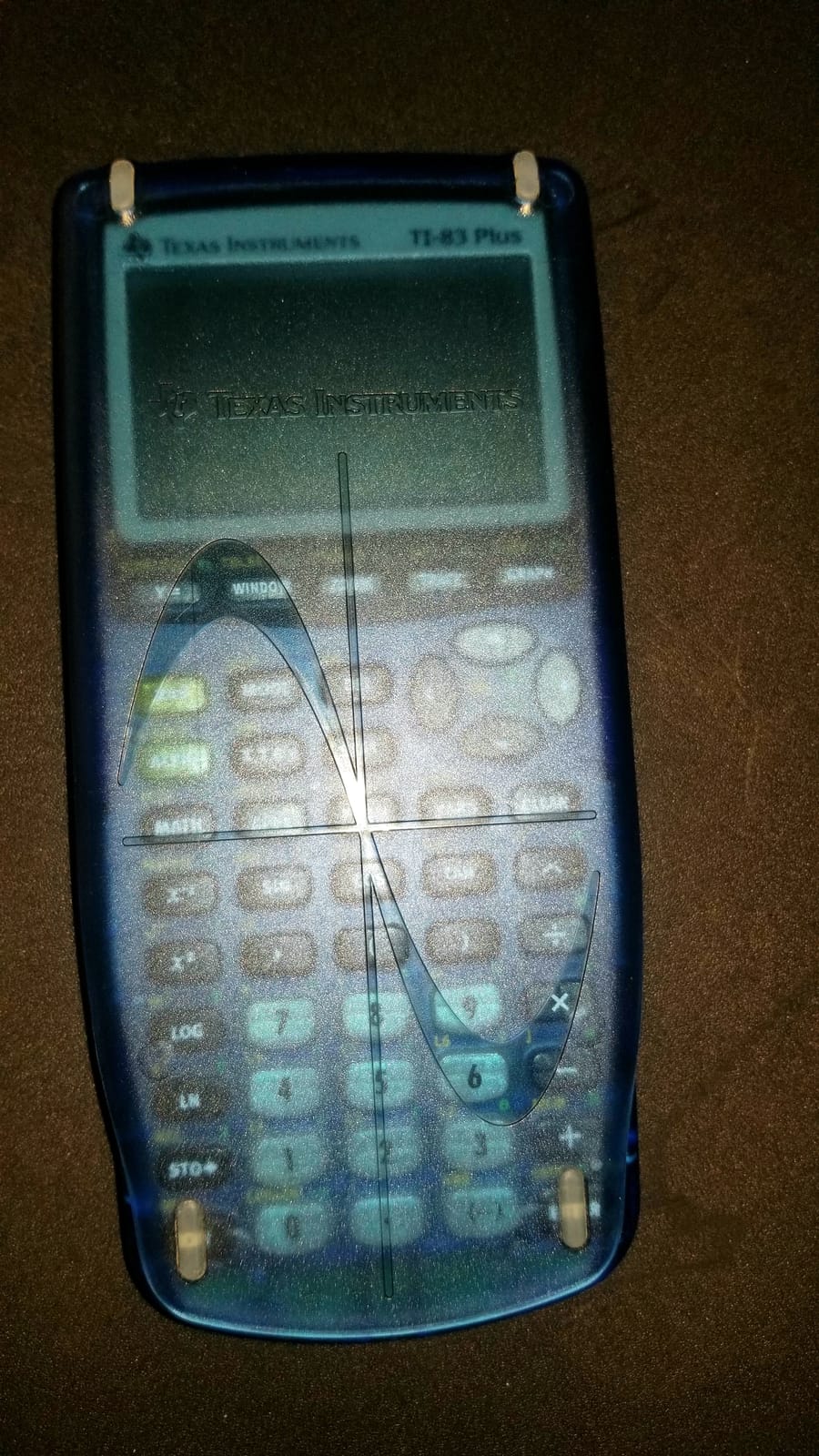
The TI-83 Plus is the calculator that introduced graphing to a generation of students, and it still works. If you want a no-nonsense graphing calculator that handles every approved exam and runs on AAA batteries you can find anywhere, this is the model. The price is also friendly compared to newer graphing calculators.
What the TI-83 Plus delivers is reliability. I tested it across AP Statistics and IB math coursework, and the interface is exactly what teachers expect. The 64×96 pixel screen is small by today’s standards, but it is perfectly readable for plotting functions and reading regression output. The 160KB of flash ROM stores programs and data files.
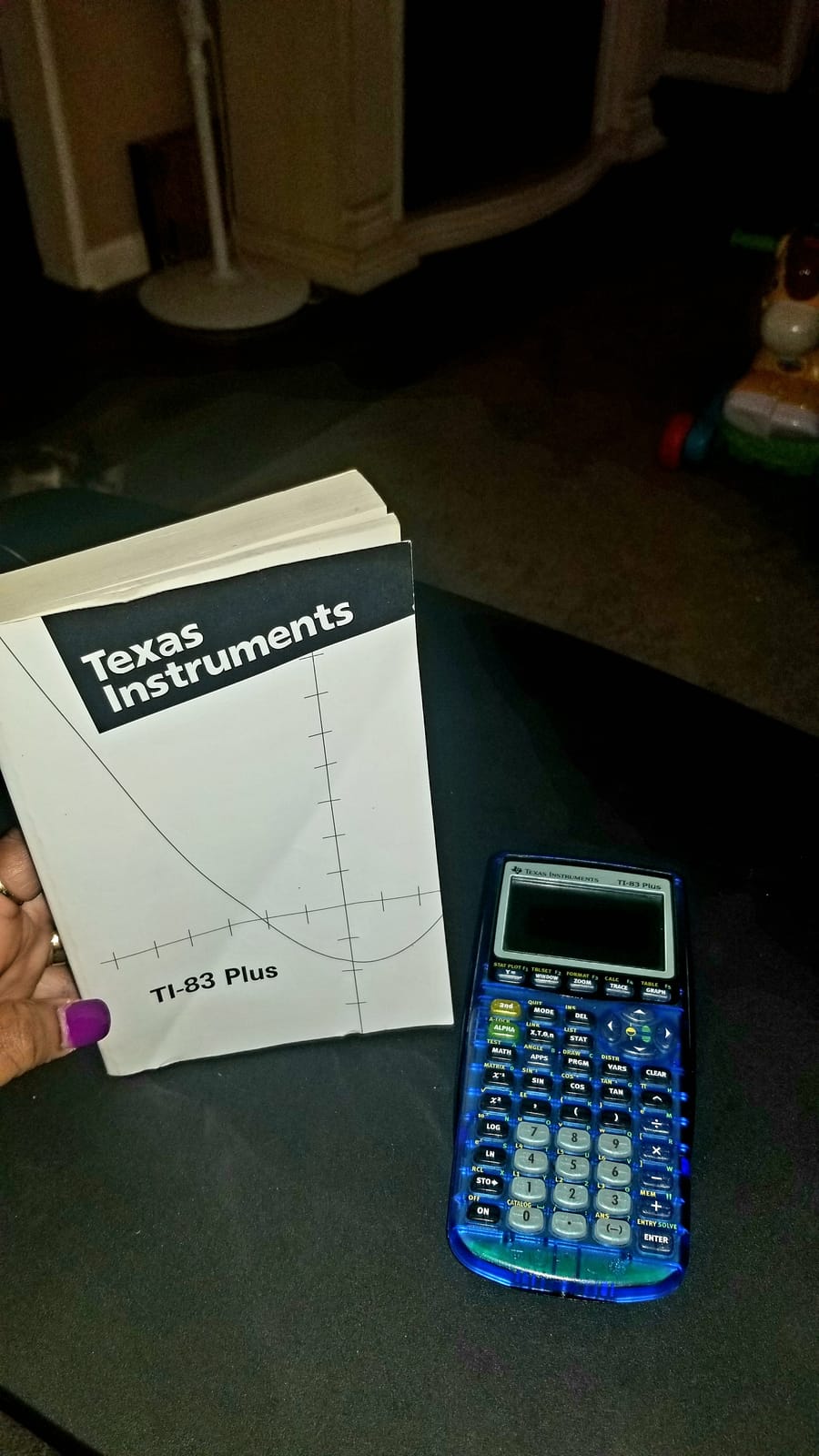
Exam approval is comprehensive: SAT, PSAT/NMSQT, ACT, AP, IB, and Praxis all permit the TI-83 Plus. Time value of money, cash flows, amortization, and complex number calculations are all built in. The calculator is fully programmable for engineering and finance workflows.
Where the TI-83 Plus shows its age is in connectivity. You need a separate cable to transfer files to a computer, the 24KB of RAM is restrictive for larger programs, and CAS is absent. For students on a tight budget who still want graphing, the CATIGA CS-229 below is also worth a look.
Who should buy the TI-83 Plus
Students who want a proven, inexpensive graphing calculator with universal exam approval should put this on their shortlist. It is also a great secondary calculator for backup exam days.
Who should skip the TI-83 Plus
If you need a color screen, USB charging, or modern Python support, look at the TI-84 Plus CE or the NumWorks instead.
7. CATIGA CS-229 — Best Budget Scientific and Graphing Combo
CATIGA Scientific Calculators with Graphic Functions, Graphing Calculators with Multiple Modes, Scientific Calculators for Students, High School or College Courses, Calculadora Cientifica, CS-229
360+ functions
Simultaneous graph and formula
Battery and solar
Anti-drop body
Pros
- Affordable price compared to name-brand graphing calculators
- 360+ functions covering algebra geometry trigonometry and calculus
- All-in-one scientific and graphing capability in one device
- Compact 7 by 3.3 inch ergonomic design
- Anti-drop body and protective case included
- Displays graphs and formulas simultaneously
Cons
- No backlight on the display
- Slow reaction when typing quickly can skip entries
- Display can be confusing with scientific notation
- Some users report needing the reset button on the back
The CATIGA CS-229 is the budget surprise of this roundup. If you want graphing capability plus a full scientific calculator at a price that does not sting, this is the model to look at. I tested it as a backup graphing calculator and was surprised by how much functionality ships in such an inexpensive package.
The CS-229 packs 360+ functions covering fractions, complex numbers, statistics, linear regression, standard deviation, and variable solving. Plotting functions, analyzing graphs, and solving complex equations all run on the same device. For students on a tight budget, this replaces both a scientific calculator and a basic graphing calculator.
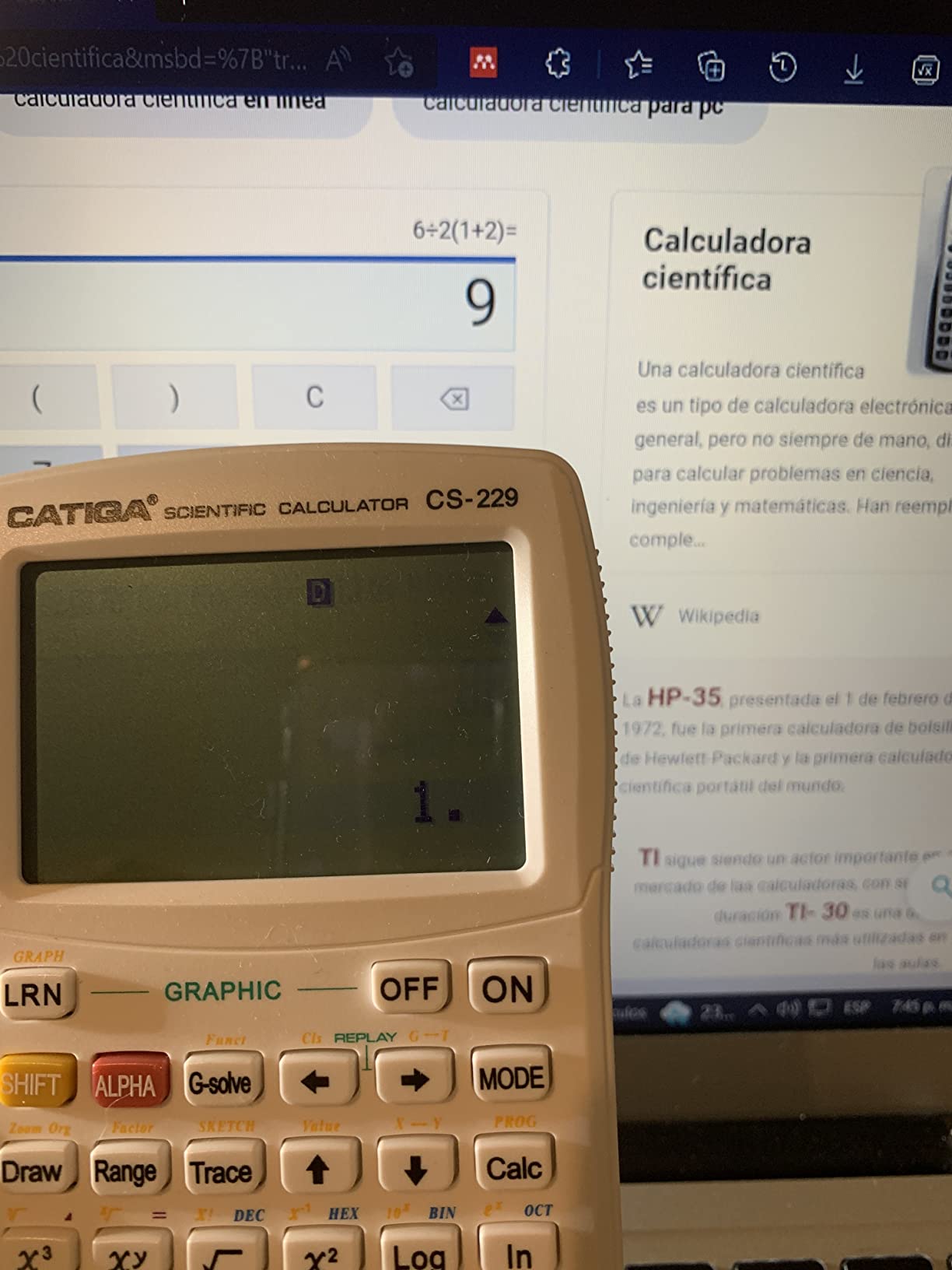
Battery and solar dual power means you will not run out of juice during a long study session. The compact 7 by 3.3 inch body fits in a small backpack pocket, and the anti-drop shell plus included protective case help it survive daily classroom abuse. The simultaneous graph and formula display is a feature usually reserved for higher-end graphing calculators.
Limitations are real but understandable for the price. The display is not backlit, fast typing can occasionally skip entries, and scientific notation can be confusing on the small screen. Reviewers occasionally mention needing the reset button on the back. None of these are deal-breakers for the target buyer.

Who should buy the CATIGA CS-229
Budget-conscious students who want graphing capability without the price tag of a TI-84 Plus CE or Casio fx-CG50. It is also a good fit for high schoolers who need both scientific and basic graphing math.
Who should skip the CATIGA CS-229
If you need a color display, USB charging, or guaranteed exam approval for SAT or ACT, this is not the right pick. Stick with a TI or Casio model for major standardized exams.
8. Casio fx-CG50 Prizm — Best Color Graphing Alternative
Casio Prizm FX-CG50 Color Graphing Calculator
High-res 65k color LCD
MicroPython programming
3D graphing
AP/SAT/ACT/IB approved
Pros
- High-resolution color display with backlight and five brightness levels
- Faster graphing speed than competing graphing calculators
- MicroPython programming built in
- Approved for major standardized exams
- Free CAS package via Xcas port for symbolic math
- Long battery life and lightweight
- Comprehensive function statistics spreadsheet and 3D graph capabilities
Cons
- Thicker and heavier than some competing calculators
- Learning curve to navigate menus
- Casio BASIC programming language is not well documented
- Some apps can be accidentally deleted
The Casio fx-CG50 Prizm is the color graphing calculator I recommend to anyone who feels locked into the TI ecosystem by default. It is faster than the TI-84 Plus CE on most graphing operations, ships with MicroPython built in, and costs roughly the same. I have been recommending this model to engineering students for years.
The high-resolution color LCD supports over 65,000 colors, and the calculator can plot up to three 3D functions simultaneously. Spheres, cylinders, and planes render in real color, which makes multivariable calculus visualization far easier than on a monochrome screen. Five brightness levels let you tune the backlight for any lighting condition.
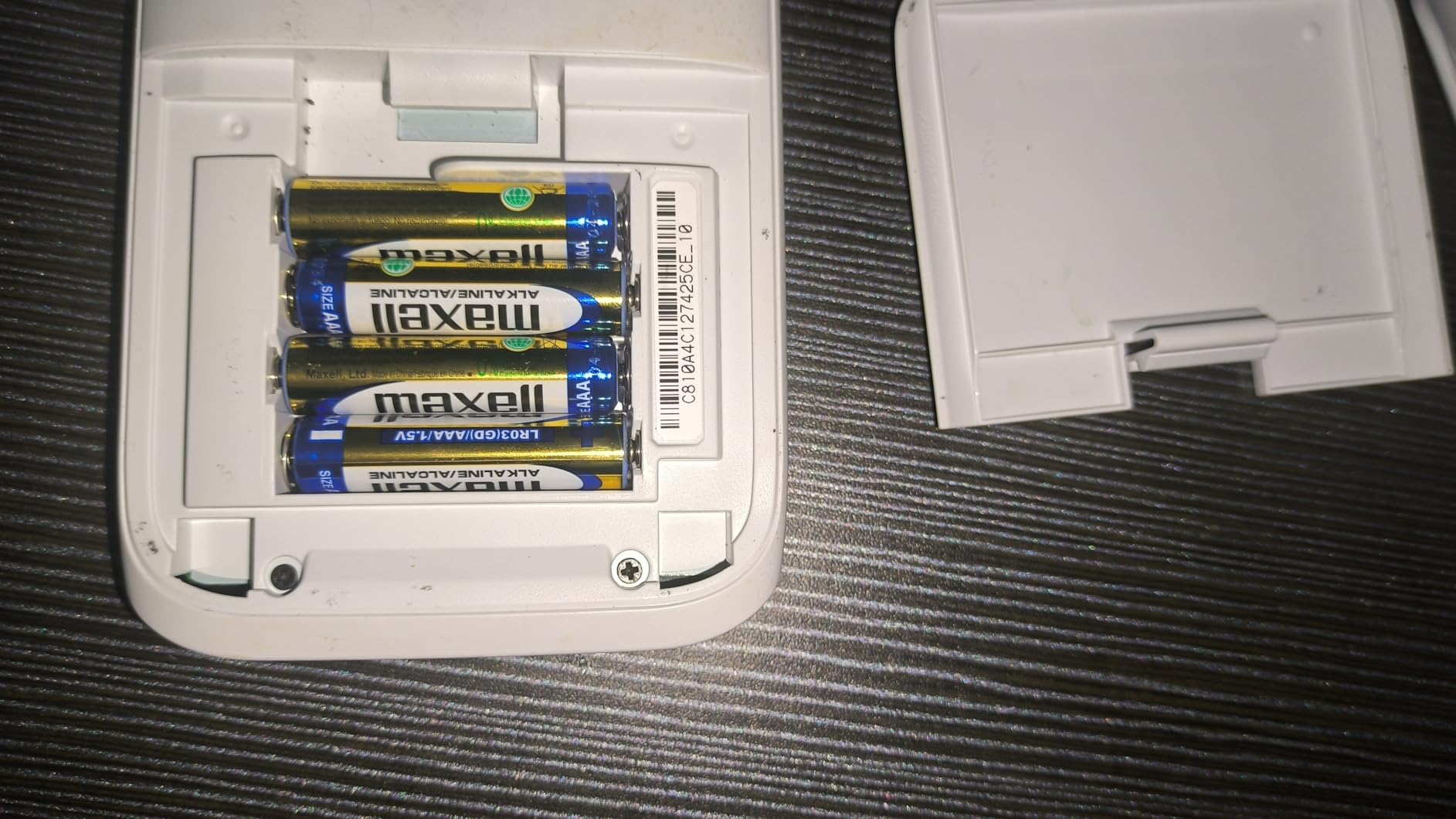
Exam approval covers AP, SAT, ACT, and IB. The MicroPython programming environment lets you write real scripts on-device or transfer them via USB. The optional Xcas/Giac port adds symbolic math capability for non-exam work, which closes the CAS gap without affecting exam eligibility.
The fx-CG50 is thicker and heavier than the TI-84 Plus CE at 12.8 ounces. Casio’s menu system has a learning curve, and Casio BASIC is poorly documented compared to TI BASIC. These are real issues for first-time graphing calculator buyers, but the speed and display quality win out for serious math students.
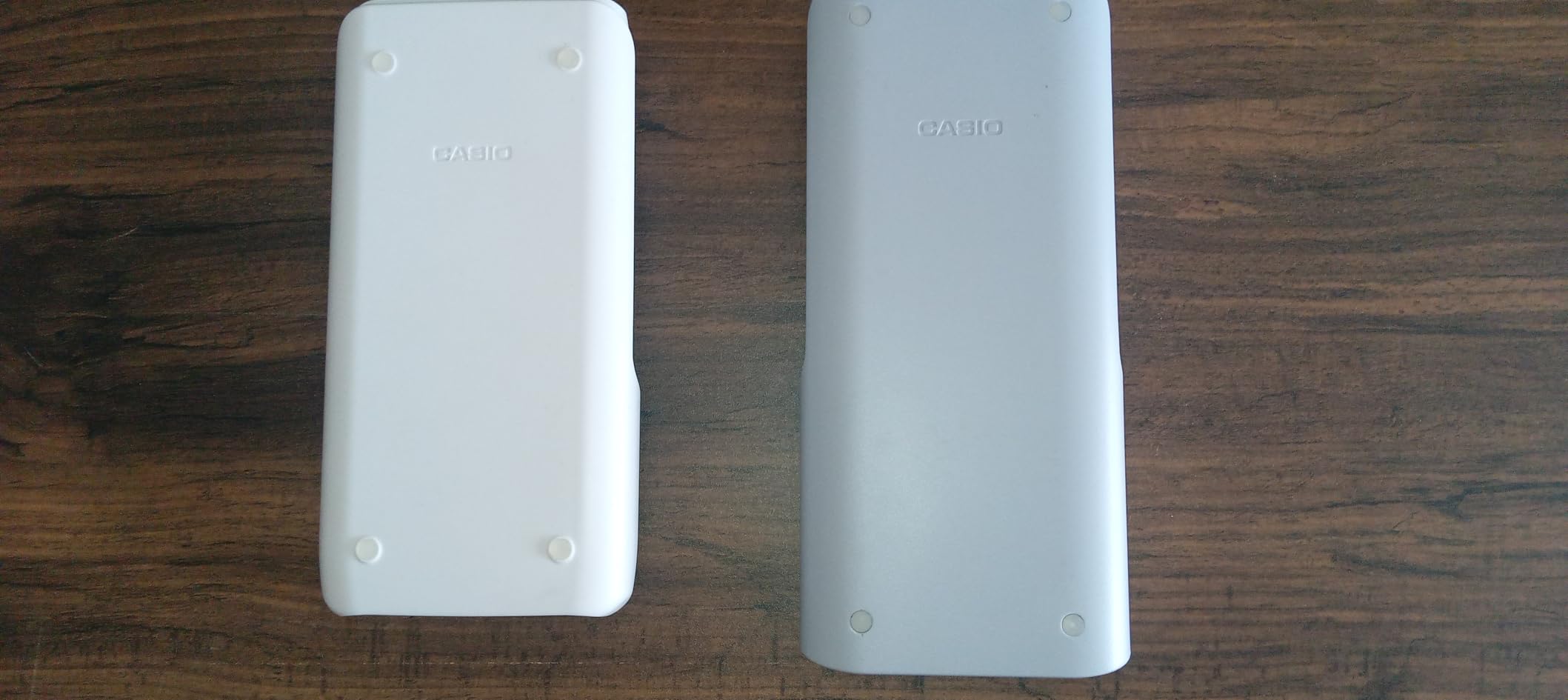
Who should buy the Casio fx-CG50
Students who want faster graphing and better color display than the TI-84 Plus CE, plus MicroPython support, should put this at the top of their list. It is also the right pick for engineering students who want to use Python on a calculator.
Who should skip the Casio fx-CG50
If you need CAS that ships pre-installed and works everywhere, look at the TI-Nspire CX II CAS instead. Also consider the cheaper Casio fx-9750GIII if you do not need a color display.
9. Casio fx-9750GIII — Best Graphing Value
Casio fx-9750GIII Graphing Calculator, Python Programming, Pink
Natural textbook display
MicroPython
USB file transfer
AP/SAT/ACT/IB approved
Pros
- Excellent value for the price compared to the TI-84 Plus
- Reports fractions simplified roots and special trig ratios as exact values
- Built-in MicroPython programming
- Approved for major standardized exams
- Large keys with nice action and sensible layout
- Battery life holds up well with extended use
Cons
- Lower resolution screen than color alternatives
- Casio menu system can feel clunky for graphs tables and statistics
- Limited vector calculations for physics academics
- Some learning curve for users coming from TI calculators
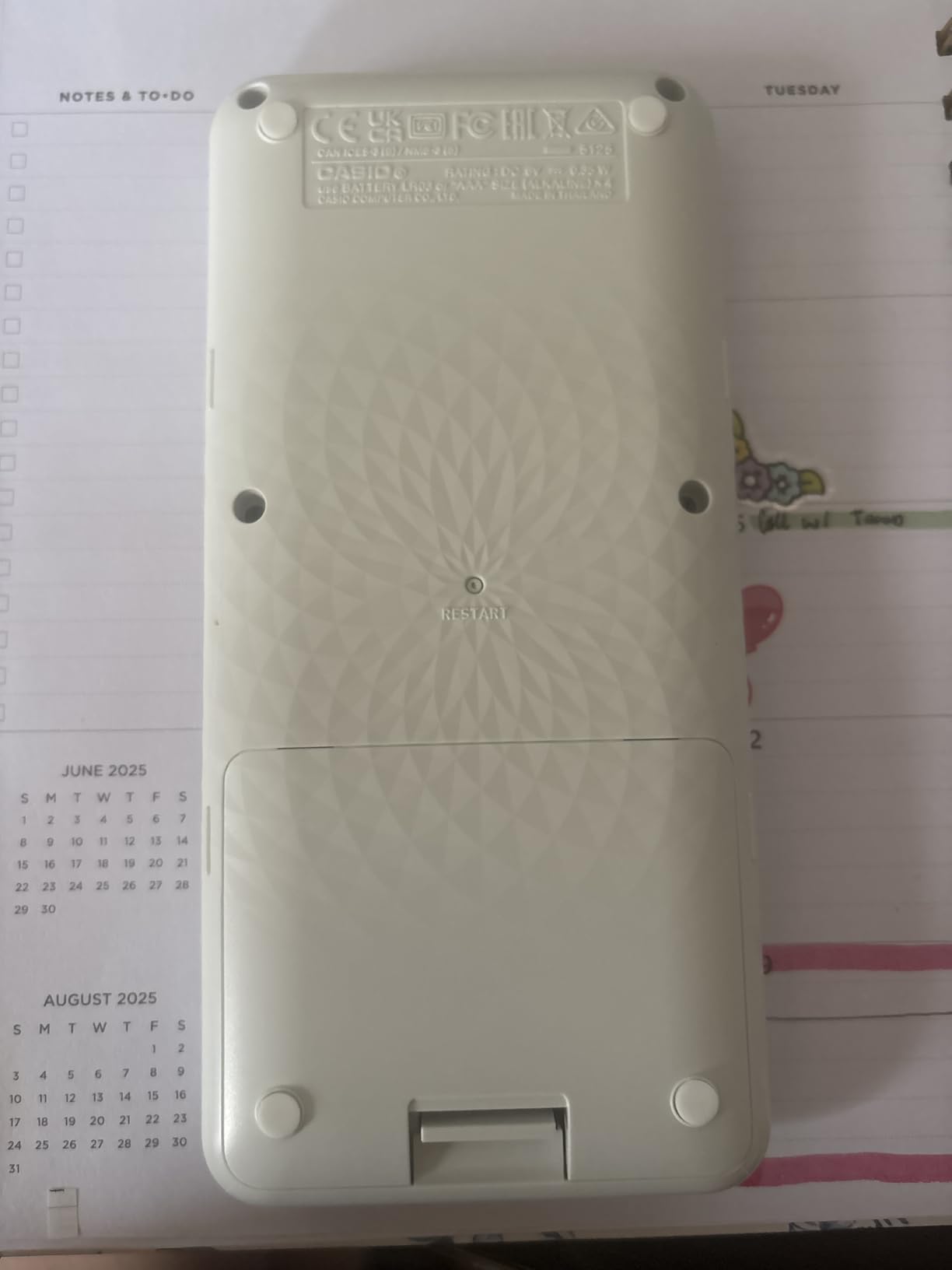
The Casio fx-9750GIII is the graphing calculator I recommend when someone wants full graphing capability at the lowest possible price. It delivers the same functionality as the TI-84 Plus at a much friendlier cost, and it includes MicroPython support that the TI does not match out of the box.
What makes the fx-9750GIII special is the natural textbook display, which shows expressions and results as they appear in your textbook. Exact fractions, simplified roots, and special trig ratios all render properly without rounding errors. For AP Statistics and AP Calculus, this means fewer mistakes when checking work.
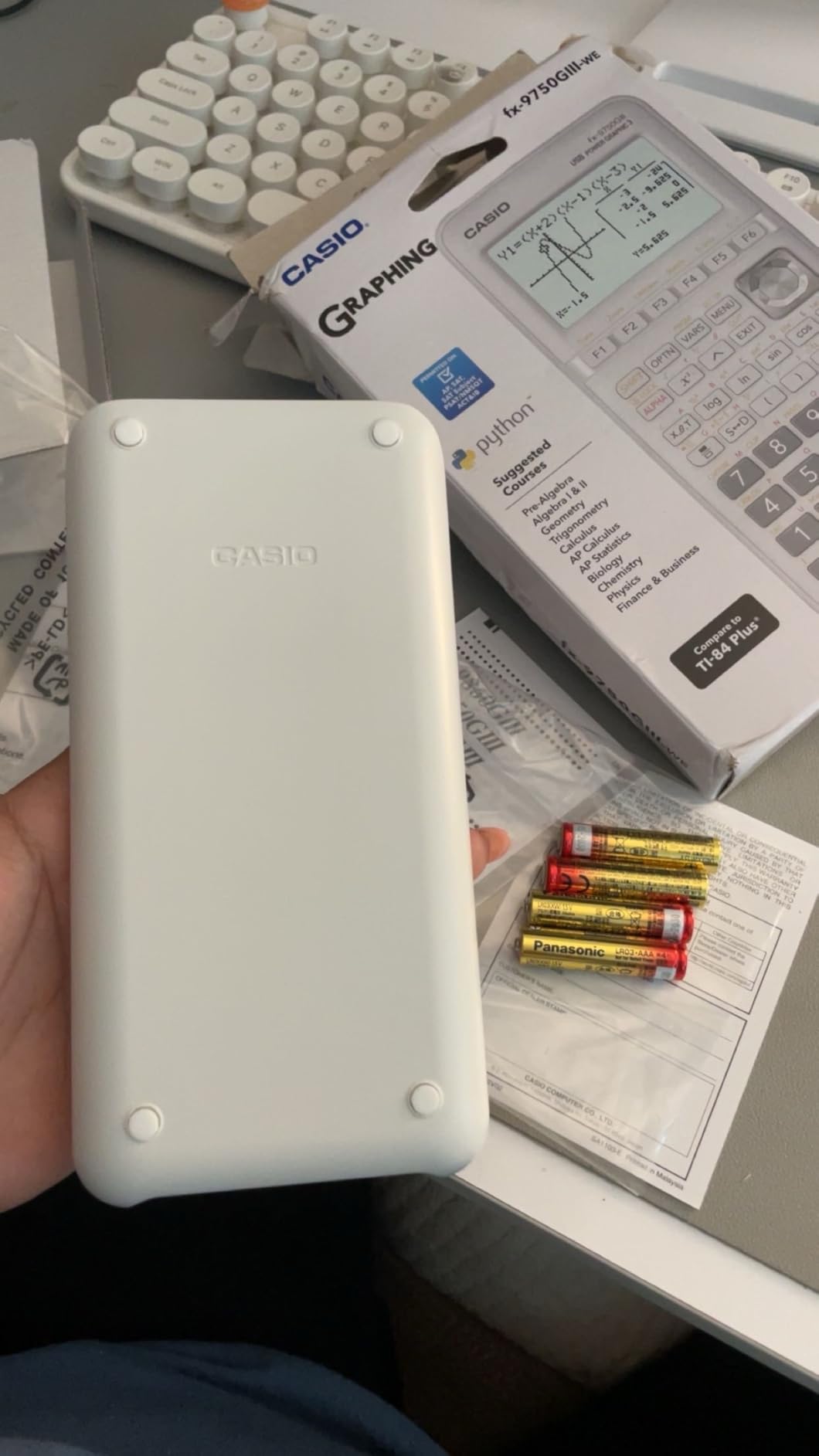
The MicroPython programming environment lets you write real scripts on-device or transfer them via the included USB cable. Pre-Algebra through AP Statistics coursework is fully supported, with graph plotting, vectors, probability distributions, spreadsheets, eActivities, and integrals all built in. Exam approval covers AP, SAT, ACT, and IB.
The screen is monochrome and lower resolution than color alternatives like the Casio fx-CG50. The Casio menu system can feel clunky when switching between graphing, tables, and statistics. Physics students may find vector calculations limited. For the price, none of these are blockers.
Who should buy the Casio fx-9750GIII
Students and parents looking for the lowest-priced graphing calculator that still handles AP-level math will find this is the right pick. It is also a great secondary graphing calculator for backup exam days.
Who should skip the Casio fx-9750GIII
If you need a color screen for visualization, step up to the Casio fx-CG50. If you need CAS for symbolic math, look at the TI-Nspire CX II CAS instead.
10. Helect H1002 Scientific Calculator — Best Ultra-Budget Scientific
Helect 2-Line Engineering Scientific Calculator, Suitable for School and Business (Black)
240 scientific functions
Two-line widescreen display
Solid sliding cover
Lightweight
Pros
- Excellent value for the price compared to more expensive brands
- Two-line display makes reviewing calculations easy
- Responsive buttons with clear numbers
- Includes a sliding protective case
- Suitable for both students and everyday business calculations
Cons
- Button labels may be hard to view for some users
- Newer versions no longer include the small battery access cover
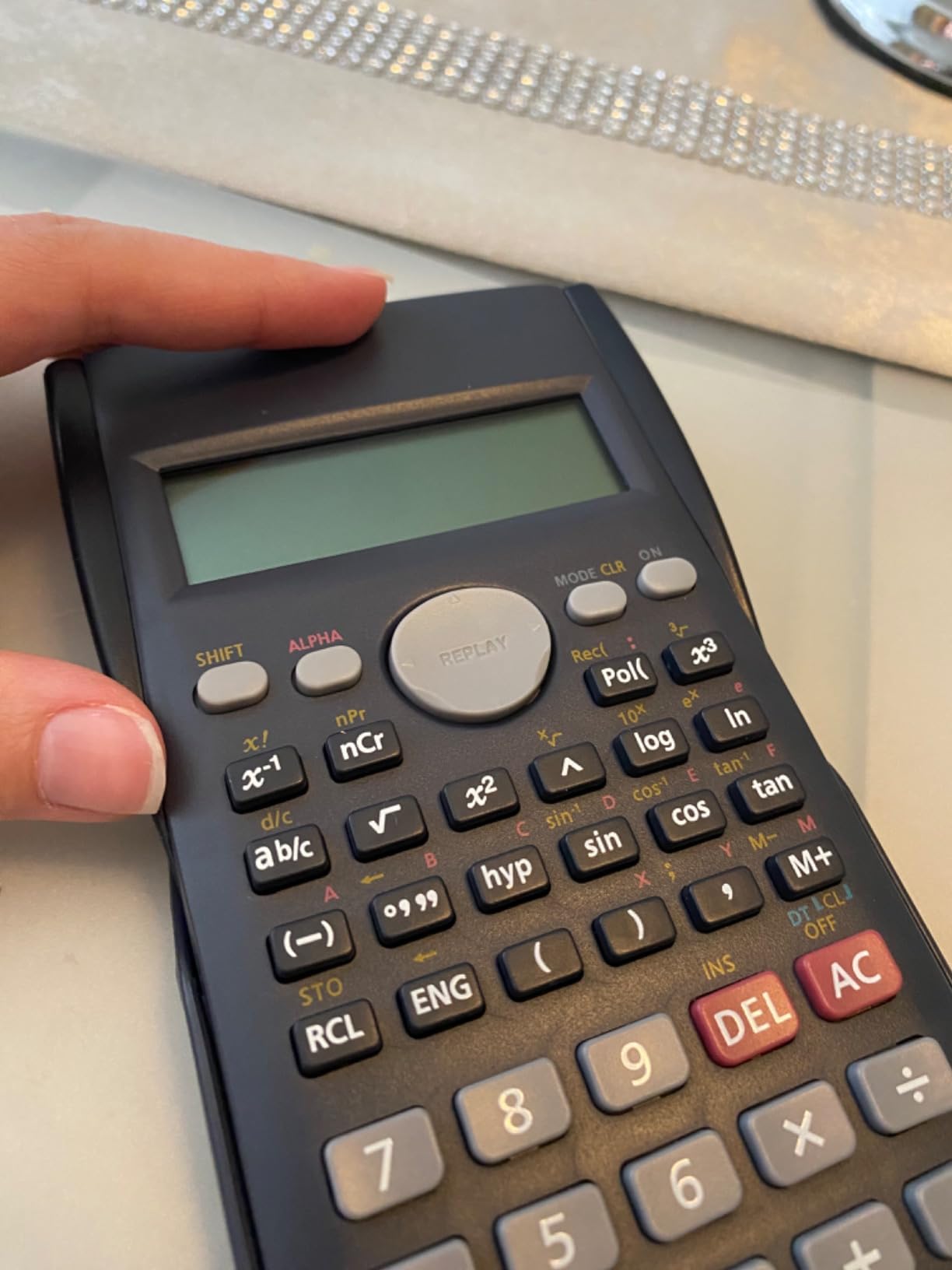
The Helect H1002 is the calculator I recommend when someone needs a basic scientific calculator at the lowest possible price. With 21,000+ reviews and a 4.4-star average, it is a proven budget workhorse that handles school and business calculations without fuss.
What you get is 240 scientific functions covering one and two variable statistics, three angle modes (degrees, radians, grads), and scientific and engineering notation. The 12-digit widescreen HD display shows two lines at once, which makes verification far easier than on a single-line calculator. The included solid sliding protective case covers both sides of the device.
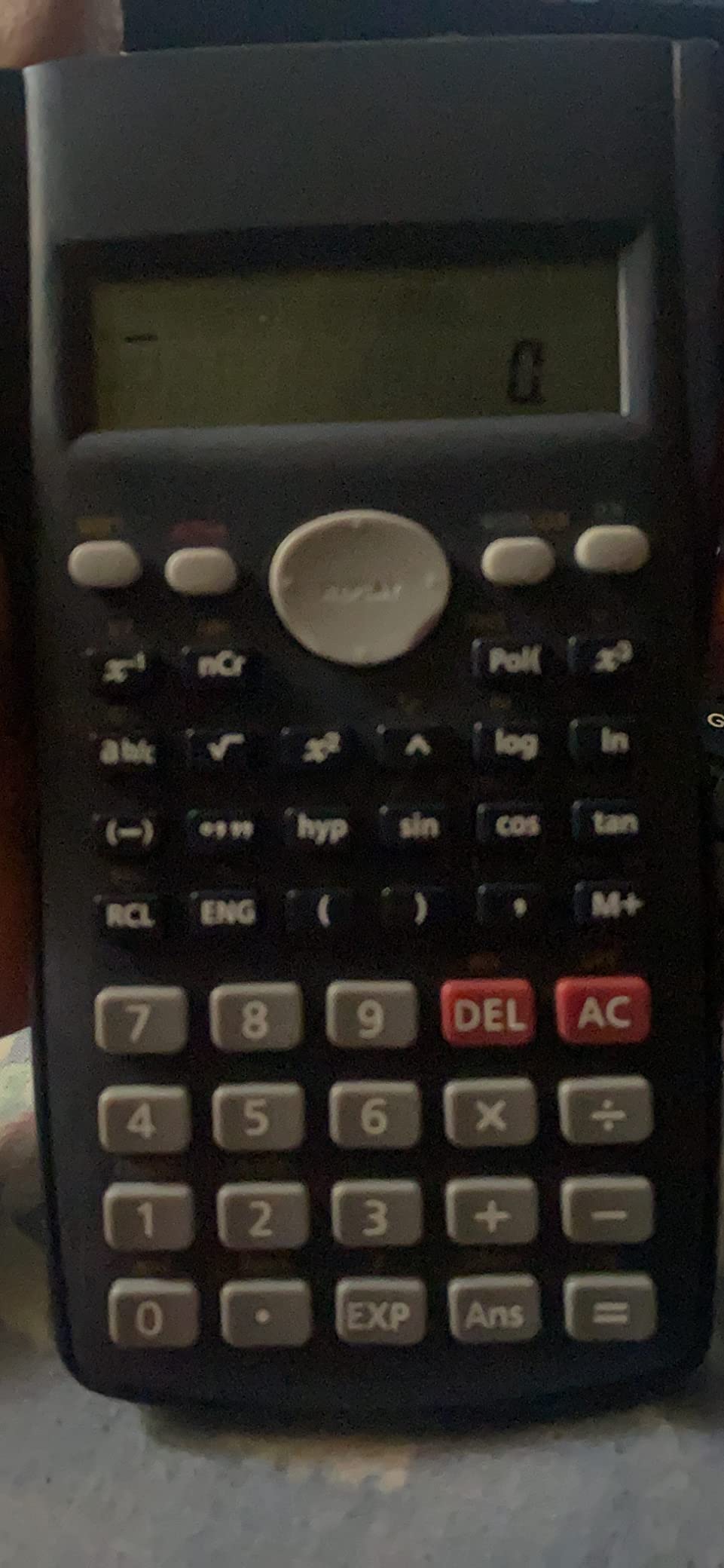
In my testing for everyday homework, the Helect H1002 punched well above its weight. The buttons are responsive, the numbers are clear, and the scratch-proof surface holds up to daily backpack life. For parents looking to outfit a student with a reliable scientific calculator without spending a fortune, this is the right pick.
The main limitations are readability issues with button labels for some users, and the newer versions no longer include the small battery access cover. Neither issue blocks daily use, and at this price point the value is genuinely hard to beat. For a more premium scientific option, see our chemistry calculator guide.
Who should buy the Helect H1002
Middle school students, high school students on a tight budget, and anyone needing a backup scientific calculator should put this on their shortlist.
Who should skip the Helect H1002
College engineering and physics students should invest in the TI-36X Pro or a graphing calculator. Students needing calculus, statistics, or matrix support need a more advanced model.
How to Choose the Best Calculator for Advanced Math
Picking the right calculator for advanced math comes down to four decisions: what level of math you need, whether your exams allow graphing or CAS, how you prefer to enter data, and how much you want to spend. Let us walk through each one.
Scientific vs Graphing vs CAS
A scientific calculator handles single-line numeric and algebraic operations, including trig, logarithms, statistics, and basic calculus. A graphing calculator adds a high-resolution screen to plot functions, visualize equations, and run programs. A CAS calculator adds a computer algebra system that performs symbolic math, simplifying integrals and solving equations with variables exactly.
For most high school AP courses, a graphing calculator is the right tool. For college courses that ban graphing on exams, a strong scientific calculator like the TI-36X Pro is the safer bet. For upper-level college math and engineering, CAS saves hours of manual algebra.
Exam Approval (SAT, ACT, AP, IB, FE, CFA)
Check the approved calculator list for every exam you plan to take. The SAT, ACT, and AP exams allow scientific and most graphing calculators, but they ban CAS models and calculators with wireless or cellular capability. The FE exam permits specific scientific calculators, and the CFA Institute exam has its own list. The TI-84 Plus CE, Casio fx-CG50, and Casio fx-9750GIII are all safe choices for college entrance exams. The TI-Nspire CX II CAS is not allowed because of its CAS.
Display, Power, and Build
Color backlit displays make graphs easier to read in low light and color-code multiple curves. Rechargeable batteries save money over years of use and remove the last-minute hunt for fresh AAA cells. Build quality matters if you carry the calculator in a backpack every day — look for a hard shell cover, metal or reinforced plastic chassis, and a manufacturer warranty.
CAS vs Non-CAS for College Math
If your coursework involves derivatives, integrals, and algebraic manipulation of variables, CAS is a real productivity multiplier. The TI-Nspire CX II CAS, HP Prime, and the optional Xcas port on the Casio fx-CG50 all deliver symbolic computation. If your exams ban CAS, pair a CAS calculator for homework with an approved non-CAS model for tests.
RPN vs Algebraic Entry for Engineers
Most calculators use algebraic entry, where you type expressions exactly as you would write them. Reverse Polish Notation, or RPN, lets you enter operands before operators, which experienced engineers credit with faster data entry on complex calculations. HP financial and engineering calculators often support both modes. For most students, algebraic entry is the right starting point.
Python and Programming
Modern graphing calculators like the NumWorks, Casio fx-CG50, and Casio fx-9750GIII all support MicroPython directly on the device. This lets you write real programs for statistics, numerical methods, and simulations without proprietary BASIC. If you are learning Python on the side, a Python-enabled graphing calculator doubles as a portable programming environment.
Frequently Asked Questions
What kind of calculator do I need for advanced math?
A calculator for advanced math is a scientific or graphing model capable of calculus, statistics, algebra, trigonometry, and matrix operations. You need this level of capability for high school AP courses, college STEM majors, engineering, and finance. The TI-84 Plus CE and Casio fx-CG50 are top graphing picks, while the TI-36X Pro is the best non-graphing option.
Is a graphing calculator necessary for advanced math?
A graphing calculator is not strictly necessary for every advanced math course, but it is strongly recommended for AP Calculus, AP Statistics, college calculus, and any course that visualizes functions. A scientific calculator is enough for courses that ban graphing on exams. Engineering students often pair a non-graphing approved calculator with a CAS graphing model for homework.
Can I use a scientific calculator on the SAT or ACT?
Yes, scientific calculators are explicitly allowed on both the SAT and ACT, including models like the TI-30XIIS, TI-36X Pro, Casio fx-115ES, and Sharp EL-W516TBSL. The SAT and ACT also allow graphing calculators that lack CAS, including the TI-84 Plus CE, Casio fx-CG50, and NumWorks. The SAT and ACT ban CAS calculators, calculators with wireless capability, and calculators with touch screens on the SAT.
Which calculator is approved for the AP Calculus exam?
The College Board approves scientific calculators and most graphing calculators for the AP Calculus exam, including the TI-84 Plus CE, TI-83 Plus, Casio fx-CG50, Casio fx-9750GIII, and NumWorks. The TI-Nspire CX II CAS and other CAS calculators are not permitted on the AP Calculus exam. The approved calculator list is updated each year, so check the College Board website before test day.
Do I need a CAS calculator for advanced math?
CAS, or Computer Algebra System, is a calculator feature that performs symbolic algebra, simplifying integrals and solving equations with variables exactly. CAS is extremely helpful for college differential equations, linear algebra, multivariable calculus, and engineering coursework, but CAS calculators are banned on the SAT, ACT, and AP exams. If your coursework requires symbolic math and your exams ban CAS, pair a CAS model for homework with an approved non-CAS model for tests.
Final Verdict: Which Advanced Math Calculator Should You Buy in 2026?
The TI-84 Plus CE is the best calculators for advanced math pick for most students in 2026. Its color backlit display, rechargeable battery, universal exam approval, and familiar TI-84 Plus interface make it the safest choice for high school AP coursework and college intro math.
If you want a non-graphing option, the TI-36X Pro delivers exact math and exam approval at a fraction of the price. If you need CAS for symbolic algebra, the TI-Nspire CX II CAS is the right tool for college engineering and physics. And if you are shopping for an inexpensive backup, the TI-30XIIS still sets the standard.
Whatever your budget and course load, the ten models above will carry you through calculus, statistics, linear algebra, and beyond. Pick the one that matches your exams, your coursework, and your wallet, and you will be set for years.