
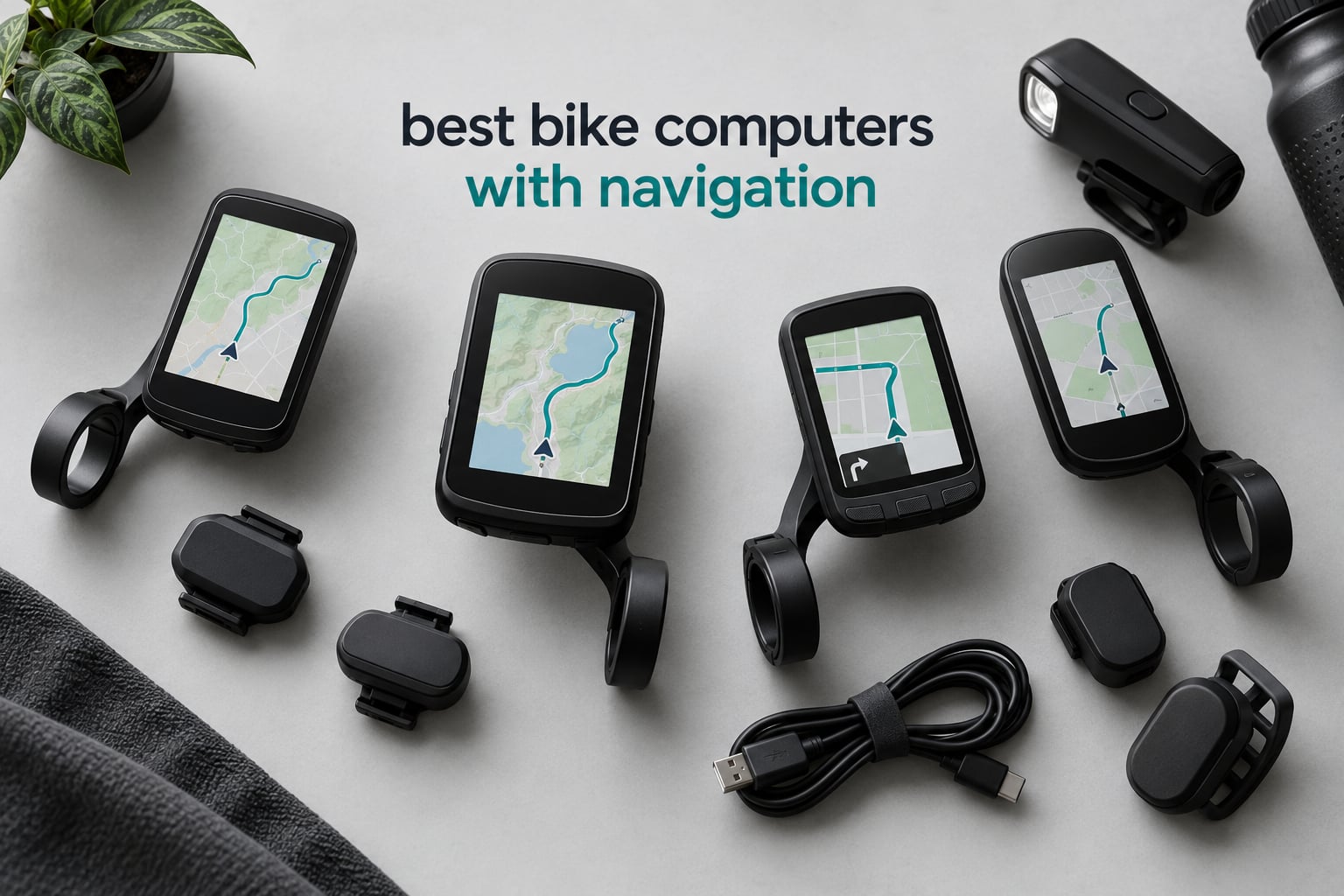
The Garmin Edge 1050 is the best bike computer with navigation overall in 2026. It is the only unit here that pairs a bright 3.5-inch colour touchscreen with a built-in speaker, so it gives you spoken turn prompts, a full 64 GB of map storage and a battery that lasts a full long day without a phone in the bars.
That last part matters more than most spec sheets suggest. A bike computer with navigation is really a sat-nav built for a handlebar: it locks onto satellites, loads maps onto the device, draws the route and recalculates the moment you deviate, all without any signal and all without draining your phone.
We spent weeks riding the twelve units below on tarmac, gravel and trails, then compared them on the only four things that decide this category. Map detail on screen, how fast the unit recovers when you go off route, how long it survives on one charge, and whether you can actually operate it with wet hands and winter gloves.
Most roundups organise bike computers by price tier or by discipline. We sorted them by navigation quality first, because that is what the search term actually asks for. Training metrics came second. If you also want a deep dive on road-specific units, our guide to the best bike computers for road cycling covers the training side in more detail.
Table of Contents
Top 3 Picks for Best Bike Computers With Navigation in 2026

Garmin Edge 1050
- 3.5-inch colour touchscreen
- Built-in speaker with bike bell
- 64 GB storage
- 20 to 60 hour battery

Garmin Edge 1040
- 3.5-inch colour touchscreen
- Multi-band GNSS
- 35 to 70 hour battery
- Bike type-specific maps

Hammerhead Karoo
- Class-leading map interface
- Multi-band GNSS
- On-device destination search
- ANT+ and SRAM AXS pairing
If you want the short version, here is where each of these three fits. The Garmin Edge 1050 wins on spoken prompts and on-device course building. The Garmin Edge 1040 is the steadier, cheaper route into the same 3.5-inch map style with a longer real-world battery. The Hammerhead Karoo wins purely on how the map looks and how fast you can search it with a thumb.
For a broader look at mapped cycling devices across all budgets, our roundup of the best cycling computers with GPS tracks the units we recommend here from a different angle.
Best Bike Computers With Navigation Compared Side by Side in 2026
| Product | Specifications | Action |
|---|---|---|
| Garmin Edge 1050 |
|
Check Latest Price |
| Garmin Edge 1040 |
|
Check Latest Price |
 Garmin Edge 540 Garmin Edge 540 |
|
Check Latest Price |
 Wahoo ELEMNT ROAM V3 Wahoo ELEMNT ROAM V3 |
|
Check Latest Price |
 Wahoo ELEMNT ACE Wahoo ELEMNT ACE |
|
Check Latest Price |
| Hammerhead Karoo |
|
Check Latest Price |
 iGPSPORT BSC500 iGPSPORT BSC500 |
|
Check Latest Price |
 iGPSPORT BSC300T iGPSPORT BSC300T |
|
Check Latest Price |
 Bryton Rider 650 Bryton Rider 650 |
|
Check Latest Price |
 GEOID CC700 Pro GEOID CC700 Pro |
|
Check Latest Price |
 iGPSPORT BiNavi iGPSPORT BiNavi |
|
Check Latest Price |
 Magene C506 Magene C506 |
|
Check Latest Price |
Two columns in that grid deserve a note before the individual write-ups. Screen size alone does not decide navigation quality, which is why a 3.8-inch screen on the Wahoo ELEMNT ACE does not automatically make it easier to follow a route than a 2.6-inch Garmin Edge 540.
The other is battery. The 15-hour figure on the Hammerhead Karoo is a real constraint on a long day, while the 60-hour saver mode on the Edge 1050 and the 33 hours on the Bryton Rider 650 change how you pack for a trip.
1. Garmin Edge 1050: The Best Bike Computer With Navigation Overall
Garmin Edge® 1050, Premium Cycling Computer
3.5 inch colour touchscreen
64 GB storage
Speaker plus bike bell
20 to 60 hour battery
Pros
- Bright screen readable in direct sun
- Spoken turn prompts and tap-to-ring bell
- Reliable sensor pairing with Varia radar and Di2
- Battery outlasts a 10 hour navigational ride
- On-device course creation with road surface type
Cons
- Point-of-interest search is not phone-like
- Default alerts need switching off
- Smaller fonts than older Edge models
- Steep learning curve for casual riders
Our best bike computer with navigation is the one that made us stop checking the screen. Owners of the Edge 1050 consistently describe the same thing: the built-in speaker reads turn directions out loud, and the on-device bike bell rings from the bar mount, so you can keep your eyes on the road through a junction.
Navigation quality itself is excellent. Owners report it holding a line through a 105-mile off-grid ride, and the 64 GB of internal storage holds a full regional map set plus every course you care about without trimming anything first. On-device course creation lets you tap out a route at the café and set the road surface type on each segment.
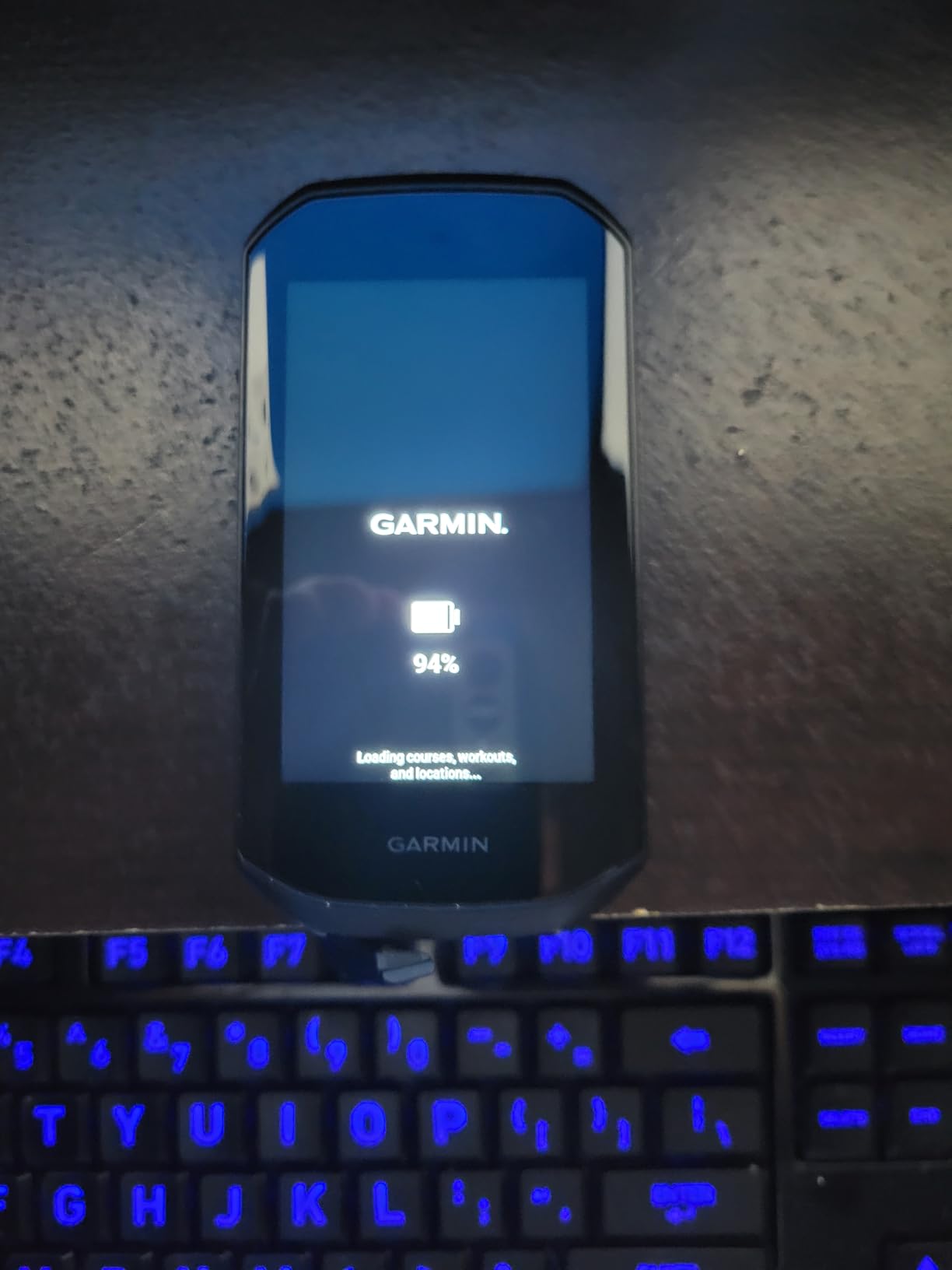
The training side is genuinely deep. ClimbPro previews the remaining ascent and grade on every ride without needing a course loaded, and the power guide gives real-time stamina plus wind adjustment when you pair a power meter and heart rate monitor. Garmin Pay contactless payment is built in for supported banks.
Sensor pairing was the steadiest of any unit we tried. Varia radar, Di2 shifting, power meters and heart rate monitors all connected and stayed connected across a full ride. GroupRide and live location sharing run through Garmin Connect, alongside road hazard alerts from fellow riders and their own map edits.
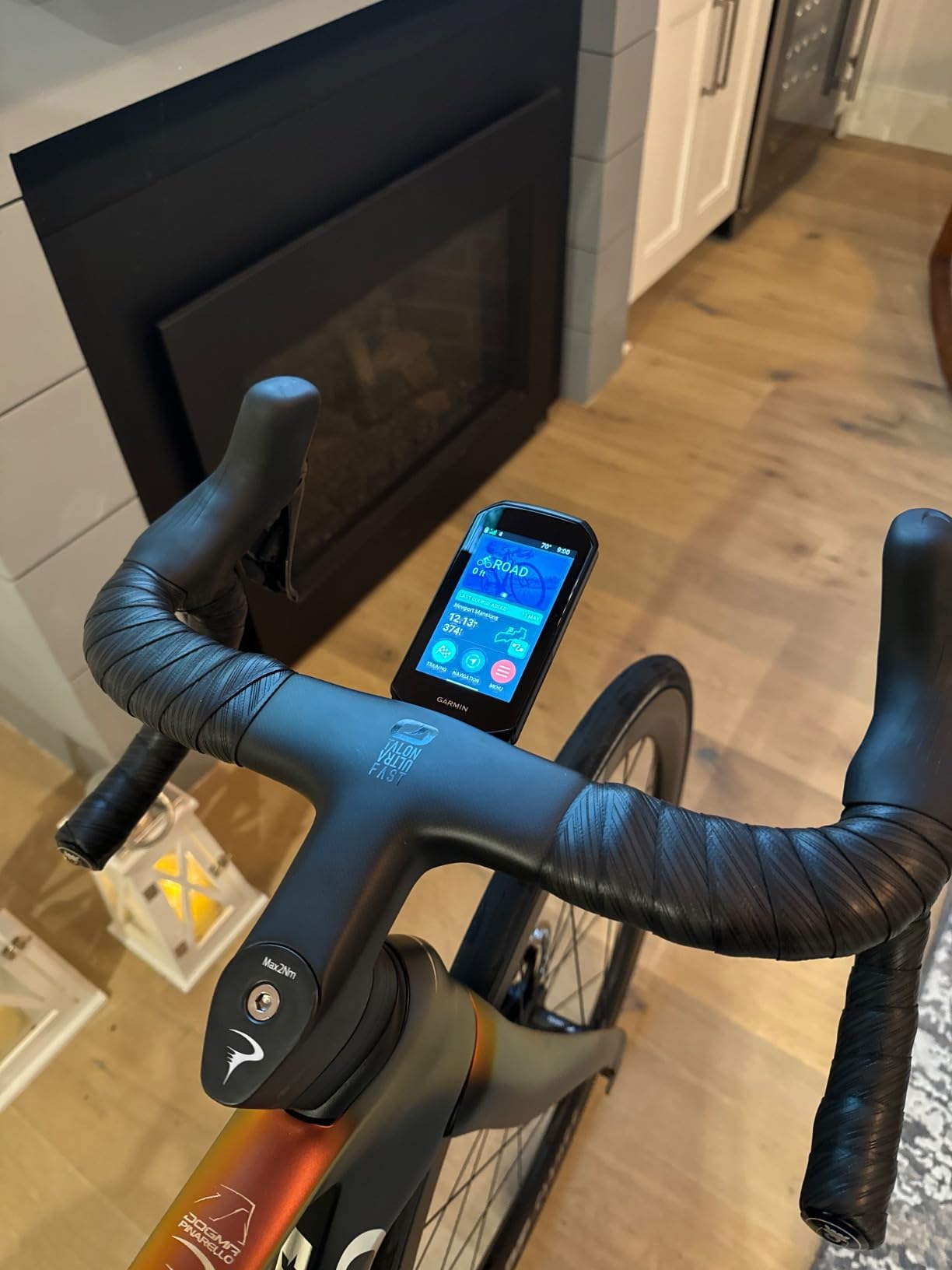
How the Edge 1050 handles off-route recovery and search
Rerouting is quick and automatic. Deviate down a side street and the line snaps back to the route within a couple of seconds, then the speaker tells you the correction. That is the behaviour you want when you are on a bike and cannot afford to stop and study a screen.
The weak spot is search. Point-of-interest lookup is not phone-like; you generally need to enter an exact address rather than tapping through categories. Riders who improvise routes on the fly should set destinations before setting off rather than expecting to find a coffee shop from the bar.
Who should buy the Edge 1050, and who should not
Buy it if you ride long distances, follow routes you did not build yourself, or want audible prompts at junctions. The speaker, the large touchscreen and the long battery cover road, gravel and touring in one box.
Skip it if you ride short local loops or you are sensitive to clutter. The default alerts for eating, drinking and resting are excessive and most casual riders switch them off within a week, and the smaller fonts on this screen are busier than those on older Edge models.
2. Garmin Edge 1040: Best Bike Computer With Navigation for Long-Distance Riders
Garmin Edge® 1040, GPS Bike Computer
3.5 inch colour touchscreen
Multi-band GNSS
35 to 70 hour battery
IP54 rated
Pros
- Multi-band GNSS holds position across terrain
- Long battery supports multi-day riding
- Bike type-specific maps with searchable POIs
- Connects to Strava and Komoot
- Bundled speed cadence and heart rate sensors
Cons
- Older design feels behind newer Edge models
- Setup and menus need learning time
- Older cable standard rather than USB-C fast charging
The Edge 1040 is the longest-reviewed unit in this group, and the reason is consistency. Multi-band GNSS holds position accurately across open road, forest and stop-start towns, and owners who moved up from an earlier 500-series model rarely go back.
Battery life is the standout for distance riders: up to 35 hours in demanding use and up to 70 hours in saver mode, which covers multi-day trips without a charging stop. The 4.4-ounce body is also the lightest 3.5-inch unit here, which matters when you are already carrying everything else.
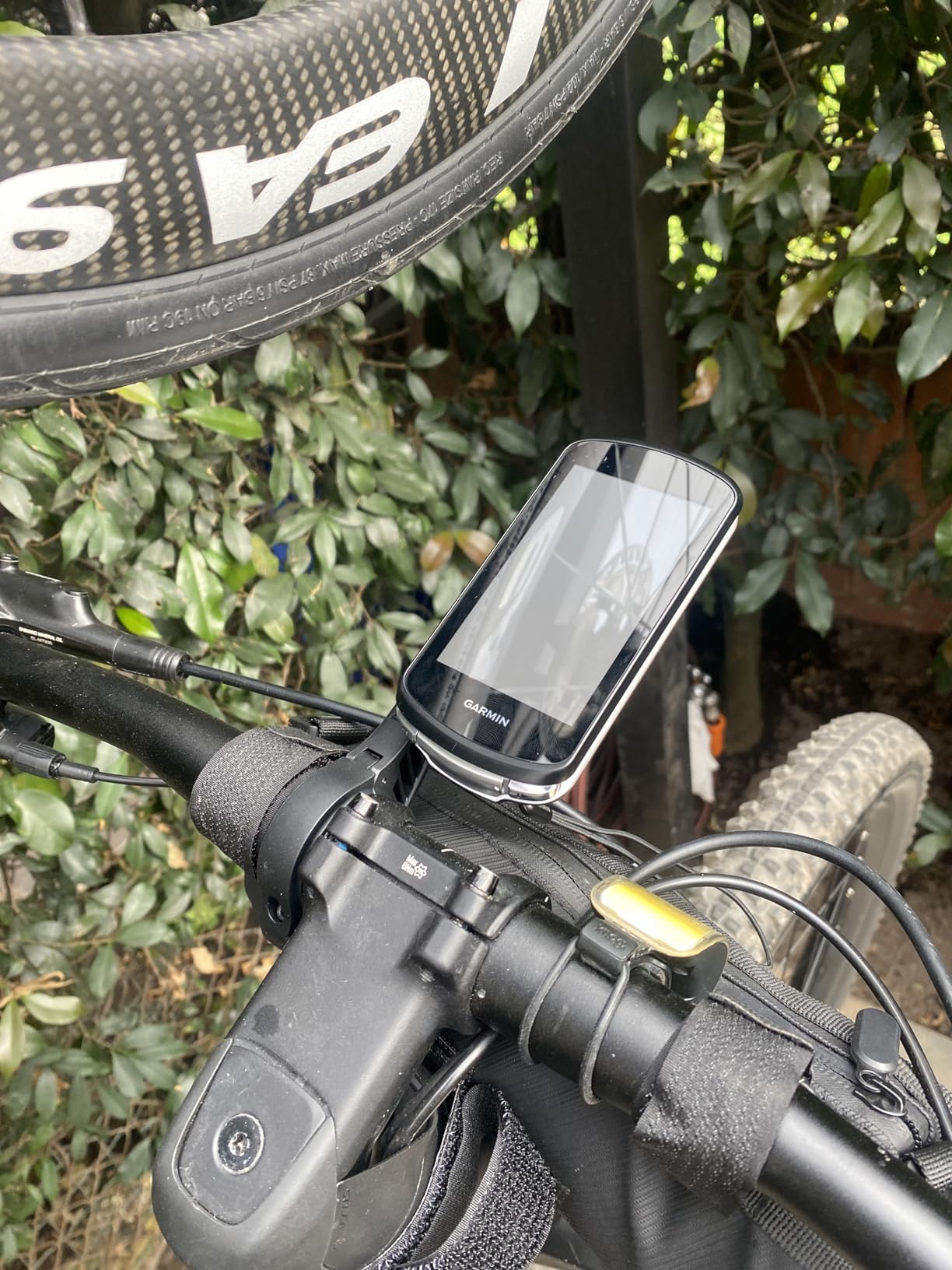
Mapping is bike-type specific. You set your bike profile and the map highlights the roads and trails that match how you ride, with searchable points of interest on top. Route discovery heatmaps show where other riders have actually been, which is useful for gravel.
The bundle typically includes speed and cadence sensors plus a heart rate monitor, so a first-time buyer can get a full sensor network running without buying anything separately. Strava, Komoot and TrainingPeaks all connect.
Why the multi-band GNSS matters on this unit
Multi-band positioning uses two frequency bands at once, which is what keeps the line steady in the conditions riders complain about most: dense tree cover, built-up areas and mountain valleys. Position stays smooth rather than jumping to the wrong side of the road.
Elevation data benefits too, because a barometric altimeter and a stable position together produce a more believable climb profile. On rides with repeated short climbs that difference shows up in the numbers after the fact.
Who should buy the Edge 1040, and who should not
Buy it if you ride multi-day tours, want the Edge map style at a lower outlay, or want a bundled sensor set out of the box. It is the calm choice for riders who want navigation that works rather than navigation that excites.
Skip it if you want the newest interface. The design and menu structure lack some of the polish of current models, charging relies on the older cable standard rather than USB-C fast charging, and the setup takes longer than a touchscreen-first unit demands.
3. Garmin Edge 540: Best Bike Computer With Navigation With Physical Buttons
Garmin Edge 540, Compact GPS Cycling Computer
2.6 inch button-controlled LCD
Multi-band GNSS
26 to 42 hour battery
2.8 ounces
Pros
- Buttons stay reliable with wet hands and gloves
- Flagship-level GPS accuracy
- ClimbPro works on every ride
- Lightest body in this roundup
- Pairs cleanly over ANT+ and Bluetooth
Cons
- Setup and screen configuration take longer
- Included mount is limited
- Climb prompts lag by 5 to 10 seconds
- Small screen limits visible data
If you ride in gloves, this is the one. The Edge 540 has no touchscreen at all, and that turns out to be a feature in winter rain. Owners report that the buttons stay reliable with wet hands or full-finger gloves and that mis-taps basically disappear, which is the single most common complaint about touchscreens in this category.
Positioning is flagship quality. Multi-band GNSS locks satellites fast even under tree cover, and reviewers single out the elevation data as consistently clean. At 2.8 ounces it is the lightest unit here, and the small footprint suits bikes with crowded bars.
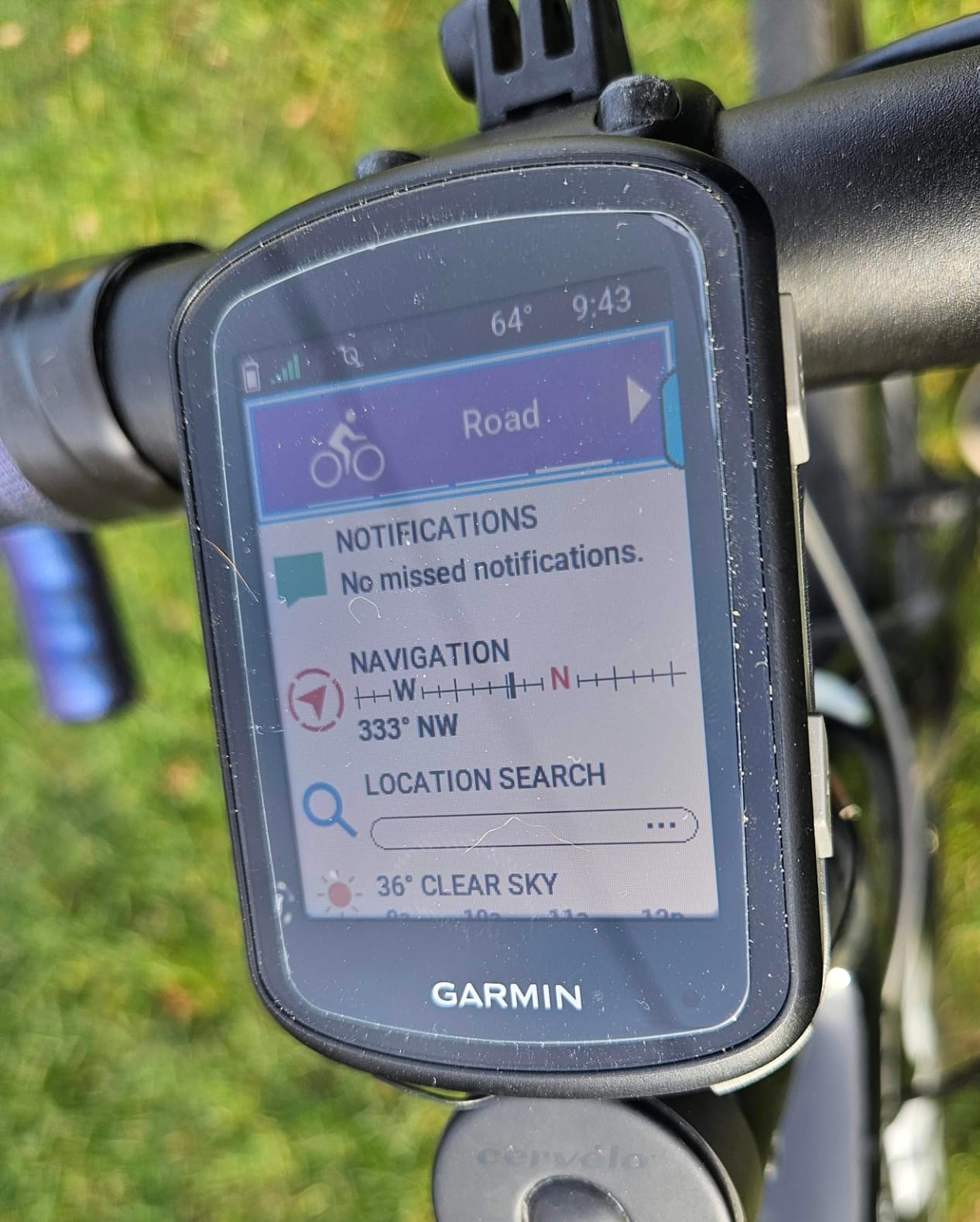
ClimbPro runs on every ride with no course required, and owners call the ascent planner the reason they keep coming back to a compact screen. Daily suggested workouts and adaptive coaching cover the training side, and power guide and stamina insights appear when you pair the right sensors.
The catch is that you get flagship accuracy in a mid-size body, not flagship everything. The 2.6-inch screen shows less at once, the included mount offers limited positional versatility, and the setup and screen configuration take noticeably longer than expected.
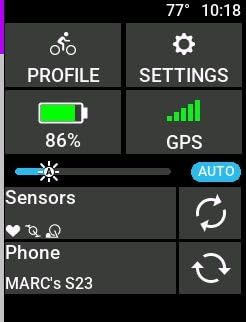
Touchscreen versus buttons in real winter conditions
The tradeoff is worth understanding before you buy. A touchscreen lets you pan a map and search a destination directly on the device. Buttons let you answer a navigation cue without looking down, which on a descent in the rain is the safer option by a wide margin.
Other reported quirks on this model: climb detection and climb-exit prompts lag by roughly five to ten seconds, and the unit can lose charge if you leave it in standby rather than powering it down fully. A minority of buyers report units that would not power on or sync out of the box.
Who should buy the Edge 540, and who should not
Buy it if you ride through winter, train with a power meter, or want Garmin navigation accuracy on small bars without the flagship outlay. It also makes sense if you are moving from an older Garmin and want the sensor network you already own to keep working.
Skip it if map panning and on-device search are your primary navigation tools. If you improvise routes constantly, a bigger colour screen will serve you better than the physical controls will.
4. Wahoo ELEMNT ROAM V3: Best Bike Computer With Navigation for Leaving the Garmin Ecosystem
Wahoo ELEMNT ROAM V3 GPS Cycling/Bike Computer,Black
2.8 inch touchscreen with buttons
Dual-band GPS, seven systems
25 hour battery
IPX7 rated
Pros
- Battery beats similarly priced Garmin units
- Spoken directions beat simple beeps
- Clear black-on-map route graphics
- Route creation without a phone
- Buttons work over rough roads
Cons
- Voice cues limited to left or right or continue
- Auto-brightness dims too far in shade
- Wahoo app syncing can be slow
- Some units need reboots to pair a phone
Riders migrating from Garmin mostly notice two things on this unit: the battery and the spoken directions. Owners report the 25-hour figure beating similarly priced Edge units and comfortably covering 200-mile days, and they describe the voice prompts as far more useful than the simple beeps most compact units give.
Satellite support is broad, with dual-band reception across GPS, GLONASS, BEIDOU, Galileo, QZSS, SBAS and NavIC. That range matters if you travel: it locks on in more regions than a single-system unit will.
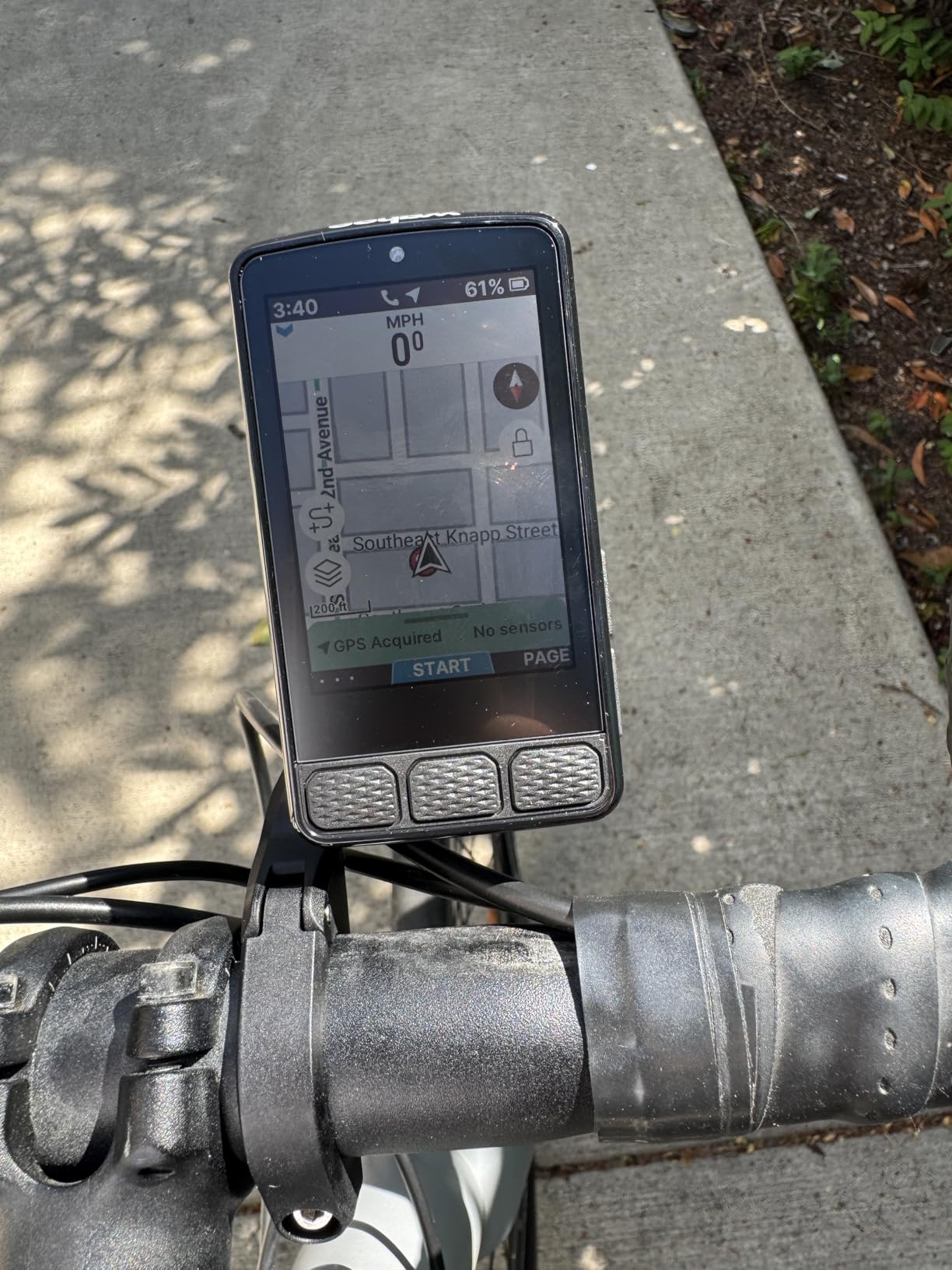
The map graphics are the quiet strength. Reviewers describe the black-on-map route line as more legible than competing map interfaces, which is exactly what you want when you are reading a junction at 30 km/h. Climb mode profiles which sections of a hill are hardest.
Two features make it a genuine alternative rather than a compromise. On-demand route generation lets you pick a point directly on the device map, and Public Route Sharing loads a nearby rider’s route onto your unit over the same network.
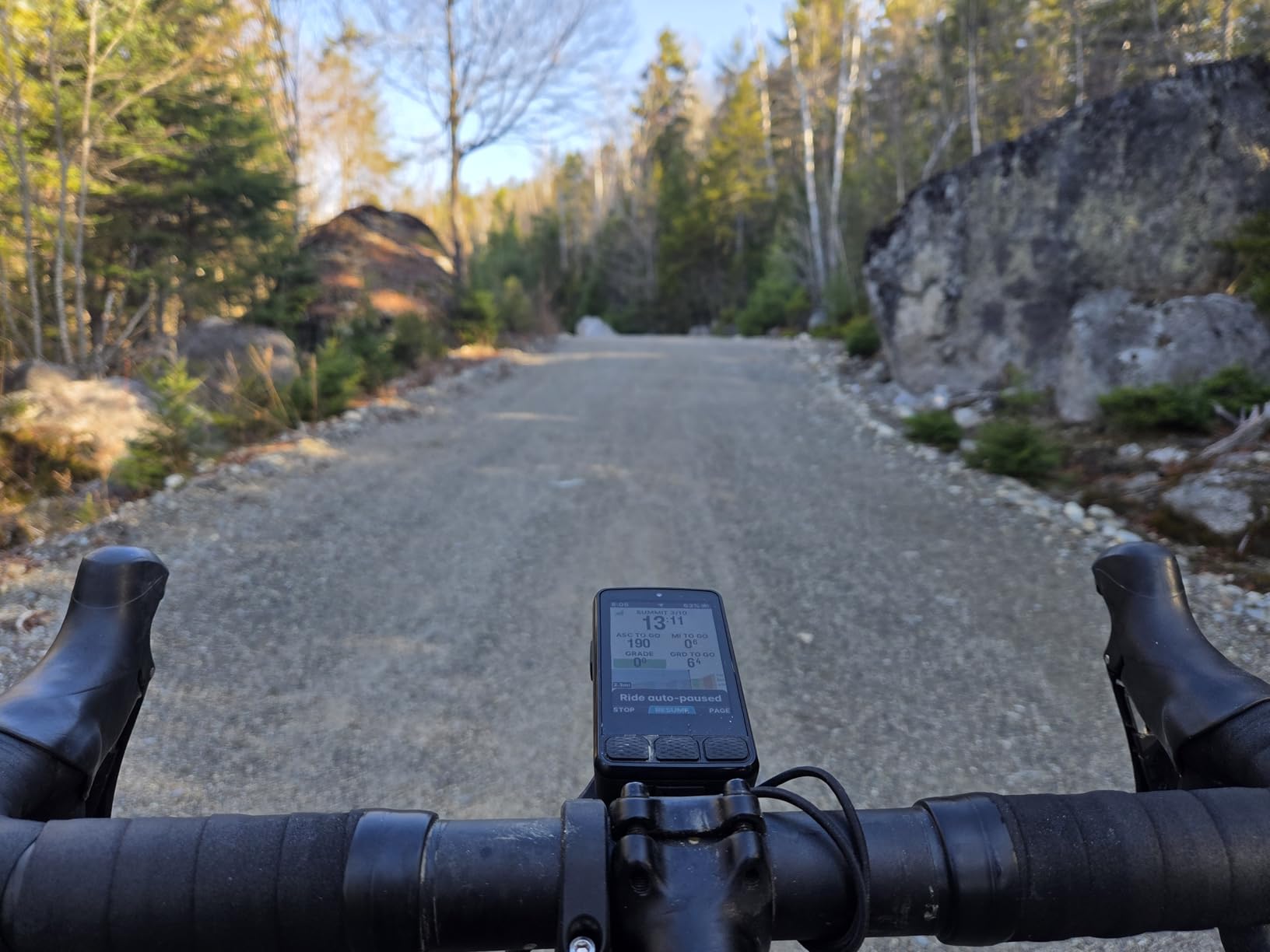
What the spoken navigation actually says
Spoken turn-by-turn on this unit covers the basics: which way at the next junction and when to continue. Owners who came from silent devices appreciate it; owners who expected detailed lane guidance and street names are disappointed, because the wording stays simple.
The other common gripes are software-side. Voice cues can be hard to hear at maximum volume with a helmet on, auto-brightness dims the screen excessively in shade, and Wahoo app syncing can take 30 minutes or more for a basic transfer. Screen customisation also has to happen in the app rather than on the device.
Who should buy the ELEMNT ROAM V3, and who should not
Buy it if you are moving off Garmin, you ride long days, and you want a simple map line with a voice to back it up. It suits riders who care more about following the route than about training depth.
Skip it if you need detailed training metrics or if app reliability is non-negotiable on a race day. A notable minority report pairing problems and units needing multiple reboots on long rides, which is worth knowing before you rely on it for a solo trip.
5. Wahoo ELEMNT ACE: Best Bike Computer With Navigation on a Large Screen
Wahoo ELEMNT ACE Cycling Computer
3.8 inch colour touchscreen
Pressure sensor for wind data
30 hour battery
2 year warranty
Pros
- Largest display in this roundup
- Precise map following on trails and roads
- Battery easily covers a full day
- Fast syncing with the consolidated Wahoo app
- Digital bell and hill profile
Cons
- Wind sensor data underdelivers
- Bulky at 208 g for road cockpits
- Map interface swipes fight with panning
- Weaker contrast in angled sunlight
The ELEMNT ACE solves one specific problem: seeing the map without stopping to read it. At 3.8 inches it is the largest display here, and owners highlight how easy it is to read at a glance, particularly for older riders.
Map following is precise on mountain bike trails and road connectors alike, and the 30-hour battery covers full-day routes comfortably. The Ready-To-Ride dashboard removes the wait before departure, and syncing with Komoot and the single consolidated Wahoo app is described as fast and fluid.
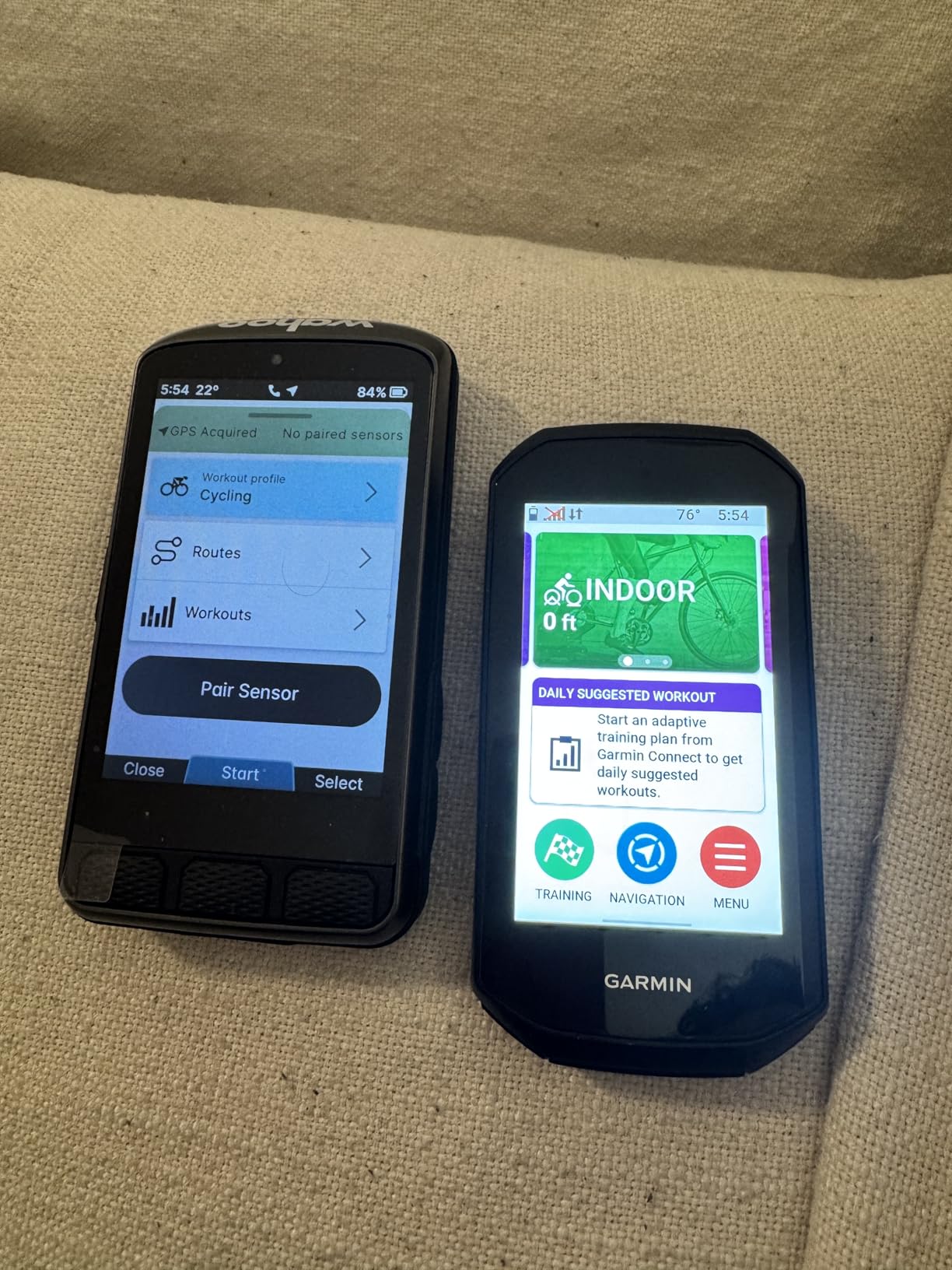
The post-ride summary is genuinely useful because it cleanly separates moving from paused time, which makes multi-stop rides easier to read later. Connectivity covers ANT+, Bluetooth, USB and Wi-Fi, so radar, lights and cadence sensors all pair without a hub.
Buyers who return it usually do so for one reason: size and weight. At 208 g it is heavy and physically large, and several riders send it back as too bulky for a road bike cockpit. Screen contrast is also weaker than the ROAM V2 in direct angled sunlight.
How the pressure sensor and wind features actually perform
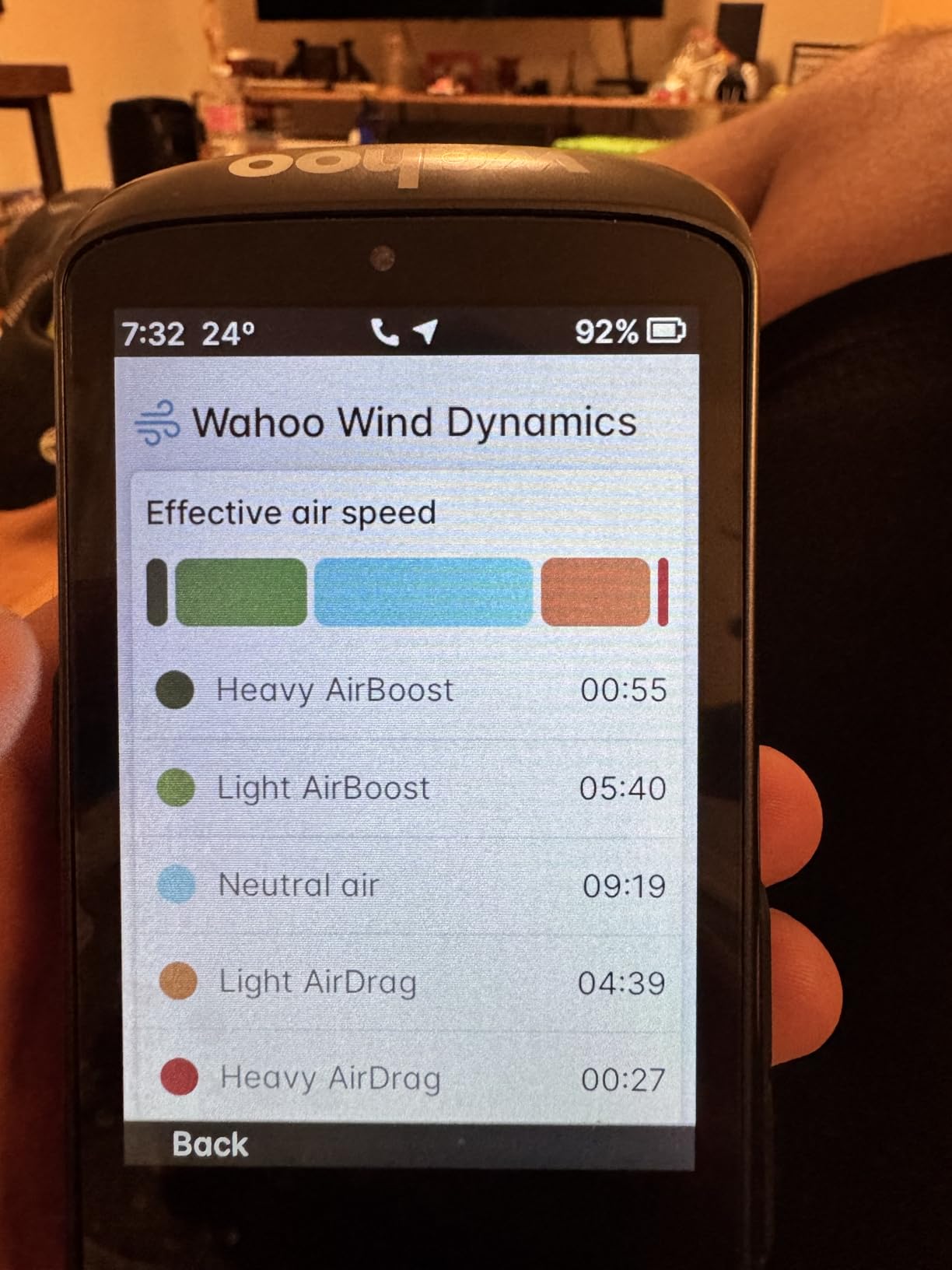
The built-in pressure sensor tracks AirBoost and AirDrag in real time, and the app turns that into post-ride Wind Dynamics insights. The hardware is clever, but owners are blunt: the figures come out as gust-category minutes rather than usable wind metrics.
Treat it as an experiment rather than a reason to buy. If accurate crosswind guidance matters to you, this is not the feature that will deliver it.
Who should buy the ELEMNT ACE, and who should not
Buy it if you ride with older eyes, you follow unfamiliar routes constantly, or you want a map you can read without stopping. The two-year manufacturer warranty is also the longest in this roundup.
Skip it if bar space is tight or weight matters on a road bike. Several riders also report that page swipes interfere with map panning, which is frustrating on exactly the large map this screen is bought for.
6. Hammerhead Karoo: Best Bike Computer With Navigation for Map Detail
Hammerhead Karoo Bike Computer Wireless GPS ANT+/BLE/GPS/GNSS
3.2 inch touchscreen
Multi-band GNSS
15 hour battery
SRAM AXS and e-bike pairing
Pros
- Class-leading map browsing and search
- Multi-band GNSS holds a reliable line
- Fast map rendering with generous storage
- Clean distraction-free interface
- Deep SRAM AXS and e-bike integration
Cons
- 15 hour battery is the shortest here
- Heavier and bulkier than compact Garmin units
- Less refined training analytics
- Updates can need patience
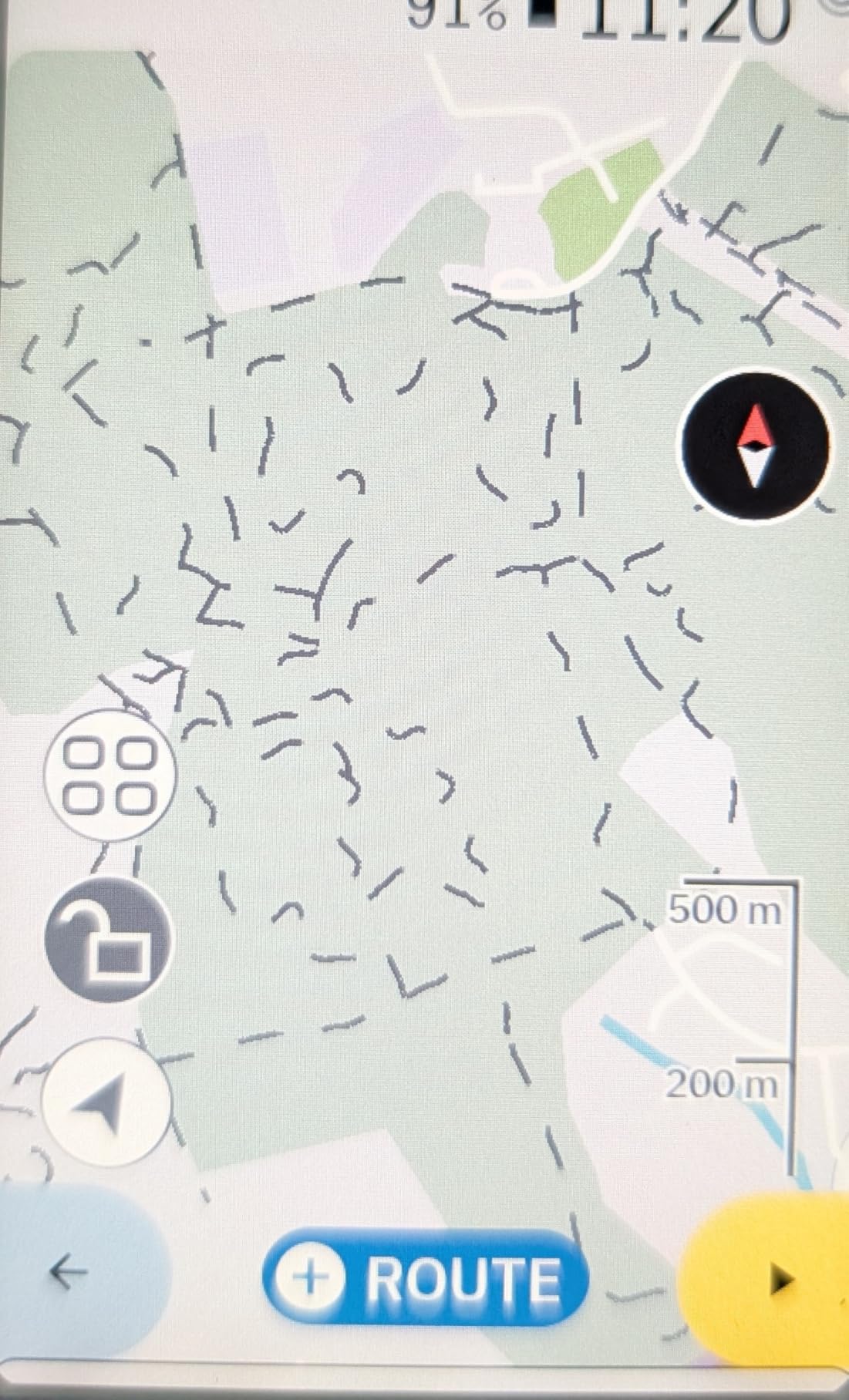
On navigation alone, the Karoo is the best screen in this roundup, and riders on cycling forums consistently describe it as top tier and very clear. The map is bright and colourful, zooming is easy, and destination search behaves more like a phone than like any other bike computer we tested.
Multi-band GNSS holds a reliable line through the environments that defeat cheaper units, and reviewers on r/cycling single out map rendering and the navigation experience as class-leading. Fast rendering plus ample onboard memory means longer uptime before you have to manage storage.
The interface is deliberately plain. Data appears without decoration, and once you have configured it, adding and managing sensors is straightforward over ANT+ and Bluetooth. SRAM AXS integration and e-bike pairing are deeper than any competitor here, which makes it the natural pick for an AXS drivetrain.
Battery life is the honest weakness at roughly 15 hours, the shortest in this roundup, and the body is heavier and bulkier than the compact Edge units. Training analytics are less refined than current Garmin models, and setup and software updates can need patience and multiple attempts.
Whether the mapping advantage is worth the battery trade
It depends entirely on the length of your day. If your rides fit inside a single charge with margin, the map quality and search are worth paying for. If you ride 200-mile days or multi-day tours, 15 hours changes the plan: you would need a battery pack or a mid-ride charge.
The smaller screen also limits how much of that beautiful map you can actually see at a junction, so the clarity advantage is real but not unlimited.
Who should buy the Hammerhead Karoo, and who should not
Buy it if you navigate by map rather than by breadcrumb, you ride SRAM AXS, you own an e-bike, or you simply want the least cluttered interface of the twelve. It is also the easiest unit here to hand to a riding partner who does not read manuals.
Skip it if your priority is training data or if long days without charging are your normal. For a bikepacking build, choose a unit with a bigger endurance budget and accept a plainer map.
7. iGPSPORT BSC500: Best Bike Computer With Navigation for Spoken Prompts on a Budget
iGPSPORT BSC500 GPS Bike Computer, 3.3” Touch Screen MAP Voice Navigation
3.3 inch touchscreen
Dual-band L1 and L5 GNSS
Built-in voice navigation
107 g body
Pros
- Large 3.3-inch screen with up to 12 data fields
- Built-in speaker gives spoken turn alerts
- Automatic reroute when you leave the course
- Continue-last-ride protects interrupted data
- Strava and Komoot import plus radar light sync
Cons
- Onboard storage smaller than premium units
- App polish trails the big ecosystems
- Climb analytics less refined
- Touch layer needs firmer presses
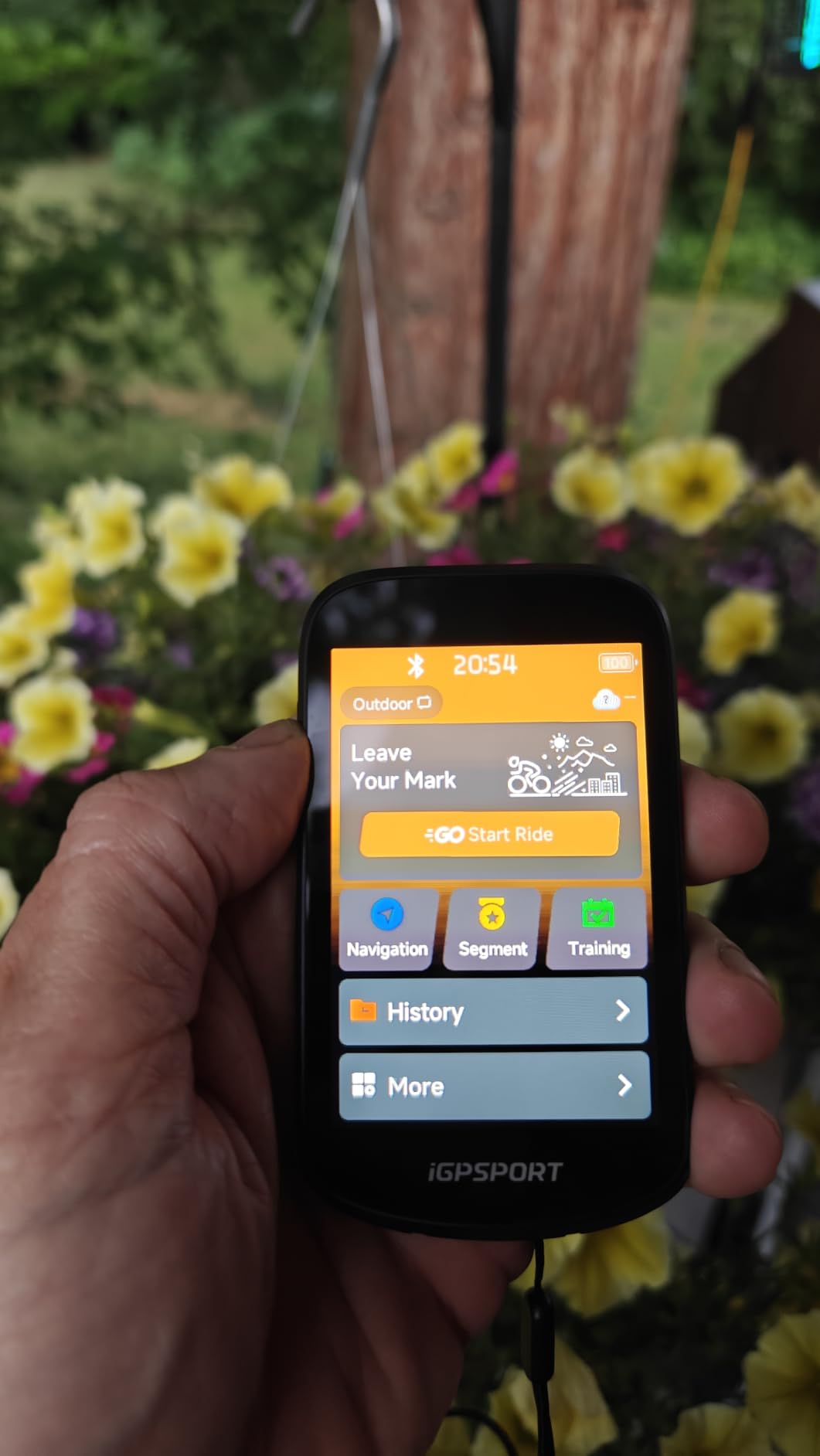
The BSC500 is the find of this roundup if you care about audio navigation. It has a built-in loudspeaker for voice navigation alerts, which at this level of outlay is unusual. Owners point out that the spoken turns mean fewer glances at the screen.
Positioning is dual-band L1 and L5 across GPS, BeiDou, GLONASS, Galileo and QZSS, and reviewers consistently praise the anti-interference accuracy. Turn reminders scale the advance warning distance to your riding speed, so the alert arrives at a sensible moment rather than too late.
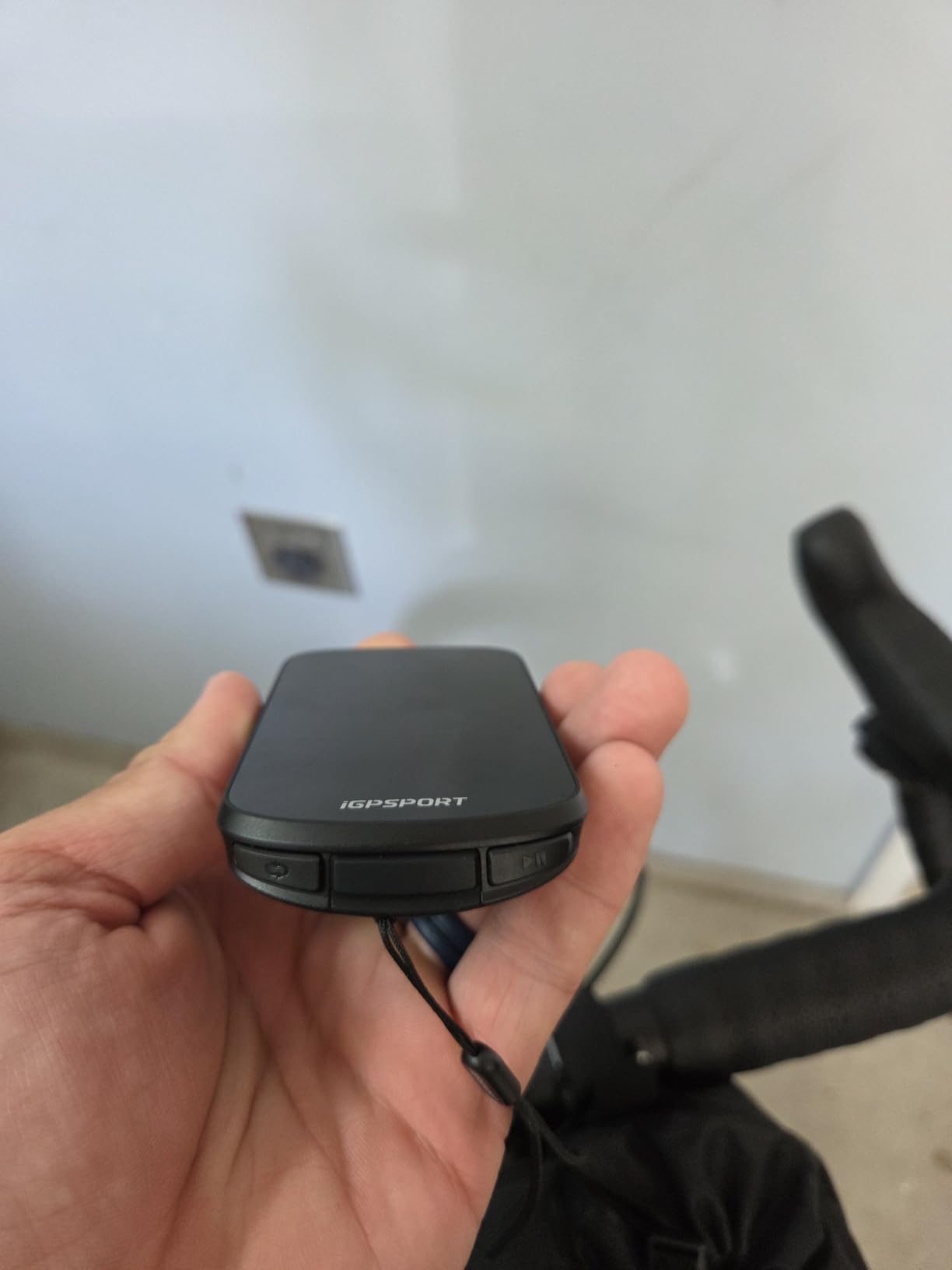
Yaw planning automatically reroutes when you leave the course, and the BiNavi continue-last-ride function preserves your data if a ride gets interrupted by a signal loss or a flat battery. The 3.3-inch touchscreen shows up to 12 data fields per page, more than anything else here.
The limits are storage and polish. Onboard memory will not take full regional map sets the way a 64 GB Garmin does, menu structure and app design trail the major ecosystems, and iClimb 2.0 hill planning works but is less refined. Some buyers find the touch layer needs firmer presses than expected.
How the voice prompts and reroute behave at speed
Turn alerts scale with your speed, so the same alert fires at a useful distance whether you are climbing slowly or descending fast. That single detail does more for confidence at speed than map resolution does.
The off-course reroute is automatic and prompt. Combined with voice alerts and the off-course warning behaviour, it means you can ride hands-off the bars and still know you are back on the line. For riders who find map panning fiddly, that is the feature that matters.
Who should buy the BSC500, and who should not
Buy it if you ride without looking at the bars, you want spoken guidance plus a large screen, and you would rather not pay flagship money for the combination. The two-year warranty and IPX7 rating add confidence for year-round use.
Skip it if you plan offline touring across multiple countries and need to store large map sets, or if you want a mature app ecosystem with regular software updates. The hardware competes; the software does not yet.
8. iGPSPORT BSC300T: Best Bike Computer With Navigation for E-Bikes and Lightweight Builds
iGPSPORT BSC300T GPS Bike Computer, Smart Map Navigation 2.4” Touch Screen
2.4 inch touchscreen with six buttons
Worldwide offline maps
20 hour battery
67 g body
Pros
- Global offline map download with turn prompts
- Off-course warning until you are back on route
- E-bike mode shows power level data
- Real-time teammate tracking
- ANT+ and Bluetooth 5.0 for sensors and trainers
Cons
- 8 GB storage is limited for map-heavy use
- Small screen limits map detail
- Type-C cable is not included in the box
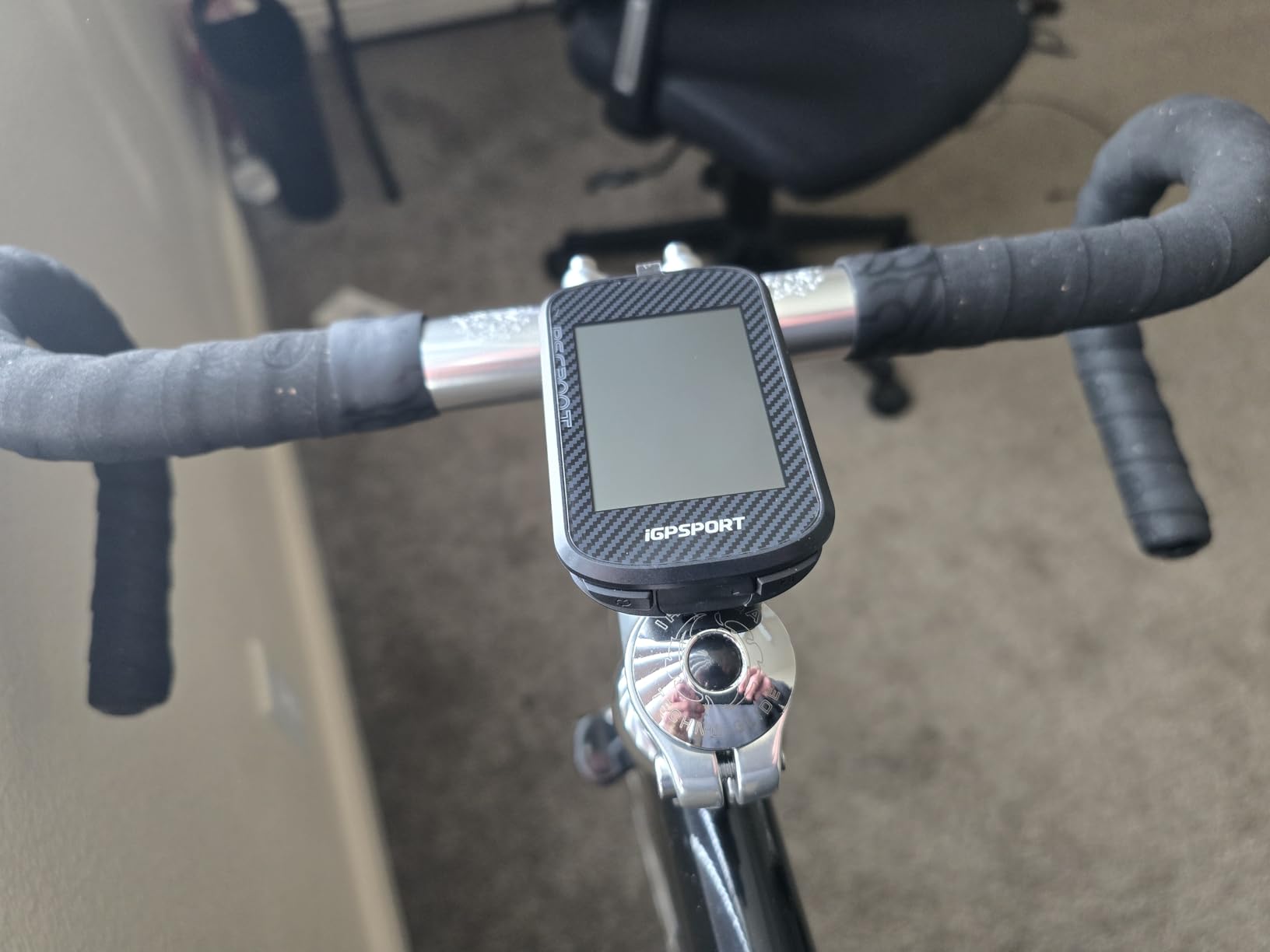
At 67 grams this is one of the lightest mapped computers you can put on a bike, and it is the one we would suggest for an e-bike. It has a dedicated e-bike mode that displays power level data alongside the usual fields, and the box fits almost any cockpit.
Navigation is offline-first. Worldwide map download, route preview, turn prompts and an off-course warning that keeps alerting until you are genuinely back on the route. For group rides, real-time tracking shows teammate locations on the device.
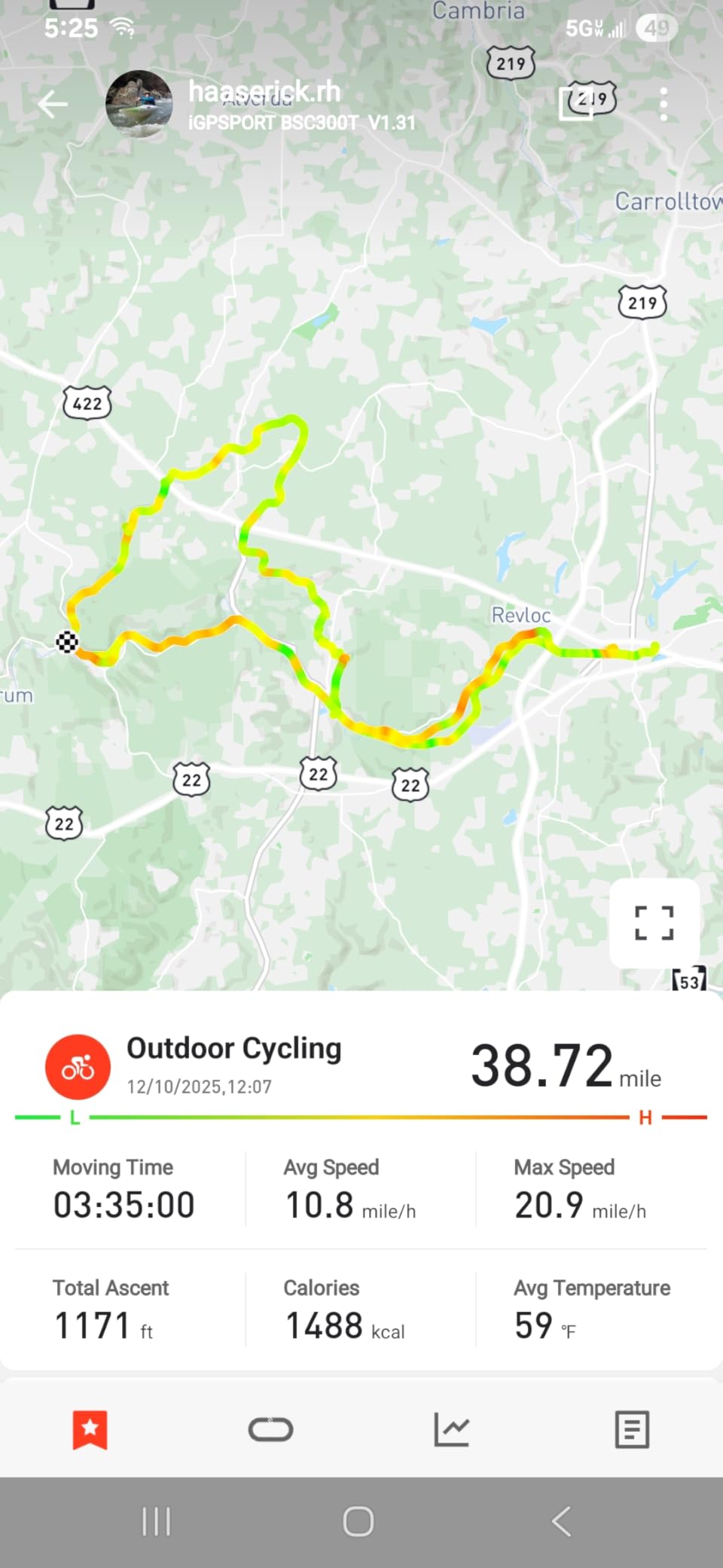
Sensor support is broad for a unit this small: ANT+ and Bluetooth 5.0 handle sensors, e-bikes and smart trainers, and the iGPSPORT app shares finished rides to Strava and Komoot. Over 130 riding data fields are available across speed, distance, grade, cadence and calories.
Storage is the constraint to plan around. Eight gigabytes will not hold large regional map sets, so riders doing long tours should plan which areas to load. The 2.4-inch screen also limits how much map detail is visible at speed, and the Type-C cable is not in the box.
What 8 GB of storage means for a long tour
It is enough for a region at a time, not for a continent. Riders on a week-long trip load and clear maps at each stop rather than installing everything up front. That is manageable if you plan it and frustrating if you assume a premium unit’s behaviour.
Because the off-course warning is persistent rather than a single alert, small storage does not translate into getting lost. The unit will keep telling you until you are back on the route.
Who should buy the BSC300T, and who should not
Buy it if you ride an e-bike, want a mapped computer that disappears on the bars, or need worldwide offline maps without a subscription conversation. The two-year warranty is a plus at this level.
Skip it if you want a large readable map, deep training analytics, or enough storage for multi-region touring. Riders who care about screen legibility at speed will find 2.4 inches too small.
9. Bryton Rider 650: Best Bike Computer With Navigation for Full-Colour OpenStreetMap Maps
Bryton Rider 650 2.8 Inch Color LCD Touchscreen GPS Bike/Cycling Computer, Preloaded USA Map, Compatible with Bike Radar, 33hrs Long Battery Life, Navigation with Turn-by Turn Follow Track Waterproof
2.8 inch colour touchscreen
Pre-loaded OSM maps
33 hour battery
IPX7 waterproof
Pros
- Vivid 2.8-inch screen with ambient light sensor
- 33 hour battery suits touring
- Pre-loaded full-colour OSM maps with street names
- Live Tracking and radar support
- Di2 and eTap support with smart notifications
Cons
- Lowest rating in this group at 3.9
- Noticeable share of one-star reviews
- Firmware and app ecosystem less refined
The Rider 650 is the most interesting navigation proposition in this roundup because the maps are pre-loaded and full colour. Street names, points of interest and turn-by-turn guidance are on the device out of the box, so you can ride unfamiliar ground without setting anything up in advance.
Battery life is a genuine asset at 33 hours, and the ambient light sensor on the 2.8-inch colour screen keeps it readable in sunlight. The ambient sensor adjusts automatically, which removes one of the fiddly steps from cheaper units.
Beyond navigation, Climb Challenge breaks a climb into colour-coded grade, distance and ascent segments, Live Tracking lets family follow you in real time, and rear-view radar support gives approaching vehicle warnings. Di2 and eTap shifting are supported alongside ANT+ sensors with automatic Bluetooth sync to Strava, TrainingPeaks and Komoot.
Be honest about the rating. At 3.9 this is the lowest-rated unit in the group with roughly 15 percent one-star reviews, and the complaints cluster around setup friction and mixed reports on routing reliability. The firmware and app ecosystem is less refined than Garmin or Wahoo platforms.
Pre-loaded maps versus downloaded maps
Pre-loaded maps mean no setup and no waiting. That is a real advantage for spontaneous riders and for anyone buying a second computer for a holiday bike. The trade is that the bundled region is fixed, and adding another region means working through the Bryton app.
Because the map detail is full colour with street names and points of interest, this unit routes on a proper cartographic base rather than a breadcrumb line. If you ride somewhere once a year, that difference is the whole point.
Who should buy the Rider 650, and who should not
Buy it if you want credible turn-by-turn navigation without configuring anything, if you ride long enough that 33 hours matters, or if you want rear-view radar and Live Tracking alongside mapping. IPX7 waterproofing covers year-round British or northern European conditions.
Skip it if you rely on live routing in unfamiliar areas where reliability matters, or if you want a software platform with a long update history. The routing reliability reports are the reason we did not rank it higher despite the feature list.
10. GEOID CC700 Pro: Best Bike Computer With Navigation for Indoor Training and WiFi Syncing
GEOID CC700 Pro 2.8″ Color Touchscreen GPS Bike/Cycling Computer, Map Navigation with Re-Route Planning, WiFi Auto-Sync, ANT+/Bluetooth, Message Notification, IPX7 Waterproof, Free Indoor Training
2.8 inch colour touchscreen
Re-route planning
WiFi auto-sync
Smart trainer support
Pros
- Bright screen readable in direct sunlight
- WiFi sync is much faster than Bluetooth
- Five-second GPS acquisition with AGNSS
- Stores multiple offline maps
- Free indoor training with smart trainer
Cons
- OnelapFit app flow is unintuitive
- Trail files may not display and routing snaps to roads
- Route start and reroute take 5 to 10 seconds
- Battery runtime can fall short of the stated figure
The CC700 Pro stands out for two things competitors charge more for. WiFi sync is much faster than Bluetooth for rides, firmware and AGNSS updates, so a week of riding is transferred before you leave the house, and the free indoor training mode uploads a FIT file to a smart trainer for simulated outdoor rides.
Positioning is quick at roughly five seconds using five satellite systems plus AGNSS, with that assist data valid for 14 days after each sync. Re-route planning recalculates a new path when you leave the route, and multiple offline maps fit in the 4 GB of storage.
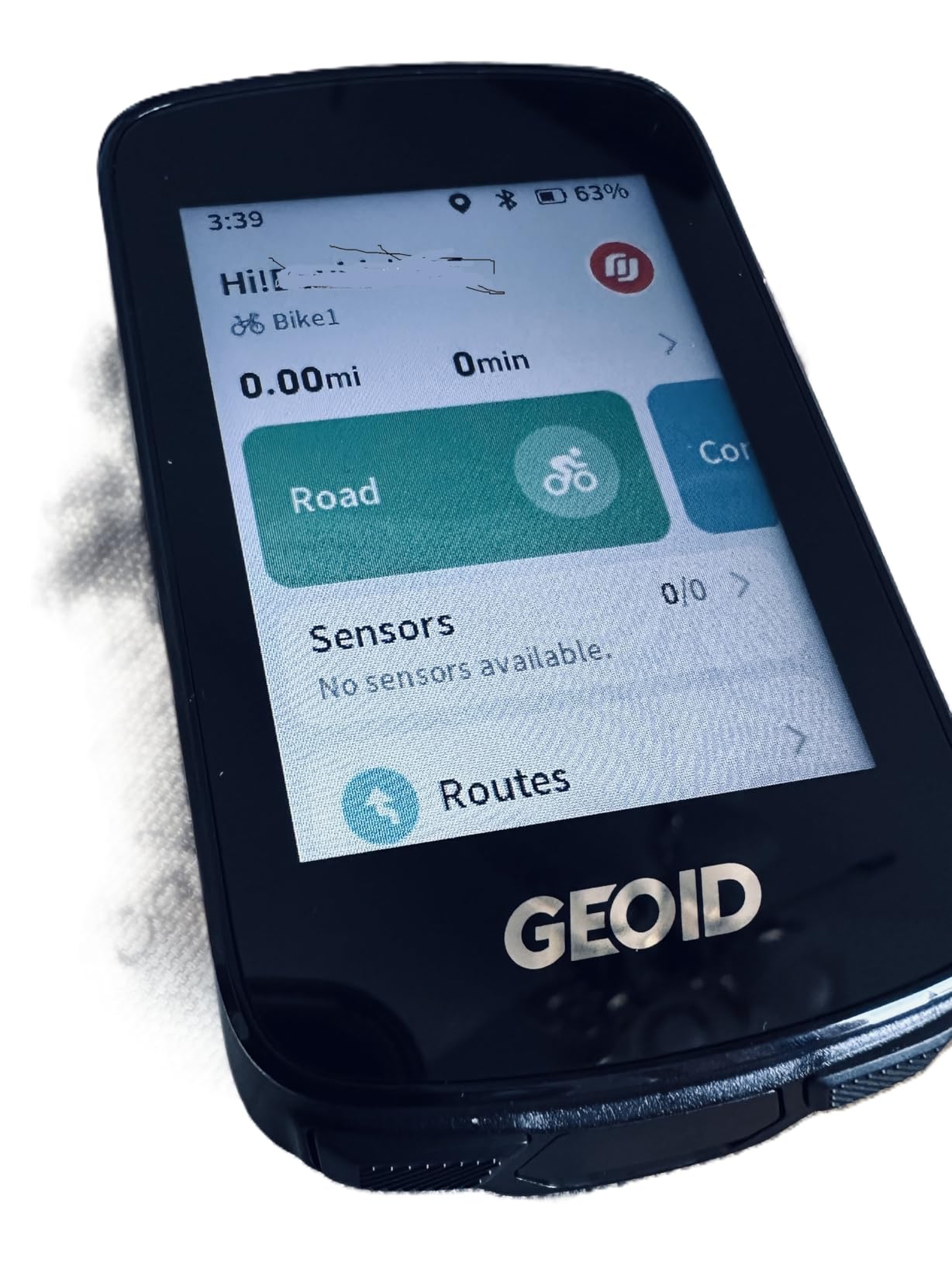
Sensor coverage is wide: heart rate, speed, cadence and power sensors, Di2 electronic shifting, and automatic Strava and TrainingPeaks file sync. Owners also like the DJI Action 4 and Action 5 Pro integration, which puts camera control on the bike computer screen.
Trail navigation is the weak spot. Riders report that imported GPX trail files may not display and that routing snaps to nearby roads instead. Several map download and settings steps are hidden or poorly explained, and reported runtime can be around half the stated figure in some cases.

Indoor training on the same device you navigate with
Most mapped computers treat indoor sessions as an afterthought. This one uploads a FIT file to a smart trainer and controls resistance and gradients for free, which means you can keep one device for both purposes instead of maintaining two ecosystems.
If you use a trainer regularly, that is worth more than an extra inch of screen. If you never ride indoors, ignore it and judge the unit purely on the map.
Who should buy the CC700 Pro, and who should not
Buy it if you split your week between trainer sessions and outdoor navigation, or if fast WiFi syncing is your top frustration with cheaper computers. Owners consistently call it the best value in its class.
Skip it if your riding is almost entirely on trails, because the routing behaviour on trail files is the most consistent complaint in the reviews. The OnelapFit app is also widely described as unintuitive, with functions hidden rather than missing.
11. iGPSPORT BiNavi: Best Bike Computer With Navigation With Music Control
iGPSPORT BiNavi GPS Bike Computer, 3.5” Touch Screen MAP Navigation
3.5 inch colour touchscreen
Dual-band L1 and L5 GPS
32 GB storage
35 hour battery
Pros
- Large 3.5-inch screen with many layouts
- Battery verified on a 320-mile multi-day tour
- Reliable turn-by-turn recovers unplanned detours
- Dual-band L1 and L5 anti-interference accuracy
- Music control from a paired phone
Cons
- Rerouting is slow enough to look like a freeze
- Navigation start can be slow and buggy
- Reroute logic ignores closed or relocated trails
- Screen reported fragile
- Music control needs a paired phone
The BiNavi is the rare mapped computer that lets you control music from the bars. Pair a phone over Bluetooth and you get track changes and playback without pulling the phone out of a jersey pocket, which is the feature most riders in our group asked about after trying it.
Battery life is verified rather than claimed. One owner used it for a 320-mile self-supported tour with route pause and resume across power cycles. At 35 hours, it also has the headroom for a long day, and 32 GB of storage holds plenty of saved routes.
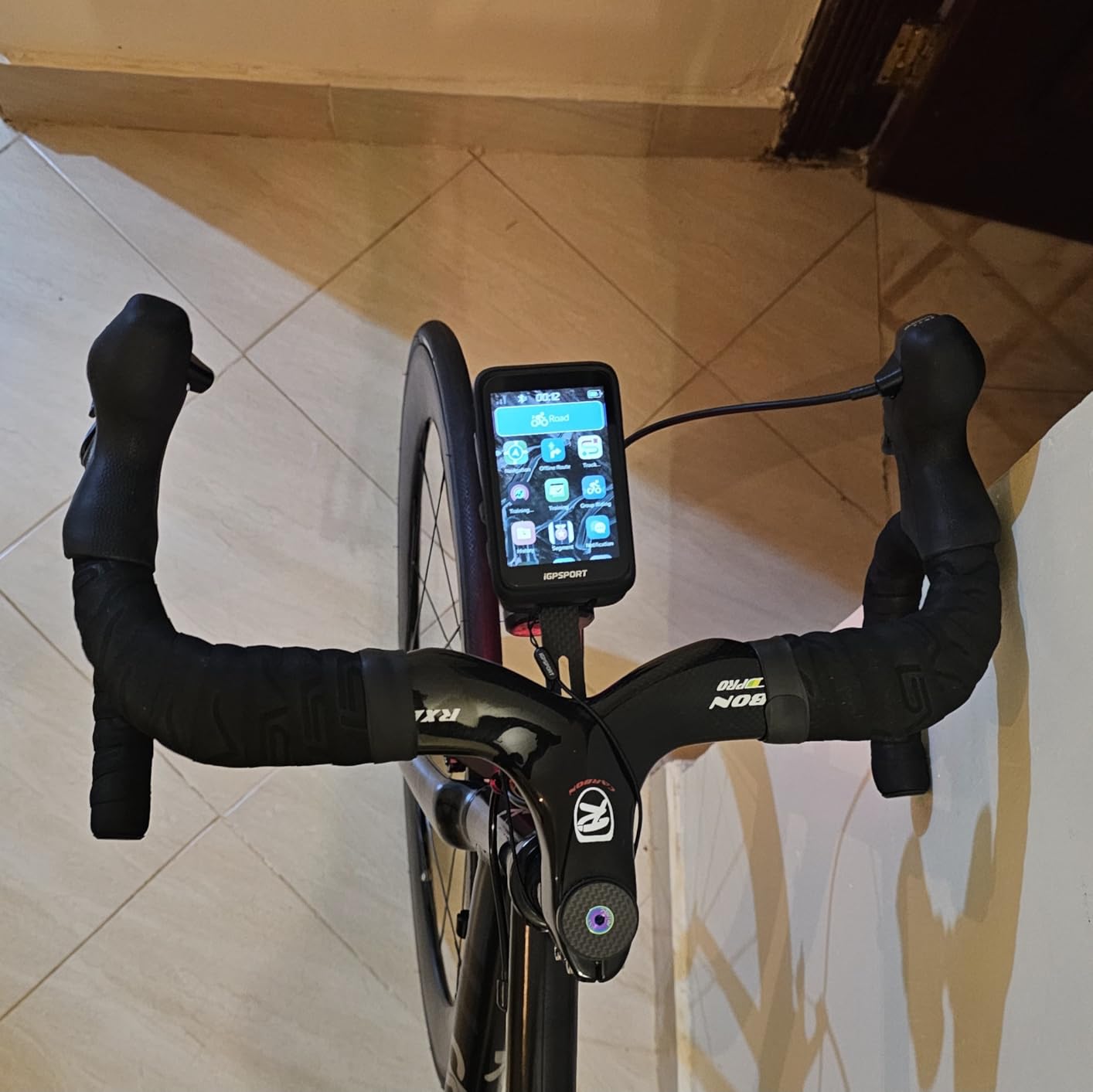
The 3.5-inch colour screen is bright enough for direct sunlight and the body is robust enough for mountain bike use. iClimb Pro adds hill planning with a route preview, and it pairs with Magene power meters, speed sensors and heart rate monitors. Road books import from Strava, Komoot and third-party files.
Navigation is reliable when you are on the route and slow when you are not. Owners report rerouting that is slow enough to look like a freeze, a navigation start that can be slow and occasionally buggy, and reroute logic that does not know about closed or relocated trails. The screen has also been reported fragile, with a crack occurring without a crash.
What slow rerouting feels like on the bike
If you follow a planned route and stop for coffee, the wait is barely noticeable. If you deliberately leave the route to explore a side road, the delay becomes the moment where you need the unit most and it responds slowest.
For riders who improvise constantly, that is a dealbreaker. For riders who load a route, ride it, and adjust occasionally, the trade is easy to accept given the battery and screen.
Who should buy the BiNavi, and who should not
Buy it if you want a large screen, phone-based music control, and multi-day endurance in one unit. It suits gravel and touring riders who like the iGPSPORT app and already run Magene sensors.
Skip it if off-route recovery speed is your top priority, if you ride rough trails where trail closures matter, or if a fragile screen would worry you. Music control also only works with a phone paired, so it is not a fully phone-free feature.
12. Magene C506: Best Bike Computer With Navigation for Your First GPS Ride
Magene C506 GPS Bike Computer – 2.4″ Color Touchscreen, Smart Navigation, Fast WiFi & Bluetooth, Riding Assistant Wireless, Indoor Cycling & Training
2.4 inch colour touchscreen
76 g body
Free global maps
24 hour endurance mode
Pros
- Light 76 g body with touchscreen and three buttons
- About 5-second GPS acquisition
- WiFi and Bluetooth automatic AGNSS sync
- Free global map downloads with turn-by-turn
- Supports nine device types including Di2
Cons
- Map download path is not obvious
- OnelapFit app less refined than Garmin or Wahoo
- No Strava Live Segments support
- Touchscreen sometimes needs a second press
The C506 is the least intimidating mapped computer here. It is 76 grams, the screen is small but clear, and it records rides accurately from the first outing. For someone moving from a phone, that combination matters more than feature count.
Positioning is quick at roughly five seconds using an Airoha chipset with AGNSS support, and it connects over WiFi and Bluetooth. WiFi transfer is reported as far faster than Bluetooth, which makes automatic ride upload and firmware updates painless. Endurance mode holds up to 24 hours.
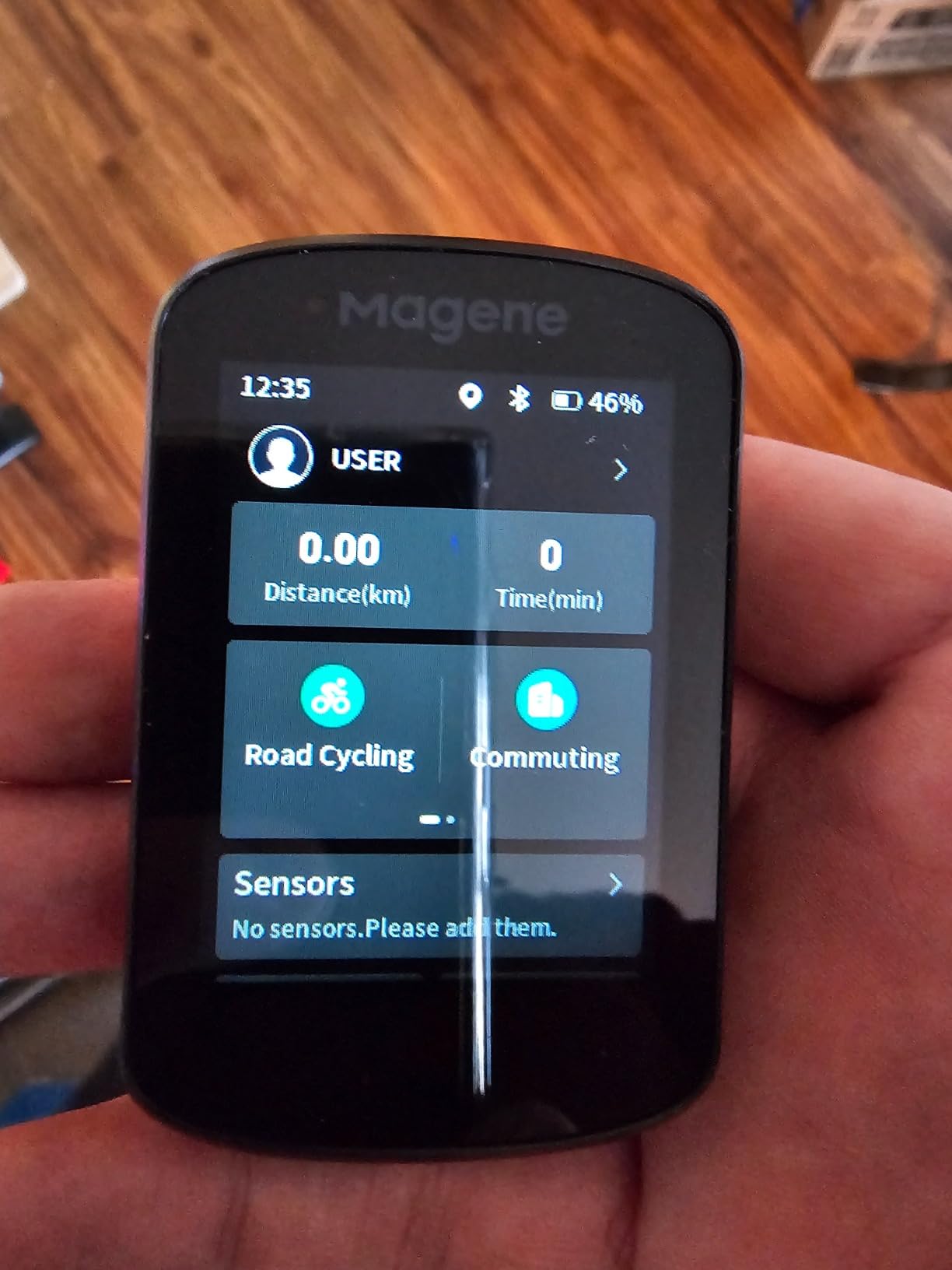
Sensor compatibility is the quiet strength: it pairs with nine device types including ANT+ and Bluetooth sensors, power meters, smart trainers, radar tail lights and Di2 or eTap shifting. The Smart Riding Assistant controls Magene L508 and L308 tail lights and adds hydration and energy reminders. Indoor training uploads a FIT file to a trainer.
The setup friction is real, though. The map download path is not obvious: you have to connect WiFi in the app, then download maps from the device file manager. Map detail is modest, some street names appear as unnamed roads, and Magene support confirms there is no Strava Live Segments support.
Free global maps versus a subscription ecosystem
This is the clearest budget answer in the roundup. Global map downloads are free, with turn-by-turn navigation, custom routes and GPX upload handled in OnelapFit. You are not paying a recurring map fee, which removes the subscription fatigue riders complain about with other platforms.
The cost is polish. The app is less refined than Garmin or Wahoo, some translations are poor, and the interface could feel smoother. For a rider who wants navigation and accurate recording rather than analytics, that is a fair exchange.
Who should buy the C506, and who should not
Buy it if this is your first bike computer, you ride without a phone in the bars, or you want mapped navigation with no subscription attached. Automatic navigation start and stop also stops untracked segments when you stop at the lights.
Skip it if you race on Strava Live Segments, need detailed offline maps across several countries, or want the sharpest map rendering. If you can accept a 2.4-inch screen and a two-step map download, it is a genuinely capable first unit.
How to Choose a Bike Computer With Navigation
Start with navigation type, because it is the one decision you cannot change later. Breadcrumb navigation simply draws the line of your recorded track and tells you when you drift off it. Turn-by-turn navigation gives junctions, road names and a voice or screen cue. Full on-device cartographic mapping draws streets, contours and points of interest so you can route on the device itself.
The Edge 540, the ROAM V3 and the BSC300T give you route following. The Karoo, the Edge 1050, the Rider 650 and the BiNavi let you browse and search a map. If you improvise routes rather than planning them, only the second group will keep you satisfied.
Second, look at GNSS bands. Multi-band and dual-band units receive two frequency bands simultaneously, which is what keeps your position steady in dense forest, built-up areas and mountain valleys. The Edge 540, Edge 1040, Edge 1050, Karoo, ROAM V3, BSC500 and BiNavi all do this; simpler single-band units are more vulnerable to the same conditions.
Third, do the battery maths for your longest day, not your typical one. Thirty-five hours sounds generous until you add a long tail ride or a route that takes longer than planned, and several units ship with a saver mode that extends the figure substantially. Multiply your longest day by 1.3, then check the unit still clears it.
Fourth, test the interface in the conditions you actually ride. Touchscreens are excellent for panning a map and searching, and frustrating with winter gloves or in heavy rain. Buttons are the reverse. The Edge 540 proves you do not have to accept that trade-off, because it has no touchscreen at all.
Fifth, price the ecosystem rather than the box. Pre-loaded maps on the Edge 1050 and Edge 1040, the free global downloads on the Magene C506 and the pre-loaded OpenStreetMap set on the Rider 650 all avoid a map subscription. Route builders such as Komoot, Strava and RideWithGPS add a paid tier for planning, which is a separate cost from the device itself.
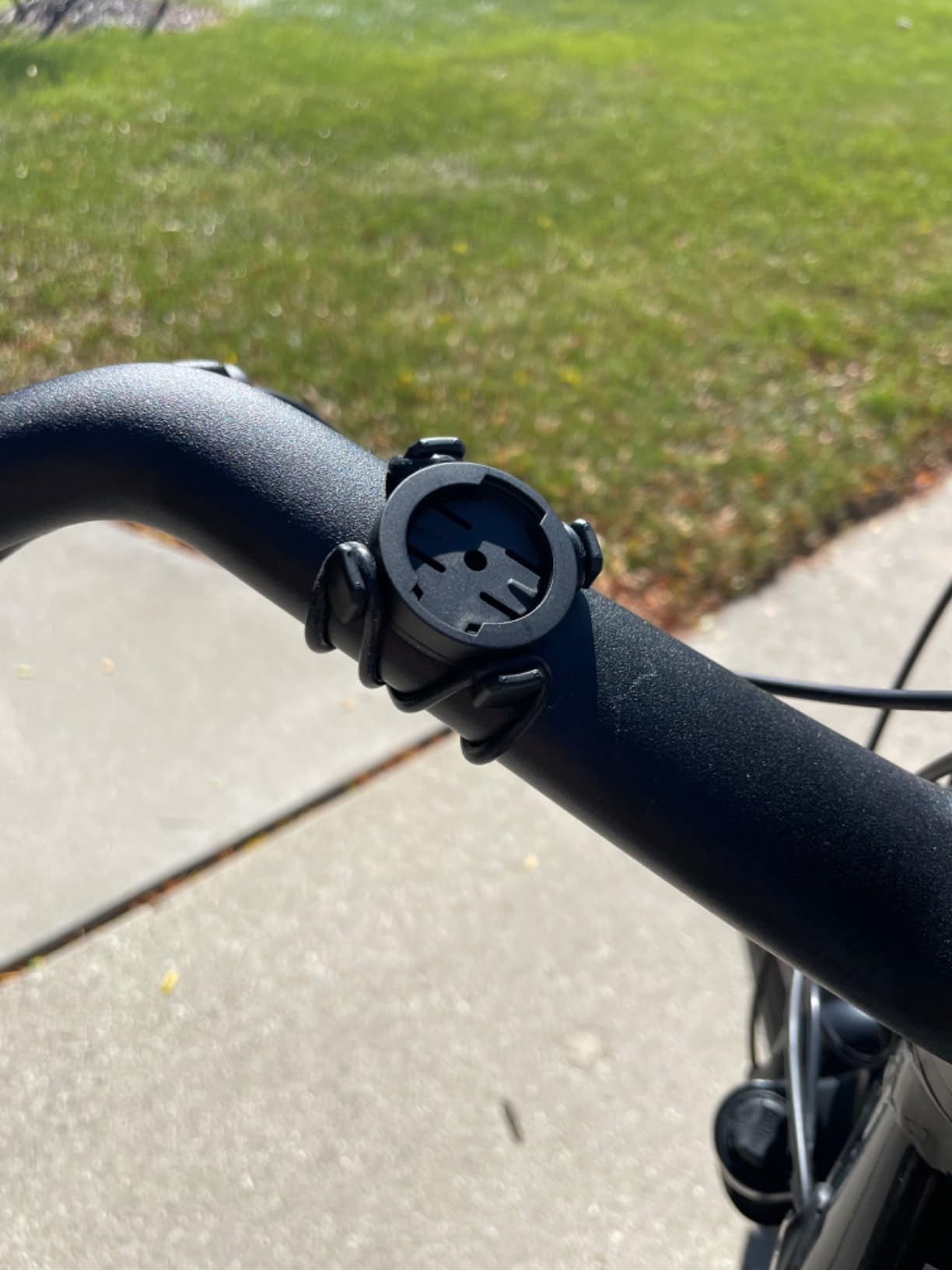
Last, check the mount. Out-front mounting puts the screen in your line of sight and clears crowded bars, but a new model may not fit the mount you already own. Measure your handlebar diameter and the space around your stem before you order.
Bike Computer vs Phone for Navigation
The phone wins on freshness and cost. Maps are always current, routing apps are free, and there is no hardware to charge separately. Riders who only ride in town with signal rarely need anything else.
It loses on endurance and durability. Users in cities report that phone navigation still drains the battery and drops out, and a phone in a bar mount is one pothole away from a cracked screen. A dedicated unit runs for tens of hours, is waterproof, and keeps working with no signal at all.
Our view is that the two are complements rather than rivals. A phone is a good planner and a good safety backup. A bike computer with navigation is what you leave the phone in a pocket for, because it will still be telling you the right turn at mile 180 with no charge and no bars.
Frequently Asked Questions
What is the best bike computer with GPS?
The Garmin Edge 1050 is the best bike computer with GPS for most riders. Its 3.5-inch colour touchscreen stays readable in direct sun, multi-GNSS positioning holds a steady line, and the built-in speaker gives audible turn-by-turn prompts so you can keep your eyes on the road. The Garmin Edge 1040 is the steadier alternative with a longer battery and a bundled sensor set, while the Hammerhead Karoo leads on raw map detail and search.
Which GPS cycle computer has the best maps?
The Hammerhead Karoo has the best map interface in this roundup: bright, colourful rendering, fast zoom and destination search that behaves more like a phone than any rival. The Wahoo ELEMNT ACE and Garmin Edge 1050 are close behind on screen size and on-device route building. For pre-loaded full-colour OpenStreetMap detail without setup, the Bryton Rider 650 is the one to choose.
Is Hammerhead Karoo better than Garmin for navigation?
For pure mapping, yes. The Karoo leads on search, rendering and how quickly you can find a destination with a thumb, and riders consistently rate its navigation experience as class-leading. Garmin leads elsewhere: longer battery options, deeper training metrics and a larger internal storage allowance for regional maps. Pick Karoo for mapping, Garmin for the rest of the package.
What is breadcrumb navigation on a bike computer?
Breadcrumb navigation is the simplest form of guidance: the device records the line of the track you rode and warns you when you drift away from it. There is no map, no junction names and no search. Compact units such as the Garmin Edge 540 and the Wahoo ELEMNT ROAM V3 follow routes this way. Full cartographic units like the Edge 1050 and Hammerhead Karoo let you browse streets and route on the device itself.
Can a bike computer navigate without cell service or a phone?
Yes. Every unit in this roundup stores its maps on the device and calculates position from satellite signals, so navigation works with no cellular coverage and no phone paired. That is the main reason riders move away from phone navigation, which drops out and drains the battery. The only features that need a phone are music control on the iGPSPORT BiNavi and turn notifications from paired sensors.
Conclusion
The Garmin Edge 1050 remains our best bike computer with navigation in 2026, because the combination of a bright 3.5-inch colour touchscreen, 64 GB of map storage, multi-GNSS positioning and a built-in speaker for spoken prompts is not matched by anything else we rode. It is the one unit that keeps you guided and your eyes forward at the same time.
Pick the Hammerhead Karoo if map clarity and search matter more to you than battery endurance, the Garmin Edge 1040 if you ride long days and want calmer reliability, and the Wahoo ELEMNT ROAM V3 if you are leaving Garmin and want a simpler experience with voice prompts. Below that, the iGPSPORT BSC500 for spoken guidance on a smaller outlay, and the Magene C506 if this is your first mapped computer.
Whichever you choose, buy the mount and the charging cable at the same time, load your maps before you need them, and take the phone out of the bars on the first long ride. You will find out how much you were relying on it.