
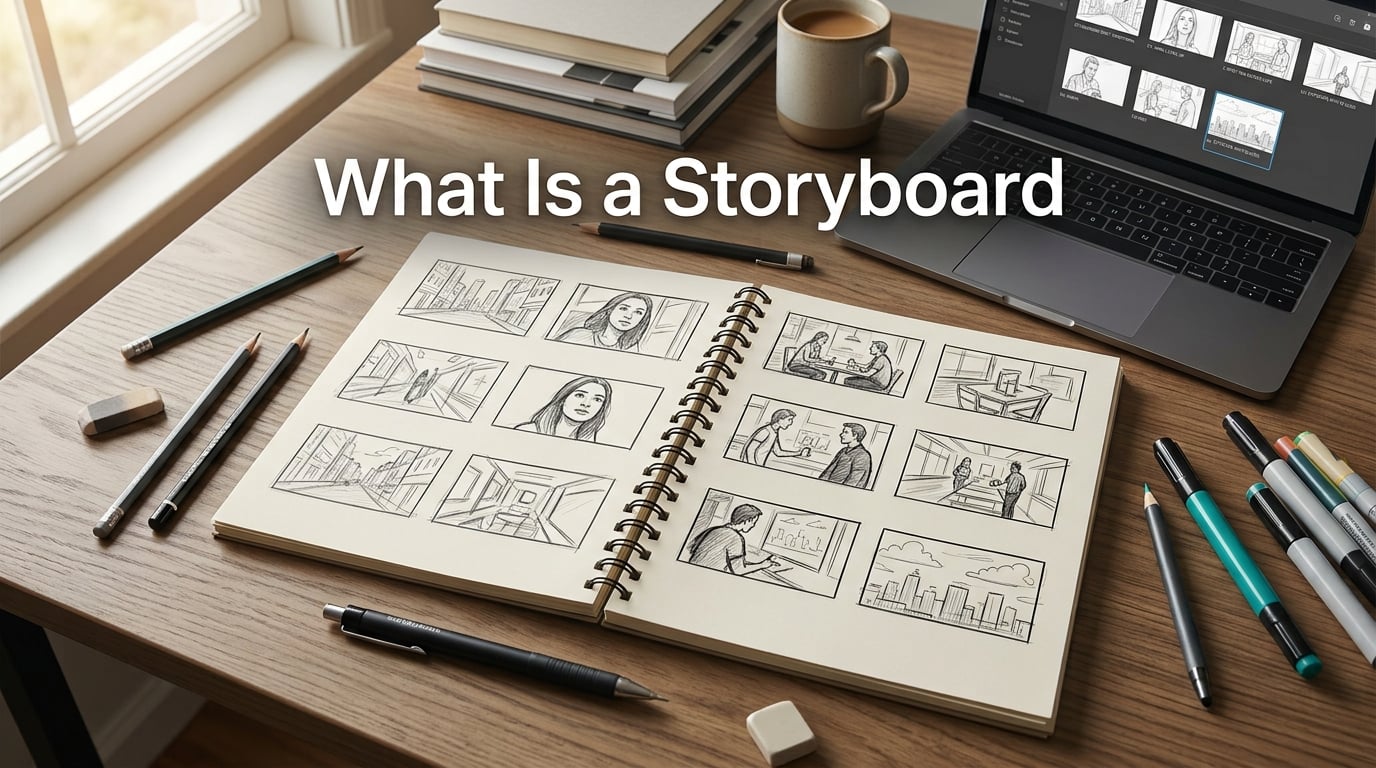
If you have ever wondered what is a storyboard and why every filmmaker, animator, and even UX designer seems to rely on one, you are in the right place. I have spent the last several months digging through studio archives, talking to working storyboard artists, and testing templates on my own short films, and the short answer is simple: a storyboard is a visual plan for a story told in sequence. The longer answer, the one that actually changes how you plan projects, is what this guide is built around.
By the end of this article, you will know exactly what a storyboard is, where the practice came from, the elements that make one effective, and how to build your first storyboard from scratch. I will also show you how storyboards compare to shot lists, share the most common mistakes beginners make, and recommend software I have actually used. Whether you are a student, an indie filmmaker, a marketer, or just curious, this guide gives you everything you need.
Table of Contents
What Is a Storyboard? A Clear Definition
A storyboard is a visual representation of a sequence, made up of ordered drawings, sketches, or images that pre-visualize a motion picture, animation, advertisement, or interactive media project. Each panel in a storyboard shows one shot or moment, often paired with notes on action, dialogue, and camera direction.
Think of a storyboard as a comic book version of your final project. Instead of a polished film, you get a series of rough frames laid out left to right (or top to bottom) that shows how the story unfolds. The format dates back to the early days of animation and live-action filmmaking, and it remains the single fastest way to communicate how a video or animation should look before any expensive production begins.
Here is a simple example. Imagine you are planning a 30-second commercial for a coffee brand. Your storyboard might include six panels: a close-up of beans being poured, a barista steaming milk, a customer smiling, the cup on a table, the brand logo, and a final wide shot of the cafe. Each panel gives the cinematographer, editor, and client a clear reference for what the finished spot should feel like.
Storyboard Synonyms and Related Terms
You may hear people use these terms interchangeably, though they are slightly different:
- Storyboard – the standard term used in film, animation, and advertising.
- Graphic organizer – used more often in education and business contexts.
- Visual plan – a casual way to describe the same idea.
- Sequential art – borrowed from comics, referring to storytelling through ordered images.
A Brief History of Storyboarding
The storyboarding technique was popularized in the 1930s by Walt Disney Studios. Legend has it that animator Webb Smith pinned rough sketches to a bulletin board to organize scenes for Disney’s early shorts. The approach worked so well that it became standard practice across the studio, and the term “storyboard” stuck.
By the late 1930s, live-action directors began adopting the format. Director Alfred Hitchcock is famous for storyboarding every single shot of Psycho before filming, which is why the shower sequence still feels so precise more than 60 years later. Steven Spielberg, Ridley Scott, and the Coen Brothers followed suit, turning the storyboard into a core part of pre-production in Hollywood.
Today, storyboards are used well beyond the film industry. UX designers map out user flows, educators plan lessons, and marketers pitch campaign ideas. The core idea has not changed much since the 1930s: draw the story before you produce it, and you will save time, money, and headaches later.
From Paper to Pixels
For most of the 20th century, storyboards lived on paper, corkboards, and printed sheets. In recent years, software like Toon Boom Storyboard Pro, Adobe Illustrator, and cloud tools like Boords and Storyboarder have replaced (or supplemented) the corkboard. Digital storyboards are easier to share, edit, and version, which is why most studios and freelancers have moved online.
Key Elements of a Storyboard
Every effective storyboard contains the same five core elements. I have reviewed boards from Oscar-winning features and indie shorts, and the best ones always include the same building blocks.
- Panels or frames – The individual boxes that hold each drawing. They are usually numbered so the team can reference a specific shot.
- Sketch or image – The visual itself. These can be rough stick figures or detailed illustrations depending on the project’s needs.
- Action and dialogue notes – Written instructions that explain what is happening in the panel, including character actions and key lines.
- Camera direction – Notes about camera angles, movement, lens choice, and shot type (close-up, wide, tracking, etc.).
- Shot specs – Technical details like aspect ratio, scene number, and duration of the shot.
Some storyboards also include arrows showing character or camera movement, sound notes, and reference images for mood or location. The exact layout depends on the project, but the five elements above are non-negotiable for a board that actually communicates your vision.
What Does a Panel Look Like?
A single panel typically shows one shot. The drawing inside might be loose and rough or highly detailed, but it should always answer three questions: what is the camera looking at, where are the characters, and what is happening in this moment. Below the panel, you add notes about dialogue, sound effects, and any specific direction you want to give the cinematographer or animator.
Traditional vs Digital Storyboards
Both traditional and digital storyboards get the job done. The right choice depends on your team, your budget, and how fast you need to iterate. Here is how they compare.
| Feature | Traditional (Paper) | Digital (Software) |
|---|---|---|
| Cost | Low (paper, pens) | Free to subscription |
| Editing speed | Slow, requires redrawing | Fast, undo and copy tools |
| Sharing | Requires scanning or photos | Cloud links, real-time collab |
| Detail level | Limited by drawing skill | Layers, color, reference images |
| Best for | Solo creators, quick drafts | Teams, client pitches, complex projects |
If you are a solo creator working on a passion project, paper still works beautifully. If you are working with a remote team or pitching to clients, digital storyboards save hours of back-and-forth. Many studios use a hybrid approach: rough sketches on paper, then digitized once the board is approved.
What Industries Use Storyboards?
Storyboards are not just for Hollywood. I have seen them used in classrooms, boardrooms, and design studios. Here are the most common industries and how they apply the format.
- Film and video production – The original use case. Every feature film, TV show, and commercial is storyboarded during pre-production.
- Animation – Animation studios cannot afford to wing it. Storyboards are required before any frame is animated.
- Advertising – Agencies use boards to pitch creative concepts to clients before committing to a shoot.
- UX and product design – Designers storyboard user journeys to predict how people will interact with an app or website.
- Education – Teachers use storyboards to plan lessons and help students outline writing projects.
- Business presentations – Leaders storyboard pitches to visualize customer journeys, sales flows, and product launches.
- Game design – Game studios storyboard cutscenes, tutorials, and key gameplay moments.
According to discussions on Reddit’s r/animationcareer, professional storyboard artists charge anywhere from $600 to $800 per 10 seconds of finished storyboard work for commercials, which gives you a sense of how valuable the craft has become across industries.
Why Storyboards Matter: Benefits and Use Cases
The single biggest reason storyboards matter is that they prevent expensive mistakes. Once you start shooting, every minute on set costs money, and reshoots are brutal. A good storyboard catches problems before you ever call “action.”
Here are the main benefits I have seen across the projects I have worked on or reviewed:
- Clear communication – A picture really is worth a thousand words. Storyboards align directors, cinematographers, editors, and clients faster than any written brief.
- Budget control – You can estimate shot counts, locations, and crew needs from a finished board.
- Faster approvals – Clients can sign off on a storyboard in a single meeting, instead of reviewing rough cuts.
- Better storytelling – Reviewing your story in panels forces you to tighten pacing and remove weak scenes.
- Risk reduction – You spot continuity errors, missing coverage, and impractical shots before you commit to production.
Indie filmmakers sometimes skip storyboarding to save time, but most of them regret it later. Studio features require boards for good reason: a 90-minute film with 1,200 shots will collapse without one.
How to Create a Storyboard: Step-by-Step
Creating your first storyboard is easier than you might think. I have walked several first-time creators through this process, and the steps below consistently produce a usable board in under a day.
Step 1: Read the Script and Break It Into Shots
Start with your script or outline. Go through it scene by scene and list every distinct shot you need. A simple spreadsheet or index card per shot works great. Include the action, the dialogue, and any specific camera idea you already have in mind.
Step 2: Sketch Thumbnails First
Before drawing anything detailed, sketch tiny thumbnails on paper. Stick figures are perfectly fine. The goal here is to map the flow of the story, not to make art. Most professionals call this “blocking the board,” and it saves hours later.
Step 3: Draw Larger Panels
Once your thumbnails feel right, redraw each shot in a larger panel. Use a template with 6 to 12 panels per page, and number each panel clearly. Add notes below every frame describing action, dialogue, and camera direction.
Step 4: Add Camera Direction and Specs
Now layer in the technical details. Note the shot type (wide, medium, close-up), camera movement (pan, tilt, dolly), and lens choice if relevant. Include the duration in seconds for each shot so your editor has a target.
Step 5: Review and Revise
Share the board with your team or a trusted friend. Read it out loud, panel by panel, and time it. Look for gaps in coverage, awkward transitions, and shots that will be hard to film. Revise until the story flows smoothly.
Step 6: Lock the Board and Move to Production
Once the storyboard is approved, freeze it. Changes during production are expensive, and a locked board keeps everyone focused. From here, you can move into shot listing, scheduling, and eventually filming or animating.
Storyboard vs Shot List: What’s the Difference?
This is one of the most common questions beginners ask, and only one competitor covers it well. A storyboard and a shot list serve different purposes, and you usually need both.
| Aspect | Storyboard | Shot List |
|---|---|---|
| Format | Visual (drawings or images) | Text (spreadsheet or table) |
| Primary use | Communicate the look and feel | Plan production logistics |
| Includes | Panels, sketches, dialogue, camera direction | Shot numbers, lens, location, equipment |
| Best for | Pitching ideas, alignment | Day-of-shoot planning |
| Skill required | Some drawing or software skill | Strong organizational skills |
In practice, the storyboard comes first. Once it is approved, the production team translates it into a shot list with the technical details needed on set. Think of the storyboard as the creative blueprint and the shot list as the construction plan.
What About Animatics?
An animatic is a moving storyboard. Once your panels are drawn, you can edit them together with rough timing, scratch dialogue, and temp music to test the pacing of your story. Studios use animatics for animated features and live-action previs alike. If a storyboard is a comic book, an animatic is the slideshow version with sound.
Common Storyboard Mistakes to Avoid
I have made every mistake on this list at some point, and I have seen them in boards from beginner to professional. Avoiding them will save you serious time.
- Spending too long on art – The board is a tool, not a portfolio piece. Rough sketches get the job done.
- Skipping camera direction – Without notes about angles and movement, your cinematographer is guessing.
- Forgetting transitions – Plan how one shot flows into the next. Awkward transitions are obvious on screen.
- Ignoring timing – Each panel should have a target duration. Without timing, the story has no pace.
- Not reviewing with the team – A storyboard that only exists in your head is not a storyboard.
The biggest mistake, though, is not making one at all. Even a five-panel storyboard beats no storyboard every single time.
Storyboard Software and Free Tools
You do not need expensive software to build a great storyboard. Here are the tools I have used and recommend, starting with the free options.
- Storyboarder (free, by Wonder Unit) – The best free option for beginners. Open source, simple, and integrates with Premiere Pro.
- Canva (free tier) – Not built for storyboards, but the grid templates work in a pinch.
- Boords (subscription) – A polished online tool with collaboration features built in.
- Toon Boom Storyboard Pro (industry standard) – The choice of professional studios. Powerful but expensive.
- Paper and pen – Still the fastest way to block a scene. Do not underestimate the humble notebook.
If you are just starting out, I would download Storyboarder and pair it with a notebook. That combination covers 90% of what solo creators need.
Frequently Asked Questions
What is a storyboard with an example?
A storyboard is a sequence of drawings or images arranged in panels that pre-visualize a film, animation, or video project. For example, a 30-second coffee commercial might use six panels: beans being poured, milk steaming, a customer smiling, the cup on a table, the brand logo, and a final wide shot of the cafe. Each panel shows one shot with notes on dialogue and camera direction.
How do you create a storyboard?
Start by reading your script and listing each shot. Sketch tiny thumbnails to block the flow of the story, then redraw each shot in a larger panel with notes about action, dialogue, and camera direction. Add timing for each panel, share the board with your team, revise until the story flows, and lock the board before production begins.
What are the 5 elements of a storyboard?
The five core elements are: panels or frames, sketches or images, action and dialogue notes, camera direction, and shot specs. Some boards also include arrows showing movement, sound notes, and reference images for mood or location.
What’s another word for storyboard?
Other words for storyboard include graphic organizer (common in education), visual plan, sequential art (borrowed from comics), and story map. The term storyboard is by far the most common in film, animation, and advertising.
Final Thoughts on What a Storyboard Is
So, what is a storyboard? It is the cheapest insurance you can buy for any visual project. A storyboard is a sequence of panels that pre-visualize your story before you spend a dollar on production, and it is the single fastest way to align your team, pitch your idea, and catch costly mistakes early.
If you take one thing away from this guide, let it be this: draw the story before you make the story. Start with rough thumbnails, refine into clean panels, add notes and timing, share with your team, and lock the board before you shoot. That is the loop every working filmmaker, animator, and UX designer relies on.
Your next step is to grab a notebook, open Storyboarder, or print a free template, and block out the next scene you need to produce. Once you have a finished board in hand, you will wonder how you ever planned a project without one.