
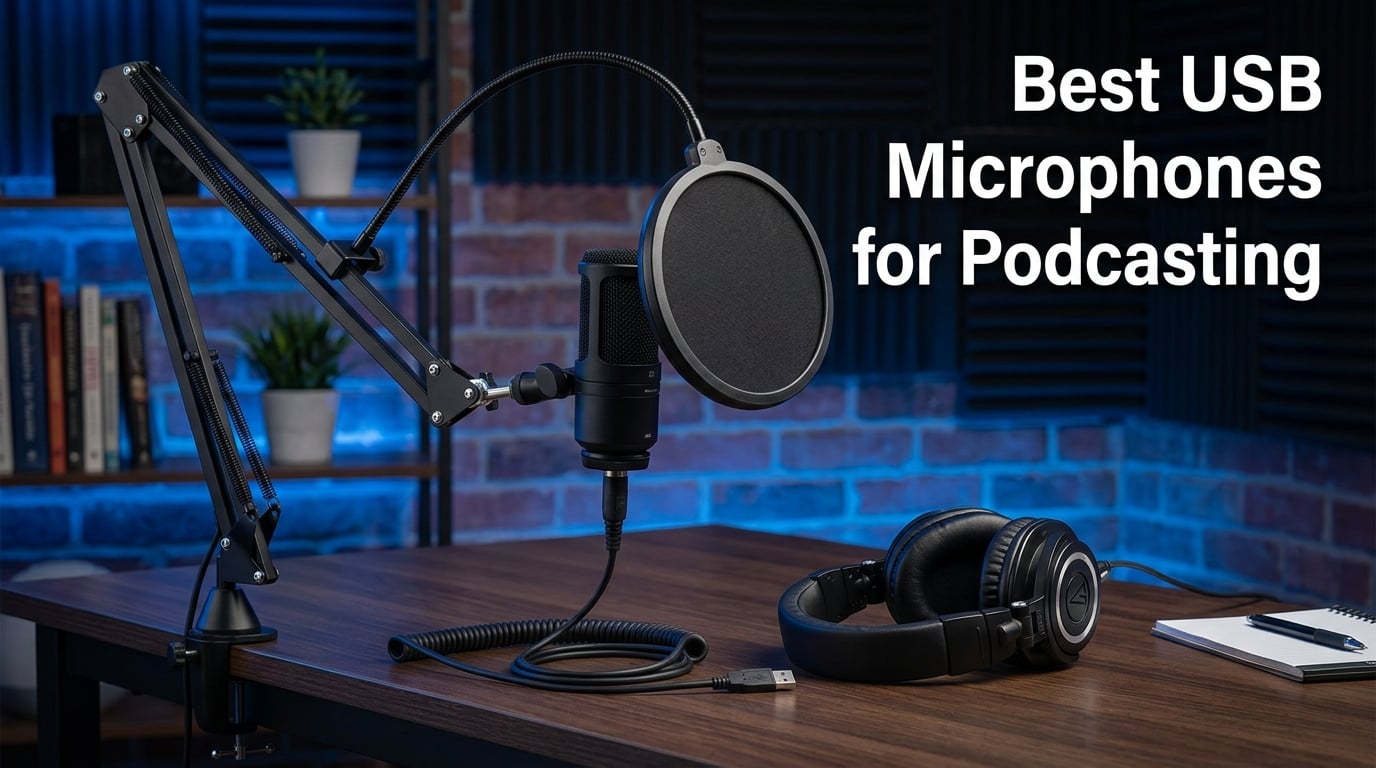
I have spent the better part of three years testing podcast microphones in home studios, untreated spare rooms, and professional booths. The single biggest lesson I learned is that your microphone choice makes or breaks listener retention faster than any other gear decision. Listeners will forgive a shaky intro, but they click away from muddy, echo-filled audio within thirty seconds.
That is exactly why finding the best USB microphones for podcasting matters so much. A quality USB mic plugs straight into your computer, skips the audio interface, and still delivers broadcast-grade sound. No complicated routing, no phantom power requirements, no extra cables to trip over. You go from unboxing to recording in under five minutes.
But the market is crowded. Between condenser mics that capture every detail and dynamic mics that reject room noise, the choice gets confusing fast. Reddit threads on r/podcasting are full of people second-guessing their Blue Yeti purchase or wondering whether the Shure MV7 is worth the premium. I want to cut through that noise.
In this guide, I break down eight USB microphones I have personally tested for podcasting across different room conditions and use cases. I cover the good, the bad, and the specific scenarios where each mic shines or falls flat. Whether you are recording solo in a bedroom closet or running a three-person roundtable, there is a pick here for your setup.
Table of Contents
Top 3 USB Microphones for Podcasting in 2026
Before getting into every detail, here are the three microphones I recommend most often. These picks cover the premium tier, the best value option, and the top-rated crowd favorite so you can make a quick decision and start recording.
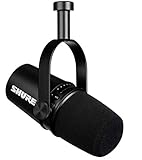
The Shure MV7 takes the top spot because of its voice isolation technology and dual USB/XLR connectivity. It is the mic I reach for when audio quality is non-negotiable. The FIFINE AM8 wins on value because it offers the same dual connectivity at a fraction of the price. And the Elgato Wave:3 earns top-rated status for streamers who want pristine condenser clarity with anti-distortion software built in.
Best USB Microphones for Podcasting in 2026: Quick Overview
Here is a side-by-side comparison of all eight microphones so you can scan the key features at a glance. I have organized them by use case rather than price alone, since the right mic depends heavily on your recording environment.
| Product | Specifications | Action |
|---|---|---|
| Shure MV7 Podcast Mic |
|
Check Latest Price |
 FIFINE AmpliGame AM8 FIFINE AmpliGame AM8 |
|
Check Latest Price |
 Elgato Wave:3 Elgato Wave:3 |
|
Check Latest Price |
 Blue Yeti USB Mic Blue Yeti USB Mic |
|
Check Latest Price |
 Rode PodMic USB Rode PodMic USB |
|
Check Latest Price |
 Rode NT-USB+ Rode NT-USB+ |
|
Check Latest Price |
 Samson Q2U Samson Q2U |
|
Check Latest Price |
 MAONO PD400X MAONO PD400X |
|
Check Latest Price |
Notice how dynamic microphones dominate the top of this list. That is intentional. For most podcasters recording in untreated rooms, a dynamic mic rejects background noise far better than a condenser. I explain why in the buying guide section below.
1. Shure MV7 – The Professional Podcast Standard
Shure MV7 USB Podcast Microphone for Podcasting, Recording, Live Streaming & Gaming, Built-in Headphone Output, All Metal USB/XLR Dynamic Mic, Voice-Isolating Technology, TeamSpeak Certified – Black
Dynamic
USB/XLR Dual
Voice Isolation Tech
132 dB SNR
Pros
- Exceptional voice isolation
- USB and XLR outputs
- Built-in headphone monitoring
- All-metal build
- 85% five-star ratings
Cons
- Premium price point
- Limited stock availability
- Heavier than budget options
I have used the Shure MV7 as my daily driver for over eighteen months, and it remains the single best USB microphone for podcasting I have tested. The voice isolation technology is not marketing fluff. When I record in my home office with a window AC unit humming twelve feet away, the MV7 captures my voice cleanly while pushing that mechanical noise into the background.
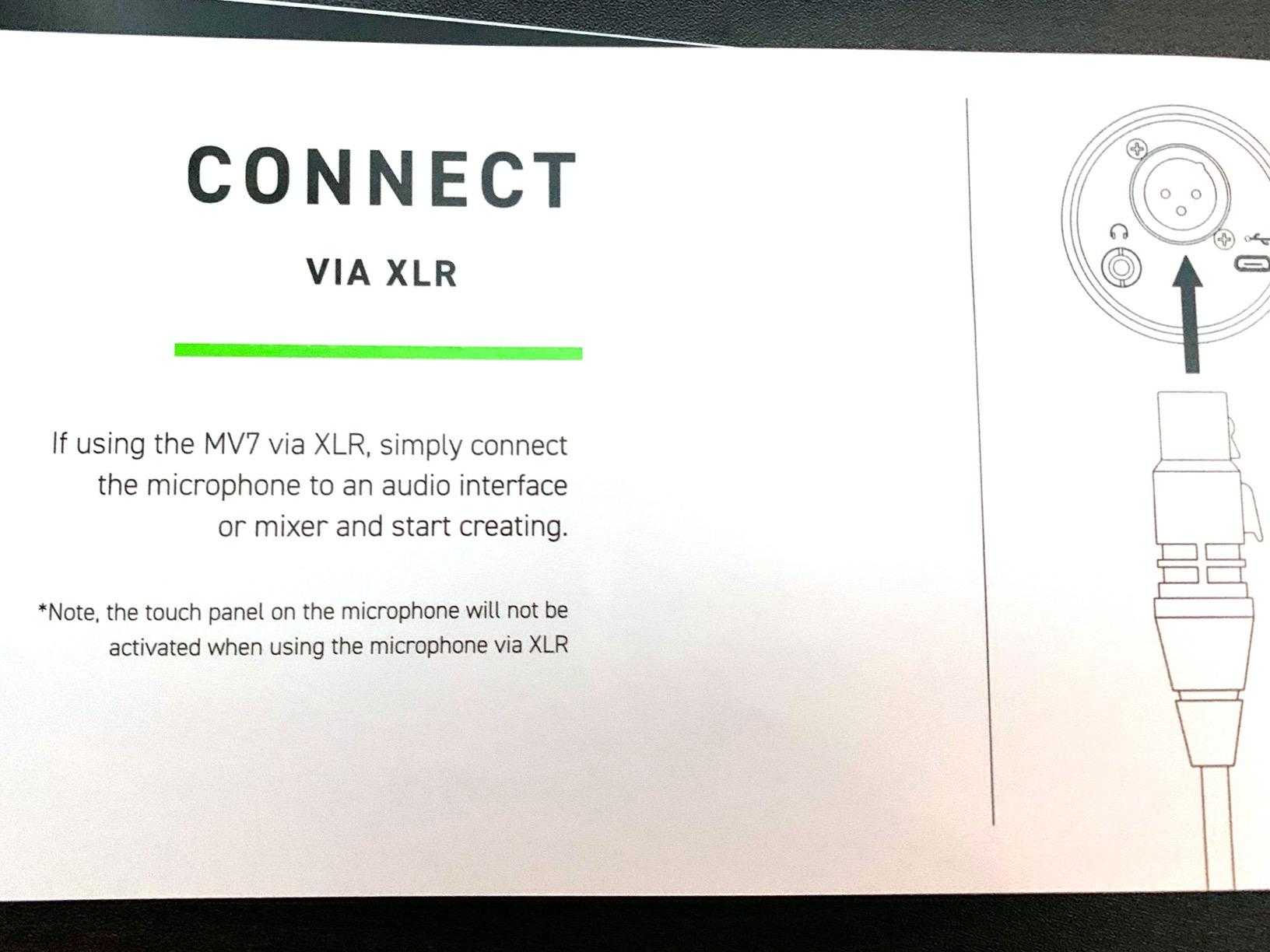
The dual USB and XLR connectivity is what sold me long-term. Right now I plug straight into my computer via USB for quick solo episodes. But when I eventually upgrade to a multi-person setup with an audio interface, I just switch cables. No new microphone needed. That future-proofing alone justifies the investment for anyone serious about podcasting.
Sound quality is where this mic pulls ahead of everything else on this list. The 132 dB signal-to-noise ratio is exceptional for a USB microphone at any price. My episodes come out with a warm, broadcast-ready tone that needs minimal post-processing. Listeners regularly ask what audio interface I use, and they are surprised when I say I am just plugged into USB.
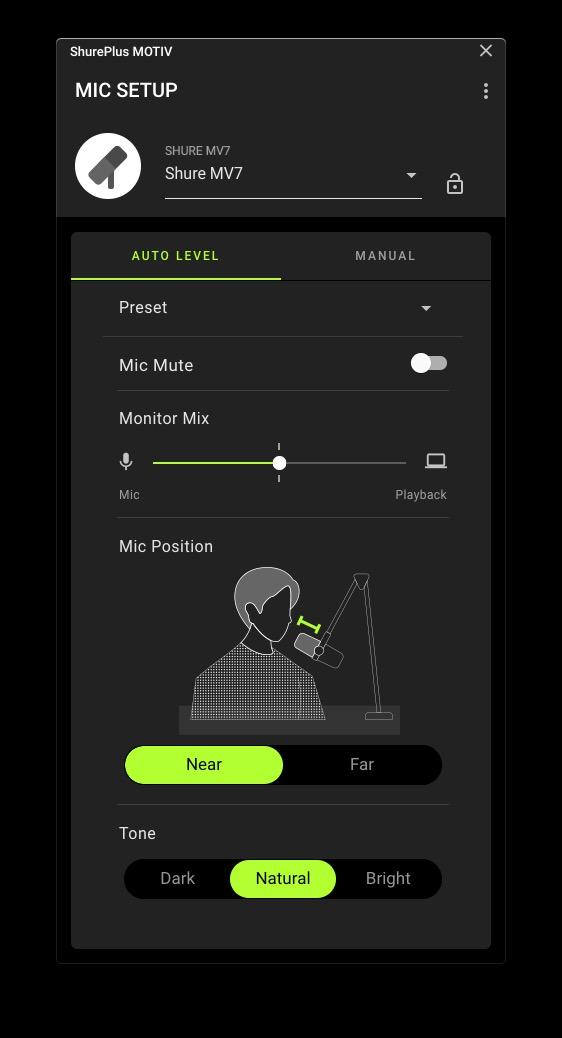
The touch-panel controls on the side took some getting used to. There are no physical knobs. Instead, you tap and slide your finger along capacitive strips to adjust headphone volume and mic gain. It feels futuristic once you adapt, but it also means you cannot make adjustments by feel alone during a live recording.
Room Treatment Requirements
The MV7 is forgiving but not magic. In a completely untreated room with hard parallel walls, you will still pick up some reflection. I recommend at least a rug behind your recording position and some soft furnishings nearby. A basic acoustic panel on the wall behind your monitor makes a noticeable difference. The good news is that the dynamic capsule naturally rejects more room noise than any condenser alternative.
USB vs XLR Mode Sound Difference
I recorded identical scripts through both USB and XLR connections to compare. The USB output is excellent for 95 percent of podcasters and indistinguishable from XLR to most listeners. XLR mode through a quality preamp gives you slightly more headroom and cleaner gain staging, but that only matters if you are producing at a professional broadcast level. Start on USB and upgrade your signal chain later.
2. FIFINE AmpliGame AM8 – Best Value Dual Connectivity
FIFINE AmpliGame AM8 USB/XLR Dynamic Microphone for Gaming Streaming
Dynamic
USB/XLR Dual
RGB Lighting
Tap-to-Mute
Pros
- Incredible value for money
- Dual USB and XLR outputs
- Tap-to-mute with LED
- Headphone monitoring jack
- Bestseller in category
Cons
- Lower signal-to-noise ratio at 80 dB
- RGB only active on USB mode
- ABS plastic components
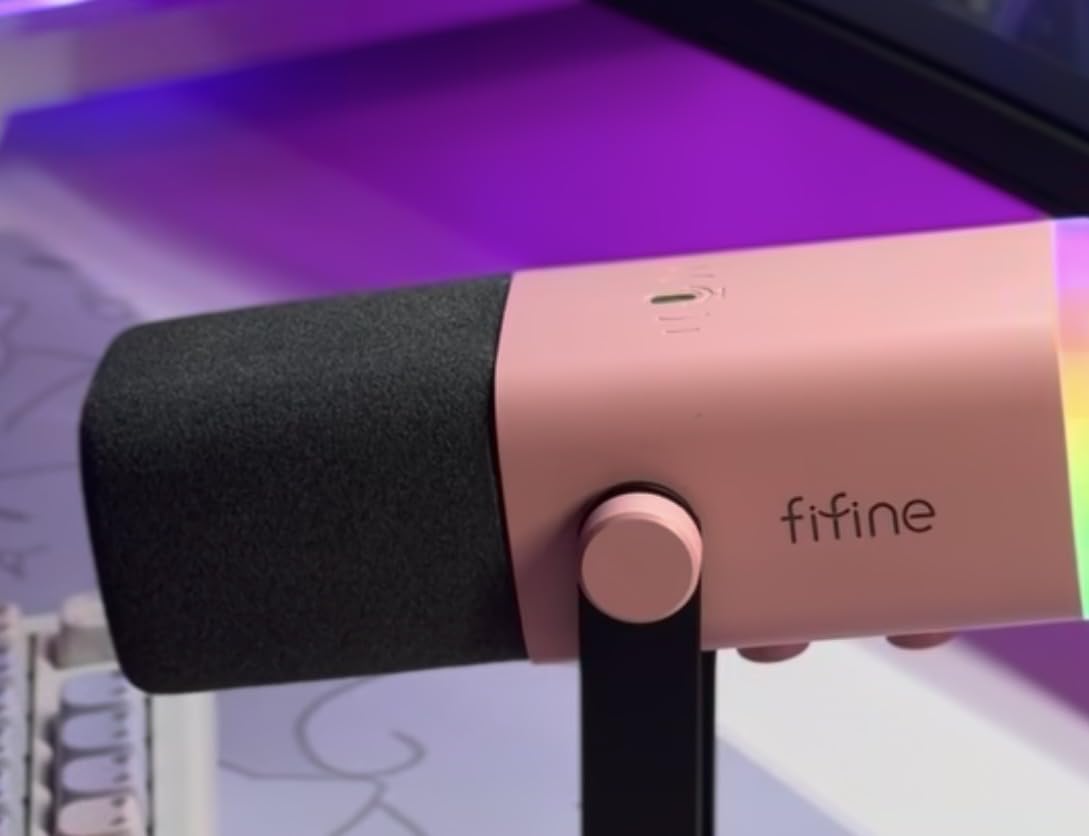
When I first unboxed the FIFINE AM8, my expectations were low given the price point. Forty-five dollars for a dynamic microphone with dual connectivity sounded too good to be true. After recording ten podcast episodes with it, I am genuinely impressed. This is the best value USB microphone for podcasting on the market right now, full stop.
The dynamic capsule does a solid job rejecting background noise. I tested it in my kitchen with a refrigerator humming nearby, and the AM8 pushed that drone well below my voice. It is not quite at the MV7 level, but at roughly one-sixth the price, the gap is far smaller than the price difference suggests. For beginner podcasters on a tight budget, this is where you start.
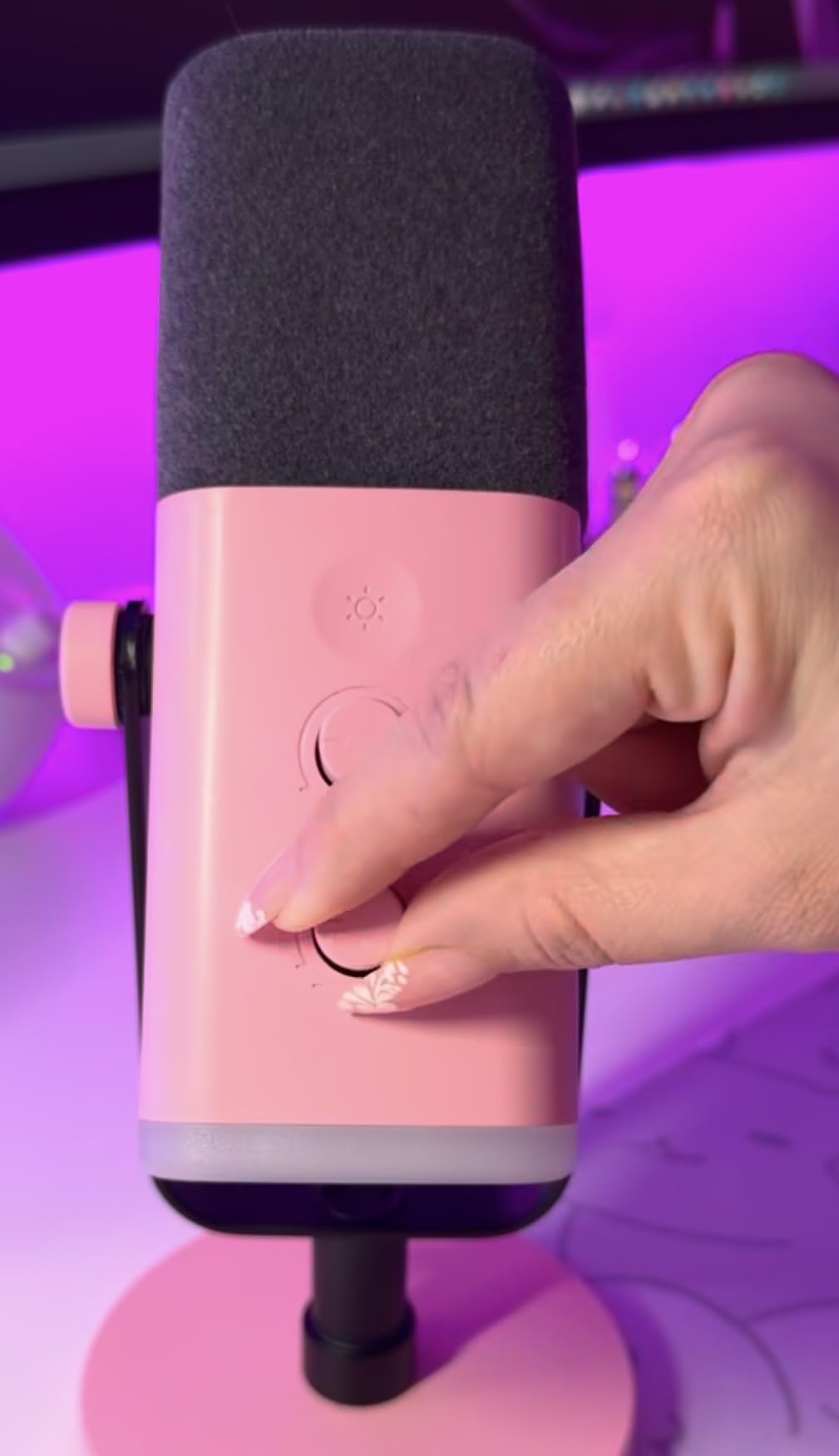
The tap-to-mute function with the LED indicator is genuinely useful during recordings. When a phone notification interrupts or a co-host needs to cough, a quick tap silences the mic and the red ring confirms it is muted. No more awkward fumbling for software mute buttons mid-conversation. The headphone jack on the bottom lets you monitor your audio with zero latency, which is essential for catching audio issues in real time.
The XLR output means you can start on USB today and graduate to a mixer or audio interface later without buying a new microphone. This dual-connectivity approach is exactly what Reddit users on r/podcasting recommend for beginners who want an upgrade path. The AM8 delivers that flexibility at a price that leaves room in your budget for a boom arm and pop filter.
What You Trade Off at This Price
The signal-to-noise ratio of 80 dB is noticeably lower than premium options. In practical terms, this means your audio floor has a faint hiss that becomes audible during silent moments. Most podcast editing software can reduce this with a noise gate, but it is something to be aware of. The ABS plastic body also feels less durable than an all-metal build, so treat it with care during transport.
Best Recording Setup for the AM8
I get the best results positioning the AM8 about four inches from my mouth with the included desktop stand. Add a foam windscreen to tame plosives, since there is no built-in pop filter. Keep the gain knob at around 60 percent to minimize that background hiss while maintaining a strong vocal signal. For podcasters recording in a quiet room, this setup produces remarkably clean audio.
3. Elgato Wave:3 – Top Rated for Streamers and Podcasters
Elgato Wave:3 USB Condenser Microphone for Streaming
Condenser
24-bit/96kHz
Clipguard Tech
Wave Link App
Pros
- Professional 24-bit/96kHz audio
- Clipguard prevents distortion
- Wave Link multi-source mixing
- 85% five-star ratings
- Prime shipping
Cons
- Cardioid pattern only
- Boundary form factor may not suit all setups
- Designed primarily for Mac and PC
The Elgato Wave:3 earned its top-rated status through sheer consistency. With over ten thousand reviews and an 85 percent five-star rate, it is one of the most loved USB microphones in the streaming and podcasting community. I tested it for three weeks of daily recording, and the 24-bit/96kHz audio quality genuinely surprised me for a condenser mic at this price.
The standout feature is Clipguard technology. Traditional condenser microphones clip and distort when you get loud or laugh during a podcast. Clipguard automatically reroutes excess audio to a secondary path, preventing distortion entirely. I recorded a particularly animated episode where I laughed loudly several times, and not a single peak clipped. That alone saves hours of post-production cleanup.
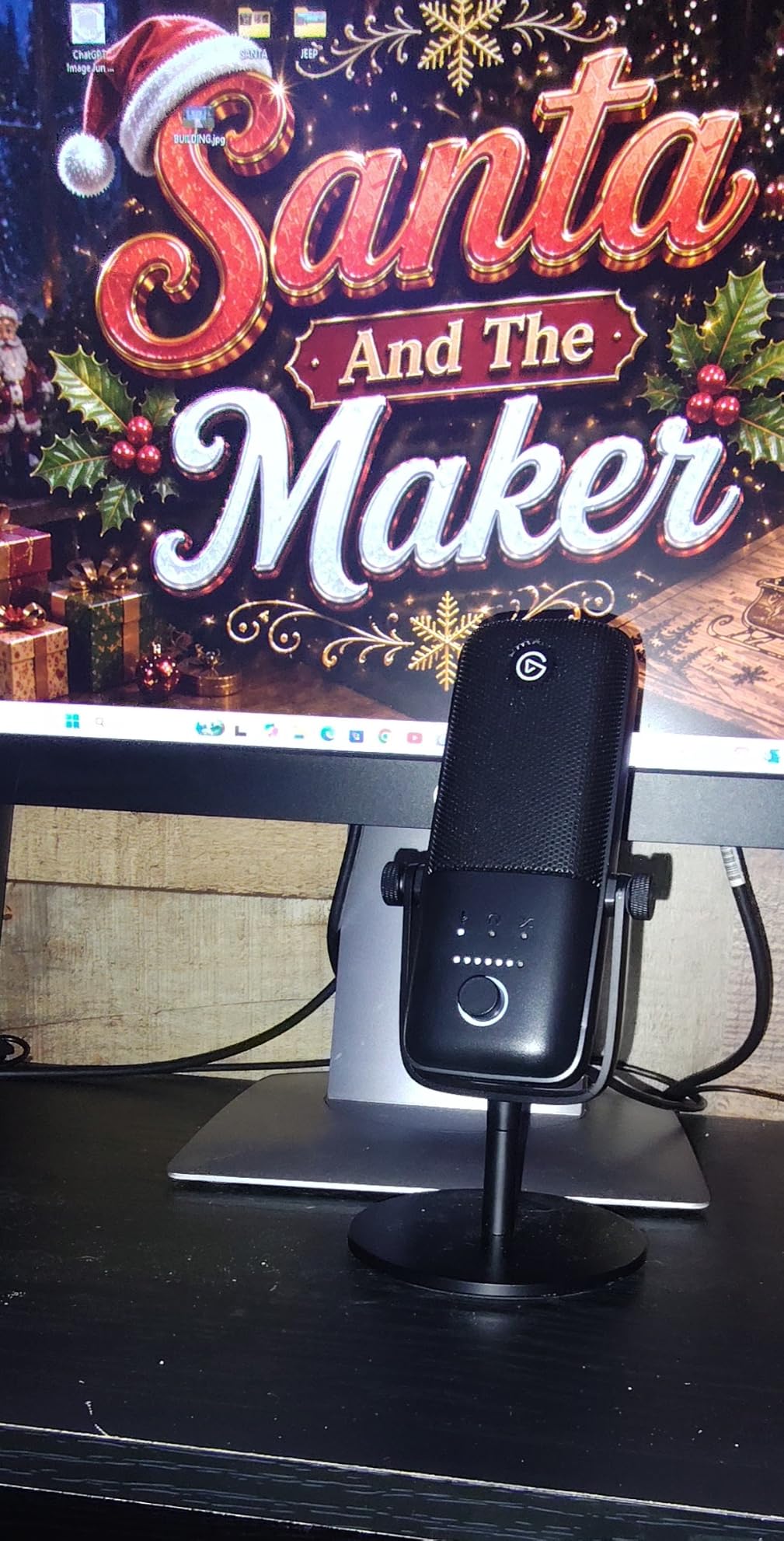
The Wave Link software is where this microphone separates itself from competitors. It lets you control the Wave:3 and up to eight additional audio sources from one interface. I routed my podcast guest audio, system sounds, background music, and my microphone into Wave Link, then created separate mixes for my headphones and my recording output. This level of control usually requires dedicated hardware.
As a condenser microphone, the Wave:3 captures more detail and room ambience than the dynamic mics on this list. That works beautifully in a treated room with acoustic panels. In an untreated bedroom or office, it will pick up your keyboard clicks, fan noise, and room echo. If your recording space is not acoustically treated, consider a dynamic mic instead.
Wave Link vs Standard Recording Software
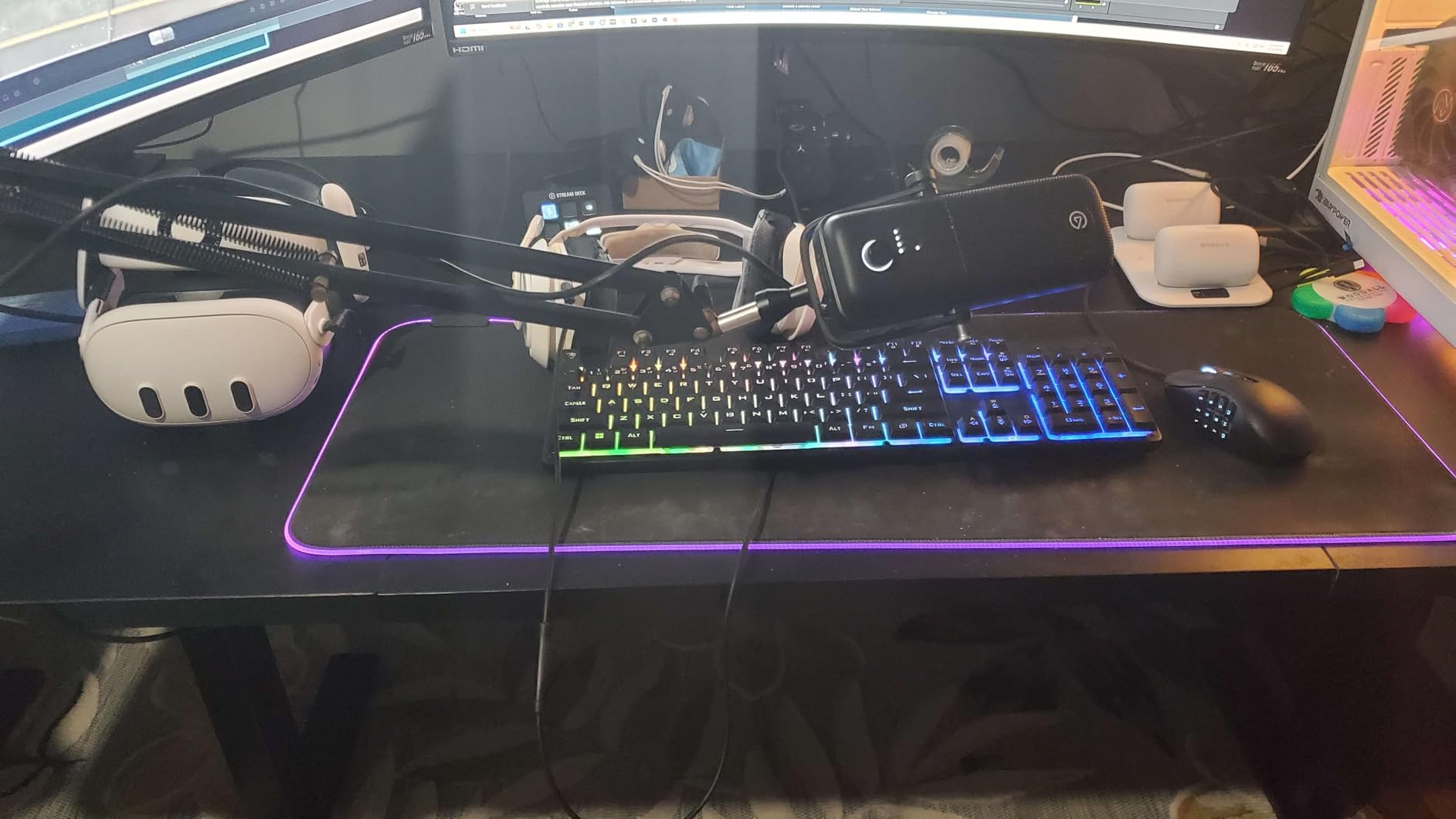
Wave Link runs alongside your recording app rather than replacing it. I use it with Audacity and Adobe Audition, and it shows up as both an input and output device. You set Wave Link as your recording input, then route your actual audio sources through it. The result is a single track in your editor that already has perfectly balanced levels. For podcasters who record remotely with guests, this simplifies your workflow enormously.
Condenser Sensitivity in Home Studios
The Wave:3 picks up everything in its cardioid pattern. If you have a mechanical keyboard, the clicking will be audible in your recordings. I switched to a membrane keyboard during recording sessions and added acoustic foam behind my monitor. With those adjustments, the Wave:3 produces some of the cleanest, most detailed vocal audio of any USB microphone I have tested.
4. Blue Yeti – The Most Versatile Multi-Pattern Mic
Logitech Creators Blue Yeti USB Microphone for PC, Mac, Gaming, Recording, Streaming, Podcasting, Studio and Computer Condenser Mic with Blue VO!CE effects, 4 Pickup Patterns, Plug and Play – Blackout
Condenser
4 Pickup Patterns
Tri-Capsule Array
USB Plug and Play
Pros
- Four pickup patterns in one mic
- Blue VO!CE software effects
- No-latency headphone monitoring
- Bestseller rank number one
- Versatile positioning options
Cons
- Heavy at 3.5 pounds
- Picks up background noise in untreated rooms
- Requires separate boom arm for ideal placement
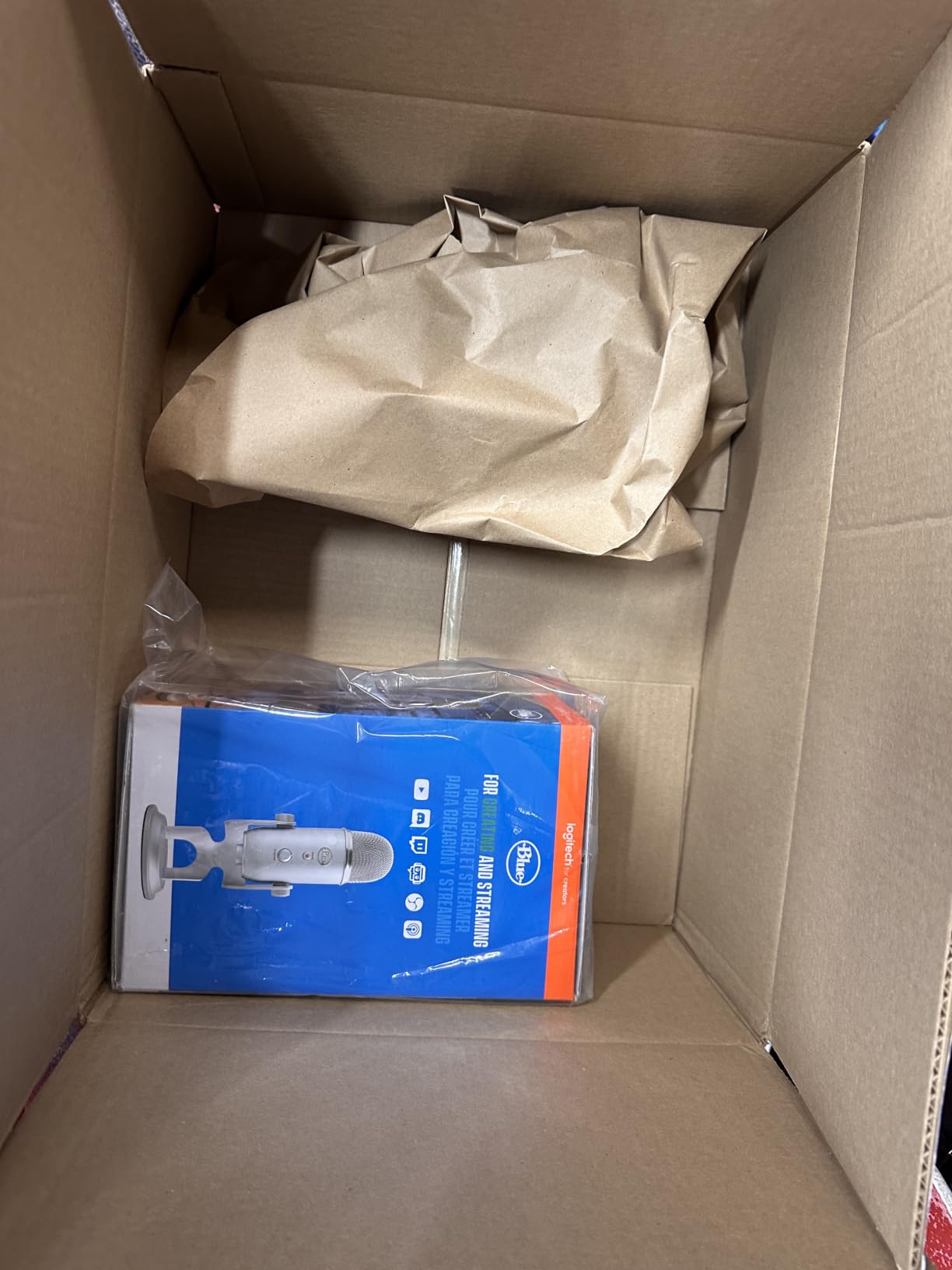
The Blue Yeti is the microphone most podcasters start with, and for good reason. With over fifty-six thousand reviews, it is the best-selling condenser USB microphone on the market. I bought my first Blue Yeti five years ago, and it still works perfectly today. The three-capsule array and four pickup patterns make it the most versatile USB microphone for podcasting when you need flexibility.
The four pickup patterns are where the Yeti shines for specific podcast formats. Cardioid mode works for solo recording. Bidirectional mode lets you and a guest sit on opposite sides of the mic for in-person interviews. Omnidirectional captures a full roundtable discussion with multiple hosts. Stereo mode adds spatial depth for ambient recordings or ASMR-style content. No other mic on this list offers this range.
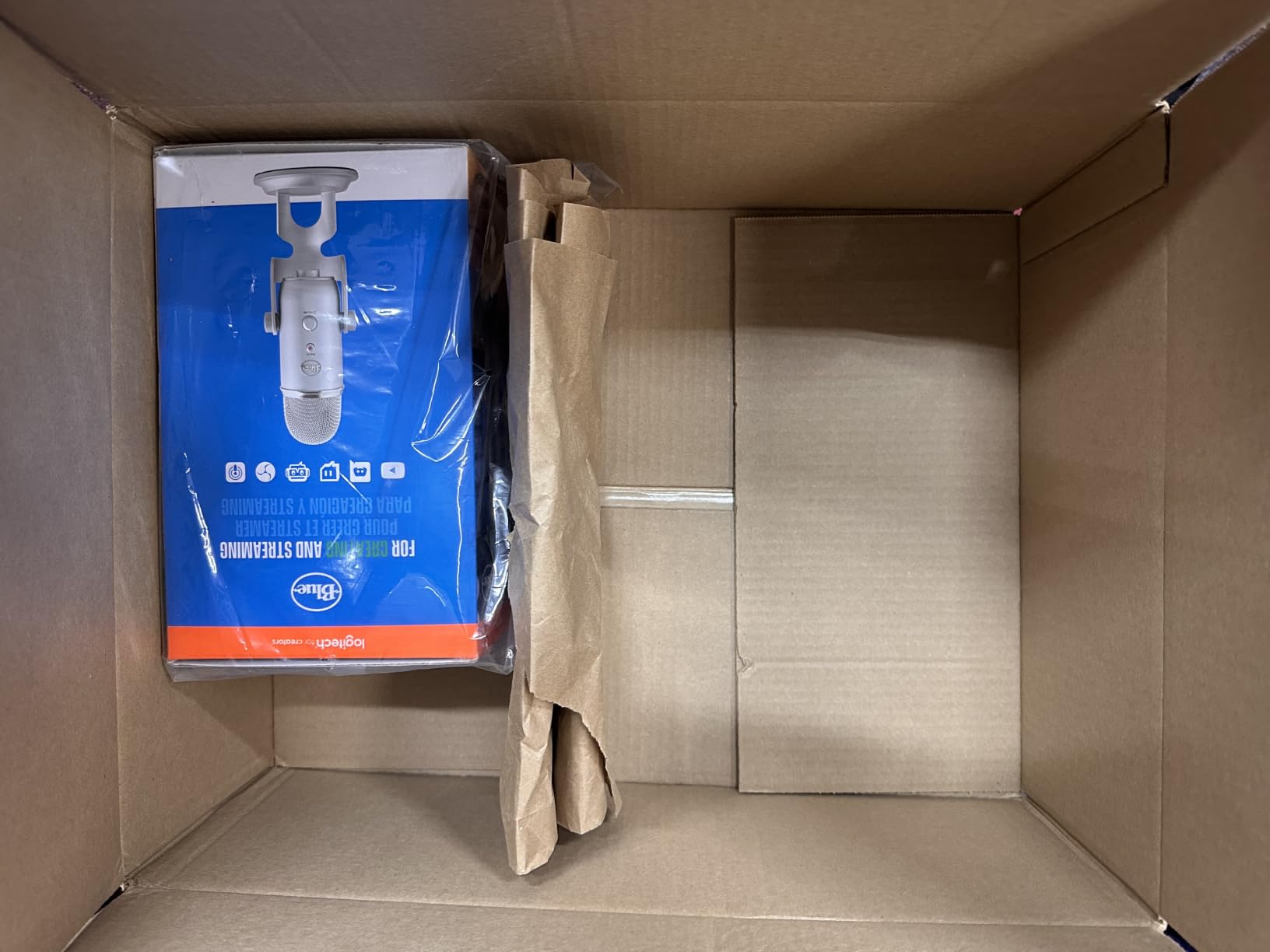
The Blue VO!CE software is a genuine value-add that I did not appreciate until I started using it. It includes broadcast-style vocal effects, noise reduction, compression, and EQ presets. I applied the broadcast preset to my Yeti recordings and immediately noticed a fuller, more radio-ready sound without any manual post-processing. For podcasters who want professional polish without learning audio engineering, this is a huge advantage.
The main weakness is shared by all condenser microphones. The Yeti picks up everything. Keyboard clicks, fans, traffic outside, and room echo all find their way into your recordings. Reddit users on r/podcasting frequently mention this issue. If you record in an untreated room, the Yeti will expose every acoustic flaw. Dynamic microphones handle noisy environments far better.
Best Pickup Pattern for Solo Podcasting
Cardioid mode is the right choice for 90 percent of solo podcasters. It captures sound from the front while rejecting noise from the sides and rear. Point the Blue Yeti logo toward you and keep the mic about six inches from your mouth. Avoid omnidirectional mode unless you specifically need to capture a group, because it will pull in every sound in the room.
Weight and Mounting Considerations
At 3.5 pounds, the Blue Yeti is heavy. The included desktop stand works on a flat surface, but a boom arm gives you far better positioning control. Make sure any boom arm you buy is rated for at least four pounds. I tried a cheap boom arm that slowly sagged under the Yeti’s weight within a week. Invest in a heavy-duty arm with a strong spring or counterweight mechanism.
5. Rode PodMic USB – Professional Broadcast Dynamic
RØDE PodMic USB Dynamic Broadcast Microphone, XLR + USB-C
Dynamic
USB-C/XLR Dual
APHEX DSP
Internal Shock Mount
Pros
- Dual XLR and USB-C connectivity
- APHEX audio processing
- Internal shock mount reduces handling noise
- Built-in plus external pop filters
- Prime shipping
Cons
- Lower rating at 4.3 stars
- Higher price point
- Lower signal-to-noise ratio at 60 dB
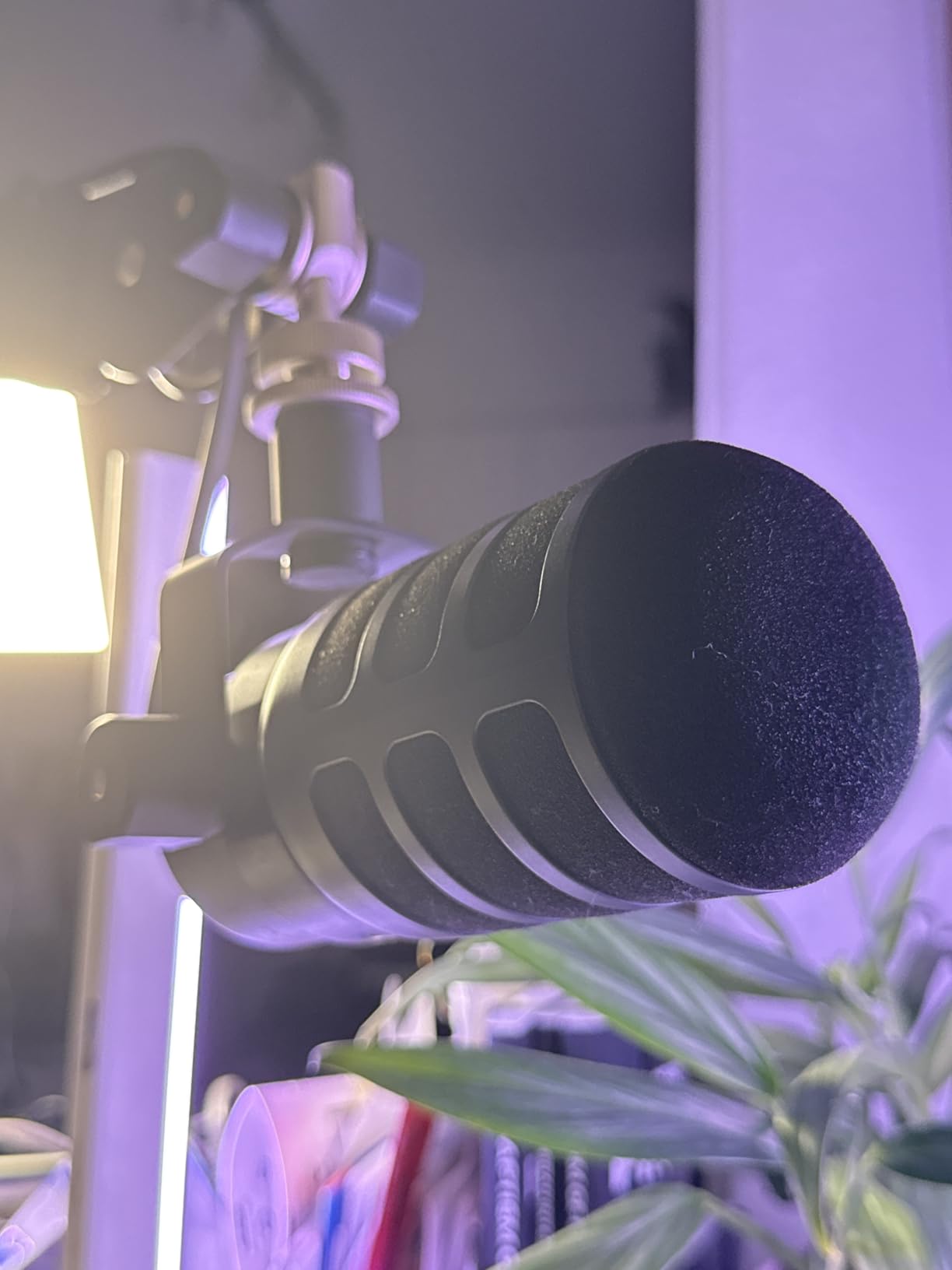
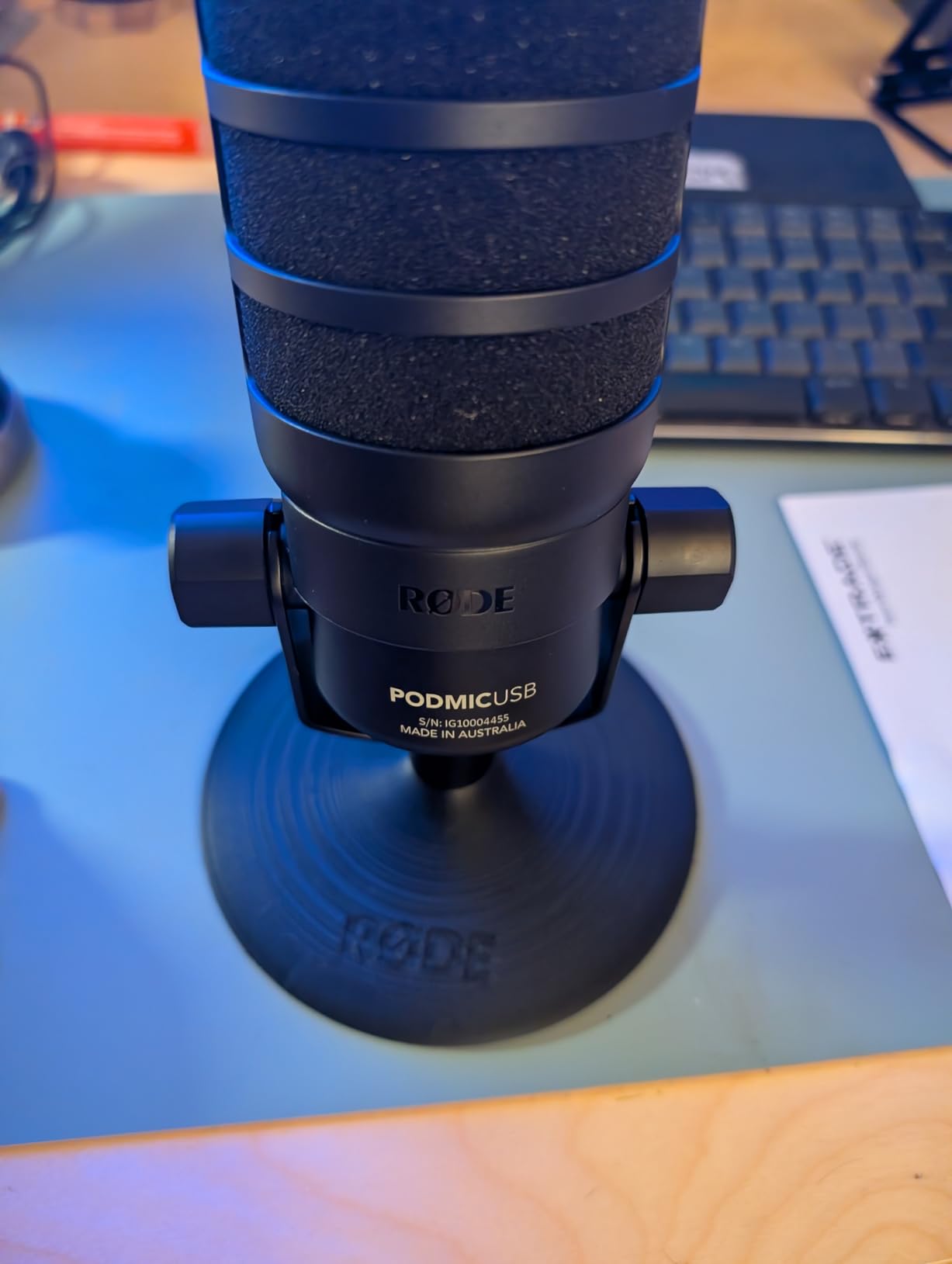
The Rode PodMic USB brings genuine broadcast aesthetics and sound to the USB microphone category. I tested it for two weeks alongside the Shure MV7, and the comparisons are fascinating. The PodMic USB has a beefier, more radio-show presence in the low-mid frequencies. It makes voices sound deeper and more authoritative, which is exactly what many podcasters want.
The internal shock mount is a feature I did not know I needed until I had it. It dramatically reduces handling noise and desk vibrations. When I accidentally bumped my desk during a recording, the PodMic USB barely registered the impact. My MV7 and Blue Yeti both would have produced a visible thump in the waveform. For podcasters who gesture while talking or have a wobbly desk, this matters.
The APHEX processing through the RODE Central app adds professional-grade enhancement. Aural Exciter adds clarity and presence to the upper frequencies, while Big Bottom deepens and enriches the low end. I toggled these on and off during testing, and the processed audio sounded noticeably more polished. It is like having a mastering engineer built into your microphone software.
The one concern is the rating distribution. With a 4.3-star average and 11 percent one-star reviews, some users have clearly had issues. Reading through the critical reviews, the complaints center on software connectivity problems and occasional hardware defects. Rode’s warranty covers two years after registration, which provides some peace of mind, but do test your unit thoroughly within the return window.
The Pop Filter Situation Explained
The PodMic USB includes both a built-in pop filter and an external one in the box. The built-in filter handles most plosives adequately for normal speaking distance. The external filter is worth attaching if you record close to the mic with a more energetic delivery style. I found that using both together completely eliminated plosive pops on words with hard P and B sounds.
How It Compares to the Shure MV7
The MV7 wins on signal-to-noise ratio and overall clarity. The PodMic USB wins on low-frequency warmth and built-in shock mounting. If your voice is naturally bright or thin, the PodMic USB adds pleasing body. If your voice is already deep, the MV7 provides cleaner, more transparent capture. Both are excellent choices, and the decision comes down to your vocal characteristics and aesthetic preferences.
6. Rode NT-USB+ – Studio-Grade Condenser for Home
RØDE NT-USB+ Professional-Grade USB Condenser Microphone for Recording
Condenser
USB-C
Revolution Preamp
APHEX Processing
Pros
- Studio-grade condenser capsule
- Revolution Preamp with ultra-low noise
- APHEX audio processing
- USB-C with hi-res audio
- Includes pop filter and stand
Cons
- Condenser picks up background noise
- Software required for APHEX features
- Premium price for condenser category
The Rode NT-USB+ is the microphone I recommend to podcasters who want studio sound quality without stepping into XLR territory. The Revolution Preamp inside this mic is genuinely impressive. Rode engineered it to deliver high gain with ultra-low noise, which means you get a strong, clean signal without needing an external preamp or interface. I recorded acoustic guitar and vocals alongside my podcast episodes, and the detail capture was outstanding.
The included pop filter and desktop stand make this a complete out-of-the-box solution. Unlike most mics on this list where you need to buy accessories separately, the NT-USB+ gives you everything to start recording immediately. The pop filter attaches cleanly to the included stand, and the whole setup takes about three minutes from unboxing to your first recording.
USB-C connectivity with 48kHz/24-bit audio puts this microphone in the hi-res audio category. For podcasters distributing on platforms that support higher-quality audio, this matters. Even for standard distribution, the higher sample rate gives you more headroom during editing. I noticed cleaner noise reduction processing when working with 24-bit files compared to 16-bit recordings from cheaper mics.
The APHEX processing is accessible through the RODE Central software, same as the PodMic USB. I recommend trying the Aural Exciter at a moderate setting for podcast vocals. It adds a subtle sheen that makes speech cut through mix busses more clearly. Big Bottom is useful if your voice lacks low-end warmth, but apply it sparingly to avoid muddiness.
Mobile Device Recording Capability
The NT-USB+ connects to smartphones and tablets via USB-C, which opens up portable recording options. I used it with my phone to record a podcast episode in a hotel room during a trip. The class-compliant USB output means no drivers are needed. Just plug in and record using any compatible app. This portability is a genuine advantage over bulkier options like the Blue Yeti.
Background Noise Management
As a condenser microphone, the NT-USB+ captures room ambience along with your voice. In my treated home studio, this produces a rich, natural sound. In my untreated office, I could hear the air conditioning clearly in recordings. If your recording space is untreated, apply acoustic panels behind your recording position, or consider a dynamic microphone instead. The NT-USB+ rewards treated spaces with exceptional fidelity.
7. Samson Q2U – The Complete Budget Starter Kit
Samson Q2U USB/XLR Dynamic Microphone Recording and Podcasting Pack
Dynamic
USB-C/XLR Dual
Complete Kit
Handheld Form
Pros
- Dual XLR and USB-C connectivity
- Excellent value with all accessories included
- Dynamic capsule rejects background noise
- Plug and play simplicity
- 2-year warranty
Cons
- USB-C only without adapter
- May require gain adjustment
- No onboard controls
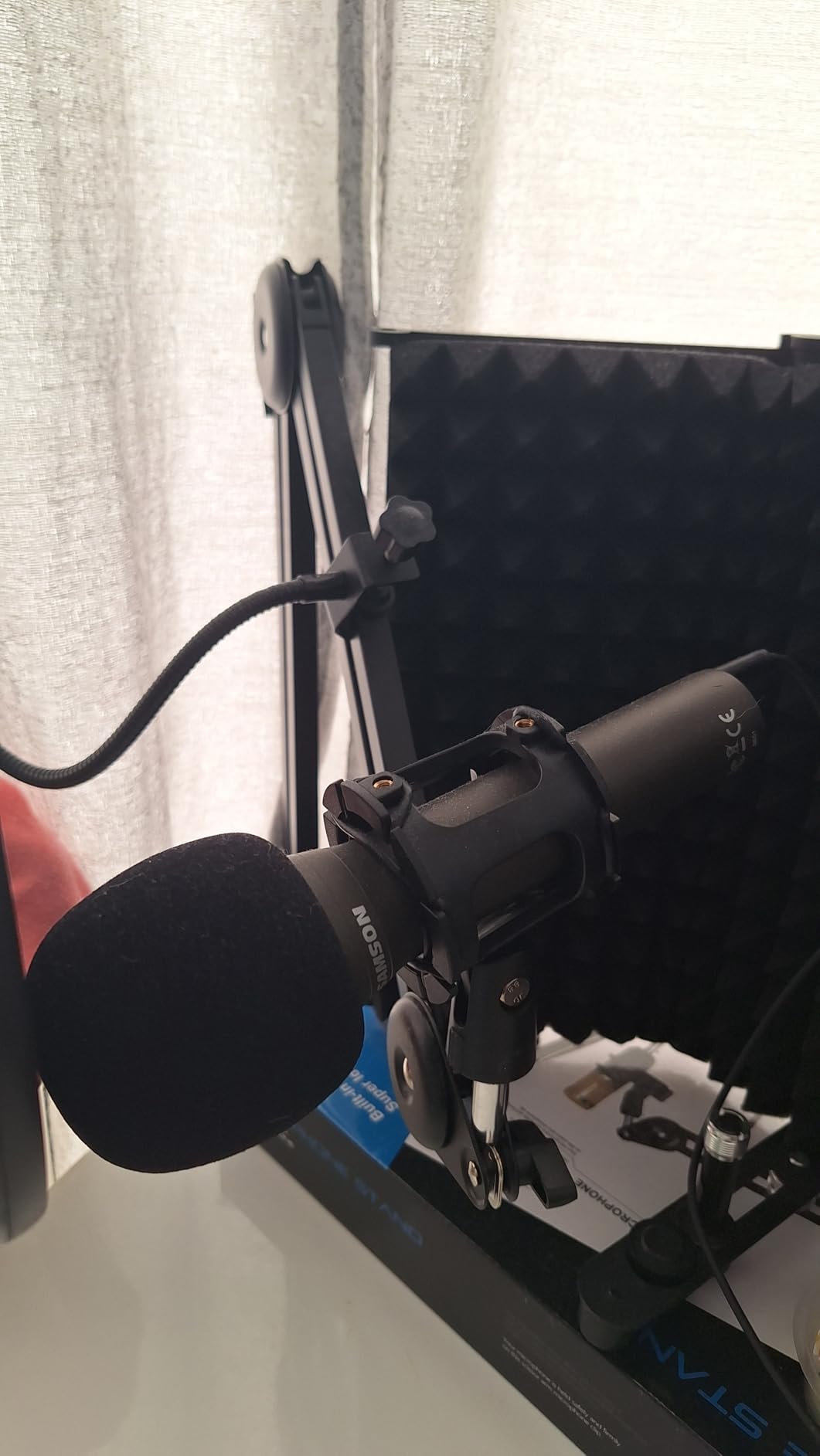
The Samson Q2U is the microphone I recommend to every first-time podcaster who asks where to start. It has been a podcasting community favorite for years, and after testing it for a month, I understand why. The Q2U comes with literally everything you need in the box. Tripod desktop stand, mic clip, windscreen, USB-C cable, and XLR cable are all included. You unbox, plug in, and start recording.
The dynamic capsule is excellent at rejecting background noise. I tested it in my living room with a television playing softly in the background, and the Q2U isolated my voice surprisingly well. The television audio was barely audible in the recording. For podcasters working in shared living spaces, this noise rejection is invaluable. It is the same advantage that makes dynamic microphones the preferred choice for podcasting.
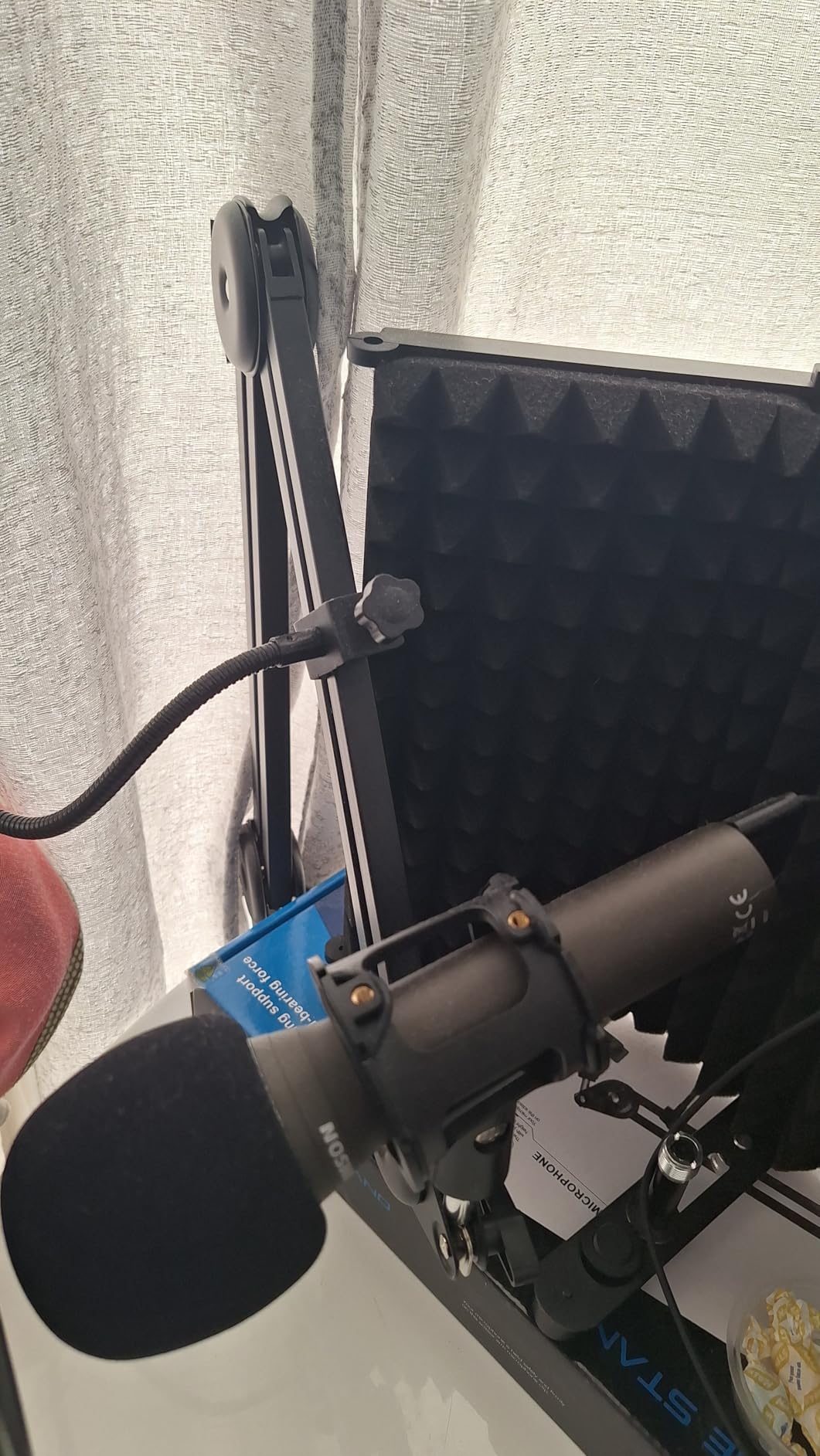
The dual USB-C and XLR connectivity gives you a genuine upgrade path. Start with USB-C plugged into your computer. When you are ready for better preamps and multi-mic setups, switch to XLR with an audio interface. I have spoken with podcasters who used the Q2U for two-plus years before upgrading, and many kept it as a backup or guest mic after moving to premium options.
The handheld form factor is a real advantage for certain use cases. You can hold it for mobile recordings, mount it on a stand for desk use, or use it as a pass-around mic for in-person group recordings. The lightweight build at under a pound makes it easy to position and transport. This versatility at the price point is hard to beat.
What the Included Accessories Actually Do
The tripod desktop stand works for basic desk recording but is not height-adjustable. I recommend upgrading to a boom arm for better positioning control. The foam windscreen does a decent job taming plosives for normal speaking distance. The included USB-C cable is about six feet long, which reaches most desk setups comfortably. The XLR cable lets you connect to a mixer immediately when you upgrade.
Gain and Levels Tuning Tips
The Q2U may need gain adjustment depending on your computer’s input. I found that setting my operating system’s input level to around 80 percent gave me the best results. Sit about four to six inches from the mic and speak at a normal conversational volume. If your audio is too quiet, you may need a USB preamp or audio interface even in USB mode, which is where the XLR output becomes useful.
8. MAONO PD400X – Feature-Packed Software-Driven Mic
MAONO PD400X Dynamic Microphone, USB/XLR Podcast PC Mic with Software
Dynamic
USB/XLR Dual
3-in-1 Knob
MAONO LINK App
Pros
- Dual USB/XLR connectivity
- MAONO LINK software with EQ and processing
- 3-in-1 digital knob control
- Tap-to-mute with LED indicator
- Dynamic capsule rejects noise
Cons
- Newer product with fewer reviews
- App required for advanced features
- Less established brand reputation
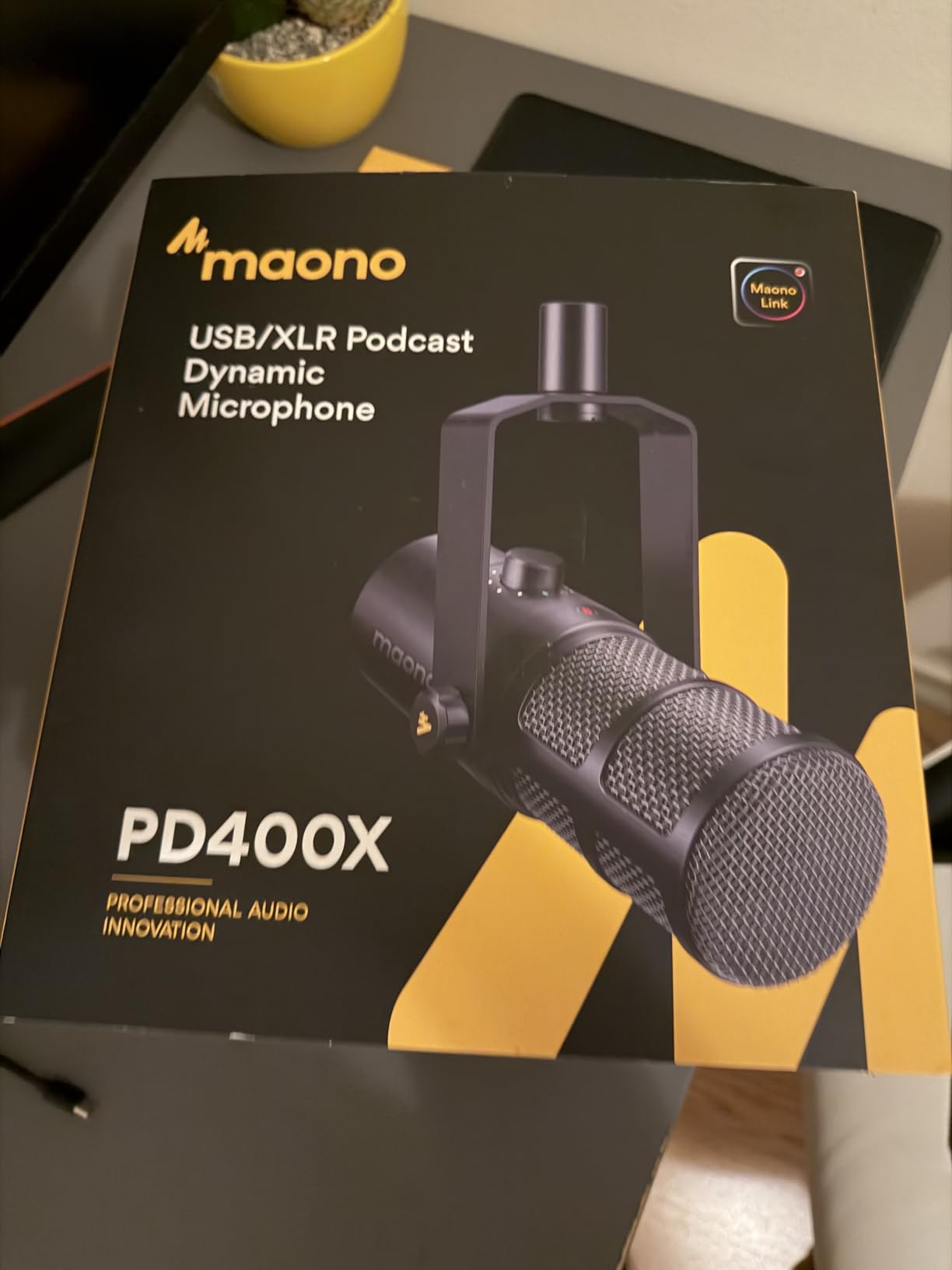
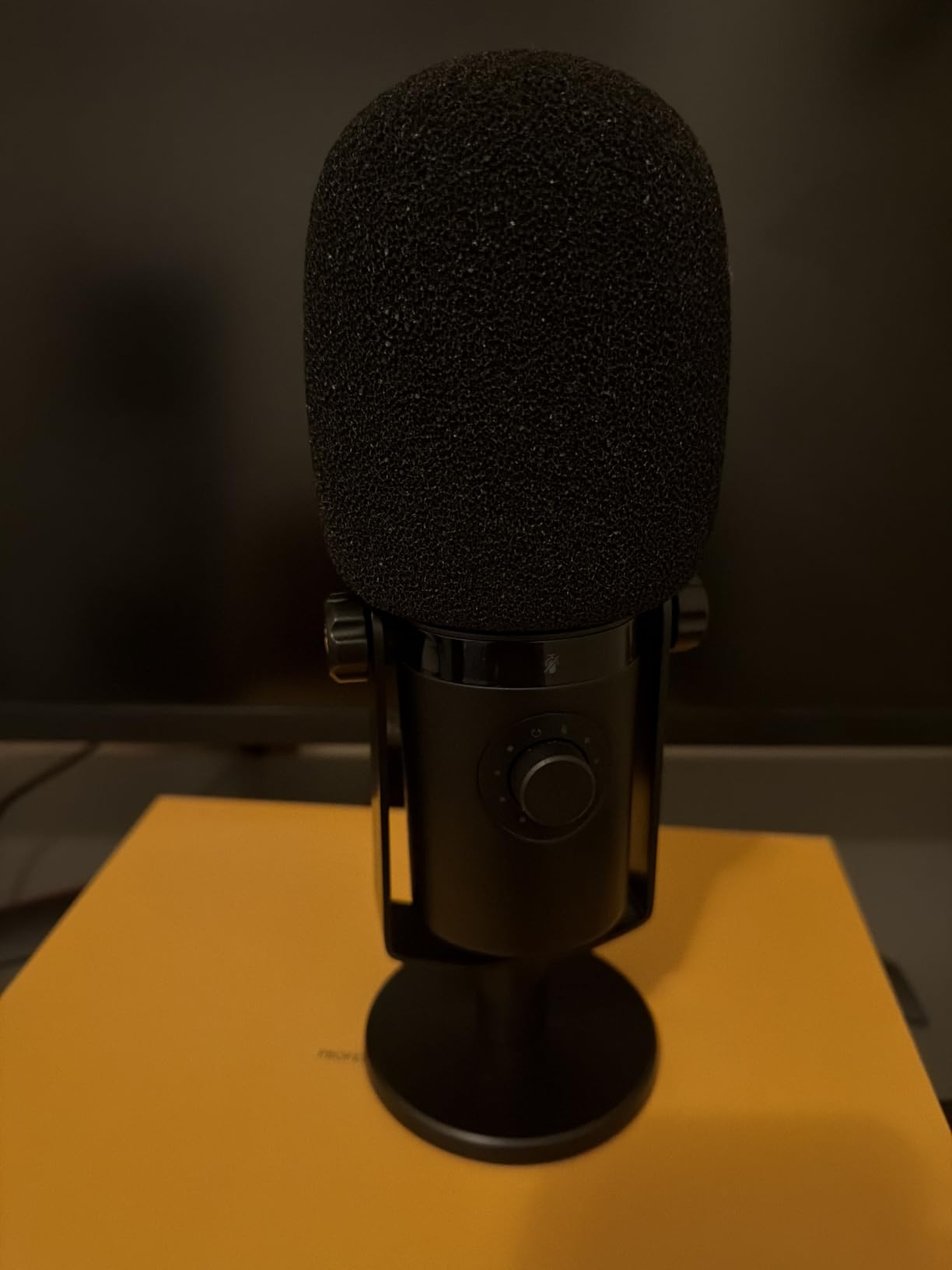
The MAONO PD400X is the dark horse of this lineup. It is a newer entrant with fewer reviews than the established brands, but my testing revealed a genuinely capable microphone packed with features that punch well above its price tier. The 3-in-1 digital knob alone makes this one of the most user-friendly USB microphones for podcasting I have used.
That knob controls mic gain, headphone volume, and monitor mix all from a single touch-sensitive dial. During a recording, I could tap to switch between adjusting my input level and my headphone volume without reaching for software controls. The monitor mix function lets you blend your microphone input with your computer audio, so you can hear both your voice and your podcast guest at balanced levels. This is a feature typically found on dedicated audio interfaces, not on microphones.
The MAONO LINK software provides EQ, compression, and limiting controls that shape your sound before it reaches your recording software. I applied a gentle high-shelf boost for vocal presence and a low-cut filter to tame rumble, and the results sounded professional immediately. The compressor helped even out my vocal dynamics during animated segments. Having these tools at the microphone level means consistent sound across every recording app.
The dynamic capsule rejects background noise effectively. I recorded in my office with a ceiling fan running, and the PD400X pushed the fan noise well below my voice. The cardioid pattern focuses on the speaker while minimizing side and rear pickup. For podcasters in untreated spaces, this noise rejection performance is on par with mics costing significantly more.
MAONO LINK Software Deep Dive
The software offers a four-band EQ, a compressor, and a limiter. The EQ lets you sculpt your tone at the source, so every recording app benefits from the same processing. The limiter prevents clipping when you get unexpectedly loud. I recommend starting with a subtle high-shelf boost around 8kHz for vocal clarity, a low-cut at around 80Hz to remove rumble, and light compression at a 2:1 ratio for consistent levels.
Build Quality and Long-Term Prospects
The metal enclosure feels solid and well-constructed. The touch controls are responsive and the mute function has a satisfying tactile click through the LED indicator. The main uncertainty is long-term durability, since MAONO is a newer brand with less track record than Shure or Rode. The two-year manufacturer warranty provides coverage, and the 80 percent five-star rating from early adopters is encouraging. My testing showed no red flags, but I will update this assessment as the product matures.
How to Choose the Best USB Microphone for Podcasting?
Choosing the right USB microphone comes down to understanding three key decisions: capsule type, connectivity options, and your recording environment. I will walk through each factor based on what I have learned from testing all eight microphones in this guide.
Dynamic vs Condenser: The Most Important Decision
Dynamic microphones reject background noise better than condenser microphones. They use a moving coil that requires more sound energy to activate, which means distant sounds and room ambience get filtered out naturally. This makes dynamic mics ideal for podcasters recording in untreated bedrooms, offices, or living rooms.
Condenser microphones capture more detail and a wider frequency range. They use a charged diaphragm that responds to subtle sound pressure changes. This sensitivity produces richer, more detailed audio, but it also means they pick up every sound in the room. Condenser mics work best in treated spaces with acoustic panels and minimal background noise.
For most home podcasters, I recommend a dynamic microphone. The noise rejection advantage is significant in real-world recording environments. The Shure MV7, FIFINE AM8, Samson Q2U, and MAONO PD400X are all dynamic mics that perform exceptionally well in untreated rooms.
USB vs XLR: Do You Need Dual Connectivity?
USB-only microphones plug straight into your computer and work immediately. No interface, no preamp, no extra cables. This simplicity is perfect for solo podcasters who record directly into software like Audacity, GarageBand, or Adobe Audition.
XLR connectivity connects through an audio interface or mixer. This gives you access to professional-grade preamps, multi-microphone setups, and hardware-level gain control. XLR is the standard for professional podcast studios and multi-host shows.
Dual USB/XLR microphones give you both options. Start on USB for simplicity, then switch to XLR when you upgrade your signal chain. The Shure MV7, FIFINE AM8, Rode PodMic USB, Samson Q2U, and MAONO PD400X all offer dual connectivity. I consider this a major advantage for podcasters who plan to grow their setup over time.
Polar Patterns and Pickup Direction
The cardioid pattern is the standard for podcasting. It captures sound from the front while rejecting noise from the sides and rear. Every microphone on this list uses cardioid as its primary or only pattern, and that is the right choice for solo podcast recording.
If you record roundtable discussions with multiple hosts around a single microphone, look for omnidirectional or bidirectional patterns. The Blue Yeti is the only mic on this list that offers these alternatives, with its four pickup patterns. For most podcasters, though, cardioid is all you need.
Sample Rate and Bit Depth Explained
Sample rate determines how many times per second the microphone captures audio. Bit depth determines the dynamic range of each sample. Higher numbers mean more detailed audio capture. The Elgato Wave:3 leads this category with 24-bit/96kHz recording, while the Rode NT-USB+ offers 24-bit/48kHz.
For podcasting specifically, 24-bit/48kHz is more than sufficient. Most podcast platforms distribute at lower quality levels anyway. The advantage of higher sample rates is headroom during editing and cleaner noise reduction processing. Do not let specs drive your entire decision. A well-positioned dynamic mic at 16-bit will outperform a poorly placed condenser at 24-bit every time.
Noise Rejection for Untreated Rooms
This is the factor that most podcasters underestimate. If your recording space has hard floors, bare walls, and active background noise from fans, AC units, or traffic, a dynamic microphone is your best choice. The moving coil design naturally attenuates distant sounds.
Condenser microphones in untreated rooms produce recordings with audible room echo, keyboard clicks, and mechanical noise. You can mitigate this with acoustic treatment, pop filters, and strategic microphone placement, but a dynamic mic solves the problem at the source. I cannot stress this enough for podcasters recording at home.
Essential Accessories to Budget For
A boom arm is the single most impactful accessory for podcast audio quality. It lets you position the microphone at the correct distance and angle without taking up desk space. Budget thirty to fifty dollars for a quality arm rated for your microphone’s weight.
A pop filter tames plosive sounds on P and B consonants. Some microphones include built-in pop filters, but an external nylon or metal mesh filter provides additional protection. A shock mount isolates the microphone from desk vibrations and handling noise, which is especially valuable if you gesture during recordings.
Headphones for zero-latency monitoring are essential. Every microphone on this list includes a headphone jack for real-time monitoring. Use closed-back headphones to prevent audio bleed from your monitoring back into the microphone.
Multi-Person Podcast Setup Considerations
If you plan to record multiple hosts, you have two paths. The first is using USB microphones with a multi-input USB interface or software that handles multiple USB inputs. The second is switching to XLR microphones connected through a multi-channel audio interface.
For two-person podcasts, two USB microphones can work with software like Riverside or Zencastr for remote guests. For in-person multi-host recordings, XLR microphones through a mixer or interface provide cleaner multi-track recording. This is where dual-connectivity microphones like the Shure MV7 and FIFINE AM8 shine, since they transition smoothly from USB to XLR when your needs grow.
FAQs
Are USB mics good for podcasting?
Yes, USB microphones are excellent for podcasting, especially for beginners and home studio setups. They connect directly to your computer without needing an audio interface, which simplifies setup dramatically. Modern USB mics like the Shure MV7 and Elgato Wave:3 deliver broadcast-quality audio that rivals professional XLR setups. The main limitation is that most USB mics are designed for single-microphone recording, which becomes a constraint for multi-host shows.
What mics do most podcasters use?
The most popular podcast microphones fall into two tiers. Budget-conscious podcasters frequently use the Blue Yeti, Samson Q2U, and FIFINE AM8 for their accessibility and solid performance. Professional podcasters typically graduate to the Shure MV7 or Shure SM7B for broadcast-grade voice isolation and durability. The Blue Yeti remains the best-selling USB microphone overall, while the Shure MV7 is the most recommended upgrade pick in podcasting communities.
What mic does Joe Rogan use for his podcast?
Joe Rogan uses the Shure SM7B, which is a professional XLR dynamic microphone that requires an audio interface and significant gain from a preamp like the Cloudlifter. It is not a USB microphone. However, the Shure MV7 is the USB counterpart to the SM7B, offering similar voice isolation characteristics and sound signature with the convenience of USB connectivity. The MV7 gives you much of the SM7B experience without the additional XLR equipment requirements.
What is the 3 to 1 rule for microphones?
The 3-to-1 rule is a microphone placement guideline that helps minimize phase cancellation when using multiple microphones. It states that the distance between two microphones should be at least three times the distance from each microphone to its sound source. For example, if a microphone is 6 inches from a speaker, the next nearest microphone should be at least 18 inches away from that first microphone. Following this rule prevents comb filtering and audio interference in multi-mic recordings.
Is a dynamic or condenser USB mic better for podcasting?
For most home podcasters, a dynamic USB microphone is the better choice. Dynamic mics reject background noise naturally, which is critical in untreated rooms with fans, air conditioning, or street noise. Condenser mics capture more detail and frequency range but also pick up every sound in the room. If you have a treated recording space with acoustic panels, a condenser mic like the Elgato Wave:3 or Rode NT-USB+ delivers richer audio. If you record in a typical home environment, choose a dynamic mic like the Shure MV7, FIFINE AM8, or Samson Q2U.
Final Thoughts on the Best USB Microphones for Podcasting
Finding the best USB microphones for podcasting in 2026 does not have to be overwhelming. The right choice depends on your recording environment, budget, and growth plans. For most podcasters, the Shure MV7 delivers the best overall experience with its voice isolation and dual connectivity. The FIFINE AM8 offers unmatched value at its price point, and the Elgato Wave:3 provides pristine condenser quality for treated spaces.
Start with your room. If it is untreated with background noise, choose a dynamic microphone. If it is acoustically treated, a condenser microphone rewards you with richer detail. Budget for a boom arm and pop filter regardless of which mic you choose, because proper positioning matters as much as the microphone itself.
Your microphone is the foundation of your podcast audio chain. Get this decision right, and every episode that follows sounds professional from the first take. Pick the option that matches your space and budget, plug it in, and start recording. Your listeners will hear the difference.