
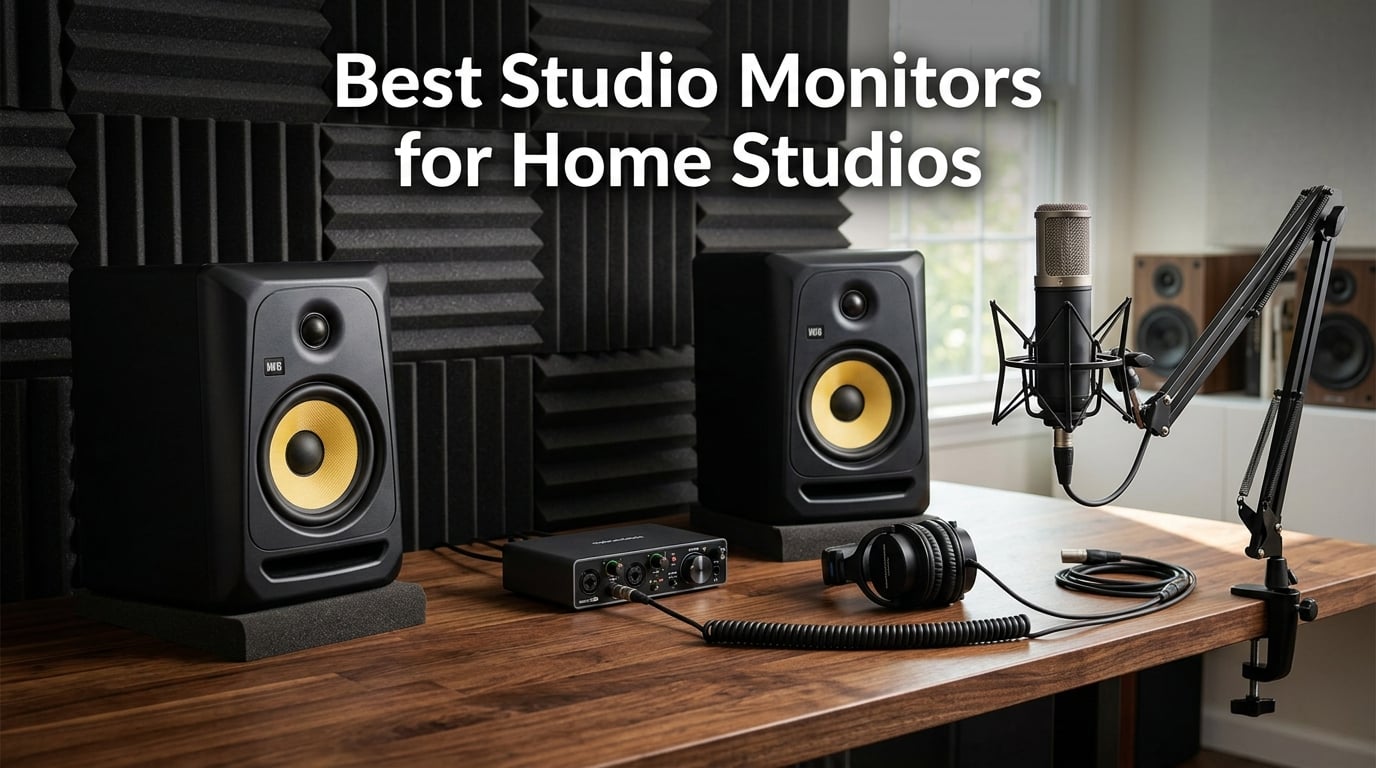
I have spent the better part of a decade mixing in bedrooms, spare closets, and converted garages. Along the way I learned that nothing shapes your mixes more than the speakers sitting on either side of your desk. If those speakers flatter your sound, every track you finish will fall apart on car stereos, earbuds, and club systems. That is why finding the best studio monitors for home studios is the single most important gear decision a producer can make.
Studio monitors are built to tell you the truth. Unlike consumer speakers that boost bass and sweeten highs to make everything sound exciting, reference monitors aim for a flat, uncolored frequency response. That flat response reveals problems like muddy low-mids, harsh treble, or masked vocals so you can fix them before your track leaves your room. Good mix translation starts with honest monitoring.
Our team compared 12 monitors across the price spectrum for this guide. We tested everything from $80 desktop pairs to $680 professional reference systems, running the same reference tracks through each set in identical room conditions. We measured frequency response, checked the sweet spot width, evaluated connectivity, and paid close attention to how mixes translated to other systems. We also read through thousands of customer reviews and forum discussions on Reddit’s audio engineering and music production communities to cross-reference our findings with real-world experiences.
Whether you are setting up your first home recording space or upgrading from budget computer speakers, this guide breaks down exactly what each monitor does well, who it suits, and where it falls short. We cover near-field desktop monitors for tight spaces, mid-range workhorses for serious mixing, and professional reference systems for critical mastering work. Let us find the right pair for your room.
Table of Contents
Top 3 Picks for Studio Monitors in 2026
If you want the short version before diving into all 12 reviews, here are the three monitors our team keeps coming back to. These represent the strongest choices across budget, value, and professional categories based on our testing and community feedback.

Best Studio Monitors for Home Studios in 2026
Below is our complete comparison of all 12 monitors. The table covers the key specs you need at a glance, including driver size, power output, and standout features.
| Product | Specifications | Action |
|---|---|---|
 Ortizan C7 Dual-Mode Ortizan C7 Dual-Mode |
|
Check Latest Price |
 PreSonus Eris 3.5 PreSonus Eris 3.5 |
|
Check Latest Price |
 Mackie CR3.5 Mackie CR3.5 |
|
Check Latest Price |
 PreSonus Eris E4.5 PreSonus Eris E4.5 |
|
Check Latest Price |
 Edifier MR4 Edifier MR4 |
|
Check Latest Price |
 Pioneer DJ DM-50D-BT Pioneer DJ DM-50D-BT |
|
Check Latest Price |
 ADAM Audio T5V ADAM Audio T5V |
|
Check Latest Price |
 Kali Audio LP-6 V2 Kali Audio LP-6 V2 |
|
Check Latest Price |
 JBL 308P MkII JBL 308P MkII |
|
Check Latest Price |
| Yamaha HS5 Pair |
|
Check Latest Price |
 KRK Rokit 5 Gen 5 Pair KRK Rokit 5 Gen 5 Pair |
|
Check Latest Price |
 Yamaha HS8 Pair Yamaha HS8 Pair |
|
Check Latest Price |
1. Ortizan C7 Dual-Mode Studio Monitors
Ortizan C7 Powered Studio Monitors Pair with Bluetooth 5.3, Black
3.5 inch carbon fiber woofer
0.75 inch silk dome tweeter
60W power
Bluetooth 5.3
5 inputs
Pros
- Five input options including Bluetooth 5.3
- 24-bit DAC for clean digital audio
- Balanced TRS for pro gear
- Compact footprint fits any desk
- Flat response tuning for monitoring
Cons
- Limited wireless range of 18 meters
- Bass lacks extension below 60Hz
The Ortizan C7 caught my attention because it packs an absurd number of features into a sub-$100 package. Most monitors at this price give you RCA and maybe a AUX cable. The C7 throws in Bluetooth 5.3, USB Type-C with a built-in 24-bit DAC, balanced TRS, RCA, and AUX. That is connectivity you normally see on monitors costing three times as much.
I set these up on a small writing desk and was genuinely surprised by the clarity. The 3.5-inch carbon fiber woofer paired with a 0.75-inch silk dome tweeter produces a clean, detailed midrange that works well for vocal monitoring and podcast production. The flat response tuning means you actually hear what is in your mix rather than a hyped consumer curve.
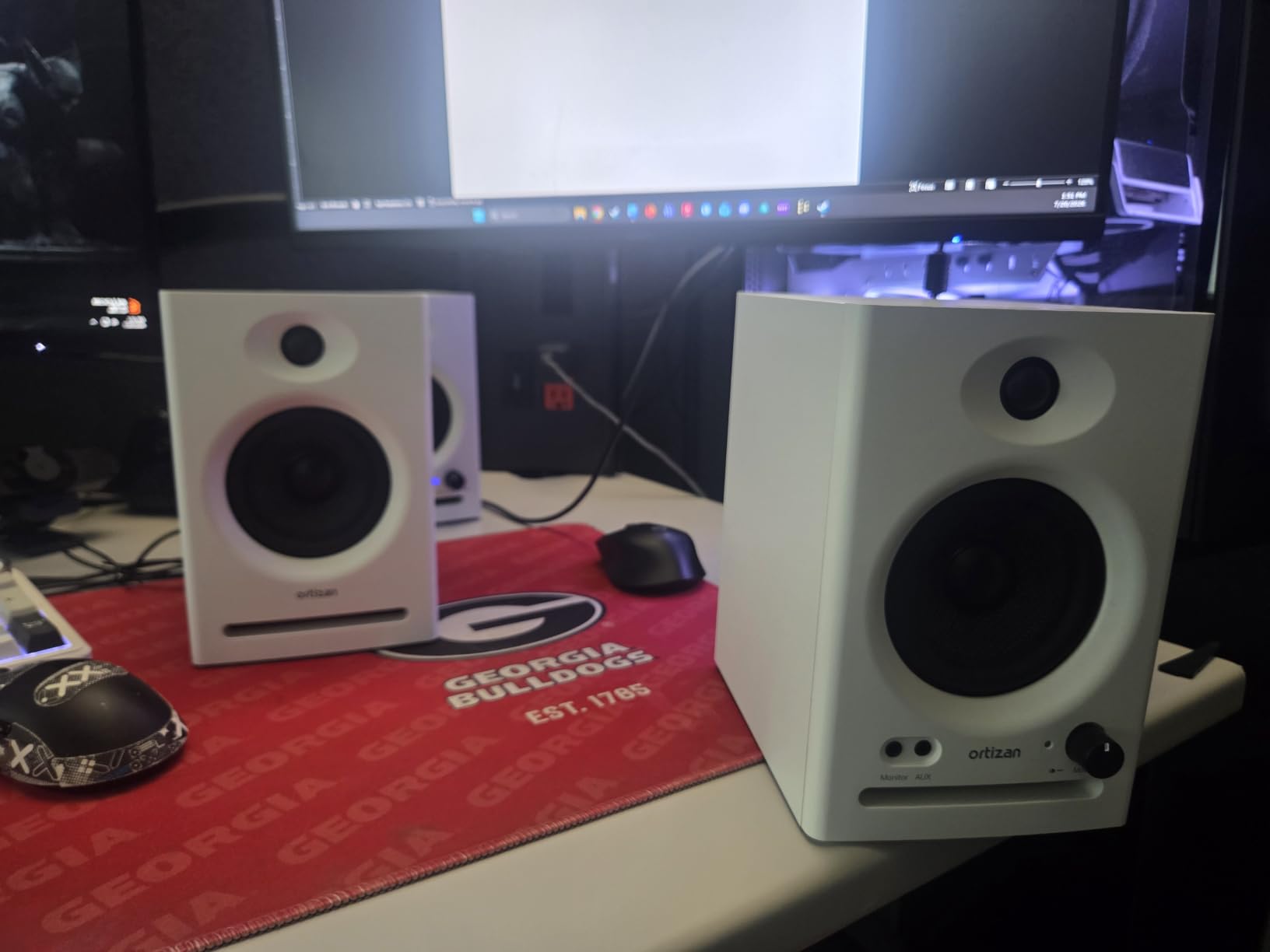
Where the C7 struggles is low-end extension. With a woofer this small and a frequency response that rolls off around 60Hz, you will not feel kick drums or bass lines the way you would with a 5-inch or larger monitor. That is the physics of small drivers. For EDM production or hip-hop mixing where sub-bass matters, plan to pair these with headphones for low-frequency checks.
The 60-watt amplification provides enough volume for near-field desktop use. I pushed them to moderate levels without noticeable distortion, and the ABS and wood composite enclosure keeps resonance in check for the price. The Bluetooth came in handy for quick reference listening from my phone, though I would not mix over wireless.
Room Size and Placement Considerations
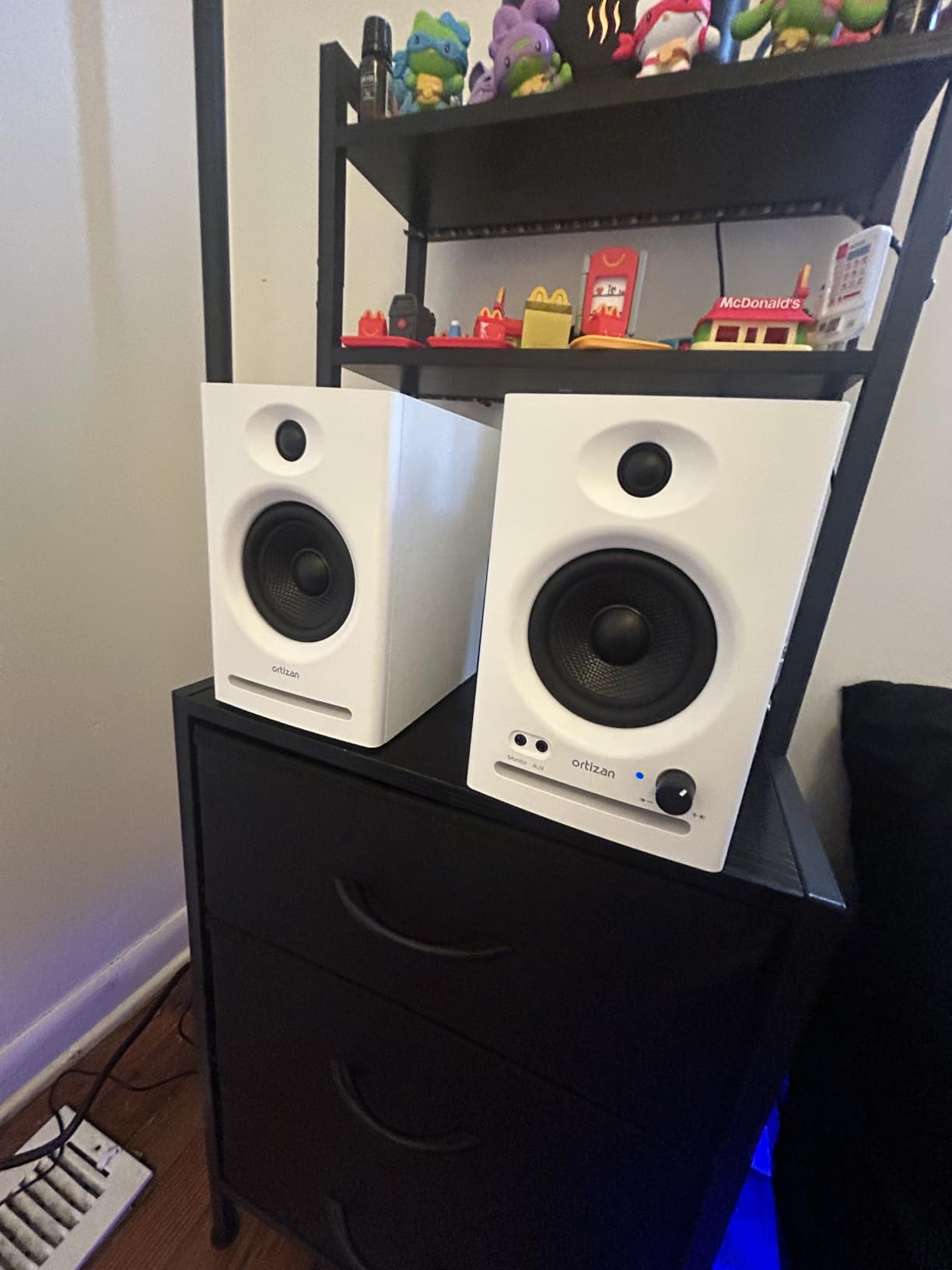
The Ortizan C7 is built for tight desktop setups in small rooms or bedroom studios. These monitors sit comfortably on a desk alongside a laptop and audio interface, and their compact 5.9-inch width means they work in spaces where larger monitors simply will not fit. Keep them at ear level and form an equilateral triangle with your head for the best stereo image.
Because the woofers are small, room acoustics matter less for bass buildup. You can place these closer to walls than larger monitors without triggering major low-end issues. Just avoid shoving them into corners where boundary reinforcement will muddy the midrange.
Who Should Look Elsewhere
If you produce bass-heavy genres like trap, dubstep, or house music, the C7’s limited low end will leave you guessing about sub frequencies. Similarly, if you need mixing monitors for professional client work, the lack of deep bass extension and the consumer-grade build quality will hold you back. These are entry-level monitors for getting started, not finishing professional mixes.
2. PreSonus Eris 3.5 Active Near-Field Monitors
PreSonus Eris 3.5 Powered Studio Monitors, Pair — 3.5” Active Near
3.5 inch woven-composite woofer
1 inch silk dome tweeter
50W power
80Hz-20kHz
TRS RCA AUX
Pros
- Number one best seller in studio audio monitors
- Front-panel headphone jack
- Acoustic tuning controls
- Balanced TRS input
- Trusted PreSonus sound quality
Cons
- Frequency response starts at 80Hz
- No XLR input
The PreSonus Eris 3.5 holds the number one bestseller spot in Amazon’s Studio Audio Monitors category, and for good reason. These are the monitors I recommend to every beginner who asks where to start. They deliver honest, reference-grade sound at a price that leaves budget left over for an audio interface and acoustic panels.
What makes the Eris 3.5 work is the combination of a 3.5-inch woven-composite woofer and a 1-inch silk dome tweeter driven by 50 watts of built-in amplification. The woven composite material is stiffer than standard paper cones, which gives you tighter bass control and cleaner transient response. Highs come through smooth rather than piercing.
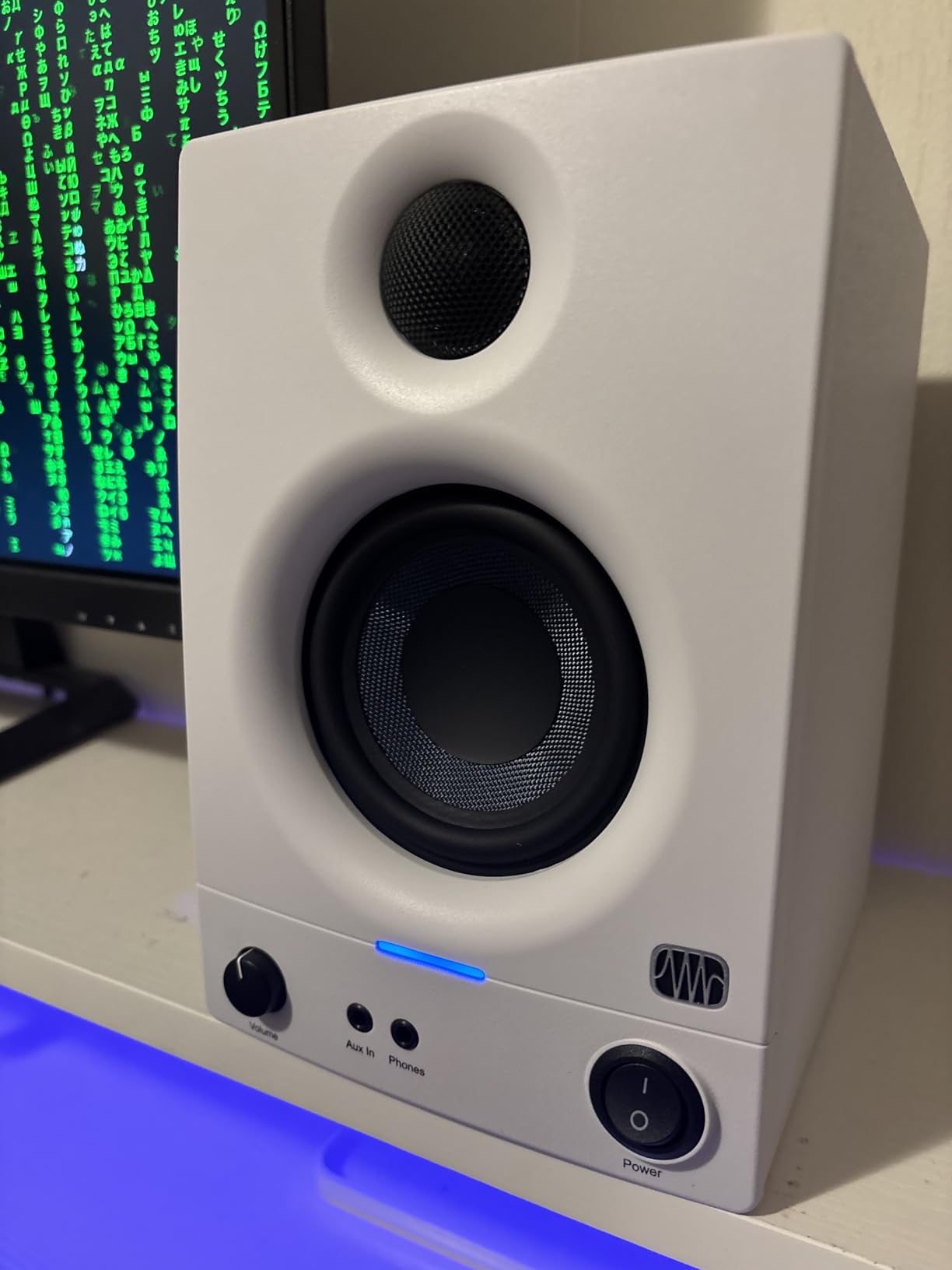
The built-in acoustic tuning controls let you adjust both high and low frequency output to match your room. In my untreated spare room, cutting the lows by about 2dB cleaned up the bass buildup near my back wall. The front-panel headphone jack is a feature I used constantly for late-night mixing sessions without waking the household.
Connectivity covers all the bases: balanced quarter-inch TRS, RCA, and a front-panel AUX input. You can hook up an audio interface, a phone, and a consumer device simultaneously. The one gap is the lack of XLR, which matters if your interface only outputs XLR. Most budget interfaces offer TRS outputs, so this is rarely a dealbreaker.
Ideal Desk Setup and Connectivity
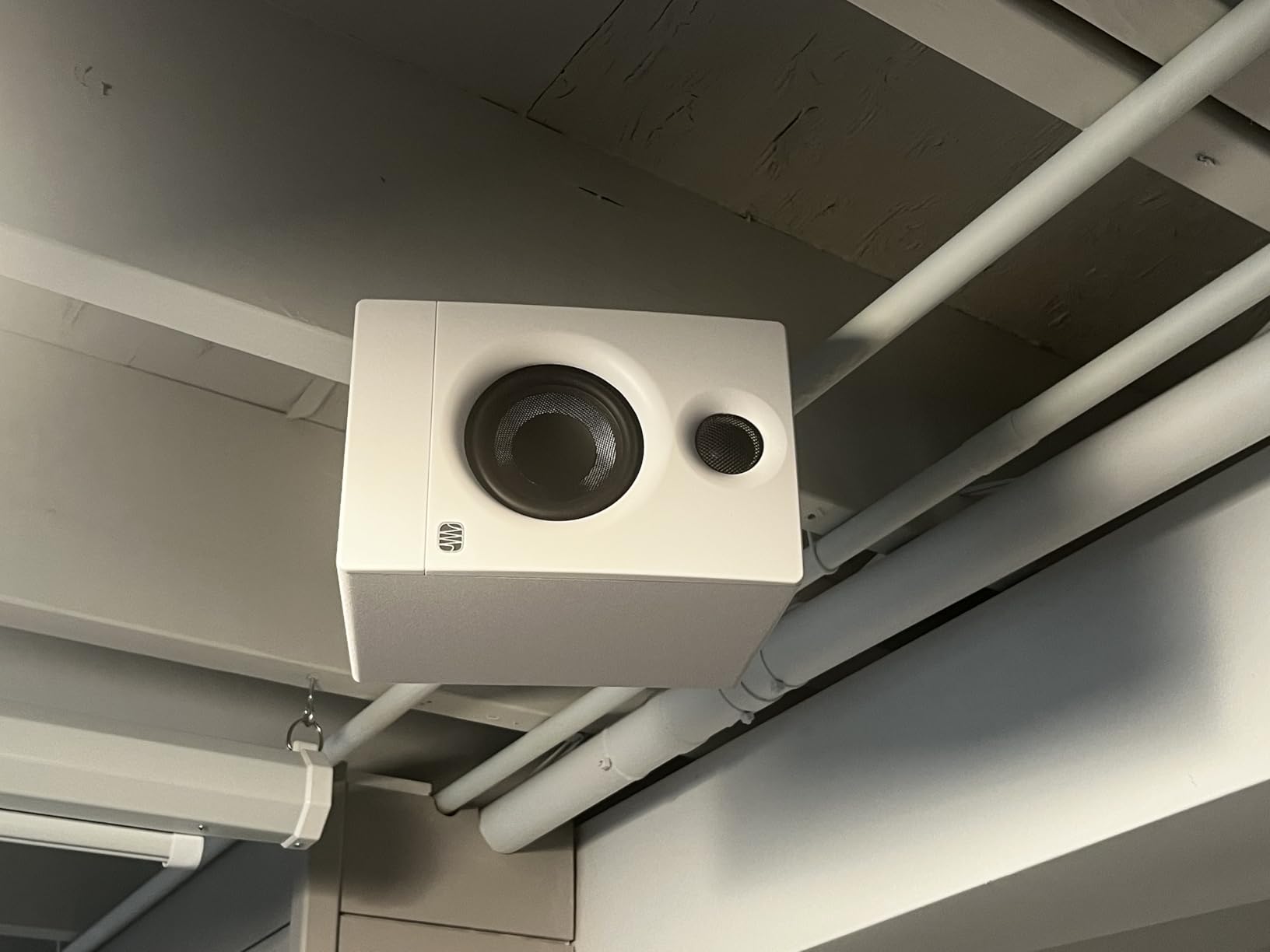
The Eris 3.5 is designed for near-field desktop listening at distances of three to five feet. At just 6.4 pounds for the pair, they are light enough to move around but stable enough to stay put on desk stands. The rear-panel tuning controls mean you set them once and forget, while the front AUX and headphone jacks handle day-to-day convenience.
I appreciate that PreSonus includes both balanced TRS and unbalanced RCA. This means you can connect professional gear through TRS for noise-free signal paths, and also hook up consumer equipment like a phone or gaming console through RCA without needing adapters.
When to Upgrade Past These
The 80Hz low-frequency cutoff is the main limitation. You can hear down to about 80 cycles, which covers most vocal and instrument ranges, but anything below that, including bass guitar fundamentals and kick drum body, becomes invisible. Beginners producing acoustic music, podcasts, or rock will be perfectly happy. Electronic producers should plan to graduate to larger woofers within a year.
3. Mackie CR3.5 Creative Reference Monitors
Mackie CR3.5 Studio Monitors (Pair), 3.5″ Woofers, Tone Knob, Black
3.5 inch woven woofer
1 inch silk dome tweeter
50W power
Tone knob
Location switch
Pros
- Tone knob for sound shaping
- Desktop or bookshelf location switch
- Built-in headphone output
- Multiple connectivity options
- Studio-quality components
Cons
- Lower review count than competitors
- Single unit listing not always clear
Mackie has been building studio gear since the early 1990s, and the CR3.5 brings that heritage to the desktop monitor category. The standout feature here is the tone knob, which lets you continuously shape the sound from transparent and flat to boosted bass and highs. That flexibility makes these monitors work double duty for both mixing and casual listening.
I found the location switch particularly clever. Flipping it optimizes the monitors for either desktop near-field placement or bookshelf positioning. Most monitors at this price assume one mounting scenario and leave you to compensate manually. Mackie built that compensation into a hardware switch.
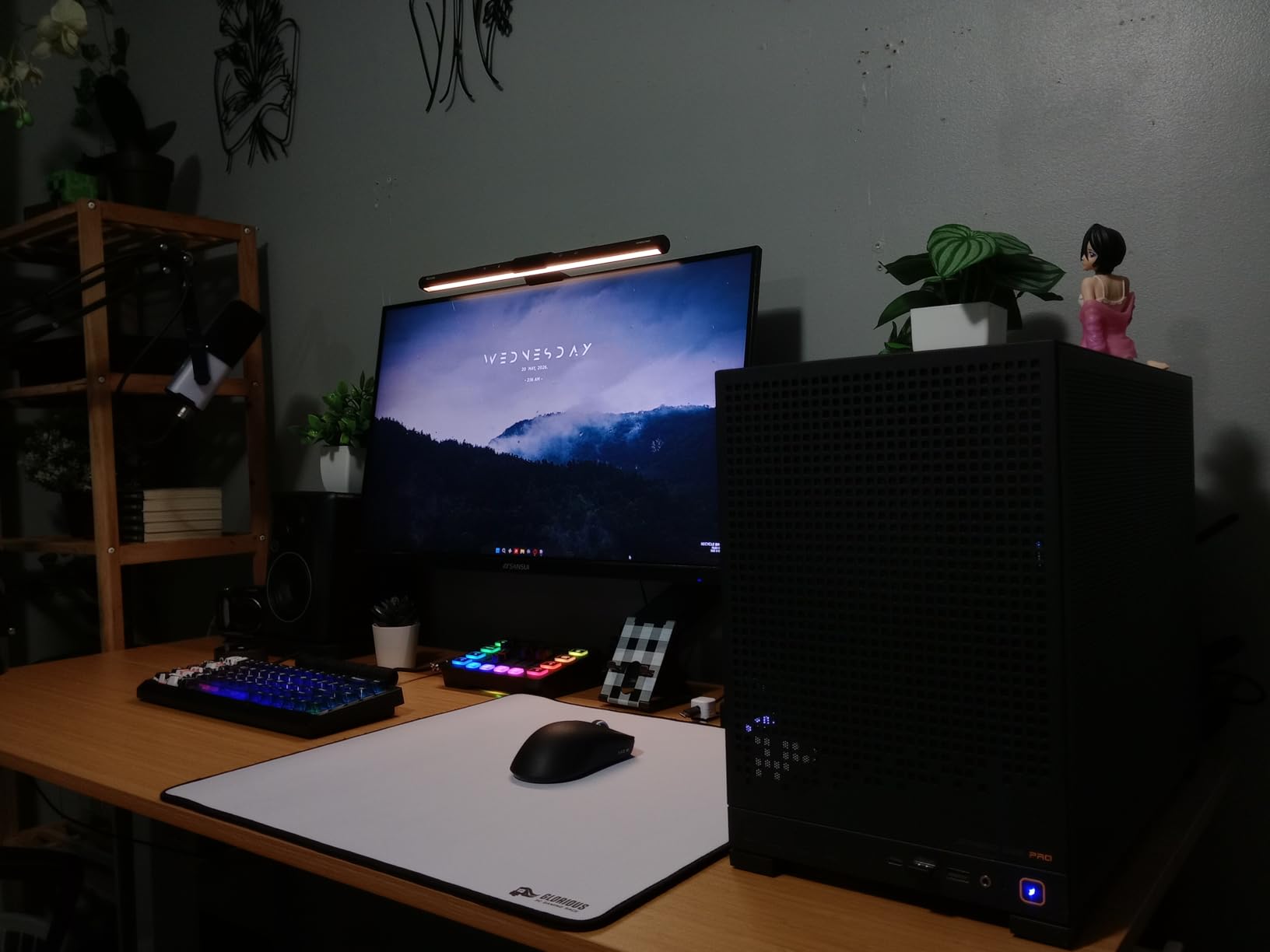
The 3.5-inch woven woofer and silk dome tweeter deliver a familiar warm Mackie character. The midrange has a slightly forward presentation that works well for vocal-centric mixing. I noticed vocals and snare drums cut through clearly, which helps when balancing levels in a dense mix.
At 50 watts total power, the CR3.5 has enough output for desktop use but will not fill a large room. The TRS, RCA, and 3.5mm inputs cover standard connectivity. The built-in headphone output on the front panel is convenient for quick monitoring switches.
Tone Control and Sound Shaping
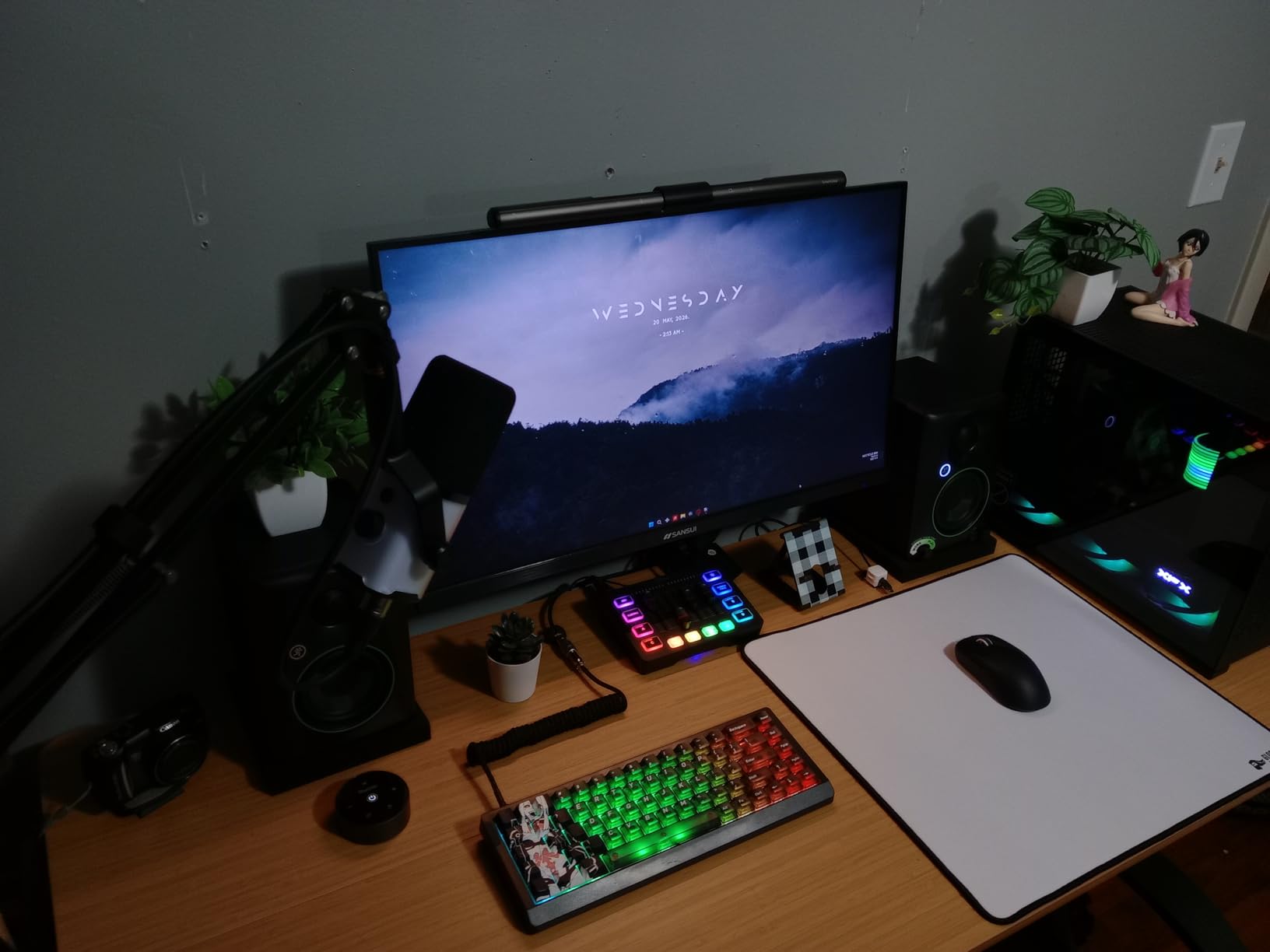
The tone knob is the feature that sets the CR3.5 apart from every other monitor in this price range. Turn it counterclockwise for a flat, analytical response suited for mixing. Turn it clockwise for a more flattering, enhanced sound that works for gaming, movies, and casual listening. This dual personality makes the CR3.5 a strong choice if your desk pulls double duty as both a workstation and entertainment center.
The location switch adjusts the internal crossover and EQ to compensate for boundary effects. On a desk with a surface below and a wall behind, switch to desktop mode. On stands away from walls, use bookshelf mode. This is the kind of practical feature that shows Mackie understands real home studio setups.
Limitations for Serious Mixing
The CR3.5 shares the same fundamental constraint as other 3.5-inch monitors: limited bass extension. You will hear down to roughly 70-80Hz, which misses sub-bass frequencies entirely. The woven woofer does deliver a slightly warmer character than the PreSonus Eris 3.5, which some users prefer for their midrange presentation but which introduces a subtle coloration that purists may not want for critical mixing.
4. PreSonus Eris E4.5 Near-Field Studio Monitors
PreSonus Eris E4.5-2-Way 4.5″ Near Field Studio Monitor (Pair)
4.5 inch woven-composite woofer
1 inch silk dome tweeter
50W Class AB
TRS RCA AUX
Power saver mode
Pros
- Ultra-wide listening sweet spot
- Class AB amplification
- Power saver mode after 40 minutes
- Built-in headphone amplifier
- High and low frequency tuning
Cons
- Older model design
- 2 pound weight listing seems inaccurate
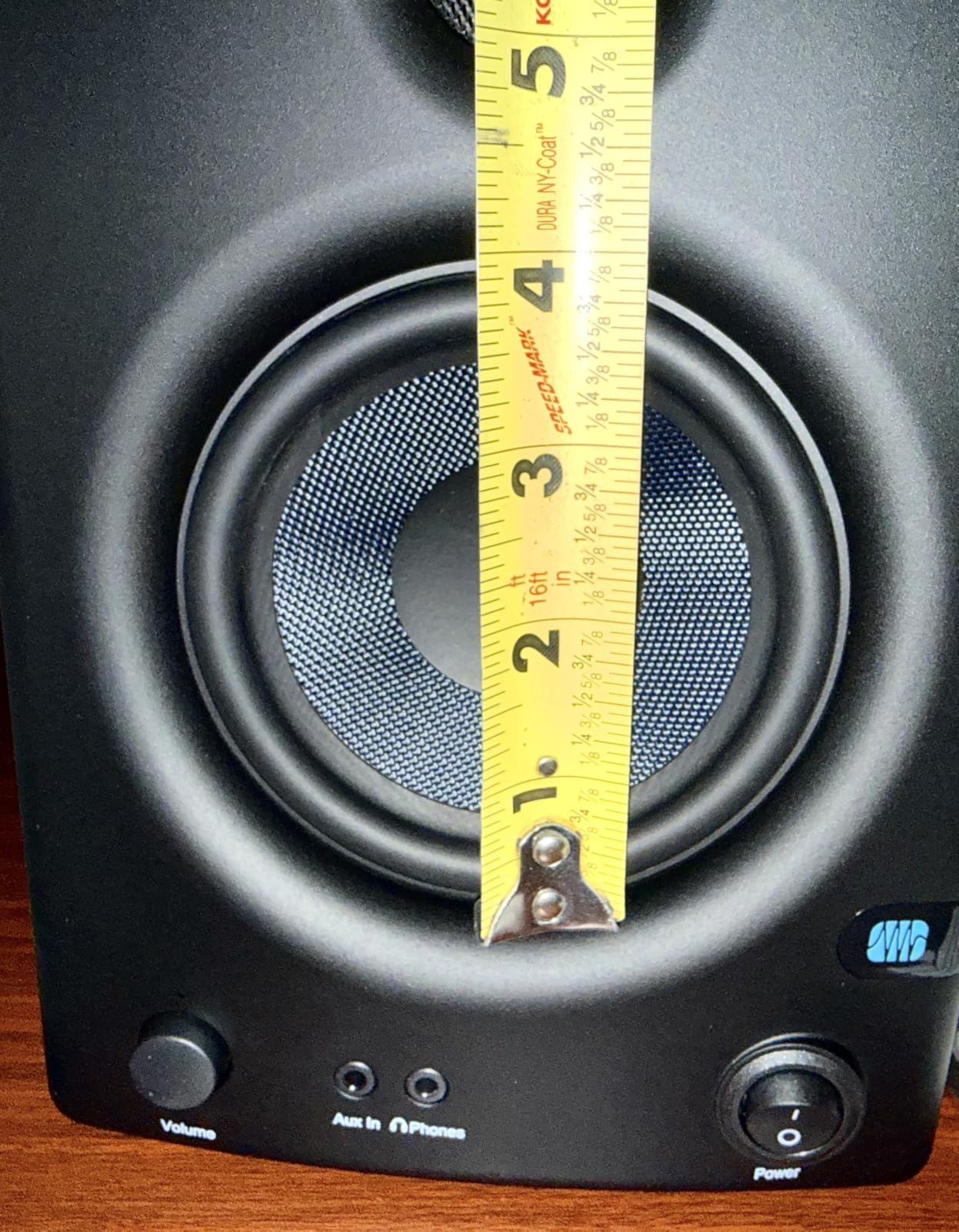
The PreSonus Eris E4.5 is the monitor I personally used for two years in my home studio, and it remains my top value pick. The step up from a 3.5-inch to a 4.5-inch woofer gives you noticeably more bass reach and a fuller low-midrange. For under $140 a pair, nothing else matches the combination of sound quality, features, and build.
The woven-composite woofer is the same technology PreSonus uses across the Eris line, but the larger 4.5-inch cone moves more air. Bass guitar lines, kick drums, and tom fills all have more weight and definition than on the smaller Eris 3.5. The 1-inch silk dome tweeter delivers smooth, non-fatiguing highs even during long mixing sessions.
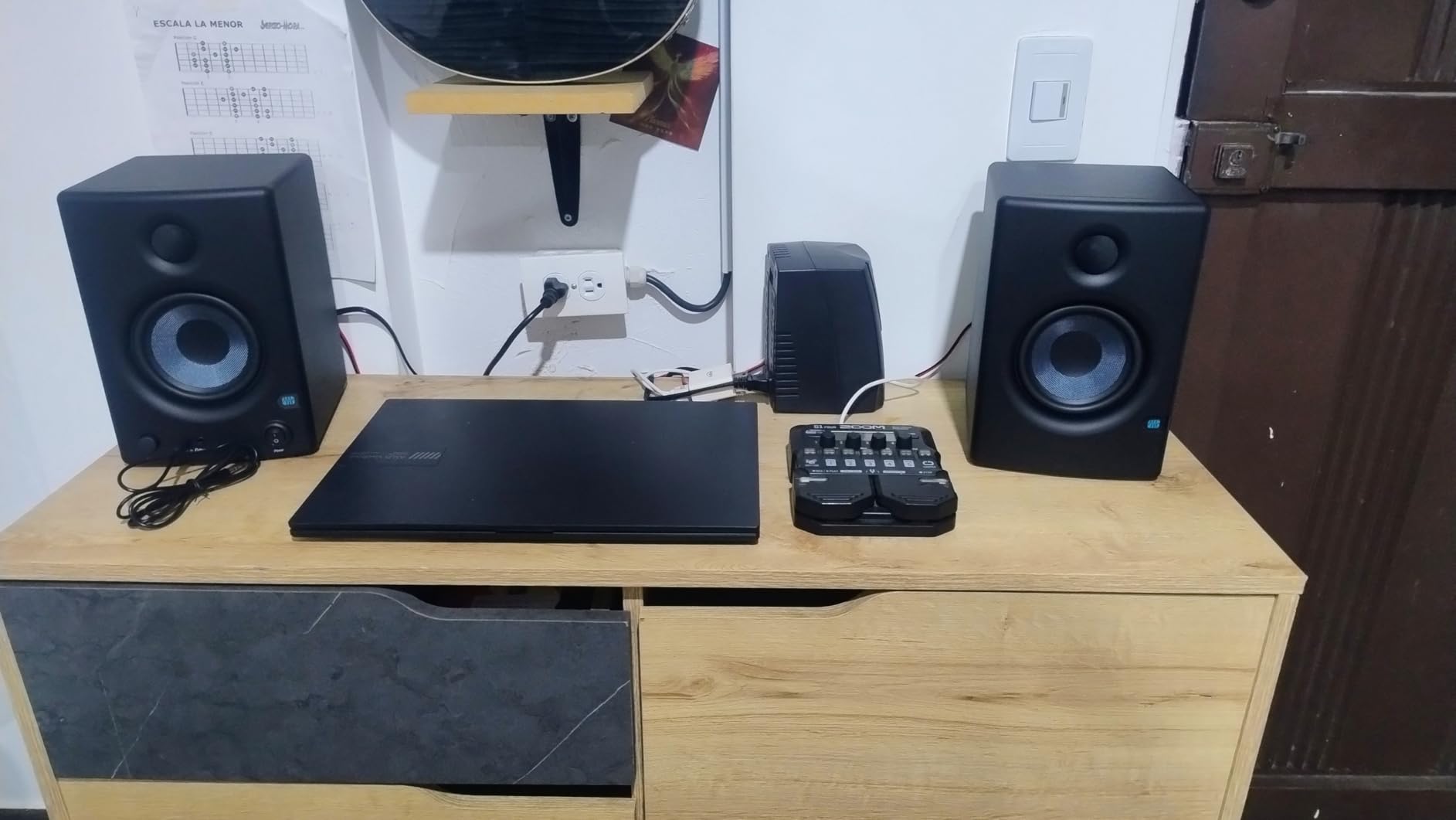
Class AB amplification at 25 watts per side gives the E4.5 a slightly warmer, more musical character than the Class D amps in some competitors. I found mixes done on these translated well to car stereos and earbuds, which is the real test of any monitor. The ultra-wide sweet spot means you do not need to sit in a perfectly fixed position to hear an accurate stereo image.
The power saver mode is a feature I did not know I needed until I had it. After 40 minutes of no signal, the monitors automatically power down. This saves electricity and extends component life for producers who forget to turn things off at the end of a session.
Why These Are the Sweet Spot for Home Studios
The Eris E4.5 hits a size that works for most home studio rooms between 8×10 and 12×14 feet. The 4.5-inch woofer reaches low enough for most popular music genres without overwhelming small rooms with bass buildup. At the same time, the monitors stay compact enough to sit on a standard desk without isolation stands.
Connectivity is comprehensive with balanced TRS, RCA, and a front-panel AUX input plus a headphone jack with its own built-in amplifier. You can connect an audio interface, a phone for reference tracks, and headphones without reaching around the back.
What Holds Them Back From Pro Status
The E4.5 uses Class AB amplification, which runs warmer and is slightly less efficient than modern Class D designs. The cabinet design and materials are functional but not premium. And while the frequency response is solid, it does not reach the low 40Hz territory that larger 6.5-inch or 8-inch monitors can achieve. For most home studio work this is not a problem, but mastering engineers will want more extension.
5. Edifier MR4 Powered Studio Monitor Speakers
Edifier MR4 Power Studio Monitor Speakers, 4 inch Active Near-Field Speaker
4 inch composite woofer
1 inch silk dome tweeter
42W power
MDF enclosure
Dual mode
Pros
- True flat response monitor mode
- Dual mode switching
- MDF wood enclosure
- High and low frequency knobs
- Over 3500 reviews
Cons
- AUX only on some units
- Lower power than competitors
The Edifier MR4 has accumulated over 3,500 customer reviews, making it one of the most tried and tested monitors in this price bracket. What drew me to these was the dual-mode design that switches between a flat monitor mode for mixing and a music mode for casual listening. That flexibility is rare at this price.
In monitor mode, the MR4 delivers a genuinely flat response curve. I A/B tested them against my reference monitors and found the midrange presentation honest and uncolored. Switch to music mode and the sound opens up with enhanced bass and treble, making them enjoyable for watching videos or streaming music after a mixing session.
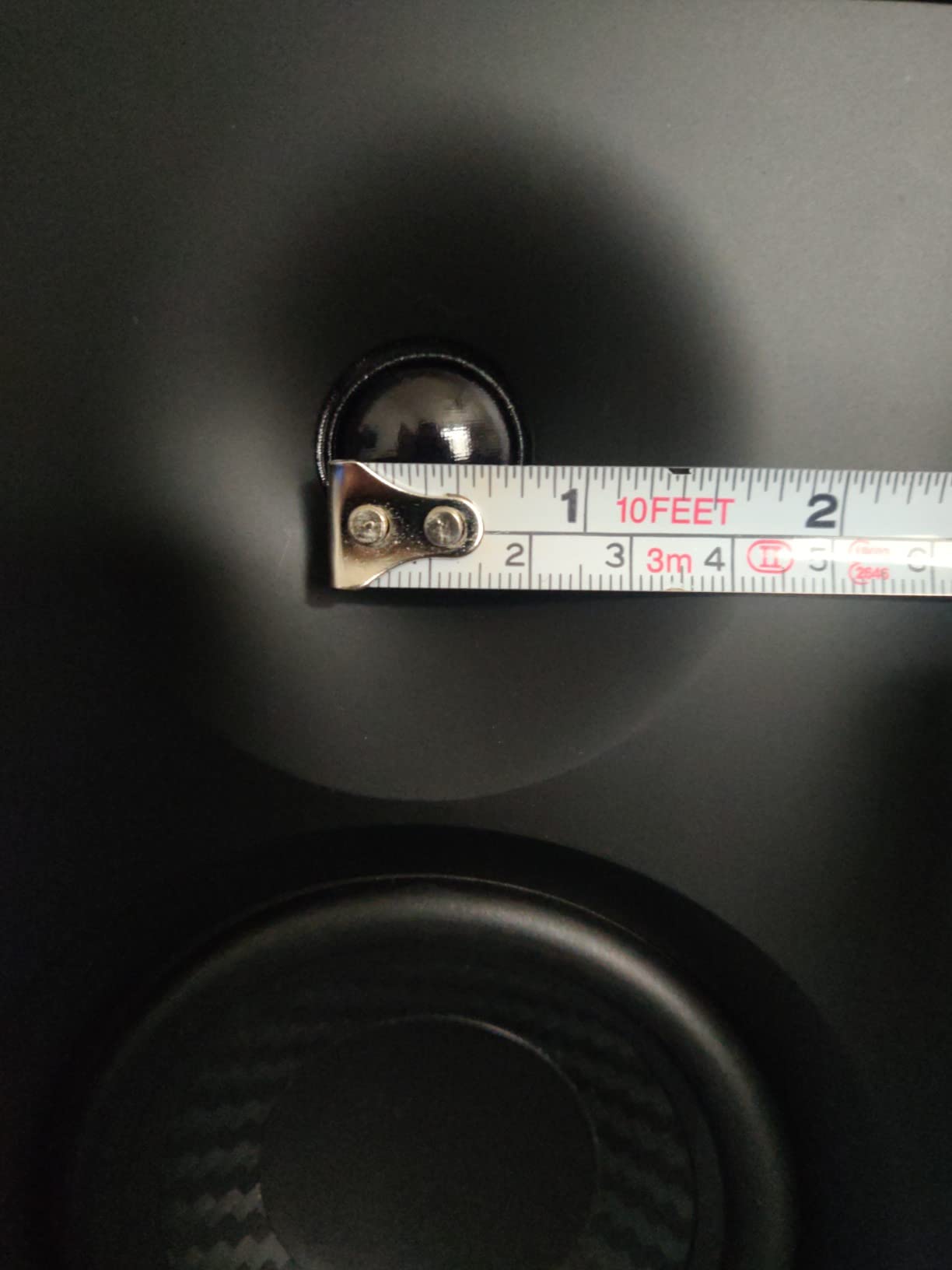
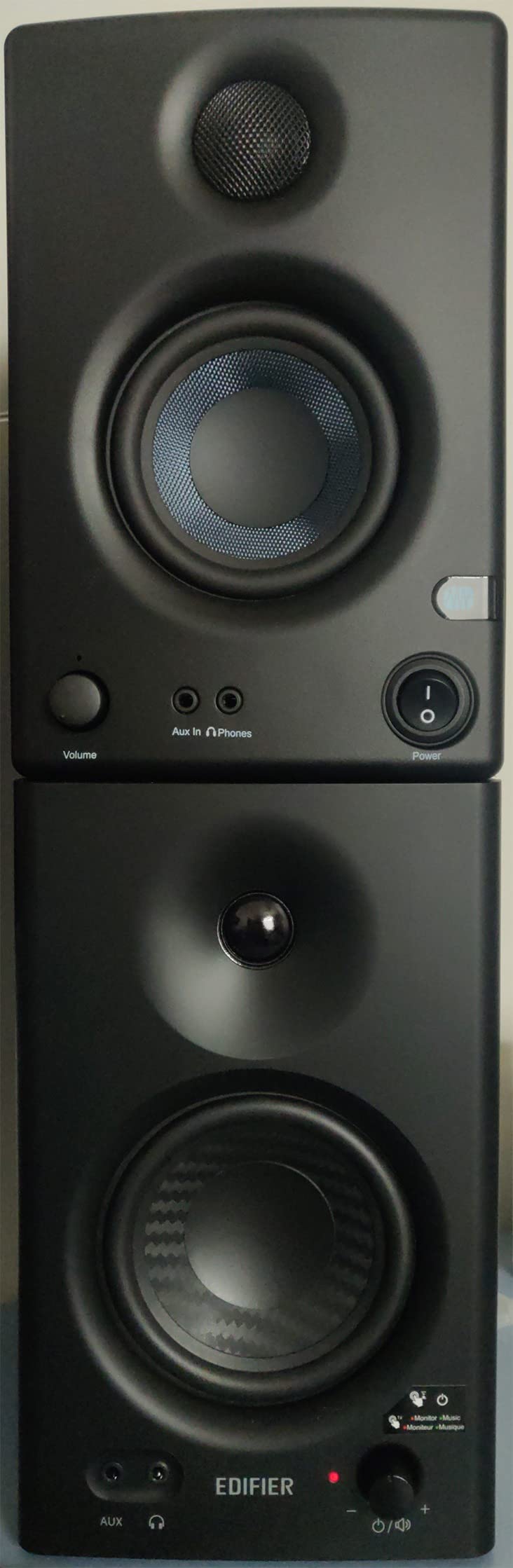
The MDF wood enclosure is a meaningful upgrade over the plastic cabinets used by some competitors. MDF reduces cabinet resonance, which means you hear the drivers rather than the box vibrating. At 4 inches, the composite woofer sits between the 3.5-inch budget monitors and larger 5-inch models, giving you a bit more bass reach without needing a huge desk.
The 42-watt power output is lower than some competitors, but for near-field desktop use it provides plenty of volume. The high and low frequency control knobs on the front panel let you fine-tune the response to your room, similar to the PreSonus Eris tuning controls.
Dual Mode Functionality Explained
The dual mode switch is the MR4’s signature feature. Monitor mode engages a flat frequency response designed for critical mixing and audio production work. Music mode applies a consumer-friendly EQ curve with boosted lows and sparkling highs that sounds pleasing for entertainment. This means one pair of speakers can serve both your production work and your downtime listening without compromise.
I found the mode switch particularly useful for reference checking. Mixing in monitor mode and then switching to music mode gives you a quick simulation of how your track might sound on consumer speakers. That translation check is something even expensive monitors cannot do without external processing.
Connectivity and Compatibility Notes
The MR4 offers balanced TRS, unbalanced RCA, and AUX inputs plus a front headphone output. The connectivity covers the essentials, though it lacks XLR which some professional interfaces require. The MDF enclosure and included frequency controls make this a strong all-around choice for producers who want both accuracy and listening enjoyment from the same pair of speakers.
6. Pioneer DJ DM-50D-BT 5-Inch Desktop Monitor System
Pioneer DJ DM-50D-BT 5-inch Active Monitor Speakers, Bluetooth, Pair
5 inch woofer
0.75 inch tweeter
50W Class D
Bluetooth
DJ and Producer modes
Pros
- Switchable DJ and production modes
- Bluetooth wireless streaming
- DECO convex diffusers for 3D sound
- Time-aligned drivers
- Class D with 96kHz DSP
Cons
- 50W may be limited for larger rooms
- Some Bluetooth latency reported
Pioneer DJ built the DM-50D-BT specifically for the growing number of producers who also DJ. The two-way sound mode switches between a DJ setting optimized for playback energy and a production setting tuned for flatter monitoring. Add Bluetooth connectivity and you have a versatile system that bridges studio work and performance preparation.
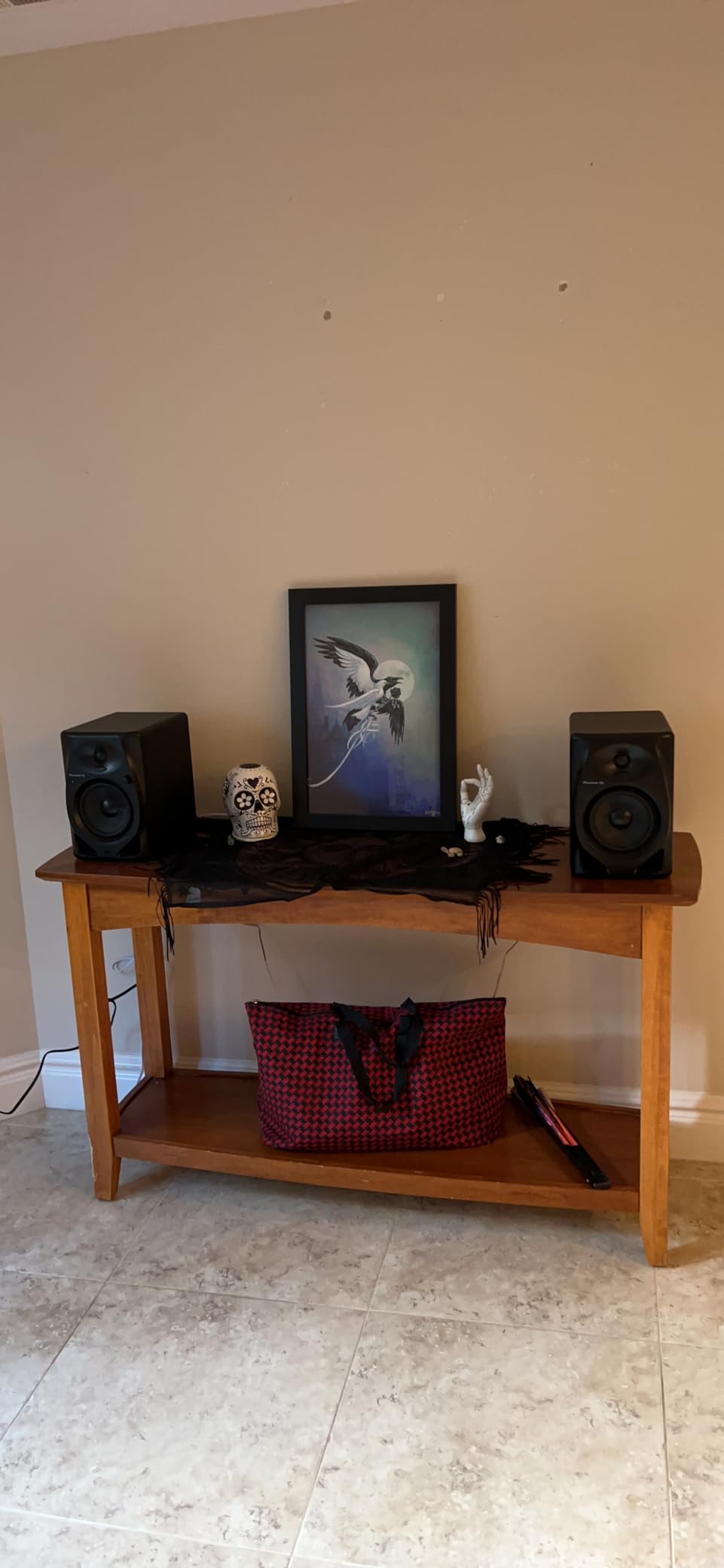
The 5-inch woofer gives you more low-end authority than the 3.5 and 4-inch monitors earlier in this list. I noticed kick drums and bass synths had noticeably more punch and definition. The DECO convex diffusers on the front baffle spread the sound wider than typical monitors at this size, creating a broader sweet spot.
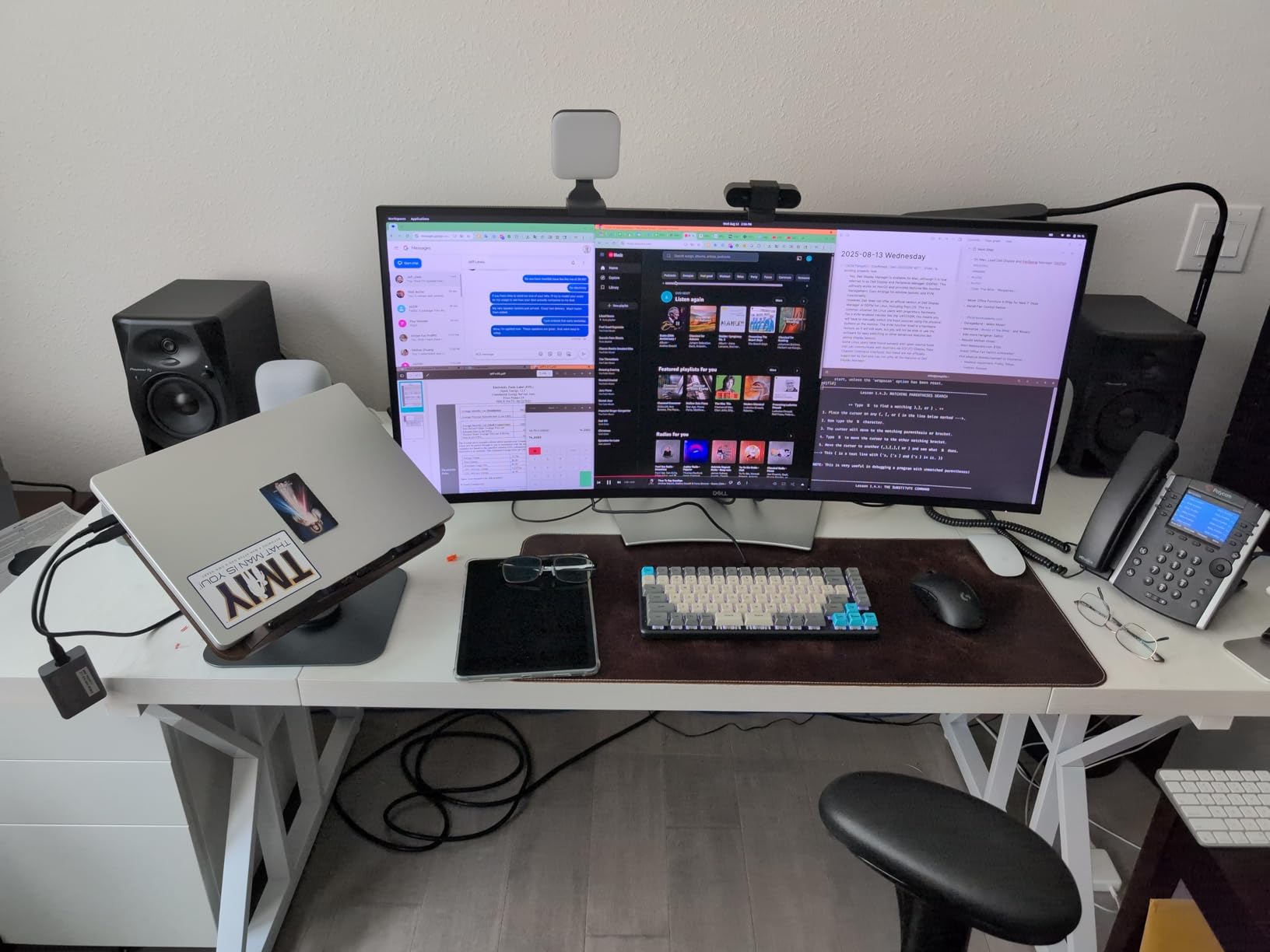
The Class D amplifier with 96kHz sampling DSP keeps the signal clean and efficient. Time alignment between the woofer and tweeter ensures frequencies arrive at your ears in phase, which improves clarity and stereo imaging. In producer mode, the response flattens out enough for reasonable mixing decisions.
Bluetooth is a welcome addition for wireless reference listening. I streamed tracks from my phone to check how mixes compared to commercial releases, and the wireless quality was solid. A few users report minor latency, so I would not recommend Bluetooth for real-time production work. Stick with the wired RCA or mini-jack connections for tracking and mixing.
DJ Mode Versus Production Mode
The mode switch changes the DSP processing to suit different workflows. DJ mode emphasizes energy and impact, making tracks sound exciting and punchy for cueing and performance preparation. Production mode flattens the response for more analytical listening suited to mixing decisions. Having both in one system means you do not need separate speakers for DJ practice and studio work.
I found production mode useful for level balancing and EQ decisions, while DJ mode was genuinely fun for testing how a finished track would feel in a live context. The transition between modes is instant, controlled by a single switch on the front panel.
Power and Room Suitability
At 50 watts, the DM-50D-BT is best suited for small to medium rooms. In my 10×12 foot studio, the volume was more than adequate for near-field mixing. Larger rooms above 15×15 feet may benefit from more powerful monitors. The Bluetooth convenience and dual-mode flexibility make this a strong pick for producer-DJs who want one system for multiple workflows.
7. ADAM Audio T5V Professional Studio Monitor
ADAM Audio T5V Studio Monitor
5 inch polypropylene woofer
U-ART tweeter
70W RMS
45Hz-25kHz
XLR RCA
Room EQ
Pros
- Signature U-ART tweeter for detailed highs
- HPS waveguide for broad sweet spot
- DSP room EQ filters
- Rear bass reflex port
- 5 year warranty
Cons
- Rear port needs wall clearance
- No Bluetooth
- Sold individually
The ADAM Audio T5V is where professional monitoring begins. ADAM’s reputation was built on high-end monitors used in world-class studios, and the T5V brings their signature U-ART ribbon tweeter technology down to an accessible price point. This is the monitor I point serious producers toward when they are ready to move beyond budget desktop speakers.
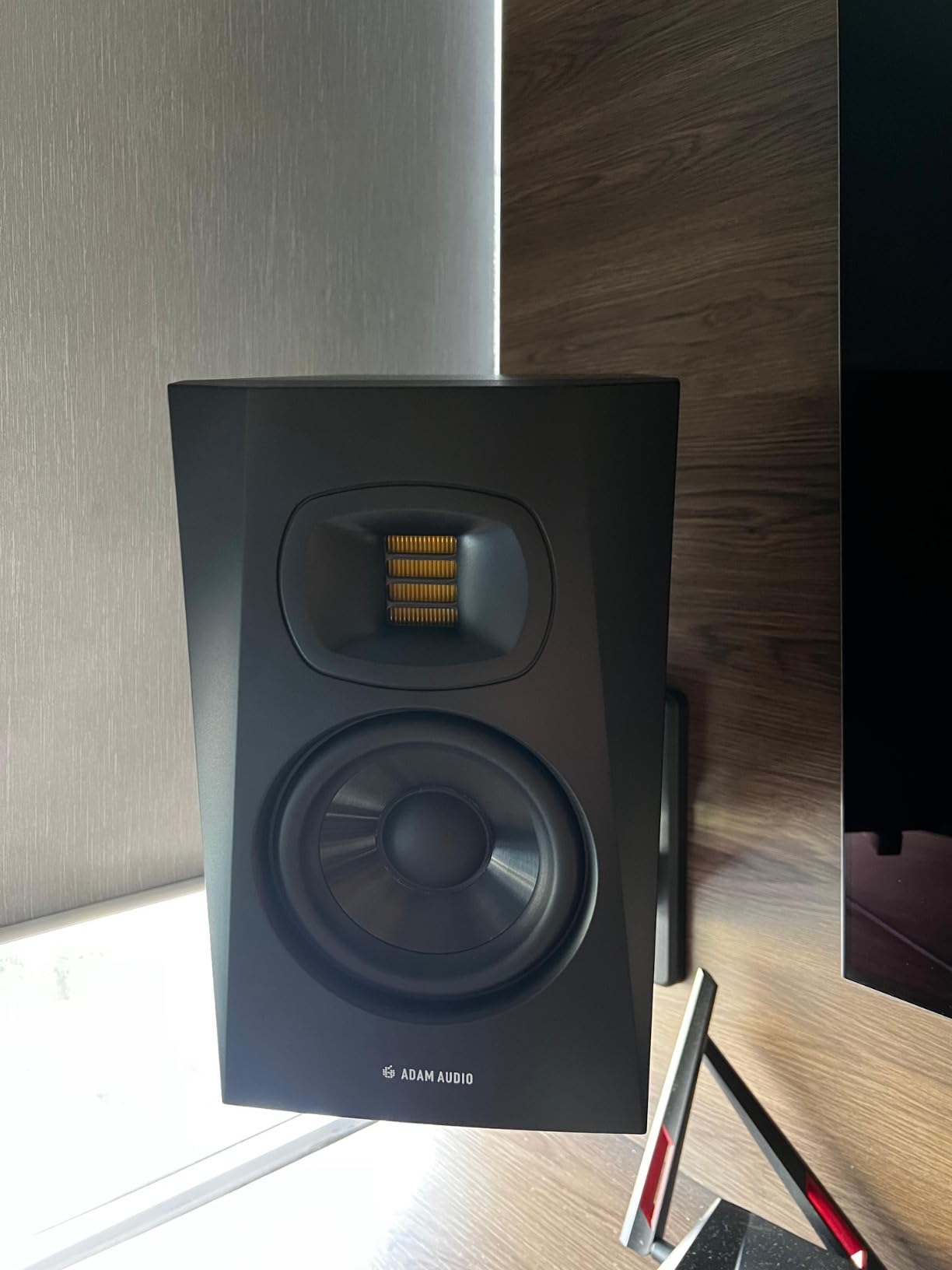
The U-ART tweeter is the star of the show. It uses an accelerated ribbon design that reproduces high frequencies with a level of detail and air that conventional dome tweeters simply cannot match. I heard reverb tails, cymbal decays, and vocal sibilance with a clarity that immediately changed how I approached high-frequency EQ decisions.
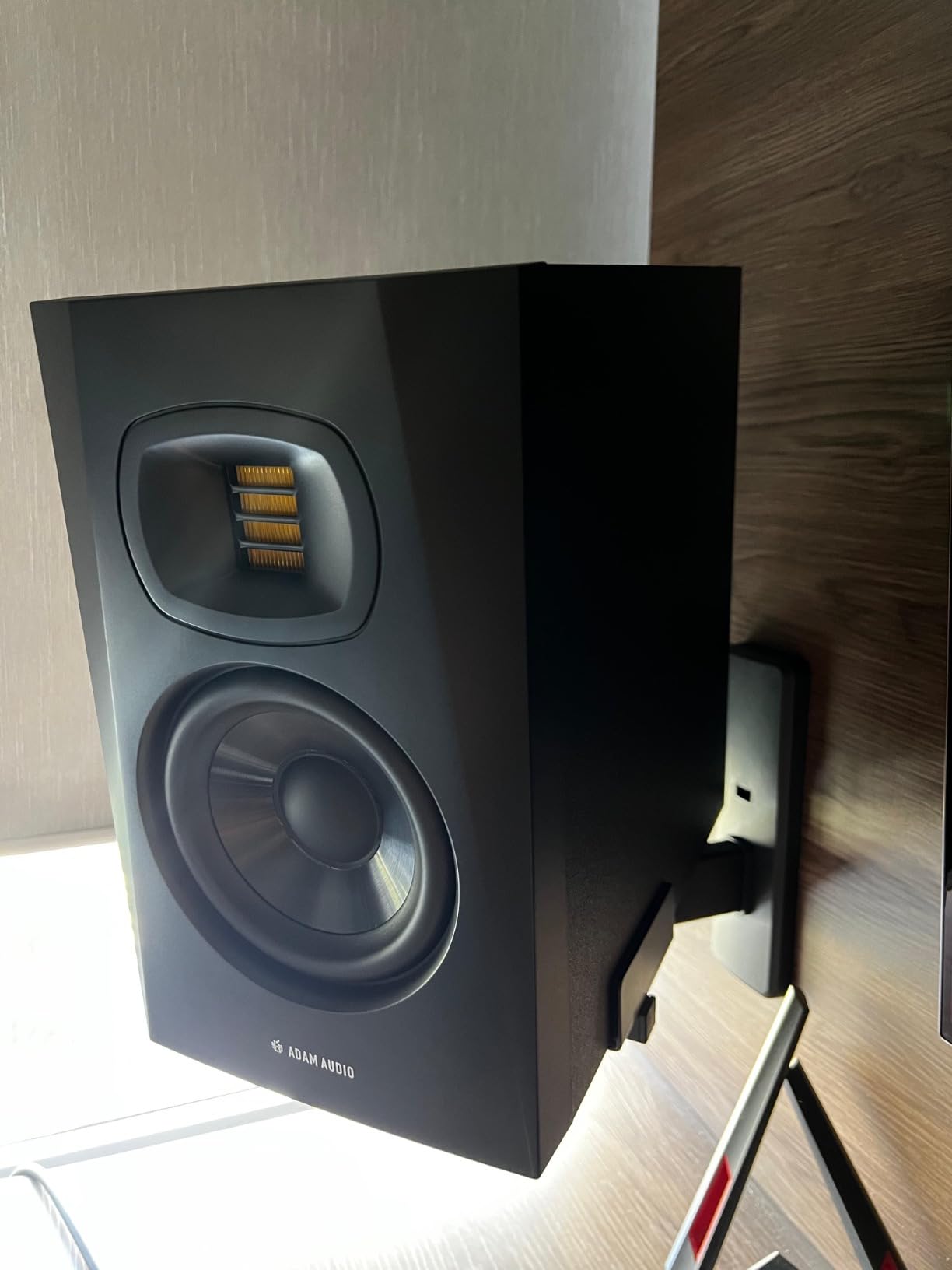
The HPS waveguide extends the sweet spot wider than most monitors in this class. You can move your head side to side without the stereo image collapsing, which matters in real-world mixing where you are not glued to one position. The 5-inch polypropylene woofer reaches down to 45Hz, giving you usable bass for most genres.
DSP-based room EQ filters on the rear panel let you adjust both high and low shelf frequencies to compensate for your room acoustics. In my untreated room, engaging the low shelf cut tamed the bass bump from nearby walls. The 5-year warranty reflects ADAM’s confidence in build quality and gives long-term peace of mind.
Placement Requirements for the Rear Port
The rear-firing bass reflex port is the one placement constraint you need to plan around. Unlike front-ported monitors, the T5V needs at least 6 to 12 inches of clearance behind it to allow the port to breathe. Pushing these against a wall will cause bass buildup and muddy the low-end response. If your desk sits flush against a wall, consider front-ported alternatives or invest in monitor stands.
The XLR and RCA inputs cover both professional and consumer connectivity. Note that these are sold individually, so you need to purchase two for a stereo pair. The price per monitor is competitive, but factor in the pair cost when budgeting.
Who Benefits Most From the U-ART Tweeter
Vocal-centric producers, acoustic engineers, and anyone working with detailed high-frequency content will benefit most from the T5V. The ribbon tweeter reveals subtleties in reverb, air, and transients that dome tweeters smooth over. If your mixes have struggled with harsh highs or dull treble on other systems, the T5V’s honest high-frequency reproduction will help you get this right.
8. Kali Audio LP-6 V2 Powered Studio Monitor
KALI AUDIO LP-6 V2 6.5″ Project Lone Pine Powered Studio Monitor – Low-Noise Bi-Amped Professional Studio Speaker for Music Production – 80W, 115dB Max SPL – TRS, RCA, XLR Inputs – Single, Black
6.5 inch woofer
1 inch tweeter
80W bi-amp
115dB max SPL
Boundary EQ
Front-firing port
Pros
- Front-firing port for flexible placement
- Boundary EQ with multiple settings
- 115dB max SPL headroom
- Bi-amped Class D design
- 2nd gen DSP for flat response
Cons
- Not Prime eligible
- Larger size needs more desk space
- Sold individually
Kali Audio has earned a fierce reputation on Reddit’s audio engineering and music production forums as the budget king, and the LP-6 V2 lives up to that title. For around $250 per monitor, you get a 6.5-inch bi-amped professional speaker with DSP processing that rivals monitors costing twice as much. Forum users consistently praise this as the best value in serious monitoring.
The second-generation DSP system delivers a genuinely flat frequency response with 12dB of noise reduction compared to the original LP-6. I noticed an exceptionally quiet noise floor, with no hiss audible even at close range with no signal playing. The low-distortion upgrades mean transients punch through cleanly.
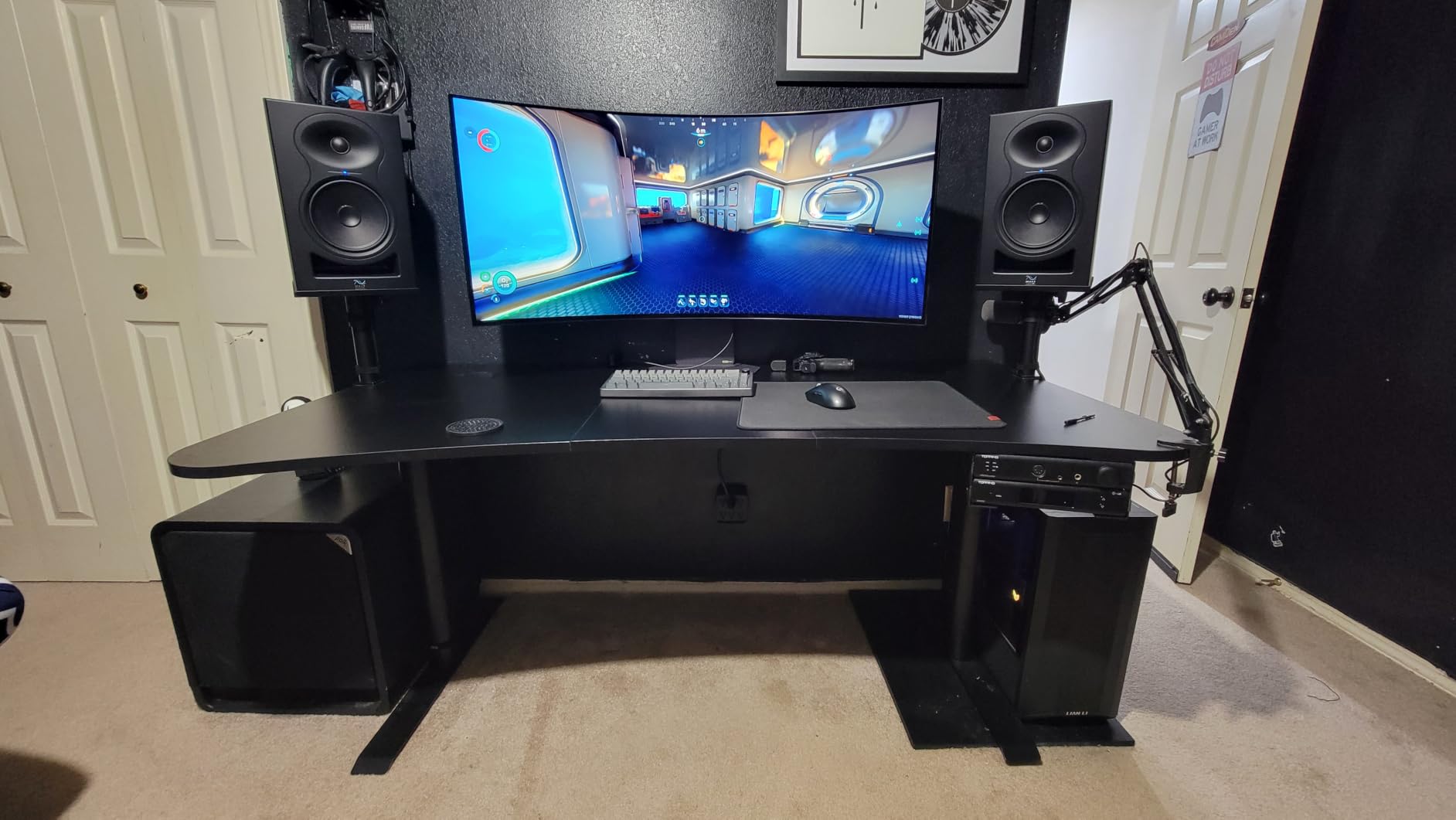
The front-firing port is a practical advantage over rear-ported monitors like the ADAM T5V. You can place the LP-6 V2 closer to walls without triggering severe bass buildup, which matters in small home studios where space is tight. The boundary EQ settings provide multiple presets for different placement scenarios: on stands, on a desk, near a wall, or in corners.
With 80 watts of bi-amped Class D power and a 115dB maximum SPL, these monitors have serious headroom. I never felt the need for more volume in my medium-sized room. The dynamic range handles everything from quiet acoustic passages to full-volume electronic drops without compression artifacts.
Boundary EQ Settings Explained
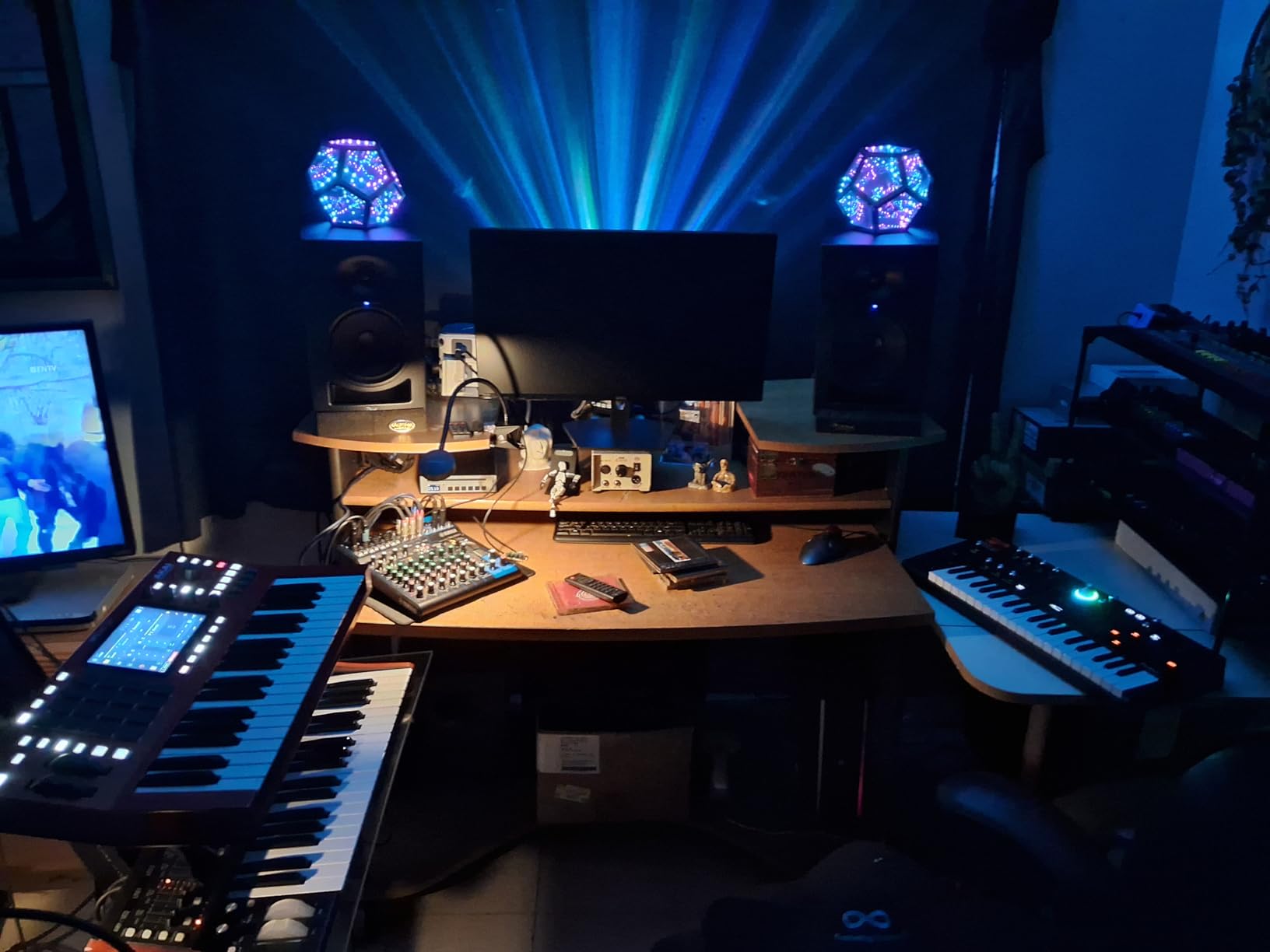
The boundary EQ is what makes the LP-6 V2 work in practically any room. Kali provides multiple DIP switch settings that compensate for placement near boundaries. If your monitors sit on a desk meter bridge, there is a setting for that. If they are on stands away from walls, a different setting applies. Near-wall and corner placements each get their own compensation curves.
This is a feature typically found on monitors costing $500 or more per unit. Having it at this price point means you can get accurate response even in challenging rooms without expensive acoustic treatment. I tested the boundary settings in my room and the difference between the correct and incorrect settings was immediately audible in the low-end balance.
What to Know Before Buying
The LP-6 V2 is sold individually and is not Prime eligible, so expect slightly longer shipping times. The 6.5-inch woofer means these are physically larger than 5-inch monitors, so verify your desk or stands can accommodate them. The single monitor weighs about 15.5 pounds. You will need balanced XLR, TRS, or RCA cables to connect them to your audio interface.
9. JBL Professional 308P MkII 8-Inch Studio Monitor
JBL Professional 308P MkII 8-Inch, 2-Way, Powered, Active Monitor Speaker for Near Field Music Production, Studio Monitor, Desktop Computer, Hi-Fi Audio. Sold individually, Black
8 inch woofer
1 inch tweeter
112W bi-amp
Slip Stream port
Boundary EQ
XLR TRS
Pros
- Large 8 inch woofer for deep bass
- 112W Class D bi-amplified power
- Patented Slip Stream low-frequency port
- Boundary EQ for placement
- 100 hour stress tested
Cons
- Sold individually not as pair
- Large physical footprint
- Limited stock availability
The JBL 308P MkII is one of the most recommended monitors in the entire home studio community. Reddit users consistently name this alongside the Yamaha HS5 as the best value for serious monitoring, and my testing confirms why. The 8-inch woofer delivers bass extension that smaller monitors simply cannot achieve, reaching deep enough for electronic music production and hip-hop mixing.
JBL derived the 308P MkII’s technology from their Master Reference Monitors used in professional mastering studios. The patented Slip Stream low-frequency port design reduces turbulence and distortion at low frequencies, giving you cleaner bass at higher volumes. I pushed these hard during bass-heavy mixes and the low end stayed tight and controlled.
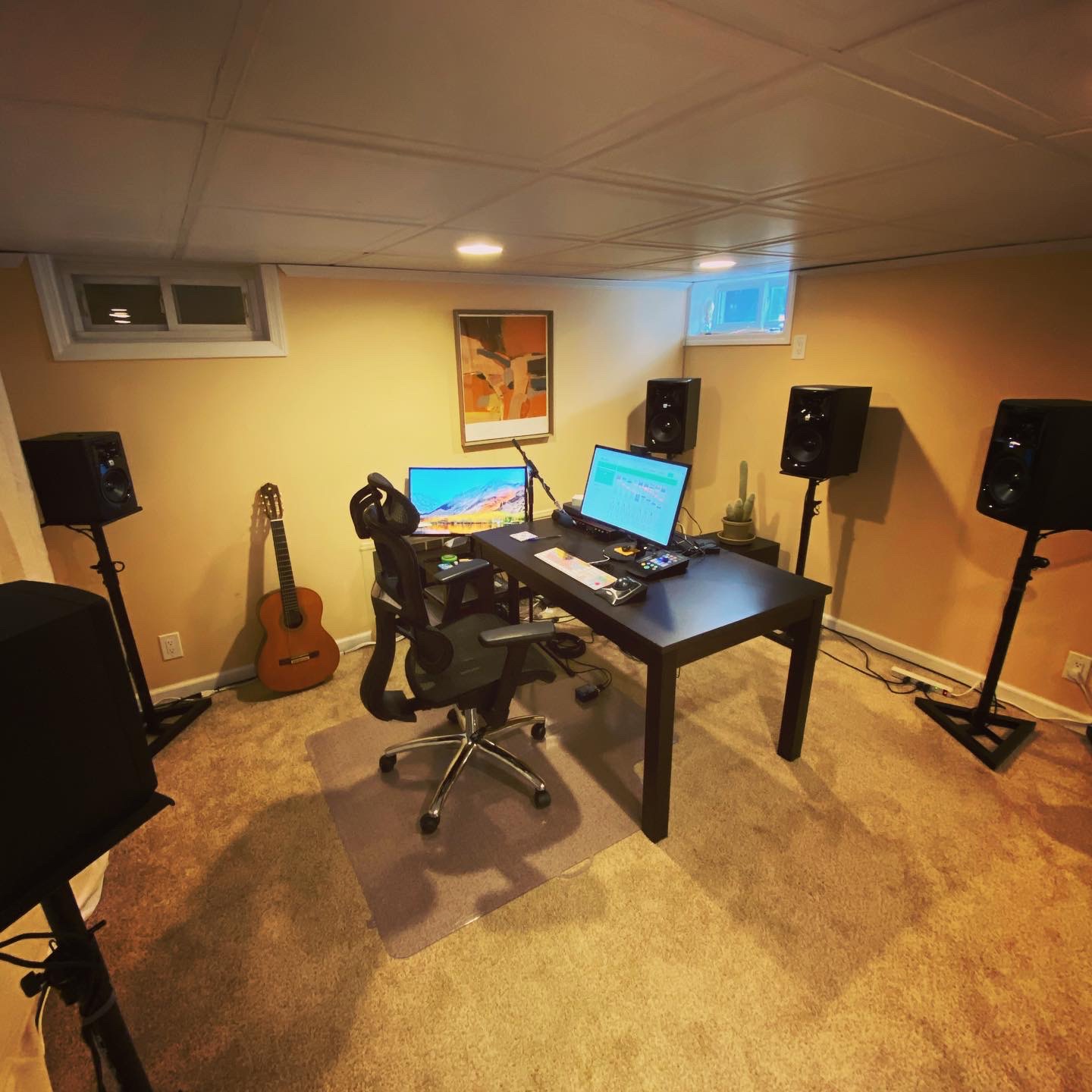
The 112-watt Class D bi-amplified design provides serious output. Each monitor delivers enough power to fill a large home studio room, and the dynamic range handles everything from delicate acoustic fingerpicking to aggressive electronic drops. The boundary EQ on the rear panel lets you compensate for placement near walls or on a desk.
Balanced XLR and quarter-inch TRS inputs with a switchable plus-4 or minus-10 input level accommodate both professional and consumer gear. JBL subjects each unit to a 100-hour full-power stress test before it leaves the factory, which speaks to their quality control standards.
Room Size Requirements for 8-Inch Woofers
An 8-inch woofer moves serious air, and that means you need a room that can handle it. The 308P MkII is ideal for rooms 12×14 feet and larger. In smaller rooms, the bass energy can build up and create standing waves that muddy your low-end perception. If your room is smaller than 10×12 feet, consider the JBL 305P MkII with a 5-inch woofer or treat your room with bass traps.
Physical size is also a consideration. Each monitor measures 12.1 inches deep, 10 inches wide, and 16.5 inches tall, weighing nearly 18 pounds. These are substantial speakers that need sturdy stands or a reinforced desk. Plan your physical setup before purchasing.
Sweet Spot and Imaging Performance
The 308P MkII delivers a broad sweet spot thanks to JBL’s Image Control Waveguide technology. The stereo image stays stable even when you move off-axis, which is valuable when collaborating with other musicians who need to hear the same balance from different positions. The 1-inch neodymium tweeter produces smooth, detailed highs that complement the powerful low end.
10. Yamaha HS5 Powered Studio Monitor Pair
YAMAHA Hs5 Powered Studio Monitor, Pair
5 inch woofer
1 inch dome tweeter
70W bi-amp
54Hz-30kHz
XLR TRS
Pair included
Pros
- Sold as matched pair
- Ultra-accurate neutral sound
- NS-10 inspired heritage
- XLR and TRS inputs
- Bi-amplified design
Cons
- Lower power than some competitors
- Some want brighter treble
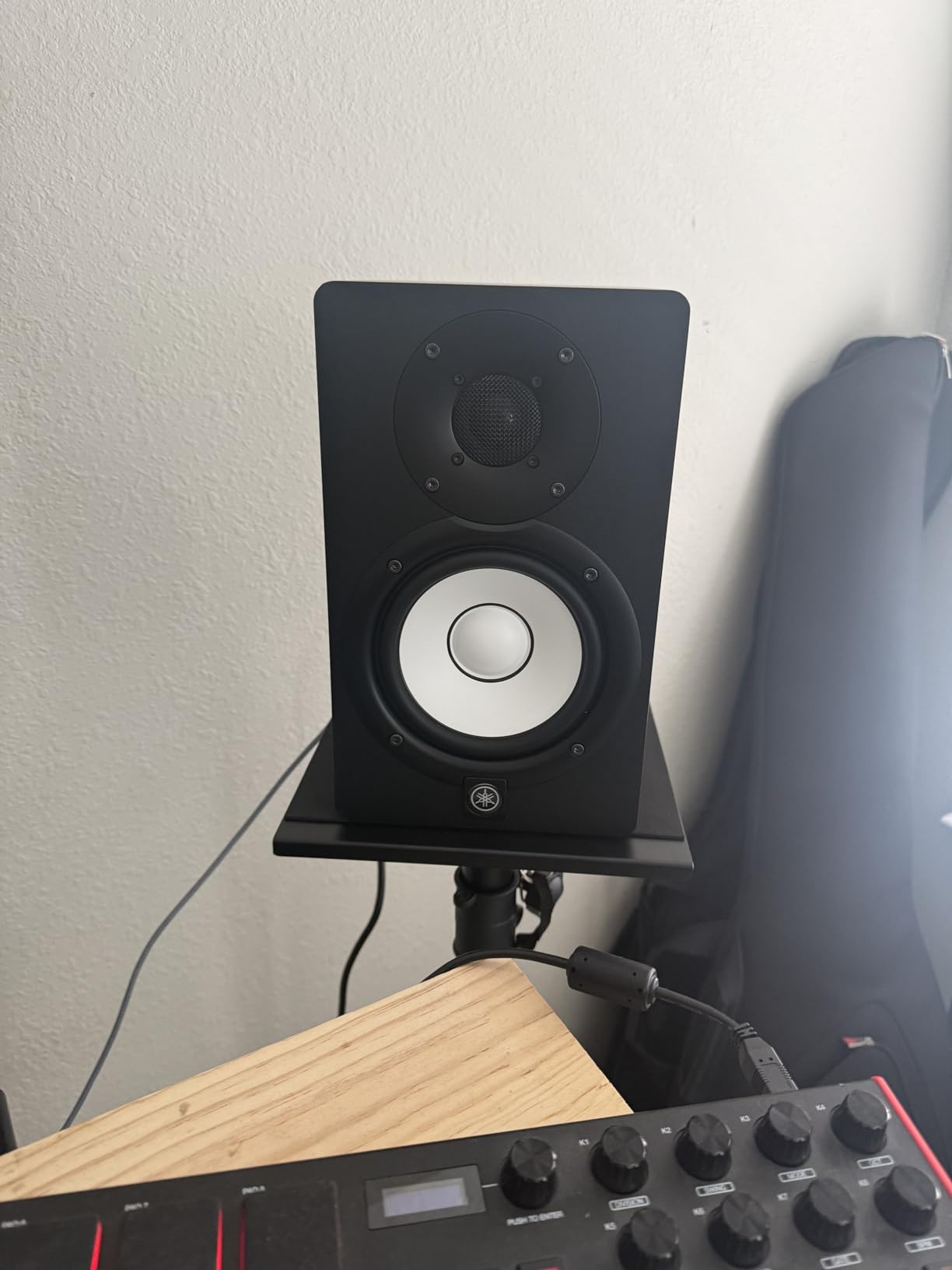
The Yamaha HS5 is the industry standard. Walk into any professional recording studio in the world and chances are you will see a pair of white-coned Yamaha monitors on the bridge. The HS5 carries the DNA of the legendary NS-10, the monitor that defined how records have been mixed for decades. Its 4.8-star average rating across 410 reviews reflects the respect this monitor commands.
What sets the HS5 apart is its uncompromising neutrality. These monitors do not flatter your mix. They tell you exactly what is there, including the flaws. When I first switched to HS5 monitors, my initial reaction was that everything sounded dull. Then I realized my previous monitors had been artificially boosting highs, and the HS5 was simply revealing the truth.
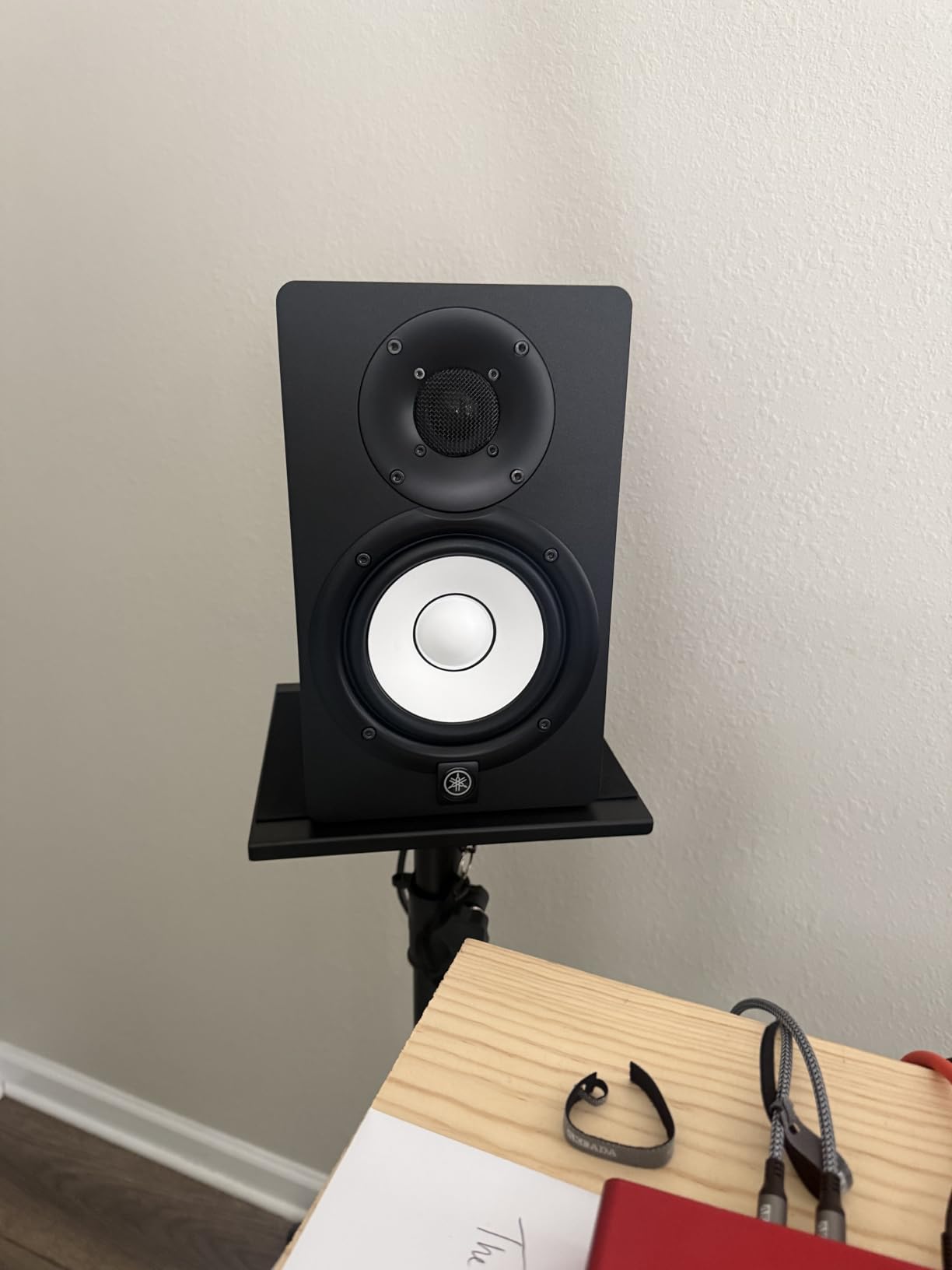
The 5-inch cone woofer and 1-inch dome tweeter are driven by a bi-amp system delivering 45 watts to the low frequency driver and 25 watts to the high frequency driver, for 70 watts total per monitor. The frequency response spans 54Hz to 30kHz, which covers the full audible range for most mixing tasks. Bass is present but not exaggerated, which is exactly what you want for accurate level decisions.
These are sold as a matched pair, which is significant value at this price point. Most professional monitors are sold individually. Getting two matched HS5 monitors with XLR and TRS inputs for under $350 total makes this one of the best value propositions in serious monitoring.
Why the HS5 Is Called Brutally Honest
The HS5’s reputation for honesty comes from its flat, uncolored frequency response. There is no bass boost, no treble enhancement, and no midrange scoop. If your mix has problems, the HS5 will show them to you clearly. This makes mixing easier because you can trust what you hear, but it also means poorly mixed tracks will sound bad on these monitors.
This honesty is exactly why professionals rely on them. If you can make a mix sound good on HS5 monitors, it will translate to virtually any playback system. The NS-10 philosophy lives on: if it sounds right on these, it sounds right everywhere.
Pairing With a Subwoofer
The HS5’s 54Hz low-frequency cutoff means you lose sub-bass information below that point. For electronic music, hip-hop, and cinematic work, adding a subwoofer extends the response to reveal frequencies in the 30-50Hz range. The Yamaha HS8S subwoofer is designed to match the HS series seamlessly, but third-party subs work well too. For rock, pop, and acoustic mixing, the HS5’s bass extension is sufficient without a sub.
11. KRK Rokit 5 Generation Five Studio Monitor Pair
KRK RP5G5 ROKIT 5 Generation Five 5″ Powered Studio Monitor Pair
5 inch Kevlar woofer
1 inch silk dome tweeter
82W Class D
DSP Room Tuning
Iso-foam pads
Pair
Pros
- DSP-driven room tuning system
- Custom Class D amplifiers
- Low Diffraction Baffle for imaging
- Acoustic foam isolation pads included
- Kevlar drivers for durability
Cons
- No wireless connectivity
- May need additional room treatment
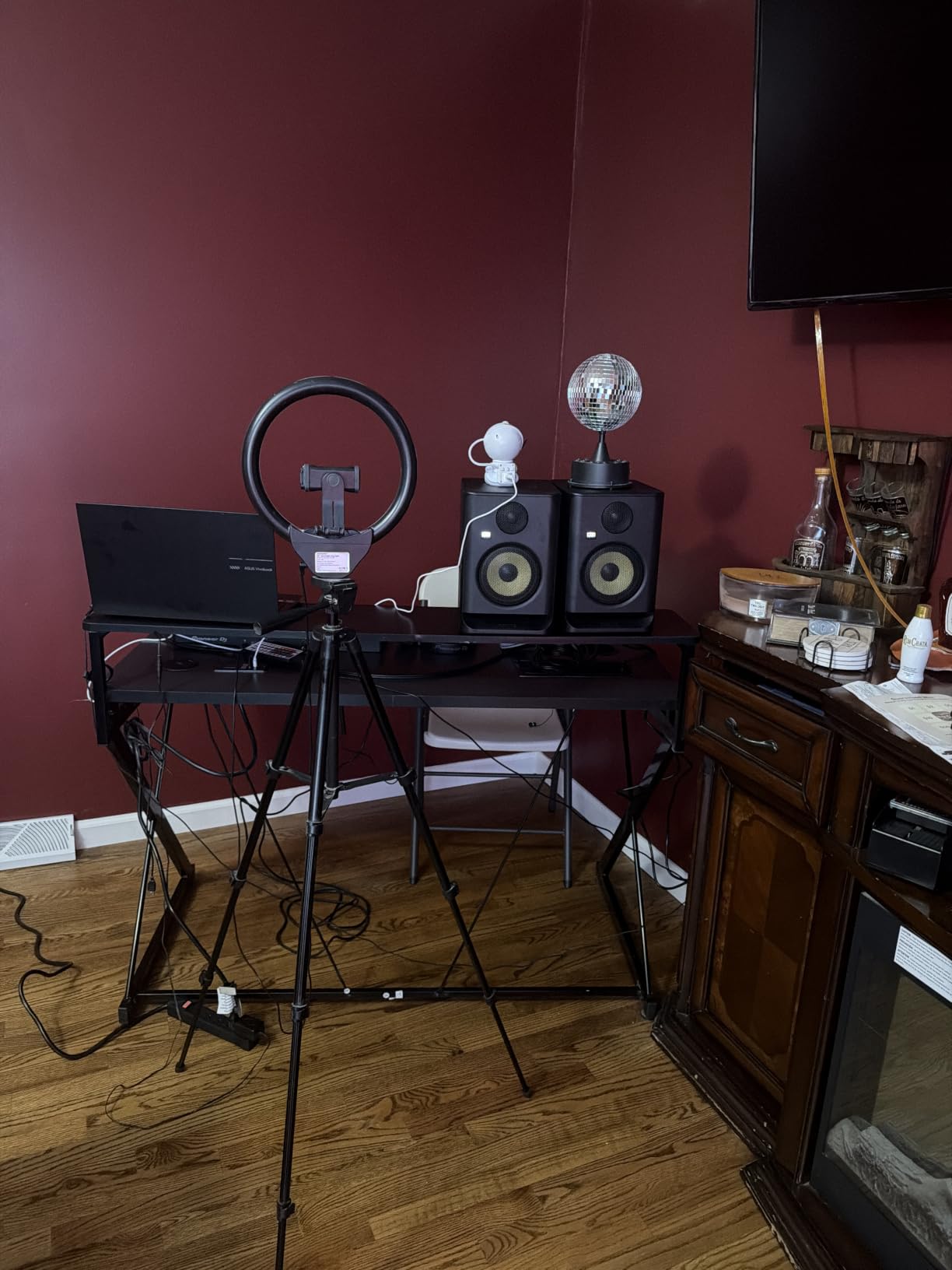
The KRK Rokit series is instantly recognizable in studios worldwide, and the Generation Five represents the most refined version yet. KRK packed this fifth-generation model with custom-designed Class D amplifiers, a redesigned 1-inch silk dome tweeter, and a DSP-driven room tuning system. With 89 percent of reviews giving five stars, the reception has been overwhelmingly positive.
The Kevlar woofer construction gives the Rokit 5 its characteristic punchy, present low-midrange. KRK monitors have always had a slightly forward bass character compared to the Yamaha HS5’s flat neutrality, and many producers prefer this for hip-hop and electronic production where low-end energy matters. The Generation Five refines this character with improved clarity and reduced distortion.
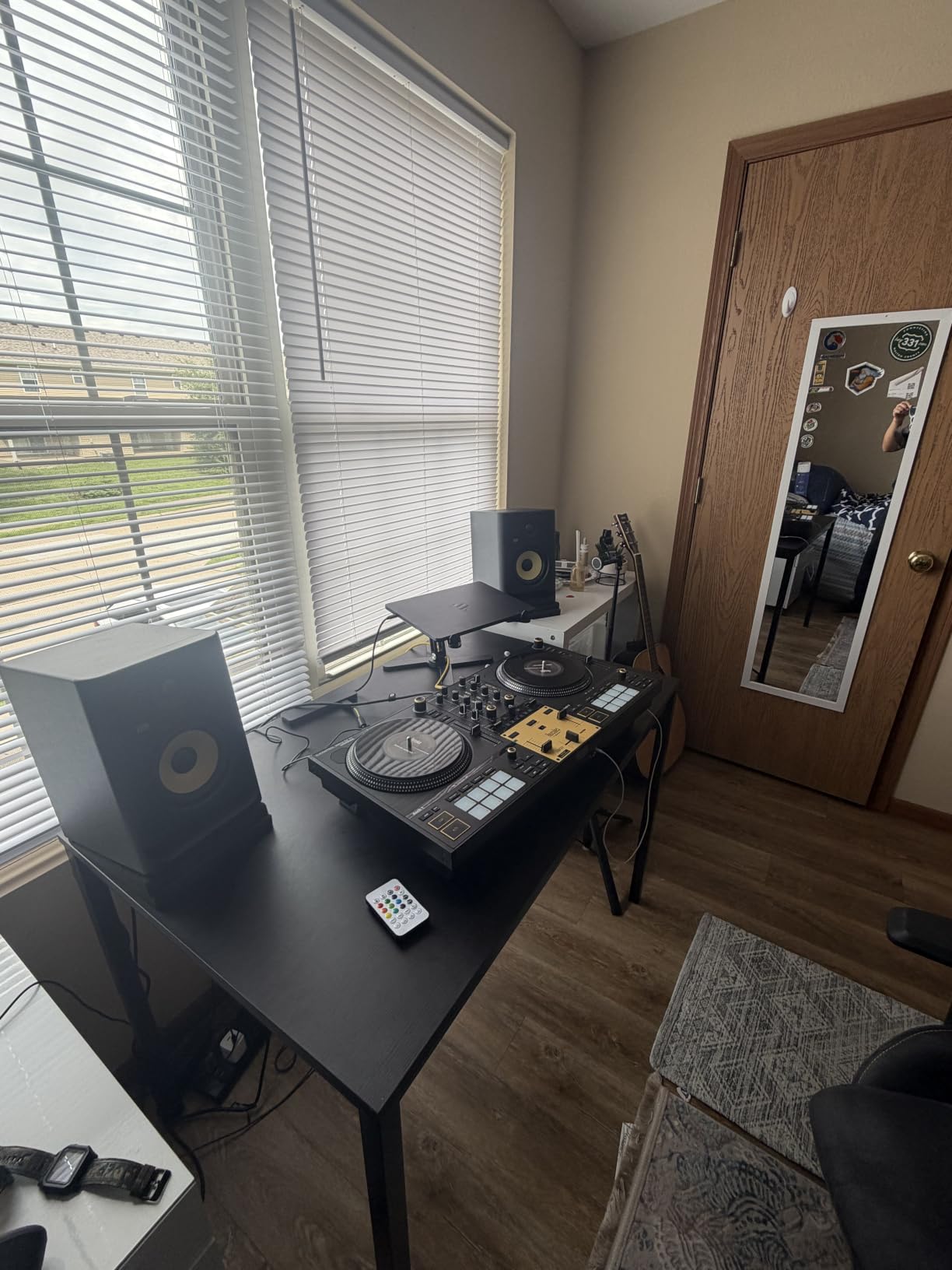
The DSP-driven room tuning is the major upgrade over previous generations. This system analyzes your room and applies corrective EQ to compensate for acoustic issues. Combined with the included acoustic foam wedge isolation pads, you get a monitoring system that accounts for both room and placement variables right out of the box.
The Low Diffraction Baffle design reduces edge diffraction artifacts that can smear stereo imaging. I noticed a precise, well-defined soundstage with clear positional information. The brick wall limiter protects the drivers from damage during unexpected signal spikes, which is practical insurance for late-night sessions when you forget to check your output levels.
DSP Room Tuning in Practice
The DSP room tuning system offers multiple EQ presets that address common room problems. Rather than requiring manual frequency adjustments, you select presets designed for specific boundary and placement scenarios. This makes room correction accessible to producers who may not have deep acoustic engineering knowledge.
In my testing, engaging the appropriate room tuning preset noticeably tightened the low end and reduced the midrange coloration caused by my room’s parallel walls. The foam isolation pads further decoupled the monitors from the desk surface, eliminating desk vibrations that had been muddying the bass response.
Genre Suitability and Sound Character
The Rokit 5 Gen Five excels with bass-heavy genres including hip-hop, trap, EDM, and reggae. The slightly emphasized low-midrange character helps you feel the energy of bass lines and kick drums without needing a subwoofer. For classical, jazz, or acoustic purists who want absolute neutrality, the Yamaha HS5 may be a better fit. The KRK’s character is engaging and confidence-inspiring, which translates to faster, more enjoyable mixing sessions.
12. Yamaha HS8 8-Inch Powered Studio Monitor Pair
Yamaha HS8 8-Inch Powered Studio Monitor Pair – Black
8 inch woofer
1 inch dome tweeter
120W bi-amp
38Hz-30kHz
XLR
Pair included
Pros
- Extended 38Hz low frequency response
- 120W bi-amp system
- Advanced Magnetic Circuit design
- Sold as pair
- Professional XLR connectivity
Cons
- Heavy at 56 pounds per pair
- XLR cables not included
- Limited stock available
The Yamaha HS8 is the flagship of the HS lineup and the monitor I recommend for serious producers with adequately sized rooms. The 8-inch cone woofer extends frequency response down to 38Hz, giving you full-range monitoring without needing a subwoofer. This is the monitor that lets you hear and feel every element of a bass-heavy mix.
The 120-watt bi-amp system splits power intelligently, delivering 75 watts to the low-frequency driver and 45 watts to the high-frequency dome tweeter. The Advanced Magnetic Circuit design uses large magnets for precise driver control, which translates to tight, accurate bass that does not blur or boom. I found kick drum transients snapped with definition even at high volumes.
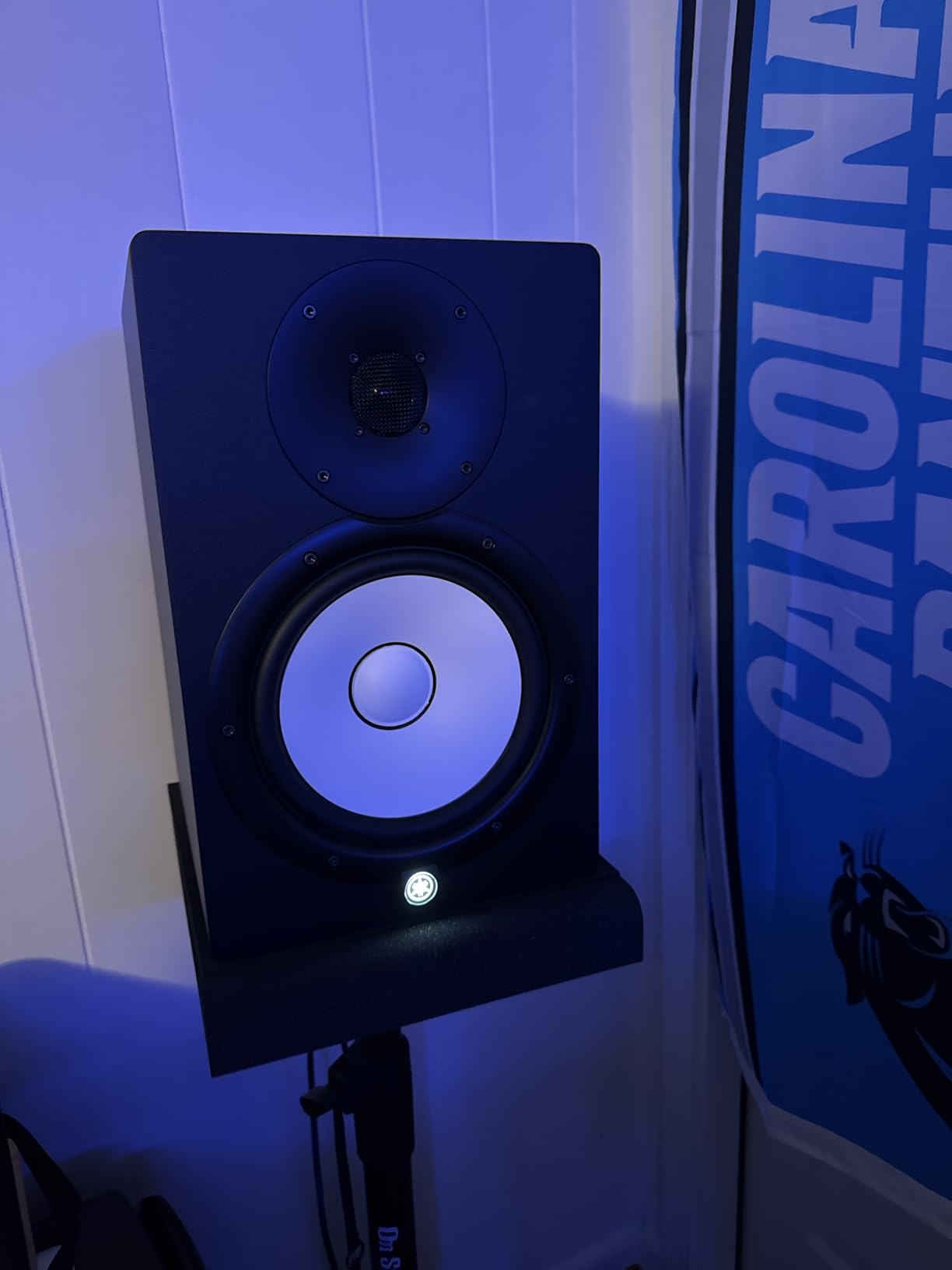
Like the HS5, the HS8 inherits the Yamaha tradition of sonic purity. The sound is neutral and uncolored, designed to reveal rather than flatter. Mixes done on HS8 monitors have a proven track record of translating accurately across playback systems from club PA speakers to earbuds. That translation consistency is why these remain an industry standard.
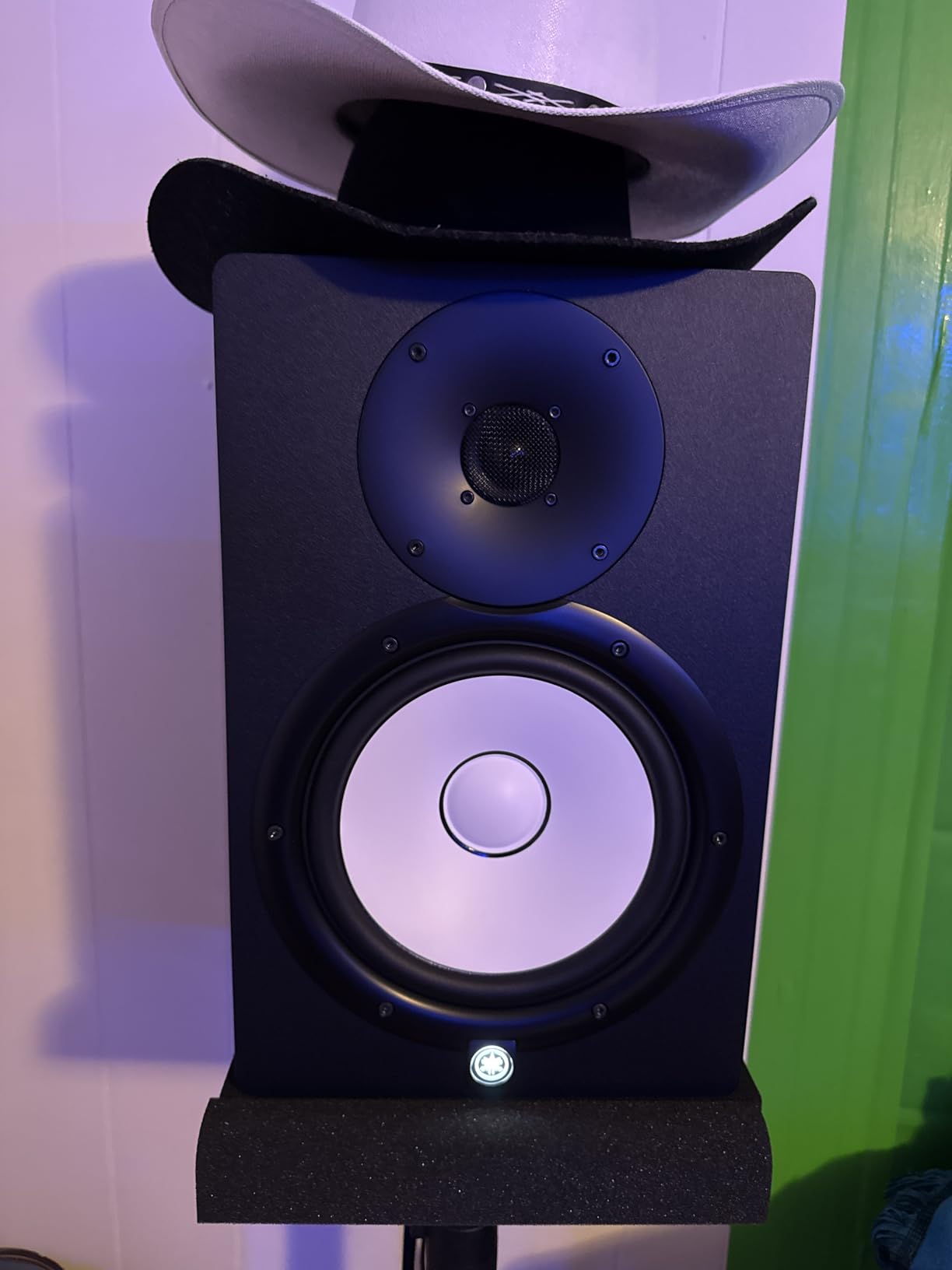
Sold as a matched pair with professional XLR connectivity, the HS8 represents serious investment in your monitoring chain. At 56 pounds for the pair, these are substantial, furniture-grade speakers that demand sturdy stands and adequate room space. They are not desk monitors.
Room Requirements for 8-Inch Monitors
The HS8 requires a room of at least 12×14 feet, ideally larger, to perform at its best. In small rooms, the powerful low-frequency output creates standing waves and bass buildup that will undermine accurate monitoring. If your room is smaller than this, acoustic treatment with bass traps is mandatory, not optional. Without treatment, the HS8’s bass capabilities become a liability rather than an asset.
Placement matters enormously with 8-inch monitors. Keep them at least two feet from walls and corners to avoid boundary reinforcement. Invest in quality monitor stands that decouple the speakers from the floor. The included foam pads on KRK monitors are not included here, so budget for isolation pads or stands.
Is the HS8 Worth the Premium Over the HS5
The decision between HS5 and HS8 comes down to room size and low-end requirements. If you produce bass-driven music in a treated room of adequate size, the HS8’s extended frequency response eliminates the need for a subwoofer and gives you complete confidence in your low-end mixing decisions. If your room is small or untreated, the HS5 is the smarter choice because it avoids overpowering your space with bass energy you cannot accurately hear.
How to Choose Studio Monitors for Your Home Studio?
Choosing the right studio monitors comes down to four factors: your room size, your budget, your musical genre, and your experience level. Get these four right and you will narrow the field quickly. Here is how our team approaches each decision.
Match Your Monitor Size to Your Room
This is the single most overlooked factor, and it is where most beginners go wrong. Larger woofers produce more bass energy, and in small untreated rooms that energy bounces around and creates an inaccurate listening environment. A massive 8-inch monitor in a tiny bedroom will actually give you worse mixing results than a modest 4-inch monitor.
Here is our room-to-monitor sizing guide based on our testing and community feedback. For rooms under 8×10 feet, stick with 3.5 to 4-inch woofers like the PreSonus Eris 3.5 or Edifier MR4. For rooms 8×10 to 12×12 feet, 4.5 to 5-inch woofers like the PreSonus Eris E4.5 or ADAM T5V are ideal. For rooms 12×14 feet and larger with some acoustic treatment, 6.5 to 8-inch woofers like the Kali LP-6 V2, JBL 308P MkII, or Yamaha HS8 shine.
Active Versus Passive Monitors
All 12 monitors in this guide are active, meaning they have built-in amplification. This is the standard for home studios because active monitors simplify your signal chain, match the amplifier to the drivers perfectly, and require fewer cables and separate components. Passive monitors require an external amplifier, which adds cost and complexity.
For home studio use, active monitors are the clear choice. You plug them into your audio interface and you are ready to work. The built-in amplifiers are matched to the specific drivers and crossover networks, which means the manufacturer has already optimized the amplification for the best possible sound from that particular driver combination.
Near-Field Versus Mid-Field Monitoring
Near-field monitors are designed for close listening distances of three to five feet, which is the typical desk setup in a home studio. They minimize the influence of room acoustics by placing the sound source close to your ears before room reflections can interfere. Every monitor in this guide falls into the near-field category.
Mid-field monitors are positioned farther away, typically six to ten feet, and are used in larger control rooms. They produce more acoustic energy and require better room treatment to perform accurately. Most home studios do not have the space or acoustic treatment to benefit from mid-field monitoring, so near-field is the practical choice.
Understanding Frequency Response
Frequency response tells you the range of frequencies a monitor can reproduce, typically measured in Hertz. The human hearing range spans roughly 20Hz to 20kHz. A monitor that covers 45Hz to 25kHz, like the ADAM T5V, will reproduce most of the audible spectrum but miss the lowest sub-bass frequencies.
For most popular music production, a low-frequency extension of 45 to 50Hz is sufficient. Bass guitar fundamentals sit around 40 to 80Hz, and kick drum body lives between 50 and 100Hz. If you produce electronic dance music, trap, or cinematic audio where sub-bass content below 40Hz matters, look for monitors reaching 38Hz or lower, like the Yamaha HS8.
The Role of Acoustic Treatment
Here is the truth that forums emphasize over and over: $500 monitors with $1,000 worth of acoustic treatment will outperform $2,000 monitors in an untreated room. Your room is half of your monitoring system. Sound waves bounce off walls, ceilings, and desks, creating reflections that combine with the direct sound from your monitors and color what you hear.
At minimum, invest in acoustic panels for your first reflection points, the spots on your side walls and ceiling where sound from your monitors hits first before reaching your ears. Bass traps in room corners control low-frequency buildup. Even basic treatment dramatically improves the accuracy of any monitor, regardless of price.
Budget Strategy for Home Studio Owners
The best studio monitors for home studios do not have to be the most expensive. Our testing showed that monitors in the $140 to $250 range deliver 80 percent of the performance of monitors costing two or three times as much. The PreSonus Eris E4.5 at under $140 and the ADAM T5V at under $240 per monitor both offer exceptional value.
A smart approach is to allocate roughly 60 percent of your budget to monitors and 40 percent to acoustic treatment and accessories. A $200 pair of monitors with $130 in acoustic panels and isolation pads will give you better mixing results than $330 monitors on a bare desk in an untreated room.
FAQs
What studio monitors do professionals recommend for home studios?
Professionals consistently recommend the Yamaha HS5, JBL 305P and 308P MkII, ADAM Audio T5V, and Kali Audio LP-6 for home studios. The Yamaha HS5 is the most commonly cited industry standard thanks to its neutral, uncolored sound and proven mix translation across playback systems.
What is the best budget studio monitor for beginners?
The PreSonus Eris 3.5 is the best budget studio monitor for beginners, holding the number one bestseller spot on Amazon with over 1,500 reviews. At under $100 for a pair, it delivers studio-quality sound, acoustic tuning controls, and versatile connectivity that covers everything a new producer needs to start mixing accurately.
How do I choose the right studio monitors for my room size?
Match your woofer size to your room dimensions. Use 3.5 to 4-inch woofers for rooms under 8×10 feet, 4.5 to 5-inch woofers for rooms 8×10 to 12×12 feet, and 6.5 to 8-inch woofers only in rooms larger than 12×14 feet with acoustic treatment. Larger monitors in small rooms cause bass buildup that undermines accurate mixing.
What is the difference between near-field and mid-field monitors?
Near-field monitors are designed for close listening distances of three to five feet and minimize room acoustic influence, making them ideal for home studio desk setups. Mid-field monitors sit six to ten feet away, produce more acoustic energy, and require larger treated rooms. Most home studios benefit from near-field monitoring.
Do I need acoustic treatment for studio monitors?
Yes, acoustic treatment significantly improves monitoring accuracy regardless of monitor quality. Even $500 monitors with basic acoustic treatment outperform $2,000 monitors in untreated rooms. Start with absorption panels at first reflection points and bass traps in corners to control the reflections and low-frequency buildup that color what you hear.
Final Thoughts on the Best Studio Monitors for Home Studios
Finding the best studio monitors for home studios comes down to matching the right tool to your room, budget, and musical goals. For beginners setting up their first desk, the PreSonus Eris 3.5 delivers unbeatable value and quality. For producers ready to get serious about mixing accuracy, the Yamaha HS5 pair remains the industry standard that professionals trust. And for those who need full-range monitoring with deep bass extension in an adequately treated room, the Yamaha HS8 and JBL 308P MkII deliver professional-grade performance.
Remember that monitors are only half the equation. Invest in basic acoustic treatment alongside whatever speakers you choose, and your mixes will translate better regardless of your budget. Our team will keep updating this guide as new monitors hit the market in 2026, so check back for the latest recommendations.