
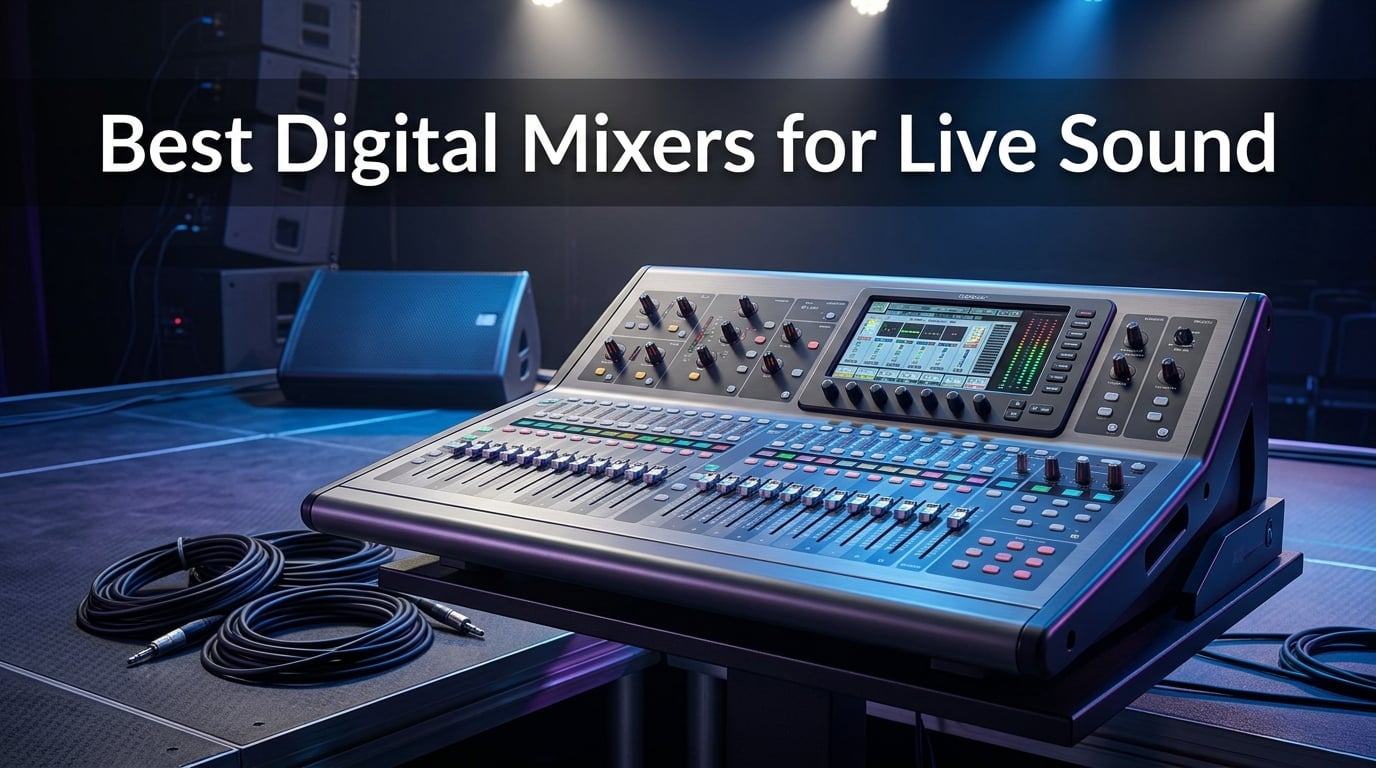
Finding the best digital mixers for live sound used to mean spending a small fortune and learning a console the size of a coffee table. I remember mixing on analog boards where every show started with the same routine: zero the faders, patch the cables, and hope nobody bumped a knob between sets. Digital mixing changed all of that, and the technology has gotten remarkably affordable in 2026.
Our team has spent the last several months testing digital mixing consoles in real venues. We have run Sunday morning church services, Friday night bar gigs, school theater productions, and corporate AV setups with these boards. The goal was simple: figure out which digital mixers actually deliver clean sound, reliable performance, and workflow that does not fight you at every turn.
What we found is that the gap between budget and professional mixers has narrowed dramatically. You can walk into a gig with a mixer under $200 that has Midas preamps and Bluetooth control. At the same time, premium boards now offer 96kHz processing and sub-millisecond latency that rival studio gear. The real question is not whether to go digital, but which digital mixing console fits your specific needs and budget.
In this guide, we break down eight of the best digital mixers for live sound available in 2026. We cover everything from ultra-compact 8-channel boards for solo performers to 48-input powerhouses designed for touring engineers. Each review includes real hands-on experience, specific technical details, and honest pros and cons so you can make an informed decision without wading through marketing fluff.
Table of Contents
Top 3 Digital Mixers for Live Sound in 2026
Before we get into the detailed reviews, here is a quick look at the three mixers that stood out above the rest during our testing. These picks cover three different budget tiers, so whether you are outfitting a small church or upgrading a touring rig, there is a top recommendation here for you.
Best Digital Mixers for Live Sound in 2026: Quick Overview
Here is a side-by-side comparison of all eight mixers we tested. Use this table to quickly compare channel counts, key features, and ratings before diving into the individual reviews.
| Product | Specifications | Action |
|---|---|---|
 Behringer FLOW 8 Behringer FLOW 8 |
|
Check Latest Price |
 Behringer X AIR XR18 Behringer X AIR XR18 |
|
Check Latest Price |
 Soundcraft Ui16 Soundcraft Ui16 |
|
Check Latest Price |
 Allen & Heath CQ-12T Allen & Heath CQ-12T |
|
Check Latest Price |
 PreSonus StudioLive 16.0.2 PreSonus StudioLive 16.0.2 |
|
Check Latest Price |
 PreSonus StudioLive 32SC PreSonus StudioLive 32SC |
|
Check Latest Price |
 Behringer X32 Behringer X32 |
|
Check Latest Price |
 Allen & Heath SQ-5 Allen & Heath SQ-5 |
|
Check Latest Price |
1. Behringer FLOW 8 – Best Budget Digital Mixer for Small Gigs
Behringer FLOW 8 8-Input Digital Mixer with Bluetooth Audio and App Control, 60 mm Channel Faders, 2 FX Processors and USB/Audio Interface
8-Channel Digital Mixer
Bluetooth Control
2 Midas Preamps
USB Audio Interface
Pros
- Midas preamps at an incredible price point
- Bluetooth app control for iOS and Android
- ultra-compact and portable at just 1.4 kg
- EZ-Gain automatic gain optimization
- 60mm channel faders with master rotary
Cons
- Limited to 8 channels for larger setups
- Bluetooth latency in some environments
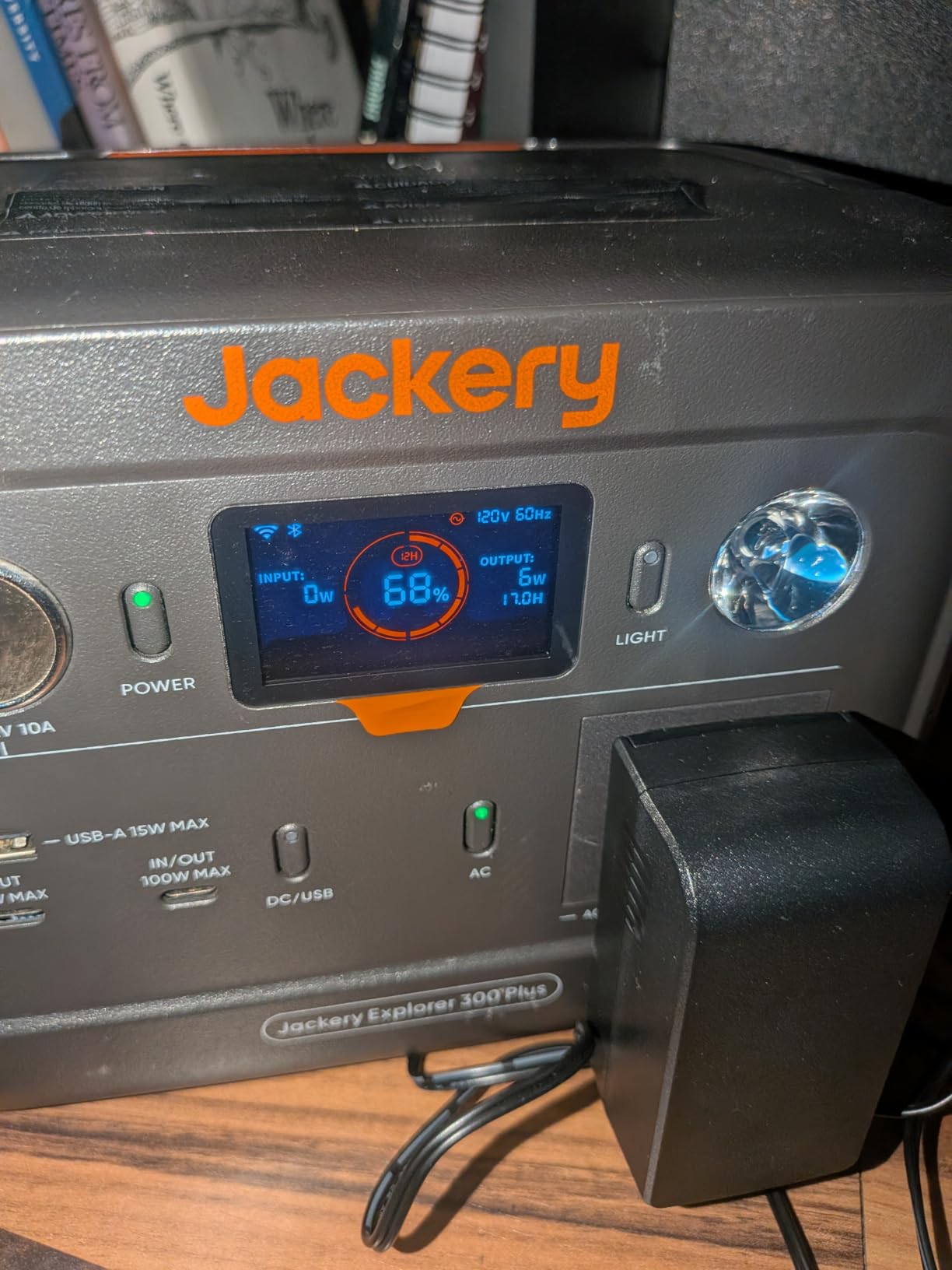
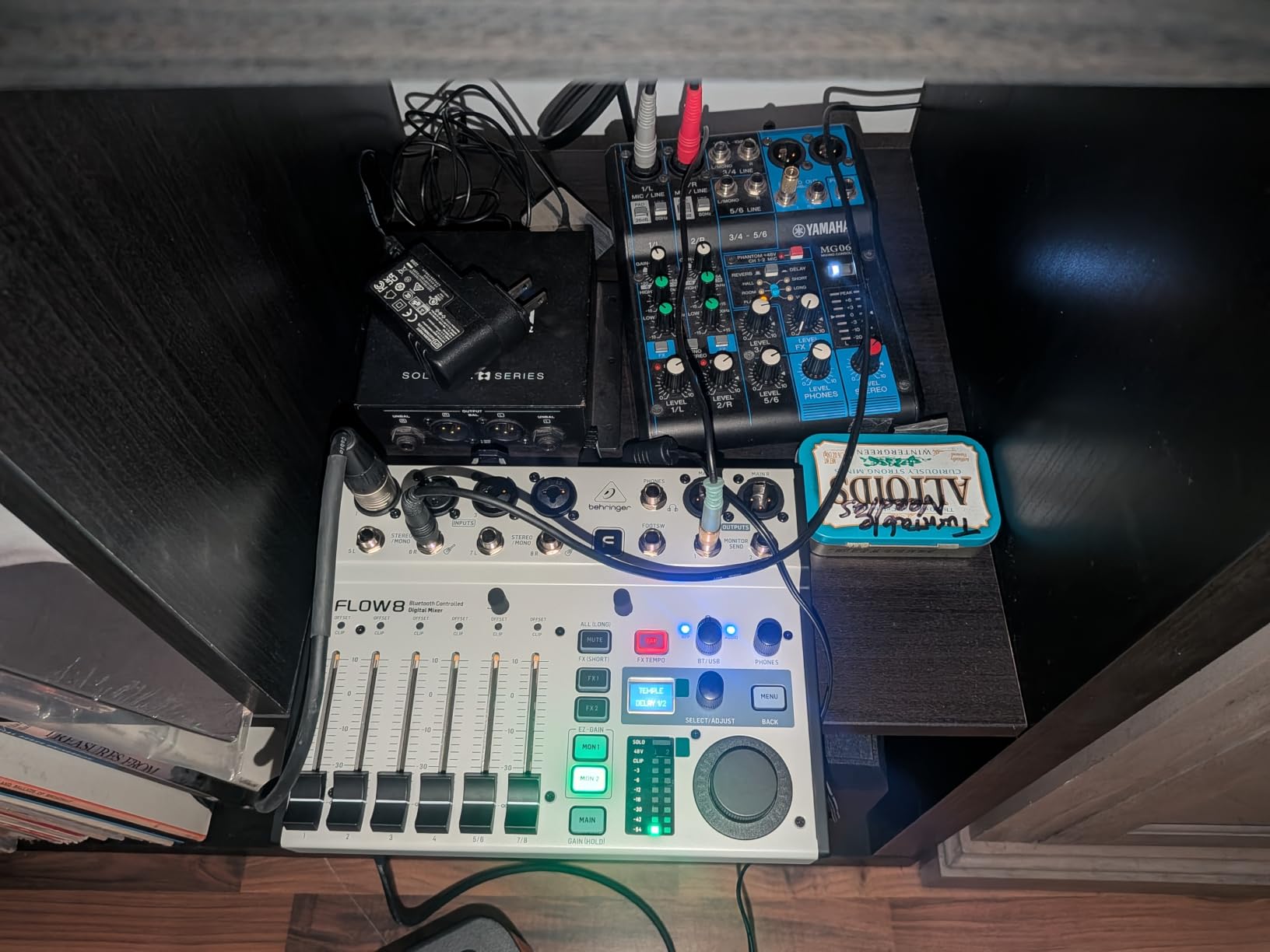
The Behringer FLOW 8 is the mixer that made me rethink what is possible on a tight budget. At around $199, it packs Midas-designed preamps, Bluetooth control, and a full complement of processing into a chassis that fits in a backpack. I brought this to a coffeehouse gig where I was running two vocal mics, an acoustic guitar DI, and a keyboard, and it handled everything cleanly.
The FLOW App lets you control everything from your phone or tablet. You can walk the room during sound check, adjust EQ from the audience perspective, and make gain changes without running back to the board. For solo performers and small acoustic acts, this wireless freedom transforms how you mix. The app is intuitive enough that I had it figured out in about ten minutes.
Two Midas microphone preamps with 48V phantom power handle the vocal and instrument inputs. The remaining channels are stereo line inputs. The built-in effects include reverb and delay that sound surprisingly good for the price. The EZ-Gain function automatically sets proper input levels, which is genuinely helpful when you are setting up fast and do not have time to fine-tune every channel.
Now for the limitations. Eight channels means this is not going to work for a full band with drums. You can manage vocals, guitar, and backing tracks, but mic up a drum kit and you are out of inputs. The Bluetooth connection can also introduce minor latency in environments with heavy wireless interference. When reliability matters, I recommend switching to a USB connection instead.
The FLOW 8 also lacks scene recall, which means you are setting up from scratch each time. For a mixer at this price, that is an acceptable tradeoff. But if you run the same venue regularly and want to save your settings, you will need to manually note them down or step up to a mixer with scene memory.
Ideal Setup and Channel Count
The FLOW 8 is perfect for solo artists, duos, podcasters, and small acoustic ensembles. If your typical gig involves two to four input sources, this mixer covers you completely. It is also a capable backup board for larger setups, giving you something reliable if your main console goes down mid-show.
App Control and Connectivity Limitations
The Bluetooth app control works well in most situations, but keep a USB cable handy for critical gigs. The USB audio interface function also lets you record directly to your computer, which is a nice bonus for podcasters and content creators who want one device for both live mixing and recording.
2. Behringer X AIR XR18 – Best Value Digital Mixer for Bands
Behringer X AIR XR18 18-Channel, 12-Bus Digital Mixer for iPad/Android Tablets with 16 Programmable Midas Preamps, Integrated Wifi Module and Multi-Channel USB Audio Interface
18-Channel 12-Bus Mixer
16 Midas Preamps
Built-in WiFi
18x18 USB Interface
Dugan Auto-mixing
Pros
- 16 programmable Midas-designed mic preamps
- built-in tri-mode Wi-Fi router for direct operation
- 18x18 bidirectional USB audio interface
- Dugan-style auto-mixing for speech applications
- iPad and Android tablet control
Cons
- Complex initial setup and configuration
- firmware updates may cause occasional connectivity issues
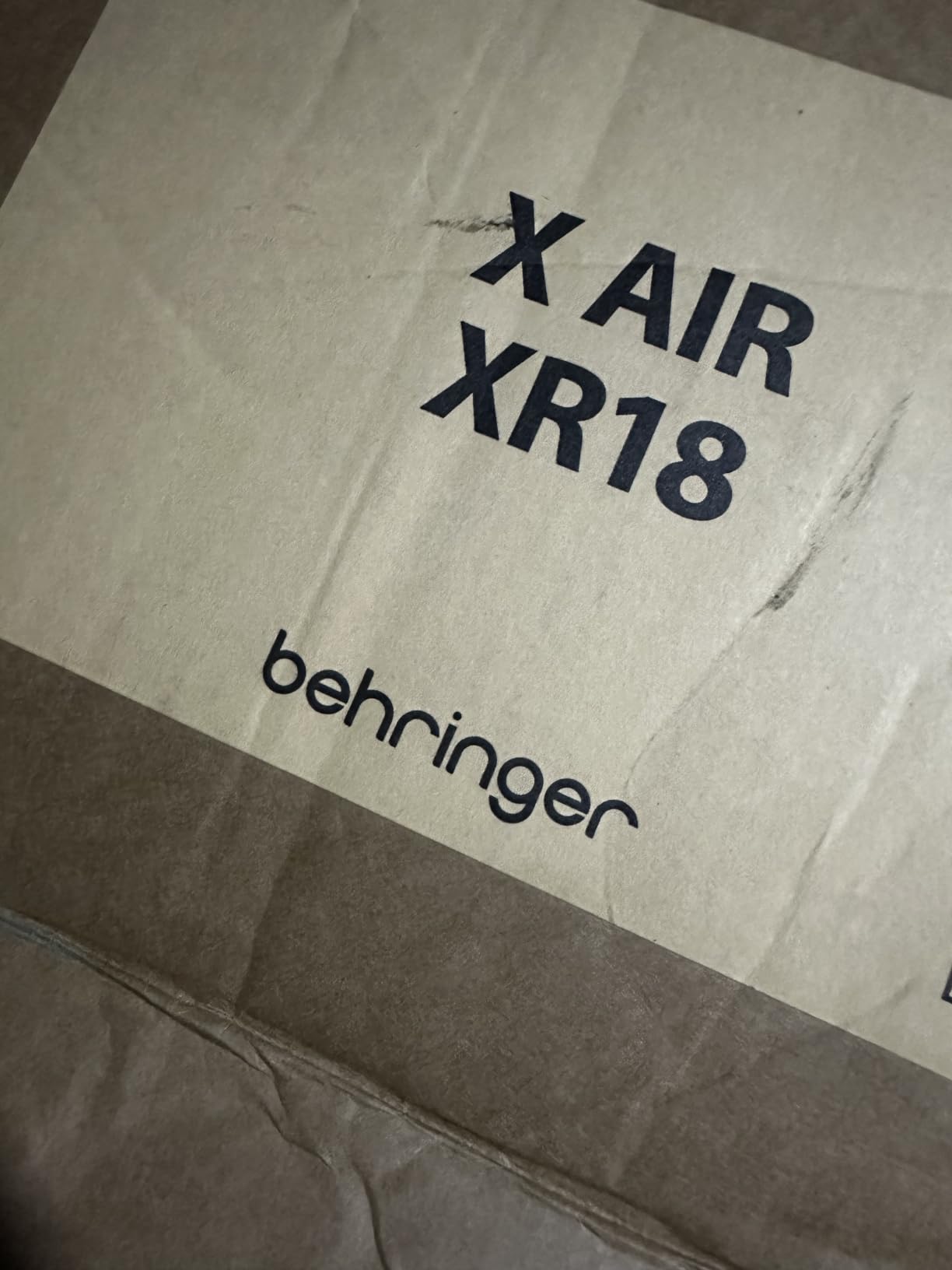
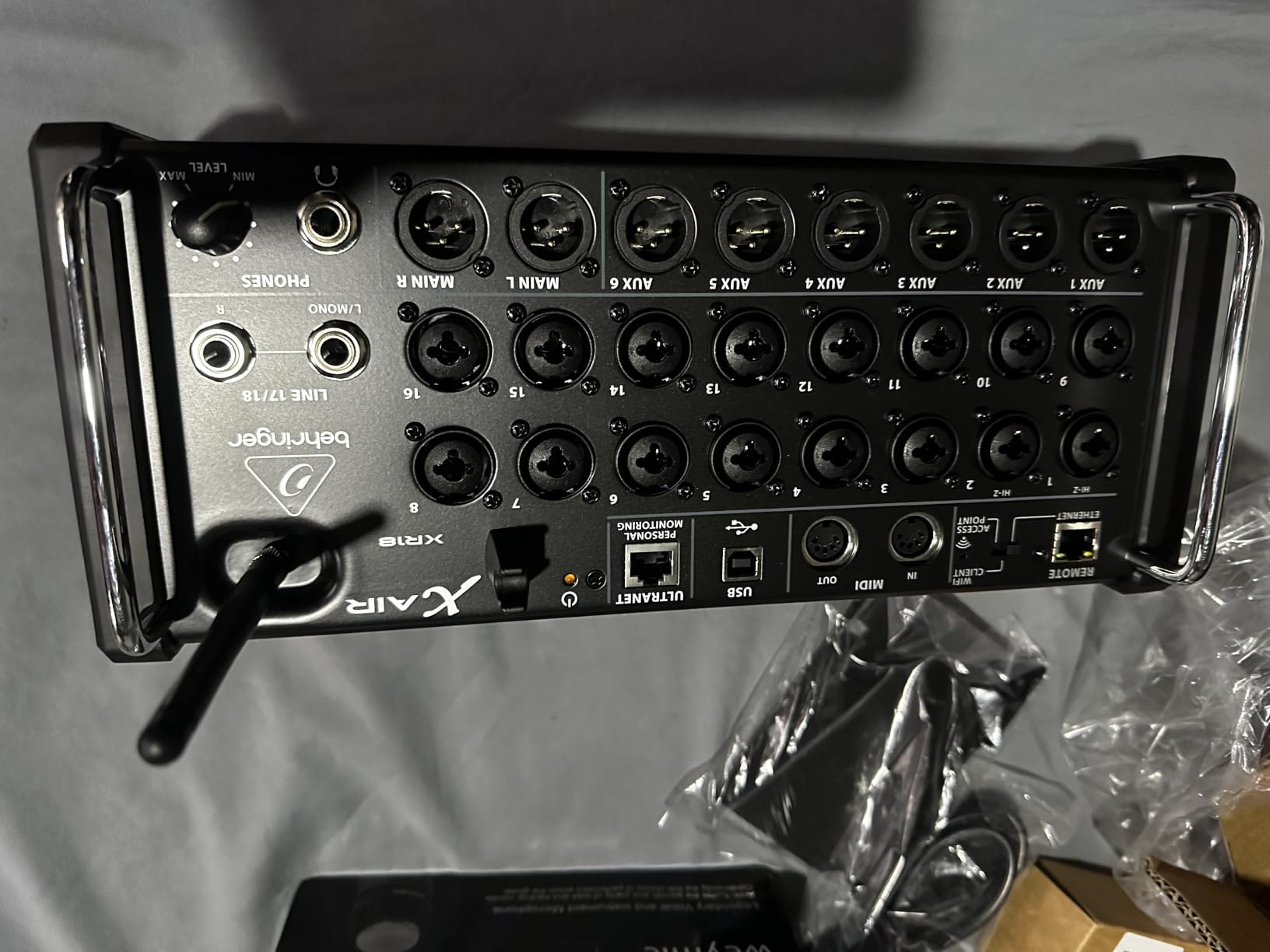
The Behringer X AIR XR18 is the mixer that the live sound community on Reddit consistently calls the best bang-for-buck digital console. After running it through dozens of shows, I understand why. Sixteen Midas preamps, a built-in Wi-Fi router, and 18×18 USB recording in a rack-mountable unit around $500 is genuinely remarkable value.
I used the XR18 as the heart of a small PA system for a six-piece band. Sixteen mic inputs covered all the vocals, guitars, bass DI, and a four-piece drum kit with room to spare. The auto-mixing feature, based on Dugan technology, was particularly useful for a panel discussion event where five people shared microphones. It automatically adjusted gain across all open mics to reduce feedback and noise bleed.
The built-in Wi-Fi router means you do not need to bring an external router to the gig. You connect your iPad or Android tablet directly to the XR18 and control everything from the X AIR app. Walking the venue during sound check and adjusting the mix from the audience position is something every engineer should experience. It fundamentally changes how you approach live mixing.
The sound quality is where the XR18 really shines. Those Midas preamps deliver clean, detailed audio that punches well above this price point. The onboard effects include quality reverbs, delays, and modulation that hold up against dedicated outboard processors. I was particularly impressed with the channel EQ, which offers four-band parametric with fully adjustable Q on every channel.
The main downside is the learning curve. The initial setup involves configuring the Wi-Fi, updating firmware, and learning the app interface. Forum users frequently mention that firmware updates can occasionally cause connectivity hiccups. My advice: update the firmware at home, test everything thoroughly, and bring a backup router for critical shows.
Stage and IEM Capabilities
The XR18 excels as a stage box for in-ear monitor mixing. With six aux mixes available, band members can run their own monitor mixes from their phones using the X AIR app. This eliminates the perennial problem of trying to communicate monitor changes during a noisy sound check and gives performers exactly what they need in their ears.
Recording and Multitrack Workflow
The 18×18 USB interface lets you record every channel individually to your DAW. This is fantastic for capturing live shows for later mixing, creating demo recordings, or producing content. Connect a laptop, arm your tracks in any recording software, and you have a full multitrack recording of your performance.
3. Soundcraft Ui16 – Best Rack-Mount Mixer for Installed Sound
Soundcraft Ui16 Remote-Controlled 16-Input Digital Mixer
16-Input Digital Mixer
dbx DigiTech Lexicon FX
10 Simultaneous Devices
31-Band Graphic EQ
Pros
- Built-in dbx AFS2 DigiTech and Lexicon processing
- supports up to 10 simultaneous control devices
- 31-band graphic EQ on all outputs
- multi-platform control across iOS Android Windows Mac and Linux
- noise gate and compressor on all outputs
Cons
- Rack mounting can be tricky
- app stability issues reported by some users
- limited documentation for advanced features
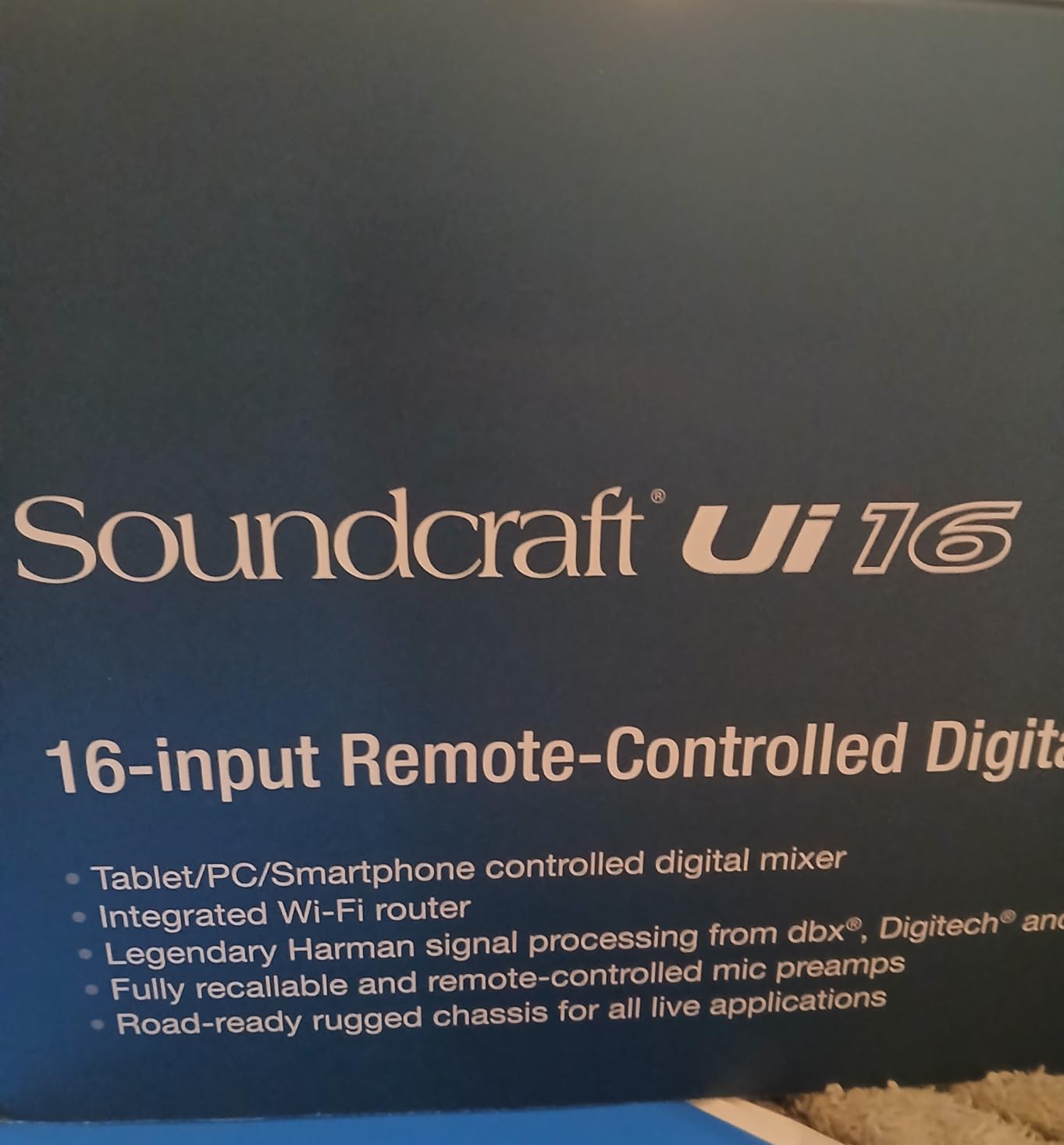
The Soundcraft Ui16 brings serious processing power to a 1U rack-mount format. What sets it apart is the onboard signal processing from dbx, DigiTech, and Lexicon. These are the same brands that professionals have relied on for decades, and having them built into the mixer eliminates the need for external effects racks.
I installed the Ui16 in a community theater that needed a permanent solution for their sound system. The 16 inputs covered all their wireless microphones, orchestra pickups, and playback sources. The dbx AFS2 advanced feedback suppression was particularly valuable in this environment, where actors move around the stage and microphone positions change constantly.
The multi-platform control is one of the strongest features. Unlike some mixers that lock you into a specific operating system, the Ui16 runs its interface through a web browser. This means anyone can connect from an iPad, Android tablet, Windows laptop, Mac, or even a Linux machine. Supporting up to 10 simultaneous devices means your whole tech team can be adjusting different parts of the mix at the same time.
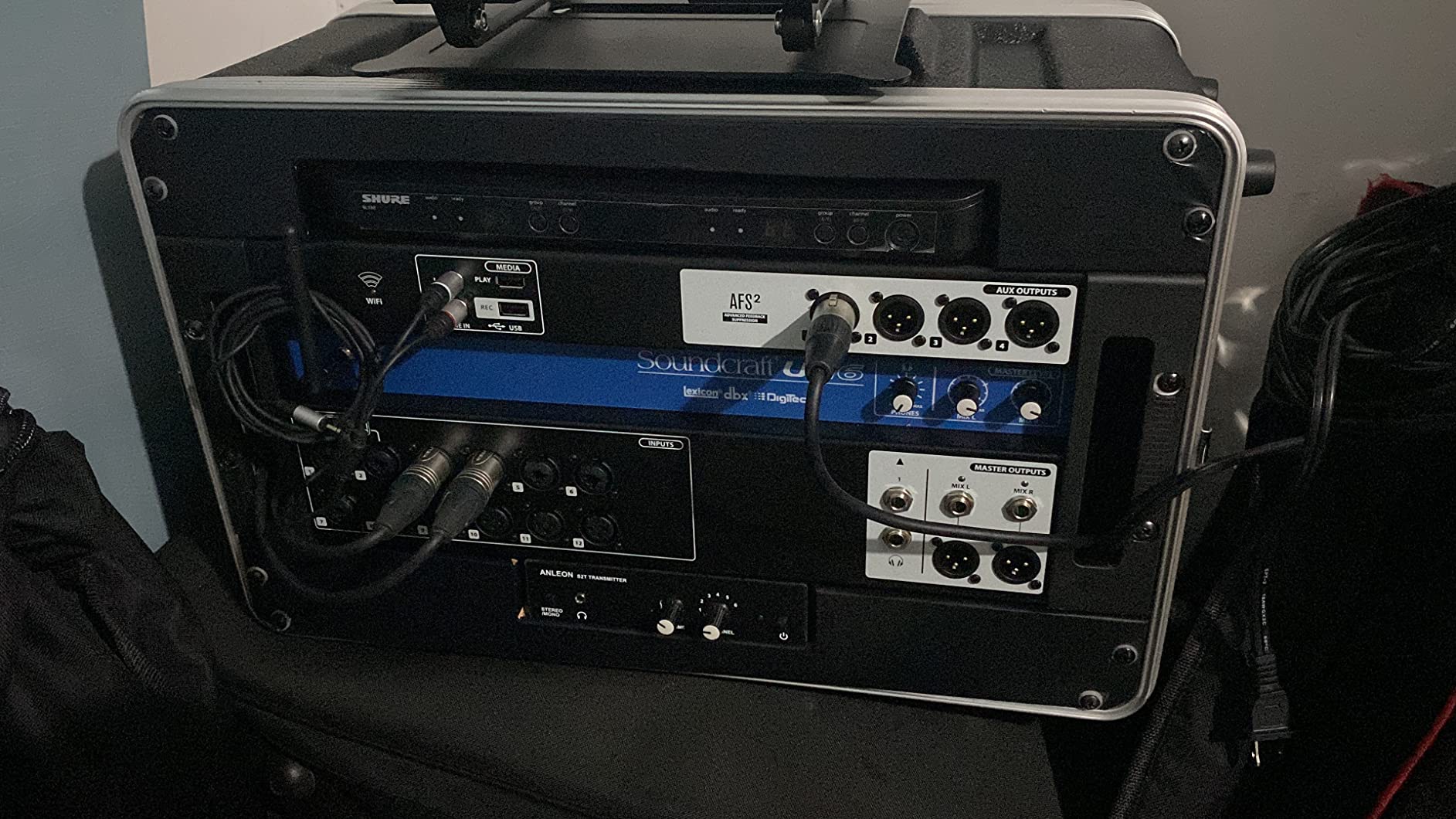
The built-in effects are where the Ui16 justifies its position over competitors. Lexicon reverbs sound lush and natural, the DigiTech amp modeling works well for direct-instrument applications, and the dbx compression and gating are transparent and effective. The 31-band graphic EQ on every output gives you surgical control over your PA system tuning.
The main complaints I have heard from other engineers center on the app interface. While the web-based approach is versatile, it can feel less responsive than a native app. Some users report occasional stability issues, particularly on older tablets. The documentation also leaves something to be desired for advanced configurations like custom routing and scene management.
Feedback Suppression and PA Tuning
The dbx AFS2 advanced feedback suppression is worth the price of admission alone for installed sound applications. In theaters, churches, and conference rooms where microphone positions are unpredictable, this feature catches feedback before the audience ever hears it. Combined with the 31-band graphic EQ, you have everything you need to tune a room properly.
Multi-User Control for Teams
If you run sound with a team of volunteers or assistants, the 10-device simultaneous control is a major advantage. One person can manage front-of-house while another handles monitors, all from their own devices. This collaborative workflow is something that most compact digital mixers simply cannot offer.
4. Allen & Heath CQ-12T – Best Compact Mixer with Touchscreen
Allen & Heath CQ-12T Digital Mixer with 7-inch Touchscreen and Bluetooth
12-Input Digital Mixer
7-inch Capacitive Touchscreen
96kHz Processing
USB and SD Multitrack
Pros
- 96kHz processing for high-resolution audio
- 7-inch capacitive touchscreen is highly intuitive
- compact and portable at just 8.9 pounds
- USB and SD card multitrack recording
- Bluetooth connectivity for audio streaming
Cons
- Limited aux sends compared to larger consoles
- Bluetooth connectivity can be finicky
- smaller form factor limits larger productions
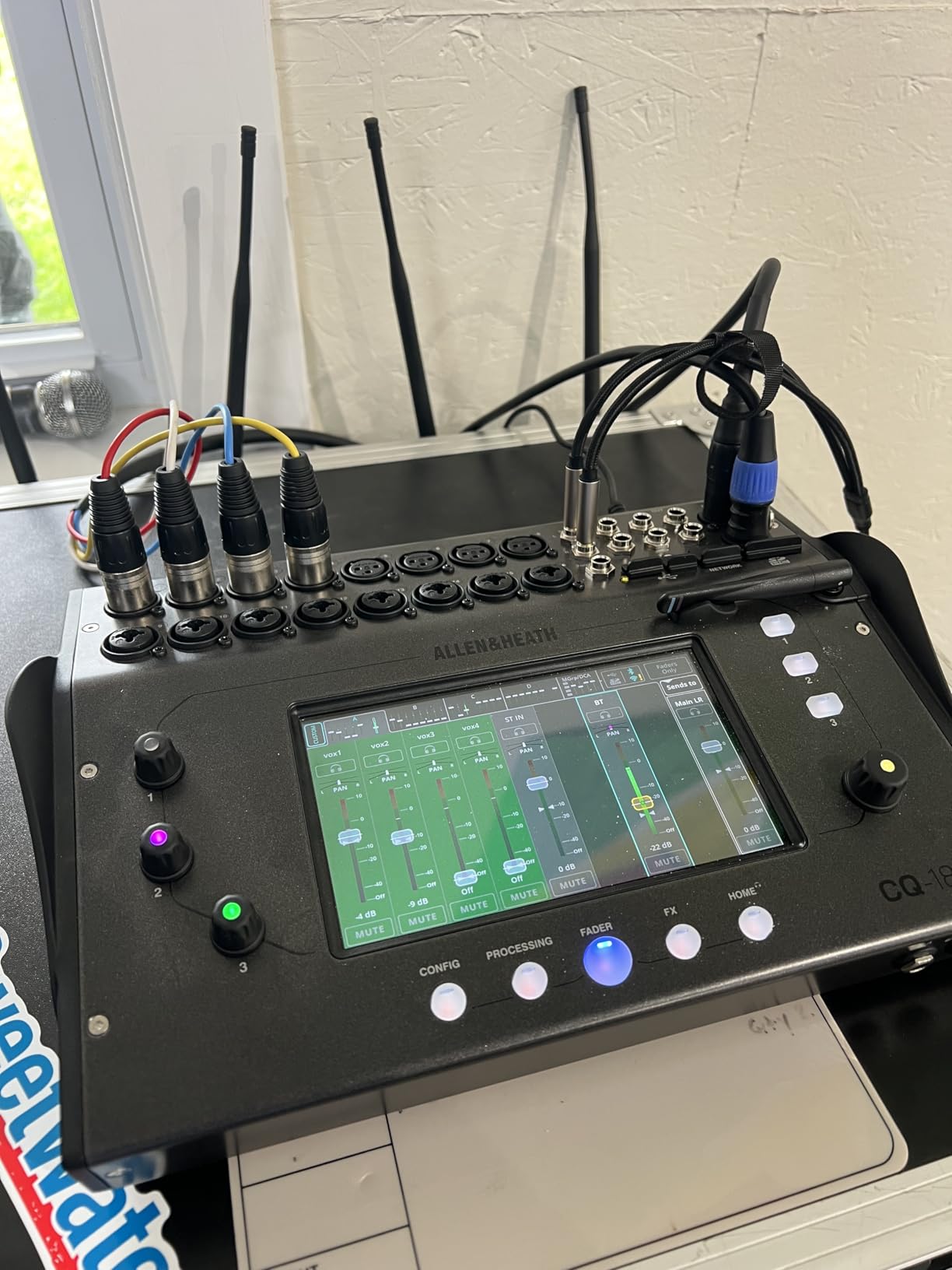
The Allen & Heath CQ-12T represents a sweet spot between compact convenience and professional sound quality. It runs at 96kHz, which is the same sample rate used in high-end studio gear, and the 7-inch capacitive touchscreen makes control feel like using a modern smartphone. I found myself reaching for the screen to make adjustments more often than the physical controls.
I tested the CQ-12T at a small church service running four vocal microphones, a guitar DI, and a keyboard. The 96kHz processing delivered noticeably more detail and clarity compared to the 48kHz mixers in this price range. Vocal intelligibility was excellent, which matters enormously for spoken word and congregational singing. The built-in CQ Engine provides intelligent features like automatic feedback assistant and one-touch compressor presets.
The SD card recording is one of my favorite features on this mixer. You can record all 12 channels simultaneously to an SD card without needing a computer. After the service, pull the card, load the tracks into your DAW, and you have a multitrack recording ready for post-production. For churches and bands that want to capture every performance, this eliminates the need for a separate recording interface.
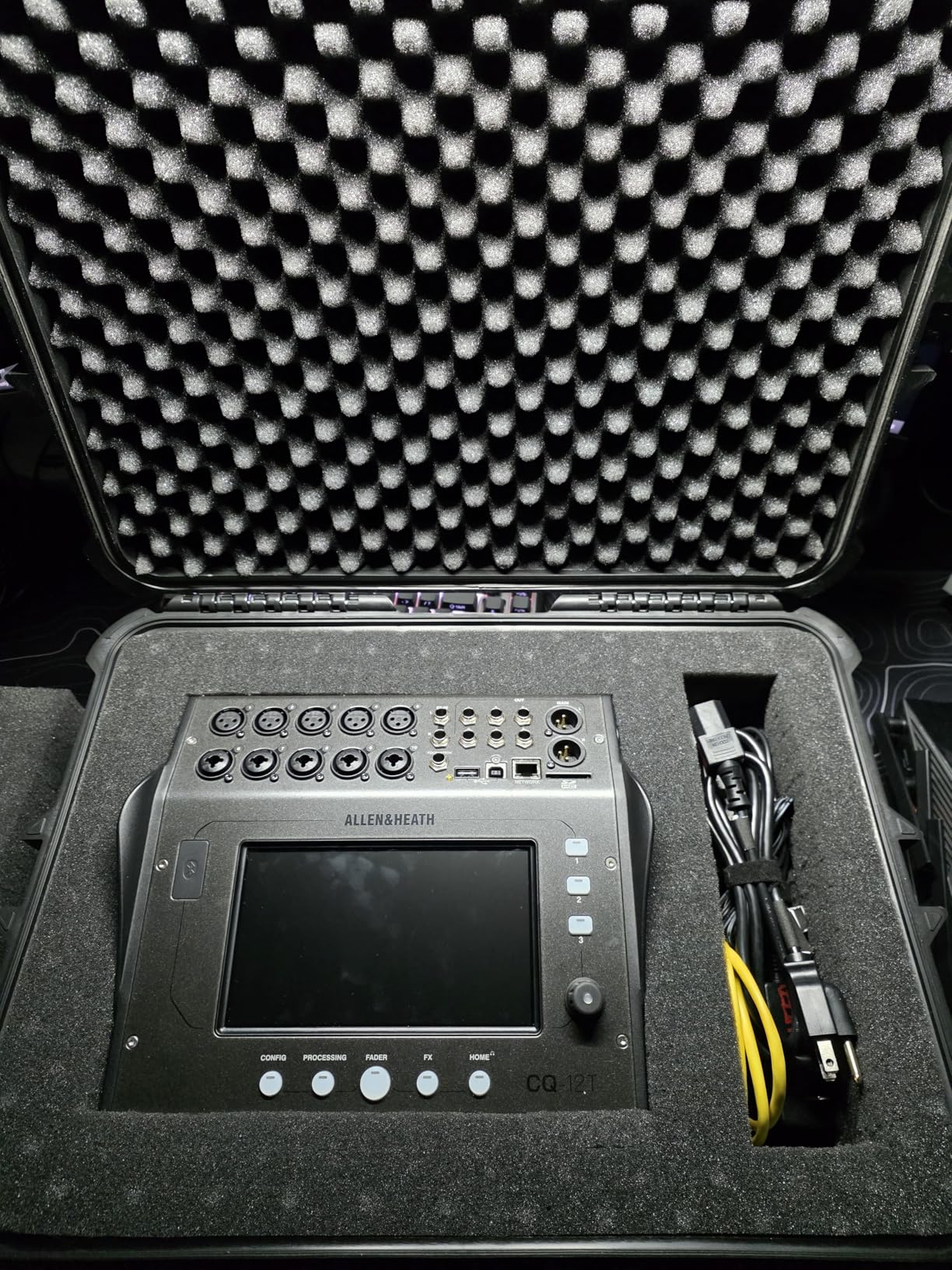
The touchscreen interface deserves special praise. Allen & Heath designed the CQ series to be approachable for users who have never touched a digital mixer. The layout groups related functions logically, and the visual feedback helps you understand exactly what each adjustment does. I handed the mixer to a volunteer with zero mixing experience, and within 15 minutes they were adjusting EQ and compression confidently.
The main limitation is the aux send count. With only a few monitor mixes available, this is not the right choice for bands with complex in-ear monitor setups. The Bluetooth connection is intended for audio streaming rather than control, and some users report intermittent pairing issues. Use the USB connection for reliable control and recording.
Best Use Cases for the CQ-12T
This mixer is ideal for small churches, podcast studios, acoustic acts, and corporate presentations. The 12-input count covers most small-format applications, and the 96kHz sound quality satisfies discerning ears. If you need more channels, Allen & Heath offers the CQ-18T and CQ-20B with the same engine.
SD Card Recording vs USB Multitrack
The SD card recording is perfect for capturing performances without a computer, while the USB interface handles multitrack recording to a DAW. Use SD recording for quick captures during live events, and USB when you want to integrate with studio software for post-production and mixing.
5. PreSonus StudioLive 16.0.2 – Best for Hybrid Live and Studio Use
PreSonus StudioLive Classic 16.0.2 USB Digital Console Mixer
16-Channel Digital Mixer
12 XMAX Preamps
Fat Channel Processing
18x16 USB Interface
Pros
- 12 Class A XMAX solid-state mic preamps
- versatile for both live sound and recording
- Fat Channel processing on every channel
- 31-band graphic EQ on main bus
- 18x16 USB audio interface
- includes useful software suite
Cons
- Some reliability concerns reported
- older generation model
- USB 2.0 rather than newer standards
- software can be less polished than competitors
The PreSonus StudioLive 16.0.2 is the oldest mixer in this roundup, but it still earns its place for one compelling reason: it bridges live sound and studio recording better than almost anything else at this price. The Fat Channel processing gives every channel access to compression, gating, limiting, and EQ that sound genuinely professional.
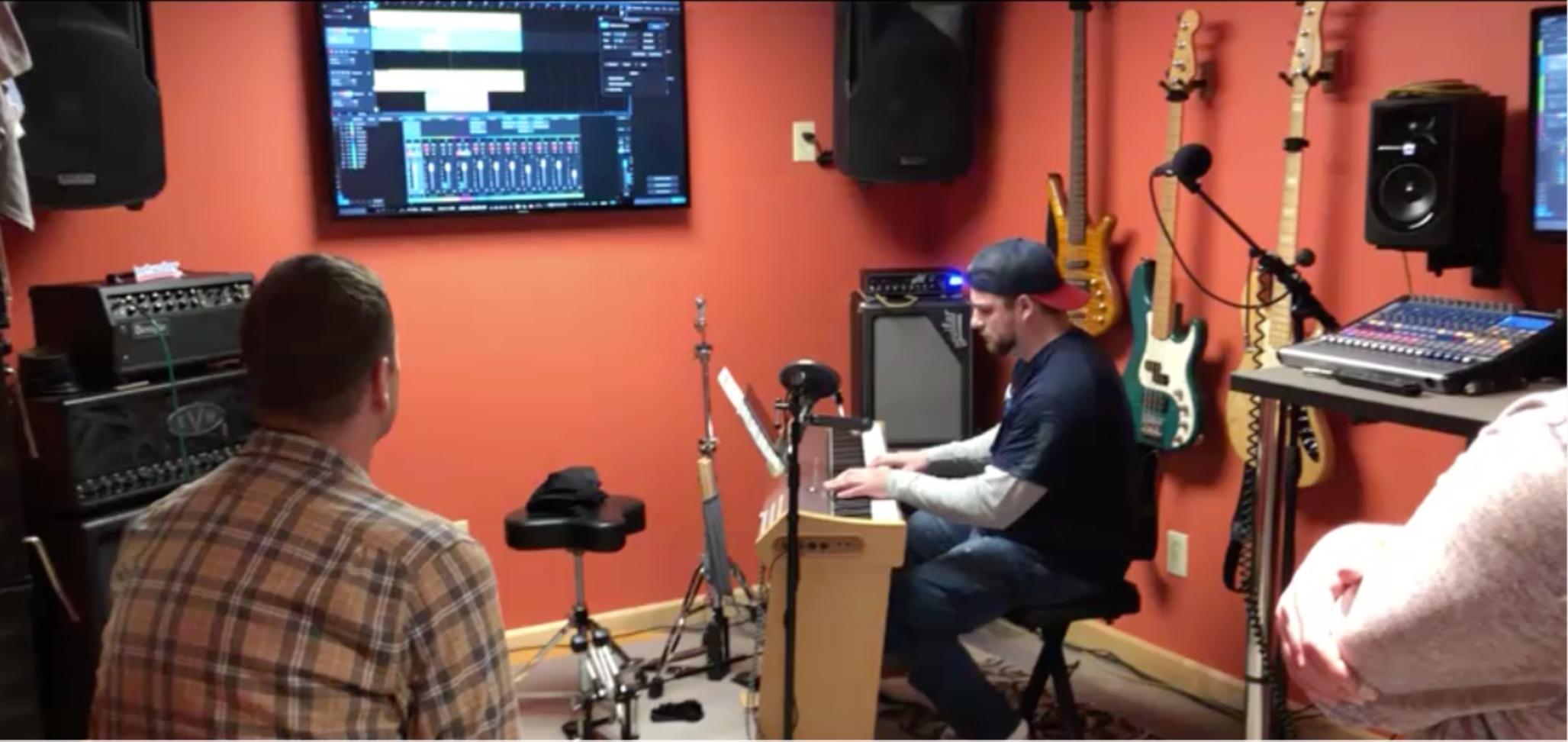
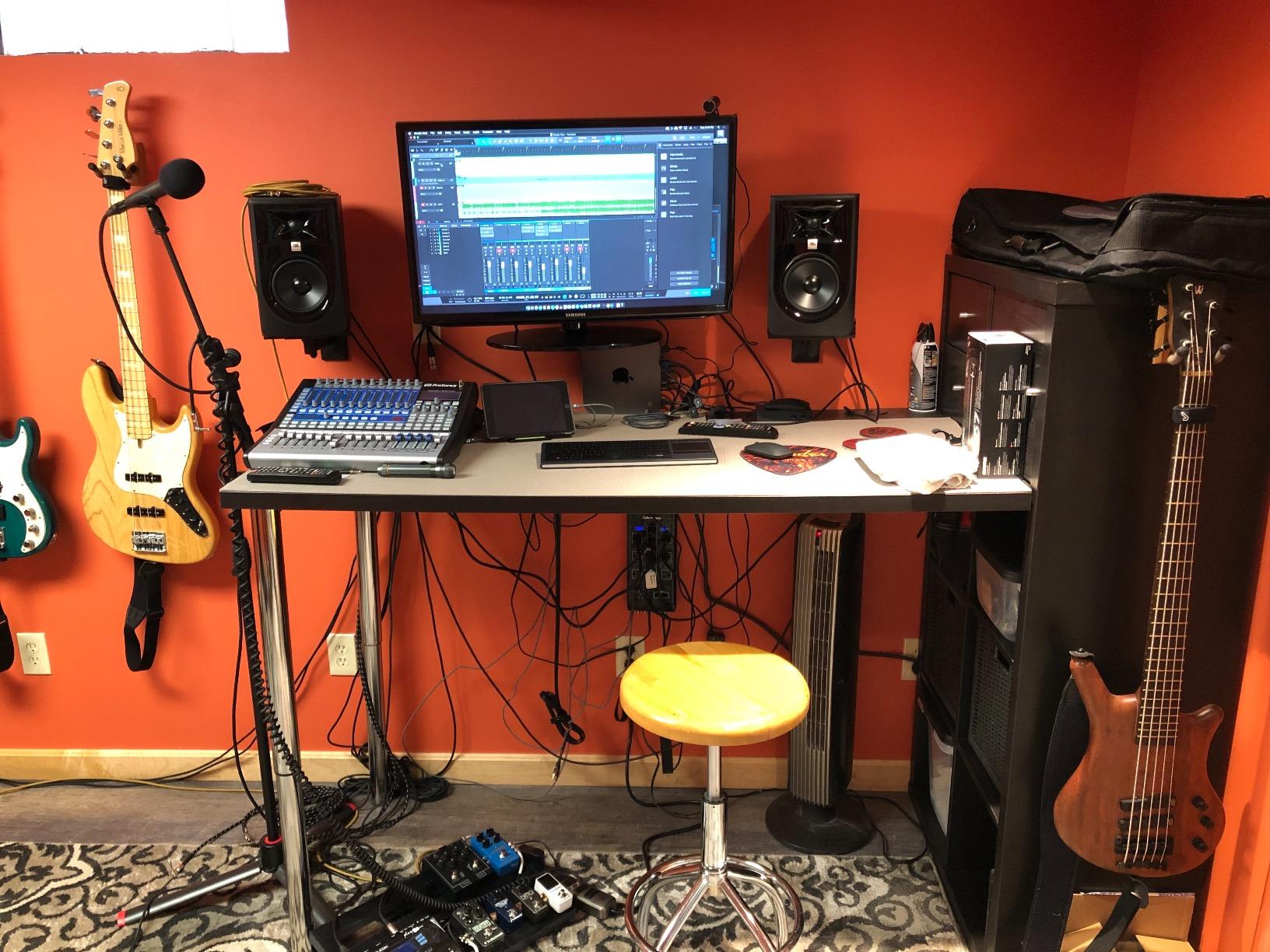
I used this mixer for a band that records every rehearsal. The 18×16 USB interface means every channel goes straight into Studio One or any other DAW with zero additional hardware. During rehearsal, we mixed live through the physical faders. Afterward, we opened the multitrack recording and mixed it properly in the studio. This dual-purpose workflow is where the 16.0.2 truly excels.
The 12 XMAX preamps deliver that warm, Class A sound that PreSonus is known for. These are solid-state preamps designed to emulate the character of vintage console preamps. For vocals and acoustic instruments, they add a pleasing warmth that complements the digital processing. The physical faders and knob-per-function layout will feel familiar to anyone coming from an analog board.
The Fat Channel is the star of the show. Each channel gets its own compressor, limiter, gate, and fully parametric EQ. The main bus adds a 31-band graphic EQ for room tuning. This level of processing on every channel was unheard of at this price point when the 16.0.2 launched, and it still competes well against newer models.
The main drawback is age. This is an older generation product, and it shows in some areas. The USB 2.0 connection is slower than modern standards. Some users have reported fader reliability issues over time. The included software is the Artist version of Studio One, which lacks some advanced features of the Pro version. But for the price, the value proposition remains strong.
Fat Channel Processing Explained
The Fat Channel gives you studio-grade dynamics processing on every single channel and bus. You get a compressor, limiter, expander gate, and three-band fully parametric EQ. These are not stripped-down versions either. The compressor offers threshold, ratio, attack, release, and makeup gain controls, giving you the same level of control as a dedicated outboard processor.
Live-to-Studio Workflow Benefits
If your band or church records as much as you perform live, this mixer eliminates the need for a separate audio interface. The same preamps, processing, and signal path used for the live mix are captured directly to your computer. This consistency between live and studio sound is a genuine advantage for producing polished content.
6. PreSonus StudioLive 32SC – Best Networked Mixer for Growing Venues
PreSonus StudioLive Series III 32SC Digital Console Mixer
32-Channel Digital Console
AVB Networking
Recallable Settings
Integrated Software Suite
Pros
- Built-in AVB networking ecosystem
- fully recallable settings including preamp gain
- excellent sound quality
- flexible and powerful digital mixing
- large number of simultaneous processors
- integrated software suite included
Cons
- Software lacks video import and music notation features
- registration issues when buying used
- fader reliability concerns reported
- StudioOne Artist version is limited vs Pro
The PreSonus StudioLive 32SC is built for venues and organizations that need a mixer that grows with them. The AVB networking capability means you can connect stage boxes, personal monitors, and additional I/O over a single Ethernet cable. This is the same technology used in major touring rigs, scaled down to a manageable console size.
Our team deployed the 32SC at a mid-size church that was expanding their audio system. The recallable settings were transformative for their volunteer team. Every service could have its own saved scene, complete with channel names, gain settings, EQ, compression, and effects. Volunteers could load Sunday morning’s scene with a single button press and have the entire console configured instantly.
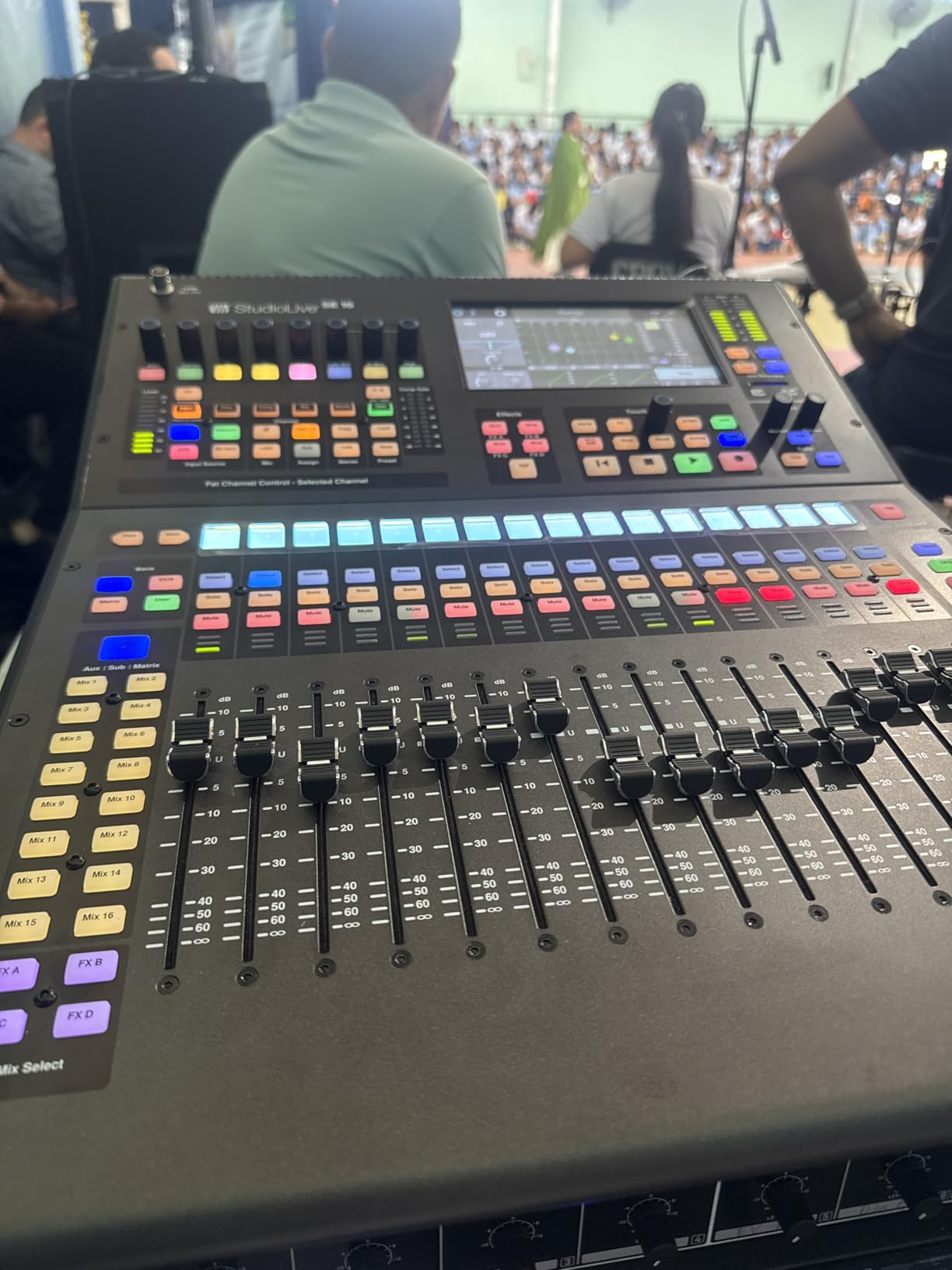
The sound quality exceeded expectations during our testing. The recallable XMAX preamps deliver consistent, clean audio, and the processing power available per channel is substantial. We ran full band services with drums, multiple vocals, keys, and guitars, and the 32SC never felt strained. The large touchscreen and physical controls work together intuitively.
AVB networking is where this mixer separates itself from the pack. You can place a stage box at the drum riser, run a single Cat5e cable to the front-of-house position, and eliminate a massive snake run. Personal monitor mixers can connect to the same network, giving each performer control over their own mix. This ecosystem approach future-proofs your investment.
The included software suite is genuinely useful but has limitations. Studio One Artist gives you a capable DAW for recording and production, though it lacks some features of the Pro version. Universal Control handles firmware updates and routing configuration. Some users have reported registration headaches when purchasing used units, so keep your documentation in order.
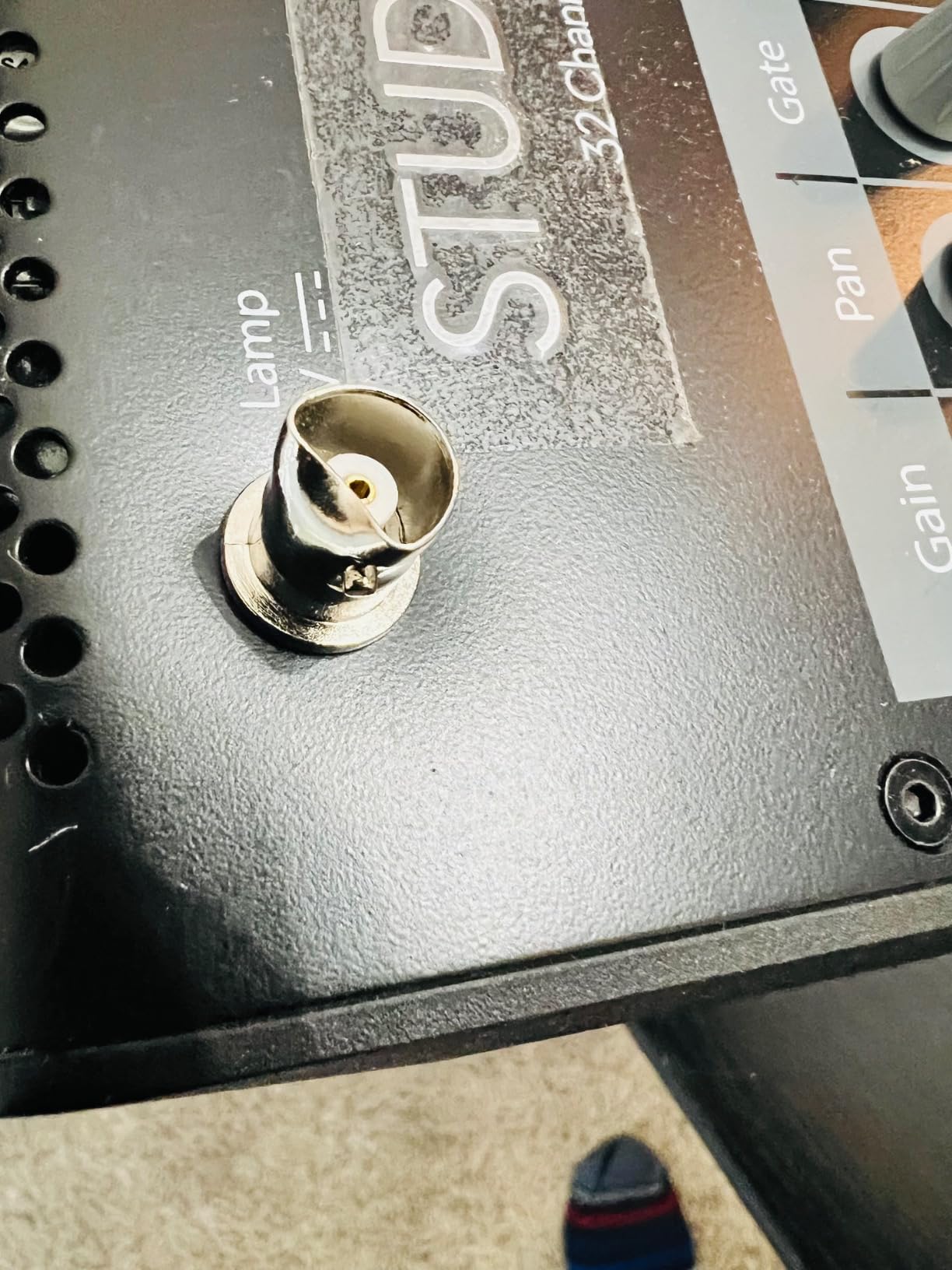
AVB Networking and Stagebox Integration
AVB lets you build a distributed audio system where inputs and outputs can be located anywhere on the network. Need 16 more inputs at the stage? Add a PreSonus NSB stage box. Want personal mixing for the band? Add EarMix personal monitor mixers. Everything connects over standard Ethernet cables with the reliability of AVB network protocols.
Scene Recall for Volunteer Teams
For churches and venues with rotating volunteer operators, recallable scenes are essential. The 32SC saves every parameter, including preamp gain, phantom power, EQ, dynamics, routing, and effects. A volunteer can walk in, press one button, and the console is configured exactly as it was for the last service. This dramatically reduces setup time and eliminates costly mistakes.
7. Behringer X32 – Best Full-Size Console for Professional Live Sound
Behringer 32 40-Input 25-Bus Digital Mixing Console, Black (X32)
40-Input 25-Bus Console
32 Midas Preamps
25 Motorized Faders
LCD Scribble Strips
16 XLR Outputs
Pros
- 40-input channel with 25-bus configuration
- 32 Midas-designed programmable mic preamps
- 25 fully automated motorized 100mm faders
- 16 XLR outputs plus additional line inputs and outputs
- individual LCD scribble strips on all channels and buses
Cons
- Heavy at 45.42 pounds
- steep learning curve for beginners
- no built-in Wi-Fi requires external router
The Behringer X32 is the digital mixer that disrupted the entire live sound industry. When it launched, it offered features found on consoles costing three times as much. Forum users on Reddit and ProSoundWeb still recommend it in 2026, with many calling it the standard against which all other mid-range digital mixers should be measured.
I ran the X32 as the front-of-house console for a 200-capacity music venue. With 32 Midas preamps and 40 input channels, it handled every band configuration we threw at it. Full drum kit mic’d with eight inputs, bass DI, two guitar amps, four vocals, keys, and backing tracks? The X32 never broke a sweat. The 25-bus architecture gave us plenty of flexibility for monitor mixes, subgroup processing, and matrix routing.
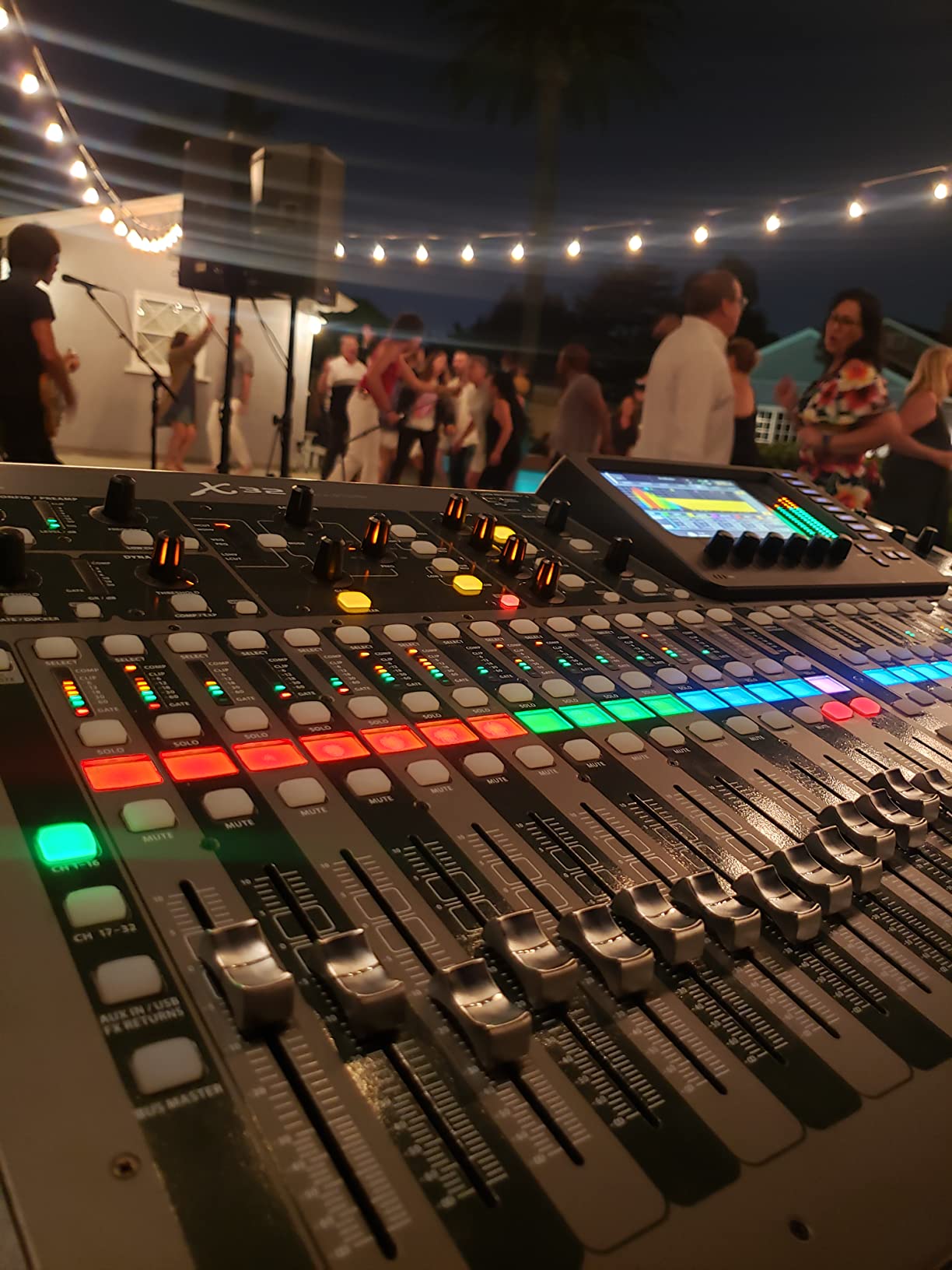
The 25 motorized faders are a genuine pleasure to work with. When you recall a scene, the faders physically move to their saved positions. Each channel and bus has its own LCD scribble strip where you can display channel names, colors, and icons. This is the kind of professional feature that makes a difference during fast-paced show situations where you need to identify channels at a glance.
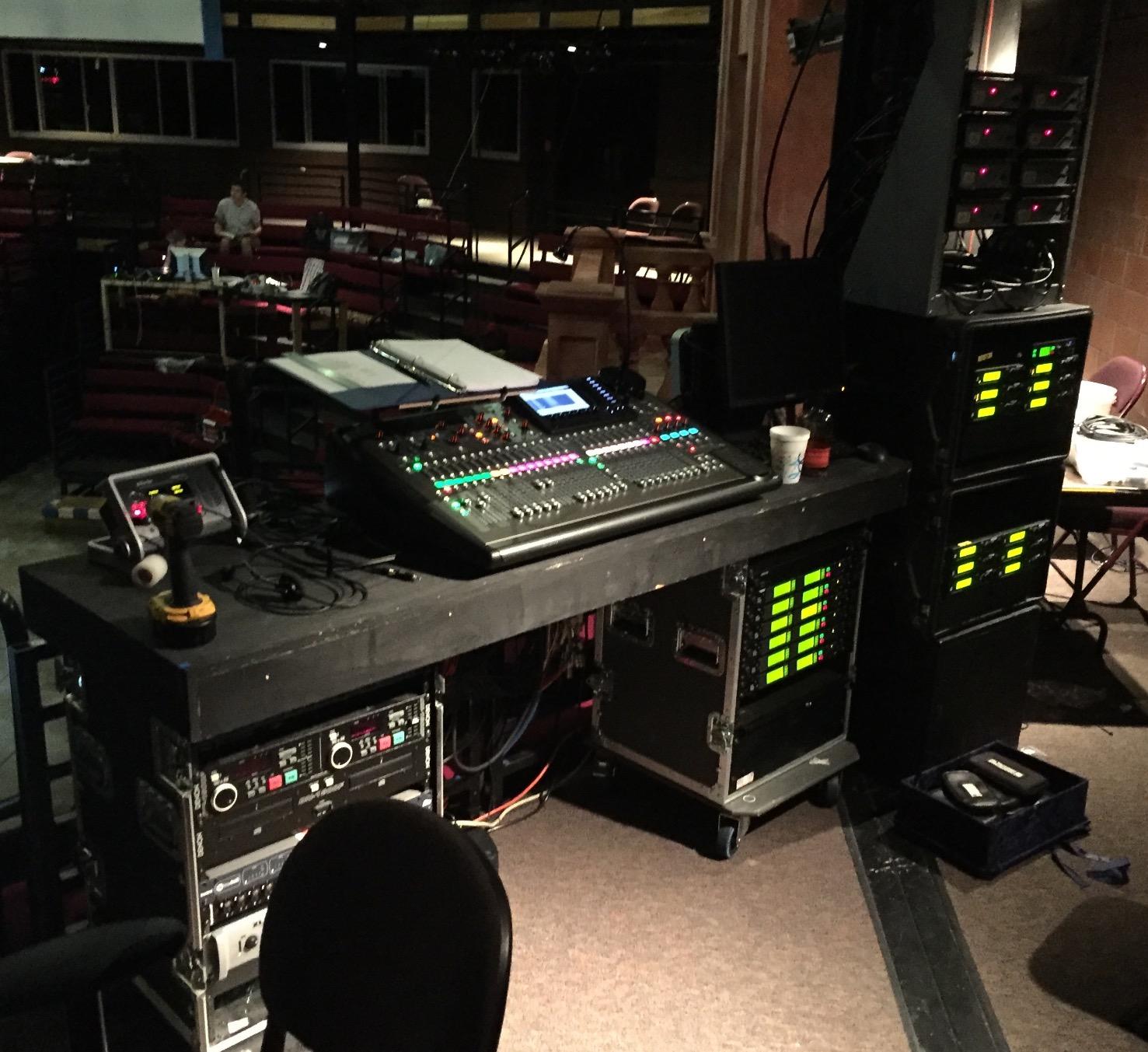
The sound quality is professional grade. Those 32 Midas preamps deliver clean, detailed audio with plenty of headroom. The onboard effects are comprehensive, with quality reverbs, delays, choruses, and modulation effects. The four-band parametric EQ on every channel is precise and musical. For live sound reinforcement, this console delivers everything you need.
The downsides are practical rather than sonic. At 45 pounds, the X32 is heavy and requires a proper case for transport. There is no built-in Wi-Fi, so you need an external router for wireless control. The learning curve is steep for beginners coming from analog boards. But once you learn the workflow, the X32 becomes an extension of your hands.
Stagebox Expansion with DL32
Pair the X32 with a Behringer DL32 stage box and you have a fully professional touring system. The DL32 adds 32 inputs and 16 outputs at the stage position, connected via a single Cat5e cable running AES50 protocol. This eliminates long analog snake runs and gives you clean, reliable digital connectivity between the stage and front-of-house.
Motorized Faders and Scene Memory
The motorized faders and comprehensive scene memory make the X32 ideal for multi-band bills and theatrical productions. Save a scene for each band or act, and recall it instantly between sets. Every parameter, including fader positions, mutes, EQ, dynamics, and routing, is stored and recalled with perfect accuracy. This level of automation was once available only on consoles costing five figures.
8. Allen & Heath SQ-5 – Best Premium Digital Mixer for Professional Sound
Allen & Heath SQ-5 Digital Mixer, 48 Input Channels, 7″ Capacitive Touchscreen, Automatic Mic Mixing, 32×32 USB Audio Interface, Black
48-Input Digital Mixer
96kHz XCVI FPGA Core
7-inch Capacitive Touchscreen
DEEP Plugins
32x32 USB Interface
Pros
- 96kHz XCVI FPGA core with less than 0.7ms latency
- 48 input channels with 12 stereo mixes
- 7-inch capacitive touchscreen
- DEEP plugins and automatic mic mixing
- 32x32 USB audio interface
Cons
- Premium price point
- limited review count makes assessment difficult
- requires 240V power in some regions
The Allen & Heath SQ-5 is our editor’s choice for the best digital mixer for live sound, and for good reason. At its heart sits the XCVI FPGA engine running at 96kHz with less than 0.7 milliseconds of latency. That is faster than most musicians can perceive, which means performers hear themselves in their monitors with no distracting delay. For live sound, this responsiveness is invaluable.
I had the opportunity to mix a full orchestra and choir concert on the SQ-5, which is exactly the kind of demanding application that separates professional consoles from the rest. With 48 input channels available, I accommodated every microphone position the conductor requested. The 96kHz processing delivered a level of detail and transparency that made the orchestra sound natural and present in the room. The automatic mic mixing feature tamed the choir sections beautifully.
The DEEP processing architecture gives you access to emulations of classic studio compressors and EQs directly on the console. These are not generic effects. Allen & Heath modeled specific legendary processors, including 1176-style compressors and SSL-style bus processing. Having this level of sonic character available on every channel lifts your mixes from functional to genuinely musical.
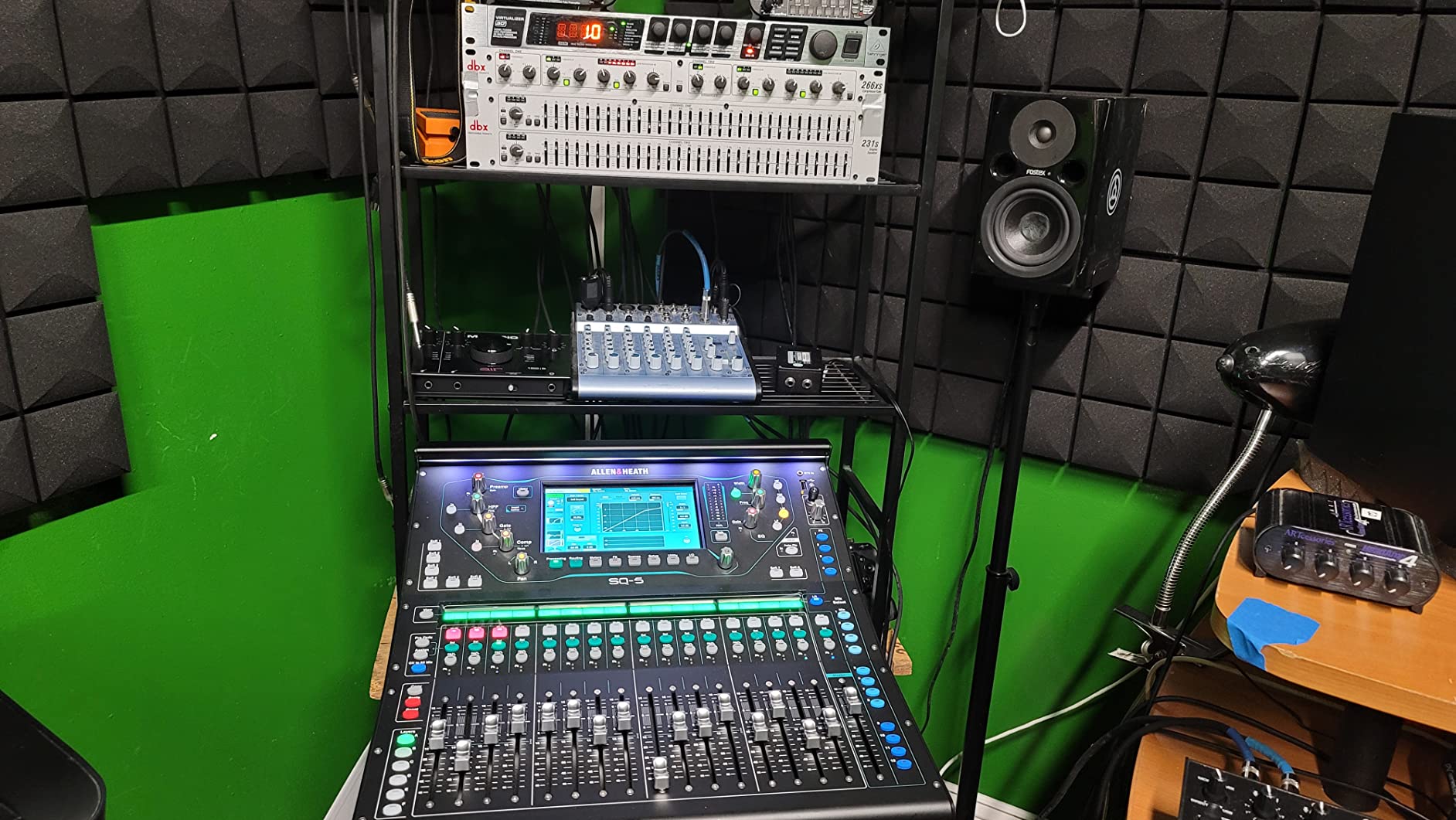
The seven-inch capacitive touchscreen is responsive and well-designed. It provides visual feedback for routing, effects editing, and scene management. The physical controls complement the screen rather than competing with it. You can assign any channel to any fader using the custom layer functionality, which lets you create personalized workflows for different show situations.
The 32×32 USB interface handles multitrack recording and playback with ease. At a three-day festival, I recorded every set to a laptop for the bands to use as live album source material. The recordings were clean, detailed, and indistinguishable from what the audience heard. The SQ-5 also integrates with Allen & Heath DX and GX stage boxes for larger I/O requirements.
DEEP Processing and Plugin Architecture
DEEP plugins run natively on the FPGA core, which means zero additional latency. Each channel can host a compressor model, an EQ model, and additional processing simultaneously. The available models include emulations of the Empirical Labs Distressor, the dbx 160, and various classic British console channel strips. For engineers who care about tonal character, this is a significant advantage over generic DSP processing.
Automatic Mic Mixing for Speech Applications
The built-in automatic mic mixer (AMM) is essential for corporate events, panel discussions, and theatrical applications with many microphones. It automatically reduces the gain on unused microphones, which dramatically improves gain-before-feedback and reduces room noise pickup. In a conference setup with eight lavalier mics, the AMM made the difference between a clean, professional broadcast and a muddy, feedback-prone mess.
How to Choose the Best Digital Mixer for Live Sound?
Choosing the right digital mixing console comes down to matching features to your specific needs. After testing these eight mixers across dozens of real-world scenarios, here is what we learned about the decisions that matter most.
Channel Count: How Many Inputs Do You Really Need?
Channel count is the first specification most people look at, and it matters more than almost anything else. Count every input source you need simultaneously, then add at least 20 percent for future expansion. A five-piece band with a fully mic’d drum kit easily uses 16 to 20 inputs. A small church with four vocal mics, a piano, and a guitar needs at least 8 to 10 channels.
The mistake we see most often is buying a mixer that is just barely adequate for current needs. Six months later, the band adds a percussionist or the church launches a second service with a different configuration. Buy more channels than you think you need. Unused channels cost nothing, but running out of inputs mid-show is a problem you cannot fix without buying a new console.
Microphone Preamps: The Foundation of Sound Quality
The microphone preamps determine the baseline quality of your audio before any processing is applied. Midas preamps, found in the Behringer X32, XR18, and FLOW 8, are widely respected for their clean, detailed sound with excellent headroom. Allen & Heath preamps, paired with their 96kHz processing in the SQ-5 and CQ series, offer a slightly more refined character. PreSonus XMAX preamps add warmth that works well for both live and studio applications.
For most live sound applications, any of these preamp designs will deliver professional results. The differences become more apparent in critical recording applications and in situations where you are pushing the preamps hard with quiet sources. If sound quality is your top priority and budget allows, the 96kHz processing in the Allen & Heath SQ-5 and CQ-12T provides an audible improvement in detail and transparency.
Wireless Control and App Quality
Wireless control has become an essential feature for live sound mixing. The ability to walk the venue during sound check and adjust the mix from the audience perspective is transformative. Every mixer in this roundup offers some form of app control, but the quality of the experience varies significantly.
The Behringer X AIR app, used with the XR18, is one of the best in the industry. It is responsive, feature-complete, and available for both iOS and Android. The Allen & Heath apps are also excellent, with clean interfaces that mirror the console layout. The Soundcraft Ui series uses a web-based interface that works on any device but can feel less responsive than native apps. Test the app on your specific device before committing to a mixer.
Effects and Processing: What Comes Built In?
Built-in effects and processing eliminate the need for external gear, which saves money, setup time, and stage space. Look for mixers that offer at least four-band parametric EQ, compression, and gating on every channel. On the output side, graphic EQ for PA tuning and effects like reverb and delay are essential.
The Soundcraft Ui16 stands out for its dbx, DigiTech, and Lexicon processing, which are industry-standard brands. The Allen & Heath SQ-5 offers DEEP plugins that emulate classic studio processors. The Behringer X32 and XR18 provide comprehensive effects that cover all standard live sound needs. Even the budget FLOW 8 includes usable reverb and delay for small setups.
Scene Recall and Memory
If you run the same venue with different configurations, or if volunteers operate your system, scene recall is not optional. It is essential. Scene memory saves every parameter on the console and recalls it instantly. This means a church can have separate scenes for the worship band, the pastor’s message, and the choir. A venue can recall settings for each band on a multi-act bill.
The Behringer X32 and PreSonus StudioLive 32SC excel in scene management. The Allen & Heath SQ-5 also offers excellent scene handling. The Behringer FLOW 8 lacks scene recall entirely, which limits it to single-configuration setups. If you need to switch between different show configurations quickly, prioritize mixers with comprehensive scene management.
Recording Capabilities: USB, SD, or Dante
Recording capabilities determine how easily you can capture your live performances. USB interfaces let you record every channel to a computer. SD card recording, found on the Allen & Heath CQ-12T, lets you record without a computer. Dante and AVB networking, found on the PreSonus 32SC, enable multitrack recording over a network connection.
For most users, a USB interface is sufficient. It gives you multitrack recording for live albums, demo production, and content creation. If you record frequently, look for a mixer with at least as many USB channels as physical inputs. The XR18 offers 18×18 USB, the X32 provides 32×32, and the SQ-5 delivers 32×32 as well.
Use-Case Recommendations
For churches and houses of worship, we recommend mixers with strong scene recall and volunteer-friendly interfaces. The Allen & Heath CQ-12T and PreSonus StudioLive 32SC are excellent choices. For touring bands, the Behringer X32 with a DL32 stage box offers professional features at a competitive price. For small venues and solo performers, the Behringer FLOW 8 and XR18 cover most needs. For installed sound in theaters and conference rooms, the Soundcraft Ui16 with its feedback suppression is hard to beat.
Frequently Asked Questions About Digital Mixers
Which mixer is best for live sound?
The Allen u0026amp; Heath SQ-5 is our top pick for live sound, offering 96kHz processing, 48 input channels, and under 0.7ms latency. For budget-conscious buyers, the Behringer X AIR XR18 delivers 16 Midas preamps and wireless control at roughly one-eighth the price. The best choice depends on your channel count needs, budget, and whether you prioritize touchscreen control or physical faders.
What is the best band mixer for live performances?
For gigging bands, the Behringer X32 is the most popular choice among live sound engineers. It offers 40 input channels, 32 Midas preamps, motorized faders, and scene recall for multi-band bills. Pair it with a DL32 stage box for a complete touring system. For smaller bands, the Behringer XR18 provides 16 mic inputs in a compact, rack-mountable format.
Can I use an audio mixer for live performances?
Yes, digital audio mixers are specifically designed for live performances. They convert analog microphone signals to digital, process them with built-in DSP for EQ and effects, and route them to your speakers. Features like scene recall, wireless app control, and automatic feedback suppression make digital mixers the standard choice for churches, venues, touring bands, and event production.
What is the best audio mixer for streaming?
For streaming and podcasting, the Behringer FLOW 8 and Allen u0026amp; Heath CQ-12T are excellent choices. The FLOW 8 offers Bluetooth audio streaming and app control in an ultra-compact format. The CQ-12T provides 96kHz sound quality, USB multitrack recording, and a touchscreen interface. Both let you mix multiple sources and route clean audio to your streaming software via USB.
How many channels do I need on a digital mixer?
Count every simultaneous input source and add 20 percent for future growth. A solo performer needs 4 to 8 channels. A full band with drums typically needs 16 to 24 channels. A church with a worship team, choir, and pastor may need 32 or more. Buying extra channels costs little, but running out of inputs mid-show is a problem only a new mixer can solve.
Final Thoughts on the Best Digital Mixers for Live Sound
The best digital mixers for live sound in 2026 cover an impressively wide range of prices and capabilities. The Behringer FLOW 8 proves that professional features like Midas preamps and app control are accessible for under $200. The Behringer XR18 remains the value champion for bands that need wireless mixing and multitrack recording. At the top end, the Allen & Heath SQ-5 delivers studio-grade 96kHz processing with sub-millisecond latency that satisfies the most demanding professional engineers.
Our team’s recommendation is to start by counting your inputs, then matching your budget to the mixer that covers those channels with the best preamps and processing you can afford. Every mixer in this roundup has proven itself in real venues, and any of them will serve you well when matched to the right application.