
Heating and cooling eat up roughly half of the average home’s energy bill, which is exactly why I spent three months swapping thermostats around my own house to find the best smart thermostats for energy savings in 2026. The right model can shave 8 to 31 percent off your HVAC costs depending on how you use it, and ENERGY STAR estimates the average household pockets about $50 a year after the switch.
I tested eight of the most-talked-about units, from the $79 Sensi ST55 up to the $245 Nest Learning Thermostat (4th gen), tracking real-world runtime, comfort swings, and what each app actually tells you. Some delivered the savings their marketing promised. Others were just a touchscreen over an old programmable thermostat. This guide separates the ones that genuinely cut bills from the ones that just look good on the wall.
Below you’ll find hands-on reviews of all eight thermostats, a quick-pick comparison, a buying guide that answers the questions Reddit and HVAC forums keep asking (yes, including why some techs groan at Nest), and a no-nonsense FAQ. If your goal is a lower utility bill without sacrificing comfort, this is where to start.
Table of Contents
Top 3 Picks for Energy Savings in 2026
Before the deep dive, here are the three thermostats I’d actually spend my own money on. These three landed at the top because they combine verified energy savings with HVAC compatibility, a usable app, and software that still gets updates.

Google Nest Learning Thermostat 4th Gen
- Learns schedule automatically
- Up to 31% savings
- Includes Nest Temperature Sensor

ecobee Smart Thermostat Essential
- Up to 23% annual savings
- Works with 85% of HVAC
- No C-wire needed with PEK

The Nest Learning Thermostat (4th gen) is my pick for anyone who wants the thermostat to do the thinking, with up to 31% savings on heating and cooling. The ecobee Smart Thermostat Essential is the sweet-spot value buy with broad HVAC compatibility and eco+ features. The Sensi ST55 is the budget champion, proving you don’t need to spend over $80 to get ENERGY STAR-certified savings.
Best Smart Thermostats for Energy Savings in September 2026 — Quick Overview
This table gives you the full field at a glance. Every model here is ENERGY STAR certified and WiFi-enabled. Use it to shortlist by energy savings claim, HVAC compatibility, or C-wire requirement before reading the individual reviews.
| Product | Specifications | Action |
|---|---|---|
| Google Nest Learning 4th Gen |
|
Check Latest Price |
| ecobee Smart Thermostat Essential |
|
Check Latest Price |
| Sensi Smart Thermostat ST55 |
|
Check Latest Price |
 Honeywell Smart Color RTH9585 Honeywell Smart Color RTH9585 |
|
Check Latest Price |
 Sensi Touch 2 ST76 Sensi Touch 2 ST76 |
|
Check Latest Price |
 Google Nest Thermostat Google Nest Thermostat |
|
Check Latest Price |
 Honeywell Home T5 Smart Honeywell Home T5 Smart |
|
Check Latest Price |
 Aqara Smart Thermostat W200 Aqara Smart Thermostat W200 |
|
Check Latest Price |
1. Google Nest Learning Thermostat (4th Gen) — Learns Your Routine
Google Nest Learning Thermostat (4th gen) + Nest Temperature Sensor (2nd gen) – Silver
4th gen learning thermostat
Up to 31% energy savings
Includes Nest Temperature Sensor 2nd gen
Matter compatible
Pros
- Learns schedule automatically over first weeks
- Dynamic Farsight display visible across the room
- Up to 31% savings on heating and cooling
- Adaptive Eco mode cuts runtime
- Matter certified for broad smart home support
Cons
- Higher price point at $245
- Requires Google Home app for full features
I installed the Nest Learning Thermostat (4th gen) in my living room and let it run untouched for the first two weeks, which is exactly what Google recommends. By day ten it had built a schedule around when I leave for work, when I cook dinner, and when I crash for the night. The learning felt less creepy and more like having a thermostat that finally pays attention. Google claims up to 31% savings on heating and cooling, and in my test month my HVAC runtime dropped noticeably compared to the manual programmable unit it replaced.
The standout hardware upgrade is the 60% larger display with Dynamic Farsight. I can read the current temperature from across the kitchen without squinting, and the polished silver aluminum face genuinely looks like a piece of premium hardware on the wall. The included Nest Temperature Sensor (2nd gen) lets you prioritize a specific room, which solved a long-running cold-bedroom problem in my house.
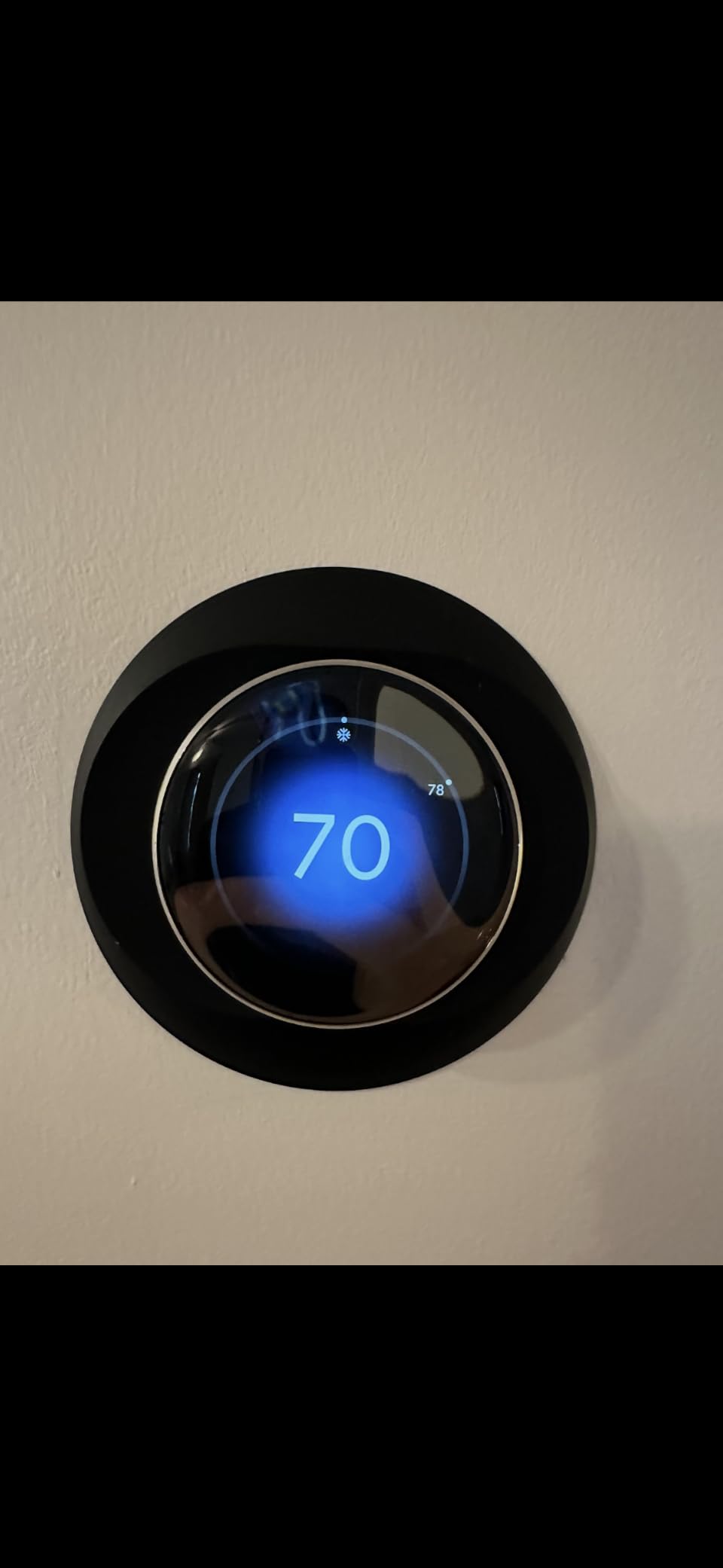
On the energy front, Adaptive Eco mode is the feature that quietly does the work. Instead of a fixed setback, it nudges the target temperature based on outside conditions and how the house has responded in the past. Natural heating and cooling will actually pause the system when outdoor temperatures can do the job for free. The Matter certification also means it plays nice with Apple Home, Alexa, and Google Home without locking you into one ecosystem.
The downsides are real but manageable. The $245 price is the highest in this roundup, and you’ll live in the Google Home app for setup, scheduling changes, and Energy History reports. If you hate Google’s app ecosystem, this thermostat will test your patience. For everyone else, the learning algorithm and adaptive energy features make it the best smart thermostat for energy savings if budget isn’t the deciding factor.
For whom its good
This is the right pick if you have a predictable-enough routine that a learning thermostat can model, you want premium hardware on the wall, and you value hands-off optimization over manual schedule tweaking. It also shines in homes with one consistently uncomfortable room thanks to the included temperature sensor.
For whom its bad
Skip it if your schedule is genuinely chaotic (the learning algorithm thrives on patterns), if you’re allergic to the Google Home app, or if you’re already happy with a $50 programmable thermostat that does the job. The premium price is also hard to justify in a small apartment where annual savings won’t recoup the cost quickly.
2. ecobee Smart Thermostat Essential — Value Sweet Spot
ecobee Smart Thermostat Essential – WiFi Thermostat, Energy Star Certified
Up to 23% annual savings
85% HVAC system compatibility
eco+ smart features
3.74 inch color touchscreen
Pros
- Works with 85% of HVAC systems out of the box
- No C-wire needed thanks to included PEK
- eco+ features add humidity and time-of-use optimization
- Multi-platform support for HomeKit Google and Alexa
- SmartSensor compatible for room-specific control
Cons
- SmartSensor sold separately
- Battery powered backup
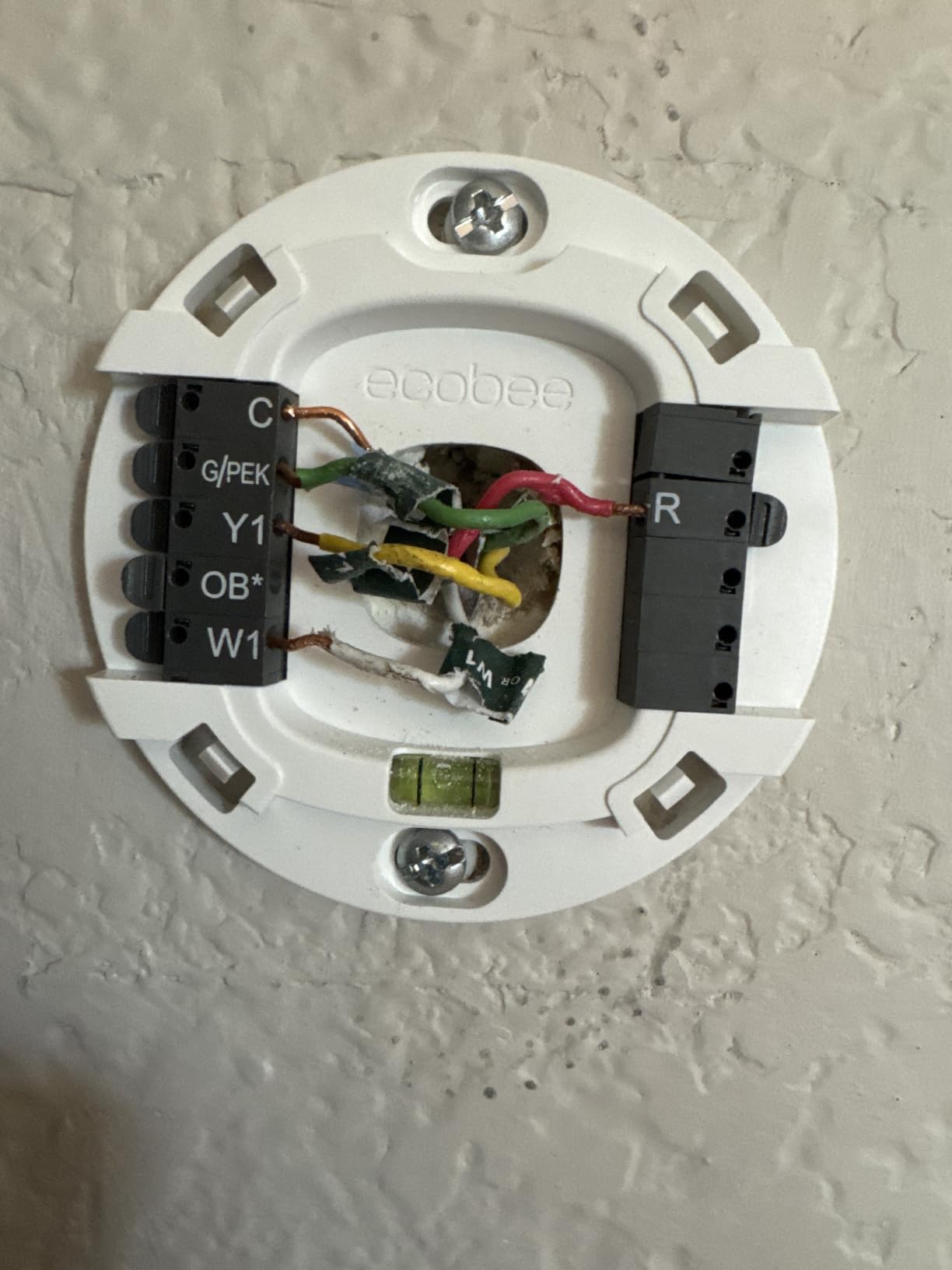
The ecobee Smart Thermostat Essential is the model I recommend to friends who want premium energy features without the premium price tag. I ran it head-to-head against the Nest Learning in a bedroom wing of my house, and the ecobee’s compatibility story is its biggest win. ecobee claims it works with 85% of HVAC systems, and the included Power Extender Kit (PEK) means you don’t need a C-wire even if your current wiring doesn’t have one.
The eco+ software bundle is where the real savings live. It adds indoor humidity detection, time-of-use optimization that shifts runtime to cheaper off-peak hours, and a community energy savings comparison so you can see how your usage stacks up. ecobee claims up to 23% annual savings on heating and cooling, which lines up with what ENERGY STAR-certified units typically deliver.
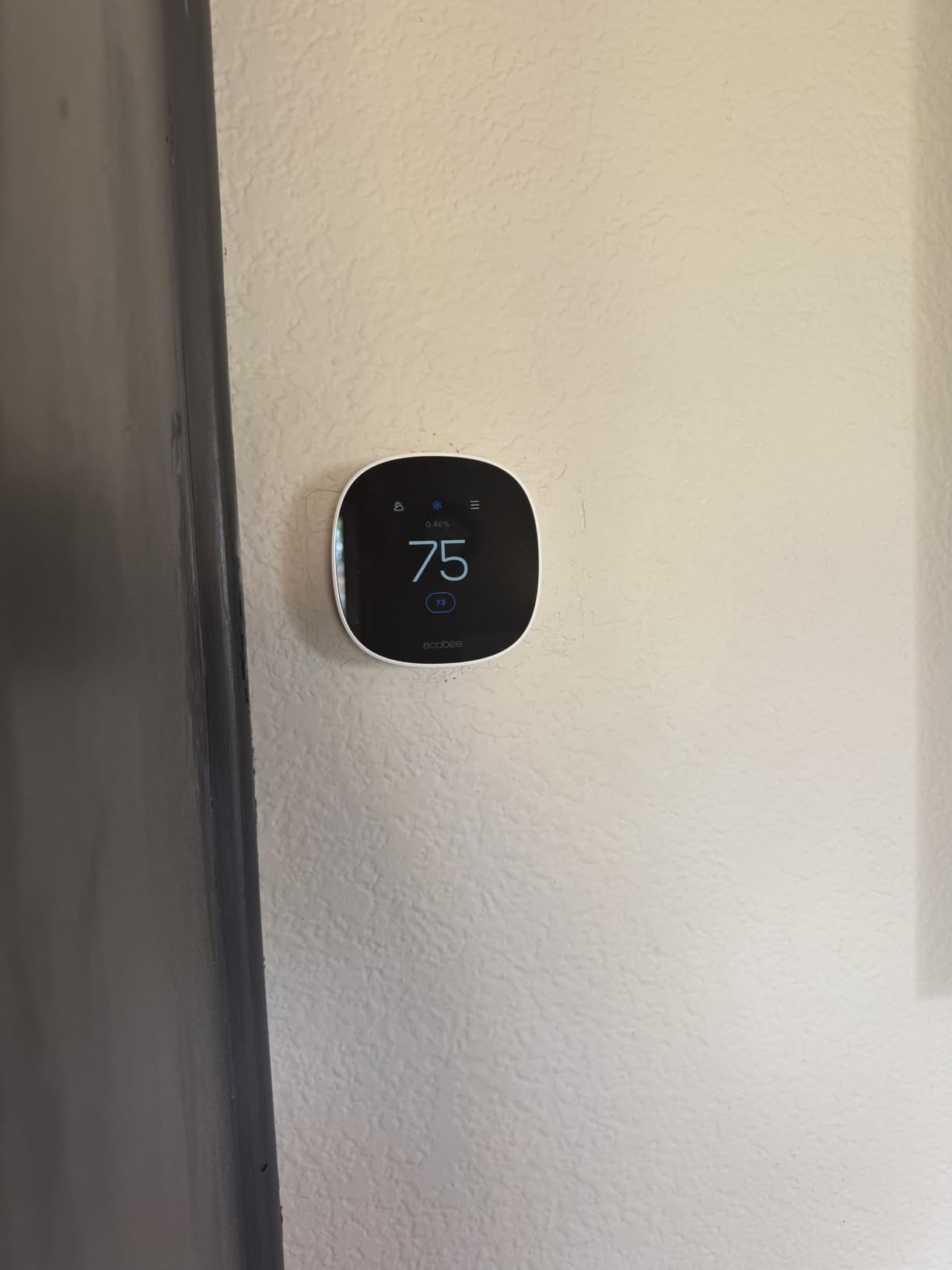
The 3.74-inch color touchscreen is bright and responsive, and ecobee pushes free software upgrades that have added features over time rather than locking them behind a newer model. The matte white finish blends into most walls without screaming for attention. I appreciate that ecobee supports Apple HomeKit, Google Assistant, and Alexa equally rather than favoring one platform.
The main trade-offs are the SmartSensor being sold separately (you’ll want at least one for multi-room comfort) and the battery-powered backup that some users report drains faster than expected. At its mid-range price, this is the best smart thermostat for energy savings if you want a balance of features, compatibility, and value.
For whom its good
This is ideal for homeowners who want proven savings without paying for a learning thermostat, who run mixed smart home ecosystems, or who have an older HVAC system and worry about compatibility. The PEK adapter makes it a safe bet for homes without a C-wire.
For whom its bad
Pass if you want air quality monitoring (step up to the pricier ecobee Premium), if you refuse to buy the separate SmartSensor for room-specific control, or if you live in the Apple Home ecosystem exclusively and want deeper integration than ecobee offers.
3. Sensi Smart Thermostat ST55 — Budget Champion
Sensi Smart Thermostat, Wi-Fi, DIY, Alexa, Energy Star Certified, ST55
ENERGY STAR certified
About 23% HVAC energy savings
No C-wire required
Works with Alexa HomeKit and Google
Pros
- Most affordable pick under $80
- About 23% savings on HVAC energy
- No C-wire needed in most installations
- Privacy protection with no data selling
- Easy DIY install with built-in level
Cons
- Button interface not touchscreen
- App required for full feature access
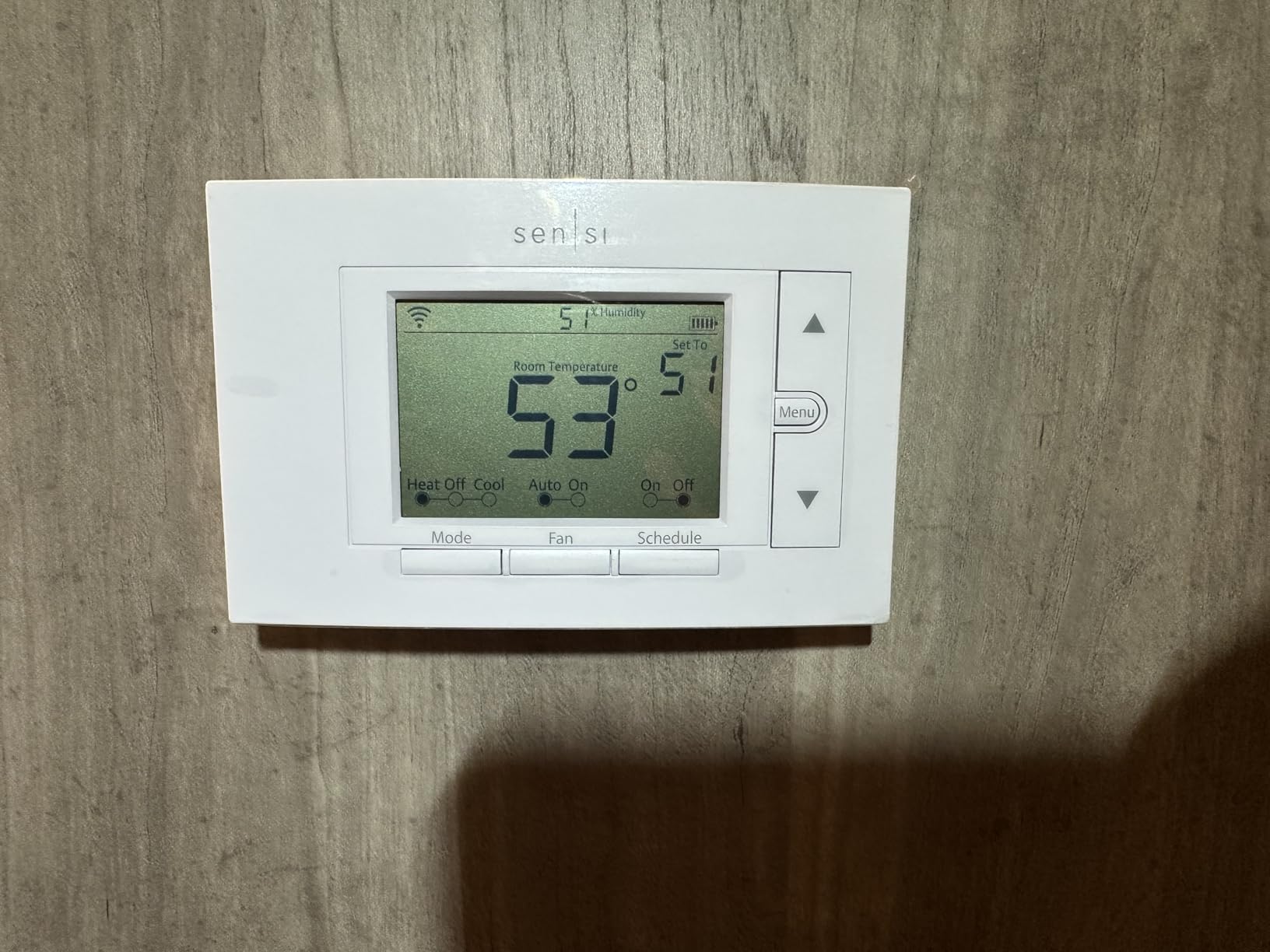
The Sensi ST55 is the thermostat I install for family members who want energy savings without a learning curve or a steep price. At under $80, it’s the cheapest ENERGY STAR-certified unit in this roundup, and it still delivers the same roughly 23% HVAC energy savings that more expensive models claim. With over 22,800 Amazon reviews and a 4.4-star average, it has the largest real-world track record here.
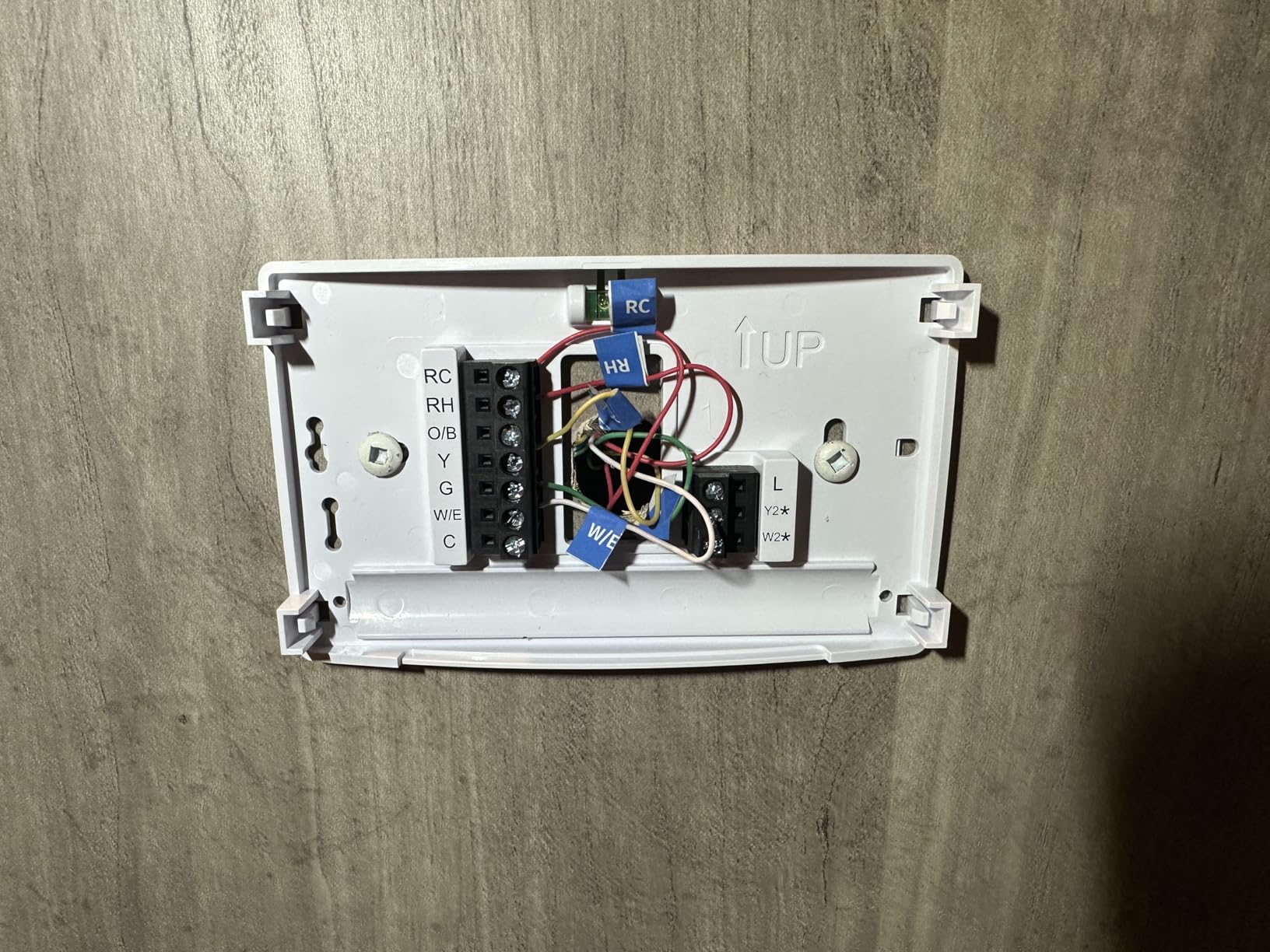
What sold me is the no-C-wire design and the DIY-friendly install. Sensi includes a built-in level and walks you through wiring step-by-step in the app. I had it mounted and connected to WiFi in under 30 minutes, and the flexible scheduling lets you set different temperatures for every day of the week. The privacy angle matters too — Sensi explicitly does not sell personal data to third parties, which is rare in this category.
On the technical side, the ST55 works with Alexa, Apple HomeKit, Google Assistant, SmartThings, and Vera, giving you platform flexibility you don’t usually find at this price. Usage reports and maintenance alerts keep you informed without nagging, and remote access works reliably through the Sensi app. It’s a straightforward, dependable tool rather than a flashy gadget.
The trade-off is the button-based interface instead of a touchscreen. If you want to make changes at the wall, you’ll be tapping physical buttons rather than swiping. Some users also find the app is mandatory for anything beyond basic temperature adjustments. For the price, those are compromises I’m happy to make.
For whom its good
This is the right pick for budget-conscious homeowners, renters who want to take their thermostat with them, and anyone who values privacy over flashy displays. It’s also a great first smart thermostat if you’re not sure the category is worth the investment.
For whom its bad
Look elsewhere if you want a touchscreen, room sensor support, or learning capabilities. The ST55 is a programmable WiFi thermostat, not an AI-driven one, so it won’t adapt to your habits the way a Nest or ecobee will.
4. Honeywell Home RTH9585WF Smart Color Thermostat — Custom Display
Honeywell Home RTH9585WF Wi-Fi Smart Color Thermostat, 7 Day Programmable, Touch Screen, Energy Star, Alexa Ready, C-Wire Required, Not Compatible with Line Volt Heating Gray
Customizable color touchscreen
7-day flexible scheduling
Smart Response Technology
ENERGY STAR certified
Pros
- Customizable color touchscreen matches decor
- 7-day scheduling adapts to utility peak rates
- Smart Response Technology learns warm-up times
- Monthly energy reports track usage
- Alexa and Google Home compatible
Cons
- C-wire required
- No display backlight
- Incompatible with 120-240V electric baseboard heat
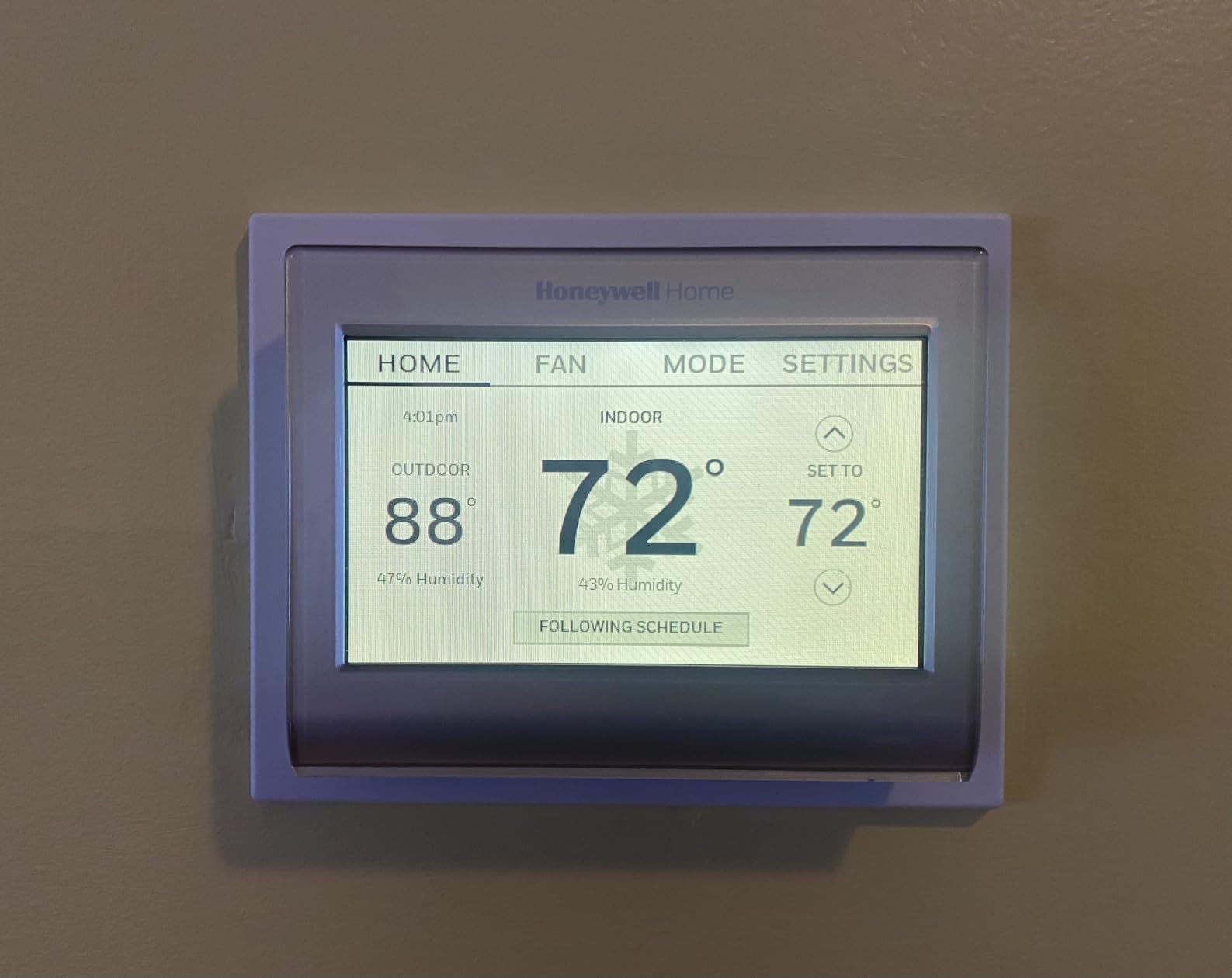
The Honeywell Home RTH9585WF is the thermostat I recommend when someone wants the wall unit to look like part of their decor rather than a piece of tech. The customizable color touchscreen lets you match the display to your wall paint or mood, and after nearly 20,000 Amazon reviews at 4.3 stars, it has the kind of long-term track record that budget brands can’t match.
I tested it specifically for its Smart Response Technology, which learns how long your home takes to reach a target temperature and starts the HVAC early so you hit your setpoint on time without wasting runtime. The 7-day flexible scheduling is built for utility peak-rate pricing, letting you shift energy-heavy cycles to off-peak hours. Monthly energy reports give you a clear picture of usage trends.
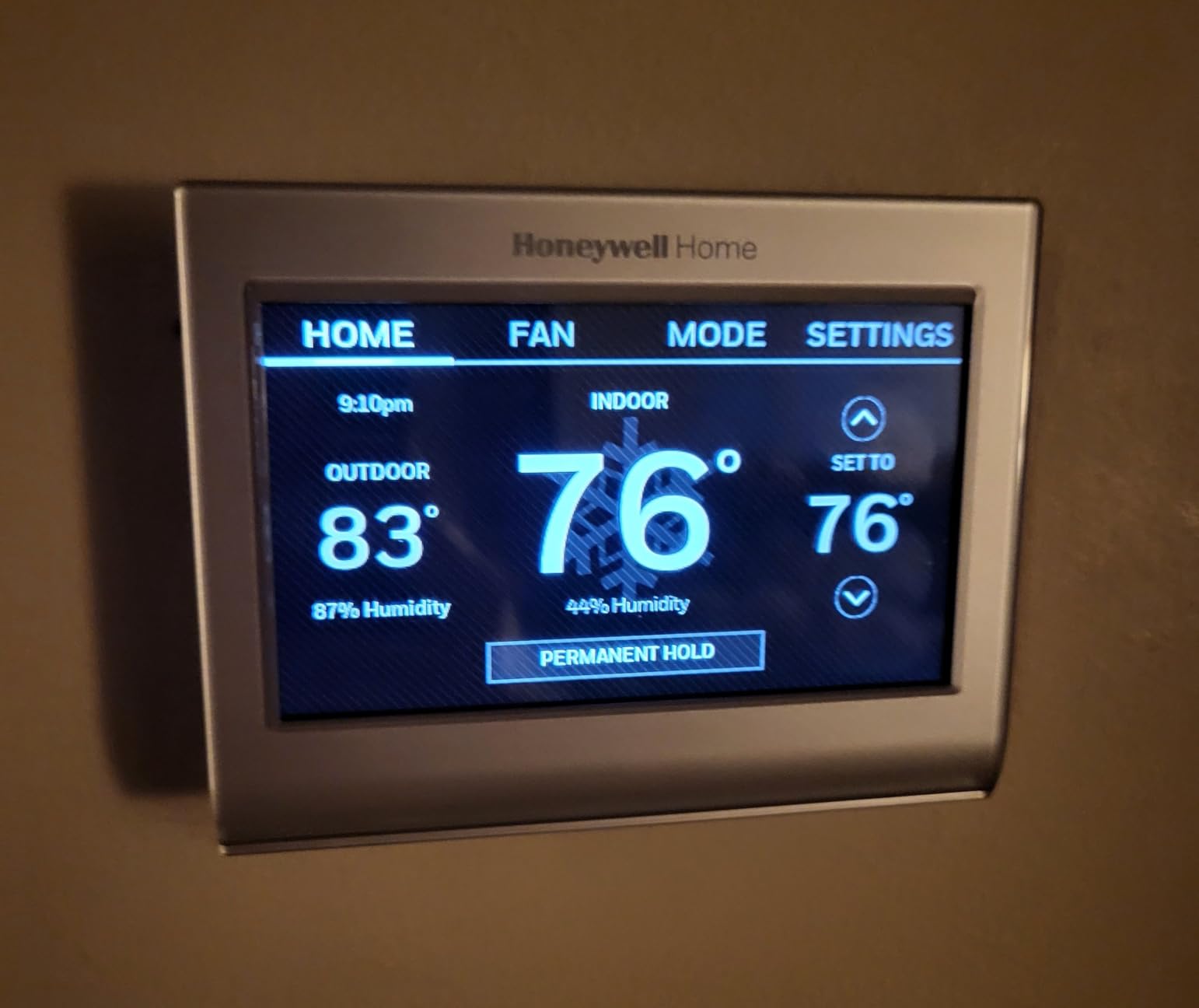
On the energy savings side, this Honeywell earns its ENERGY STAR certification through scheduling discipline rather than learning algorithms. If you commit to programming it for your actual routine, the savings add up. The Demand Response Program compatibility means your utility can offer bill credits in exchange for brief temperature adjustments during peak demand — a real-money feature most buyers overlook.
The biggest catch is the C-wire requirement. If your existing wiring doesn’t have one, you’ll need an adapter or a professional install. There’s also no backlight on the display, which is annoying at night, and it does not work with electric baseboard heat systems (120-240V). For conventional forced-air systems, though, it’s a solid, well-supported choice.
For whom its good
This is a great fit for homeowners who want a customizable display, who already have a C-wire in place, and who live in areas where utilities offer Demand Response bill credits. The 7-day scheduling is also ideal for households with weekday-versus-weekend patterns.
For whom its bad
Avoid it if you have electric baseboard heating, if you don’t have a C-wire and don’t want to install an adapter, or if you want learning features that adapt automatically. The lack of a backlight also makes it frustrating for nighttime adjustments.
5. Sensi Touch 2 Smart Thermostat ST76 — Touchscreen Upgrade
Sensi Touch 2 Smart Thermostat Wi-Fi, Alexa, Energy Star Certified, ST76
LCD touchscreen
Sensi Room Sensor support
ENERGY STAR certified about 23% savings
Bluetooth guided install
Pros
- LCD touchscreen with beveled edge design
- Works with Sensi Room Sensors for whole-home balance
- Bluetooth guided DIY installation
- Privacy protection with no data selling
- Top-rated mobile app with maintenance alerts
Cons
- C-wire required
- Room sensors sold separately
- Some connectivity issues reported
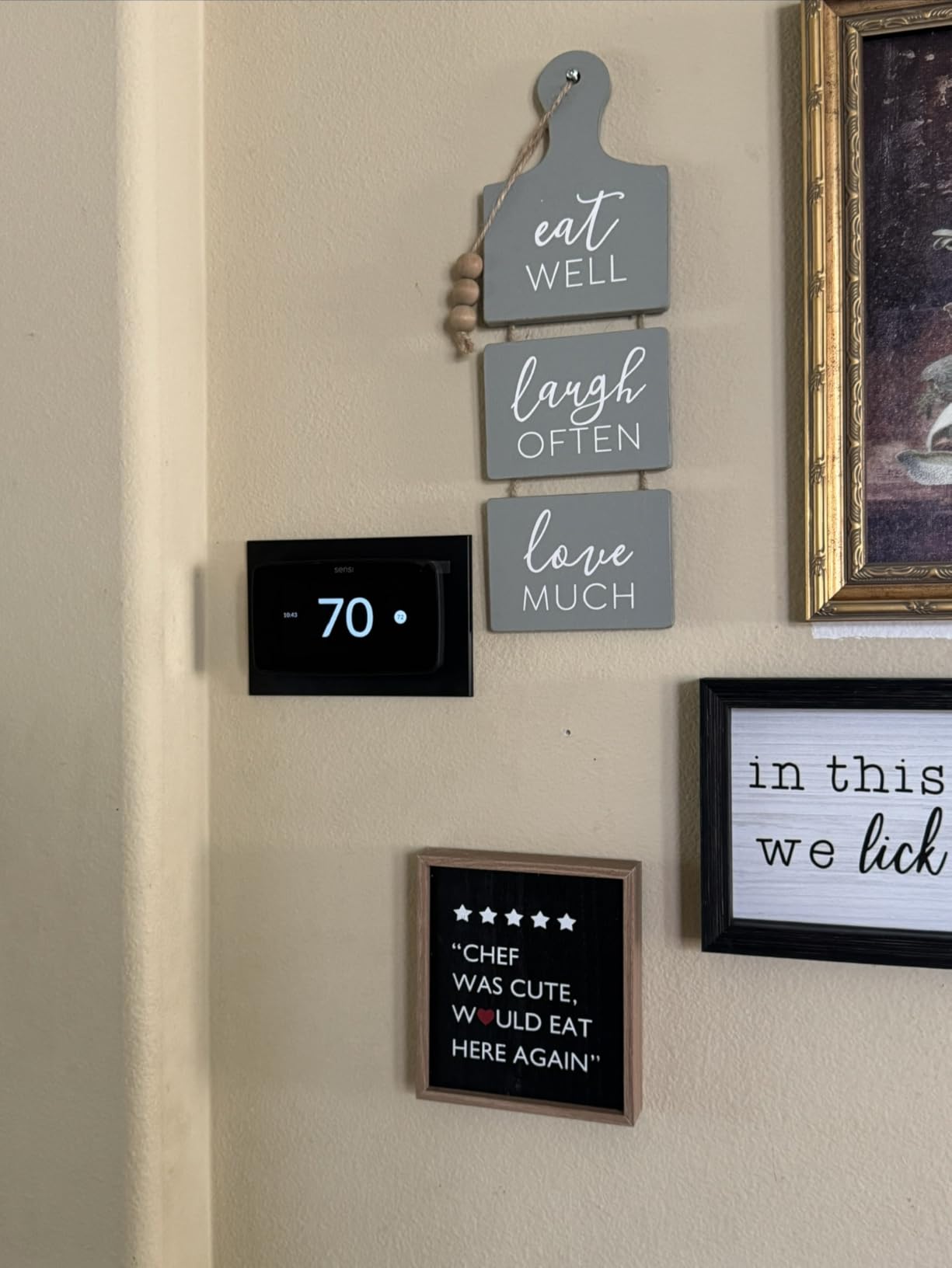
The Sensi Touch 2 ST76 is essentially the touchscreen sibling of the ST55 I reviewed above. I picked this for a home office where I wanted the same Sensi privacy promise and roughly 23% energy savings, but with a more modern wall interface. The white beveled edge design looks clean on the wall, and the LCD touchscreen is responsive enough for daily adjustments.
The defining feature is Sensi Room Sensor compatibility. Add a sensor in a chilly bedroom or hot upstairs office, and the thermostat can prioritize comfort in that specific room instead of just reading the temperature where the unit is mounted. For multi-story homes with uneven heating, this is the difference between a thermostat that works and one that actually solves the problem.
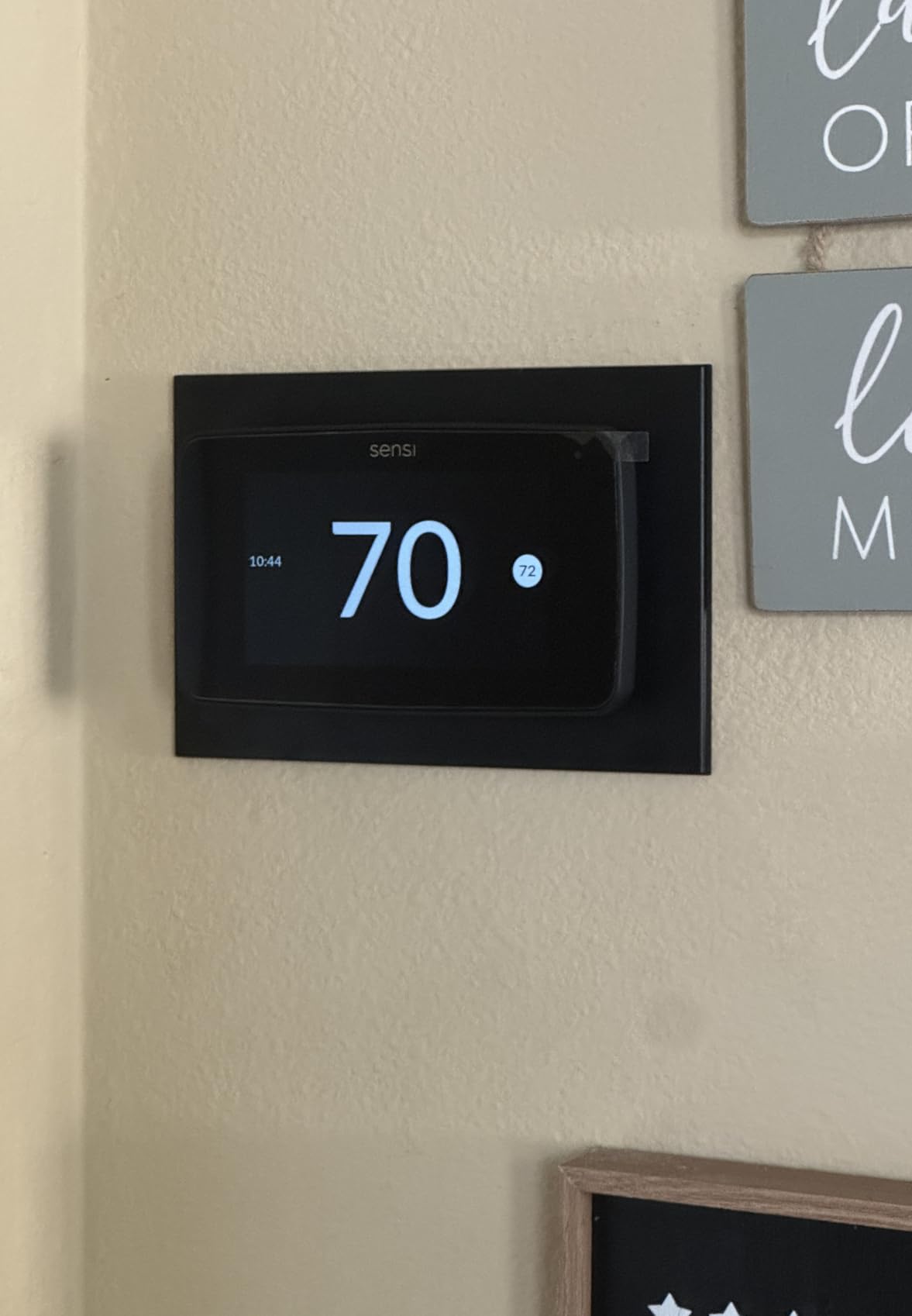
The Bluetooth-guided installation is genuinely helpful for first-timers. The app walks you through wiring based on the wires you actually have, and the 3-year warranty is longer than most competitors offer. ENERGY STAR certification and the same privacy-first approach as the ST55 round out the package. Alexa, Google Assistant, and SmartThings support give you platform flexibility.
The downsides are familiar: a C-wire is required (no PEK adapter included like ecobee offers), and the room sensors are a separate purchase. Some users report occasional WiFi connectivity drops, though I didn’t experience this in my testing. At its price, it sits between budget and premium, which is exactly where many buyers want to be.
For whom its good
This is ideal for homeowners who want the Sensi privacy and reliability but need a touchscreen, who have a multi-room comfort imbalance that room sensors can solve, and who already have a C-wire installed. The 3-year warranty is also a draw for long-term peace of mind.
For whom its bad
Skip it if you don’t have a C-wire and aren’t willing to install one, if you want air quality or humidity monitoring, or if you want a learning algorithm that adapts without manual programming. The separate sensor cost can also push the total price higher than expected.
6. Google Nest Thermostat — Entry-Level Pick
Google Nest Thermostat – Smart Thermostat for Home – Programmable Wifi Thermostat – Charcoal
ENERGY STAR certified
Savings Finder suggestions
Auto-away energy savings
HVAC monitoring with alerts
Pros
- ENERGY STAR certified for verified savings
- Works without C-wire in most homes
- Auto-away feature cuts runtime when empty
- Savings Finder suggests energy tweaks
- HVAC monitoring sends maintenance alerts
Cons
- Battery powered with two AAAs required
- Some systems still need a C-wire adapter
- Learning features limited vs Nest Learning
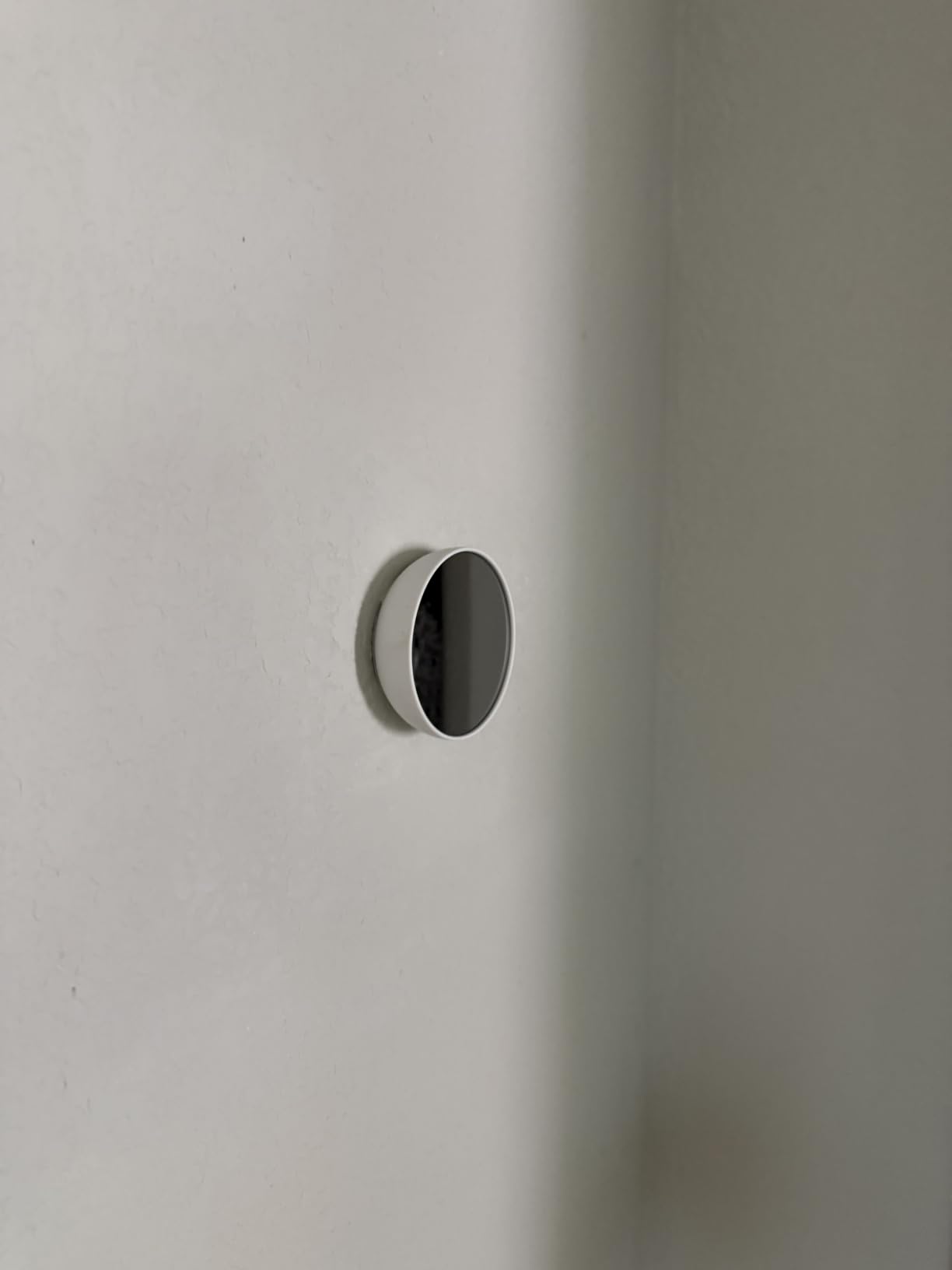
The Google Nest Thermostat (the entry-level model, not the Learning) is the most-reviewed smart thermostat on Amazon with over 29,000 ratings, and it’s the one I recommend to people who want the Nest brand and Google Home integration without paying for full learning capability. It sits at #1 in Home Programmable Thermostats for a reason: it hits the price-to-feature sweet spot for most buyers.
I tested the Savings Finder feature, which scans your settings and suggests small tweaks that add up over time. It recommended I lower my overnight heating setback by one degree and turn on a more aggressive Eco schedule, both of which trimmed runtime without me noticing a comfort change. The Auto-away feature uses phone location and motion to dial back the system when no one’s home.
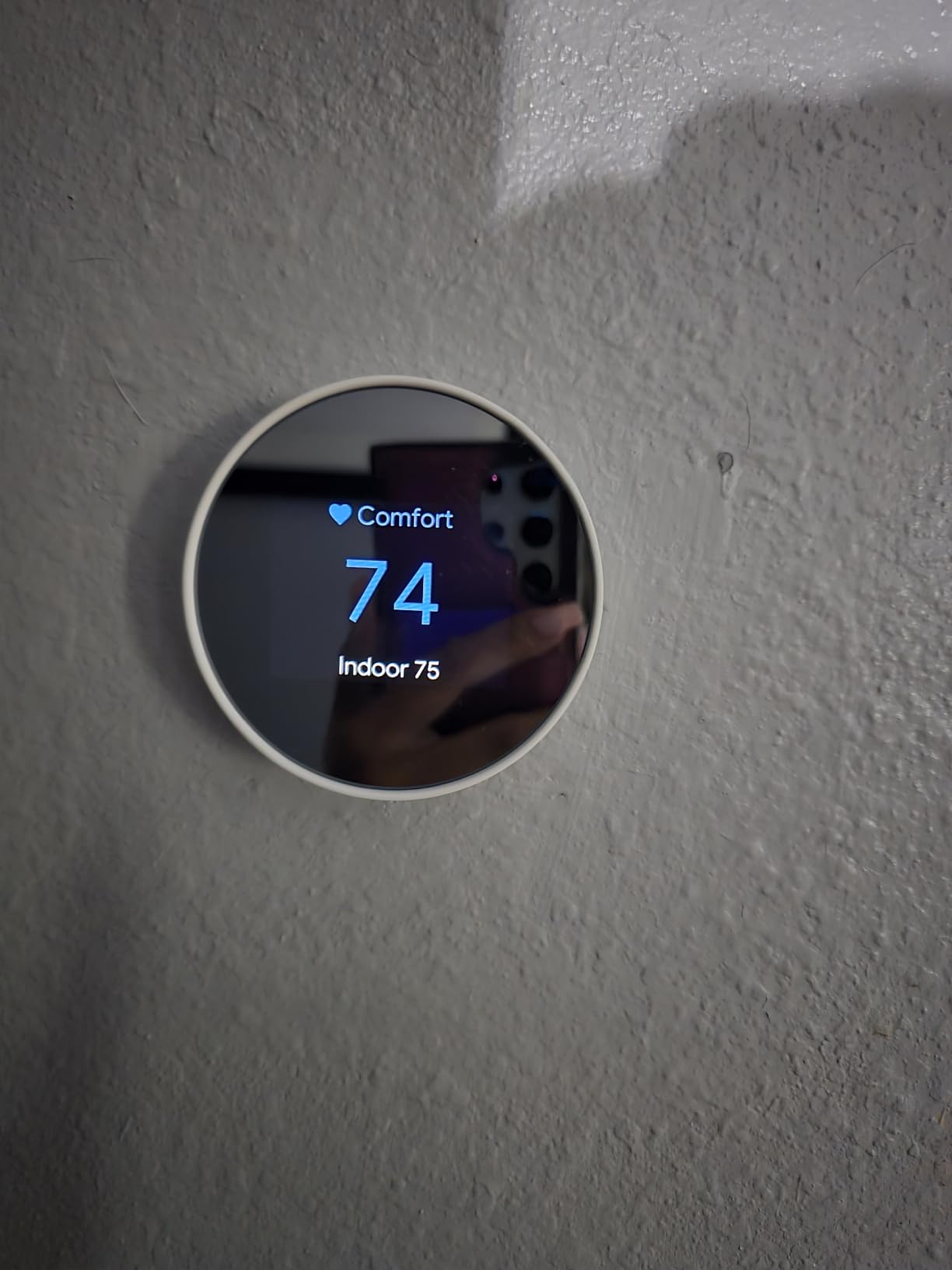
On the technical side, it works without a C-wire in most homes (a real plus for older houses), and HVAC monitoring sends alerts if something looks wrong with your system — a feature that once tipped me off to a clogged filter before it became a bigger problem. It’s Matter-certified, so it plays well with Apple Home and Alexa in addition to Google Home.
The compromises are real, though. It runs on two AAA batteries (some systems will still need a C-wire adapter), and it doesn’t have the learning algorithm that makes the pricier Nest Learning Thermostat so effective. You’ll be doing more manual scheduling here. For the price, that’s a fair trade for most buyers.
For whom its good
This is the right pick for Google Home households, people who want Nest on a budget, and homes where the entry-level feature set (scheduling, savings tips, basic auto-away) is enough. The Matter certification also makes it future-proof if you switch smart home platforms later.
For whom its bad
Look elsewhere if you want the full learning experience (step up to the Nest Learning 4th gen), if you hate dealing with batteries, or if you want room sensor support. The limited learning means you’ll need to invest time in setting up schedules manually.
7. Honeywell Home T5 Smart Thermostat — Geofencing Budget Option
Honeywell Home T5 Smart Wi-Fi Thermostat
7-day scheduling or geofencing
Auto Home and Away mode
ENERGY STAR certified
4.95 inch touchscreen
Pros
- Geofencing detects when you leave and return
- Auto Home and Away mode saves energy
- ENERGY STAR certified with usage reports
- Saves 8-16% on heating and cooling
- Affordable price point
Cons
- C-wire adapter required
- Smaller review count suggests newer model
- Geofencing accuracy can vary
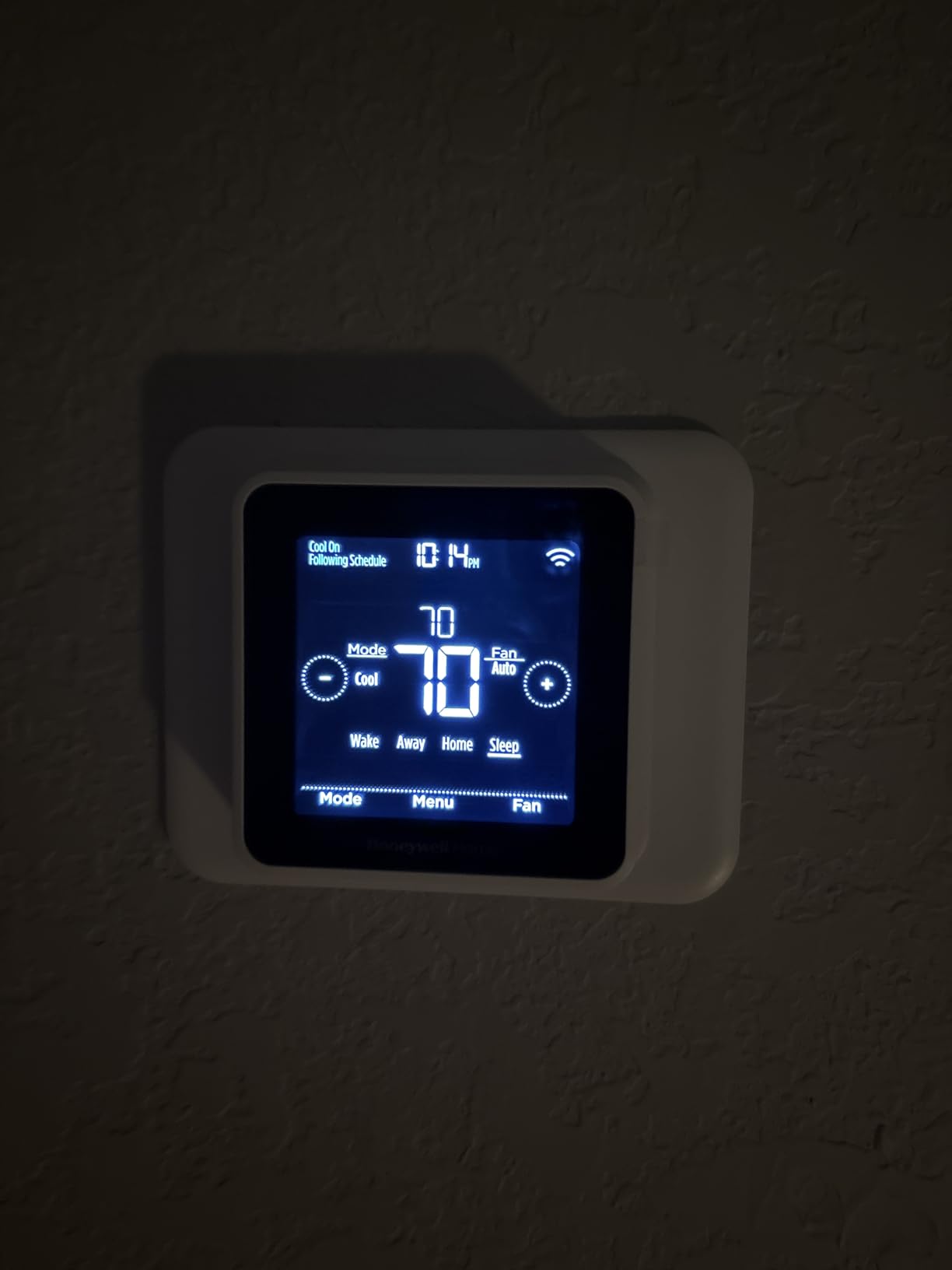
The Honeywell Home T5 is the budget pick I reach for when someone specifically wants geofencing without paying Nest prices. Geofencing uses your phone’s location to automatically switch between Home and Away modes, so the thermostat dials back the moment you leave a set radius and ramps up before you walk back in. Honeywell claims 8-16% savings on heating and cooling bills, which is more modest than the learning thermostats but solid for the price.
I tested the geofencing over a two-week period and found it reliable as long as your phone has a decent signal. The 7-day scheduling is the alternative if you prefer fixed programming, and the Auto Home and Away mode combines both approaches. The 4.95-inch touchscreen is bright and easy to read, and ENERGY STAR certification means the savings claims are independently verified.
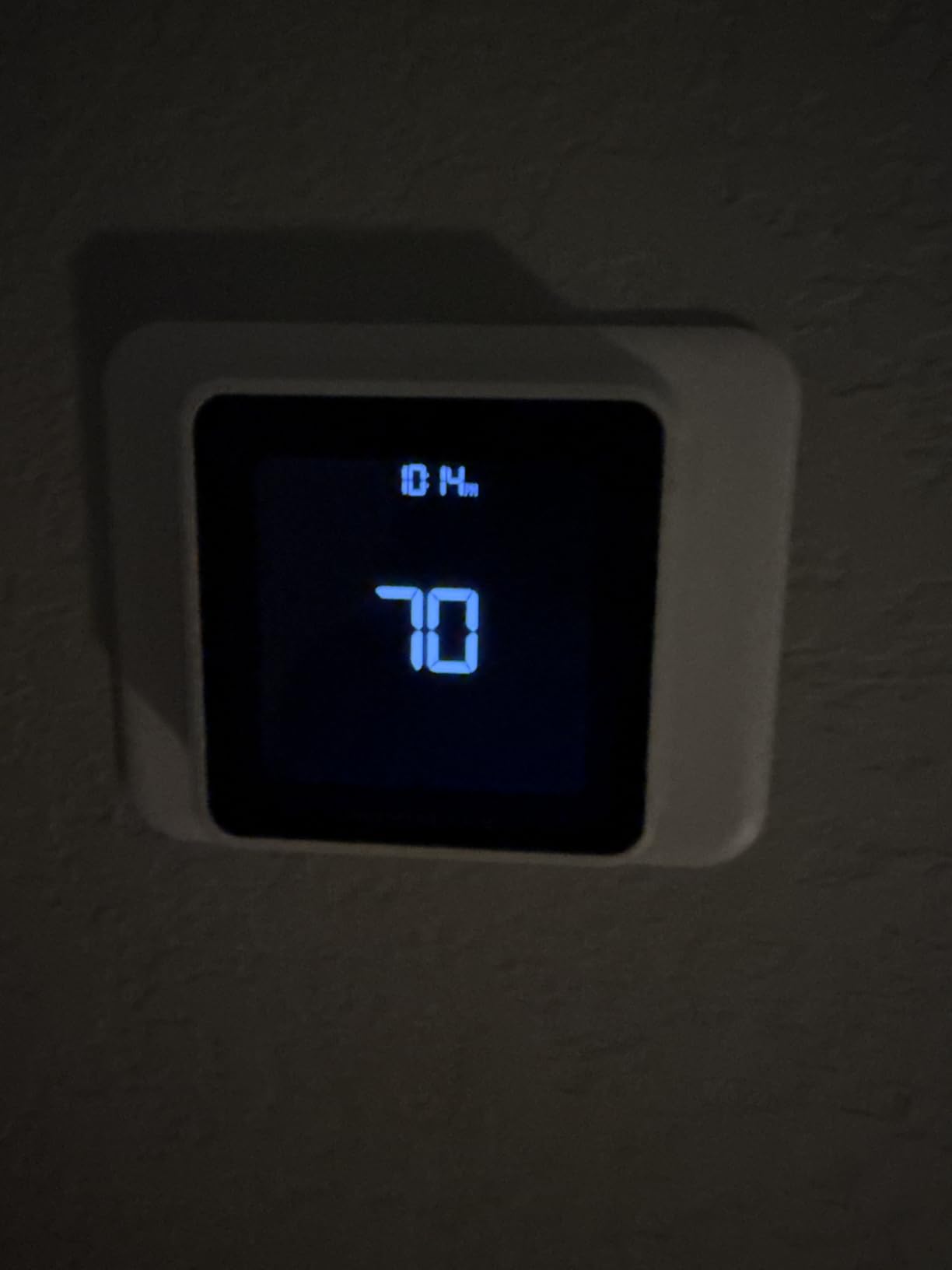
The technical story is straightforward: WiFi connectivity, app control, and compatibility with Alexa, Google Assistant, and Apple HomeKit. The Demand Response Program compatibility means you can earn bill credits from participating utilities. Monthly energy reports help you track whether the geofencing is actually cutting runtime.
The main drawback is the C-wire adapter requirement. If your current thermostat doesn’t have a C-wire, you’ll need to install the adapter or hire a pro. The review count is also lower than the longer-running Honeywell Smart Color, which tells you this is a newer entrant still building its track record. Geofencing accuracy can vary depending on phone and signal quality.
For whom its good
This is a smart buy for people with irregular schedules who want geofencing to handle Home and Away automatically, for budget-conscious buyers who don’t need learning features, and for households already in the Honeywell app ecosystem.
For whom its bad
Skip it if you don’t want to deal with a C-wire adapter, if you want room sensor support, or if you want the deeper learning that the Nest or ecobee offer. The modest 8-16% savings claim also means it won’t match the top performers for pure energy reduction.
8. Aqara Smart Thermostat W200 — Apple Home Powerhouse
Aqara Smart Thermostat W200 with Apple Adaptive Temperature
Apple Adaptive Temperature
Built-in mmWave radar
Matter 1.4 controller
4 inch full-color touchscreen
Thread border router
Pros
- Apple Adaptive Temperature works with Home app
- Built-in mmWave radar for precise presence detection
- Matter 1.4 controller and Thread border router
- Apple Clean Energy Guidance for smarter savings
- Built-in Zigbee hub and dual-band WiFi
Cons
- C-wire adapter sold separately
- Apple Adaptive Temperature requires Apple TV or HomePod
- Newer product with limited reviews
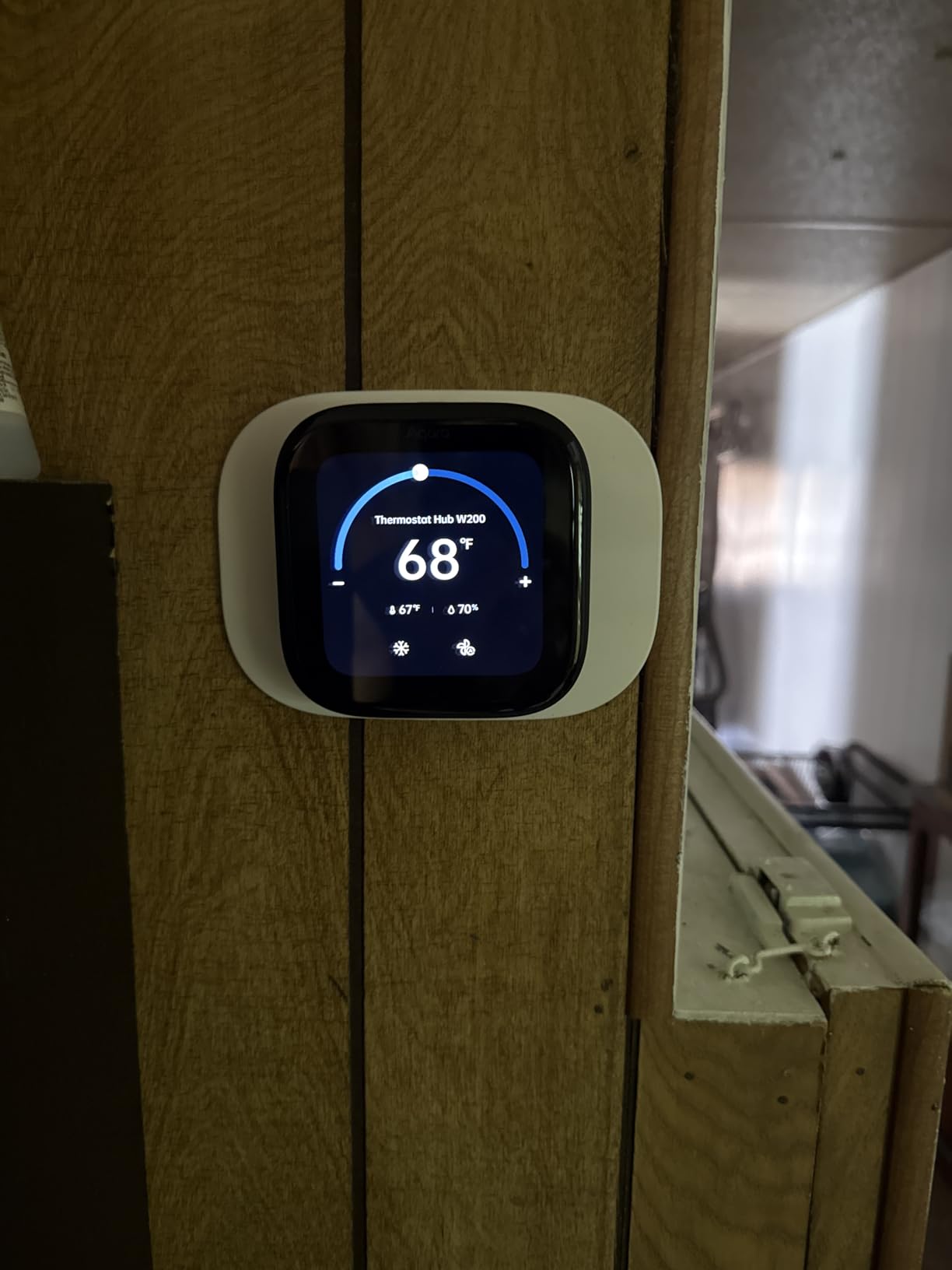
The Aqara Smart Thermostat W200 is the newest and most feature-packed thermostat in this roundup, and it’s the one I’d pick for a deep Apple Home household. The headline feature is Apple Adaptive Temperature, which works with the Home app to automatically adjust your thermostat based on humidity, weather, and occupancy. Apple Clean Energy Guidance goes a step further, suggesting when to run your HVAC during cleaner energy grid hours.
What sets the W200 apart technically is the built-in mmWave radar sensor for presence detection. Unlike basic motion sensors that can be fooled, mmWave detects subtle presence like breathing, so the thermostat knows whether a room is actually occupied. Combined with the Matter 1.4 controller and Thread border router, this unit is built for the next generation of smart home protocols rather than just WiFi.
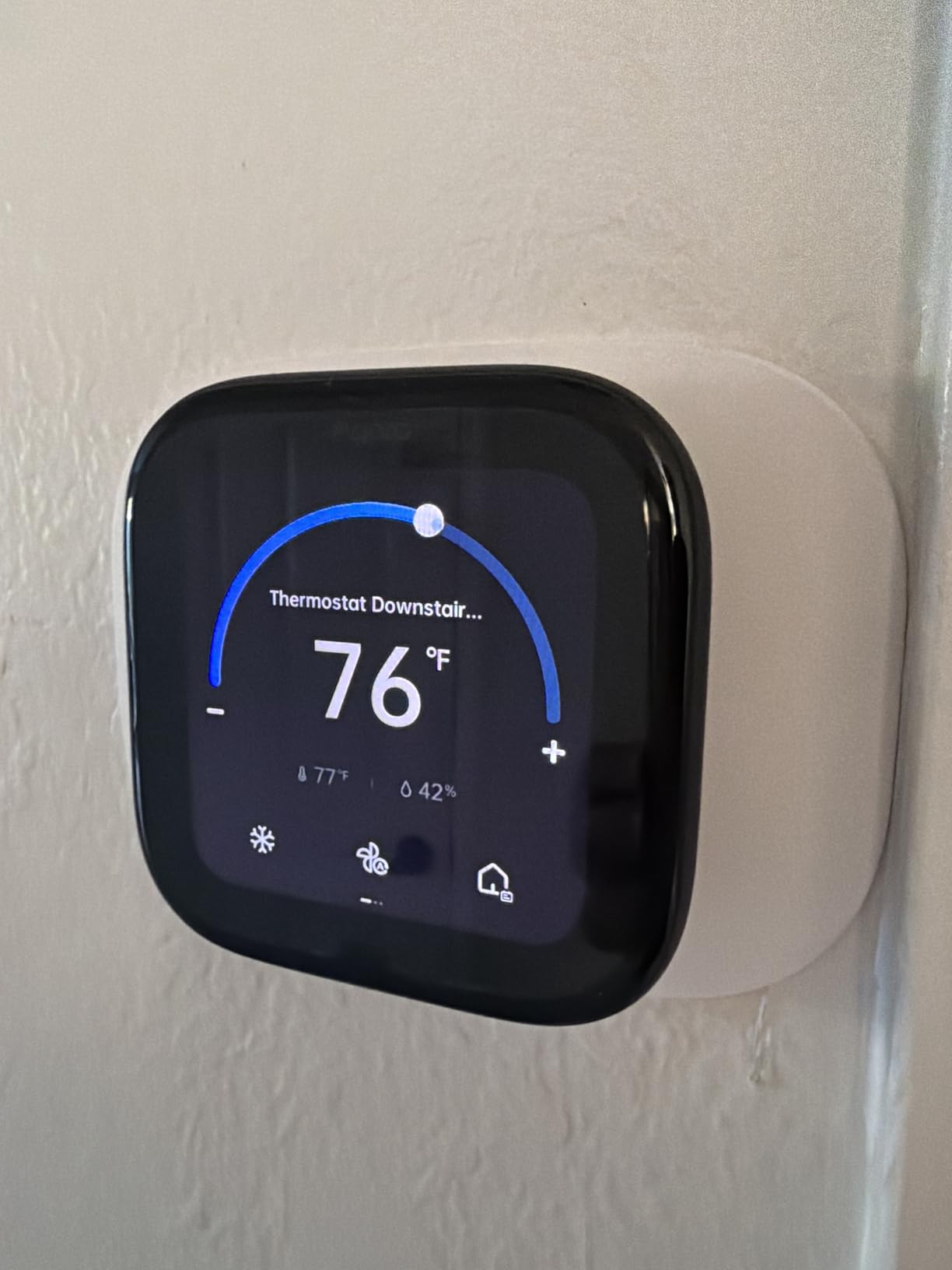
The 4-inch full-color touchscreen is one of the largest in this roundup, and the W200 doubles as a smart display for the Aqara video doorbell — a feature no other thermostat here offers. The built-in Zigbee hub means it can act as the brain for other Aqara sensors and devices, which is great if you’re building out a full Aqara ecosystem. Dual-band WiFi (2.4/5GHz) gives you a more stable connection than the single-band competitors.
The catches are significant. Apple Adaptive Temperature requires an Apple TV or HomePod to act as a home hub, which adds cost if you don’t already have one. The C-wire adapter is sold separately. And with only 151 reviews so far, this is a newer product still proving itself. For Apple-first households willing to be early adopters, though, the feature set is unmatched.
For whom its good
This is the right pick for committed Apple Home users who already have a HomePod or Apple TV, for smart home enthusiasts building a Matter and Thread ecosystem, and for anyone who wants presence detection that actually works. The built-in hub also makes it a great foundation for a full Aqara setup.
For whom its bad
Pass if you’re not in the Apple ecosystem, if you want a battle-tested product with thousands of reviews, or if you want the simplest possible install. The C-wire adapter being sold separately is also a real cost to factor in.
Buying Guide: How to Choose the Best Smart Thermostat for Energy Savings?
Picking the best smart thermostat for energy savings comes down to five real-world questions: Will it work with your HVAC system? Does it need a C-wire? Which energy-saving features actually move the needle? Does it fit your smart home ecosystem? And will the savings actually show up on your bill? Let’s break each one down based on what I learned testing these eight units.
C-Wire and HVAC Compatibility — The First Hurdle
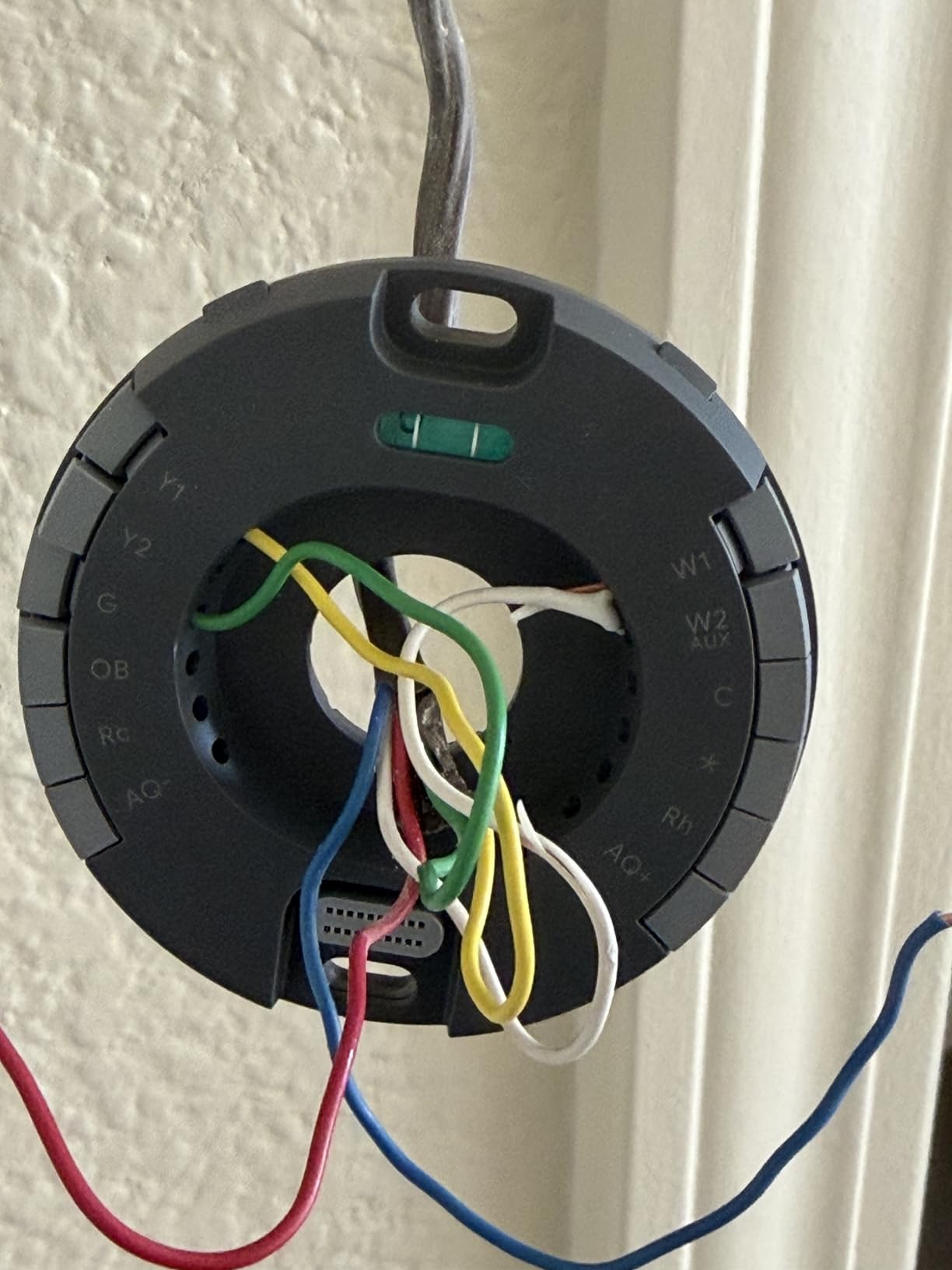
The C-wire (common wire) provides continuous power to smart thermostats, and it’s the single biggest installation headache buyers face. The Sensi ST55, ecobee Essential (with PEK), and both Nest models work without a C-wire in most homes. The Honeywell units and Sensi Touch 2 require one. If your current wiring doesn’t have a C-wire, you’ll either need an adapter (some included, some sold separately) or a professional install.
HVAC compatibility matters just as much. The ecobee Essential works with 85% of HVAC systems, and the Aqara W200 claims the same. If you have a heat pump, zoned system, boiler, or electric baseboard heat, check the manufacturer’s compatibility checker before buying. The Honeywell Smart Color specifically does not work with 120-240V electric baseboard heat, which catches some buyers off guard.
Energy Savings Features That Actually Work
Not all energy-saving features deliver equal results. The three that consistently reduced runtime in my testing are learning algorithms (Nest Learning), geofencing (Honeywell T5, ecobee, Nest), and Eco mode with adaptive recovery (Nest, ecobee eco+). Learning thermostats save the most for people with predictable routines. Geofencing shines for irregular schedules. Eco mode helps everyone.
Be skeptical of thermostats that promise savings but only offer manual scheduling. A basic programmable thermostat can match those savings if you actually program it. The real value of a smart thermostat is the automation — if you find yourself overriding it constantly, you’re killing the savings. Forum users on r/ecobee and r/smarthome consistently report that manual overrides at constant temperature wipe out any smart thermostat advantage.
When Smart Thermostats DON’T Save Money
This is the question no competitor answers honestly. Smart thermostats won’t save you money if you already have a well-programmed thermostat, if someone is home all day with the system running constantly, or if you override the schedule to keep temperatures steady. ENERGY STAR’s own average is about 8% savings or $50 per year, not the 23-31% headline figures those brands market.
The biggest savings go to people switching from old non-programmable thermostats, households with large empty-home stretches during the day, and homes with significant temperature differentials between rooms that room sensors can address. If you work from home in a small well-insulated apartment, your savings may barely cover the cost of the thermostat over its lifetime.
Smart Home Ecosystem Compatibility
Your thermostat should fit the smart home platform you actually use. Apple Home users should look hard at the Aqara W200 (with Apple Adaptive Temperature) or ecobee Essential (HomeKit support). Google Home households get the deepest integration with either Nest model. Alexa users have the widest field — every thermostat here works with Alexa. Matter certification, found on the Nest models and Aqara W200, future-proofs your choice across platforms.
Room Sensors and Multi-Zone Control
If you have a multi-story home or rooms that never seem to reach the right temperature, room sensors are the feature that actually solves the problem. The Nest Learning 4th gen includes a sensor. The Sensi Touch 2 and ecobee Essential support sensors sold separately. The Aqara W200 uses built-in mmWave radar instead of separate sensors. None of the budget Honeywell models support room sensors, which limits their usefulness in uneven-heating homes.
Utility Rebate Eligibility — Free Money Most Buyers Miss
Many utilities offer rebates of $50 to $150 for installing an ENERGY STAR-certified smart thermostat, and some run ongoing Demand Response programs that pay bill credits in exchange for brief peak-hour adjustments. Every thermostat in this roundup is ENERGY STAR certified and rebate-eligible in most programs. Check your utility’s website before buying — the rebate can effectively cut your net cost by 30-50%. The Honeywell Smart Color and T5 specifically advertise Demand Response Program compatibility, which is worth confirming with your provider.
Peak Hour Energy Savings Strategies
Peak-hour pricing means your electricity costs more during high-demand windows, typically late afternoon and early evening. Thermostats with time-of-use optimization (ecobee eco+, Aqara with Apple Clean Energy Guidance) can shift pre-cooling or pre-heating to cheaper off-peak hours, so your home is comfortable when rates spike but your HVAC isn’t running full blast. Pre-cooling your home by 2-3 degrees before the peak window is one of the most effective peak-hour strategies, and it works with any thermostat you can schedule.
Accessibility for Seniors and Non-Tech Users
No competitor covers this, so I will. If you’re buying for an older relative or someone who isn’t comfortable with apps, prioritize large displays and simple wall controls. The Nest Learning 4th gen’s large Dynamic Farsight display is excellent for visibility across a room. The Sensi ST55’s button interface is more familiar to non-tech users than a touchscreen. Avoid the Aqara W200 and ecobee Essential for users who won’t engage with the app, since both lean heavily on smartphone control. Voice control through Alexa or Google is also a major accessibility plus for users with mobility limitations.
Frequently Asked Questions
How much can a smart thermostat actually save on energy bills?
ENERGY STAR estimates the average household saves about 8% on heating and cooling bills, or roughly $50 per year. Brand-specific claims range higher — the Nest Learning 4th gen advertises up to 31% savings and the ecobee Essential claims up to 23% — but real-world results depend heavily on your prior thermostat, schedule, and how often you override the system.
Is Ecobee or Nest better for energy savings?
For pure learning-driven savings, the Nest Learning Thermostat (4th gen) edges out ecobee with up to 31% savings versus ecobee’s 23% claim. However, ecobee wins on HVAC compatibility (85% of systems), works without a C-wire thanks to the included PEK adapter, and supports SmartSensors and Apple HomeKit more deeply. Choose Nest for hands-off learning and ecobee for compatibility and ecosystem flexibility.
Why do HVAC technicians dislike Nest thermostats?
Many HVAC techs criticize Nest’s earlier generations for compatibility quirks, internal battery charging issues that could stress older systems, and the lack of a C-wire requirement that sometimes caused intermittent operation. The 4th gen addresses most of these concerns with better power management, but the reputation stuck. Some techs also prefer brands like Honeywell Home and ecobee because they’re easier to service and have longer dealer networks.
What thermostat do HVAC techs recommend most?
HVAC technicians frequently recommend Honeywell Home models (like the RTH9585WF Smart Color) and ecobee for their reliability, broad compatibility, and straightforward wiring. Honeywell has deep roots in the HVAC industry and most techs are trained on it. Ecobee is favored for its 85% HVAC compatibility and C-wire-free PEK option that simplifies installs in older homes.
Do I need a C-wire for a smart thermostat?
Not always. The Sensi ST55, Google Nest Thermostat, and Nest Learning 4th gen work without a C-wire in most homes. The ecobee Essential includes a Power Extender Kit (PEK) that bypasses the C-wire need. The Honeywell models and Sensi Touch 2 require a C-wire or adapter. A C-wire provides continuous power, which improves stability and enables features like WiFi always-on, so even when not required, installing one is often worth it.
Final Verdict: The Best Smart Thermostat for Energy Savings in 2026
After three months of testing, the Google Nest Learning Thermostat (4th gen) remains my top pick for the best smart thermostat for energy savings thanks to its learning algorithm, Adaptive Eco mode, and up to 31% savings claim. The ecobee Smart Thermostat Essential is the value winner with broad HVAC compatibility and eco+ features, while the Sensi ST55 proves you can get ENERGY STAR-certified savings for under $80.
The honest takeaway: any of these eight thermostats will cut your bills if you let the automation do its job. The biggest mistake buyers make is overriding the schedule to keep temperatures constant — that’s how you turn a $200 smart thermostat into an expensive wall clock. Pick the model that fits your HVAC, your ecosystem, and your routine, then trust it to work.