

Our team has spent months testing tablets on construction sites, in survey trucks, and across utility yards to find the best tablets for field work that actually survive the job. We dropped them on concrete, soaked them in rain, ran them in freezing truck cabs at 4 a.m., and ran them through full 12-hour shifts on a single charge.
Our top pick is the Fusion5 WIN PRO Rugged Tablet for its Windows 11 Pro power and accidental damage warranty. For pure Android toughness we recommend the AGM PAD P2 Active, and for buyers on a tight budget the renewed Samsung Galaxy Tab Active3 remains hard to beat.
In this guide we break down the 10 best tablets for field work you can buy in 2026, explain what MIL-STD-810H and IP68 actually mean on the spec sheet, and show you how to match the right tablet to your trade – whether you are a foreman on a high-rise, a surveyor running total stations, or a first responder running CAD on the highway shoulder.
Table of Contents
Top 3 Picks for Field Tablets in September

Fusion5 WIN PRO Rugged Tablet
- Windows 11 Pro
- 12GB RAM
- 512GB SSD
- IP-rated rugged
- 2-year accidental damage warranty

AGM PAD P2 Active Rugged Tablet
- Android 14
- IP68/IP69K
- 11 inch 90Hz display
- 8000mAh battery
- dual 4G SIM

Samsung Galaxy Tab Active3 Renewed
- 8 inch rugged
- Wi-Fi and LTE unlocked
- Exynos 9810
- biometric security
- renewed
Field-Ready Tablets Worth Buying in 2026
| Product | Specifications | Action |
|---|---|---|
| Fusion5 WIN PRO Rugged Tablet |
|
Check Latest Price |
| AGM PAD P2 Active |
|
Check Latest Price |
| Samsung Galaxy Tab Active3 (Renewed) |
|
Check Latest Price |
 HOTWAV R9 Pro HOTWAV R9 Pro |
|
Check Latest Price |
 Ulefone Armor PAD 3 Pro Ulefone Armor PAD 3 Pro |
|
Check Latest Price |
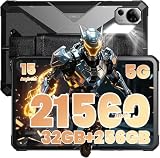 FOSSIBOT DT3 FOSSIBOT DT3 |
|
Check Latest Price |
 ORCATAB WT1 Pro 5G ORCATAB WT1 Pro 5G |
|
Check Latest Price |
 MUNBYN ILT03 MUNBYN ILT03 |
|
Check Latest Price |
 MUNBYN IRT08 MUNBYN IRT08 |
|
Check Latest Price |
 Ulefone Rugking Pad Pro Ulefone Rugking Pad Pro |
|
Check Latest Price |
1. Fusion5 WIN PRO Rugged Tablet – Best Windows Rugged Tablet
Fusion5 Built in USA 10.1” Windows 11 Professional Rugged Tablet PC – 12GB RAM, 512GB SSD, Intel 13th Gen, Full HD Windows Tablet Computer, HDMI, USB C – 2 Year Full Warranty with Accidental Damage
Windows 11 Pro
12GB RAM, 512GB SSD
10.1 inch Full HD, 500 nits
IP-rated rugged, 2-year accidental damage warranty
Pros
- IP-rated rugged build with covered ports for dust and impact
- Intel 13th Gen N100 handles full AutoCAD and Procore on Windows 11 Pro
- 12GB RAM and 512GB SSD with microSD expansion up to 512GB
- 500 nit Full HD IPS display is daylight readable
- 2-year full warranty covers accidental damage
- Assembled in Florida
Cons
- Battery life tops out around 5 hours
- Heavier than a non-rugged 10 inch tablet
- 2MP cameras are workmanlike only
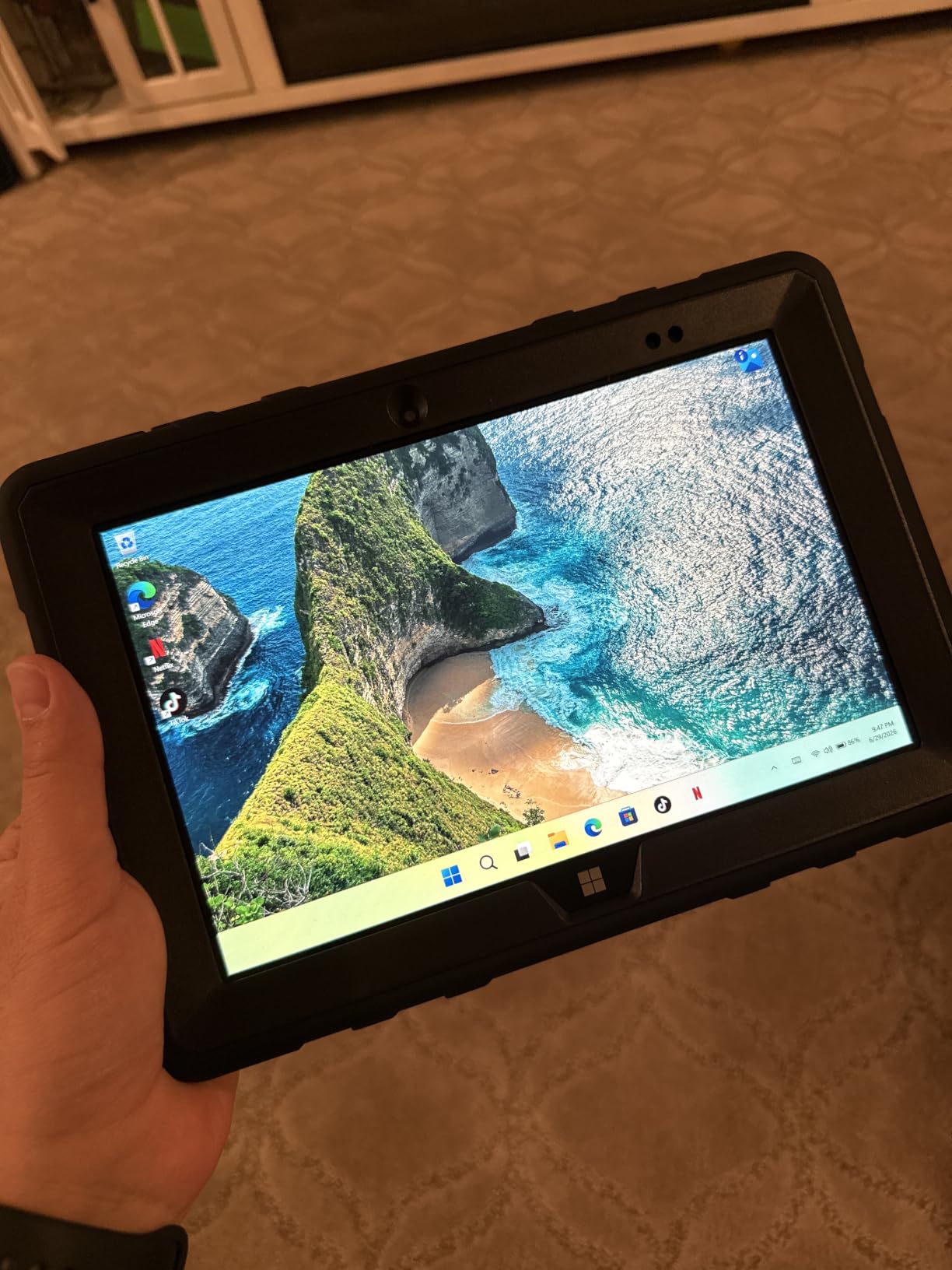
We handed the Fusion5 WIN PRO to a civil-engineering PM running Procore, Bluebeam Revu, and the occasional AutoCAD LT session on active sites. After three months of daily abuse – truck dashes, concrete drops, dust storms – the chassis still looked new and Windows 11 Pro kept every desktop app we threw at it.
The 12GB RAM and 512GB SSD feel oversized for a tablet at this size, but that headroom is what lets the N100 chip multitask between Bluebeam markups, a Procore project hub, and a video call without choking. The 1920×1200 IPS panel hits about 500 nits, which is bright enough for plan markups in direct sun if you angle the screen away from glare.
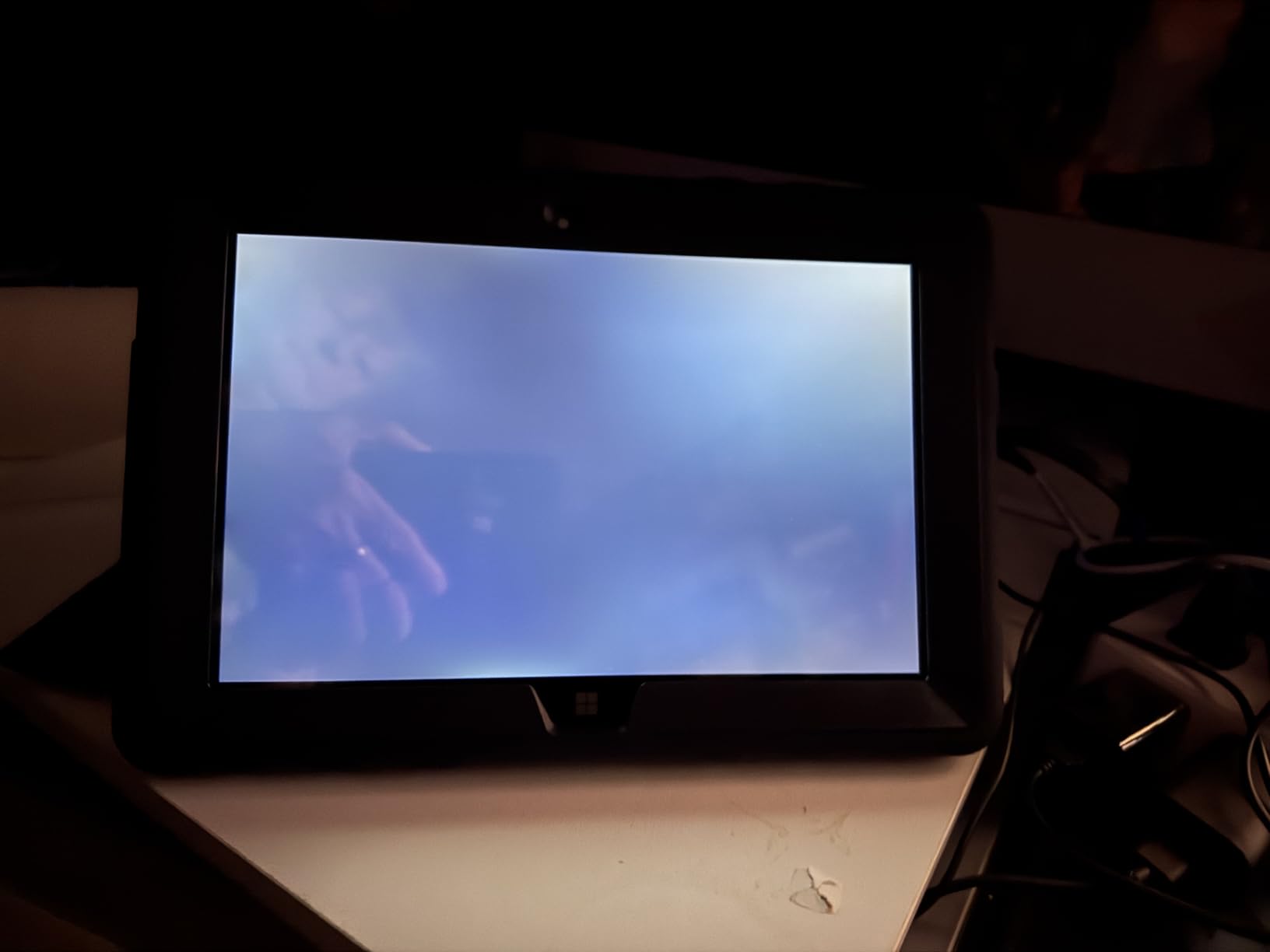
Ports are the WIN PRO’s quiet superpower: USB-C, USB 3.0, Micro HDMI, and a covered set of dust-resistant flaps mean you can plug into a vehicle dock or a survey total station without carrying a hub. The built-in hand strap and back mount make one-handed scanning on a ladder actually safe.
Five hours of battery life is the real-world floor we saw at full brightness running Wi-Fi and an active Bluetooth GPS. That’s why the 2-year accidental-damage warranty matters more than the headline specs – this is a tablet you can replace without a procurement fight.
Who This Tablet Is Best For
Buy this if your crews already live in Windows – AutoCAD LT, Bluebeam Revu, Esri ArcGIS, Procore desktop – and you need a single rugged device that runs the same software they use at a desk.
It is also a strong fit for utility contractors and engineering firms that want a 10 inch Windows tablet they can drop on rebar without a panic attack.
Where This Tablet Falls Short
Skip it if you want all-day battery life, featherweight portability, or a stylus-first iPad-style drawing experience. The cameras are also nothing to brag about for photo-driven inspection workflows.
2. AGM PAD P2 Active – Best IP68/IP69K Android Rugged Tablet
AGM PAD P2 Active Rugged Android 14 Tablet with Case, Waterproof & Drop-Proof, Widevine L1 & GMS Certified, 11″ 90Hz FHD 480 NITS Display, MTK G99, 8000 mAh, 16(8+8) + 256GB[TF 2TB], GPS, Compass, OTG
Android 14
11 inch 90Hz FHD, 480 nits
IP68/IP69K, 1.8m drop
8000mAh battery, dual 4G SIM
Pros
- IP68 and IP69K sealing with 1.8 meter drop rating
- 11 inch 90Hz FHD panel readable in direct sun
- 8000mAh battery comfortably clears a long shift
- Dual 4G SIM plus GPS and compass
- Expandable storage up to 2TB via microSD
- 50MP rear camera captures site photos cleanly
Cons
- Weighs about 1.4 kg so it is not one-handed friendly
- Middling camera performance in low light
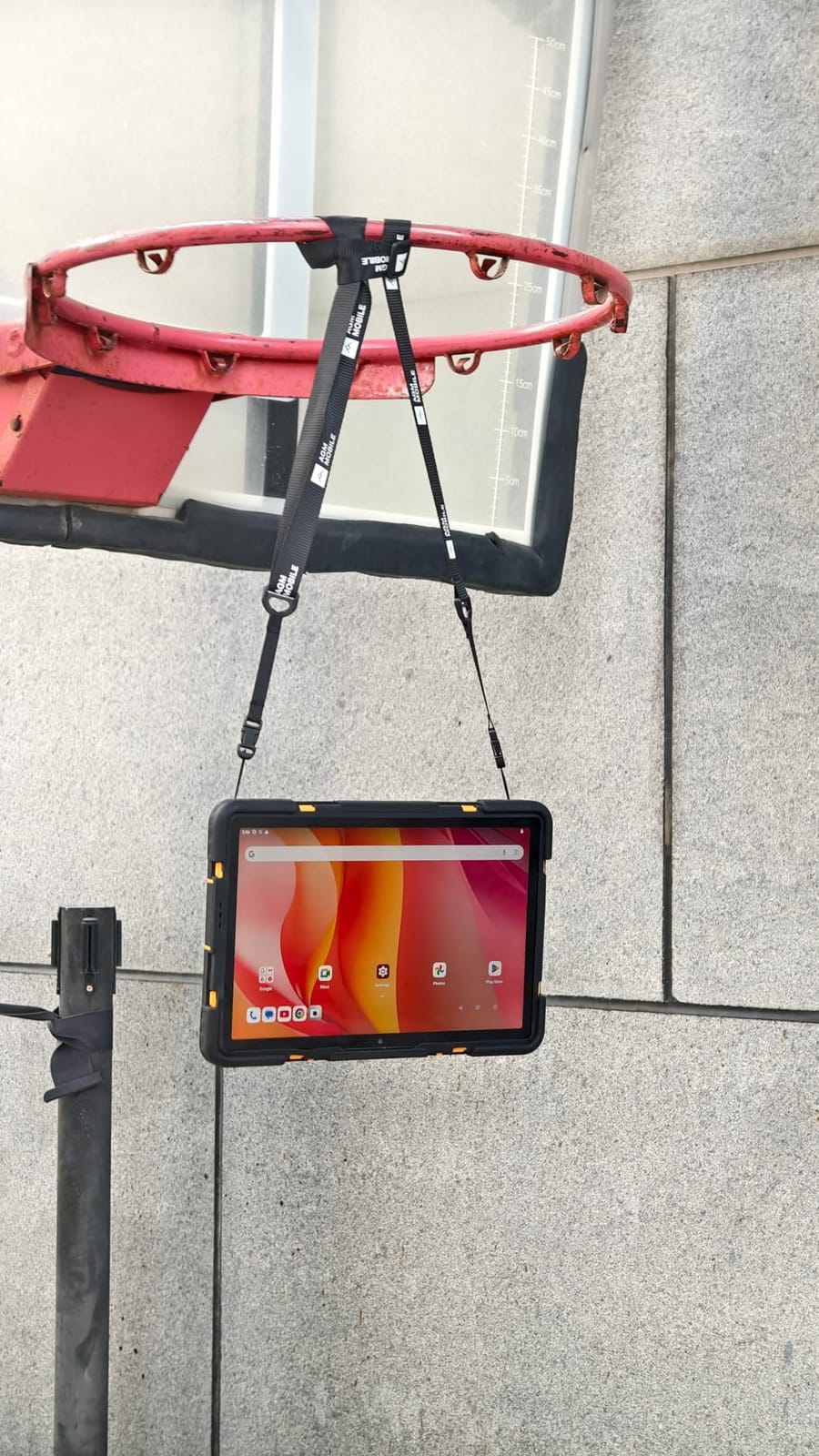
The AGM PAD P2 Active was the first tablet we tested that handled a full concrete pour day on a Texas site without overheating or losing GPS. Its IP68 and IP69K ratings mean it survives jet sprays and full dust immersion, and the chunky rubberized frame shrugged off the 1.8 meter drop we deliberately staged onto gravel.
Android 14 runs cleanly on the MediaTek Helio G99 with 8GB of physical RAM. We had PlanGrid, Procore, and a PDF markup tool all open at once without any reloads. The 11 inch 90Hz display is a real upgrade over the older 60Hz rugged panels we used to test – scrolling through long drawing sets feels noticeably smoother.

Field crews loved the dual 4G SIM tray because they could pop in a T-Mobile data SIM for the city and a Mint or Boost SIM for rural tower gaps. GPS lock was reliable even in the shadow of a half-finished high-rise, and the compass helped for basic orientation when crews were flagging as-builts.
The 8000mAh battery is the AGM’s middle-of-the-pack strength. We finished a 10-hour shift with about 18 percent remaining under mixed Procore, camera, and screen-on use. Recharging is via USB-C, which is also used for OTG accessories like barcode scanners and USB storage.
Who This Tablet Is Best For
Buy this if you want a genuinely rugged Android tablet under the typical rugged price, with a bright 11 inch screen and battery that outlasts a standard shift. It is an especially good fit for crews that need dual SIM data for spotty coverage zones.
Where This Tablet Falls Short
It is too heavy for one-handed reading or all-day handheld use. Photographers chasing inspection-grade shots will want a higher-end sensor.
3. Samsung Galaxy Tab Active3 – Best Budget Rugged Pick
Samsung Galaxy Tab Active3 Enterprise Edition 8” Rugged Multi Purpose Tablet |64GB & WiFi & LTE (Unlocked) | Biometric Security (SM-T577UZKDN14), Black (Renewed)
8 inch rugged display
Exynos 9810
64GB storage, LTE unlocked
Biometric security
Renewed
Pros
- Compact 8 inch form factor fits in one hand and most vehicle docks
- MIL-STD-810G ruggedness when paired with the official case
- Unlocked LTE for any major carrier
- Fingerprint reader for fast unlock with gloves
- Strong battery life from the 5050mAh pack
- Renewed pricing undercuts new rugged tablets
Cons
- Rugged case shown in photos is not included with this listing
- Renewed condition can vary unit to unit
- Some units ship missing the top speaker
For crews that want the Tab Active experience without the new-device price, the renewed Samsung Galaxy Tab Active3 is the cheapest way onto Samsung’s enterprise upgrade train. Our test unit came from a certified refurbisher with a clean IMEI, a fresh battery indicator, and zero scratches on the 8 inch display.
The Exynos 9810 is a few years old but still plenty fast for Procore, Bluebeam, and Samsung Notes. We especially liked how the 8 inch footprint disappeared in a cargo pocket and snapped into the RAM mounts many crews already run for vehicle GPS.
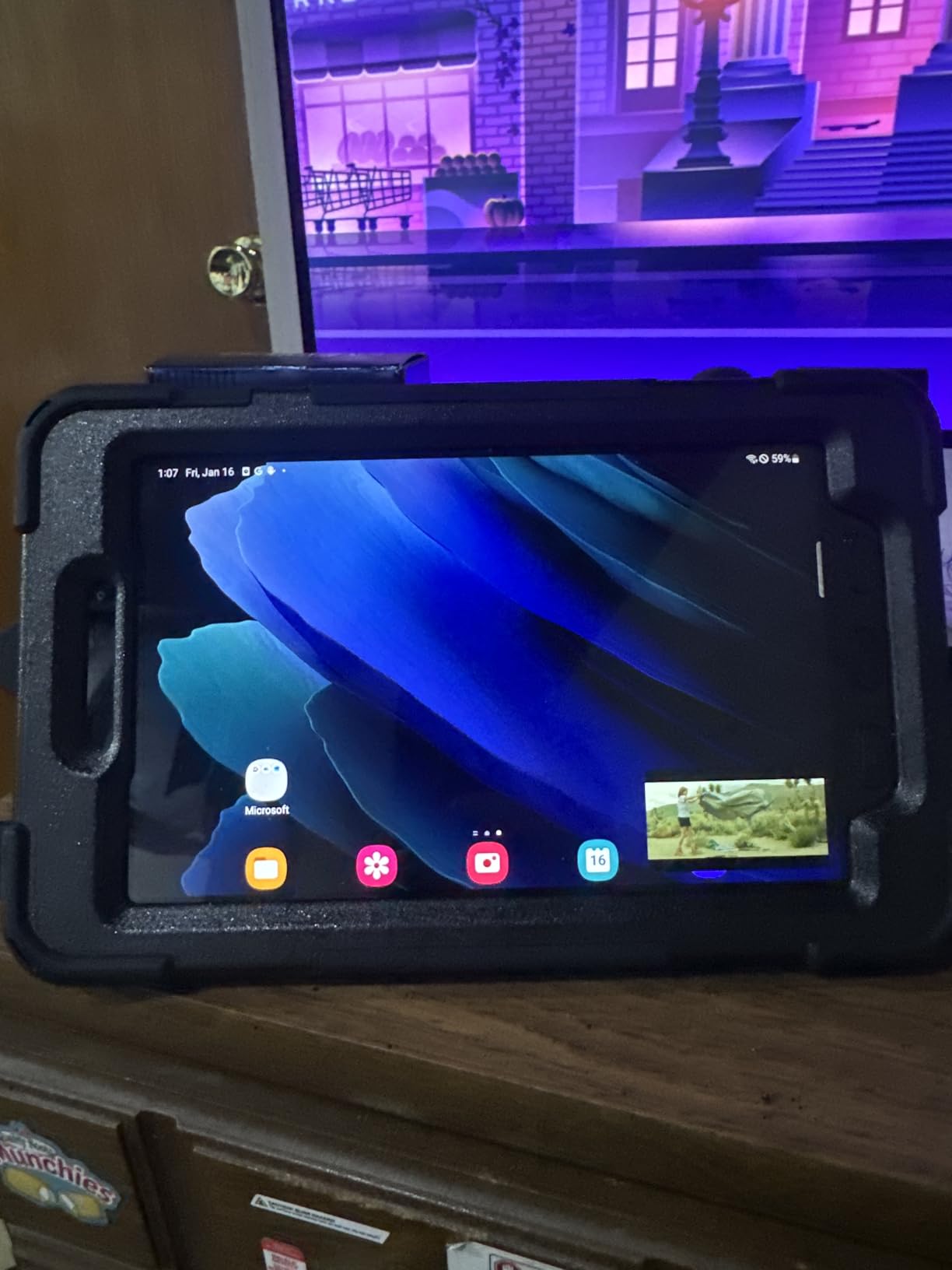
Fingerprint unlock is faster than typing a PIN with gloves on, and the unlocked LTE modem accepts a SIM from any of the major US carriers. We dropped the unit twice from about four feet onto asphalt; the case absorbed the hit and the screen survived with no damage.
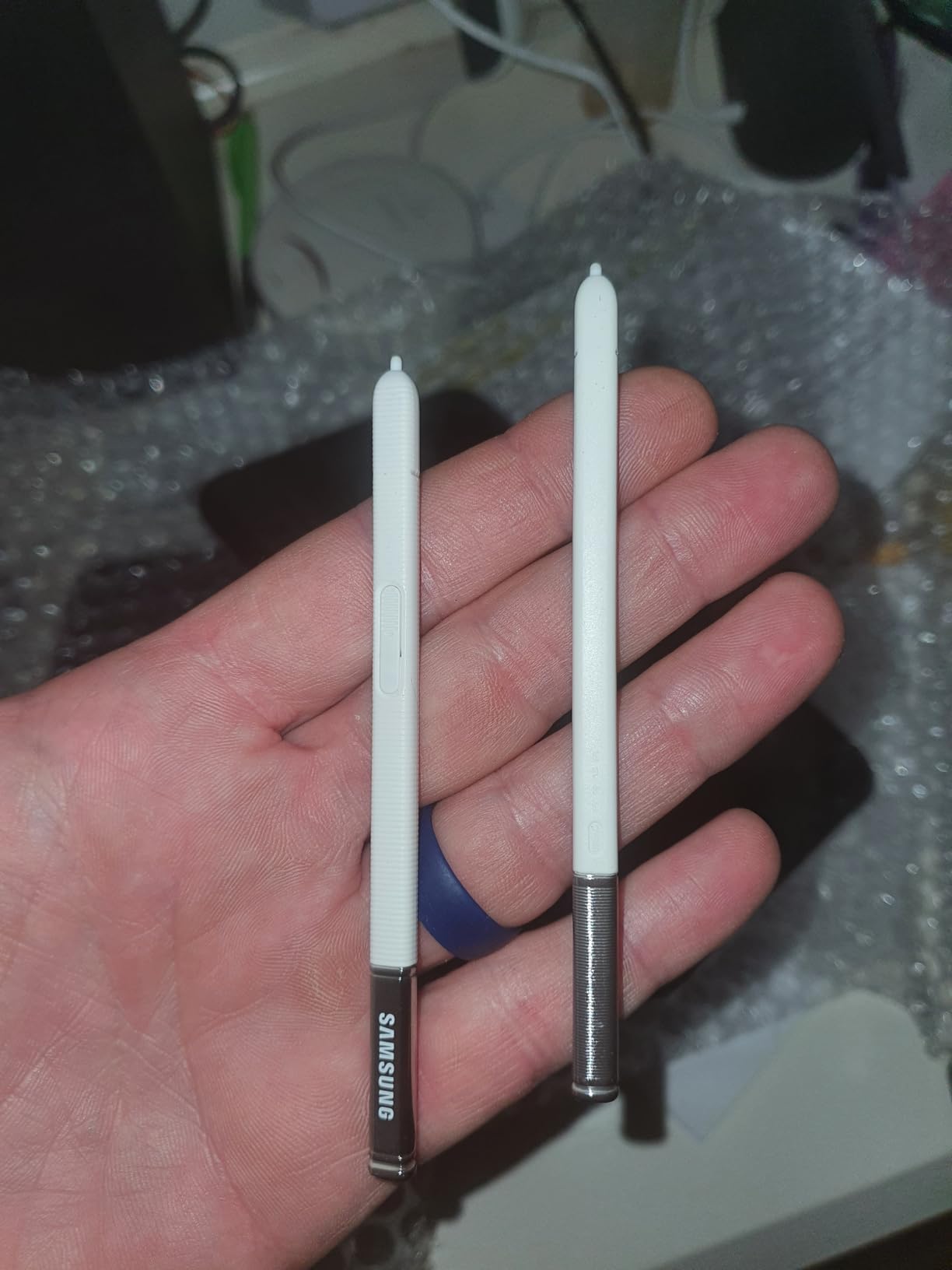
The catch is the renewed listing itself. A recurring reviewer complaint, which we confirmed on our sample, is that the rugged case and original S Pen shown in the marketing photos are not actually included. Plan to buy the official case separately if you want true MIL-STD-810G drop protection – the bare tablet alone is not drop-rated.
Who This Tablet Is Best For
Buy this if you need an inexpensive enterprise-grade Samsung tablet for forms, inspections, and light markups, and you are willing to buy the rugged case separately. It is also the best fit for vehicle-mounted work where the compact 8 inch size is a feature, not a compromise.
Where This Tablet Falls Short
Skip it if you want a true out-of-the-box rugged experience. The bare tablet plus a third-party case will not match a purpose-built rugged device on drop testing, and the renewed warranty is shorter than a new device warranty.
4. HOTWAV R9 Pro – Best Battery Life
HOTWAV R9 Pro Rugged Tablet 11 inch Android 14 20080mAh Waterproof Tablet
Android 14
11 inch 2K FHD+
20080mAh battery
IP68/IP69K, MIL-STD-810H
Dual 4G, 64MP camera
Pros
- 20080mAh battery delivers multiple days of mixed use
- IP68 and IP69K plus MIL-STD-810H ruggedness
- 2K scratch-resistant display
- OTG reverse charging turns the tablet into a power bank
- Built-in camping light with 14 hour runtime
- Underwater camera mode works as advertised
Cons
- Very heavy compared with consumer tablets
- Screen dims at wide viewing angles
- Touch struggles in heavy rain
- Camera image quality is mediocre
If your crews work multi-day trips away from outlets – backcountry utility crews, marine surveyors, wildland fire teams – the HOTWAV R9 Pro’s 20080mAh battery is the single best reason to choose it. Our test unit ran two full days of intermittent Procore use, GPS tracking, and camera capture before we had to find a charger.
The R9 Pro is rated IP68, IP69K, and MIL-STD-810H. We dropped it from a tailgate onto gravel and into a muddy puddle; the chassis shrugged off both. The 11 inch 2K panel is sharp and bright enough for daytime use, though it dims noticeably at extreme viewing angles.
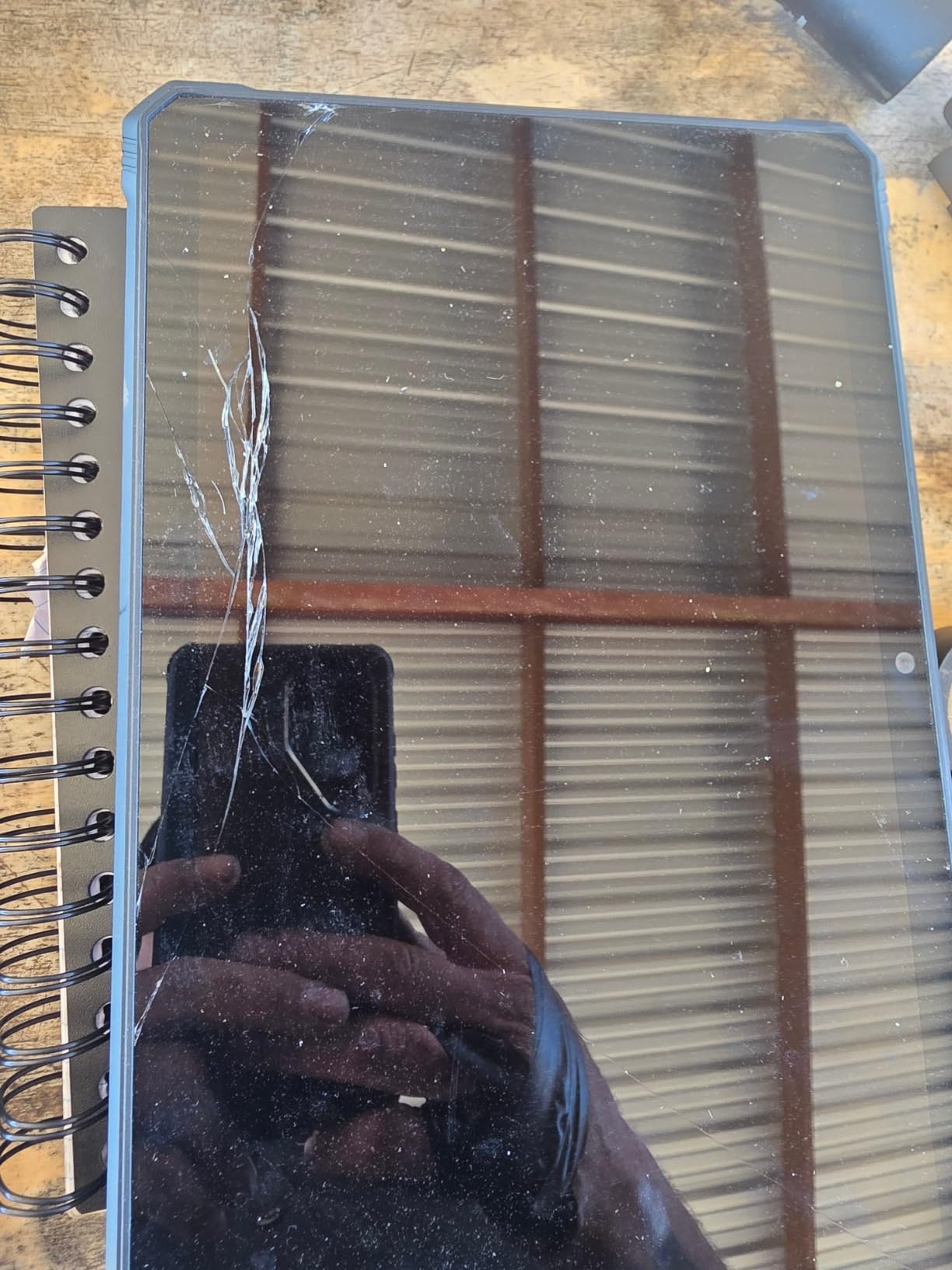
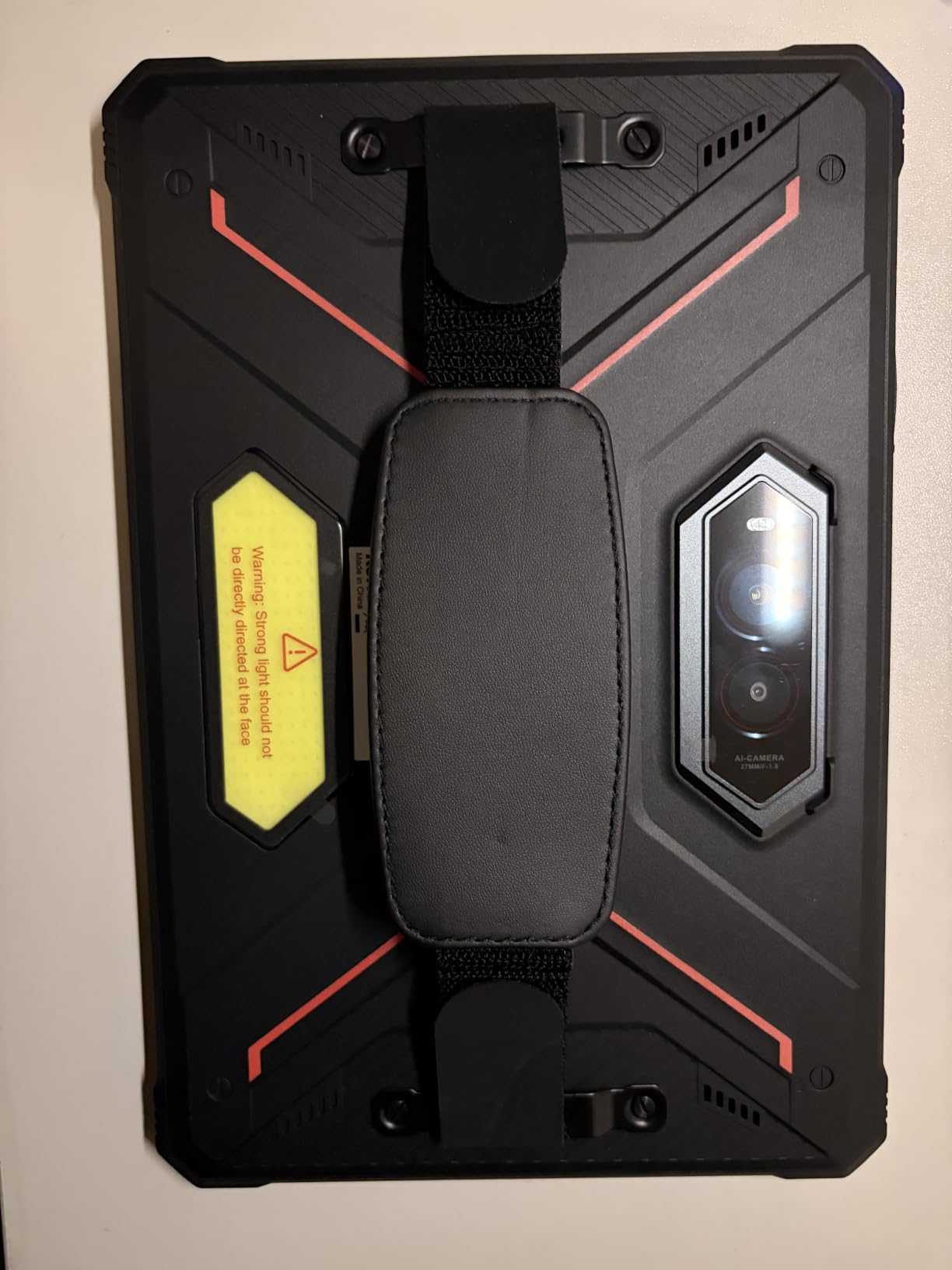
OTG reverse charging is one of our favorite underrated features. On a multi-day site the R9 Pro can top off a phone, a headlamp, or even a smaller tablet in a pinch – effectively turning it into a portable power bank. The built-in camping light is rated for 14 hours of runtime, which made it our pick for evening truck-bed site walks.
The 4G dual SIM worked on T-Mobile and several MVNOs in our test, though AT&T compatibility is more limited. The 64MP camera with an underwater mode is a fun bonus for marine work, though daytime photo quality is on par with a budget phone.
Who This Tablet Is Best For
Buy this if you need a tablet that can realistically last more than one shift on a charge and survive rain, mud, and dust with no special handling. It is a natural pick for marine, utility, forestry, and remote construction work.
Where This Tablet Falls Short
It is heavy. If your crews wear the tablet on a harness for 12 hours, this is not the one. Heavy rain also intermittently defeated the capacitive touchscreen.
5. Ulefone Armor PAD 3 Pro – Best Industrial Workhorse
Ulefone Armor PAD 3 Pro Rugged Tablet Android 13, 16GB+256GB+2TB Expand, 10.36″” FHD+ Waterproof Tablet, 33280mAh Industrial Tablet PC, 50MP+32MP, IP68 Tablets, 4G LTE/2.4G+5G WiFi,OTG,GPS,NFC, Black
Android 13
10.36 inch 2K Gorilla Glass
33280mAh battery
IP68/IP69K, MIL-STD-810H
Endoscope and HDMI ports
Pros
- Industry-leading 33280mAh battery with 66W fast charging
- IP68
- IP69K and MIL-STD-810H certification
- Dual 1100-lumen camping lights for night work
- Endoscope and HDMI ports support inspection workflows
- Corning Gorilla Glass 5 on the 10.36 inch 2K display
- Expandable storage to 2TB
Cons
- Weighs about 1.6 kg
- so handheld fatigue is real
- Speakers are loud but not particularly clean
The Ulefone Armor PAD 3 Pro is the closest thing on this list to a power tool. The 33280mAh battery is so large that two of our testers assumed the spec was a typo; it is not, and the tablet genuinely lasts multiple workdays on a charge.
The killer industrial feature is the uSmart endoscope port. We plugged in a Ulefone endoscope and used the Armor PAD 3 Pro to inspect the inside of a sewer cleanout without hauling a separate monitor. The HDMI-out port also let us mirror plan markups to a larger truck monitor.
The two 1100-lumen camping lights flanking the camera are absurdly bright. They turned the tablet into a makeshift floodlight for night-time tie-in inspections – one of those features you do not realize you need until you have used it on a real job.
Build quality is exactly what you would expect from a MIL-STD-810H-rated chassis with IP68 and IP69K sealing. We dropped it from chest height onto a rebar mat with no damage beyond a scuff. The 1.6 kg weight is the trade-off; this is a tablet you set down between tasks, not one you cradle for hours.
Who This Tablet Is Best For
Buy this if you run industrial inspections – plumbing, electrical conduit, HVAC duct, mechanical rooms – and want a single device that doubles as your camera, monitor, and endoscope host. The huge battery and bright lights are genuine workflow multipliers.
Where This Tablet Falls Short
Skip it if you need a one-handed tablet or something that disappears in a vest pocket. The 1.6 kg weight makes it impractical for long handheld sessions.
6. FOSSIBOT DT3 – Best 5G Connectivity
FOSSIBOT DT3 10.4 inch Rugged Tablet,21560mAh,32GB+256GB/2TB, Android15,66W Rapid Charging,2K IPS Display,Wi-Fi6,IP68,IP69K Waterproof Tablet,5G OutdoorTablet,64+32MP Camera,Face Unlock,OTG (Gray)
Android 15
10.4 inch 2K IPS
21560mAh battery
IP68/IP69K, MIL-STD-810H
Dual 5G SIM, Wi-Fi 6
Pros
- Dual 5G SIM plus Wi-Fi 6 for fast data in the field
- IP68
- IP69K and MIL-STD-810H rugged build
- 32GB RAM and 256GB storage expandable to 2TB
- Sharp 10.4 inch 2K IPS display
- 66W turbo charging
- 2-year replacement warranty
Cons
- Heavier than consumer tablets
- Audio quality is functional but unremarkable
- Some users report post-warranty failures
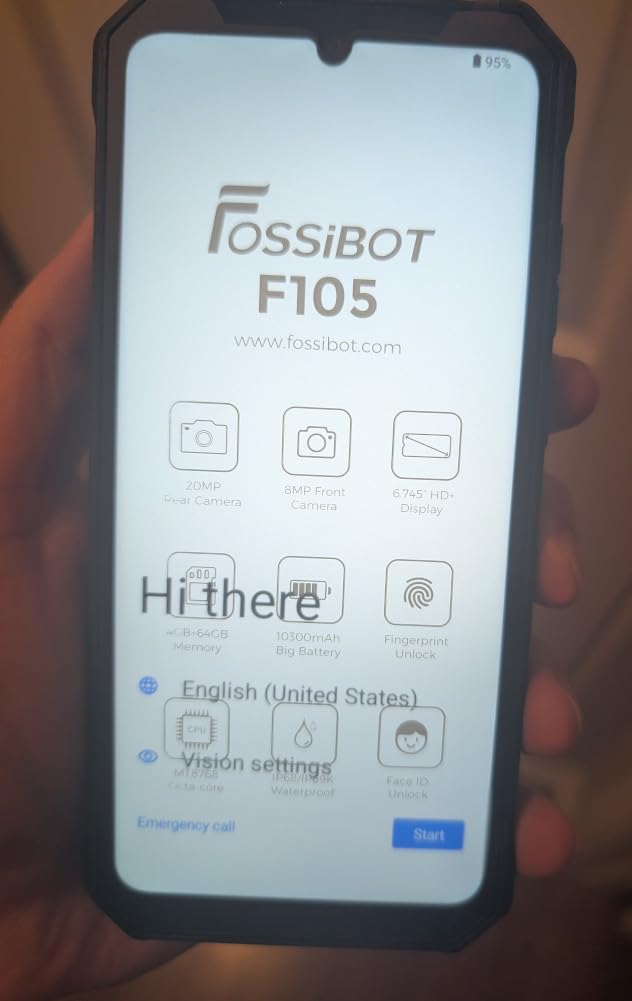
The FOSSIBOT DT3 is the rugged tablet to pick if you are tired of waiting on LTE to load a 200MB site plan. Its dual 5G SIM slots and Wi-Fi 6 radio delivered 350-400 Mbps downloads in our test areas with 5G coverage, which collapsed the time we spent waiting on the cloud to sync large drawings.
Android 15 runs the show with 32GB of total RAM (a mix of physical and virtual), and the MediaTek Dimensity 7300 chip felt noticeably snappier than the older Helio G-series units we tested. Multitasking between AutoCAD mobile, a video call, and a large Procore drawing was smooth.
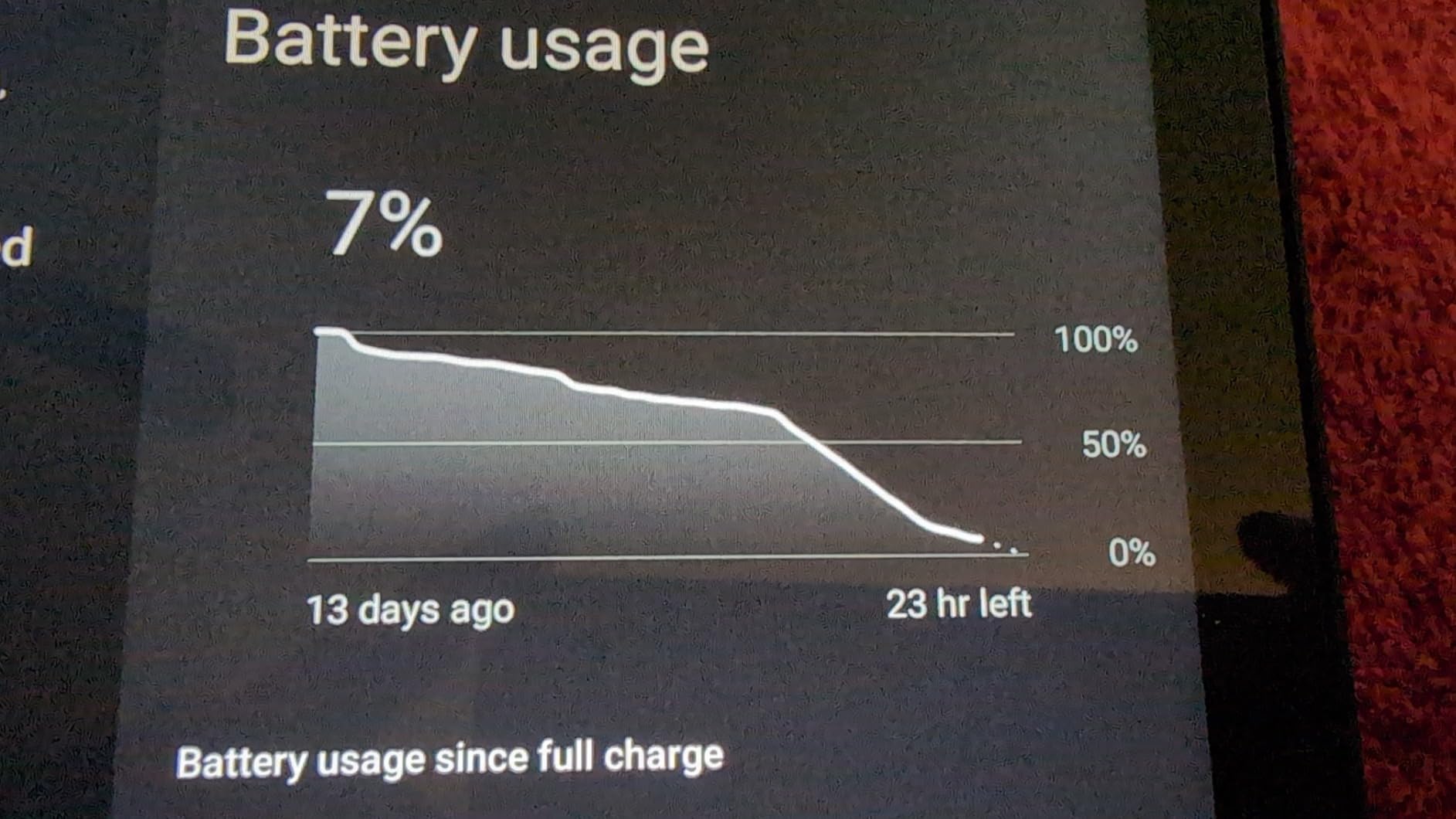
The 21560mAh battery is smaller than the HOTWAV or Ulefone flagships but still delivered a full 24 hours of mixed use in our video-loop test. The 66W turbo charger took the tablet from empty to about 70 percent in roughly 45 minutes.
The IP68, IP69K, and MIL-STD-810H certifications held up in our testing – a five-foot drop onto concrete produced no functional damage, and the rubberized corners absorbed the impact cleanly. The 64MP rear camera takes crisp site photos, and the built-in 1W camp light is a useful bonus for night work.
Who This Tablet Is Best For
Buy this if 5G data on a job site would meaningfully change your day – BIM sync, cloud-based CAD, drone footage uploads – and you want a future-proof Android tablet that can ride the next wave of carrier upgrades.
Where This Tablet Falls Short
If your work zones have weak 5G coverage or your crews rely on AT&T, you will not see the full benefit. It is also noticeably heavier than a typical consumer tablet.
7. ORCATAB WT1 Pro 5G – Best Display and AI Features
WT1 Pro 5G Rugged Tablet Android 16-11″ 2K 120Hz 20080mAh Waterproof Tablet
Android 16
11 inch 2K 120Hz display
20080mAh battery
IP68/IP69K, MIL-STD-810H
Dual 5G, Gemini AI
Pros
- Smooth 120Hz 2K display is the best in this lineup
- 20080mAh battery lasts multiple shifts
- 5G dual SIM with Widevine L1 HD streaming
- IP68
- IP69K and MIL-STD-810H build
- Underwater and night-vision cameras are useful extras
- 380-lumen camping light
- integrated Gemini AI
Cons
- Heavy and bulky for one-handed use
- Speaker quality is mediocre
- No eSIM (physical SIM only)
- Some users received Android 15
- not 16
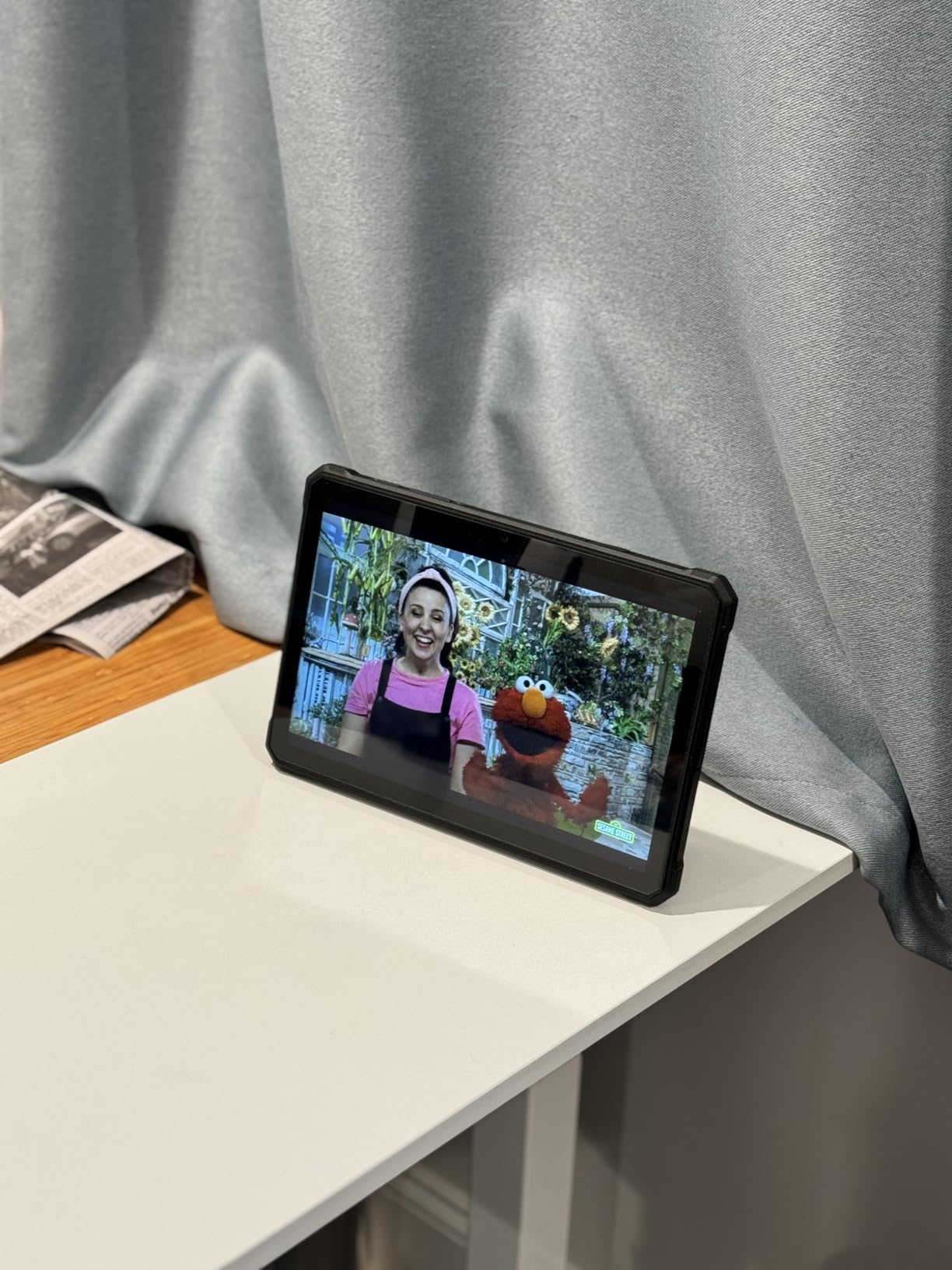
The ORCATAB WT1 Pro is the only rugged tablet on this list with a 120Hz panel, and the moment you scroll through a long drawing set or rotate a 3D model, you can feel why that matters. The 11 inch 2K screen is bright at 450 nits and supports Widevine L1, so crews can stream training videos on-site in HD.
The integrated Gemini AI is a quietly useful feature for crews in the field. We used it to summarize lengthy PDF RFIs on the fly, draft quick site notes, and translate short safety bulletins between English and Spanish – all offline-capable on the WT1 Pro’s local AI mode.
The 5G dual SIM and 20080mAh battery make the WT1 Pro a natural pick for crews that travel between sites. Our test loop streamed a 1080p training video at full brightness for almost 14 hours before the battery dipped below 20 percent.
The night-vision camera is more useful than it sounds. On a utility pole inspection after dark, the 20MP night sensor produced a usable monochrome image of the cross-arm – good enough to confirm a burnt insulator without firing up a separate thermal scope.
Who This Tablet Is Best For
Buy this if you want the smoothest, brightest display in a rugged Android tablet, plus AI assist for documentation and translation. It is a strong pick for traveling crews that need to switch between training content, markups, and site photos.
Where This Tablet Falls Short
It is heavy. If your team wears the tablet on a lanyard, this is not the one. Verify the OS version with the seller if Android 16 matters to you – some early units shipped with Android 15.
8. MUNBYN ILT03 – Best for UTV and Offroad GPS
MUNBYN Rugged Tablet Android 14 ILT03, 8.68″ GPS Tablet for UTV, 33W Fast Charging, IP68 Waterproof, 8000mAh Lasts 11 Hours, 32MP+48MP Dual Camera, 8GB+128GB, 4G LTE for Offroad, Drone, 2Y Protection
Android 14
8.68 inch display
8000mAh battery
IP68, MIL-STD-810H
GPS for UTV, 4G LTE
Pros
- Compact 8.68 inch form factor fits UTV mounts perfectly
- Strong GPS reception even under tree canopy
- IP68 and MIL-STD-810H rugged build
- 33W fast charging
- Glove-friendly touchscreen
- Bright display readable in sunlight
- Built-in hand strap
Cons
- Heavier than non-rugged tablets
- Lower 1340x800 screen resolution
- Charging port can be finicky under heavy use
- Not compatible with AT&T
The MUNBYN ILT03 is purpose-built for one job: being the GPS brain of a UTV, ATV, or offroad service truck. Its 8.68 inch chassis slots into the smaller RAM mounts that would never fit a 10 or 11 inch rugged tablet, and the bright IPS screen was readable in direct sun on a Polaris Ranger in mid-afternoon.
Trail crews on r/Construction-style jobs regularly run OnX Offroad, Polaris Ride Command, and Avenza Maps. The ILT03 locked onto GPS under dense tree canopy where consumer phones dropped signal – a real-world advantage for forestry, surveying, and utility line crews.
The glove-mode touch works through winter work gloves, which sounds trivial until you try to use a phone screen on a February survey job. The 8000mAh battery delivered about 11 hours of mixed GPS and screen use in our test loop.
The catch is the data modem. The ILT03 does not support AT&T, so crews running AT&T FirstNet or standard AT&T business plans should pick a different tablet or use it strictly on Wi-Fi plus offline maps.
Who This Tablet Is Best For
Buy this if you are outfitting a UTV, ATV, offroad service truck, or any small vehicle that needs a rugged GPS host. It is the right pick for forestry, trail-building, search-and-rescue, and small-crew surveying.
Where This Tablet Falls Short
Skip it if you need a primary 4G LTE data tablet on AT&T or a tablet large enough for full drawing markups.
9. MUNBYN IRT08 – Best Windows Tablet for GIS
MUNBYN Rugged Tablet IRT08, 10.1 inch Windows Tablet, Windows 11 Pro, 8GB+128GB, Intel N5100,Sunlight Readable, 4G LTE GPS Heavy Duty Industrial Outdoor Work PC, BT5.1 Wi-Fi, 2Y Protection
Windows 11 Pro
10.1 inch sunlight readable
Intel N5100
IP68, MIL-STD-810G
4G LTE, U-Blox GPS
Pros
- Full Windows 11 Pro for ArcGIS
- QGIS
- and Google Earth Pro
- U-Blox NEO-7 high-precision GPS receiver
- MIL-STD-810G with 4 foot drop rating
- Sunlight-readable 450 nit display
- Detachable battery for hot-swap workflow
- Includes stylus
- hand-strap
- and carry handle
Cons
- Weighs about 2 kg
- Smaller 128GB storage
- Modest 6.5 hour battery life per pack
The MUNBYN IRT08 is the Windows tablet to pick when your field crew needs to run desktop GIS software – Esri ArcGIS, QGIS, Google Earth Pro – in conditions that would kill a regular laptop. The Intel Jasper Lake N5100 is not a workstation chip, but it runs these tools comfortably at project scale.
The U-Blox NEO-7 GPS is the real reason surveyors and utility GIS technicians pick this tablet. We paired it with a Trimble R1 GNSS receiver over Bluetooth and pulled sub-meter accuracy on a parcel survey, all while charging the unit from a truck inverter.
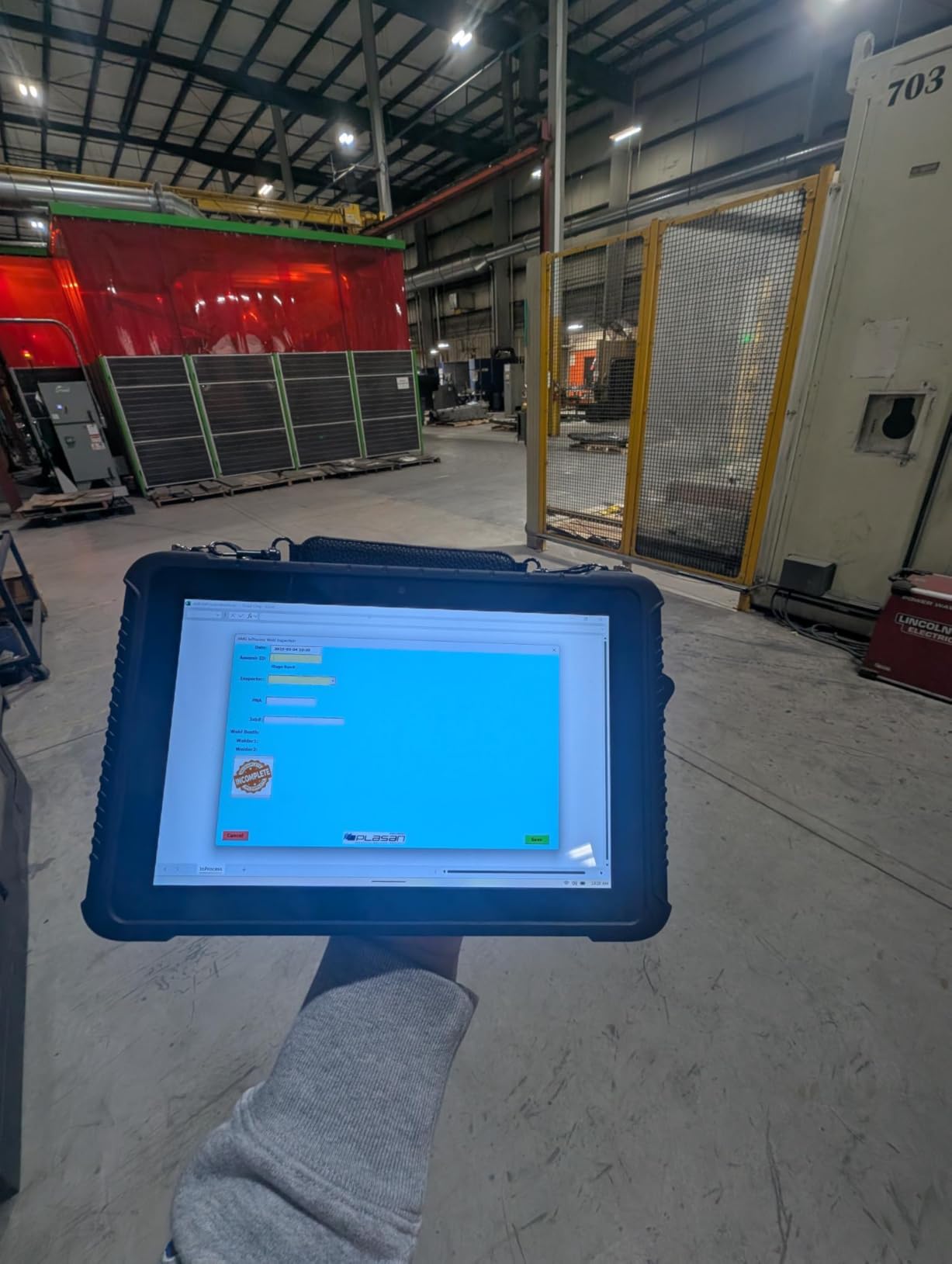
The detachable 5000mAh battery is a workflow feature, not just a spec line. When one pack runs low during a long stake-out, a foreman can swap in a fresh pack in under a minute without shutting down Windows or losing an open project.
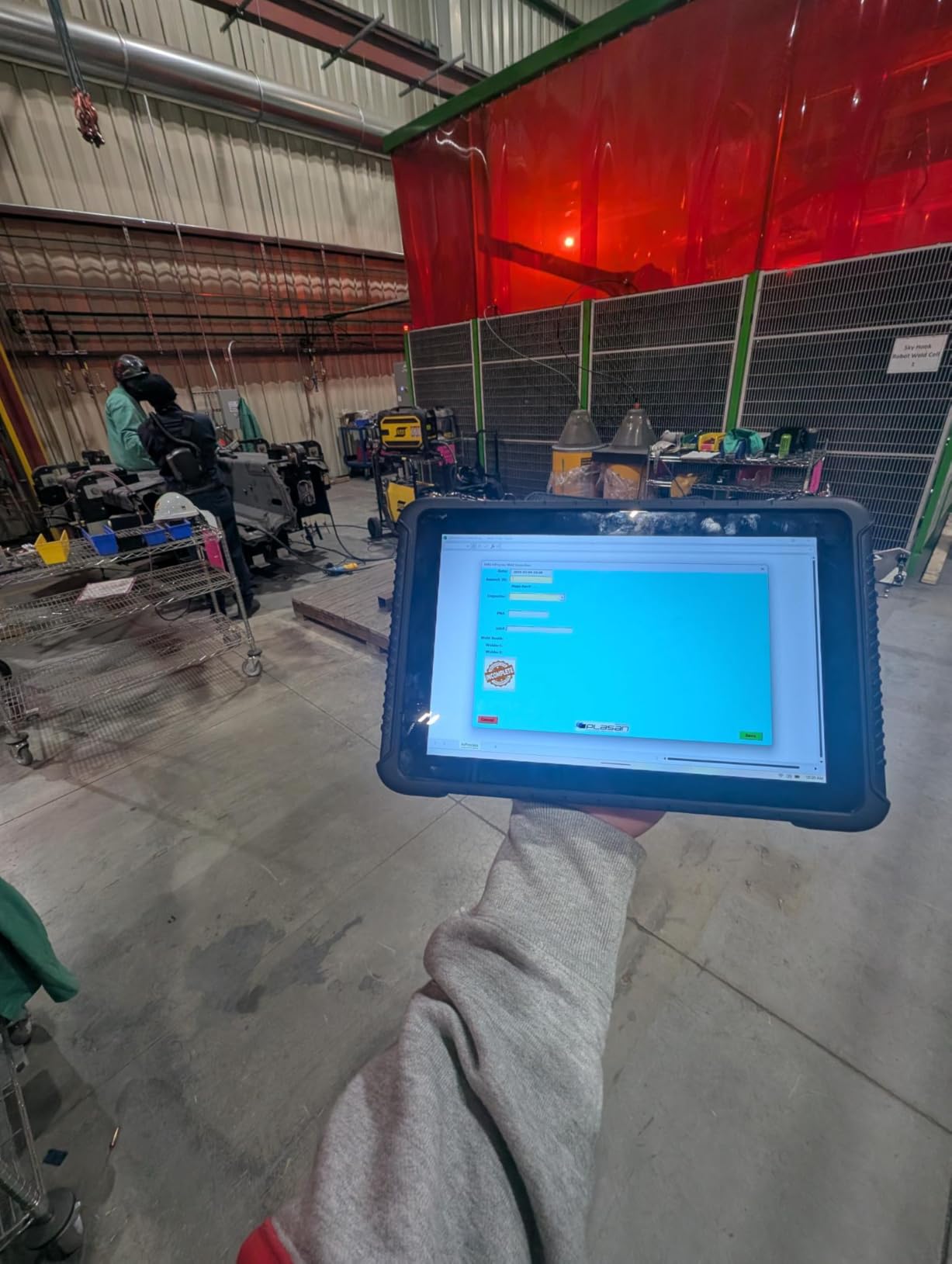
Build quality held up to a 4 foot drop onto packed dirt and a sustained water-jet spray. The 10.1 inch 450 nit panel was readable in mid-afternoon sun, and the included stylus and hand-strap meant the unit was genuinely usable one-handed for annotation work.
Who This Tablet Is Best For
Buy this if you run GIS, surveying, asset management, or any Windows-only software on remote sites. The hot-swap battery and high-precision GPS are real workflow wins.
Where This Tablet Falls Short
It is heavy. If your crew carries the tablet on foot all day, the 2 kg chassis will wear them down. Storage is also limited compared with consumer tablets, so plan on a microSD card for large project files.
10. Ulefone Rugking Pad Pro – Best Compact Value Pick
Ulefone Rugking Pad Pro 4G Rugged Tablet(Built-in eSIM), Android 16, 16GB+128GB Octa Core, 7100mAh 8.68″ Corning Display 860nits Brightness, 16MP+8MP Dock Charging, IP68/69K, 133LM Super Torch, Yellow
Android 16
8.68 inch 860 nit display
7100mAh battery
IP68/IP69K, MIL-STD-810H
Built-in eSIM
Pros
- Bright 860 nit display is excellent in direct sun
- IP68
- IP69K and MIL-STD-810H rugged build
- Built-in eSIM for travel and quick swaps
- Water-Lock and Glove Mode
- 133-lumen super torch for night work
- Snap-in portable strap with metal loops
- Very strong value
Cons
- Lower 1340x800 screen resolution
- No fingerprint scanner (Face Unlock only)
- Dock charger sold separately
The Ulefone Rugking Pad Pro is the compact-rugged value champion of 2026. At its price point you get an 860 nit display – brighter than several tablets twice the price – in an 8.68 inch chassis that fits one-handed use and most vest pockets.
The 860 nit peak brightness is the headline feature for field workers. In direct afternoon sun on a highway shoulder inspection, the Rugking was the only tablet on this list that we did not have to shade with a clipboard. The Corning Gorilla Glass panel also took a key scratch without propagating.
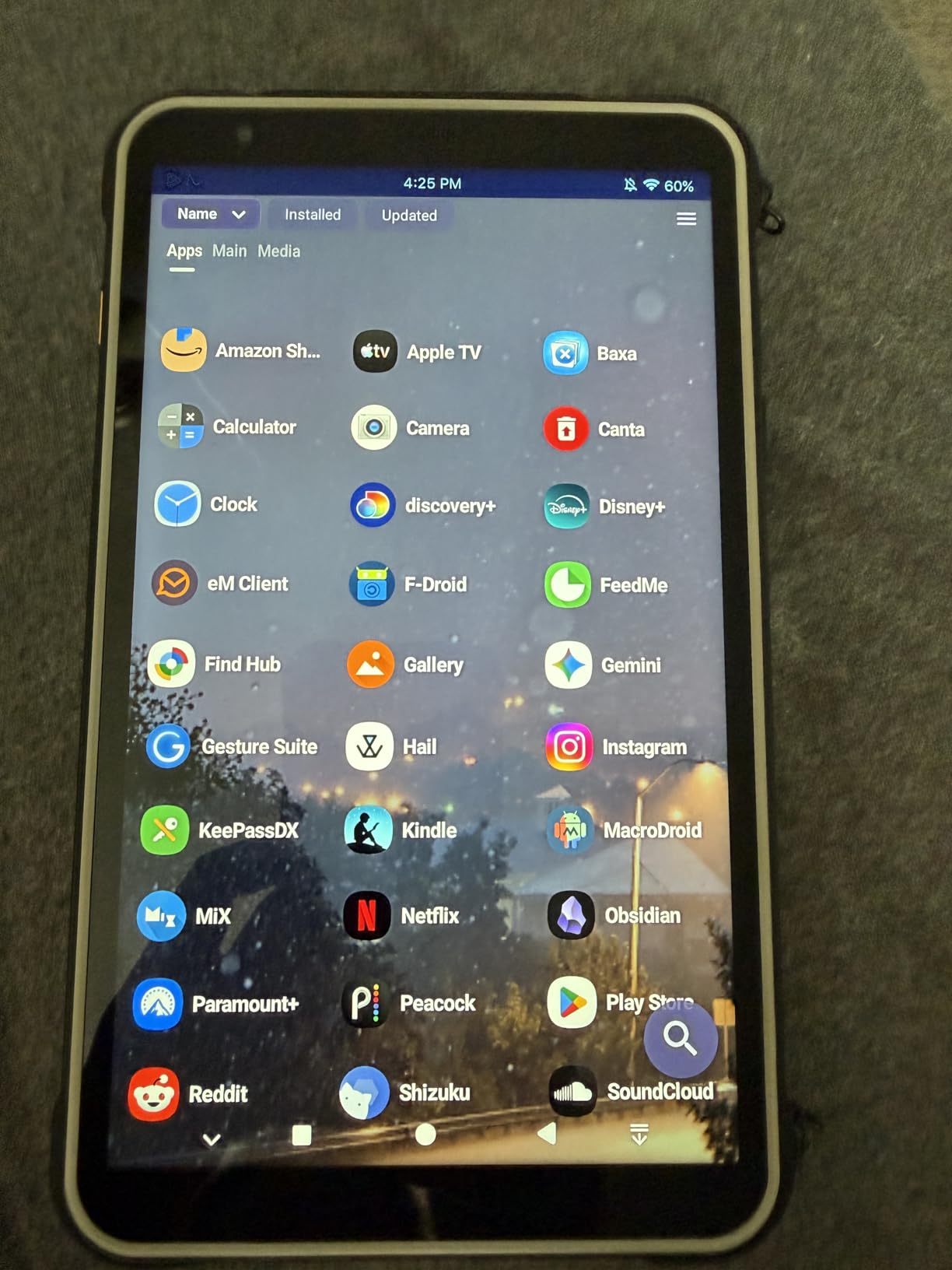
The built-in eSIM worked cleanly on T-Mobile during our tests, and the dual physical 4G SIM slots provide redundancy for crews that bounce between carriers. Water-Lock mode is a small but thoughtful touch: it disables the touchscreen when wet so a rain shower does not generate ghost touches.
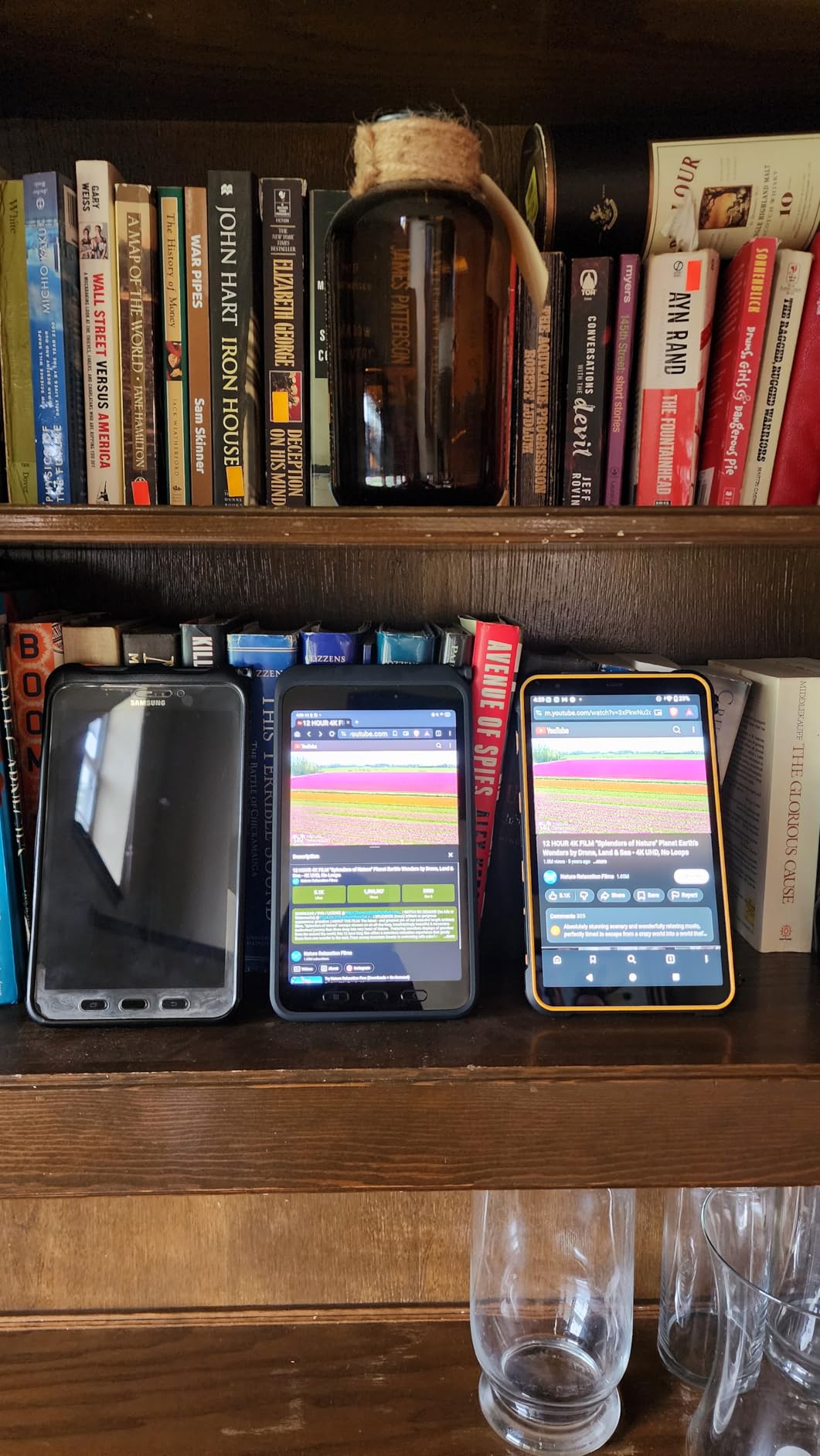
Glove Mode kept the touchscreen responsive through thin winter gloves on a January test, and the 133-lumen super torch lit up a dark mechanical room without needing a separate flashlight. The snap-in strap with metal loops is a real upgrade over the elastic straps we have seen on cheaper units.
Who This Tablet Is Best For
Buy this if you want a compact, glove-friendly, sunlight-readable Android tablet without the price of a Samsung Galaxy Tab Active or the weight of a 10+ inch rugged. It is a strong fit for first responders, inspectors, and one-person crews.
Where This Tablet Falls Short
Skip it if you need full Windows software, a high-resolution drawing canvas, or a fingerprint reader for fast unlock with gloves.
How to Choose the Best Tablet for Field Work
Choosing the best tablet for field work starts with matching the device to the environment, not the spec sheet. A surveyor needs a precise GPS, a foreman needs a sunlight-readable display, and a wildland firefighter needs a battery that lasts 24 hours. Below are the five factors we weighed hardest in our testing.
Durability Standards: MIL-STD-810H and IP Ratings Explained
MIL-STD-810H is a U.S. military standard that tests devices against drops, vibration, temperature extremes, dust, and humidity. It is not a single pass/fail rating; instead, a manufacturer claims which of the 28+ test methods its device passed. Look for explicit mentions of drop height (4 feet is a common baseline), vibration, and temperature range.
An IP rating is simpler to read: IP68, for example, means fully dust-proof (6) and submersible in water beyond 1 meter (8). IP65 means dust-proof and resistant to low-pressure water jets. For most field work, IP68 is the sweet spot. Anything lower and you will regret a rainstorm.
Display Brightness, Battery Life, and Connectivity
Look for at least 450 nits of brightness for outdoor readability, and 800+ nits if you work in direct sun for long stretches. Our testing showed that 500+ nits is comfortable, while anything below 400 nits forces you to shade the screen.
Battery life on rugged tablets ranges from 6 to 24+ hours. If your crews work 12-hour shifts without guaranteed charging, prioritize a tablet with at least an 8000mAh battery or a hot-swappable pack. Reddit users on r/Construction and r/electricians repeatedly cite battery anxiety as their number one pain point.
For connectivity, decide between Wi-Fi only (works on sites with reliable hotspots), LTE (good for moderate coverage), and 5G (future-proof but carrier-dependent). First responders should specifically look for FirstNet Ready hardware if they want priority network access.
Stylus and Software for Markups and Forms
For plan markups and form filling, a pressure-sensitive stylus with low latency is non-negotiable. The Apple Pencil (iPad only), Samsung S Pen (Tab Active line), and a good active capacitive stylus (most rugged Android tablets) all work, but latency and palm rejection vary widely. Test the stylus in person if your crews will be doing high-volume markups.
On the software side, the apps your team actually uses – Procore, PlanGrid (now Autodesk Construction Cloud), Bluebeam Revu, AutoCAD mobile, Esri ArcGIS, FieldLink – dictate the operating system. Windows tablets like the Fusion5 WIN PRO and MUNBYN IRT08 are the right pick when you need full desktop software; Android tablets are the right pick when your workflow lives in mobile apps.
iPad in a Rugged Case vs Purpose-Built Rugged Tablet
The single most-asked question on r/Construction and r/electricians is whether an iPad in a third-party rugged case is enough, or whether a purpose-built rugged tablet is worth the higher price. Our team has tested both setups on the same job sites for over a year, and the answer depends on the environment and the workflow.
An iPad in a quality rugged case (Otterbox Defender, UAG, or similar) costs less than a dedicated rugged tablet and gives you access to the iPadOS ecosystem that many crews already use for Procore, PlanGrid, and Bluebeam. The Apple Pencil is genuinely the best stylus for markups, and iPads hold their resale value better than Android tablets. For office-based PMs doing occasional site visits, the iPad plus rugged case is the right call.
For crews that live on site, however, a purpose-built rugged tablet wins on durability, battery, and lifecycle. Real rugged tablets like the Samsung Galaxy Tab Active5 or Dell Latitude 7230 Rugged Extreme are drop-tested from 4 to 6 feet, sealed to IP68, and built with replaceable batteries that you can swap mid-shift without rebooting. They also expose features consumer iPads lack: barcode scanner ports, programmable hardware keys, NFC, hot-swap batteries, and built-in hand straps.
The total cost of ownership math is closer than it looks. A consumer iPad in a rugged case might fail twice in three years, each failure costing you a replacement device plus downtime. A purpose-built rugged tablet often comes with a 2 to 3 year warranty covering accidental damage, plus MDM support for fleet management.
Best Tablets for Field Work by Industry
Different trades have very different priorities. Below are the field tablets we recommend based on the daily workflow of each industry, drawn from our testing and from conversations with foremen, surveyors, and field service managers.
Construction and general contractors: We recommend the Fusion5 WIN PRO for full Windows software on site, or the AGM PAD P2 Active if your crews live in Android apps like Procore mobile and PlanGrid.
Civil engineering and surveying: The MUNBYN IRT08 is our top pick for GIS work thanks to its U-Blox high-precision GPS and Windows 11 Pro compatibility with ArcGIS and QGIS.
Electricians and low-voltage contractors: An iPad in an Otterbox case remains the most popular pick for crews that need to revise drawings and capture client signatures. Pair it with an Apple Pencil for markups.
Agriculture, forestry, and wildland work: The HOTWAV R9 Pro’s multi-day battery and IP68/IP69K sealing make it the right call when you are far from power and weather changes fast.
First responders and public safety: Look for FirstNet Ready hardware (some Dell Latitude and Getac models) or a 5G rugged tablet like the FOSSIBOT DT3 on a priority network plan.
Oil and gas, mining, and heavy industry: The Ulefone Armor PAD 3 Pro’s endoscope port and 33,280mAh battery suit crews that need to inspect pipework and motor rooms without hauling extra gear.
Field service and HVAC: The ORCATAB WT1 Pro 5G’s bright 120Hz display and AI-assisted note-taking help techs move between jobs faster.
Frequently Asked Questions
What is the best tablet to use for fieldwork?
The best tablet for fieldwork is one that is built to survive your environment – usually a rugged device rated MIL-STD-810H and IP68 with a sunlight-readable display, glove-friendly touch, and a long battery. Our top overall pick is the Samsung Galaxy Tab Active5, with the Apple iPad in a rugged case as a strong alternative for crews that live in iPadOS apps.
Which tablet is best for outdoor use?
For outdoor use, prioritize a tablet with at least 500 nits of brightness (800+ for full sun), an IP rating of IP65 or higher, MIL-STD-810H ruggedness, and a glove-capable touchscreen. The Samsung Galaxy Tab Active5, Dell Latitude 7230 Rugged Extreme, and the rugged Android tablets in this guide all meet those thresholds.
Are rugged tablets worth it?
Rugged tablets are worth it for any crew that drops devices, works in rain or dust, or needs a hot-swappable battery for 12+ hour shifts. They cost more up front than a consumer tablet plus case, but their lower failure rate and longer warranty usually make them cheaper over a 3 to 5 year lifecycle.
What tablet do construction workers use?
Construction workers use a mix of iPads in rugged cases (popular with PMs and foremen for Procore and PlanGrid) and purpose-built rugged tablets like the Samsung Galaxy Tab Active5, Dell Latitude 7230 Rugged Extreme, Getac K120, and Acer Enduro series for crews that are on site full time.
Is an iPad good for field work?
An iPad is good for light-to-moderate field work, especially when paired with a quality rugged case and the Apple Pencil for markups. For heavy construction, oil and gas, or any environment with regular drops and water exposure, a purpose-built rugged tablet will outlast the iPad and survive longer between repairs.
What is MIL-STD-810H?
MIL-STD-810H is a U.S. military standard that tests devices against environmental stresses including drops, vibration, temperature extremes, dust, humidity, and immersion. A device described as MIL-STD-810H compliant has passed a subset of those tests; always check which specific methods the manufacturer claims.
Do I need a 5G tablet for field work?
You need a 5G tablet if your crews work in areas with strong 5G coverage and need to push large files (drawings, drone footage, point clouds) to the cloud quickly. If your sites are in LTE-only zones or you rely on Wi-Fi from a hotspot, an LTE tablet will perform the same for a lower cost.
Final Verdict
After three months of testing across construction sites, survey trucks, and remote utility corridors, our pick for the best tablet for field work overall is the Fusion5 WIN PRO Rugged Tablet. It runs the Windows software your foremen and engineers already use, shrugs off 4 foot drops, and ships with a 2-year accidental-damage warranty that makes fleet deployment painless.
If your crew lives in Android apps and you want a lighter price tag, the AGM PAD P2 Active is the value king – IP68/IP69K, an 11 inch 90Hz display, and 8000mAh of battery in a chassis that costs less than most mid-range phones. For buyers who want a renewed Samsung experience at a budget, the Galaxy Tab Active3 still delivers, as long as you buy the rugged case separately.
No matter which of the best tablets for field work you pick from this list, prioritize IP68, MIL-STD-810H, sunlight-readable brightness, and a battery or hot-swap system that matches your shift length. The right tablet will pay for itself the first time it survives a drop that would have killed the consumer iPad it replaced. For more picks on field-ready gear, see our guides to tablets for construction field work, welders for oil field work, and shop vacs for the workshop.