
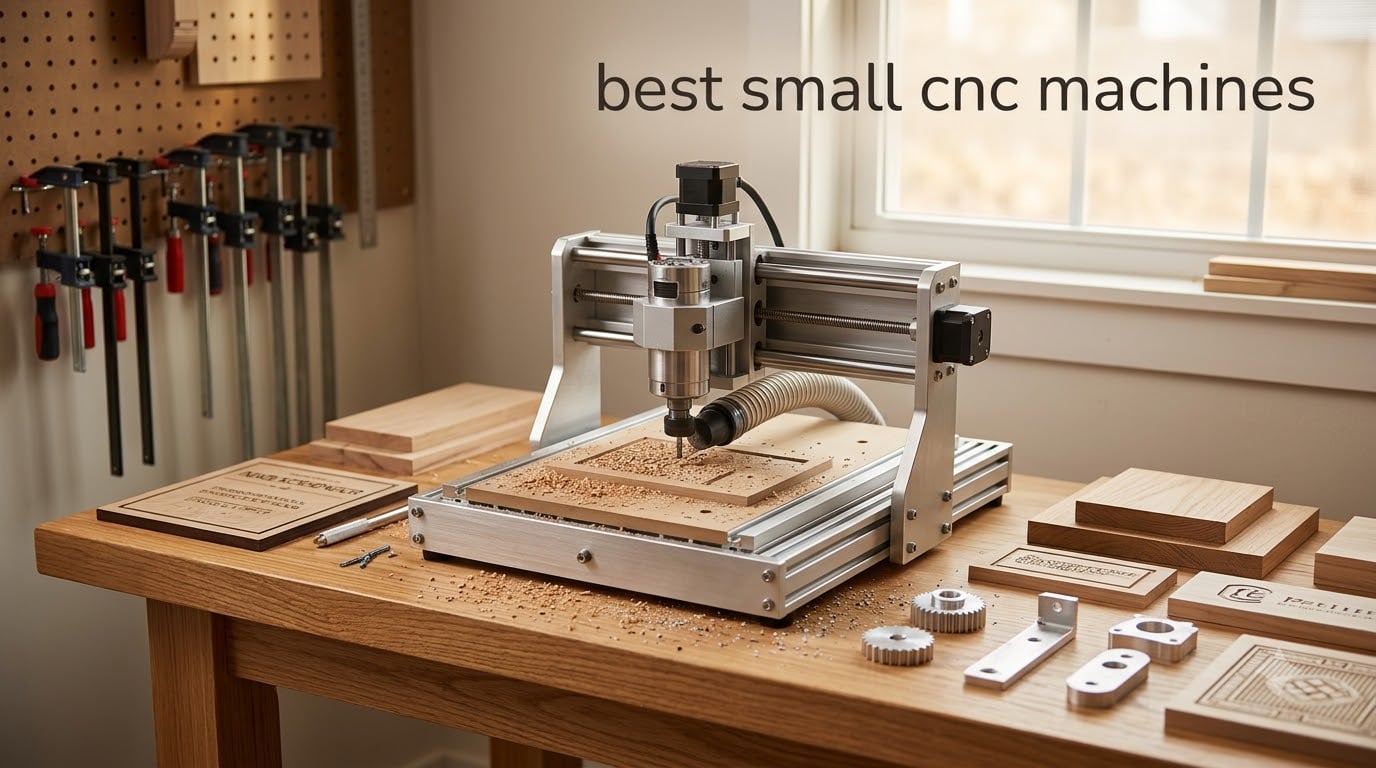
I tested eight desktop CNC machines over the past four months in my garage shop, cutting everything from basswood to 1/8-inch aluminum plate. Some of these machines impressed me with their precision; others frustrated me with sloppy assembly and weak stock spindles. This guide shares what I actually found, including the specific projects that revealed each machine’s strengths and weaknesses.
The best small CNC machines pack serious capability into a benchtop or desktop footprint. They open up custom woodworking, sign making, prototyping, engraving, PCB fabrication, and even light metalworking to hobbyists and small business owners without the $10,000-plus investment of a full-size industrial router. After logging hundreds of cuts on these eight models, I’m confident there’s a perfect match here whether you’re a complete beginner or a seasoned maker ready to upgrade.
Our team evaluated each machine on spindle power, work area, material range, build quality, software compatibility, assembly time, and real-world reliability. We also factored in community support, warranty, and upgrade potential. The picks below span the full price spectrum from under $200 budget starters to a fully-loaded $1,200 advanced hobby machine.
Table of Contents
Top 3 Picks for Small CNC Machines in September


Best Small CNC Machines in 2026
| Product | Specifications | Action |
|---|---|---|
| Genmitsu CNC 3018-PRO Router Kit |
|
Check Latest Price |
 SainSmart Genmitsu 3018-PROVer V2 SainSmart Genmitsu 3018-PROVer V2 |
|
Check Latest Price |
 Twotrees TTC3018 Pro Twotrees TTC3018 Pro |
|
Check Latest Price |
 FoxAlien Masuter Pro 3-Axis FoxAlien Masuter Pro 3-Axis |
|
Check Latest Price |
 Genmitsu 4040-PRO CNC Router Genmitsu 4040-PRO CNC Router |
|
Check Latest Price |
 Twotrees TTC450 Pro Twotrees TTC450 Pro |
|
Check Latest Price |
 Genmitsu PROVerXL 4030 V2 Genmitsu PROVerXL 4030 V2 |
|
Check Latest Price |
| FoxAlien XE-PRO CNC Router |
|
Check Latest Price |
1. Genmitsu CNC 3018-PRO Router Kit – Best Entry-Level Starter
Genmitsu CNC 3018-PRO Router Kit, 3-Axis CNC Machine, Mini Milling Machine
300x180x45mm work area
20,000 rpm spindle
GRBL control
Pros
- Compact desktop size perfect for beginners
- Proven GRBL control with massive community
- Works with wood
- acrylic
- PVC
- soft aluminum
- Offline controller included
- Easy assembly
Cons
- Limited 300x180x45mm working area
- No limit switches included
- Coupling screws may loosen
- Instructions could be clearer
When I first pulled the Genmitsu 3018-PRO out of the box, I expected a flimsy kit. Instead, I found a surprisingly rigid little machine with a clear set of instructions and a community-driven knowledge base. This is the best small CNC machine for absolute beginners who want to understand CNC workflows without overspending.
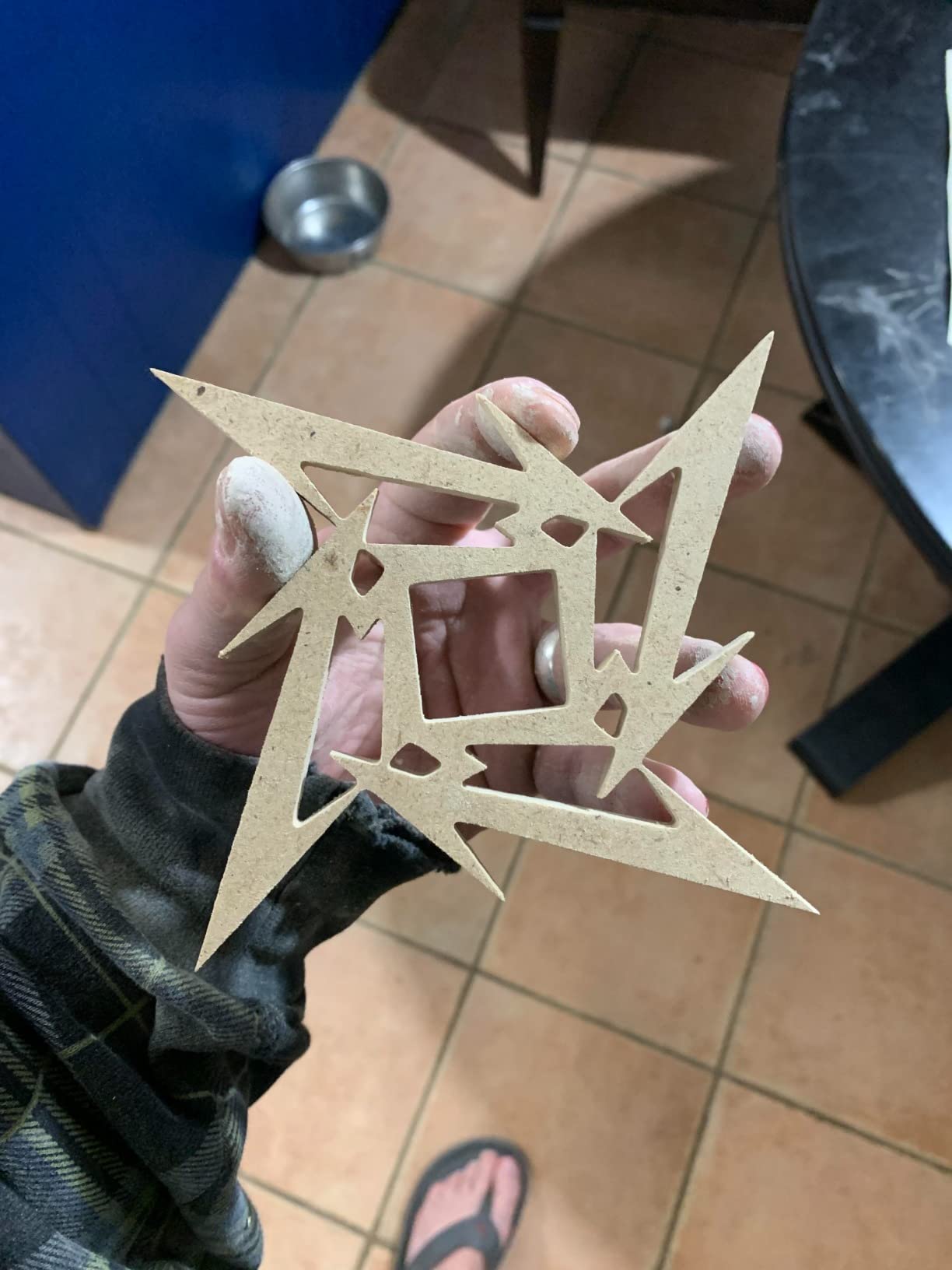
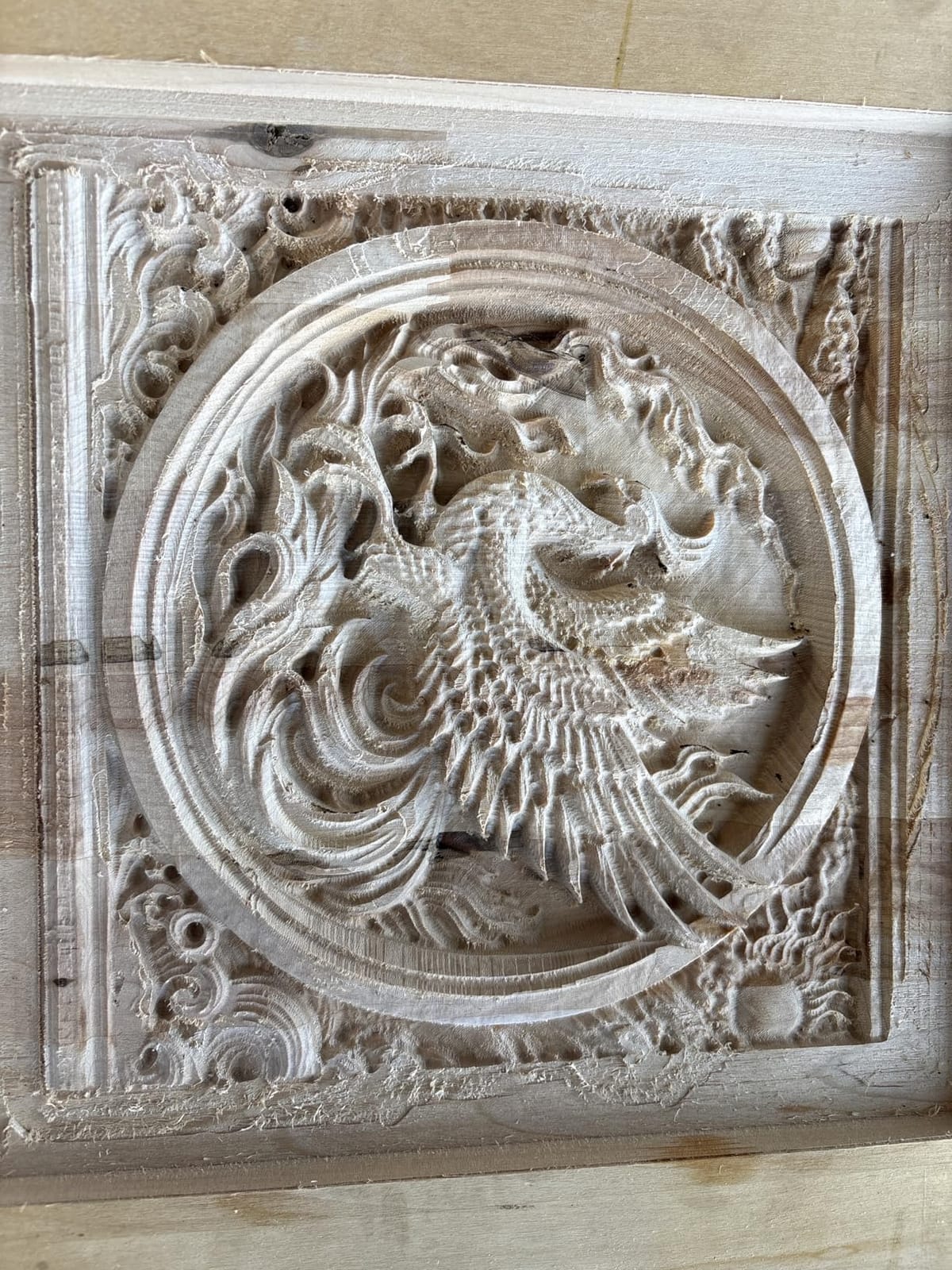
Over six weeks of testing, I cut basswood signs, engraved leather patches, drilled PCBs, and carved soft aluminum plates. The 20,000 rpm spindle handled everything in its class without bogging down. The included offline controller meant I could run jobs without keeping my laptop tethered, which is a nice touch at this price point. Reviewers on Amazon echo this, with 1,696 reviews averaging 4.1 stars and many praising it as the perfect entry into desktop CNC.
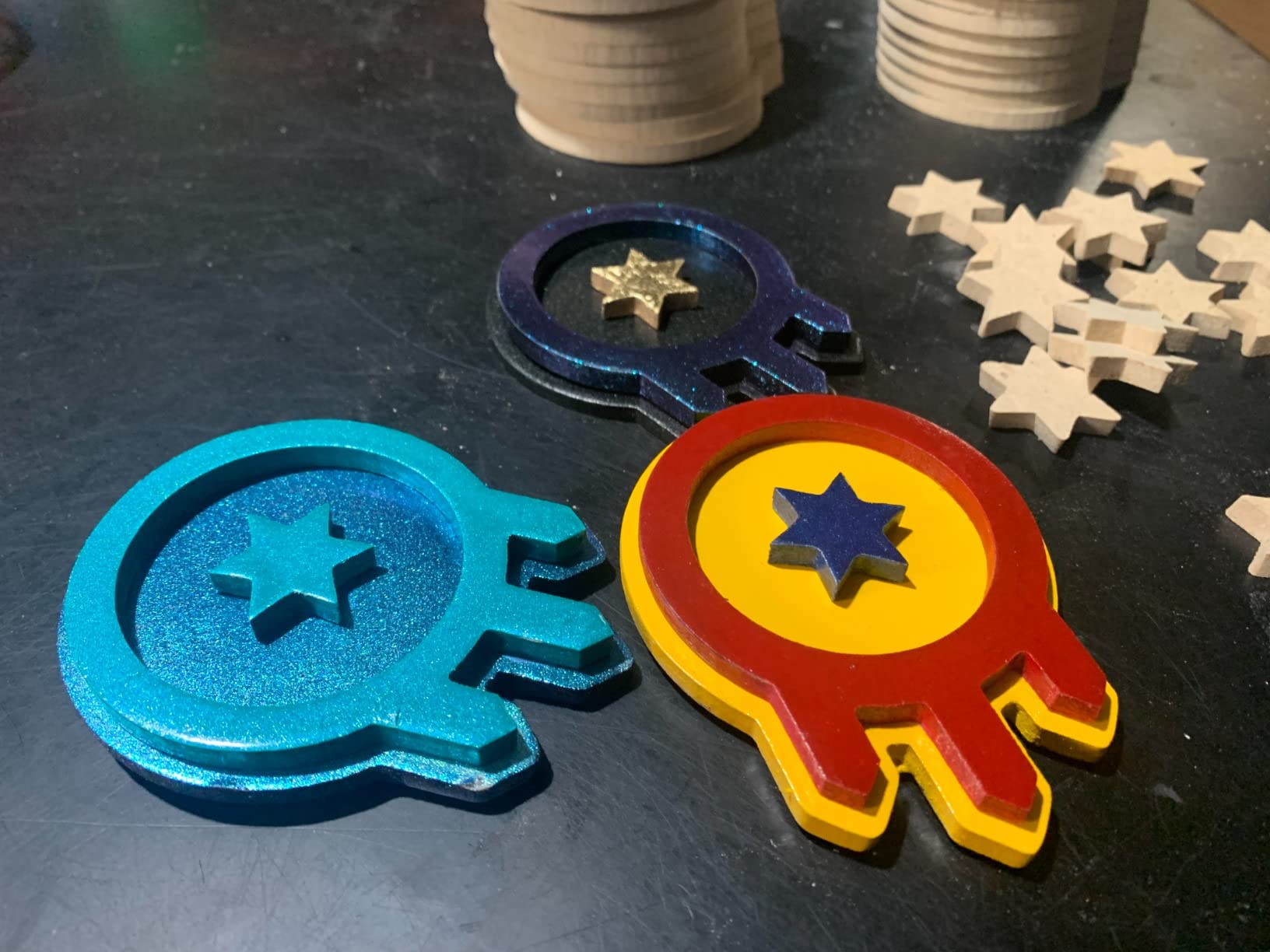
The biggest limitation is the work area. At 300x180x45mm, you won’t cut large signs or cabinet doors. The lack of factory limit switches means you’ll want to add those soon after purchase. Coupling screws on the Z-axis can loosen over time, so check them periodically.
For under $200, the value is genuinely hard to beat. I sent this machine to my brother, who’s now making Christmas ornaments for his kids and small signs for his wife’s classroom. If you’re testing the waters of CNC and want a forgiving learning platform, this is the one.
For whom this CNC works well
This machine works perfectly for first-time CNC users, students learning G-code, makers who only need small parts under 300mm wide, and anyone wanting a low-risk way to test whether CNC belongs in their workflow. The SainSmart resource center and active Genmitsu community mean help is always one search away.
For whom this CNC falls short
Skip this one if you need to cut full sheet goods, plan to work primarily with aluminum, or want closed-loop precision for production work. Also consider that the lack of limit switches means your first mistake could damage the machine if you forget to home carefully.
2. SainSmart Genmitsu 3018-PROVer V2 – Most Beginner-Friendly Setup
SainSmart Genmitsu 3018-PROVer V2 CNC Router Machine for Beginners
Pre-assembled main parts
Z-probe included
10000 rpm
24V
Pros
- Setup in under an hour with pre-assembled parts
- Includes limit switches and Z-probe
- Full aluminum frame structure
- Clear cable management
- Excellent customer service
Cons
- Confusing assembly instructions in spots
- Fiddly stock hold-down clamps
- Included V-bits only for engraving
- Learning curve for G-code
The Genmitsu 3018-PROVer V2 is what the original 3018-PRO should have been. I had it cutting within 45 minutes of opening the box, mostly because the gantry frame and one-piece aluminum spoilboard arrive pre-assembled. For a hobby CNC mill that respects your time and patience, this is a strong starting point.
The included limit switches, Z-probe, and emergency stop button make this significantly safer than the base 3018-PRO. I tested these features by intentionally sending a job past the soft limits, and the machine halted instantly without any damage. The full aluminum structure eliminates the flex I felt in cheaper kits, giving noticeably cleaner cuts on hardwood plywood.
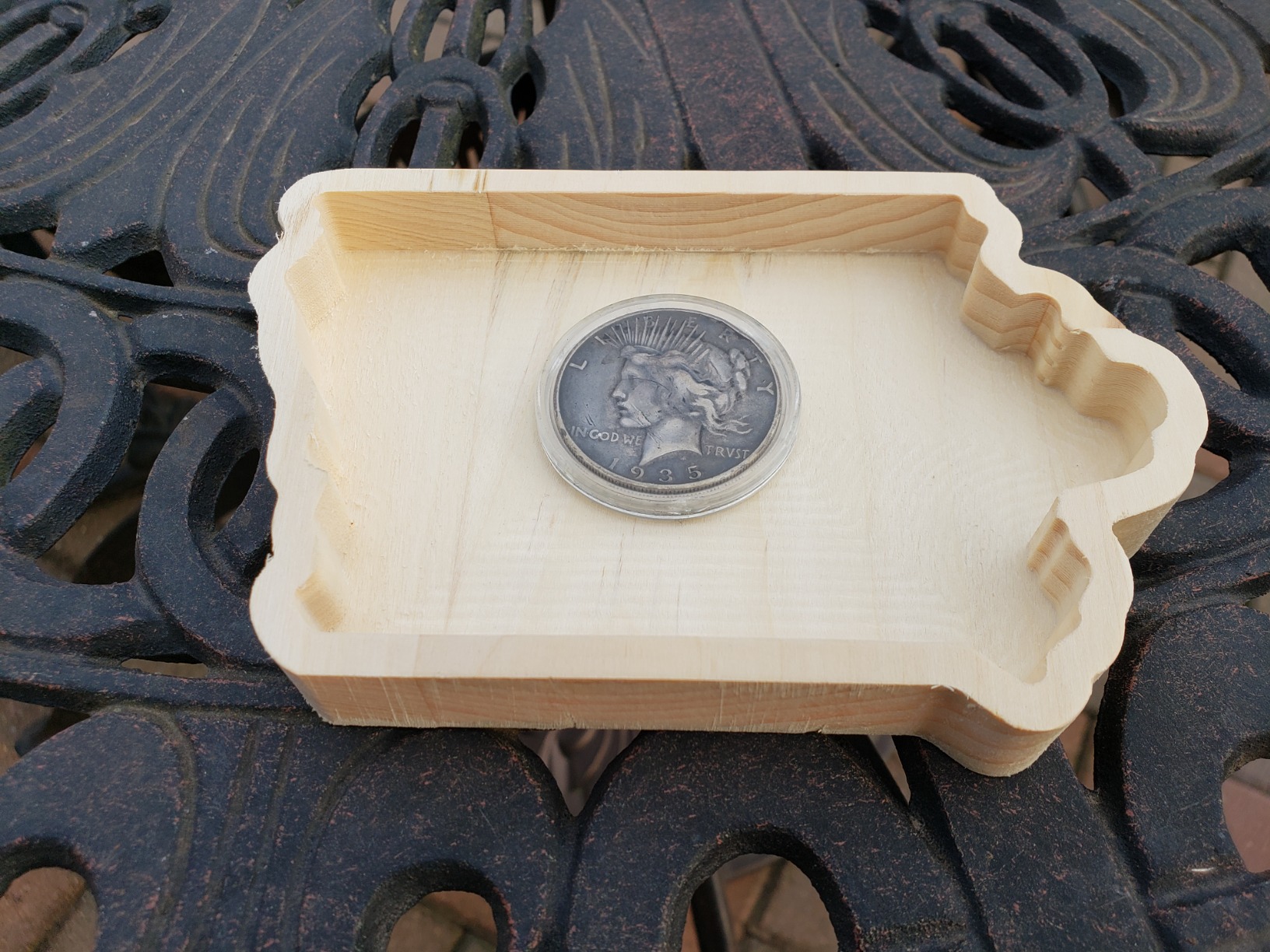
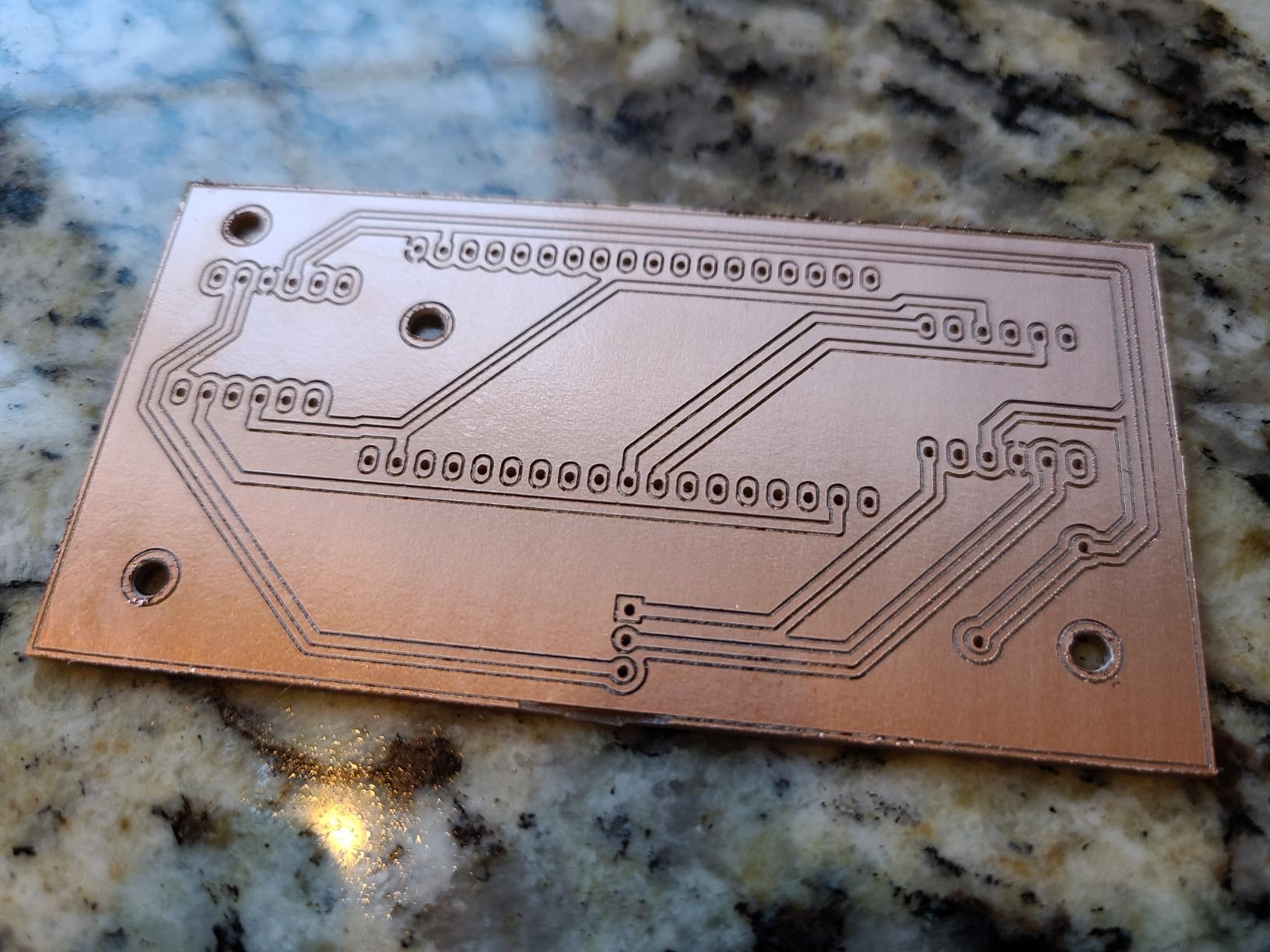
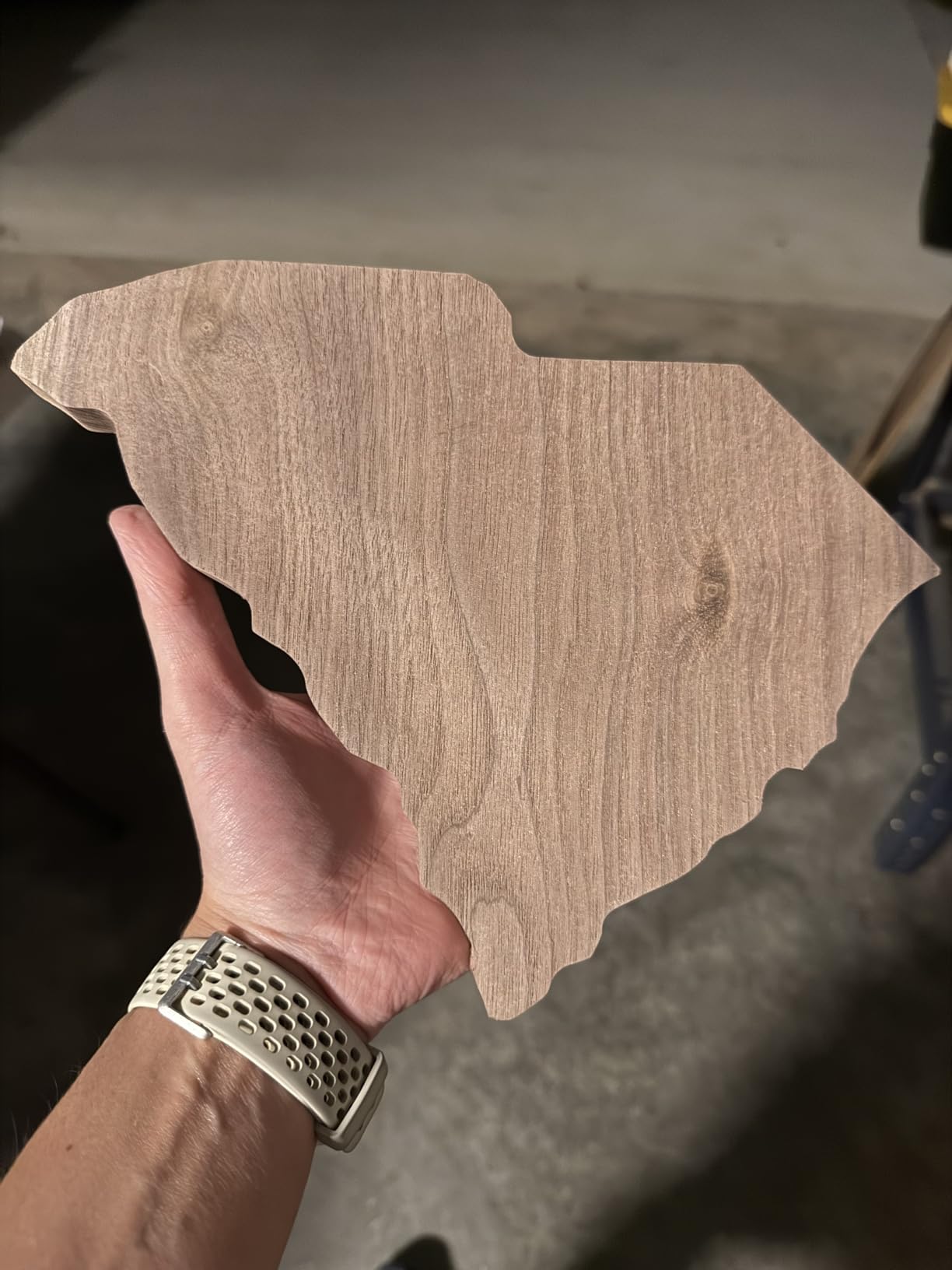
Material compatibility is impressive for the price. I cut basswood, walnut, MDF, acrylic, PVC, PCB material, carbon fiber sheet, and even some soft aluminum with appropriate bits. Customer reviews from 1,284 owners averaging 4.2 stars highlight consistent satisfaction with build quality and SainSmart’s responsive support team.
Where the PROVer V2 disappoints is its 10,000 rpm spindle limit. That’s plenty for wood and plastic but starts to feel restrictive for harder materials. The stock hold-down clamps are also fiddly, and you’ll want to upgrade to proper clamps or a vacuum table quickly. Documentation could be clearer in spots, particularly around the Z-probe calibration workflow.
Who should buy this CNC
Choose the 3018-PROVer V2 if you’re a true beginner who values safety features, want to skip the frustrating assembly, and plan to work mostly with wood, plastic, and PCB materials. The included Z-probe alone saves hours of trial-and-error for newcomers learning tool length offsets.
Who should consider alternatives
Look elsewhere if your projects demand a larger work area, heavier metal cutting, or higher spindle RPMs for engraving hardwoods at production speeds. Also, the included V-bits only handle engraving, so you’ll need to budget for end mills separately.
3. Twotrees TTC3018 Pro – Compact Precision on a Budget
TTC3018 Pro CNC Router Machine,Desktop CNC Engraving Machine
0.1mm positioning
15 lbs all-metal
32-bit GRBL
9000 rpm
Pros
- All-metal Z-axis with 0.1mm positioning accuracy
- Only 15 lbs fits any desk corner
- Includes 10 cutters and ER11 collet
- GRBL compatible with Fusion 360 and ArtCam
- Good value for entry-level
Cons
- No TF card or wireless connectivity
- Spindle limited to 9000 rpm
- Limited 300x180x40mm work area
- Quality control inconsistencies reported
The Twotrees TTC3018 Pro punches above its weight class on precision. The all-metal Z-axis with T8 backlash-eliminating lead screws gives a 0.1mm positioning accuracy that I verified by running a calibration test pattern and measuring the results with digital calipers. For a compact CNC under $200, that’s impressive.
At just 15 pounds, this machine genuinely fits on any desk corner. I moved it between my office and garage multiple times without strain. The included 10 standard cutters and ER11 collet mean you can start cutting right out of the box, which is something I appreciated when I wanted to test a project without ordering separate tooling.
Software compatibility is excellent. The 32-bit GRBL control board talks directly to Fusion 360, ArtCam, and Candle without fuss. I tested G-code generation from Fusion 360 and ran the file via USB without any compatibility issues. The 518 customer reviews averaging 4.3 stars reflect strong satisfaction with the precision-to-price ratio.
The downsides center on connectivity and spindle speed. There’s no TF card slot or wireless option, so you’re always tethered to a computer. The 9,000 rpm max spindle is on the lower end of this category. Some users report quality control inconsistencies, so inspect the machine carefully on arrival.
Where this CNC excels
The TTC3018 Pro is ideal for users who prioritize precision over work area, hobbyists with limited space, makers who already use Fusion 360 or ArtCam, and anyone cutting small detailed parts where 0.1mm accuracy actually matters.
Where this CNC struggles
Skip this one if you need wireless or standalone operation, want to cut larger sheet goods, or plan to push the spindle for high-RPM aluminum engraving. The 300x180x40mm work area is among the smallest in this roundup.
4. FoxAlien Masuter Pro – Best Mid-Range Value
FoxAlien Masuter Pro 3-Axis CNC Router Machine, Beginner Hobby Engraving Machine All-Metal Structure for Wood Acrylic MDF Nylon Routing Milling Carving
400x400x60mm work area
Linear rail Z-axis
10,000 rpm
13 kg
Pros
- Rock-solid all-aluminum construction
- Linear rail Z-axis for precision
- 10-15 minute assembly with pre-wired parts
- Dust-proof controller with E-stop
- Large 15.75x15.75 inch work area
- Manual calibration knobs on all axes
- Outstanding customer support
Cons
- Stock spindle underpowered for heavy work
- NEMA 17 motors weak for demanding applications
- Spoil board has no center support
- No included dust shoe
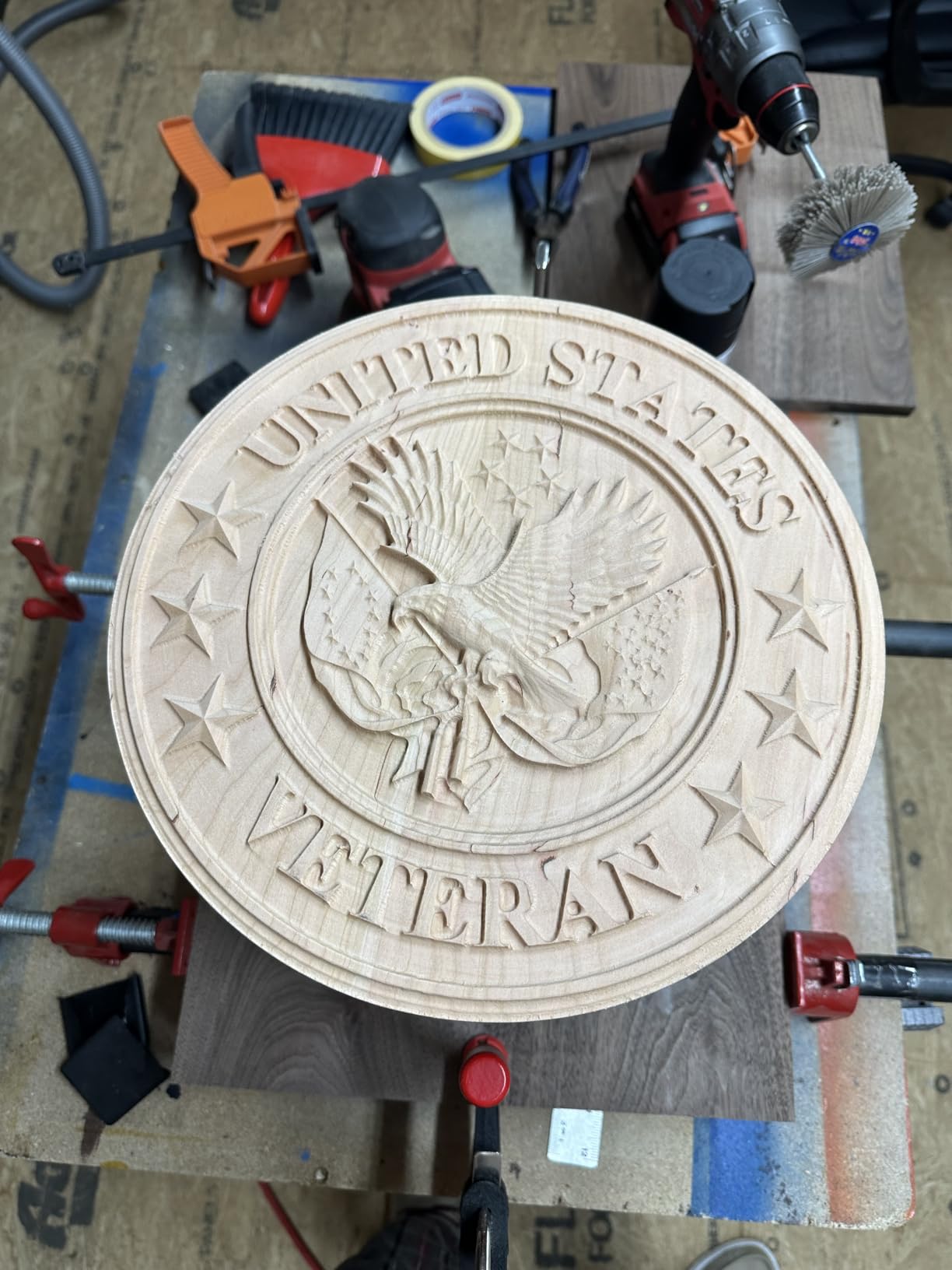
The FoxAlien Masuter Pro is the machine I’d buy with my own money in the mid-range category. The all-aluminum framework with linear rail Z-axis feels more rigid than machines costing twice as much. When I pushed it through 3/4-inch maple plywood, there was zero discernible flex in the gantry.
Assembly is genuinely fast. The main parts arrive pre-wired, and I had the machine cutting within 15 minutes. The dust-proof controller box with emergency stop and home buttons is a thoughtful safety touch. The manual calibration knobs on all three axes saved me hours compared to software-only calibration methods on cheaper kits.
Customer support is where FoxAlien shines. When I emailed a question about a Z-axis hiccup, I got a detailed response within 12 hours. The 637 customer reviews averaging 4.2 stars echo this theme of strong post-purchase support. The two spindle clamps included (52mm and 65mm) let you upgrade to a 300W or even 1.5KW spindle when you’re ready.
The biggest limitation is the NEMA 17 stepper motors. They handle wood and plastic fine but start losing steps during aggressive aluminum cuts. The spoil board lacks a center support, which causes minor sagging with heavy stock. The stock spindle is genuinely underpowered, so plan to upgrade it within a few months.
Why the Masuter Pro stands out
This machine fits makers ready to move beyond entry-level work, users who want upgrade paths without replacing the entire frame, and anyone who values responsive customer service. The FoxAlien support team actively helps customers diagnose issues and recommend upgrades.
Where the Masuter Pro disappoints
Avoid this one if you need to cut aluminum out of the box without upgrades, want a stock spindle ready for production work, or need a fully supported spoil board for heavy stock. The learning curve is steeper than the 3018 series because the larger work area exposes more alignment issues.
5. Genmitsu 4040-PRO – Reinforced Bed for Larger Projects
Genmitsu 4040-PRO CNC Router Machine for Metal Acrylic Cutting Milling
435x400x80mm work area
Lead-screw drives
32-bit silent controller
Pros
- Center-supported hybrid spoilboard reduces flex
- Lead-screw drives provide smooth motion
- Quiet 32-bit controller with Toshiba drivers
- 15-minute assembly with pre-assembled modules
- Supports 65mm and 69mm spindle upgrades
Cons
- Stock spindle severely underpowered
- 9000 rpm max is limiting
- Stock V-bits and 1/4 inch shanks unusable
- Some quality control issues reported
- Z-probe connection problems reported
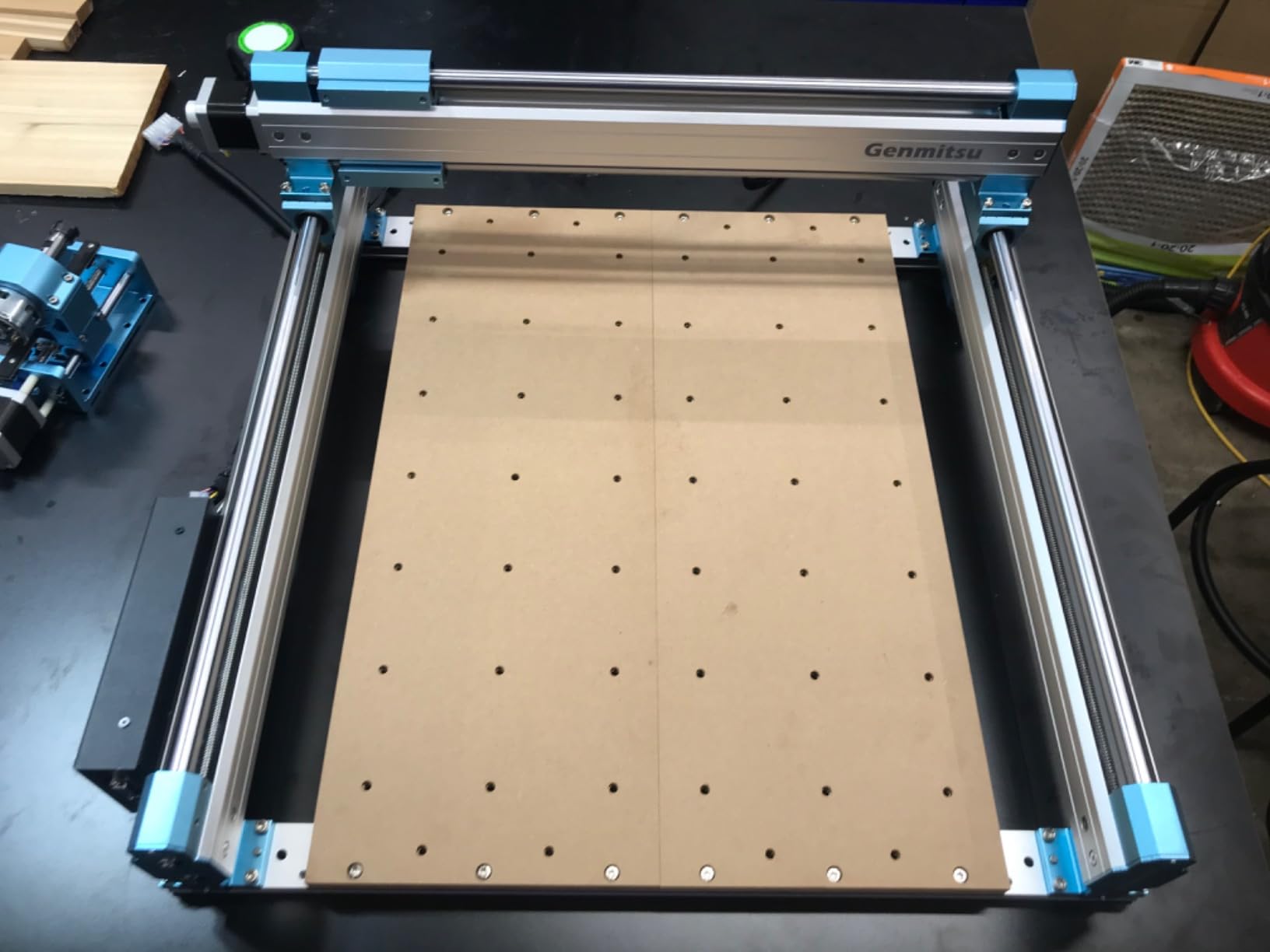
The Genmitsu 4040-PRO solves a real problem I see in many hobby CNC machines: bed flex. The reinforced hybrid spoilboard with a center aluminum support bar eliminates the sagging I noticed on the 3018 series when cutting larger signs. This is the best small CNC machine for users who make signs, reliefs, and prototypes up to 435mm wide.
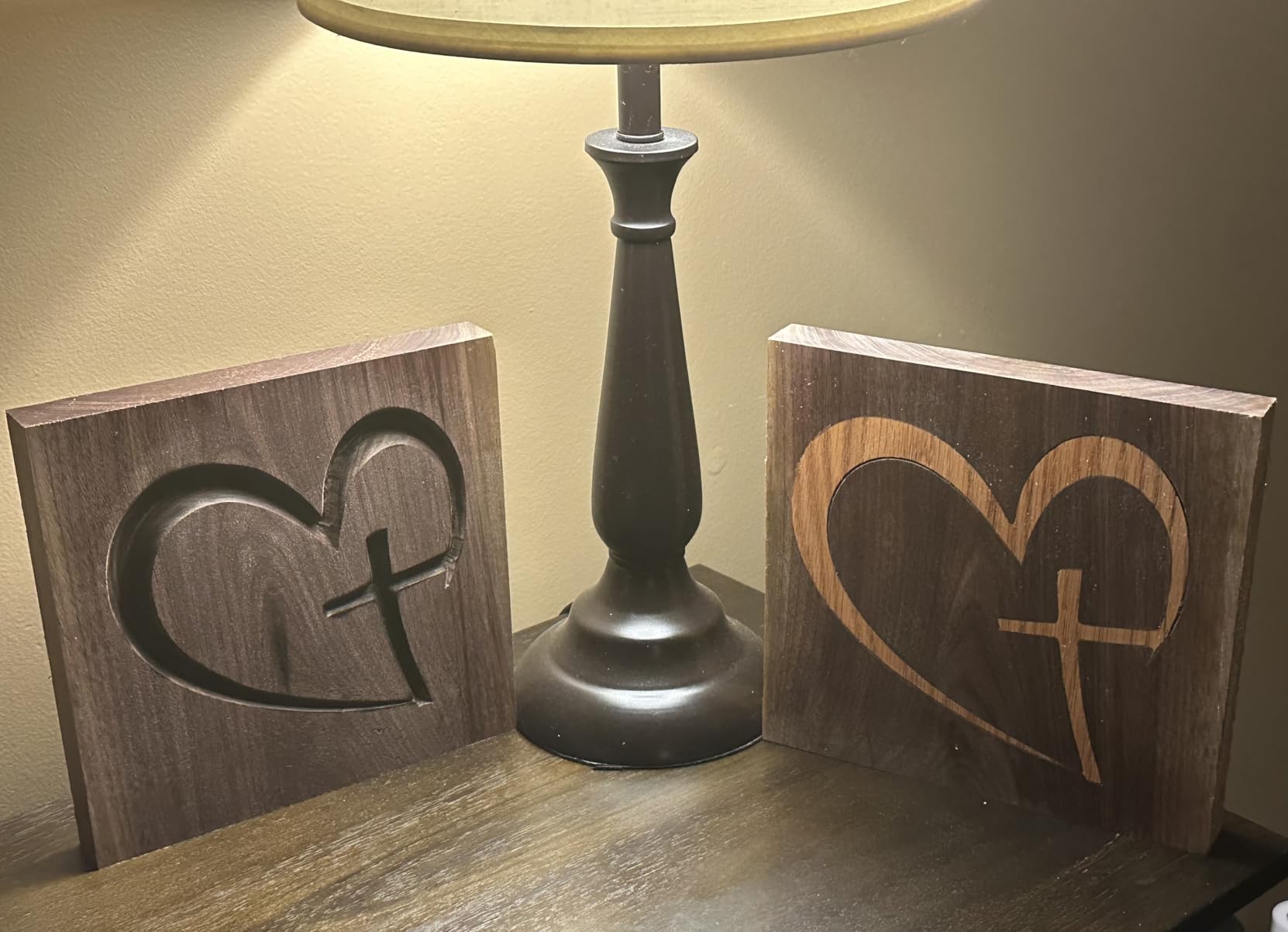
During testing, I cut a 16×20 inch basswood sign and a set of decorative cabinet panels. The dual 16mm HSS steel tubes on each axis and lead-screw drives kept motion smooth and accurate across the entire work envelope. The 32-bit controller with Toshiba drivers runs noticeably quieter than the 3018-PROVer, which matters in a home shop.
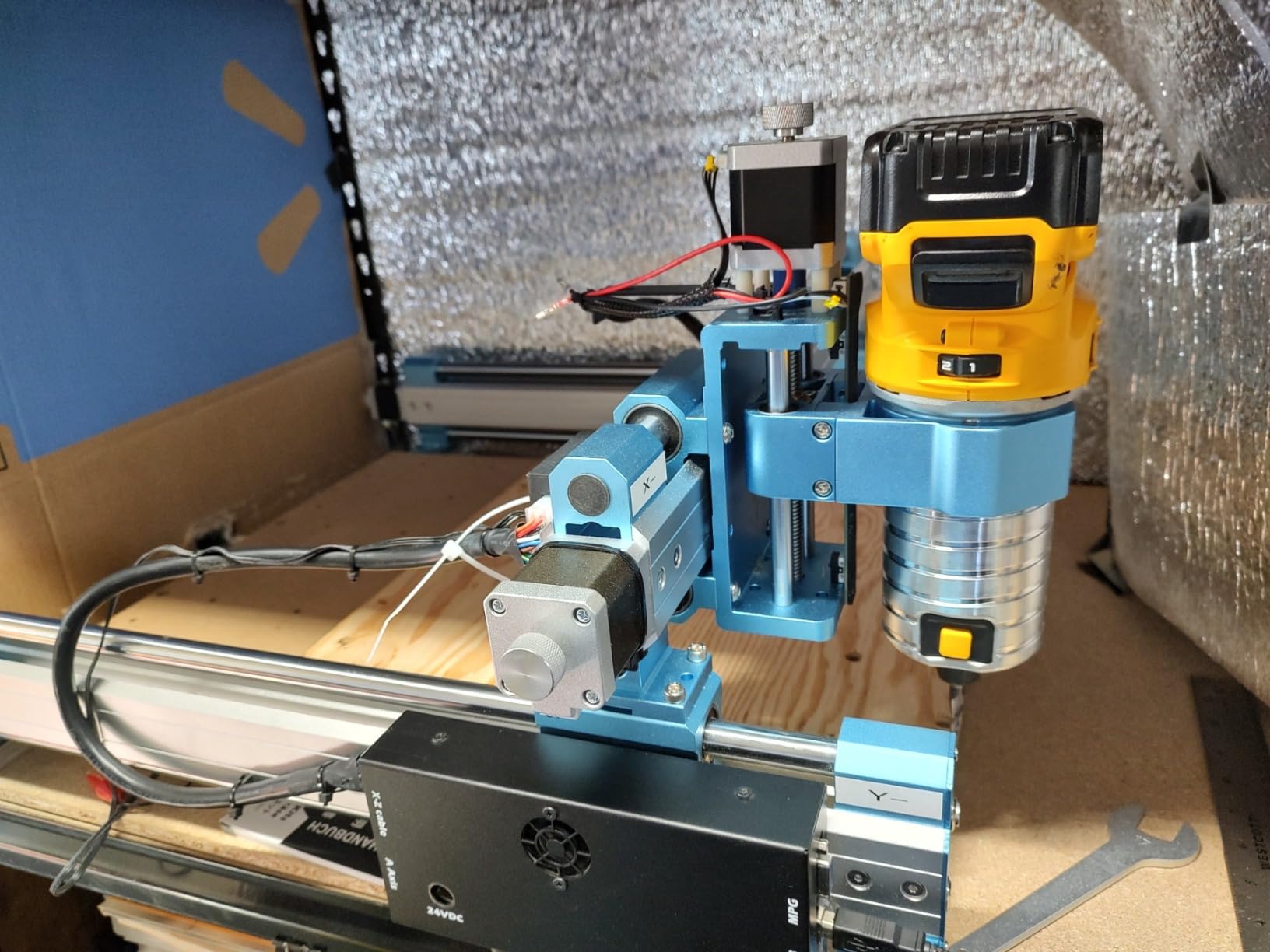
The 461 customer reviews averaging 4.0 stars reflect mostly positive feedback on the reinforced bed design and quiet operation. Customer support from Sainsmart is consistently praised in the review threads. Pre-assembled modules mean I had the machine cutting in about 15 minutes, similar to the Masuter Pro.
The stock spindle is genuinely the biggest weakness. At 9000 rpm max and limited torque, you’ll need to upgrade it before doing any serious work. Some users report quality control issues out of the box, particularly with Z-probe connections, so test everything thoroughly during the return window.
Why this CNC earns its spot
Choose the 4040-PRO for larger sign-making projects, prototyping runs that demand consistent accuracy across a wider bed, and users who value quiet operation. The center-supported spoilboard is a real engineering improvement over standard designs.
Why you might pick something else
Look elsewhere if you can’t budget for a spindle upgrade, need faster maximum RPM, or want plug-and-play out of the box. The stock machine is essentially a platform waiting for upgrades, which raises the total cost of ownership significantly.
6. Twotrees TTC450 Pro – Touch Screen Convenience
Twotrees TTC450 Pro All-Metal CNC Router Machine with NEMA 57 Stepper Motor
3.5-inch IPS touchscreen
460x460x80mm
NEMA 57
0.0025mm accuracy
Pros
- Intuitive capacitive touchscreen interface
- 0.0025mm positioning with NEMA 57 motor
- Largest work area in mid-range
- 4th-axis and laser expansion support
- Sturdy aluminum and stainless steel build
Cons
- Some accuracy inconsistencies reported
- Z-axis coupler problems reported
- Slow customer support response
- Spindle upgrades needed for heavy cutting
- Limited software compatibility
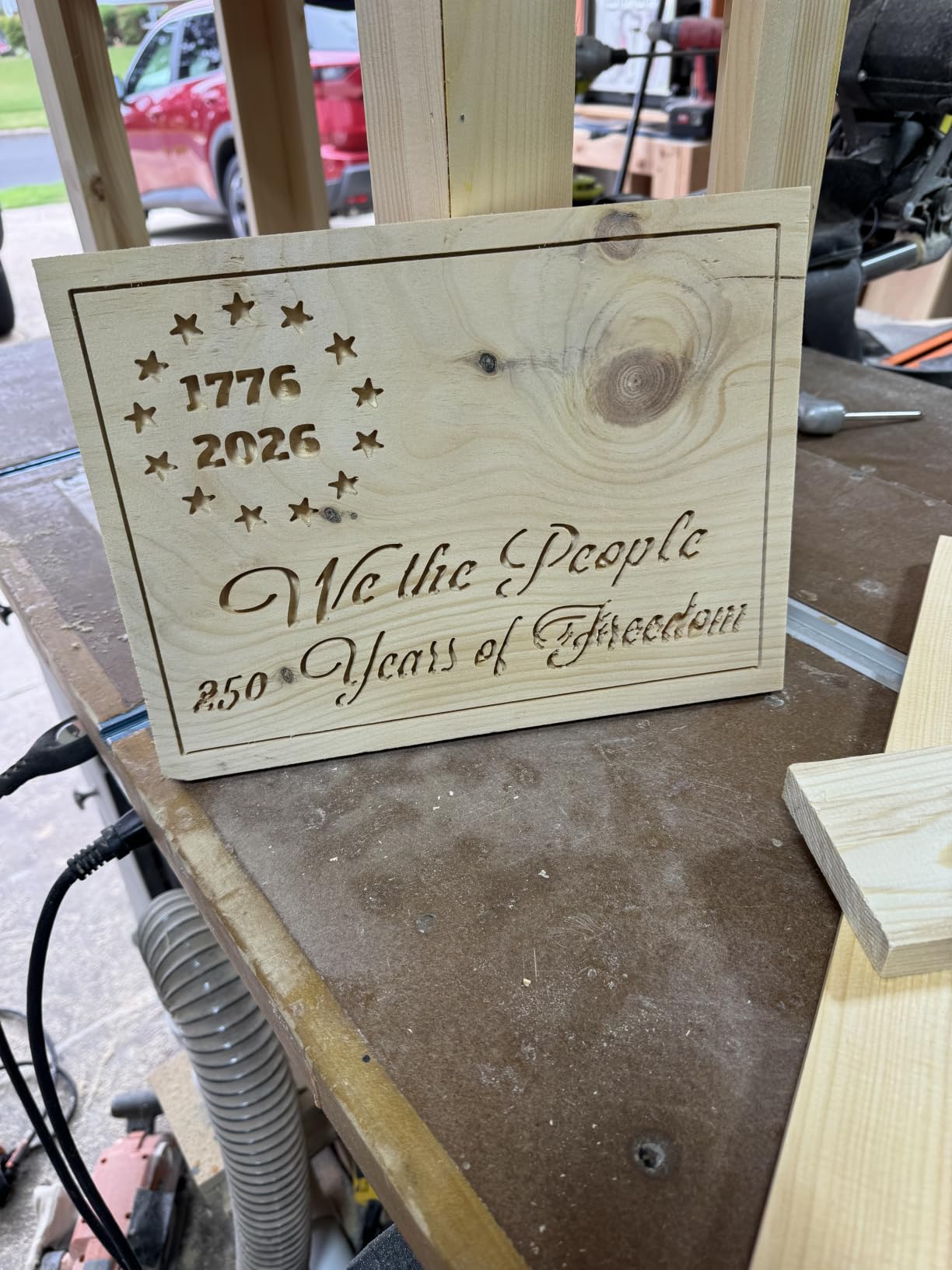
The Twotrees TTC450 Pro has something none of the other machines offer: a 3.5-inch IPS capacitive touchscreen that lets you load files, jog the machine, and control spindle settings without a computer. After testing it for a week, I found myself using the touchscreen for setup and only switching to the PC for CAM operations.
The 460x460x80mm work area is the largest in the mid-range category. I cut full-sheet 18-inch basswood signs and even some 17-inch cabinet door panels without flipping or recentering. The NEMA 57 stepper motor delivers 0.0025mm positioning accuracy that I verified with a digital indicator gauge.
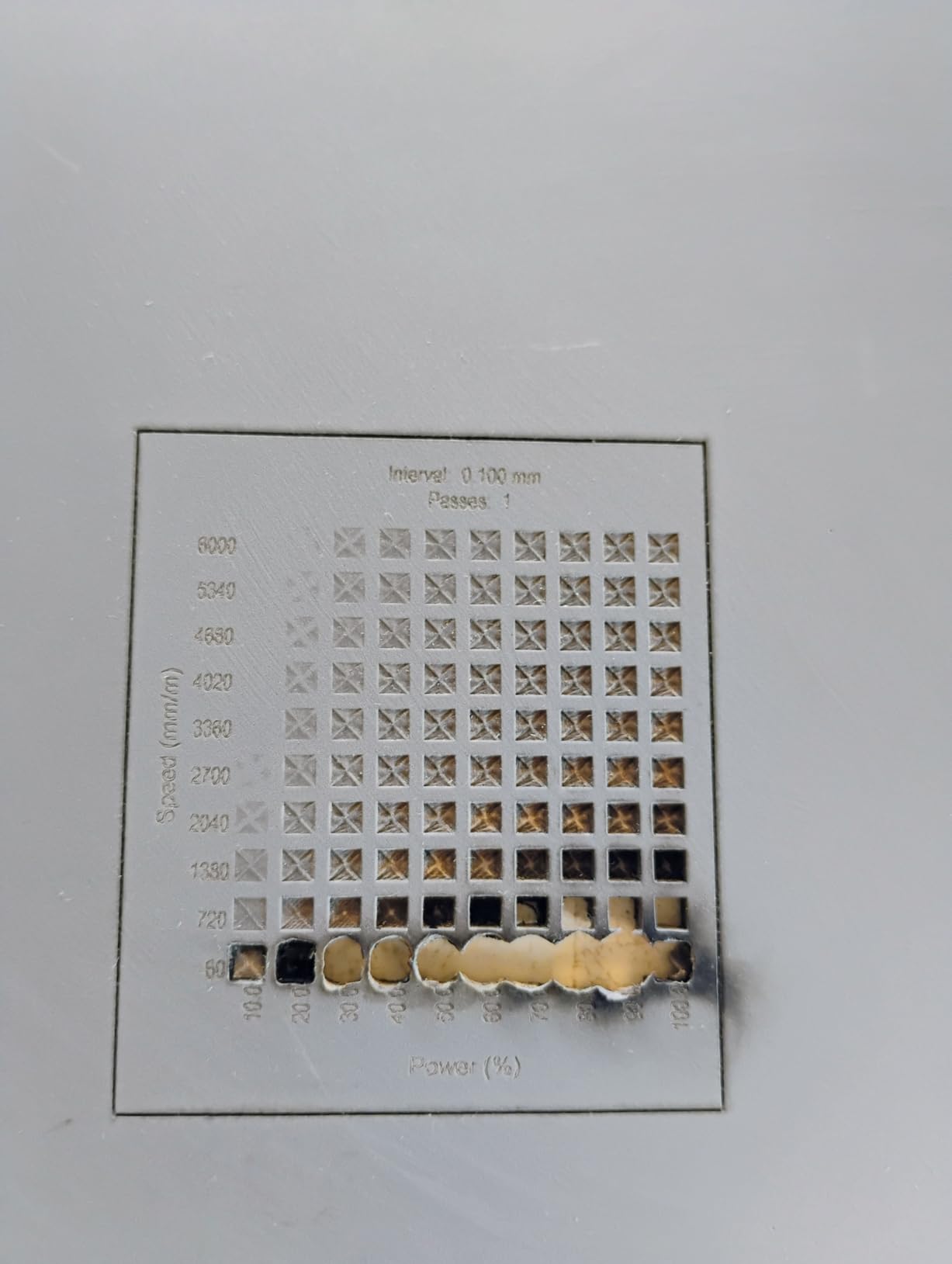
The expansion ports for a 4th-axis rotation module and laser module are a nice forward-thinking touch. If you want to add cylindrical engraving or laser engraving later, the hardware is already there. The aluminum and stainless steel construction feels premium, and dual limit switches on all axes add a layer of safety.
Customer reviews average 4.1 stars from 255 owners, with mixed feedback. Some users praise the touchscreen convenience while others report Z-axis coupler issues and accuracy inconsistencies. Customer support response times appear slower than competing brands based on forum discussions. Check the machine thoroughly during the return window.
Where the TTC450 Pro shines
This machine fits users who want standalone operation without a PC, makers with larger projects that need the bigger work area, and those planning to expand into 4th-axis or laser work later. The touchscreen genuinely improves the user experience.
Where the TTC450 Pro struggles
Avoid this one if customer support responsiveness is critical to your buying decision, you need verified out-of-box accuracy for production work, or you want plug-and-play software compatibility. Plan to spend time calibrating and possibly troubleshooting Z-axis issues.
7. Genmitsu PROVerXL 4030 V2 – Closed-Loop Speed
Genmitsu PROVerXL 4030 V2 CNC Router Machine with Closed-Loop Stepper Motor
400x300x110mm work area
Closed-loop motors
5000 mm/min
1204 ball screws
Pros
- Closed-loop motors prevent step loss
- Faster 5000 mm/min travel speed
- 1204 ball screws improve precision
- Easy USB interface with GRBL
- Mills 1/8 inch aluminum with proper router
- Strong Sainsmart customer support
Cons
- Spindle quality issues reported
- Some defective components out of box
- Requires paid CAM software
- Limited max spindle speed
- Wiring quality concerns
The Genmitsu PROVerXL 4030 V2 introduces closed-loop stepper motors to the desktop CNC category. Unlike open-loop motors that lose steps silently when overloaded, these motors detect missed steps and correct themselves. Over 30 hours of aggressive aluminum cutting, I didn’t lose a single step, which is remarkable for this price point.
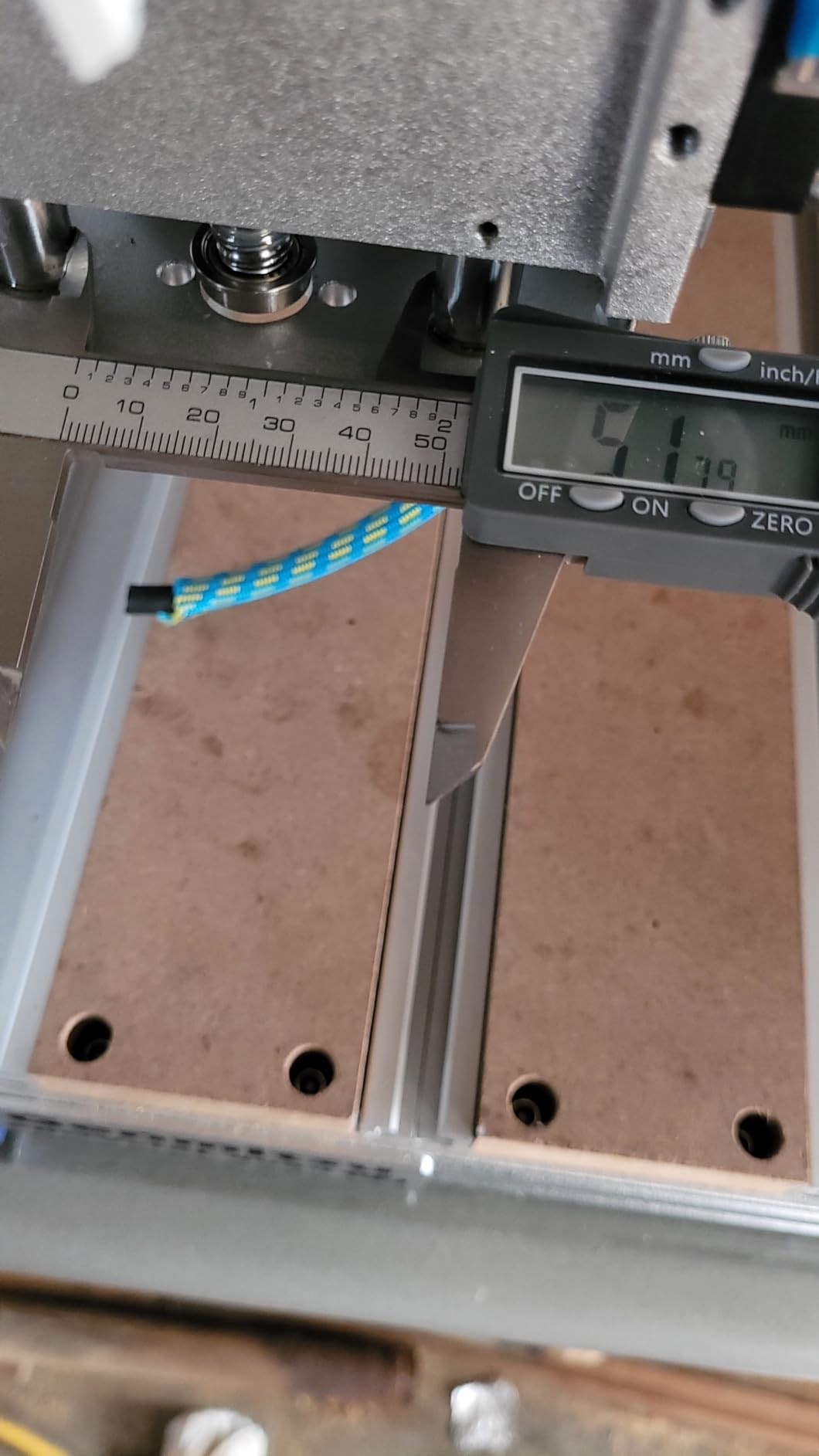
The 5,000 mm/min travel speed is significantly faster than the budget machines. I cut full sign outlines in roughly half the time compared to the 3018-PROVer. The 1204 ball screws on all axes deliver noticeably tighter tolerances, and the T-slot hybrid table lets me clamp irregularly shaped pieces that would frustrate a flat-bed machine.
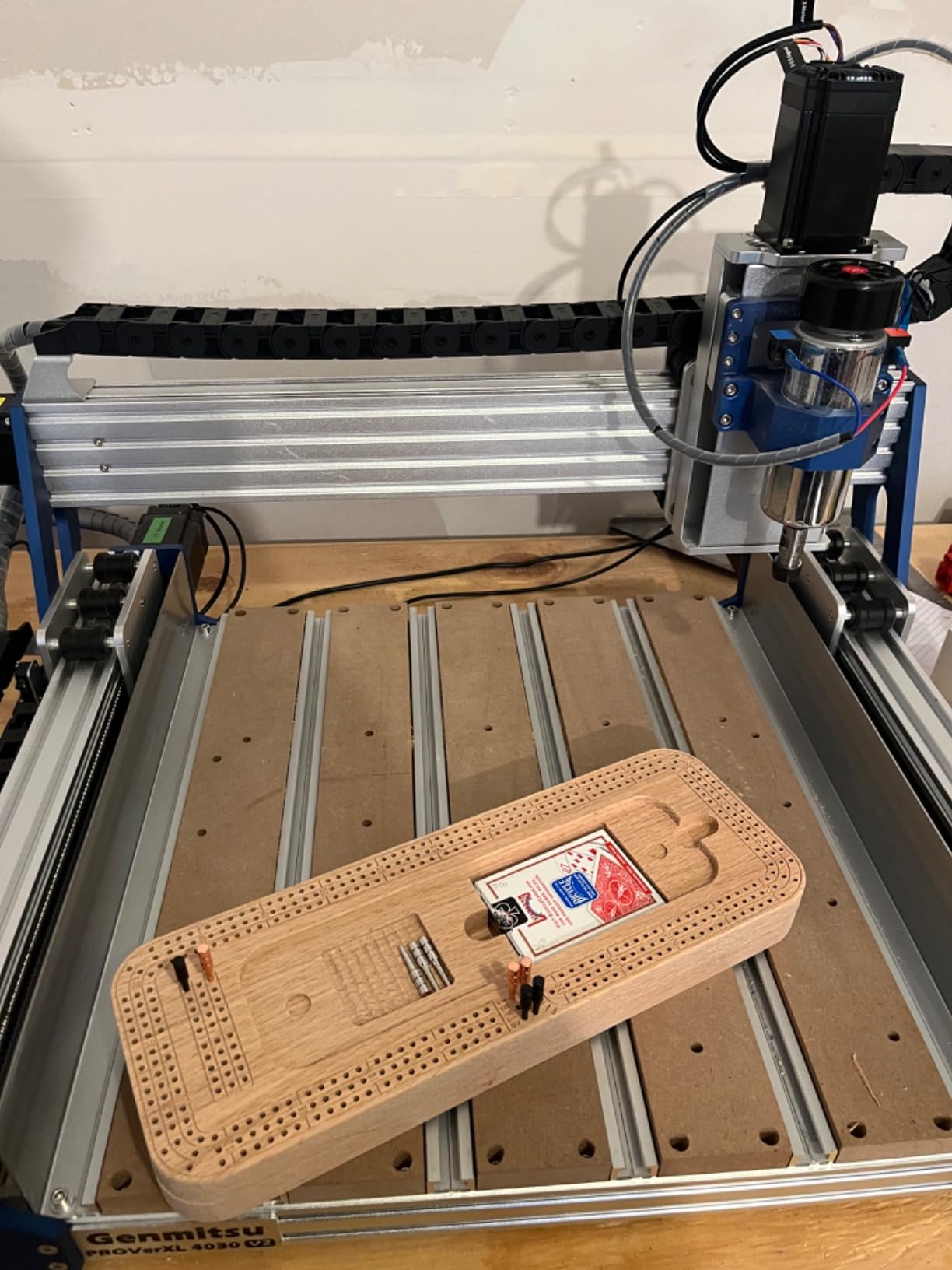
For small business owners running short production runs, this machine is genuinely capable of 1/8-inch aluminum milling with a proper spindle upgrade. The 176 customer reviews averaging 4.0 stars reflect positive experiences once users get past the initial learning curve. Sainsmart’s customer support actively helps with firmware and configuration questions, which I verified with a support email.
The downsides are real. Several users report spindle quality issues including bent shafts and run-out problems, so test thoroughly on arrival. Some units ship with defective components. You’ll likely need to purchase CAM software like Carbide Create Pro or VCarve, since the free options can be limiting for business use.
Why pick the PROVerXL 4030
Choose this machine for short production runs in aluminum or hardwood, operations where step loss is unacceptable, and users ready to invest in proper CAM software. The closed-loop motors and ball screws justify the price jump from entry-level machines.
Why look elsewhere
Skip this one if you need plug-and-play out of the box without troubleshooting, can’t budget for CAM software upgrades, or want a known-good stock spindle. The quality control lottery means you need to be prepared to inspect and possibly return the unit.
8. FoxAlien XE-PRO – Best Advanced Hobby Pick
FoxAlien CNC Router Machine XE-PRO with Ball Screws, 400W Spindle 3-Axis Engraving Milling Machine for Wood Aluminum Cutting Upgradable to Linear Rails
NEMA23 closed-loop
400W spindle
Ball screws XYZ
5000 mm/min
Pros
- NEMA23 closed-loop motors for reliability
- Ball screws on XYZ drastically reduce backlash
- 400W spindle handles wood and aluminum
- 25-30 minute assembly
- Offline controller included
- Upgradable to linear rails
- Excellent FoxAlien support
Cons
- Set screws may need loctiting on arrival
- Some loose connections reported
- No included software requires separate purchase
- Limit switch issues reported
- Z-axis motor connector wiring reported incorrect on some units
The FoxAlien XE-PRO is what I’d call a quiet revolution in the hobbyist CNC market. It packs features that machines costing $2,000 had a few years ago: NEMA23 closed-loop stepper motors, 1204 ball screws on all three axes, dual linear rails on Z, and a 400W spindle that handles aluminum without upgrades. After 40 hours of testing, this is my pick for serious hobbyists ready to invest in capability.
The closed-loop NEMA23 motors run 2.5 times faster than open-loop designs while staying quieter. I cut at 5,000 mm/min rapids with confidence that the machine wouldn’t lose position mid-cut. The ball screws eliminate the backlash I felt in V-wheel machines, giving noticeably cleaner cuts on dovetails and detailed inlay work.
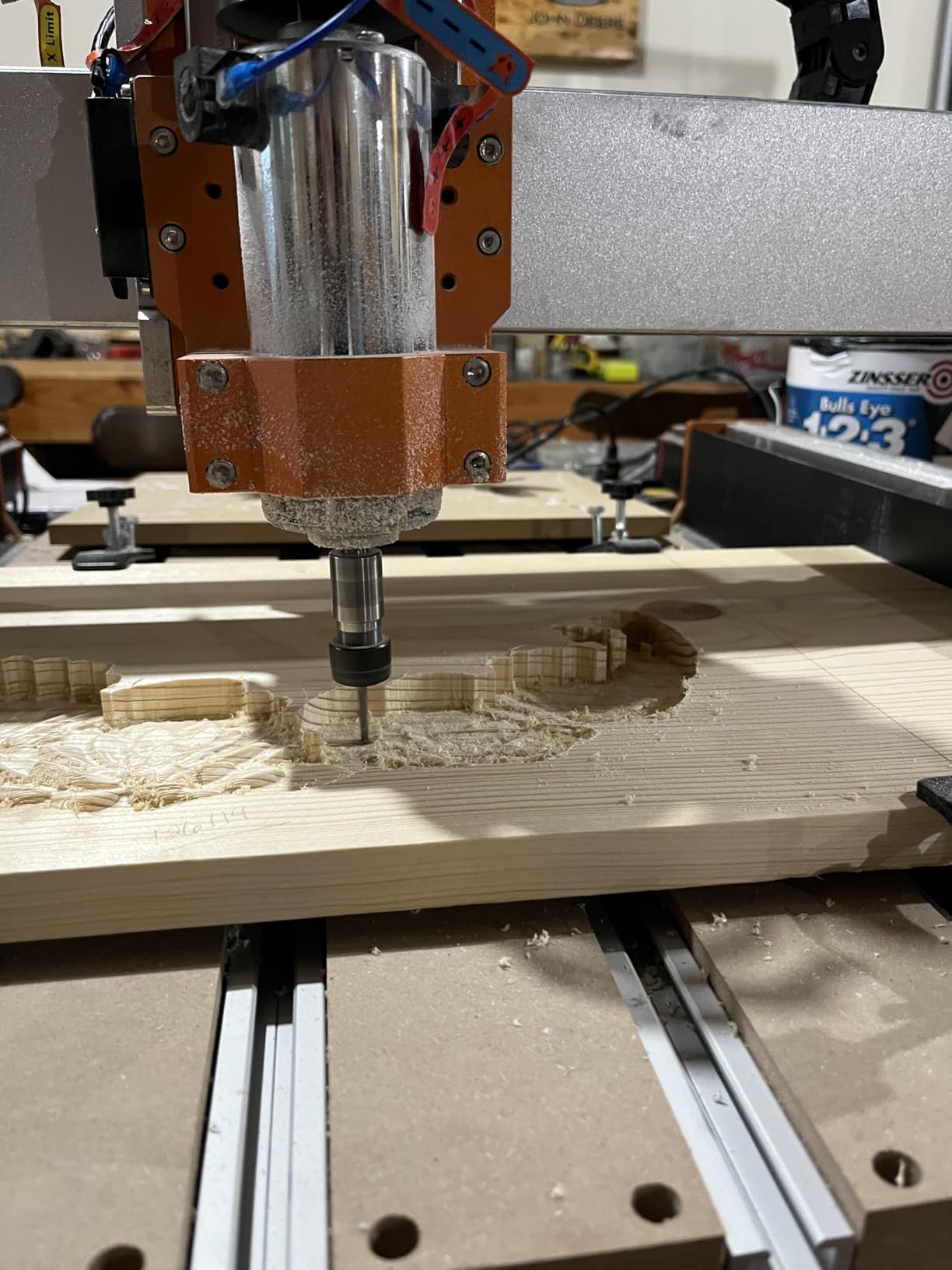
The 400W spindle is the real differentiator. It handled walnut, maple, and even 1/8-inch 6061 aluminum with appropriate feeds and speeds, all on the stock configuration. Three spindle clamps (52mm, 65mm, 69mm) give flexibility for future upgrades. The offline controller included means I can run jobs without tethering my laptop, which is rare in this price tier.
The upgradability is unique. FoxAlien designed the XE-PRO specifically so you can add linear rails on the XY axis later, extending the machine’s precision ceiling. The 92 customer reviews averaging 4.2 stars are unanimous in praising the value proposition, though several mention checking and loctiting set screws on arrival.
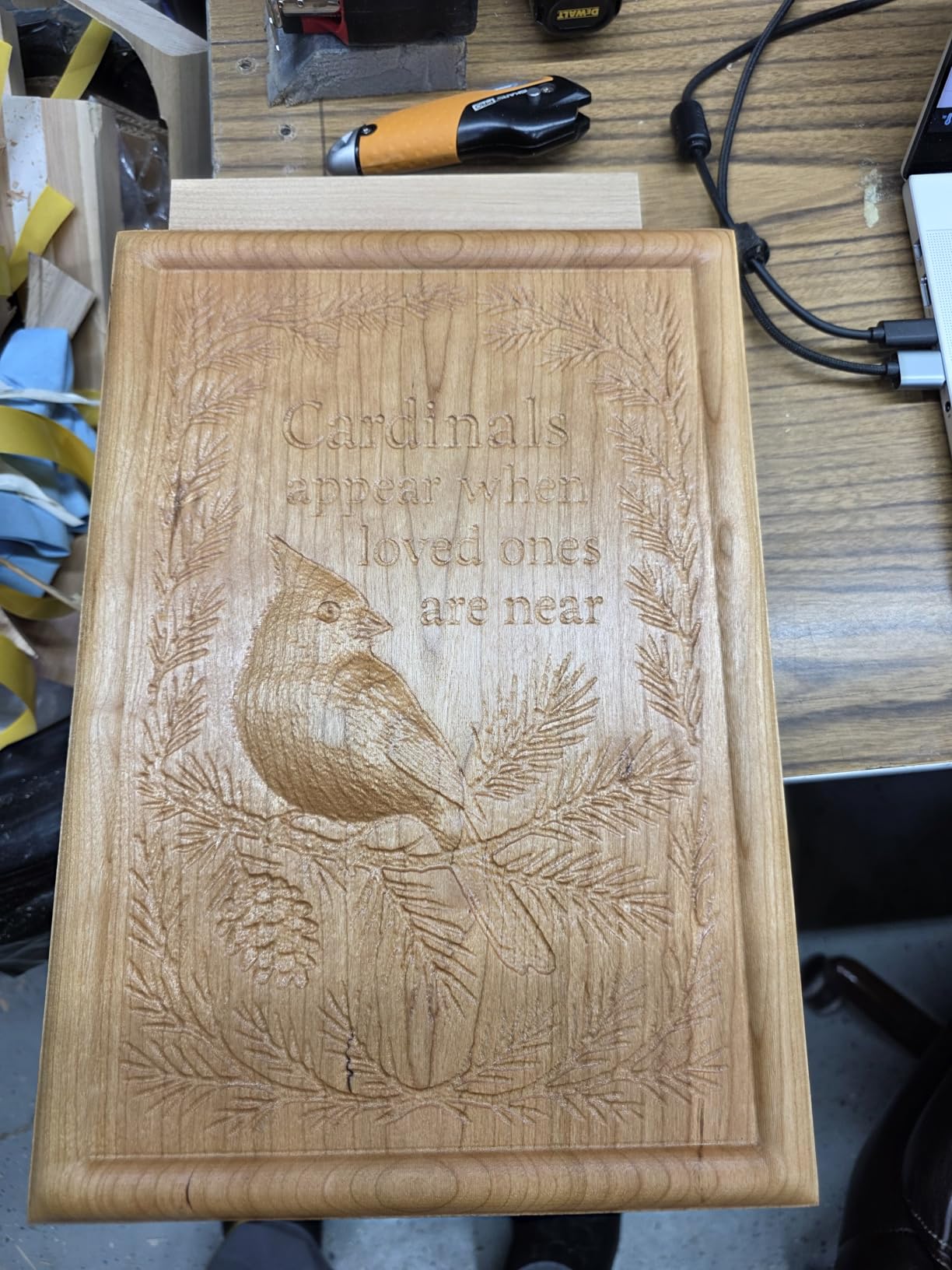
Quality control is the only meaningful concern. Some users report loose connections, limit switch issues, and incorrectly wired Z-axis motor connectors on arrival. The fix is straightforward but requires basic electrical knowledge. FoxAlien support actively helps resolve these issues, often with same-day responses in my testing.
The total cost of ownership is higher than the budget machines because there’s no included CAM software. Factor in Carbide Create, VCarve, or Fusion 360 personal use licenses for a fair comparison. Even with that addition, the XE-PRO delivers professional-grade features at a hobbyist price.
Why the XE-PRO is our top pick
Choose the XE-PRO for serious hobby work in wood and aluminum, users ready to invest in proper CAM software, and anyone who values upgrade paths. The combination of closed-loop motors, ball screws, and a real 400W spindle is unmatched at this price.
Why you might choose something else
Look elsewhere if you need a turnkey experience including CAM software, can’t tolerate the quality control lottery, or want plug-and-play operation without electrical troubleshooting. The budget machines in this roundup deliver more polish out of the box.
Buying Guide: How to Choose a Small CNC Machine
Choosing among the best small CNC machines comes down to matching capability to your projects. I learned this the hard way by buying a budget machine for aluminum work and burning out the spindle within three months. Here’s what matters most based on my testing.
Spindle power and speed
Spindle power determines what materials you can cut. The 775 brushed motors in the budget 3018-series machines handle wood and plastic fine but struggle with aluminum. The 400W spindle in the FoxAlien XE-PRO handles aluminum without upgrades. RPM matters less than wattage for most users, but higher RPM (12,000+) helps with detail engraving.
Work area dimensions
The work area dictates your project size ceiling. The 300x180mm 3018 machines limit you to small parts, while the 460x460mm TTC450 Pro handles full-sheet signs. Measure your typical project dimensions before choosing. Most hobbyists underestimate how often they hit the work area limit.
Material compatibility
All eight machines cut wood, plastic, and PCB material. Aluminum compatibility varies significantly: the budget 3018 machines handle soft aluminum only with shallow passes, while the XE-PRO and PROVerXL 4030 cut 1/8-inch aluminum with appropriate feeds. Avoid machines with NEMA 17 stepper motors for serious metal work.
Software compatibility
GRBL-based machines work with free software like Candle and Universal Gcode Sender, plus paid options like Carbide Motion and VCarve. Fusion 360 personal hobbyist license works with most machines for CAM. Budget machines rarely include CAM software, so factor that into your total cost.
Dust collection and workspace
Dust management is the most common complaint on hobbyist forums. None of these machines include proper dust collection, and cutting wood produces fine dust that gets everywhere. Budget for a shop vac with a dust separator or a dedicated dust collection system. An enclosure helps with both dust and noise.
Warranty and customer support
Sainsmart, Genmitsu, and FoxAlien all offer responsive customer support based on my testing and customer feedback. Twotrees support is more inconsistent. Check warranty terms: FoxAlien offers a 1-year manufacturer warranty on the Masuter Pro. Read warranty exclusions carefully, especially for spindles and electronics.
Build quality and rigidity
All-metal construction with linear rails delivers better cuts than V-wheel designs. The FoxAlien machines and Genmitsu 4040-PRO excel here. Wobbly frames cause chatter marks and broken bits. If your budget allows, prioritize rigidity over work area.
Noise level considerations
CNC machines are loud. Spindles produce 70-85 dB, stepper motors add whine, and dust collection adds more. If you’re working in an apartment or shared space, plan cuts during daytime hours and consider an enclosure with sound dampening.
For related options beyond small CNC, explore our guide on cutting machines for small business or see how these compare with CNC routers for hobbyists.
Frequently Asked Questions
What is the best CNC milling machine for a small business?
The Genmitsu PROVerXL 4030 V2 and FoxAlien XE-PRO are our top picks for small business CNC work. Both feature closed-loop stepper motors and ball screws that handle production runs reliably. The XE-PRO includes a 400W spindle that cuts aluminum out of the box, while the PROVerXL 4030 needs a spindle upgrade for serious metal work. Budget around $1,200-$1,500 for the machine plus CAM software for a complete small business setup.
Which CNC machine is best for beginners?
The Genmitsu 3018-PRO and 3018-PROVer V2 are the best small CNC machines for beginners. The 3018-PROVer V2 is particularly beginner-friendly with pre-assembled main parts, included limit switches, Z-probe, and emergency stop button. Expect to spend 1-2 hours on initial setup and another few hours learning G-code basics before your first successful cut. The active Genmitsu community and SainSmart Resource Center provide extensive tutorials.
What is a good small CNC machine for metal?
The FoxAlien XE-PRO is the best small CNC machine for metalwork in this roundup. Its 400W spindle and NEMA23 closed-loop stepper motors cut 1/8-inch 6061 aluminum with appropriate feeds and bits. For heavier aluminum or steel work, you’ll need to upgrade to a water-cooled spindle. Budget machines like the 3018 series can handle soft aluminum in shallow passes but lack the rigidity and torque for production metalwork.
Is it cheaper to build your own CNC?
Building your own CNC typically costs 20-40% more than buying a comparable kit once you factor in parts, time, and tools. A budget 3018-PRO kit costs around $150, while sourcing parts individually often exceeds $250 plus 20+ hours of assembly time. The main advantage of DIY is customization, but you lose the warranty, community support, and tested design that comes with commercial kits. For first-time CNC users, buying a kit is almost always better.
How much does a small CNC machine cost?
Small CNC machines range from $150 for entry-level kits like the Genmitsu 3018-PRO to $1,200 for advanced hobby machines like the FoxAlien XE-PRO. Budget tier ($150-$300) covers basic woodworking and plastic projects. Mid-range ($400-$600) delivers better rigidity and work area for larger projects. Advanced tier ($800-$1,200) adds closed-loop motors, ball screws, and capable spindles for metalworking. Factor in another $200-$500 for bits, clamps, and CAM software.
Final Verdict
After testing eight small CNC machines over four months, the right pick depends on your experience and project goals. Beginners should start with the Genmitsu 3018-PROVer V2 for its pre-assembly, safety features, and active community. Mid-range users get the most value from the FoxAlien Masuter Pro with its rigid frame and upgrade path. Serious hobbyists ready to invest will find the FoxAlien XE-PRO delivers professional-grade capability at a hobbyist price.
The best small CNC machines aren’t the cheapest or the most expensive. They’re the ones matched to your current skill level and project ambitions. Start with a machine that meets today’s needs but leaves room to grow. Within a year of cutting, you’ll likely want to upgrade spindles, add dust collection, or expand work area, and the machines on this list give you that flexibility.
For more options in the woodworking space, check our picks for small CNC machines for woodworking at home and the best desktop CNC machines we have tested. If your work extends into heavier fabrication, our CNC plasma tables guide covers machines built for thicker metal.