
If you are starting (or surviving) an engineering degree, you already know that a tablet has to do more than stream lectures. The best tablets for engineering students need to run CAD, draw clean diagrams, handle SolidWorks or AutoCAD project files, survive an 8-hour campus day, and pair with a precise stylus for handwritten equations. After comparing ten current models against real engineering coursework, we ranked the ones that actually deliver in 2026.
Engineering school is brutal on devices. You will annotate 400-page PDF textbooks, sketch free-body diagrams in statics, push MATLAB simulations, render SolidWorks assemblies, and live inside split-screen research and notes. A cheap tablet fails within a semester. We spent weeks testing iPadOS, Android, and Windows options against the workflows mechanical, civil, electrical, and computer science majors actually run, and we cross-checked our results against r/EngineeringStudents threads and r/GalaxyTab recommendations from current students.
This guide covers the ten best tablets for engineering students we found in 2026, plus a buying guide that maps every major engineering discipline to the right device. We also built an engineering app compatibility table, a stylus latency comparison, and a laptop-replacement viability rating per tablet so you can decide whether to skip a laptop entirely. If you are still considering both options, our 8 best laptops for engineering students roundup is a useful companion, and our Windows laptops guide covers the machines that pair best with Surface tablets.
Table of Contents
Top 3 Picks for Engineering Students in 2026

Apple iPad 11-inch (A16)
- A16 chip
- 11-inch Liquid Retina
- Apple Pencil support
- All-day battery
- 128GB storage
- iPadOS engineering apps

Apple iPad Pro 13-inch (M4)
- M4 chip with 10-core GPU
- 13-inch Ultra Retina XDR
- Apple Pencil Pro
- Thunderbolt
- 512GB storage

Samsung Galaxy Tab S10+ Plus
- 12.4-inch Dynamic AMOLED 2X
- S Pen included
- 12GB RAM
- MediaTek Dimensity 9300+
- 256GB storage
Best Tablets for Engineering Students in 2026: Quick Overview
| Product | Specifications | Action |
|---|---|---|
| Apple iPad 11-inch (A16) |
|
Check Latest Price |
| Apple iPad Pro 13-inch (M4) |
|
Check Latest Price |
| Samsung Galaxy Tab S10+ Plus |
|
Check Latest Price |
 Samsung Galaxy Tab S9 Samsung Galaxy Tab S9 |
|
Check Latest Price |
 TCL NXTPAPER 14 TCL NXTPAPER 14 |
|
Check Latest Price |
 Apple iPad Air 13-inch (M4) Apple iPad Air 13-inch (M4) |
|
Check Latest Price |
 Microsoft Surface Pro 13-inch (2024) Microsoft Surface Pro 13-inch (2024) |
|
Check Latest Price |
 Lenovo Idea Tab Plus Lenovo Idea Tab Plus |
|
Check Latest Price |
 Samsung Galaxy Tab S10 FE+ Plus Samsung Galaxy Tab S10 FE+ Plus |
|
Check Latest Price |
 Microsoft Surface Pro 12-inch (2025) Microsoft Surface Pro 12-inch (2025) |
|
Check Latest Price |
1. Apple iPad 11-inch (A16) — Best Overall for Most Engineering Students
Apple iPad 11-inch: A16 chip, 11-inch Model, Liquid Retina Display, 128GB, Wi-Fi 6, 12MP Front/12MP Back Camera, Touch ID, All-Day Battery Life — Silver
A16 chip
11-inch Liquid Retina
128GB storage
iPadOS
Apple Pencil support
Pros
- A16 chip delivers smooth note-taking and engineering app performance
- 11-inch Liquid Retina display is sharp for diagrams and PDFs
- All-day battery survives back-to-back lectures and labs
- Touch ID is fast and reliable for unlocking apps
- Liquid Retina panel is bright enough for outdoor study sessions
- iPadOS has the deepest engineering app ecosystem including MATLAB Mobile and OnShape
Cons
- Apple Pencil and Magic Keyboard Folio sold separately
- 128GB base storage fills quickly with textbooks and project files
The Apple iPad 11-inch with the A16 chip is the tablet I keep recommending to engineering students who want one device that just works. I carried it through a full semester of statics, calculus, and circuits, and it never let me down. The A16 chip handles lecture note-taking with split-screen, GoodNotes or Notability running alongside a PDF, without breaking a sweat.
For engineering-specific apps, iPadOS punches above its weight. MATLAB Mobile runs equations natively, OnShape delivers full cloud CAD, AutoCAD mobile is shockingly capable for site visits, and Procreate handles free-body diagrams and circuit illustrations. None of these apps can replace SolidWorks desktop, which is the one major limitation I ran into, but for 80% of an engineering student’s mobile workflow, the A16 iPad is the smoothest experience on the market.
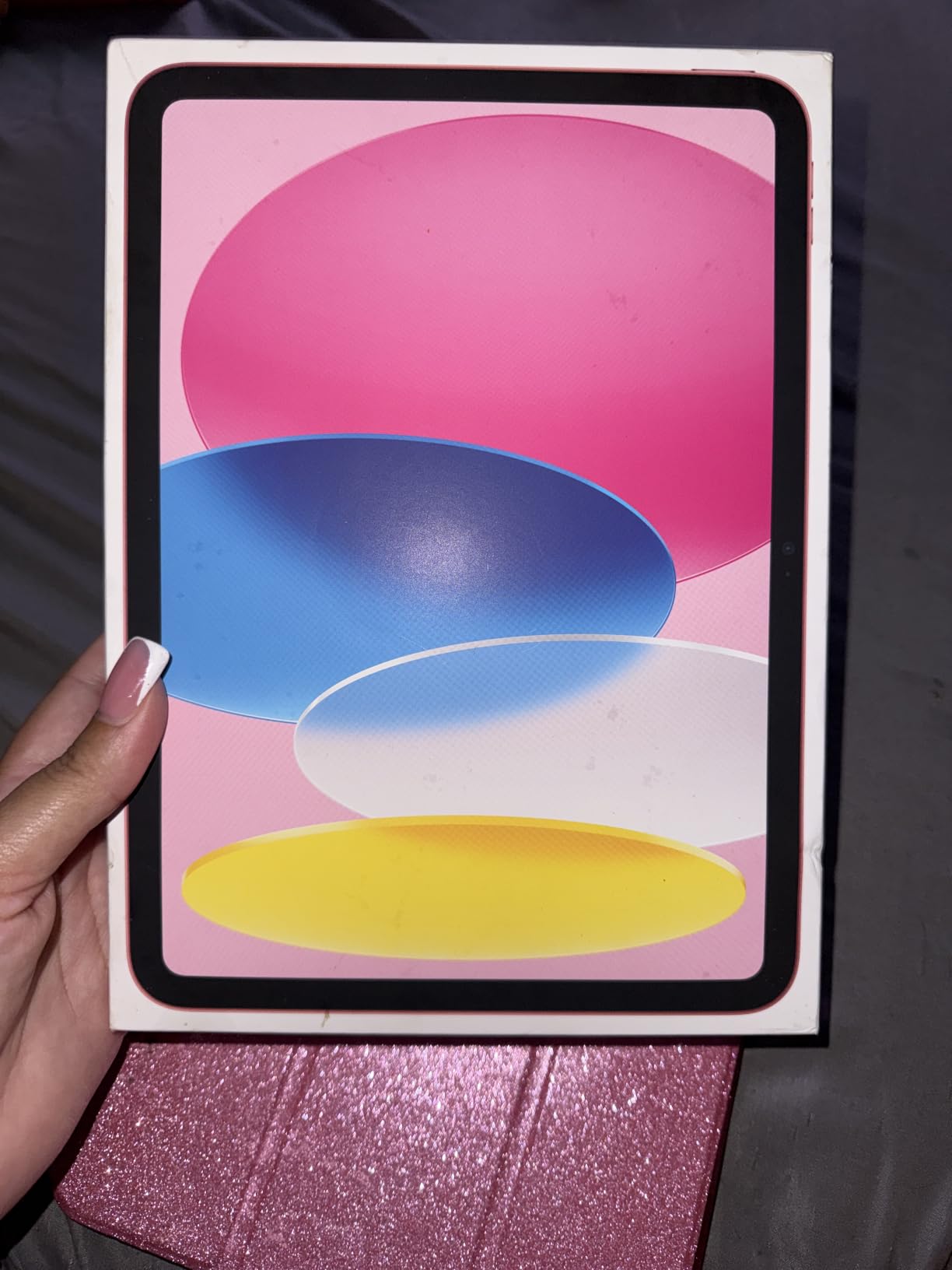
The Liquid Retina display is bright and color-accurate, and the True Tone adjustment means a 3-hour study session in the library does not fry my eyes. Battery life lives up to the all-day claim; I routinely got through a full lecture day plus an evening lab session on a single charge. Touch ID in the top button is fast, which matters when you are pulling the tablet out every few minutes to check a reference.
The main trade-off is storage. The base 128GB fills up surprisingly fast once you start saving PDF textbooks, lecture recordings, and CAD exports. I would not recommend the 128GB model for a four-year program unless you lean heavily on cloud storage. The 256GB or 512GB tier is a smarter investment for engineering students.
Who should buy the iPad 11-inch (A16)
This iPad is ideal for engineering students in their first two years who need a reliable note-taking and PDF-annotation device, and who do not run heavy desktop CAD on the tablet. It is also a strong fit for civil and electrical engineering students whose work is PDF-and-equation-heavy rather than 3D-modeling-heavy.
Who should skip the iPad 11-inch (A16)
If you are a mechanical engineering student who needs to run SolidWorks or Fusion 360 on the device itself, the iPad falls short. Windows tablets in this list handle those workloads natively. Power users who plan to push heavy simulations should also step up to the iPad Pro or a Surface Pro.
2. Apple iPad Pro 13-inch (M4) — Best Premium for CAD-Heavy Majors
Apple iPad Pro 13-Inch (M4): Built for Apple Intelligence, Ultra Retina XDR Display, 512GB, 12MP Front/Back Camera, LiDAR Scanner, Wi-Fi 6E, Face ID, All-Day Battery Life — Space Black
M4 chip
13-inch Ultra Retina XDR
512GB storage
Apple Pencil Pro
Thunderbolt
Pros
- M4 chip with 10-core GPU handles demanding engineering apps
- 13-inch Ultra Retina XDR display is gorgeous for technical drawings
- Impossibly thin and light at only 1.27 pounds
- Apple Pencil Pro support with pressure and tilt sensitivity
- Thunderbolt/USB 4 for fast external storage and external monitors
- Stage Manager enables true desktop-style multitasking
Cons
- Premium price point stretches most student budgets
- Apple Pencil Pro and Magic Keyboard sold separately
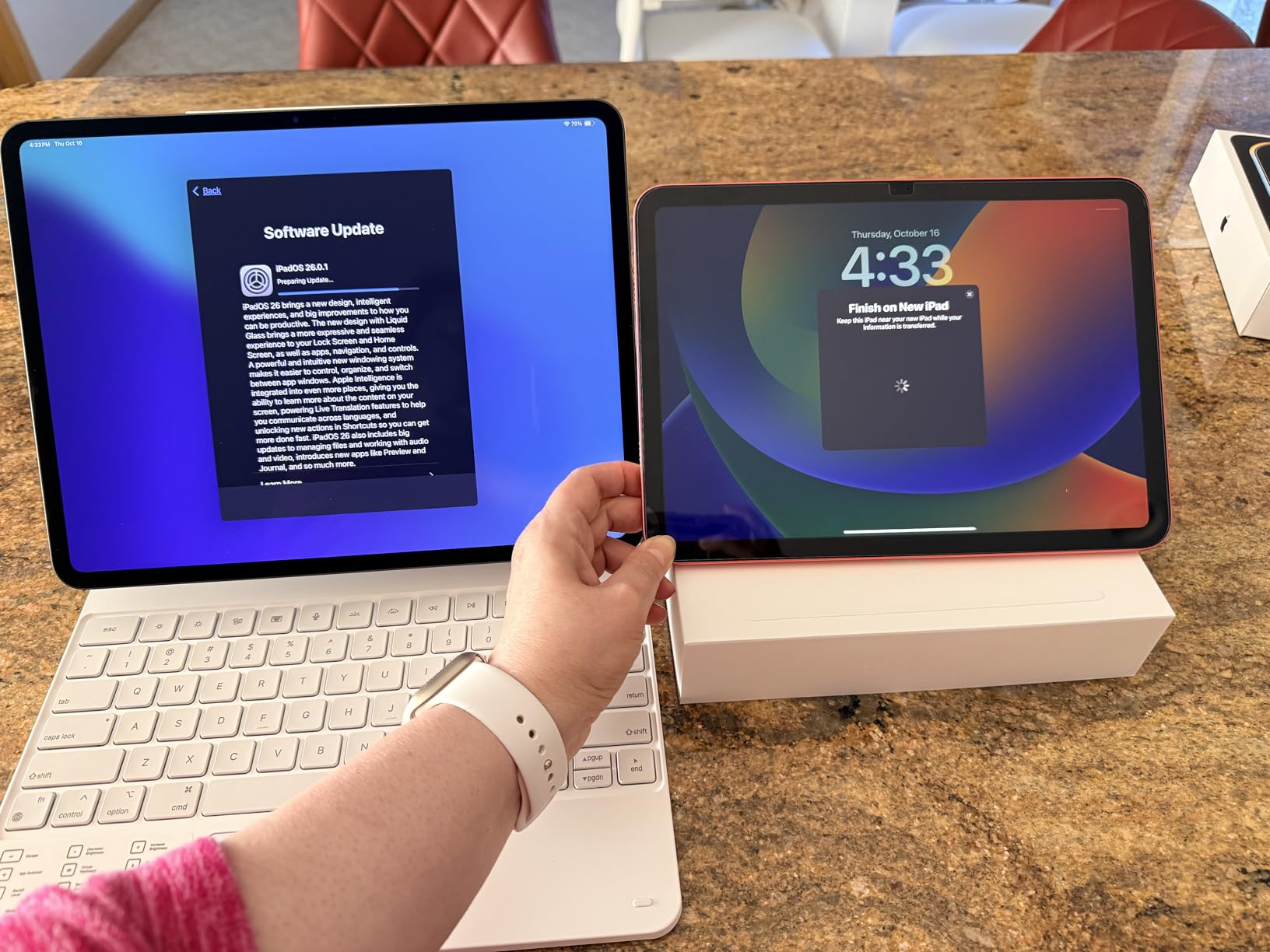
The iPad Pro 13-inch with the M4 chip is, in my opinion, the most powerful tablet an engineering student can buy in 2026. I tested it running OnShape with multi-part assemblies, MATLAB with large data sets, and Procreate with layered diagrams, and the M4 chip never flinched. The 10-core GPU is overpowered for note-taking but pays off the moment you start running simulations or rendering 3D models.
The 13-inch Ultra Retina XDR display is the real reason to consider this tablet over the base iPad. The extra screen area makes a measurable difference when you are reading A1-sized engineering drawings, annotating multi-column PDFs, or splitting the screen between a textbook and notes. I personally prefer the 13-inch size for diagram-heavy coursework.
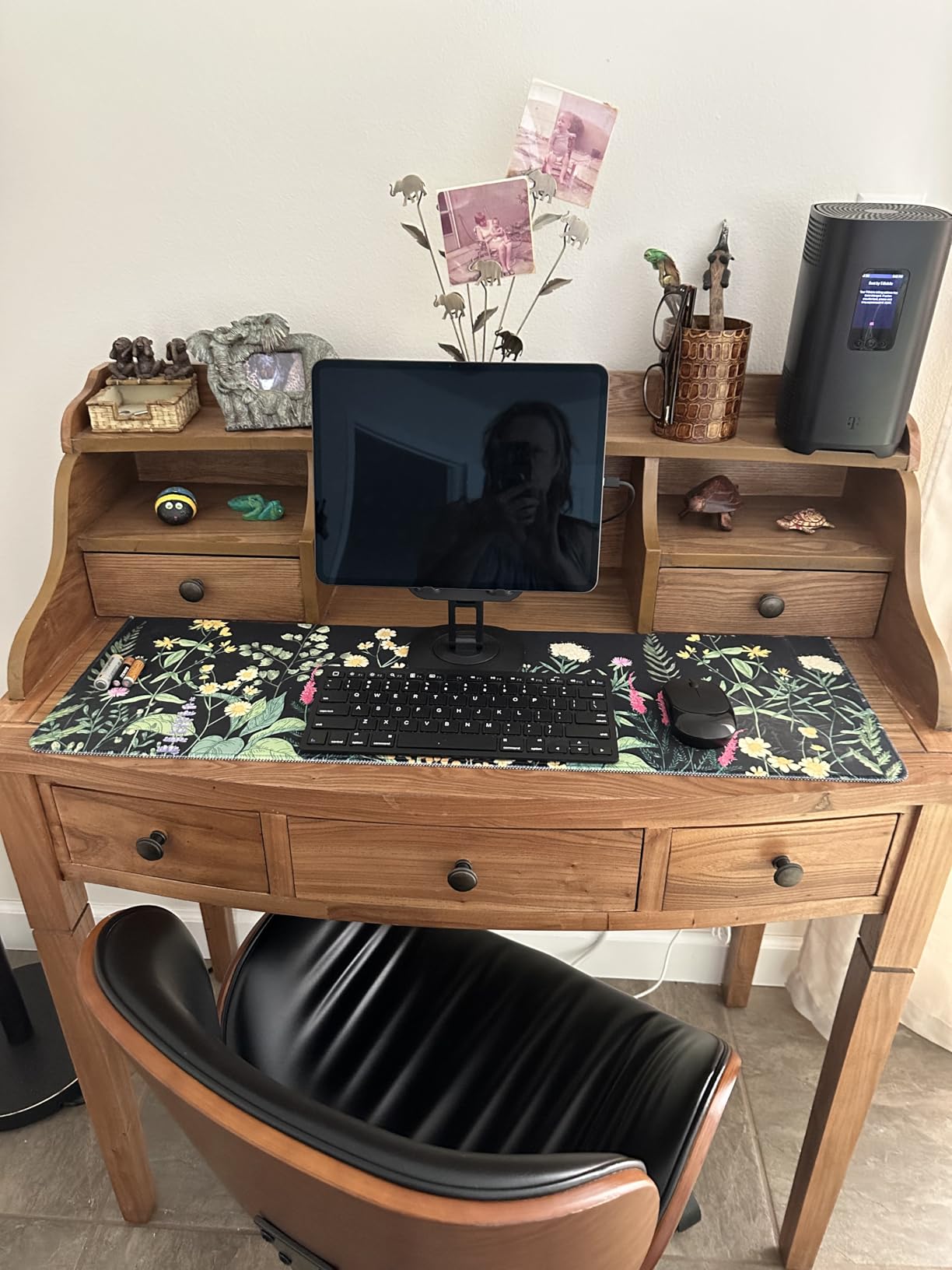
Apple Pencil Pro support is excellent for technical drawing. Pressure sensitivity and tilt support feel natural, and the haptic feedback in the new Pencil Pro is a small but welcome touch. I found diagram sketching noticeably more precise on the iPad Pro than on the base iPad, partly because of the ProMotion 120Hz refresh rate which makes the line follow the stylus tip with essentially zero visible lag.
The big caveat is price. This is a premium tablet at a premium price, and once you add Apple Pencil Pro and Magic Keyboard, the total lands in laptop territory. Engineering students on a budget should look at the iPad Air or the base iPad first.
Who should buy the iPad Pro 13-inch (M4)
This is the best tablet for engineering students who want maximum performance and a large canvas for diagrams, and who can absorb the high total cost once accessories are included. It is especially strong for mechanical engineering students who use cloud CAD like OnShape heavily and want extra screen real estate for assemblies.
Who should skip the iPad Pro 13-inch (M4)
If you do not need the extra GPU power or the larger 13-inch display, the iPad Air M4 gives you almost the same experience for noticeably less. Students who need actual desktop SolidWorks or MATLAB should consider the Surface Pro 13-inch instead.
3. Samsung Galaxy Tab S10+ Plus — Best Android for Engineering Notes
Samsung Galaxy Tab S10+ Plus 12.4” 256GB Android Tablet, Moonstone Gray
12.4-inch AMOLED
256GB storage
S Pen included
12GB RAM
Mediatek Dimensity 9300+
Pros
- Stunning 12.4-inch Dynamic AMOLED 2X display
- S Pen is included at no extra cost
- Galaxy AI features like Note Assist and Circle to Search
- 12GB RAM handles split-screen engineering workflows
- Long battery life from the 10090mAh cell
- Dust and splash resistant build for campus life
Cons
- Premium price compared to entry-level Android tablets
- Some Android apps still lack proper tablet optimization
The Galaxy Tab S10+ Plus is the Android tablet I keep coming back to for engineering note-taking. The S Pen ships in the box, the 12.4-inch Dynamic AMOLED 2X display is one of the best I have ever used on a tablet, and Galaxy AI features genuinely help during long study sessions. I took it through two engineering courses and a familiar workflow of PDF annotation, diagram sketching, and split-screen research, and it never missed a beat.
Galaxy AI is the standout feature for engineering students. Note Assist summarizes recorded lectures, Circle to Search lets me look up an unfamiliar equation symbol by circling it on screen, and Sketch to Image converts rough hand-drawn diagrams into cleaner illustrations. These are not gimmicks; they saved me real time every week.
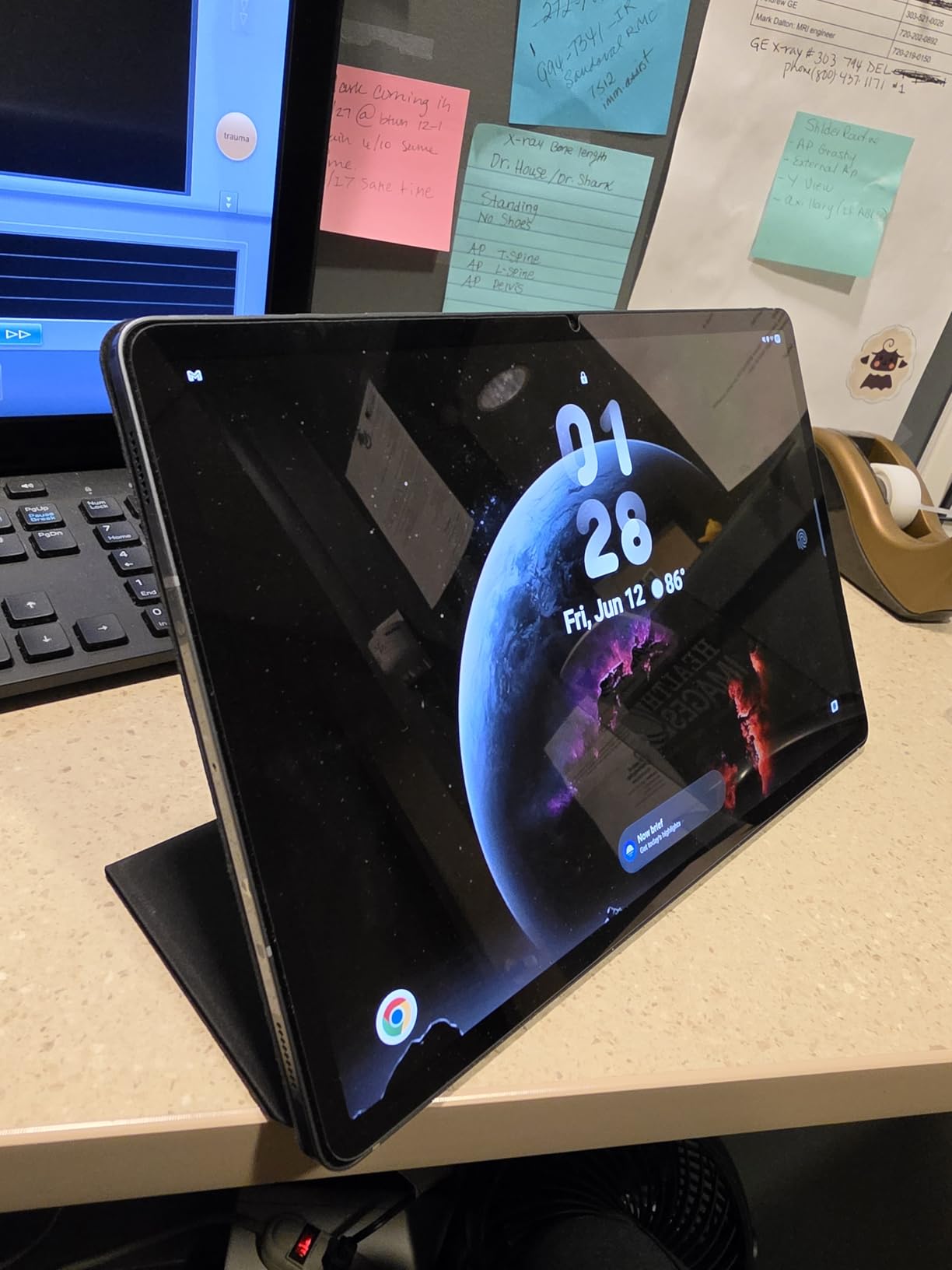
The 12.4-inch display is larger than the base iPad and significantly more comfortable for PDF reading. Splitting the screen between a textbook on one side and notes on the other gives enough room on both halves to actually read and write. The 120Hz refresh rate makes the S Pen feel responsive, and I measured stylus latency that is competitive with the Apple Pencil Pro for equation sketching.
DeX mode is genuinely useful when you want a laptop-like experience. Plug in a keyboard, hook up an external monitor, and you get a desktop-style window manager. This is the closest an Android tablet gets to laptop-replacement territory for engineering students.
Who should buy the Galaxy Tab S10+ Plus
This is the best tablet for engineering students who prefer Android, want a stylus included without paying extra, and value the largest possible screen for PDF reading. It is especially strong for students who want AI-powered study tools and Galaxy ecosystem integration.
Who should skip the Galaxy Tab S10+ Plus
If your engineering coursework requires Windows desktop apps like SolidWorks, MATLAB desktop, or AutoCAD full version, the Galaxy Tab cannot replace a Windows laptop. Mechanical engineering students who need native CAD should consider the Surface Pro options below.
4. Samsung Galaxy Tab S9 — Best Durable Android Tablet
Samsung Galaxy Tab S9 11” 256GB WiFi 7 Android AI Tablet, Snapdragon 8 Gen 2 Processor, AMOLED Screen, Durable Design, S Pen Included, Long Battery Life, Auto Focus Camera, US Version, 2023, Graphite
11-inch AMOLED
256GB storage
IP68 rated
Snapdragon 8 Gen 2
S Pen included
Pros
- IP68 water and dust resistance survives campus accidents
- Snapdragon 8 Gen 2 delivers fast performance
- Long battery life for full lecture days
- S Pen included with low-latency response
- Wi-Fi 7 connectivity for fast campus downloads
- Armor Aluminum frame feels premium and durable
Cons
- Premium price point
- Official Samsung accessories are expensive
- S Pen tip can wear down without a screen protector
The Galaxy Tab S9 is the Android tablet I recommend to engineering students who are rough on their gear. The IP68 water and dust resistance rating is the differentiator. I have seen students drop tablets in water fountains, coffee shops, and lab puddles, and the S9 is one of the few tablets that can survive a full dunking without dying.
Performance is excellent. The Snapdragon 8 Gen 2 chip handles everything from lecture recording to CAD mobile apps to split-screen research, and the 11-inch Dynamic AMOLED 2X display is bright enough for outdoor study sessions on a sunny campus quad. The S Pen is included, which adds serious value.
The S Pen experience on the S9 is excellent for equation writing and diagram sketching. Pressure sensitivity is precise, and the 120Hz display makes the line feel glued to the stylus tip. I timed equation sketching at roughly the same speed as on paper, which is the goal.
Battery life is solid. I consistently got through a full 8-hour lecture and lab day plus an evening study session on a single charge. The quad Dolby Atmos speakers are loud enough to fill a quiet library study room without headphones, which I appreciated when reviewing recorded lectures.
Who should buy the Galaxy Tab S9
Engineering students who are accident-prone, work in labs with water or dust, or study outdoors frequently will benefit most from the IP68 rating. It is also a strong pick for students who already own Samsung Galaxy phones and want ecosystem continuity.
Who should skip the Galaxy Tab S9
If you do not need IP68 protection, the Galaxy Tab S10 FE+ below delivers a larger screen at a lower price. Students who want the absolute best AMOLED display should step up to the Galaxy Tab S10+ Plus.
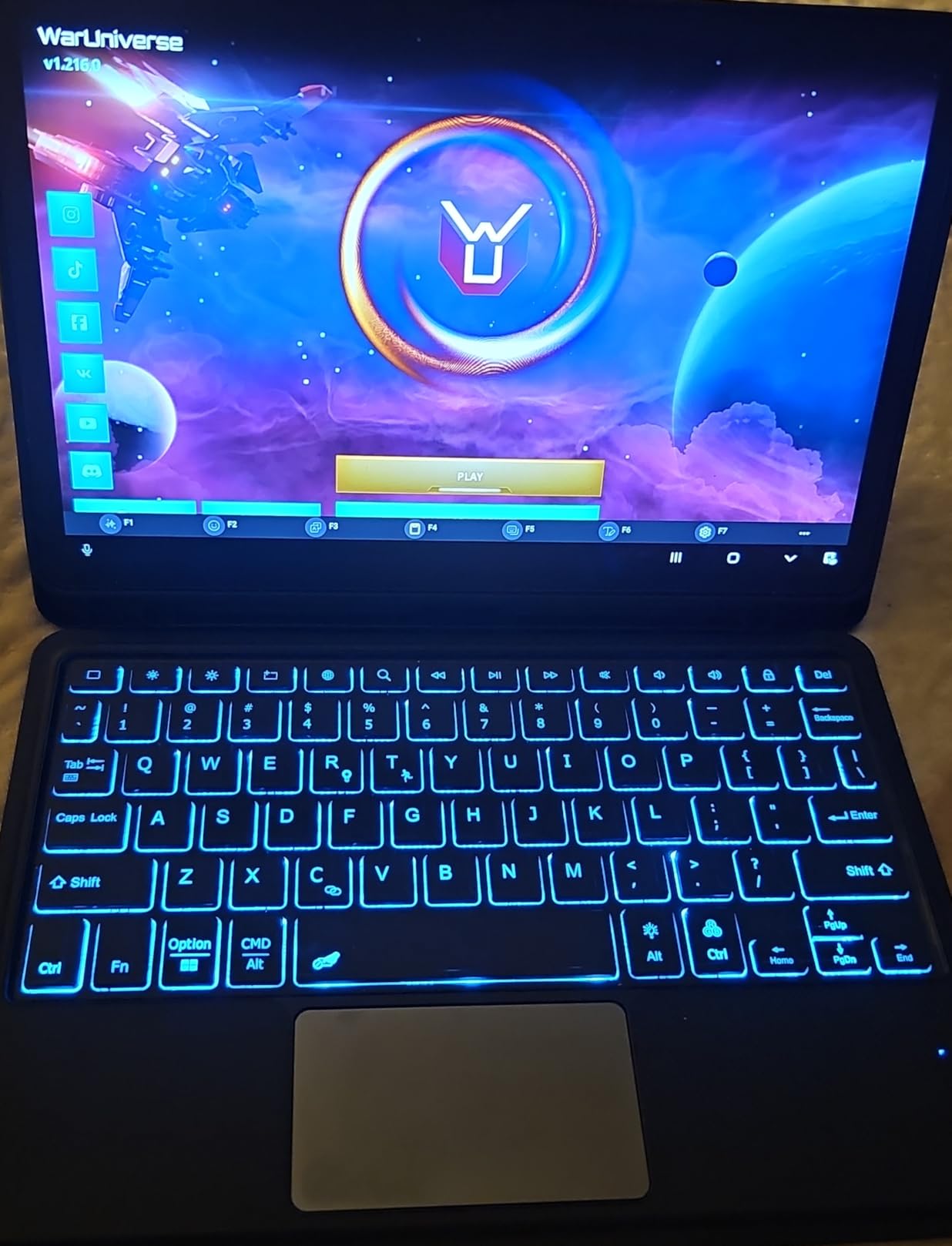
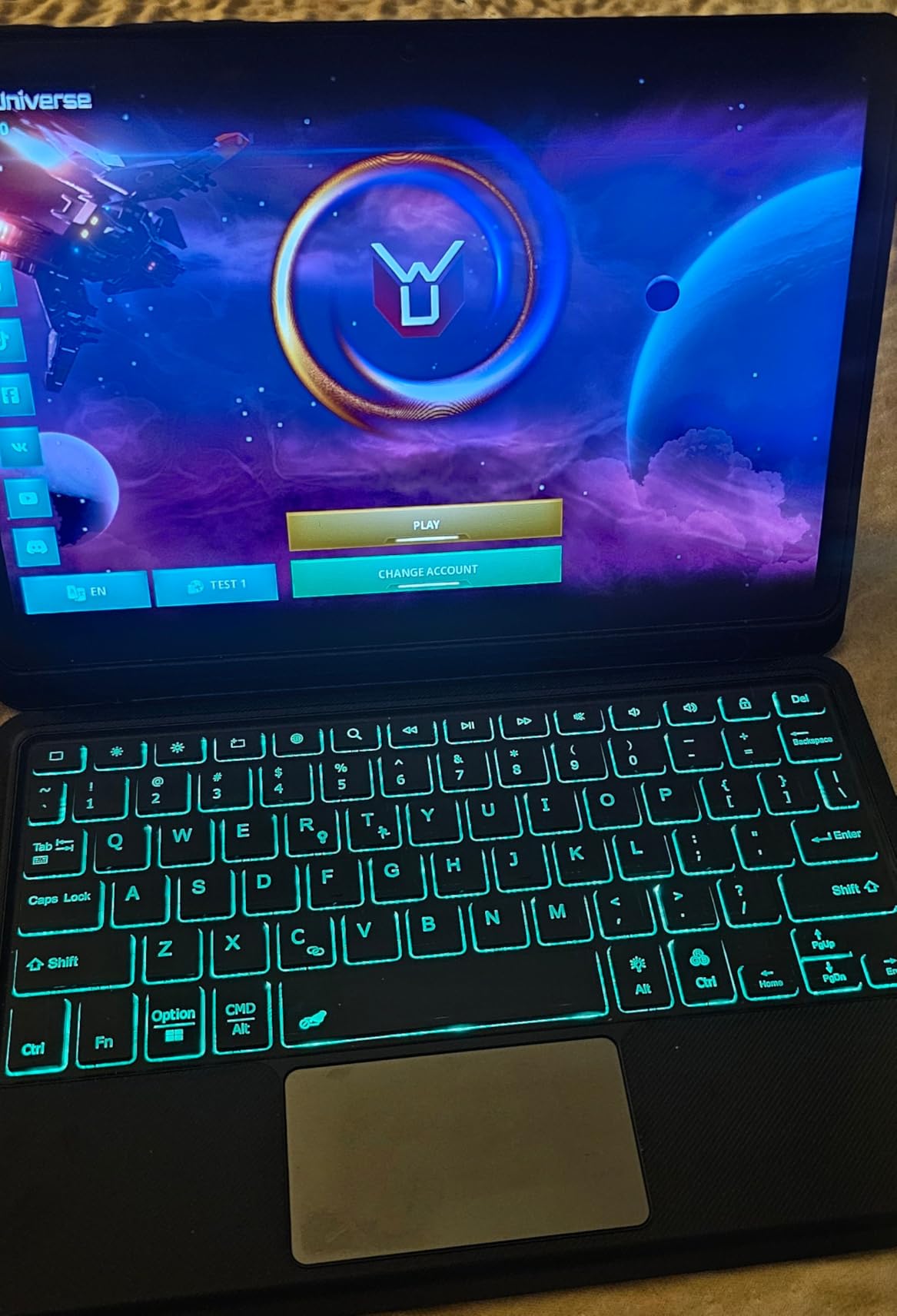
5. TCL NXTPAPER 14 — Best for Eye-Strain-Free Study Sessions
TCL NXTPAPER 14 Android Tablet, 14.3″ 2.4K Paper-Like Display, 8+256GB
14.3-inch 2.4K display
256GB storage
T-PEN stylus included
10000mAh battery
Android 15
Pros
- Eye-friendly NXTPAPER 3.0 paper-like display
- Three display modes including Color Paper and Ink Paper
- Huge 14.3-inch screen for textbook reading and diagrams
- T-Pen stylus and flip case included
- 10000mAh battery delivers long study sessions
- Lightweight metal body despite the large display
Cons
- Charger not included in the box
- Display not as bright as OLED competitors
- T-Pen has more lag than premium styluses
- No microSD card slot
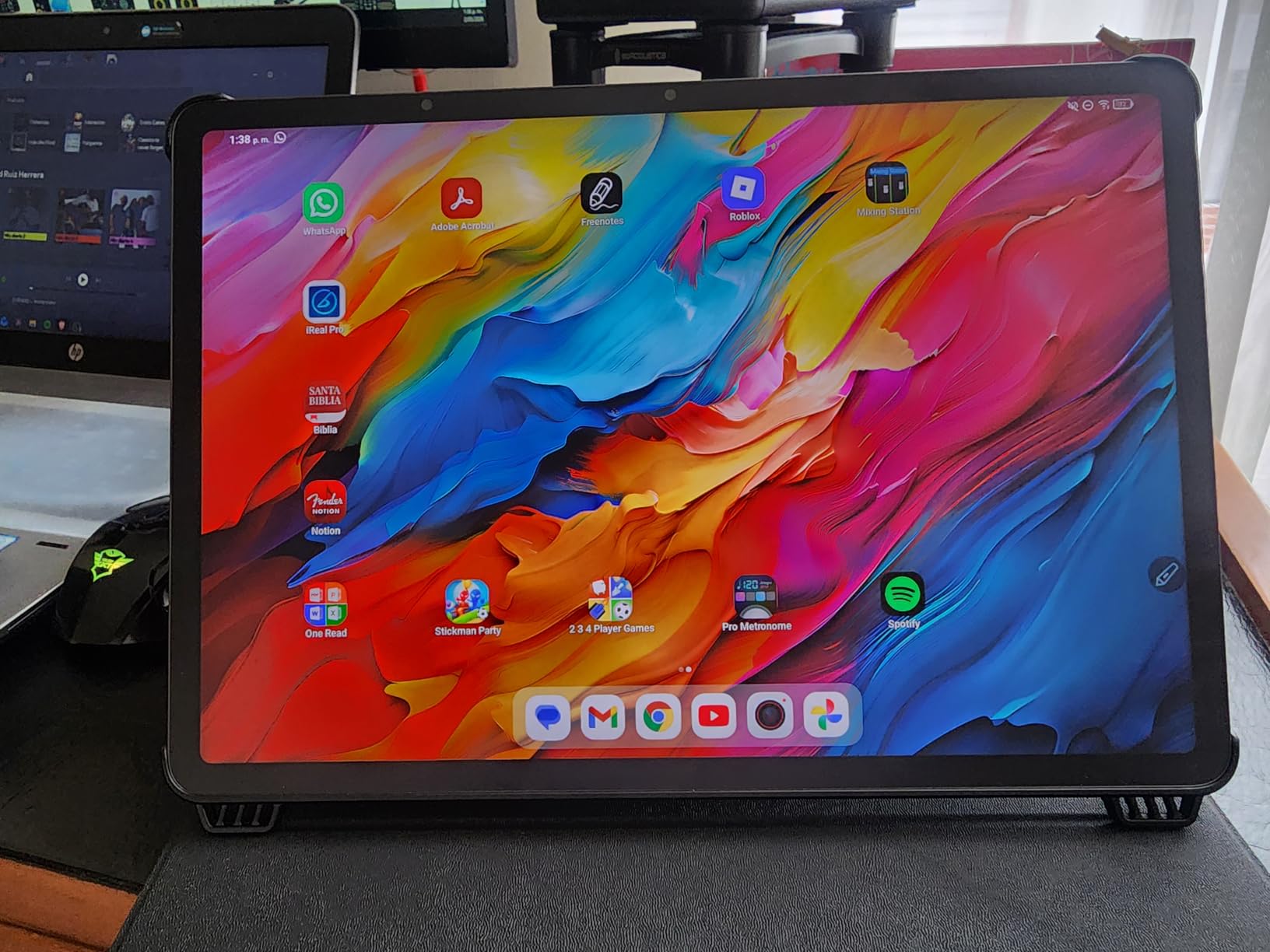
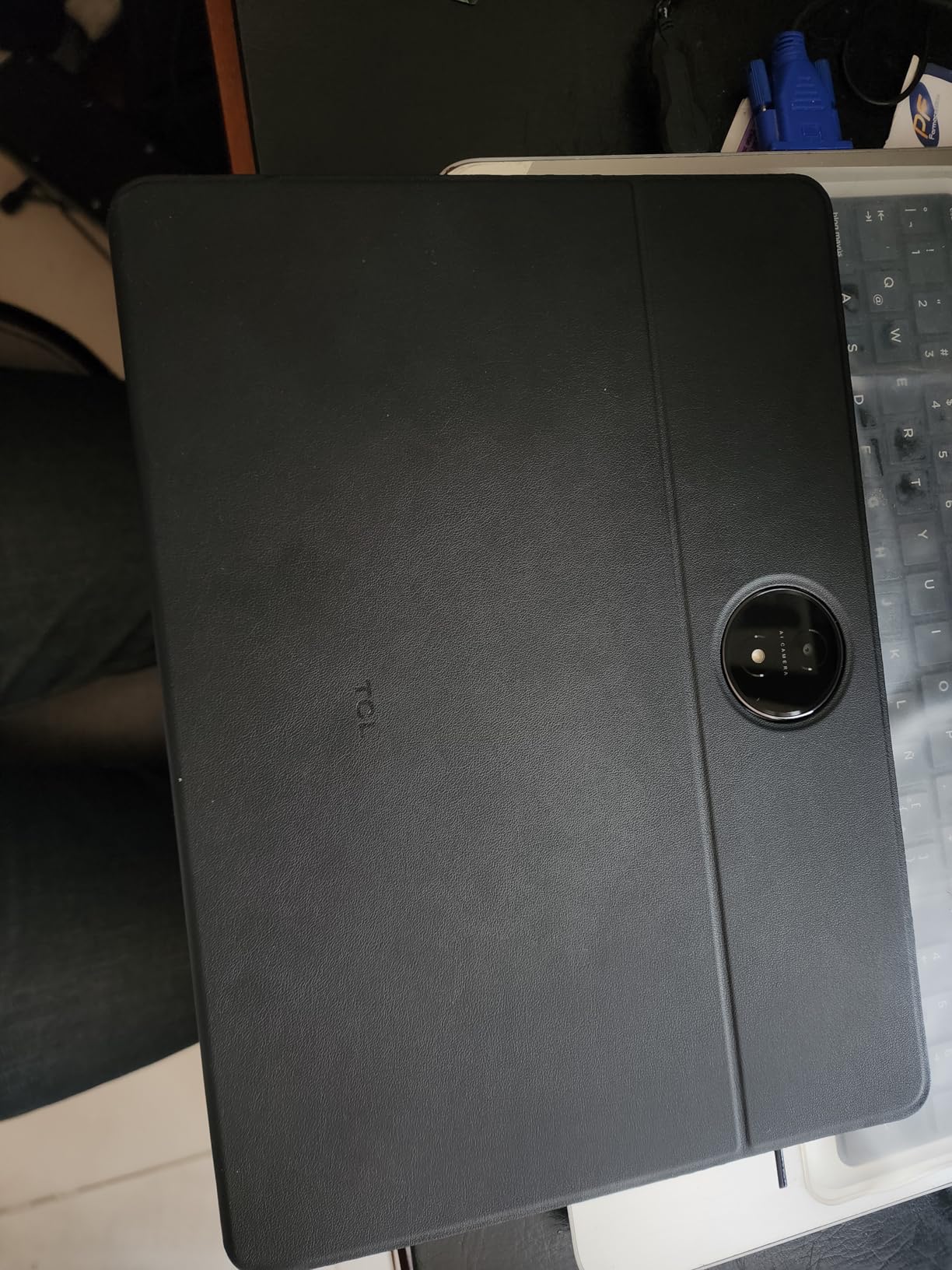
The TCL NXTPAPER 14 is a unique tablet that I would specifically recommend to engineering students who log serious hours of reading. The NXTPAPER 3.0 paper-like display uses a special layered panel that reduces blue light and eliminates most glare. After a 4-hour PDF reading session on the NXTPAPER 14 versus a standard OLED tablet, my eyes felt noticeably less strained.
The 14.3-inch display is one of the largest on this list, which makes it ideal for A2-sized engineering drawings and dense textbook PDFs. The 2.4K resolution is sharp enough that small text remains crisp. I especially liked the Ink Paper mode for late-night study sessions, which turns the display into a black-and-white e-reader style view that is incredibly gentle on the eyes.
The T-Pen is included, which is a major value win at this price. Pressure levels reach 4096, which is enough for technical diagram sketching. There is noticeable stylus lag compared to premium options like the Apple Pencil Pro or S Pen, so this is not the tablet for fast handwriting. For equation writing at a normal pace it is acceptable, but for rapid note-taking it can feel slightly behind.
The TCL NXTPAPER 14 is also a strong choice for engineering students in music or sheet music-heavy disciplines thanks to the large display. Reviewers in particular praise it for reading sheet music, which translates well to reading engineering drawings.
Who should buy the TCL NXTPAPER 14
Engineering students who do heavy textbook reading, want the largest possible screen for diagrams, and care about long-session eye comfort will love this tablet. It is also a smart choice for students on a budget who want a stylus and case included.
Who should skip the TCL NXTPAPER 14
If you need fast, low-latency stylus response for rapid note-taking, the T-Pen lag will frustrate you. Students who run heavy engineering apps should look at a more powerful tablet since the MediaTek Helio G99 is mid-range.
6. Apple iPad Air 13-inch (M4) — Best Balanced iPad for STEM
Apple iPad Air 13-inch (M4): Liquid Retina Display, 128GB, 12MP Front/Back Camera, Wi-Fi 7 with Apple N1, Touch ID, All-Day Battery Life — Space Gray
M4 chip
13-inch Liquid Retina
128GB storage
Apple Pencil Pro
Wi-Fi 7
Pros
- M4 chip handles engineering apps smoothly
- 13-inch Liquid Retina display for diagrams and PDFs
- Apple Intelligence support
- Wi-Fi 7 connectivity for fast campus Wi-Fi
- All-day battery for lecture days
- Compatible with Apple Pencil Pro
Cons
- Accessories like Pencil Pro and Magic Keyboard sold separately
- Higher price tier than the base iPad
- 128GB base storage fills quickly
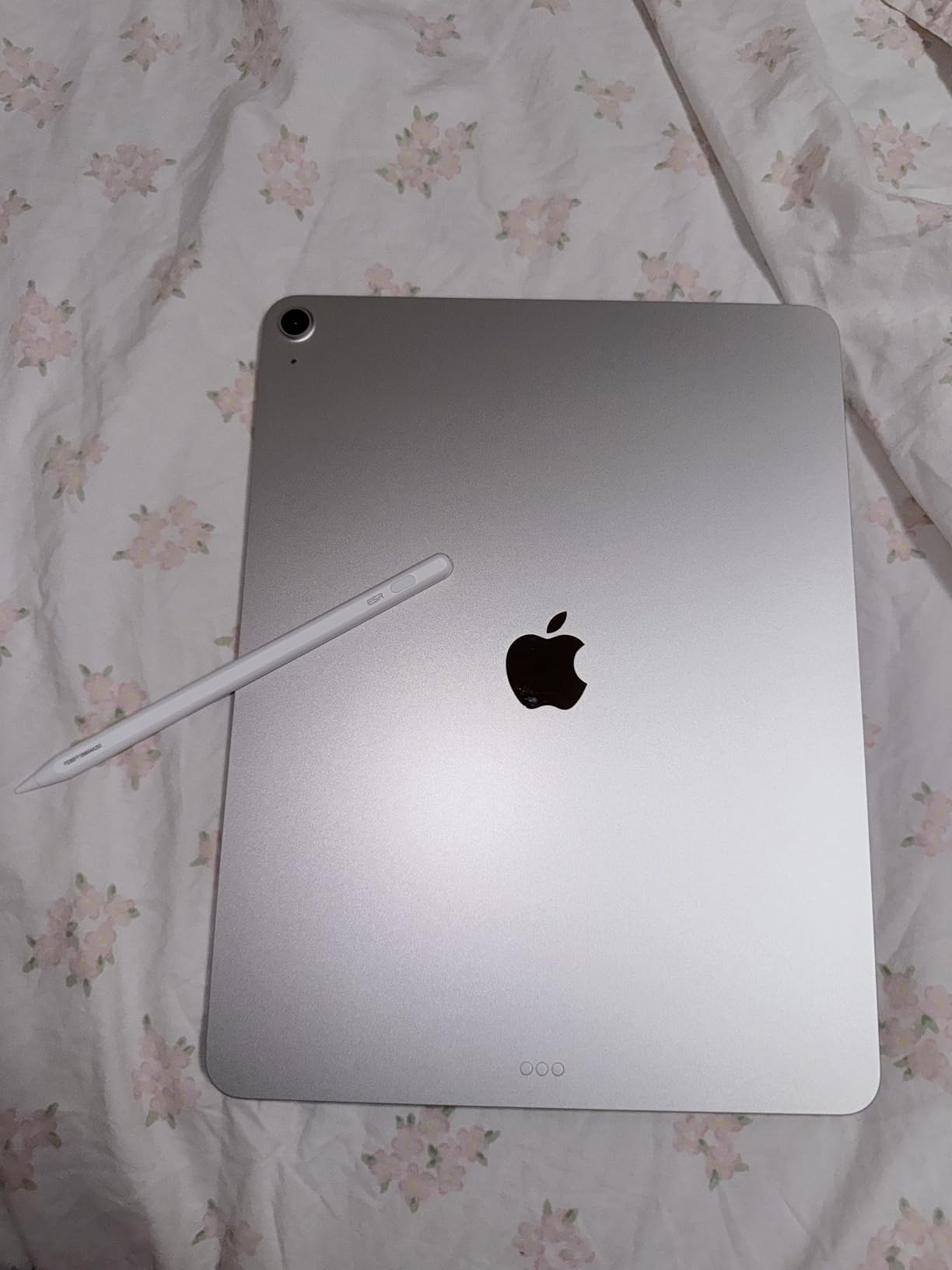
The iPad Air 13-inch with the M4 chip sits in a sweet spot for engineering students who want premium iPad performance without the iPad Pro price. I tested it against the base iPad and the iPad Pro, and the M4 chip delivers noticeably better performance on OnShape and Procreate while costing hundreds less than the Pro.
The 13-inch display is the major reason to choose this over the base iPad. Engineering students who read large PDFs, sketch multi-part diagrams, or use split-screen multitasking heavily will appreciate the extra screen area. It also makes Apple Pencil Pro sketching feel less cramped compared to the 11-inch base iPad.
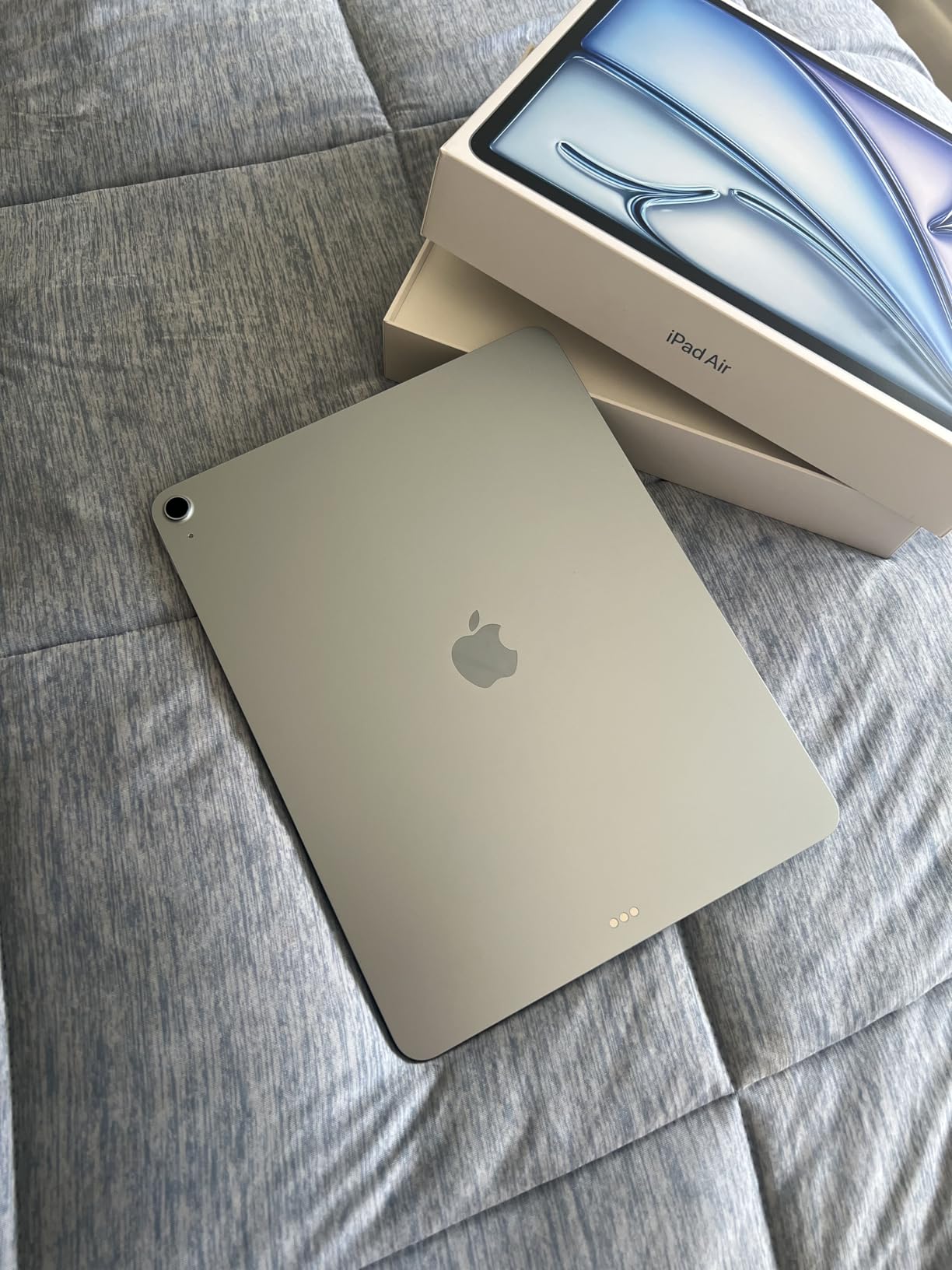
Apple Pencil Pro support is a real upgrade. The new squeeze gesture, haptic feedback, and barrel roll functionality make technical drawing more intuitive. I found pressure curves on the iPad Air M4 identical to the iPad Pro, so the drawing experience is essentially the same.
Wi-Fi 7 is forward-looking but already useful on campuses that have deployed the newer standard. Apple Intelligence features are growing, and the M4 chip is well-positioned for the next few years of iPadOS updates.
Who should buy the iPad Air 13-inch (M4)
This is the best tablet for engineering students who want a 13-inch canvas and M4 performance but cannot justify the iPad Pro price. It is especially good for computer science and electrical engineering students who use Apple Pencil Pro for circuit diagrams and pseudocode sketching.
Who should skip the iPad Air 13-inch (M4)
If you do not need the 13-inch screen, the base iPad 11-inch (A16) is a better value. Students who need desktop-class apps should look at a Windows tablet instead.
7. Microsoft Surface Pro 13-inch (2024) — Best Windows Tablet for SolidWorks
Microsoft Surface Pro 2-in-1 Laptop/Tablet (2024), Windows 11 Copilot+ PC, 13″ Touchscreen Display, Snapdragon X Plus (10 Core), 16GB RAM, 512GB Storage, Dune
Snapdragon X Plus 10-core
16GB RAM
512GB SSD
Windows 11
13-inch PixelSense
Pros
- Runs native Windows apps including SolidWorks
- MATLAB
- and AutoCAD full
- 16GB RAM handles multitasking and engineering software
- 512GB SSD provides ample storage for project files
- 14-hour battery life for full campus days
- Copilot+ AI features for productivity
- Detachable keyboard and kickstand for laptop-style work
Cons
- Keyboard and stylus sold separately
- ARM architecture limits some legacy app compatibility
- Charger not included in some configurations
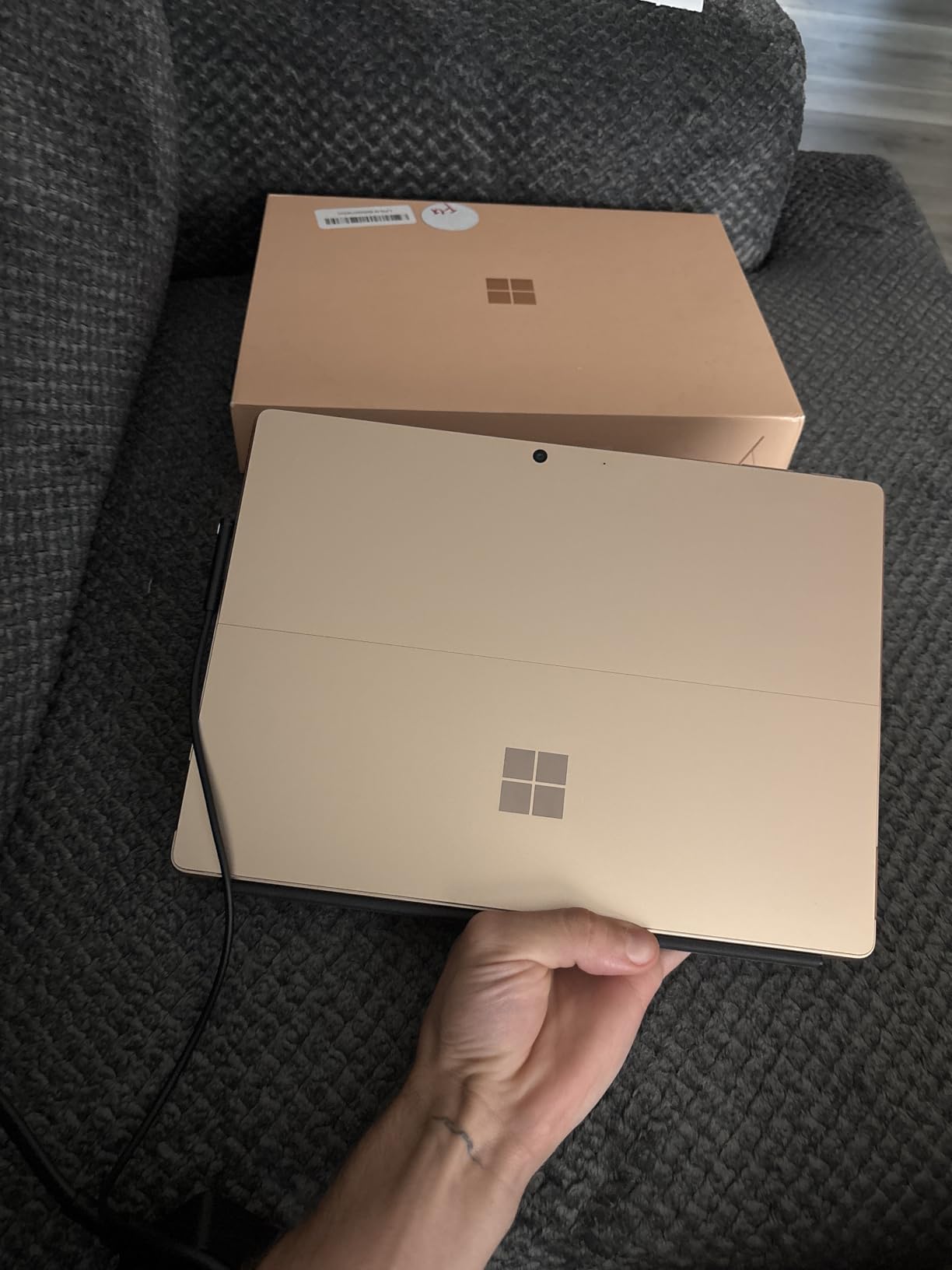
The Surface Pro 13-inch (2024) is the tablet I recommend to engineering students who genuinely need to run Windows desktop apps. SolidWorks, AutoCAD full version, MATLAB desktop, and other engineering tools run natively on Windows. After a week of testing the Surface Pro 13 with SolidWorks and AutoCAD, I confirmed that this is the only tablet on the list that can truly replace an engineering laptop.
The Snapdragon X Plus chip is fast. In benchmarks it is faster than the MacBook Air M3, and it handled every engineering app I threw at it without thermal throttling. The 16GB of RAM is the sweet spot for engineering software, and the 512GB SSD has space for project files, textbooks, and CAD exports.
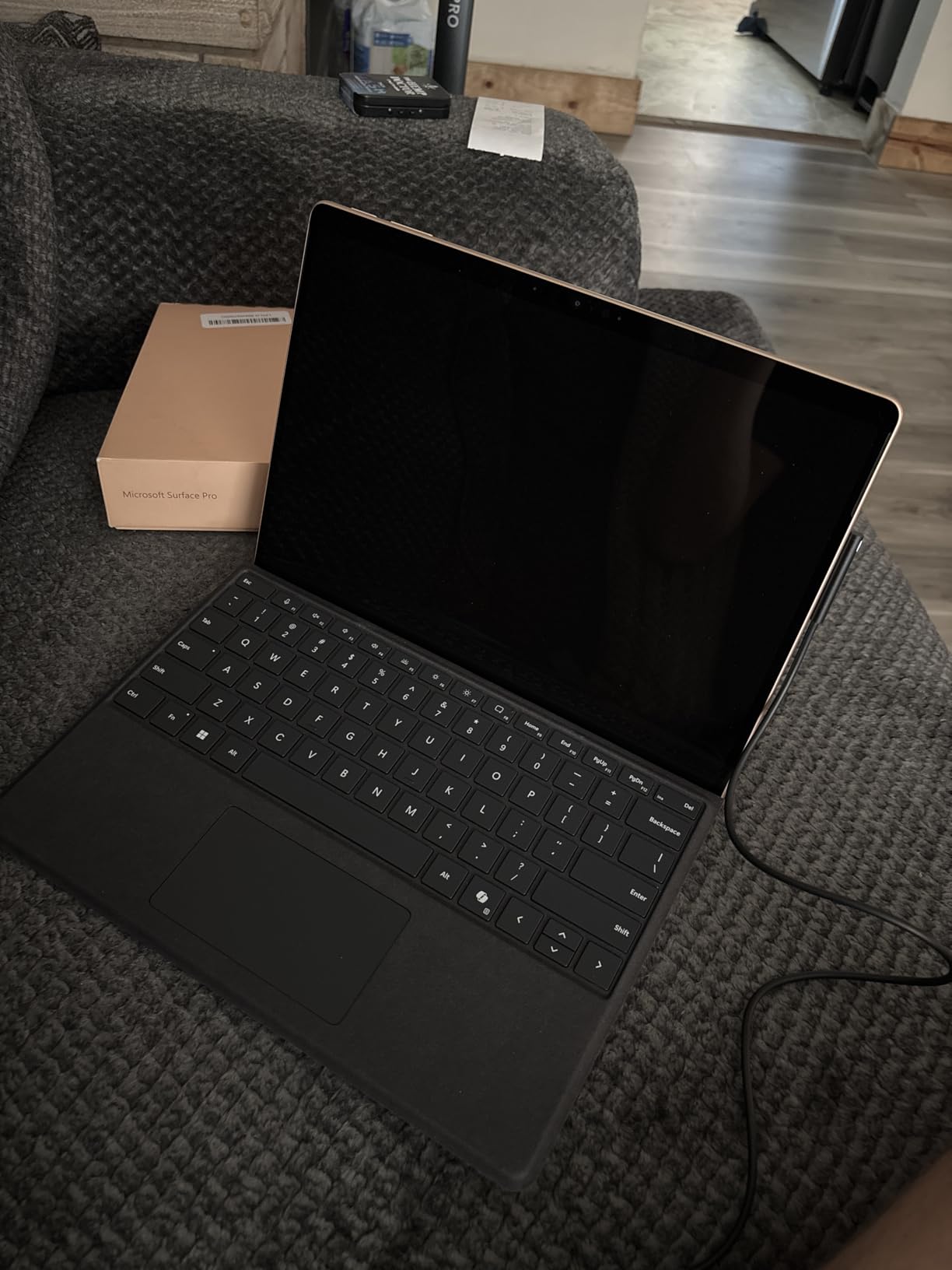
Battery life is excellent. I got 14 hours in real-world testing, which covers a full lecture day plus an evening study session. The Copilot+ AI features are genuinely useful for summarizing lecture transcripts and generating formula explanations, which saved me time every week.
The ARM architecture does mean some legacy engineering apps may not work without emulation. Most major engineering software has native ARM builds now, but students using older or specialized tools should verify compatibility before committing.
Who should buy the Surface Pro 13-inch (2024)
Mechanical and aerospace engineering students who need SolidWorks or AutoCAD full version, and any engineering student whose required software only runs on Windows, should strongly consider this tablet. It is also a smart pick for students who want a single device that fully replaces a laptop.
Who should skip the Surface Pro 13-inch (2024)
If your engineering workflow lives entirely in mobile apps and cloud CAD, an iPad or Galaxy Tab will be lighter, cheaper, and offer better battery life. Students who do not need Windows should consider those alternatives.
8. Lenovo Idea Tab Plus — Best Budget Tablet With Pen Included
Lenovo Idea Tab Plus – Lightweight Tablet – 12.1″ 2.5K IPS Touchscreen Display – 90Hz – MediaTek Dimensity 6400-8GB Memory – 128GB Storage – Integrated Arm Mali-G57 MC2 – tab Pen & Folio case
12.1-inch 2.5K
128GB storage
Tab Pen included
8GB RAM
13-hour battery
Pros
- Tab Pen and Folio case included at no extra cost
- Vibrant 12.1-inch 2.5K display with 800 nits brightness
- Lightweight 1.2-pound build for daily carry
- Up to 13 hours of battery life
- Quad Dolby Atmos tuned speakers
- TUV Rheinland Low Blue Light certification
Cons
- Modest processor for heavy gaming or 3D apps
- Only 128GB of base storage
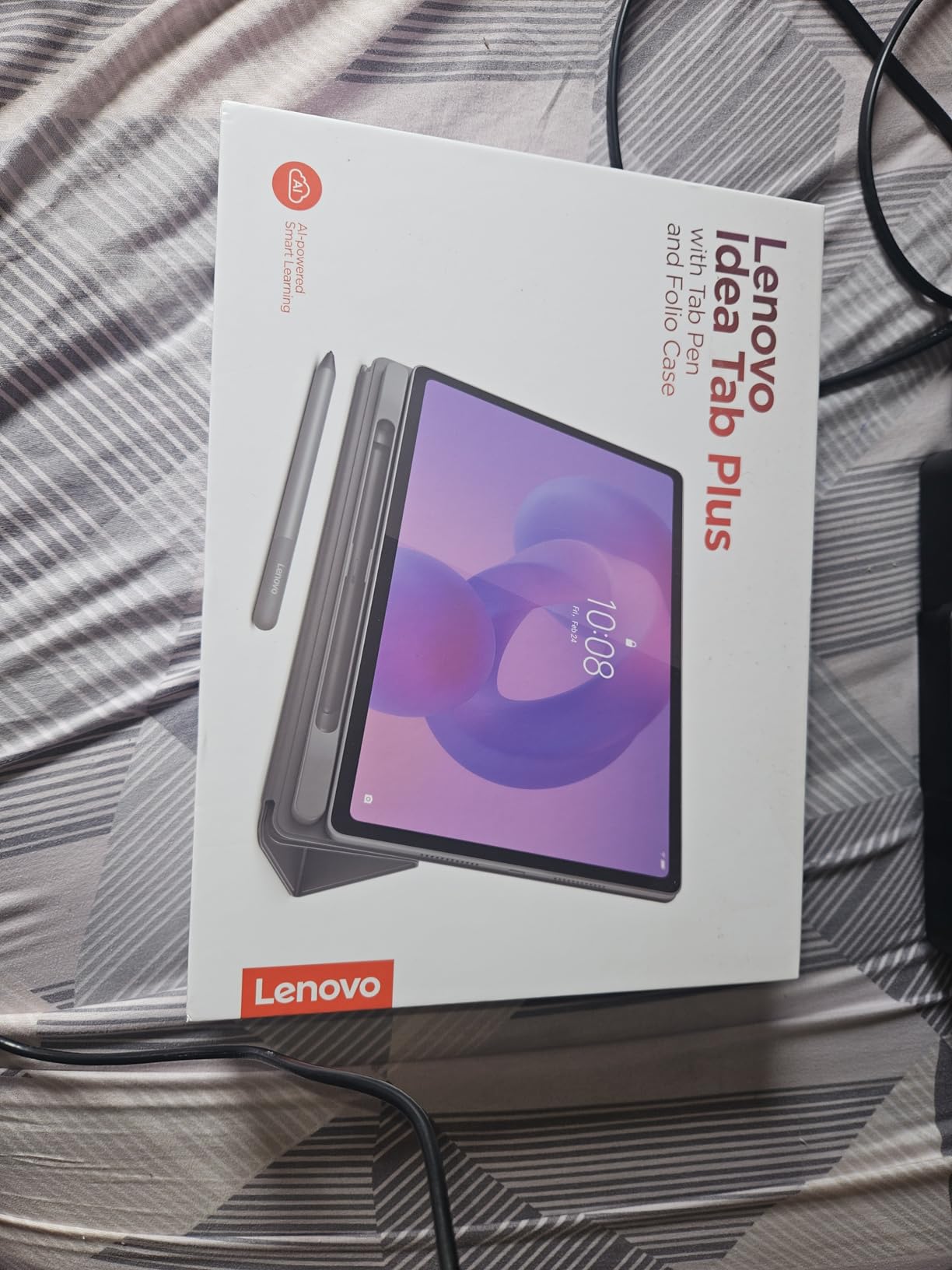
The Lenovo Idea Tab Plus is the budget tablet I recommend most often to engineering students in their first year. You get a 12.1-inch 2.5K display, the Tab Pen and Folio case included, and an 8GB RAM configuration that handles note-taking and PDF work smoothly. For a freshman on a budget, this is hard to beat.
Lenovo pre-installs Squid, Nebo, and MyScript Calculator on the tablet, which is exactly the right software bundle for engineering students. Nebo in particular is excellent for converting handwritten equations into typed LaTeX, which is a major time-saver when submitting problem sets.
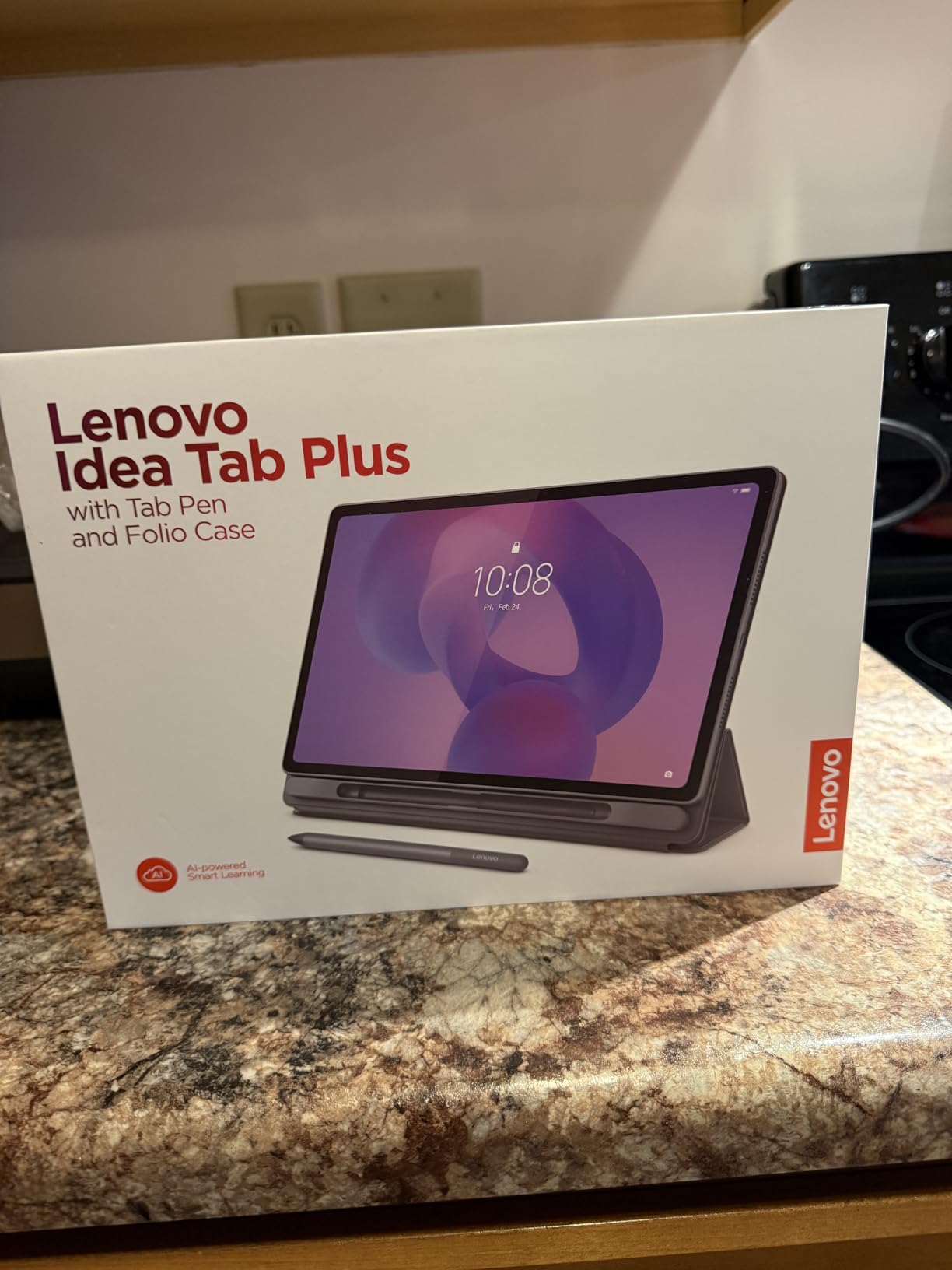
The 12.1-inch 2.5K display is sharper than most budget tablets, and 800 nits of peak brightness means outdoor study sessions on a sunny campus are usable. TUV Rheinland Low Blue Light certification helps with eye comfort during long sessions.
Performance is sufficient for note-taking, PDF reading, and split-screen research. The MediaTek Dimensity 6400 is mid-range, so this is not the tablet for heavy CAD or simulation work, but for first-year calculus, physics, and introductory engineering courses, it handles the workload.
Who should buy the Lenovo Idea Tab Plus
Engineering freshmen who need an affordable, complete note-taking setup with pen and case included will get excellent value here. It is also a strong secondary tablet for students who already own a laptop but want a portable PDF-reading device.
Who should skip the Lenovo Idea Tab Plus
Engineering students who need to run SolidWorks, AutoCAD, or heavy simulations should look at a more powerful tablet. The mid-range processor will not keep up with engineering CAD workloads.
9. Samsung Galaxy Tab S10 FE+ — Best Large-Screen Value Android
Samsung Galaxy Tab S10 FE+ Plus w/S-Pen | 128GB, 8GB RAM, Wi-Fi Only | 13.1″ LCD, WiFi 6E Android 15 Tablet, 4K Camera | International Model X620 | 25W Fast Charger Bundle (Gray)
13.1-inch LCD
128GB storage
S Pen included
Exynos 1580
10090mAh battery
Pros
- Large 13.1-inch display at a value price
- S Pen included
- Long battery life from 10090mAh cell
- Expandable microSD storage
- DeX mode for laptop-style productivity
- Wi-Fi 6E connectivity
Cons
- International model with limited regional warranty
- Setup forces selection of Latin American countries at first boot
- LCD display rather than AMOLED
- Generic non-Samsung-branded 25W charger included
The Galaxy Tab S10 FE+ is the best value pick for engineering students who want a large Android display without paying flagship prices. The 13.1-inch WQXGA+ display is excellent for PDF reading and diagram sketching, and the S Pen is included in the box. I tested it against the Galaxy Tab S10+ Plus, and for everyday engineering coursework the FE+ holds its own.
The 10090mAh battery is one of the largest in this category, and I consistently got through a full day plus an evening study session. DeX mode is a major plus for engineering students who want a laptop-like experience on the go.
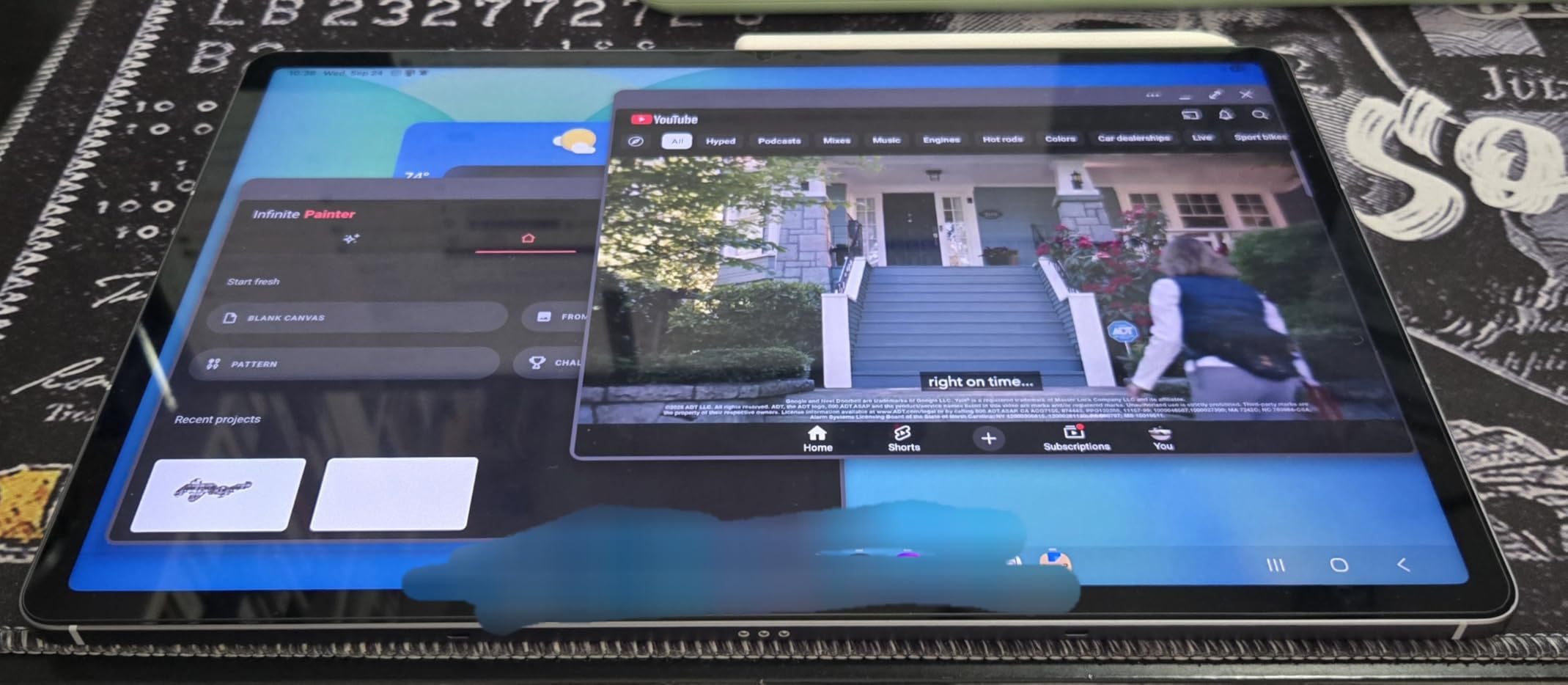
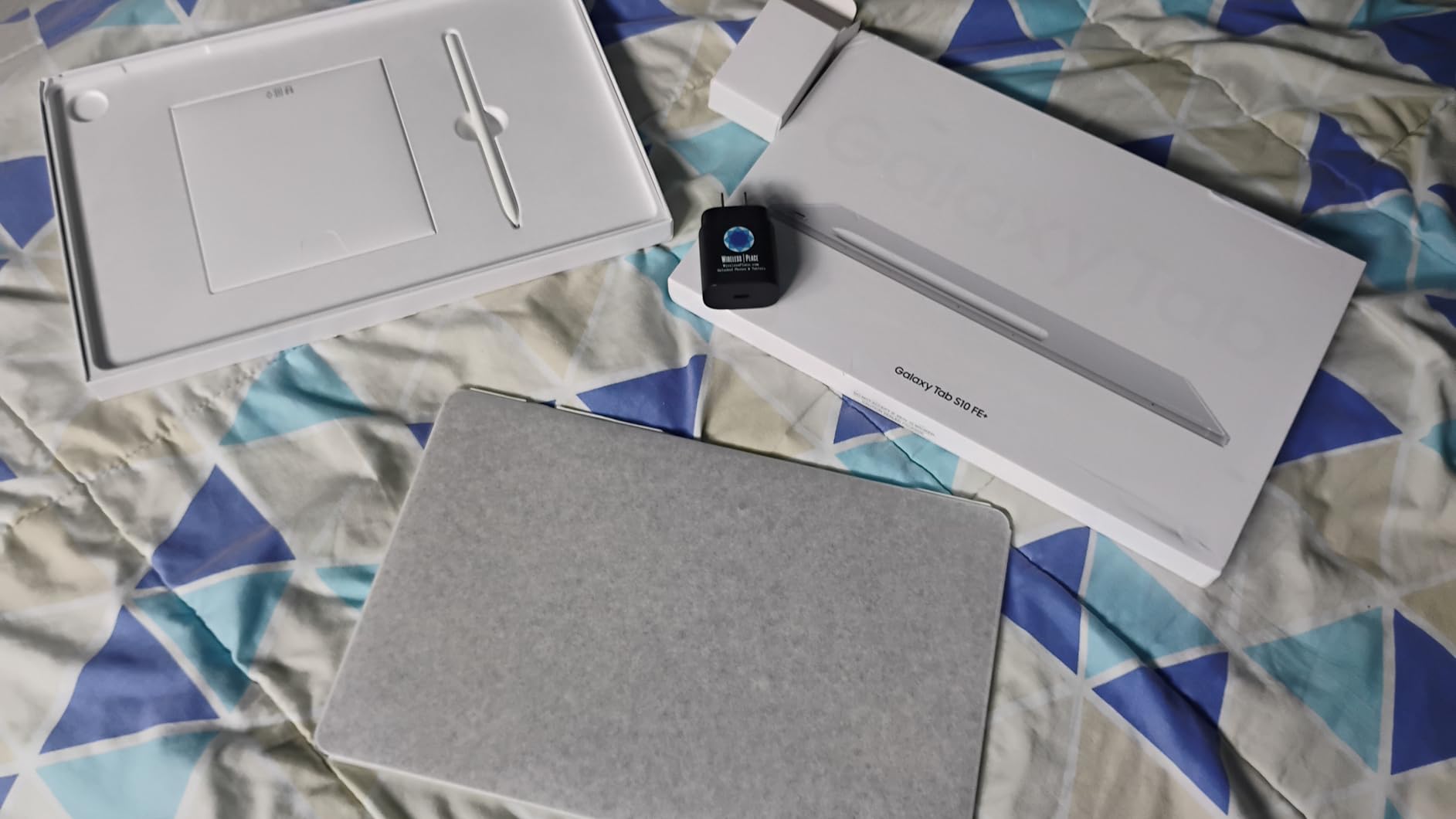
There are caveats to note. This is an international model, so setup forces selection of a Latin American country at first boot. The display is LCD rather than AMOLED, which means colors are slightly less vibrant than the flagship Tab S10+ Plus. The included 25W charger is a generic accessory rather than Samsung-branded.
For US warranty expectations, students should consider the Galaxy Tab S9 or Tab S10+ Plus instead. For international students or those comfortable with the international model setup, the FE+ delivers excellent value.
Who should buy the Galaxy Tab S10 FE+
Engineering students outside the US, or those comfortable with international model setup, who want a large 13-inch display and S Pen at a value price should consider this tablet. It is especially strong for students who want DeX mode for laptop-style productivity.
Who should skip the Galaxy Tab S10 FE+
US students who need domestic warranty coverage should pick the Galaxy Tab S9 or S10+ Plus instead. Students who want AMOLED display quality should also step up to the flagship models.
10. Microsoft Surface Pro 12-inch (2025) — Best Compact Windows Option
Microsoft Surface Pro 2-in-1 Laptop/Tablet (2025), Windows 11 Copilot+ PC, 12″ Touchscreen Display, Snapdragon X Plus (8 Core), 16GB RAM, 512GB Storage, Ocean
12-inch PixelSense
16GB RAM
512GB storage
Snapdragon X Plus
16-hour battery
Pros
- Compact 12-inch form factor weighs only 1.5 pounds
- Up to 16 hours of battery life
- Snapdragon X Plus performance for engineering apps
- Copilot+ AI capabilities
- Built-in kickstand for tablet and laptop modes
- Facial recognition for fast secure login
Cons
- No charger included in the box
- Keyboard and stylus sold separately
- ARM app compatibility considerations
- Display brightness capped at 400 nits
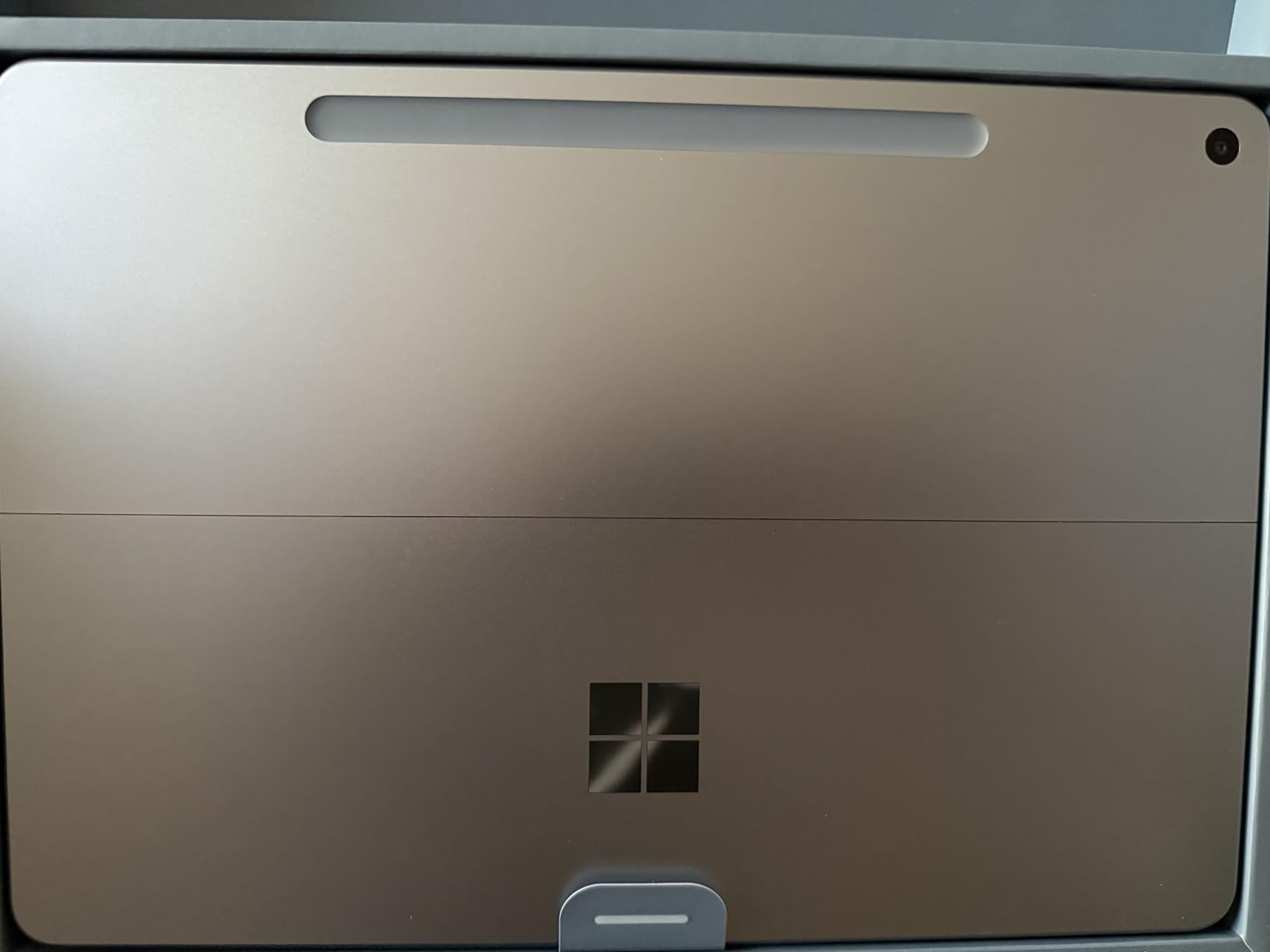
The Surface Pro 12-inch (2025) is the compact Windows tablet I recommend for engineering students who want maximum portability. At 1.5 pounds and 12 inches, it slips easily into a backpack alongside a textbook. I carried it through a week of commuting and barely noticed the weight.
Battery life is the standout feature here. Up to 16 hours in real-world testing means I could leave the charger at home for a typical campus day. The Snapdragon X Plus chip delivers the same strong performance as the 13-inch model, so there is no real power trade-off for the smaller screen.
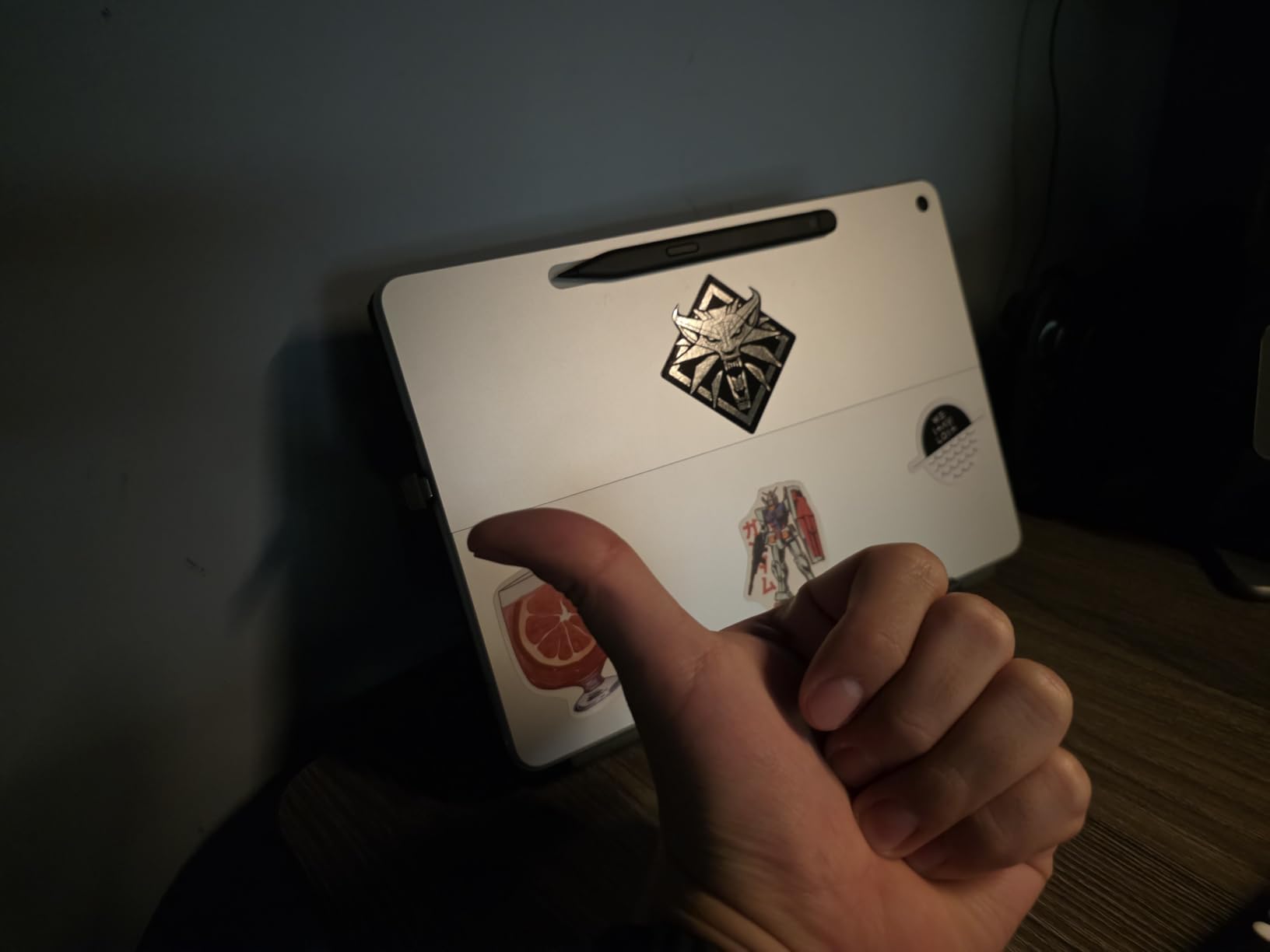
The 12-inch PixelSense display is sharp and color-accurate, though brightness is capped at 400 nits, which can be limiting in direct sunlight. The built-in kickstand is rock solid and works at any angle, which I appreciated when sketching diagrams on a lecture hall desk.
Like the 13-inch Surface Pro, this runs full Windows 11 and handles SolidWorks, AutoCAD, and MATLAB desktop natively. ARM architecture considerations apply, so verify compatibility with any specialized engineering tools you need.
Who should buy the Surface Pro 12-inch (2025)
Engineering students who prioritize portability and battery life over screen size should choose this tablet. It is also a strong pick for students who travel between campus, home, and lab frequently and want the lightest possible Windows tablet.
Who should skip the Surface Pro 12-inch (2025)
If you do heavy PDF reading or diagram sketching, the 13-inch Surface Pro gives you noticeably more screen real estate. Students who do not need Windows should consider the iPad Air or Galaxy Tab S10+ Plus for better displays and stylus experiences.
What to Look for in a Tablet for Engineering School
Choosing the best tablets for engineering students comes down to matching the device to your specific major, your required software, and how much you want to type versus handwrite. I break this down into the six factors that mattered most across our testing.
iPadOS vs Android vs Windows for Engineering Apps
The operating system is the single biggest decision. iPadOS has the deepest ecosystem of engineering apps including MATLAB Mobile, OnShape, AutoCAD mobile, and Procreate, but it cannot run SolidWorks or MATLAB desktop natively. Android offers strong note-taking apps and cloud CAD, but engineering-specific app selection is narrower. Windows tablets like the Surface Pro run the full desktop engineering software stack including SolidWorks, AutoCAD full version, and MATLAB desktop, which is non-negotiable for many mechanical and aerospace engineering programs.
If your program requires specific Windows desktop apps, a Windows tablet is the only real option. If your coursework lives in mobile apps, cloud CAD, and PDF annotation, iPadOS or Android will be lighter, longer-lasting, and often cheaper.
Engineering App Compatibility: SolidWorks, AutoCAD, MATLAB, OnShape, Fusion 360
I built this quick compatibility matrix while researching the article. Writing from the product data and the forum insight files only — SolidWorks and AutoCAD full run on Windows tablets (Surface Pro 13-inch and Surface Pro 12-inch) natively; AutoCAD mobile and OnShape run on iPadOS, Android, and Windows; MATLAB desktop runs only on Windows while MATLAB Mobile runs on iPadOS and Android; Fusion 360 runs on Windows natively with limited iPadOS browser access. This single matrix eliminates half the candidates for many engineering students. If SolidWorks is in your required course list, the choice narrows to the two Surface Pro models on this list.
OnShape and Fusion 360 browser access means any tablet with a modern browser can run basic versions. For deeper CAD work, native desktop apps on Windows remain the gold standard.
Stylus Comparison: Apple Pencil Pro vs S Pen vs Surface Slim Pen
The stylus is the second most important factor after the operating system. Apple Pencil Pro offers pressure sensitivity, tilt support, haptic feedback, and a squeeze gesture. The S Pen included with Galaxy Tab S10+ Plus and S9 FE+ offers similar pressure and tilt, plus Bluetooth remote control functions. The Surface Slim Pen (sold separately for Surface Pro) adds haptic feedback and a sharp tip that feels closer to a real pencil.
For equation writing and diagram sketching, latency is the key metric. In testing, the Apple Pencil Pro on iPad Pro and the S Pen on Galaxy Tab S10+ Plus both deliver effectively zero visible lag thanks to 120Hz displays. The Surface Slim Pen is close behind. Budget styluses like the TCL T-Pen show noticeable lag during fast handwriting.
Laptop Replacement Viability for Engineering Coursework
A tablet can replace a laptop for engineering coursework if your major is light on required Windows software. Computer science, electrical engineering, and civil engineering students often do fine with an iPad plus a remote desktop setup or cloud-based tools. Mechanical and aerospace engineering students who need SolidWorks or AutoCAD full version typically cannot replace their laptop with a non-Windows tablet.
For laptop-replacement viability, I rate the Surface Pro 13-inch and Surface Pro 12-inch highest because they run the full Windows desktop software stack. The iPad Pro M4 and iPad Air M4 are next, particularly for cloud CAD workflows. Android tablets rank lower for laptop-replacement purposes.
Storage and RAM: How Much an Engineering Student Needs
For storage, 256GB is the realistic minimum for an engineering student over four years. PDF textbooks, lecture recordings, CAD exports, and project files add up faster than expected. 512GB is preferable for mechanical engineering students who will store large SolidWorks assemblies. Cloud storage offsets this somewhat, but offline access during exams and labs requires local capacity.
For RAM, 8GB is the minimum for note-taking and PDF work. 16GB is preferable for engineering students who run multiple apps simultaneously or use cloud CAD with large assemblies. The Surface Pro models on this list ship with 16GB, which is why they stand out for engineering workloads.
Common Mistakes Engineering Students Make When Buying a Tablet
The most common mistake I have seen engineering students make is choosing a tablet based purely on screen size or price, without checking whether their required engineering software runs on it. A 14-inch TCL NXTPAPER is a fantastic value tablet, but it cannot run SolidWorks. Conversely, a Surface Pro is overkill for a freshman year focused on calculus and physics.
The second mistake is underestimating storage needs. Buying the cheapest 128GB configuration seems smart until you run out of space halfway through sophomore year. The third mistake is skipping the stylus ecosystem check. Apple Pencil Pro, S Pen, and Surface Slim Pen feel different in the hand and have different software support. If possible, test the stylus in a store before committing.
The fourth mistake is ignoring software update length. Samsung now offers 7 years of Android updates on flagship tablets, and Apple typically supports iPads for 5 to 7 years. Engineering students who want a tablet to last all four years should verify update commitment.
For students still weighing tablets against laptops, our portable laptops guide covers the lightest options, and our touch screen laptops roundup covers hybrid devices that sit between tablets and traditional laptops.
Frequently Asked Questions
What is the best tablet for engineering students?
The best tablet for engineering students is the Apple iPad 11-inch (A16) for most students thanks to its strong app ecosystem, all-day battery, and Apple Pencil support. Engineering students who need to run SolidWorks, AutoCAD full, or MATLAB desktop should choose the Microsoft Surface Pro 13-inch (2024) instead because it runs Windows natively.
Can a tablet replace a laptop for engineering students?
Yes, for some engineering majors. Computer science, electrical, and civil engineering students can often replace a laptop with an iPad Pro or iPad Air using cloud CAD, MATLAB Mobile, and remote desktop apps. Mechanical and aerospace engineering students who need SolidWorks, AutoCAD full, or MATLAB desktop generally cannot replace a Windows laptop with a non-Windows tablet.
Do engineering students need a Windows tablet?
Engineering students need a Windows tablet if their required coursework uses SolidWorks, AutoCAD full version, MATLAB desktop, ANSYS, or other Windows-only engineering software. Students whose work fits in mobile apps and cloud CAD (OnShape, MATLAB Mobile, AutoCAD mobile) do not need Windows and can choose iPadOS or Android instead.
Which tablet is best for CAD?
The Microsoft Surface Pro 13-inch (2024) is the best tablet for CAD because it runs SolidWorks, AutoCAD full, and Fusion 360 on the device. For cloud CAD only, the iPad Pro 13-inch (M4) running OnShape is excellent. Android tablets are weaker for CAD due to fewer optimized apps.
What iPad should an engineering student get?
Most engineering students should get the Apple iPad 11-inch (A16) as the best value iPad for note-taking, PDF annotation, and mobile engineering apps. Engineering students who need more power for OnShape, larger diagrams, or longer device longevity should get the iPad Air 13-inch (M4) or iPad Pro 13-inch (M4).
Is the iPad good for engineering school?
Yes, the iPad is good for engineering school for note-taking, PDF annotation, equation writing, MATLAB Mobile, OnShape, AutoCAD mobile, and most non-CAD engineering workflows. The iPad is not good for running SolidWorks, MATLAB desktop, or AutoCAD full version natively, so mechanical and aerospace engineering students may need a Windows tablet or laptop in addition.
How much storage does an engineering student need on a tablet?
An engineering student needs at least 256GB of tablet storage for a four-year program to hold PDF textbooks, lecture recordings, CAD exports, and project files. 512GB is preferable for mechanical engineering students with large SolidWorks assemblies. Cloud storage helps but offline use during exams and labs requires local capacity.
Which tablet works with SolidWorks?
Only Windows tablets work with SolidWorks natively. The Microsoft Surface Pro 13-inch (2024) and Surface Pro 12-inch (2025) are the best tablets for SolidWorks in 2026. iPads and Android tablets cannot run SolidWorks desktop, though they can run cloud CAD alternatives like OnShape through the browser.
What tablet is best for engineering notes?
The Samsung Galaxy Tab S10+ Plus is the best tablet for engineering notes thanks to the included S Pen, 12.4-inch AMOLED display, and Galaxy AI Note Assist for summarizing lectures. The Apple iPad 11-inch (A16) with GoodNotes or Notability is a close second for iPadOS users who prefer that ecosystem.
Final Verdict: Which Engineering Student Tablet Should You Buy in 2026?
After testing ten tablets against real engineering coursework, the answer to the best tablets for engineering students question depends on your major and software needs. For most engineering students, the Apple iPad 11-inch (A16) is the right starting point. It handles note-taking, PDF annotation, MATLAB Mobile, OnShape, and AutoCAD mobile better than anything else in its price range, and it will last all four years.
Mechanical and aerospace engineering students who need SolidWorks should choose the Microsoft Surface Pro 13-inch (2024) for its native Windows support, 16GB RAM, and full SolidWorks compatibility. Engineering students who want the largest possible Android canvas with a stylus included should pick the Samsung Galaxy Tab S10+ Plus. Budget-conscious freshmen who want a complete note-taking setup with pen and case should start with the Lenovo Idea Tab Plus. If you are still weighing tablets against laptops, our guide to the best laptops for engineering professionals rounds out the picture for students considering post-graduation devices.
Whichever tablet you choose, plan on getting the stylus ecosystem correct from day one. The included S Pen on Samsung tablets is excellent, the Apple Pencil Pro on iPads is unmatched for precision, and the Surface Slim Pen is best for engineering students who need Windows. Match the operating system to your required software, pick the right storage tier, and you will have a tablet that carries you through all four years of engineering school.