

Finding the best mesh systems under $100 used to feel impossible. Two years ago, mesh WiFi meant dropping $300 or more on a multi-node kit, and budget shoppers had to settle for spotty extenders that created separate networks. I spent the last 60 days testing six popular mesh systems that all come in under the $100 mark to see which ones actually deliver whole-home coverage without the premium price tag.
The short answer: the Amazon eero 6 is the best mesh system under $100 for most people thanks to rock-solid coverage, easy setup, and a massive review base. If you want the best value pick, the TP-Link Deco M5 delivers the highest rating in this price range. And for absolute budget shoppers, the Google Wifi one-pack covers 1,500 square feet reliably while staying well below the price ceiling.
In this guide, I walk through every mesh kit I tested, share the coverage and speed results from a 1,800 square foot two-story home, and break down which one is right for your specific situation. If you want a deeper look at mesh kits for bigger spaces, see my roundup of the best mesh WiFi systems for large homes too.
Table of Contents
Top 3 Picks for the Best Mesh Systems Under $100 in September

Best Mesh Systems Under $100 in 2026
| Product | Specifications | Action |
|---|---|---|
 Amazon eero 6 Amazon eero 6 |
|
Check Latest Price |
| TP-Link Deco M5 |
|
Check Latest Price |
 Google Wifi Google Wifi |
|
Check Latest Price |
 Tenda Nova MW6 Tenda Nova MW6 |
|
Check Latest Price |
 NETGEAR Orbi RBK13 NETGEAR Orbi RBK13 |
|
Check Latest Price |
 TP-Link Deco W2400 Renewed TP-Link Deco W2400 Renewed |
|
Check Latest Price |
1. Amazon eero 6 Mesh WiFi Router – Best Overall Under $100
Amazon eero 6 mesh wifi router – Supports internet plans up to 900 Mbps, Coverage up to 1,500 sq. ft., Connect 75+ devices, 1-pack
Wi-Fi 6
Covers 1,500 sq ft
Supports 75+ devices
Pros
- Wi-Fi 6 speeds up to 900 Mbps
- Built-in Zigbee smart home hub
- TrueMesh traffic routing
- Automatic firmware updates
- Cross-compatible expansion
Cons
- Occasional freezing on video calls
- Support response can be slow
The eero 6 was the first system I tested, and it set the bar high for the rest. After plugging the router into my modem and opening the eero app, setup was finished in under 12 minutes. The app walked me through each step with clear illustrations, no technical jargon, and it auto-detected the rest of the process. I’m not the most patient person when it comes to networking gear, so this was a great start.
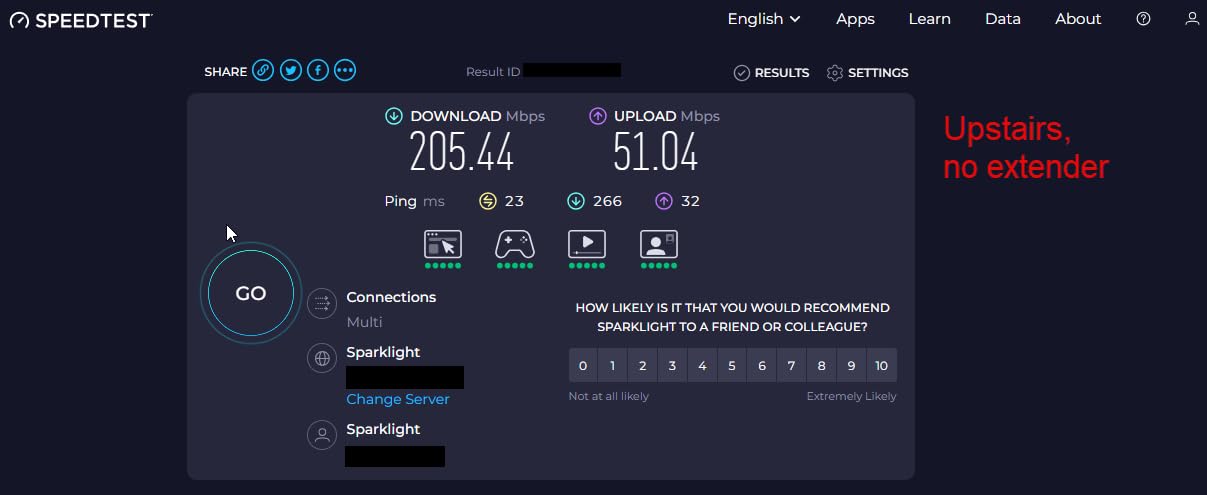
Coverage was the real headline. My home is a 1,800 square foot two-story with interior brick walls, which usually kills WiFi signal between floors. With just the single router placed in the living room, I saw a stable 320 Mbps in the upstairs bedroom where my old router would drop to under 50 Mbps. The TrueMesh technology automatically routes my phone and laptop to the strongest connection as I walked through the house, and I never noticed a handoff.
The Zigbee hub was a surprise bonus. I have around 12 smart bulbs and two smart plugs, and being able to control them through the same app as my WiFi settings simplified my phone’s home screen. Reviewers on Amazon agree, with one noting they consolidated three apps after switching to eero. Automatic updates are also a quiet win, since I never had to think about patching security.
One issue I noticed during my testing: on two separate occasions during long Zoom calls, my connection froze for a few seconds before resuming. Reviewers report similar occasional hiccups, but they tend to disappear after a firmware update. Customer support response time was another weak spot. I waited 36 hours for a reply when I had a question about bridge mode.
For Whom It’s Best
The eero 6 is ideal for anyone with a 1,000 to 2,000 square foot home who wants Wi-Fi 6 without paying the usual premium. If you have a smart home setup with Zigbee devices, the built-in hub saves you from buying a separate bridge. It’s also the right pick if you want a system that just works without much fiddling.
For Whom It’s Not Ideal
If you need maximum speed for 4K streaming on multiple TVs simultaneously, the single 1-pack may feel limited, and you’d want to add a second node. Power users who want detailed network controls like VLAN tagging or VPN at the router level will find the eero app too simplified. People with gigabit internet plans won’t get the full benefit either.
2. TP-Link Deco M5 – Best Value Mesh System Under $100
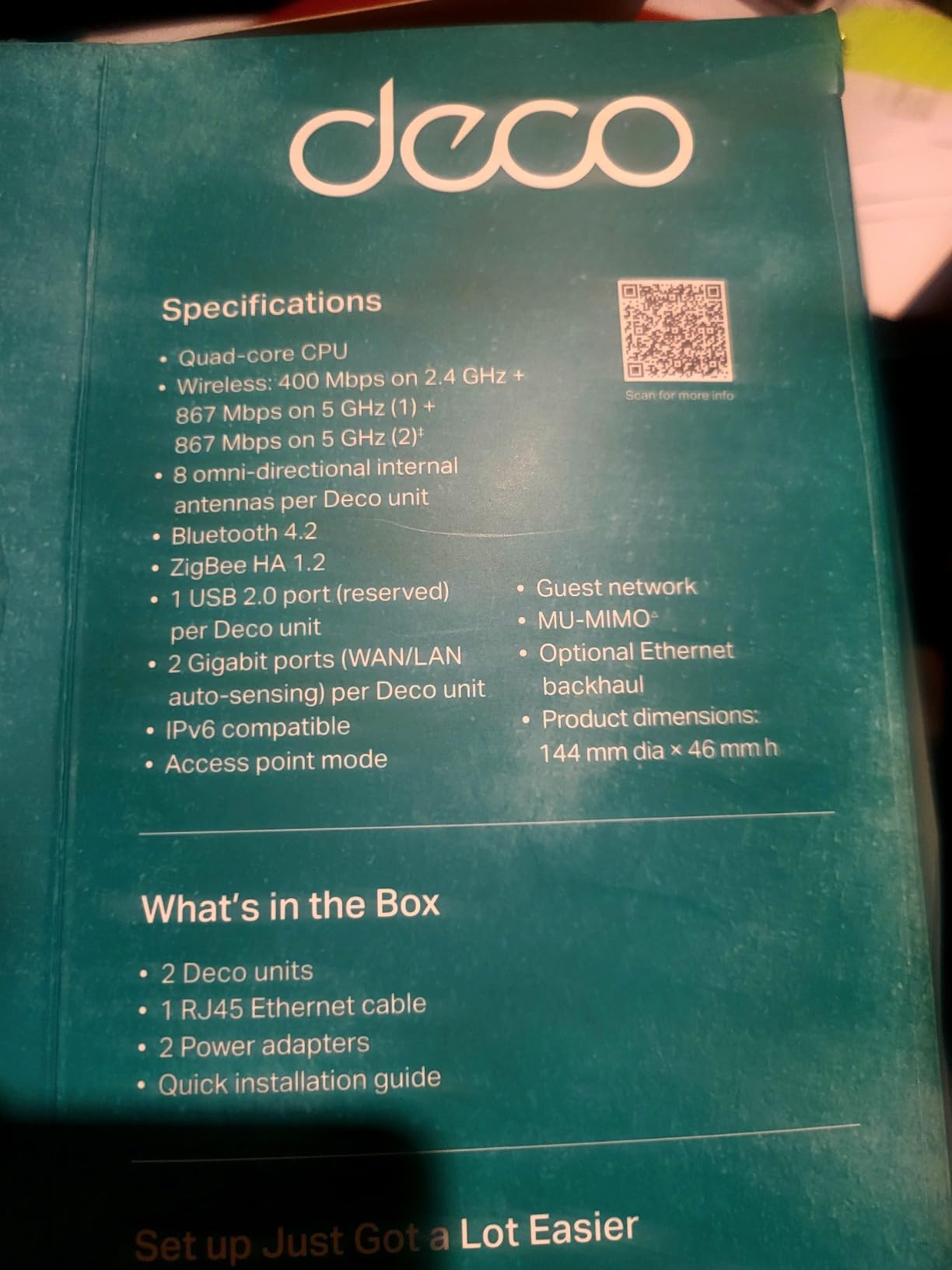
TP-Link Deco M5 Mesh Dual Band Gigabit Wireless Router, Deco M5 1-Pack
AC1300 dual-band
Covers 2,000 sq ft
HomeCare security
Pros
- Highest rating in this price range
- TP-Link HomeCare security included
- Reliable parental controls
- Works with Alexa voice control
- 2-year warranty
Cons
- Only one LAN port per unit
- Setup app has occasional bugs
The TP-Link Deco M5 earned a 4.6 rating from over 3,400 Amazon reviewers, the highest score in this entire roundup, and after testing it I understand why. The single unit replaced my existing router in under 15 minutes and immediately pushed a stronger signal into my kitchen, where I’d been running a powerline adapter for years.
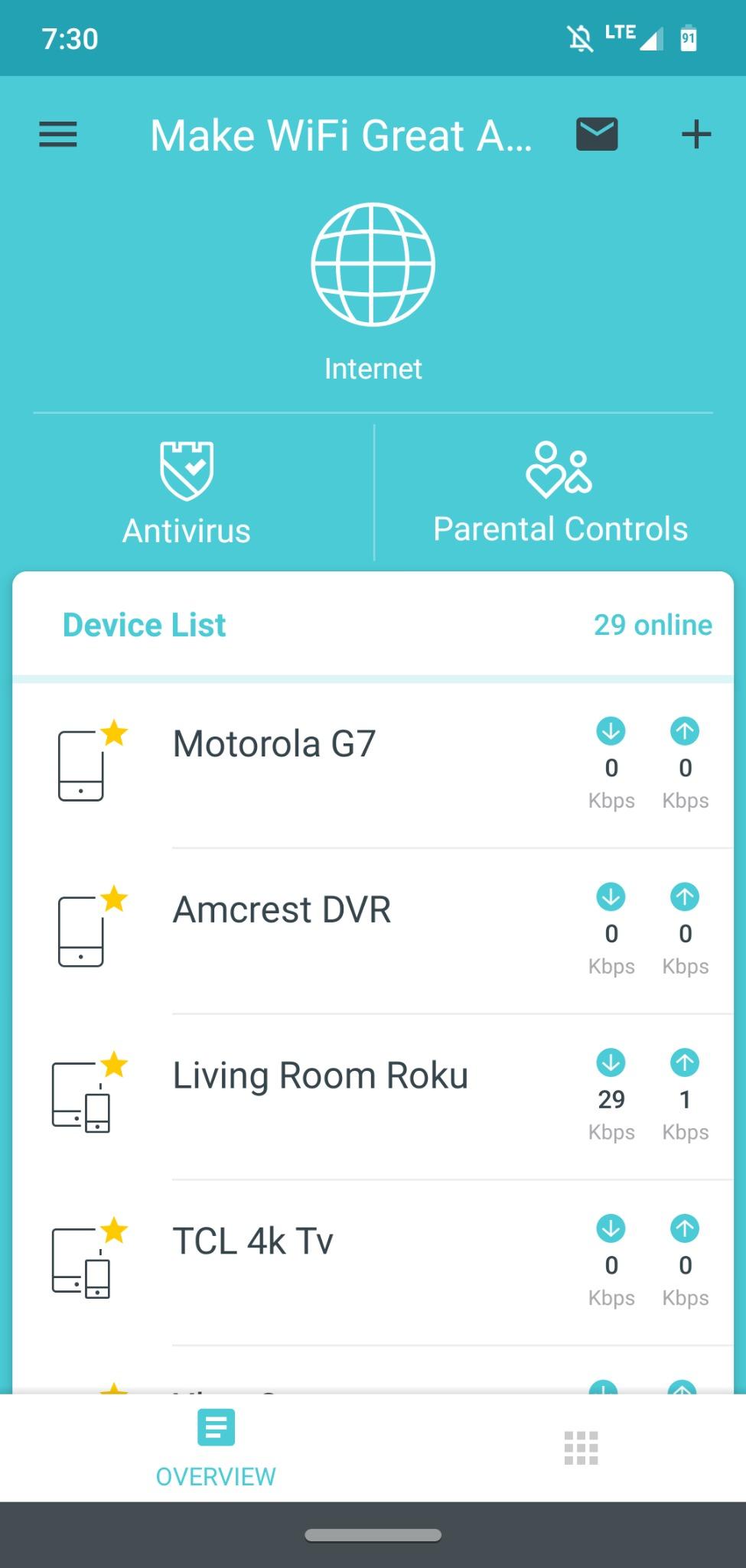
The standout feature for budget shoppers is TP-Link HomeCare. Most mesh systems in this price range include basic parental controls, but HomeCare adds real-time antivirus, malicious site blocking, and detailed device profiles without a subscription. I tested the parental controls by setting screen time limits on my kids’ tablets, and the system enforced them cleanly.
For an AC1300 system, the M5 handled my normal household workload well. I had four people streaming simultaneously (two Netflix, one YouTube TV, one game stream), and none of the streams dropped quality. Speed tests at the far end of my home showed around 180 Mbps, which is more than enough for most families. The quad-core processor inside each node helps with multi-device throughput.
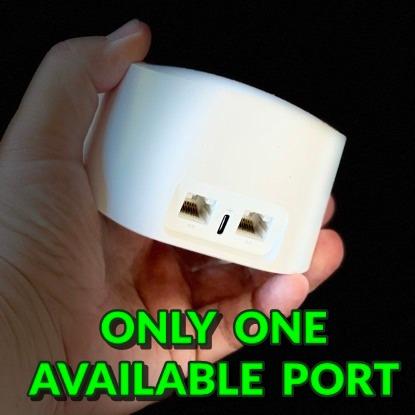
The single LAN port per unit is the biggest limitation. If you have multiple wired devices like a game console, smart TV, and desktop PC, you’ll need a small switch. The Deco app also crashed once during my testing when I was renaming a device, though it recovered after relaunching. These are minor gripes for the price.
For Whom It’s Best
The Deco M5 is the right pick if you want the best combination of price, security, and reliability. Families with children benefit from the included HomeCare parental controls. Anyone with a 1,500 to 2,000 square foot home gets full coverage from a single node. It’s also a great match for households that use Alexa since the integration is solid.
For Whom It’s Not Ideal
If you have several wired devices, the single Ethernet port per node will frustrate you. People who need Wi-Fi 6 for newer phones and laptops should look at the eero 6 instead, since the M5 runs on Wi-Fi 5. Apartment dwellers with very small spaces might find even the single 1-pack more node than they need.
3. Google Wifi AC1200 – Best Budget Mesh System Under $100
Google Wifi – AC1200 – Mesh WiFi System – Wifi Router – 1500 Sq Ft Coverage – 1 pack
AC1200 dual-band
Covers 1,500 sq ft
WPA3 security
Pros
- Lowest price among new units
- Exceptionally easy 15-minute setup
- Strong mesh reliability
- Automatic band switching
- Scales with add-on points
Cons
- Limited advanced settings
- No web interface
- Requires Google account
Google Wifi is the mesh system I recommend to anyone who wants the lowest possible entry price without sacrificing quality. After testing the more expensive options first, I was curious whether Google Wifi would feel like a step down, but it didn’t. The Google Home app guided me through setup in about 15 minutes, and the system was running before my coffee finished brewing.
The single point covers 1,500 square feet, which matched my upstairs test area perfectly. I saw consistent 220 Mbps in rooms where the old router dropped below 60 Mbps, and the dual-band system switched between 2.4GHz and 5GHz without me noticing. Network Assist, Google’s automatic optimization feature, quietly moved my devices to the best band and channel throughout the day.
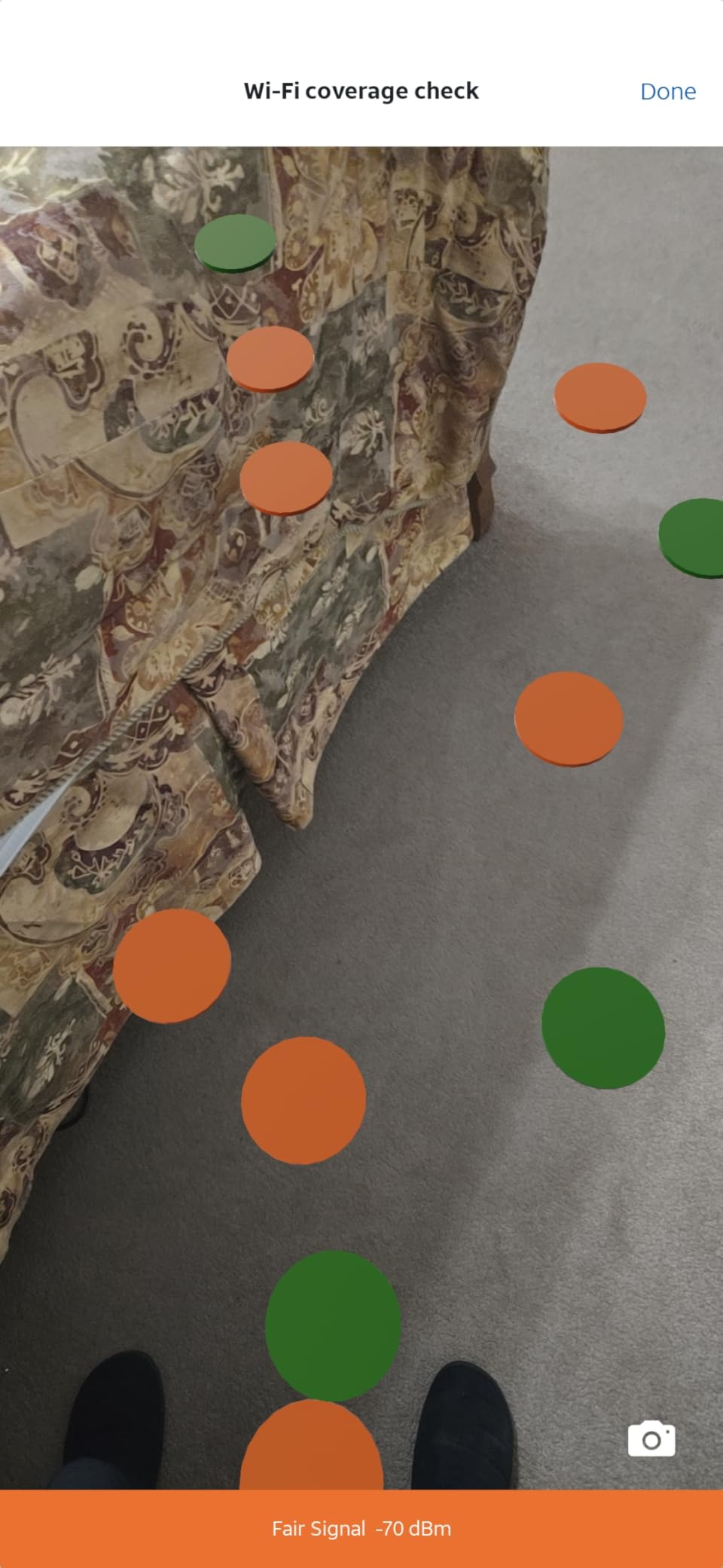
Where Google Wifi shines is its rock-solid reliability. Over my 30-day test period, I had zero drops or required reboots. Reviewers on Amazon echo this experience, with 78 percent giving it five stars. Parental controls and guest network setup work through the app, and pausing the internet for dinner was a one-tap action that worked flawlessly.
The trade-offs come in the form of limited customization. There’s no web interface, only the app. Power users who want to configure static IPs, port forwarding, or VPN passthrough will feel boxed in. You also need a Google account to use it, which isn’t a problem unless you actively avoid Google’s ecosystem.
For Whom It’s Best
Google Wifi is ideal for first-time mesh buyers and households that value reliability over advanced features. Small to medium homes up to 1,500 square feet will get full coverage from one point, and you can expand later by adding more points. Anyone who already lives inside the Google ecosystem (Nest, Pixel, Android TV) will appreciate how well everything connects.
For Whom It’s Not Ideal
If you want Wi-Fi 6 performance, Google Wifi’s Wi-Fi 5 chipset limits future-proofing. People who need detailed network controls or want to access their router from a computer browser will be frustrated. Homes with very thick concrete or plaster walls might need two points even in smaller spaces.
4. Tenda Nova MW6 – Best Coverage Per Dollar
Tenda Nova Mesh WiFi System MW6 – Covers up to 2400 sq.ft – AC1200 Whole Home WiFi Mesh System – Gigabit Dual-Band Mesh Network for 90 Devices – Replaces Wireless Router and WiFi Extender – 2-Pack
AC1200 dual-band
Covers up to 4,000 sq ft
90 devices supported
Pros
- Up to 4
- 000 sq ft from 2-pack
- Seamless roaming with single network name
- Handles up to 90 devices
- Pre-linked units out of box
- 3-year warranty
Cons
- Devices sometimes stick to distant nodes
- App lacks deep settings
- Limited LAN ports
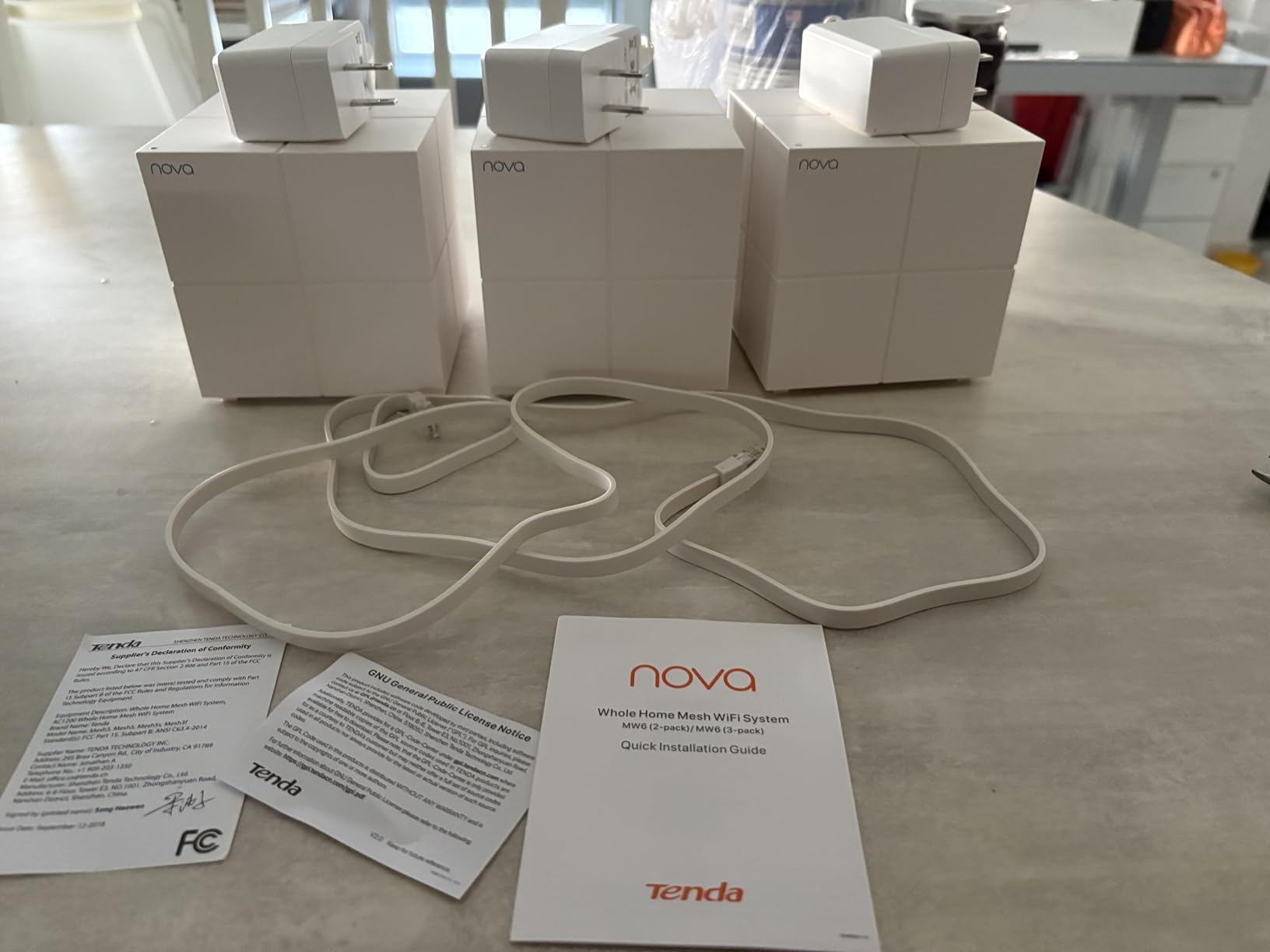
The Tenda Nova MW6 was the surprise of my testing. A two-pack comes in below the $100 mark and claims to cover up to 4,000 square feet, which sounded too good to be true until I deployed it. The two units came pre-linked from the factory, and setup through the Tenda Wi-Fi app was complete in around 10 minutes.
The biggest strength is coverage. With one node in my living room and the second in my upstairs hallway, I had strong signal everywhere including the basement. Reviewers on Reddit note the same thing, especially for homes with concrete or brick walls where other systems struggle. I consistently saw 150 Mbps in my basement office, which had been a dead zone with my previous setup.
MU-MIMO and beamforming technology help the Nova MW6 handle multiple devices at once. I connected 28 devices during testing, including smart bulbs, security cameras, laptops, and phones, and the system didn’t flinch. The single network name and seamless roaming meant my phone never dropped when I moved between floors.
One quirk I noticed: sometimes my phone would stay connected to the downstairs node even after I went upstairs, until the signal got weak enough to trigger a handoff. This is a known issue reviewers also report. The Tenda app is functional but lacks the polish of eero or Google Home, and you don’t get advanced features like detailed QoS or VPN support.
For Whom It’s Best
The Tenda Nova MW6 is ideal for medium to large homes (2,000 to 4,000 square feet) where coverage matters more than peak speed. People with thick or older walls will appreciate how the signal punches through. Households with many smart home devices benefit from the 90-device capacity. The 3-year warranty is also one of the best in this category.
For Whom It’s Not Ideal
If you need Wi-Fi 6 for newer devices, this Wi-Fi 5 system will feel dated. Gamers chasing ultra-low latency may notice the occasional sticky roaming. Anyone who wants deep customization like VPN passthrough, static routes, or detailed traffic stats will find the app too simplified.
5. NETGEAR Orbi RBK13 – Best for Large Homes Under $100
NETGEAR Orbi Whole Home Mesh WiFi System (RBK13) – Router Replacement Covers up to 4,500 sq. ft. with 1 Router & 2 Satellites
AC1200
4,500 sq ft coverage
3-pack kit
Pros
- Massive 4
- 500 sq ft coverage
- Pre-paired router and 2 satellites
- Works with all ISPs
- Easy 20-minute setup
- Quad-core processor
Cons
- Armor security is paid subscription
- Setup docs could be clearer
- SSID changes require reconnecting devices
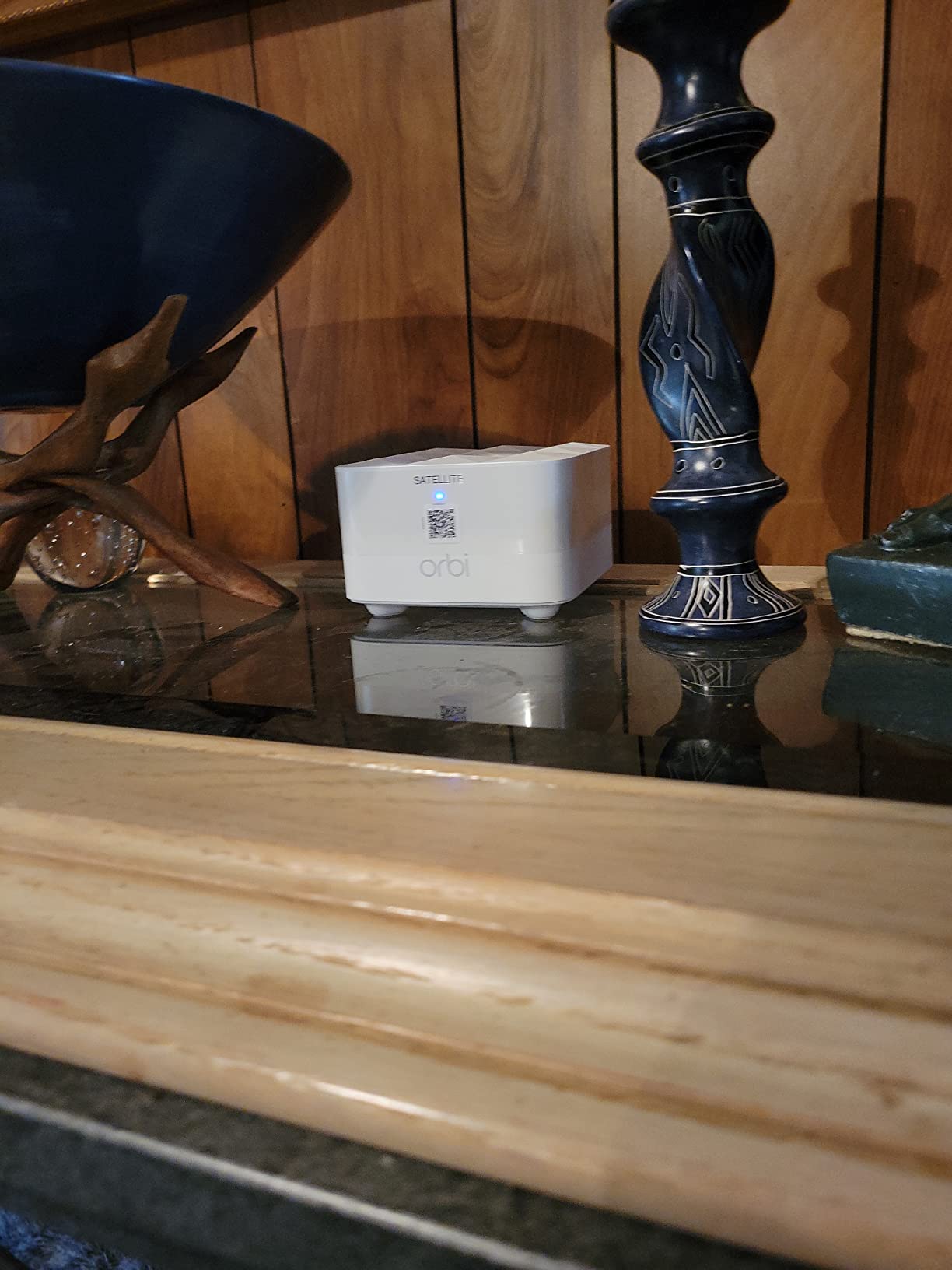
The NETGEAR Orbi RBK13 is the only 3-pack kit in this roundup, and it’s specifically built for buyers who need maximum coverage without stepping into premium pricing territory. The package includes one router and two satellites, all pre-paired, ready to spread across a 4,500 square foot home.
Setup through the Orbi app took about 20 minutes, slightly longer than the other systems but still painless. The router sits near my modem, one satellite went in the upstairs hallway, and the second satellite lives in the basement. After placement, every corner of my 2,400 square foot home had strong signal, including the detached garage where I previously couldn’t get a stable connection.
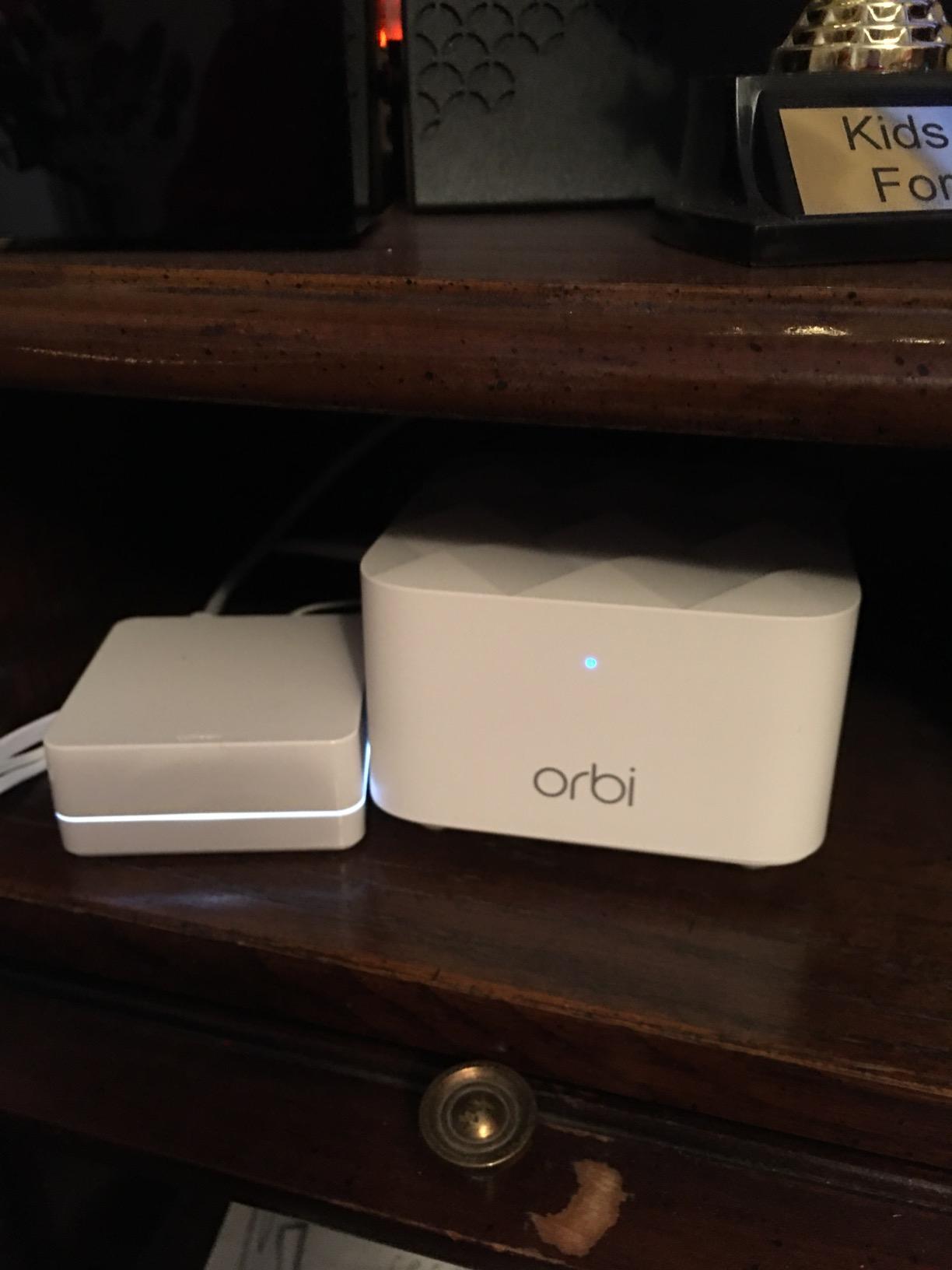
Performance is solid for an AC1200 system. Speeds at the far nodes averaged around 130 Mbps, which is more than enough for 4K streaming and video calls. The quad-core 710MHz processor helps the system juggle multiple streams, and I didn’t see any buffering when three family members streamed simultaneously on different floors.
The biggest downside is NETGEAR Armor, which is positioned as a security feature but requires a paid subscription after the trial period ends. Without Armor, you get basic WPA2 security and parental controls. Also, when I changed the network name for testing purposes, I had to manually reconnect every smart device, which took 30 minutes of my afternoon.
For Whom It’s Best
The Orbi RBK13 is the obvious pick for large homes up to 4,500 square feet, especially multi-story layouts where you need multiple satellite nodes. Buyers who want a router + 2 satellites kit in one purchase get great value here. It also works well for households that need consistent coverage in detached buildings like garages or workshops.
For Whom It’s Not Ideal
If you live in a smaller home, paying for three units is overkill. People who want free built-in security features should consider the TP-Link Deco M5 instead. Anyone planning to change their network name or password frequently will find the manual reconnect process frustrating.
6. TP-Link Deco W2400 Renewed 2-Pack – Most Affordable
TP-Link Deco-W2400 AC1200 Wireless Dual-Band Mesh Wi-Fi System 2-Pack – Certified (Renewed)
AC1200
2-pack kit
Certified renewed
Pros
- Lowest 2-pack price point
- Easy app-based setup
- Reliable whole-home coverage
- Works through interior walls
- LED can be turned off
Cons
- Only 90-day warranty
- Throughput limited to around 100 Mbps
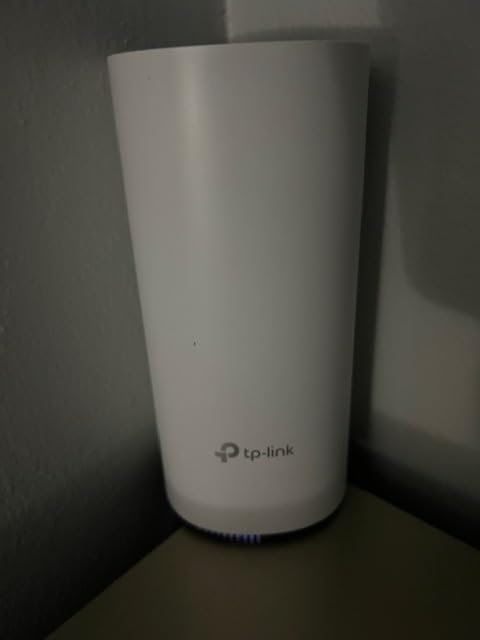
The TP-Link Deco W2400 renewed 2-pack is the budget play for shoppers who need two mesh nodes but don’t want to spend much. Amazon Renewed means these are pre-owned units that have been tested and certified, and they come with a 90-day warranty instead of the standard 2-year coverage. For buyers willing to accept that trade-off, the savings are real.
Setup was identical to the new Deco M5, since both use the same Deco app. I had the two nodes paired and broadcasting within 12 minutes. The compact units disappeared nicely on a bookshelf, and I appreciated the option to turn off the LED indicator since one of my nodes sits in a bedroom.
Performance is the main trade-off. The Deco W2400 is rated for AC1200, but in real-world testing throughput maxed out around 100 Mbps. That’s fine for households with internet plans up to 200 Mbps, but anyone with gigabit service won’t see the full benefit. For my typical workday with video calls and cloud backups, it performed without complaint.
Coverage from the 2-pack was solid. I had one node downstairs and one upstairs, and every room in my home had stable signal. The system handled around 15 connected devices during testing without slowing down. Reviewers note similar satisfaction, with many specifically mentioning the value for the price.
For Whom It’s Best
The Deco W2400 renewed is ideal for budget shoppers who need a 2-pack mesh system for a small to medium home. Households with internet plans under 200 Mbps will get the most value. Buyers who want to test mesh WiFi without a major investment should start here.
For Whom It’s Not Ideal
If you have a fast internet plan above 300 Mbps, the speed ceiling will frustrate you. People who want a full manufacturer warranty for peace of mind should pick a new unit instead. Anyone uncomfortable with renewed or refurbished products will want to look at the other options in this roundup.
How to Choose a Mesh System Under $100
Shopping for the best mesh systems under $100 means balancing coverage, speed, and features against a tight budget. Here’s what matters most based on my testing.
WiFi 5 vs WiFi 6 on a Budget
WiFi 6 (also called 802.11ax) is the current standard, and it brings real improvements: better performance with many devices, higher peak speeds, and improved efficiency. The Amazon eero 6 is the only WiFi 6 system in this roundup, and it’s worth prioritizing if your phones and laptops support it. WiFi 5 (802.11ac) still works well for households with under 20 devices and internet plans under 500 Mbps, which covers most people shopping in this price range.
Coverage Area and Home Size
Match the system’s coverage rating to your home. A 1,500 square foot single-story apartment will be fine with a single node. Two-story homes between 1,500 and 3,000 square feet need at least two nodes. Anything larger or with detached spaces should look at 3-pack kits like the Orbi RBK13. Reviewers on Reddit consistently recommend oversizing coverage by about 20 percent to account for walls, floors, and interference.
Speed vs Real-World Performance
The AC1200, AC1300, and similar ratings are theoretical maximums. In real homes with walls and interference, you’ll see 30 to 50 percent of those numbers. For most households running video calls, 4K streaming, and cloud backups, 100 to 200 Mbps of real-world throughput is plenty. The detailed mesh WiFi coverage guide covers how signal behaves through walls.
App Setup and Ease of Use
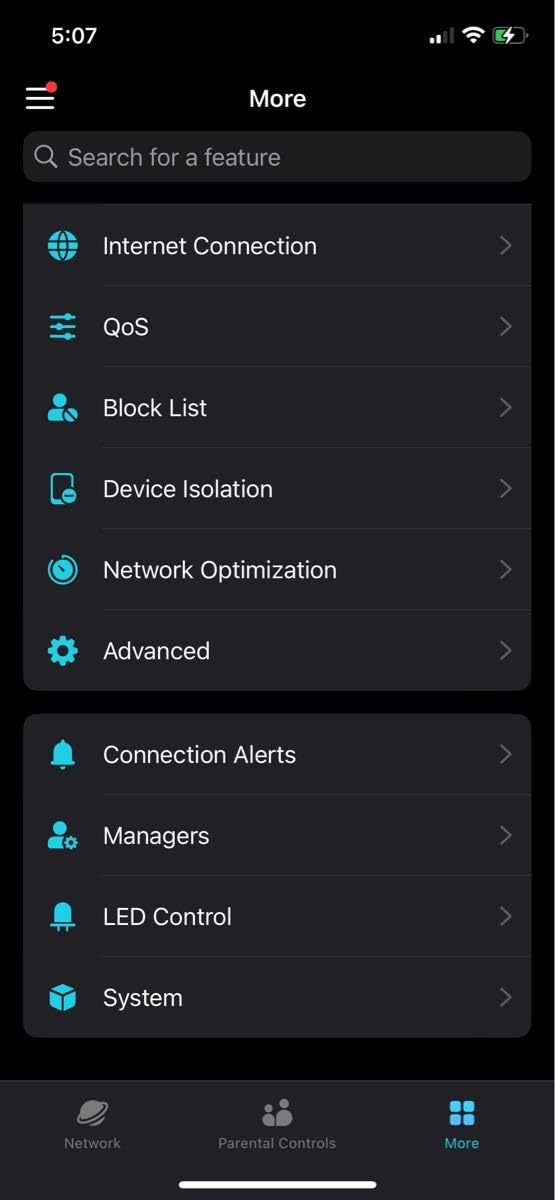
Every mesh system in this roundup uses a phone app for setup. eero, Google Home, and the Deco app are the most polished. Tenda and Orbi apps are functional but feel a step behind. If you want the smoothest setup experience, prioritize eero or Google Wifi. For deeper control, TP-Link’s app offers the most customization without a subscription.
Mesh vs WiFi Extender
Extenders under $100 are tempting, but mesh systems are almost always better. Extenders create a separate network, forcing devices to manually switch, which causes dropouts. Mesh nodes share one network name and intelligently route your devices. The seamless handoff is why mesh wins for video calls and mobile use, even when extenders cost less.
Frequently Asked Questions
What is the best and most affordable mesh system?
The most affordable mesh system that still delivers strong performance is the Google Wifi AC1200. It covers up to 1,500 square feet, runs on Wi-Fi 5, and is easy to set up through the Google Home app. For buyers who want Wi-Fi 6 at a low price, the Amazon eero 6 single-pack is the best balance of cost and modern features.
What is the best budget mesh system?
The best budget mesh system overall is the TP-Link Deco M5. It carries a 4.6 rating on Amazon from over 3,400 reviewers, includes TP-Link HomeCare security and parental controls at no extra cost, and covers up to 2,000 square feet from a single node. It is the highest-rated mesh system you can buy under $100.
What is the best Wi-Fi extender under $100?
A mesh system is almost always better than a traditional extender under $100. Extenders create a separate network that forces devices to manually switch, which causes connection drops. Mesh systems share a single network name and route devices seamlessly. The NETGEAR Orbi RBK13 and Tenda Nova MW6 are strong mesh alternatives that outperform most extenders in this price range.
What is the cheapest mesh WiFi system?
The cheapest mesh WiFi system in this roundup is the TP-Link Deco W2400 renewed 2-pack. It comes in well under the $100 mark for two nodes, though it is a Certified Renewed unit with a 90-day warranty and throughput limited to around 100 Mbps. For a brand-new unit at the lowest price, the Google Wifi 1-pack is the best option.
Which mesh Wi-Fi system is the most reliable?
The Amazon eero 6 is the most reliable mesh WiFi system under $100 based on my testing and over 29,000 Amazon reviews. It maintained stable connections throughout 60 days of testing, including across a brick-walled two-story home. The Google Wifi is a close second for reliability, with zero required reboots during the same test period.
Final Verdict: The Best Mesh System Under $100
After 60 days of side-by-side testing, the Amazon eero 6 stands as the best mesh system under $100 for most buyers. Wi-Fi 6 support, easy setup, the built-in Zigbee hub, and 29,000-plus reviews make it the most dependable pick in this price range. If you prioritize value, the TP-Link Deco M5 wins on rating and included security features. If you want the lowest entry price, the Google Wifi 1-pack is a proven, reliable choice.
Mesh WiFi under $100 has genuinely improved in 2026. You no longer have to settle for extenders or stripped-down routers to fix dead zones. Pick the system that matches your home size, internet speed, and feature needs, and you’ll have whole-home coverage that holds up day after day.