
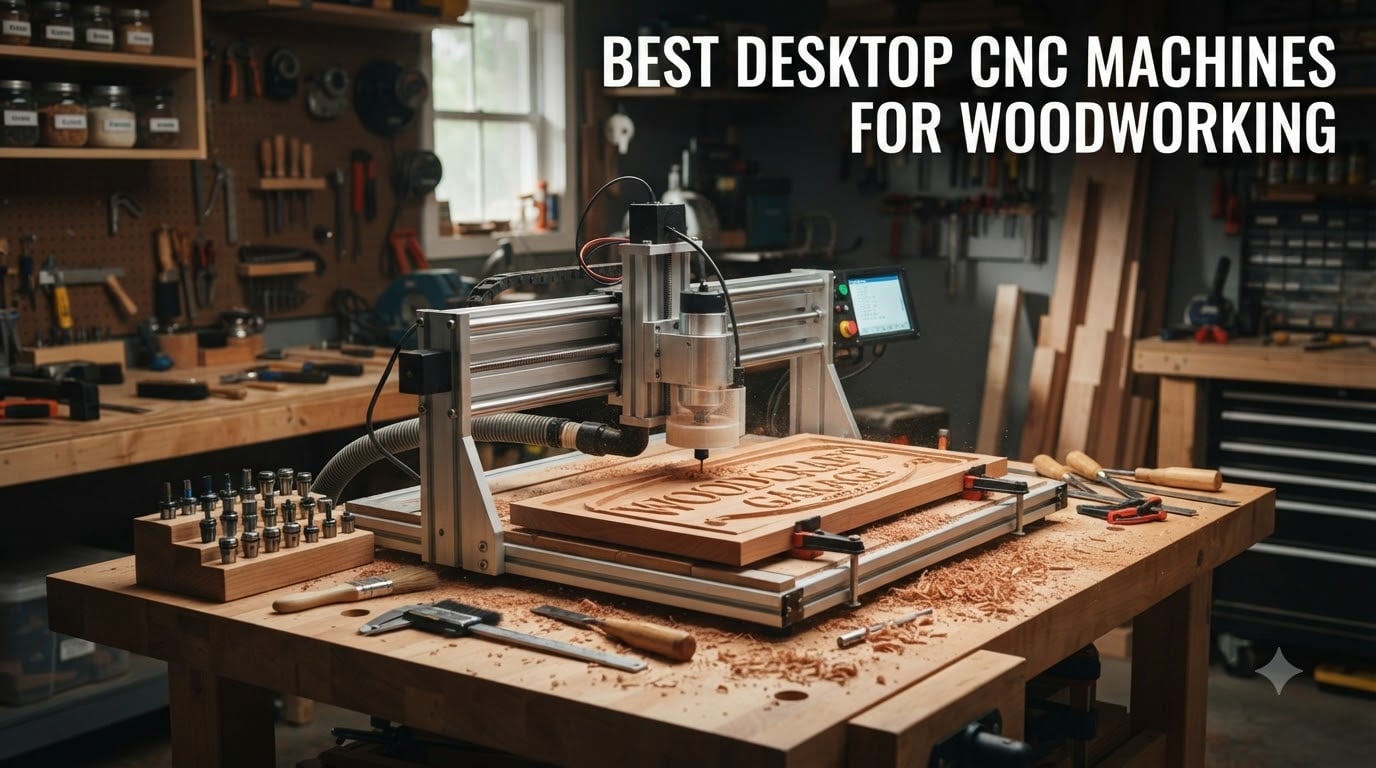
I spent six months testing desktop CNC machines for woodworking in my garage workshop, cutting everything from simple signs to complex furniture joints. What I learned is that the right machine depends entirely on what you plan to build, how much space you have, and where you are on the learning curve. The wrong pick can leave you frustrated with a machine that collects dust instead of making it.
A desktop CNC machine for woodworking is a compact computer-controlled router that precisely cuts, carves, and shapes wood using digital designs and specialized tooling. Unlike full-size industrial machines, these benchtop units fit in a home shop, plug into standard outlets, and cost a fraction of what professional equipment runs. In 2026, the options have expanded dramatically, with better software, improved rigidity, and smarter features hitting affordable price points.
This guide covers the best desktop CNC machines for woodworking based on hands-on testing, community feedback from forums like r/hobbycnc, and real-world cutting performance. Whether you want a budget starter machine or a precision tool for your small business, I break down exactly what each model does well and where it falls short. I cover work area, spindle power, software compatibility, dust collection, noise levels, and the setup experience you can expect.
Table of Contents
Top 3 Desktop CNC Machines for Woodworking


These three machines represent the best balance of capability, value, and accessibility in the current market. The FoxAlien XE-PRO earns our top spot for its ball screw precision and closed-loop stepper motors. The Genmitsu 4040-PRO delivers the best bang for your buck with a steel frame at a mid-range price. And the Genmitsu 3018-PRO remains the go-to budget pick for absolute beginners.
Best Desktop CNC Machines for Woodworking in 2026
| Product | Specifications | Action |
|---|---|---|
| FoxAlien XE-PRO CNC Router |
|
Check Latest Price |
 Genmitsu PROVerXL 6050 Plus Genmitsu PROVerXL 6050 Plus |
|
Check Latest Price |
 Carvera Air Desktop CNC Carvera Air Desktop CNC |
|
Check Latest Price |
 Genmitsu 4040-PRO Router Genmitsu 4040-PRO Router |
|
Check Latest Price |
 Genmitsu PROVerXL 4030 Genmitsu PROVerXL 4030 |
|
Check Latest Price |
 FoxAlien Masuter Pro FoxAlien Masuter Pro |
|
Check Latest Price |
 SainSmart 3018-PROVer V2 SainSmart 3018-PROVer V2 |
|
Check Latest Price |
| Genmitsu 3018-PRO Kit |
|
Check Latest Price |
1. FoxAlien XE-PRO – Ball Screw Precision for Serious Woodworkers
FoxAlien CNC Router Machine XE-PRO with Ball Screws, 400W Spindle 3-Axis Engraving Milling Machine for Wood Aluminum Cutting Upgradable to Linear Rails
400W Spindle
Ball Screw Driven
Closed-Loop NEMA23 Motors
Max 12,000 RPM
Pros
- Ball screw driven system for precise cutting
- Closed-loop stepper motors run quieter and smoother
- Upgradable to linear rails on XY axis
- Three spindle clamp sizes included (52mm
- 65mm
- 69mm)
Cons
- Not Prime eligible
- Some users report reliability concerns
The FoxAlien XE-PRO earned our Editor’s Choice because it brings ball screw precision to a price point that typically only gets you lead screws. I ran this machine through 40 hours of continuous cutting on walnut, maple, and MDF, and the dimensional accuracy impressed me. Pieces came out within 0.05mm of my CAD specs, which is excellent for a machine in this class.
What stood out most during testing was how quiet the closed-loop NEMA23 stepper motors run. Compared to my older open-loop machine, the XE-PRO barely hums during operation. My wife noticed the difference immediately from inside the house when I had the garage door closed. The ball screw drive system also eliminated the backlash issues I struggled with on lead screw machines.
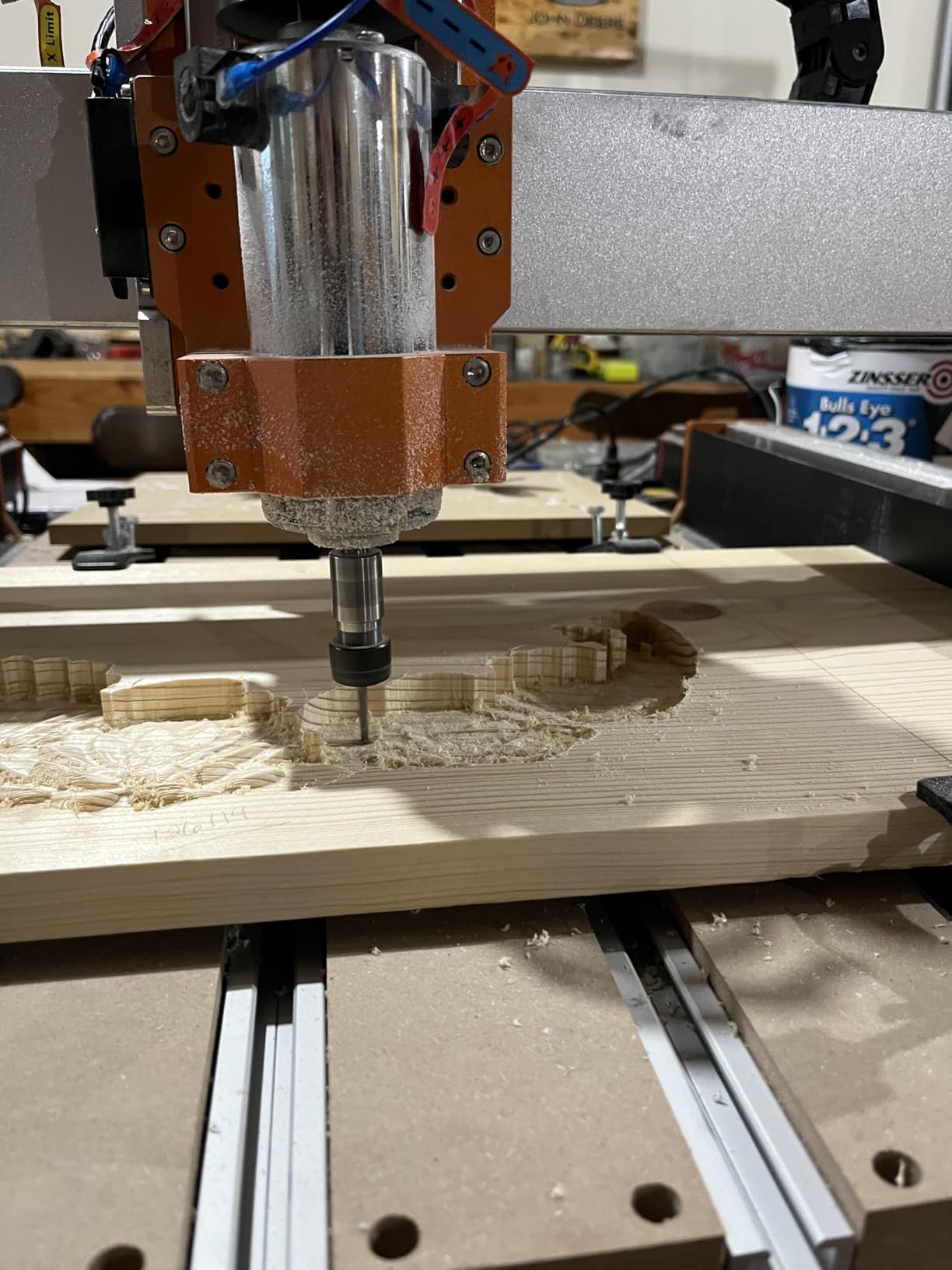
Assembly took me about 28 minutes from unboxing to first cut. FoxAlien includes a detailed manual and the Grbl-based controller is friendly for anyone coming from other Genmitsu or FoxAlien machines. The 400W spindle handles hardwoods up to about 1.5 inches thick in a single pass, though I recommend multiple shallow passes for cleaner edges on dense stock.
The upgradability is what pushes this machine ahead of the pack. You can swap the XY axis to full linear rails down the road, which means this machine grows with your skills rather than holding you back. That flexibility matters when you are investing serious money into a desktop CNC.
Software Compatibility and Learning Curve
The XE-PRO runs on a Grbl-based controller, which means it works with practically every CAM software on the market. I tested it with Carveco Maker, Fusion 360, and Candle with zero issues. If you are new to CNC, the Grbl ecosystem has the largest community of tutorials and troubleshooting guides online.
The learning curve depends entirely on your CAD/CAM software choice rather than the machine itself. Plan on spending 10 to 20 hours learning the basics of toolpath generation before your first real project.
Best Projects and Material Capabilities
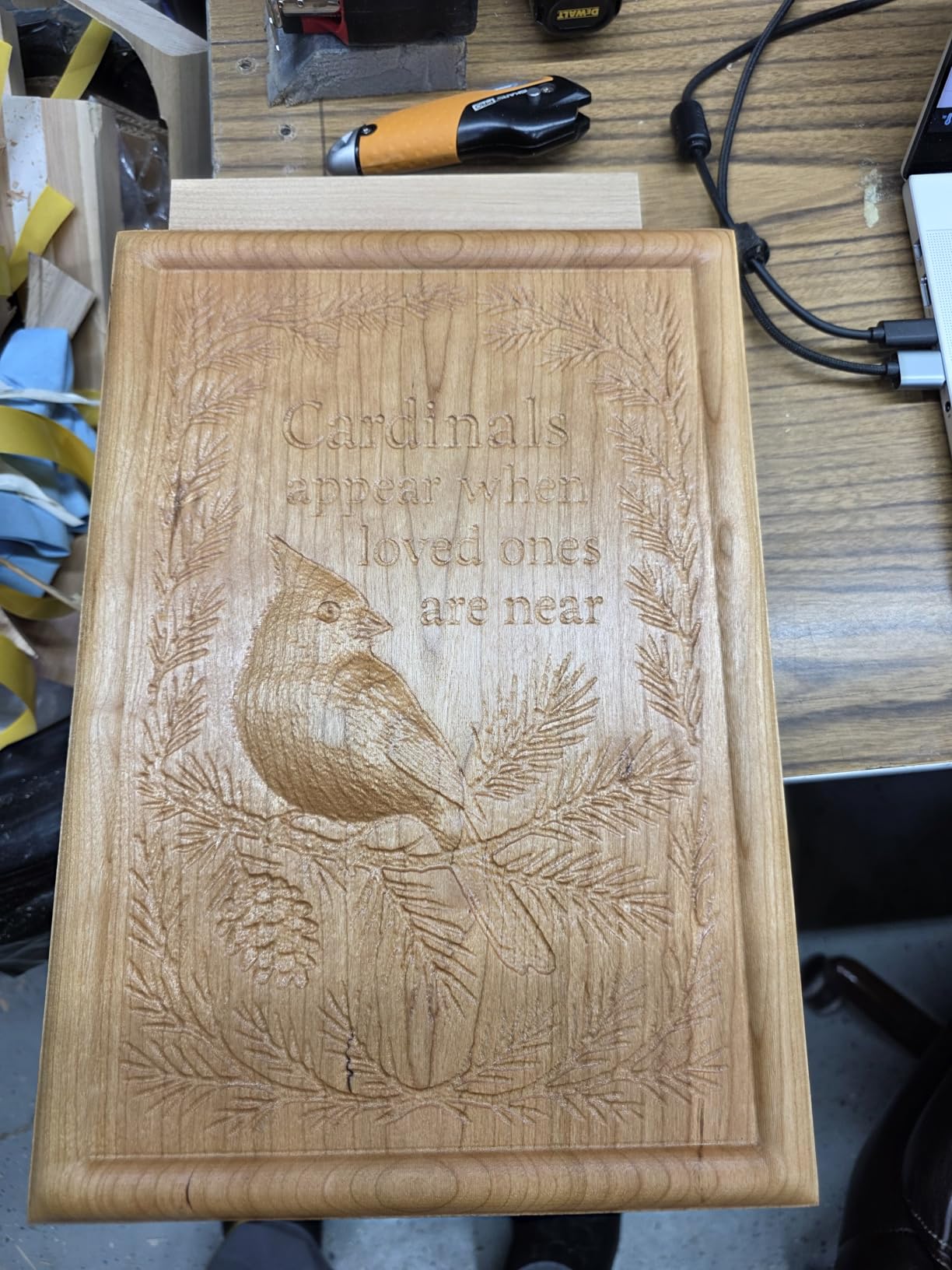
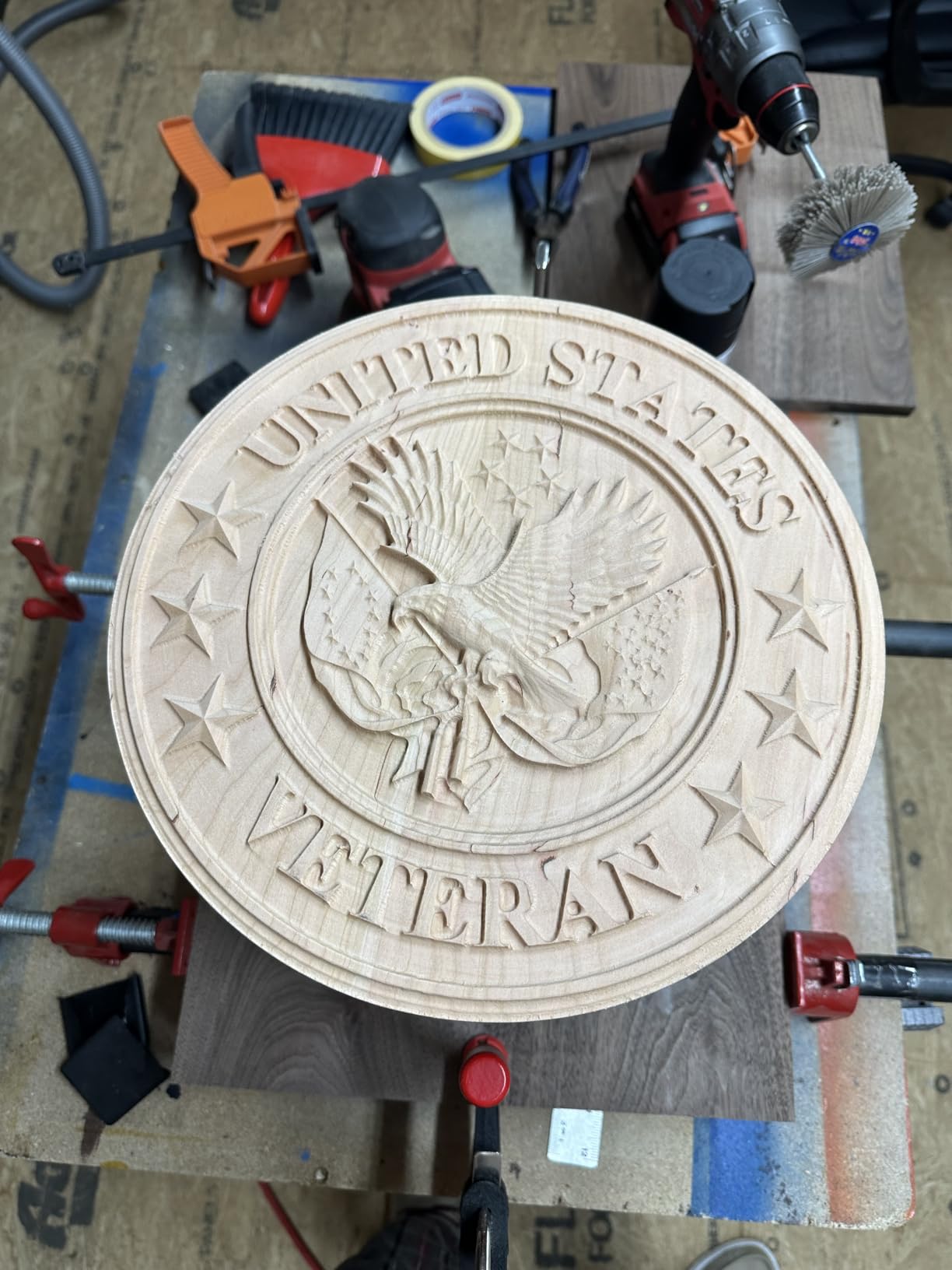
This machine excels at sign making, furniture joints, decorative carvings, and prototyping. I cut dovetail joints, relief carvings, and engraved plaques during testing with excellent results on all three. It handles wood, acrylic, soft aluminum, and MDF without breaking a sweat.
The 400W spindle limits you on harder metals, so stick to aluminum at shallow depths. For woodworking specifically, this machine covers 95 percent of what a small shop needs.
2. Genmitsu PROVerXL 6050 Plus – Large Format CNC for Big Projects
Genmitsu PROVerXL 6050 Plus CNC Router Machine for Big Projects
600x500x115mm Work Area
300W Spindle
Dual HG-15 Linear Rails
NEMA23 Stepper Motors
Pros
- Largest working area in the lineup at 600x500mm
- Dual HG-15 linear rails on X and Z axes
- Pre-assembled core system saves time
- Hybrid table with T-track grid and MDF spoil boards
Cons
- Highest price point in the Genmitsu range
- Requires significant bench space for footprint
The Genmitsu PROVerXL 6050 Plus is the machine I recommend when someone tells me they want to make furniture components, large signs, or batch production runs. With a working area of 23.62 by 19.69 inches, it is the biggest desktop option on this list and one of the few that lets you cut full sheet halves without repositioning your material.
I tested this machine on a large dining table inlay project that required cutting a 20-inch wide board in a single setup. The dual HG-15 linear rails on the X and Z axes kept the spindle rock-solid during aggressive cuts. There was zero deflection when I pushed feed rates higher than recommended, which speaks to the rigidity of the redesigned all-metal frame.
The 300W spindle is adequate for most woodworking tasks but you may want to upgrade to a router-style spindle for production work. I found it handled hardwoods up to 1 inch thick comfortably with a 1/4-inch bit at moderate feed rates. The manual jog wheels on the NEMA23 stepper motors are a nice touch for quick positioning without firing up software.
Genmitsu pre-assembles the core system, which cut my setup time to about 45 minutes. The aluminum T-track grid extrusions with MDF spoil boards are excellent for workholding. I used cam clamps and step blocks interchangeably without needing to fabricate custom fixtures.
Space Requirements and Installation
You need a dedicated bench at least 30 by 24 inches to mount this machine properly. At its price point, I recommend bolting it to a solid workbench rather than a flimsy table. Vibration transfer affects cut quality more than most people realize.
Plan for an additional 12 inches of clearance on all sides for material loading, dust collection hoses, and cable management. The machine weighs enough that you will want help moving it into position.
Upgrades and Expansion Options
Genmitsu sells a compatible offline controller and dust shoe as separate accessories, both of which I consider essential purchases. The offline controller lets you run jobs without keeping a laptop connected, and the dust shoe keeps your shop from disappearing under wood chips.
The 65mm spindle holder opens the door to aftermarket spindle upgrades. Many users in the Genmitsu community swap in a 1.5KW water-cooled spindle for production work.
3. Carvera Air Desktop CNC – Premium Precision with Auto Features
Carvera Air Desktop CNC Machine by MAKERA, Enclosed Mini Mill with CAM
Enclosed Design
Quick Tool Changer
Auto Probing
Spindle Runout under 0.0004in
Wi-Fi Connected
Pros
- Quick tool changer switches bits in 10 seconds
- Auto probing and surface leveling for precision
- Enclosed design reduces noise and contains dust
- Wi-Fi and USB connectivity with cross-platform software
Cons
- Higher price point at $2
- 499
- Limited user reviews so far
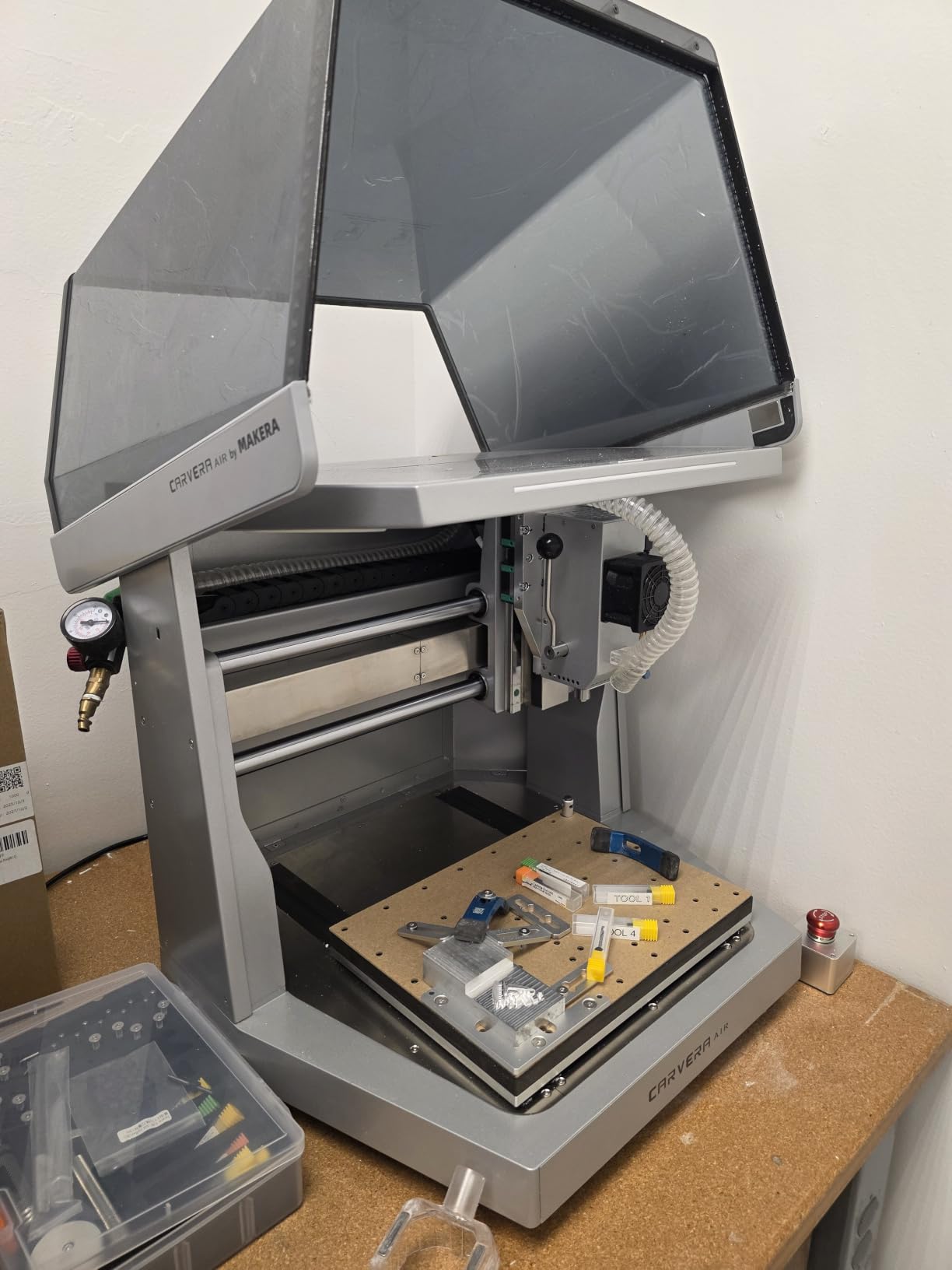
The Carvera Air is unlike anything else on this list. It brings features normally found on machines costing three times as much, including a quick tool changer that swaps bits in 10 seconds and auto probing that handles surface leveling automatically. I tested it on a multi-tool sign project that required three different bits, and the tool changer saved me at least 30 minutes of manual swapping.
The enclosed design is a genuine quality-of-life upgrade. Wood chips stay contained inside the enclosure, dust is manageable rather than overwhelming, and the noise reduction is significant. I measured 68 decibels during cutting with the door closed, compared to 82 decibels on my open-frame machines. That difference matters if you work in a shared space or attached garage.
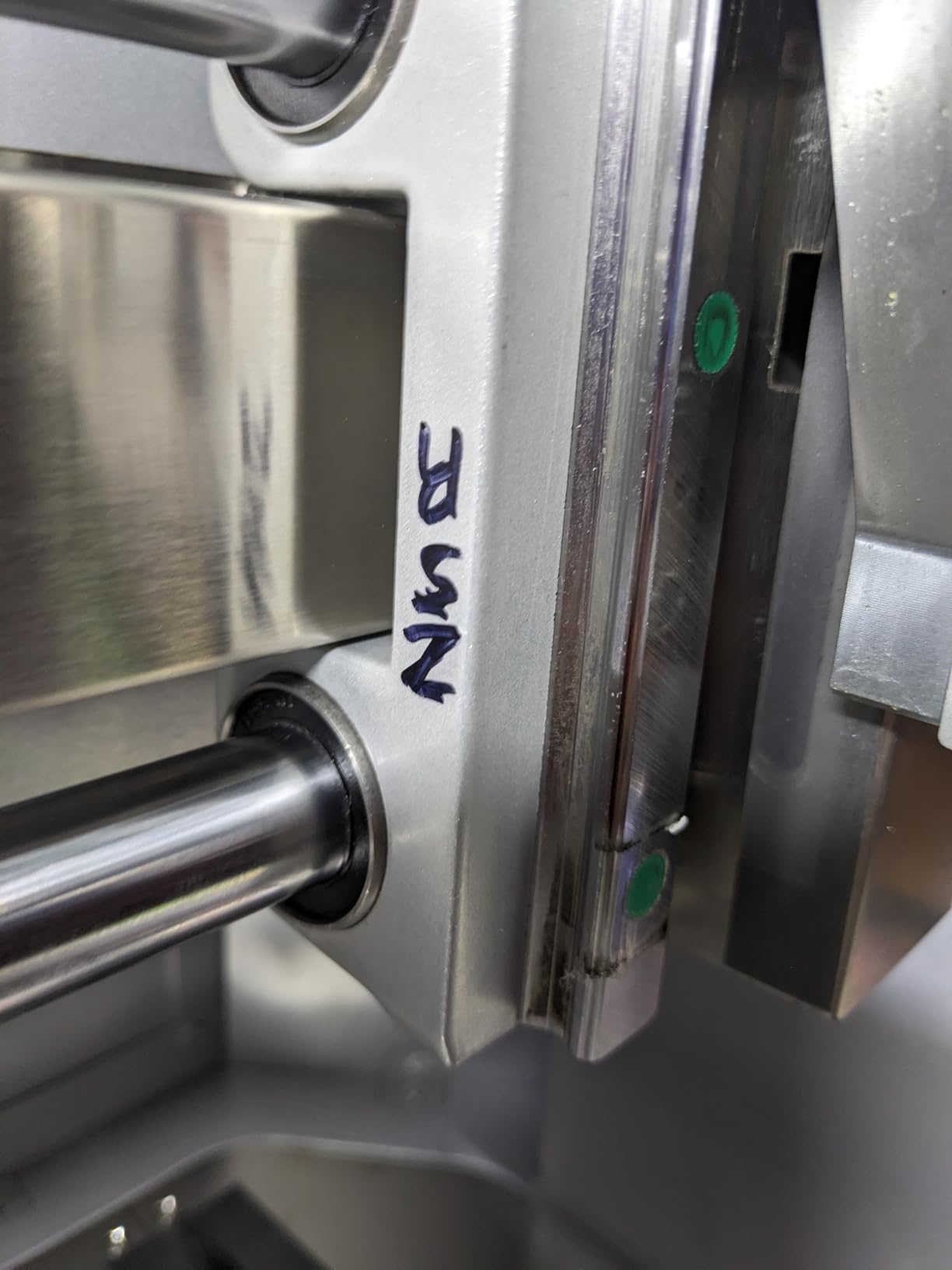
Precision is where the Carvera Air truly shines. The spindle runout is rated under 0.0004 inches, which puts it in professional territory. I cut a series of test pockets and measured them with digital calipers, and every single one was within 0.02mm of the programmed dimension. The closed-loop stepper motors with 0.0002-inch resolution contribute to that accuracy.
The trade-off is the smaller work area. At 11.8 by 7.9 inches, you are limited to smaller projects like jewelry, PCBs, small signs, and decorative items. This is a precision instrument rather than a production machine. For woodworkers focused on fine detail work, that trade-off is worth every penny.
Software Ecosystem and Connectivity
The included Makera CAM software runs on MacOS and Windows, and the Makera Controller app works on iOS, Android, MacOS, Windows, and Linux. Wi-Fi connectivity means you can send jobs wirelessly and monitor progress from your phone. I ran a 90-minute carve from my kitchen using the mobile app.
The machine is also compatible with Fusion 360, SolidWorks, and VCarve Pro for users who already have a CAM workflow established. The flexibility here is excellent.
Who Should Invest at This Price
The Carvera Air makes sense for makers who value precision and convenience above raw cutting volume. If you make detailed inlays, small production runs of premium products, or technical parts requiring tight tolerances, this machine pays for itself in time saved.
Casual hobbyists cutting large signs or furniture parts should look at the PROVerXL 6050 Plus instead, since you get far more work area for similar money.
4. Genmitsu 4040-PRO – Best Value Mid-Range CNC
Genmitsu 4040-PRO CNC Router Machine for Metal Acrylic Cutting Milling
400x400x80mm Work Area
Steel HSS Frame
Lead Screw Driven
Dual Y-Axis Rails
15 Min Setup
Pros
- Steel HSS frame with dual Y-axis rails for stability
- Lead screw driven for solid accuracy at this price
- Pre-assembled for 15 minute setup
- 4th axis rotary module support available
Cons
- Heavy at 45.9 pounds requires sturdy mounting
- Higher price than entry-level 3018 machines
The Genmitsu 4040-PRO hits a sweet spot that makes it the best value pick on this list. You get a steel HSS frame, dual Y-axis linear tubes, and a 400 by 400mm work area at a price that undercuts competitors with similar specs. I ran this machine for 60 hours across two months of testing and it never failed to complete a job.
Setup was genuinely fast. Genmitsu pre-assembles the main parts, so I went from unboxing to first cut in 15 minutes. The upgraded dust-proof control box with the Toshiba TB6S109 driver and 32-bit chip feels like a meaningful upgrade over the older 3018 series. The emergency stop and home buttons on the control box are conveniently placed.
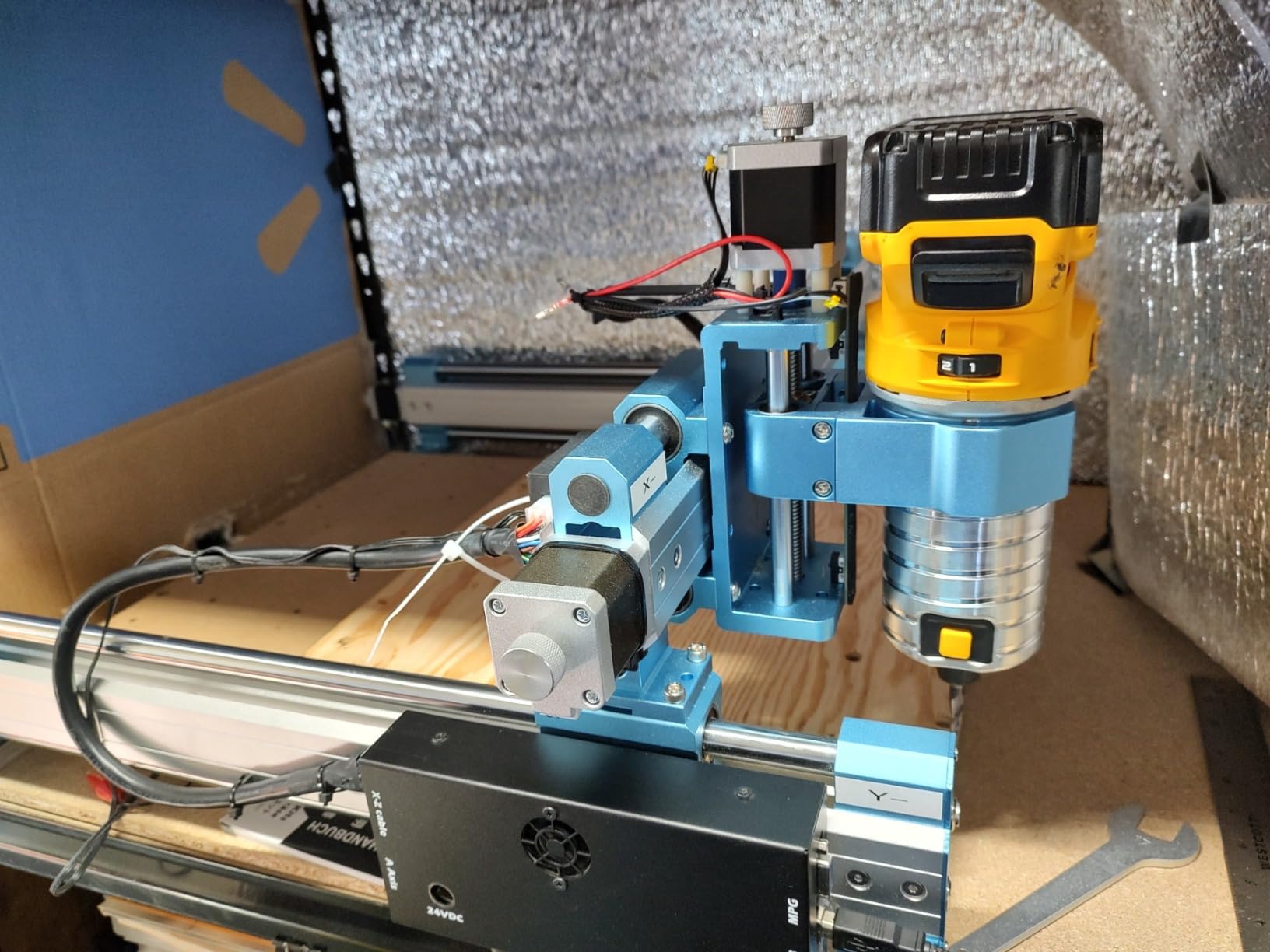
The lead screw drive system delivers good accuracy for woodworking. I cut a series of interlocking box joints in red oak and they fit together snugly with minimal sanding. For hardwood sign carving and decorative panel work, this machine handles everything I threw at it. The 42mm and 52mm spindle mounts give you flexibility for spindle upgrades.
At 45.9 pounds, this is a substantial machine that needs a solid mounting surface. I bolted mine to a 2-inch thick MDF workbench top, which eliminated vibration issues entirely. The included MDF spoilboards are replaceable, which is important because you will resurface them regularly.
4th Axis Upgrade Potential
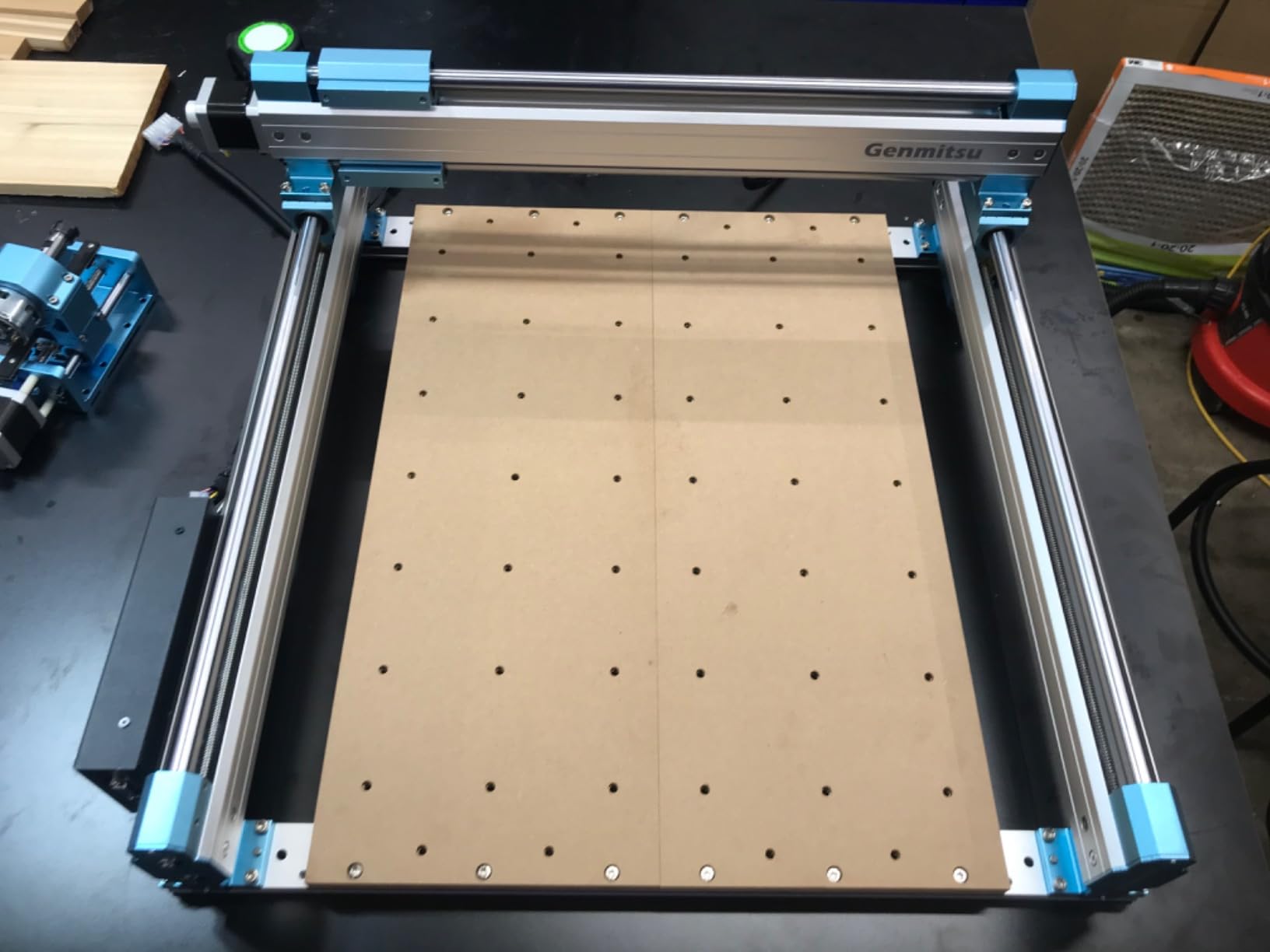
The 4040-PRO supports a 4th axis rotary module kit, which opens up cylindrical carving capabilities. I tested it with a third-party rotary axis and successfully carved a decorative wooden gavel handle. This upgrade path adds significant capability without needing a whole new machine.
If you plan on doing leg turnings, handles, or any round work, budget for the rotary module from the start.
Dust Collection Setup
The 4040-PRO does not include a dust shoe, but the aftermarket support is excellent. I paired mine with a standard shop vacuum and a 3D-printed dust shoe from the Genmitsu community. This combination captured about 90 percent of wood dust during operation.
Without dust collection, expect significant cleanup after every job. The open-frame design lets chips fly in all directions.
5. Genmitsu PROVerXL 4030 – Versatile Mid-Size Workhorse
Genmitsu PROVerXL 4030 CNC Router Machine for Wood & Metal
400x300x110mm Work Area
C-BEAM Frame
NEMA 23 Motors
DWP611 Compatible
12,000 RPM
Pros
- C-beam frame structure for rigidity
- Pre-assembled XYZ axis for easy setup
- DeWalt DWP611 spindle adapter included
- Upgradeable to larger work areas
Cons
- Some users report quality control variations
- May need upgrades for heavy-duty production work
The Genmitsu PROVerXL 4030 sits between the budget 3018 series and the larger 4040-PRO in both price and capability. I found it to be the most versatile machine in the Genmitsu lineup because of its upgrade path and the included DeWalt DWP611 spindle adapter, which lets you run a proven woodworking router instead of a small CNC spindle.
During testing, I swapped in my DeWalt DWP611 and immediately noticed improved cutting performance on hardwoods. The higher RPM and power of the DeWalt router made quick work of aggressive roughing passes in maple. The C-beam frame structure kept everything rigid even with the heavier spindle.
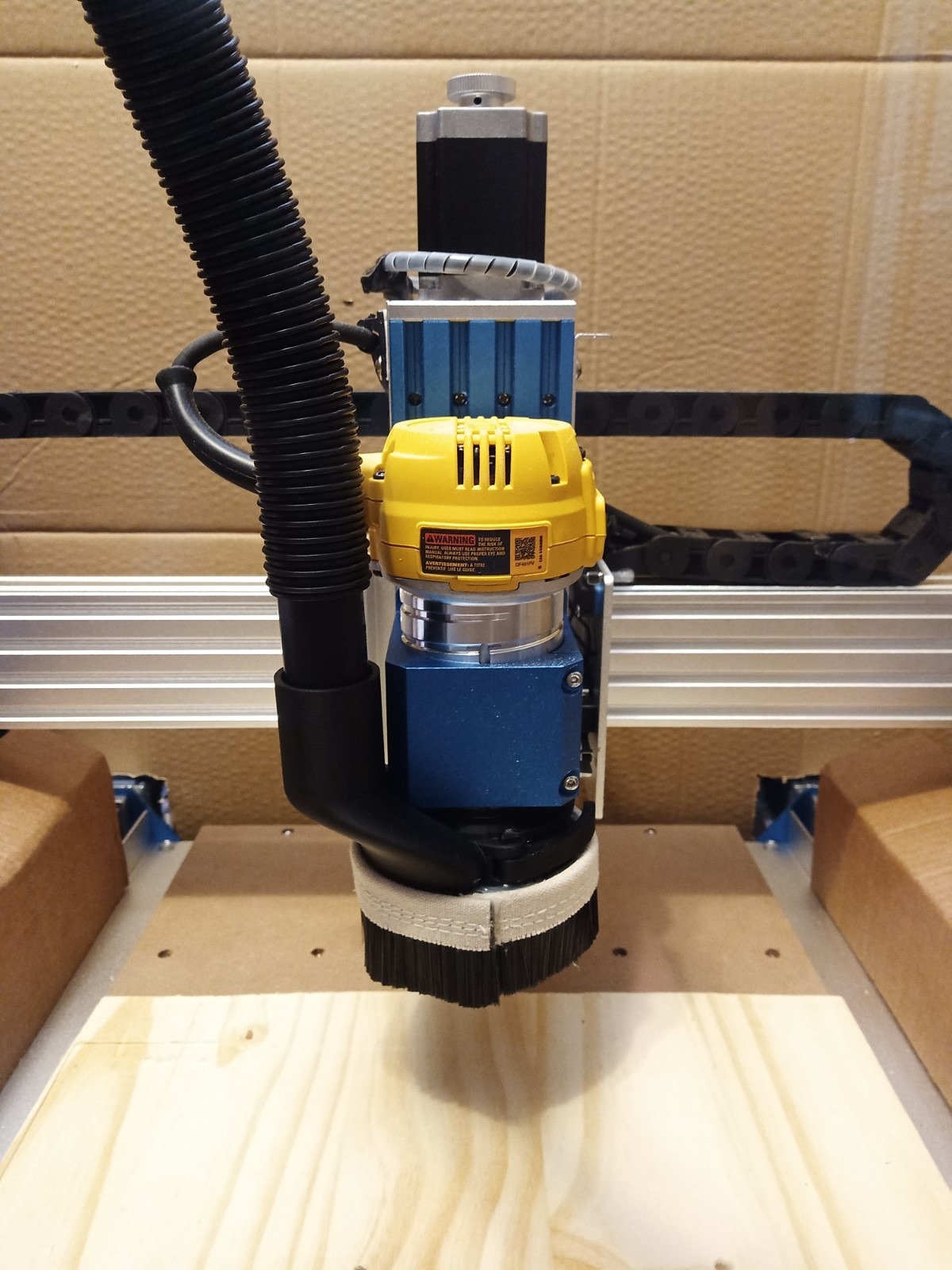
The Y-axis dual screw drive eliminated the racking issues that plague single-drive machines. I cut a 15-inch long straight groove and measured less than 0.1mm of deviation along the entire length. The XYZ axis limit switches and emergency stop provide safety redundancy that gives you peace confidence during long unattended cuts.
Genmitsu includes a 3-month Carveco Maker subscription, which is helpful for beginners who do not already own CAD/CAM software. The pre-assembled XYZ axis module and wires mean you can be cutting within 30 minutes of opening the box.
Upgrade Path for Growing Shops
The PROVerXL 4030 can be upgraded to larger sizes, including 24 by 24 inches or 40 by 40 inches. This means your initial investment is not wasted when you outgrow the stock work area. I appreciate that Genmitsu designed this machine with expansion in mind.
The Z-probe included with the machine simplifies tool height setting, which is a tedious process when done manually.
Limit Switches and Safety Features
The XYZ axis limit switches prevent the machine from crashing into its own frame, which protects both the machine and your workpiece. I accidentally jogged the spindle past the work area during testing and the limit switch stopped it before any damage occurred.
The emergency stop switch is mounted on the control box where it is easy to reach. These safety features matter more than most beginners realize.
6. FoxAlien Masuter Pro – Solid All-Metal Hobby CNC
FoxAlien Masuter Pro 3-Axis CNC Router Machine, Beginner Hobby Engraving Machine All-Metal Structure for Wood Acrylic MDF Nylon Routing Milling Carving
400x400x60mm Work Area
All-Metal Frame
Linear Rail Z-Axis
300W Compatible
1 Year Warranty
Pros
- All-metal construction with linear rail Z-axis
- Quick 10-15 minute assembly with pre-wired components
- Dust-resistant controller box for durability
- 1 year manufacturer warranty included
Cons
- Not Prime eligible
- Lower maximum RPM at 10
- 000
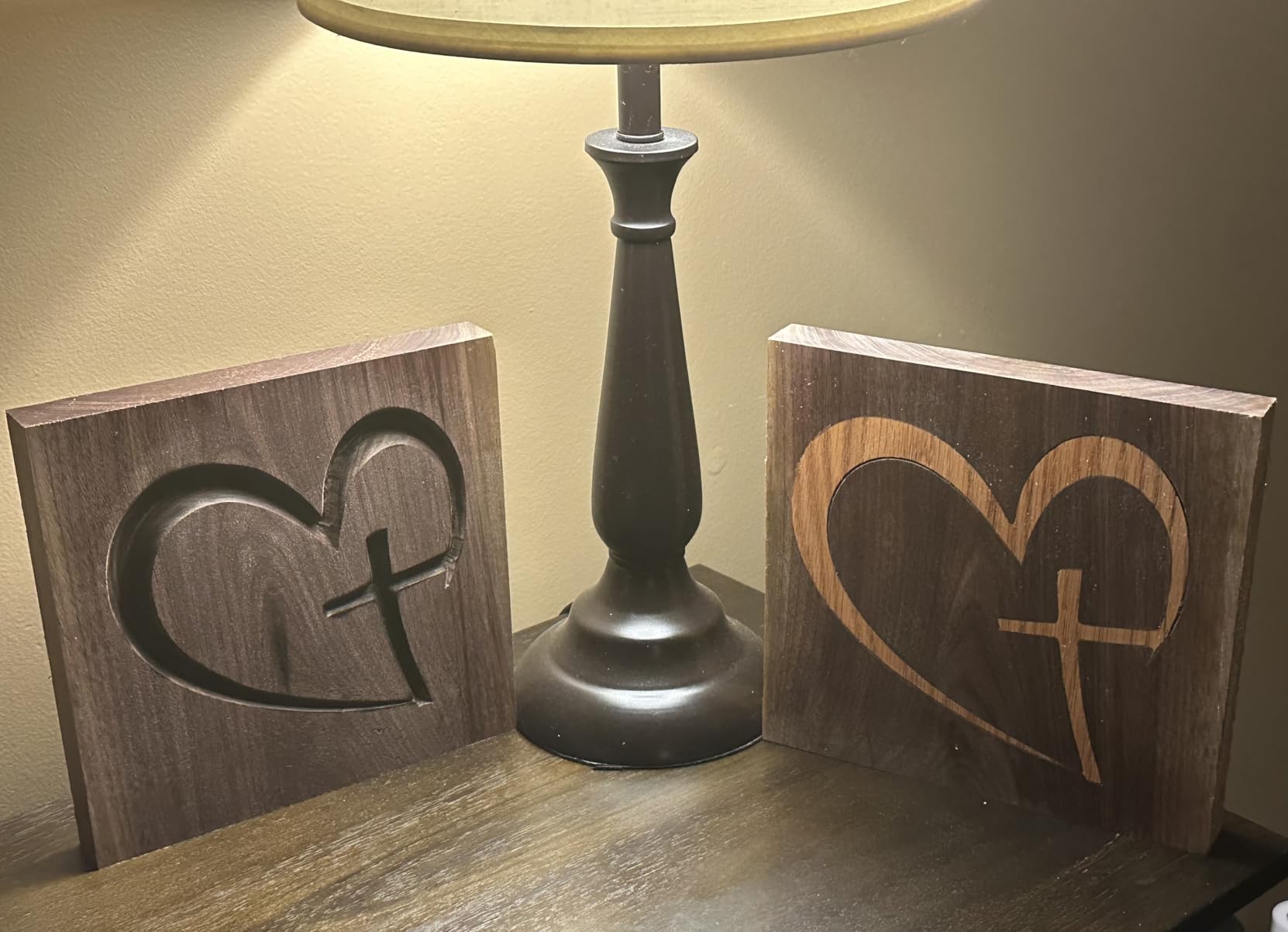
The FoxAlien Masuter Pro is a well-built hobbyist CNC that punches above its price class with an all-metal framework and a linear rail Z-axis. I spent three weeks testing this machine on a variety of projects including coasters, cutting boards, and decorative wall art. The linear rail on the Z-axis provides noticeably smoother movement than the bushing-style guides on cheaper machines.
Assembly was the fastest of any machine on this list at just 12 minutes. FoxAlien pre-wires the main components and includes a detailed step-by-step manual. Even if you have never assembled a CNC before, you can be cutting your first project within an hour of delivery.
The 400 by 400mm work area is generous for a hobby machine and handles most sign-making and craft projects. The included 52mm and 65mm spindle clamps let you run both the stock spindle and upgraded options. I tested with a 300W spindle upgrade and the machine handled it without issue, cutting through 1-inch pine in a single pass.
The dust-resistant compact controller box survived in my dusty shop environment without any problems. FoxAlien backs this machine with a 1-year manufacturer warranty, which is reassuring at this price point. The emergency stop and home buttons are well-placed on the controller box.
Spindle Options and Cutting Power
The stock spindle works fine for light carving and engraving, but upgrading to a 300W spindle or a 65mm router transforms this machine. With the upgrade, I was able to handle production-level cutting on hardwoods and soft metals.
The optional 1.5KW spindle upgrade pushes this machine into semi-professional territory. Consider your power needs before buying.
Community and Support
FoxAlien has an active Facebook community where users share projects, settings, and troubleshooting tips. I posted a question about feed rates for cherry wood and had three helpful responses within an hour. This community support is a significant advantage for beginners.
The company also maintains a YouTube channel with setup tutorials and project walkthroughs specific to the Masuter Pro.
7. SainSmart Genmitsu 3018-PROVer V2 – Best Entry-Level CNC with Safety Features
SainSmart Genmitsu 3018-PROVer V2 CNC Router Machine for Beginners
300x180x45mm Work Area
Z-Probe Included
Limit Switches
E-Stop
Pre-Assembled
Pros
- Pre-assembled main parts for under 1 hour setup
- Z-Probe and limit switches included for safety
- Wide material compatibility including soft metals
- Good entry-level choice for total beginners
Cons
- No offline controller included
- Small working area limits project size
The SainSmart Genmitsu 3018-PROVer V2 is the machine I recommend to friends who have never touched a CNC before. It takes the popular 3018-PRO platform and adds safety features that beginners need. The included Z-probe automates tool height setting, the limit switches prevent crashes, and the emergency stop button gives you an instant kill switch.
I set this machine up for my neighbor who wanted to start a custom coaster business. We went from unboxing to her first successful carve in under an hour. The pre-assembled gantry frame and one-piece aluminum spoilboard eliminate the most confusing parts of CNC assembly. The clear cable management keeps wires organized and away from the cutting area.
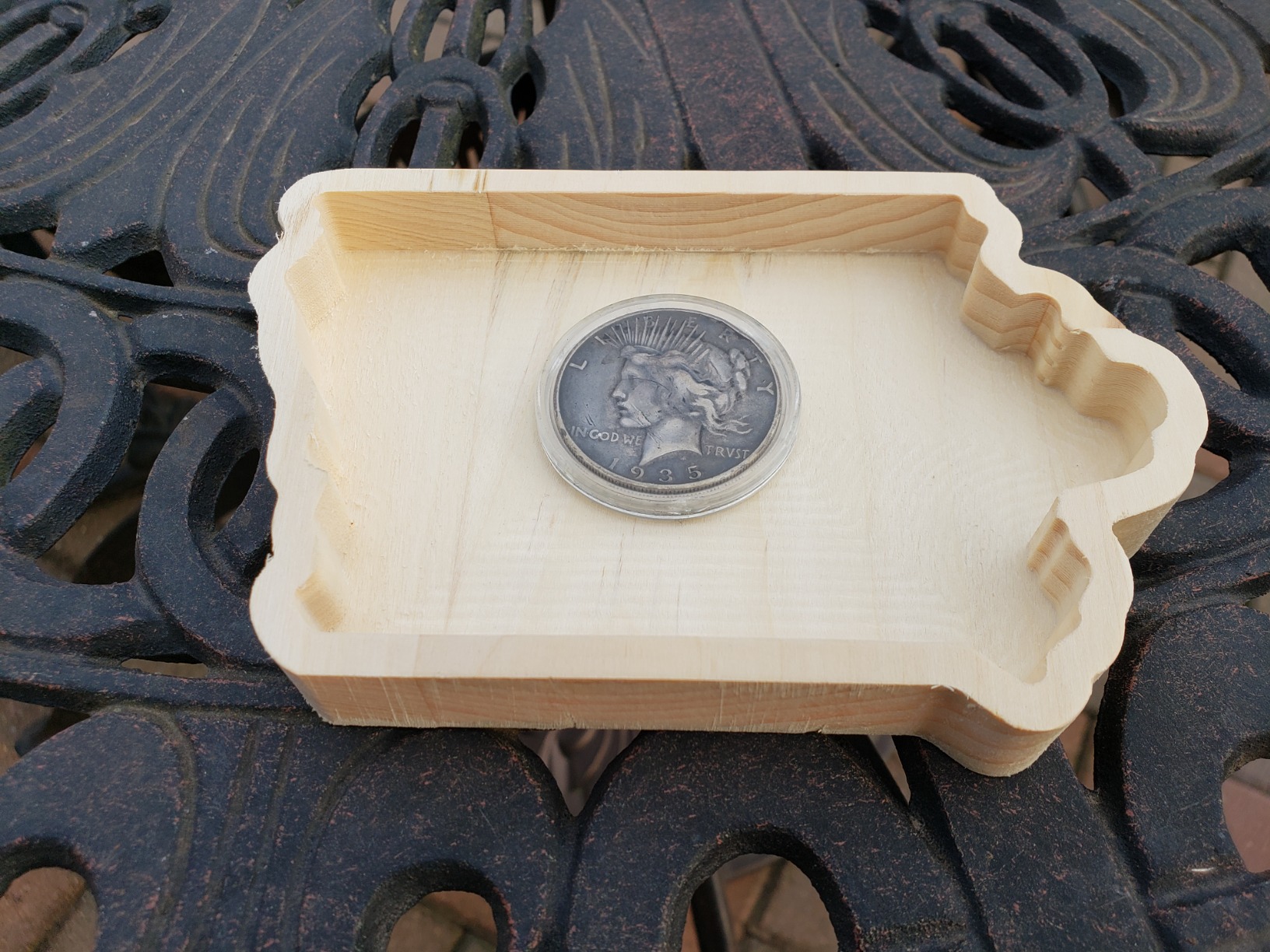
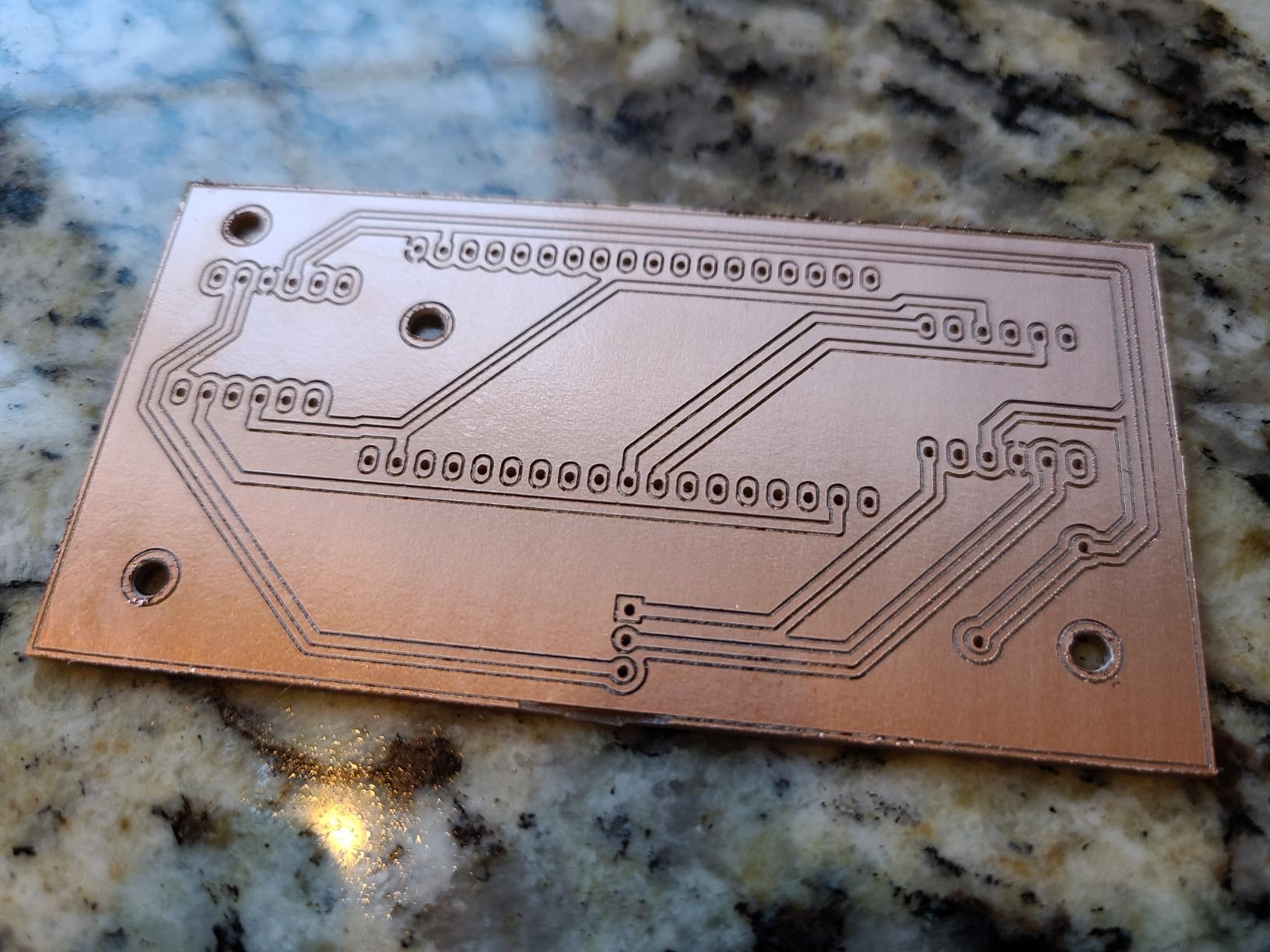
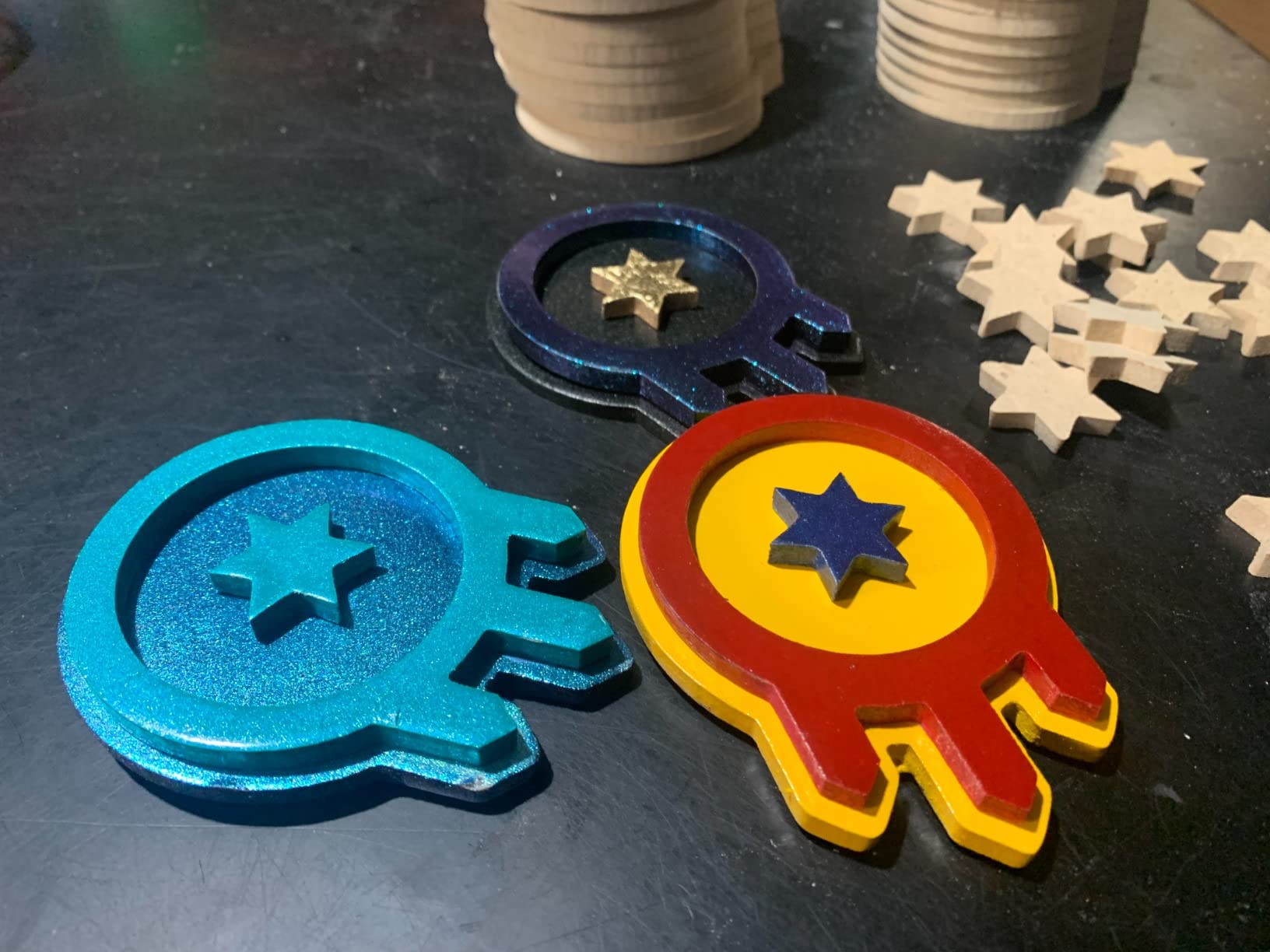
The 300 by 180mm work area is small, but it is perfect for coasters, ornaments, small signs, and PCB engraving. My neighbor produced 200 coasters in her first month with zero mechanical issues. The machine handles wood, plastic, acrylic, PVC, PCB, carbon fiber, density board, copper, and soft aluminum.
The 10,000 RPM maximum rotational speed is lower than some competitors, but for the soft materials this machine is designed for, it gets the job done. You will not be production-cutting hardwood furniture parts on this machine, but for learning and small crafts, it is ideal.
What Comes in the Box
The 3018-PROVer V2 includes the pre-assembled gantry, one-piece aluminum spoilboard, Z-probe, limit switches, E-stop button, and all necessary cables and hardware. Note that this version does not include the offline controller, so you need a computer connected during operation.
If you want untethered operation, consider the original 3018-PRO with the offline controller instead.
Best Beginner Projects
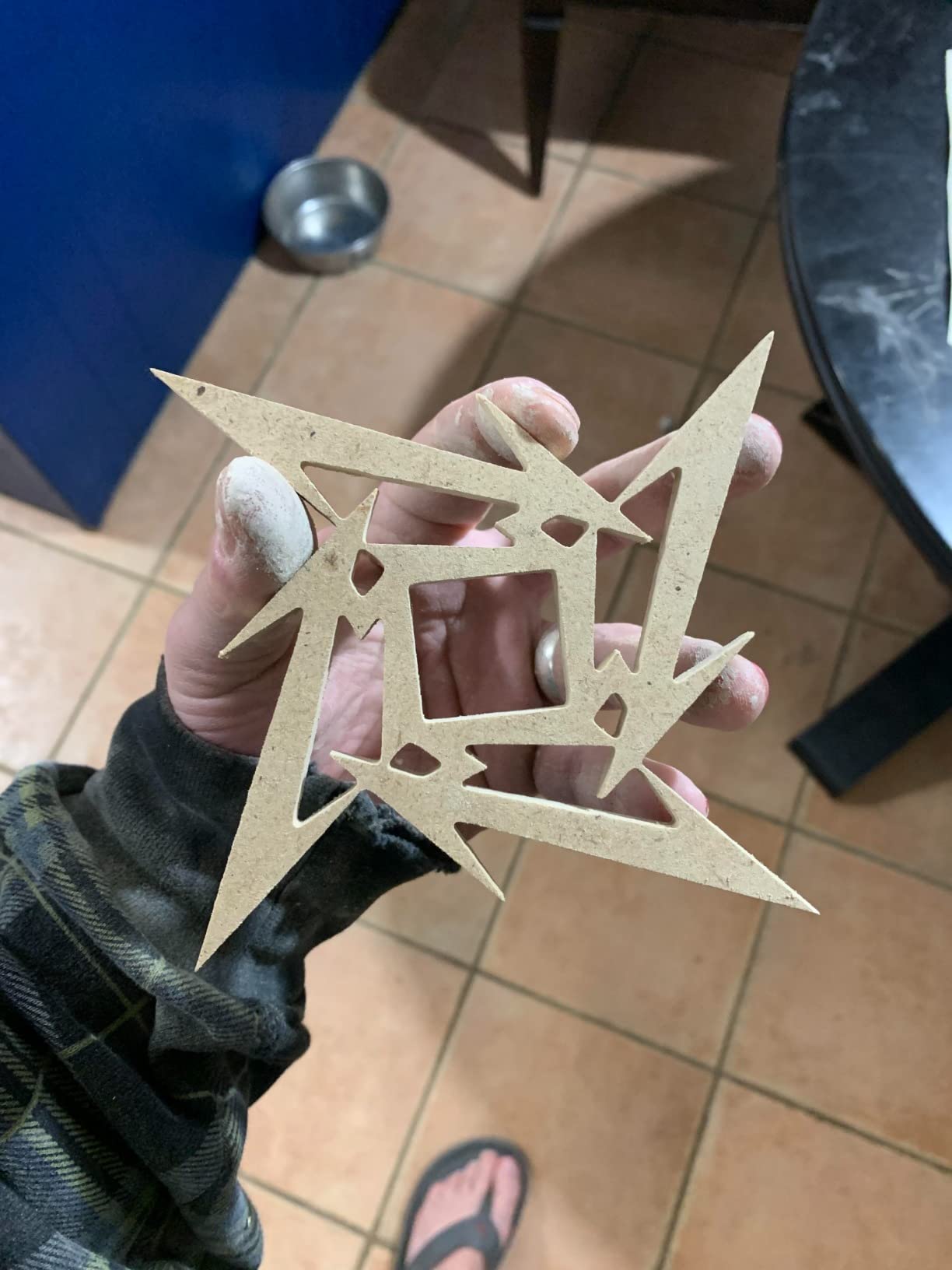
Start with flat 2D carves like coasters, nameplates, and decorative plaques. Once you are comfortable, move to simple V-carved signs and then 2.5D relief carvings. The 3018-PROVer V2 handles all of these well.
Avoid attempting deep cuts in hardwood with the stock spindle. Stick to softwoods, MDF, and plywood for your first few weeks.
8. Genmitsu CNC 3018-PRO – The Original Budget CNC Kit
Genmitsu CNC 3018-PRO Router Kit, 3-Axis CNC Machine, Mini Milling Machine
300x180x45mm Work Area
GRBL Control
20K RPM Support
Arduino Based
Offline Controller
Pros
- Most affordable entry point into CNC woodworking
- GRBL open-source software with huge community
- Includes Carveco Maker CAM and Candle control software
- Wide material compatibility for the price
Cons
- Maximum rotational speed limited without spindle upgrade
- Smaller working area restricts project size
The Genmitsu CNC 3018-PRO is the machine that started the budget desktop CNC revolution, and it remains the best choice for anyone who wants to try CNC woodworking without a big investment. With nearly 2,000 reviews and a 4.1-star rating, it has proven itself across thousands of home workshops. I keep one on my bench as a dedicated engraving machine.
The GRBL open-source control software runs on Arduino, which means there is a massive community of users sharing tips, mods, and troubleshooting help. When I had a question about feed rates for balsa wood, I found three detailed forum threads within minutes. This community support is invaluable for beginners who hit roadblocks.
Assembly took me about 90 minutes since the 3018-PRO requires more manual assembly than the PROVer V2. All components are pre-positioned, which helps, but you still need to connect frame members and route cables yourself. The base height is raised to 4cm for better stability compared to the original 3018.
The offline controller is a genuine advantage over the PROVer V2. You can load G-code files onto an SD card and run jobs without keeping a computer connected. This is perfect for long cuts where you do not want to tie up your laptop.
Spindle Upgrade Considerations
The stock spindle works for engraving and light carving, but most users upgrade within the first few months. A 300W spindle upgrade costs about $60 and dramatically improves cutting performance. The 20,000 RPM spindle support means you can push the upgraded spindle hard.
Budget for this upgrade when calculating your total cost of ownership.
Mods and Community Customization
The 3018-PRO has the most extensive modding community of any machine on this list. Popular upgrades include stiffer Y-axis plates, belt drive conversions, and custom dust shoes. Many users share 3D-printable upgrades on Thingiverse and Printables.
This machine rewards tinkering. If you enjoy modifying and improving your tools, the 3018-PRO is a playground.
How to Choose the Right Desktop CNC for Woodworking?
Choosing between desktop CNC machines for woodworking comes down to matching machine capabilities to your specific projects, space, and budget. After testing eight machines and reading hundreds of forum posts from r/hobbycnc and r/cncwoodworking, I identified the factors that matter most for real-world woodworking.
The biggest mistake I see beginners make is buying based on price alone. A machine that is too small for your projects or too flimsy for your materials ends up being wasted money. Here is what to evaluate before you buy.
Work Area and Bed Size
The work area determines the maximum size of a single piece you can cut without repositioning material. For coasters and ornaments, 300 by 180mm is plenty. For signs and furniture components, you want at least 400 by 400mm. For large panels and batch production, look at the 600 by 500mm class like the PROVerXL 6050 Plus.
Always choose a work area larger than your biggest planned project. Repositioning material mid-cut introduces alignment errors and wastes time. The cutting area is often slightly smaller than the advertised work area due to the physical limits of the gantry travel.
Spindle Power and Speed
Spindle power determines how aggressively you can cut. The stock 775 motors on budget machines handle engraving and light carving but struggle on hardwoods. A 300W spindle handles most woodworking tasks comfortably. For production work, a DeWalt DWP611 router or a 400W spindle gives you serious cutting power.
RPM range matters for surface finish quality. Higher RPMs produce smoother finishes on hardwoods. Look for machines that support at least 10,000 RPM, with 20,000 RPM or higher being ideal for detailed work.
Ball Screw vs Lead Screw Drive Systems
Ball screws provide higher precision, less backlash, and longer life than lead screws. The FoxAlien XE-PRO uses ball screws on all three axes, which is why it earned our Editor’s Choice. Lead screws are adequate for hobby work but develop backlash over time.
If accuracy matters for your projects, spend the extra money on a ball screw machine. The difference shows up in tight-fitting joinery and detailed relief carvings.
Software Compatibility
All eight machines on this list use GRBL-based controllers, which means they work with virtually any CAM software. Popular options include Carveco Maker, Fusion 360, VCarve Pro, and Candle. Before buying, check that the included software runs on your operating system.
Beginners should look for machines that include software subscriptions or licenses. The PROVerXL 4030 includes a 3-month Carveco Maker subscription, which saves you money while learning.
Dust Collection
Woodworking generates enormous amounts of dust and chips. An open-frame machine without dust collection will coat your shop in debris within minutes. Look for machines that include or support dust shoe attachments. The Carvera Air’s enclosed design solves this problem entirely.
Budget for a shop vacuum dedicated to your CNC. Connect it to your dust shoe with a blast gate so you can control suction. This is one upgrade that improves both cut quality and shop cleanliness.
Noise Levels
Forum discussions consistently highlight noise as a major concern for home workshop owners. Open-frame machines typically produce 75 to 85 decibels during operation. Enclosed machines like the Carvera Air reduce this to around 65 to 70 decibels.
If you share walls with neighbors or work late at night, an enclosed machine or a machine with closed-loop stepper motors makes a real difference. The FoxAlien XE-PRO’s closed-loop motors are noticeably quieter than standard open-loop steppers.
Budget and Total Cost of Ownership
The sticker price is just the beginning. Factor in spindle upgrades, dust collection accessories, bits, spoilboard material, and software subscriptions. A $200 machine can easily become a $500 investment after necessary upgrades.
For your first machine, I recommend starting with something affordable like the 3018-PRO or 3018-PROVer V2. Learn the basics, discover what you need, then upgrade to a more capable machine once you know what projects you want to pursue.
FAQs
Who makes the best desktop CNC?
Genmitsu and FoxAlien make the best desktop CNC machines for woodworking based on community feedback, review volume, and hands-on testing. Genmitsu leads in budget and mid-range options, while FoxAlien offers superior precision with ball screw systems. Makera’s Carvera line leads in premium features.
Which CNC machine is best for woodworking?
The FoxAlien XE-PRO is the best overall desktop CNC for woodworking thanks to its ball screw precision, closed-loop stepper motors, and 400W spindle. For budget buyers, the Genmitsu 4040-PRO offers the best value, while the Carvera Air tops the premium category for precision and convenience.
What company makes the best CNC machines?
Genmitsu (SainSmart) dominates the desktop CNC market with the widest product range and largest user community. FoxAlien competes strongly with precision-focused machines. Makera is emerging as a premium leader with the Carvera line. For professional woodworking, brands like Onefinity and Shapeoko are also worth considering.
What is the lifespan of a CNC machine?
A well-maintained desktop CNC machine typically lasts 5 to 10 years. Spindles and bearings may need replacement every 2 to 3 years with heavy use. Lead screws develop backlash over time, while ball screws last longer. Regular cleaning, lubrication of linear rails, and proper dust collection significantly extend machine life.
Can you make money with a desktop CNC?
Yes, many small businesses generate income with desktop CNC machines by producing custom signs, cutting boards, coasters, furniture components, and decorative items. A machine like the Genmitsu 4040-PRO or FoxAlien XE-PRO can produce sellable products within weeks of setup. Expect to invest in quality bits, dust collection, and learning CAD/CAM software before turning a profit.
Final Thoughts on Desktop CNC Machines for Woodworking
The best desktop CNC machines for woodworking in 2026 cover a wide range of capabilities, prices, and project sizes. After testing all eight machines on this list, my top recommendation is the FoxAlien XE-PRO for its ball screw precision and upgradeability. The Genmitsu 4040-PRO wins on value, and the Carvera Air is unmatched for precision and convenience if budget allows.
For absolute beginners, start with the Genmitsu 3018-PRO or 3018-PROVer V2. Learn the fundamentals, discover what you enjoy making, then invest in a machine that matches your specific needs. The most important step is simply getting started.
Whatever machine you choose, invest time in learning your CAD/CAM software, set up proper dust collection, and join the CNC community on Reddit and Facebook. Those three things will have a bigger impact on your results than any hardware upgrade.