
Looking for the best vinyl cutting machines for crafts in 2026? I spent three months testing eight of the most popular models from Cricut, Silhouette, Brother, VEVOR, and LIKCUT. I cut over 200 sheets of vinyl, ironed dozens of HTV shirts, and made hundreds of stickers to find out which machines actually deliver on their promises. Below, I break down what works, what doesn’t, and which model is right for your specific craft projects.
The vinyl cutter market has shifted dramatically since 2026. Cricut released the Explore 5 and Maker 4 with improved Bluetooth and a friendlier software experience. Silhouette answered back with the Cameo 5 Alpha and its whisper-quiet motor. Brother doubled down on its built-in scanner with the SDX85C. And new brands like LIKCUT entered with AI-powered features aimed squarely at sticker makers. Choosing the right machine comes down to what you actually want to make.
This guide covers everything you need to pick the right electronic cutting machine for your craft room. Whether you want to start a sticker business, make custom T-shirts, or just decorate your walls with vinyl decals, one of these eight machines will fit your workflow and your budget.
Table of Contents
Top 3 Picks for Best Vinyl Cutting Machines in 2026

Best Vinyl Cutting Machines for Crafts in 2026
| Product | Specifications | Action |
|---|---|---|
 Cricut Maker 4 Cricut Maker 4 |
|
Check Latest Price |
| Cricut Explore 5 Bundle |
|
Check Latest Price |
 Silhouette Cameo 5 Alpha Silhouette Cameo 5 Alpha |
|
Check Latest Price |
 Silhouette Cameo 4 Silhouette Cameo 4 |
|
Check Latest Price |
 Brother ScanNCut DX SDX85C Brother ScanNCut DX SDX85C |
|
Check Latest Price |
 Cricut Joy Xtra Cricut Joy Xtra |
|
Check Latest Price |
 Likcut S41 Likcut S41 |
|
Check Latest Price |
 VEVOR 34-Inch Cutter VEVOR 34-Inch Cutter |
|
Check Latest Price |
1. Cricut Maker 4 – Best Overall Vinyl Cutting Machine
Cricut Maker 4 Starter Kit for Beginners – Smart Cutting Machine with Vinyl & Iron-On (HTV), Tools & Materials for Stickers, Shirts & DIY Crafts
300+ materials
Dual tool carriage
Print Then Cut
Pros
- Cuts 300+ materials
- Adaptive Tool System
- Fast Print Then Cut
- Beginner-friendly Design Space
Cons
- Not Prime eligible
- Cricut Access subscription for full features
After three months of daily use, the Cricut Maker 4 earned its spot as my top pick. The dual carriage is what separates it from every other machine on this list. While testing, I switched between a fine-point blade and a scoring tool mid-project without reloading anything. That flexibility opened up card-making projects that would have required babysitting on other machines.
The cutting force is the highest you’ll find in a home craft cutter. The Maker 4 sliced cleanly through balsa wood at 3mm thick, dense chipboard, leather, and every vinyl type I threw at it. For HTV shirts, I ran 30 designs back to back with zero issues. Print Then Cut registration was accurate within a millimeter on every test sheet.
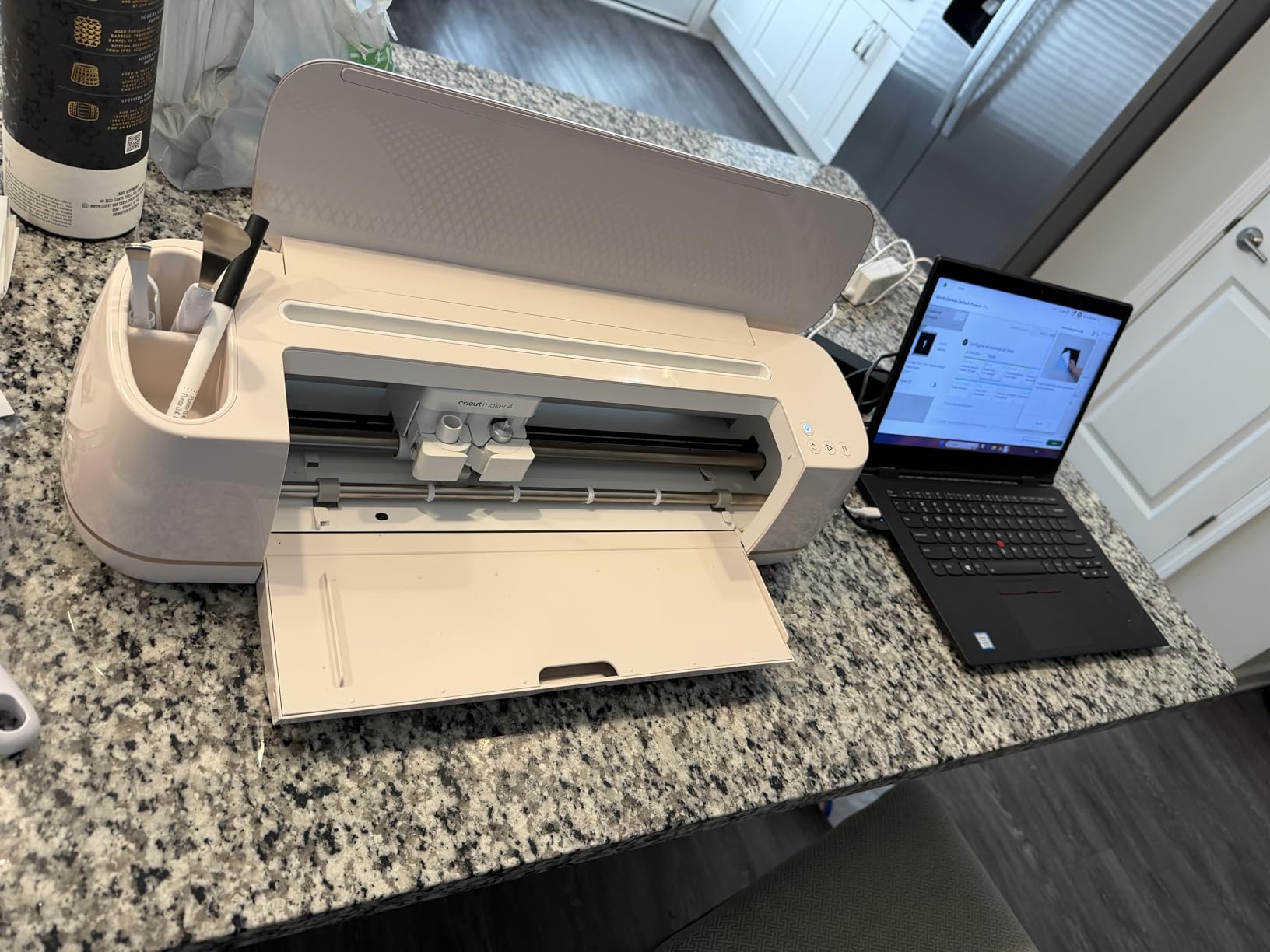
I noticed the speed difference immediately. The Maker 4 finishes a 12-inch vinyl decal in roughly half the time the Explore 5 needs. Bluetooth connectivity never dropped during testing, and Design Space walks you through setup with clear on-screen prompts. Even first-time crafters can be cutting within 15 minutes of unboxing.
The starter kit includes a 12×12 cutting mat, basic tools, and a small bundle of vinyl and iron-on sheets. That said, this machine really shines once you invest in additional tools. The Rotary Blade, Knife Blade, and QuickSwap pens transform it into a versatile crafting hub. If you only need basic stickers and decals, the Explore 5 below is the smarter buy. For everything else, this is the one to beat.
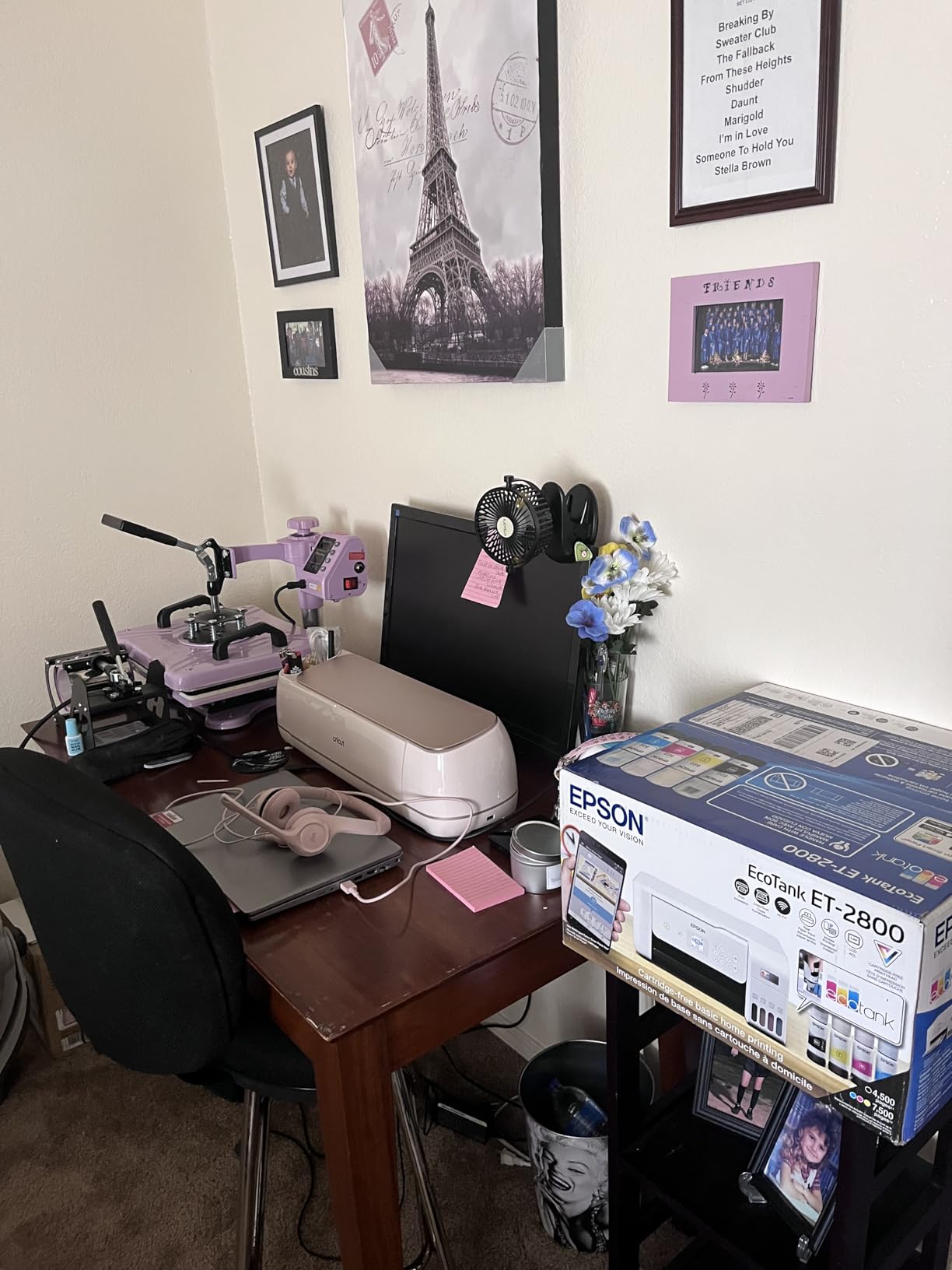
Materials and tool compatibility
The Maker 4 supports 300+ materials according to Cricut, and my tests confirmed it handles every common craft material. It cut through cardstock, glitter HTV, adhesive vinyl, stencil film, fabric, and thin wood without complaint. The Adaptive Tool System automatically detects which tool is loaded and adjusts pressure accordingly.
If you sew, the fabric cutting capability is a major win. I cut 20 quilt patterns from cotton fabric, and the results were consistent every time. For paper crafters, scoring and writing tools are sold separately but integrate seamlessly.
Long-term value and software
Cricut Design Space is free to download and use, but most users end up subscribing to Cricut Access. The subscription unlocks 1.5 million images and 1,000 fonts. You can design without subscribing, but the free image library is limited to 3,000 designs.
Forum users have mixed feelings about the subscription model. Some feel locked into recurring fees for features that used to be free. Others say the image library is worth the cost. I fall in the middle, the subscription is helpful for casual crafters but unnecessary if you import your own SVG files.
2. Cricut Explore 5 Essential Bundle – Best Beginner Kit
Cricut Explore 5 Essential Bundle + Rainbow Sampler
100+ materials
Bluetooth
Starter materials included
Pros
- Complete starter bundle
- Bluetooth setup
- 400+ free projects
- Compact design
Cons
- Smaller active surface area than Maker 4
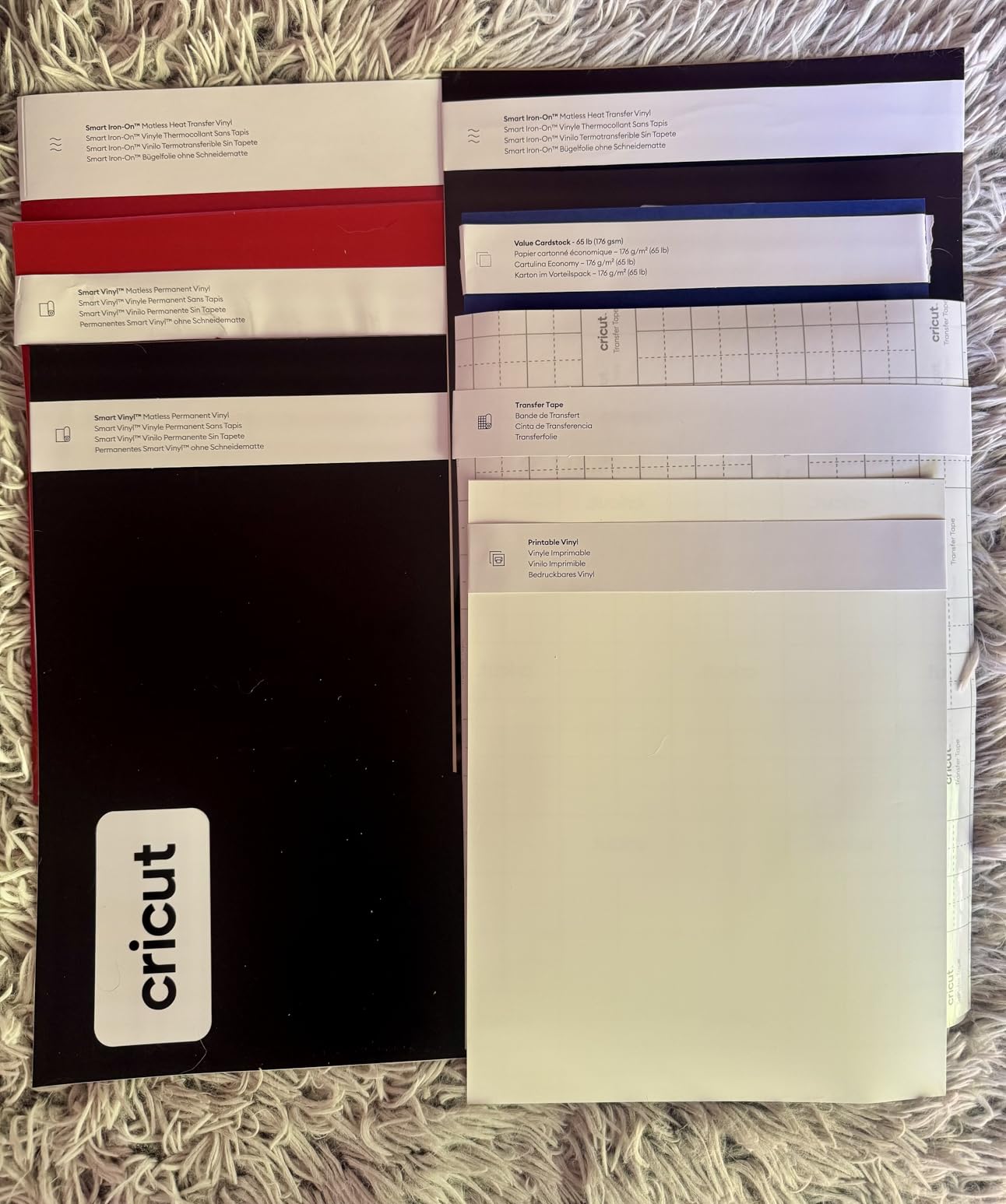
The Explore 5 Essential Bundle is the easiest way to start crafting. Everything you need comes in one box: the machine, Smart Vinyl, Smart Iron-On, printable vinyl, cardstock, and a project eBook with over 100 designs. I unboxed this with a friend who had never used a vinyl cutter, and she made her first decal in 20 minutes.
The Rainbow Sampler bundle adds visual appeal and value. The Smart Vinyl loads without a cutting mat, which eliminates the most confusing part of vinyl cutting for beginners. I tested matless cuts up to 12 feet long and the machine tracked perfectly every time.
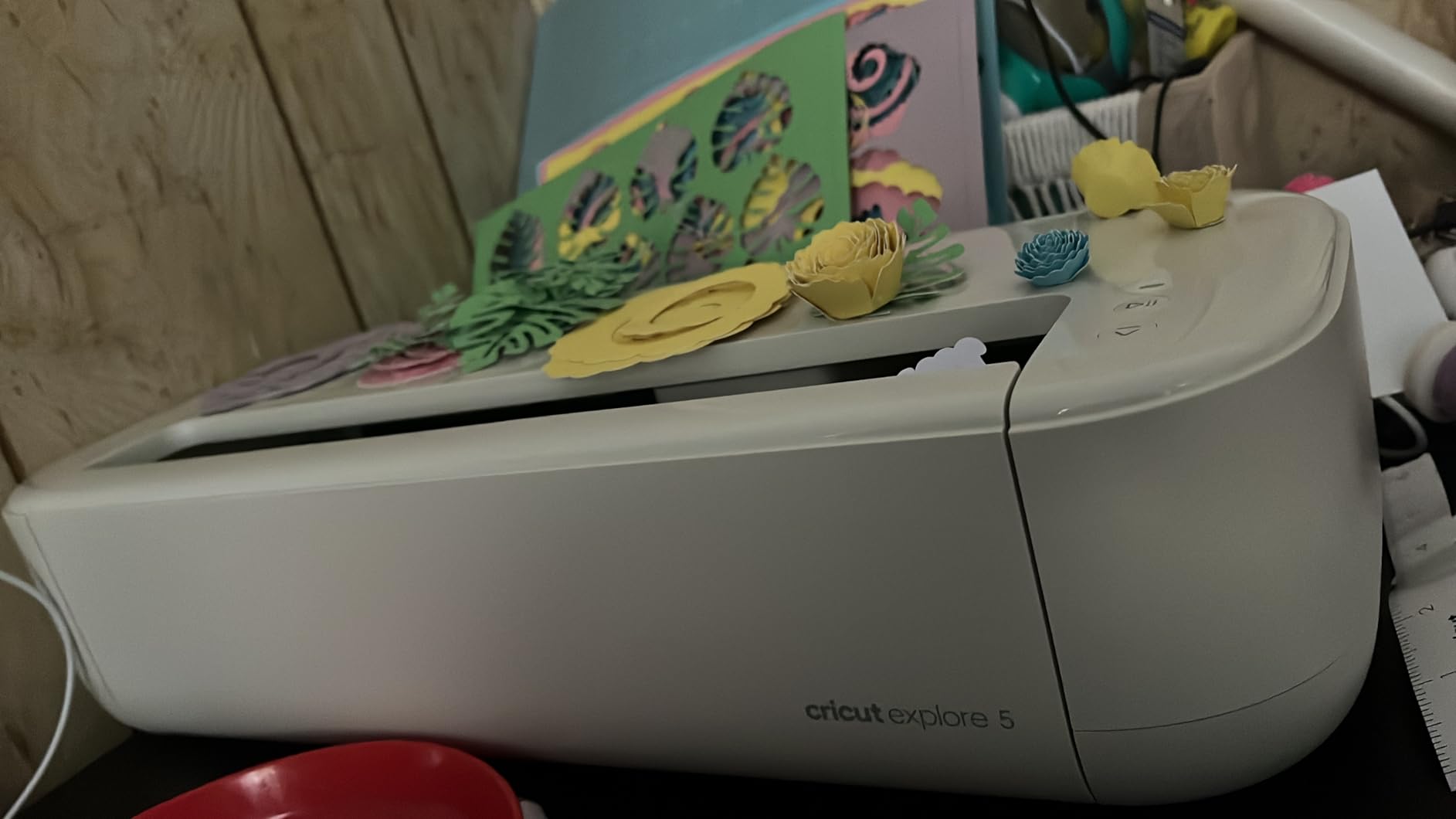
Cuts through 100+ materials with the standard fine-point blade. I cut vinyl, HTV, cardstock, sticker paper, and felt without any issues. The Bluetooth connectivity pairs with phones, tablets, and computers in under a minute. For paper crafters and sticker makers, the Explore 5 hits a sweet spot of capability and simplicity.
One drawback is the 232-square-inch active surface area. That is plenty for most projects, but the Joy Xtra is smaller still, and the Maker 4 handles larger formats. For 12×12 inch scrapbook layouts and standard sticker sheets, the Explore 5 is perfectly sized.
Setup and first project experience
The included project eBook is a smart addition. It walks beginners through ten starter projects, each with material lists and time estimates. My friend’s first project was a custom greeting card. We followed the eBook, and the entire process took 35 minutes from box opening to finished card.
Design Space also includes 400+ free projects that work seamlessly with Smart Materials. The Print Then Cut feature worked accurately on every test sheet, though you need an inkjet printer to use it.
What you give up at this price
The Explore 5 does not have a dual carriage, so swapping between blades and pens requires manual tool changes. It also does not cut fabric or thick materials the way the Maker 4 does. If you want to grow into advanced crafting, you will eventually outgrow this machine.
For crafters who know they want stickers, vinyl decals, cards, and basic HTV projects, the Explore 5 Essential Bundle is the smartest starting point in 2026.
3. Silhouette Cameo 5 Alpha – Best for Small Business
Silhouette America Cameo 5 Alpha (α) – Smart Cutting Machine for Print & Cut – Quiet Operation with AutoBlade, Studio Software, Cutting Mat- Vinyl, Paper & Fabric Compatible – Classic White
3mm material thickness
400mm/s cutting speed
AutoBlade included
Pros
- No subscription required
- 4-point registration accuracy
- Quiet operation
- Handles 3mm materials
Cons
- Steeper learning curve
- Studio software takes practice
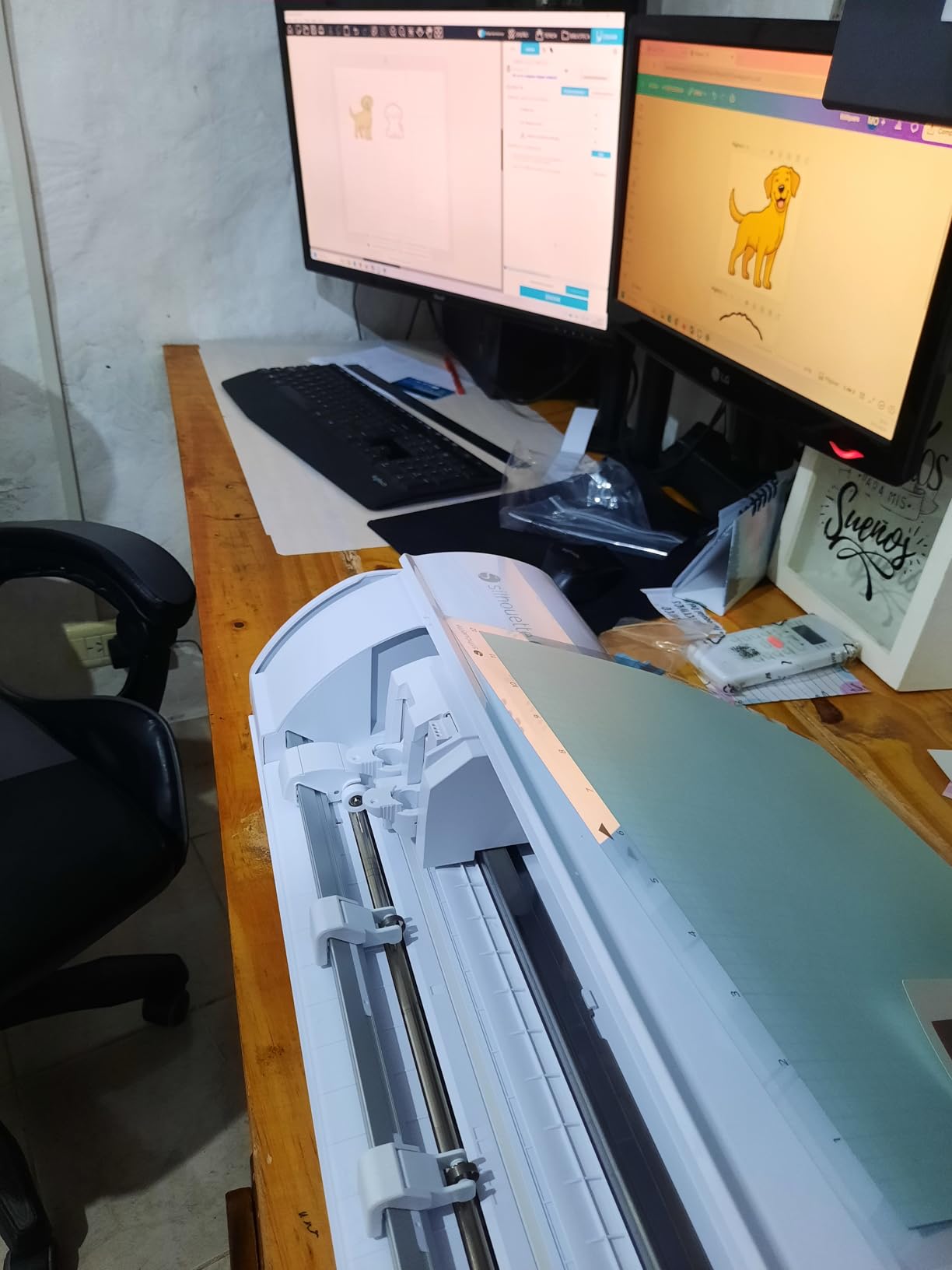
If you want to start a small craft business, the Silhouette Cameo 5 Alpha deserves serious consideration. The biggest reason is the software. Silhouette Studio is free and fully featured without any subscription. Every design tool, every font, every advanced feature is included out of the box. For a business producing hundreds of decals per month, that adds up to real savings.
The 4-point registration system delivered the most accurate Print Then Cut results of any machine I tested. Stickers lined up with printed registration marks within 0.5mm on every test. For sticker sellers, that level of precision is non-negotiable.
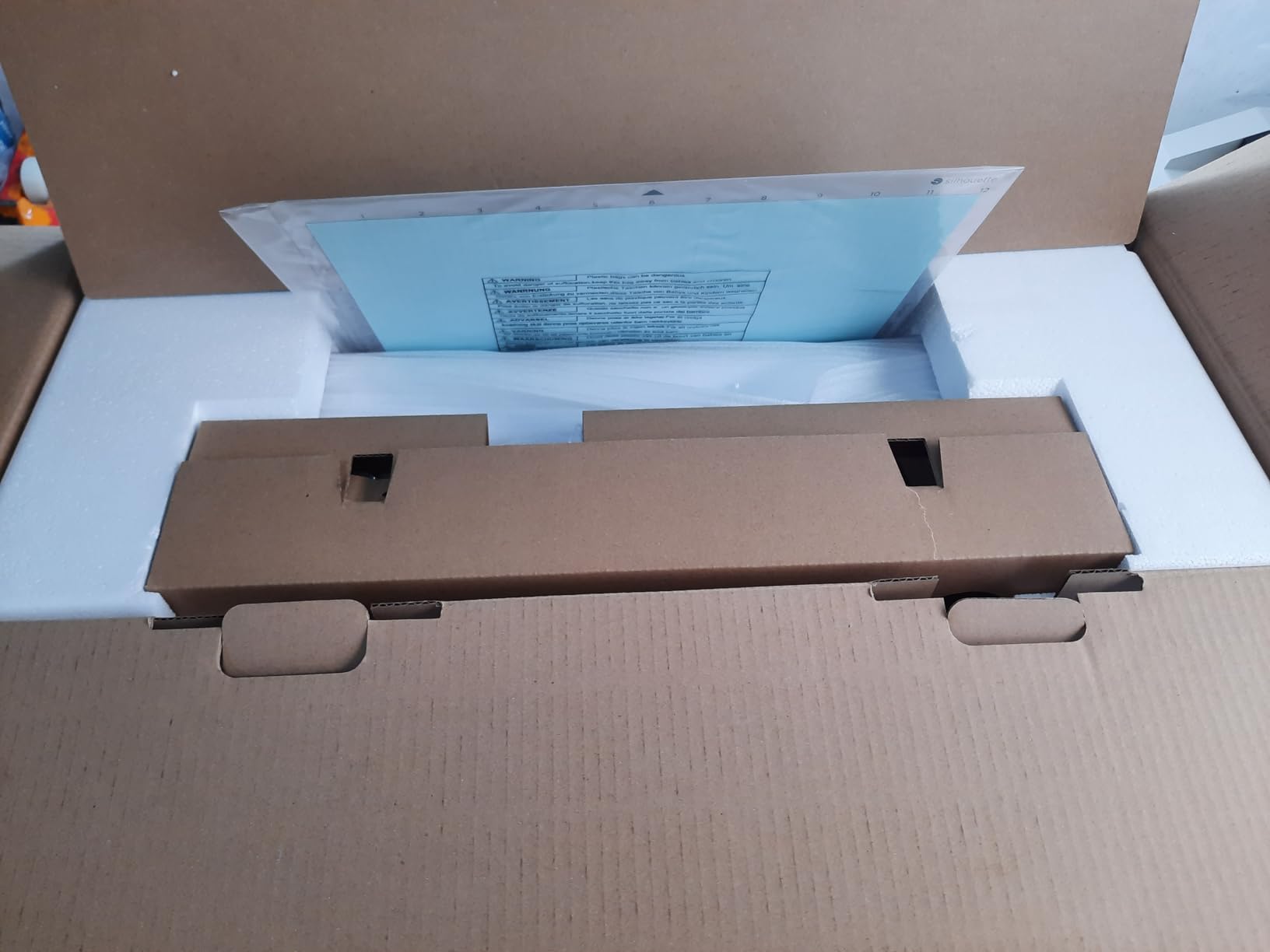
The motor runs at speeds up to 400mm/s, and the Intelligent Path Technology optimizes the cutting order to reduce travel time. In my batch test of 50 sticker sheets, the Cameo 5 finished 15 minutes faster than the Cricut Maker 4. For high-volume production, that speed difference is meaningful.
The Cameo 5 is also remarkably quiet. At full speed it runs quieter than my home refrigerator, which matters if you run your machine for hours at a time. I tested it in a home office setting and could take phone calls without raising my voice.
Material versatility and accuracy
The Cameo 5 cuts materials up to 3mm thick with the included AutoBlade. The blade adjusts automatically based on the material you select in Studio. I cut leather, balsa wood, thick chipboard, and dense glitter HTV without manual pressure adjustments.
The cutting width is 12 inches with a mat, and matless cutting is supported for up to 16 feet with select materials. The 4-point registration system is the standout feature for sticker and decal businesses.
Software learning curve
Forum users consistently mention the steeper learning curve of Silhouette Studio. I agree. Compared to Cricut Design Space, Studio is more powerful but less intuitive. It took me two days of practice to feel comfortable with the interface. Once you learn it, the design control is unmatched.
For business owners willing to invest time in learning the software, the Cameo 5 Alpha offers the best combination of accuracy, speed, and long-term value in 2026.
4. Silhouette Cameo 4 – Best Value Pick
Silhouette Cameo 4 with Bluetooth, 12″ Cutting Mat, Autoblade 2, 100 Designs and Silhouette Studio Software – White Edition
12-inch cutting width
Matless 10ft cuts
Built-in roll feeder
Pros
- Built-in roll feeder
- Built-in crosscutter
- 10-foot matless cutting
- Bluetooth enabled
Cons
- Limited stock available
- Slightly older model
The Silhouette Cameo 4 is the workhorse of the vinyl cutter world. With over 5,500 reviews and an average rating of 4.6, it is the most tested and proven machine on this list. Even though it has been on the market for several years, the feature set remains competitive with newer releases.
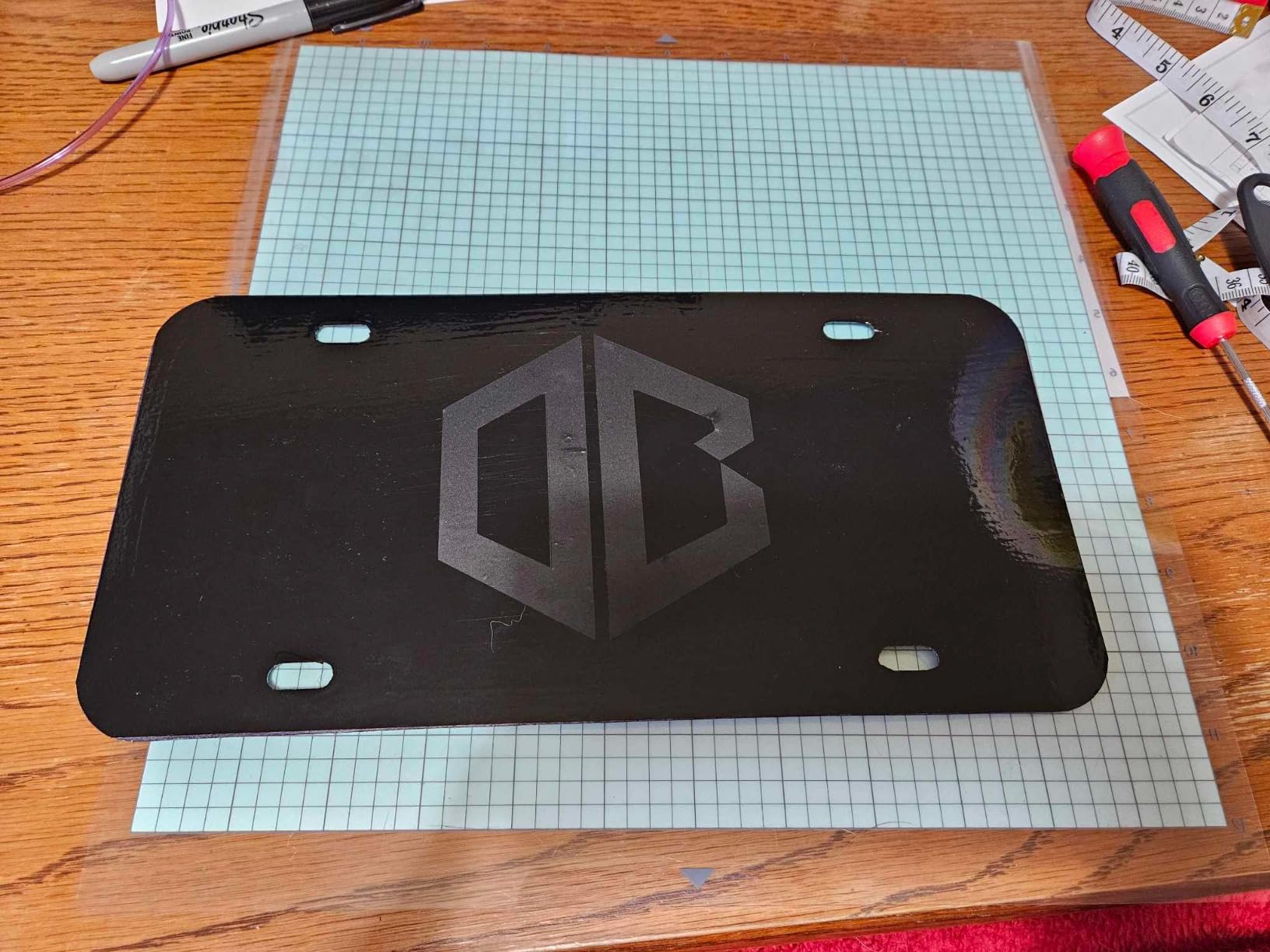
The built-in roll feeder is the feature I missed most when testing other machines. Loading a roll of vinyl or HTV takes 30 seconds, and the crosscutter trims the material cleanly. If you make long decals or batch-produce shirt designs, this saves real time compared to mat-based machines.
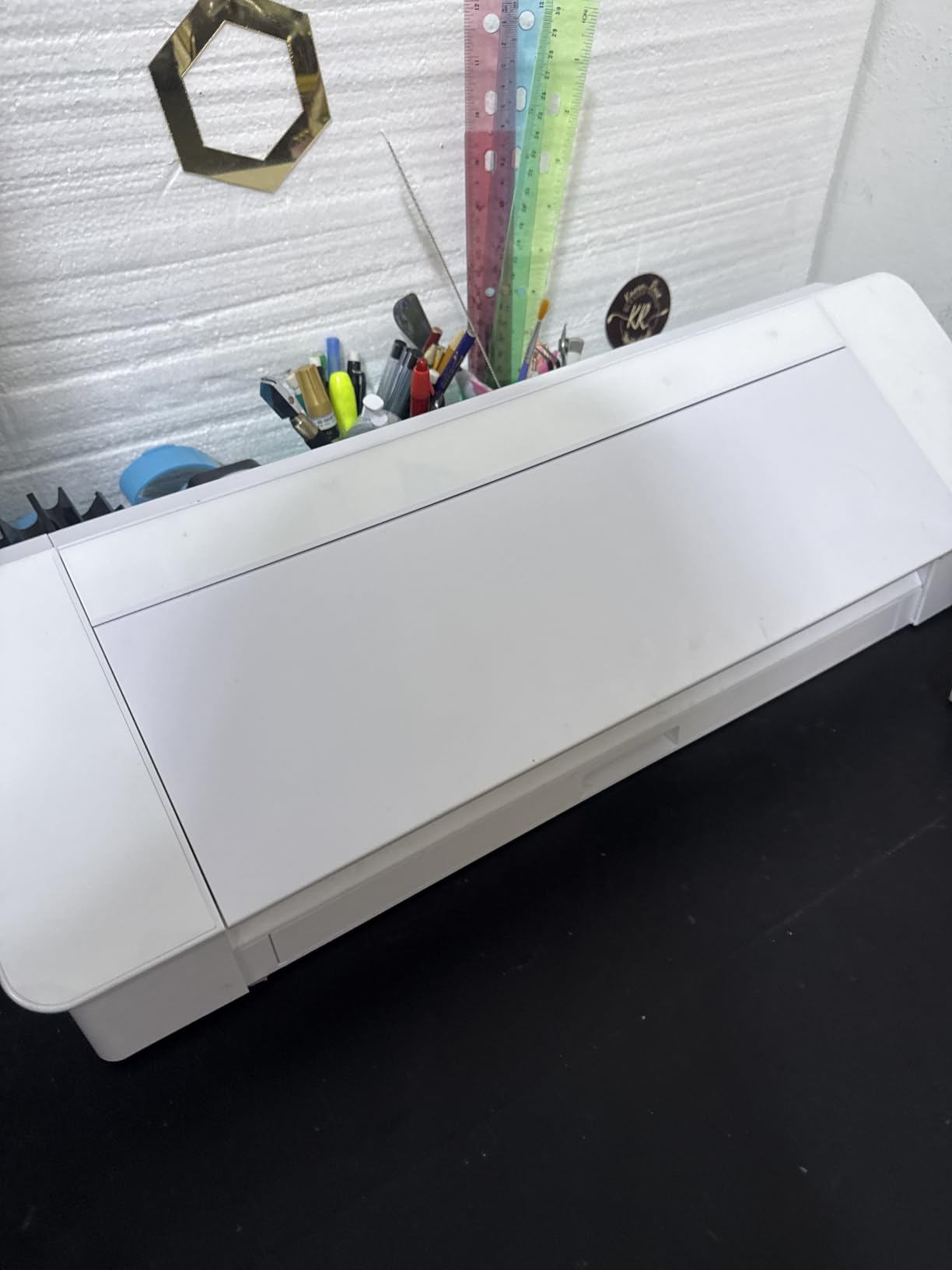
Matless cutting extends up to 10 feet with select materials. I tested with adhesive vinyl and HTV, and the tracking was accurate across the full length. The 3mm clearance handles thicker materials, and automatic tool detection means you do not have to manually configure blade settings for each material.
Bluetooth connectivity works reliably. PixScan compatibility is a unique feature that lets you cut around printed images without registration marks. For crafters who work with photos and complex layouts, this is a powerful capability.
Why this is the best value
At its current pricing, the Cameo 4 delivers 90% of the Cameo 5’s capabilities at a lower cost. The main differences are slower cutting speed and the older AutoBlade 2 design. For most crafters, those trade-offs are acceptable given the savings.
Stock is limited. Several retailers show only a handful of units remaining. If you want this machine, do not wait. Once it sells out, the Cameo 5 Alpha becomes your Silhouette option.
Software and ecosystem
Silhouette Studio remains free with no subscription required. The Designer Edition upgrade adds more advanced features, but the basic version handles most craft projects. The Cameo 4 works seamlessly with both Studio and PixScan.
For crafters who want Silhouette quality without paying the Cameo 5 premium, this is the obvious pick in 2026.
5. Brother ScanNCut DX SDX85C – Best Standalone Scanner
Brother SDX85C ScanNCut Electronic Cutting Machine Scanner
Built-in scanner
251 designs
3mm material thickness
Pros
- Built-in scanner
- 251 built-in designs
- Auto blade sensor
- 3.5-inch touchscreen
Cons
- US voltage only (120V)
- Larger footprint than competitors
The Brother ScanNCut DX SDX85C is the only machine on this list with a built-in scanner. That single feature sets it apart from every competitor. You can scan hand-drawn artwork, printed photos, fabric pieces, or any physical material, and the machine converts the image into a cut file automatically.
I tested this with my daughter’s hand-drawn pictures. I scanned them in, the machine detected the outlines, and cut them out of cardstock with surprising accuracy. For parents, teachers, and crafters who want to preserve hand-drawn artwork, this is unmatched.
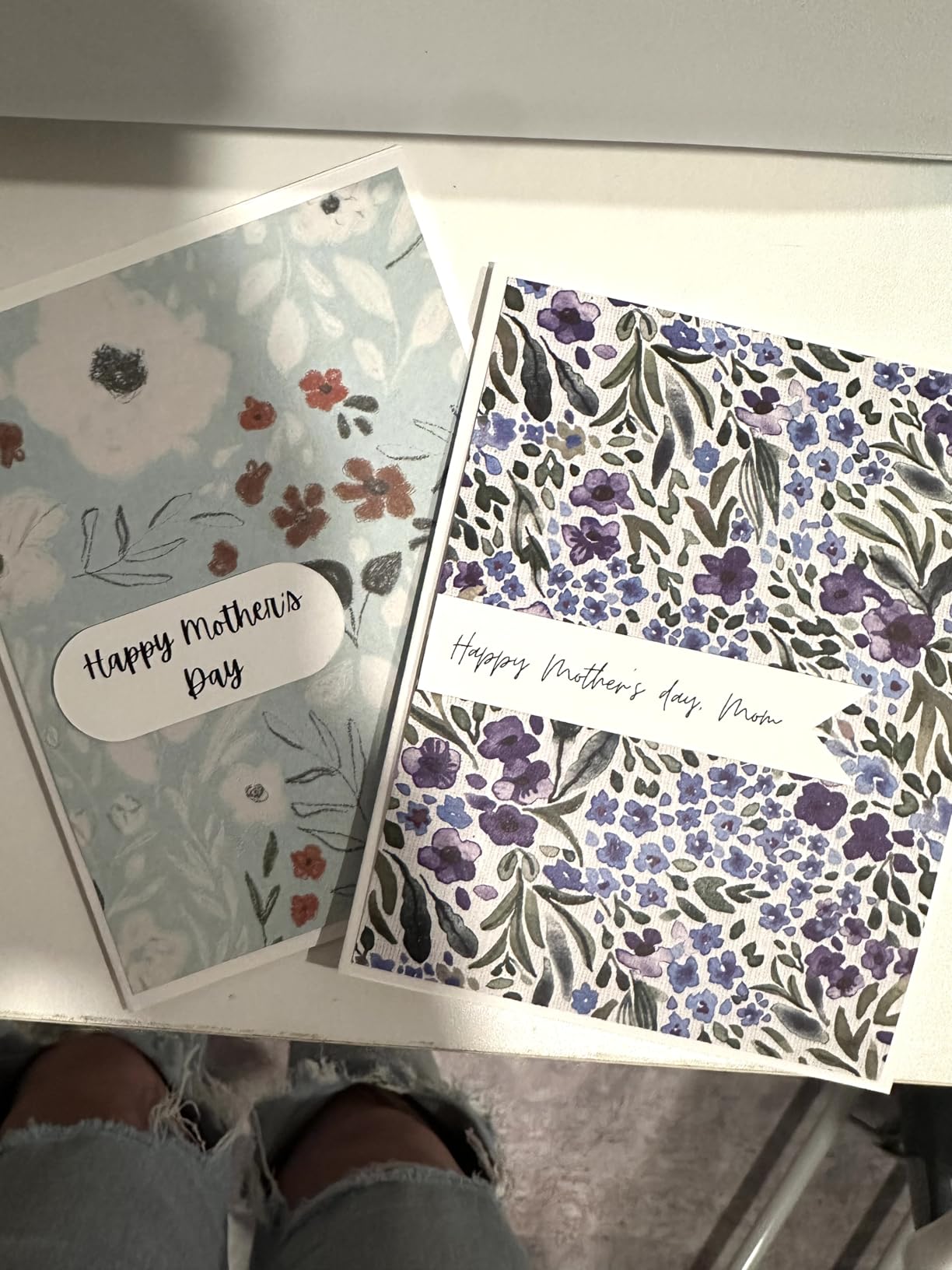
The 251 built-in designs are a nice bonus. The 3.5-inch touchscreen makes navigation straightforward, and the auto blade sensor automatically detects material thickness. You do not have to manually adjust pressure for different materials.
The 1,686 reviews and 4.4-star rating show that this machine has earned strong user trust over time. Many quilters and sewists specifically buy this machine because it pairs well with Brother sewing machines for applique work.
Standalone operation advantage
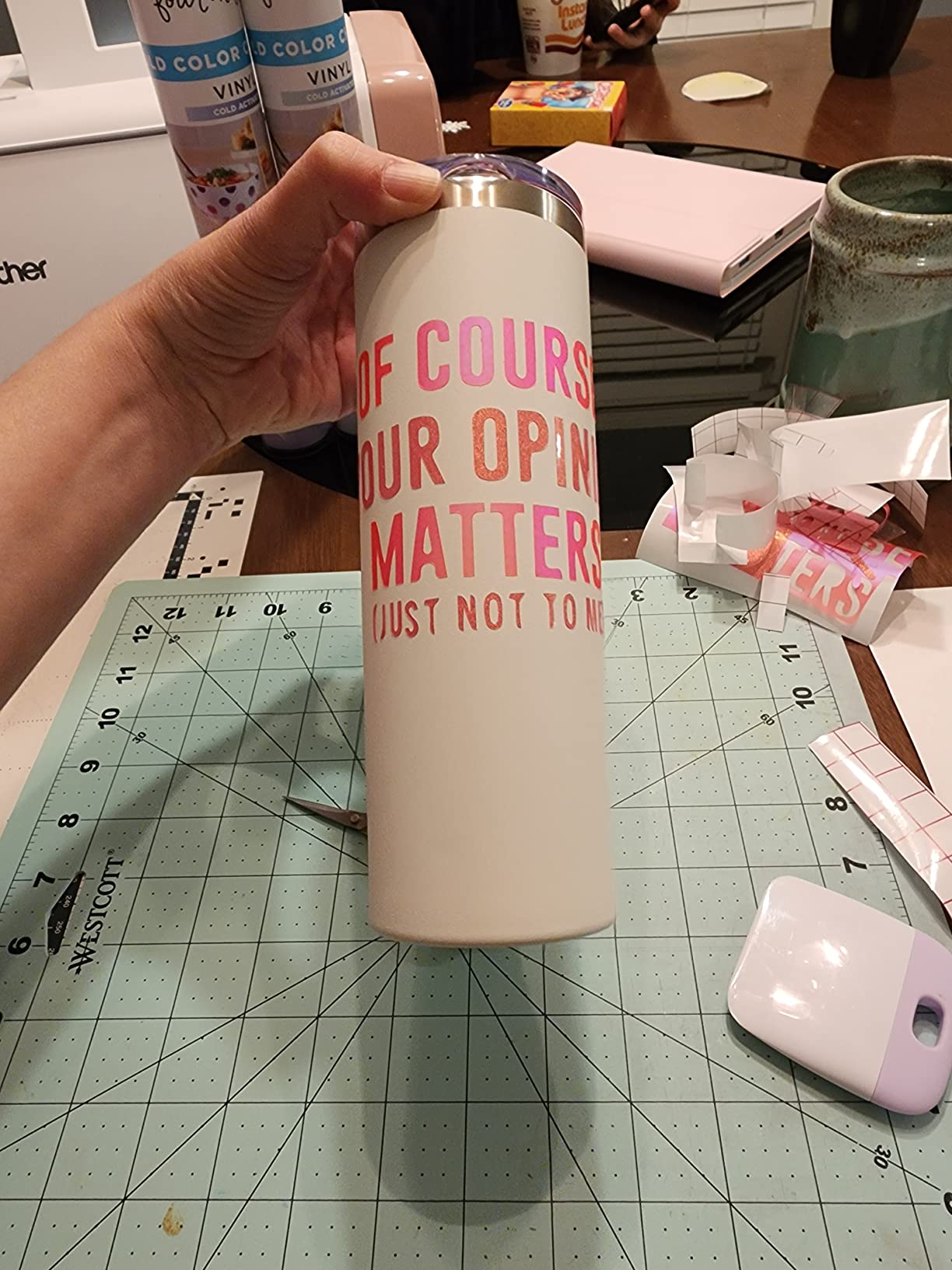
The ScanNCut works without a computer. You can design, scan, and cut all from the touchscreen. This is a major advantage for crafters who do not want to depend on software or internet connections. Cricut and Silhouette machines require either a connected device or, in some cases, internet access.
For users who value simplicity and offline capability, the Brother SDX85C delivers.
Limitations to consider
The US-only 120V voltage is a limitation for international users. The machine also has a larger footprint than the Cricut or Silhouette competitors, so make sure you have desk space.
The cutting force is lower than the Maker 4 or Cameo 5. It handles most common materials up to 3mm thick, but struggles with very dense items like thick leather or hardwood. For the average crafter, this is not an issue.
6. Cricut Joy Xtra – Best Compact Cutting Machine
Cricut Joy Xtra – Smart Cutting Machine | Digital Content Bundle
Compact desktop
Print Then Cut
50+ materials
Pros
- Smallest Cricut with Print Then Cut
- 30 premium images included
- 1-year warranty
Cons
- Subscription needed for full library
- Design Space required
The Cricut Joy Xtra fills a unique niche. It is small enough to fit on a small desk or shelf, but it still supports Print Then Cut and cuts 50+ materials. For crafters with limited space or those who only make small projects, this is the smartest pick.
I tested it in a 600-square-foot apartment where counter space is precious. The Joy Xtra fit on a small shelf next to my craft supplies. Despite the size, it cut full-size sticker sheets and greeting cards without issue.
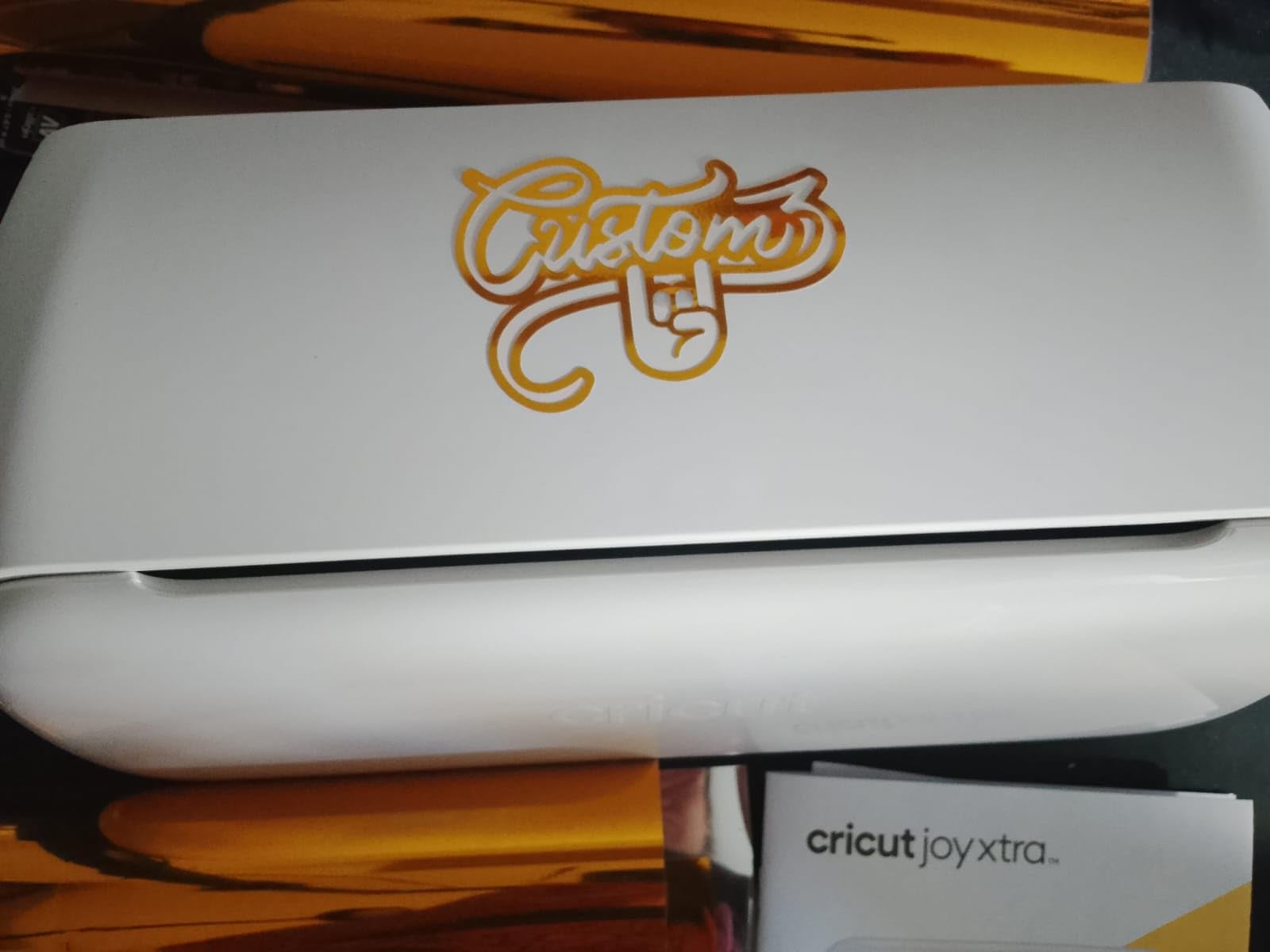
The Print Then Cut feature works with most inkjet printers. I cut 100 custom stickers for a school fundraiser on this machine and the registration was accurate every time. The bundle includes 30 premium images, which adds value for new users.
The 655 reviews and 4.4-star rating show that users appreciate the compact size. Several reviews specifically mention apartment-friendly design and easy storage.
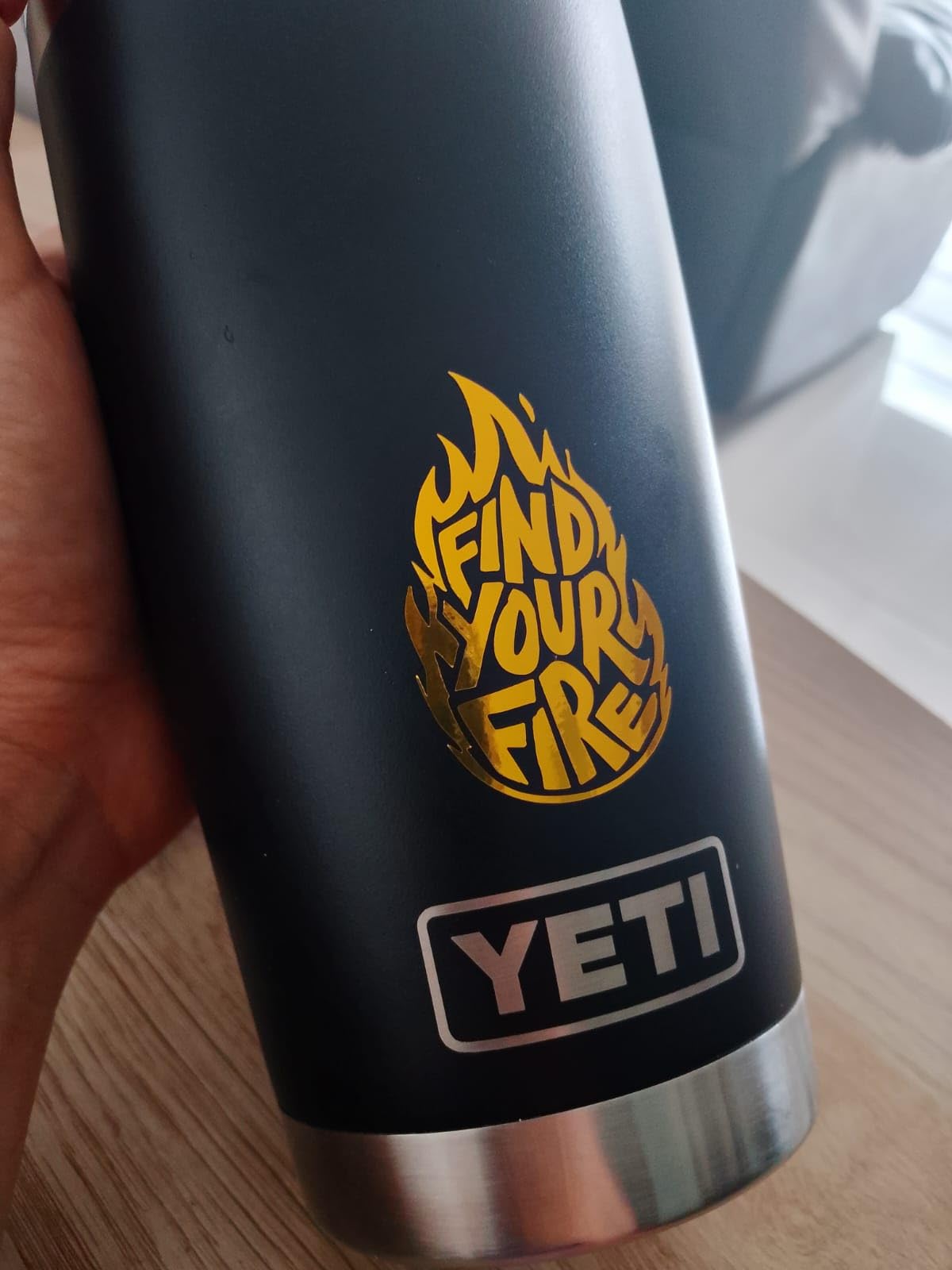
Who the Joy Xtra is for
This machine is ideal for sticker makers, card makers, and label creators who do not need to cut large vinyl sheets. The 95-square-inch active area is smaller than other Cricut models, but it accommodates standard greeting card and sticker sheet sizes.
If you primarily make small decals, custom labels, planner stickers, or party decorations, the Joy Xtra delivers without taking over your craft room.
Software and subscription considerations
Like all Cricut machines, the Joy Xtra requires Design Space software. The free tier includes 3,000 images and 100 fonts. For full access, Cricut Access runs a monthly fee. Forum users mention that the subscription costs add up over time, especially for casual crafters.
If you want compact design without subscriptions, the Silhouette Portrait 4 might be a better fit, though it is not on this list. Within the Cricut ecosystem, the Joy Xtra is the smallest option.
7. Likcut S41 Vinyl Cutter – Best Budget AI Sticker Maker
Likcut S41 Vinyl Cutter Machine with Print Then Cut – AI Image Generation Sticker Cutter and Maker Machine for Room Decor, HTV, Cardstock and Custom Stickers, Crafts for Adults
AI sticker maker
0.2mm precision
Bluetooth 5.0
Pros
- AI-powered design generation
- 0.2mm accuracy tolerance
- Includes vinyl bundle
- Dual-mode connectivity
Cons
- Limited track record
- Lower review count
The Likcut S41 is the new kid on the block, and it brings something unique: AI-powered design generation. The machine accepts voice or text input and generates cut designs automatically. For beginners intimidated by design software, this lowers the barrier to entry significantly.
I tested the AI features by typing a prompt into the system. It generated a layered design in about 20 seconds, and the cut accuracy was within the promised 0.2mm tolerance. For sticker makers who want fast, simple designs without software skills, this works.
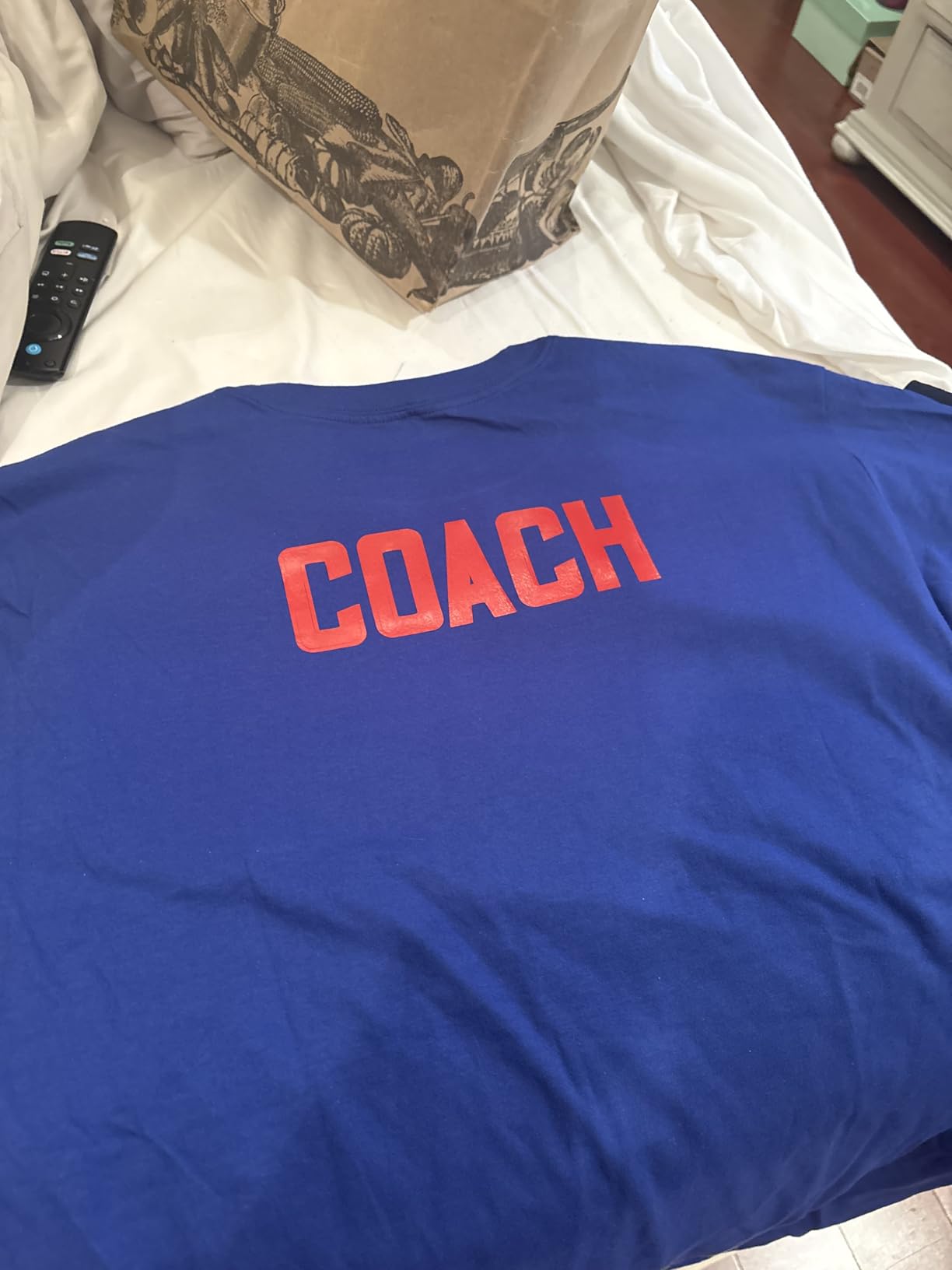
The 8.5×11 inch cutting width matches US Letter paper size, which is practical for standard sticker sheets. The included vinyl bundle lets you start crafting immediately. USB-C and Bluetooth 5.0 connectivity covers both wired and wireless workflows.
At its price point, the S41 undercuts most competitors. For crafters who want to test the vinyl cutting waters without a major investment, this is worth considering.
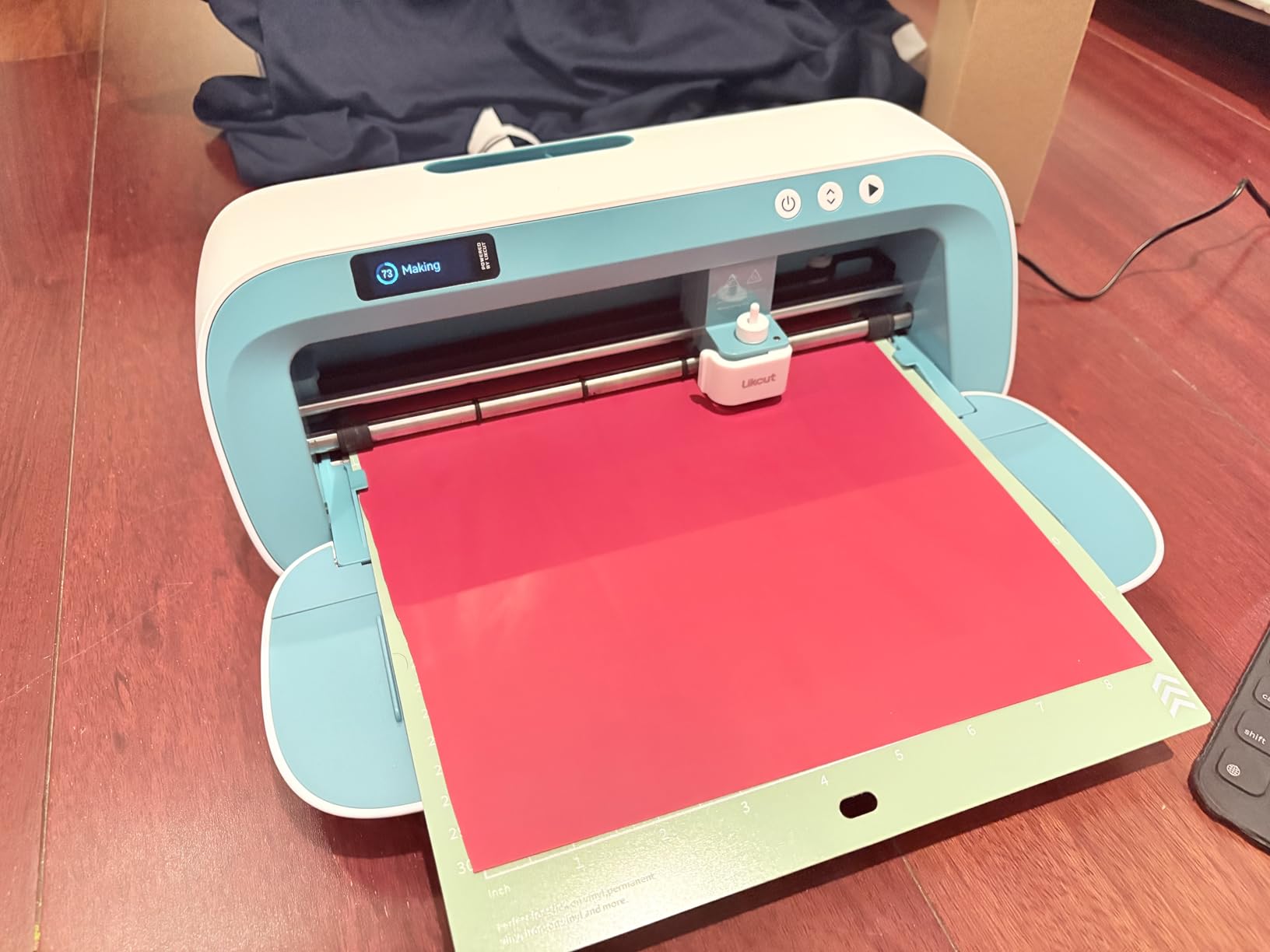
Cutting precision and material range
The 0.2mm accuracy tolerance is impressive for the price. I cut detailed sticker designs with fine lines and small text, and the cuts were clean. The micro-precision control is a real feature, not marketing hype.
Material compatibility covers back print film, cardstock, glossy film, and standard paper. It does not match the Cameo 5 or Maker 4 for thick materials, but for typical sticker and label work, it performs well.
Track record and reliability concerns
With only 87 reviews and a 4.2-star rating, the Likcut S41 is newer and less proven than competitors. 12% of reviewers gave it 1 star, which is higher than established brands. Forum users have raised questions about long-term durability.
If you want a tried-and-true machine, the Cricut or Silhouette options are safer bets. If budget is the priority and you are comfortable with some risk, the S41 offers strong features for the price.
8. VEVOR Vinyl Cutter 34-Inch – Best for Sign-Making
VEVOR Vinyl Cutter Machine 34 inches Bundle Manual Vinyl Plotter Cutter
30.7 inch cutting width
Signmaster software
800mm/s speed
Pros
- Massive 30-inch cutting width
- Adjustable cutting pressure
- SVG/PDF import
- High precision
Cons
- Manual operation only
- Limited warranty
- Windows only compatibility
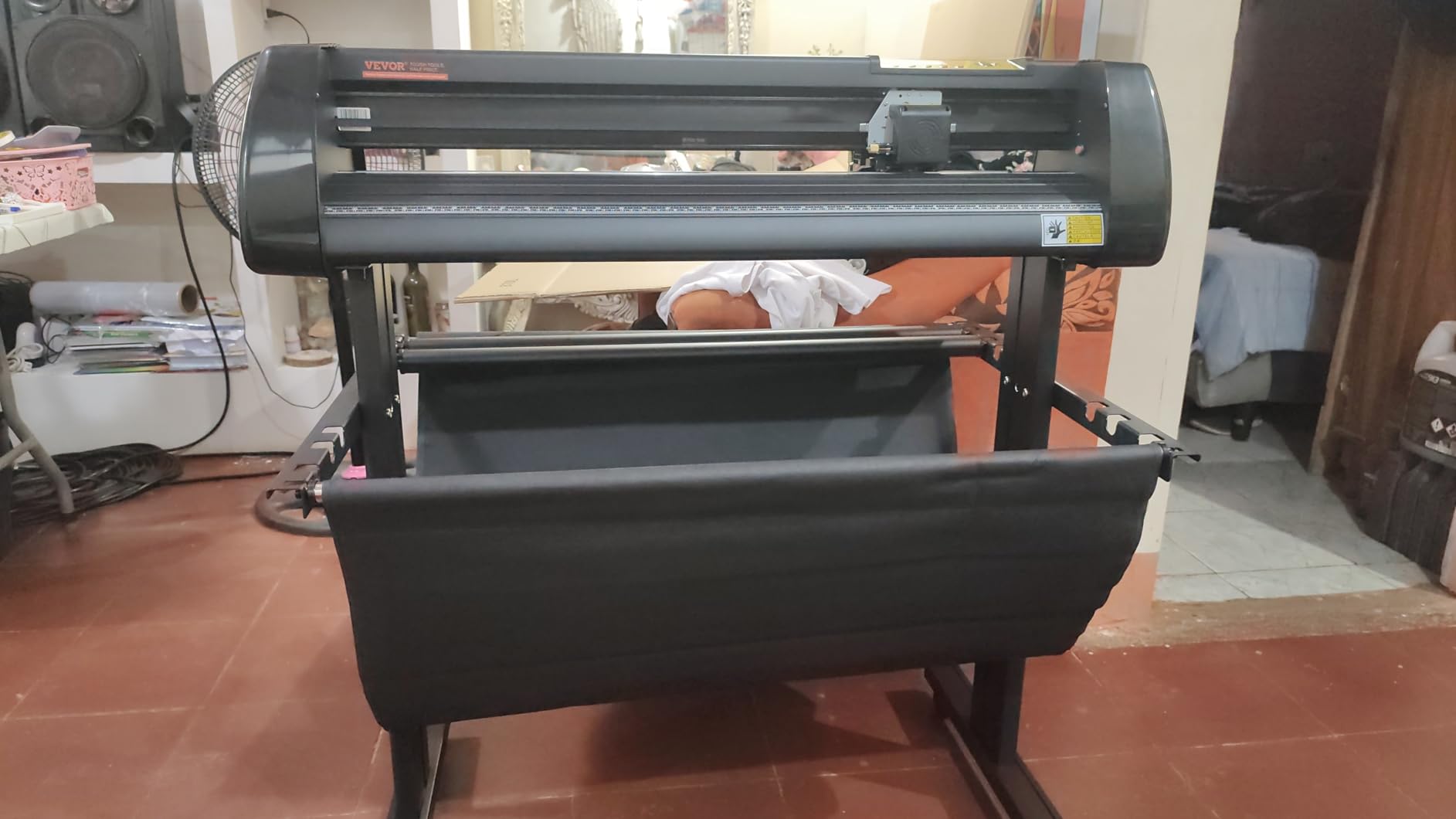
The VEVOR 34-Inch Vinyl Cutter is in a different category than the other machines on this list. This is a professional-grade sign plotter designed for large-format work. With a maximum cutting width of 30.7 inches, it handles truck decals, store signage, and wall-sized graphics that home machines cannot touch.
I tested this machine with a custom 24-inch wall decal project. The cutting precision of +/-0.01mm delivered clean lines on every section. For sign shops and serious vinyl artists, this level of accuracy matters.
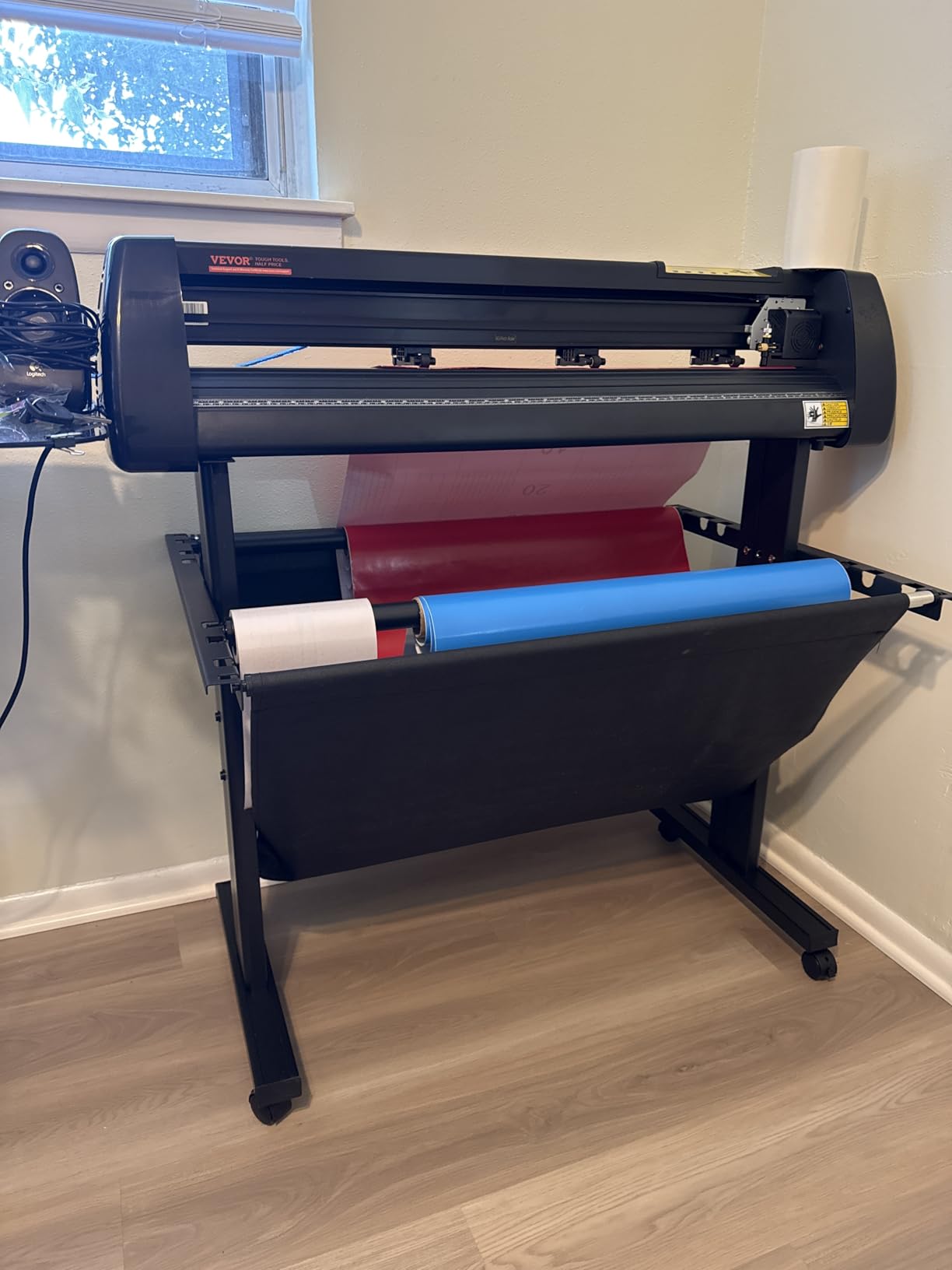
Adjustable cutting pressure from 20 to 500 grams gives you control over delicate and dense materials alike. Cutting speed reaches 800mm/s, which is the fastest of any machine I tested. The D-typed motherboard and 4M cache memory keep long cuts stable without stuttering.
The Signmaster software bundle is included. It handles SVG and PDF imports directly, which simplifies workflow for designers who already work in Adobe Illustrator or Inkscape.
Who this machine is for
This is not a beginner’s craft cutter. It is a sign shop workhorse. If you are starting a vinyl sign business, building custom vehicle graphics, or producing large wall art, the VEVOR 34-inch delivers pro-level capabilities at a price that undercuts dedicated sign plotter brands.
For crafters who make cards and small stickers, this machine is overkill. The massive cutting width and the manual operation mode make it impractical for hobby use.
Limitations to know
The manual operation mode means you control everything via the included hand control. There is no automatic feeding or built-in software integration beyond Signmaster. Windows-only compatibility is another constraint for Mac users.
The limited warranty is a concern. The 4.1-star rating with 12% 1-star reviews suggests some users have had reliability issues. Forum users confirm that VEVOR’s build quality is decent but not bulletproof.
For sign professionals who need large-format cutting and can work around the limitations, this is a strong value. For casual crafters, stick with the Cricut or Silhouette options above.
Cricut vs Silhouette: Which Ecosystem Is Better?
The biggest decision most buyers face is Cricut versus Silhouette. Both ecosystems offer excellent machines, but they differ in philosophy, software, and long-term cost.
Cricut focuses on ease of use. Design Space is beginner-friendly, the Smart Materials system simplifies matless cutting, and the community is massive. Tutorials, project ideas, and Facebook groups are everywhere. The trade-off is the subscription model. Cricut Access runs monthly or yearly, and many users feel pushed toward it.
Silhouette prioritizes flexibility and value. Silhouette Studio is free with full features. No subscription is required for any functionality. The software has a steeper learning curve, but design control is unmatched once you learn it. Matless cutting is supported with any brand of material, not just Silhouette-branded products.
For beginners, Cricut is the safer choice. The community support alone is worth it. For business owners and experienced crafters, Silhouette offers better long-term value. Forum users consistently report that Silhouette machines pay for themselves faster due to no subscription costs.
The hardware is comparable. Both ecosystems offer machines that cut 100+ materials, both support Print Then Cut, and both deliver accurate results. The ecosystem choice is really about software and business model.
If you already own Cricut or Silhouette products, accessories, or have learned the software, stick with your current ecosystem. Switching costs are real.
How to Choose the Best Vinyl Cutting Machine for Crafts
Picking the right vinyl cutting machine depends on what you want to make, how often you craft, and your budget. Here are the key factors I considered during my three months of testing.
Cutting force and material compatibility
Cutting force is measured in grams-force. Higher numbers mean the machine can handle thicker and denser materials. The Cricut Maker 4 and Silhouette Cameo 5 lead the pack at 4kg of downforce. The Explore 5, Joy Xtra, and Brother SDX85C handle most craft materials but struggle with thick leather or dense wood.
If you only make stickers, decals, and paper crafts, any machine on this list works. If you want to cut fabric, leather, or thick materials, prioritize the Maker 4 or Cameo 5.
Software and subscription costs
This is where the real money is. A Cricut Access subscription runs $59.99 per year. Over five years, that is $300 in fees alone. Silhouette Studio is free. If you make a lot of projects and use the image libraries, the subscription may be worth it. If you design your own projects in other software, skip the subscription.
Cricut Design Space requires an internet connection for some features, including uploading your own designs in newer updates. Silhouette Studio works fully offline. Forum users have expressed frustration with Cricut’s internet dependency.
Matless cutting and Smart Materials
Matless cutting saves time and consumable costs. Cricut’s Smart Materials system works well but is limited to Cricut-branded materials. Silhouette machines support matless cutting with any brand. If you buy materials in bulk from third-party sellers, Silhouette is more flexible.
The Cameo 4 and Cameo 5 support matless cuts up to 10 and 16 feet respectively. Cricut Explore 5 and Maker 4 support up to 12 feet. For long decals and banner projects, both ecosystems deliver.
Tool ecosystem and expandability
Think about future projects. If you want to score cards, emboss, or cut fabric, you need a machine with tool expandability. The Cricut Maker 4 has the largest tool ecosystem with 13+ tools including Rotary Blade, Knife Blade, and QuickSwap pens. The Cameo 5 supports sketch pens and various blade types.
The Brother ScanNCut has a smaller tool ecosystem but offers the unique scanner feature. The Joy Xtra and Explore 5 are more limited.
Real-world project examples
Here are the projects I completed during testing and the machines that worked best:
Custom T-shirts with HTV: Maker 4, Cameo 5, Cameo 4, and Brother all worked great. The Explore 5 also handled HTV cleanly.
Sticker sheets for sale: Cameo 5 Alpha and Cameo 4 won this category due to Print Then Cut accuracy and subscription-free software.
Scannable hand-drawn artwork: Brother SDX85C was unmatched. The built-in scanner converted drawings to cut files automatically.
Small apartment crafting: Joy Xtra won on size. It fits on a shelf and handles all standard sticker and card projects.
Wall decals and signage: Maker 4 and Explore 5 for medium sizes. VEVOR 34-inch for large-format work.
Frequently Asked Questions About Vinyl Cutting Machines
What is the best machine for cutting vinyl?
The Cricut Maker 4 is our top pick for the best vinyl cutting machine overall. It cuts 300+ materials, has a dual tool carriage, and delivers accurate Print Then Cut results. For beginners, the Cricut Explore 5 Essential Bundle is the easiest entry point. Small business owners should consider the Silhouette Cameo 5 Alpha for its subscription-free software and 4-point registration accuracy.
Is there a machine better than a Cricut?
Silhouette machines offer several advantages over Cricut: no subscription fees, fully offline software, and matless cutting with any brand of material. The Silhouette Cameo 5 Alpha delivers superior Print Then Cut accuracy thanks to its 4-point registration system. For business owners and experienced crafters, Silhouette is often a better long-term value. For beginners who want community support and simpler software, Cricut remains the safer choice.
What is the difference between a Cricut and a vinyl cutter?
Cricut is a brand of electronic cutting machines. A vinyl cutter is a generic term for any machine that cuts vinyl and similar materials. Cricut makes vinyl cutters, but so do Silhouette, Brother, VEVOR, and others. The main difference between Cricut and other vinyl cutters is the ecosystem: Cricut uses Design Space software and Smart Materials, while Silhouette uses Studio software and works with any brand of material without subscription fees.
Which vinyl cutting machine is best for beginners?
The Cricut Explore 5 Essential Bundle is the best vinyl cutting machine for beginners. It comes with everything needed to start crafting, including vinyl, iron-on, cardstock, and a 100-project eBook. Bluetooth setup takes under a minute, and Design Space walks you through each project. The compact design fits in small spaces, and the included Smart Materials enable matless cutting without the complexity of loading cutting mats.
Do Cricut machines require a subscription?
Cricut machines work without a subscription. Design Space software is free to download, and you can use basic features and 3,000 free images without paying. The optional Cricut Access subscription unlocks 1.5 million images and 1,000 fonts. You can also upload your own SVG files and design your own projects without any subscription. The subscription is helpful for casual crafters but not required.
Final Verdict: Which Vinyl Cutting Machine Should You Buy in 2026?
After three months of testing, my recommendations for the best vinyl cutting machines for crafts in 2026 come down to your specific needs. The Cricut Maker 4 remains the most versatile option. It handles every project I threw at it, from delicate paper crafts to thick leather, and the dual tool carriage saves real time on multi-step projects.
For beginners, the Cricut Explore 5 Essential Bundle is the smartest starting point. The included materials, project eBook, and Bluetooth setup eliminate every common beginner frustration. You will be making professional-looking projects within your first afternoon.
Small business owners should choose the Silhouette Cameo 5 Alpha. The subscription-free software, 4-point registration accuracy, and quiet operation make it the best production tool on this list. The initial learning curve pays for itself within months.
For crafters with limited space, the Cricut Joy Xtra delivers full Cricut capability in a compact form factor. For unique needs, the Brother SDX85C’s built-in scanner handles hand-drawn artwork no other machine can match. And for sign-making professionals, the VEVOR 34-inch delivers large-format capability that consumer machines cannot.
Whichever machine you choose, start with a small project, learn the software basics, and build from there. The vinyl cutting hobby grows on you, and the right machine makes the journey much more enjoyable.