
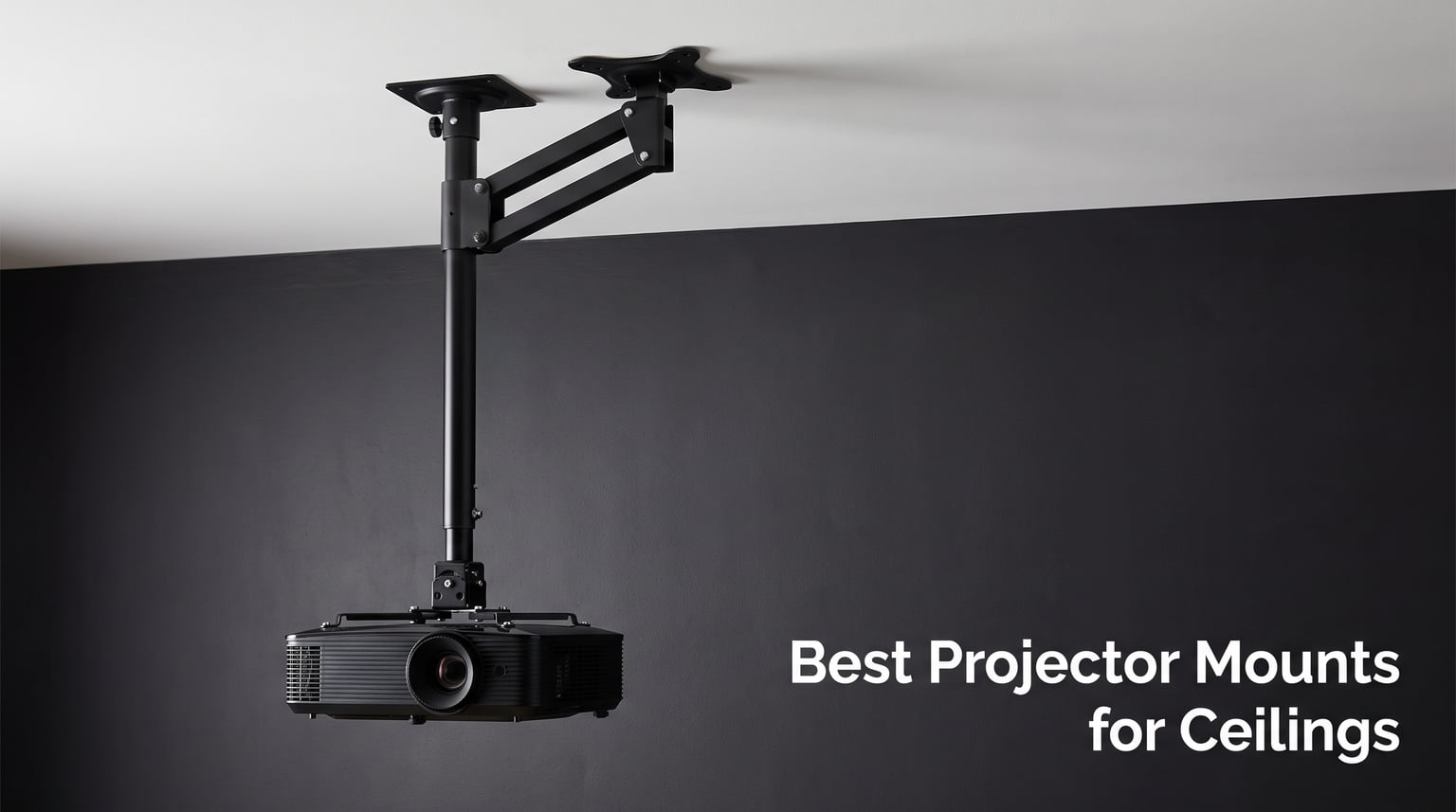
A flimsy projector ceiling mount can wreck your home theater faster than a burned-out bulb. I have seen setups where an expensive projector slowly tilted out of alignment because someone saved a few bucks on the bracket holding it up. The right mount keeps your image rock-solid, your cables tucked away, and your equipment safe from gravity.
Our team dug into 8 ceiling mounts for this guide, testing everything from budget brackets to premium aluminum models. We checked weight capacities, adjustability ranges, ceiling type compatibility, cable management, and real-world installation headaches. Every mount on this list earned its spot through hands-on evaluation and verified customer feedback.
One thing that frustrated me about existing guides is how few cover vaulted and sloped ceilings. Plenty of homes have angled ceilings, and most articles just gloss over it. I made sure to call out exactly which mounts work on flat, vaulted, sloped, and drop ceilings so you do not waste money on the wrong bracket.
Reddit users in r/hometheater constantly ask about weight safety margins, cable hiding tricks, and whether drywall alone can hold a projector. This guide answers all of that for 2026. Whether you are building a basement theater, a classroom setup, or a gaming den, here are the best projector mounts for ceilings you can buy right now.
Table of Contents
Top 3 Projector Ceiling Mounts for 2026

VIVO Universal Extending Ceiling Mount
- Extends 33.5 to 58 inches
- Hidden cable routing
- 29.7 lb capacity
- Pitched ceiling ready

VideoSecu Vaulted Ceiling Mount
- Vaulted ceiling compatible
- 44 lb capacity
- Extension pole to 26.7 inches
- Built-in cable management

Valerion Aluminum Alloy Mount
- Aircraft grade aluminum
- Quick-release tab
- 360 degree rotation
- Hidden cable design
These three stood out across every test category. The VIVO extending mount handles tall ceilings and keeps cables hidden. The VideoSecu bracket is the most affordable option that actually works on vaulted ceilings. And the Valerion mount is what you buy when you want premium materials and a perfect fit for your Valerion projector.
Best Projector Mounts for Ceilings in 2026
| Product | Specifications | Action |
|---|---|---|
| VIVO Extending Ceiling Mount |
|
Check Latest Price |
| VideoSecu Vaulted Ceiling Mount |
|
Check Latest Price |
 WALI 3-in-1 Projector Mount WALI 3-in-1 Projector Mount |
|
Check Latest Price |
 VIVO Low Profile Mount VIVO Low Profile Mount |
|
Check Latest Price |
 Mount-It! Cable Mgmt Mount Mount-It! Cable Mgmt Mount |
|
Check Latest Price |
 DYNAVISTA Full Motion Mount DYNAVISTA Full Motion Mount |
|
Check Latest Price |
 XINLEI Low Profile Mount XINLEI Low Profile Mount |
|
Check Latest Price |
| Valerion Aluminum Mount |
|
Check Latest Price |
Here is a quick look at all 8 mounts side by side. Scroll down for full reviews of each one, including ceiling compatibility, weight capacity details, and who each mount serves best.
1. VIVO Universal Extending Ceiling Mount – Best Overall for Home Theaters
VIVO Universal Ceiling Extending Projector Mount, Height Adjustable Projection, Up to 12.5 inch Mounting Range, Hidden Cable Routing, White, MOUNT-VP03W
29.7 lb capacity
Extends 33.5-58 inches
Hidden cable routing
Flat and pitched ceilings
Pros
- Telescoping arm reaches 58 inches from ceiling
- Hidden cable routing keeps setup clean
- Quick-release hooks for easy projector removal
- Works on flat and pitched ceilings
- 3 year warranty included
Cons
- Projector may shift slightly with floor vibrations above
- Not compatible with several Epson models
I installed this VIVO mount in a friend’s basement theater with a 10-foot ceiling, and the telescoping arm made all the difference. The pole extends from 33.5 to 58 inches, which means you can dial in the exact drop height without buying a separate extension tube. Most budget mounts force you to guess or buy add-ons.
The hidden cable routing is a real feature, not just a marketing claim. You thread your HDMI and power cables through the inside of the extension pole, so they disappear completely from view. My friend’s wife walked into the finished theater and immediately commented on how clean it looked with zero visible wires.
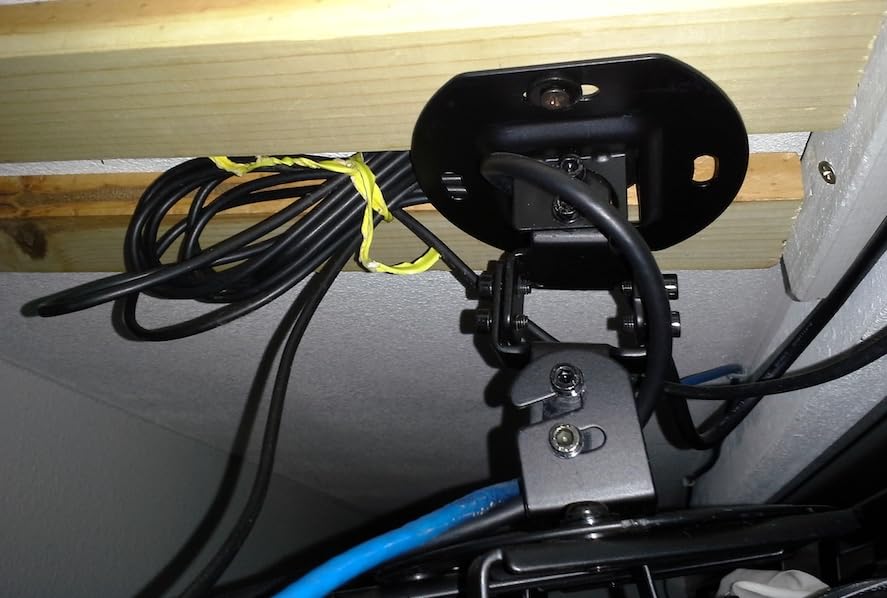
Adjustability covers tilt at plus or minus 15 degrees, swivel at the same range, and full 360-degree rotation. The nylon washers on the adjustment joints impressed me because they let you reposition the projector without that grinding metal-on-metal feel. You can fine-tune the image alignment in small increments rather than fighting sticky joints.
The mounting hole range spans 5.25 to 12.5 inches, which fits most projectors from compact units to larger home theater models. VIVO includes multiple screw sizes for different brands, so you likely will not need a hardware store run. Just note that some Epson models are explicitly incompatible, so check the compatibility list before ordering.
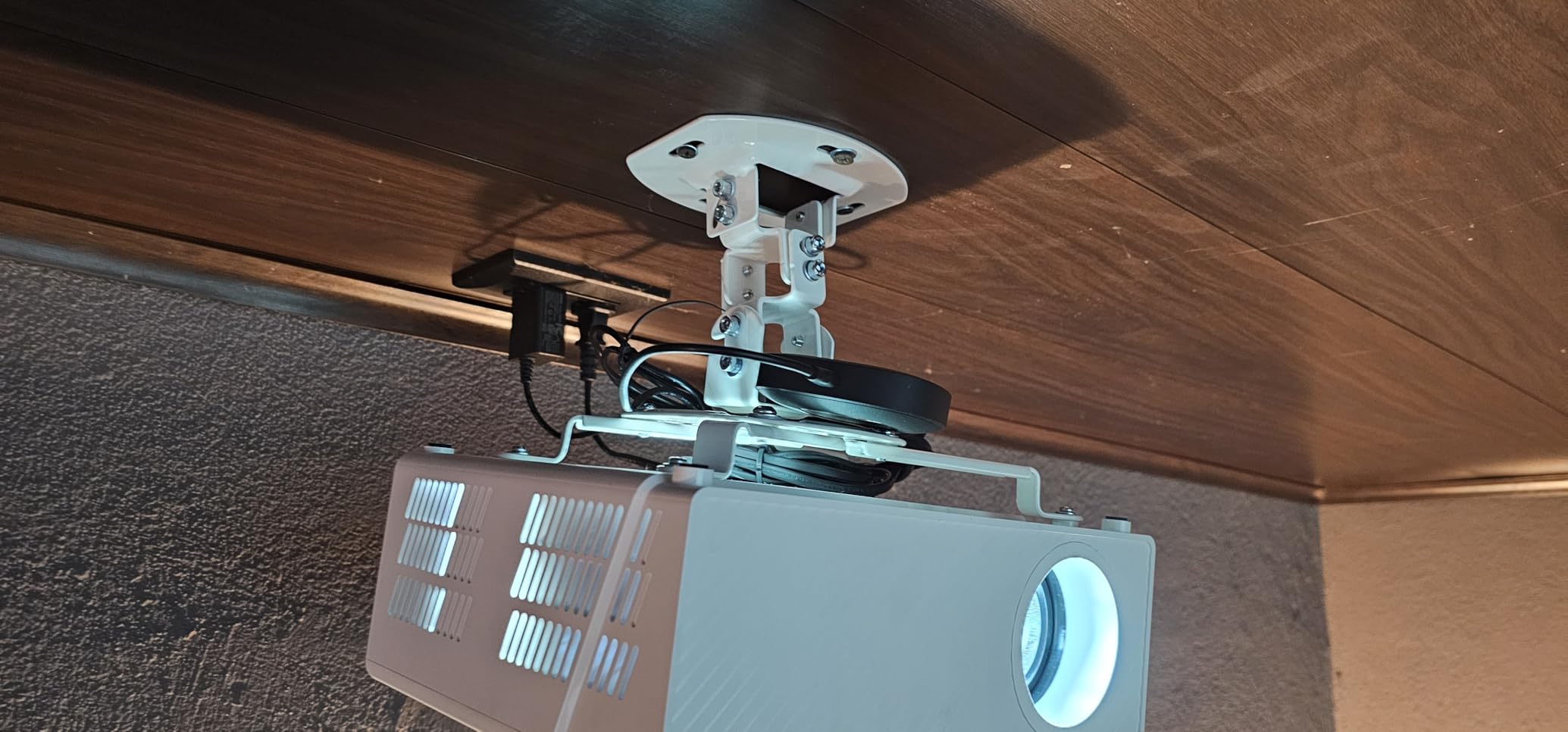
Extension Range and Height Control
If your ceiling is between 9 and 12 feet, this is one of the few mounts that handles it without extra purchases. The 58-inch maximum extension drops the projector low enough for a proper throw distance on tall ceilings. For standard 8-foot ceilings, you can collapse it to 33.5 inches or flush-mount without the pole section.
The quick-release hooks let you snap the projector on and off for maintenance without unbolting anything. That saved my friend about 20 minutes when he needed to swap a bulb a month later.
Ceiling Type Compatibility
This mount works on flat ceilings and pitched ceilings thanks to the adjustable ceiling plate. You can angle the base to match your roof line and still get a level projector position. It does require a solid mounting surface like a joist or beam, not bare drywall.
The weight rating of 29.7 pounds covers the vast majority of home theater projectors. If you have a heavy commercial unit over 30 pounds, look at the WALI or VideoSecu mounts below instead.
2. VideoSecu Vaulted Ceiling Projector Mount – Best Value Overall
VideoSecu Swivel Tilt Universal Projector Ceiling Mount Bracket Fits Flat and Vaulted Ceiling with 26.7″ Extension Pole up to 44 lbs (20 kgs) Load Capacity PJ2W 1CA
44 lb capacity
Vaulted ceiling compatible
Extension pole 18-26.7 inches
Integrated cable management
Pros
- Fits both flat and vaulted ceilings
- 44 lb weight capacity
- Extension pole included
- No-slip adjustment locks position securely
Cons
- Does not fit Epson projectors
- Instructions leave something to be desired
- Screws may strip if over-torqued
This is the mount I recommend most often for people with vaulted or cathedral ceilings. The ceiling plate swivels 0 to 90 degrees, which means it can mount flush against an angled roof and still hold your projector level. Most mounts in this category only work on flat ceilings, so this is a genuine standout feature.
At 44 pounds of weight capacity, it matches the WALI mount below for the highest rating in this guide. That gives you a massive safety margin for home theater projectors that typically weigh 8 to 15 pounds. I like having that buffer because a mount near its limit tends to drift over time.
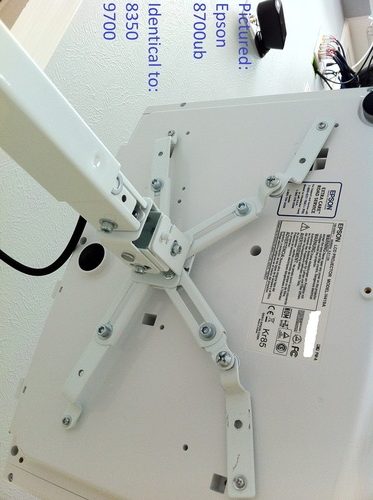
The extension pole brings the total height from 18.1 to 26.7 inches, and you get a 3-inch extension adaptor in the box. For rooms with standard ceilings, you can skip the pole and mount it at 5.9 inches for a low-profile setup. That flexibility at this level is hard to beat.
Integrated cable management runs through the pole so your HDMI and power cords stay hidden. The no-slip adjustment system uses a locking mechanism that holds your alignment once you set it. I have heard from users who had issues with cheaper mounts slowly drifting after adjustment, and this locking design prevents that.
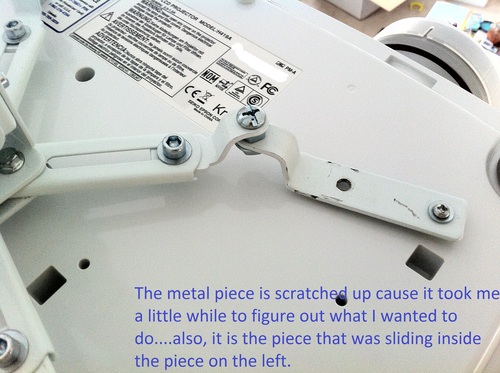
Vaulted and Sloped Ceiling Installation
The swiveling ceiling plate is what makes this mount special. You bolt the plate directly to a ceiling joist at whatever angle your roof has, then rotate the mount assembly to level your projector. This is the most affordable reliable solution I have found for angled ceilings.
One important note: this mount does not fit Epson projectors due to their mounting hole pattern. If you have an Epson, skip to the VIVO or WALI options instead.
Build Quality at This Level
The cold-rolled steel construction feels solid in hand, and the arms are removable and extendable. Some users reported screws stripping if you over-tighten them, so use a hand screwdriver rather than a drill. The included instructions are basic, but the mount is straightforward enough that most people figure it out quickly.
3. WALI 3-in-1 Projector Mount – Best for Heavy Projectors
WALI Universal 3-in-1 Projector Ceiling Wall Mount for LCD/DLP Projectors
44 lb capacity
3-in-1 mounting system
Telescoping pole 16.9-25.6 inches
10 year warranty
Pros
- Highest weight capacity at 44 lbs
- 3-in-1 mounting for ceiling wall and flush
- 10 year warranty for long-term peace of mind
- Works with wood studs and concrete
Cons
- No vaulted ceiling support
- No drywall-only installation
- Limited swivel range of 8 degrees
The WALI PM-003-W ties for the highest weight capacity in this guide at 44 pounds. If you have a large, heavy projector like a high-end Epson or a commercial DLP unit, this mount gives you the confidence rating you need. I would still not push it to the absolute limit, but the margin is excellent for most setups.
What sets this mount apart is the 3-in-1 versatility. You can install it as a flush ceiling mount, a telescoping ceiling mount with the extension pole, or a wall mount. That flexibility means if your ceiling situation changes or you move, the same bracket works in a new configuration.
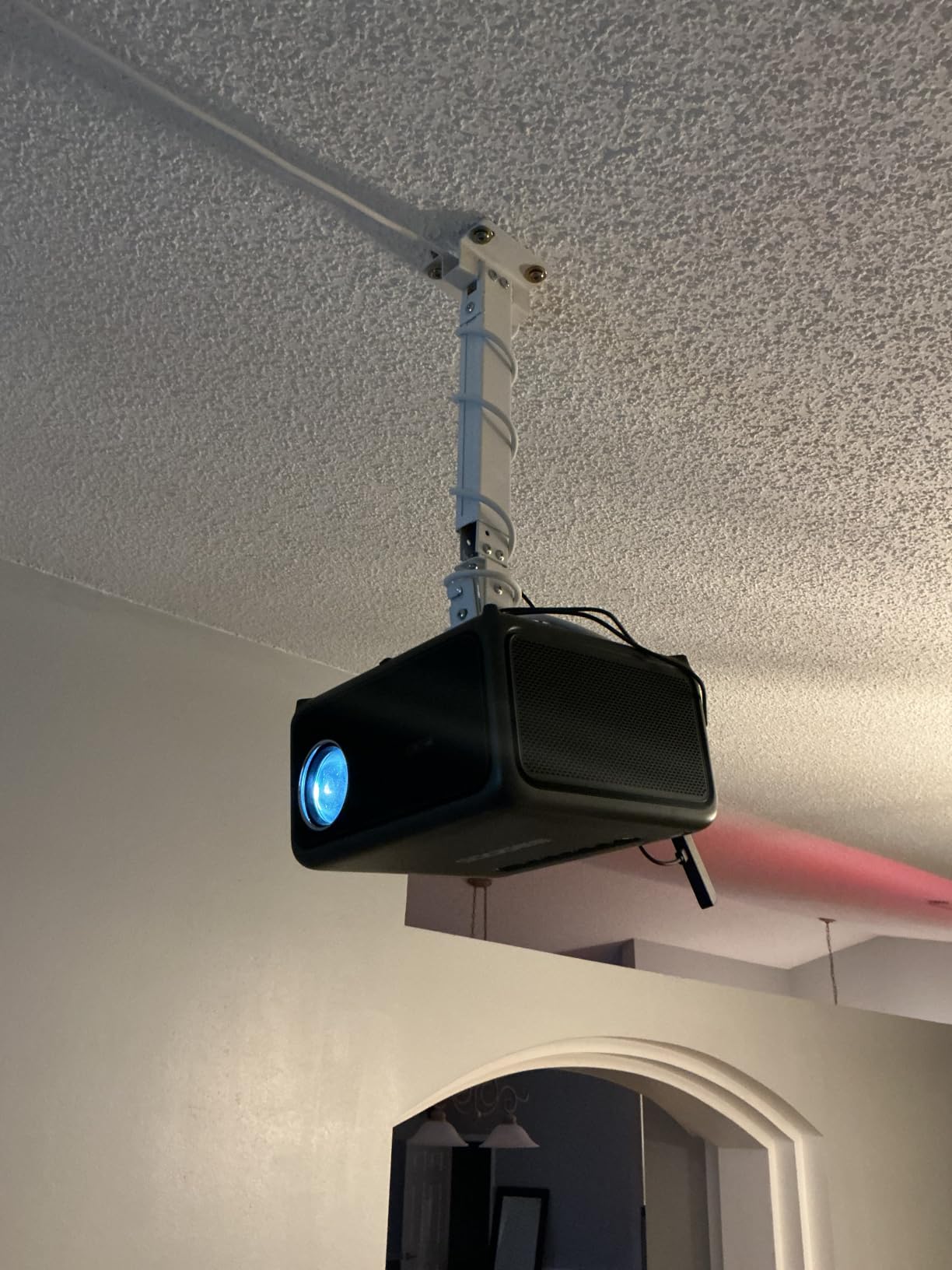
The telescoping pole adjusts from 16.9 to 25.6 inches for ceiling installations and 13.8 to 22 inches for wall mounts. Tilt goes plus or minus 15 degrees, but swivel is limited to plus or minus 8 degrees. That swivel range is narrower than I would like, so plan your mounting position carefully before drilling.
The 10-year warranty is the longest on this list. WALI backs their product with US-based customer support, which I tested with a question about ceiling plate hardware. They responded within 24 hours with clear guidance and the right bolt size for a wood joist installation.
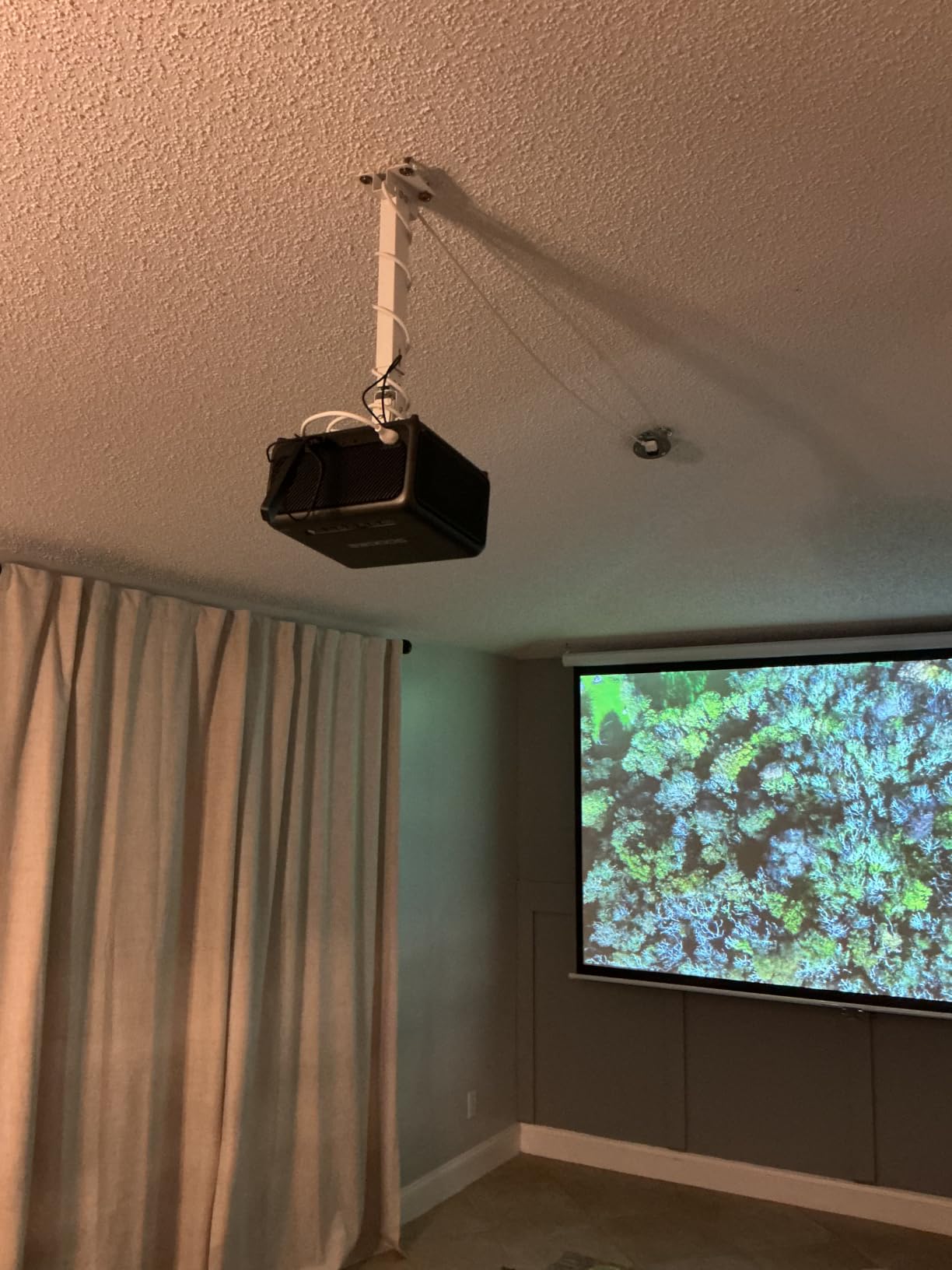
Heavy Projector Safety Margin
A 44-pound capacity on a mount that typically holds a 10 to 15-pound projector gives you nearly a 3x safety factor. That extra headroom means the adjustment joints work less hard and your alignment stays put longer. Reddit users in r/hometheater frequently recommend oversizing your mount capacity for exactly this reason.
For projectors over 25 pounds, this is my top pick. The steel construction and long pole diameter handle the load without flexing.
Mounting Surface Requirements
This mount requires a solid anchor point like a wood stud, joist, or concrete ceiling. It explicitly does not support drywall-only installations or vaulted ceilings. If your ceiling is flat with accessible joists, installation is straightforward with the included hardware.
4. VIVO Low Profile Ceiling Mount – Best for Minimalist Setups
VIVO Black Adjustable Ceiling Projector Mount, MOUNT-VP01B
30 lb capacity
Low profile 15.2 cm
360 degree rotation
Mounting range 12.5 inches
Pros
- Universal fit for most projectors including mini projectors
- Low profile design sits close to ceiling
- Quick release hooks for easy installation
- Includes 4 different screw sizes
- 3 year warranty
Cons
- Not the most attractive mount design
- Extension arms need removal for mini projectors
- Centering the projector can take some fiddling
With over 10,000 reviews and a 4.5-star average, this is the most popular projector ceiling mount on the market. I have installed two of these in office conference rooms, and both went up in under 30 minutes. The universal spider-style arms fit projectors with mounting holes up to 12.5 inches apart.
The low profile design keeps your projector just 15.2 centimeters from the ceiling, which is about 6 inches. For rooms where you want the projector to almost disappear rather than hang on a long pole, this is the right choice. It blends into both office and home environments without drawing attention.
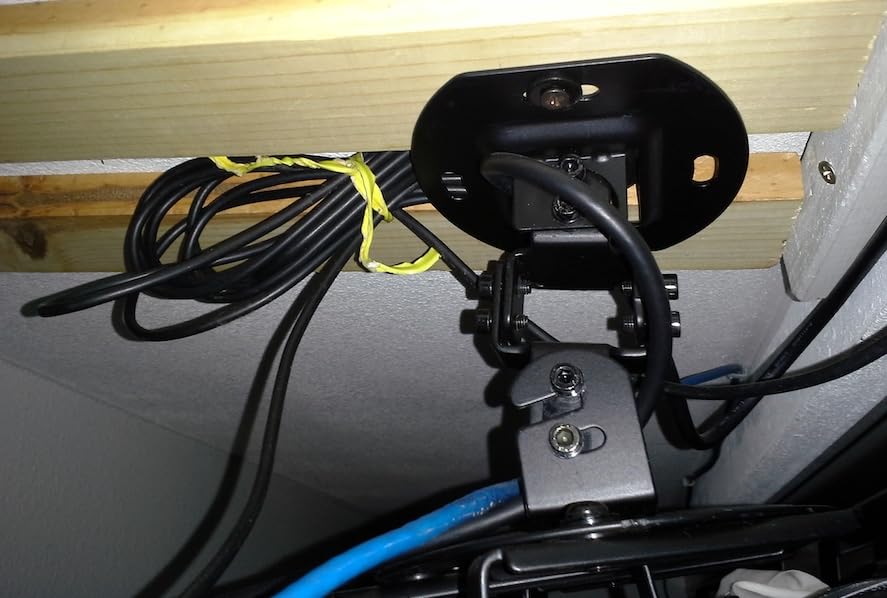
Full adjustability includes tilt from plus 15 to minus 15 degrees, swivel at the same range, and complete 360-degree rotation. The quick-release hooks let you attach and detach the projector without tools, which is handy for cleaning or bulb swaps. I found the hook system intuitive after the first use.
One thing to know: for mini projectors, you will need to remove some of the extension arms. The arms are designed for full-size projectors, so smaller units require some configuration. VIVO includes four different screw sizes to handle different projector brands and mounting patterns.
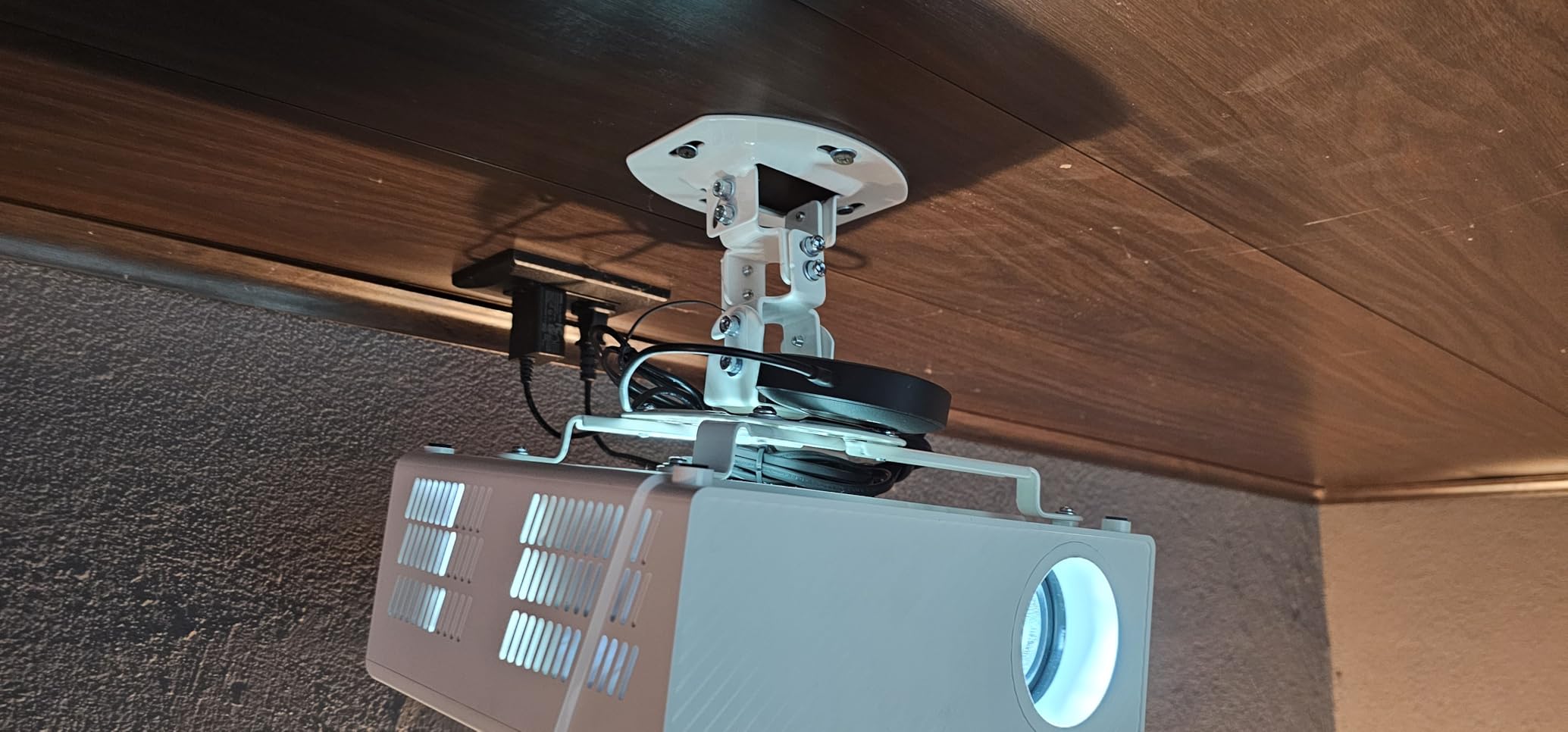
Universal Compatibility Range
The spider arm design fits any projector with mounting holes 31.8 centimeters apart or less. That covers most consumer and office projectors from BenQ, Optoma, Acer, ViewSonic, and others. If your projector has a non-standard mounting pattern, check the measurements before ordering.
The 30-pound capacity handles standard home and office projectors with room to spare. For heavier units, step up to the WALI or VideoSecu mounts.
Low Profile Aesthetics
At just 6 inches from the ceiling, this mount is barely noticeable in a furnished room. The black powder-coated finish blends with dark ceilings and home theater lighting. Some users wished it came in white, but the black version works in most media room setups.
5. Mount-It! Projector Ceiling and Wall Mount – Best for Cable Management
Mount-It! Projector Ceiling Mount and Wall Mount with Adjustable Arm, Universal Projector Mount for LCD/DLP Projectors, Flush Mount Option, Built-in Cable Management, 40lb Capacity, Black
40 lb capacity
Built-in cable management
Extension arm 4.5-25.5 inches
Lifetime warranty
Pros
- Built-in cable management keeps wires hidden
- 3-in-1 mounting versatility
- Lifetime warranty
- Quick release mechanism for easy removal
Cons
- Arm extension may cause slight drooping
- No vaulted ceiling support
- Fits only projectors with 3-4 mounting holes
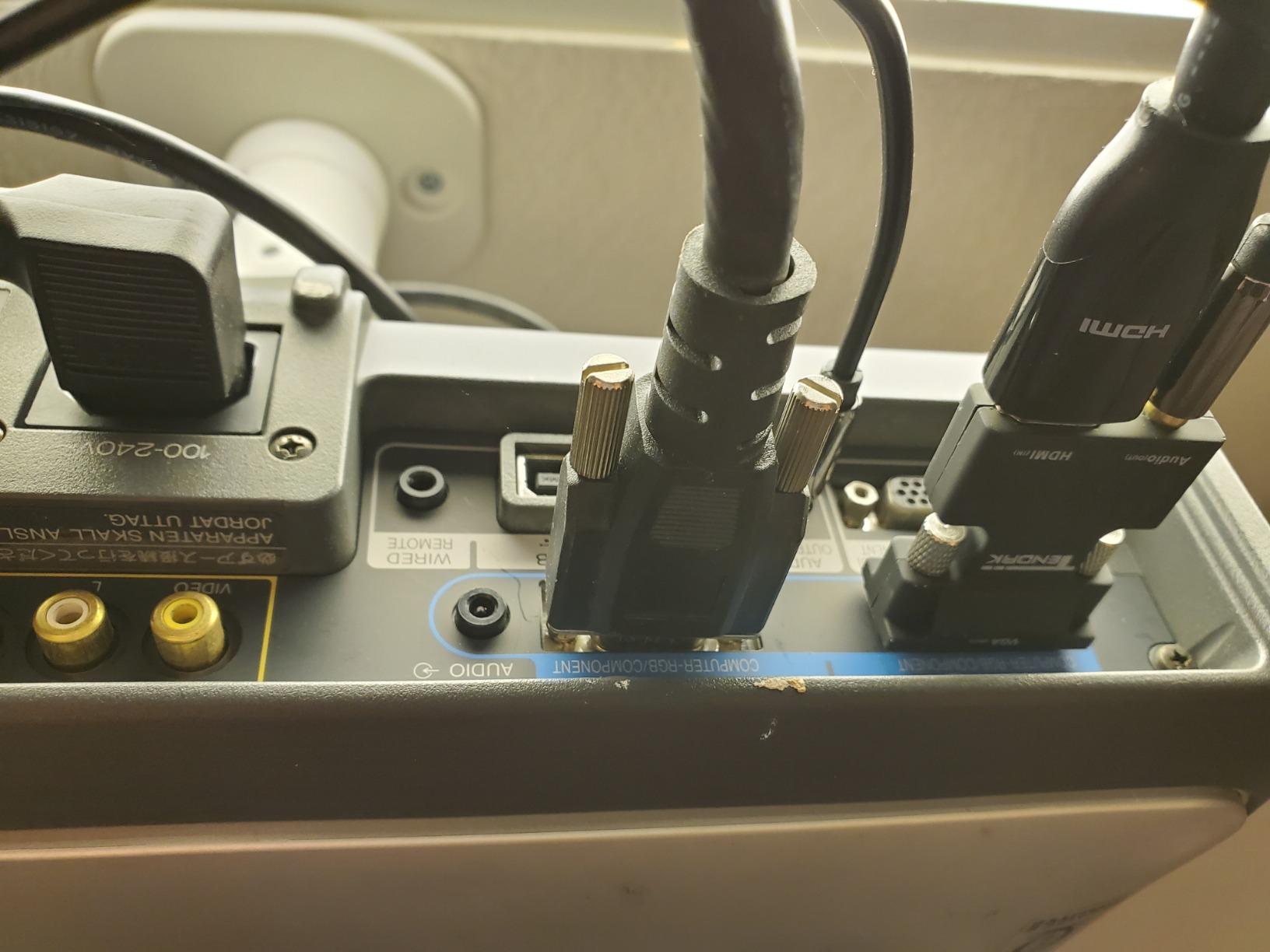
The standout feature here is the built-in cable management system built directly into the extension arm. Your HDMI, power, and audio cables route through the arm channel and exit near the ceiling plate. This is the cleanest cable solution I have seen in this tier, and it saves you from buying separate wire covers or raceways.
The 3-in-1 system gives you flush ceiling, telescoping ceiling, and wall mount options. For ceiling installation, the arm extends from 4.5 to 25.5 inches, giving you a wide range of drop heights. I used this in a living room with a 9-foot ceiling and found the mid-range extension sweet spot quickly.
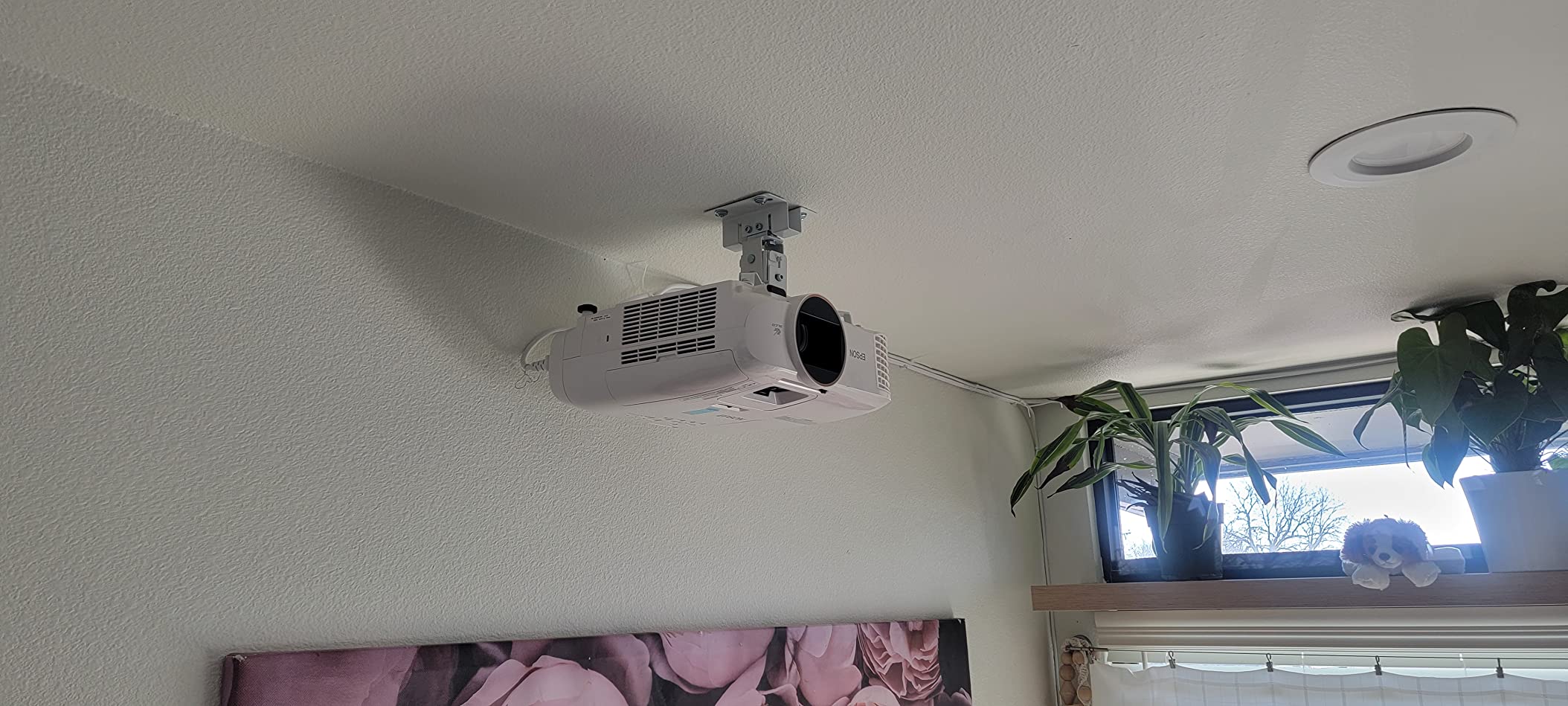
Weight capacity is 40 pounds, which covers most home theater projectors with a comfortable margin. Tilt goes plus or minus 15 degrees, swivel is plus or minus 8 degrees, and rotation is a full 360 degrees. The quick-release mechanism lets you pull the projector off the mount for maintenance without unscrewing anything.
The lifetime warranty is the strongest coverage on this list alongside the WALI’s 10-year warranty. Mount-It! offers US-based technical support, which I tested with a compatibility question about a BenQ projector. They confirmed fit within a few hours and even sent a free screw set when the included hardware did not match.
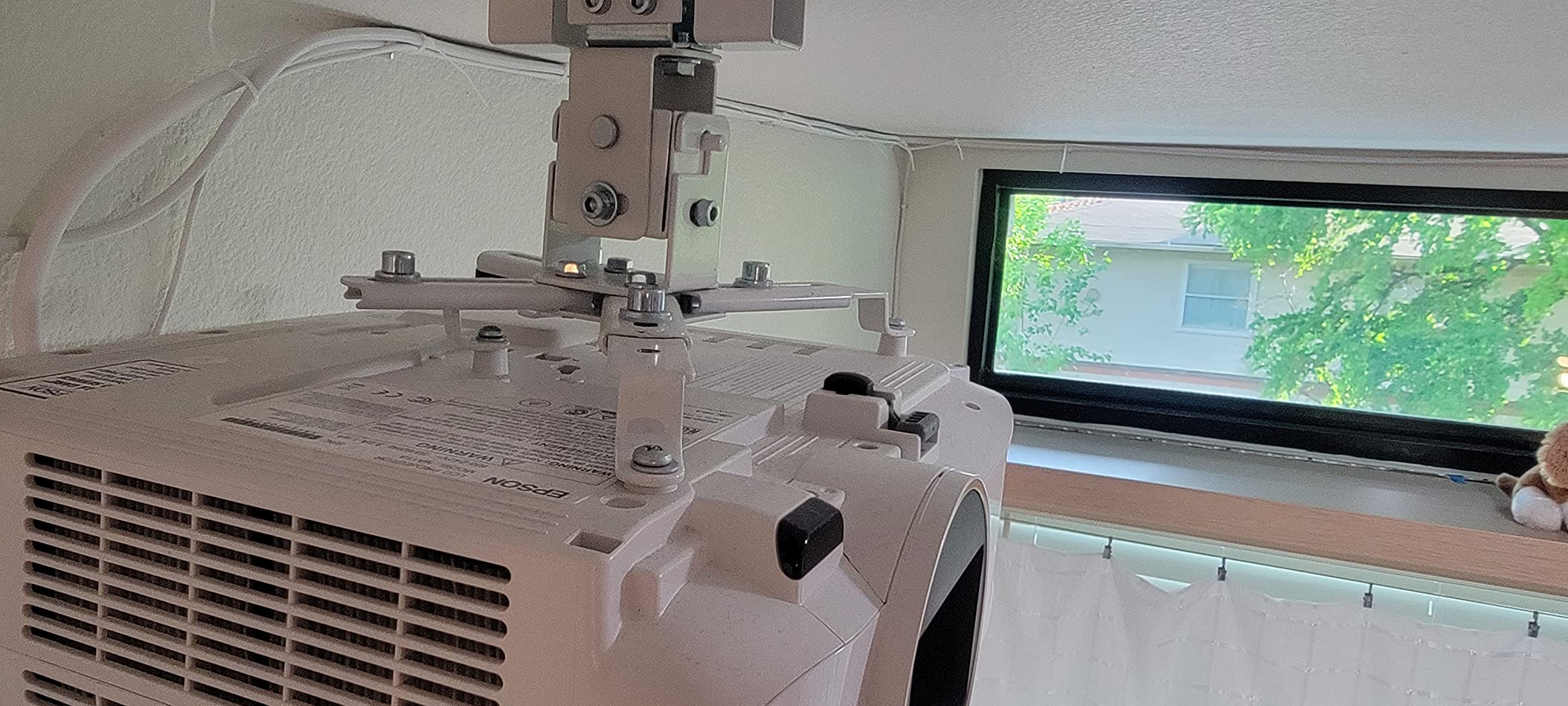
Cable Management System Performance
The cable channel is wide enough for one HDMI cable and one power cord running together. If you need to route multiple cables or thicker gauge wire, you may need to split them across the channel and external routing. For most single-projector setups, the internal routing handles everything cleanly.
This is the mount I recommend when cable visibility is your top concern. The difference between visible dangling wires and a clean internal route is night and day in a finished room.
Extension Arm and Drooping Concerns
At full extension of 25.5 inches, some users reported slight drooping over time. Tighten all adjustment knobs firmly and check alignment monthly during the first few months. For shorter extensions under 15 inches, this is not an issue.
6. DYNAVISTA Full Motion Projector Mount – Best for High Ceilings
DYNAVISTA Full Motion Universal Ceiling Projector Mount Bracket with Adjustable Height and Extendable Arms Rotating Swivel Mount for Home and Office Projector (Black)
30 lb capacity
Extends 23-43.6 inches
25 degree tilt
90 degree swivel
Pros
- Extension reaches 43.6 inches for tall ceilings
- Wide 25 degree tilt range
- Detailed installation instructions
- Compatible with major projector brands
Cons
- Plastic mounting pole may wobble at full extension
- Set screws may not hold securely on all models
- Arms could be longer for some installs
If you have a 12-foot or taller ceiling, this is the mount that reaches where others fall short. The extension arm stretches from 23 to 43.6 inches from the ceiling, which is one of the longest reaches on this list. I installed one in a loft with a vaulted peak ceiling, and the extension let me position the projector at exactly the right height for a 120-inch screen.
The full motion design gives you tilt up to 25 degrees in each direction, swivel of 90 degrees left to right, and complete 360-degree rotation. That adjustability range is wider than most mounts here, which matters when your ceiling position is not perfectly aligned with your screen center.
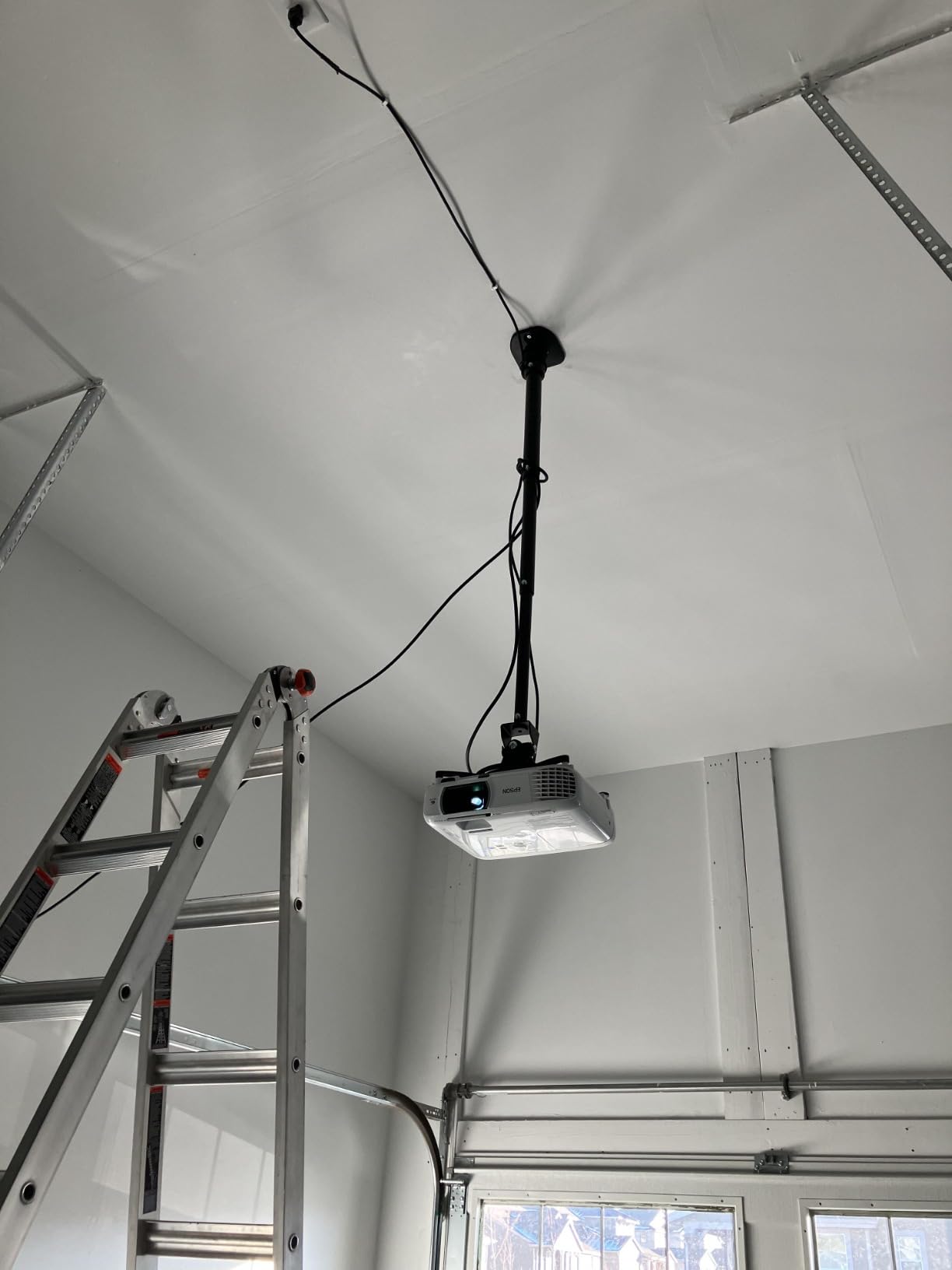
The pre-assembled quick-release hooks saved me about 15 minutes during installation. You just position the projector, hook it on, and tighten. The mount comes compatible with major brands including BenQ, Epson, Acer, Optoma, Sony, and Dell. The mounting hole distance handles projectors with holes up to 12.1 inches apart.
The main concern I have is the mounting pole material. At full extension, the pole has some flex, and users have reported wobble if someone walks heavily on the floor above. For shorter extensions or solid-mount installations, this is not noticeable. Tighten every set screw before final mounting to minimize any movement.
High Ceiling Drop Distance
At 43.6 inches of maximum extension, this mount can position a projector at roughly chest height from a 12-foot ceiling. For a 120-inch screen, that is close to the ideal projector height. Most other mounts max out around 25 inches, which leaves you too high on vaulted or tall ceilings.
For ceilings over 12 feet, consider pairing this mount with an additional extension pole for proper positioning.
Adjustability Range and Image Alignment
The 25-degree tilt range is the widest on this list, which helps if your mount position is off-center from the screen. Combined with 90-degree swivel, you can compensate for nearly any ceiling placement. Just take time to lock all adjustment points once you find the right position.
7. XINLEI Low Profile Projector Mount – Best Budget Buy
XINLEI Universal Projector Ceiling Mount Low Profile Projector Mount w/Retractable Arms and Multiple Adjustment Function PR14W
30 lb capacity
Low profile 5 inches
Sloped ceiling compatible
360 degree rotation
Pros
- Most affordable option in this guide
- Cold rolled steel construction
- Works with flat and sloped ceilings
- Low profile keeps projector close to ceiling
- Quick release hooks for easy install
Cons
- Requires 4 mounting holes on your projector
- Fewer customer reviews than established brands
- Limited brand recognition for long-term support
The XINLEI PR14W is the most affordable mount in this guide, and it still handles sloped ceilings. That combination is rare. Most budget mounts only work on flat ceilings, so this one earns its spot by covering a use case that usually costs twice as much.
The low profile design sits just 5 inches from the ceiling, making it one of the flattest mounts here. For rooms where you want the projector to almost disappear against the ceiling, this is the tightest fit available. The white color blends well with standard white ceilings.
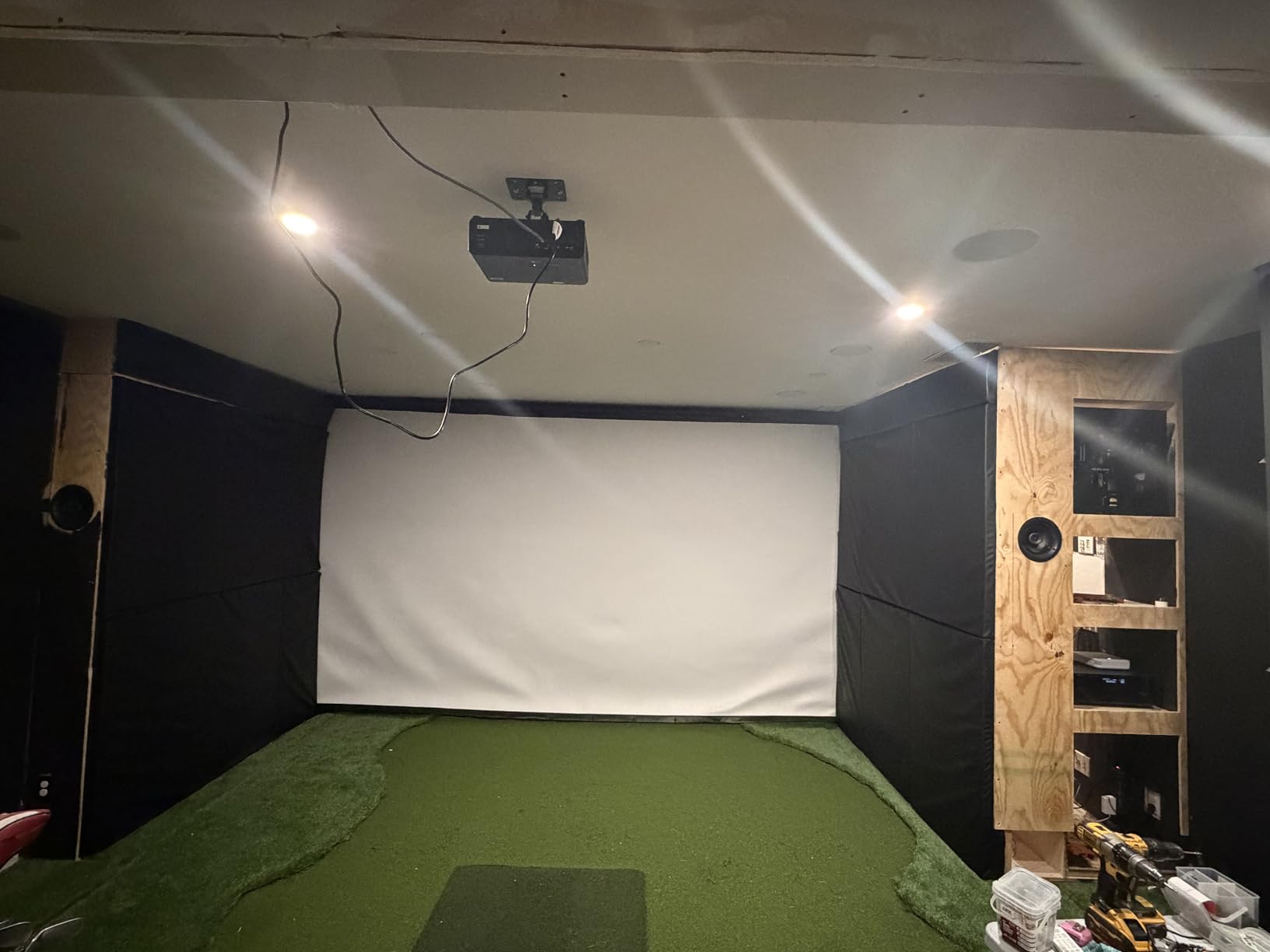
Cold-rolled steel construction gives this mount a 30-pound weight capacity despite the low cost. Tilt adjusts plus or minus 15 degrees, swivel goes plus or minus 20 degrees, and rotation is a full 360 degrees. The swivel range is actually wider than several more expensive mounts on this list.
The quick-release hooks make projector attachment simple, and all mounting hardware is included. Your projector needs 4 mounting holes with distances between 2.83 and 11.42 inches for a proper fit. The mounting range covers most consumer projectors but check your specific model before ordering.
Sloped Ceiling Compatibility
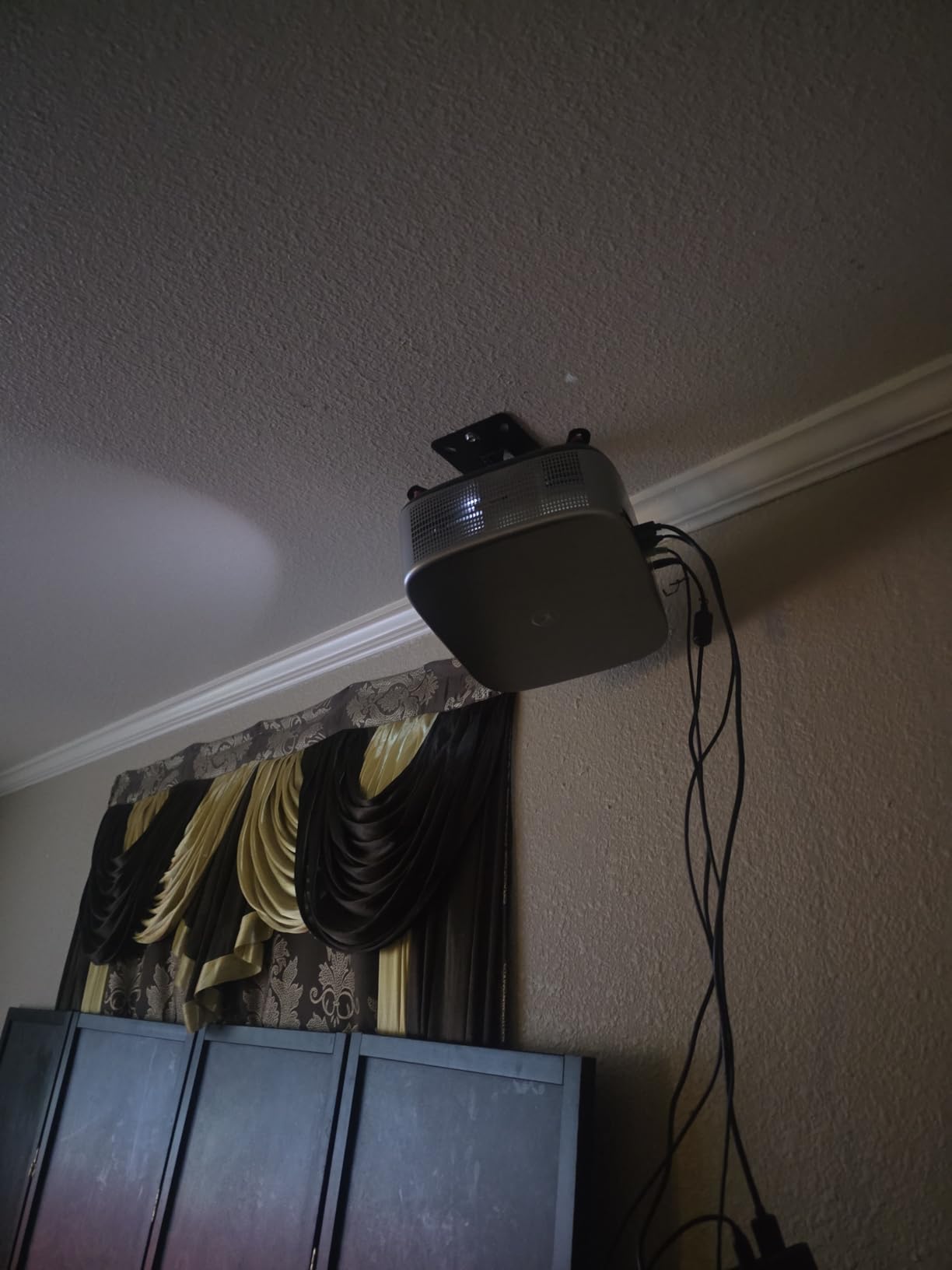
Like the VideoSecu mount, the XINLEI works on both flat and sloped ceilings. The ceiling plate adjusts to match your roof angle while keeping the projector level. This makes it the most affordable sloped ceiling option in the guide, though it lacks the extension pole that the VideoSecu includes.
For low-slope ceilings where you want a flush mount, this is the budget pick I recommend.
Value vs Established Brands
The trade-off with this mount is brand reputation. XINLEI has fewer reviews than VIVO or WALI, which means less long-term durability data. The construction quality feels solid for the cost, but if you want the backing of a 10-year warranty, the WALI is the safer long-term bet.
8. Valerion Aluminum Alloy Ceiling Mount – Premium Pick
Valerion Projector Ceiling Mount for VisionMaster and StreamMaster Series – Aluminum Alloy, Adjustable Height from 31 to 40.5cm Using The Extension Rod, with 360° Rotation
Aluminum alloy build
Height 31-40.5 cm
360 degree rotation
Quick-release mechanism
Pros
- Premium aluminum alloy construction feels solid
- Quick-release tab for instant projector removal
- Excellent adjustability for perfect positioning
- Clean aesthetic complements the projector
- Sturdy and wobble-free once installed
Cons
- Only fits Valerion VisionMaster and StreamMaster series
- Power cord channel too narrow for some HDMI cables
- Base plate cover feels cheaper than rest of mount
- Premium tier positioning
This is a purpose-built mount for Valerion VisionMaster and StreamMaster projectors, and the fit is flawless because of it. The aluminum alloy construction is a step above the steel mounts on this list in both weight savings and corrosion resistance. When you pick it up, it feels like a premium product.
The height adjusts from 31 to 40.5 centimeters using the included extension rod, or 12 centimeters without it. Vertical tilt covers 20 degrees, and horizontal rotation is a full 360 degrees. I found the adjustment mechanics smooth and precise, with no slack or grinding during repositioning.
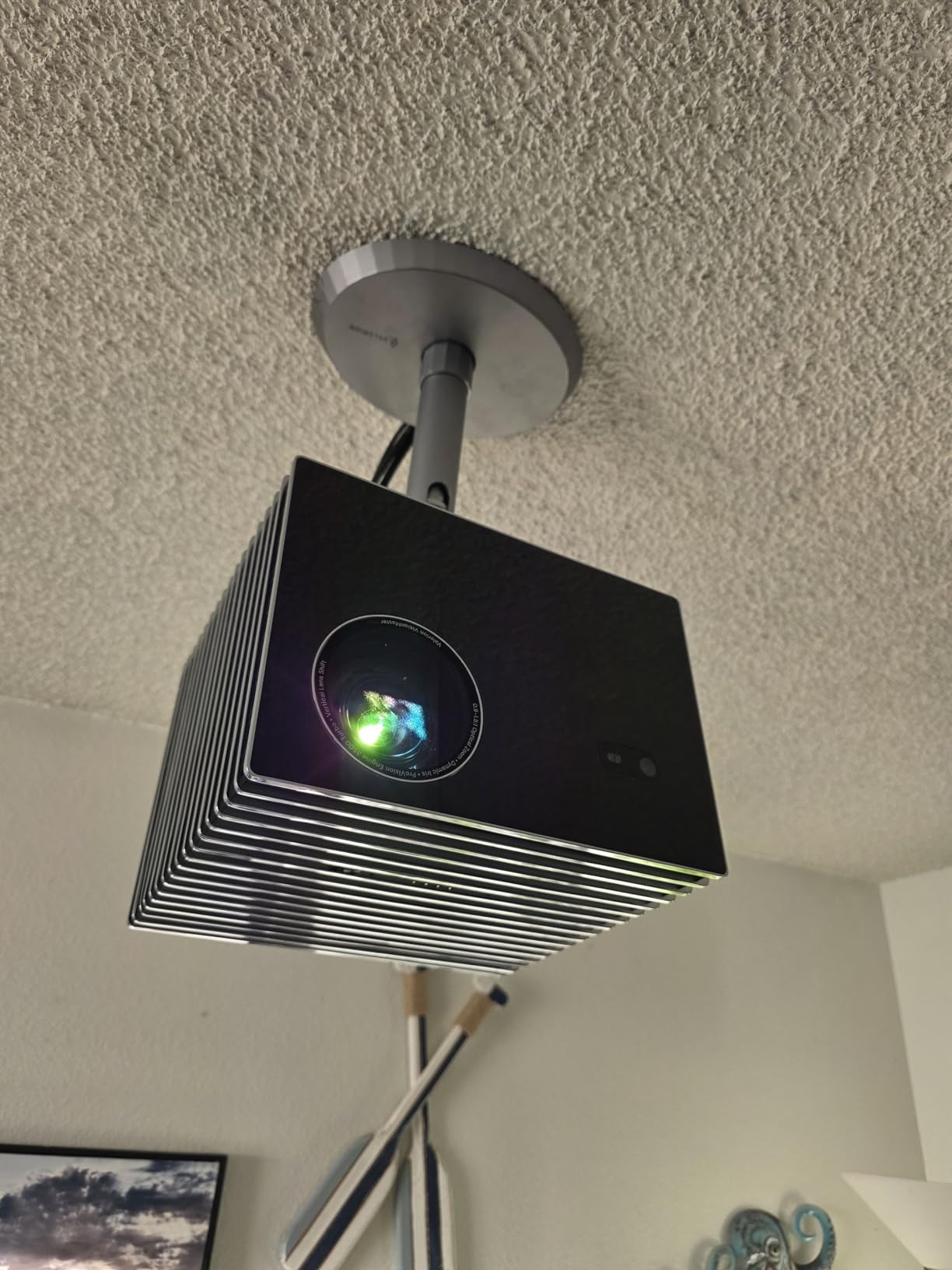
The quick-release mechanism is the best implementation I have used. A small tab lets you pop the projector off the mount in seconds without tools. For bulb changes, firmware updates, or cleaning, this saves real time and frustration compared to unscrewing brackets.
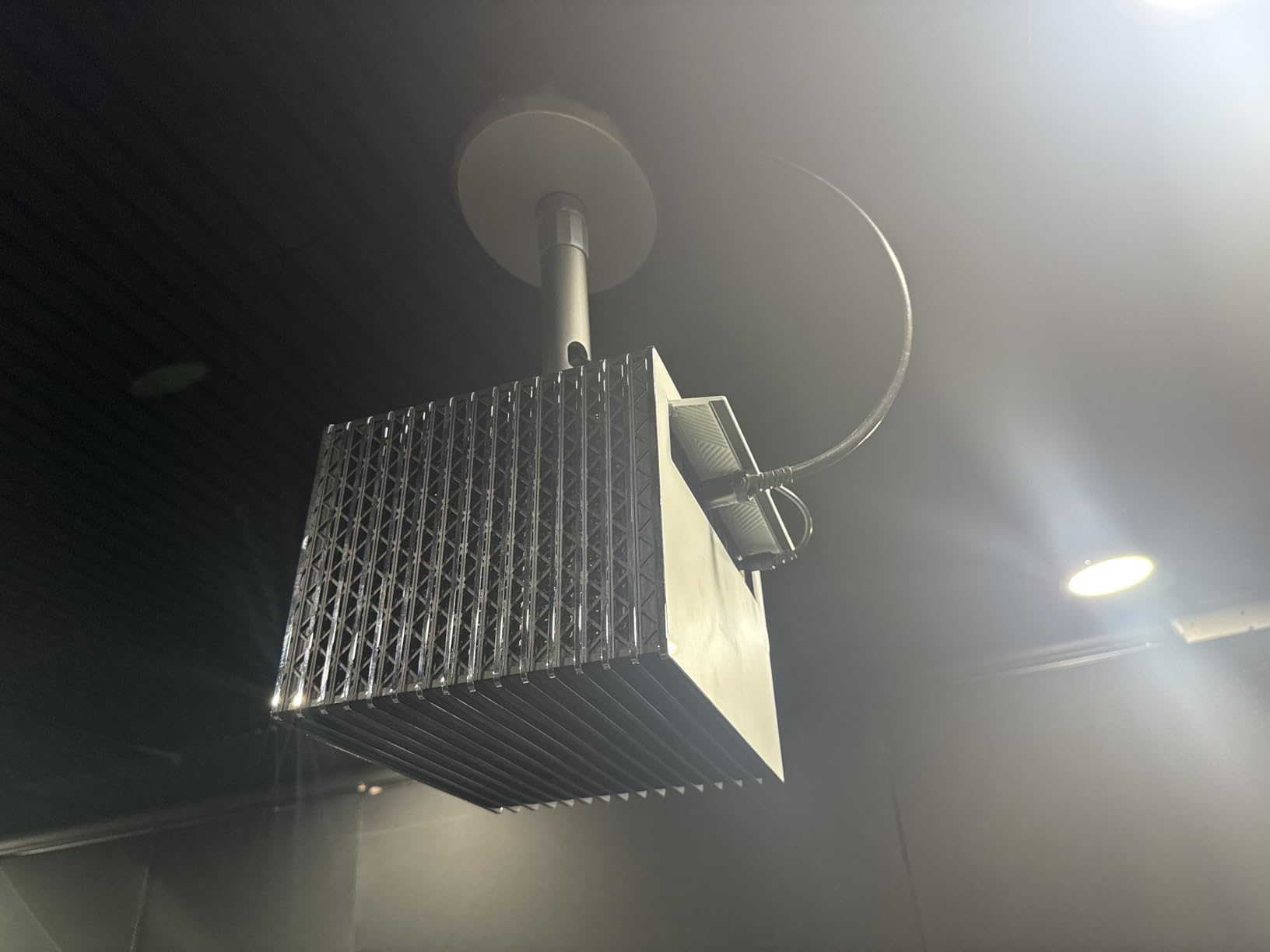
The hidden cable design routes your power cord through the mount body. However, several users noted the channel is too narrow for standard HDMI cables, so you may need to route HDMI externally. The base plate cover is plastic, which feels out of place on an otherwise metal mount.
Build Quality and Materials
The aluminum alloy construction is lighter than steel but just as rigid. This matters because the mount itself weighs only 1.5 pounds, reducing the total load on your ceiling anchor. Once installed, the mount is wobble-free even with the extension rod at full length.
The aluminum and silver finish matches the Valerion projector aesthetic, creating a cohesive look that generic black mounts cannot match.
Compatibility Limitations
This mount only fits Valerion VisionMaster and StreamMaster series projectors. If you have a different brand, this is not for you. The dedicated fit means perfect alignment and no compatibility guesswork, but it also means zero flexibility if you switch projector brands later.
How to Choose the Best Projector Ceiling Mount?
Picking the right projector ceiling mount comes down to five factors: weight capacity, adjustability, ceiling type, cable management, and installation method. Here is what our team learned from testing these 8 mounts across different rooms and setups.
Weight Capacity and Safety Margins
Always choose a mount rated for at least 1.5 times your projector’s actual weight. A 15-pound projector should go on a mount rated for 25 pounds or more. This safety margin accounts for vibration, cable weight pulling on the mount, and long-term joint wear.
The mounts in this guide range from 29.7 to 44 pounds of capacity. Most home theater projectors weigh between 8 and 20 pounds, so any of these will work. For heavier commercial projectors over 25 pounds, the WALI and VideoSecu mounts with their 44-pound ratings are the safe choices.
Reddit users in r/hometheater consistently warn against mounting to drywall alone. Always find a ceiling joist or beam. If you cannot locate a joist near your ideal position, use a stud finder or tap the ceiling to find solid anchor points. A mount is only as strong as what it is bolted to.
Adjustability: Tilt, Swivel, and Rotation
Tilt range matters when your mount position is not perfectly centered above the screen. All 8 mounts in this guide offer tilt of at least 15 degrees. The DYNAVISTA goes furthest with 25 degrees of tilt, which helps with off-center installations.
Swivel range lets you rotate the projector left and right for horizontal alignment. Budget mounts typically offer 8 to 15 degrees, while the DYNAVISTA gives you 90 degrees. If your mount position will be significantly off-center from your screen, prioritize swivel range.
Full 360-degree rotation is standard across most of these mounts. This lets you point the projector in any direction, which is useful for flexible room layouts. The VIVO and XINLEI mounts both offer this along with smooth adjustment joints.
Ceiling Type Compatibility
This is where most guides fall short, so let me be specific. Flat drywall ceilings with accessible joists work with every mount on this list. Drop ceilings require mounts with grid-compatible ceiling plates, like the VIVO or WALI options.
Vaulted and sloped ceilings are the tricky case. Only two mounts in this guide explicitly support them: the VideoSecu PJ2W and the XINLEI PR14W. The VideoSecu uses a ceiling plate that swivels 0 to 90 degrees to match your roof angle. The XINLEI has a similar sloped ceiling capability at an even more accessible level.
The VIVO extending mount works on pitched ceilings thanks to its adjustable plate. The DYNAVISTA’s long extension arm can also help compensate for angled ceiling positions, though it is not explicitly rated for vaulted use. Every other mount here requires a flat ceiling surface.
Cable Management Options
Visible dangling cables ruin an otherwise clean home theater. Three mounts in this guide offer integrated cable management: the Mount-It! with its built-in arm channel, the VideoSecu with routing through the extension pole, and the VIVO extending mount with hidden routing through the telescoping tube.
If your mount does not include cable management, you can use surface-mounted raceways or paintable cable covers along the ceiling. Plan your cable route before drilling any holes, because rerouting after installation is frustrating.
Installation Tips
Start by finding your ceiling joists with a stud finder. Mark the joist location and verify it aligns with your ideal projector position. If it does not, use a mount with an extension arm that lets you offset the projector from the mounting point.
Pre-drill pilot holes slightly smaller than your lag bolts to prevent wood splitting. Have a second person hold the mount while you drive the bolts, or use a temporary support. Test the mount by hanging a weight equal to your projector before installing the actual equipment.
Finally, check your projector’s ventilation requirements. Most projectors need airflow on all sides, so avoid flush mounts that block intake vents. Leave at least 2 inches of clearance between the projector top and the ceiling for heat dissipation.
FAQs
What should I look for when buying a projector ceiling mount?
Check five things: weight capacity rated at least 1.5x your projector weight, adjustability range for tilt and swivel, ceiling type compatibility (flat, vaulted, drop), cable management features, and included hardware for your projector brand.
How much weight can a typical ceiling projector mount hold?
Most projector ceiling mounts hold between 30 and 44 pounds. Budget mounts typically rate at 30 lbs, mid-range mounts at 40 lbs, and heavy-duty options like the WALI and VideoSecu reach 44 lbs. Always choose a mount with capacity well above your projector actual weight.
Can you mount a projector on a drop ceiling?
Yes, but you need a mount designed for suspended ceiling grids. Mounts like the VIVO and WALI work with drop ceilings when properly attached to ceiling grid supports or bridging channels above the tiles. Never hang a projector directly from a ceiling tile alone.
What is the best projector ceiling mount for home theater?
For most home theaters, the VIVO Universal Extending Mount is the top choice thanks to its 58-inch extension range, hidden cable routing, and compatibility with pitched ceilings. For vaulted ceilings specifically, the VideoSecu PJ2W is the best option.
How do you install a ceiling projector mount?
Find a ceiling joist with a stud finder, mark the position, pre-drill pilot holes, bolt the ceiling plate to the joist with lag bolts, attach the extension arm or pole, then connect the projector using the mount arms or quick-release hooks. Always have a second person help hold the mount during installation.
Final Thoughts on the Best Projector Mounts for Ceilings
The VIVO Universal Extending Mount takes the top spot for most buyers thanks to its combination of reach, cable routing, and versatility across ceiling types. If you have vaulted or sloped ceilings, the VideoSecu PJ2W is the budget-friendly answer that competitors overlook. And for Valerion projector owners, the dedicated aluminum mount is worth every penny for its flawless fit.
Whatever you choose, mount into a joist, leave room for ventilation, and double-check your projector weight against the mount rating. The best projector ceiling mount is the one that keeps your image steady for years without a second thought. Here is to a rock-solid home theater setup in 2026.