
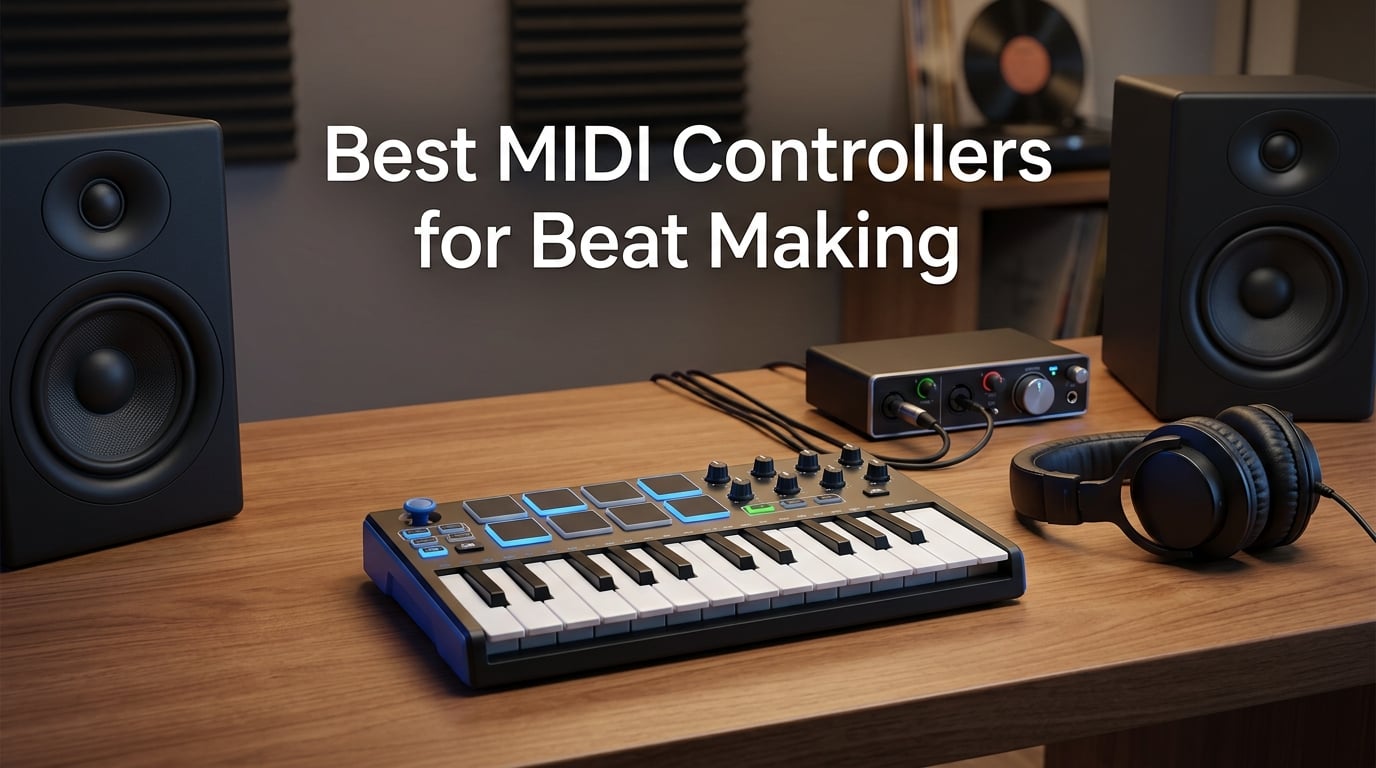
Beat making with a mouse and piano roll gets old fast. The moment you load up a drum rack and tap out a hi-hat pattern on real velocity-sensitive pads, everything changes. Your ideas come out faster, your grooves feel more natural, and you actually enjoy the process instead of fighting with your software.
I have spent the last several months testing MIDI controllers specifically for beat making workflows. That means programming drums, building melodies, launching clips, and integrating with the DAWs that producers actually use. Not general music production, but the kind of hip-hop, trap, and electronic beat making where pad feel and responsiveness matter more than anything else.
This guide covers the best MIDI controllers for beat making in 2026, from compact 25-key units with MPC pads to full grid controllers designed for Ableton. I tested each one with Ableton Live, FL Studio, and Logic Pro to see which controllers actually deliver on plug-and-play reliability, pad sensitivity, and DAW integration. Whether you are starting your first beat or upgrading from a budget controller, there is a pick here for your workflow.
Every controller on this list earned its spot through real-world testing, not spec sheet reading. I paid attention to the things that actually matter for beat makers: how the pads feel under your fingers, whether aftertouch works for expression, and whether the bundled software is worth your time. Let us get into the picks.
Table of Contents
Top 3 Picks for Beat Making in 2026
These three controllers stand out from the pack for different reasons. The Novation Launchkey 25 MK4 takes the top spot for its unbeatable combination of full-size keys, aftertouch pads, and deep DAW integration. The Akai MPK Mini IV wins on value with its legendary MPC pads. And the Arturia MiniLab 3 is the universal pick that works with any setup.

Novation Launchkey 25 MK4
- 25 full-size keys
- 16 aftertouch pads
- Scale Mode
- Ableton integration
Best MIDI Controllers for Beat Making in 2026
Here is the full lineup of all eight controllers I tested for this guide. The comparison table below gives you a quick scan of the key specs before we get into the detailed reviews. I organized these from the most recommended overall down to the specialist picks.
| Product | Specifications | Action |
|---|---|---|
| Novation Launchkey 25 MK4 |
|
Check Latest Price |
 Akai MPK Mini IV Akai MPK Mini IV |
|
Check Latest Price |
 Arturia MiniLab 3 Arturia MiniLab 3 |
|
Check Latest Price |
 Akai APC Mini MK2 Akai APC Mini MK2 |
|
Check Latest Price |
 PreSonus ATOM PreSonus ATOM |
|
Check Latest Price |
 Akai MPC Studio Akai MPC Studio |
|
Check Latest Price |
 Arturia KeyLab Essential mk3 49 Arturia KeyLab Essential mk3 49 |
|
Check Latest Price |
 NI Maschine Mikro Mk3 NI Maschine Mikro Mk3 |
|
Check Latest Price |
1. Novation Launchkey 25 MK4 – Best Overall for Beat Making
Novation Launchkey 25 MK4 USB MIDI Keyboard Controller
25 full-size keys
16 aftertouch pads
8 encoders
Scale and Chord modes
Pros
- 25 full-size synth-action keys feel great
- 16 FSR pads with polyphonic aftertouch
- Tight Ableton Logic and Cubase integration
- Built-in Scale and Chord modes
Cons
- Highest price in the compact category
- 25 keys may not suit two-handed players
The Novation Launchkey 25 MK4 is the controller I keep coming back to when I want one device that handles every part of beat making. The 16 FSR pads are a serious upgrade over previous generations, with polyphonic aftertouch that lets you add expression to your drum hits and melodic parts alike.
Tap a snare harder and you get more snap. Press into a pad and hold it to modulate a synth pad in real time. That kind of dynamic control is what separates a great beat making controller from a basic MIDI input device.
I tested this controller extensively with Ableton Live, and the integration is where the Launchkey truly shines. The clip launcher works exactly as you would expect, the transport controls map automatically, and the pads light up to show clip states. Switch to Logic Pro or Cubase and the core mapping still works, though Ableton is clearly where this controller feels most at home.
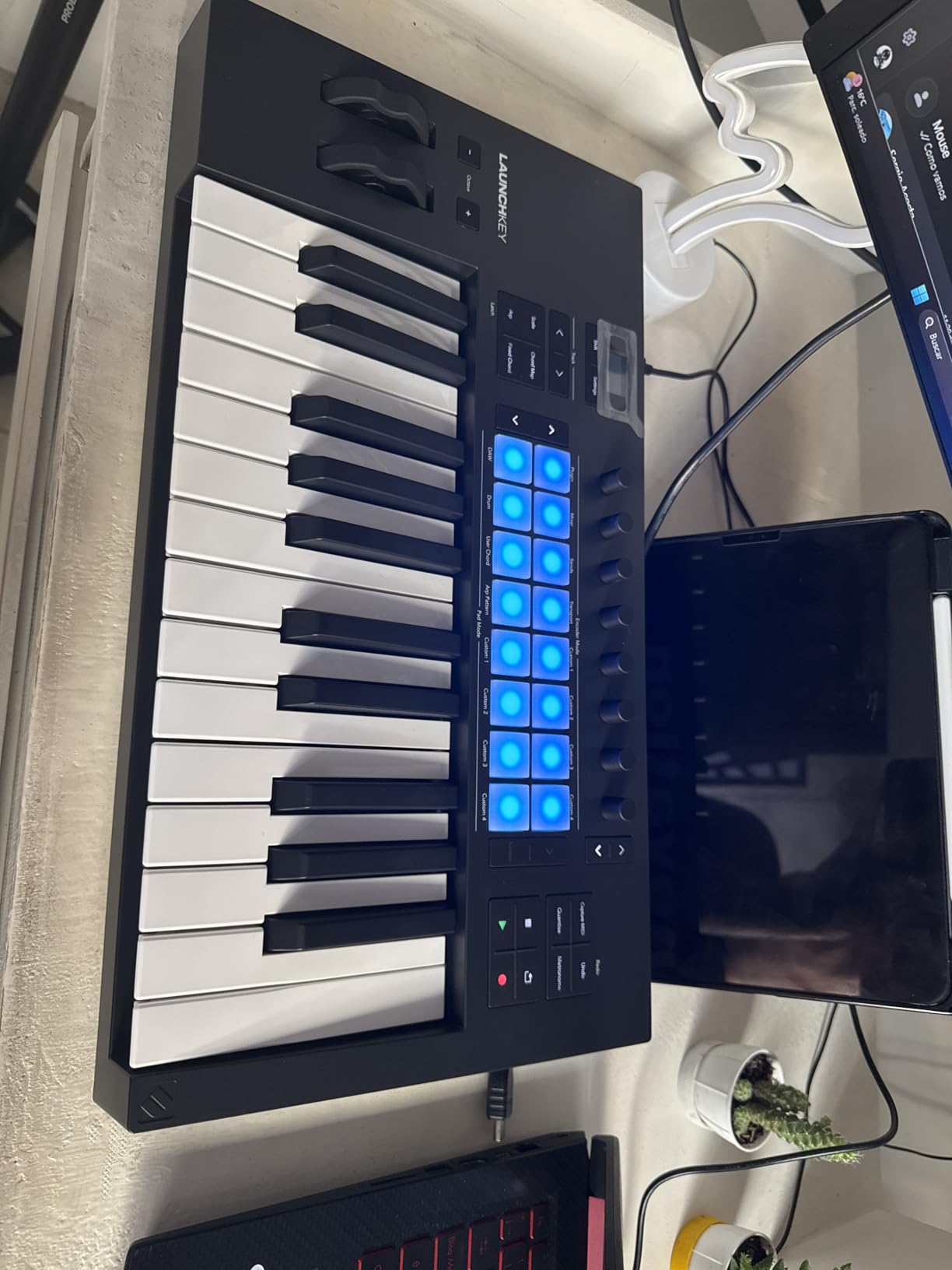
Scale Mode is the feature that surprised me the most. If you are not a trained pianist, Scale Mode locks the keyboard to whatever scale you choose, so you literally cannot play a wrong note. I set it to F minor for a trap beat and just improvised melodic ideas over my drum loop without worrying about hitting a sour note.
Chord Mode works similarly, letting you trigger full chords from single keys. The full-size keys are a real advantage over the mini keys on the MPK Mini and MiniLab. They have a synth-action feel that is responsive and comfortable for programming basslines and melodies.
DAW Integration and Compatibility
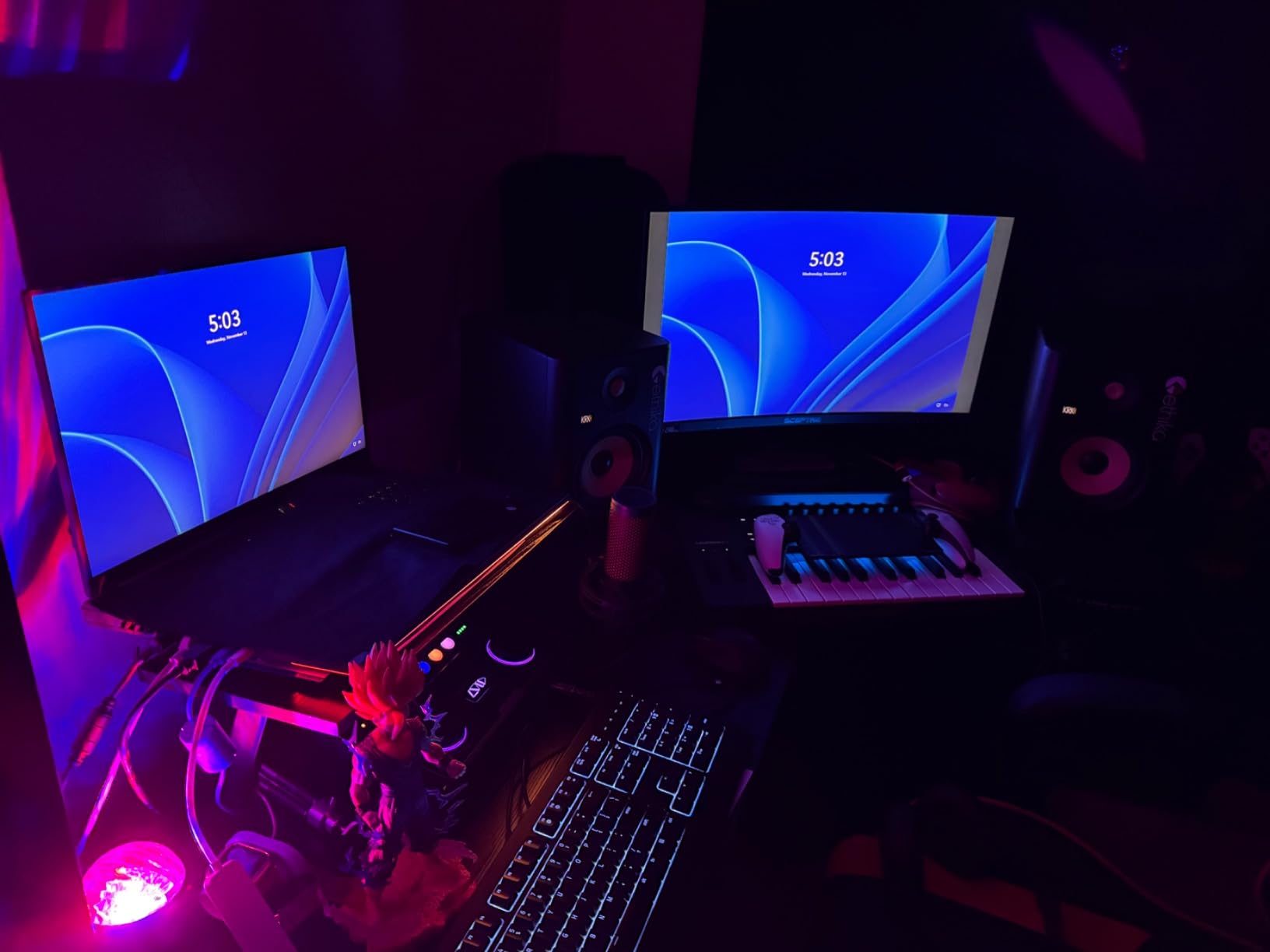
The Launchkey 25 MK4 works out of the box with Ableton Live, Logic Pro, Cubase, and any HUI-compatible DAW. Ableton integration is the deepest, with automatic clip launching, scene navigation, and device control. Logic Pro and Cubase get transport controls, mixer mapping, and plugin parameter control through the encoders.
For FL Studio users, the Launchkey works as a standard MIDI controller with manual mapping. It is not as tightly integrated as the Ableton experience, but the pads, keys, and knobs all function without issues. The step sequencer and clip launcher features are Ableton-specific, so FL Studio producers get a solid controller but not the full feature set.
Scale and Chord Modes for Non-Pianists
Scale Mode is genuinely transformative for beat makers who focus on drums and want to build melodies without theory knowledge. You pick a root note and scale type, and the keyboard remaps so every key plays an in-scale note. The pads can also be set to scale mode for finger drumming melodic patterns.
Chord Mode maps full chords to individual keys, which is fantastic for building progressions quickly. I found this especially useful for lo-fi and R&B beats where chord extensions matter. Combined with the arpeggiator, you can build complex melodic elements in minutes that would take much longer to program manually.
2. Akai Professional MPK Mini IV – Best Value Controller
Akai Professional MPK Mini IV 25-Key USB-C MIDI Keyboard Controller, Black
25 mini keys
8 MPC pads
8 knobs
Color display
Pros
- 8 MPC pads with RGB feedback for finger drumming
- 8 assignable 360-degree knobs
- Extensive software bundle included
- Compact and bus powered for portable production
Cons
- Mini keys feel cramped for some players
- Limited to 8 pads at a time
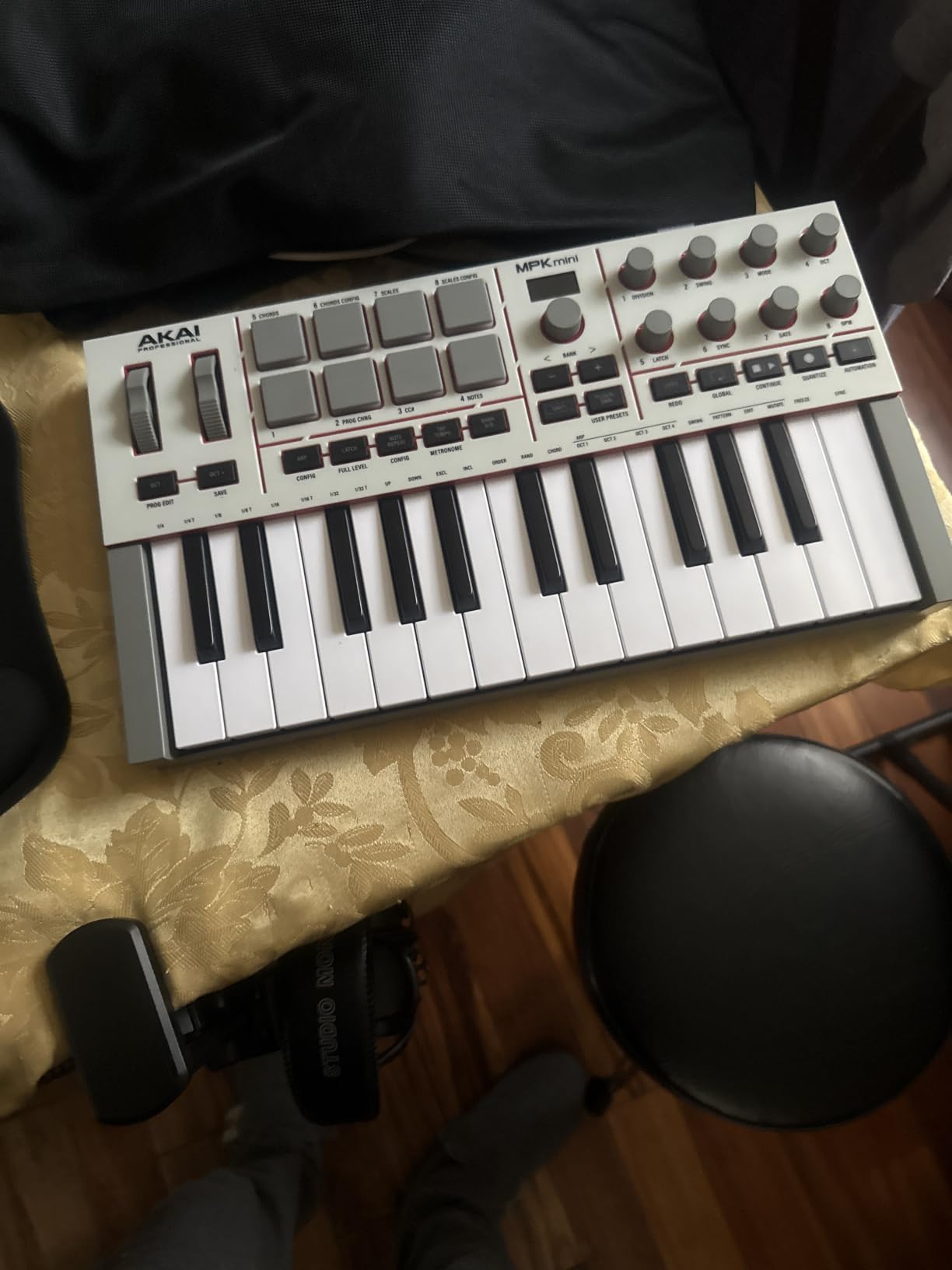
The Akai MPK Mini IV is the controller that most beat makers start with, and for good reason. It packs the legendary MPC pad feel into a compact, bus-powered unit that fits in a backpack. The eight RGB MPC pads are the same quality you find on Akai standalone MPC units, which is remarkable for a controller at this size and tier.
I spent weeks using the MPK Mini IV as my daily driver for trap and hip-hop beats. The MPC pads are velocity- and pressure-sensitive, meaning you can get nuanced ghost notes on hi-hats and hard-hitting snares from the same surface. The pads have that satisfying rubbery MPC feel that makes finger drumming genuinely enjoyable.
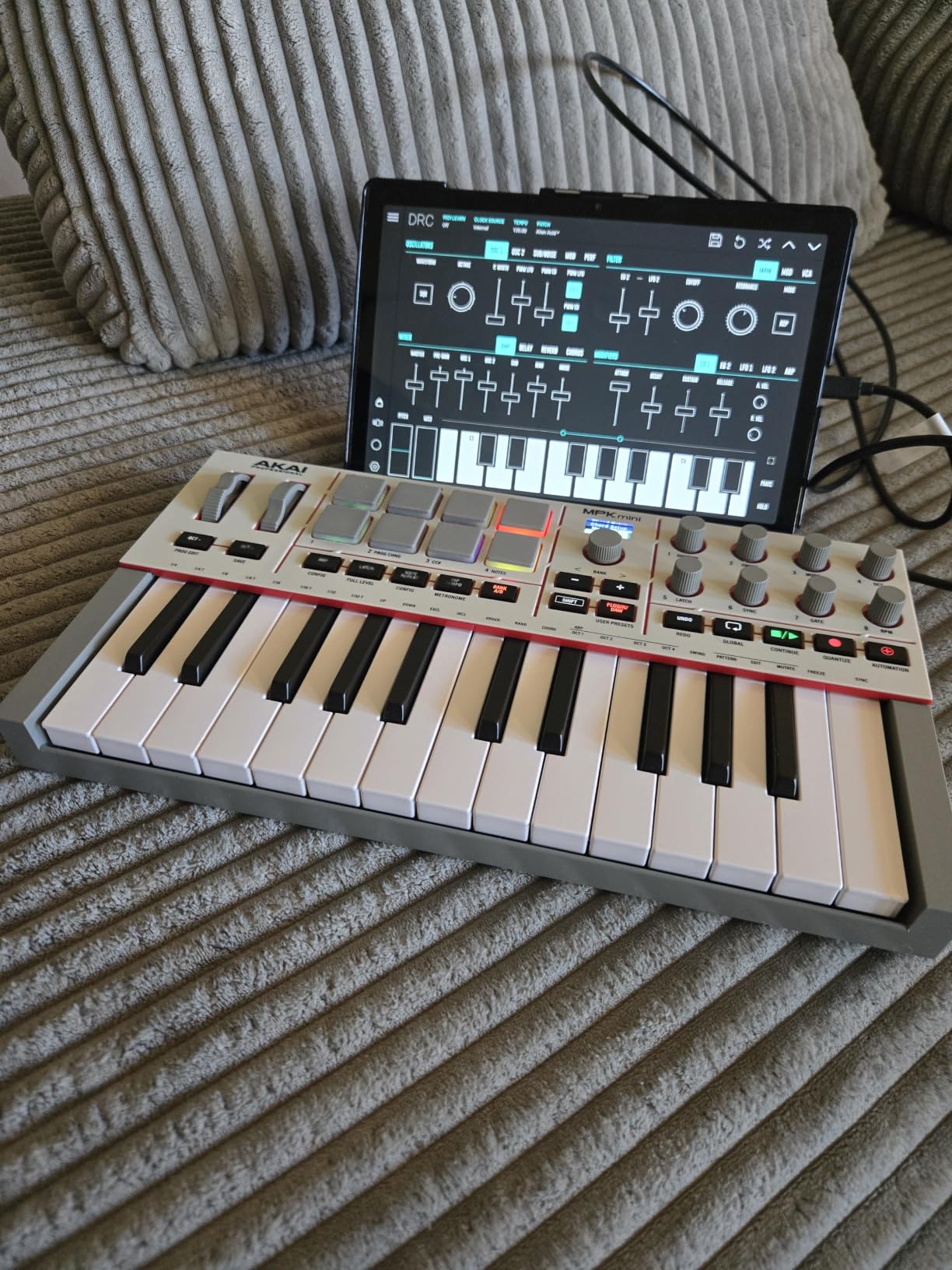
The new full-color display is a meaningful upgrade over previous MPK Mini generations. It shows you parameter names, pad assignments, and scale information without needing to look at your computer screen. The push-and-turn encoder lets you browse sounds and adjust settings without touching your mouse.
The software bundle is where the value really hits hard. You get Ableton Live Lite 12, AIR Hybrid synth, AIR Mini Grand piano, Akai MPC Beats, and a Native Instruments sound package. That is enough software to start producing complete tracks from day one without spending anything extra.
MPC Pad Feel for Finger Drumming
Akai’s MPC pads are the gold standard for finger drumming, and the eight pads on the MPK Mini IV live up to that reputation. They have a firm but responsive feel with consistent velocity response across the surface. The RGB backlighting gives you visual feedback for pad banks, active notes, and clip states.
Eight pads means you work in banks for larger drum kits, which takes some getting used to if you are used to sixteen-pad layouts. For most trap and hip-hop beats, eight pads covers your kick, snare, two hi-hats, an 808, and a couple of percussion elements. The pad banks switch quickly with the bank buttons.
Software Bundle Value
The included software is genuinely useful, not just filler. MPC Beats is a full DAW based on the MPC workflow, which is perfect for beat makers who think in terms of sequences and samples. Ableton Live Lite 12 gives you a proper production environment for those who prefer the clip-based workflow.
The AIR and Akai instrument plugins cover your synth, piano, and drum sound needs. The Native Instruments sound package adds professional-quality samples and presets. For a first-time beat maker, this bundle eliminates the need to buy additional software to start making complete tracks.
3. Arturia MiniLab 3 – Best Universal MIDI Controller
Arturia MiniLab 3 Universal MIDI Controller, White
25 slim keys
8 RGB pads
MIDI out
4 faders
Pros
- 8 RGB velocity and pressure sensitive pads
- 8 rotary encoders and 4 faders for mixing
- MIDI out port for hardware synth control
- 5-year warranty and rugged build
Cons
- Slim keys may not suit traditional keyboard players
- 8 pads limits complex finger drumming
The Arturia MiniLab 3 is the controller I recommend to beat makers who want maximum flexibility without being locked into one ecosystem. It has a MIDI out port, which means you can control hardware synthesizers and drum machines directly from the controller. That is a feature usually reserved for much more expensive units.
I tested the MiniLab 3 with FL Studio, Ableton Live, and Logic Pro, and it performed consistently across all three. The eight RGB pads are velocity- and pressure-sensitive with a responsive feel that works well for drum programming. They are slightly softer than Akai MPC pads but still accurate enough for detailed finger drumming work.
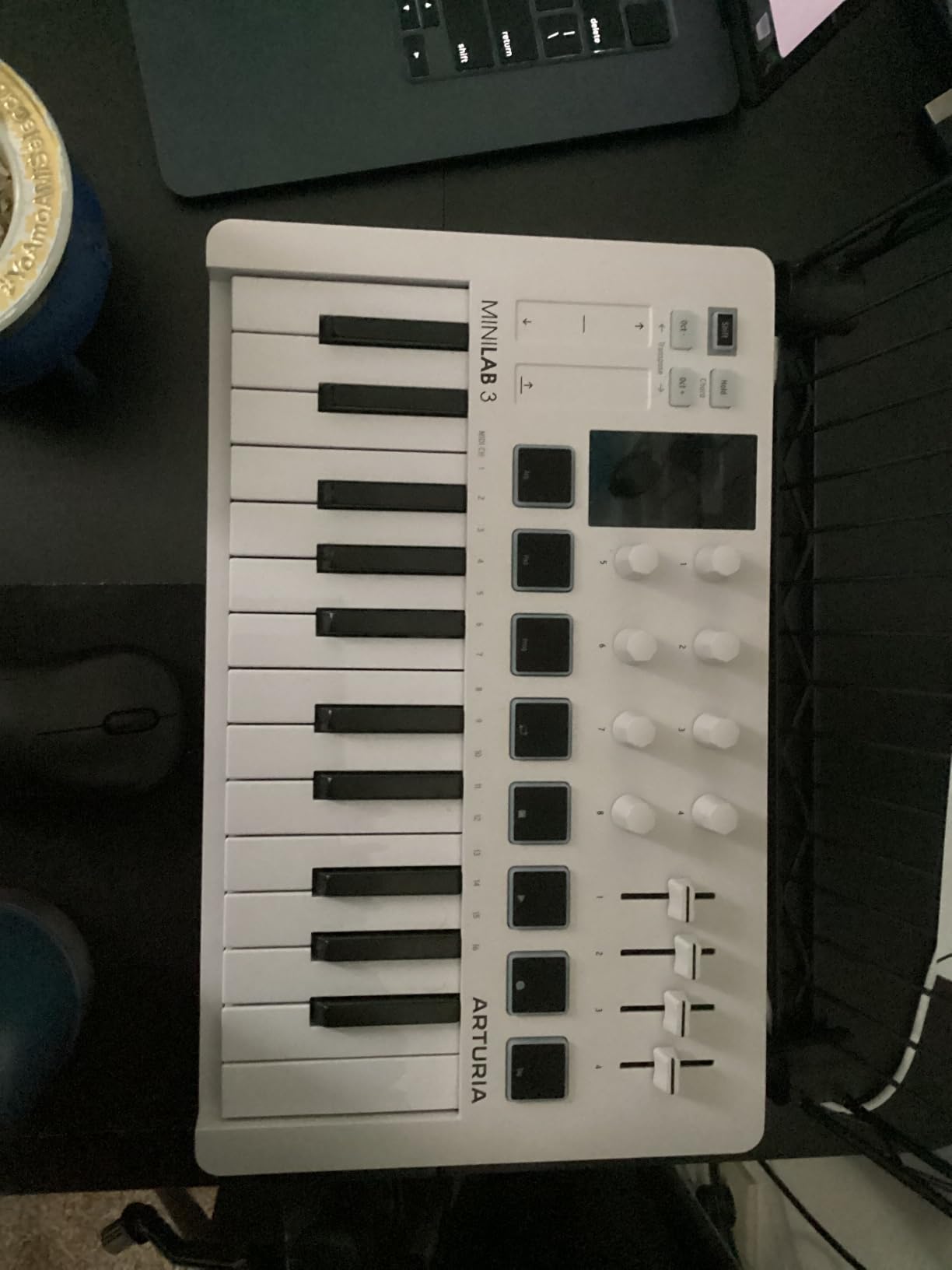
The control surface is where the MiniLab 3 outperforms similarly priced controllers. You get eight rotary encoders for plugin parameters, four faders for mixer control, and transport buttons for your DAW. That is enough hands-on control to mix and tweak sounds without reaching for your mouse constantly.
The included software bundle features Arturia Analog Lab Intro, which gives you hundreds of synth and keyboard presets from their legendary V Collection. You also get Ableton Live Lite, Mini Filter, and a subscription to Splice for samples. The 5-year warranty tells you Arturia stands behind the build quality.
MIDI Out for Hardware Synth Control
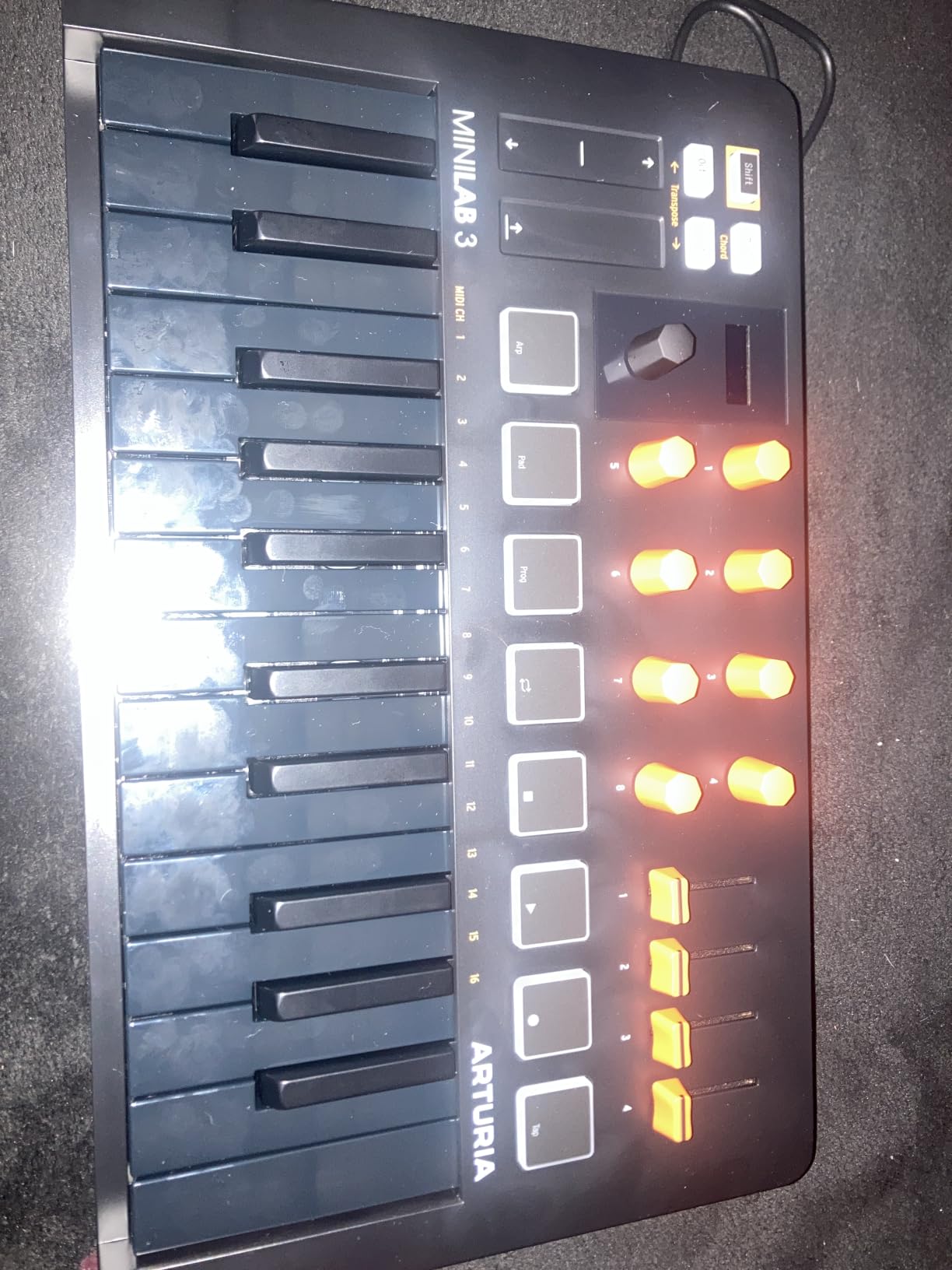
The MIDI out port is a killer feature that sets the MiniLab 3 apart from the MPK Mini IV and Launchkey Mini. If you own a hardware synth, drum machine, or module, you can control it directly from the MiniLab without routing through your computer. This opens up hybrid hardware and software workflows.
For beat makers who incorporate hardware into their setup, this is significant. You can sequence your Volca, your Roland AIRA, or any 5-pin MIDI gear from the MiniLab pads and keys. The USB-C connection handles DAW control while the MIDI out handles your external devices simultaneously.
Build Quality and Longevity
The MiniLab 3 has a solid plastic chassis that feels durable enough for regular travel and studio use. At just over three pounds, it is portable enough to throw in a bag but substantial enough to stay put on your desk while you play. The knobs and faders have a quality feel with good resistance.
Arturia backs the MiniLab 3 with a 5-year warranty, which is longer than most competitors offer. The USB-C port is more durable than the micro-USB connections found on older budget controllers. After months of testing, everything still works exactly as it did on day one.
4. Akai Professional APC Mini MK2 – Best for Ableton Live
Akai Professional APC Mini MK2 USB MIDI Pad Controller
64 RGB pads
9 faders
Drum and Note modes
Ableton ready
Pros
- 64 RGB pads for clip launching and drum programming
- 9 assignable faders for mixer control
- Pre-mapped for Ableton Live 11.2.7 and later
- Drum Mode with Smart Scale View
Cons
- Designed primarily for Ableton Live
- No keys means no melodic playing from keyboard
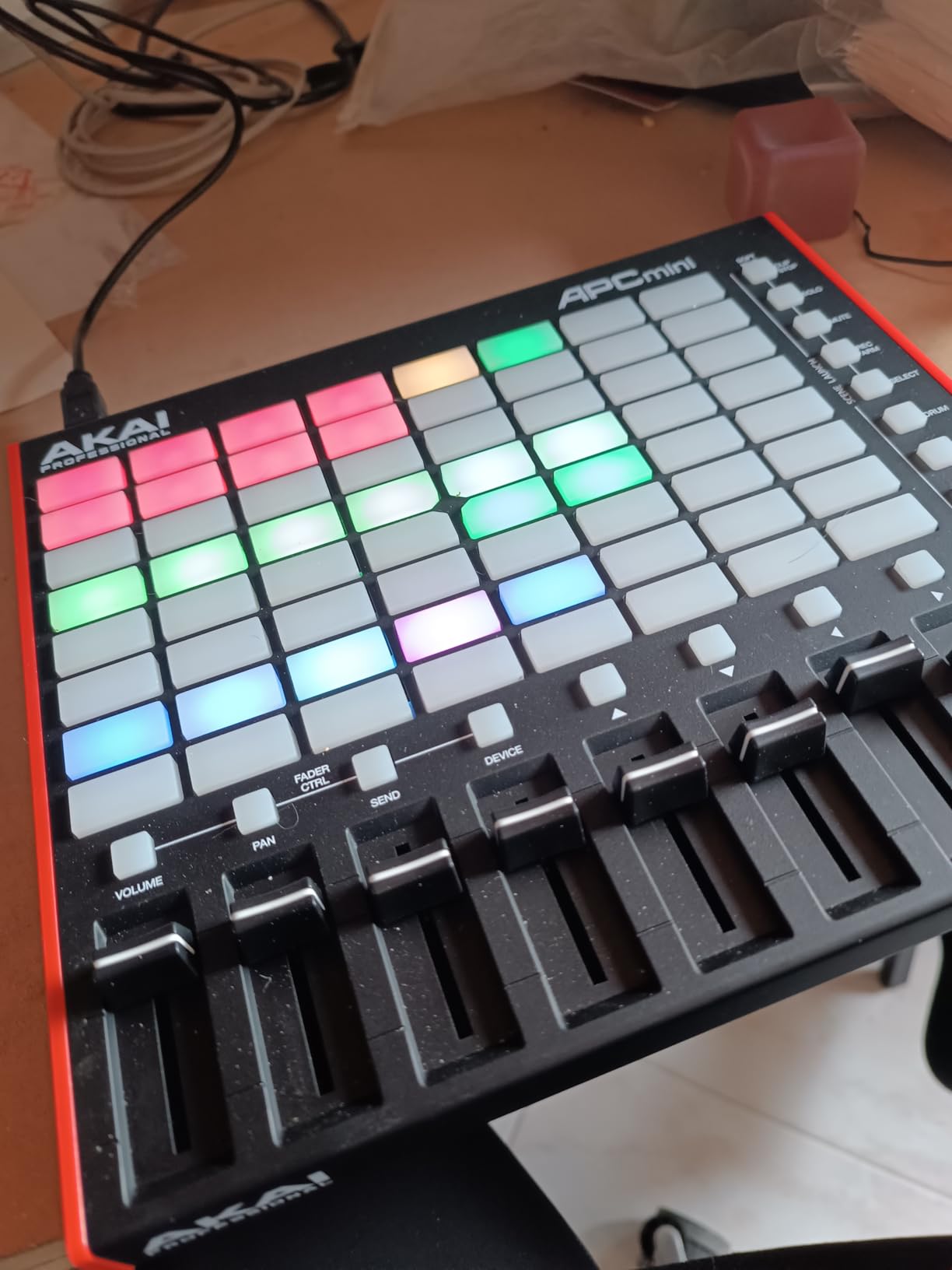
The Akai APC Mini MK2 is a pad-only controller built specifically for Ableton Live, and it is exceptional at what it does. The 64-pad grid in an 8-by-8 matrix lets you launch clips, program drums, and play melodies all from the same surface. If your beat making workflow lives inside Ableton Live, this controller was designed for you.
I ran the APC Mini through its paces with Ableton Live Drum Rack, and the Drum Mode integration is tight. The pads map directly to your drum rack pads with full RGB visual feedback. Hit a pad and the corresponding cell lights up, making it easy to see what you are triggering in a complex session.
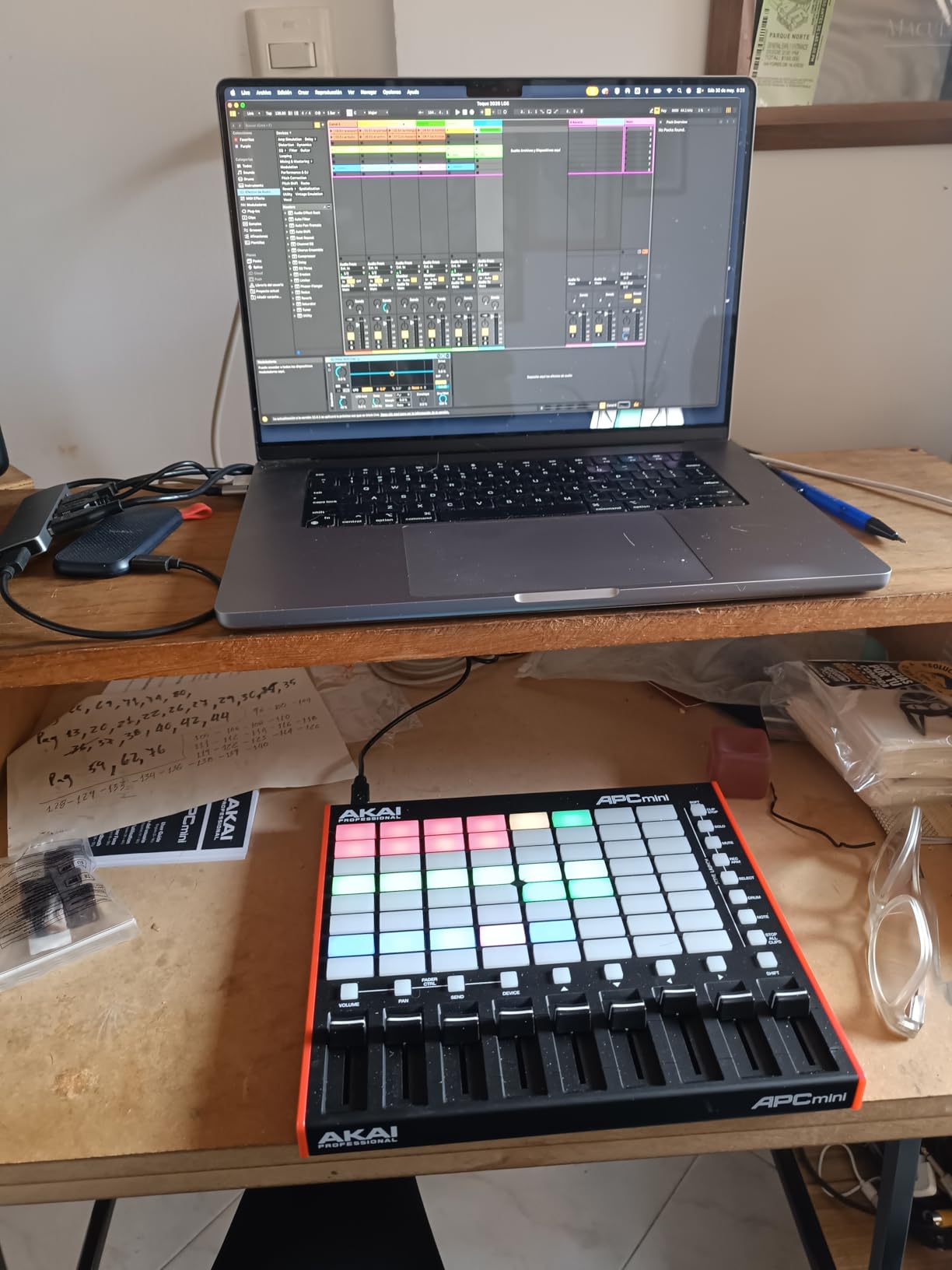
The nine faders are a standout feature for mixing. Eight faders control your track levels and the ninth handles the master output. In a beat making workflow, having hands-on fader control means you can balance your kick, snare, hats, and melodic elements in real time instead of drawing automation with a mouse.
Note Mode with Smart Scale View turns the grid into a melodic instrument. The pads light up to show you which notes are in scale, and the layout is designed so you can play melodies and basslines intuitively. It is not a replacement for a keyboard, but for pad-first producers, it works surprisingly well.
Ableton Live Workflow Depth
The APC Mini MK2 was co-designed with Ableton, and it shows. Every pad, fader, and button is pre-mapped for Ableton Live 11.2.7 and later versions. Clip launching, scene triggering, overdub recording, and session navigation all work the moment you plug it in without any mapping required.
The RGB pads communicate clip states visually: green for playing, red for recording, amber for queued. This makes live performance and complex session management much easier. The Drum Rack integration in Drum Mode is where this controller really earns its keep for beat makers.
Drum Mode and Note Mode Performance
Drum Mode maps the bottom row of pads to your current Drum Rack, giving you a pad layout for finger drumming. The pads are velocity-sensitive with decent dynamic range, though they are smaller than full-size MPC pads. For programming beats and triggering samples, they perform well.
Note Mode uses the grid chromatically or with Smart Scale to play melodies. The Smart Scale view highlights in-scale notes, which is helpful for producers who think in terms of pads rather than piano keys. You lose the expression of a keyboard, but gain the visual feedback and speed of a grid.
5. PreSonus ATOM – Best Pure Pad Controller
PreSonus ATOM Production & Performance Midi Pad Controller with Studio One Artist and Ableton Live Lite Recording Software
16 full-size pads
128 pad banks
4 encoders
Studio One included
Pros
- 16 full-size velocity and pressure sensitive RGB pads
- 8 assignable pad banks for 128 total pads
- 20 assignable buttons for transport and navigation
- Excellent Studio One and Ableton integration
Cons
- No keys limits melodic input options
- Requires learning pad-based workflow
The PreSonus ATOM is a serious pad controller for beat makers who want maximum pad real estate without a keyboard getting in the way. The 16 full-size pads are large, responsive, and built for serious finger drumming. With eight assignable pad banks, you have access to 128 pads total, which is enough for the most complex drum setups.
I tested the ATOM primarily with Studio One, where the integration is outstanding. PreSonus built the ATOM to work with their DAW, so transport controls, navigation, and pad mapping all work automatically. Note Repeat mode is excellent for programming rapid hi-hat rolls and trap-style patterns.
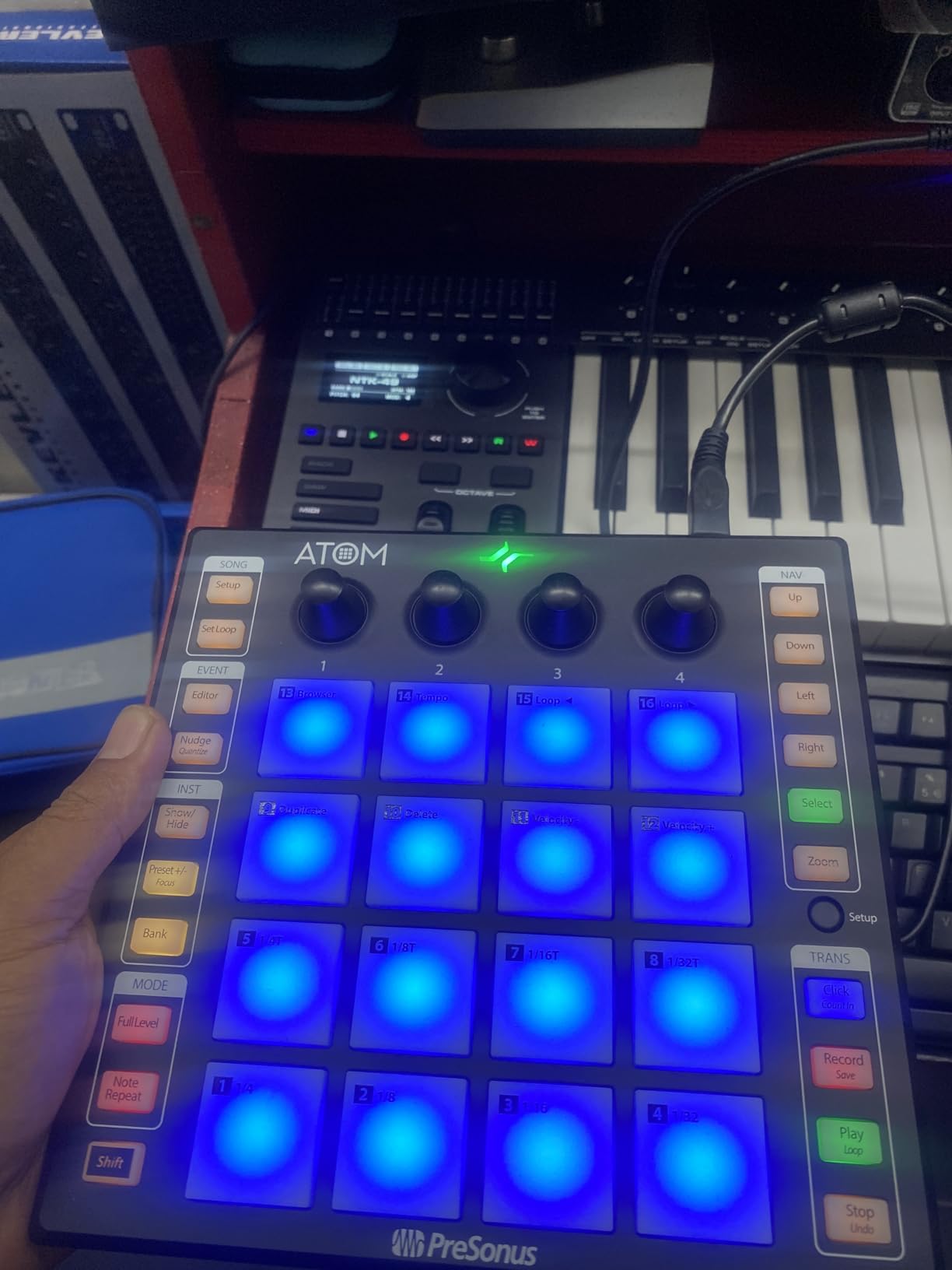
The 20 assignable buttons give you extensive control over your DAW without touching your computer. You can map them to transport functions, track selection, loop points, and navigation. The four endless rotary encoders handle parameter tweaks like filter cutoff, reverb decay, or send levels.
The included software bundle is substantial. Studio One Artist is a full-featured DAW that rivals Ableton and Logic for beat making. You also get Ableton Live Lite and the Studio Magic plugin suite, which includes instruments and effects from leading developers. The software alone adds significant value.
Studio One Integration Depth
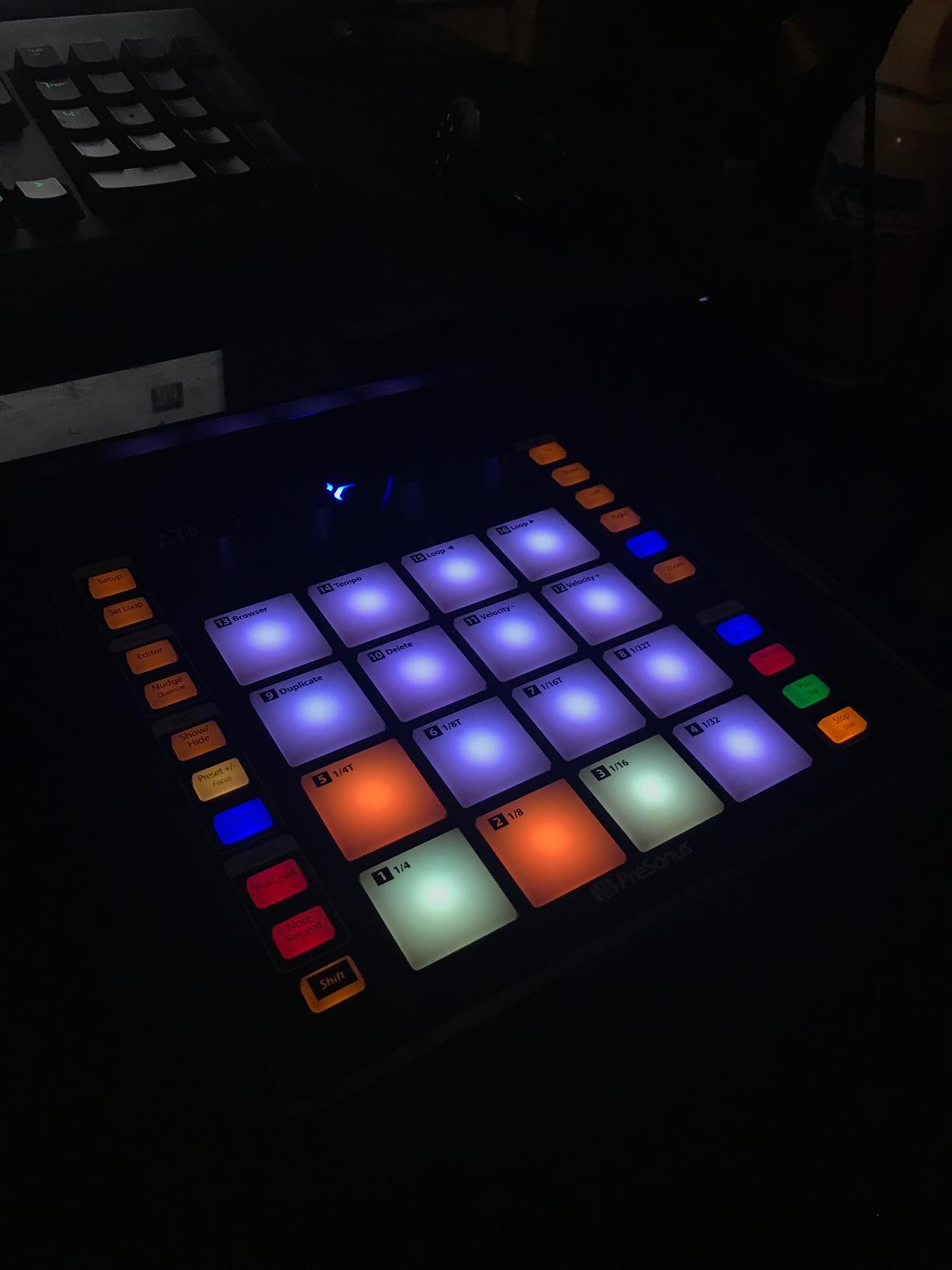
If you produce in Studio One, the ATOM is the natural choice. The integration goes beyond basic pad mapping to include browser navigation, plugin parameter control, and pattern-based sequencing. You can audition sounds, load instruments, and build patterns entirely from the controller surface.
For beat makers, the pattern-based workflow in Studio One combined with the ATOM is powerful. You can build drum patterns step by step, switch between pad banks for different kit elements, and use Note Repeat for fills and rolls. The 16 full-size pads make this workflow feel natural and responsive.
Pad Size and Sensitivity for Performance
The 16 full-size pads on the ATOM are among the largest on any pad controller in this class. They are velocity- and pressure-sensitive with consistent response across the entire surface. The larger pad area means you can hit them with confidence during fast finger drumming passages without missing.
The RGB backlighting is bright and clearly visible, which helps in low-light studio environments. Pad banks are color-coded so you always know which bank is active. The pressure sensitivity works well for adding expression to sustained notes and modulating parameters in real time.
6. Akai Professional MPC Studio – Best MPC Workflow Controller
Akai Professional MPC Studio USB MIDI Pad Controller
16 aftertouch pads
MPC2 software
Touch strip
Color LCD
Pros
- 16 RGB pads with aftertouch for maximum expression
- Full MPC2 production software included
- Assignable touch strip for real-time parameter control
- Built-in Chords and Scale modes
Cons
- Software has a learning curve for new users
- Pad-only design without keyboard input
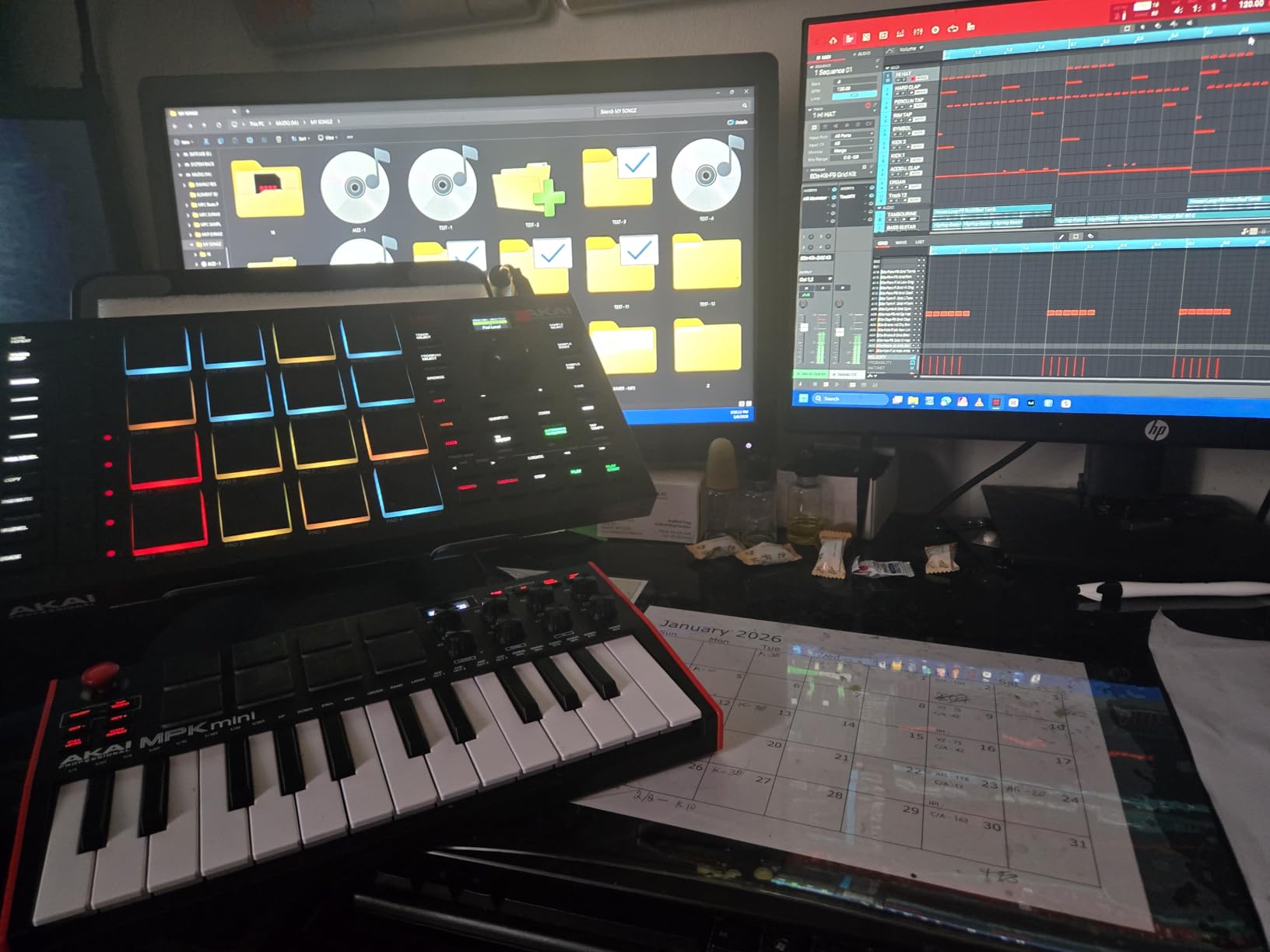
The Akai MPC Studio brings the legendary MPC workflow to a slim, portable USB controller. The 16 RGB pads with aftertouch deliver the full MPC experience that has defined hip-hop and beat making for decades. If you have always wanted to work in the MPC paradigm without buying a standalone unit, this is your entry point.
I tested the MPC Studio with the included MPC2 software, and the integration is essentially one-to-one. The controller and software are designed as a single system, so every pad, button, and the touch strip map directly to the MPC2 interface. It feels like using a standalone MPC, just with your computer handling the processing.
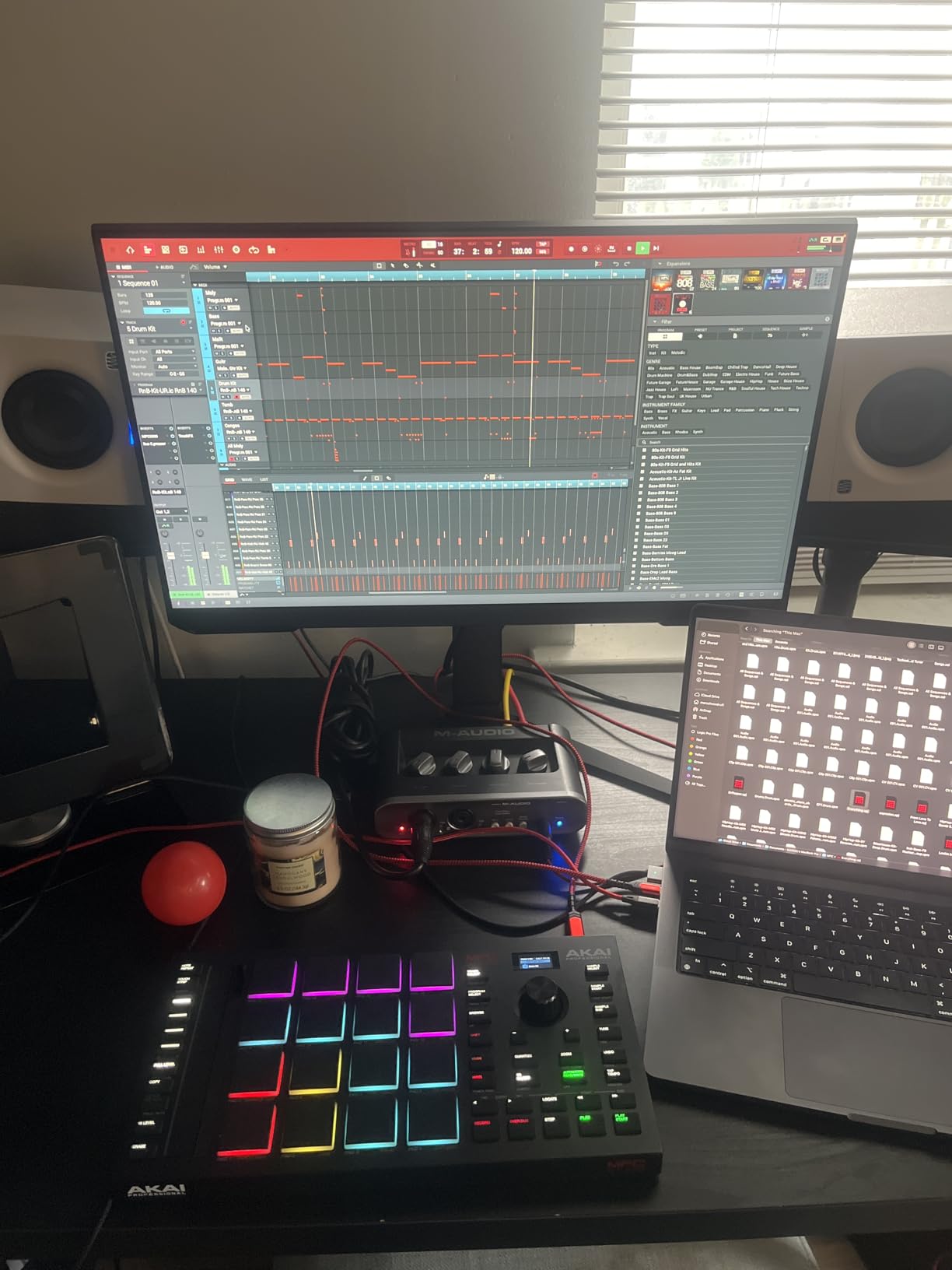
The aftertouch on the pads is what sets this controller apart for expressive beat making. You can hit a pad to trigger a sample, then press harder to modulate a filter, change pitch, or add vibrato. For melodic samples and one-shot instruments, aftertouch adds a level of expression that flat pads simply cannot match.
The assignable touch strip is a versatile control surface that I found myself using constantly. By default it controls parameters like filter sweep, pitch bend, or sample chop position. You can reassign it to whatever parameter your current sound needs, which makes it feel like a performance tool rather than a gimmick.
MPC2 Software and Workflow
MPC2 is a full production environment that combines sampling, sequencing, and arranging in the MPC paradigm. The 16-bar grid sequencer, sample editing tools, and plugin hosting capabilities make it a complete beat making solution. For producers coming from or curious about the MPC workflow, MPC2 delivers the authentic experience.
The MPC Stems feature is a notable addition that lets you isolate elements from audio tracks. Drop in a full mix and separate the drums, bass, melody, and vocals for sampling or remixing. This is a powerful tool for sample-based beat makers who want to chop and flip source material.
Touch Strip and Expression Control
The ribbon touch strip replaces the traditional pitch and mod wheels with a single expressive surface. Slide your finger across it to bend pitch, sweep filters, or control any assignable parameter. The tactile feel is smooth and responsive, and it takes up less space than dual wheels.
For live performance, the touch strip opens up creative possibilities. You can use it for DJ-style filter sweeps, pitch drops on 808s, or gradual parameter builds. Combined with aftertouch on the pads, the MPC Studio offers more expression options than any other pad controller in this guide.
7. Arturia KeyLab Essential mk3 49 – Best Full-Size Keyboard Controller
Arturia KeyLab Essential mk3 — 49 Key USB MIDI Keyboard Controller with Analog Lab V Software Included
49 aftertouch keys
9 faders
9 encoders
8 RGB pads
Pros
- 49 velocity-sensitive keys with aftertouch
- 9 encoders and 9 faders for comprehensive control
- Includes Analog Lab V with 2000 presets
- Custom DAW scripts for Ableton Logic and FL Studio
Cons
- DAW script setup can be complex for beginners
- Larger footprint requires dedicated desk space
The Arturia KeyLab Essential mk3 49 is the controller for beat makers who want full-size keys for melodic work alongside pads for drum programming. The 49 velocity-sensitive keys with aftertouch cover four octaves, which is enough for two-handed playing and comfortable bassline work. This is the most complete all-in-one controller on this list.
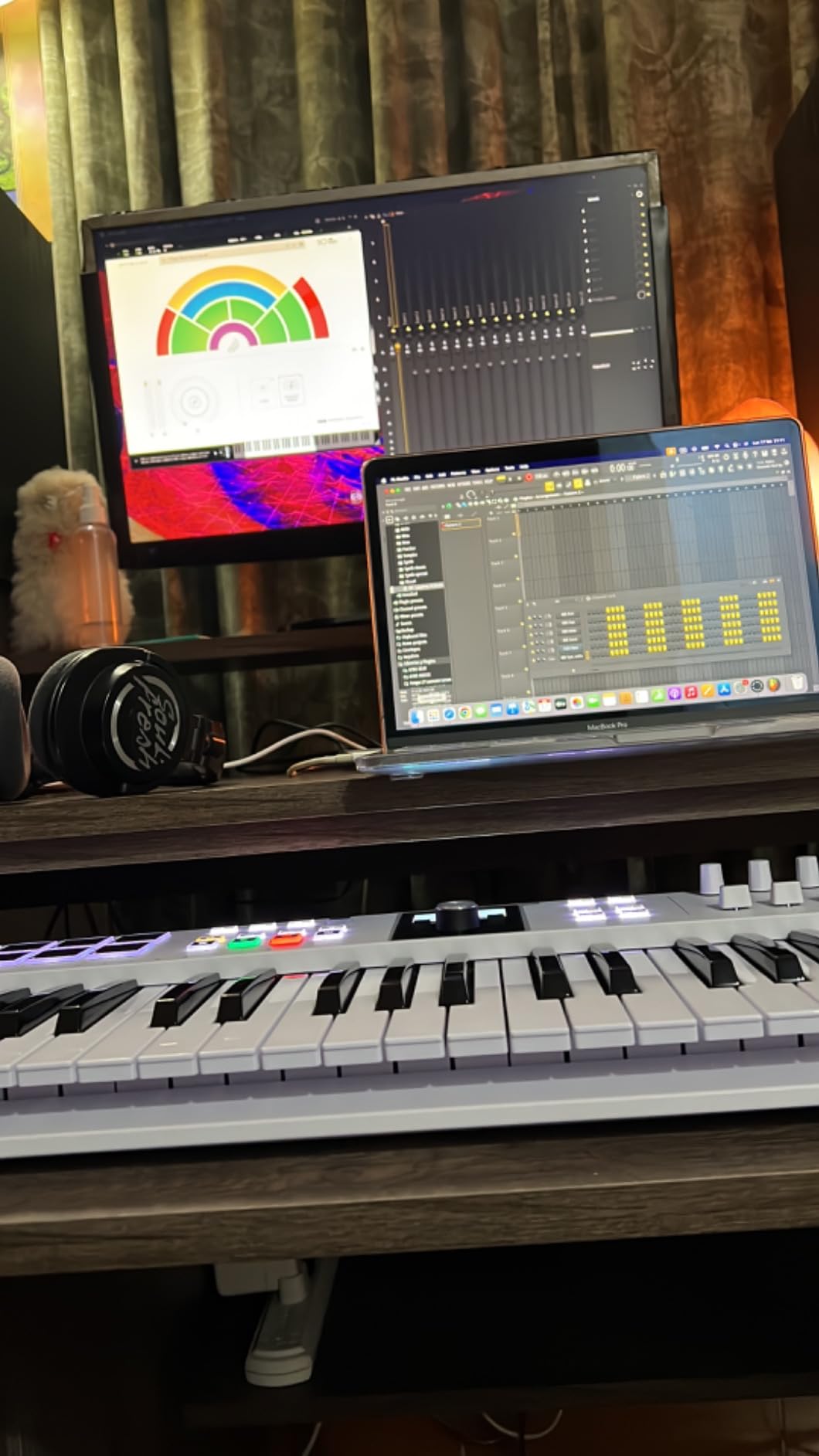
I tested the KeyLab Essential with FL Studio, Ableton Live, and Logic Pro, and Arturia has built custom DAW scripts for all three. The integration is not quite as deep as Novation Ableton partnership, but it is more versatile across different DAWs. Transport controls, mixer mapping, and plugin parameters all work with minimal setup.
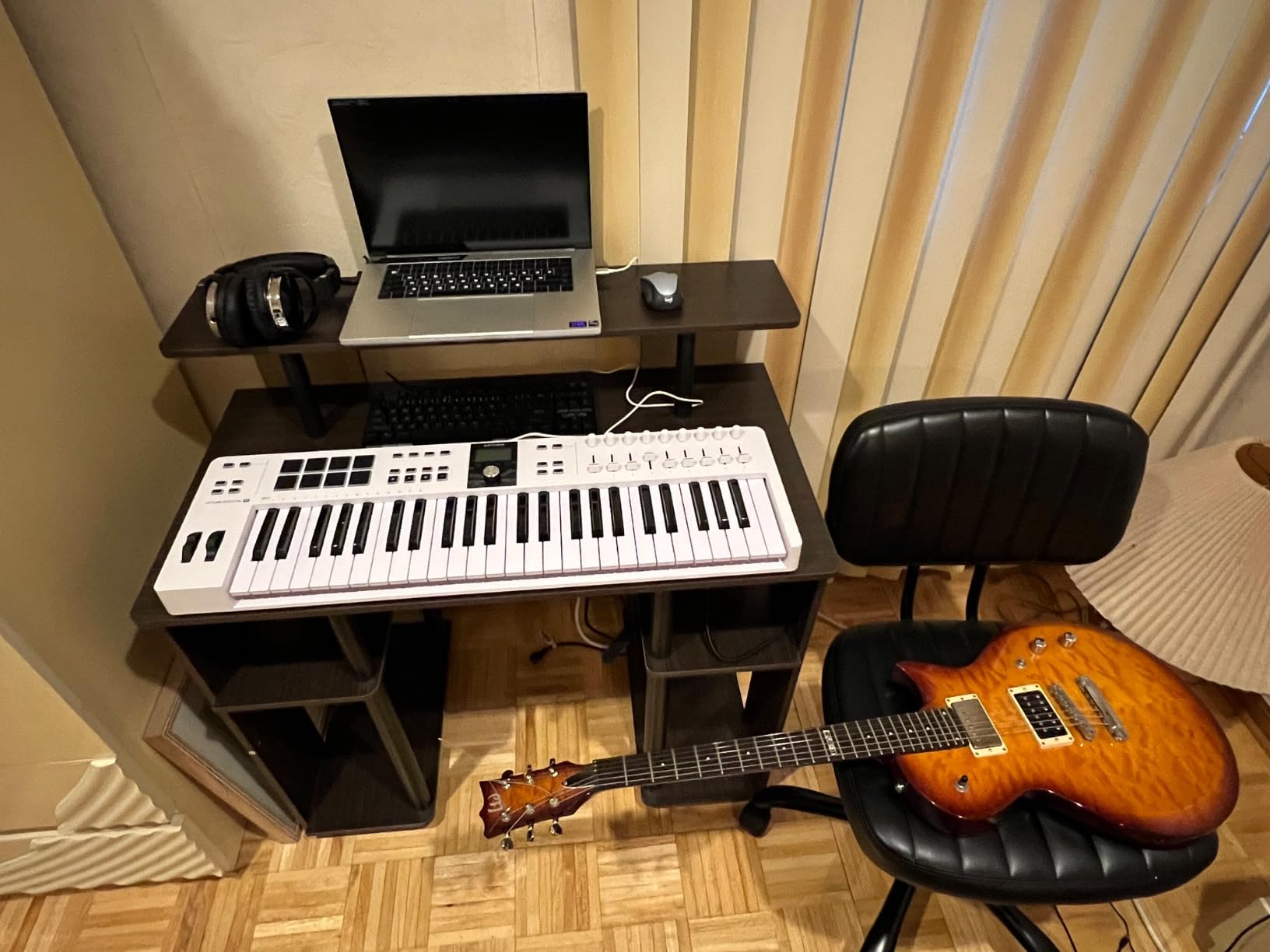
The control surface is comprehensive with nine encoders, nine faders, eight RGB pads, and transport buttons. For beat making, this means you can program drums on the pads, play melodies on the keys, and mix your track with the faders without ever leaving the controller. It is a complete production workstation.
The 2.5-inch LCD screen provides real-time feedback on parameter names, pad assignments, and preset information. This might seem like a small thing, but it makes a big difference when you are deep in a session and do not want to break your flow to check your computer screen.
Full-Size Key Action for Melodies
The 49 keys on the KeyLab Essential mk3 have a synth-action feel with velocity sensitivity and aftertouch. They are not semi-weighted, but they have a satisfying response that works well for synth basslines, lead parts, and chord progressions. The aftertouch adds expression for sustained notes and filter sweeps.
For beat makers who also play keys, 49 notes is the sweet spot. You get enough range for two-handed playing without the footprint of a 61 or 88-key controller. The octave buttons let you shift up and down the keyboard for accessing the full MIDI range when needed.
Analog Lab V and Sound Library
The included Analog Lab V software is a major value-add. It contains over 2,000 presets drawn from Arturia V Collection, covering classic synths, pianos, organs, and more. For a beat maker, this gives you an instant sound library that covers everything from warm analog basses to vintage electric pianos.
The KeyLab Essential is designed to integrate with Analog Lab V out of the box. The encoders map to synth parameters, the faders control the mixer, and the pads trigger sounds. You also get two full piano instruments included, which are useful for melodic elements in any genre of beat making.
8. Native Instruments Maschine Mikro Mk3 – Best for Maschine Ecosystem
Native Instruments Maschine Mikro Mk3 Drum Controller, 25707
16 pads
4 input modes
Metal build
MASCHINE library
Pros
- 16 highly responsive pads with 4 input modes
- Tight Maschine software integration
- 1.6 GB factory library with samples and presets
- Durable metal construction built to last
Cons
- Full Maschine software requires separate purchase
- Locked into NI ecosystem for best experience
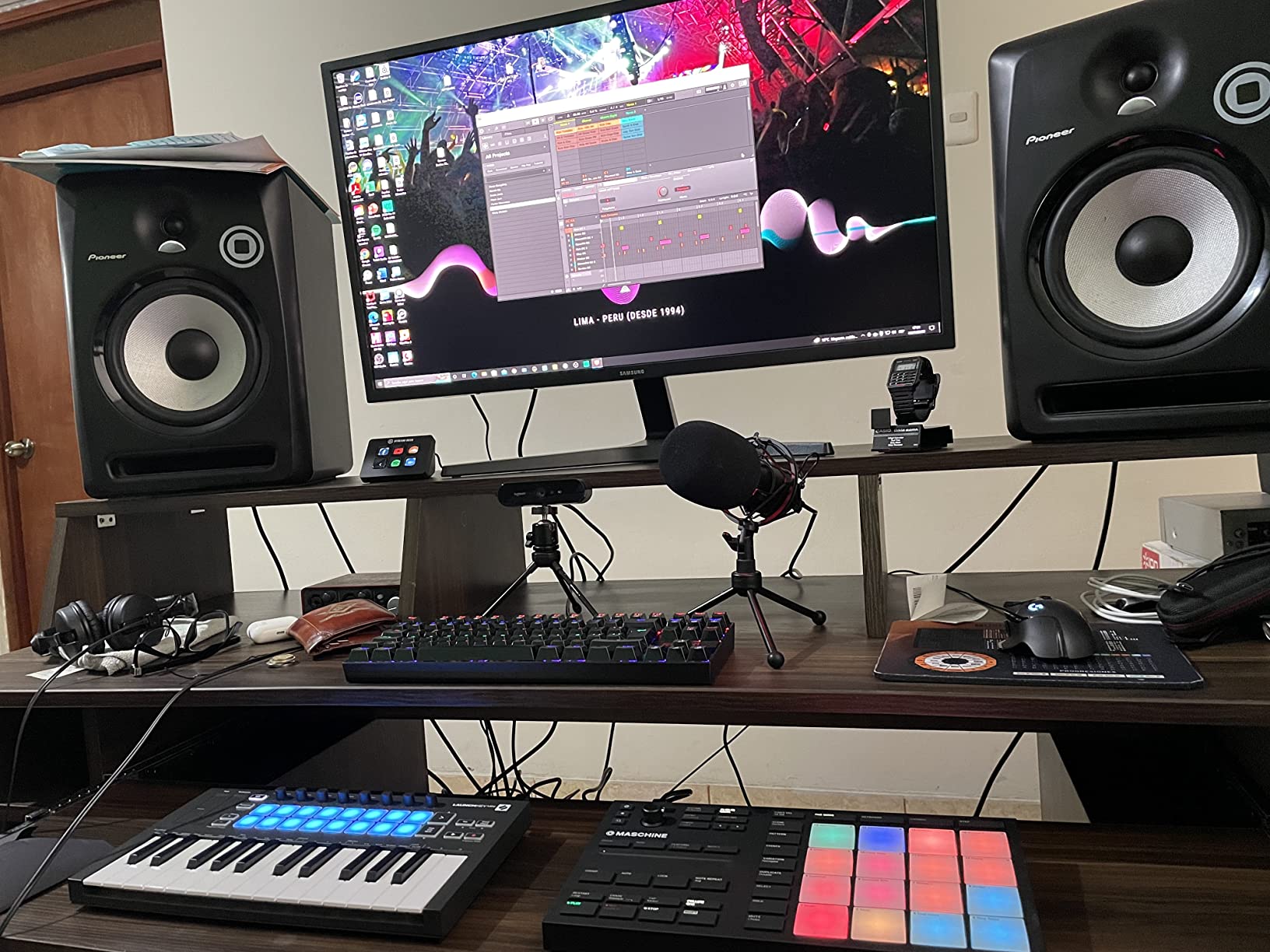
The Native Instruments Maschine Mikro Mk3 is the compact entry point into the Maschine ecosystem, which is one of the most popular beat making platforms in the world. The 16 pads are among the most responsive on any controller. The four input modes give you pads, keyboard, chord, and step sequencing from a single surface.
I tested the Maschine Mikro with the included Maschine software, and the workflow is uniquely suited to beat making. The software combines sampling, sequencing, sound design, and arranging in a hardware-driven interface. The controller feels like an instrument rather than a generic MIDI surface, which is the Maschine philosophy.
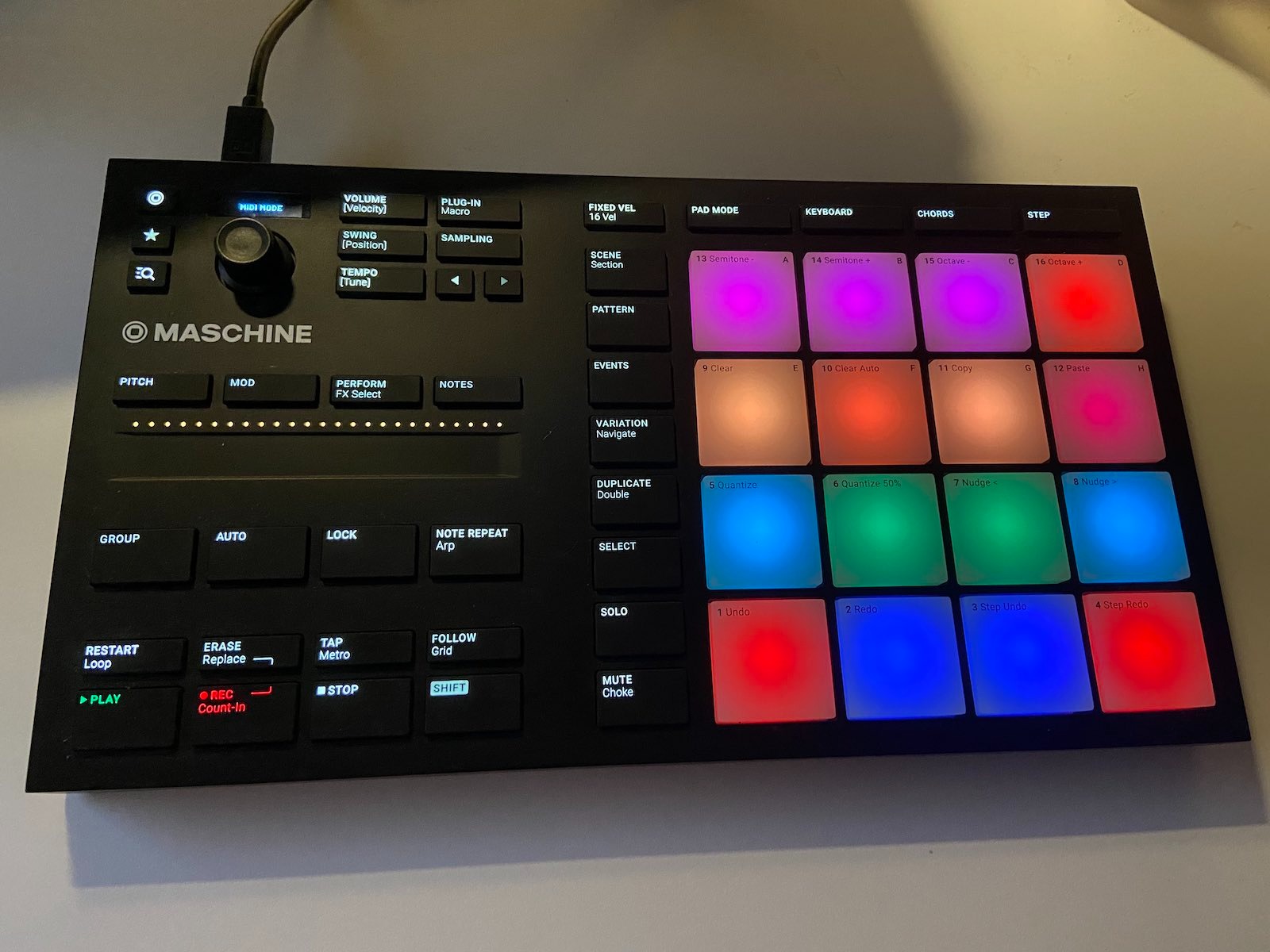
The four input modes are what make the Maschine Mikro so versatile for beat making. Pad mode gives you 16 pads for drum programming. Keyboard mode turns the pads into a melodic keyboard for playing synth parts.
Chord mode generates full chords from single pad presses. Step mode turns the controller into a step sequencer for programming patterns grid by grid. The metal construction sets the Maschine Mikro apart from plastic competitors with a solid, substantial feel built for years of daily use.
Maschine Ecosystem and Software
The Maschine ecosystem includes the Maschine software, which combines a sampler, sequencer, mixer, and sound browser. The included 1.6 GB MASCHINE Factory Selection provides drums, instruments, and effects to get you started. For full features, you can upgrade to the complete Maschine software with the full factory library.
Maschine also works as a VST, AU, or AAX plugin inside Ableton Live, Logic Pro, FL Studio, and Pro Tools. This means you can use the Maschine workflow inside your preferred DAW, or run it standalone. The controller maps to the Maschine plugin automatically when loaded in any DAW.
Four Input Modes Explained
Pad mode is the primary mode for drum programming, giving you 16 velocity-sensitive pads for triggering samples and drum sounds. The pads have excellent dynamic range and response, making them ideal for the nuanced ghost notes and accents that define good drum programming.
Step mode turns the 16 pads into a step sequencer grid, where each pad represents a step in your pattern. This is perfect for programming precise rhythmic patterns like trap hi-hat rolls and complex percussion arrangements. Keyboard and Chord modes handle melodic input when you need to lay down basslines or chord progressions.
How to Choose a MIDI Controller for Beat Making?
Choosing the right MIDI controller for beat making comes down to understanding your workflow, your DAW, and the type of beats you make. The wrong controller can slow you down, while the right one becomes an extension of your creative process. Here is what matters most when making your decision.
Pad Quality and Responsiveness
For beat makers, pad quality is the single most important factor. Velocity sensitivity means the pad responds to how hard you hit it, allowing for dynamic drum programming. Pressure sensitivity, also called aftertouch, lets you modulate sounds by pressing into the pad after the initial hit.
Pad size and spacing affect your finger drumming accuracy. Full-size pads like those on the PreSonus ATOM and MPC Studio give you more surface area to hit, which reduces missed notes during fast passages. Smaller pads like those on the APC Mini grid are fine for triggering clips and step sequencing.
RGB backlighting is more than aesthetics. Color-coded pads help you identify which sounds are loaded, which bank is active, and which clips are playing. In a dark studio environment, clear visual feedback from your pads can significantly speed up your workflow.
Key Count and Action Type
The number of keys you need depends on how you work. If you primarily program drums and only occasionally play melodies, 25 keys or even a pad-only controller is sufficient. If you play basslines, chord progressions, and melodic elements regularly, consider 49 keys or more.
Key action types range from mini keys to full-size synth action to semi-weighted. Mini keys, found on the MPK Mini IV and MiniLab 3, are compact but can feel cramped for players with larger hands. Full-size synth-action keys, like those on the Launchkey 25 MK4 and KeyLab Essential, offer a more familiar playing experience.
For beat makers who are not trained pianists, controllers with Scale Mode and Chord Mode can be transformative. These features, found on the Launchkey, MPC Studio, and KeyLab Essential, help you play musically correct notes and chords even without theory knowledge.
DAW Compatibility and Integration
Your DAW should be the primary factor in choosing a controller. The Novation Launchkey series is built for Ableton Live with deep clip-launching and device control integration. The Akai APC Mini is similarly Ableton-focused. If you use Ableton, these controllers offer the smoothest experience.
For FL Studio, the Arturia MiniLab 3 and KeyLab Essential work well with their custom DAW scripts. The PreSonus ATOM is the natural choice for Studio One users. Logic Pro users get good integration from the Launchkey and KeyLab Essential, both of which support Logic transport and mixer mapping.
Always check that a controller offers plug-and-play compatibility with your specific DAW version. Forum discussions consistently show that DAW integration issues are the number one frustration for producers. A controller that requires hours of mapping and troubleshooting will kill your creative momentum.
Aftertouch for Expression
Aftertouch lets you add expression to your playing by pressing into a pad or key after the initial strike. There are two types: channel aftertouch, which sends one pressure value for all pads, and polyphonic aftertouch, which sends individual pressure data per pad. Polyphonic aftertouch, found on the Novation Launchkey 25 MK4, is more expressive.
For beat makers, aftertouch is useful for modulating filter cutoffs on sustained synth notes, adding vibrato to melodic samples, or controlling effects parameters in real time. Not every producer needs it, but if you value expressive performance capabilities, it is worth prioritizing.
Portability and Bus Power
Bus-powered controllers draw their power from your computer USB connection, eliminating the need for a separate power supply. Every controller on this list is bus-powered, which is essential for portable beat making setups. If you produce on a laptop in different locations, bus power is a must-have feature.
Size and weight determine how easily you can transport your controller. The MPK Mini IV, MiniLab 3, and APC Mini are all compact enough to fit in a backpack alongside a laptop. The KeyLab Essential 49 requires more desk space but offers more playing range in return.
Bundled Software Value
The software that comes with a controller can add significant value, especially for beginners. Look for bundles that include a DAW, virtual instruments, and sample libraries. The PreSonus ATOM includes Studio One Artist, which is a full-featured DAW, while the MPC Studio includes MPC2 with its complete production suite.
For beat makers specifically, drum sample libraries and beat-oriented DAWs add the most value. MPC Beats, included with Akai controllers, is designed around the MPC beat making workflow. The Splice subscription included with the MiniLab 3 gives you access to millions of samples for building drum kits.
FAQs
What is the best MIDI controller for beat making for beginners?
The Akai Professional MPK Mini IV is the best MIDI controller for beat making beginners. It combines 8 velocity-sensitive MPC pads, 25 mini keys, and 8 assignable knobs in a compact bus-powered unit. The extensive software bundle includes Ableton Live Lite 12 and MPC Beats, giving you everything you need to start making beats on day one.
What is the best MIDI controller for FL Studio?
The Arturia MiniLab 3 and KeyLab Essential mk3 are the best MIDI controllers for FL Studio. Both include custom DAW scripts for FL Studio integration and offer pads, keys, and control surfaces in one unit. The MiniLab 3 is ideal for portable setups, while the 49-key KeyLab Essential provides more range for melodic production.
What is the best MIDI controller for Logic Pro?
The Novation Launchkey 25 MK4 is the best MIDI controller for Logic Pro among compact options. It supports Logic Pro transport controls, mixer mapping, and plugin parameter control. The Arturia KeyLab Essential mk3 49 is the best full-size option, with custom Logic Pro X scripts and 49 keys for melodic work.
How many keys do I need for a MIDI controller for beat making?
For beat making, 25 keys is sufficient if you primarily program drums and play simple basslines or melodies. 49 keys gives you more range for two-handed playing and chord work. If you focus mainly on pad-based drum programming, a pad-only controller like the PreSonus ATOM or APC Mini works well without any keys at all.
Do I need aftertouch on a MIDI controller for beat making?
Aftertouch is not essential for beat making but adds significant expressive capability. It lets you modulate sounds by pressing into pads or keys after the initial strike. Controllers with aftertouch like the Novation Launchkey 25 MK4 and Akai MPC Studio allow you to control filter sweeps, pitch bends, and effects in real time during performance.
Final Thoughts on the Best MIDI Controllers for Beat Making
The best MIDI controllers for beat making in 2026 all share one thing: they make the creative process faster and more intuitive than clicking with a mouse. The Novation Launchkey 25 MK4 stands out as the best overall pick thanks to its aftertouch pads, full-size keys, and deep DAW integration. For value, the Akai MPK Mini IV delivers the MPC experience in a compact package.
If you work primarily in Ableton Live, the APC Mini MK2 gives you a 64-pad grid built for clip launching and drum programming. Pad-first producers should consider the PreSonus ATOM or Maschine Mikro Mk3 for their large, responsive pads. And for beat makers who want the full MPC workflow, the MPC Studio with MPC2 software is hard to beat.
The most important thing is choosing a controller that fits your DAW and your workflow. A controller that integrates well with your software will keep you in the creative zone. Pick the one that matches your setup, and start making beats.